4 WAYS TO BLOCK YOUR SBI
ATM/DEBIT CARD
HowTo BLOC K SBIATM DEBIT CARD AFTER LOSSOR MISSPLACED
A debit card can be misused by fraudsters
whether or not you lose it. There have been
instances of frauds even when the bank
account holder is in possession of the physical
card. If you have misplaced or lost your SBI
ATM-cum-debit card or received a message
about any malicious activity using the card,
you need to immediately block it. The State
Bank of India (SBI) allows its customers to
block debit/ATM cards in multiple ways.
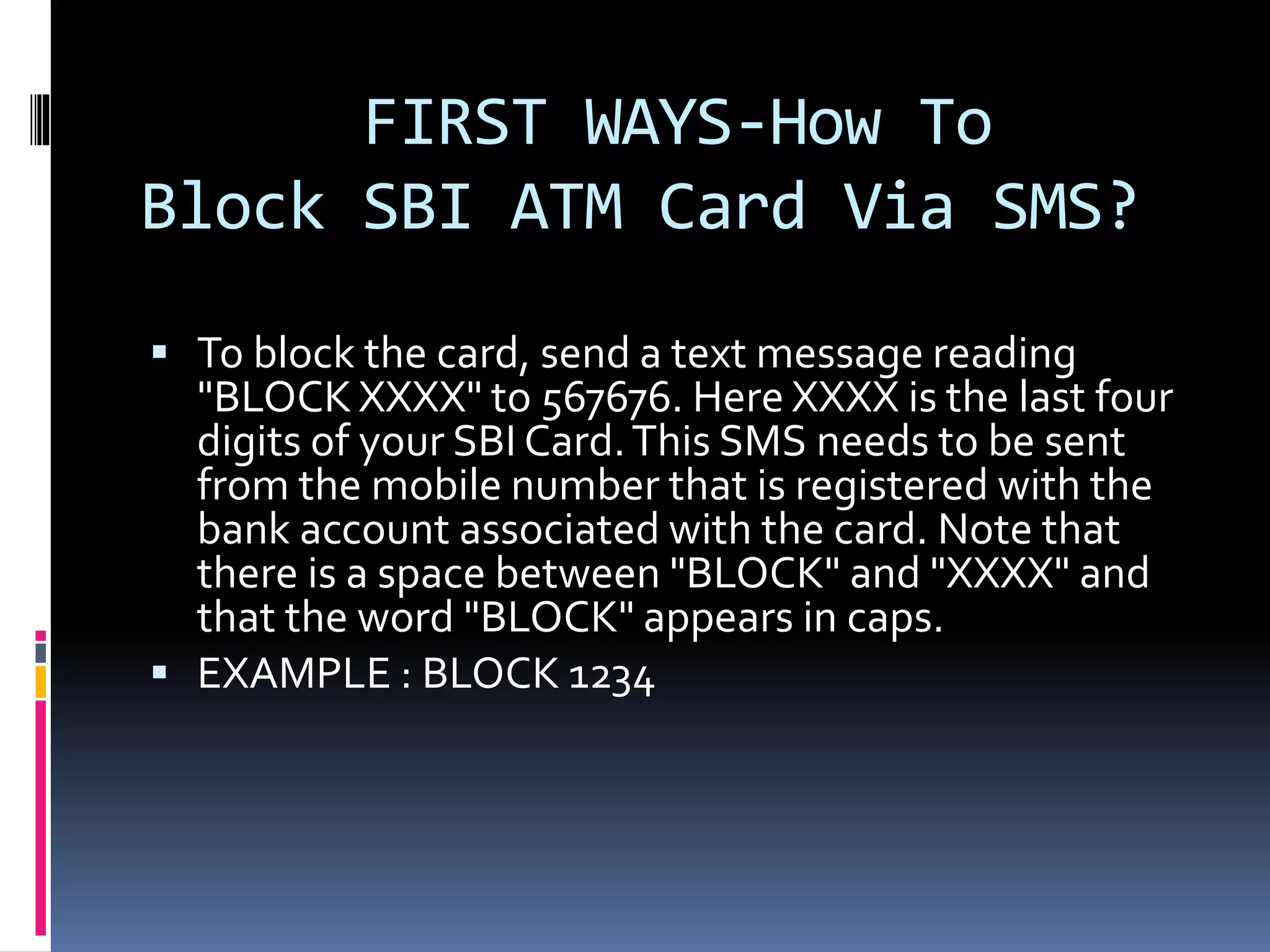
FIRST WAYS-How To
Block SBI ATM Card Via SMS?
 To block the card, send a text message reading
"BLOCK XXXX" to 567676. Here XXXX is the last four
digits of your SBI Card.This SMS needs to be sent
from the mobile number that is registered with the
bank account associated with the card. Note that
there is a space between "BLOCK" and "XXXX" and
that the word "BLOCK" appears in caps.
 EXAMPLE : BLOCK 1234
Second Way - How To Block
SBI ATM Card Via Phone Call?
 SBI has 24X7 helpline numbers that are
accessible via mobile as well as landline numbers
in India. Call any of these three helpline numbers
to raise a request to block an ATM card.
 1800 11 2211 (toll-free)
 1800 425 3800 (toll-free)
 080 2659 9990
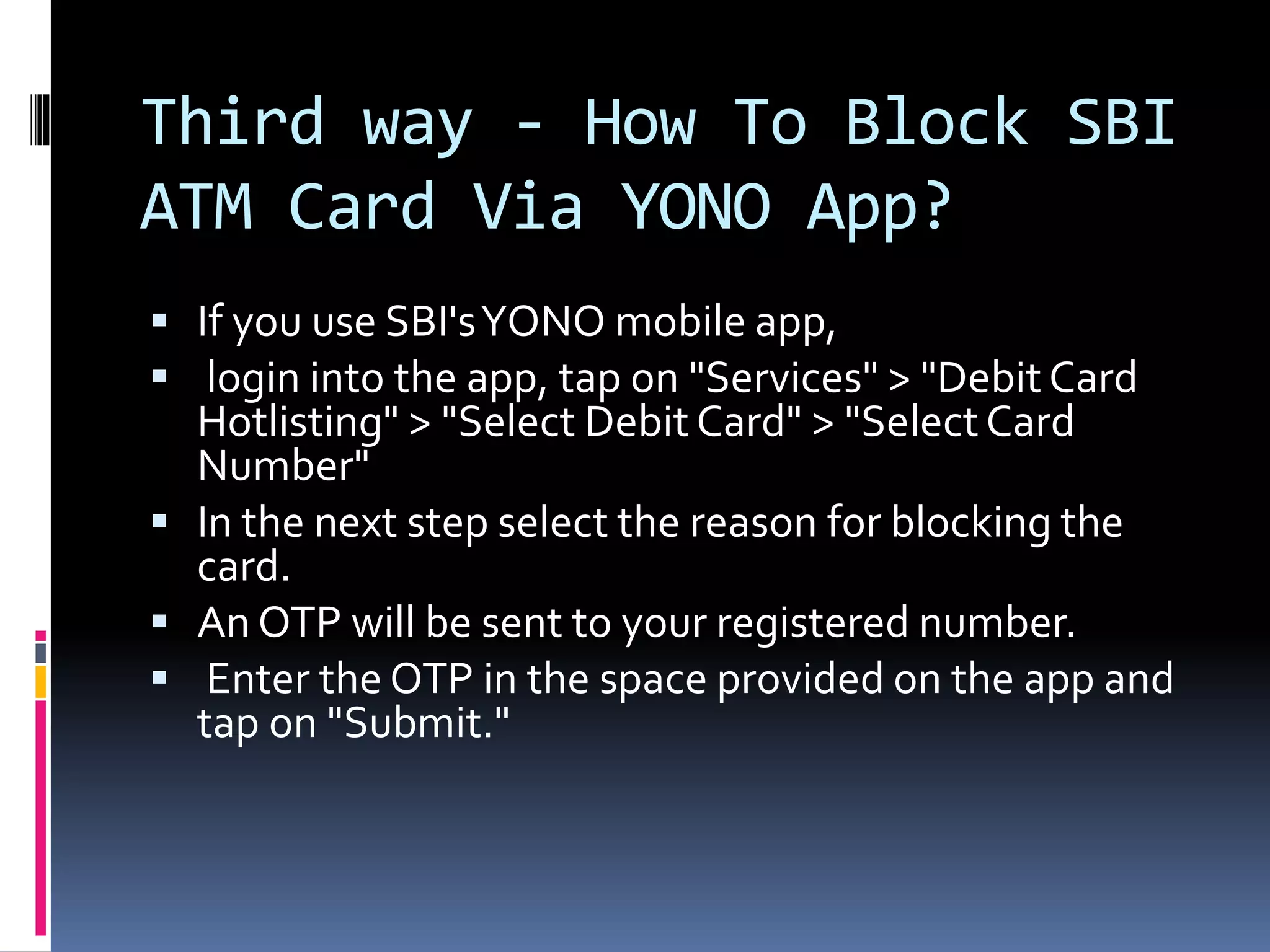
Third way - How To Block SBI
ATM Card Via YONO App?
 If you use SBI'sYONO mobile app,
 login into the app, tap on "Services" > "Debit Card
Hotlisting" > "Select Debit Card" > "SelectCard
Number"
 In the next step select the reason for blocking the
card.
 An OTP will be sent to your registered number.
 Enter the OTP in the space provided on the app and
tap on "Submit."
FOURTH WAY -BLOCK YOUR SBI
ATM CUM DEBIT CARD THROUGH
ONLINE SBI
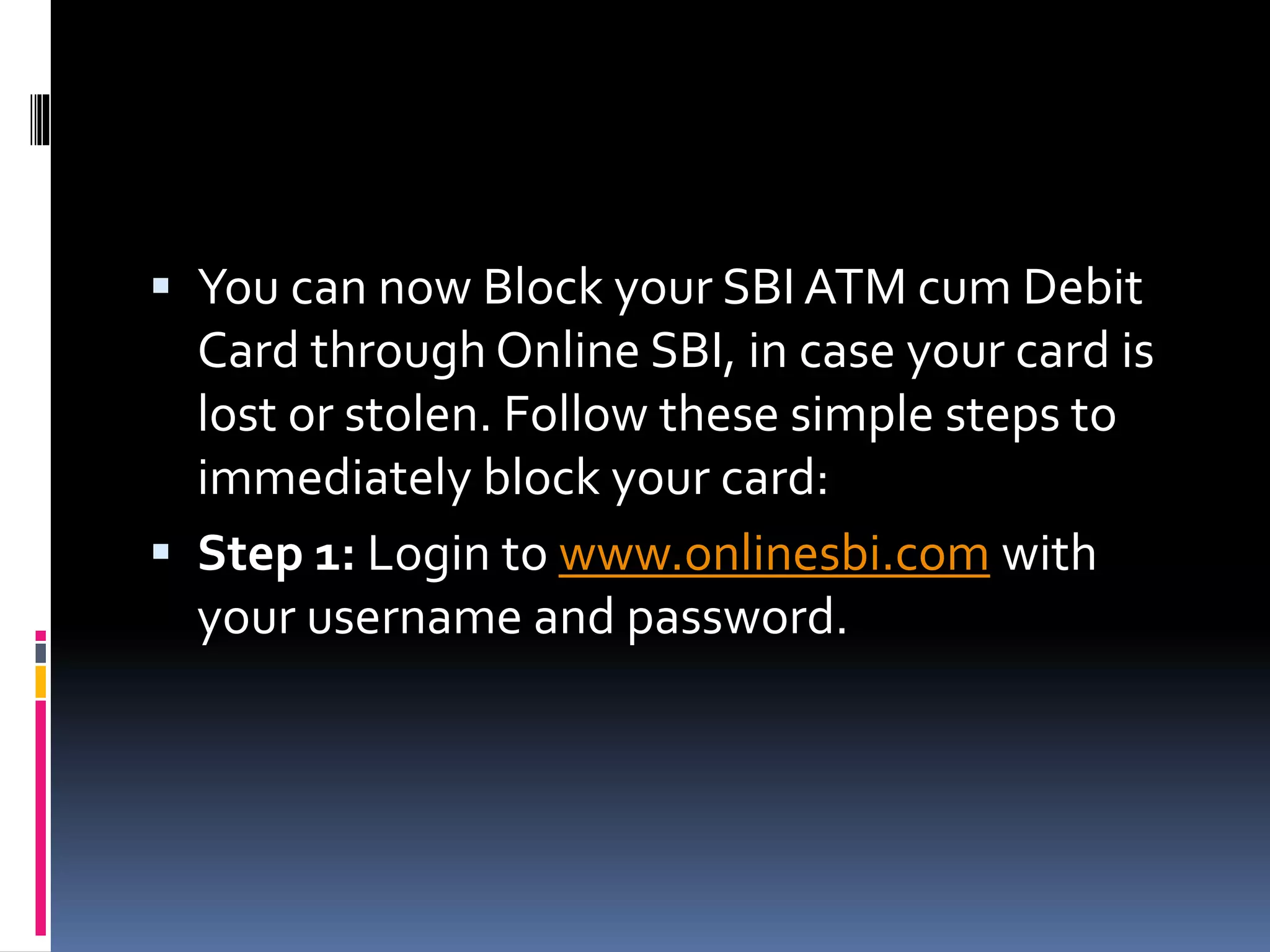
 You can now Block your SBI ATM cum Debit
Card through Online SBI, in case your card is
lost or stolen. Follow these simple steps to
immediately block your card:
 Step 1: Login to www.onlinesbi.com with
your username and password.
Step 2: Select "ATM Card
Services>Block ATM Card" link
under the "e-Services" tab.
Step 3: Select the Account,
under which you want to block
your ATM cum Debit Card.
 Step 4: All the Active and blocked cards will be
displayed.You will be shown the first 4 and last
4 digits of the card(s).
Step 5: Select the Card, you
wish to block and click
"Submit". Verify the details
and confirm
Step 6: Select the mode of
authentication as either SMS
OTP or Profile Password.
Step 7: On the next screen,
enter the OTP password
/Profile password as chosen
earlier and Click "Confirm".
Step 8: A success message
would be displayed with a
Ticket No. after successful
blocking of your ATM cum Debit
Card. Note this Ticket No. for
future reference.
Thanks For watching this
video
Please subscribe my channel
ANTIL TECH SOLUTION and
share this video .
Comment if getting any
problem

4 ways to block your sbi atm

  • 1.
    4 WAYS TOBLOCK YOUR SBI ATM/DEBIT CARD HowTo BLOC K SBIATM DEBIT CARD AFTER LOSSOR MISSPLACED
  • 2.
    A debit cardcan be misused by fraudsters whether or not you lose it. There have been instances of frauds even when the bank account holder is in possession of the physical card. If you have misplaced or lost your SBI ATM-cum-debit card or received a message about any malicious activity using the card, you need to immediately block it. The State Bank of India (SBI) allows its customers to block debit/ATM cards in multiple ways.
  • 3.
    FIRST WAYS-How To BlockSBI ATM Card Via SMS?  To block the card, send a text message reading "BLOCK XXXX" to 567676. Here XXXX is the last four digits of your SBI Card.This SMS needs to be sent from the mobile number that is registered with the bank account associated with the card. Note that there is a space between "BLOCK" and "XXXX" and that the word "BLOCK" appears in caps.  EXAMPLE : BLOCK 1234
  • 4.
    Second Way -How To Block SBI ATM Card Via Phone Call?  SBI has 24X7 helpline numbers that are accessible via mobile as well as landline numbers in India. Call any of these three helpline numbers to raise a request to block an ATM card.  1800 11 2211 (toll-free)  1800 425 3800 (toll-free)  080 2659 9990
  • 5.
    Third way -How To Block SBI ATM Card Via YONO App?  If you use SBI'sYONO mobile app,  login into the app, tap on "Services" > "Debit Card Hotlisting" > "Select Debit Card" > "SelectCard Number"  In the next step select the reason for blocking the card.  An OTP will be sent to your registered number.  Enter the OTP in the space provided on the app and tap on "Submit."
  • 6.
    FOURTH WAY -BLOCKYOUR SBI ATM CUM DEBIT CARD THROUGH ONLINE SBI
  • 7.
     You cannow Block your SBI ATM cum Debit Card through Online SBI, in case your card is lost or stolen. Follow these simple steps to immediately block your card:  Step 1: Login to www.onlinesbi.com with your username and password.
  • 8.
    Step 2: Select"ATM Card Services>Block ATM Card" link under the "e-Services" tab.
  • 9.
    Step 3: Selectthe Account, under which you want to block your ATM cum Debit Card.
  • 10.
     Step 4:All the Active and blocked cards will be displayed.You will be shown the first 4 and last 4 digits of the card(s).
  • 11.
    Step 5: Selectthe Card, you wish to block and click "Submit". Verify the details and confirm
  • 12.
    Step 6: Selectthe mode of authentication as either SMS OTP or Profile Password.
  • 13.
    Step 7: Onthe next screen, enter the OTP password /Profile password as chosen earlier and Click "Confirm".
  • 14.
    Step 8: Asuccess message would be displayed with a Ticket No. after successful blocking of your ATM cum Debit Card. Note this Ticket No. for future reference.
  • 15.
    Thanks For watchingthis video Please subscribe my channel ANTIL TECH SOLUTION and share this video . Comment if getting any problem