3 Best Practices for
Implementing Project
Portfolio Management on
SharePoint
YOUR PRESENTER:
Scott Footlik, Customer
Success Architect
WEBINAR HOST:
Marian Manning
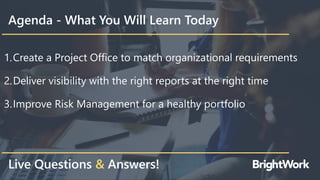
Agenda - What You Will Learn Today
1.Create a Project Office to match organizational requirements
2.Deliver visibility with the right reports at the right time
3.Improve Risk Management for a healthy portfolio
Live Questions & Answers!
EXECUTIVE SUMMARY
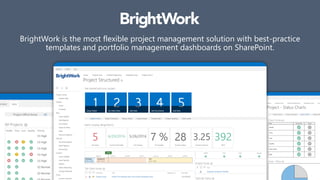
BrightWork is the most flexible project management solution with best-practice
templates and portfolio management dashboards on SharePoint.
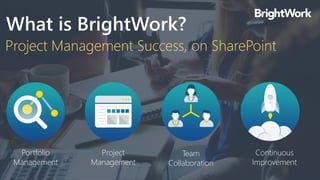
Portfolio
Management
Project Management Success, on SharePoint
What is BrightWork?
Project
Management
Team
Collaboration
Continuous
Improvement
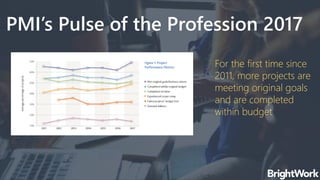
PMI’s Pulse of the Profession 2017
For the first time since
2011, more projects are
meeting original goals
and are completed
within budget
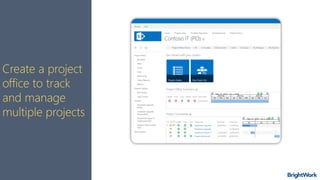
Create a Project Office
Match organizational requirements
Create a project
office to track
and manage
multiple projects
Deliver Visibility
Use the right reports at the right time
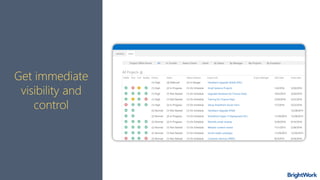
Get immediate
visibility and
control
Easily review the status of your portfolio and individual
projects
Portfolio Reports
Project Reports
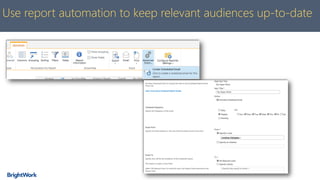
Use report automation to keep relevant audiences up-to-date
Improve Risk Management
Keep your portfolio healthy and on track
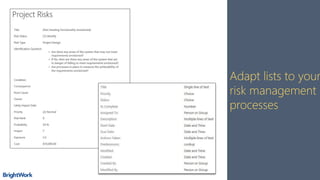
Adapt lists to your
risk management
processes
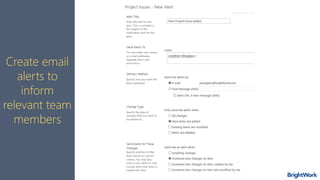
Alerts
Create email
alerts to
inform
relevant team
members
Alerts
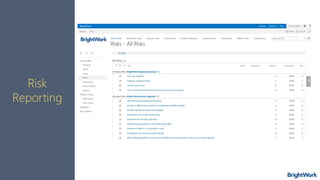
Risk
Reporting
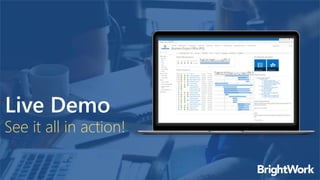
See it all in action!
Live Demo
THANK YOU FOR ATTENDING!
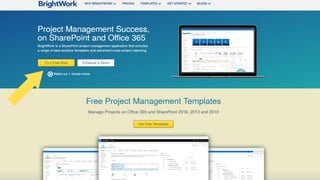
Try BrightWork Now! It’s on us – free for 30 days!
ASK QUESTIONS NOW!

3 Best Practices for Implementing Project Portfolio Management on SharePoint