16th Annual Heartland Regional
Council of the IMA Educational
Conference
September 21, 2016
MS Excel: How to Stand Out as an
Accounting Professional
PRESENTATION
http://bit.ly/stand-out-pres
EXCEL WORKBOOK
http://bit.ly/stand-out-excel
Handouts
• Overview – So How Do You Set Yourself Apart?
▫ Data & analytics!
• Data Analysis – Excel “Hot” Areas of Knowledge
▫ Tables
▫ LOOKUP functions
▫ Pivot Tables
▫ Automation with macros
▫ Reporting
 User Navigation / Interface
 Dynamic
Topics
• This is NOT a “how to” session
• Rather, focus on how these concepts CONNECT – &
why they’re meaningful.
• We will work from a basic data set (sales data from
Apple, Inc.)
▫ Get data
▫ Manipulate & structure data
▫ Analysis of the data as we start to shape what we want to
see
▫ Basic presentation of the data
▫ Lastly, ideas on how to automate key tasks to simplify for
others (and YOU!)
How we will do this…
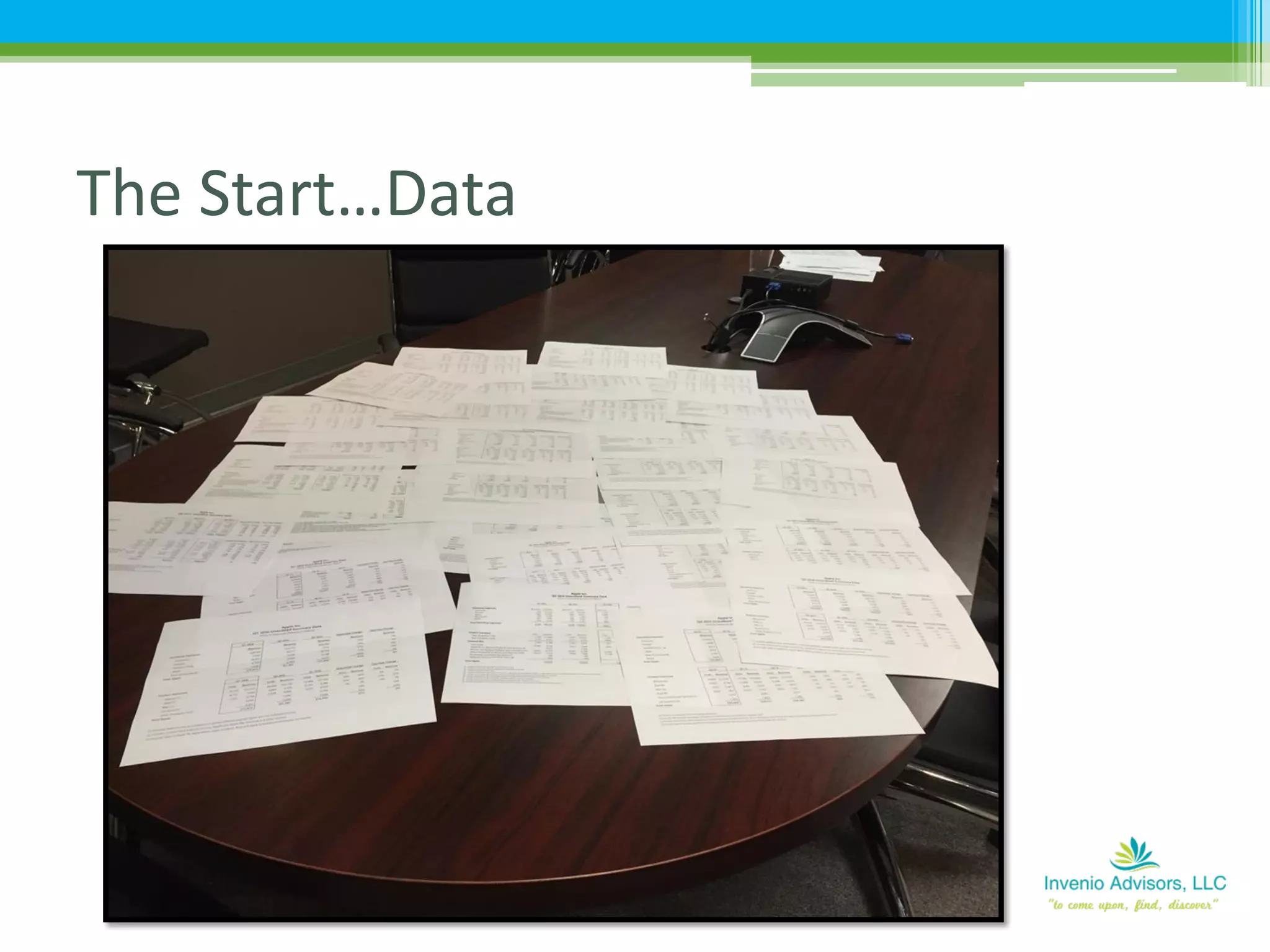
The Start…Data
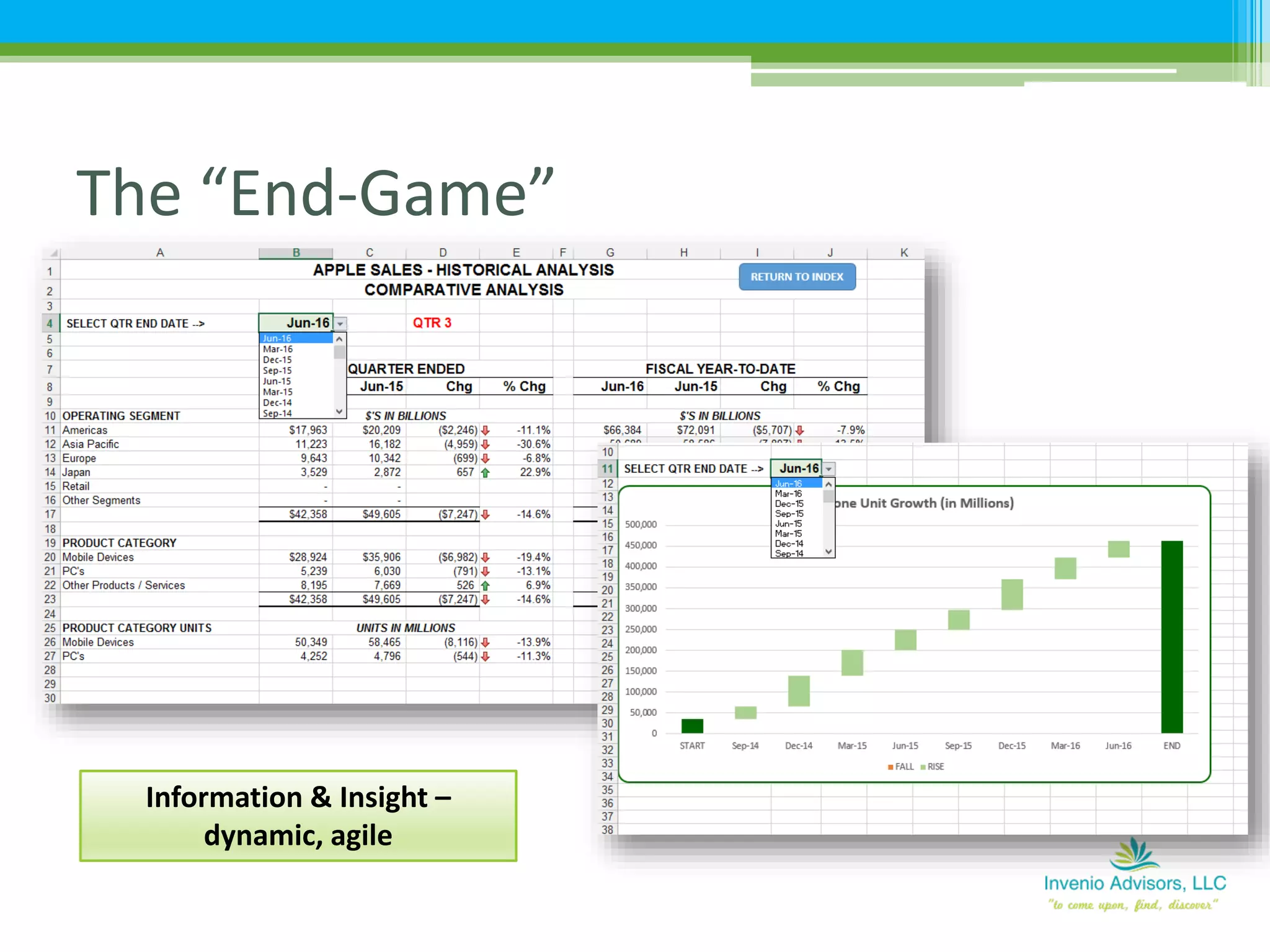
The “End-Game”
Information & Insight –
dynamic, agile
DATA
Again…
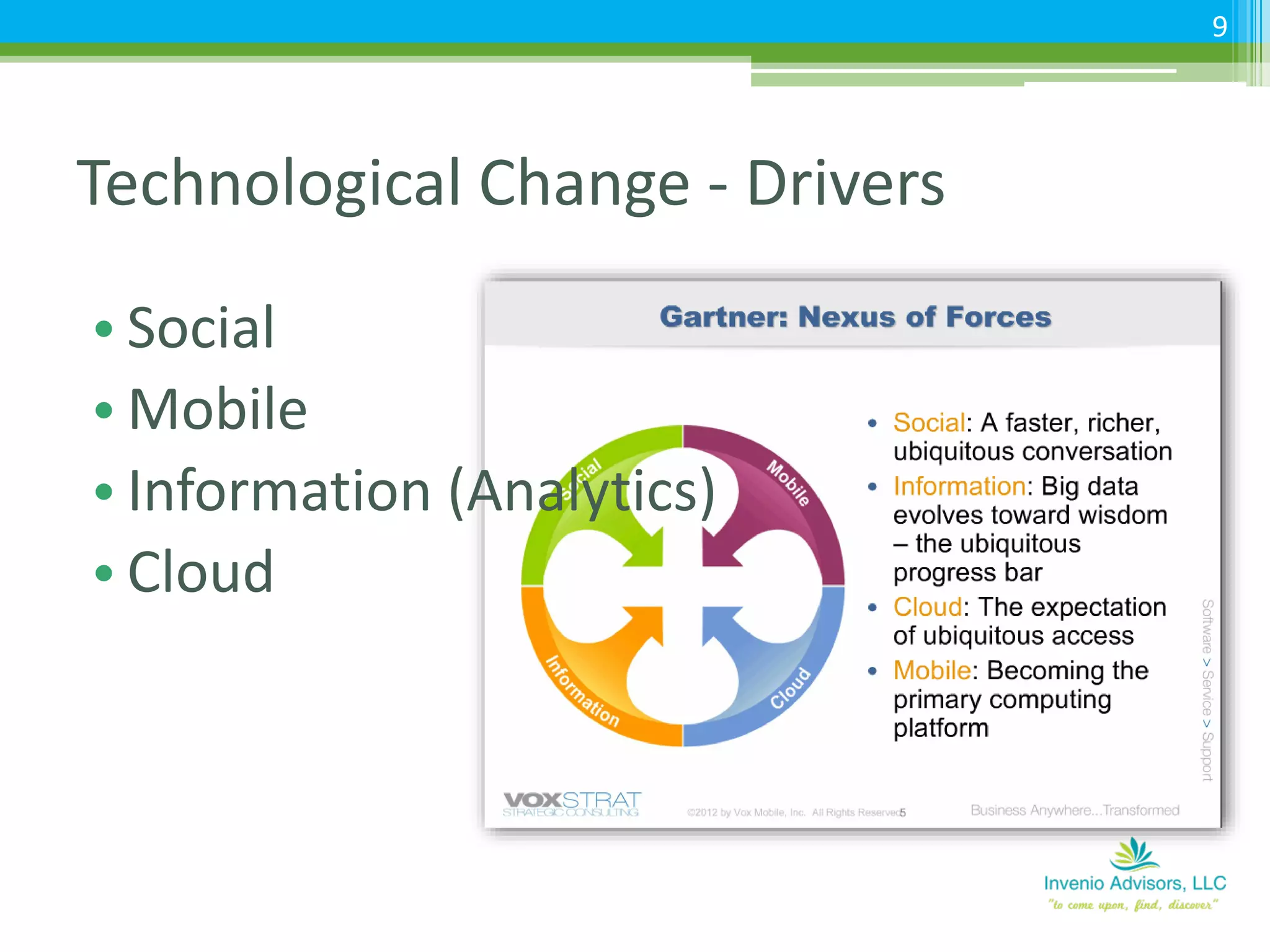
Technological Change - Drivers
• Social
• Mobile
• Information (Analytics)
• Cloud
9
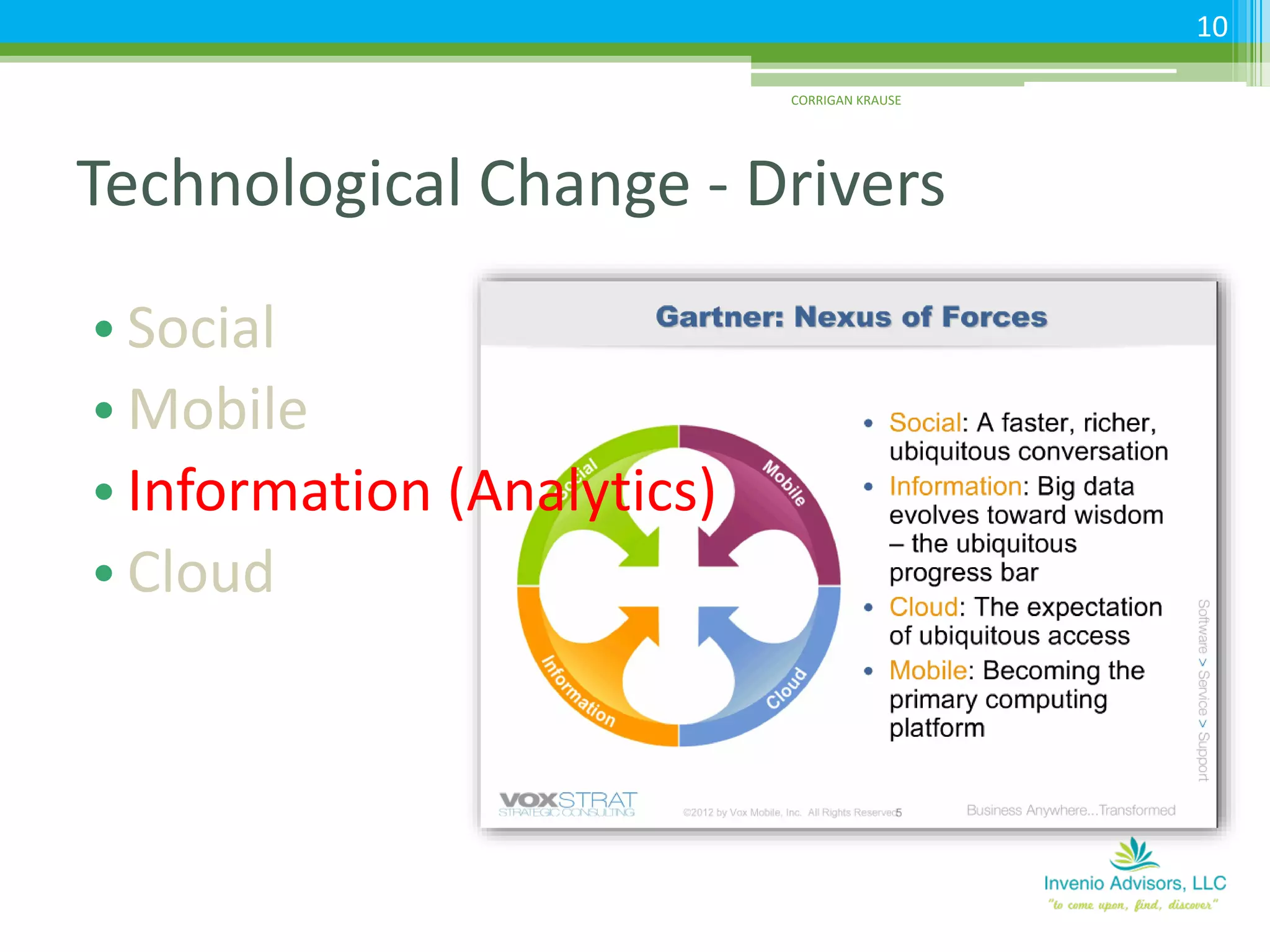
Technological Change - Drivers
• Social
• Mobile
• Information (Analytics)
• Cloud
CORRIGAN KRAUSE
10
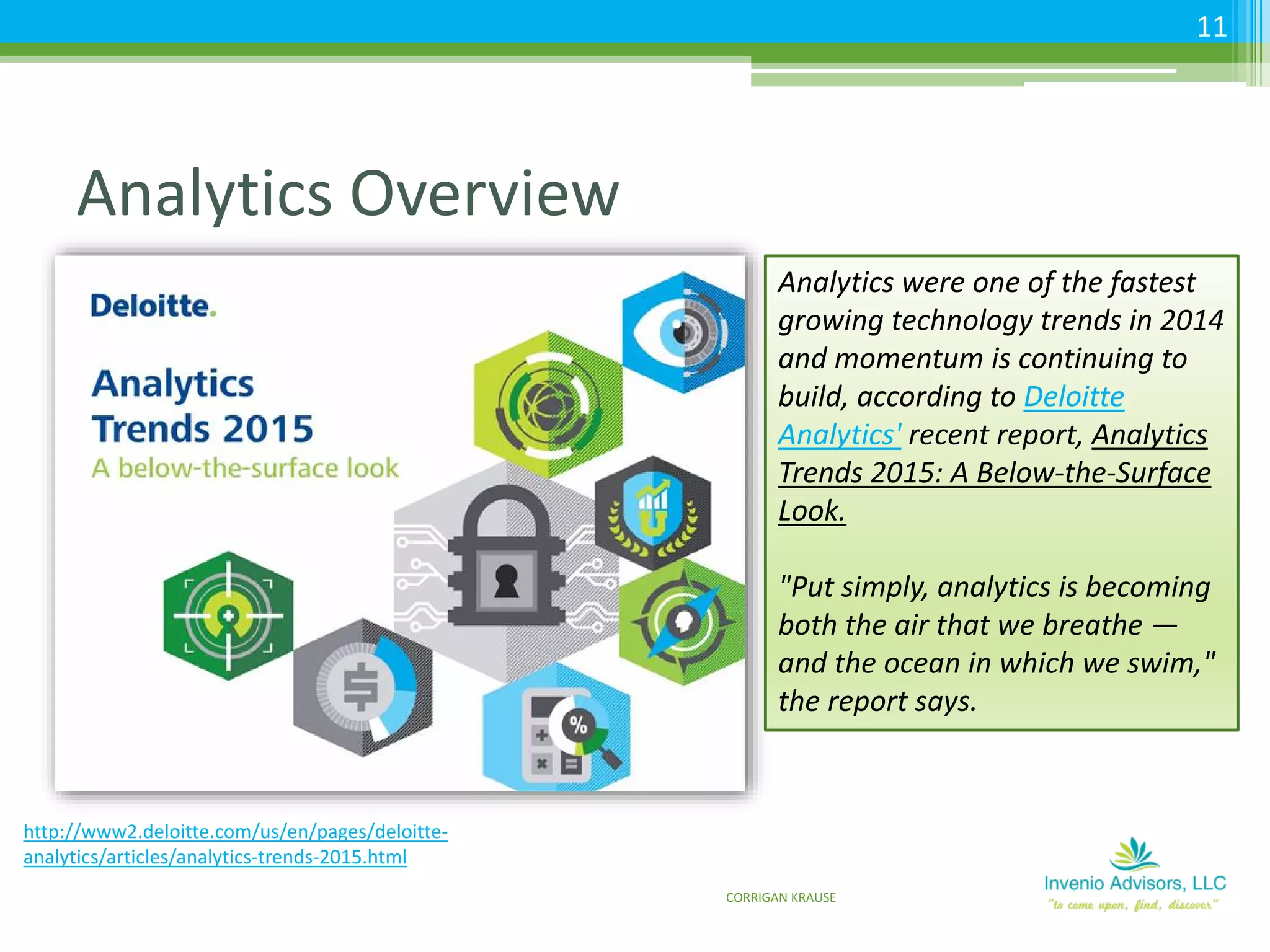
Analytics Overview
11
http://www2.deloitte.com/us/en/pages/deloitte-
analytics/articles/analytics-trends-2015.html
Analytics were one of the fastest
growing technology trends in 2014
and momentum is continuing to
build, according to Deloitte
Analytics' recent report, Analytics
Trends 2015: A Below-the-Surface
Look.
"Put simply, analytics is becoming
both the air that we breathe —
and the ocean in which we swim,"
the report says.
CORRIGAN KRAUSE
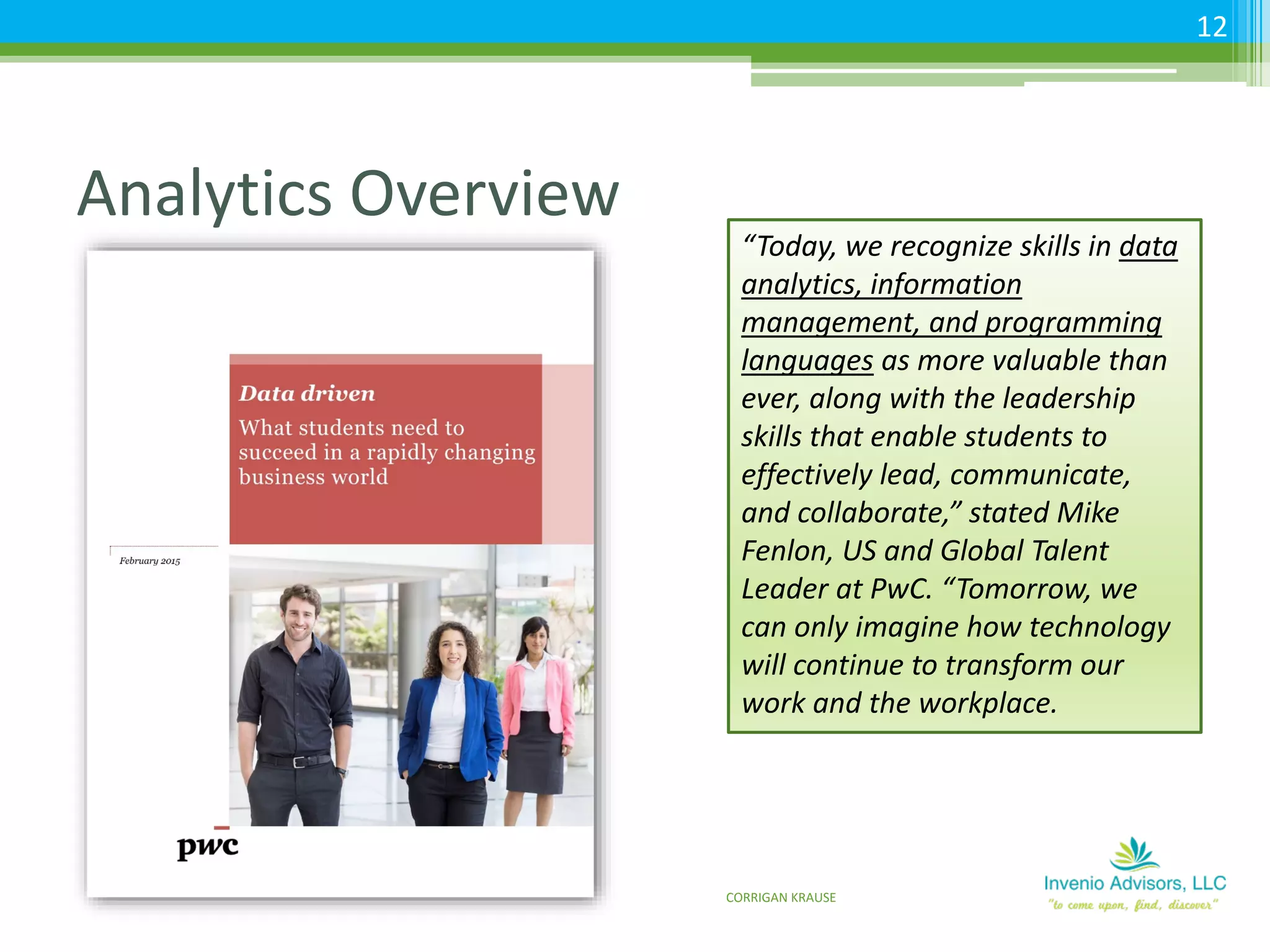
Analytics Overview
12
“Today, we recognize skills in data
analytics, information
management, and programming
languages as more valuable than
ever, along with the leadership
skills that enable students to
effectively lead, communicate,
and collaborate,” stated Mike
Fenlon, US and Global Talent
Leader at PwC. “Tomorrow, we
can only imagine how technology
will continue to transform our
work and the workplace.
CORRIGAN KRAUSE
Analytics Overview
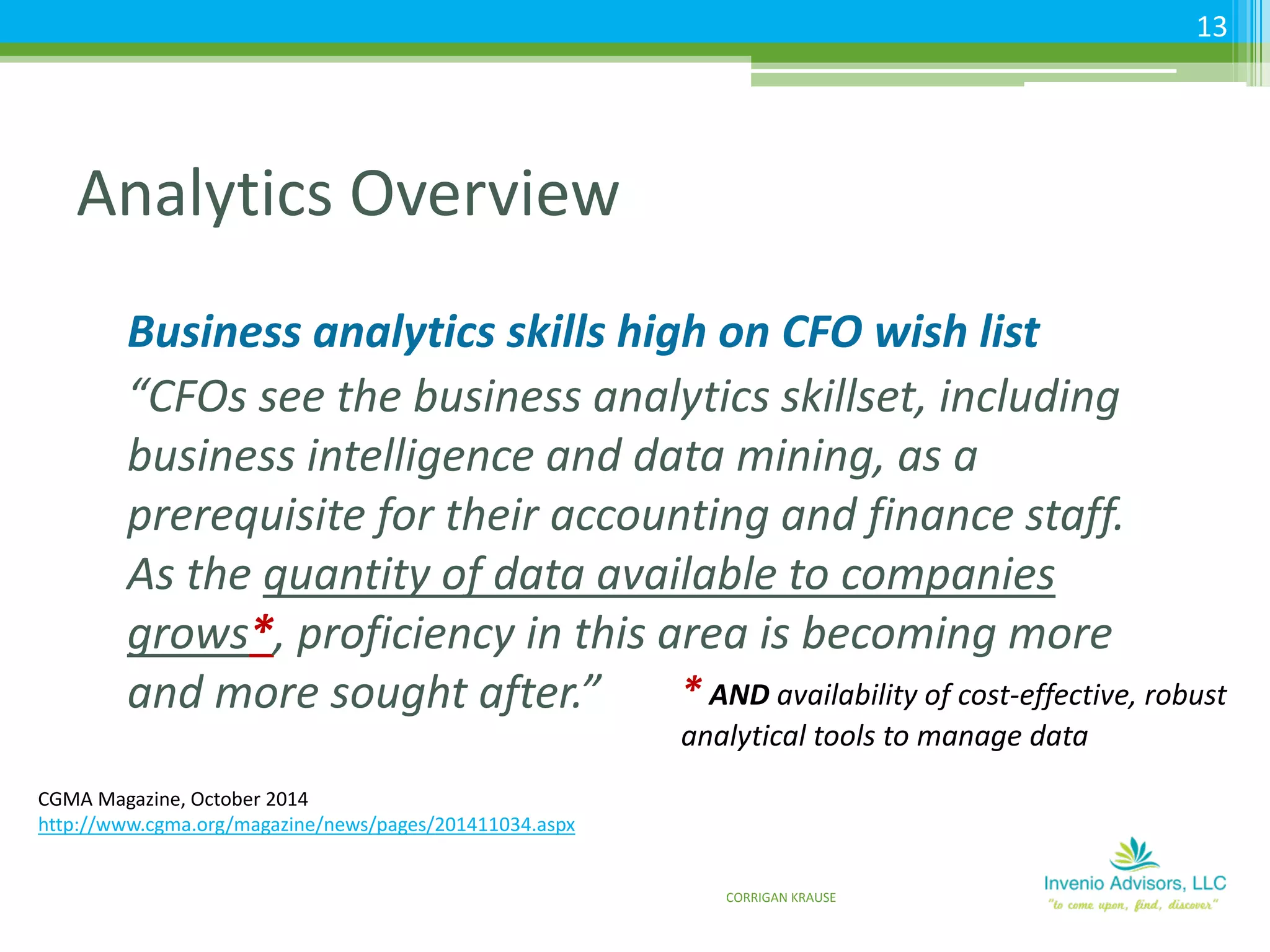
Business analytics skills high on CFO wish list
“CFOs see the business analytics skillset, including
business intelligence and data mining, as a
prerequisite for their accounting and finance staff.
As the quantity of data available to companies
grows*, proficiency in this area is becoming more
and more sought after.”
CGMA Magazine, October 2014
http://www.cgma.org/magazine/news/pages/201411034.aspx
* AND availability of cost-effective, robust
analytical tools to manage data
CORRIGAN KRAUSE
13
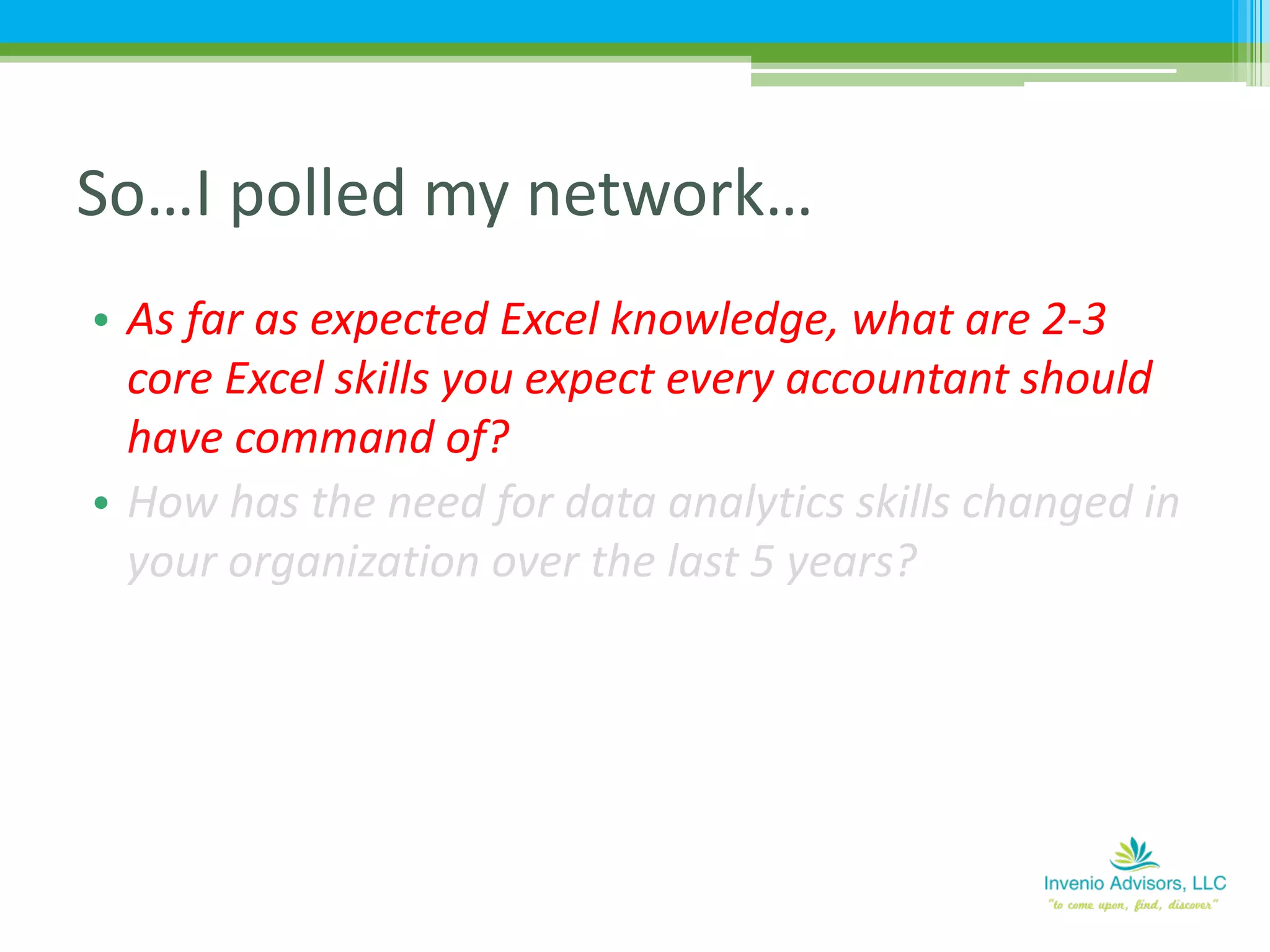
• As far as expected Excel knowledge, what are 2-3
core Excel skills you expect every accountant should
have command of?
• How has the need for data analytics skills changed in
your organization over the last 5 years?
So…I polled my network…
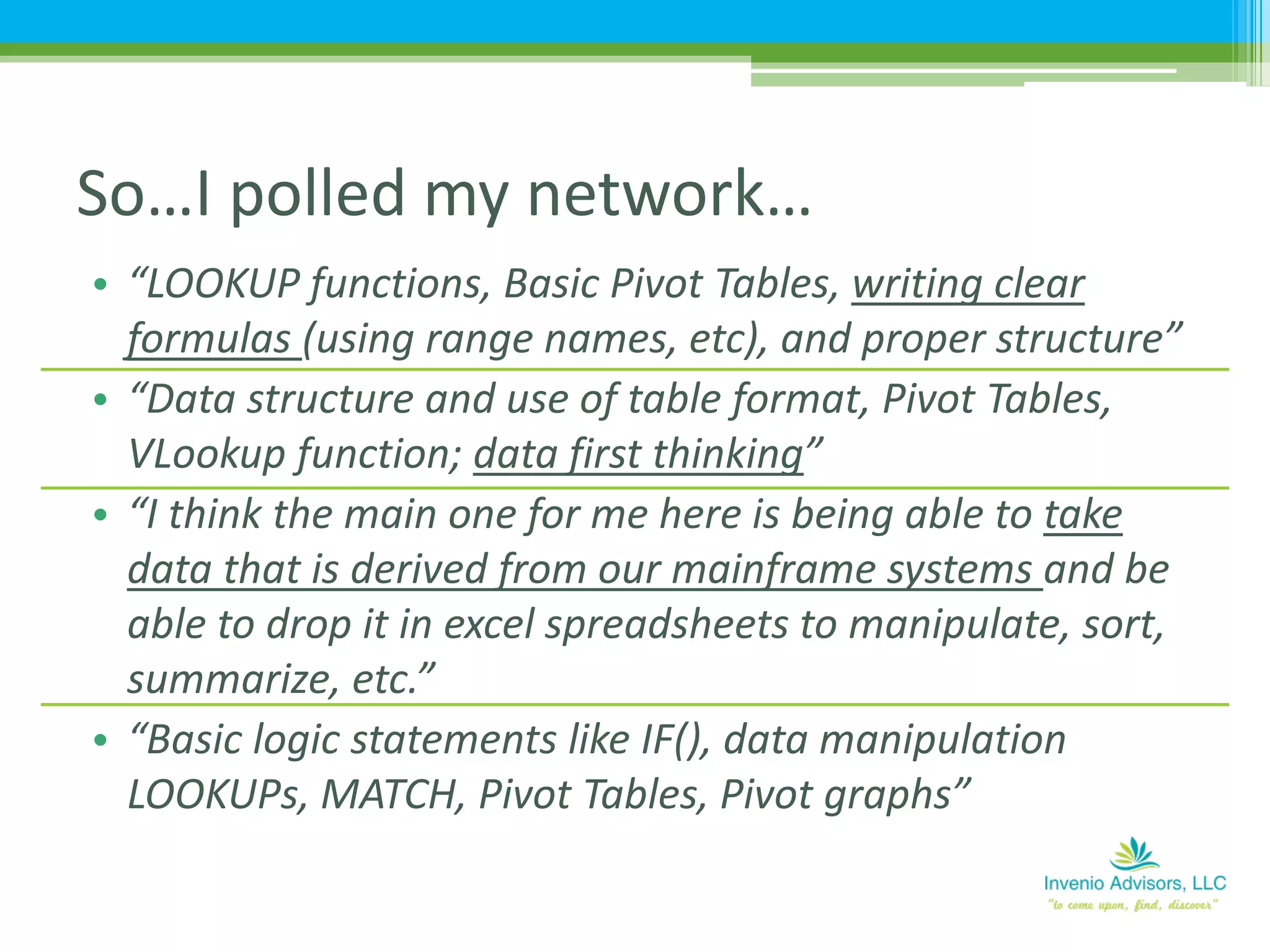
• “LOOKUP functions, Basic Pivot Tables, writing clear
formulas (using range names, etc), and proper structure”
• “Data structure and use of table format, Pivot Tables,
VLookup function; data first thinking”
• “I think the main one for me here is being able to take
data that is derived from our mainframe systems and be
able to drop it in excel spreadsheets to manipulate, sort,
summarize, etc.”
• “Basic logic statements like IF(), data manipulation
LOOKUPs, MATCH, Pivot Tables, Pivot graphs”
So…I polled my network…
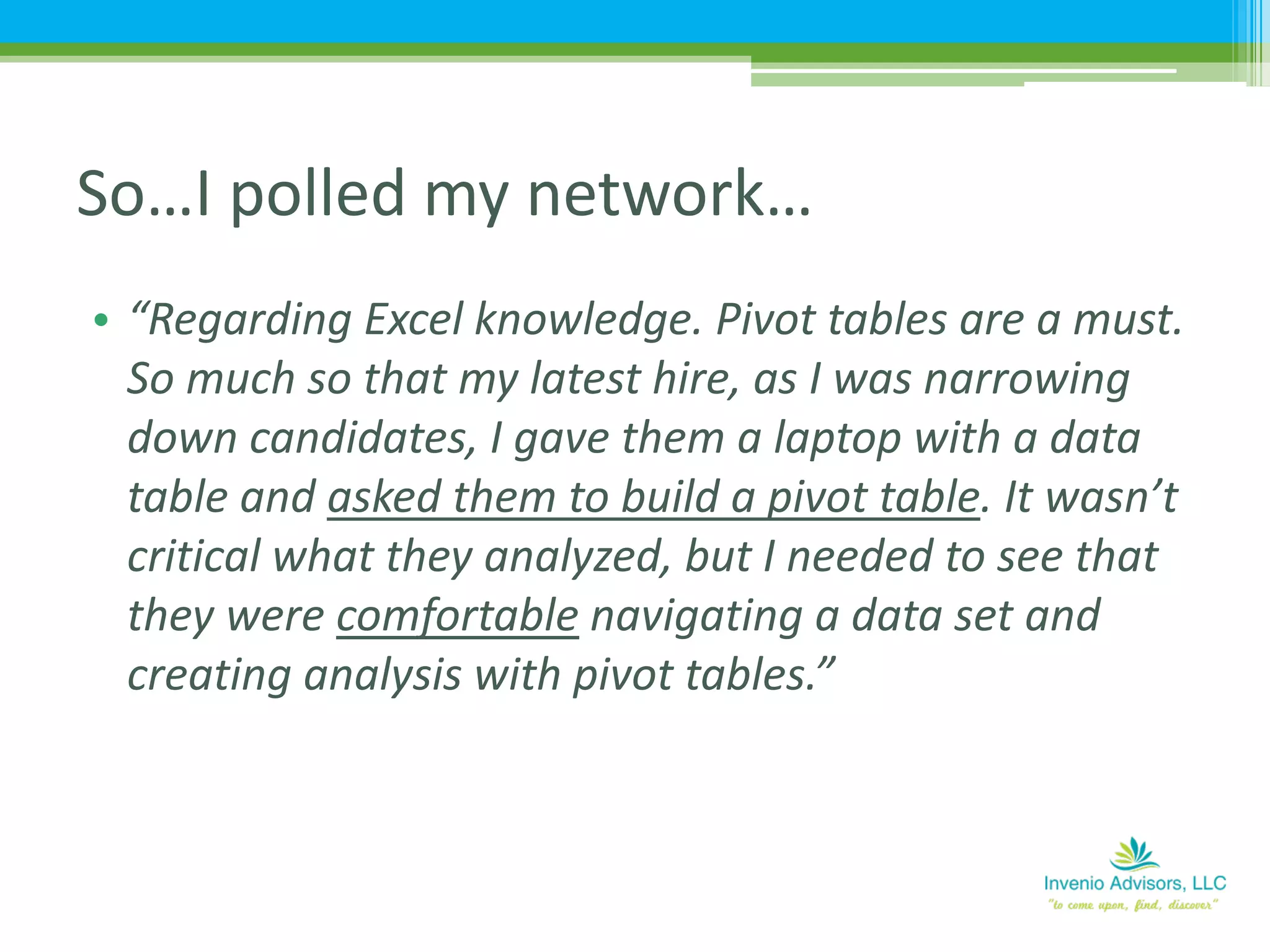
• “Regarding Excel knowledge. Pivot tables are a must.
So much so that my latest hire, as I was narrowing
down candidates, I gave them a laptop with a data
table and asked them to build a pivot table. It wasn’t
critical what they analyzed, but I needed to see that
they were comfortable navigating a data set and
creating analysis with pivot tables.”
So…I polled my network…
• As far as expected Excel knowledge, what are 2-3
core Excel skills you expect every accountant should
have command of?
• How has the need for data analytics skills changed in
your organization over the last 5 years?
So…I polled my network…
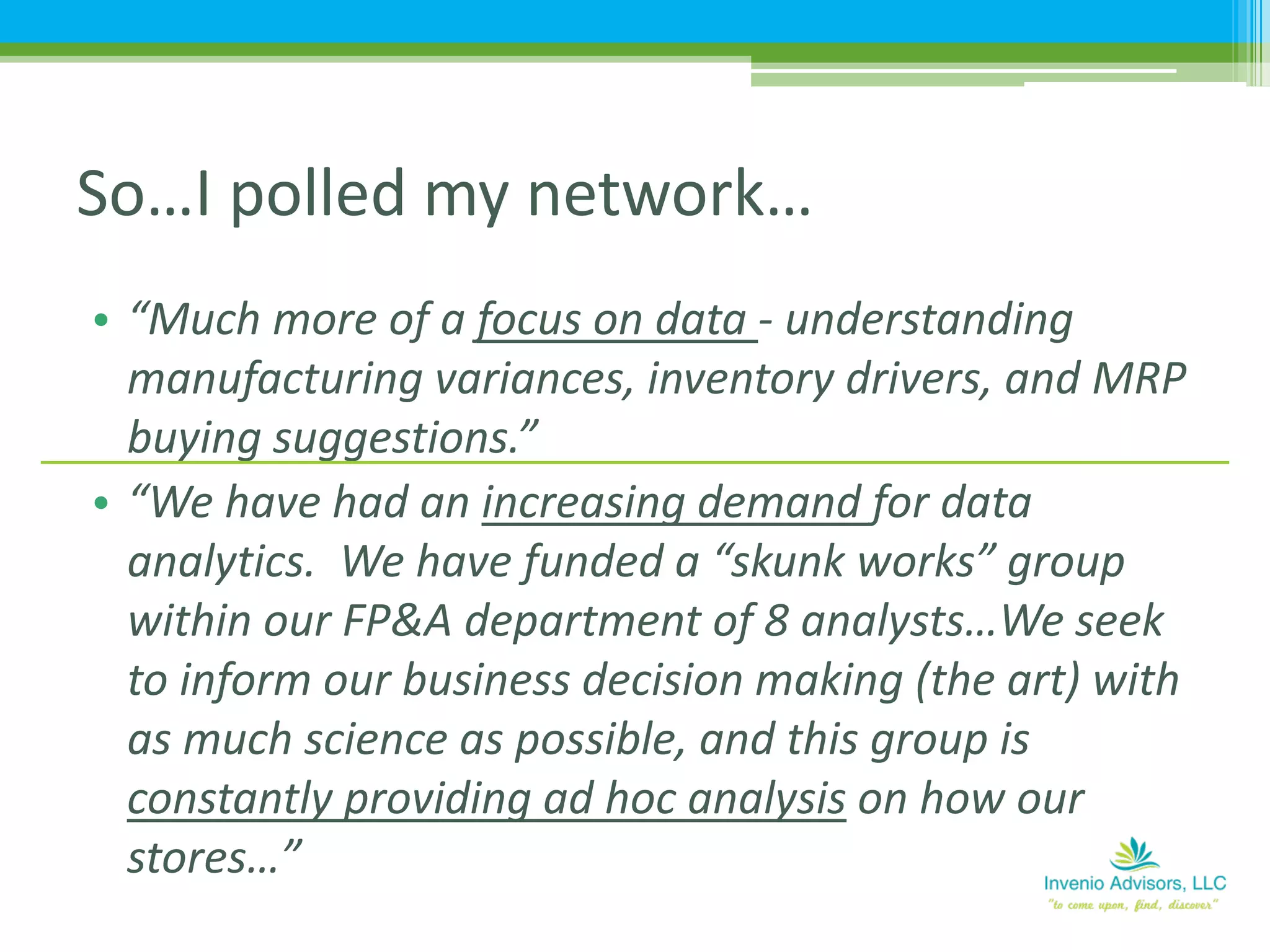
• “Much more of a focus on data - understanding
manufacturing variances, inventory drivers, and MRP
buying suggestions.”
• “We have had an increasing demand for data
analytics. We have funded a “skunk works” group
within our FP&A department of 8 analysts…We seek
to inform our business decision making (the art) with
as much science as possible, and this group is
constantly providing ad hoc analysis on how our
stores…”
So…I polled my network…
• “A ton. We are getting exponentially more data out
of the POS system and we are choking on how to
present it visually/effectively and keep it current.”
• “5 years is ages ago…times are moving so fast and
the ability to manipulate large data sets, to glean
meaningful insight, is critically important. And this is
not simply executing with the tools (Excel), but
developing the ability to independently think big
picture. Must commit to developing in this manner as
fabric of a professional.”
So…I polled my network…
So, Why Excel?
• “No single tool is as universally holstered in the
tool belts of digital analysts as Microsoft Excel.
While it’s neither an advanced BI tool nor the most
robust data visualization platform on the market,
it is a robust, multi-purpose data extraction, data
exploration, and data visualization environment.”
20
http://analyticsdemystified.com/excel-tips/announcing-
excel-excel-digital-analysts-5112016-chicago/
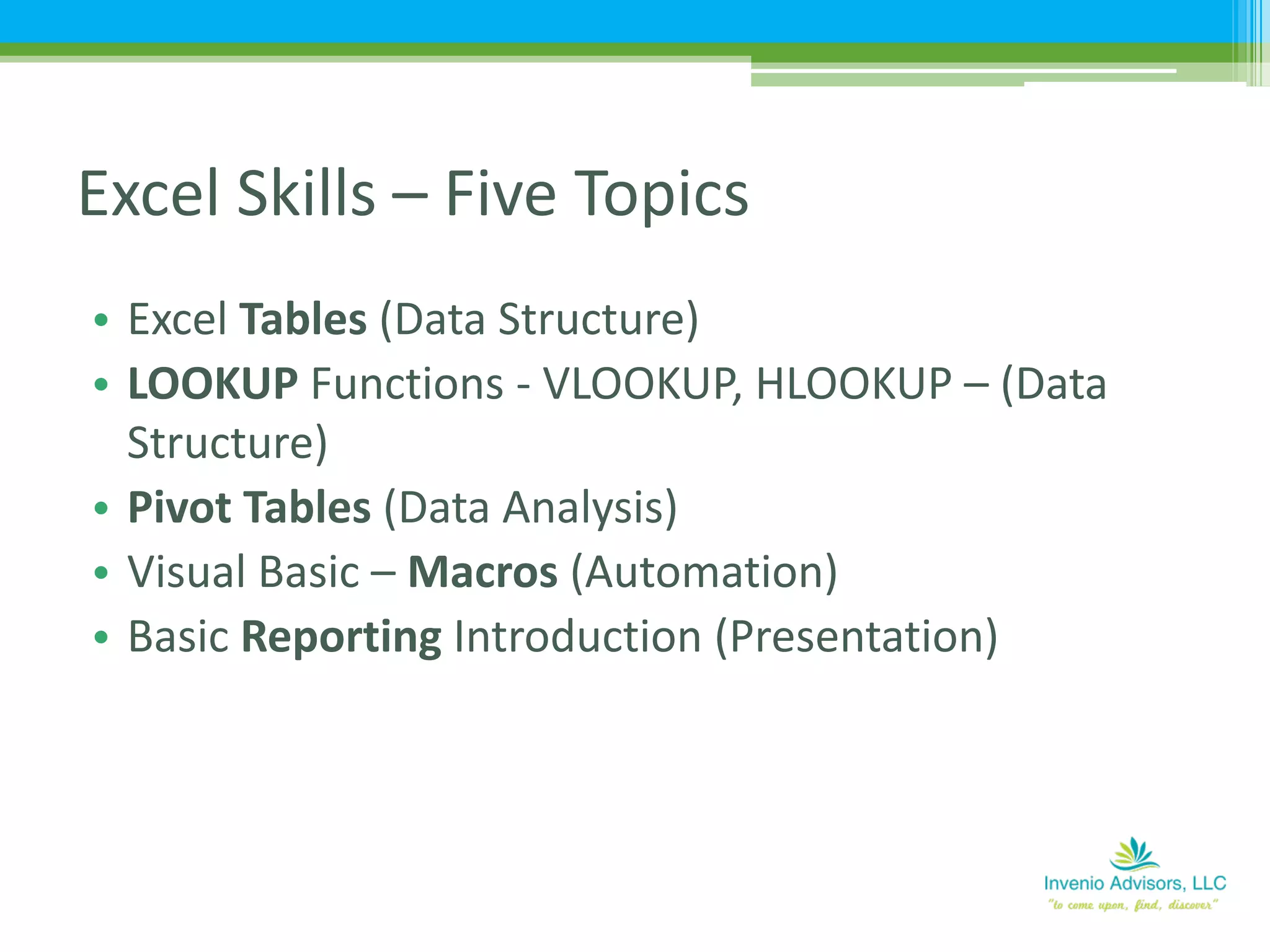
• Excel Tables (Data Structure)
• LOOKUP Functions - VLOOKUP, HLOOKUP – (Data
Structure)
• Pivot Tables (Data Analysis)
• Visual Basic – Macros (Automation)
• Basic Reporting Introduction (Presentation)
Excel Skills – Five Topics
REVIEW INDEX PAGE
Spreadsheet Review
• Foundation of data structure for analysis purposes
• Benefits of Excel Tables:
▫ “Excel Tables: Overlooked, Yet Awesome”
▫ “Want to become a Data God? Learn Excel Data
Tables”
Excel Data Tables (Data Structure)
• Automatic data filters and sort options
• Formulas “Structured” references vs cell references
• Auto-fill formulas
• No need to freeze headers to keep column
references
• Dynamic range (updates as new records are added)
• Auto expansion of table as data is added
• Auto summing and calculations on table totals
Key Features of Excel Data Tables
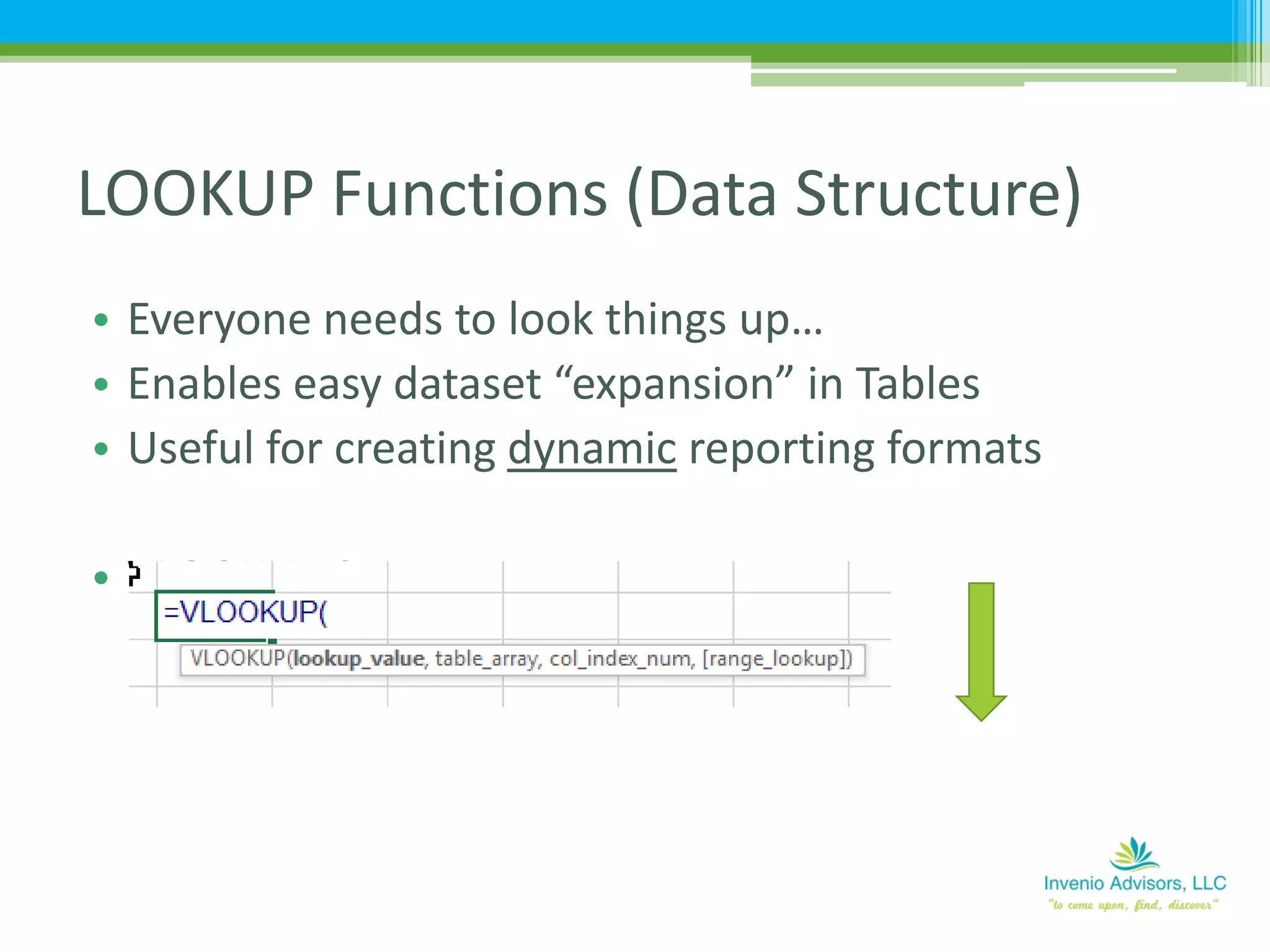
• Everyone needs to look things up…
• Enables easy dataset “expansion” in Tables
• Useful for creating dynamic reporting formats
• VLOOKUP Syntax
LOOKUP Functions (Data Structure)
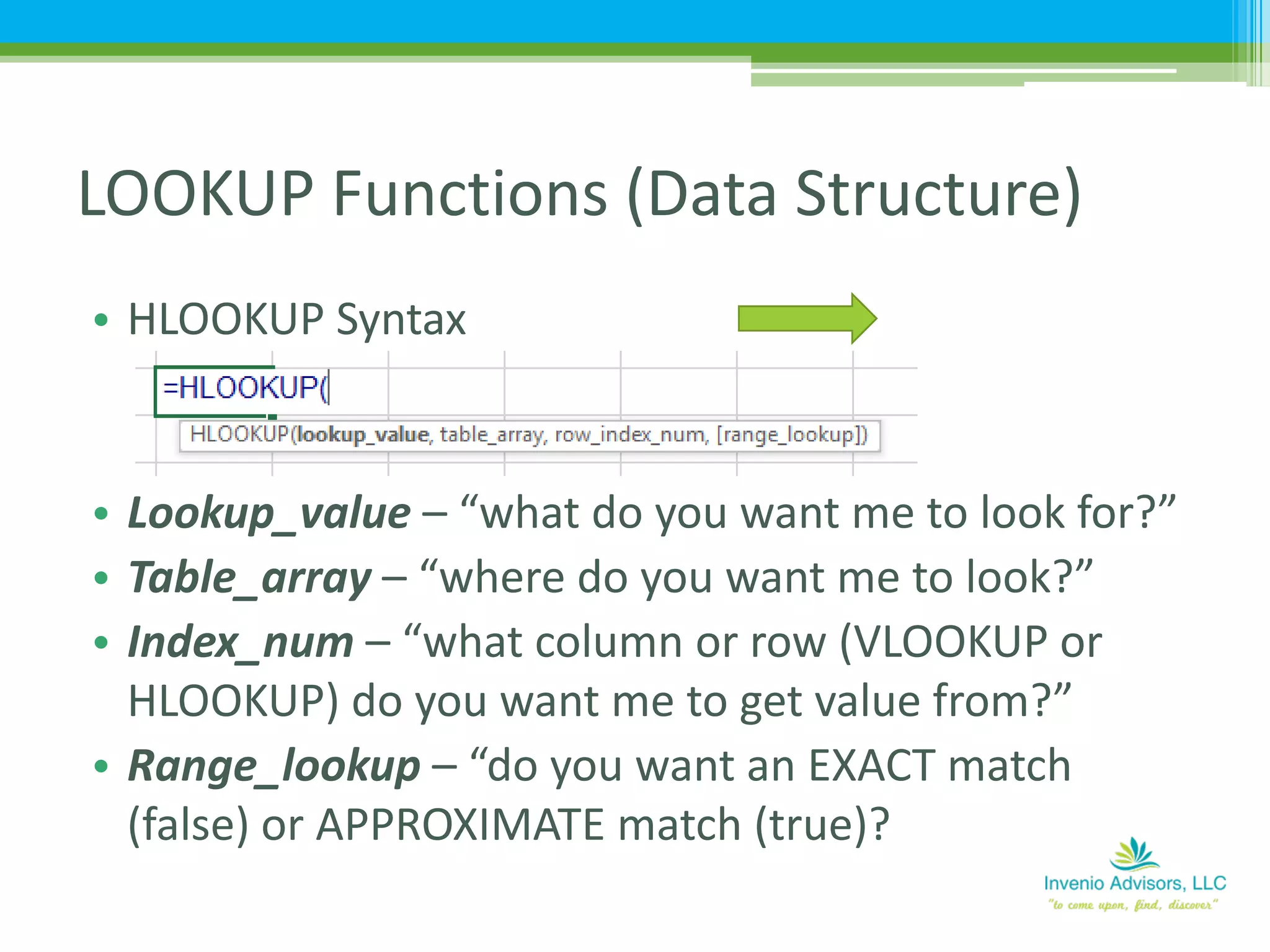
• HLOOKUP Syntax
• Lookup_value – “what do you want me to look for?”
• Table_array – “where do you want me to look?”
• Index_num – “what column or row (VLOOKUP or
HLOOKUP) do you want me to get value from?”
• Range_lookup – “do you want an EXACT match
(false) or APPROXIMATE match (true)?
LOOKUP Functions (Data Structure)
• Here are a couple of videos to help!
▫ “Excel Lookup Series #1: VLOOKUP Function 1st
Example” (07:57)
▫ “VLOOKUP Function Beginner to Advanced 26
Examples: How To Use Excel VLOOKUP Function”
(1:08:02)
LOOKUP Functions (Data Structure)
Source: ExcelIsFun YouTube channel
Pivot Tables (Data Analysis)
http://bit.ly/2cO7cy1
• Do not be intimidated by macros!
• Ask yourself…
▫ What do I do repeatedly?
▫ What processes take time that might be able to be
automated?
▫ IF others are going to use this file, how can I help them
by reducing steps required to use?
• I don’t understand VBA…GOOGLE IT!
• BUT, be careful of over-automation…
Basic Macros Introduction
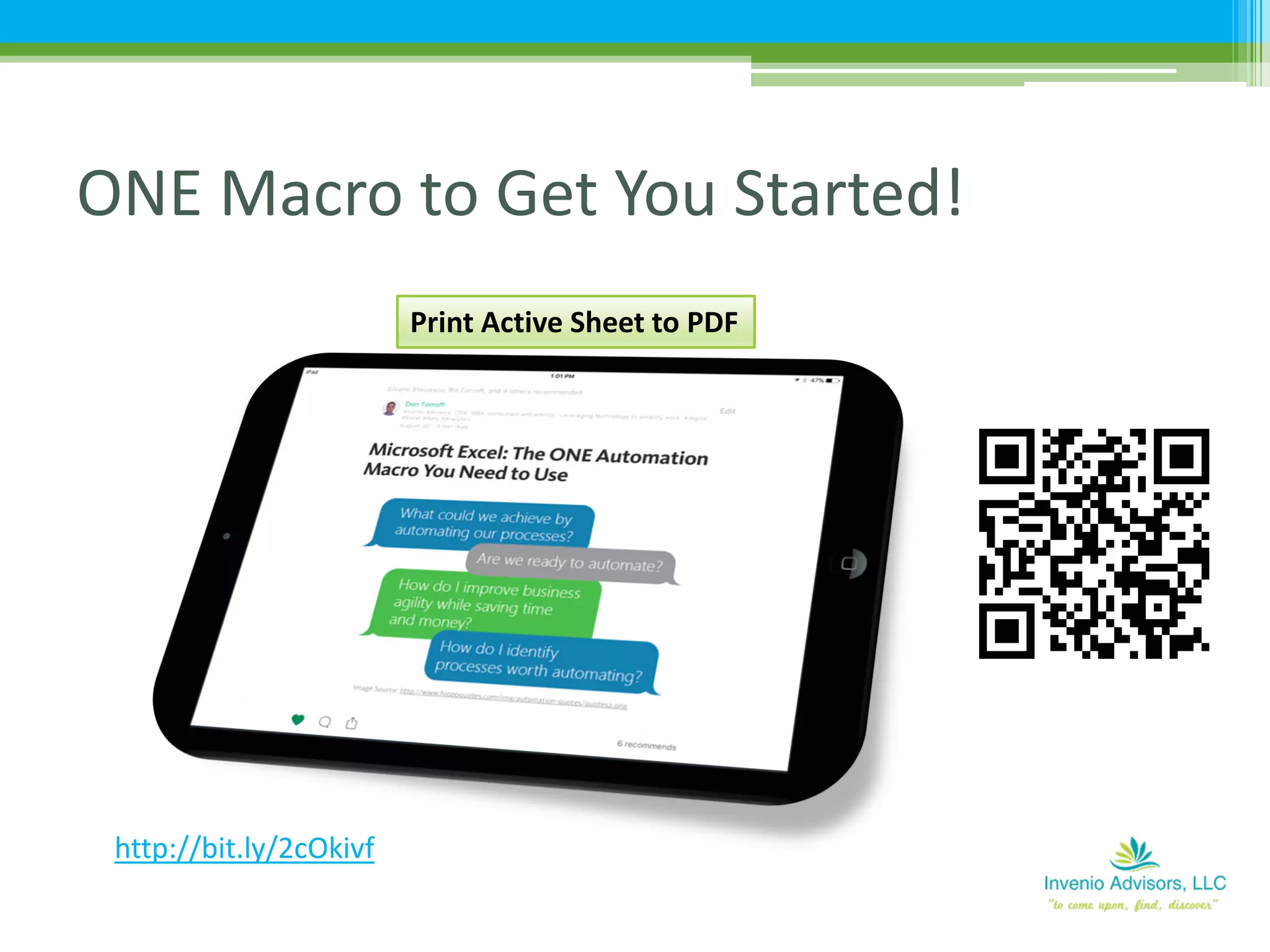
ONE Macro to Get You Started!
http://bit.ly/2cOkivf
Print Active Sheet to PDF
• Presentation is CRITICAL – great detail with lousy
presentation = perceived lousy work
• Pivot Tables are not presentation “worthy”
▫ But they are great for providing data to the reports
• Thus, use pivot tables as data sources via use of
LOOKUP functions
• Consider dynamic reporting (user driven updating)
• Visualizations
• Mobile!
Reporting (Presentation)
• Search the web
▫ “Don Tomoff, Invenio Advisors”
• Flipboard magazines -
https://flipboard.com/@dtomoff
Find Don…
Thank you!

2016 0921 IMA MO-Stand-Out (Handout)

  • 1.
    16th Annual HeartlandRegional Council of the IMA Educational Conference September 21, 2016 MS Excel: How to Stand Out as an Accounting Professional
  • 2.
  • 3.
    • Overview –So How Do You Set Yourself Apart? ▫ Data & analytics! • Data Analysis – Excel “Hot” Areas of Knowledge ▫ Tables ▫ LOOKUP functions ▫ Pivot Tables ▫ Automation with macros ▫ Reporting  User Navigation / Interface  Dynamic Topics
  • 4.
    • This isNOT a “how to” session • Rather, focus on how these concepts CONNECT – & why they’re meaningful. • We will work from a basic data set (sales data from Apple, Inc.) ▫ Get data ▫ Manipulate & structure data ▫ Analysis of the data as we start to shape what we want to see ▫ Basic presentation of the data ▫ Lastly, ideas on how to automate key tasks to simplify for others (and YOU!) How we will do this…
  • 5.
  • 6.
    The “End-Game” Information &Insight – dynamic, agile
  • 7.
  • 9.
    Technological Change -Drivers • Social • Mobile • Information (Analytics) • Cloud 9
  • 10.
    Technological Change -Drivers • Social • Mobile • Information (Analytics) • Cloud CORRIGAN KRAUSE 10
  • 11.
    Analytics Overview 11 http://www2.deloitte.com/us/en/pages/deloitte- analytics/articles/analytics-trends-2015.html Analytics wereone of the fastest growing technology trends in 2014 and momentum is continuing to build, according to Deloitte Analytics' recent report, Analytics Trends 2015: A Below-the-Surface Look. "Put simply, analytics is becoming both the air that we breathe — and the ocean in which we swim," the report says. CORRIGAN KRAUSE
  • 12.
    Analytics Overview 12 “Today, werecognize skills in data analytics, information management, and programming languages as more valuable than ever, along with the leadership skills that enable students to effectively lead, communicate, and collaborate,” stated Mike Fenlon, US and Global Talent Leader at PwC. “Tomorrow, we can only imagine how technology will continue to transform our work and the workplace. CORRIGAN KRAUSE
  • 13.
    Analytics Overview Business analyticsskills high on CFO wish list “CFOs see the business analytics skillset, including business intelligence and data mining, as a prerequisite for their accounting and finance staff. As the quantity of data available to companies grows*, proficiency in this area is becoming more and more sought after.” CGMA Magazine, October 2014 http://www.cgma.org/magazine/news/pages/201411034.aspx * AND availability of cost-effective, robust analytical tools to manage data CORRIGAN KRAUSE 13
  • 14.
    • As faras expected Excel knowledge, what are 2-3 core Excel skills you expect every accountant should have command of? • How has the need for data analytics skills changed in your organization over the last 5 years? So…I polled my network…
  • 15.
    • “LOOKUP functions,Basic Pivot Tables, writing clear formulas (using range names, etc), and proper structure” • “Data structure and use of table format, Pivot Tables, VLookup function; data first thinking” • “I think the main one for me here is being able to take data that is derived from our mainframe systems and be able to drop it in excel spreadsheets to manipulate, sort, summarize, etc.” • “Basic logic statements like IF(), data manipulation LOOKUPs, MATCH, Pivot Tables, Pivot graphs” So…I polled my network…
  • 16.
    • “Regarding Excelknowledge. Pivot tables are a must. So much so that my latest hire, as I was narrowing down candidates, I gave them a laptop with a data table and asked them to build a pivot table. It wasn’t critical what they analyzed, but I needed to see that they were comfortable navigating a data set and creating analysis with pivot tables.” So…I polled my network…
  • 17.
    • As faras expected Excel knowledge, what are 2-3 core Excel skills you expect every accountant should have command of? • How has the need for data analytics skills changed in your organization over the last 5 years? So…I polled my network…
  • 18.
    • “Much moreof a focus on data - understanding manufacturing variances, inventory drivers, and MRP buying suggestions.” • “We have had an increasing demand for data analytics. We have funded a “skunk works” group within our FP&A department of 8 analysts…We seek to inform our business decision making (the art) with as much science as possible, and this group is constantly providing ad hoc analysis on how our stores…” So…I polled my network…
  • 19.
    • “A ton.We are getting exponentially more data out of the POS system and we are choking on how to present it visually/effectively and keep it current.” • “5 years is ages ago…times are moving so fast and the ability to manipulate large data sets, to glean meaningful insight, is critically important. And this is not simply executing with the tools (Excel), but developing the ability to independently think big picture. Must commit to developing in this manner as fabric of a professional.” So…I polled my network…
  • 20.
    So, Why Excel? •“No single tool is as universally holstered in the tool belts of digital analysts as Microsoft Excel. While it’s neither an advanced BI tool nor the most robust data visualization platform on the market, it is a robust, multi-purpose data extraction, data exploration, and data visualization environment.” 20 http://analyticsdemystified.com/excel-tips/announcing- excel-excel-digital-analysts-5112016-chicago/
  • 22.
    • Excel Tables(Data Structure) • LOOKUP Functions - VLOOKUP, HLOOKUP – (Data Structure) • Pivot Tables (Data Analysis) • Visual Basic – Macros (Automation) • Basic Reporting Introduction (Presentation) Excel Skills – Five Topics
  • 23.
  • 24.
    • Foundation ofdata structure for analysis purposes • Benefits of Excel Tables: ▫ “Excel Tables: Overlooked, Yet Awesome” ▫ “Want to become a Data God? Learn Excel Data Tables” Excel Data Tables (Data Structure)
  • 25.
    • Automatic datafilters and sort options • Formulas “Structured” references vs cell references • Auto-fill formulas • No need to freeze headers to keep column references • Dynamic range (updates as new records are added) • Auto expansion of table as data is added • Auto summing and calculations on table totals Key Features of Excel Data Tables
  • 26.
    • Everyone needsto look things up… • Enables easy dataset “expansion” in Tables • Useful for creating dynamic reporting formats • VLOOKUP Syntax LOOKUP Functions (Data Structure)
  • 27.
    • HLOOKUP Syntax •Lookup_value – “what do you want me to look for?” • Table_array – “where do you want me to look?” • Index_num – “what column or row (VLOOKUP or HLOOKUP) do you want me to get value from?” • Range_lookup – “do you want an EXACT match (false) or APPROXIMATE match (true)? LOOKUP Functions (Data Structure)
  • 28.
    • Here area couple of videos to help! ▫ “Excel Lookup Series #1: VLOOKUP Function 1st Example” (07:57) ▫ “VLOOKUP Function Beginner to Advanced 26 Examples: How To Use Excel VLOOKUP Function” (1:08:02) LOOKUP Functions (Data Structure) Source: ExcelIsFun YouTube channel
  • 29.
    Pivot Tables (DataAnalysis) http://bit.ly/2cO7cy1
  • 30.
    • Do notbe intimidated by macros! • Ask yourself… ▫ What do I do repeatedly? ▫ What processes take time that might be able to be automated? ▫ IF others are going to use this file, how can I help them by reducing steps required to use? • I don’t understand VBA…GOOGLE IT! • BUT, be careful of over-automation… Basic Macros Introduction
  • 31.
    ONE Macro toGet You Started! http://bit.ly/2cOkivf Print Active Sheet to PDF
  • 32.
    • Presentation isCRITICAL – great detail with lousy presentation = perceived lousy work • Pivot Tables are not presentation “worthy” ▫ But they are great for providing data to the reports • Thus, use pivot tables as data sources via use of LOOKUP functions • Consider dynamic reporting (user driven updating) • Visualizations • Mobile! Reporting (Presentation)
  • 33.
    • Search theweb ▫ “Don Tomoff, Invenio Advisors” • Flipboard magazines - https://flipboard.com/@dtomoff Find Don… Thank you!