<Insert Picture Here>


                                     11g LIVE!!!!!!!
Presenters
Steve Williamson – Oracle Marketing Director

Barry Matthews & Martin Lambert
Business Development Managers – Oracle Database Advanced Technologies
Oracle Database 11g Release 2
             Specific Areas of Cost Reduction & Goals

             • Reduce hardware capital costs by factor of 5x
             • Improve performance by at least 10x
             • Reduce storage costs by factor of 12x
             • Eliminate downtime AND unused redundancy
             • Considerably simplify your software portfolio
             • Raise DBA productivity by at least 2x
             • Reduce upgrade costs by a factor of 4x


© 2010 Oracle Corporation
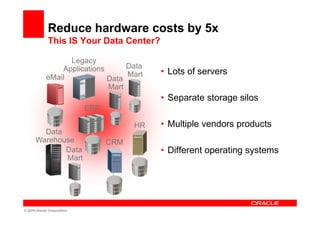
Reduce hardware costs by 5x
             This IS Your Data Center?

                  Legacy
                Applications      Data
                                  Mart       • Lots of servers
            eMail            Data
                             Mart
                                             • Separate storage silos
                            ERP

                                        HR   • Multiple vendors products
        Data
      Warehouse                   CRM
             Data                            • Different operating systems
             Mart


© 2010 Oracle Corporation
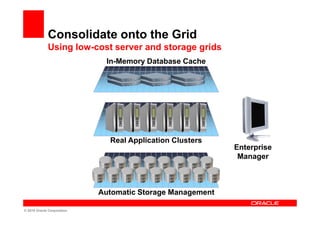
Consolidate onto the Grid
             Using low-cost server and storage grids
                             In-Memory Database Cache


                              Real Application Clusters
                                                           Enterprise
                                                            Manager


                            Automatic Storage Management

© 2010 Oracle Corporation
Improve performance by at least 10x
             Oracle Database 11g Release 2

             • Newer Intel Xeon Chipsets are very fast
                   – Currently only available in commodity class machines
                   – Only RAC enable customers to uptake them
             • In Memory Database Cache offloads processing to
               the middle tier, removes latency – 10x performance
               improvement for OLTP
             • Oracle Exadata and Oracle Database Machine
               offloads processing to the storage, improve Data
               Warehousing performance by at least 10x


© 2010 Oracle Corporation
Reduce storage costs by factor of 12x
              Oracle Database 11g Release 2

              • Use ASM and ACFS to reduce storage management
                operations and the need to license volume
                management software
              • Partition data onto different storage tiers to lower
                storage costs
              • Compress all data
                    – Active OLTP data – 2-4x compression
                    – Archived data – 15-50x compression with Exadata
                    – Data warehousing – 10x compression with Exadata


© 2010 Oracle Corporation – Proprietary and Confidential
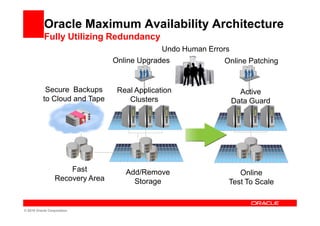
Oracle Maximum Availability Architecture
           Fully Utilizing Redundancy
                                              Undo Human Errors
                                 Online Upgrades              Online Patching


            Secure Backups        Real Application                Active
           to Cloud and Tape         Clusters                   Data Guard


                     Fast           Add/Remove                    Online
                 Recovery Area        Storage                  Test To Scale


© 2010 Oracle Corporation
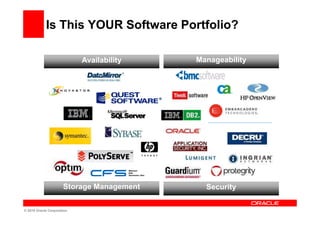
Is This YOUR Software Portfolio?

                           Availability
                      Availability         Manageability
                                               Manageability


                      Storage Management     Security

© 2010 Oracle Corporation
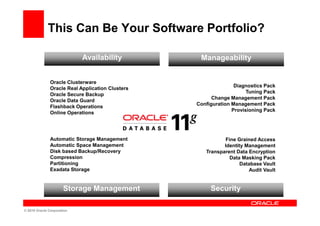
This Can Be Your Software Portfolio?

                           Availability            Manageability
                      Availability                    Manageability

               Oracle Clusterware
                                                                 Diagnostics Pack
               Oracle Real Application Clusters
                                                                      Tuning Pack
               Oracle Secure Backup
                                                        Change Management Pack
               Oracle Data Guard
                                                  Configuration Management Pack
               Flashback Operations
                                                                Provisioning Pack
               Online Operations


               Automatic Storage Management                 Fine Grained Access
               Automatic Space Management                   Identity Management
               Disk based Backup/Recovery            Transparent Data Encryption
               Compression                                    Data Masking Pack
               Partitioning                                        Database Vault
               Exadata Storage                                        Audit Vault


                      Storage Management               Security

© 2010 Oracle Corporation
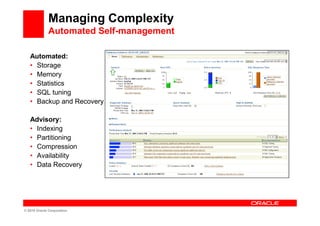
Managing Complexity
              Automated Self-management

   Automated:
   • Storage
   • Memory
   • Statistics
   • SQL tuning
   • Backup and Recovery

   Advisory:
   • Indexing
   • Partitioning
   • Compression
   • Availability
   • Data Recovery


© 2010 Oracle Corporation
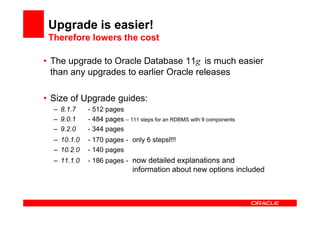
Upgrade is easier!
 Therefore lowers the cost

• The upgrade to Oracle Database 11g is much easier
  than any upgrades to earlier Oracle releases

• Size of Upgrade guides:
  – 8.1.7    - 512 pages
  – 9.0.1    - 484 pages – 111 steps for an RDBMS with 9 components
  – 9.2.0    - 344 pages
  – 10.1.0   - 170 pages - only 6 stepsl!!!
  – 10.2.0   - 140 pages
  – 11.1.0   - 186 pages - now detailed explanations and
                             information about new options included
<Insert Picture Here>


Lets get down to business
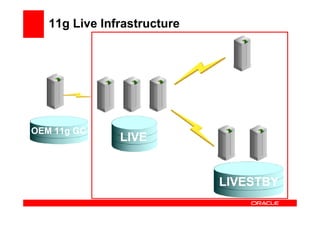
11g Live Infrastructure


OEM 11g GC
               LIVE


                             LIVESTBY
Create Physical Standby for
        Patch Test


       Any Takers ?
<Insert Picture Here>


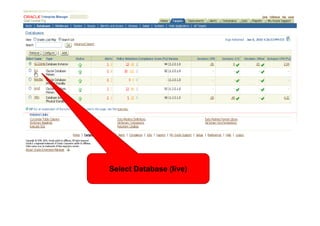
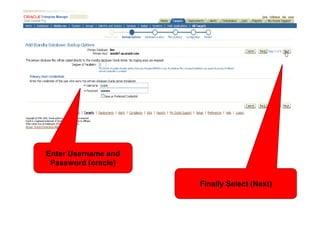
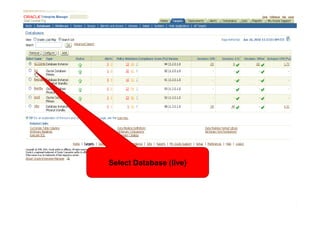
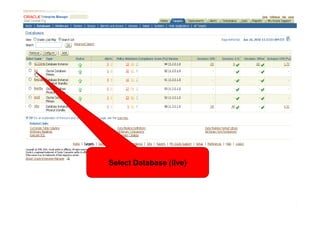
               Select Database (live)
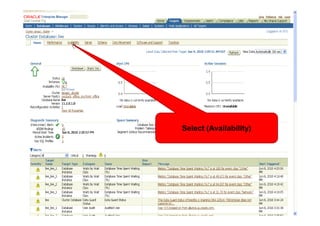
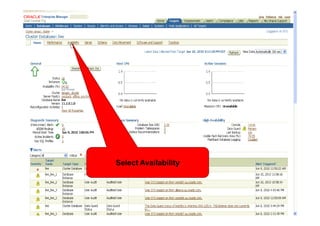
Select (Availability)
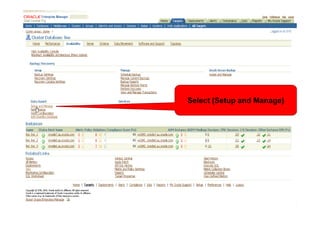
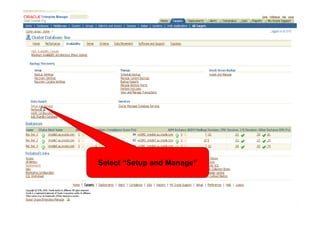
Select (Setup and Manage)
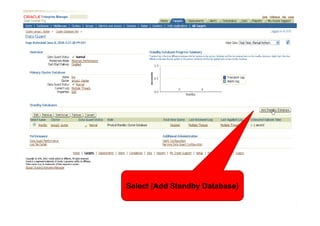
Select (Add Standby Database)
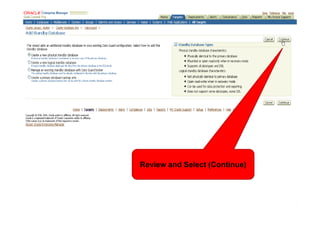
Review and Select (Continue)
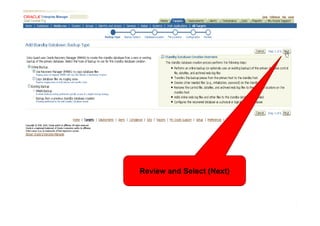
Review and Select (Next)
Enter Username and
 Password (oracle)

                     Finally Select (Next)
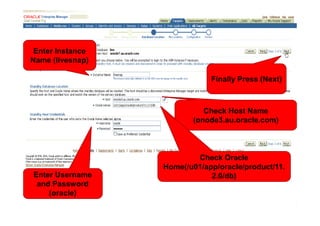
Enter Instance
Name (livesnap)

                              Finally Press (Next)


                            Check Host Name
                         (onode3.au.oracle.com)


                          Check Oracle
                  Home(/u01/app/oracle/product/11.
Enter Username                2.0/db)
 and Password
    (oracle)
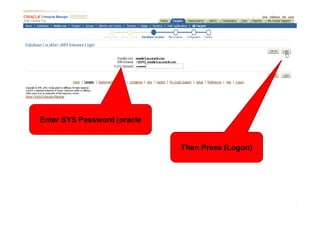
Enter SYS Password (oracle


                             Then Press (Logon)
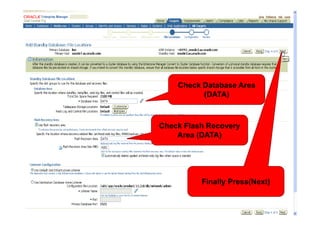
Check Database Area
          (DATA)


Check Flash Recovery
    Area (DATA)


          Finally Press(Next)
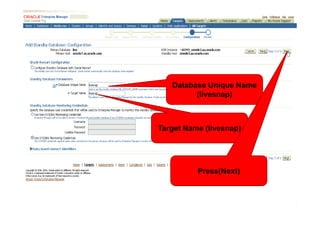
Database Unique Name
         (livesnap)


Target Name (livesnap)


          Press(Next)
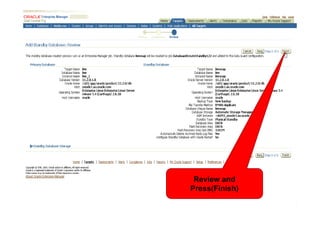
Review and
Press(Finish)
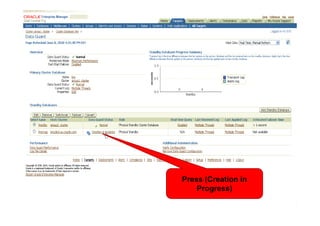
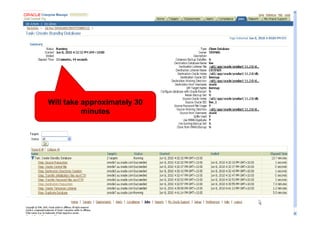
Press (Creation in
    Progress)
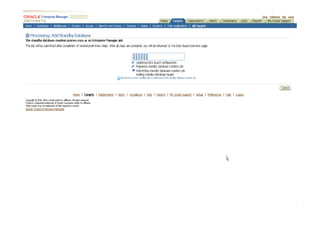
Will take approximately 30
          minutes
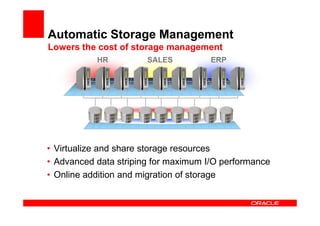
Automatic Storage Management
Lowers the cost of storage management
           HR          SALES          ERP


• Virtualize and share storage resources
• Advanced data striping for maximum I/O performance
• Online addition and migration of storage
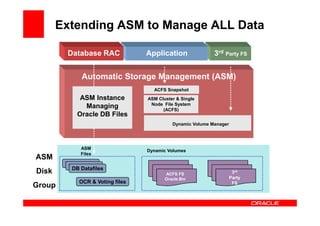
Extending ASM to Manage ALL Data

        Database RAC              Application               3rd Party FS


              Automatic Storage Management (ASM)
                                    ACFS Snapshot
             ASM Instance         ASM Cluster & Single
                                   Node File System
              Managing                  (ACFS)
            Oracle DB Files
                                            Dynamic Volume Manager


             ASM                  Dynamic Volumes
             Files
ASM
        DB Datafiles
         DB Datafiles
          DB Datafiles
Disk                                     ACFS FS                      3rd
                                         Oracle Bin                  Party
             OCR & Voting files                                       FS
Group
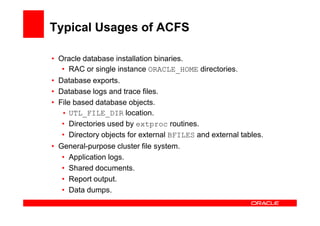
Typical Usages of ACFS

• Oracle database installation binaries.
   • RAC or single instance ORACLE_HOME directories.
• Database exports.
• Database logs and trace files.
• File based database objects.
   • UTL_FILE_DIR location.
   • Directories used by extproc routines.
   • Directory objects for external BFILES and external tables.
• General-purpose cluster file system.
   • Application logs.
   • Shared documents.
   • Report output.
   • Data dumps.
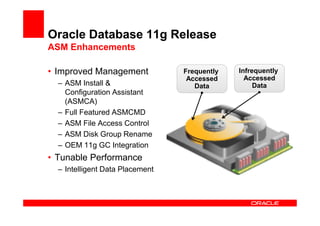
Oracle Database 11g Release
ASM Enhancements

• Improved Management            Frequently   Infrequently
                                  Accessed      Accessed
  – ASM Install &                   Data           Data
    Configuration Assistant
    (ASMCA)
  – Full Featured ASMCMD
  – ASM File Access Control
  – ASM Disk Group Rename
  – OEM 11g GC Integration
• Tunable Performance
  – Intelligent Data Placement
Create ACFS Volume and Mount
            Point
<Insert Picture Here>


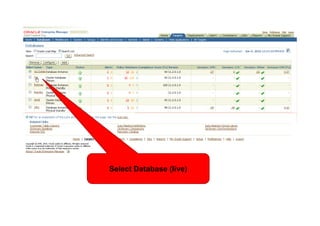
               Select Database (live)
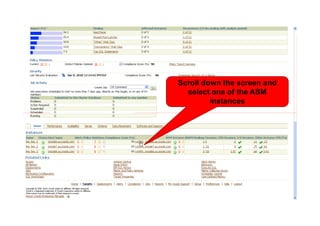
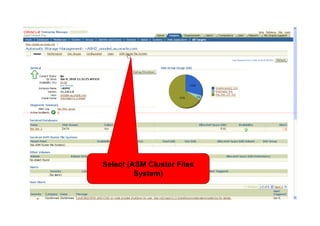
<Insert Picture Here>   Scroll down the screen and
                          select one of the ASM
                                 instances
<Insert Picture Here>


             Select (ASM Cluster Files
                      System)
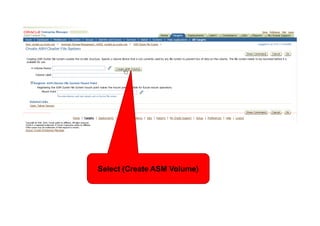
<Insert Picture Here>


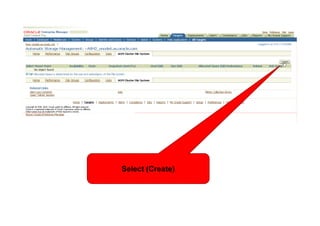
                  Select (Create)
<Insert Picture Here>


           Select (Create ASM Volume)
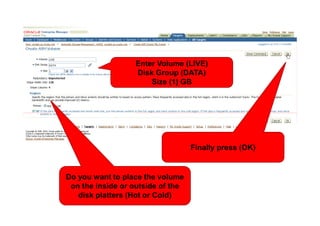
Enter Volume (LIVE)
                      Disk Group (DATA)
<Insert Picture Here>     Size (1) GB


                                      Finally press (OK)


   Do you want to place the volume
    on the inside or outside of the
      disk platters (Hot or Cold)
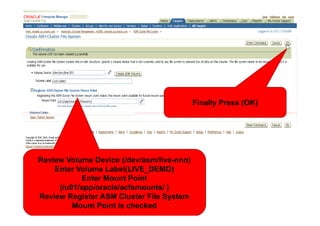
<Insert Picture Here>

                                           Finally Press (OK)


Review Volume Device (/dev/asm/live-nnn)
    Enter Volume Label(LIVE_DEMO)
           Enter Mount Point
     (/u01/app/oracle/acfsmounts/ )
Review Register ASM Cluster File System
         Mount Point is checked
<Insert Picture Here>


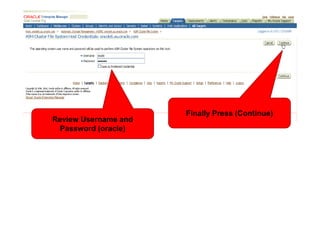
                        Finally Press (Continue)
Review Username and
 Password (oracle)
<Insert Picture Here>


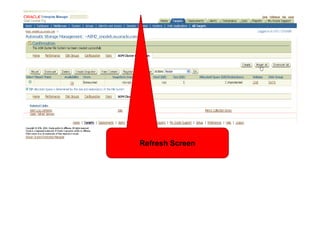
                        Refresh Screen
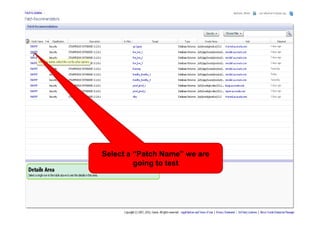
Patch Discovery
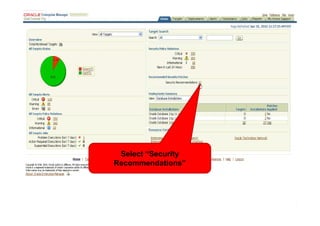
Select “Security
Recommendations”
Select a “Patch Name” we are
         going to test
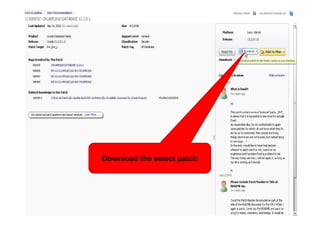
Download the select patch
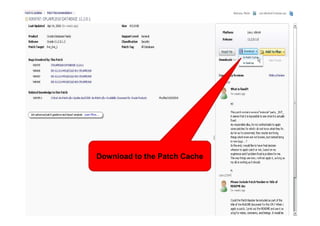
Download to the Patch Cache
Convert to Snapshot Standby
Select Database (live)
Select Availability
Select “Setup and Manage”
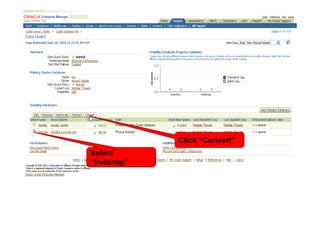
Click “Convert”
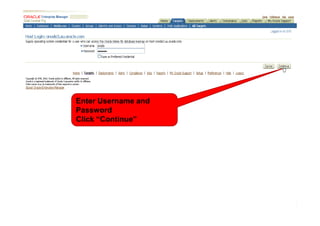
Select
“livesnap”
Enter Username and
Password
Click “Continue”
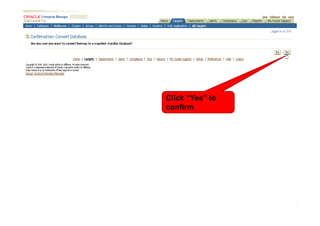
Click “Yes” to
confirm
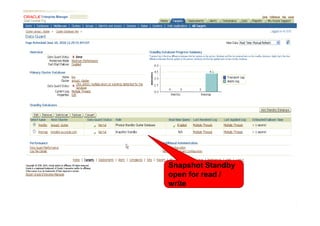
Snapshot Standby
open for read /
write
Patch Apply to Snapshot
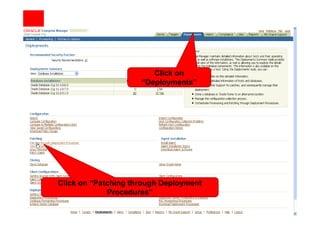
Click on
                     “Deployments”


Click on “Patching through Deployment
             Procedures”
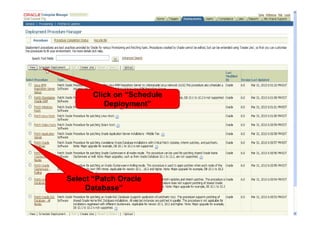
Click on “Schedule
          Deployment”


Select “Patch Oracle
     Database”
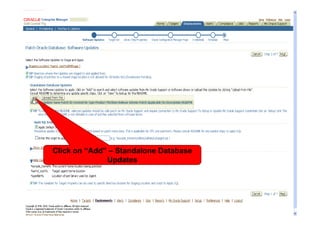
Click on “Add” – Standalone Database
              Updates
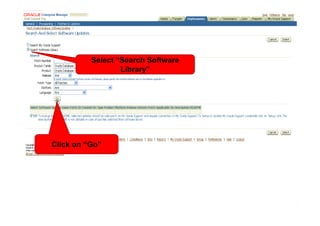
Select “Search Software
                  Library”


Click on “Go”
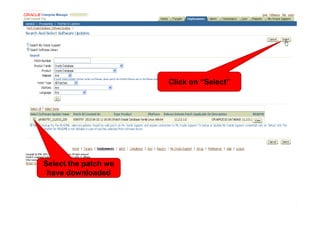
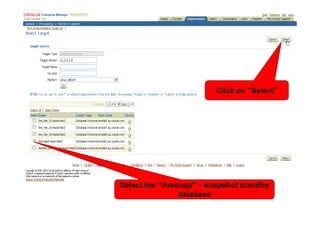
Click on “Select”


Select the patch we
 have downloaded
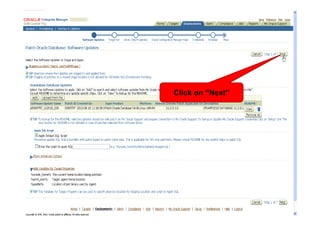
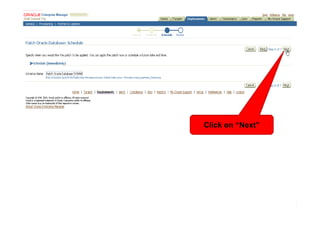
Click on “Next”
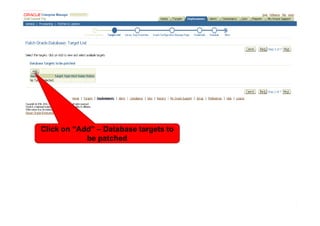
Click on “Add” – Database targets to
            be patched
Click on “Select”


Select the “livesnap” – snapshot standby
                 database
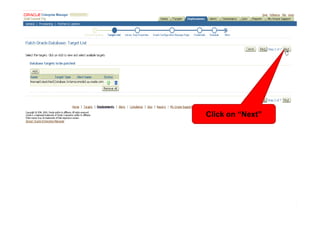
Click on “Next”
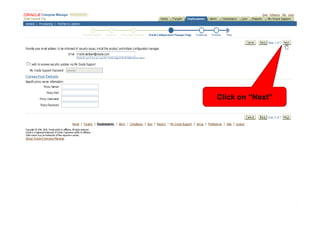
Click on “Next”
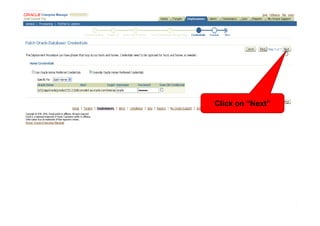
Click on “Next”
Click on “Next”
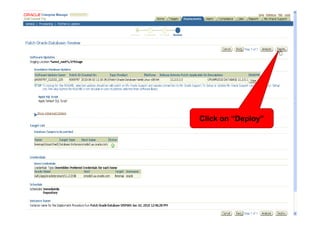
Click on “Deploy”
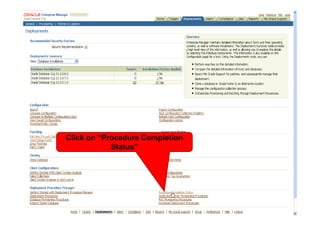
Click on “Procedure Completion
            Status”
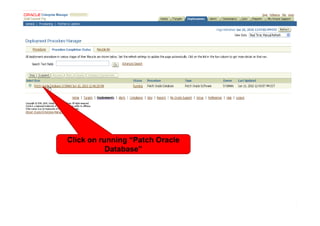
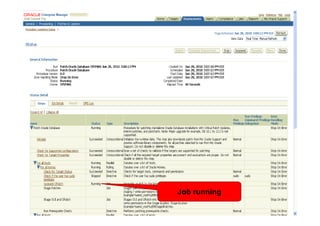
Click on running “Patch Oracle
           Database”
Job running
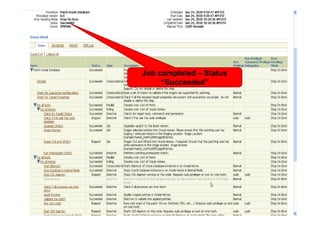
Job completed – Status
     “Succeeded”
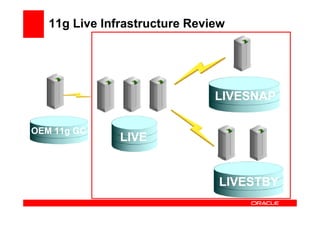
11g Live Infrastructure Review


                               LIVESNAP

OEM 11g GC
               LIVE


                                LIVESTBY
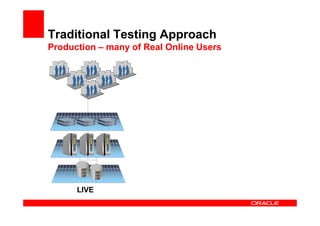
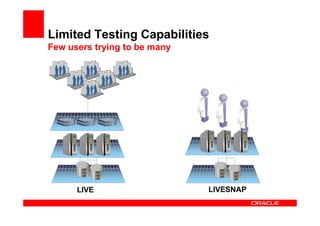
Traditional Testing Approach
Production – many of Real Online Users


      LIVE
Limited Testing Capabilities
Few users trying to be many


      LIVE                    LIVESNAP
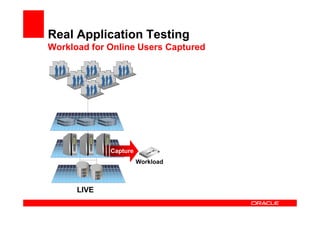
Real Application Testing
Workload for Online Users Captured


             Capture
                       Workload


      LIVE
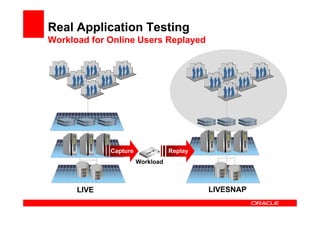
Real Application Testing
Workload for Online Users Replayed


             Capture              Replay
                       Workload


      LIVE                                 LIVESNAP
Real Application Testing - Capture
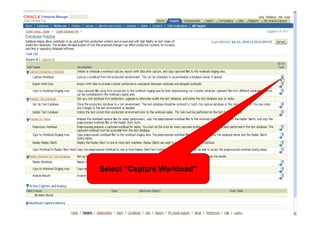
Select Database (live)
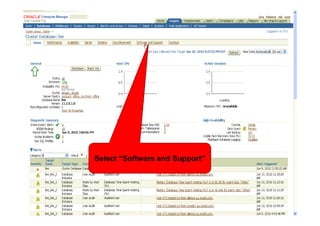
Select “Software and Support”
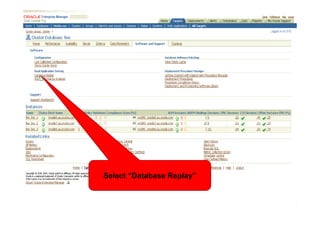
Select “Database Replay”
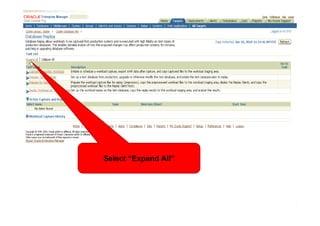
Select “Expand All”
Select “Capture Workload”
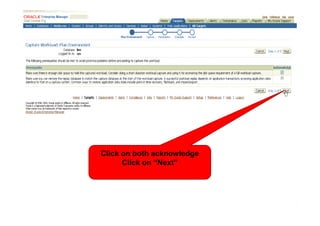
Click on both acknowledge
      Click on “Next”
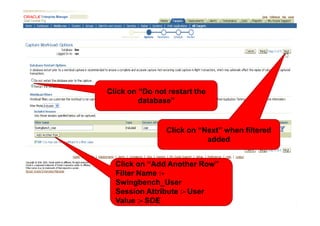
Click on “Do not restart the
         database”


                Click on “Next” when filtered
                           added


  Click on “Add Another Row”
  Filter Name :-
  Swingbench_User
  Session Attribute :- User
  Value :- SOE
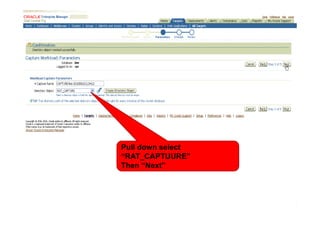
Pull down select
“RAT_CAPTUURE”
Then “Next”
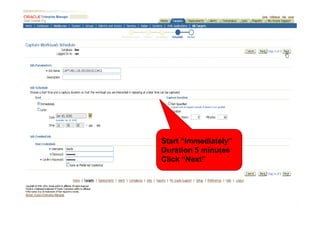
Start “Immediately”
Duration 5 minutes
Click “Next”
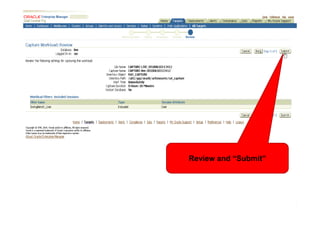
Review and “Submit”
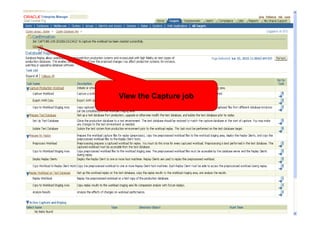
View the Capture job
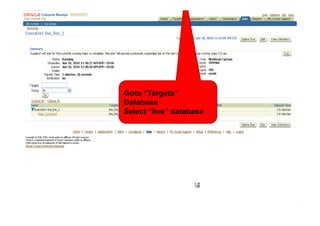
Goto “Targets”
Database
Select “live” database
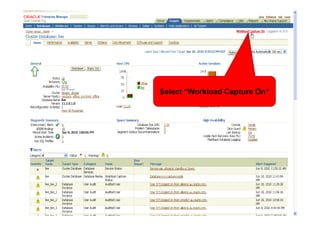
Select “Workload Capture On”
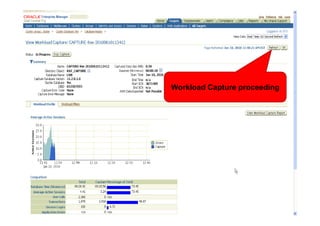
Workload Capture proceeding
Morning Break

11g R2 Live Part 1