Python
Programmin
g
indentation
ADST
Maruf Farhan
University of Sussex Interational study centre
Python
Indentation
What is Indentation?
Indentation is the space at the beginning of a line in
your code.
In Python, these spaces are very important because
they show how the code is grouped.
Why is Indentation Important?
Python uses indentation to know which lines of code
belong together.
If your indentation is wrong, Python will not
understand your code and will show an error.
How to Indent Code:
Use 4 spaces to indent your code.
You can also use the Tab key on your keyboard, but
using spaces is the standard practice in Python.
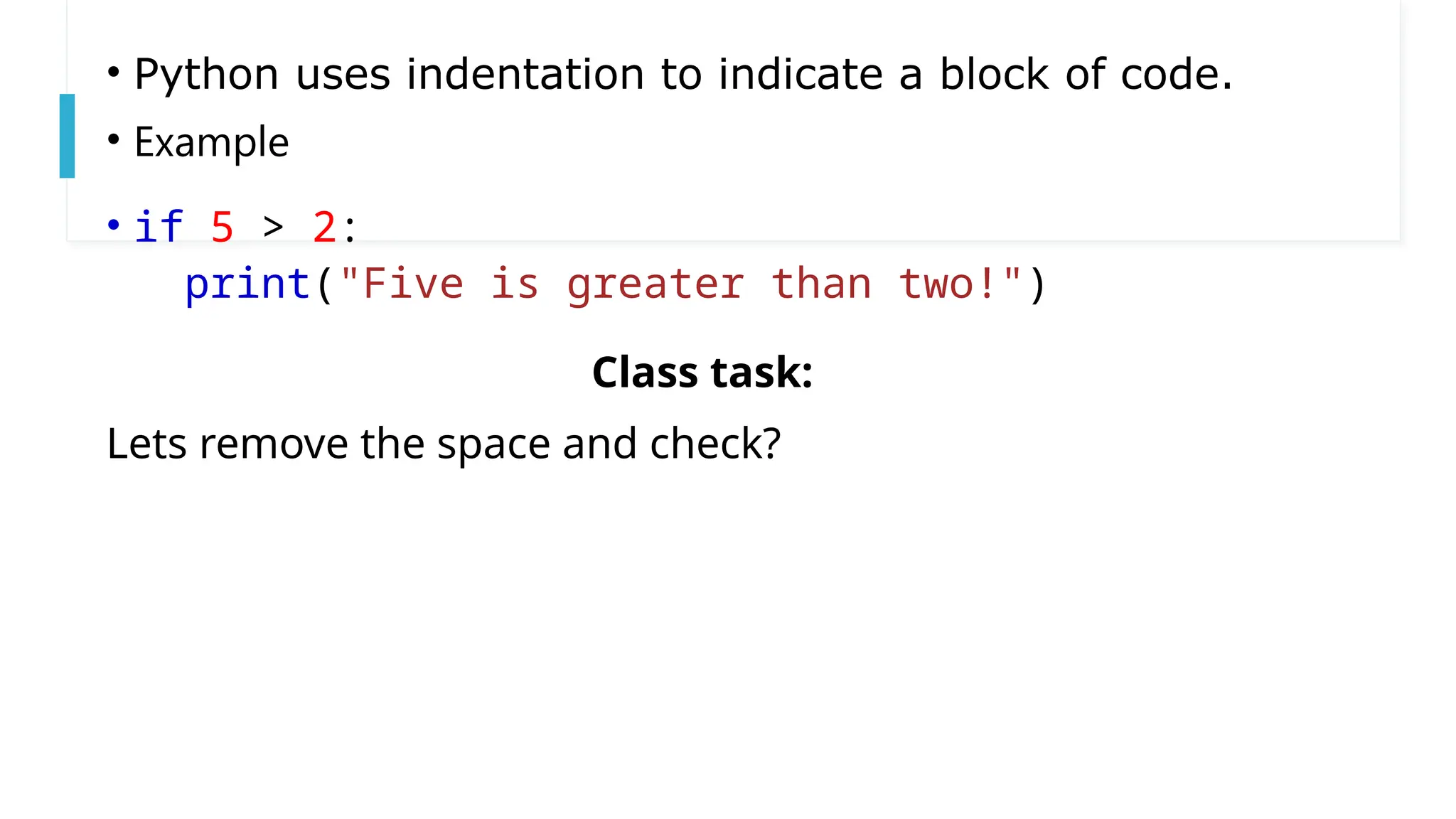
• Python uses indentation to indicate a block of code.
• Example
• if 5 > 2:
print("Five is greater than two!")
Class task:
Lets remove the space and check?
The number of spaces is up to you as
a programmer, the most common use
is four, but it has to be at least one.
Example
if 5 > 2:
print("Five is greater than
two!")
if 5 > 2:
print("Five is greater
than two!")
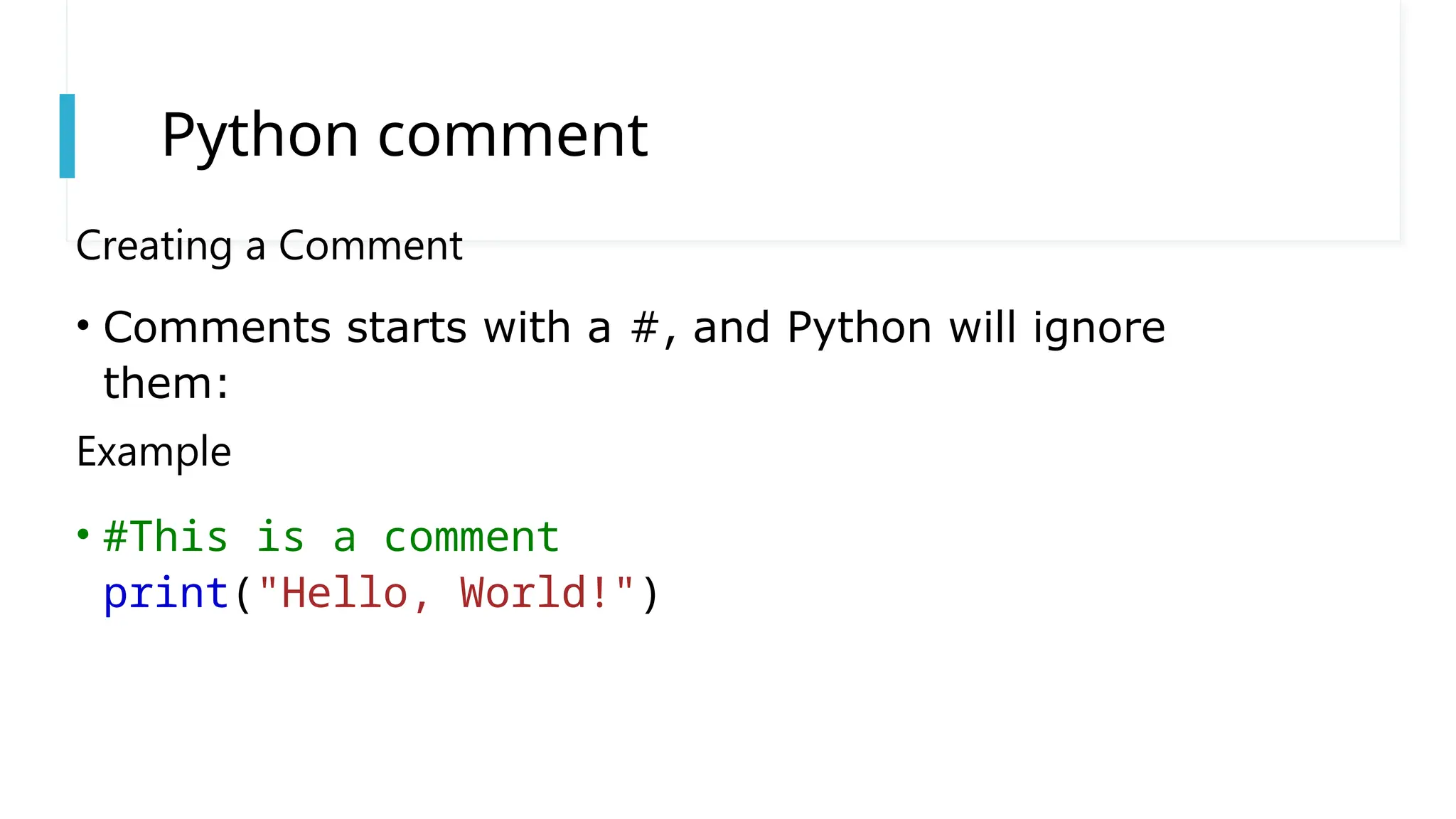
Python comment
Creating a Comment
• Comments starts with a #, and Python will ignore
them:
Example
• #This is a comment
print("Hello, World!")

1. Python Indentation sussex isc for oundation

  • 1.
  • 2.
    Python Indentation What is Indentation? Indentationis the space at the beginning of a line in your code. In Python, these spaces are very important because they show how the code is grouped. Why is Indentation Important? Python uses indentation to know which lines of code belong together. If your indentation is wrong, Python will not understand your code and will show an error. How to Indent Code: Use 4 spaces to indent your code. You can also use the Tab key on your keyboard, but using spaces is the standard practice in Python.
  • 3.
    • Python usesindentation to indicate a block of code. • Example • if 5 > 2: print("Five is greater than two!") Class task: Lets remove the space and check?
  • 4.
    The number ofspaces is up to you as a programmer, the most common use is four, but it has to be at least one. Example if 5 > 2: print("Five is greater than two!") if 5 > 2: print("Five is greater than two!")
  • 5.
    Python comment Creating aComment • Comments starts with a #, and Python will ignore them: Example • #This is a comment print("Hello, World!")