13 ESSENTIAL
FOR MARKETERS
GOOGLE TOOLS
BROUGHT TO YOU BY:
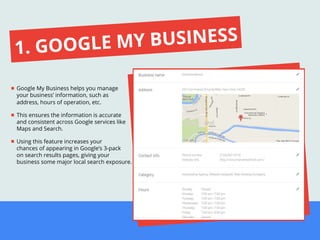
Google My Business helps you manage
your business’ information, such as
address, hours of operation, etc.
This ensures the information is accurate
and consistent across Google services like
Maps and Search.
Using this feature increases your
chances of appearing in Google’s 3-pack
on search results pages, giving your
business some major local search exposure.
1. GOOGLE MY BUSINESS
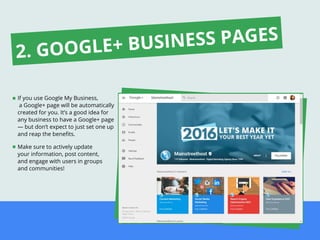
If you use Google My Business,
a Google+ page will be automatically
created for you. It’s a good idea for
any business to have a Google+ page
— but don’t expect to just set one up
and reap the benefits.
Make sure to actively update
your information, post content,
and engage with users in groups
and communities!
2. GOOGLE+ BUSINESS PAGES
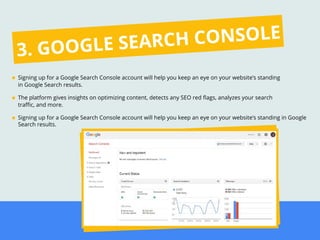
Signing up for a Google Search Console account will help you keep an eye on your website’s standing
in Google Search results.
The platform gives insights on optimizing content, detects any SEO red flags, analyzes your search
traffic, and more.
Signing up for a Google Search Console account will help you keep an eye on your website’s standing in Google
Search results.
3. GOOGLE SEARCH CONSOLE
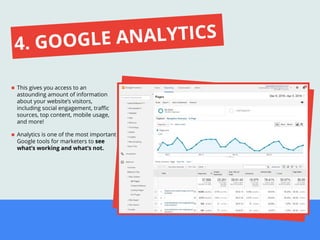
This gives you access to an
astounding amount of information
about your website’s visitors,
including social engagement, traffic
sources, top content, mobile usage,
and more!
Analytics is one of the most important
Google tools for marketers to see
what’s working and what’s not.
4. GOOGLE ANALYTICS
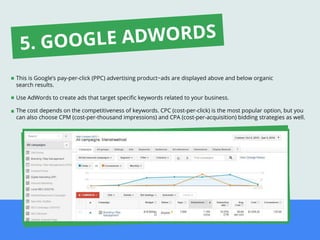
This is Google’s pay-per-click (PPC) advertising product−ads are displayed above and below organic
search results.
Use AdWords to create ads that target specific keywords related to your business.
The cost depends on the competitiveness of keywords. CPC (cost-per-click) is the most popular option, but you
can also choose CPM (cost-per-thousand impressions) and CPA (cost-per-acquisition) bidding strategies as well.
5. GOOGLE ADWORDS
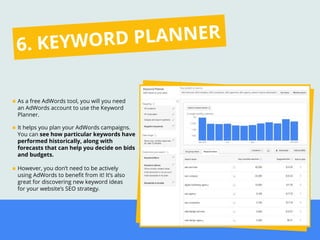
As a free AdWords tool, you will you need
an AdWords account to use the Keyword
Planner.
It helps you plan your AdWords campaigns.
You can see how particular keywords have
performed historically, along with
forecasts that can help you decide on bids
and budgets.
However, you don’t need to be actively
using AdWords to benefit from it! It’s also
great for discovering new keyword ideas
for your website’s SEO strategy.
6. KEYWORD PLANNER
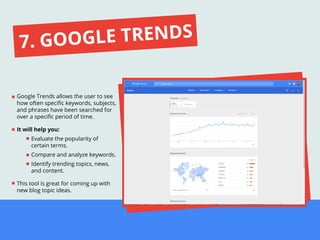
Google Trends allows the user to see
how often specific keywords, subjects,
and phrases have been searched for
over a specific period of time.
It will help you:
Evaluate the popularity of
certain terms.
Compare and analyze keywords.
Identify trending topics, news,
and content.
This tool is great for coming up with
new blog topic ideas.
7. GOOGLE TRENDS
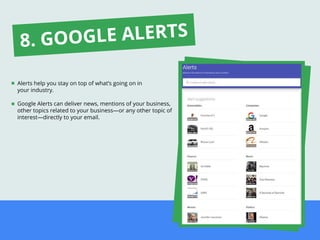
Alerts help you stay on top of what’s going on in
your industry.
Google Alerts can deliver news, mentions of your business,
other topics related to your business—or any other topic of
interest—directly to your email.
8. GOOGLE ALERTS
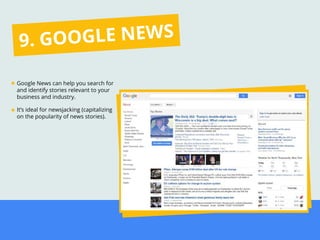
Google News can help you search for
and identify stories relevant to your
business and industry.
It’s ideal for newsjacking (capitalizing
on the popularity of news stories).
9. GOOGLE NEWS
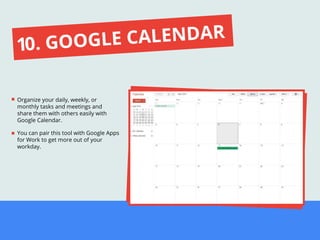
Organize your daily, weekly, or
monthly tasks and meetings and
share them with others easily with
Google Calendar.
You can pair this tool with Google Apps
for Work to get more out of your
workday.
10. GOOGLE CALENDAR
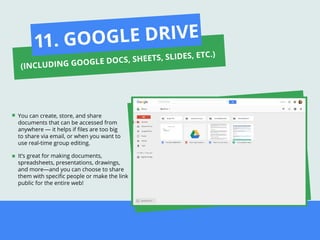
You can create, store, and share
documents that can be accessed from
anywhere — it helps if files are too big
to share via email, or when you want to
use real-time group editing.
It’s great for making documents,
spreadsheets, presentations, drawings,
and more—and you can choose to share
them with specific people or make the link
public for the entire web!
11. GOOGLE DRIVE
(INCLUDING GOOGLE DOCS, SHEETS, SLIDES, ETC.)
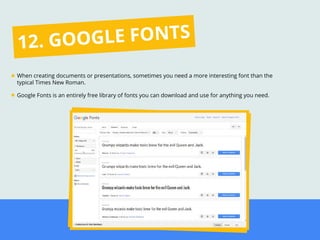
When creating documents or presentations, sometimes you need a more interesting font than the
typical Times New Roman.
Google Fonts is an entirely free library of fonts you can download and use for anything you need.
12. GOOGLE FONTS
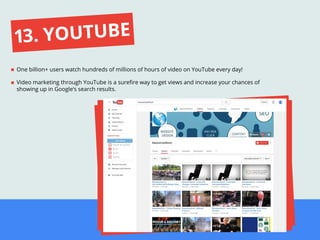
One billion+ users watch hundreds of millions of hours of video on YouTube every day!
Video marketing through YouTube is a surefire way to get views and increase your chances of
showing up in Google’s search results.
13. YOUTUBE
BROUGHT TO YOU BY:
COULD YOUR COMPANY USE SOME
EXTRA HELP WITH MARKETING?
LEARN ABOUT OUR PARTNER PROGRAM

13 Essential Google Tools for Marketers

  • 1.
    13 ESSENTIAL FOR MARKETERS GOOGLETOOLS BROUGHT TO YOU BY:
  • 2.
    Google My Businesshelps you manage your business’ information, such as address, hours of operation, etc. This ensures the information is accurate and consistent across Google services like Maps and Search. Using this feature increases your chances of appearing in Google’s 3-pack on search results pages, giving your business some major local search exposure. 1. GOOGLE MY BUSINESS
  • 3.
    If you useGoogle My Business, a Google+ page will be automatically created for you. It’s a good idea for any business to have a Google+ page — but don’t expect to just set one up and reap the benefits. Make sure to actively update your information, post content, and engage with users in groups and communities! 2. GOOGLE+ BUSINESS PAGES
  • 4.
    Signing up fora Google Search Console account will help you keep an eye on your website’s standing in Google Search results. The platform gives insights on optimizing content, detects any SEO red flags, analyzes your search traffic, and more. Signing up for a Google Search Console account will help you keep an eye on your website’s standing in Google Search results. 3. GOOGLE SEARCH CONSOLE
  • 5.
    This gives youaccess to an astounding amount of information about your website’s visitors, including social engagement, traffic sources, top content, mobile usage, and more! Analytics is one of the most important Google tools for marketers to see what’s working and what’s not. 4. GOOGLE ANALYTICS
  • 6.
    This is Google’spay-per-click (PPC) advertising product−ads are displayed above and below organic search results. Use AdWords to create ads that target specific keywords related to your business. The cost depends on the competitiveness of keywords. CPC (cost-per-click) is the most popular option, but you can also choose CPM (cost-per-thousand impressions) and CPA (cost-per-acquisition) bidding strategies as well. 5. GOOGLE ADWORDS
  • 7.
    As a freeAdWords tool, you will you need an AdWords account to use the Keyword Planner. It helps you plan your AdWords campaigns. You can see how particular keywords have performed historically, along with forecasts that can help you decide on bids and budgets. However, you don’t need to be actively using AdWords to benefit from it! It’s also great for discovering new keyword ideas for your website’s SEO strategy. 6. KEYWORD PLANNER
  • 8.
    Google Trends allowsthe user to see how often specific keywords, subjects, and phrases have been searched for over a specific period of time. It will help you: Evaluate the popularity of certain terms. Compare and analyze keywords. Identify trending topics, news, and content. This tool is great for coming up with new blog topic ideas. 7. GOOGLE TRENDS
  • 9.
    Alerts help youstay on top of what’s going on in your industry. Google Alerts can deliver news, mentions of your business, other topics related to your business—or any other topic of interest—directly to your email. 8. GOOGLE ALERTS
  • 10.
    Google News canhelp you search for and identify stories relevant to your business and industry. It’s ideal for newsjacking (capitalizing on the popularity of news stories). 9. GOOGLE NEWS
  • 11.
    Organize your daily,weekly, or monthly tasks and meetings and share them with others easily with Google Calendar. You can pair this tool with Google Apps for Work to get more out of your workday. 10. GOOGLE CALENDAR
  • 12.
    You can create,store, and share documents that can be accessed from anywhere — it helps if files are too big to share via email, or when you want to use real-time group editing. It’s great for making documents, spreadsheets, presentations, drawings, and more—and you can choose to share them with specific people or make the link public for the entire web! 11. GOOGLE DRIVE (INCLUDING GOOGLE DOCS, SHEETS, SLIDES, ETC.)
  • 13.
    When creating documentsor presentations, sometimes you need a more interesting font than the typical Times New Roman. Google Fonts is an entirely free library of fonts you can download and use for anything you need. 12. GOOGLE FONTS
  • 14.
    One billion+ userswatch hundreds of millions of hours of video on YouTube every day! Video marketing through YouTube is a surefire way to get views and increase your chances of showing up in Google’s search results. 13. YOUTUBE
  • 15.
    BROUGHT TO YOUBY: COULD YOUR COMPANY USE SOME EXTRA HELP WITH MARKETING? LEARN ABOUT OUR PARTNER PROGRAM