Learning
Dtrace
2012.11.20
Outsider at
DTrace is
a comprehensive
dynamic tracing
framework
created by
Sun Microsystems
for troubleshooting
kernel and
application problems
on production systems
in real time.
                  http://dtrace.org/blogs/about/dtracepony/
DTrace is
a comprehensive
dynamic tracing
framework
created by
Sun Microsystems
for troubleshooting
kernel and
application problems
on production systems
in real time.
                  http://dtrace.org/blogs/about/dtracepony/
DTrace is
a comprehensive
dynamic tracing
framework
created by
Sun Microsystems
for troubleshooting
kernel and
application problems
on production systems
in real time.
                  http://dtrace.org/blogs/about/dtracepony/
DTrace is
a comprehensive
dynamic tracing
framework
created by
Sun Microsystems
for troubleshooting
kernel and
application problems
on production systems
in real time.
                  http://dtrace.org/blogs/about/dtracepony/
DTrace is
a comprehensive
dynamic tracing
framework
created by
Sun Microsystems
for troubleshooting
kernel and
application problems
on production systems
in real time.
                  http://dtrace.org/blogs/about/dtracepony/
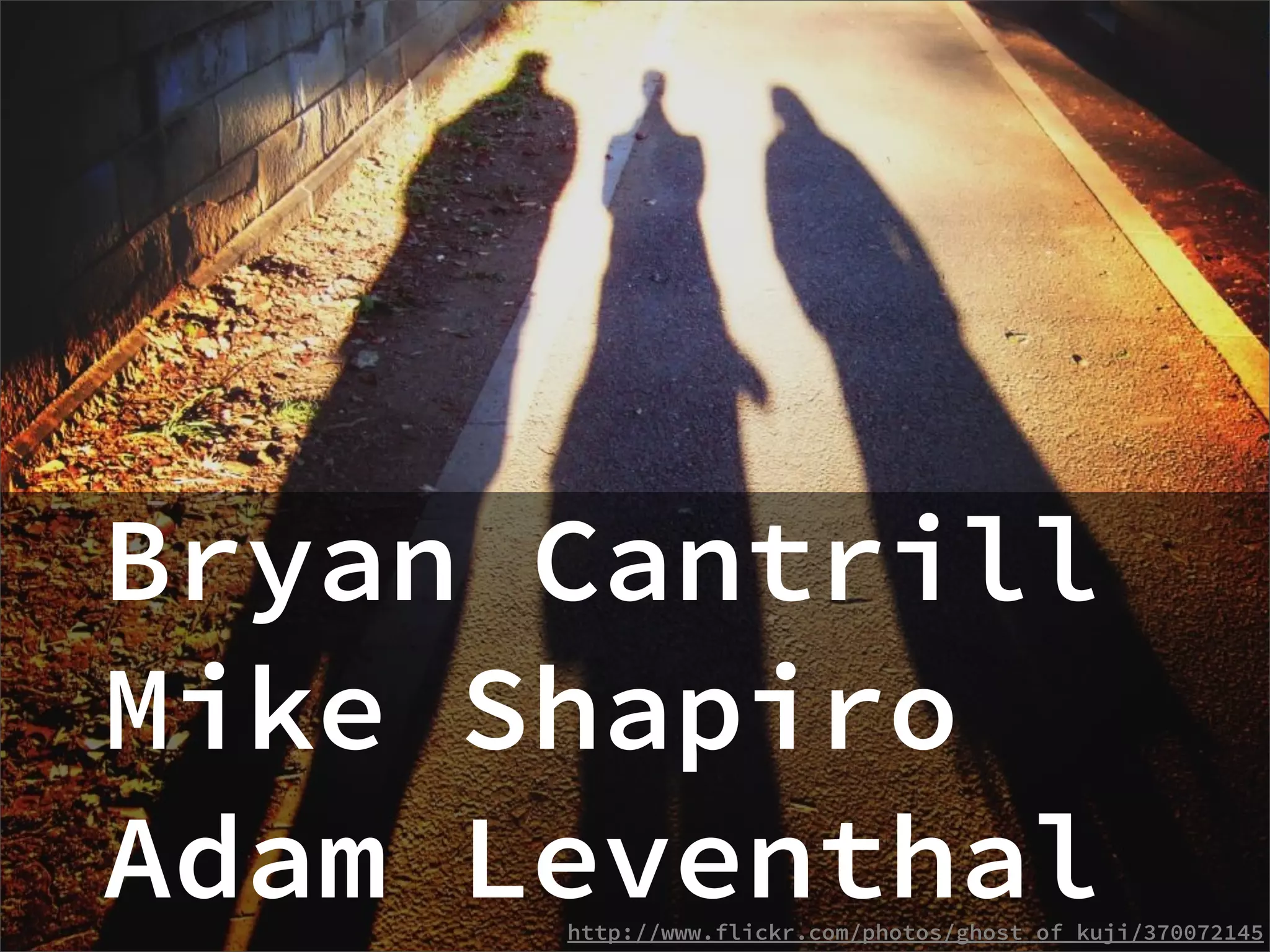
Bryan Cantrill
Mike Shapiro
Adam Leventhal
      http://www.flickr.com/photos/ghost_of_kuji/370072145
Originally
2003
   developed
   for
Open-sourced
     in 2005
      http://www.flickr.com/photos/tinou/171803338
Ported to
Unix-like systems
         http://www.flickr.com/photos/epu/4299657320
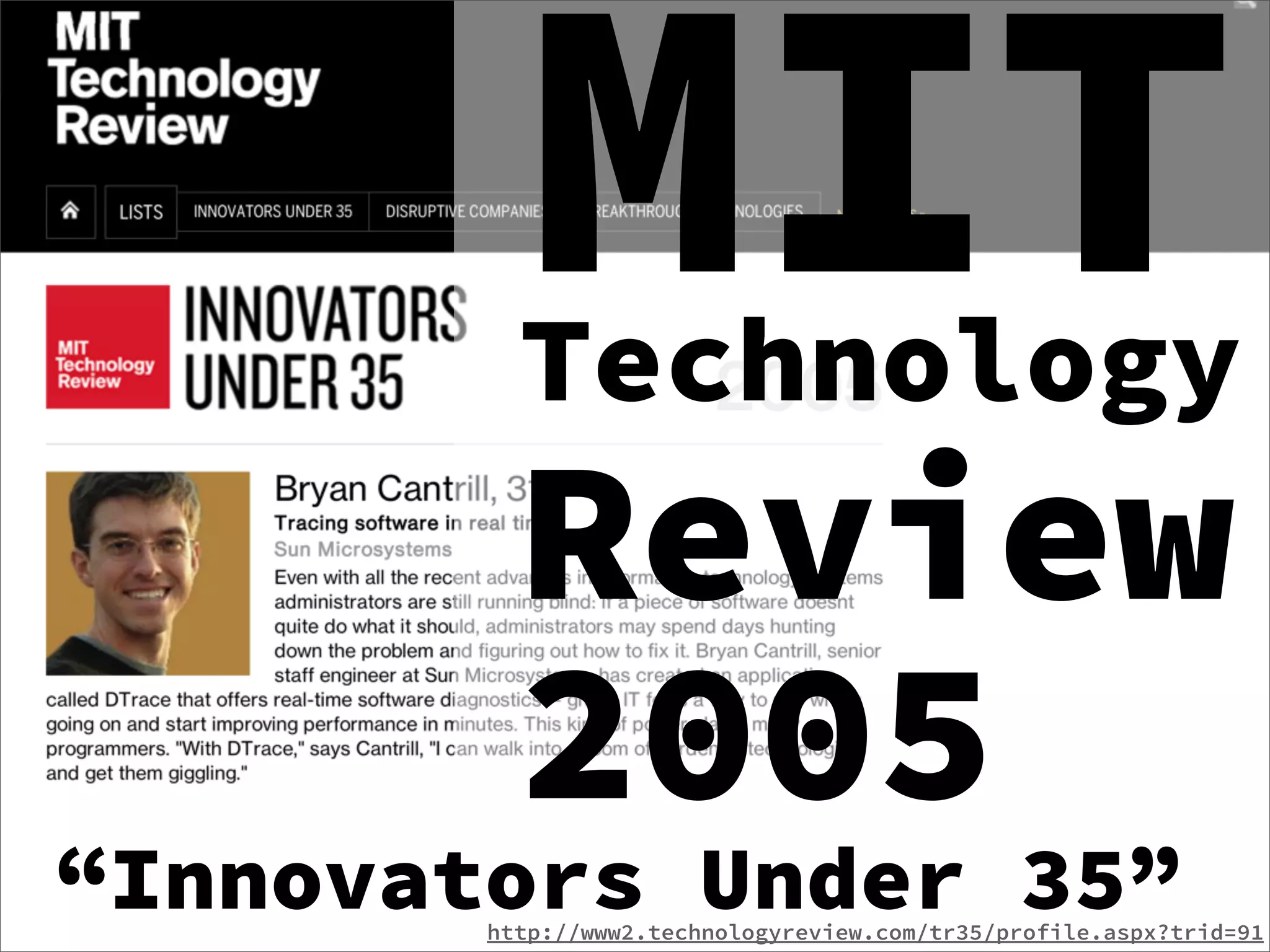
MIT
          Technology
          Review
          2005
“Innovators Under 35”
        http://www2.technologyreview.com/tr35/profile.aspx?trid=91
Technology
Innovation
Awards 2006
Gold Winner
    http://www.dowjones.com/innovation/ei_winners_2006.html
STUG award 2008


          https://www.usenix.org/about/stug
Dive into Dtrace
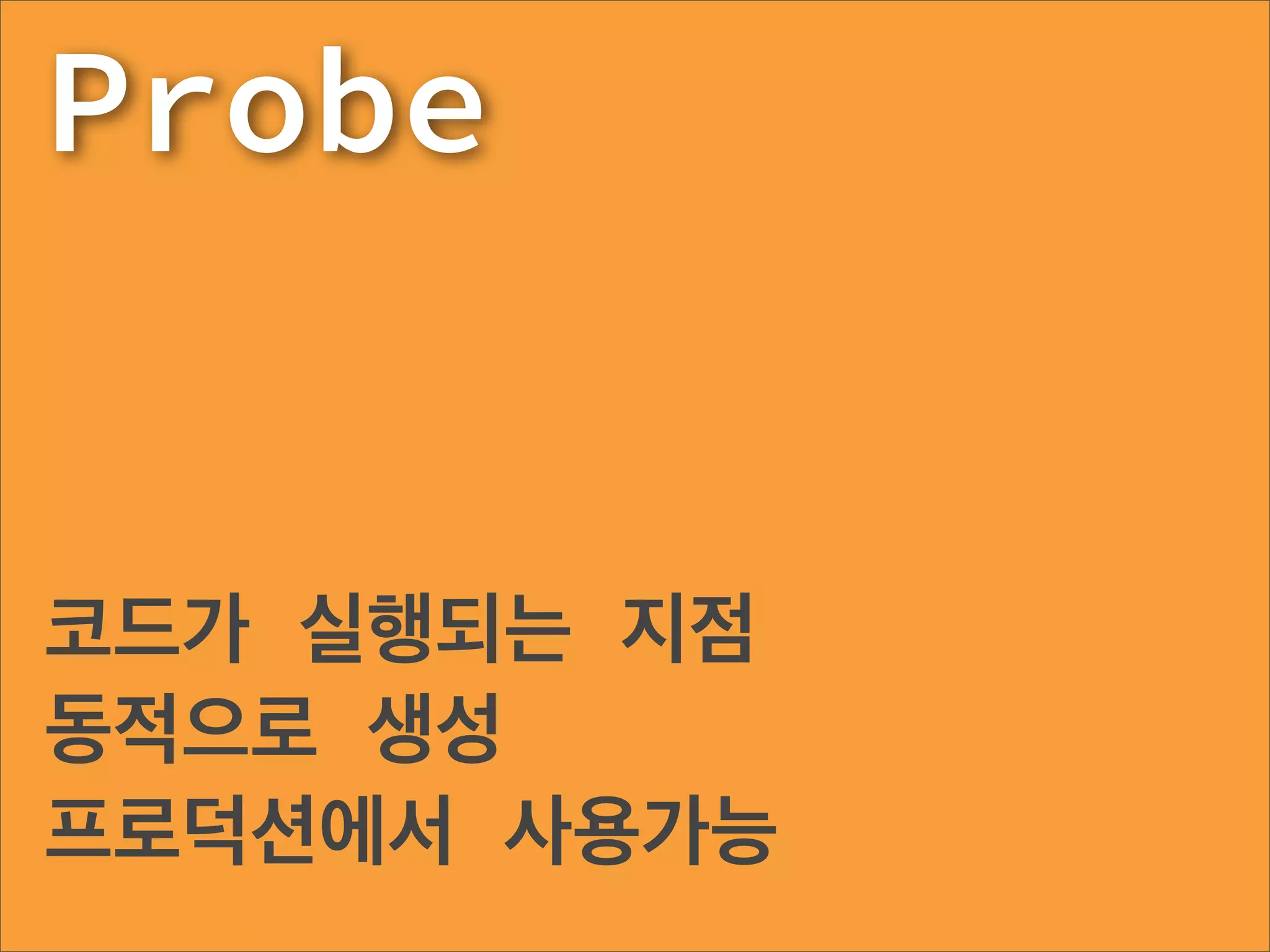
Probe


코드가 실행되는 지점
동적으로 생성
프로덕션에서 사용가능
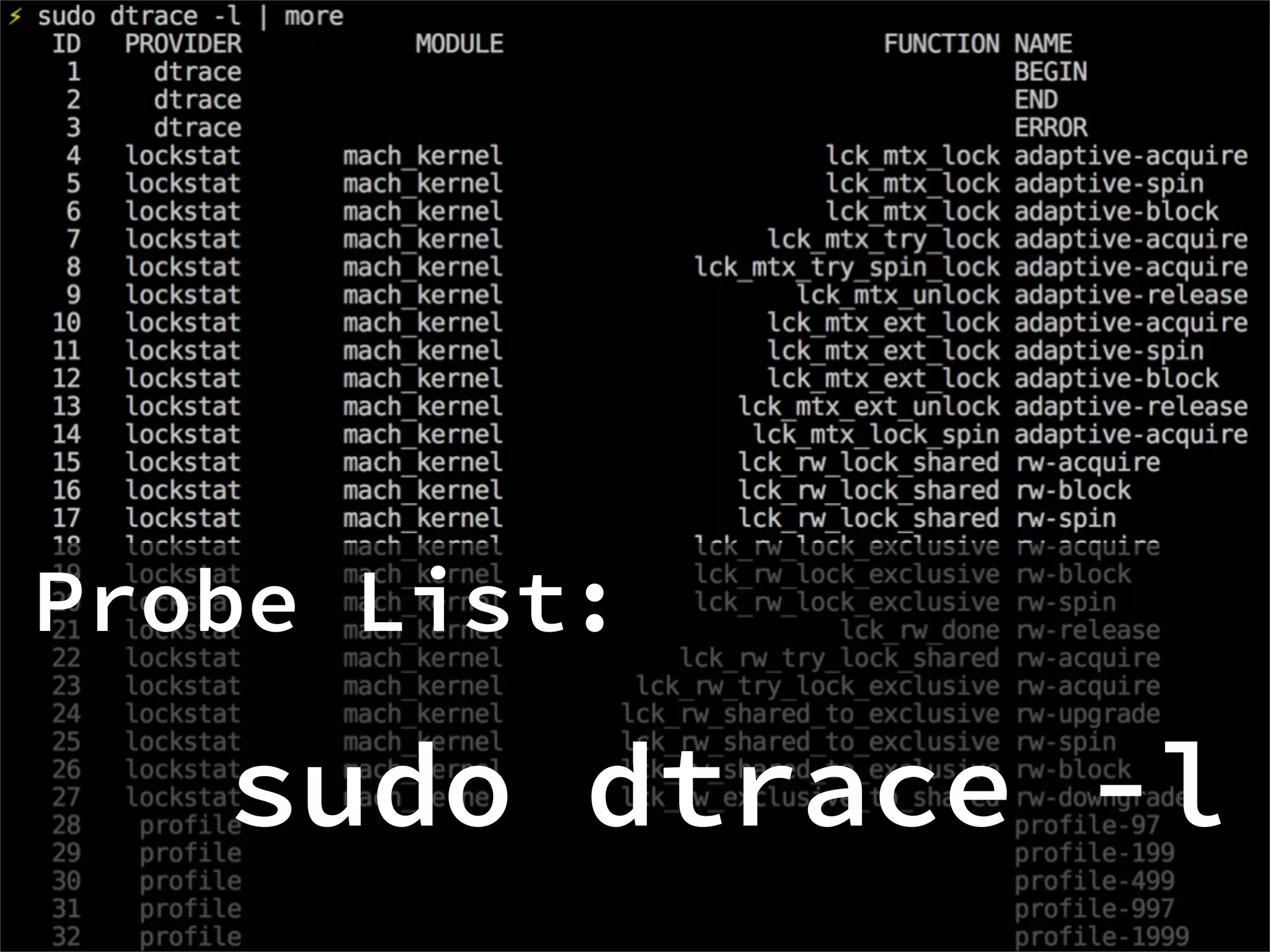
Probe List:

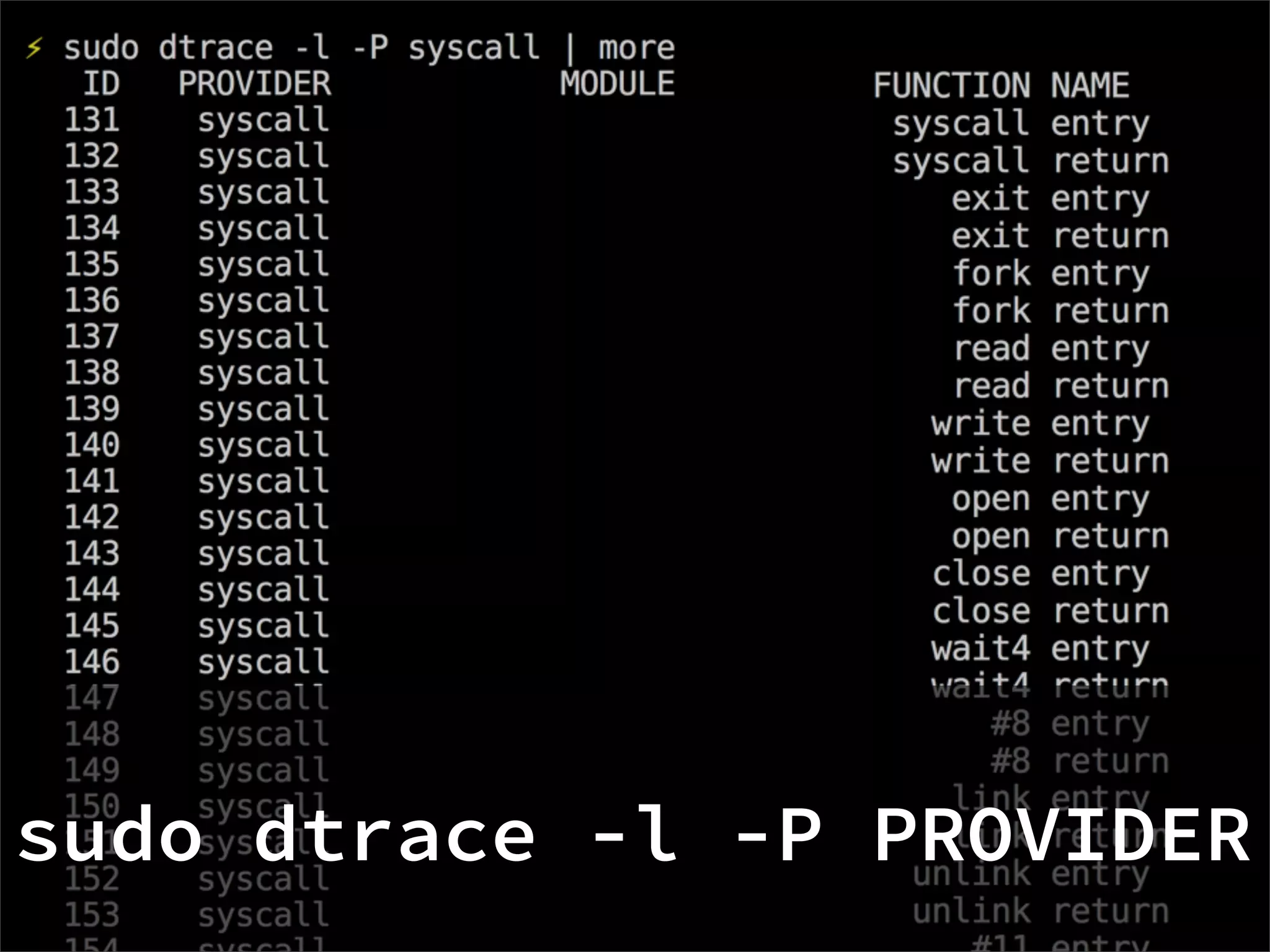
   sudo dtrace -l
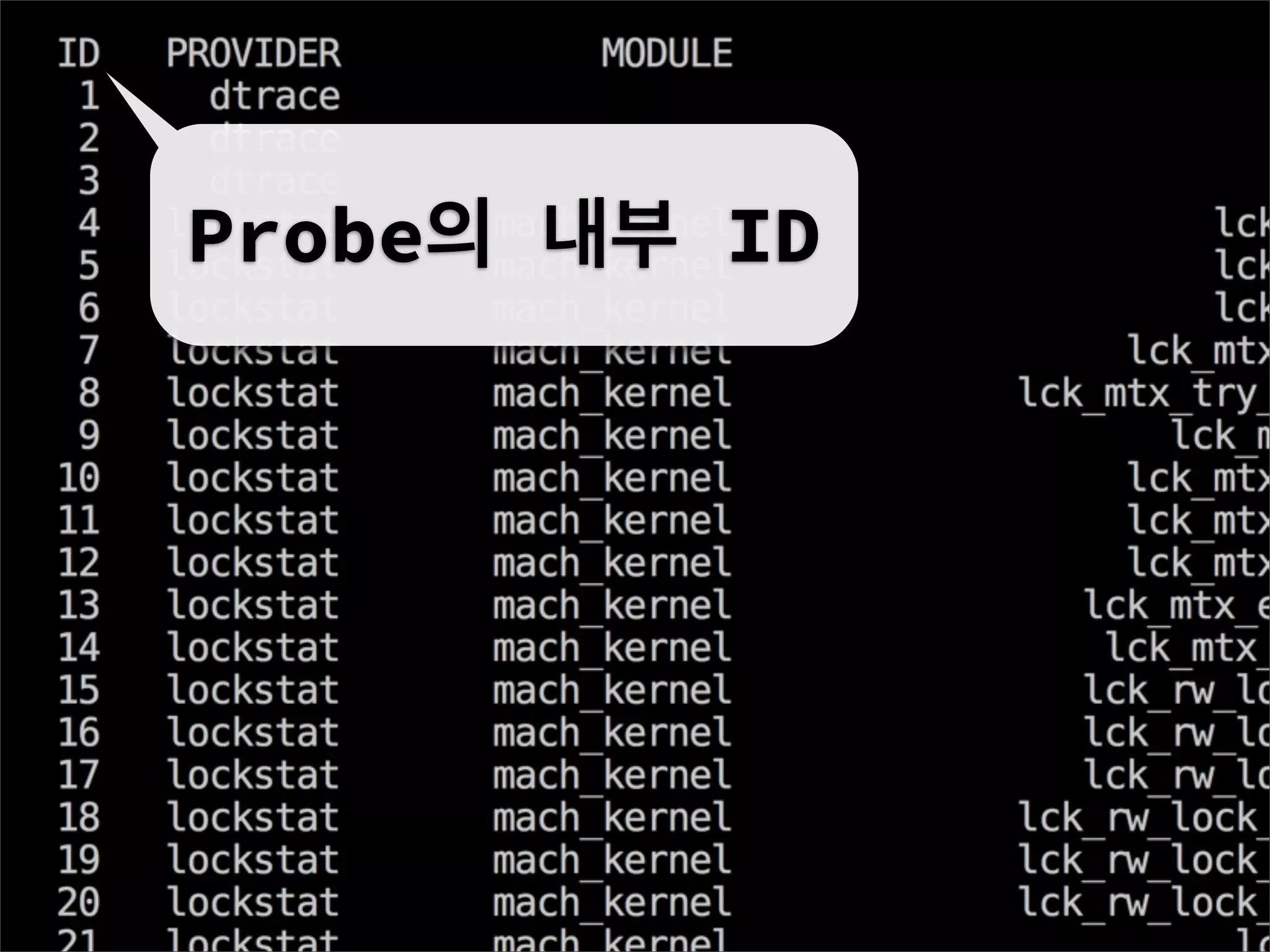
Probe의 내부 ID
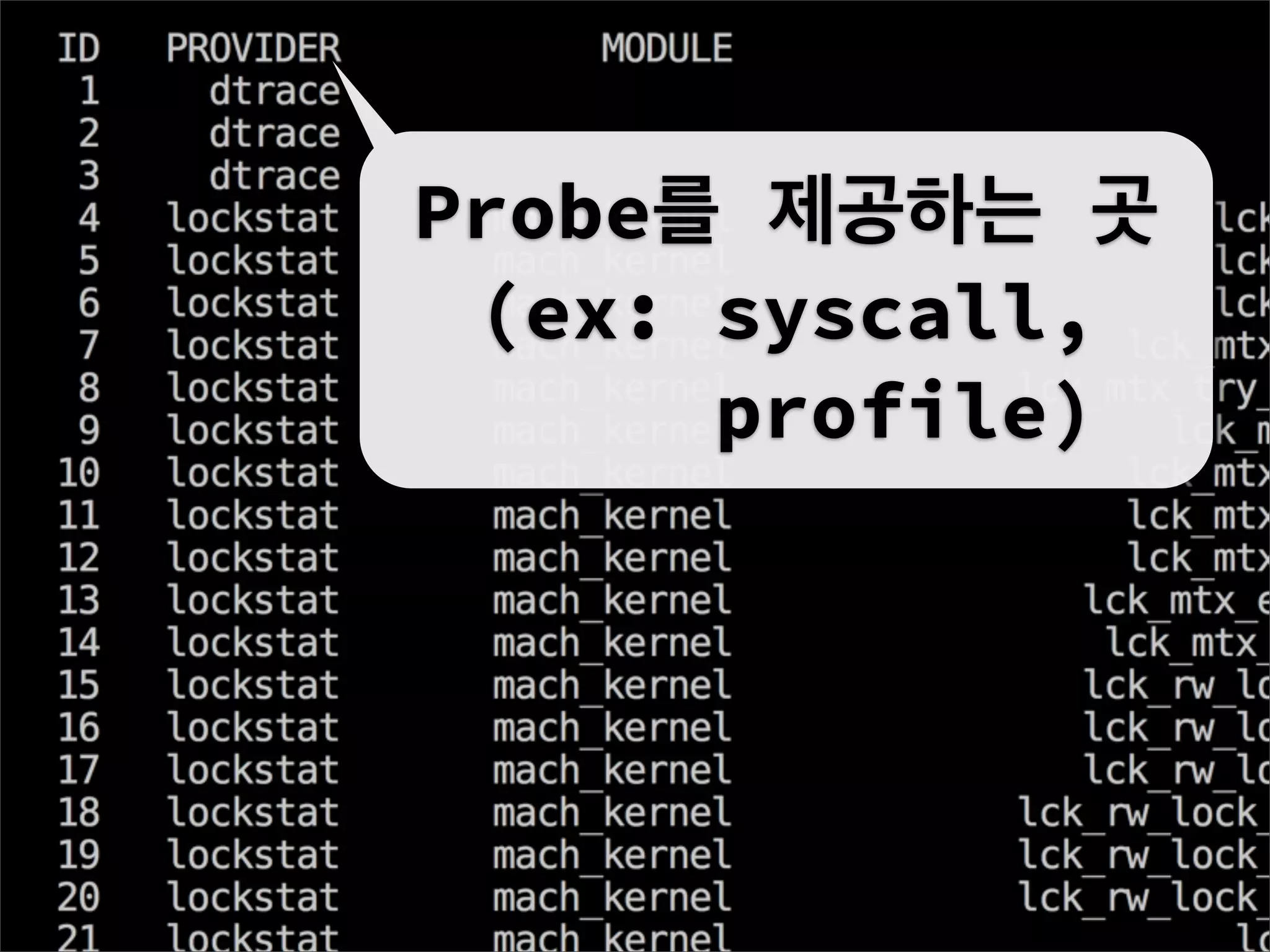
Probe를 제공하는 곳
 (ex: syscall,
      profile)
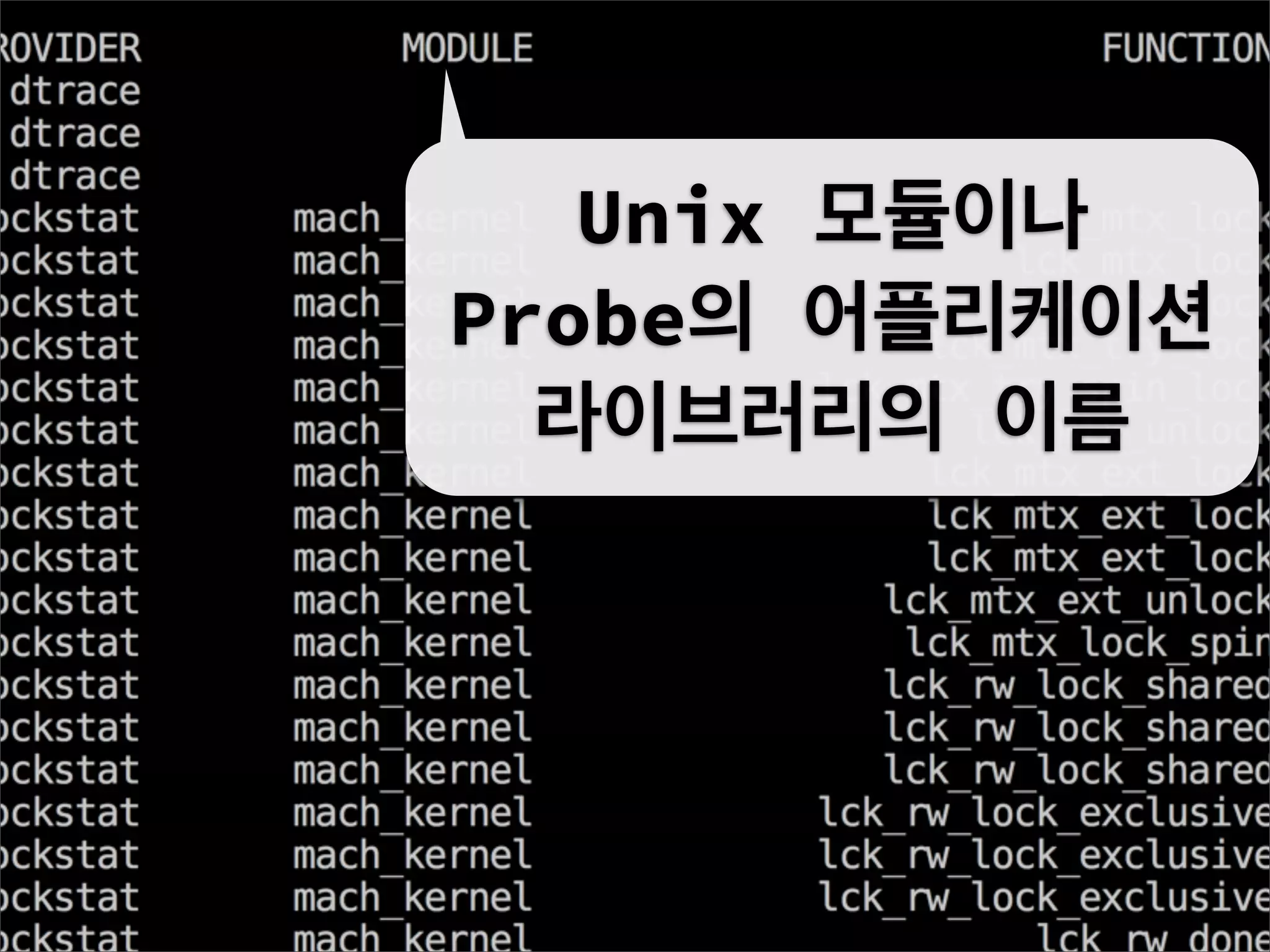
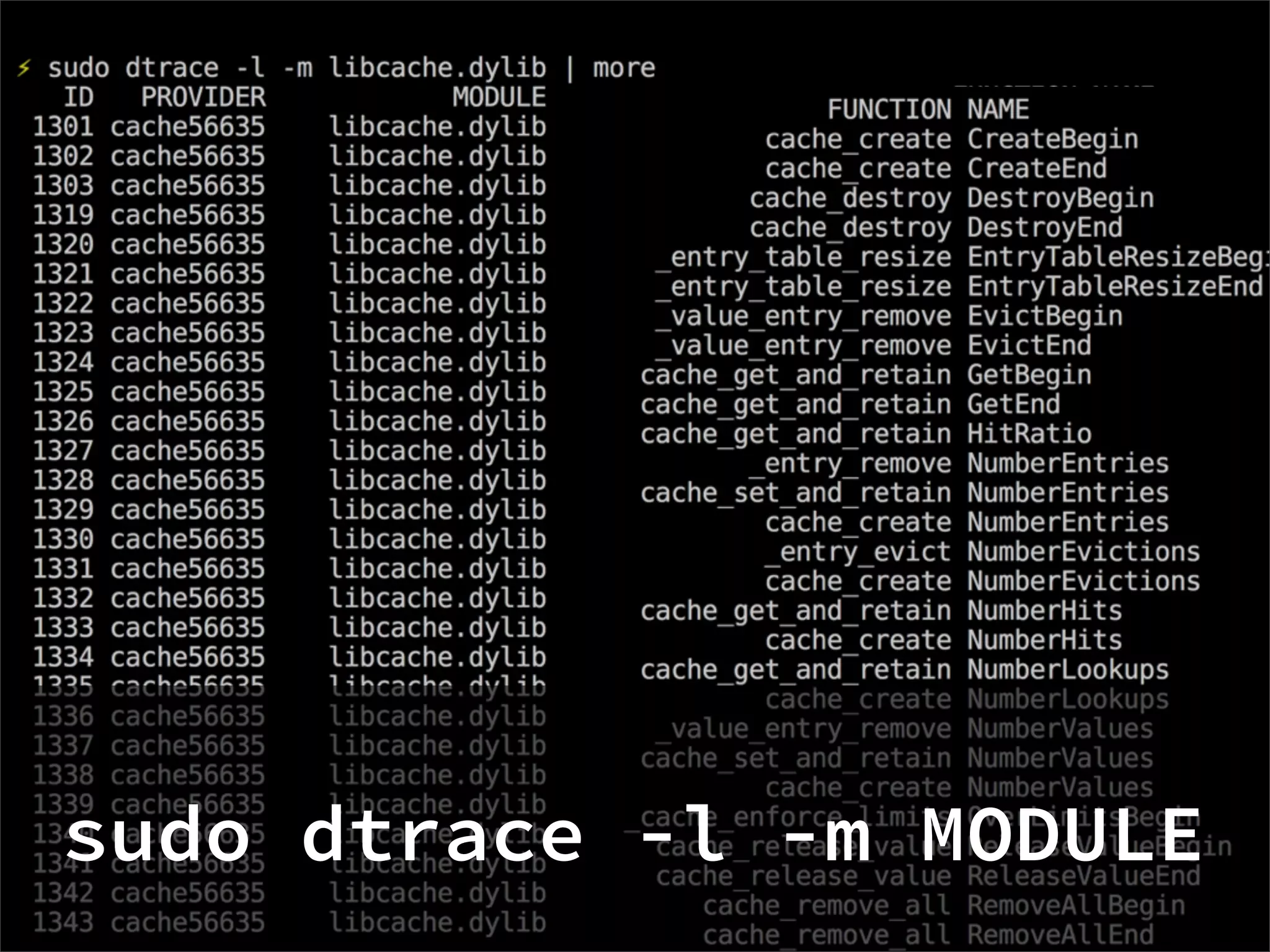
Unix 모듈이나
Probe의 어플리케이션
  라이브러리의 이름
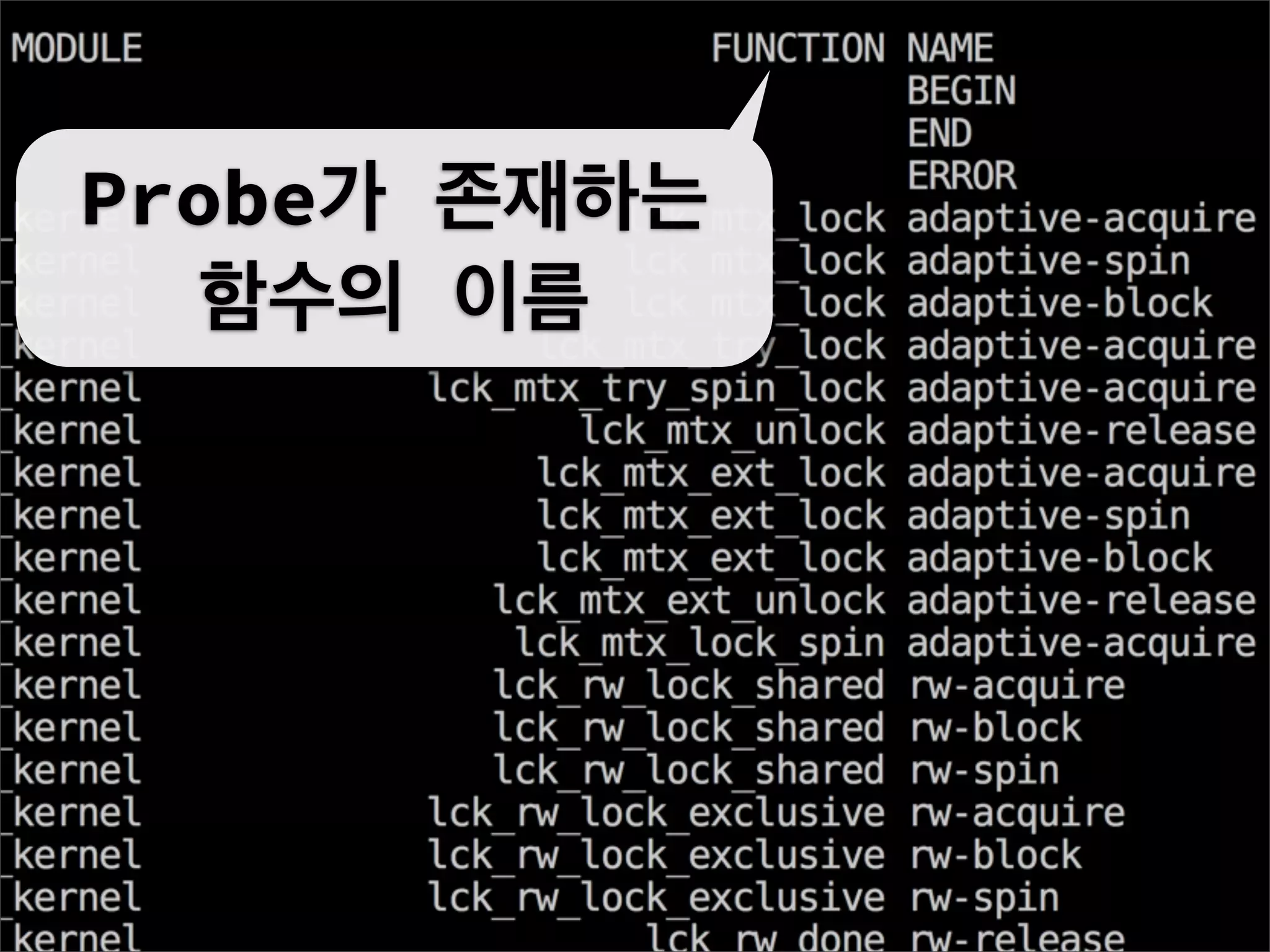
Probe가 존재하는
   함수의 이름
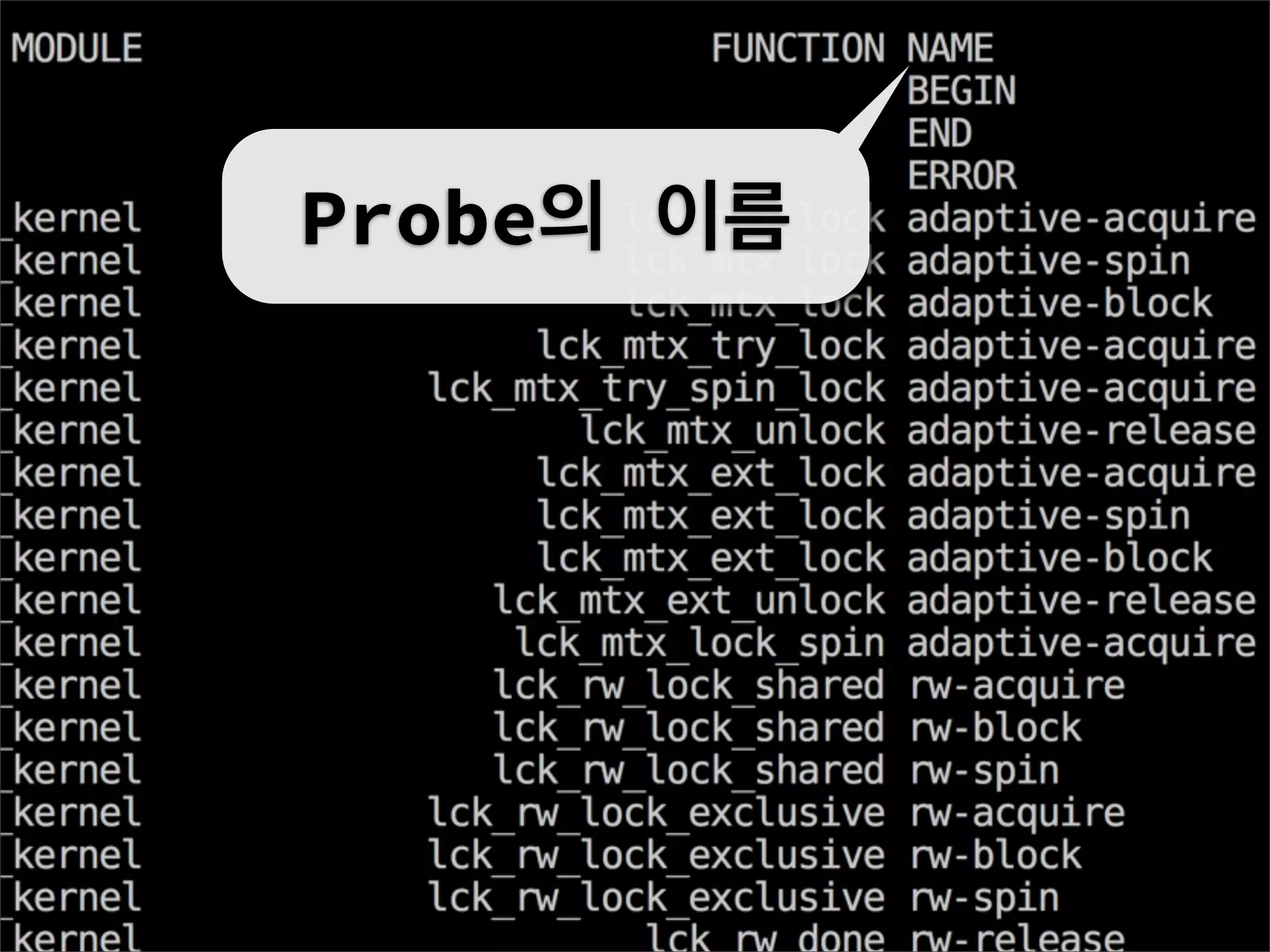
Probe의 이름
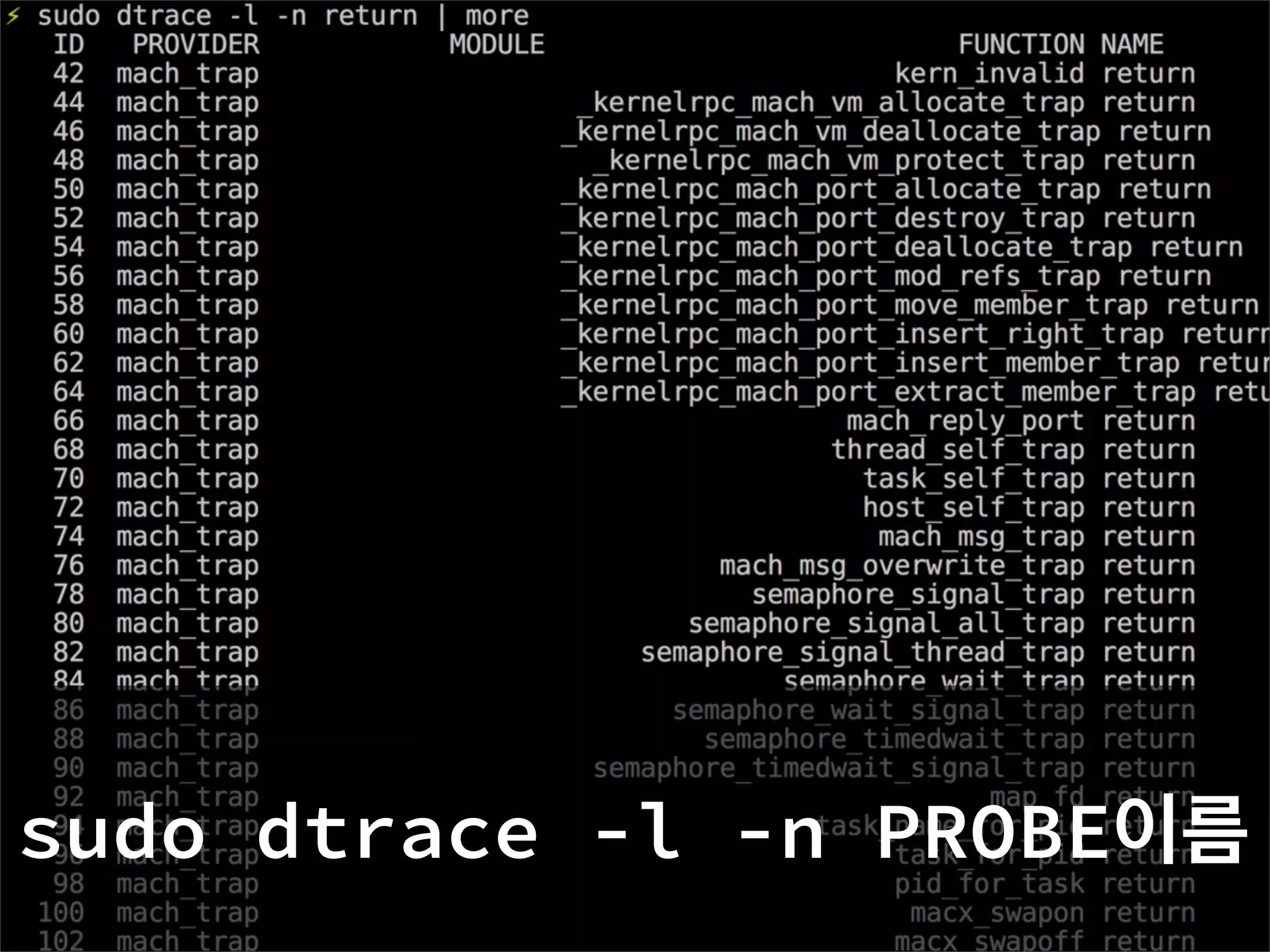
sudo dtrace -l -n PROBE이름
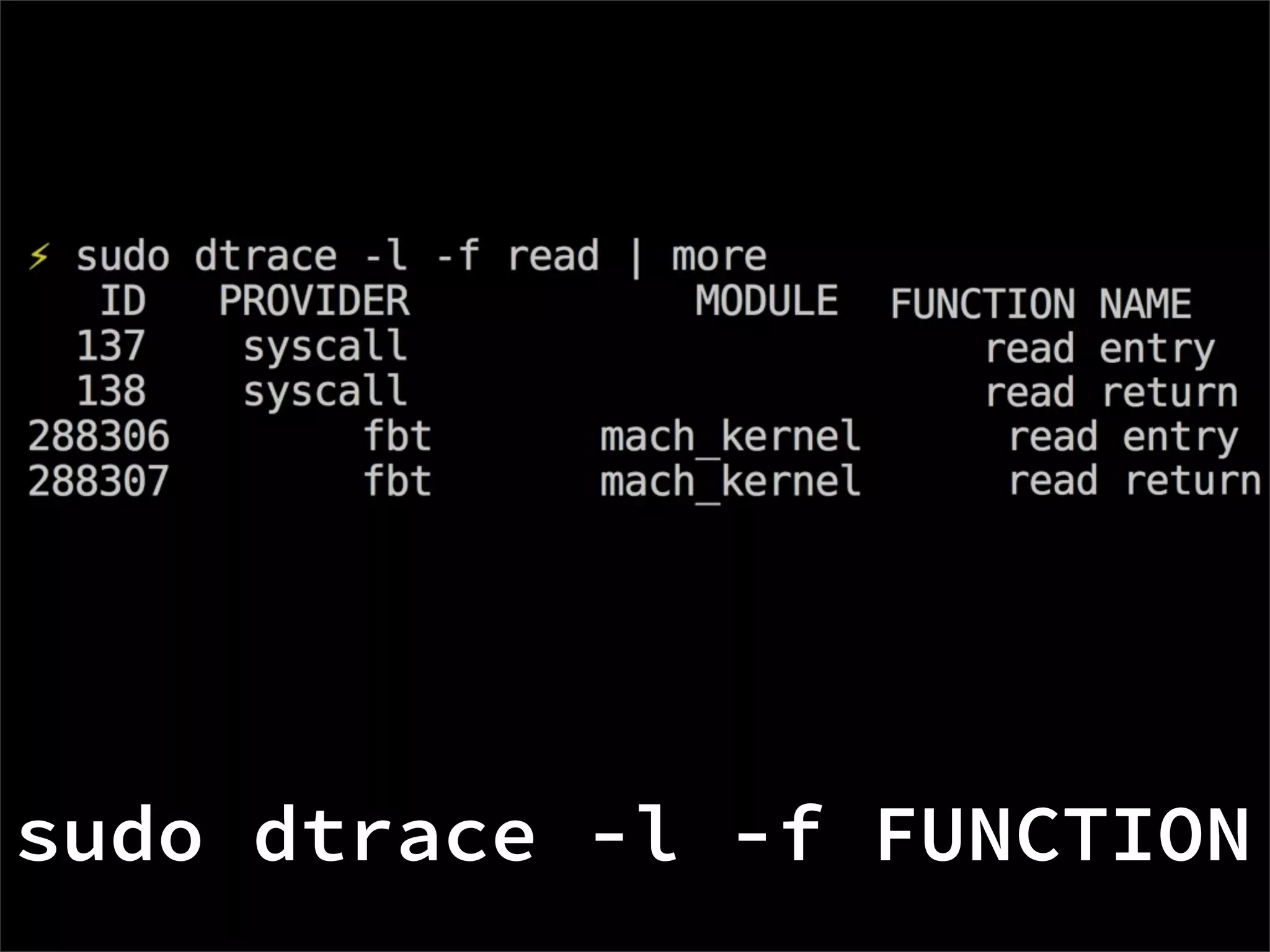
sudo dtrace -l -f FUNCTION
sudo dtrace -l -P PROVIDER
sudo dtrace -l -m MODULE
DScript
D Programming Language
Features

.d 확장자
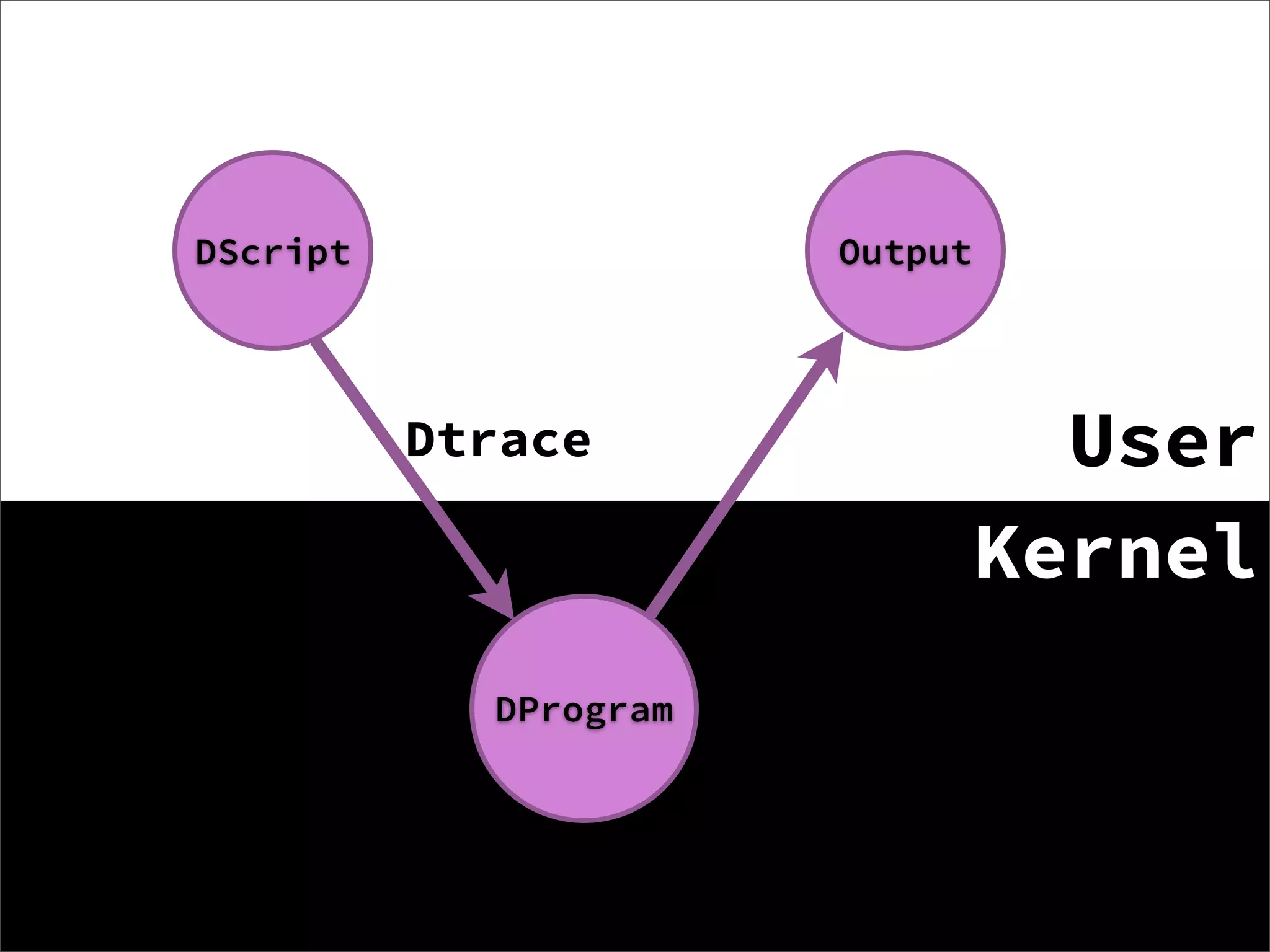
컴파일해서 커널레벨에서 실행
안전성을 위한 유효성 검사
프로덕션에서 안전하게 실행
DScript                Output


          Dtrace                  User
                                Kernel
            DProgram
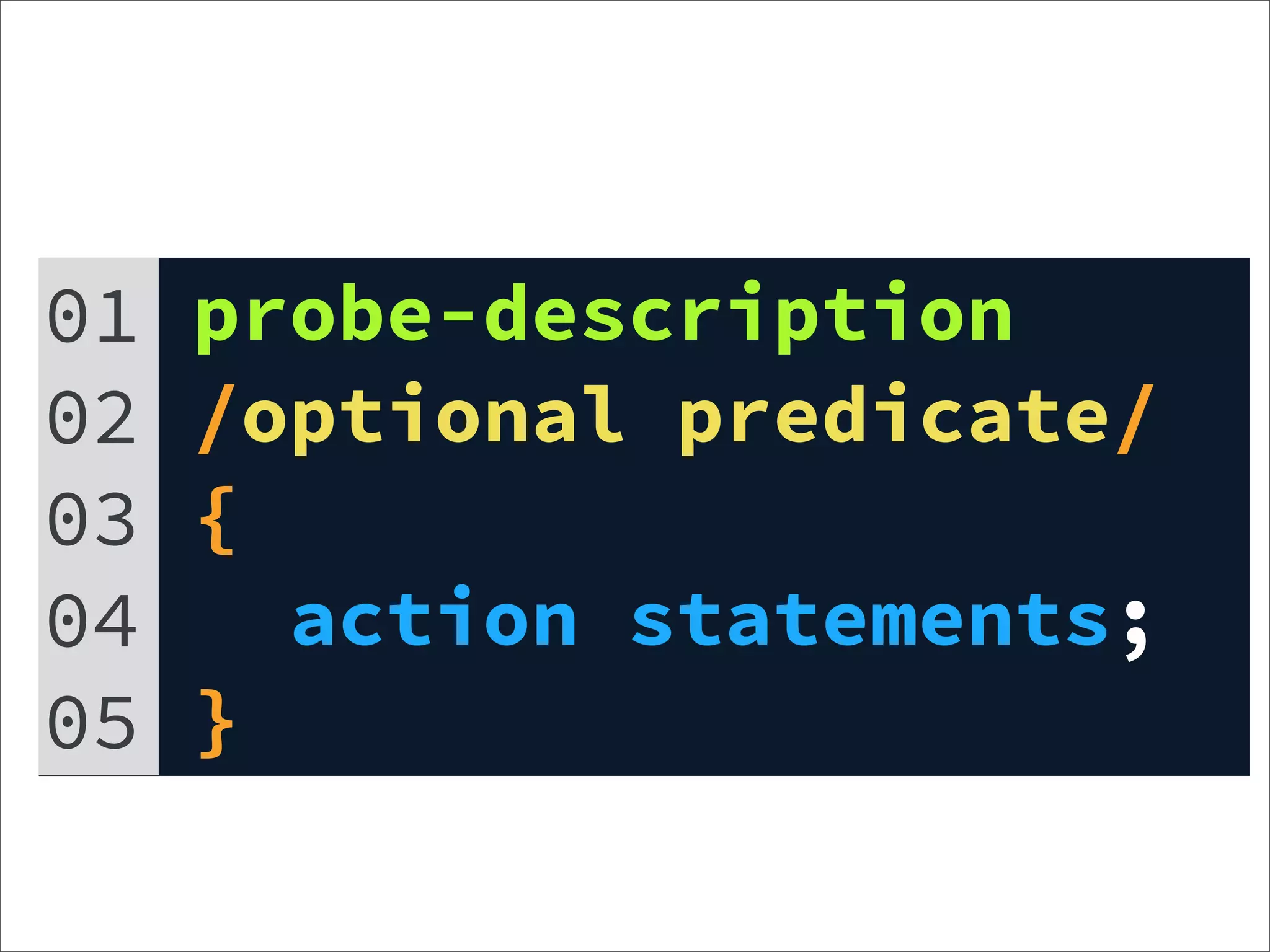
01   probe-description
02   /optional predicate/
03   {
04     action statements;
05   }
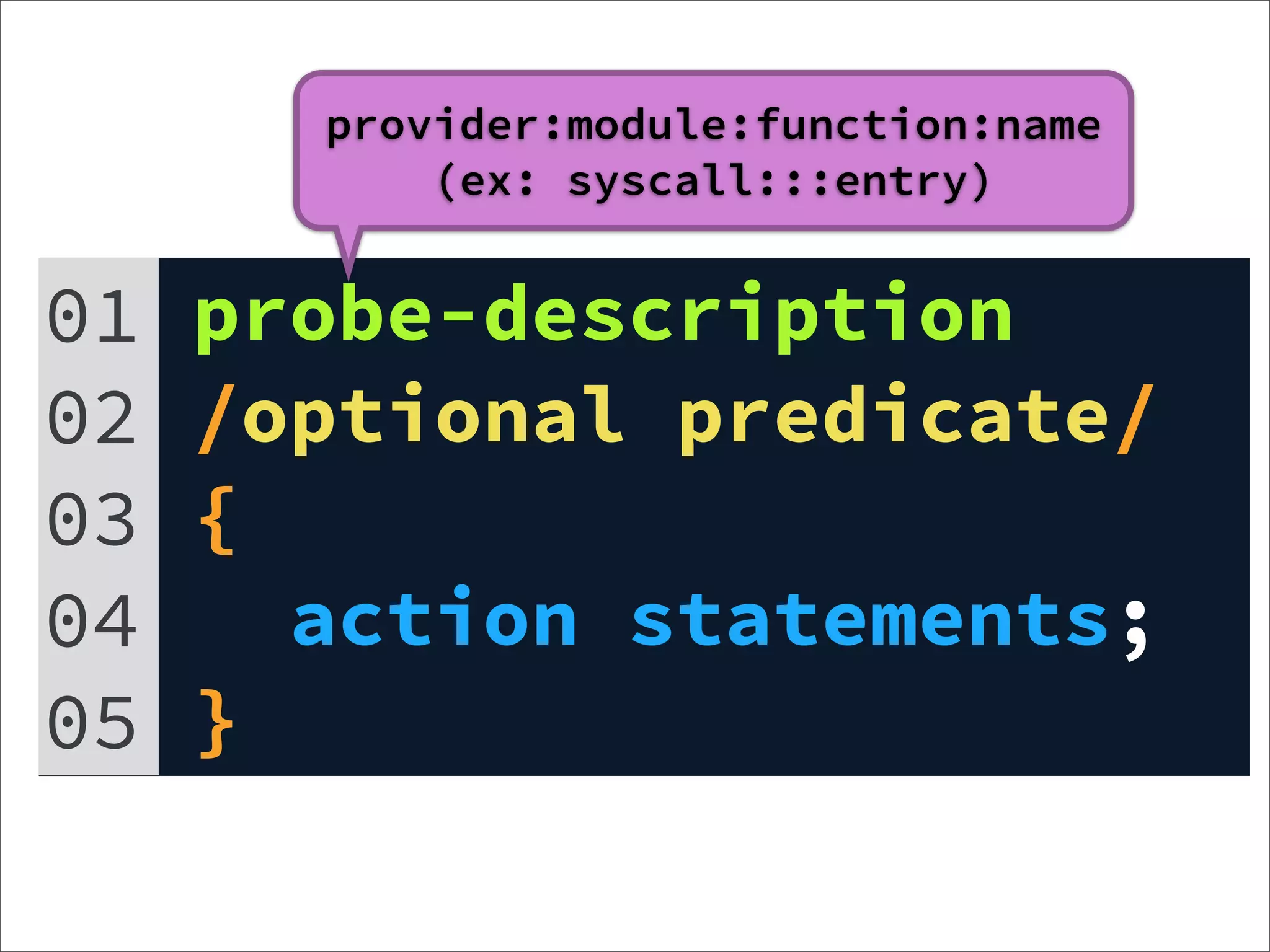
provider:module:function:name
           (ex: syscall:::entry)


01   probe-description
02   /optional predicate/
03   {
04     action statements;
05   }
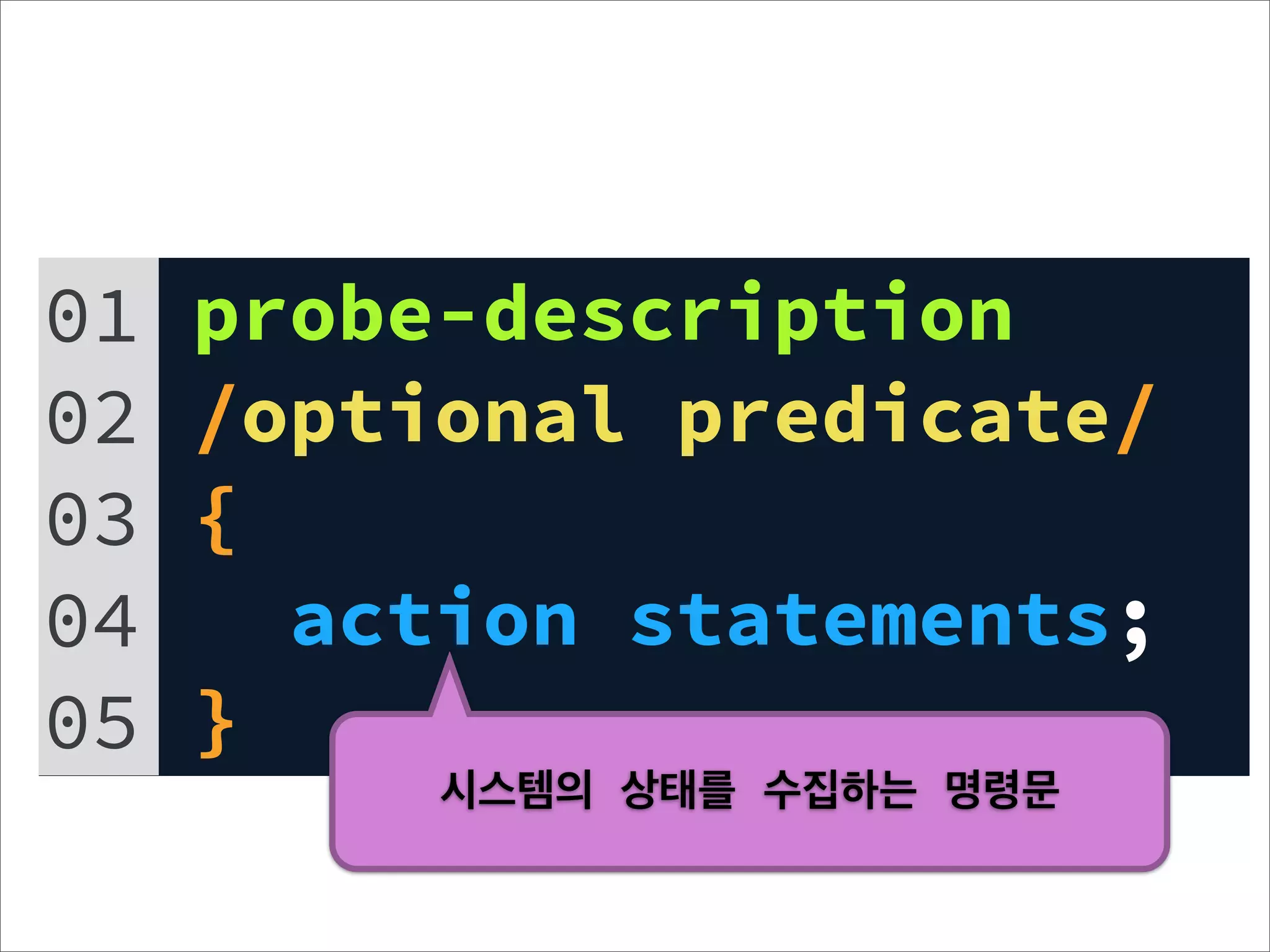
01   probe-description
02   /optional predicate/
03   {
04     action statements;
05   }
          시스템의 상태를 수집하는 명령문
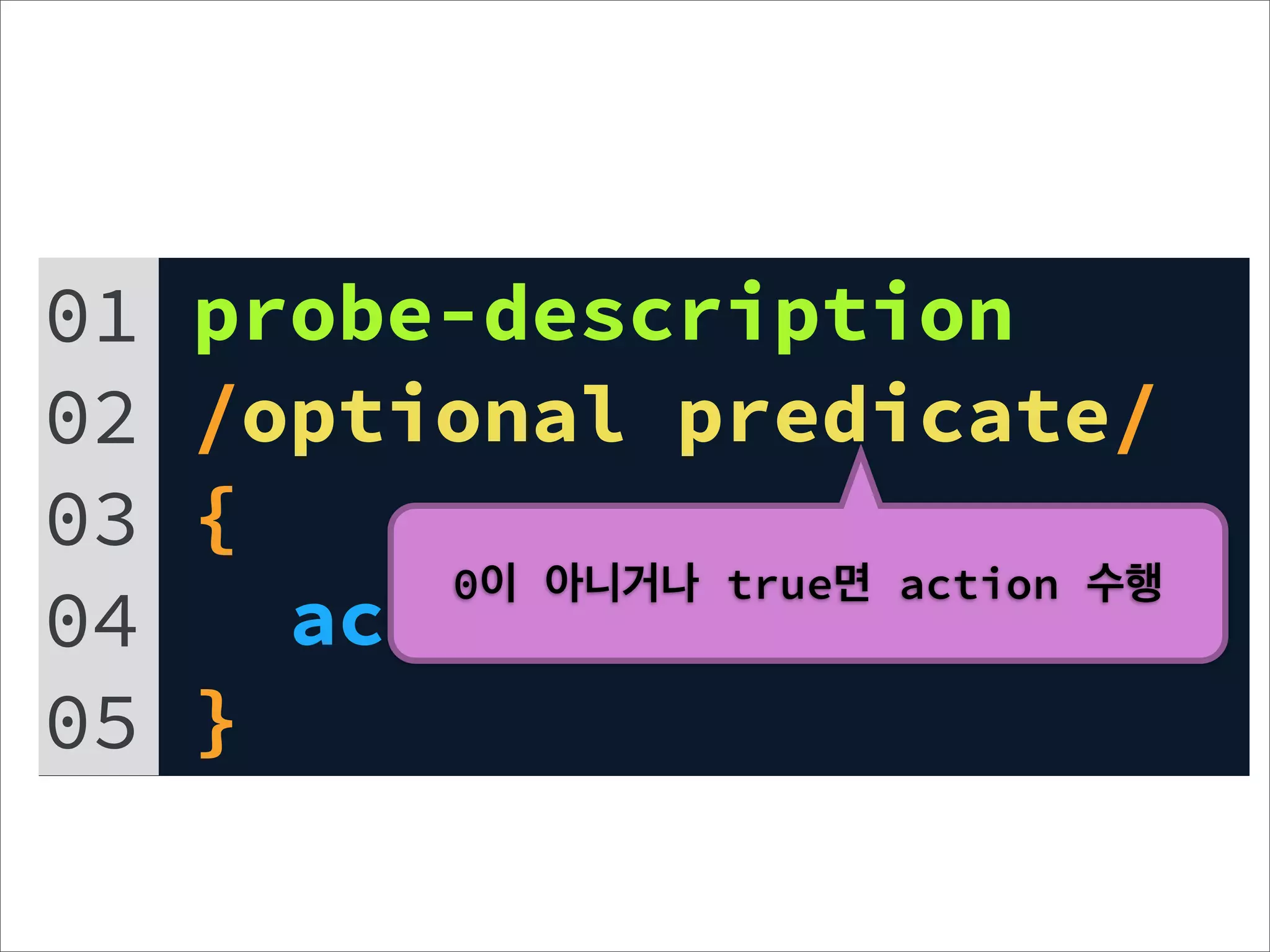
01   probe-description
02   /optional predicate/
03   {
          0이 아니거나 true면 action 수행
04     action statements;
05   }
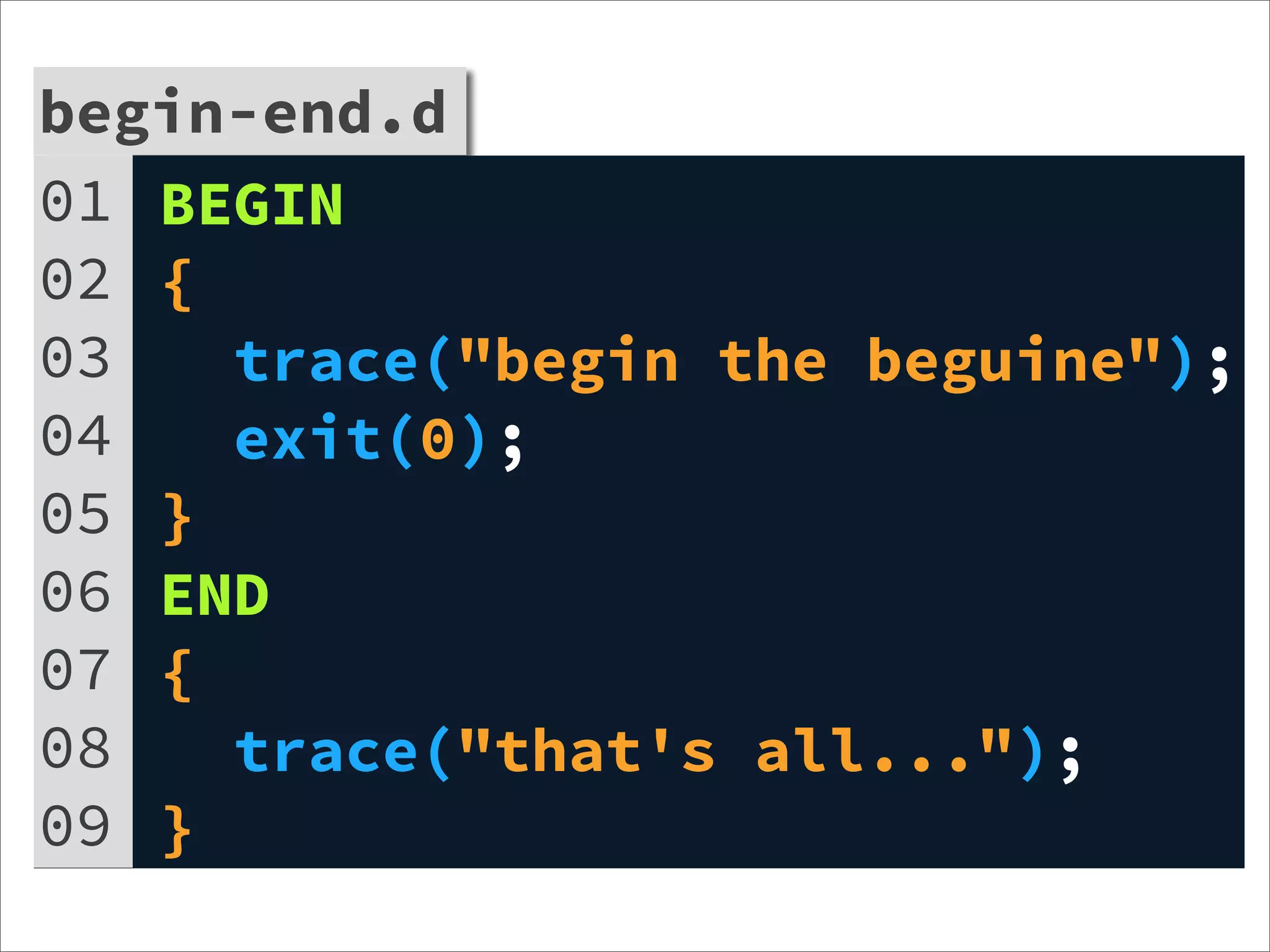
begin-end.d
01 BEGIN
02 {
03   trace("begin the beguine");
04   exit(0);
05 }
06 END
07 {
08   trace("that's all...");
09 }
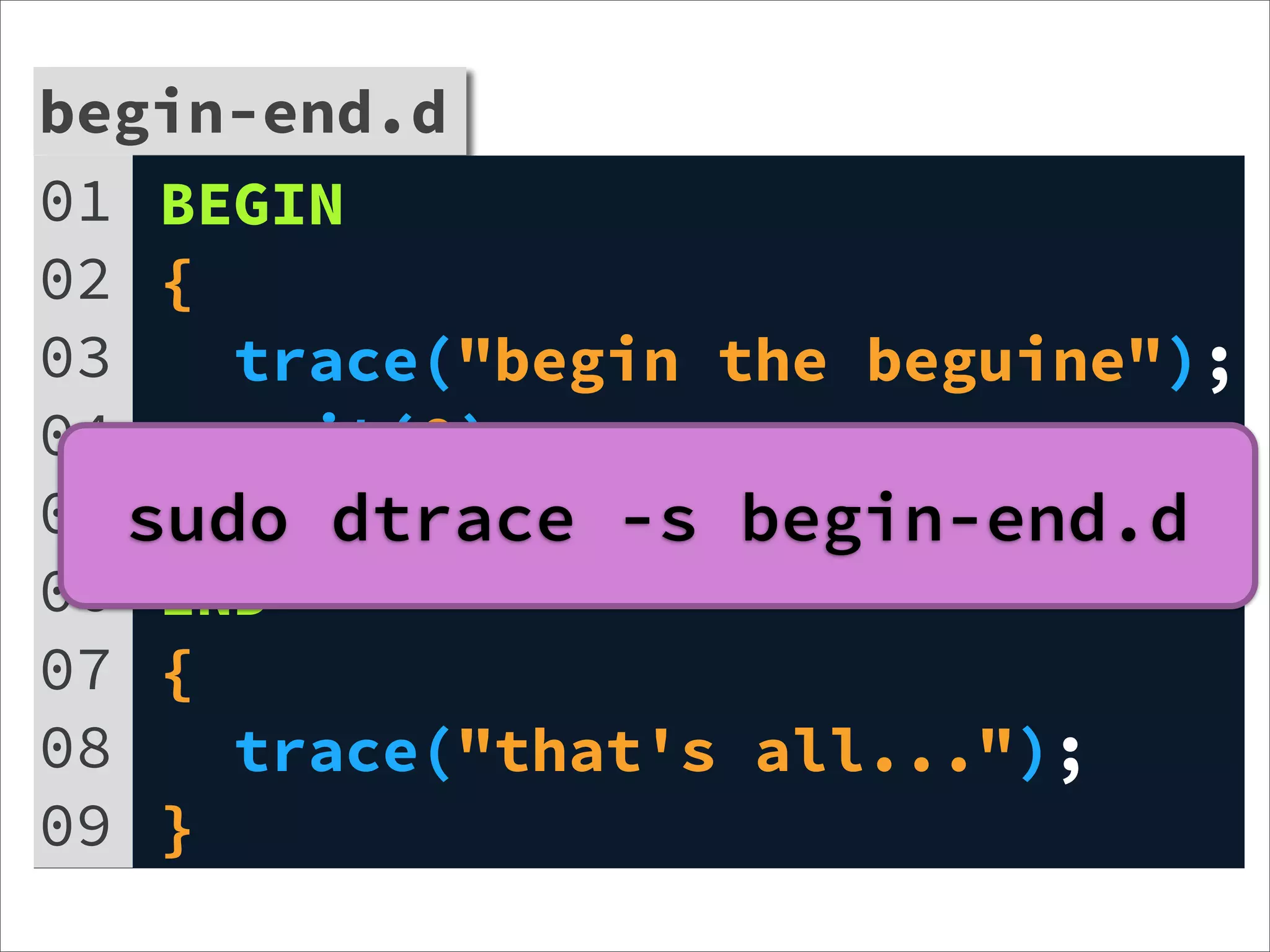
begin-end.d
01 BEGIN
02 {
03    trace("begin the beguine");
04    exit(0);
05 sudo dtrace -s begin-end.d
    }
06 END
07 {
08    trace("that's all...");
09 }
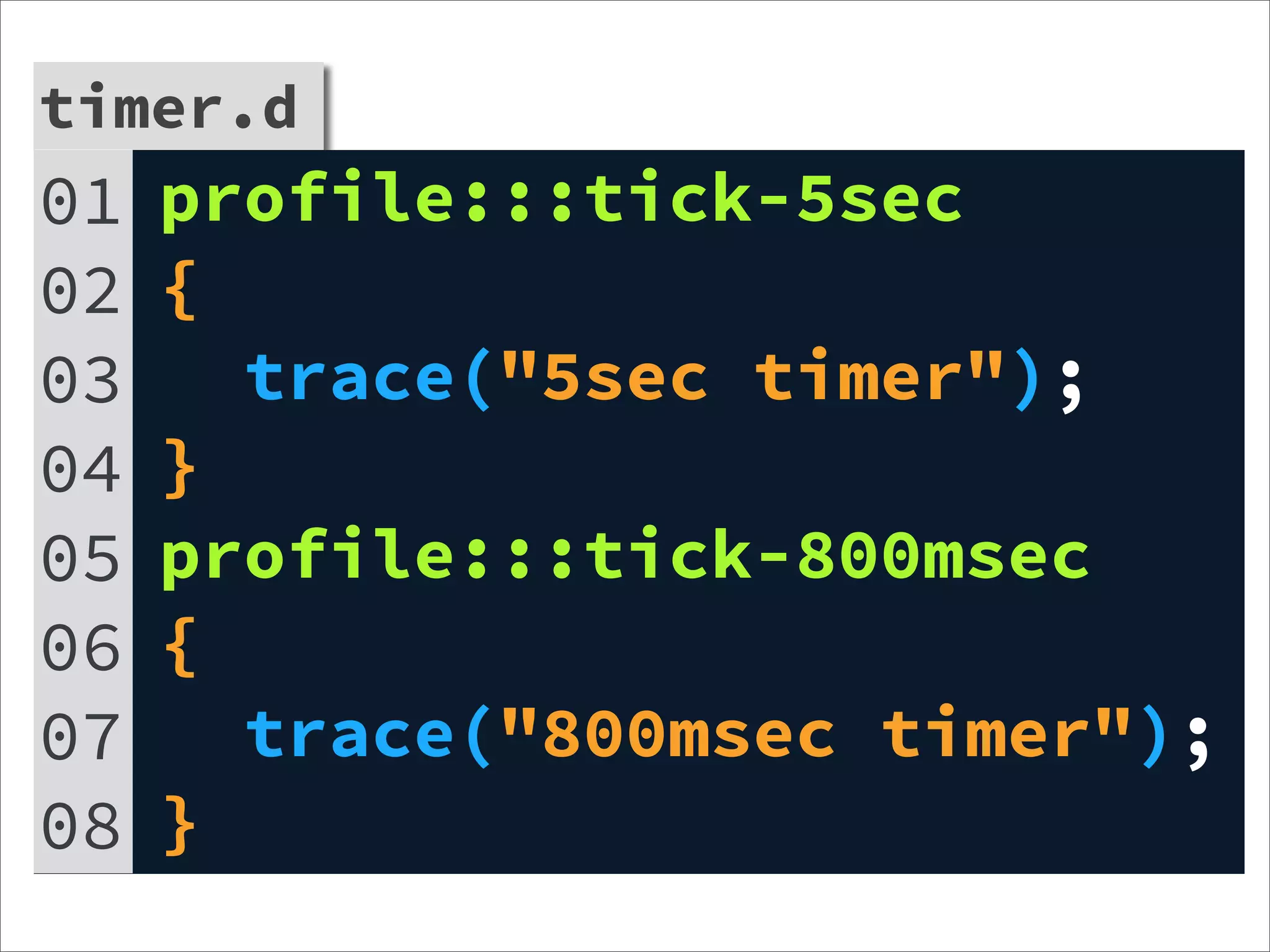
timer.d
01   profile:::tick-5sec
02   {
03     trace("5sec timer");
04   }
05   profile:::tick-800msec
06   {
07     trace("800msec timer");
08   }
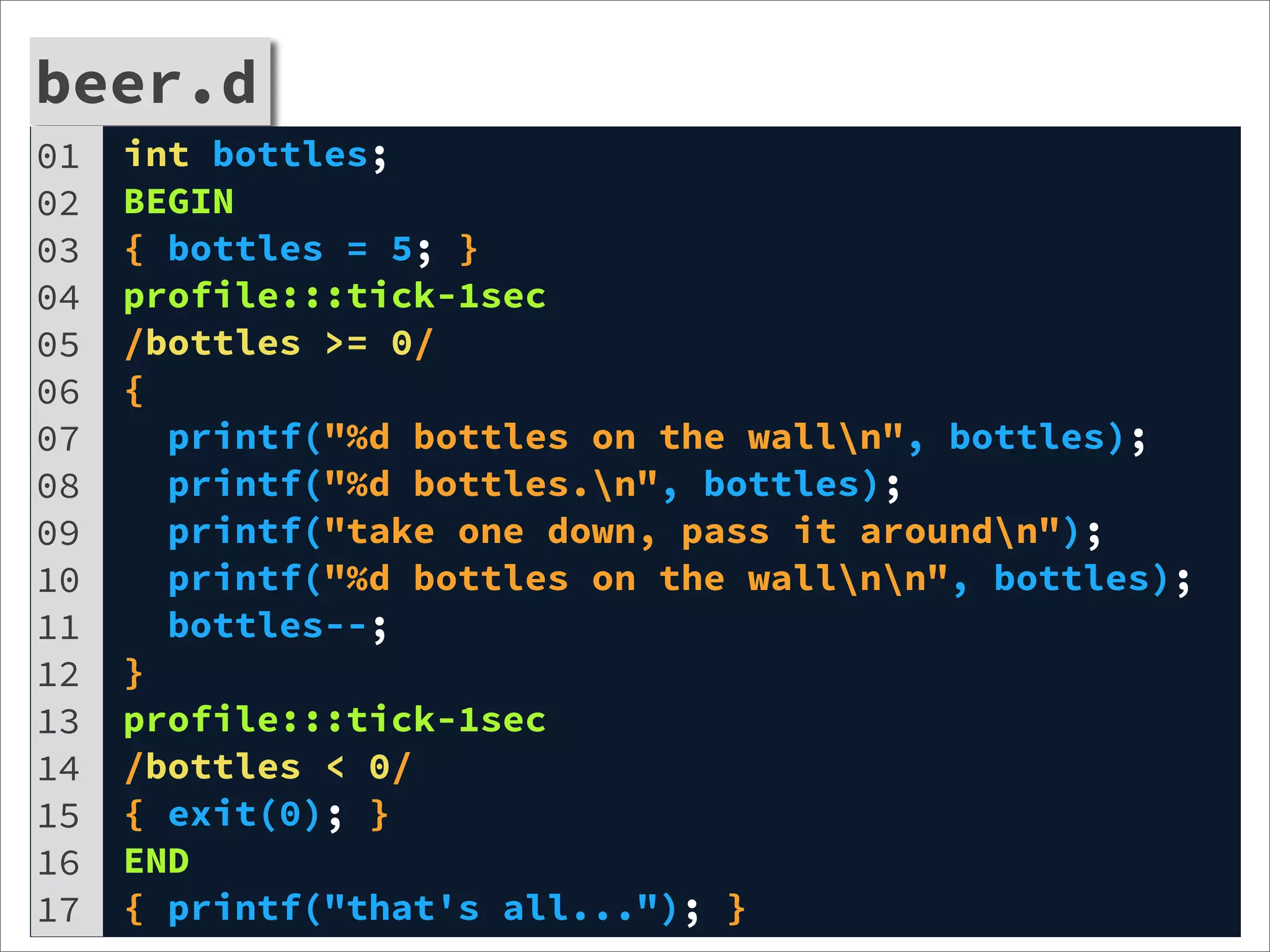
beer.d
01   int bottles;
02   BEGIN
03   { bottles = 5; }
04   profile:::tick-1sec
05   /bottles >= 0/
06   {
07     printf("%d bottles on the walln", bottles);
08     printf("%d bottles.n", bottles);
09     printf("take one down, pass it aroundn");
10     printf("%d bottles on the wallnn", bottles);
11     bottles--;
12   }
13   profile:::tick-1sec
14   /bottles < 0/
15   { exit(0); }
16   END
17   { printf("that's all..."); }
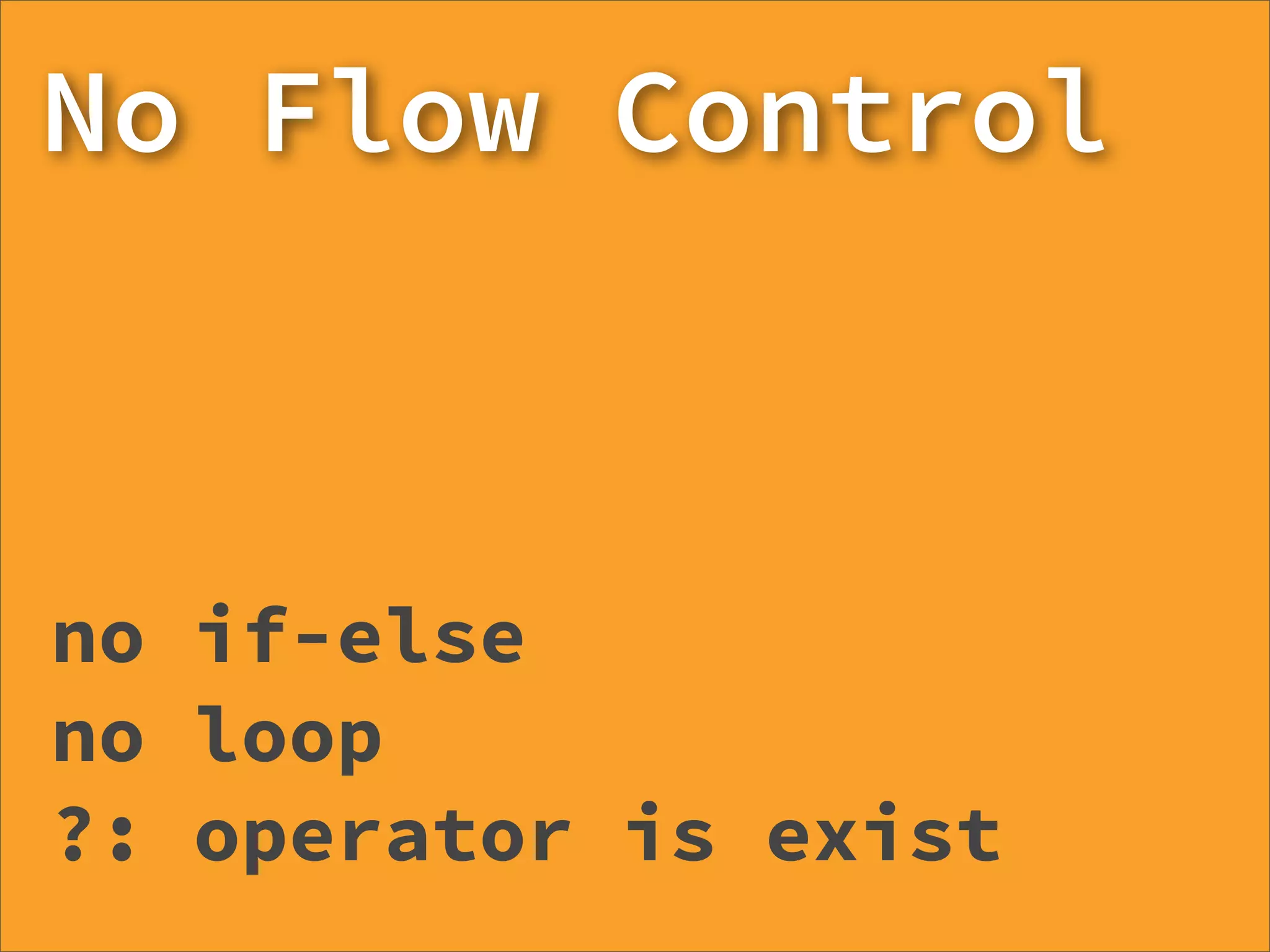
No Flow Control


no if-else
no loop
?: operator is exist
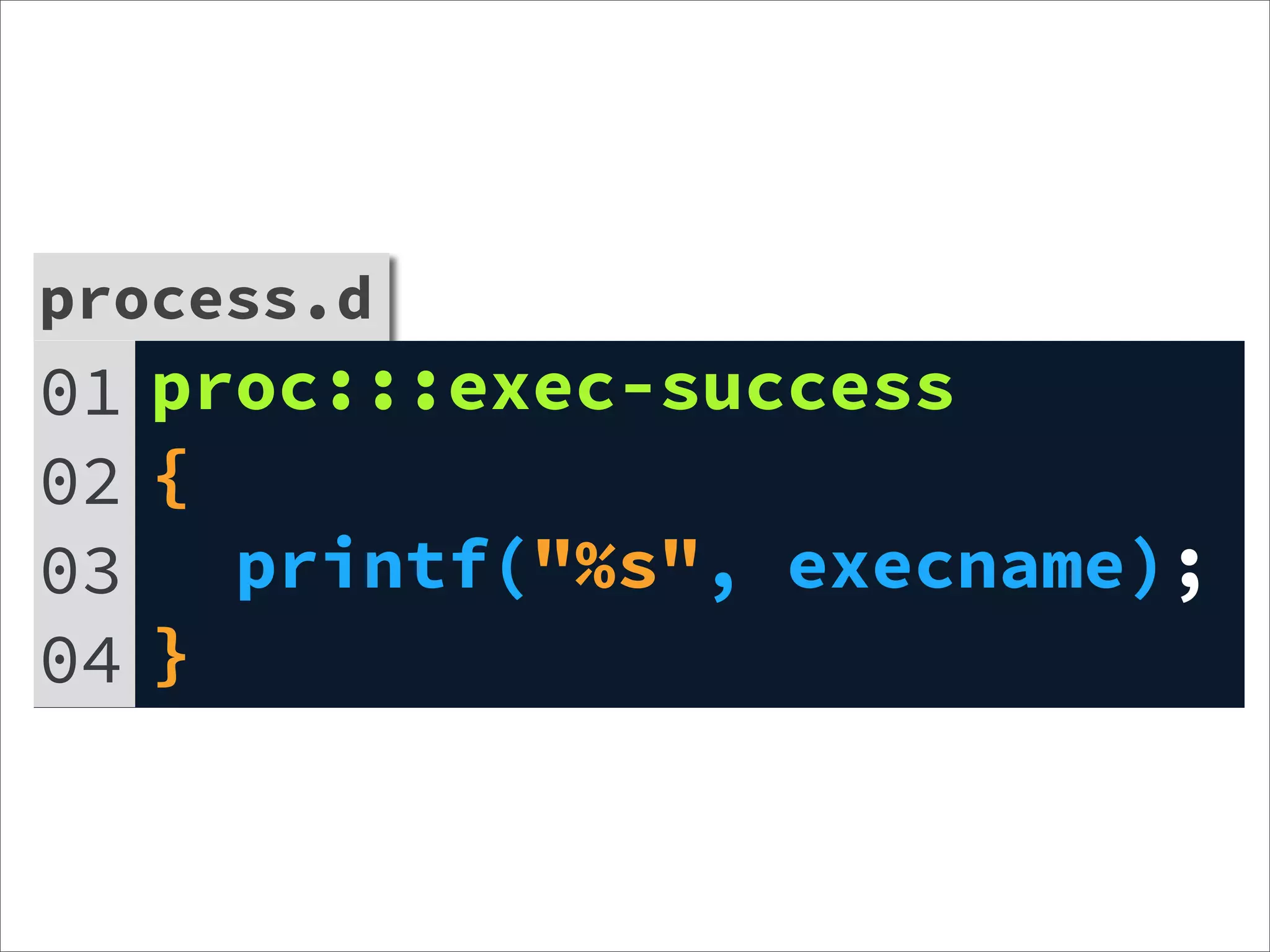
process.d
01 proc:::exec-success
02 {
03   printf("%s", execname);
04 }
Aggregate
@name[key] = aggfunc(args)


@: aggregation’s prefix
name: aggregation’s name
key: D expression list (comma-separated)
aggfunc: aggregation function
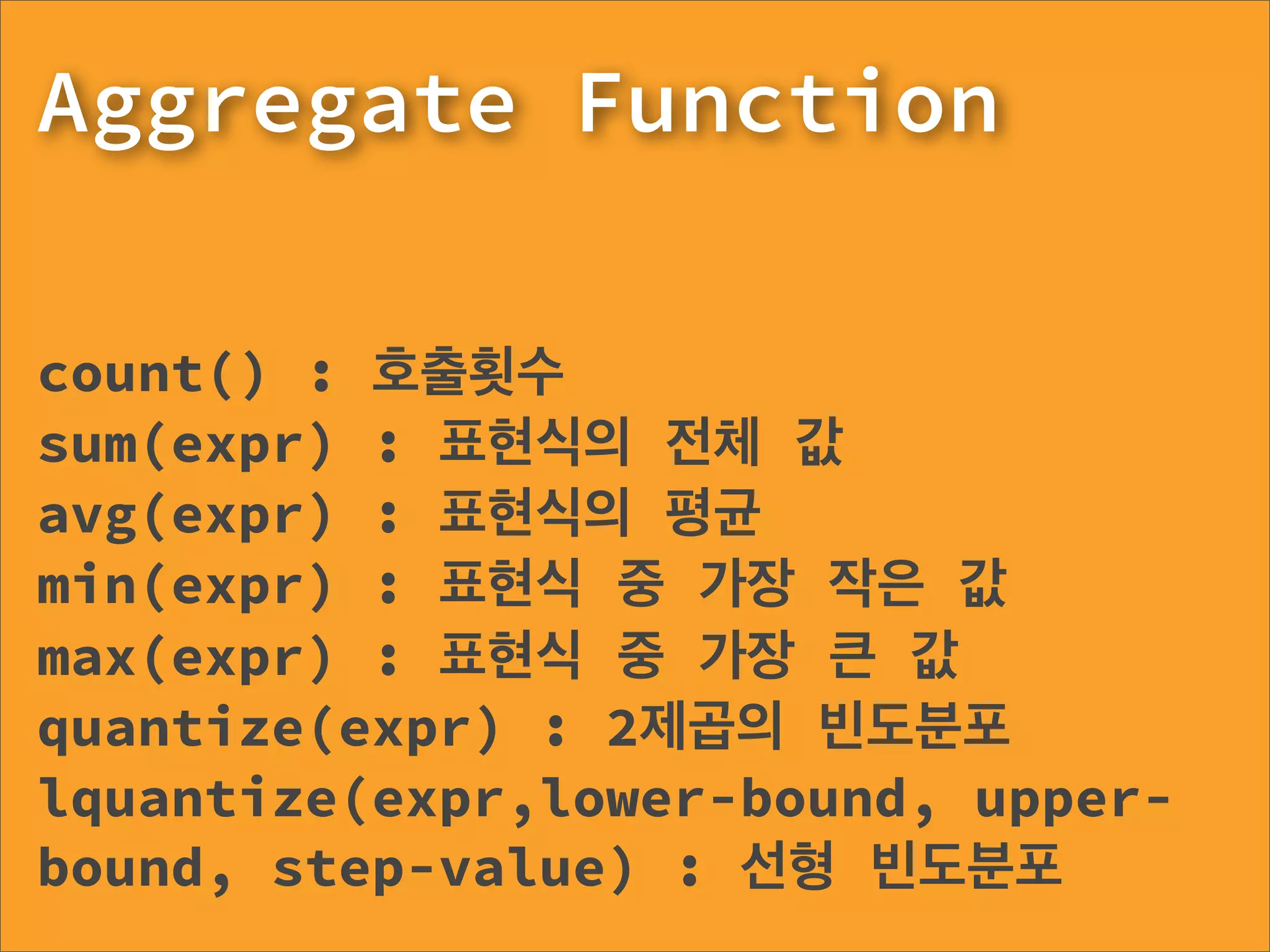
Aggregate Function

count() : 호출횟수
sum(expr) : 표현식의 전체 값
avg(expr) : 표현식의 평균
min(expr) : 표현식 중 가장 작은 값
max(expr) : 표현식 중 가장 큰 값
quantize(expr) : 2제곱의 빈도분포
lquantize(expr,lower-bound, upper-
bound, step-value) : 선형 빈도분포
aggr-count.d
01 syscall::read:entry
02 {
03   @counts[execname] = count();
04 }
05 profile:::tick-5s
06 {
07   exit(0);
08 }
aggr-quant.d
01   syscall::read:entry
02   {
03     self->ts = timestamp;
04   }
05   syscall::read:return
06   /self->ts/
07   {
08     delta = timestamp - self->ts;
09     @quanttime[execname] = quantize(delta);
10   }
11   profile:::tick-5s
12   {
13     exit(0);
14   }
Dtrace
with Node.js
OS Requirements
      -Dtrace
      -ustack helper


http://www.flickr.com/photos/abandonedhero/3404826467
User-Level Statically Defined Tracing


USDT
landed in node v0.6.7
Full features
work on OpenSolaris
        http://www.flickr.com/photos/jepoirrier/2043728206
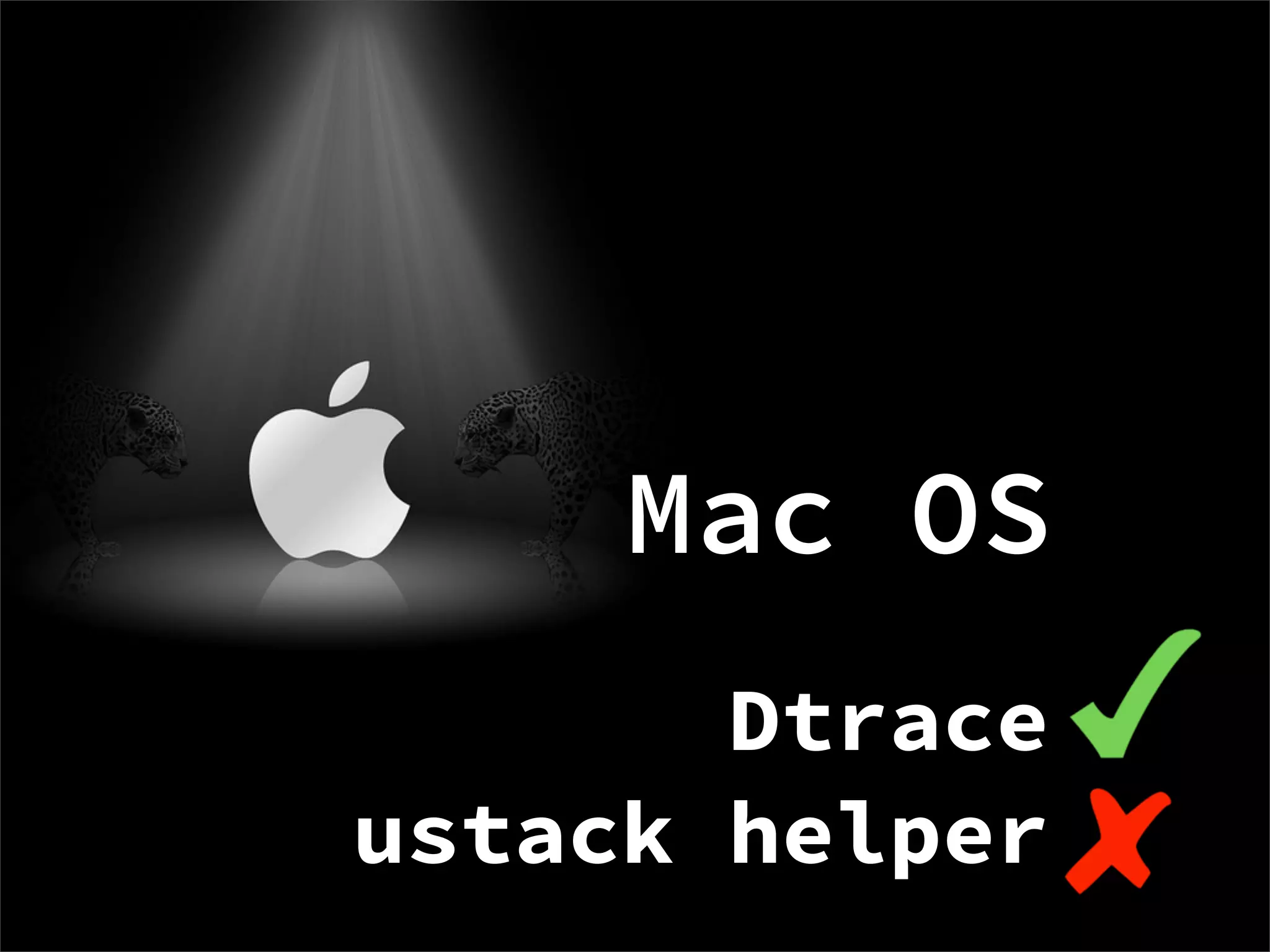
Mac OS
       Dtrace
ustack helper
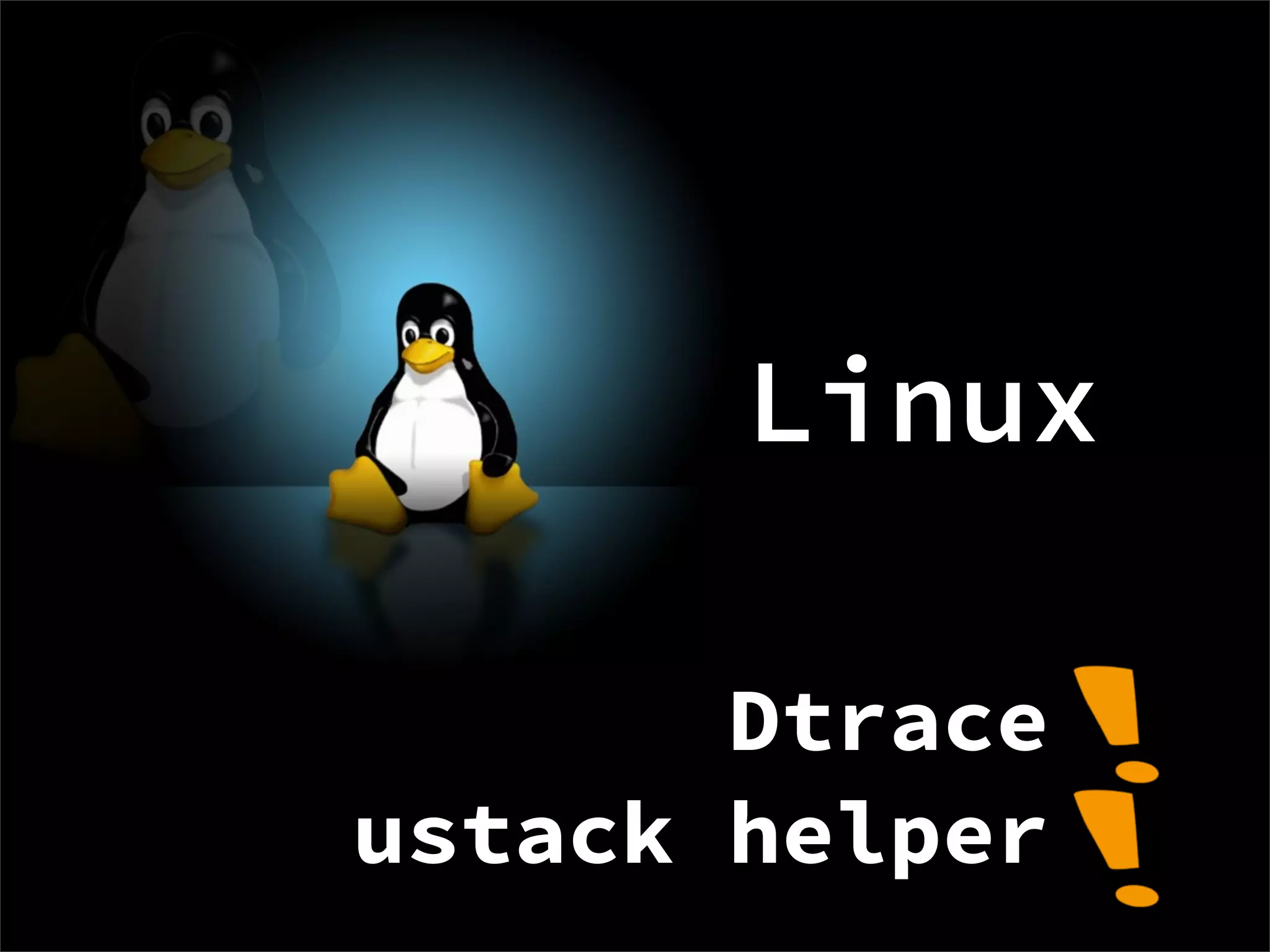
Linux

       Dtrace
ustack helper
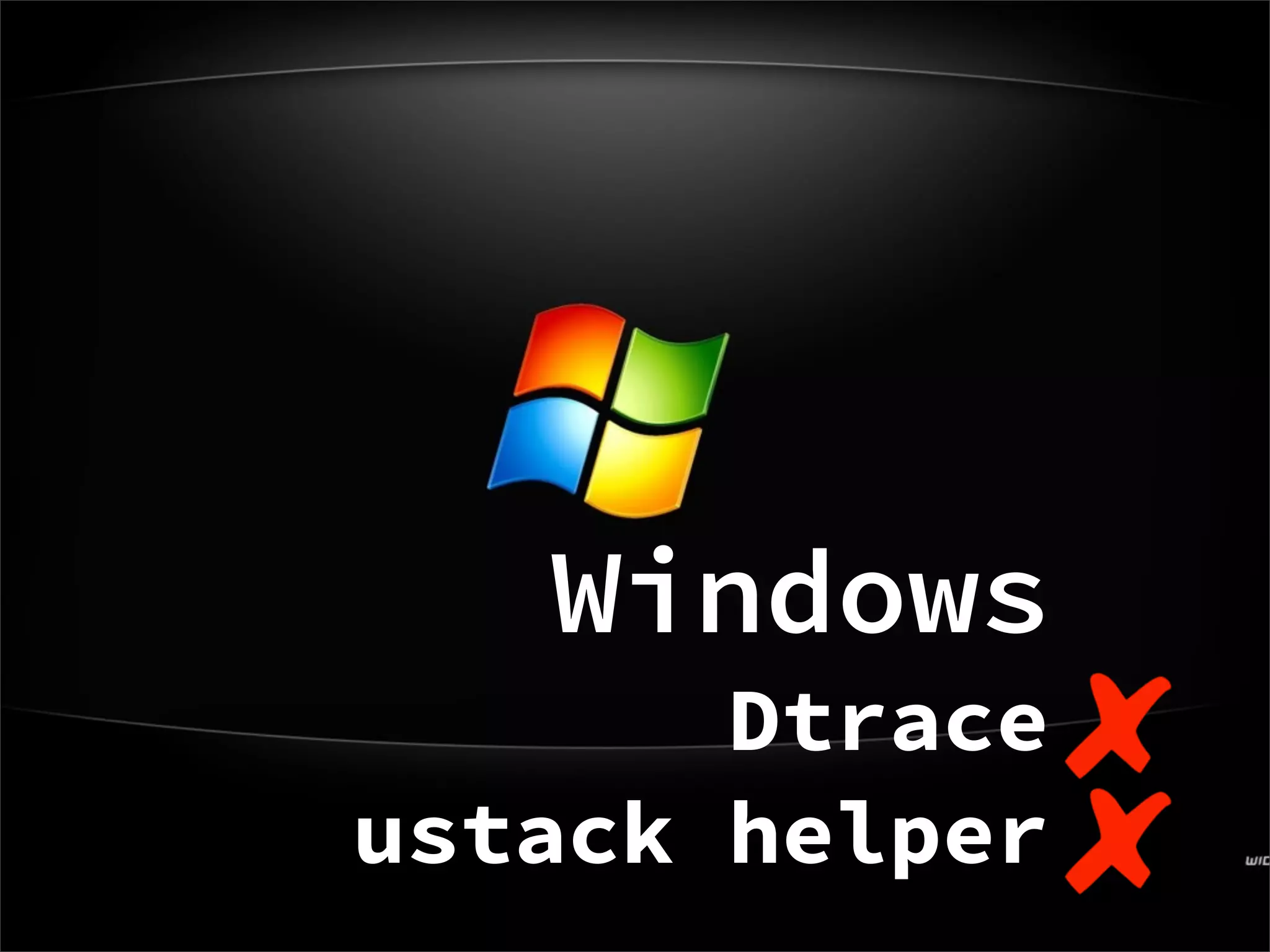
Windows
       Dtrace
ustack helper
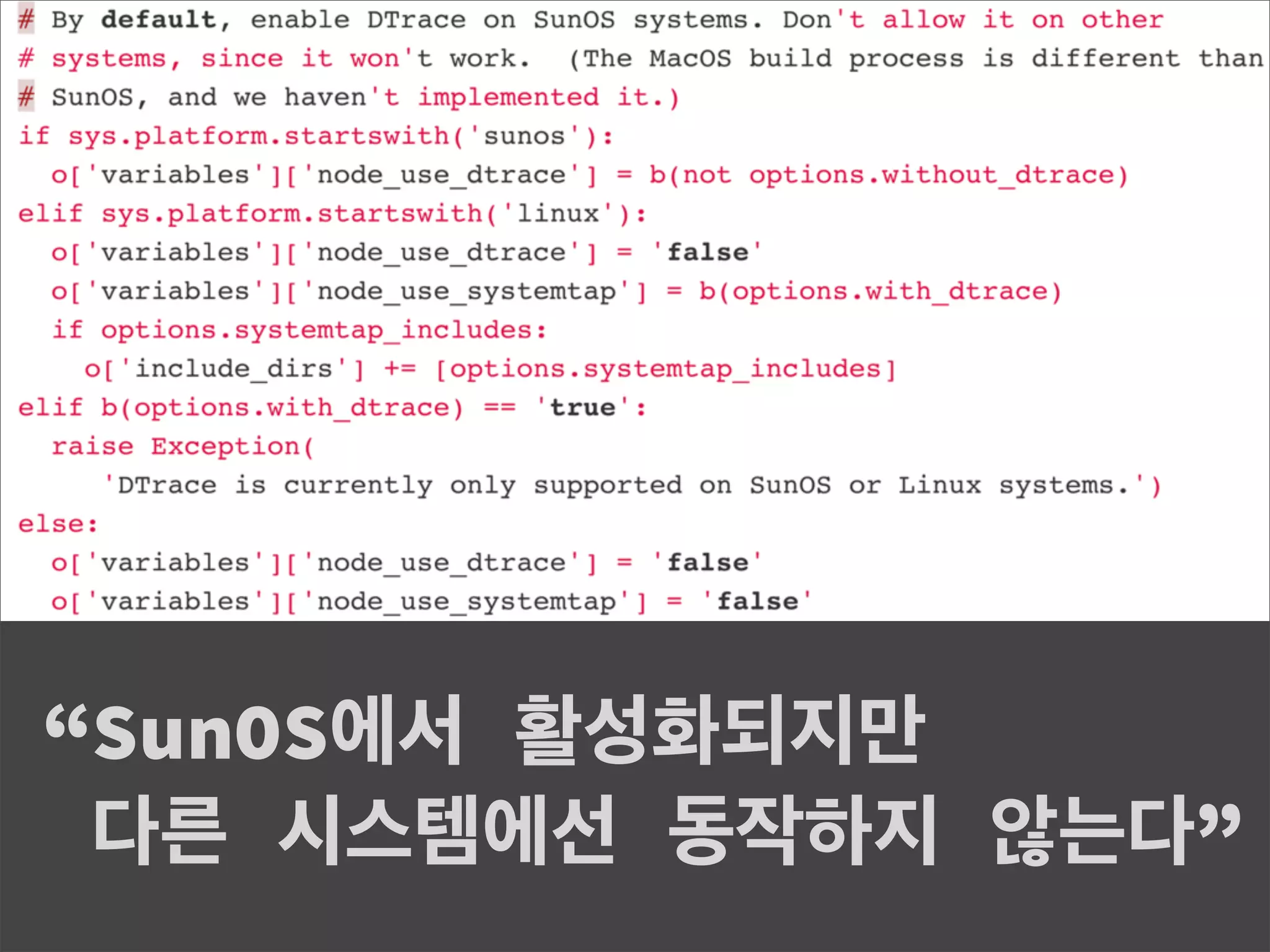
node.js is compiled with
--with-dtrace


                    http://www.flickr.com/photos/vectorlyme/206472613
“SunOS에서 활성화되지만
 다른 시스템에선 동작하지 않는다”
Dtrace with node.js
on SmartOS of Joyent
             Demo
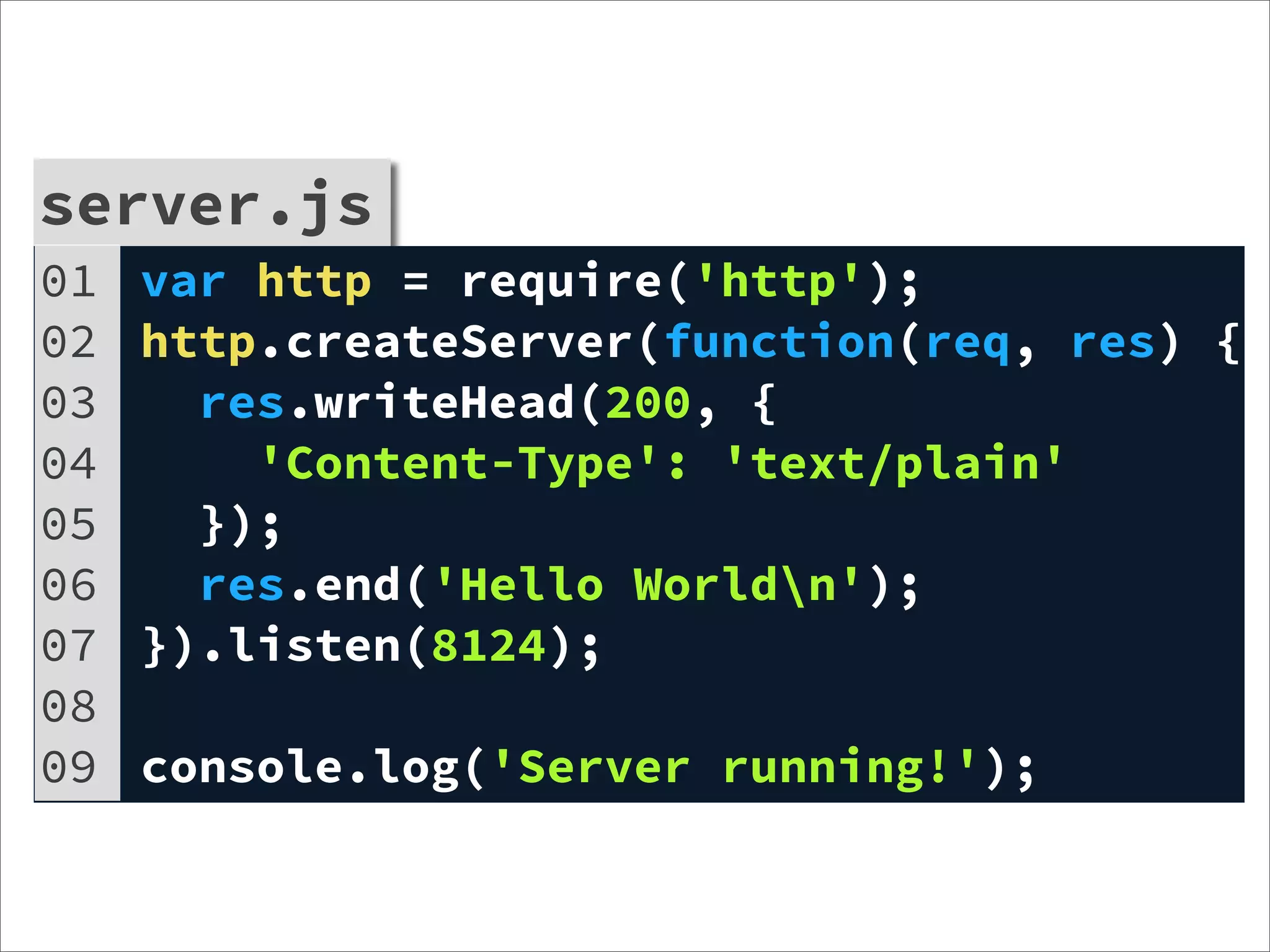
server.js
01   var http = require('http');
02   http.createServer(function(req, res) {
03     res.writeHead(200, {
04       'Content-Type': 'text/plain'
05     });
06     res.end('Hello Worldn');
07   }).listen(8124);
08
09   console.log('Server running!');
http-server.d
01   BEGIN
02   {
03     printf("%7s %2s %5s %20s (%5s) %8s %s (%s)n",
04       "WHO", "FD", "RPORT", "REMOTE", "BUFFR",
05       "METHOD", "URL", "FWDFOR");
06   }
07
08   node*:::http-server-request
09   {
10     printf("+SERVER %2d %5d %20s (%5d) %8s %s (%s)n",
11       args[1]->fd, args[1]->remotePort, args[1]->remoteAddress,
12       args[1]->bufferSize,
13       args[0]->method, args[0]->url, args[0]->forwardedFor);
14   }
15
16   node*:::http-server-response
17   {
18     printf("-SERVER %2d %5d %20s (%5d)n",
19       args[0]->fd, args[0]->remotePort, args[0]->remoteAddress,
20       args[0]->bufferSize);
21   }
request-count.d
01 http-server-request
02 {
03   @[args[0]->url]=count()
04 }
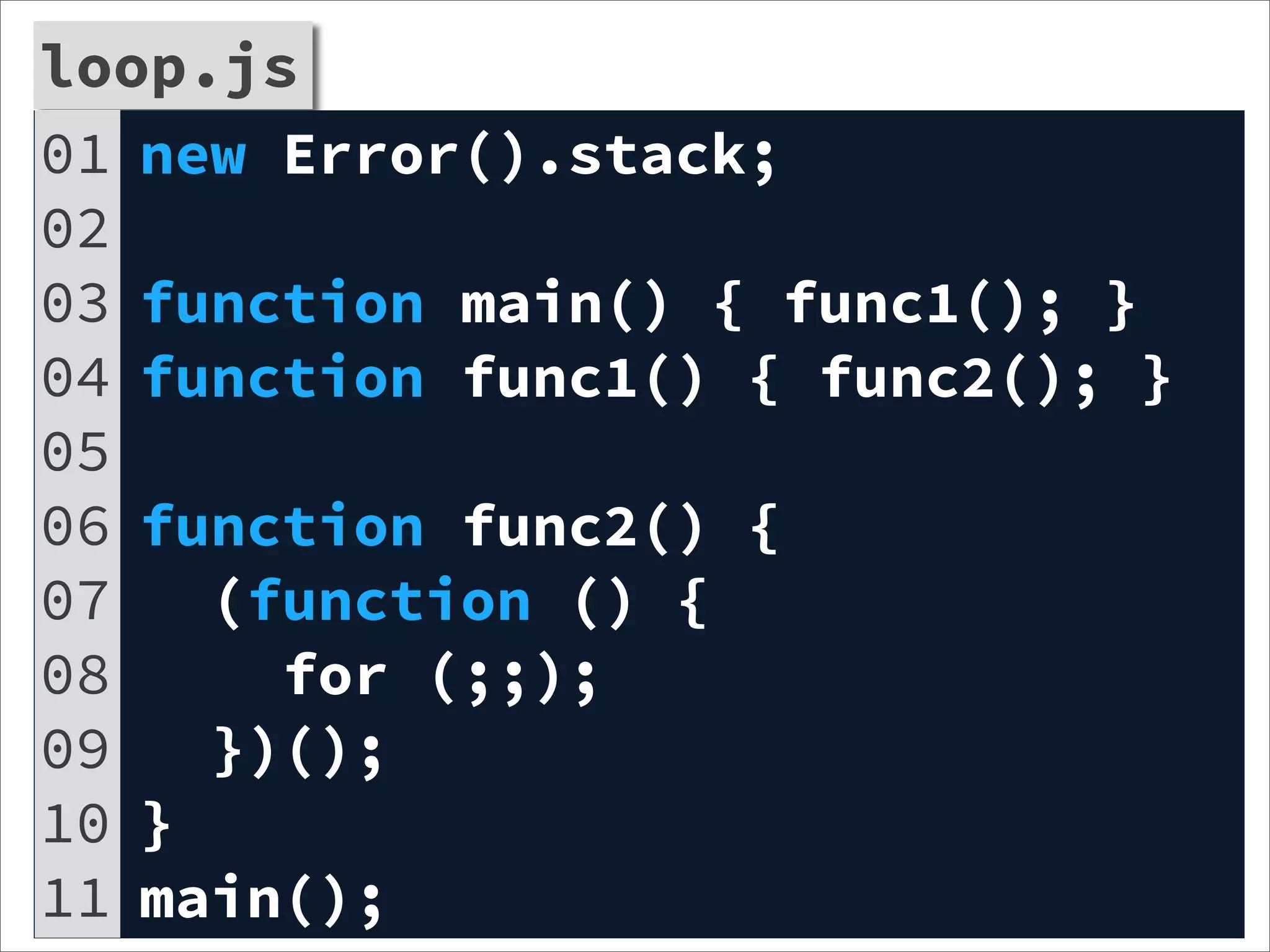
loop.js
01 new Error().stack;
02
03 function main() { func1(); }
04 function func1() { func2(); }
05
06 function func2() {
07   (function () {
08     for (;;);
09   })();
10 }
11 main();
profile.d
01   profile-97
02   /execname == "node" && arg1/
03   {
04     @[jstack(150, 8000)] = count();
05   }
06   tick-10sec
07   {
08     exit(0);
09   }
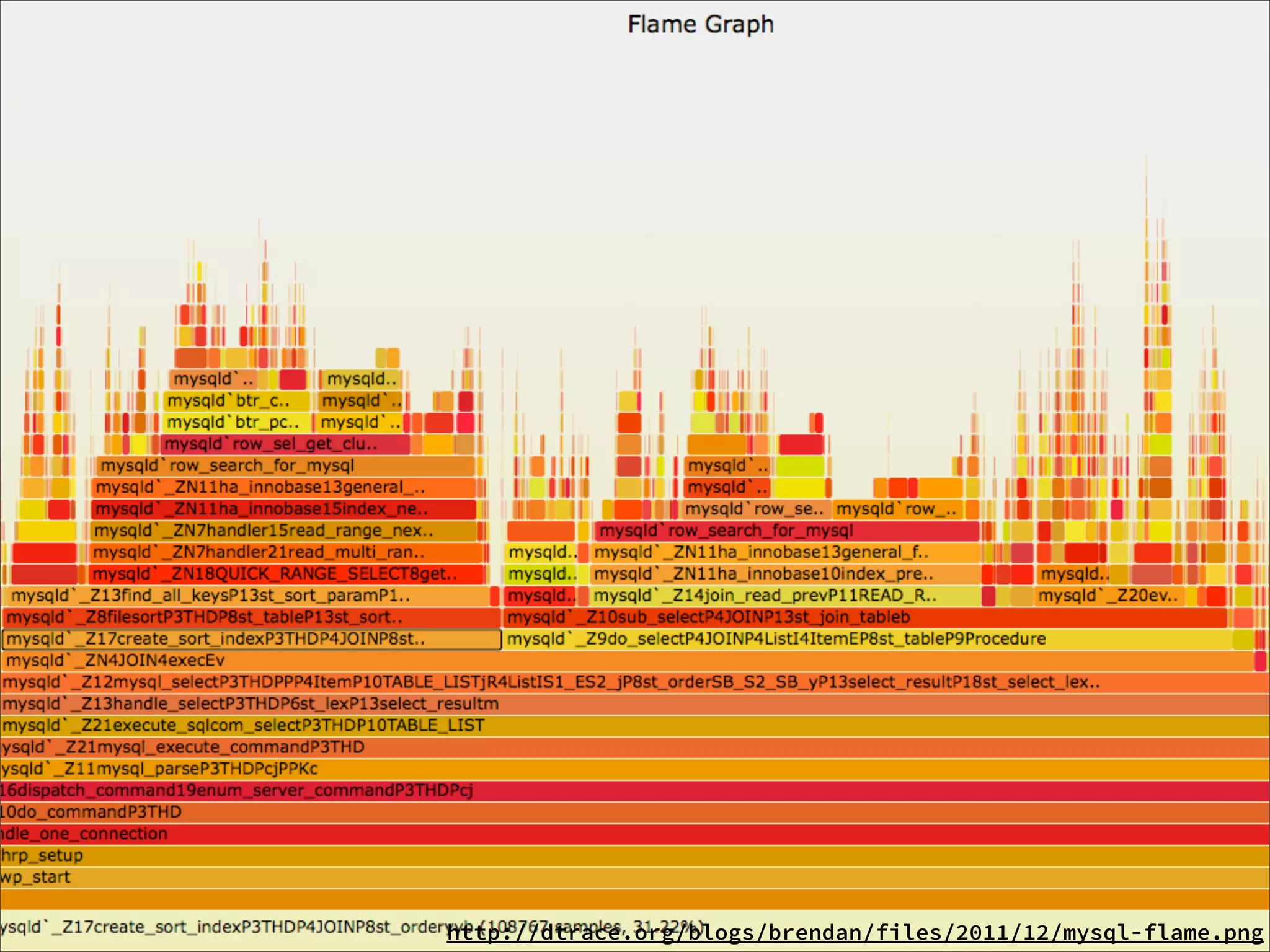
stack trace visualizer

FlameGraph
http://dtrace.org/blogs/brendan/files/2011/12/mysql-flame.png
node-stackvis
  $ npm install -g stackvis
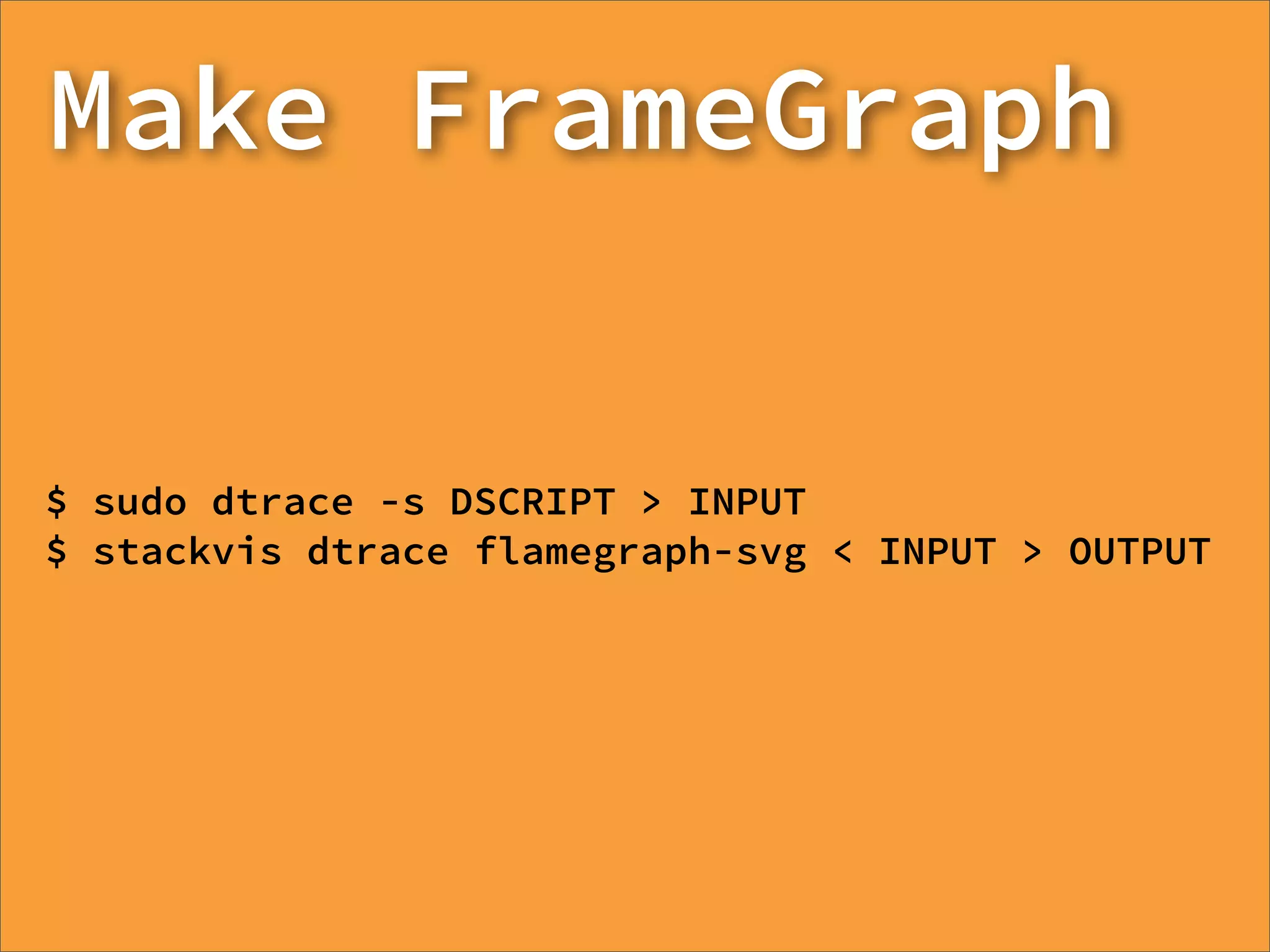
Make FrameGraph


$ sudo dtrace -s DSCRIPT > INPUT
$ stackvis dtrace flamegraph-svg < INPUT > OUTPUT
Alternative
on non-OpenSolarises
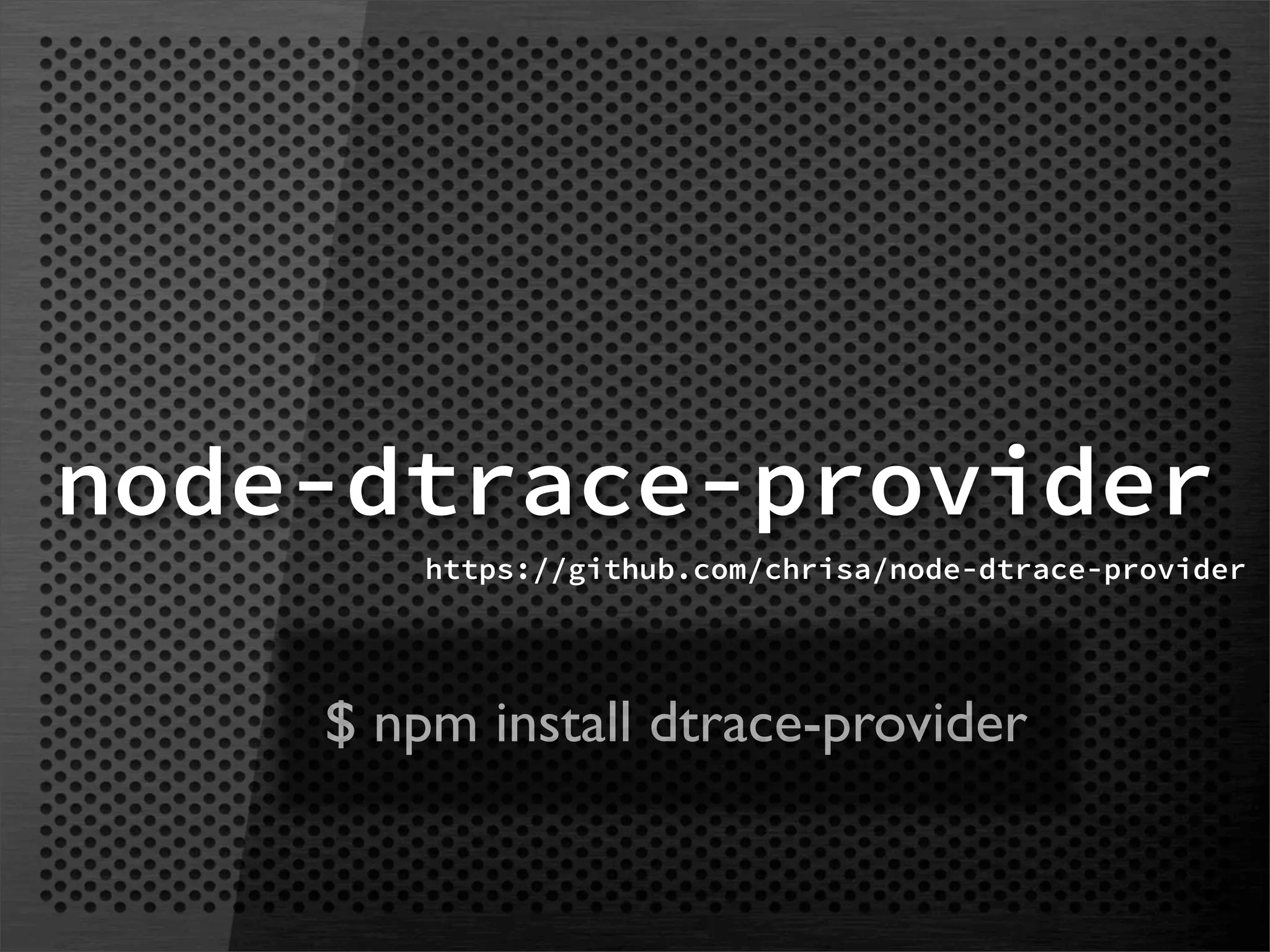
node-dtrace-provider
        https://github.com/chrisa/node-dtrace-provider


    $ npm install dtrace-provider
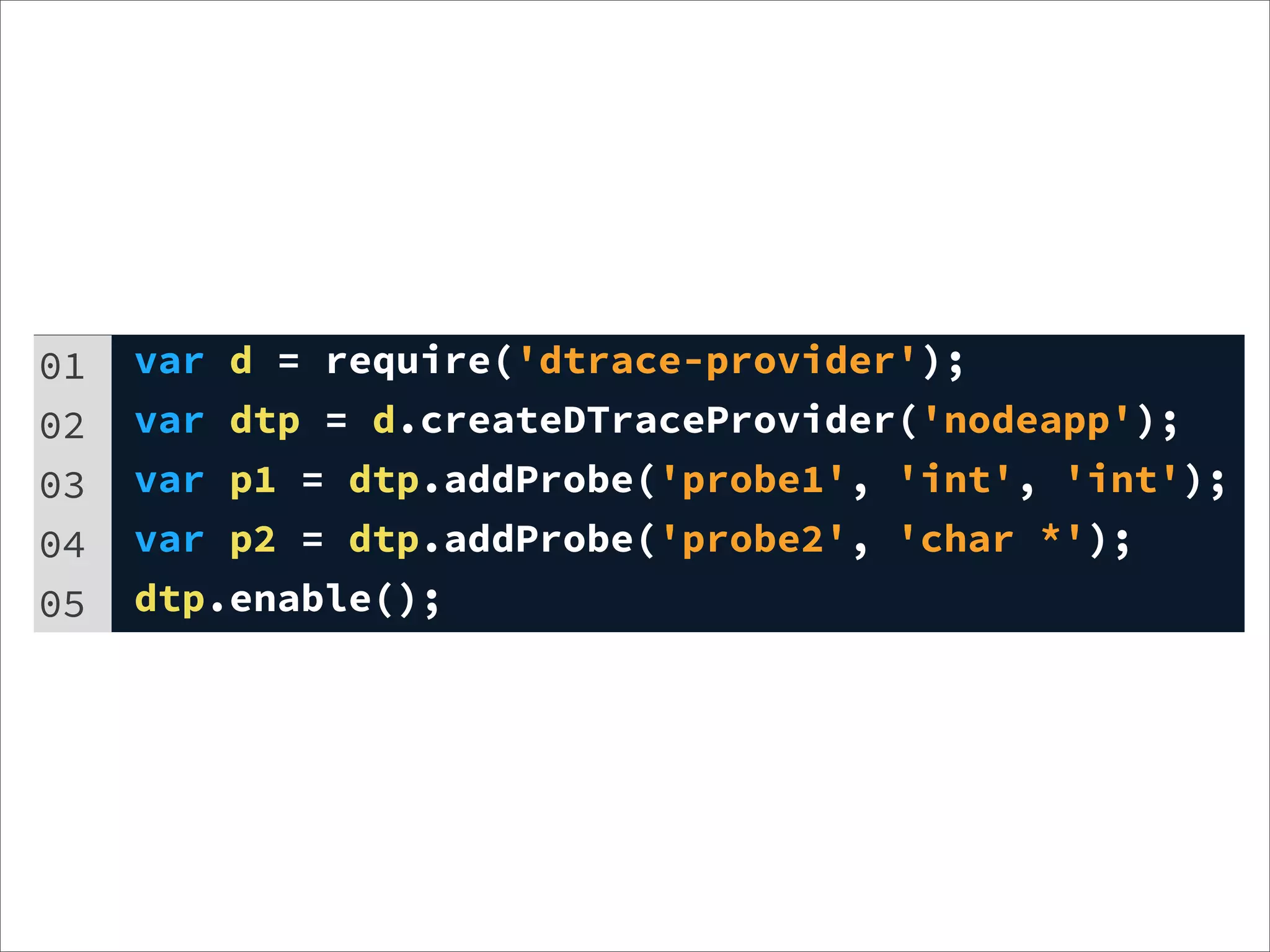
01   var d = require('dtrace-provider');
02   var dtp = d.createDTraceProvider('nodeapp');
03   var p1 = dtp.addProbe('probe1', 'int', 'int');
04   var p2 = dtp.addProbe('probe2', 'char *');
05   dtp.enable();
01   dtp.fire("probe1", function(p) {
02     return [1, 2];
03   });
04   dtp.fire("probe2", function(p) {
05     return ["hello, dtrace via provider", "foo"];
06   });
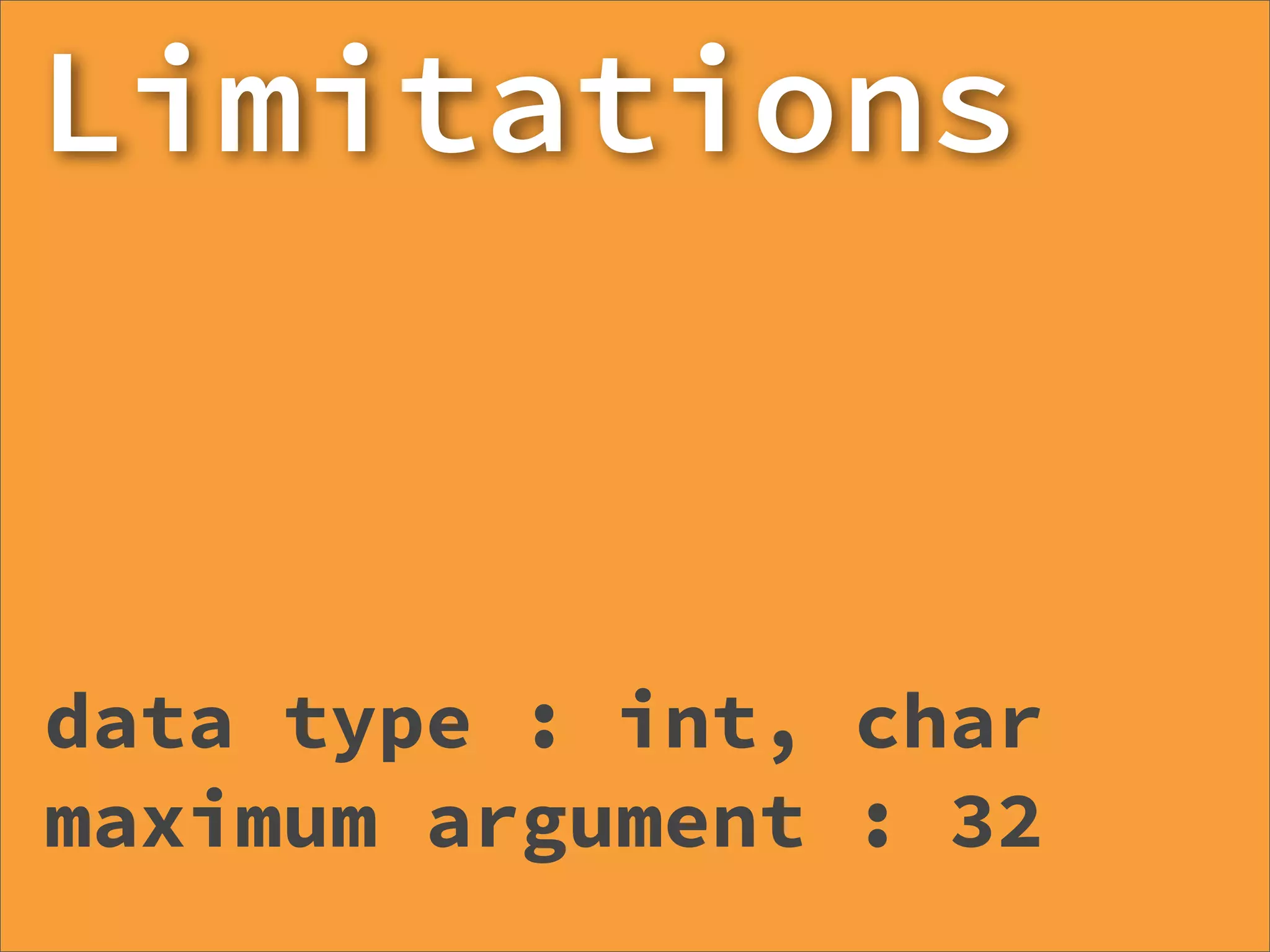
Limitations


data type : int, char
maximum argument : 32
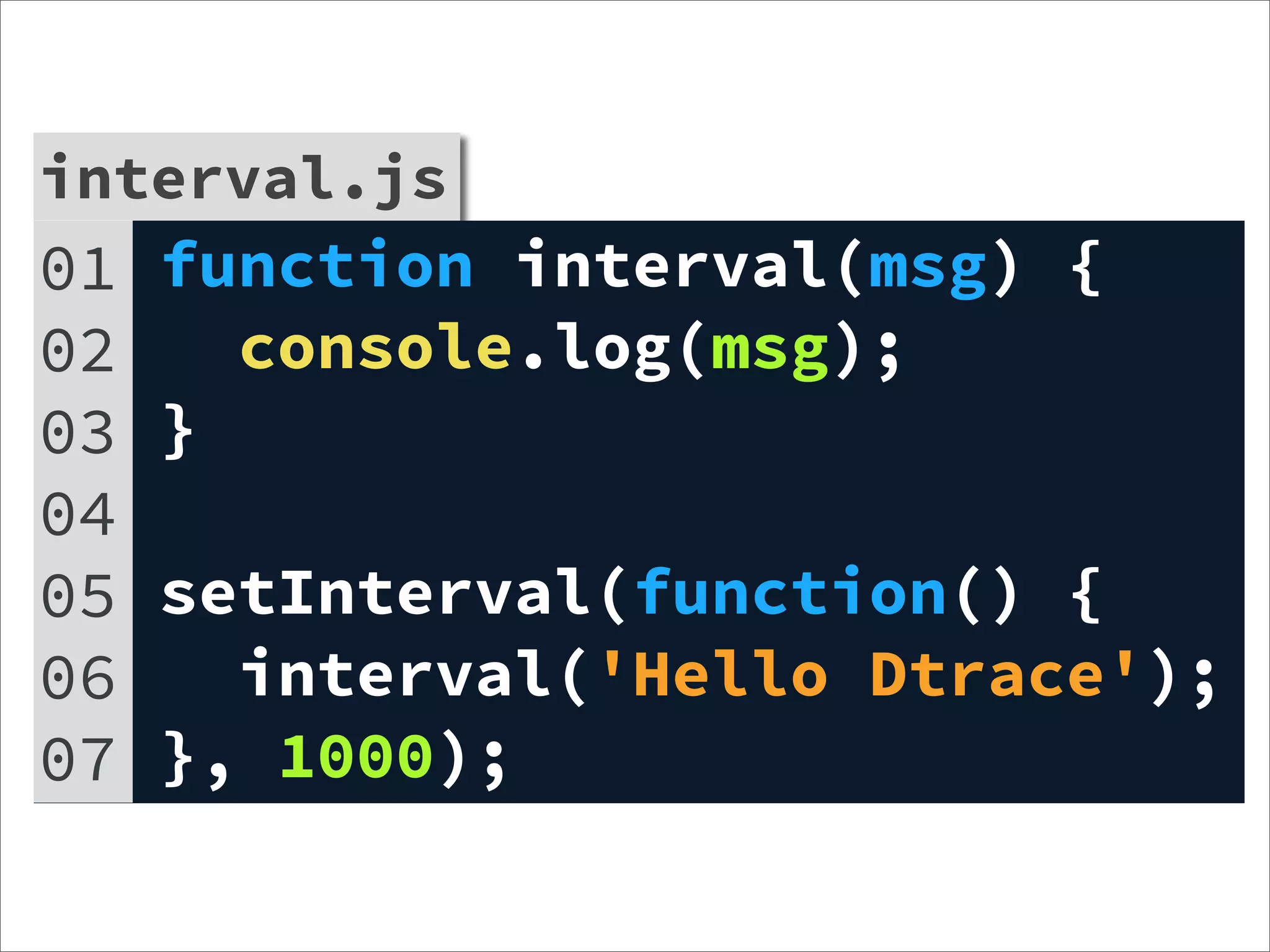
interval.js
01   function interval(msg) {
02     console.log(msg);
03   }
04
05   setInterval(function() {
06     interval('Hello Dtrace');
07   }, 1000);
interval.js
01 var d = require('dtrace-provider');
interval.js
02 var dtp =
03         d.createDTraceProvider('nodeapp');
04   var p2 = dtp.addProbe('echo', 'char *');
05
06   function interval(msg) {
07     dtp.fire('echo', function () {
08       return [msg];
09     });
10     console.log(msg);
11   }
12   setInterval(function() {
13     interval('Hello Dtrace');
14   }, 1000);
15   dtp.enable();
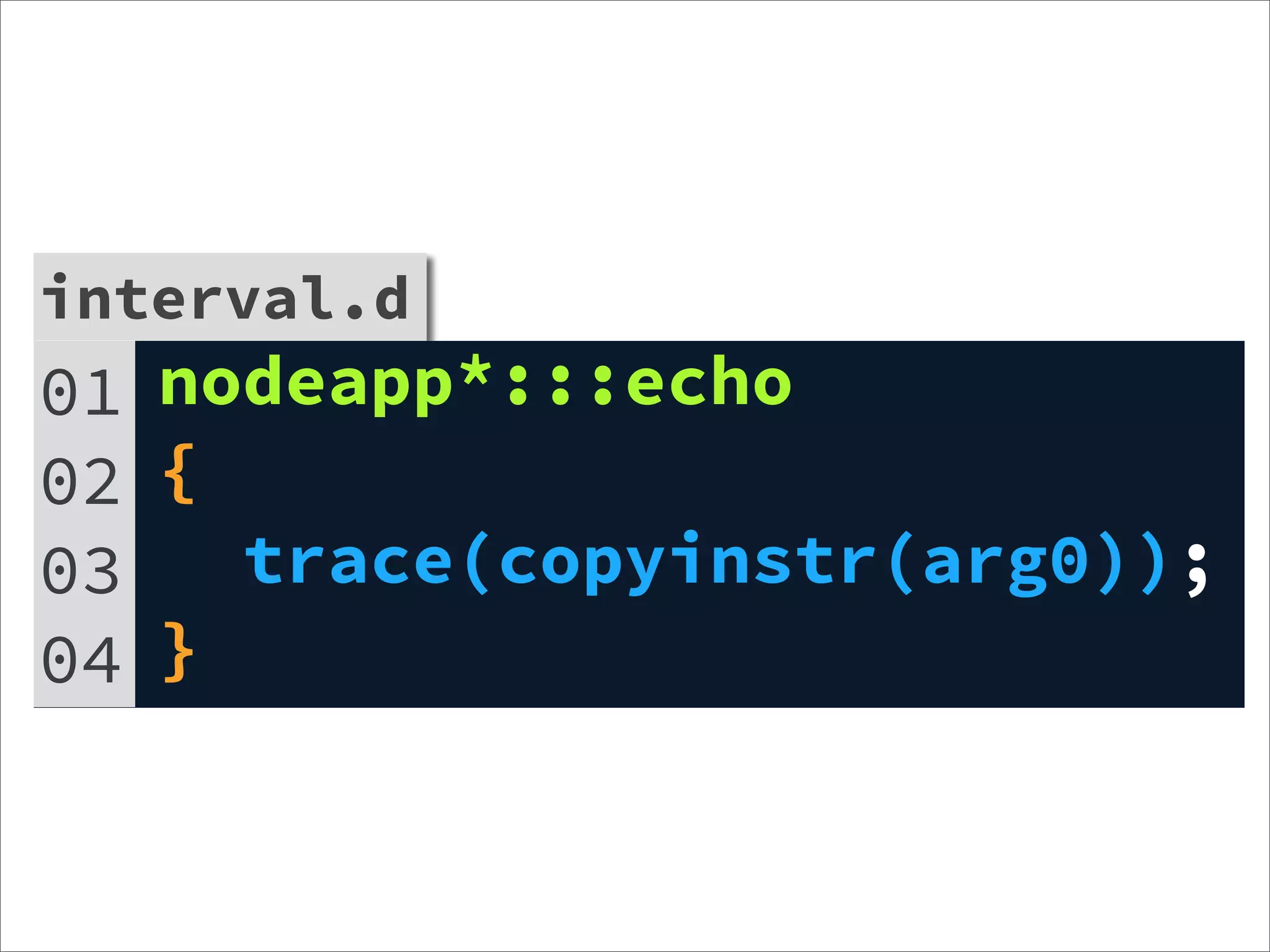
interval.d
01 nodeapp*:::echo
02 {
03   trace(copyinstr(arg0));
04 }
Thank you~

http://blog.outsider.ne.kr
outsideris@gmail.com
@outsideris

Learning Dtrace