Module, AMD, RequireJS
      othree @ JSDC 2012
Object
Object Oriented
 Programming
Why OOP


• Maintainable & Scalable
• Gathering related variables & methods
Object from OOP

• Inheritance
• Polymorphism
• Encapsulation
Encapsulation


• A language mechanism for restricting
  access to some of the object's components.


         http://en.wikipedia.org/wiki/Encapsulation_(object-oriented_programming)
Why Encapsulation


• Protect variable from unwanted change
JavaScript is
Prototype-based
Private Data in
   JavaScript
Naming Convention
function Human(sgender) {
    //Private
    this._age = 1;
    this._gender = sgender || 'Male';

    //Public
    this.growUp = function () {
        this._age++;
    };
}
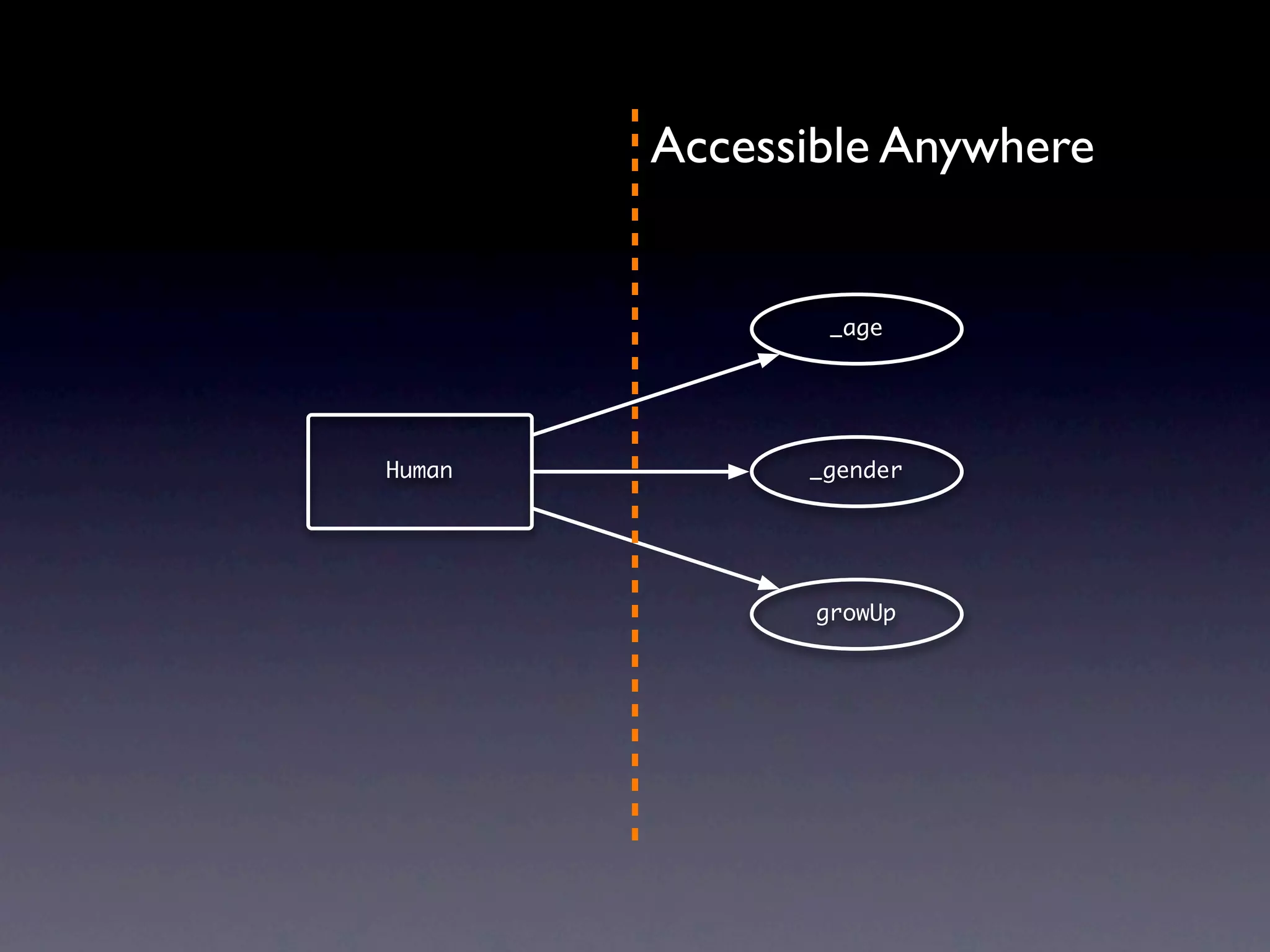
Accessible Anywhere


                _age


Human         _gender


               growUp
Privileged Method
function Human(sgender) {
    //Private
    var age = 1,
        gender = sgender || 'Male';

    //Privileged Method
    this.growUp = function () {
        age++;
    };
}


                                  http://javascript.crockford.com/private.html
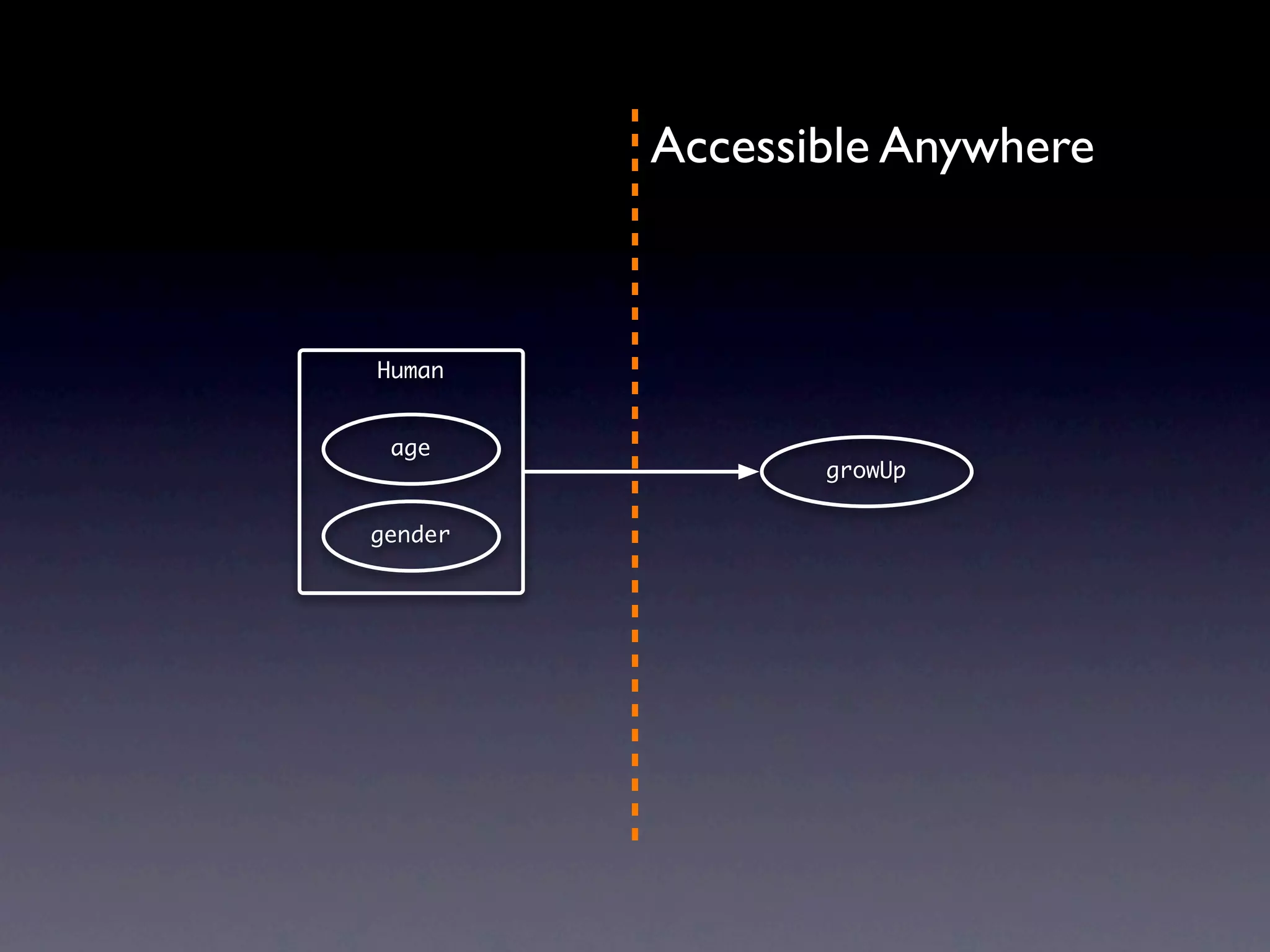
Accessible Anywhere


Human


 age
                growUp

gender
Module Pattern
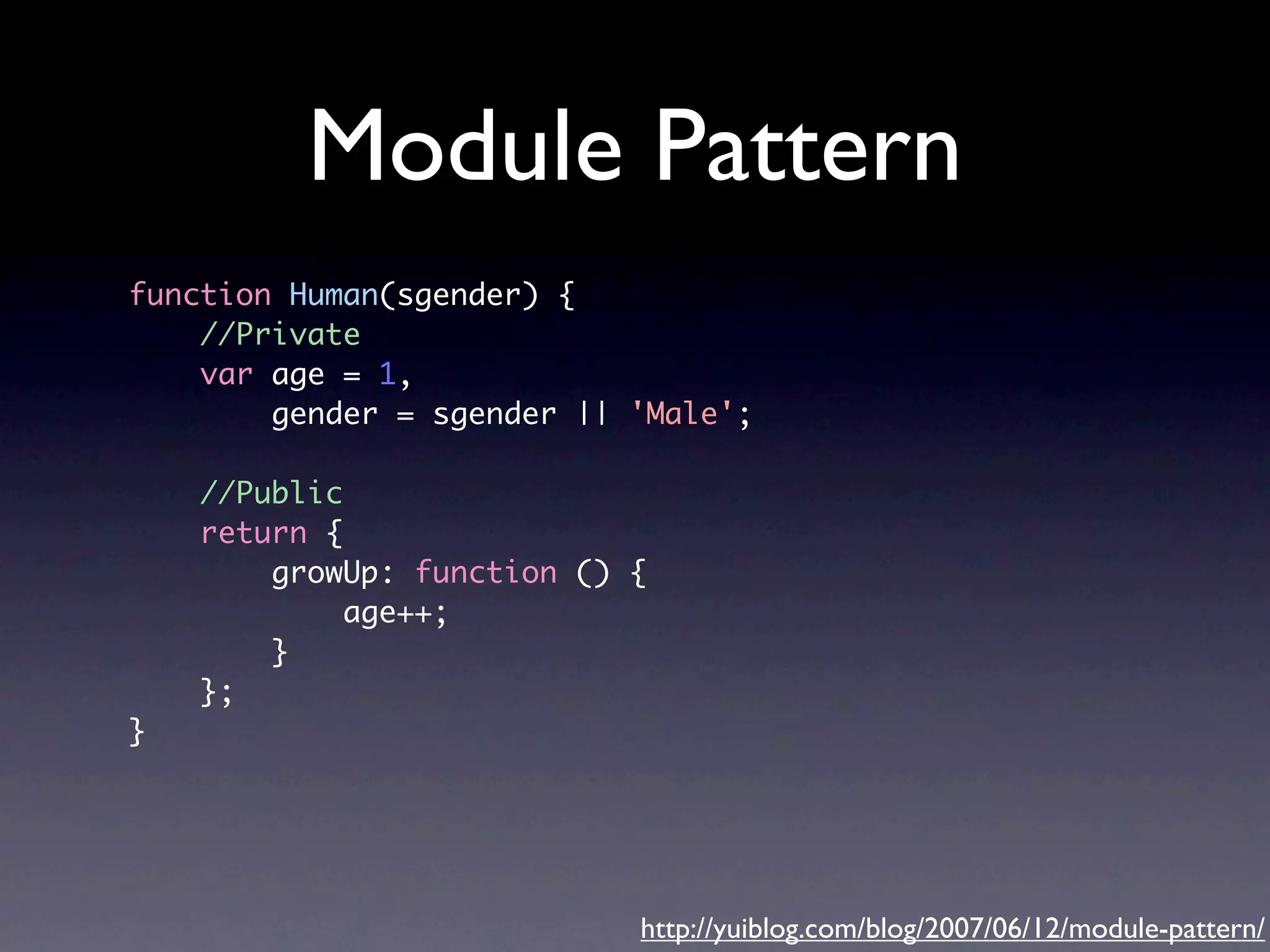
Module Pattern
function Human(sgender) {
    //Private
    var age = 1,
        gender = sgender || 'Male';

    //Public
    return {
        growUp: function () {
             age++;
        }
    };
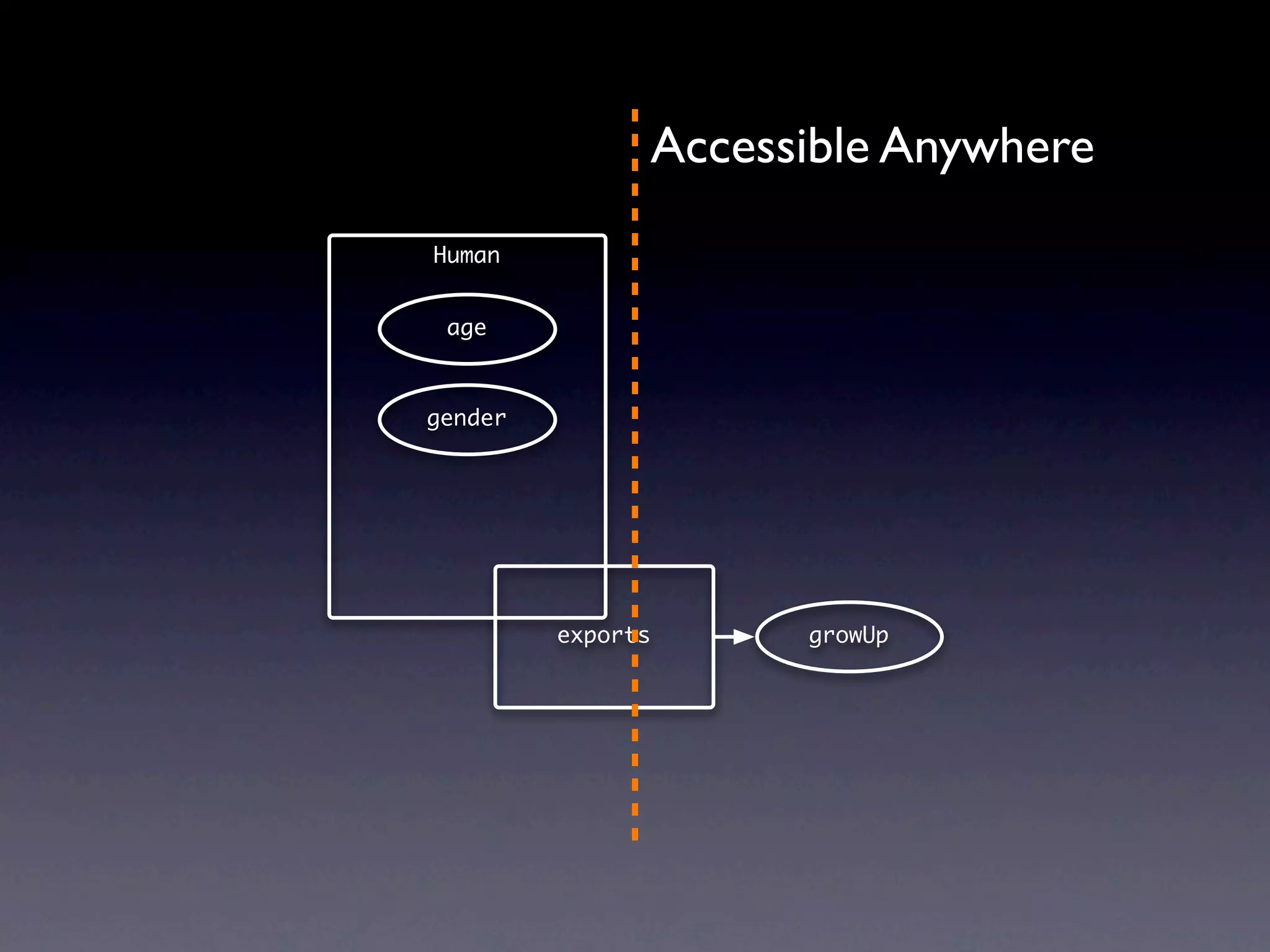
}


                            http://yuiblog.com/blog/2007/06/12/module-pattern/
Accessible Anywhere
Human


 age


gender


         exports     growUp
Advantage


• Easy
• Keep private data safe
Disadvantage


• Hard to inherit
Large Application


• Lots of modules
• Complex dependency
Lots of Modules

• One file per module
• Lots of files:
 • Performance Issue
 • Async loading?
Complex Dependency


• Load modules by order
• Hard to know the order by head and hand
Solution?


• Not hard to solve
• But there is no standard API
CommonJS
CommonJS

• by Kevin Dangoor
• Volunteers and mailing list
• Unify server side JavaScript API
• Build JavaScript ecosystem
• Not an official organization
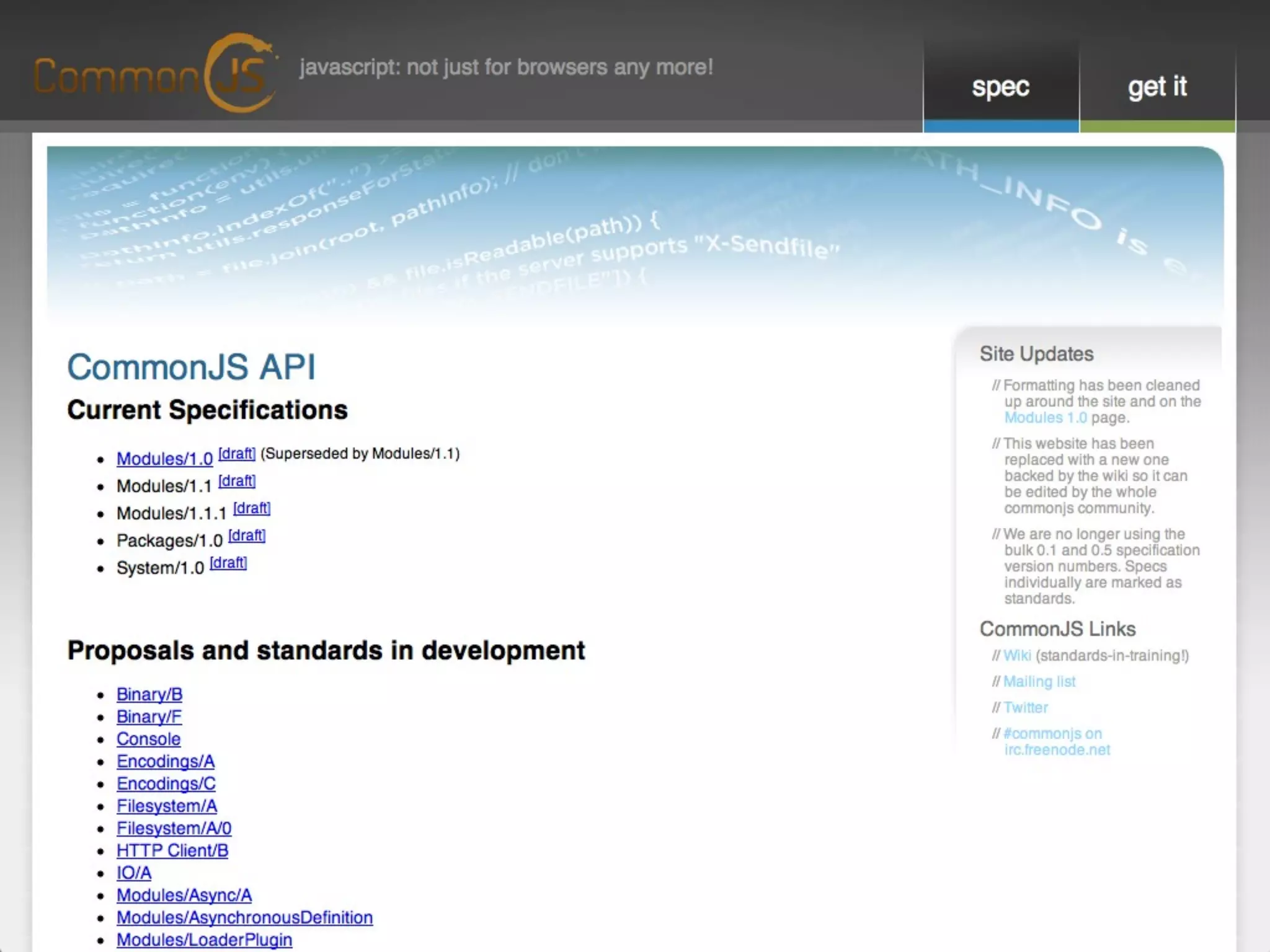
CommonJS APIs

• Binary
• Filesystem
• IO
• ...
• Modules
CommonJS Module

• Modules/1.0
 • NodeJS
• Modules/AsynchronousDefinition
 • AMD
AMD
Asynchronous Module
     Definition


   define(id?, dependencies?, factory);
Example
define(
    'account',
    ['service', 'pubsub'],
    function (service, pubsub) {
        //do something

         //export public APIs
         return {
             signin: function () { /* ... */ },
             signout: function () { /* ... */ },
             getName: function () { /* ... */ },
             setName: function () { /* ... */ }
         };
     }
);
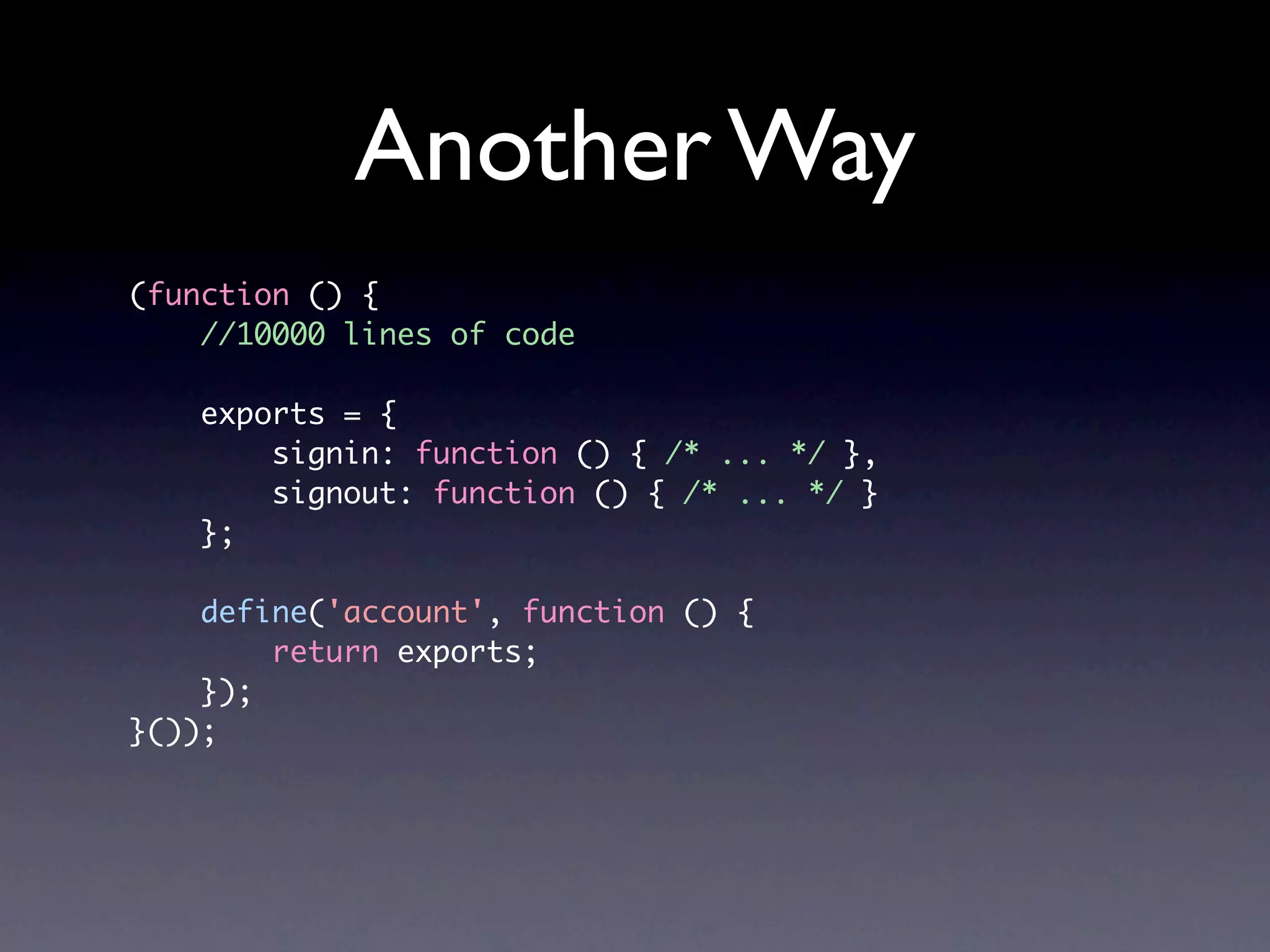
Another Way
(function () {
    //10000 lines of code

    exports = {
        signin: function () { /* ... */ },
        signout: function () { /* ... */ }
    };

    define('account', function () {
        return exports;
    });
}());
In jQuery


if ( typeof define === "function" && define.amd && define.amd.jQuery ) {
	    define( "jquery", [], function () { return jQuery; } );
}
RequireJS
RequireJS

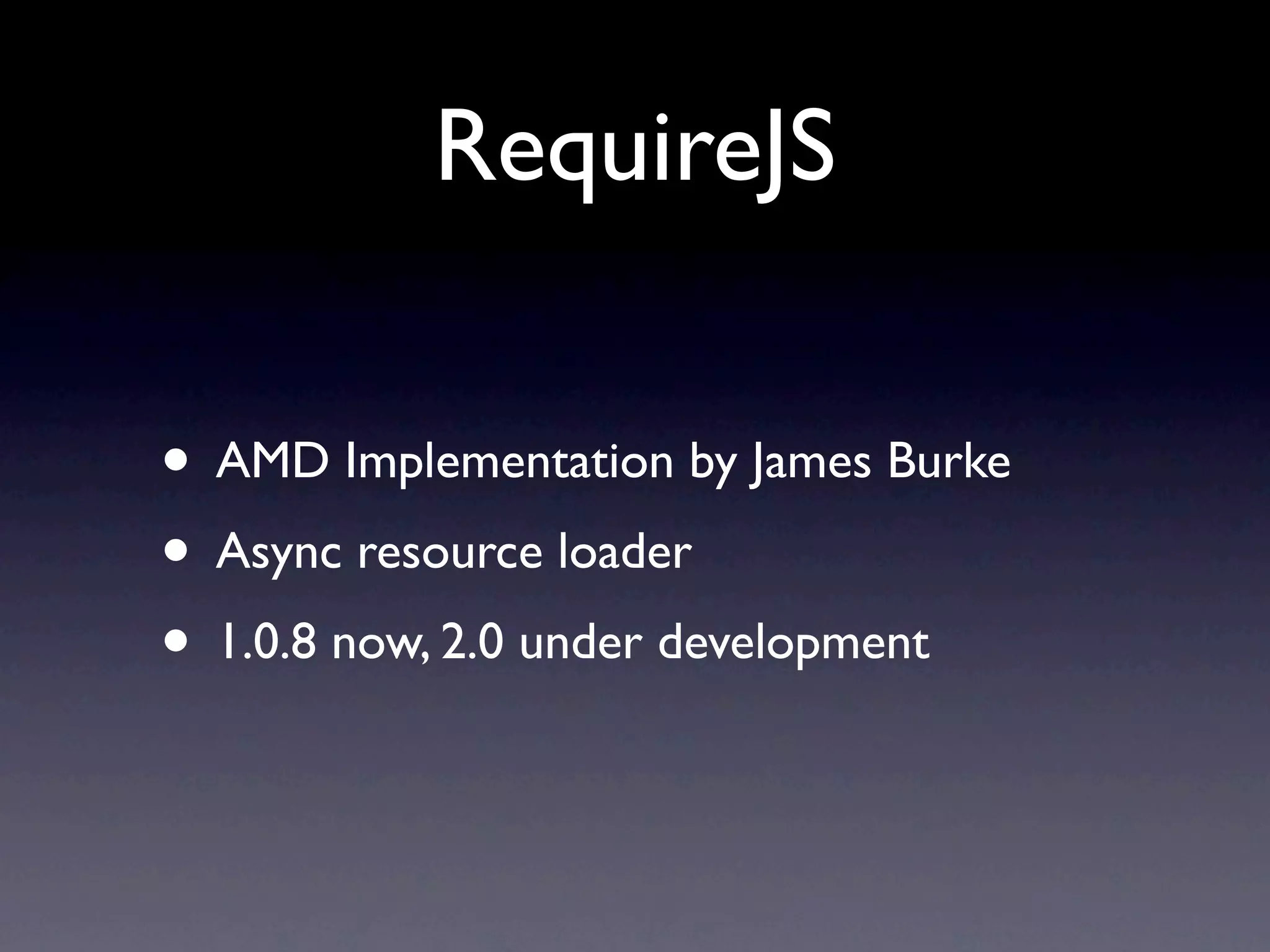
• AMD Implementation by James Burke
• Async resource loader
• 1.0.8 now, 2.0 under development
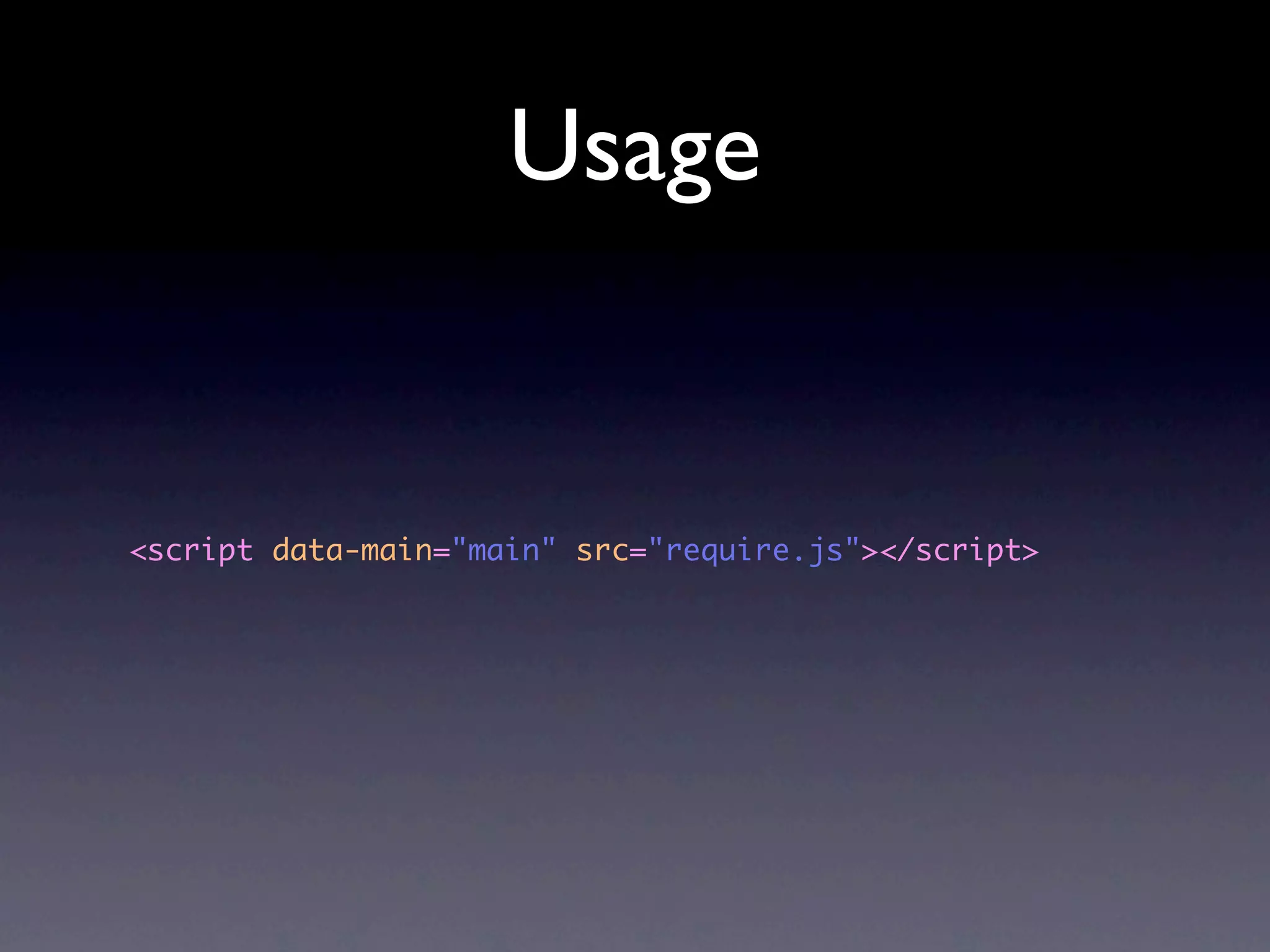
Usage


<script data-main="main" src="require.js"></script>
main.js
require(["app"], function(app) {

      app.init();

});
app.js
define(["lib/account", "lib/session"],
    function (account, session) {
        //do something

         return {
             init: function () {
                  //init the application
             }
         };
     }
);
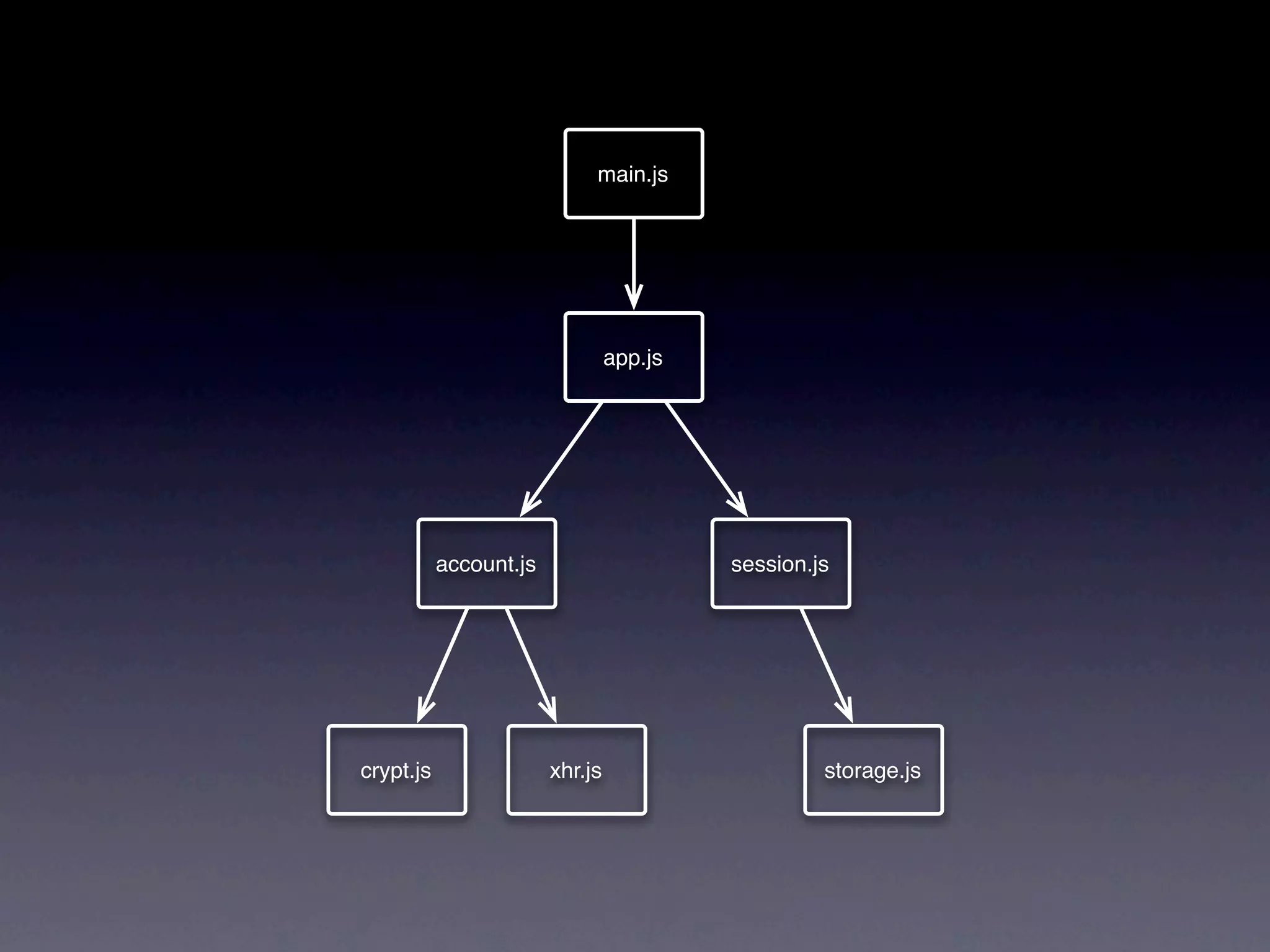
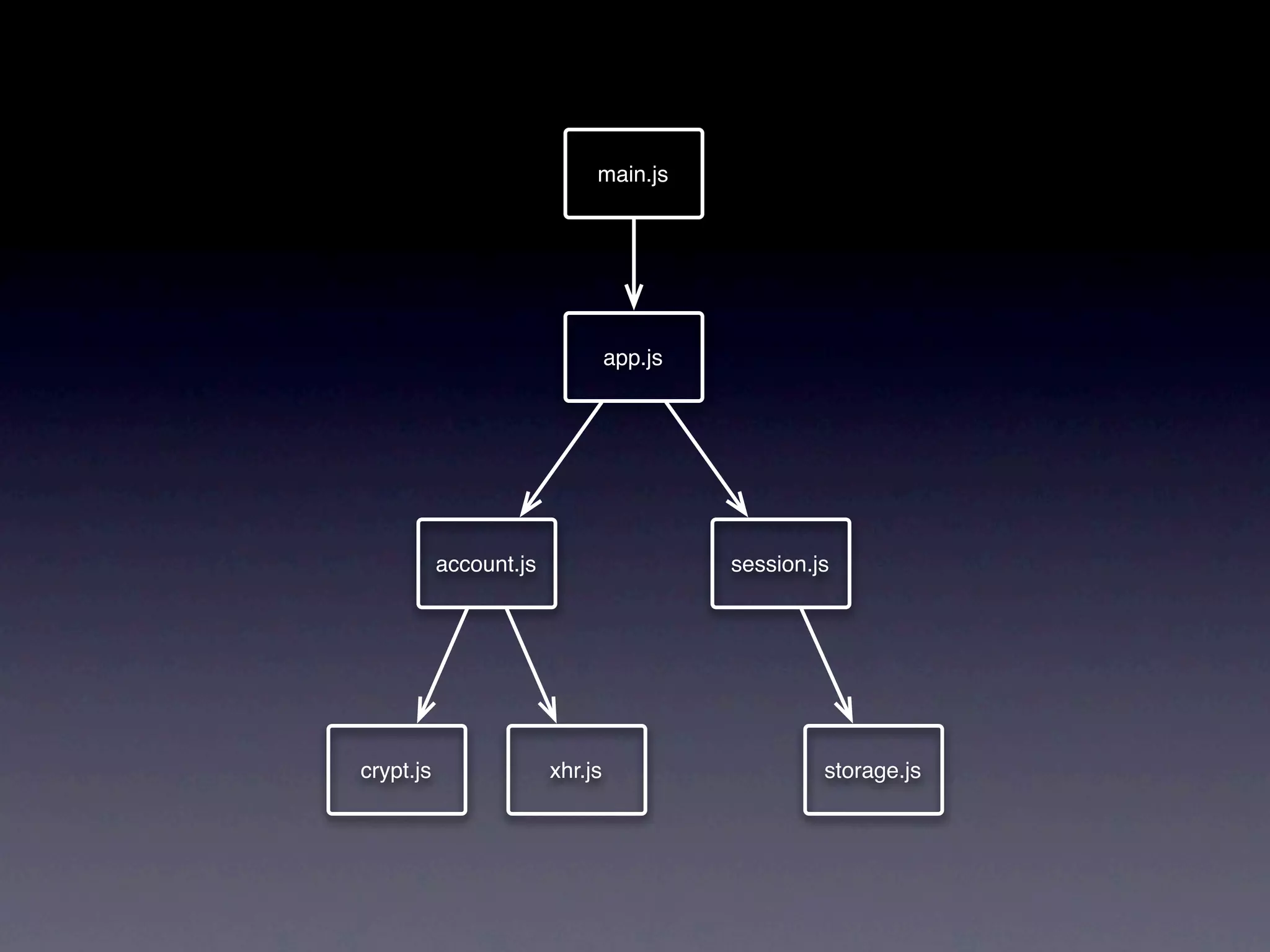
main.js


                                 app.js


           account.js                     session.js


crypt.js                xhr.js                     storage.js
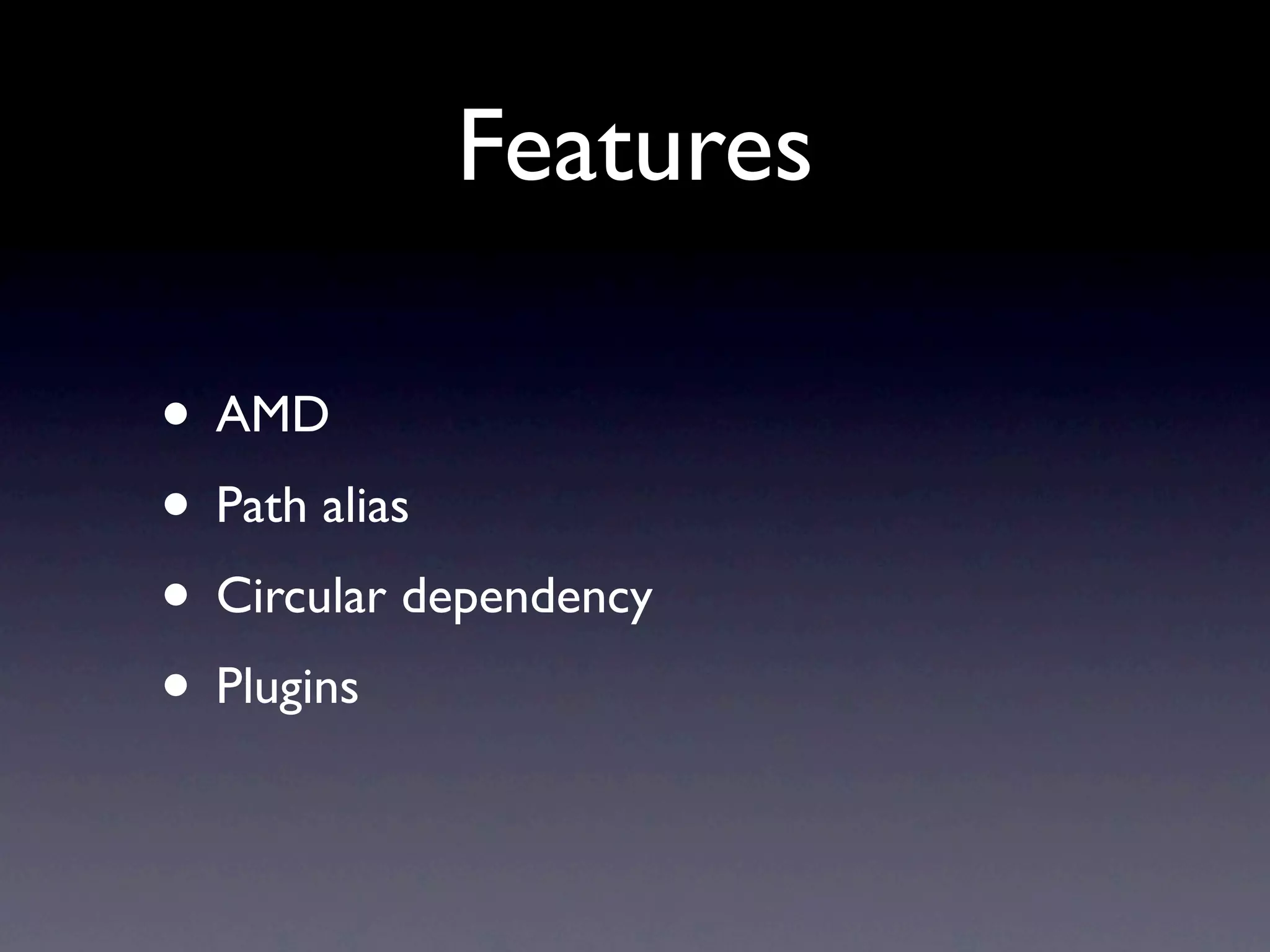
Features

• AMD
• Path alias
• Circular dependency
• Plugins
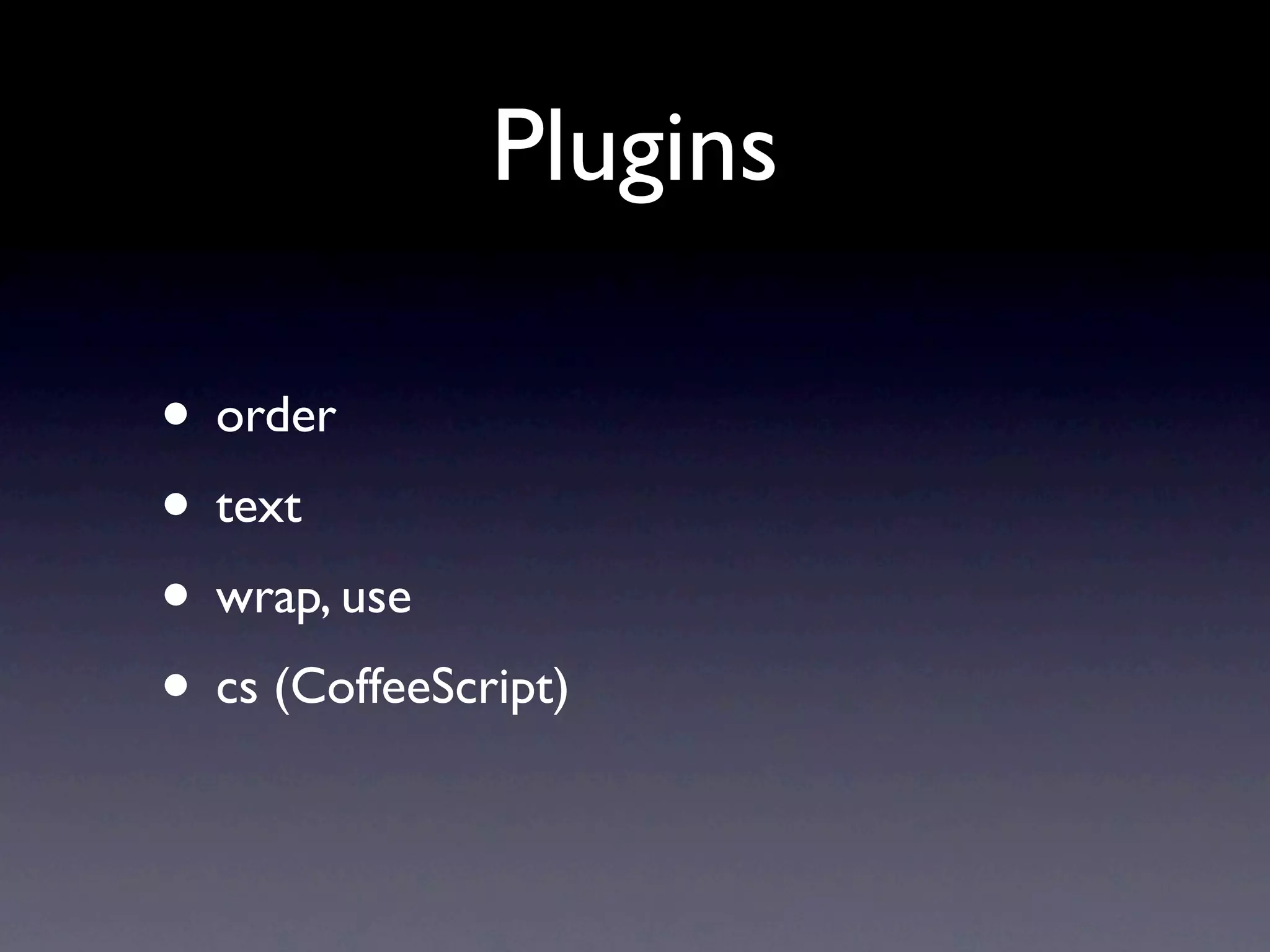
Plugins

• order
• text
• wrap, use
• cs (CoffeeScript)
Advantages

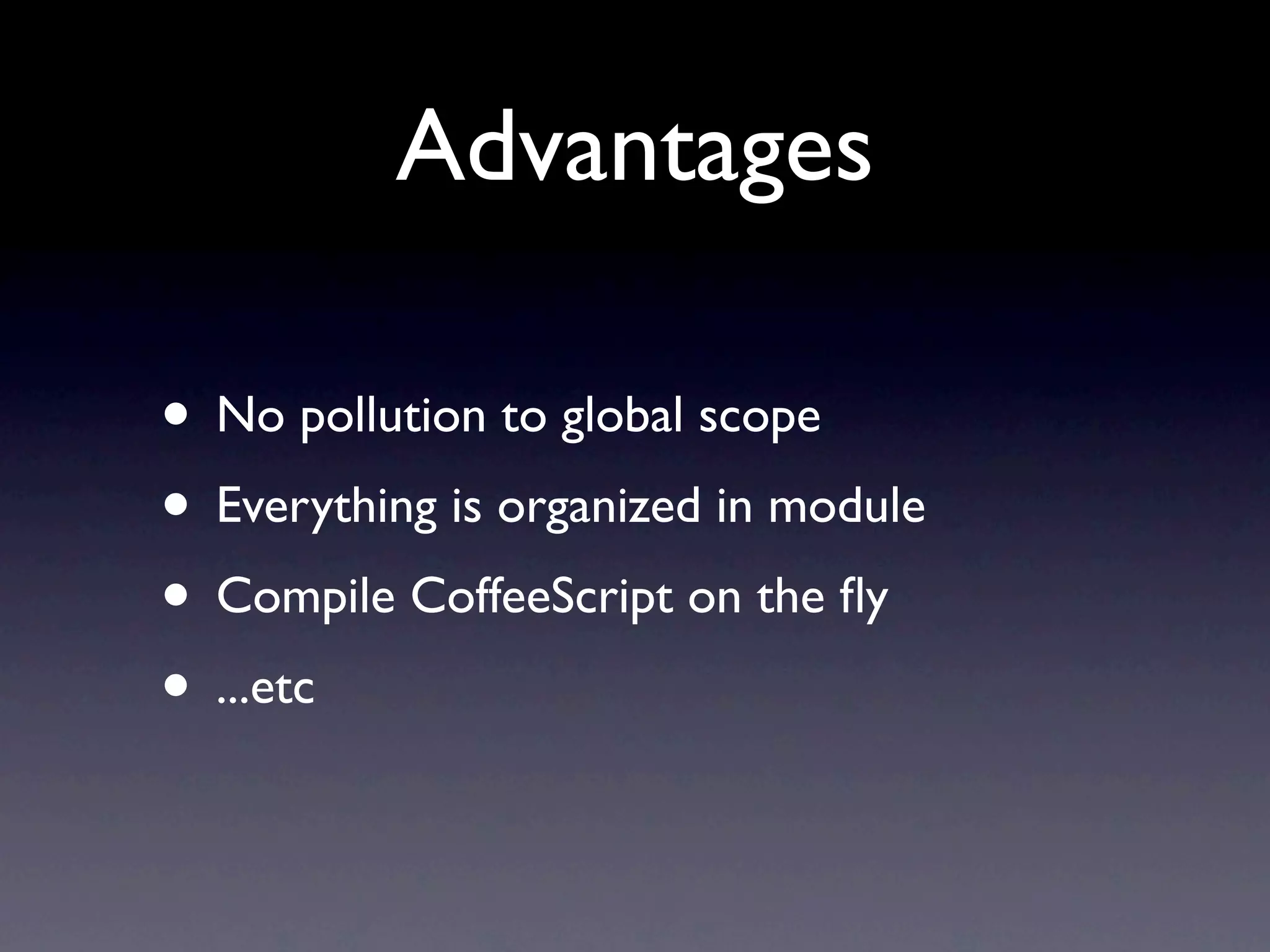
• No pollution to global scope
• Everything is organized in module
• Compile CoffeeScript on the fly
• ...etc
Minefield

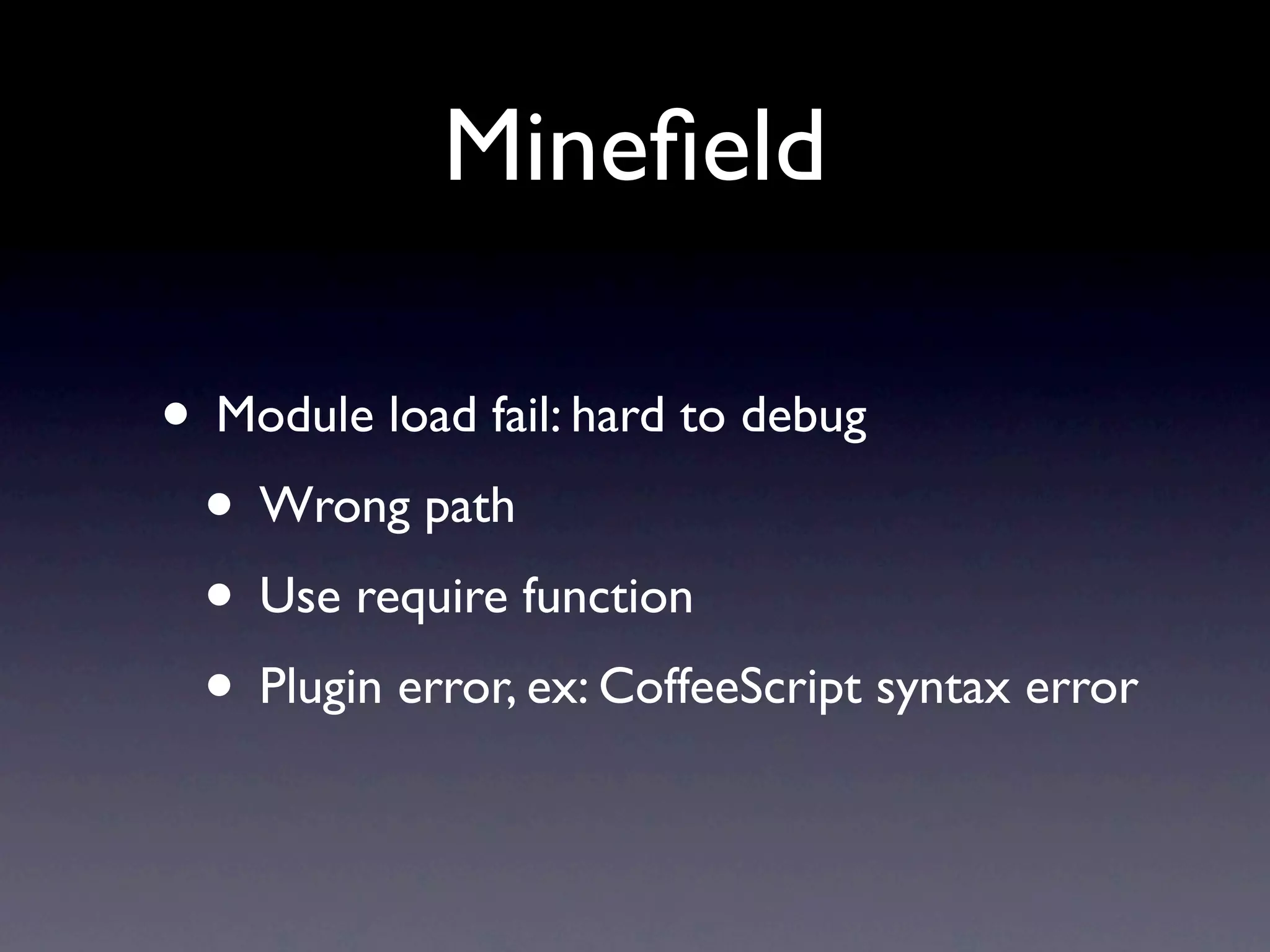
• Module load fail: hard to debug
 • Wrong path
 • Use require function
 • Plugin error, ex: CoffeeScript syntax error
Still Problems

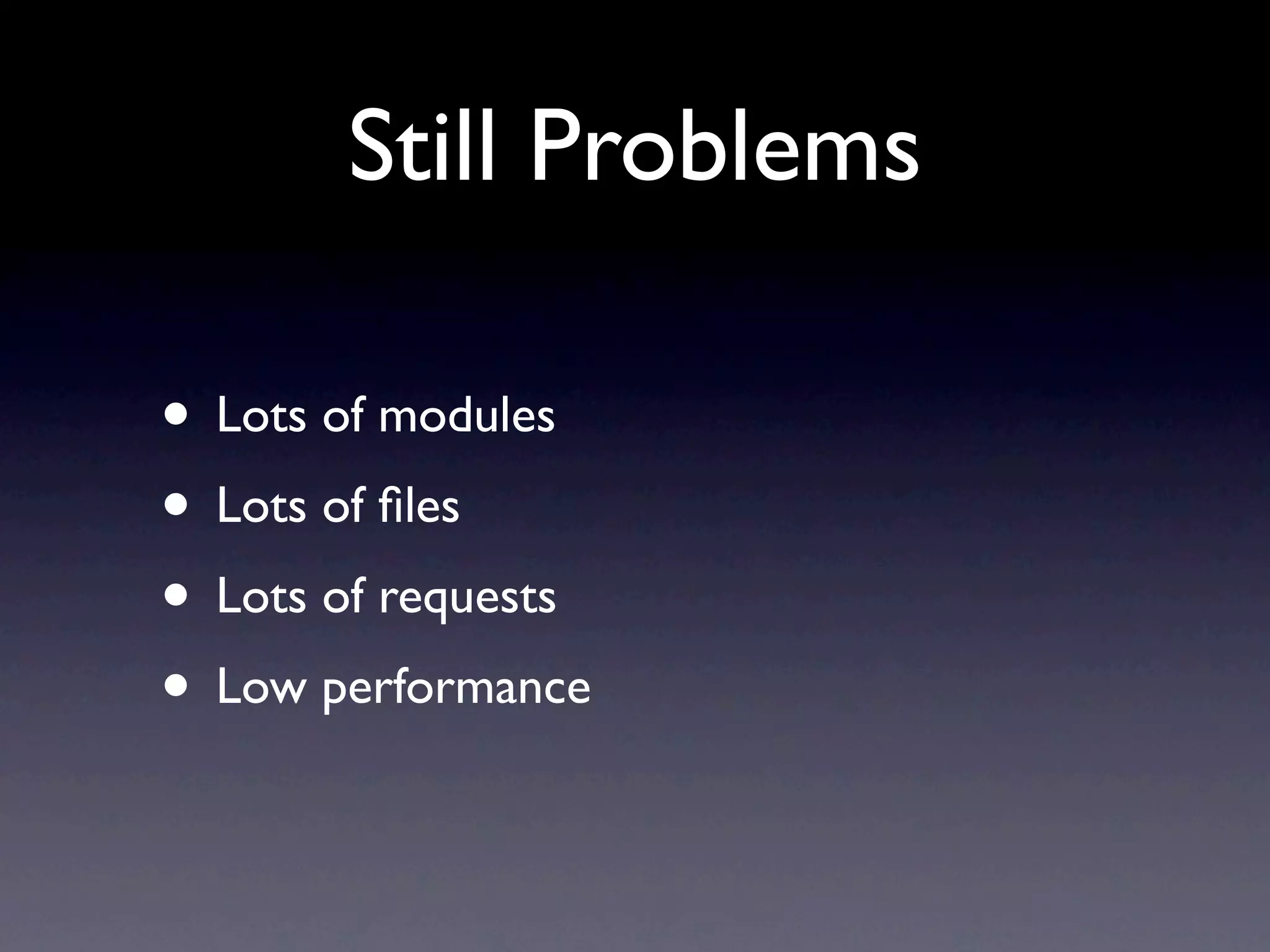
• Lots of modules
• Lots of files
• Lots of requests
• Low performance
r.js
r.js

• Optimization tool
• Pack all modules into one file
• Minimize the JavaScript file
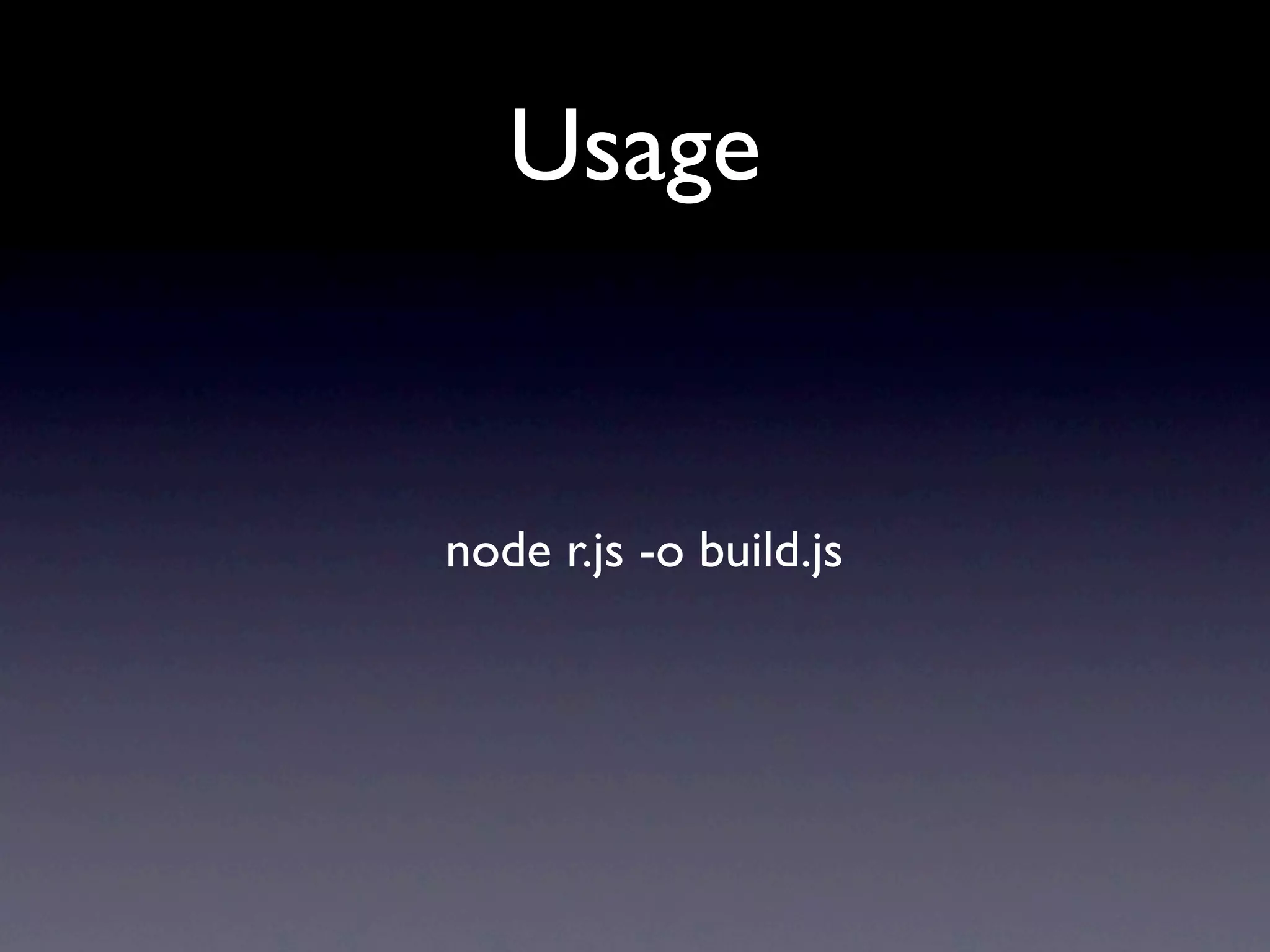
Usage


node r.js -o build.js
build.js
({
     appDir: "../",
     baseUrl: "scripts",
     dir: "../../appdirectory-build",
     modules: [
         {
             name: "main"
         }
     ]
})
main.js


                                 app.js


           account.js                     session.js


crypt.js                xhr.js                     storage.js
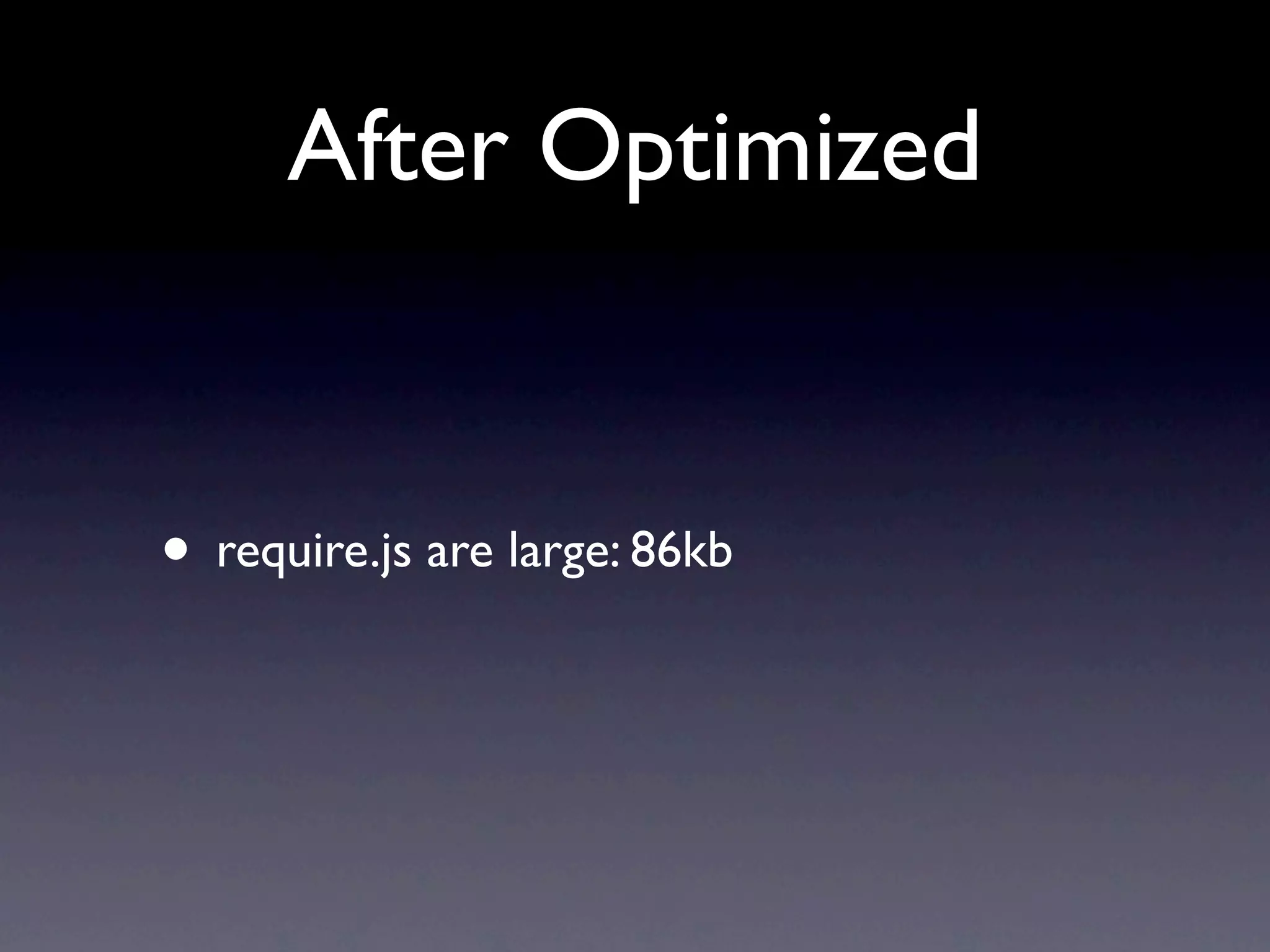
After Optimized


• require.js are large: 86kb
almond.js
almond.js


• Minimal AMD API implement
• Same author
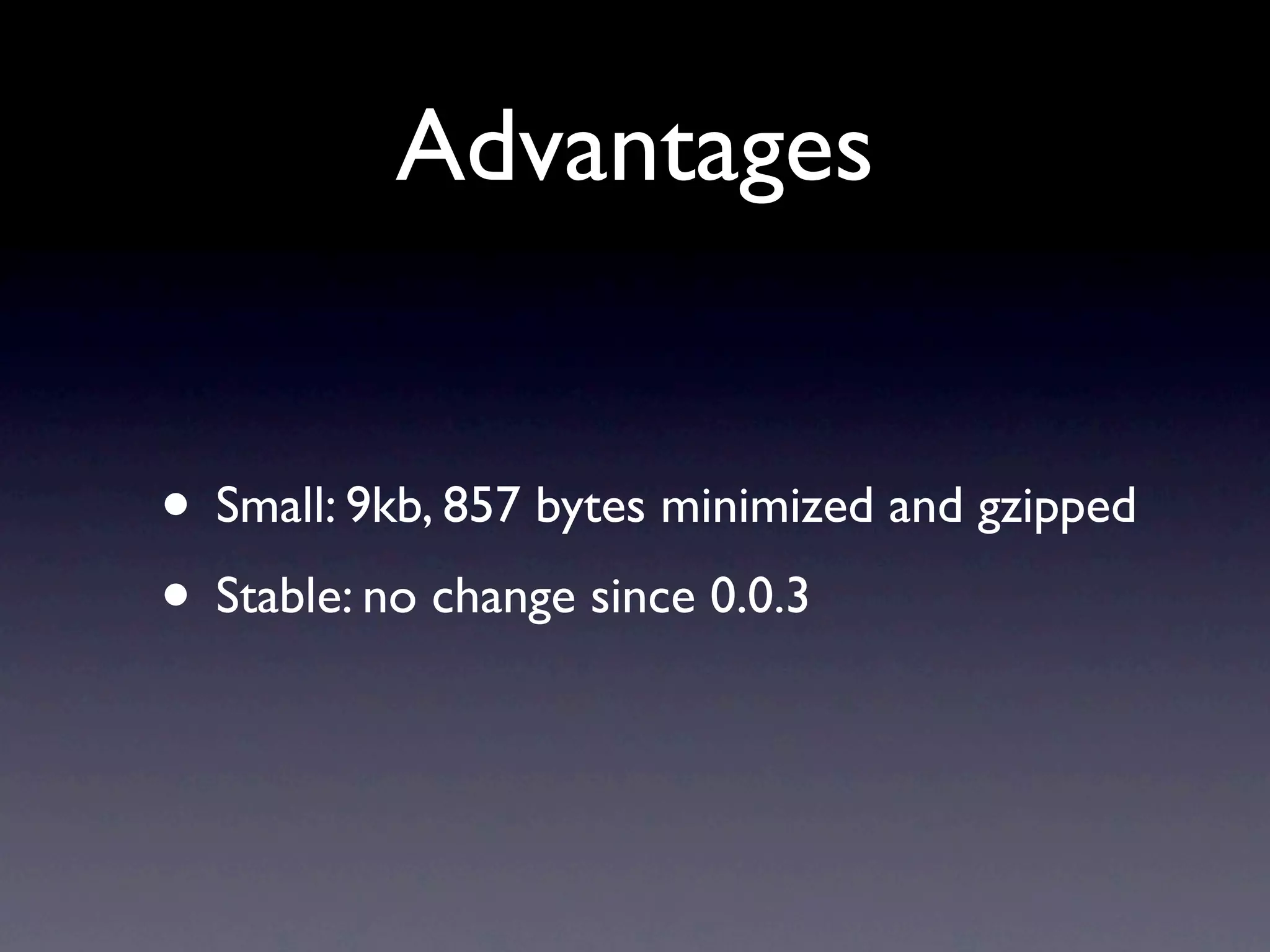
Advantages


• Small: 9kb, 857 bytes minimized and gzipped
• Stable: no change since 0.0.3
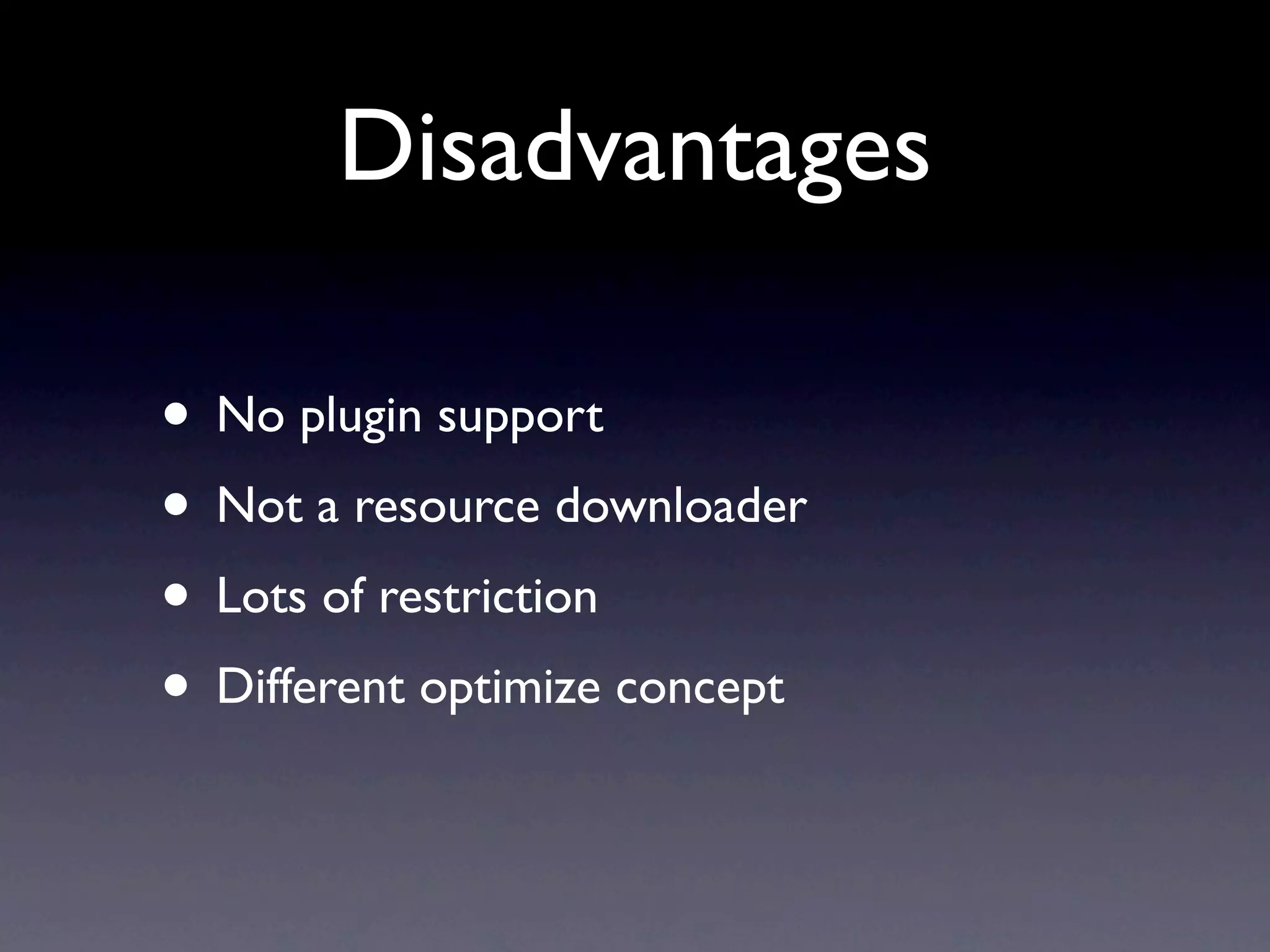
Disadvantages

• No plugin support
• Not a resource downloader
• Lots of restriction
• Different optimize concept
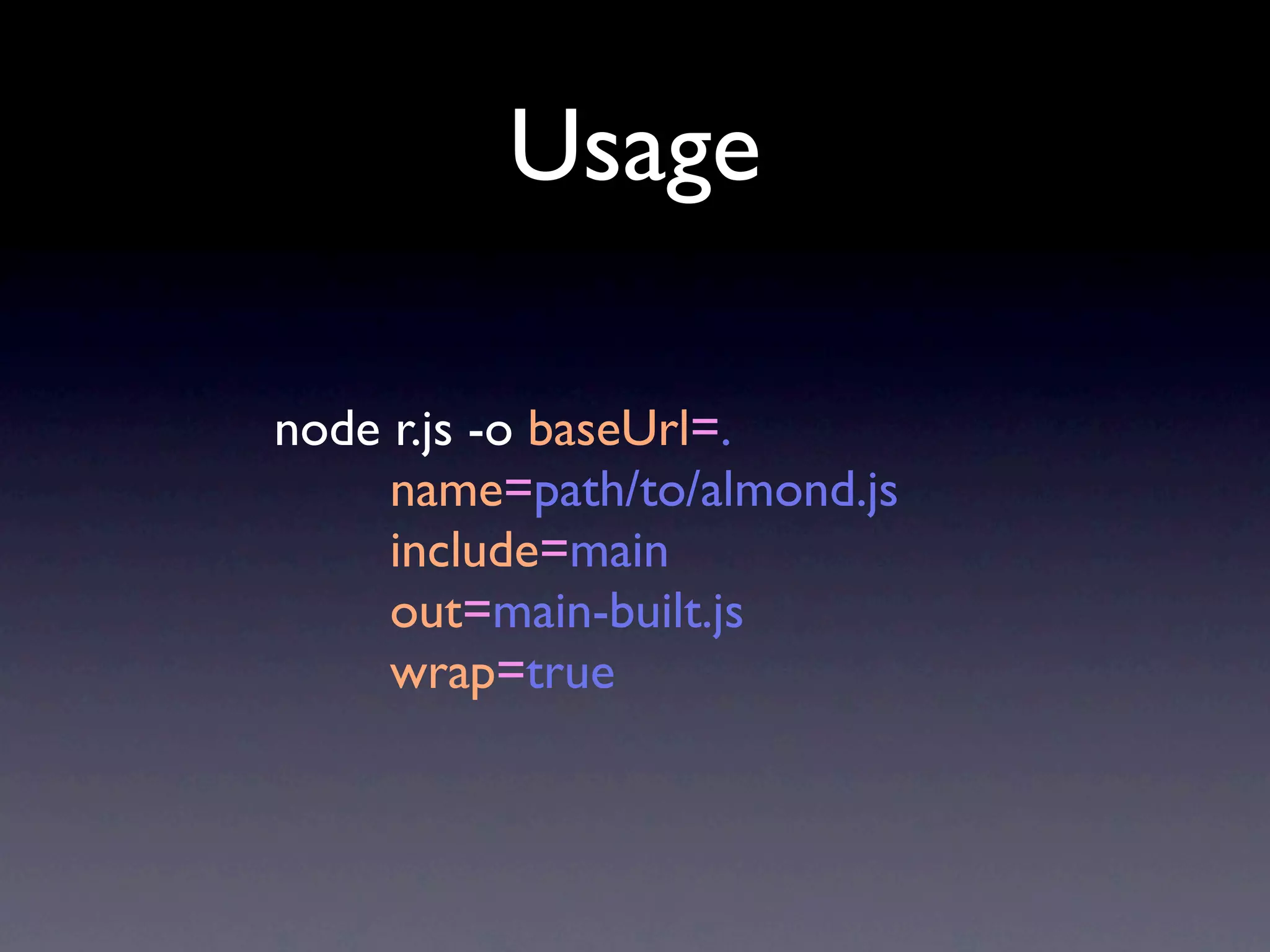
Usage

node r.js -o baseUrl=.
     name=path/to/almond.js
     include=main
     out=main-built.js
     wrap=true
Tip


• You can use r.js to optimize
• And use almond.js to replace require.js
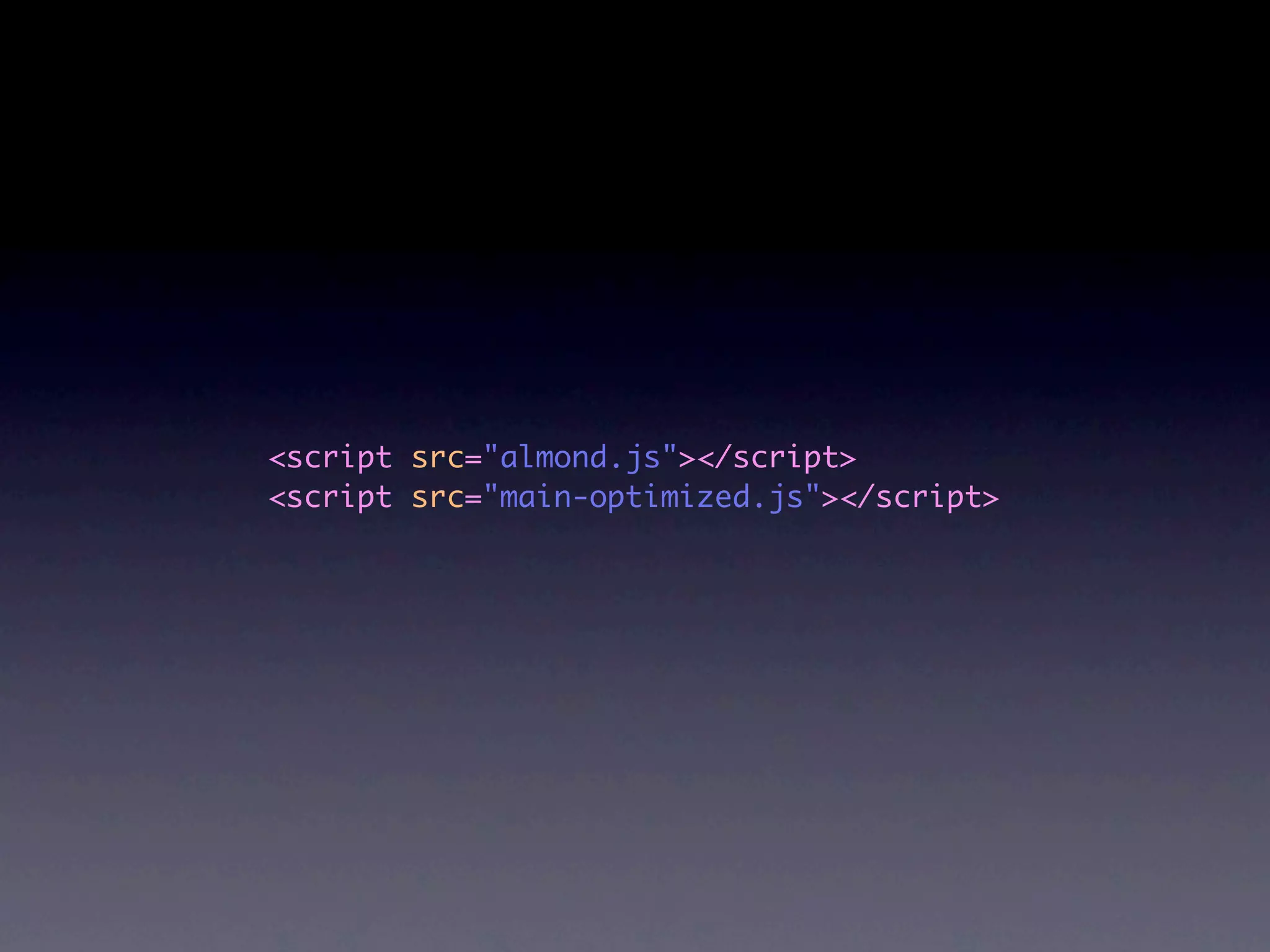
<script src="almond.js"></script>
<script src="main-optimized.js"></script>
References

•   http://www.yuiblog.com/blog/2007/06/12/module-pattern/

•   http://wiki.commonjs.org/wiki/Modules/1.1

•   http://wiki.commonjs.org/wiki/Modules/AsynchronousDefinition

•   https://github.com/amdjs/amdjs-api/wiki/AMD

•   http://requirejs.org/

•   https://github.com/jrburke/almond
Questions Time
Q


• I want to use Underscore and Backbone,
  but they don’t support RequireJS....
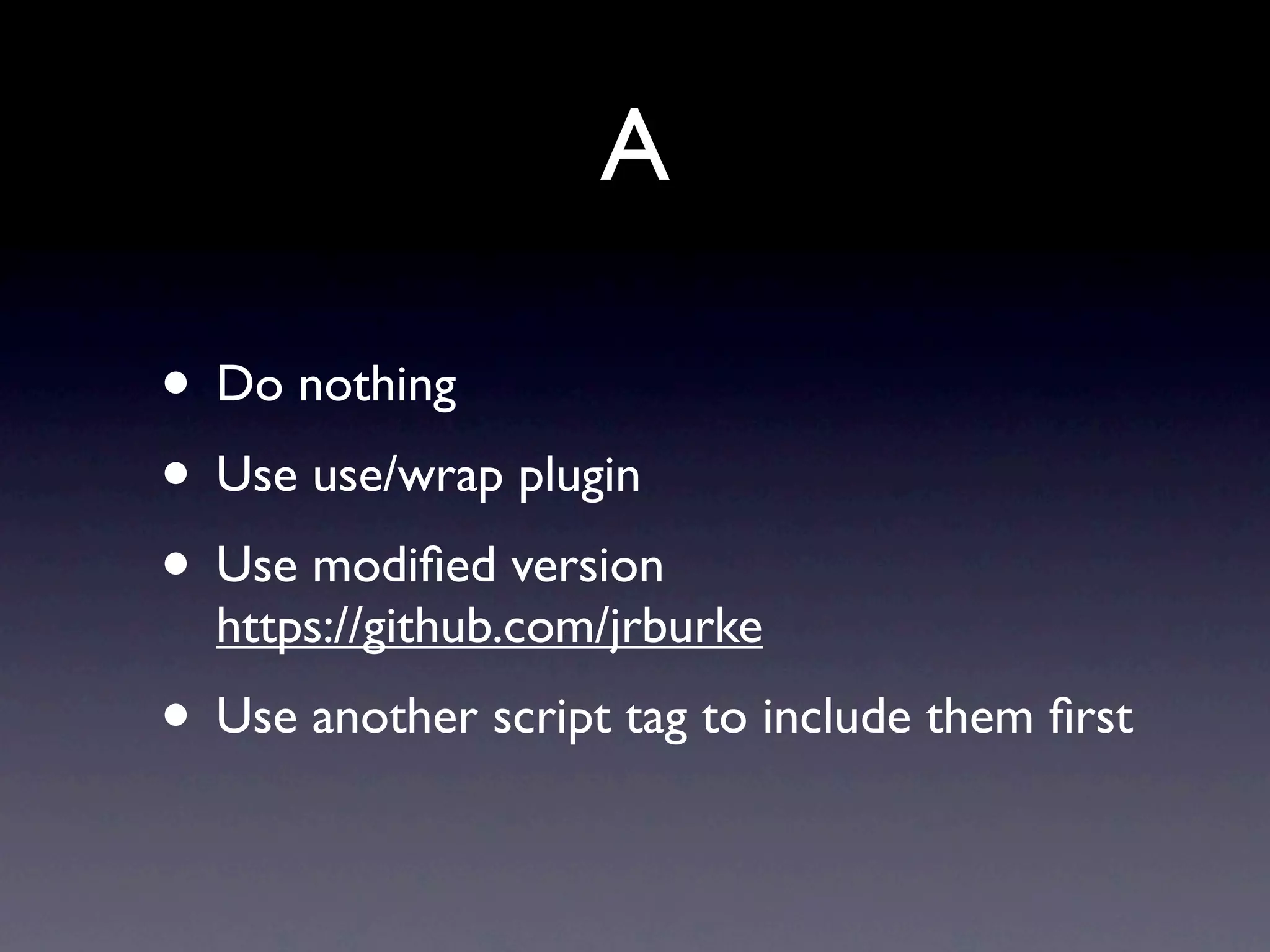
A

• Do nothing
• Use use/wrap plugin
• Use modified version
  https://github.com/jrburke
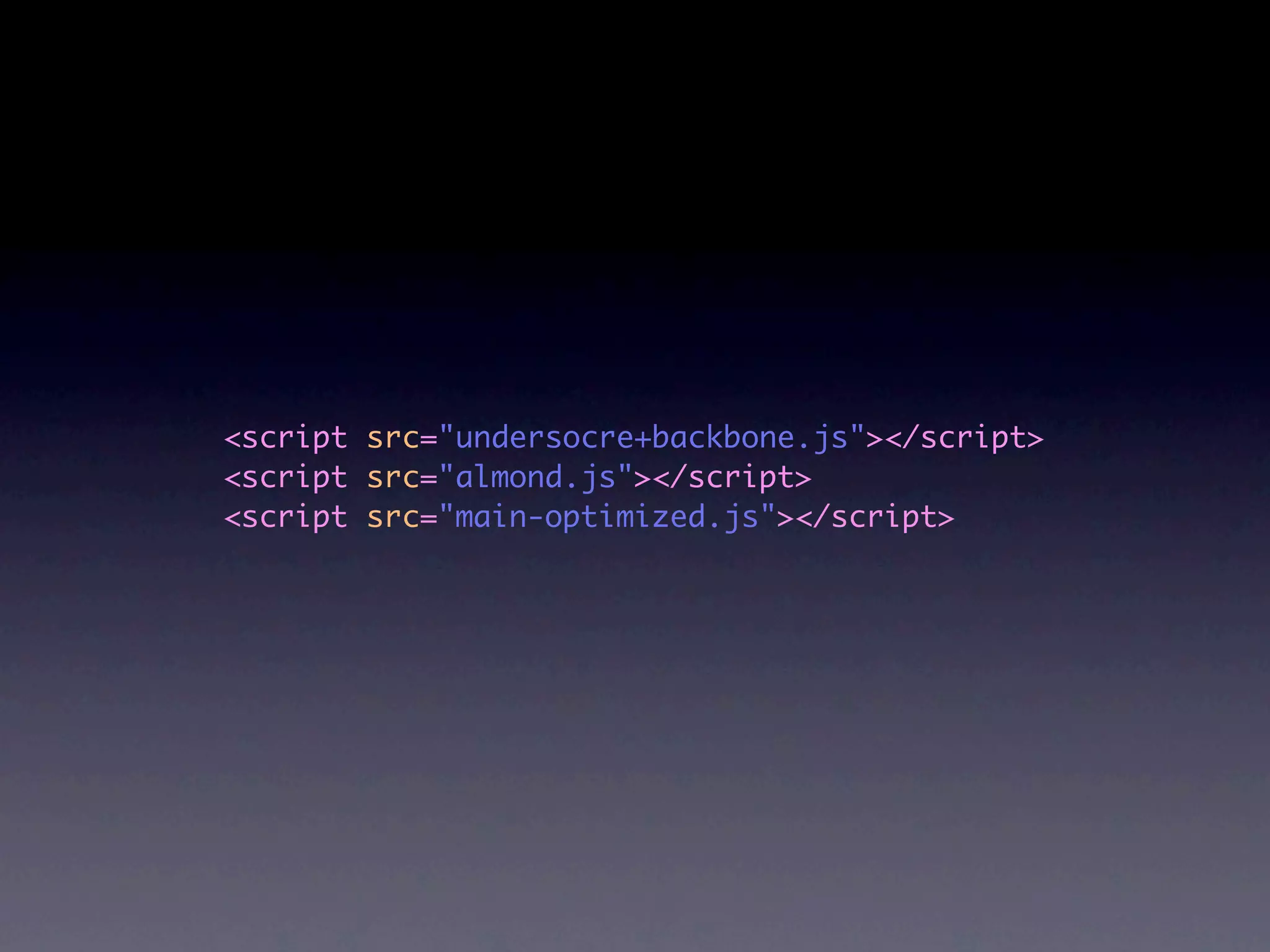
• Use another script tag to include them first
<script src="undersocre+backbone.js"></script>
<script src="almond.js"></script>
<script src="main-optimized.js"></script>
<script src="yepnope.js"></script>
<script>
    yepnope({
         load: [
             "undersocre+backbone.js",
             "almond.js",
             "main-optimized.js"
         ]
    });
</script>
Questions?
Thank You

Module, AMD, RequireJS