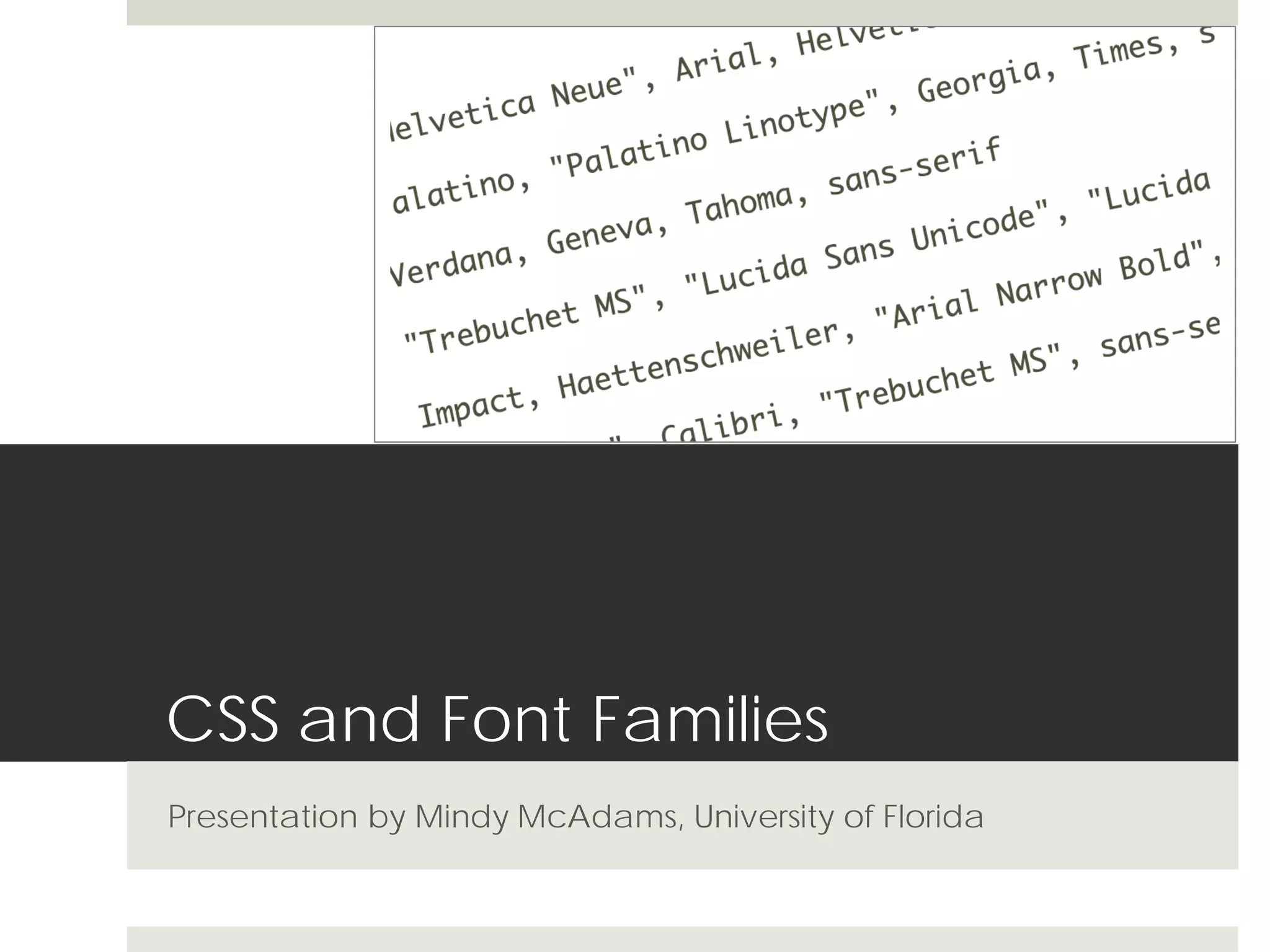
CSS and Font Families
MMC 4341 Week 2
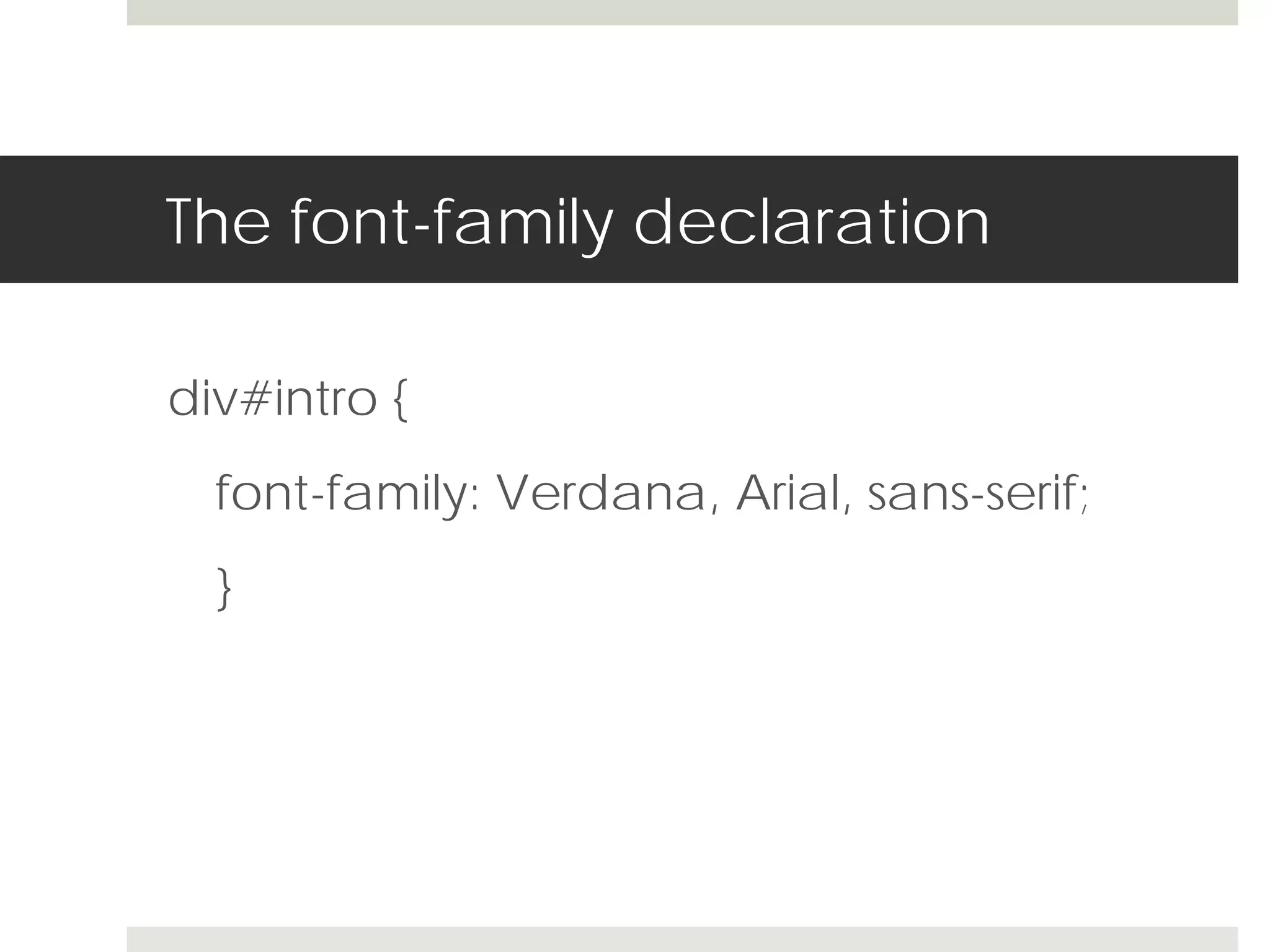
The font-family declaration

div#intro {
  font-family: Verdana, Arial, sans-serif;
  }
Building font-family declarations

 Treat heading font groups differently from body text font
  groups

 Keep in mind that the three major operating systems
  come with different sets of common fonts

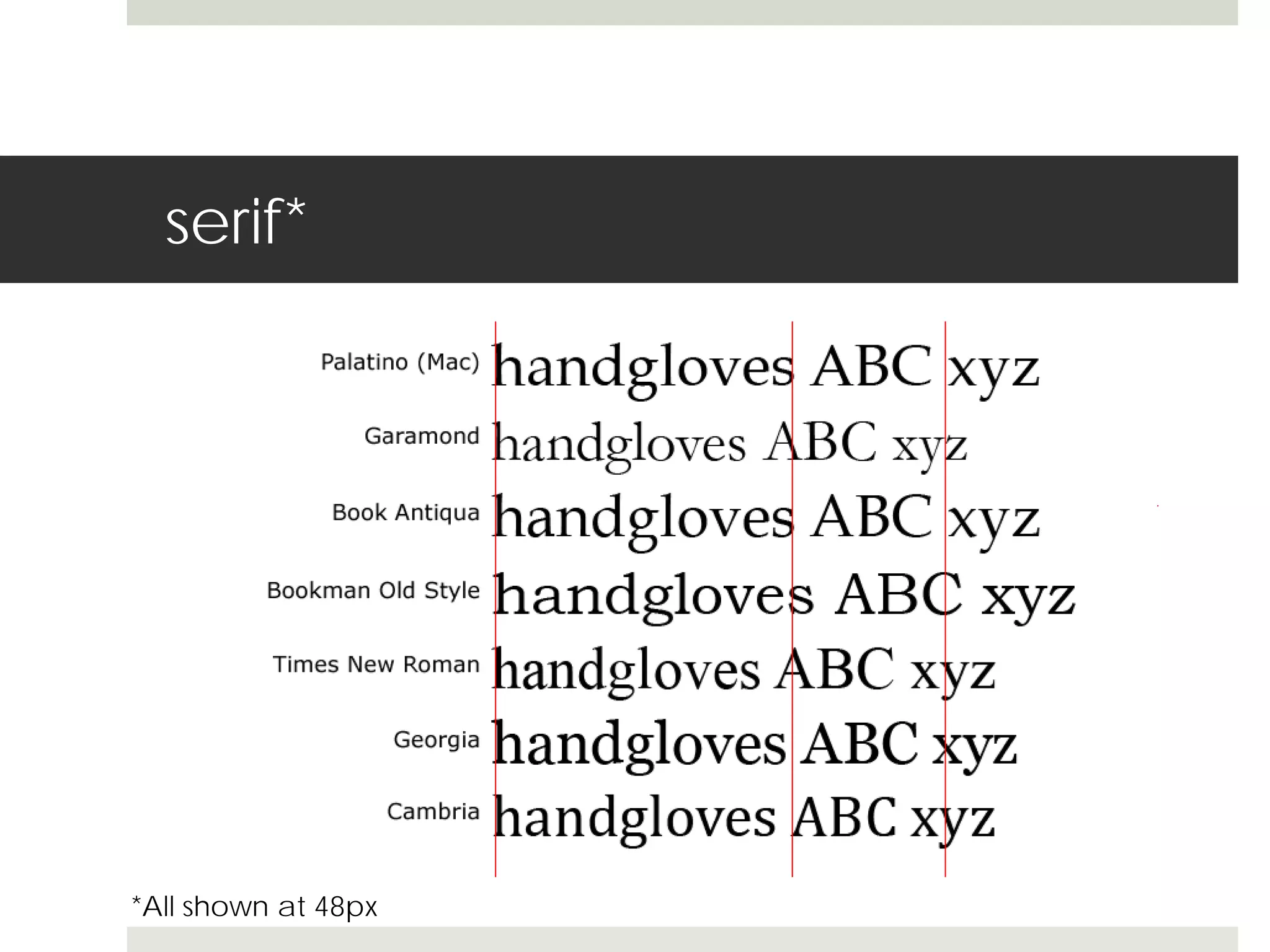
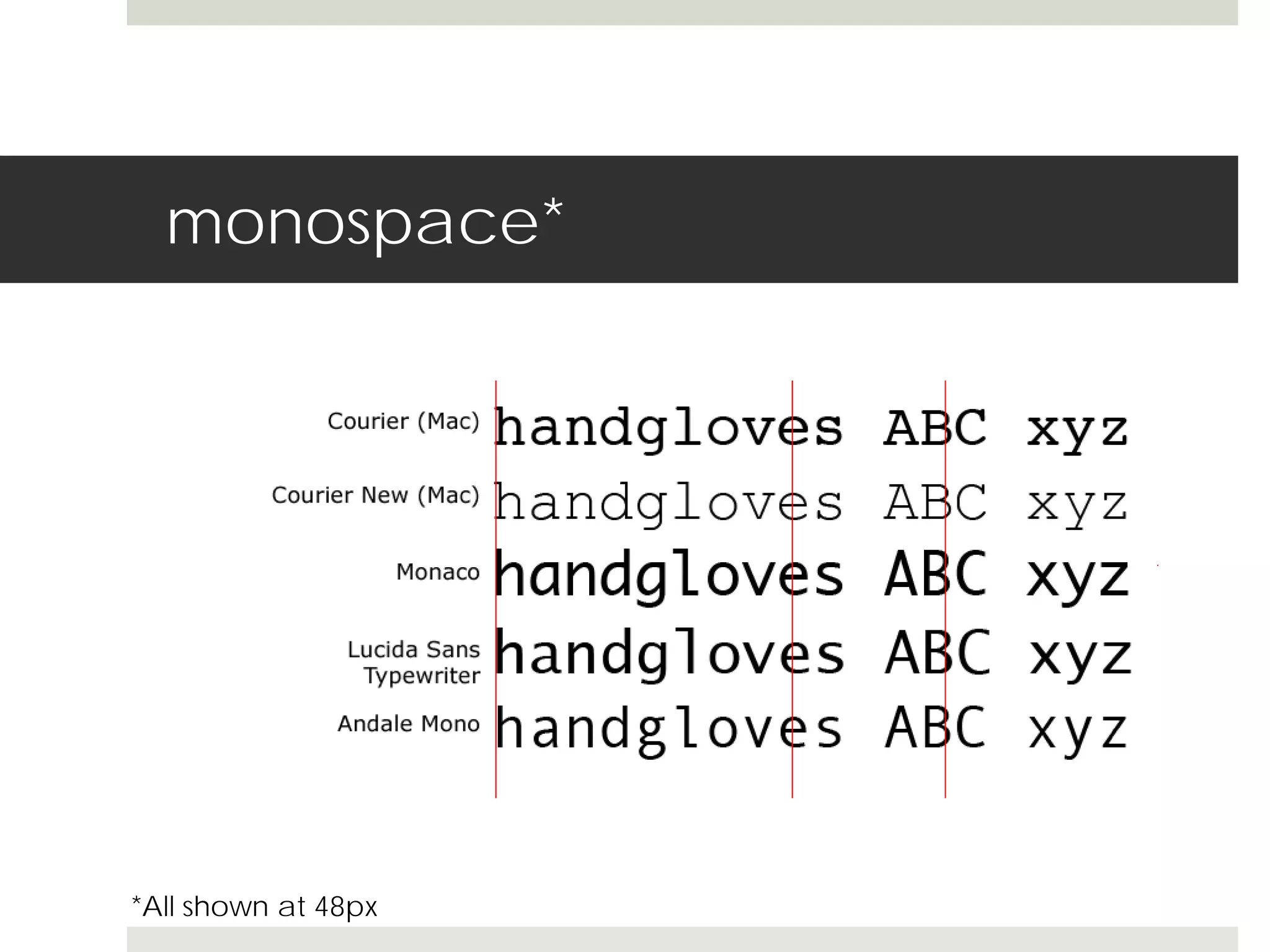
 Make sure the fonts in a single declaration are similar in
  overall size (examples next)

 Never specify a font you have not seen!
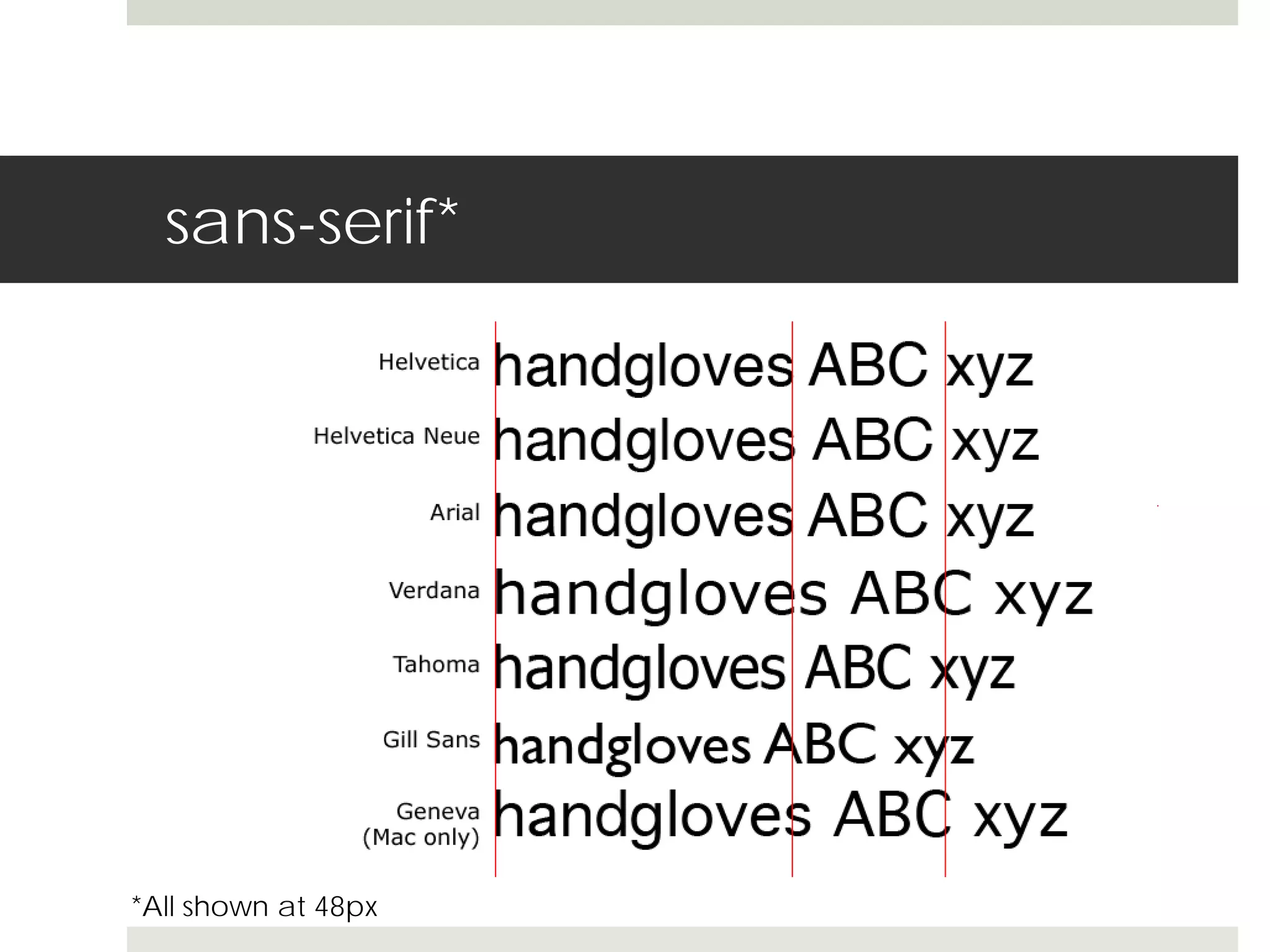
sans-serif*


*All shown at 48px
serif*


*All shown at 48px
monospace*


*All shown at 48px
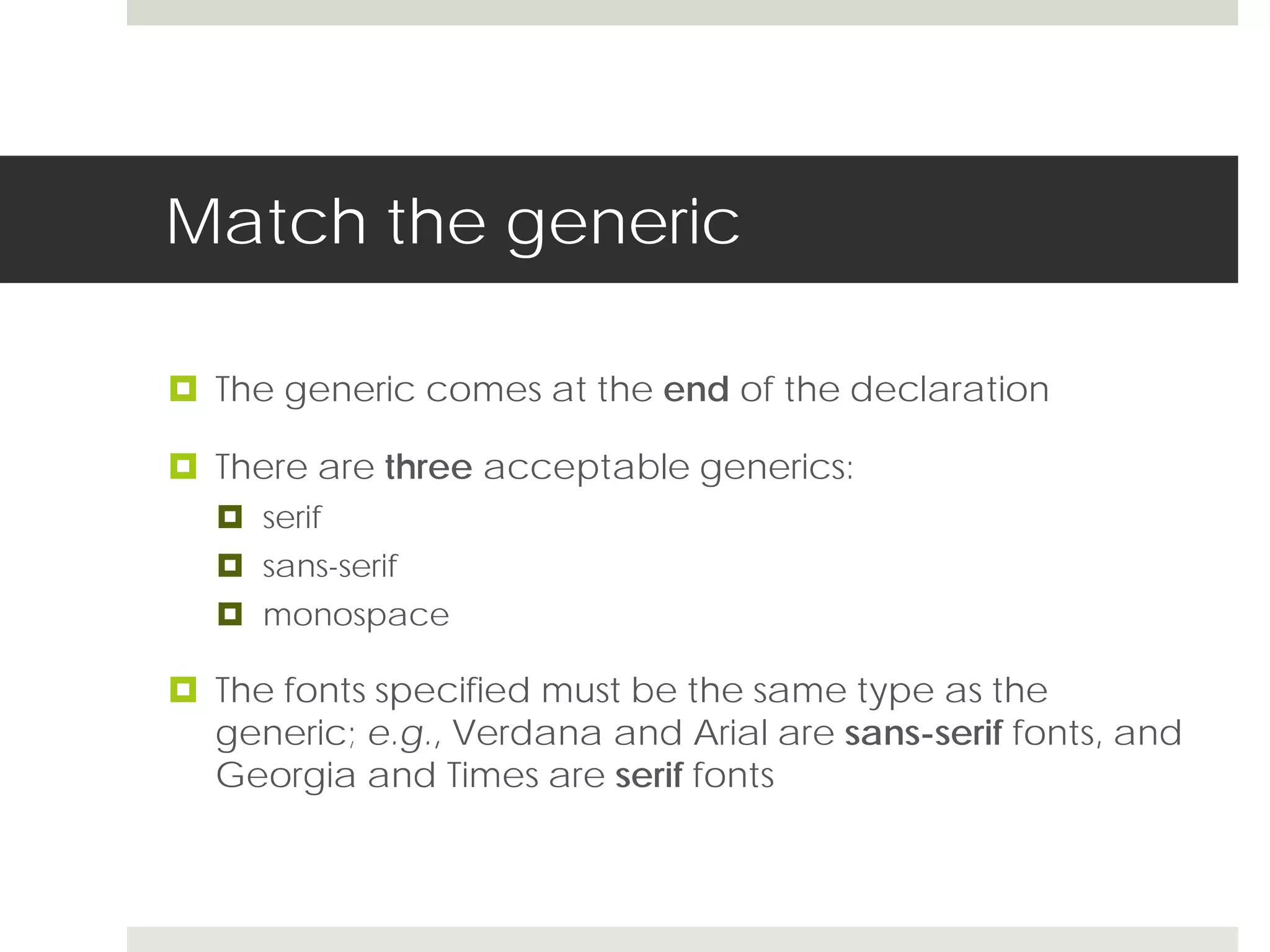
Match the generic

 The generic comes at the end of the declaration

 There are three acceptable generics:
   serif
   sans-serif
   monospace

 The fonts specified must be the same type as the
  generic; e.g., Verdana and Arial are sans-serif fonts, and
  Georgia and Times are serif fonts
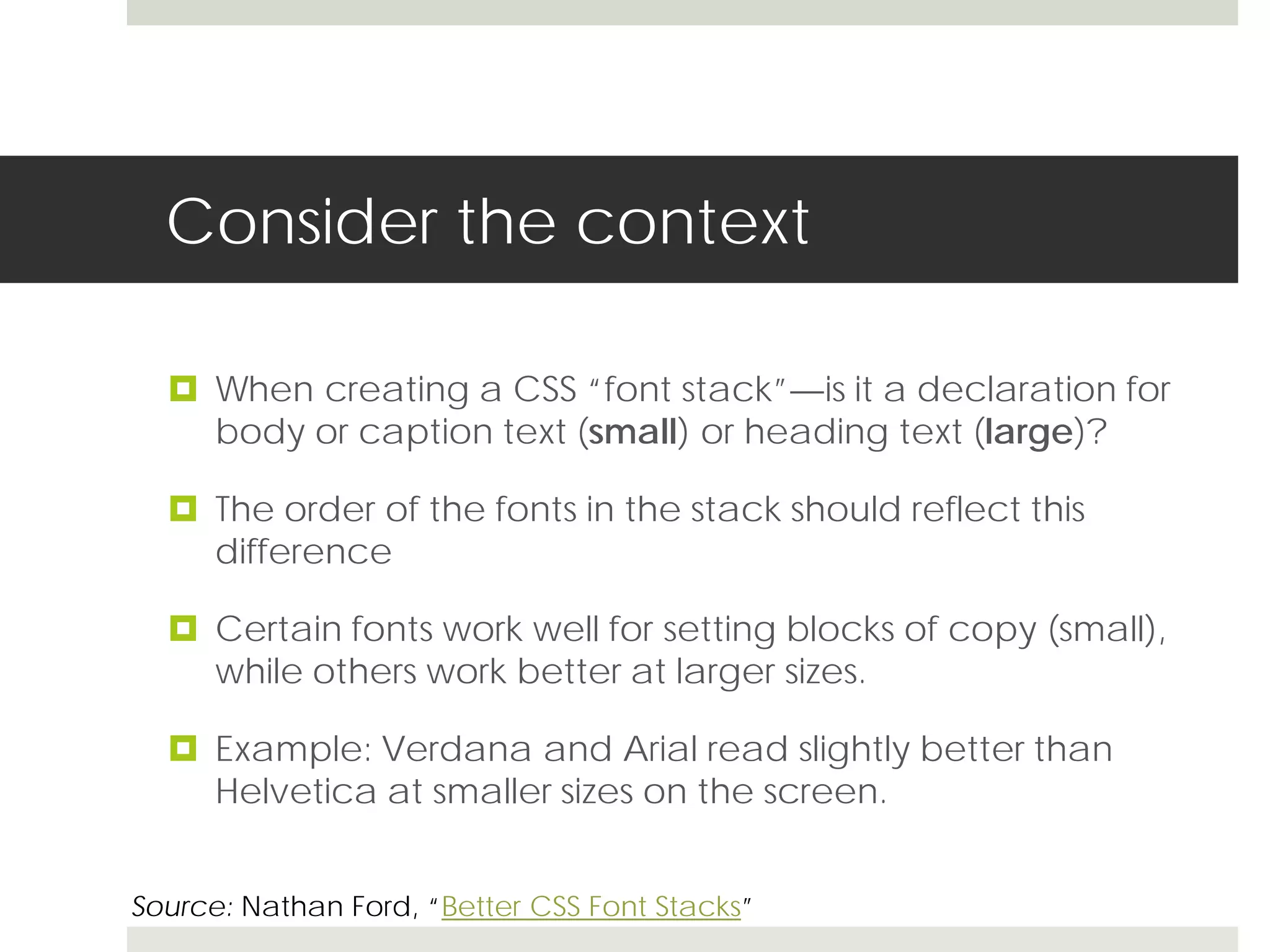
Consider the context

   When creating a CSS “font stack”—is it a declaration for
    body or caption text (small) or heading text (large)?

   The order of the fonts in the stack should reflect this
    difference

   Certain fonts work well for setting blocks of copy (small),
    while others work better at larger sizes.

   Example: Verdana and Arial read slightly better than
    Helvetica at smaller sizes on the screen.


Source: Nathan Ford, “Better CSS Font Stacks”
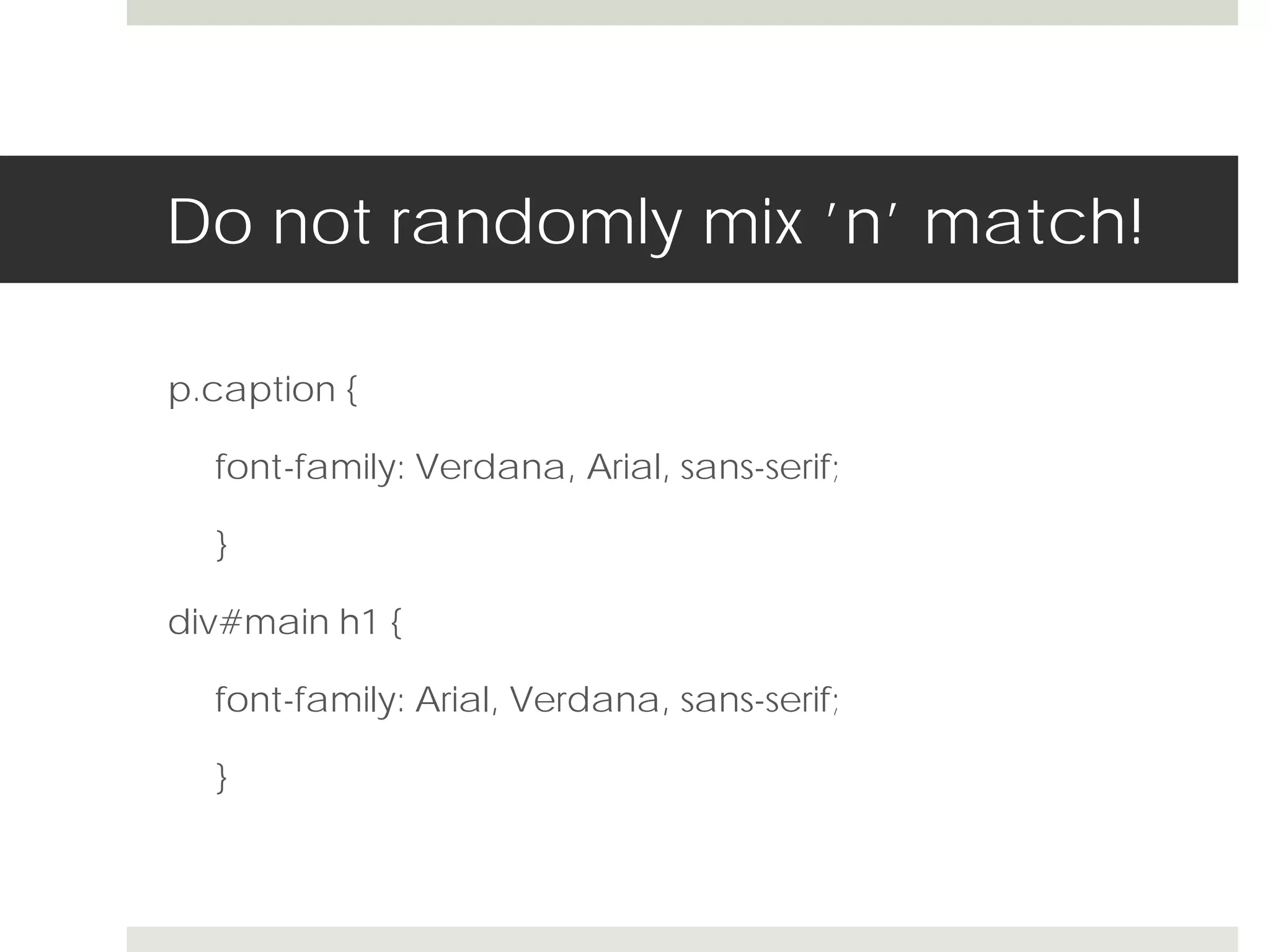
Do not randomly mix ’n’ match!

p.caption {

  font-family: Verdana, Arial, sans-serif;

  }

div#main h1 {

  font-family: Arial, Verdana, sans-serif;

  }
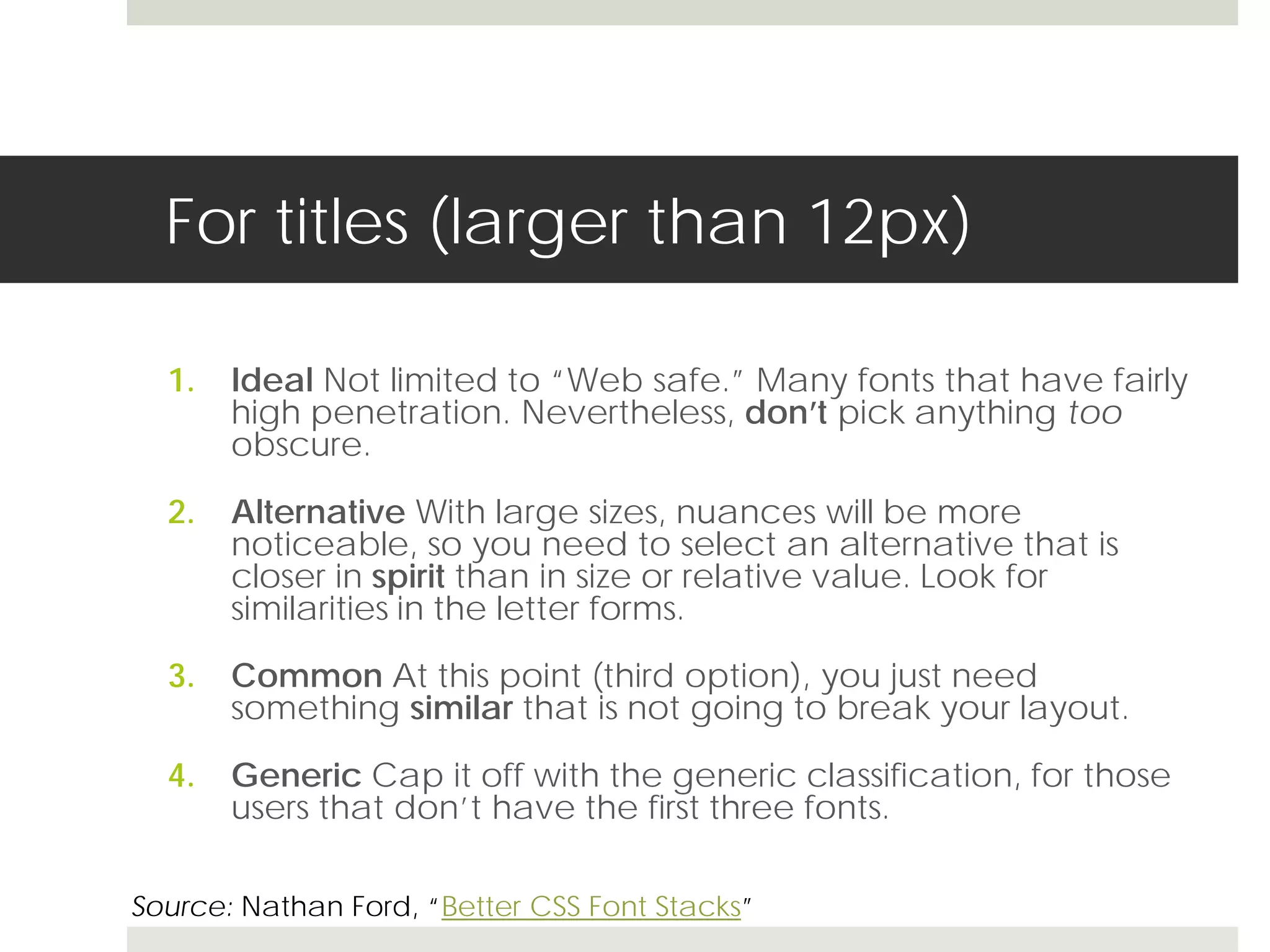
For titles (larger than 12px)

  1.   Ideal Not limited to “Web safe.” Many fonts that have fairly
       high penetration. Nevertheless, don’t pick anything too
       obscure.

  2.   Alternative With large sizes, nuances will be more
       noticeable, so you need to select an alternative that is
       closer in spirit than in size or relative value. Look for
       similarities in the letter forms.

  3.   Common At this point (third option), you just need
       something similar that is not going to break your layout.

  4.   Generic Cap it off with the generic classification, for those
       users that don’t have the first three fonts.

Source: Nathan Ford, “Better CSS Font Stacks”
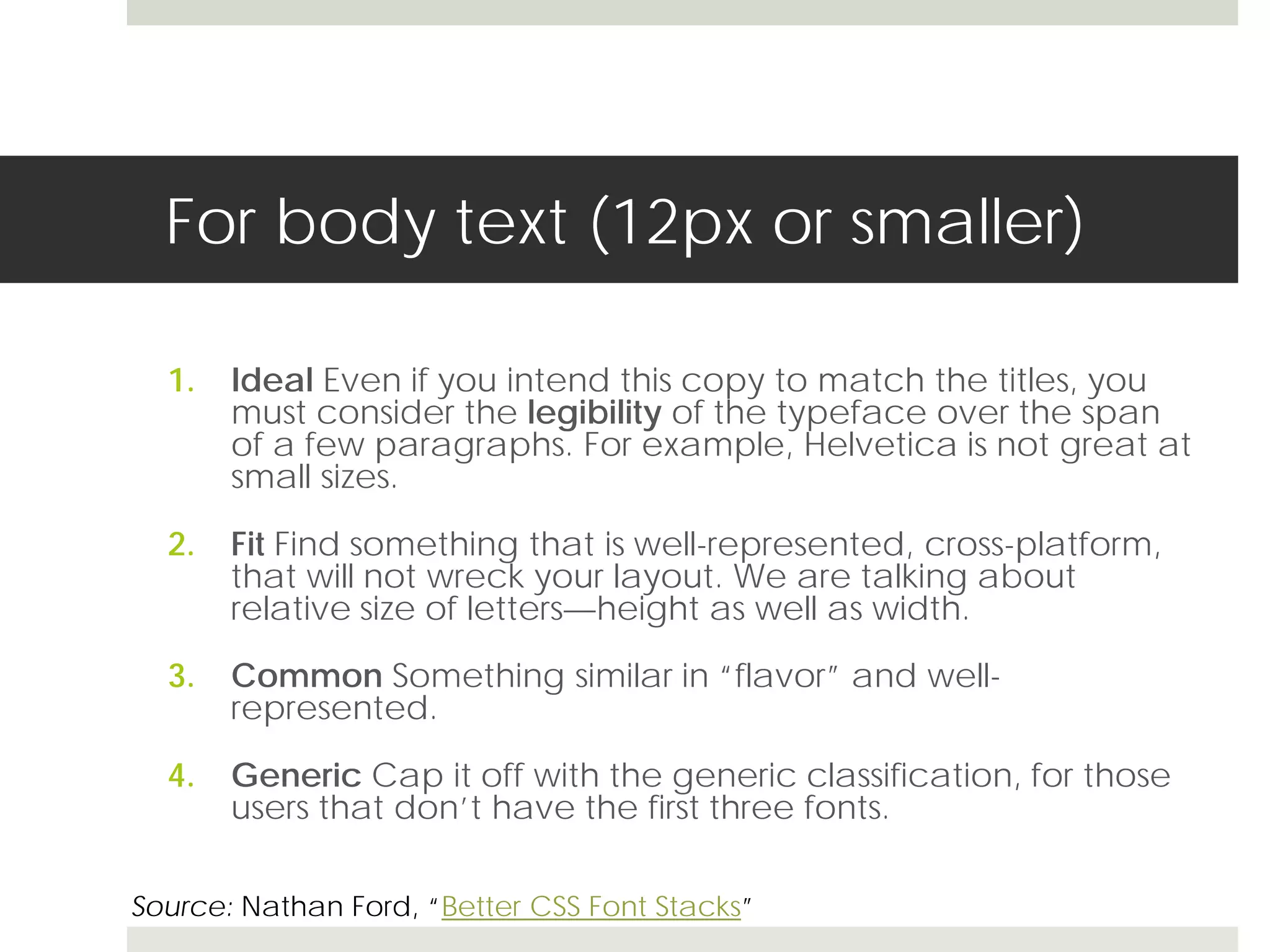
For body text (12px or smaller)

  1.   Ideal Even if you intend this copy to match the titles, you
       must consider the legibility of the typeface over the span
       of a few paragraphs. For example, Helvetica is not great at
       small sizes.

  2.   Fit Find something that is well-represented, cross-platform,
       that will not wreck your layout. We are talking about
       relative size of letters—height as well as width.

  3.   Common Something similar in “flavor” and well-
       represented.

  4.   Generic Cap it off with the generic classification, for those
       users that don’t have the first three fonts.

Source: Nathan Ford, “Better CSS Font Stacks”
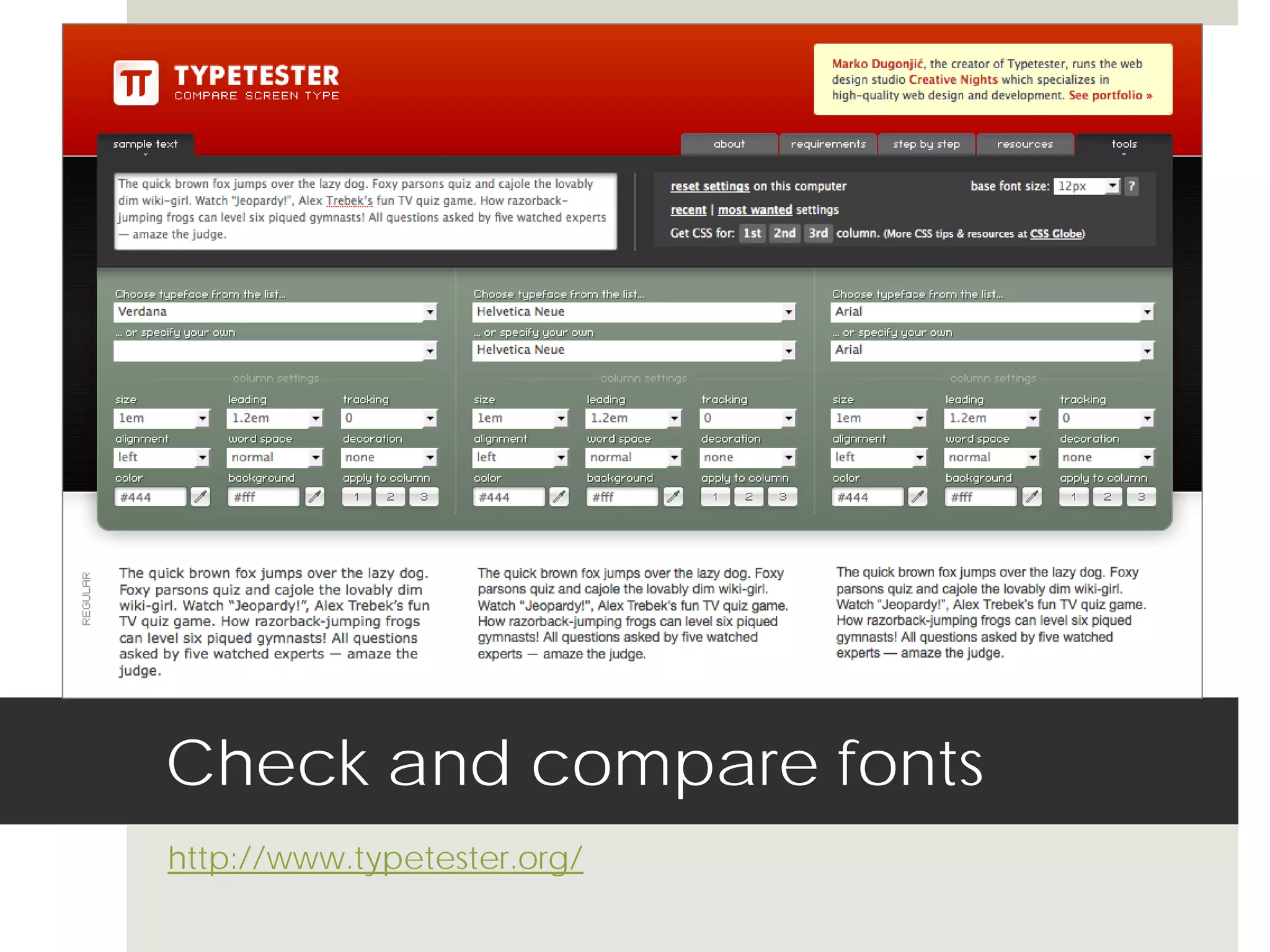
Check and compare fonts
http://www.typetester.org/
Make sure you have seen it

 Many Web sites that seem to be showing you typefaces
  are only showing you the faces that are already on your
  computer.

 To be certain you have really seen a typeface (before
  specifying a font family)—Google it!

 The major type foundries (Adobe, Bitstream, Linotype,
  etc.) show online samples in PDF format so you can get
  an accurate view of the typefaces. Go to their sites.
Limit use of different fonts

   A good rule of thumb is to never use more than three
    typefaces on any page, and preferably to stick to only
    one or two.

   For CSS, this would mean only two different font-family
    “stacks.” (You could have more than two declarations in
    the style sheet.)

   In selecting two fonts to use, it’s a good practice to
    select one serif and the other from the sans-serif group.
       Allows for a nice contrast.
       Ensures that the page is attractive and easy to read.

Source: Susan G. Miller, “Selecting and Combining Typefaces”
CSS and Font Families
Presentation by Mindy McAdams, University of Florida

Font-families in CSS

  • 1.
    CSS and FontFamilies MMC 4341 Week 2
  • 2.
    The font-family declaration div#intro{ font-family: Verdana, Arial, sans-serif; }
  • 3.
    Building font-family declarations Treat heading font groups differently from body text font groups  Keep in mind that the three major operating systems come with different sets of common fonts  Make sure the fonts in a single declaration are similar in overall size (examples next)  Never specify a font you have not seen!
  • 4.
  • 5.
  • 6.
  • 7.
    Match the generic The generic comes at the end of the declaration  There are three acceptable generics:  serif  sans-serif  monospace  The fonts specified must be the same type as the generic; e.g., Verdana and Arial are sans-serif fonts, and Georgia and Times are serif fonts
  • 8.
    Consider the context  When creating a CSS “font stack”—is it a declaration for body or caption text (small) or heading text (large)?  The order of the fonts in the stack should reflect this difference  Certain fonts work well for setting blocks of copy (small), while others work better at larger sizes.  Example: Verdana and Arial read slightly better than Helvetica at smaller sizes on the screen. Source: Nathan Ford, “Better CSS Font Stacks”
  • 9.
    Do not randomlymix ’n’ match! p.caption { font-family: Verdana, Arial, sans-serif; } div#main h1 { font-family: Arial, Verdana, sans-serif; }
  • 10.
    For titles (largerthan 12px) 1. Ideal Not limited to “Web safe.” Many fonts that have fairly high penetration. Nevertheless, don’t pick anything too obscure. 2. Alternative With large sizes, nuances will be more noticeable, so you need to select an alternative that is closer in spirit than in size or relative value. Look for similarities in the letter forms. 3. Common At this point (third option), you just need something similar that is not going to break your layout. 4. Generic Cap it off with the generic classification, for those users that don’t have the first three fonts. Source: Nathan Ford, “Better CSS Font Stacks”
  • 11.
    For body text(12px or smaller) 1. Ideal Even if you intend this copy to match the titles, you must consider the legibility of the typeface over the span of a few paragraphs. For example, Helvetica is not great at small sizes. 2. Fit Find something that is well-represented, cross-platform, that will not wreck your layout. We are talking about relative size of letters—height as well as width. 3. Common Something similar in “flavor” and well- represented. 4. Generic Cap it off with the generic classification, for those users that don’t have the first three fonts. Source: Nathan Ford, “Better CSS Font Stacks”
  • 12.
    Check and comparefonts http://www.typetester.org/
  • 13.
    Make sure youhave seen it  Many Web sites that seem to be showing you typefaces are only showing you the faces that are already on your computer.  To be certain you have really seen a typeface (before specifying a font family)—Google it!  The major type foundries (Adobe, Bitstream, Linotype, etc.) show online samples in PDF format so you can get an accurate view of the typefaces. Go to their sites.
  • 14.
    Limit use ofdifferent fonts  A good rule of thumb is to never use more than three typefaces on any page, and preferably to stick to only one or two.  For CSS, this would mean only two different font-family “stacks.” (You could have more than two declarations in the style sheet.)  In selecting two fonts to use, it’s a good practice to select one serif and the other from the sans-serif group.  Allows for a nice contrast.  Ensures that the page is attractive and easy to read. Source: Susan G. Miller, “Selecting and Combining Typefaces”
  • 15.
    CSS and FontFamilies Presentation by Mindy McAdams, University of Florida