Krishna Kumar, CNCF Ambassador
@krish_00
September 2019, Infosys Campus Bangalore
Application Deployment in Kubernetes with
Outline

K8s App Deployment Methods!

Helm & Charts ....

Demo – helm in GKE*
What’s in Kubernetes ?

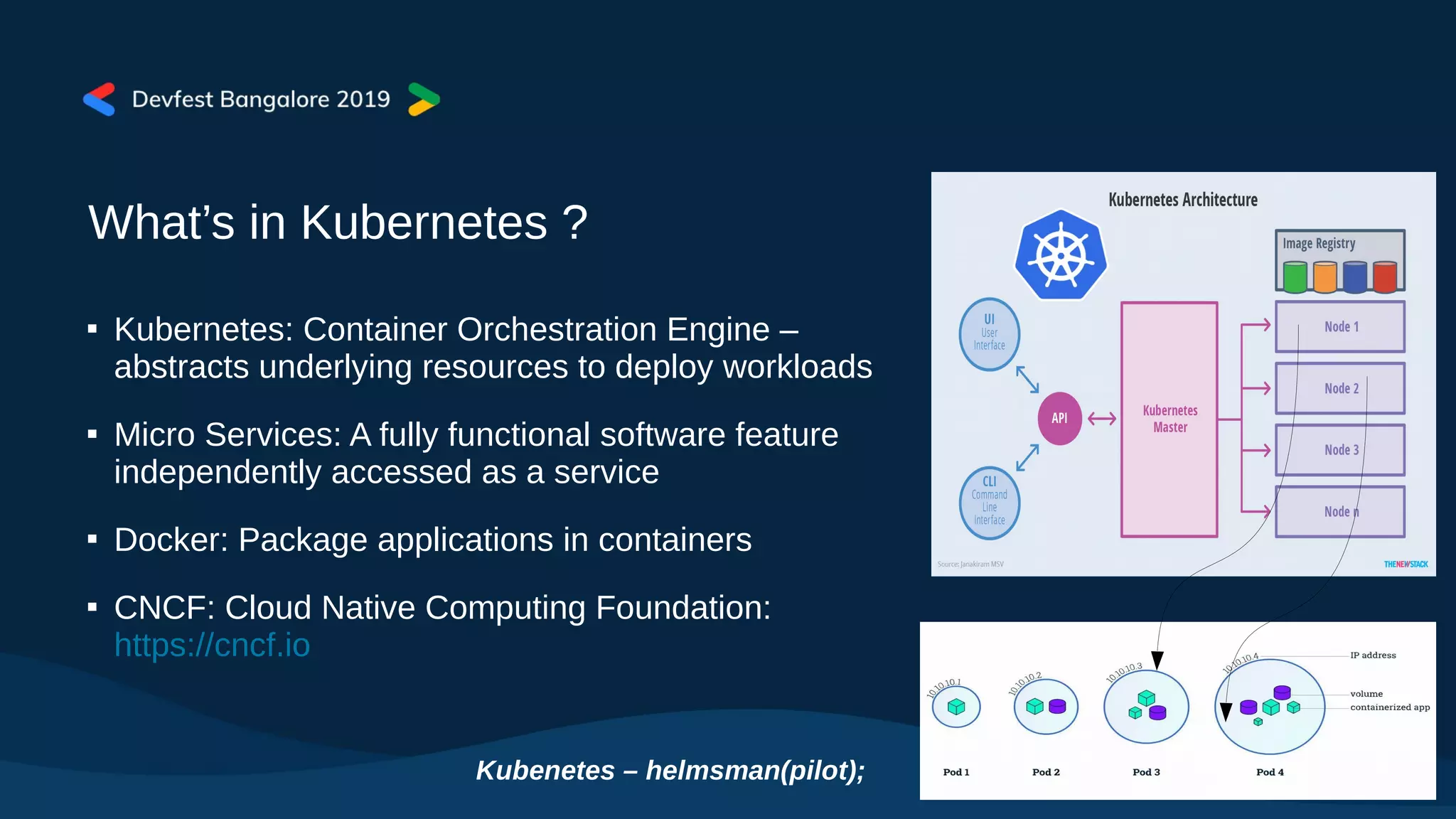
Kubernetes: Container Orchestration Engine –
abstracts underlying resources to deploy workloads

Micro Services: A fully functional software feature
independently accessed as a service

Docker: Package applications in containers

CNCF: Cloud Native Computing Foundation:
https://cncf.io
Kubenetes – helmsman(pilot);
K8s Application Deployment File
kubectl apply -f deployment.yaml
<deployment.yaml>
apiVersion: apps/v1
kind: Deployment
metadata:
name: nginx-deployment
labels:
app: nginx
spec:
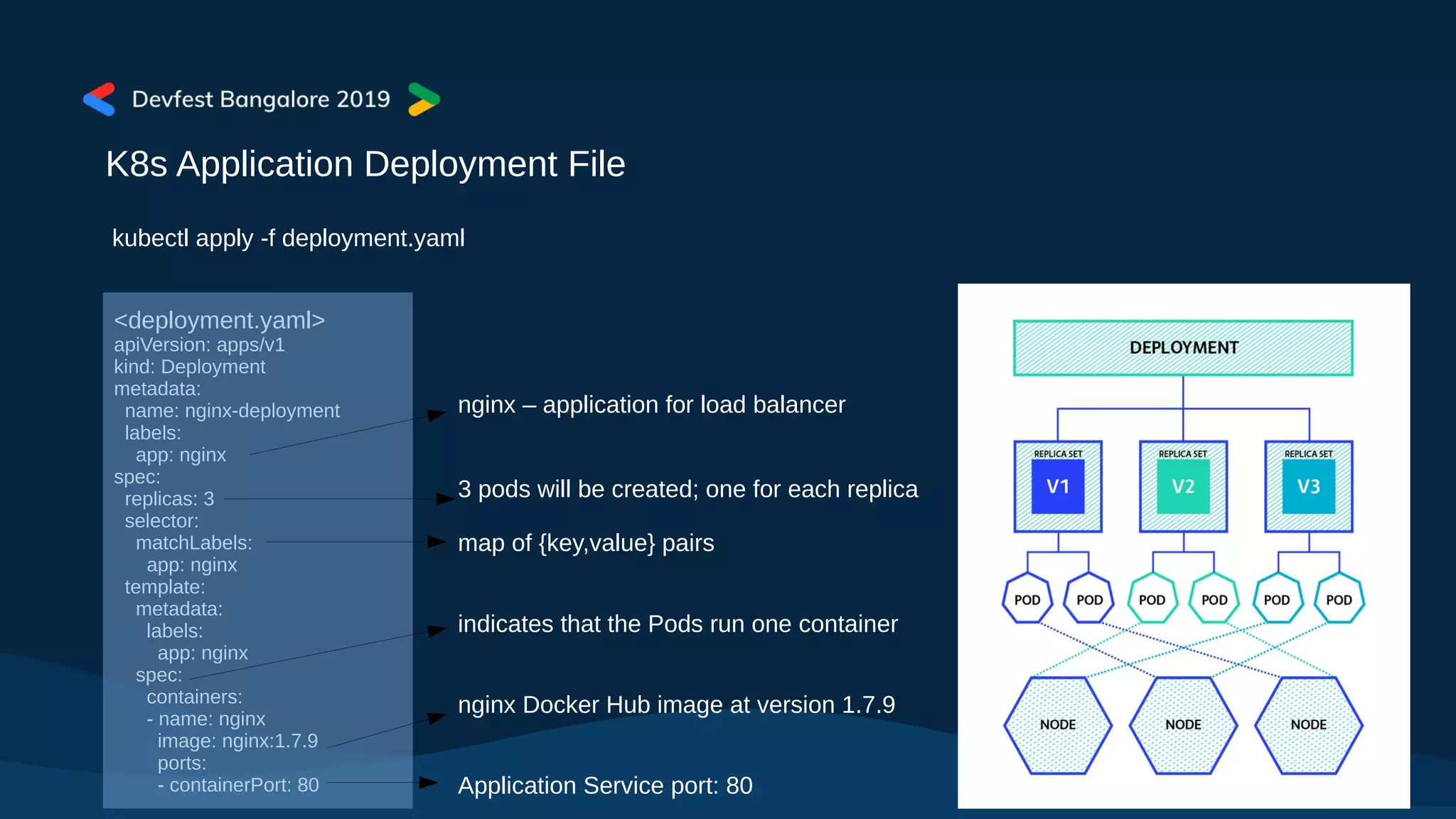
replicas: 3
selector:
matchLabels:
app: nginx
template:
metadata:
labels:
app: nginx
spec:
containers:
- name: nginx
image: nginx:1.7.9
ports:
- containerPort: 80
nginx – application for load balancer
3 pods will be created; one for each replica
map of {key,value} pairs
indicates that the Pods run one container
nginx Docker Hub image at version 1.7.9
Application Service port: 80
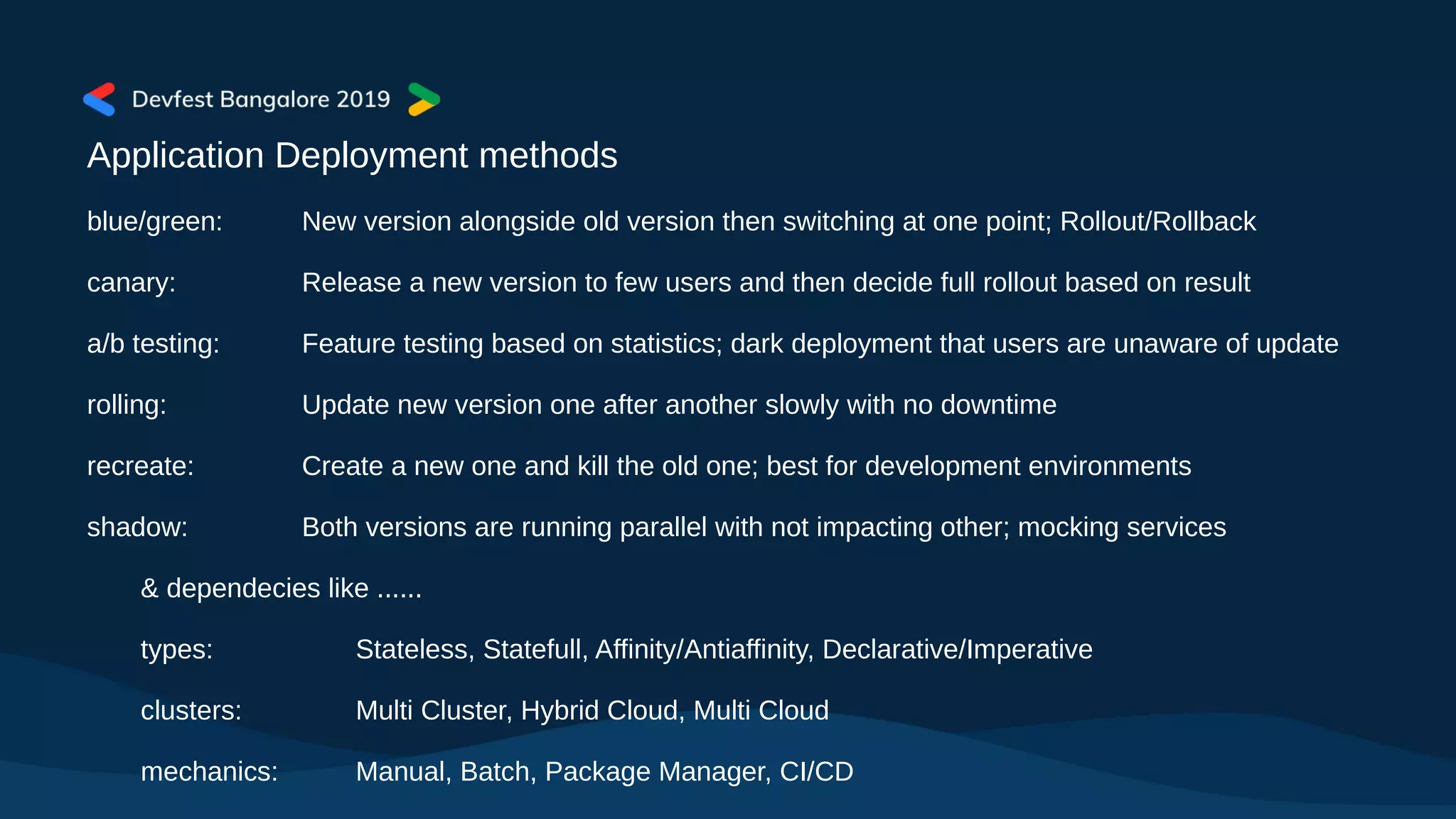
Application Deployment methods
blue/green: New version alongside old version then switching at one point; Rollout/Rollback
canary: Release a new version to few users and then decide full rollout based on result
a/b testing: Feature testing based on statistics; dark deployment that users are unaware of update
rolling: Update new version one after another slowly with no downtime
recreate: Create a new one and kill the old one; best for development environments
shadow: Both versions are running parallel with not impacting other; mocking services
& dependecies like ......
types: Stateless, Statefull, Affinity/Antiaffinity, Declarative/Imperative
clusters: Multi Cluster, Hybrid Cloud, Multi Cloud
mechanics: Manual, Batch, Package Manager, CI/CD
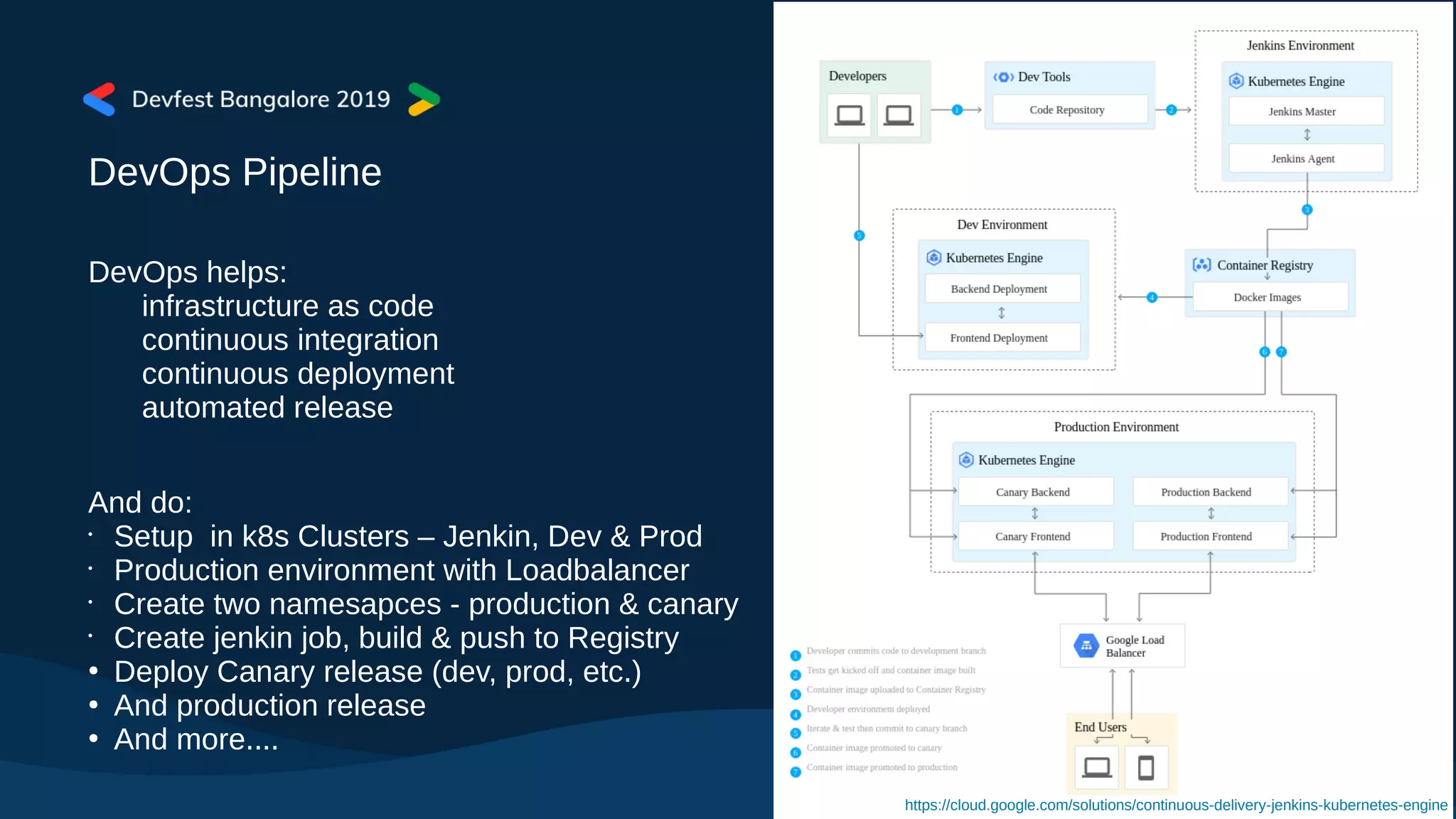
DevOps Pipeline
DevOps helps:
infrastructure as code
continuous integration
continuous deployment
automated release
And do:
•
Setup in k8s Clusters – Jenkin, Dev & Prod
•
Production environment with Loadbalancer
•
Create two namesapces - production & canary
•
Create jenkin job, build & push to Registry
●
Deploy Canary release (dev, prod, etc.)
●
And production release
●
And more....
https://cloud.google.com/solutions/continuous-delivery-jenkins-kubernetes-engine
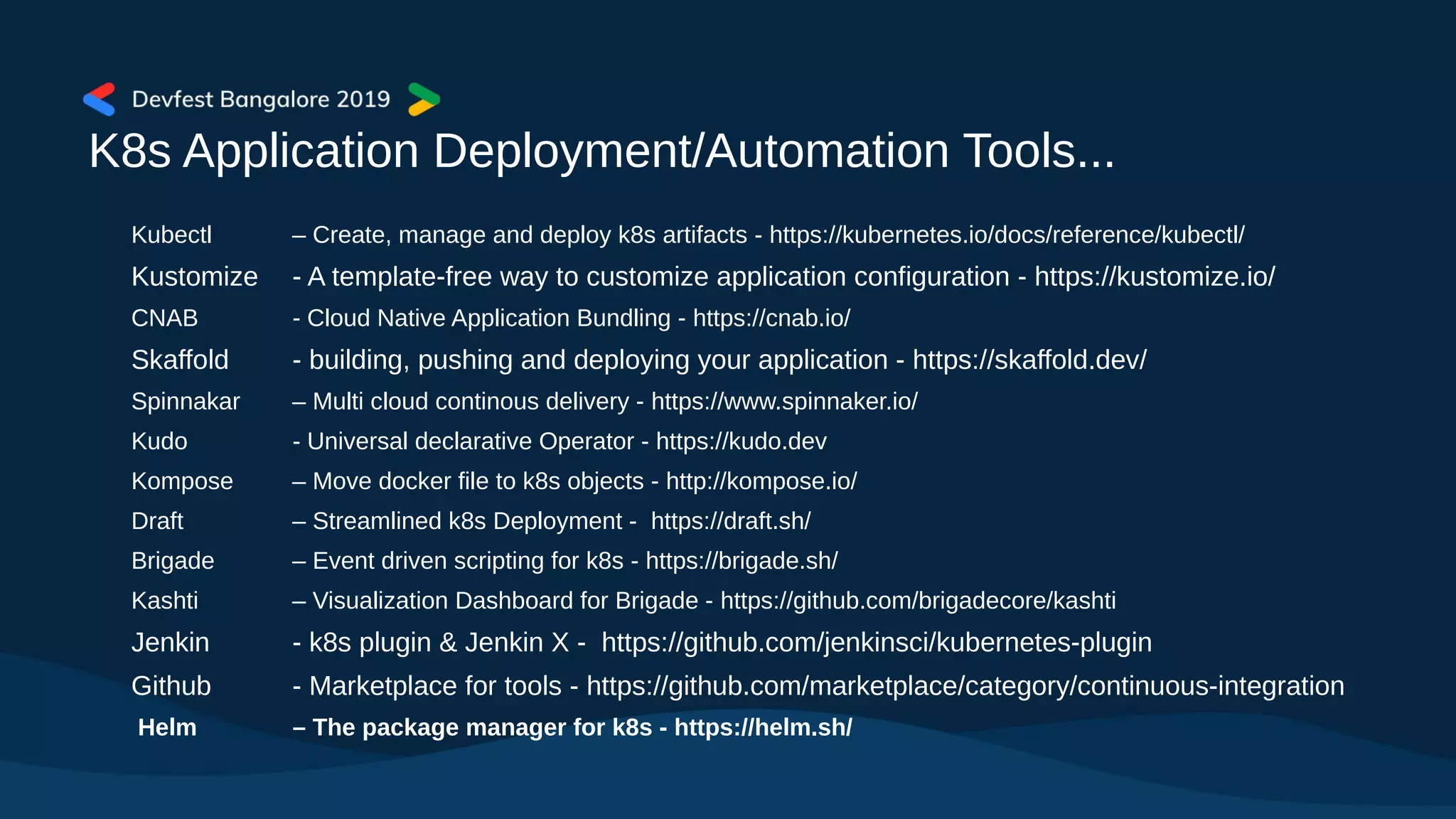
K8s Application Deployment/Automation Tools...
Kubectl – Create, manage and deploy k8s artifacts - https://kubernetes.io/docs/reference/kubectl/
Kustomize - A template-free way to customize application configuration - https://kustomize.io/
CNAB - Cloud Native Application Bundling - https://cnab.io/
Skaffold - building, pushing and deploying your application - https://skaffold.dev/
Spinnakar – Multi cloud continous delivery - https://www.spinnaker.io/
Kudo - Universal declarative Operator - https://kudo.dev
Kompose – Move docker file to k8s objects - http://kompose.io/
Draft – Streamlined k8s Deployment - https://draft.sh/
Brigade – Event driven scripting for k8s - https://brigade.sh/
Kashti – Visualization Dashboard for Brigade - https://github.com/brigadecore/kashti
Jenkin - k8s plugin & Jenkin X - https://github.com/jenkinsci/kubernetes-plugin
Github - Marketplace for tools - https://github.com/marketplace/category/continuous-integration
Helm – The package manager for k8s - https://helm.sh/
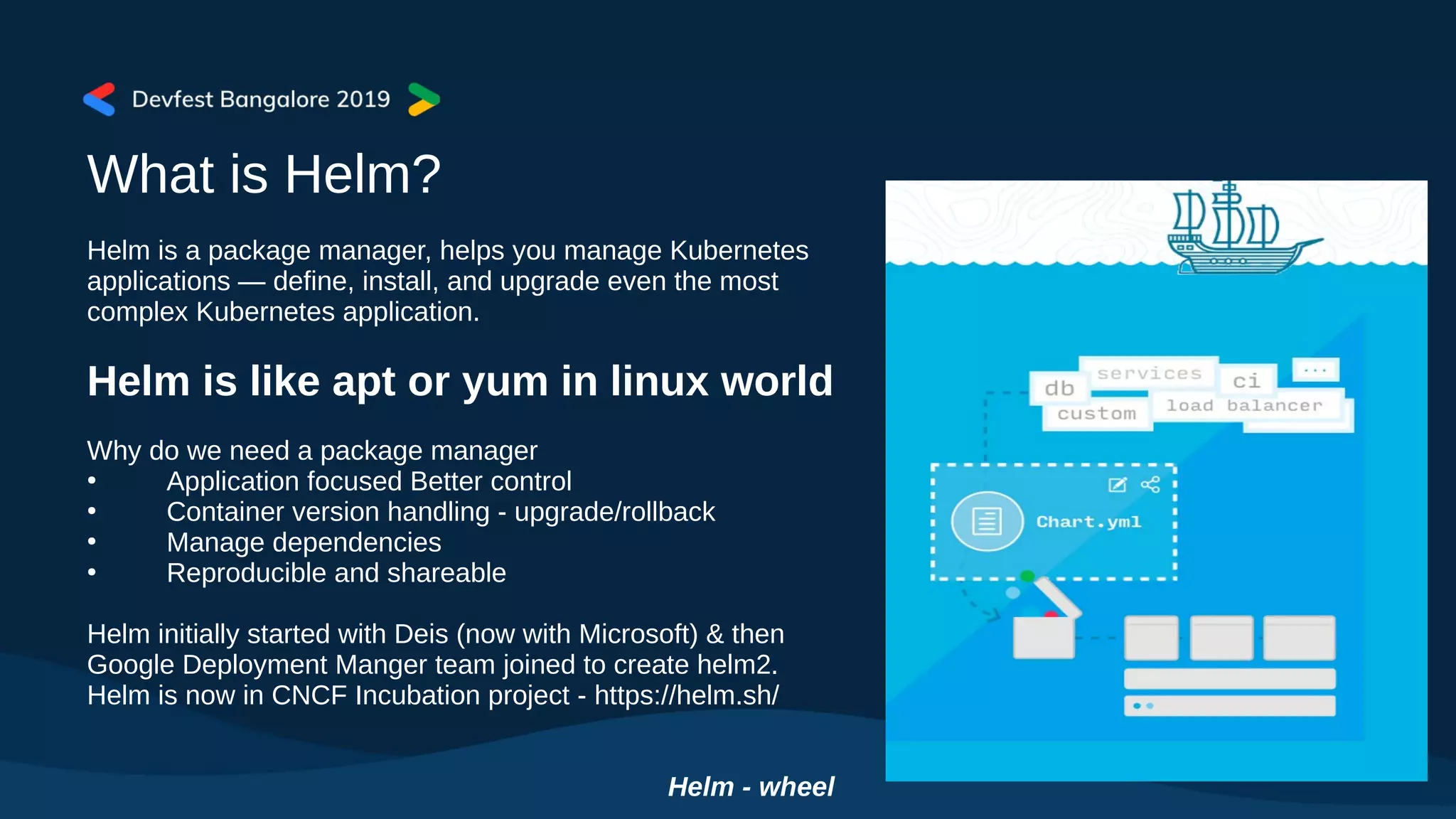
What is Helm?
Helm is a package manager, helps you manage Kubernetes
applications — define, install, and upgrade even the most
complex Kubernetes application.
Helm is like apt or yum in linux world
Why do we need a package manager
●
Application focused Better control
●
Container version handling - upgrade/rollback
●
Manage dependencies
●
Reproducible and shareable
Helm initially started with Deis (now with Microsoft) & then
Google Deployment Manger team joined to create helm2.
Helm is now in CNCF Incubation project - https://helm.sh/
Helm - wheel
Charts
Chart - Charts are curated application definitions for Helm.
A chart is organized as a collection of files inside of a directory - that is package.
Charts are placed in repository similar to Docker Registry, Quay, etc.
●
Helm’s own Chart Museum - https://chartmuseum.com/
●
CNCF Project Harbor - https://goharbor.io/
●
Gihub charts - https://github.com/helm/charts
●
Helm Hub: Charts hosted in many distributed repositories - https://hub.helm.sh/
Helm manages charts, versions and releases
Instance of application - Helm Release
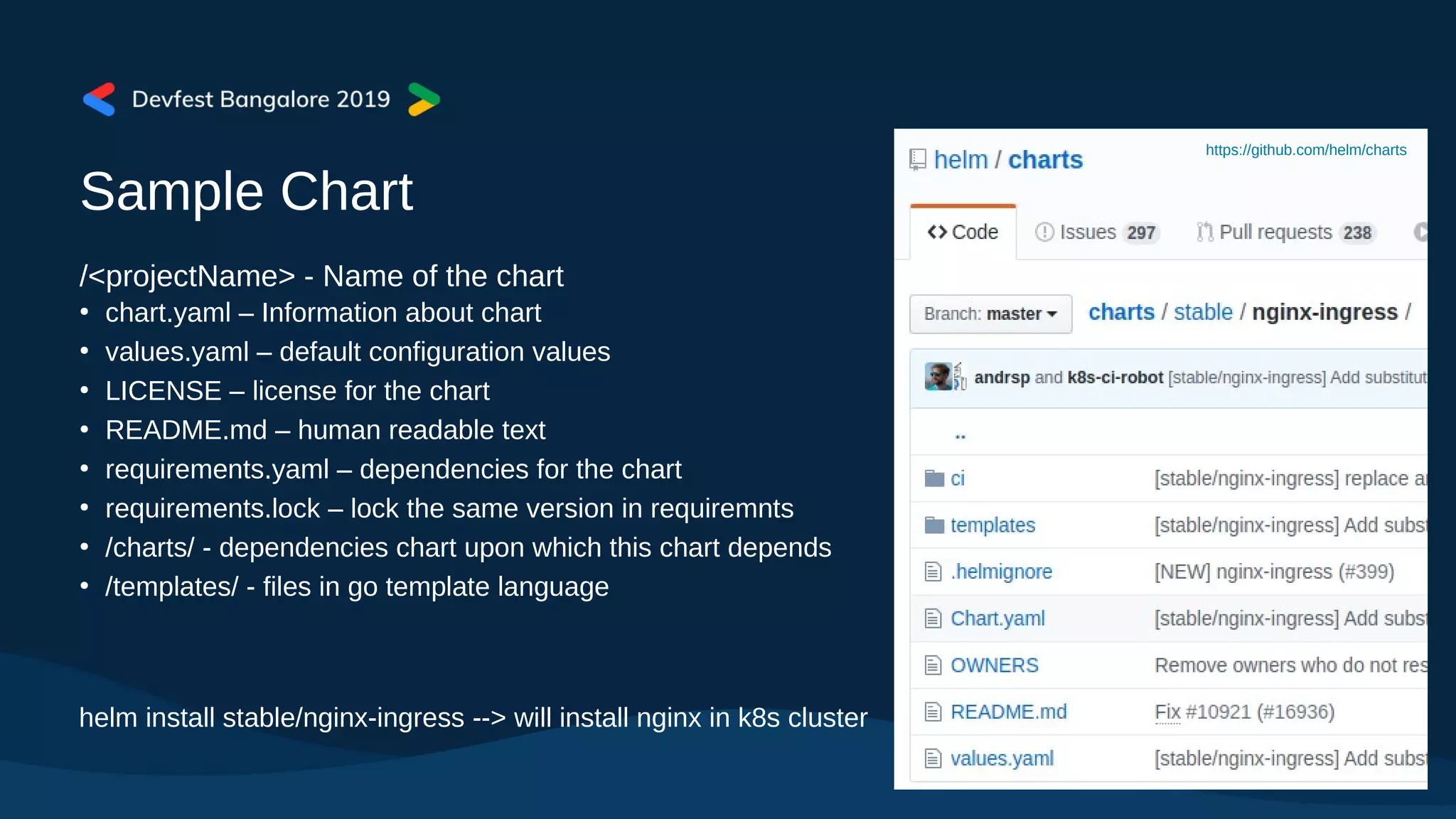
Sample Chart
/<projectName> - Name of the chart
●
chart.yaml – Information about chart
●
values.yaml – default configuration values
●
LICENSE – license for the chart
●
README.md – human readable text
●
requirements.yaml – dependencies for the chart
●
requirements.lock – lock the same version in requiremnts
●
/charts/ - dependencies chart upon which this chart depends
●
/templates/ - files in go template language
https://github.com/helm/charts
helm install stable/nginx-ingress --> will install nginx in k8s cluster
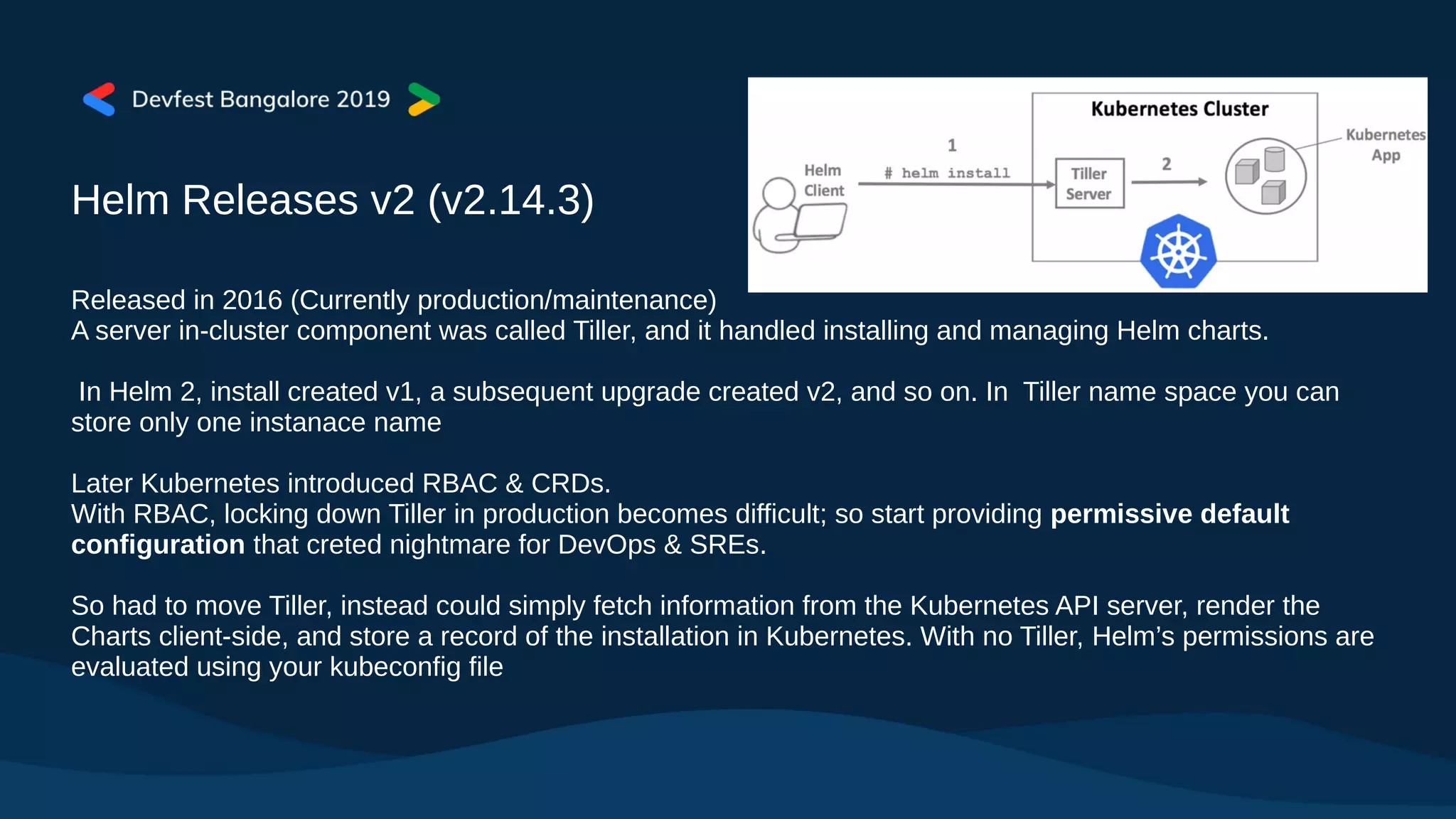
Helm Releases v2 (v2.14.3)
Released in 2016 (Currently production/maintenance)
A server in-cluster component was called Tiller, and it handled installing and managing Helm charts.
In Helm 2, install created v1, a subsequent upgrade created v2, and so on. In Tiller name space you can
store only one instanace name
Later Kubernetes introduced RBAC & CRDs.
With RBAC, locking down Tiller in production becomes difficult; so start providing permissive default
configuration that creted nightmare for DevOps & SREs.
So had to move Tiller, instead could simply fetch information from the Kubernetes API server, render the
Charts client-side, and store a record of the installation in Kubernetes. With no Tiller, Helm’s permissions are
evaluated using your kubeconfig file
Helm Releases v3 (v3.0.0-beta.3)
The server side component Tiller removed
Avoid Security risks
Avoid installation complications
Installation directly runs on the client
No Service account; use existing client accoutns
Namespaces are more important and release is tagged to that.
One can install multiple instances name each for each namespace with same name.
Releases are stored as secrets in the namespace
All of the Helm 2 flags still lworks
Lua templates are going to be introduced alongside Go templates (some points in future).
Introduced Library charts - simply define templates for your other Helm charts to use. Store common
information about your applications, without needing to replicate it across multiple Helm charts. Library
chart declare in Chart.yaml as dependencies.
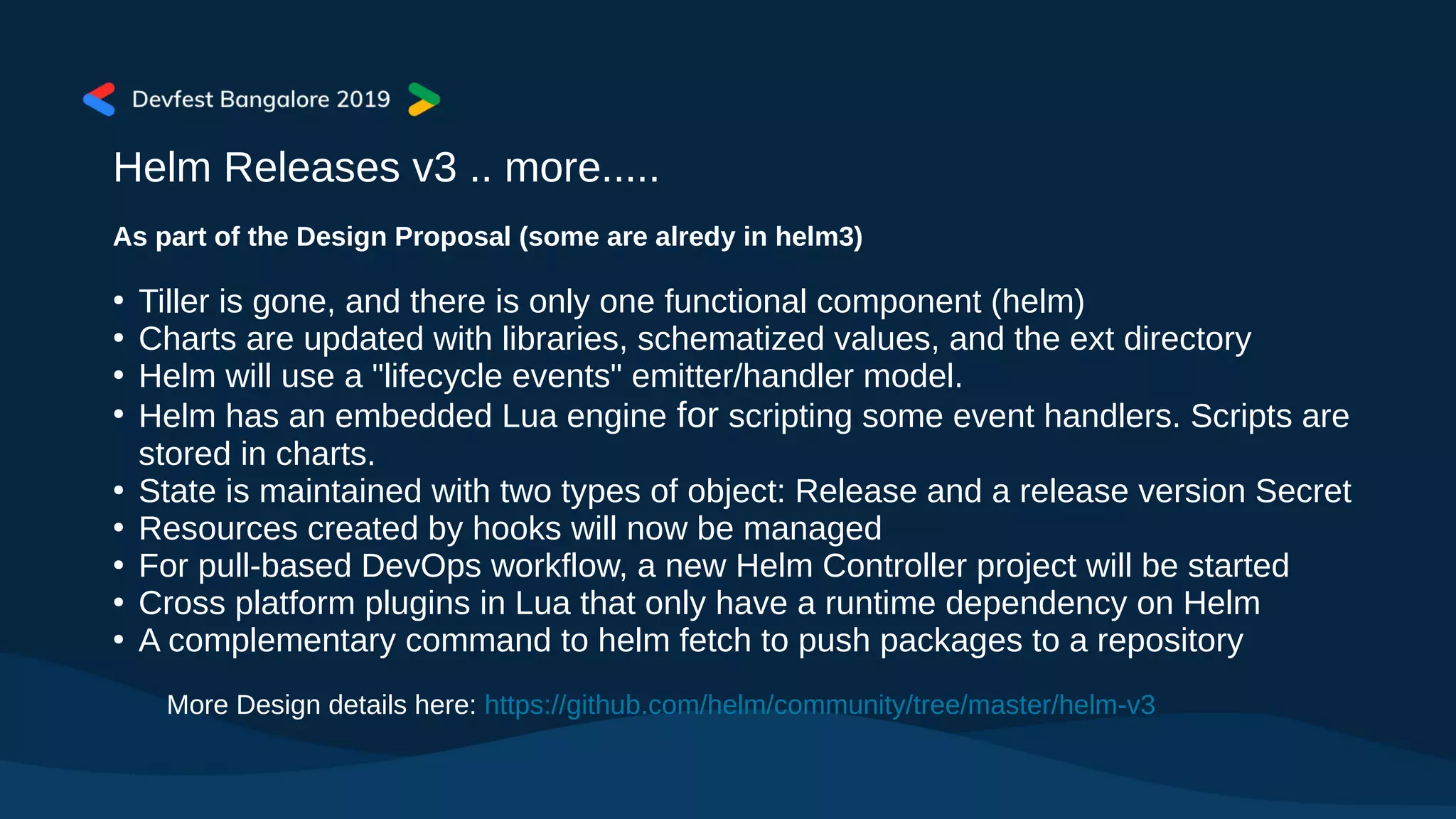
Helm Releases v3 .. more.....
As part of the Design Proposal (some are alredy in helm3)
●
Tiller is gone, and there is only one functional component (helm)
●
Charts are updated with libraries, schematized values, and the ext directory
●
Helm will use a "lifecycle events" emitter/handler model.
●
Helm has an embedded Lua engine for scripting some event handlers. Scripts are
stored in charts.
●
State is maintained with two types of object: Release and a release version Secret
●
Resources created by hooks will now be managed
●
For pull-based DevOps workflow, a new Helm Controller project will be started
●
Cross platform plugins in Lua that only have a runtime dependency on Helm
●
A complementary command to helm fetch to push packages to a repository
More Design details here: https://github.com/helm/community/tree/master/helm-v3
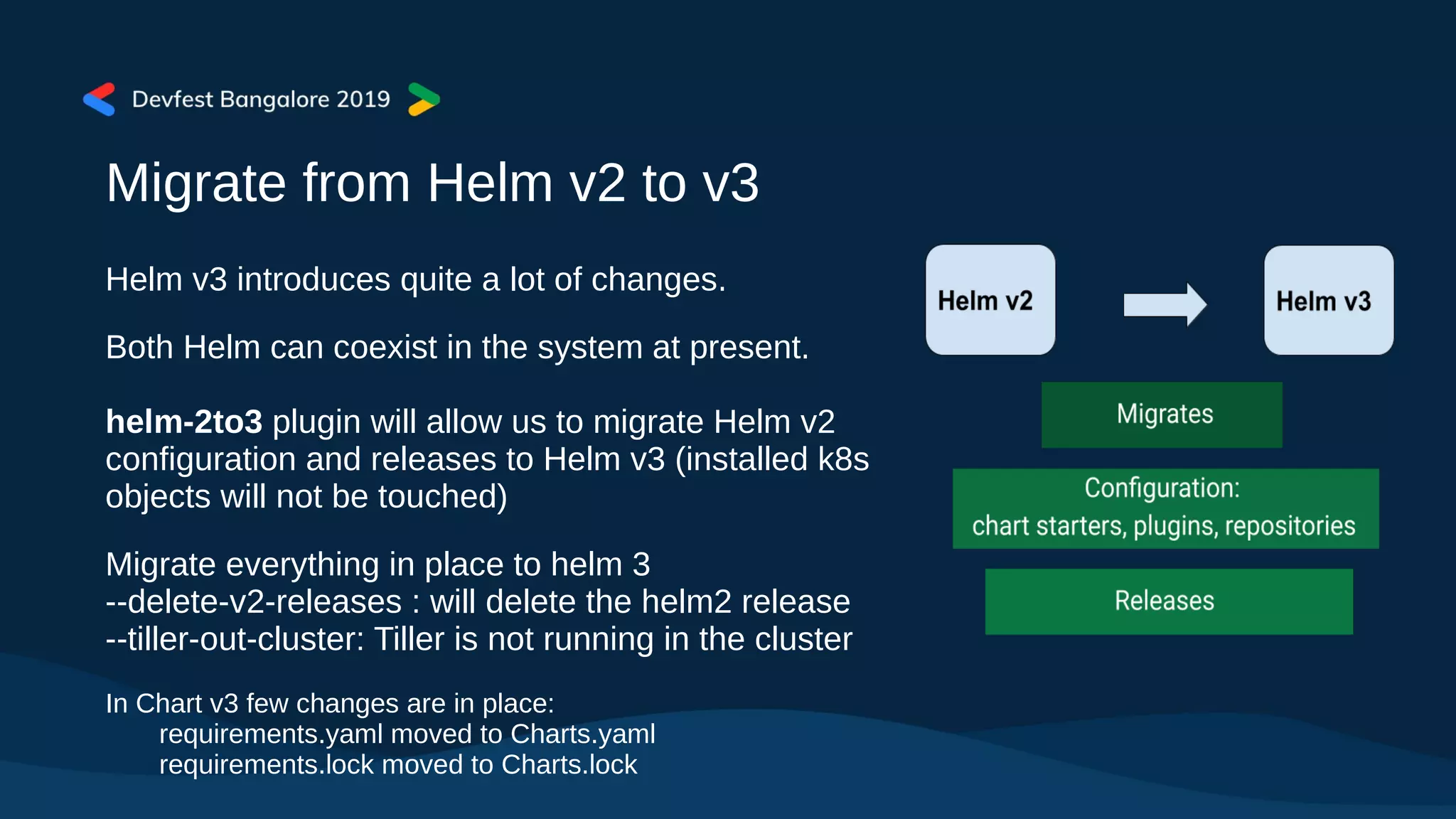
Migrate from Helm v2 to v3
Helm v3 introduces quite a lot of changes.
Both Helm can coexist in the system at present.
helm-2to3 plugin will allow us to migrate Helm v2
configuration and releases to Helm v3 (installed k8s
objects will not be touched)
Migrate everything in place to helm 3
--delete-v2-releases : will delete the helm2 release
--tiller-out-cluster: Tiller is not running in the cluster
In Chart v3 few changes are in place:
requirements.yaml moved to Charts.yaml
requirements.lock moved to Charts.lock
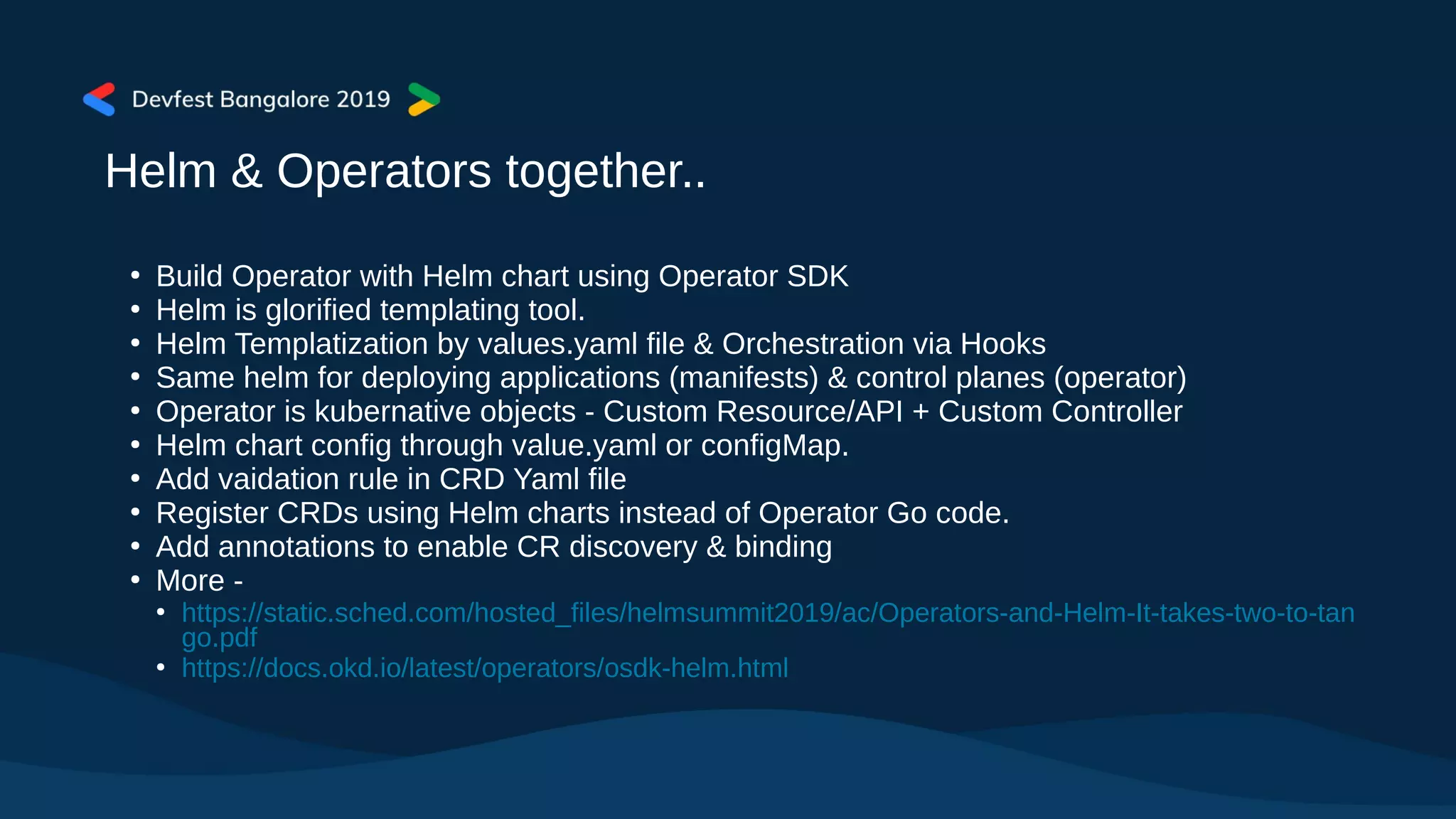
Helm & Operators together..
●
Build Operator with Helm chart using Operator SDK
●
Helm is glorified templating tool.
●
Helm Templatization by values.yaml file & Orchestration via Hooks
●
Same helm for deploying applications (manifests) & control planes (operator)
●
Operator is kubernative objects - Custom Resource/API + Custom Controller
●
Helm chart config through value.yaml or configMap.
●
Add vaidation rule in CRD Yaml file
●
Register CRDs using Helm charts instead of Operator Go code.
●
Add annotations to enable CR discovery & binding
●
More -
●
https://static.sched.com/hosted_files/helmsummit2019/ac/Operators-and-Helm-It-takes-two-to-tan
go.pdf
●
https://docs.okd.io/latest/operators/osdk-helm.html
DEMO
Helm in GKE (Google Kubernetes Engine)
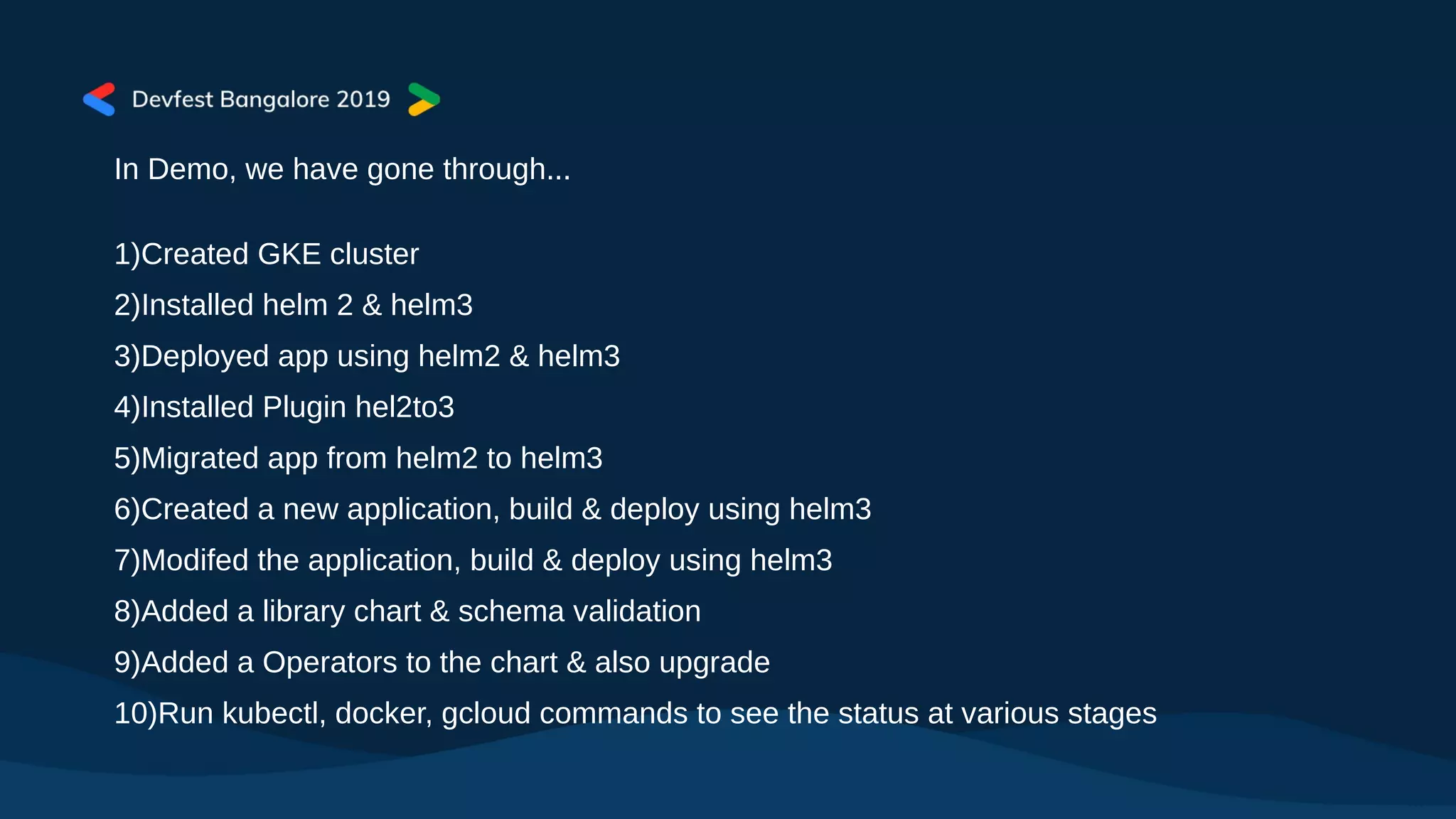
In Demo, we have gone through...
1)Created GKE cluster
2)Installed helm 2 & helm3
3)Deployed app using helm2 & helm3
4)Installed Plugin hel2to3
5)Migrated app from helm2 to helm3
6)Created a new application, build & deploy using helm3
7)Modifed the application, build & deploy using helm3
8)Added a library chart & schema validation
9)Added a Operators to the chart & also upgrade
10)Run kubectl, docker, gcloud commands to see the status at various stages
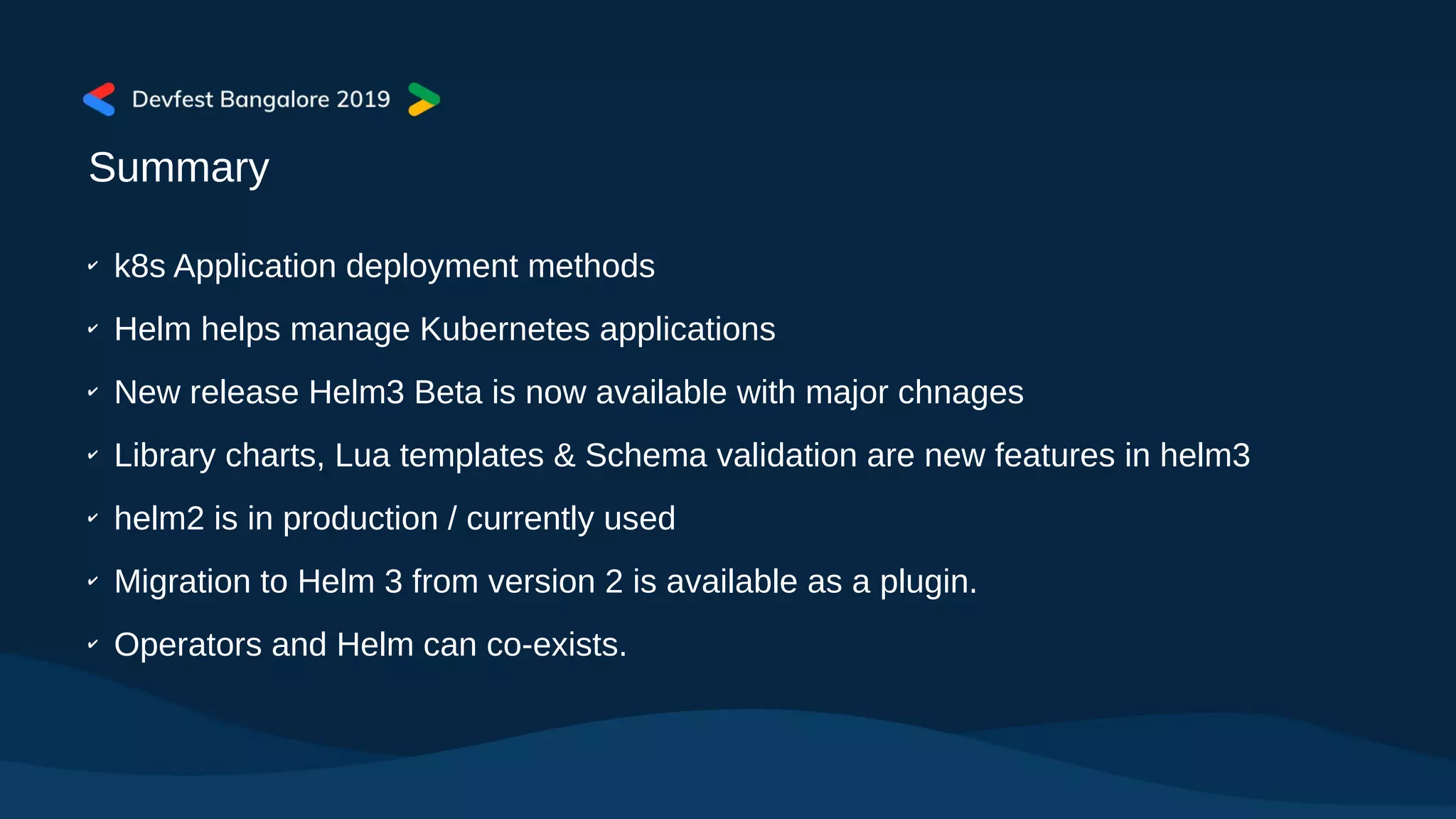
Summary
✔
k8s Application deployment methods
✔
Helm helps manage Kubernetes applications
✔
New release Helm3 Beta is now available with major chnages
✔
Library charts, Lua templates & Schema validation are new features in helm3
✔
helm2 is in production / currently used
✔
Migration to Helm 3 from version 2 is available as a plugin.
✔
Operators and Helm can co-exists.
More about Helm ......
CNCF SIG Helm -
https://www.cncf.io/announcement/2019/09/12/cloud-native-computing-foundation-announces-application-d
elivery-sig/
Just finished Helm Summit on Sept 11-12 at Amsterdam -
https://events.linuxfoundation.org/events/helm-summit-2019/program/schedule/
Next KubeCon on November 18-21 at San Diego
https://events.linuxfoundation.org/events/kubecon-cloudnativecon-north-america-2019/schedule/
Helm
https://helm.sh
Thank You...

Kubernetes Application Deployment with Helm - A beginner Guide!

  • 1.
    Krishna Kumar, CNCFAmbassador @krish_00 September 2019, Infosys Campus Bangalore Application Deployment in Kubernetes with
  • 2.
    Outline  K8s App DeploymentMethods!  Helm & Charts ....  Demo – helm in GKE*
  • 3.
    What’s in Kubernetes?  Kubernetes: Container Orchestration Engine – abstracts underlying resources to deploy workloads  Micro Services: A fully functional software feature independently accessed as a service  Docker: Package applications in containers  CNCF: Cloud Native Computing Foundation: https://cncf.io Kubenetes – helmsman(pilot);
  • 4.
    K8s Application DeploymentFile kubectl apply -f deployment.yaml <deployment.yaml> apiVersion: apps/v1 kind: Deployment metadata: name: nginx-deployment labels: app: nginx spec: replicas: 3 selector: matchLabels: app: nginx template: metadata: labels: app: nginx spec: containers: - name: nginx image: nginx:1.7.9 ports: - containerPort: 80 nginx – application for load balancer 3 pods will be created; one for each replica map of {key,value} pairs indicates that the Pods run one container nginx Docker Hub image at version 1.7.9 Application Service port: 80
  • 5.
    Application Deployment methods blue/green:New version alongside old version then switching at one point; Rollout/Rollback canary: Release a new version to few users and then decide full rollout based on result a/b testing: Feature testing based on statistics; dark deployment that users are unaware of update rolling: Update new version one after another slowly with no downtime recreate: Create a new one and kill the old one; best for development environments shadow: Both versions are running parallel with not impacting other; mocking services & dependecies like ...... types: Stateless, Statefull, Affinity/Antiaffinity, Declarative/Imperative clusters: Multi Cluster, Hybrid Cloud, Multi Cloud mechanics: Manual, Batch, Package Manager, CI/CD
  • 6.
    DevOps Pipeline DevOps helps: infrastructureas code continuous integration continuous deployment automated release And do: • Setup in k8s Clusters – Jenkin, Dev & Prod • Production environment with Loadbalancer • Create two namesapces - production & canary • Create jenkin job, build & push to Registry ● Deploy Canary release (dev, prod, etc.) ● And production release ● And more.... https://cloud.google.com/solutions/continuous-delivery-jenkins-kubernetes-engine
  • 7.
    K8s Application Deployment/AutomationTools... Kubectl – Create, manage and deploy k8s artifacts - https://kubernetes.io/docs/reference/kubectl/ Kustomize - A template-free way to customize application configuration - https://kustomize.io/ CNAB - Cloud Native Application Bundling - https://cnab.io/ Skaffold - building, pushing and deploying your application - https://skaffold.dev/ Spinnakar – Multi cloud continous delivery - https://www.spinnaker.io/ Kudo - Universal declarative Operator - https://kudo.dev Kompose – Move docker file to k8s objects - http://kompose.io/ Draft – Streamlined k8s Deployment - https://draft.sh/ Brigade – Event driven scripting for k8s - https://brigade.sh/ Kashti – Visualization Dashboard for Brigade - https://github.com/brigadecore/kashti Jenkin - k8s plugin & Jenkin X - https://github.com/jenkinsci/kubernetes-plugin Github - Marketplace for tools - https://github.com/marketplace/category/continuous-integration Helm – The package manager for k8s - https://helm.sh/
  • 8.
    What is Helm? Helmis a package manager, helps you manage Kubernetes applications — define, install, and upgrade even the most complex Kubernetes application. Helm is like apt or yum in linux world Why do we need a package manager ● Application focused Better control ● Container version handling - upgrade/rollback ● Manage dependencies ● Reproducible and shareable Helm initially started with Deis (now with Microsoft) & then Google Deployment Manger team joined to create helm2. Helm is now in CNCF Incubation project - https://helm.sh/ Helm - wheel
  • 9.
    Charts Chart - Chartsare curated application definitions for Helm. A chart is organized as a collection of files inside of a directory - that is package. Charts are placed in repository similar to Docker Registry, Quay, etc. ● Helm’s own Chart Museum - https://chartmuseum.com/ ● CNCF Project Harbor - https://goharbor.io/ ● Gihub charts - https://github.com/helm/charts ● Helm Hub: Charts hosted in many distributed repositories - https://hub.helm.sh/ Helm manages charts, versions and releases Instance of application - Helm Release
  • 10.
    Sample Chart /<projectName> -Name of the chart ● chart.yaml – Information about chart ● values.yaml – default configuration values ● LICENSE – license for the chart ● README.md – human readable text ● requirements.yaml – dependencies for the chart ● requirements.lock – lock the same version in requiremnts ● /charts/ - dependencies chart upon which this chart depends ● /templates/ - files in go template language https://github.com/helm/charts helm install stable/nginx-ingress --> will install nginx in k8s cluster
  • 11.
    Helm Releases v2(v2.14.3) Released in 2016 (Currently production/maintenance) A server in-cluster component was called Tiller, and it handled installing and managing Helm charts. In Helm 2, install created v1, a subsequent upgrade created v2, and so on. In Tiller name space you can store only one instanace name Later Kubernetes introduced RBAC & CRDs. With RBAC, locking down Tiller in production becomes difficult; so start providing permissive default configuration that creted nightmare for DevOps & SREs. So had to move Tiller, instead could simply fetch information from the Kubernetes API server, render the Charts client-side, and store a record of the installation in Kubernetes. With no Tiller, Helm’s permissions are evaluated using your kubeconfig file
  • 12.
    Helm Releases v3(v3.0.0-beta.3) The server side component Tiller removed Avoid Security risks Avoid installation complications Installation directly runs on the client No Service account; use existing client accoutns Namespaces are more important and release is tagged to that. One can install multiple instances name each for each namespace with same name. Releases are stored as secrets in the namespace All of the Helm 2 flags still lworks Lua templates are going to be introduced alongside Go templates (some points in future). Introduced Library charts - simply define templates for your other Helm charts to use. Store common information about your applications, without needing to replicate it across multiple Helm charts. Library chart declare in Chart.yaml as dependencies.
  • 13.
    Helm Releases v3.. more..... As part of the Design Proposal (some are alredy in helm3) ● Tiller is gone, and there is only one functional component (helm) ● Charts are updated with libraries, schematized values, and the ext directory ● Helm will use a "lifecycle events" emitter/handler model. ● Helm has an embedded Lua engine for scripting some event handlers. Scripts are stored in charts. ● State is maintained with two types of object: Release and a release version Secret ● Resources created by hooks will now be managed ● For pull-based DevOps workflow, a new Helm Controller project will be started ● Cross platform plugins in Lua that only have a runtime dependency on Helm ● A complementary command to helm fetch to push packages to a repository More Design details here: https://github.com/helm/community/tree/master/helm-v3
  • 14.
    Migrate from Helmv2 to v3 Helm v3 introduces quite a lot of changes. Both Helm can coexist in the system at present. helm-2to3 plugin will allow us to migrate Helm v2 configuration and releases to Helm v3 (installed k8s objects will not be touched) Migrate everything in place to helm 3 --delete-v2-releases : will delete the helm2 release --tiller-out-cluster: Tiller is not running in the cluster In Chart v3 few changes are in place: requirements.yaml moved to Charts.yaml requirements.lock moved to Charts.lock
  • 15.
    Helm & Operatorstogether.. ● Build Operator with Helm chart using Operator SDK ● Helm is glorified templating tool. ● Helm Templatization by values.yaml file & Orchestration via Hooks ● Same helm for deploying applications (manifests) & control planes (operator) ● Operator is kubernative objects - Custom Resource/API + Custom Controller ● Helm chart config through value.yaml or configMap. ● Add vaidation rule in CRD Yaml file ● Register CRDs using Helm charts instead of Operator Go code. ● Add annotations to enable CR discovery & binding ● More - ● https://static.sched.com/hosted_files/helmsummit2019/ac/Operators-and-Helm-It-takes-two-to-tan go.pdf ● https://docs.okd.io/latest/operators/osdk-helm.html
  • 16.
    DEMO Helm in GKE(Google Kubernetes Engine)
  • 17.
    In Demo, wehave gone through... 1)Created GKE cluster 2)Installed helm 2 & helm3 3)Deployed app using helm2 & helm3 4)Installed Plugin hel2to3 5)Migrated app from helm2 to helm3 6)Created a new application, build & deploy using helm3 7)Modifed the application, build & deploy using helm3 8)Added a library chart & schema validation 9)Added a Operators to the chart & also upgrade 10)Run kubectl, docker, gcloud commands to see the status at various stages
  • 18.
    Summary ✔ k8s Application deploymentmethods ✔ Helm helps manage Kubernetes applications ✔ New release Helm3 Beta is now available with major chnages ✔ Library charts, Lua templates & Schema validation are new features in helm3 ✔ helm2 is in production / currently used ✔ Migration to Helm 3 from version 2 is available as a plugin. ✔ Operators and Helm can co-exists.
  • 19.
    More about Helm...... CNCF SIG Helm - https://www.cncf.io/announcement/2019/09/12/cloud-native-computing-foundation-announces-application-d elivery-sig/ Just finished Helm Summit on Sept 11-12 at Amsterdam - https://events.linuxfoundation.org/events/helm-summit-2019/program/schedule/ Next KubeCon on November 18-21 at San Diego https://events.linuxfoundation.org/events/kubecon-cloudnativecon-north-america-2019/schedule/ Helm https://helm.sh Thank You...