Protecting Your Privacy
with Easy-to-Use
Cryptography
Steve Phillips
2014.06.16
SBHX
Outline
● What is cryptography?
● Why use cryptography?
● Secure instant messaging with OTR
● Secure text messaging with TextSecure
● Secure web browsing with Tor
● Other projects
● “The enciphering and deciphering of
messages in secret code or cipher”
● In practice, encrypting data in such a way
that only the party you’re trying to
communicate with can decrypt it
● Everyday examples: online banking
What is Cryptography?
Why Cryptography?
● Security
○ Online banking
○ (Most sites; don’t want password stolen)
● Privacy
○ Personal privacy
○ Bloggers in Egypt
○ These days… all of us
■ Regular people, whistle-blowers, reporters, etc
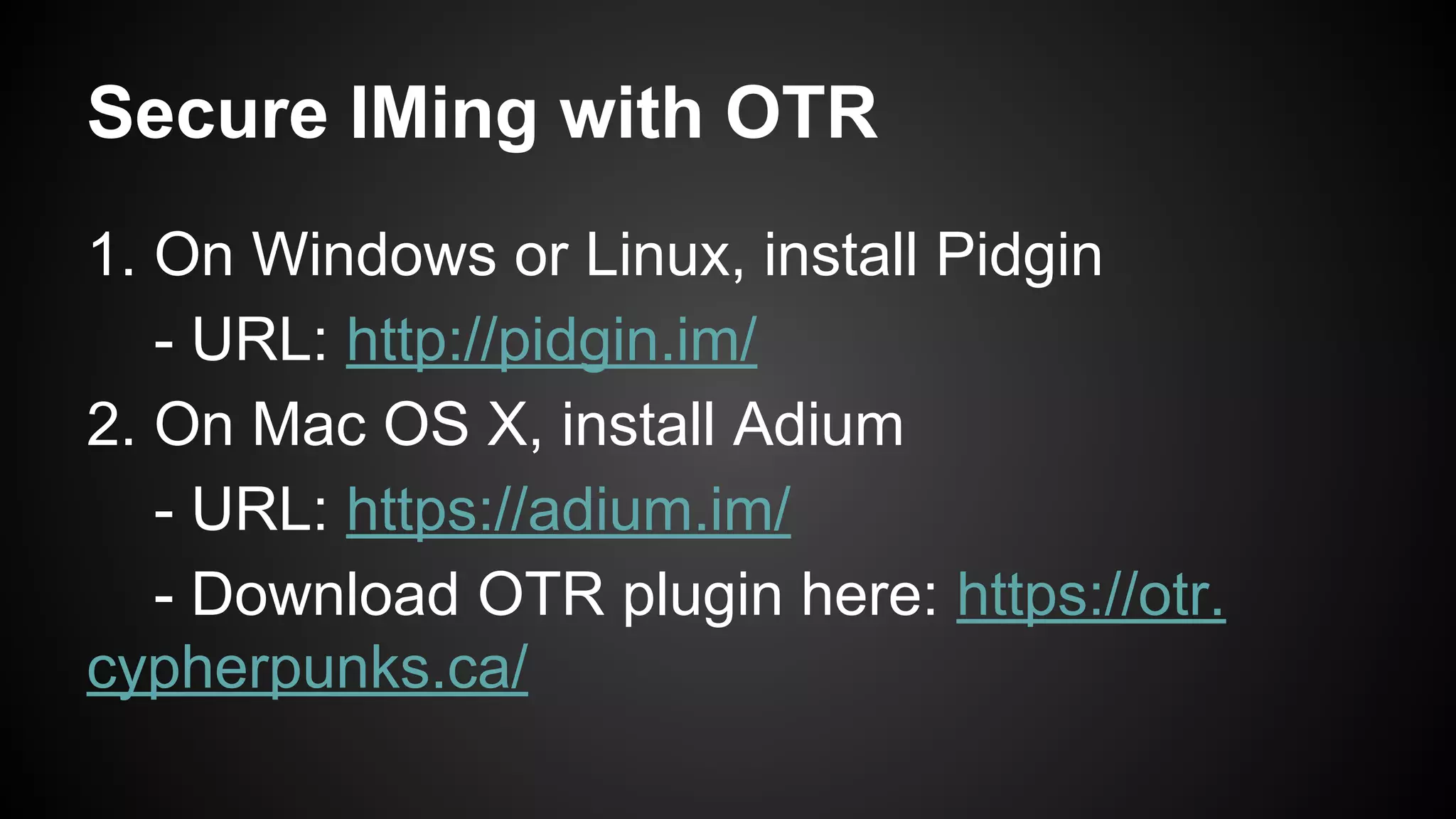
Secure IMing with OTR
1. On Windows or Linux, install Pidgin
- URL: http://pidgin.im/
2. On Mac OS X, install Adium
- URL: https://adium.im/
- Download OTR plugin here: https://otr.
cypherpunks.ca/
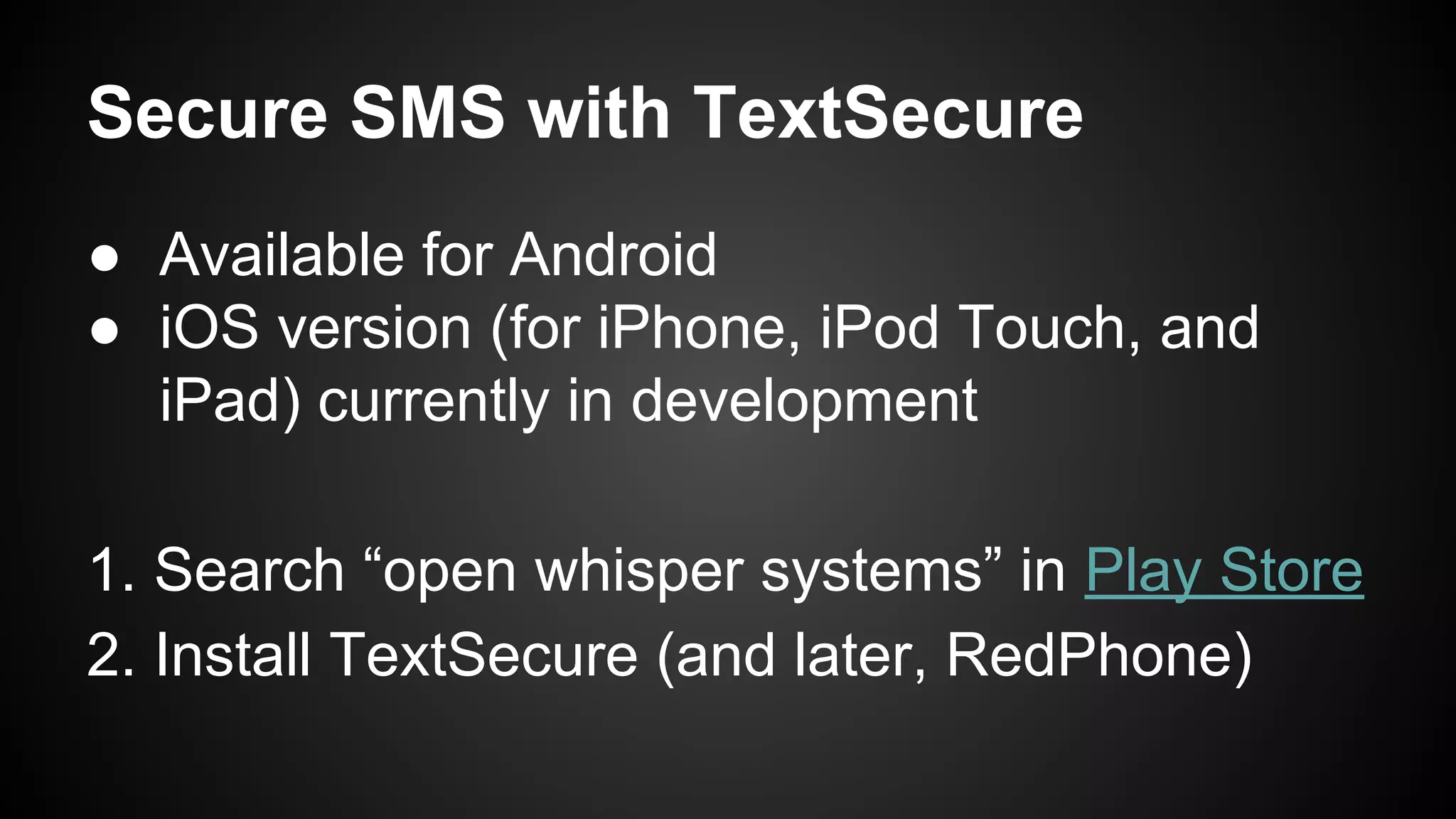
Secure SMS with TextSecure
● Available for Android
● iOS version (for iPhone, iPod Touch, and
iPad) currently in development
1. Search “open whisper systems” in Play Store
2. Install TextSecure (and later, RedPhone)
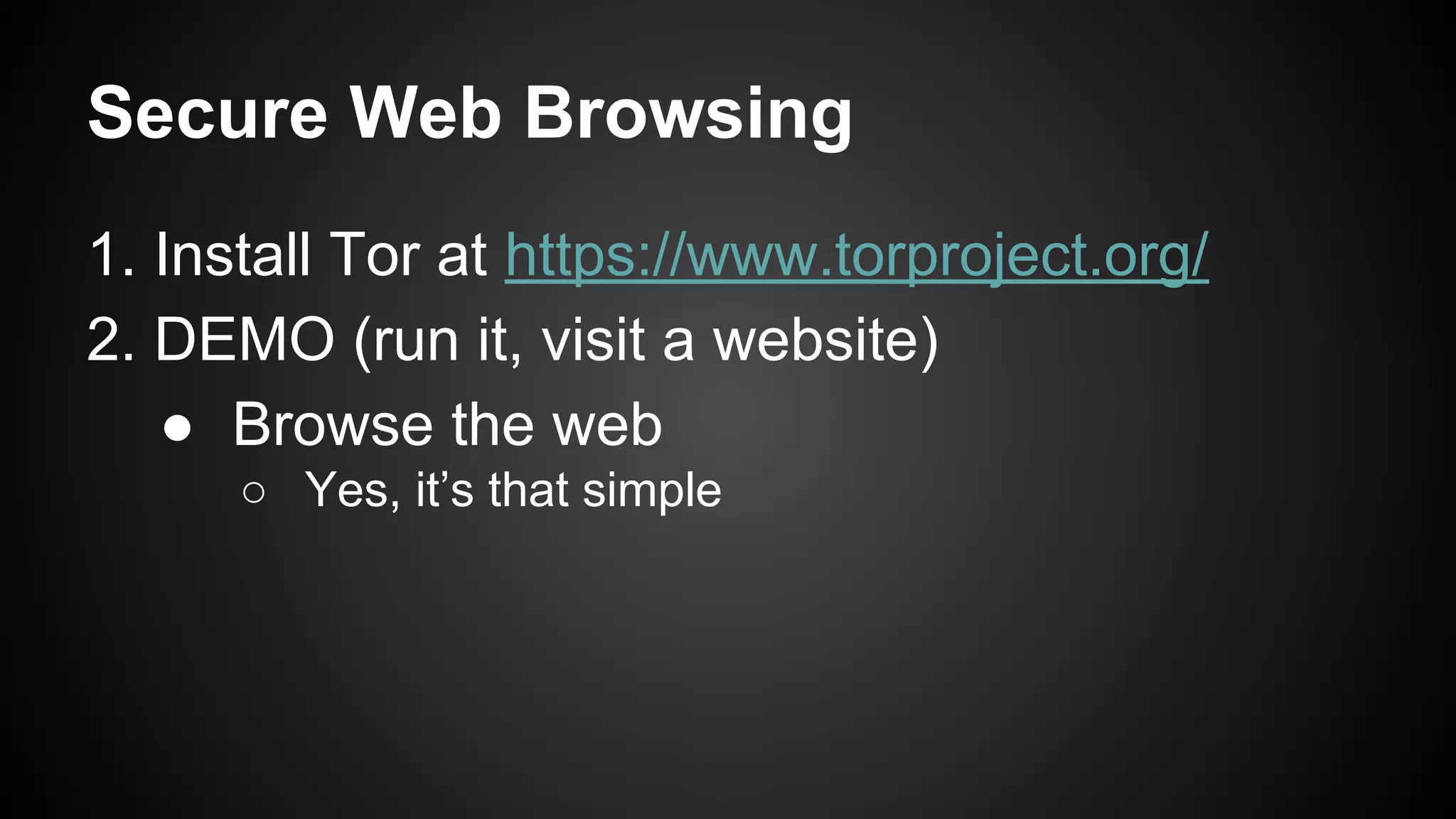
Secure Web Browsing
1. Install Tor at https://www.torproject.org/
2. DEMO (run it, visit a website)
● Browse the web
○ Yes, it’s that simple
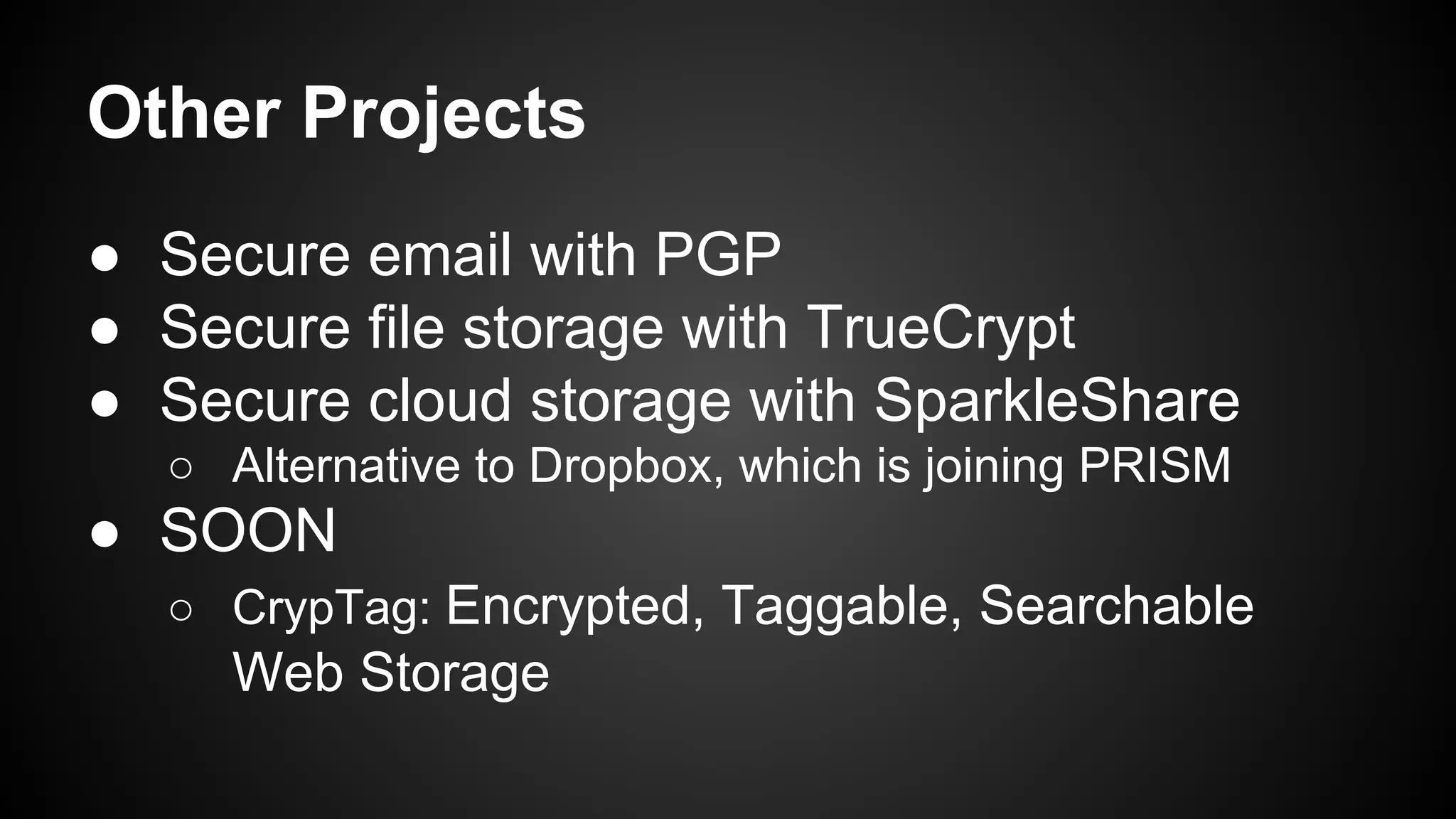
Other Projects
● Secure email with PGP
● Secure file storage with TrueCrypt
● Secure cloud storage with SparkleShare
○ Alternative to Dropbox, which is joining PRISM
● SOON
○ CrypTag: Encrypted, Taggable, Searchable
Web Storage
Thanks!
● Twitter
○ twitter.com/elimisteve
● Emails
○ elimisteve@gmail.com
○ steve@tryingtobeawesome.com
● GPG key
○ 0x185CBF48F6D97661

talk-ta3m-crypto-tools-workshop

  • 1.
    Protecting Your Privacy withEasy-to-Use Cryptography Steve Phillips 2014.06.16 SBHX
  • 2.
    Outline ● What iscryptography? ● Why use cryptography? ● Secure instant messaging with OTR ● Secure text messaging with TextSecure ● Secure web browsing with Tor ● Other projects
  • 3.
    ● “The encipheringand deciphering of messages in secret code or cipher” ● In practice, encrypting data in such a way that only the party you’re trying to communicate with can decrypt it ● Everyday examples: online banking What is Cryptography?
  • 4.
    Why Cryptography? ● Security ○Online banking ○ (Most sites; don’t want password stolen) ● Privacy ○ Personal privacy ○ Bloggers in Egypt ○ These days… all of us ■ Regular people, whistle-blowers, reporters, etc
  • 5.
    Secure IMing withOTR 1. On Windows or Linux, install Pidgin - URL: http://pidgin.im/ 2. On Mac OS X, install Adium - URL: https://adium.im/ - Download OTR plugin here: https://otr. cypherpunks.ca/
  • 6.
    Secure SMS withTextSecure ● Available for Android ● iOS version (for iPhone, iPod Touch, and iPad) currently in development 1. Search “open whisper systems” in Play Store 2. Install TextSecure (and later, RedPhone)
  • 7.
    Secure Web Browsing 1.Install Tor at https://www.torproject.org/ 2. DEMO (run it, visit a website) ● Browse the web ○ Yes, it’s that simple
  • 8.
    Other Projects ● Secureemail with PGP ● Secure file storage with TrueCrypt ● Secure cloud storage with SparkleShare ○ Alternative to Dropbox, which is joining PRISM ● SOON ○ CrypTag: Encrypted, Taggable, Searchable Web Storage
  • 9.
    Thanks! ● Twitter ○ twitter.com/elimisteve ●Emails ○ elimisteve@gmail.com ○ steve@tryingtobeawesome.com ● GPG key ○ 0x185CBF48F6D97661