Introducing Project Spartan
Justin Garrett
Senior Technical Evangelist, Web Development
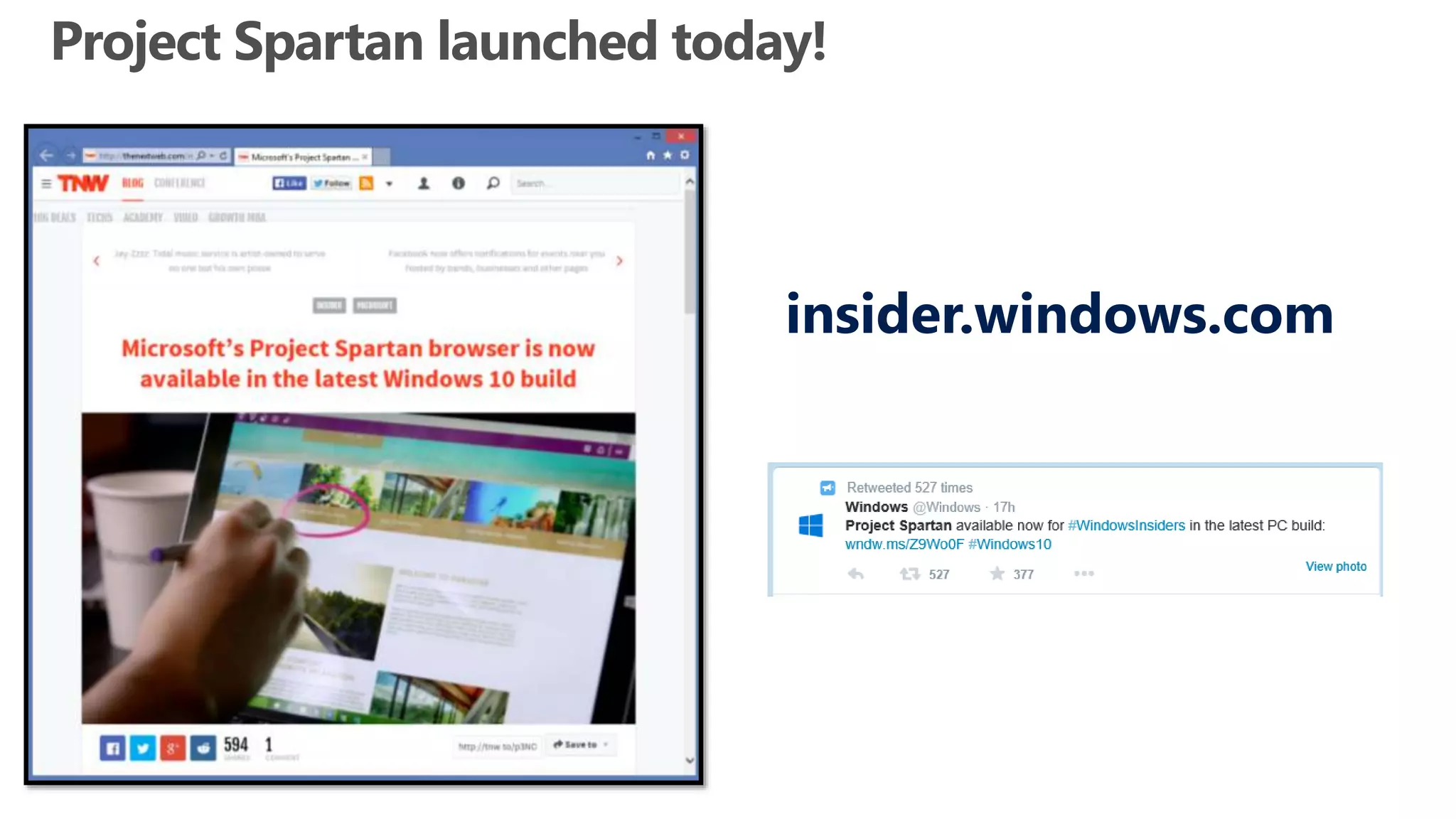
insider.windows.com
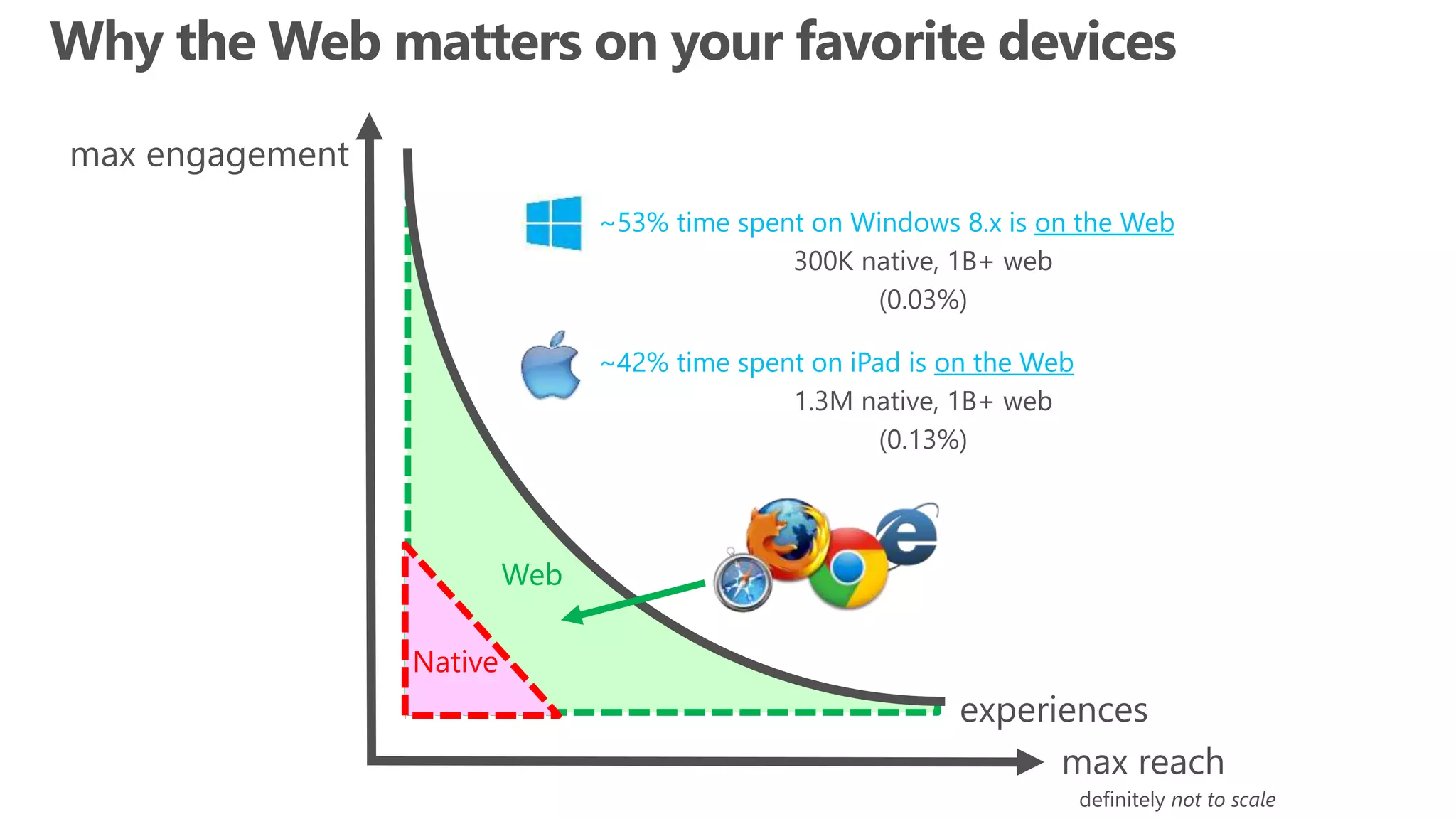
~53% time spent on Windows 8.x is on the Web
300K native, 1B+ web
(0.03%)
Web
~42% time spent on iPad is on the Web
1.3M native, 1B+ web
(0.13%)
Native
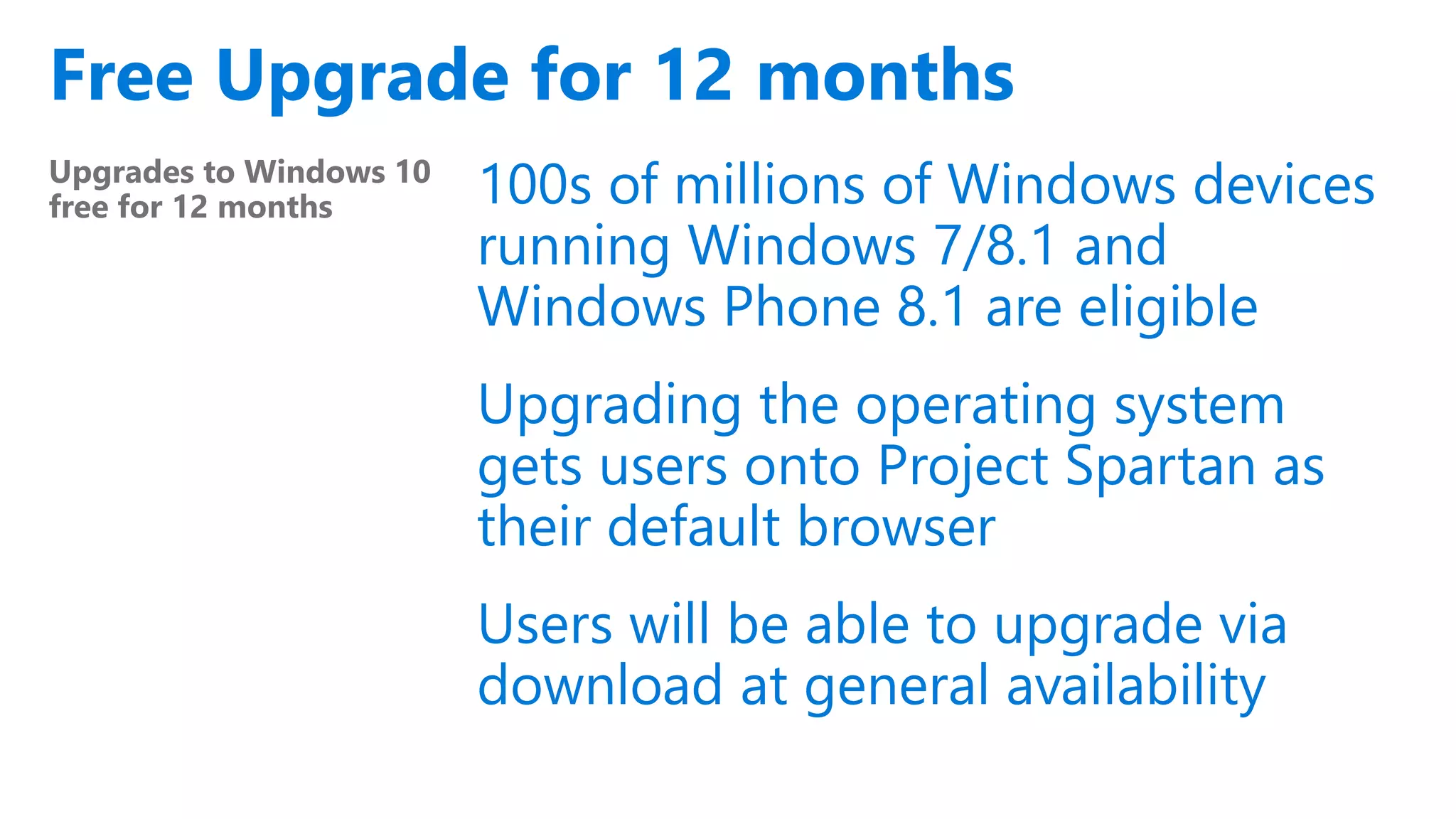
Free Upgrade for 12 months
Upgrades to Windows 10
free for 12 months 100s of millions of Windows devices
running Windows 7/8.1 and
Windows Phone 8.1 are eligible
Upgrading the operating system
gets users onto Project Spartan as
their default browser
Users will be able to upgrade via
download at general availability
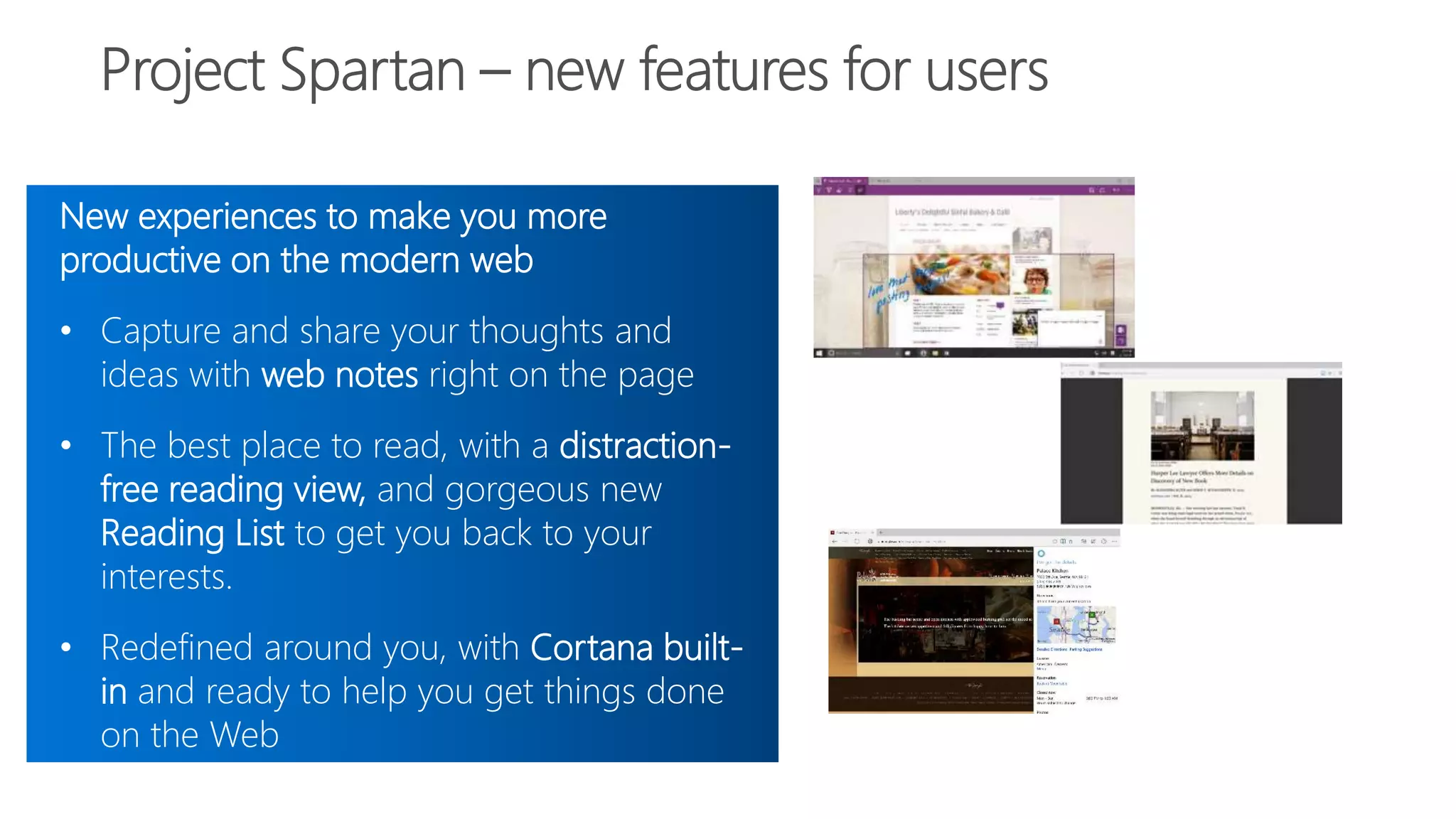
New experiences to make you more
productive on the modern web
• Capture and share your thoughts and
ideas with web notes right on the page
• The best place to read, with a distraction-
free reading view, and gorgeous new
Reading List to get you back to your
interests.
• Redefined around you, with Cortana built-
in and ready to help you get things done
on the Web
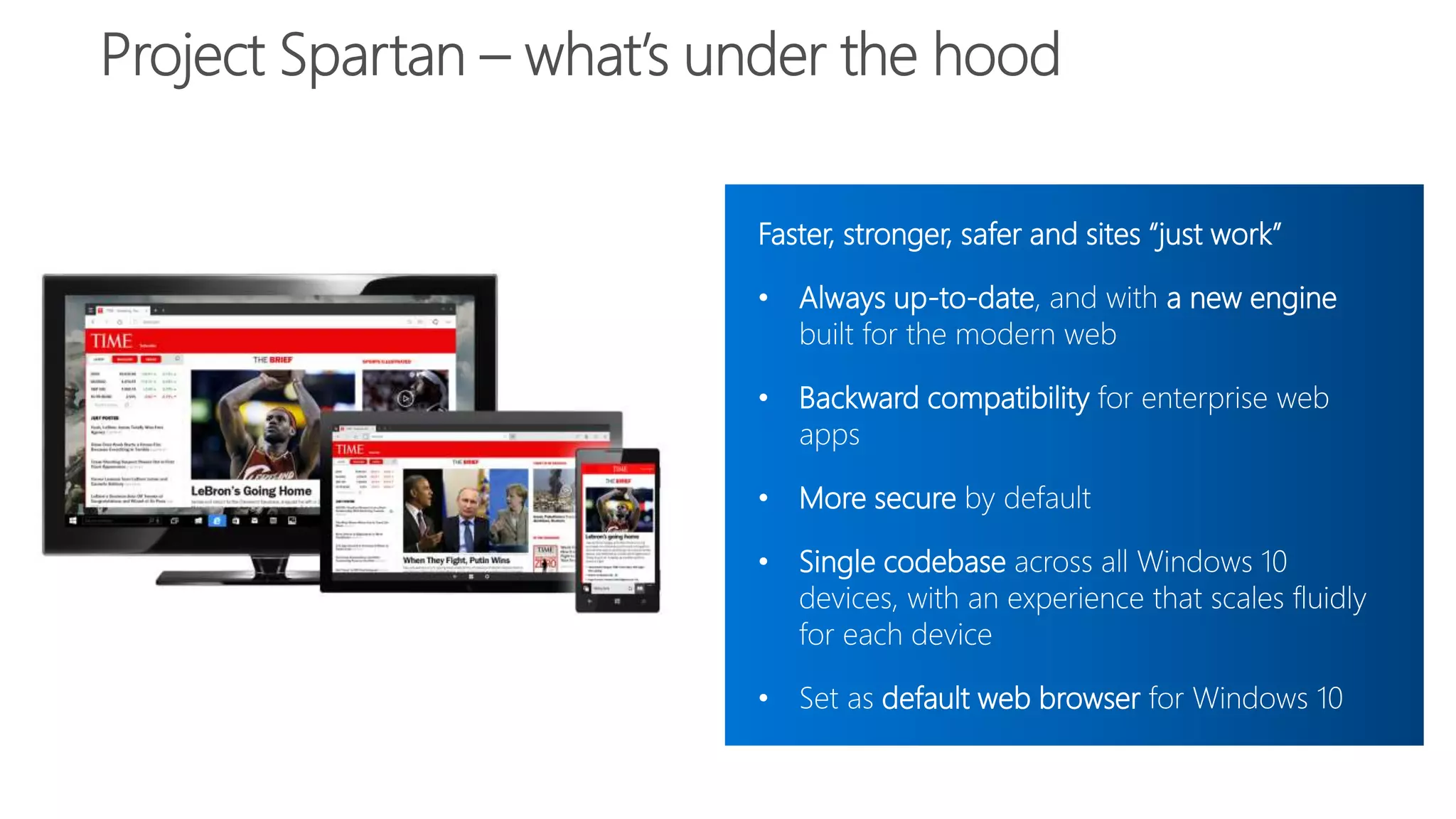
Faster, stronger, safer and sites “just work”
• Always up-to-date, and with a new engine
built for the modern web
• Backward compatibility for enterprise web
apps
• More secure by default
• Single codebase across all Windows 10
devices, with an experience that scales fluidly
for each device
• Set as default web browser for Windows 10
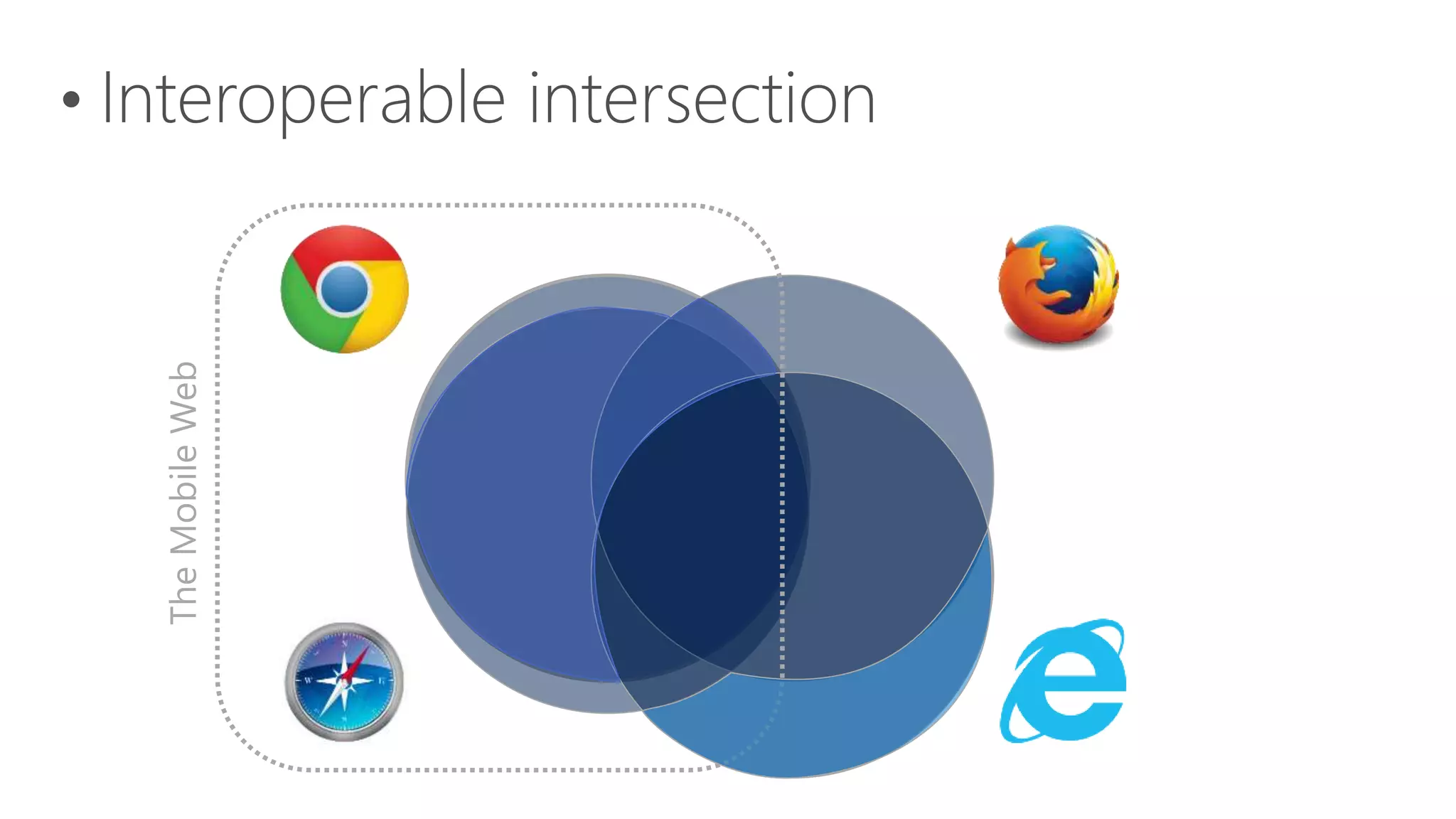
TheMobileWeb
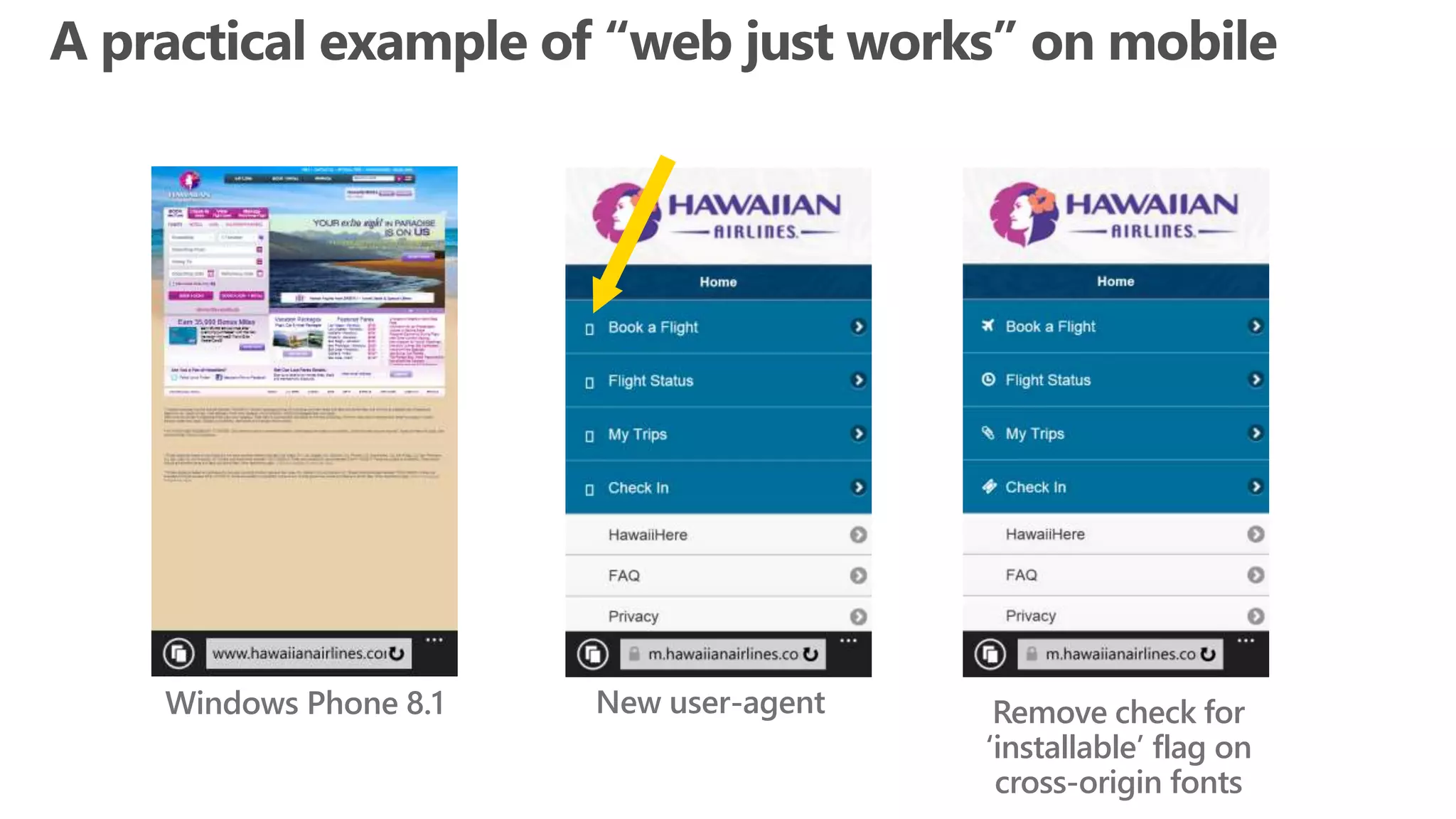
Windows Phone 8.1 New user-agent Remove check for
‘installable’ flag on
cross-origin fonts
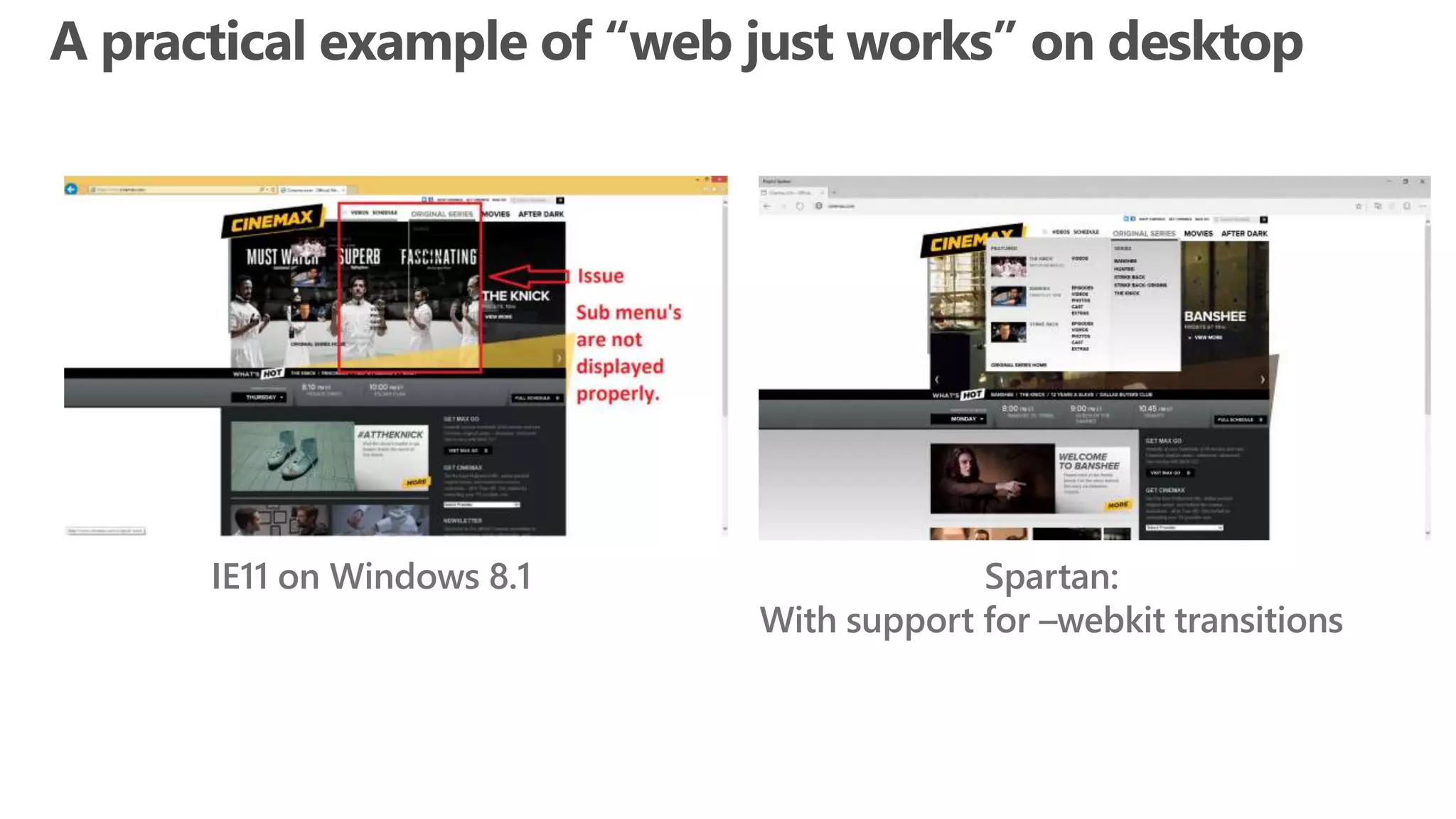
IE11 on Windows 8.1 Spartan:
With support for –webkit transitions
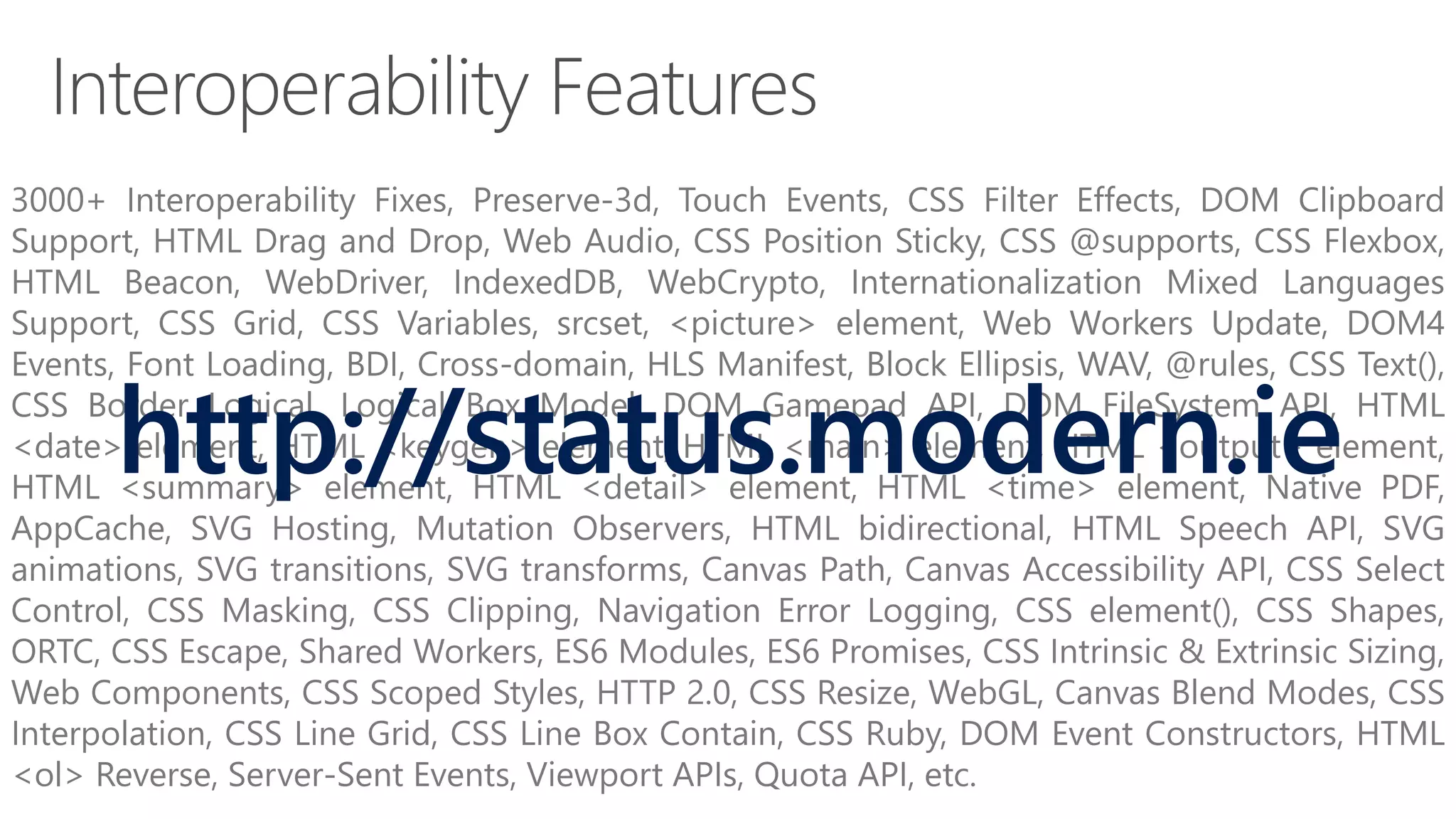
3000+ Interoperability Fixes, Preserve-3d, Touch Events, CSS Filter Effects, DOM Clipboard
Support, HTML Drag and Drop, Web Audio, CSS Position Sticky, CSS @supports, CSS Flexbox,
HTML Beacon, WebDriver, IndexedDB, WebCrypto, Internationalization Mixed Languages
Support, CSS Grid, CSS Variables, srcset, <picture> element, Web Workers Update, DOM4
Events, Font Loading, BDI, Cross-domain, HLS Manifest, Block Ellipsis, WAV, @rules, CSS Text(),
CSS Border Logical, Logical Box Model, DOM Gamepad API, DOM FileSystem API, HTML
<date> element, HTML <keygen> element, HTML <main> element, HTML <output> element,
HTML <summary> element, HTML <detail> element, HTML <time> element, Native PDF,
AppCache, SVG Hosting, Mutation Observers, HTML bidirectional, HTML Speech API, SVG
animations, SVG transitions, SVG transforms, Canvas Path, Canvas Accessibility API, CSS Select
Control, CSS Masking, CSS Clipping, Navigation Error Logging, CSS element(), CSS Shapes,
ORTC, CSS Escape, Shared Workers, ES6 Modules, ES6 Promises, CSS Intrinsic & Extrinsic Sizing,
Web Components, CSS Scoped Styles, HTTP 2.0, CSS Resize, WebGL, Canvas Blend Modes, CSS
Interpolation, CSS Line Grid, CSS Line Box Contain, CSS Ruby, DOM Event Constructors, HTML
<ol> Reverse, Server-Sent Events, Viewport APIs, Quota API, etc.
http://status.modern.ie
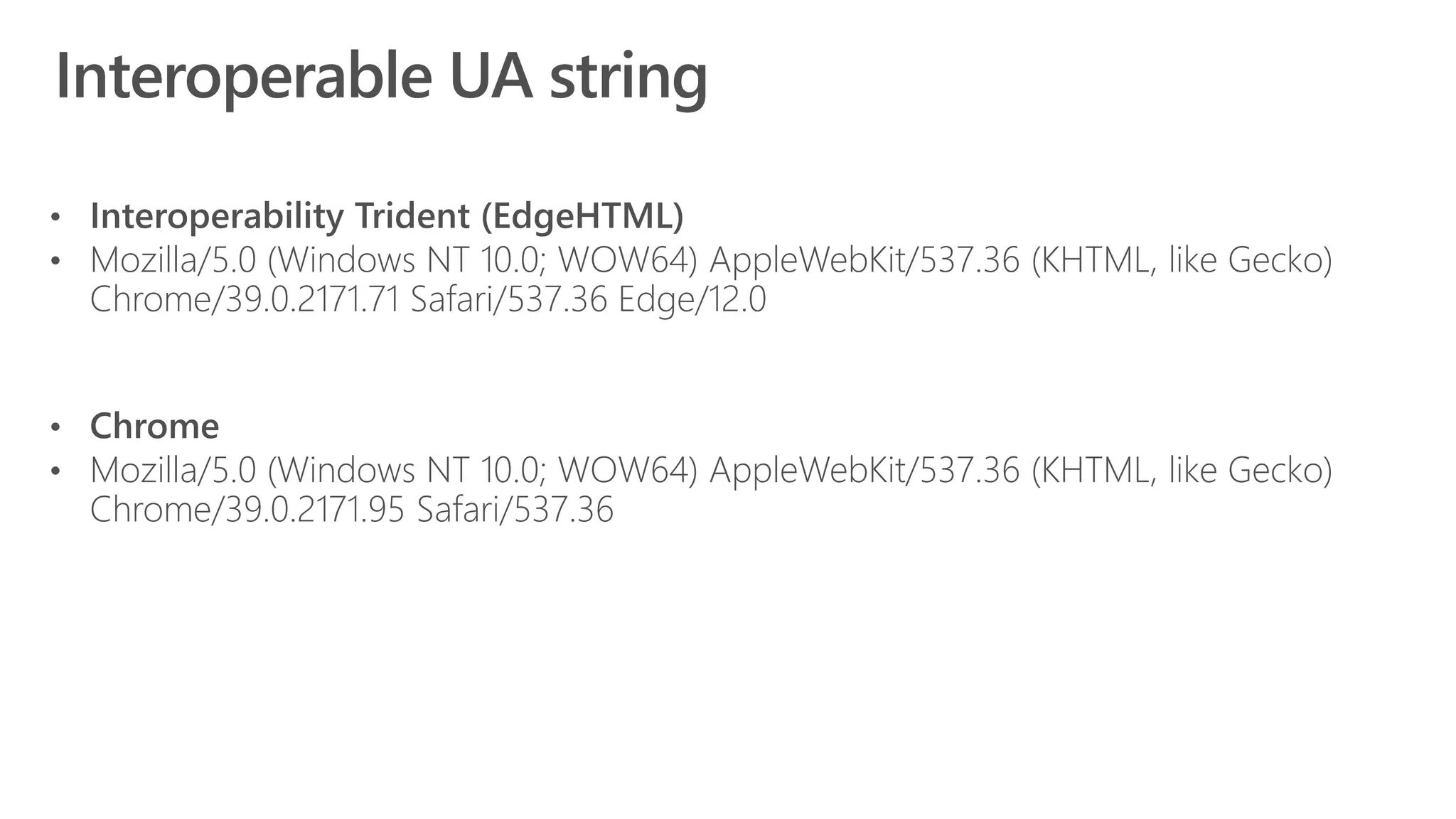
• Mozilla/5.0 (Windows NT 10.0; WOW64) AppleWebKit/537.36 (KHTML, like Gecko)
Chrome/39.0.2171.71 Safari/537.36 Edge/12.0
• Mozilla/5.0 (Windows NT 10.0; WOW64) AppleWebKit/537.36 (KHTML, like Gecko)
Chrome/39.0.2171.95 Safari/537.36
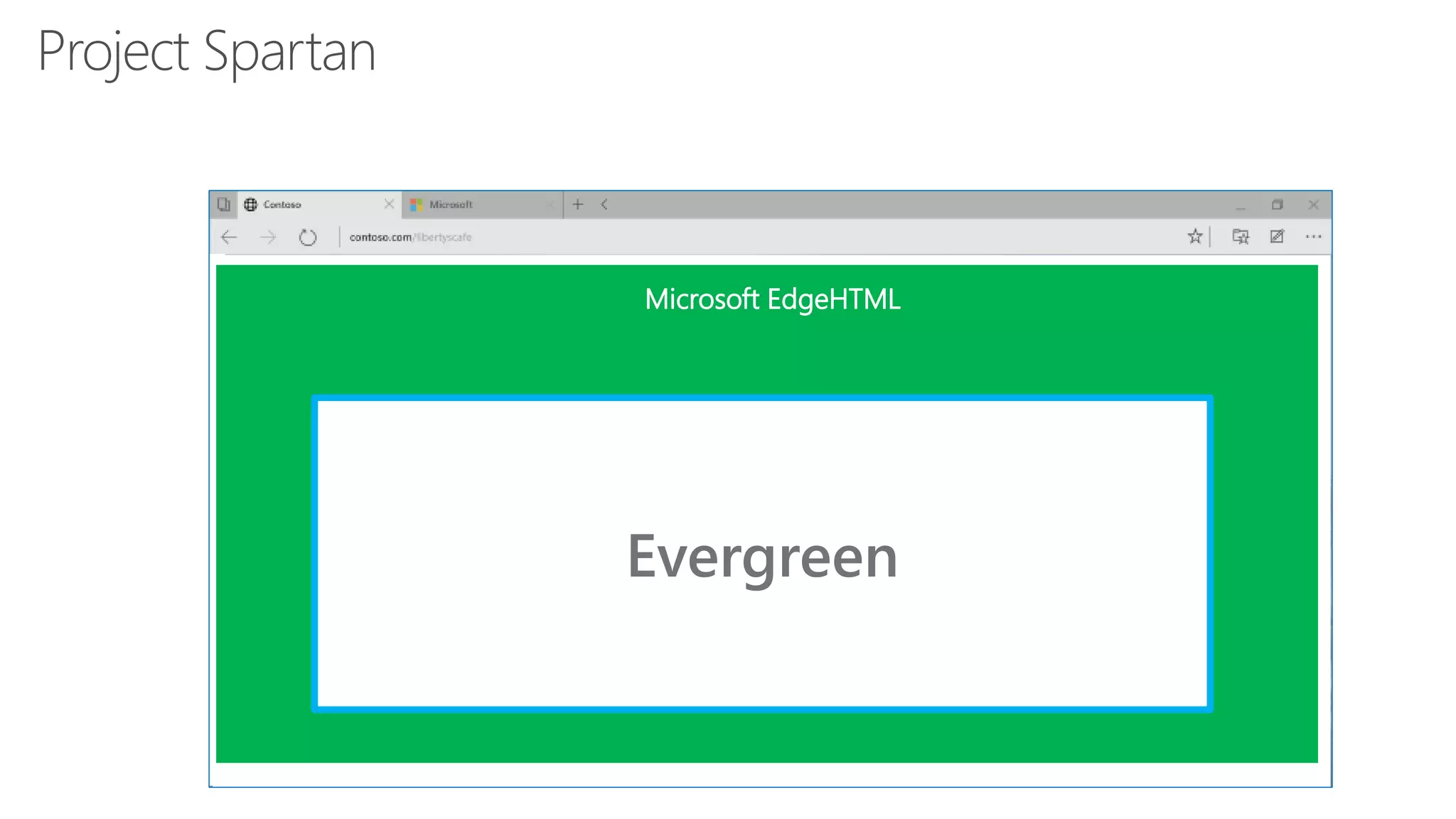
Evergreen
Microsoft EdgeHTML
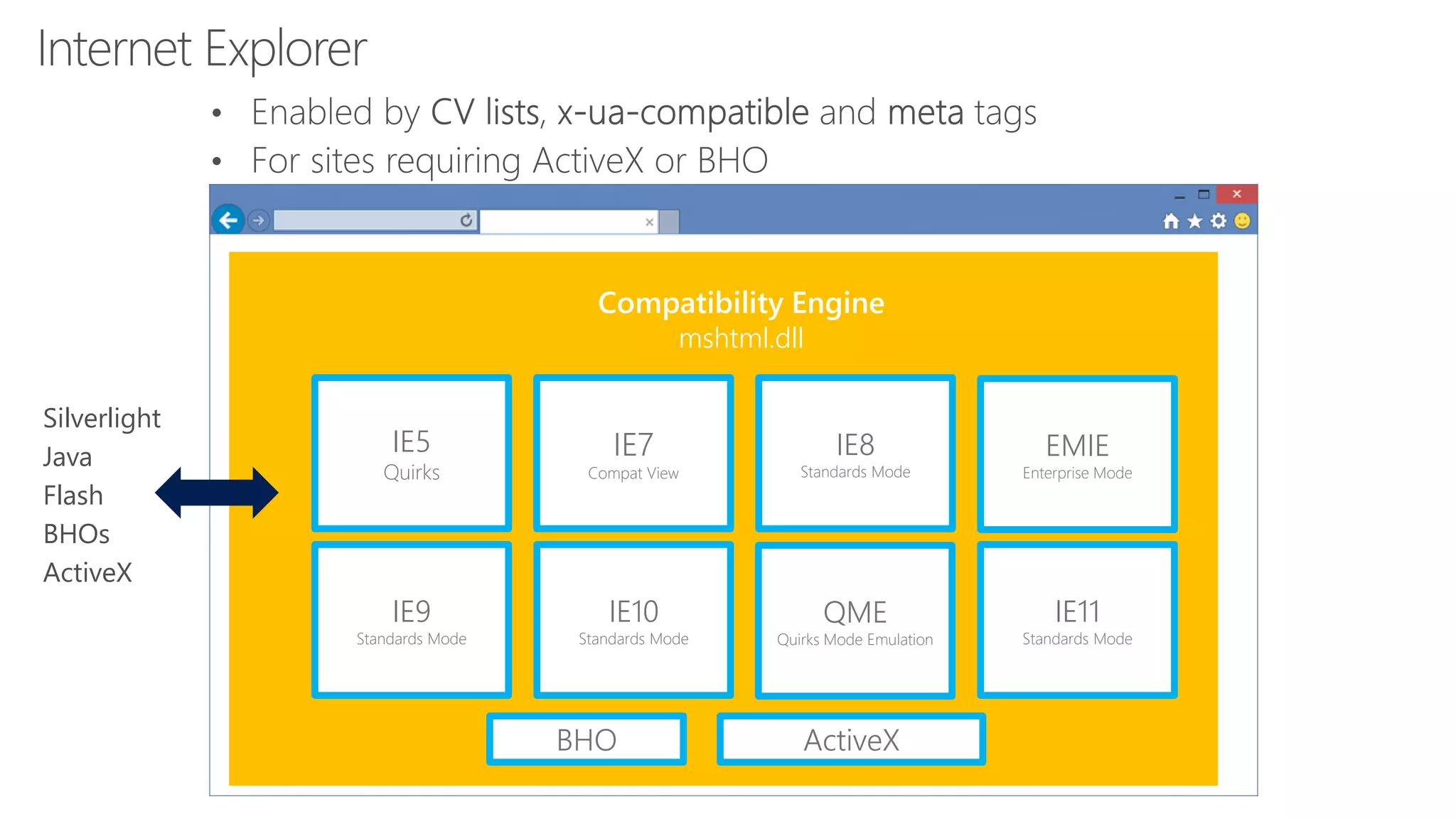
Compatibility Engine
mshtml.dll
IE5
Quirks
IE7
Compat View
IE8
Standards Mode
IE9
Standards Mode
IE10
Standards Mode
QME
Quirks Mode Emulation
IE11
Standards Mode
EMIE
Enterprise Mode
Silverlight
Java
Flash
BHOs
ActiveX
BHO ActiveX
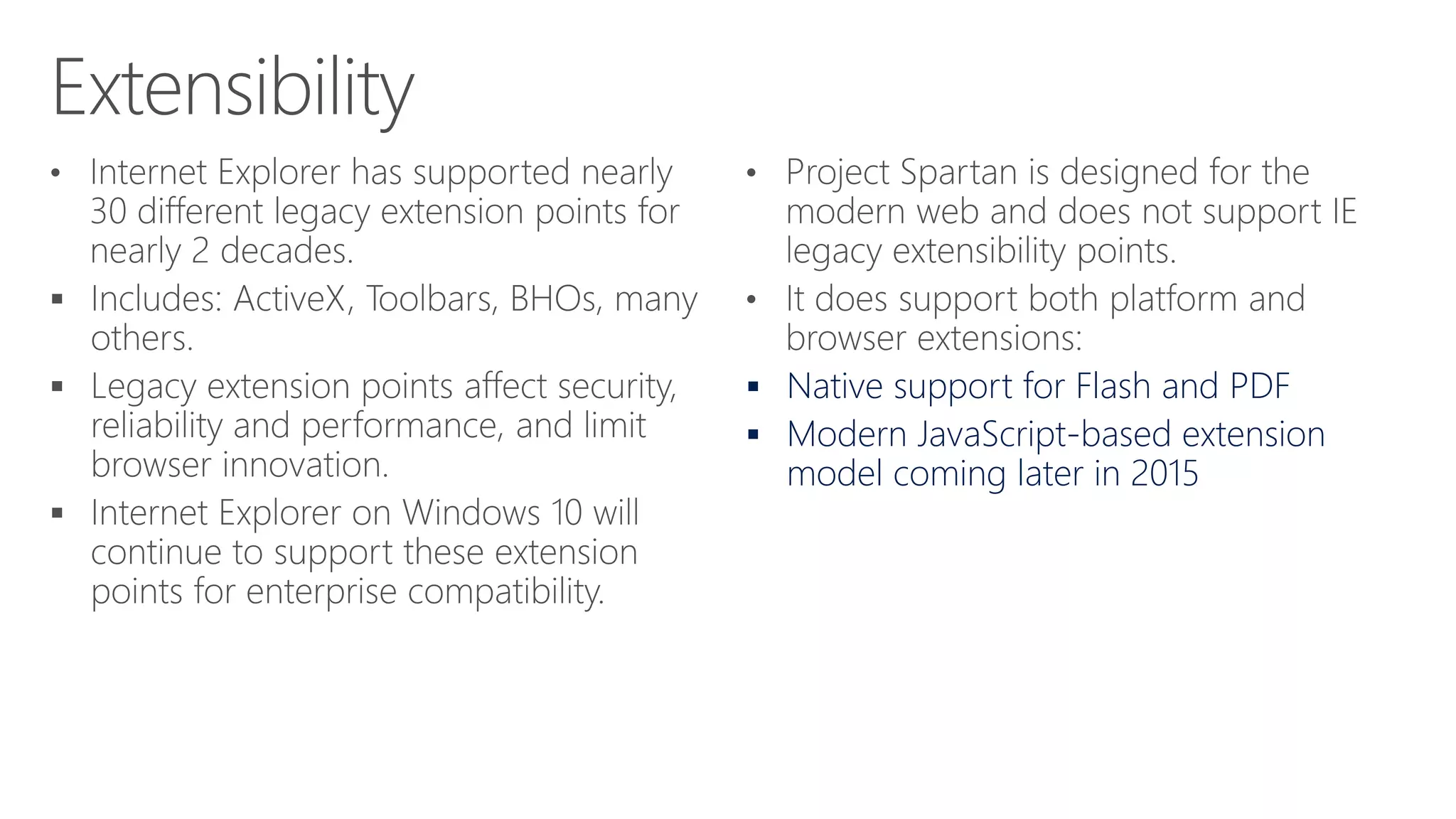
 Native support for Flash and PDF
 Modern JavaScript-based extension
model coming later in 2015
Microsoft Confidential
1. Tell your friends why Project Spartan is different than Internet
Explorer
2. Get Project Spartan through http://insider.windows.com
3. Stay up-to-date on the latest web standards supported at
http://status.modern.IE
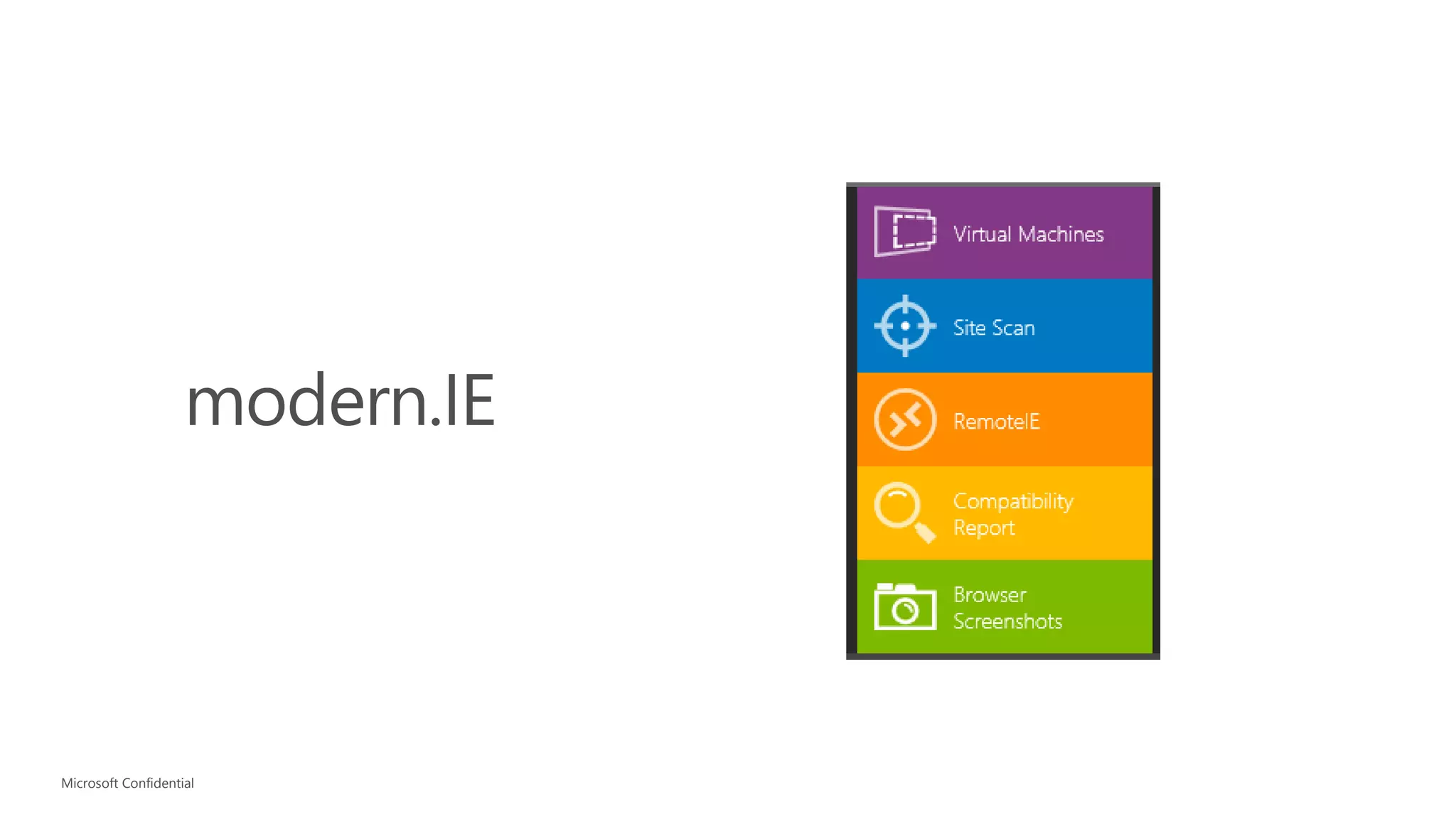
4. Help your peers test their websites with free tools on
http://modern.IE.
April 20, 2015
Microsoft Confidential Windows
Platform
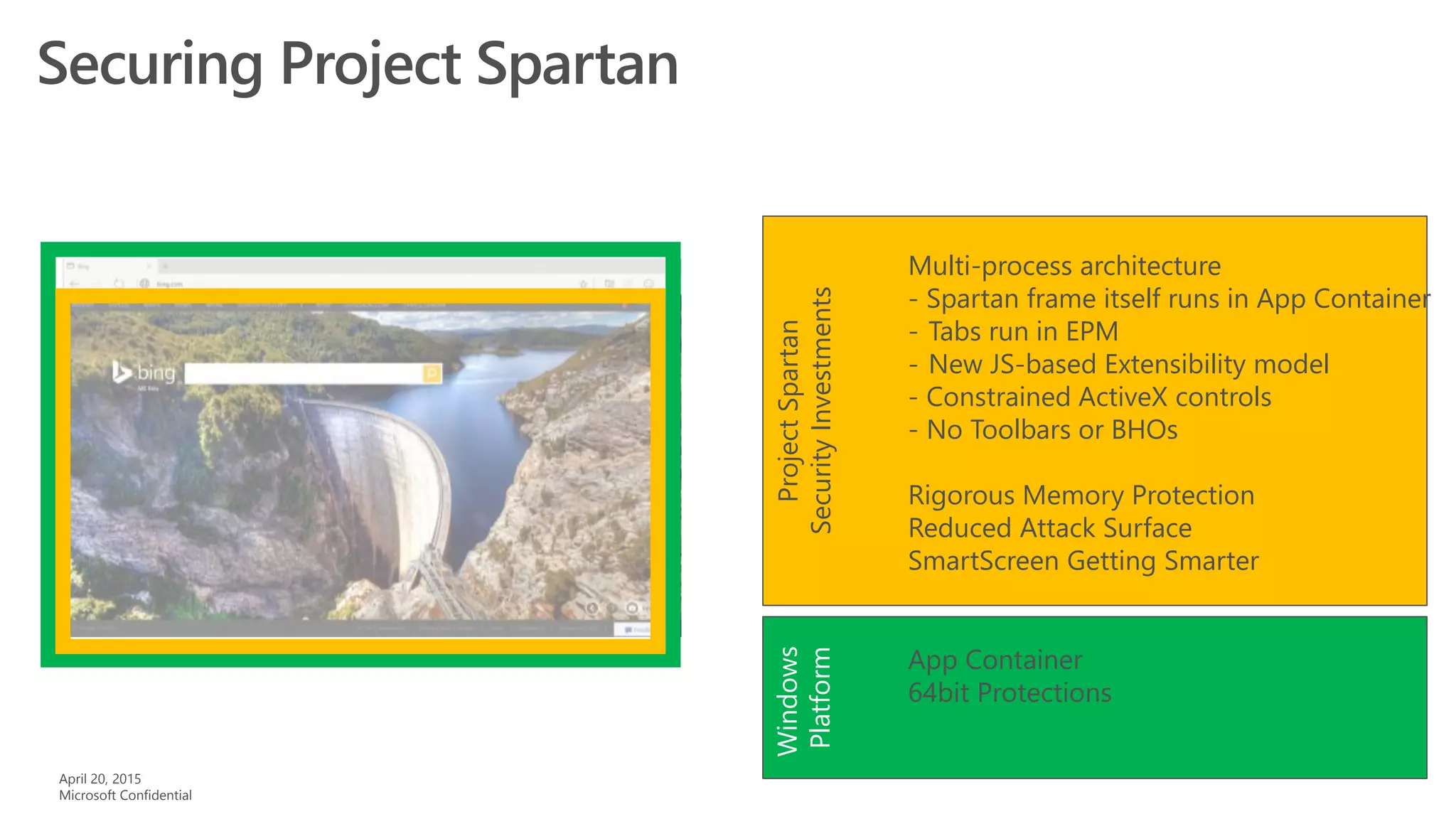
App Container
64bit Protections
ProjectSpartan
SecurityInvestments
Multi-process architecture
- Spartan frame itself runs in App Container
- Tabs run in EPM
- New JS-based Extensibility model
- Constrained ActiveX controls
- No Toolbars or BHOs
Rigorous Memory Protection
Reduced Attack Surface
SmartScreen Getting Smarter

Introducing project spartan

  • 1.
    Introducing Project Spartan JustinGarrett Senior Technical Evangelist, Web Development
  • 2.
  • 3.
    ~53% time spenton Windows 8.x is on the Web 300K native, 1B+ web (0.03%) Web ~42% time spent on iPad is on the Web 1.3M native, 1B+ web (0.13%) Native
  • 4.
    Free Upgrade for12 months Upgrades to Windows 10 free for 12 months 100s of millions of Windows devices running Windows 7/8.1 and Windows Phone 8.1 are eligible Upgrading the operating system gets users onto Project Spartan as their default browser Users will be able to upgrade via download at general availability
  • 5.
    New experiences tomake you more productive on the modern web • Capture and share your thoughts and ideas with web notes right on the page • The best place to read, with a distraction- free reading view, and gorgeous new Reading List to get you back to your interests. • Redefined around you, with Cortana built- in and ready to help you get things done on the Web
  • 6.
    Faster, stronger, saferand sites “just work” • Always up-to-date, and with a new engine built for the modern web • Backward compatibility for enterprise web apps • More secure by default • Single codebase across all Windows 10 devices, with an experience that scales fluidly for each device • Set as default web browser for Windows 10
  • 7.
  • 8.
    Windows Phone 8.1New user-agent Remove check for ‘installable’ flag on cross-origin fonts
  • 9.
    IE11 on Windows8.1 Spartan: With support for –webkit transitions
  • 10.
    3000+ Interoperability Fixes,Preserve-3d, Touch Events, CSS Filter Effects, DOM Clipboard Support, HTML Drag and Drop, Web Audio, CSS Position Sticky, CSS @supports, CSS Flexbox, HTML Beacon, WebDriver, IndexedDB, WebCrypto, Internationalization Mixed Languages Support, CSS Grid, CSS Variables, srcset, <picture> element, Web Workers Update, DOM4 Events, Font Loading, BDI, Cross-domain, HLS Manifest, Block Ellipsis, WAV, @rules, CSS Text(), CSS Border Logical, Logical Box Model, DOM Gamepad API, DOM FileSystem API, HTML <date> element, HTML <keygen> element, HTML <main> element, HTML <output> element, HTML <summary> element, HTML <detail> element, HTML <time> element, Native PDF, AppCache, SVG Hosting, Mutation Observers, HTML bidirectional, HTML Speech API, SVG animations, SVG transitions, SVG transforms, Canvas Path, Canvas Accessibility API, CSS Select Control, CSS Masking, CSS Clipping, Navigation Error Logging, CSS element(), CSS Shapes, ORTC, CSS Escape, Shared Workers, ES6 Modules, ES6 Promises, CSS Intrinsic & Extrinsic Sizing, Web Components, CSS Scoped Styles, HTTP 2.0, CSS Resize, WebGL, Canvas Blend Modes, CSS Interpolation, CSS Line Grid, CSS Line Box Contain, CSS Ruby, DOM Event Constructors, HTML <ol> Reverse, Server-Sent Events, Viewport APIs, Quota API, etc. http://status.modern.ie
  • 11.
    • Mozilla/5.0 (WindowsNT 10.0; WOW64) AppleWebKit/537.36 (KHTML, like Gecko) Chrome/39.0.2171.71 Safari/537.36 Edge/12.0 • Mozilla/5.0 (Windows NT 10.0; WOW64) AppleWebKit/537.36 (KHTML, like Gecko) Chrome/39.0.2171.95 Safari/537.36
  • 12.
  • 13.
    Compatibility Engine mshtml.dll IE5 Quirks IE7 Compat View IE8 StandardsMode IE9 Standards Mode IE10 Standards Mode QME Quirks Mode Emulation IE11 Standards Mode EMIE Enterprise Mode Silverlight Java Flash BHOs ActiveX BHO ActiveX
  • 15.
     Native supportfor Flash and PDF  Modern JavaScript-based extension model coming later in 2015
  • 16.
  • 18.
    1. Tell yourfriends why Project Spartan is different than Internet Explorer 2. Get Project Spartan through http://insider.windows.com 3. Stay up-to-date on the latest web standards supported at http://status.modern.IE 4. Help your peers test their websites with free tools on http://modern.IE.
  • 19.
    April 20, 2015 MicrosoftConfidential Windows Platform App Container 64bit Protections ProjectSpartan SecurityInvestments Multi-process architecture - Spartan frame itself runs in App Container - Tabs run in EPM - New JS-based Extensibility model - Constrained ActiveX controls - No Toolbars or BHOs Rigorous Memory Protection Reduced Attack Surface SmartScreen Getting Smarter

Editor's Notes

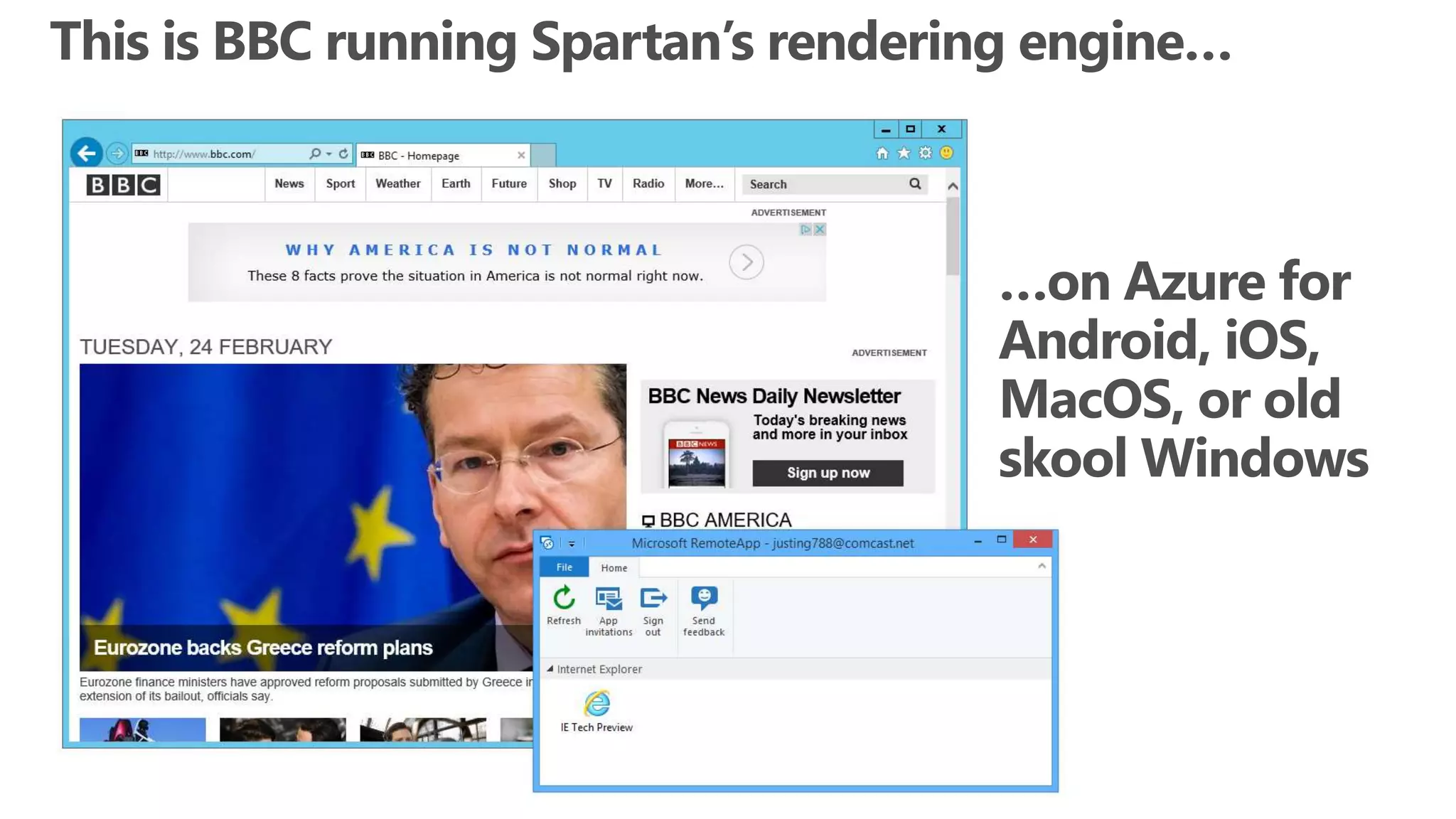
  • #6 Talking Points: Microsoft listened. The next major version of our browser will work well with touch AND mouse/keyboard, across all Windows devices. The “Edge” engine will be always up to date with modern standards, and Spartan also includes all of IE11’s backward compatibility features, so it’s easier to upgrade to Windows 10. Spartan is more secure by default, running with Enhanced Protected Mode and 64-bit processes.
  • #7 Talking Points: Microsoft listened. The next major version of our browser will work well with touch AND mouse/keyboard, across all Windows devices. The “Edge” engine will be always up to date with modern standards, and Spartan also includes all of IE11’s backward compatibility features, so it’s easier to upgrade to Windows 10. Spartan is more secure by default, running with Enhanced Protected Mode and 64-bit processes. Spartan will be the default browser for Windows 10 clean installs. For upgrades, users will be prompted to “reset app defaults” and Spartan will also be set as default for upgrades if that is selected. Enterprises can override and set IE as default using group policy.
  • #8 Start: all browsers had unique behaviors (not drawn to scale – meant to emphasize the point) Build: Purple overlay - First step was to remove IE specific behaviors once EdgeHTML was split from MSHTML Build: Green overlay - Second step was to add behaviors at the intersection of other modern browsers – these are especially important for the mobile web, but not exclusively.
  • #10 Note: cinemax is currently CV-listed to IE9 docmode, so if someone tries this, they won’t see any bugs.
  • #11 In addition to more than 2,000 interoperability fixes, we are focusing efforts on many interoperability features. For example, the Edge mode will now support webkit extensions that are popular on many websites. For more detail on the status of a particular web standard, you can visit http://status.modern.ie.
  • #15 IE in “Windows Accessories” shows that IE should be viewed as a utility in the Win10 timeframe (by default).
  • #20 Talking points: Project Spartan is a modern Windows App, taking full advantages of the platform protections offered by App Container. Even if Project Spartan is compromised, the platform prevents malicious code from escaping the sandbox. IE Classic in contrast, runs the frame process at MediumIL EPM: Tabs run in separate processes also protected by app container By default ActiveX will be limited to a small list of known good ActiveX controls beyond Flash, which remains built in. Toolbars and BHOs, a common source of security and performance problems will simply not load in Project Spartan In IE 11 over the last several months we have introduced memory protections that have eliminated broad sets of security threats IsoHeap and Memory Protector have proven valuable. http://securityintelligence.com/understanding-ies-new-exploit-mitigations-the-memory-protector-and-the-isolated-heap/#.VMrz-P50wuU We are continuing to invest in stopping exploits where they start – by preventing memory from being abused by an attacker These protections will appear in Windows 10/Project Spartan first and will be backported as makes sense. 64bit by default also makes it very hard to attack memory via a heapspray or by breaking ALSR Project Spartan is a complete re-write of the Browser, allowing us to deprecate a significant amount of code, and legacy interfaces that are no longer present to be attacked We are working to make SmartScreen even smarter – currently protects users from Phishing and malicious downloads, in the future will also project you from malicious sites.