PLC
(Micrologix 1000) &
SCADA
(Intouch wonderware)
By- Rahul Mehra
What is AUTOMATION
• Making products under the control of computers and
programmable controllers is known as automation.
• Manufacturing assembly lines as well as stand alone machine
tools and robotic devices fall into this category.
• It is delegation of human control functions to technical
equipment for increasing the productivity, quality, and increasing
the safety in working conditions thereby reducing the manpower
and cost.
INSUSTRIAL AUTOMATION
• Now a days, every small and large industry employ automation.
• In manual control, an operator periodically reads the process and
adjusts the input accordingly. Quite hectic!
• In automation control, measurements and adjustments are done
automatically on a continuous basis. Quite convenient!
Types of Control Systems used in
INDUSTRIAL AUTOMATION
• PID controller based control system
• PLC based control system
• DCS based control system
• PC based control system
PLC(Programmable Logic Controller)
• It is microprocessor based solid state/industrial computer that
perform discrete or sequential logic.
• It was developed to replace mechanical relays, timers, counters.
• The early PLC’s were used to reduce the changeover time,
wiring/re-wiring.
• The PLC programming procedures replaced the rewiring a panel
full of wires, relays, timers, counters etc.
Advantages
• Reliability in operation.
• Flexibility in control and programming techniques.
• Online offline modifications.
• Small physical size, shorter project time.
• In house simulation and testing of project.
• Speed of operation.
• Ease of maintenance and troubleshooting.
• Ability to communicate and networking with computer system in plant.
• Documentation and security.
• Designed to work in all types of industrial conditions.
Micrologix 1000 programmable controller
Architecture of a PLC
• BLOCK DIAGRAM
INPUT
DEVICES
PLC OUTPUT
DEVICES
POWER
SUPPY
MEMORY INTERFACE
(24V DC,
120V AC)
(Toggle or Push
buttons, proximity
or pressure
sensors)
(Displays &
Monitors)
(External memory
module)
(SCADA or HMI)
Hardware Overview
COMPUTER
PLC
DOWNLOAD
UPLOAD
• DATATRANSMISSION-SERIAL
• SYSTEM(PORT) PLC(PORT)
RS 232 DF port
• Baud Rate- 9.6 Kbps to 19.2 Kbps
• Driver softwares- RS Linx Classic, RS 232 & DF Drivers
• Programming software- RS Logix 500
Working
• Source mode: +ve supply is given to the PLC.
• Sink mode: -ve supply is given to the PLC.
• The sink and source modes mainly define the way in which the I/O is connected to the I/O of
the PLC.
PROGRAMMING the PLC
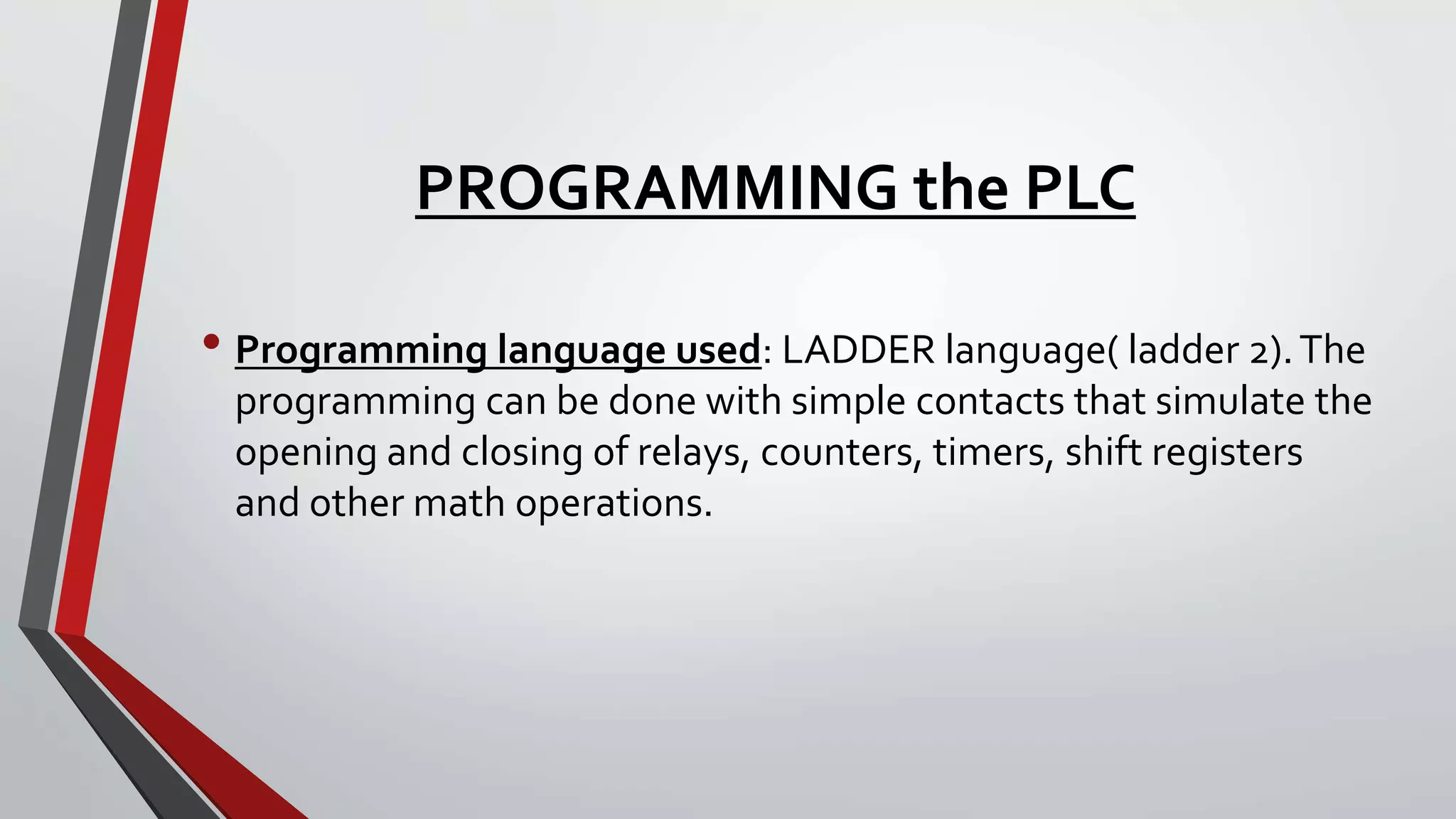
• Programming language used: LADDER language( ladder 2).The
programming can be done with simple contacts that simulate the
opening and closing of relays, counters, timers, shift registers
and other math operations.
Basic symbols:
• Input symbols: XIC-
XIO-
• Output symbols: OTE-
OTL-
OUL-
START- STOP LOGIC:
• START: hardware software
NO-
NC-
• STOP: NO-
NC-
 ADDRESSING FORMAT : Identifier: slot address(if any).word address/bit
 DATA FILES: micrologix 1000 contain the status information associated with
the external I/O and all other instructions we use in our main and
subroutine ladder program files.
 These files are organized by the type of data they contain. Data file types
are:
PLC TIMER/COUNTER FUNCTION
TIMER ON(Ton)
COUNTER UP
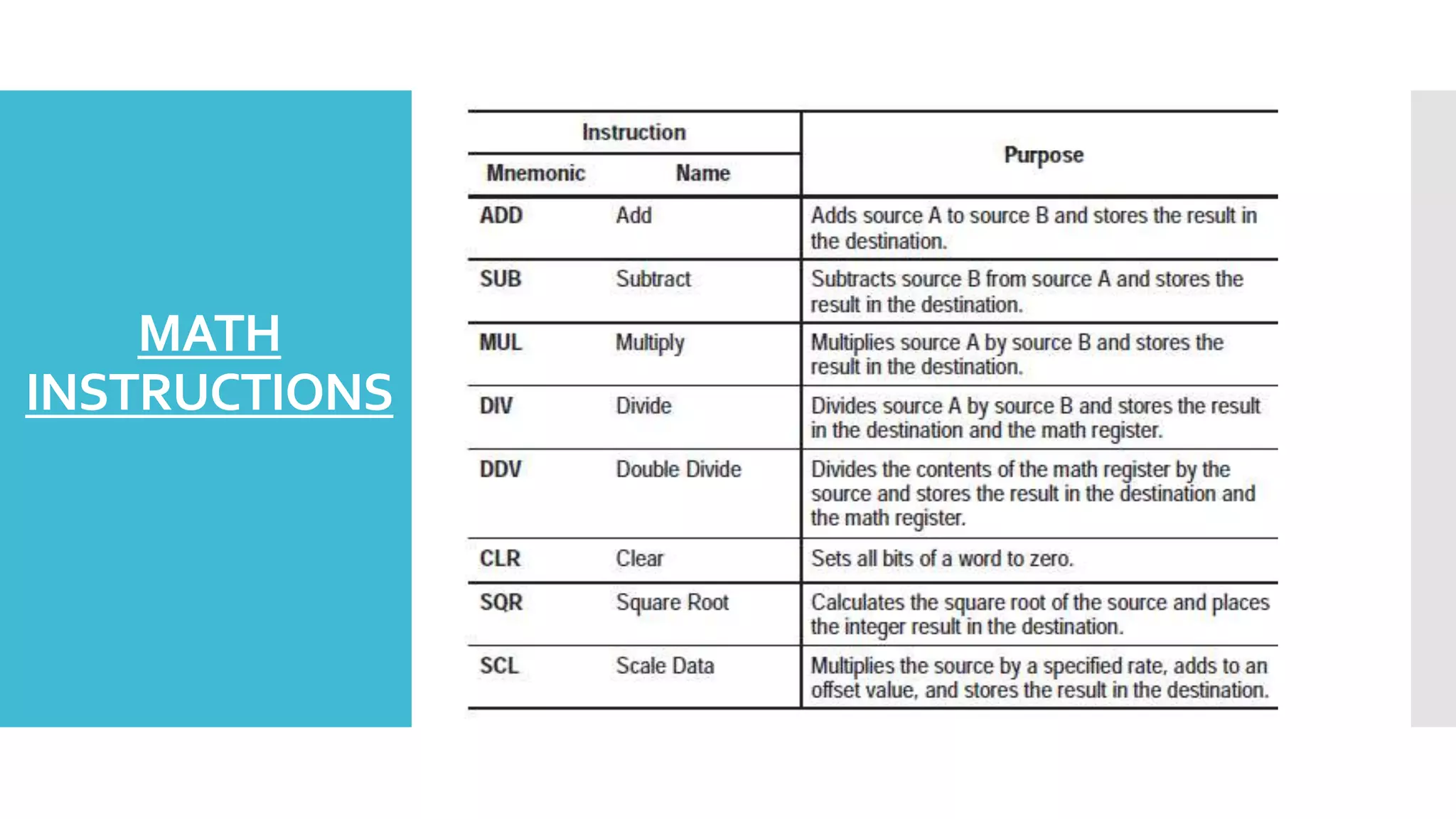
MATH
INSTRUCTIONS
OTHER IMPORTANT INSTRUCTIONS
• JMP
• JSR
• SBR
• CMP
• MOV
• OSR
Applications
• Material Handling
• Packaging Applications
• General Industrial Machinery
• Printing
• Food and Beverage
• Pharmaceutical
• WaterWastewater / SCADA
• Clutch/Brake control
• Position Control - Pick-and-place / Conveyor
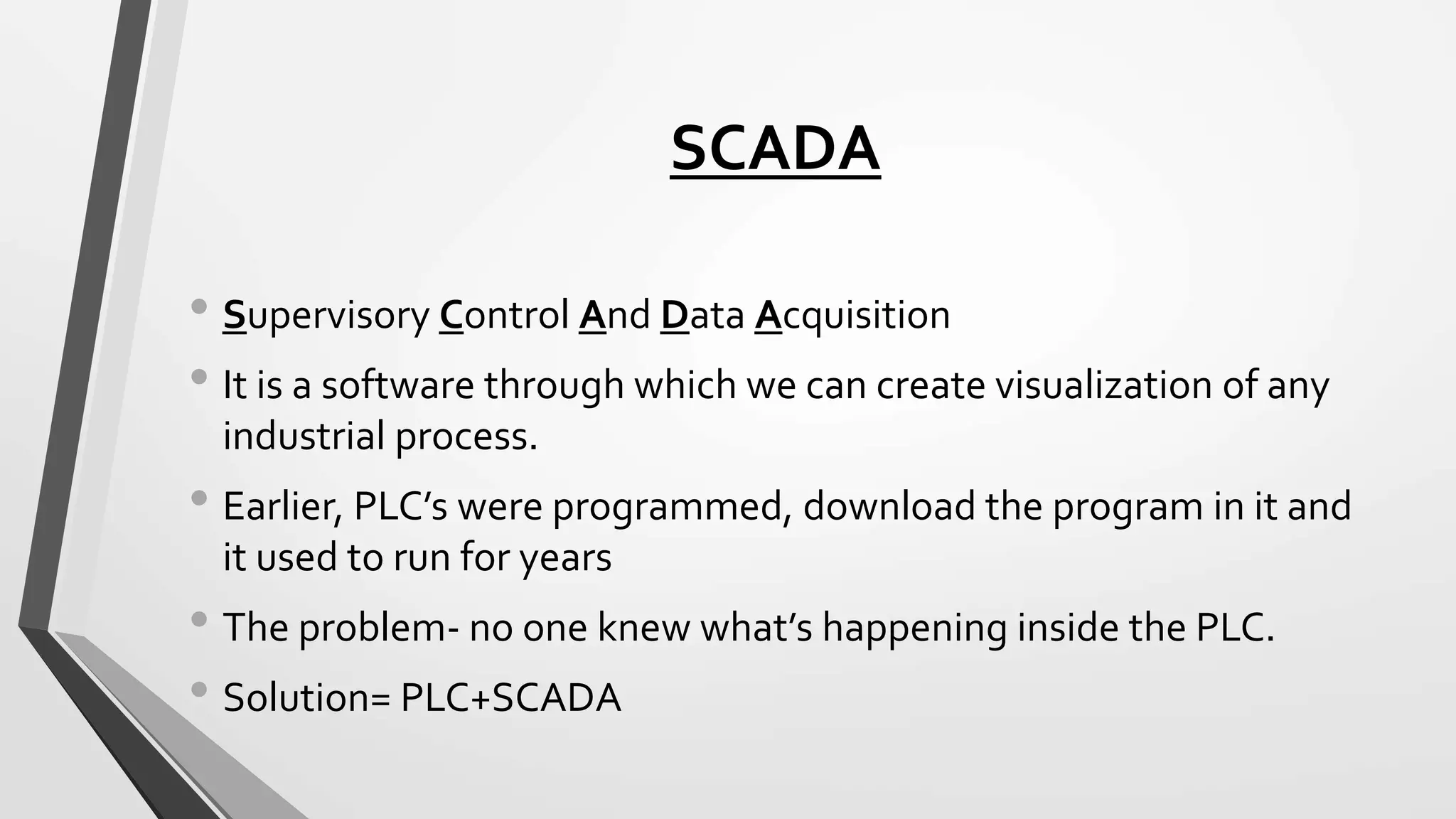
SCADA
• Supervisory Control And Data Acquisition
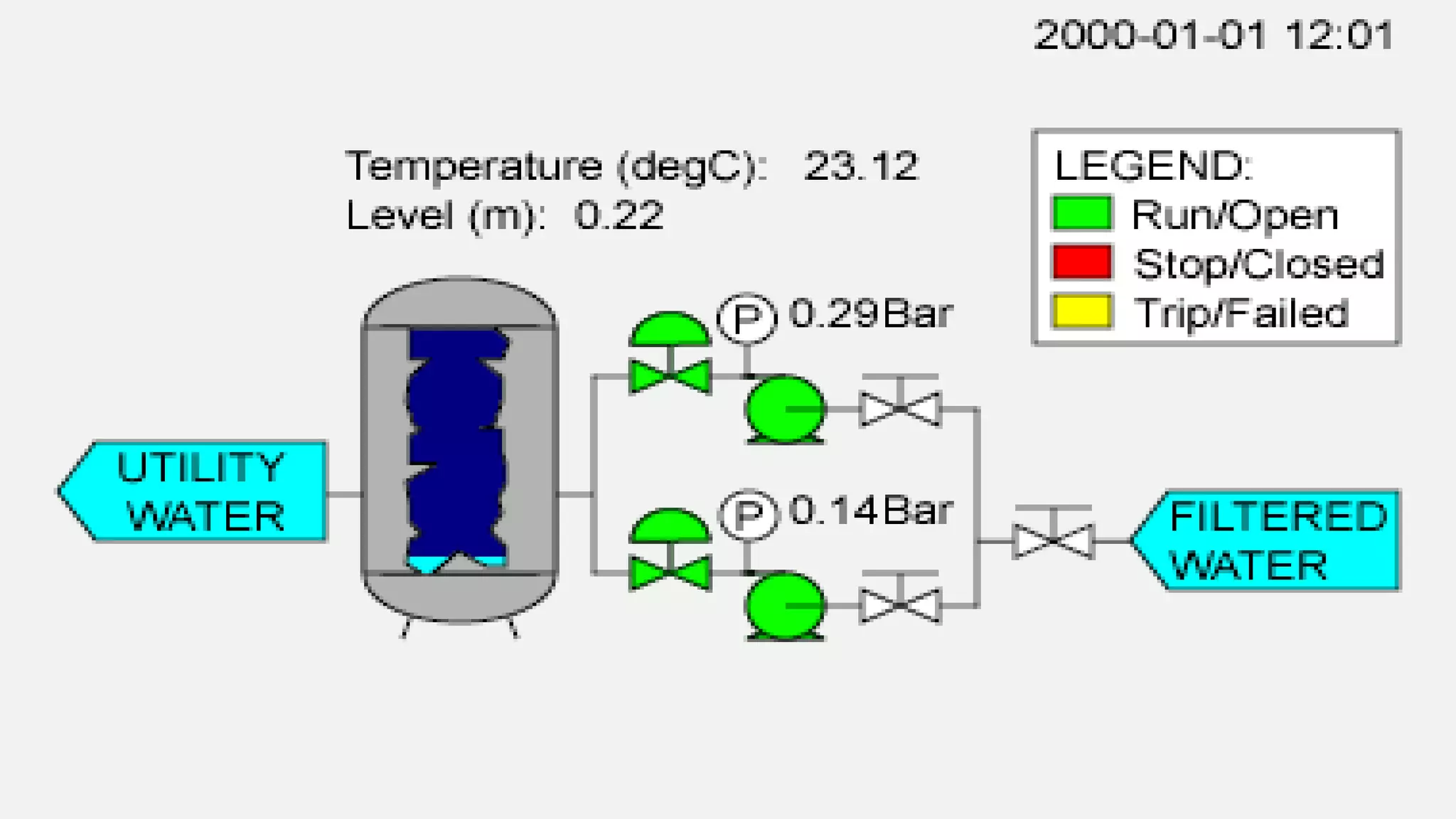
• It is a software through which we can create visualization of any
industrial process.
• Earlier, PLC’s were programmed, download the program in it and
it used to run for years
• The problem- no one knew what’s happening inside the PLC.
• Solution= PLC+SCADA
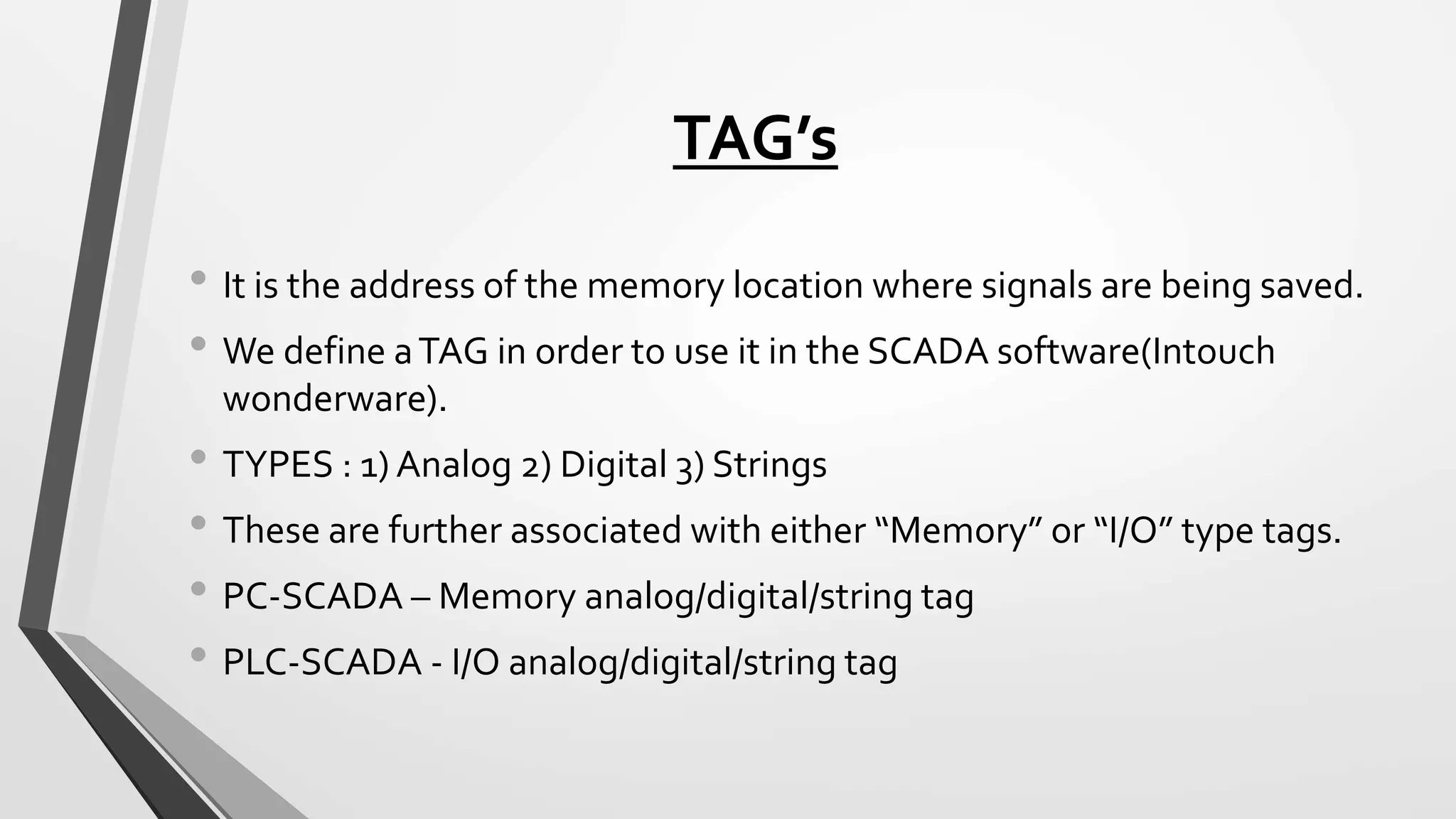
TAG’s
• It is the address of the memory location where signals are being saved.
• We define aTAG in order to use it in the SCADA software(Intouch
wonderware).
• TYPES : 1) Analog 2) Digital 3) Strings
• These are further associated with either “Memory” or “I/O” type tags.
• PC-SCADA – Memory analog/digital/string tag
• PLC-SCADA - I/O analog/digital/string tag
FEATURES OF SCADA
• Dynamic process graphic
• Alarm
• Database connectivity
• Real time trend and historical trend view
• Security
• Device connectivity
SCADA Software
• Wonderware- Intouch
• Rockwell- RS view32
• Siemens- winCC
• GE- Intellation
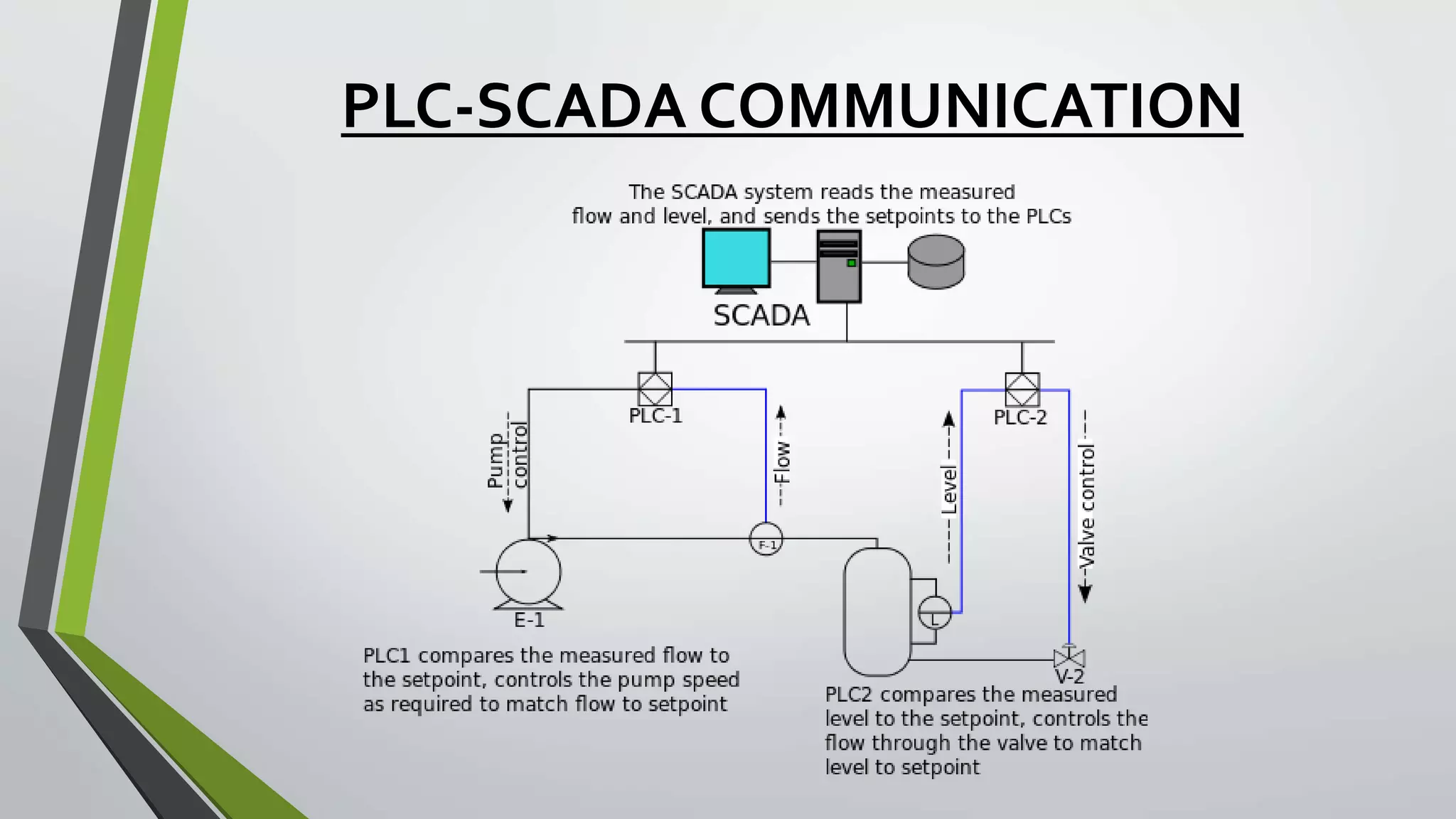
PLC-SCADA COMMUNICATION
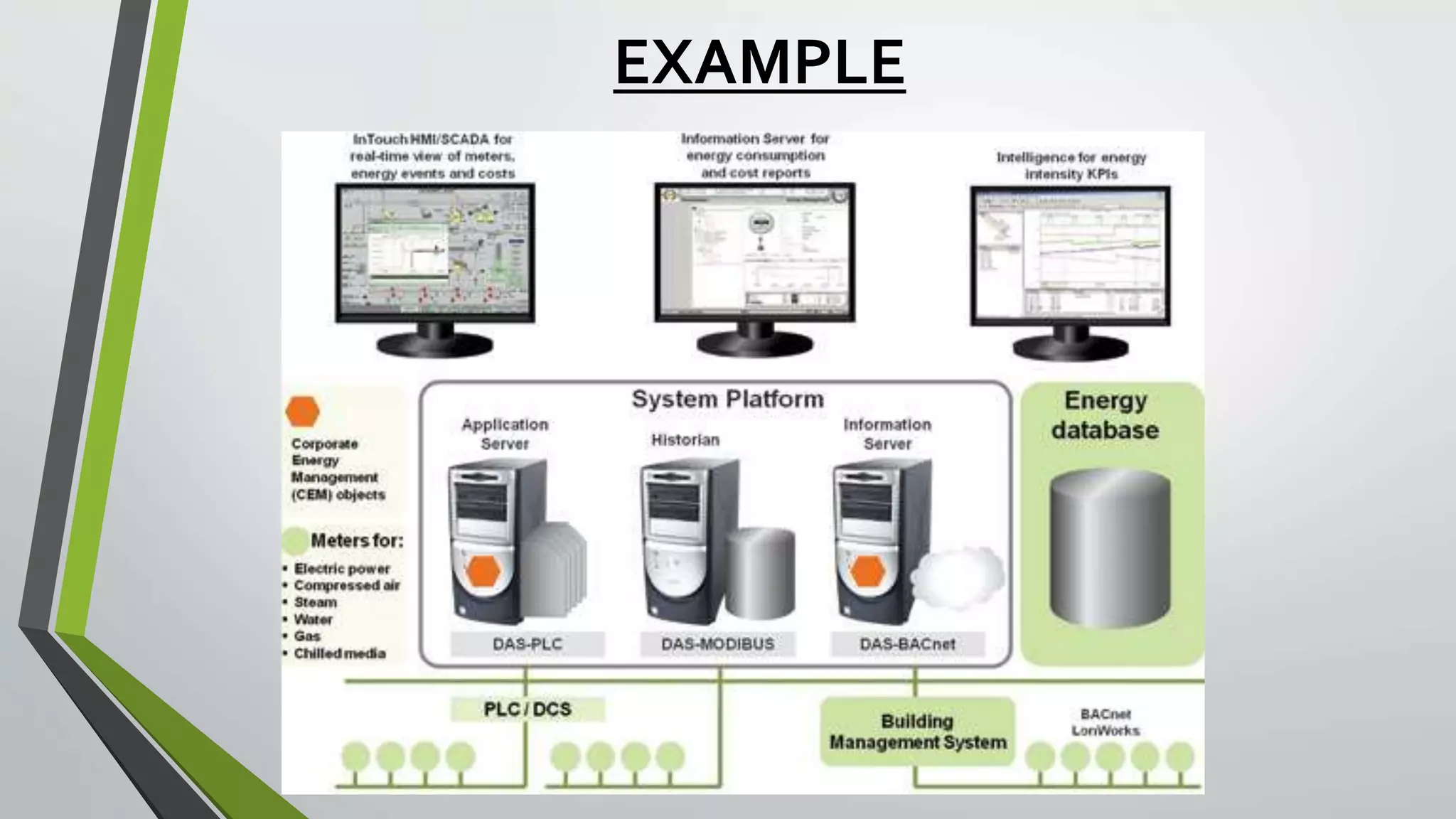
EXAMPLE
THANKYOU !!!

PLC & SCADA

  • 1.
    PLC (Micrologix 1000) & SCADA (Intouchwonderware) By- Rahul Mehra
  • 2.
    What is AUTOMATION •Making products under the control of computers and programmable controllers is known as automation. • Manufacturing assembly lines as well as stand alone machine tools and robotic devices fall into this category. • It is delegation of human control functions to technical equipment for increasing the productivity, quality, and increasing the safety in working conditions thereby reducing the manpower and cost.
  • 3.
    INSUSTRIAL AUTOMATION • Nowa days, every small and large industry employ automation. • In manual control, an operator periodically reads the process and adjusts the input accordingly. Quite hectic! • In automation control, measurements and adjustments are done automatically on a continuous basis. Quite convenient!
  • 4.
    Types of ControlSystems used in INDUSTRIAL AUTOMATION • PID controller based control system • PLC based control system • DCS based control system • PC based control system
  • 5.
    PLC(Programmable Logic Controller) •It is microprocessor based solid state/industrial computer that perform discrete or sequential logic. • It was developed to replace mechanical relays, timers, counters. • The early PLC’s were used to reduce the changeover time, wiring/re-wiring. • The PLC programming procedures replaced the rewiring a panel full of wires, relays, timers, counters etc.
  • 6.
    Advantages • Reliability inoperation. • Flexibility in control and programming techniques. • Online offline modifications. • Small physical size, shorter project time. • In house simulation and testing of project. • Speed of operation. • Ease of maintenance and troubleshooting. • Ability to communicate and networking with computer system in plant. • Documentation and security. • Designed to work in all types of industrial conditions.
  • 7.
  • 8.
    Architecture of aPLC • BLOCK DIAGRAM INPUT DEVICES PLC OUTPUT DEVICES POWER SUPPY MEMORY INTERFACE (24V DC, 120V AC) (Toggle or Push buttons, proximity or pressure sensors) (Displays & Monitors) (External memory module) (SCADA or HMI)
  • 9.
  • 11.
    COMPUTER PLC DOWNLOAD UPLOAD • DATATRANSMISSION-SERIAL • SYSTEM(PORT)PLC(PORT) RS 232 DF port • Baud Rate- 9.6 Kbps to 19.2 Kbps • Driver softwares- RS Linx Classic, RS 232 & DF Drivers • Programming software- RS Logix 500
  • 12.
    Working • Source mode:+ve supply is given to the PLC. • Sink mode: -ve supply is given to the PLC. • The sink and source modes mainly define the way in which the I/O is connected to the I/O of the PLC.
  • 13.
    PROGRAMMING the PLC •Programming language used: LADDER language( ladder 2).The programming can be done with simple contacts that simulate the opening and closing of relays, counters, timers, shift registers and other math operations.
  • 15.
    Basic symbols: • Inputsymbols: XIC- XIO- • Output symbols: OTE- OTL- OUL-
  • 16.
    START- STOP LOGIC: •START: hardware software NO- NC- • STOP: NO- NC-
  • 17.
     ADDRESSING FORMAT: Identifier: slot address(if any).word address/bit  DATA FILES: micrologix 1000 contain the status information associated with the external I/O and all other instructions we use in our main and subroutine ladder program files.  These files are organized by the type of data they contain. Data file types are:
  • 18.
  • 19.
  • 20.
  • 21.
  • 23.
    OTHER IMPORTANT INSTRUCTIONS •JMP • JSR • SBR • CMP • MOV • OSR
  • 24.
    Applications • Material Handling •Packaging Applications • General Industrial Machinery • Printing • Food and Beverage • Pharmaceutical • WaterWastewater / SCADA • Clutch/Brake control • Position Control - Pick-and-place / Conveyor
  • 25.
    SCADA • Supervisory ControlAnd Data Acquisition • It is a software through which we can create visualization of any industrial process. • Earlier, PLC’s were programmed, download the program in it and it used to run for years • The problem- no one knew what’s happening inside the PLC. • Solution= PLC+SCADA
  • 26.
    TAG’s • It isthe address of the memory location where signals are being saved. • We define aTAG in order to use it in the SCADA software(Intouch wonderware). • TYPES : 1) Analog 2) Digital 3) Strings • These are further associated with either “Memory” or “I/O” type tags. • PC-SCADA – Memory analog/digital/string tag • PLC-SCADA - I/O analog/digital/string tag
  • 27.
    FEATURES OF SCADA •Dynamic process graphic • Alarm • Database connectivity • Real time trend and historical trend view • Security • Device connectivity
  • 28.
    SCADA Software • Wonderware-Intouch • Rockwell- RS view32 • Siemens- winCC • GE- Intellation
  • 31.
  • 32.
  • 33.