What’s Creative
Commons??
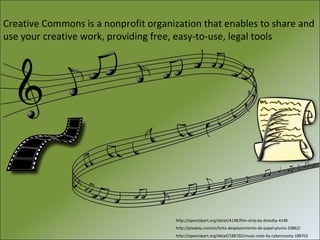
Creative Commons is a nonprofit organization that enables to share and
use your creative work, providing free, easy-to-use, legal tools

http://openclipart.org/detail/4148/film-strip-by-dniezby-4148
http://pixabay.com/es/tinta-desplazamiento-de-papel-pluma-33862/
http://openclipart.org/detail/188702/music-note-by-cyberscooty-188702
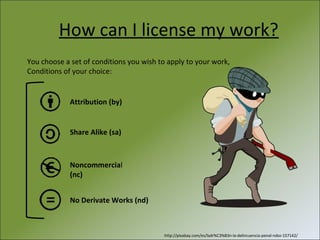
How can I license my work?
You choose a set of conditions you wish to apply to your work,
Conditions of your choice:

Attribution (by)

Share Alike (sa)

Noncommercial
(nc)
No Derivate Works (nd)

http://pixabay.com/es/ladr%C3%B3n-la-delincuencia-penal-robo-157142/
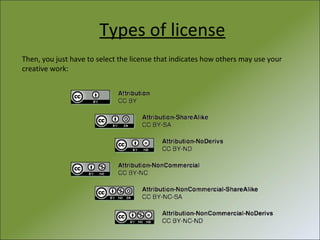
Types of license
Then, you just have to select the license that indicates how others may use your
creative work:
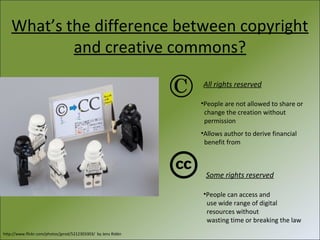
What’s the difference between copyright
and creative commons?
All rights reserved
•People are not allowed to share or
change the creation without
permission
•Allows author to derive financial
benefit from

Some rights reserved
•People can access and
use wide range of digital
resources without
wasting time or breaking the law
http://www.flickr.com/photos/jprod/5212303303/ by Jens Ridén
Bear in mind…
Irrevocability: Remember the license may not be revoked
Type of material:
Text
 Images
 Music
 Videos

× Software
× Hardware

Nature and adequacy of rights:
-Make sure the material is subject to copyright or similar rights.
-Clear rights needed to use the material.
-Indicate rights not covered by the license
Looking for creative works
Verify that the work is actually under cc license by
following the link:
http://search.creativecommons.org/

http://rodrigobatalhone.deviantart.com/art/Toon-Link-345375915
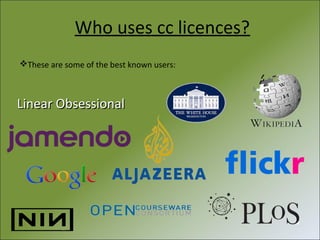
Who uses cc licences?
These are some of the best known users:

Linear Obsessional
Get out and share!
20 TIPS FOR DEVELOPING
A GOOD PRESENTATION

http://commons.wikimedia.org/wiki/File:Colouring_pencils.jpg by MichaelMaggs
One idea per slide
http://openclipart.org/people/jantonalcor/a_good_idea.svg
Be brief and
concise in your
ideas

http://www.flickr.com/photos/19219916@N08/8504592332/in/photolist-dXwg1h-dXqAcM-dzrzyk-dzx5pf-bdRHAt-bdRHAk-8HhrCK-8HhrDvfALYba-fdWpJS-f9ozMV-e8MugZ-a5Kv3f-8Hkz43 by Martijn Nijenhuis
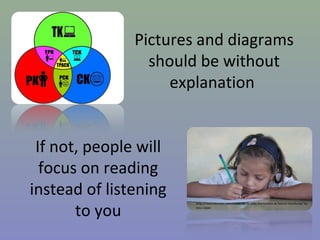
Pictures and diagrams
should be without
explanation
If not, people will
focus on reading
instead of listening
to you

http://mochilerostv.com/ninos-de-la-calle-horizontes-al-futuro-honduras/ by
Iosu López
http://commons.wikimedia.org/wiki/File:Psicodelica.jpg by Isp6

A clean presentation (no recharge with
photos or special effects)
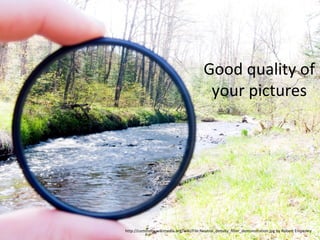
Good quality of
your pictures

http://commons.wikimedia.org/wiki/File:Neutral_density_filter_demonstration.jpg by Robert Emperley
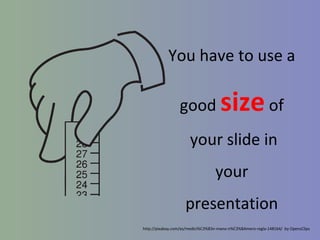
You have to use a
good

size of

your slide in
your
presentation
http://pixabay.com/es/medici%C3%B3n-mano-n%C3%BAmero-regla-148164/ by OpensClips
http://commons.wikimedia.org/wiki/File:Telefonbog_ubt-0.JPG
by Tomasz Sienicki

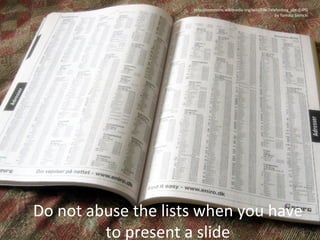
Do not abuse the lists when you have
to present a slide
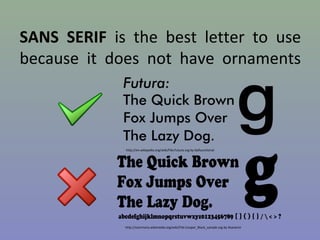
SANS SERIF is the best letter to use
because it does not have ornaments

http://en.wikipedia.org/wiki/File:Futura.svg by Dyfsunctional

http://commons.wikimedia.org/wiki/File:Cooper_Black_sample.svg by Atanamir
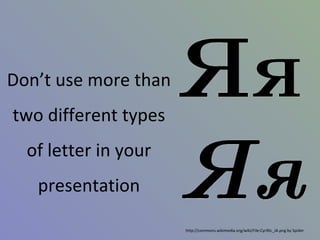
Don’t use more than
two different types
of letter in your
presentation
http://commons.wikimedia.org/wiki/File:Cyrillic_JA.png by Spider
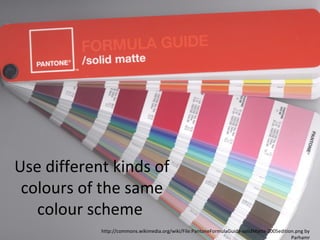
Use different kinds of
colours of the same
colour scheme
http://commons.wikimedia.org/wiki/File:PantoneFormulaGuide-solidMatte-2005edition.png by
Parhamr
http://www.femlife.de/hochschulprofessor-frau-brille-tafel-zeigestock/ by Sigrun Weinhardt

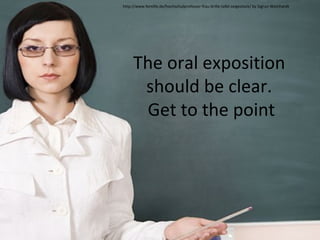
The oral exposition
should be clear.
Get to the point
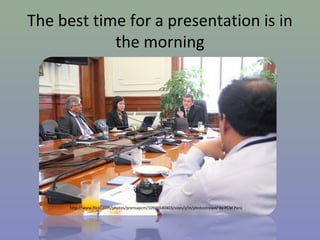
The best time for a presentation is in
the morning

http://www.flickr.com/photos/prensapcm/10946540403/sizes/z/in/photostream/ by PCM Perú
http://www.flickr.com/photos/segegobchile/4948776478/ by Ministerio Secretaría General de Gobierno

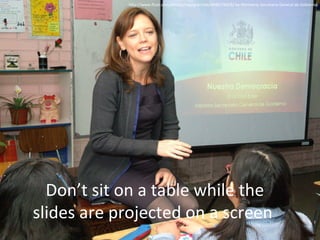
Don’t sit on a table while the
slides are projected on a screen
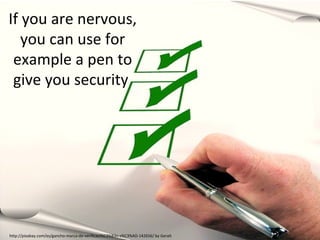
If you are nervous,
you can use for
example a pen to
give you security

http://pixabay.com/es/gancho-marca-de-verificaci%C3%B3n-s%C3%AD-142656/ by Geralt
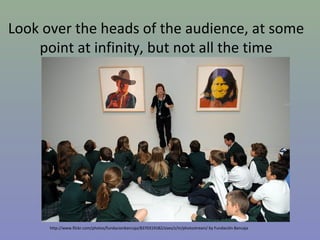
Look over the heads of the audience, at some
point at infinity, but not all the time

http://www.flickr.com/photos/fundacionbancaja/8370319182/sizes/z/in/photostream/ by Fundación Bancaja
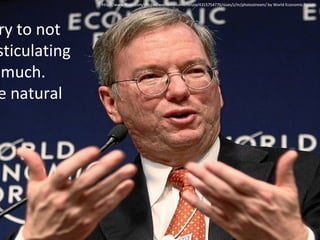
ry to not
sticulating
much.
e natural

http://www.flickr.com/photos/worldeconomicforum/4315754776/sizes/z/in/photostream/ by World Economic Forum
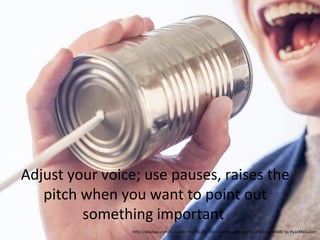
Adjust your voice; use pauses, raises the
pitch when you want to point out
something important
http://pixabay.com/es/hablar-micr%C3%B3fono-lata-puede-esta%C3%B1o-238488/ by RyanMcGuiren
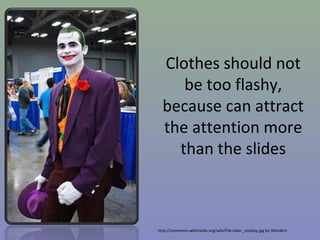
Clothes should not
be too flashy,
because can attract
the attention more
than the slides

http://commons.wikimedia.org/wiki/File:Joker_cosplay.jpg by Wanders
http://www.billbrownentertainment.com/index.cfm/fa/DeptDetail/ID/23/ by Brownent

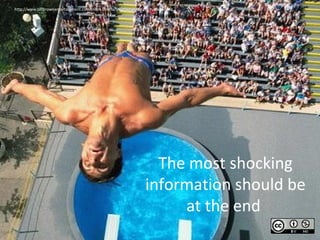
The most shocking
information should be
at the end

Creative Commons and Tips for a Good Presentation

  • 1.
  • 2.
    Creative Commons isa nonprofit organization that enables to share and use your creative work, providing free, easy-to-use, legal tools http://openclipart.org/detail/4148/film-strip-by-dniezby-4148 http://pixabay.com/es/tinta-desplazamiento-de-papel-pluma-33862/ http://openclipart.org/detail/188702/music-note-by-cyberscooty-188702
  • 3.
    How can Ilicense my work? You choose a set of conditions you wish to apply to your work, Conditions of your choice: Attribution (by) Share Alike (sa) Noncommercial (nc) No Derivate Works (nd) http://pixabay.com/es/ladr%C3%B3n-la-delincuencia-penal-robo-157142/
  • 4.
    Types of license Then,you just have to select the license that indicates how others may use your creative work:
  • 5.
    What’s the differencebetween copyright and creative commons? All rights reserved •People are not allowed to share or change the creation without permission •Allows author to derive financial benefit from Some rights reserved •People can access and use wide range of digital resources without wasting time or breaking the law http://www.flickr.com/photos/jprod/5212303303/ by Jens Ridén
  • 6.
    Bear in mind… Irrevocability:Remember the license may not be revoked Type of material: Text  Images  Music  Videos × Software × Hardware Nature and adequacy of rights: -Make sure the material is subject to copyright or similar rights. -Clear rights needed to use the material. -Indicate rights not covered by the license
  • 7.
    Looking for creativeworks Verify that the work is actually under cc license by following the link: http://search.creativecommons.org/ http://rodrigobatalhone.deviantart.com/art/Toon-Link-345375915
  • 8.
    Who uses cclicences? These are some of the best known users: Linear Obsessional
  • 9.
  • 10.
    20 TIPS FORDEVELOPING A GOOD PRESENTATION http://commons.wikimedia.org/wiki/File:Colouring_pencils.jpg by MichaelMaggs
  • 11.
    One idea perslide http://openclipart.org/people/jantonalcor/a_good_idea.svg
  • 12.
    Be brief and concisein your ideas http://www.flickr.com/photos/19219916@N08/8504592332/in/photolist-dXwg1h-dXqAcM-dzrzyk-dzx5pf-bdRHAt-bdRHAk-8HhrCK-8HhrDvfALYba-fdWpJS-f9ozMV-e8MugZ-a5Kv3f-8Hkz43 by Martijn Nijenhuis
  • 13.
    Pictures and diagrams shouldbe without explanation If not, people will focus on reading instead of listening to you http://mochilerostv.com/ninos-de-la-calle-horizontes-al-futuro-honduras/ by Iosu López
  • 14.
    http://commons.wikimedia.org/wiki/File:Psicodelica.jpg by Isp6 Aclean presentation (no recharge with photos or special effects)
  • 15.
    Good quality of yourpictures http://commons.wikimedia.org/wiki/File:Neutral_density_filter_demonstration.jpg by Robert Emperley
  • 16.
    You have touse a good size of your slide in your presentation http://pixabay.com/es/medici%C3%B3n-mano-n%C3%BAmero-regla-148164/ by OpensClips
  • 17.
  • 18.
    SANS SERIF isthe best letter to use because it does not have ornaments http://en.wikipedia.org/wiki/File:Futura.svg by Dyfsunctional http://commons.wikimedia.org/wiki/File:Cooper_Black_sample.svg by Atanamir
  • 19.
    Don’t use morethan two different types of letter in your presentation http://commons.wikimedia.org/wiki/File:Cyrillic_JA.png by Spider
  • 20.
    Use different kindsof colours of the same colour scheme http://commons.wikimedia.org/wiki/File:PantoneFormulaGuide-solidMatte-2005edition.png by Parhamr
  • 21.
    http://www.femlife.de/hochschulprofessor-frau-brille-tafel-zeigestock/ by SigrunWeinhardt The oral exposition should be clear. Get to the point
  • 22.
    The best timefor a presentation is in the morning http://www.flickr.com/photos/prensapcm/10946540403/sizes/z/in/photostream/ by PCM Perú
  • 23.
    http://www.flickr.com/photos/segegobchile/4948776478/ by MinisterioSecretaría General de Gobierno Don’t sit on a table while the slides are projected on a screen
  • 24.
    If you arenervous, you can use for example a pen to give you security http://pixabay.com/es/gancho-marca-de-verificaci%C3%B3n-s%C3%AD-142656/ by Geralt
  • 25.
    Look over theheads of the audience, at some point at infinity, but not all the time http://www.flickr.com/photos/fundacionbancaja/8370319182/sizes/z/in/photostream/ by Fundación Bancaja
  • 26.
    ry to not sticulating much. enatural http://www.flickr.com/photos/worldeconomicforum/4315754776/sizes/z/in/photostream/ by World Economic Forum
  • 27.
    Adjust your voice;use pauses, raises the pitch when you want to point out something important http://pixabay.com/es/hablar-micr%C3%B3fono-lata-puede-esta%C3%B1o-238488/ by RyanMcGuiren
  • 28.
    Clothes should not betoo flashy, because can attract the attention more than the slides http://commons.wikimedia.org/wiki/File:Joker_cosplay.jpg by Wanders
  • 30.