By – Gaurav
GOFORELEARNING@GMAIL.COM
Go GrEEN !
SaveEnvironment!
There are 3 requirements to establish a network:
 Hardware: includes the computers, cables, modems,
hubs, etc
 Software: includes program to communicate between
server and clients
 Protocols: represent a way to establish connection
and helps in sending and receiving data in a standard
format.
By – Gaurav
GOFORELEARNING@GMAIL.COM
 TCP/IP is a standard protocol model used on any
network.
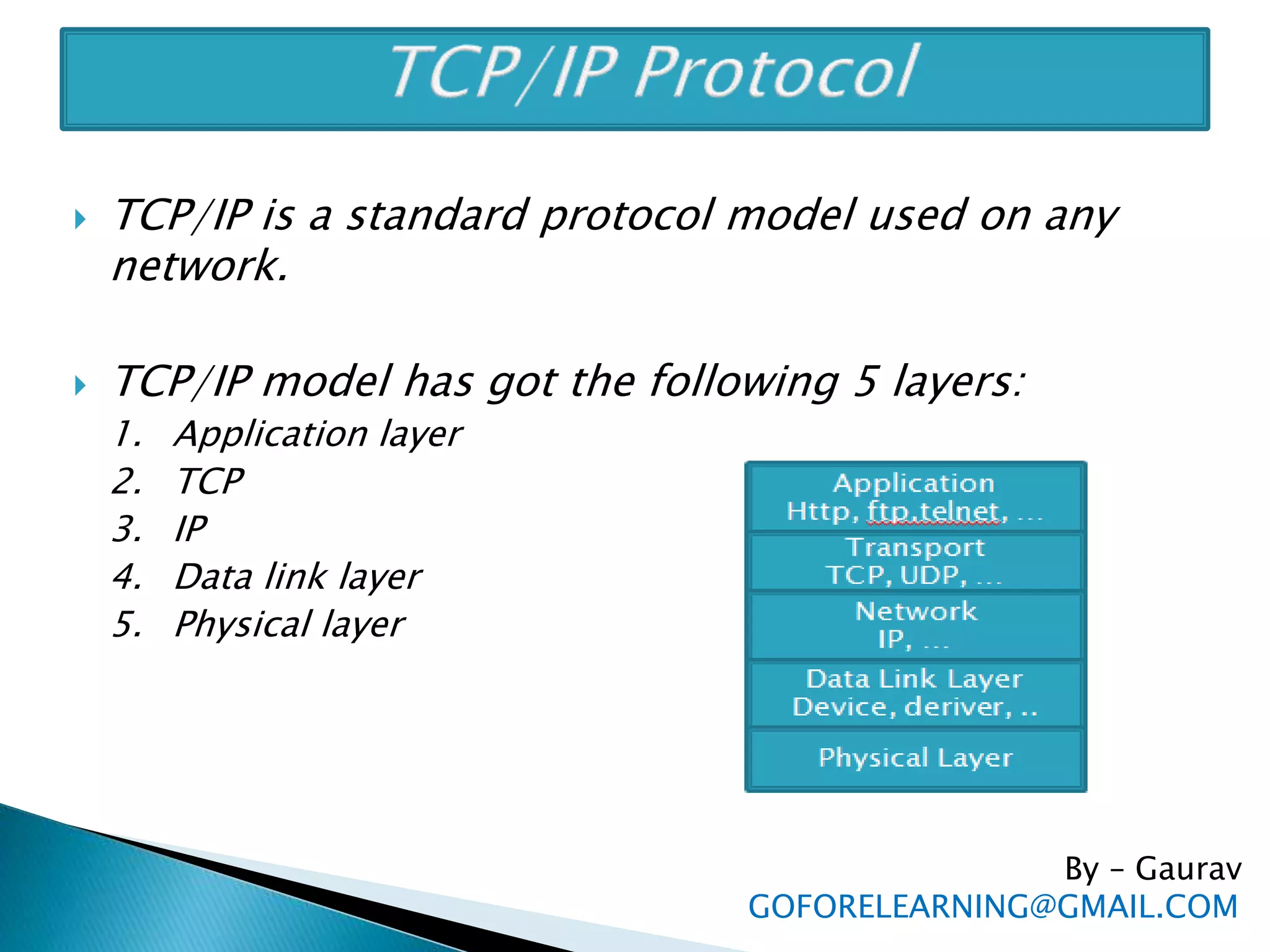
 TCP/IP model has got the following 5 layers:
1. Application layer
2. TCP
3. IP
4. Data link layer
5. Physical layer
By – Gaurav
GOFORELEARNING@GMAIL.COM
1. Application layer
◦ Application layer is the topmost layer.
◦ This layer receives data from the application and formats the
data.
◦ it sends that data to the next layer called TCP in the form of
continuous stream of bytes.
2. TCP
◦ Receives data from Application layer,
◦ TCP will divide it into small segments called ‘packets’. A
packet contains a group of bytes of data.
◦ These packets are then sent to next IP layer
By – Gaurav
GOFORELEARNING@GMAIL.COM
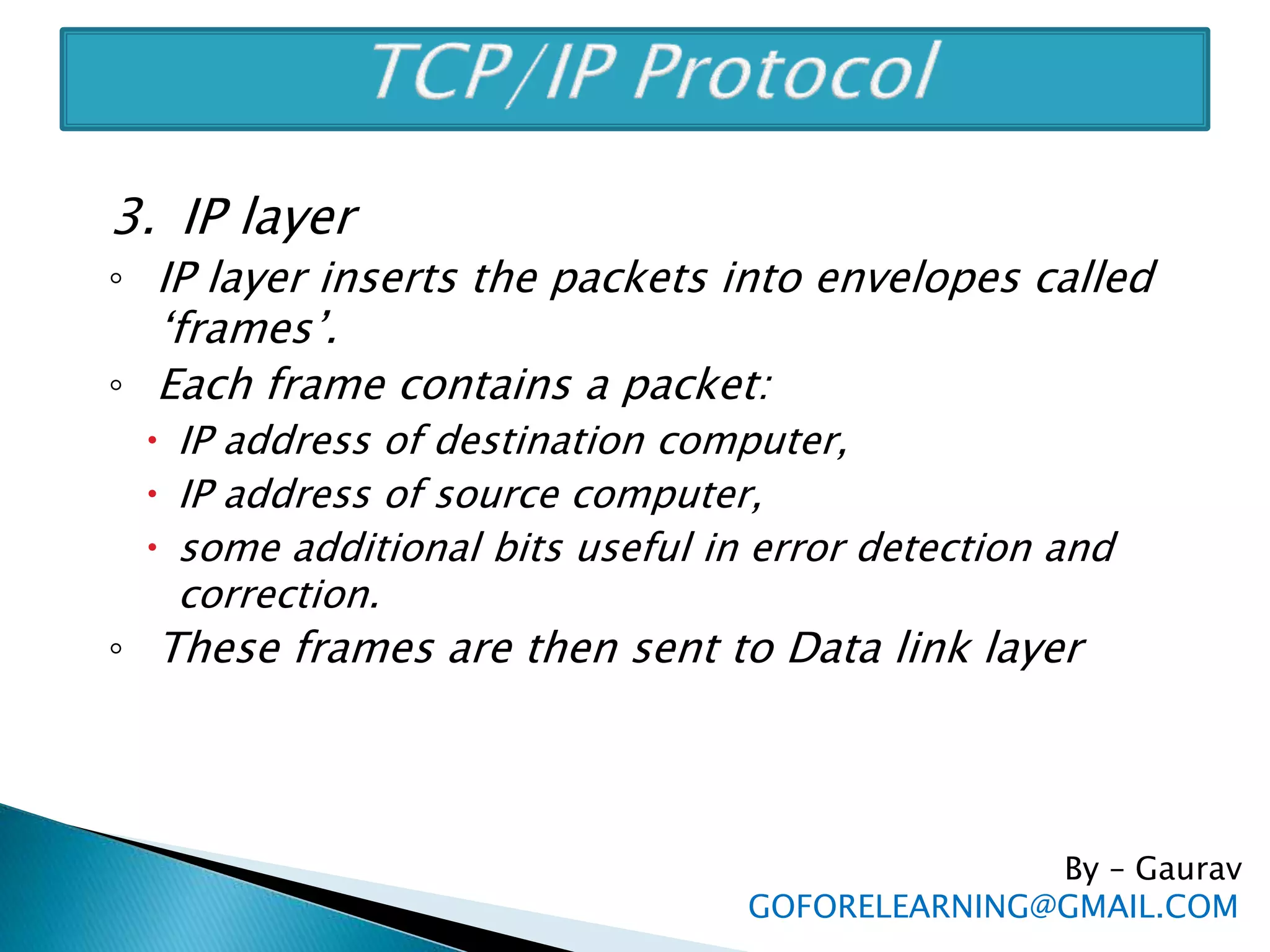
3. IP layer
◦ IP layer inserts the packets into envelopes called
‘frames’.
◦ Each frame contains a packet:
 IP address of destination computer,
 IP address of source computer,
 some additional bits useful in error detection and
correction.
◦ These frames are then sent to Data link layer
By – Gaurav
GOFORELEARNING@GMAIL.COM
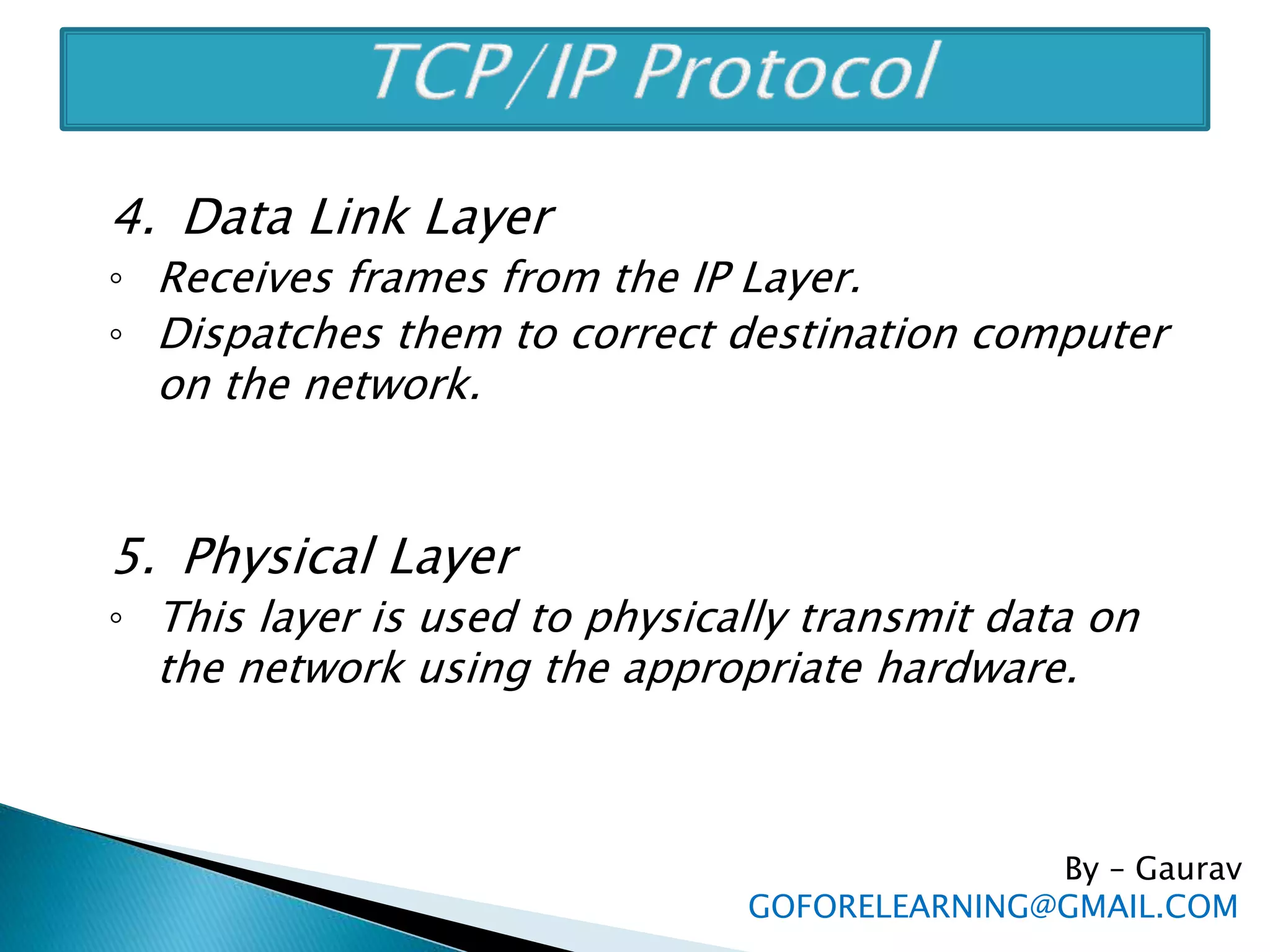
4. Data Link Layer
◦ Receives frames from the IP Layer.
◦ Dispatches them to correct destination computer
on the network.
5. Physical Layer
◦ This layer is used to physically transmit data on
the network using the appropriate hardware.
By – Gaurav
GOFORELEARNING@GMAIL.COM
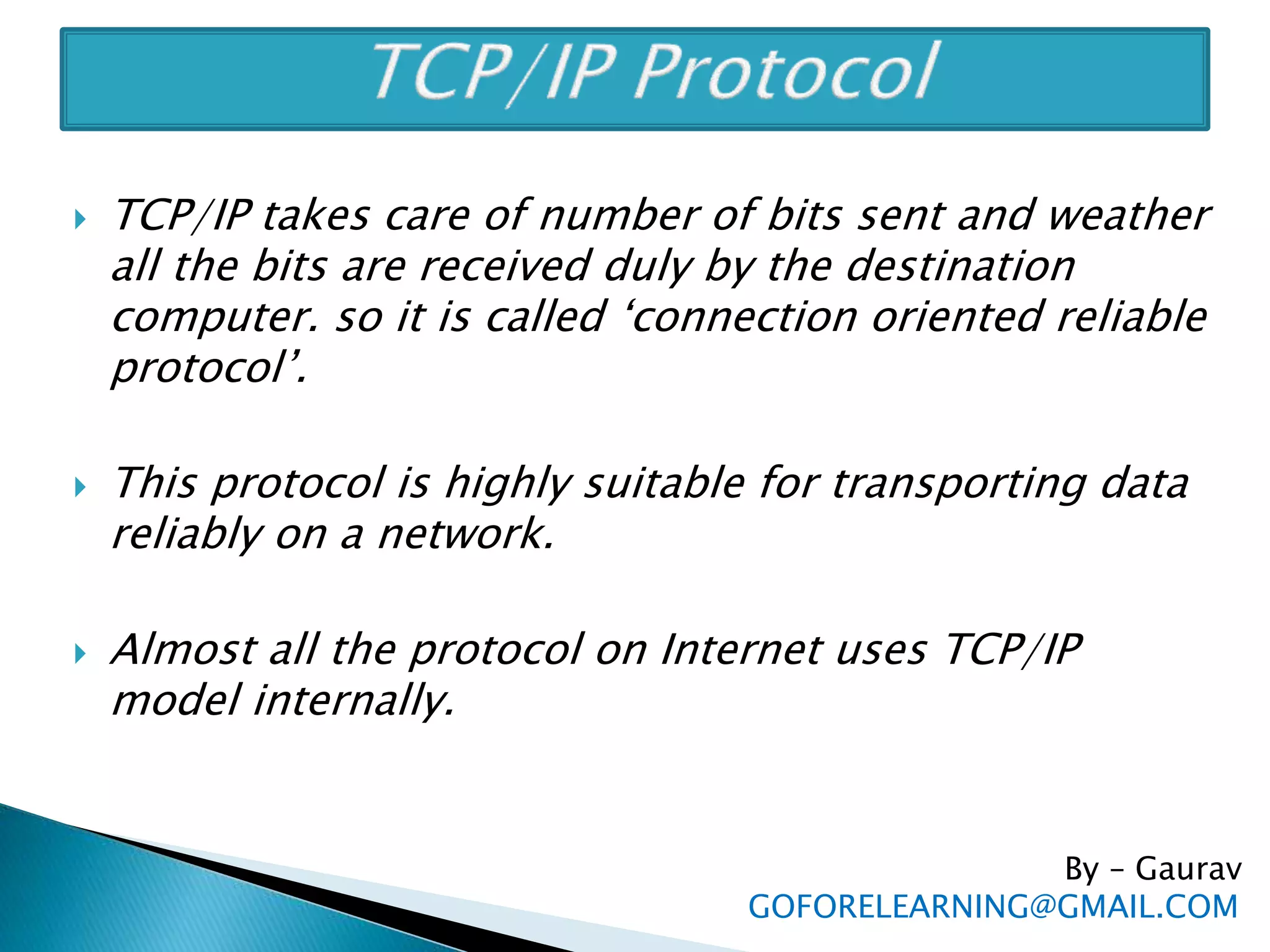
 TCP/IP takes care of number of bits sent and weather
all the bits are received duly by the destination
computer. so it is called ‘connection oriented reliable
protocol’.
 This protocol is highly suitable for transporting data
reliably on a network.
 Almost all the protocol on Internet uses TCP/IP
model internally.
By – Gaurav
GOFORELEARNING@GMAIL.COM
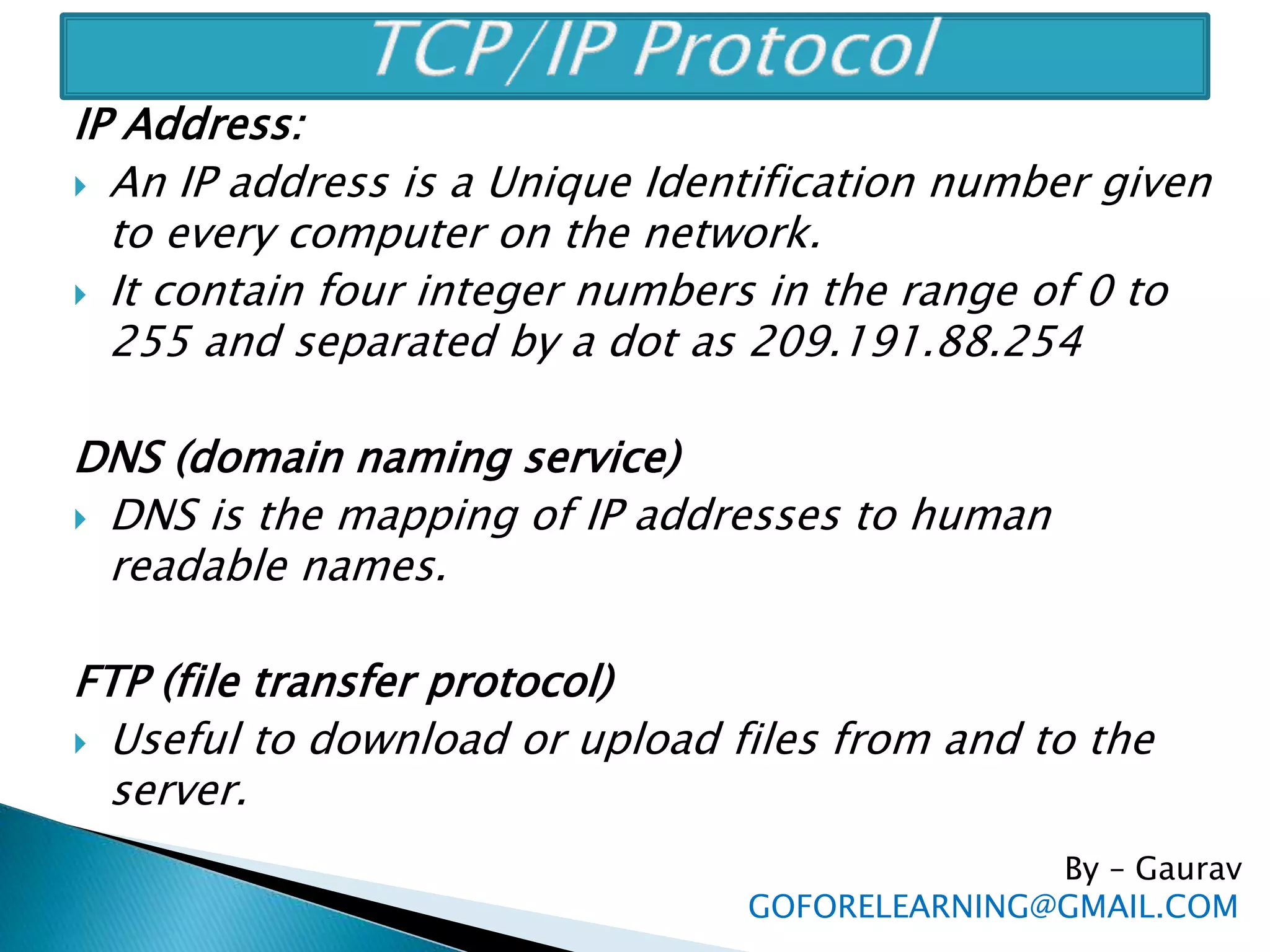
IP Address:
 An IP address is a Unique Identification number given
to every computer on the network.
 It contain four integer numbers in the range of 0 to
255 and separated by a dot as 209.191.88.254
DNS (domain naming service)
 DNS is the mapping of IP addresses to human
readable names.
FTP (file transfer protocol)
 Useful to download or upload files from and to the
server.
By – Gaurav
GOFORELEARNING@GMAIL.COM
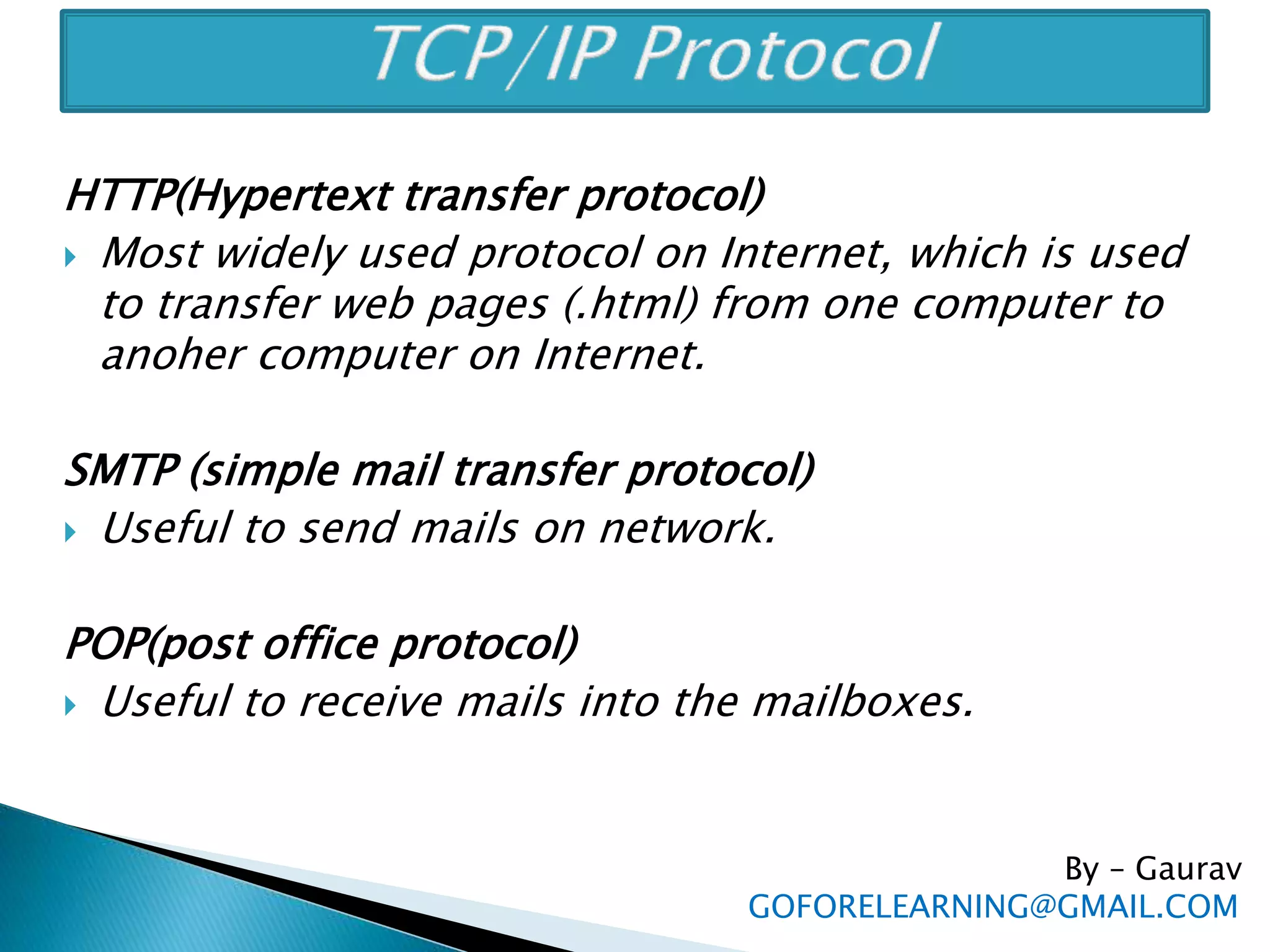
HTTP(Hypertext transfer protocol)
 Most widely used protocol on Internet, which is used
to transfer web pages (.html) from one computer to
anoher computer on Internet.
SMTP (simple mail transfer protocol)
 Useful to send mails on network.
POP(post office protocol)
 Useful to receive mails into the mailboxes.
By – Gaurav
GOFORELEARNING@GMAIL.COM
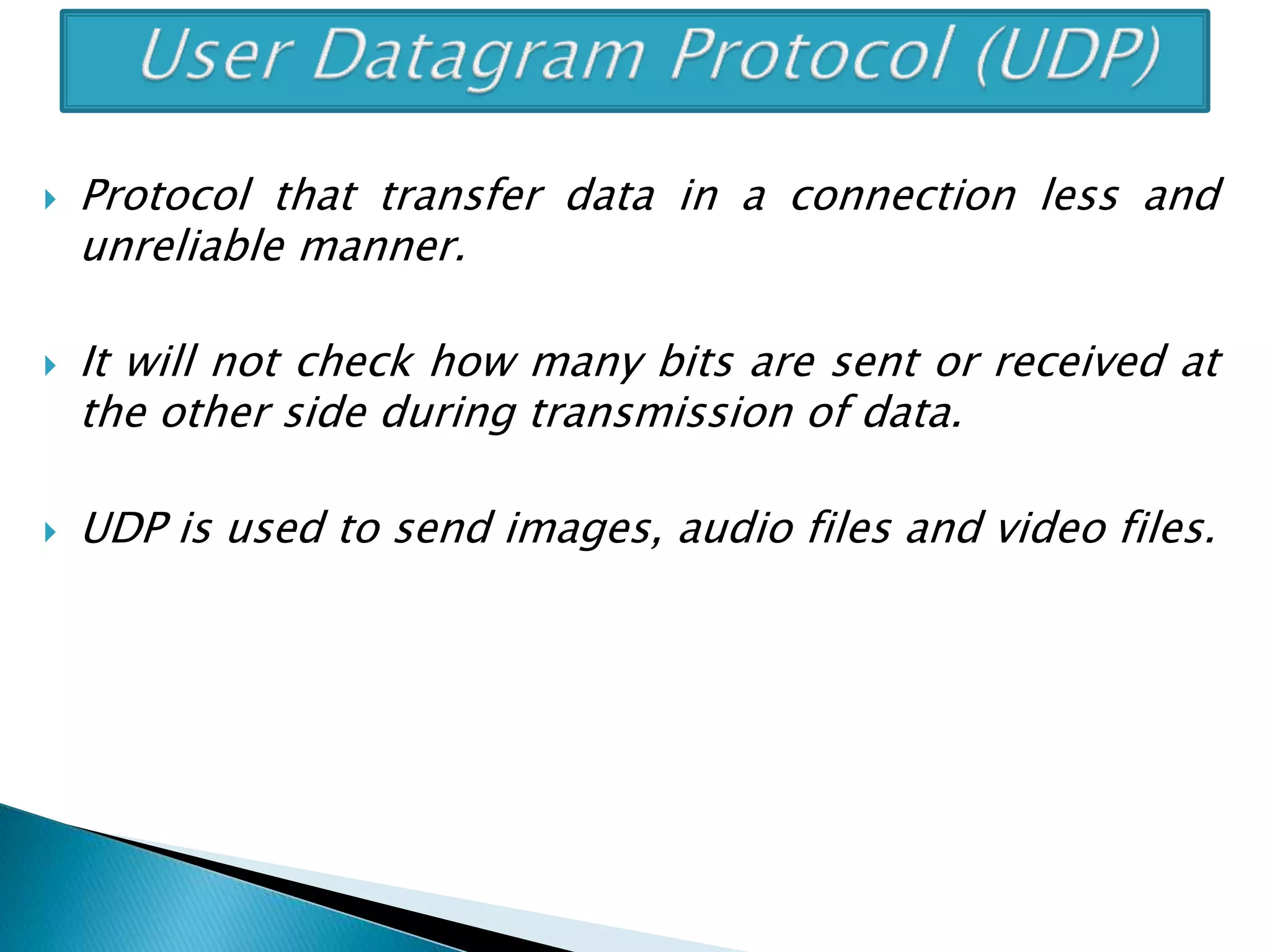
 Protocol that transfer data in a connection less and
unreliable manner.
 It will not check how many bits are sent or received at
the other side during transmission of data.
 UDP is used to send images, audio files and video files.
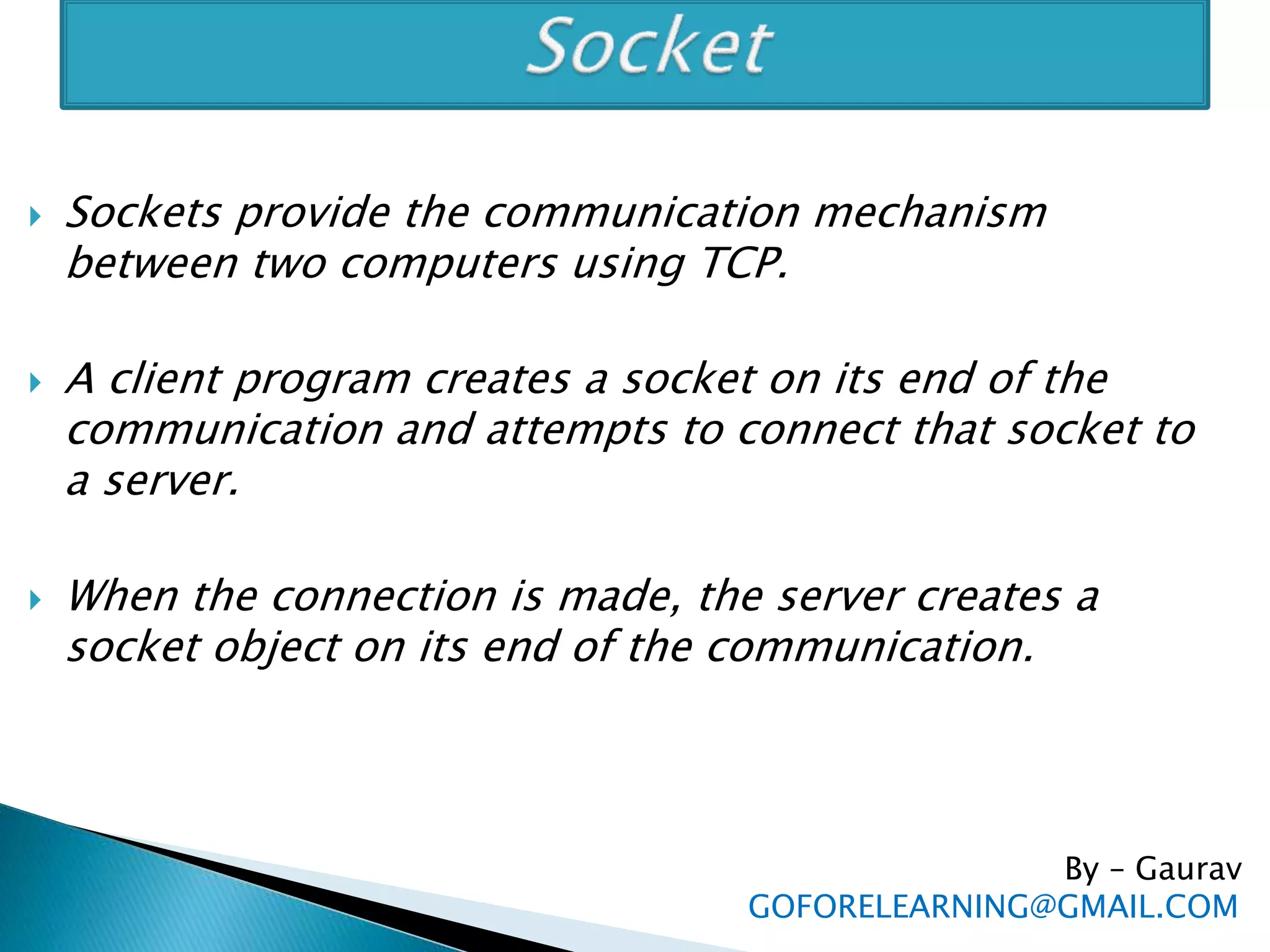
 Sockets provide the communication mechanism
between two computers using TCP.
 A client program creates a socket on its end of the
communication and attempts to connect that socket to
a server.
 When the connection is made, the server creates a
socket object on its end of the communication.
By – Gaurav
GOFORELEARNING@GMAIL.COM
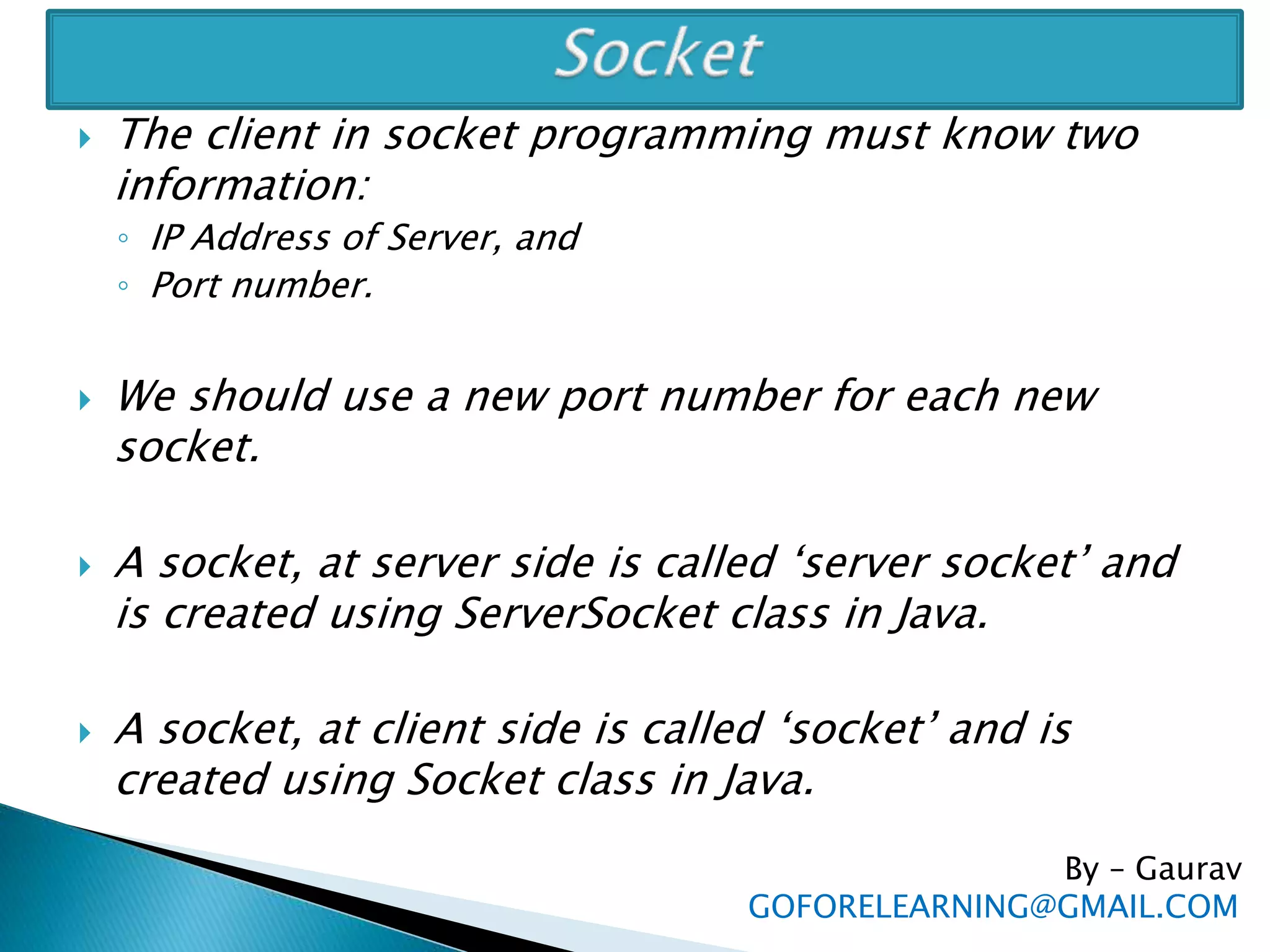
 The client in socket programming must know two
information:
◦ IP Address of Server, and
◦ Port number.
 We should use a new port number for each new
socket.
 A socket, at server side is called ‘server socket’ and
is created using ServerSocket class in Java.
 A socket, at client side is called ‘socket’ and is
created using Socket class in Java.
By – Gaurav
GOFORELEARNING@GMAIL.COM
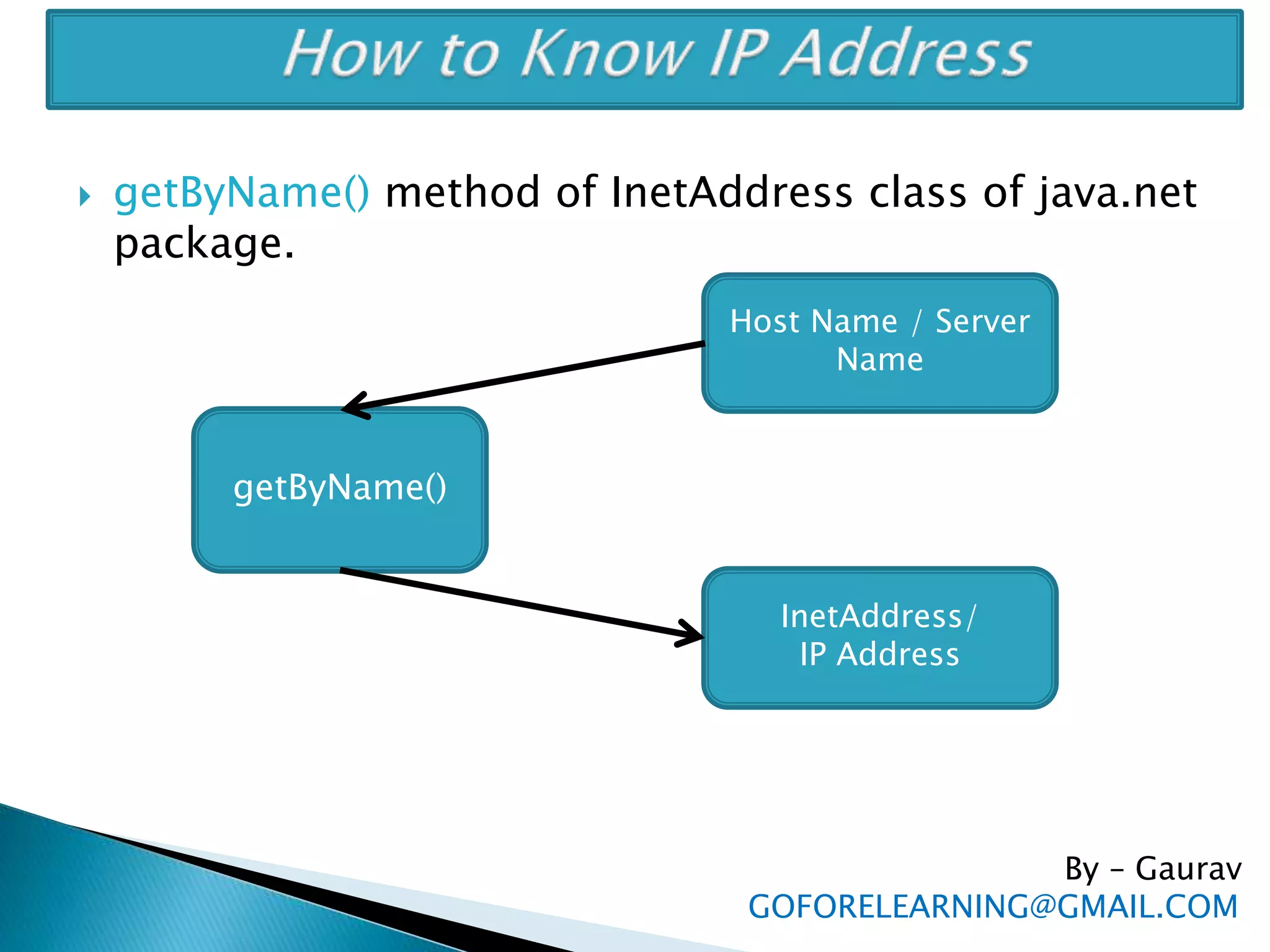
 getByName() method of InetAddress class of java.net
package.
By – Gaurav
GOFORELEARNING@GMAIL.COM
getByName()
Host Name / Server
Name
InetAddress/
IP Address
 URL URL(Uniform Resource Locator) represents the
address that is specified to access some information or
resources on world wide web.
 http://www.goforelearning.com:80/index.html
 The URL contains 4 parts
◦ The protocol to use (http://).
◦ The server name or IP address of the server(www.goforelearning.com)
◦ The third part represents ports number, which is optional (:80)
◦ The last part is the file name or directory name that is referred
(index.html).
 URL is represented by a class ‘URL’ in java.net package.
URL obj = new URL(String protocol, String host, int port,
String path);
By – Gaurav
GOFORELEARNING@GMAIL.COM
URLConnection Class is useful to actually connect
to a website or resource on a network and get all
the details of the website.
For example,
 To know the details of www.yahoo.com
◦ We should pass the URL to the object of URL class.
◦ Then using openConnection() method, we should
establish a contact with the site on Internet.
◦ This method return URLConnection object.
◦ Then using URLConnection class method, we can
display all the details of the website and also content
of the webpage whose name is given in URL.
By – Gaurav
GOFORELEARNING@GMAIL.COM
By – Gaurav
GOFORELEARNING@GMAIL.COM
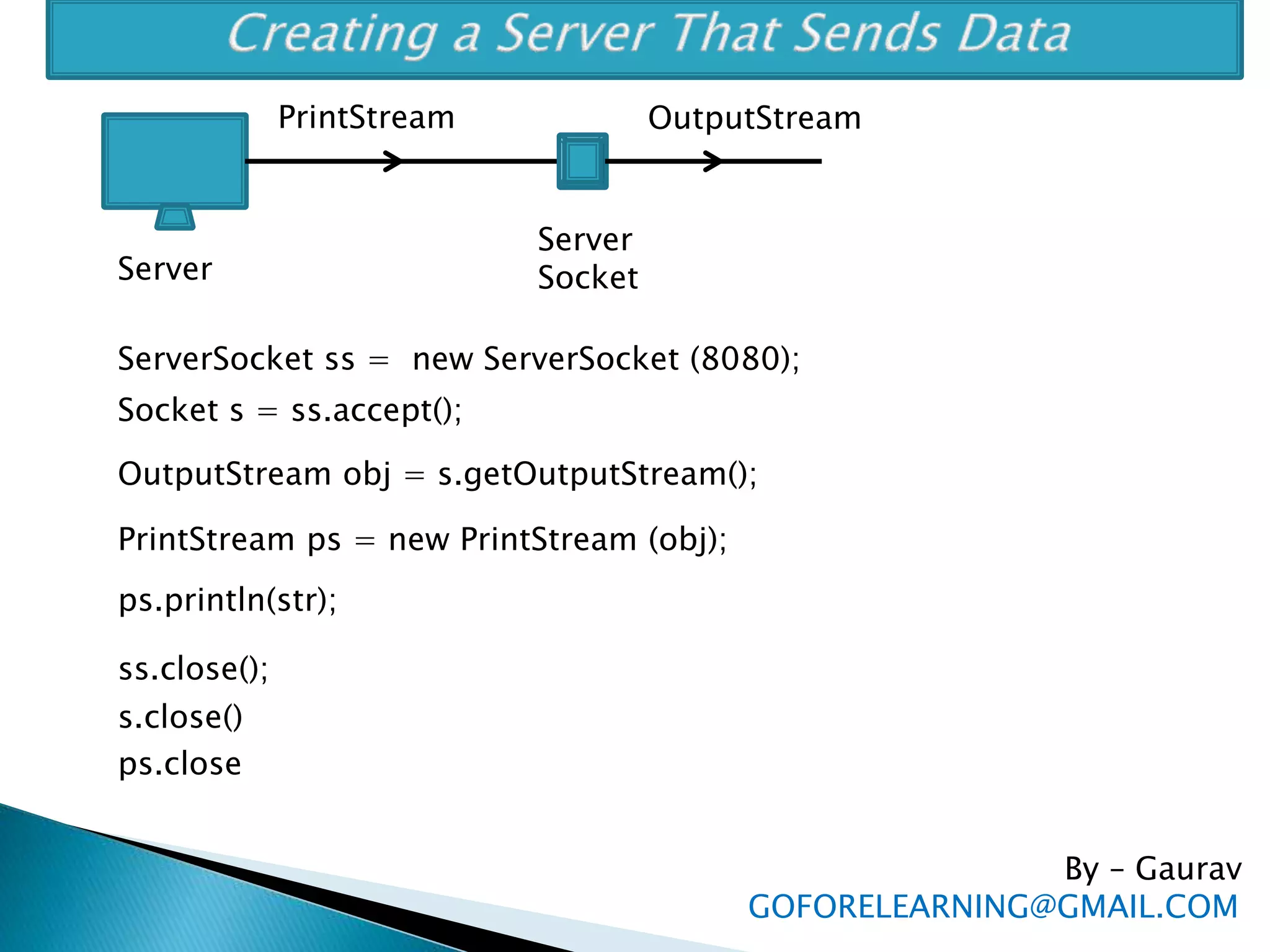
Server
Server
Socket
OutputStreamPrintStream
ServerSocket ss = new ServerSocket (8080);
Socket s = ss.accept();
OutputStream obj = s.getOutputStream();
PrintStream ps = new PrintStream (obj);
ps.println(str);
ss.close();
s.close()
ps.close
By – Gaurav
GOFORELEARNING@GMAIL.COM
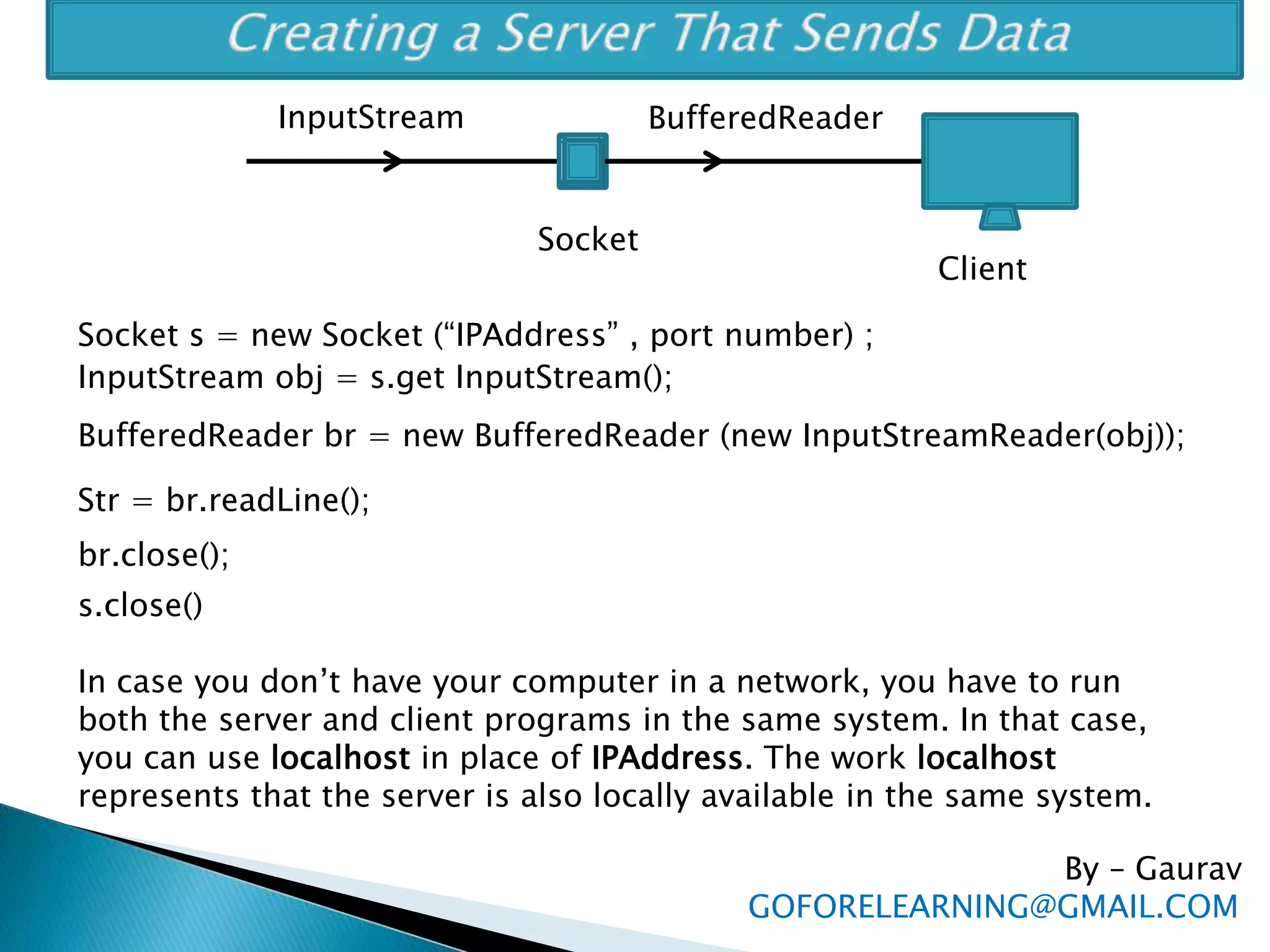
Socket
BufferedReaderInputStream
Socket s = new Socket (“IPAddress” , port number) ;
InputStream obj = s.get InputStream();
BufferedReader br = new BufferedReader (new InputStreamReader(obj));
Str = br.readLine();
br.close();
s.close()
Client
In case you don’t have your computer in a network, you have to run
both the server and client programs in the same system. In that case,
you can use localhost in place of IPAddress. The work localhost
represents that the server is also locally available in the same system.
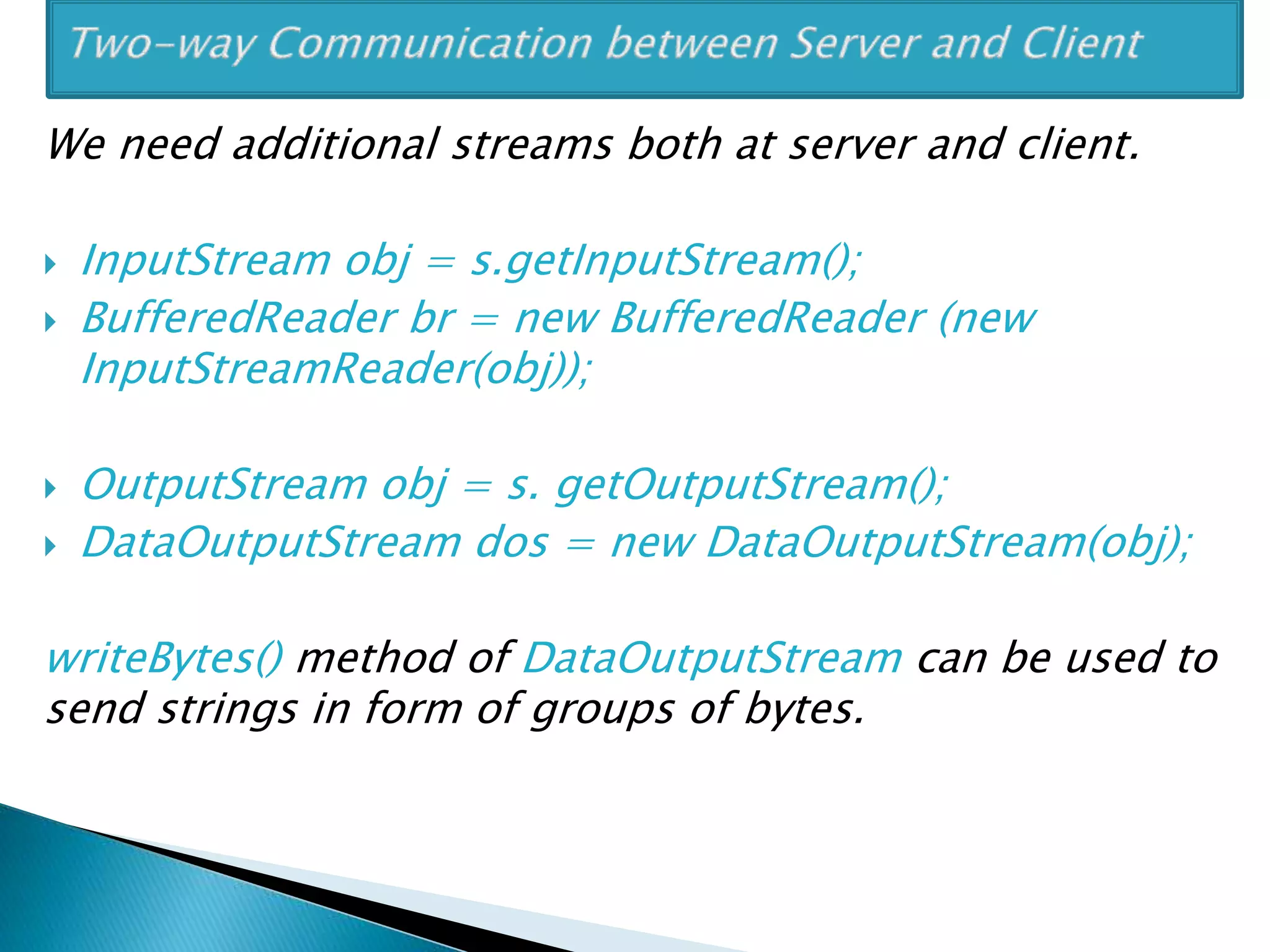
We need additional streams both at server and client.
 InputStream obj = s.getInputStream();
 BufferedReader br = new BufferedReader (new
InputStreamReader(obj));
 OutputStream obj = s. getOutputStream();
 DataOutputStream dos = new DataOutputStream(obj);
writeBytes() method of DataOutputStream can be used to
send strings in form of groups of bytes.
Thank You !
Go GrEEN !
Save Environment!
For Any Queries: GOFORELEARNING@GMAIL.COM

Networking in Java

  • 1.
  • 2.
    There are 3requirements to establish a network:  Hardware: includes the computers, cables, modems, hubs, etc  Software: includes program to communicate between server and clients  Protocols: represent a way to establish connection and helps in sending and receiving data in a standard format. By – Gaurav GOFORELEARNING@GMAIL.COM
  • 3.
     TCP/IP isa standard protocol model used on any network.  TCP/IP model has got the following 5 layers: 1. Application layer 2. TCP 3. IP 4. Data link layer 5. Physical layer By – Gaurav GOFORELEARNING@GMAIL.COM
  • 4.
    1. Application layer ◦Application layer is the topmost layer. ◦ This layer receives data from the application and formats the data. ◦ it sends that data to the next layer called TCP in the form of continuous stream of bytes. 2. TCP ◦ Receives data from Application layer, ◦ TCP will divide it into small segments called ‘packets’. A packet contains a group of bytes of data. ◦ These packets are then sent to next IP layer By – Gaurav GOFORELEARNING@GMAIL.COM
  • 5.
    3. IP layer ◦IP layer inserts the packets into envelopes called ‘frames’. ◦ Each frame contains a packet:  IP address of destination computer,  IP address of source computer,  some additional bits useful in error detection and correction. ◦ These frames are then sent to Data link layer By – Gaurav GOFORELEARNING@GMAIL.COM
  • 6.
    4. Data LinkLayer ◦ Receives frames from the IP Layer. ◦ Dispatches them to correct destination computer on the network. 5. Physical Layer ◦ This layer is used to physically transmit data on the network using the appropriate hardware. By – Gaurav GOFORELEARNING@GMAIL.COM
  • 7.
     TCP/IP takescare of number of bits sent and weather all the bits are received duly by the destination computer. so it is called ‘connection oriented reliable protocol’.  This protocol is highly suitable for transporting data reliably on a network.  Almost all the protocol on Internet uses TCP/IP model internally. By – Gaurav GOFORELEARNING@GMAIL.COM
  • 8.
    IP Address:  AnIP address is a Unique Identification number given to every computer on the network.  It contain four integer numbers in the range of 0 to 255 and separated by a dot as 209.191.88.254 DNS (domain naming service)  DNS is the mapping of IP addresses to human readable names. FTP (file transfer protocol)  Useful to download or upload files from and to the server. By – Gaurav GOFORELEARNING@GMAIL.COM
  • 9.
    HTTP(Hypertext transfer protocol) Most widely used protocol on Internet, which is used to transfer web pages (.html) from one computer to anoher computer on Internet. SMTP (simple mail transfer protocol)  Useful to send mails on network. POP(post office protocol)  Useful to receive mails into the mailboxes. By – Gaurav GOFORELEARNING@GMAIL.COM
  • 10.
     Protocol thattransfer data in a connection less and unreliable manner.  It will not check how many bits are sent or received at the other side during transmission of data.  UDP is used to send images, audio files and video files.
  • 11.
     Sockets providethe communication mechanism between two computers using TCP.  A client program creates a socket on its end of the communication and attempts to connect that socket to a server.  When the connection is made, the server creates a socket object on its end of the communication. By – Gaurav GOFORELEARNING@GMAIL.COM
  • 12.
     The clientin socket programming must know two information: ◦ IP Address of Server, and ◦ Port number.  We should use a new port number for each new socket.  A socket, at server side is called ‘server socket’ and is created using ServerSocket class in Java.  A socket, at client side is called ‘socket’ and is created using Socket class in Java. By – Gaurav GOFORELEARNING@GMAIL.COM
  • 13.
     getByName() methodof InetAddress class of java.net package. By – Gaurav GOFORELEARNING@GMAIL.COM getByName() Host Name / Server Name InetAddress/ IP Address
  • 14.
     URL URL(UniformResource Locator) represents the address that is specified to access some information or resources on world wide web.  http://www.goforelearning.com:80/index.html  The URL contains 4 parts ◦ The protocol to use (http://). ◦ The server name or IP address of the server(www.goforelearning.com) ◦ The third part represents ports number, which is optional (:80) ◦ The last part is the file name or directory name that is referred (index.html).  URL is represented by a class ‘URL’ in java.net package. URL obj = new URL(String protocol, String host, int port, String path); By – Gaurav GOFORELEARNING@GMAIL.COM
  • 15.
    URLConnection Class isuseful to actually connect to a website or resource on a network and get all the details of the website. For example,  To know the details of www.yahoo.com ◦ We should pass the URL to the object of URL class. ◦ Then using openConnection() method, we should establish a contact with the site on Internet. ◦ This method return URLConnection object. ◦ Then using URLConnection class method, we can display all the details of the website and also content of the webpage whose name is given in URL. By – Gaurav GOFORELEARNING@GMAIL.COM
  • 16.
    By – Gaurav GOFORELEARNING@GMAIL.COM Server Server Socket OutputStreamPrintStream ServerSocketss = new ServerSocket (8080); Socket s = ss.accept(); OutputStream obj = s.getOutputStream(); PrintStream ps = new PrintStream (obj); ps.println(str); ss.close(); s.close() ps.close
  • 17.
    By – Gaurav GOFORELEARNING@GMAIL.COM Socket BufferedReaderInputStream Sockets = new Socket (“IPAddress” , port number) ; InputStream obj = s.get InputStream(); BufferedReader br = new BufferedReader (new InputStreamReader(obj)); Str = br.readLine(); br.close(); s.close() Client In case you don’t have your computer in a network, you have to run both the server and client programs in the same system. In that case, you can use localhost in place of IPAddress. The work localhost represents that the server is also locally available in the same system.
  • 18.
    We need additionalstreams both at server and client.  InputStream obj = s.getInputStream();  BufferedReader br = new BufferedReader (new InputStreamReader(obj));  OutputStream obj = s. getOutputStream();  DataOutputStream dos = new DataOutputStream(obj); writeBytes() method of DataOutputStream can be used to send strings in form of groups of bytes.
  • 19.
    Thank You ! GoGrEEN ! Save Environment! For Any Queries: GOFORELEARNING@GMAIL.COM