●
    Cloudy
Infrastructure as data with Ansible:
systems / cloud deployment and management for
the lazy developer

    Carlo Bonamico - carlo.bonamico@nispro.it
               NIS s.r.l. / JUG Genova
     http://www.nispro.it / http://juggenova.net
What is this all about?
                      Carlo Bonamico                     JUG Genova / NIS s.r.l.


●   Do you like
    –   Staying up late to reconfigure a server that went out of sync?
    –   Being unable to deploy a critical fix because the upgrade process
        is so fragile and long that “it is better not to touch the system”?
    –   Having to rely on a server that took a week to setup, and lose it
        because of an HD failure?
    –   Be unable to quickly scale your application on multiple servers
        because the IT administration becomes too complex and
        time-consuming?
Ansible Hello World
     Carlo Bonamico           JUG Genova / NIS s.r.l.


If the answer to these question is


                      NO!


     Then this talk is for you!
What do we want?
                Carlo Bonamico          JUG Genova / NIS s.r.l.


●   An easy way of quickly installing and
    configuring new and existing servers
●   A way of “syncing” the configuration to a
    baseline when it drifts
●   A way of recreating a machine as many times
    as you need
    –   Reliably and with no effort
●   A way of managing complex deployments
    –   And orchestrating interconnected services
What do we want?
                  Carlo Bonamico            JUG Genova / NIS s.r.l.


●   A way of doing all of those things


    –   EASILY
    –   QUICKLY
    –   RELIABLY

●   Doing things automatically
    –   Ideally with no additional effort vs doing things
        manually (and with less mistakes!)
An Agile Approach
             Carlo Bonamico                 JUG Genova / NIS s.r.l.


       Our highest priority is to satisfy the customer
through early and continuous delivery of valuable software.
                              Simplicity
 --the art of maximizing the amount of work not done--
                          is essential.


                     The Agile Manifesto
Enter Ansible
                  Carlo Bonamico                JUG Genova / NIS s.r.l.


●   Ansible is your friend!
    –   A tool for doing things automatically
        ●With LESS effort than doing them manually
●   It provides
    –   Remote command execution across multiple machines
    –   File, package and configuration distribution
    –   Automated installations and deployments
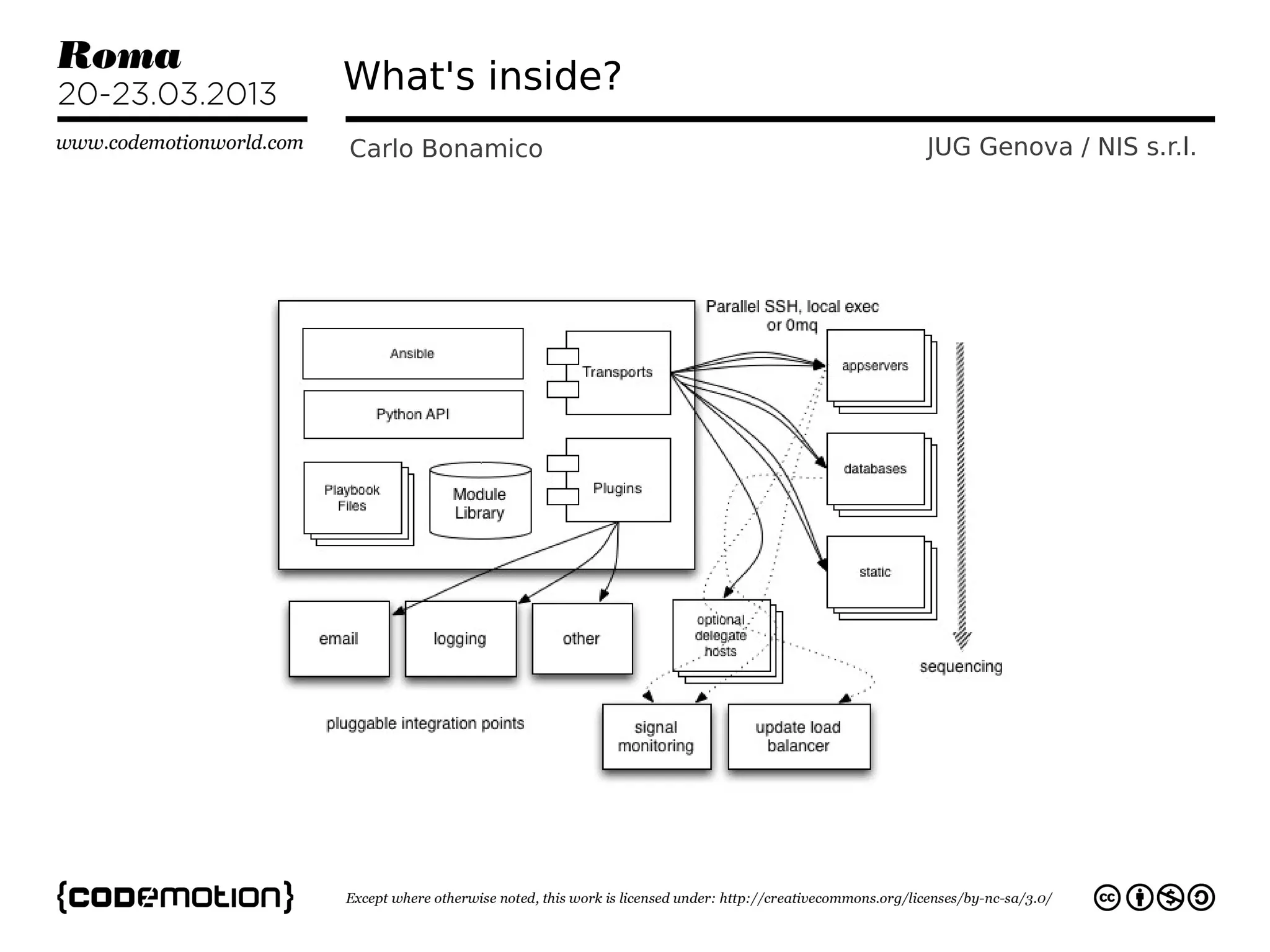
What's inside?
Carlo Bonamico   JUG Genova / NIS s.r.l.
Enter Ansible
              Carlo Bonamico         JUG Genova / NIS s.r.l.


●   Created by Michael De Haan of Cobbler
    fame
    –   Open Source @
        https://github.com/ansible/ansible/
    –   now supported by AnsibleWorks
●   Well documented
●   Growing, active and supportive
    community
    –
Enter Ansible
               Carlo Bonamico           JUG Genova / NIS s.r.l.


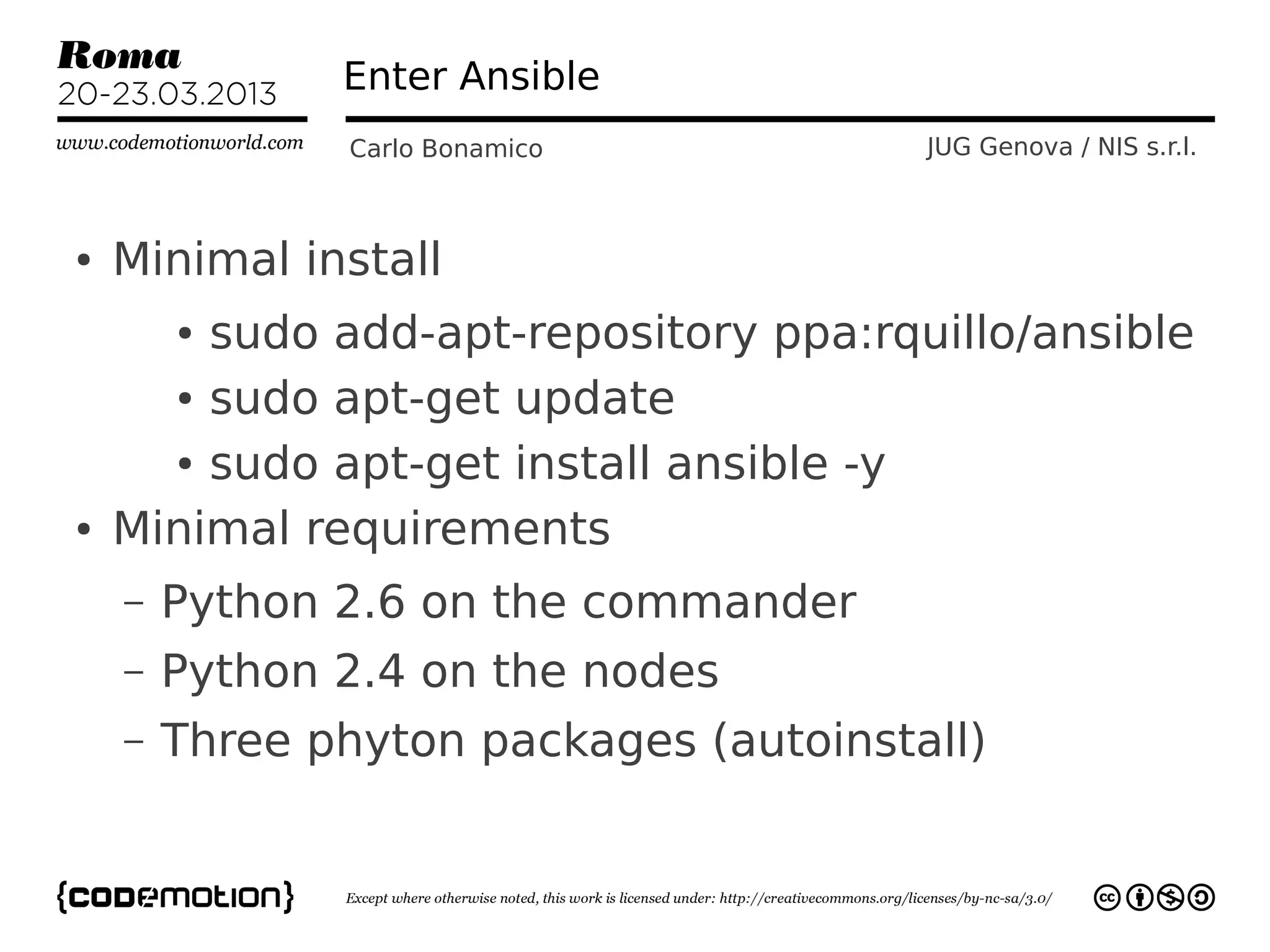
●   Minimal install
        sudo add-apt-repository ppa:rquillo/ansible
        ●


      ● sudo apt-get update


      ● sudo apt-get install ansible -y


●   Minimal requirements
    –   Python 2.6 on the commander
    –   Python 2.4 on the nodes
    –   Three phyton packages (autoinstall)
How does Ansible work?
              Carlo Bonamico           JUG Genova / NIS s.r.l.


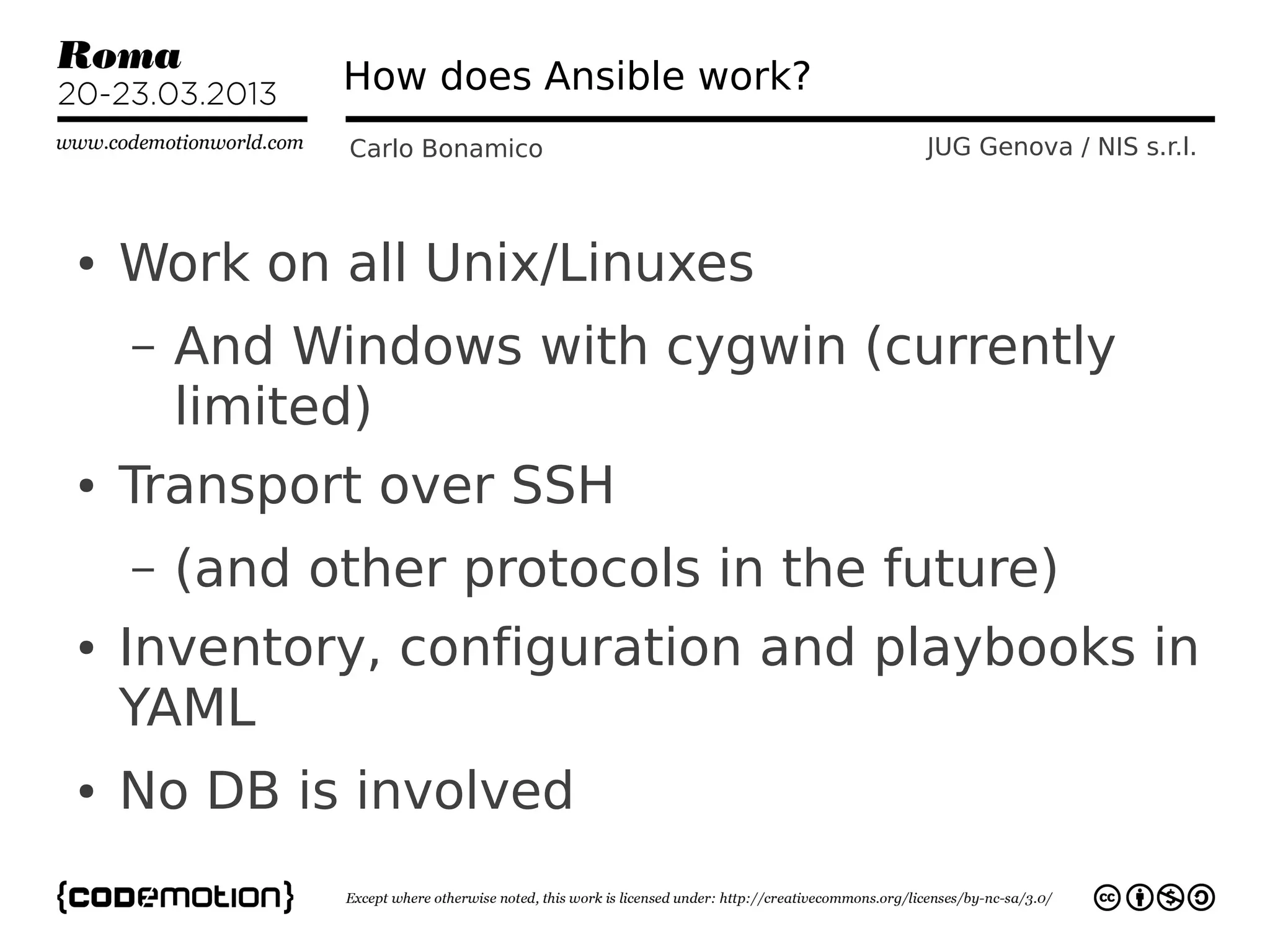
●   Work on all Unix/Linuxes
    –   And Windows with cygwin (currently
        limited)
●   Transport over SSH
    –   (and other protocols in the future)
●   Inventory, configuration and playbooks in
    YAML
●   No DB is involved
Getting Started
                Carlo Bonamico     JUG Genova / NIS s.r.l.


●   SSH Key Pair
    –   ssh-keygen -b 2048
        enter pizzamatic_rsa as filename
        ●


●   Configure /etc/hosts or DNS
●   Configure ansible_hosts
    –   .ini format
    –   Hosts
    –   Groups, with []
Pizzamatic Time!
Carlo Bonamico     JUG Genova / NIS s.r.l.
Pizzamatic infrastructure
                Carlo Bonamico              JUG Genova / NIS s.r.l.


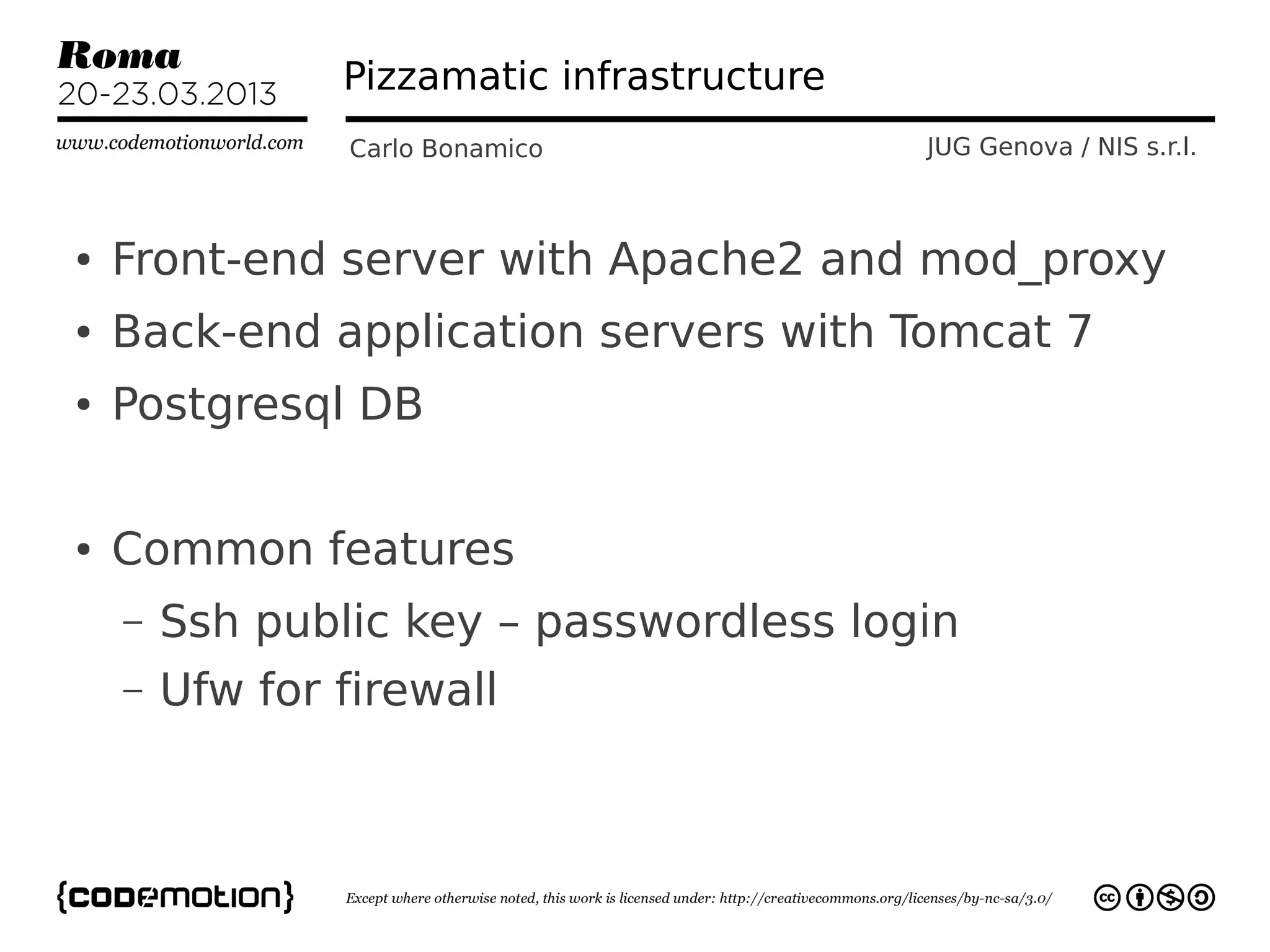
●   Front-end server with Apache2 and mod_proxy
●   Back-end application servers with Tomcat 7
●   Postgresql DB

●   Common features
    –   Ssh public key – passwordless login
    –   Ufw for firewall
First steps
             Carlo Bonamico      JUG Genova / NIS s.r.l.


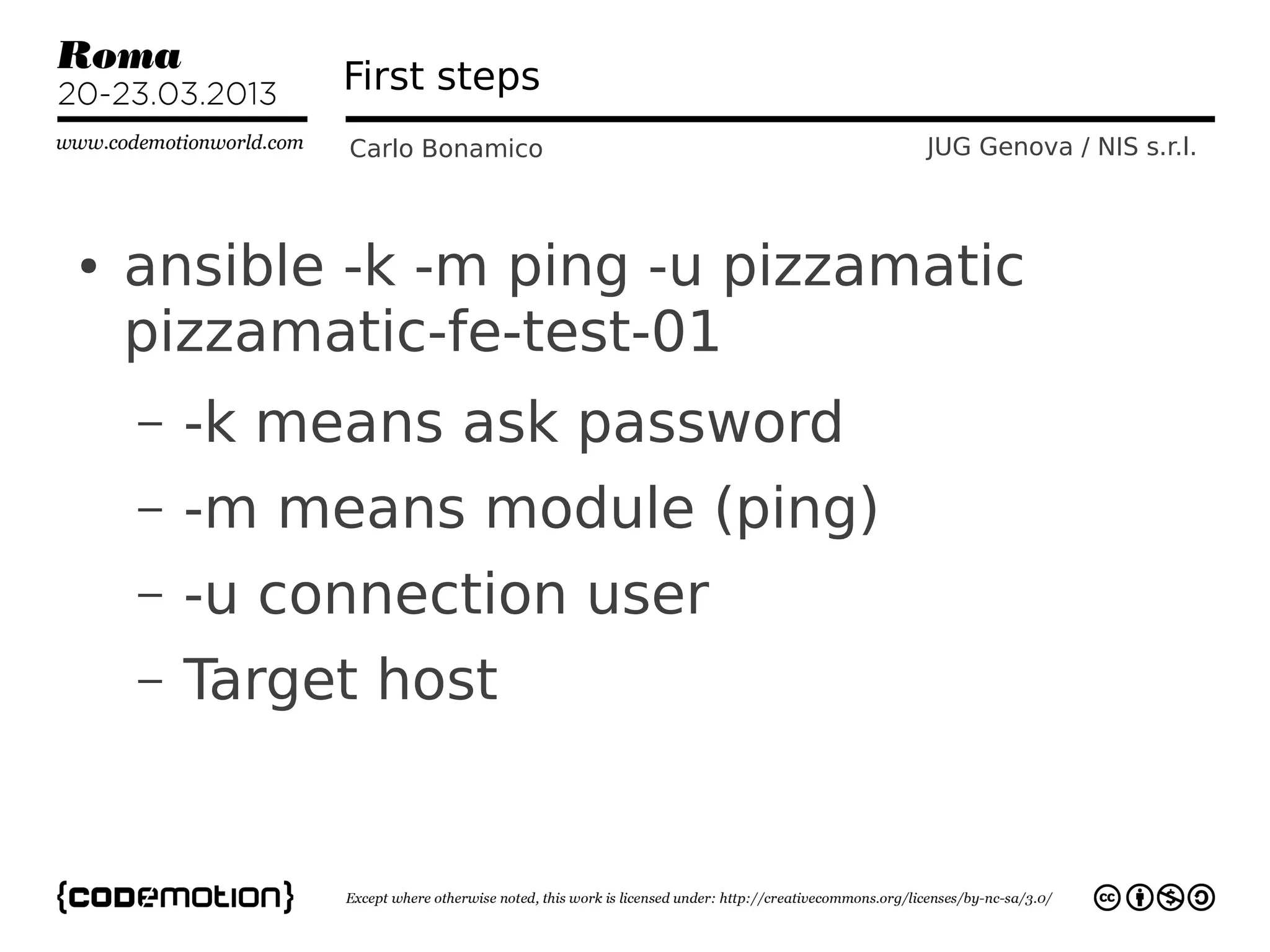
●   ansible -k -m ping -u pizzamatic
    pizzamatic-fe-test-01
    –   -k means ask password
    –   -m means module (ping)
    –   -u connection user
    –   Target host
First steps
                Carlo Bonamico           JUG Genova / NIS s.r.l.


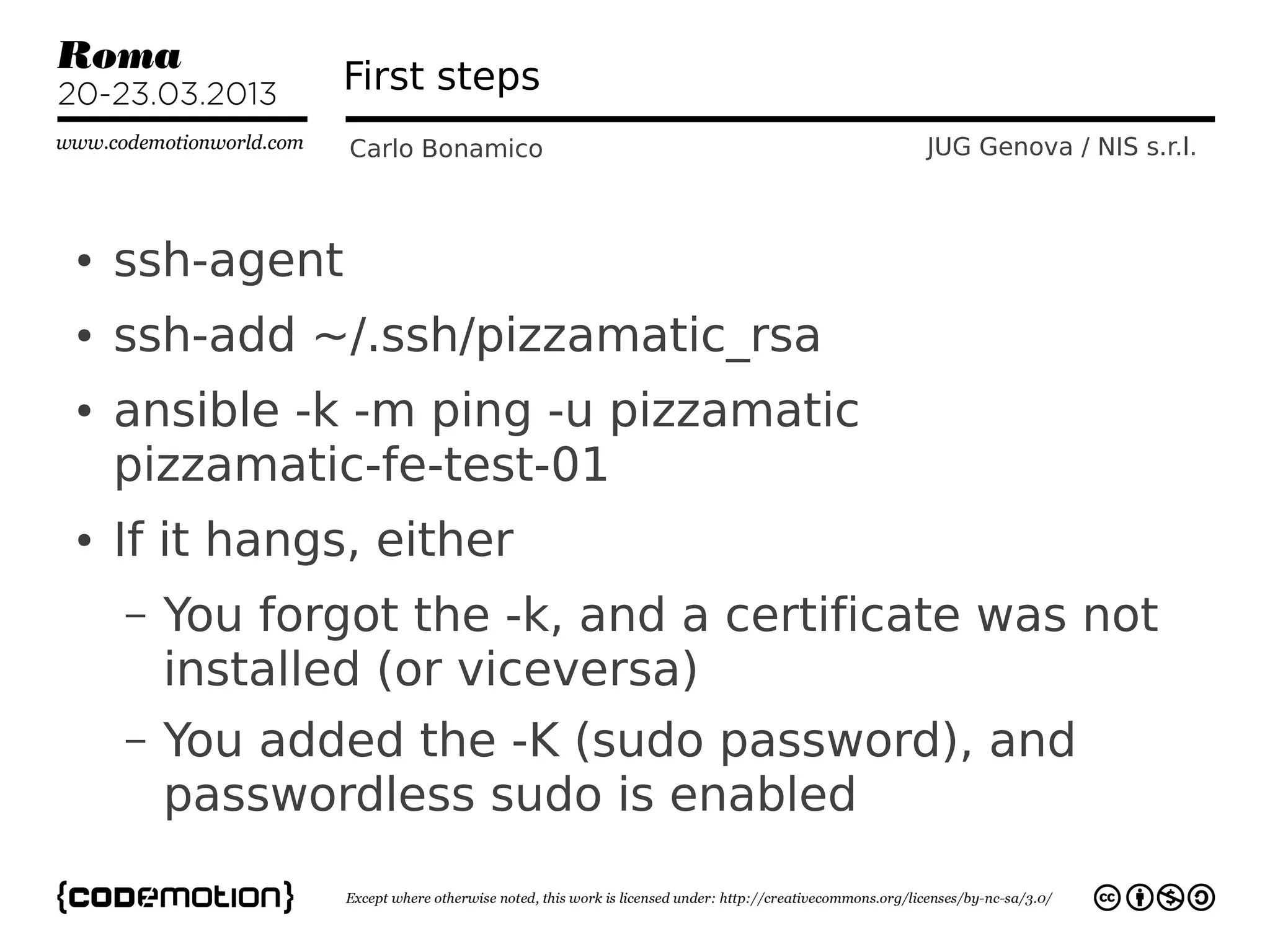
●   ssh-agent
●   ssh-add ~/.ssh/pizzamatic_rsa
●   ansible -k -m ping -u pizzamatic
    pizzamatic-fe-test-01
●   If it hangs, either
    –   You forgot the -k, and a certificate was not
        installed (or viceversa)
    –   You added the -K (sudo password), and
        passwordless sudo is enabled
Move to Playbooks
              Carlo Bonamico       JUG Genova / NIS s.r.l.


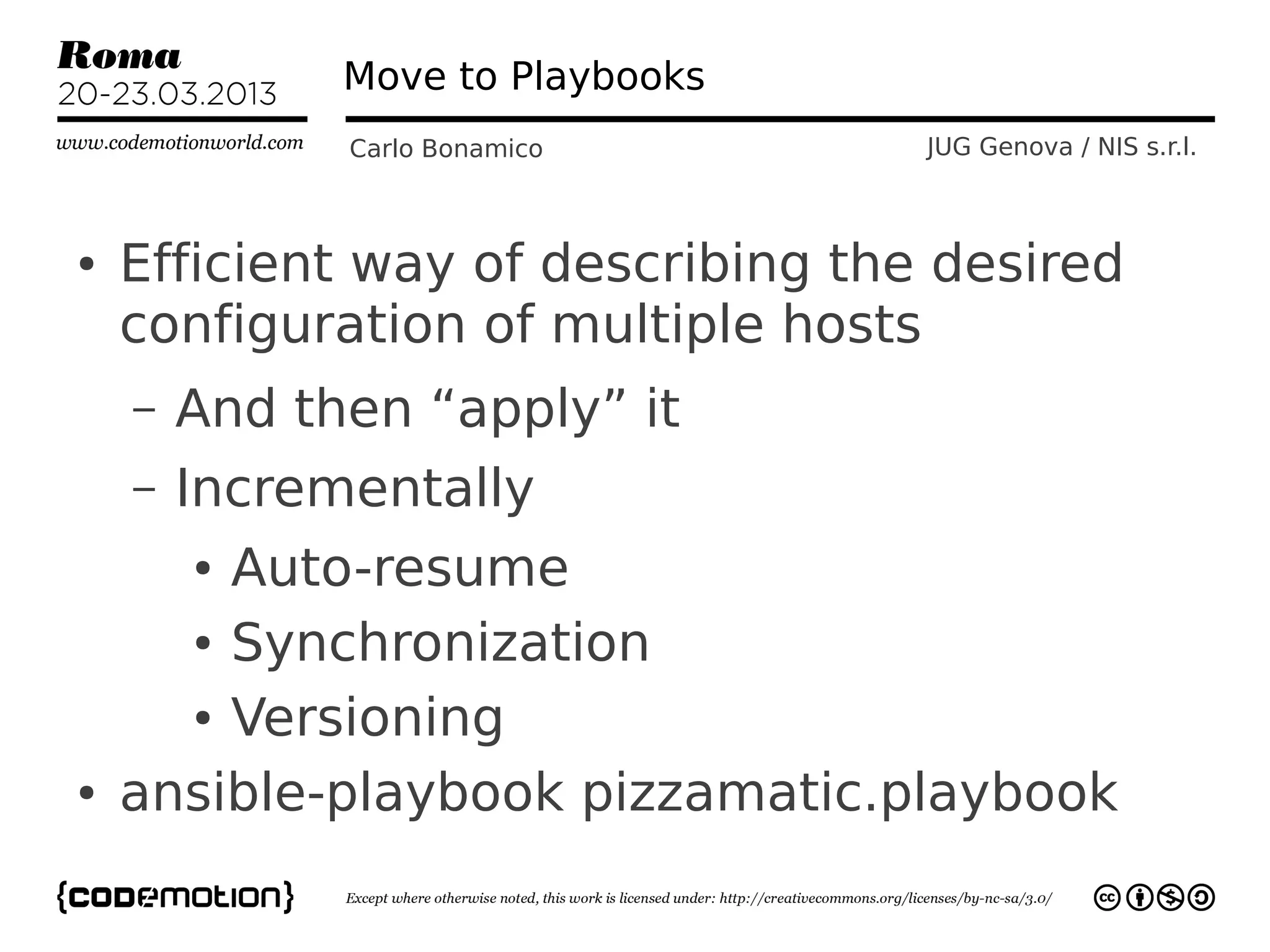
●   Efficient way of describing the desired
    configuration of multiple hosts
    –   And then “apply” it
    –   Incrementally
        Auto-resume
        ●


      ● Synchronization


      ● Versioning


●   ansible-playbook pizzamatic.playbook
BDD with Infrastructure???
             Carlo Bonamico               JUG Genova / NIS s.r.l.


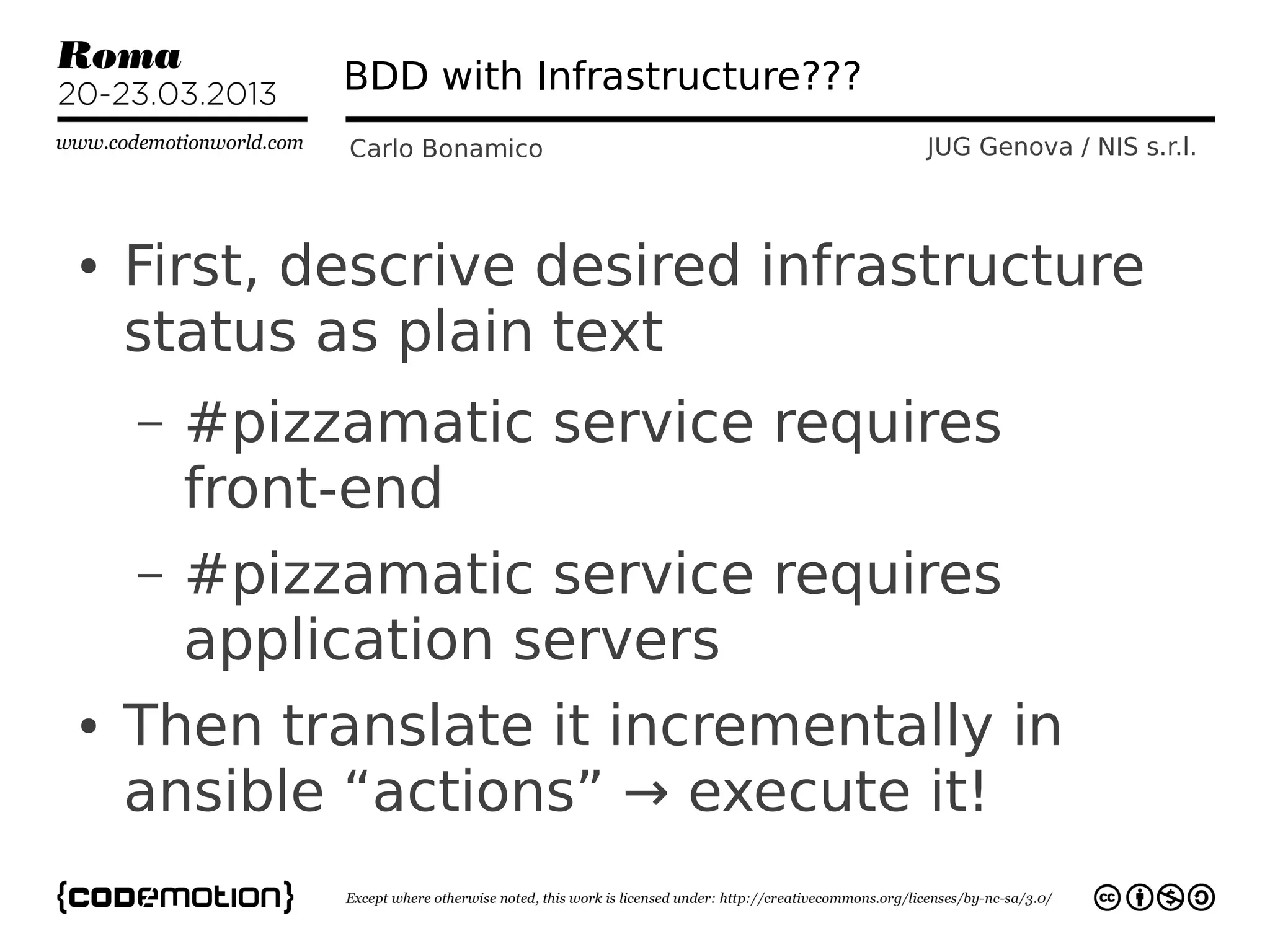
●   First, descrive desired infrastructure
    status as plain text
    –   #pizzamatic service requires
        front-end
    –   #pizzamatic service requires
        application servers
●   Then translate it incrementally in
    ansible “actions” → execute it!
Actions: an example
                  Carlo Bonamico                       JUG Genova / NIS s.r.l.


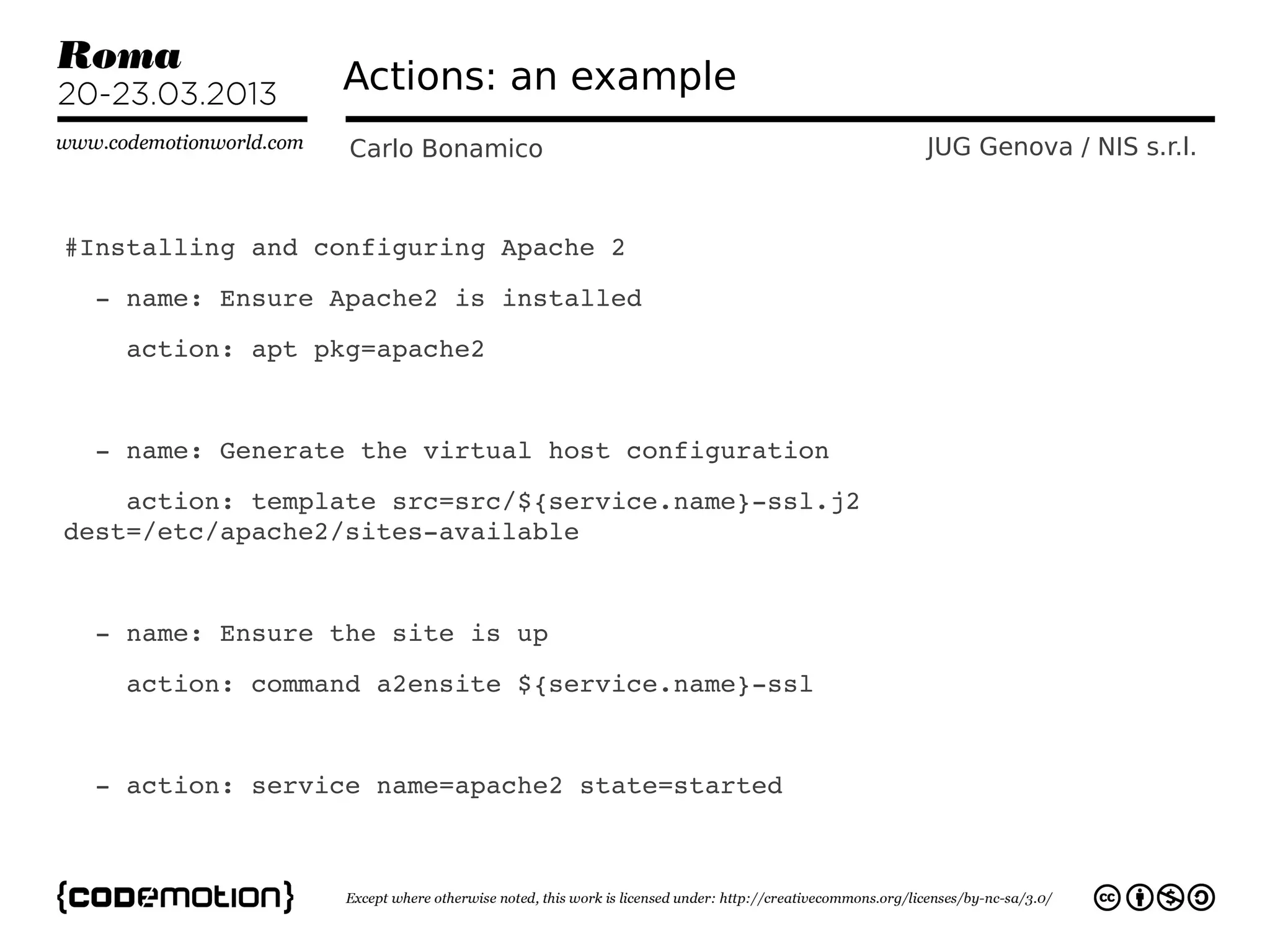
#Installing and configuring Apache 2
  ­ name: Ensure Apache2 is installed
    action: apt pkg=apache2


  ­ name: Generate the virtual host configuration 
    action: template src=src/${service.name}­ssl.j2 
dest=/etc/apache2/sites­available


  ­ name: Ensure the site is up
    action: command a2ensite ${service.name}­ssl
  
  ­ action: service name=apache2 state=started
Ansible Actions
             Carlo Bonamico      JUG Genova / NIS s.r.l.


●   Not ideal term! Very often “actions”
    do nothing!
    –   Because the system is already in
        the desired state
        ●action: file dest=/home
         state=present
●   They do something only if the system
    is not in the desired state
Ansible Actions
             Carlo Bonamico      JUG Genova / NIS s.r.l.


●   Most Ansible Actions are Idempotent
    –   “big word” meaning that you can
        repeat them as many times as you
        want and always get the same
        result
●   In practice, it's what makes ansible
    useful
BDD with Infrastructure???
                Carlo Bonamico               JUG Genova / NIS s.r.l.


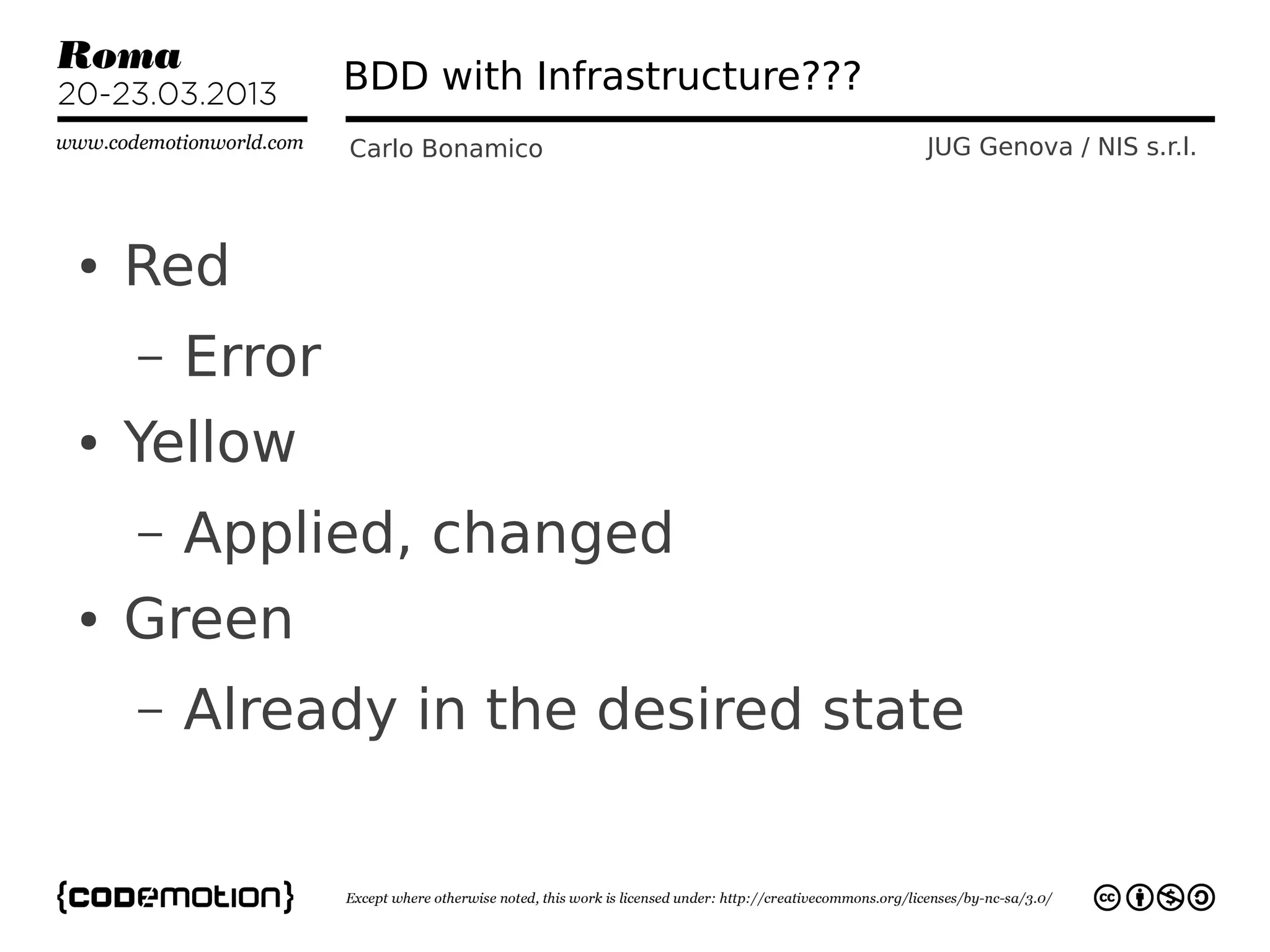
●   Red
    –   Error
●   Yellow
    –   Applied, changed
●   Green
    –   Already in the desired state
Infrastructure as what?
           Carlo Bonamico           JUG Genova / NIS s.r.l.


      Ansible = Infrastructure as Data

       You describe your infrastructure
         You version the description
  “Applying” the description and actually
ensuring that the infrastructure exists and is
 in the desired state is an implementation
      detail (and up to ansible, not you)
Ansible Modules
             Carlo Bonamico       JUG Genova / NIS s.r.l.


●   Clean and modular way of defining
    actions
    –   Encapsulate best practices
    –   A single ansible action encapsulates
        lines and lines of shell scripts
●   Very strong emphasis on reuse
Ansible Modules
              Carlo Bonamico    JUG Genova / NIS s.r.l.


●   Implemented in any language
    –   Python, java, bash...
    –   Core modules are in python
●   Input: parameter string
●   Output: json data
Ansible Modules
                     Carlo Bonamico                           JUG Genova / NIS s.r.l.


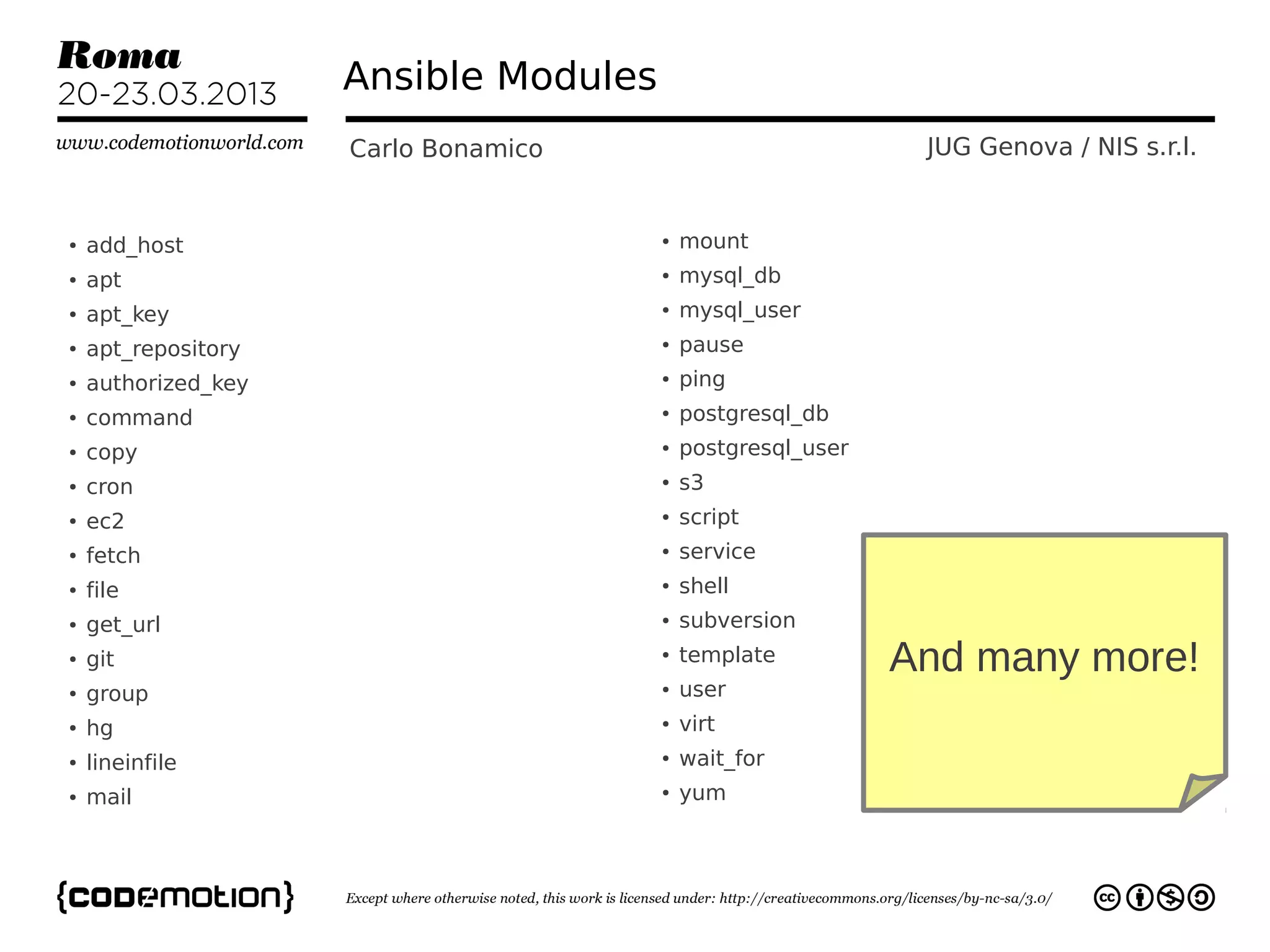
●   add_host                           ●   mount
●   apt                                ●   mysql_db
●   apt_key                            ●   mysql_user
●   apt_repository                     ●   pause
●   authorized_key                     ●   ping
●   command                            ●   postgresql_db
●   copy                               ●   postgresql_user
●   cron                               ●   s3
●   ec2                                ●   script
●   fetch                              ●   service
●   file                               ●   shell
●   get_url                            ●   subversion
●   git                                ●   template          And many more!
●   group                              ●   user
●   hg                                 ●   virt
●   lineinfile                         ●   wait_for
●   mail                               ●   yum
Variables
                  Carlo Bonamico        JUG Genova / NIS s.r.l.


●   Declared
      –   In the ansible_hosts file
      –   individual YAML files relative to the
          inventory file
          ●   e.g. host_vars/pizzamatic-fe-test-01
---
ntp_server: acme.example.org
Facts
             Carlo Bonamico     JUG Genova / NIS s.r.l.


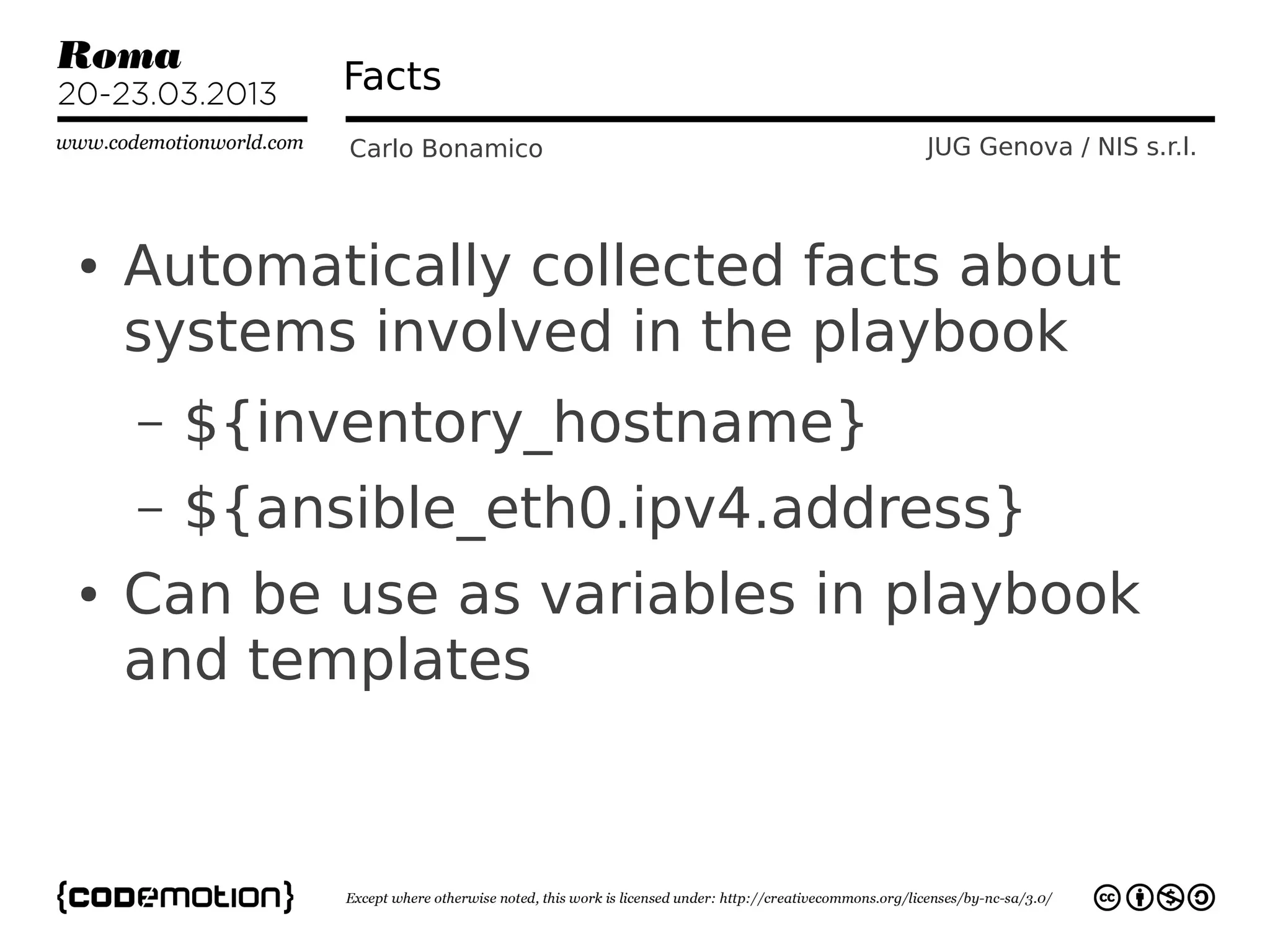
●   Automatically collected facts about
    systems involved in the playbook
    –   ${inventory_hostname}
    –   ${ansible_eth0.ipv4.address}
●   Can be use as variables in playbook
    and templates
Templates
              Carlo Bonamico       JUG Genova / NIS s.r.l.


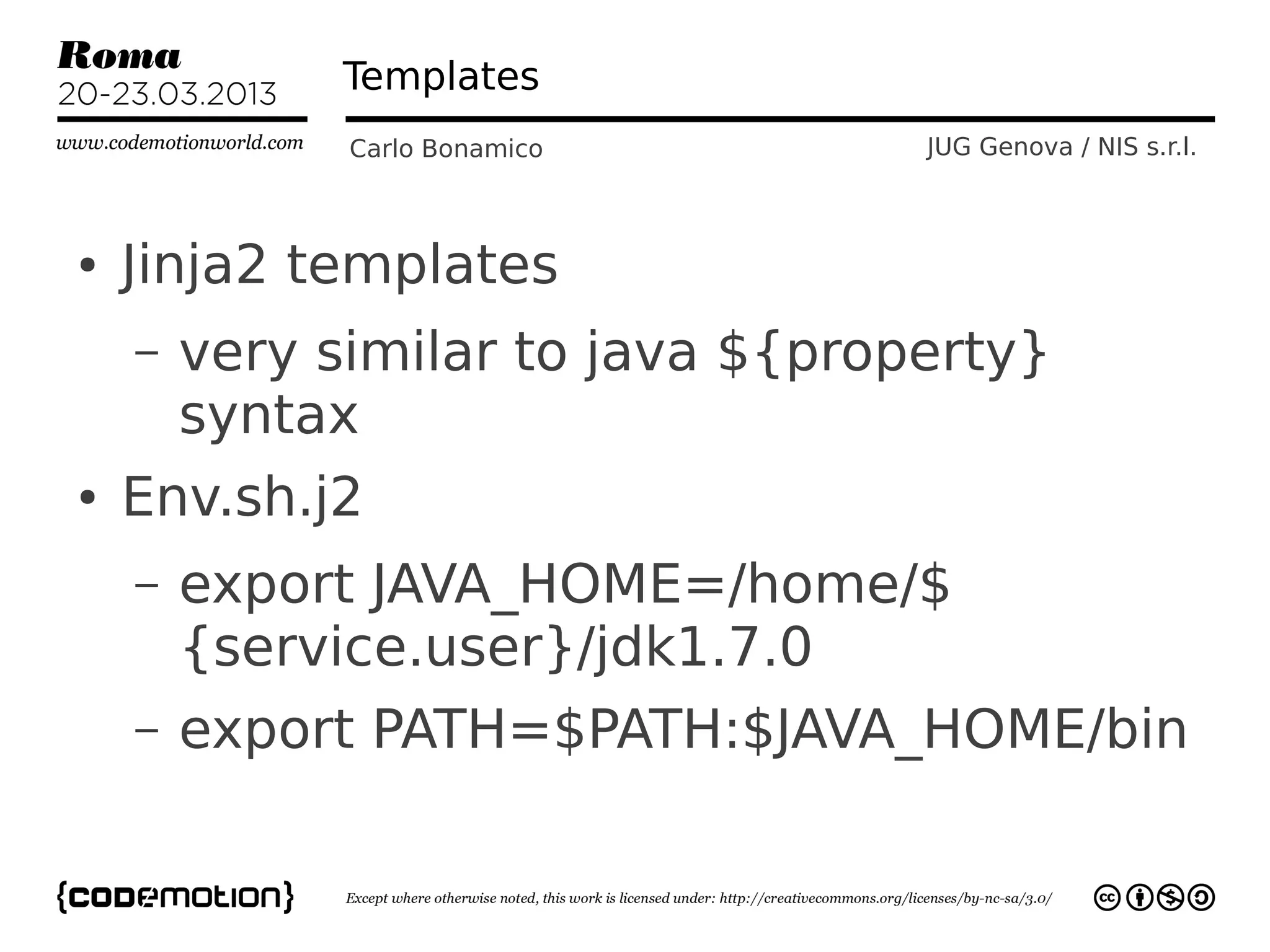
●   Jinja2 templates
    –   very similar to java ${property}
        syntax
●   Env.sh.j2
    –   export JAVA_HOME=/home/$
        {service.user}/jdk1.7.0
    –   export PATH=$PATH:$JAVA_HOME/bin
Handlers
           Carlo Bonamico    JUG Genova / NIS s.r.l.


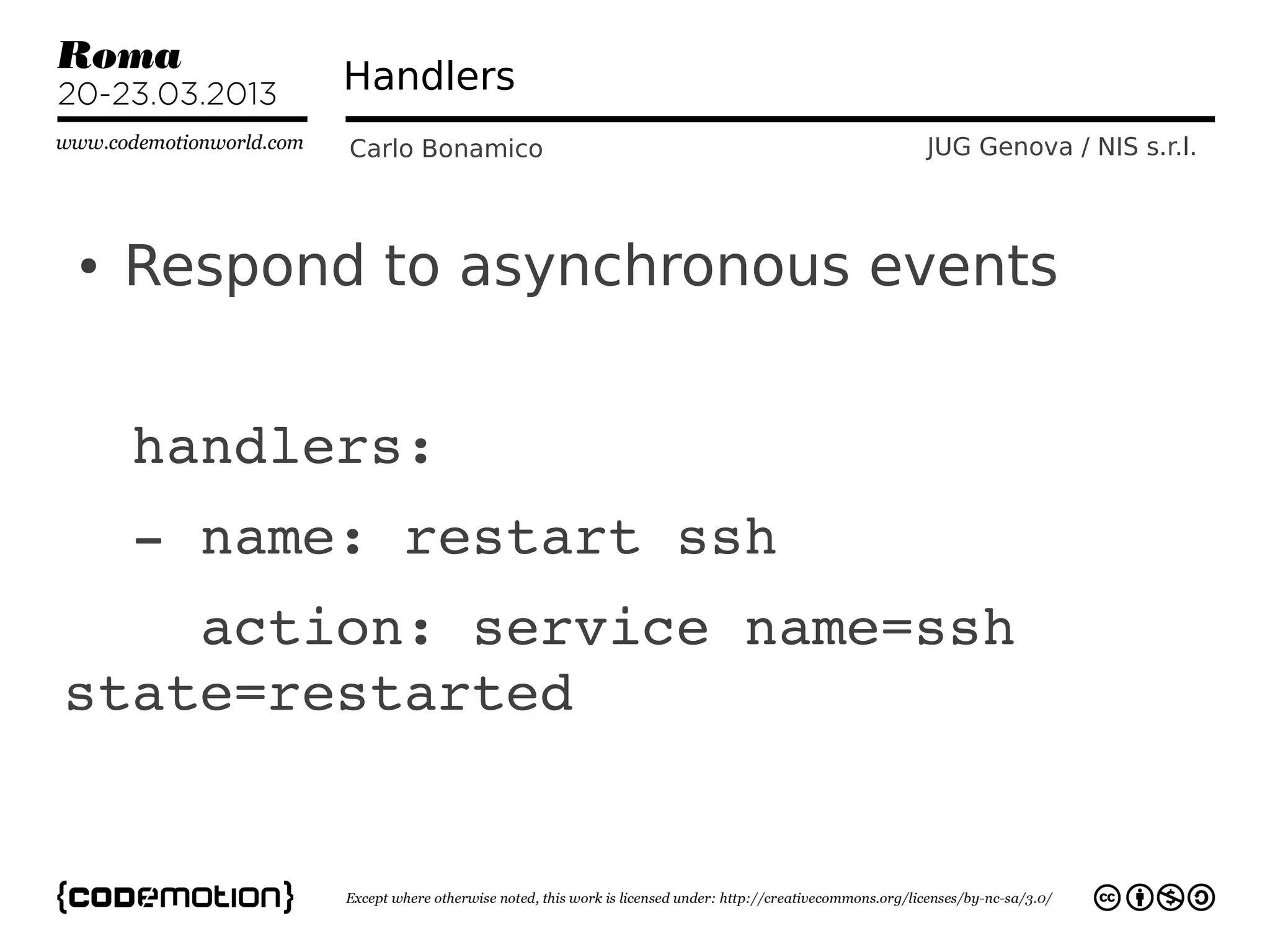
●   Respond to asynchronous events


  handlers:
  ­ name: restart ssh
    action: service name=ssh 
state=restarted
Playbooks
                       Carlo Bonamico                       JUG Genova / NIS s.r.l.


●
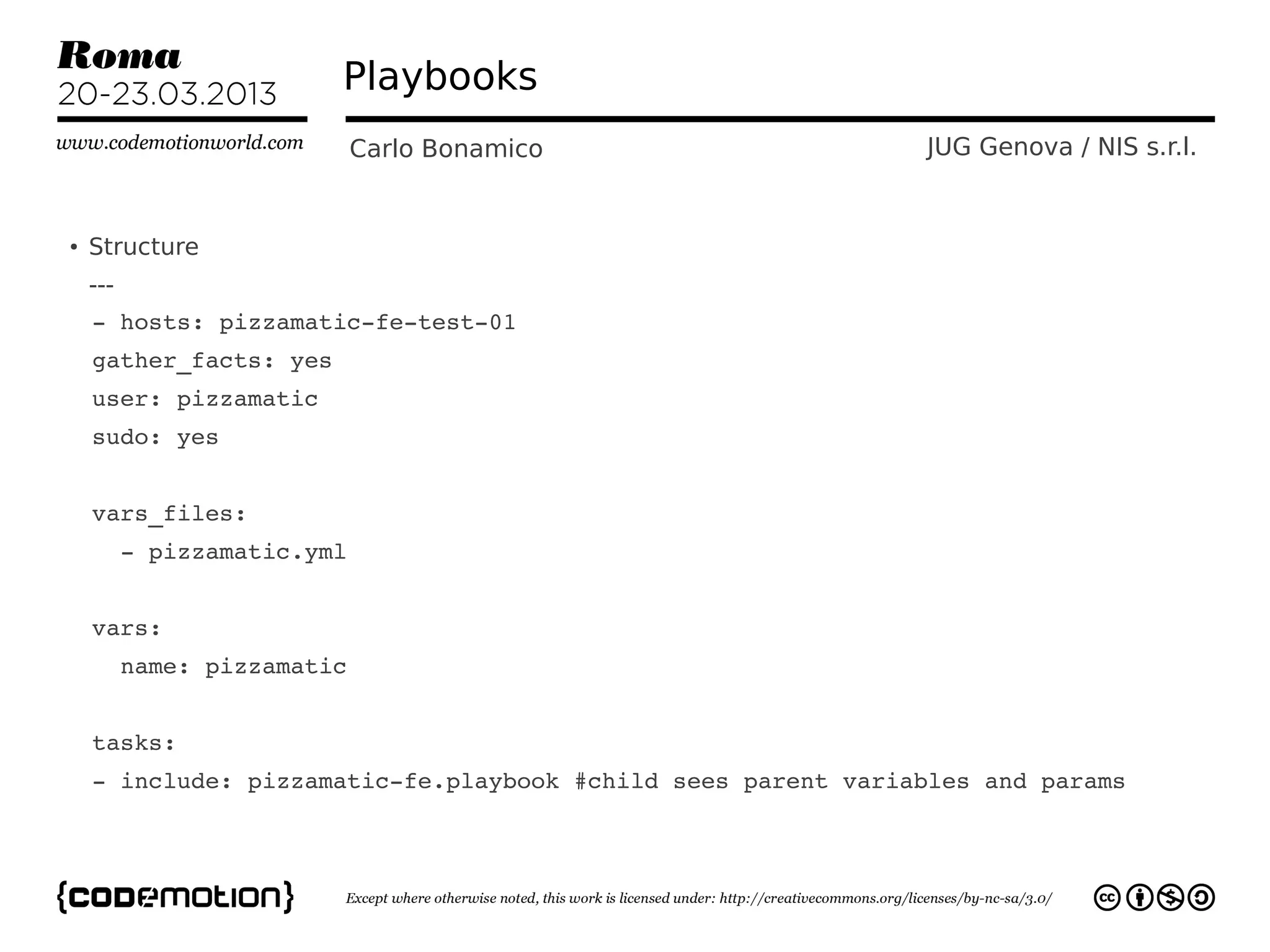
    Structure
    ---
  ­ hosts: pizzamatic­fe­test­01
  gather_facts: yes
  user: pizzamatic
  sudo: yes
  
  vars_files:
    ­ pizzamatic.yml
  
  vars:
    name: pizzamatic


  tasks:
  ­ include: pizzamatic­fe.playbook #child sees parent variables and params    
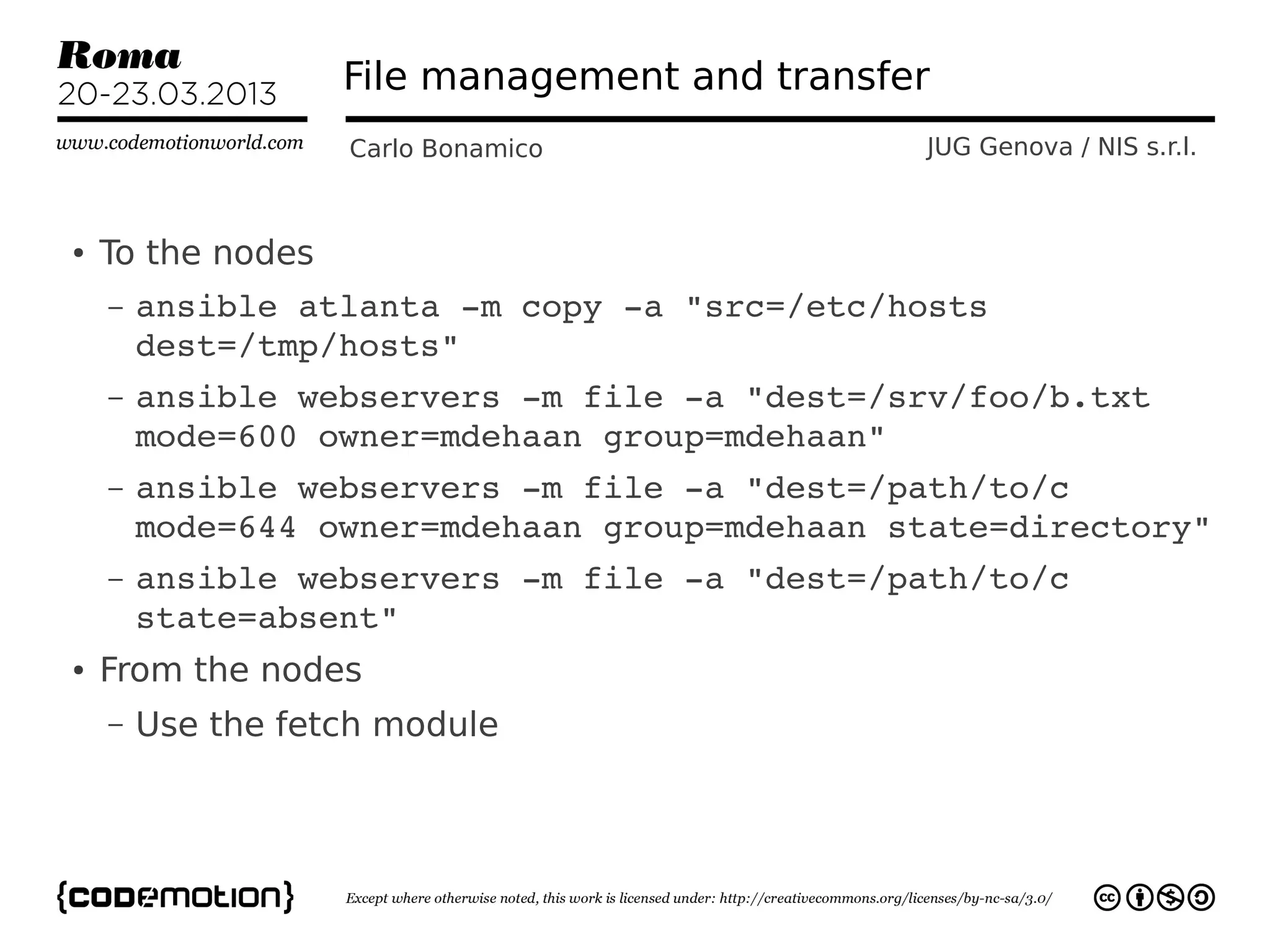
File management and transfer
                   Carlo Bonamico             JUG Genova / NIS s.r.l.


●   To the nodes
    –   ansible atlanta ­m copy ­a "src=/etc/hosts 
        dest=/tmp/hosts"
    –   ansible webservers ­m file ­a "dest=/srv/foo/b.txt 
        mode=600 owner=mdehaan group=mdehaan"
    –   ansible webservers ­m file ­a "dest=/path/to/c 
        mode=644 owner=mdehaan group=mdehaan state=directory"
    –   ansible webservers ­m file ­a "dest=/path/to/c 
        state=absent"
●   From the nodes
    –   Use the fetch module
Best Practices
                Carlo Bonamico       JUG Genova / NIS s.r.l.


●   Good old Software Engineering Principles
    still apply!
    –   Dont Repeat Yourself
    –   Good Names make the difference
    –   Be simple
    –   S.O.L.I.D.
        ●   http://butunclebob.com/ArticleS.Uncl
            eBob.PrinciplesOfOod
Useful Tools
             Carlo Bonamico      JUG Genova / NIS s.r.l.


●   Yaml Editor for Eclipse
    –   https://code.google.com/p/yedit/
    – https://code.google.com/p/yamledito
      r/
●   Git & Mercurial
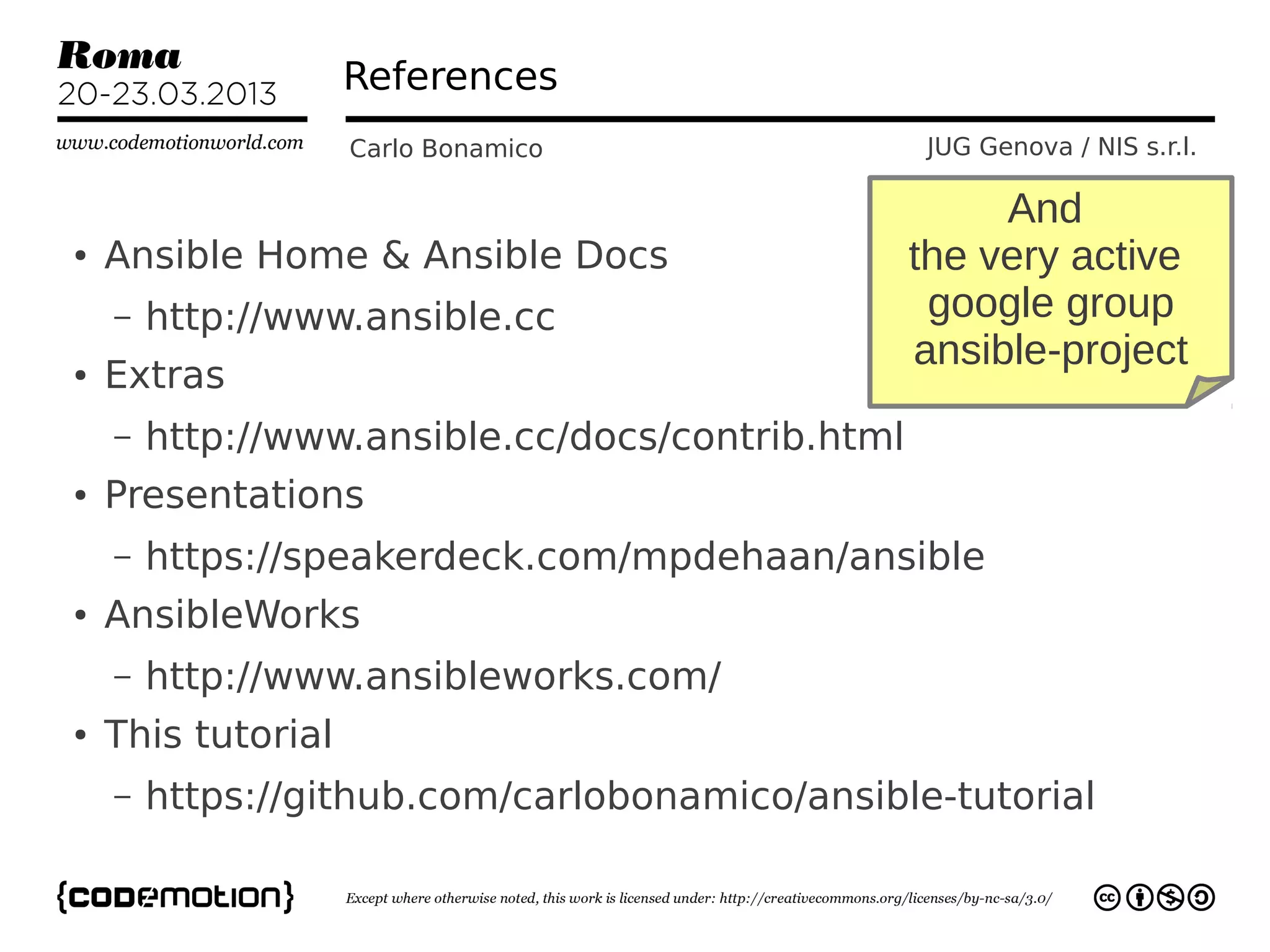
References
                    Carlo Bonamico                JUG Genova / NIS s.r.l.

                                                       And
●   Ansible Home & Ansible Docs                   the very active
    –   http://www.ansible.cc                      google group
                                                  ansible-project
●   Extras
    –   http://www.ansible.cc/docs/contrib.html
●   Presentations
    –   https://speakerdeck.com/mpdehaan/ansible
●   AnsibleWorks
    –   http://www.ansibleworks.com/
●   This tutorial
    –   https://github.com/carlobonamico/ansible-tutorial
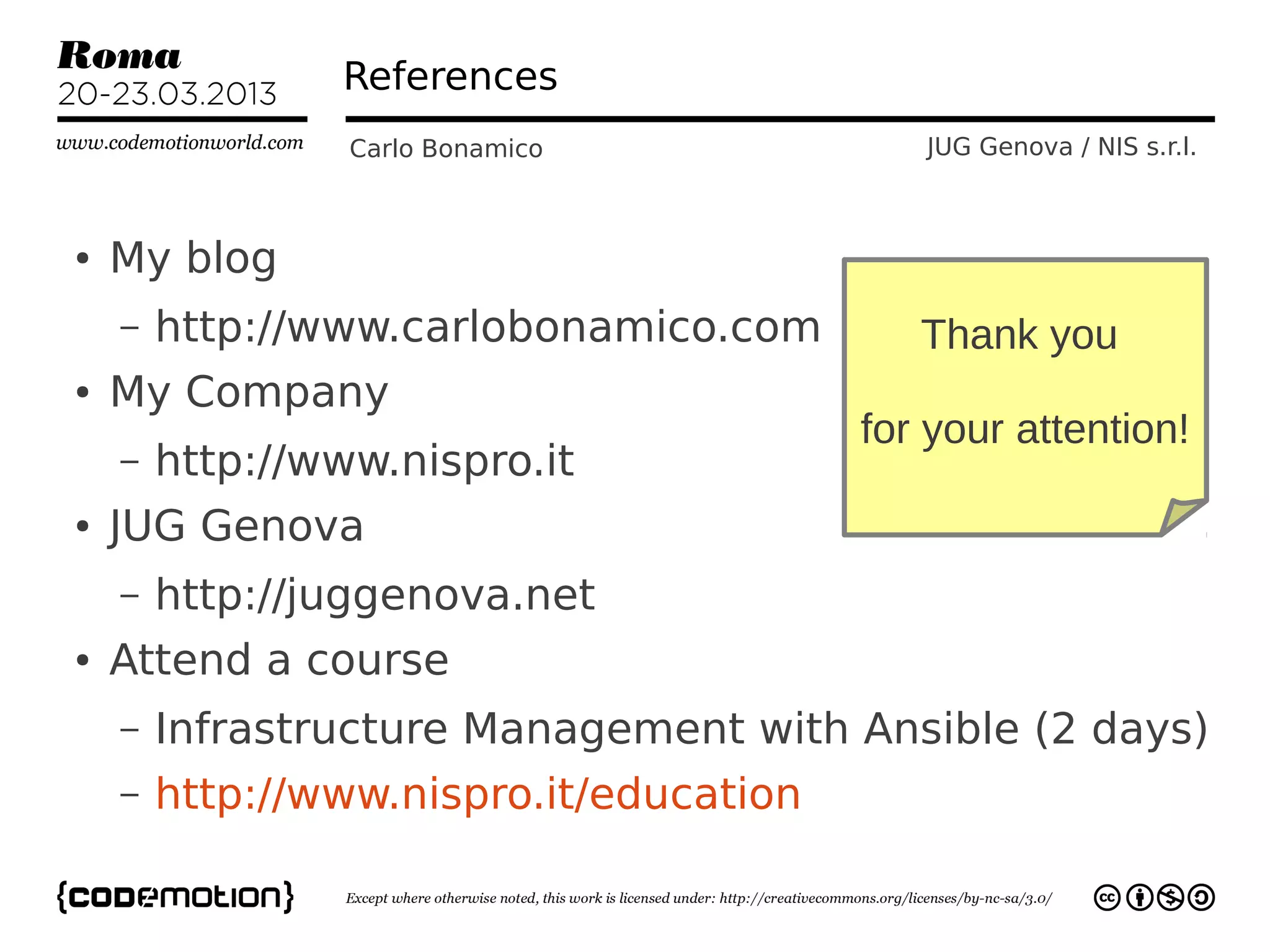
References
                 Carlo Bonamico             JUG Genova / NIS s.r.l.


●   My blog
    –   http://www.carlobonamico.com        Thank you
●   My Company
                                         for your attention!
    –   http://www.nispro.it
●   JUG Genova
    –   http://juggenova.net
●   Attend a course
    –   Infrastructure Management with Ansible (2 days)
    –   http://www.nispro.it/education

Infrastructure as data with Ansible: systems and cloud deployment and management for the lazy developer by Carlo Bonamico

  • 1.
    Cloudy Infrastructure as data with Ansible: systems / cloud deployment and management for the lazy developer Carlo Bonamico - carlo.bonamico@nispro.it NIS s.r.l. / JUG Genova http://www.nispro.it / http://juggenova.net
  • 2.
    What is thisall about? Carlo Bonamico JUG Genova / NIS s.r.l. ● Do you like – Staying up late to reconfigure a server that went out of sync? – Being unable to deploy a critical fix because the upgrade process is so fragile and long that “it is better not to touch the system”? – Having to rely on a server that took a week to setup, and lose it because of an HD failure? – Be unable to quickly scale your application on multiple servers because the IT administration becomes too complex and time-consuming?
  • 3.
    Ansible Hello World Carlo Bonamico JUG Genova / NIS s.r.l. If the answer to these question is NO! Then this talk is for you!
  • 4.
    What do wewant? Carlo Bonamico JUG Genova / NIS s.r.l. ● An easy way of quickly installing and configuring new and existing servers ● A way of “syncing” the configuration to a baseline when it drifts ● A way of recreating a machine as many times as you need – Reliably and with no effort ● A way of managing complex deployments – And orchestrating interconnected services
  • 5.
    What do wewant? Carlo Bonamico JUG Genova / NIS s.r.l. ● A way of doing all of those things – EASILY – QUICKLY – RELIABLY ● Doing things automatically – Ideally with no additional effort vs doing things manually (and with less mistakes!)
  • 6.
    An Agile Approach Carlo Bonamico JUG Genova / NIS s.r.l. Our highest priority is to satisfy the customer through early and continuous delivery of valuable software. Simplicity --the art of maximizing the amount of work not done-- is essential. The Agile Manifesto
  • 7.
    Enter Ansible Carlo Bonamico JUG Genova / NIS s.r.l. ● Ansible is your friend! – A tool for doing things automatically ●With LESS effort than doing them manually ● It provides – Remote command execution across multiple machines – File, package and configuration distribution – Automated installations and deployments
  • 8.
    What's inside? Carlo Bonamico JUG Genova / NIS s.r.l.
  • 9.
    Enter Ansible Carlo Bonamico JUG Genova / NIS s.r.l. ● Created by Michael De Haan of Cobbler fame – Open Source @ https://github.com/ansible/ansible/ – now supported by AnsibleWorks ● Well documented ● Growing, active and supportive community –
  • 10.
    Enter Ansible Carlo Bonamico JUG Genova / NIS s.r.l. ● Minimal install sudo add-apt-repository ppa:rquillo/ansible ● ● sudo apt-get update ● sudo apt-get install ansible -y ● Minimal requirements – Python 2.6 on the commander – Python 2.4 on the nodes – Three phyton packages (autoinstall)
  • 11.
    How does Ansiblework? Carlo Bonamico JUG Genova / NIS s.r.l. ● Work on all Unix/Linuxes – And Windows with cygwin (currently limited) ● Transport over SSH – (and other protocols in the future) ● Inventory, configuration and playbooks in YAML ● No DB is involved
  • 12.
    Getting Started Carlo Bonamico JUG Genova / NIS s.r.l. ● SSH Key Pair – ssh-keygen -b 2048 enter pizzamatic_rsa as filename ● ● Configure /etc/hosts or DNS ● Configure ansible_hosts – .ini format – Hosts – Groups, with []
  • 13.
    Pizzamatic Time! Carlo Bonamico JUG Genova / NIS s.r.l.
  • 14.
    Pizzamatic infrastructure Carlo Bonamico JUG Genova / NIS s.r.l. ● Front-end server with Apache2 and mod_proxy ● Back-end application servers with Tomcat 7 ● Postgresql DB ● Common features – Ssh public key – passwordless login – Ufw for firewall
  • 15.
    First steps Carlo Bonamico JUG Genova / NIS s.r.l. ● ansible -k -m ping -u pizzamatic pizzamatic-fe-test-01 – -k means ask password – -m means module (ping) – -u connection user – Target host
  • 16.
    First steps Carlo Bonamico JUG Genova / NIS s.r.l. ● ssh-agent ● ssh-add ~/.ssh/pizzamatic_rsa ● ansible -k -m ping -u pizzamatic pizzamatic-fe-test-01 ● If it hangs, either – You forgot the -k, and a certificate was not installed (or viceversa) – You added the -K (sudo password), and passwordless sudo is enabled
  • 17.
    Move to Playbooks Carlo Bonamico JUG Genova / NIS s.r.l. ● Efficient way of describing the desired configuration of multiple hosts – And then “apply” it – Incrementally Auto-resume ● ● Synchronization ● Versioning ● ansible-playbook pizzamatic.playbook
  • 18.
    BDD with Infrastructure??? Carlo Bonamico JUG Genova / NIS s.r.l. ● First, descrive desired infrastructure status as plain text – #pizzamatic service requires front-end – #pizzamatic service requires application servers ● Then translate it incrementally in ansible “actions” → execute it!
  • 19.
    Actions: an example Carlo Bonamico JUG Genova / NIS s.r.l. #Installing and configuring Apache 2   ­ name: Ensure Apache2 is installed     action: apt pkg=apache2   ­ name: Generate the virtual host configuration      action: template src=src/${service.name}­ssl.j2  dest=/etc/apache2/sites­available   ­ name: Ensure the site is up     action: command a2ensite ${service.name}­ssl      ­ action: service name=apache2 state=started
  • 20.
    Ansible Actions Carlo Bonamico JUG Genova / NIS s.r.l. ● Not ideal term! Very often “actions” do nothing! – Because the system is already in the desired state ●action: file dest=/home state=present ● They do something only if the system is not in the desired state
  • 21.
    Ansible Actions Carlo Bonamico JUG Genova / NIS s.r.l. ● Most Ansible Actions are Idempotent – “big word” meaning that you can repeat them as many times as you want and always get the same result ● In practice, it's what makes ansible useful
  • 22.
    BDD with Infrastructure??? Carlo Bonamico JUG Genova / NIS s.r.l. ● Red – Error ● Yellow – Applied, changed ● Green – Already in the desired state
  • 23.
    Infrastructure as what? Carlo Bonamico JUG Genova / NIS s.r.l. Ansible = Infrastructure as Data You describe your infrastructure You version the description “Applying” the description and actually ensuring that the infrastructure exists and is in the desired state is an implementation detail (and up to ansible, not you)
  • 24.
    Ansible Modules Carlo Bonamico JUG Genova / NIS s.r.l. ● Clean and modular way of defining actions – Encapsulate best practices – A single ansible action encapsulates lines and lines of shell scripts ● Very strong emphasis on reuse
  • 25.
    Ansible Modules Carlo Bonamico JUG Genova / NIS s.r.l. ● Implemented in any language – Python, java, bash... – Core modules are in python ● Input: parameter string ● Output: json data
  • 26.
    Ansible Modules Carlo Bonamico JUG Genova / NIS s.r.l. ● add_host ● mount ● apt ● mysql_db ● apt_key ● mysql_user ● apt_repository ● pause ● authorized_key ● ping ● command ● postgresql_db ● copy ● postgresql_user ● cron ● s3 ● ec2 ● script ● fetch ● service ● file ● shell ● get_url ● subversion ● git ● template And many more! ● group ● user ● hg ● virt ● lineinfile ● wait_for ● mail ● yum
  • 27.
    Variables Carlo Bonamico JUG Genova / NIS s.r.l. ● Declared – In the ansible_hosts file – individual YAML files relative to the inventory file ● e.g. host_vars/pizzamatic-fe-test-01 --- ntp_server: acme.example.org
  • 28.
    Facts Carlo Bonamico JUG Genova / NIS s.r.l. ● Automatically collected facts about systems involved in the playbook – ${inventory_hostname} – ${ansible_eth0.ipv4.address} ● Can be use as variables in playbook and templates
  • 29.
    Templates Carlo Bonamico JUG Genova / NIS s.r.l. ● Jinja2 templates – very similar to java ${property} syntax ● Env.sh.j2 – export JAVA_HOME=/home/$ {service.user}/jdk1.7.0 – export PATH=$PATH:$JAVA_HOME/bin
  • 30.
    Handlers Carlo Bonamico JUG Genova / NIS s.r.l. ● Respond to asynchronous events   handlers:   ­ name: restart ssh     action: service name=ssh  state=restarted
  • 31.
    Playbooks Carlo Bonamico JUG Genova / NIS s.r.l. ● Structure ---   ­ hosts: pizzamatic­fe­test­01   gather_facts: yes   user: pizzamatic   sudo: yes      vars_files:     ­ pizzamatic.yml      vars:     name: pizzamatic   tasks:   ­ include: pizzamatic­fe.playbook #child sees parent variables and params    
  • 32.
    File management andtransfer Carlo Bonamico JUG Genova / NIS s.r.l. ● To the nodes – ansible atlanta ­m copy ­a "src=/etc/hosts  dest=/tmp/hosts" – ansible webservers ­m file ­a "dest=/srv/foo/b.txt  mode=600 owner=mdehaan group=mdehaan" – ansible webservers ­m file ­a "dest=/path/to/c  mode=644 owner=mdehaan group=mdehaan state=directory" – ansible webservers ­m file ­a "dest=/path/to/c  state=absent" ● From the nodes – Use the fetch module
  • 33.
    Best Practices Carlo Bonamico JUG Genova / NIS s.r.l. ● Good old Software Engineering Principles still apply! – Dont Repeat Yourself – Good Names make the difference – Be simple – S.O.L.I.D. ● http://butunclebob.com/ArticleS.Uncl eBob.PrinciplesOfOod
  • 34.
    Useful Tools Carlo Bonamico JUG Genova / NIS s.r.l. ● Yaml Editor for Eclipse – https://code.google.com/p/yedit/ – https://code.google.com/p/yamledito r/ ● Git & Mercurial
  • 35.
    References Carlo Bonamico JUG Genova / NIS s.r.l. And ● Ansible Home & Ansible Docs the very active – http://www.ansible.cc google group ansible-project ● Extras – http://www.ansible.cc/docs/contrib.html ● Presentations – https://speakerdeck.com/mpdehaan/ansible ● AnsibleWorks – http://www.ansibleworks.com/ ● This tutorial – https://github.com/carlobonamico/ansible-tutorial
  • 36.
    References Carlo Bonamico JUG Genova / NIS s.r.l. ● My blog – http://www.carlobonamico.com Thank you ● My Company for your attention! – http://www.nispro.it ● JUG Genova – http://juggenova.net ● Attend a course – Infrastructure Management with Ansible (2 days) – http://www.nispro.it/education