









ACCESS U 2010


         HTML5 &
         ACCESSIBILITY
                        ❦


Christopher Schmitt | http://twitter.com/@teleject
WHO ARE YOU?
WHO AM I?
AGENDA ITEMS

• Going   from XHTML to HTML5

• Building   with HTML5

  • Headings

  • Canvas

  • Microformats

  • Video
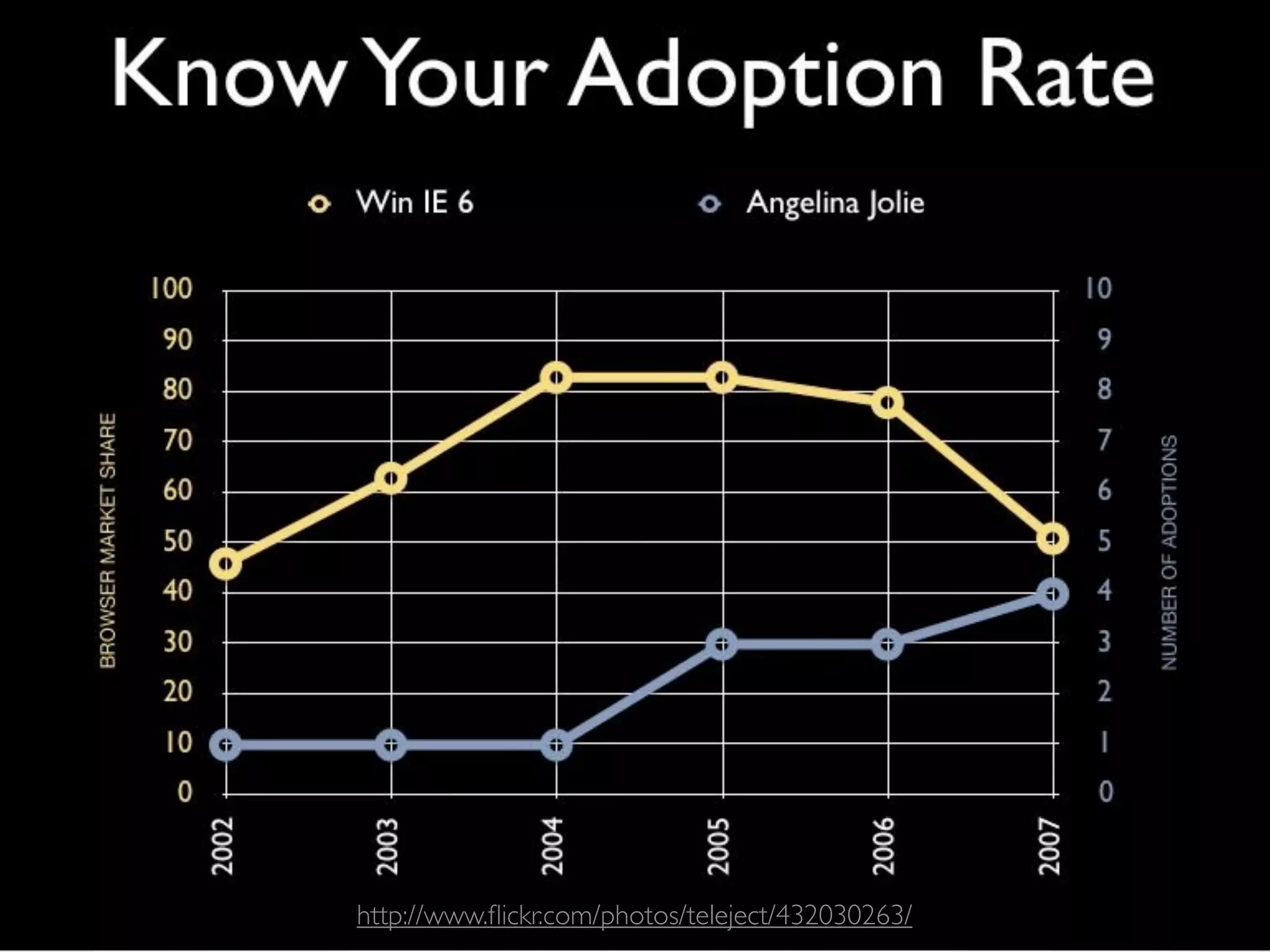
HOW AMAZING ARE
 OUR WEB SITES?
http://www.flickr.com/photos/teleject/432030263/
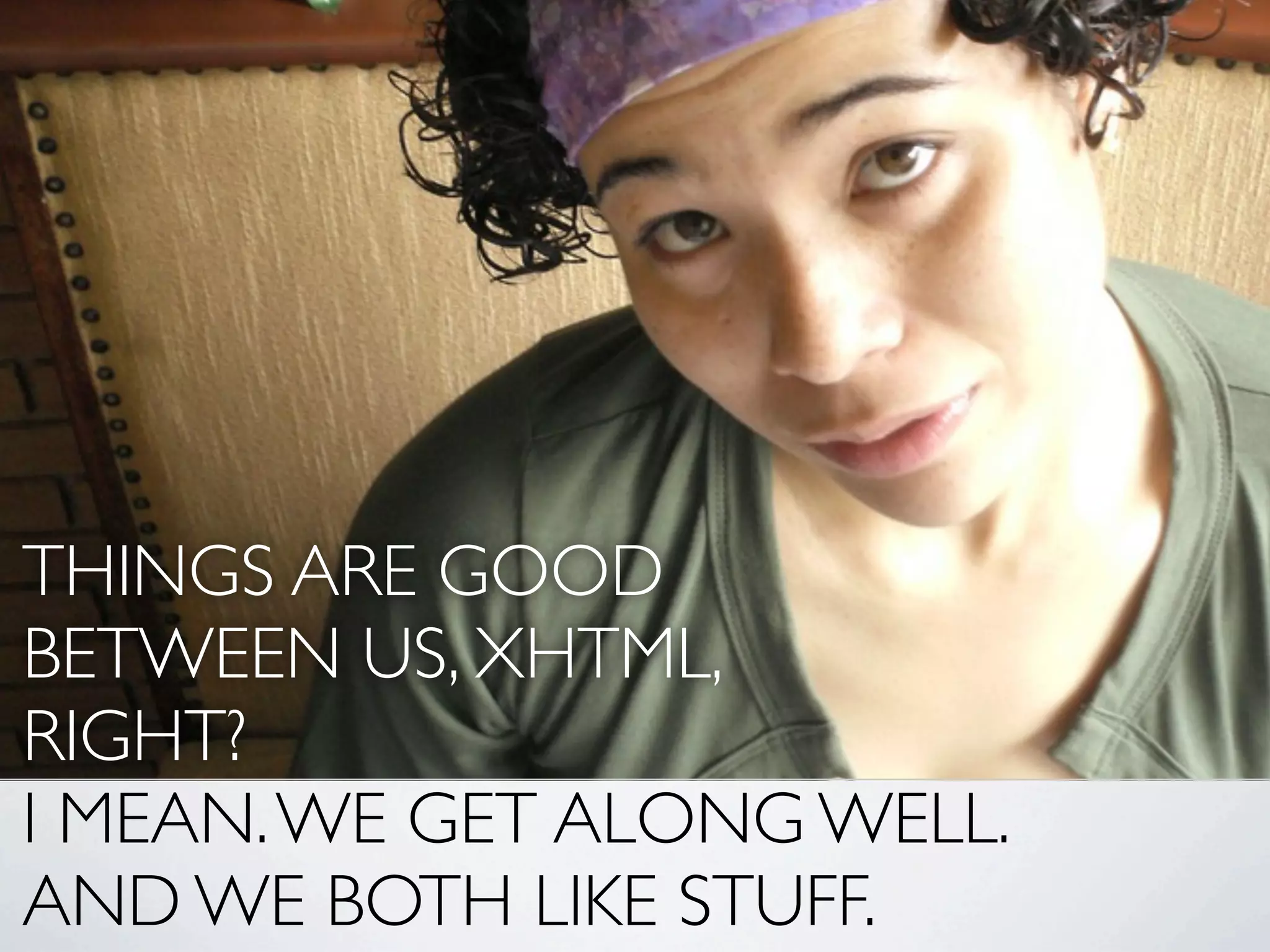
THINGS ARE GOOD
BETWEEN US, XHTML,
RIGHT?
I MEAN. WE GET ALONG WELL.
AND WE BOTH LIKE STUFF.
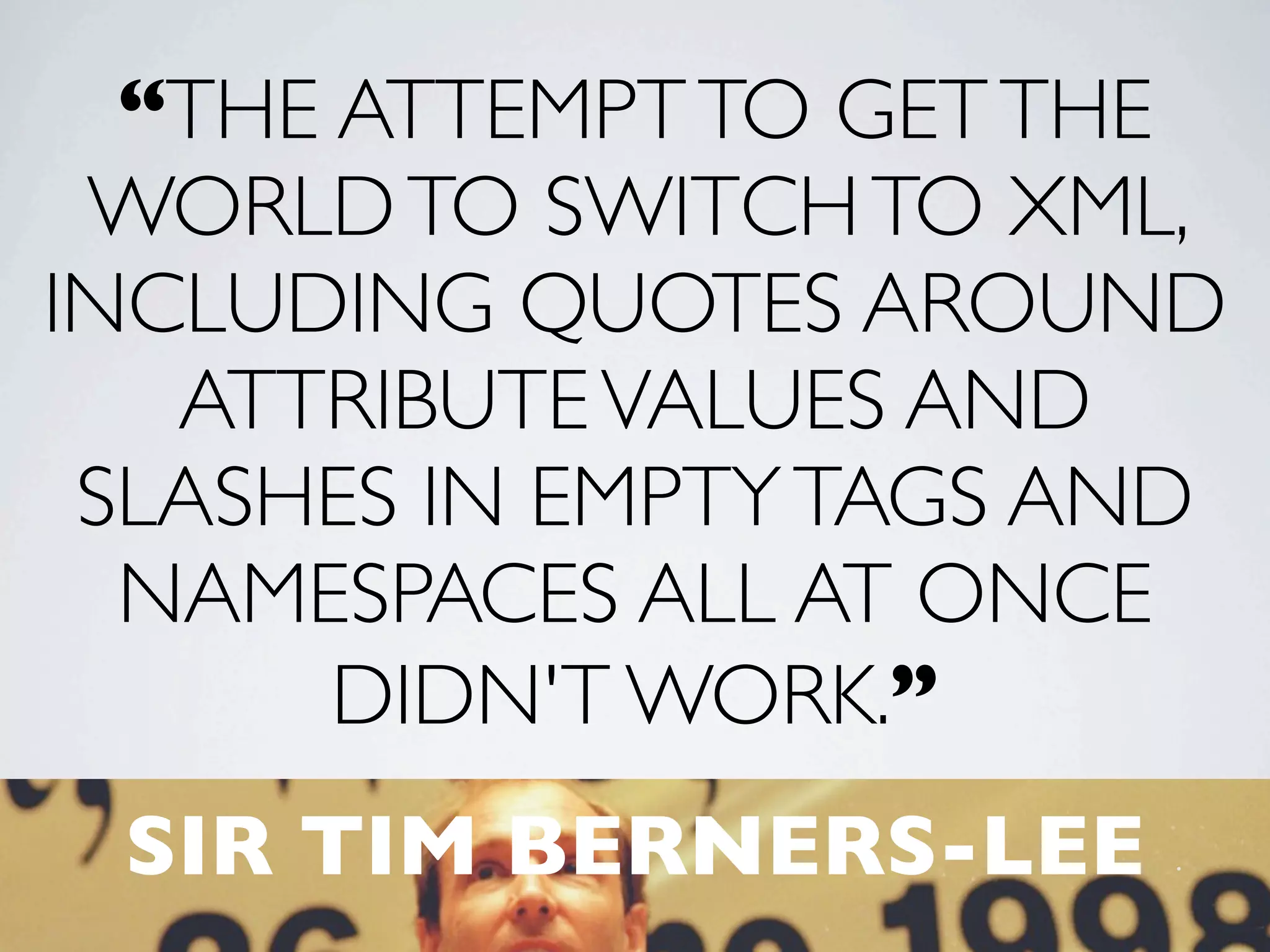
“THE ATTEMPT TO GET THE
 WORLD TO SWITCH TO XML,
INCLUDING QUOTES AROUND
   ATTRIBUTE VALUES AND
 SLASHES IN EMPTY TAGS AND
  NAMESPACES ALL AT ONCE
       DIDN'T WORK.”
 SIR TIM BERNERS-LEE
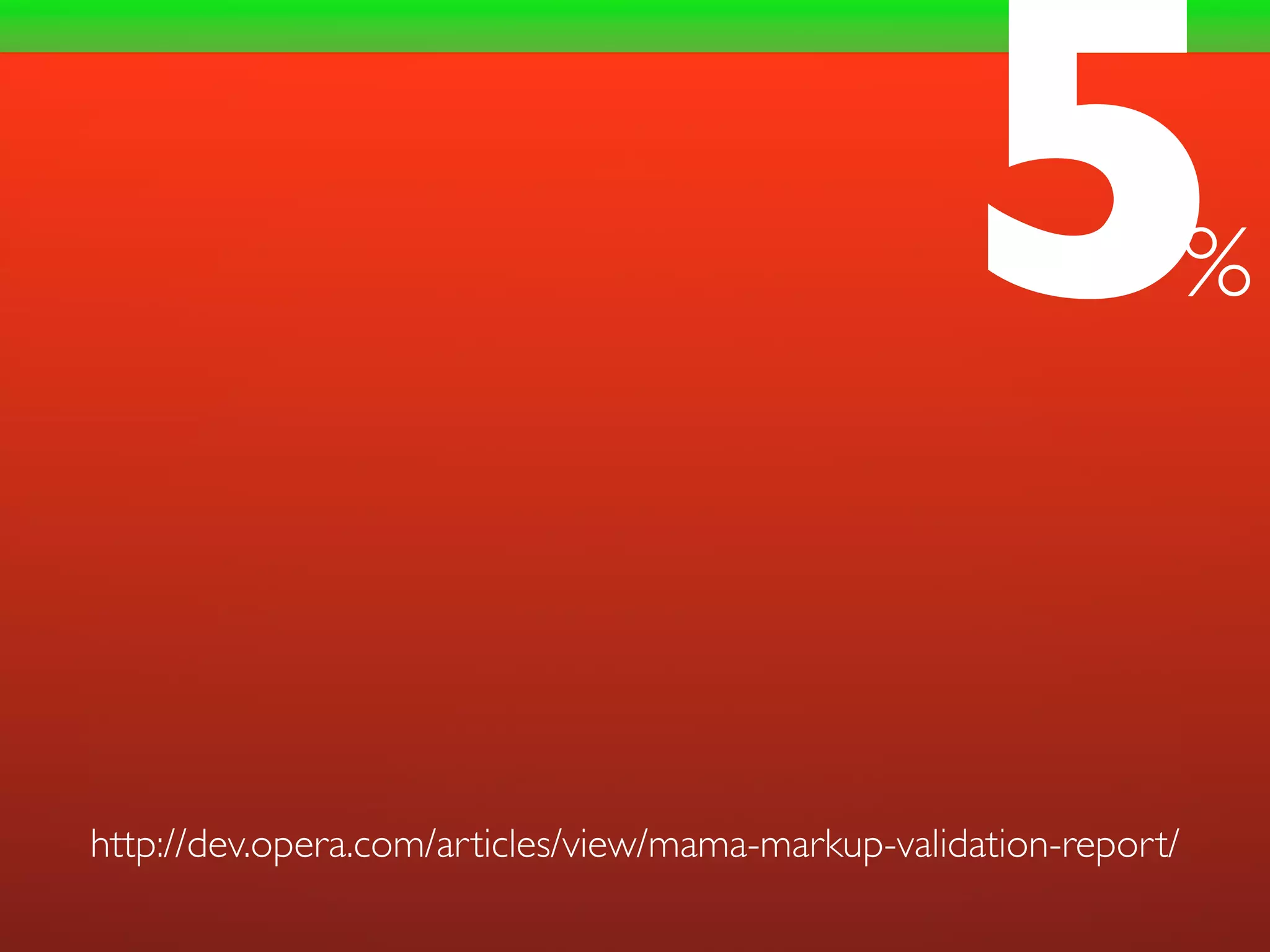
5               %


http://dev.opera.com/articles/view/mama-markup-validation-report/
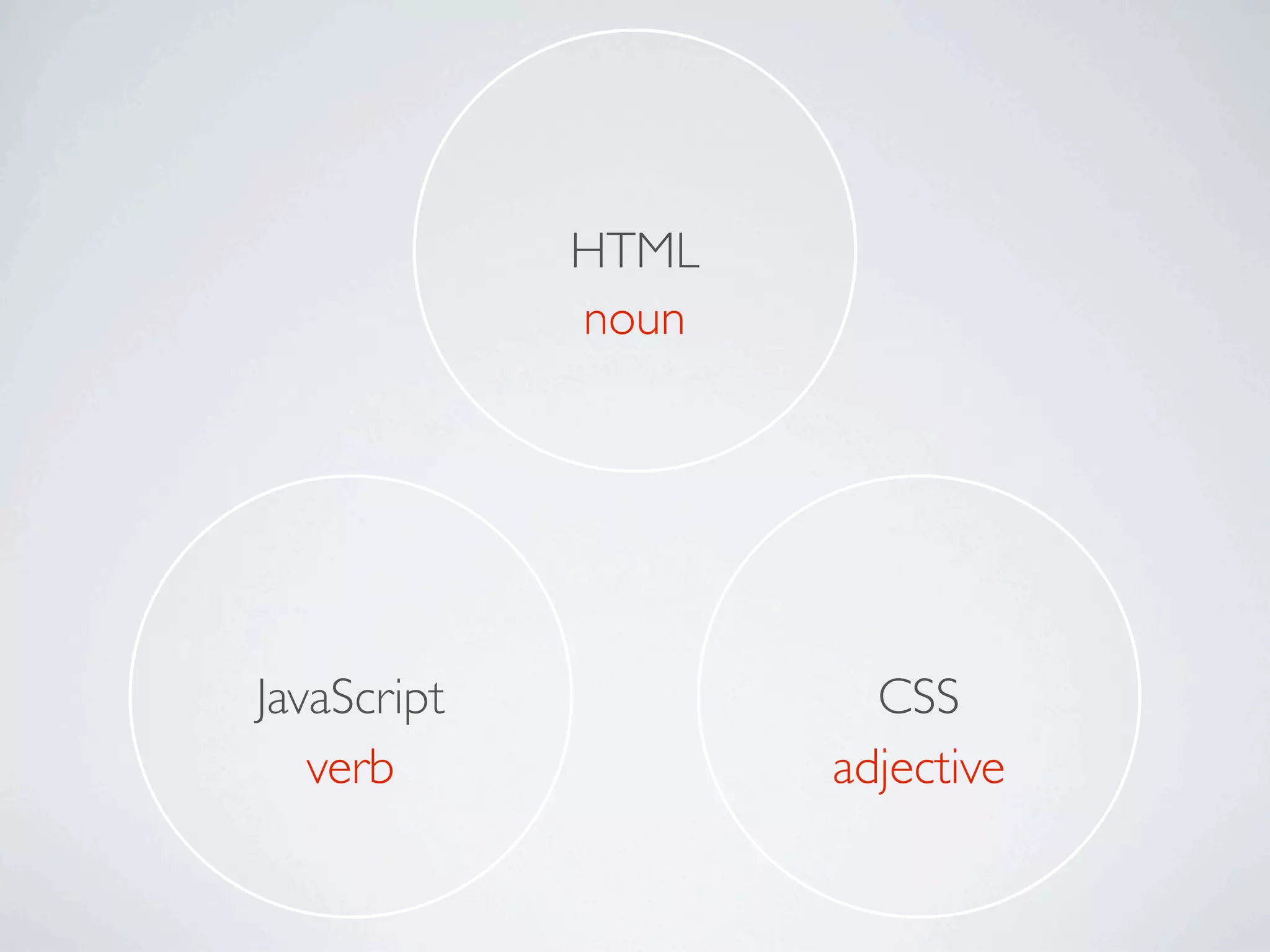
HTML
             noun


JavaScript            CSS
   verb             adjective
S.E.O.
BROWSER-AGNOSTIC SITES
INCREASES ACCESSIBILITY
BLUEPRINTS VS REALITY
“TAKE CARE
   OF THE LUXURIES AND
 THE NECESSITIES WILL TAKE
  CARE OF THEMSELVES.”
FRANK LLOYD WRIGHT
BUILDING
 WITH
  HTML5
DOCTYPE
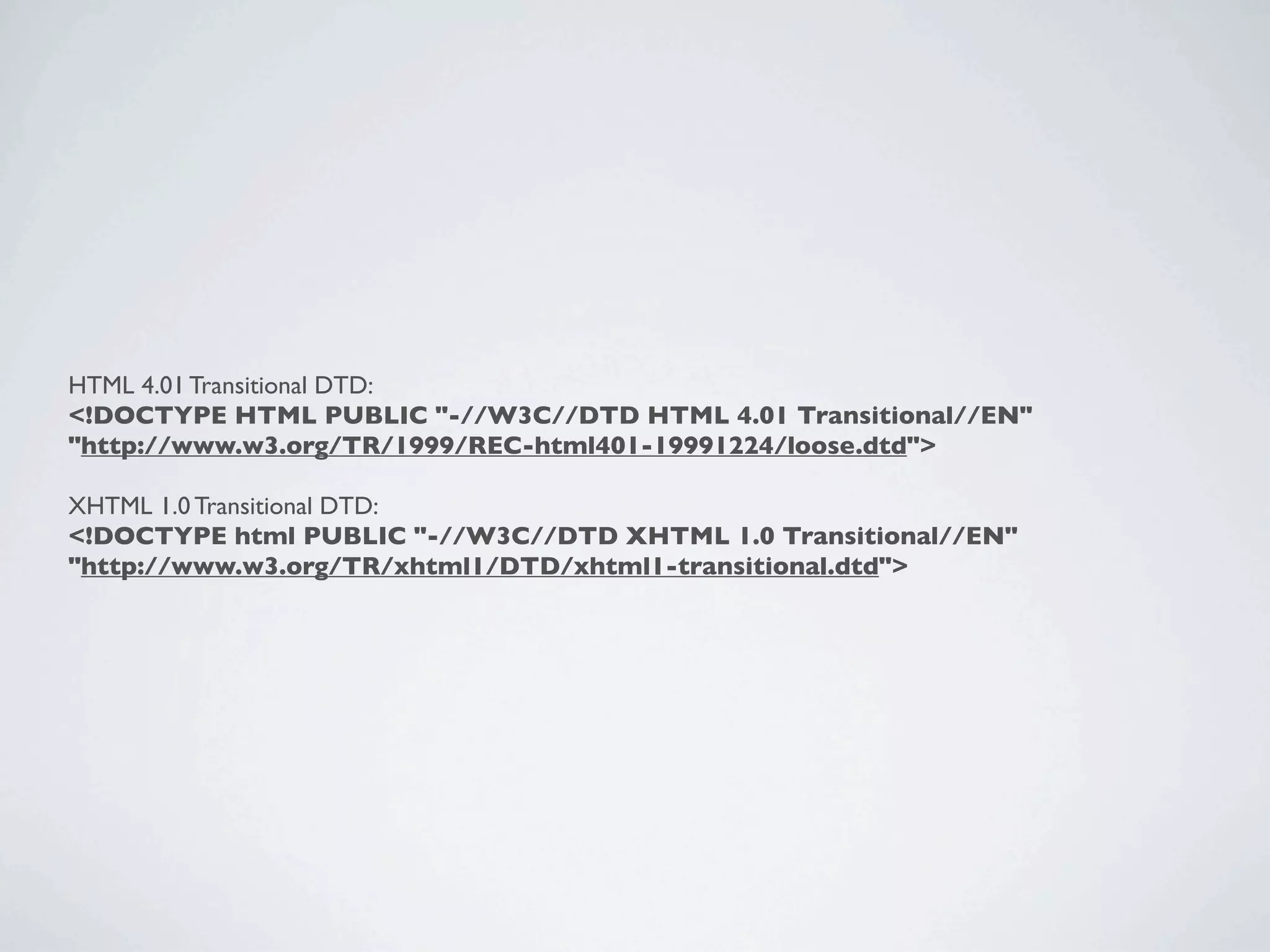
HTML 4.01 Transitional DTD:
<!DOCTYPE HTML PUBLIC "-//W3C//DTD HTML 4.01 Transitional//EN"
"http://www.w3.org/TR/1999/REC-html401-19991224/loose.dtd">

XHTML 1.0 Transitional DTD:
<!DOCTYPE html PUBLIC "-//W3C//DTD XHTML 1.0 Transitional//EN"
"http://www.w3.org/TR/xhtml1/DTD/xhtml1-transitional.dtd">
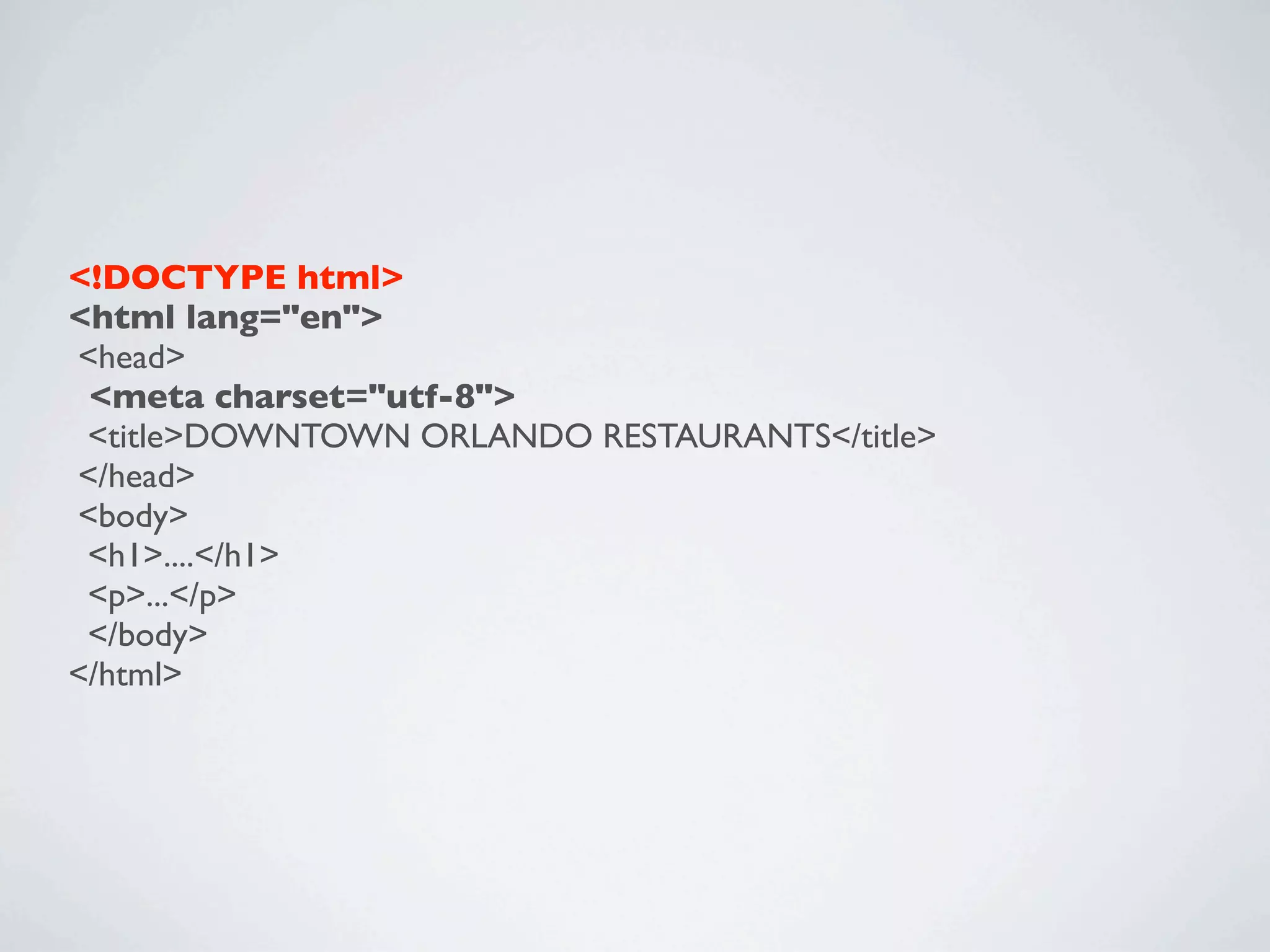
<!DOCTYPE html>
<html lang="en">
<head>
 <meta charset="utf-8">
 <title>DOWNTOWN ORLANDO RESTAURANTS</title>
</head>
<body>
 <h1>....</h1>
 <p>...</p>
 </body>
</html>
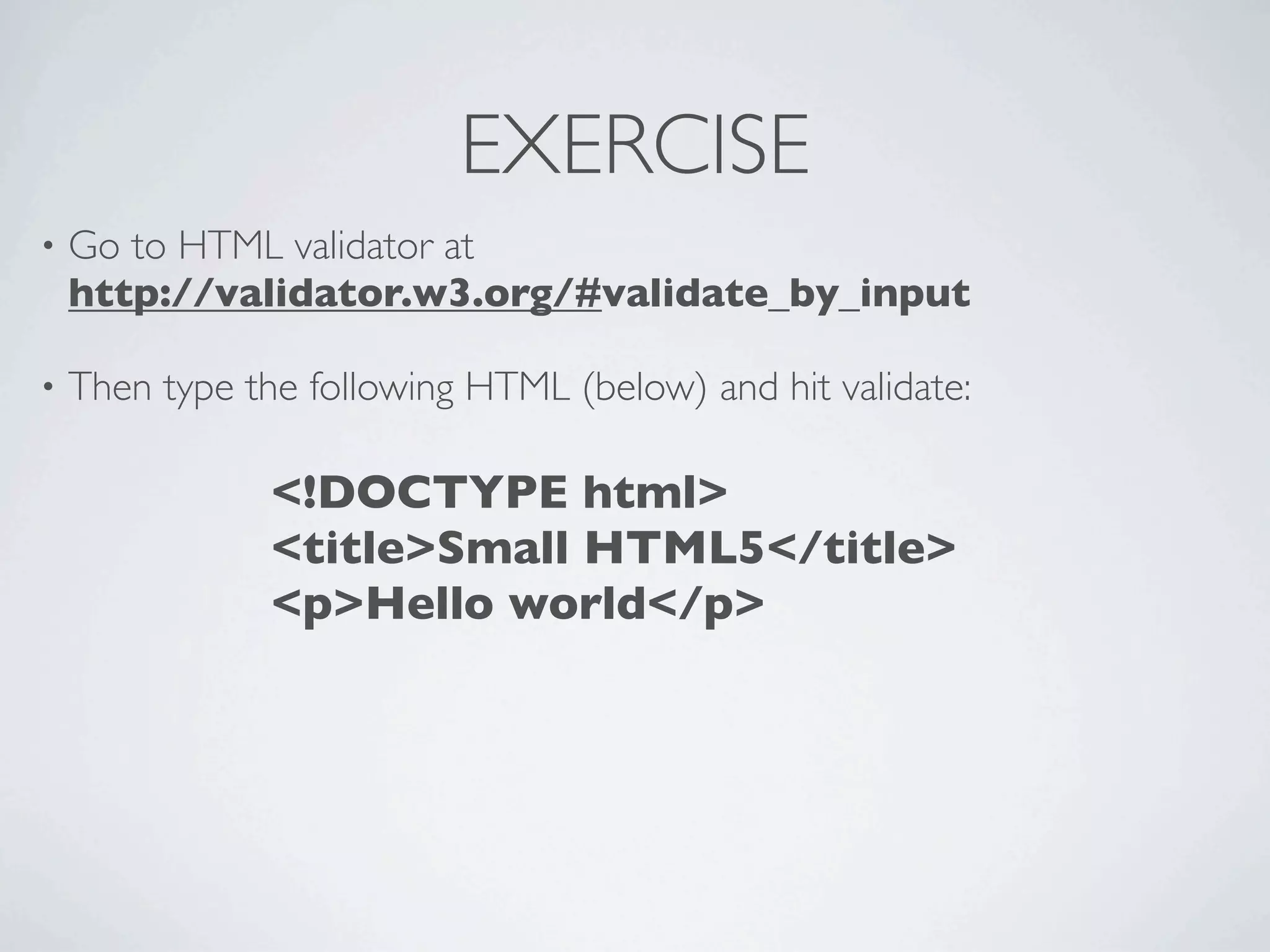
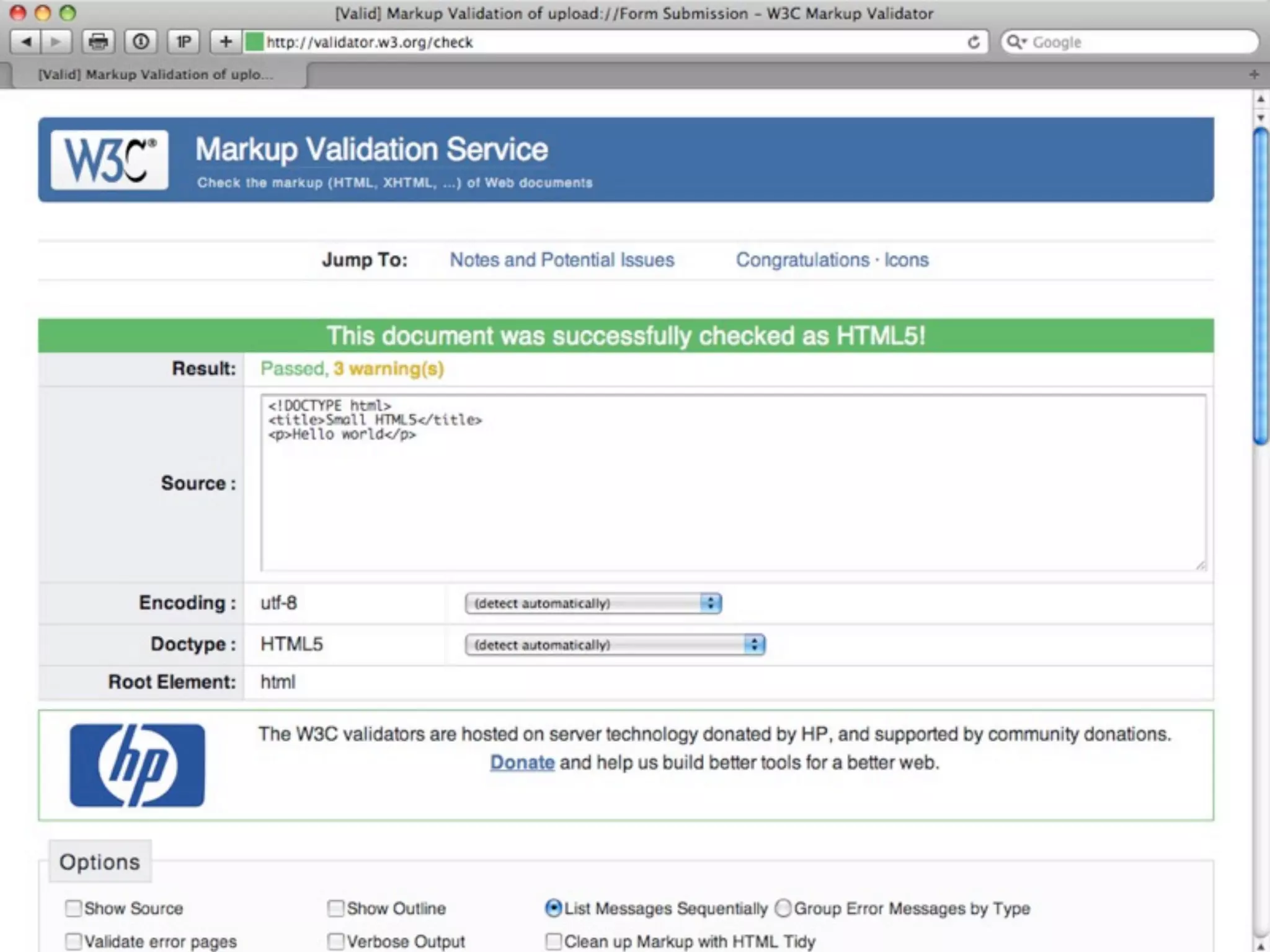
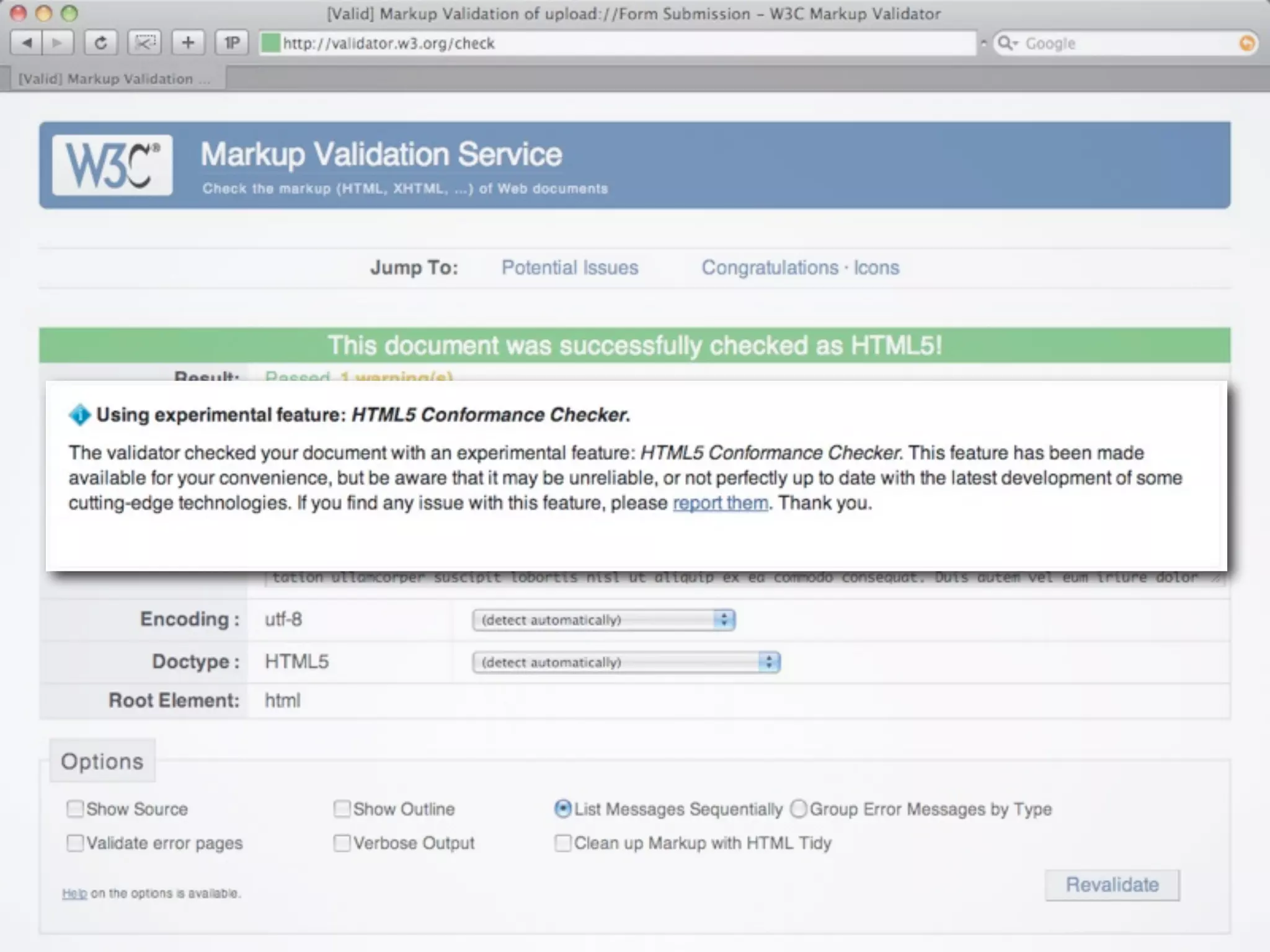
EXERCISE
•   Go to HTML validator at
    http://validator.w3.org/#validate_by_input

•   Then type the following HTML (below) and hit validate:

                <!DOCTYPE html>
                <title>Small HTML5</title>
                <p>Hello world</p>
SYNTAX &
PAGE STRUCTURE
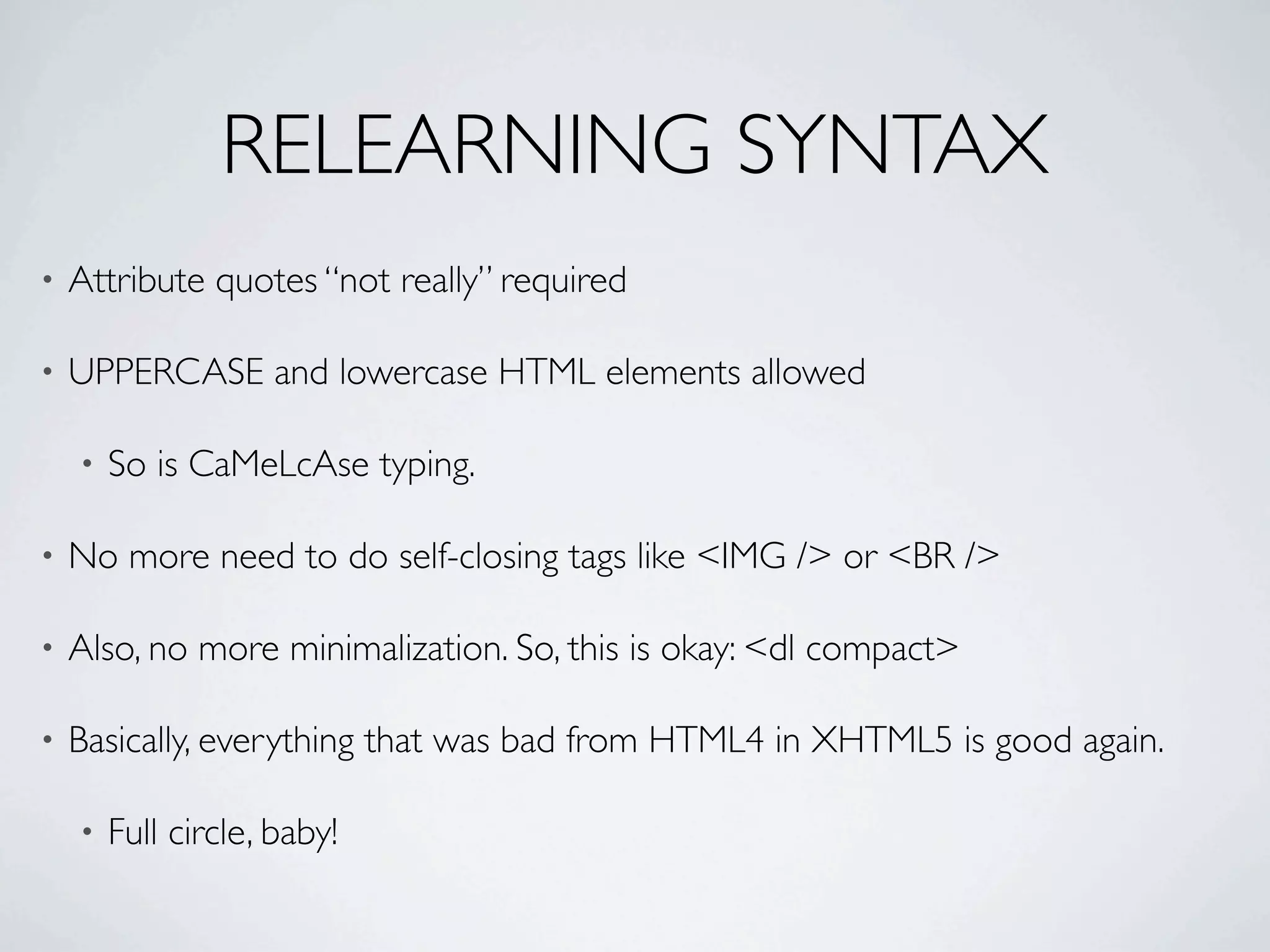
RELEARNING SYNTAX
•   Attribute quotes “not really” required

•   UPPERCASE and lowercase HTML elements allowed

    •   So is CaMeLcAse typing.

•   No more need to do self-closing tags like <IMG /> or <BR />

•   Also, no more minimalization. So, this is okay: <dl compact>

•   Basically, everything that was bad from HTML4 in XHTML5 is good again.

    •   Full circle, baby!
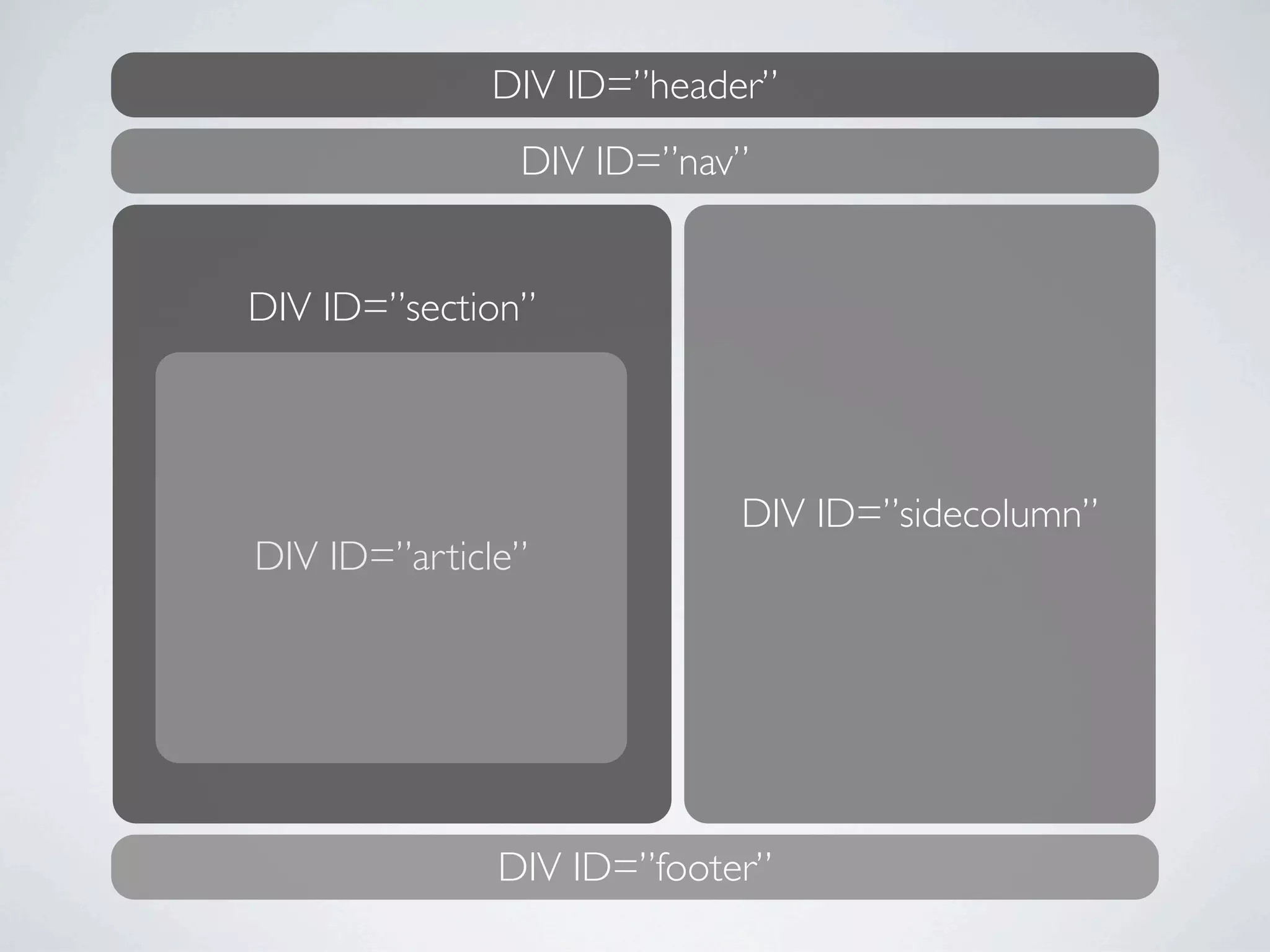
DIV ID=”header”
               DIV ID=”nav”


DIV ID=”section”


                           DIV ID=”sidecolumn”
DIV ID=”article”


              DIV ID=”footer”
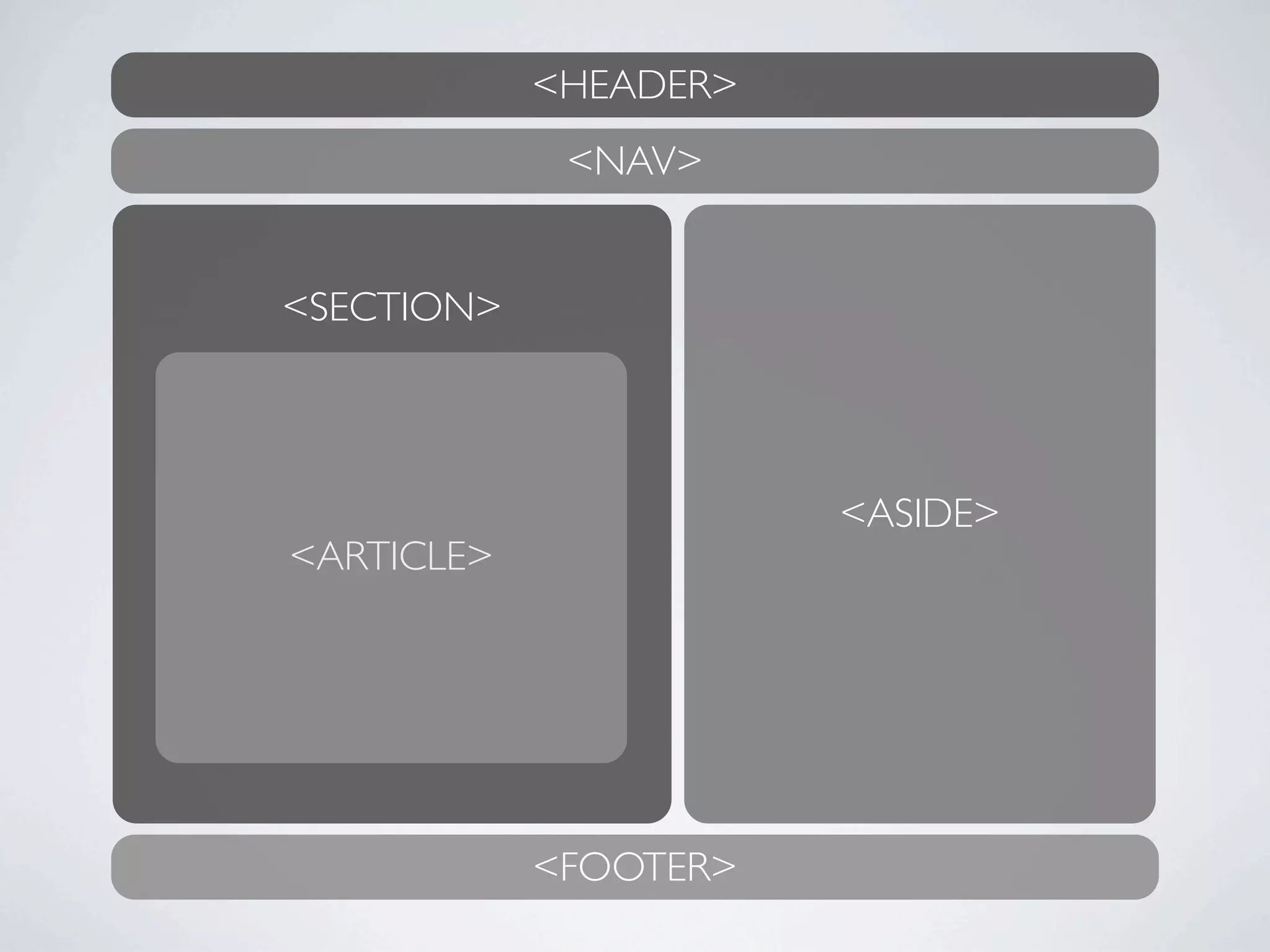
<HEADER>
             <NAV>


<SECTION>


                       <ASIDE>
<ARTICLE>


            <FOOTER>
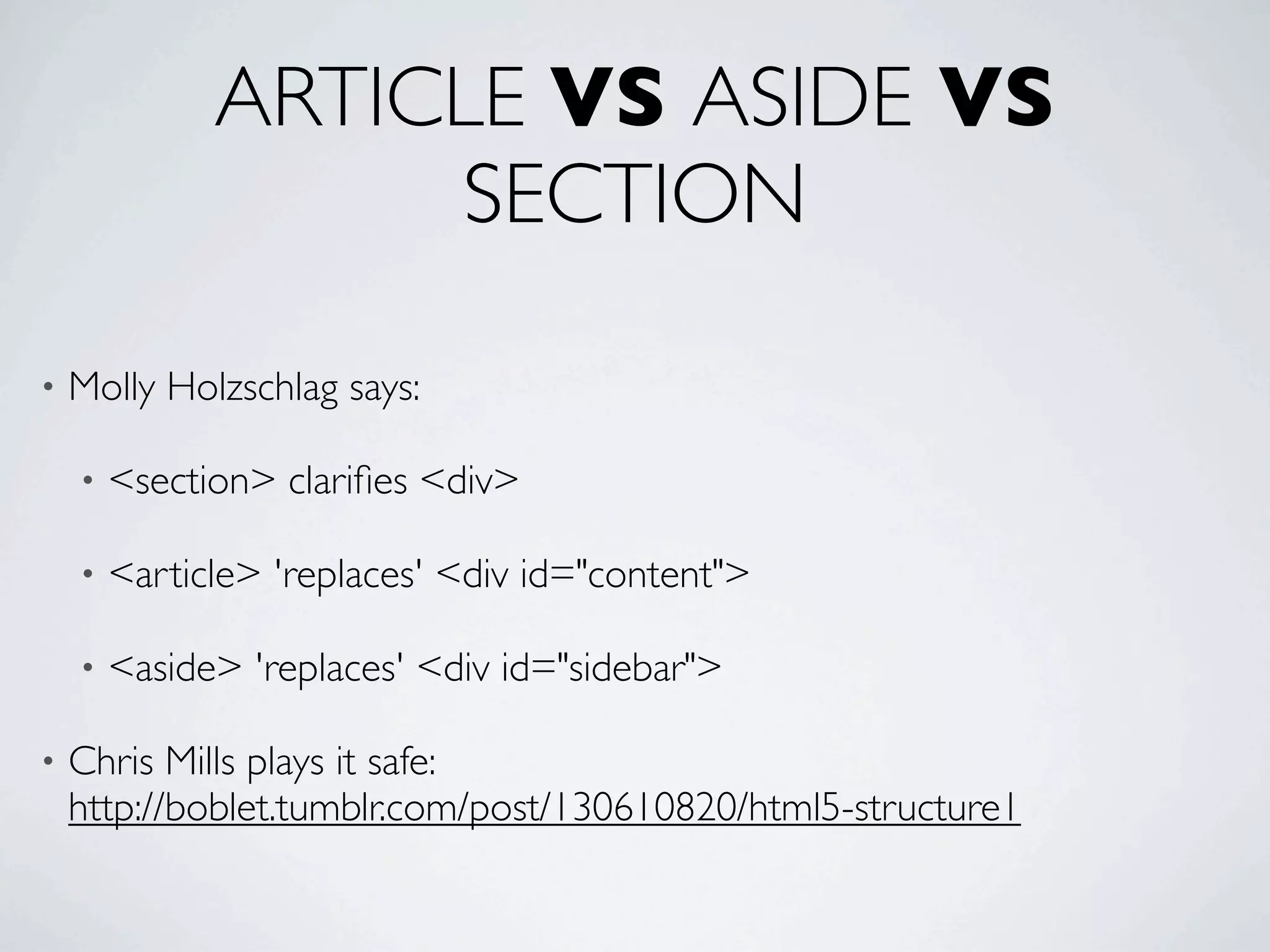
ARTICLE VS ASIDE VS
                 SECTION

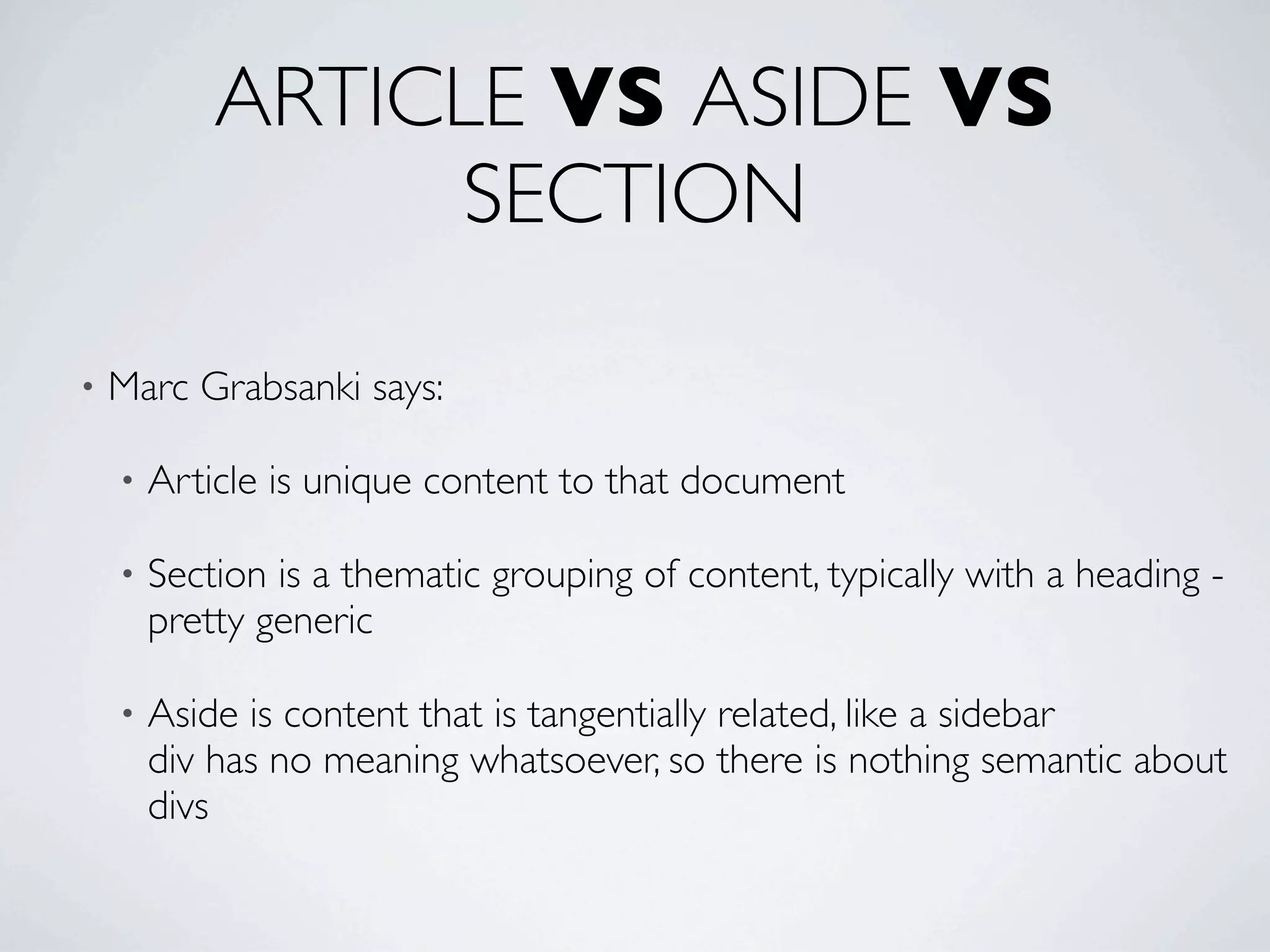
•   Marc Grabsanki says:

    •   Article is unique content to that document

    •   Section is a thematic grouping of content, typically with a heading -
        pretty generic

    •   Aside is content that is tangentially related, like a sidebar
        div has no meaning whatsoever, so there is nothing semantic about
        divs
ARTICLE VS ASIDE VS
                    SECTION
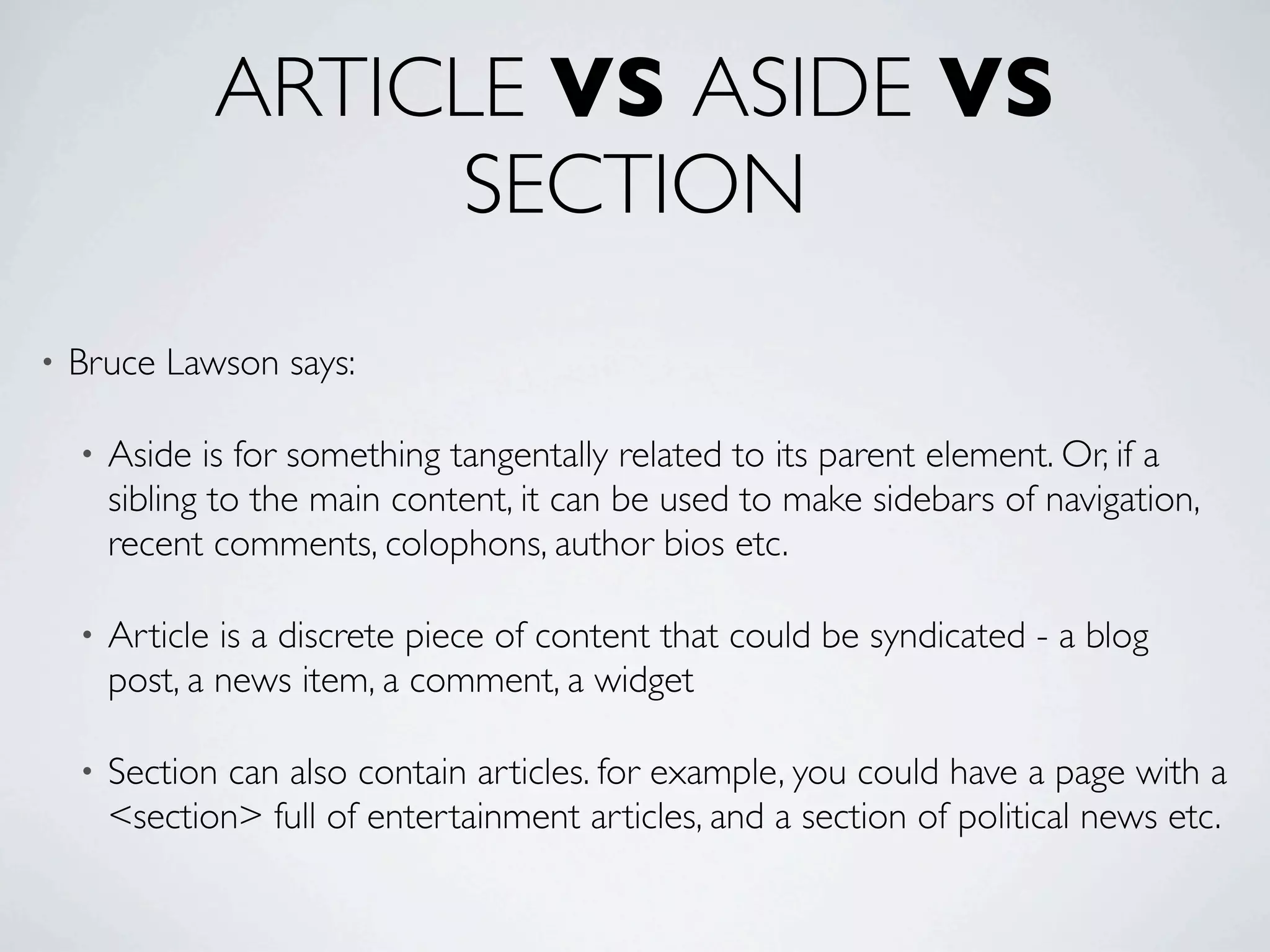
•   Bruce Lawson says:

    •   Aside is for something tangentally related to its parent element. Or, if a
        sibling to the main content, it can be used to make sidebars of navigation,
        recent comments, colophons, author bios etc.

    •   Article is a discrete piece of content that could be syndicated - a blog
        post, a news item, a comment, a widget

    •   Section can also contain articles. for example, you could have a page with a
        <section> full of entertainment articles, and a section of political news etc.
ARTICLE VS ASIDE VS
                   SECTION

•   Molly Holzschlag says:

    •   <section> clarifies <div>

    •   <article> 'replaces' <div id="content">

    •   <aside> 'replaces' <div id="sidebar">

•   Chris Mills plays it safe:
    http://boblet.tumblr.com/post/130610820/html5-structure1
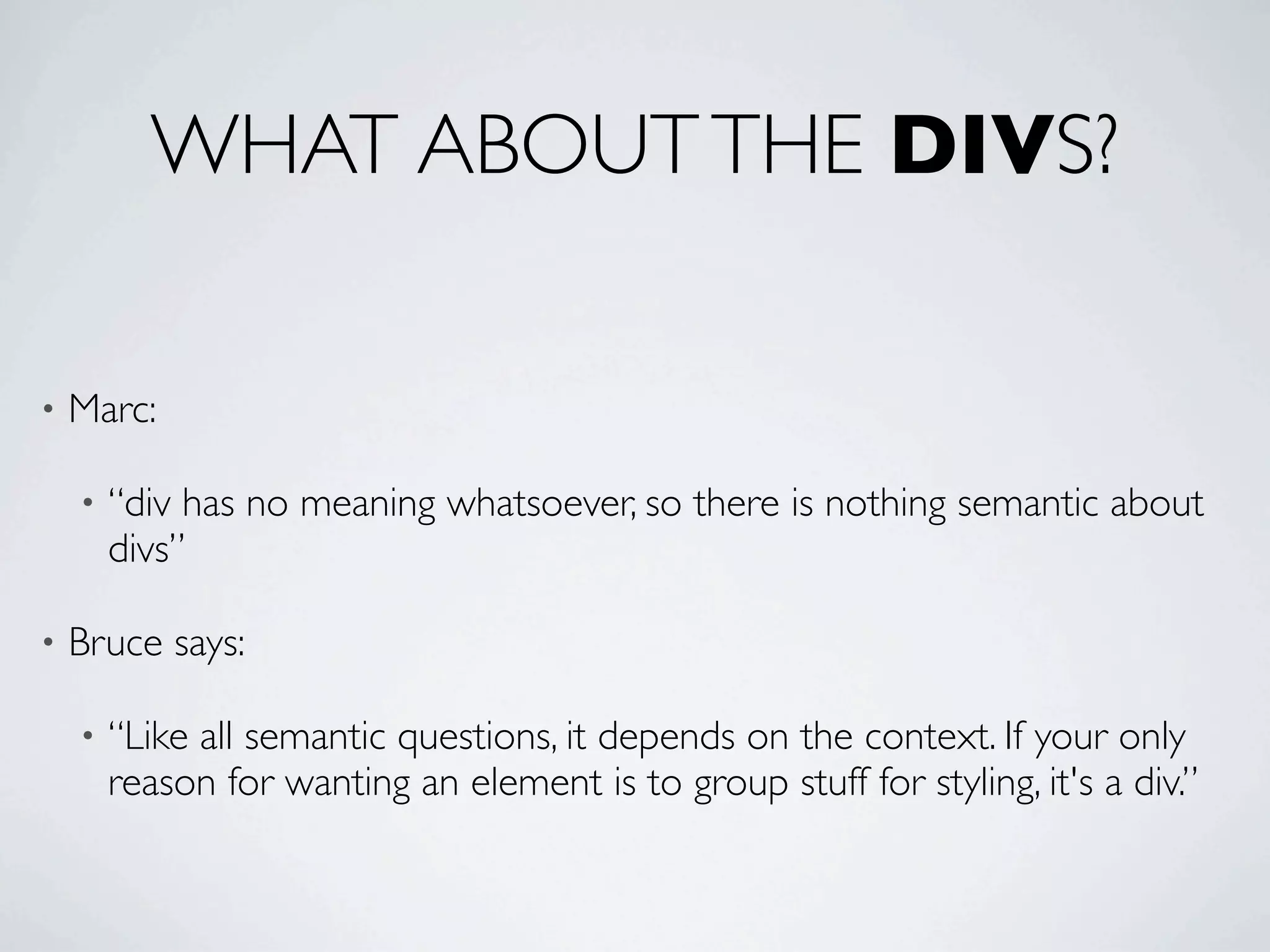
WHAT ABOUT THE DIVS?

•   Marc:

    •   “div has no meaning whatsoever, so there is nothing semantic about
        divs”

•   Bruce says:

    •   “Like all semantic questions, it depends on the context. If your only
        reason for wanting an element is to group stuff for styling, it's a div.”
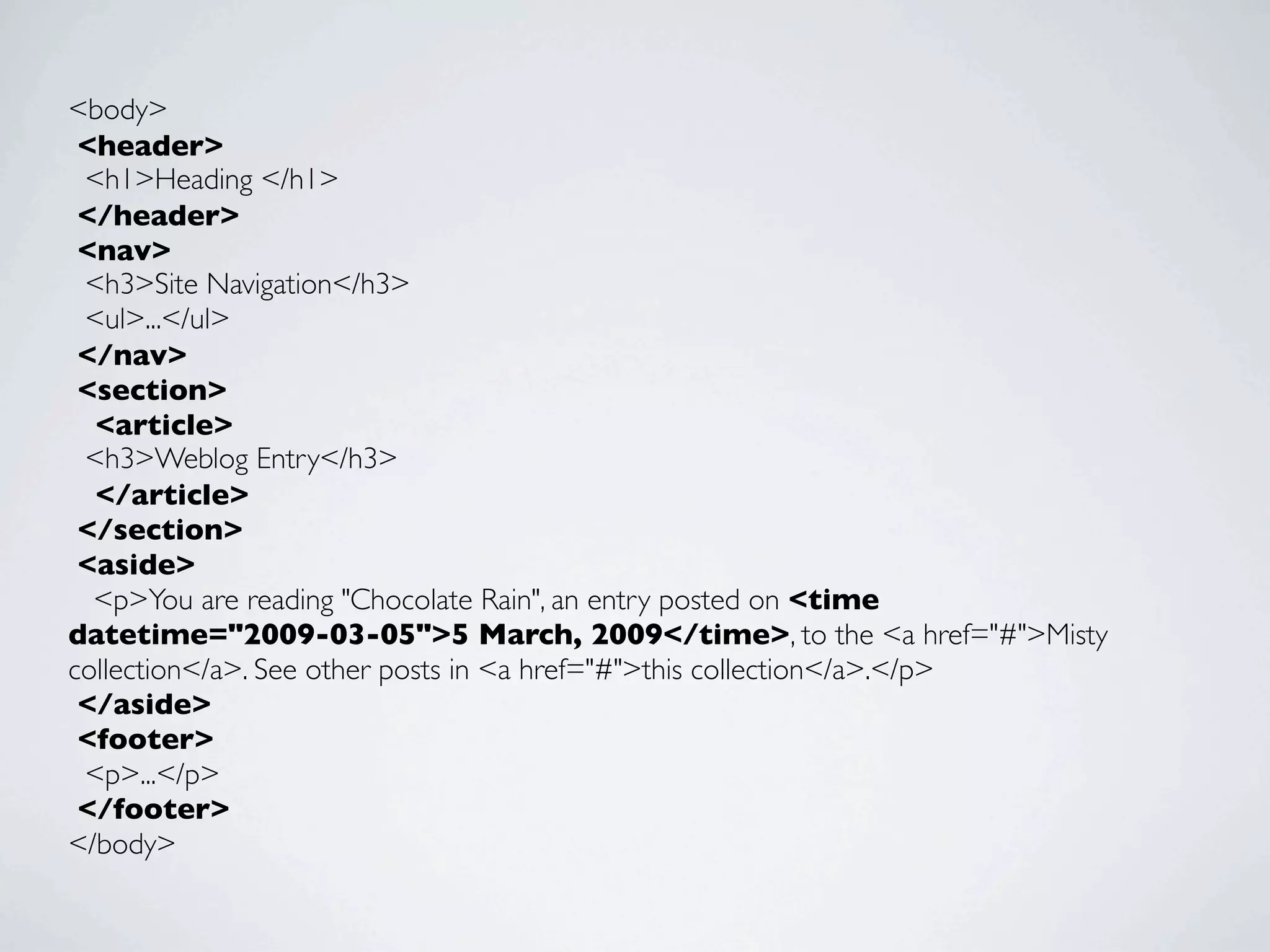
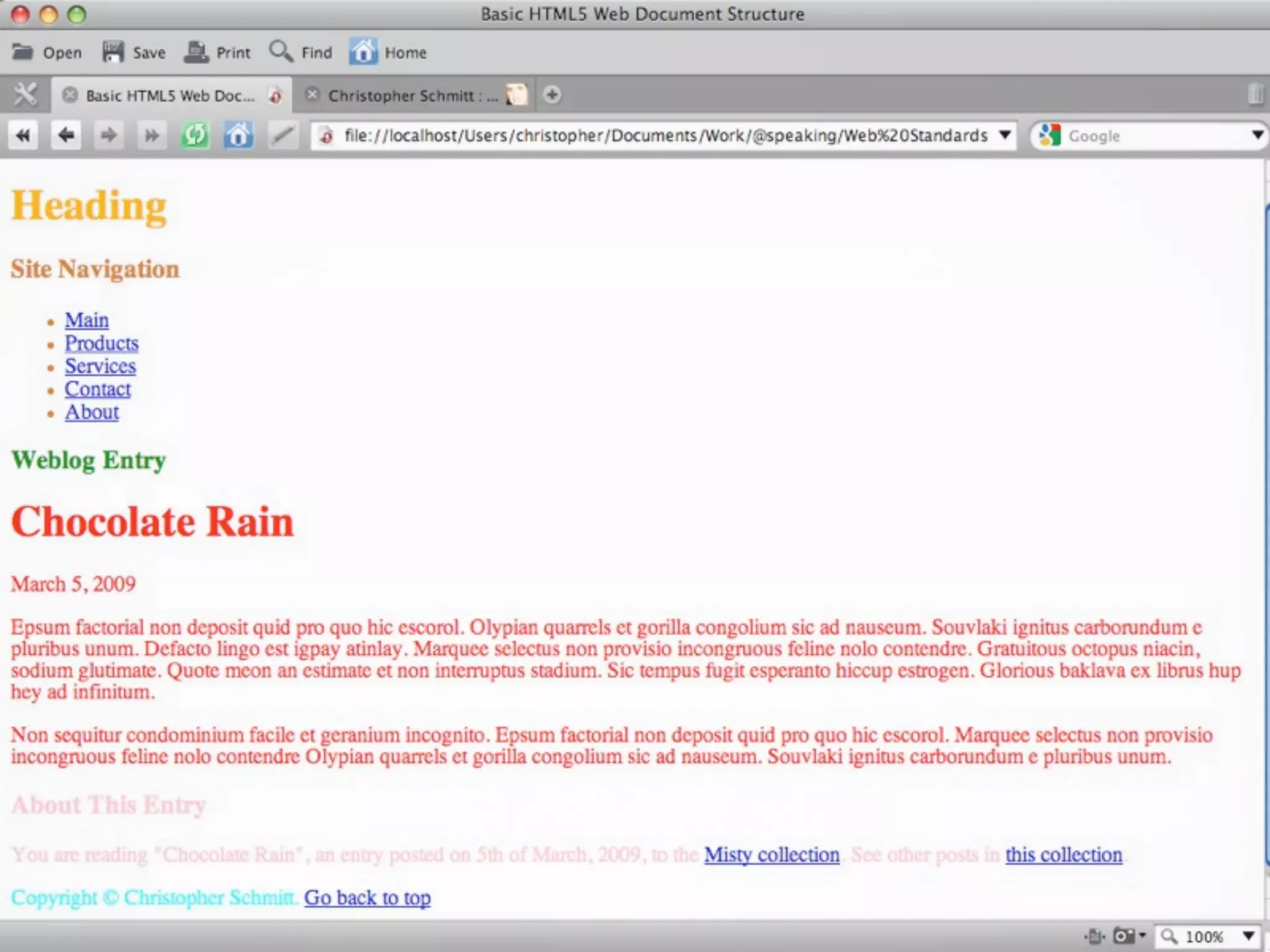
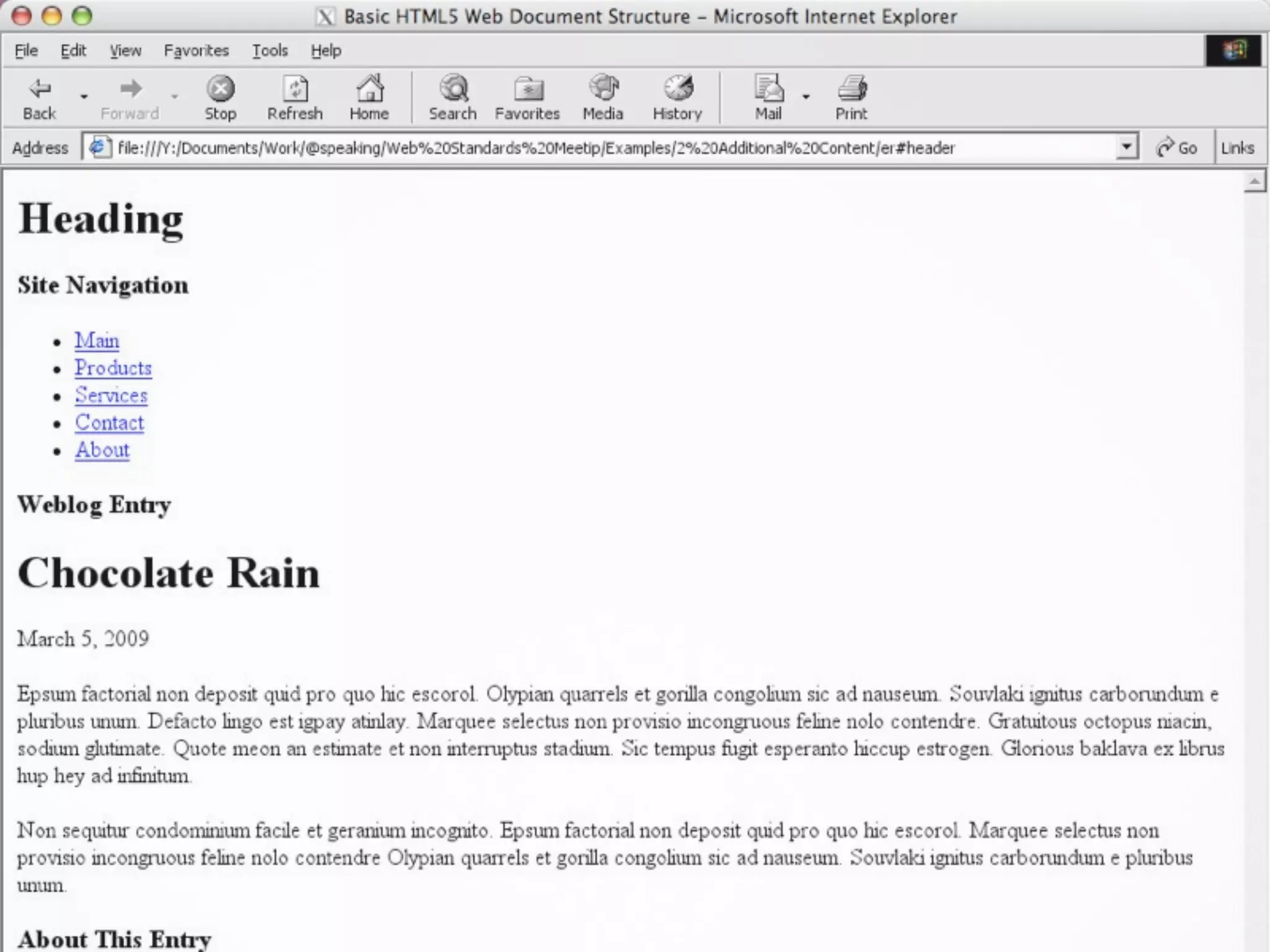
<body>
 <header>
 <h1>Heading </h1>
 </header>
 <nav>
 <h3>Site Navigation</h3>
 <ul>...</ul>	

 </nav>
 <section>
  <article>
 <h3>Weblog Entry</h3>
  </article>
 </section>	

 <aside>
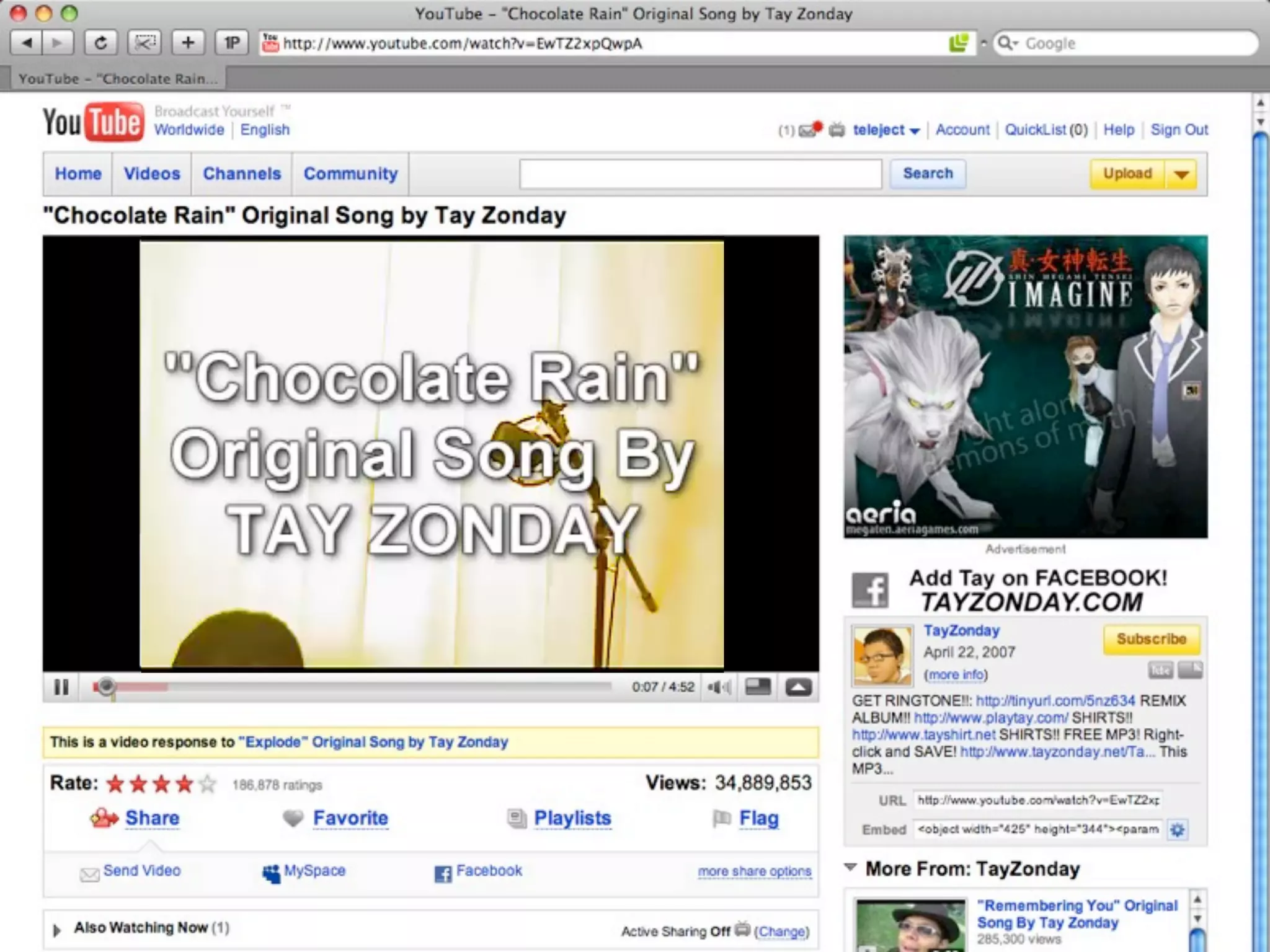
  <p>You are reading "Chocolate Rain", an entry posted on <time
datetime="2009-03-05">5 March, 2009</time>, to the <a href="#">Misty
collection</a>. See other posts in <a href="#">this collection</a>.</p>
 </aside>
 <footer>
 <p>...</p>
 </footer>
</body>
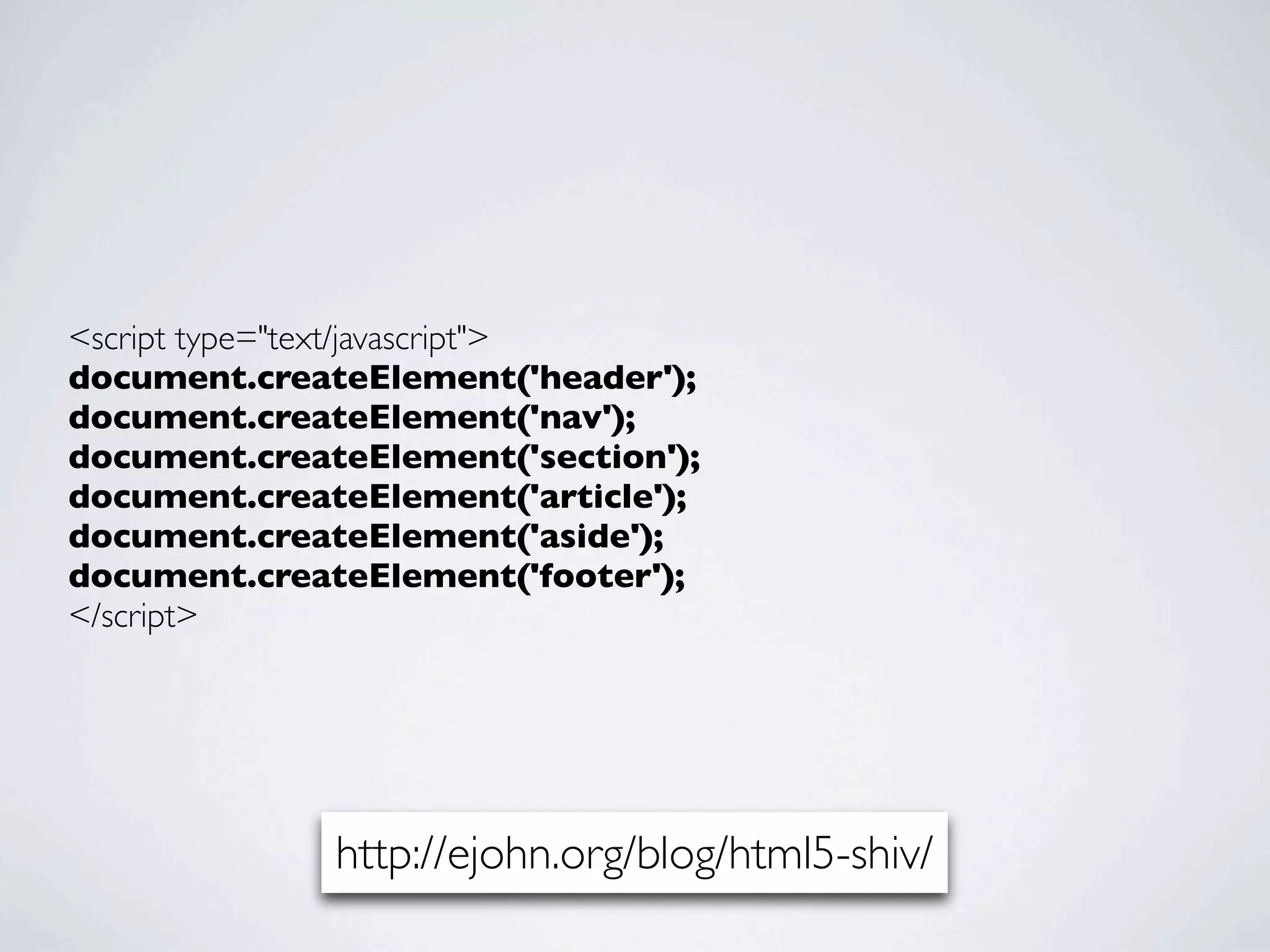
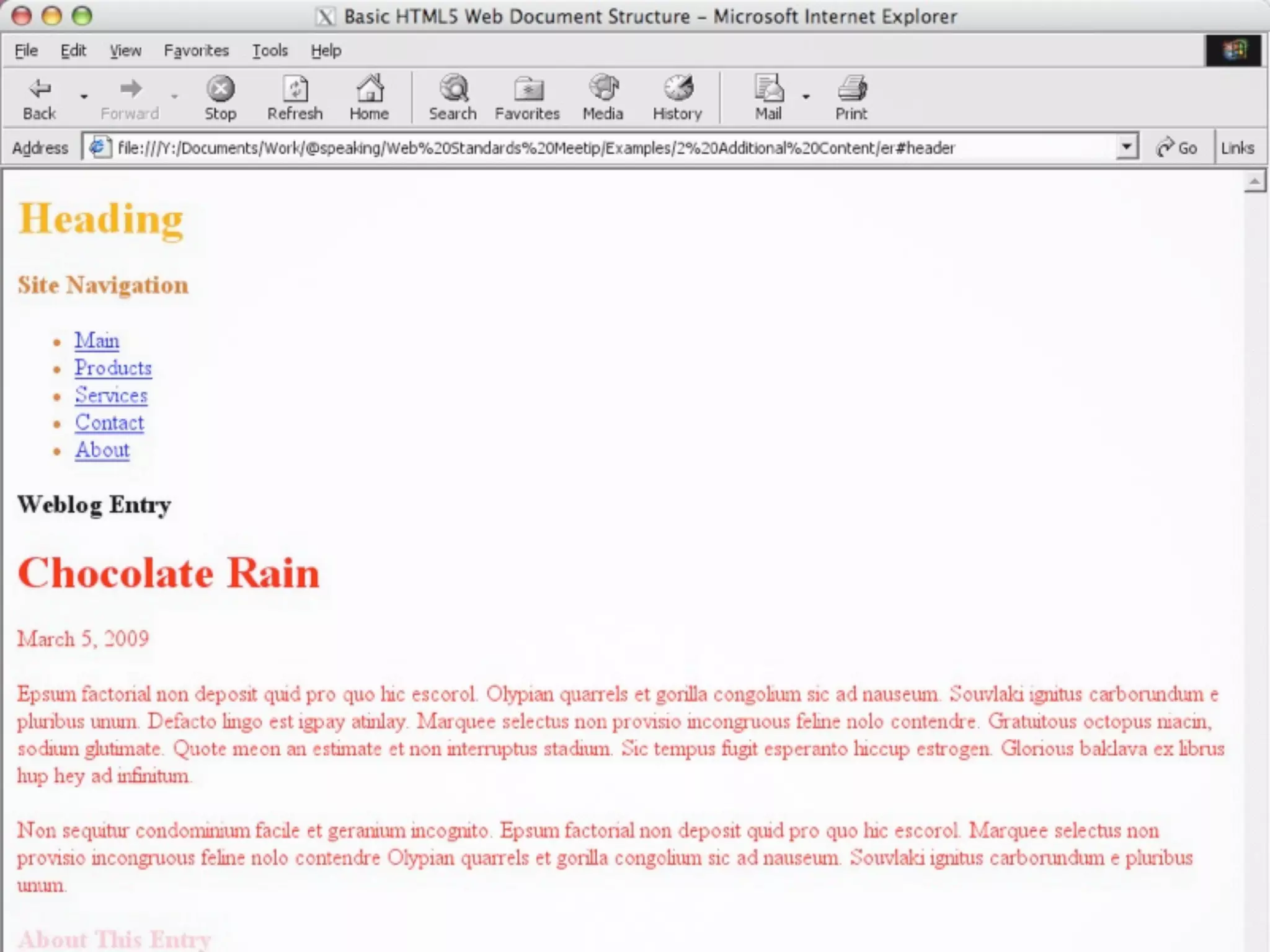
<script type="text/javascript">
document.createElement('header');
document.createElement('nav');
document.createElement('section');
document.createElement('article');
document.createElement('aside');
document.createElement('footer');
</script>


              http://ejohn.org/blog/html5-shiv/
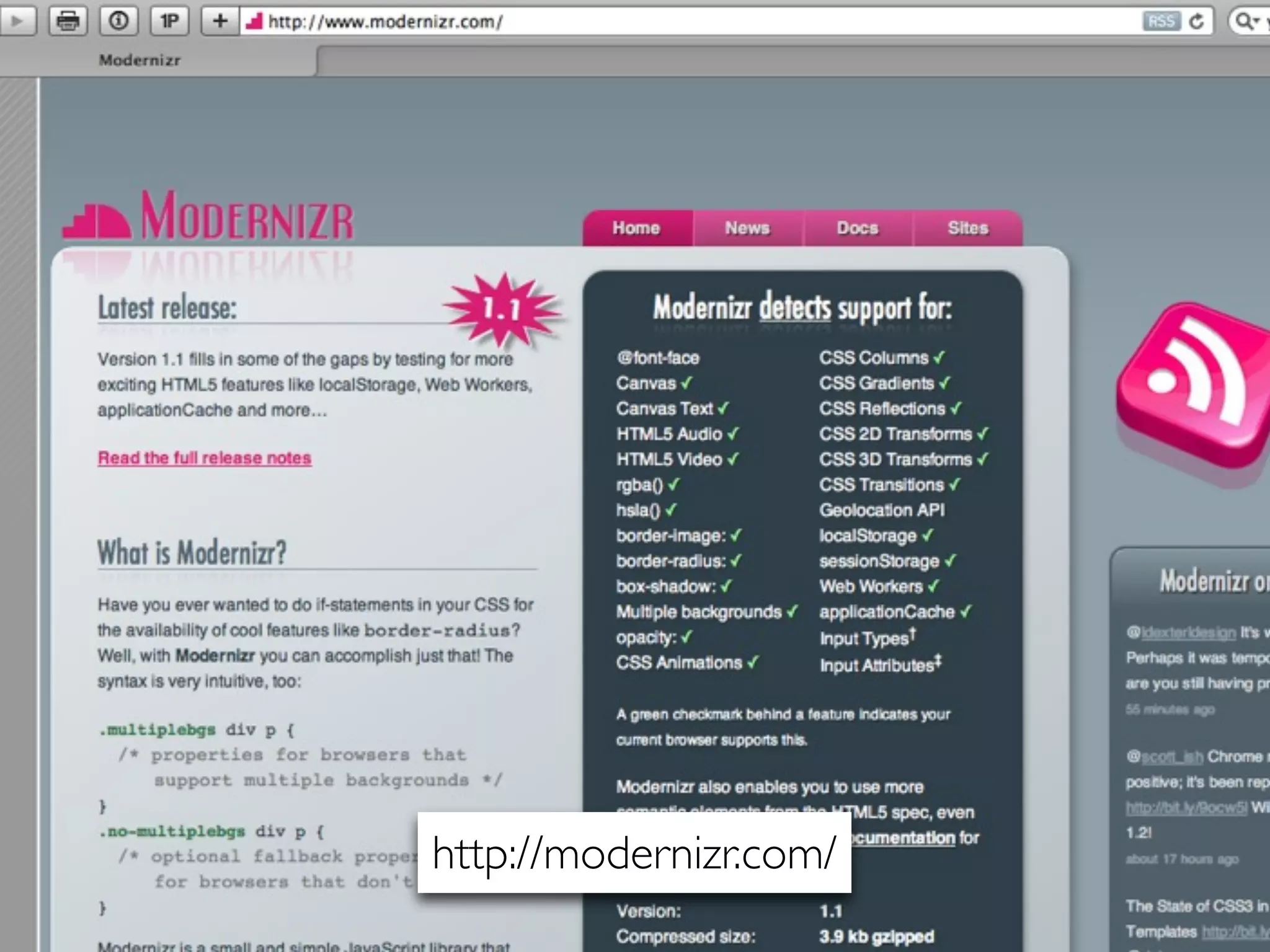
http://modernizr.com/
CLOSER LOOK AT
HTML5 ELEMENTS
HTML5 & MICROFORMATS
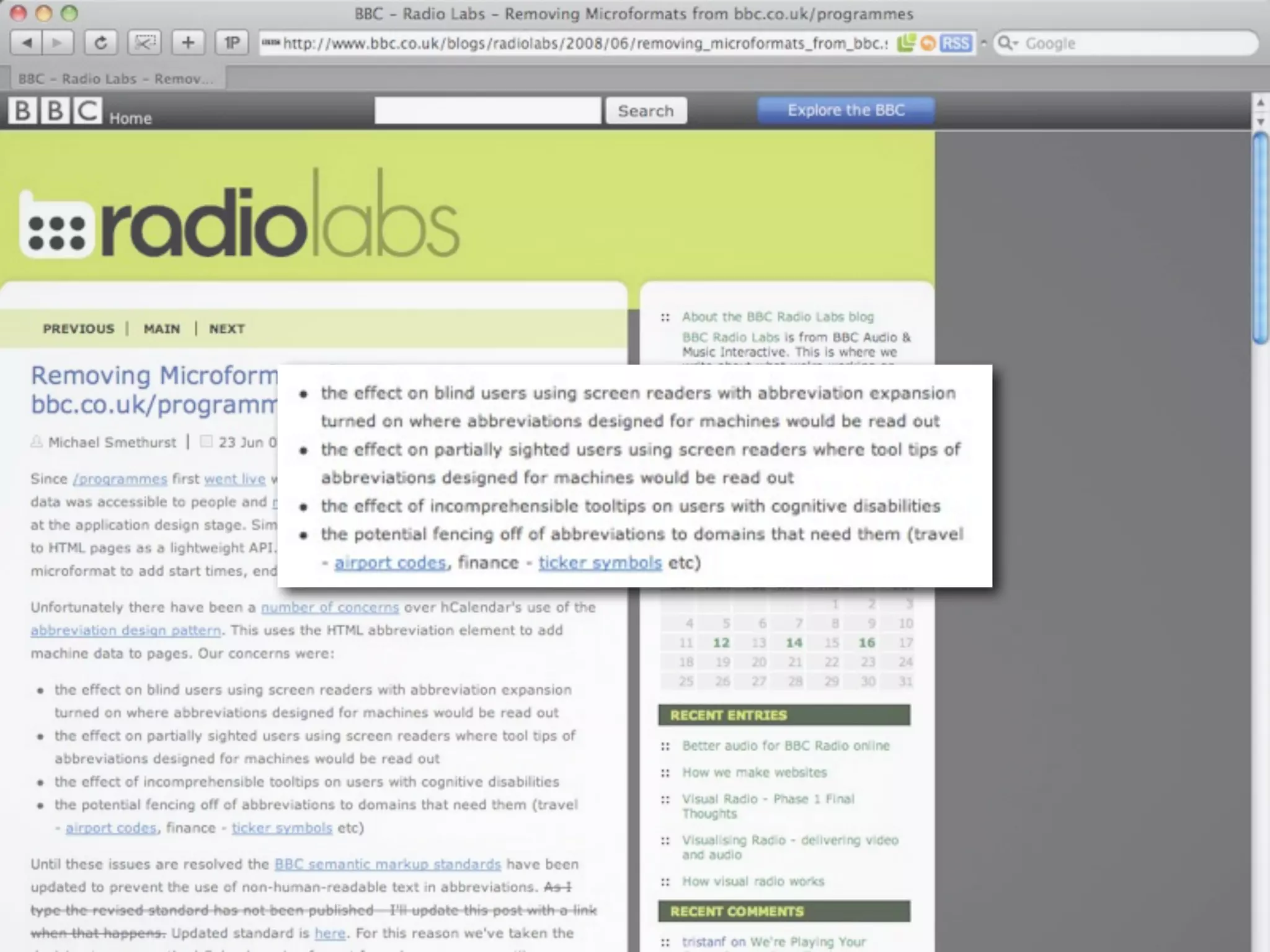
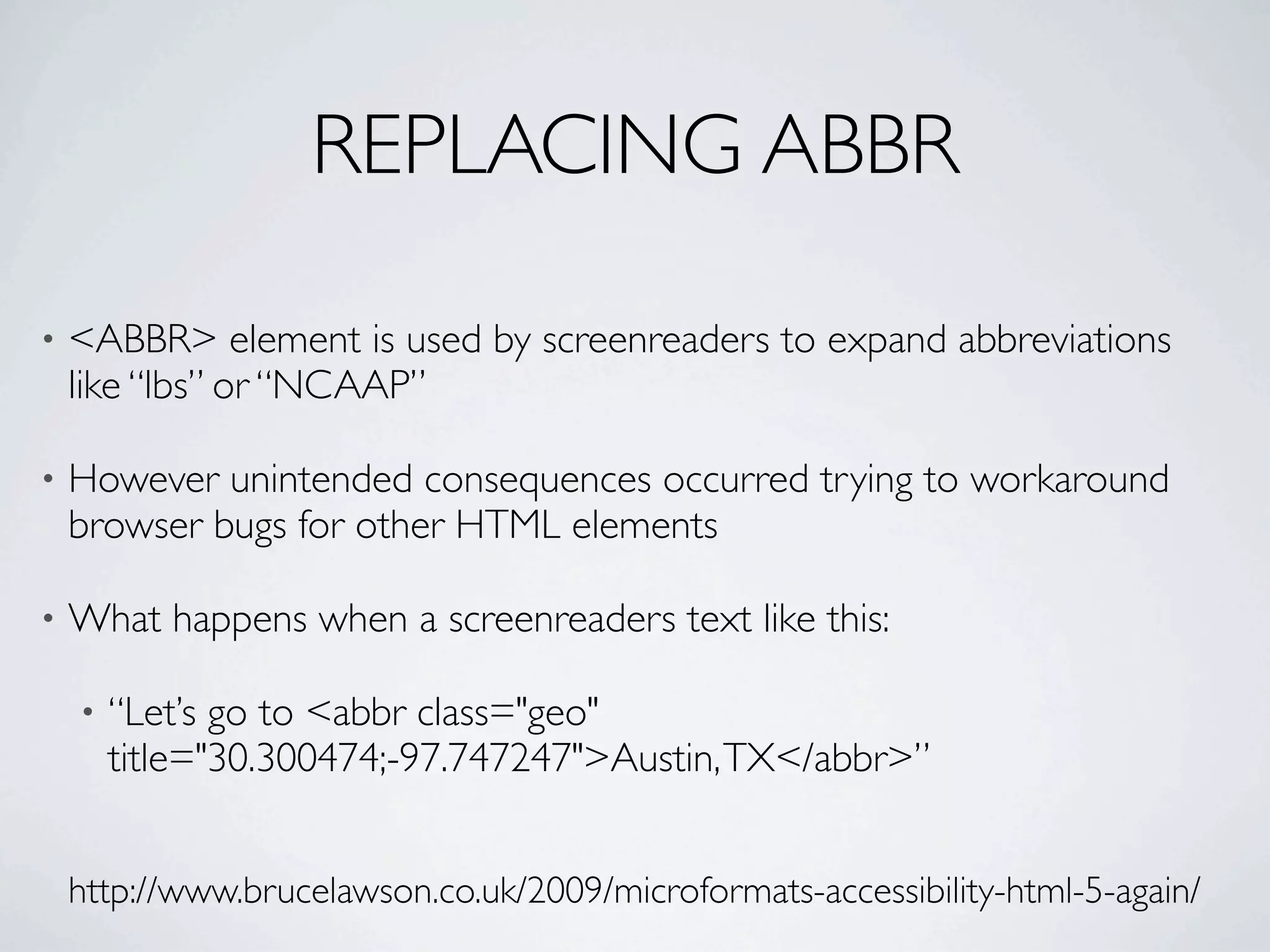
REPLACING ABBR

•   <ABBR> element is used by screenreaders to expand abbreviations
    like “lbs” or “NCAAP”

•   However unintended consequences occurred trying to workaround
    browser bugs for other HTML elements

•   What happens when a screenreaders text like this:

    •   “Let’s go to <abbr class="geo"
        title="30.300474;-97.747247">Austin, TX</abbr>”


    http://www.brucelawson.co.uk/2009/microformats-accessibility-html-5-again/
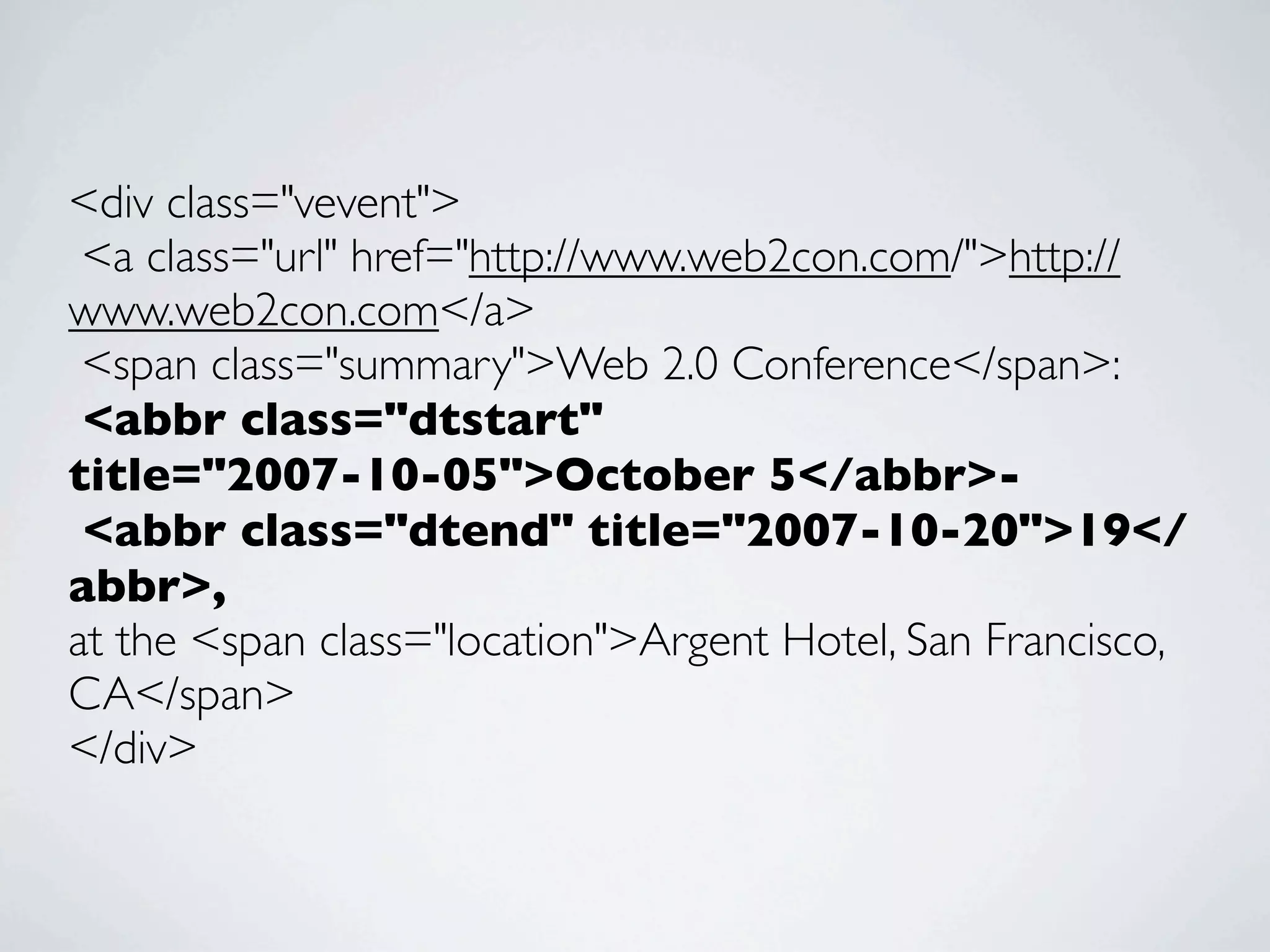
<div class="vevent">
 <a class="url" href="http://www.web2con.com/">http://
www.web2con.com</a>
 <span class="summary">Web 2.0 Conference</span>:
 <abbr class="dtstart"
title="2007-10-05">October 5</abbr>-
 <abbr class="dtend" title="2007-10-20">19</
abbr>,
at the <span class="location">Argent Hotel, San Francisco,
CA</span>
</div>
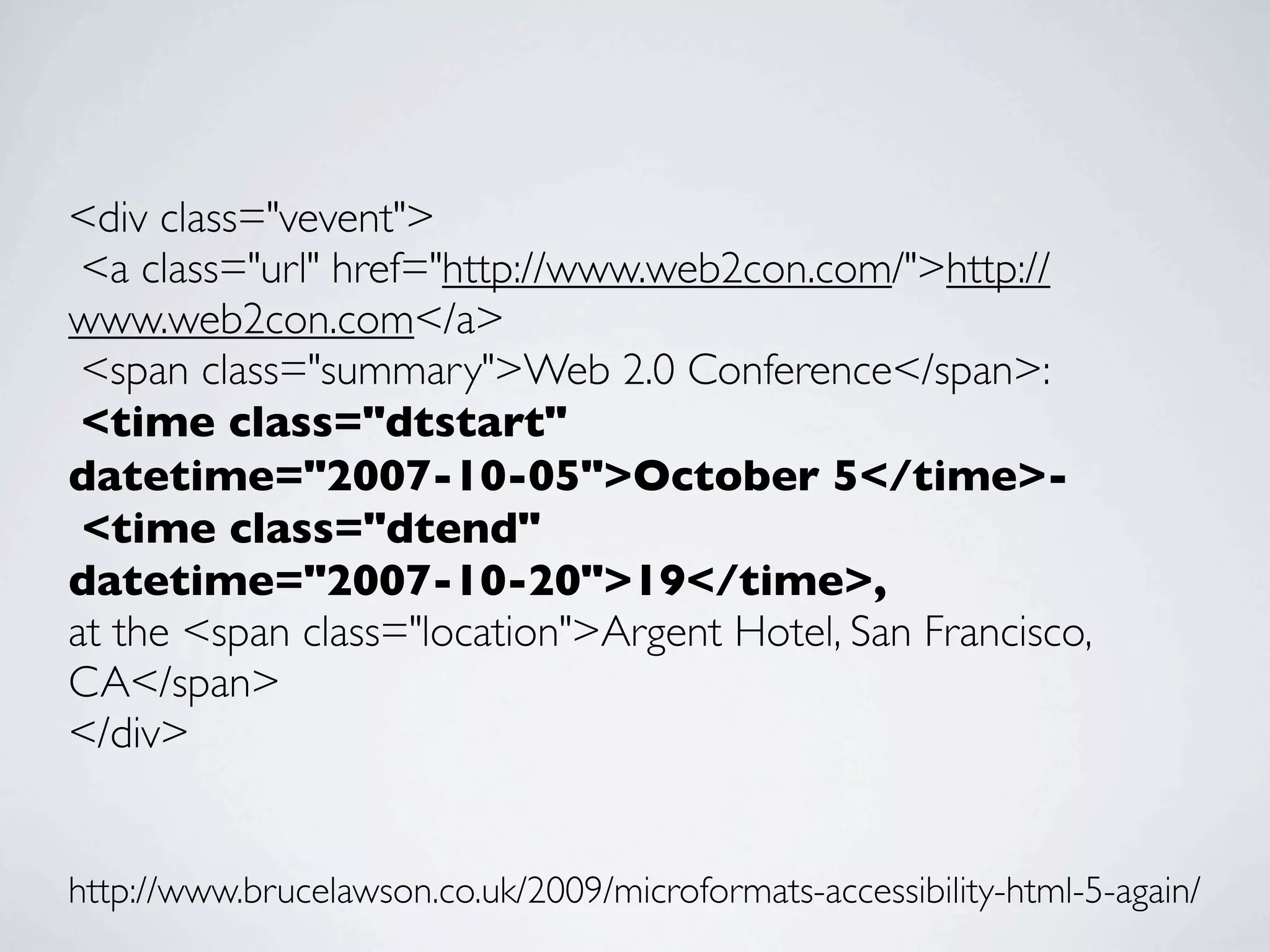
<div class="vevent">
 <a class="url" href="http://www.web2con.com/">http://
www.web2con.com</a>
 <span class="summary">Web 2.0 Conference</span>:
 <time class="dtstart"
datetime="2007-10-05">October 5</time>-
 <time class="dtend"
datetime="2007-10-20">19</time>,
at the <span class="location">Argent Hotel, San Francisco,
CA</span>
</div>


http://www.brucelawson.co.uk/2009/microformats-accessibility-html-5-again/
POSTSCRIPT

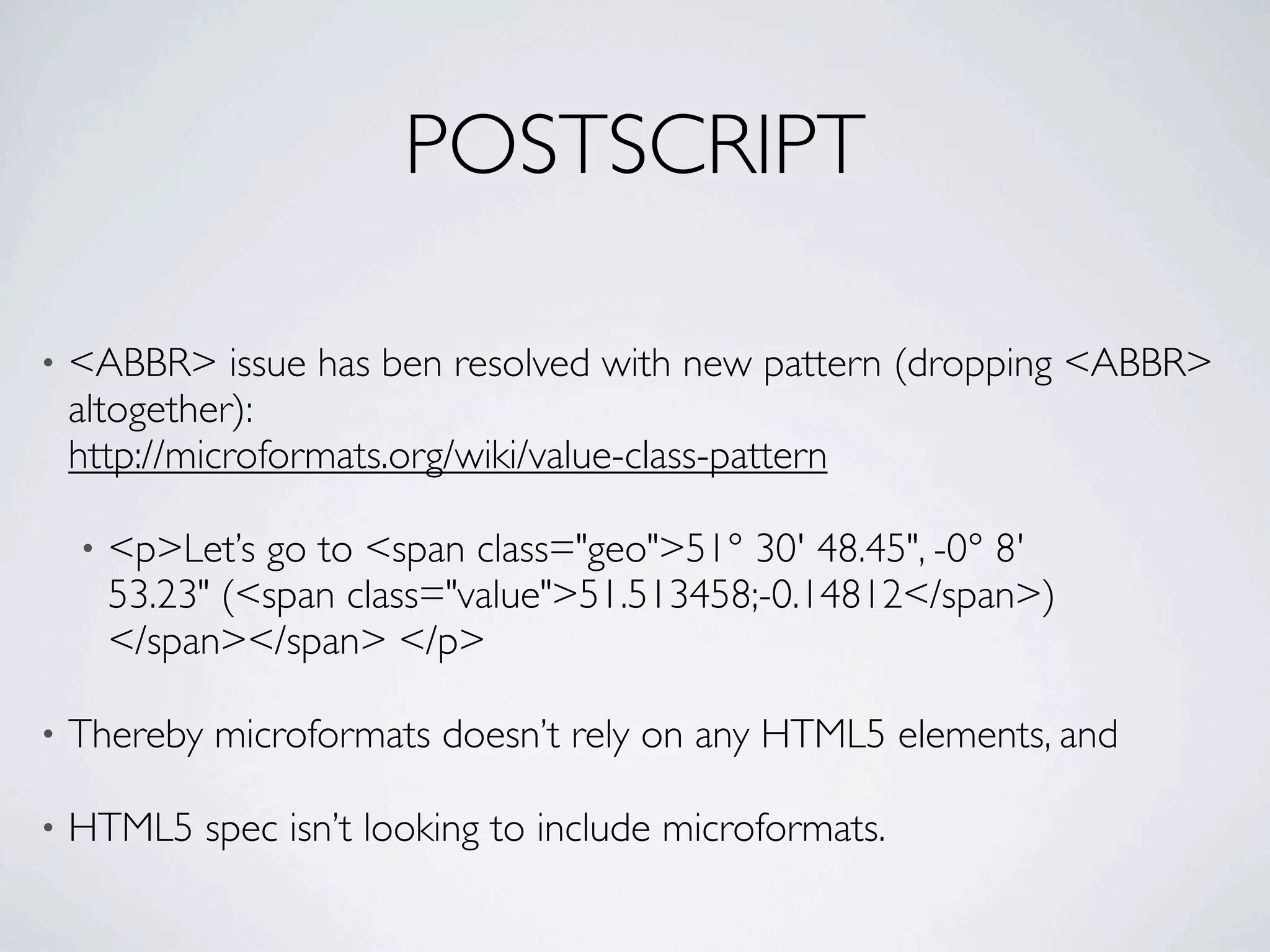
•   <ABBR> issue has ben resolved with new pattern (dropping <ABBR>
    altogether):
    http://microformats.org/wiki/value-class-pattern

    •   <p>Let’s go to <span class="geo">51° 30' 48.45", -0° 8'
        53.23" (<span class="value">51.513458;-0.14812</span>)
        </span></span> </p>

•   Thereby microformats doesn’t rely on any HTML5 elements, and

•   HTML5 spec isn’t looking to include microformats.
HEADINGS
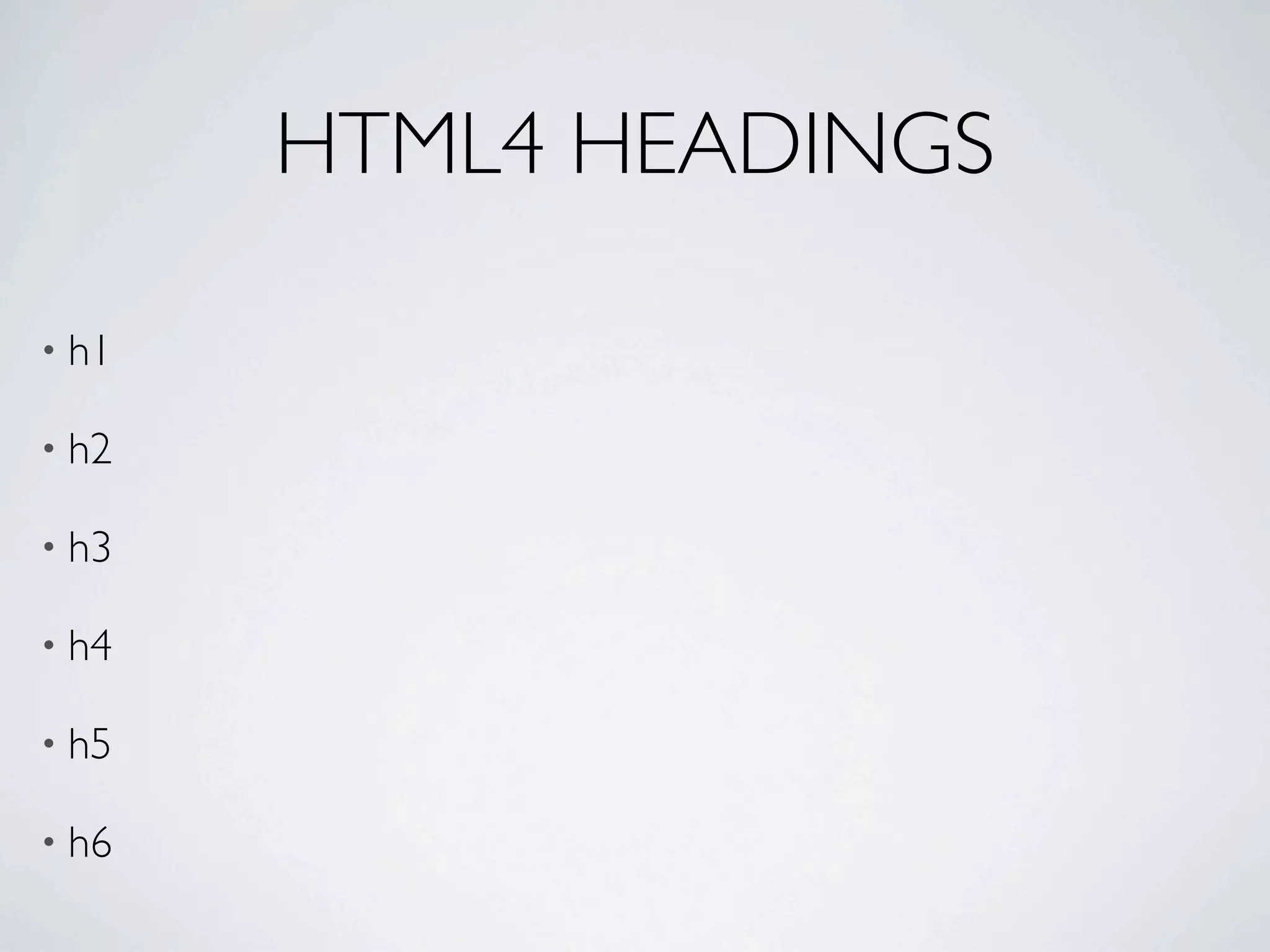
HTML4 HEADINGS

• h1

• h2

• h3

• h4

• h5

• h6
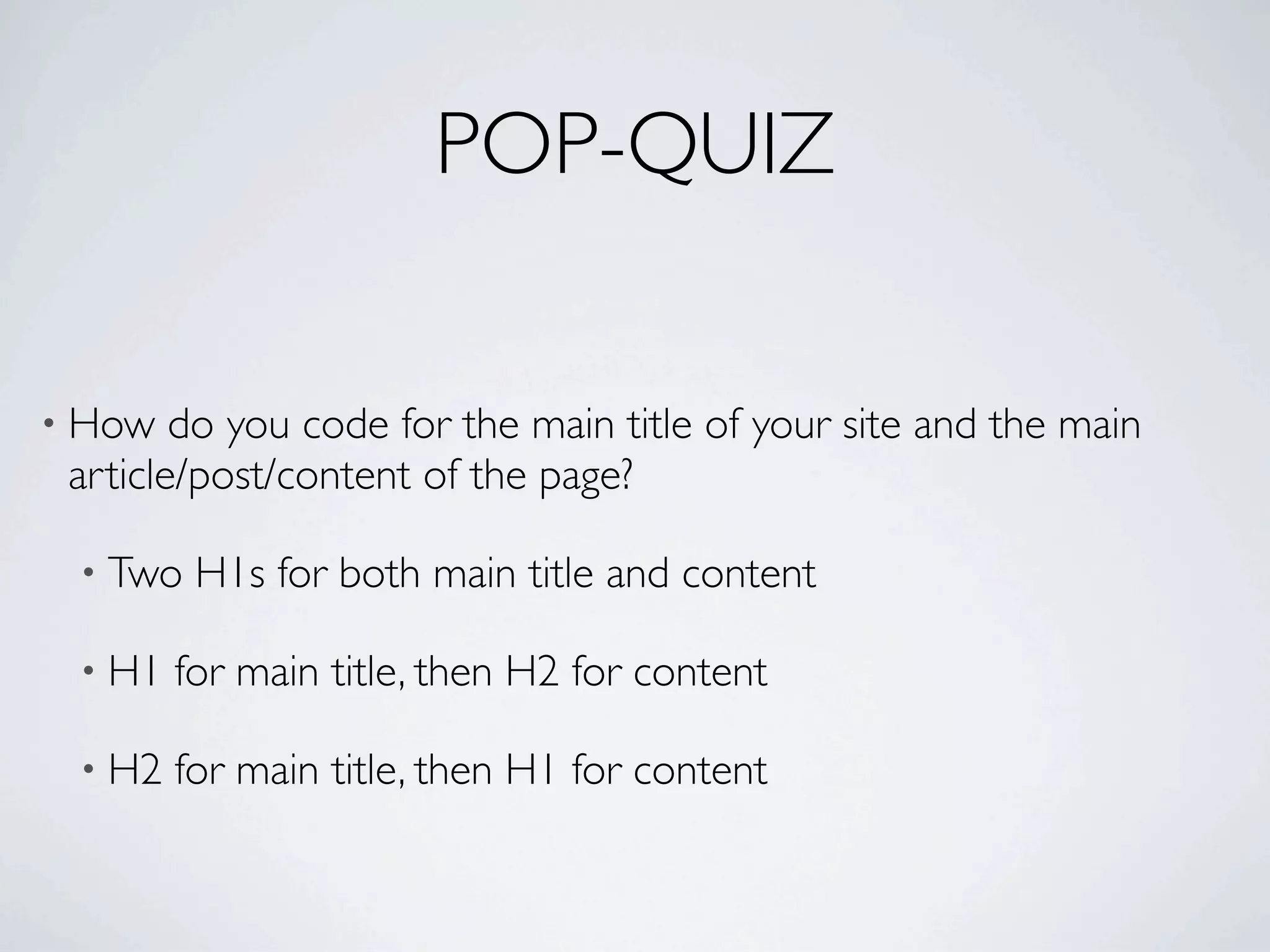
POP-QUIZ

• How   do you code for the main title of your site and the main
 article/post/content of the page?

 • Two   H1s for both main title and content

 • H1   for main title, then H2 for content

 • H2   for main title, then H1 for content
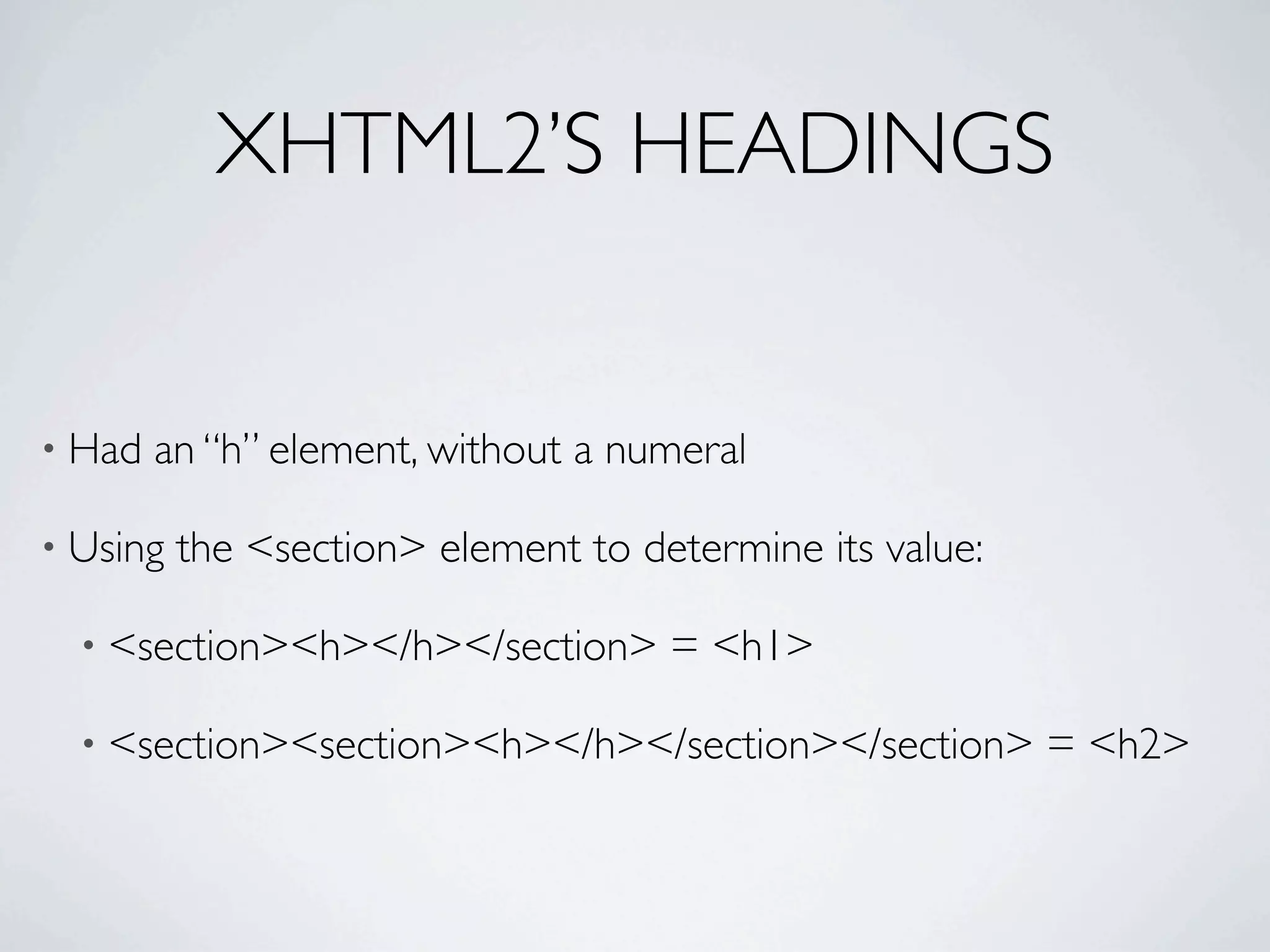
XHTML2’S HEADINGS


• Had   an “h” element, without a numeral

• Using   the <section> element to determine its value:

  • <section><h></h></section>       = <h1>

  • <section><section><h></h></section></section>         = <h2>
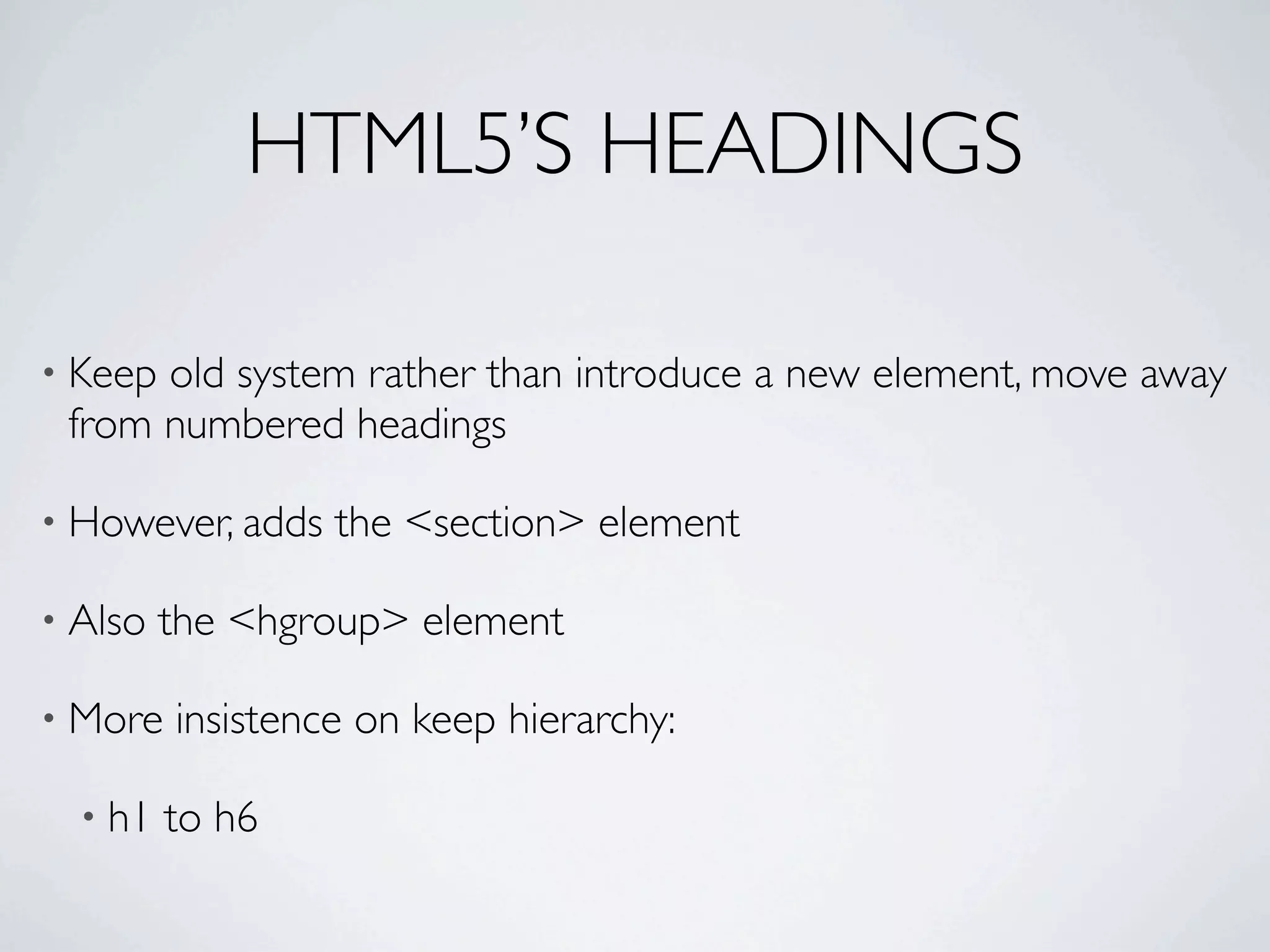
HTML5’S HEADINGS

• Keepold system rather than introduce a new element, move away
 from numbered headings

• However, adds   the <section> element

• Also   the <hgroup> element

• More   insistence on keep hierarchy:

  • h1   to h6
<HEADER>
• <header>        contains information found at top of a page

  •   title,

  • subtitle,

  •   and navigation

• Also, it     can include an <hgroup>

• Canbe placed anywhere in a document except <footer> and
 another <header>
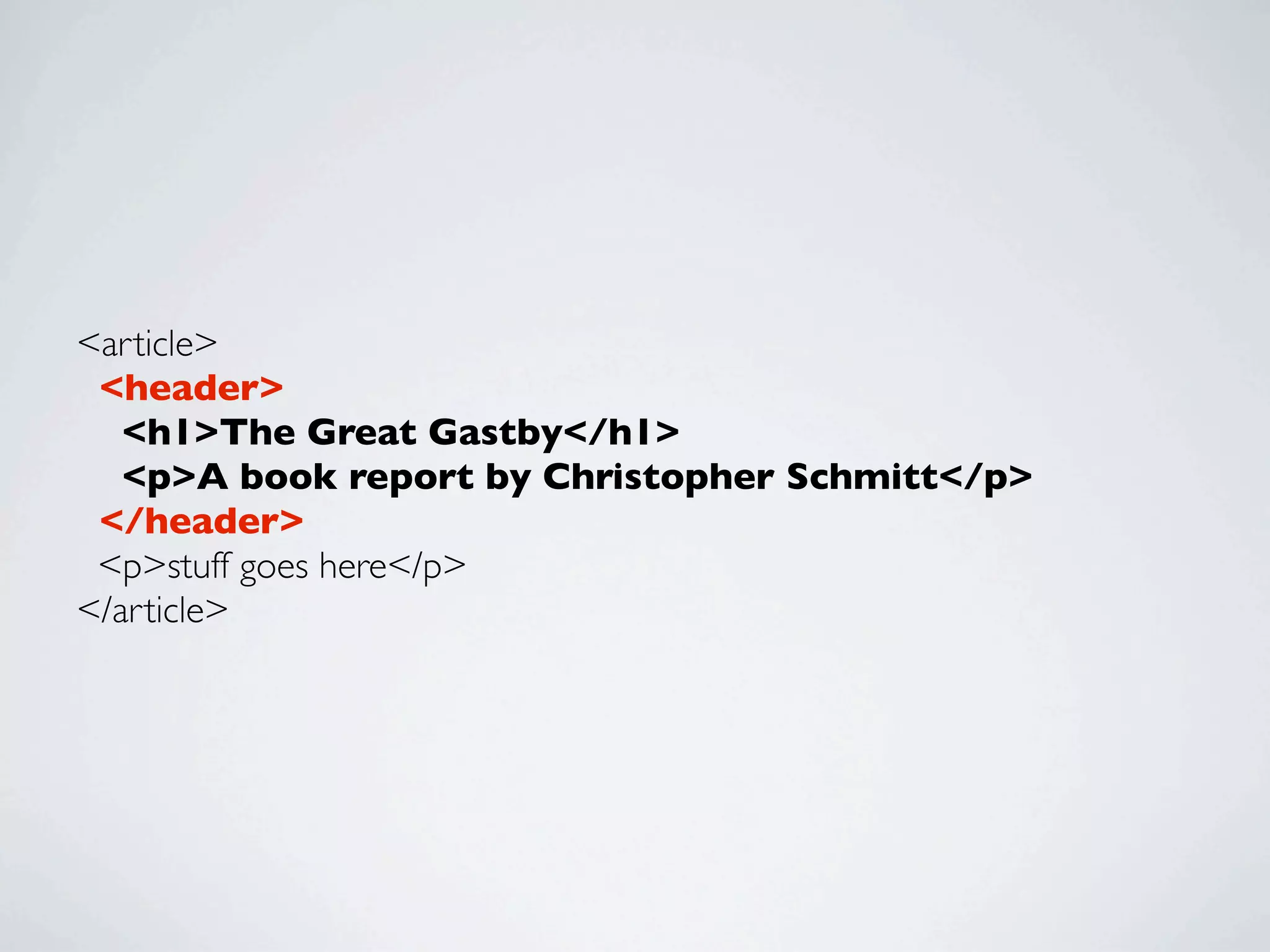
<article>
 <header>
   <h1>The Great Gastby</h1>
   <p>A book report by Christopher Schmitt</p>
 </header>
 <p>stuff goes here</p>
</article>
<HGROUP>
• Can    contain more than one heading

  • In   fact, must contain at least two heading elements

• Example: intended    for titles and subtitles

• Keep    hierarchy of heading elements

  • h1   through h6

  • Don’t   need to place them in <hgroup> or <header>
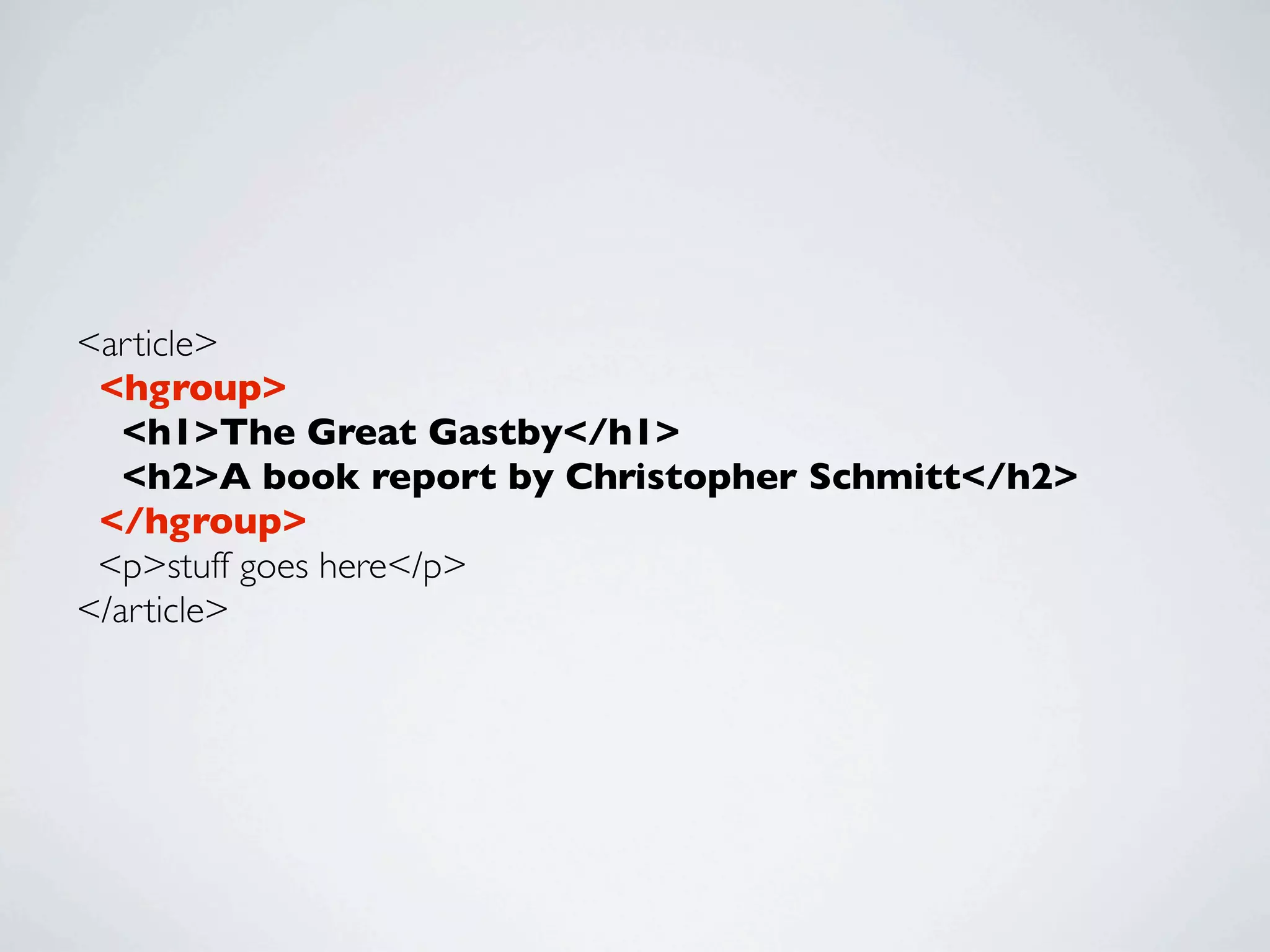
<article>
 <hgroup>
   <h1>The Great Gastby</h1>
   <h2>A book report by Christopher Schmitt</h2>
 </hgroup>
 <p>stuff goes here</p>
</article>
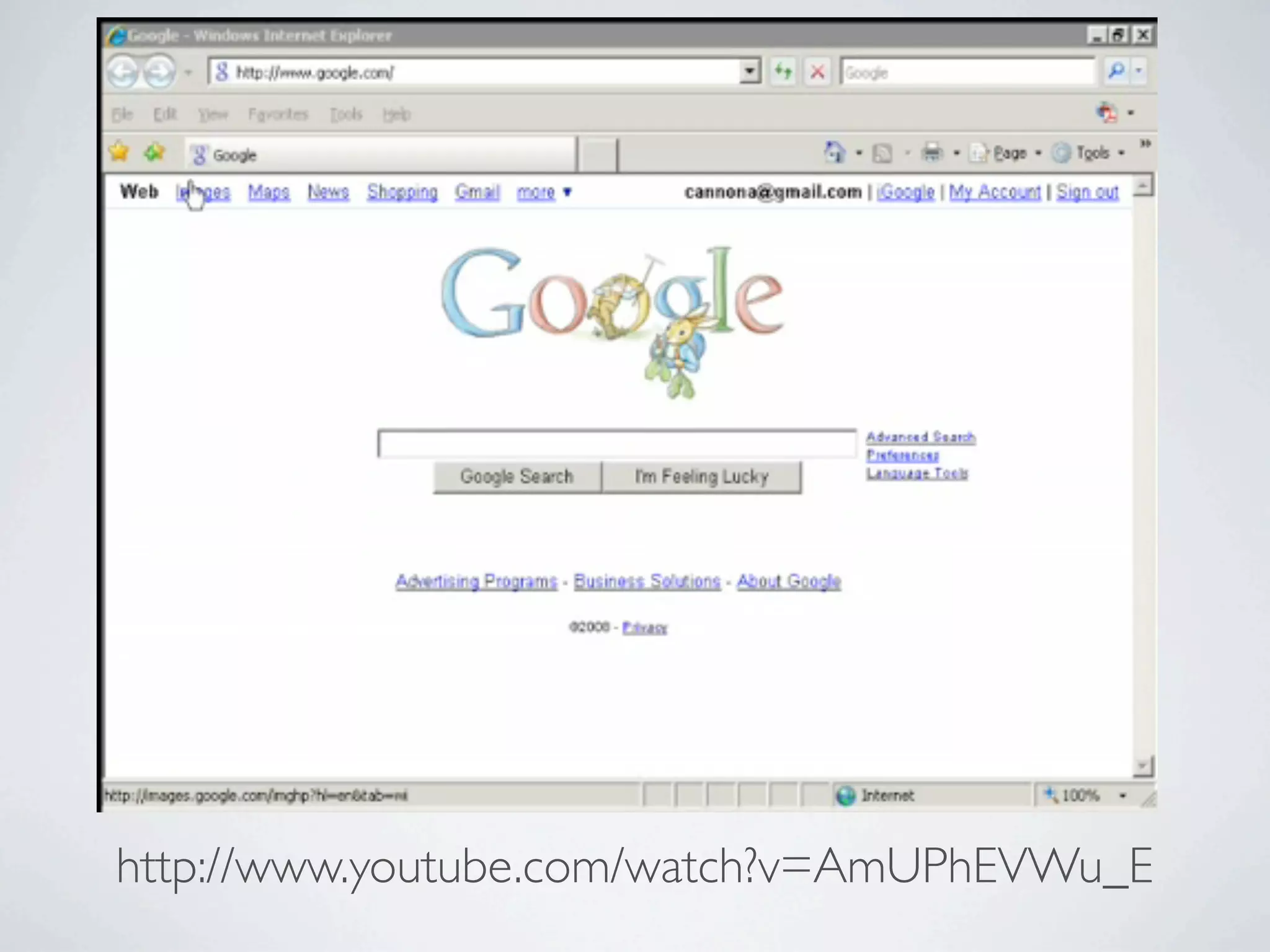
VIDEO EXAMPLE OF HEADINGS w/ SCREENREADER


 http://www.youtube.com/watch?v=AmUPhEVWu_E
http://www.youtube.com/watch?v=AmUPhEVWu_E
HTML5 CANVAS
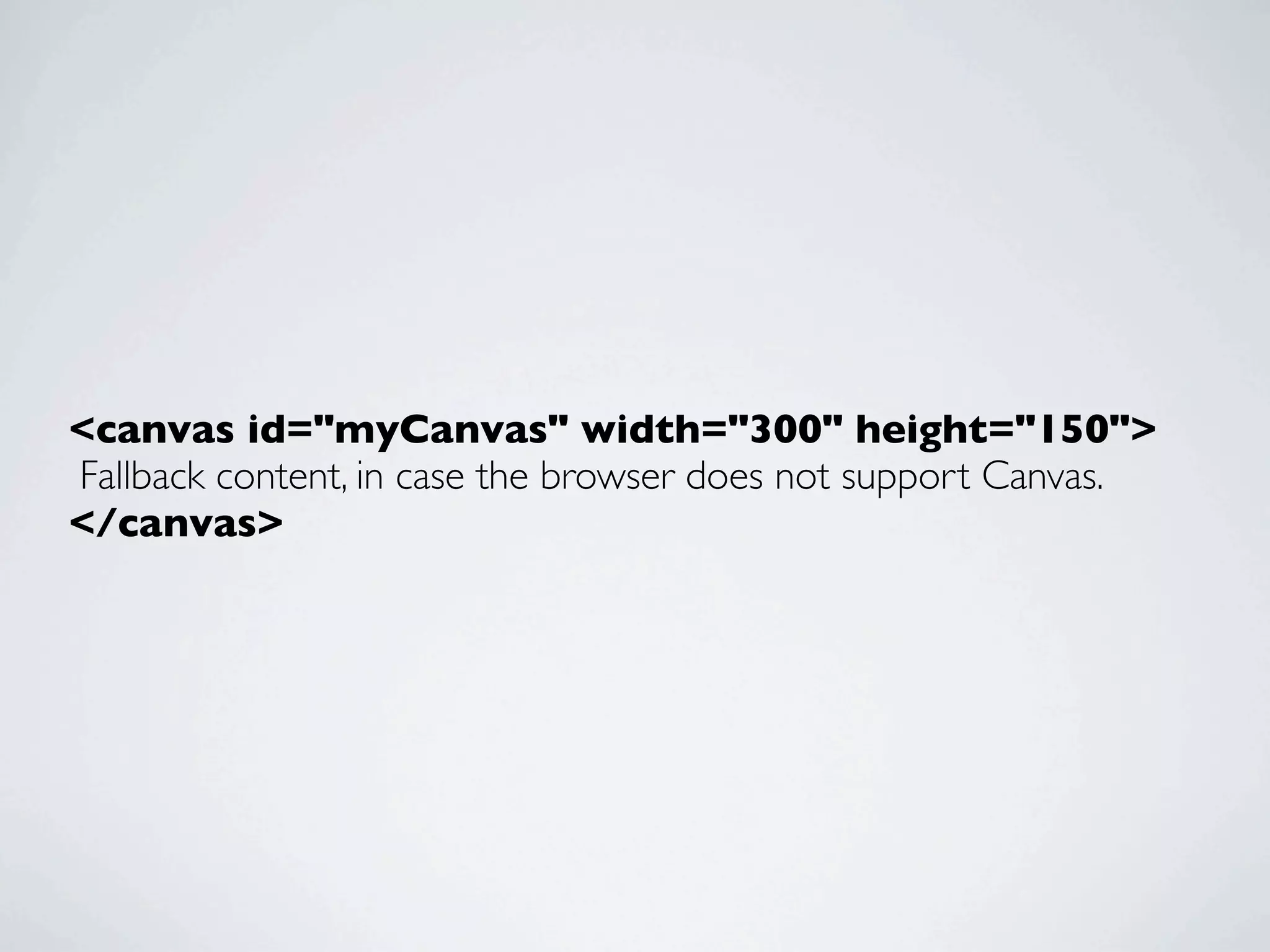
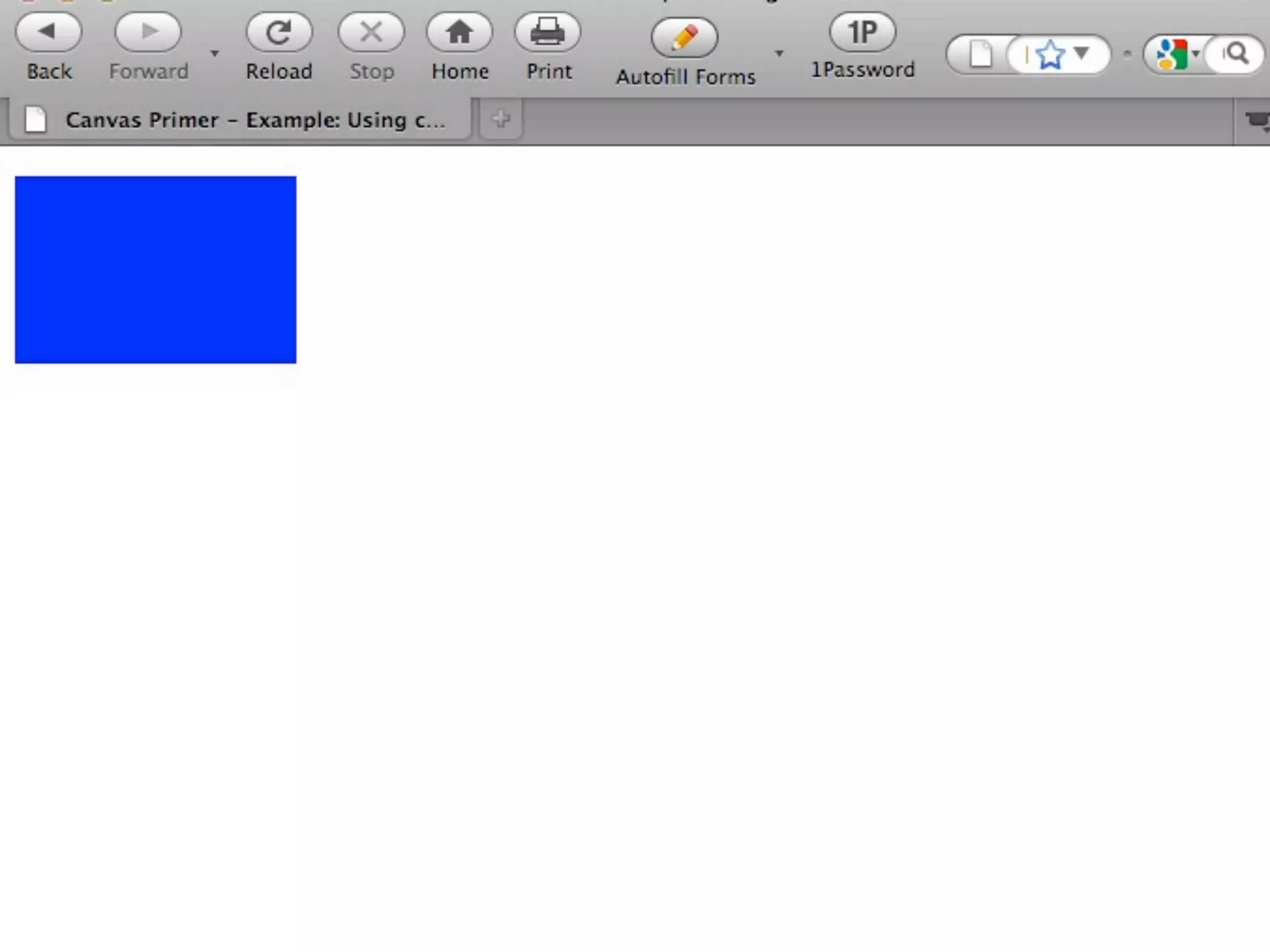
<canvas id="myCanvas" width="300" height="150">
Fallback content, in case the browser does not support Canvas.
</canvas>
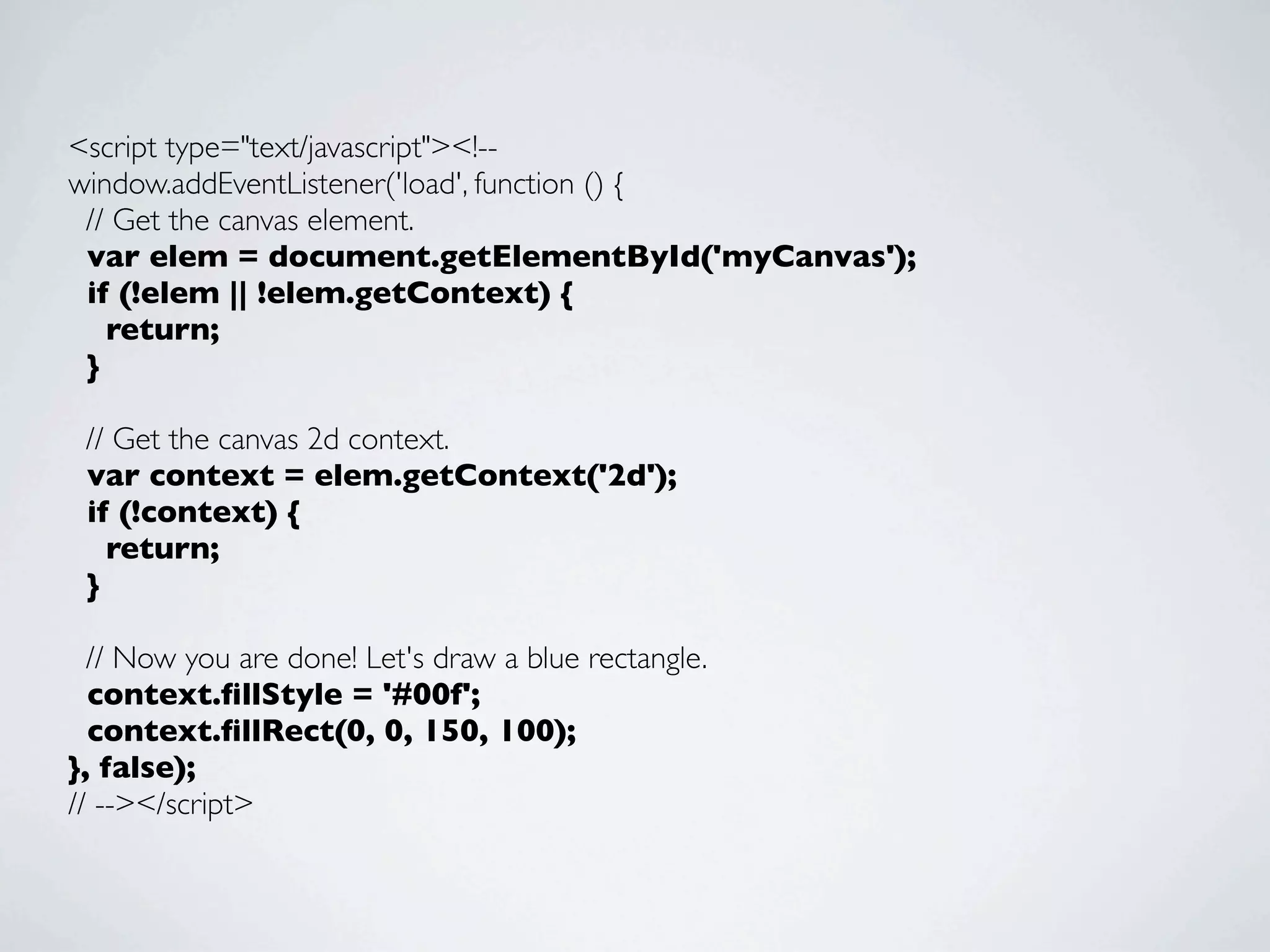
<script type="text/javascript"><!--
window.addEventListener('load', function () {
 // Get the canvas element.
 var elem = document.getElementById('myCanvas');
 if (!elem || !elem.getContext) {
   return;
 }

 // Get the canvas 2d context.
 var context = elem.getContext('2d');
 if (!context) {
   return;
 }

  // Now you are done! Let's draw a blue rectangle.
  context.fillStyle = '#00f';
  context.fillRect(0, 0, 150, 100);
}, false);
// --></script>
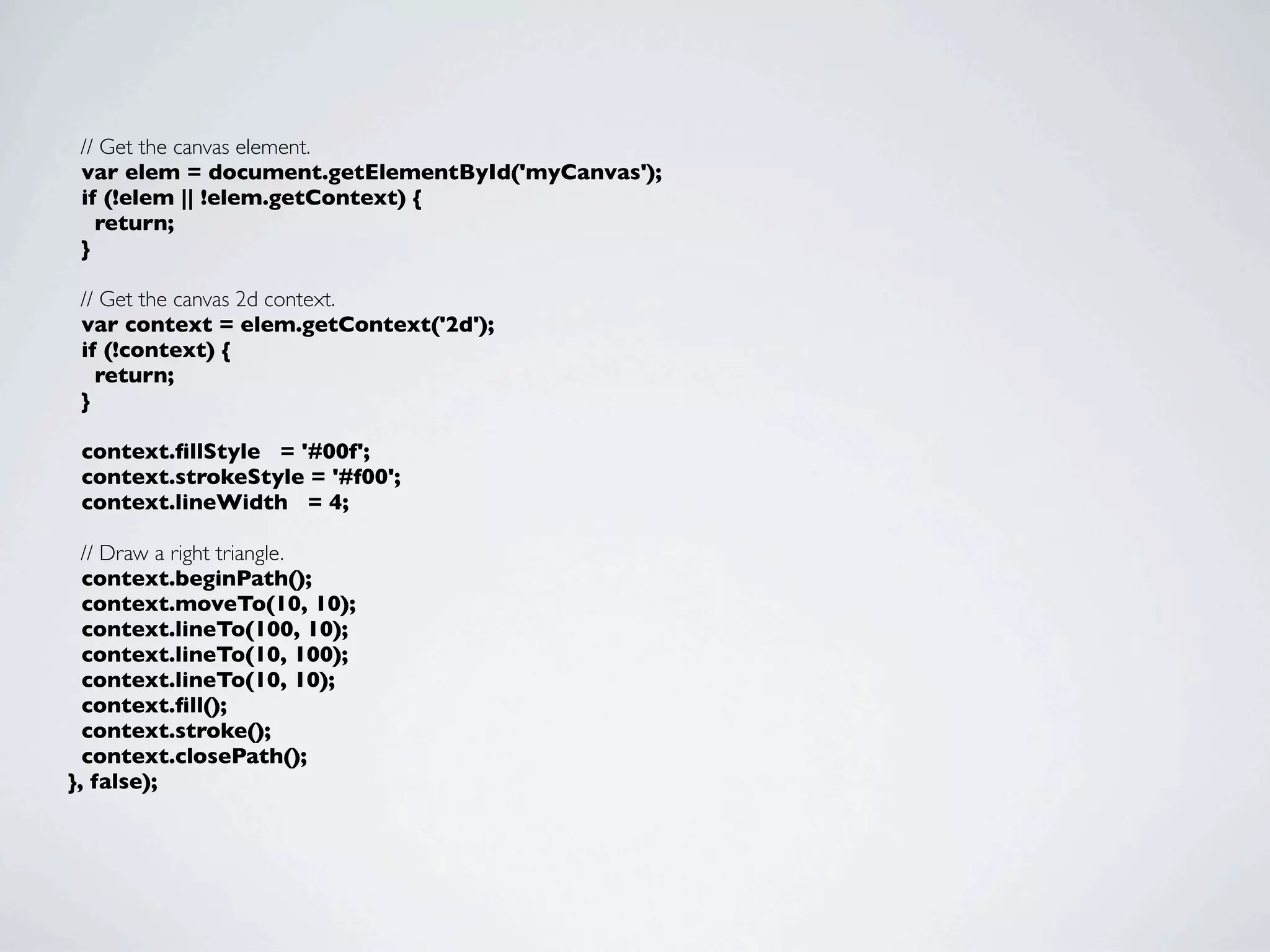
// Get the canvas element.
 var elem = document.getElementById('myCanvas');
 if (!elem || !elem.getContext) {
   return;
 }

 // Get the canvas 2d context.
 var context = elem.getContext('2d');
 if (!context) {
   return;
 }

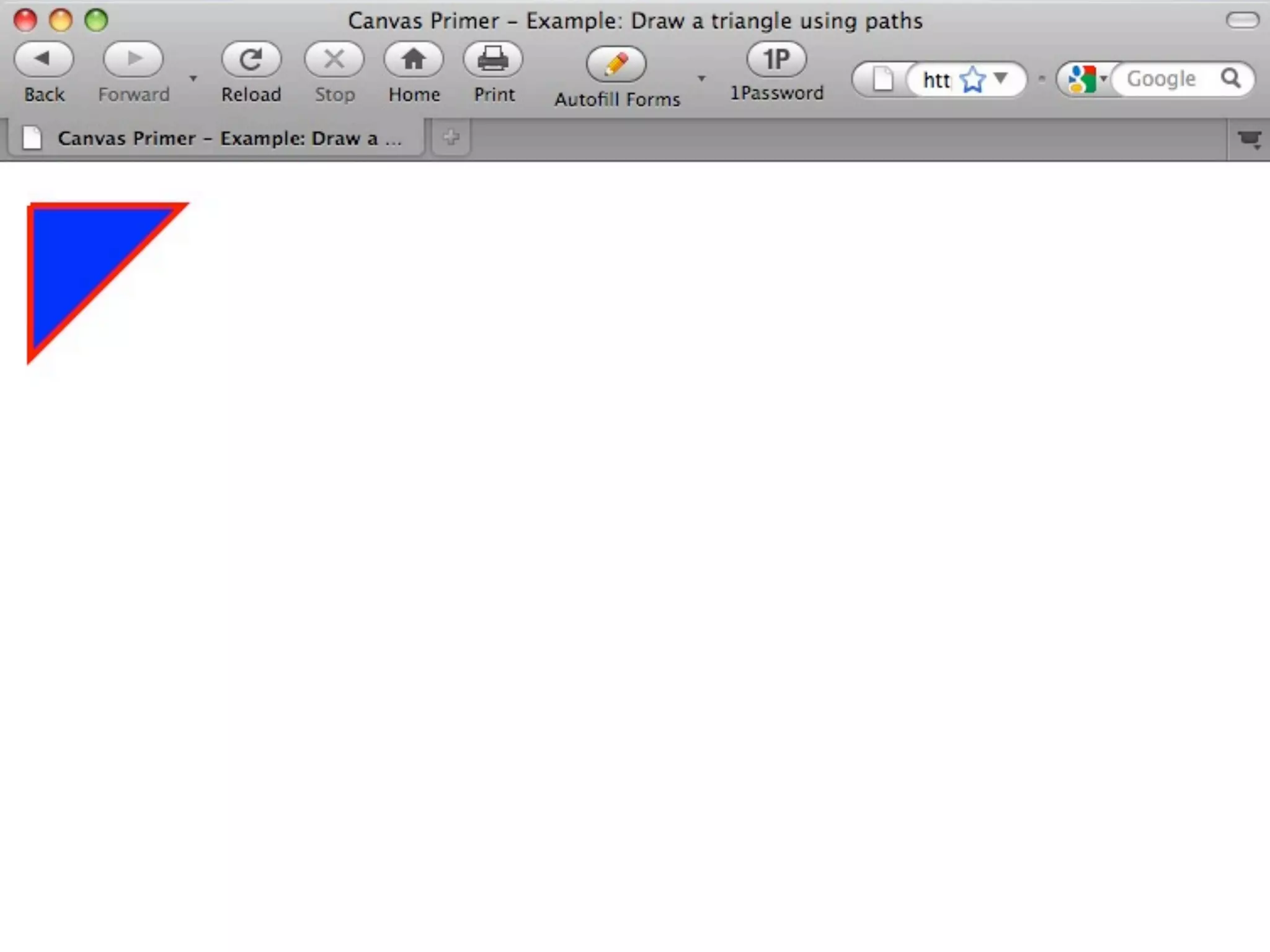
 context.fillStyle = '#00f';
 context.strokeStyle = '#f00';
 context.lineWidth = 4;

  // Draw a right triangle.
  context.beginPath();
  context.moveTo(10, 10);
  context.lineTo(100, 10);
  context.lineTo(10, 100);
  context.lineTo(10, 10);
  context.fill();
  context.stroke();
  context.closePath();
}, false);
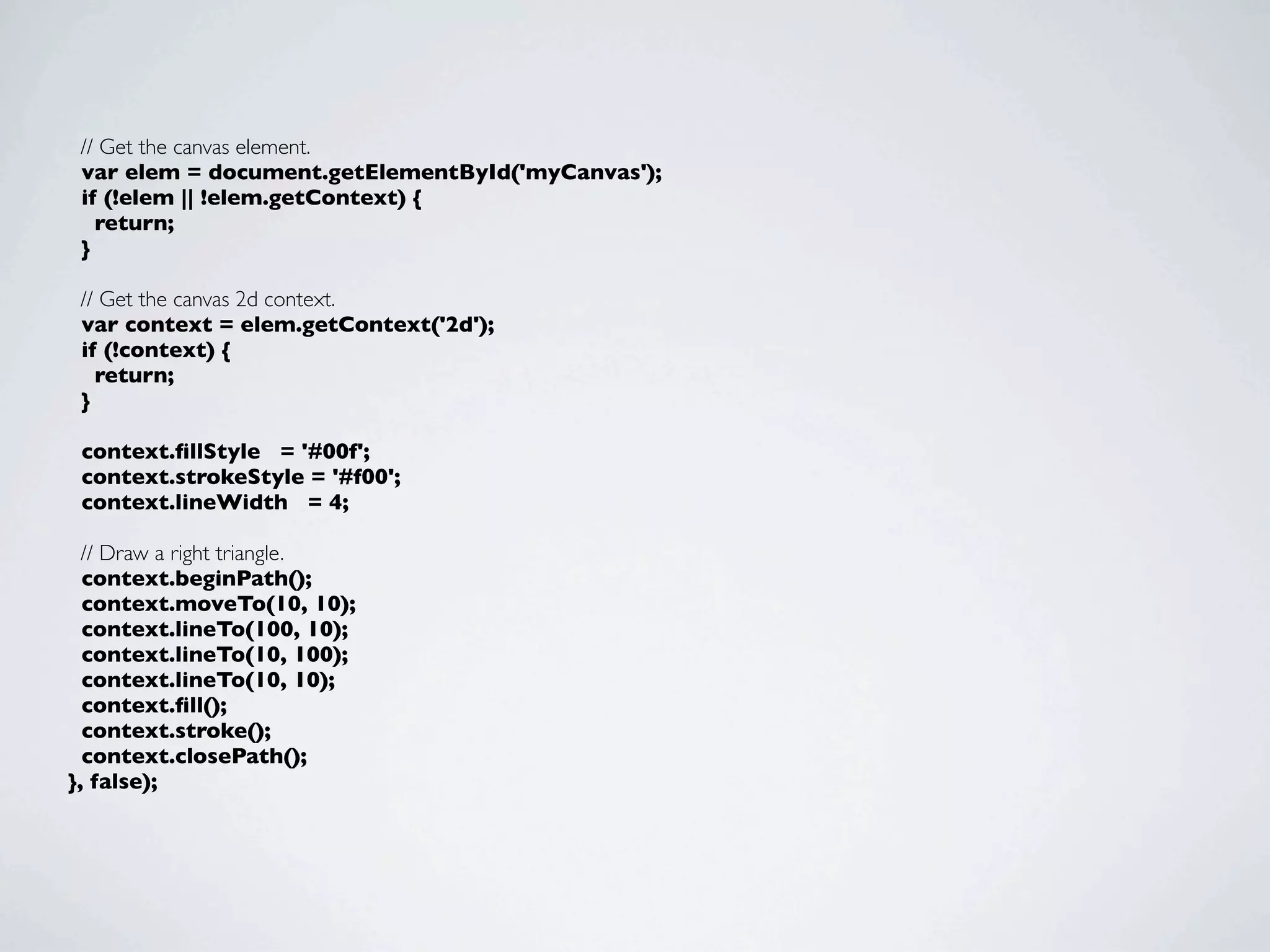
// Get the canvas element.
 var elem = document.getElementById('myCanvas');
 if (!elem || !elem.getContext) {
   return;
 }

 // Get the canvas 2d context.
 var context = elem.getContext('2d');
 if (!context) {
   return;
 }

 context.fillStyle = '#00f';
 context.strokeStyle = '#f00';
 context.lineWidth = 4;

  // Draw a right triangle.
  context.beginPath();
  context.moveTo(10, 10);
  context.lineTo(100, 10);
  context.lineTo(10, 100);
  context.lineTo(10, 10);
  context.fill();
  context.stroke();
  context.closePath();
}, false);
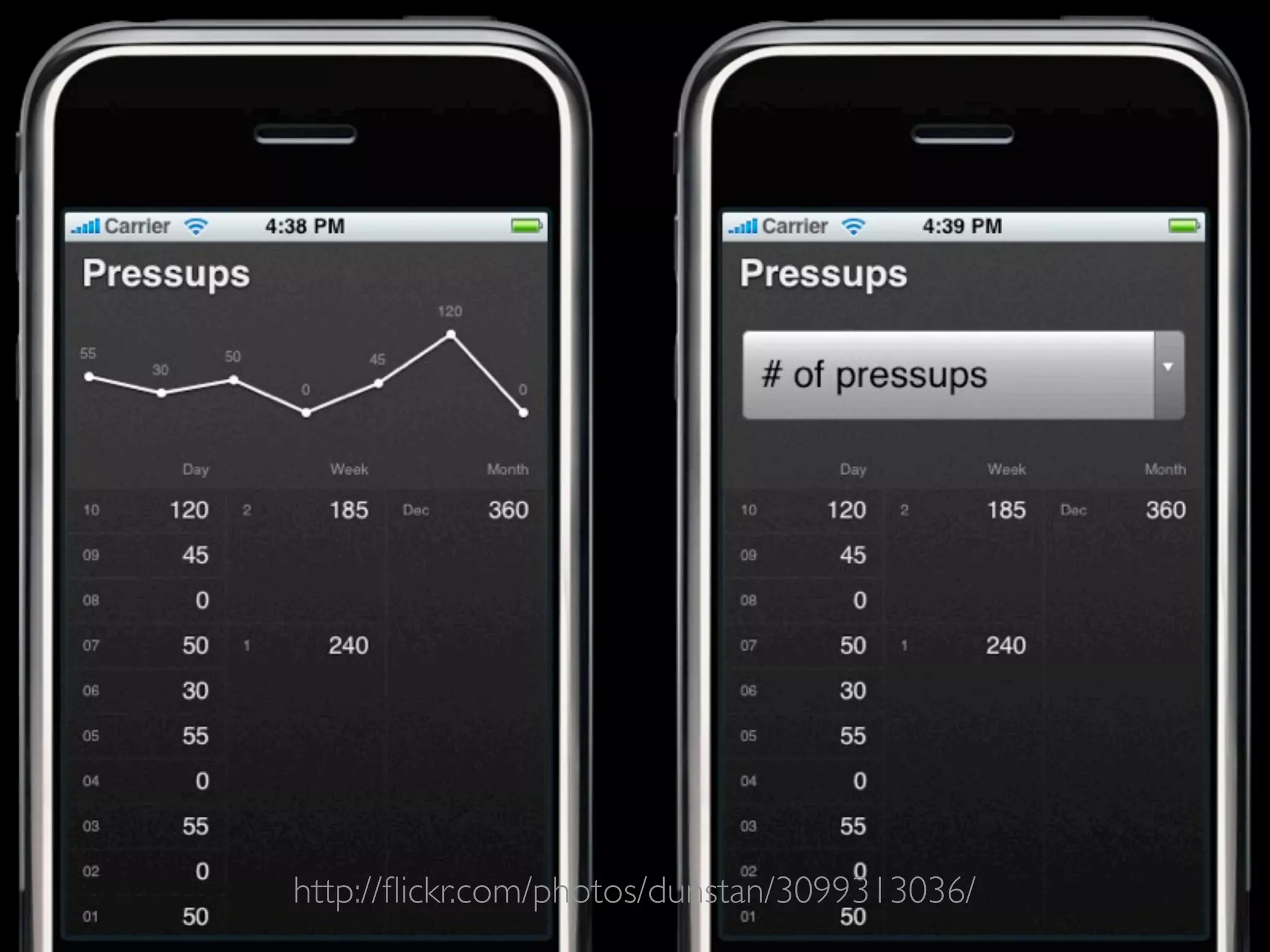
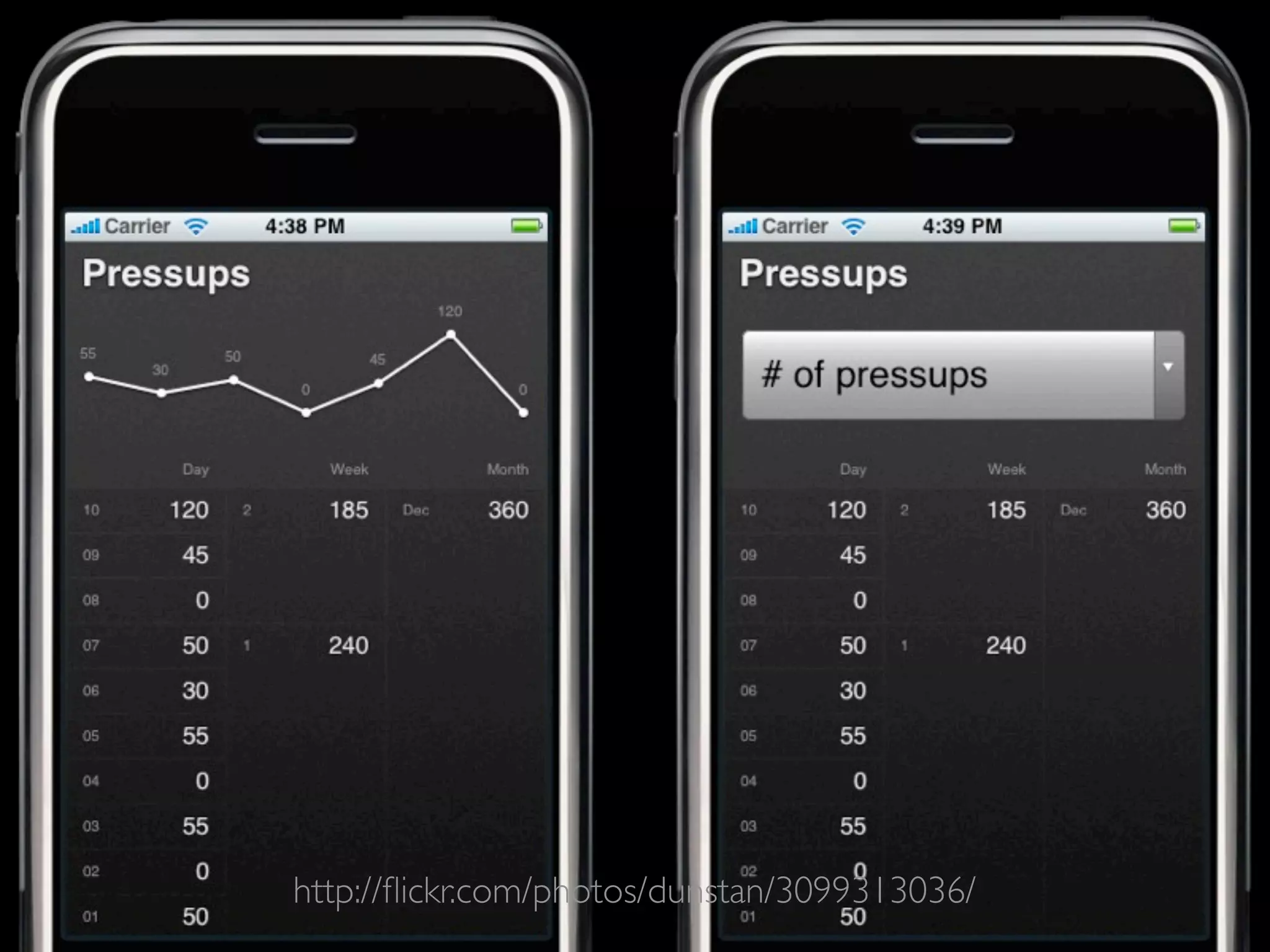
http://flickr.com/photos/dunstan/3099313036/
LUNAR LANDER EXAMPLE
BUT IS IT ACCESSIBLE?
ACCESSIBLE CANVAS ISSUES

• Setting   user interface elements in canvas

• Setting   images in canvas

• Setting   text in canvas


            http://www.paciellogroup.com/blog/?p=362
PROGRESSIVE ENHANCEMENT
         & CANVAS
   “Progressive enhancement is a strategy for web design that
emphasizes accessibility, semantic HTML markup, and external style
                 sheet and scripting technologies.”
      http://en.wikipedia.org/wiki/Progressive_enhancement
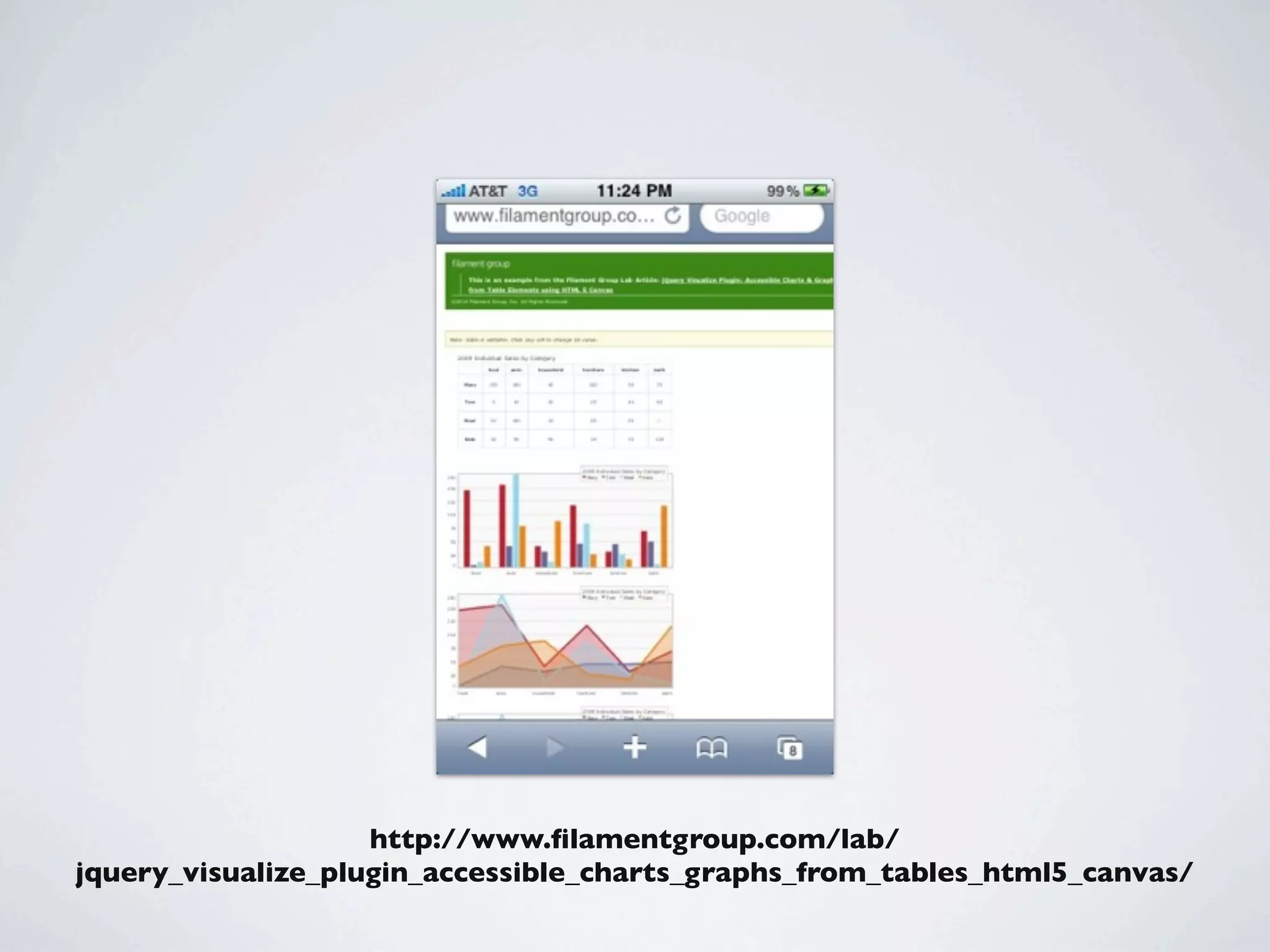
http://www.filamentgroup.com/lab/
jquery_visualize_plugin_accessible_charts_graphs_from_tables_html5_canvas/
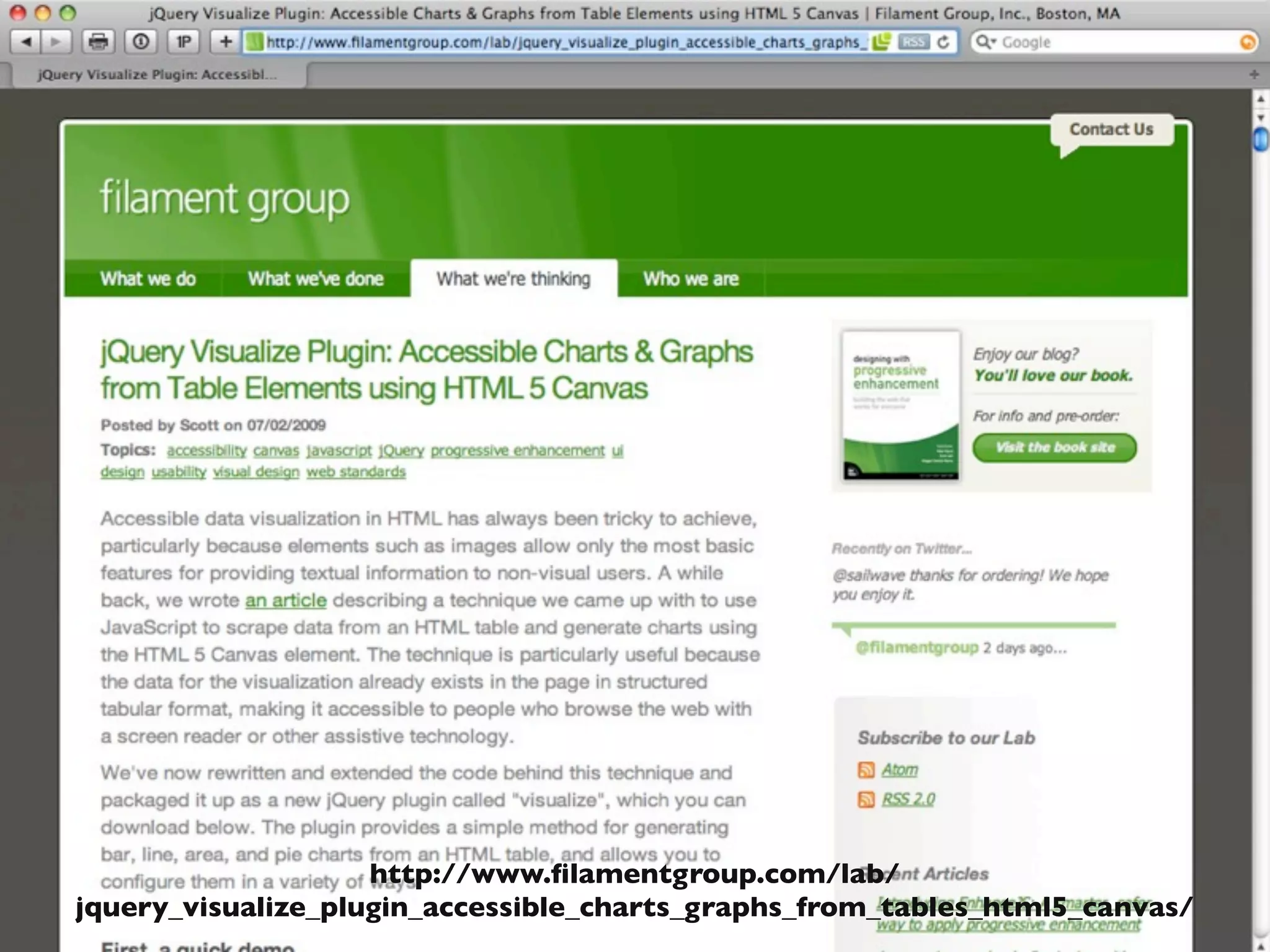
http://www.filamentgroup.com/lab/
jquery_visualize_plugin_accessible_charts_graphs_from_tables_html5_canvas/
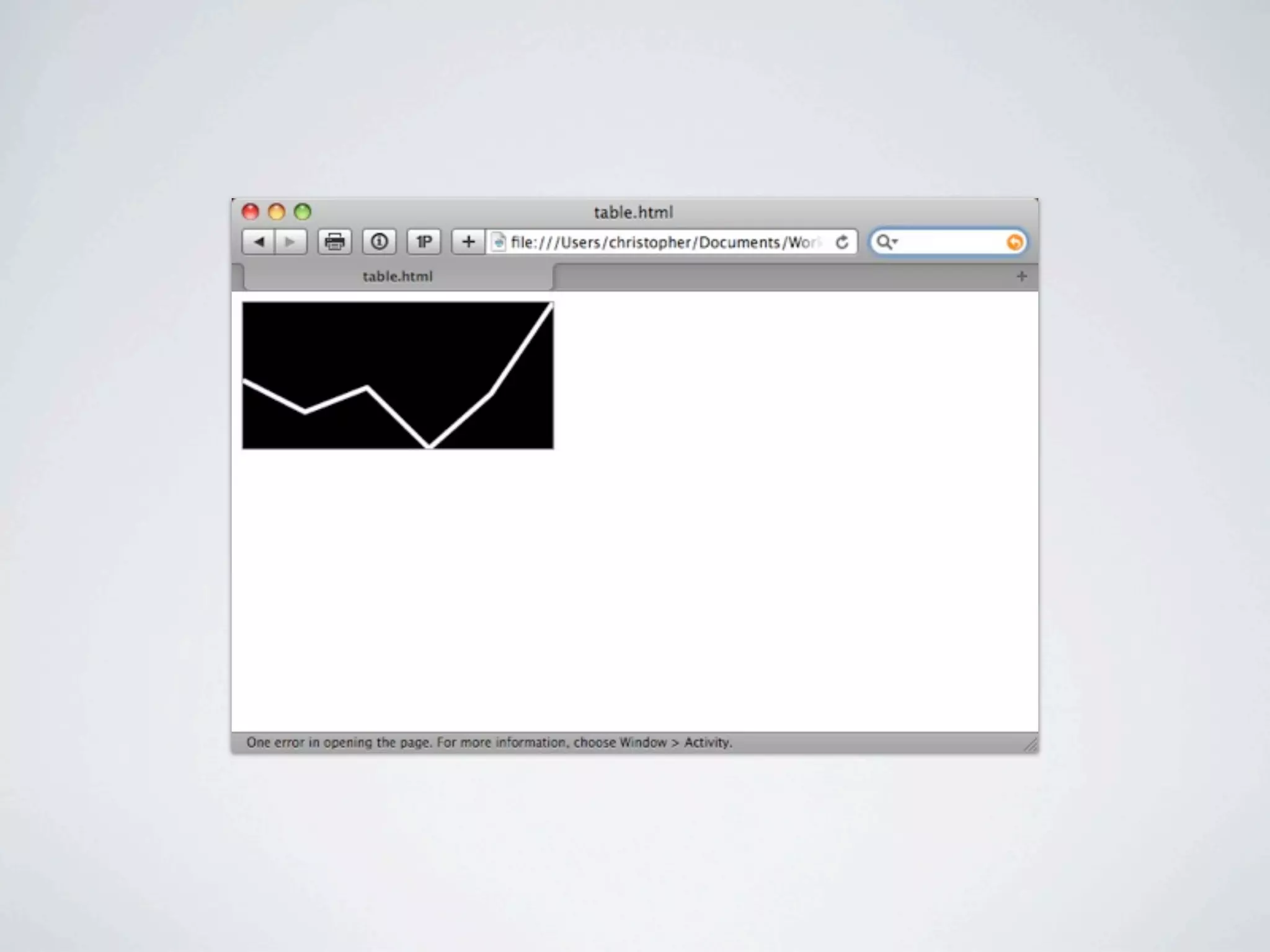
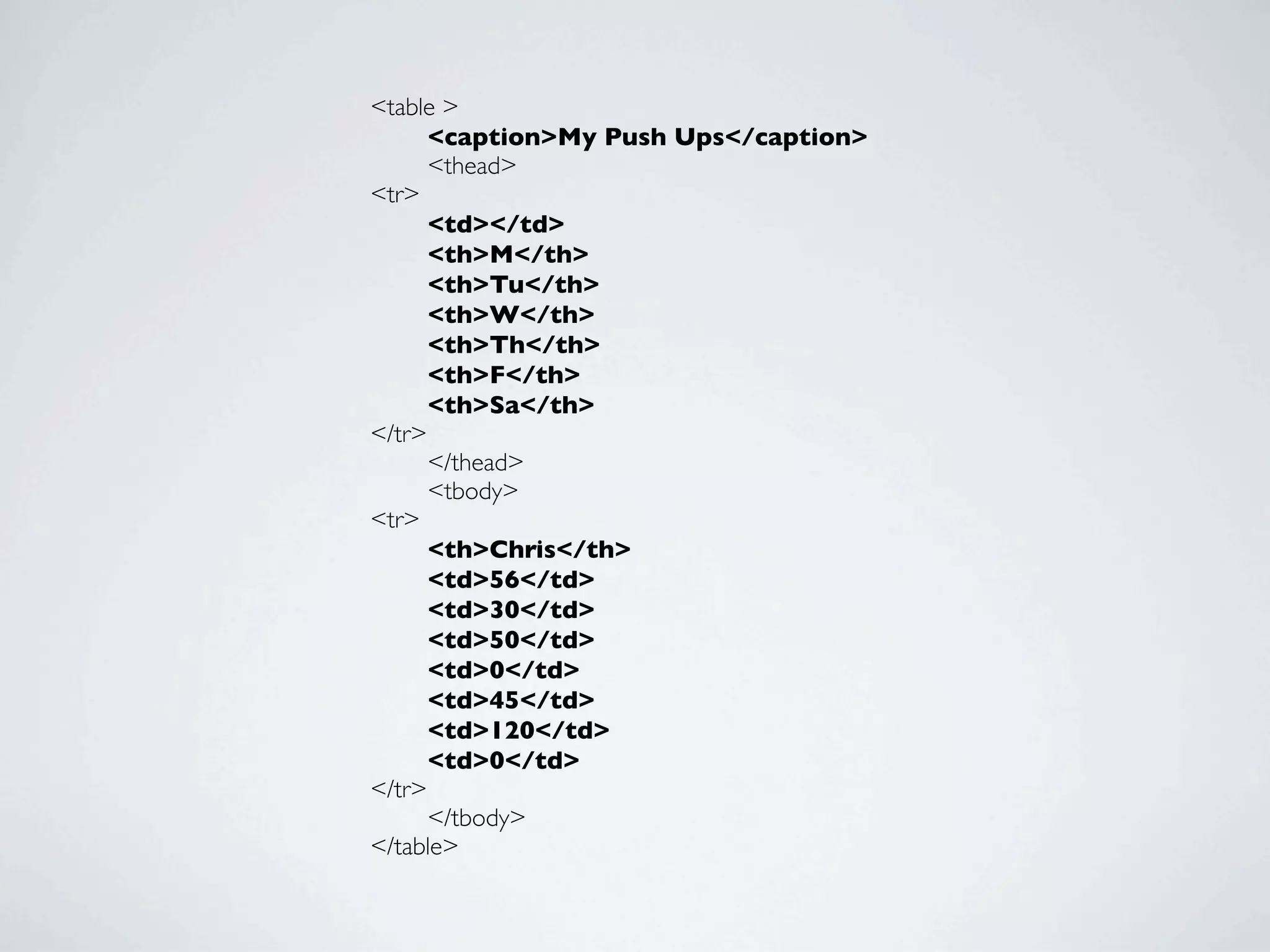
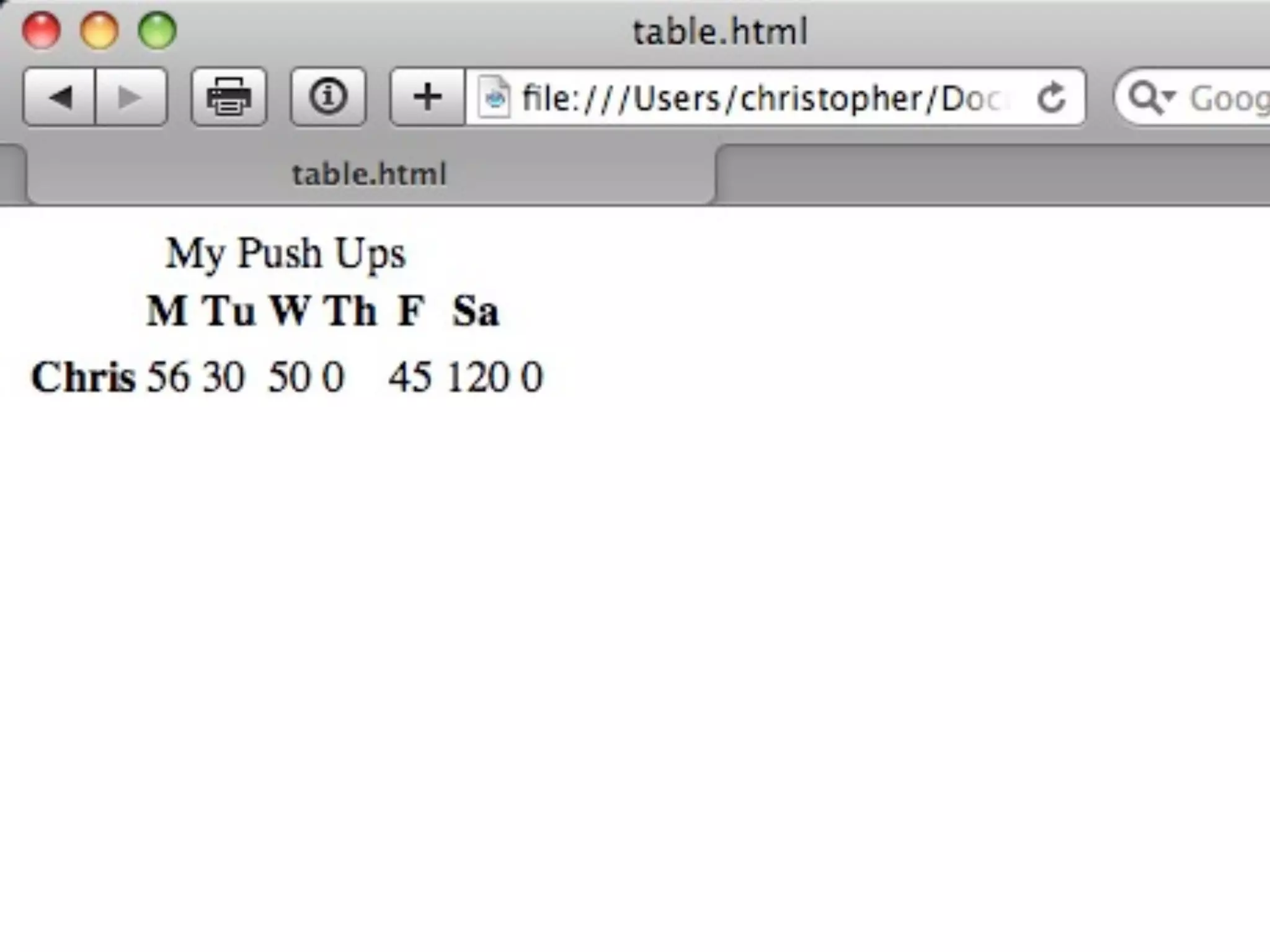
<table >
	

   <caption>My Push Ups</caption>
	

   <thead>
<tr>
	

   <td></td>
	

   <th>M</th>
	

   <th>Tu</th>
	

   <th>W</th>
	

   <th>Th</th>
	

   <th>F</th>
	

   <th>Sa</th>
</tr>
	

   </thead>
	

   <tbody>
<tr>
	

   <th>Chris</th>
	

   <td>56</td>
	

   <td>30</td>
	

   <td>50</td>
	

   <td>0</td>
	

   <td>45</td>
	

   <td>120</td>
	

   <td>0</td>
</tr>
	

   </tbody>
</table>
<link type="text/css" rel="stylesheet"
href="visualize.jQuery.css"/>
<script type="text/javascript" src="http://ajax.googleapis.com/ajax/libs/
jquery/1.3.2/jquery.min.js"></script>
<!--[if IE]><script type="text/javascript" src="excanvas.compiled.js"></
script><![endif]-->
<script type="text/javascript" src="visualize.jQuery.js"></script>
<script type="text/javascript">
$(function(){
	

 $('table').addClass('accessHide');
	

 $('table').visualize({type: 'line', colors: ['#fff']});
	

 });
</script>
<link type="text/css" rel="stylesheet" href="visualize.jQuery.css"/>
<script type="text/javascript" src="http://
ajax.googleapis.com/ajax/libs/jquery/1.3.2/
jquery.min.js"></script>
<!--[if IE]><script type="text/javascript" src="excanvas.compiled.js"></
script><![endif]-->
<script type="text/javascript" src="visualize.jQuery.js"></script>
<script type="text/javascript">
$(function(){
	

 $('table').addClass('accessHide');
	

 $('table').visualize({type: 'line', colors: ['#fff']});
	

 });
</script>
<link type="text/css" rel="stylesheet" href="visualize.jQuery.css"/>
<script type="text/javascript" src="http://ajax.googleapis.com/ajax/libs/
jquery/1.3.2/jquery.min.js"></script>
<!--[if IE]><script type="text/javascript"
src="excanvas.compiled.js"></script><![endif]-->
<script type="text/javascript" src="visualize.jQuery.js"></script>
<script type="text/javascript">
$(function(){
	

 $('table').addClass('accessHide');
	

 $('table').visualize({type: 'line', colors: ['#fff']});
	

 });
</script>
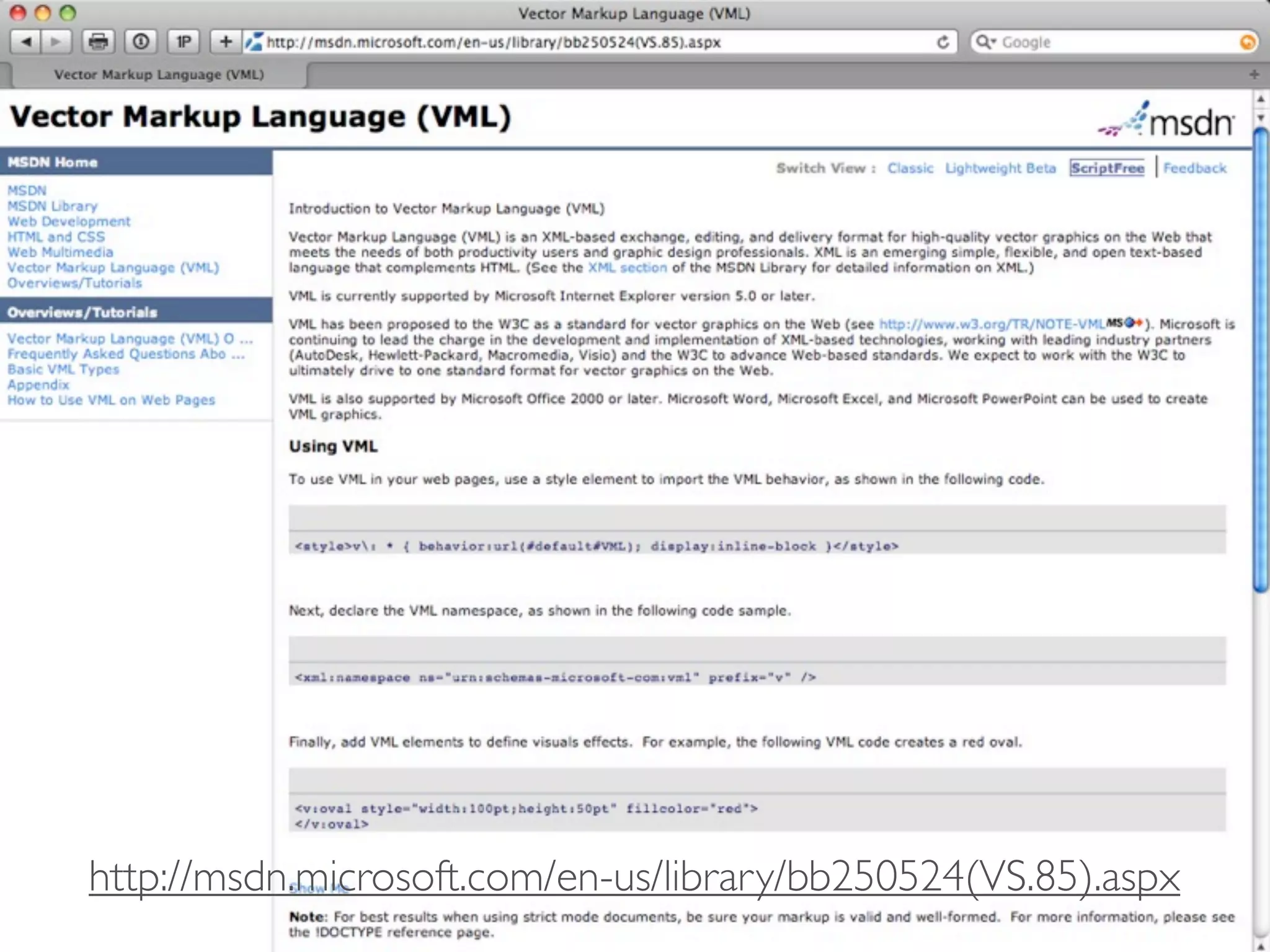
http://msdn.microsoft.com/en-us/library/bb250524(VS.85).aspx
<link type="text/css" rel="stylesheet" href="visualize.jQuery.css"/>
<script type="text/javascript" src="http://ajax.googleapis.com/ajax/libs/
jquery/1.3.2/jquery.min.js"></script>
<!--[if IE]><script type="text/javascript" src="excanvas.compiled.js"></
script><![endif]-->
<script type="text/javascript"
src="visualize.jQuery.js"></script>
<script type="text/javascript">
$(function(){
	

 $('table').addClass('accessHide');
	

 $('table').visualize({type: 'line', colors: ['#fff']});
	

 });
</script>
<link type="text/css" rel="stylesheet" href="visualize.jQuery.css"/>
<script type="text/javascript" src="http://ajax.googleapis.com/ajax/libs/
jquery/1.3.2/jquery.min.js"></script>
<!--[if IE]><script type="text/javascript" src="excanvas.compiled.js"></
script><![endif]-->
<script type="text/javascript" src="visualize.jQuery.js"></script>
<script type="text/javascript">
$(function(){
	

 $('table').addClass('accessHide');
	

 $('table').visualize({type: 'line', colors: ['#fff']});
	

 });
</script>
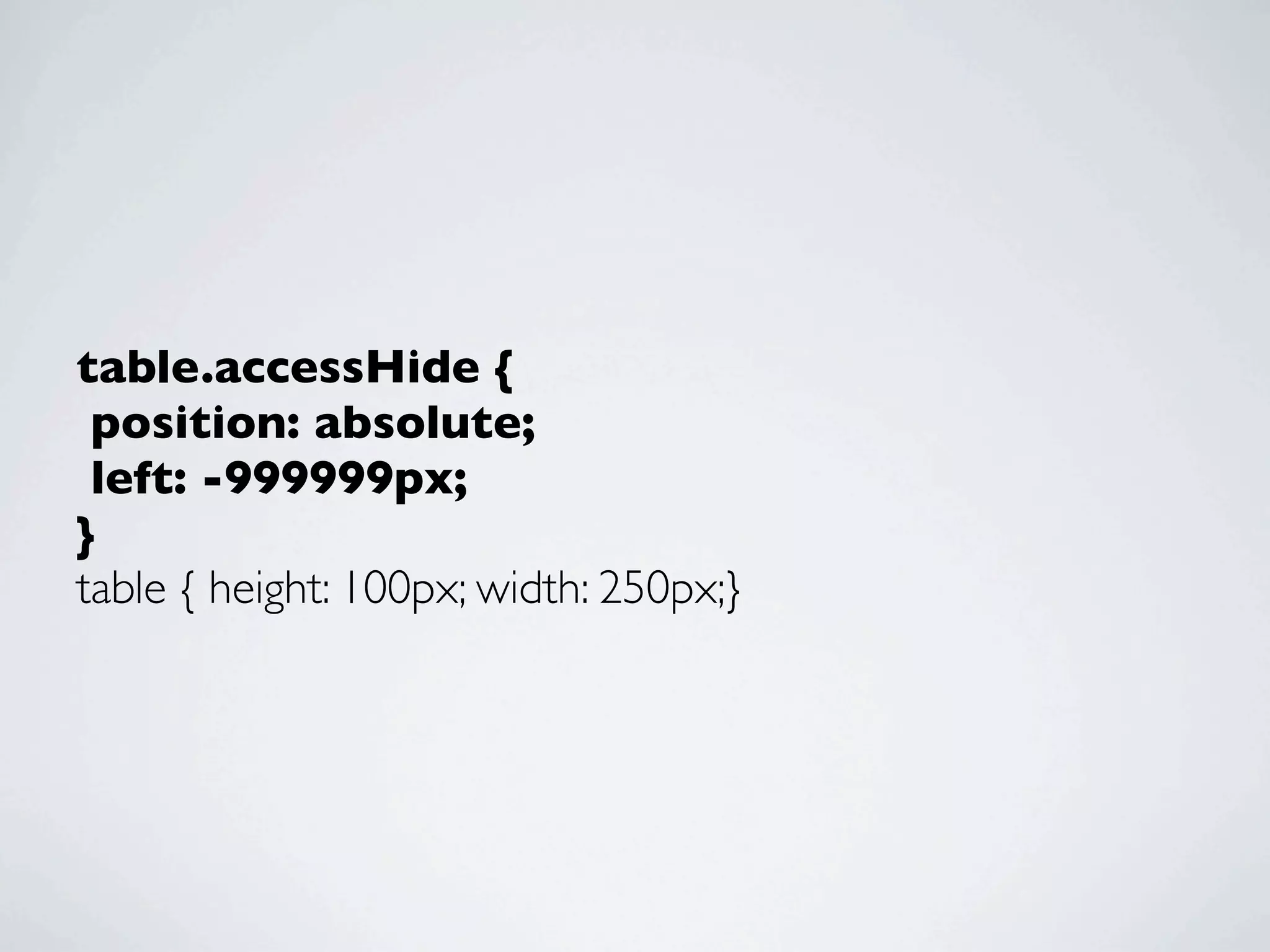
table.accessHide {
 position: absolute;
 left: -999999px;
}
table { height: 100px; width: 250px;}
<link type="text/css" rel="stylesheet" href="visualize.jQuery.css"/>
<script type="text/javascript" src="http://ajax.googleapis.com/ajax/libs/
jquery/1.3.2/jquery.min.js"></script>
<!--[if IE]><script type="text/javascript" src="excanvas.compiled.js"></
script><![endif]-->
<script type="text/javascript" src="visualize.jQuery.js"></script>
<script type="text/javascript">
$(function(){
	

 $('table').addClass('accessHide');
	

 $('table').visualize({type: 'line', colors: ['#fff']});
	

 });
</script>
http://flickr.com/photos/dunstan/3099313036/
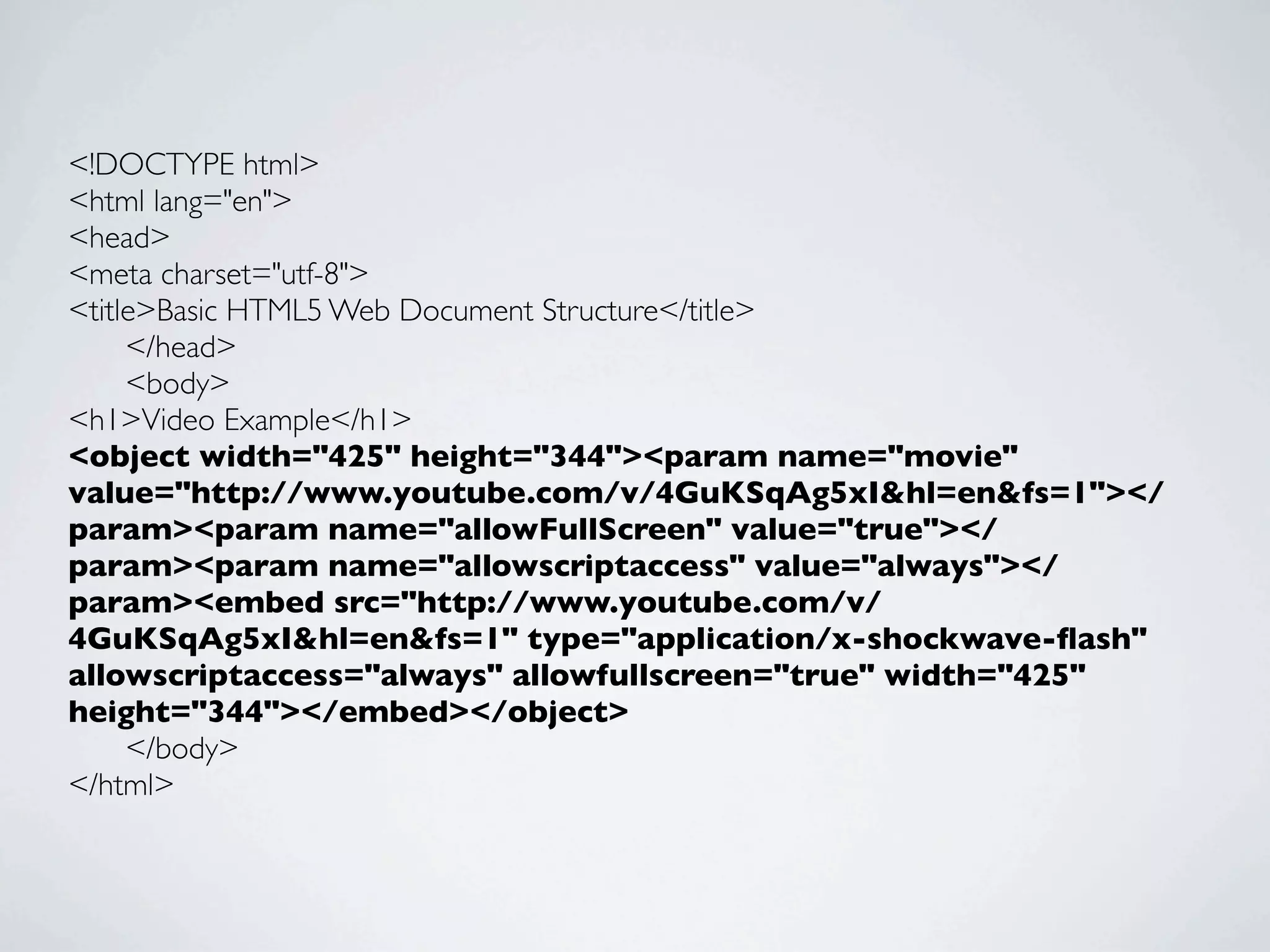
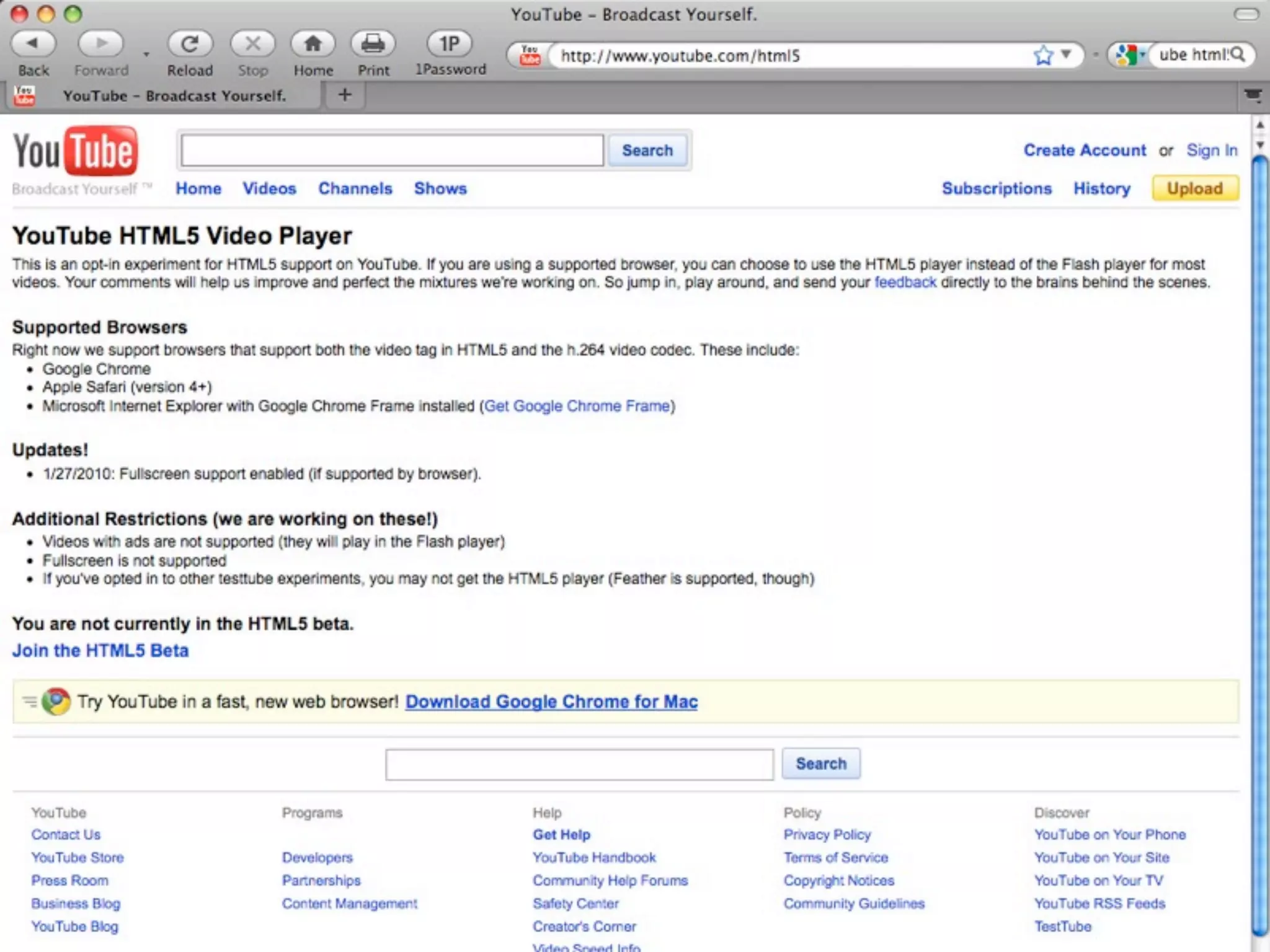
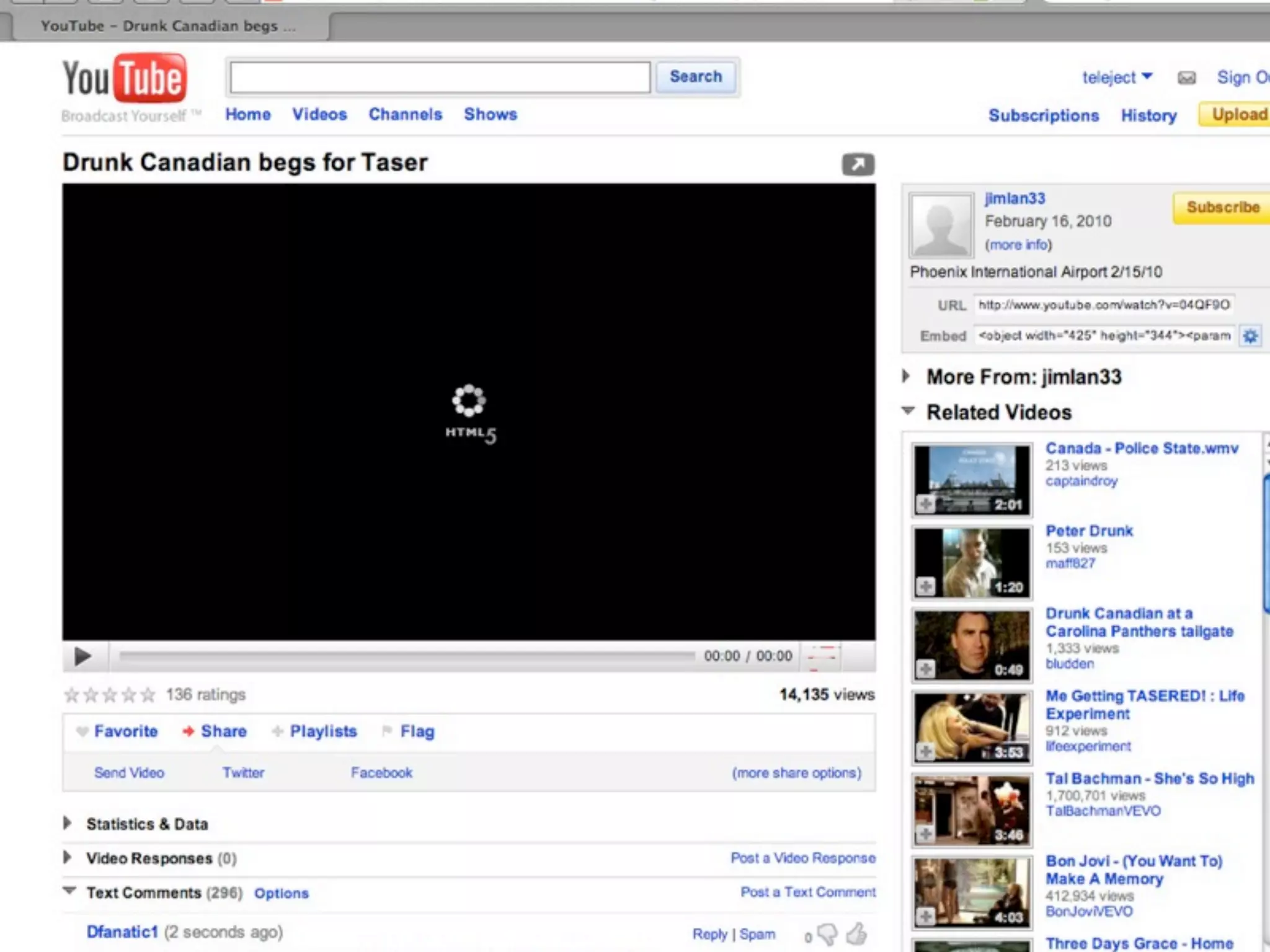
HTML5 VIDEO
<!DOCTYPE html>
<html lang="en">
<head>
<meta charset="utf-8">
<title>Basic HTML5 Web Document Structure</title>
	

  </head>
	

  <body>
<h1>Video Example</h1>
<object width="425" height="344"><param name="movie"
value="http://www.youtube.com/v/4GuKSqAg5xI&hl=en&fs=1"></
param><param name="allowFullScreen" value="true"></
param><param name="allowscriptaccess" value="always"></
param><embed src="http://www.youtube.com/v/
4GuKSqAg5xI&hl=en&fs=1" type="application/x-shockwave-flash"
allowscriptaccess="always" allowfullscreen="true" width="425"
height="344"></embed></object>
	

  </body>
</html>
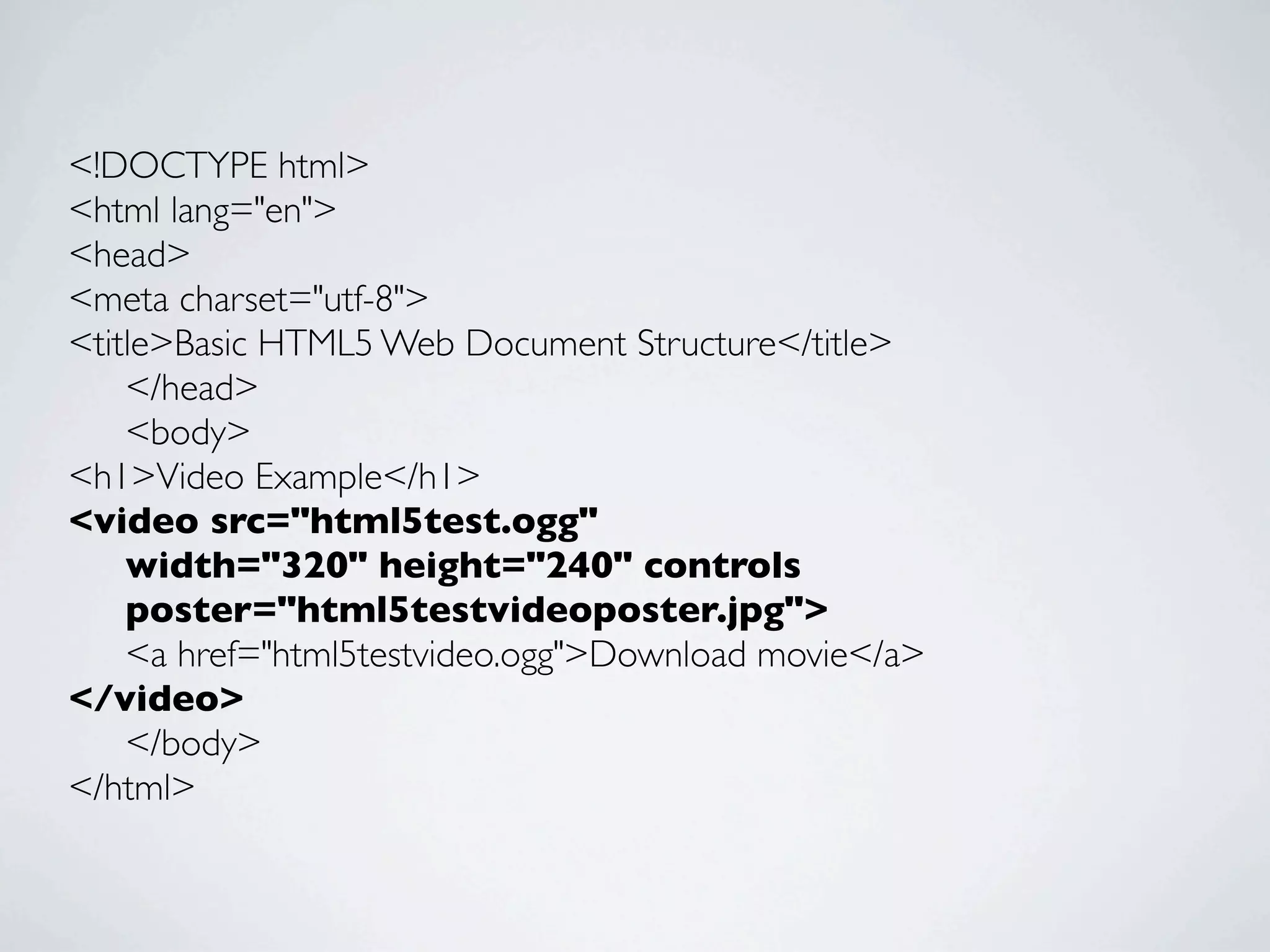
<!DOCTYPE html>
<html lang="en">
<head>
<meta charset="utf-8">
<title>Basic HTML5 Web Document Structure</title>
	

 </head>
	

 <body>
<h1>Video Example</h1>
<video src="html5test.ogg"
	

 width="320" height="240" controls
	

 poster="html5testvideoposter.jpg">
	

 <a href="html5testvideo.ogg">Download movie</a>
</video>
	

 </body>
</html>
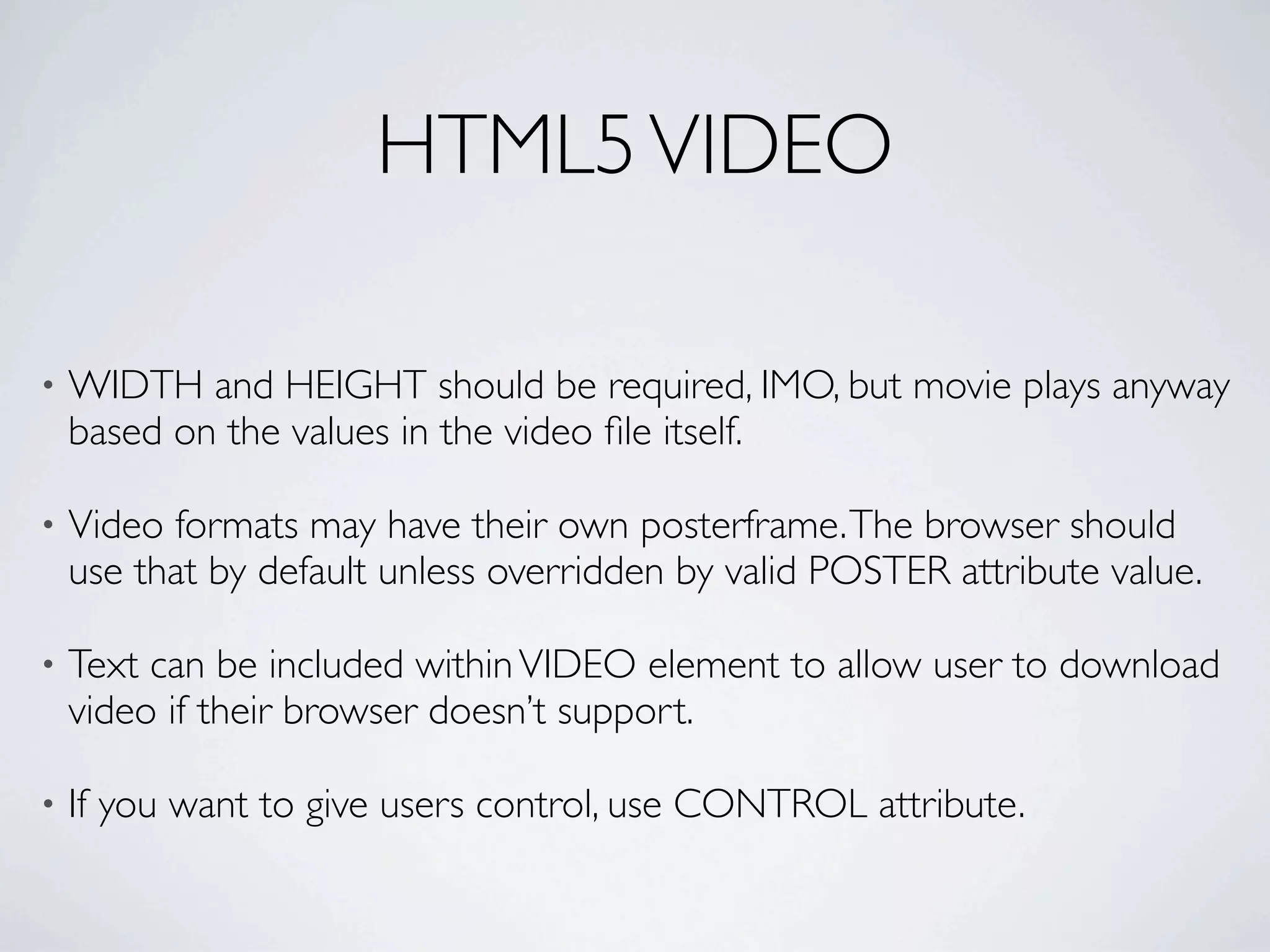
HTML5 VIDEO

•   WIDTH and HEIGHT should be required, IMO, but movie plays anyway
    based on the values in the video file itself.

•   Video formats may have their own posterframe. The browser should
    use that by default unless overridden by valid POSTER attribute value.

•   Text can be included within VIDEO element to allow user to download
    video if their browser doesn’t support.

•   If you want to give users control, use CONTROL attribute.
HTML5 VIDEO


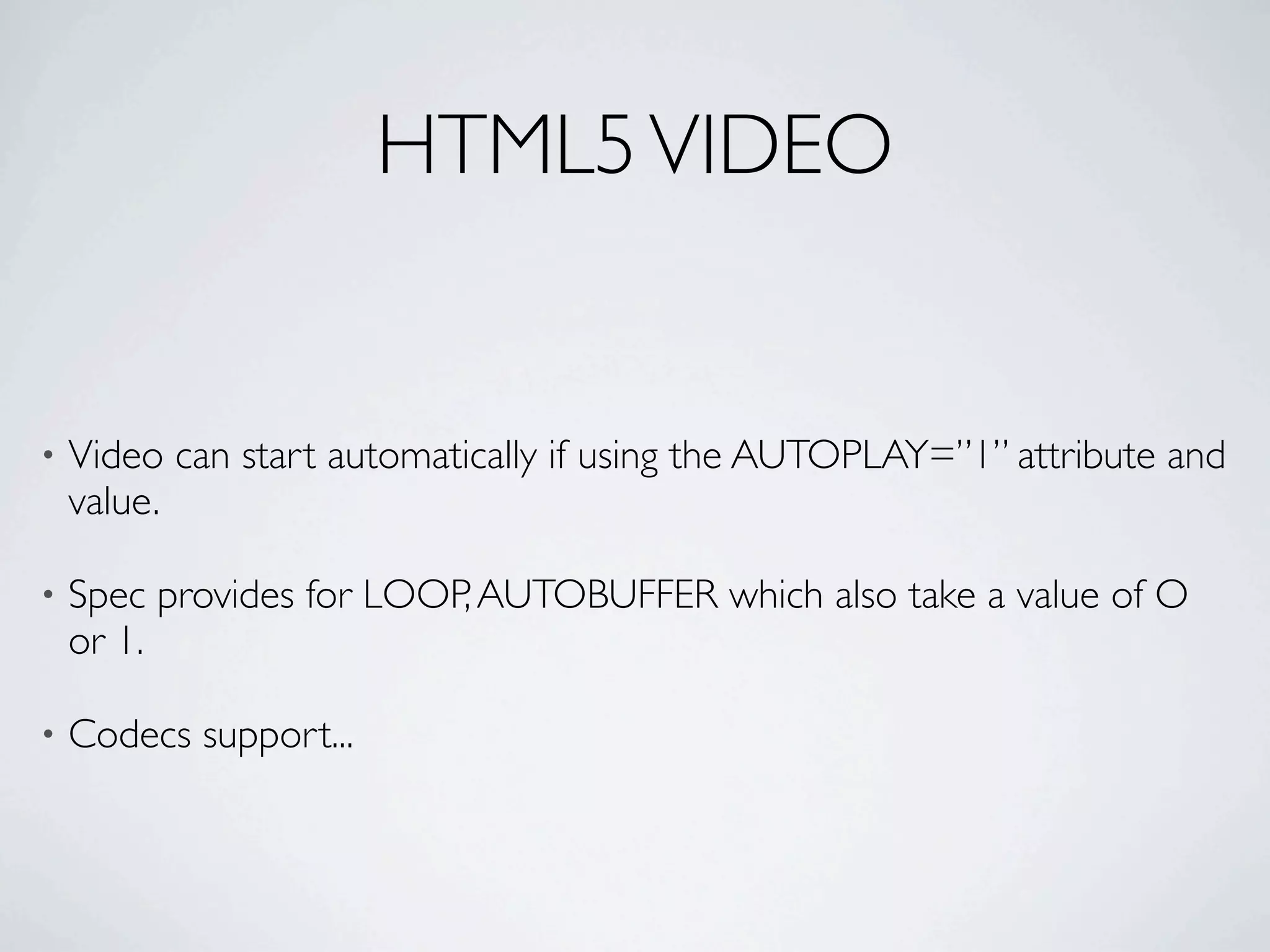
•   Video can start automatically if using the AUTOPLAY=”1” attribute and
    value.

•   Spec provides for LOOP, AUTOBUFFER which also take a value of O
    or 1.

•   Codecs support...
HTML5 VIDEO
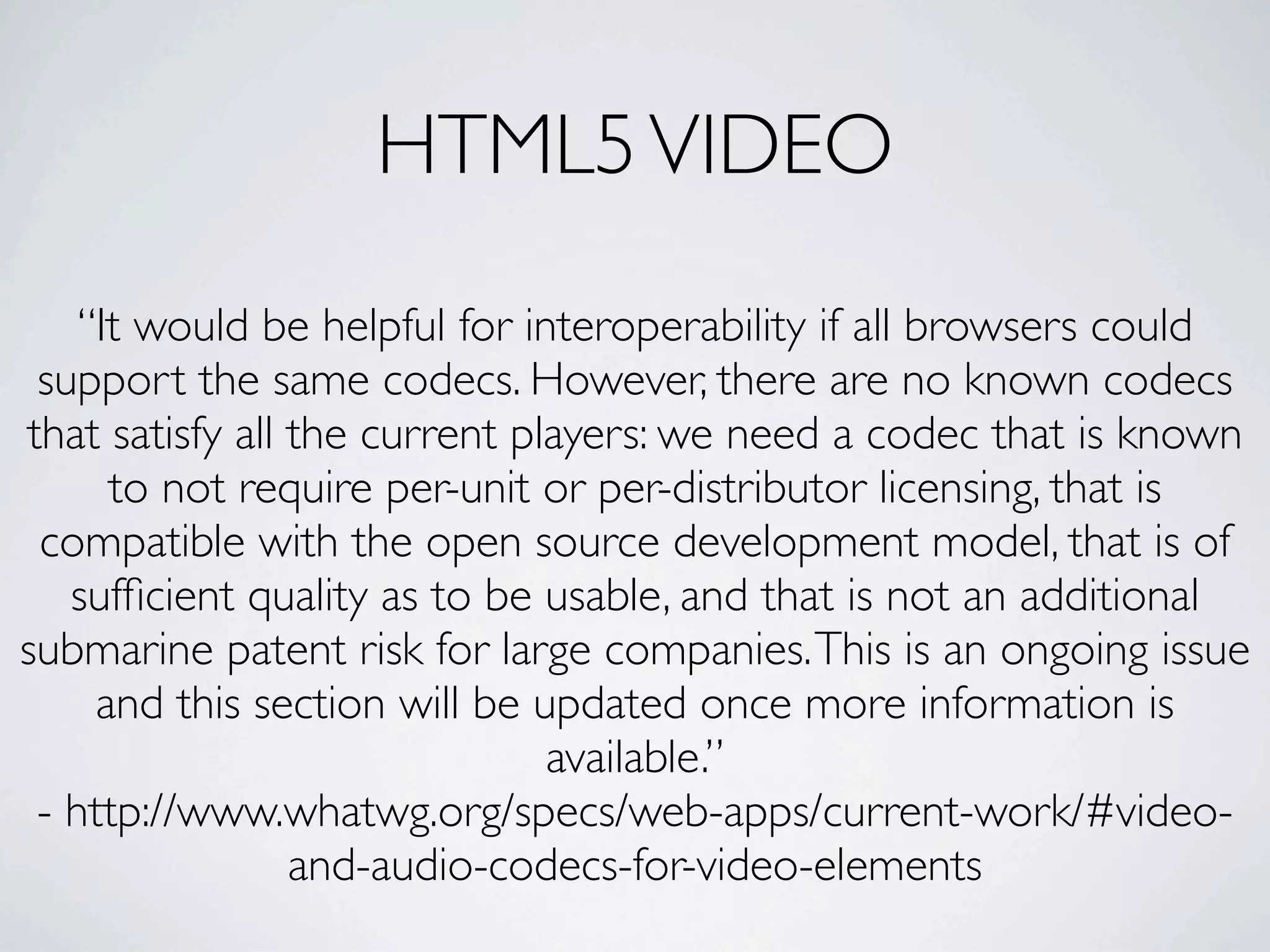
    “It would be helpful for interoperability if all browsers could
 support the same codecs. However, there are no known codecs
that satisfy all the current players: we need a codec that is known
      to not require per-unit or per-distributor licensing, that is
 compatible with the open source development model, that is of
   sufficient quality as to be usable, and that is not an additional
submarine patent risk for large companies. This is an ongoing issue
     and this section will be updated once more information is
                               available.”
 - http://www.whatwg.org/specs/web-apps/current-work/#video-
                 and-audio-codecs-for-video-elements
CODECS

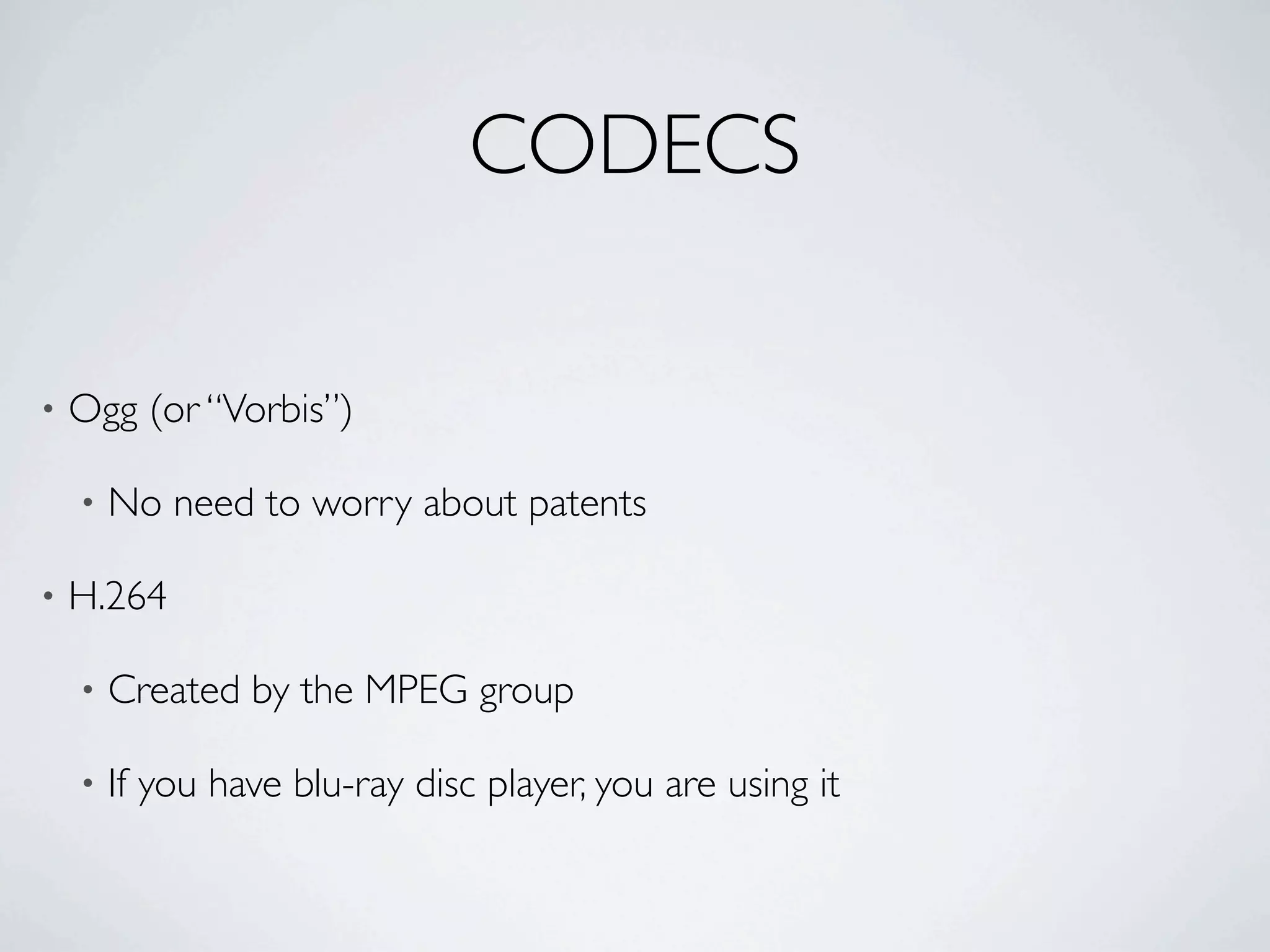
•   Ogg (or “Vorbis”)

    •   No need to worry about patents

•   H.264

    •   Created by the MPEG group

    •   If you have blu-ray disc player, you are using it
CODEC SUPPORT

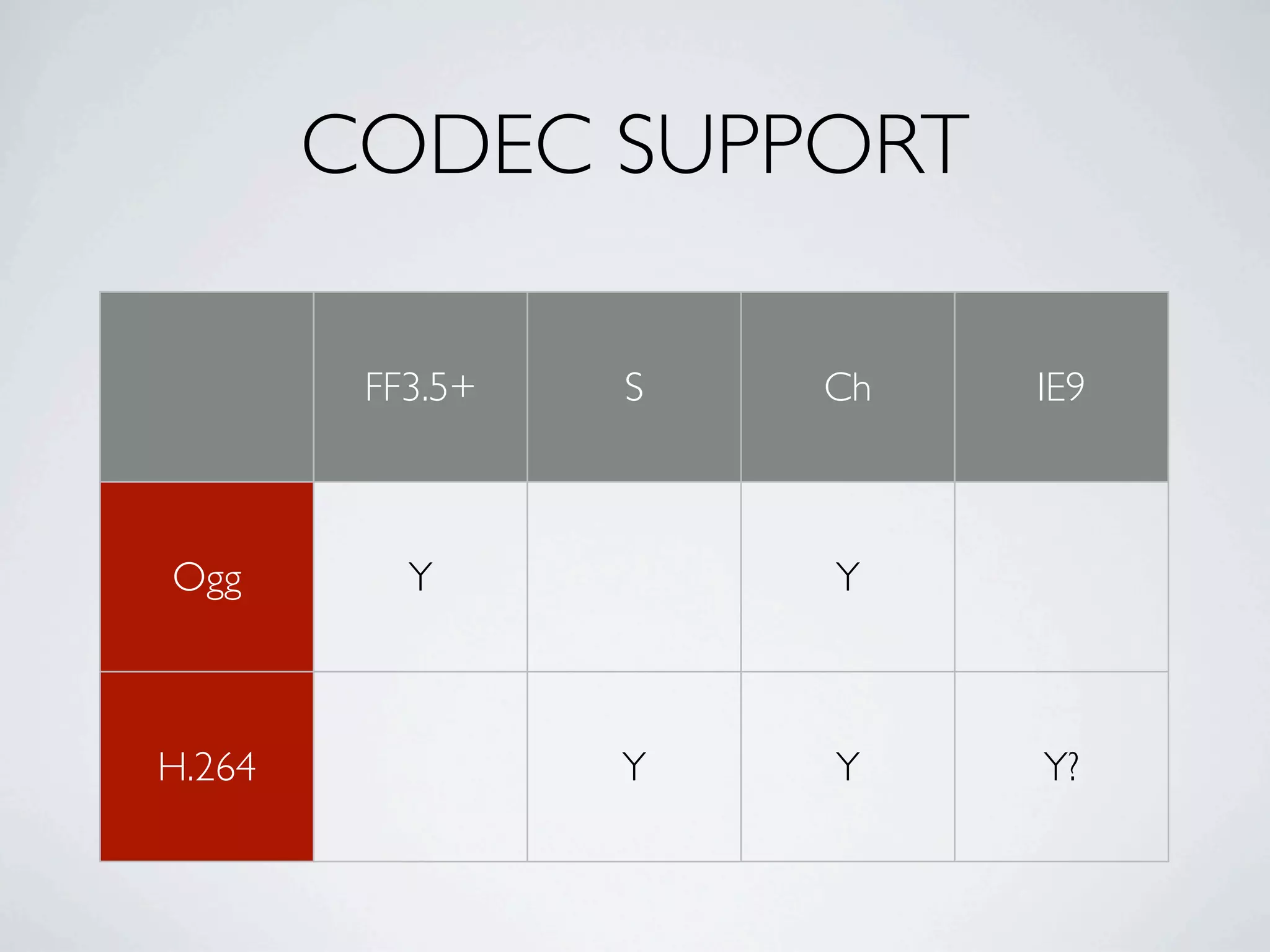
         FF3.5+   S   Ch   IE9


Ogg        Y          Y


H.264             Y   Y    Y?
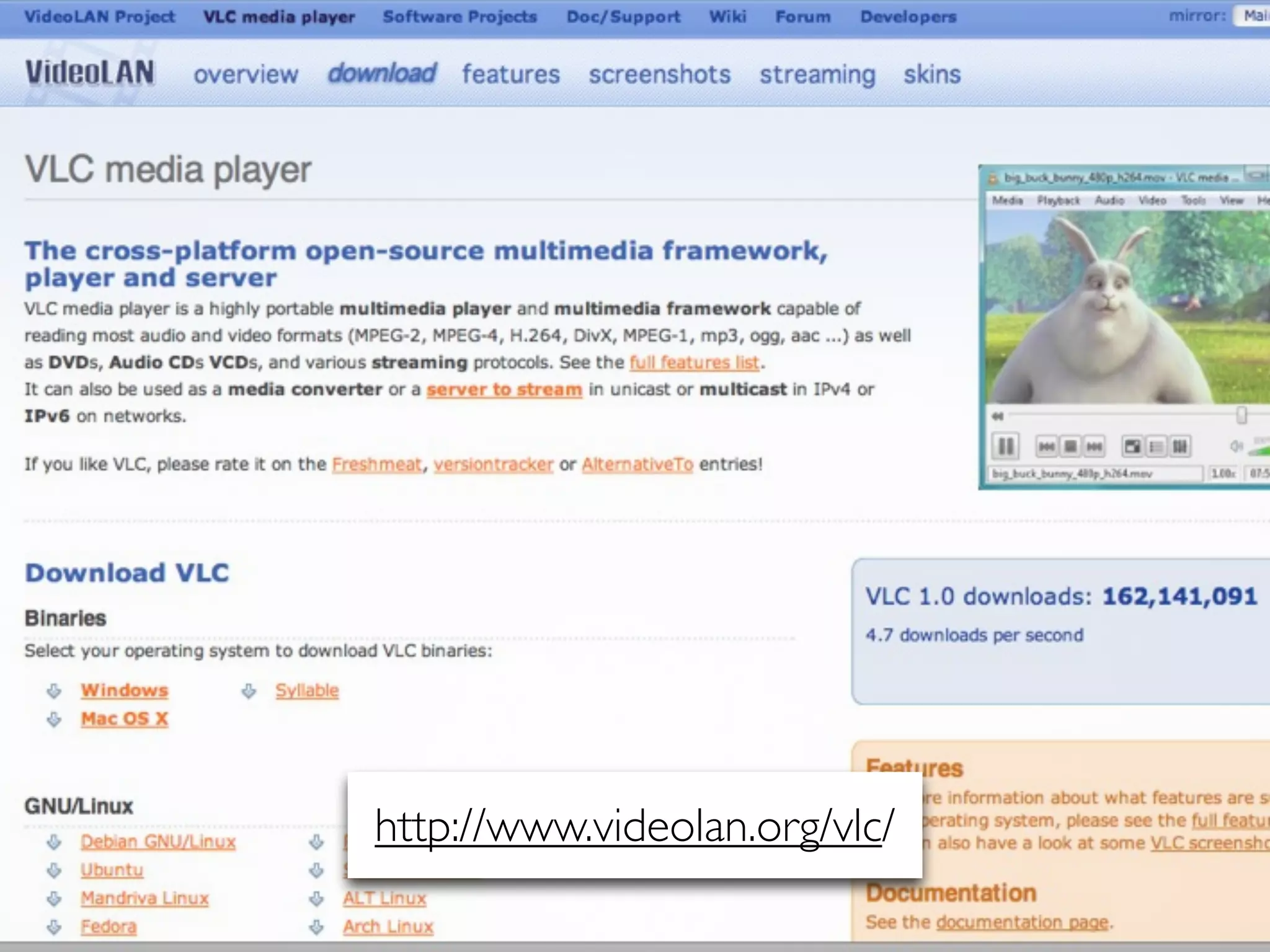
http://www.videolan.org/vlc/
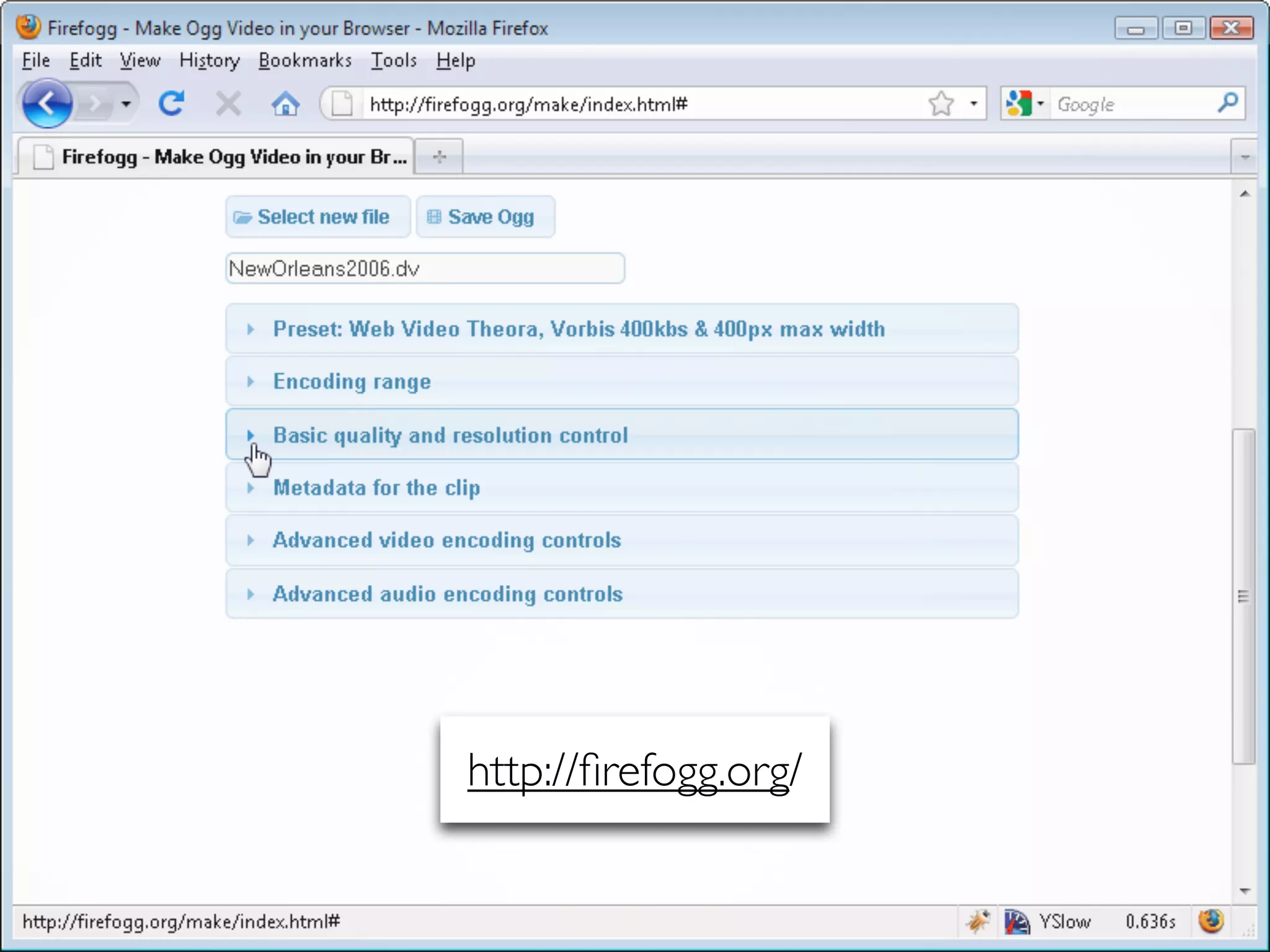
http://firefogg.org/
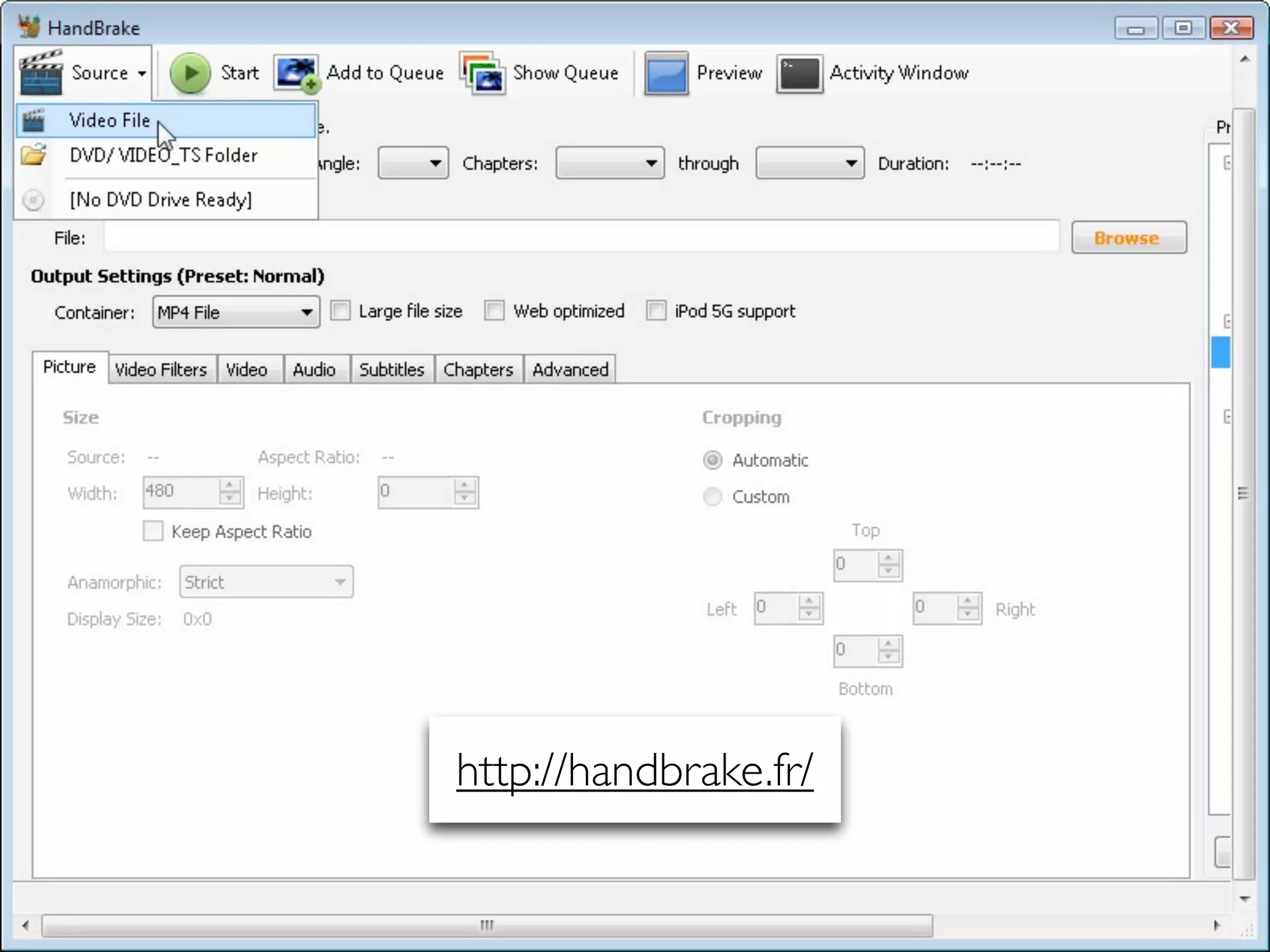
http://handbrake.fr/
LESSONS LEARNED
•   Use VLC or Firefogg to encode common movie files types to OGG

•   H.264 encoding? Use Handbrake

•   People really, really, really want this to work, but codec issue still needs
    to be worked out.

•   If you are hot to trot for HTML5 Video, like, right now, check out Mark
    Pilgrim’s tutorial:
    http://diveintohtml5.org/video.html

    •   Good primer:
        http://dev.opera.com/articles/view/introduction-html5-video/
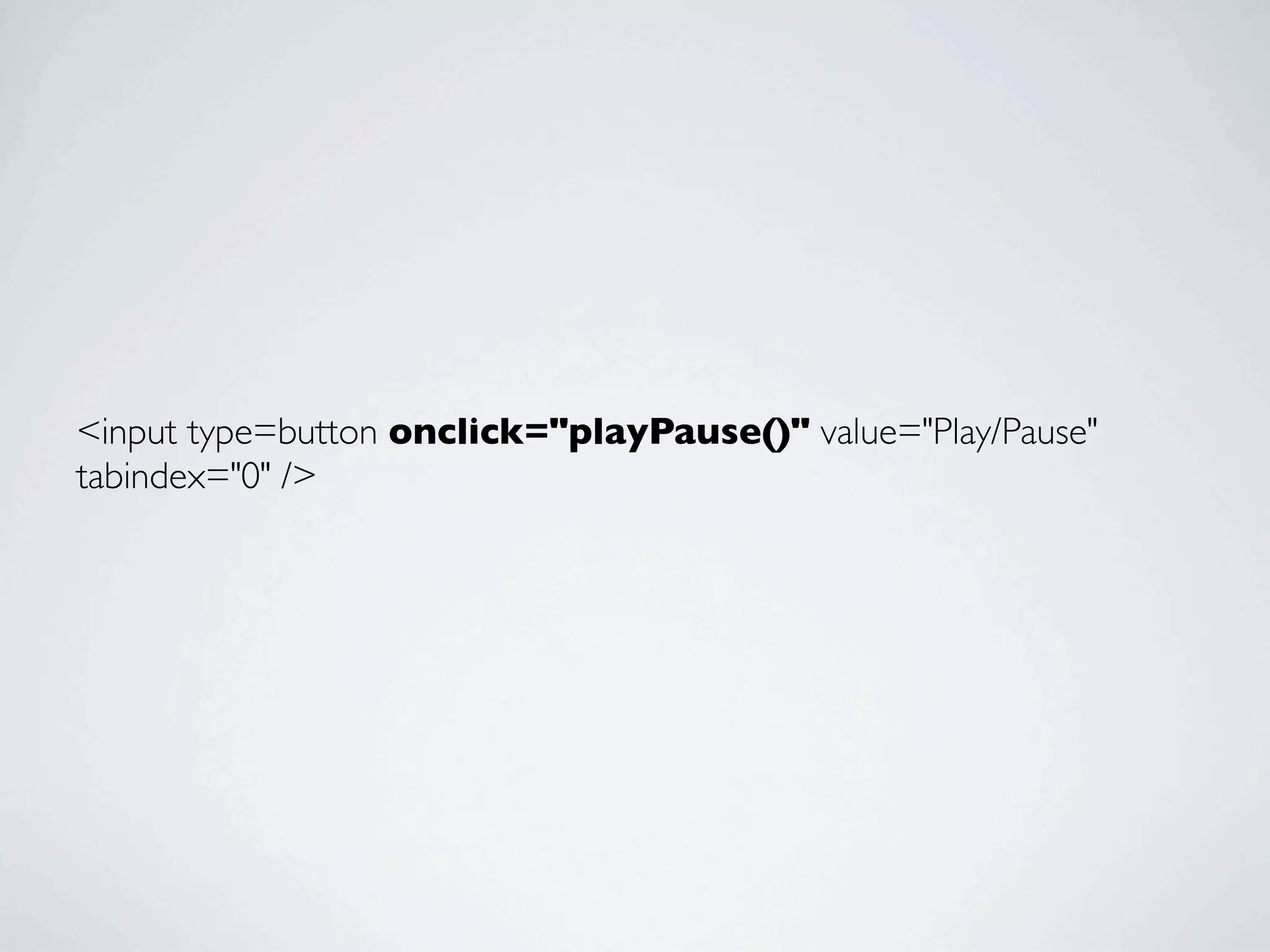
<script>
	

   function playPause() {
	

     var myVideo = document.getElementsByTagName('video')[0];
	

     if (myVideo.paused)
	

       myVideo.play();
	

     else
	

       myVideo.pause();
	

   }
	

   </script>
<input type=button onclick="playPause()" value="Play/Pause"
tabindex="0" />
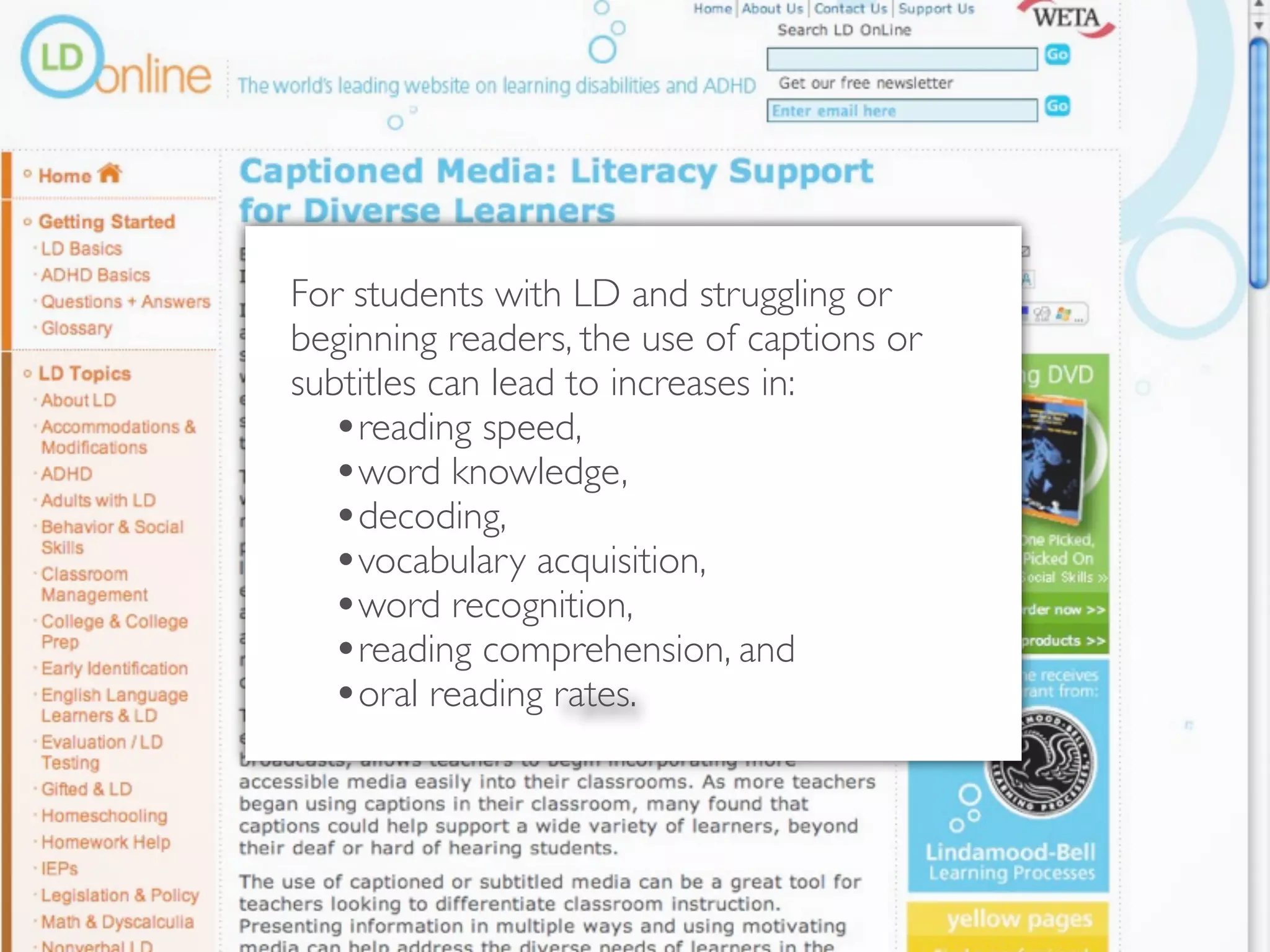
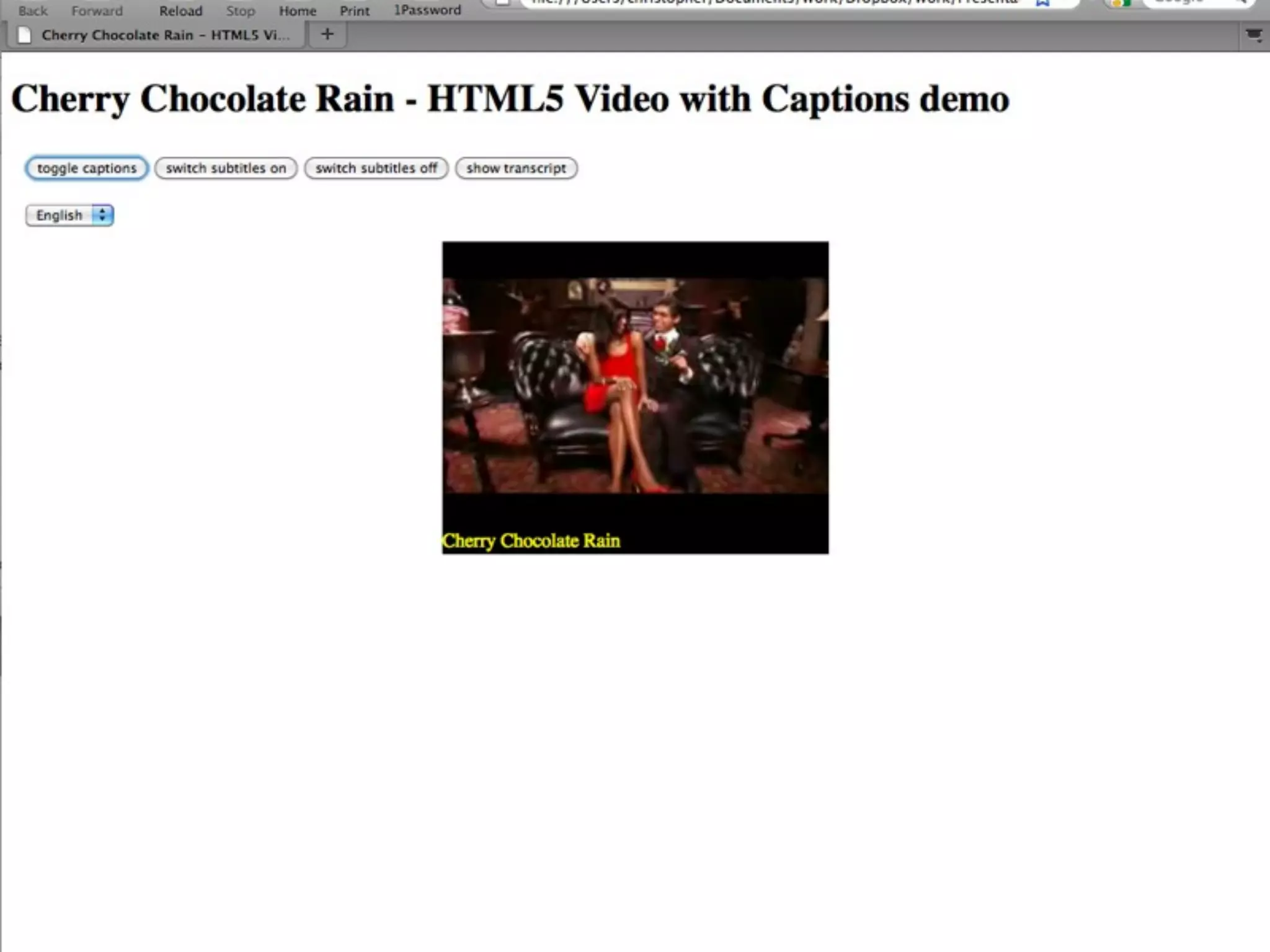
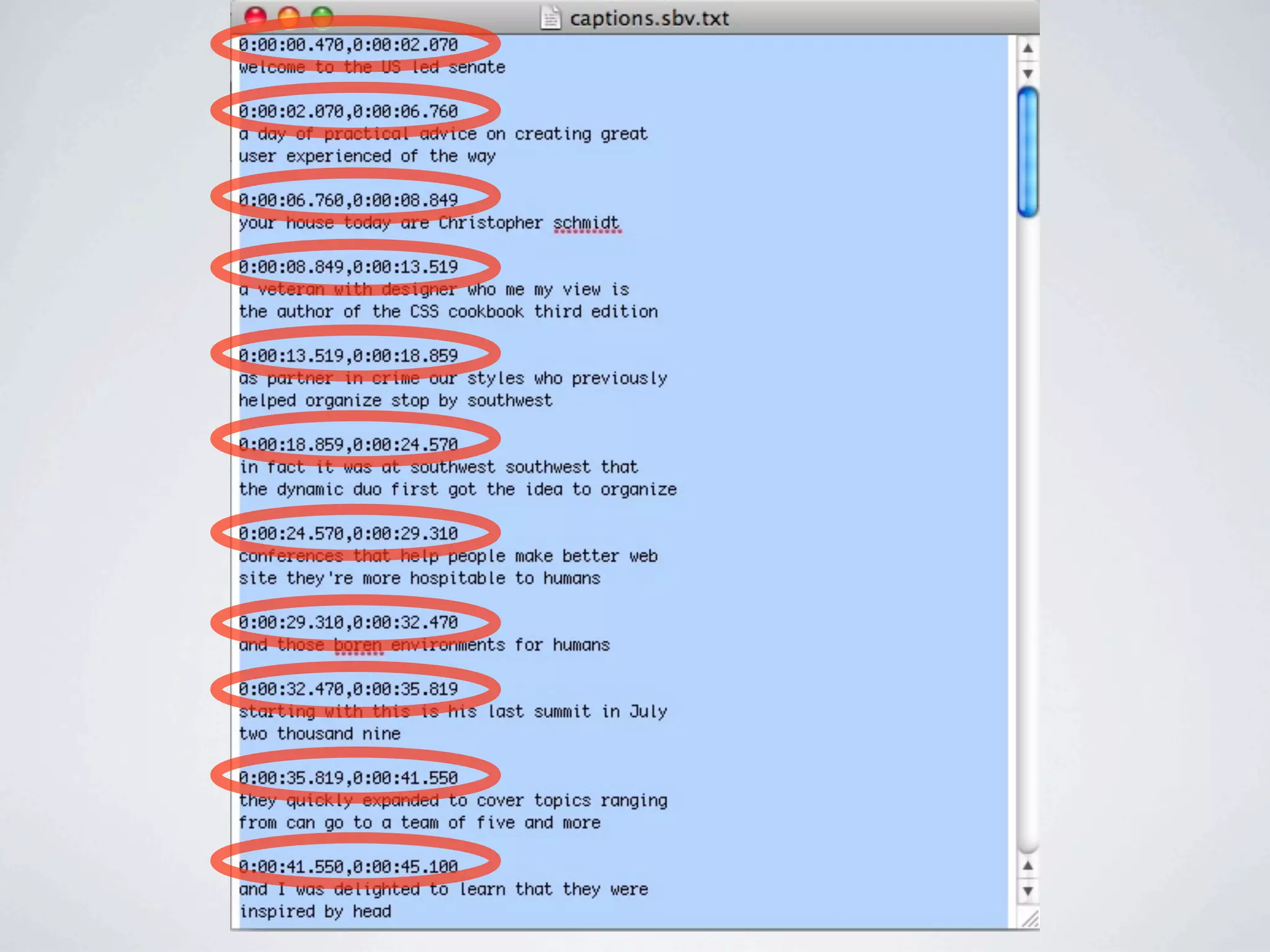
HTML5 VIDEO & CAPTIONS
For students with LD and struggling or
beginning readers, the use of captions or
subtitles can lead to increases in:
  •reading speed,
  •word knowledge,
  •decoding,
  •vocabulary acquisition,
  •word recognition,
  •reading comprehension, and
  •oral reading rates.
[Captioning] has been shown to improve
reading skills among adults who are non-
readers.


http://www.ldonline.org/article/35793
QUICK & DIRTY
CAPTIONING
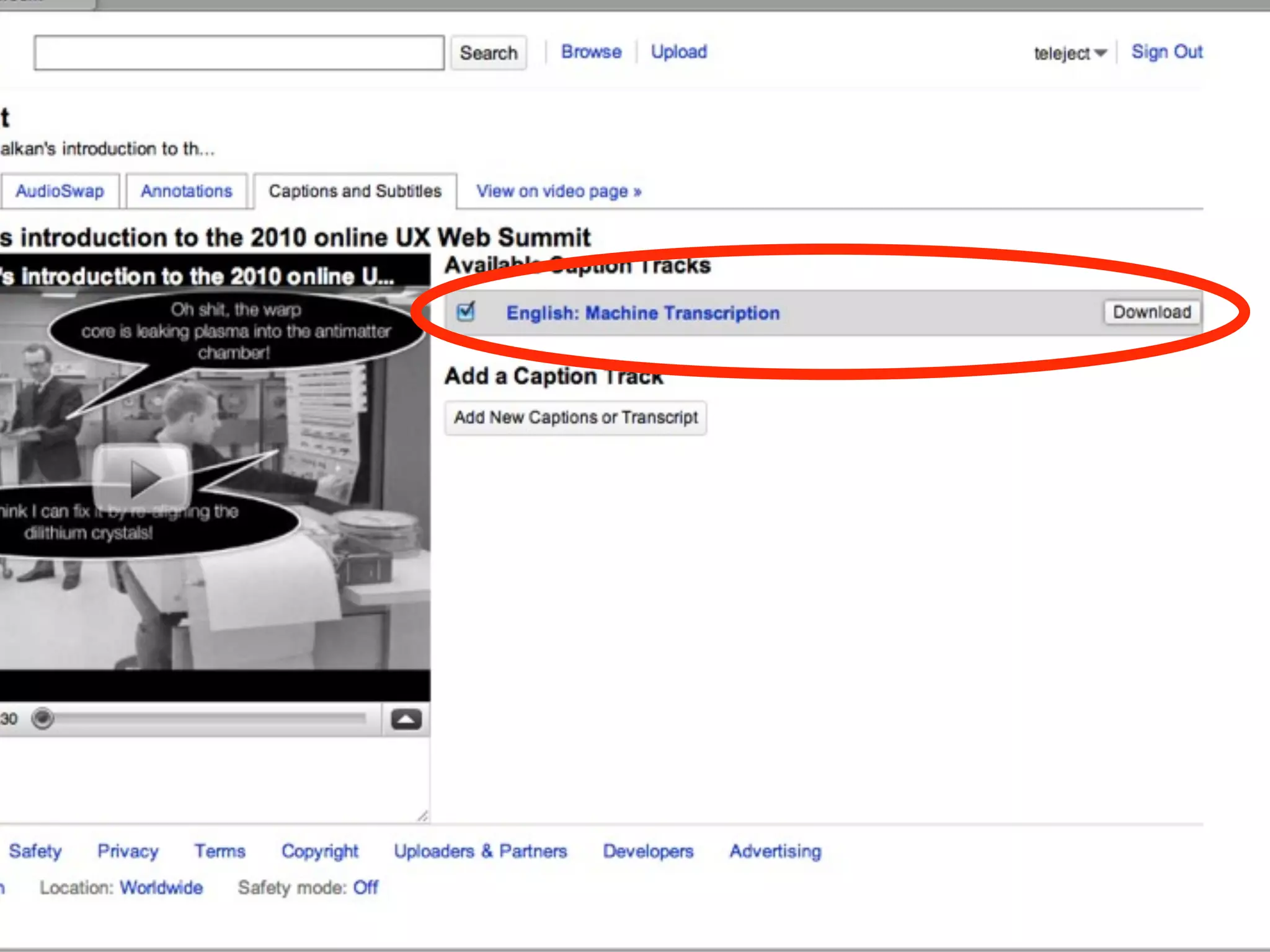
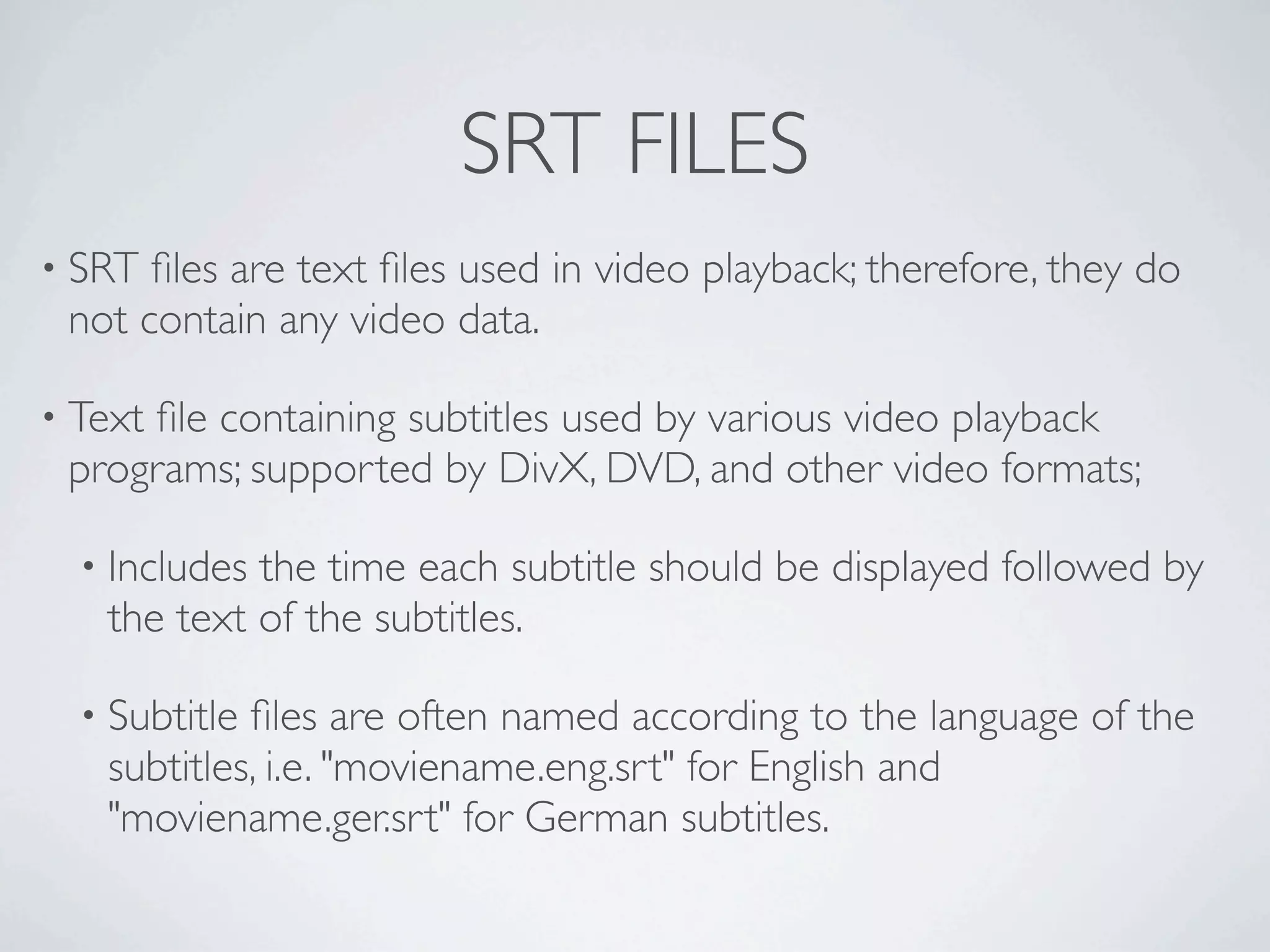
SRT FILES
• SRT files are text files used in video playback; therefore, they do
 not contain any video data.

• Text
     file containing subtitles used by various video playback
 programs; supported by DivX, DVD, and other video formats;

  • Includesthe time each subtitle should be displayed followed by
   the text of the subtitles.

  • Subtitlefiles are often named according to the language of the
   subtitles, i.e. "moviename.eng.srt" for English and
   "moviename.ger.srt" for German subtitles.
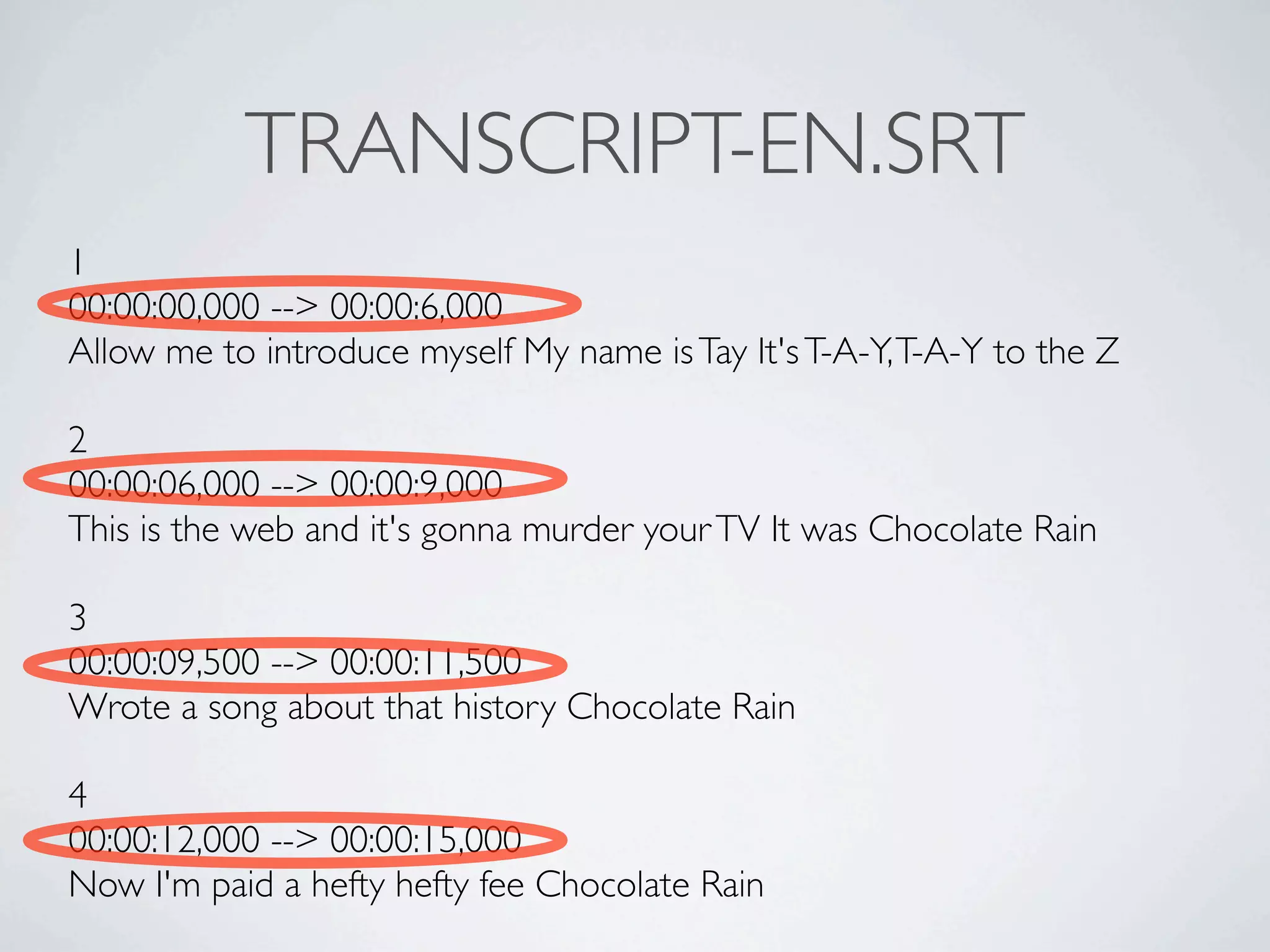
TRANSCRIPT-EN.SRT
1
00:00:00,000 --> 00:00:6,000
Allow me to introduce myself My name is Tay It's T-A-Y, T-A-Y to the Z

2
00:00:06,000 --> 00:00:9,000
This is the web and it's gonna murder your TV It was Chocolate Rain

3
00:00:09,500 --> 00:00:11,500
Wrote a song about that history Chocolate Rain

4
00:00:12,000 --> 00:00:15,000
Now I'm paid a hefty hefty fee Chocolate Rain
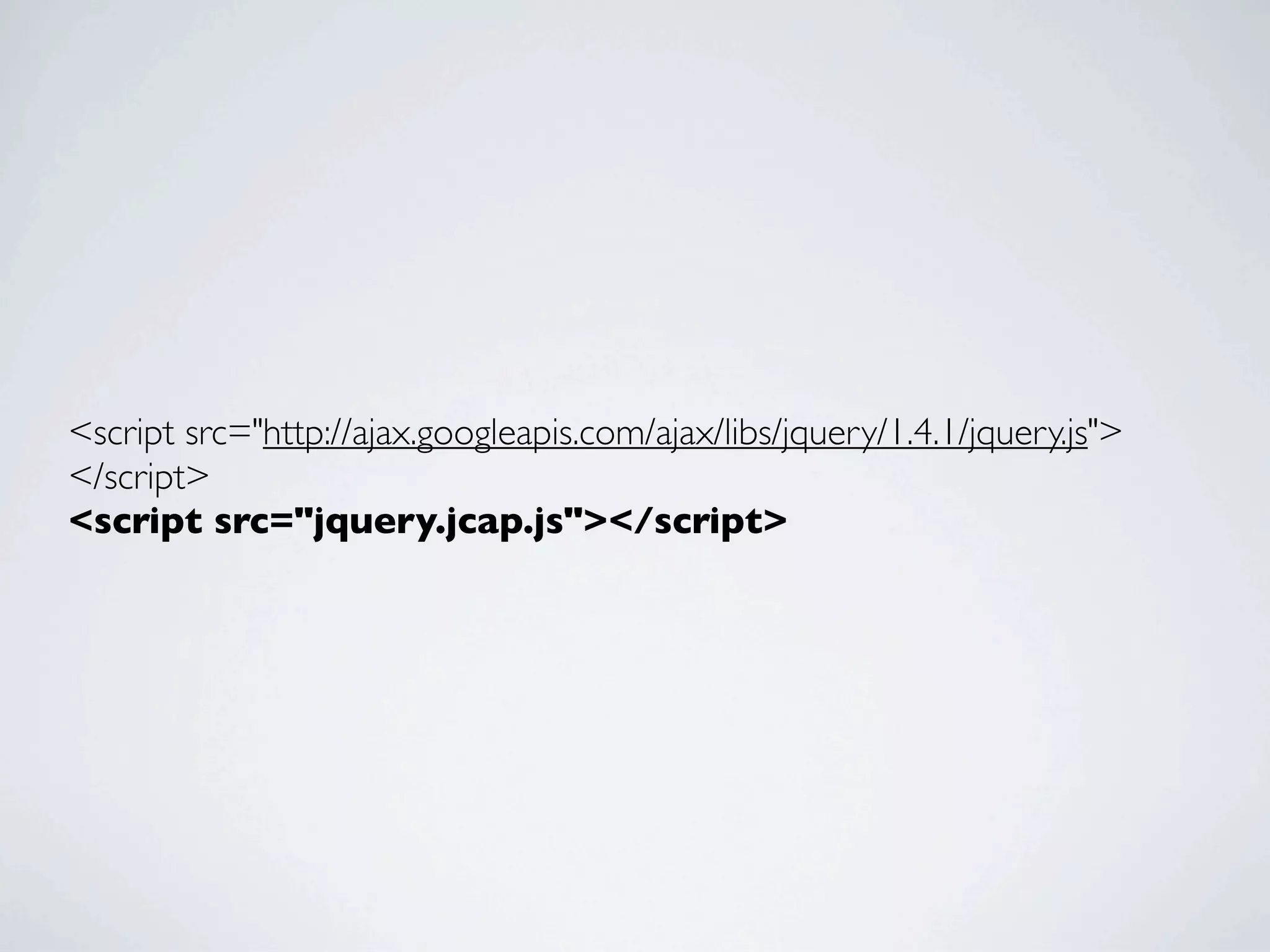
<script src="http://ajax.googleapis.com/ajax/libs/jquery/1.4.1/jquery.js">
</script>
<script src="jquery.jcap.js"></script>
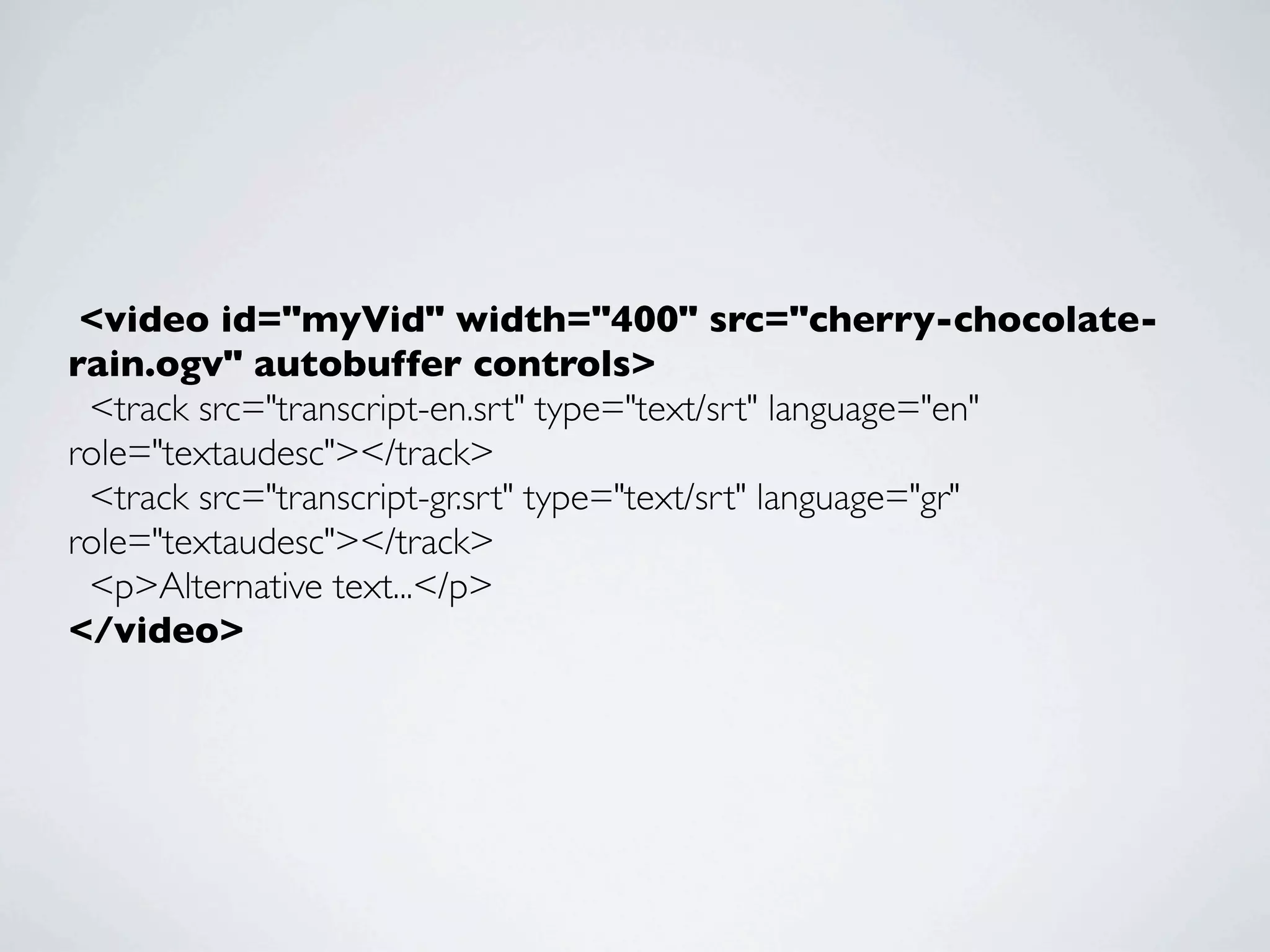
 <video id="myVid" width="400" src="cherry-chocolate-
rain.ogv" autobuffer controls>
  <track src="transcript-en.srt" type="text/srt" language="en"
role="textaudesc"></track>
  <track src="transcript-gr.srt" type="text/srt" language="gr"
role="textaudesc"></track>
  <p>Alternative text...</p>
</video>
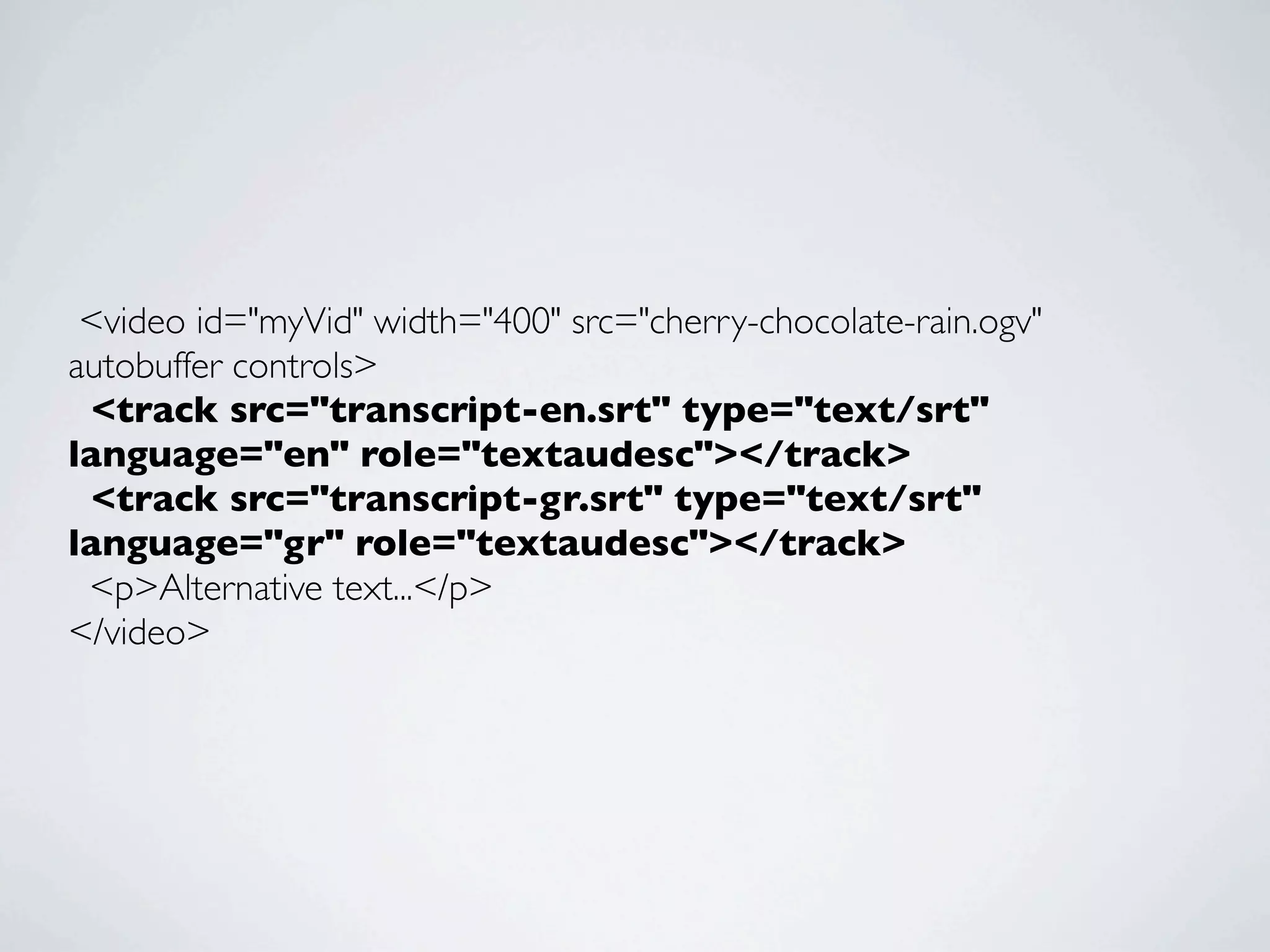
 <video id="myVid" width="400" src="cherry-chocolate-rain.ogv"
autobuffer controls>
  <track src="transcript-en.srt" type="text/srt"
language="en" role="textaudesc"></track>
  <track src="transcript-gr.srt" type="text/srt"
language="gr" role="textaudesc"></track>
  <p>Alternative text...</p>
</video>
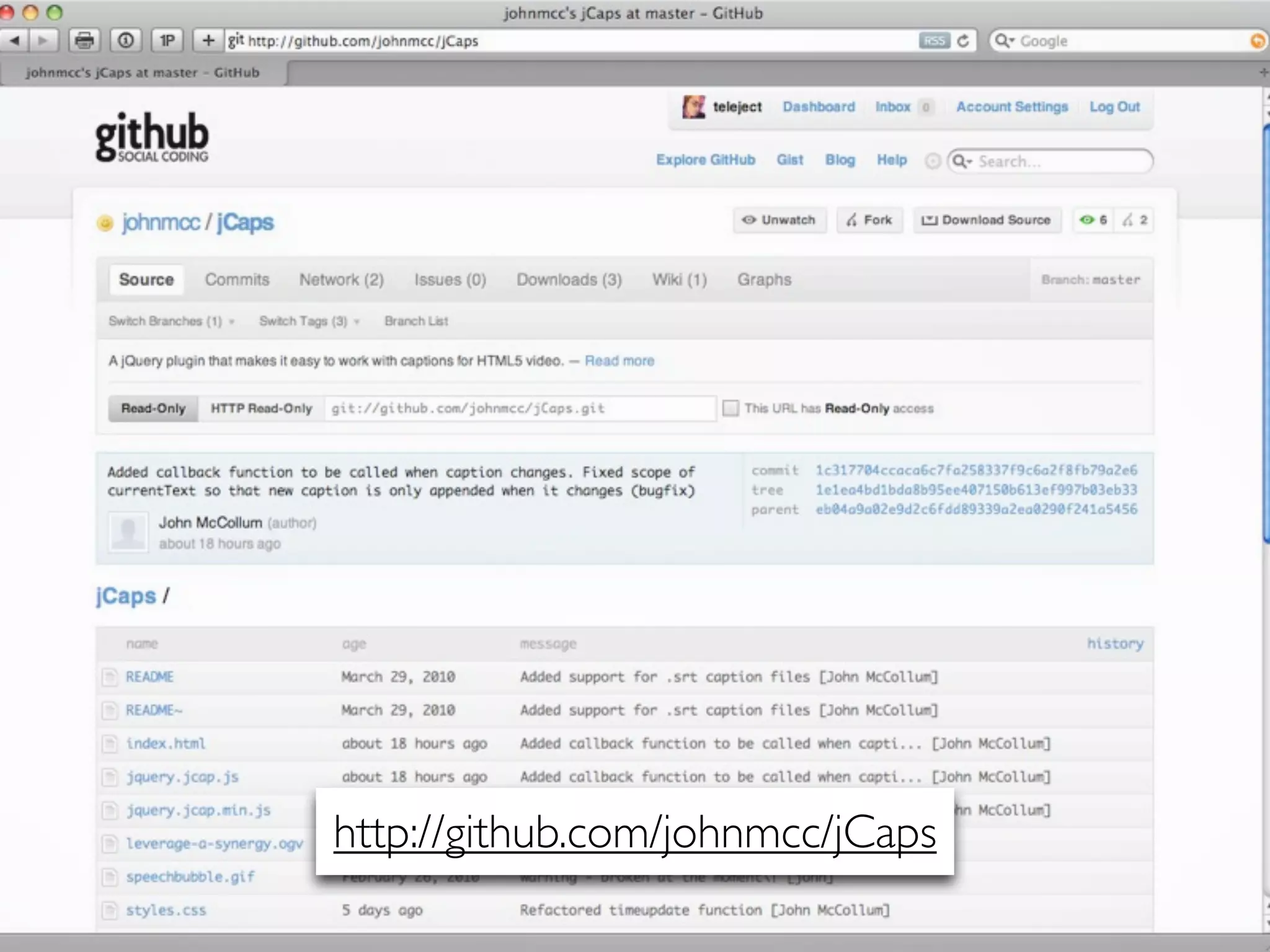
http://github.com/johnmcc/jCaps
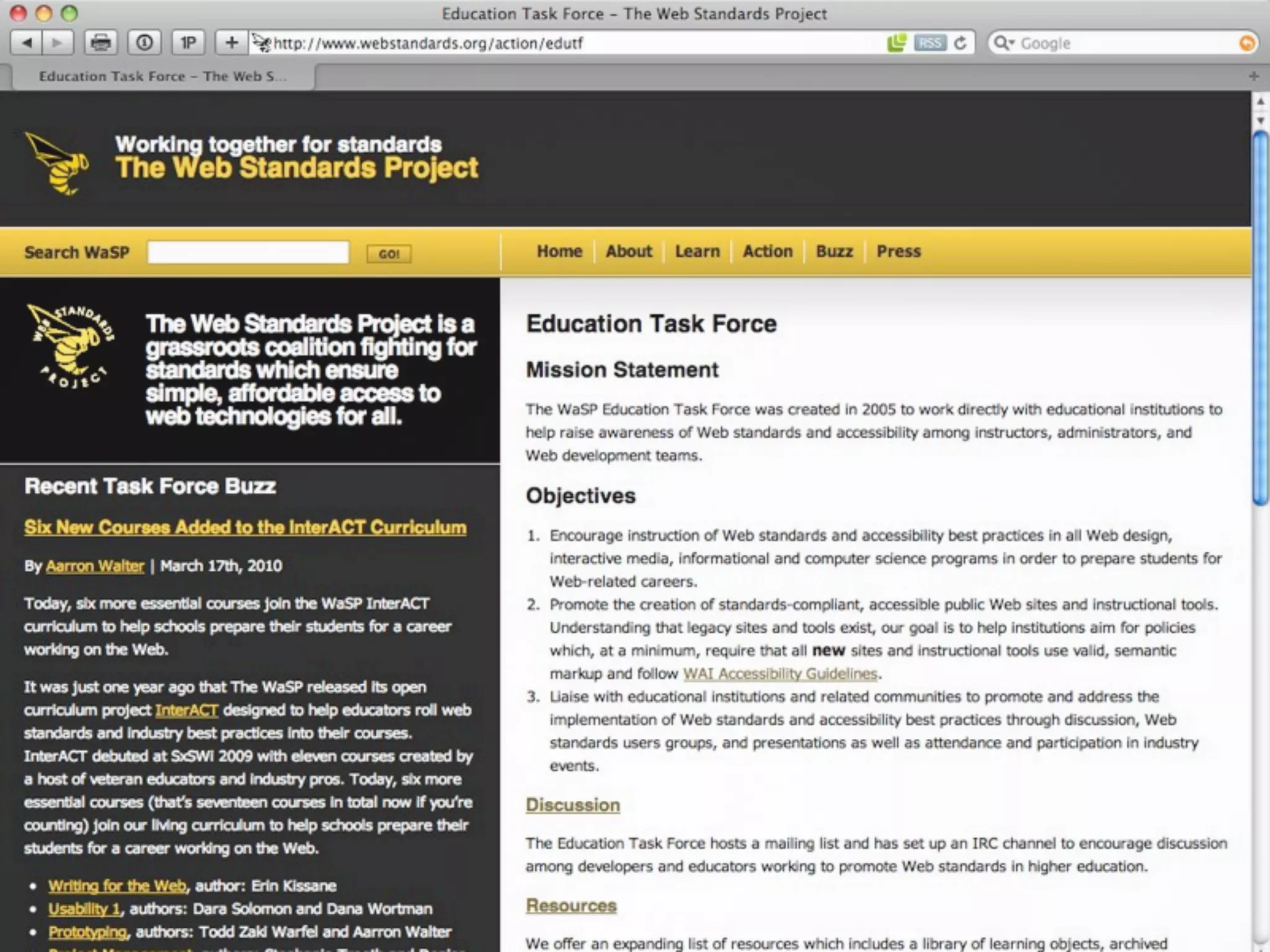
EDUCATION
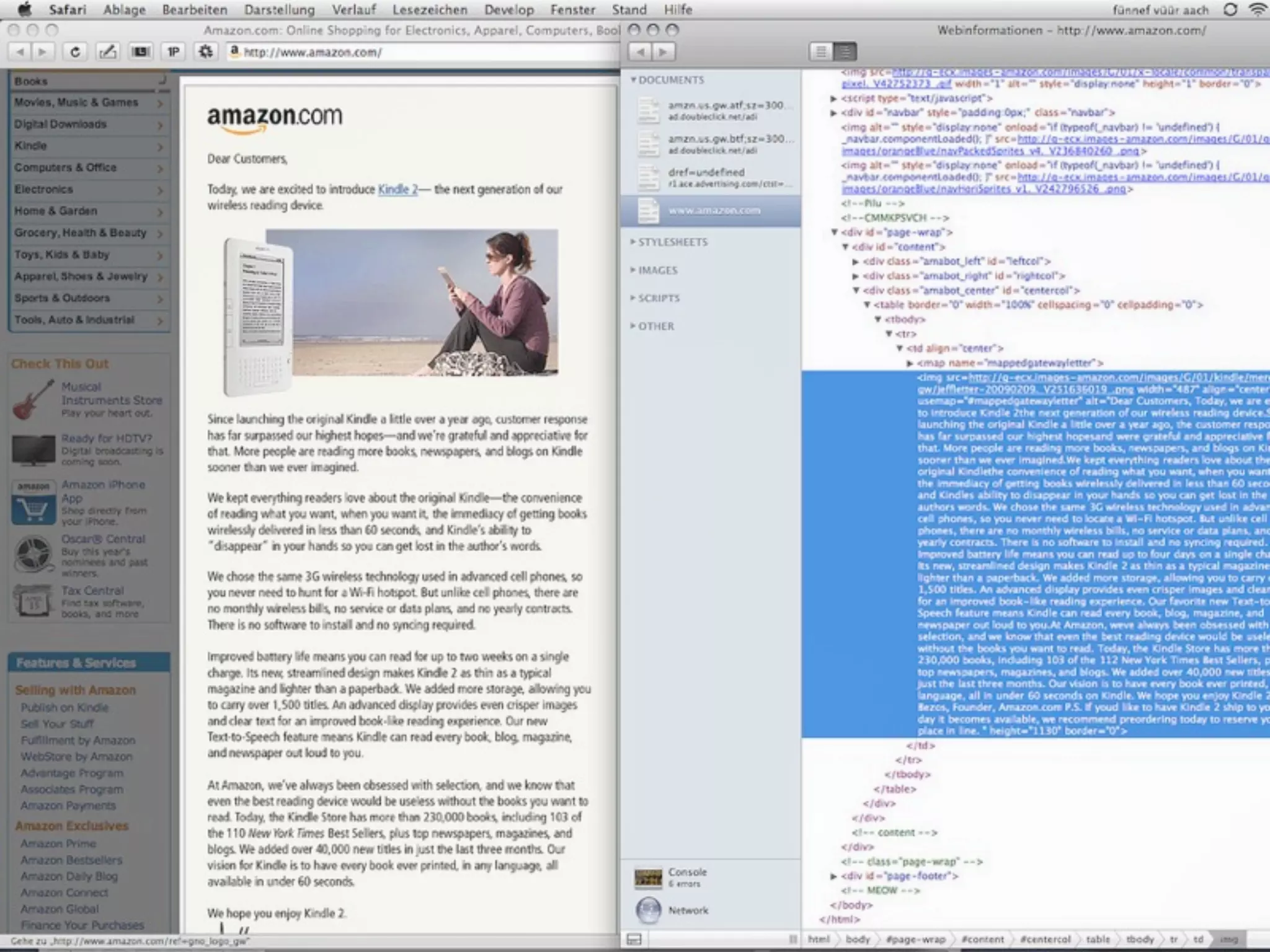
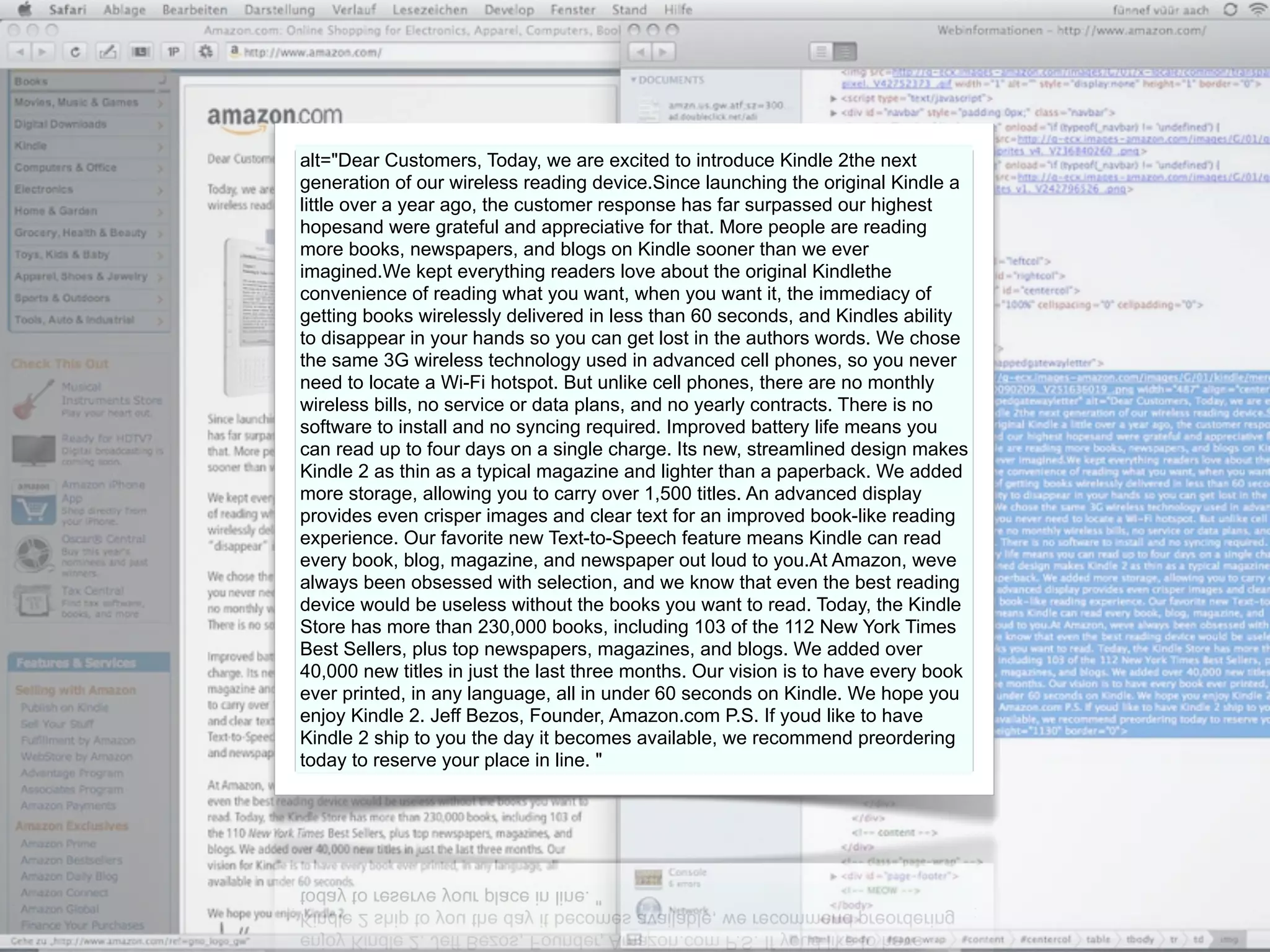
ALT ATTRIBUTES
alt="Dear Customers, Today, we are excited to introduce Kindle 2the next
generation of our wireless reading device.Since launching the original Kindle a
little over a year ago, the customer response has far surpassed our highest
hopesand were grateful and appreciative for that. More people are reading
more books, newspapers, and blogs on Kindle sooner than we ever
imagined.We kept everything readers love about the original Kindlethe
convenience of reading what you want, when you want it, the immediacy of
getting books wirelessly delivered in less than 60 seconds, and Kindles ability
to disappear in your hands so you can get lost in the authors words. We chose
the same 3G wireless technology used in advanced cell phones, so you never
need to locate a Wi-Fi hotspot. But unlike cell phones, there are no monthly
wireless bills, no service or data plans, and no yearly contracts. There is no
software to install and no syncing required. Improved battery life means you
can read up to four days on a single charge. Its new, streamlined design makes
Kindle 2 as thin as a typical magazine and lighter than a paperback. We added
more storage, allowing you to carry over 1,500 titles. An advanced display
provides even crisper images and clear text for an improved book-like reading
experience. Our favorite new Text-to-Speech feature means Kindle can read
every book, blog, magazine, and newspaper out loud to you.At Amazon, weve
always been obsessed with selection, and we know that even the best reading
device would be useless without the books you want to read. Today, the Kindle
Store has more than 230,000 books, including 103 of the 112 New York Times
Best Sellers, plus top newspapers, magazines, and blogs. We added over
40,000 new titles in just the last three months. Our vision is to have every book
ever printed, in any language, all in under 60 seconds on Kindle. We hope you
enjoy Kindle 2. Jeff Bezos, Founder, Amazon.com P.S. If youd like to have
Kindle 2 ship to you the day it becomes available, we recommend preordering
today to reserve your place in line. "
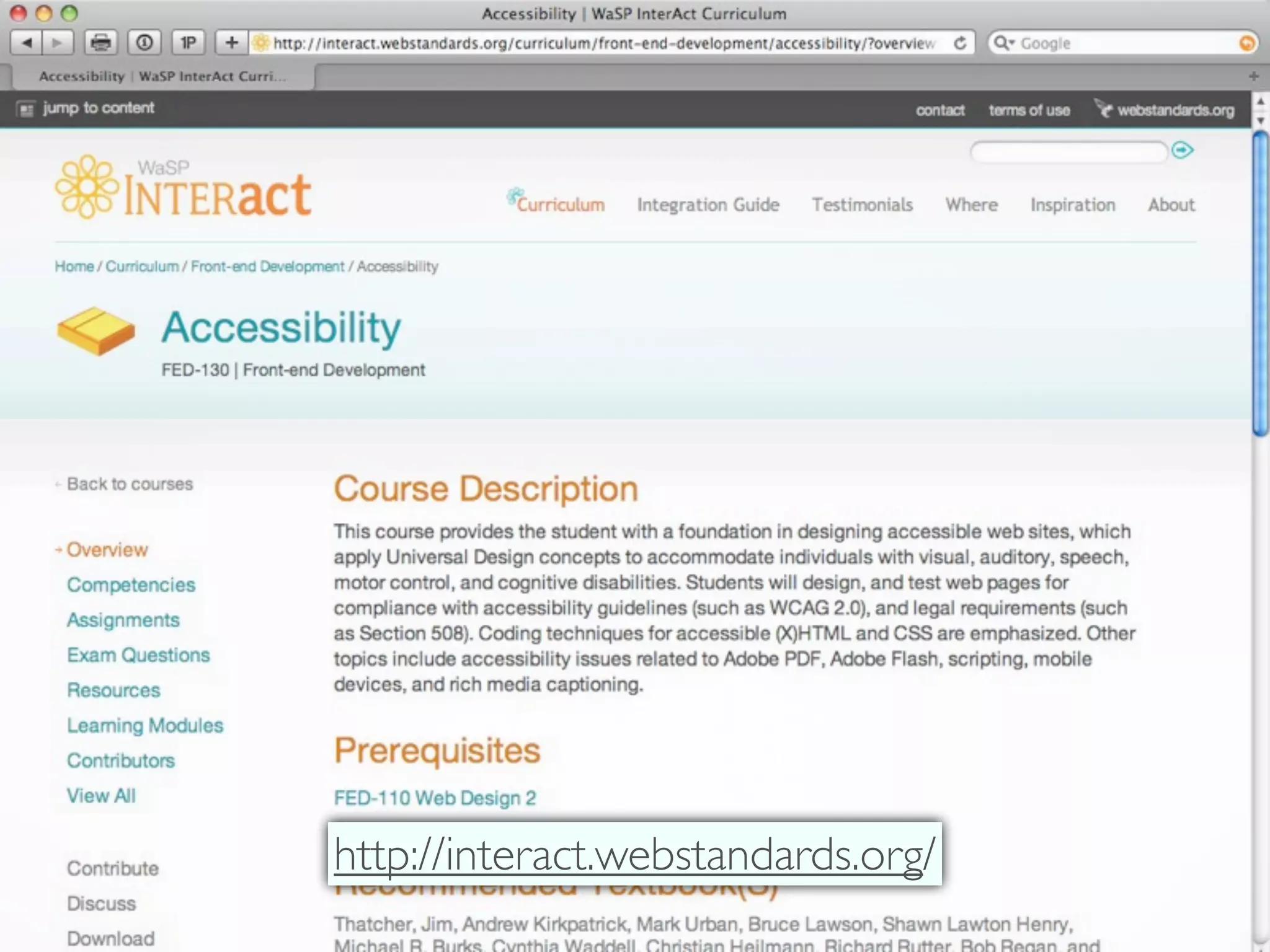
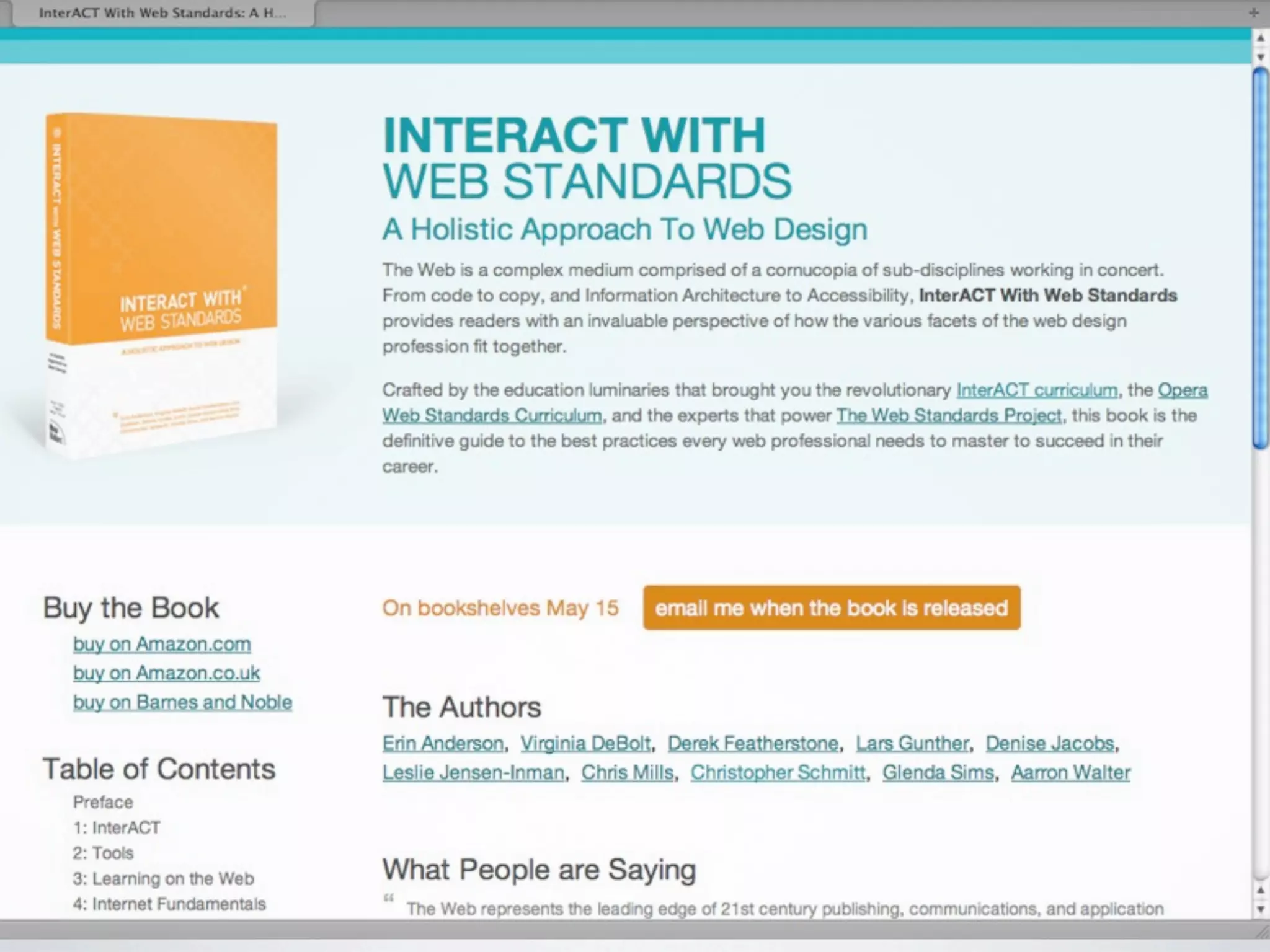
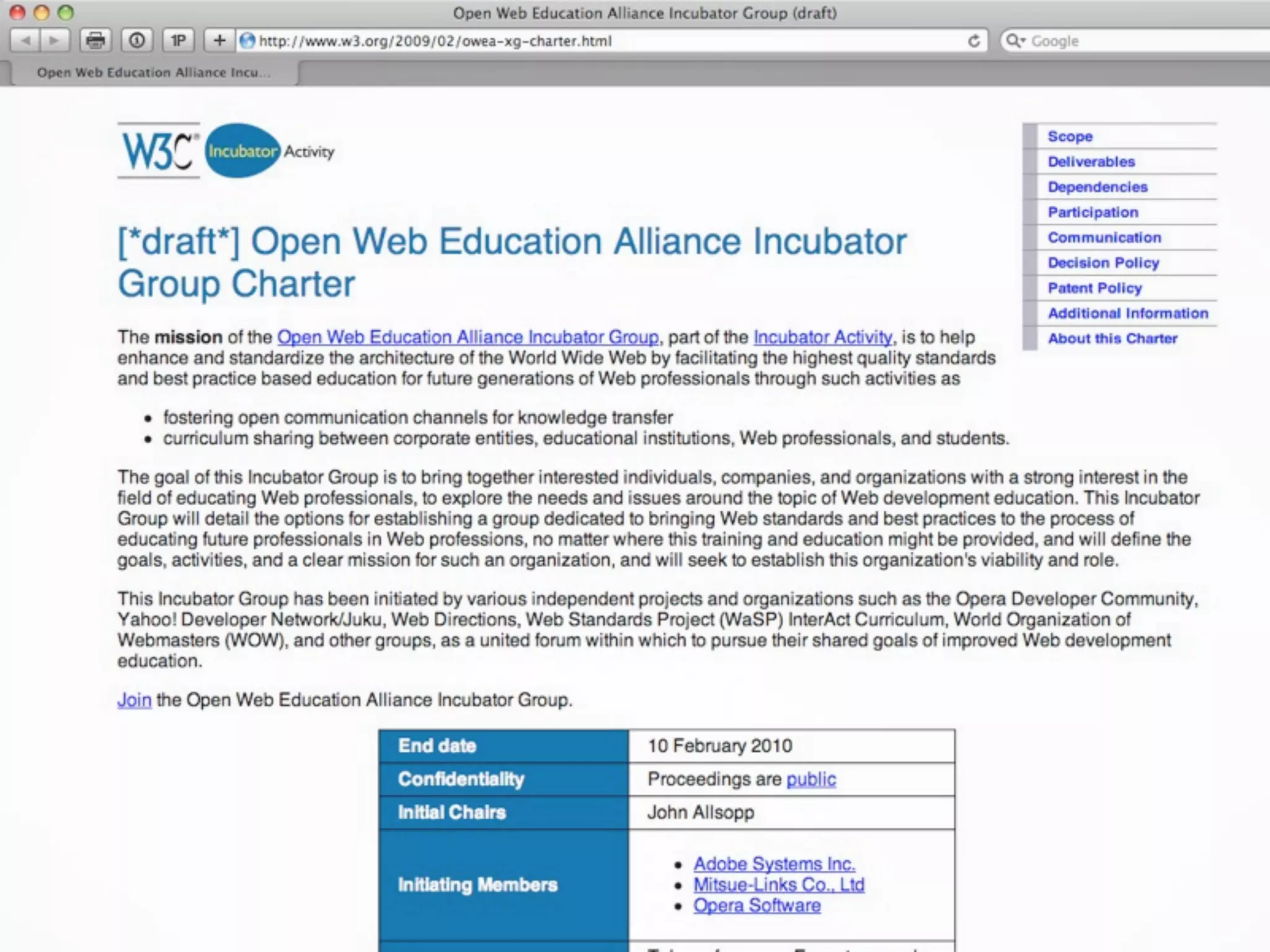
http://interact.webstandards.org/
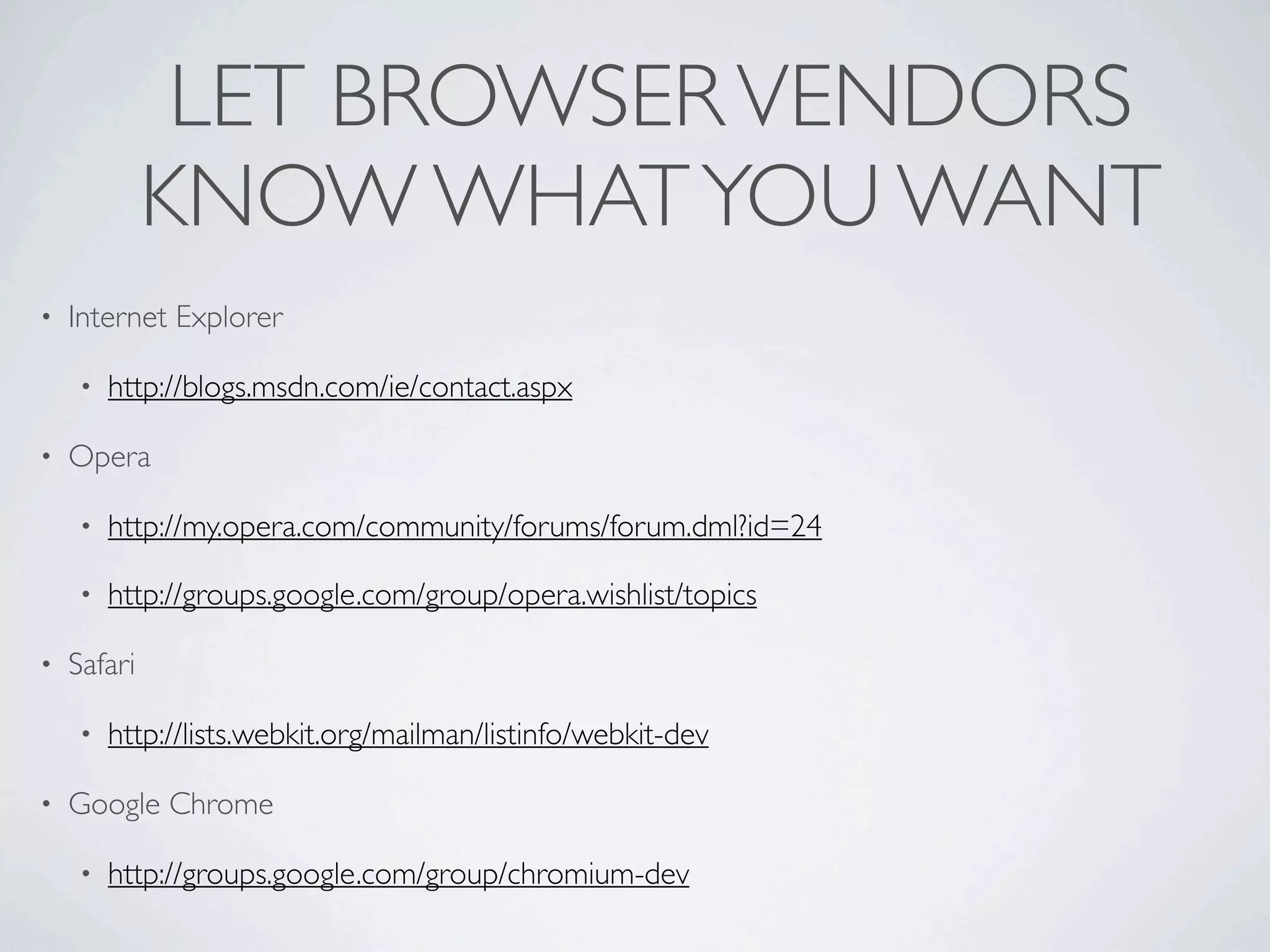
LET BROWSER VENDORS
             KNOW WHAT YOU WANT
•   Internet Explorer

    •   http://blogs.msdn.com/ie/contact.aspx

•   Opera

    •   http://my.opera.com/community/forums/forum.dml?id=24

    •   http://groups.google.com/group/opera.wishlist/topics

•   Safari

    •   http://lists.webkit.org/mailman/listinfo/webkit-dev

•   Google Chrome

    •   http://groups.google.com/group/chromium-dev
TAKE AWAYS

• New   HTML5 elements for improved semantics

• Headings

• Canvas’s   issues

  • Approaching       Canvas with progressive enhancement mindset

• HTML5 Video

  • Online   video with HTML+JS captioning
RECOMMENDED

         Design for Web Applications by Matt May and Wendy
• Universal
 Chisholm

• Bulletproof Ajax   by Jeremy Keith

• Designing   with Progressive Enhancement by Filament Group

• Microformats   Made Simple by Emily Lewis
THANK YOU!
   Christopher Schmitt
schmitt@heatvision.com
http://twitter.com/teleject

[Access U 2010] HTML5 & Accessibility

  • 1.
    ACCESS U 2010 HTML5 & ACCESSIBILITY ❦ Christopher Schmitt | http://twitter.com/@teleject
  • 2.
  • 3.
  • 5.
    AGENDA ITEMS • Going from XHTML to HTML5 • Building with HTML5 • Headings • Canvas • Microformats • Video
  • 6.
    HOW AMAZING ARE OUR WEB SITES?
  • 7.
  • 8.
    THINGS ARE GOOD BETWEENUS, XHTML, RIGHT? I MEAN. WE GET ALONG WELL. AND WE BOTH LIKE STUFF.
  • 9.
    “THE ATTEMPT TOGET THE WORLD TO SWITCH TO XML, INCLUDING QUOTES AROUND ATTRIBUTE VALUES AND SLASHES IN EMPTY TAGS AND NAMESPACES ALL AT ONCE DIDN'T WORK.” SIR TIM BERNERS-LEE
  • 10.
    5 % http://dev.opera.com/articles/view/mama-markup-validation-report/
  • 12.
    HTML noun JavaScript CSS verb adjective
  • 13.
  • 14.
  • 15.
  • 16.
  • 21.
    “TAKE CARE OF THE LUXURIES AND THE NECESSITIES WILL TAKE CARE OF THEMSELVES.” FRANK LLOYD WRIGHT
  • 22.
  • 23.
  • 24.
    HTML 4.01 TransitionalDTD: <!DOCTYPE HTML PUBLIC "-//W3C//DTD HTML 4.01 Transitional//EN" "http://www.w3.org/TR/1999/REC-html401-19991224/loose.dtd"> XHTML 1.0 Transitional DTD: <!DOCTYPE html PUBLIC "-//W3C//DTD XHTML 1.0 Transitional//EN" "http://www.w3.org/TR/xhtml1/DTD/xhtml1-transitional.dtd">
  • 25.
    <!DOCTYPE html> <html lang="en"> <head> <meta charset="utf-8"> <title>DOWNTOWN ORLANDO RESTAURANTS</title> </head> <body> <h1>....</h1> <p>...</p> </body> </html>
  • 26.
    EXERCISE • Go to HTML validator at http://validator.w3.org/#validate_by_input • Then type the following HTML (below) and hit validate: <!DOCTYPE html> <title>Small HTML5</title> <p>Hello world</p>
  • 29.
  • 30.
    RELEARNING SYNTAX • Attribute quotes “not really” required • UPPERCASE and lowercase HTML elements allowed • So is CaMeLcAse typing. • No more need to do self-closing tags like <IMG /> or <BR /> • Also, no more minimalization. So, this is okay: <dl compact> • Basically, everything that was bad from HTML4 in XHTML5 is good again. • Full circle, baby!
  • 31.
    DIV ID=”header” DIV ID=”nav” DIV ID=”section” DIV ID=”sidecolumn” DIV ID=”article” DIV ID=”footer”
  • 32.
    <HEADER> <NAV> <SECTION> <ASIDE> <ARTICLE> <FOOTER>
  • 33.
    ARTICLE VS ASIDEVS SECTION • Marc Grabsanki says: • Article is unique content to that document • Section is a thematic grouping of content, typically with a heading - pretty generic • Aside is content that is tangentially related, like a sidebar div has no meaning whatsoever, so there is nothing semantic about divs
  • 34.
    ARTICLE VS ASIDEVS SECTION • Bruce Lawson says: • Aside is for something tangentally related to its parent element. Or, if a sibling to the main content, it can be used to make sidebars of navigation, recent comments, colophons, author bios etc. • Article is a discrete piece of content that could be syndicated - a blog post, a news item, a comment, a widget • Section can also contain articles. for example, you could have a page with a <section> full of entertainment articles, and a section of political news etc.
  • 35.
    ARTICLE VS ASIDEVS SECTION • Molly Holzschlag says: • <section> clarifies <div> • <article> 'replaces' <div id="content"> • <aside> 'replaces' <div id="sidebar"> • Chris Mills plays it safe: http://boblet.tumblr.com/post/130610820/html5-structure1
  • 36.
    WHAT ABOUT THEDIVS? • Marc: • “div has no meaning whatsoever, so there is nothing semantic about divs” • Bruce says: • “Like all semantic questions, it depends on the context. If your only reason for wanting an element is to group stuff for styling, it's a div.”
  • 37.
    <body> <header> <h1>Heading</h1> </header> <nav> <h3>Site Navigation</h3> <ul>...</ul> </nav> <section> <article> <h3>Weblog Entry</h3> </article> </section> <aside> <p>You are reading "Chocolate Rain", an entry posted on <time datetime="2009-03-05">5 March, 2009</time>, to the <a href="#">Misty collection</a>. See other posts in <a href="#">this collection</a>.</p> </aside> <footer> <p>...</p> </footer> </body>
  • 40.
  • 42.
  • 43.
  • 44.
  • 45.
    REPLACING ABBR • <ABBR> element is used by screenreaders to expand abbreviations like “lbs” or “NCAAP” • However unintended consequences occurred trying to workaround browser bugs for other HTML elements • What happens when a screenreaders text like this: • “Let’s go to <abbr class="geo" title="30.300474;-97.747247">Austin, TX</abbr>” http://www.brucelawson.co.uk/2009/microformats-accessibility-html-5-again/
  • 46.
    <div class="vevent"> <aclass="url" href="http://www.web2con.com/">http:// www.web2con.com</a> <span class="summary">Web 2.0 Conference</span>: <abbr class="dtstart" title="2007-10-05">October 5</abbr>- <abbr class="dtend" title="2007-10-20">19</ abbr>, at the <span class="location">Argent Hotel, San Francisco, CA</span> </div>
  • 47.
    <div class="vevent"> <aclass="url" href="http://www.web2con.com/">http:// www.web2con.com</a> <span class="summary">Web 2.0 Conference</span>: <time class="dtstart" datetime="2007-10-05">October 5</time>- <time class="dtend" datetime="2007-10-20">19</time>, at the <span class="location">Argent Hotel, San Francisco, CA</span> </div> http://www.brucelawson.co.uk/2009/microformats-accessibility-html-5-again/
  • 48.
    POSTSCRIPT • <ABBR> issue has ben resolved with new pattern (dropping <ABBR> altogether): http://microformats.org/wiki/value-class-pattern • <p>Let’s go to <span class="geo">51° 30' 48.45", -0° 8' 53.23" (<span class="value">51.513458;-0.14812</span>) </span></span> </p> • Thereby microformats doesn’t rely on any HTML5 elements, and • HTML5 spec isn’t looking to include microformats.
  • 49.
  • 50.
    HTML4 HEADINGS • h1 •h2 • h3 • h4 • h5 • h6
  • 51.
    POP-QUIZ • How do you code for the main title of your site and the main article/post/content of the page? • Two H1s for both main title and content • H1 for main title, then H2 for content • H2 for main title, then H1 for content
  • 52.
    XHTML2’S HEADINGS • Had an “h” element, without a numeral • Using the <section> element to determine its value: • <section><h></h></section> = <h1> • <section><section><h></h></section></section> = <h2>
  • 53.
    HTML5’S HEADINGS • Keepoldsystem rather than introduce a new element, move away from numbered headings • However, adds the <section> element • Also the <hgroup> element • More insistence on keep hierarchy: • h1 to h6
  • 54.
    <HEADER> • <header> contains information found at top of a page • title, • subtitle, • and navigation • Also, it can include an <hgroup> • Canbe placed anywhere in a document except <footer> and another <header>
  • 55.
    <article> <header> <h1>The Great Gastby</h1> <p>A book report by Christopher Schmitt</p> </header> <p>stuff goes here</p> </article>
  • 56.
    <HGROUP> • Can contain more than one heading • In fact, must contain at least two heading elements • Example: intended for titles and subtitles • Keep hierarchy of heading elements • h1 through h6 • Don’t need to place them in <hgroup> or <header>
  • 57.
    <article> <hgroup> <h1>The Great Gastby</h1> <h2>A book report by Christopher Schmitt</h2> </hgroup> <p>stuff goes here</p> </article>
  • 58.
    VIDEO EXAMPLE OFHEADINGS w/ SCREENREADER http://www.youtube.com/watch?v=AmUPhEVWu_E
  • 59.
  • 60.
  • 61.
    <canvas id="myCanvas" width="300"height="150"> Fallback content, in case the browser does not support Canvas. </canvas>
  • 62.
    <script type="text/javascript"><!-- window.addEventListener('load', function() { // Get the canvas element. var elem = document.getElementById('myCanvas'); if (!elem || !elem.getContext) { return; } // Get the canvas 2d context. var context = elem.getContext('2d'); if (!context) { return; } // Now you are done! Let's draw a blue rectangle. context.fillStyle = '#00f'; context.fillRect(0, 0, 150, 100); }, false); // --></script>
  • 64.
    // Get thecanvas element. var elem = document.getElementById('myCanvas'); if (!elem || !elem.getContext) { return; } // Get the canvas 2d context. var context = elem.getContext('2d'); if (!context) { return; } context.fillStyle = '#00f'; context.strokeStyle = '#f00'; context.lineWidth = 4; // Draw a right triangle. context.beginPath(); context.moveTo(10, 10); context.lineTo(100, 10); context.lineTo(10, 100); context.lineTo(10, 10); context.fill(); context.stroke(); context.closePath(); }, false);
  • 66.
    // Get thecanvas element. var elem = document.getElementById('myCanvas'); if (!elem || !elem.getContext) { return; } // Get the canvas 2d context. var context = elem.getContext('2d'); if (!context) { return; } context.fillStyle = '#00f'; context.strokeStyle = '#f00'; context.lineWidth = 4; // Draw a right triangle. context.beginPath(); context.moveTo(10, 10); context.lineTo(100, 10); context.lineTo(10, 100); context.lineTo(10, 10); context.fill(); context.stroke(); context.closePath(); }, false);
  • 67.
  • 68.
  • 69.
    BUT IS ITACCESSIBLE?
  • 70.
    ACCESSIBLE CANVAS ISSUES •Setting user interface elements in canvas • Setting images in canvas • Setting text in canvas http://www.paciellogroup.com/blog/?p=362
  • 71.
    PROGRESSIVE ENHANCEMENT & CANVAS “Progressive enhancement is a strategy for web design that emphasizes accessibility, semantic HTML markup, and external style sheet and scripting technologies.” http://en.wikipedia.org/wiki/Progressive_enhancement
  • 72.
  • 73.
  • 74.
    <table > <caption>My Push Ups</caption> <thead> <tr> <td></td> <th>M</th> <th>Tu</th> <th>W</th> <th>Th</th> <th>F</th> <th>Sa</th> </tr> </thead> <tbody> <tr> <th>Chris</th> <td>56</td> <td>30</td> <td>50</td> <td>0</td> <td>45</td> <td>120</td> <td>0</td> </tr> </tbody> </table>
  • 76.
    <link type="text/css" rel="stylesheet" href="visualize.jQuery.css"/> <scripttype="text/javascript" src="http://ajax.googleapis.com/ajax/libs/ jquery/1.3.2/jquery.min.js"></script> <!--[if IE]><script type="text/javascript" src="excanvas.compiled.js"></ script><![endif]--> <script type="text/javascript" src="visualize.jQuery.js"></script> <script type="text/javascript"> $(function(){ $('table').addClass('accessHide'); $('table').visualize({type: 'line', colors: ['#fff']}); }); </script>
  • 77.
    <link type="text/css" rel="stylesheet"href="visualize.jQuery.css"/> <script type="text/javascript" src="http:// ajax.googleapis.com/ajax/libs/jquery/1.3.2/ jquery.min.js"></script> <!--[if IE]><script type="text/javascript" src="excanvas.compiled.js"></ script><![endif]--> <script type="text/javascript" src="visualize.jQuery.js"></script> <script type="text/javascript"> $(function(){ $('table').addClass('accessHide'); $('table').visualize({type: 'line', colors: ['#fff']}); }); </script>
  • 78.
    <link type="text/css" rel="stylesheet"href="visualize.jQuery.css"/> <script type="text/javascript" src="http://ajax.googleapis.com/ajax/libs/ jquery/1.3.2/jquery.min.js"></script> <!--[if IE]><script type="text/javascript" src="excanvas.compiled.js"></script><![endif]--> <script type="text/javascript" src="visualize.jQuery.js"></script> <script type="text/javascript"> $(function(){ $('table').addClass('accessHide'); $('table').visualize({type: 'line', colors: ['#fff']}); }); </script>
  • 79.
  • 80.
    <link type="text/css" rel="stylesheet"href="visualize.jQuery.css"/> <script type="text/javascript" src="http://ajax.googleapis.com/ajax/libs/ jquery/1.3.2/jquery.min.js"></script> <!--[if IE]><script type="text/javascript" src="excanvas.compiled.js"></ script><![endif]--> <script type="text/javascript" src="visualize.jQuery.js"></script> <script type="text/javascript"> $(function(){ $('table').addClass('accessHide'); $('table').visualize({type: 'line', colors: ['#fff']}); }); </script>
  • 81.
    <link type="text/css" rel="stylesheet"href="visualize.jQuery.css"/> <script type="text/javascript" src="http://ajax.googleapis.com/ajax/libs/ jquery/1.3.2/jquery.min.js"></script> <!--[if IE]><script type="text/javascript" src="excanvas.compiled.js"></ script><![endif]--> <script type="text/javascript" src="visualize.jQuery.js"></script> <script type="text/javascript"> $(function(){ $('table').addClass('accessHide'); $('table').visualize({type: 'line', colors: ['#fff']}); }); </script>
  • 82.
    table.accessHide { position:absolute; left: -999999px; } table { height: 100px; width: 250px;}
  • 83.
    <link type="text/css" rel="stylesheet"href="visualize.jQuery.css"/> <script type="text/javascript" src="http://ajax.googleapis.com/ajax/libs/ jquery/1.3.2/jquery.min.js"></script> <!--[if IE]><script type="text/javascript" src="excanvas.compiled.js"></ script><![endif]--> <script type="text/javascript" src="visualize.jQuery.js"></script> <script type="text/javascript"> $(function(){ $('table').addClass('accessHide'); $('table').visualize({type: 'line', colors: ['#fff']}); }); </script>
  • 85.
  • 86.
  • 87.
    <!DOCTYPE html> <html lang="en"> <head> <metacharset="utf-8"> <title>Basic HTML5 Web Document Structure</title> </head> <body> <h1>Video Example</h1> <object width="425" height="344"><param name="movie" value="http://www.youtube.com/v/4GuKSqAg5xI&hl=en&fs=1"></ param><param name="allowFullScreen" value="true"></ param><param name="allowscriptaccess" value="always"></ param><embed src="http://www.youtube.com/v/ 4GuKSqAg5xI&hl=en&fs=1" type="application/x-shockwave-flash" allowscriptaccess="always" allowfullscreen="true" width="425" height="344"></embed></object> </body> </html>
  • 88.
    <!DOCTYPE html> <html lang="en"> <head> <metacharset="utf-8"> <title>Basic HTML5 Web Document Structure</title> </head> <body> <h1>Video Example</h1> <video src="html5test.ogg" width="320" height="240" controls poster="html5testvideoposter.jpg"> <a href="html5testvideo.ogg">Download movie</a> </video> </body> </html>
  • 89.
    HTML5 VIDEO • WIDTH and HEIGHT should be required, IMO, but movie plays anyway based on the values in the video file itself. • Video formats may have their own posterframe. The browser should use that by default unless overridden by valid POSTER attribute value. • Text can be included within VIDEO element to allow user to download video if their browser doesn’t support. • If you want to give users control, use CONTROL attribute.
  • 90.
    HTML5 VIDEO • Video can start automatically if using the AUTOPLAY=”1” attribute and value. • Spec provides for LOOP, AUTOBUFFER which also take a value of O or 1. • Codecs support...
  • 91.
    HTML5 VIDEO “It would be helpful for interoperability if all browsers could support the same codecs. However, there are no known codecs that satisfy all the current players: we need a codec that is known to not require per-unit or per-distributor licensing, that is compatible with the open source development model, that is of sufficient quality as to be usable, and that is not an additional submarine patent risk for large companies. This is an ongoing issue and this section will be updated once more information is available.” - http://www.whatwg.org/specs/web-apps/current-work/#video- and-audio-codecs-for-video-elements
  • 92.
    CODECS • Ogg (or “Vorbis”) • No need to worry about patents • H.264 • Created by the MPEG group • If you have blu-ray disc player, you are using it
  • 93.
    CODEC SUPPORT FF3.5+ S Ch IE9 Ogg Y Y H.264 Y Y Y?
  • 94.
  • 95.
  • 96.
  • 97.
    LESSONS LEARNED • Use VLC or Firefogg to encode common movie files types to OGG • H.264 encoding? Use Handbrake • People really, really, really want this to work, but codec issue still needs to be worked out. • If you are hot to trot for HTML5 Video, like, right now, check out Mark Pilgrim’s tutorial: http://diveintohtml5.org/video.html • Good primer: http://dev.opera.com/articles/view/introduction-html5-video/
  • 100.
    <script> function playPause() { var myVideo = document.getElementsByTagName('video')[0]; if (myVideo.paused) myVideo.play(); else myVideo.pause(); } </script>
  • 101.
    <input type=button onclick="playPause()"value="Play/Pause" tabindex="0" />
  • 102.
    HTML5 VIDEO &CAPTIONS
  • 103.
    For students withLD and struggling or beginning readers, the use of captions or subtitles can lead to increases in: •reading speed, •word knowledge, •decoding, •vocabulary acquisition, •word recognition, •reading comprehension, and •oral reading rates.
  • 104.
    [Captioning] has beenshown to improve reading skills among adults who are non- readers. http://www.ldonline.org/article/35793
  • 107.
  • 110.
    SRT FILES • SRTfiles are text files used in video playback; therefore, they do not contain any video data. • Text file containing subtitles used by various video playback programs; supported by DivX, DVD, and other video formats; • Includesthe time each subtitle should be displayed followed by the text of the subtitles. • Subtitlefiles are often named according to the language of the subtitles, i.e. "moviename.eng.srt" for English and "moviename.ger.srt" for German subtitles.
  • 111.
    TRANSCRIPT-EN.SRT 1 00:00:00,000 --> 00:00:6,000 Allowme to introduce myself My name is Tay It's T-A-Y, T-A-Y to the Z 2 00:00:06,000 --> 00:00:9,000 This is the web and it's gonna murder your TV It was Chocolate Rain 3 00:00:09,500 --> 00:00:11,500 Wrote a song about that history Chocolate Rain 4 00:00:12,000 --> 00:00:15,000 Now I'm paid a hefty hefty fee Chocolate Rain
  • 112.
  • 113.
     <video id="myVid" width="400"src="cherry-chocolate- rain.ogv" autobuffer controls>   <track src="transcript-en.srt" type="text/srt" language="en" role="textaudesc"></track>   <track src="transcript-gr.srt" type="text/srt" language="gr" role="textaudesc"></track>   <p>Alternative text...</p> </video>
  • 114.
     <video id="myVid" width="400"src="cherry-chocolate-rain.ogv" autobuffer controls>   <track src="transcript-en.srt" type="text/srt" language="en" role="textaudesc"></track>   <track src="transcript-gr.srt" type="text/srt" language="gr" role="textaudesc"></track>   <p>Alternative text...</p> </video>
  • 115.
  • 116.
  • 120.
  • 122.
    alt="Dear Customers, Today,we are excited to introduce Kindle 2the next generation of our wireless reading device.Since launching the original Kindle a little over a year ago, the customer response has far surpassed our highest hopesand were grateful and appreciative for that. More people are reading more books, newspapers, and blogs on Kindle sooner than we ever imagined.We kept everything readers love about the original Kindlethe convenience of reading what you want, when you want it, the immediacy of getting books wirelessly delivered in less than 60 seconds, and Kindles ability to disappear in your hands so you can get lost in the authors words. We chose the same 3G wireless technology used in advanced cell phones, so you never need to locate a Wi-Fi hotspot. But unlike cell phones, there are no monthly wireless bills, no service or data plans, and no yearly contracts. There is no software to install and no syncing required. Improved battery life means you can read up to four days on a single charge. Its new, streamlined design makes Kindle 2 as thin as a typical magazine and lighter than a paperback. We added more storage, allowing you to carry over 1,500 titles. An advanced display provides even crisper images and clear text for an improved book-like reading experience. Our favorite new Text-to-Speech feature means Kindle can read every book, blog, magazine, and newspaper out loud to you.At Amazon, weve always been obsessed with selection, and we know that even the best reading device would be useless without the books you want to read. Today, the Kindle Store has more than 230,000 books, including 103 of the 112 New York Times Best Sellers, plus top newspapers, magazines, and blogs. We added over 40,000 new titles in just the last three months. Our vision is to have every book ever printed, in any language, all in under 60 seconds on Kindle. We hope you enjoy Kindle 2. Jeff Bezos, Founder, Amazon.com P.S. If youd like to have Kindle 2 ship to you the day it becomes available, we recommend preordering today to reserve your place in line. "
  • 124.
  • 125.
  • 129.
    LET BROWSER VENDORS KNOW WHAT YOU WANT • Internet Explorer • http://blogs.msdn.com/ie/contact.aspx • Opera • http://my.opera.com/community/forums/forum.dml?id=24 • http://groups.google.com/group/opera.wishlist/topics • Safari • http://lists.webkit.org/mailman/listinfo/webkit-dev • Google Chrome • http://groups.google.com/group/chromium-dev
  • 131.
    TAKE AWAYS • New HTML5 elements for improved semantics • Headings • Canvas’s issues • Approaching Canvas with progressive enhancement mindset • HTML5 Video • Online video with HTML+JS captioning
  • 132.
    RECOMMENDED Design for Web Applications by Matt May and Wendy • Universal Chisholm • Bulletproof Ajax by Jeremy Keith • Designing with Progressive Enhancement by Filament Group • Microformats Made Simple by Emily Lewis
  • 133.
    THANK YOU! Christopher Schmitt schmitt@heatvision.com http://twitter.com/teleject