@media mobilism and (year: 2011)


              MEDIA QUERIES
A CLOSER LOOK AT
        BY
           STEPHEN HAY
B. Rowser
Hi handsome.
@media mood and (min-level: fine)


      Fine.
@media screen and (min-width: 600px)


        Yes.
@media all and (orientation: landscape)


What are you,
 an idiot?
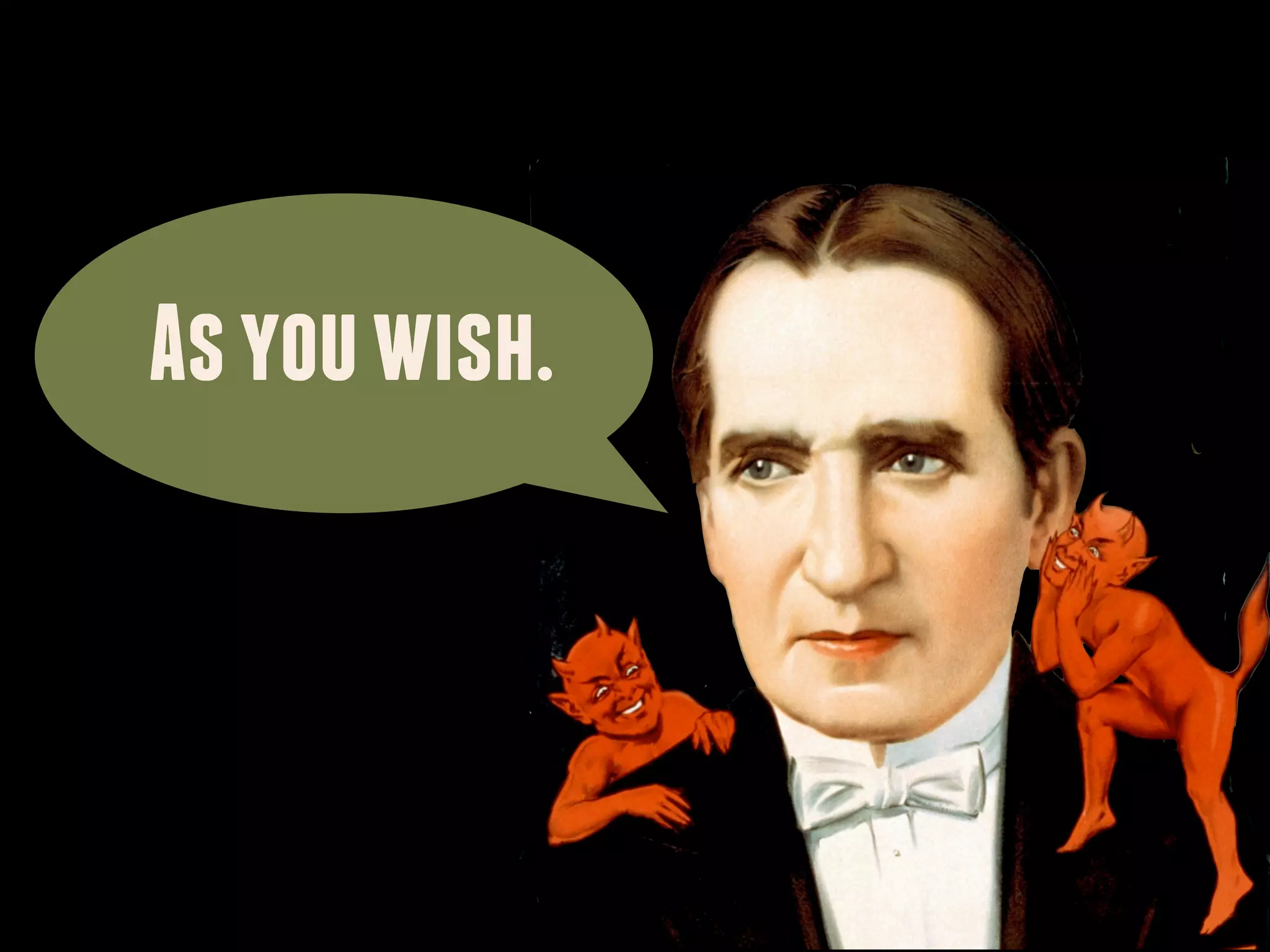
As you wish.
MEDIA QUERIES

@media [not|only] type [and] (expr) {
  rules;
}


== Feature detection
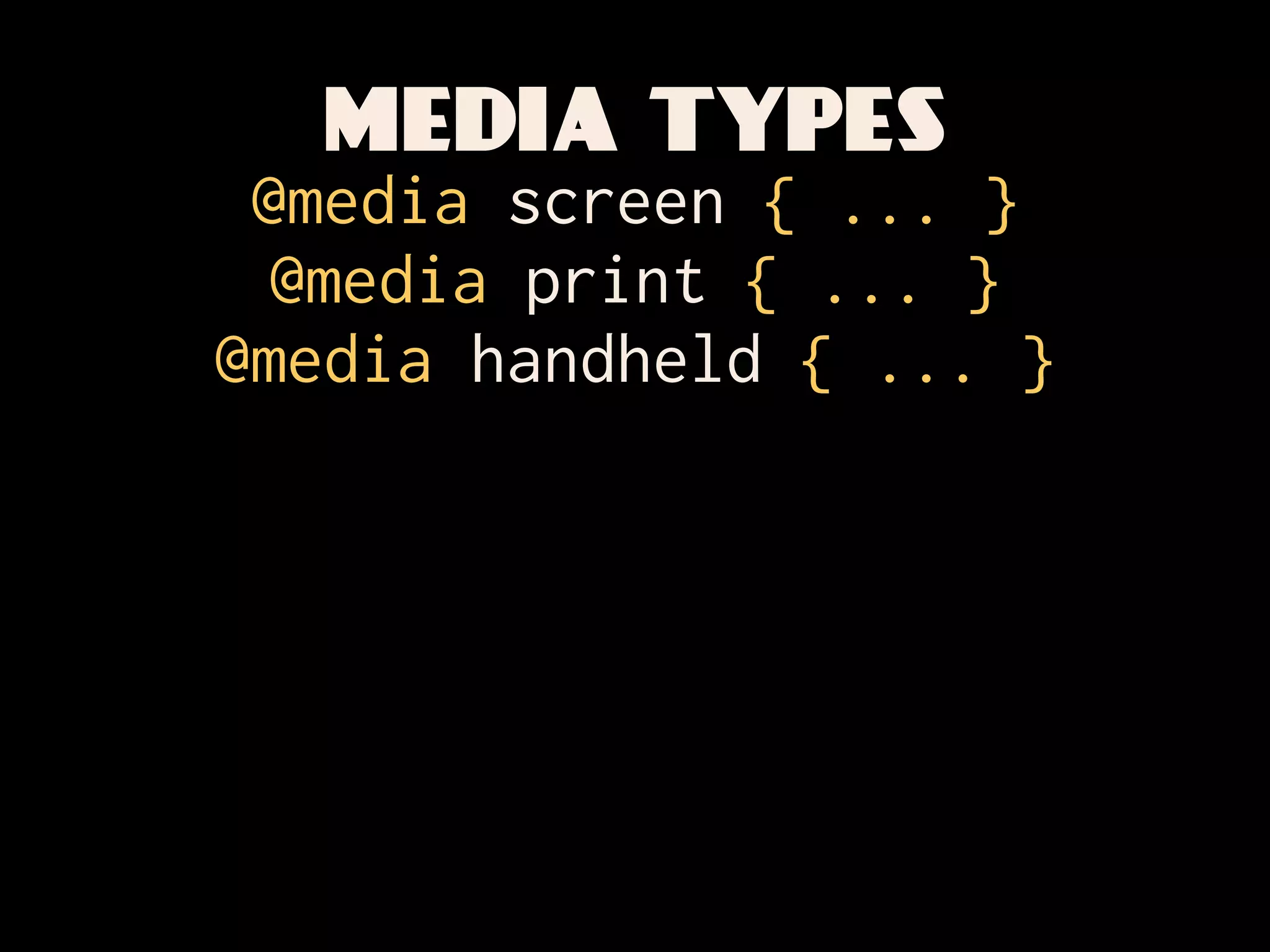
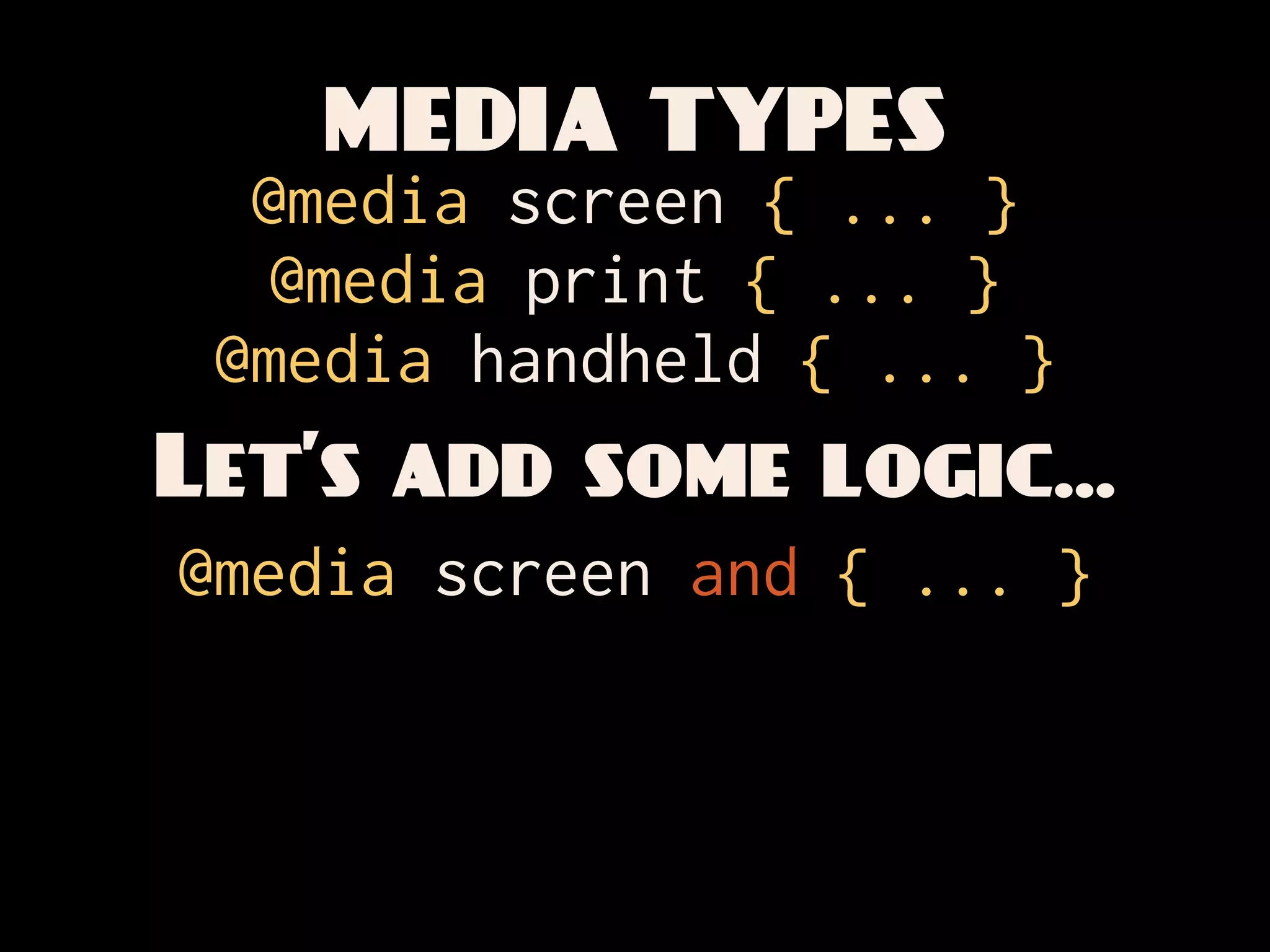
MEDIA TYPES
 @media screen { ... }
  @media print { ... }
@media handheld { ... }
MEDIA TYPES
  @media screen { ... }
   @media print { ... }
 @media handheld { ... }
Let’s add some logic...
@media screen and { ... }
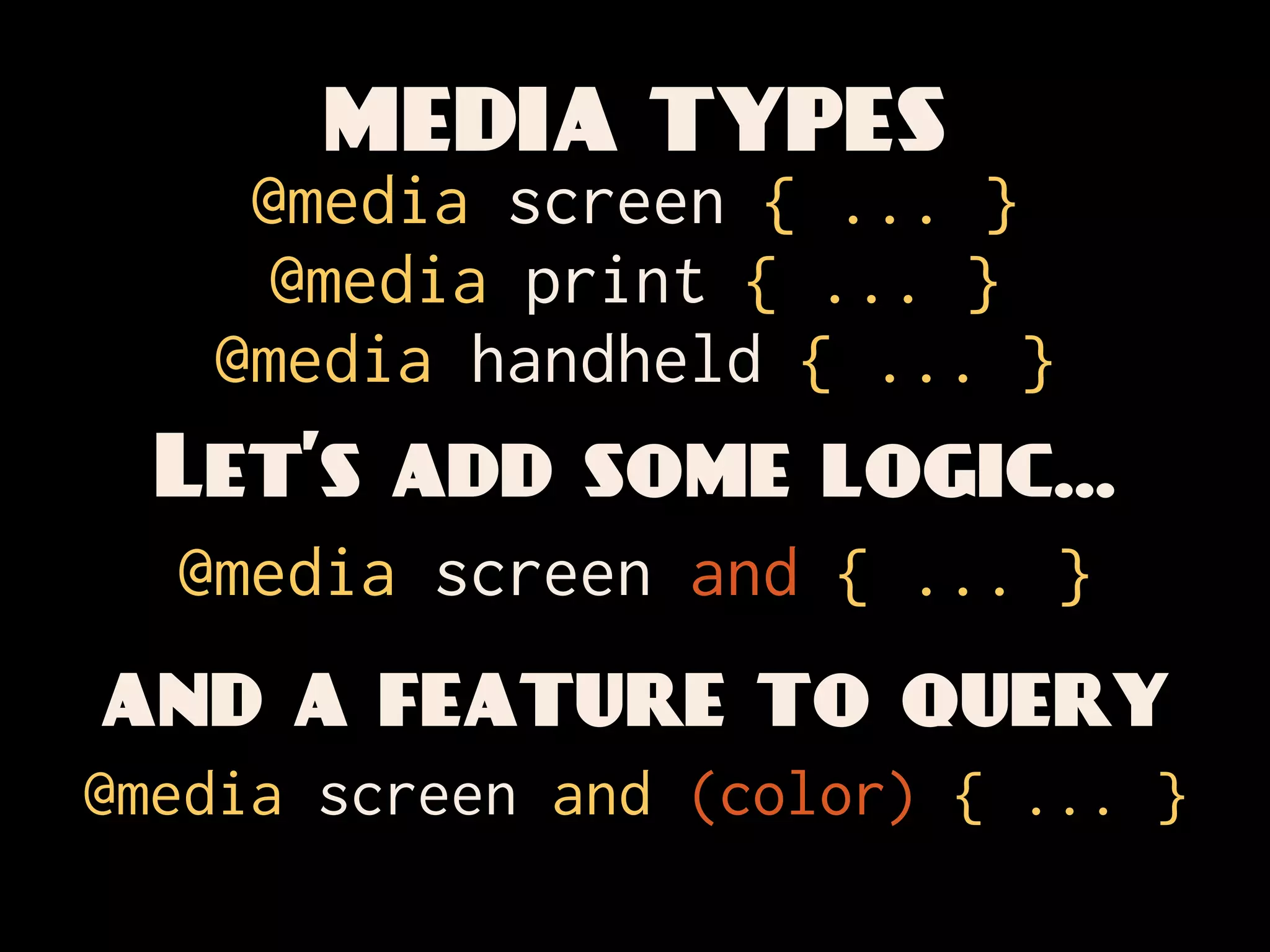
MEDIA TYPES
    @media screen { ... }
     @media print { ... }
   @media handheld { ... }
  Let’s add some logic...
  @media screen and { ... }
and a feature to query
@media screen and (color) { ... }
MEDIA TYPES
      @media screen { ... }
       @media print { ... }
Hey—@media handheld { ... }
     tell them some
 more about logic,
  Let’s add
   you bastard. some logic...
  @media screen and { ... }
and a feature to query
@media screen and (color) { ... }
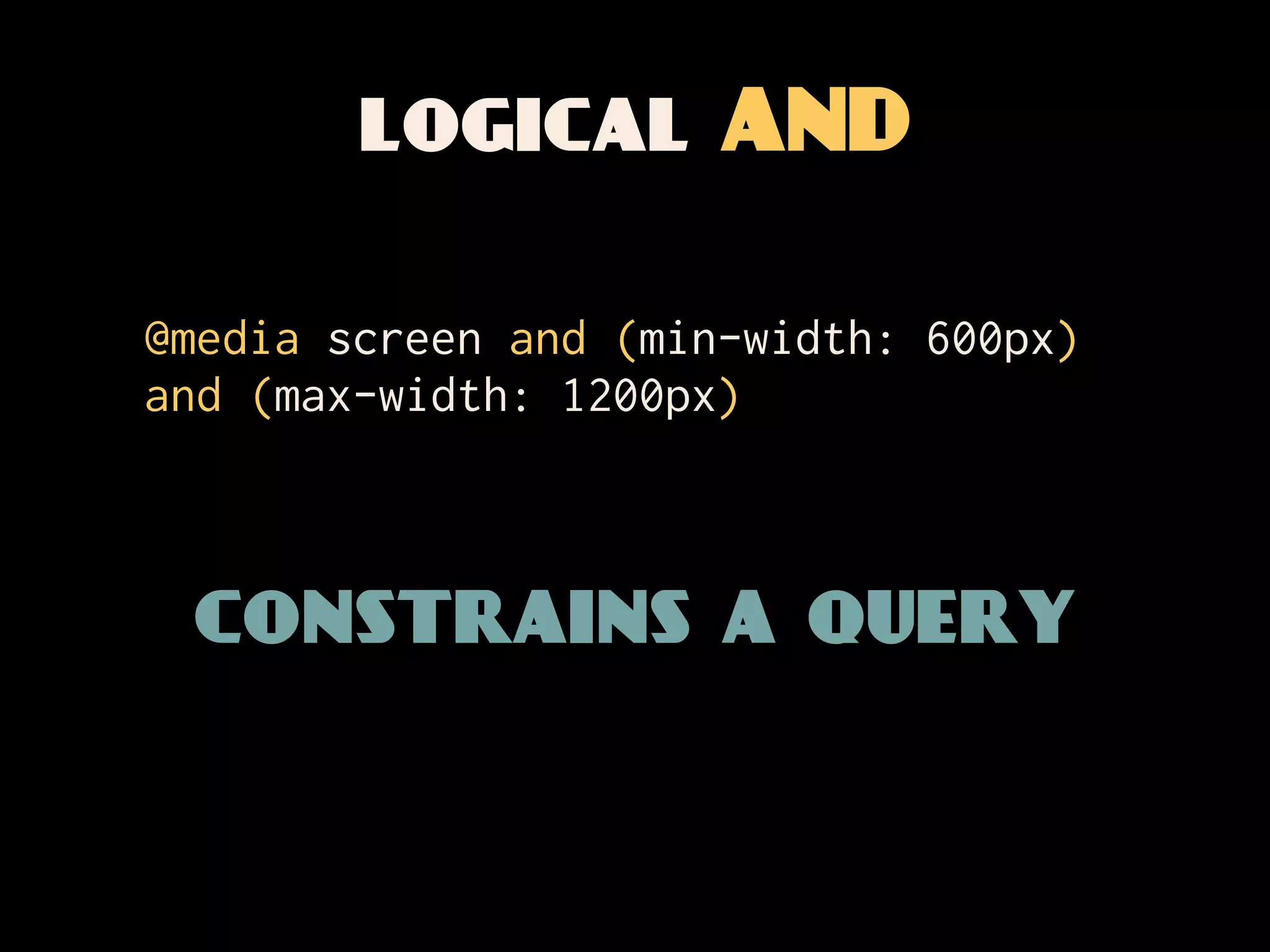
logical AND

@media screen and (min-width: 600px)
and (max-width: 1200px)


 constrains a query
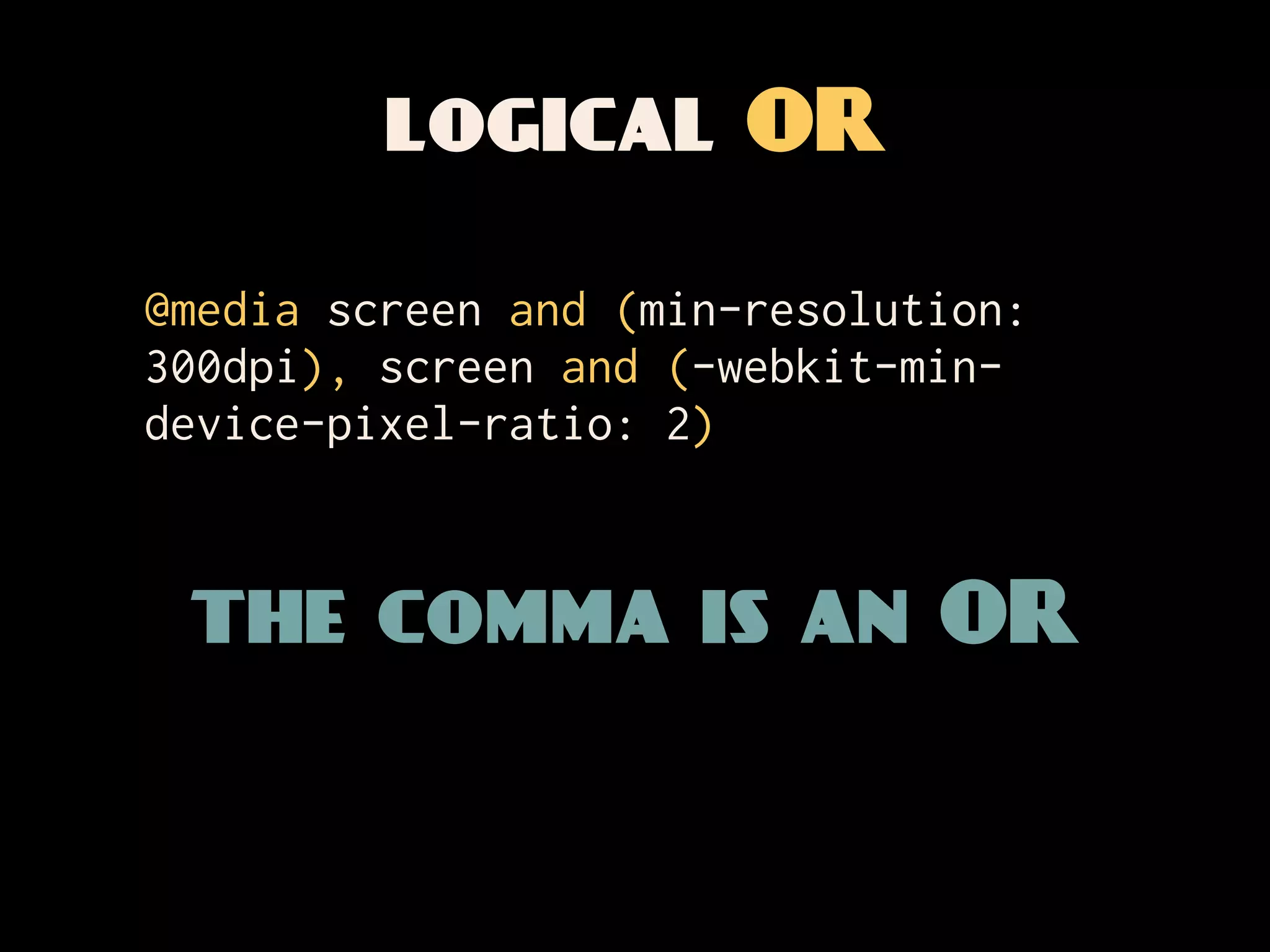
logical OR

@media screen and (min-resolution:
300dpi), screen and (-webkit-min-
device-pixel-ratio: 2)


 the comma is an OR
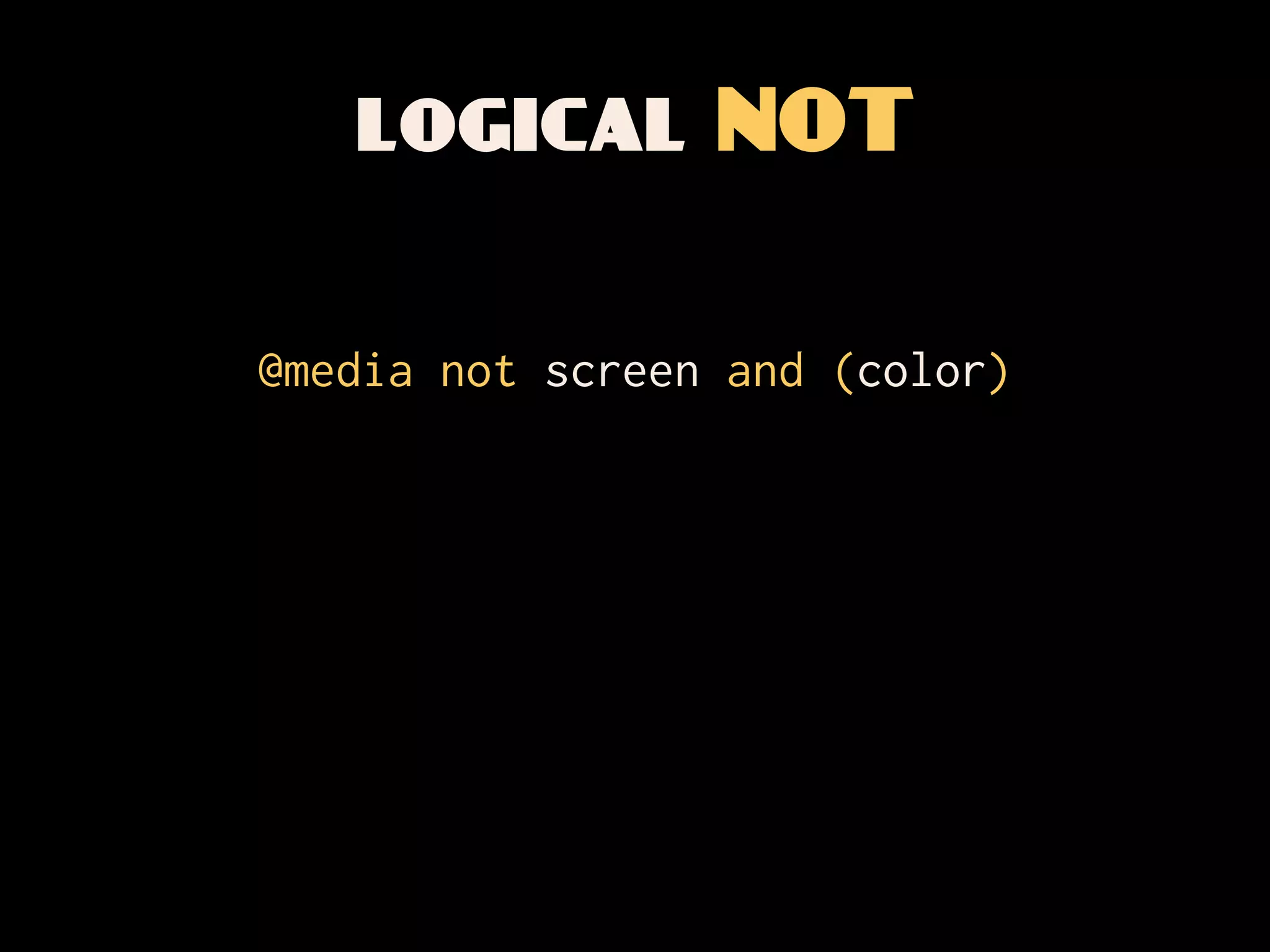
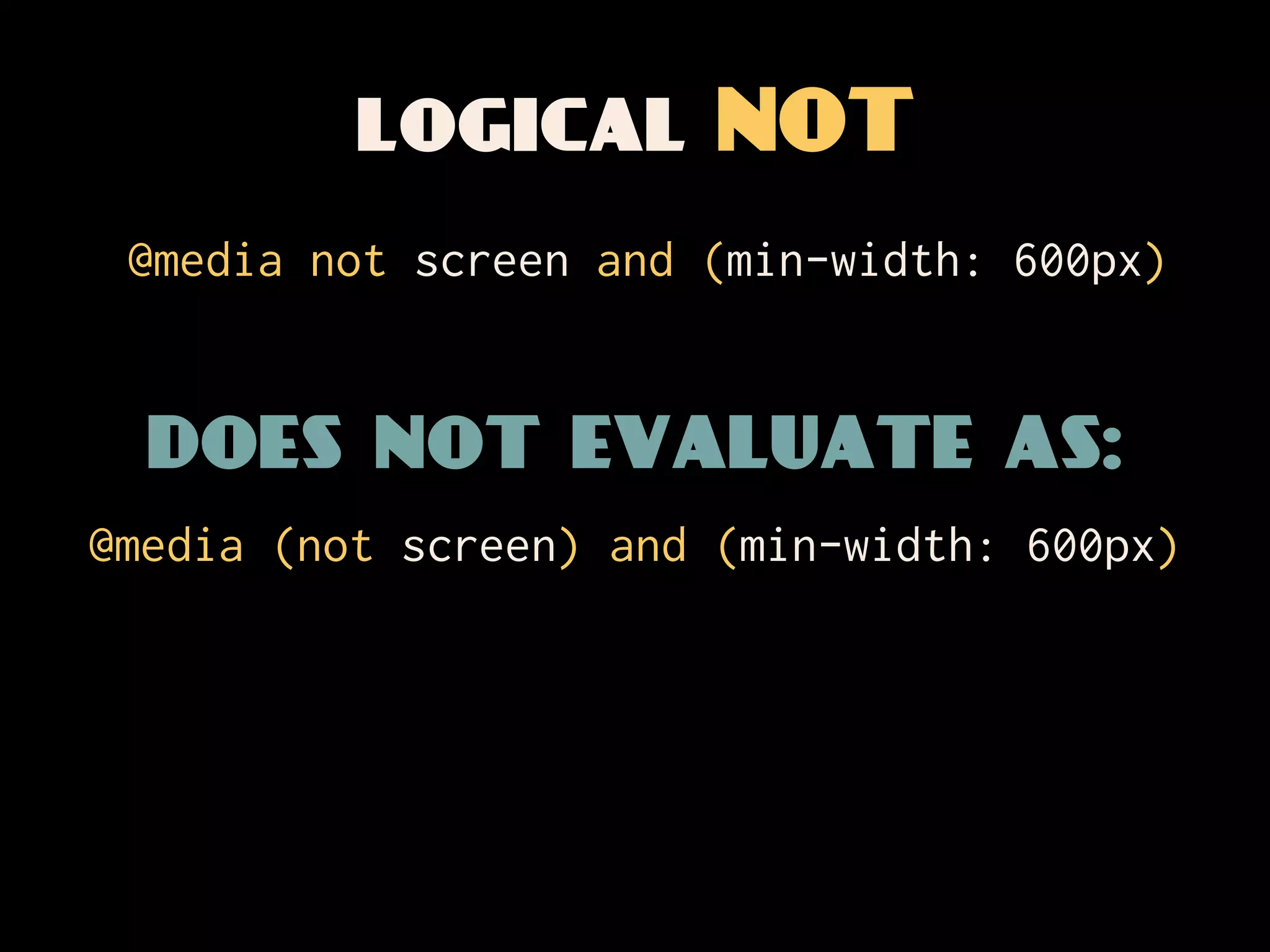
logical NOT

@media not screen and (color)
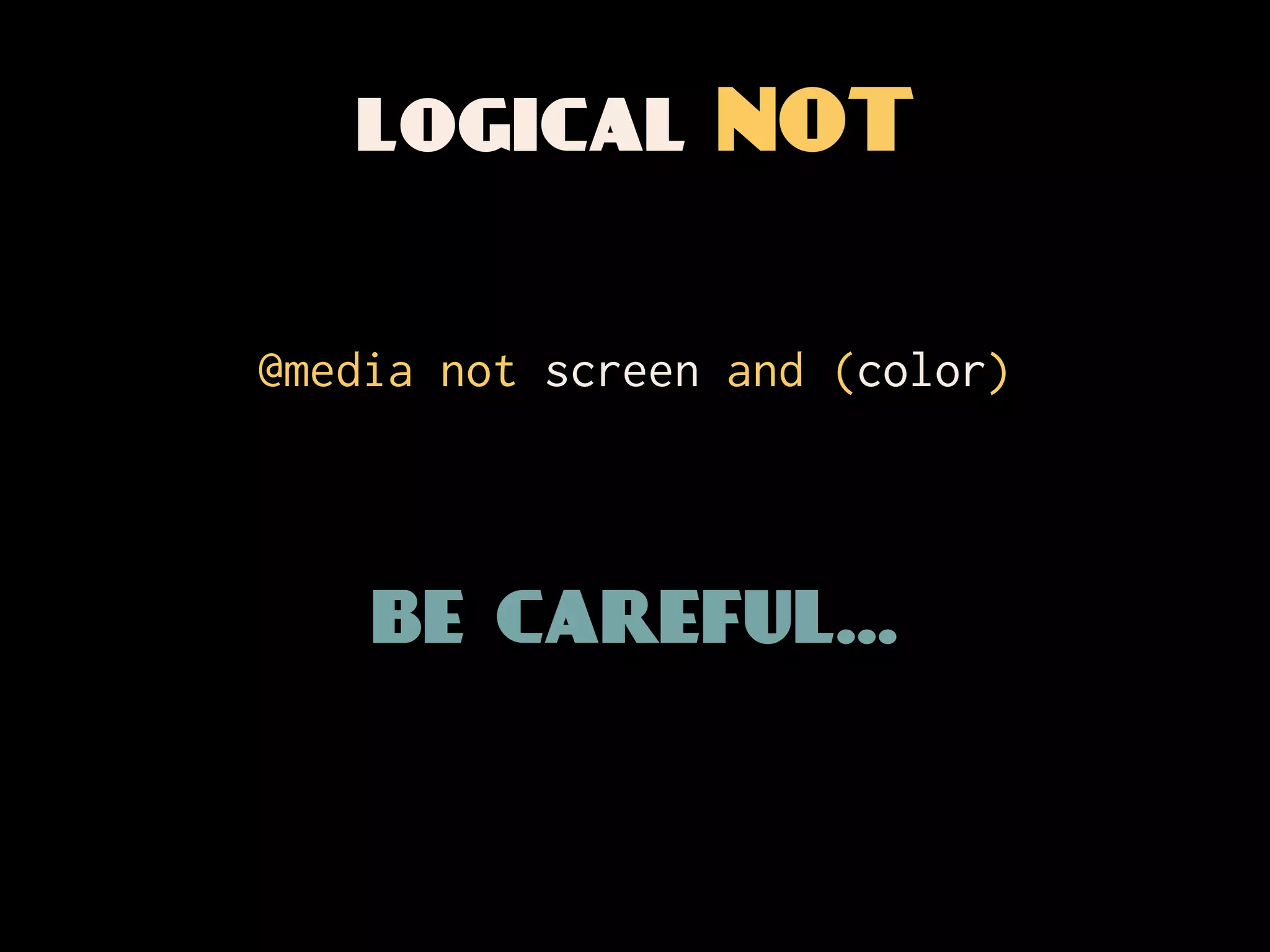
logical NOT

@media not screen and (color)


    be careful...
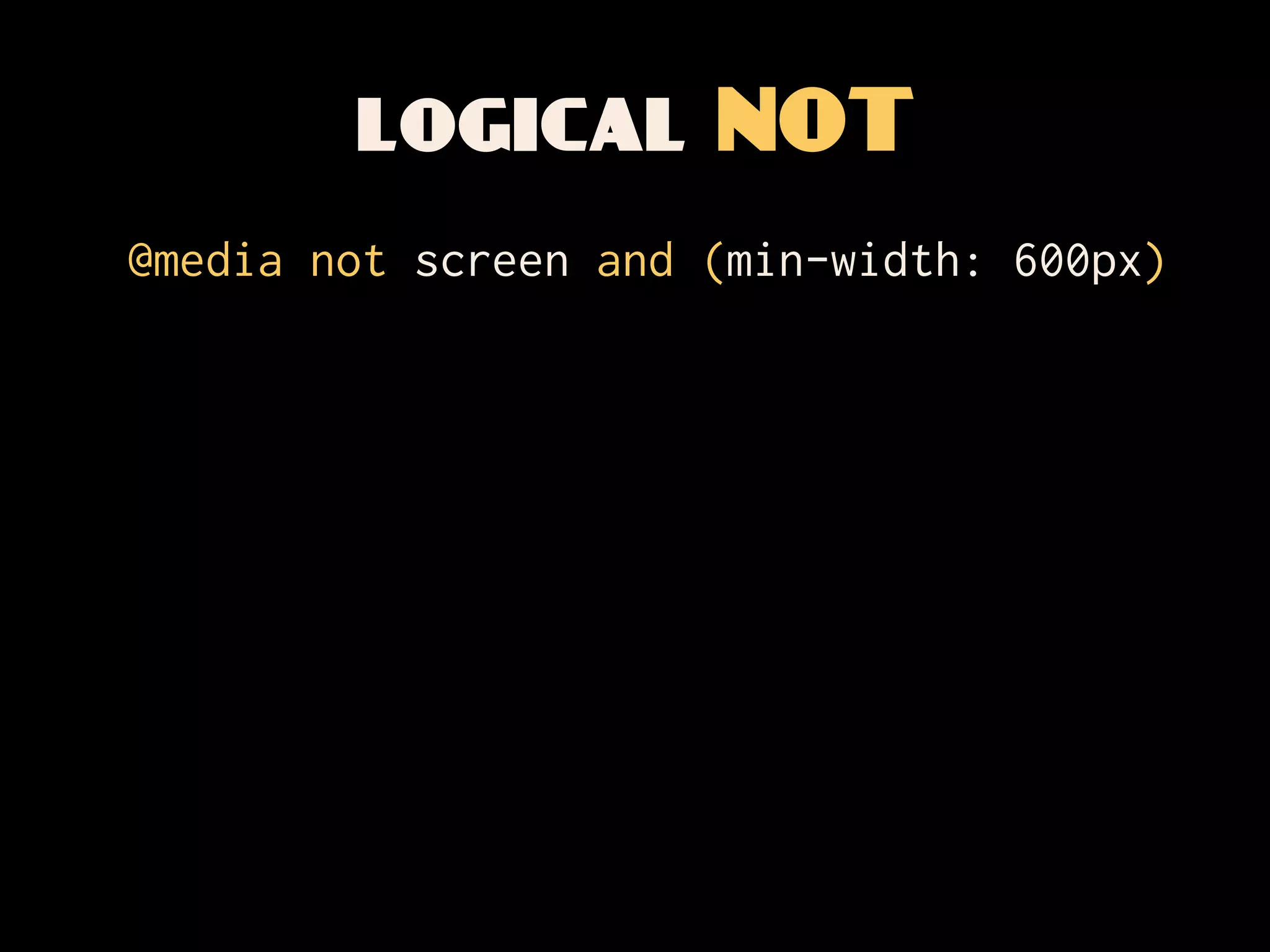
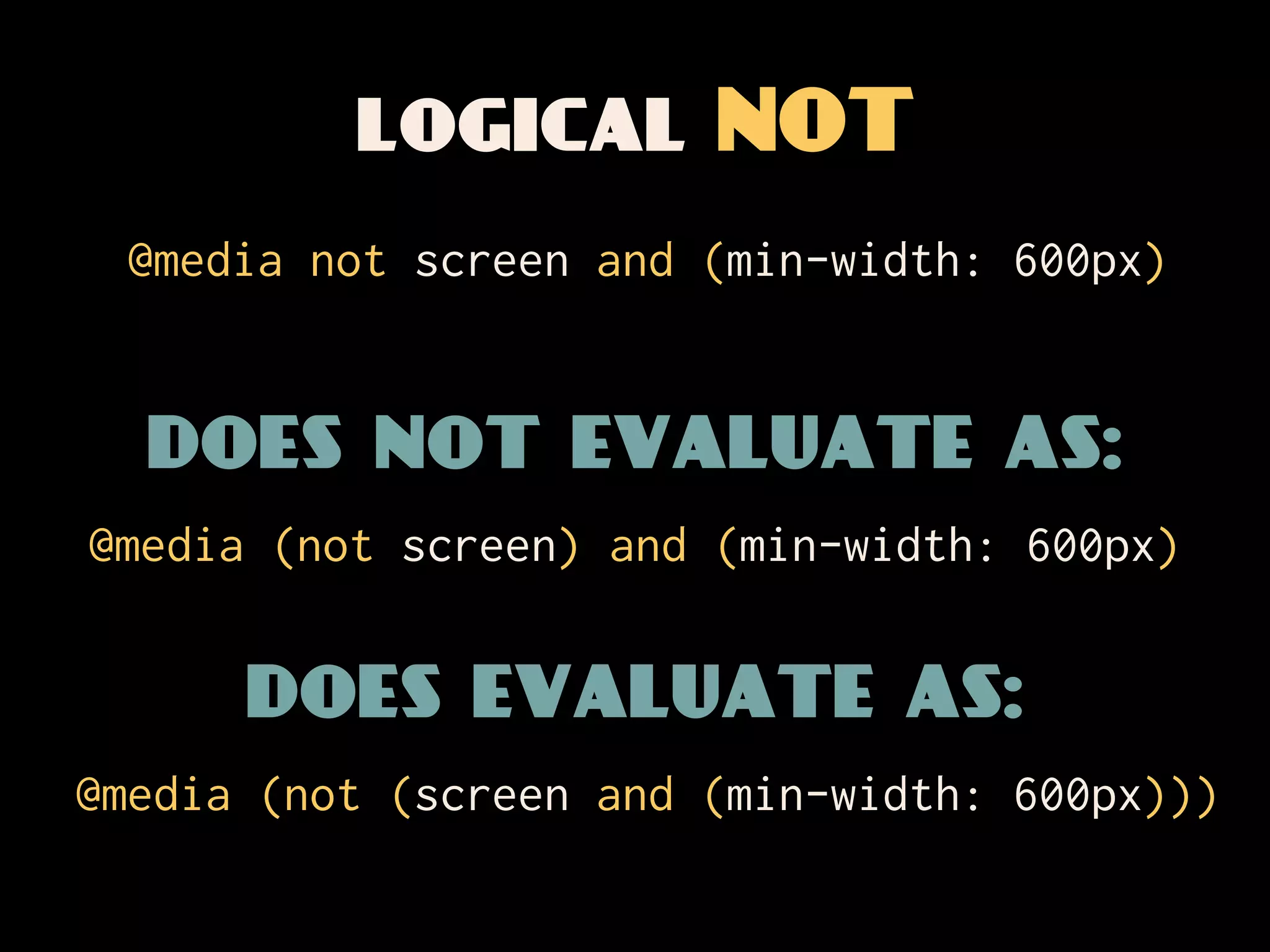
logical NOT
@media not screen and (min-width: 600px)
logical NOT
 @media not screen and (min-width: 600px)


  does not evaluate as:
@media (not screen) and (min-width: 600px)
logical NOT
 @media not screen and (min-width: 600px)


  does not evaluate as:
@media (not screen) and (min-width: 600px)


      does evaluate as:
@media (not (screen and (min-width: 600px)))
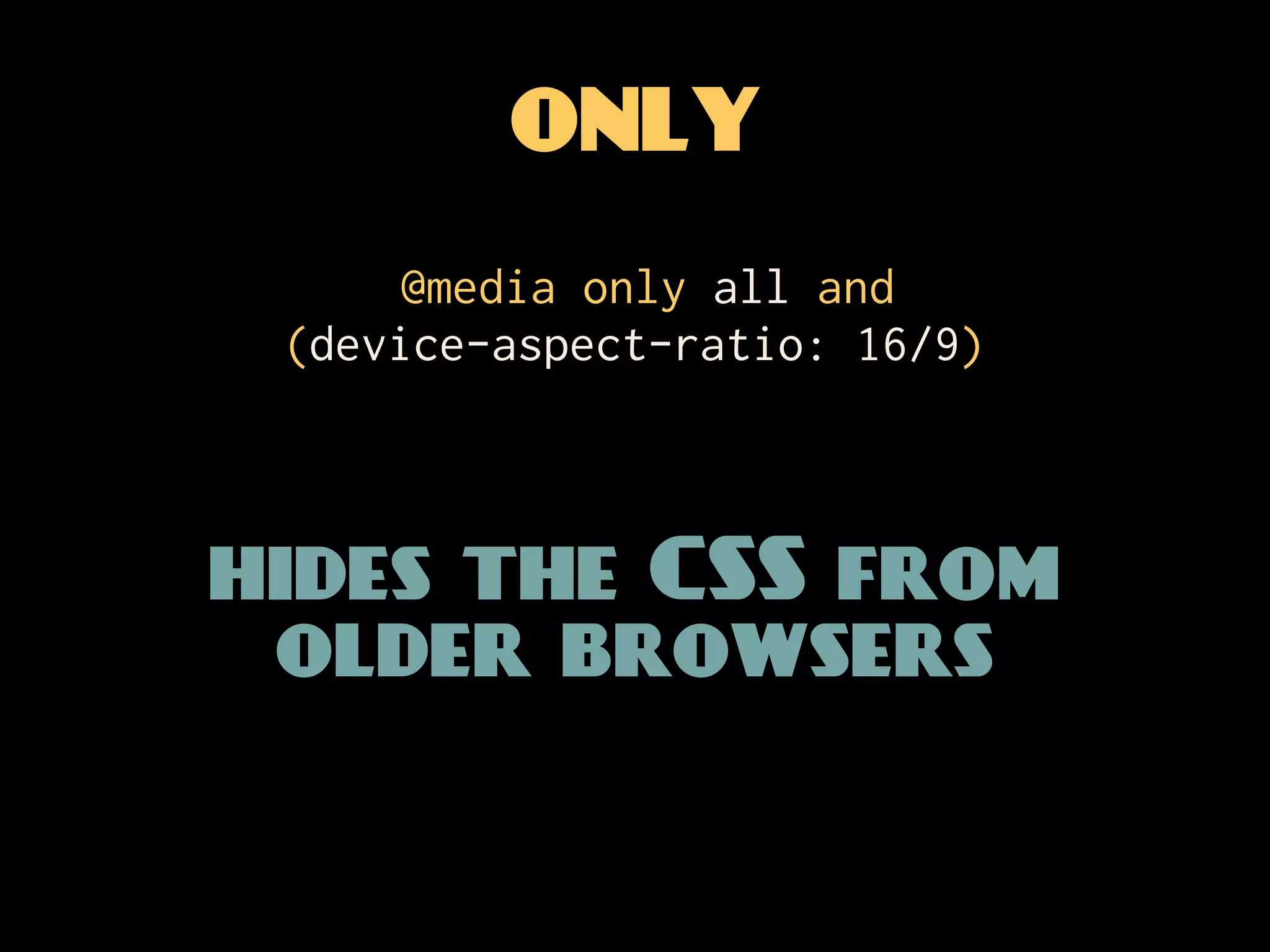
ONLY
      @media only all and
 (device-aspect-ratio: 16/9)


hides the CSS from
 older browsers
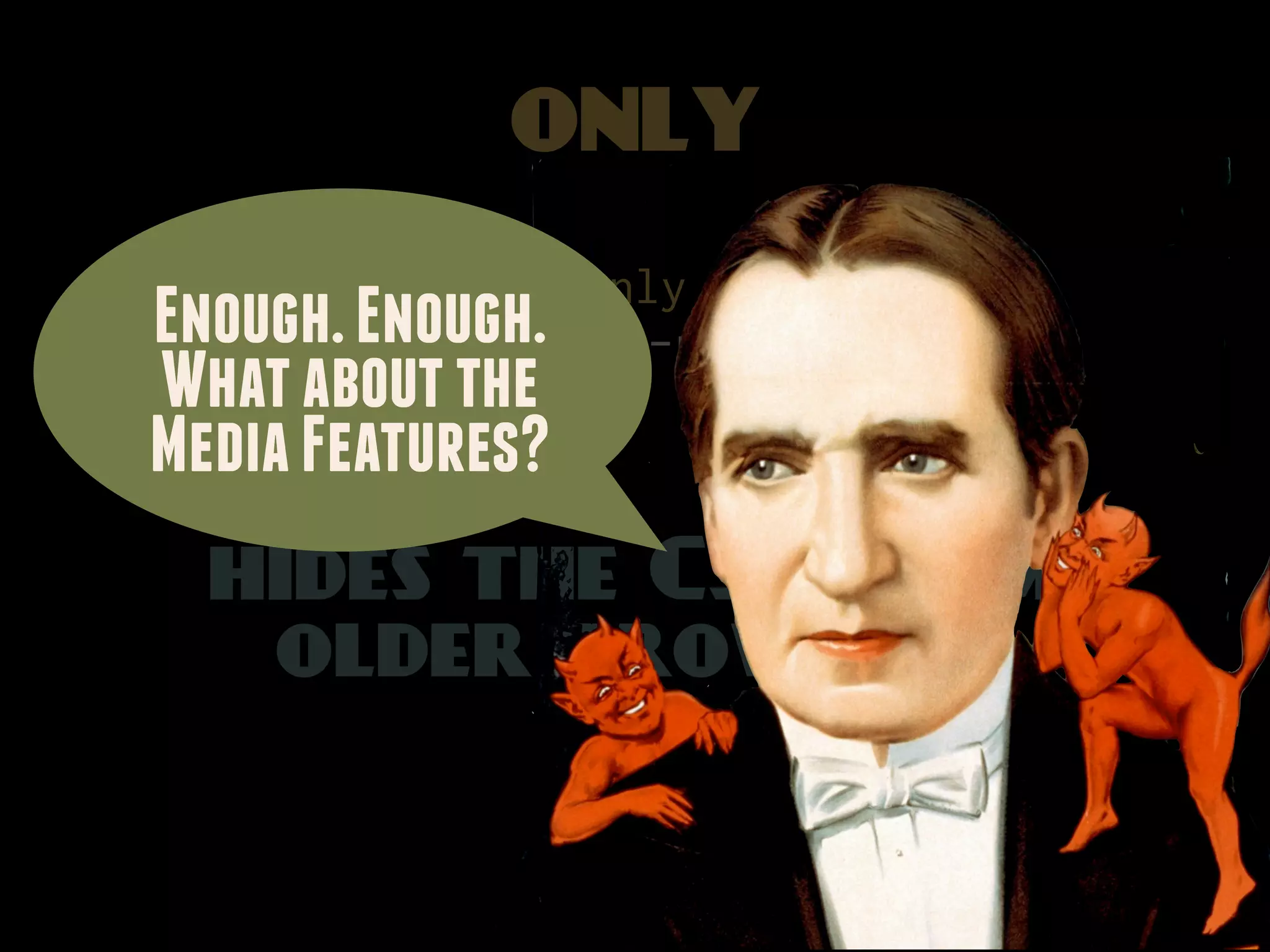
ONLY
          @media only all and
Enough. Enough.
    (device-aspect-ratio: 16/9)
What about the
Media Features?
  hides the CSS from
   older browsers
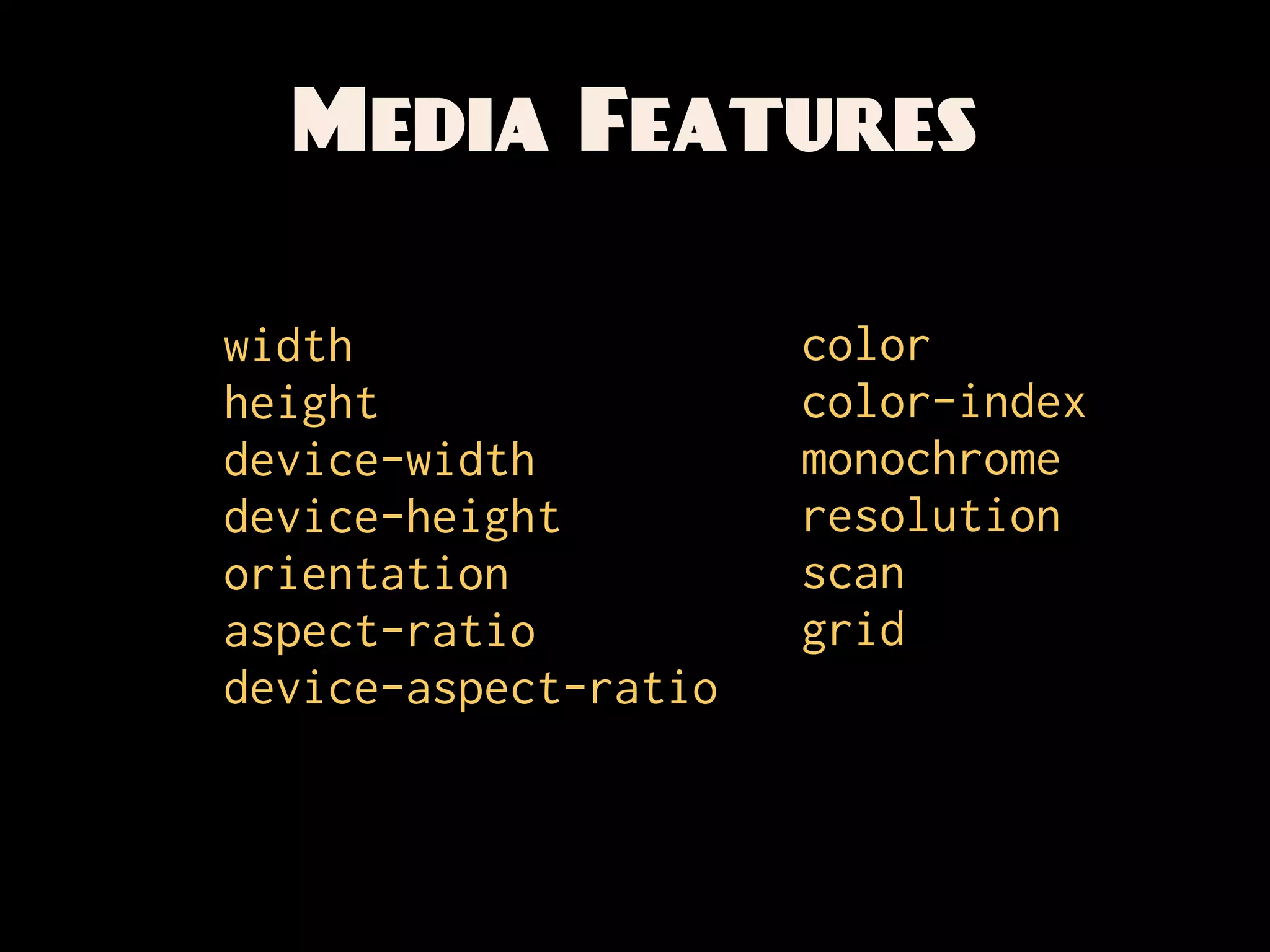
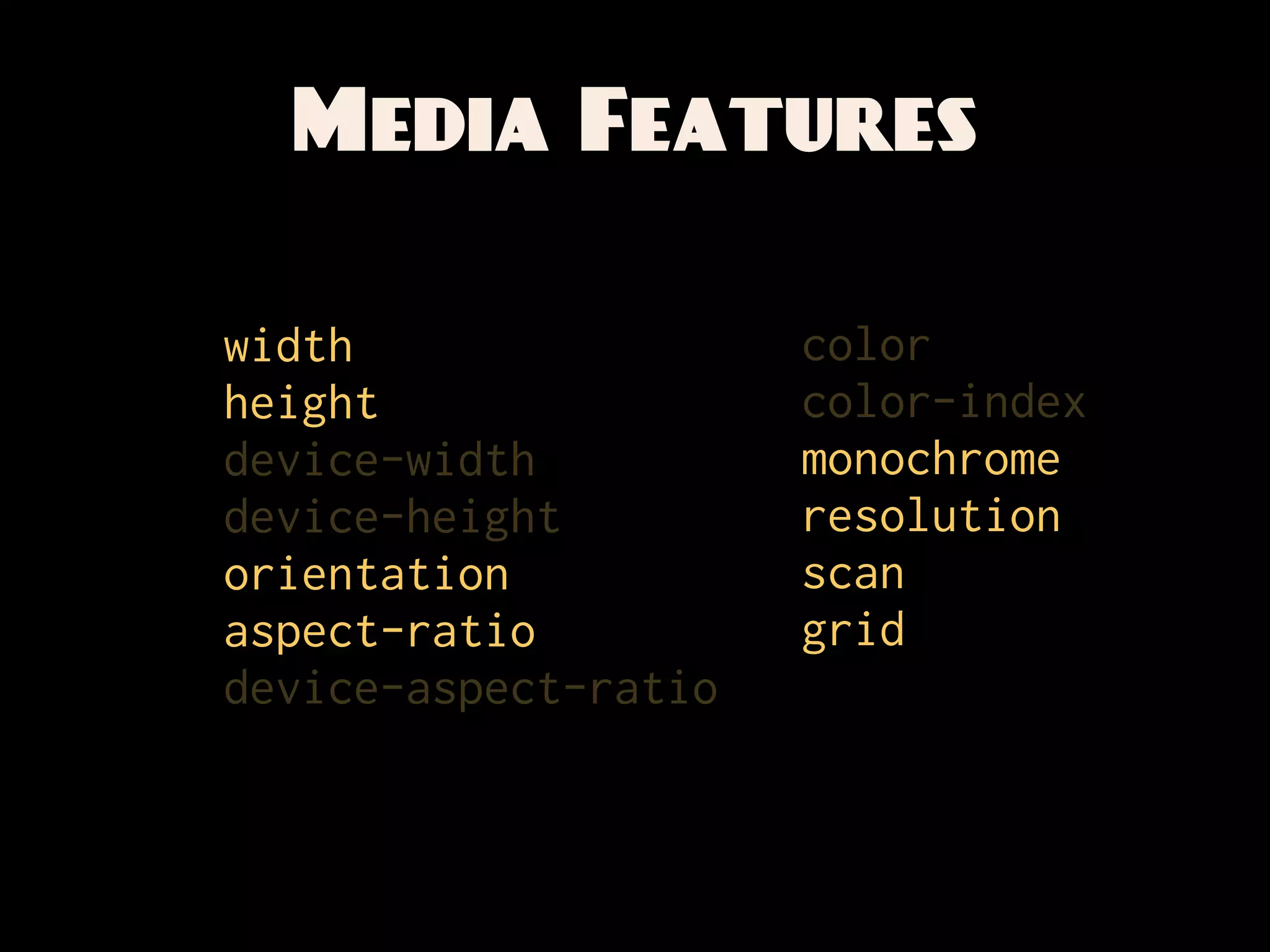
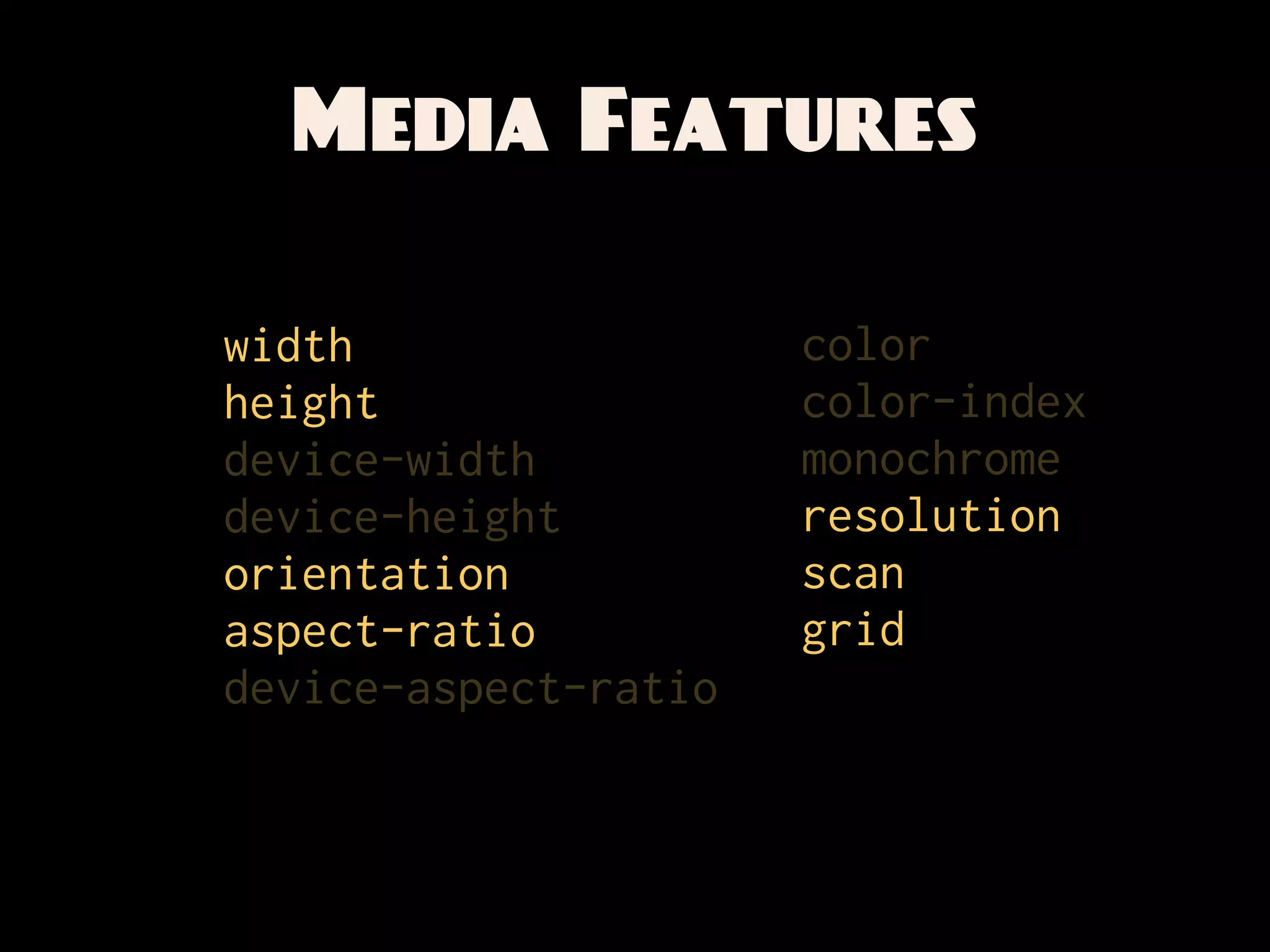
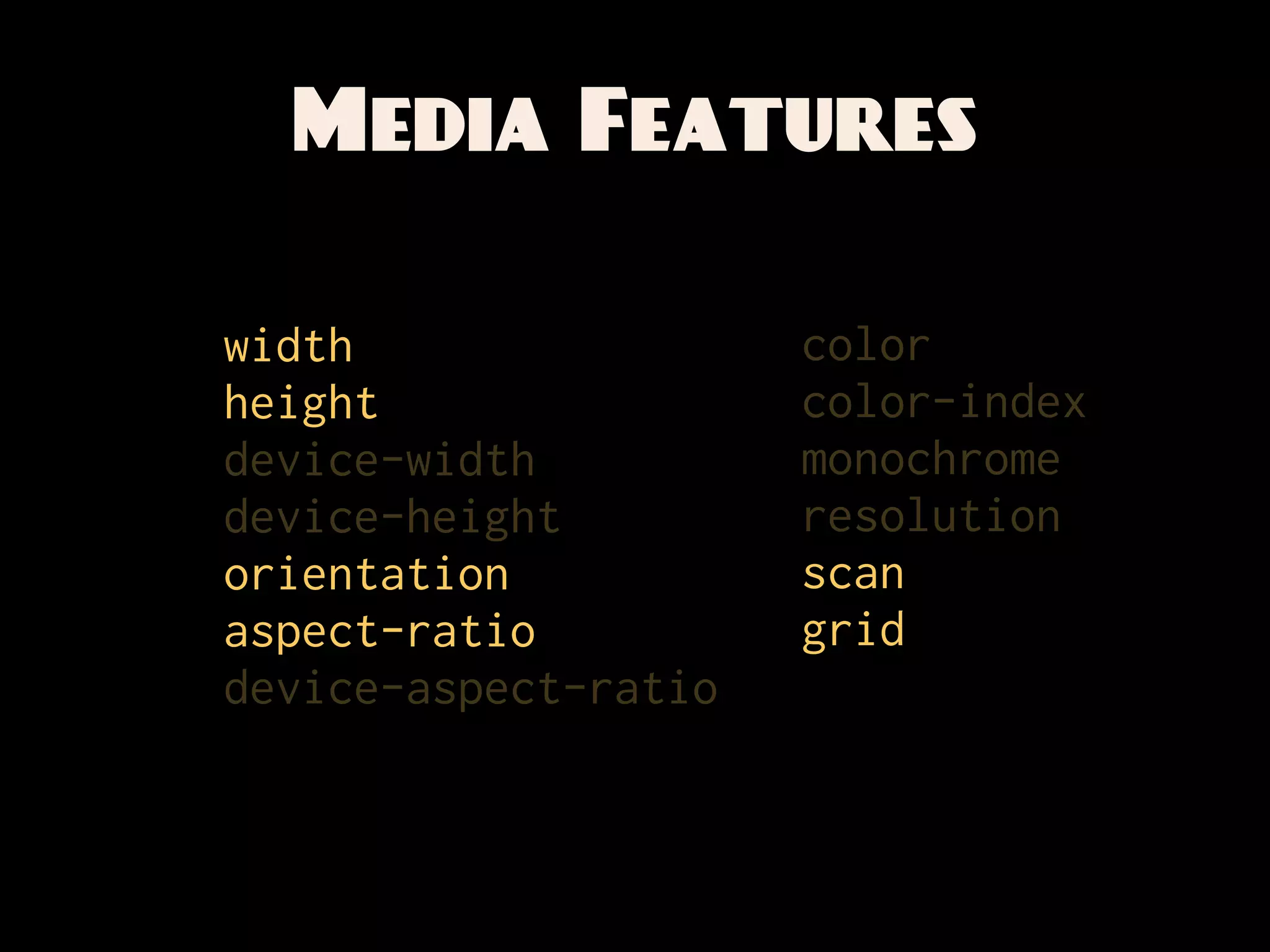
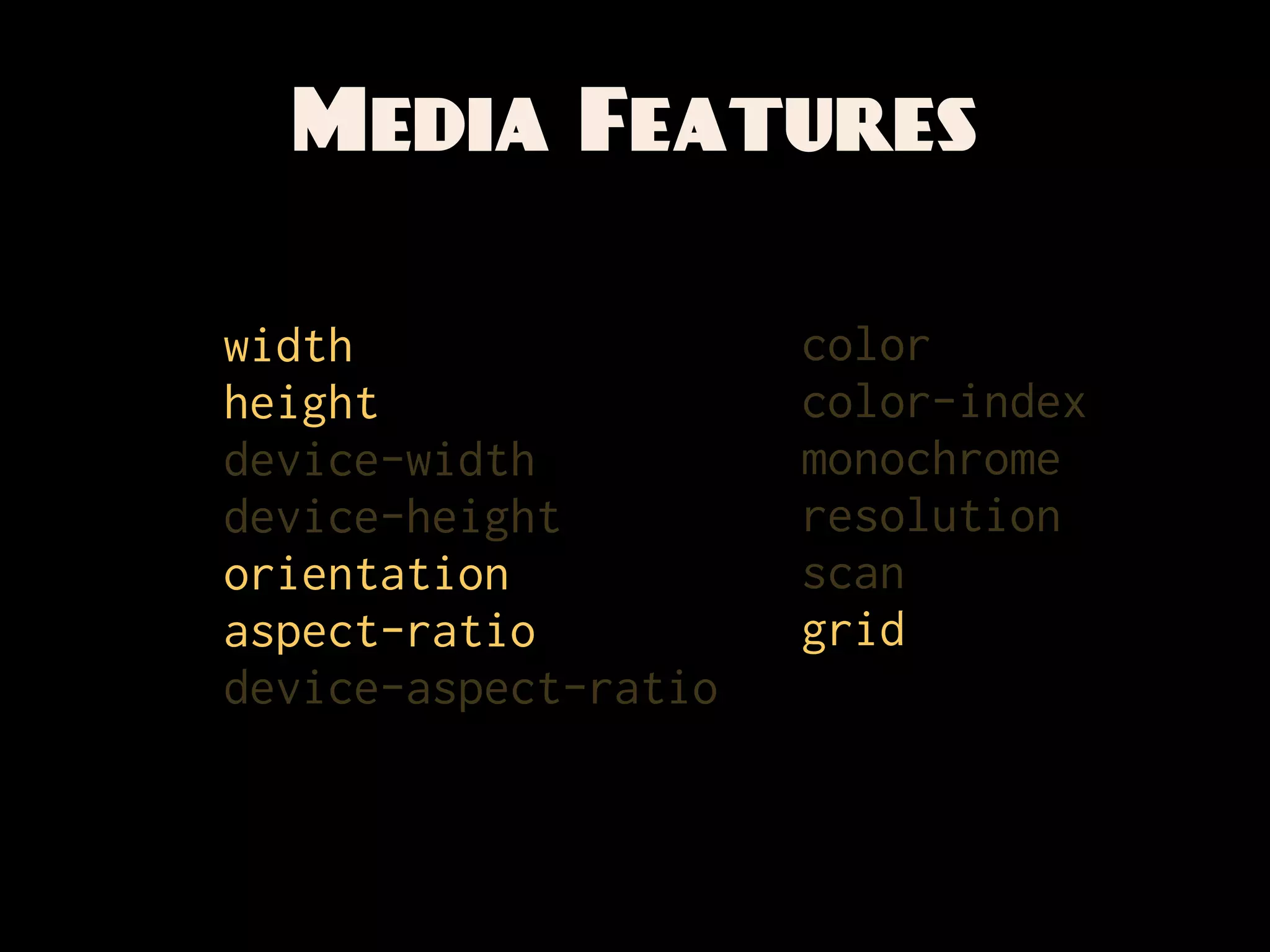
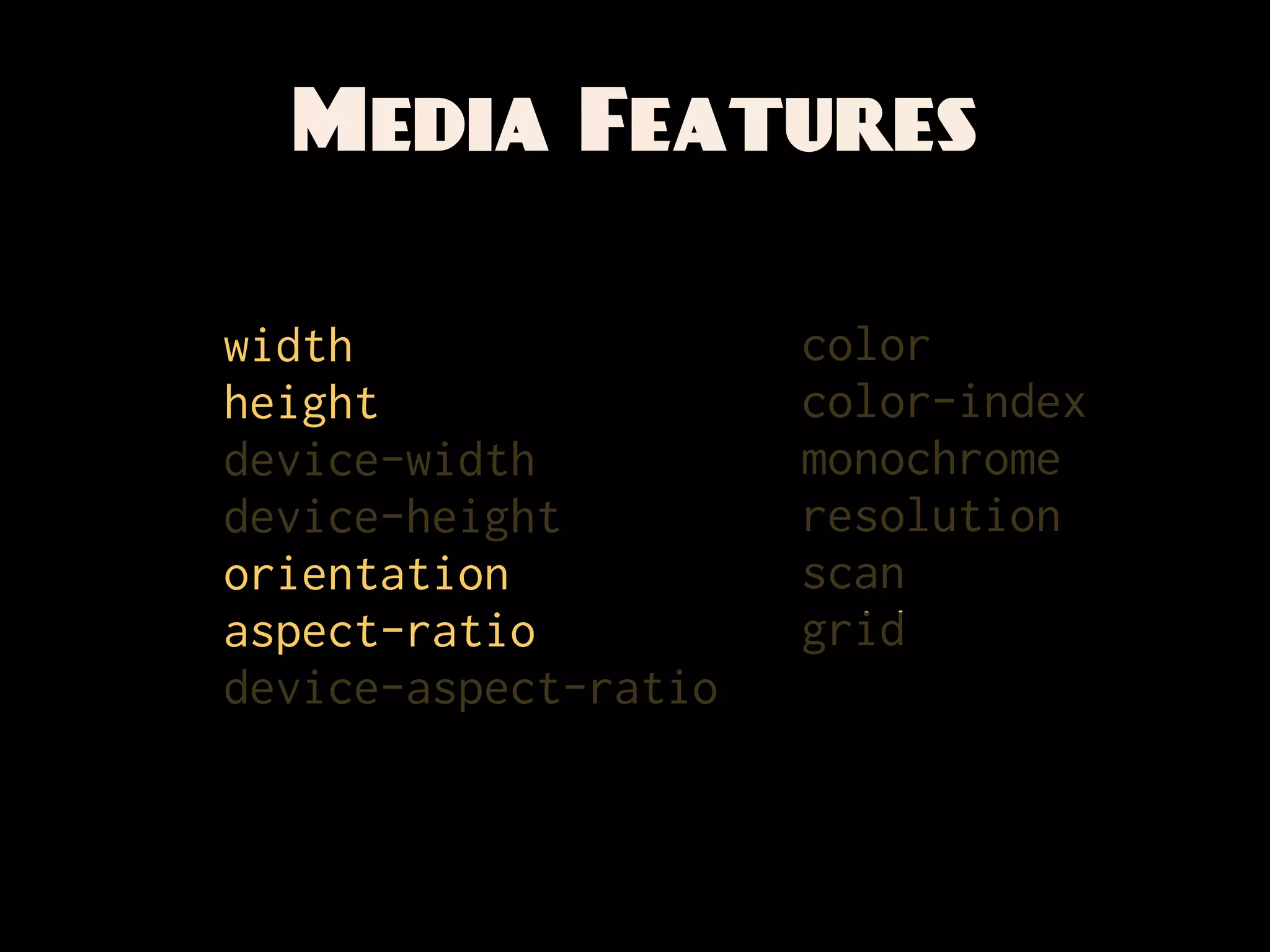
Media Features

width                 color
height                color-index
device-width          monochrome
device-height         resolution
orientation           scan
aspect-ratio          grid
device-aspect-ratio
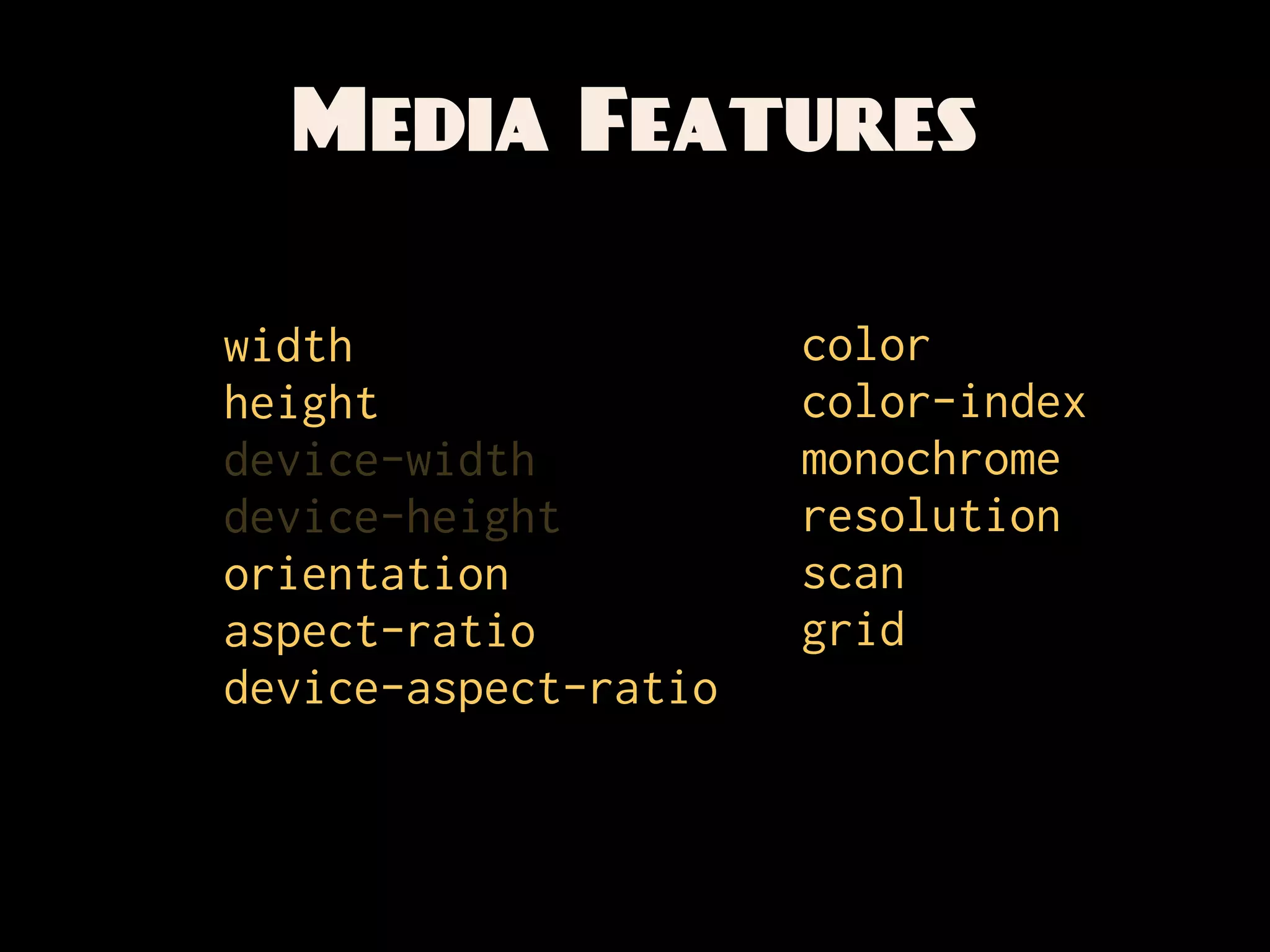
Media Features

width                 color
height                color-index
device-width          monochrome
device-height         resolution
orientation           scan
aspect-ratio          grid
device-aspect-ratio
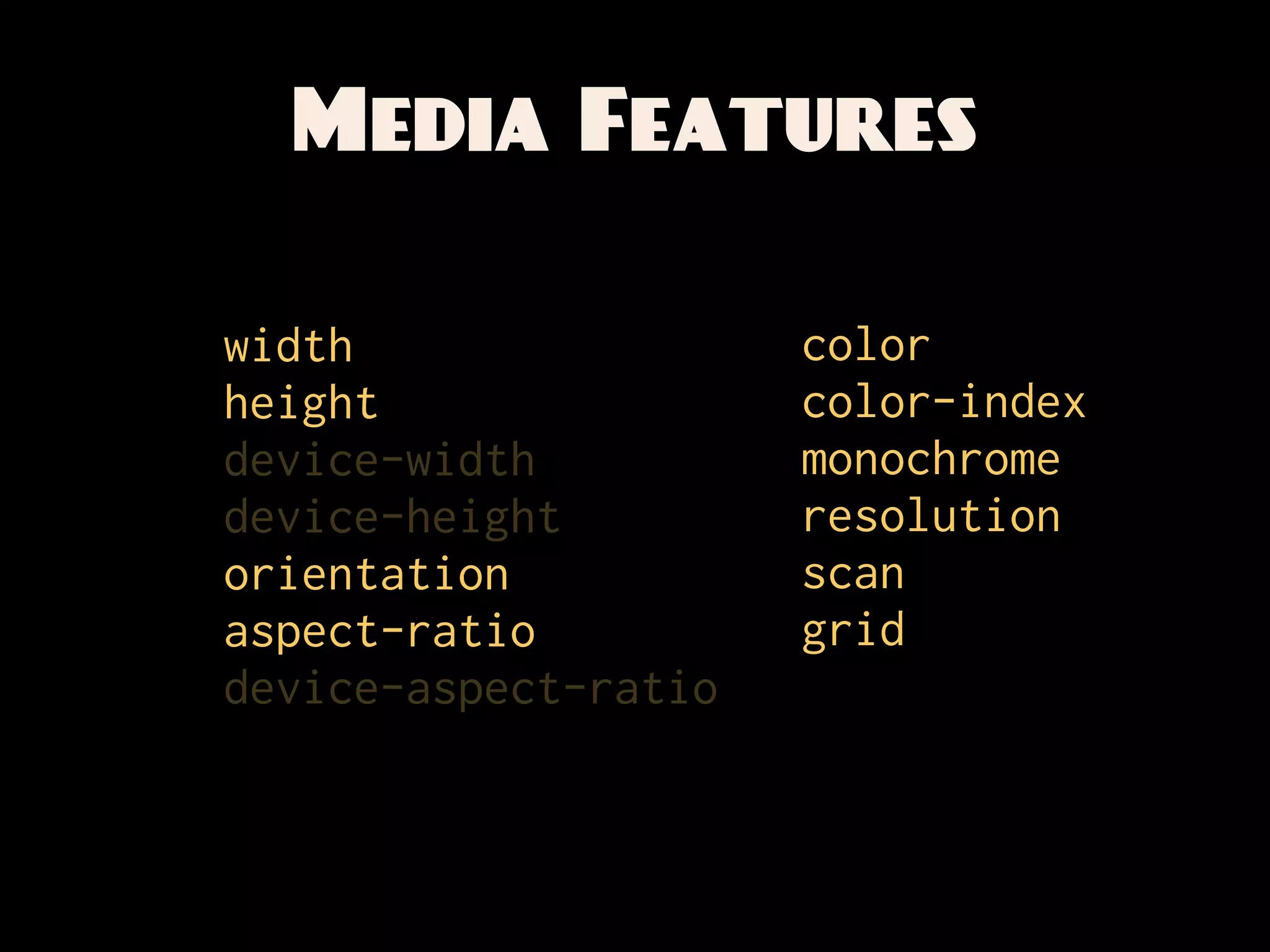
Media Features

width                 color
height                color-index
device-width          monochrome
device-height         resolution
orientation           scan
aspect-ratio          grid
device-aspect-ratio
Media Features

width                 color
height                color-index
device-width          monochrome
device-height         resolution
orientation           scan
aspect-ratio          grid
device-aspect-ratio
Media Features

width                 color
height                color-index
device-width          monochrome
device-height         resolution
orientation           scan
aspect-ratio          grid
device-aspect-ratio
Media Features

width                 color
height                color-index
device-width          monochrome
device-height         resolution
orientation           scan
aspect-ratio          grid
device-aspect-ratio
Media Features

width                 color
height                color-index
device-width          monochrome
device-height         resolution
orientation           scan
aspect-ratio          grid
device-aspect-ratio
Media Features

width                 color
height                color-index
device-width          monochrome
device-height         resolution
orientation           scan
aspect-ratio          grid
device-aspect-ratio
Media Features

width                 color
height                color-index
device-width          monochrome
device-height         resolution
orientation           scan
aspect-ratio          grid
device-aspect-ratio
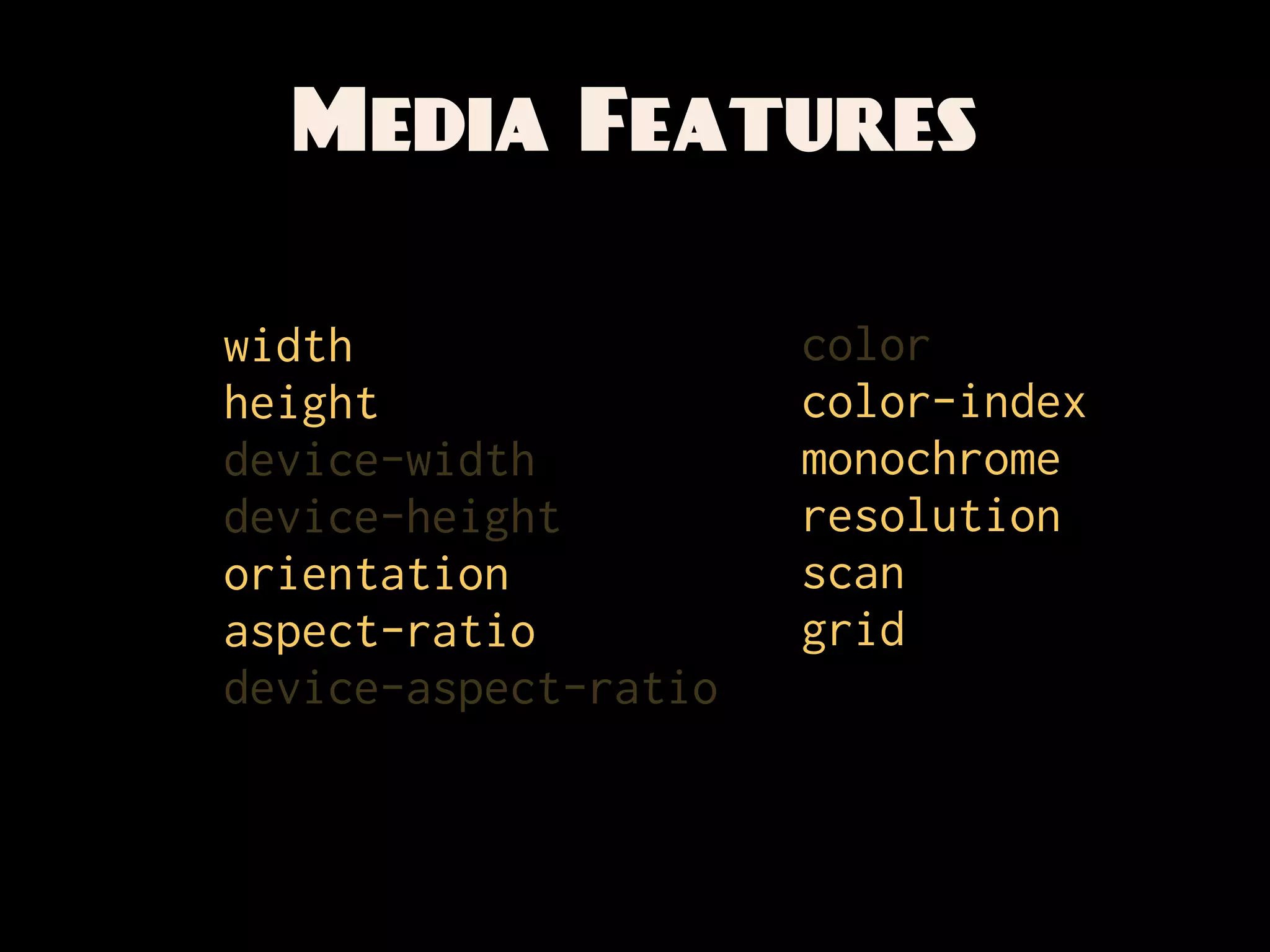
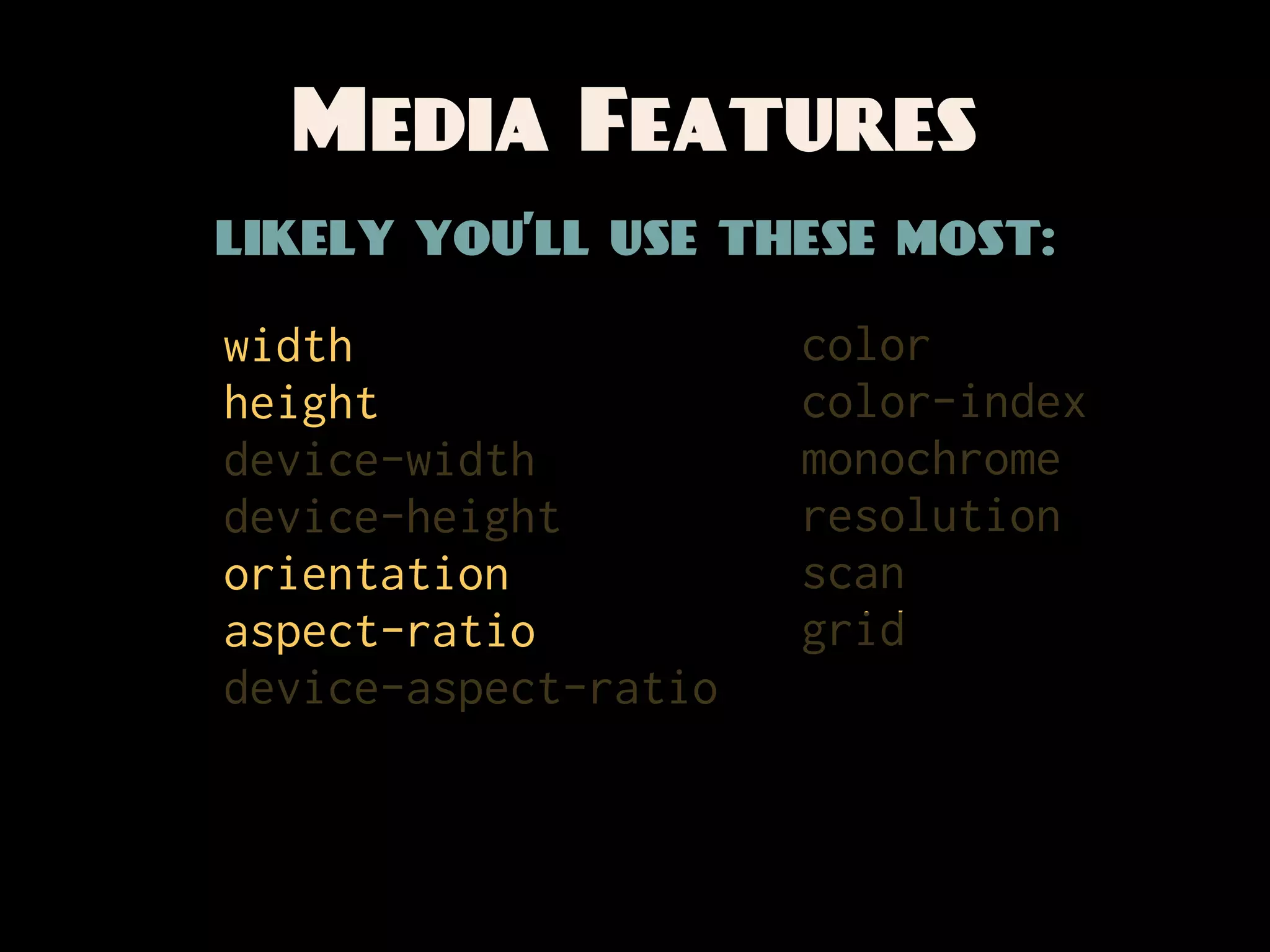
Media Features
likely you’ll use these most:

width                 color
height                color-index
device-width          monochrome
device-height         resolution
orientation           scan
aspect-ratio          grid
device-aspect-ratio
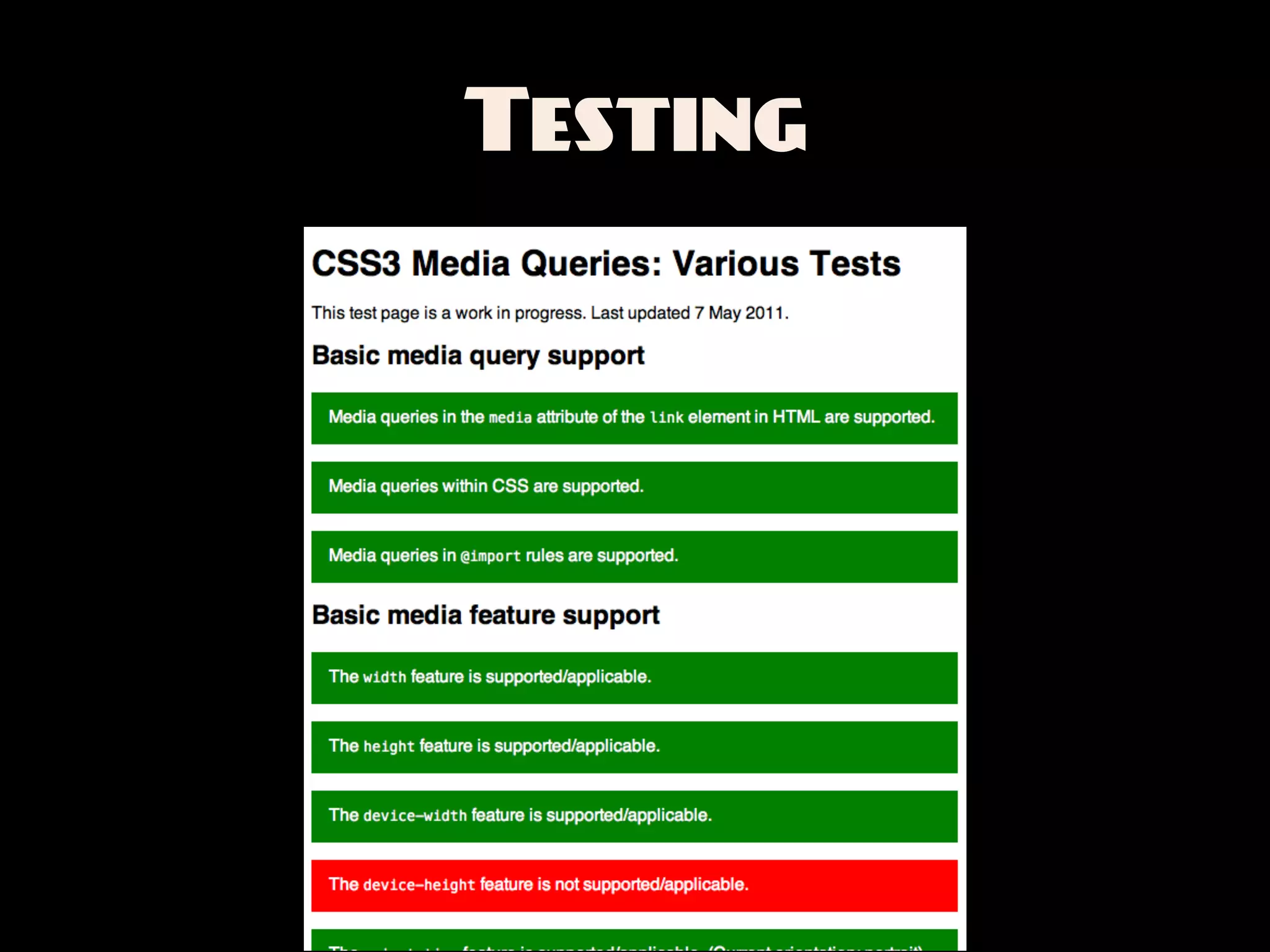
Testing
Testing


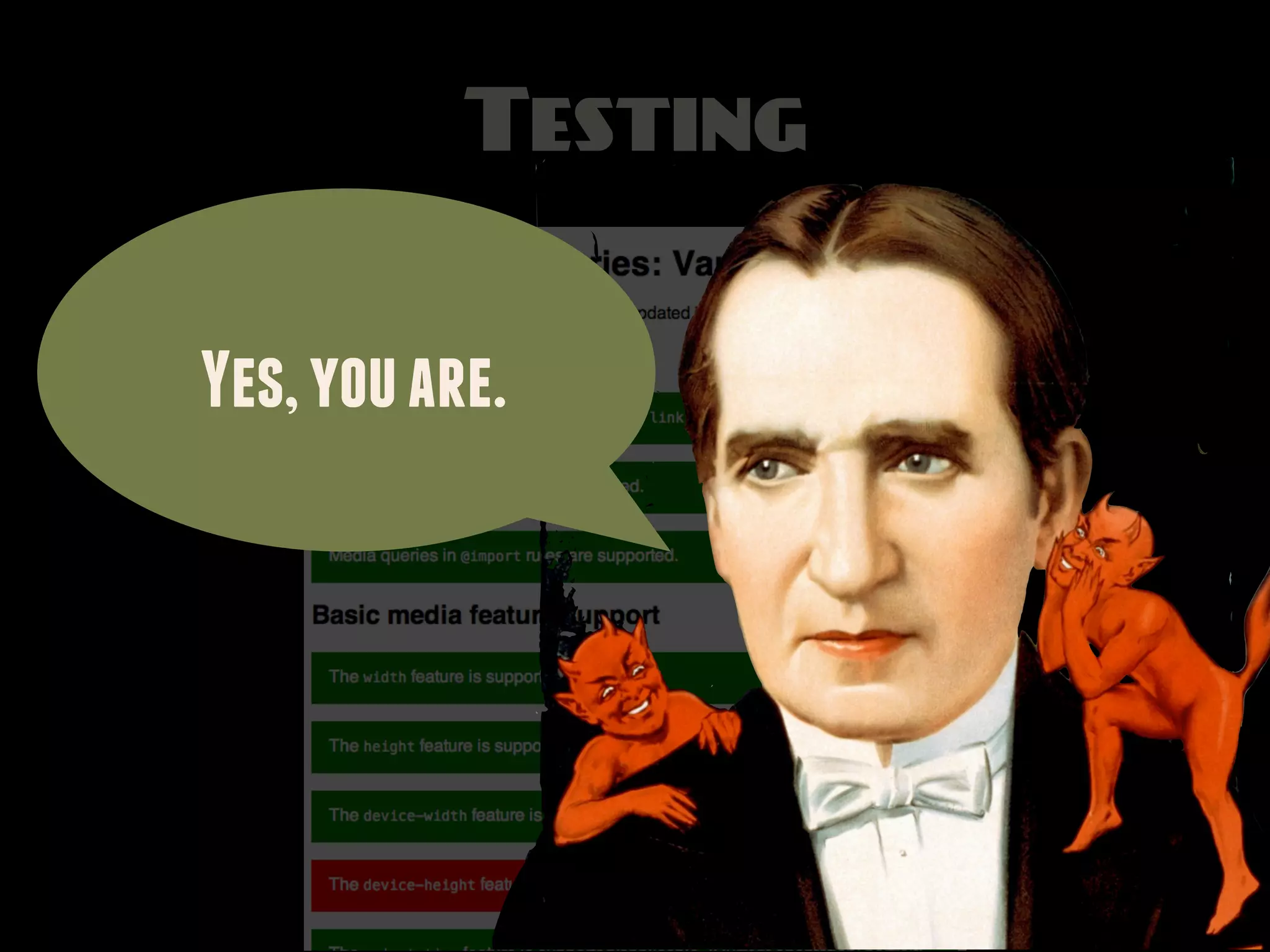
Yes, you are.
Prefixed Features
Prefixed Features
How many device pixels per CSS pixel?
Prefixed Features
How many device pixels per CSS pixel?
   -webkit-[min|max]-device-pixel-ratio
     [min|max]--moz-device-pixel-ratio
      -o-[min|max]-device-pixel-ratio
Prefixed Features
How many device pixels per CSS pixel?
   -webkit-[min|max]-device-pixel-ratio
     [min|max]--moz-device-pixel-ratio
      -o-[min|max]-device-pixel-ratio


   -webkit-min-device-pixel-ratio: 1.5
      -o-min-device-pixel-ratio: 3/2
Prefixed Features

A pixel is not a
     pixel.
Prefixed Features
 Is this a touch device?

    -moz-touch-enabled
Prefixed Features
       Is this a touch device?

           -moz-touch-enabled


@media screen and (-moz-touch-enabled) {
  /* touchy styles */
}
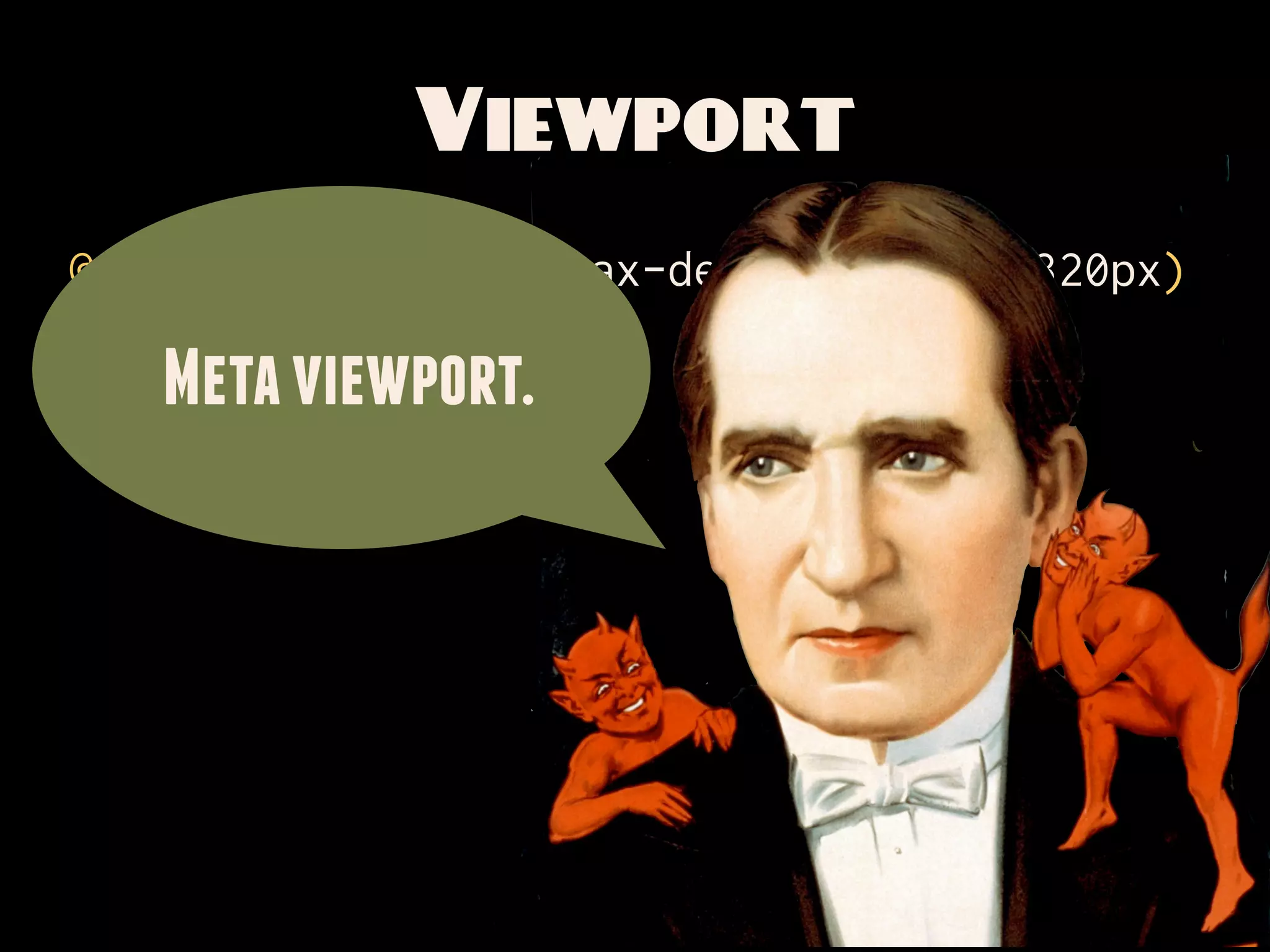
Viewport
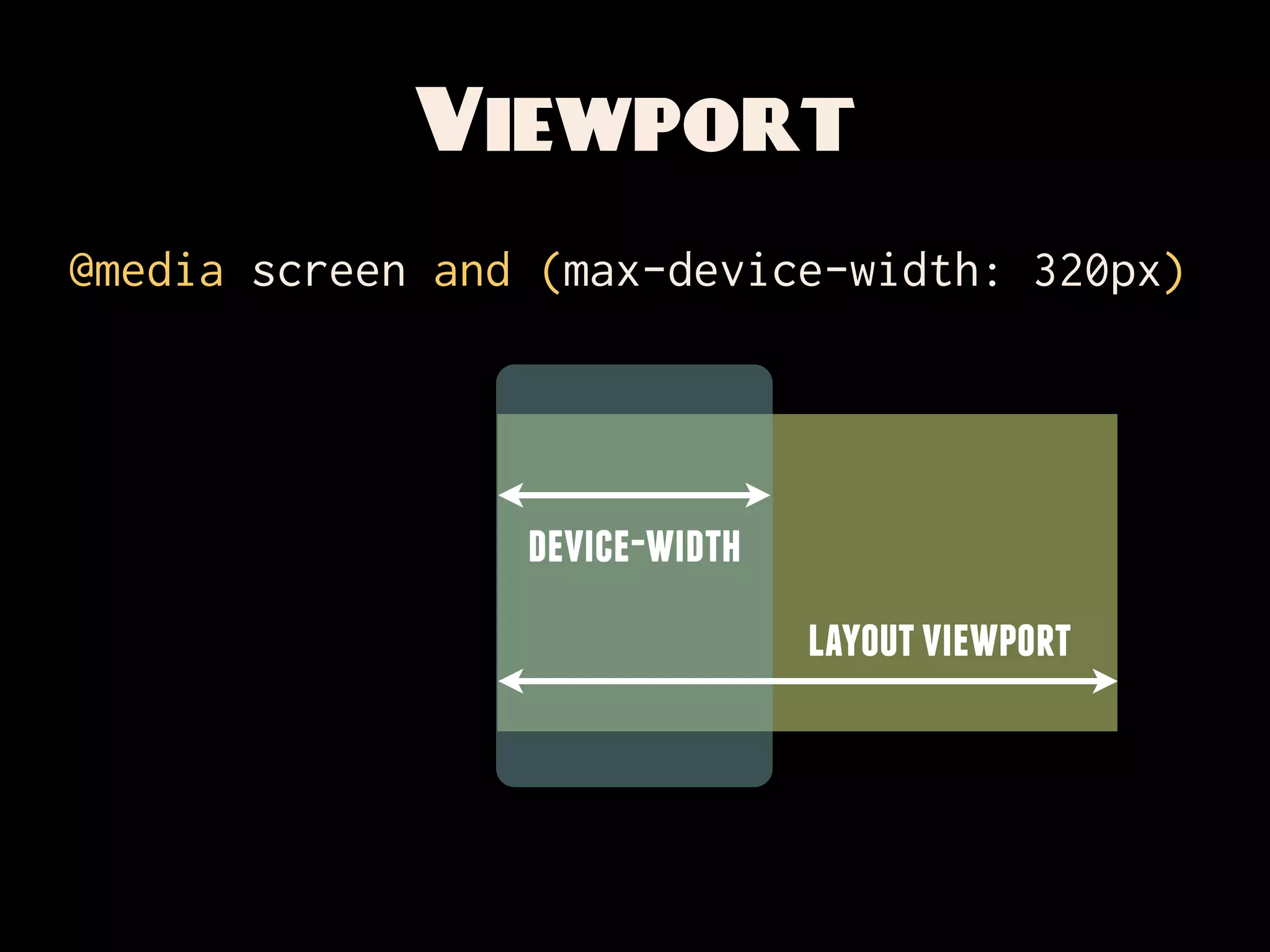
@media screen and (max-device-width: 320px)
Viewport
@media screen and (max-device-width: 320px)


                 device-width
                                layout viewport
Viewport
@media screen and (max-device-width: 320px)

   Meta viewport.
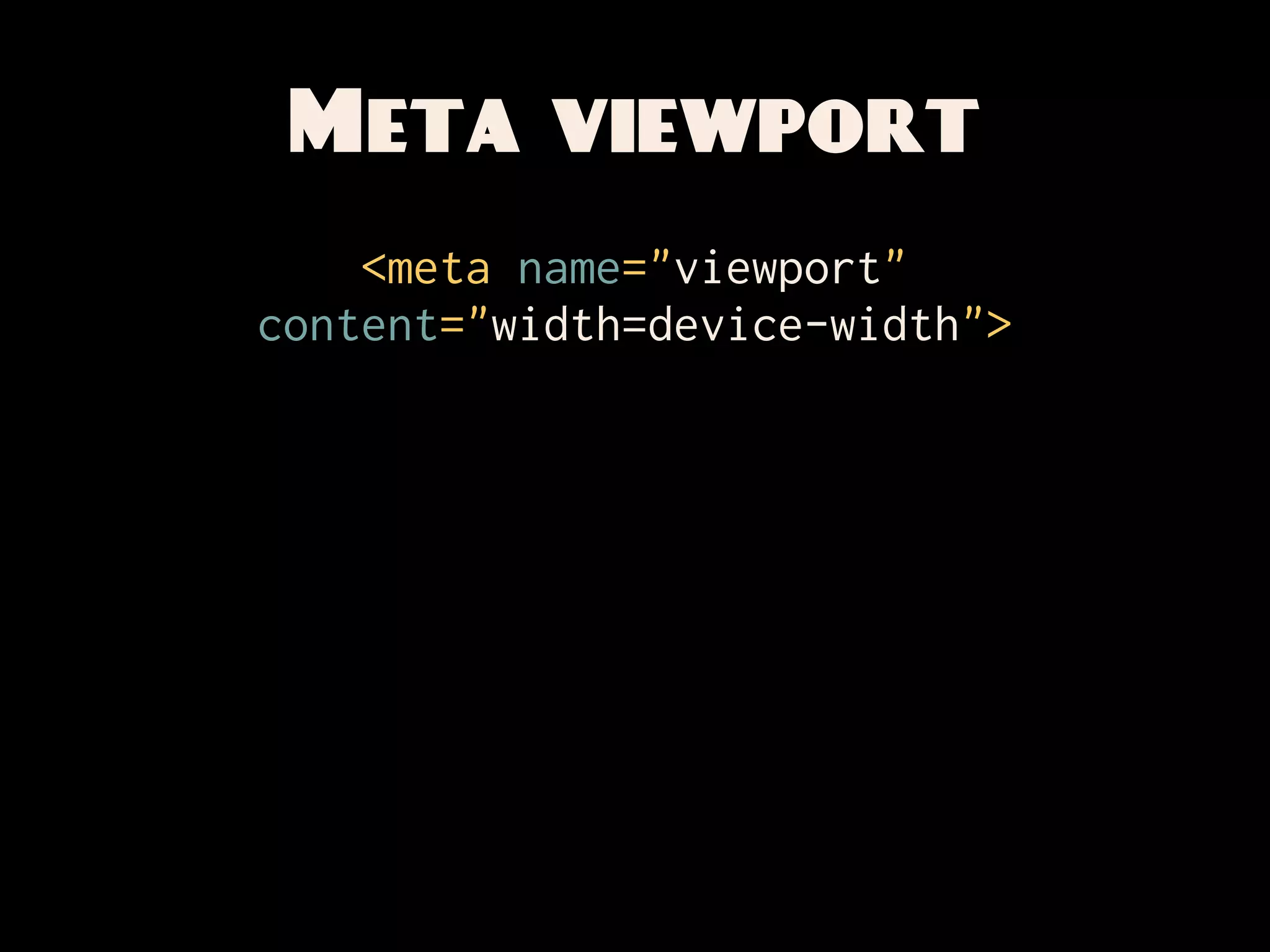
Meta viewport
    <meta name="viewport"
content="width=device-width">
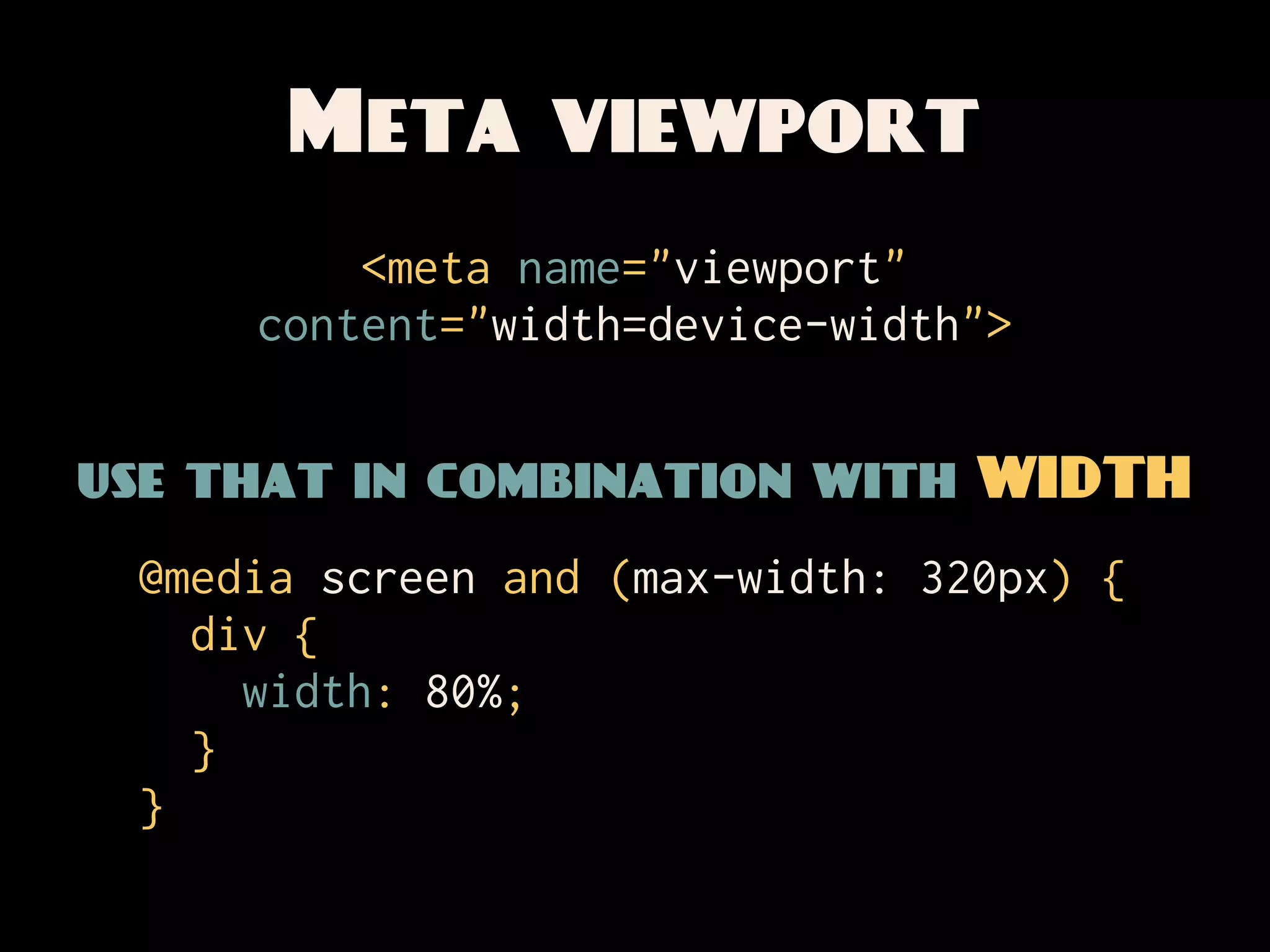
Meta viewport
         <meta name="viewport"
     content="width=device-width">


use that in combination with WIDTH
 @media screen and (max-width: 320px) {
   div {
     width: 80%;
   }
 }
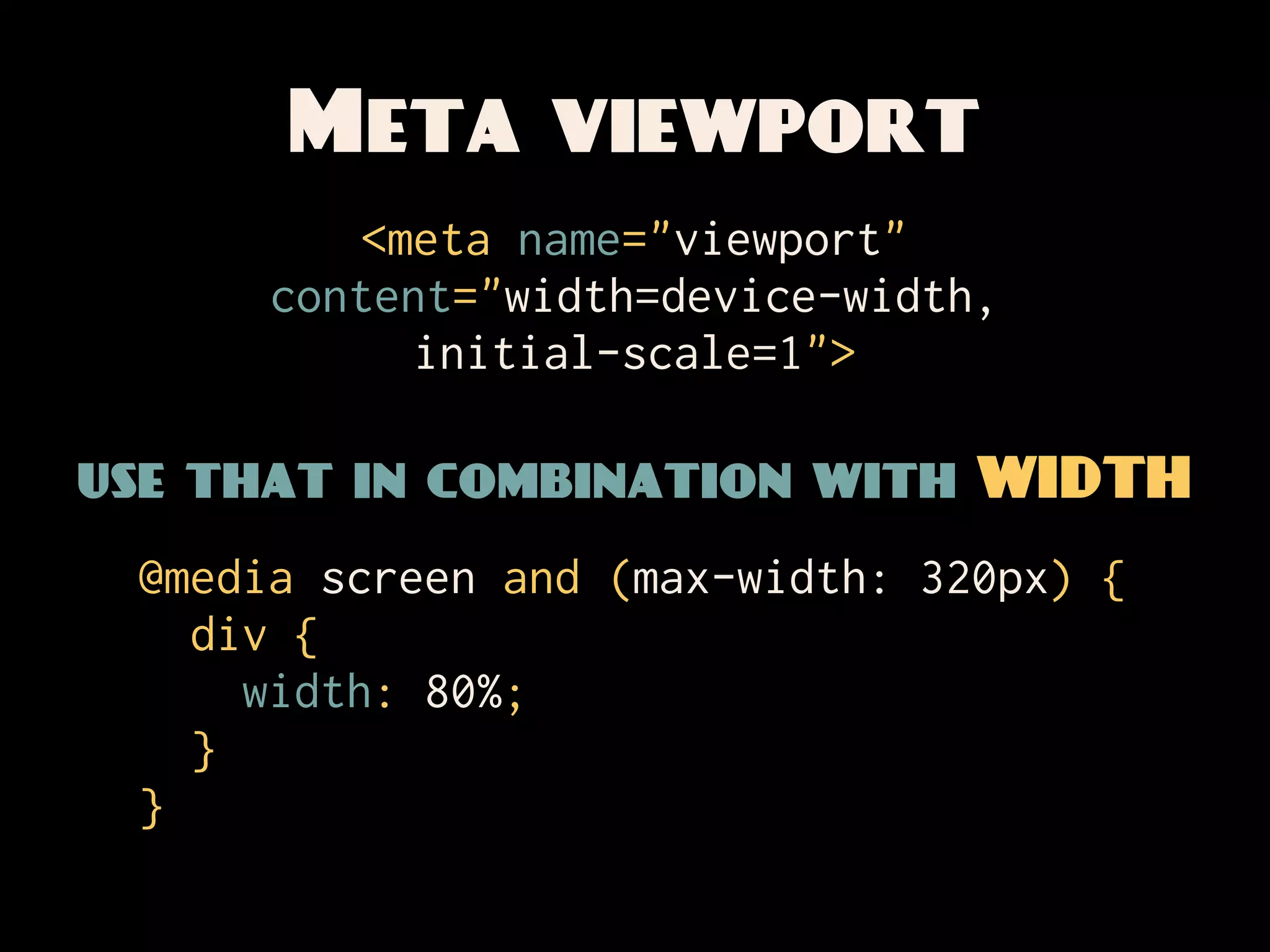
Meta viewport
          <meta name="viewport"
      content="width=device-width,
            initial-scale=1">

use that in combination with WIDTH
 @media screen and (max-width: 320px) {
   div {
     width: 80%;
   }
 }
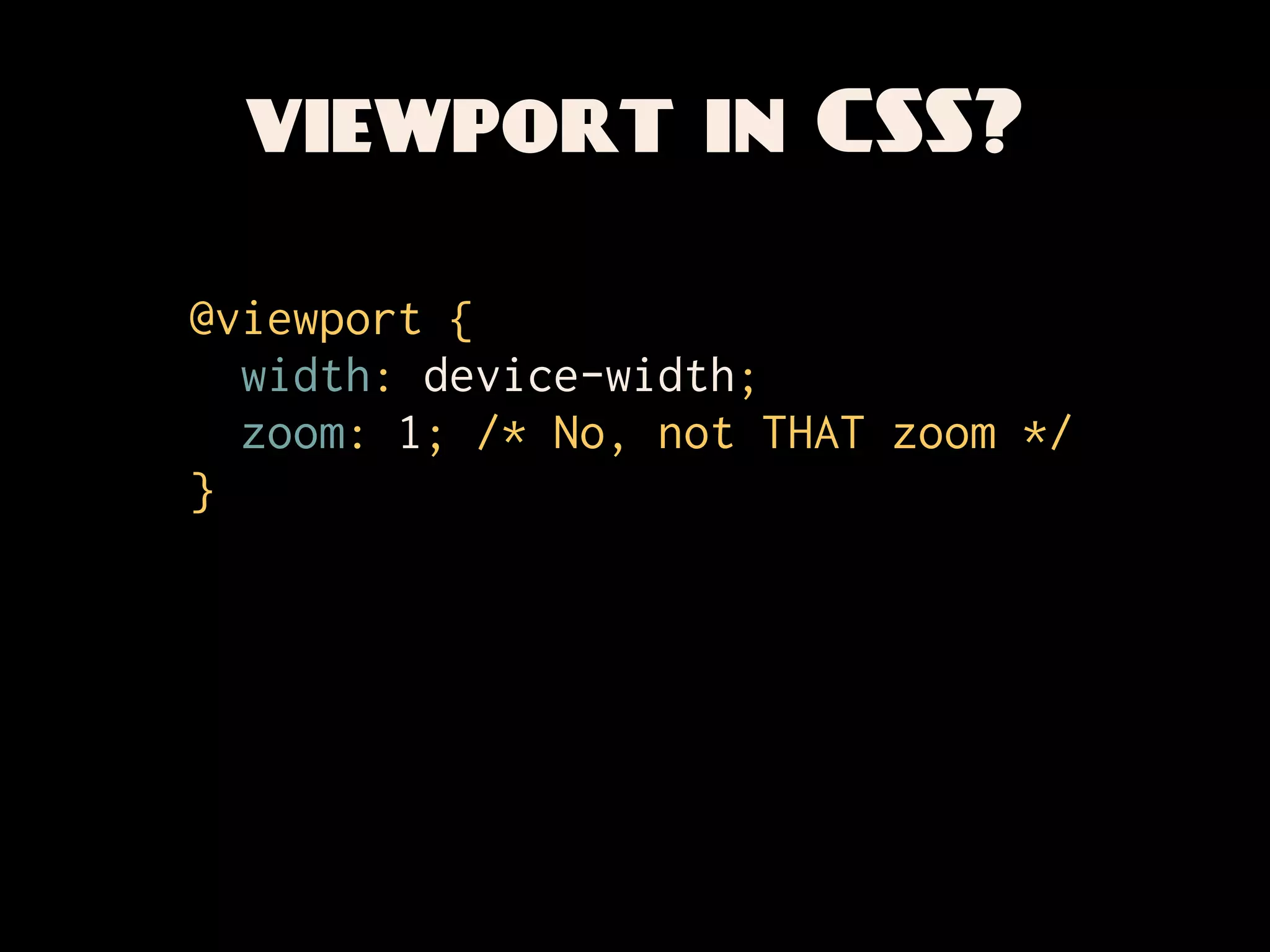
viewport in CSS?

@viewport {
  width: device-width;
  zoom: 1; /* No, not THAT zoom */
}
viewport in CSS?

 Enough already.
   @viewport {
How zoom: 1; /* No, not THAT
     can we apply
     width: device-width;
                               zoom */
  these things?
   }
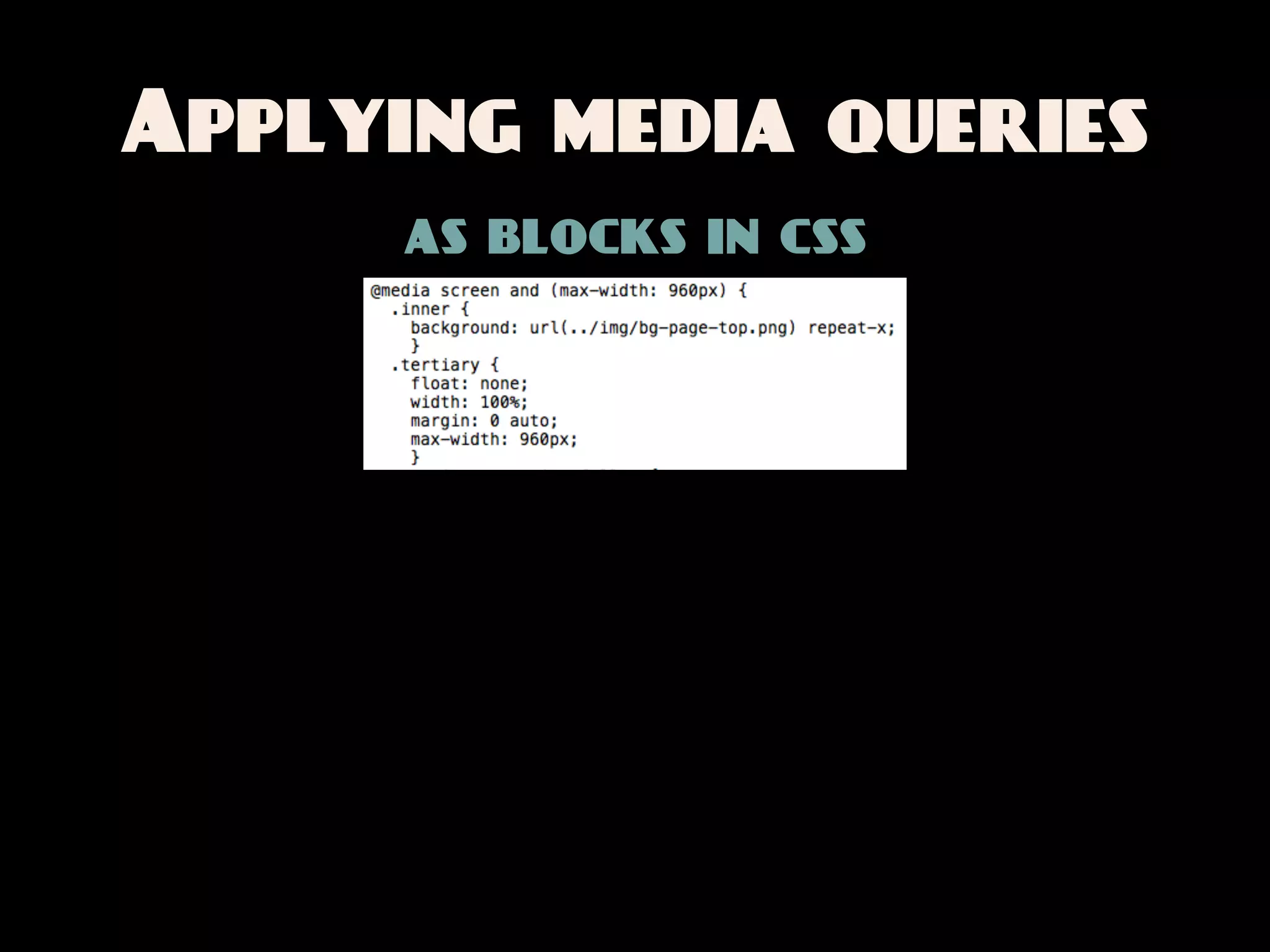
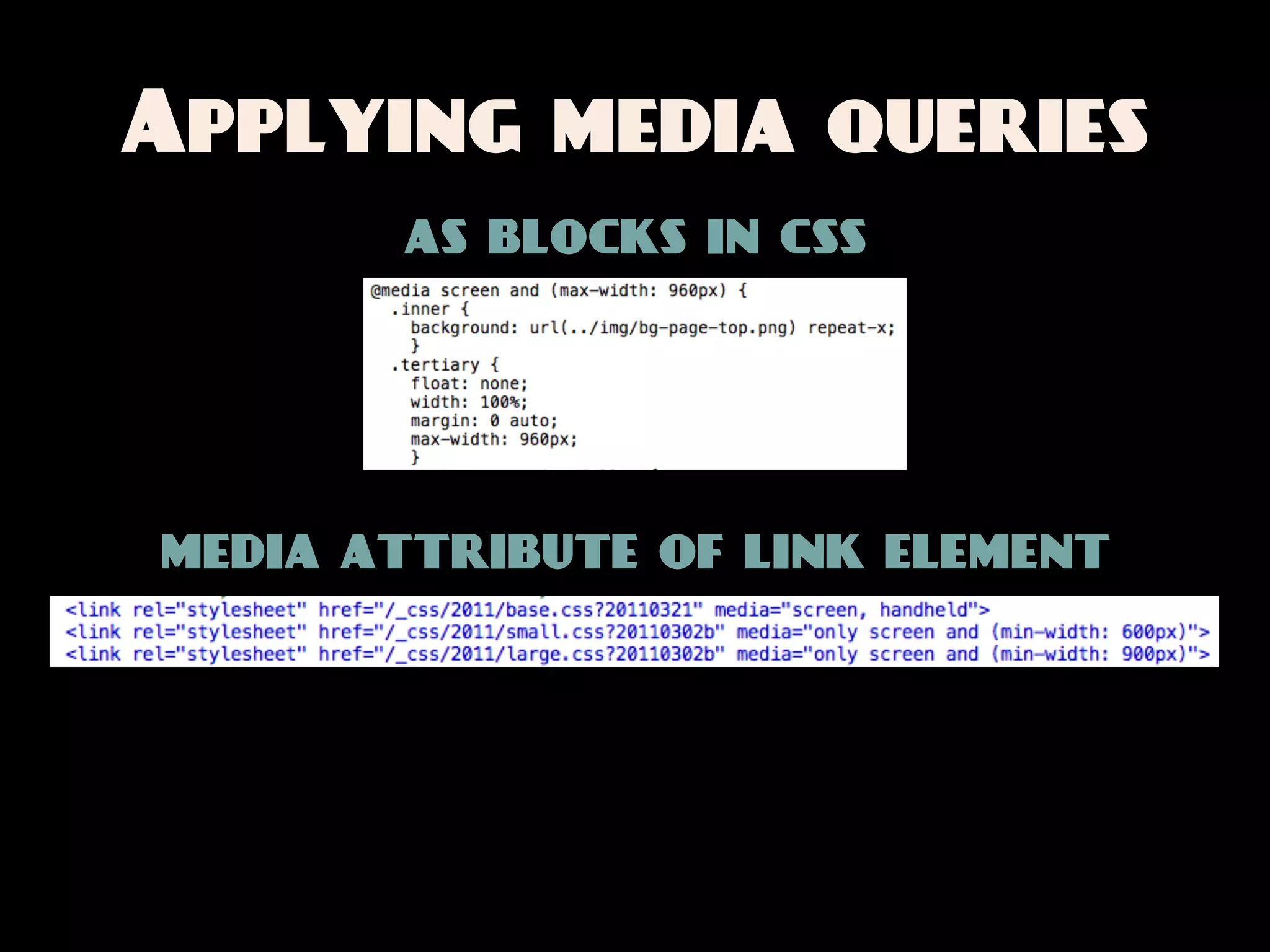
Applying media queries
      as blocks in css
Applying media queries
       as blocks in css


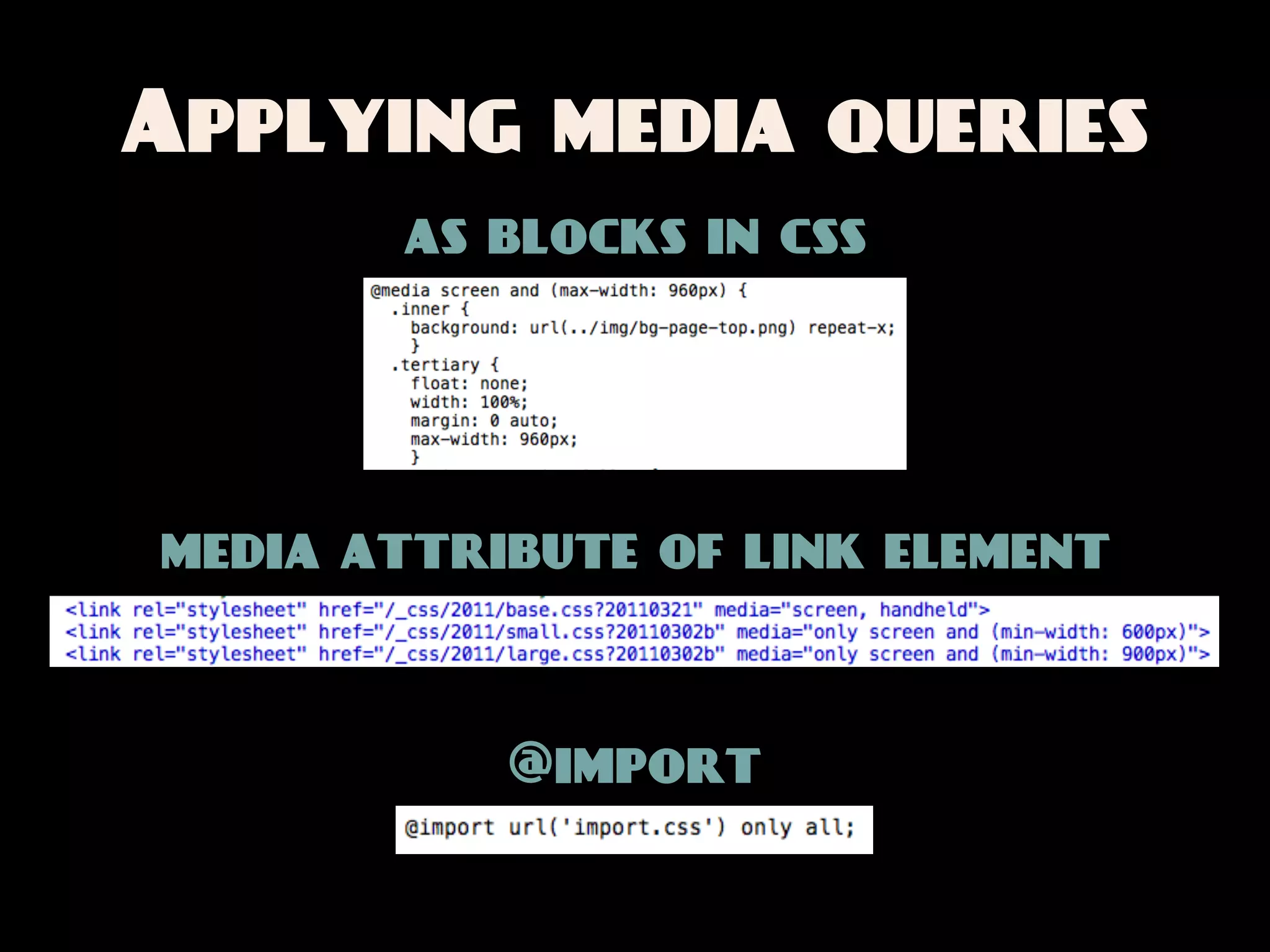
media attribute of link element
Applying media queries
       as blocks in css


media attribute of link element


           @import
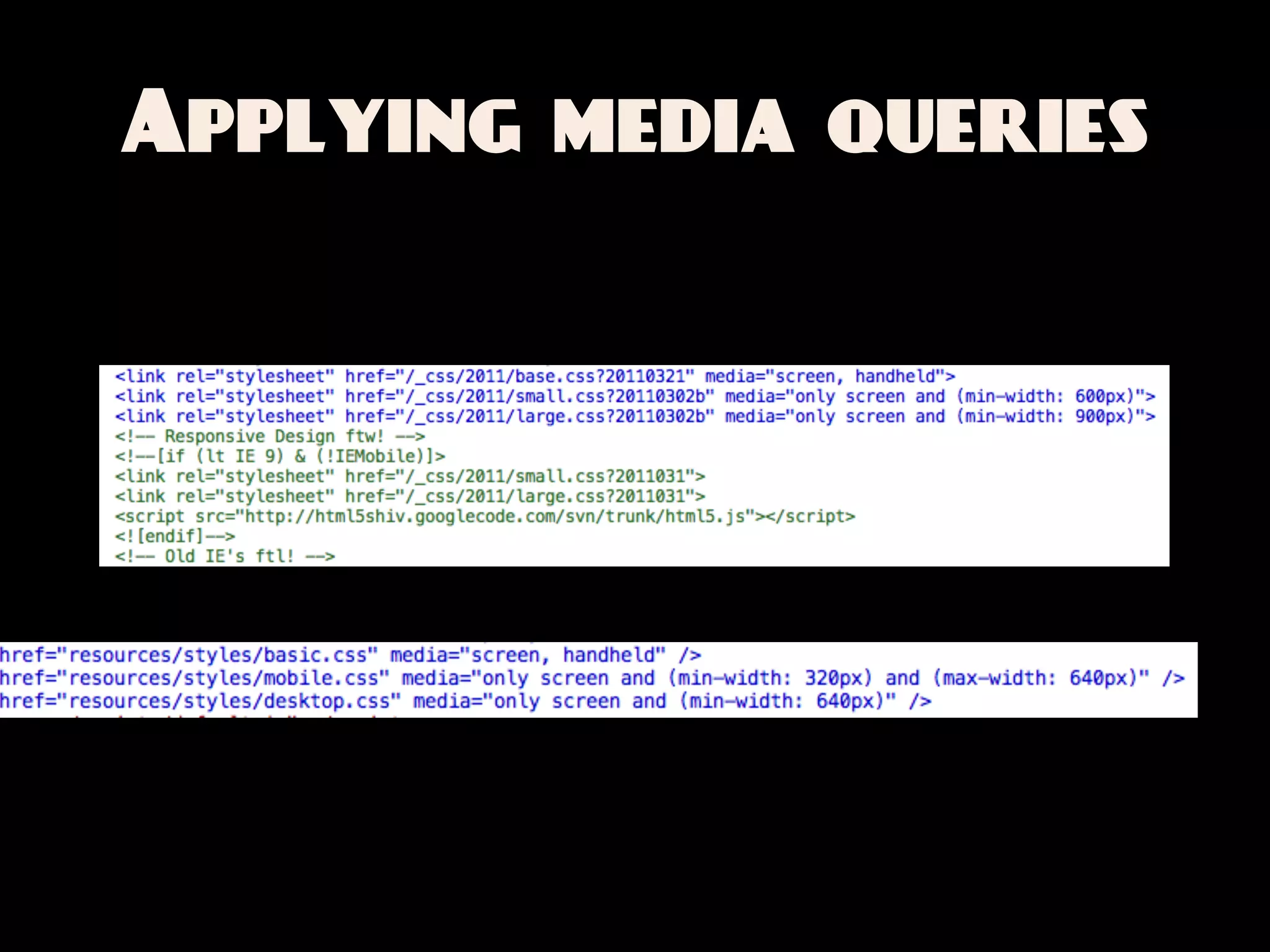
Applying media queries
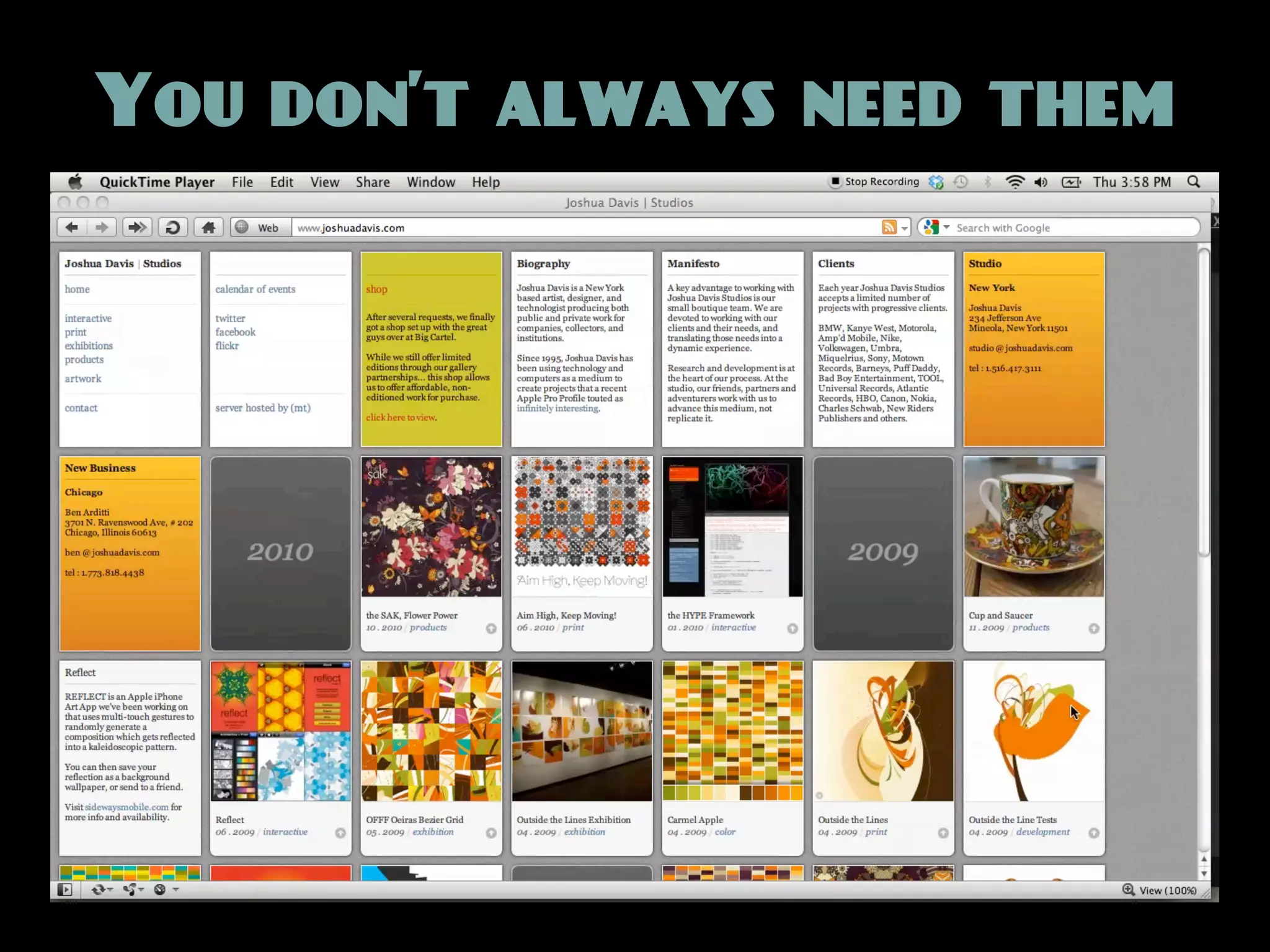
You don’t always need them
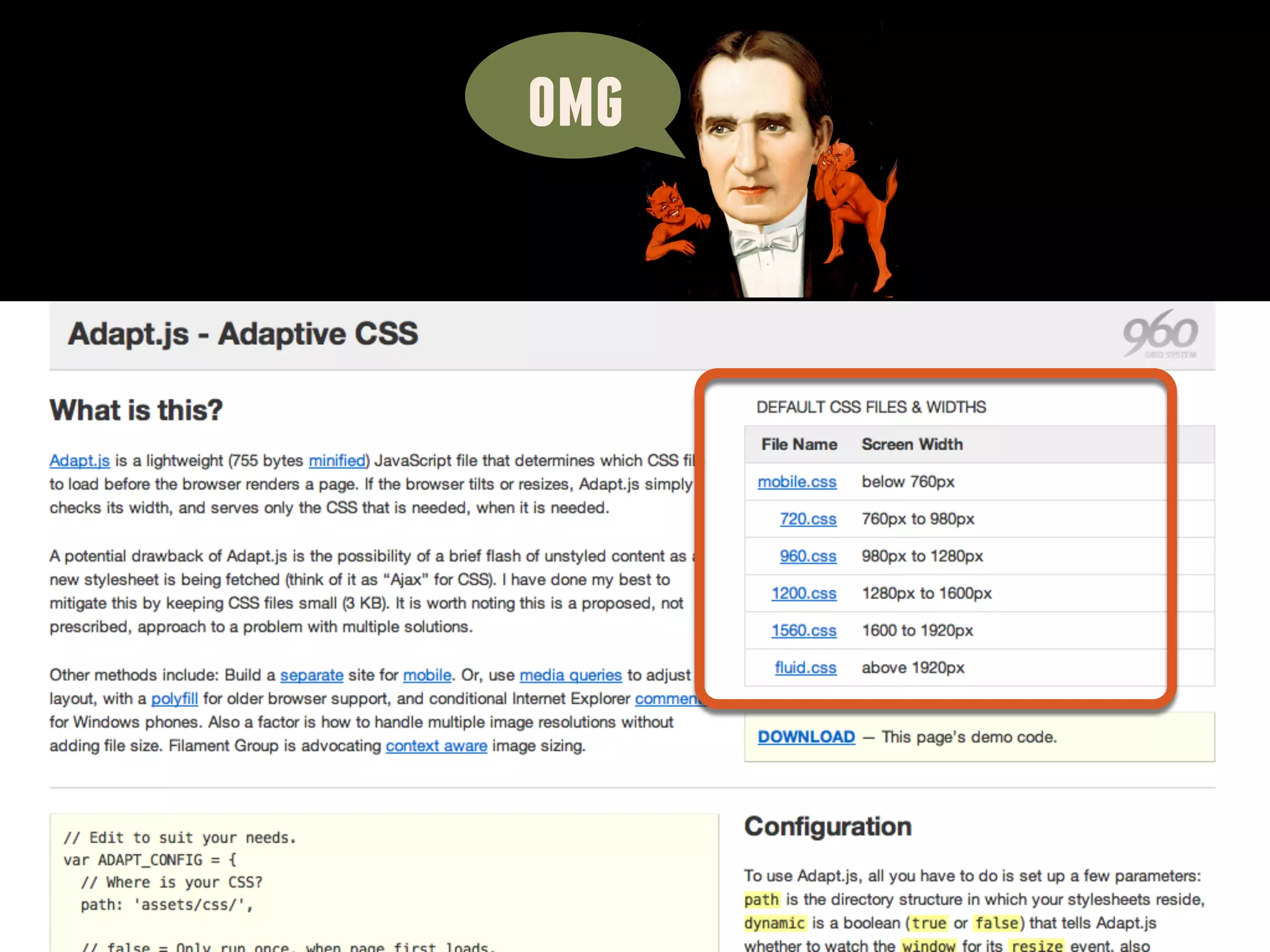
omg
Layout is not design.
Design is the art of
 putting form and
content together.


      Paul Rand said that
The media query is a
   screwdriver.

Layout is only one of
 the components of
       design.
Hey dude, remember
 when we designed
    web PAGES?
Pages
   to
Components
   to
 Systems
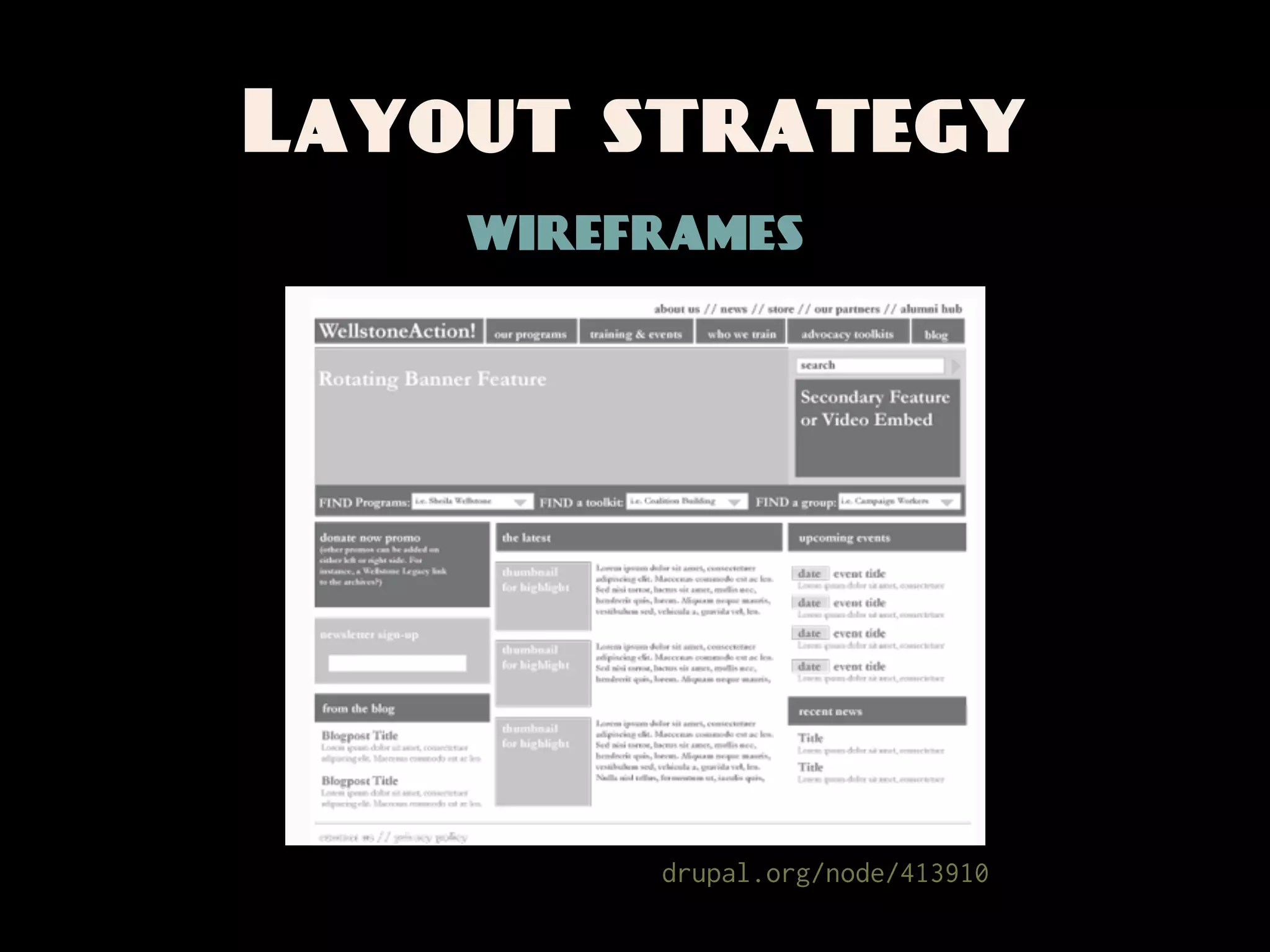
Layout strategy
    wireframes


         drupal.org/node/413910
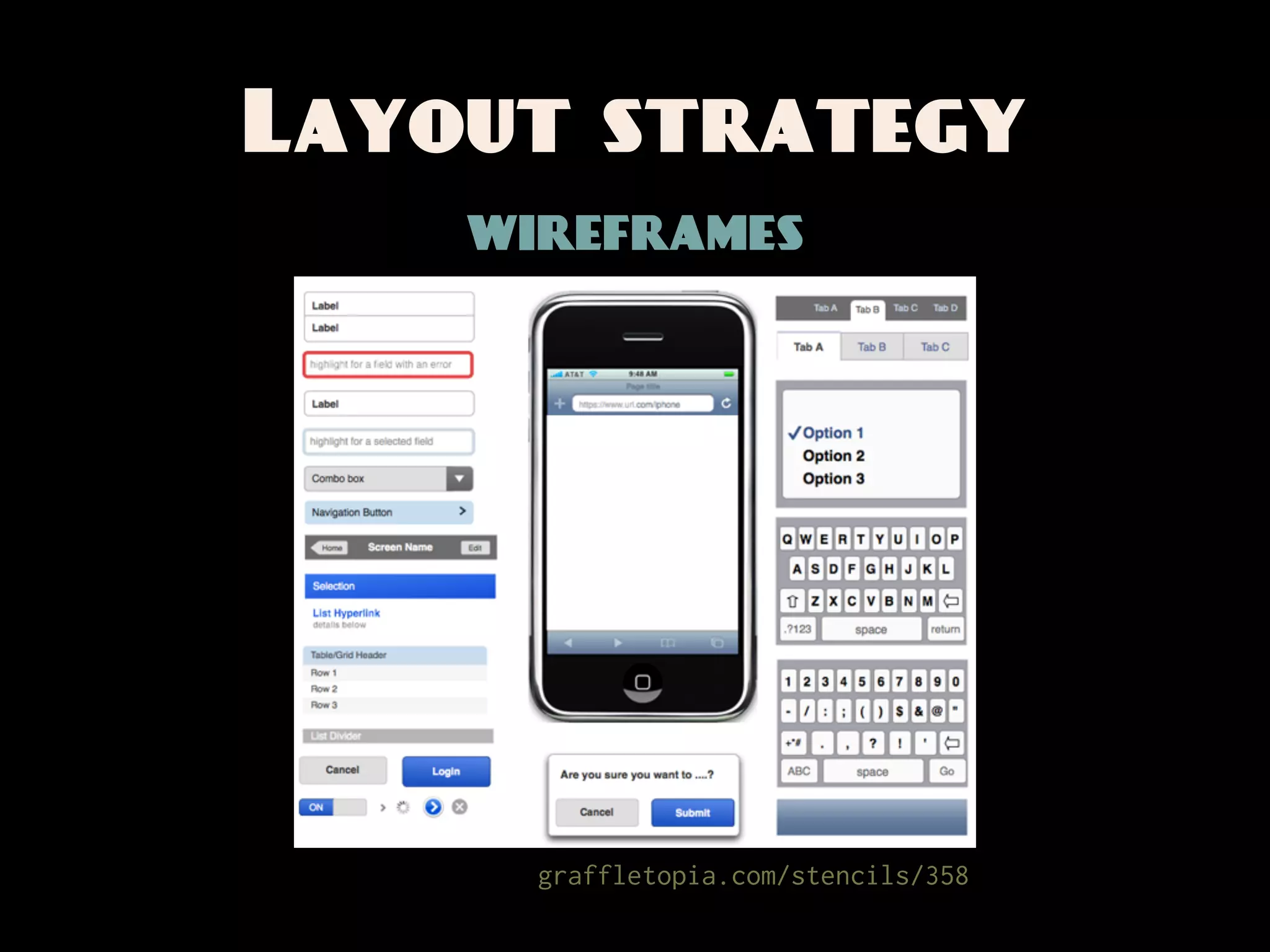
Layout strategy
    wireframes


      graffletopia.com/stencils/358
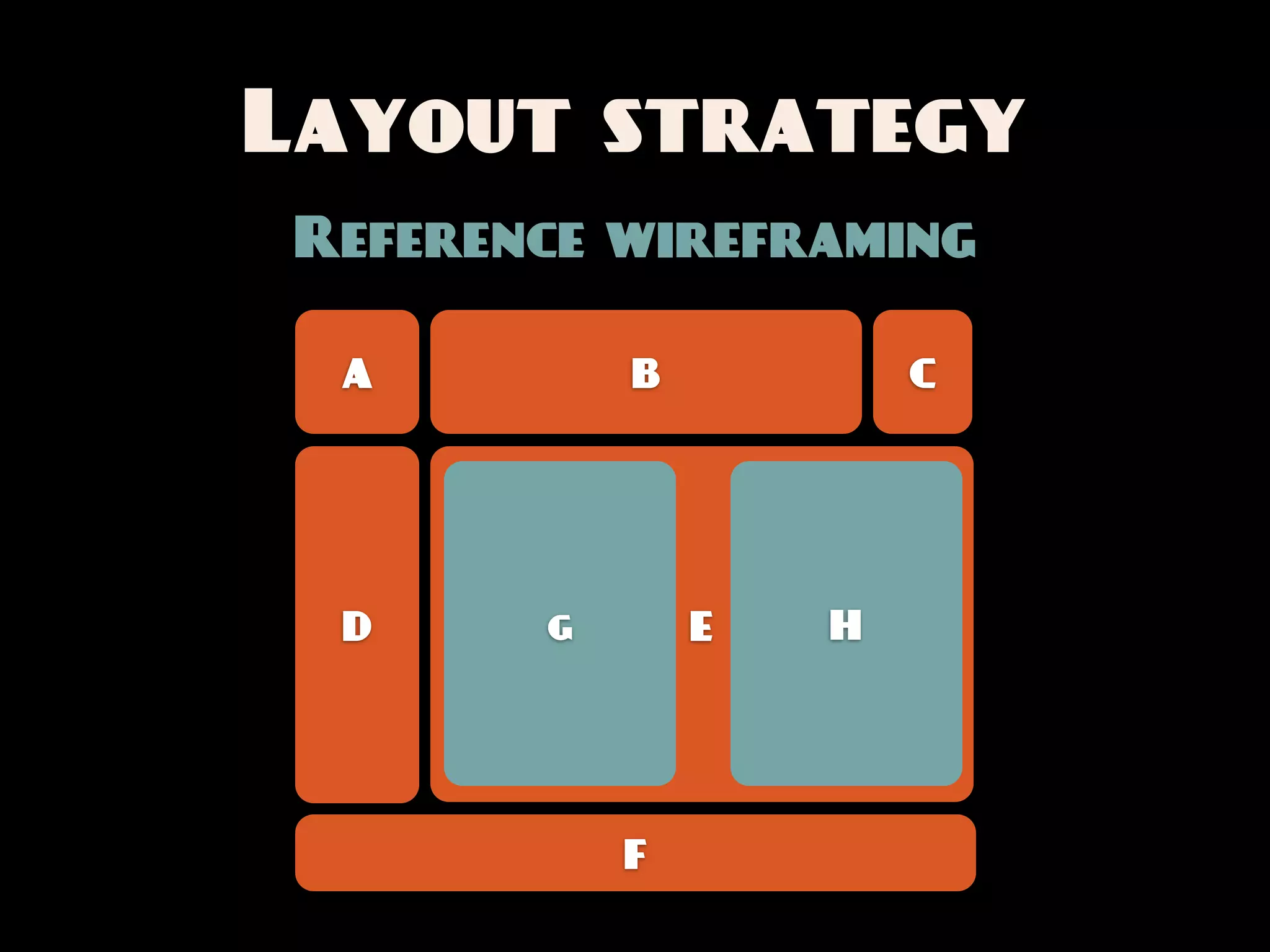
Layout strategy
Reference wireframing

 A         B           C


 D     g       E   H


           F
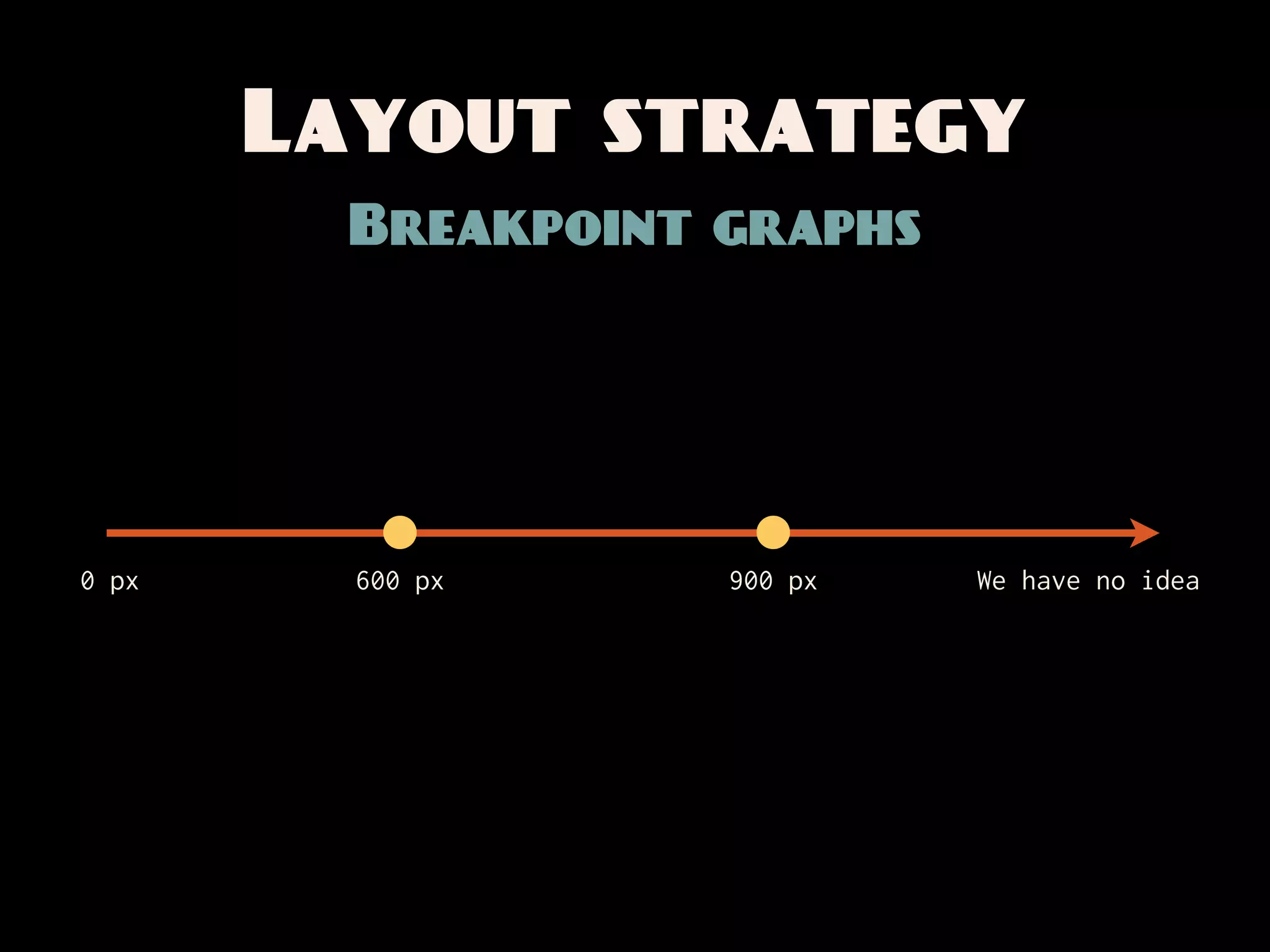
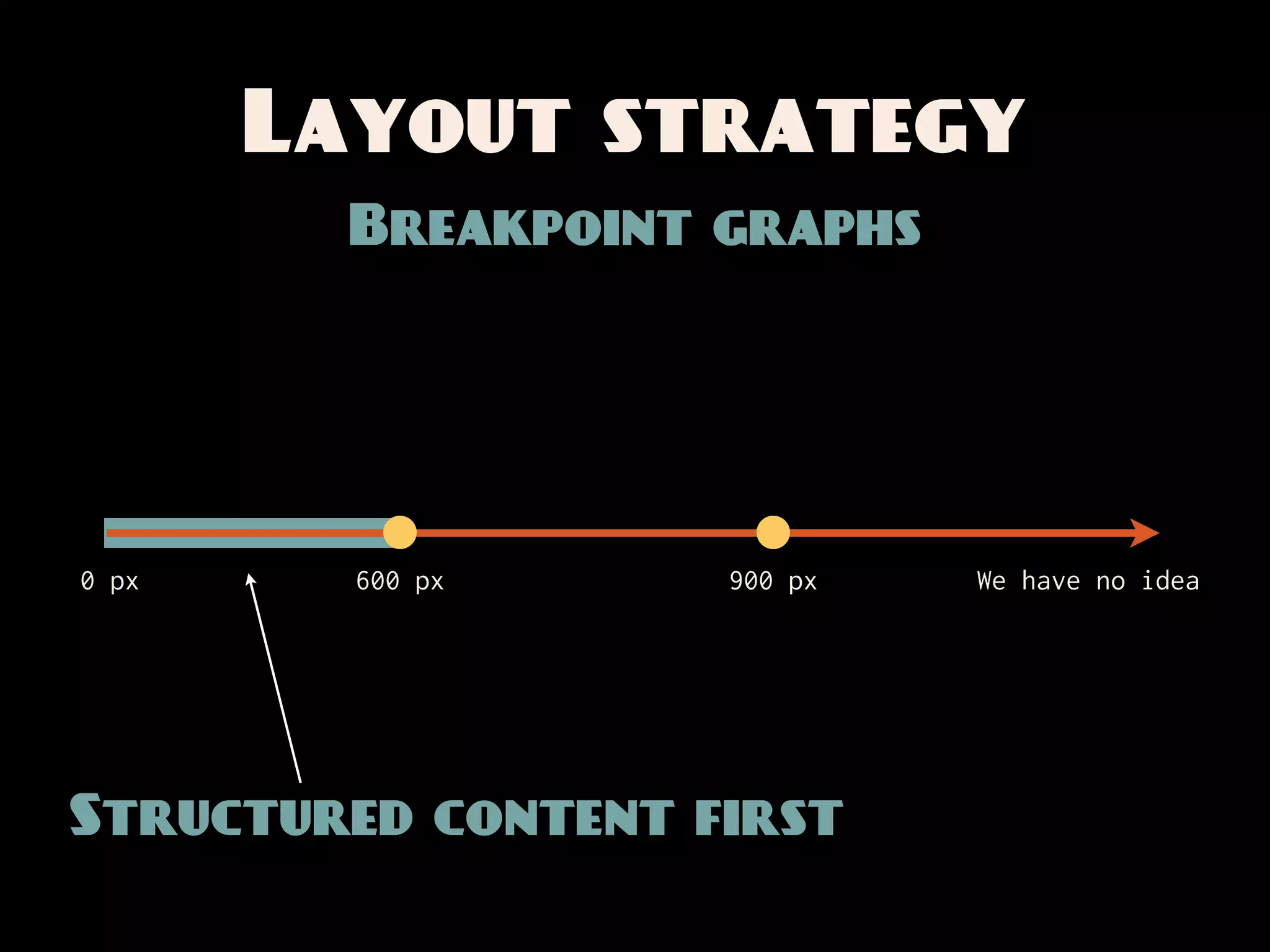
Layout strategy
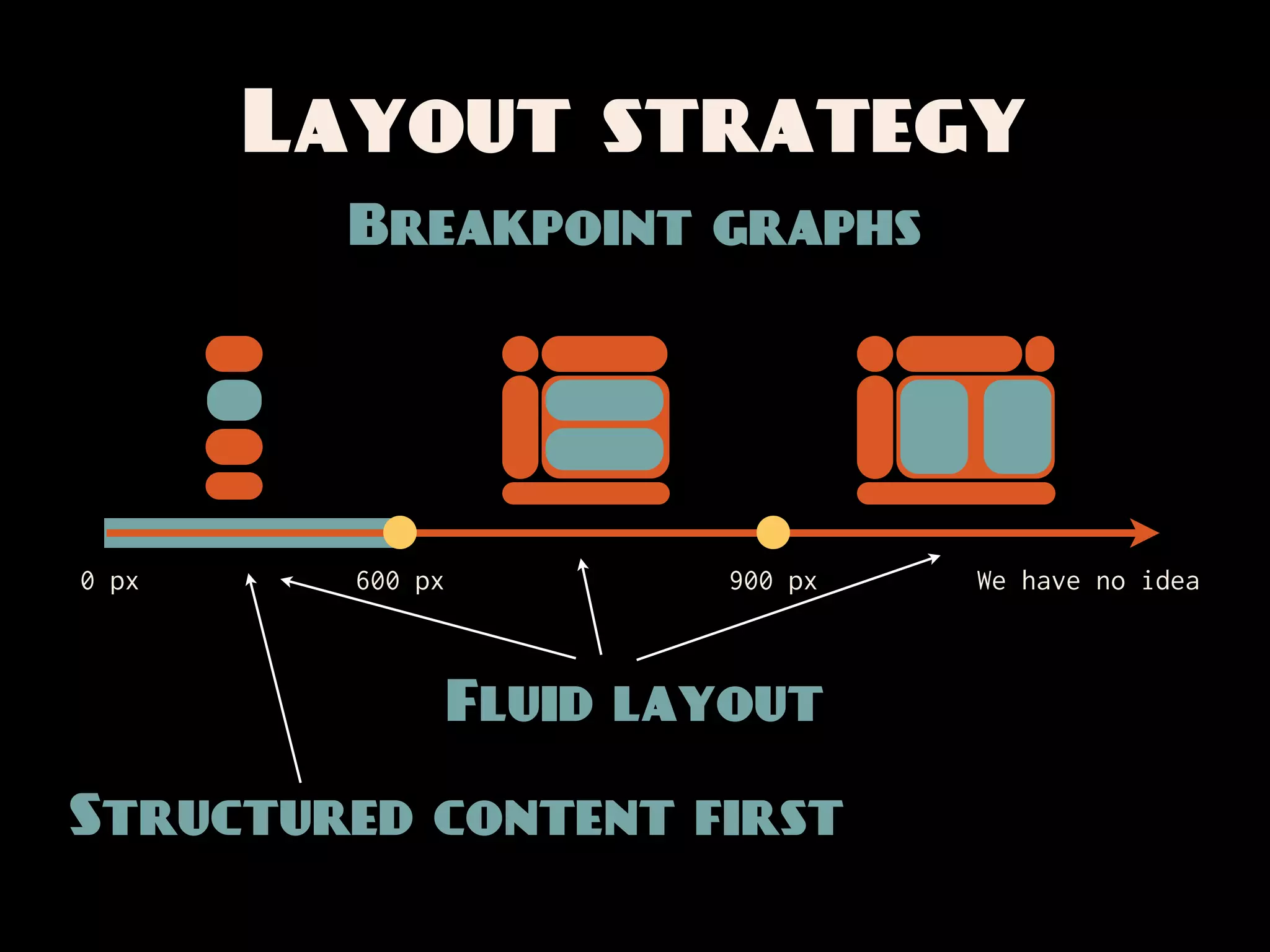
         Breakpoint graphs


0 px     600 px     900 px   We have no idea
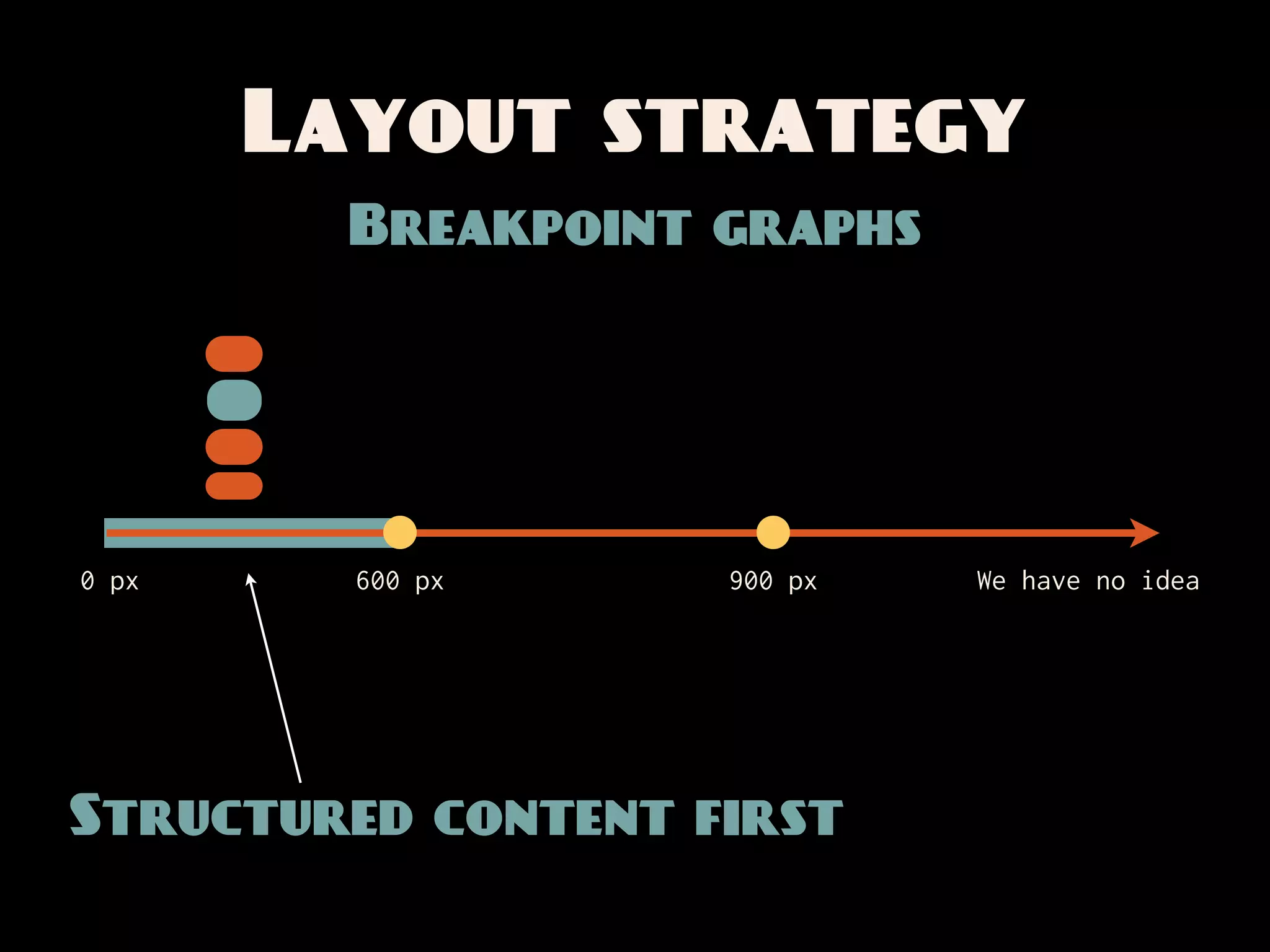
Layout strategy
         Breakpoint graphs


0 px     600 px     900 px   We have no idea


Structured content first
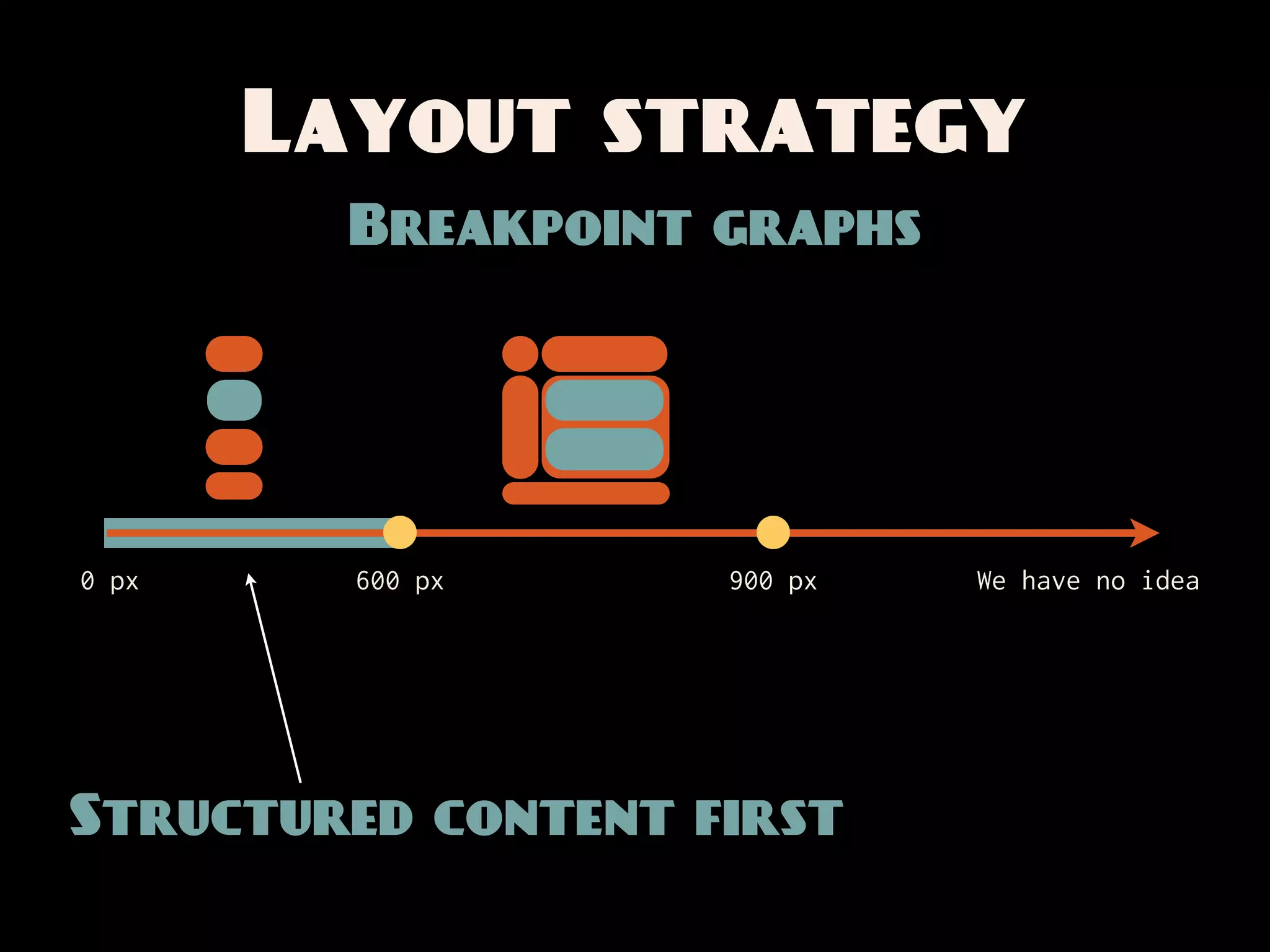
Layout strategy
         Breakpoint graphs


0 px     600 px     900 px   We have no idea


Structured content first
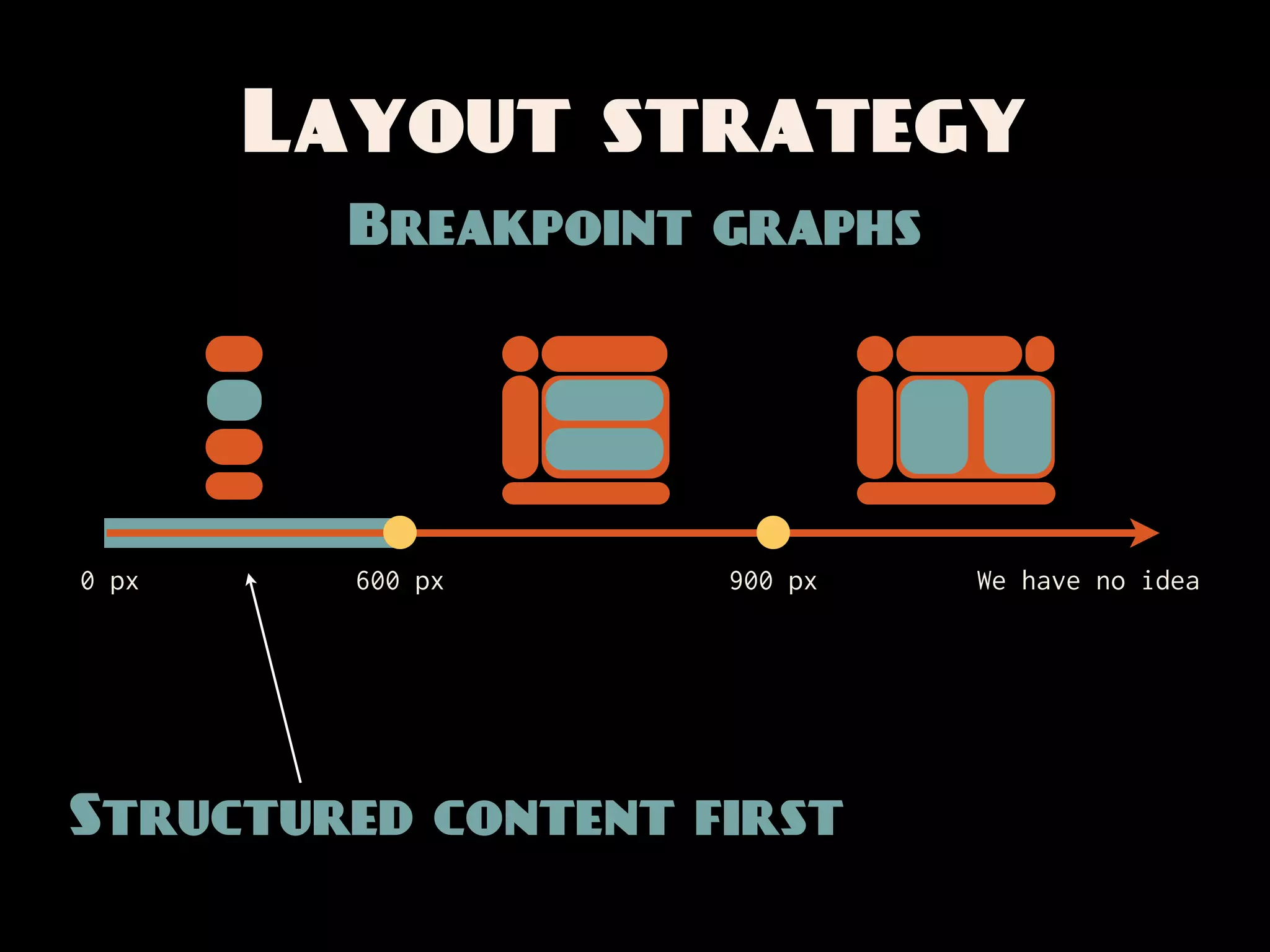
Layout strategy
         Breakpoint graphs


0 px     600 px     900 px   We have no idea


Structured content first
Layout strategy
         Breakpoint graphs


0 px     600 px     900 px   We have no idea


Structured content first
Layout strategy
         Breakpoint graphs


0 px     600 px           900 px   We have no idea


                  Fluid layout

Structured content first
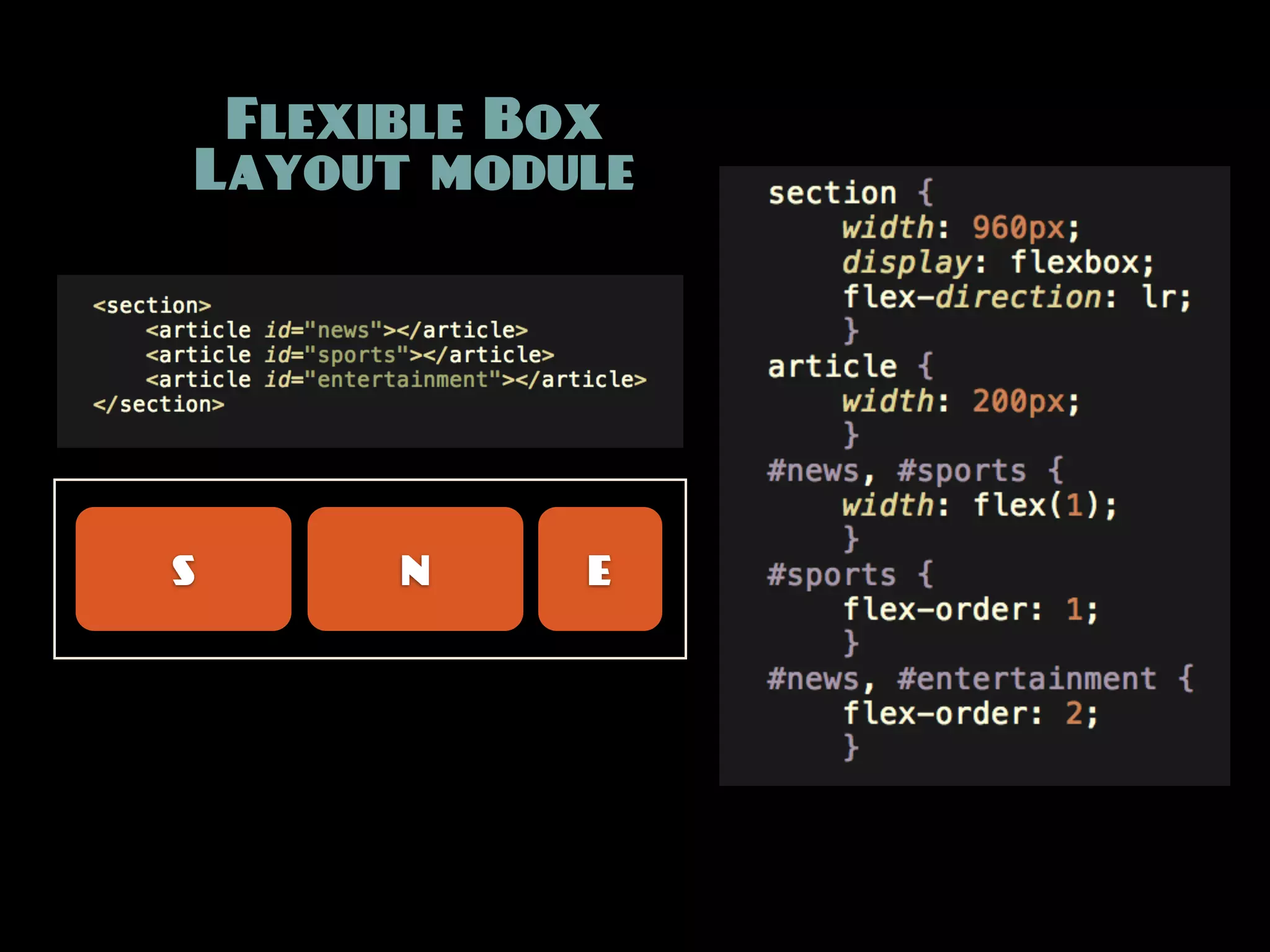
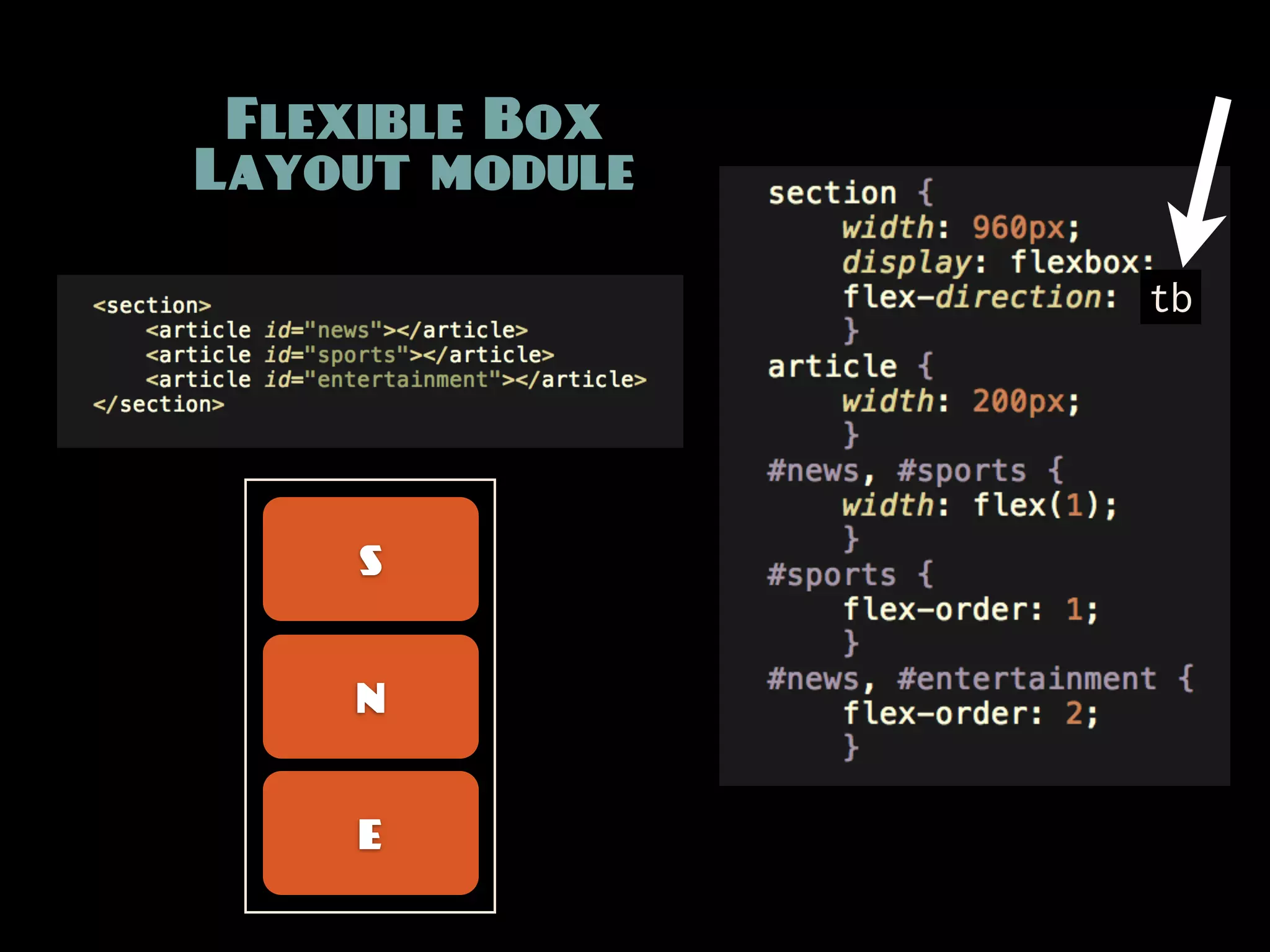
Order-independent
layout mechanisms
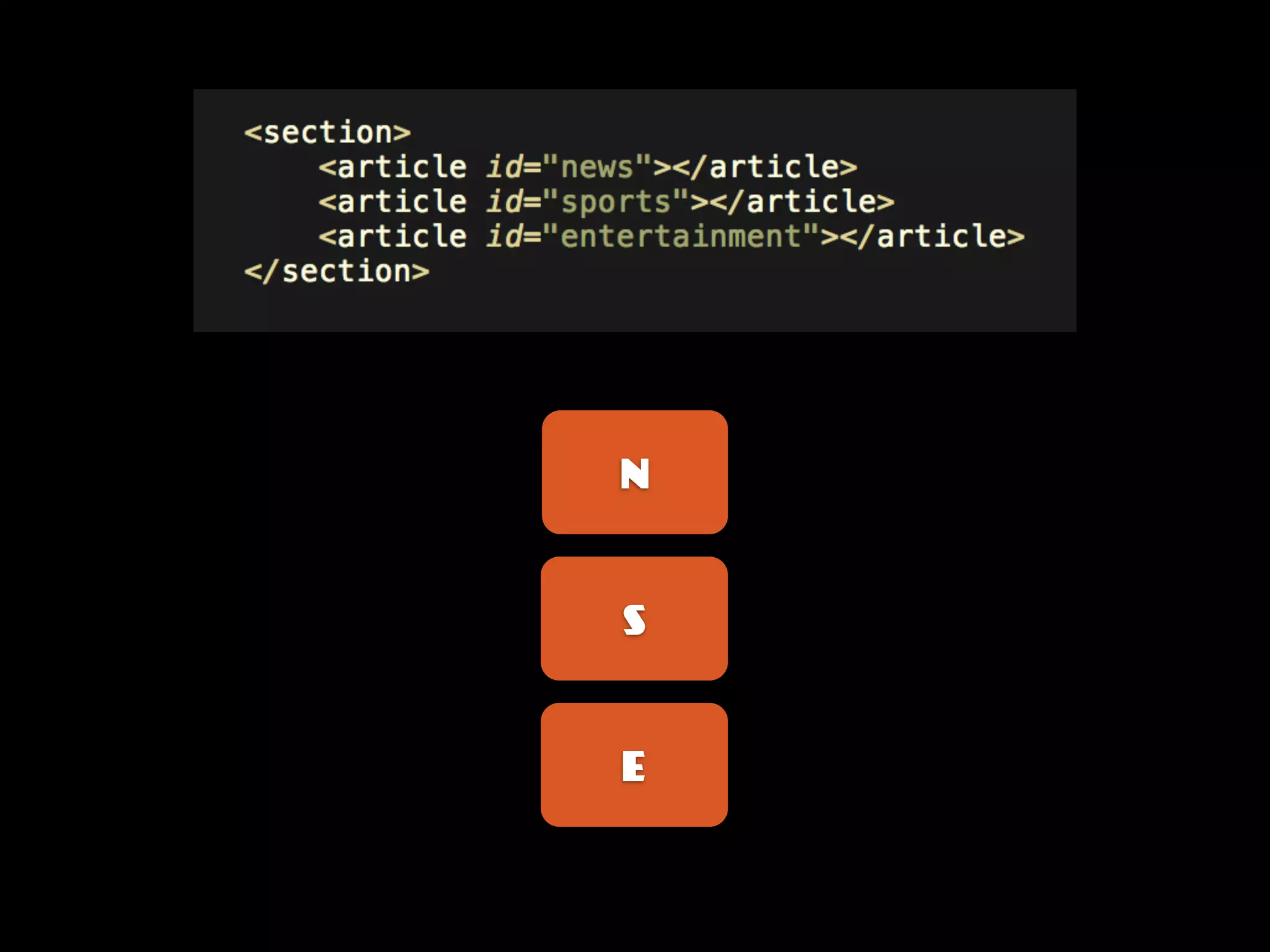
N


S


E
Flexible Box
Layout module


S     N    E
Flexible Box
Layout module

                tb


    S


    N


    E
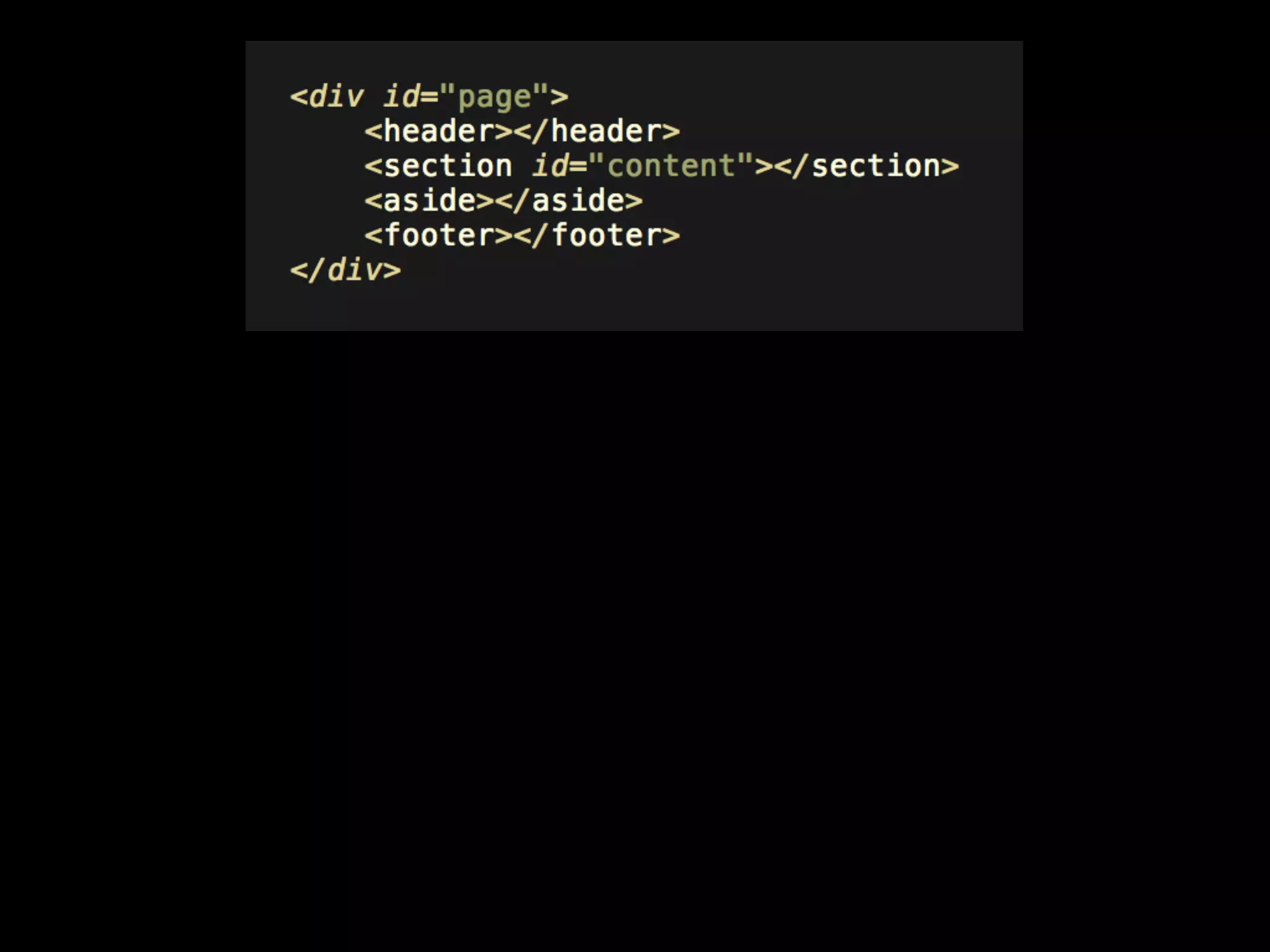
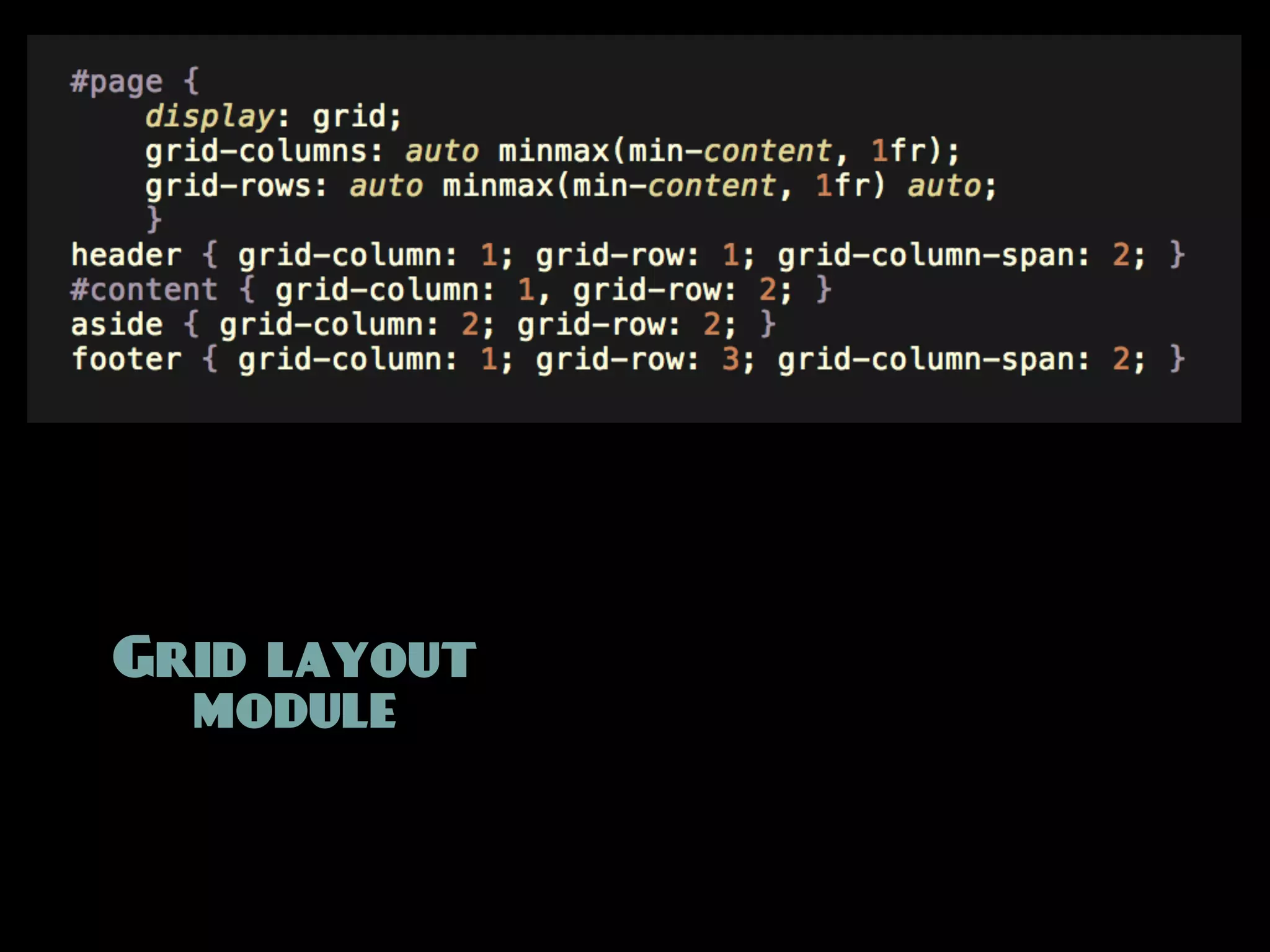
H


C


A

F
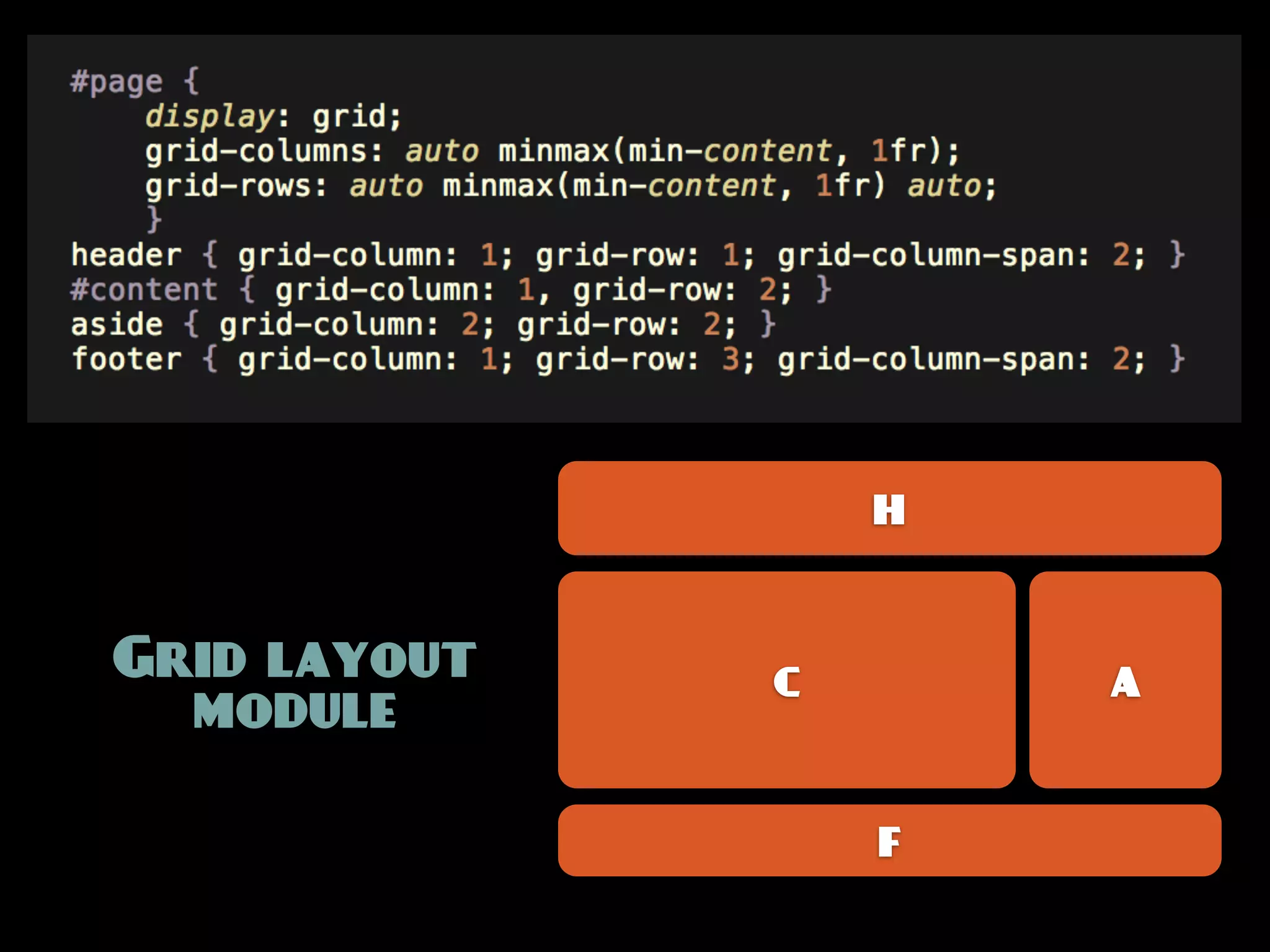
Grid layout
  module
H


Grid layout   C       A
  module

                  F
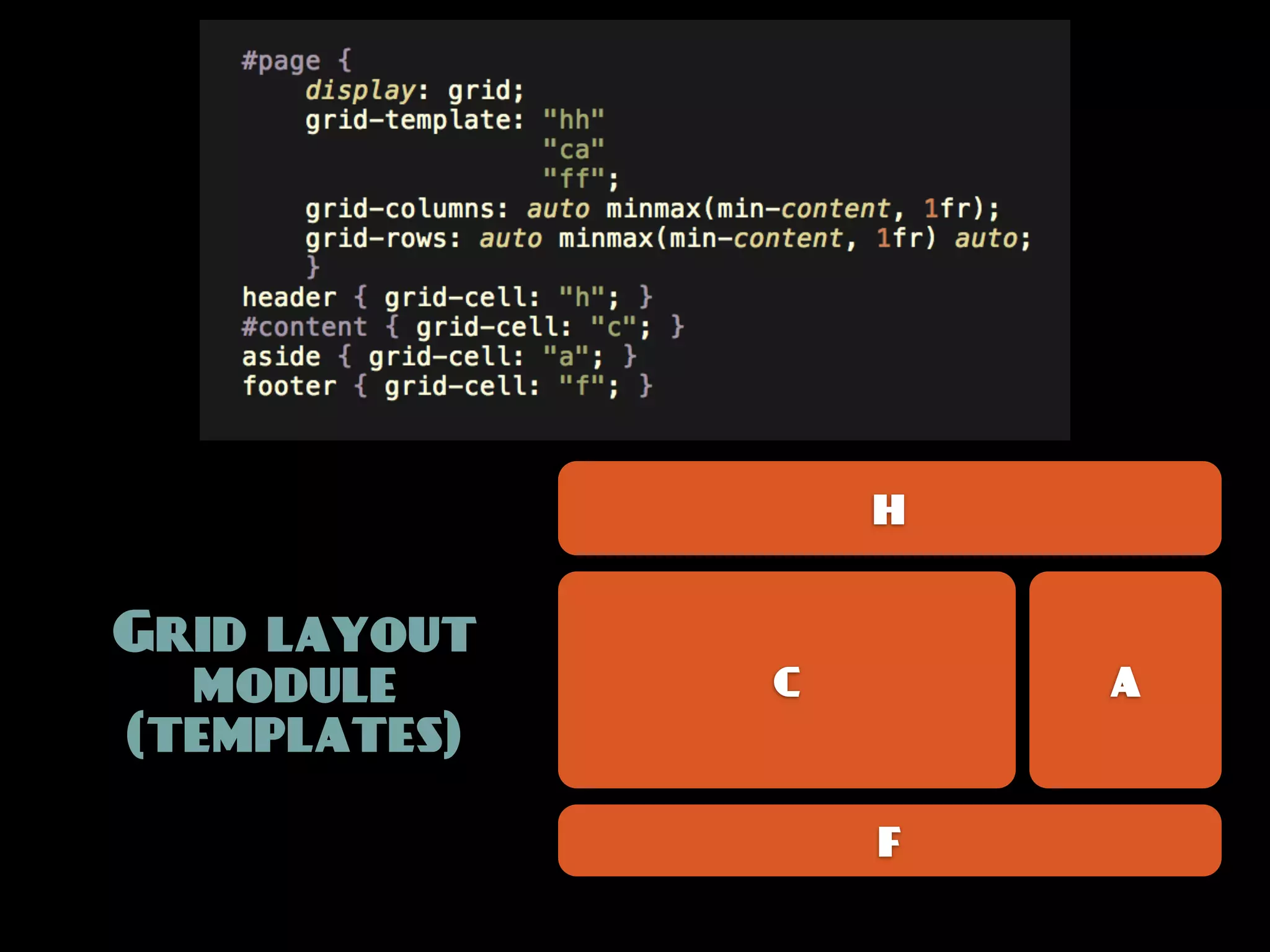
H


Grid layout
  module      C       A
(templates)

                  F
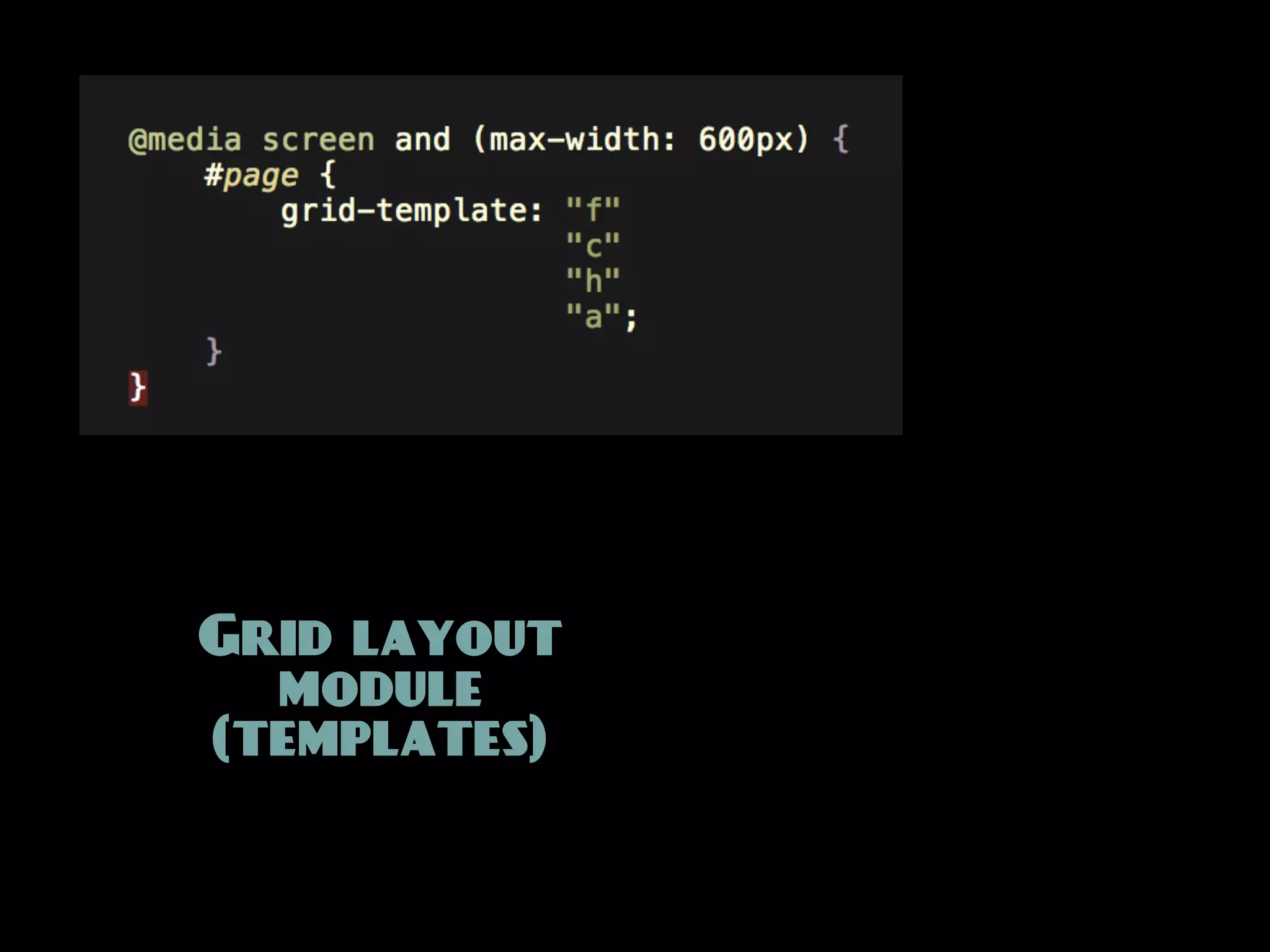
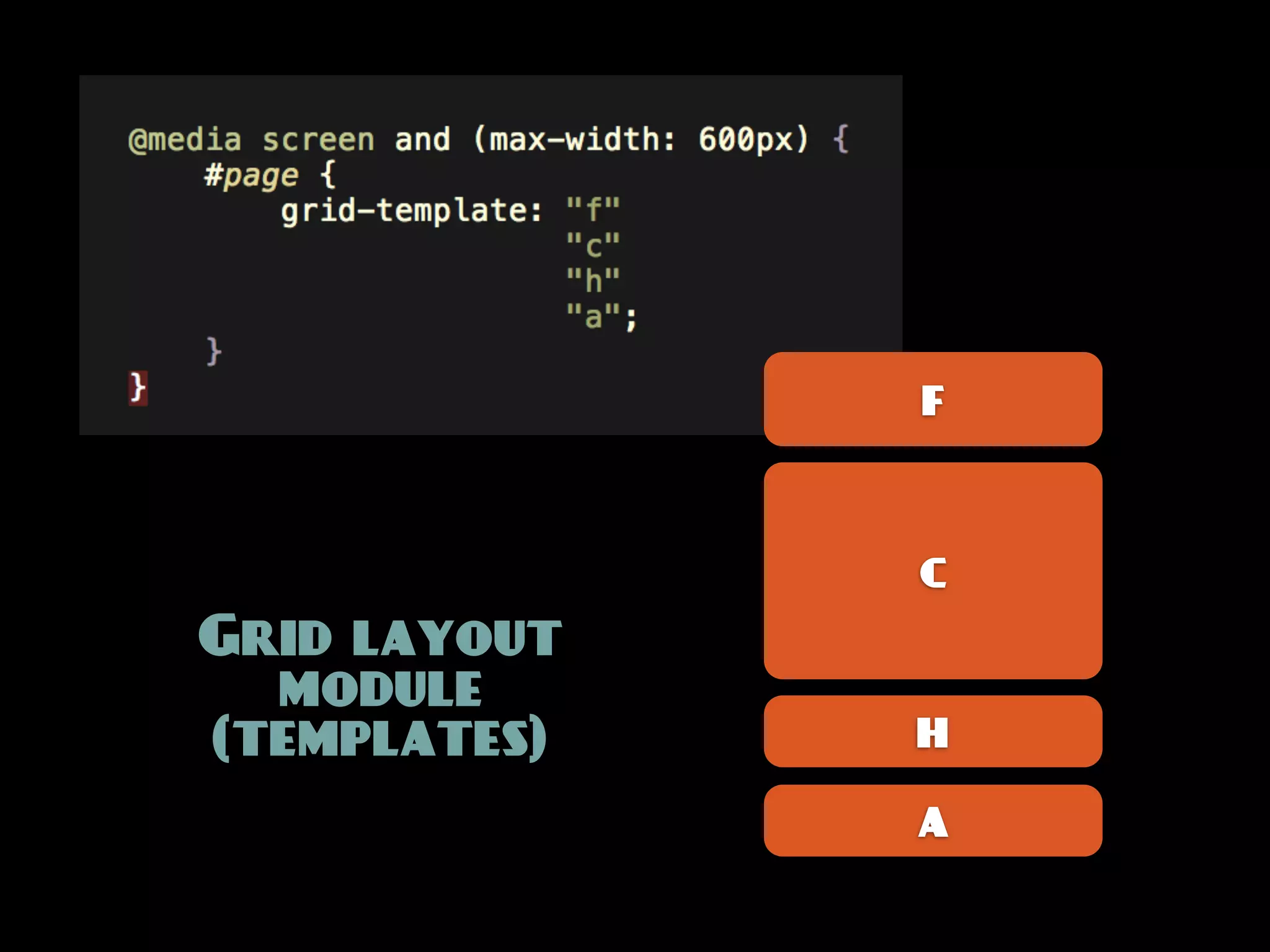
Grid layout
  module
(templates)
F


              C
Grid layout
  module
(templates)   H

              A
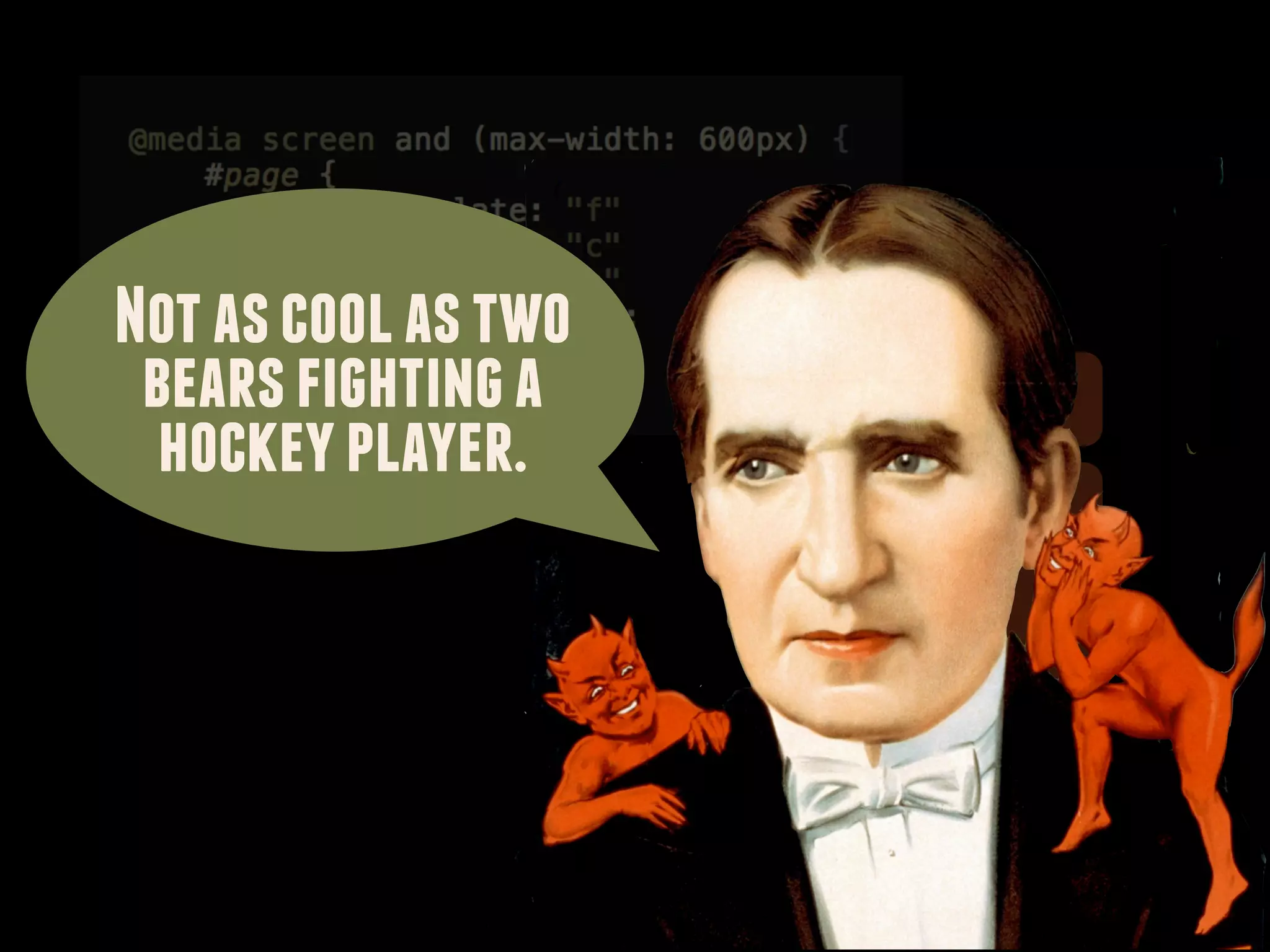
Not as cool as two
 bears fighting a    F
  hockey player.
                     C


                     H

                     A
Media queries / (meta) viewport

        fluid layouts
Media queries / (meta) viewport

         fluid layouts

device/browser support profiles
Media queries / (meta) viewport

         fluid layouts

device/browser support profiles

content reference wireframing
Media queries / (meta) viewport

         fluid layouts

device/browser support profiles

content reference wireframing

  layout breakpoint graphs
Media queries / (meta) viewport

         fluid layouts

device/browser support profiles

content reference wireframing

  layout breakpoint graphs

    new layout mechanisms
Think in terms of
design principles & systems
The art of letting go
We need to think up new ways
 to design layout, and new ways
to communicate these new designs
        to our colleagues
         and our clients.
Thank you!


Starring magician Howard Thurston
as B. Rowser
http://www.delicious.com/stephenhay/mobilismconf2011
http://www.slideshare.net/stephenhay/mobilism2011


Thank you!


Starring magician Howard Thurston
as B. Rowser
http://www.delicious.com/stephenhay/mobilismconf2011
http://www.slideshare.net/stephenhay/mobilism2011


Thank you!

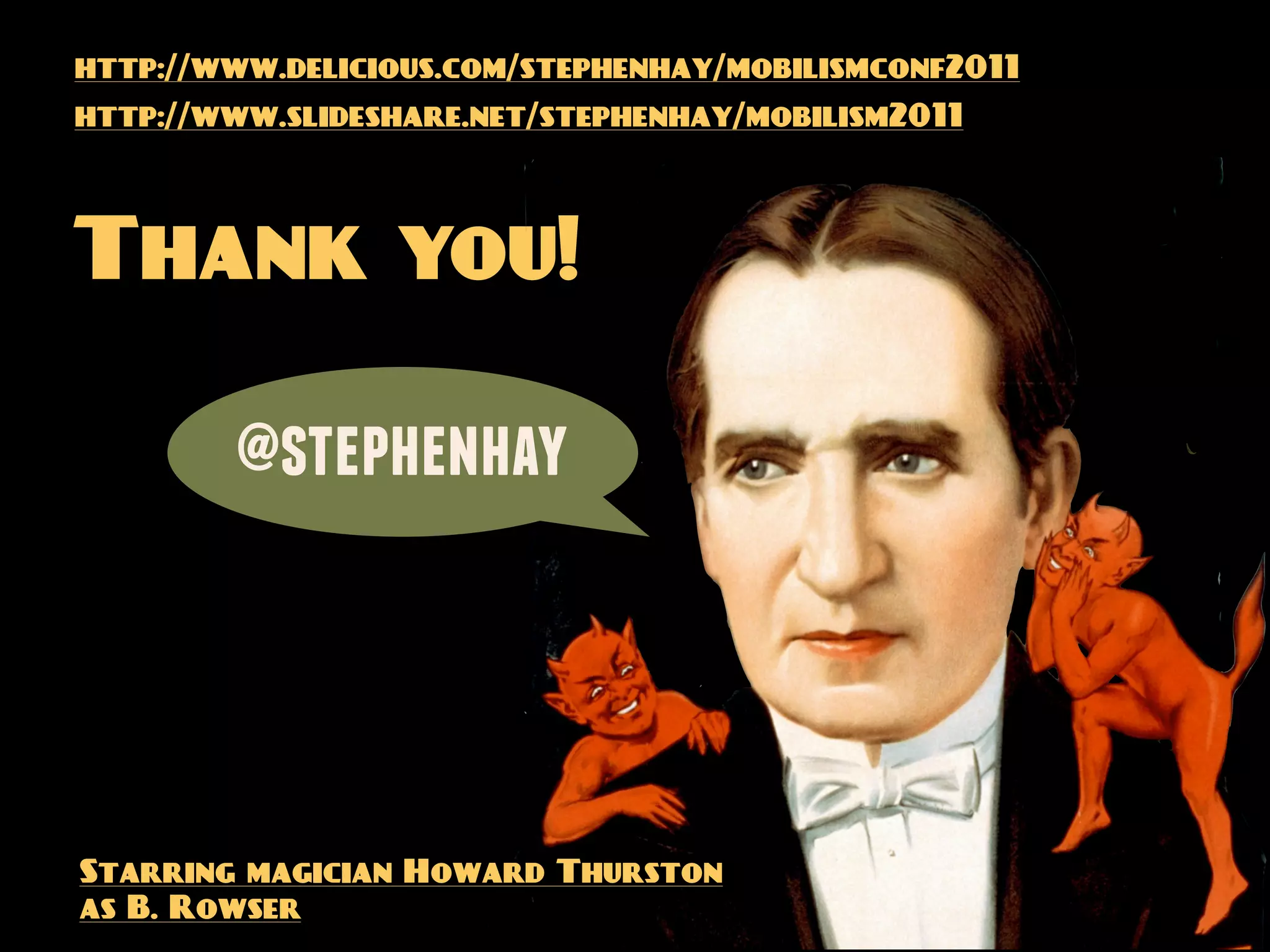
        @stephenhay


Starring magician Howard Thurston
as B. Rowser

Meta layout: a closer look at media queries