Page Objects 
Oren Rubin Testim.io
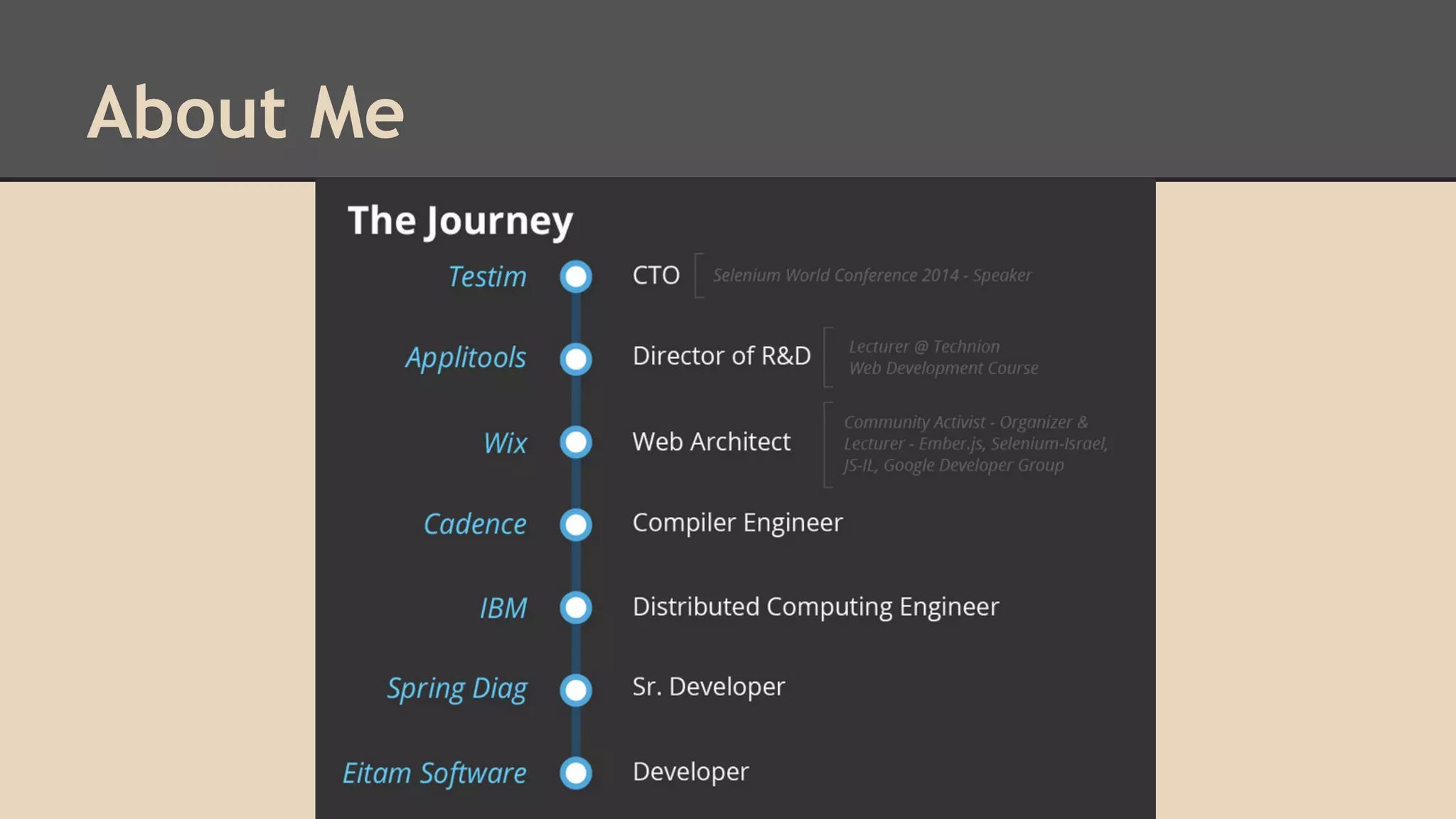
About Me
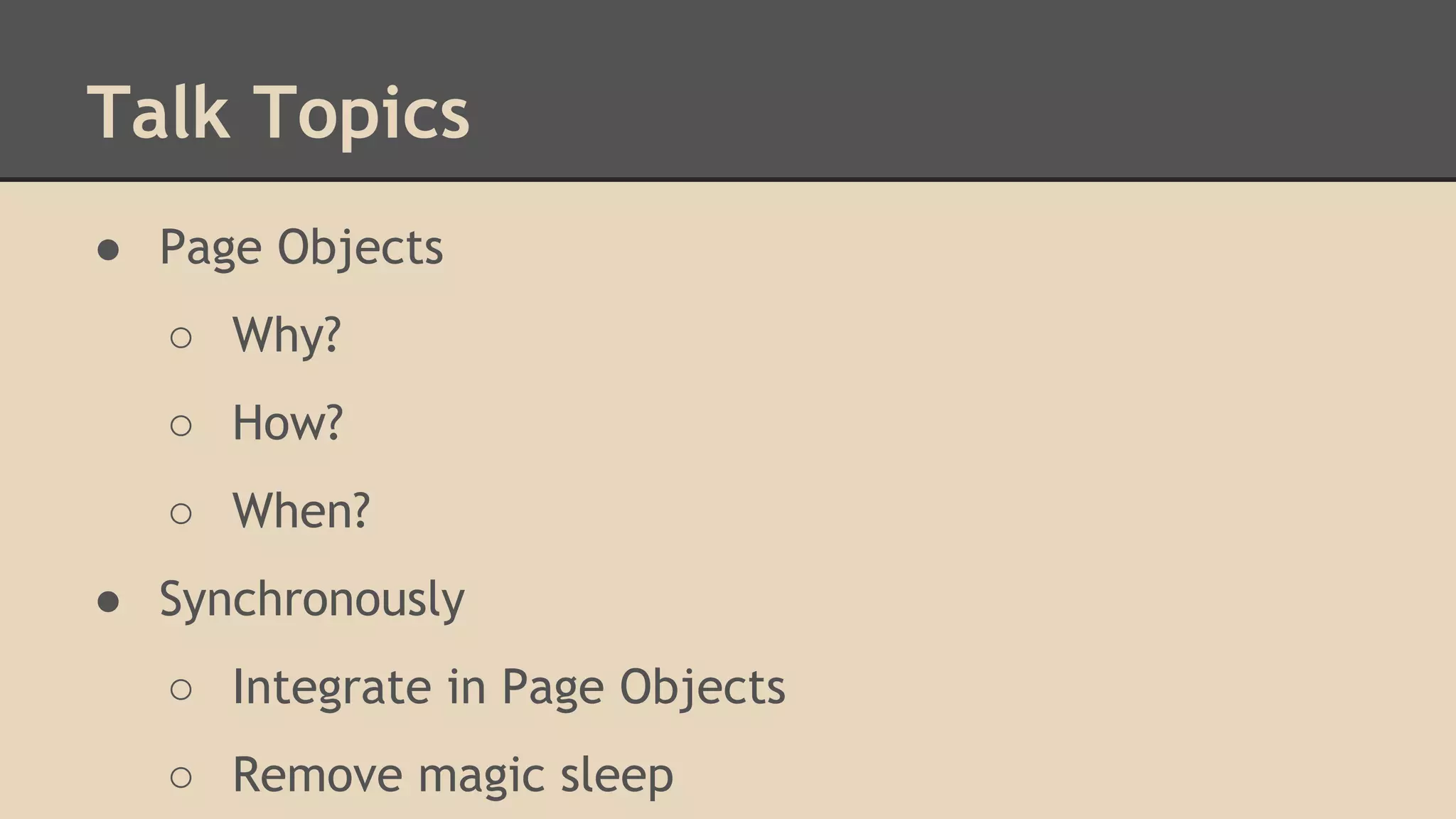
Talk Topics 
● Page Objects 
○ Why? 
○ How? 
○ When? 
● Synchronously 
○ Integrate in Page Objects 
○ Remove magic sleep
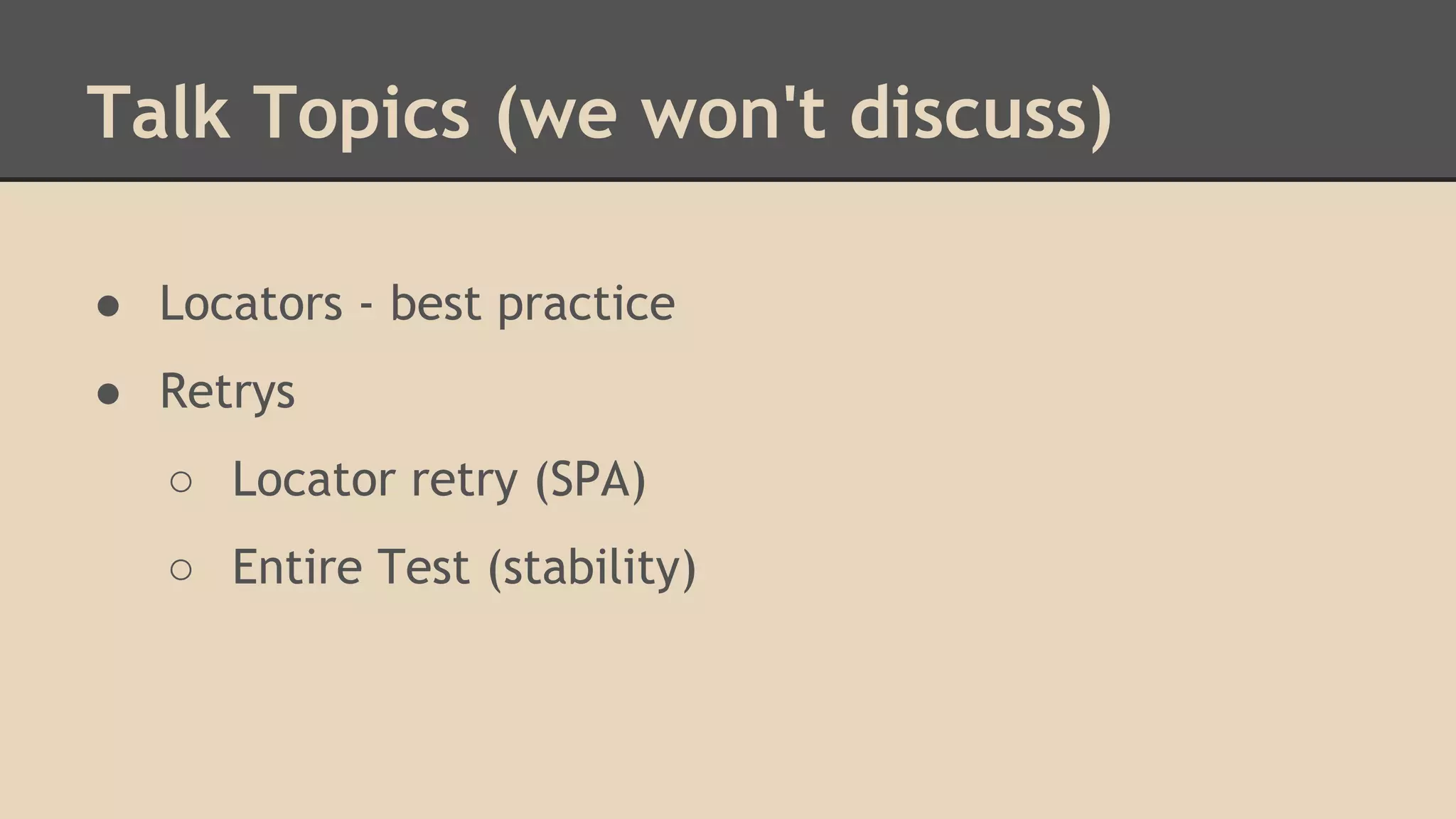
Talk Topics (we won't discuss) 
● Locators - best practice 
● Retrys 
○ Locator retry (SPA) 
○ Entire Test (stability)
Page Objects? 
A Design Pattern. 
Provides a programmatic API to drive and 
interrogate a UI
Naming things is hard 
● Originally "Window Drivers" - Martin Fowler, 2004 
● Only pages? what about: 
○ Header/footer 
○ Components/widgets 
○ Simple HTML elements (e.g., Tables)
Page Object Pattern 
Expose the service you're interacting with, not the 
implementation. -- Selenium Wiki 
If you have a WebDriver APIs in your test methods... 
You're doing it wrong. -- Simon Stewart
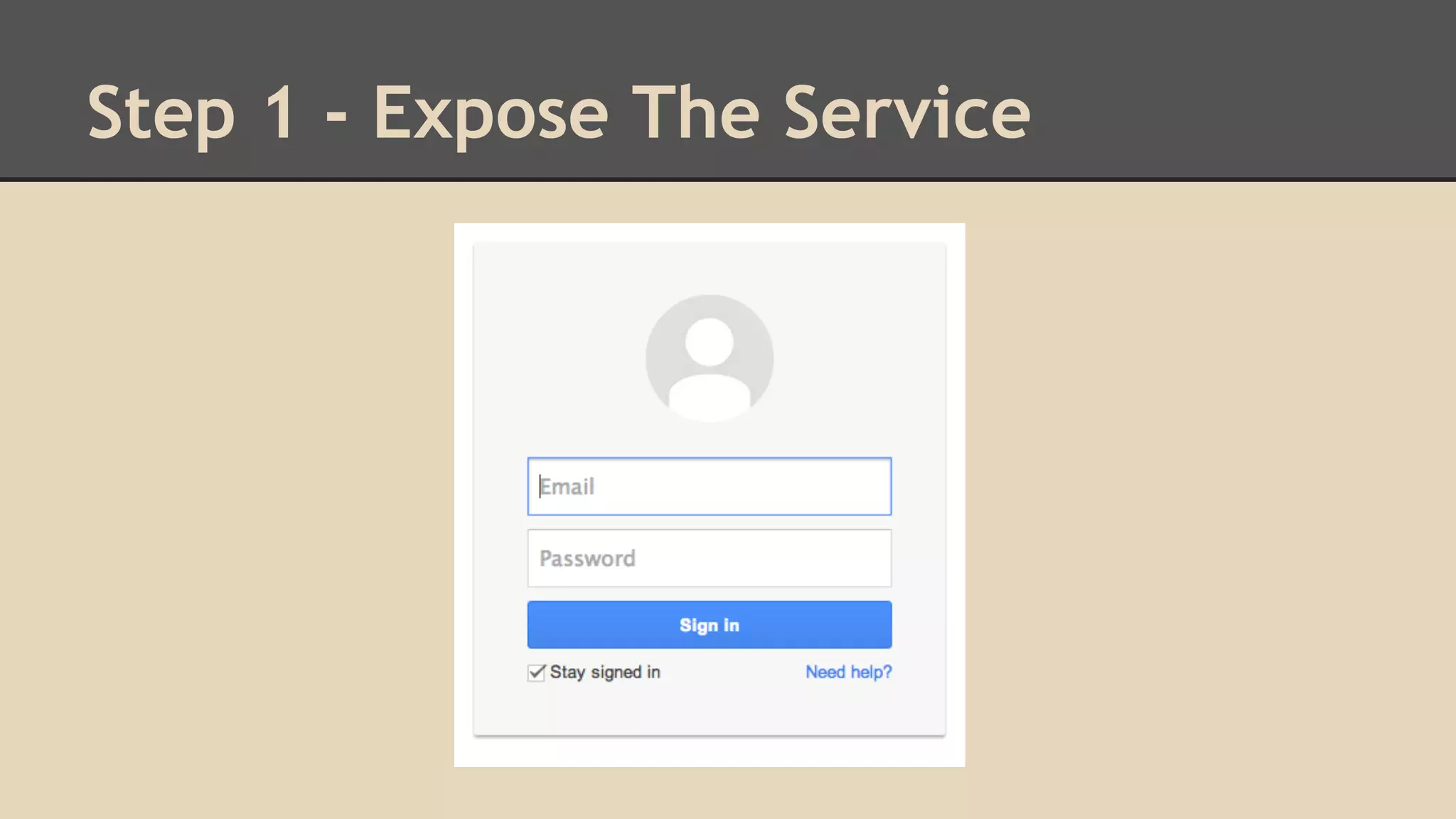
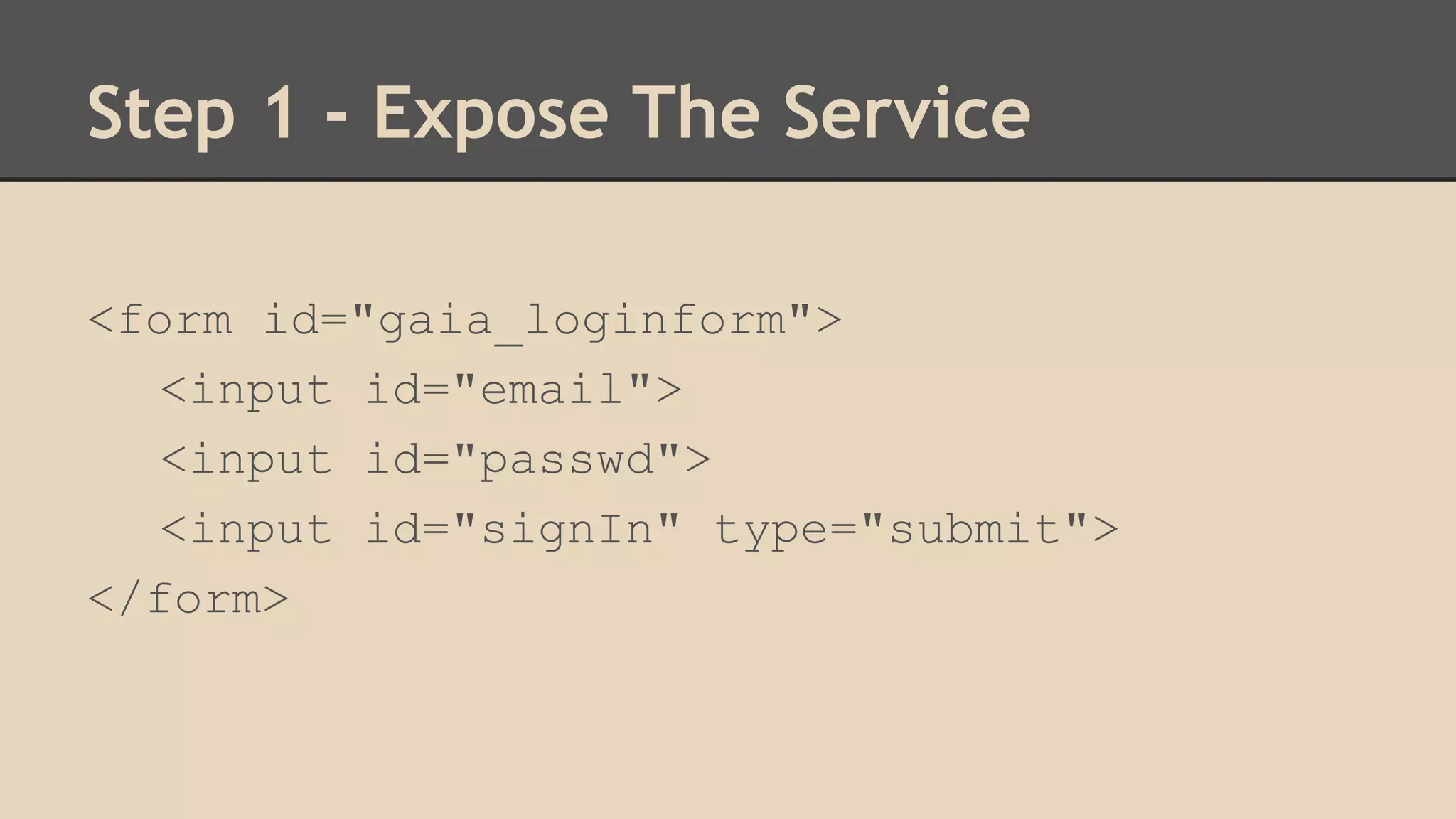
Step 1 - Expose The Service
Step 1 - Expose The Service 
<form id="gaia_loginform"> 
<input id="email"> 
<input id="passwd"> 
<input id="signIn" type="submit"> 
</form>
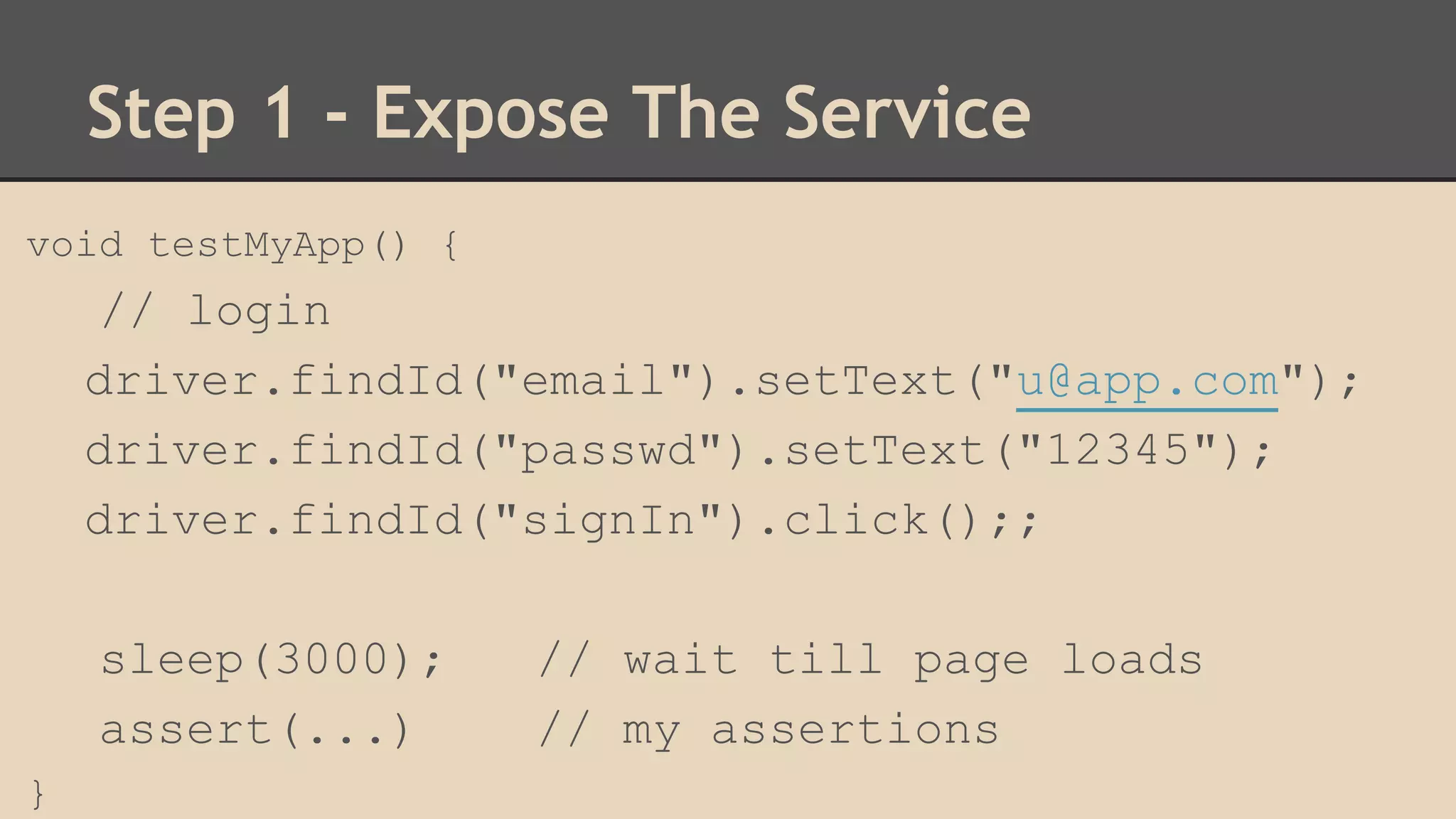
Step 1 - Expose The Service 
void testMyApp() { 
// login 
driver.findId("email").setText("u@app.com"); 
driver.findId("passwd").setText("12345"); 
driver.findId("signIn").click();; 
sleep(3000); // wait till page loads 
assert(...) // my assertions 
}
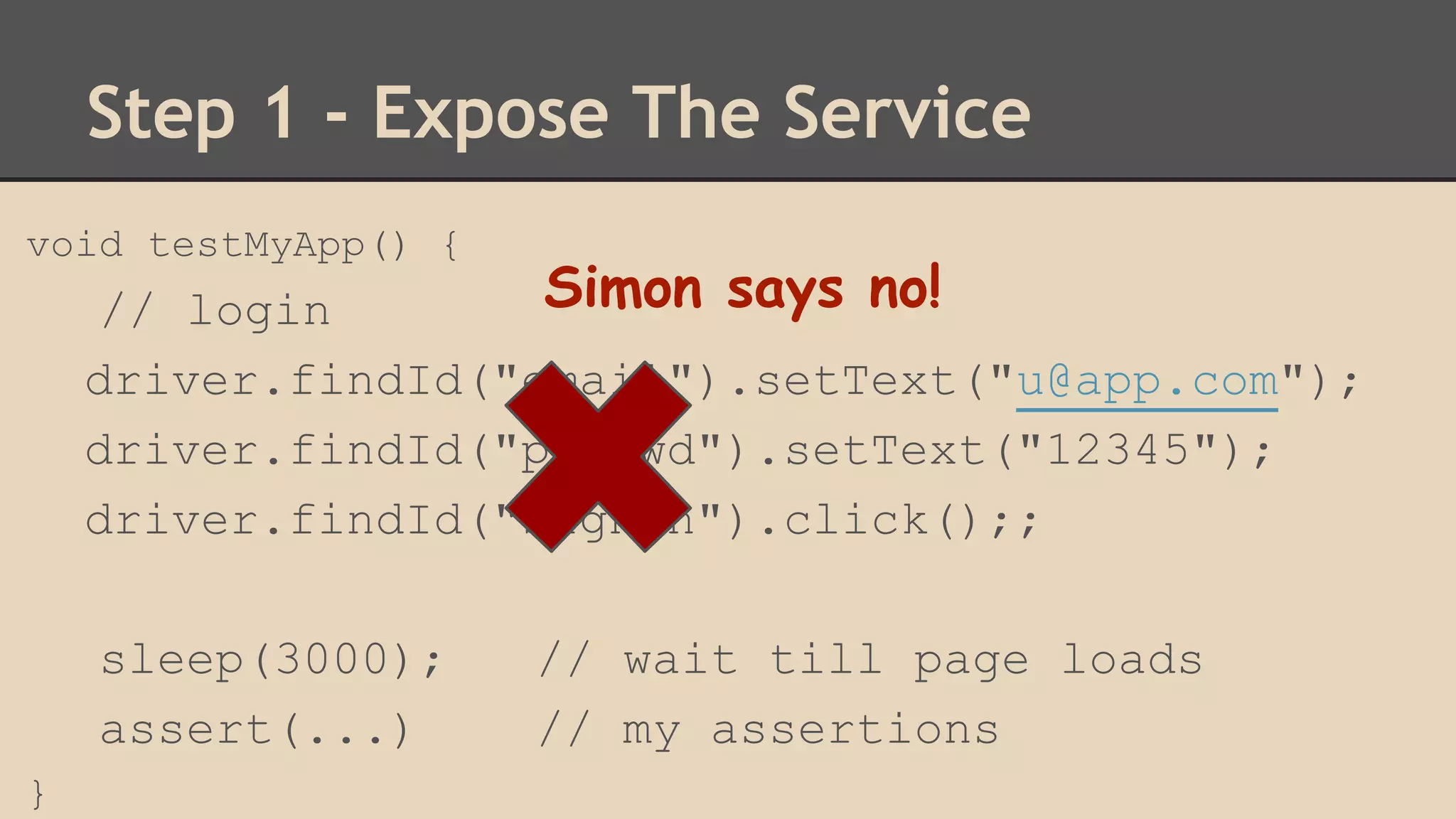
Step 1 - Expose The Service 
void testMyApp() { 
// login 
driver.findId("email").setText("u@app.com"); 
driver.findId("passwd").setText("12345"); 
driver.findId("signIn").click();; 
sleep(3000); // wait till page loads 
assert(...) // my assertions 
} 
Simon says no!
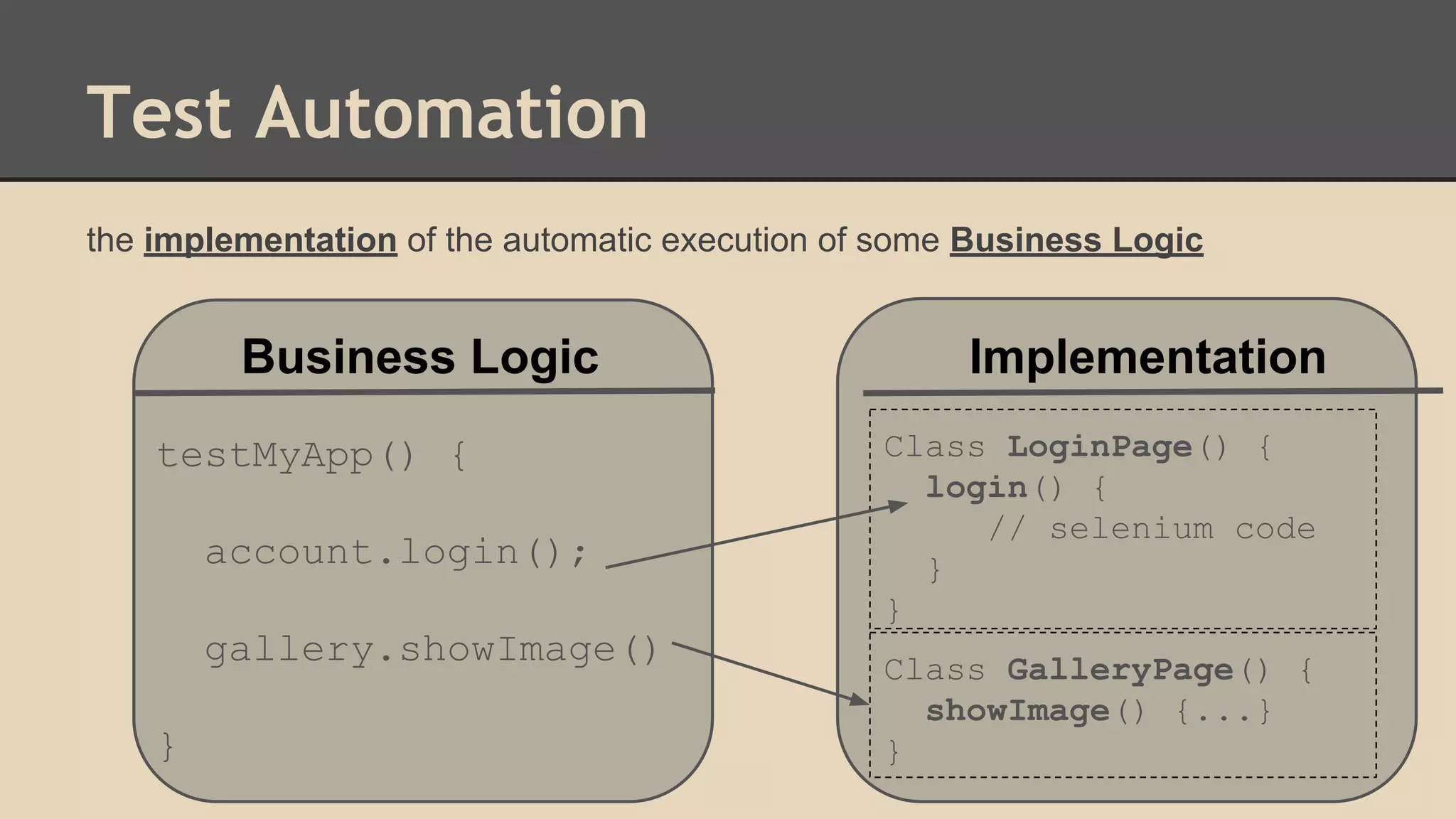
Test Automation 
the implementation of the automatic execution of some Business Logic 
Business Logic testMyApp() { 
testMyApp() { 
account.login(); 
gallery.showImage() 
} 
Implementation 
Class LoginPage() { 
login() { 
account.login(); 
// selenium code 
gallery.showImage() 
} 
} 
} 
Class GalleryPage() { 
showImage() {...} 
}
Step 1 - Expose The Service 
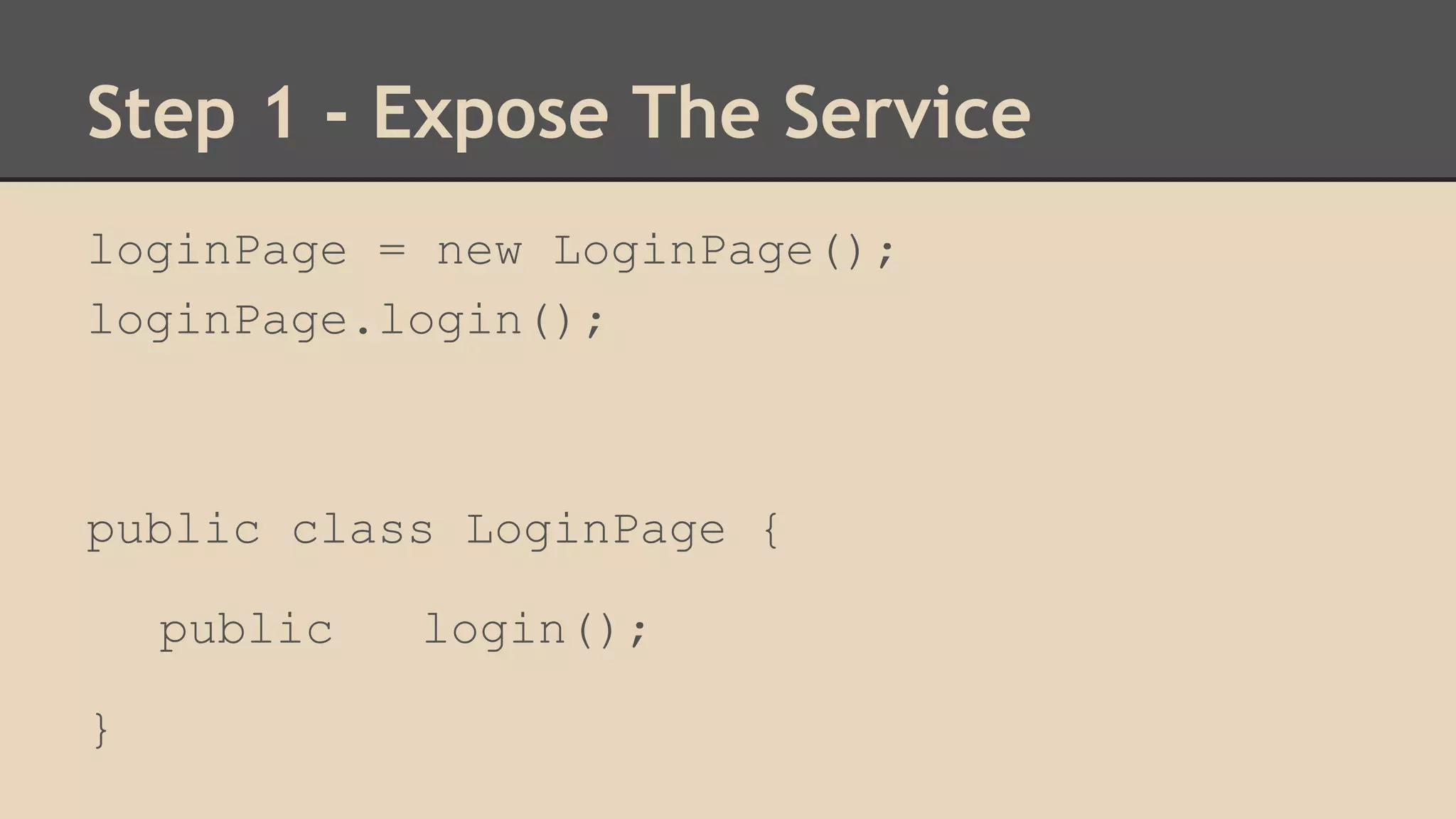
loginPage = new LoginPage(); 
loginPage.login(); 
public class LoginPage { 
public login(); 
}
Step 1 - Expose The Service 
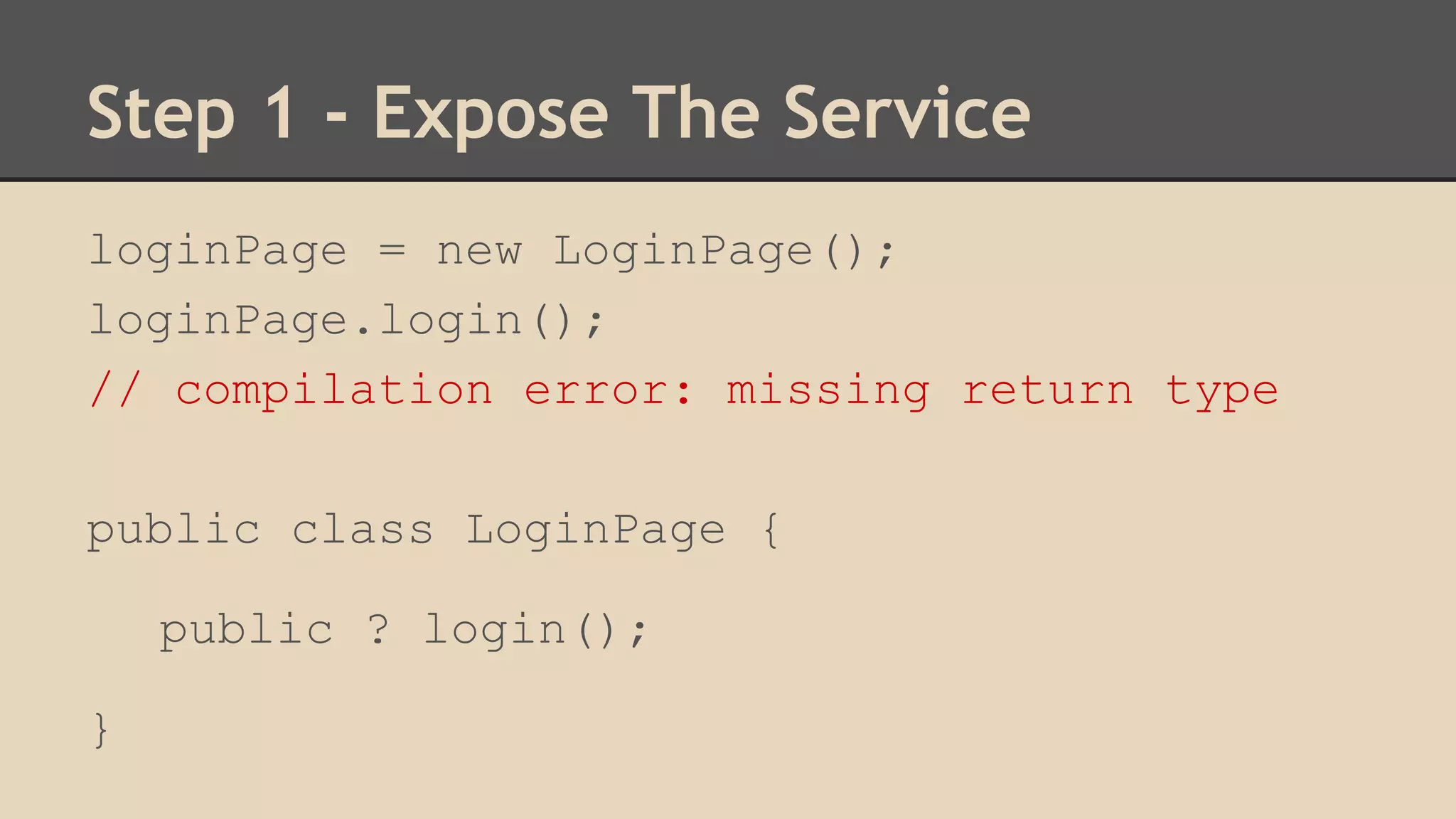
loginPage = new LoginPage(); 
loginPage.login(); 
// compilation error: missing return type 
public class LoginPage { 
public ? login(); 
}
Step 1 - Expose The Service 
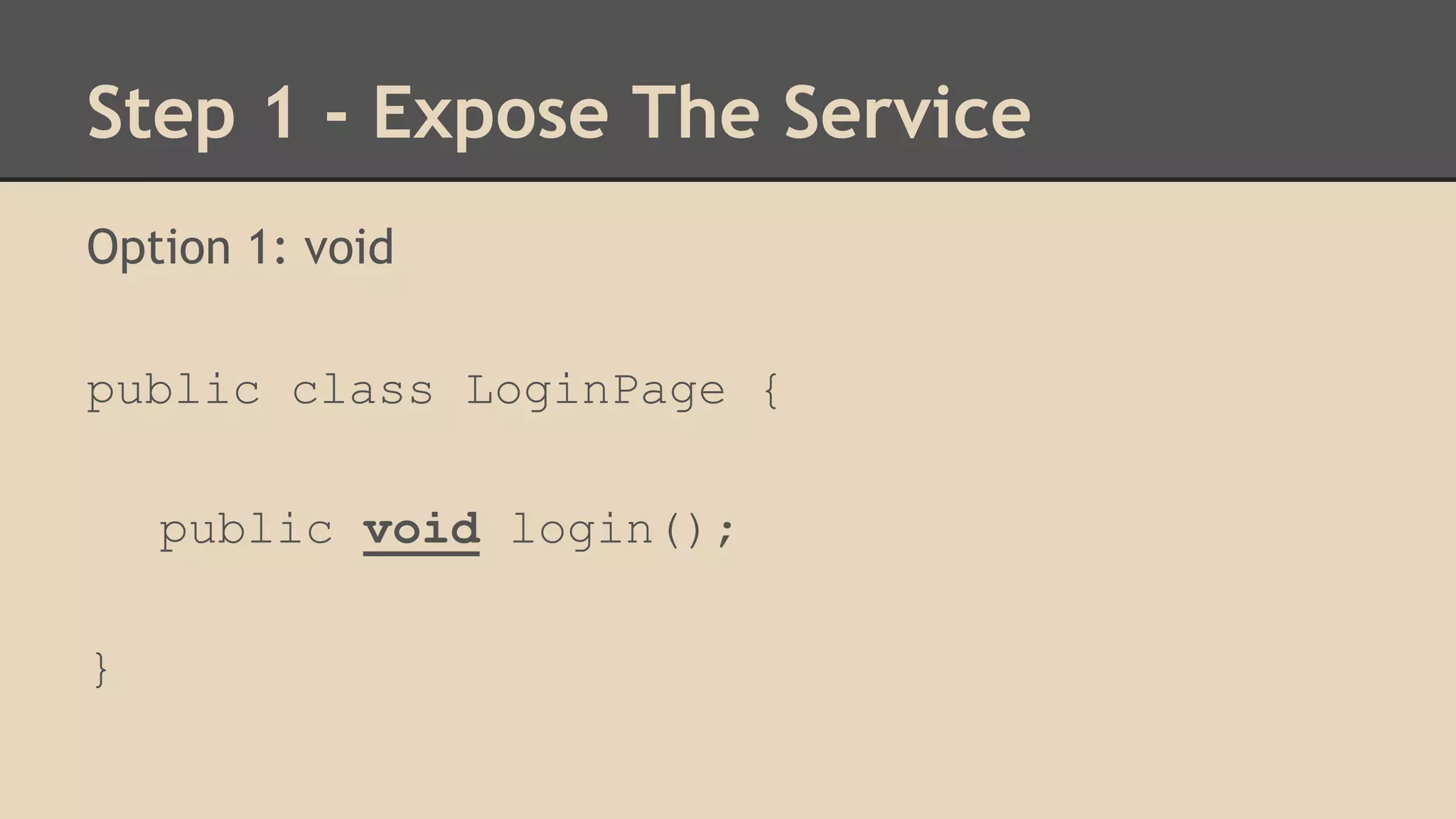
Option 1: void 
public class LoginPage { 
public void login(); 
}
Step 1 - Expose The Service 
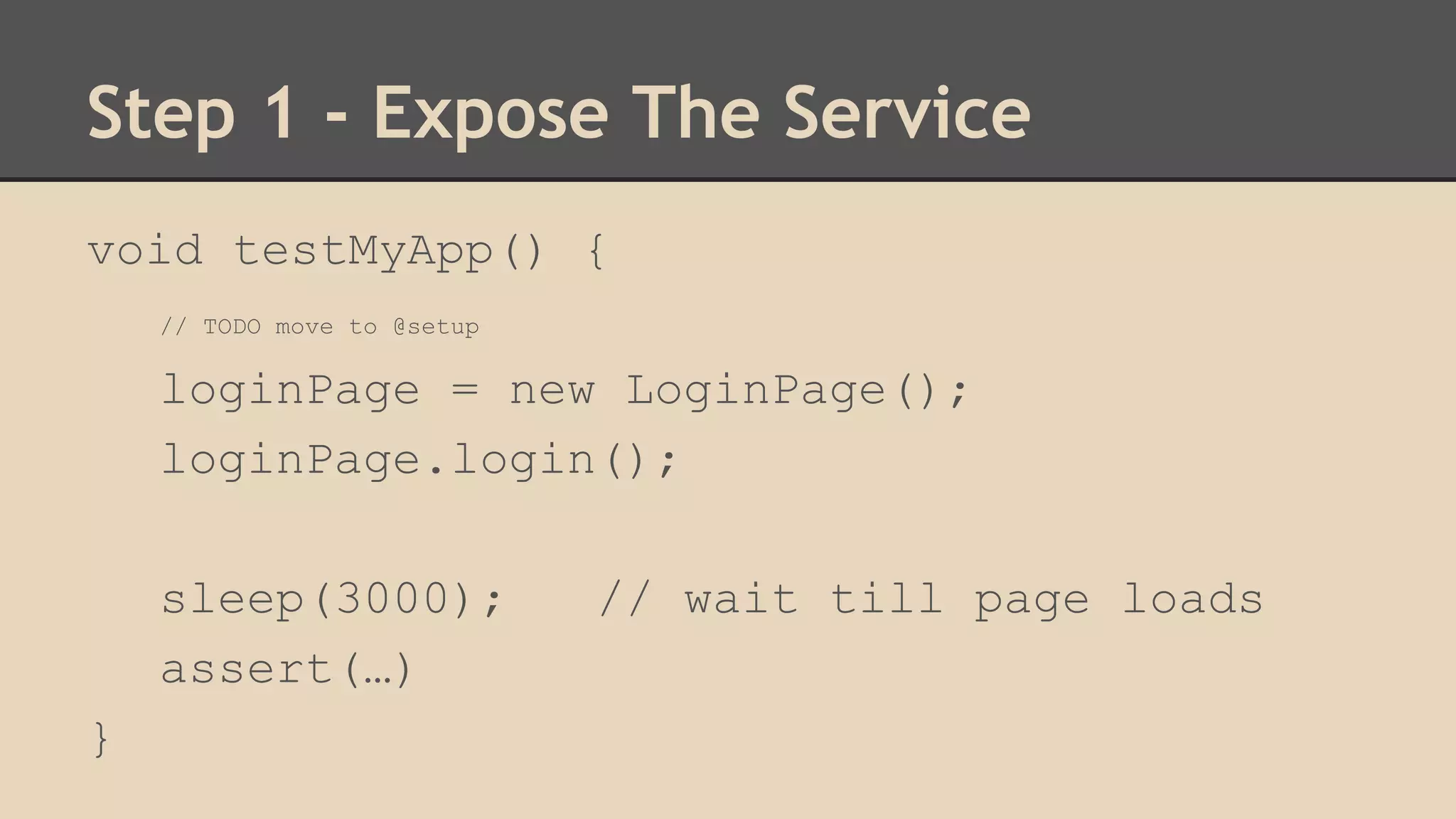
void testMyApp() { 
// TODO move to @setup 
loginPage = new LoginPage(); 
loginPage.login(); 
sleep(3000); // wait till page loads 
assert(…) 
}
Step 1 - Expose The Service 
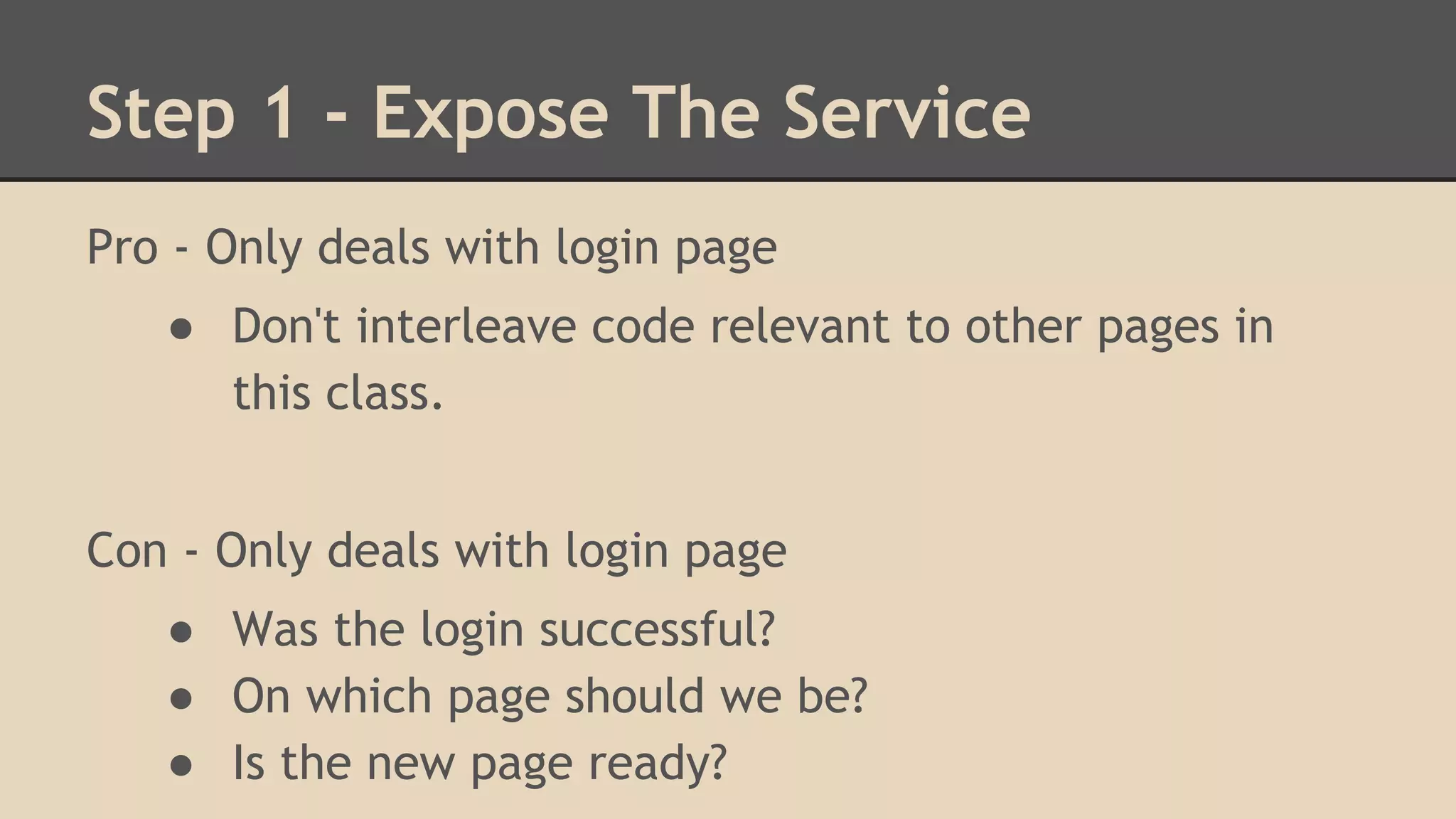
Pro - Only deals with login page 
● Don't interleave code relevant to other pages in 
this class. 
Con - Only deals with login page 
● Was the login successful? 
● On which page should we be? 
● Is the new page ready?
Step 1 - Expose The Service 
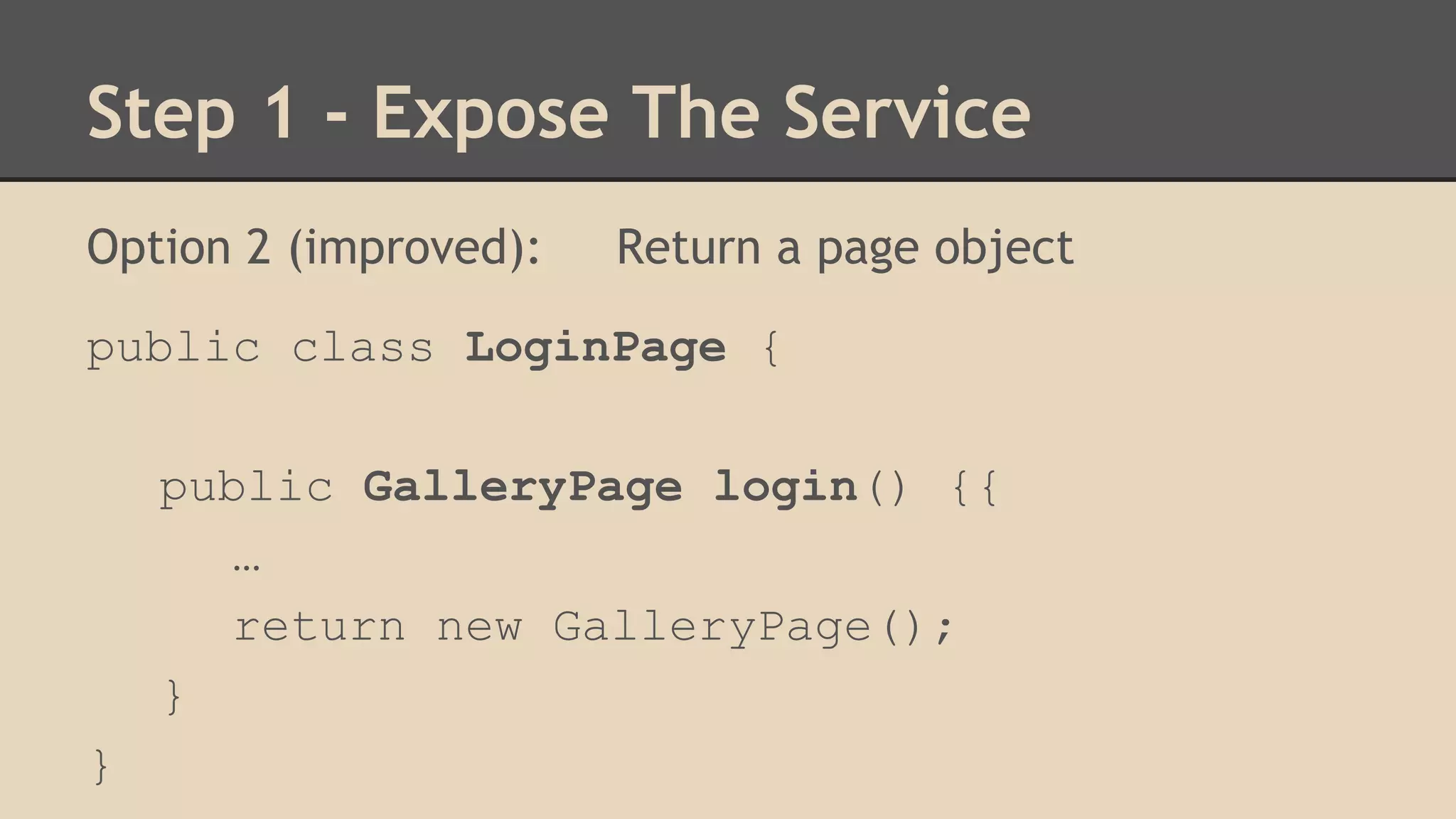
Option 2 (improved): Return a page object 
public class LoginPage { 
public GalleryPage login() {{ 
… 
return new GalleryPage(); 
} 
}
Step 1 - Expose The Service 
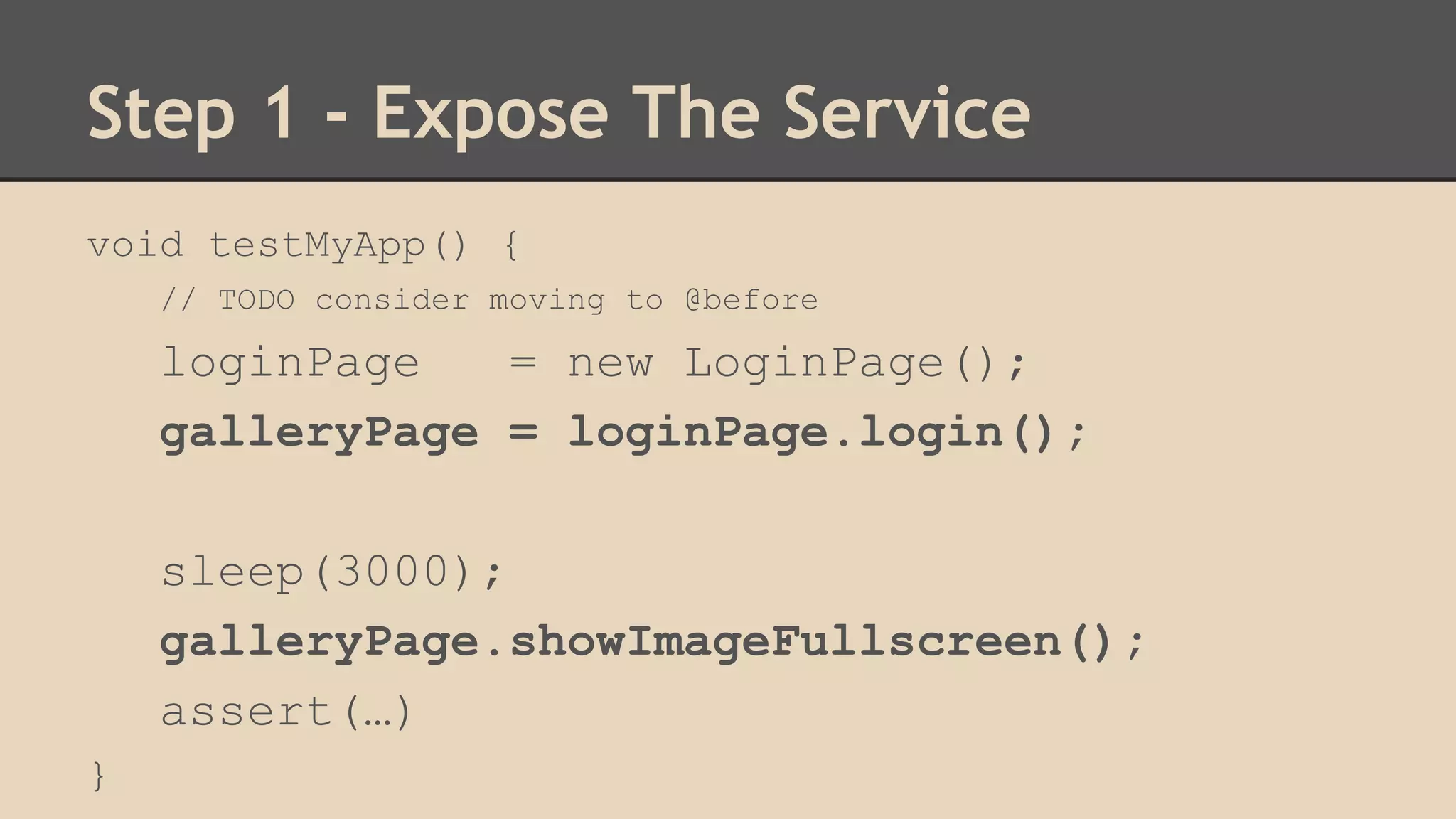
void testMyApp() { 
// TODO consider moving to @before 
loginPage = new LoginPage(); 
galleryPage = loginPage.login(); 
sleep(3000); 
galleryPage.showImageFullscreen(); 
assert(…) 
}
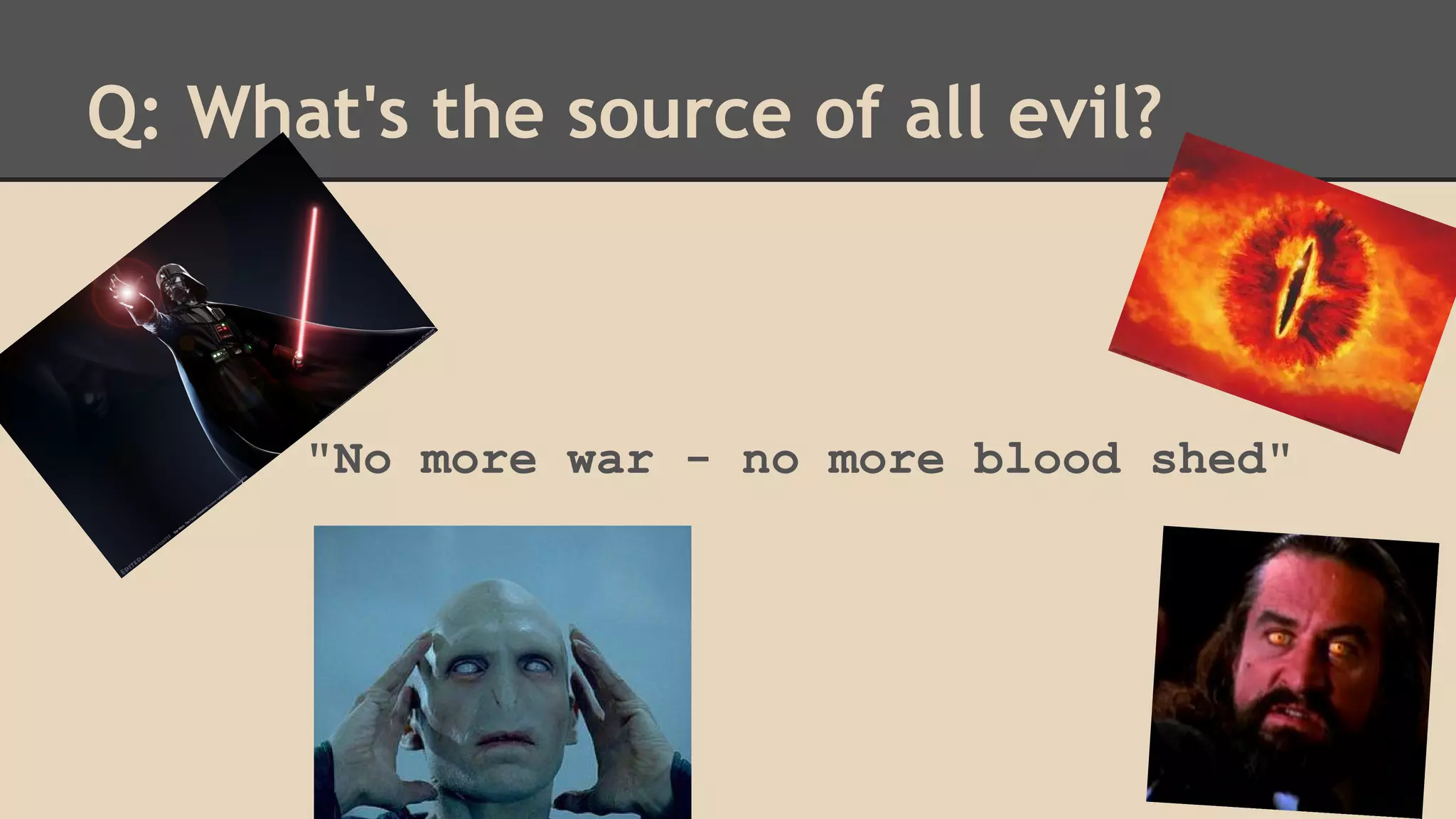
Q: What's the source of all evil? 
"No more war - no more blood shed"
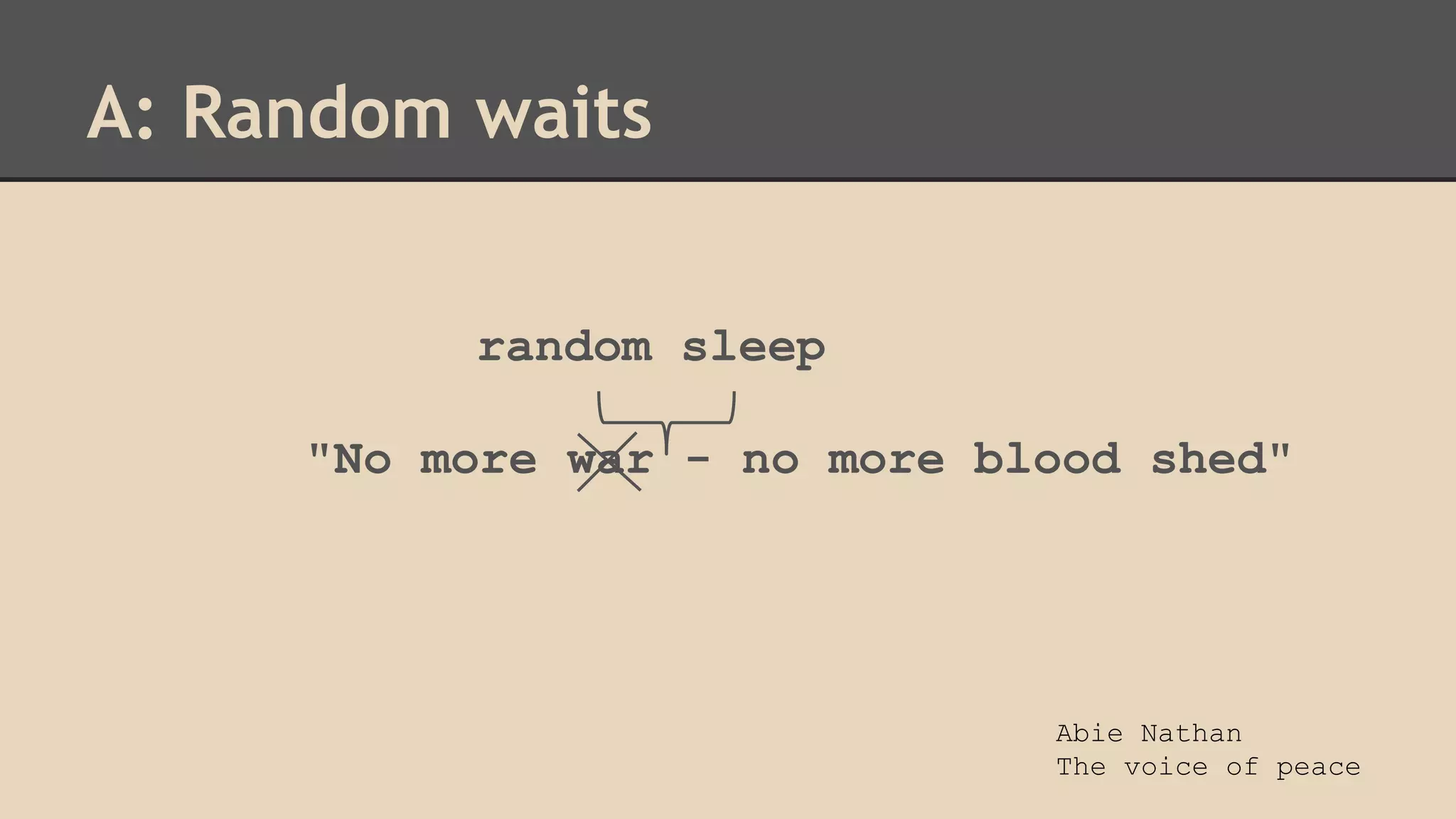
A: Random waits 
random sleep 
"No more war - no more blood shed" 
Abie Nathan 
The voice of peace
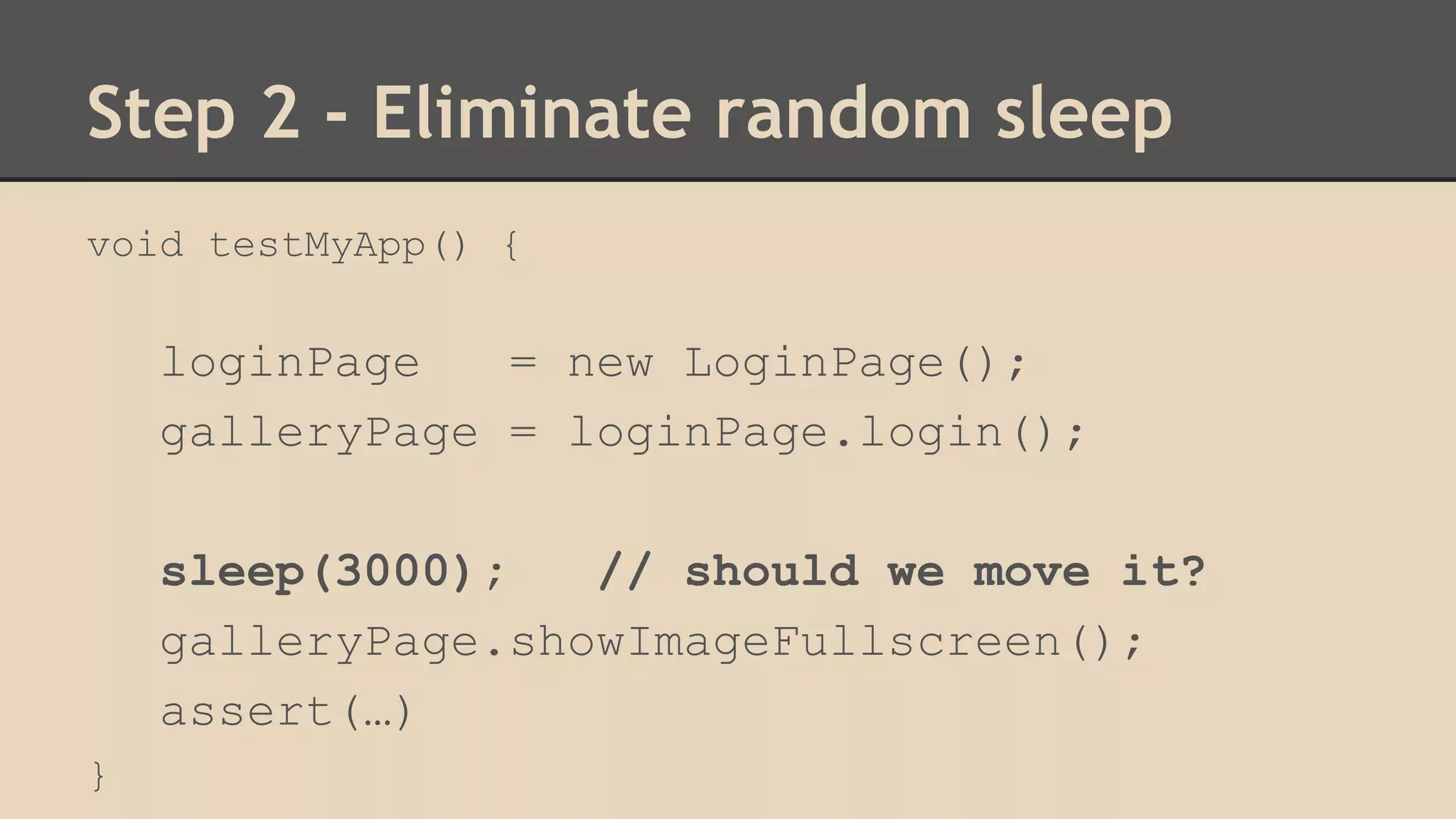
Step 2 - Eliminate random sleep 
void testMyApp() { 
loginPage = new LoginPage(); 
galleryPage = loginPage.login(); 
sleep(3000); // should we move it? 
galleryPage.showImageFullscreen(); 
assert(…) 
}
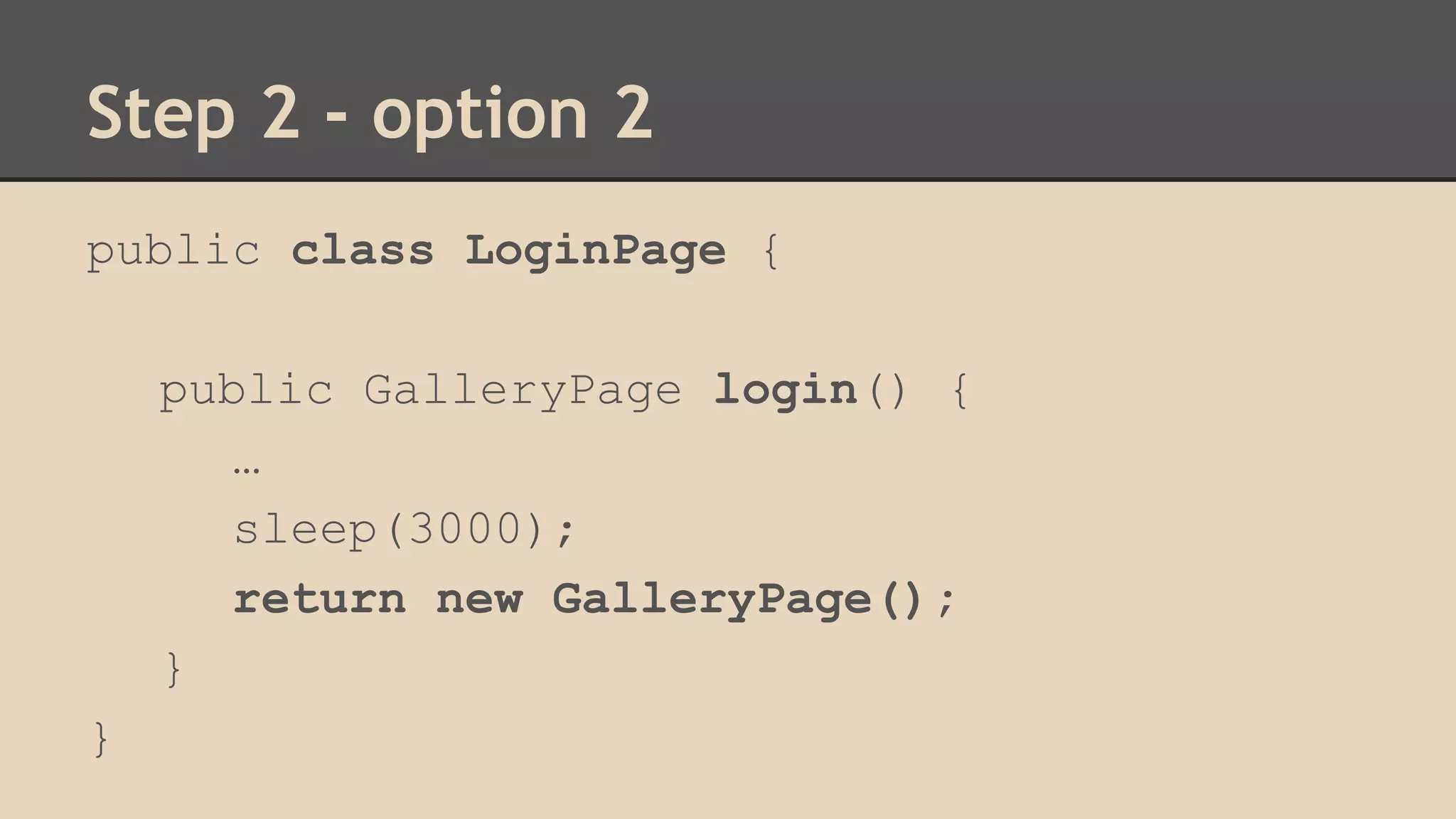
Step 2 - option 2 
public class LoginPage { 
public GalleryPage login() { 
… 
sleep(3000); 
return new GalleryPage(); 
} 
}
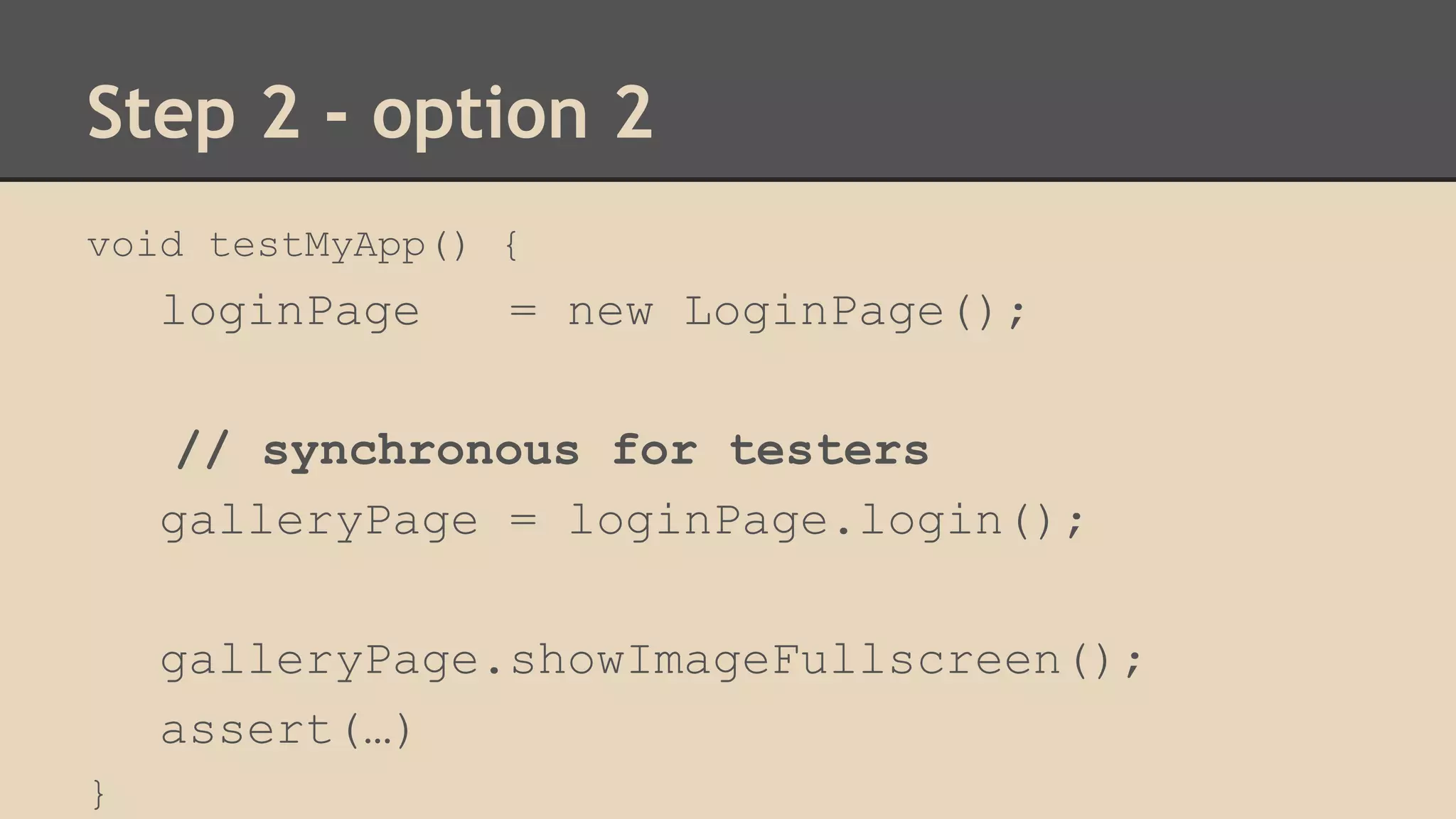
Step 2 - option 2 
void testMyApp() { 
loginPage = new LoginPage(); 
// synchronous for testers 
galleryPage = loginPage.login(); 
galleryPage.showImageFullscreen(); 
assert(…) 
}
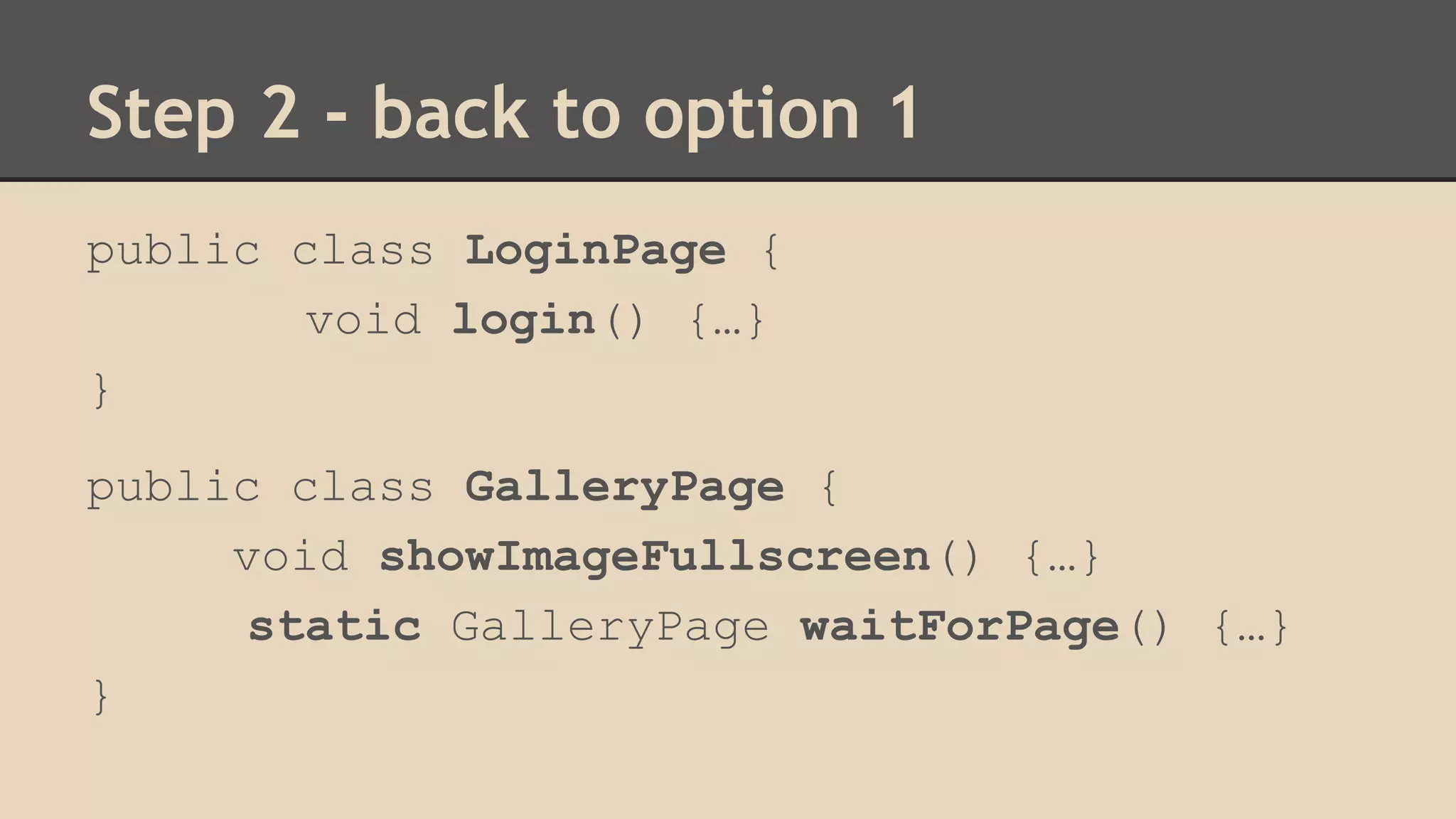
Step 2 - back to option 1 
public class LoginPage { 
void login() {…} 
} 
public class GalleryPage { 
void showImageFullscreen() {…} 
static GalleryPage waitForPage() {…} 
}
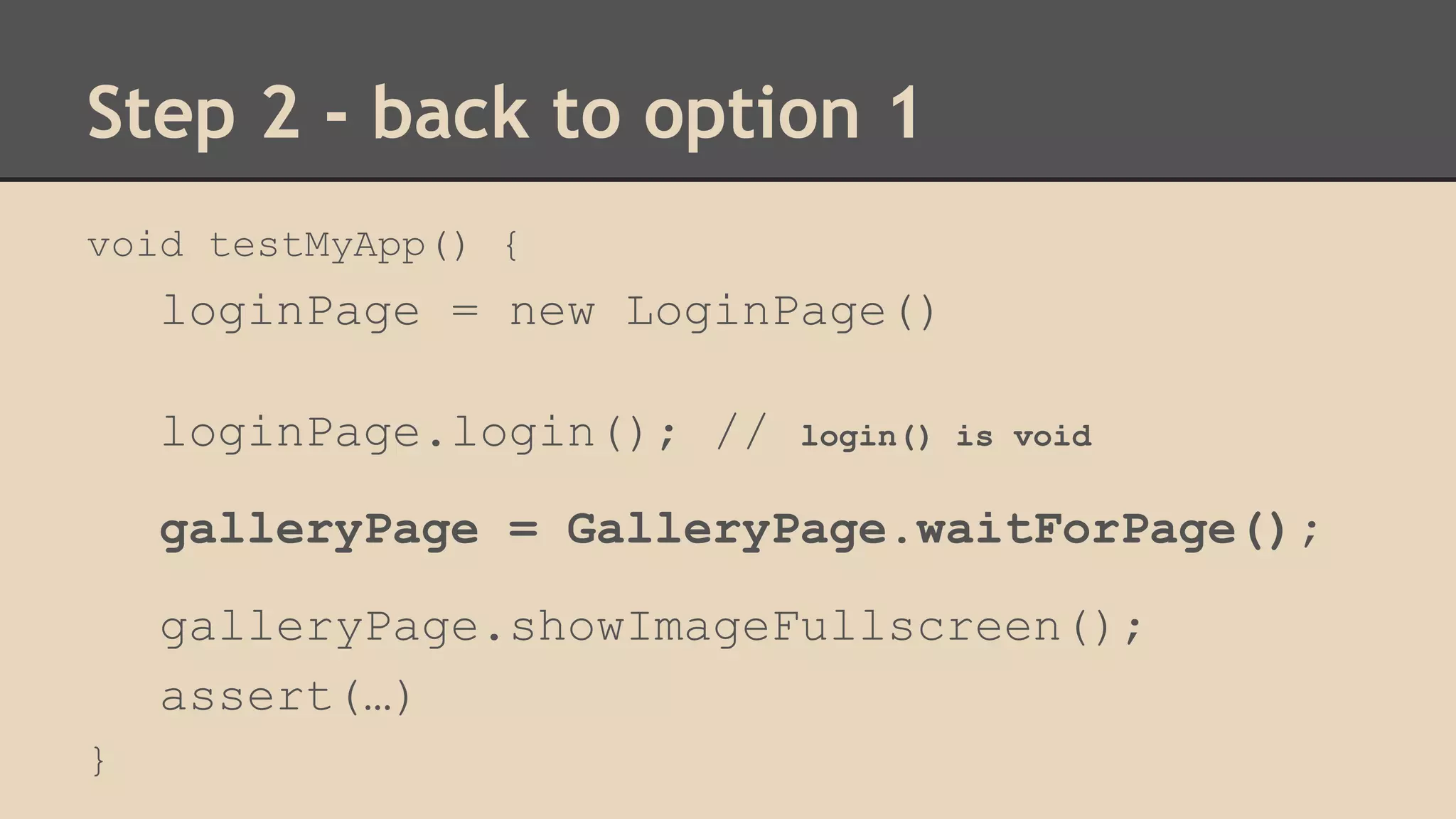
Step 2 - back to option 1 
void testMyApp() { 
loginPage = new LoginPage() 
loginPage.login(); // login() is void 
galleryPage = GalleryPage.waitForPage(); 
galleryPage.showImageFullscreen(); 
assert(…) 
}
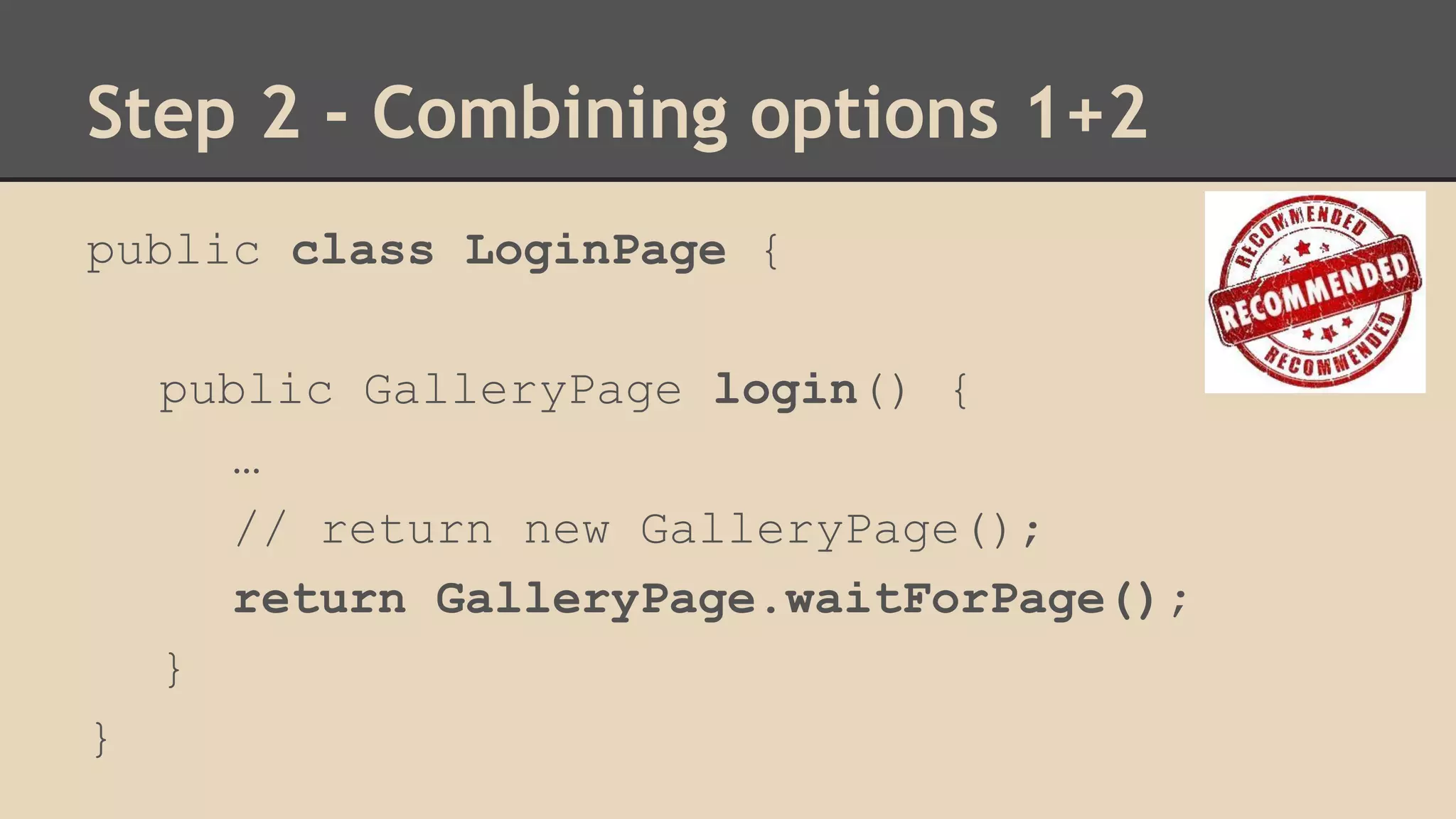
Step 2 - Combining options 1+2 
public class LoginPage { 
public GalleryPage login() { 
… 
// return new GalleryPage(); 
return GalleryPage.waitForPage(); 
} 
}
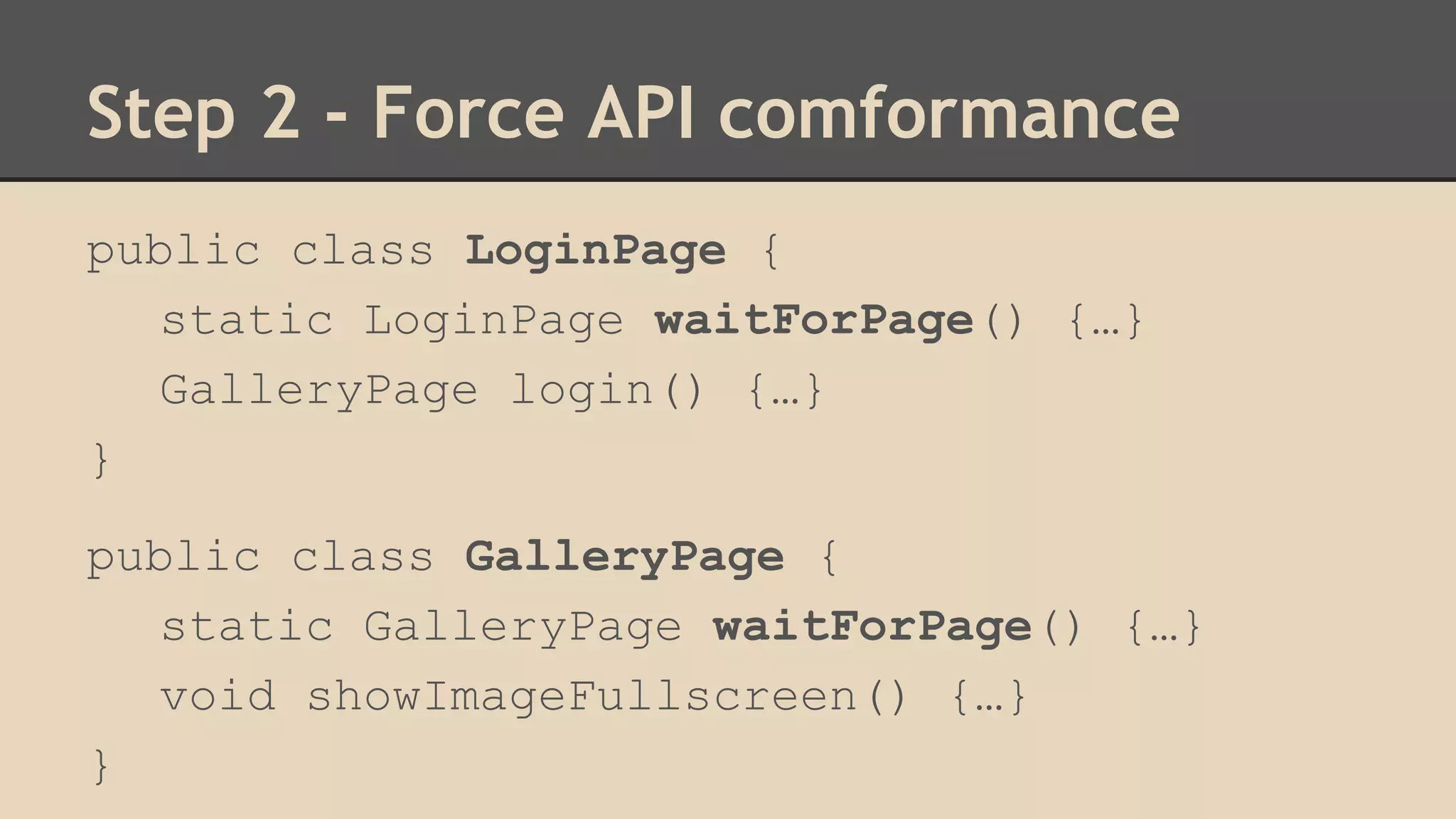
Step 2 - Force API comformance 
public class LoginPage { 
static LoginPage waitForPage() {…} 
GalleryPage login() {…} 
} 
public class GalleryPage { 
static GalleryPage waitForPage() {…} 
void showImageFullscreen() {…} 
}
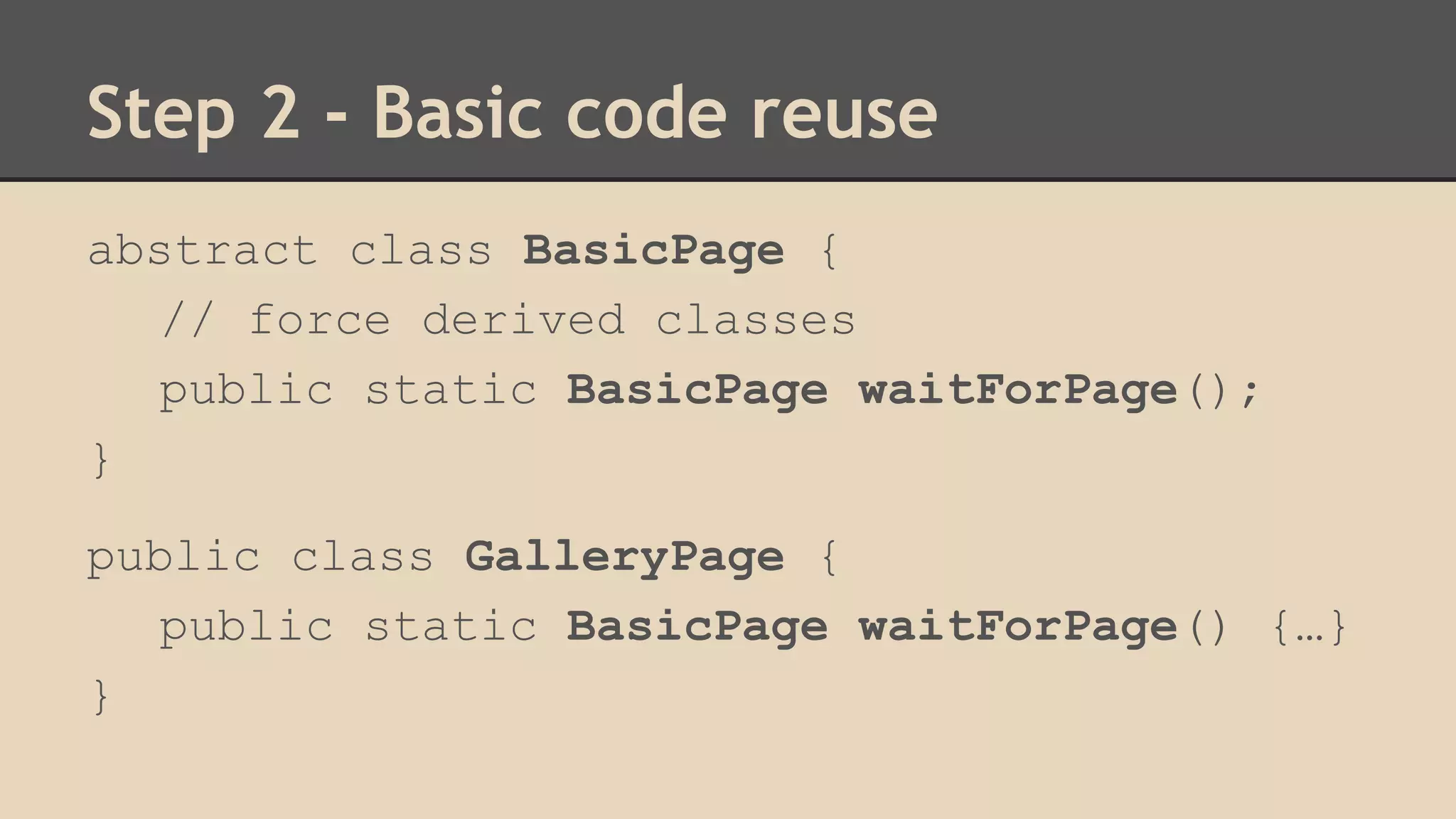
Step 2 - Basic code reuse 
abstract class BasicPage { 
// force derived classes 
public static BasicPage waitForPage(); 
} 
public class GalleryPage { 
public static BasicPage waitForPage() {…} 
}
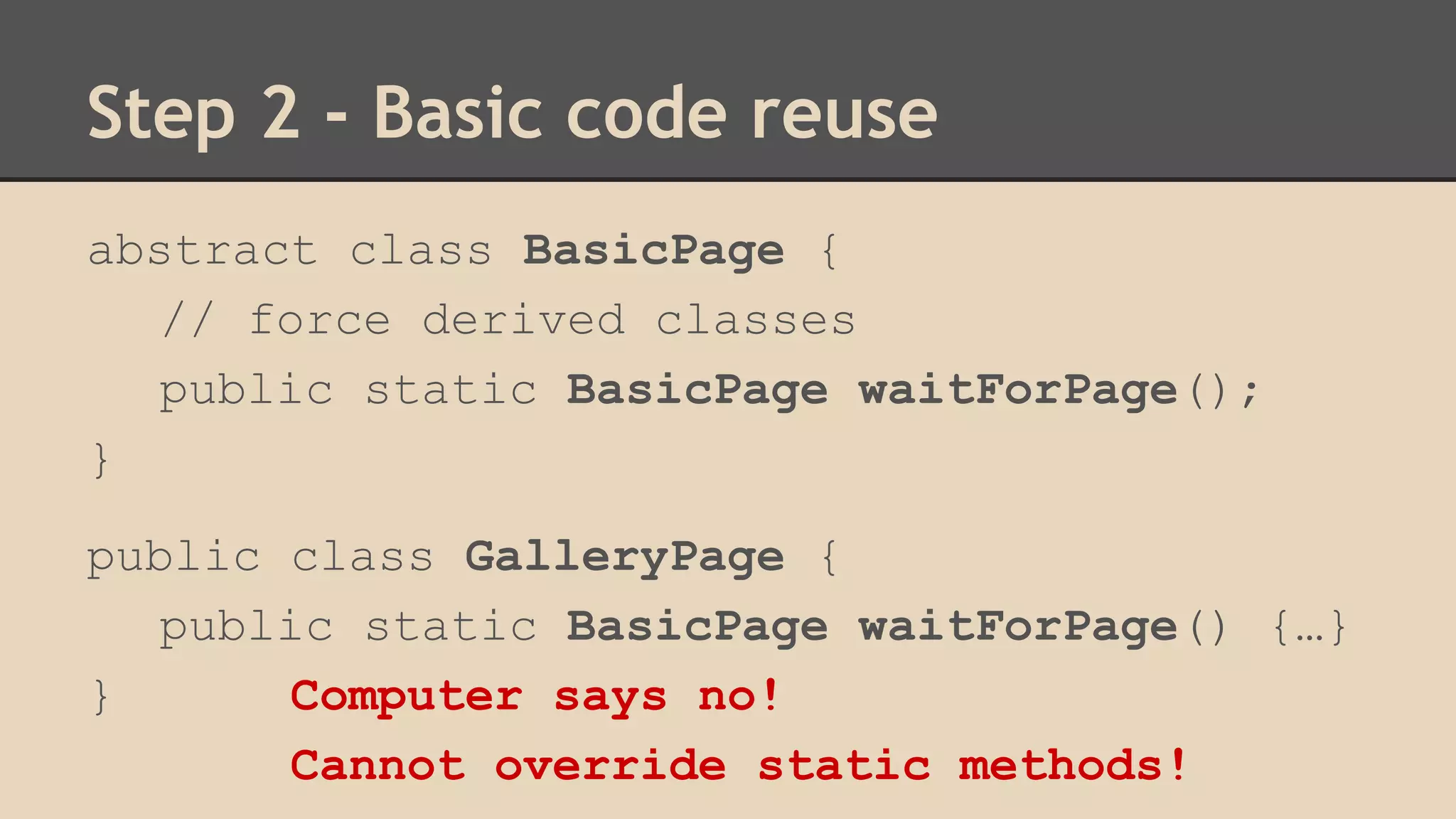
Step 2 - Basic code reuse 
abstract class BasicPage { 
// force derived classes 
public static BasicPage waitForPage(); 
} 
public class GalleryPage { 
public static BasicPage waitForPage() {…} 
} Computer says no! 
Cannot override static methods!
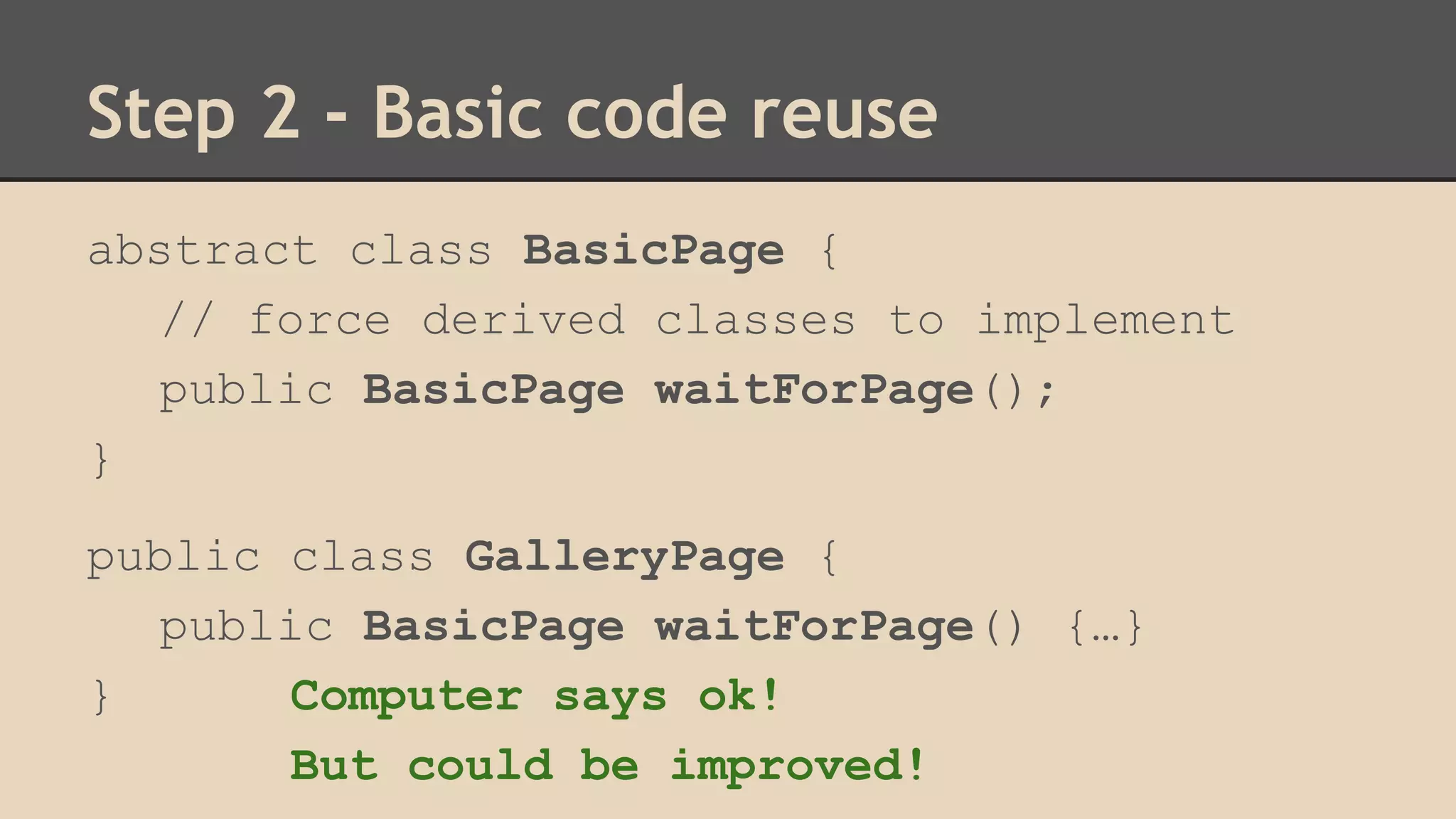
Step 2 - Basic code reuse 
abstract class BasicPage { 
// force derived classes to implement 
public BasicPage waitForPage(); 
} 
public class GalleryPage { 
public BasicPage waitForPage() {…} 
} Computer says ok! 
But could be improved!
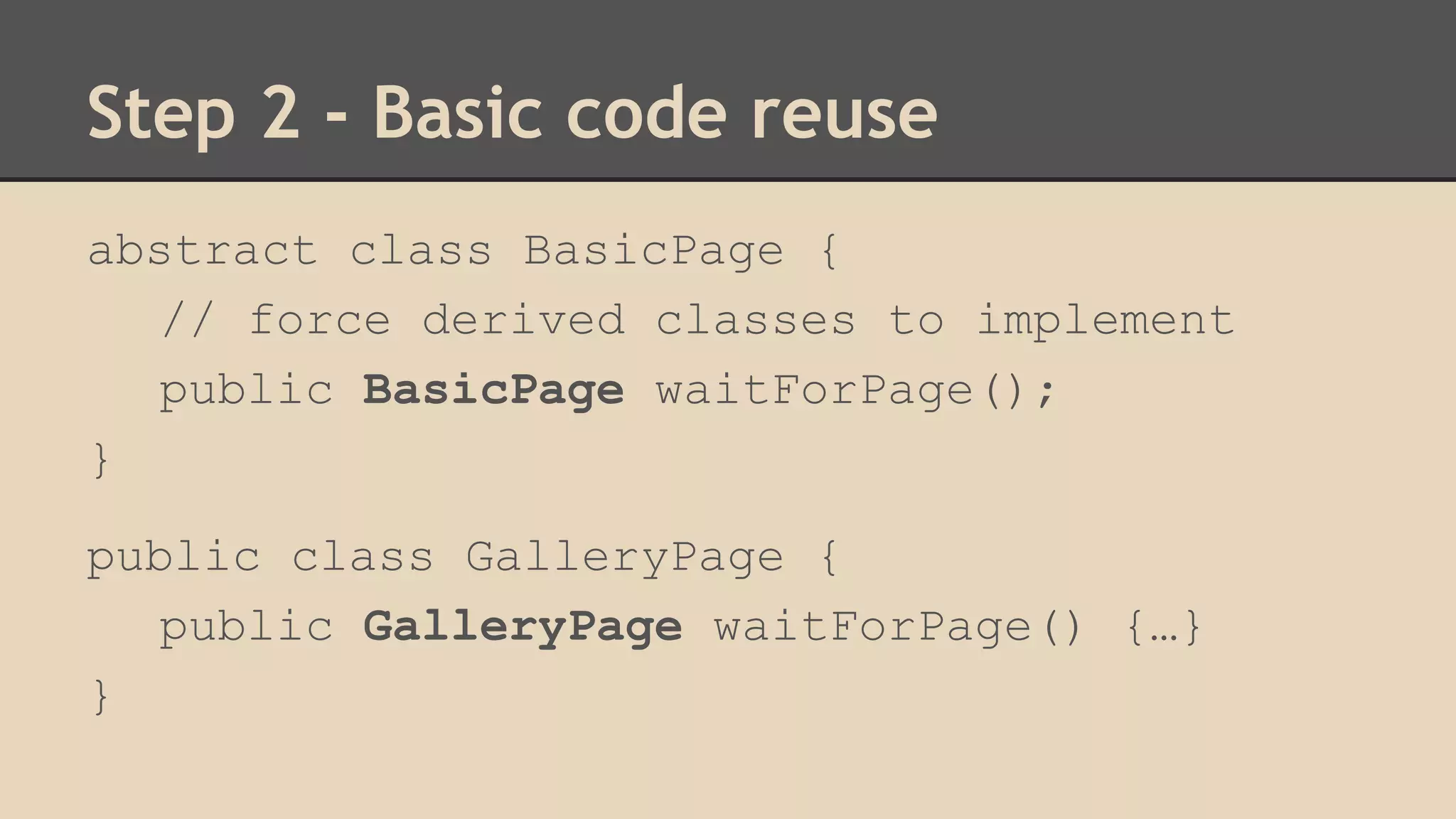
Step 2 - Basic code reuse 
abstract class BasicPage { 
// force derived classes to implement 
public BasicPage waitForPage(); 
} 
public class GalleryPage { 
public GalleryPage waitForPage() {…} 
}
Step 2 - Basic code reuse 
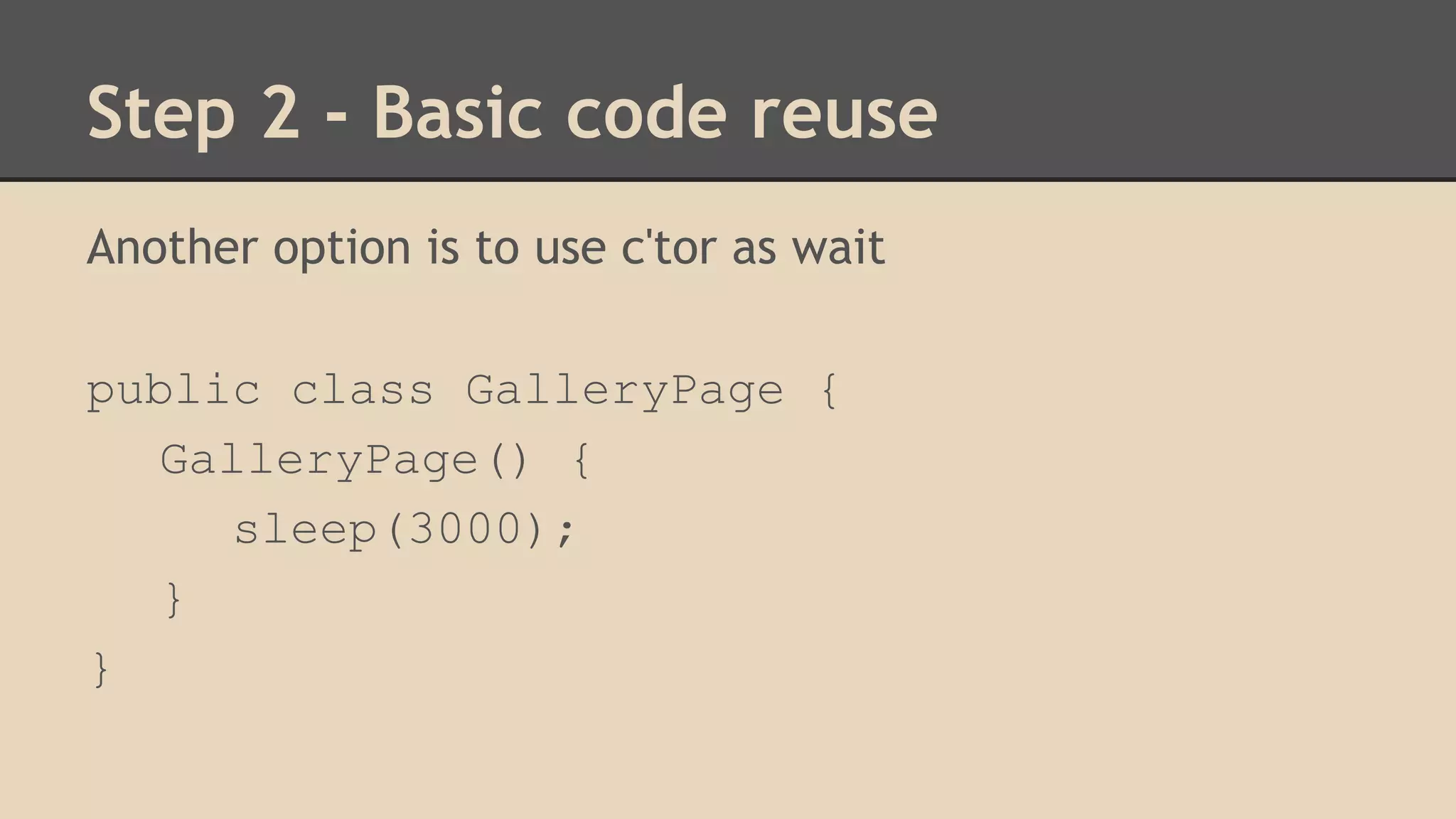
Another option is to use c'tor as wait 
public class GalleryPage { 
GalleryPage() { 
sleep(3000); 
} 
}
Step 2 - Basic code reuse 
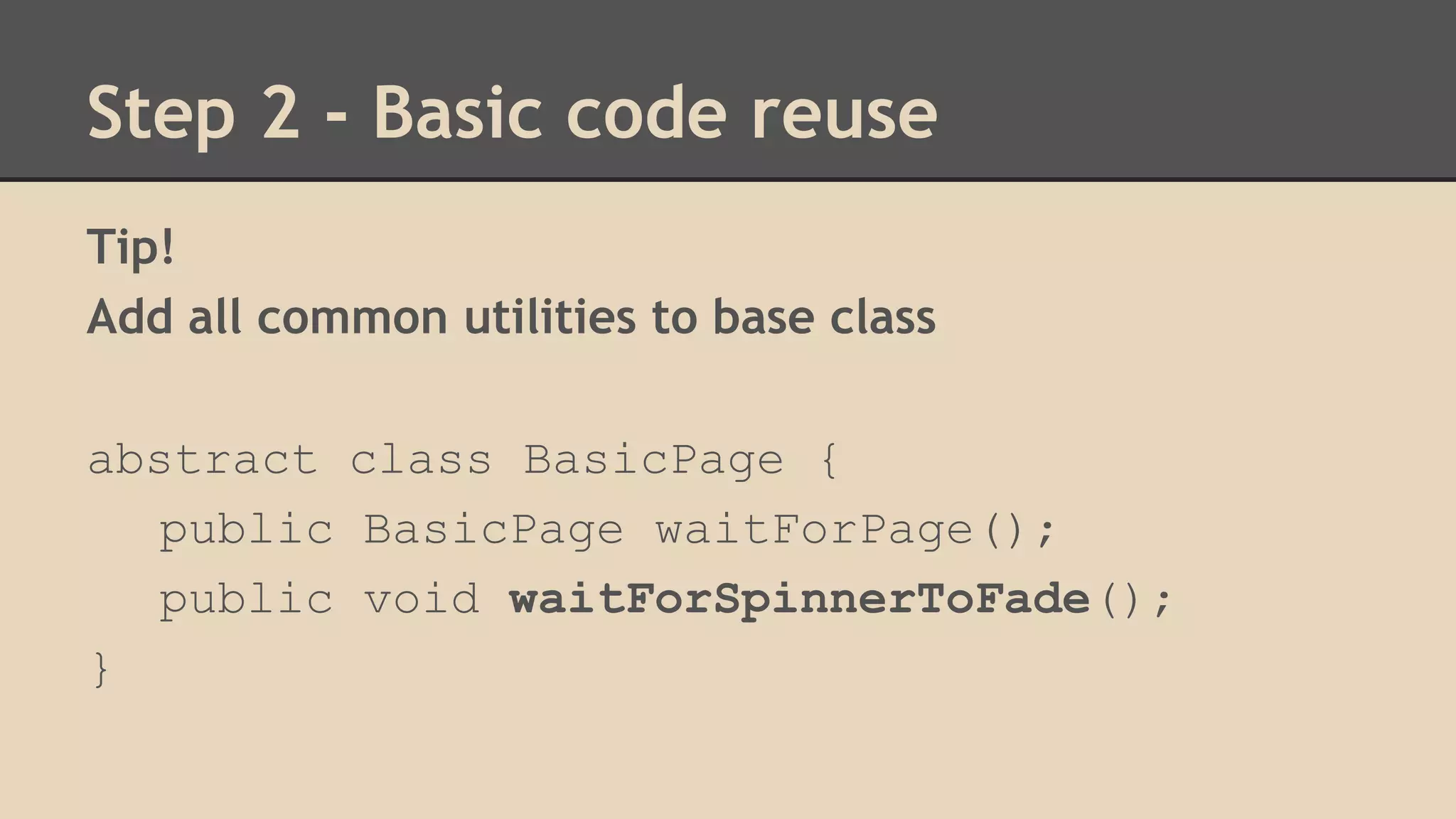
Tip! 
Add all common utilities to base class 
abstract class BasicPage { 
public BasicPage waitForPage(); 
public void waitForSpinnerToFade(); 
}
What's next? 
Support Different Users
Step 3 - Params and overload 
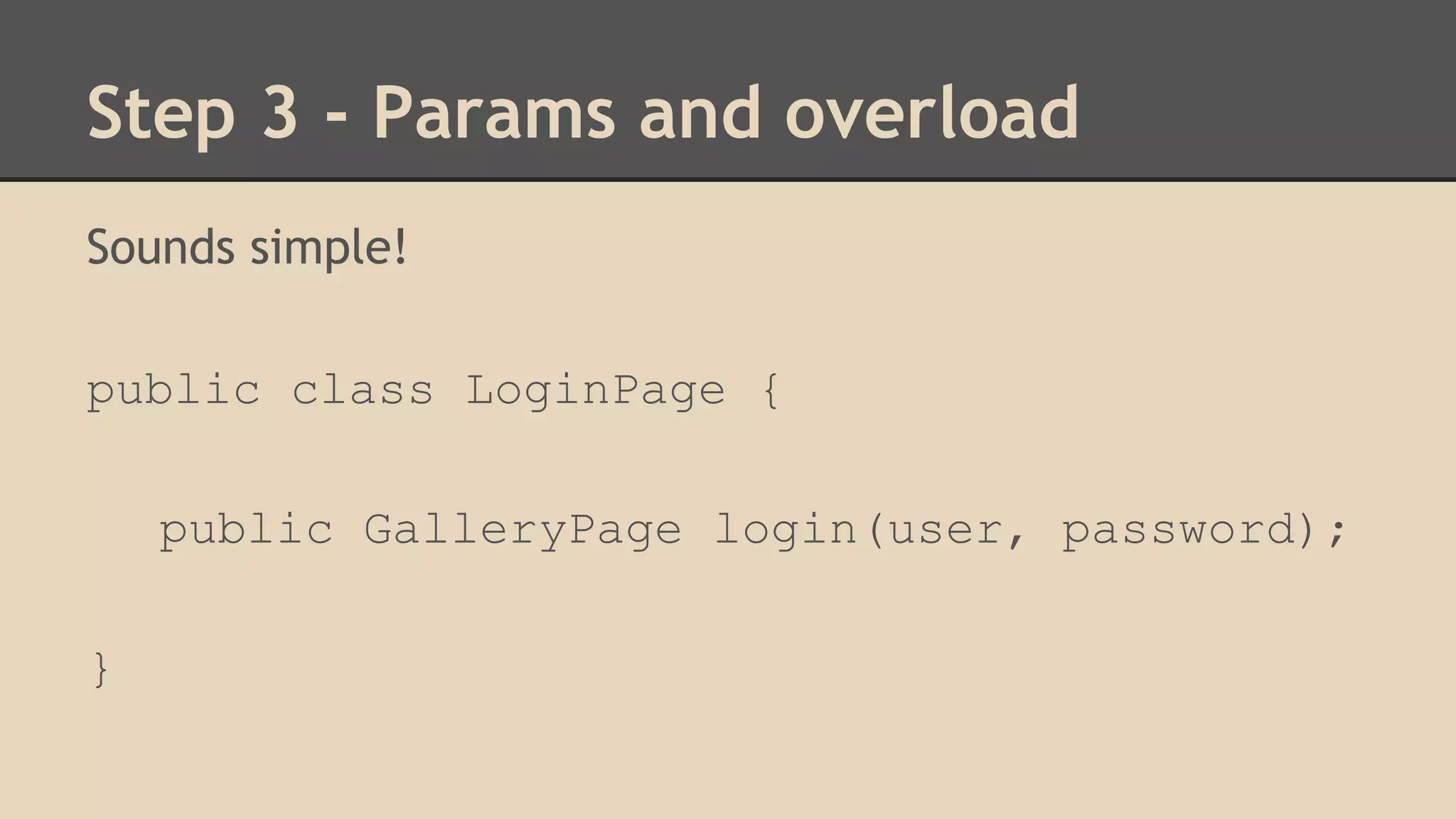
Sounds simple! 
public class LoginPage { 
public GalleryPage login(user, password); 
}
Step 3 - Params and overload 
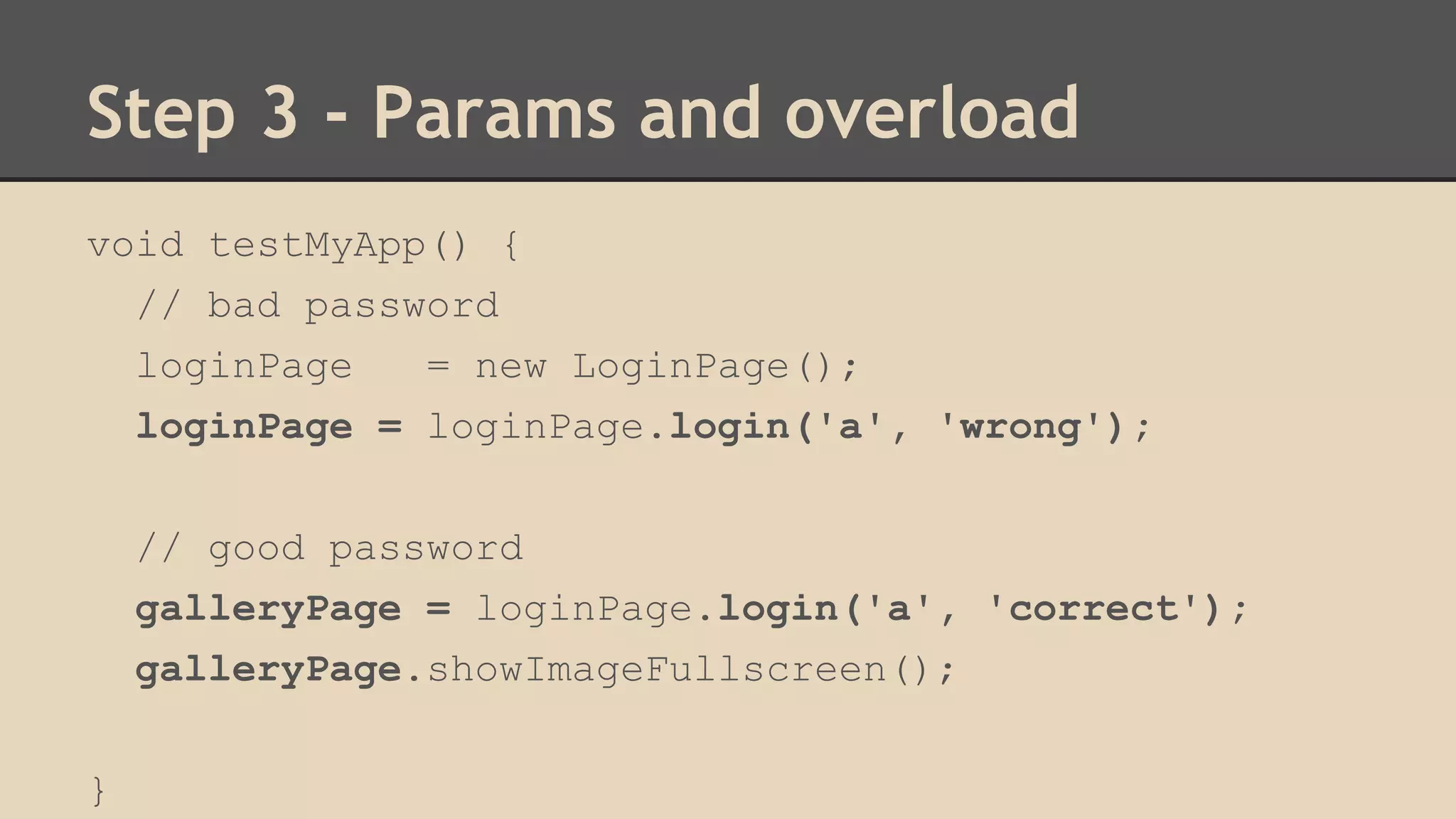
void testMyApp() { 
// bad password 
loginPage = new LoginPage(); 
loginPage = loginPage.login('a', 'wrong'); 
// good password 
galleryPage = loginPage.login('a', 'correct'); 
galleryPage.showImageFullscreen(); 
}
Step 3 - Params and overload 
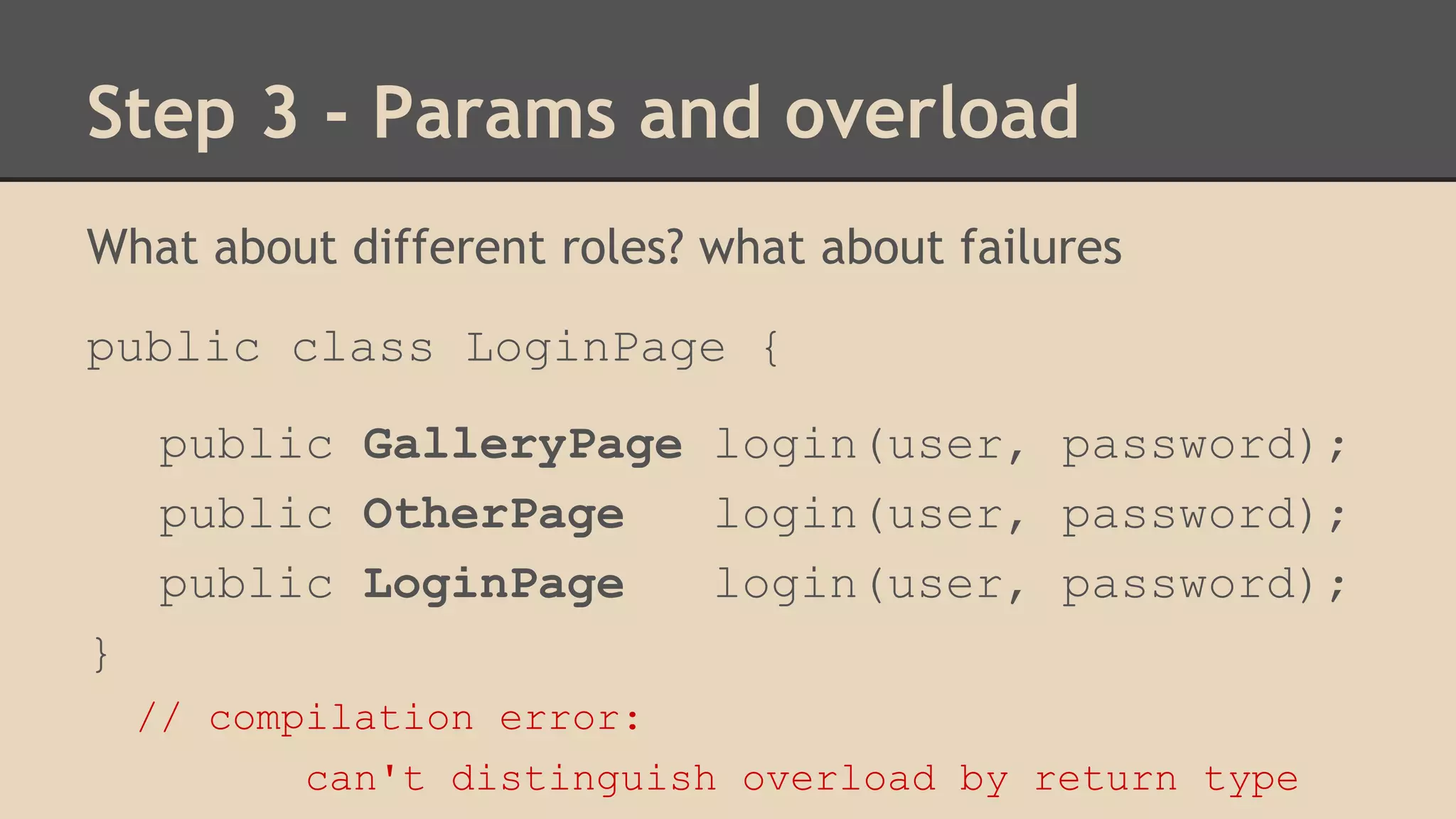
What about different roles? what about failures 
public class LoginPage { 
public GalleryPage login(user, password); 
public OtherPage login(user, password); 
public LoginPage login(user, password); 
} 
// compilation error: 
can't distinguish overload by return type
Step 3 - Params and overload 
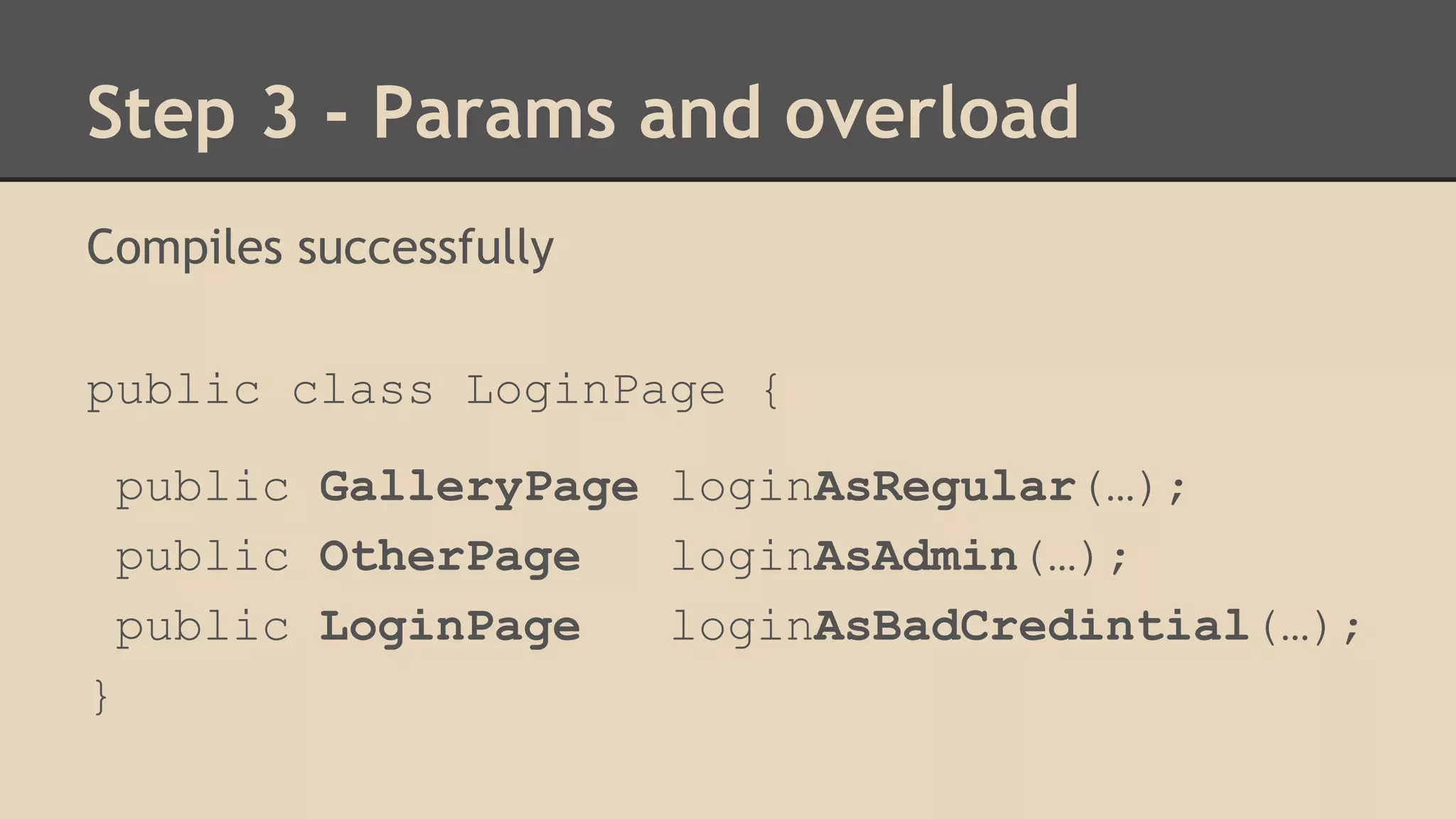
Compiles successfully 
public class LoginPage { 
public GalleryPage loginAsRegular(…); 
public OtherPage loginAsAdmin(…); 
public LoginPage loginAsBadCredintial(…); 
}
Step 3 - Overloading Philosophy 
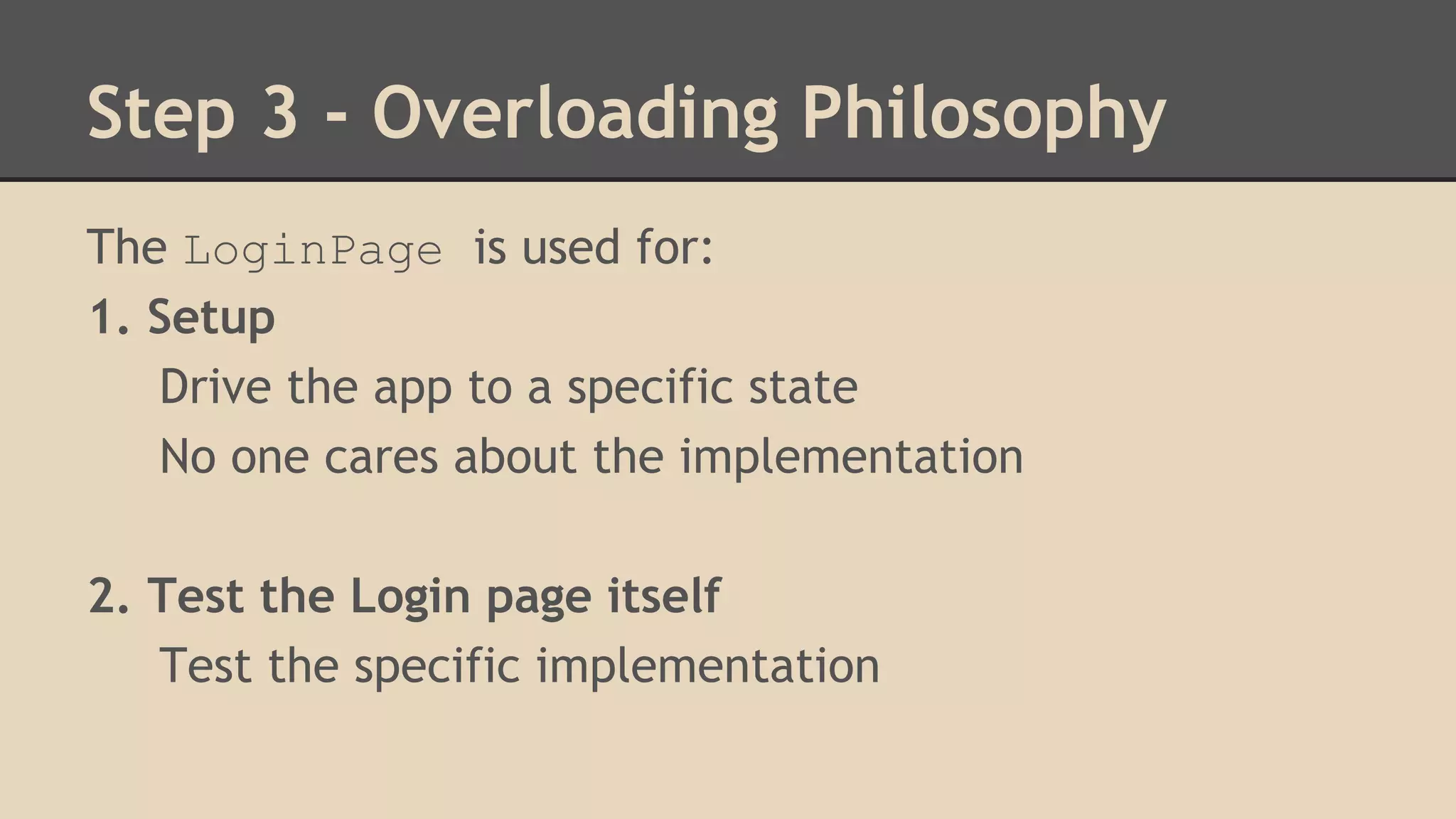
The LoginPage is used for: 
1. Setup 
Drive the app to a specific state 
No one cares about the implementation 
2. Test the Login page itself 
Test the specific implementation
Step 3 - Overloading Philosophy 
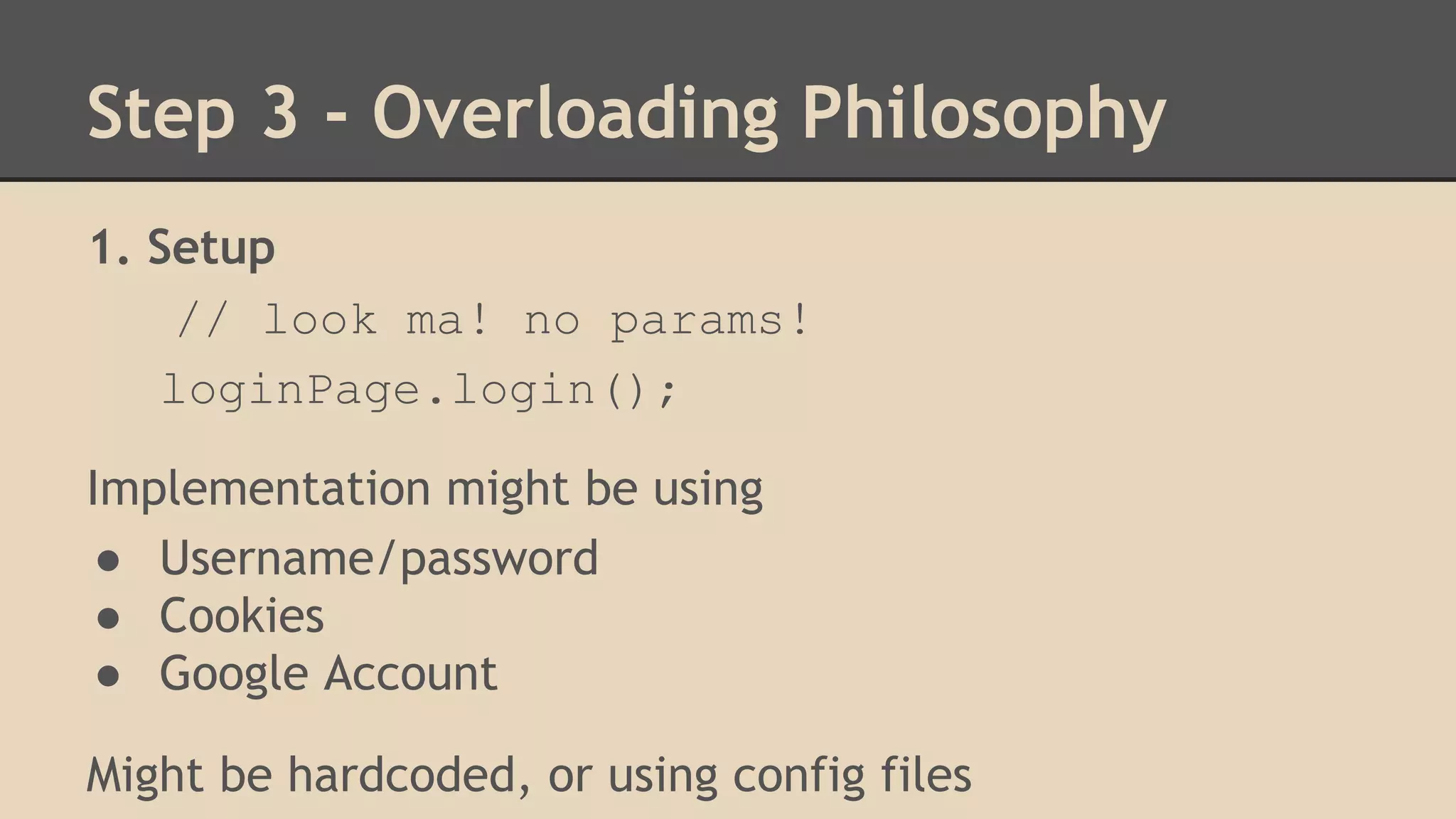
1. Setup 
// look ma! no params! 
loginPage.login(); 
Implementation might be using 
● Username/password 
● Cookies 
● Google Account 
Might be hardcoded, or using config files
Step 3 - Overloading Philosophy 
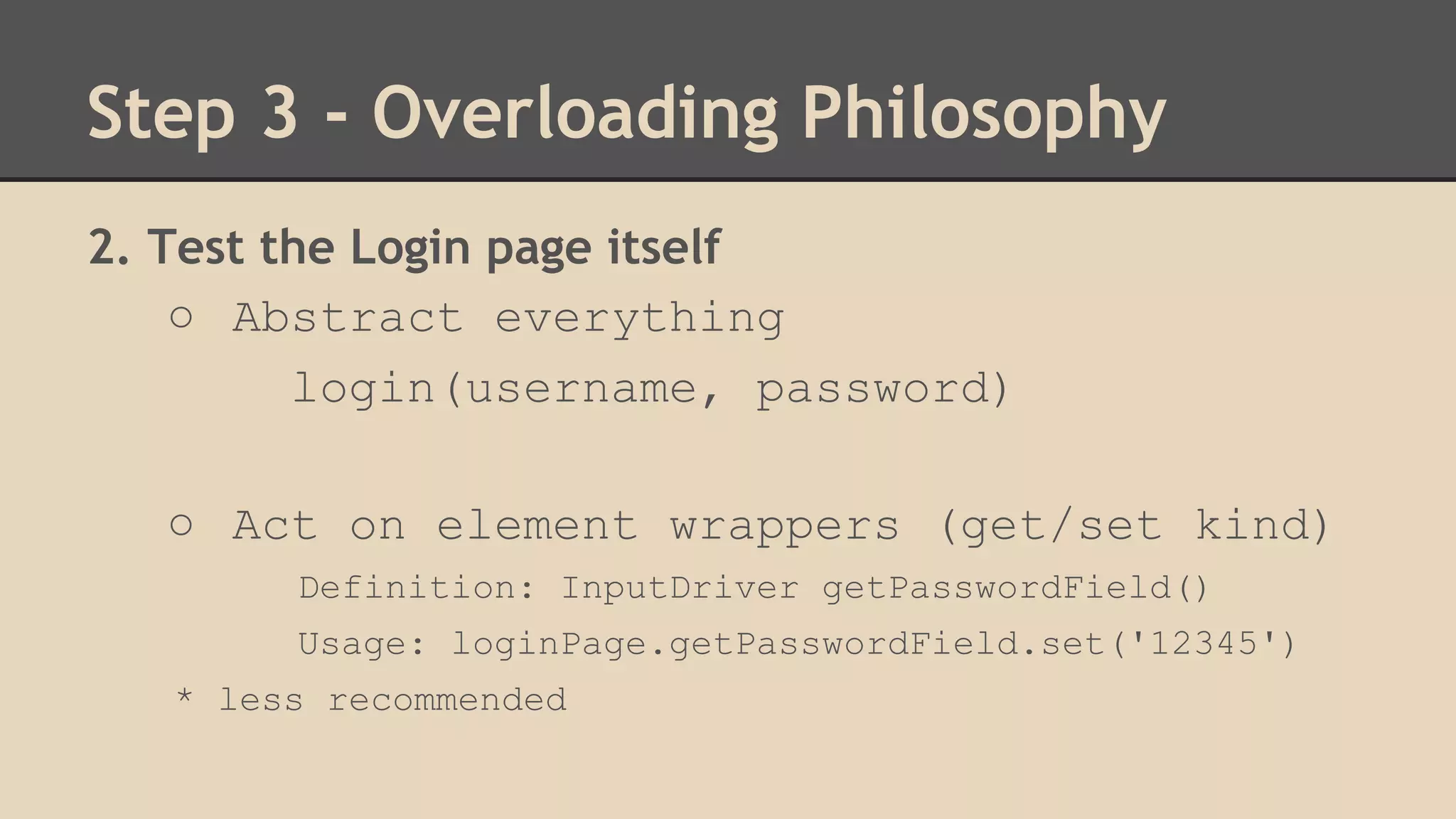
2. Test the Login page itself 
○ Abstract everything 
login(username, password) 
○ Act on element wrappers (get/set kind) 
Definition: InputDriver getPasswordField() 
Usage: loginPage.getPasswordField.set('12345') 
* less recommended
Step 3 - Overloading Philosophy 
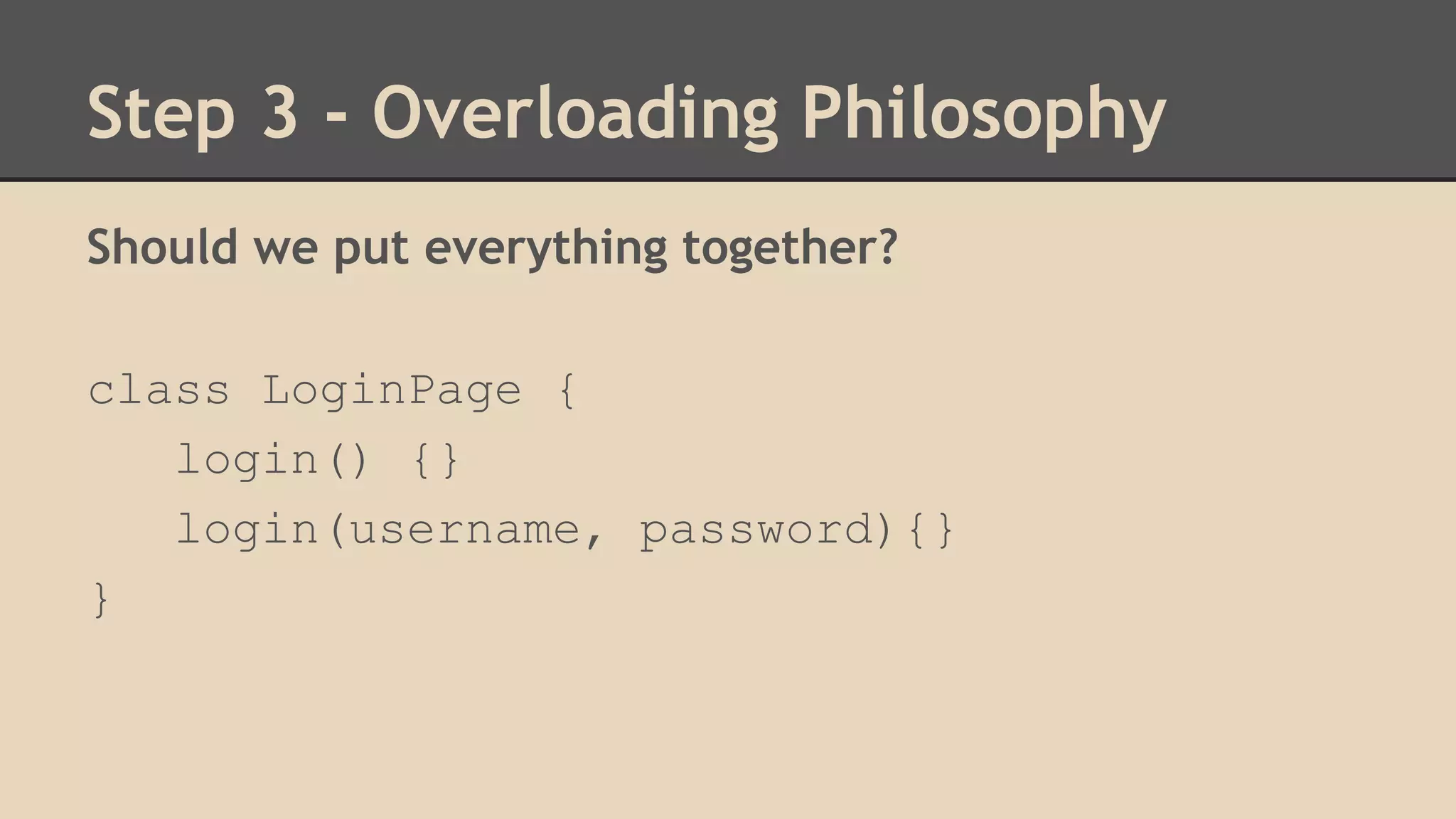
Should we put everything together? 
class LoginPage { 
login() {} 
login(username, password){} 
}
Step 3 - Overloading Philosophy 
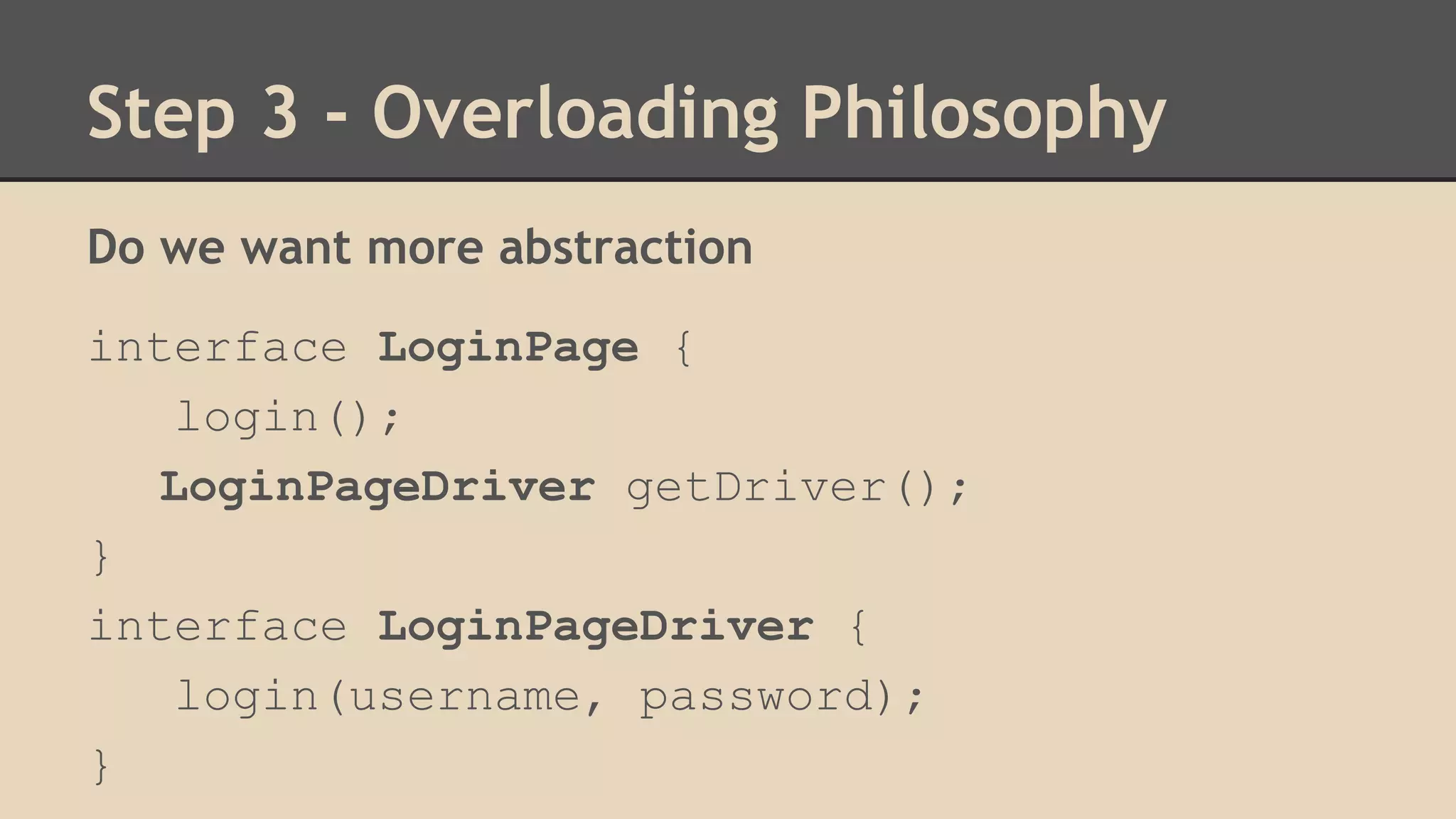
Do we want more abstraction 
interface LoginPage { 
login(); 
LoginPageDriver getDriver(); 
} 
interface LoginPageDriver { 
login(username, password); 
}
Step 3 - Overloading Philosophy 
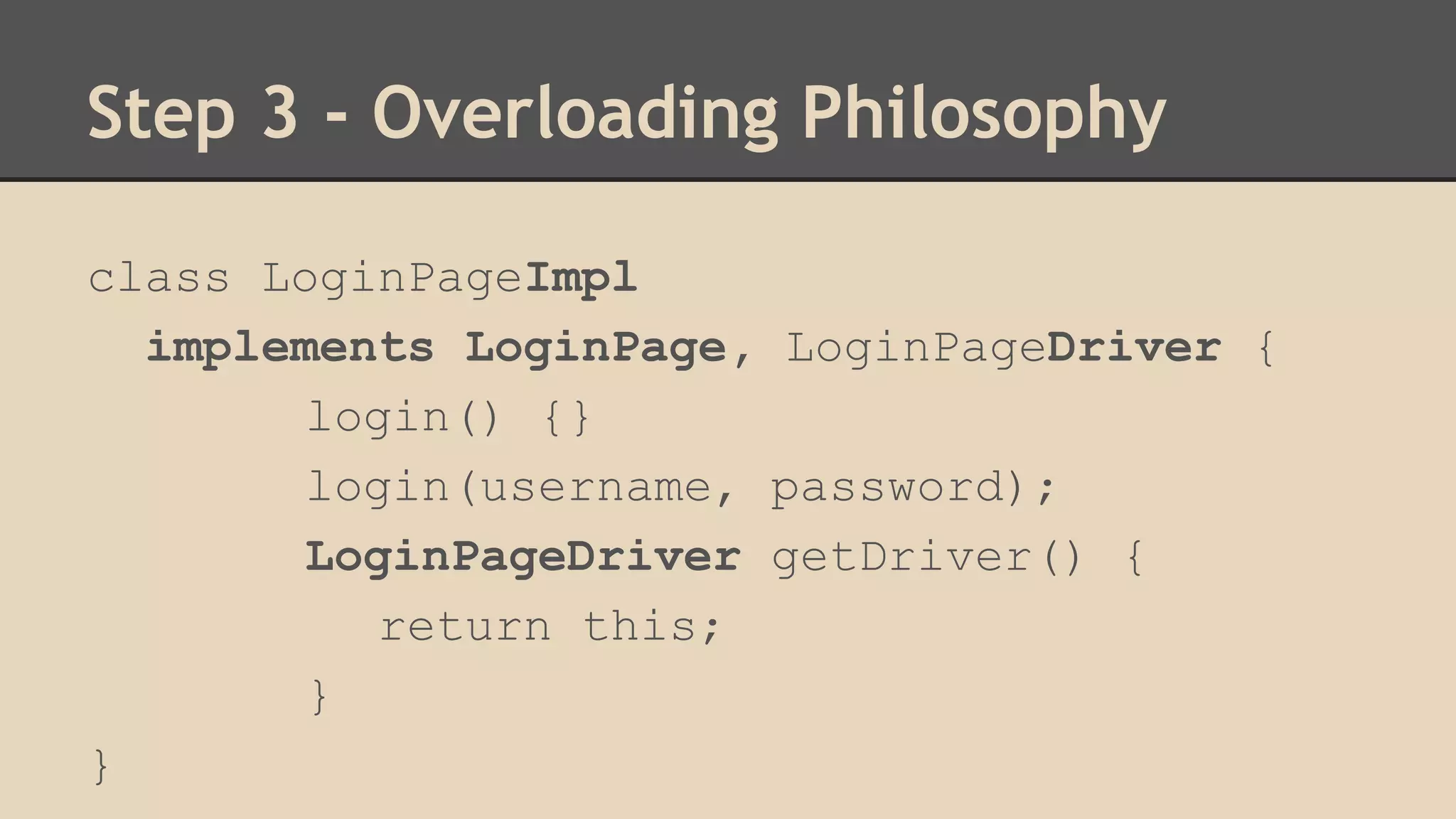
class LoginPageImpl 
implements LoginPage, LoginPageDriver { 
login() {} 
login(username, password); 
LoginPageDriver getDriver() { 
return this; 
} 
}
Step 4 - Page Factory 
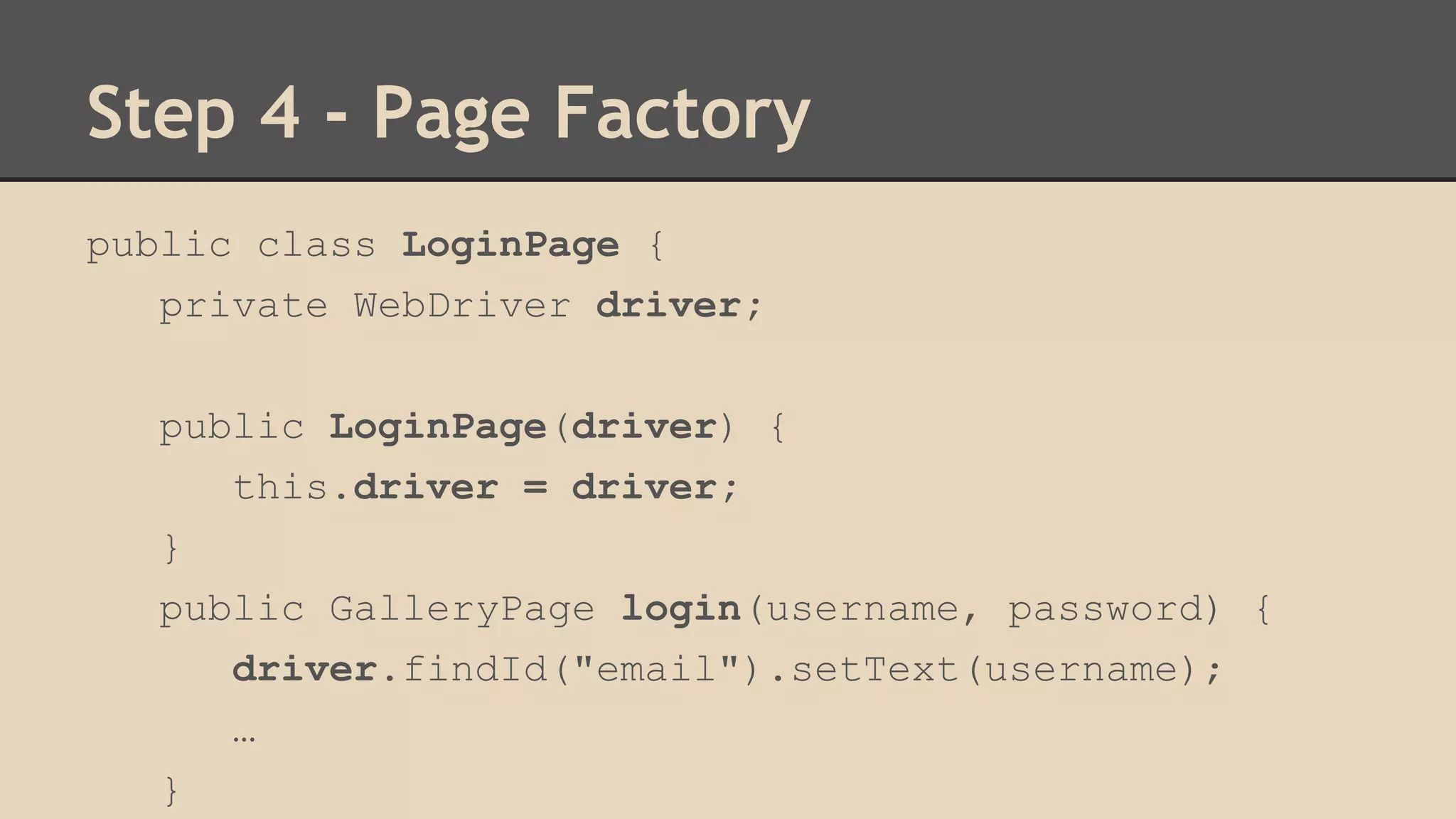
public class LoginPage { 
private WebDriver driver; 
public LoginPage(driver) { 
this.driver = driver; 
} 
public GalleryPage login(username, password) { 
driver.findId("email").setText(username); 
… 
}
Step 4 - Page Factory 
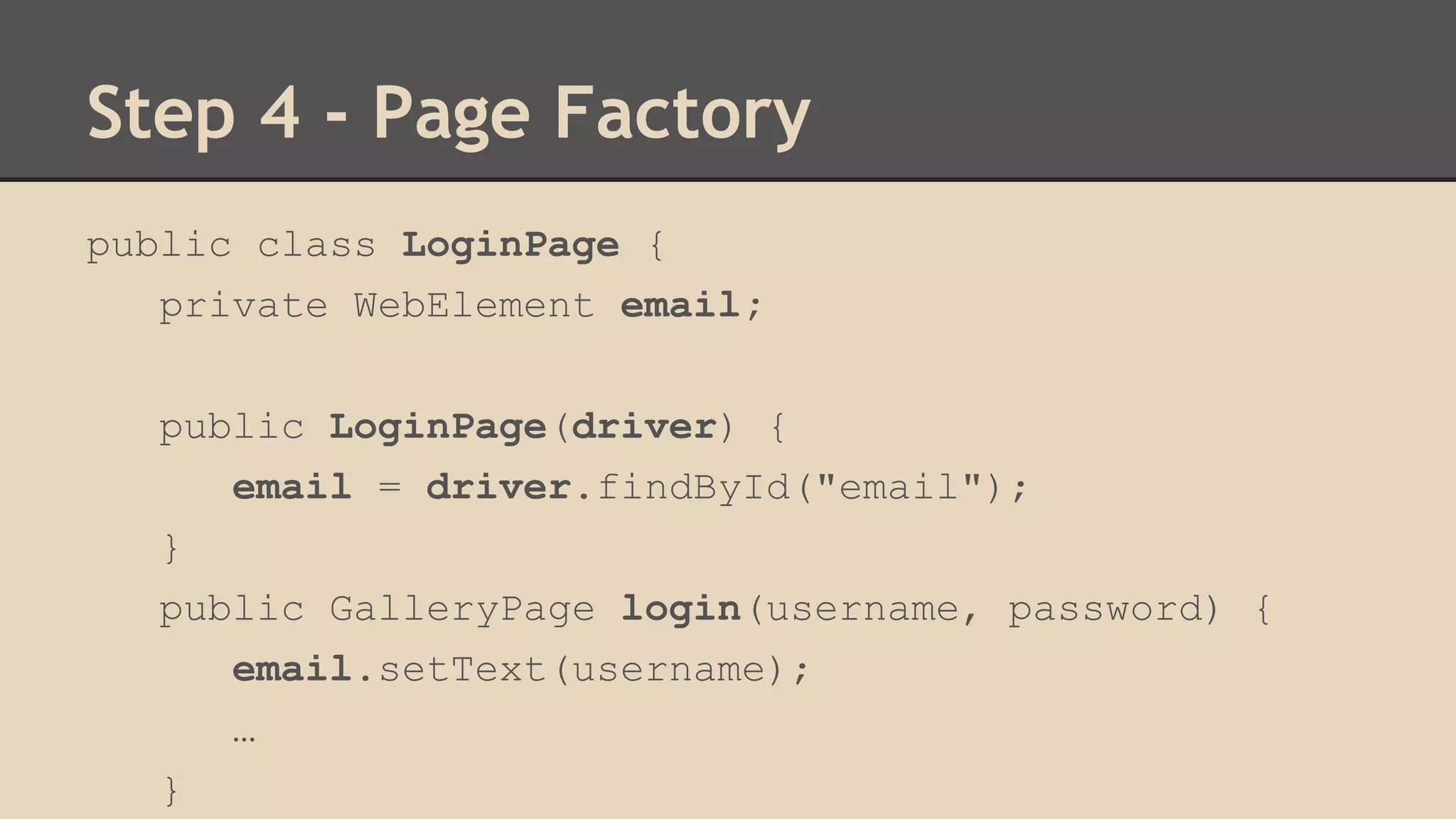
public class LoginPage { 
private WebElement email; 
public LoginPage(driver) { 
email = driver.findById("email"); 
} 
public GalleryPage login(username, password) { 
email.setText(username); 
… 
}
Step 4 - Page Factory 
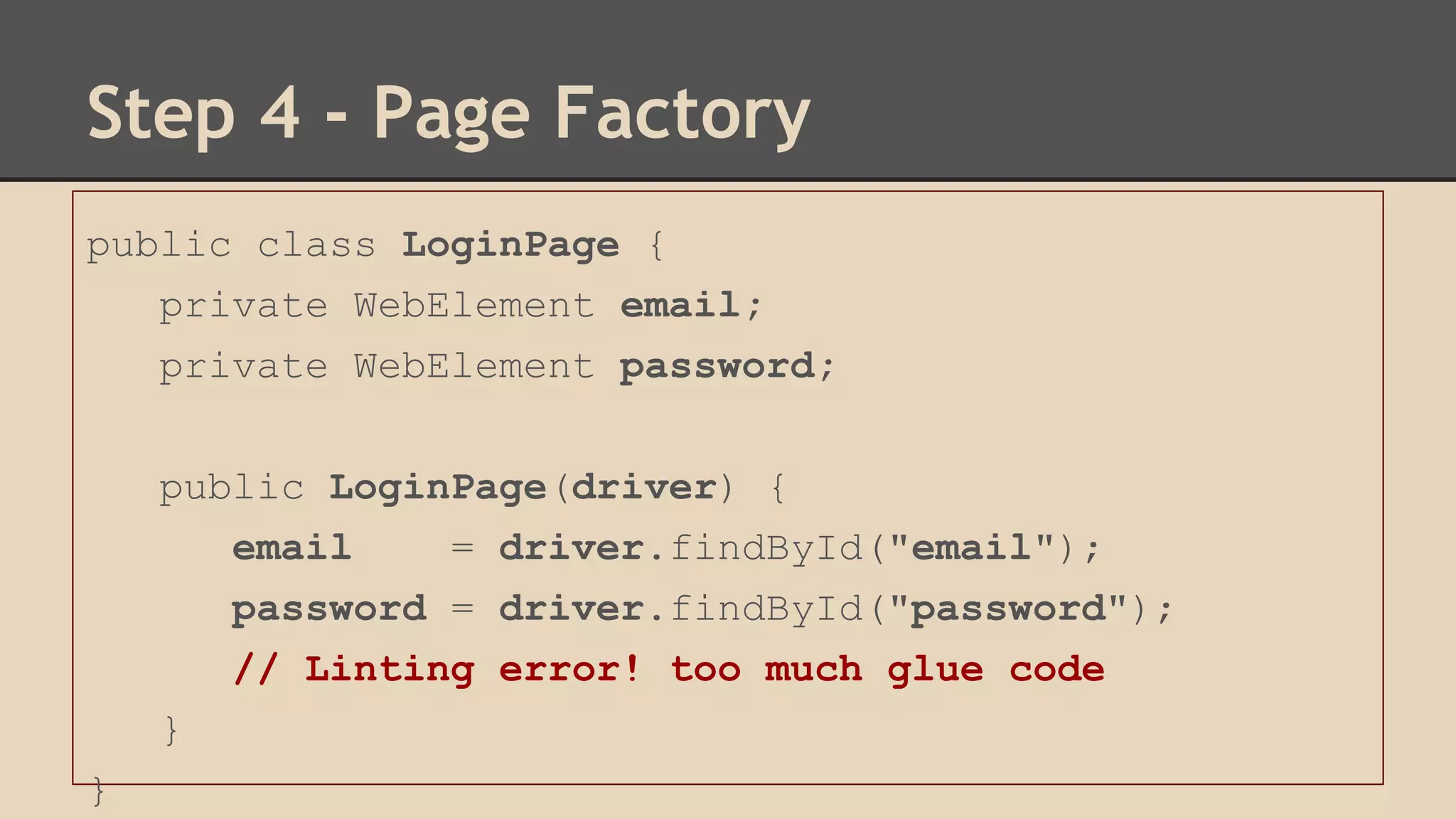
public class LoginPage { 
private WebElement email; 
private WebElement password; 
public LoginPage(driver) { 
email = driver.findById("email"); 
password = driver.findById("password"); 
// Linting error! too much glue code 
} 
}
Step 4 - Page Factory 
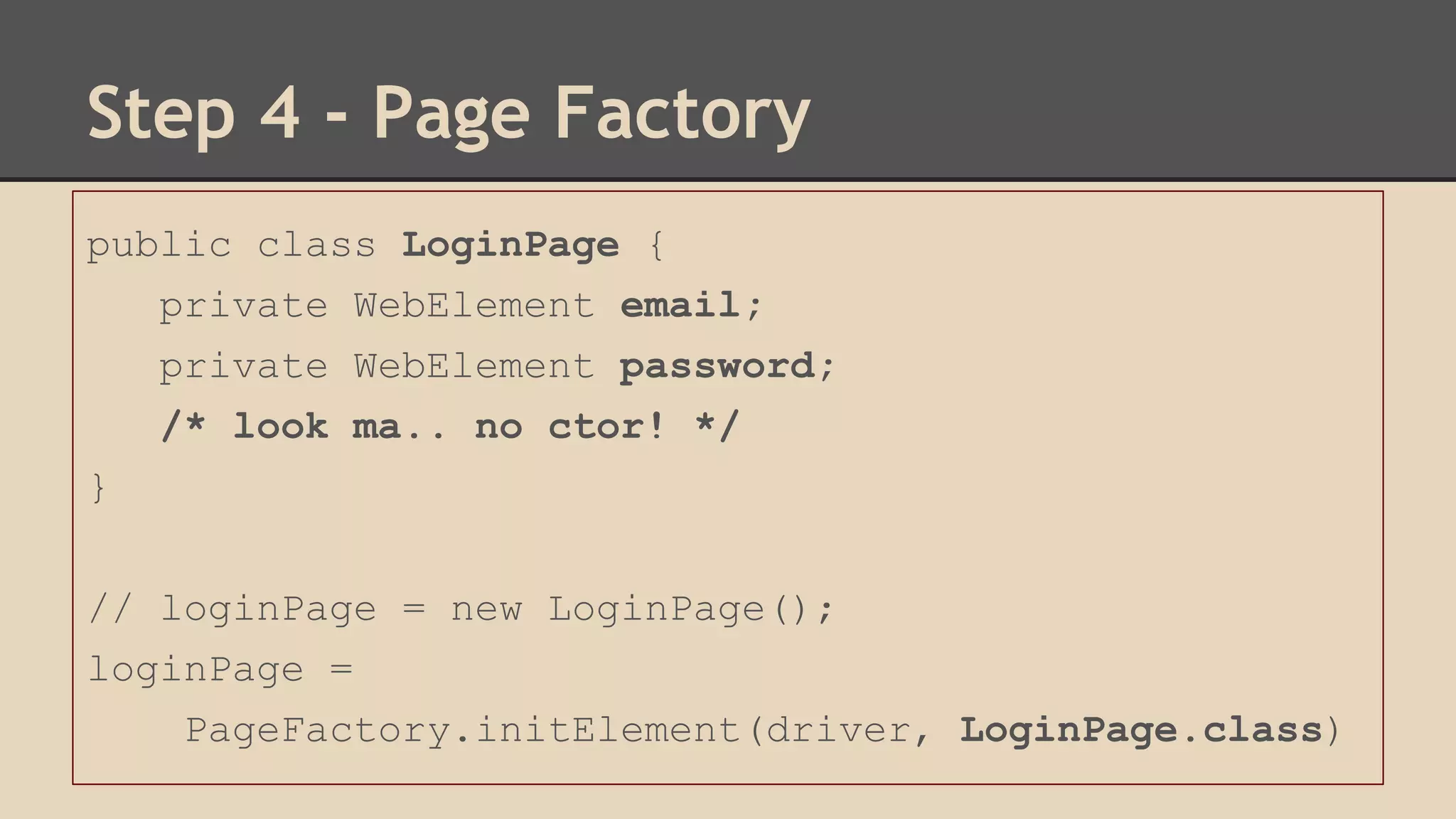
public class LoginPage { 
private WebElement email; 
private WebElement password; 
/* look ma.. no ctor! */ 
} 
// loginPage = new LoginPage(); 
loginPage = 
PageFactory.initElement(driver, LoginPage.class)
Step 4 - Page Factory 
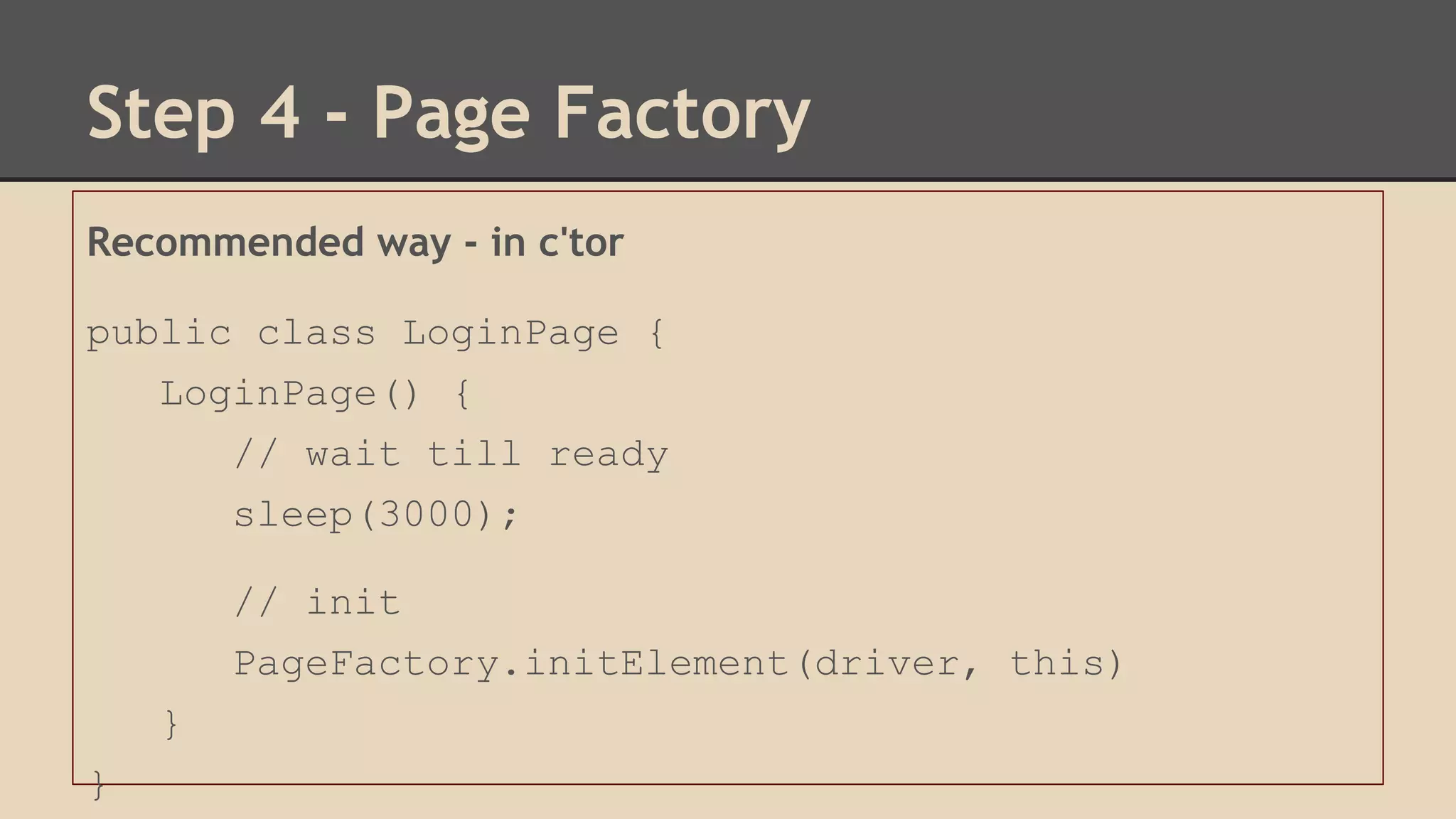
Recommended way - in c'tor 
public class LoginPage { 
LoginPage() { 
// wait till ready 
sleep(3000); 
// init 
PageFactory.initElement(driver, this) 
} 
}
Step 4 - Page Factory Pseudo Code 
class PageFactory { 
public static initElements(driver, class){ 
obj = class.new(); 
obj.properties.forEach(function(property) { 
if (property.type === WebElement.class) { 
byId = driver.findById(property.name); 
byName = driver.findByName(property.name); 
obj[property.name] = byId || byName 
} 
});
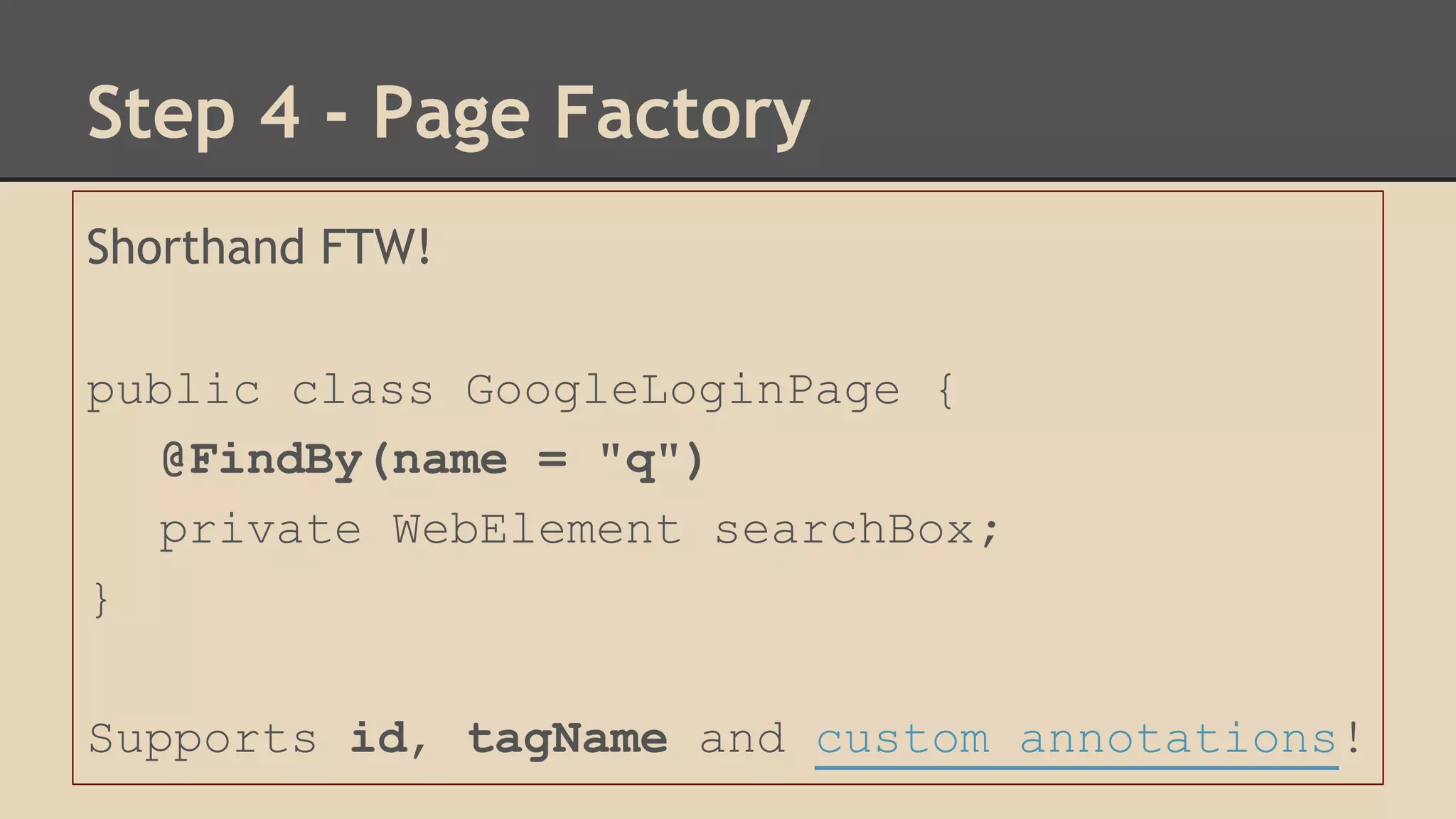
Step 4 - Page Factory 
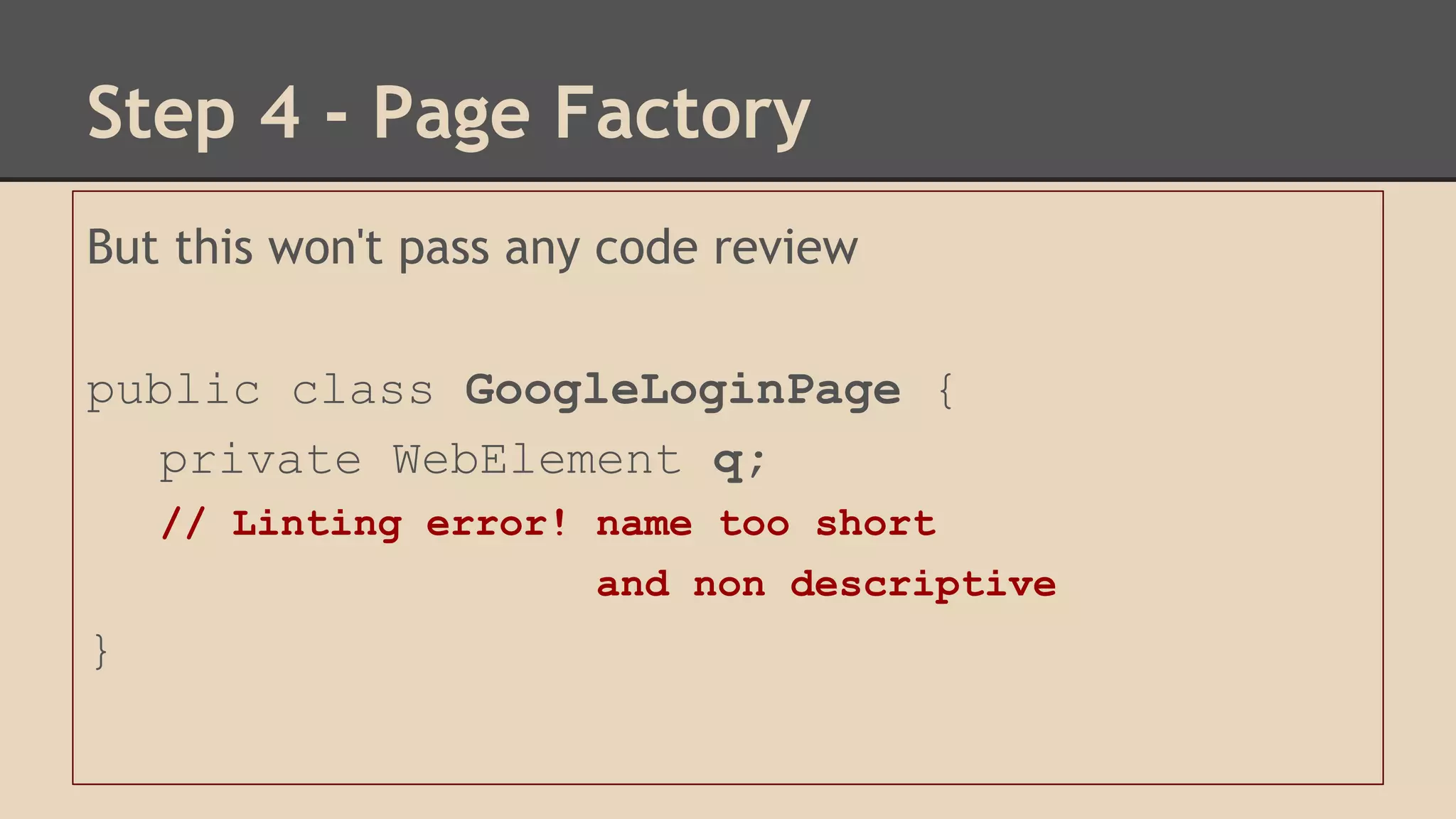
But this won't pass any code review 
public class GoogleLoginPage { 
private WebElement q; 
// Linting error! name too short 
and non descriptive 
}
Step 4 - Page Factory 
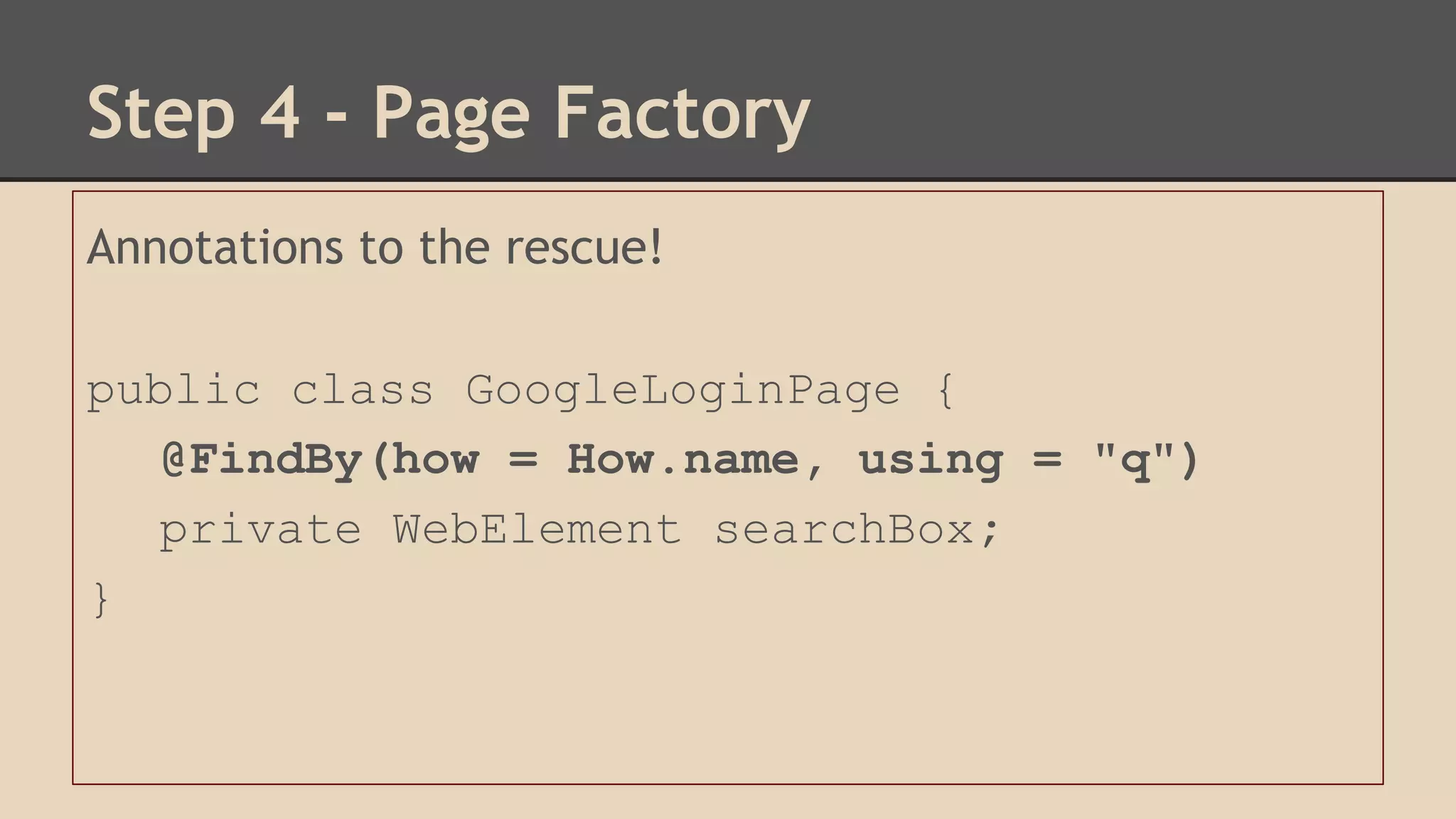
Annotations to the rescue! 
public class GoogleLoginPage { 
@FindBy(how = How.name, using = "q") 
private WebElement searchBox; 
}
Step 4 - Page Factory 
Shorthand FTW! 
public class GoogleLoginPage { 
@FindBy(name = "q") 
private WebElement searchBox; 
} 
Supports id, tagName and custom annotations!
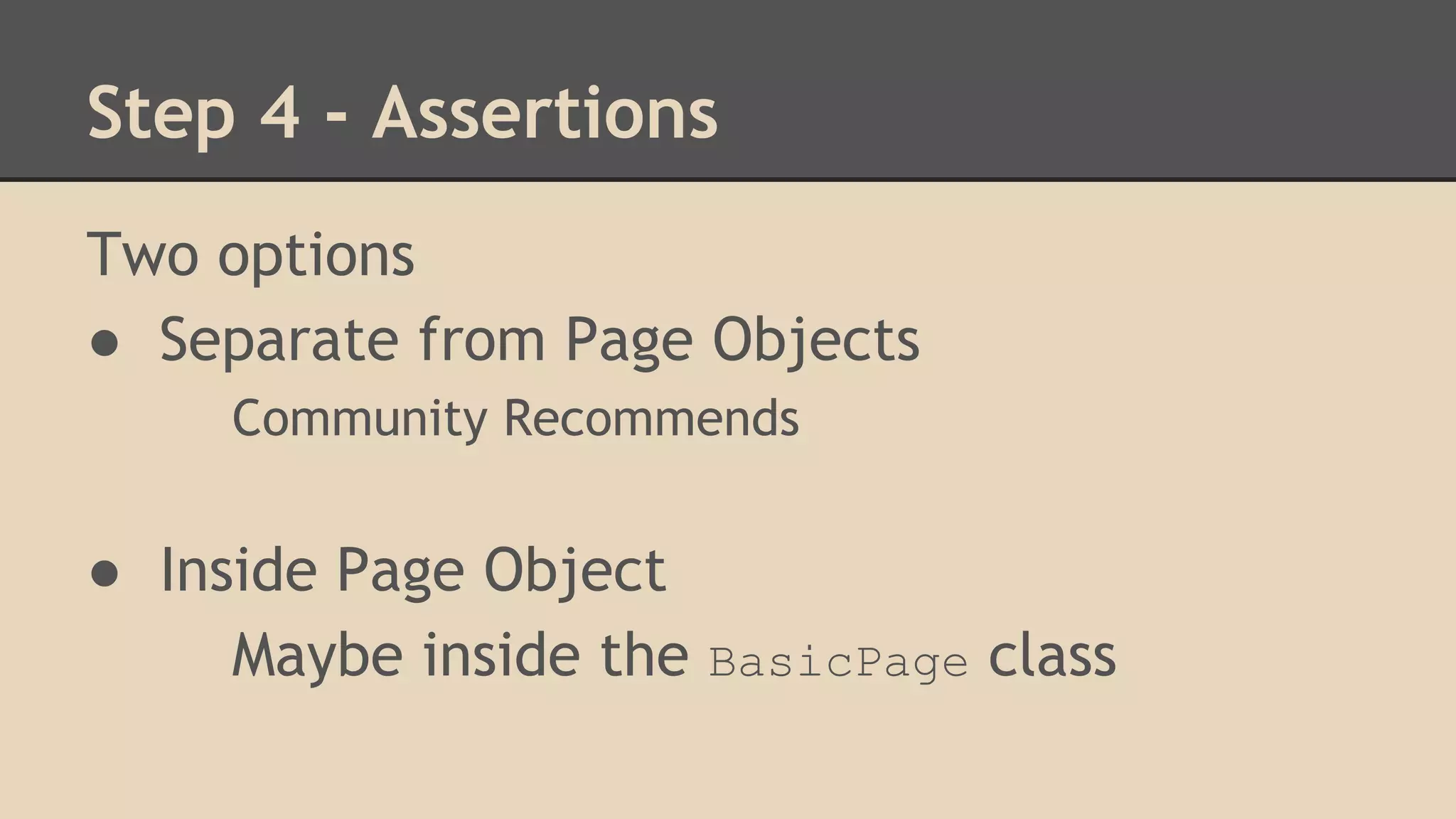
Step 4 - Assertions 
Two options 
● Separate from Page Objects 
Community Recommends 
● Inside Page Object 
Maybe inside the BasicPage class
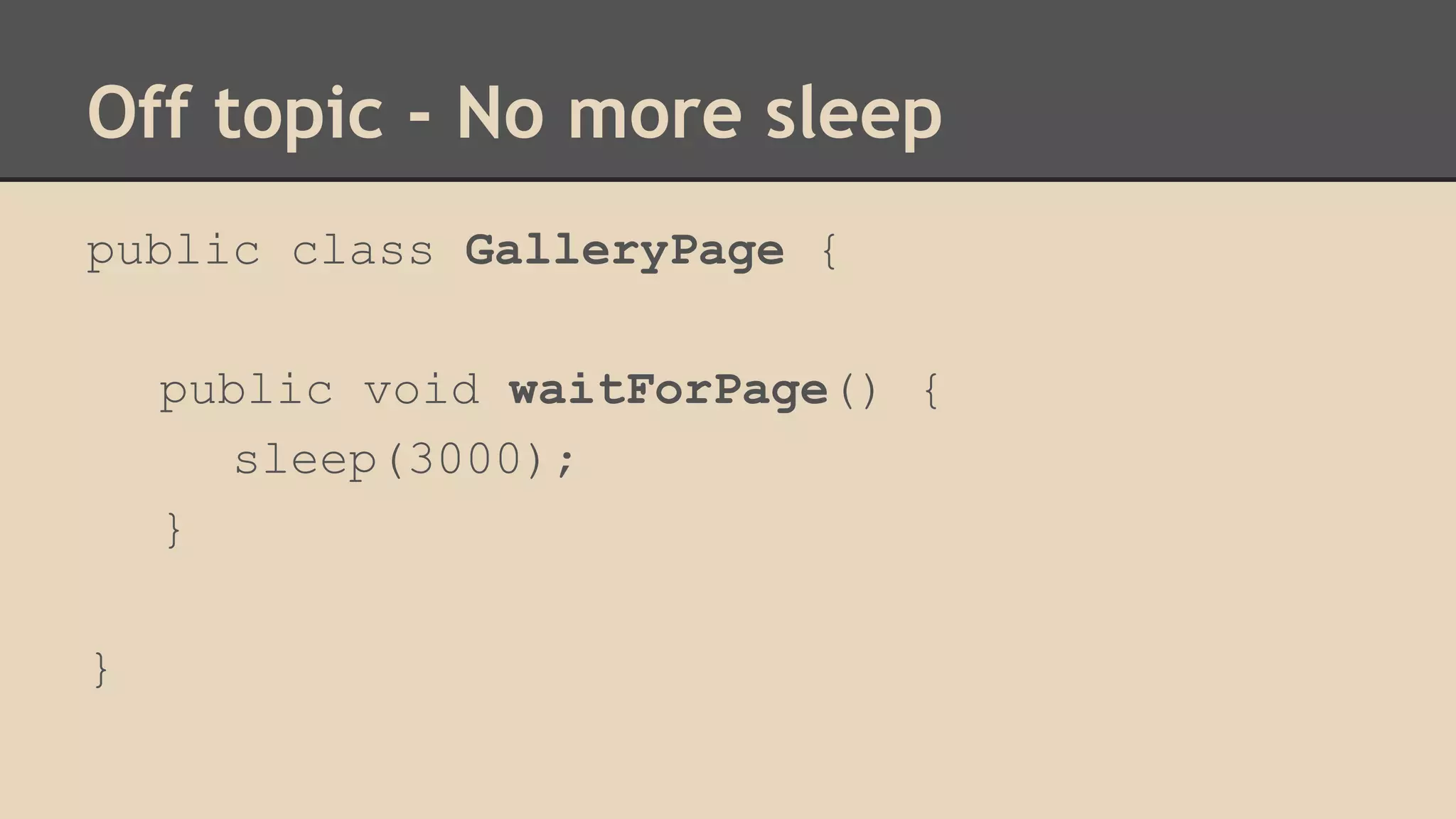
Off topic - No more sleep 
public class GalleryPage { 
public void waitForPage() { 
sleep(3000); 
} 
}
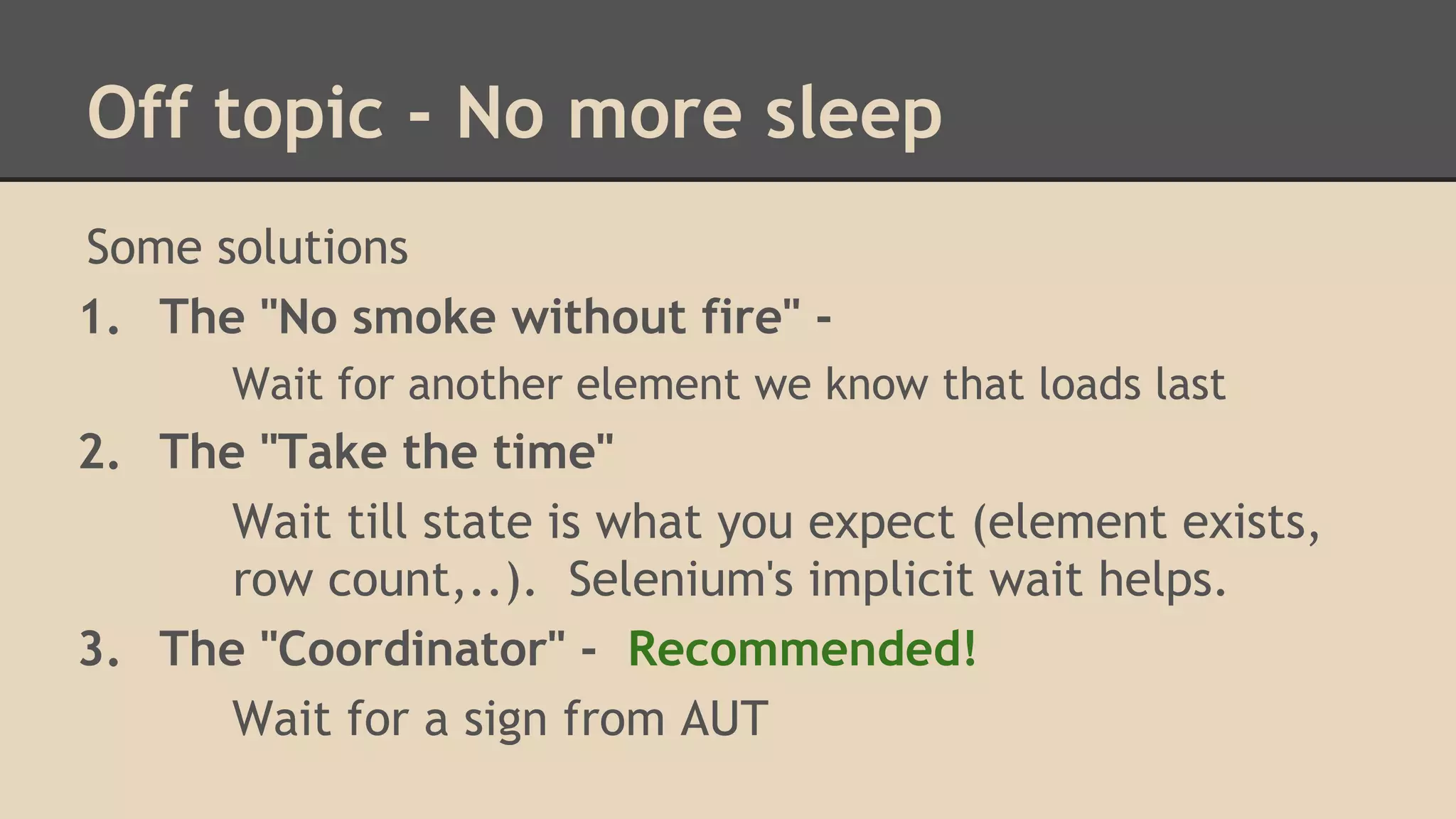
Off topic - No more sleep 
Some solutions 
1. The "No smoke without fire" - 
Wait for another element we know that loads last 
2. The "Take the time" 
Wait till state is what you expect (element exists, 
row count,..). Selenium's implicit wait helps. 
3. The "Coordinator" - Recommended! 
Wait for a sign from AUT
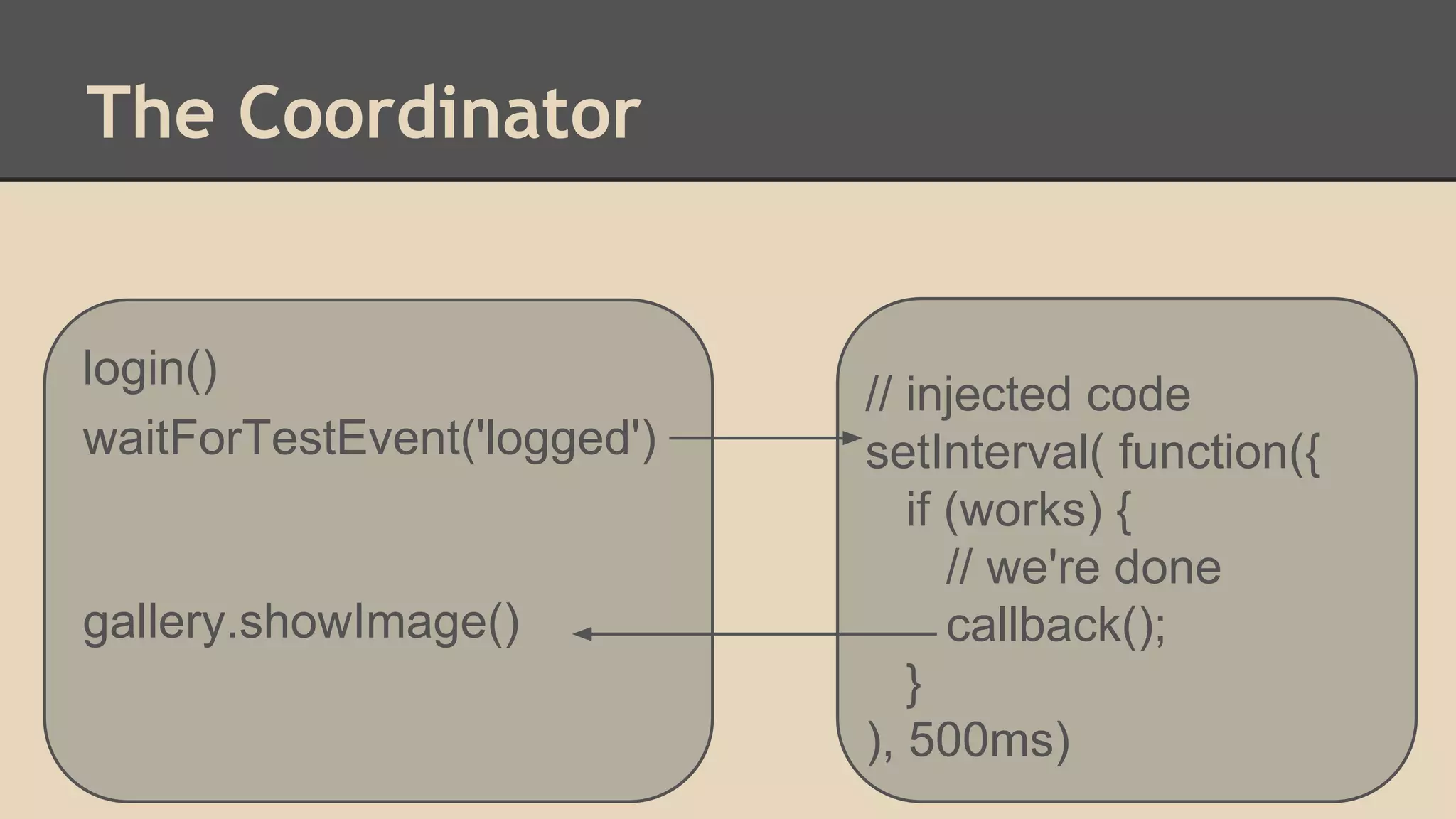
The Coordinator 
login() 
waitForTestEvent('logged') 
gallery.showImage() 
// injected code 
setInterval( function({ 
if (works) { 
// we're done 
callback(); 
} 
), 500ms)
The Coordinator 
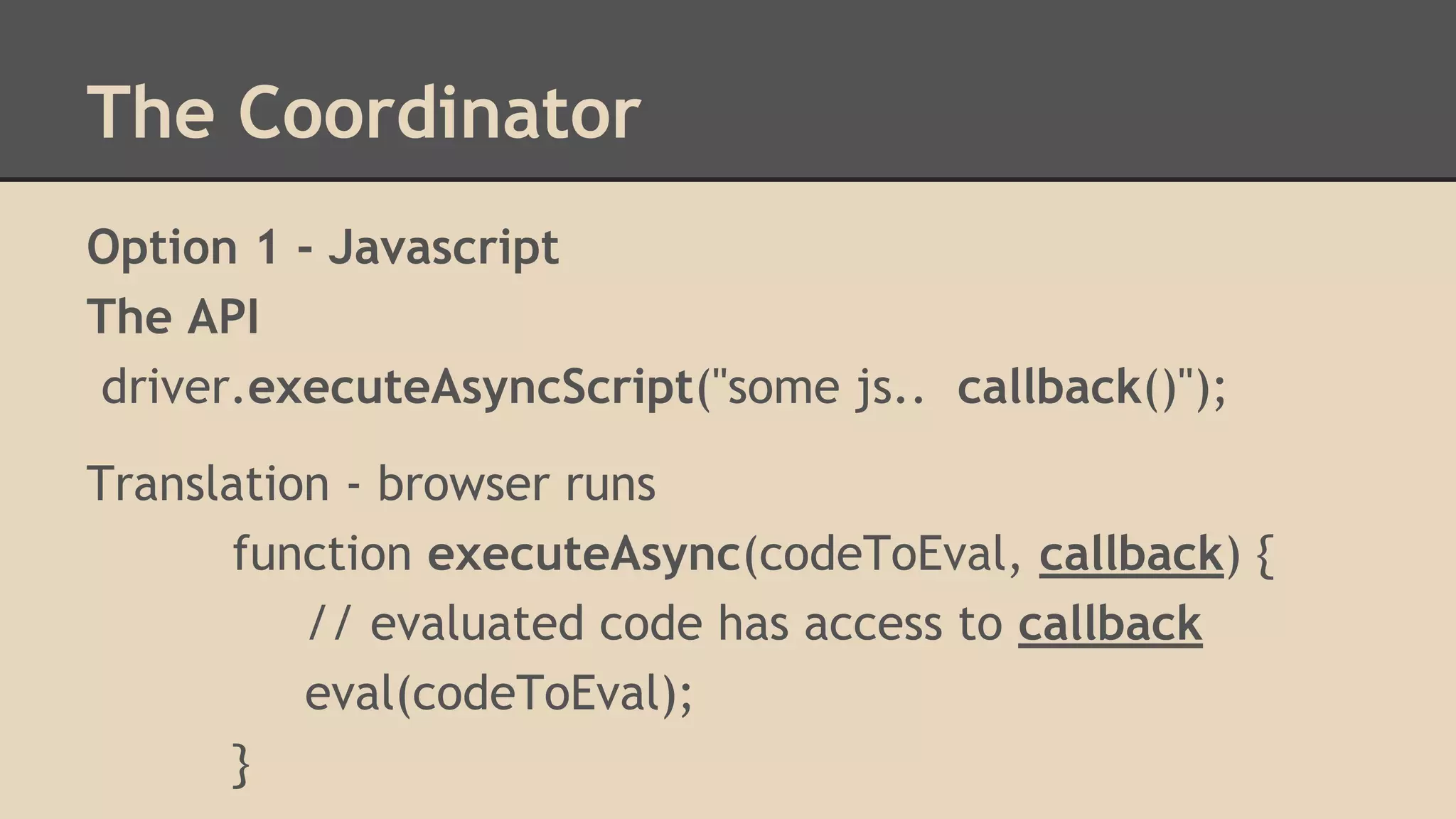
Option 1 - Javascript 
The API 
driver.executeAsyncScript("some js.. callback()"); 
Translation - browser runs 
function executeAsync(codeToEval, callback) { 
// evaluated code has access to callback 
eval(codeToEval); 
}
The Coordinator 
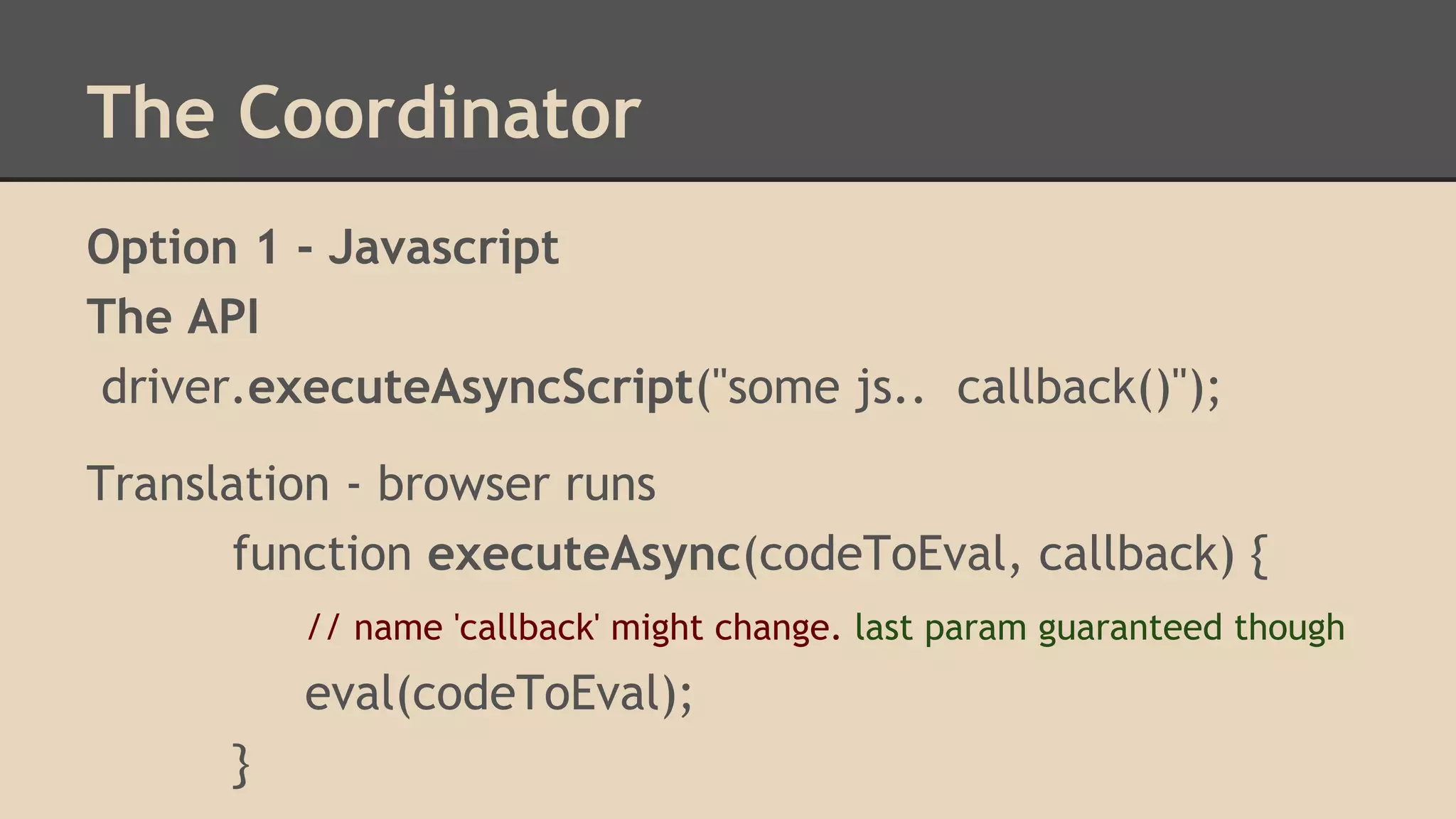
Option 1 - Javascript 
The API 
driver.executeAsyncScript("some js.. callback()"); 
Translation - browser runs 
function executeAsync(codeToEval, callback) { 
// name 'callback' might change. last param guaranteed though 
eval(codeToEval); 
}
The Coordinator 
driver.executeAsyncScript(" 
some js.. 
// callback() 
var lastIndex = arguments.length; 
var workingCallback = arguments[lastIndex] 
workingCallback(); // now 
setTimeout(workingCallback, 5000); // later 
");
The Coordinator 
The API 
driver.executeAsyncScript("some js.. callback()"); 
Better implementation 
function executeAsync(codeToEval, callback) { 
// evaluated code has access to callback 
var lastArgument = "arguments[arguments.legnth - 1]" 
eval(" ( function(callback){" +codeToEval+" } )(lastArgument)"); 
}
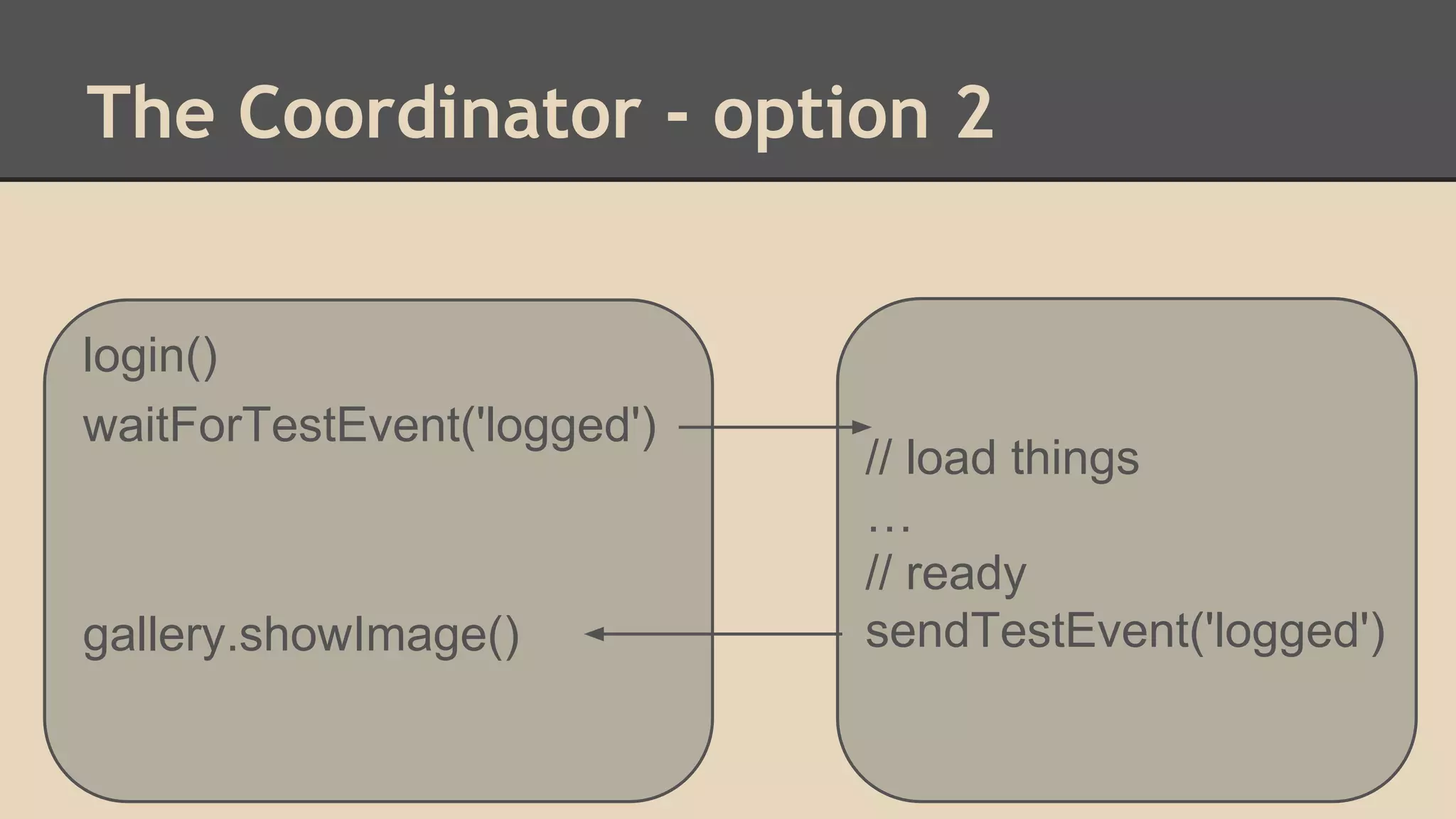
The Coordinator - option 2 
login() 
waitForTestEvent('logged') 
gallery.showImage() 
// load things 
… 
// ready 
sendTestEvent('logged')
The Coordinator - option 2 
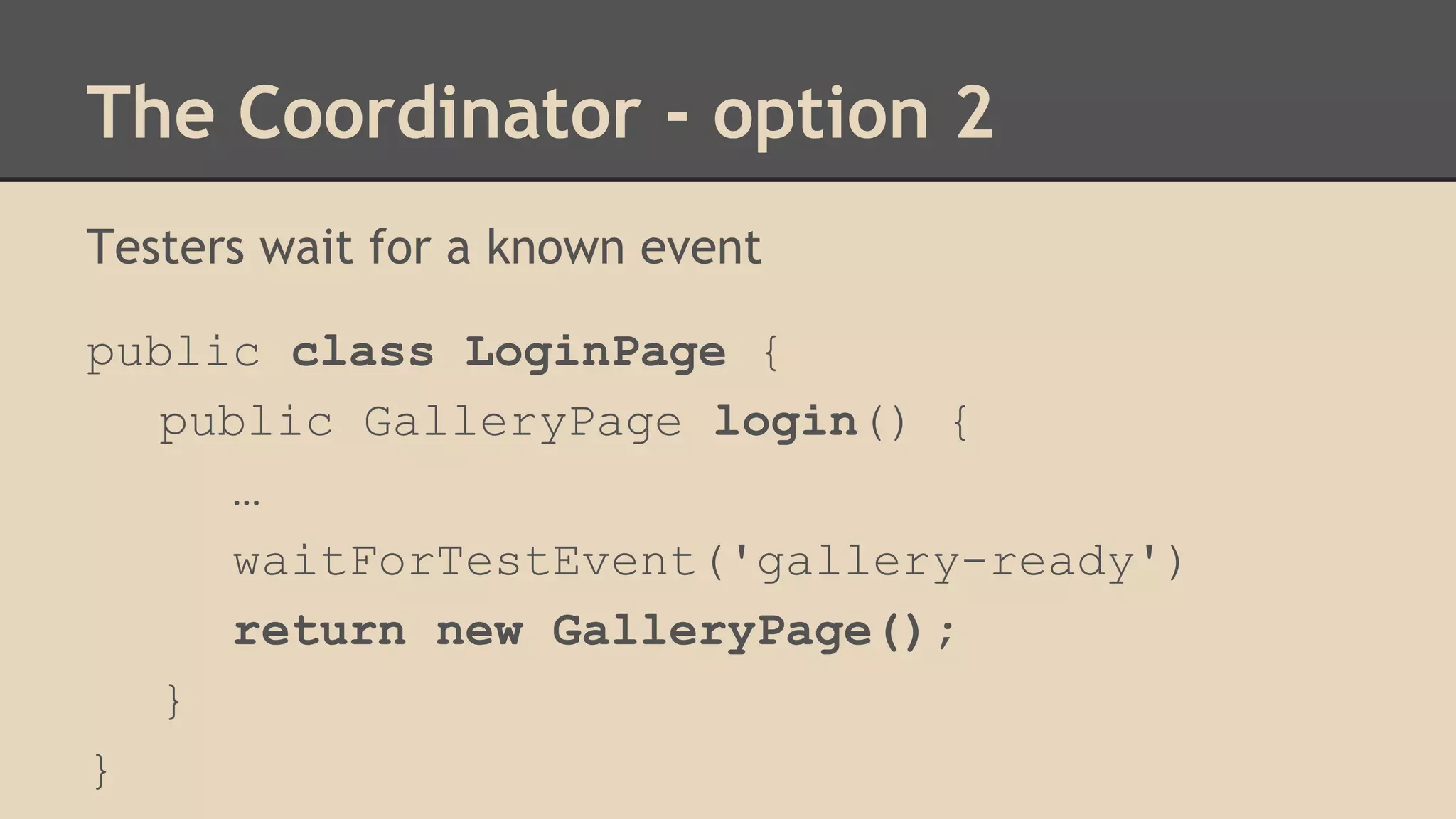
Testers wait for a known event 
public class LoginPage { 
public GalleryPage login() { 
… 
waitForTestEvent('gallery-ready') 
return new GalleryPage(); 
} 
}
The Coordinator - option 2 
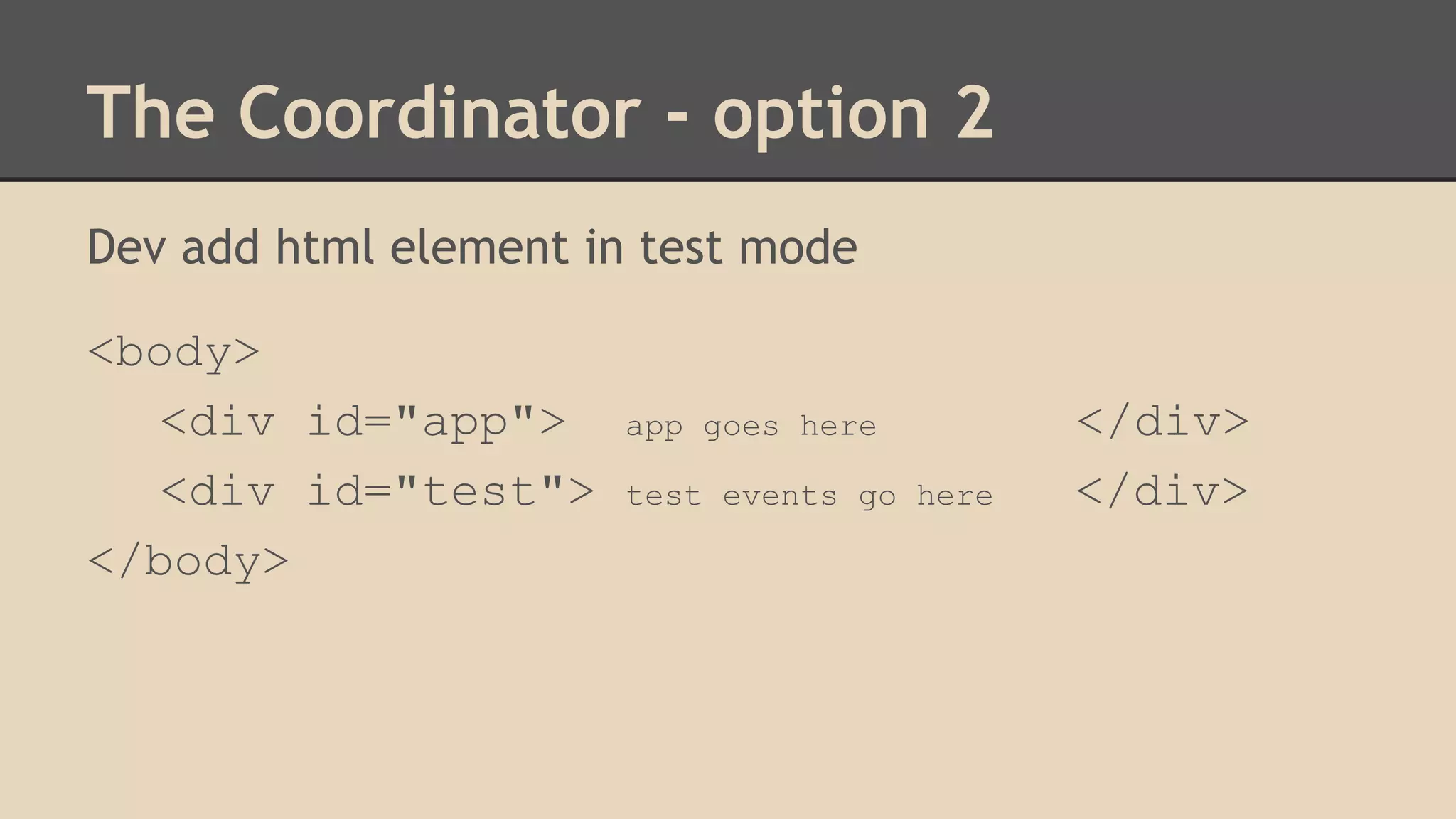
Dev add html element in test mode 
<body> 
<div id="app"> app goes here </div> 
<div id="test"> test events go here </div> 
</body>
The Coordinator - option 2 
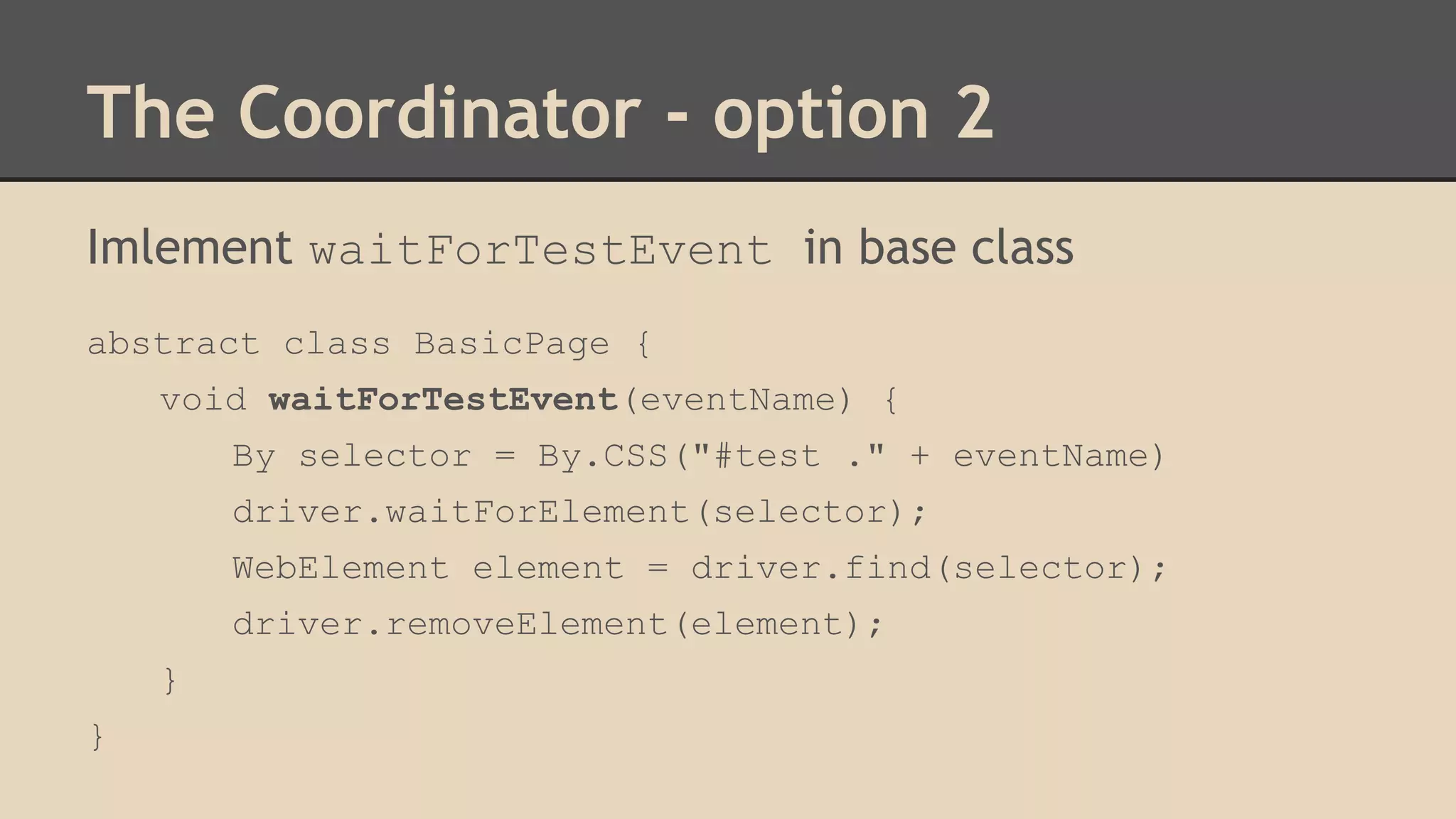
Imlement waitForTestEvent in base class 
abstract class BasicPage { 
void waitForTestEvent(eventName) { 
By selector = By.CSS("#test ." + eventName) 
driver.waitForElement(selector); 
WebElement element = driver.find(selector); 
driver.removeElement(element); 
} 
}
The Coordinator - option 2 
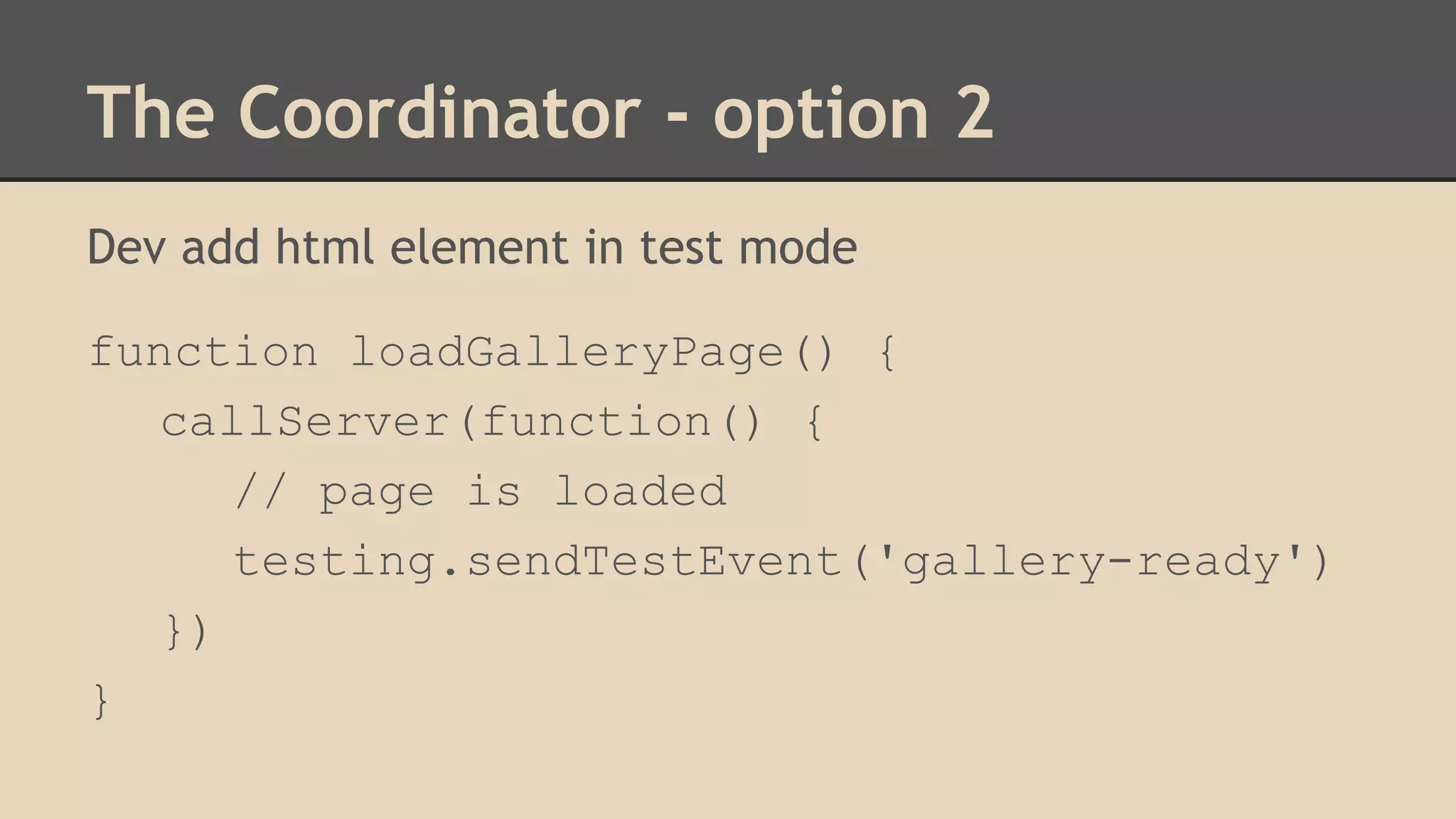
Dev add html element in test mode 
function loadGalleryPage() { 
callServer(function() { 
// page is loaded 
testing.sendTestEvent('gallery-ready') 
}) 
}
The Coordinator - option 2 
Dev add html element in test mode 
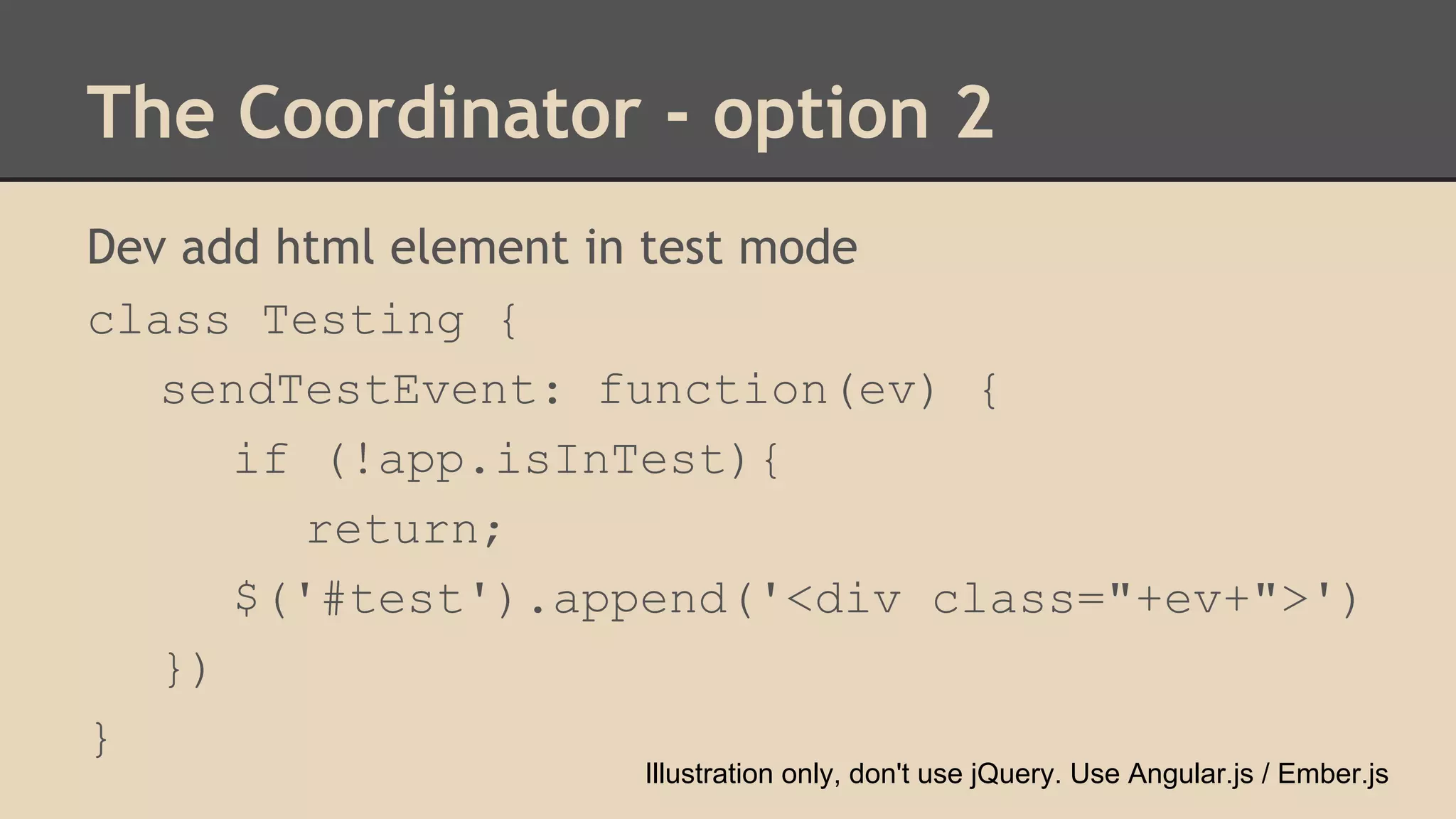
class Testing { 
sendTestEvent: function(ev) { 
if (!app.isInTest){ 
return; 
$('#test').append('<div class="+ev+">') 
}) 
} 
Illustration only, don't use jQuery. Use Angular.js / Ember.js
अंत! 
Thank You! 
Oren Rubin 
Testim.io | shexman@gmail | @shexman | linkedin

Page Objects Done Right - selenium conference 2014

  • 1.
    Page Objects OrenRubin Testim.io
  • 2.
  • 3.
    Talk Topics ●Page Objects ○ Why? ○ How? ○ When? ● Synchronously ○ Integrate in Page Objects ○ Remove magic sleep
  • 4.
    Talk Topics (wewon't discuss) ● Locators - best practice ● Retrys ○ Locator retry (SPA) ○ Entire Test (stability)
  • 5.
    Page Objects? ADesign Pattern. Provides a programmatic API to drive and interrogate a UI
  • 6.
    Naming things ishard ● Originally "Window Drivers" - Martin Fowler, 2004 ● Only pages? what about: ○ Header/footer ○ Components/widgets ○ Simple HTML elements (e.g., Tables)
  • 7.
    Page Object Pattern Expose the service you're interacting with, not the implementation. -- Selenium Wiki If you have a WebDriver APIs in your test methods... You're doing it wrong. -- Simon Stewart
  • 8.
    Step 1 -Expose The Service
  • 9.
    Step 1 -Expose The Service <form id="gaia_loginform"> <input id="email"> <input id="passwd"> <input id="signIn" type="submit"> </form>
  • 10.
    Step 1 -Expose The Service void testMyApp() { // login driver.findId("email").setText("u@app.com"); driver.findId("passwd").setText("12345"); driver.findId("signIn").click();; sleep(3000); // wait till page loads assert(...) // my assertions }
  • 11.
    Step 1 -Expose The Service void testMyApp() { // login driver.findId("email").setText("u@app.com"); driver.findId("passwd").setText("12345"); driver.findId("signIn").click();; sleep(3000); // wait till page loads assert(...) // my assertions } Simon says no!
  • 12.
    Test Automation theimplementation of the automatic execution of some Business Logic Business Logic testMyApp() { testMyApp() { account.login(); gallery.showImage() } Implementation Class LoginPage() { login() { account.login(); // selenium code gallery.showImage() } } } Class GalleryPage() { showImage() {...} }
  • 13.
    Step 1 -Expose The Service loginPage = new LoginPage(); loginPage.login(); public class LoginPage { public login(); }
  • 14.
    Step 1 -Expose The Service loginPage = new LoginPage(); loginPage.login(); // compilation error: missing return type public class LoginPage { public ? login(); }
  • 15.
    Step 1 -Expose The Service Option 1: void public class LoginPage { public void login(); }
  • 16.
    Step 1 -Expose The Service void testMyApp() { // TODO move to @setup loginPage = new LoginPage(); loginPage.login(); sleep(3000); // wait till page loads assert(…) }
  • 17.
    Step 1 -Expose The Service Pro - Only deals with login page ● Don't interleave code relevant to other pages in this class. Con - Only deals with login page ● Was the login successful? ● On which page should we be? ● Is the new page ready?
  • 18.
    Step 1 -Expose The Service Option 2 (improved): Return a page object public class LoginPage { public GalleryPage login() {{ … return new GalleryPage(); } }
  • 19.
    Step 1 -Expose The Service void testMyApp() { // TODO consider moving to @before loginPage = new LoginPage(); galleryPage = loginPage.login(); sleep(3000); galleryPage.showImageFullscreen(); assert(…) }
  • 20.
    Q: What's thesource of all evil? "No more war - no more blood shed"
  • 21.
    A: Random waits random sleep "No more war - no more blood shed" Abie Nathan The voice of peace
  • 22.
    Step 2 -Eliminate random sleep void testMyApp() { loginPage = new LoginPage(); galleryPage = loginPage.login(); sleep(3000); // should we move it? galleryPage.showImageFullscreen(); assert(…) }
  • 23.
    Step 2 -option 2 public class LoginPage { public GalleryPage login() { … sleep(3000); return new GalleryPage(); } }
  • 24.
    Step 2 -option 2 void testMyApp() { loginPage = new LoginPage(); // synchronous for testers galleryPage = loginPage.login(); galleryPage.showImageFullscreen(); assert(…) }
  • 25.
    Step 2 -back to option 1 public class LoginPage { void login() {…} } public class GalleryPage { void showImageFullscreen() {…} static GalleryPage waitForPage() {…} }
  • 26.
    Step 2 -back to option 1 void testMyApp() { loginPage = new LoginPage() loginPage.login(); // login() is void galleryPage = GalleryPage.waitForPage(); galleryPage.showImageFullscreen(); assert(…) }
  • 27.
    Step 2 -Combining options 1+2 public class LoginPage { public GalleryPage login() { … // return new GalleryPage(); return GalleryPage.waitForPage(); } }
  • 28.
    Step 2 -Force API comformance public class LoginPage { static LoginPage waitForPage() {…} GalleryPage login() {…} } public class GalleryPage { static GalleryPage waitForPage() {…} void showImageFullscreen() {…} }
  • 29.
    Step 2 -Basic code reuse abstract class BasicPage { // force derived classes public static BasicPage waitForPage(); } public class GalleryPage { public static BasicPage waitForPage() {…} }
  • 30.
    Step 2 -Basic code reuse abstract class BasicPage { // force derived classes public static BasicPage waitForPage(); } public class GalleryPage { public static BasicPage waitForPage() {…} } Computer says no! Cannot override static methods!
  • 31.
    Step 2 -Basic code reuse abstract class BasicPage { // force derived classes to implement public BasicPage waitForPage(); } public class GalleryPage { public BasicPage waitForPage() {…} } Computer says ok! But could be improved!
  • 32.
    Step 2 -Basic code reuse abstract class BasicPage { // force derived classes to implement public BasicPage waitForPage(); } public class GalleryPage { public GalleryPage waitForPage() {…} }
  • 33.
    Step 2 -Basic code reuse Another option is to use c'tor as wait public class GalleryPage { GalleryPage() { sleep(3000); } }
  • 34.
    Step 2 -Basic code reuse Tip! Add all common utilities to base class abstract class BasicPage { public BasicPage waitForPage(); public void waitForSpinnerToFade(); }
  • 35.
    What's next? SupportDifferent Users
  • 36.
    Step 3 -Params and overload Sounds simple! public class LoginPage { public GalleryPage login(user, password); }
  • 37.
    Step 3 -Params and overload void testMyApp() { // bad password loginPage = new LoginPage(); loginPage = loginPage.login('a', 'wrong'); // good password galleryPage = loginPage.login('a', 'correct'); galleryPage.showImageFullscreen(); }
  • 38.
    Step 3 -Params and overload What about different roles? what about failures public class LoginPage { public GalleryPage login(user, password); public OtherPage login(user, password); public LoginPage login(user, password); } // compilation error: can't distinguish overload by return type
  • 39.
    Step 3 -Params and overload Compiles successfully public class LoginPage { public GalleryPage loginAsRegular(…); public OtherPage loginAsAdmin(…); public LoginPage loginAsBadCredintial(…); }
  • 40.
    Step 3 -Overloading Philosophy The LoginPage is used for: 1. Setup Drive the app to a specific state No one cares about the implementation 2. Test the Login page itself Test the specific implementation
  • 41.
    Step 3 -Overloading Philosophy 1. Setup // look ma! no params! loginPage.login(); Implementation might be using ● Username/password ● Cookies ● Google Account Might be hardcoded, or using config files
  • 42.
    Step 3 -Overloading Philosophy 2. Test the Login page itself ○ Abstract everything login(username, password) ○ Act on element wrappers (get/set kind) Definition: InputDriver getPasswordField() Usage: loginPage.getPasswordField.set('12345') * less recommended
  • 43.
    Step 3 -Overloading Philosophy Should we put everything together? class LoginPage { login() {} login(username, password){} }
  • 44.
    Step 3 -Overloading Philosophy Do we want more abstraction interface LoginPage { login(); LoginPageDriver getDriver(); } interface LoginPageDriver { login(username, password); }
  • 45.
    Step 3 -Overloading Philosophy class LoginPageImpl implements LoginPage, LoginPageDriver { login() {} login(username, password); LoginPageDriver getDriver() { return this; } }
  • 46.
    Step 4 -Page Factory public class LoginPage { private WebDriver driver; public LoginPage(driver) { this.driver = driver; } public GalleryPage login(username, password) { driver.findId("email").setText(username); … }
  • 47.
    Step 4 -Page Factory public class LoginPage { private WebElement email; public LoginPage(driver) { email = driver.findById("email"); } public GalleryPage login(username, password) { email.setText(username); … }
  • 48.
    Step 4 -Page Factory public class LoginPage { private WebElement email; private WebElement password; public LoginPage(driver) { email = driver.findById("email"); password = driver.findById("password"); // Linting error! too much glue code } }
  • 49.
    Step 4 -Page Factory public class LoginPage { private WebElement email; private WebElement password; /* look ma.. no ctor! */ } // loginPage = new LoginPage(); loginPage = PageFactory.initElement(driver, LoginPage.class)
  • 50.
    Step 4 -Page Factory Recommended way - in c'tor public class LoginPage { LoginPage() { // wait till ready sleep(3000); // init PageFactory.initElement(driver, this) } }
  • 51.
    Step 4 -Page Factory Pseudo Code class PageFactory { public static initElements(driver, class){ obj = class.new(); obj.properties.forEach(function(property) { if (property.type === WebElement.class) { byId = driver.findById(property.name); byName = driver.findByName(property.name); obj[property.name] = byId || byName } });
  • 52.
    Step 4 -Page Factory But this won't pass any code review public class GoogleLoginPage { private WebElement q; // Linting error! name too short and non descriptive }
  • 53.
    Step 4 -Page Factory Annotations to the rescue! public class GoogleLoginPage { @FindBy(how = How.name, using = "q") private WebElement searchBox; }
  • 54.
    Step 4 -Page Factory Shorthand FTW! public class GoogleLoginPage { @FindBy(name = "q") private WebElement searchBox; } Supports id, tagName and custom annotations!
  • 55.
    Step 4 -Assertions Two options ● Separate from Page Objects Community Recommends ● Inside Page Object Maybe inside the BasicPage class
  • 56.
    Off topic -No more sleep public class GalleryPage { public void waitForPage() { sleep(3000); } }
  • 57.
    Off topic -No more sleep Some solutions 1. The "No smoke without fire" - Wait for another element we know that loads last 2. The "Take the time" Wait till state is what you expect (element exists, row count,..). Selenium's implicit wait helps. 3. The "Coordinator" - Recommended! Wait for a sign from AUT
  • 58.
    The Coordinator login() waitForTestEvent('logged') gallery.showImage() // injected code setInterval( function({ if (works) { // we're done callback(); } ), 500ms)
  • 59.
    The Coordinator Option1 - Javascript The API driver.executeAsyncScript("some js.. callback()"); Translation - browser runs function executeAsync(codeToEval, callback) { // evaluated code has access to callback eval(codeToEval); }
  • 60.
    The Coordinator Option1 - Javascript The API driver.executeAsyncScript("some js.. callback()"); Translation - browser runs function executeAsync(codeToEval, callback) { // name 'callback' might change. last param guaranteed though eval(codeToEval); }
  • 61.
    The Coordinator driver.executeAsyncScript(" some js.. // callback() var lastIndex = arguments.length; var workingCallback = arguments[lastIndex] workingCallback(); // now setTimeout(workingCallback, 5000); // later ");
  • 62.
    The Coordinator TheAPI driver.executeAsyncScript("some js.. callback()"); Better implementation function executeAsync(codeToEval, callback) { // evaluated code has access to callback var lastArgument = "arguments[arguments.legnth - 1]" eval(" ( function(callback){" +codeToEval+" } )(lastArgument)"); }
  • 63.
    The Coordinator -option 2 login() waitForTestEvent('logged') gallery.showImage() // load things … // ready sendTestEvent('logged')
  • 64.
    The Coordinator -option 2 Testers wait for a known event public class LoginPage { public GalleryPage login() { … waitForTestEvent('gallery-ready') return new GalleryPage(); } }
  • 65.
    The Coordinator -option 2 Dev add html element in test mode <body> <div id="app"> app goes here </div> <div id="test"> test events go here </div> </body>
  • 66.
    The Coordinator -option 2 Imlement waitForTestEvent in base class abstract class BasicPage { void waitForTestEvent(eventName) { By selector = By.CSS("#test ." + eventName) driver.waitForElement(selector); WebElement element = driver.find(selector); driver.removeElement(element); } }
  • 67.
    The Coordinator -option 2 Dev add html element in test mode function loadGalleryPage() { callServer(function() { // page is loaded testing.sendTestEvent('gallery-ready') }) }
  • 68.
    The Coordinator -option 2 Dev add html element in test mode class Testing { sendTestEvent: function(ev) { if (!app.isInTest){ return; $('#test').append('<div class="+ev+">') }) } Illustration only, don't use jQuery. Use Angular.js / Ember.js
  • 69.
    अंत! Thank You! Oren Rubin Testim.io | shexman@gmail | @shexman | linkedin