Multitasking in iOS 7
Mickaël Rémond <mremond@boxcar.io>

Universal Push Notification Platform
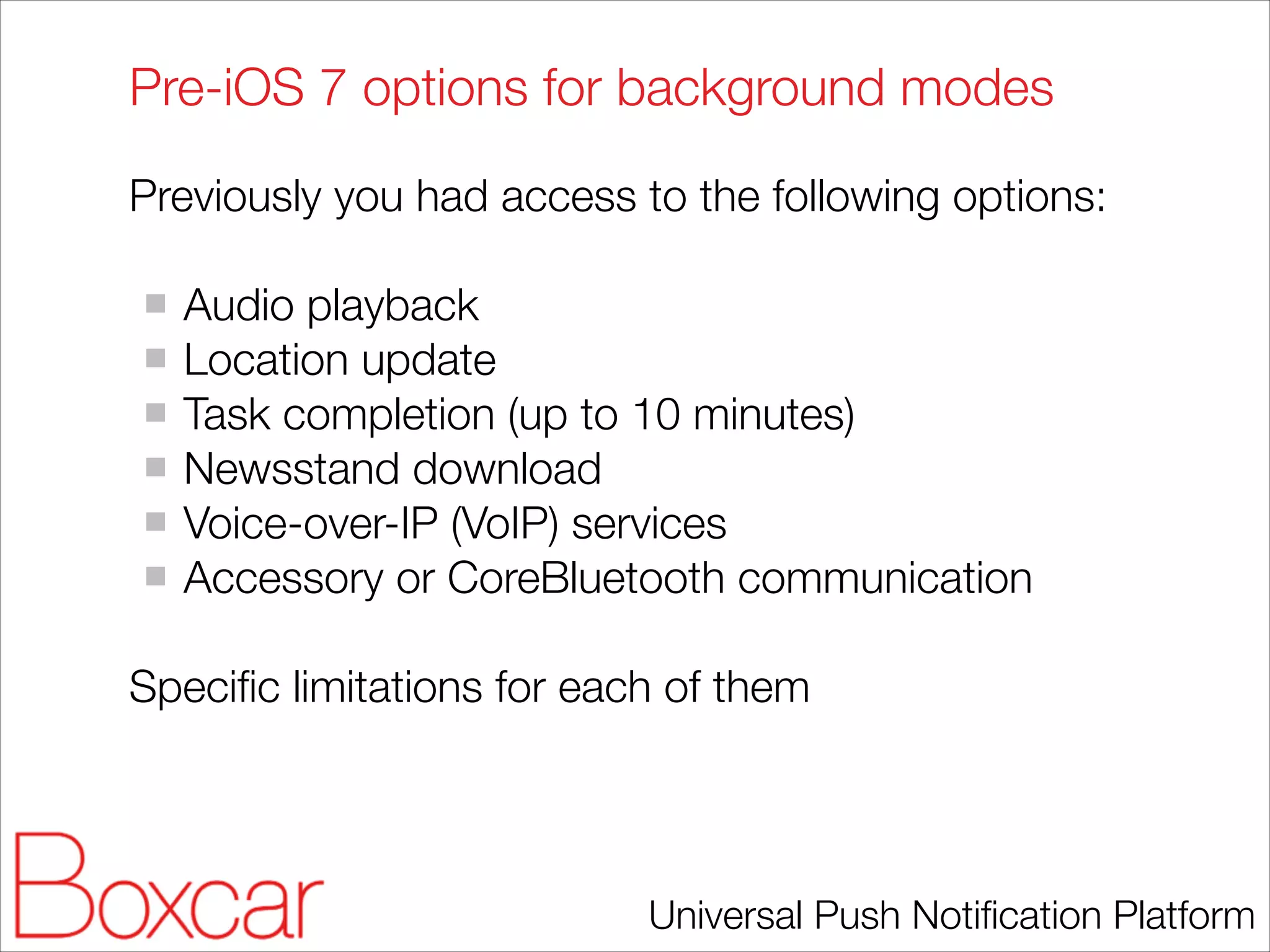
Pre-iOS 7 options for background modes
Previously you had access to the following options:
!

Audio playback
Location update
Task completion (up to 10 minutes)
Newsstand download
Voice-over-IP (VoIP) services
Accessory or CoreBluetooth communication
!

Specific limitations for each of them

Universal Push Notification Platform
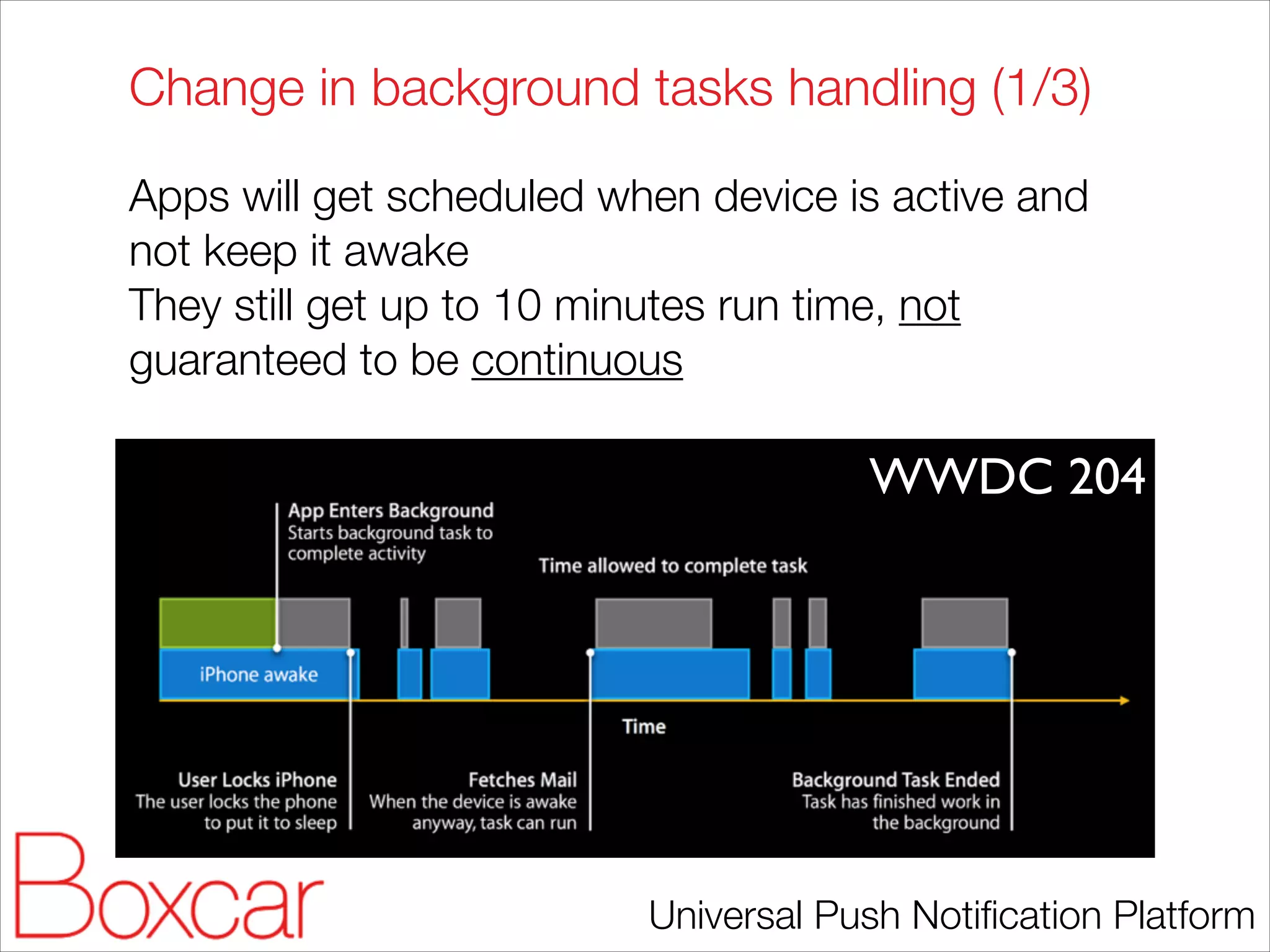
Change in background tasks handling (1/3)
Apps will get scheduled when device is active and
not keep it awake
They still get up to 10 minutes run time, not
guaranteed to be continuous
!

WWDC 204

Universal Push Notification Platform
Change in background tasks handling (2/3)
// AppDelegate
UIBackgroundTaskIdentifier background_task;

!

- (void)applicationDidEnterBackground:(UIApplication *)application
{
if([[UIDevice currentDevice] respondsToSelector:@selector(isMultitaskingSupported)])
{
NSLog(@"Multitasking Supported");
if (background_task == UIBackgroundTaskInvalid) {
background_task = [application beginBackgroundTaskWithExpirationHandler:^ {
NSLog(@"Background task expirationn");
//Clean up code. Tell the system that we are done.
[application endBackgroundTask: background_task];
background_task = UIBackgroundTaskInvalid;
}];
//To make the code block asynchronous
dispatch_async(dispatch_get_global_queue(DISPATCH_QUEUE_PRIORITY_DEFAULT, 0), ^{
//### background task starts
NSLog(@"Running in the backgroundn");
while(TRUE)
{
NSLog(@"Background time Remaining: %f",[[UIApplication sharedApplication] backgroundTimeRemaining]);
[NSThread sleepForTimeInterval:1]; //wait for 1 sec
}
//#### background task ends
//Clean up code. Tell the system that we are done.
[application endBackgroundTask: background_task];
background_task = UIBackgroundTaskInvalid;
});
}
else
{
NSLog(@"Multitasking Not Supported");
}
}
}

!

Universal Push Notification Platform
Change in background tasks handling (3/3)
On iOS 6, starts with 10 min:
2013-11-14 08:59:54.165 Background1[149:1103] Background time Remaining: 599.981943

!
!

On iOS 7, starts with 3 min:
2013-11-14 09:02:33.182 Background1[6315:1803] Background time Remaining: 179.942678

!

This is a big change for many apps using
background tasks.
!

I never seem task being scheduled discontinously …
Yet.

Universal Push Notification Platform
iOS 7 new background modes
With iOS 7 you have three new modes:
!

Background fetching
Remote notification
Background transfers
!

All modes keep Apple and users in control to
preserve battery life

Universal Push Notification Platform
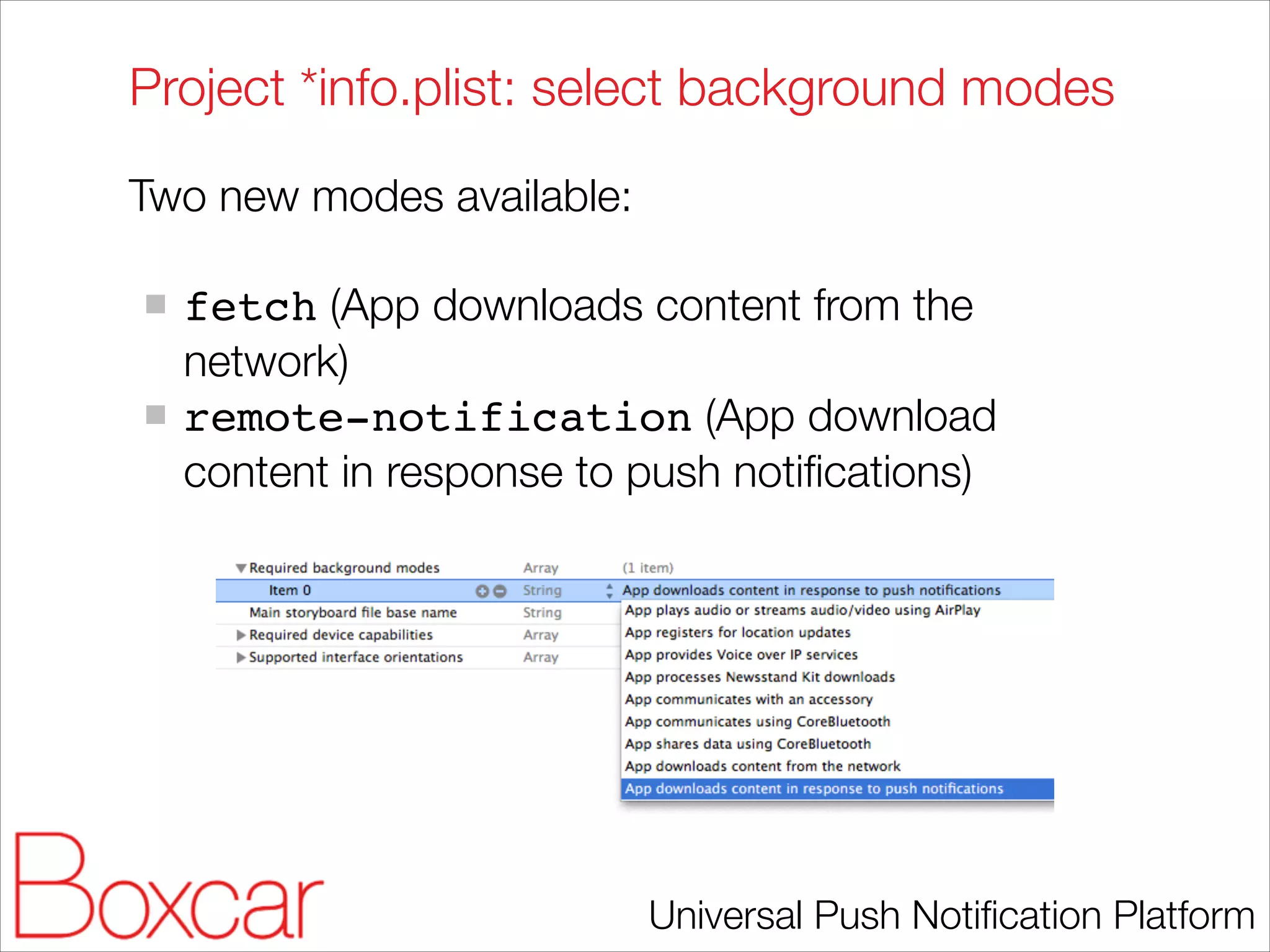
Project *info.plist: select background modes
Two new modes available:
!

fetch (App downloads content from the
network)
remote-notification (App download
content in response to push notifications)

Universal Push Notification Platform
Background fetch

Universal Push Notification Platform
Background fetching: close control
!

iOS stays in control: “Application launched
opportunistically”
Coalesced across applications
means scheduled based on usage pattern
sensitive to energy and data usage
!

Users stay in control:
Force close disable background fetch
Dedicated setting panel

Universal Push Notification Platform
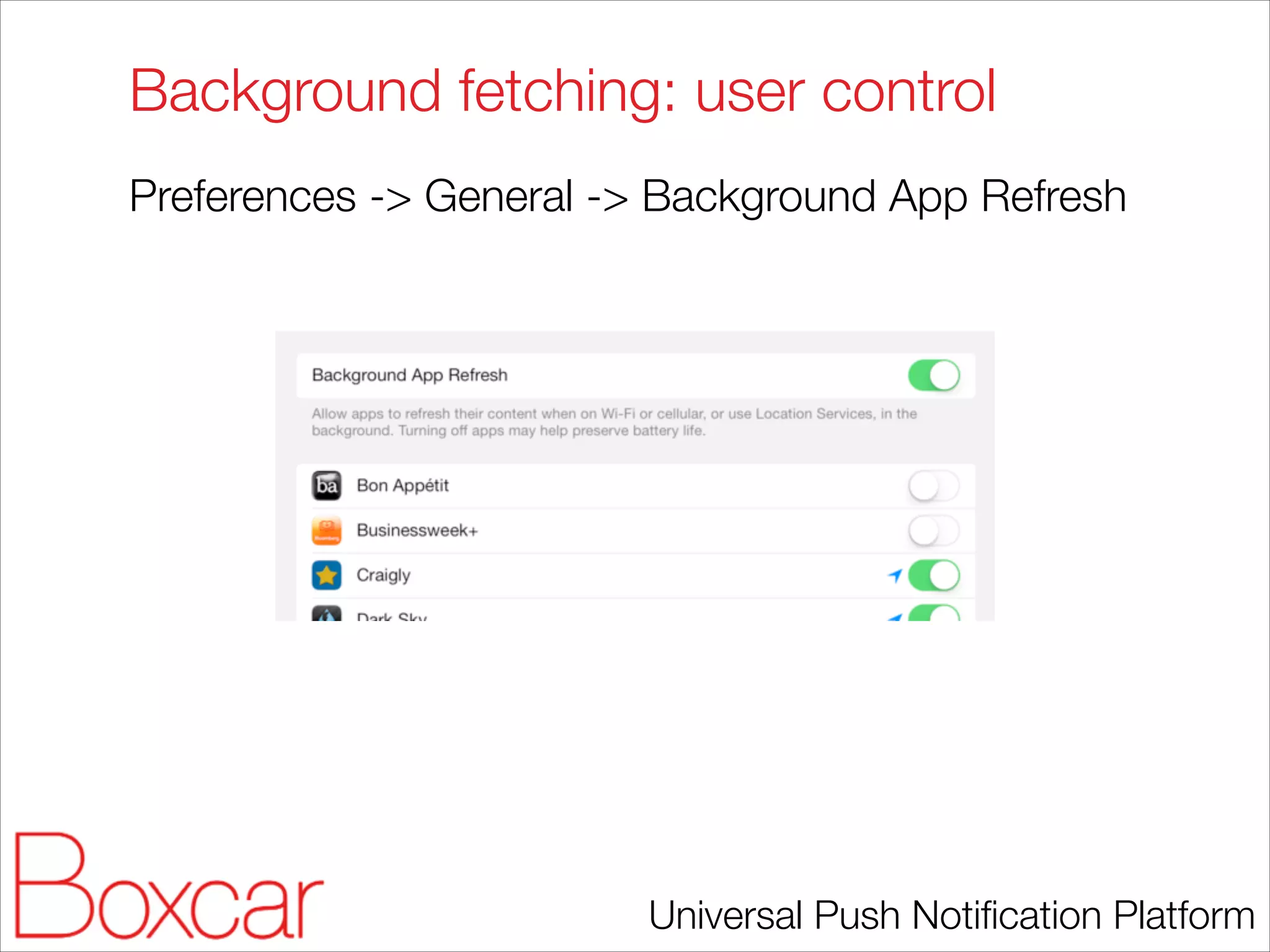
Background fetching: user control
Preferences -> General -> Background App Refresh

Universal Push Notification Platform
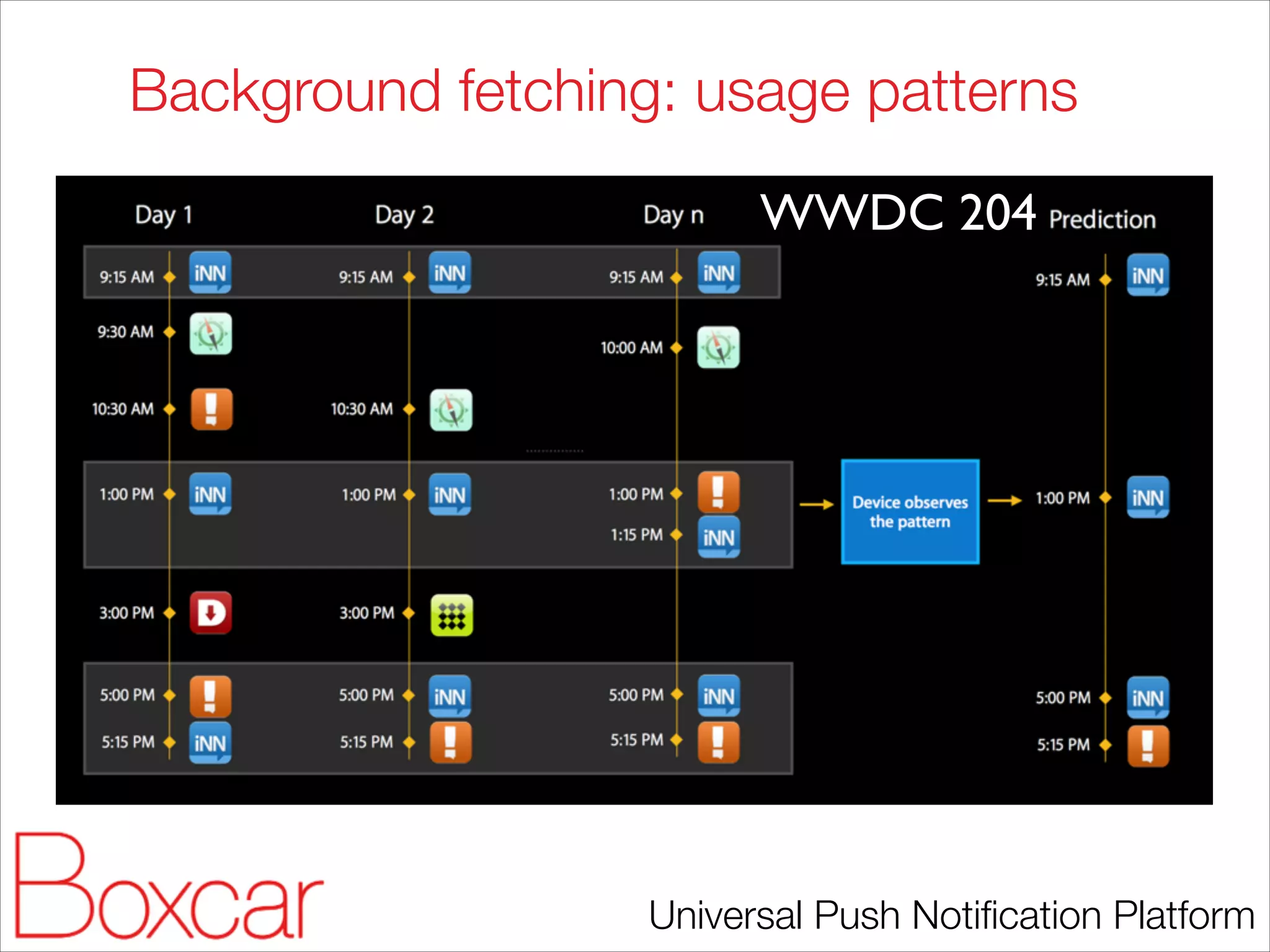
Background fetching: usage patterns
WWDC 204

Universal Push Notification Platform
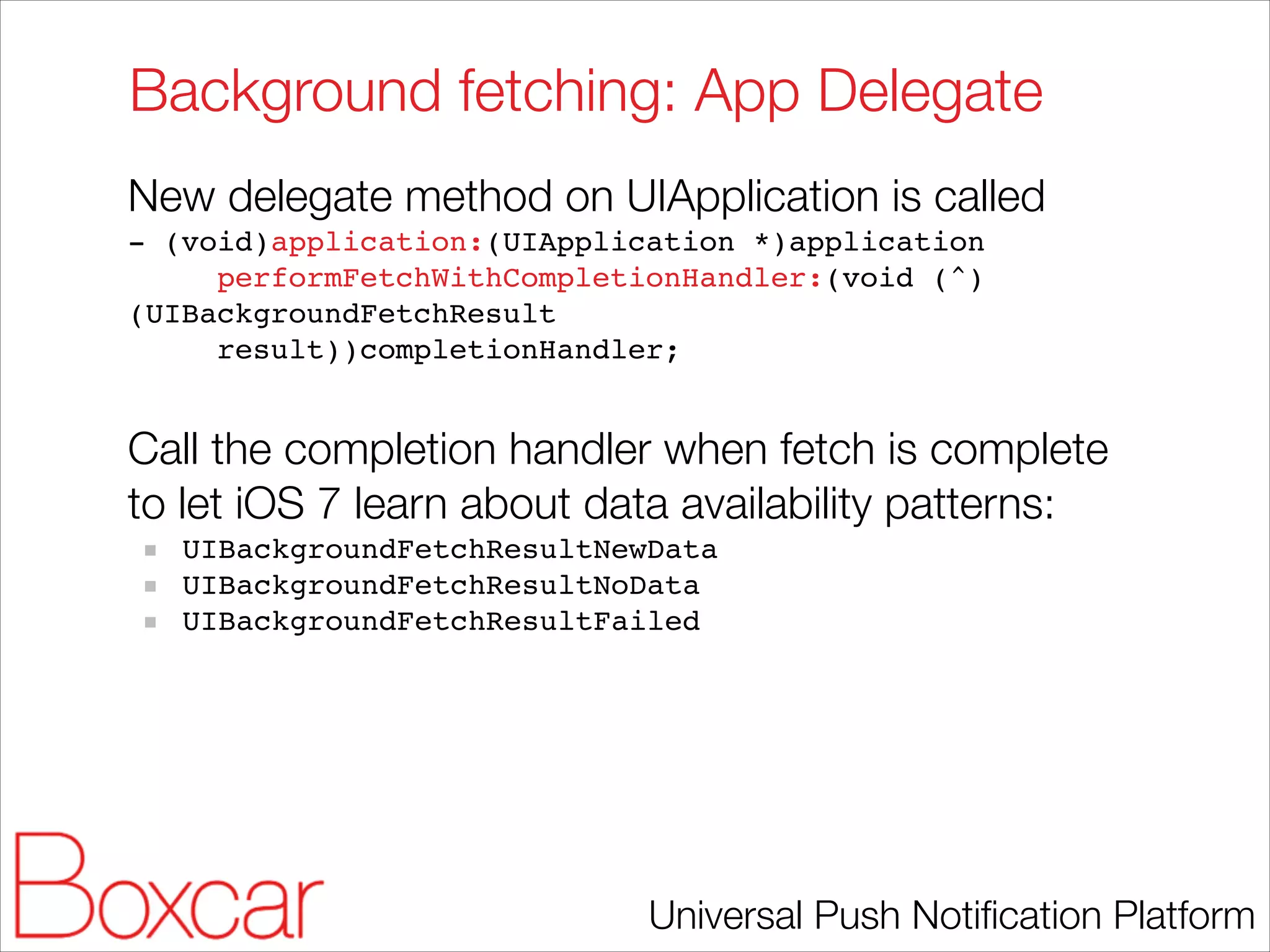
Background fetching: App Delegate
New delegate method on UIApplication is called
- (void)application:(UIApplication *)application!
performFetchWithCompletionHandler:(void (^)
(UIBackgroundFetchResult!
result))completionHandler;!

!

Call the completion handler when fetch is complete
to let iOS 7 learn about data availability patterns:
UIBackgroundFetchResultNewData!
UIBackgroundFetchResultNoData!
UIBackgroundFetchResultFailed

Universal Push Notification Platform
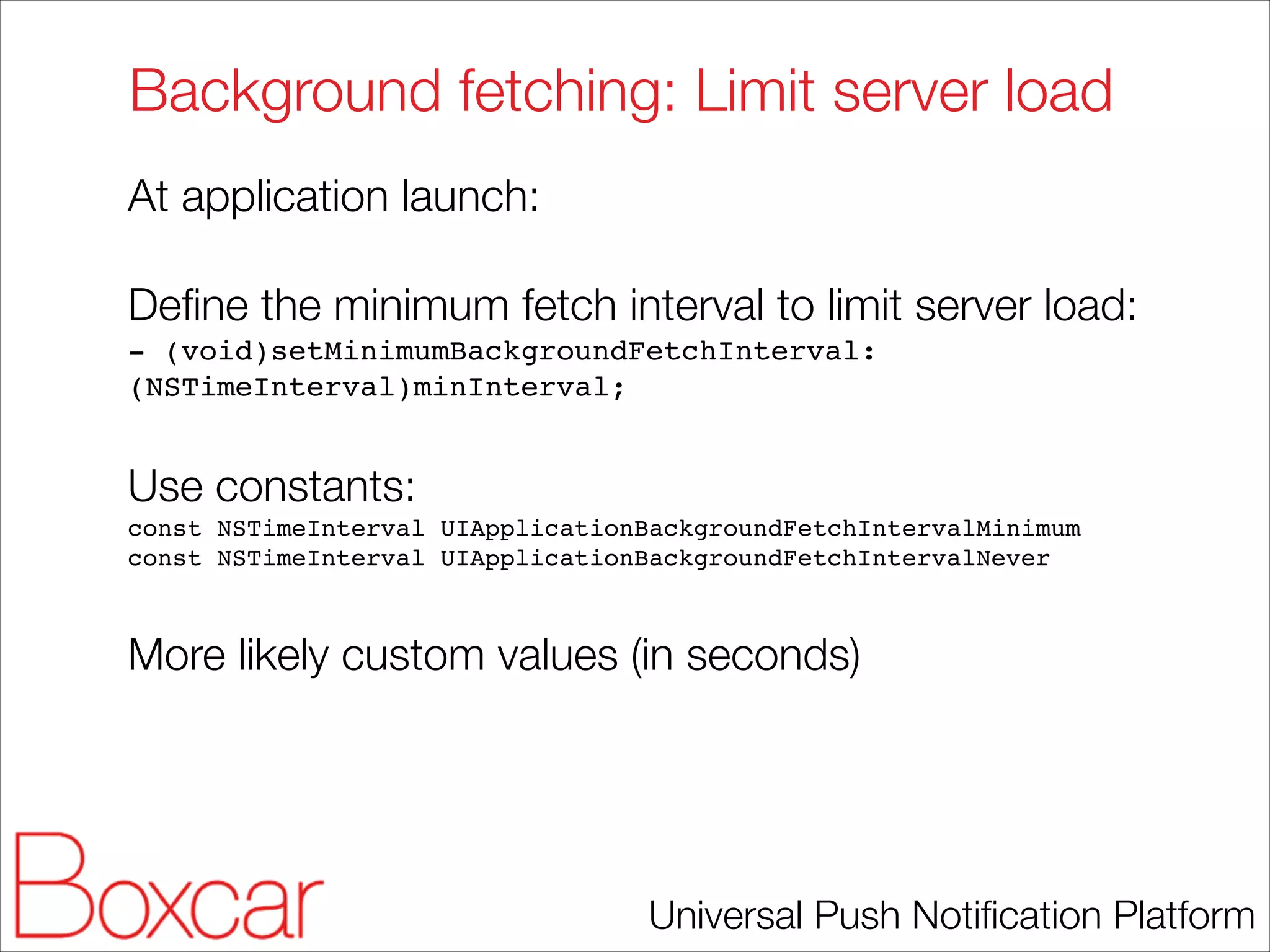
Background fetching: Limit server load
At application launch:
!

Define the minimum fetch interval to limit server load:
- (void)setMinimumBackgroundFetchInterval:
(NSTimeInterval)minInterval;!

!

Use constants:
const NSTimeInterval UIApplicationBackgroundFetchIntervalMinimum!
const NSTimeInterval UIApplicationBackgroundFetchIntervalNever!

!

More likely custom values (in seconds)

Universal Push Notification Platform
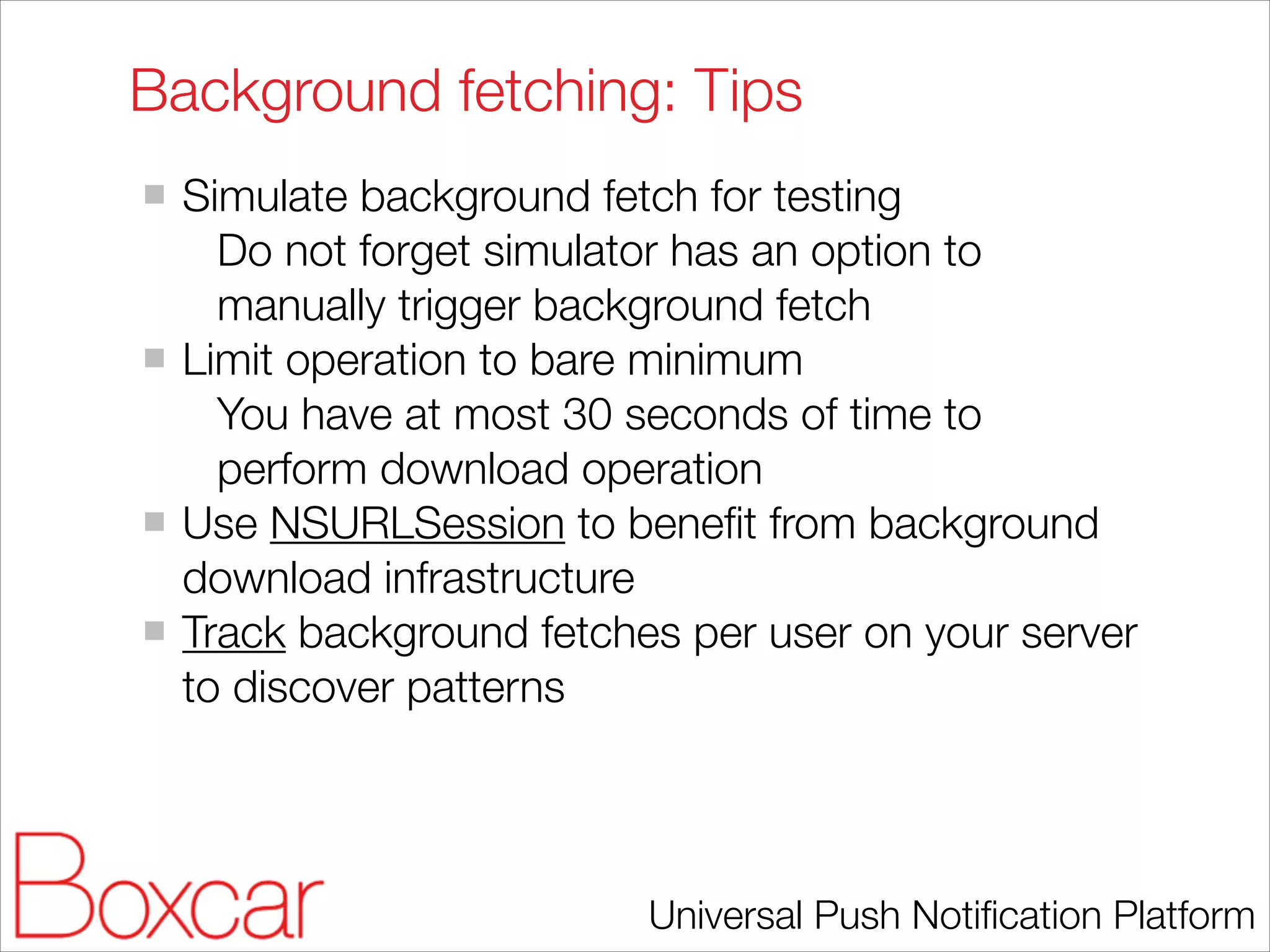
Background fetching: Tips
Simulate background fetch for testing
Do not forget simulator has an option to
manually trigger background fetch
Limit operation to bare minimum
You have at most 30 seconds of time to
perform download operation
Use NSURLSession to benefit from background
download infrastructure
Track background fetches per user on your server
to discover patterns

Universal Push Notification Platform
Remote notifications

Universal Push Notification Platform
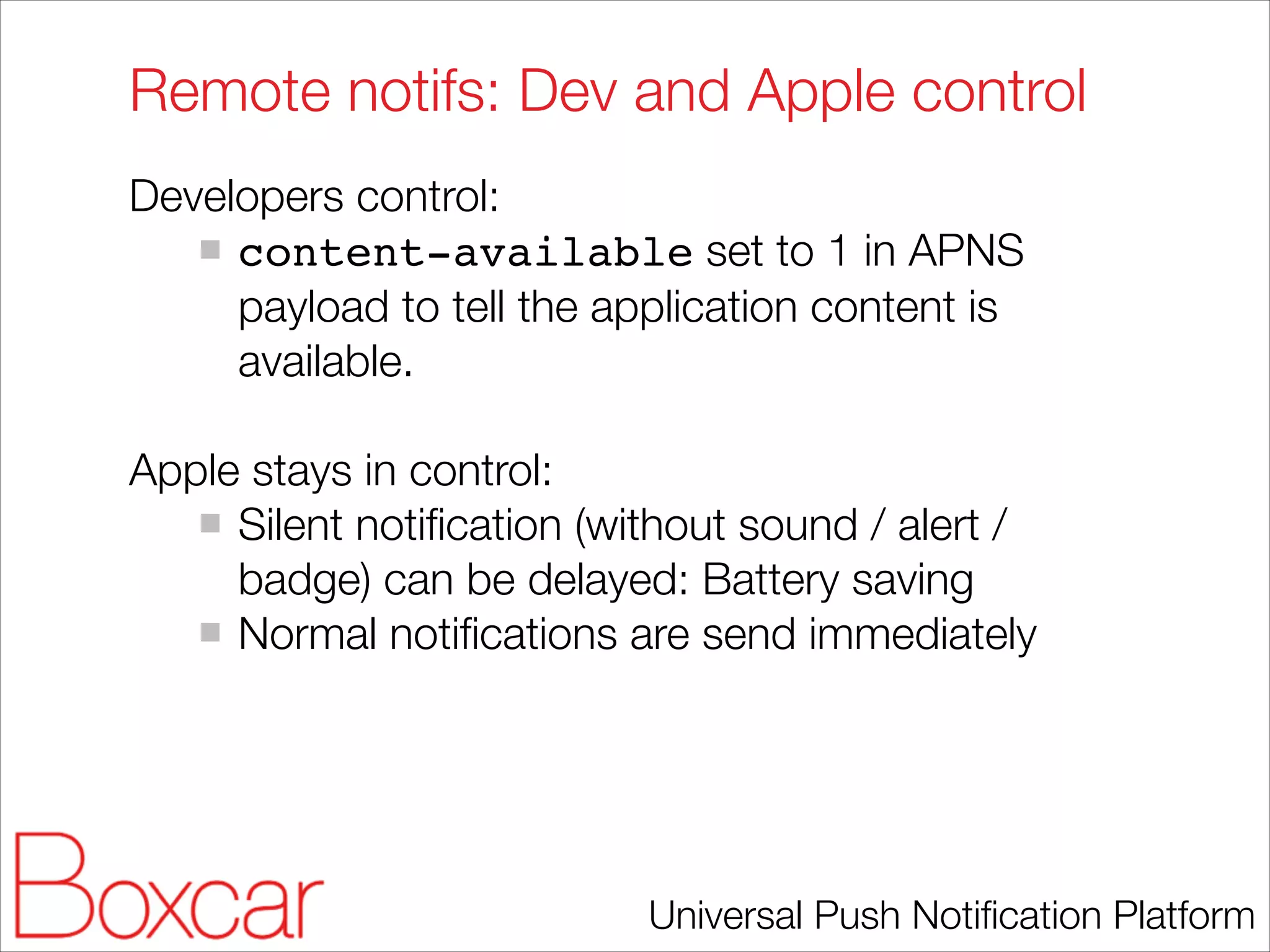
Remote notifs: Dev and Apple control
Developers control:
content-available set to 1 in APNS
payload to tell the application content is
available.
!

Apple stays in control:
Silent notification (without sound / alert /
badge) can be delayed: Battery saving
Normal notifications are send immediately

Universal Push Notification Platform
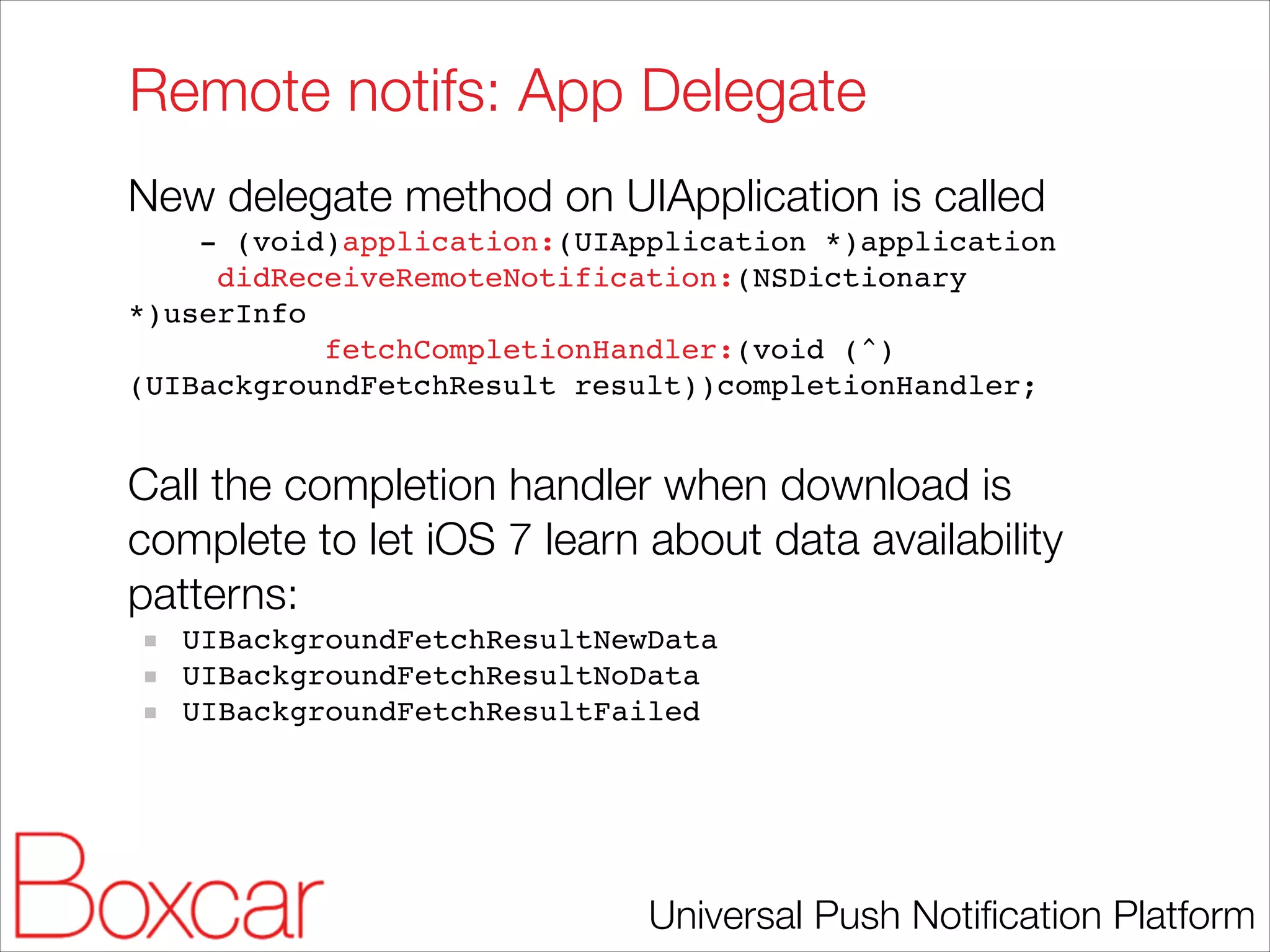
Remote notifs: App Delegate
New delegate method on UIApplication is called
- (void)application:(UIApplication *)application!
didReceiveRemoteNotification:(NSDictionary
*)userInfo!
fetchCompletionHandler:(void (^)
(UIBackgroundFetchResult result))completionHandler;!

!

Call the completion handler when download is
complete to let iOS 7 learn about data availability
patterns:
UIBackgroundFetchResultNewData!
UIBackgroundFetchResultNoData!
UIBackgroundFetchResultFailed!

Universal Push Notification Platform
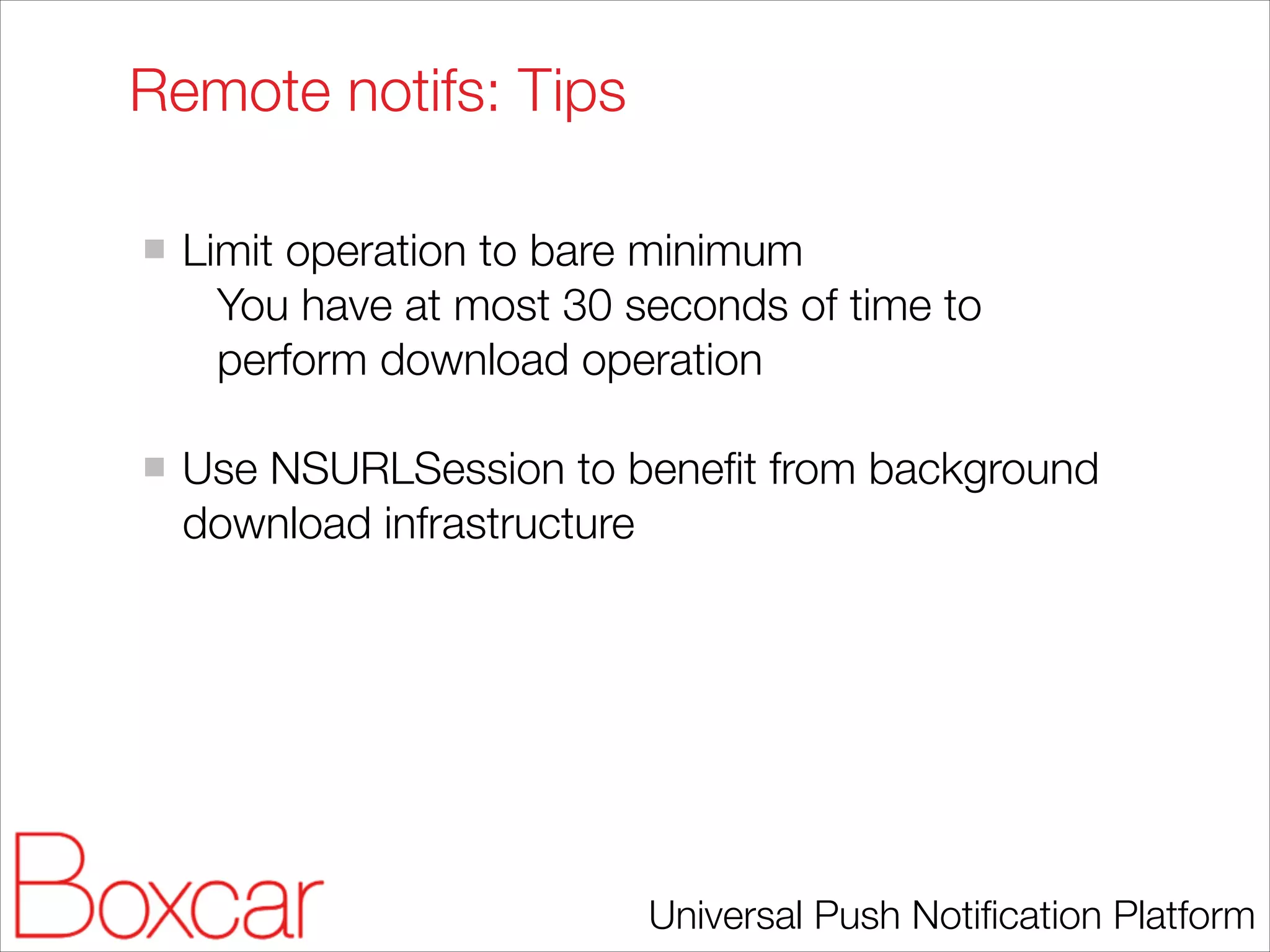
Remote notifs: Tips
!

Limit operation to bare minimum
You have at most 30 seconds of time to
perform download operation
!

Use NSURLSession to benefit from background
download infrastructure

Universal Push Notification Platform
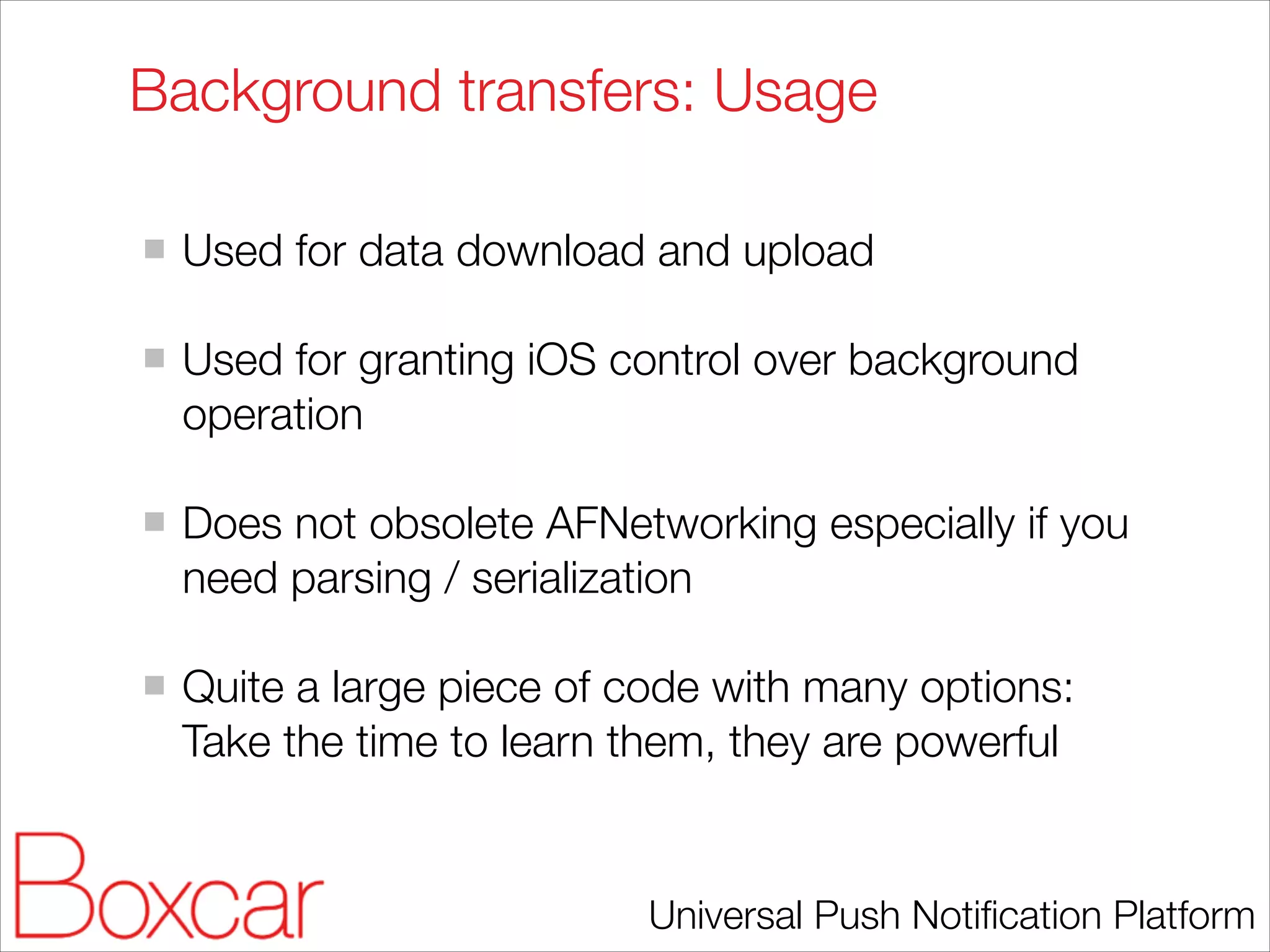
Background transfers

Universal Push Notification Platform
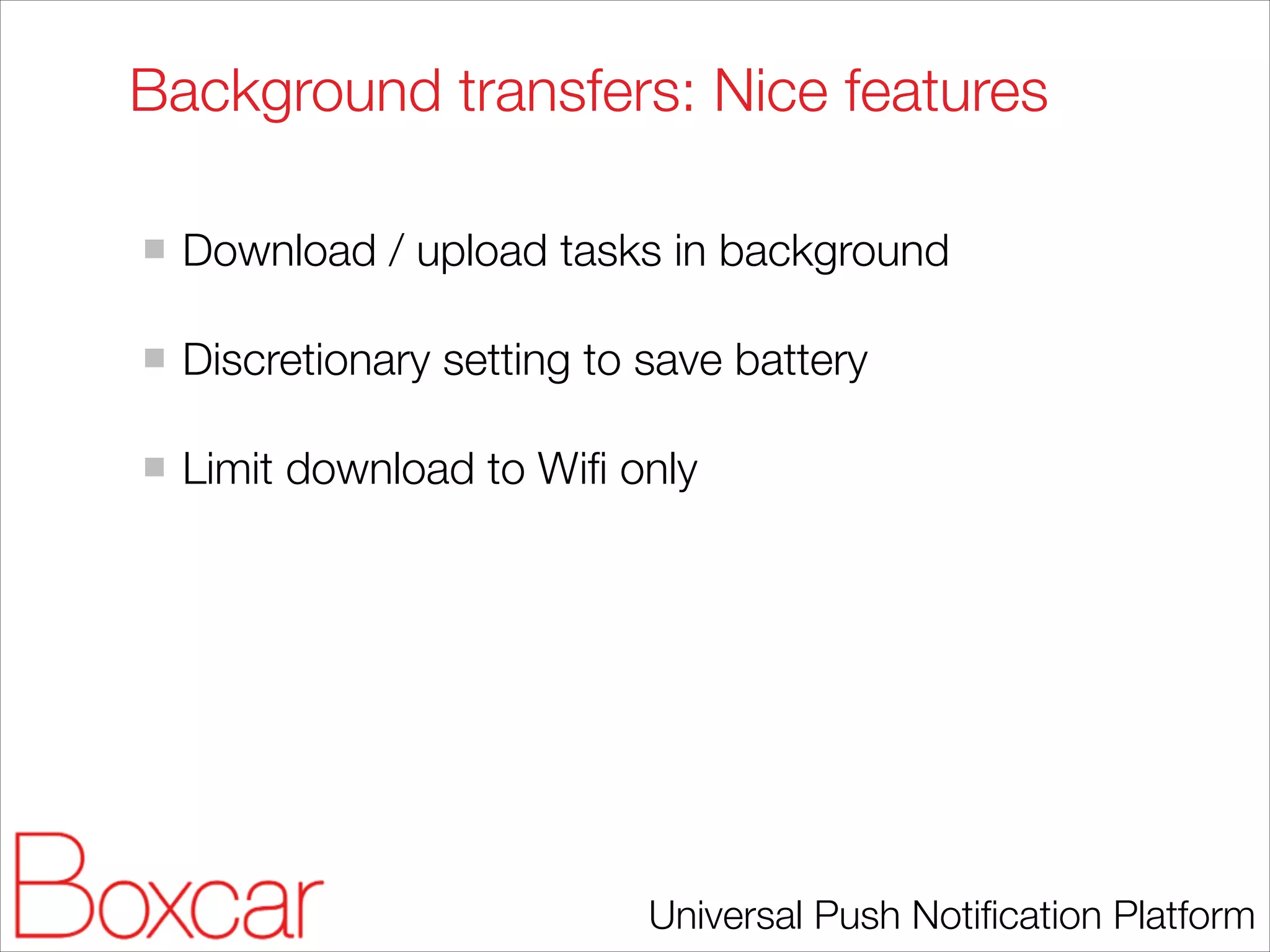
Background transfers: Usage
!

Used for data download and upload
!

Used for granting iOS control over background
operation
!

Does not obsolete AFNetworking especially if you
need parsing / serialization
!

Quite a large piece of code with many options:
Take the time to learn them, they are powerful

Universal Push Notification Platform
Background transfers: Nice features
!

Download / upload tasks in background
!

Discretionary setting to save battery
!

Limit download to Wifi only

Universal Push Notification Platform
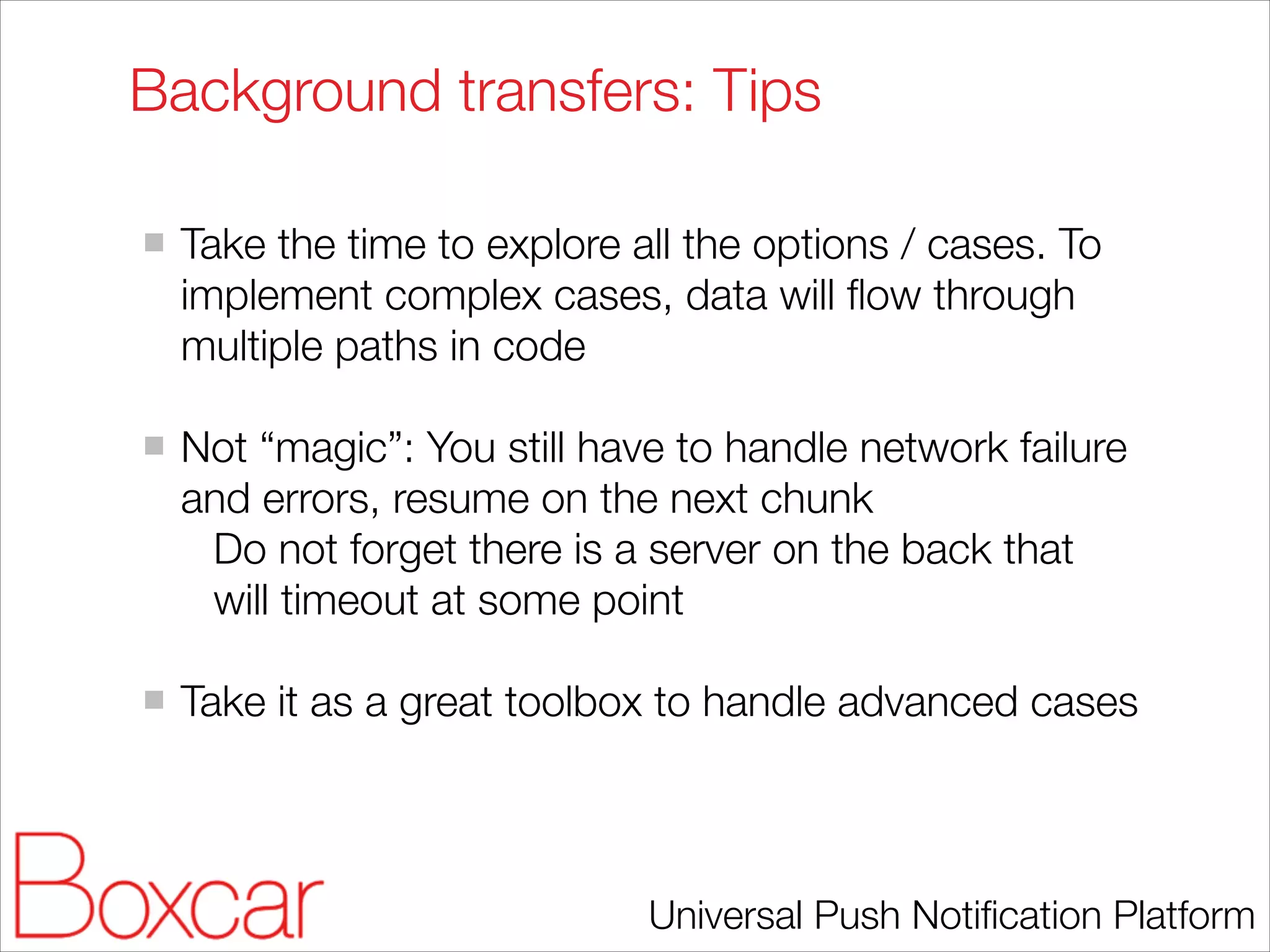
Background transfers: Tips
!

Take the time to explore all the options / cases. To
implement complex cases, data will flow through
multiple paths in code
!

Not “magic”: You still have to handle network failure
and errors, resume on the next chunk
Do not forget there is a server on the back that
will timeout at some point
!

Take it as a great toolbox to handle advanced cases

Universal Push Notification Platform
References
Talk example code
https://github.com/boxcar/talk-code-examples/tree/
master/background-ios7
!

Background Modes in iOS Tutorial (pre-iOS 7)
http://www.raywenderlich.com/29948/
backgrounding-for-ios
!

WWDC 2013 Session 204: What’s new with
multitasking.

Universal Push Notification Platform

Multitasking in iOS 7

  • 1.
    Multitasking in iOS7 Mickaël Rémond <mremond@boxcar.io> Universal Push Notification Platform
  • 2.
    Pre-iOS 7 optionsfor background modes Previously you had access to the following options: ! Audio playback Location update Task completion (up to 10 minutes) Newsstand download Voice-over-IP (VoIP) services Accessory or CoreBluetooth communication ! Specific limitations for each of them Universal Push Notification Platform
  • 3.
    Change in backgroundtasks handling (1/3) Apps will get scheduled when device is active and not keep it awake They still get up to 10 minutes run time, not guaranteed to be continuous ! WWDC 204 Universal Push Notification Platform
  • 4.
    Change in backgroundtasks handling (2/3) // AppDelegate UIBackgroundTaskIdentifier background_task; ! - (void)applicationDidEnterBackground:(UIApplication *)application { if([[UIDevice currentDevice] respondsToSelector:@selector(isMultitaskingSupported)]) { NSLog(@"Multitasking Supported"); if (background_task == UIBackgroundTaskInvalid) { background_task = [application beginBackgroundTaskWithExpirationHandler:^ { NSLog(@"Background task expirationn"); //Clean up code. Tell the system that we are done. [application endBackgroundTask: background_task]; background_task = UIBackgroundTaskInvalid; }]; //To make the code block asynchronous dispatch_async(dispatch_get_global_queue(DISPATCH_QUEUE_PRIORITY_DEFAULT, 0), ^{ //### background task starts NSLog(@"Running in the backgroundn"); while(TRUE) { NSLog(@"Background time Remaining: %f",[[UIApplication sharedApplication] backgroundTimeRemaining]); [NSThread sleepForTimeInterval:1]; //wait for 1 sec } //#### background task ends //Clean up code. Tell the system that we are done. [application endBackgroundTask: background_task]; background_task = UIBackgroundTaskInvalid; }); } else { NSLog(@"Multitasking Not Supported"); } } } ! Universal Push Notification Platform
  • 5.
    Change in backgroundtasks handling (3/3) On iOS 6, starts with 10 min: 2013-11-14 08:59:54.165 Background1[149:1103] Background time Remaining: 599.981943 ! ! On iOS 7, starts with 3 min: 2013-11-14 09:02:33.182 Background1[6315:1803] Background time Remaining: 179.942678 ! This is a big change for many apps using background tasks. ! I never seem task being scheduled discontinously … Yet. Universal Push Notification Platform
  • 6.
    iOS 7 newbackground modes With iOS 7 you have three new modes: ! Background fetching Remote notification Background transfers ! All modes keep Apple and users in control to preserve battery life Universal Push Notification Platform
  • 7.
    Project *info.plist: selectbackground modes Two new modes available: ! fetch (App downloads content from the network) remote-notification (App download content in response to push notifications) Universal Push Notification Platform
  • 8.
    Background fetch Universal PushNotification Platform
  • 9.
    Background fetching: closecontrol ! iOS stays in control: “Application launched opportunistically” Coalesced across applications means scheduled based on usage pattern sensitive to energy and data usage ! Users stay in control: Force close disable background fetch Dedicated setting panel Universal Push Notification Platform
  • 10.
    Background fetching: usercontrol Preferences -> General -> Background App Refresh Universal Push Notification Platform
  • 11.
    Background fetching: usagepatterns WWDC 204 Universal Push Notification Platform
  • 12.
    Background fetching: AppDelegate New delegate method on UIApplication is called - (void)application:(UIApplication *)application! performFetchWithCompletionHandler:(void (^) (UIBackgroundFetchResult! result))completionHandler;! ! Call the completion handler when fetch is complete to let iOS 7 learn about data availability patterns: UIBackgroundFetchResultNewData! UIBackgroundFetchResultNoData! UIBackgroundFetchResultFailed Universal Push Notification Platform
  • 13.
    Background fetching: Limitserver load At application launch: ! Define the minimum fetch interval to limit server load: - (void)setMinimumBackgroundFetchInterval: (NSTimeInterval)minInterval;! ! Use constants: const NSTimeInterval UIApplicationBackgroundFetchIntervalMinimum! const NSTimeInterval UIApplicationBackgroundFetchIntervalNever! ! More likely custom values (in seconds) Universal Push Notification Platform
  • 14.
    Background fetching: Tips Simulatebackground fetch for testing Do not forget simulator has an option to manually trigger background fetch Limit operation to bare minimum You have at most 30 seconds of time to perform download operation Use NSURLSession to benefit from background download infrastructure Track background fetches per user on your server to discover patterns Universal Push Notification Platform
  • 15.
  • 16.
    Remote notifs: Devand Apple control Developers control: content-available set to 1 in APNS payload to tell the application content is available. ! Apple stays in control: Silent notification (without sound / alert / badge) can be delayed: Battery saving Normal notifications are send immediately Universal Push Notification Platform
  • 17.
    Remote notifs: AppDelegate New delegate method on UIApplication is called - (void)application:(UIApplication *)application! didReceiveRemoteNotification:(NSDictionary *)userInfo! fetchCompletionHandler:(void (^) (UIBackgroundFetchResult result))completionHandler;! ! Call the completion handler when download is complete to let iOS 7 learn about data availability patterns: UIBackgroundFetchResultNewData! UIBackgroundFetchResultNoData! UIBackgroundFetchResultFailed! Universal Push Notification Platform
  • 18.
    Remote notifs: Tips ! Limitoperation to bare minimum You have at most 30 seconds of time to perform download operation ! Use NSURLSession to benefit from background download infrastructure Universal Push Notification Platform
  • 19.
  • 20.
    Background transfers: Usage ! Usedfor data download and upload ! Used for granting iOS control over background operation ! Does not obsolete AFNetworking especially if you need parsing / serialization ! Quite a large piece of code with many options: Take the time to learn them, they are powerful Universal Push Notification Platform
  • 21.
    Background transfers: Nicefeatures ! Download / upload tasks in background ! Discretionary setting to save battery ! Limit download to Wifi only Universal Push Notification Platform
  • 22.
    Background transfers: Tips ! Takethe time to explore all the options / cases. To implement complex cases, data will flow through multiple paths in code ! Not “magic”: You still have to handle network failure and errors, resume on the next chunk Do not forget there is a server on the back that will timeout at some point ! Take it as a great toolbox to handle advanced cases Universal Push Notification Platform
  • 23.
    References Talk example code https://github.com/boxcar/talk-code-examples/tree/ master/background-ios7 ! BackgroundModes in iOS Tutorial (pre-iOS 7) http://www.raywenderlich.com/29948/ backgrounding-for-ios ! WWDC 2013 Session 204: What’s new with multitasking. Universal Push Notification Platform