Hot Updates using CodePush and Ionic 2
[hot push across the dev lifecycle]
1 / 65
Evan Schultz
twitter: @e_p82
github: e-schultz
Hello, etc...
2 / 65
Evan Schultz
twitter: @e_p82
github: e-schultz
Bertrand Karerangabo
twitter: @codenarian
github: bertrandk
Hello, etc...
3 / 65
Agenda
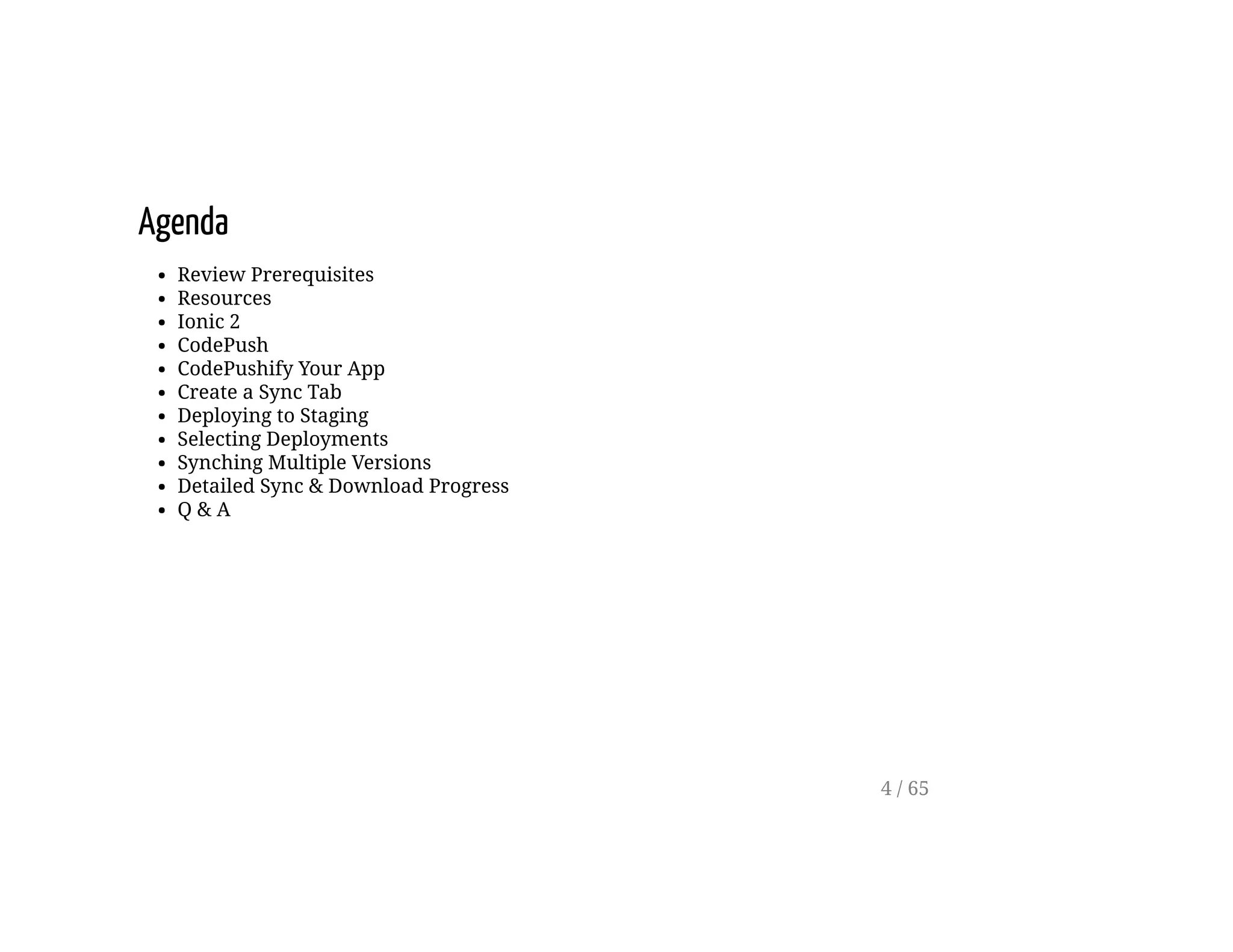
Review Prerequisites
Resources
Ionic 2
CodePush
CodePushify Your App
Create a Sync Tab
Deploying to Staging
Selecting Deployments
Synching Multiple Versions
Detailed Sync & Download Progress
Q & A
4 / 65
Prerequisites
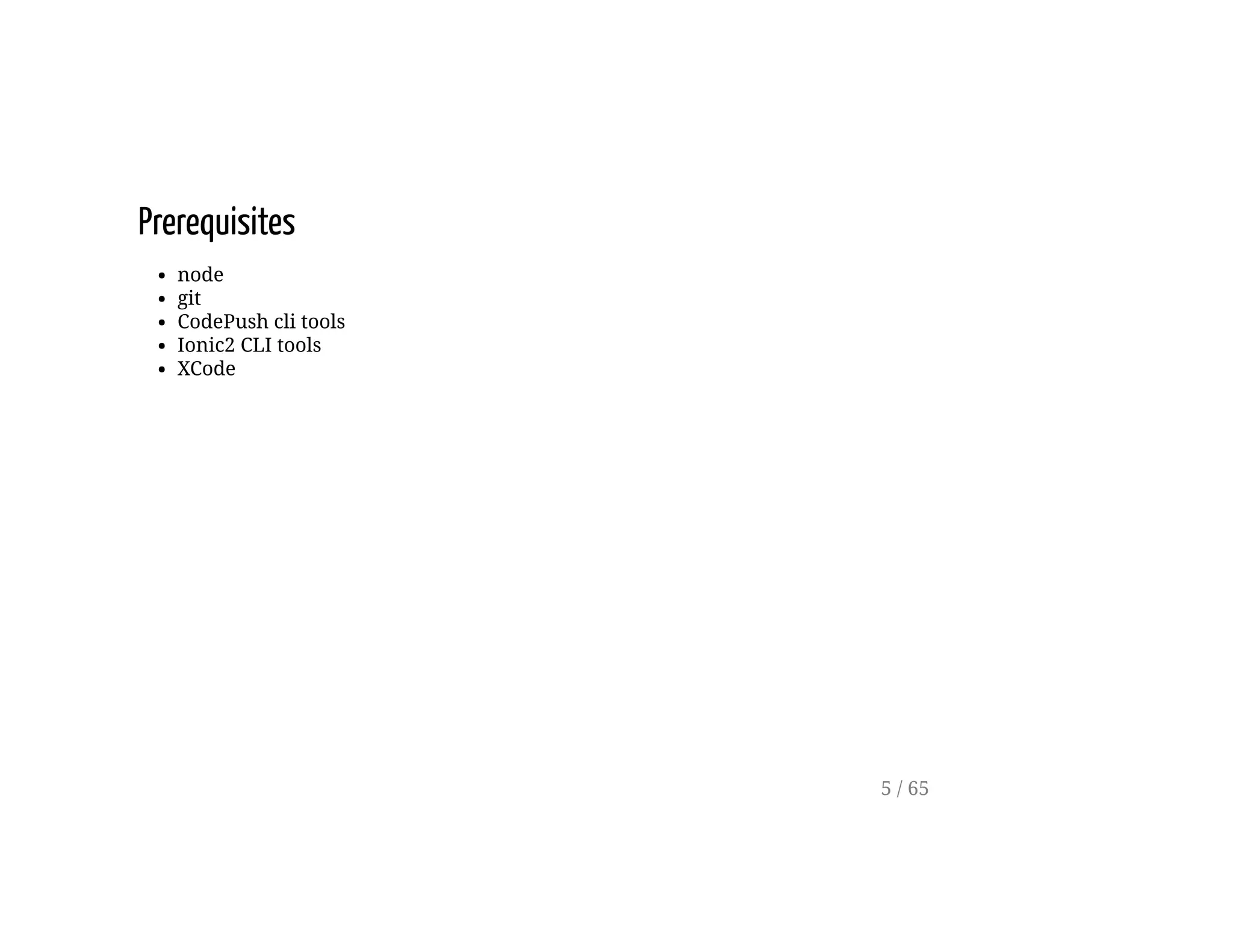
node
git
CodePush cli tools
Ionic2 CLI tools
XCode
5 / 65
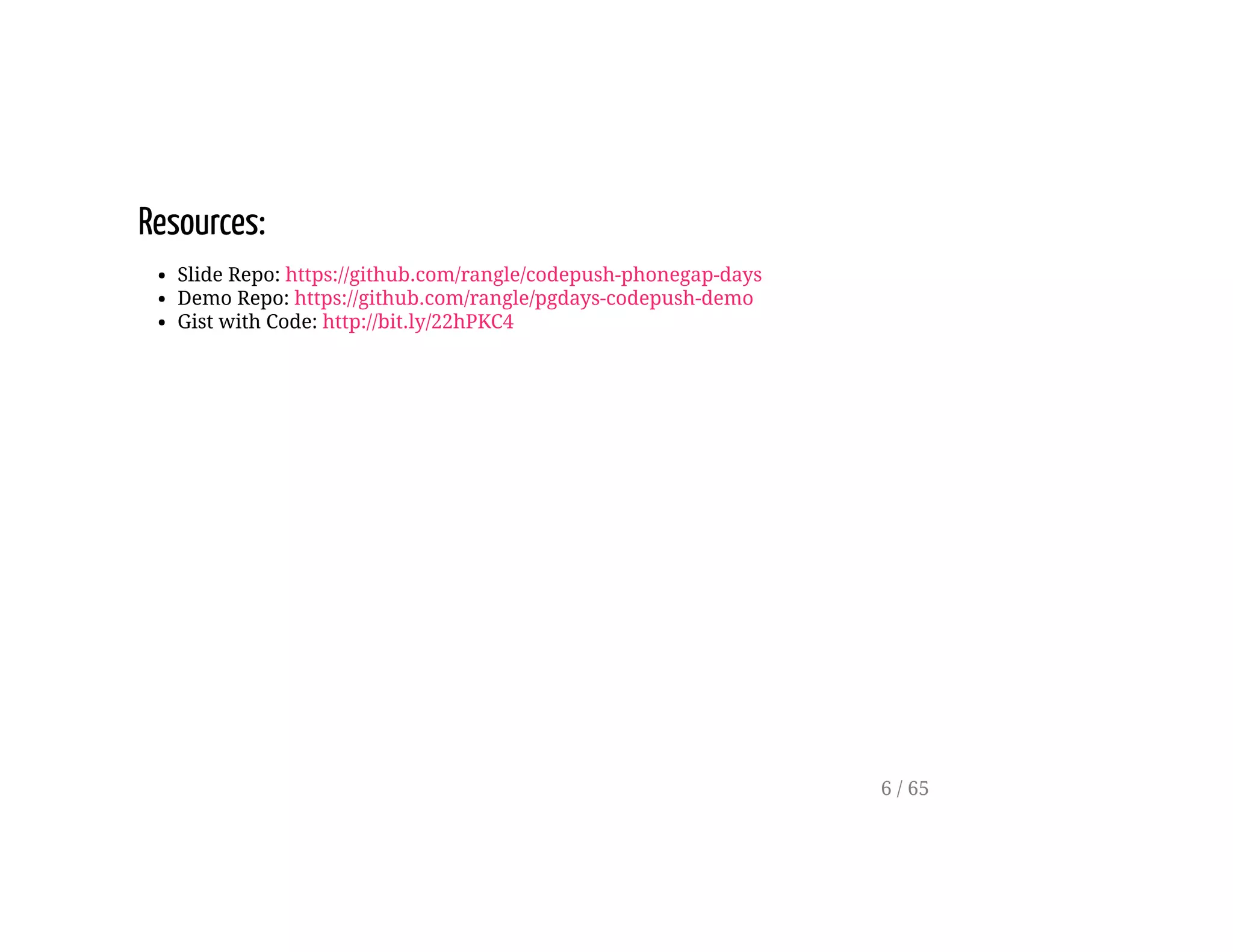
Resources:
Slide Repo: https://github.com/rangle/codepush-phonegap-days
Demo Repo: https://github.com/rangle/pgdays-codepush-demo
Gist with Code: http://bit.ly/22hPKC4
6 / 65
Ionic 2 Framework
7 / 65
Ionic 2
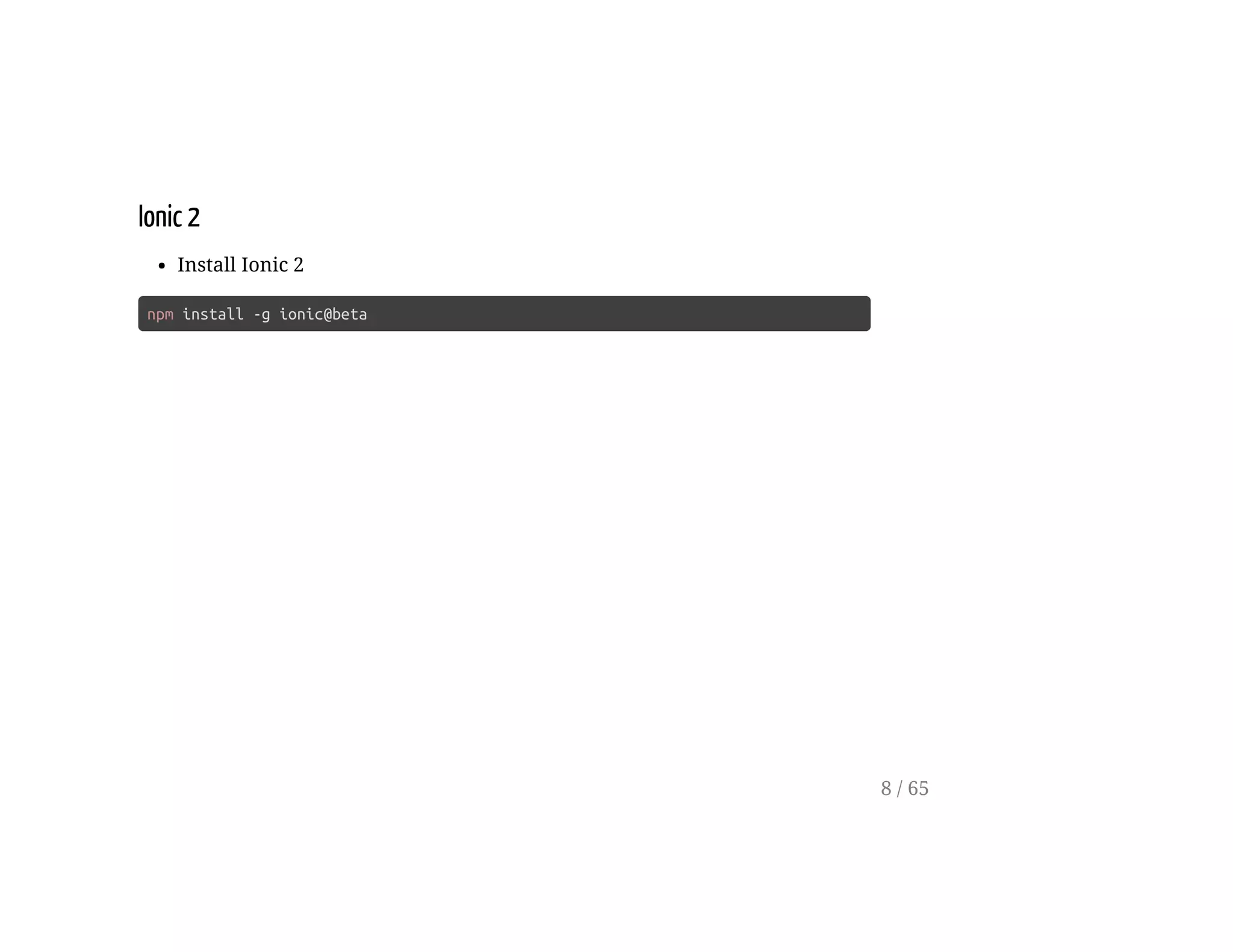
Install Ionic 2
npm install -g ionic@beta
8 / 65
Ionic 2
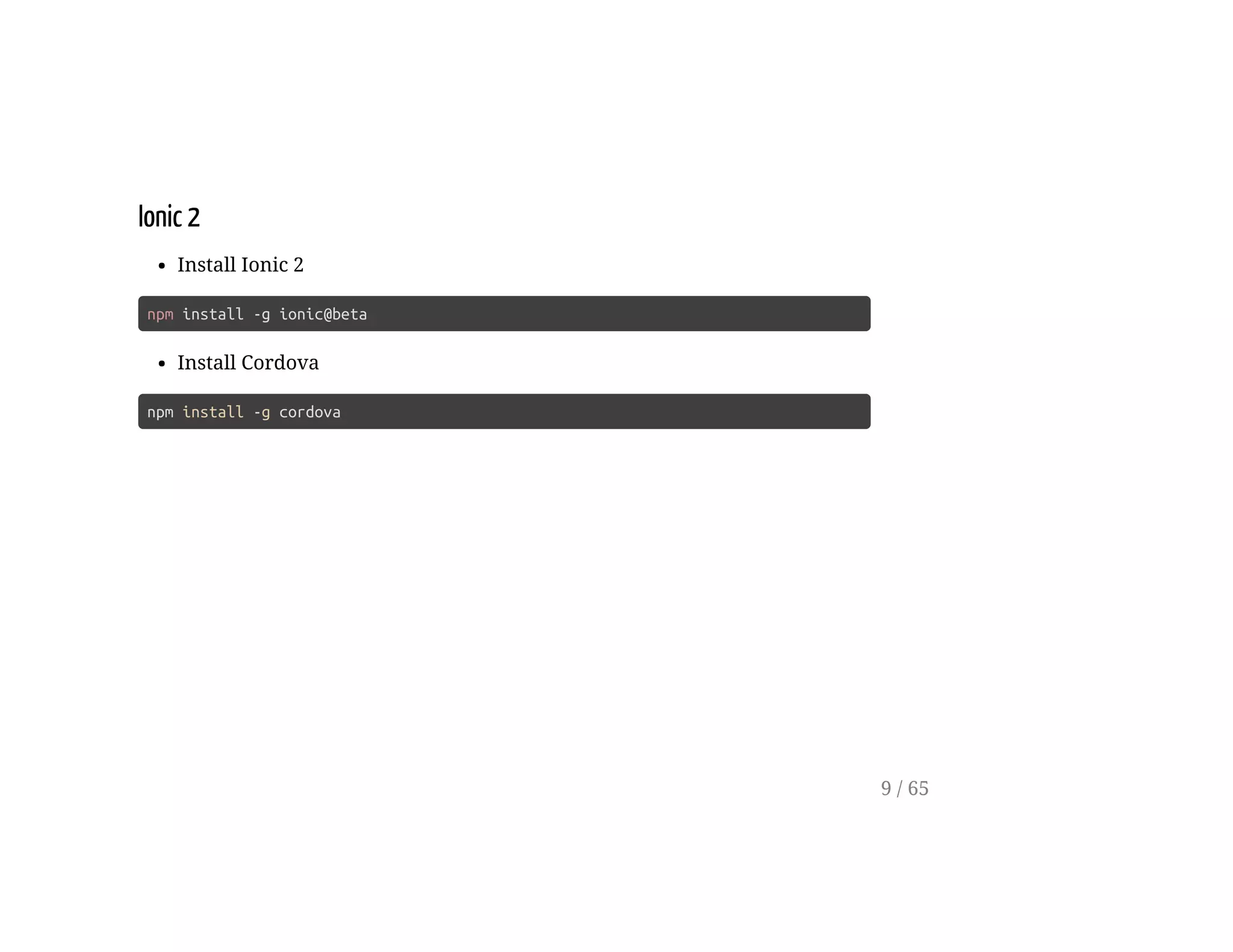
Install Ionic 2
npm install -g ionic@beta
Install Cordova
npm install -g cordova
9 / 65
Ionic 2
Start a new Ionic Project
ionic start pgdays-workshop --v2 --ts
cd pgdays-workshop
10 / 65
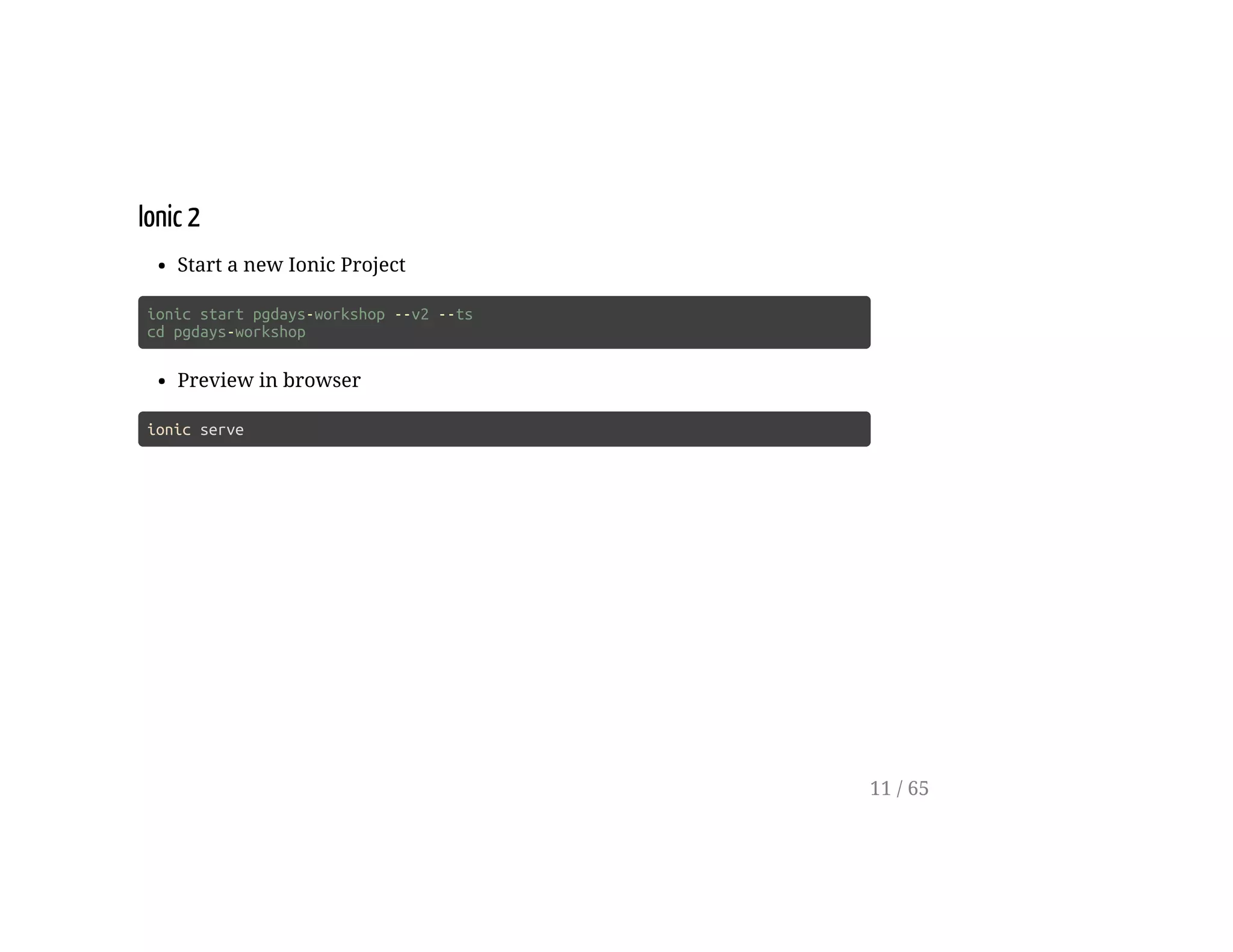
Ionic 2
Start a new Ionic Project
ionic start pgdays-workshop --v2 --ts
cd pgdays-workshop
Preview in browser
ionic serve
11 / 65
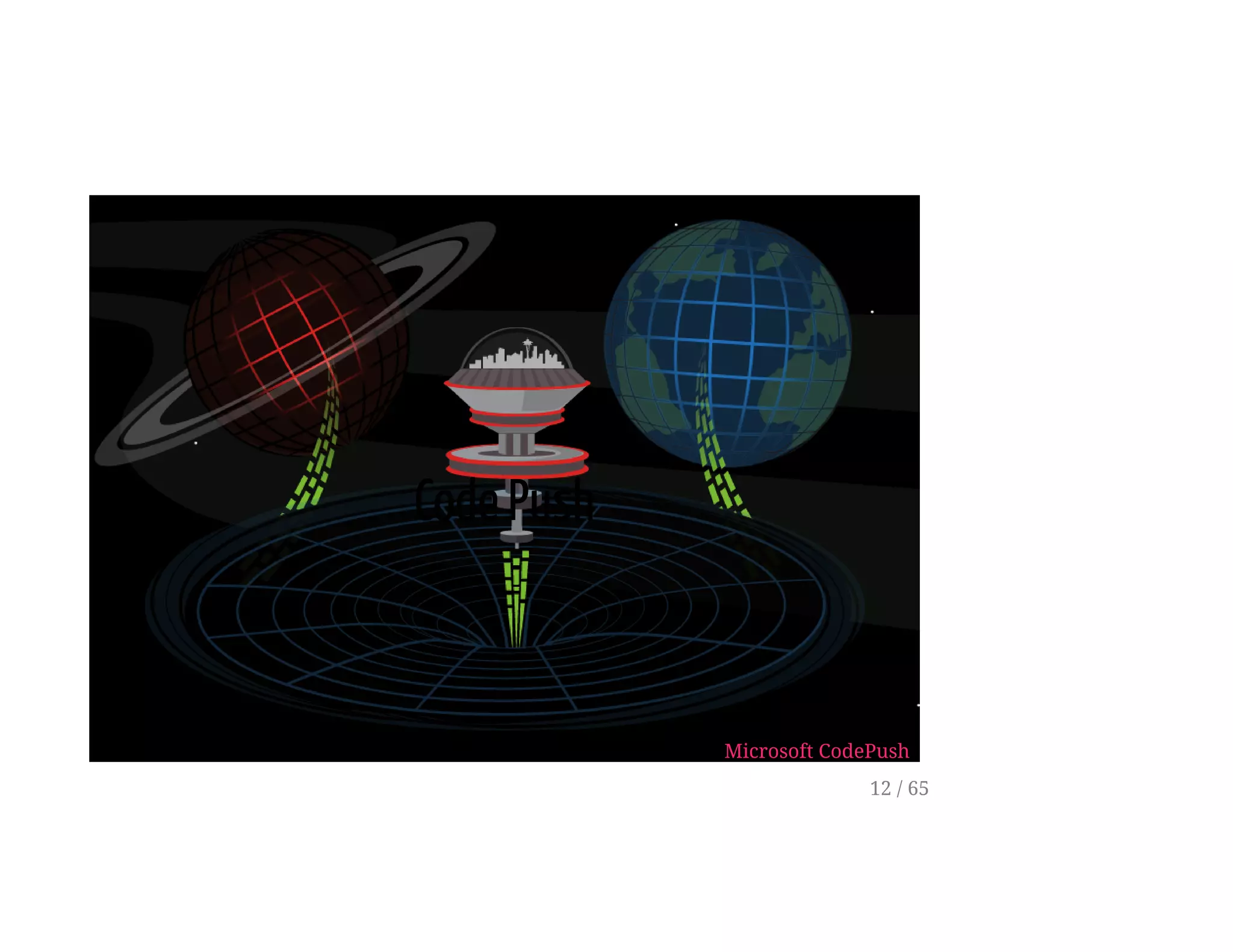
Code Push
Microsoft CodePush
12 / 65
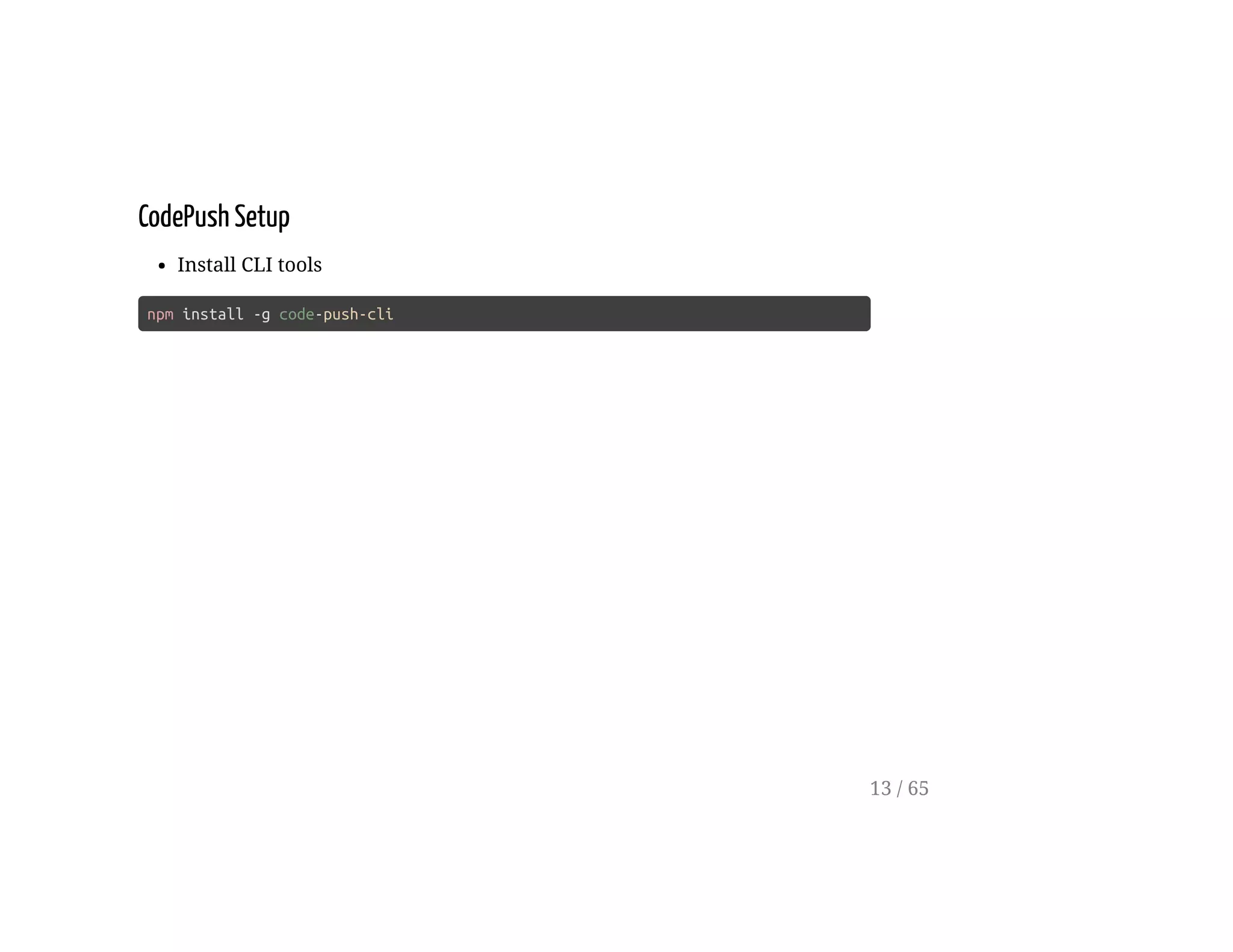
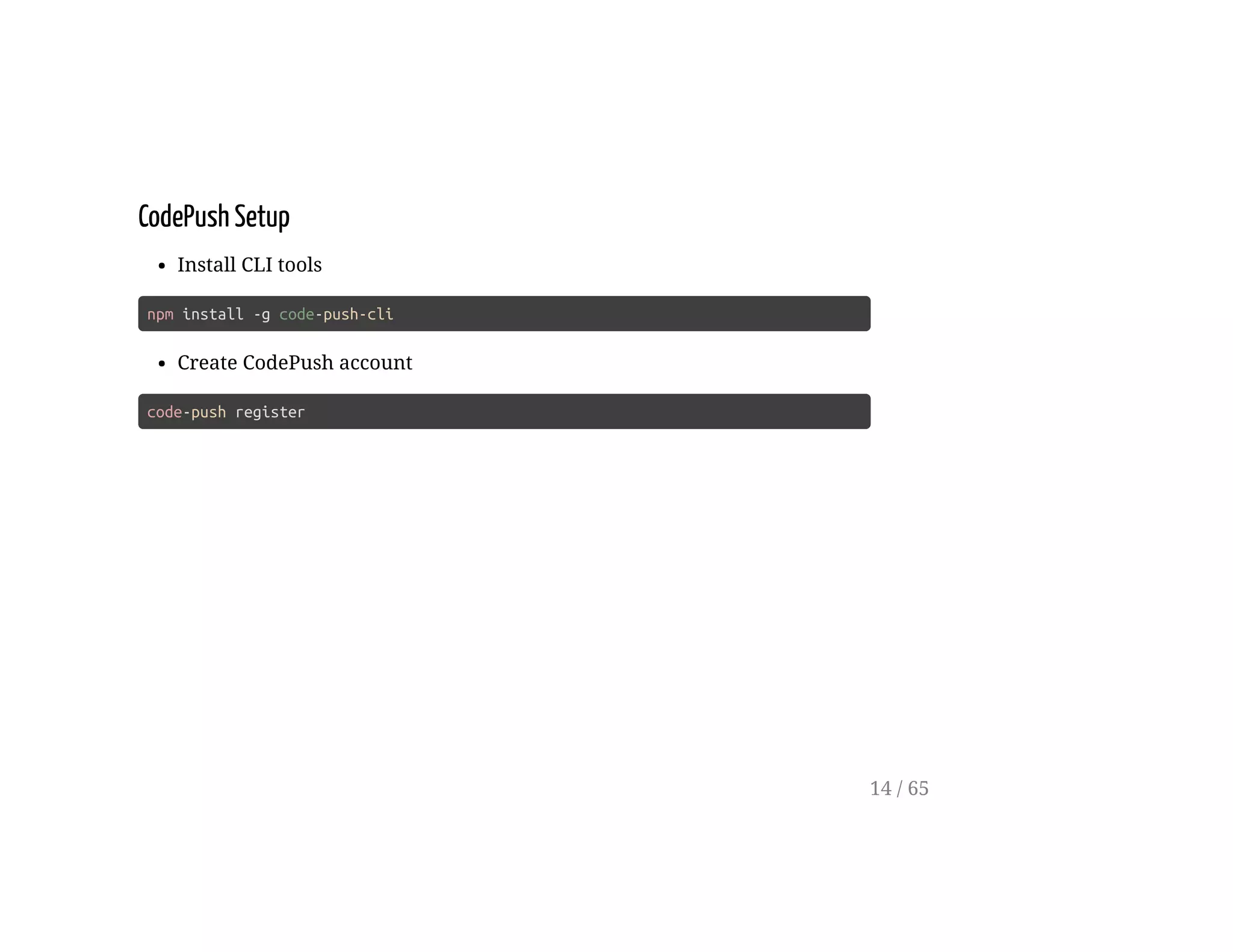
CodePush Setup
Install CLI tools
npm install -g code-push-cli
13 / 65
CodePush Setup
Install CLI tools
npm install -g code-push-cli
Create CodePush account
code-push register
14 / 65
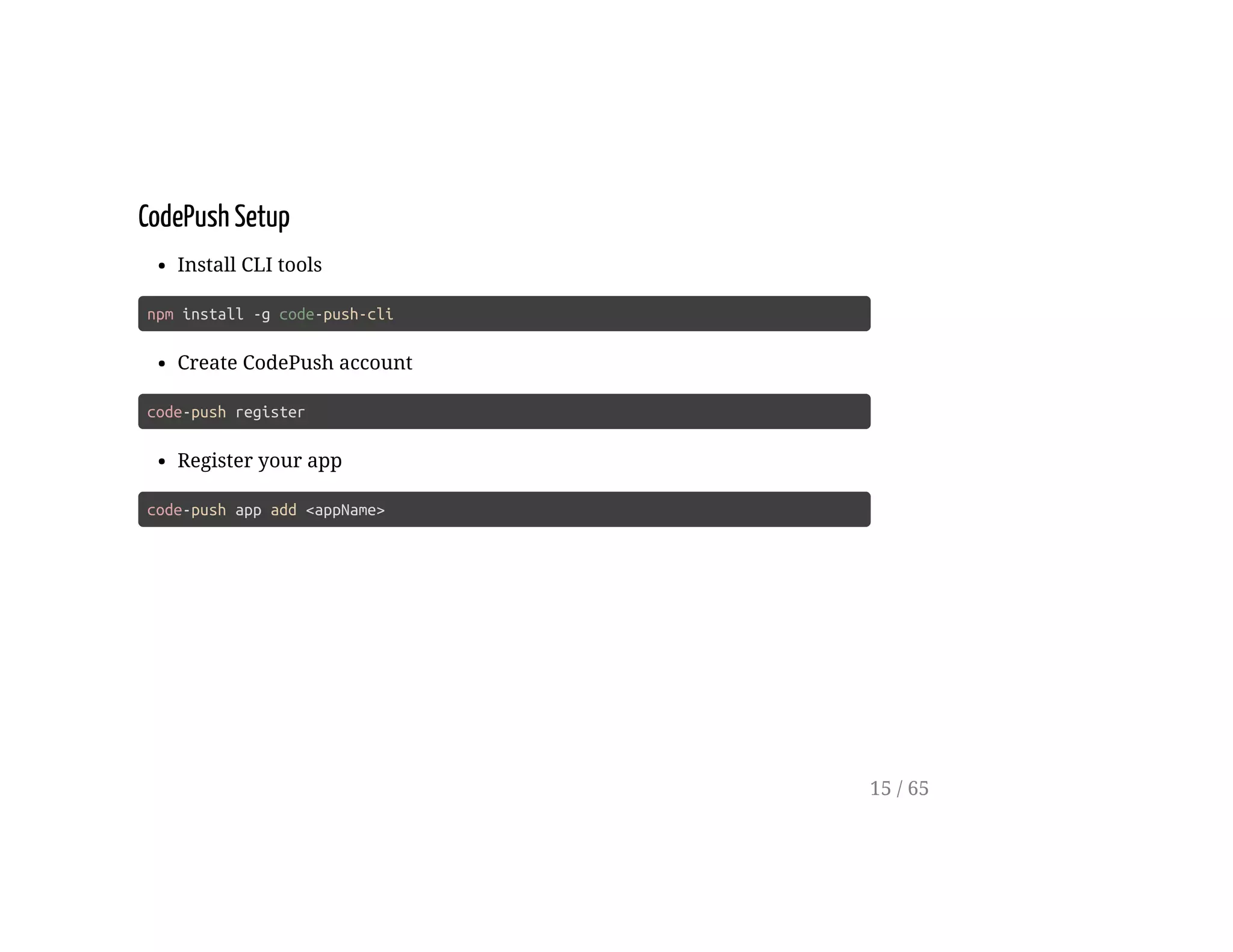
CodePush Setup
Install CLI tools
npm install -g code-push-cli
Create CodePush account
code-push register
Register your app
code-push app add <appName>
15 / 65
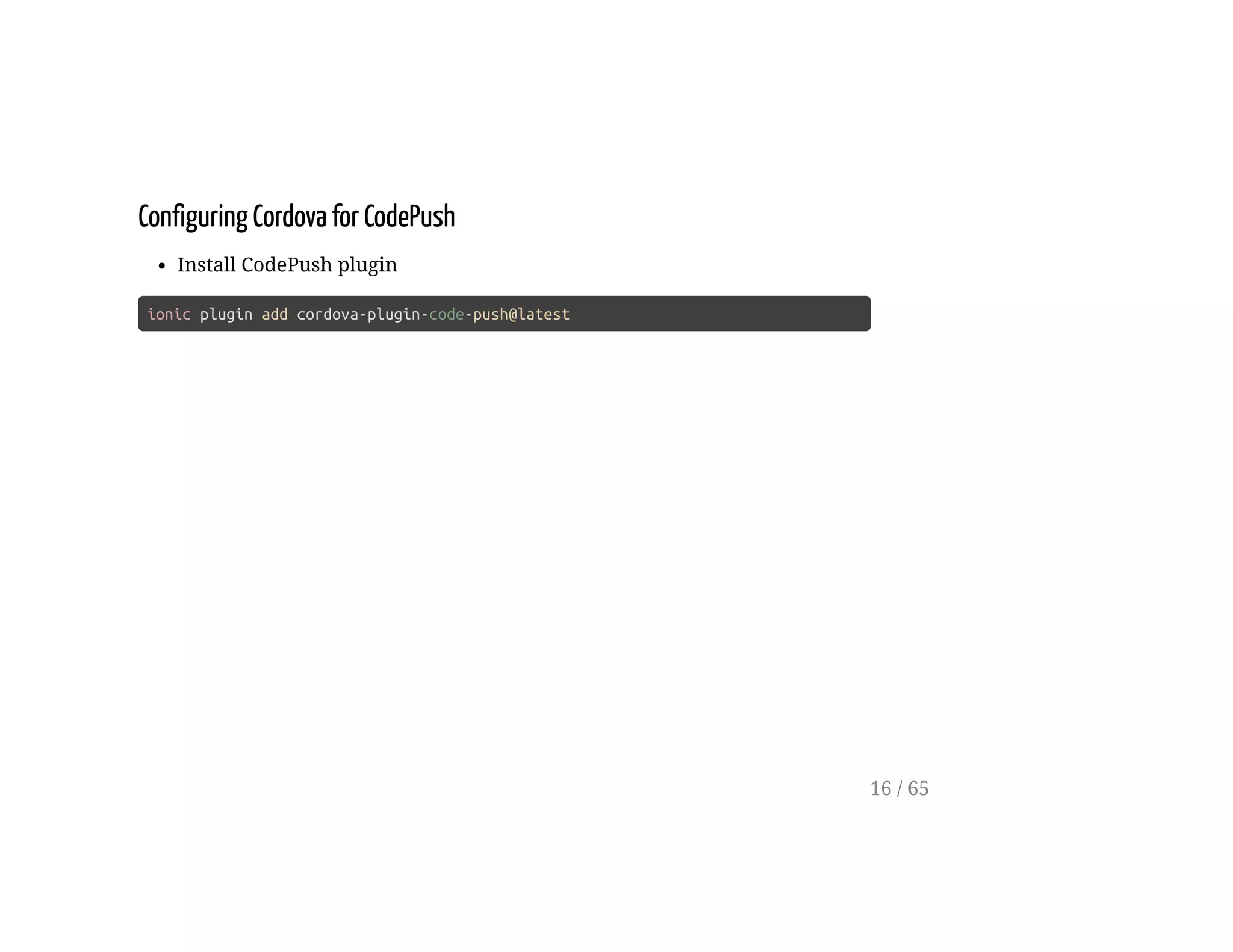
Configuring Cordova for CodePush
Install CodePush plugin
ionic plugin add cordova-plugin-code-push@latest
16 / 65
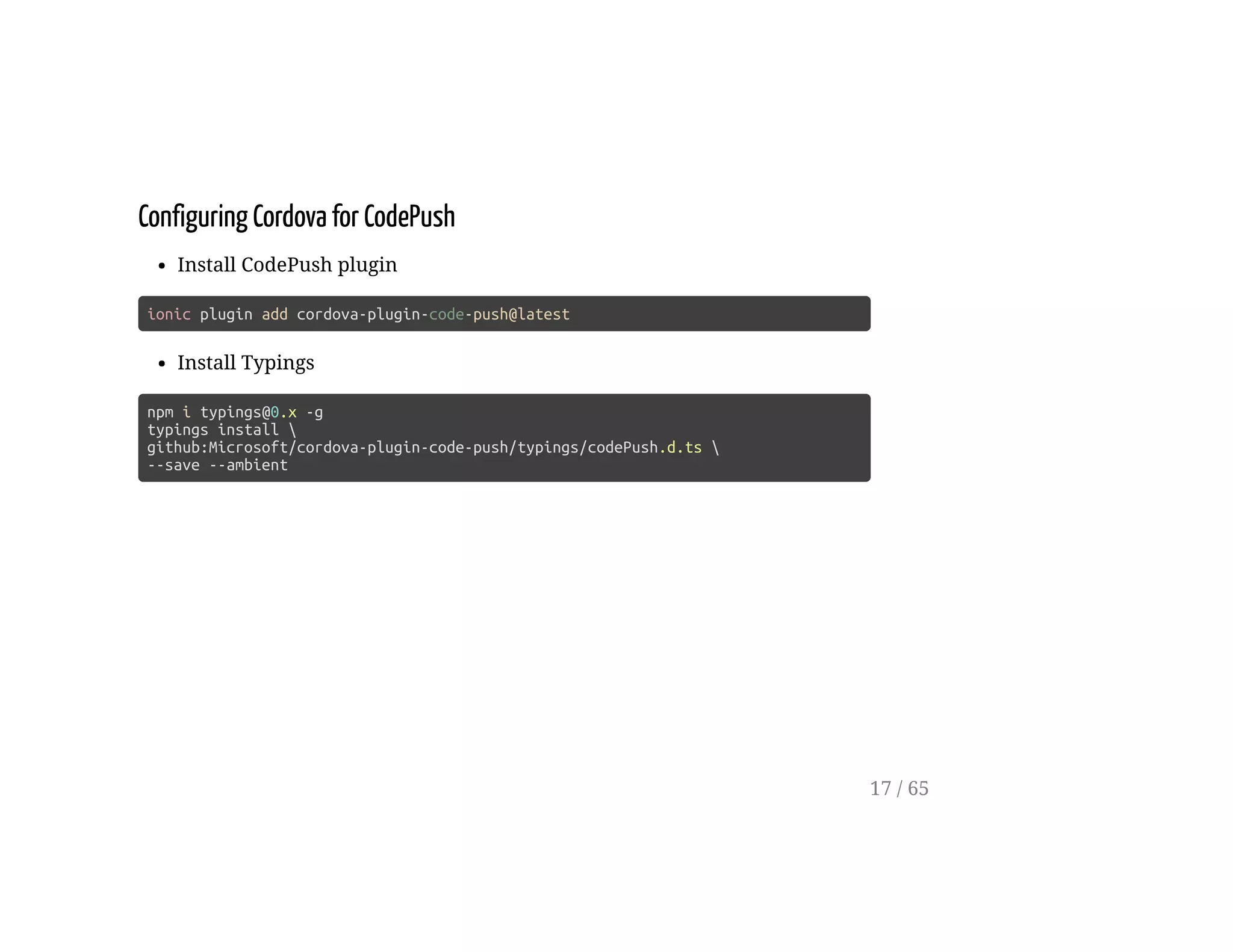
Configuring Cordova for CodePush
Install CodePush plugin
ionic plugin add cordova-plugin-code-push@latest
Install Typings
npm i typings@0.x -g
typings install 
github:Microsoft/cordova-plugin-code-push/typings/codePush.d.ts 
--save --ambient
17 / 65
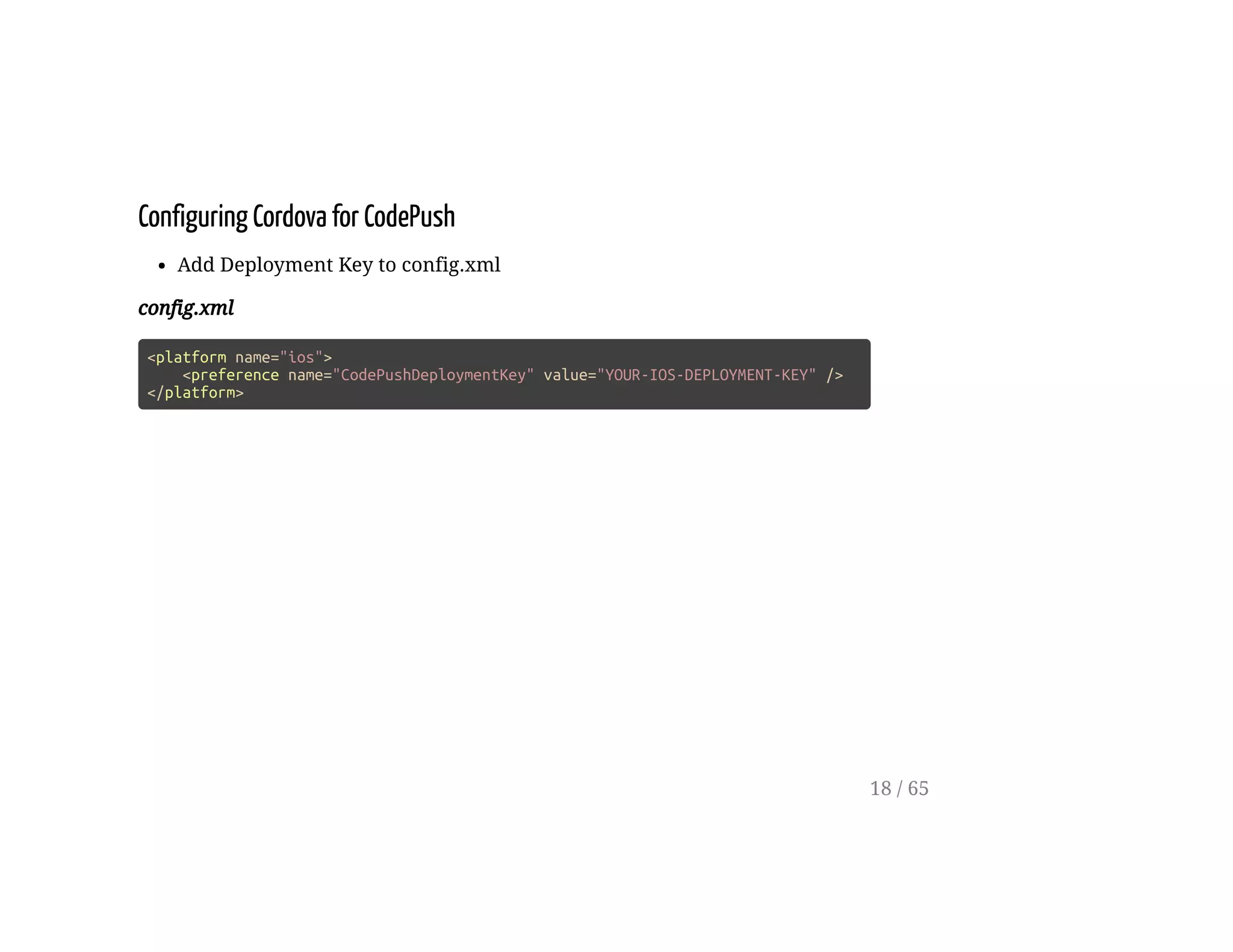
Configuring Cordova for CodePush
Add Deployment Key to config.xml
config.xml
<platform name="ios">
<preference name="CodePushDeploymentKey" value="YOUR-IOS-DEPLOYMENT-KEY" />
</platform>
18 / 65
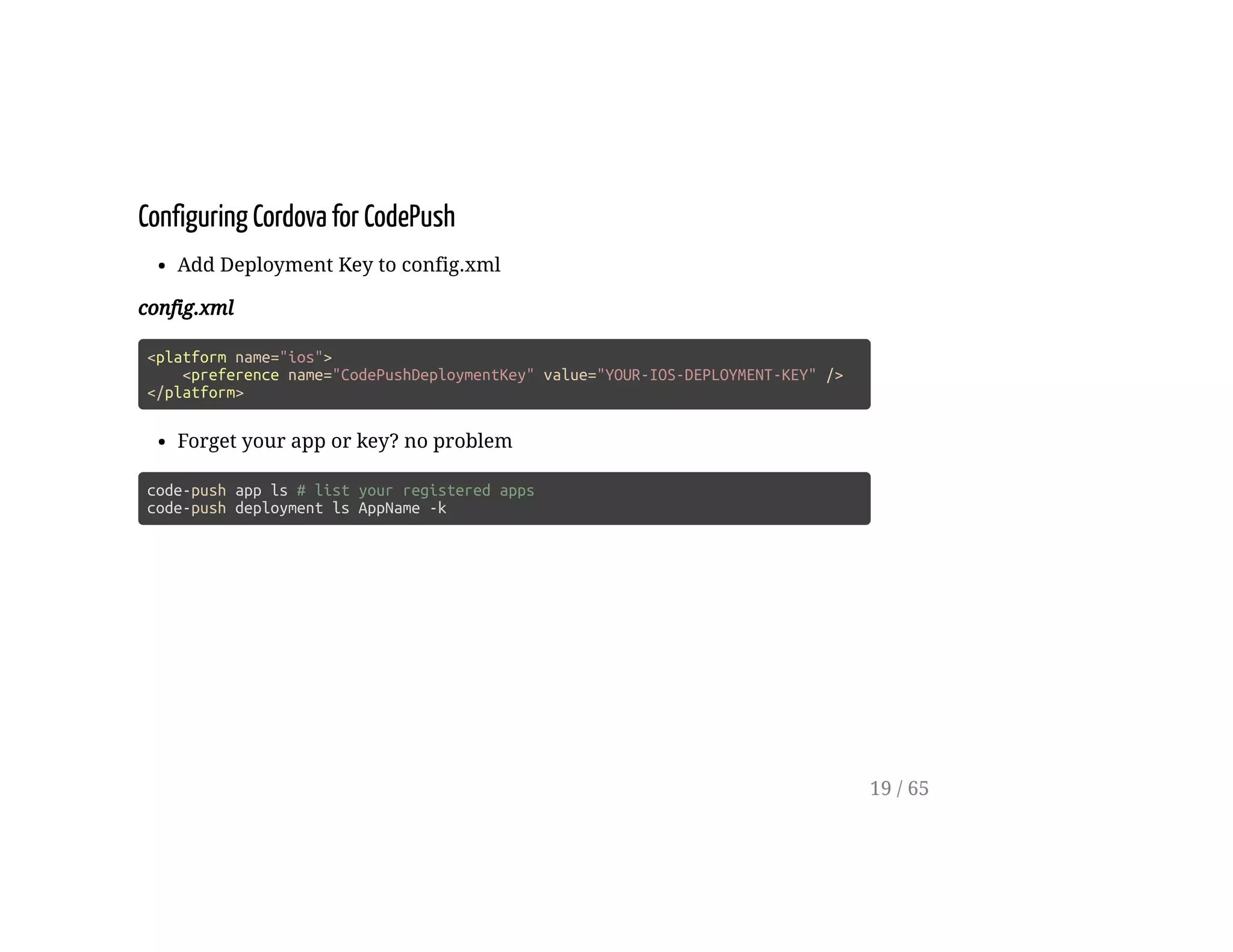
Configuring Cordova for CodePush
Add Deployment Key to config.xml
config.xml
<platform name="ios">
<preference name="CodePushDeploymentKey" value="YOUR-IOS-DEPLOYMENT-KEY" />
</platform>
Forget your app or key? no problem
code-push app ls # list your registered apps
code-push deployment ls AppName -k
19 / 65
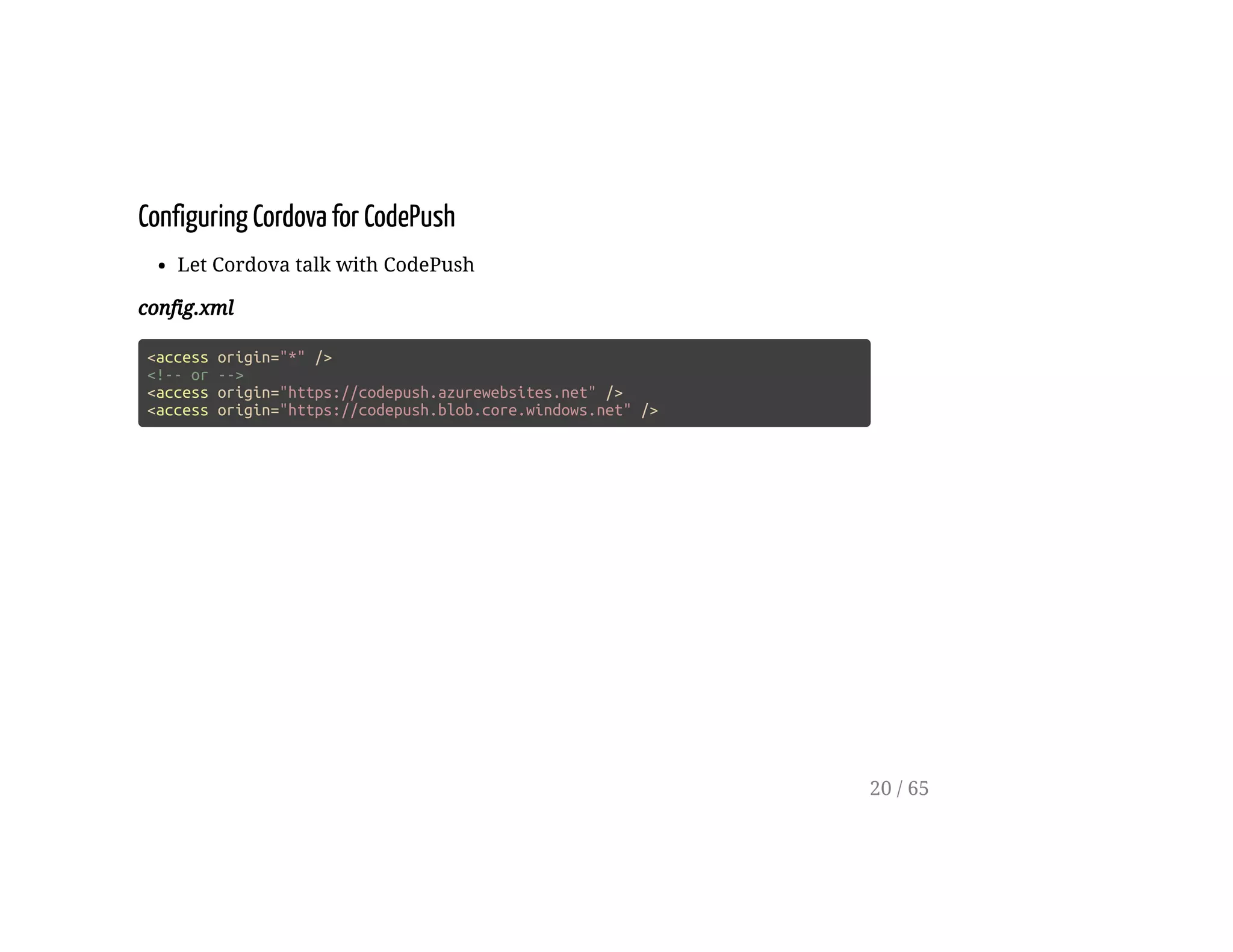
Configuring Cordova for CodePush
Let Cordova talk with CodePush
config.xml
<access origin="*" />
<!-- or -->
<access origin="https://codepush.azurewebsites.net" />
<access origin="https://codepush.blob.core.windows.net" />
20 / 65
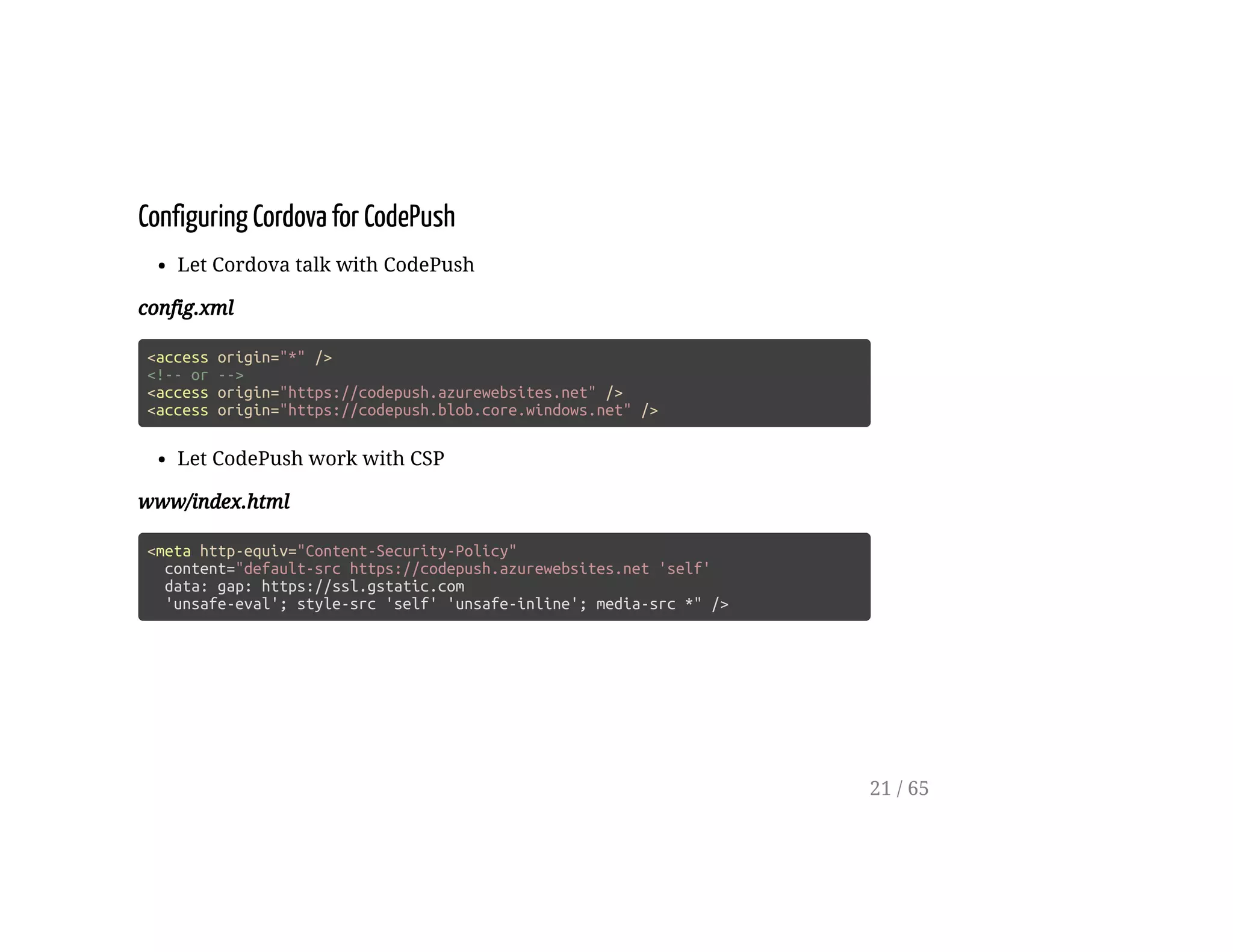
Configuring Cordova for CodePush
Let Cordova talk with CodePush
config.xml
<access origin="*" />
<!-- or -->
<access origin="https://codepush.azurewebsites.net" />
<access origin="https://codepush.blob.core.windows.net" />
Let CodePush work with CSP
www/index.html
<meta http-equiv="Content-Security-Policy"
content="default-src https://codepush.azurewebsites.net 'self'
data: gap: https://ssl.gstatic.com
'unsafe-eval'; style-src 'self' 'unsafe-inline'; media-src *" />
21 / 65
Settings Tab
22 / 65
Rename Tab
app/pages/tabs/tabs.html
<ion-tabs>
<ion-tab [root]="tab1Root"
tabTitle="Settings"
tabIcon="cog"></ion-tab>
<!--- ... -->
</ion-tabs>
23 / 65
Build Settings Tab
app/pages/page1/page1.html
<ion-navbar *navbar>
<ion-title>Settings</ion-title>
</ion-navbar>
<ion-content padding class="page1">
<ion-row>
<ion-col width-50>
<button (click)="checkForUpdate()">
Check For Update
</button>
</ion-col>
<ion-col width-50>
<button (click)="sync()"
[disabled]="!isUpdateAvailable">
Sync
</button>
</ion-col>
</ion-row>
</ion-content>
24 / 65
Check For Update
25 / 65
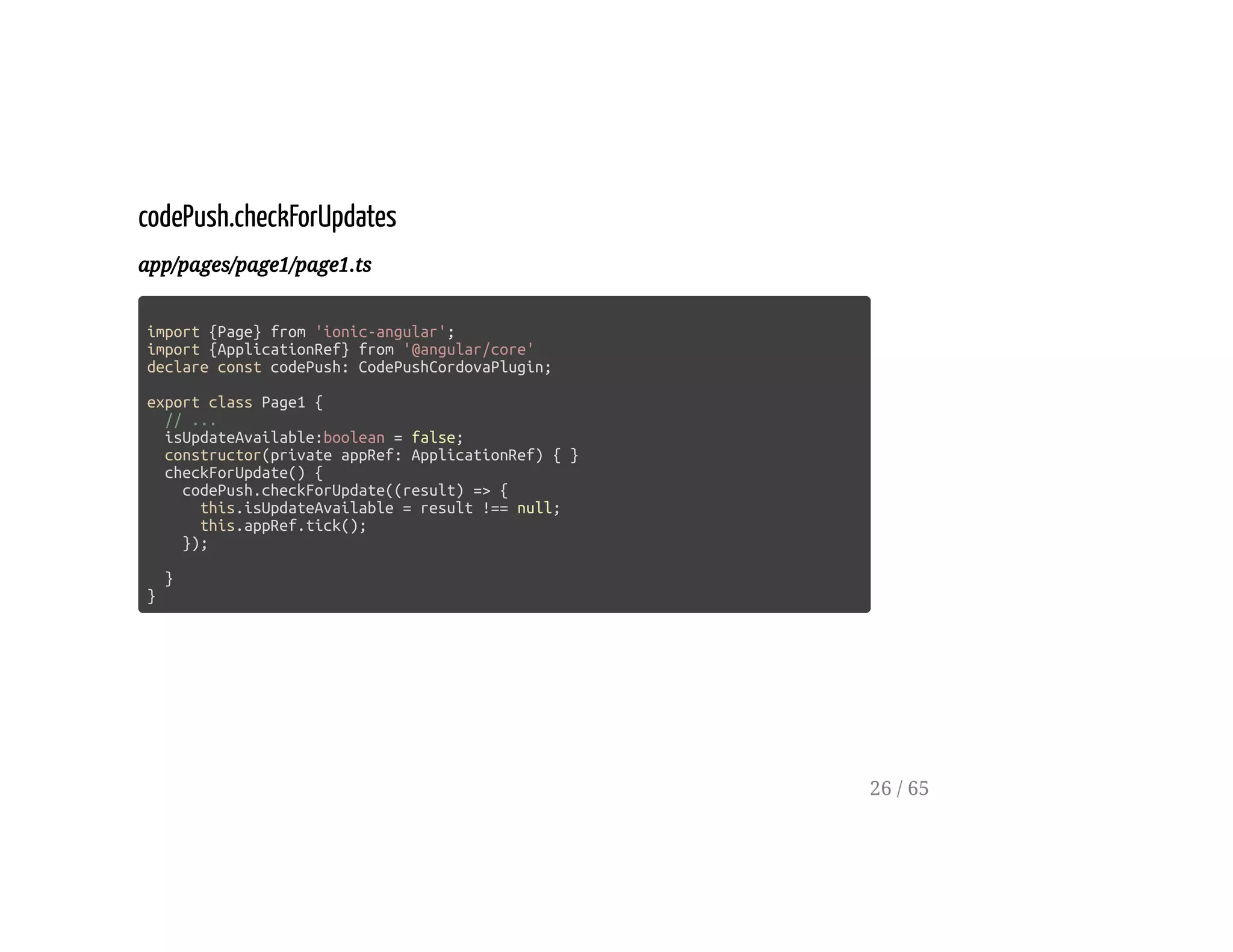
codePush.checkForUpdates
app/pages/page1/page1.ts
import {Page} from 'ionic-angular';
import {ApplicationRef} from '@angular/core'
declare const codePush: CodePushCordovaPlugin;
export class Page1 {
// ...
isUpdateAvailable:boolean = false;
constructor(private appRef: ApplicationRef) { }
checkForUpdate() {
codePush.checkForUpdate((result) => {
this.isUpdateAvailable = result !== null;
this.appRef.tick();
});
}
}
26 / 65
CodePush Sync
27 / 65
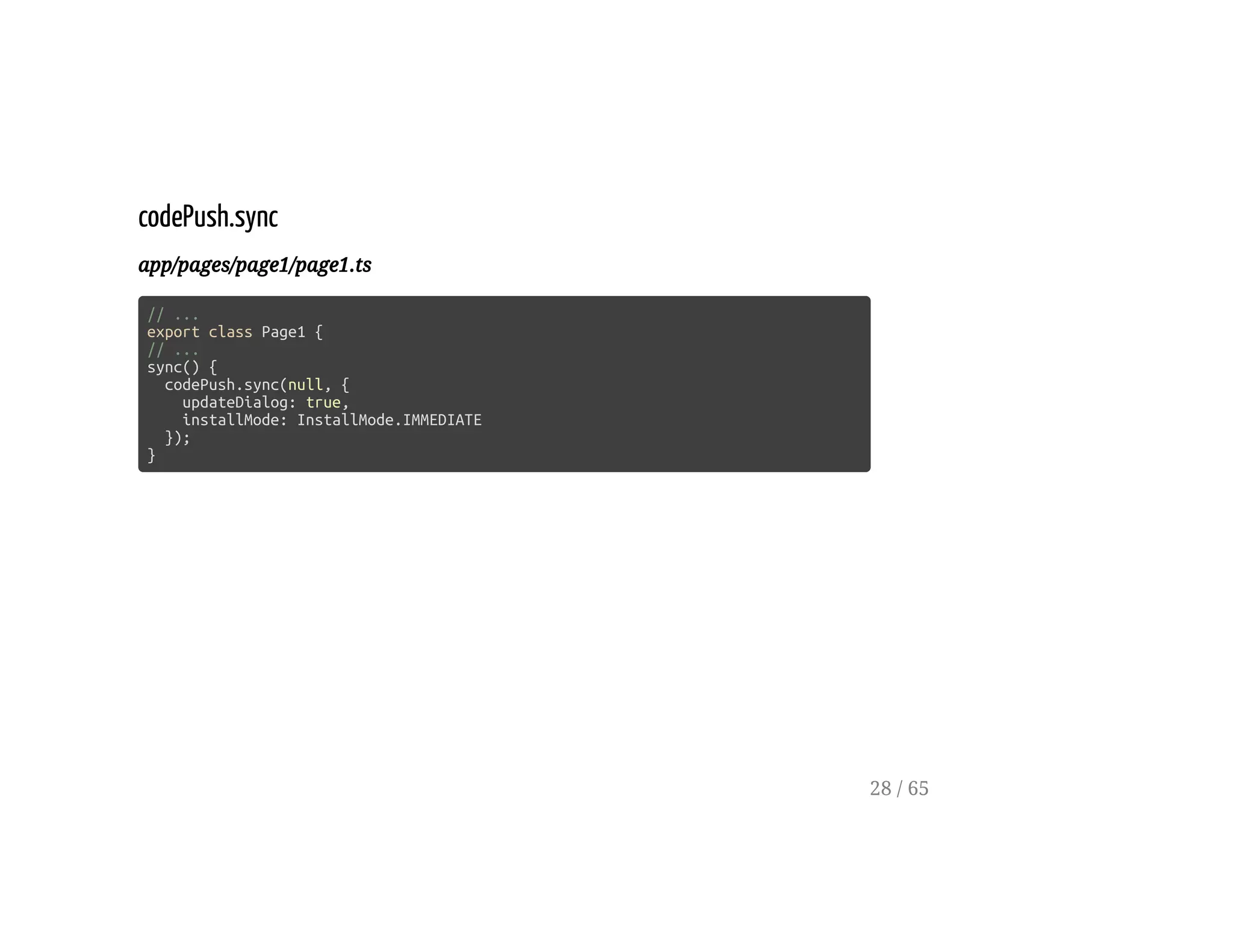
codePush.sync
app/pages/page1/page1.ts
// ...
export class Page1 {
// ...
sync() {
codePush.sync(null, {
updateDialog: true,
installMode: InstallMode.IMMEDIATE
});
}
28 / 65
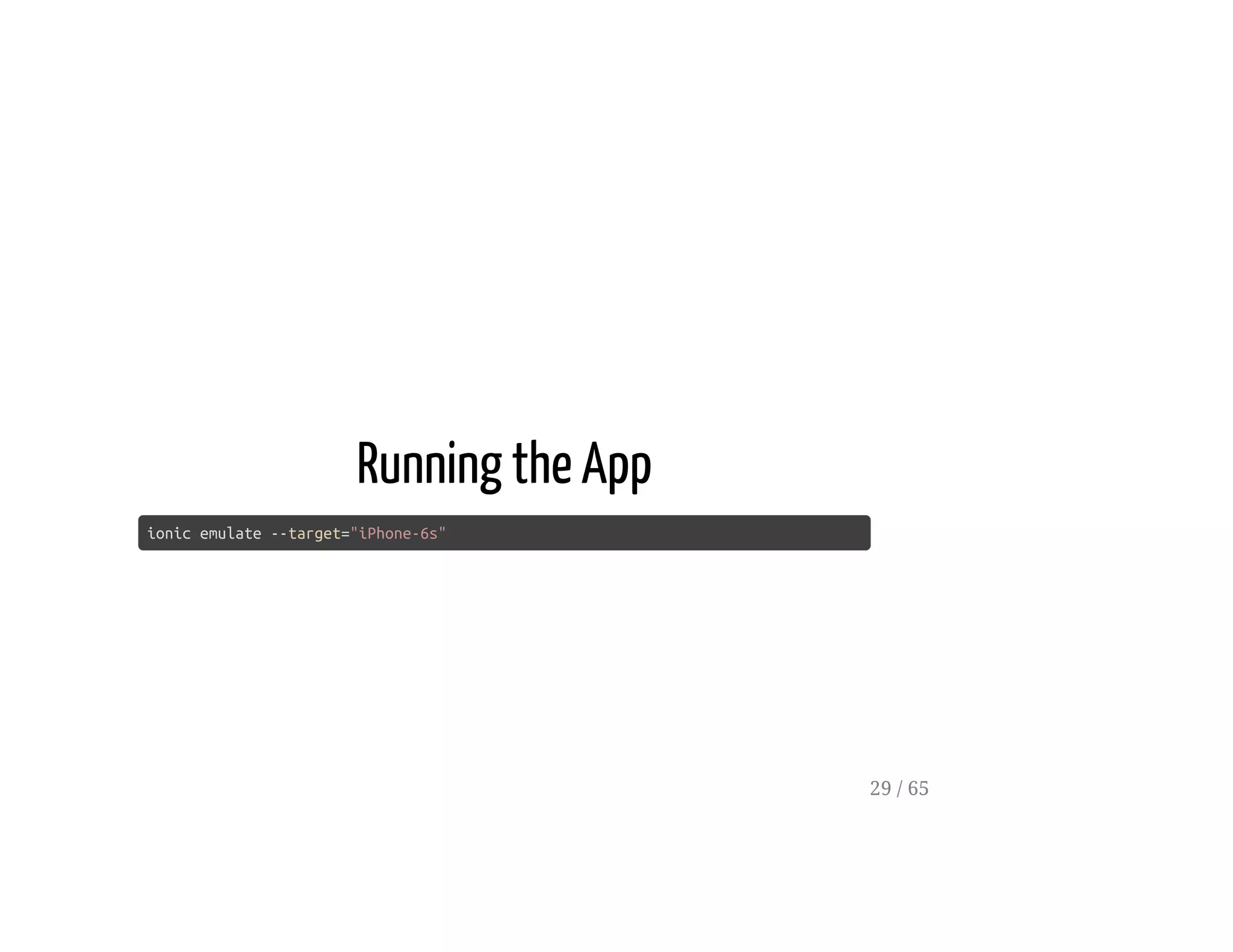
Running the App
ionic emulate --target="iPhone-6s"
29 / 65
Deploy with CodePush
[code-push release-cordova]
30 / 65
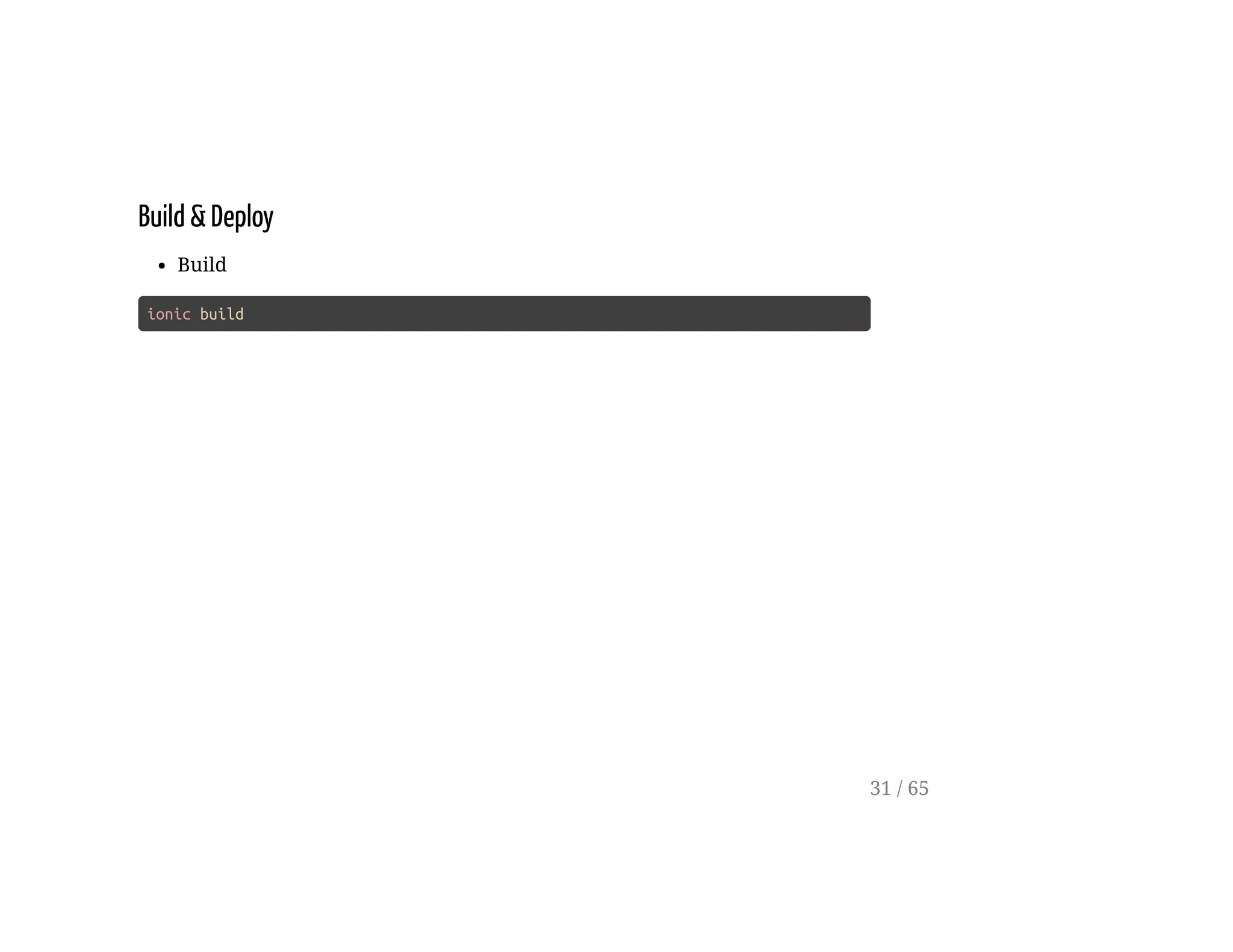
Build & Deploy
Build
ionic build
31 / 65
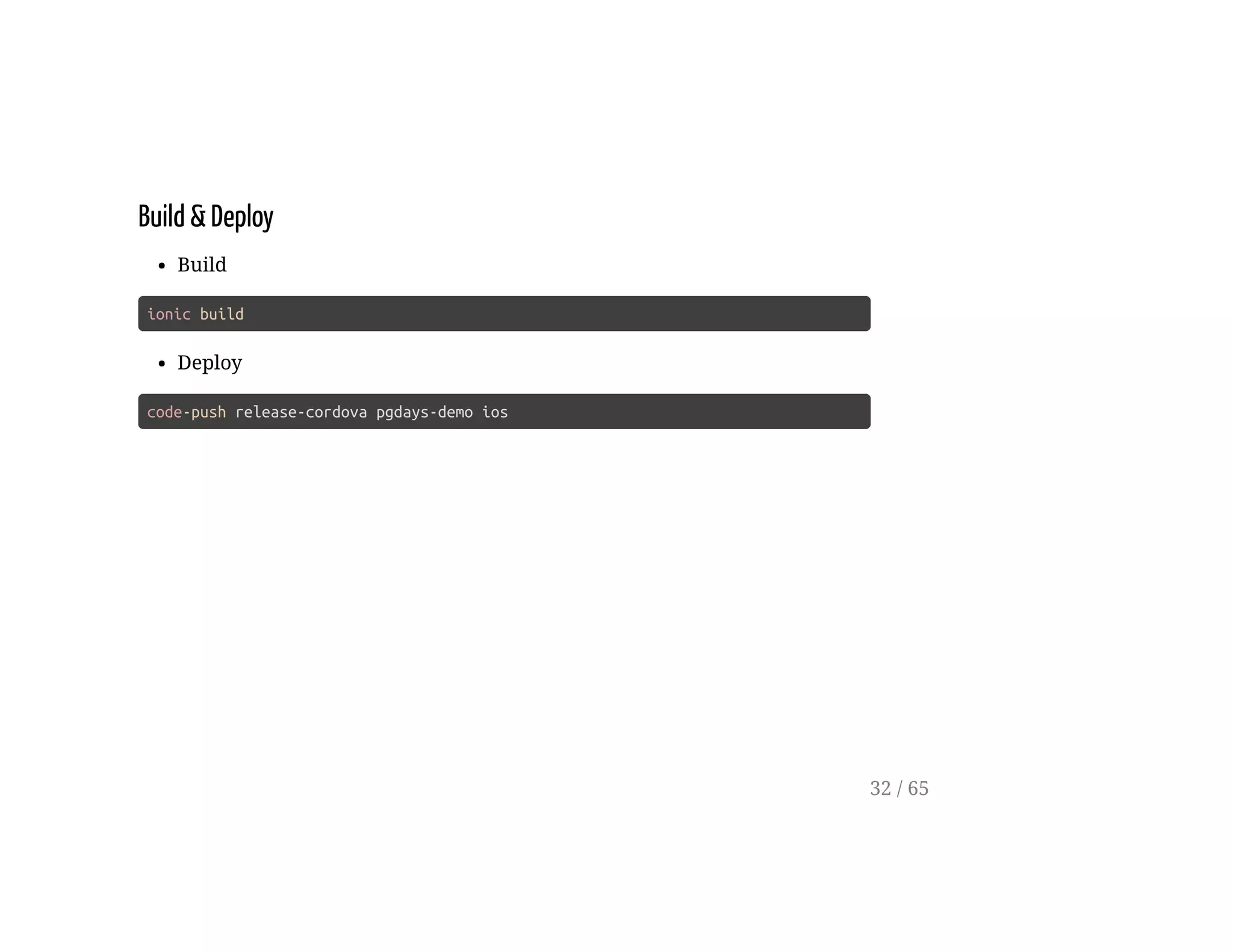
Build & Deploy
Build
ionic build
Deploy
code-push release-cordova pgdays-demo ios
32 / 65
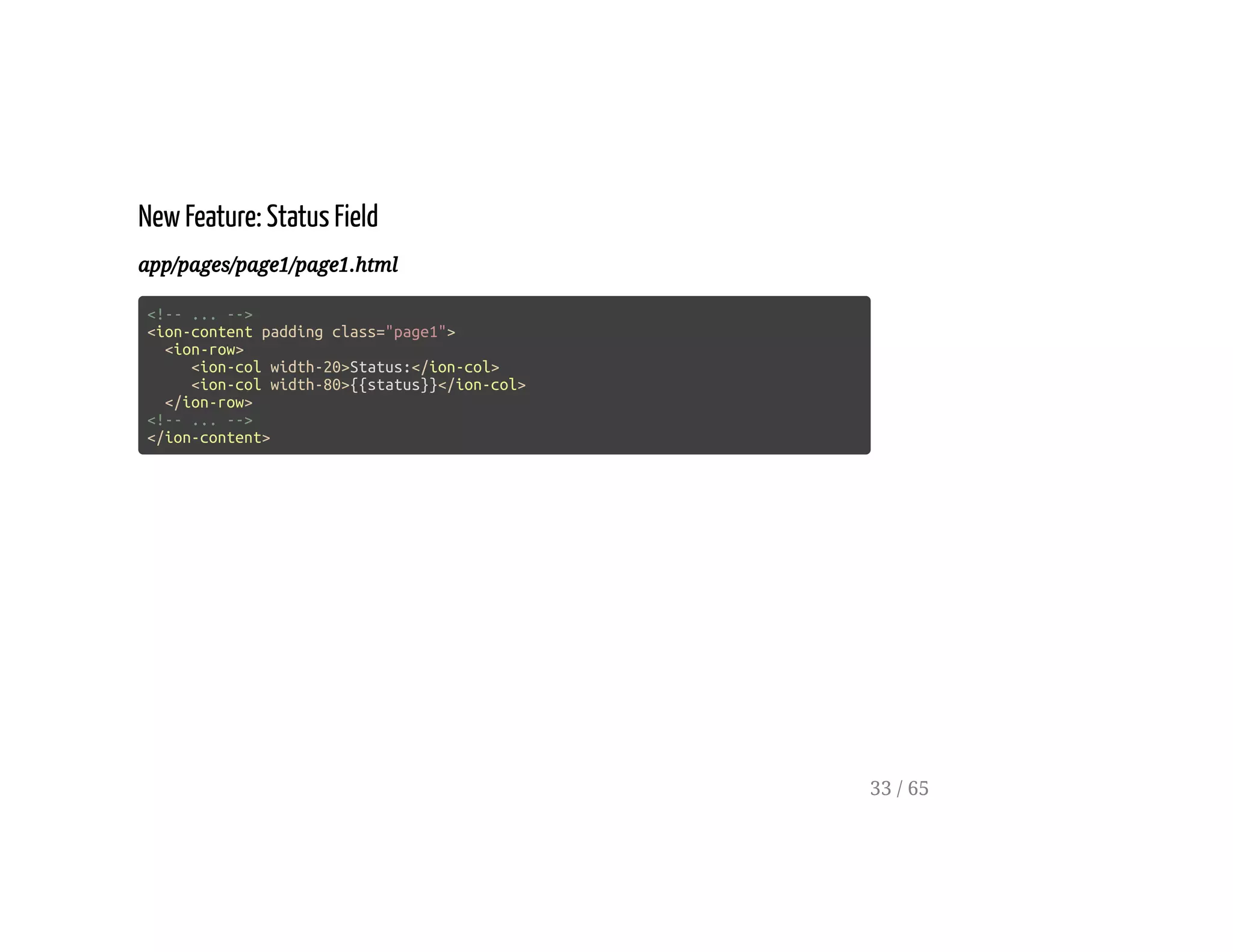
New Feature: Status Field
app/pages/page1/page1.html
<!-- ... -->
<ion-content padding class="page1">
<ion-row>
<ion-col width-20>Status:</ion-col>
<ion-col width-80>{{status}}</ion-col>
</ion-row>
<!-- ... -->
</ion-content>
33 / 65
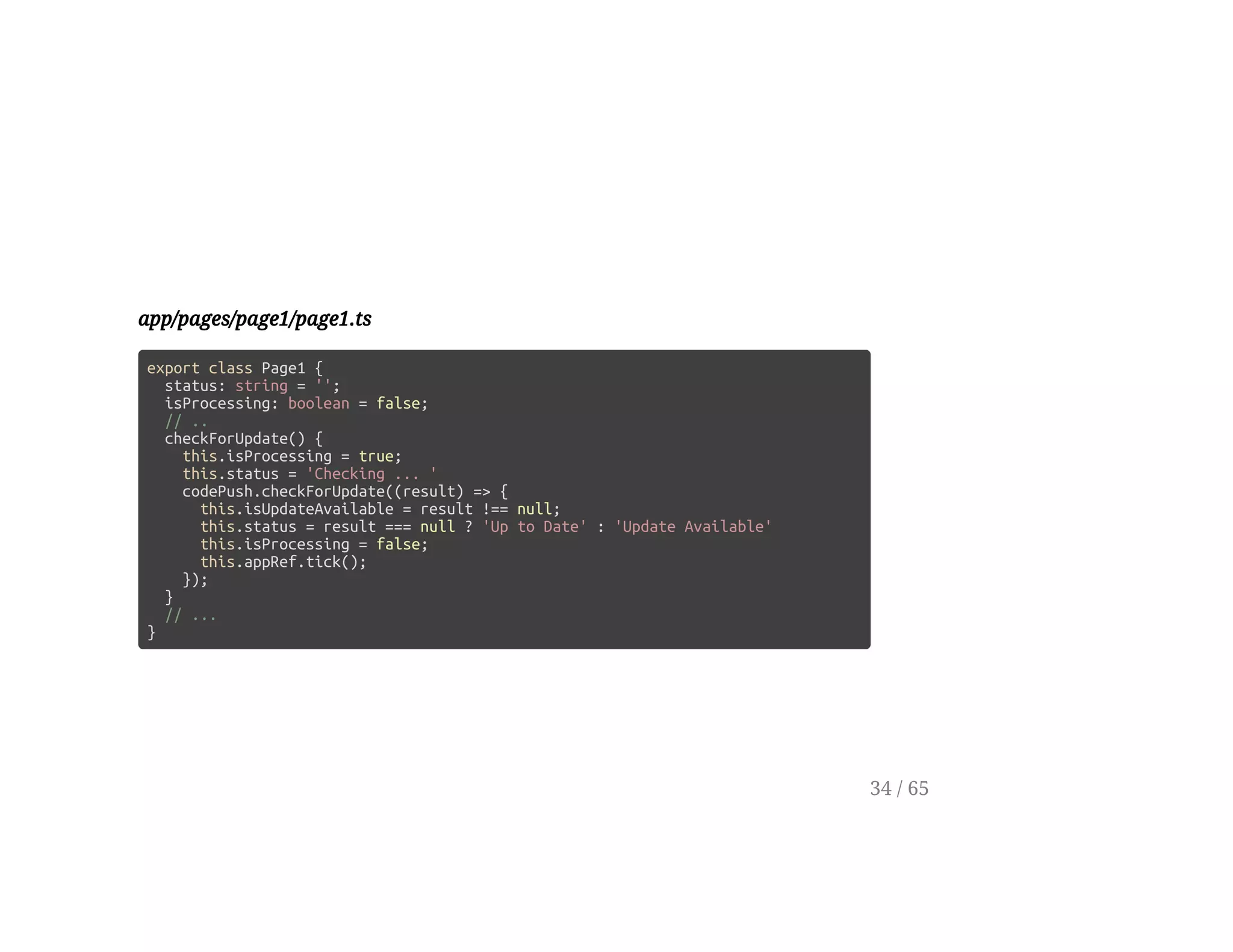
app/pages/page1/page1.ts
export class Page1 {
status: string = '';
isProcessing: boolean = false;
// ..
checkForUpdate() {
this.isProcessing = true;
this.status = 'Checking ... '
codePush.checkForUpdate((result) => {
this.isUpdateAvailable = result !== null;
this.status = result === null ? 'Up to Date' : 'Update Available'
this.isProcessing = false;
this.appRef.tick();
});
}
// ...
}
34 / 65
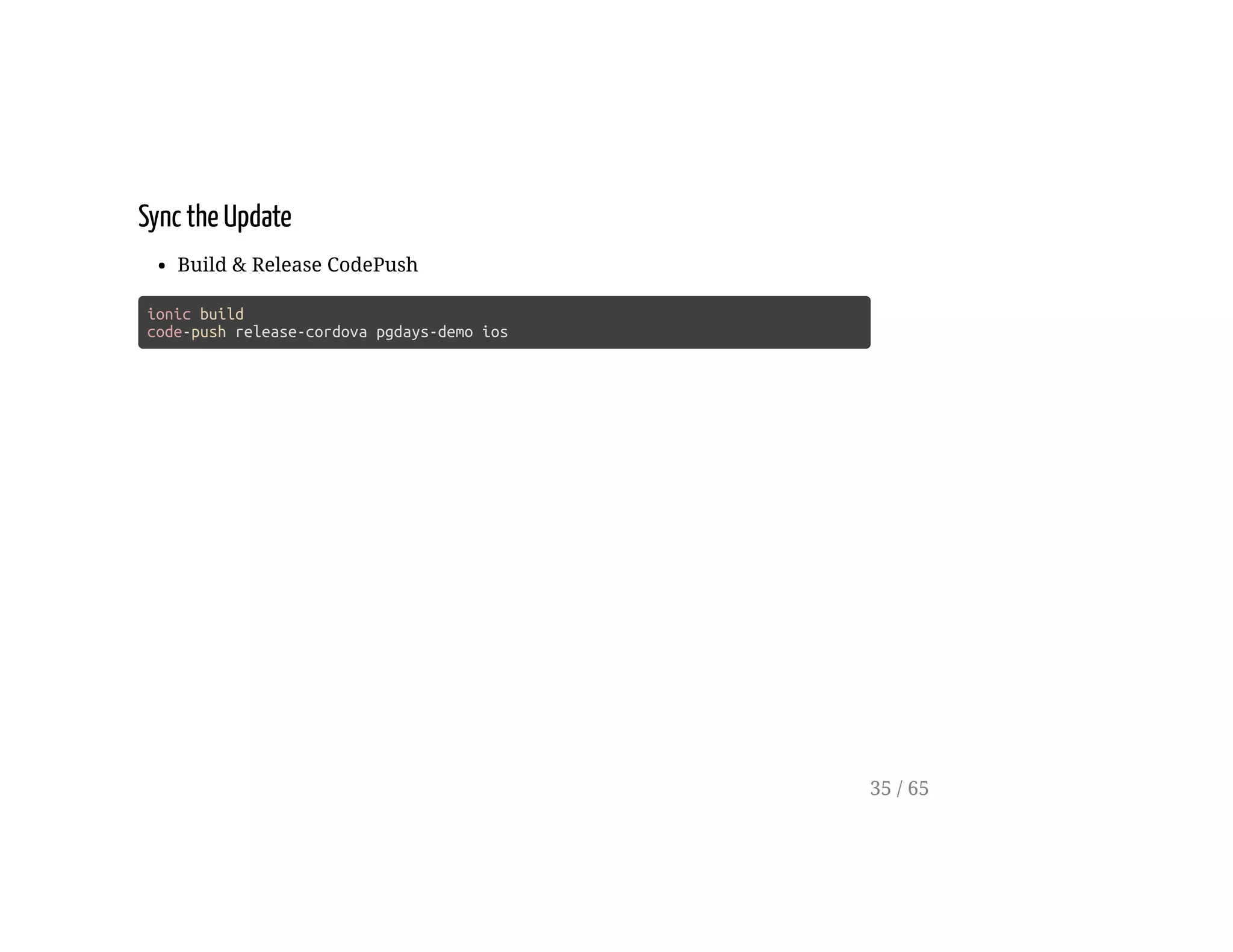
Sync the Update
Build & Release CodePush
ionic build
code-push release-cordova pgdays-demo ios
35 / 65
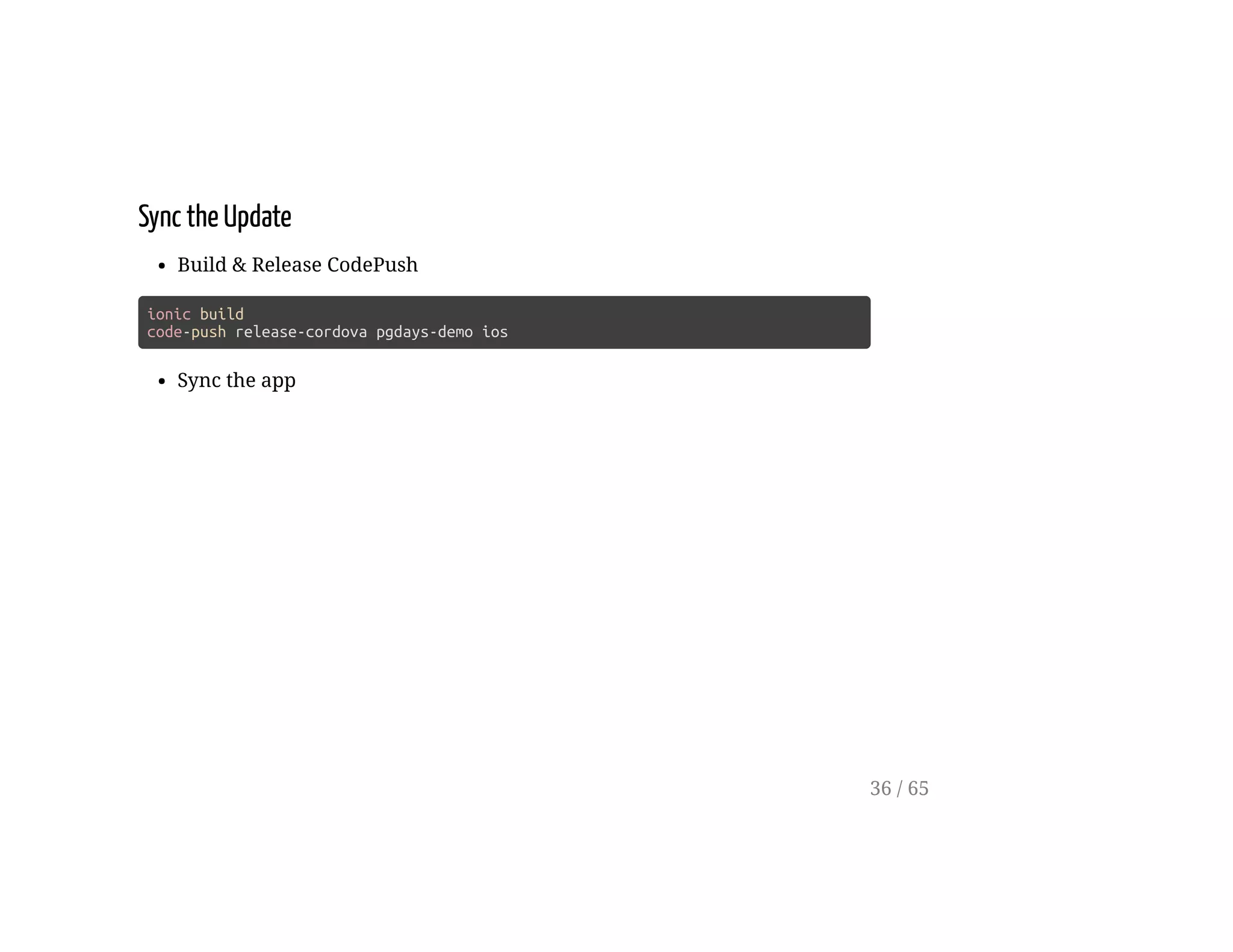
Sync the Update
Build & Release CodePush
ionic build
code-push release-cordova pgdays-demo ios
Sync the app
36 / 65
Deployments
37 / 65
Select a Version
app/pages/page1/page1.html
<!-- ... -->
<ion-list radio-group [(ngModel)]="deployment">
<ion-list-header>
Version
</ion-list-header>
<ion-item>
<ion-label>Staging</ion-label>
<ion-radio value="YOUR-IOS-STAGING-KEY"></ion-radio>
</ion-item>
<ion-item>
<ion-label>Production</ion-label>
<ion-radio value="YOUR-IOS-PRODUCTION-KEY"></ion-radio>
</ion-item>
</ion-list>
<!-- ... -->
38 / 65
Pass the Deployment Key
app/pages/page1/page1.html
<!-- ... -->
<button
(click)="checkForUpdate(deployment)"
[disabled]="isInProgress">
Check For Updates
</button>
<button
(click)="sync(deployment)"
[disabled]="!isUpdateAvailable">
Sync
</button>
<!-- ... -->
39 / 65
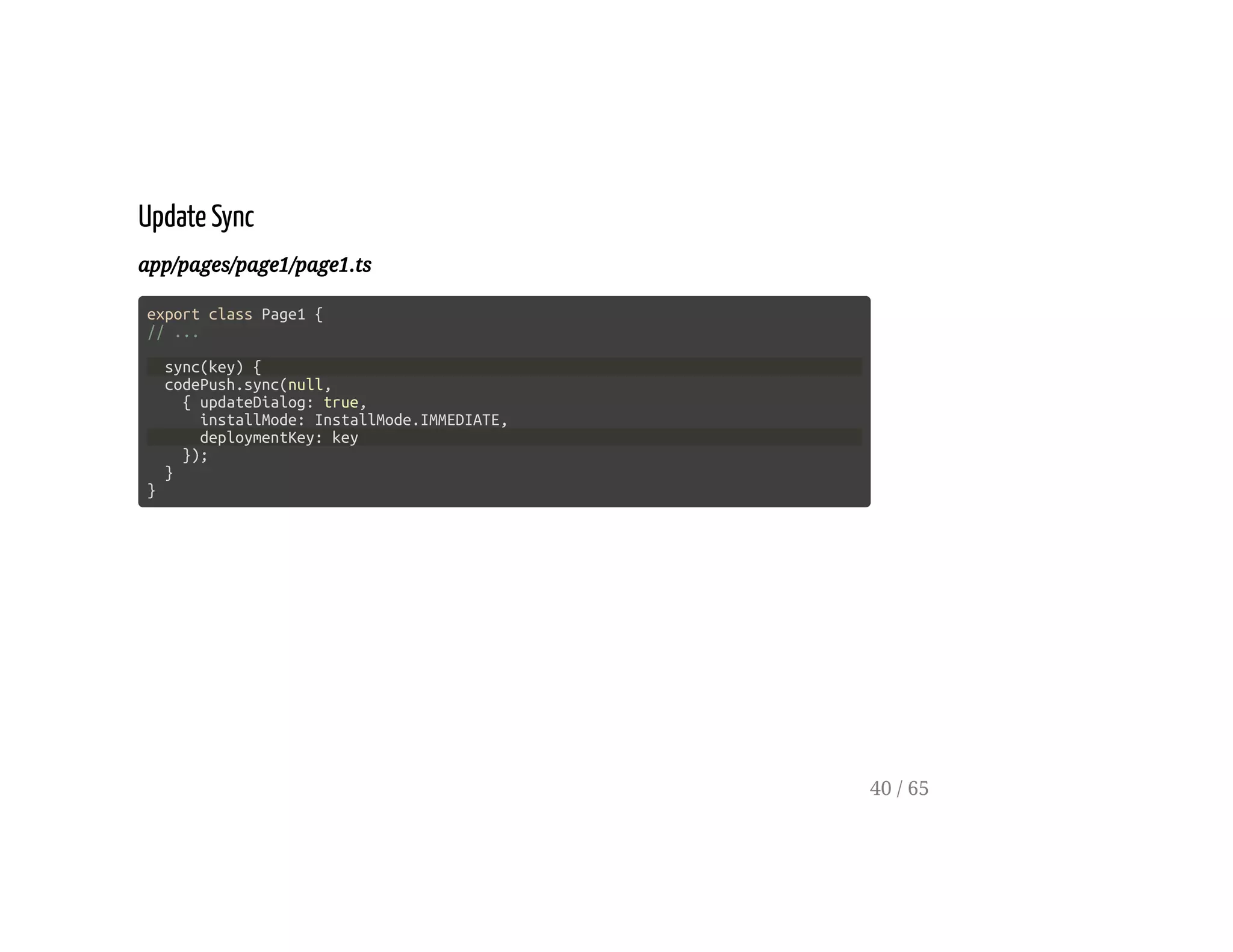
Update Sync
app/pages/page1/page1.ts
export class Page1 {
// ...
sync(key) {
codePush.sync(null,
{ updateDialog: true,
installMode: InstallMode.IMMEDIATE,
deploymentKey: key
});
}
}
40 / 65
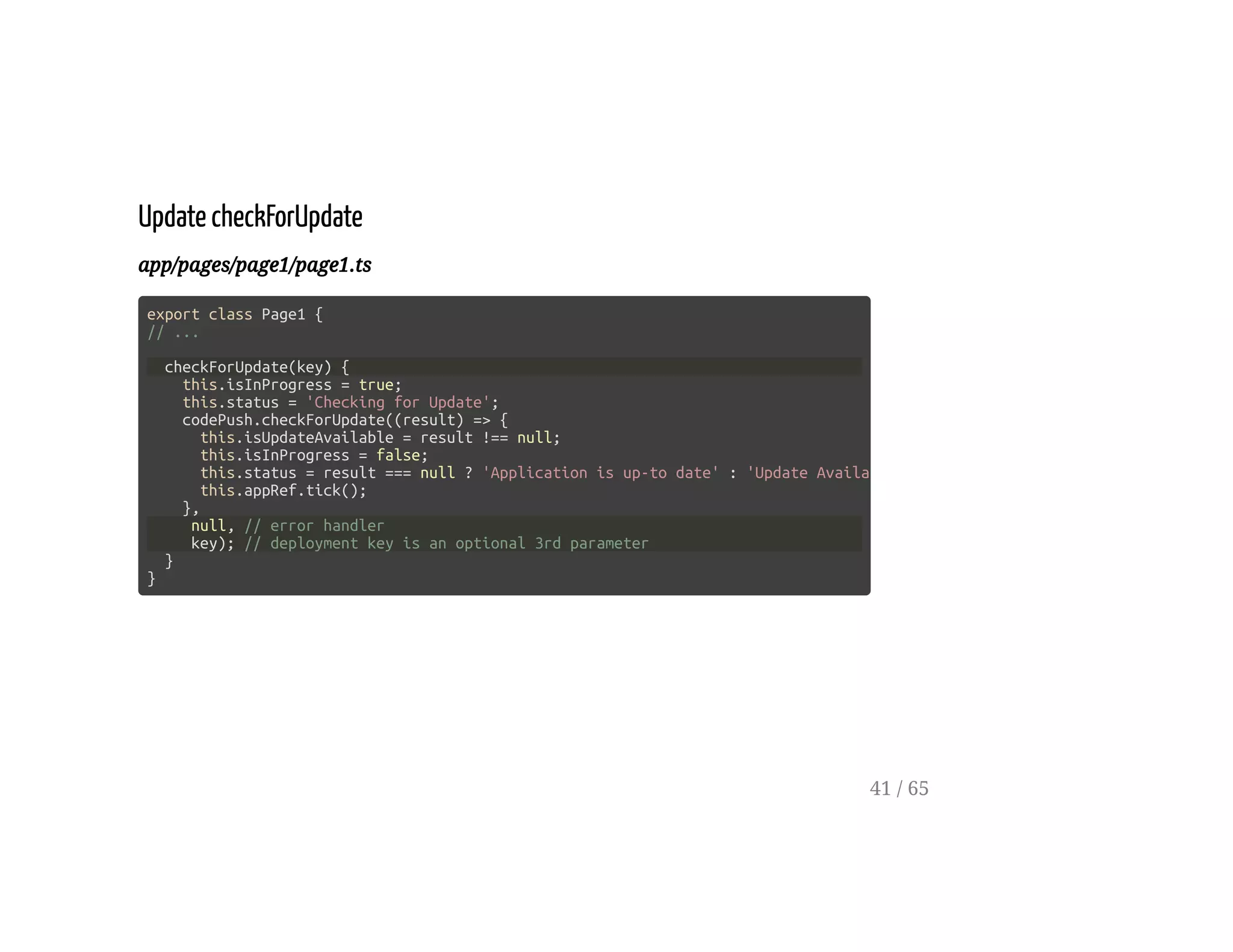
Update checkForUpdate
app/pages/page1/page1.ts
export class Page1 {
// ...
checkForUpdate(key) {
this.isInProgress = true;
this.status = 'Checking for Update';
codePush.checkForUpdate((result) => {
this.isUpdateAvailable = result !== null;
this.isInProgress = false;
this.status = result === null ? 'Application is up-to date' : 'Update Available'
this.appRef.tick();
},
null, // error handler
key); // deployment key is an optional 3rd parameter
}
}
41 / 65
LocalPackage Info
42 / 65
Display Current Package
app/pages/page1/page1.html
<ion-list radio-group [(ngModel)]="deployment">
<!-- ... -->
<ion-list>
<ion-list-header>
Installed Package
</ion-list-header>
<ion-item>
App Version: {{currentPackage?.appVersion}}
</ion-item>
<ion-item>
Description: {{currentPackage?.description}}
</ion-item>
<ion-item>
Label: {{currentPackage?.label}}
</ion-item>
</ion-list>
43 / 65
app/pages/page1/page1.ts
import {Page, Platform} from 'ionic-angular';
// ...
export class Page1 {
// ...
currentPackage: ILocalPackage;
constructor(private platform: Platform,
private appRef: ApplicationRef) { }
ngOnInit() {
this.platform
.ready()
.then( () => this.getCurrentPackage());
}
getCurrentPackage() {
codePush.getCurrentPackage((result: ILocalPackage) => {
this.currentPackage = result;
this.appRef.tick();
})
}
}
44 / 65
Deploy and Promote
[loading multiple versions as needed]
45 / 65
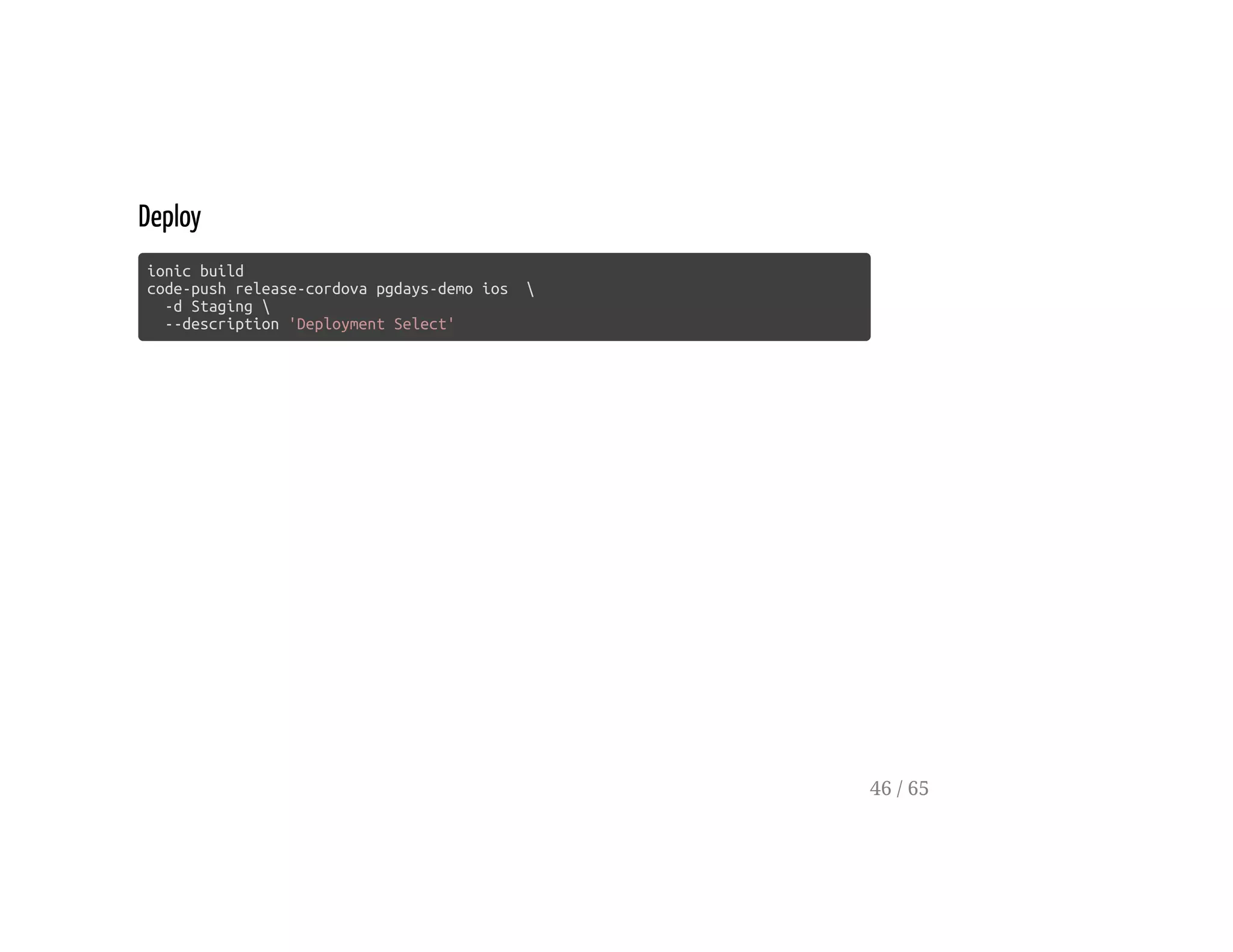
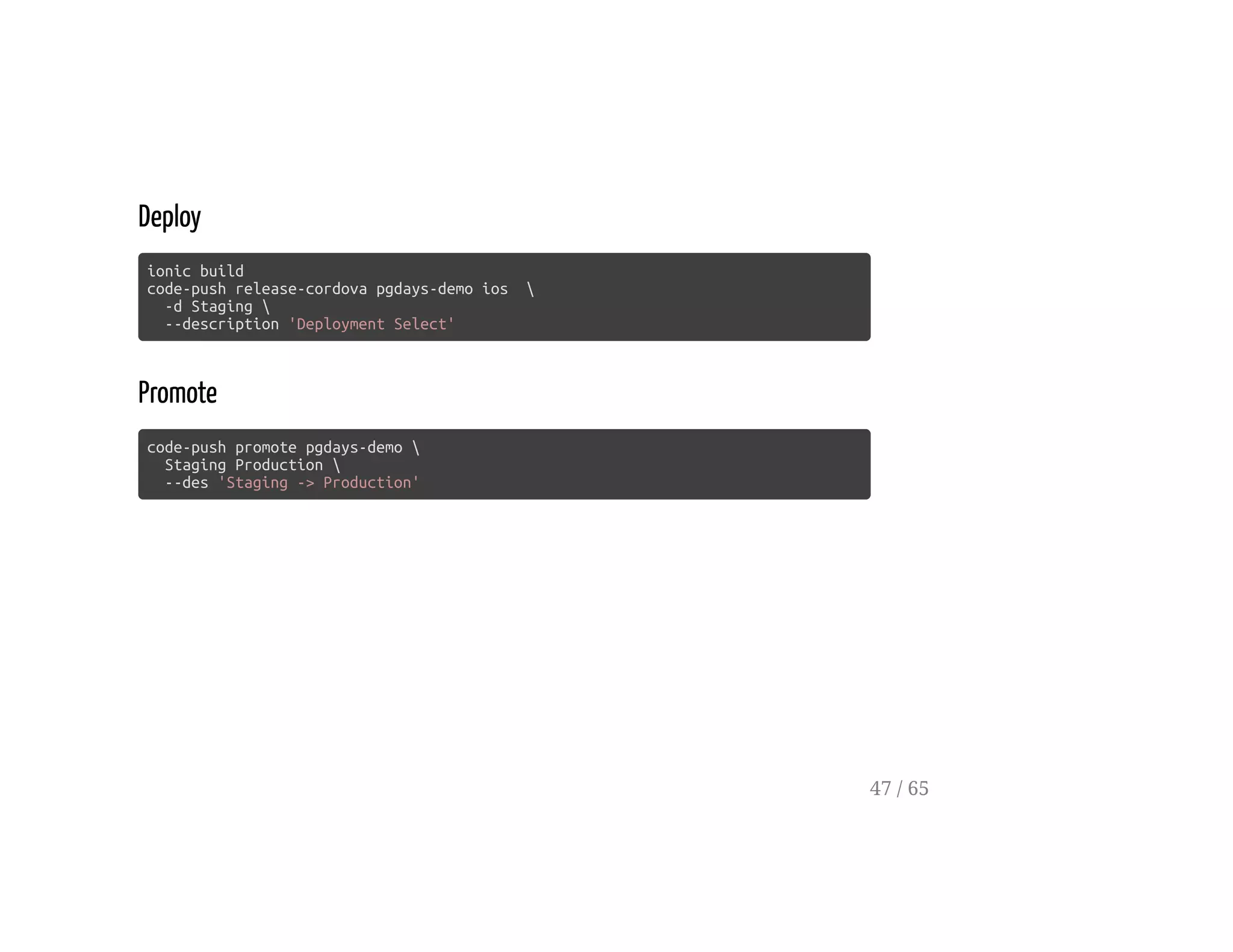
Deploy
ionic build
code-push release-cordova pgdays-demo ios 
-d Staging 
--description 'Deployment Select'
46 / 65
Deploy
ionic build
code-push release-cordova pgdays-demo ios 
-d Staging 
--description 'Deployment Select'
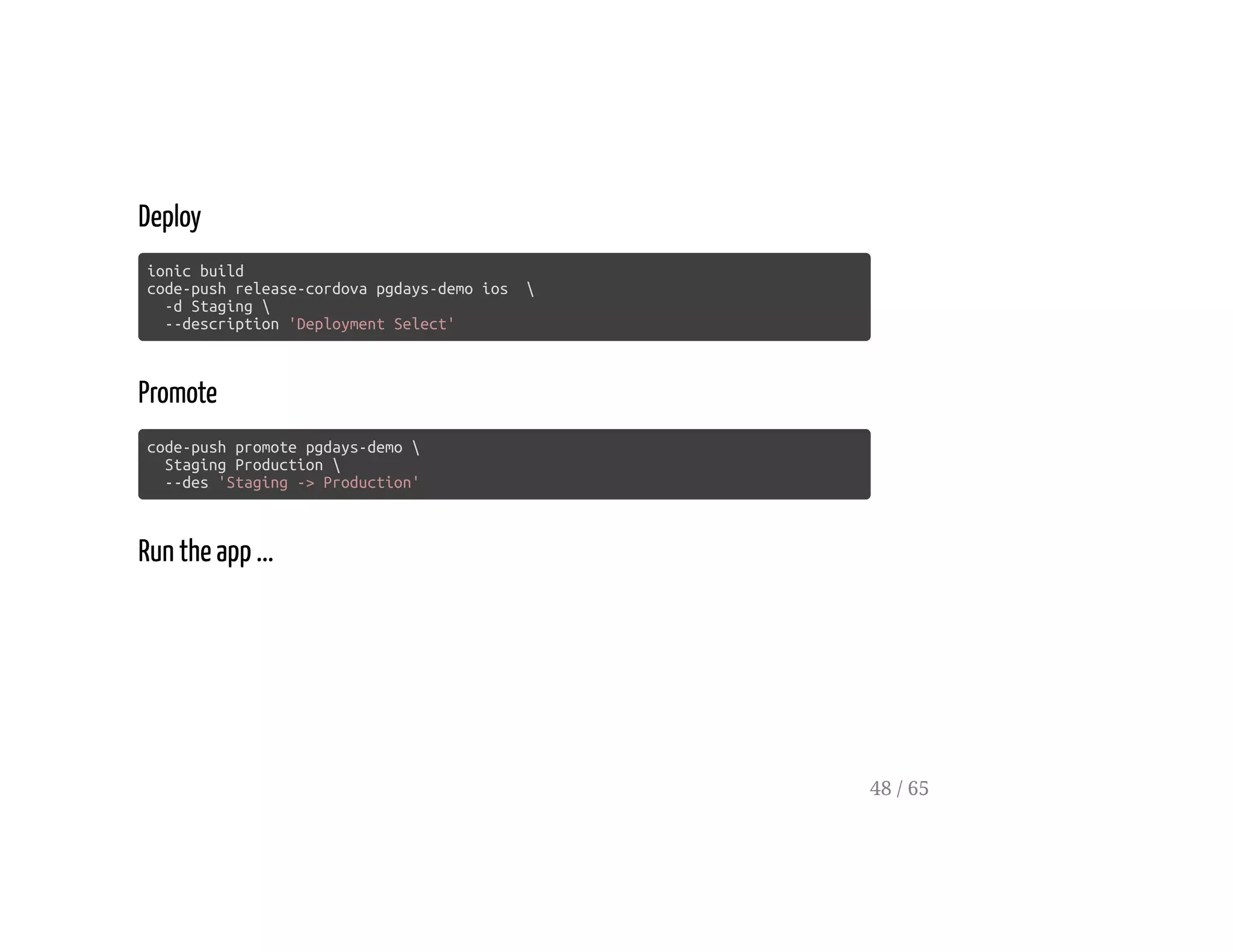
Promote
code-push promote pgdays-demo 
Staging Production 
--des 'Staging -> Production'
47 / 65
Deploy
ionic build
code-push release-cordova pgdays-demo ios 
-d Staging 
--description 'Deployment Select'
Promote
code-push promote pgdays-demo 
Staging Production 
--des 'Staging -> Production'
Run the app ...
48 / 65
A Minor Change
49 / 65
Change the Sync button colour
app/pages/page1/page1.html
<button
(click)="sync(deployment)"
[disabled]="!isUpdateAvailable"
secondary> <!-- ionic will set this to be green -->
Sync
</button>
<!-- ... -->
50 / 65
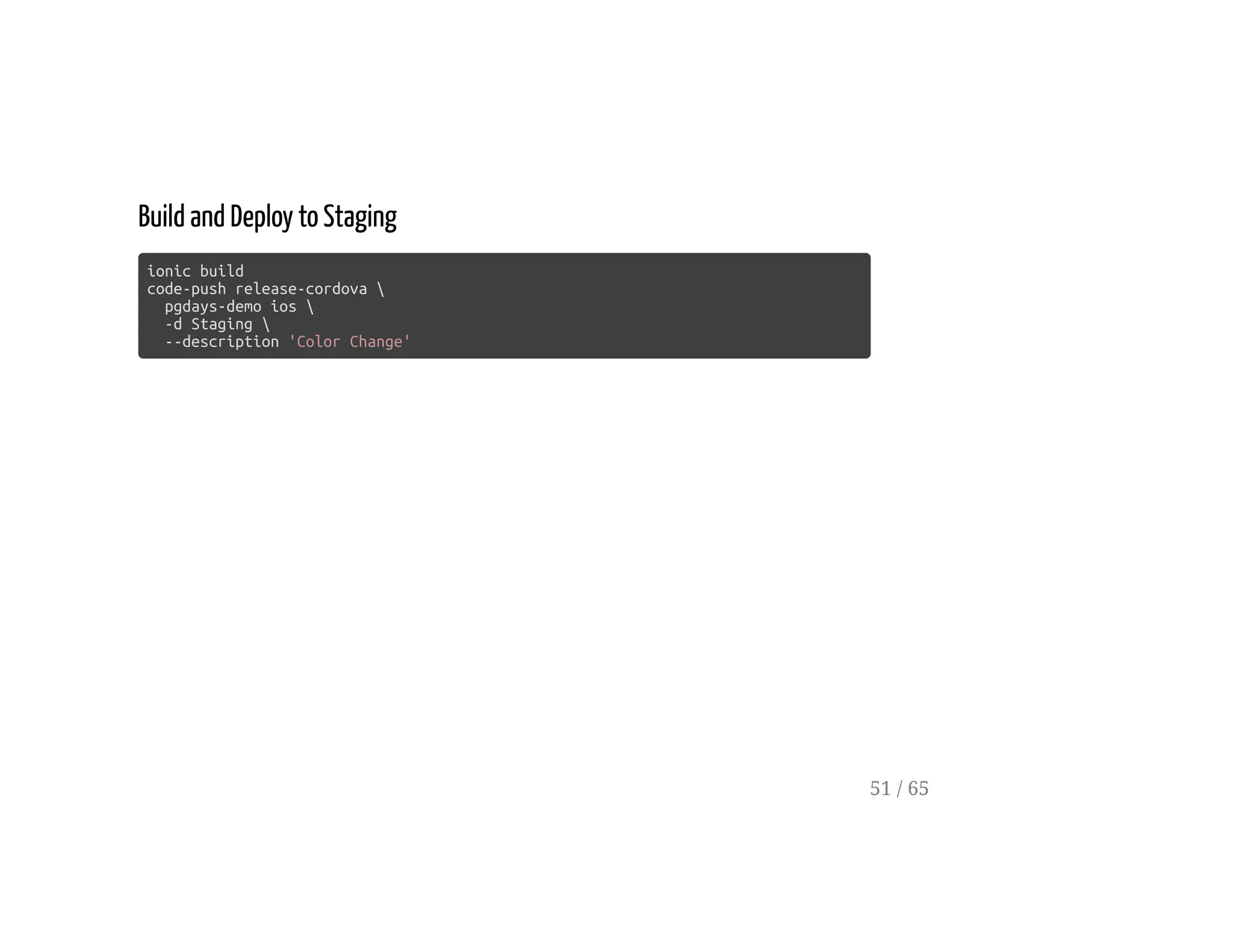
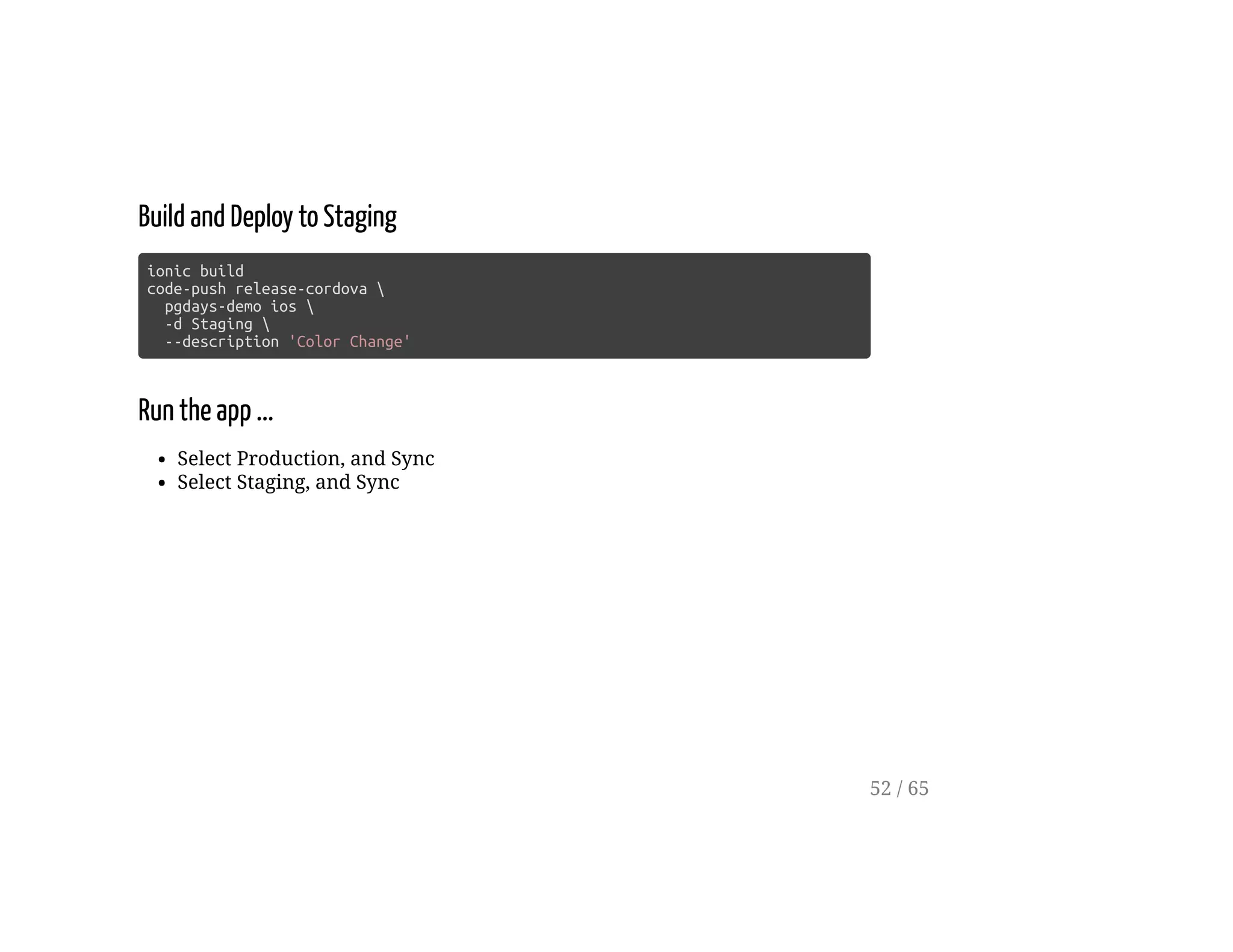
Build and Deploy to Staging
ionic build
code-push release-cordova 
pgdays-demo ios 
-d Staging 
--description 'Color Change'
51 / 65
Build and Deploy to Staging
ionic build
code-push release-cordova 
pgdays-demo ios 
-d Staging 
--description 'Color Change'
Run the app ...
Select Production, and Sync
Select Staging, and Sync
52 / 65
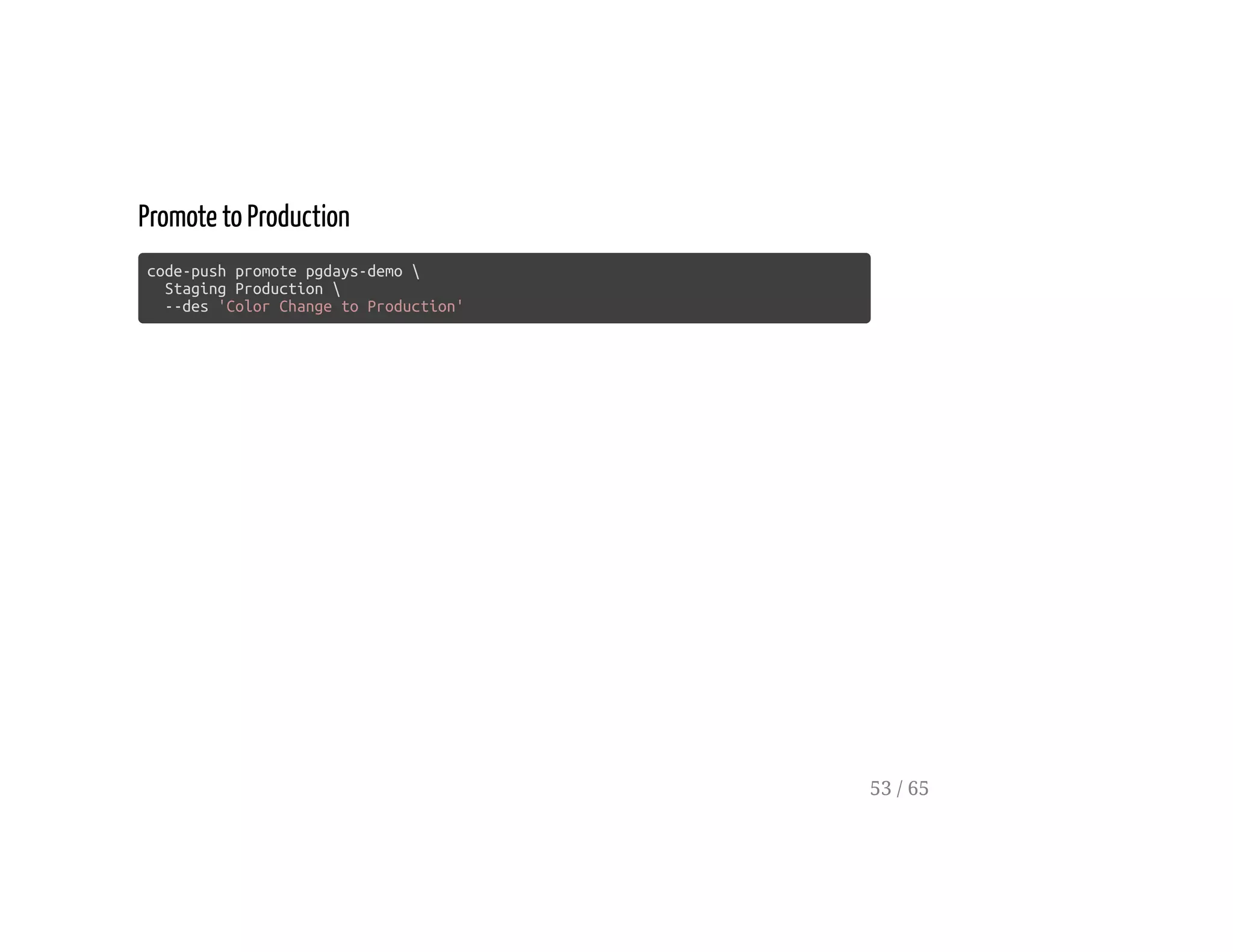
Promote to Production
code-push promote pgdays-demo 
Staging Production 
--des 'Color Change to Production'
53 / 65
Detailed Sync
54 / 65
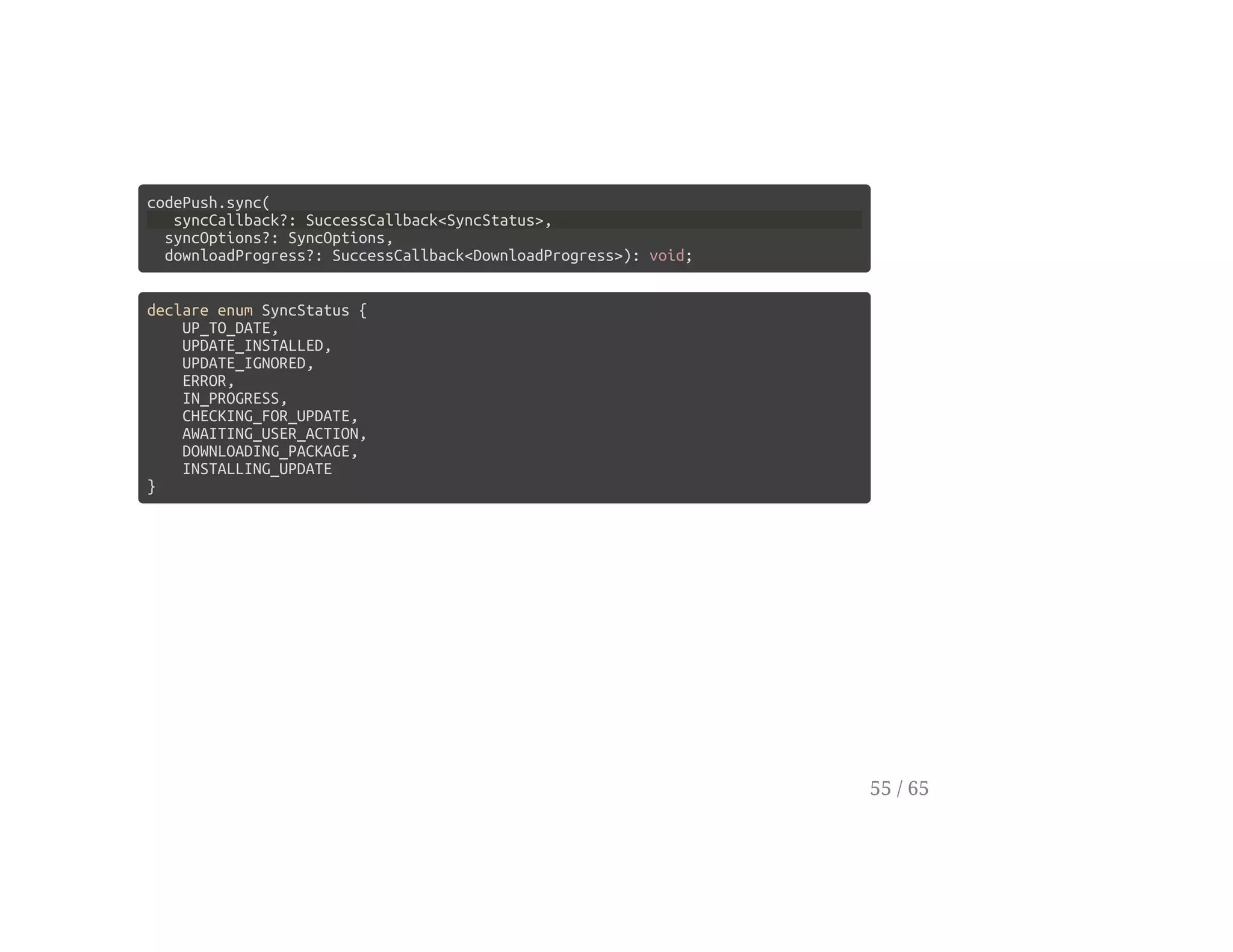
codePush.sync(
syncCallback?: SuccessCallback<SyncStatus>,
syncOptions?: SyncOptions,
downloadProgress?: SuccessCallback<DownloadProgress>): void;
declare enum SyncStatus {
UP_TO_DATE,
UPDATE_INSTALLED,
UPDATE_IGNORED,
ERROR,
IN_PROGRESS,
CHECKING_FOR_UPDATE,
AWAITING_USER_ACTION,
DOWNLOADING_PACKAGE,
INSTALLING_UPDATE
}
55 / 65
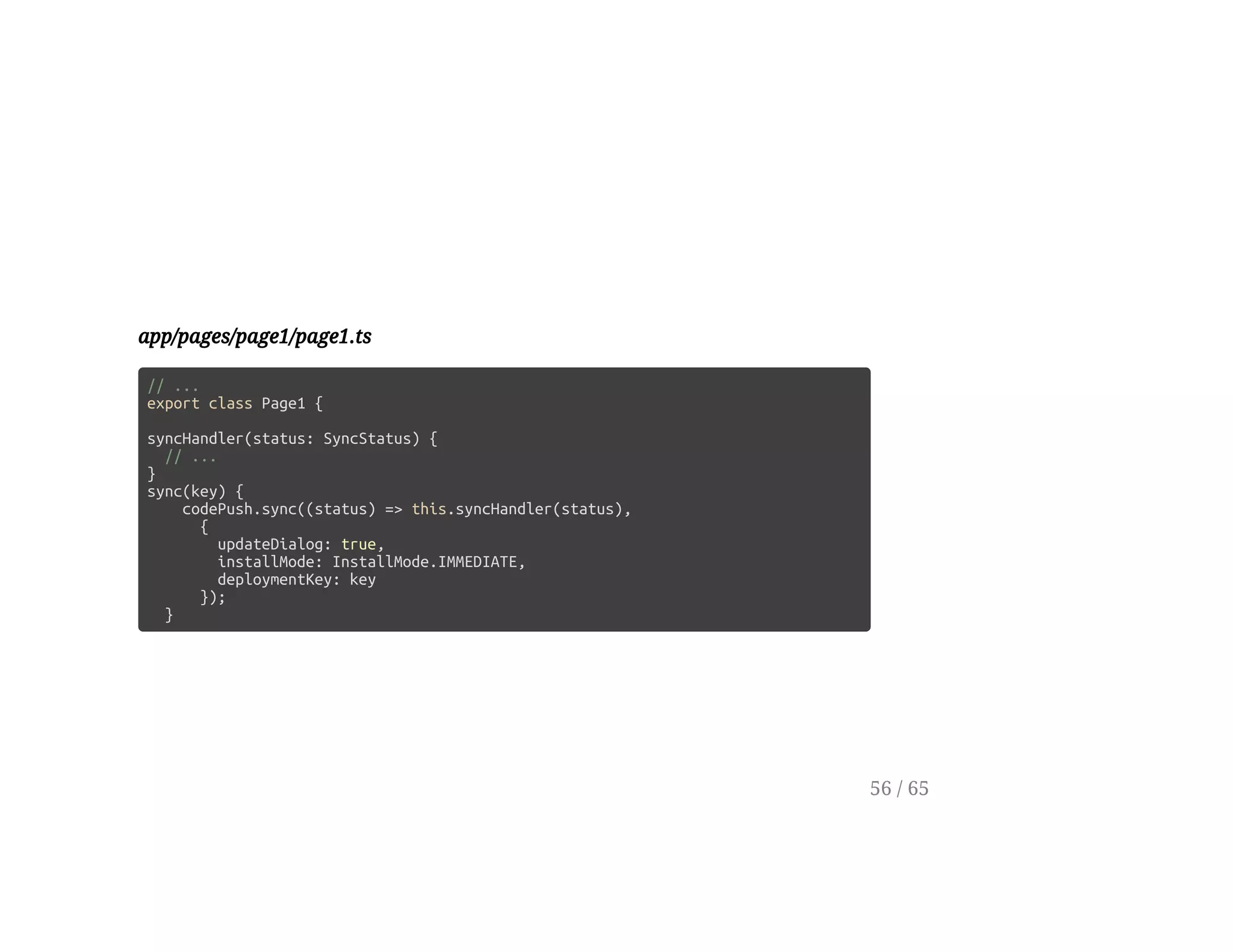
app/pages/page1/page1.ts
// ...
export class Page1 {
syncHandler(status: SyncStatus) {
// ...
}
sync(key) {
codePush.sync((status) => this.syncHandler(status),
{
updateDialog: true,
installMode: InstallMode.IMMEDIATE,
deploymentKey: key
});
}
56 / 65
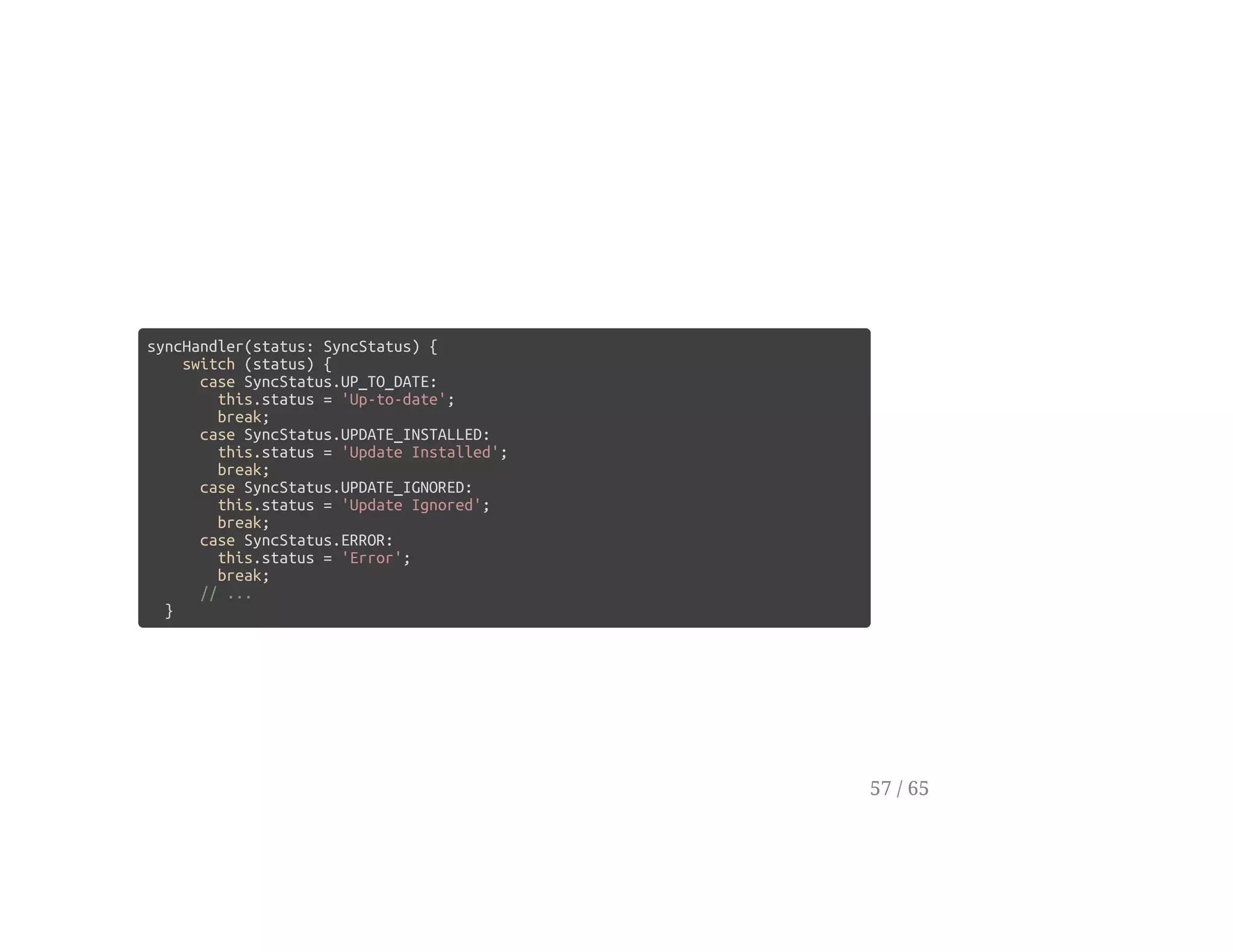
syncHandler(status: SyncStatus) {
switch (status) {
case SyncStatus.UP_TO_DATE:
this.status = 'Up-to-date';
break;
case SyncStatus.UPDATE_INSTALLED:
this.status = 'Update Installed';
break;
case SyncStatus.UPDATE_IGNORED:
this.status = 'Update Ignored';
break;
case SyncStatus.ERROR:
this.status = 'Error';
break;
// ...
}
57 / 65
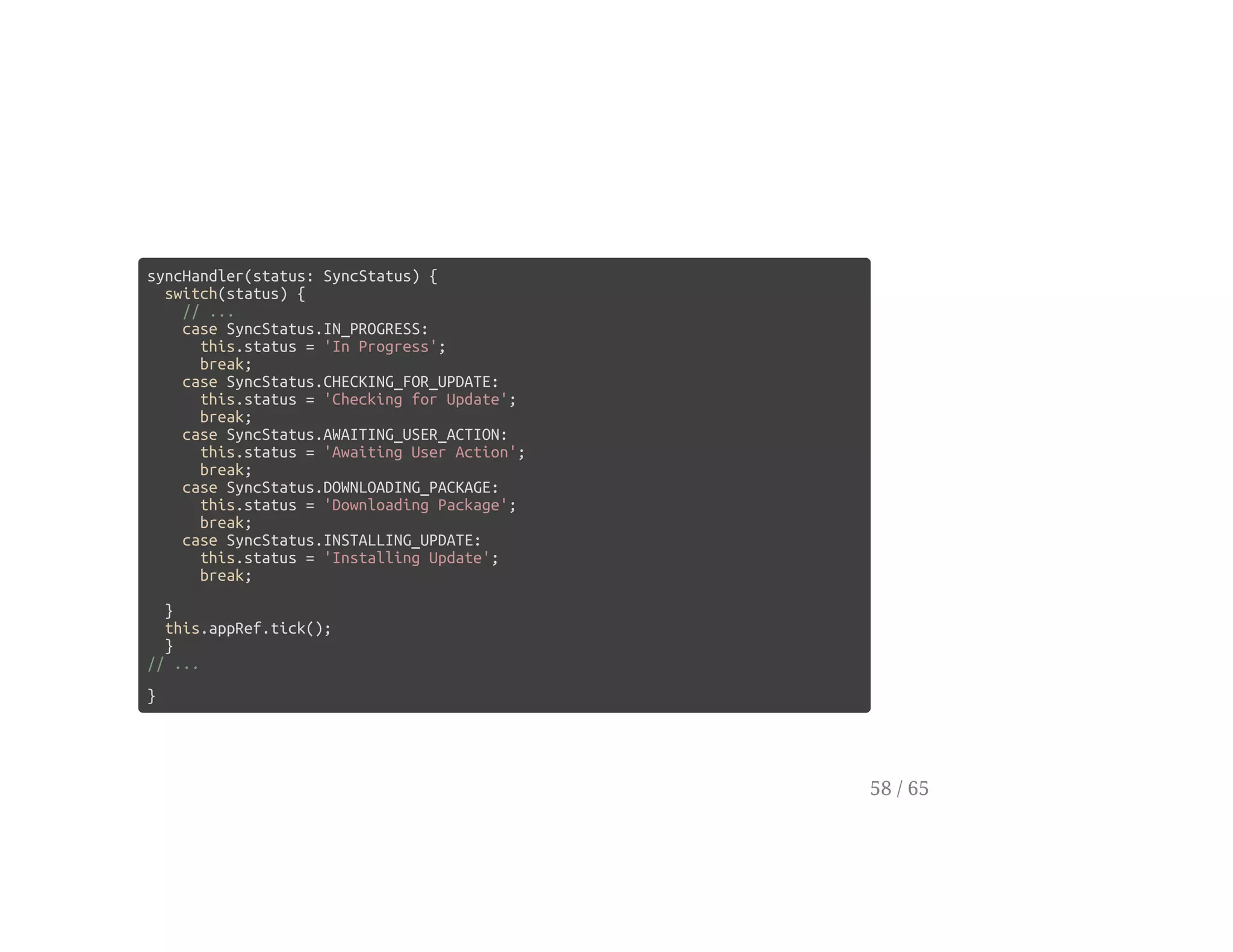
syncHandler(status: SyncStatus) {
switch(status) {
// ...
case SyncStatus.IN_PROGRESS:
this.status = 'In Progress';
break;
case SyncStatus.CHECKING_FOR_UPDATE:
this.status = 'Checking for Update';
break;
case SyncStatus.AWAITING_USER_ACTION:
this.status = 'Awaiting User Action';
break;
case SyncStatus.DOWNLOADING_PACKAGE:
this.status = 'Downloading Package';
break;
case SyncStatus.INSTALLING_UPDATE:
this.status = 'Installing Update';
break;
}
this.appRef.tick();
}
// ...
}
58 / 65
Download Progress
59 / 65
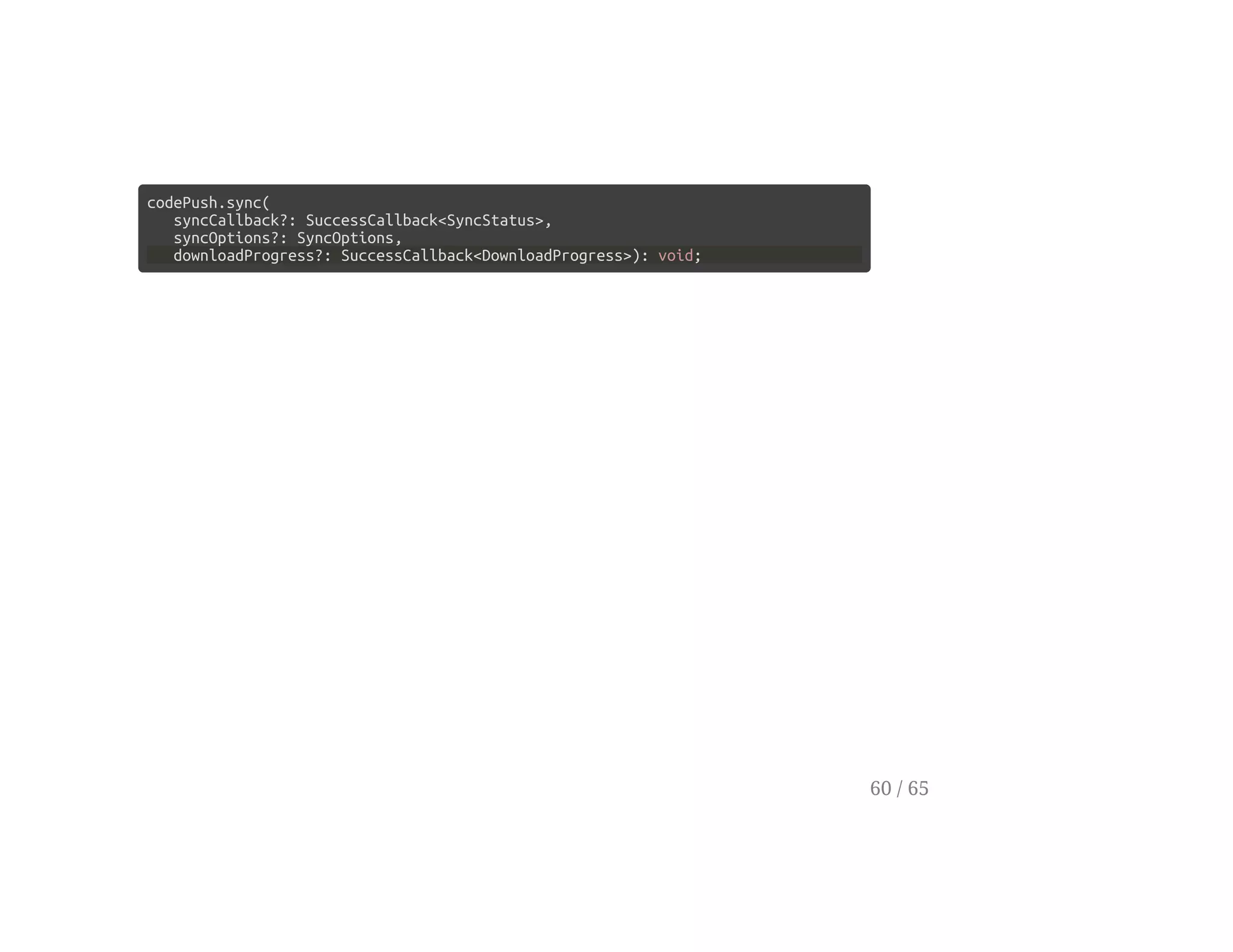
codePush.sync(
syncCallback?: SuccessCallback<SyncStatus>,
syncOptions?: SyncOptions,
downloadProgress?: SuccessCallback<DownloadProgress>): void;
60 / 65
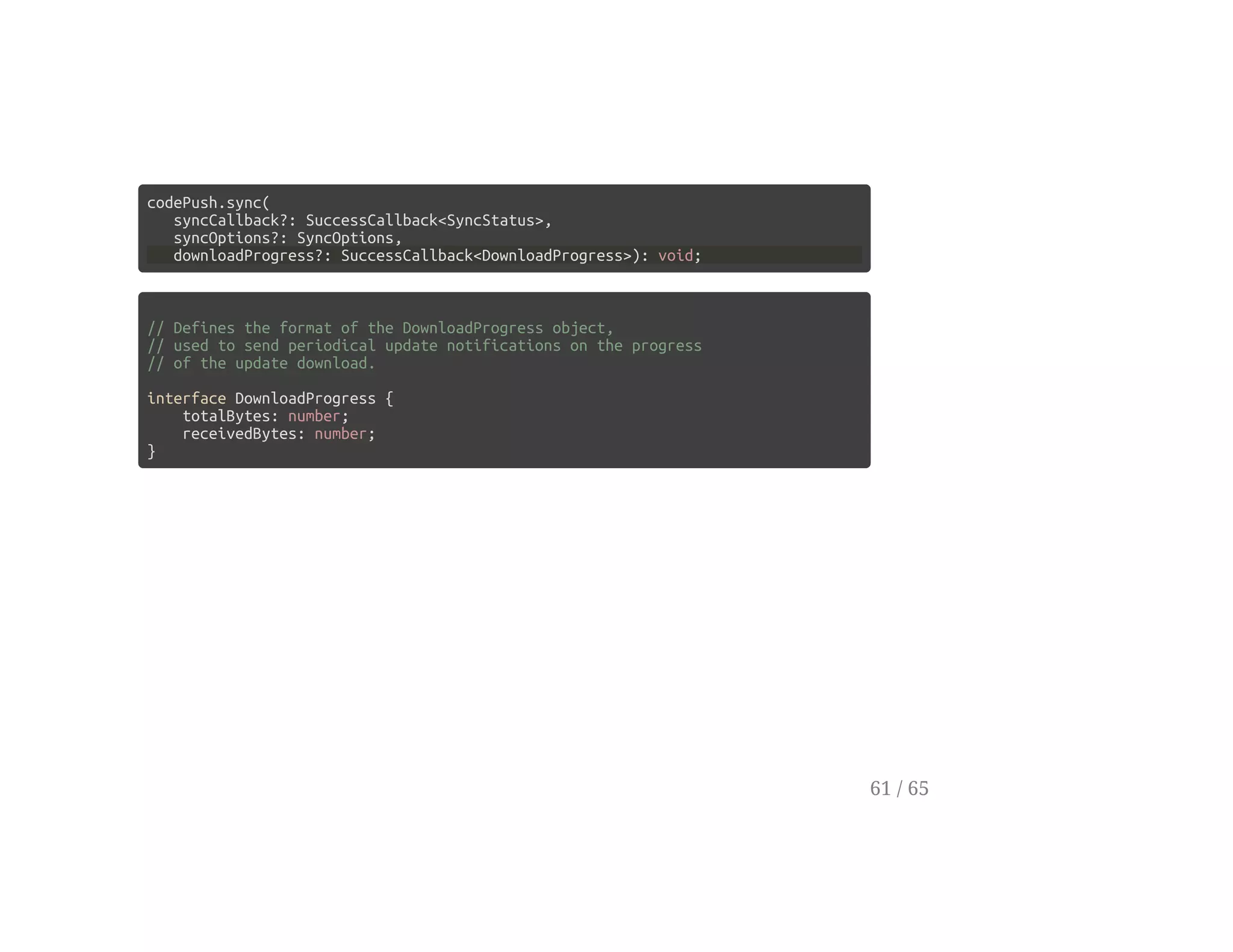
codePush.sync(
syncCallback?: SuccessCallback<SyncStatus>,
syncOptions?: SyncOptions,
downloadProgress?: SuccessCallback<DownloadProgress>): void;
// Defines the format of the DownloadProgress object,
// used to send periodical update notifications on the progress
// of the update download.
interface DownloadProgress {
totalBytes: number;
receivedBytes: number;
}
61 / 65
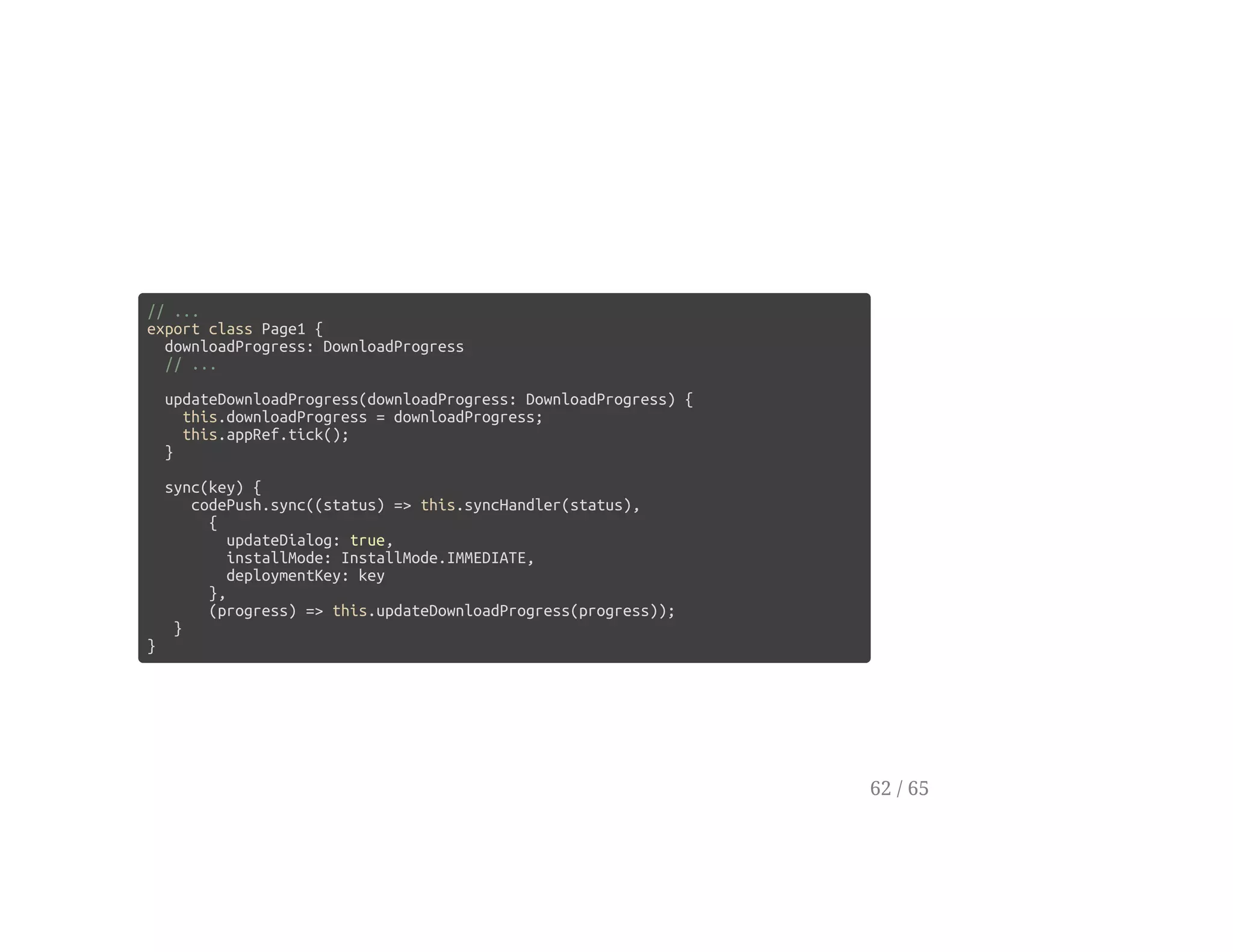
// ...
export class Page1 {
downloadProgress: DownloadProgress
// ...
updateDownloadProgress(downloadProgress: DownloadProgress) {
this.downloadProgress = downloadProgress;
this.appRef.tick();
}
sync(key) {
codePush.sync((status) => this.syncHandler(status),
{
updateDialog: true,
installMode: InstallMode.IMMEDIATE,
deploymentKey: key
},
(progress) => this.updateDownloadProgress(progress));
}
}
62 / 65
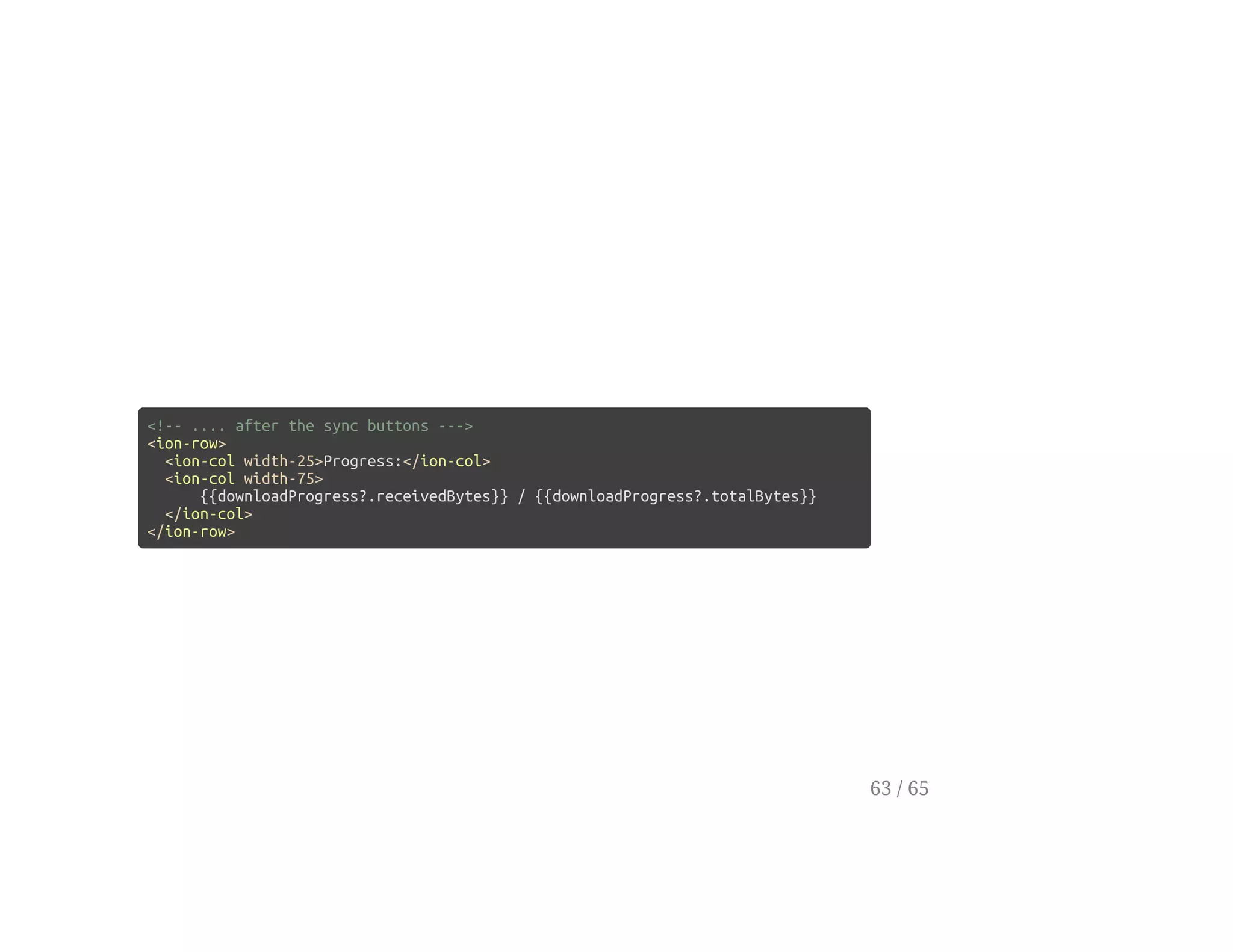
<!-- .... after the sync buttons --->
<ion-row>
<ion-col width-25>Progress:</ion-col>
<ion-col width-75>
{{downloadProgress?.receivedBytes}} / {{downloadProgress?.totalBytes}}
</ion-col>
</ion-row>
63 / 65
Any Questions?
64 / 65
Bertrand Karerangabo
twitter: @codenarian
github: bertrandk
Evan Schultz
twitter: @e_p82
github: e-schultz
Thanks
65 / 65

HotPush with Ionic 2 and CodePush

  • 1.
    Hot Updates usingCodePush and Ionic 2 [hot push across the dev lifecycle] 1 / 65
  • 2.
    Evan Schultz twitter: @e_p82 github:e-schultz Hello, etc... 2 / 65
  • 3.
    Evan Schultz twitter: @e_p82 github:e-schultz Bertrand Karerangabo twitter: @codenarian github: bertrandk Hello, etc... 3 / 65
  • 4.
    Agenda Review Prerequisites Resources Ionic 2 CodePush CodePushifyYour App Create a Sync Tab Deploying to Staging Selecting Deployments Synching Multiple Versions Detailed Sync & Download Progress Q & A 4 / 65
  • 5.
  • 6.
    Resources: Slide Repo: https://github.com/rangle/codepush-phonegap-days DemoRepo: https://github.com/rangle/pgdays-codepush-demo Gist with Code: http://bit.ly/22hPKC4 6 / 65
  • 7.
  • 8.
    Ionic 2 Install Ionic2 npm install -g ionic@beta 8 / 65
  • 9.
    Ionic 2 Install Ionic2 npm install -g ionic@beta Install Cordova npm install -g cordova 9 / 65
  • 10.
    Ionic 2 Start anew Ionic Project ionic start pgdays-workshop --v2 --ts cd pgdays-workshop 10 / 65
  • 11.
    Ionic 2 Start anew Ionic Project ionic start pgdays-workshop --v2 --ts cd pgdays-workshop Preview in browser ionic serve 11 / 65
  • 12.
  • 13.
    CodePush Setup Install CLItools npm install -g code-push-cli 13 / 65
  • 14.
    CodePush Setup Install CLItools npm install -g code-push-cli Create CodePush account code-push register 14 / 65
  • 15.
    CodePush Setup Install CLItools npm install -g code-push-cli Create CodePush account code-push register Register your app code-push app add <appName> 15 / 65
  • 16.
    Configuring Cordova forCodePush Install CodePush plugin ionic plugin add cordova-plugin-code-push@latest 16 / 65
  • 17.
    Configuring Cordova forCodePush Install CodePush plugin ionic plugin add cordova-plugin-code-push@latest Install Typings npm i typings@0.x -g typings install github:Microsoft/cordova-plugin-code-push/typings/codePush.d.ts --save --ambient 17 / 65
  • 18.
    Configuring Cordova forCodePush Add Deployment Key to config.xml config.xml <platform name="ios"> <preference name="CodePushDeploymentKey" value="YOUR-IOS-DEPLOYMENT-KEY" /> </platform> 18 / 65
  • 19.
    Configuring Cordova forCodePush Add Deployment Key to config.xml config.xml <platform name="ios"> <preference name="CodePushDeploymentKey" value="YOUR-IOS-DEPLOYMENT-KEY" /> </platform> Forget your app or key? no problem code-push app ls # list your registered apps code-push deployment ls AppName -k 19 / 65
  • 20.
    Configuring Cordova forCodePush Let Cordova talk with CodePush config.xml <access origin="*" /> <!-- or --> <access origin="https://codepush.azurewebsites.net" /> <access origin="https://codepush.blob.core.windows.net" /> 20 / 65
  • 21.
    Configuring Cordova forCodePush Let Cordova talk with CodePush config.xml <access origin="*" /> <!-- or --> <access origin="https://codepush.azurewebsites.net" /> <access origin="https://codepush.blob.core.windows.net" /> Let CodePush work with CSP www/index.html <meta http-equiv="Content-Security-Policy" content="default-src https://codepush.azurewebsites.net 'self' data: gap: https://ssl.gstatic.com 'unsafe-eval'; style-src 'self' 'unsafe-inline'; media-src *" /> 21 / 65
  • 22.
  • 23.
  • 24.
    Build Settings Tab app/pages/page1/page1.html <ion-navbar*navbar> <ion-title>Settings</ion-title> </ion-navbar> <ion-content padding class="page1"> <ion-row> <ion-col width-50> <button (click)="checkForUpdate()"> Check For Update </button> </ion-col> <ion-col width-50> <button (click)="sync()" [disabled]="!isUpdateAvailable"> Sync </button> </ion-col> </ion-row> </ion-content> 24 / 65
  • 25.
  • 26.
    codePush.checkForUpdates app/pages/page1/page1.ts import {Page} from'ionic-angular'; import {ApplicationRef} from '@angular/core' declare const codePush: CodePushCordovaPlugin; export class Page1 { // ... isUpdateAvailable:boolean = false; constructor(private appRef: ApplicationRef) { } checkForUpdate() { codePush.checkForUpdate((result) => { this.isUpdateAvailable = result !== null; this.appRef.tick(); }); } } 26 / 65
  • 27.
  • 28.
    codePush.sync app/pages/page1/page1.ts // ... export classPage1 { // ... sync() { codePush.sync(null, { updateDialog: true, installMode: InstallMode.IMMEDIATE }); } 28 / 65
  • 29.
    Running the App ionicemulate --target="iPhone-6s" 29 / 65
  • 30.
    Deploy with CodePush [code-pushrelease-cordova] 30 / 65
  • 31.
  • 32.
    Build & Deploy Build ionicbuild Deploy code-push release-cordova pgdays-demo ios 32 / 65
  • 33.
    New Feature: StatusField app/pages/page1/page1.html <!-- ... --> <ion-content padding class="page1"> <ion-row> <ion-col width-20>Status:</ion-col> <ion-col width-80>{{status}}</ion-col> </ion-row> <!-- ... --> </ion-content> 33 / 65
  • 34.
    app/pages/page1/page1.ts export class Page1{ status: string = ''; isProcessing: boolean = false; // .. checkForUpdate() { this.isProcessing = true; this.status = 'Checking ... ' codePush.checkForUpdate((result) => { this.isUpdateAvailable = result !== null; this.status = result === null ? 'Up to Date' : 'Update Available' this.isProcessing = false; this.appRef.tick(); }); } // ... } 34 / 65
  • 35.
    Sync the Update Build& Release CodePush ionic build code-push release-cordova pgdays-demo ios 35 / 65
  • 36.
    Sync the Update Build& Release CodePush ionic build code-push release-cordova pgdays-demo ios Sync the app 36 / 65
  • 37.
  • 38.
    Select a Version app/pages/page1/page1.html <!--... --> <ion-list radio-group [(ngModel)]="deployment"> <ion-list-header> Version </ion-list-header> <ion-item> <ion-label>Staging</ion-label> <ion-radio value="YOUR-IOS-STAGING-KEY"></ion-radio> </ion-item> <ion-item> <ion-label>Production</ion-label> <ion-radio value="YOUR-IOS-PRODUCTION-KEY"></ion-radio> </ion-item> </ion-list> <!-- ... --> 38 / 65
  • 39.
    Pass the DeploymentKey app/pages/page1/page1.html <!-- ... --> <button (click)="checkForUpdate(deployment)" [disabled]="isInProgress"> Check For Updates </button> <button (click)="sync(deployment)" [disabled]="!isUpdateAvailable"> Sync </button> <!-- ... --> 39 / 65
  • 40.
    Update Sync app/pages/page1/page1.ts export classPage1 { // ... sync(key) { codePush.sync(null, { updateDialog: true, installMode: InstallMode.IMMEDIATE, deploymentKey: key }); } } 40 / 65
  • 41.
    Update checkForUpdate app/pages/page1/page1.ts export classPage1 { // ... checkForUpdate(key) { this.isInProgress = true; this.status = 'Checking for Update'; codePush.checkForUpdate((result) => { this.isUpdateAvailable = result !== null; this.isInProgress = false; this.status = result === null ? 'Application is up-to date' : 'Update Available' this.appRef.tick(); }, null, // error handler key); // deployment key is an optional 3rd parameter } } 41 / 65
  • 42.
  • 43.
    Display Current Package app/pages/page1/page1.html <ion-listradio-group [(ngModel)]="deployment"> <!-- ... --> <ion-list> <ion-list-header> Installed Package </ion-list-header> <ion-item> App Version: {{currentPackage?.appVersion}} </ion-item> <ion-item> Description: {{currentPackage?.description}} </ion-item> <ion-item> Label: {{currentPackage?.label}} </ion-item> </ion-list> 43 / 65
  • 44.
    app/pages/page1/page1.ts import {Page, Platform}from 'ionic-angular'; // ... export class Page1 { // ... currentPackage: ILocalPackage; constructor(private platform: Platform, private appRef: ApplicationRef) { } ngOnInit() { this.platform .ready() .then( () => this.getCurrentPackage()); } getCurrentPackage() { codePush.getCurrentPackage((result: ILocalPackage) => { this.currentPackage = result; this.appRef.tick(); }) } } 44 / 65
  • 45.
    Deploy and Promote [loadingmultiple versions as needed] 45 / 65
  • 46.
    Deploy ionic build code-push release-cordovapgdays-demo ios -d Staging --description 'Deployment Select' 46 / 65
  • 47.
    Deploy ionic build code-push release-cordovapgdays-demo ios -d Staging --description 'Deployment Select' Promote code-push promote pgdays-demo Staging Production --des 'Staging -> Production' 47 / 65
  • 48.
    Deploy ionic build code-push release-cordovapgdays-demo ios -d Staging --description 'Deployment Select' Promote code-push promote pgdays-demo Staging Production --des 'Staging -> Production' Run the app ... 48 / 65
  • 49.
  • 50.
    Change the Syncbutton colour app/pages/page1/page1.html <button (click)="sync(deployment)" [disabled]="!isUpdateAvailable" secondary> <!-- ionic will set this to be green --> Sync </button> <!-- ... --> 50 / 65
  • 51.
    Build and Deployto Staging ionic build code-push release-cordova pgdays-demo ios -d Staging --description 'Color Change' 51 / 65
  • 52.
    Build and Deployto Staging ionic build code-push release-cordova pgdays-demo ios -d Staging --description 'Color Change' Run the app ... Select Production, and Sync Select Staging, and Sync 52 / 65
  • 53.
    Promote to Production code-pushpromote pgdays-demo Staging Production --des 'Color Change to Production' 53 / 65
  • 54.
  • 55.
    codePush.sync( syncCallback?: SuccessCallback<SyncStatus>, syncOptions?: SyncOptions, downloadProgress?:SuccessCallback<DownloadProgress>): void; declare enum SyncStatus { UP_TO_DATE, UPDATE_INSTALLED, UPDATE_IGNORED, ERROR, IN_PROGRESS, CHECKING_FOR_UPDATE, AWAITING_USER_ACTION, DOWNLOADING_PACKAGE, INSTALLING_UPDATE } 55 / 65
  • 56.
    app/pages/page1/page1.ts // ... export classPage1 { syncHandler(status: SyncStatus) { // ... } sync(key) { codePush.sync((status) => this.syncHandler(status), { updateDialog: true, installMode: InstallMode.IMMEDIATE, deploymentKey: key }); } 56 / 65
  • 57.
    syncHandler(status: SyncStatus) { switch(status) { case SyncStatus.UP_TO_DATE: this.status = 'Up-to-date'; break; case SyncStatus.UPDATE_INSTALLED: this.status = 'Update Installed'; break; case SyncStatus.UPDATE_IGNORED: this.status = 'Update Ignored'; break; case SyncStatus.ERROR: this.status = 'Error'; break; // ... } 57 / 65
  • 58.
    syncHandler(status: SyncStatus) { switch(status){ // ... case SyncStatus.IN_PROGRESS: this.status = 'In Progress'; break; case SyncStatus.CHECKING_FOR_UPDATE: this.status = 'Checking for Update'; break; case SyncStatus.AWAITING_USER_ACTION: this.status = 'Awaiting User Action'; break; case SyncStatus.DOWNLOADING_PACKAGE: this.status = 'Downloading Package'; break; case SyncStatus.INSTALLING_UPDATE: this.status = 'Installing Update'; break; } this.appRef.tick(); } // ... } 58 / 65
  • 59.
  • 60.
  • 61.
    codePush.sync( syncCallback?: SuccessCallback<SyncStatus>, syncOptions?: SyncOptions, downloadProgress?:SuccessCallback<DownloadProgress>): void; // Defines the format of the DownloadProgress object, // used to send periodical update notifications on the progress // of the update download. interface DownloadProgress { totalBytes: number; receivedBytes: number; } 61 / 65
  • 62.
    // ... export classPage1 { downloadProgress: DownloadProgress // ... updateDownloadProgress(downloadProgress: DownloadProgress) { this.downloadProgress = downloadProgress; this.appRef.tick(); } sync(key) { codePush.sync((status) => this.syncHandler(status), { updateDialog: true, installMode: InstallMode.IMMEDIATE, deploymentKey: key }, (progress) => this.updateDownloadProgress(progress)); } } 62 / 65
  • 63.
    <!-- .... afterthe sync buttons ---> <ion-row> <ion-col width-25>Progress:</ion-col> <ion-col width-75> {{downloadProgress?.receivedBytes}} / {{downloadProgress?.totalBytes}} </ion-col> </ion-row> 63 / 65
  • 64.
  • 65.
    Bertrand Karerangabo twitter: @codenarian github:bertrandk Evan Schultz twitter: @e_p82 github: e-schultz Thanks 65 / 65