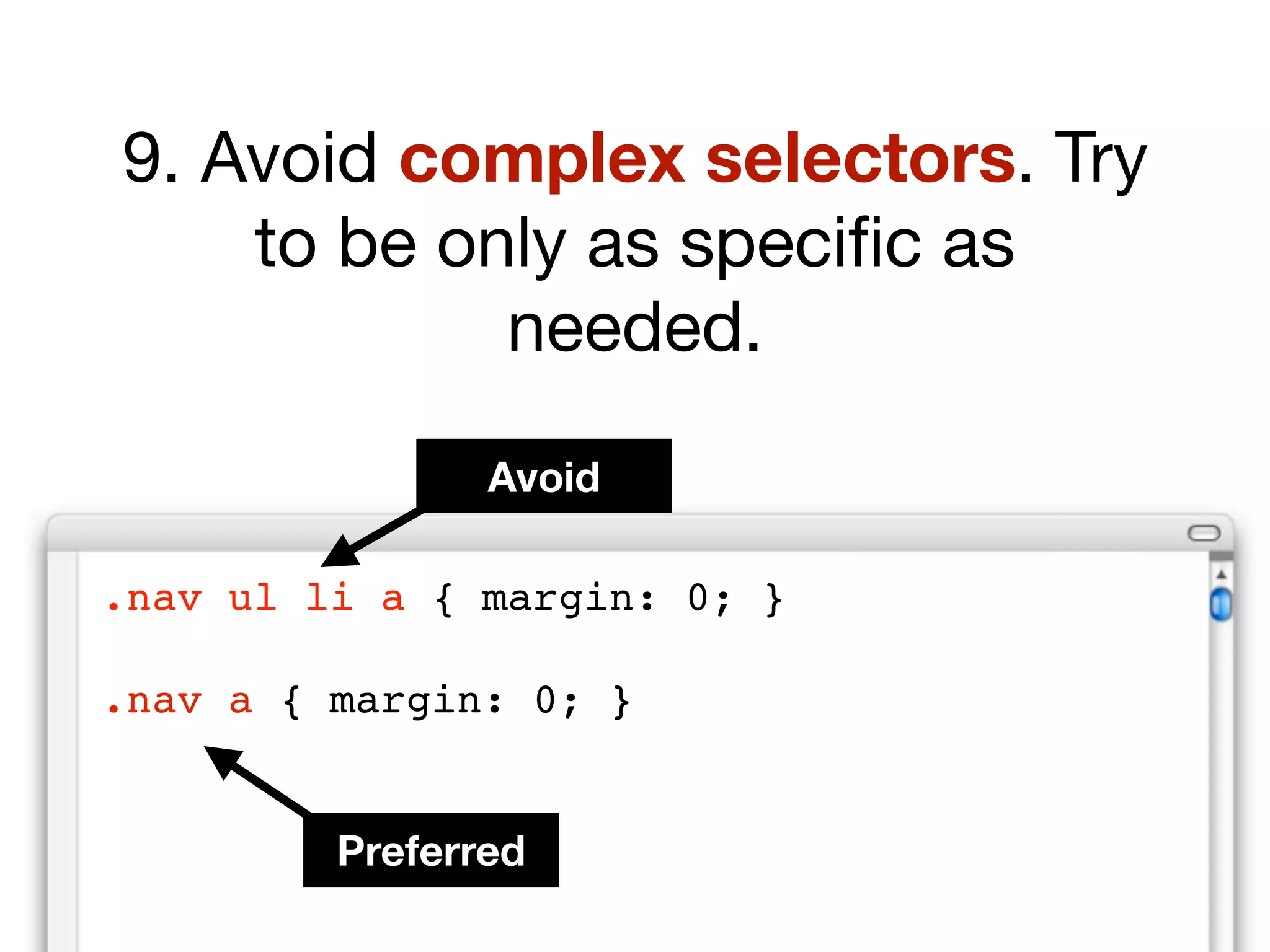
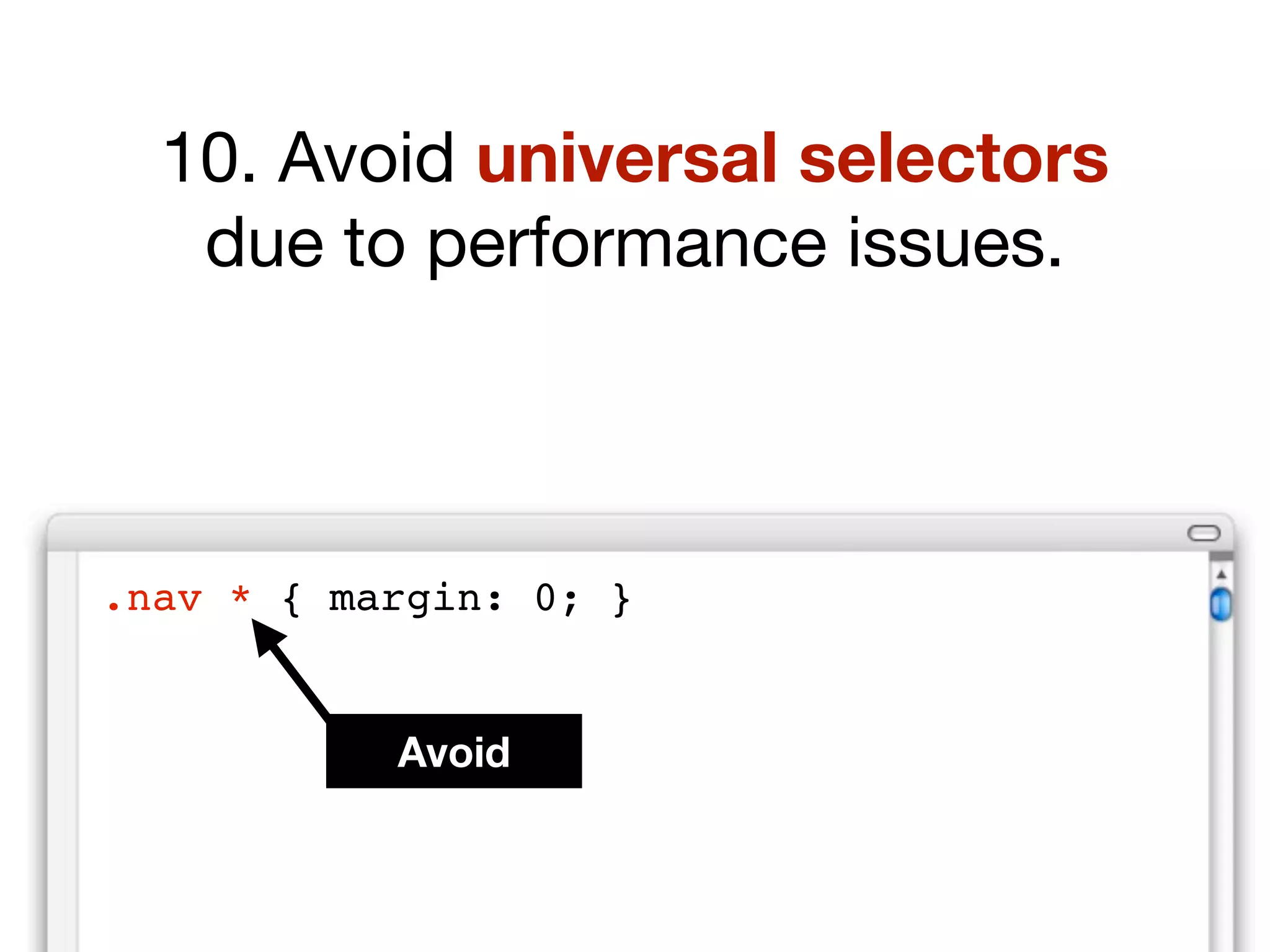
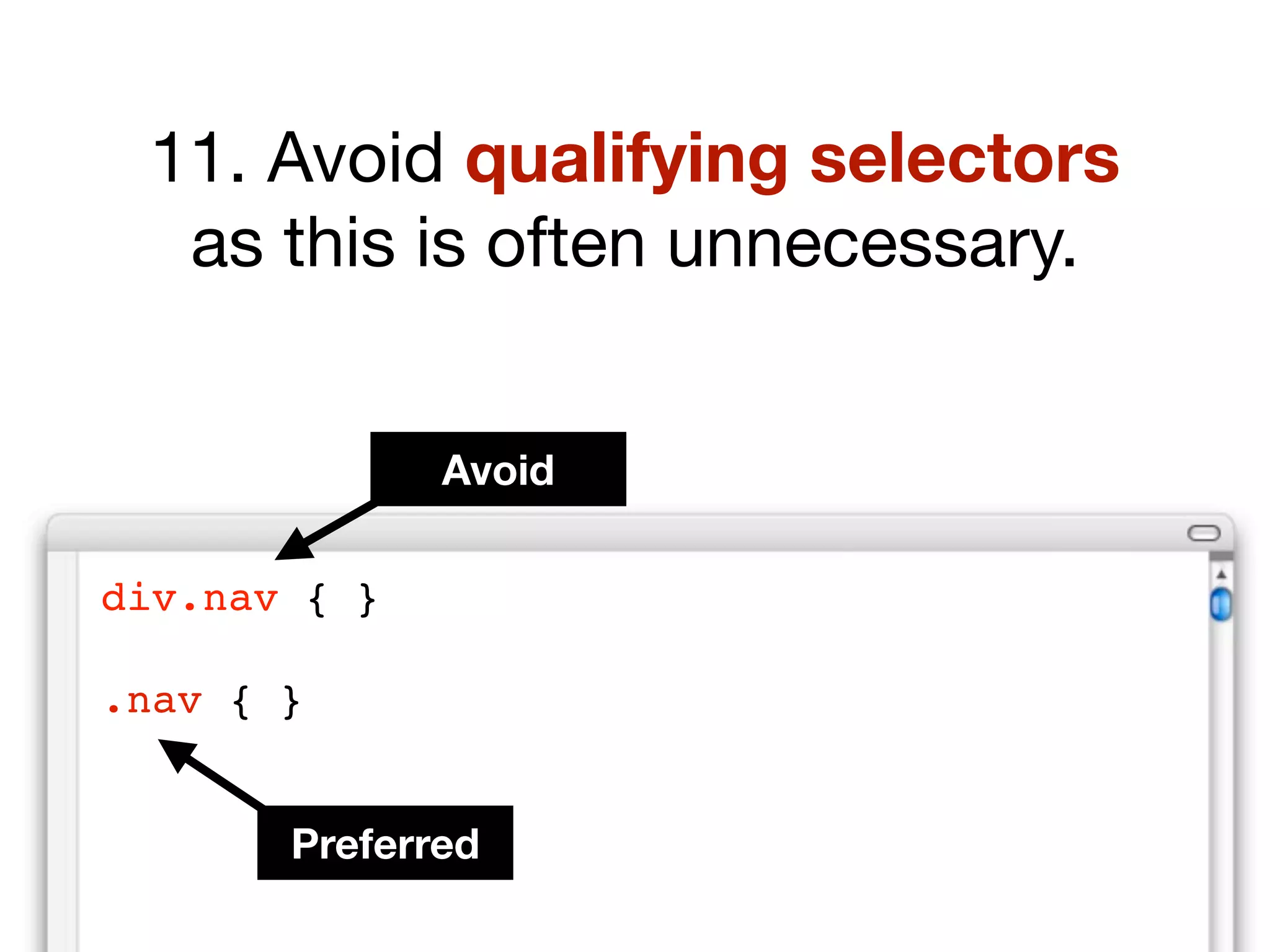
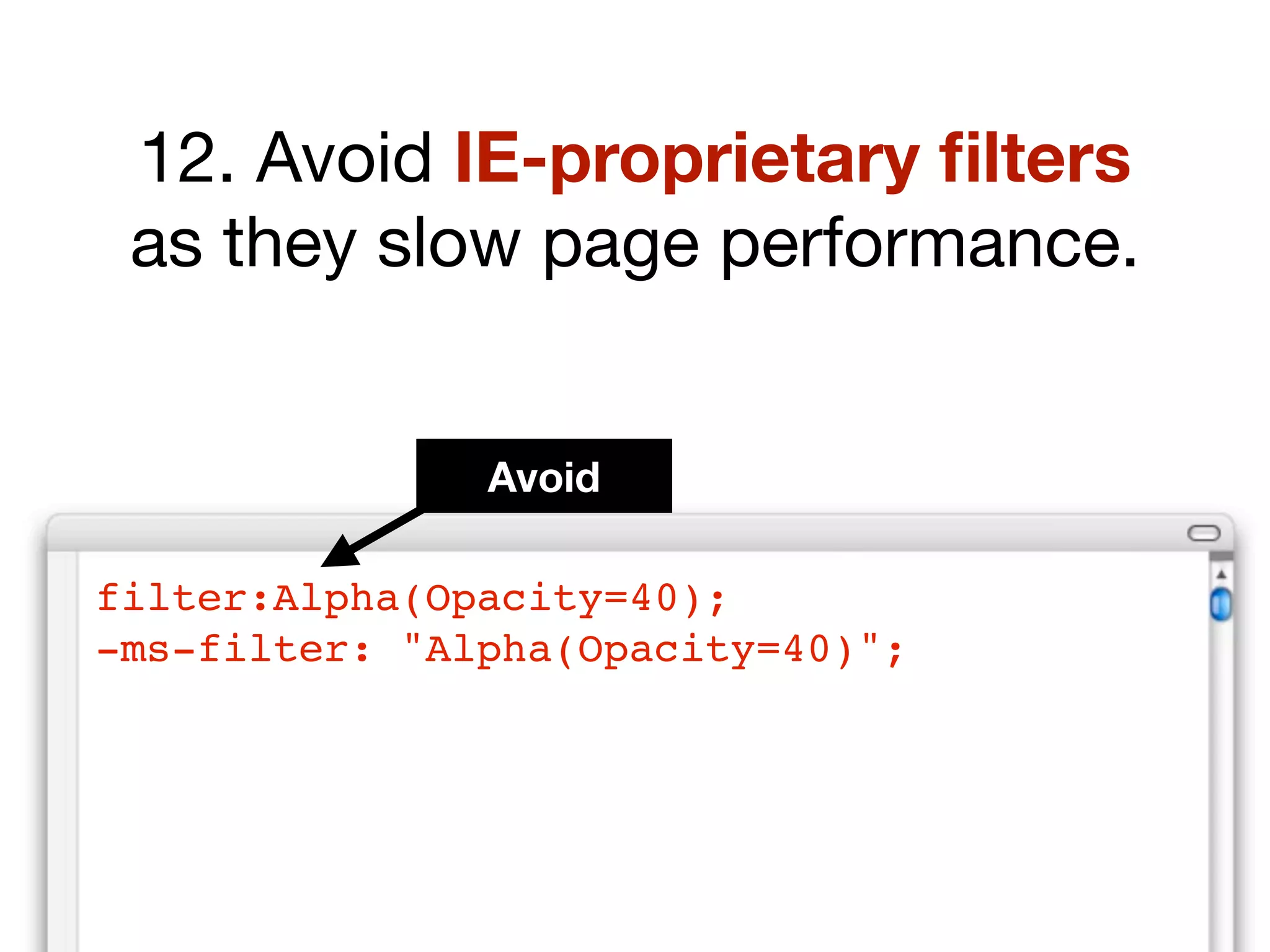
Efficient, maintainable CSS

Loading...

Flash Player 9 (or above) is needed to view presentations.
We have detected that you do not have it on your computer. To install it, go here.

3 comments

Comments 1 - 3 of 3 previous next Post a comment

  • slidecrunch slidecrunch 10 months ago
    If in the final HTML the browser see multiples CSS files request, add more download time to website. Add brinding file, generate same problem. My solution is that in the server template parser, combine multiples CSS files in one file then make one CSS request.
    See code.google.com/p/minify/
  • Gaurav_M Gaurav M 10 months ago
    apart from slide... the faces and expressions r incredible
    nice slide
  • shaldag shaldag 10 months ago
    good job!
Post a comment
Embed Video
Edit your comment Cancel

29 Favorites & 1 Event

Efficient, maintainable CSS - Presentation Transcript

  1. CSS Efficient maintainable, modular
  2. How many of you know CSS ?
  3. How can I make my CSS more efficient ? “ ”
  4. We’re going to look at four key areas
  5. efficient css maintainable css modular css hack-free css
  6. Writing efficient CSS
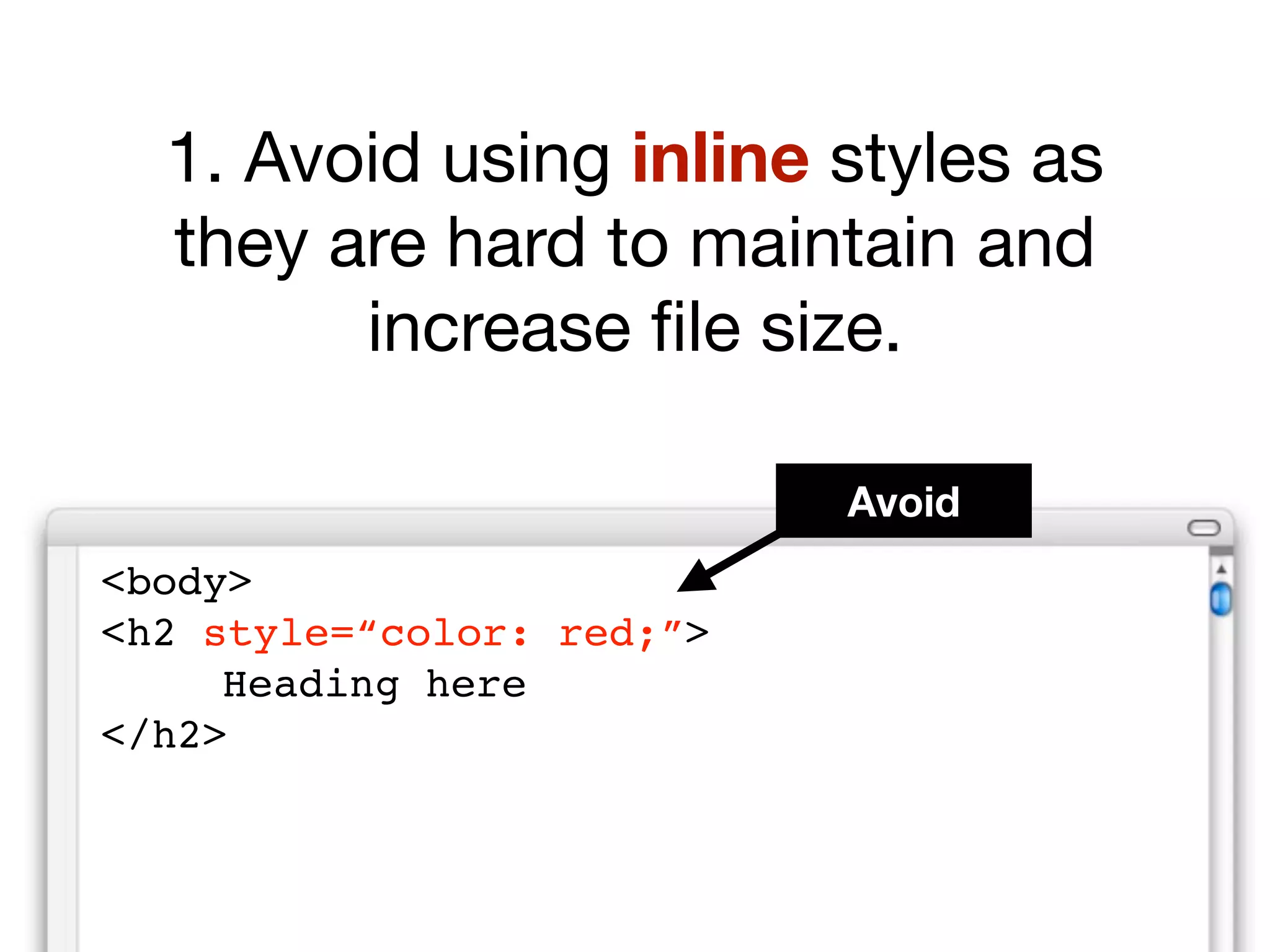
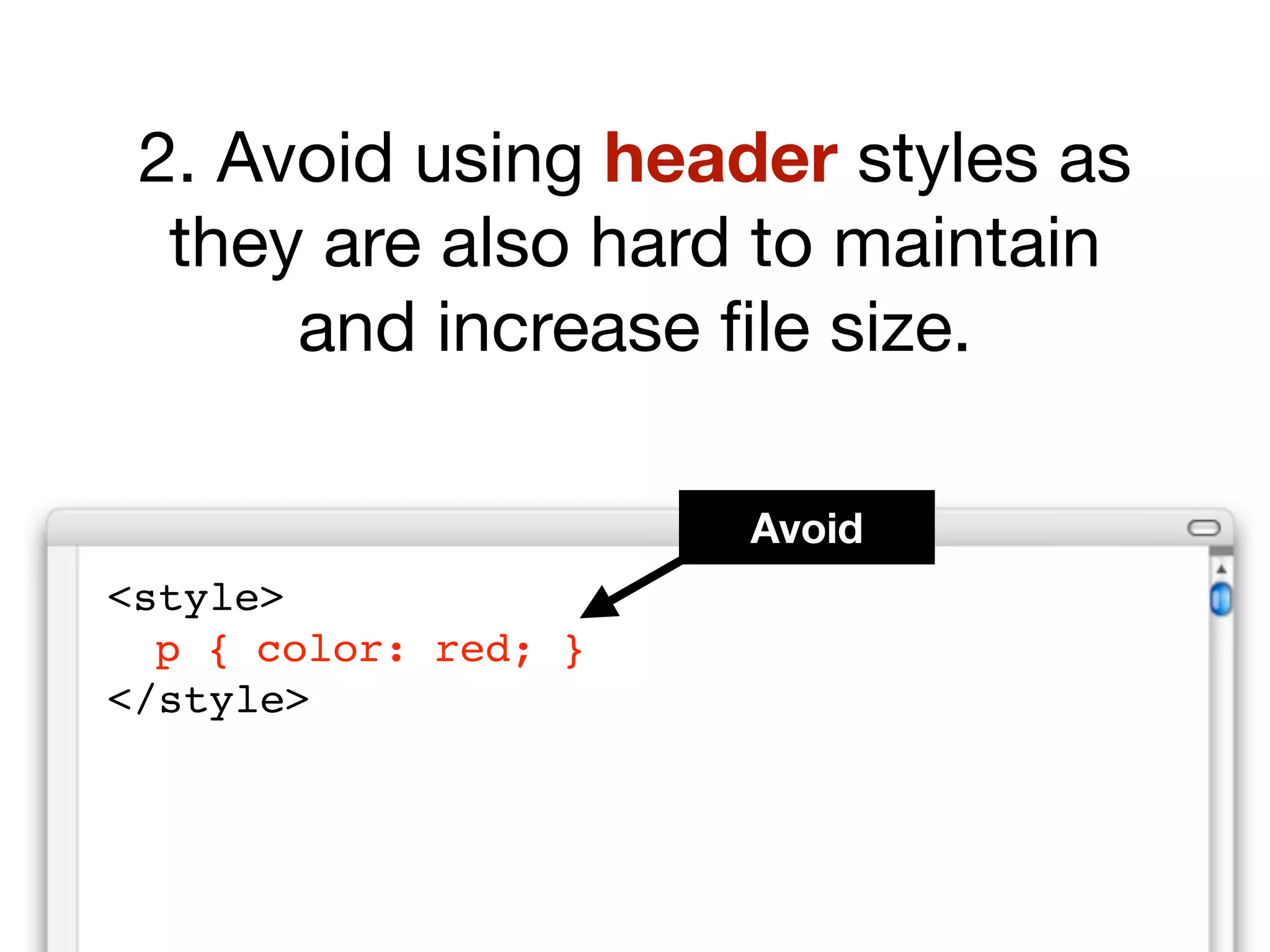
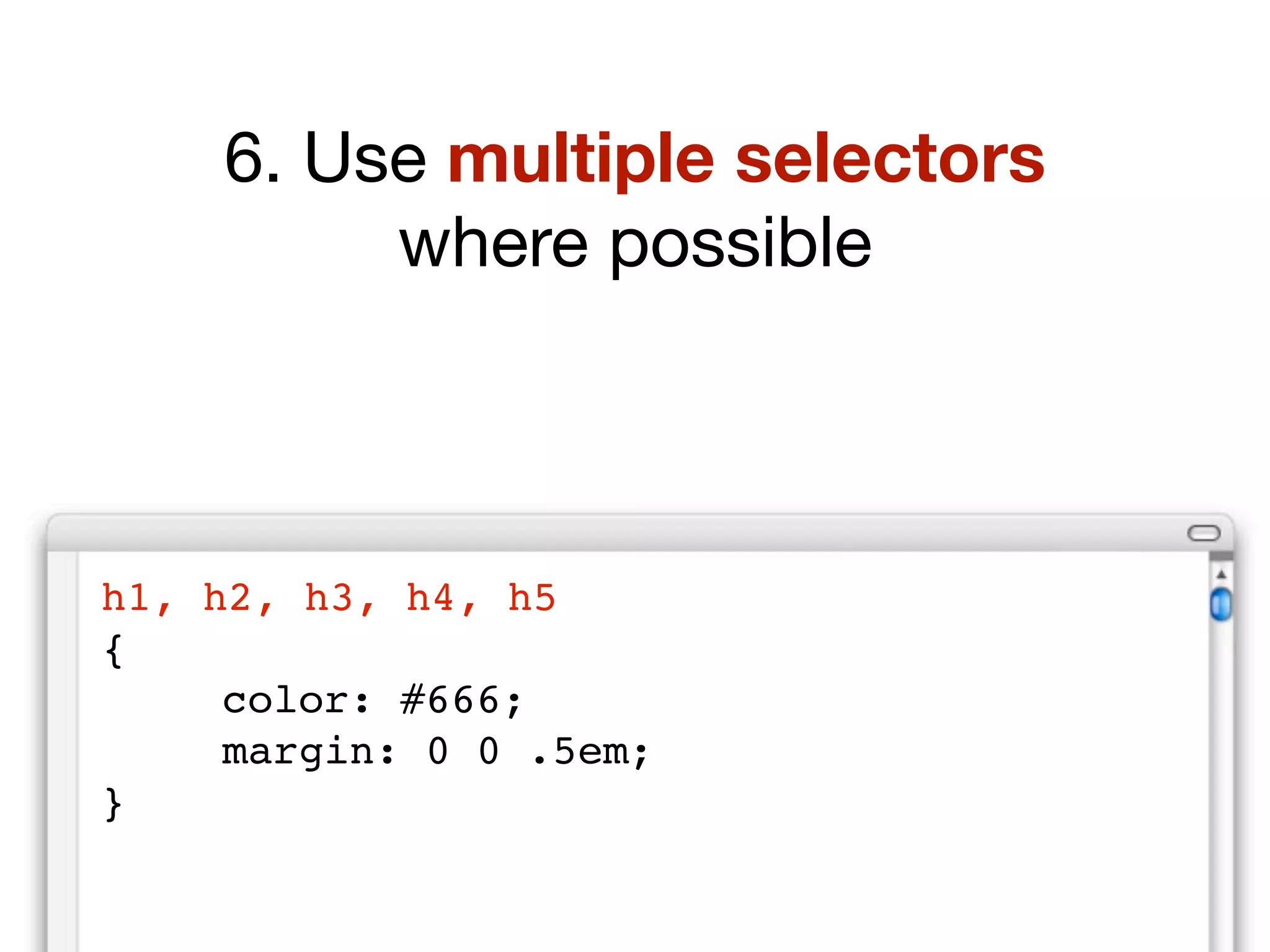
  7. 1 Use external style sheets instead of inline or header styles.
  8. Not good: :
  9. <!DOCTYPE HTML PUBLIC &quot;-//W3C//DTD HTML 4.01//EN&quot; &quot;http://www.w3.org/TR/html4/strict.dtd&quot;> <html lang=&quot;en&quot;> <head> <meta http-equiv=&quot;content-type&quot; content=&quot;text <title>Page title</title> </head> <body> <p style= &quot; co lor: red &quot; > ... </p> </body> </html>
  10. Not good: :
  11. <!DOCTYPE HTML PUBLIC &quot;-//W3C//DTD HTML 4.01//EN&quot; &quot;http://www.w3.org/TR/html4/strict.dtd&quot;> <html lang=&quot;en&quot;> <head> <meta http-equiv=&quot;content-type&quot; content=&quot;text <title>Page title</title> <style type=&quot;text/css&quot; media=&quot;screen&quot;> p { color: red; } </style> </head> <body> ... </body> </html>
  12. Good: :
  13. <!DOCTYPE HTML PUBLIC &quot;-//W3C//DTD HTML 4.01//EN&quot; &quot;http://www.w3.org/TR/html4/strict.dtd&quot;> <html lang=&quot;en&quot;> <head> <meta http-equiv=&quot;content-type&quot; content=&quot;text <title>Page title</title> <link rel=&quot;stylesheet&quot; href=&quot;name.css&quot; type=&quot;text/css&quot; media=&quot;screen&quot; /> < /head> <body> ... </body> </html>
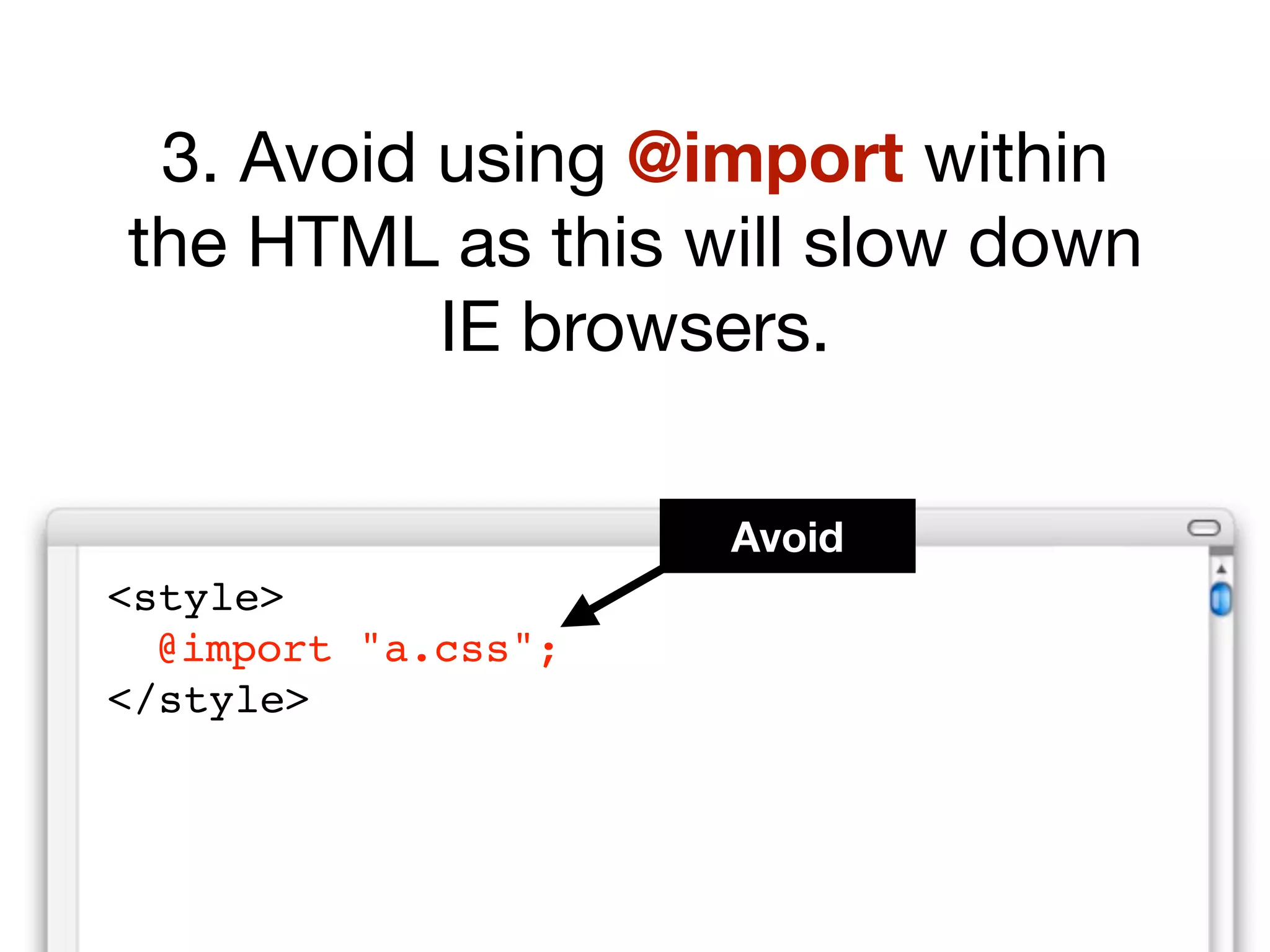
  14. 2 Use link rather than @import for IE & NN4
  15. Not good: :
  16. <!DOCTYPE HTML PUBLIC &quot;-//W3C//DTD HTML 4.01//EN&quot; &quot;http://www.w3.org/TR/html4/strict.dtd&quot;> <html lang=&quot;en&quot;> <head> <meta http-equiv=&quot;content-type&quot; content=&quot;text <title>Page title</title> <style type=&quot;text/css&quot; media=&quot;screen&quot;> @import url(&quot;styles.css&quot;); </style> </style> </head> <body> ... </body> </html>
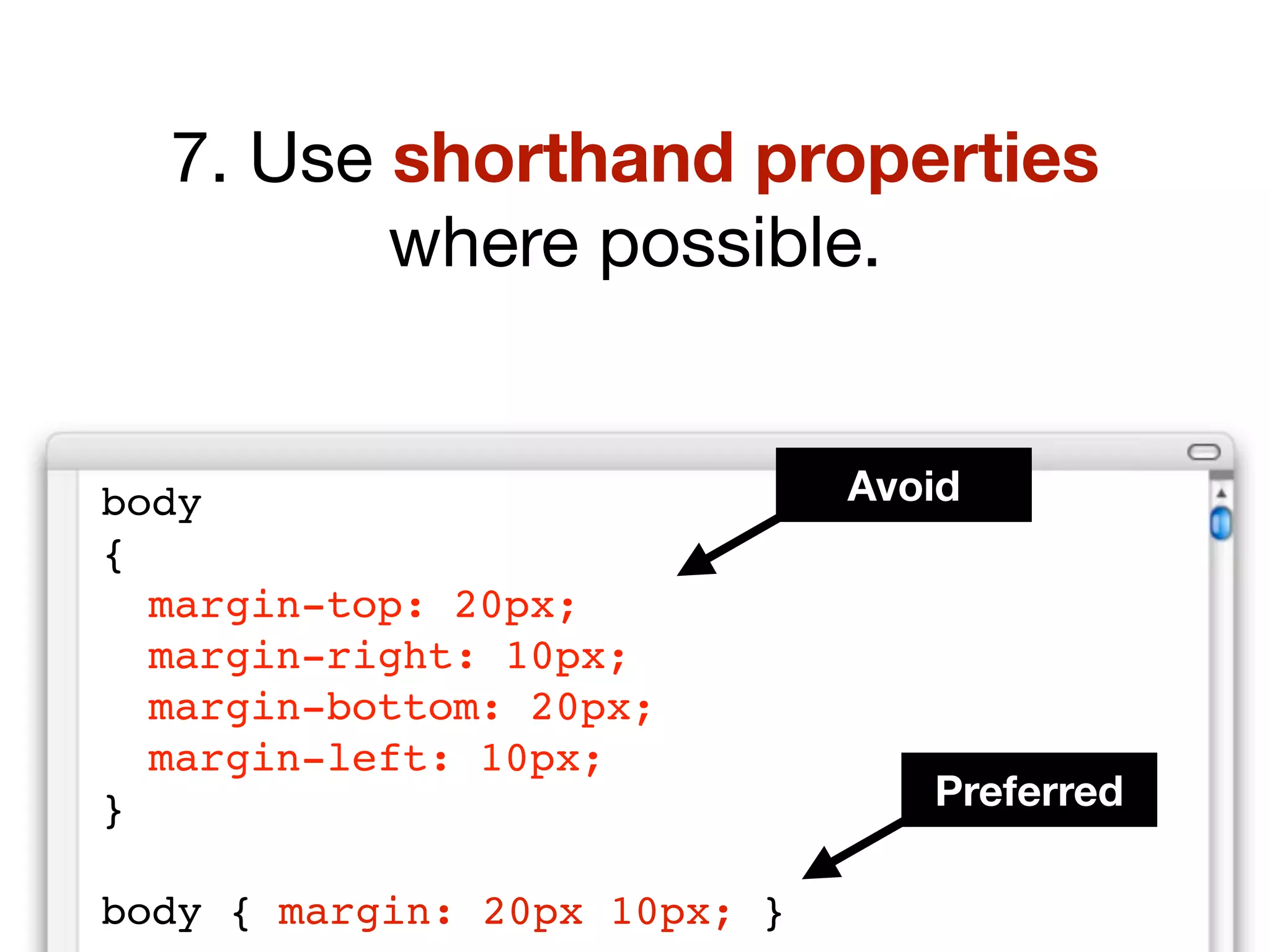
  17. Good: :
  18. <!DOCTYPE HTML PUBLIC &quot;-//W3C//DTD HTML 4.01//EN&quot; &quot;http://www.w3.org/TR/html4/strict.dtd&quot;> <html lang=&quot;en&quot;> <head> <meta http-equiv=&quot;content-type&quot; content=&quot;text <title>Page title</title> <link rel=&quot;stylesheet&quot; href=&quot;name.css&quot; type=&quot;text/css&quot; media=&quot;screen&quot; /> </head> <body> ... </body> </html>
  19. Use inheritance 3
  20. Inefficient: :
  21. p { font-family: arial, helvetica, sans-serif; } #container { font-family: arial, helvetica, sans-serif; } #navigation { font-family: arial, helvetica, sans-serif; } #content { font-family: arial, helvetica, sans-serif; } #sidebar { font-family: arial, helvetica, sans-serif; } h1 { font-family: georgia, times, serif; }
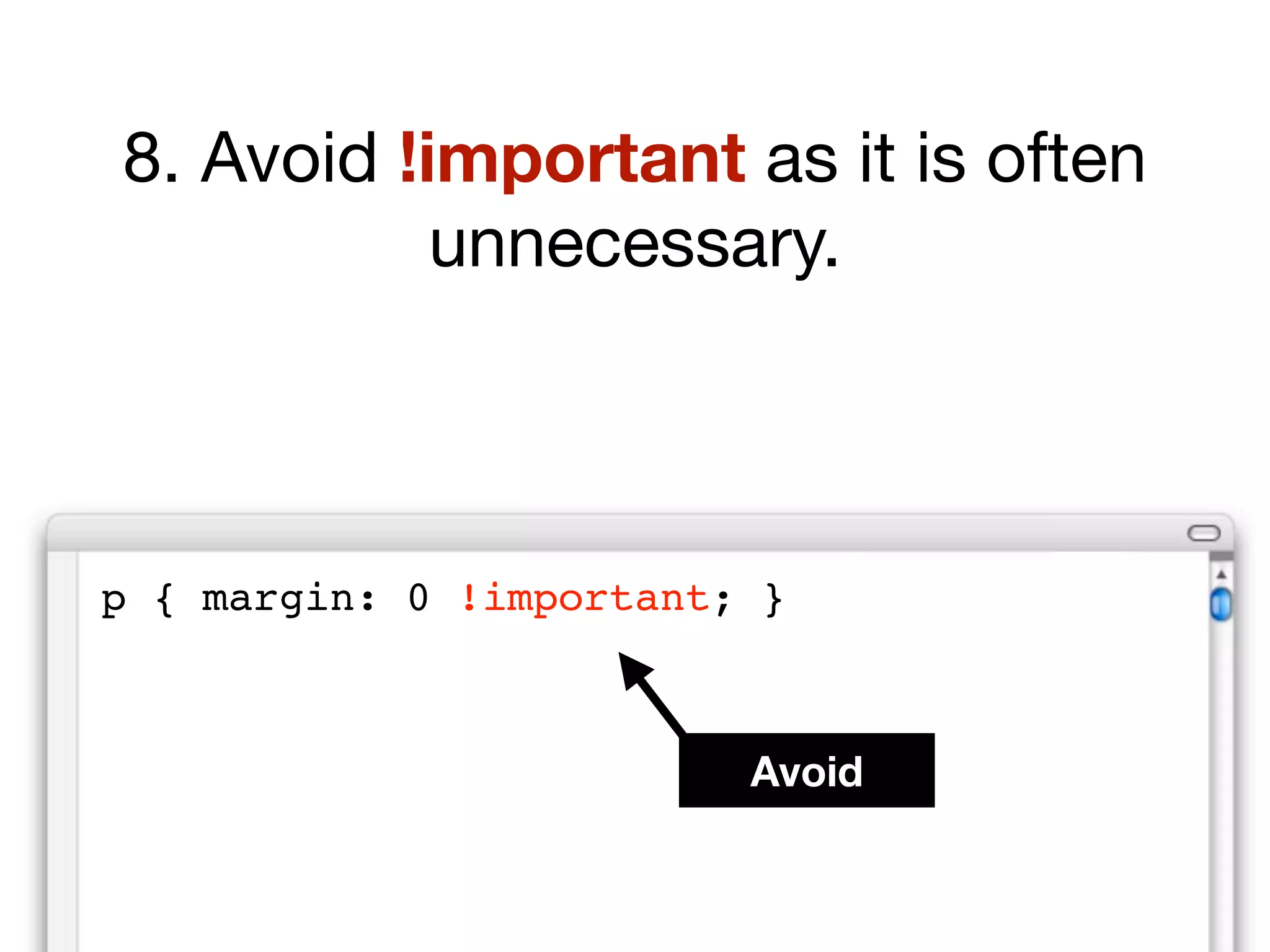
  22. Efficient: :
  23. body { font-family: arial, helvetica, sans-serif; }
  24. body { font-family: arial, helvetica, sans-serif; } h1 { font-family: georgia, times, serif; }
  25. 4 Use multiple selectors
  26. Inefficient: :
  27. h1 { color: #236799; } h2 { color: #236799; } h3 { color: #236799; } h4 { color: #236799; }
  28. Efficient: :
  29. h1, h2, h3, h4 { color: #236799; }
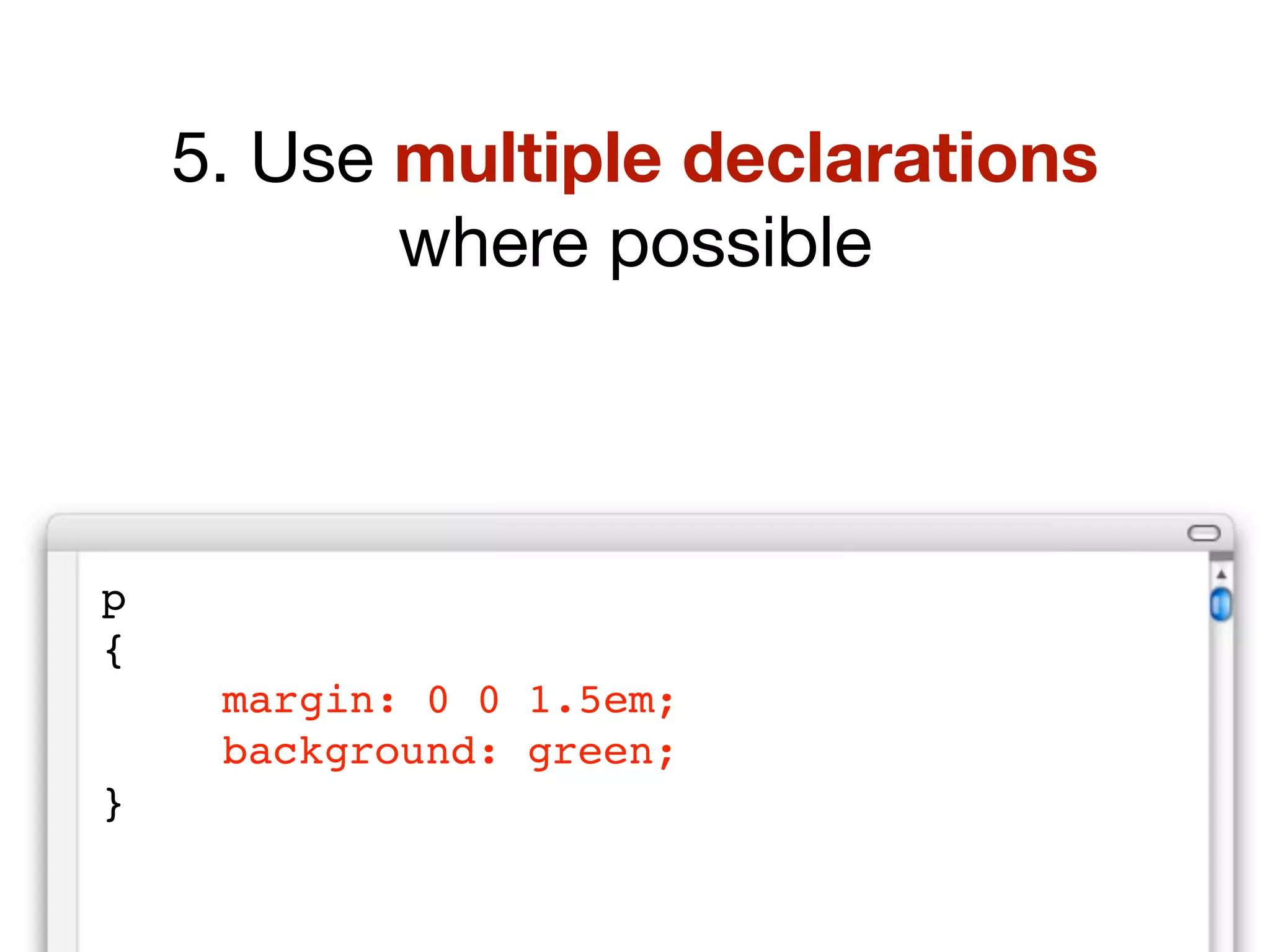
  30. 5 Use multiple declarations
  31. Inefficient: :
  32. p { margin: 0 0 1em; } p { background: #ddd; } p { color: #666; }
  33. Efficient: :
  34. p { margin: 0 0 1em; background: #ddd; color: #666; }
  35. 6 Use shorthand properties
  36. Inefficient: :
  37. body { font-size : 85%; font-family : arial, helvetica, sans-serif; background-image : url(image.gif); background-repeat : no-repeat; background-position : 0 100%; margin-top : 1em; margin-right : 1em; margin-bottom : 0; margin-left : 1em; padding-top : 10px; padding-right : 10px; padding-bottom : 10px; padding-left : 10px; border-style : solid; border-width : 1px; border-color : red; color : #222222; }
  38. Efficient: :
  39. body { font : 85% arial, helvetica, sans-serif; background : url(image.gif) no-repeat 0 100%; margin : 1em 1em 0; padding : 10px; border : 1px solid red; color : #222; }
  40. 7 Avoid !important
  41. Desperate: :
  42. #news { background: #ddd !important ; }
  43. Understanding specificity: :
  44. #container #news { background: #ddd; } body #container #news { background: #ddd; }
  45. So, how can you make your CSS easier to understand for people who maintain your website?
  46. Writing maintainable CSS
  47. Place a time stamp, author and notation at top of CSS files. 1
  48. /* --------------------------------- Site: Site name Author: Name Updated: Date and time Updated by: Name --------------------------------- */
  49. Include global color notation 2
  50. /* --------------------------------- COLORS Body background: #def455 Container background: #fff Main Text: #333 Links: #00600f Visited links: #098761 Hover links: #aaf433 H1, H2, H3: #960 H4, H5, H6: #000 --------------------------------- */
  51. Use meaningful names for IDs & classes 3
  52. Not good: :
  53. .green-box { ... } #big-text { ... }
  54. Better: :
  55. .pullquote {... } #introduction {... }
  56. Group related rules 4
  57. #header { ... } #header h1 { ... } #header h1 img { ... } #header form { ... } #header a#skip { ... } #navigation { ... } #navigation ul { ... } #navigation ul li { ... } #navigation ul li a { ... } #navigation ul li a:hover { ... } #content { ... } #content h2 { ... } #content p { ... } #content ul { ... } #content ul li { ... }
  58. Add clear comments to your CSS files 5
  59. /* --------------------------------- header styles --------------------------------- */ #header { ... } #header h1 { ... } #header h1 img { ... } #header form { ... } /* --------------------------------- navigation styles --------------------------------- */ #navigation { ... }
  60. OK, how can you manage your CSS across an entire site?
  61. Modular CSS
  62. An example: Your HTML pages are linking to a master CSS file HTML files Master CSS file
  63. Step 1 Separate into individual files HTML files container.css header.css content.css
  64. Why separate CSS files? It’s easier to find rules. You can also serve specific CSS files to pages.
  65. Step 2 Add a bridging CSS file HTML files Bridging CSS file
  66. Why add a bridging file? You can add or remove files as needed without changing the HTML.
  67. Step 3 Link to bridging file HTML files Bridging CSS file
  68. <!DOCTYPE HTML PUBLIC &quot;-//W3C//DTD HTML 4.01//EN&quot; &quot;http://www.w3.org/TR/html4/strict.dtd&quot;> <html lang=&quot;en&quot;> <head> <meta http-equiv=&quot;content-type&quot; content=&quot;text <title>Page title</title> <link rel=&quot;stylesheet&quot; href=&quot;bridging.css&quot; type=&quot;text/css” media=&quot;screen, projection&quot;> </head> <body> ... </body> </html>
  69. Why double media type? NN4 will not see bridging file and will therefore not crash!
  70. Step 4 Import CSS into bridging file HTML files Bridging CSS file
  71. @import ‘ header.css ’ ; @import ‘ content.css ’ ; @import ‘ footer.css ’ ;
  72. How do @imports work? This will imports all rules from one file into the other. @import cannot be read by older browsers.
  73. HTML files Bridging CSS file Recap?
  74. This concept is ideal for large sites.
  75. Home bridge1 header nav footer home
  76. Section 1 bridge2 header nav footer Section 1
  77. Section 2 bridge3 header nav footer Section 2
  78. Hack-free CSS
  79. One of our biggest challenges is dealing with buggy browsers such as IE.
  80. Many people solve the problem by using hacks .
  81. The problem is that IE has improved it’s CSS support. Hacks may come back to bite !
  82. So how do you solve the problem ?
  83. “ W e ask that you please update your pages to not use these CSS hacks. If you want to target IE or bypass IE, you can use conditional comments .”
  84. How do conditional comments work?
  85. Step 1: Create a new CSS file for IE rules only.
  86. Home bridge1 header nav footer home IE
  87. Step 2: Add a conditional comment to the head of your HTML file.
  88. <!DOCTYPE HTML PUBLIC &quot;-//W3C//DTD HTML 4.01//EN&quot; &quot;http://www.w3.org/TR/html4/strict.dtd&quot;> <html lang=&quot;en&quot;> <head> <meta http-equiv=&quot;content-type&quot; content=&quot;text <title>Page title</title> <link href=&quot;css/ import1.css &quot; rel=&quot;stylesheet&quot; <!--[if IE 5]><link rel=&quot;stylesheet&quot; href=&quot;ie5.css&quot; type=&quot;text/css&quot; media=&quot;screen&quot;><![endif]--> </head> <body> ... </body> </html>
  89. Only the relevant version of IE will sees this new style sheet. All other browsers will ignore it completely.
  90. Home bridge1 header nav footer home IE
  91. Normal browsers see:
  92. Home bridge1 header nav footer home IE
  93. Relevant version of IE sees:
  94. Home bridge1 header nav footer home IE
  95. For example , while most browsers add padding to the width of a container, IE5 will not. This these cases, IE5 will display a narrower container.
  96. main.css (seen by all browsers including IE5): :
  97. #container { width: 600px; padding: 100px; }
  98. ie5.css (seen by IE5 only): :
  99. #container { width: 800px; }
  100. Why are conditional comments a good solution ?
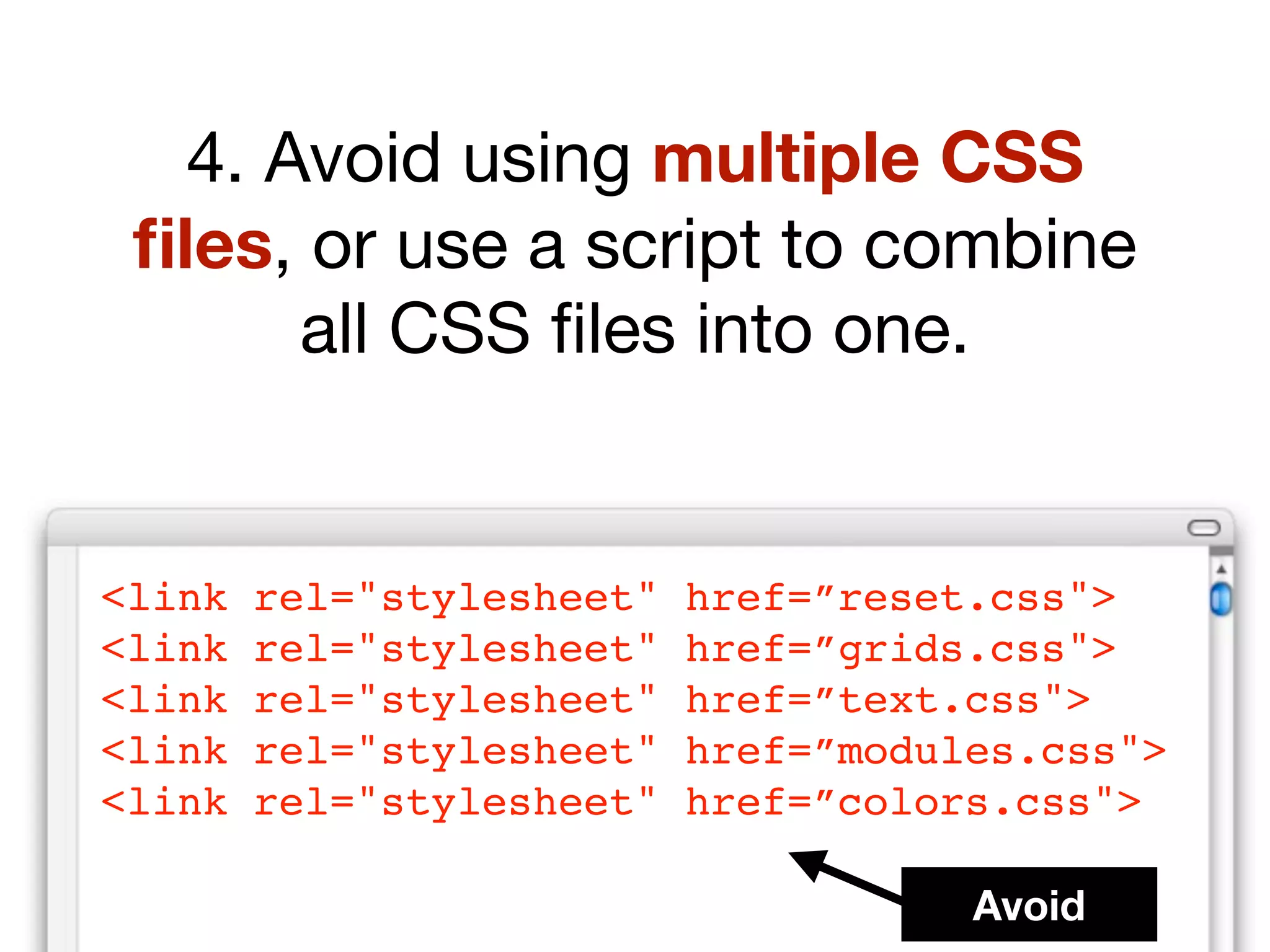
  101. 1. No hacks Specific CSS rules are simply rewritten in new style sheet.
  102. 2. Separate file Work-around CSS kept out of main CSS and can be turned off easily at a later date.
  103. 3. Targeted You can target specific versions of IE’s
  104. <!-- [if IE] > <!--[if IE 5]> <!-- [if IE 6] > <!-- [if lt IE 6] > <!-- [if lte IE 6] > <!-- [if gt IE 6] > <!-- [if gte IE 6] >
  105. efficient css maintainable css modular css hack-free css
  106. Questions?

Russ WeakleyRuss Weakley, 10 months ago

custom

4594 views, 29 favs, 22 embeds more stats

Many web sites have moved away from table based lay more

More Info

© All Rights Reserved

Go to text version
  • Total Views 4594
    • 4064 on SlideShare
    • 530 from embeds
  • Comments 3
  • Favorites 29
  • Downloads 258
Most viewed embeds
  • 232 views on http://higher.com.ua
  • 190 views on http://www.maxdesign.com.au
  • 30 views on http://kratce.vzhurudolu.cz
  • 15 views on http://maxdesign.com.au
  • 13 views on http://www.santanu.in

more

All embeds
  • 232 views on http://higher.com.ua
  • 190 views on http://www.maxdesign.com.au
  • 30 views on http://kratce.vzhurudolu.cz
  • 15 views on http://maxdesign.com.au
  • 13 views on http://www.santanu.in
  • 12 views on http://www.ss19rulz.com
  • 8 views on http://www.whitepixel.pl
  • 5 views on http://machal.tumblr.com
  • 3 views on http://www.milgroup.com.ua
  • 3 views on http://whitepixel.pl
  • 3 views on http://news.inter-svet.ru
  • 3 views on http://www.hanrss.com
  • 2 views on http://filip-alexandr.ic.cz
  • 2 views on http://blog.vzhurudolu.cz
  • 2 views on http://xss.yandex.net
  • 1 views on http://www.higher.com.ua
  • 1 views on file://
  • 1 views on http://www.geekculture.com
  • 1 views on http://shop.tokyocube.com
  • 1 views on http://static.slideshare.net
  • 1 views on http://www.techiegyan.com
  • 1 views on http://surf.googlemashups.com

less

Flagged as inappropriate Flag as inappropriate
Flag as innappropriate

Select your reason for flagging this presentation as inappropriate. If needed, use the feedback form to let us know more details.

Cancel

Categories

Groups / Events