Processor, Field Issues, Data Processed, Forms
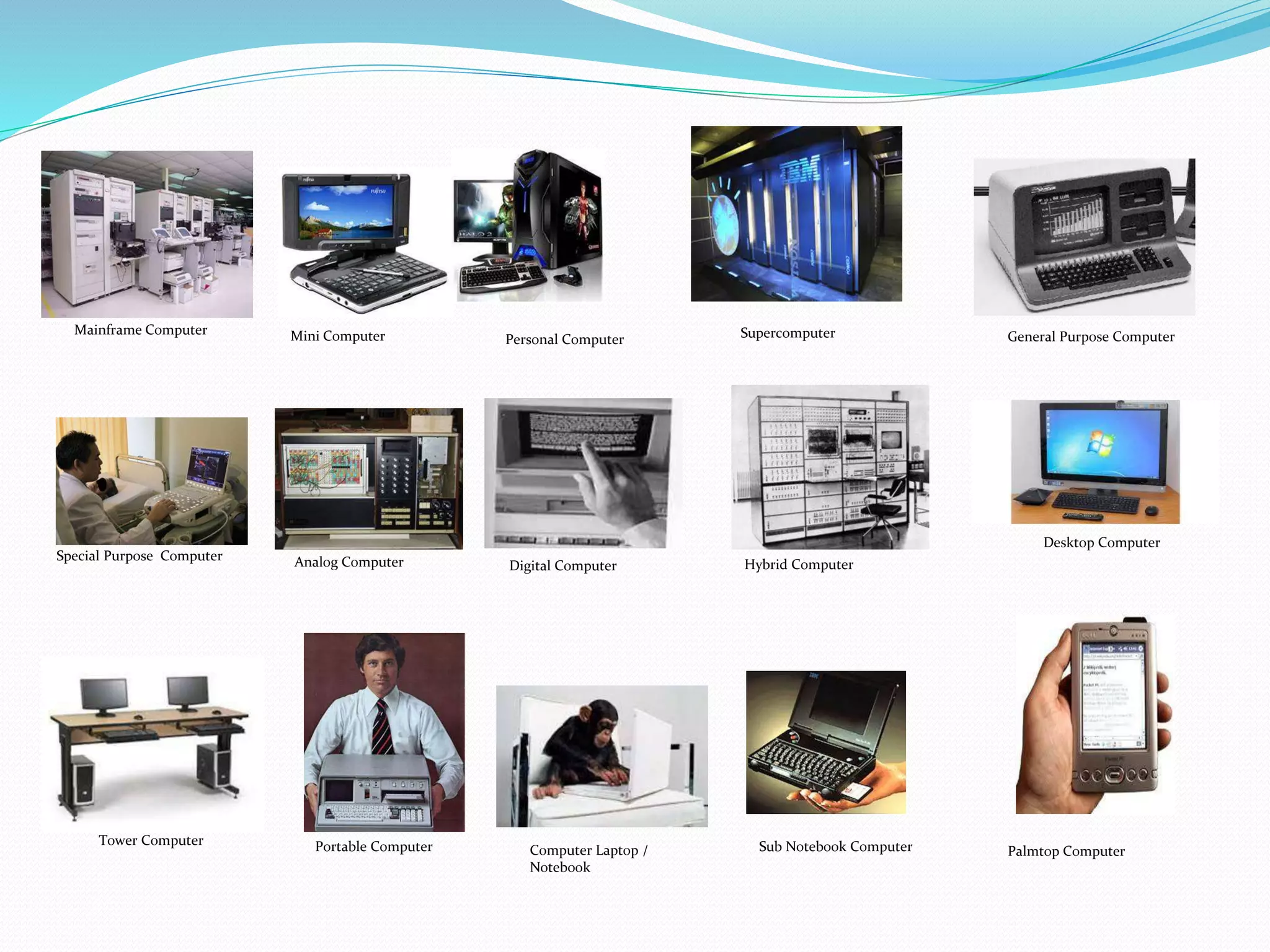
Mainframe Computer Mini Computer Personal Computer Supercomputer General Purpose Computer
Special Purpose Computer Analog Computer Digital Computer Hybrid Computer
Desktop Computer
Tower Computer Portable Computer Computer Laptop /
Notebook
Sub Notebook Computer Palmtop Computer
Computers are tools used to process the data according to the
procedures that have been formulated.
Computer word originally used to describe people who perform
arithmetic calculations with or without tools, but the meaning of
the word is then transferred to the machine itself.
If in view of computer history, by definition, a computer translates
as a set of electronic tools that work together, be able to receive data
(input), data processing (process) and provide information (output)
as well as coordinated under the control of programs stored in its
memory.
There are many different types of computers. Types of computer by
some professionals are classified into several viewpoints, among
others:
1. Based On Processor
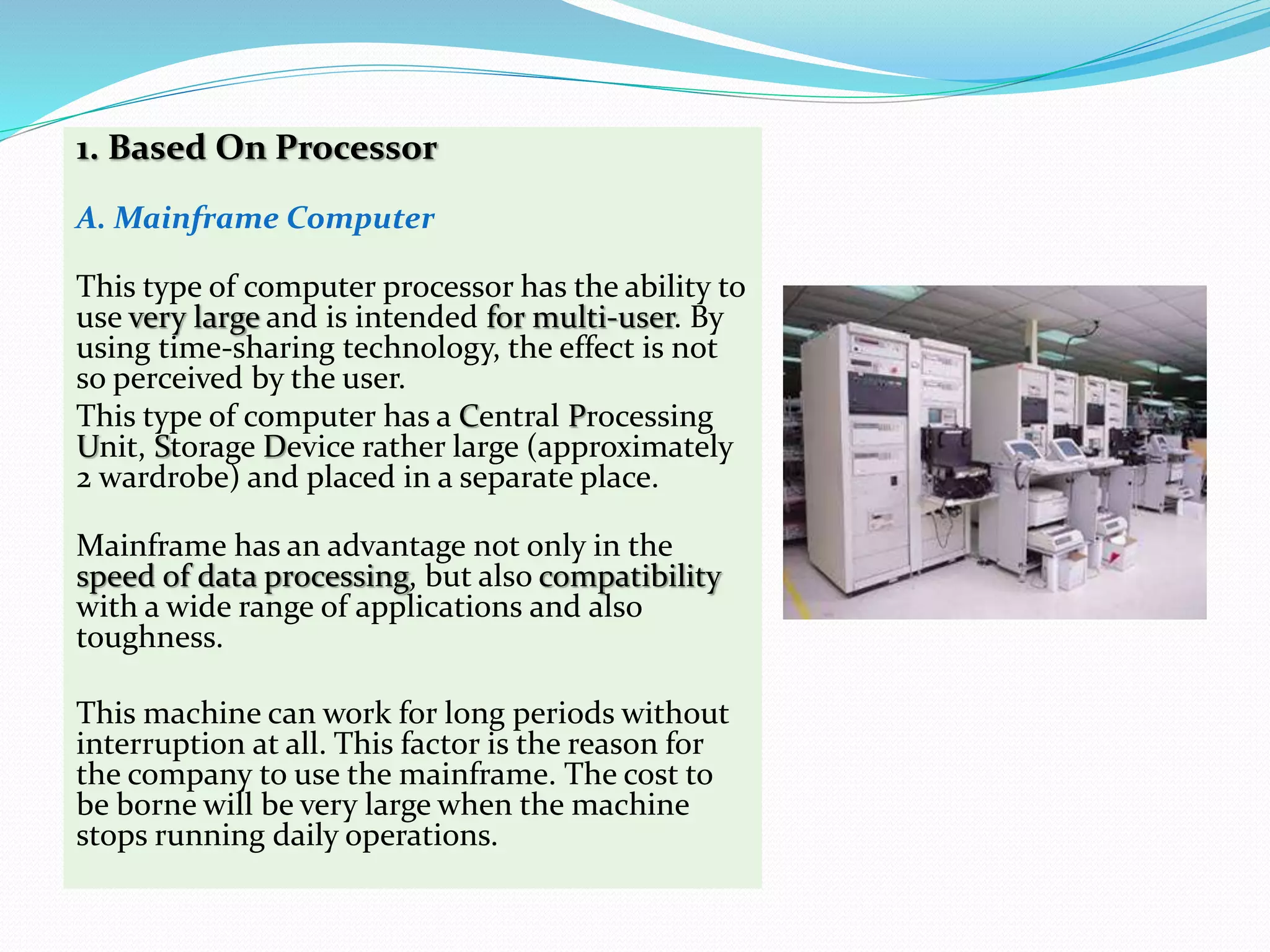
A. Mainframe Computer
This type of computer processor has the ability to
use very large and is intended for multi-user. By
using time-sharing technology, the effect is not
so perceived by the user.
This type of computer has a Central Processing
Unit, Storage Device rather large (approximately
2 wardrobe) and placed in a separate place.
Mainframe has an advantage not only in the
speed of data processing, but also compatibility
with a wide range of applications and also
toughness.
This machine can work for long periods without
interruption at all. This factor is the reason for
the company to use the mainframe. The cost to
be borne will be very large when the machine
stops running daily operations.
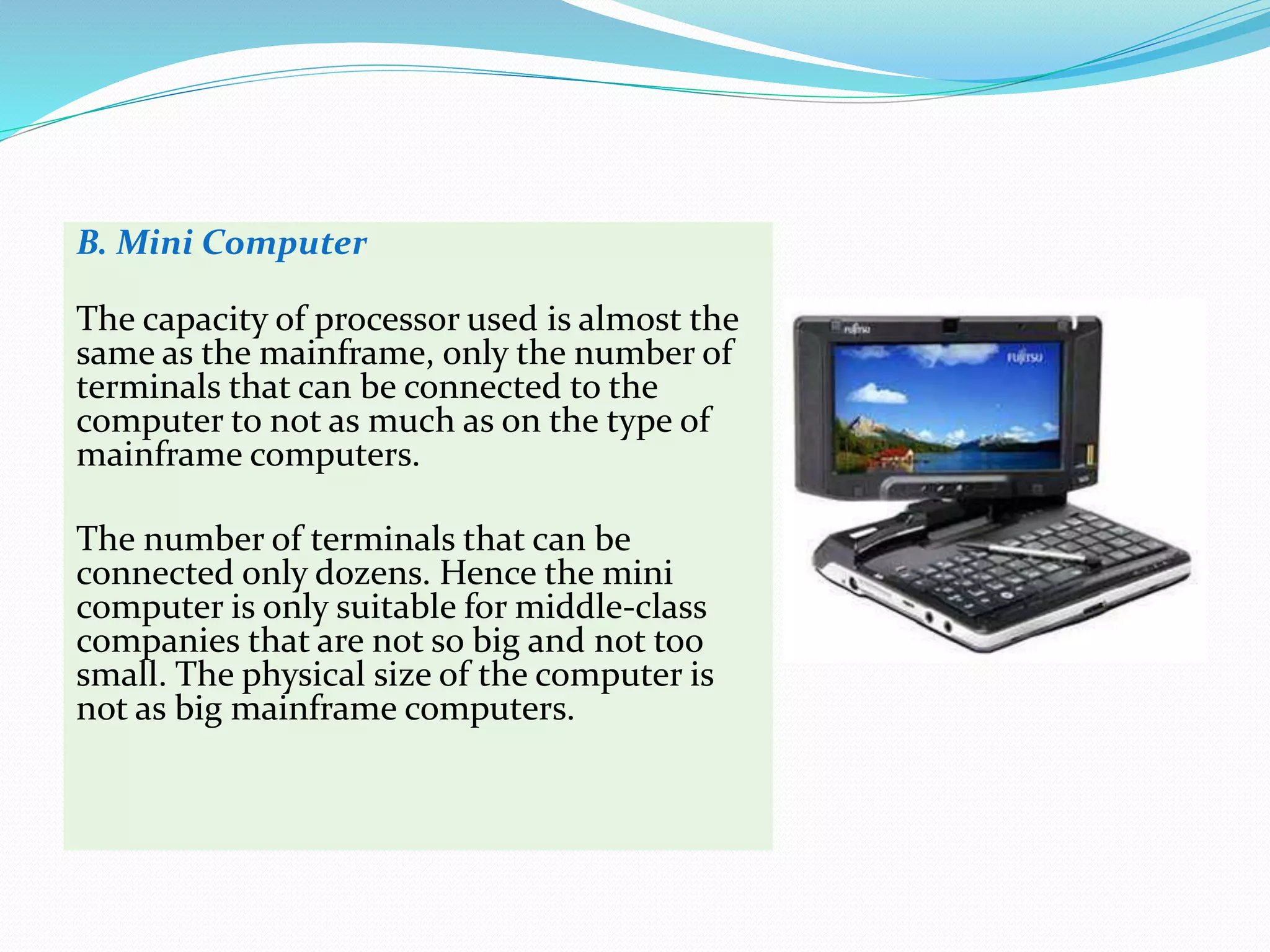
B. Mini Computer
The capacity of processor used is almost the
same as the mainframe, only the number of
terminals that can be connected to the
computer to not as much as on the type of
mainframe computers.
The number of terminals that can be
connected only dozens. Hence the mini
computer is only suitable for middle-class
companies that are not so big and not too
small. The physical size of the computer is
not as big mainframe computers.
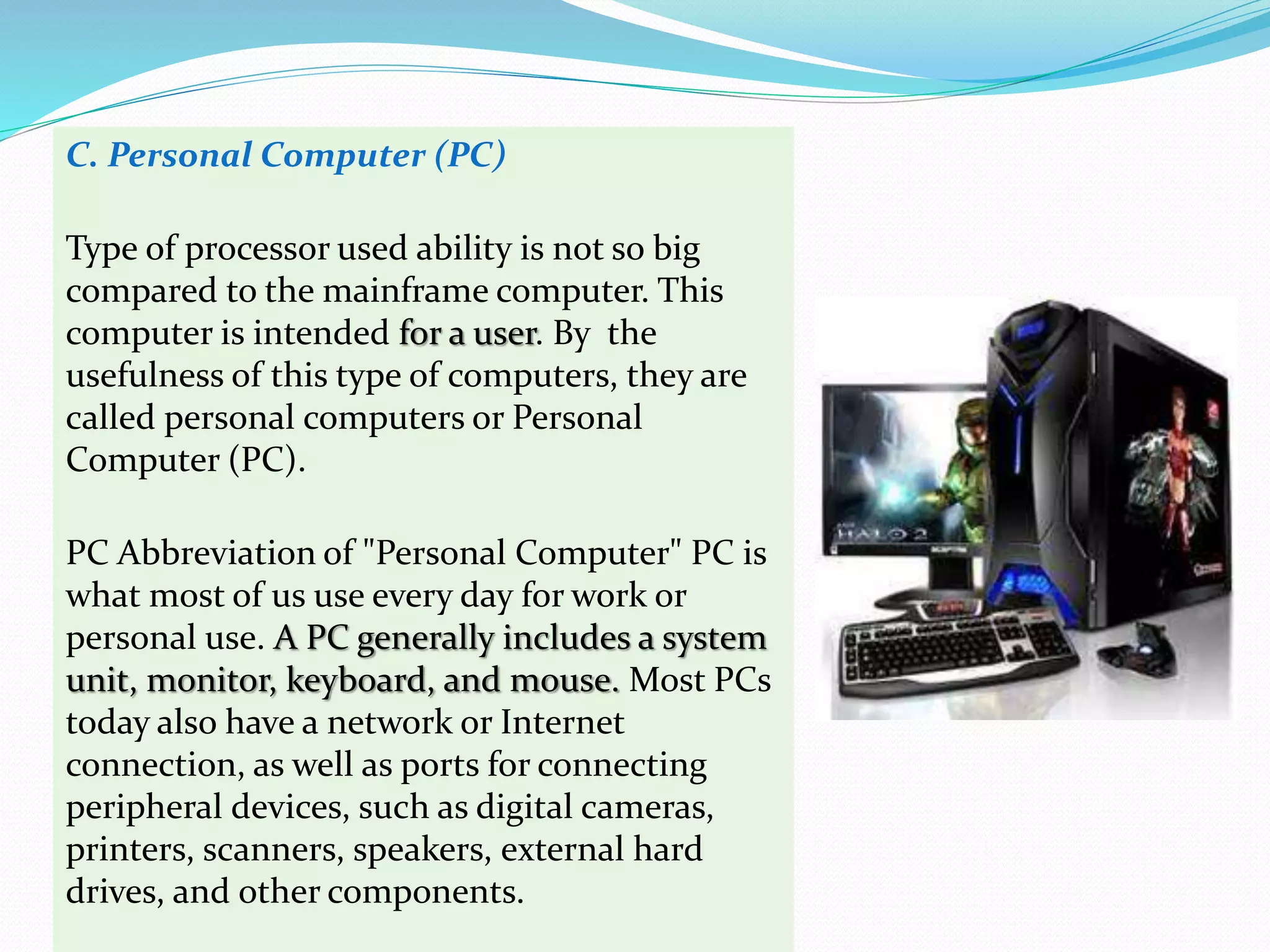
C. Personal Computer (PC)
Type of processor used ability is not so big
compared to the mainframe computer. This
computer is intended for a user. By the
usefulness of this type of computers, they are
called personal computers or Personal
Computer (PC).
PC Abbreviation of "Personal Computer" PC is
what most of us use every day for work or
personal use. A PC generally includes a system
unit, monitor, keyboard, and mouse. Most PCs
today also have a network or Internet
connection, as well as ports for connecting
peripheral devices, such as digital cameras,
printers, scanners, speakers, external hard
drives, and other components.
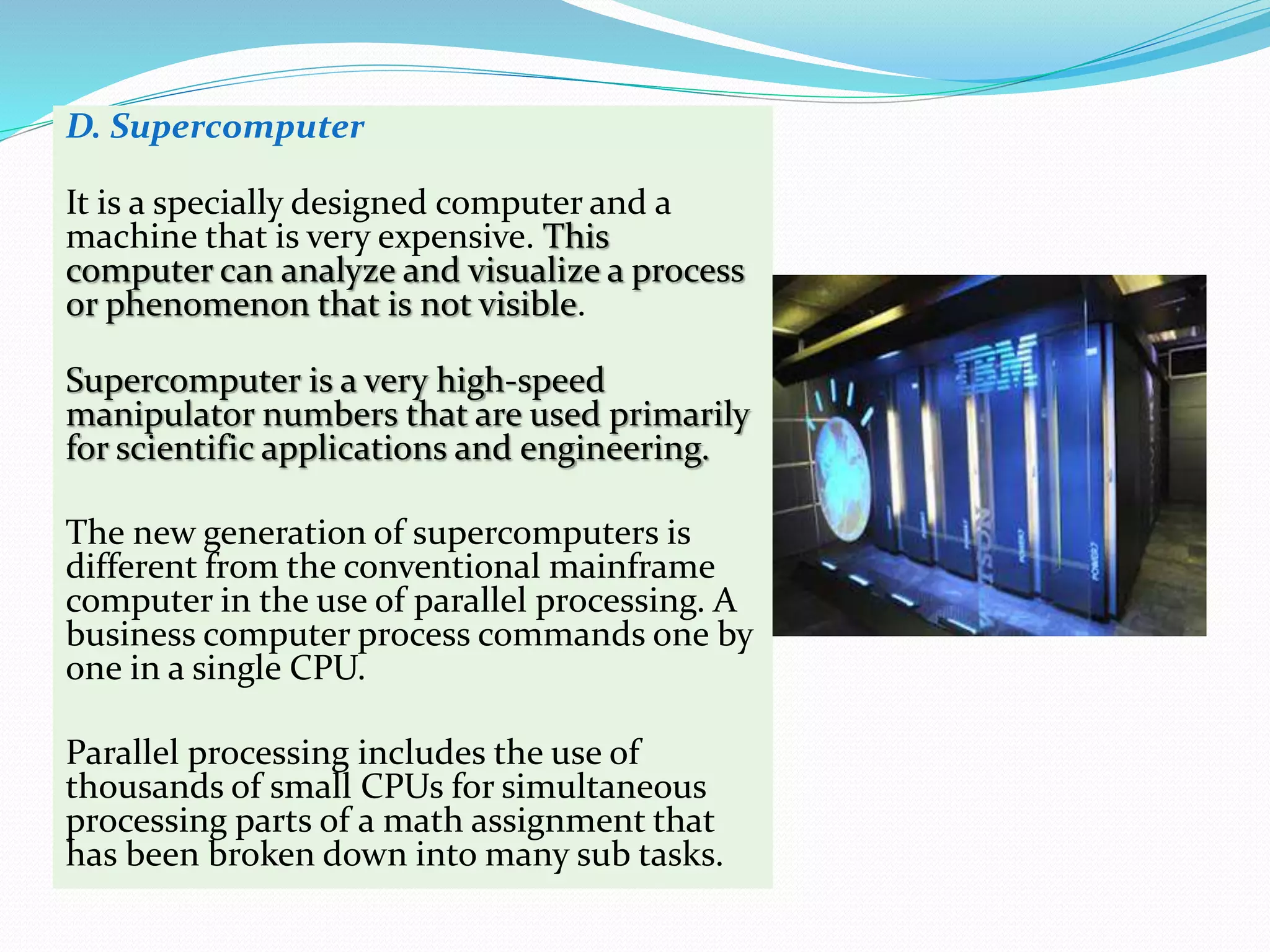
D. Supercomputer
It is a specially designed computer and a
machine that is very expensive. This
computer can analyze and visualize a process
or phenomenon that is not visible.
Supercomputer is a very high-speed
manipulator numbers that are used primarily
for scientific applications and engineering.
The new generation of supercomputers is
different from the conventional mainframe
computer in the use of parallel processing. A
business computer process commands one by
one in a single CPU.
Parallel processing includes the use of
thousands of small CPUs for simultaneous
processing parts of a math assignment that
has been broken down into many sub tasks.
2. Based on Field Issues
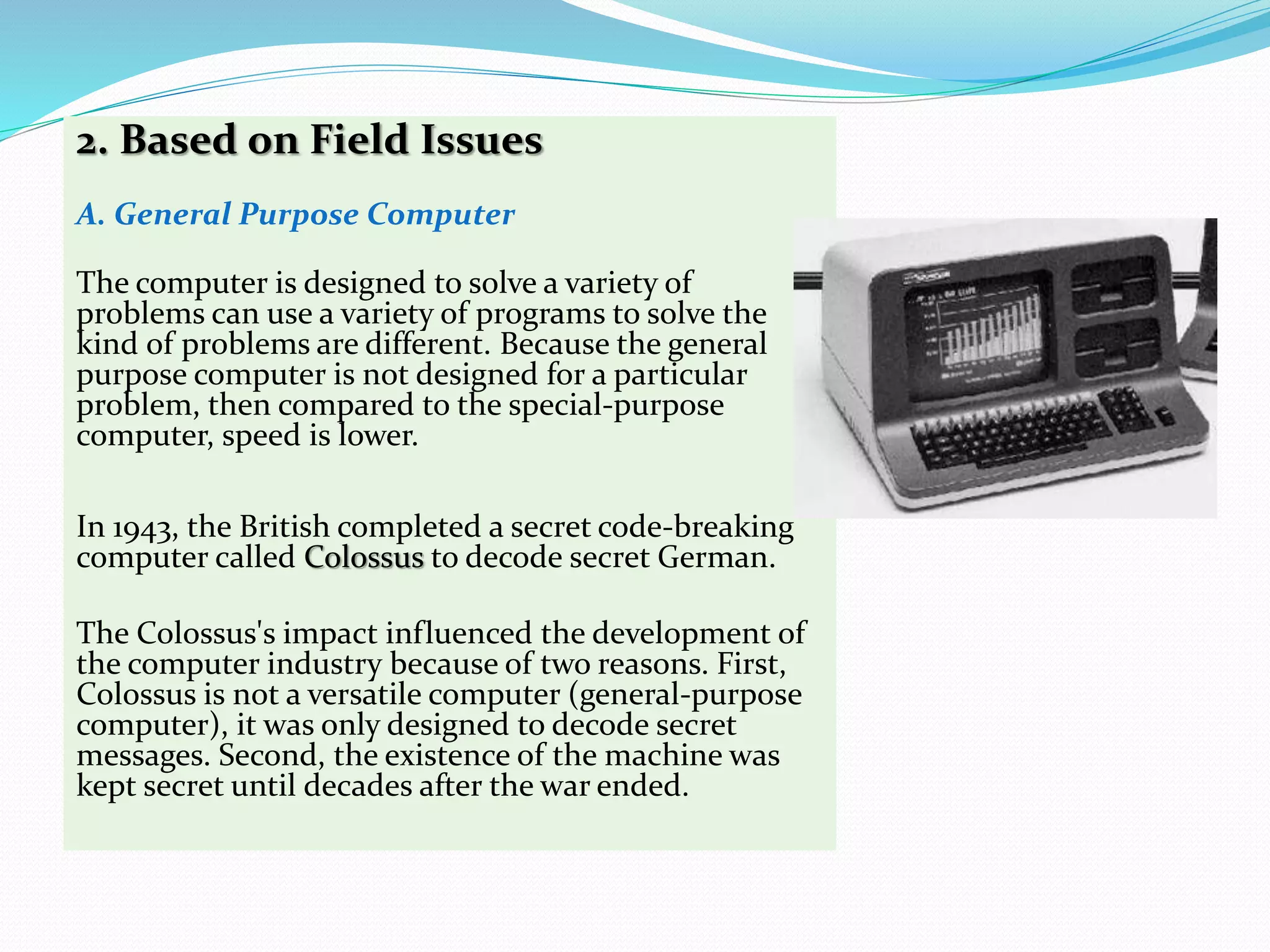
A. General Purpose Computer
The computer is designed to solve a variety of
problems can use a variety of programs to solve the
kind of problems are different. Because the general
purpose computer is not designed for a particular
problem, then compared to the special-purpose
computer, speed is lower.
In 1943, the British completed a secret code-breaking
computer called Colossus to decode secret German.
The Colossus's impact influenced the development of
the computer industry because of two reasons. First,
Colossus is not a versatile computer (general-purpose
computer), it was only designed to decode secret
messages. Second, the existence of the machine was
kept secret until decades after the war ended.
B. Special Purpose Computer
Computers are being used to address a specific
problem types. Computers of this type usually
have loaded a special computer program, which
is usually used as control certain processes on
factory machinery, military necessity or medical
examination. Thus if the terms of the data that
is processed then this type of computers
typically use computer which has a hybrid
capability.
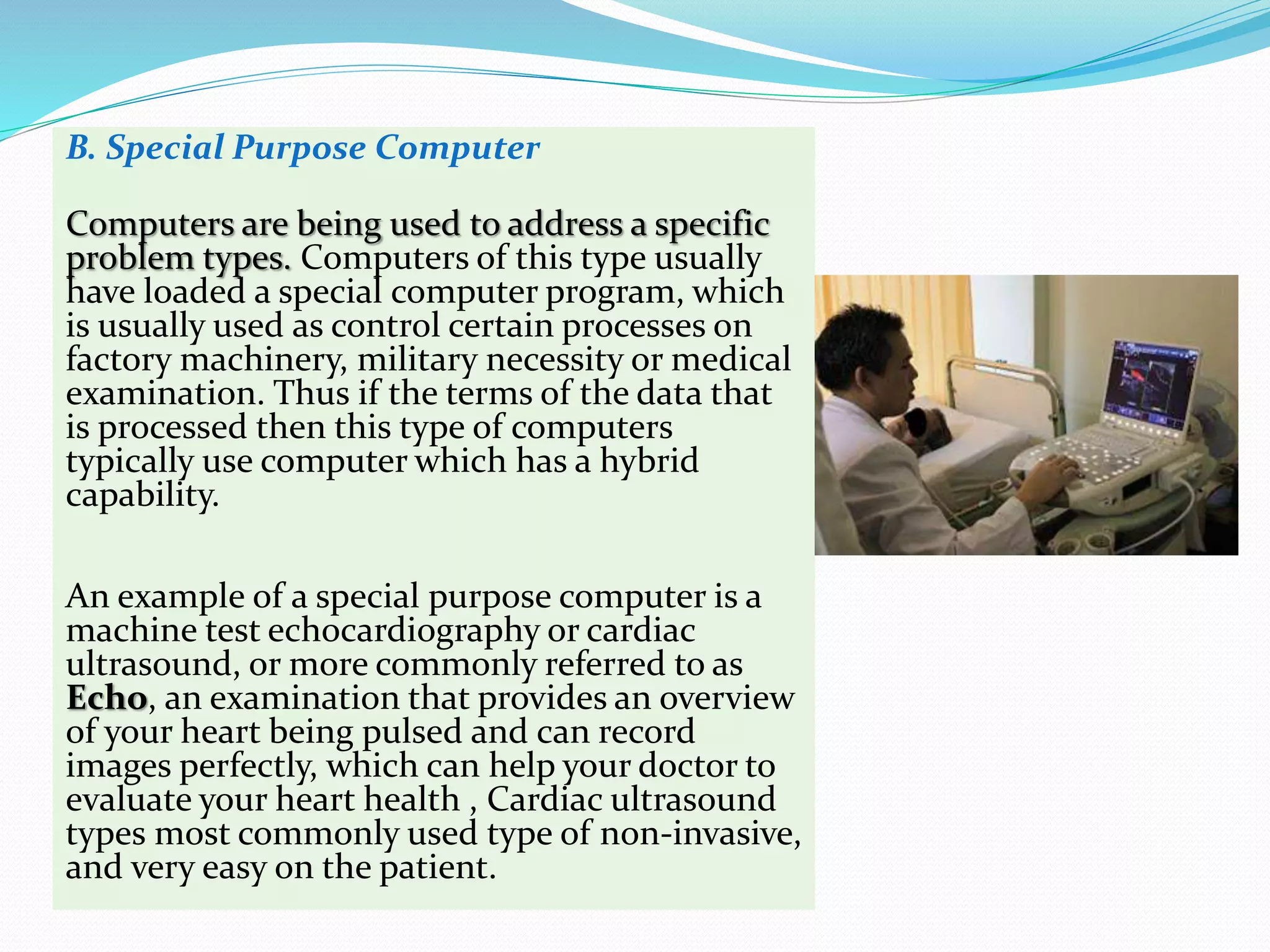
An example of a special purpose computer is a
machine test echocardiography or cardiac
ultrasound, or more commonly referred to as
Echo, an examination that provides an overview
of your heart being pulsed and can record
images perfectly, which can help your doctor to
evaluate your heart health , Cardiac ultrasound
types most commonly used type of non-invasive,
and very easy on the patient.
3. Based On Data Processed
Computer classified into 3 categories: analog
computer, digital and hybrid. Each has
characteristics and a slightly different way of
working.
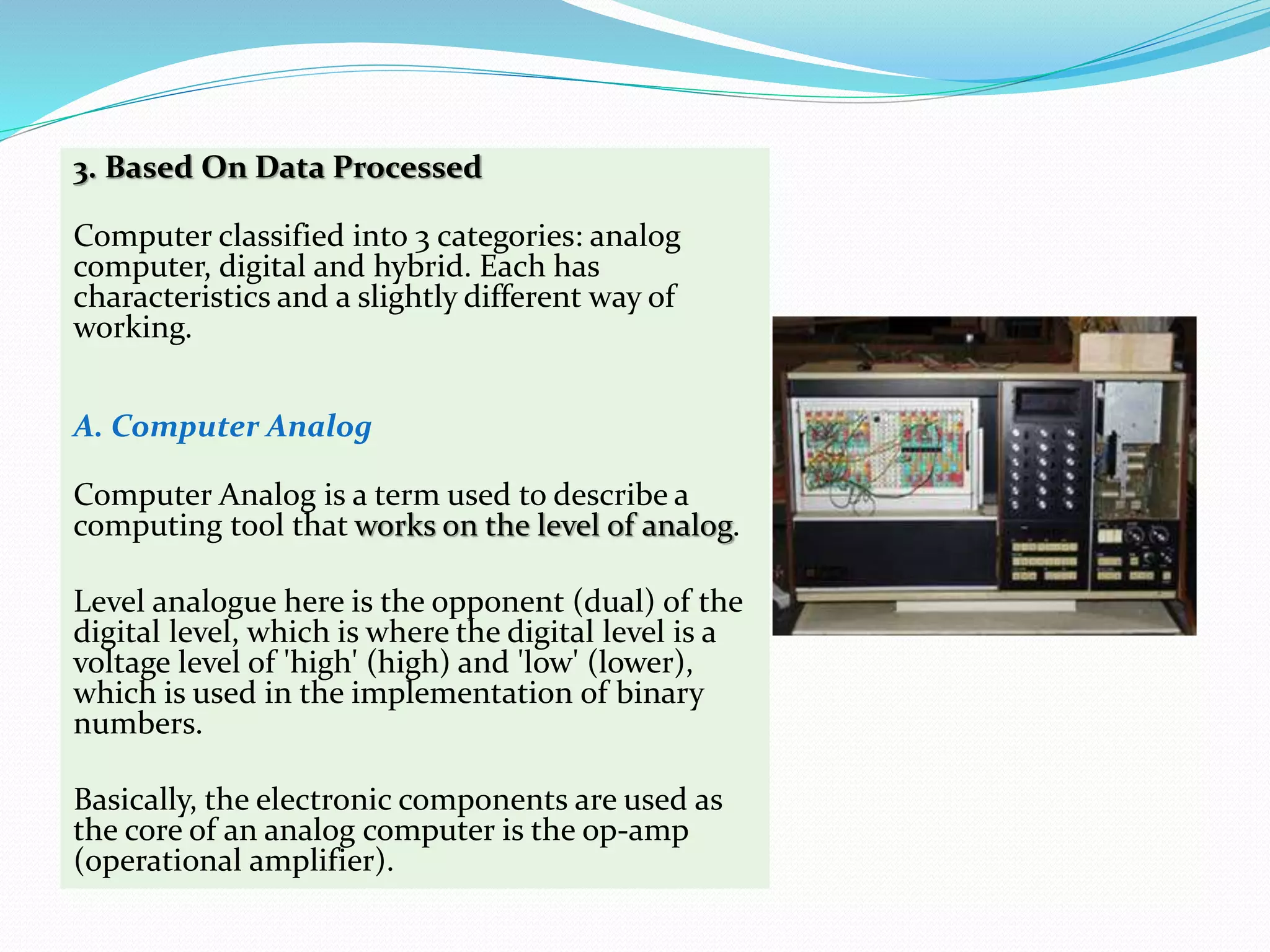
A. Computer Analog
Computer Analog is a term used to describe a
computing tool that works on the level of analog.
Level analogue here is the opponent (dual) of the
digital level, which is where the digital level is a
voltage level of 'high' (high) and 'low' (lower),
which is used in the implementation of binary
numbers.
Basically, the electronic components are used as
the core of an analog computer is the op-amp
(operational amplifier).
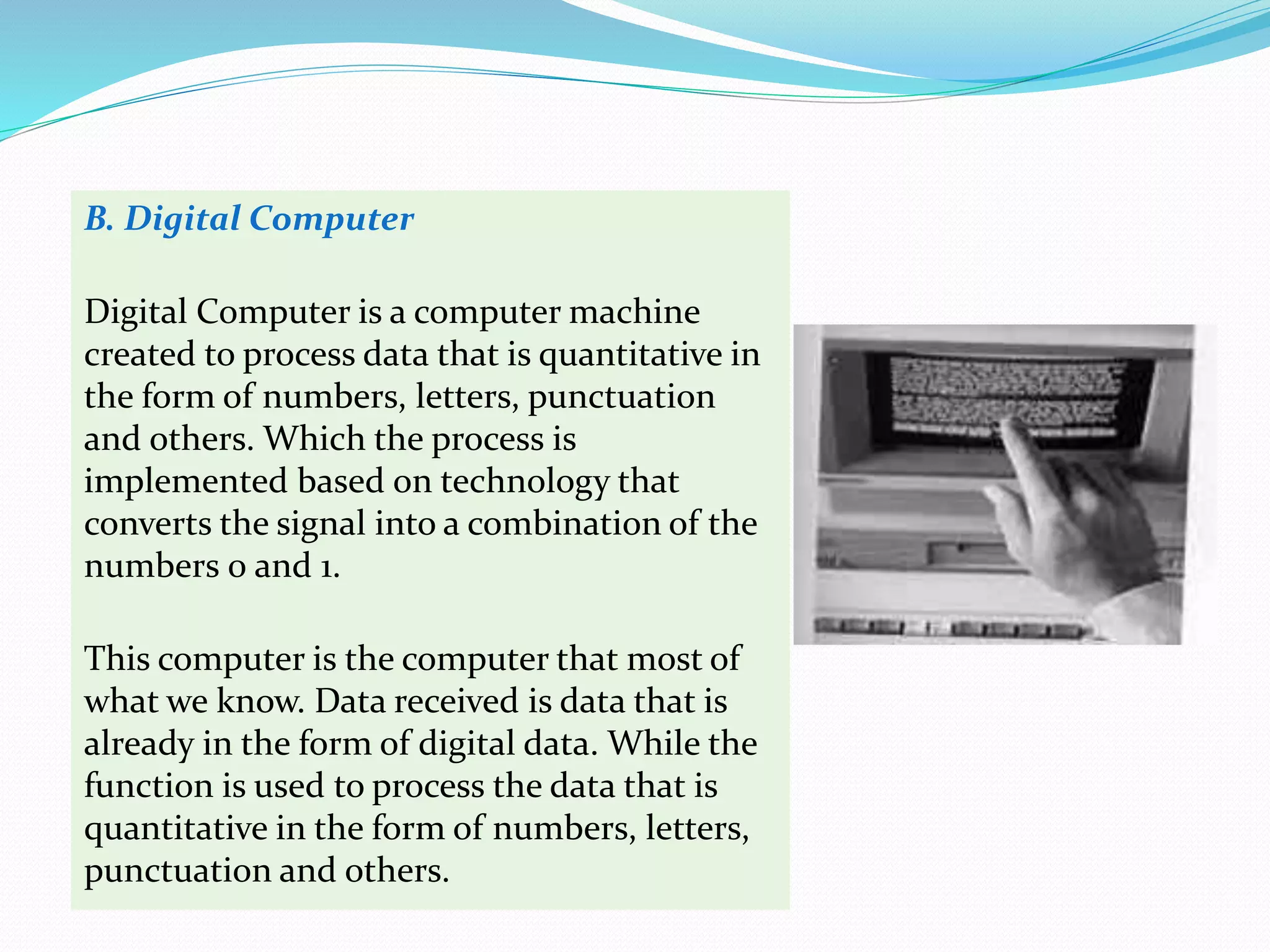
B. Digital Computer
Digital Computer is a computer machine
created to process data that is quantitative in
the form of numbers, letters, punctuation
and others. Which the process is
implemented based on technology that
converts the signal into a combination of the
numbers 0 and 1.
This computer is the computer that most of
what we know. Data received is data that is
already in the form of digital data. While the
function is used to process the data that is
quantitative in the form of numbers, letters,
punctuation and others.
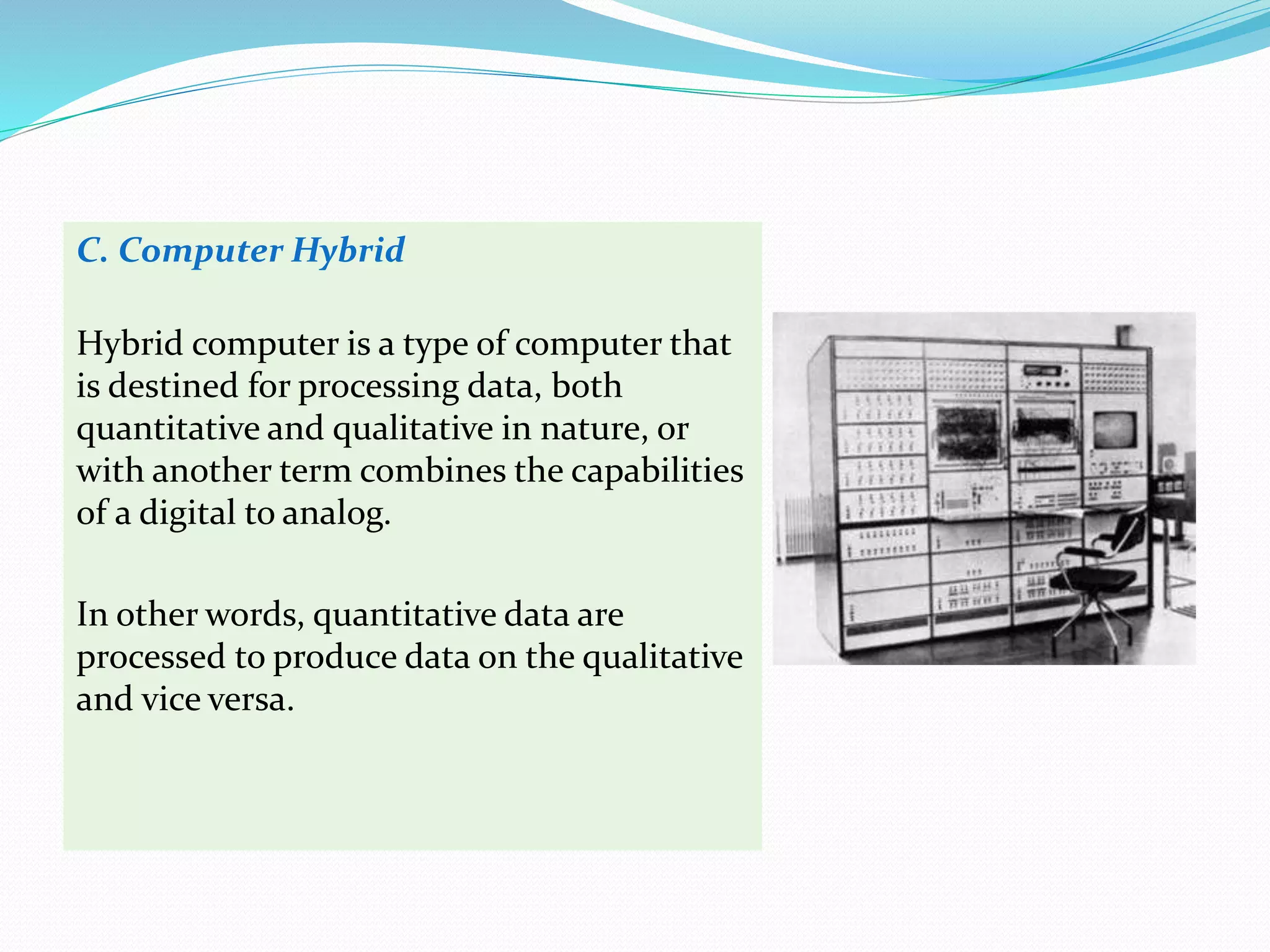
C. Computer Hybrid
Hybrid computer is a type of computer that
is destined for processing data, both
quantitative and qualitative in nature, or
with another term combines the capabilities
of a digital to analog.
In other words, quantitative data are
processed to produce data on the qualitative
and vice versa.
4. Based On Forms
A. Computer Desktop
Physical size is rather small, usually suitable to be
placed on the table. Even now developed forms of
desktop computers are getting thinner known as
shape slim desktop.
The desktop form usually comes with plenty of space
called expansion slot as a place for an additional card.
B. Computer Tower
The size is relatively larger than the computer
desktop type, suitable to be placed on the side or on
the table.
Computer Tower has room for more slot expansion.
C. Portable Computer
Physical size is slightly smaller than the desktop and
tower computers. All parts together are formed for
easy to carry anywhere. This type of computer was
created for people who often work from moving
around the field. Freely portable means easy to carry.
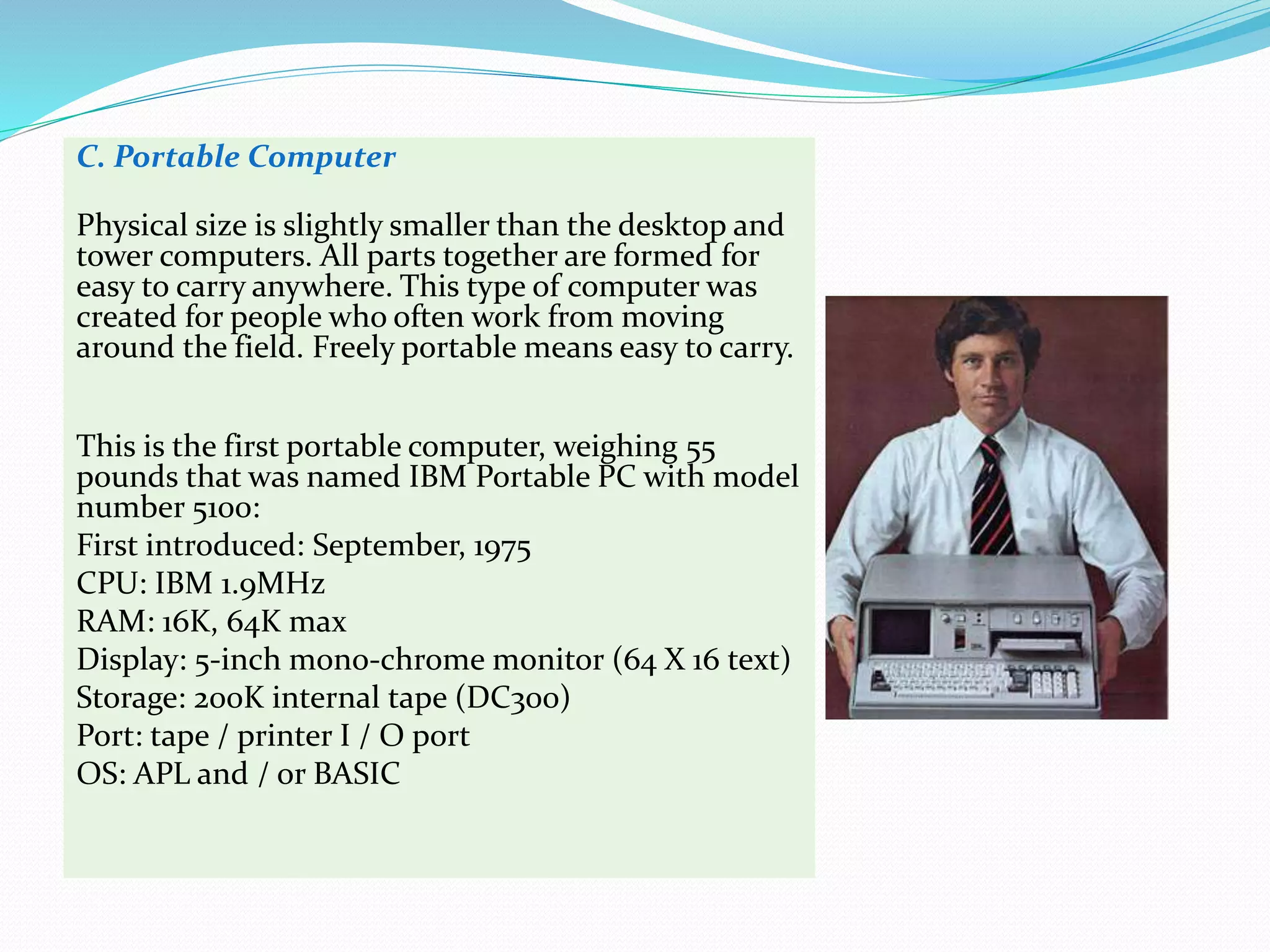
This is the first portable computer, weighing 55
pounds that was named IBM Portable PC with model
number 5100:
First introduced: September, 1975
CPU: IBM 1.9MHz
RAM: 16K, 64K max
Display: 5-inch mono-chrome monitor (64 X 16 text)
Storage: 200K internal tape (DC300)
Port: tape / printer I / O port
OS: APL and / or BASIC
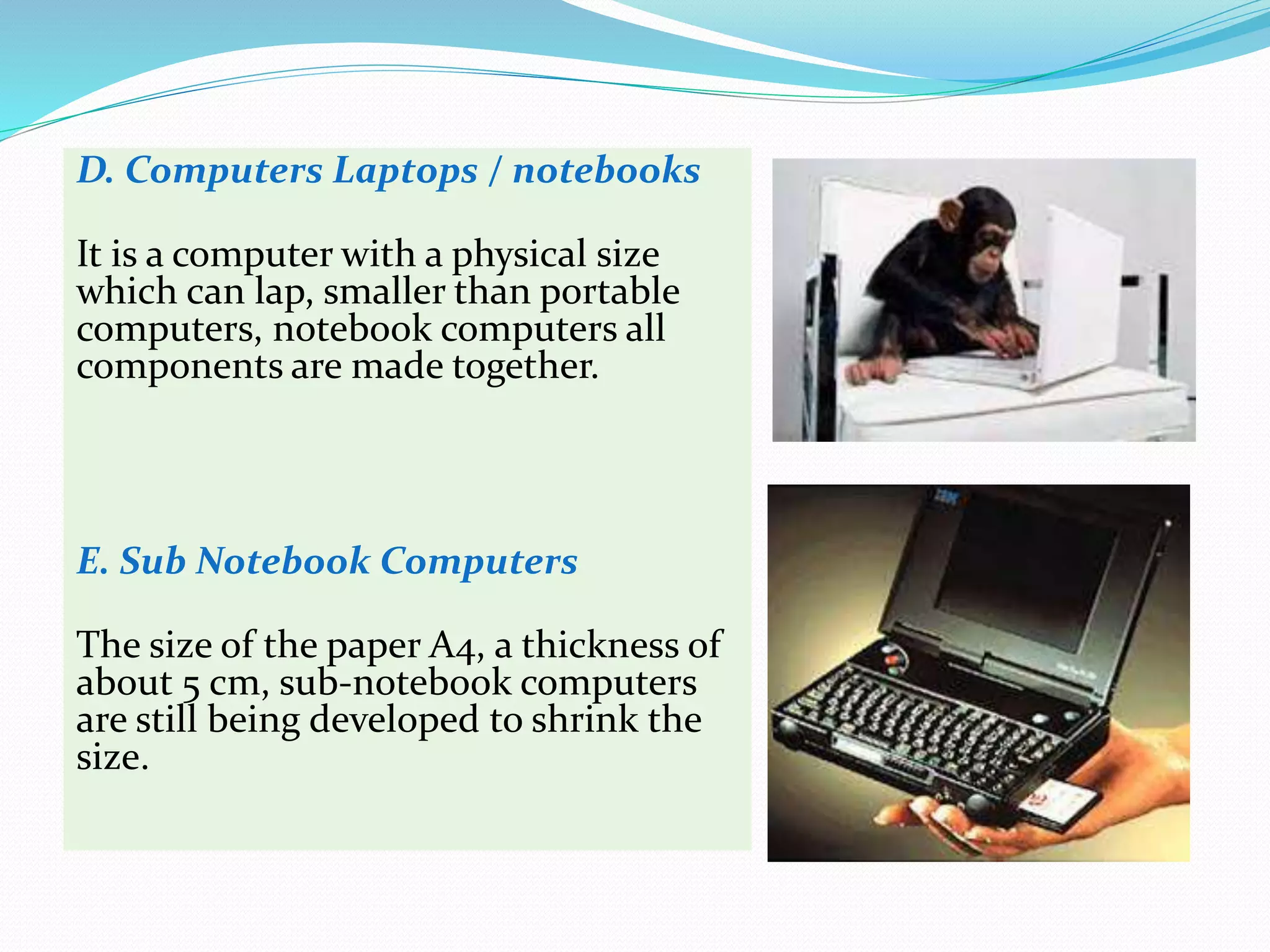
D. Computers Laptops / notebooks
It is a computer with a physical size
which can lap, smaller than portable
computers, notebook computers all
components are made together.
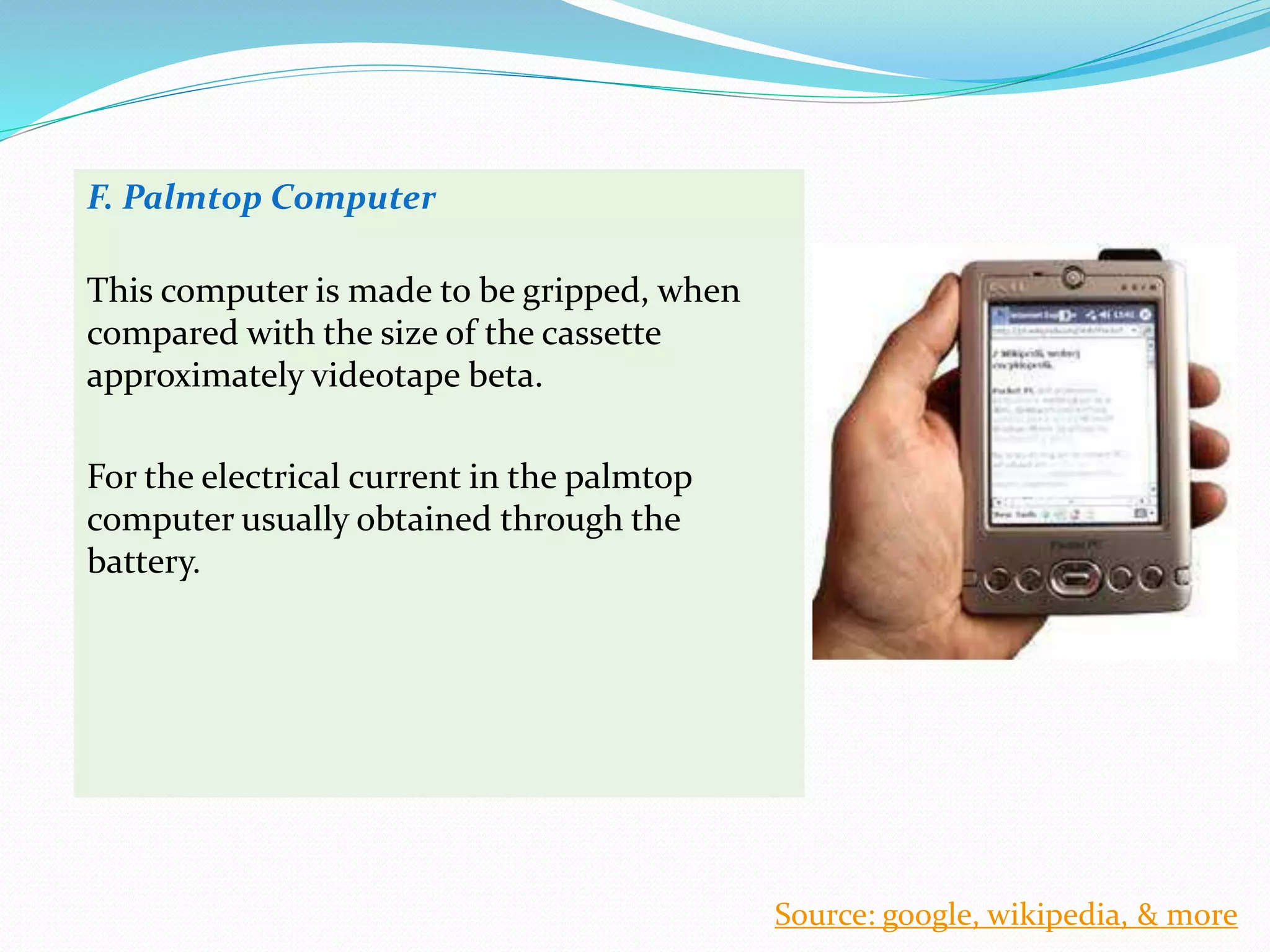
E. Sub Notebook Computers
The size of the paper A4, a thickness of
about 5 cm, sub-notebook computers
are still being developed to shrink the
size.
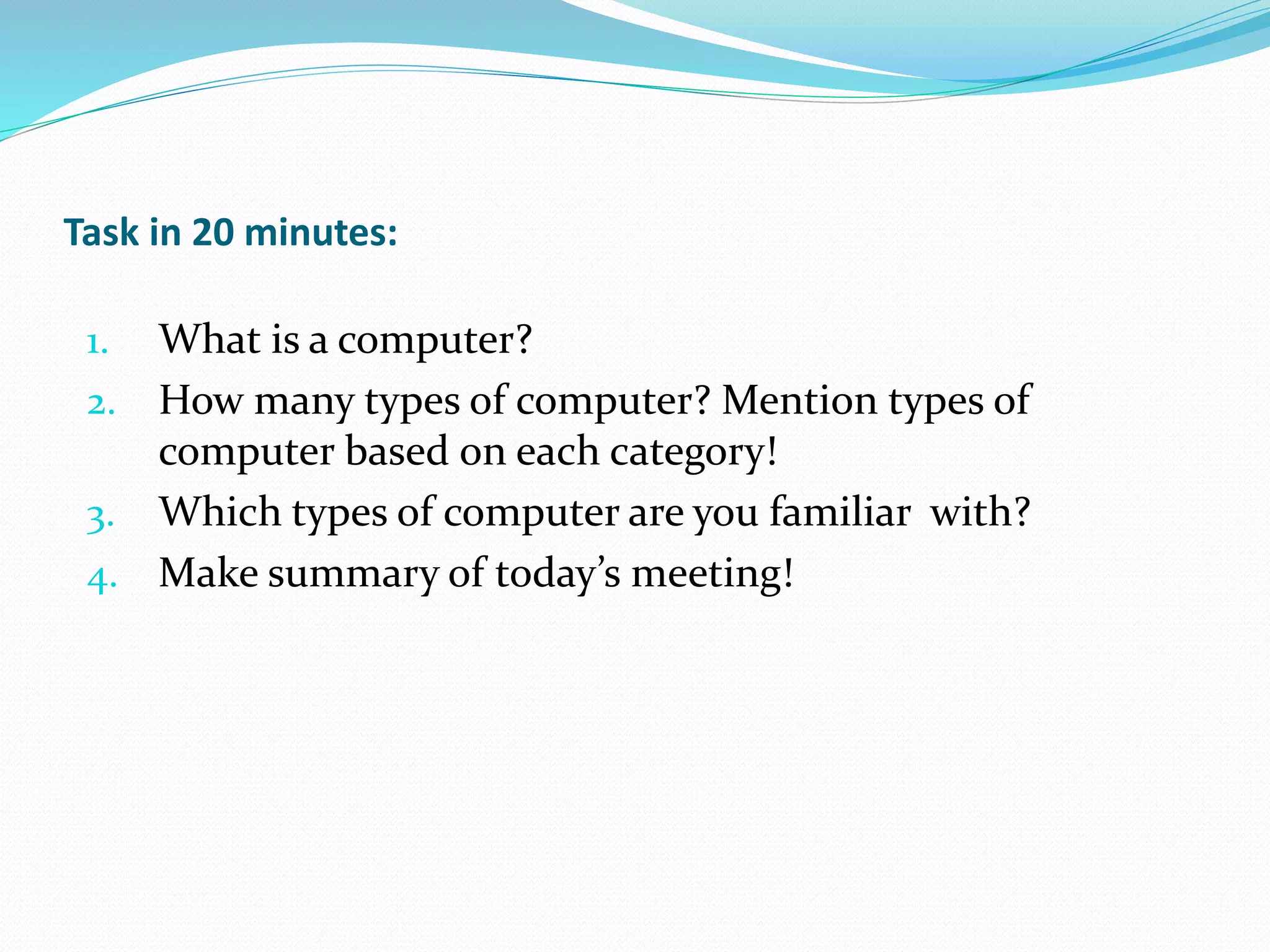
F. Palmtop Computer
This computer is made to be gripped, when
compared with the size of the cassette
approximately videotape beta.
For the electrical current in the palmtop
computer usually obtained through the
battery.
Source: google, wikipedia, & more
Task in 20 minutes:
1. What is a computer?
2. How many types of computer? Mention types of
computer based on each category!
3. Which types of computer are you familiar with?
4. Make summary of today’s meeting!

Meeting 1 types of computers ppt

  • 1.
    Processor, Field Issues,Data Processed, Forms
  • 2.
    Mainframe Computer MiniComputer Personal Computer Supercomputer General Purpose Computer Special Purpose Computer Analog Computer Digital Computer Hybrid Computer Desktop Computer Tower Computer Portable Computer Computer Laptop / Notebook Sub Notebook Computer Palmtop Computer
  • 3.
    Computers are toolsused to process the data according to the procedures that have been formulated. Computer word originally used to describe people who perform arithmetic calculations with or without tools, but the meaning of the word is then transferred to the machine itself. If in view of computer history, by definition, a computer translates as a set of electronic tools that work together, be able to receive data (input), data processing (process) and provide information (output) as well as coordinated under the control of programs stored in its memory. There are many different types of computers. Types of computer by some professionals are classified into several viewpoints, among others:
  • 4.
    1. Based OnProcessor A. Mainframe Computer This type of computer processor has the ability to use very large and is intended for multi-user. By using time-sharing technology, the effect is not so perceived by the user. This type of computer has a Central Processing Unit, Storage Device rather large (approximately 2 wardrobe) and placed in a separate place. Mainframe has an advantage not only in the speed of data processing, but also compatibility with a wide range of applications and also toughness. This machine can work for long periods without interruption at all. This factor is the reason for the company to use the mainframe. The cost to be borne will be very large when the machine stops running daily operations.
  • 5.
    B. Mini Computer Thecapacity of processor used is almost the same as the mainframe, only the number of terminals that can be connected to the computer to not as much as on the type of mainframe computers. The number of terminals that can be connected only dozens. Hence the mini computer is only suitable for middle-class companies that are not so big and not too small. The physical size of the computer is not as big mainframe computers.
  • 6.
    C. Personal Computer(PC) Type of processor used ability is not so big compared to the mainframe computer. This computer is intended for a user. By the usefulness of this type of computers, they are called personal computers or Personal Computer (PC). PC Abbreviation of "Personal Computer" PC is what most of us use every day for work or personal use. A PC generally includes a system unit, monitor, keyboard, and mouse. Most PCs today also have a network or Internet connection, as well as ports for connecting peripheral devices, such as digital cameras, printers, scanners, speakers, external hard drives, and other components.
  • 7.
    D. Supercomputer It isa specially designed computer and a machine that is very expensive. This computer can analyze and visualize a process or phenomenon that is not visible. Supercomputer is a very high-speed manipulator numbers that are used primarily for scientific applications and engineering. The new generation of supercomputers is different from the conventional mainframe computer in the use of parallel processing. A business computer process commands one by one in a single CPU. Parallel processing includes the use of thousands of small CPUs for simultaneous processing parts of a math assignment that has been broken down into many sub tasks.
  • 8.
    2. Based onField Issues A. General Purpose Computer The computer is designed to solve a variety of problems can use a variety of programs to solve the kind of problems are different. Because the general purpose computer is not designed for a particular problem, then compared to the special-purpose computer, speed is lower. In 1943, the British completed a secret code-breaking computer called Colossus to decode secret German. The Colossus's impact influenced the development of the computer industry because of two reasons. First, Colossus is not a versatile computer (general-purpose computer), it was only designed to decode secret messages. Second, the existence of the machine was kept secret until decades after the war ended.
  • 9.
    B. Special PurposeComputer Computers are being used to address a specific problem types. Computers of this type usually have loaded a special computer program, which is usually used as control certain processes on factory machinery, military necessity or medical examination. Thus if the terms of the data that is processed then this type of computers typically use computer which has a hybrid capability. An example of a special purpose computer is a machine test echocardiography or cardiac ultrasound, or more commonly referred to as Echo, an examination that provides an overview of your heart being pulsed and can record images perfectly, which can help your doctor to evaluate your heart health , Cardiac ultrasound types most commonly used type of non-invasive, and very easy on the patient.
  • 10.
    3. Based OnData Processed Computer classified into 3 categories: analog computer, digital and hybrid. Each has characteristics and a slightly different way of working. A. Computer Analog Computer Analog is a term used to describe a computing tool that works on the level of analog. Level analogue here is the opponent (dual) of the digital level, which is where the digital level is a voltage level of 'high' (high) and 'low' (lower), which is used in the implementation of binary numbers. Basically, the electronic components are used as the core of an analog computer is the op-amp (operational amplifier).
  • 11.
    B. Digital Computer DigitalComputer is a computer machine created to process data that is quantitative in the form of numbers, letters, punctuation and others. Which the process is implemented based on technology that converts the signal into a combination of the numbers 0 and 1. This computer is the computer that most of what we know. Data received is data that is already in the form of digital data. While the function is used to process the data that is quantitative in the form of numbers, letters, punctuation and others.
  • 12.
    C. Computer Hybrid Hybridcomputer is a type of computer that is destined for processing data, both quantitative and qualitative in nature, or with another term combines the capabilities of a digital to analog. In other words, quantitative data are processed to produce data on the qualitative and vice versa.
  • 13.
    4. Based OnForms A. Computer Desktop Physical size is rather small, usually suitable to be placed on the table. Even now developed forms of desktop computers are getting thinner known as shape slim desktop. The desktop form usually comes with plenty of space called expansion slot as a place for an additional card. B. Computer Tower The size is relatively larger than the computer desktop type, suitable to be placed on the side or on the table. Computer Tower has room for more slot expansion.
  • 14.
    C. Portable Computer Physicalsize is slightly smaller than the desktop and tower computers. All parts together are formed for easy to carry anywhere. This type of computer was created for people who often work from moving around the field. Freely portable means easy to carry. This is the first portable computer, weighing 55 pounds that was named IBM Portable PC with model number 5100: First introduced: September, 1975 CPU: IBM 1.9MHz RAM: 16K, 64K max Display: 5-inch mono-chrome monitor (64 X 16 text) Storage: 200K internal tape (DC300) Port: tape / printer I / O port OS: APL and / or BASIC
  • 15.
    D. Computers Laptops/ notebooks It is a computer with a physical size which can lap, smaller than portable computers, notebook computers all components are made together. E. Sub Notebook Computers The size of the paper A4, a thickness of about 5 cm, sub-notebook computers are still being developed to shrink the size.
  • 16.
    F. Palmtop Computer Thiscomputer is made to be gripped, when compared with the size of the cassette approximately videotape beta. For the electrical current in the palmtop computer usually obtained through the battery. Source: google, wikipedia, & more
  • 17.
    Task in 20minutes: 1. What is a computer? 2. How many types of computer? Mention types of computer based on each category! 3. Which types of computer are you familiar with? 4. Make summary of today’s meeting!