

















One-Man Ops
with Puppet & Friends
     Jos Boumans
Operations @ Krux Digital
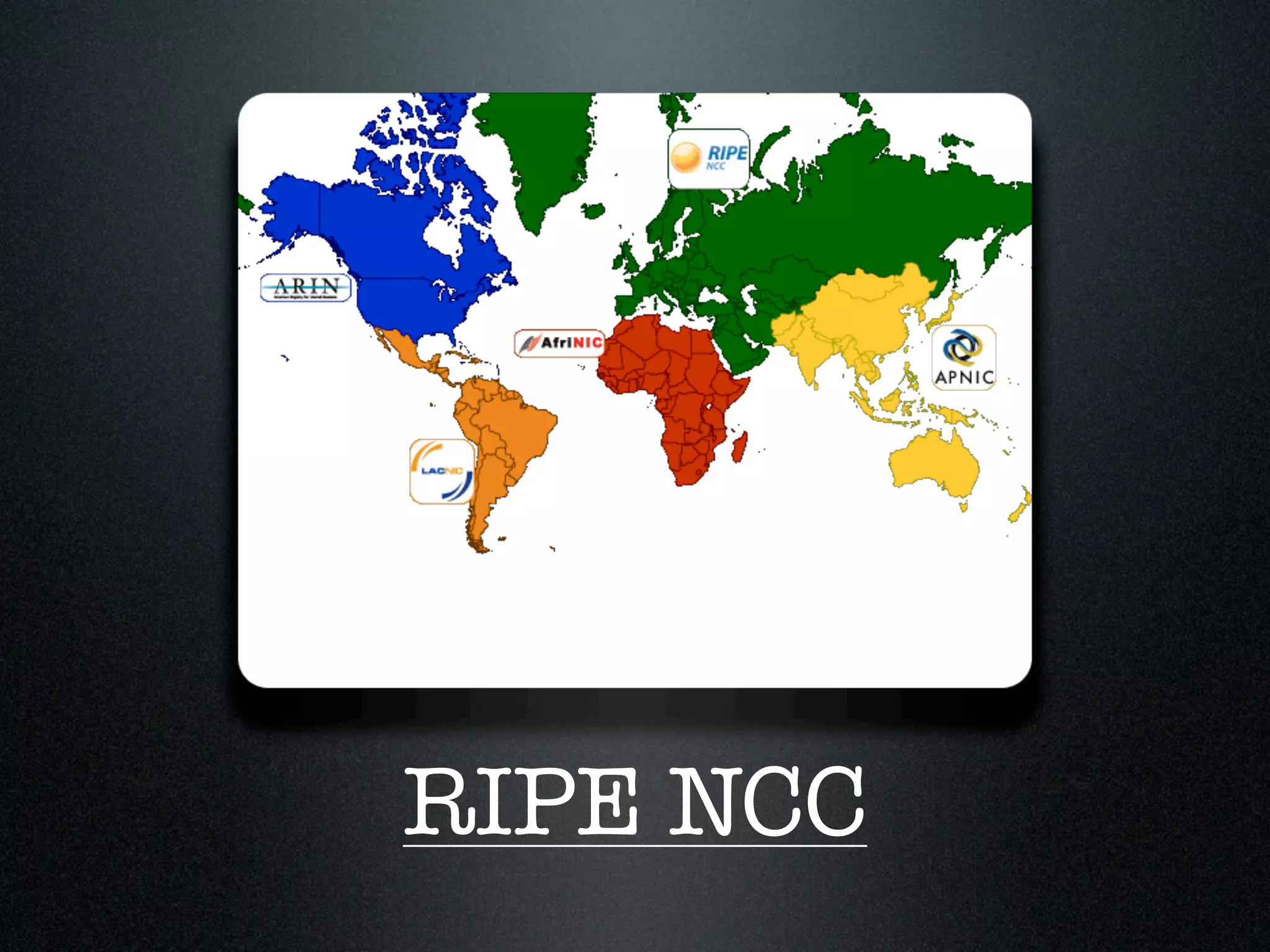
RIPE NCC
Can I have
another /8
 please?


    How you know us
Ubuntu Server
10.04 LTS
10.10
AWS Integration
Krux
Good guys of
Data Privacy
Not to be confused
      with...
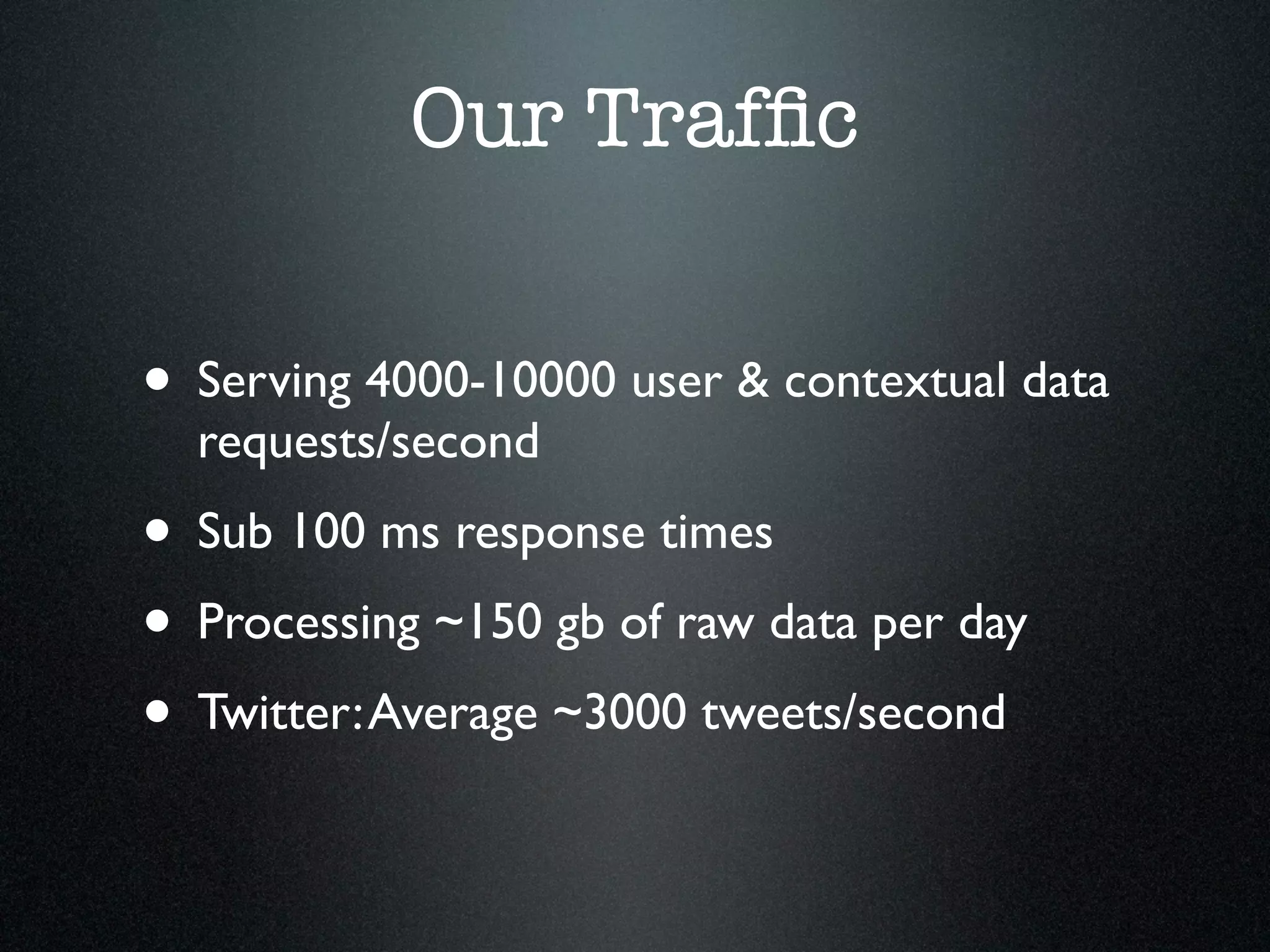
Our Traffic


• Serving 4000-10000 user & contextual data
  requests/second
• Sub 100 ms response times
• Processing ~150 gb of raw data per day
• Twitter: Average ~3000 tweets/second
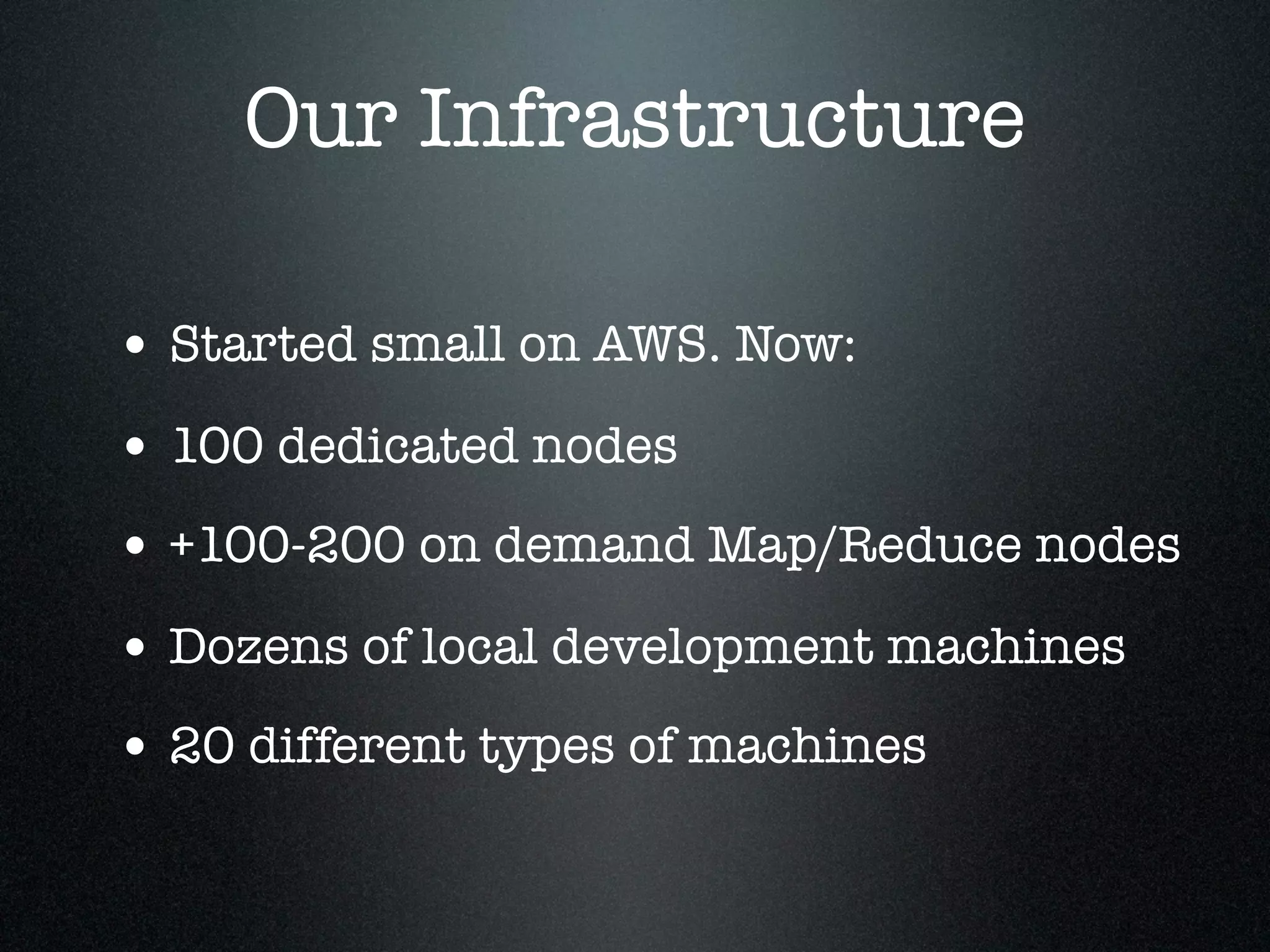
Our Infrastructure

• Started small on AWS. Now:
• 100 dedicated nodes
• +100-200 on demand Map/Reduce nodes
• Dozens of local development machines
• 20 different types of machines
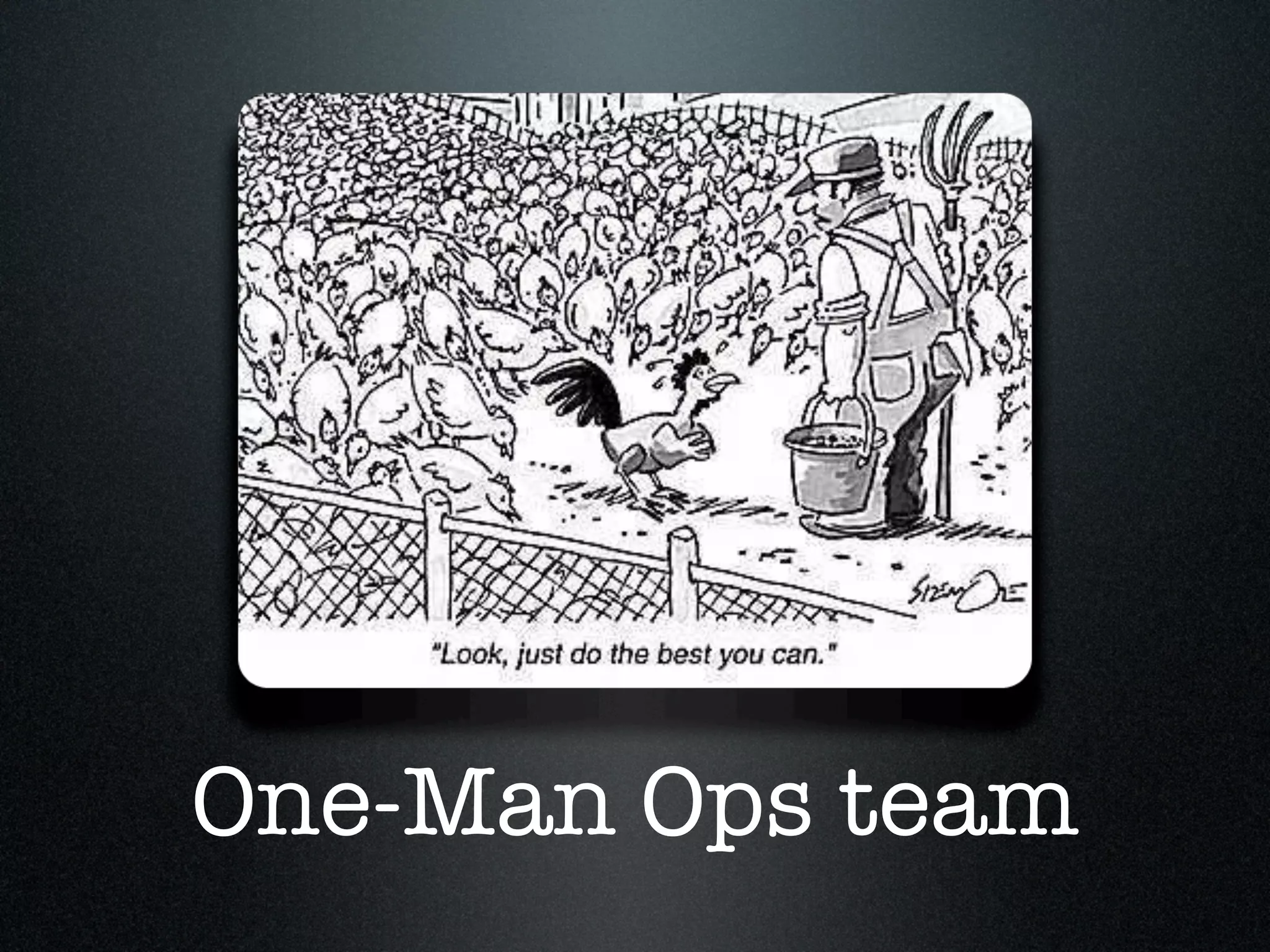
One-Man Ops team
Sad Panda
Go from here...
... to here
Your Toolkit
Ubuntu 10.04
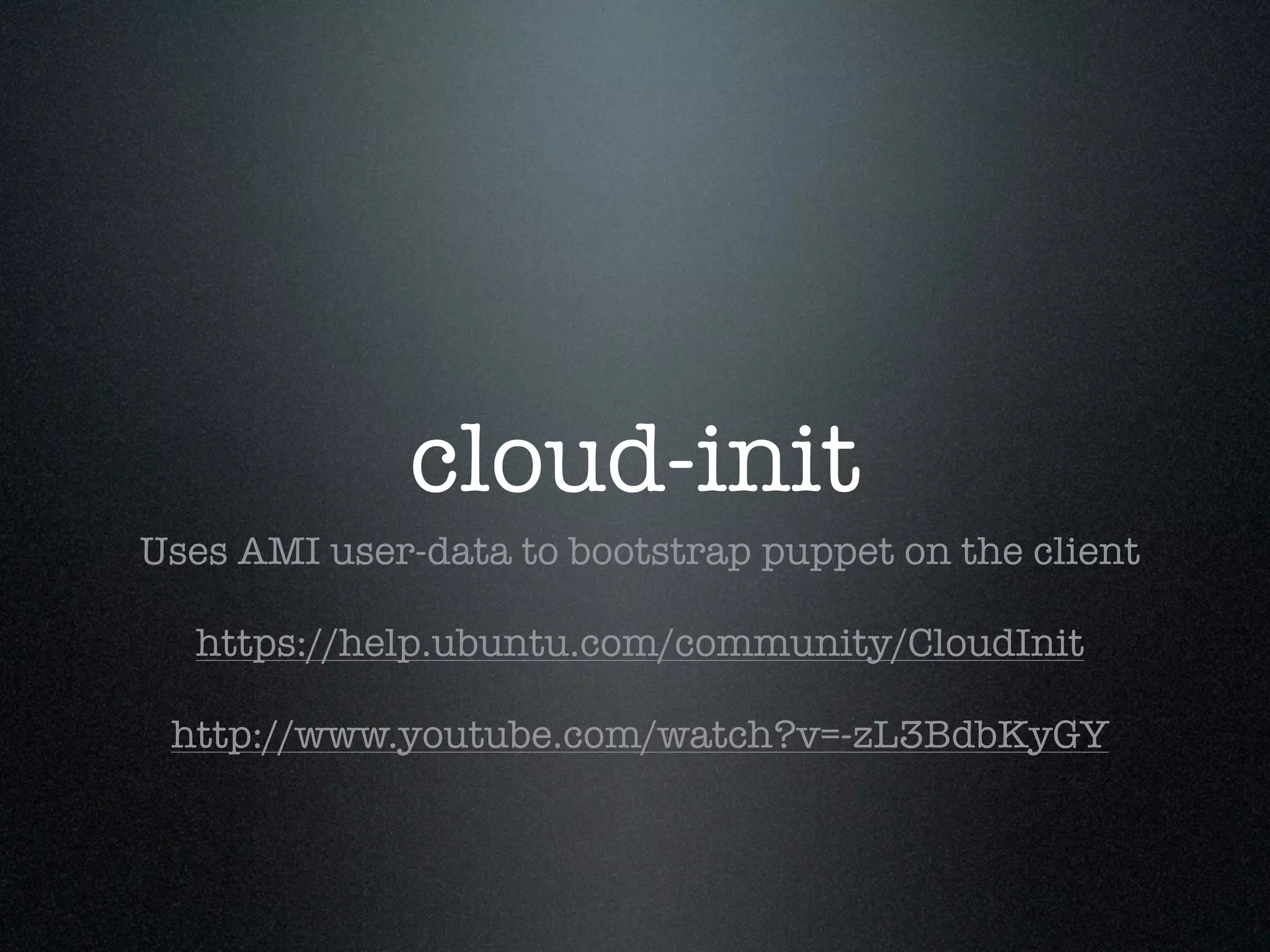
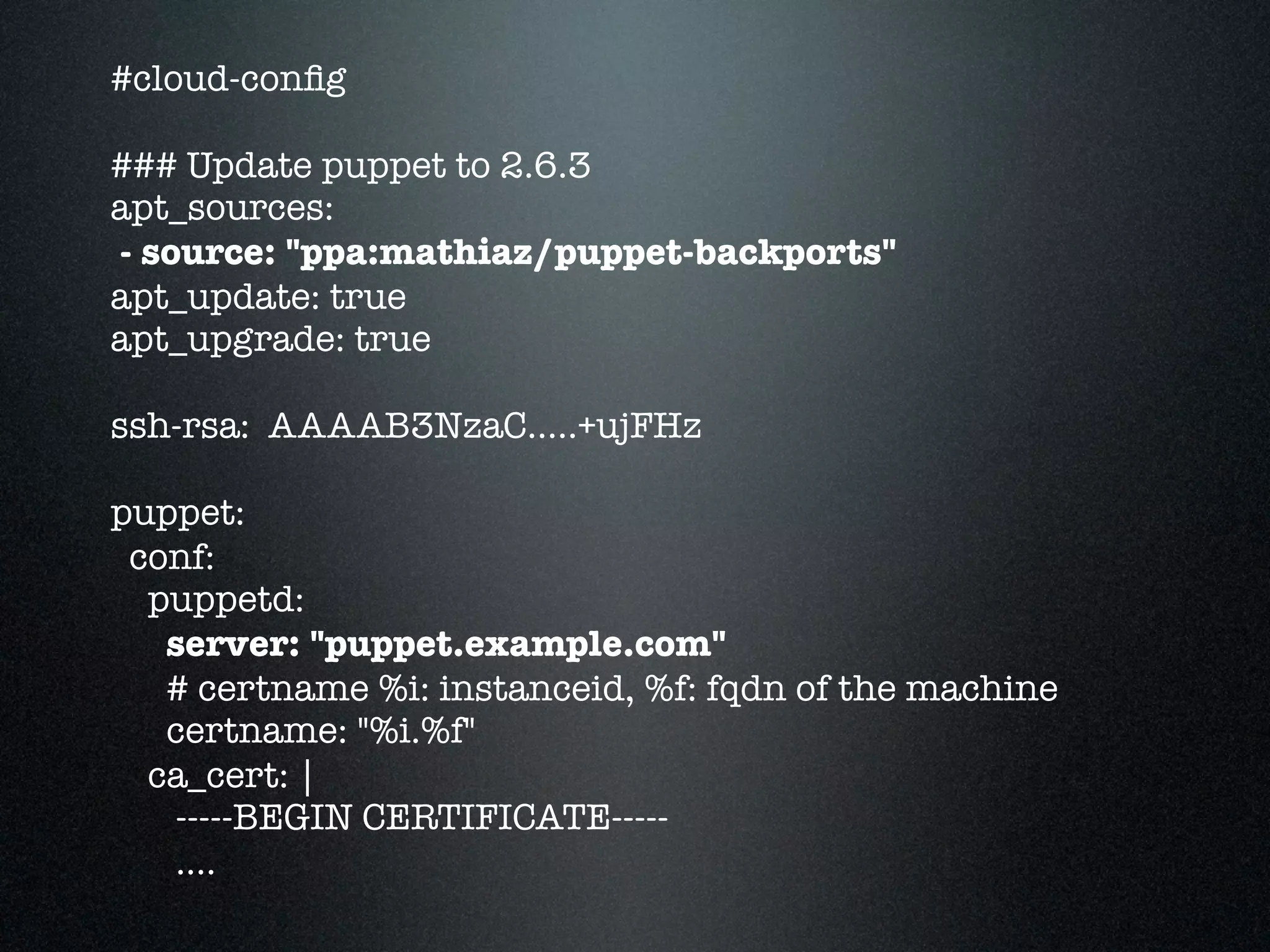
cloud-init
Uses AMI user-data to bootstrap puppet on the client

  https://help.ubuntu.com/community/CloudInit

 http://www.youtube.com/watch?v=-zL3BdbKyGY
#cloud-config

### Update puppet to 2.6.3
apt_sources:
- source: "ppa:mathiaz/puppet-backports"
apt_update: true
apt_upgrade: true

ssh-rsa: AAAAB3NzaC.....+ujFHz

puppet:
 conf:
  puppetd:
   server: "puppet.example.com"
   # certname %i: instanceid, %f: fqdn of the machine
   certname: "%i.%f"
  ca_cert: |
   -----BEGIN CERTIFICATE-----
   ....
monthly updates
http://uec-images.ubuntu.com/query/lucid/server/
               released.current.txt
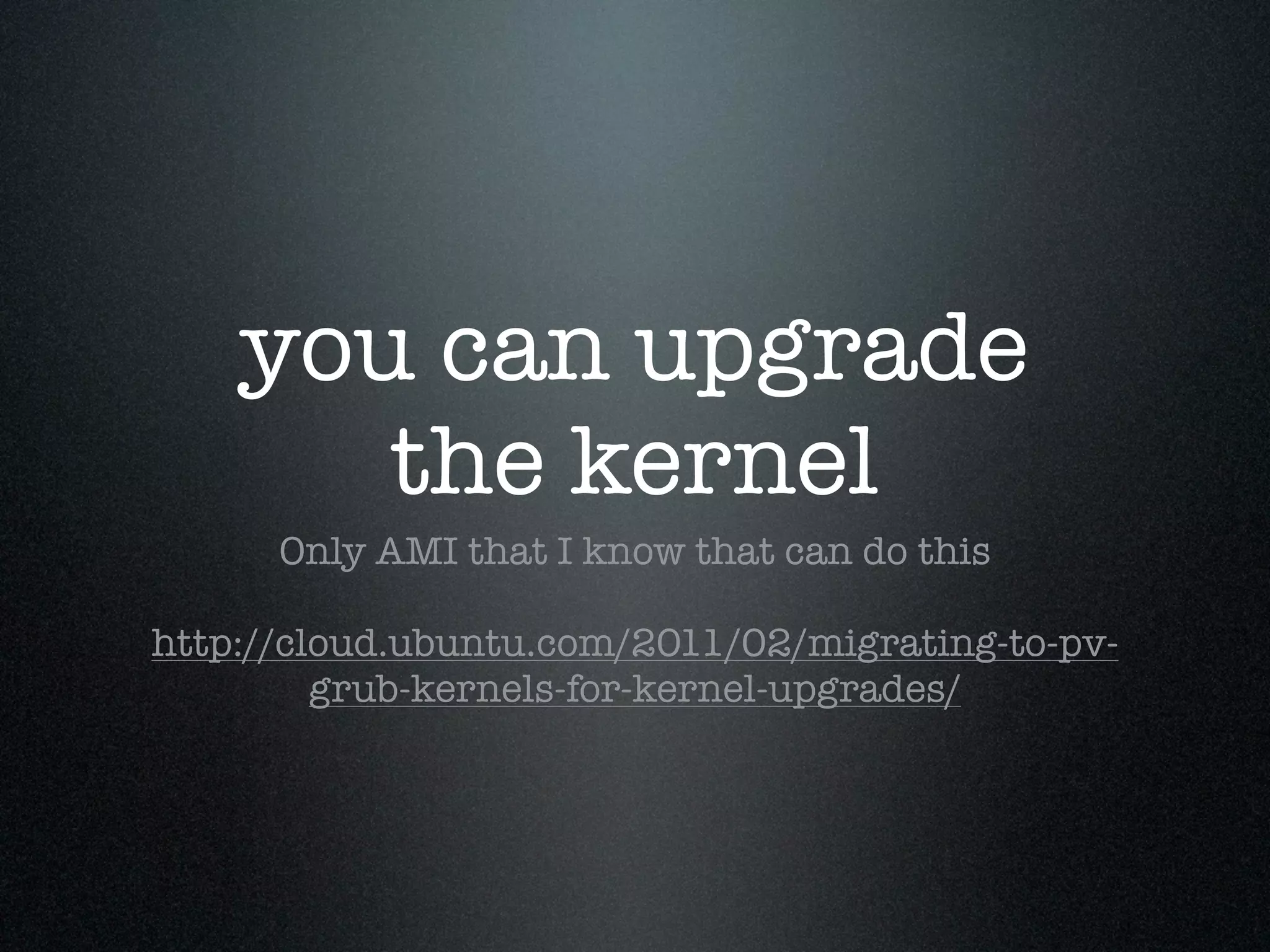
you can upgrade
       the kernel
      Only AMI that I know that can do this

http://cloud.ubuntu.com/2011/02/migrating-to-pv-
         grub-kernels-for-kernel-upgrades/
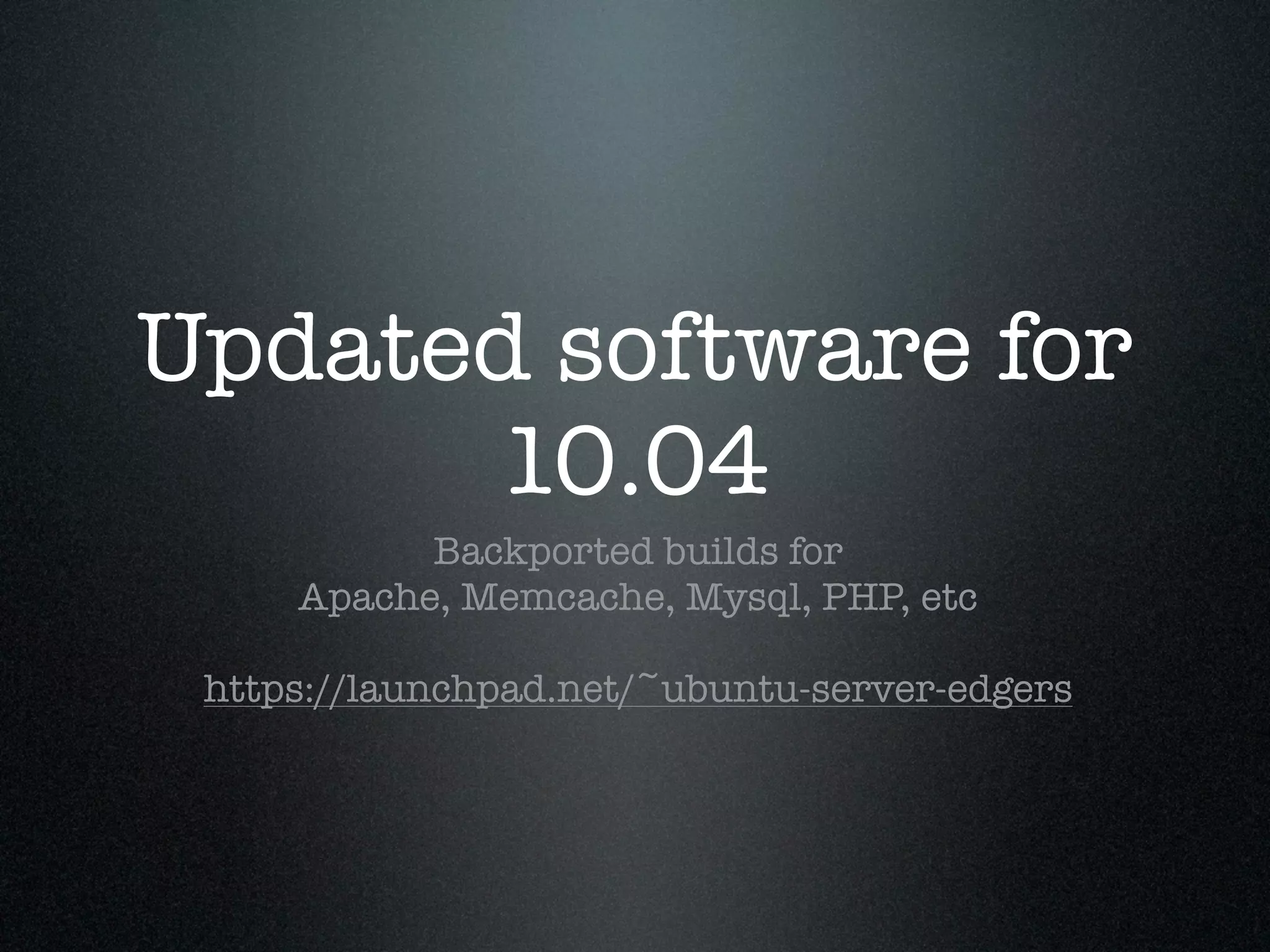
Updated software for
      10.04
           Backported builds for
     Apache, Memcache, Mysql, PHP, etc

 https://launchpad.net/~ubuntu-server-edgers
I may be biased
AWS
<3 Elastic Load
      Balancer
They're free and will save you more than once

http://aws.amazon.com/elasticloadbalancing/
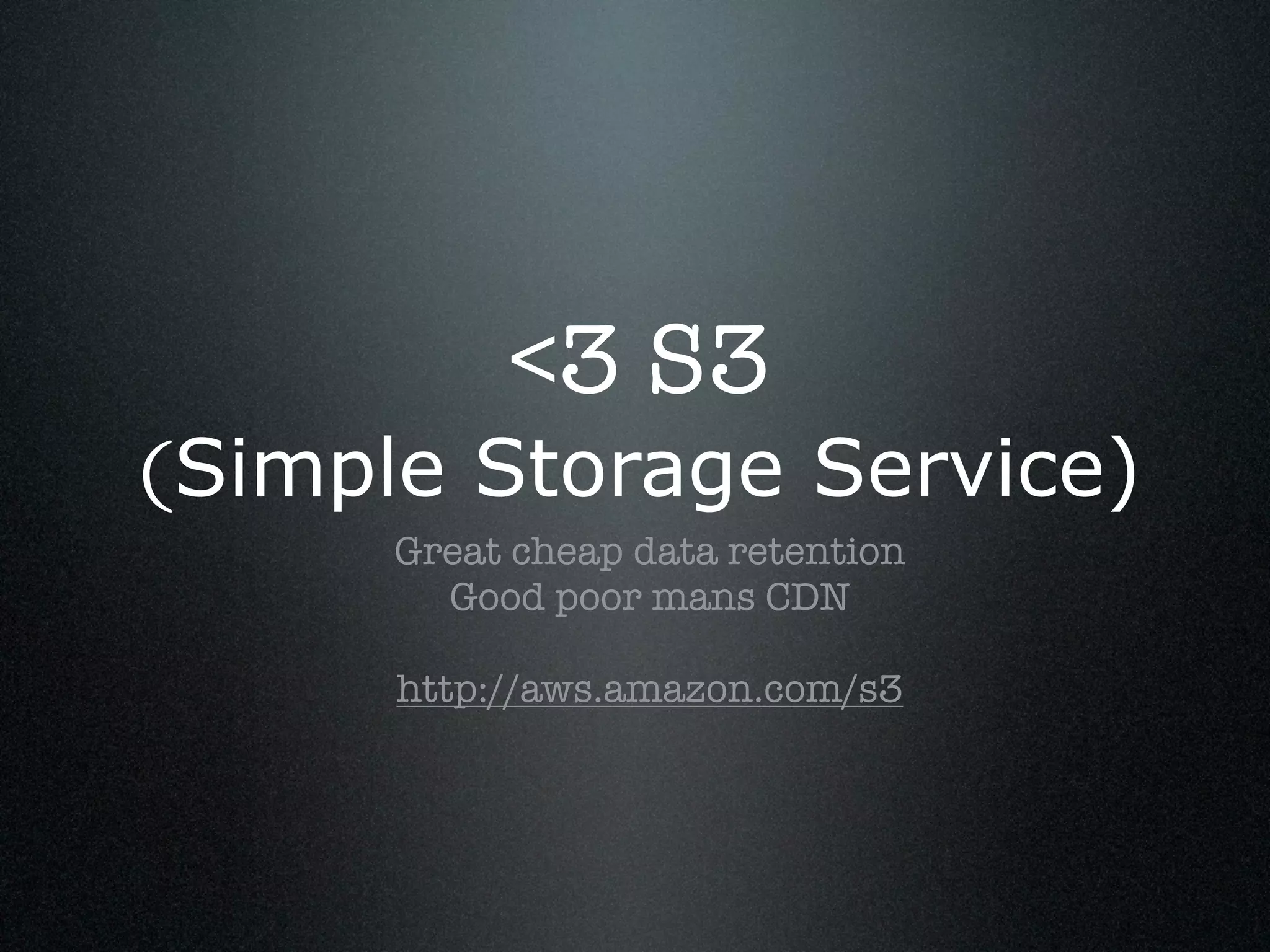
<3 S3
(Simple Storage Service)
      Great cheap data retention
        Good poor mans CDN

      http://aws.amazon.com/s3
Tip: Get ExpanDrive for
great SSHFS and S3FS
     Available for Windows and Mac:

      http://www.expandrive.com/
RDS > Own MySQL
   Hot Standby - Failover is ~7 minutes
Read Replicates - Improve read performance

   BUT, you can't replicate out of RDS :(

       http://aws.amazon.com/rds/
Use EBS Root
   (Elastic Block Storage)
You can reboot and stop/start machines and keep state
  Consider attaching extra EBS for data persistence

Tip: Software raid for multiple EBS drives for better IO
</3 Network
       Partitioning
        This will happen to you a lot

Relying on network connections will decrease
        availability of your machines
</3 Floating
   public IPS
    AWS DHCP server is flaky

  AWS DNS TTL is 60 seconds

Limited amount of fixed public IPs
Sort your DNS
  AWS offers http://aws.amazon.com/route53/

When you go multi data center or have big traffic,
 seriously consider Dyn: http://dyn.com/dns/
Avoid Single
Points of Failure
       Because they WILL fail.

 Architect for eventually consistent,
 distributed systems where you can.
Remember him..?
Puppet
Optimize for making
Puppet development
      EASY
   Bridge the gap between dev & ops

     Tip: use a c1.medium at least
Put your Puppet
  code in VCS
I really don't need to explain why, right?
Run multiple Puppet
   environments
http://docs.puppetlabs.com/guides/environment.html

We put 1 host of each cluster in puppet environment
 development, 1 in staging, the rest in production

         Don't break everything at once :)
Split your Puppet
 code into modules
     We use: Forge, Components, Services

http://docs.puppetlabs.com/guides/modules.html
Use seperate init.pp,
params.pp & config.pp
Params.pp so you can include variables from elsewhere

              Config.pp lets you specify:
           kfoo::config { $fqdn } in a service
                     and require:
        Kfoo::Config[ $fqdn ] in the component

  http://docs.puppetlabs.com/guides/modules.html
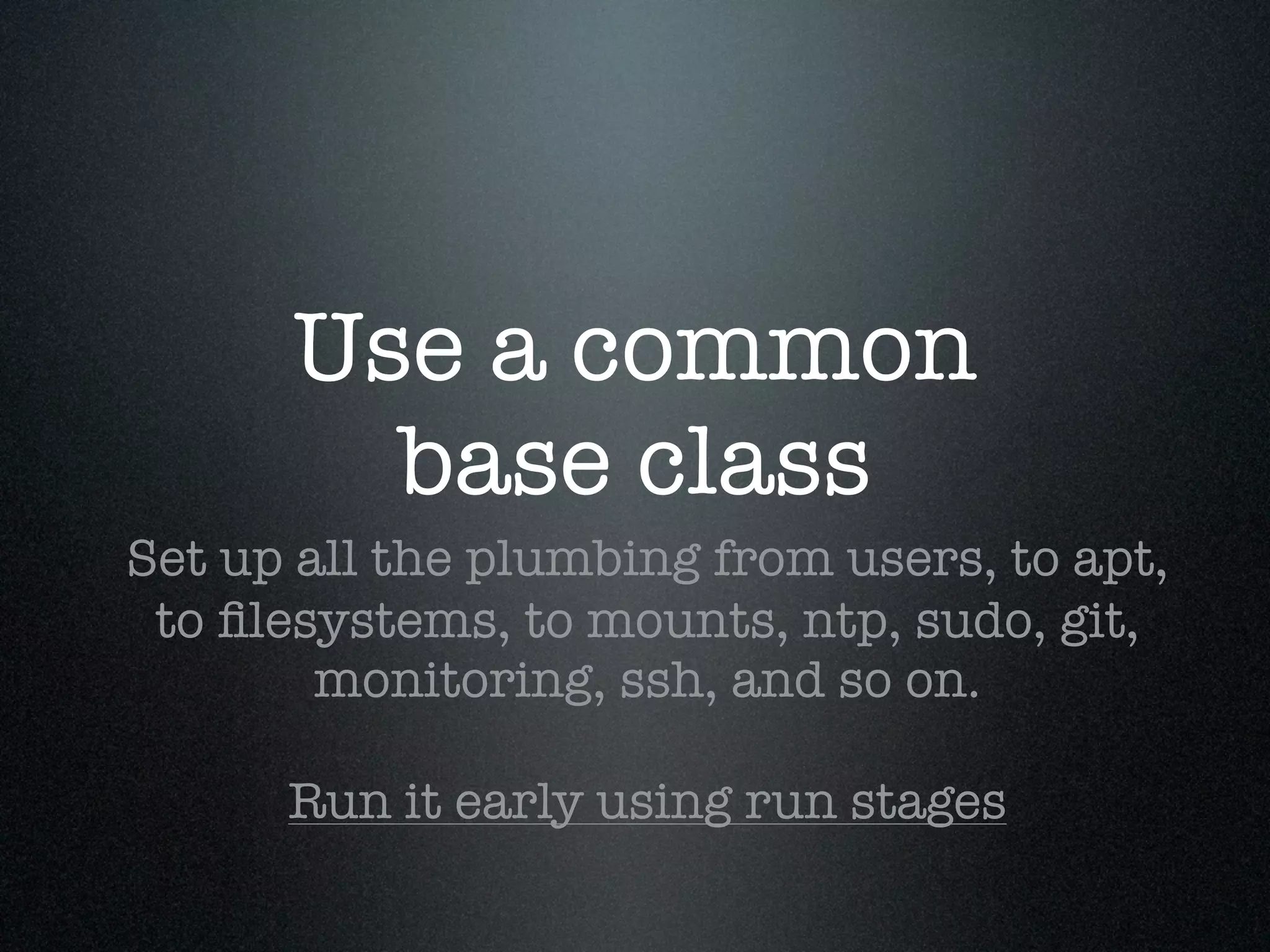
Use a common
        base class
Set up all the plumbing from users, to apt,
 to filesystems, to mounts, ntp, sudo, git,
        monitoring, ssh, and so on.

      Run it early using run stages
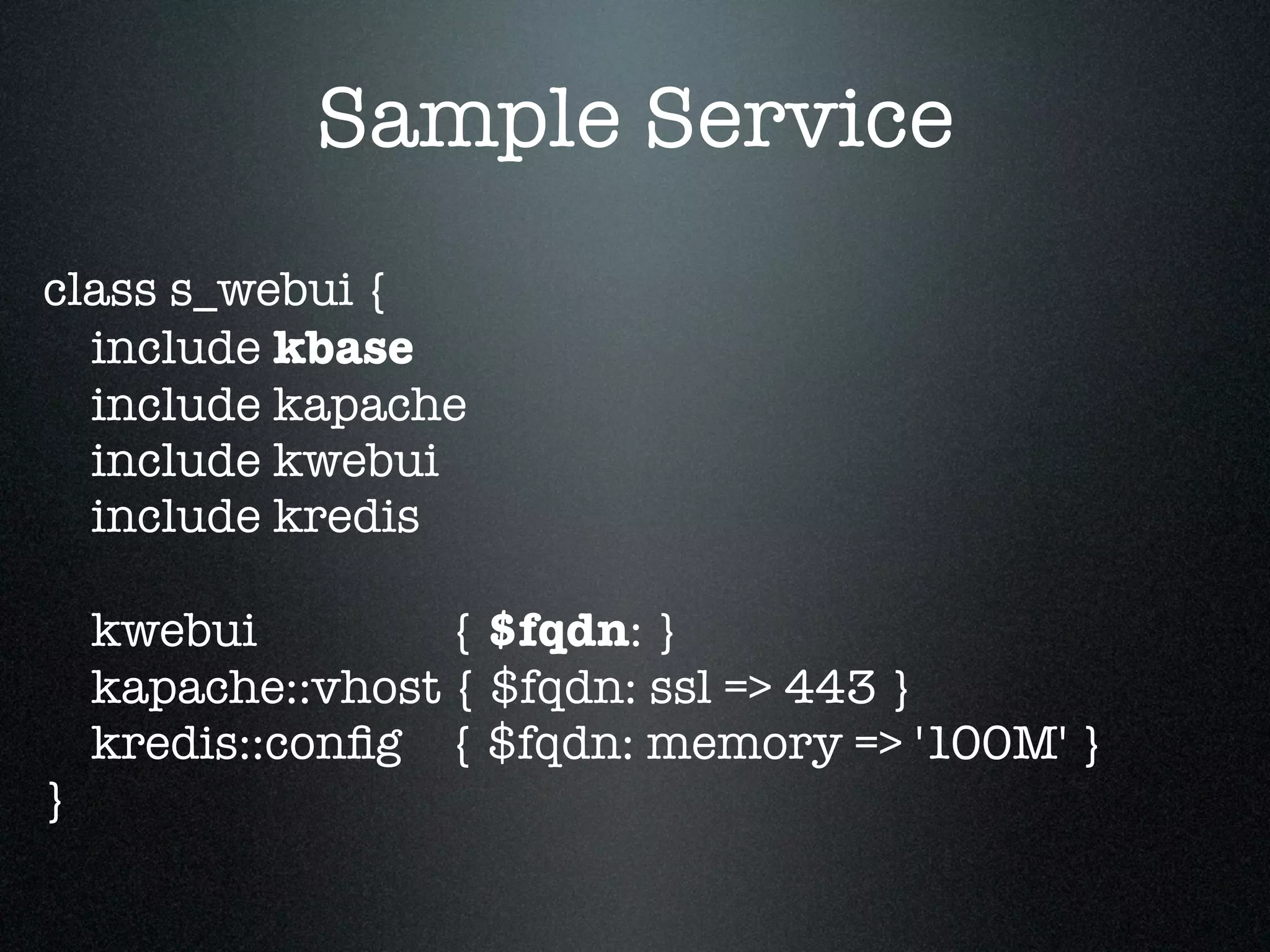
Sample Service
class s_webui {
  include kbase
  include kapache
  include kwebui
  include kredis

    kwebui         { $fqdn: }
    kapache::vhost { $fqdn: ssl => 443 }
    kredis::config { $fqdn: memory => '100M' }
}
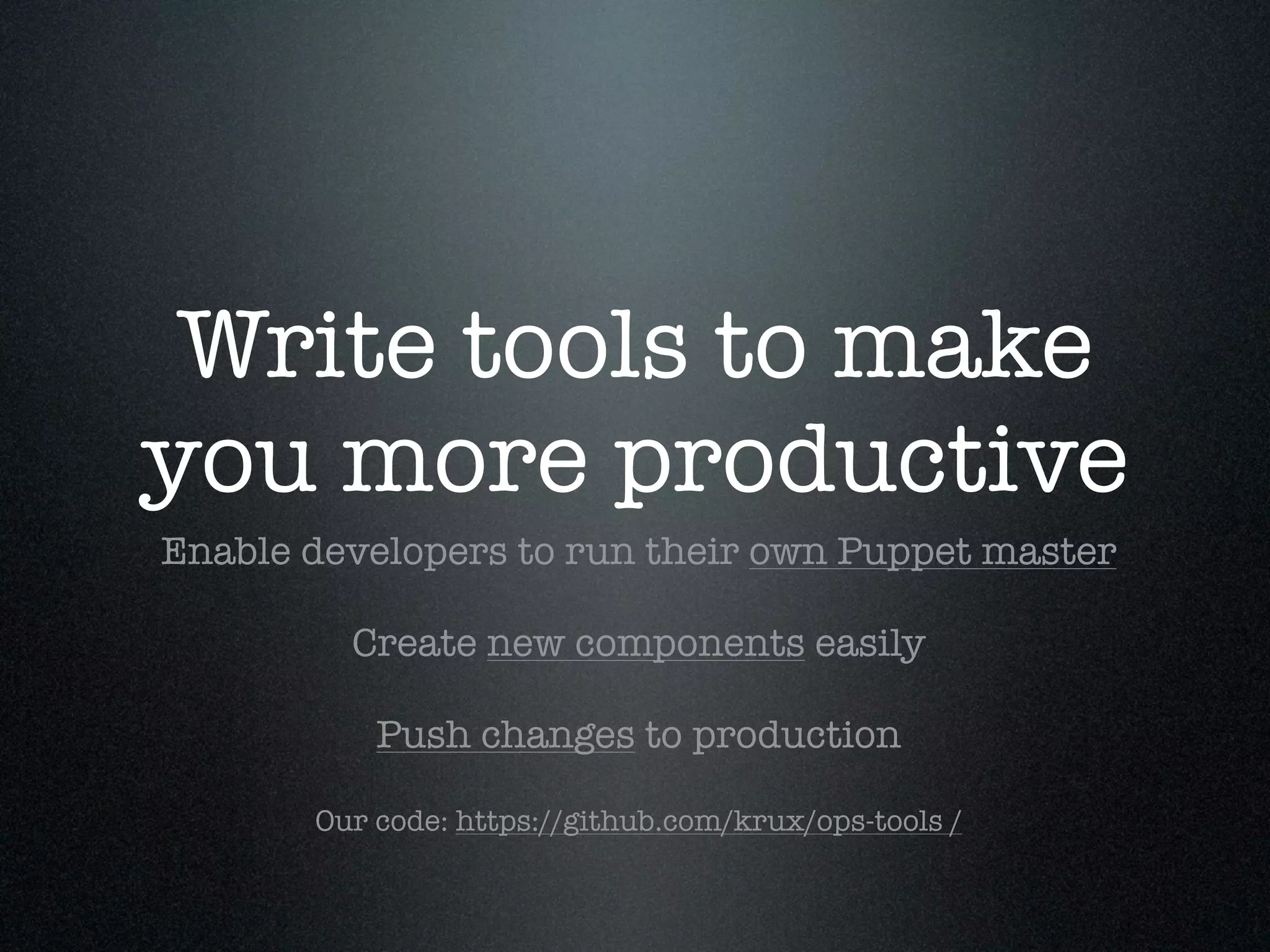
Write tools to make
you more productive
Enable developers to run their own Puppet master

         Create new components easily

           Push changes to production

       Our code: https://github.com/krux/ops-tools /
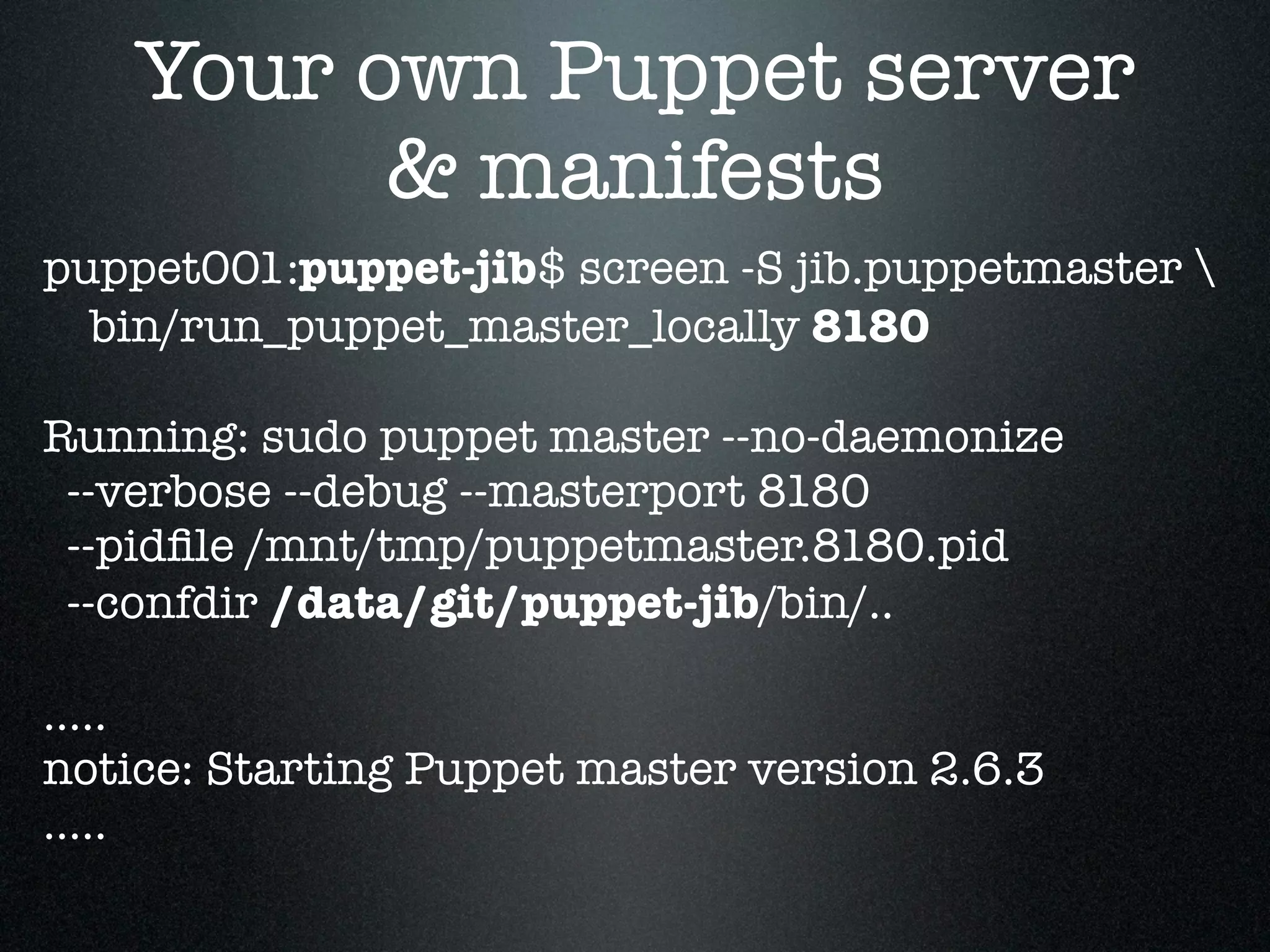
Your own Puppet server
          & manifests
puppet001:puppet-jib$ screen -S jib.puppetmaster 
  bin/run_puppet_master_locally 8180

Running: sudo puppet master --no-daemonize
 --verbose --debug --masterport 8180
 --pidfile /mnt/tmp/puppetmaster.8180.pid
 --confdir /data/git/puppet-jib/bin/..

.....
notice: Starting Puppet master version 2.6.3
.....
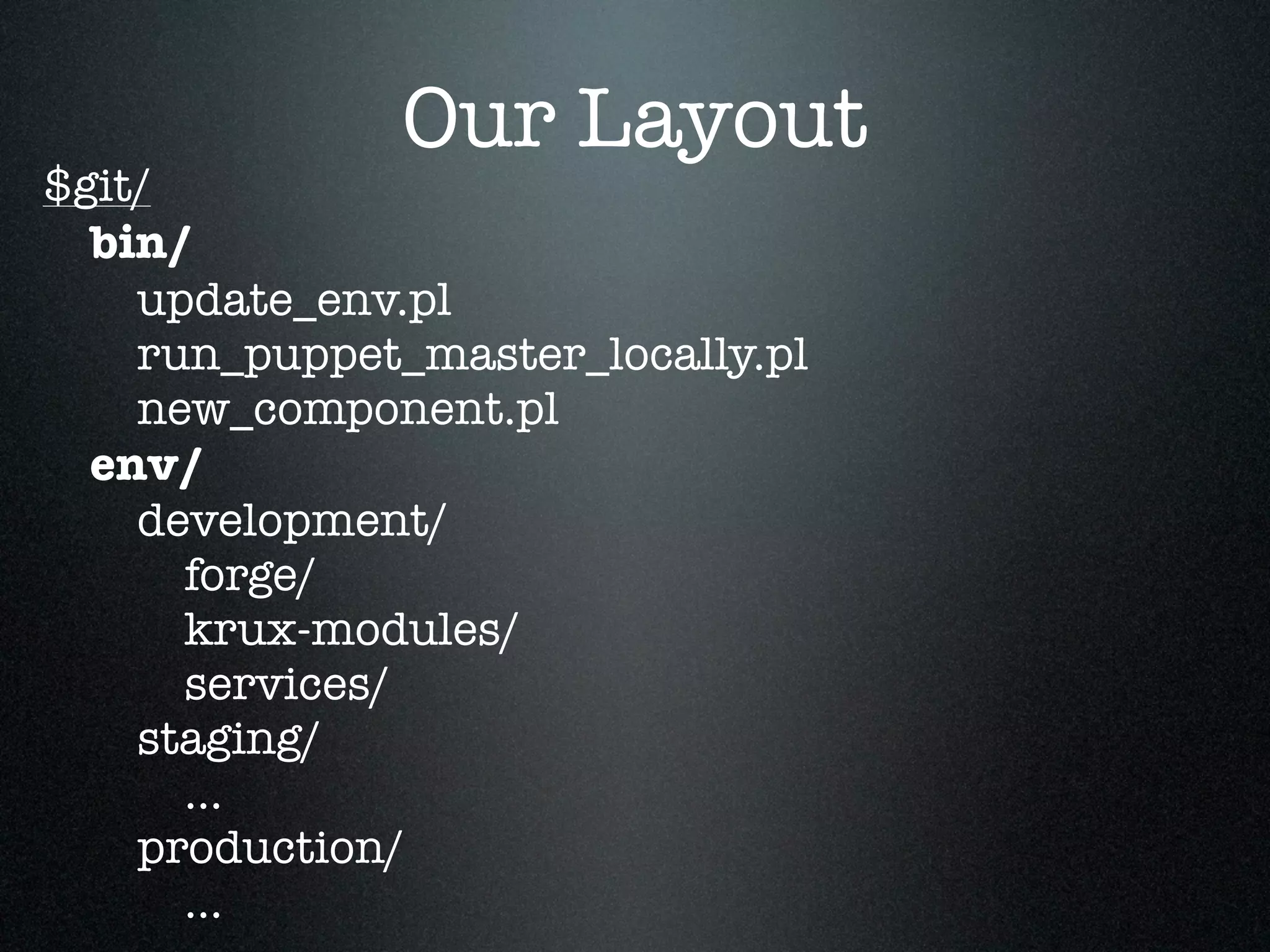
Our Layout
$git/
  bin/
    update_env.pl
    run_puppet_master_locally.pl
    new_component.pl
  env/
    development/
      forge/
      krux-modules/
      services/
    staging/
      ...
    production/
      ...
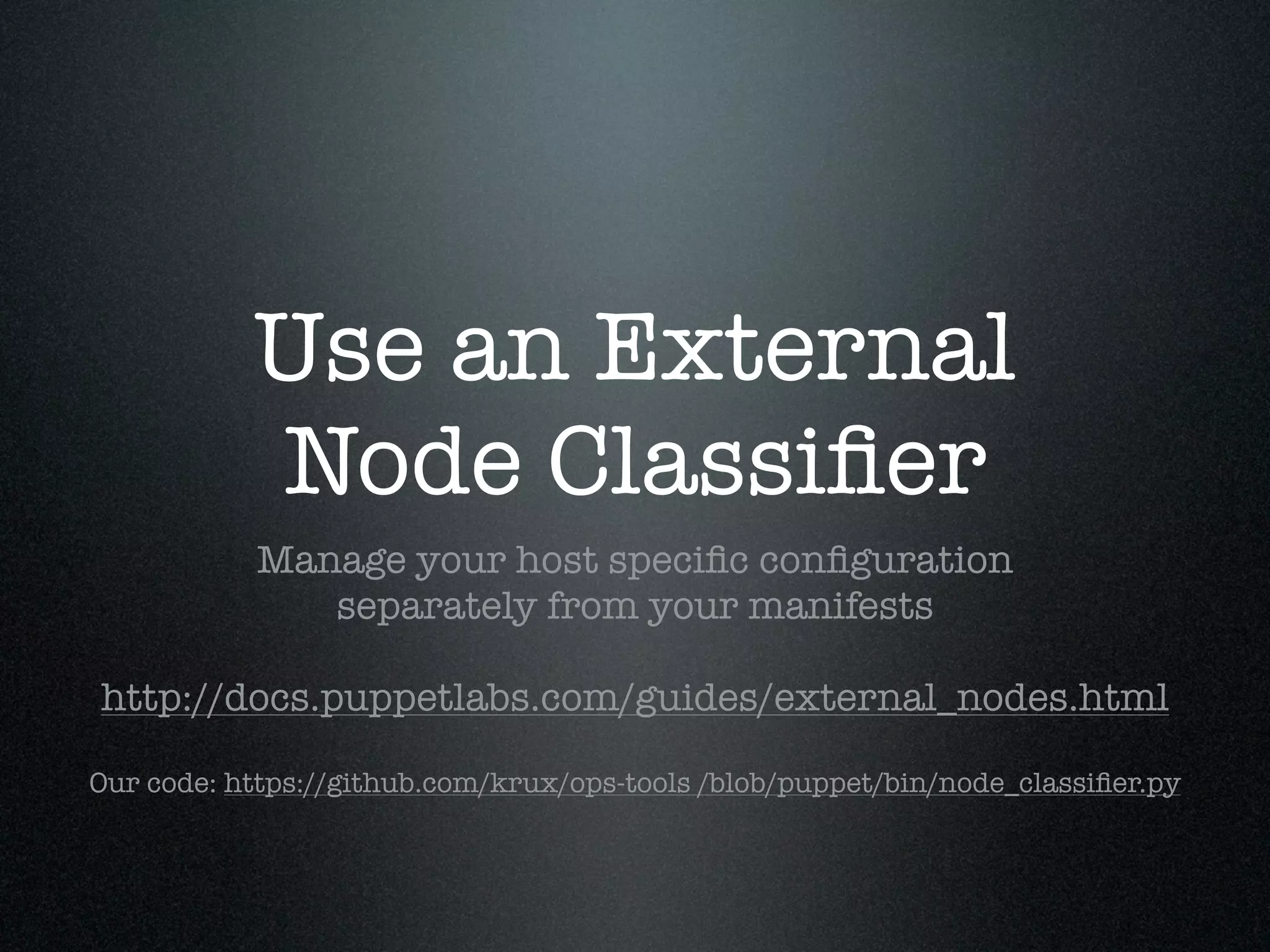
Use an External
           Node Classifier
           Manage your host specific configuration
              separately from your manifests

http://docs.puppetlabs.com/guides/external_nodes.html

Our code: https://github.com/krux/ops-tools /blob/puppet/bin/node_classifier.py
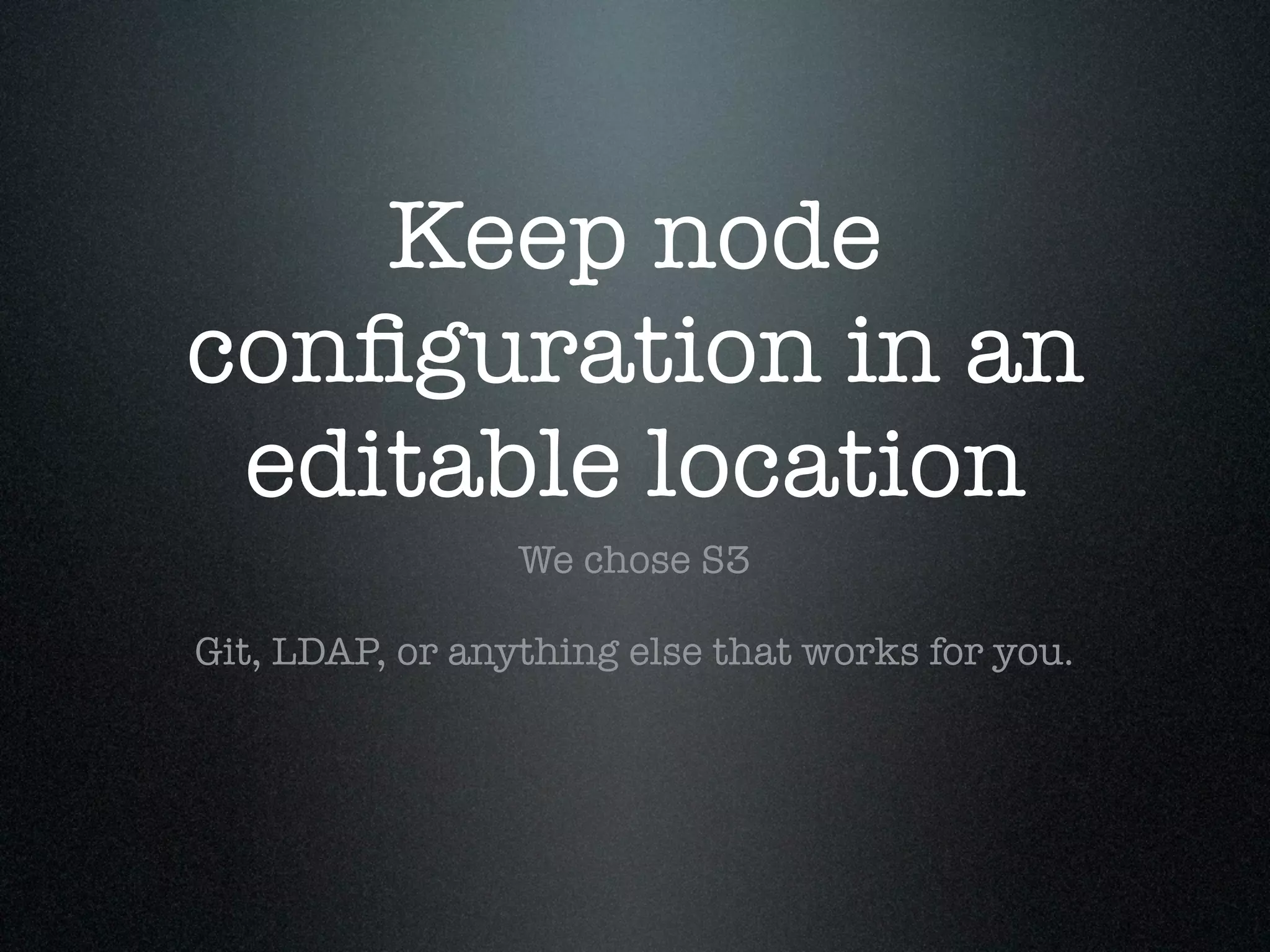
Keep node
configuration in an
 editable location
                 We chose S3

Git, LDAP, or anything else that works for you.
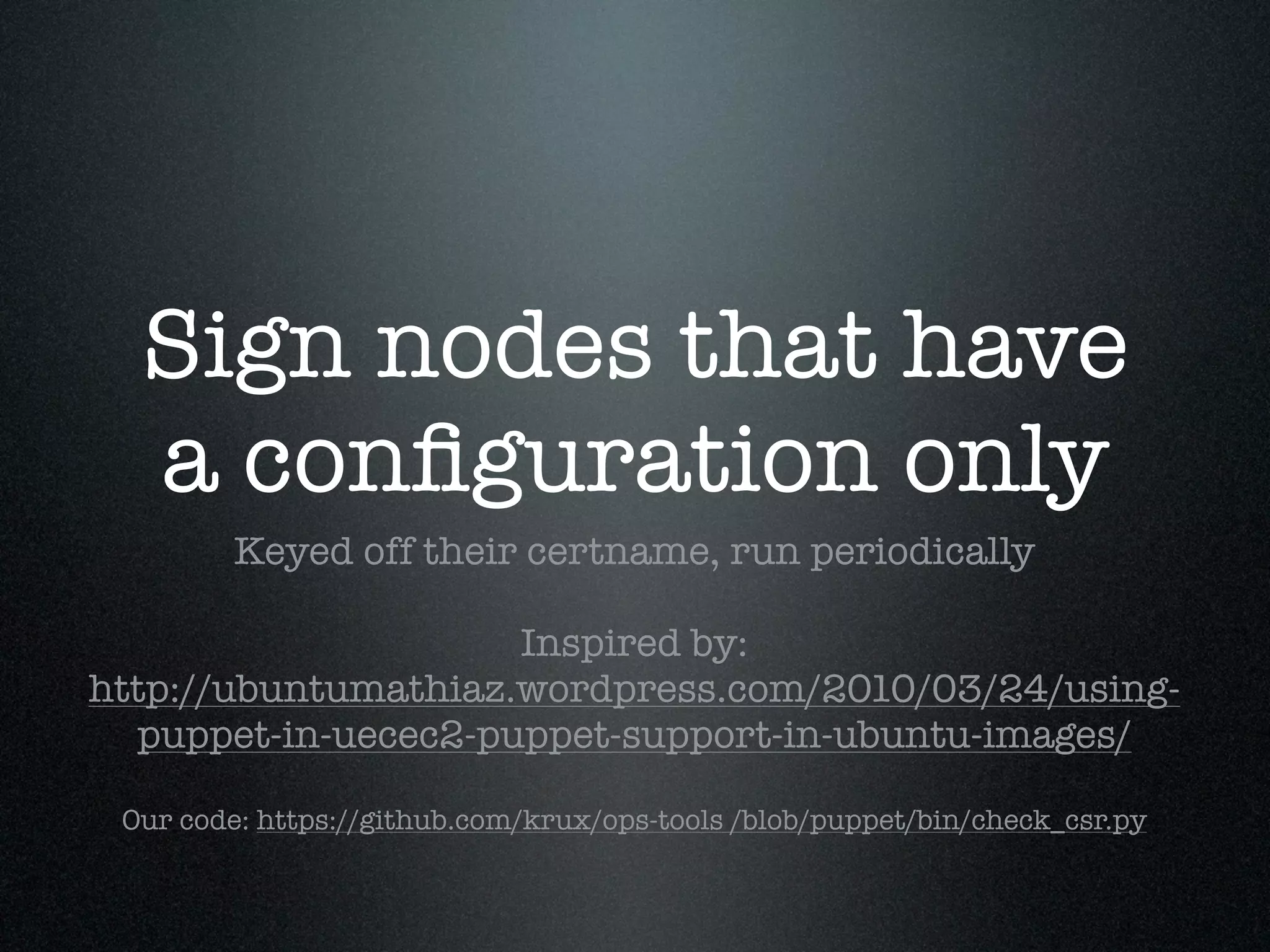
Sign nodes that have
  a configuration only
        Keyed off their certname, run periodically

                     Inspired by:
http://ubuntumathiaz.wordpress.com/2010/03/24/using-
  puppet-in-uecec2-puppet-support-in-ubuntu-images/

 Our code: https://github.com/krux/ops-tools /blob/puppet/bin/check_csr.py
Master Puppet.conf
[master]
.......
node_terminus = exec
external_nodes = /usr/bin/node_classifier.py --bucket instances
reports        = http, store, foreman

### different puppet environments: development, staging, production
[development]
templatedir = $confdir/env/development/templates
modulepath = $confdir/env/development/krux-modules:
               $confdir/env/development/forge:
               $confdir/env/development/services

[....]
Sample Configuration
{ 'classes': ['s_sandbox::jib'],
  'parameters': {
  'zone':                 'us-east-1c',
  'instance_type':         'c1.medium',
  'instance_id':           'i-23a3d042',
  'security_group':         'krux-ops-dev',
  'puppet_environment': 'development',
  'puppet_master_port': 8180,
  'kredis_save_to_disk': 0
  'certname':                'ops-dev003.example.com.
      47334fd8-1516-451d-bd5a-8760ab2a36c0',
}}
Attend a Puppet
    Master Training!
            No, I don't get a kick back :)

http://puppetlabs.com/services/training-workshops/
... avoid becoming him
Foreman
Email
 Reports & Alerts
   This feature alone is worth installing it.

      Run it on the same host as your
     Puppet master for minimal friction

http://theforeman.org/projects/foreman/wiki/
         Summarized_E-Mail_Reports
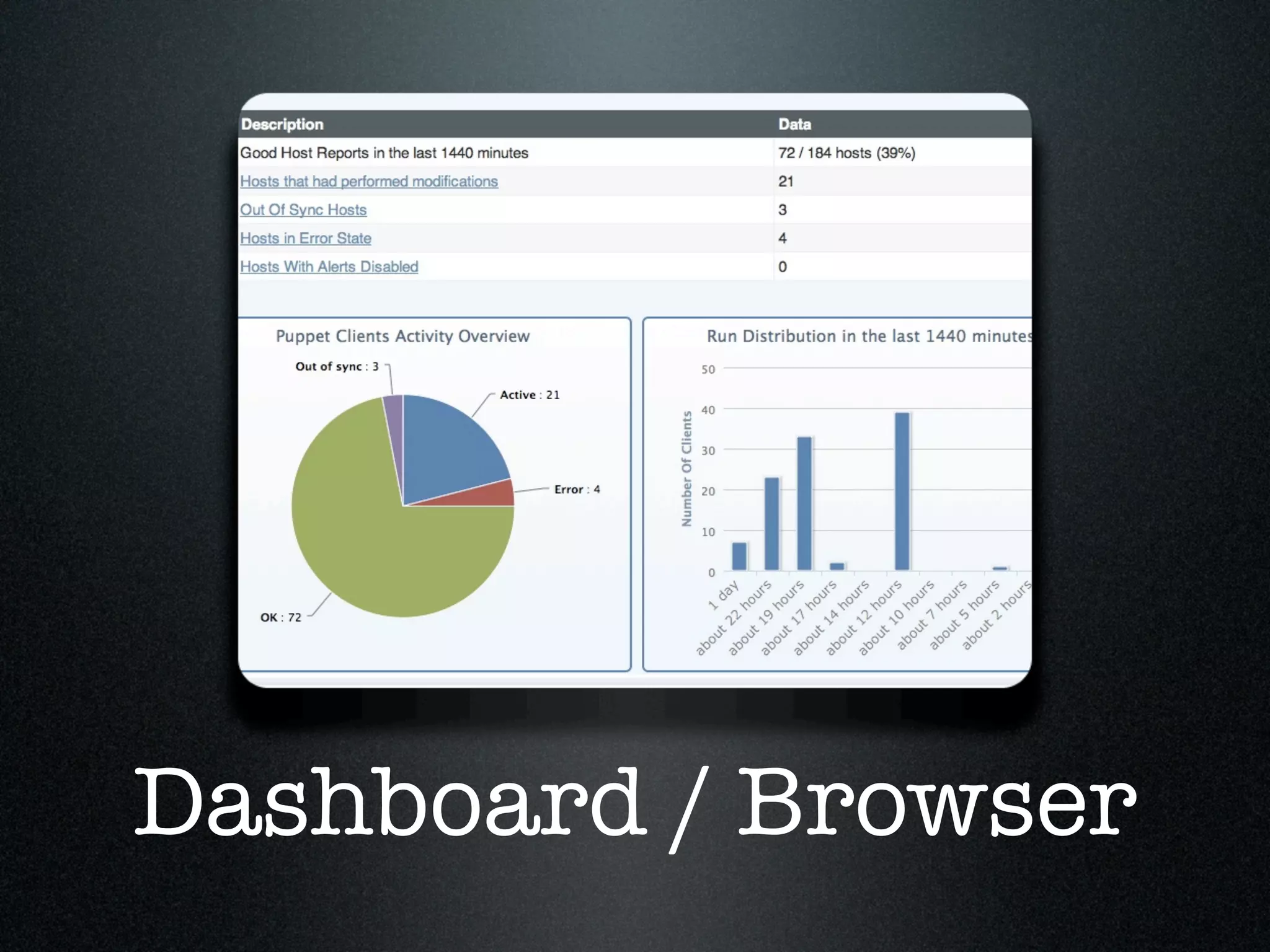
Dashboard / Browser
Theoretically:
   Node Classifier
http://theforeman.org/projects/foreman/wiki/
               External_Nodes

    We are happy with S3 based solution

       YMMV though: do look into it!
Theoretically:
Initiate Puppetrun
http://theforeman.org/projects/foreman/wiki/
                 Puppetrun

      Couldn't get it to work though :(
Python Boto & s3cmd
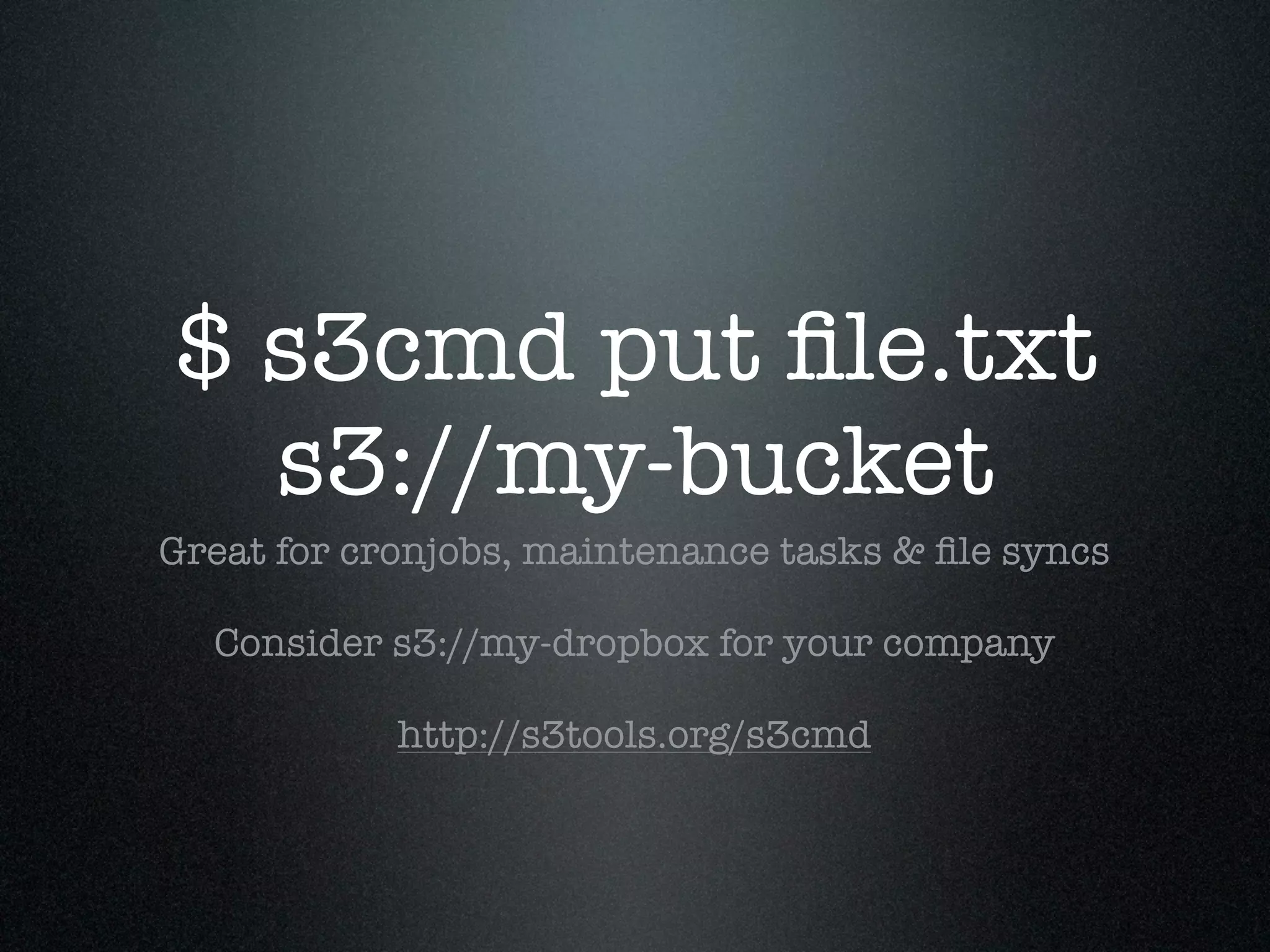
$ s3cmd put file.txt
  s3://my-bucket
Great for cronjobs, maintenance tasks & file syncs

  Consider s3://my-dropbox for your company

            http://s3tools.org/s3cmd
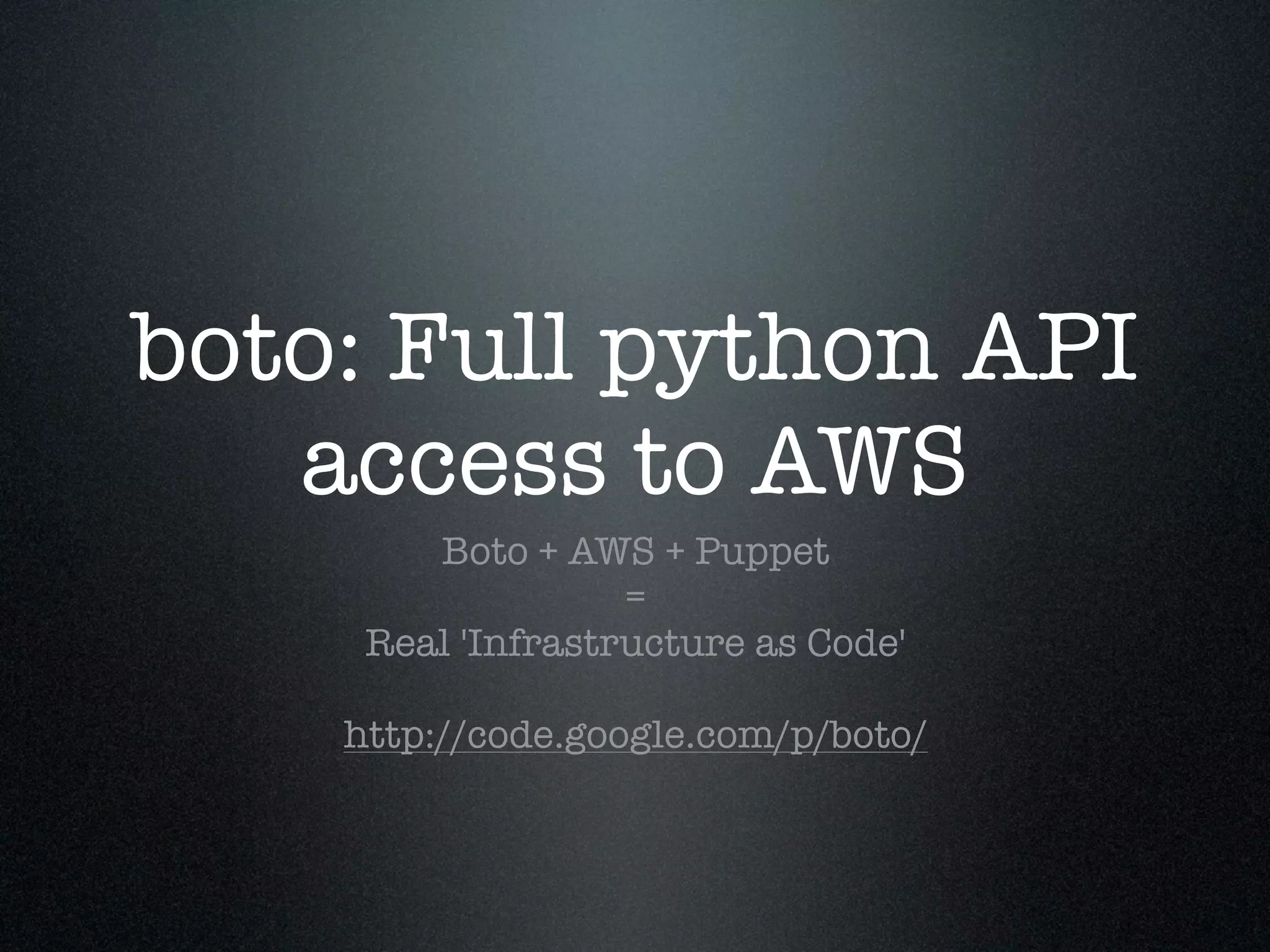
boto: Full python API
   access to AWS
        Boto + AWS + Puppet
                   =
     Real 'Infrastructure as Code'

    http://code.google.com/p/boto/
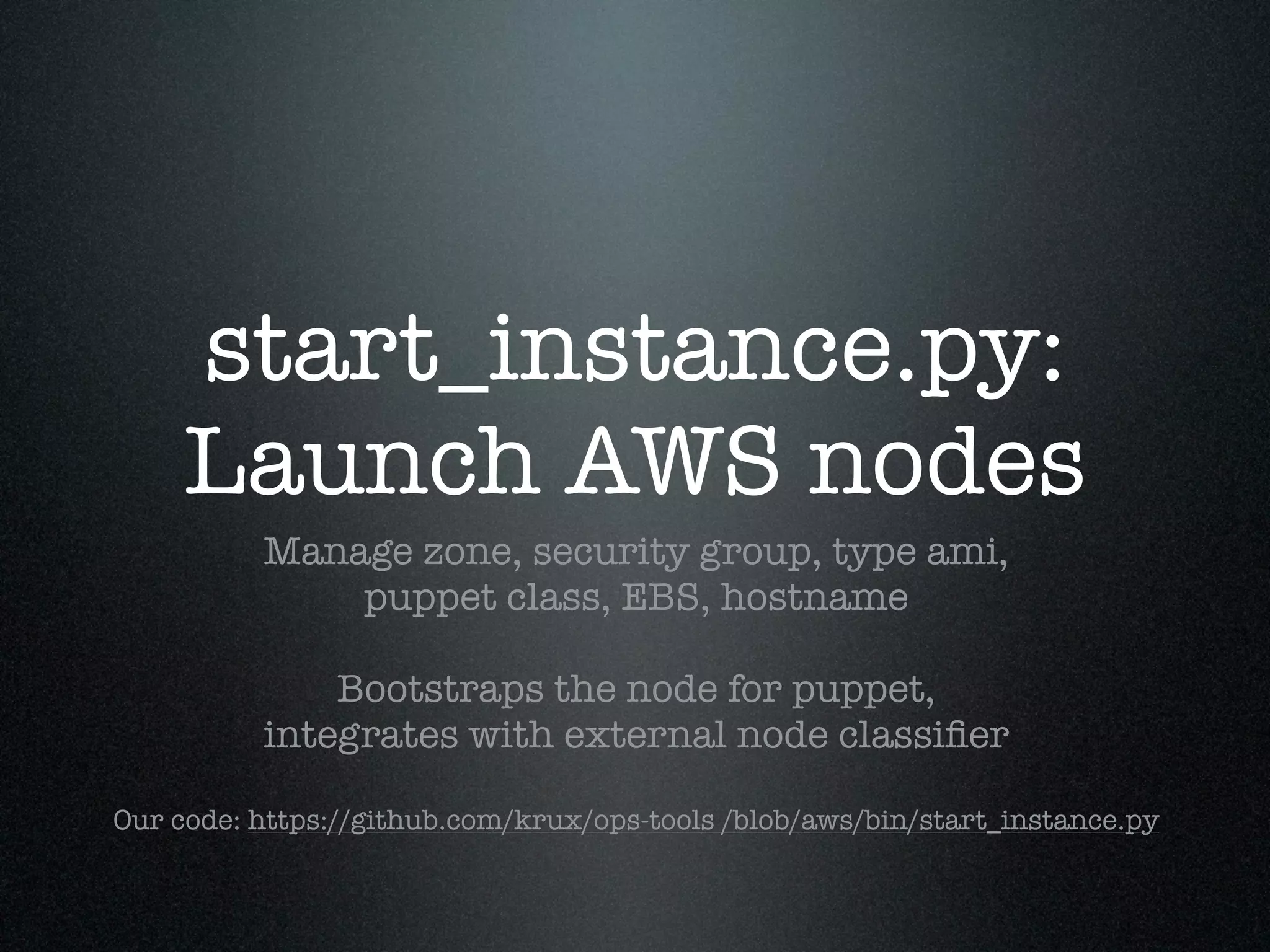
start_instance.py:
     Launch AWS nodes
          Manage zone, security group, type ami,
              puppet class, EBS, hostname

              Bootstraps the node for puppet,
          integrates with external node classifier

Our code: https://github.com/krux/ops-tools /blob/aws/bin/start_instance.py
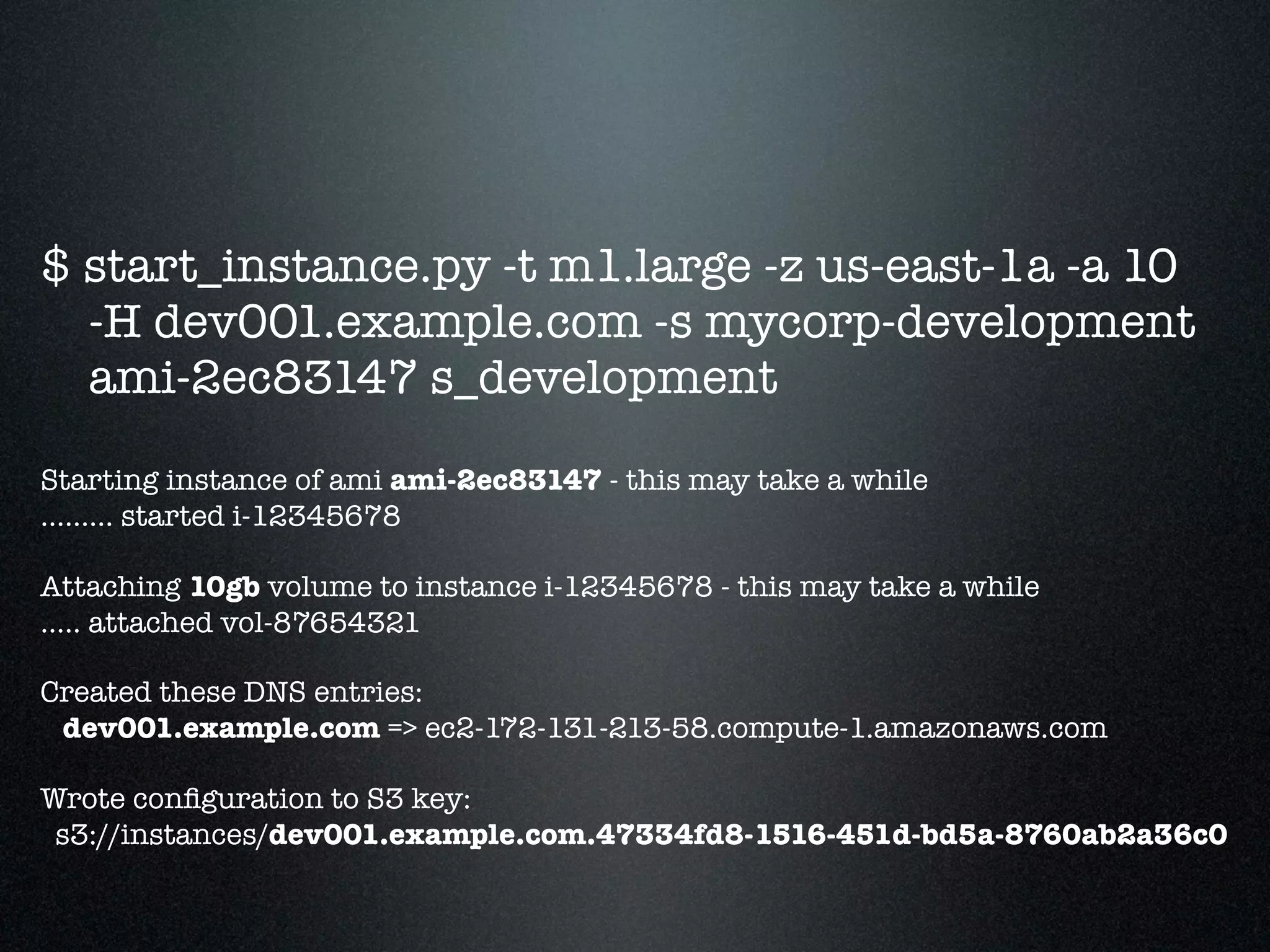
$ start_instance.py -t m1.large -z us-east-1a -a 10
  -H dev001.example.com -s mycorp-development
  ami-2ec83147 s_development

Starting instance of ami ami-2ec83147 - this may take a while
......... started i-12345678

Attaching 10gb volume to instance i-12345678 - this may take a while
..... attached vol-87654321

Created these DNS entries:
 dev001.example.com => ec2-172-131-213-58.compute-1.amazonaws.com

Wrote configuration to S3 key:
 s3://instances/dev001.example.com.47334fd8-1516-451d-bd5a-8760ab2a36c0
security_groups.py
       Manage & Sync
     Programmatically manage your security groups
           keep groups in sync across regions

Our code: https://github.com/krux/ops-tools /blob/aws/bin/security_groups.py
Monitoring & Graphing
Free developer
           account
            1 Free node with all features,
         unlimited nodes with basic features
         Free: HTTP(S), PING, SSH, DNS, TCP
Premium: HTTP JSON(!), Custom plugins, Mysql, Apache
                  mod_status, etc.

        Get a 2nd free node through referral:
     https://cloudkick.com/referral/633f0729
Performance Graphs
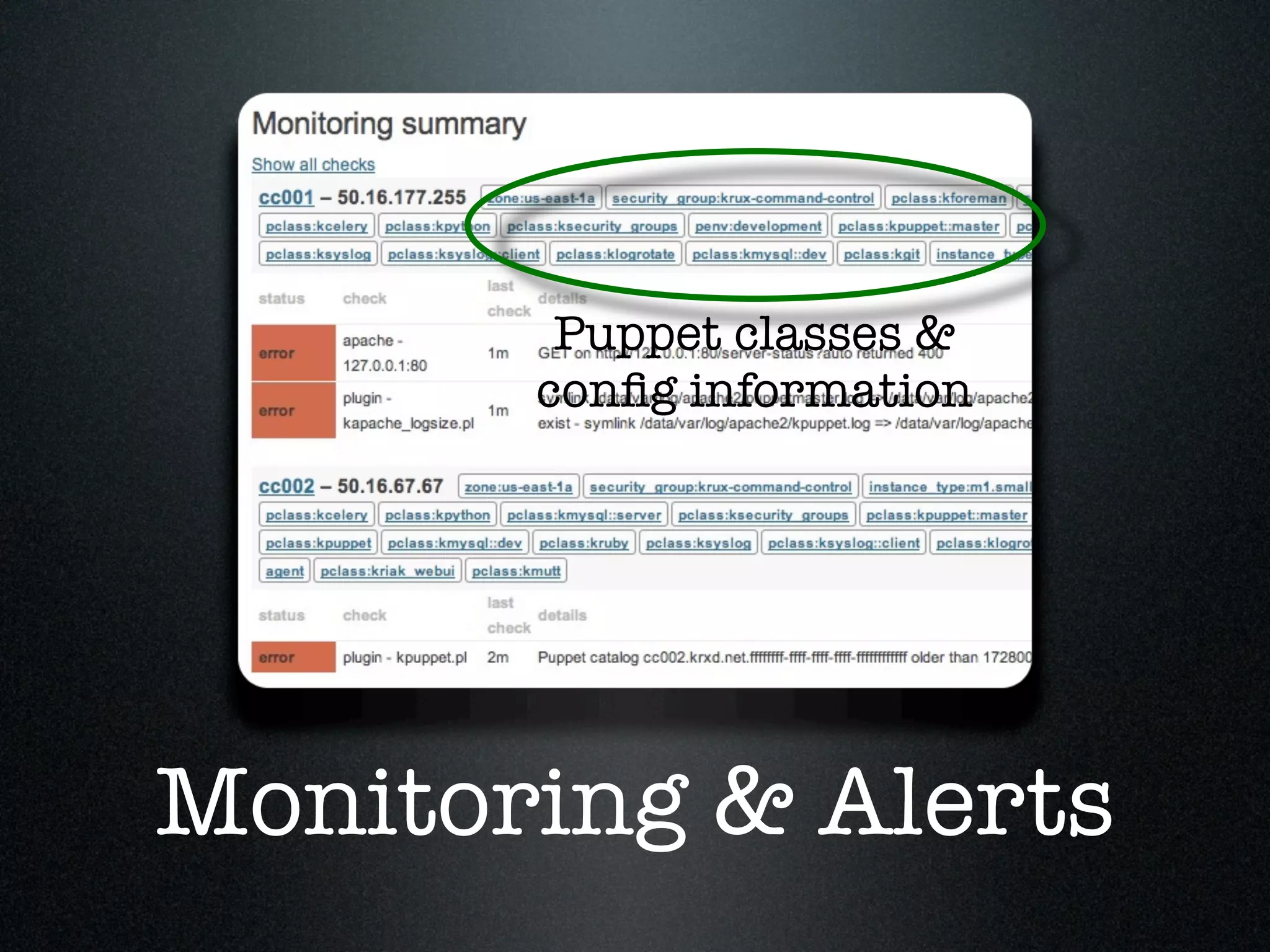
Puppet classes &
       config information


Monitoring & Alerts
Generate your
  cloudkick.conf from
        Puppet
  Use puppet classes, tags, colors as you define them
                  as cloudkick tags

Our code for doing so: https://gist.github.com/1230044
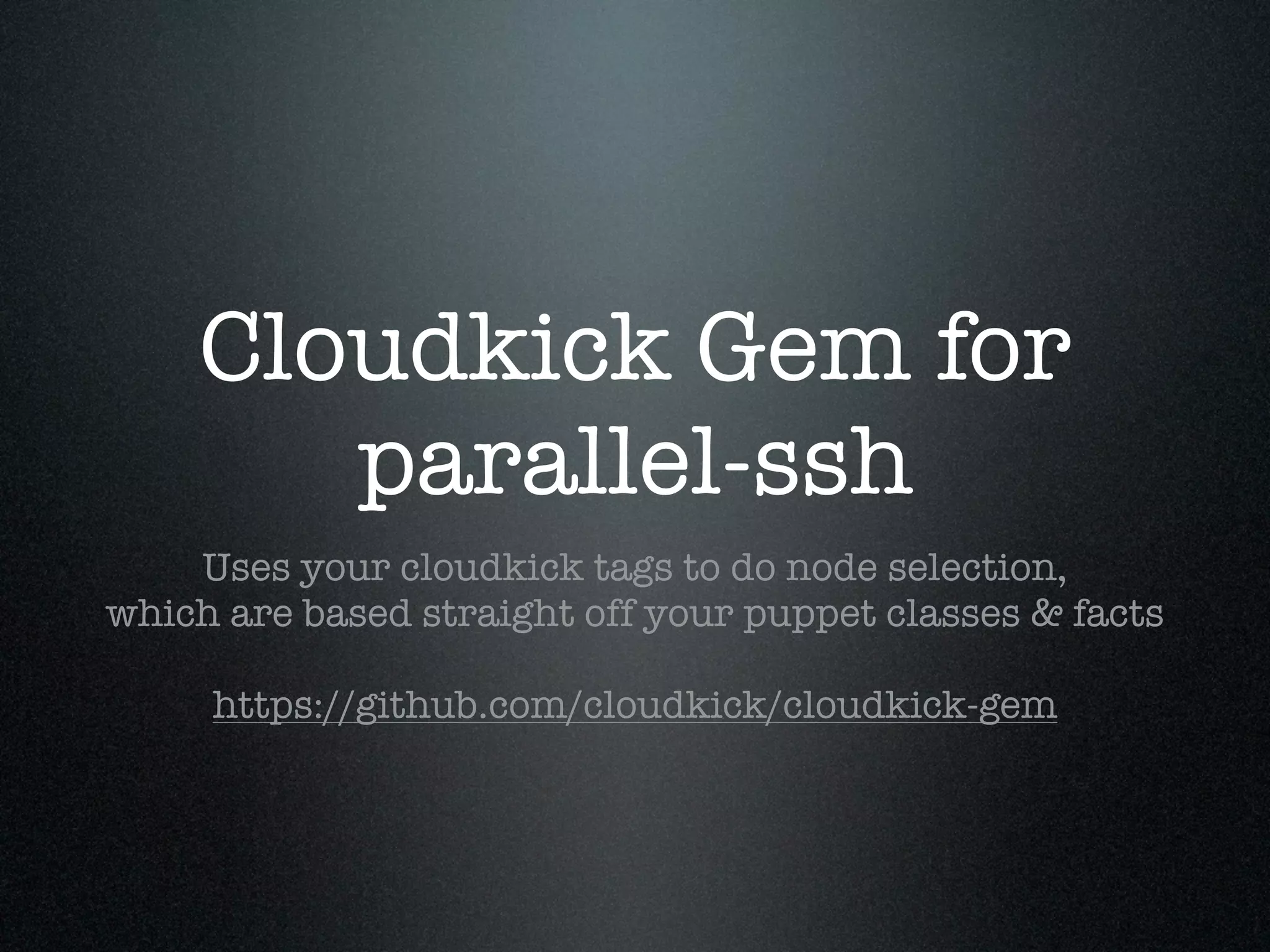
Cloudkick Gem for
       parallel-ssh
    Uses your cloudkick tags to do node selection,
which are based straight off your puppet classes & facts

     https://github.com/cloudkick/cloudkick-gem
Cloudkick pssh
$ cloudkick pssh --query 'node:redis-c*' 'hostname'

[1] 18:38:23 [SUCCESS] 64.206.11.221
redis-c-slave001.example.com
[2] 18:38:23 [SUCCESS] 52.13.118.158
redis-c-master001.example.com
[3] 18:38:24 [SUCCESS] 52.16.34.217
redis-c-slave004.example.com
[4] 18:38:24 [SUCCESS] 183.71.131.32
redis-c-slave002.example.com
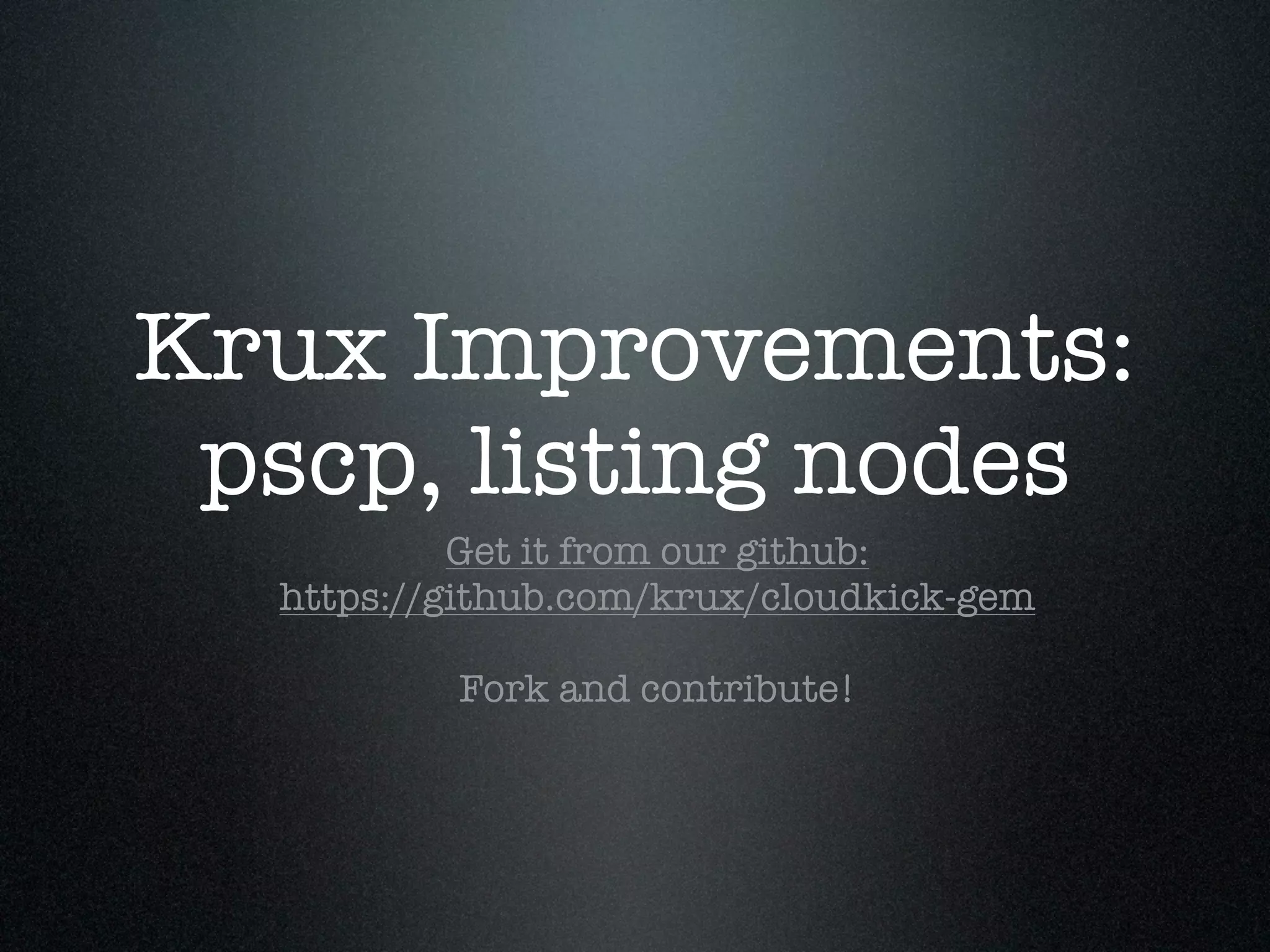
Krux Improvements:
 pscp, listing nodes
           Get it from our github:
  https://github.com/krux/cloudkick-gem

          Fork and contribute!
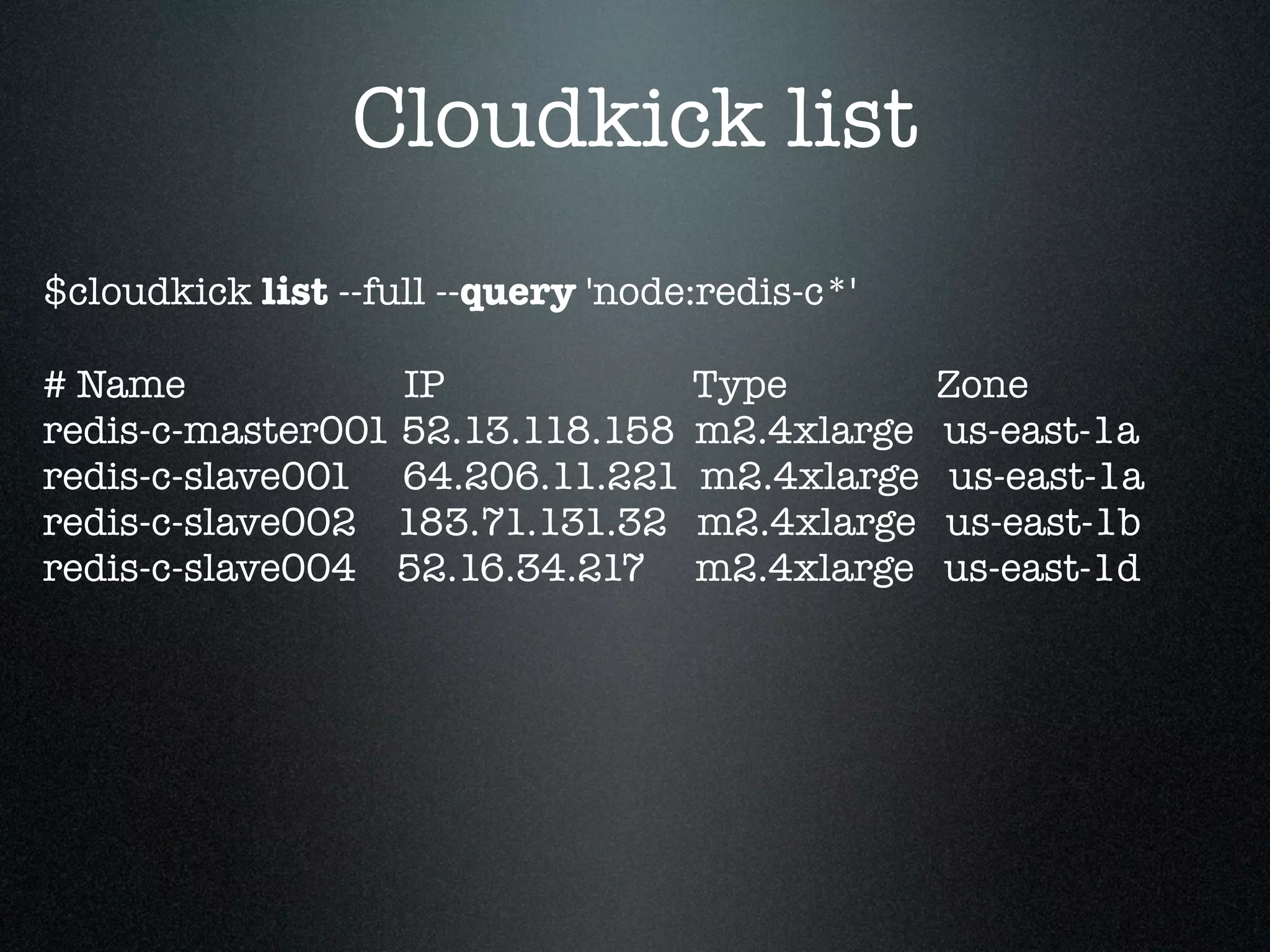
Cloudkick list
$cloudkick list --full --query 'node:redis-c*'

# Name            IP                Type         Zone
redis-c-master001 52.13.118.158     m2.4xlarge   us-east-1a
redis-c-slave001 64.206.11.221      m2.4xlarge    us-east-1a
redis-c-slave002 183.71.131.32      m2.4xlarge   us-east-1b
redis-c-slave004 52.16.34.217       m2.4xlarge   us-east-1d
Take away:
Measure Everything!
                Further reading:

  Pagerduty for cell phone/pager/email alerts
  New Relic for more in depth app monitoring
MCollective for more advanced task parallelization
Just one more thing....
Vagrant
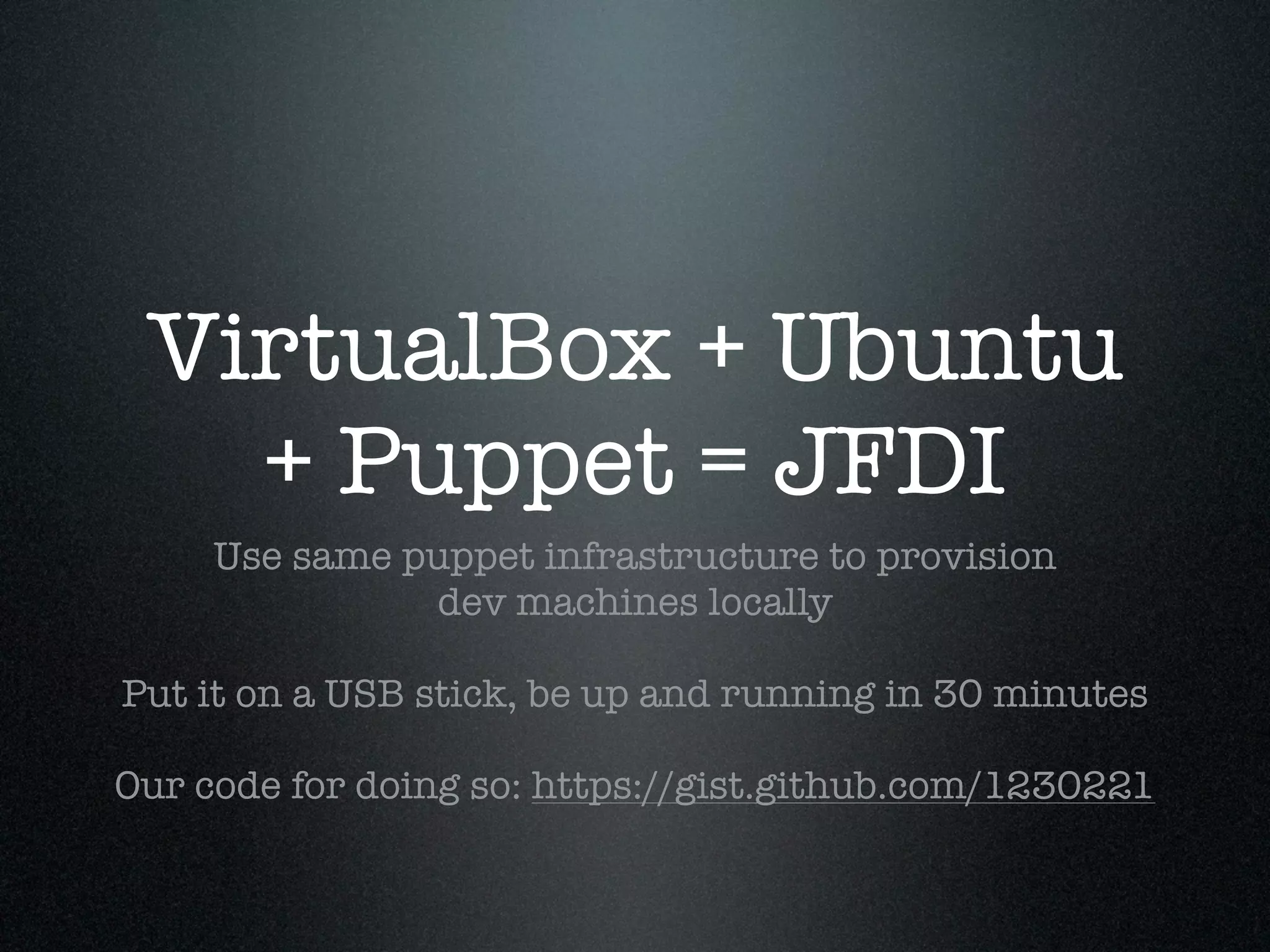
VirtualBox + Ubuntu
   + Puppet = JFDI
     Use same puppet infrastructure to provision
               dev machines locally

Put it on a USB stick, be up and running in 30 minutes

Our code for doing so: https://gist.github.com/1230221
Thank You!
Slides at: slideshare.net/jiboumans

  Follow us: @KruxEngineering

  We're Hiring: kruxdigital.com

One-Man Ops

  • 1.
    One-Man Ops with Puppet& Friends Jos Boumans Operations @ Krux Digital
  • 2.
  • 3.
    Can I have another/8 please? How you know us
  • 4.
  • 5.
  • 6.
  • 7.
  • 8.
  • 9.
  • 10.
    Not to beconfused with...
  • 11.
    Our Traffic • Serving4000-10000 user & contextual data requests/second • Sub 100 ms response times • Processing ~150 gb of raw data per day • Twitter: Average ~3000 tweets/second
  • 12.
    Our Infrastructure • Startedsmall on AWS. Now: • 100 dedicated nodes • +100-200 on demand Map/Reduce nodes • Dozens of local development machines • 20 different types of machines
  • 13.
  • 14.
  • 15.
  • 16.
  • 17.
  • 18.
  • 19.
    cloud-init Uses AMI user-datato bootstrap puppet on the client https://help.ubuntu.com/community/CloudInit http://www.youtube.com/watch?v=-zL3BdbKyGY
  • 20.
    #cloud-config ### Update puppetto 2.6.3 apt_sources: - source: "ppa:mathiaz/puppet-backports" apt_update: true apt_upgrade: true ssh-rsa: AAAAB3NzaC.....+ujFHz puppet: conf: puppetd: server: "puppet.example.com" # certname %i: instanceid, %f: fqdn of the machine certname: "%i.%f" ca_cert: | -----BEGIN CERTIFICATE----- ....
  • 21.
  • 22.
    you can upgrade the kernel Only AMI that I know that can do this http://cloud.ubuntu.com/2011/02/migrating-to-pv- grub-kernels-for-kernel-upgrades/
  • 23.
    Updated software for 10.04 Backported builds for Apache, Memcache, Mysql, PHP, etc https://launchpad.net/~ubuntu-server-edgers
  • 24.
    I may bebiased
  • 25.
  • 26.
    <3 Elastic Load Balancer They're free and will save you more than once http://aws.amazon.com/elasticloadbalancing/
  • 27.
    <3 S3 (Simple StorageService) Great cheap data retention Good poor mans CDN http://aws.amazon.com/s3
  • 28.
    Tip: Get ExpanDrivefor great SSHFS and S3FS Available for Windows and Mac: http://www.expandrive.com/
  • 29.
    RDS > OwnMySQL Hot Standby - Failover is ~7 minutes Read Replicates - Improve read performance BUT, you can't replicate out of RDS :( http://aws.amazon.com/rds/
  • 30.
    Use EBS Root (Elastic Block Storage) You can reboot and stop/start machines and keep state Consider attaching extra EBS for data persistence Tip: Software raid for multiple EBS drives for better IO
  • 31.
    </3 Network Partitioning This will happen to you a lot Relying on network connections will decrease availability of your machines
  • 32.
    </3 Floating public IPS AWS DHCP server is flaky AWS DNS TTL is 60 seconds Limited amount of fixed public IPs
  • 33.
    Sort your DNS AWS offers http://aws.amazon.com/route53/ When you go multi data center or have big traffic, seriously consider Dyn: http://dyn.com/dns/
  • 34.
    Avoid Single Points ofFailure Because they WILL fail. Architect for eventually consistent, distributed systems where you can.
  • 35.
  • 36.
  • 37.
    Optimize for making Puppetdevelopment EASY Bridge the gap between dev & ops Tip: use a c1.medium at least
  • 38.
    Put your Puppet code in VCS I really don't need to explain why, right?
  • 39.
    Run multiple Puppet environments http://docs.puppetlabs.com/guides/environment.html We put 1 host of each cluster in puppet environment development, 1 in staging, the rest in production Don't break everything at once :)
  • 40.
    Split your Puppet code into modules We use: Forge, Components, Services http://docs.puppetlabs.com/guides/modules.html
  • 41.
    Use seperate init.pp, params.pp& config.pp Params.pp so you can include variables from elsewhere Config.pp lets you specify: kfoo::config { $fqdn } in a service and require: Kfoo::Config[ $fqdn ] in the component http://docs.puppetlabs.com/guides/modules.html
  • 42.
    Use a common base class Set up all the plumbing from users, to apt, to filesystems, to mounts, ntp, sudo, git, monitoring, ssh, and so on. Run it early using run stages
  • 43.
    Sample Service class s_webui{ include kbase include kapache include kwebui include kredis kwebui { $fqdn: } kapache::vhost { $fqdn: ssl => 443 } kredis::config { $fqdn: memory => '100M' } }
  • 44.
    Write tools tomake you more productive Enable developers to run their own Puppet master Create new components easily Push changes to production Our code: https://github.com/krux/ops-tools /
  • 45.
    Your own Puppetserver & manifests puppet001:puppet-jib$ screen -S jib.puppetmaster bin/run_puppet_master_locally 8180 Running: sudo puppet master --no-daemonize --verbose --debug --masterport 8180 --pidfile /mnt/tmp/puppetmaster.8180.pid --confdir /data/git/puppet-jib/bin/.. ..... notice: Starting Puppet master version 2.6.3 .....
  • 46.
    Our Layout $git/ bin/ update_env.pl run_puppet_master_locally.pl new_component.pl env/ development/ forge/ krux-modules/ services/ staging/ ... production/ ...
  • 47.
    Use an External Node Classifier Manage your host specific configuration separately from your manifests http://docs.puppetlabs.com/guides/external_nodes.html Our code: https://github.com/krux/ops-tools /blob/puppet/bin/node_classifier.py
  • 48.
    Keep node configuration inan editable location We chose S3 Git, LDAP, or anything else that works for you.
  • 49.
    Sign nodes thathave a configuration only Keyed off their certname, run periodically Inspired by: http://ubuntumathiaz.wordpress.com/2010/03/24/using- puppet-in-uecec2-puppet-support-in-ubuntu-images/ Our code: https://github.com/krux/ops-tools /blob/puppet/bin/check_csr.py
  • 50.
    Master Puppet.conf [master] ....... node_terminus =exec external_nodes = /usr/bin/node_classifier.py --bucket instances reports = http, store, foreman ### different puppet environments: development, staging, production [development] templatedir = $confdir/env/development/templates modulepath = $confdir/env/development/krux-modules: $confdir/env/development/forge: $confdir/env/development/services [....]
  • 51.
    Sample Configuration { 'classes':['s_sandbox::jib'], 'parameters': { 'zone': 'us-east-1c', 'instance_type': 'c1.medium', 'instance_id': 'i-23a3d042', 'security_group': 'krux-ops-dev', 'puppet_environment': 'development', 'puppet_master_port': 8180, 'kredis_save_to_disk': 0 'certname': 'ops-dev003.example.com. 47334fd8-1516-451d-bd5a-8760ab2a36c0', }}
  • 52.
    Attend a Puppet Master Training! No, I don't get a kick back :) http://puppetlabs.com/services/training-workshops/
  • 53.
  • 54.
  • 55.
    Email Reports &Alerts This feature alone is worth installing it. Run it on the same host as your Puppet master for minimal friction http://theforeman.org/projects/foreman/wiki/ Summarized_E-Mail_Reports
  • 56.
  • 57.
    Theoretically: Node Classifier http://theforeman.org/projects/foreman/wiki/ External_Nodes We are happy with S3 based solution YMMV though: do look into it!
  • 58.
  • 59.
  • 60.
    $ s3cmd putfile.txt s3://my-bucket Great for cronjobs, maintenance tasks & file syncs Consider s3://my-dropbox for your company http://s3tools.org/s3cmd
  • 61.
    boto: Full pythonAPI access to AWS Boto + AWS + Puppet = Real 'Infrastructure as Code' http://code.google.com/p/boto/
  • 62.
    start_instance.py: Launch AWS nodes Manage zone, security group, type ami, puppet class, EBS, hostname Bootstraps the node for puppet, integrates with external node classifier Our code: https://github.com/krux/ops-tools /blob/aws/bin/start_instance.py
  • 63.
    $ start_instance.py -tm1.large -z us-east-1a -a 10 -H dev001.example.com -s mycorp-development ami-2ec83147 s_development Starting instance of ami ami-2ec83147 - this may take a while ......... started i-12345678 Attaching 10gb volume to instance i-12345678 - this may take a while ..... attached vol-87654321 Created these DNS entries: dev001.example.com => ec2-172-131-213-58.compute-1.amazonaws.com Wrote configuration to S3 key: s3://instances/dev001.example.com.47334fd8-1516-451d-bd5a-8760ab2a36c0
  • 64.
    security_groups.py Manage & Sync Programmatically manage your security groups keep groups in sync across regions Our code: https://github.com/krux/ops-tools /blob/aws/bin/security_groups.py
  • 65.
  • 66.
    Free developer account 1 Free node with all features, unlimited nodes with basic features Free: HTTP(S), PING, SSH, DNS, TCP Premium: HTTP JSON(!), Custom plugins, Mysql, Apache mod_status, etc. Get a 2nd free node through referral: https://cloudkick.com/referral/633f0729
  • 67.
  • 68.
    Puppet classes & config information Monitoring & Alerts
  • 69.
    Generate your cloudkick.conf from Puppet Use puppet classes, tags, colors as you define them as cloudkick tags Our code for doing so: https://gist.github.com/1230044
  • 70.
    Cloudkick Gem for parallel-ssh Uses your cloudkick tags to do node selection, which are based straight off your puppet classes & facts https://github.com/cloudkick/cloudkick-gem
  • 71.
    Cloudkick pssh $ cloudkickpssh --query 'node:redis-c*' 'hostname' [1] 18:38:23 [SUCCESS] 64.206.11.221 redis-c-slave001.example.com [2] 18:38:23 [SUCCESS] 52.13.118.158 redis-c-master001.example.com [3] 18:38:24 [SUCCESS] 52.16.34.217 redis-c-slave004.example.com [4] 18:38:24 [SUCCESS] 183.71.131.32 redis-c-slave002.example.com
  • 72.
    Krux Improvements: pscp,listing nodes Get it from our github: https://github.com/krux/cloudkick-gem Fork and contribute!
  • 73.
    Cloudkick list $cloudkick list--full --query 'node:redis-c*' # Name IP Type Zone redis-c-master001 52.13.118.158 m2.4xlarge us-east-1a redis-c-slave001 64.206.11.221 m2.4xlarge us-east-1a redis-c-slave002 183.71.131.32 m2.4xlarge us-east-1b redis-c-slave004 52.16.34.217 m2.4xlarge us-east-1d
  • 74.
    Take away: Measure Everything! Further reading: Pagerduty for cell phone/pager/email alerts New Relic for more in depth app monitoring MCollective for more advanced task parallelization
  • 75.
    Just one morething....
  • 76.
  • 77.
    VirtualBox + Ubuntu + Puppet = JFDI Use same puppet infrastructure to provision dev machines locally Put it on a USB stick, be up and running in 30 minutes Our code for doing so: https://gist.github.com/1230221
  • 78.
  • 79.
    Slides at: slideshare.net/jiboumans Follow us: @KruxEngineering We're Hiring: kruxdigital.com