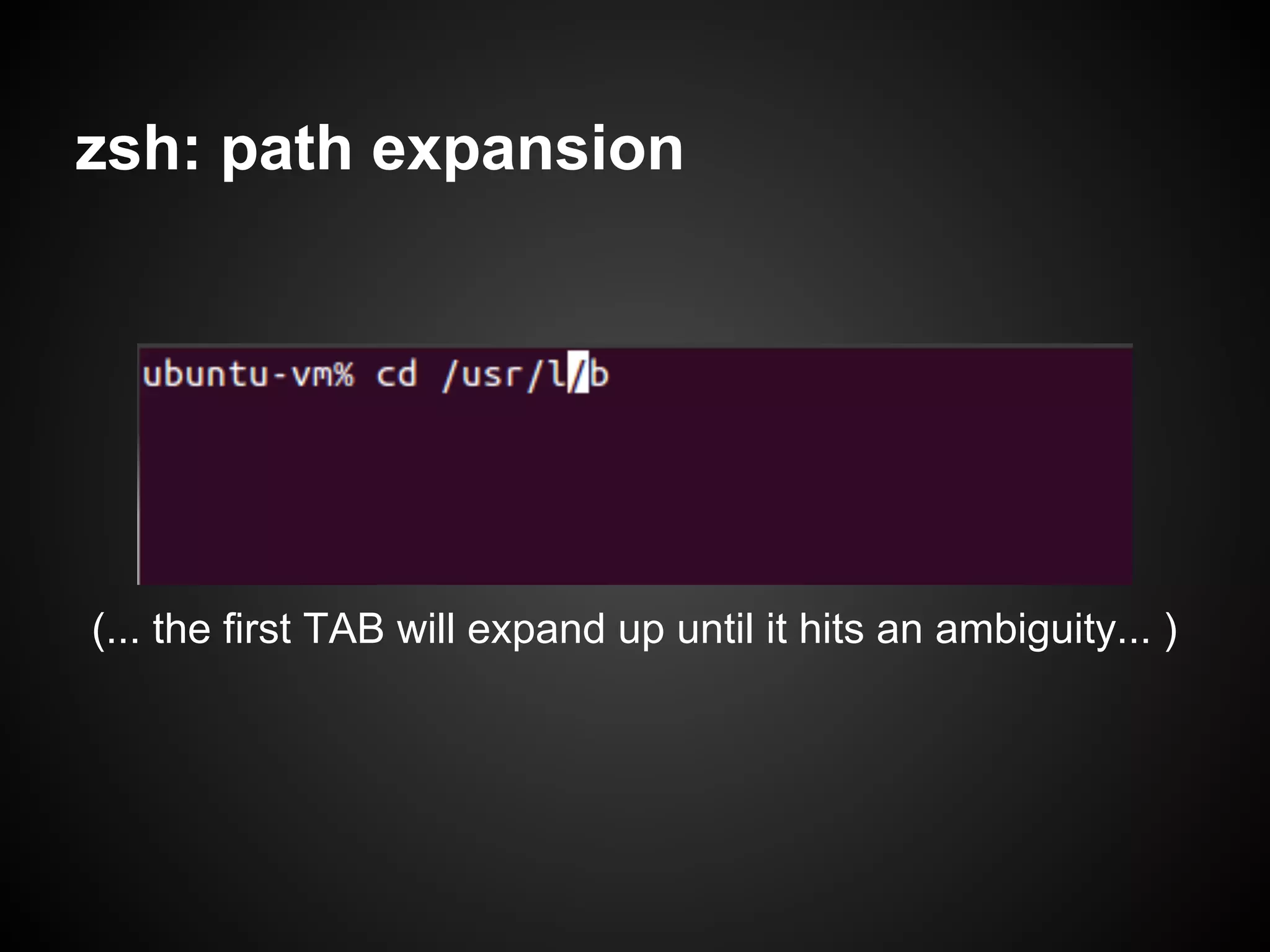
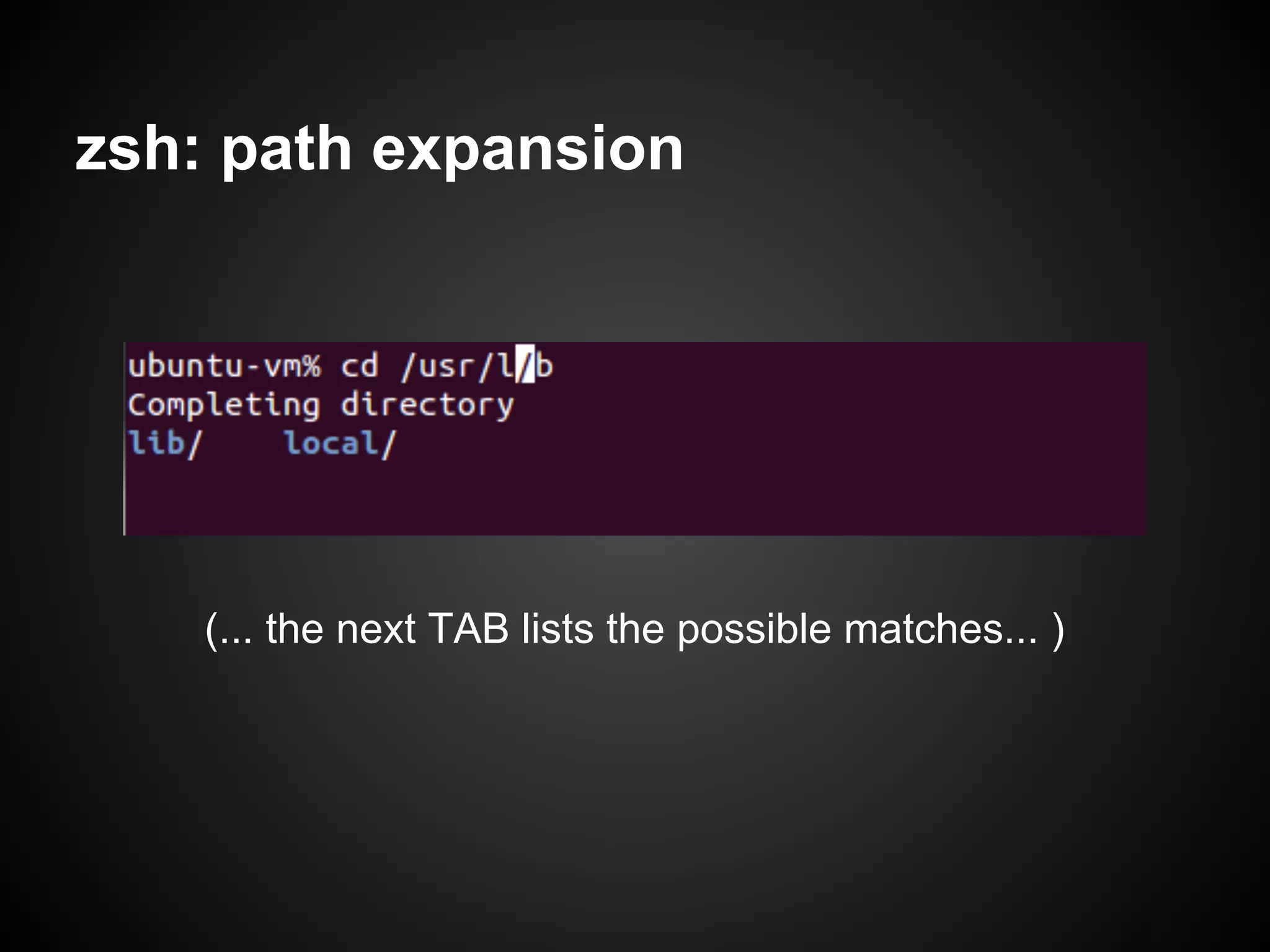
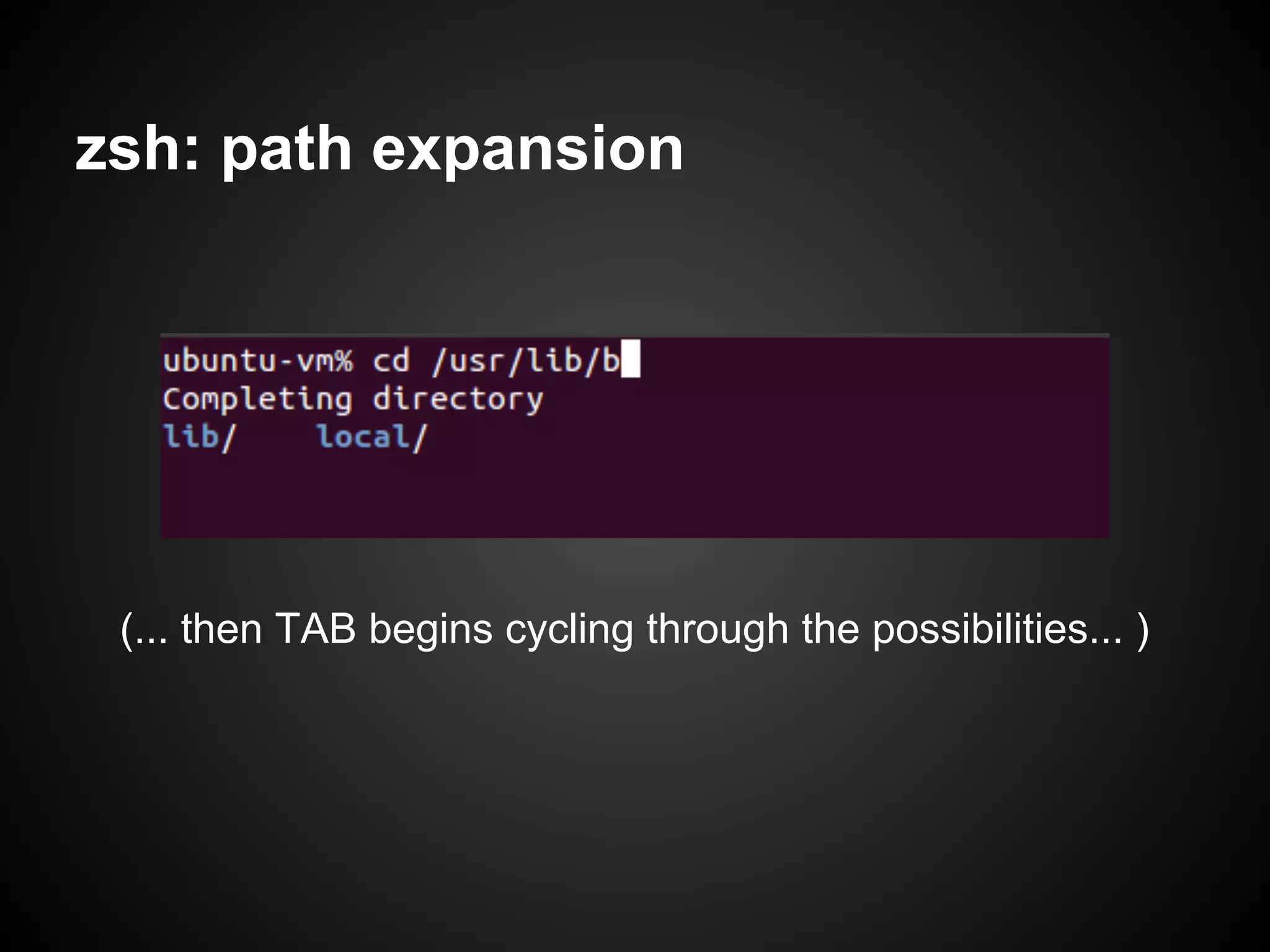
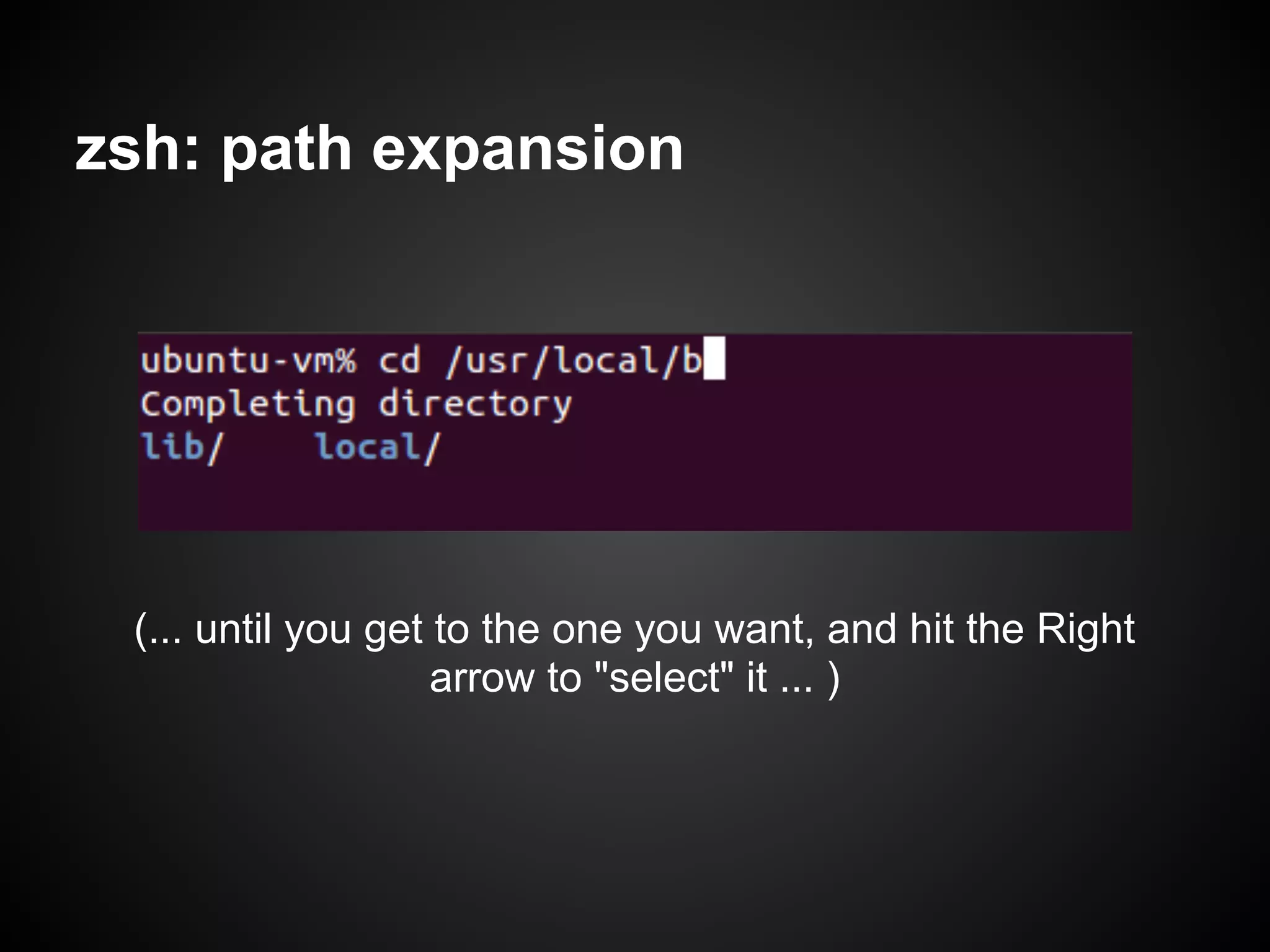
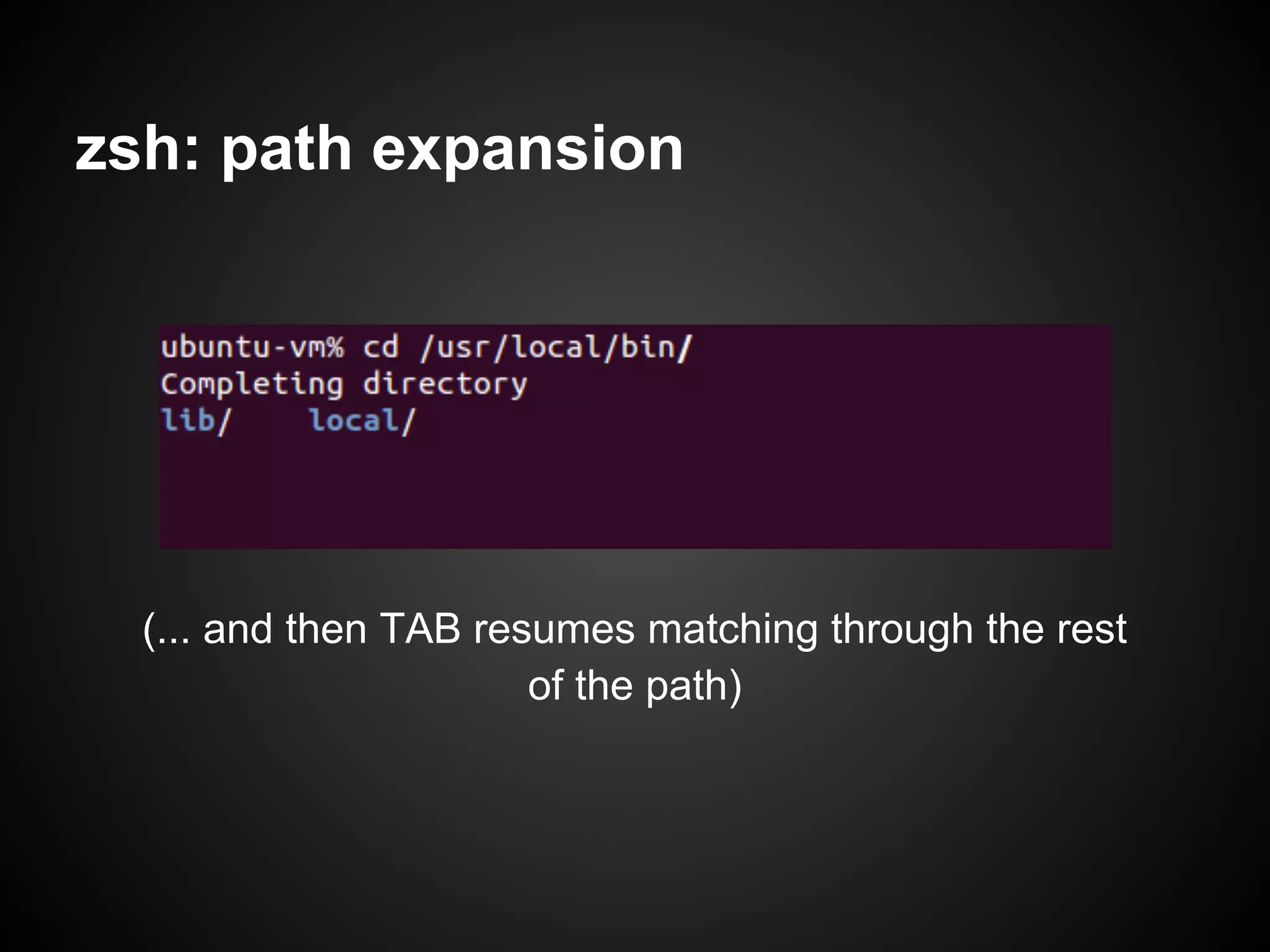
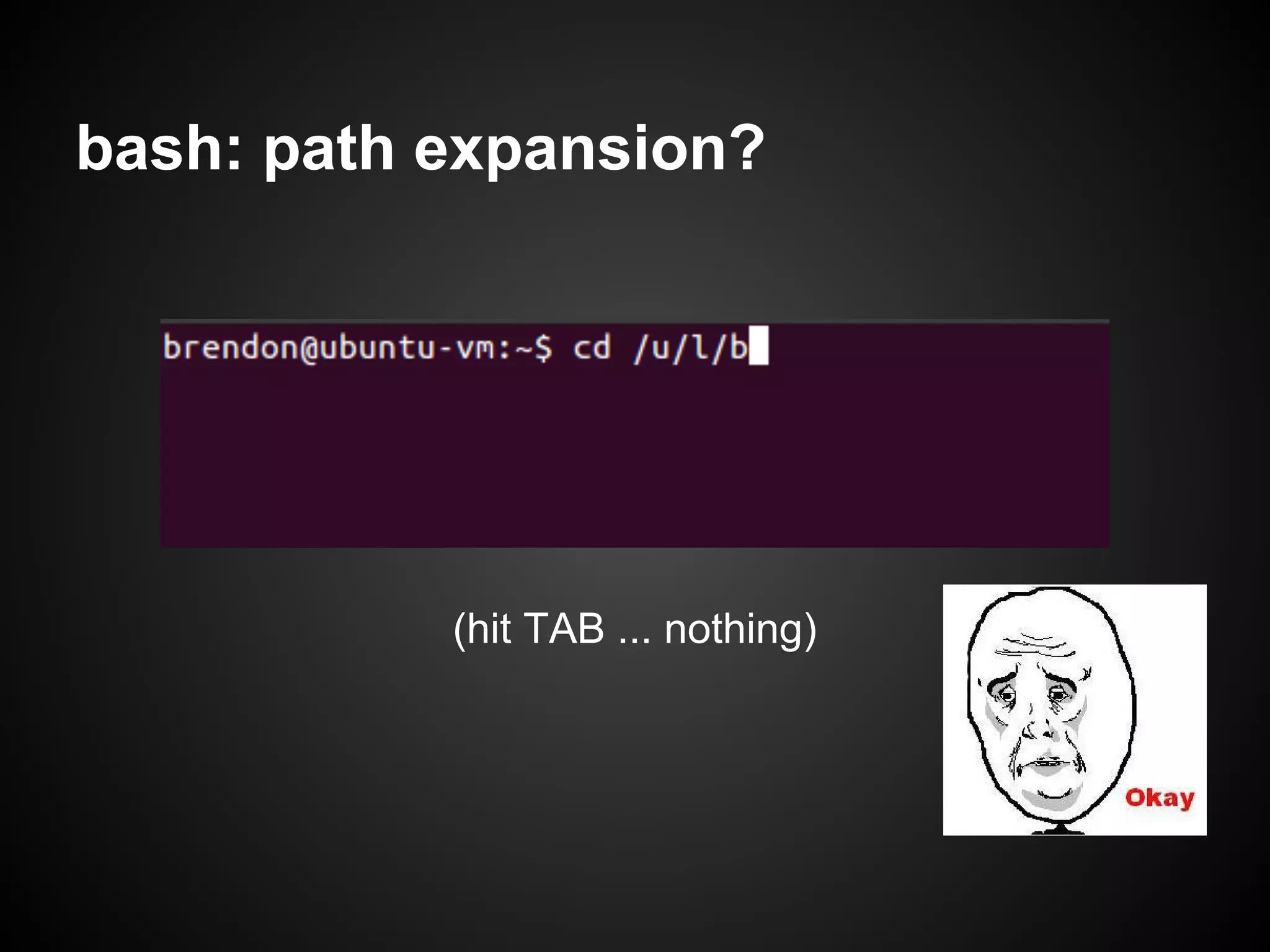
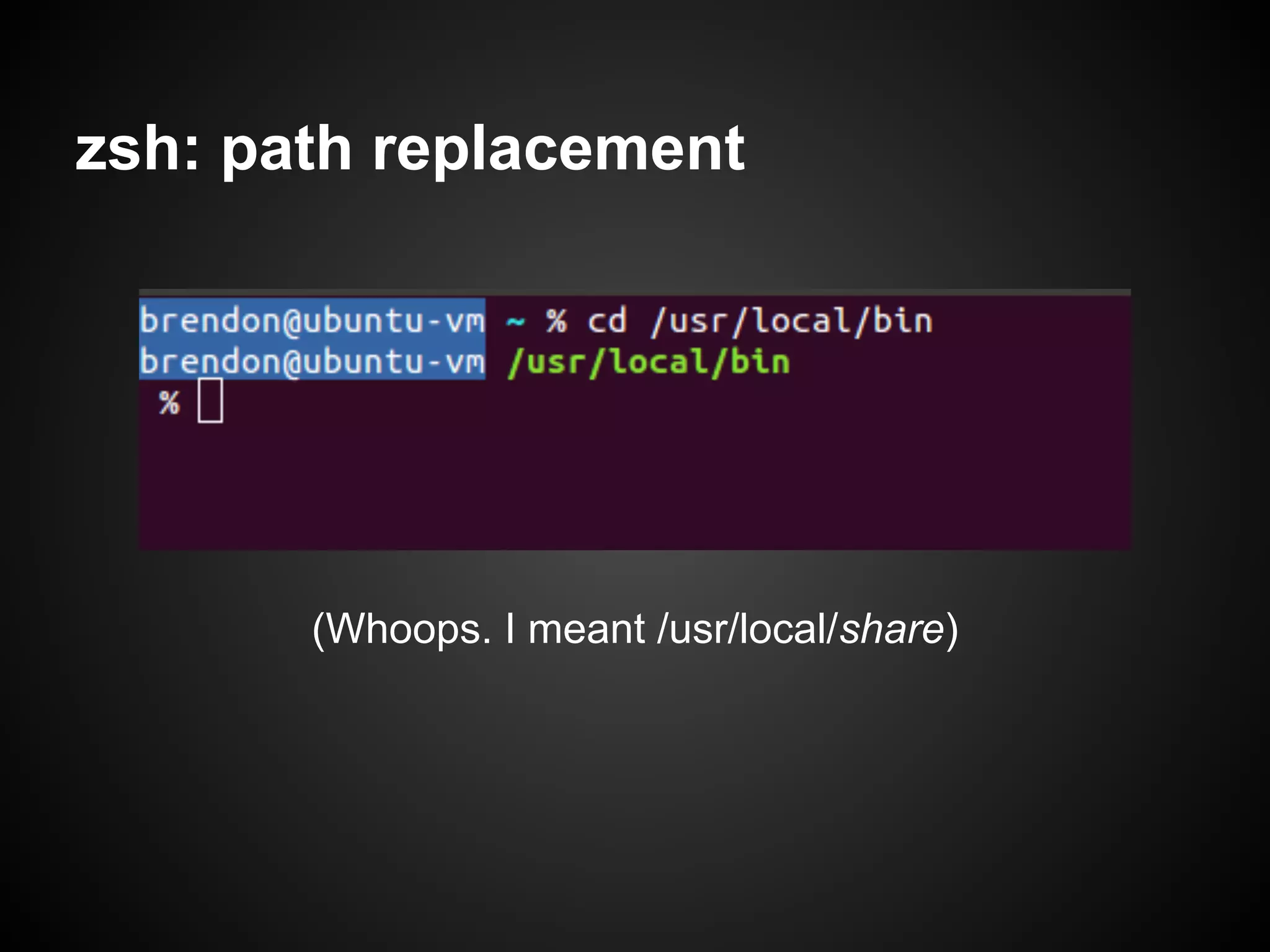
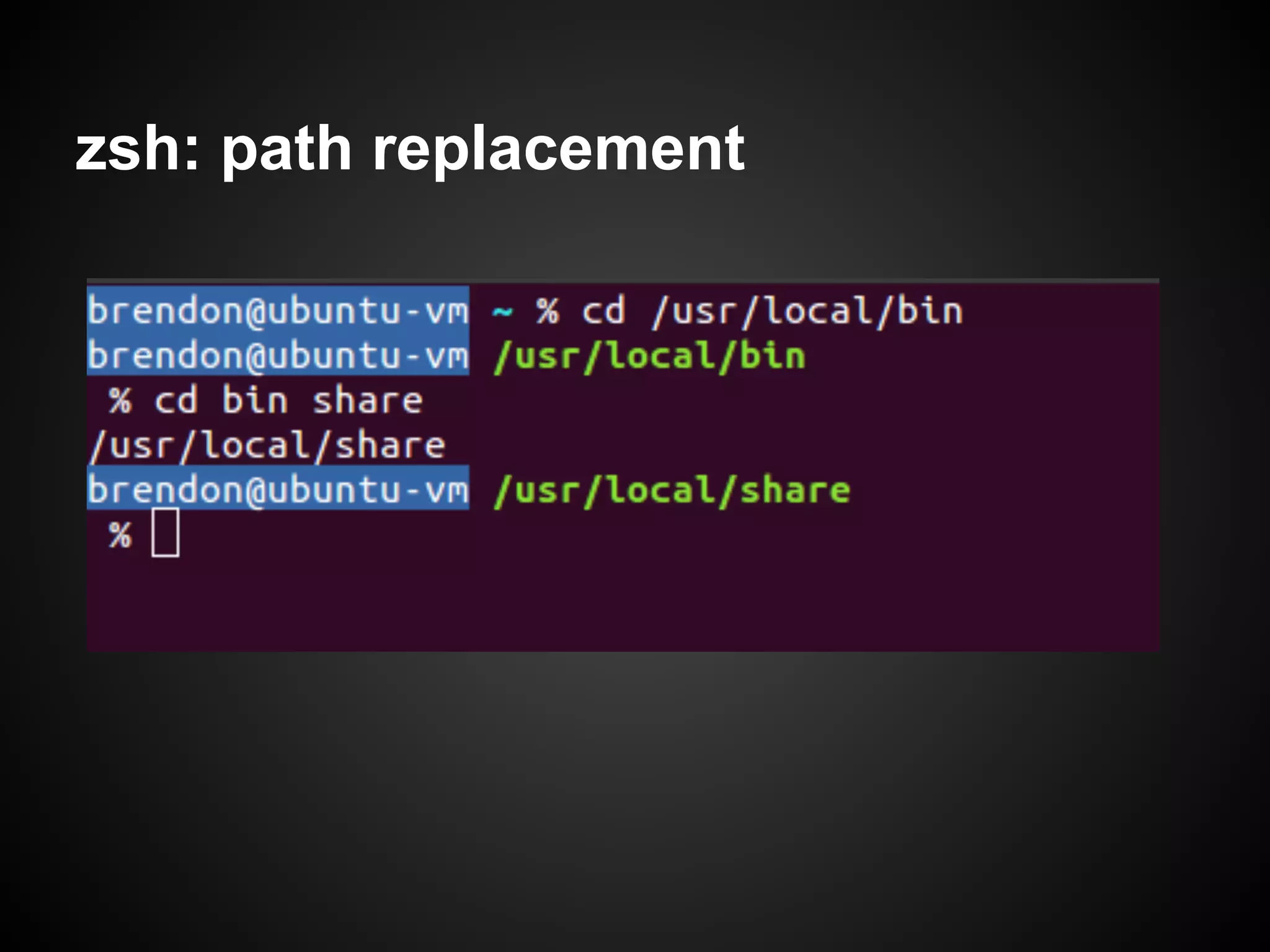
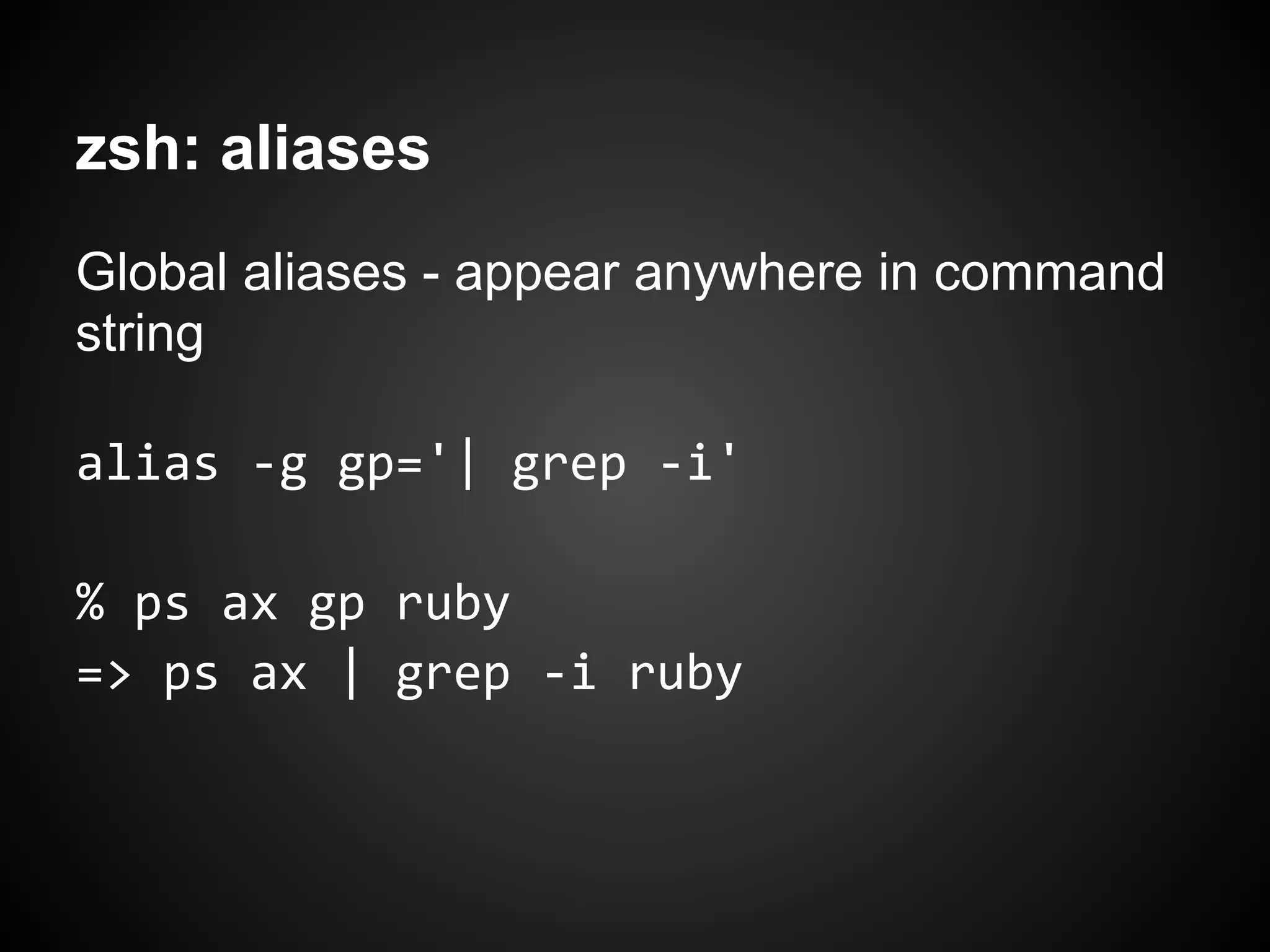
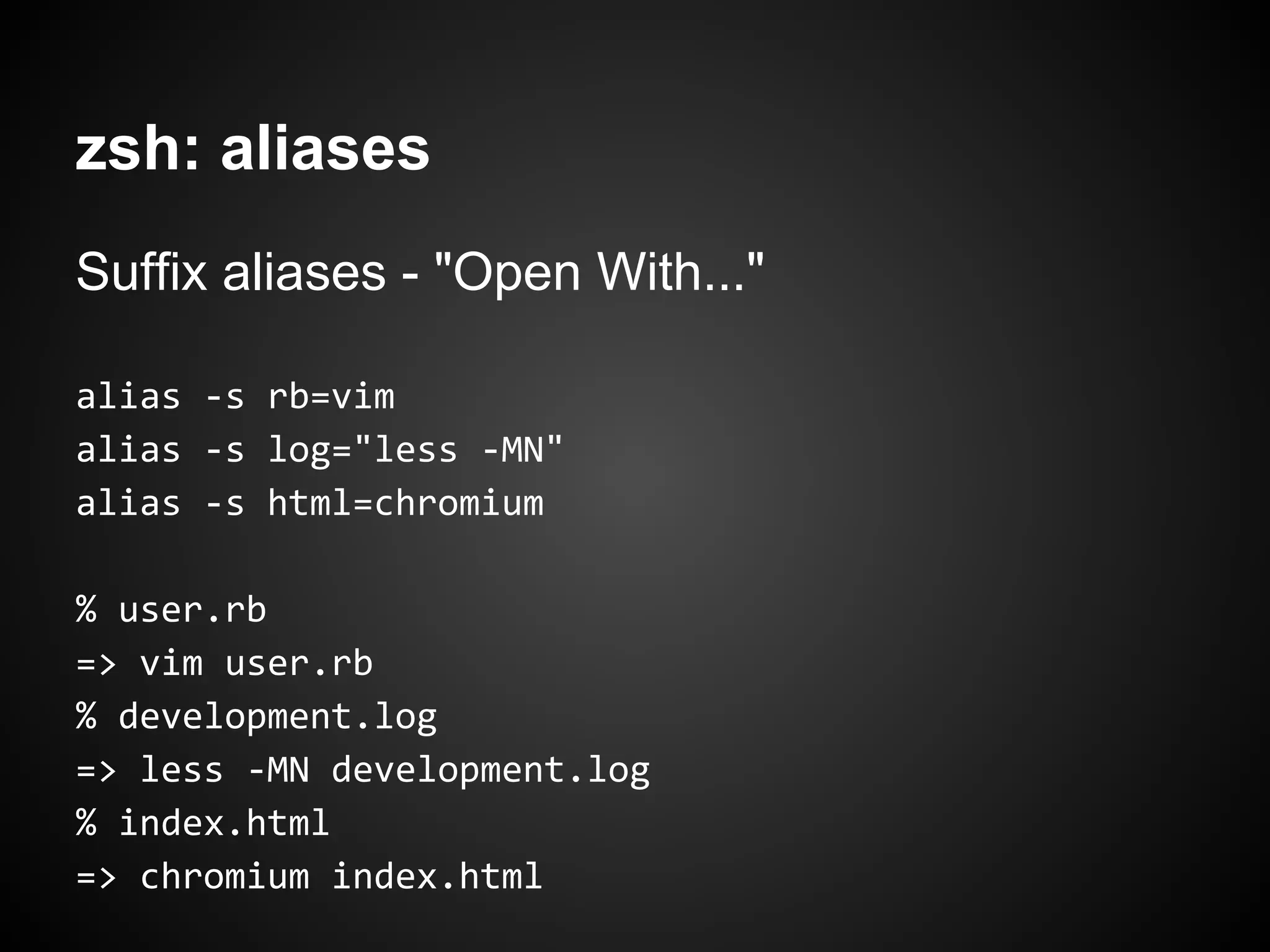
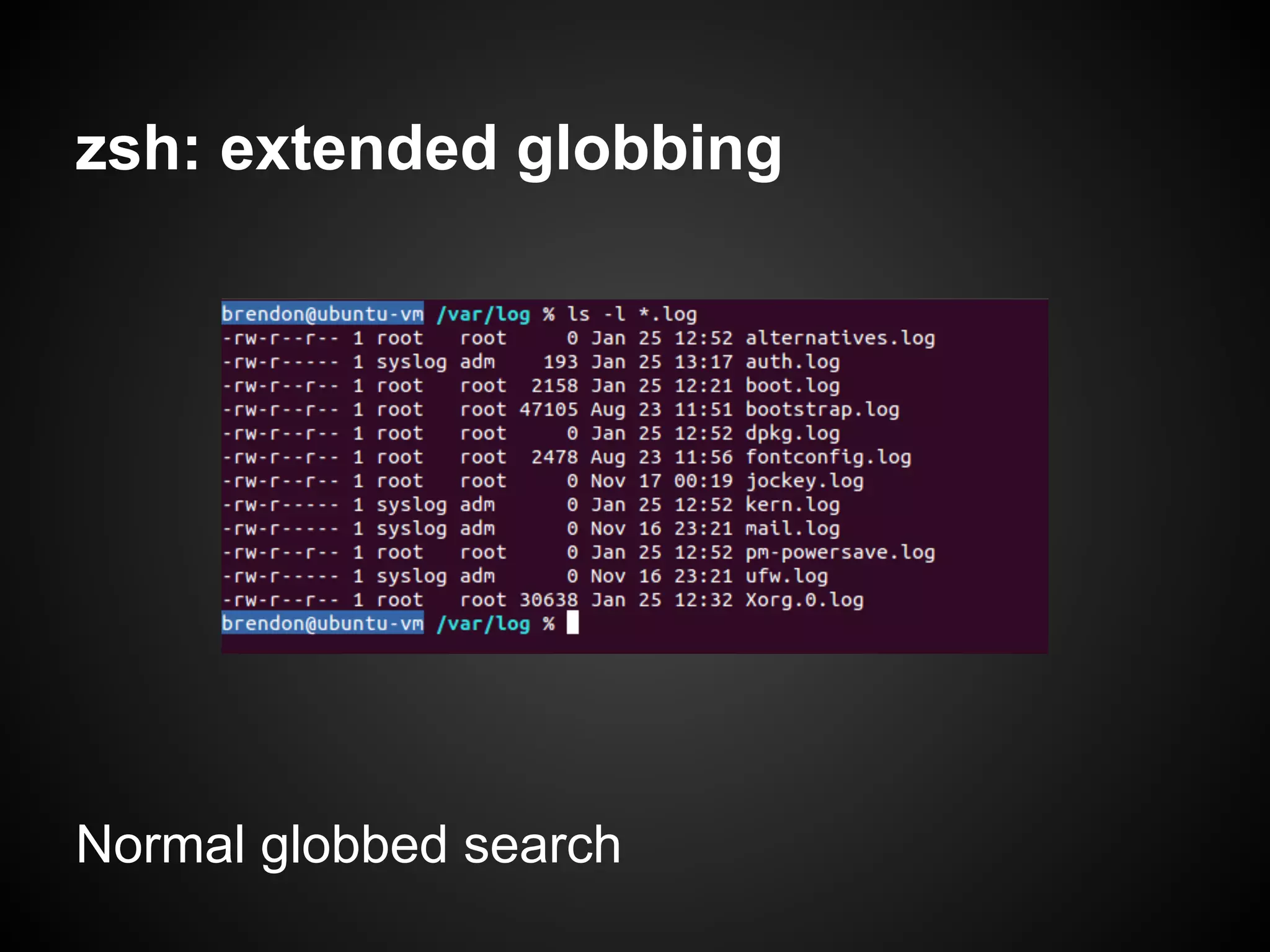
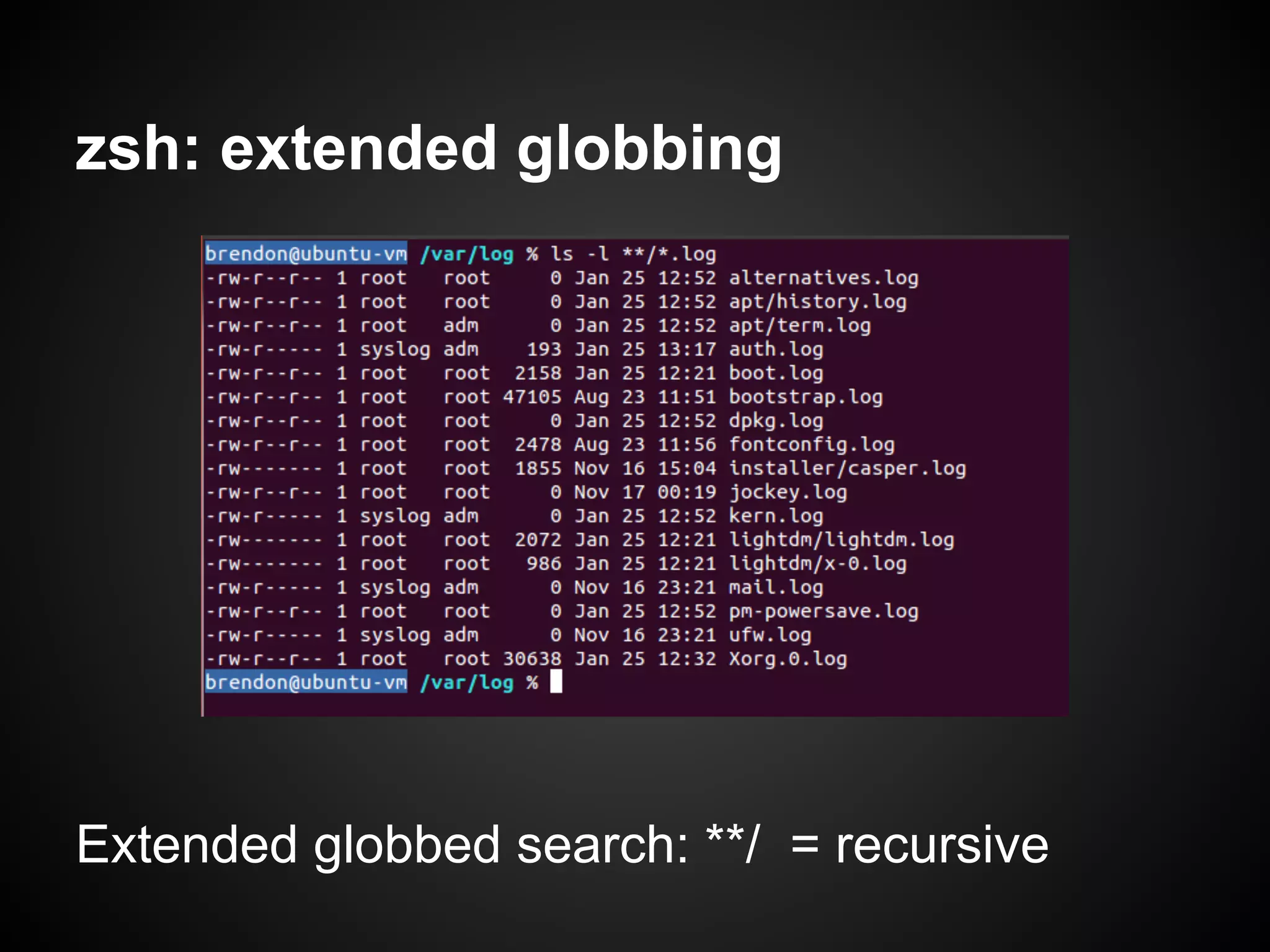
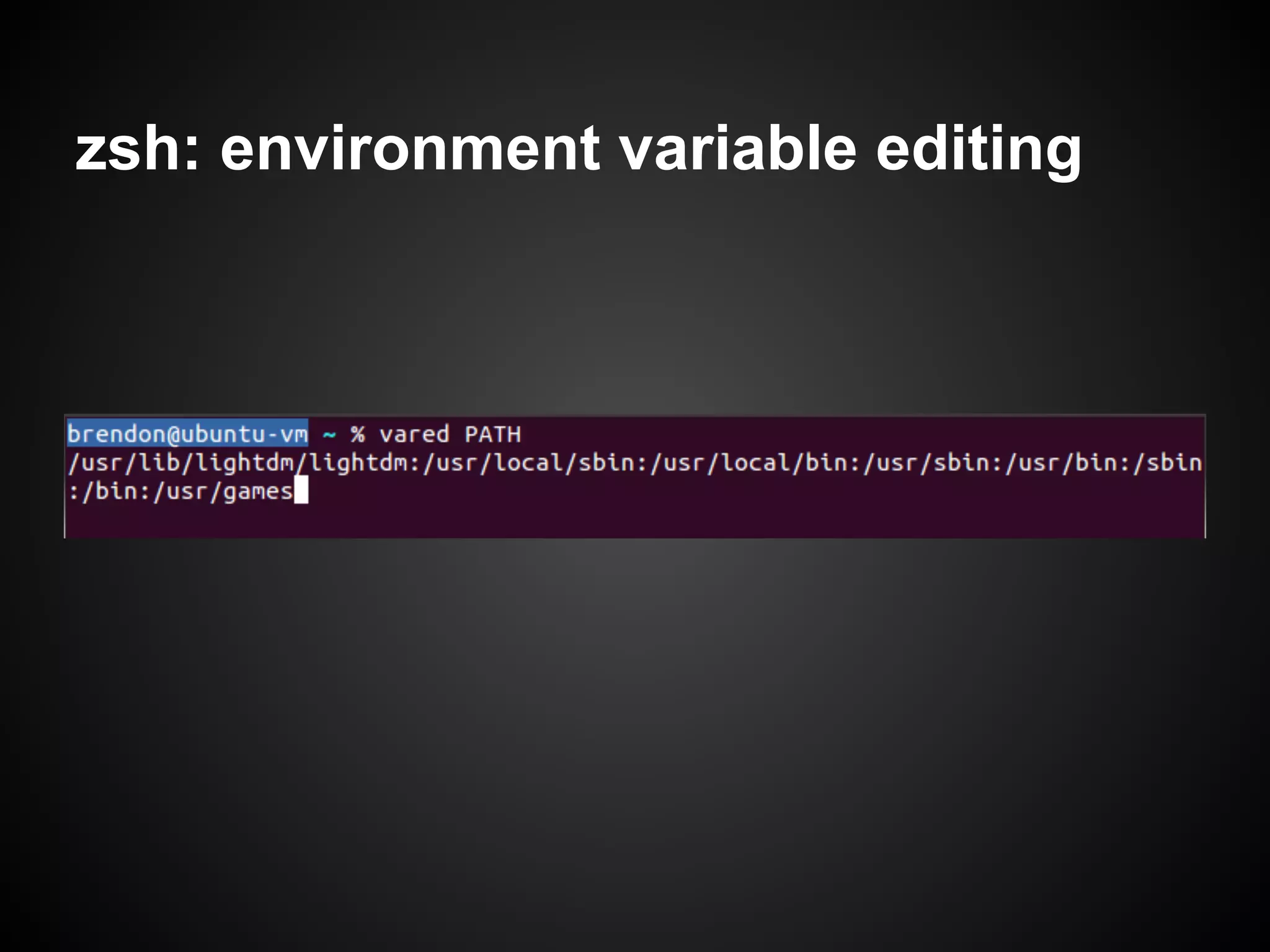
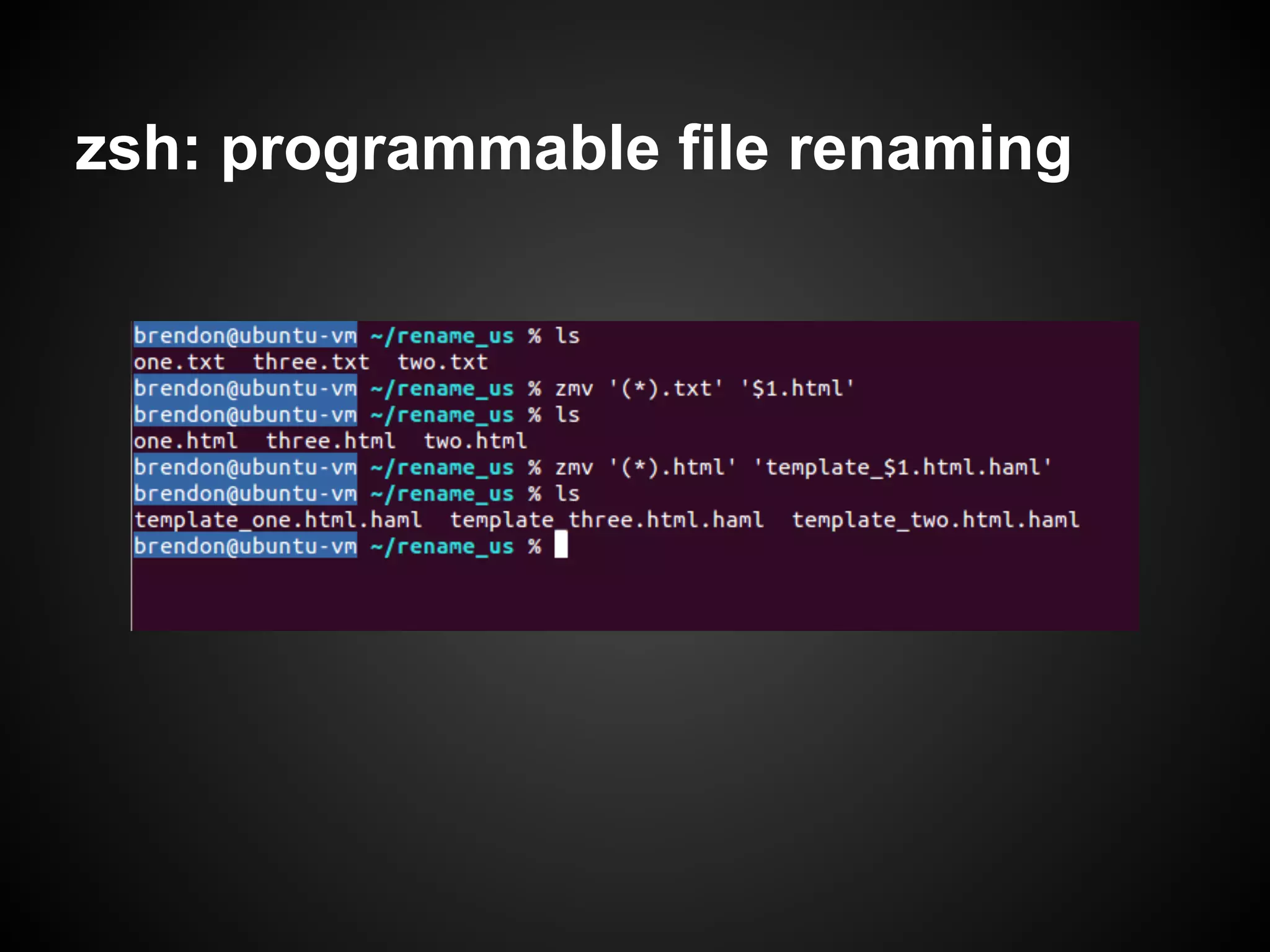
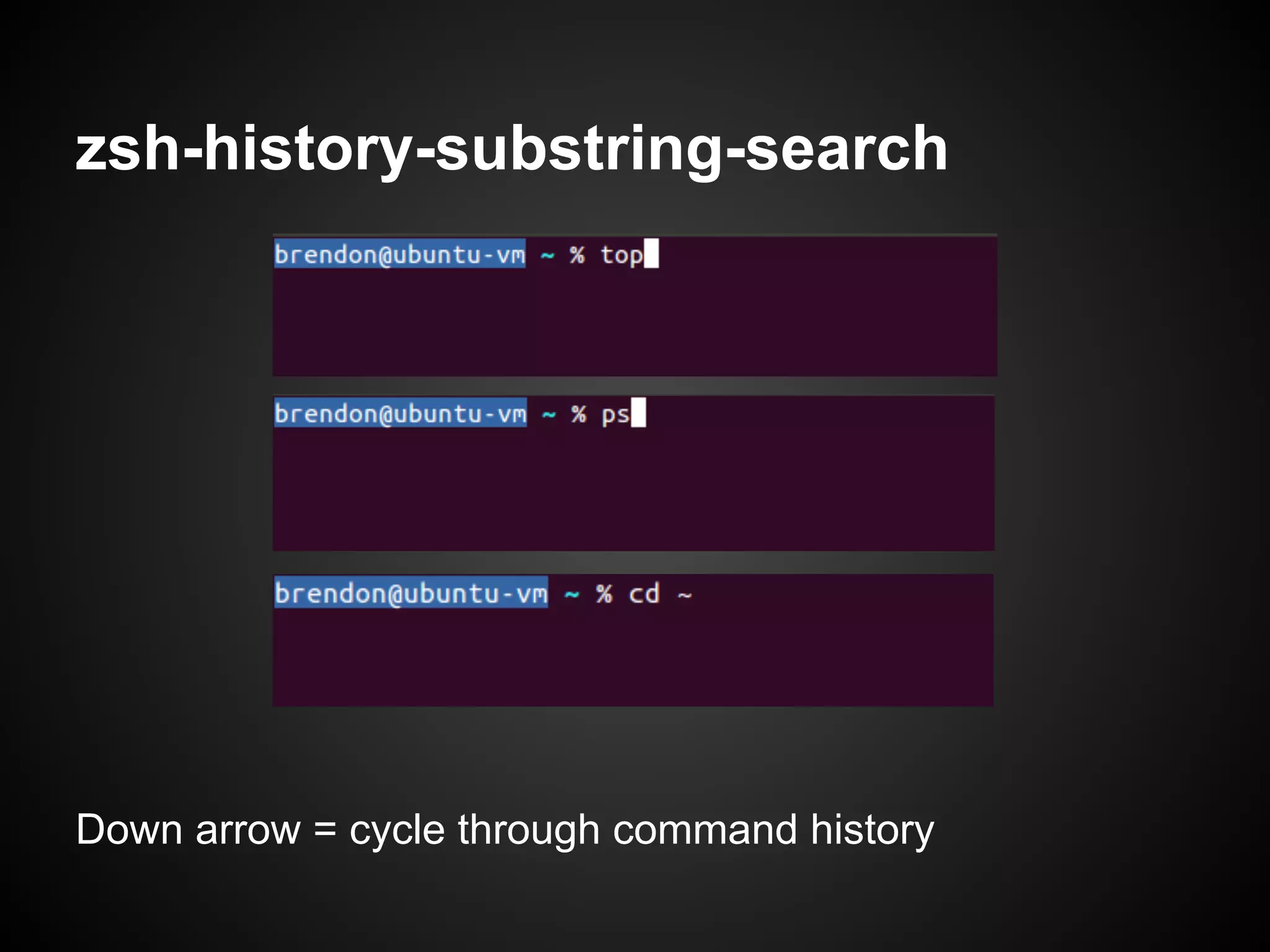
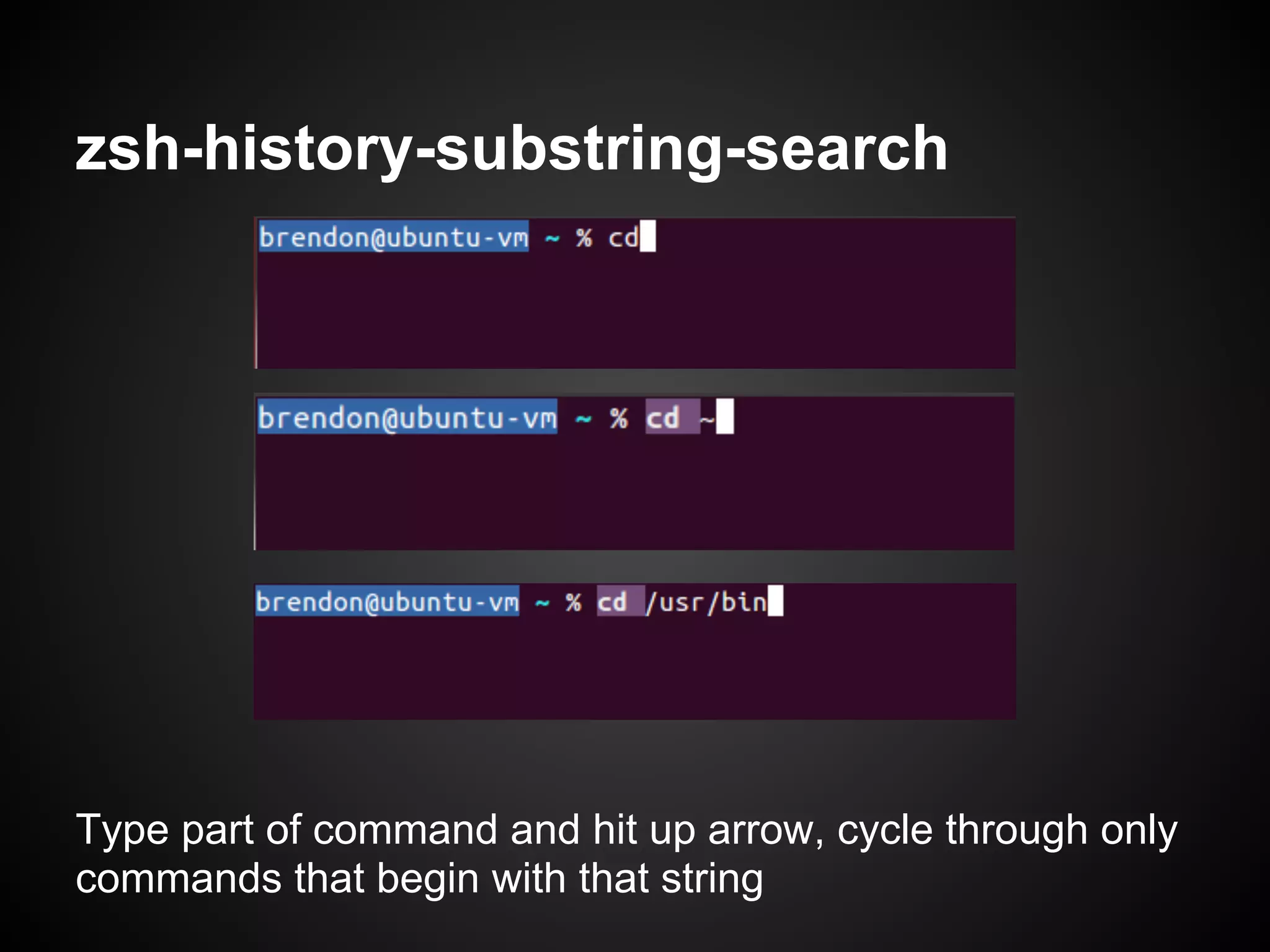
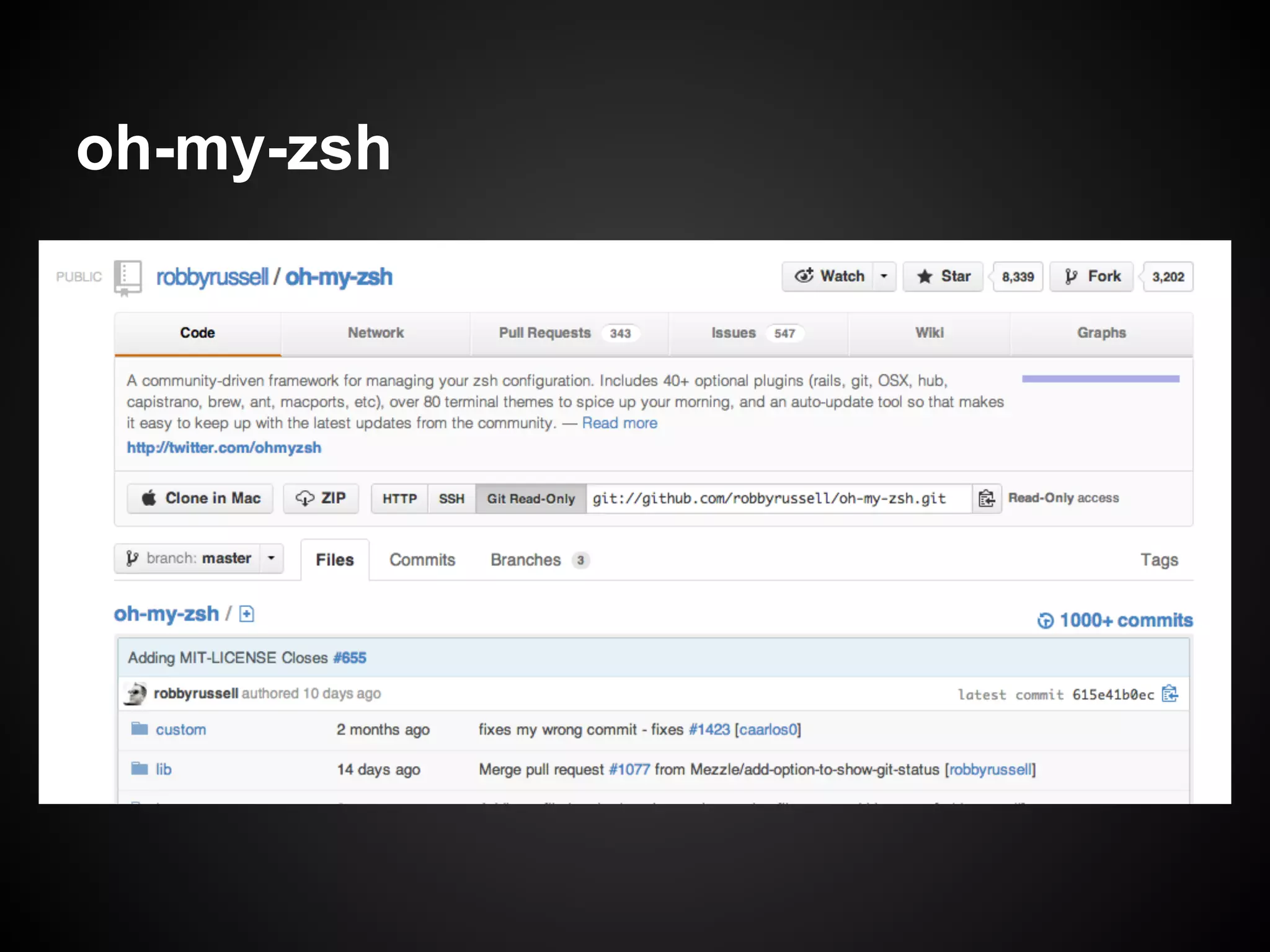
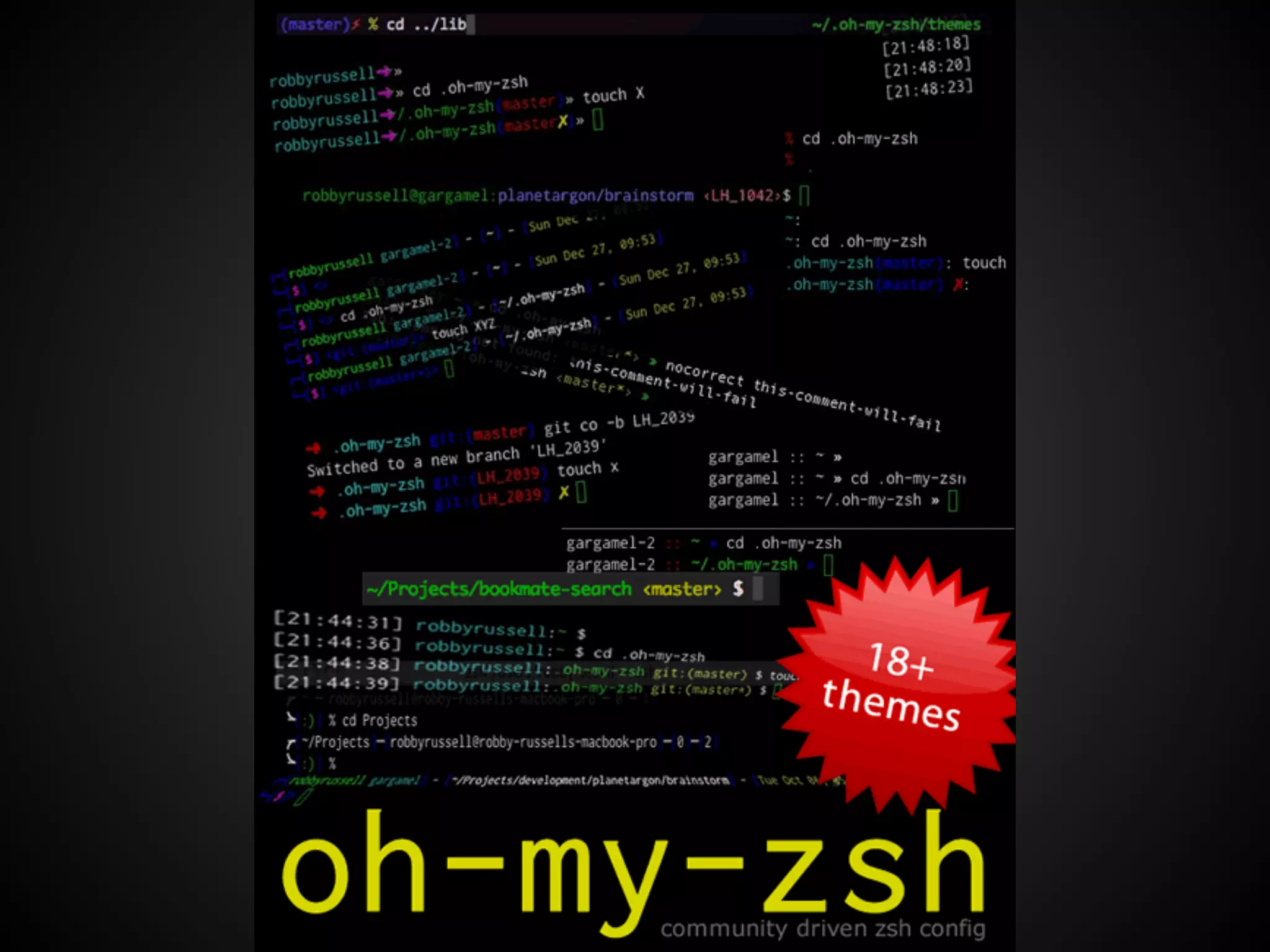
Z shell (zsh) provides many powerful features out of the box that can make the shell experience more efficient and productive compared to other shells like bash. Zsh includes advanced tab completion for commands like git, path expansion and replacement, right-hand prompts, spelling correction, powerful aliases, extended globbing, environment variable editing, and programmable file renaming. It also features intuitive history searching, syntax highlighting, and integration with the oh-my-zsh framework. Overall, zsh's extensive capabilities and customization options allow users to optimize their shell workflow.
In this document
Powered by AI
Brendon Rapp discusses why Z shell (zsh) is superior to other shells, humorously suggesting it’s the coolest unless the shell is also zsh.
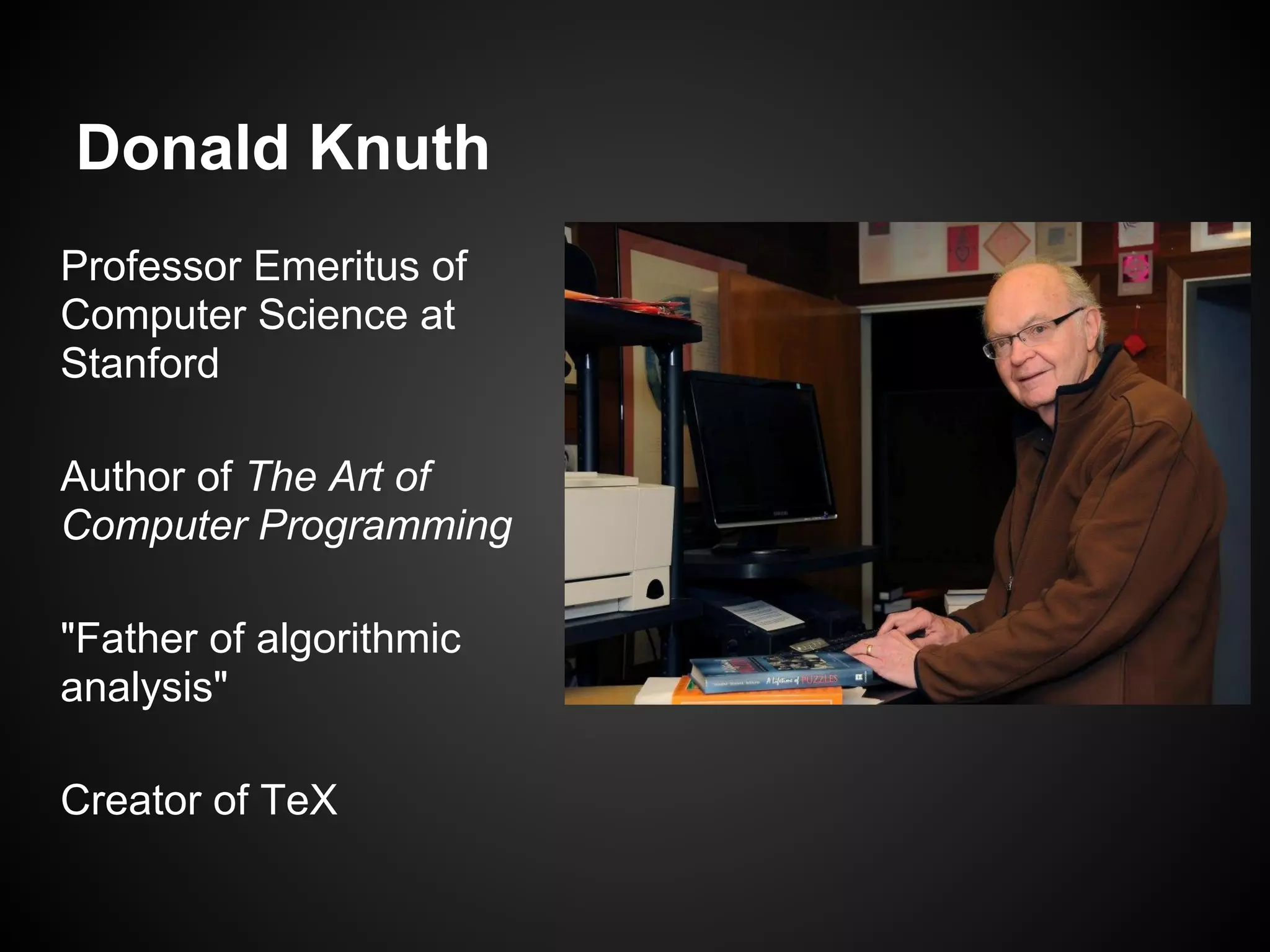
Introduction to Donald Knuth, major contributions to computer science, including authoring The Art of Computer Programming and an early programming challenge involving word frequencies.
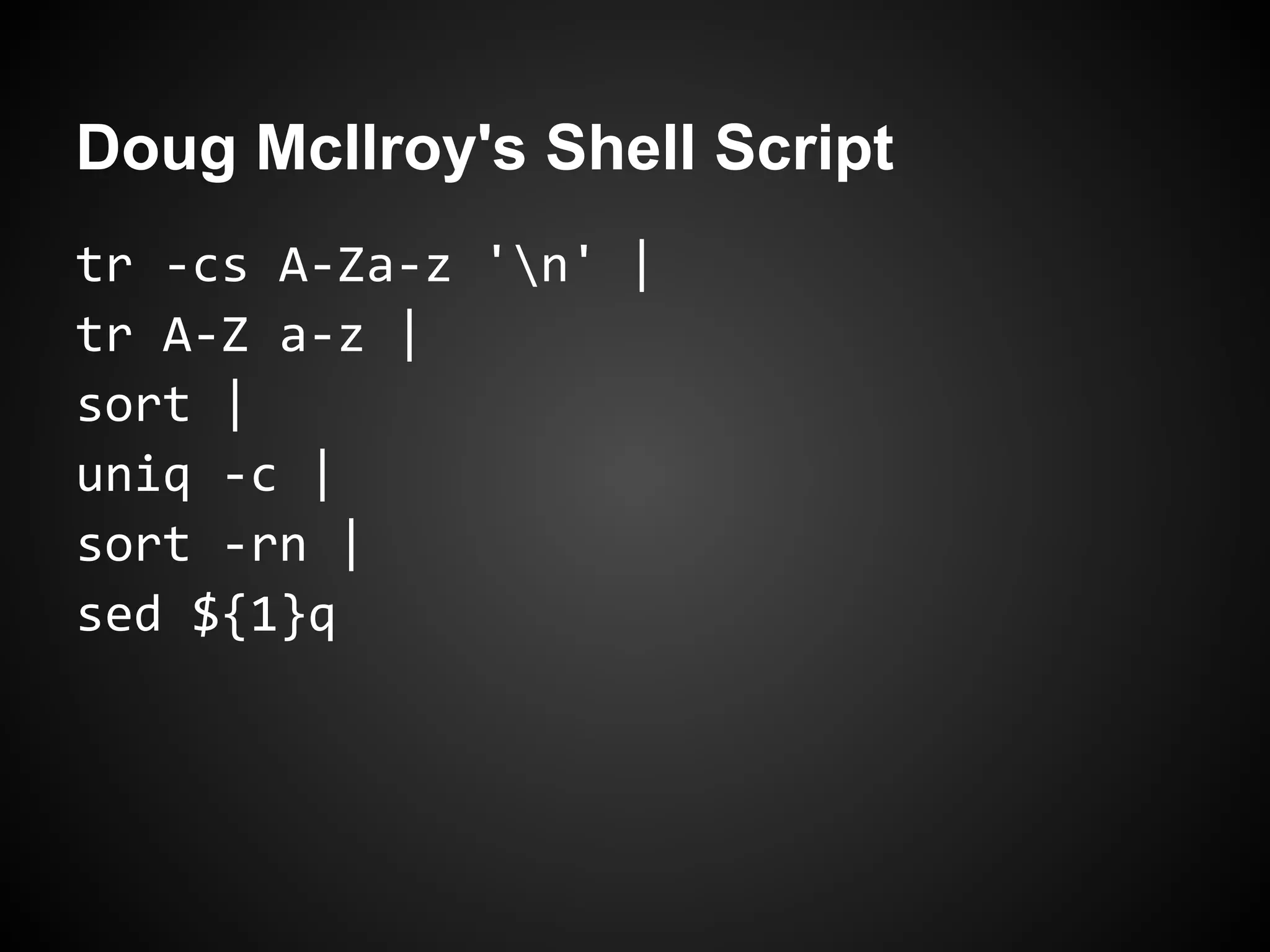
Doug McIlroy responded to Knuth’s challenge with a concise shell script in only six lines, showcasing simplicity in coding.
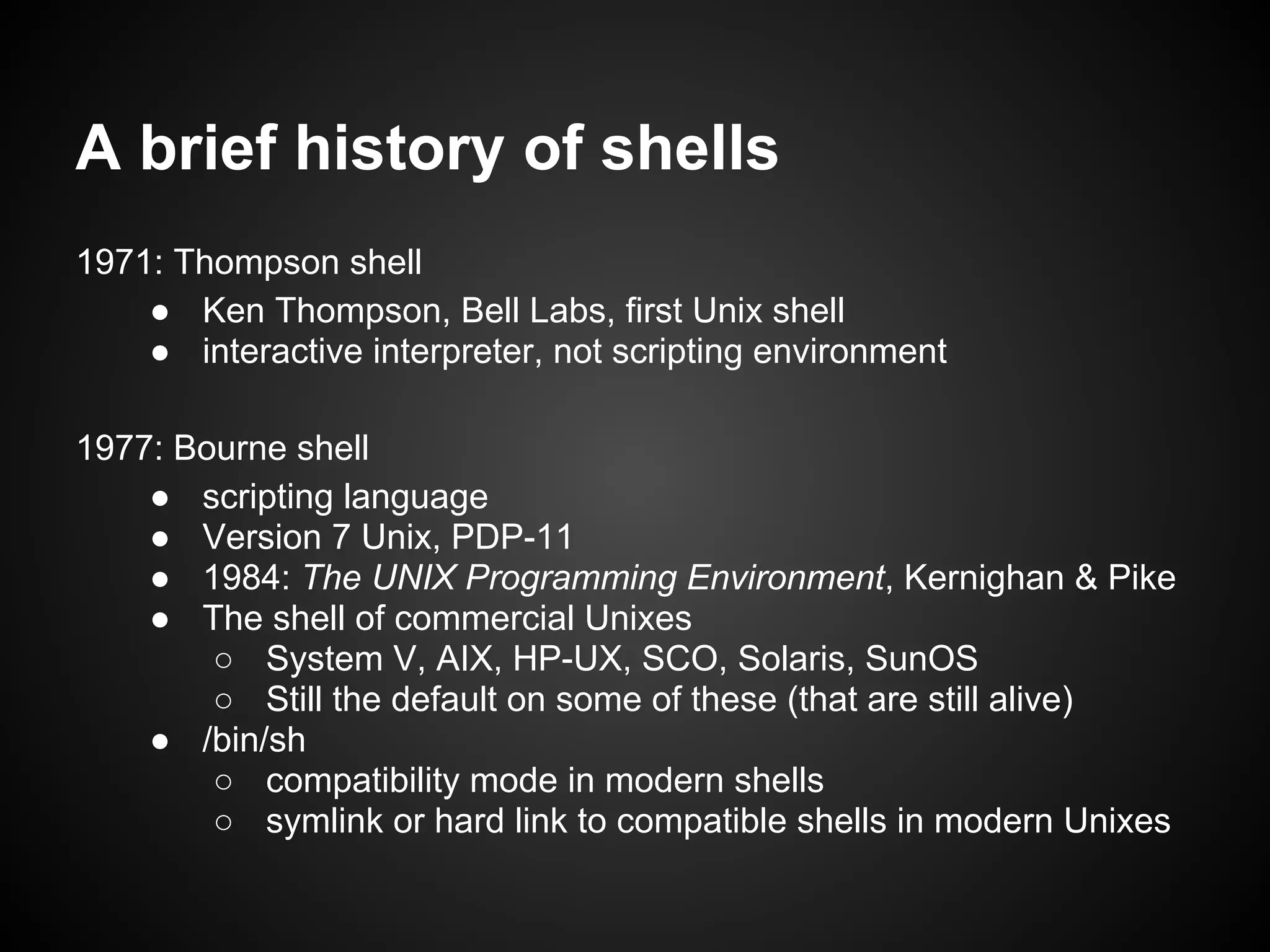
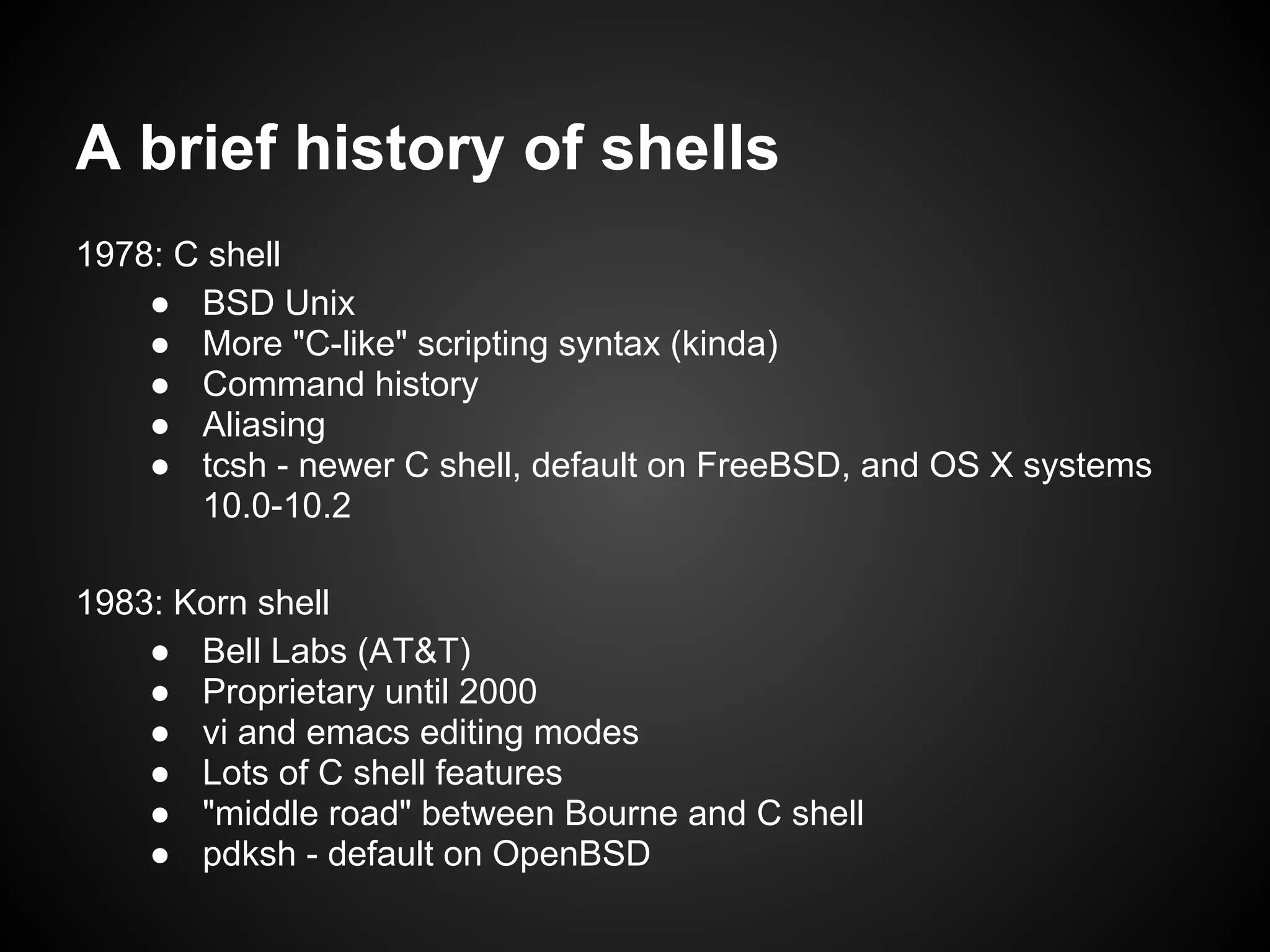
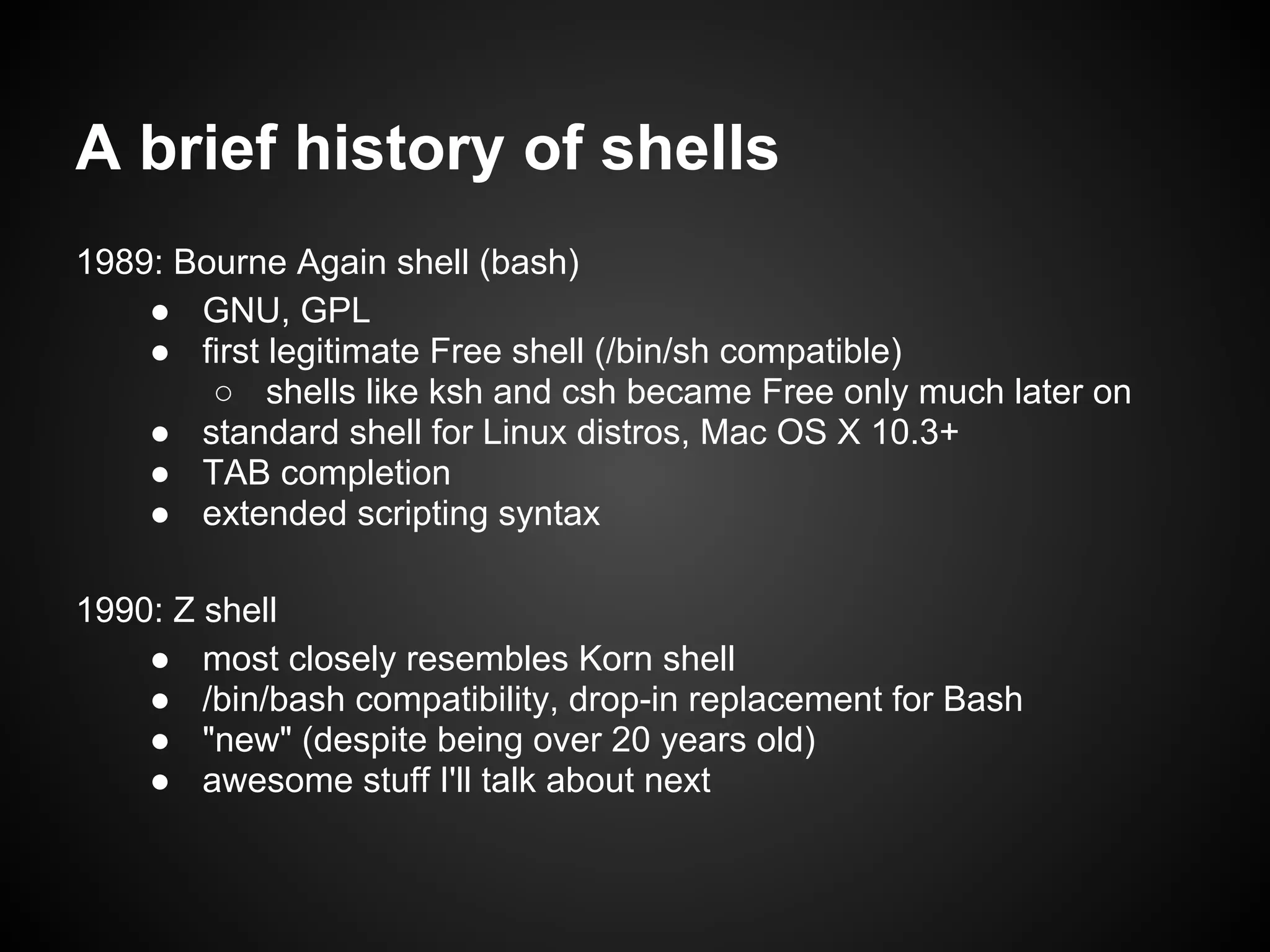
Explores the evolution of Unix shells from Thompson shell (1971) to Bourne Again shell (bash, 1989) and the introduction of Z shell (1990).
Discusses motivations for utilizing zsh, highlighting that older versions of Bash in Mac OS X prompt users to switch to zsh.
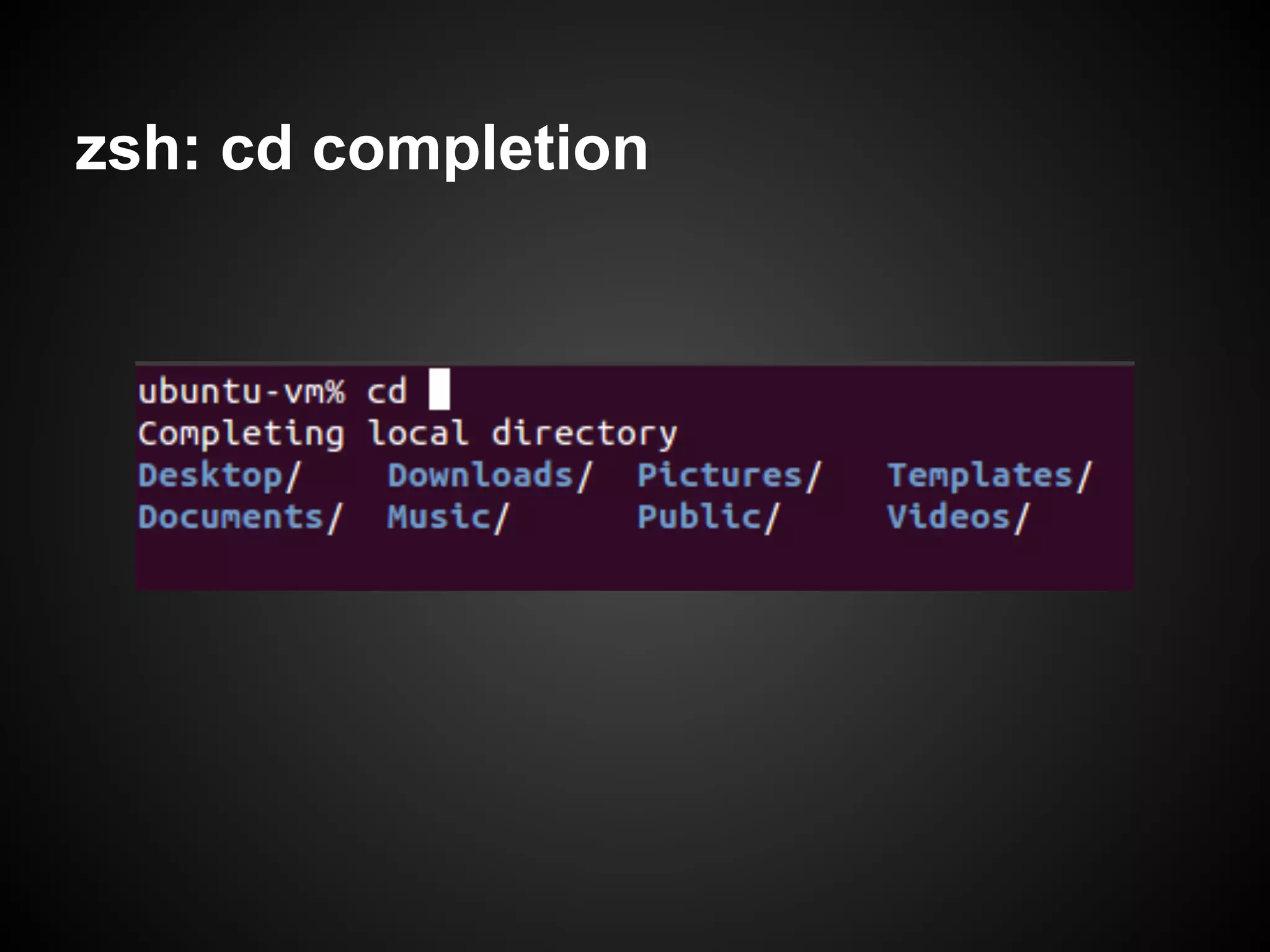
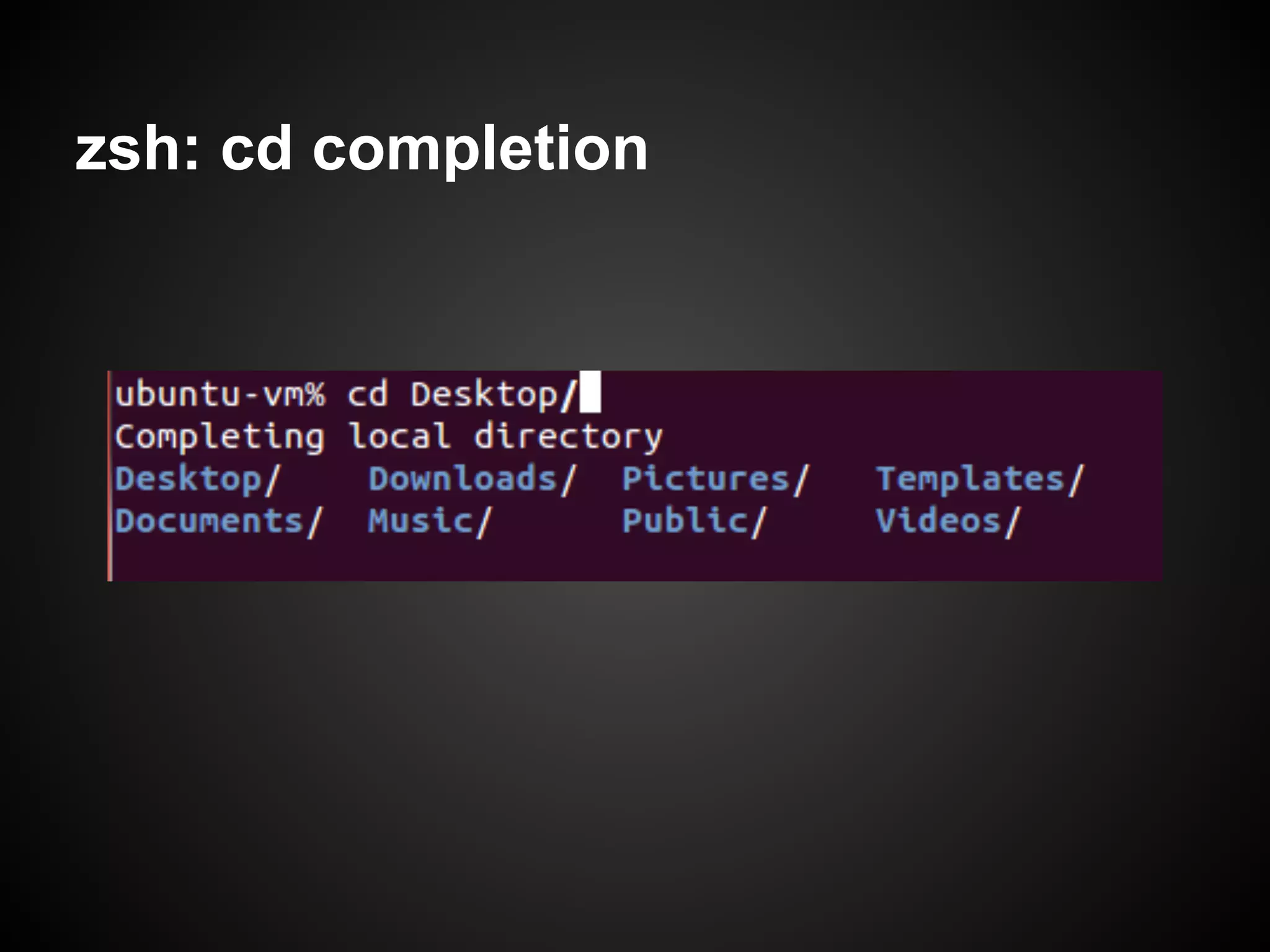
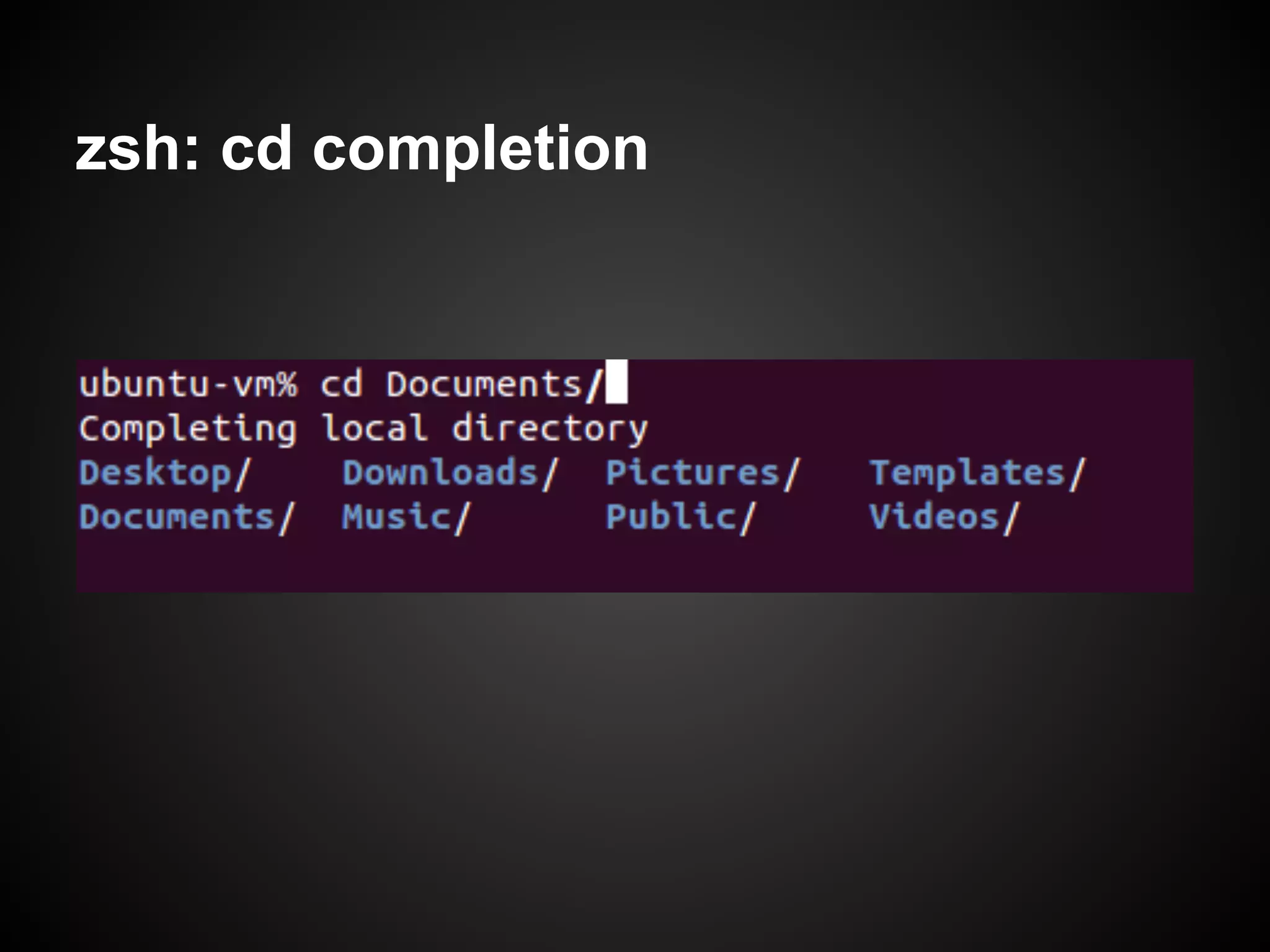
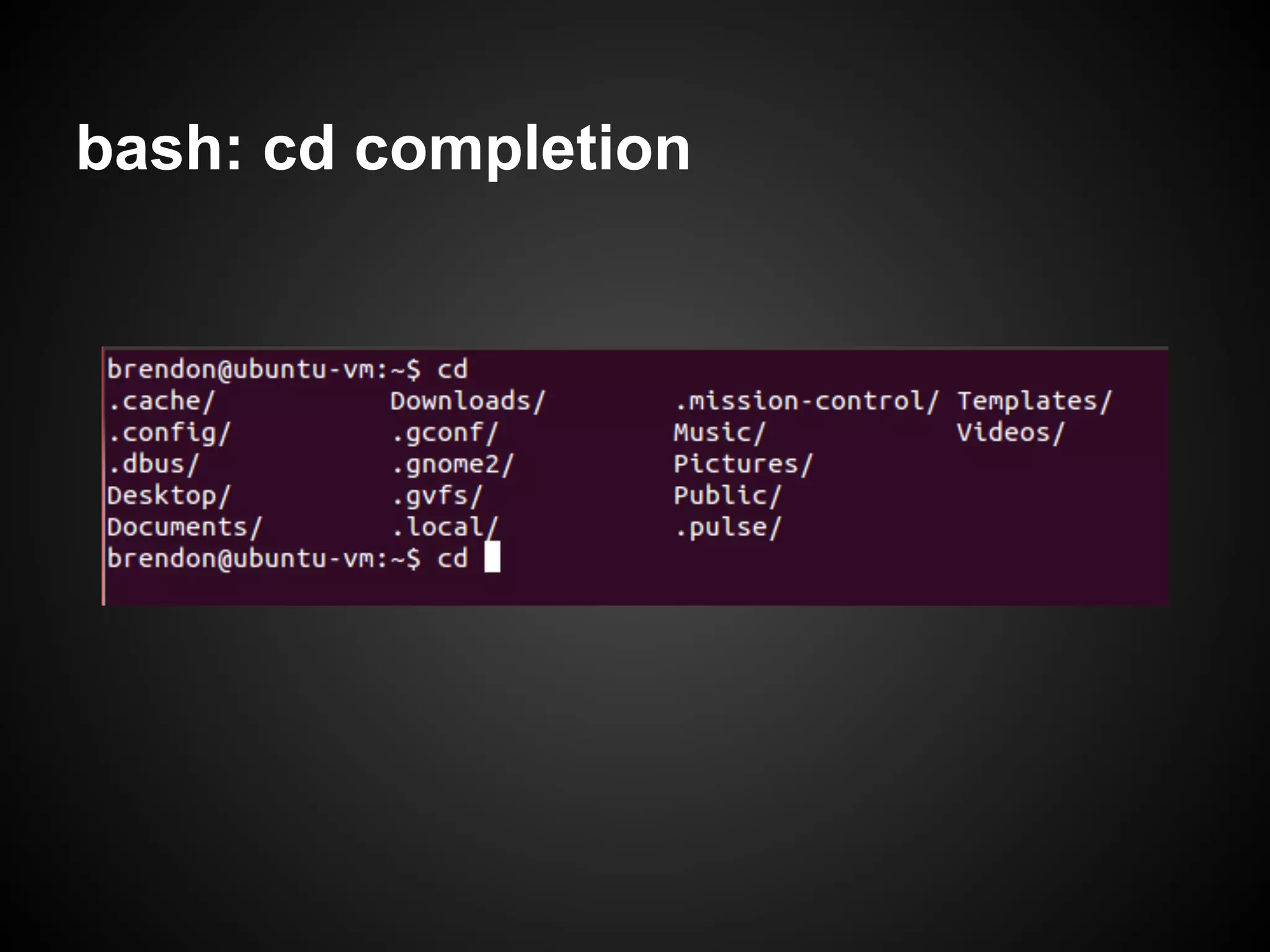
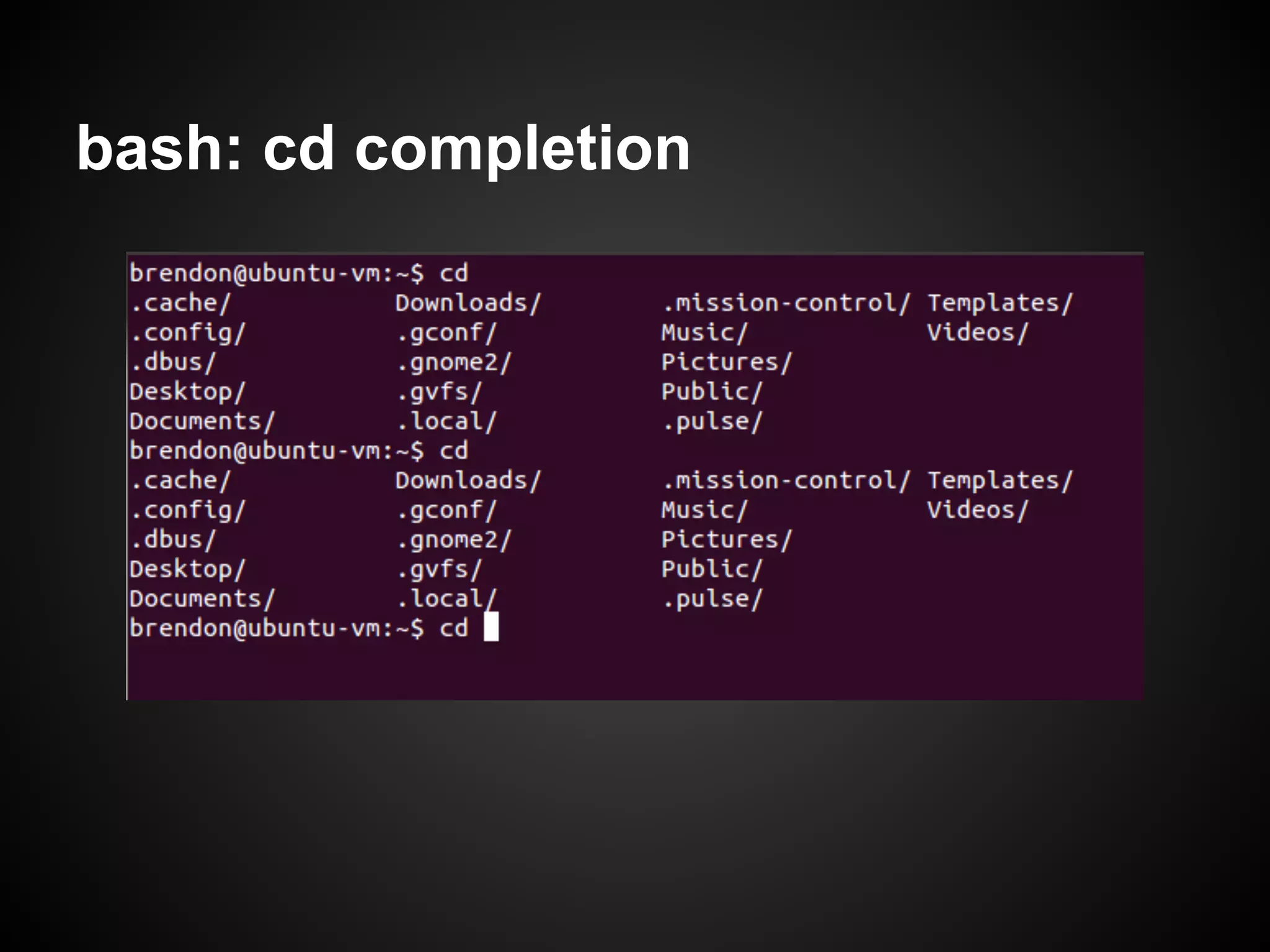
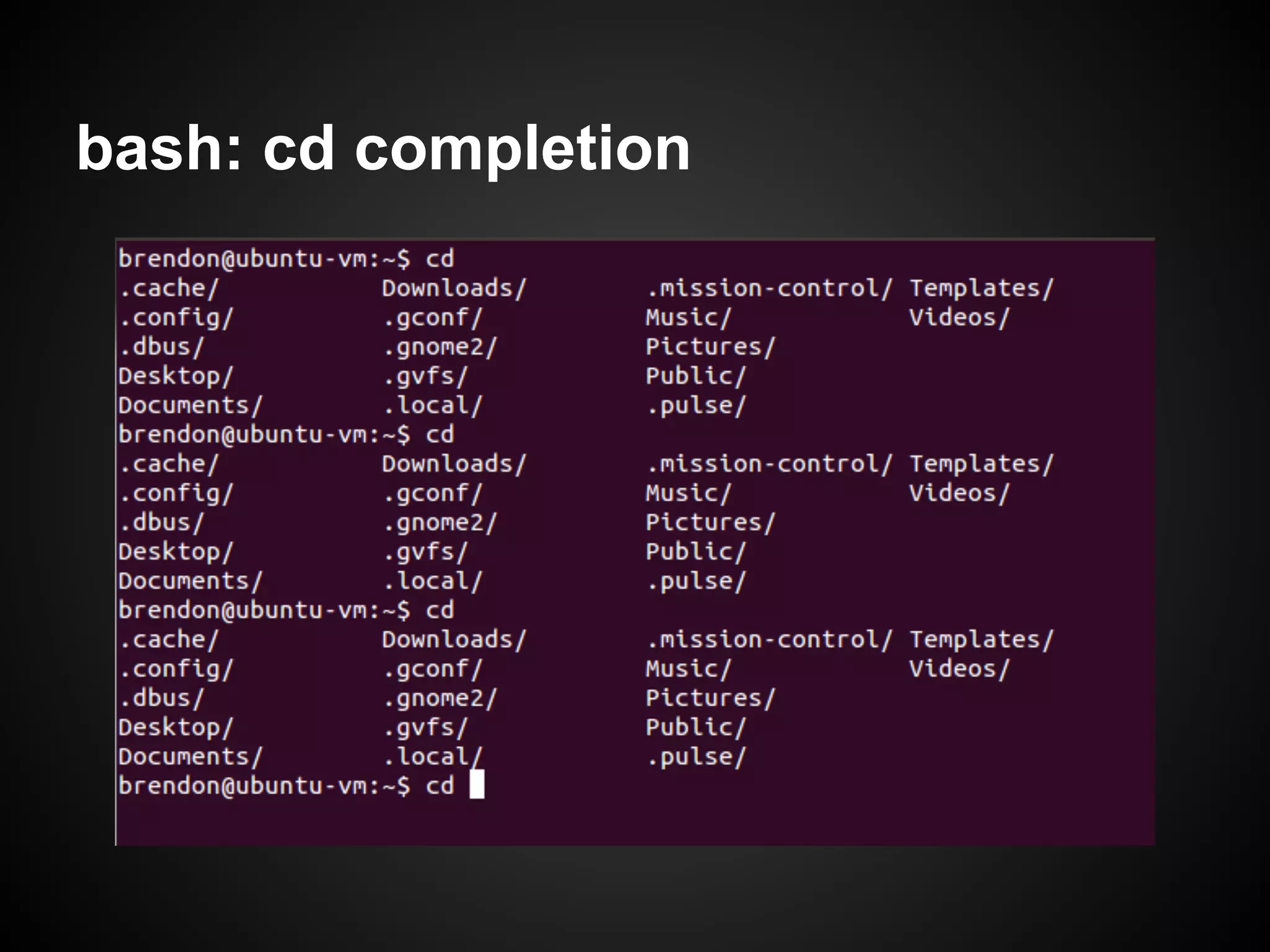
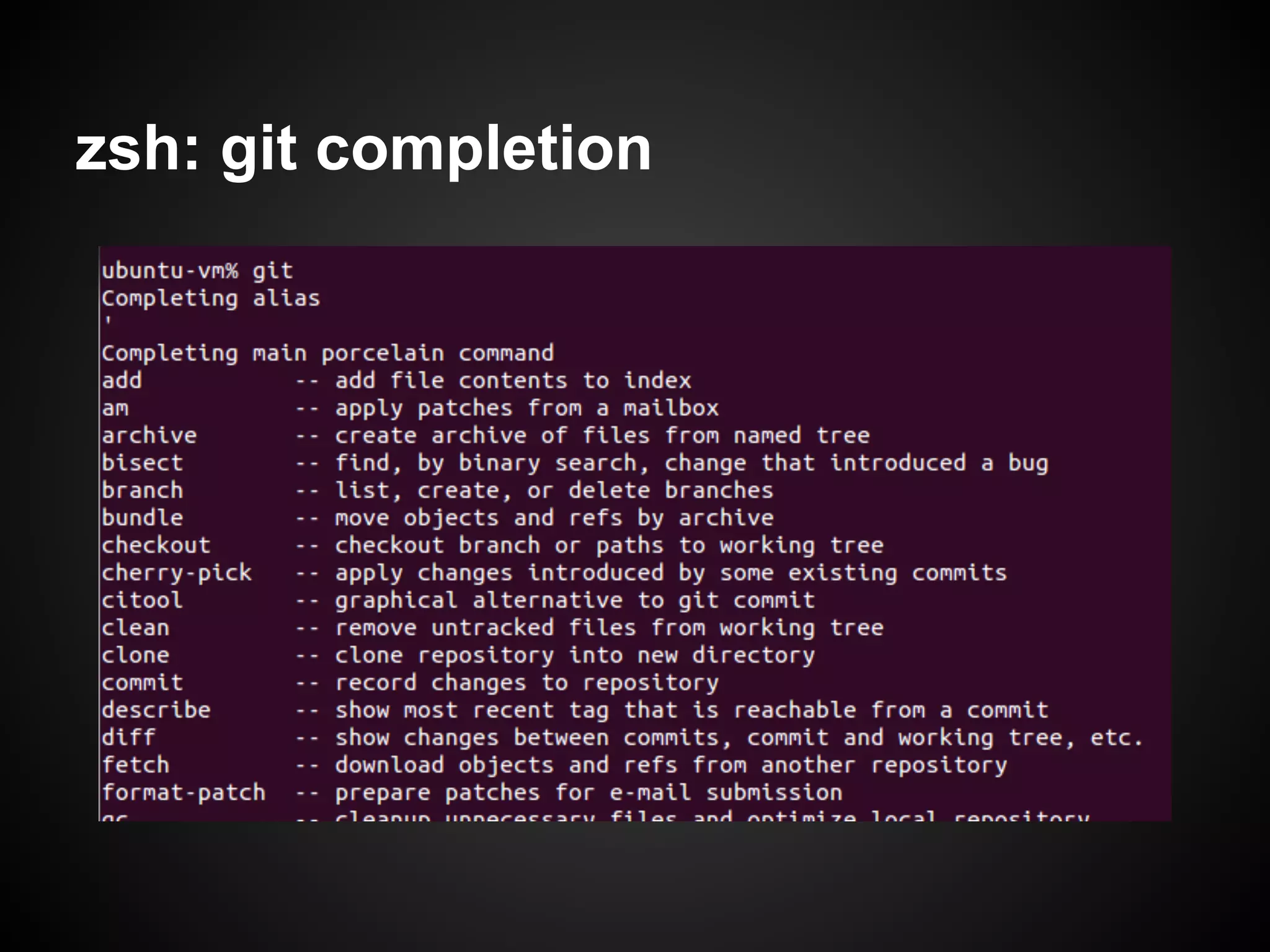
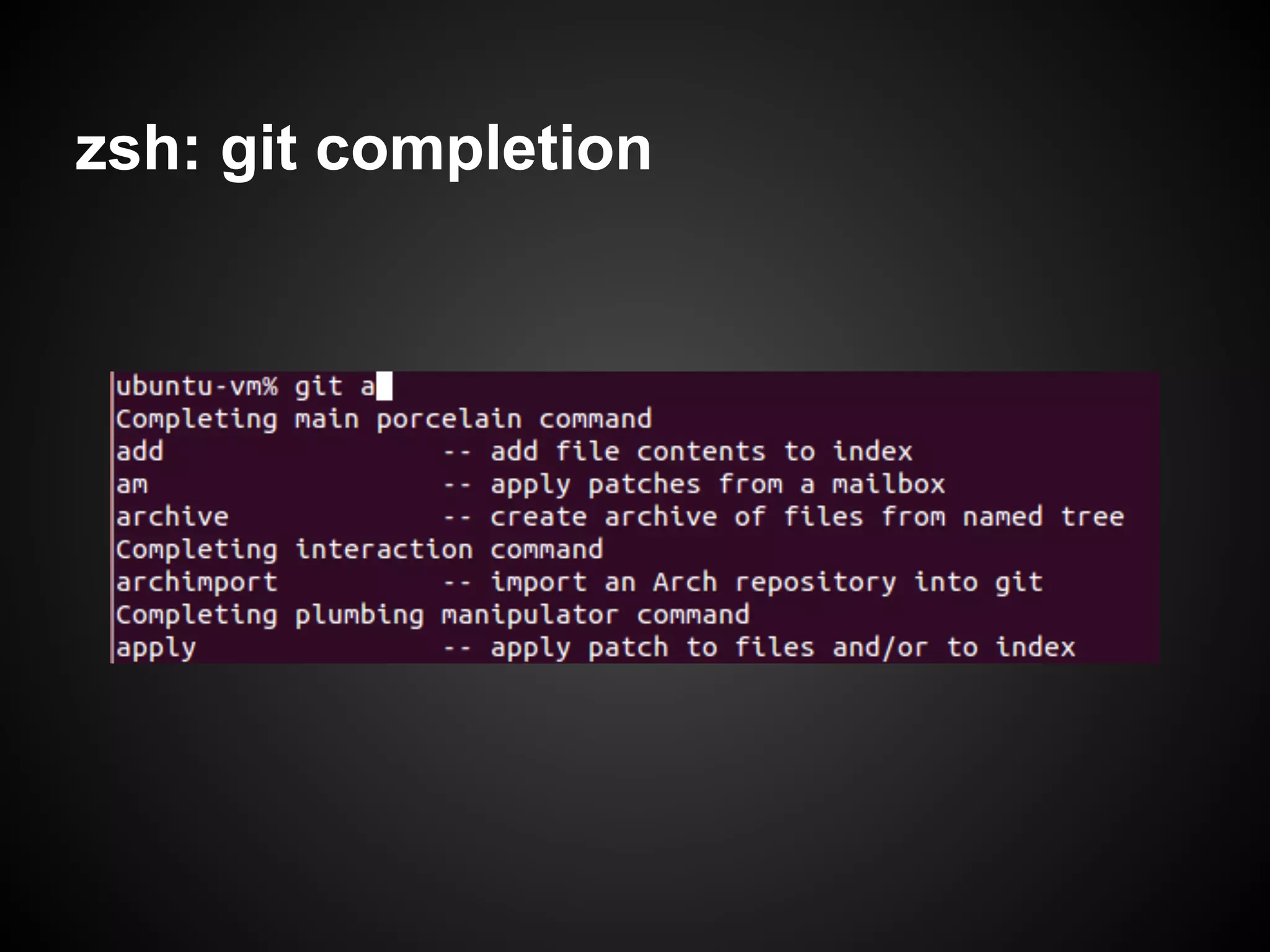
Demonstrates Zsh's advanced command-line completion features over Bash, emphasizing its efficiency and ease of use in various scenarios.
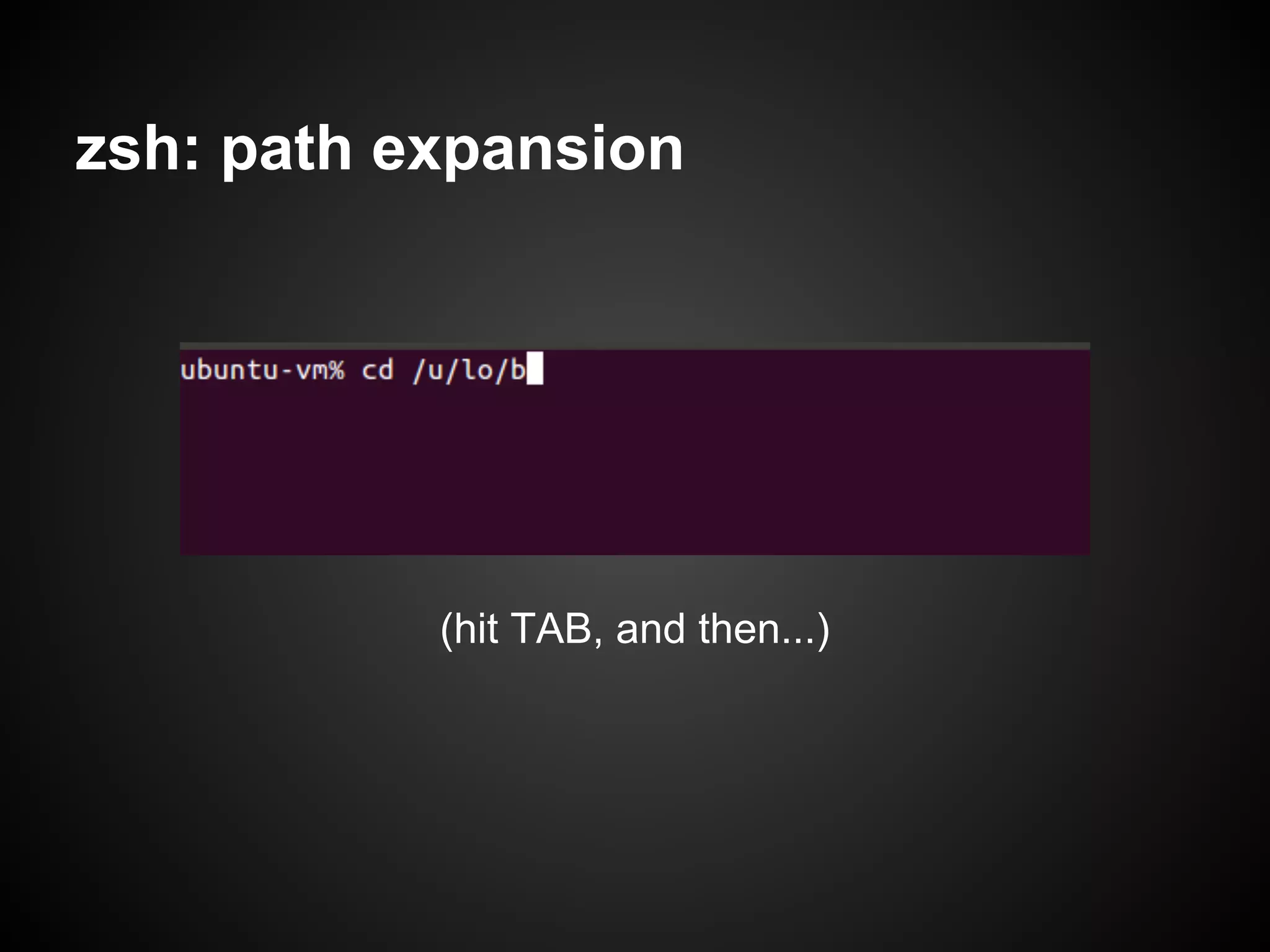
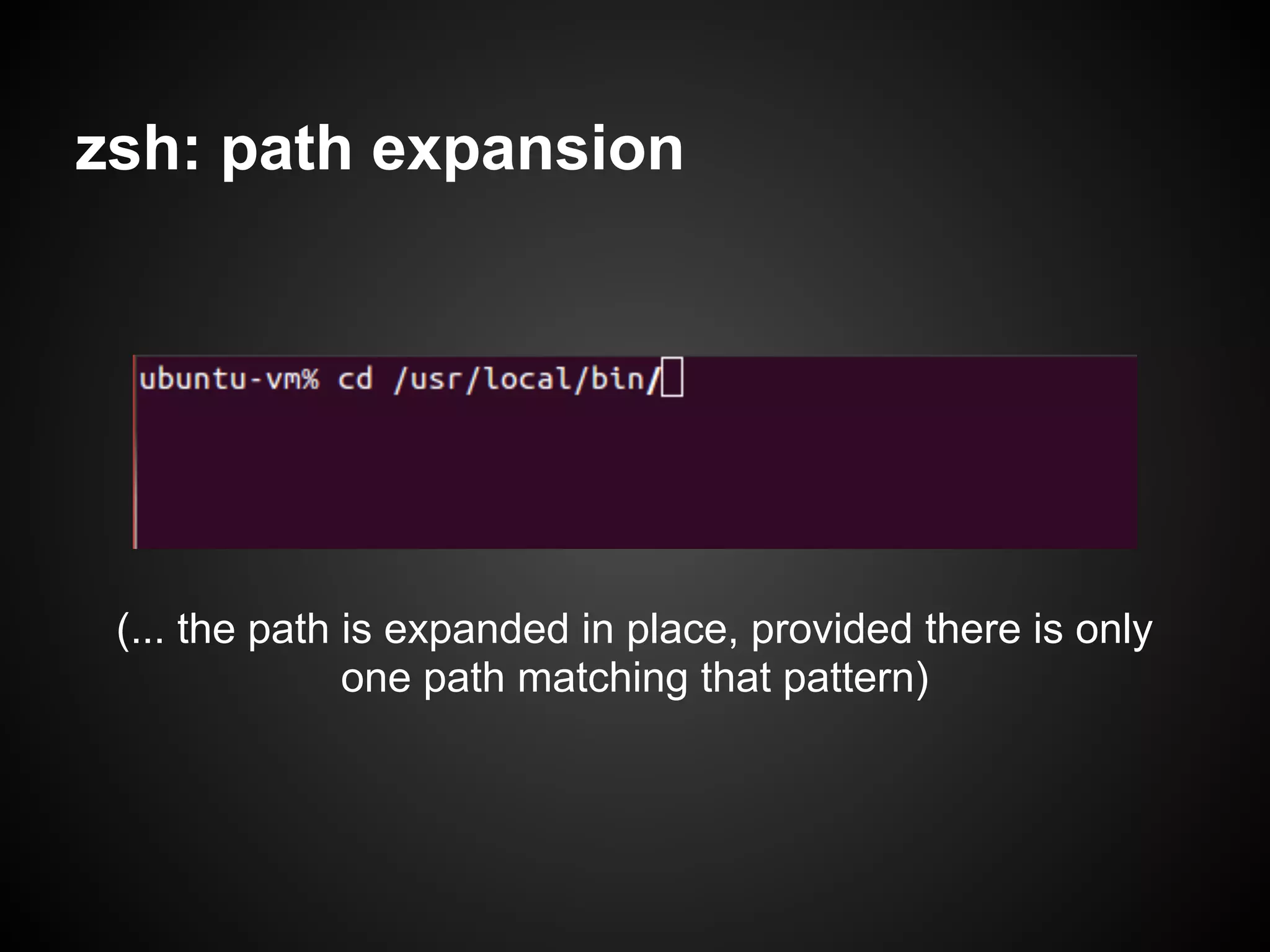
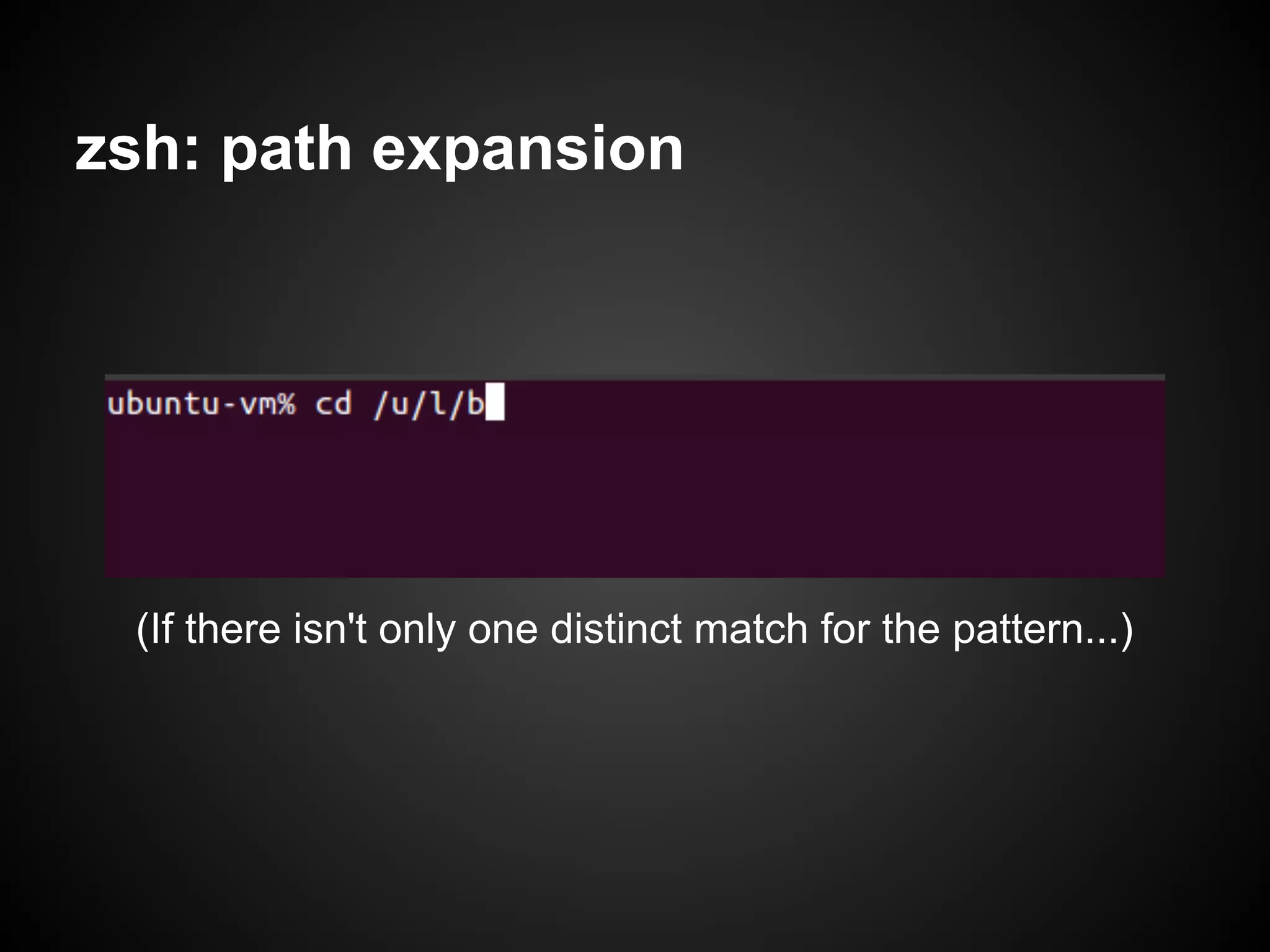
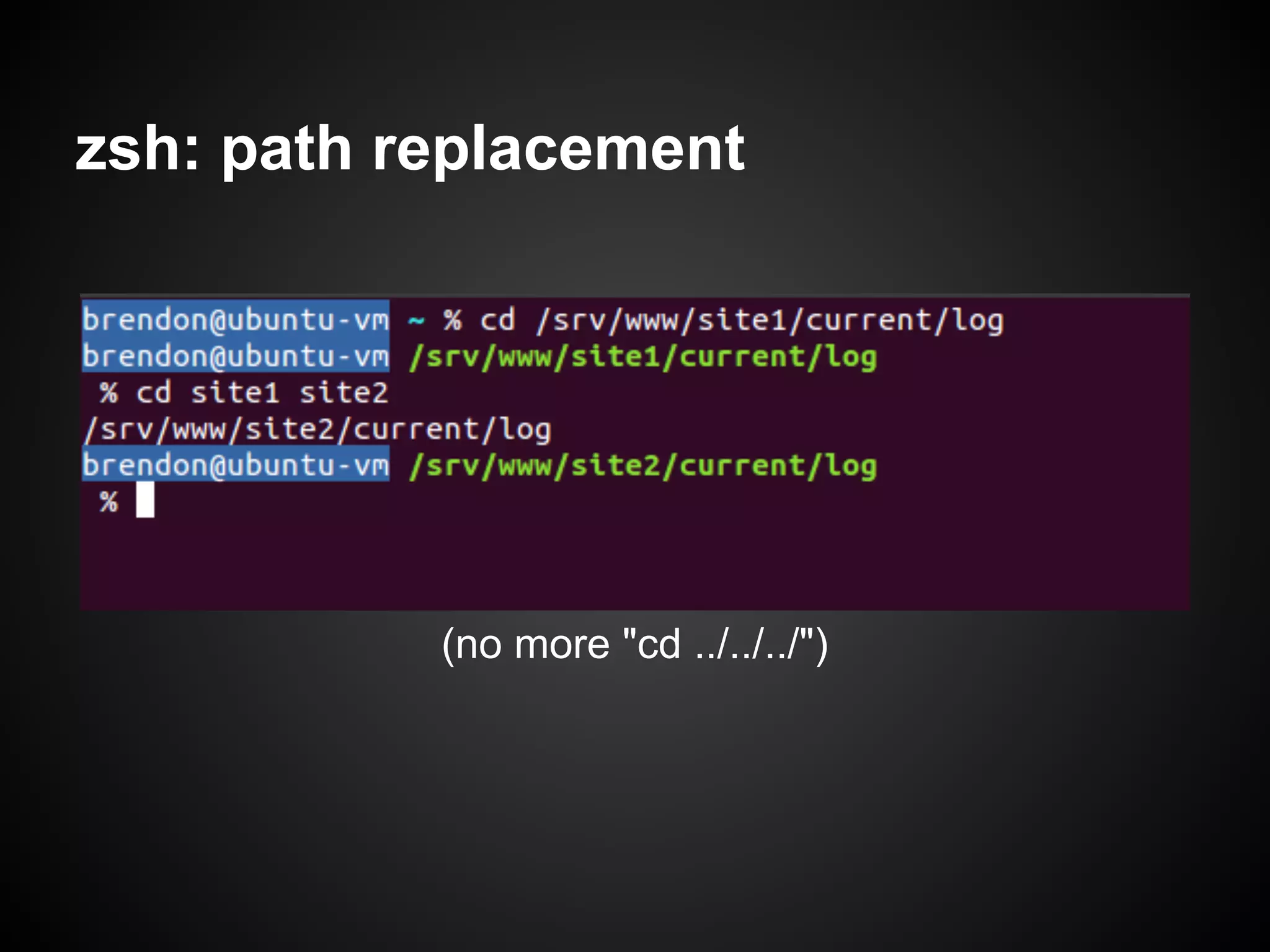
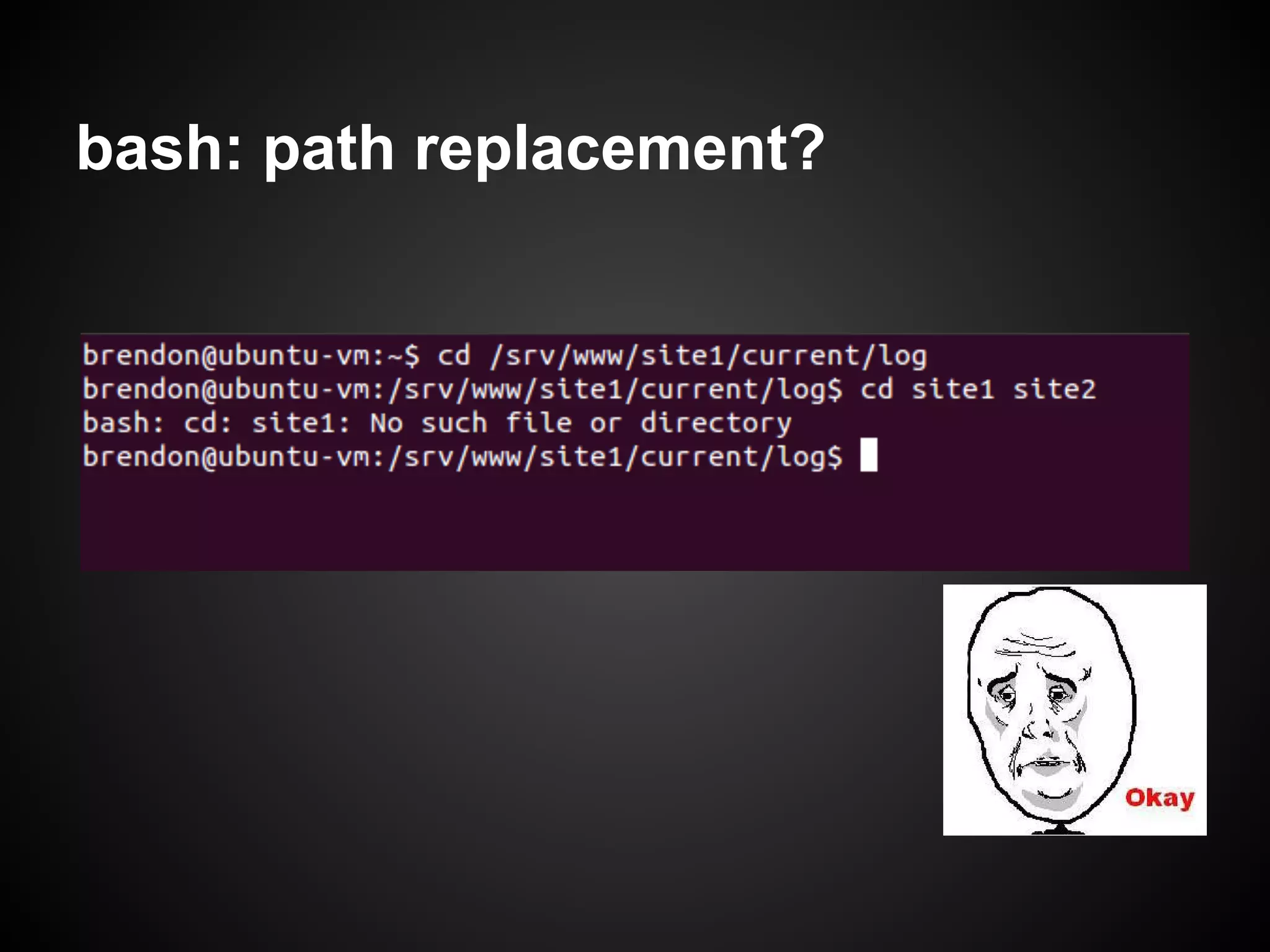
In-depth look at zsh’s capabilities for path expansion, path replacement, and its superior handling of command navigation compared to bash.
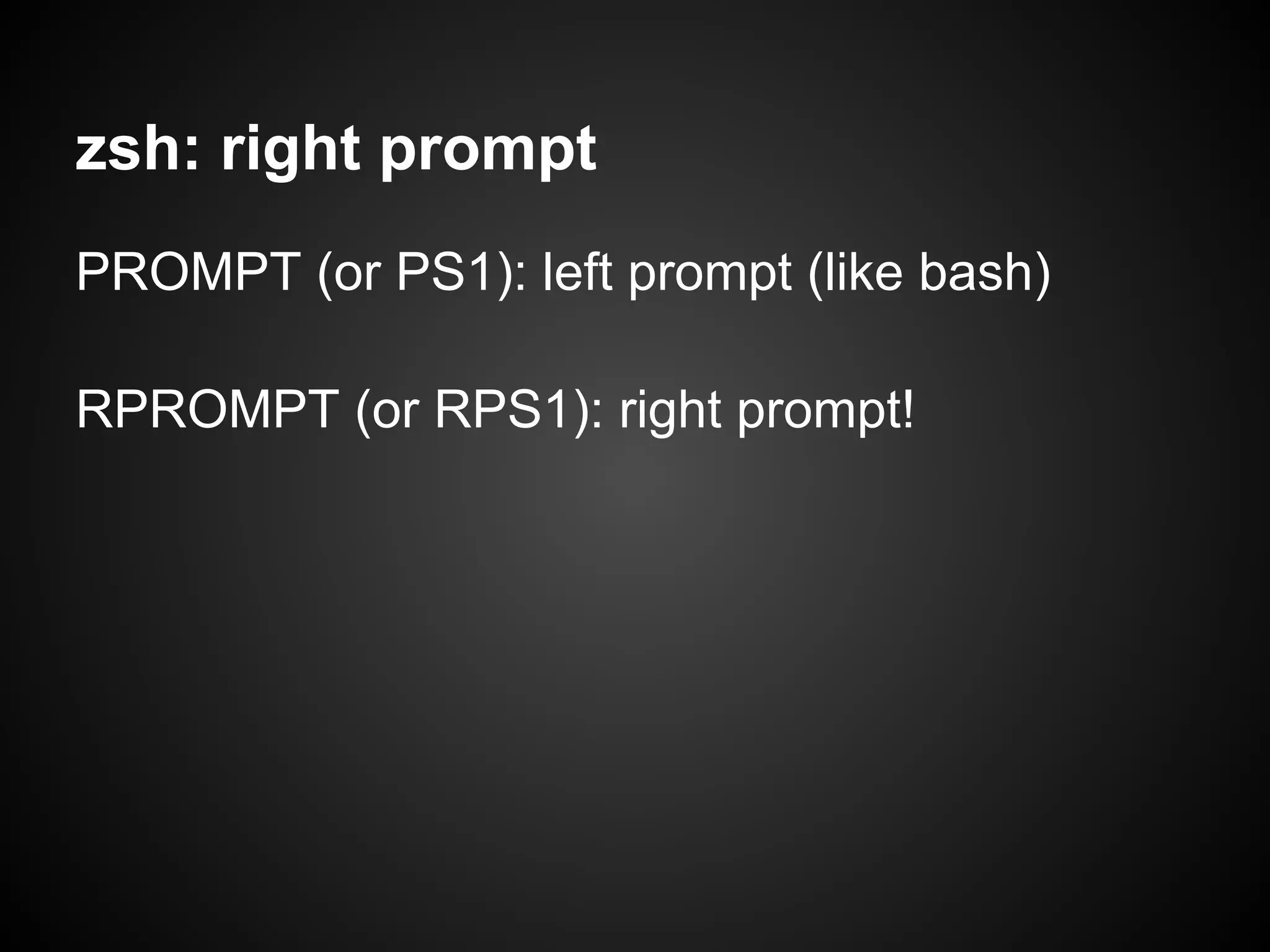
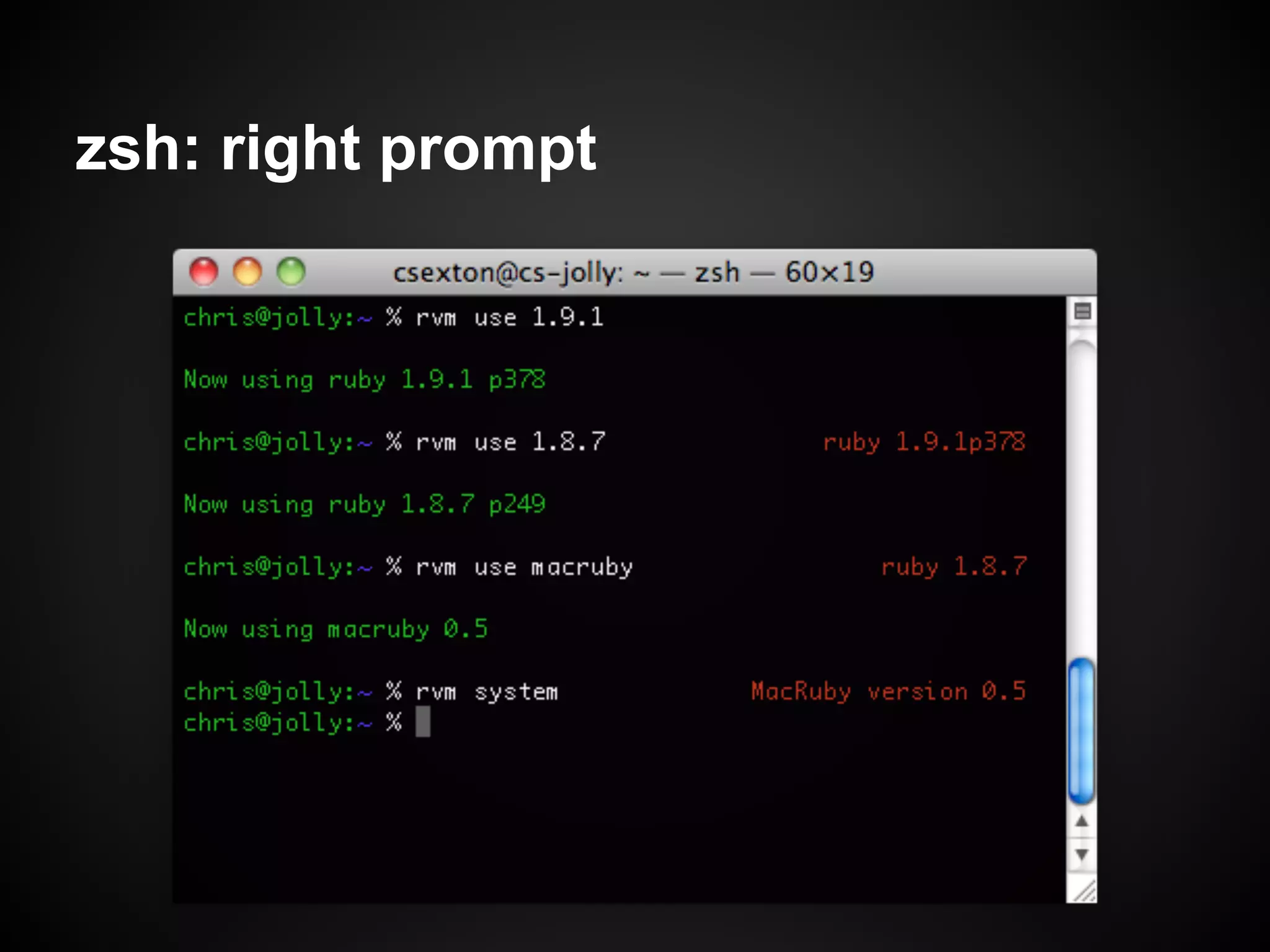
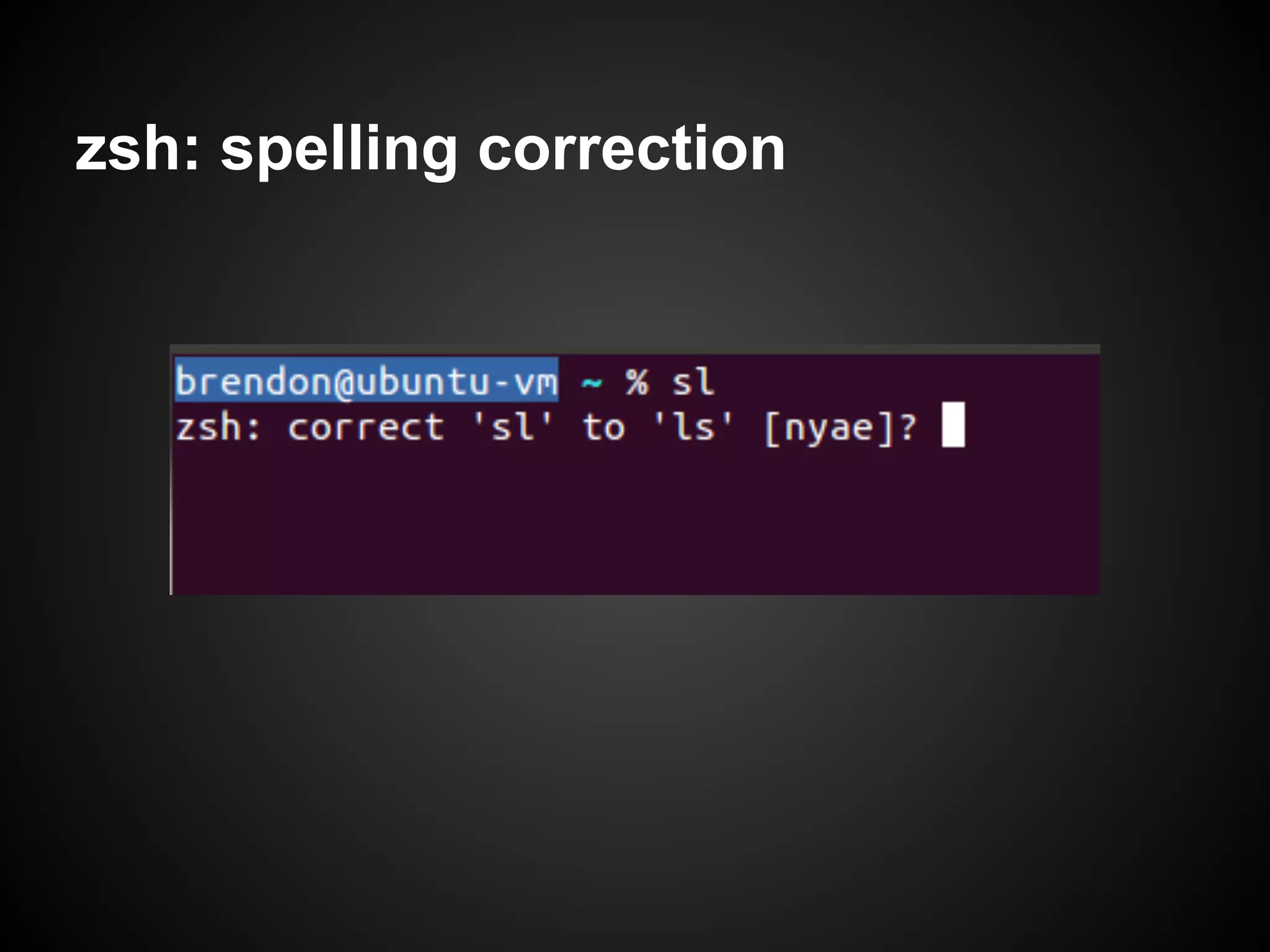
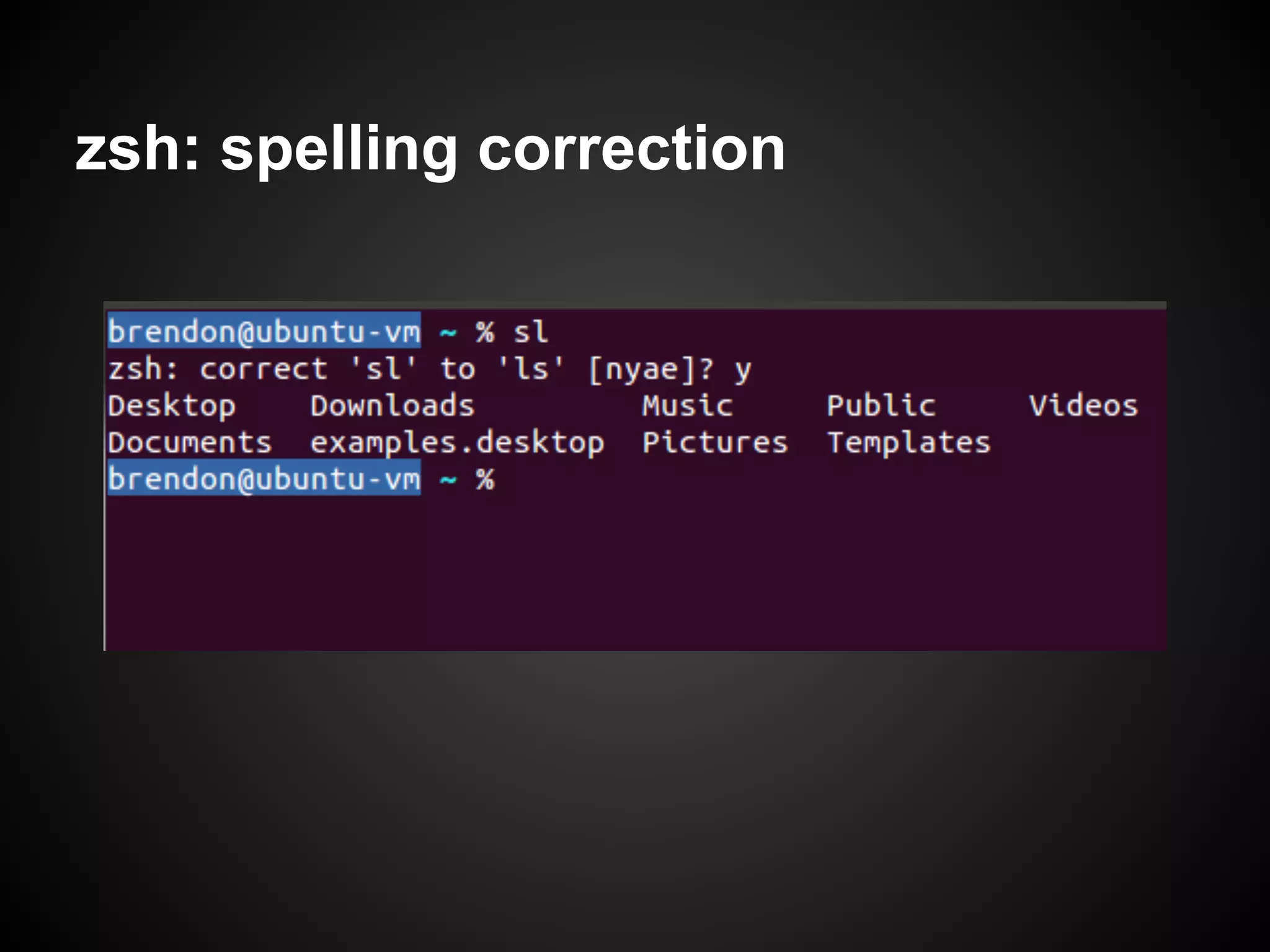
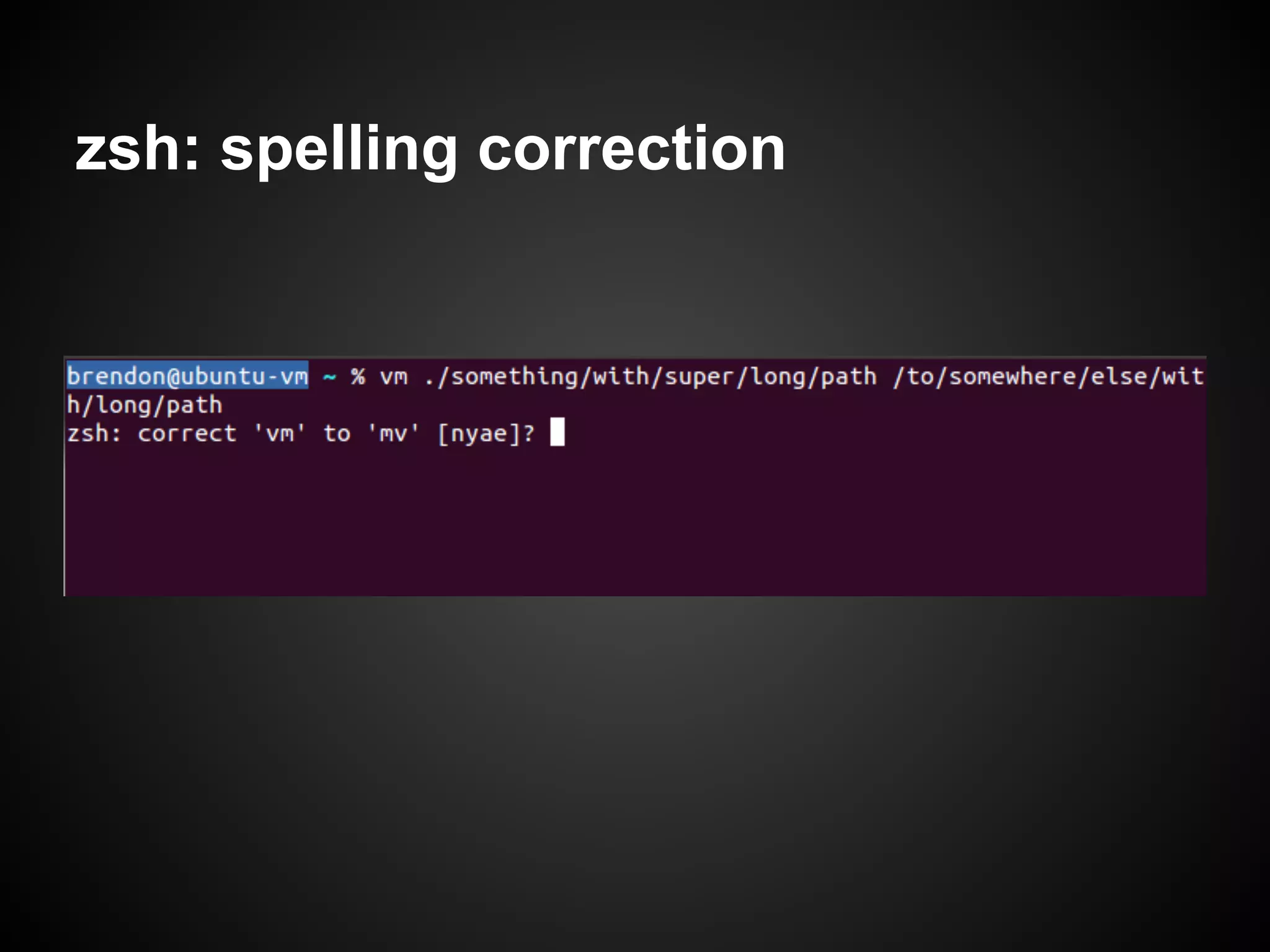
Describes zsh's customizable prompt features and includes spelling correction functionality that enhances user experience.
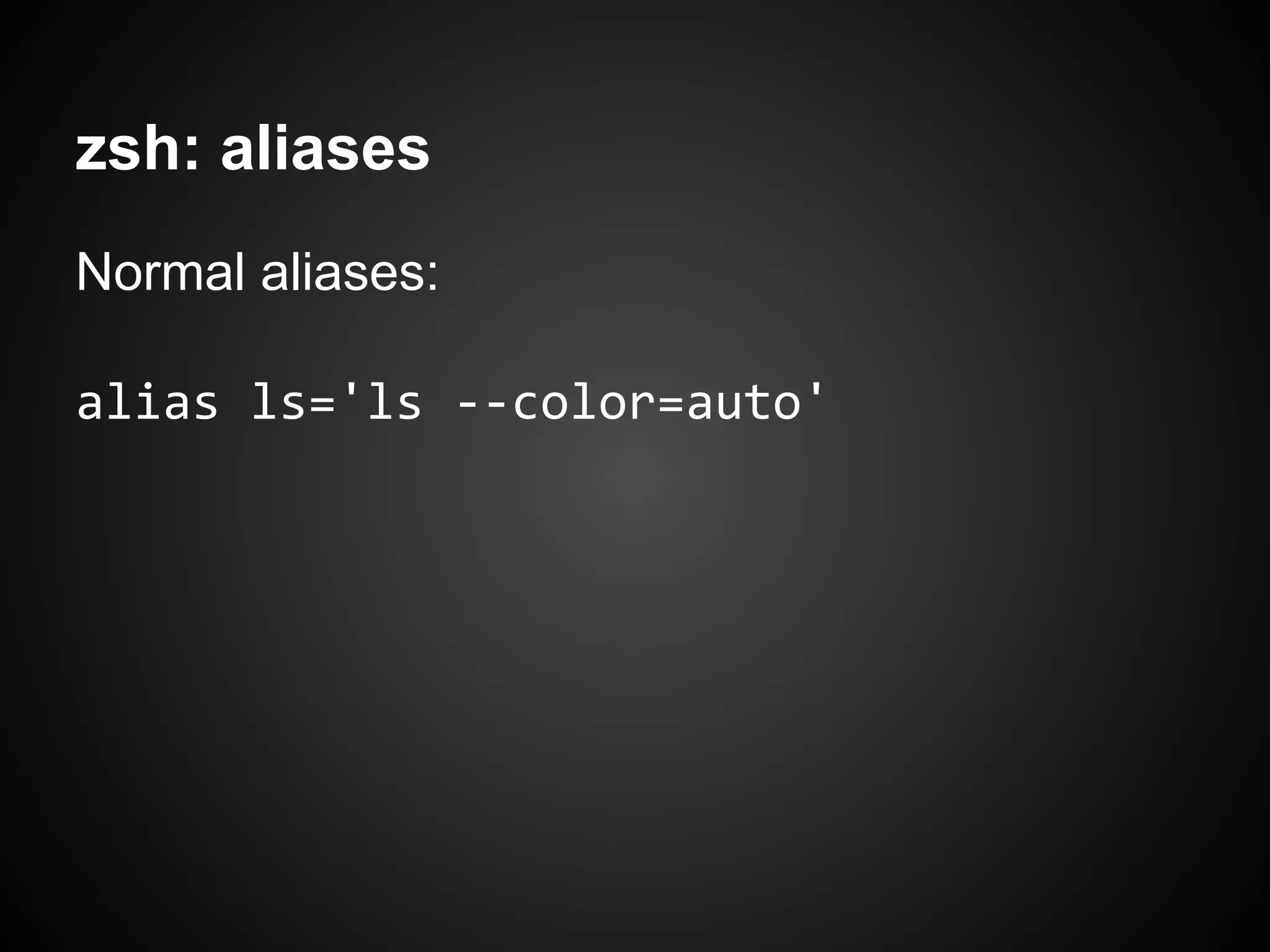
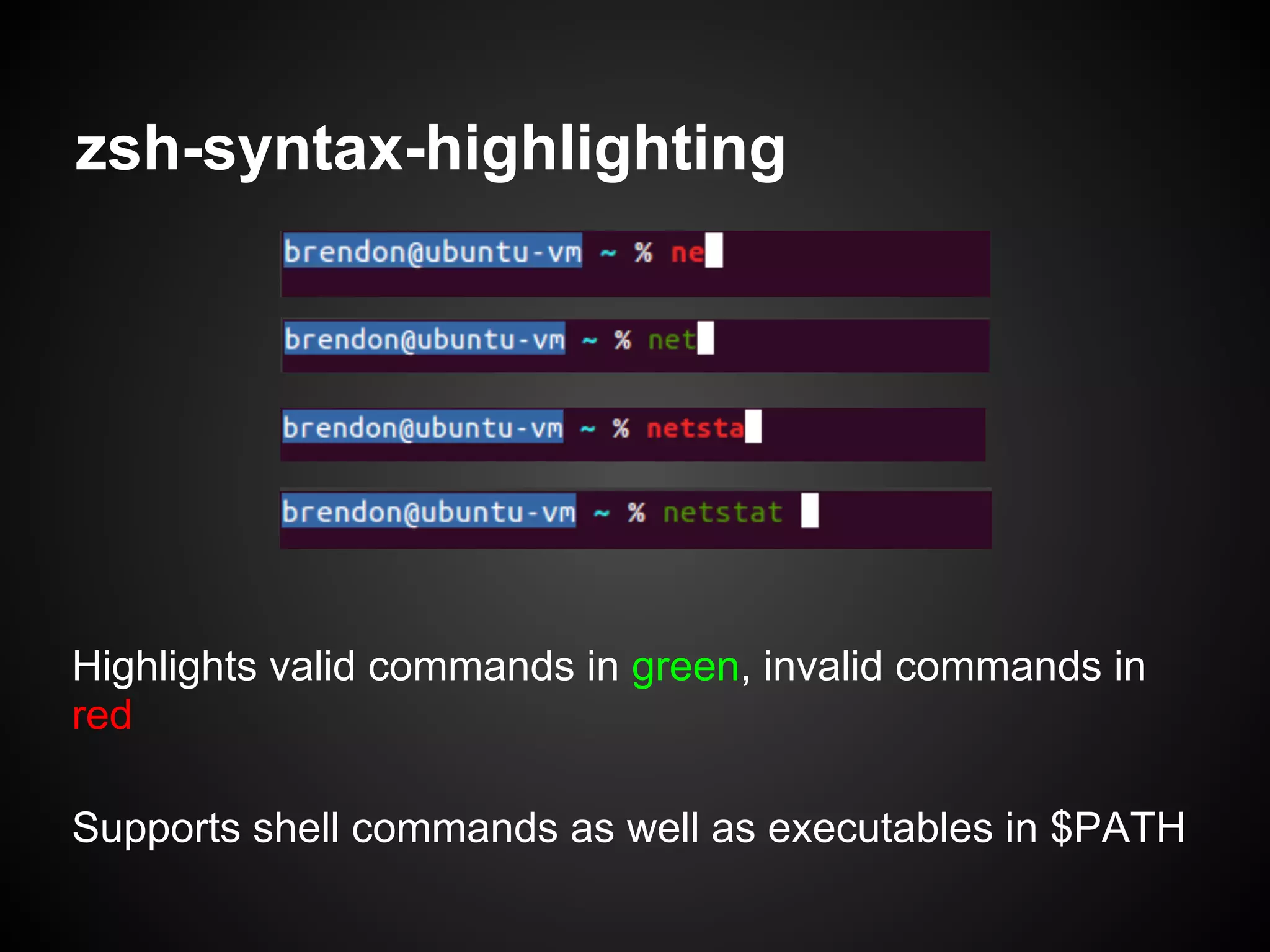
Zsh's aliasing capabilities, including normal, global, and suffix aliases, plus features like history substring search and syntax highlighting.
Other notable zsh features such as simple configuration, shared history, enhanced shell scripting tools, and a playful concluding remark.
Donald Knuth
Professor Emeritusof
Computer Science at
Stanford
Author of The Art of
Computer Programming
"Father of algorithmic
analysis"
Creator of TeX
5.
In 1986, Knuthwas asked to write a guest
feature for the "Programming Pearls" column in
the Communications of the ACM journal.
The task was to write a program that would:
read a file of text, determine the n most
frequently used words, and print out a sorted
list of those words along with their frequencies.
6.
Knuth produced asolution in Pascal that, when
printed, was about 10 pages in length. It was
well designed, thoroughly commented, and
used a novel data structure for managing the
word count list.
7.
In response, DougMcIlroy wrote a shell script
that produced the same output.
8.
In response, DougMcIlroy wrote a shell script
that produced the same output.
McIlroy's script was six lines long.
A brief historyof shells
1971: Thompson shell
● Ken Thompson, Bell Labs, first Unix shell
● interactive interpreter, not scripting environment
1977: Bourne shell
● scripting language
● Version 7 Unix, PDP-11
● 1984: The UNIX Programming Environment, Kernighan & Pike
● The shell of commercial Unixes
○ System V, AIX, HP-UX, SCO, Solaris, SunOS
○ Still the default on some of these (that are still alive)
● /bin/sh
○ compatibility mode in modern shells
○ symlink or hard link to compatible shells in modern Unixes
11.
A brief historyof shells
1978: C shell
● BSD Unix
● More "C-like" scripting syntax (kinda)
● Command history
● Aliasing
● tcsh - newer C shell, default on FreeBSD, and OS X systems
10.0-10.2
1983: Korn shell
● Bell Labs (AT&T)
● Proprietary until 2000
● vi and emacs editing modes
● Lots of C shell features
● "middle road" between Bourne and C shell
● pdksh - default on OpenBSD
12.
A brief historyof shells
1989: Bourne Again shell (bash)
● GNU, GPL
● first legitimate Free shell (/bin/sh compatible)
○ shells like ksh and csh became Free only much later on
● standard shell for Linux distros, Mac OS X 10.3+
● TAB completion
● extended scripting syntax
1990: Z shell
● most closely resembles Korn shell
● /bin/bash compatibility, drop-in replacement for Bash
● "new" (despite being over 20 years old)
● awesome stuff I'll talk about next
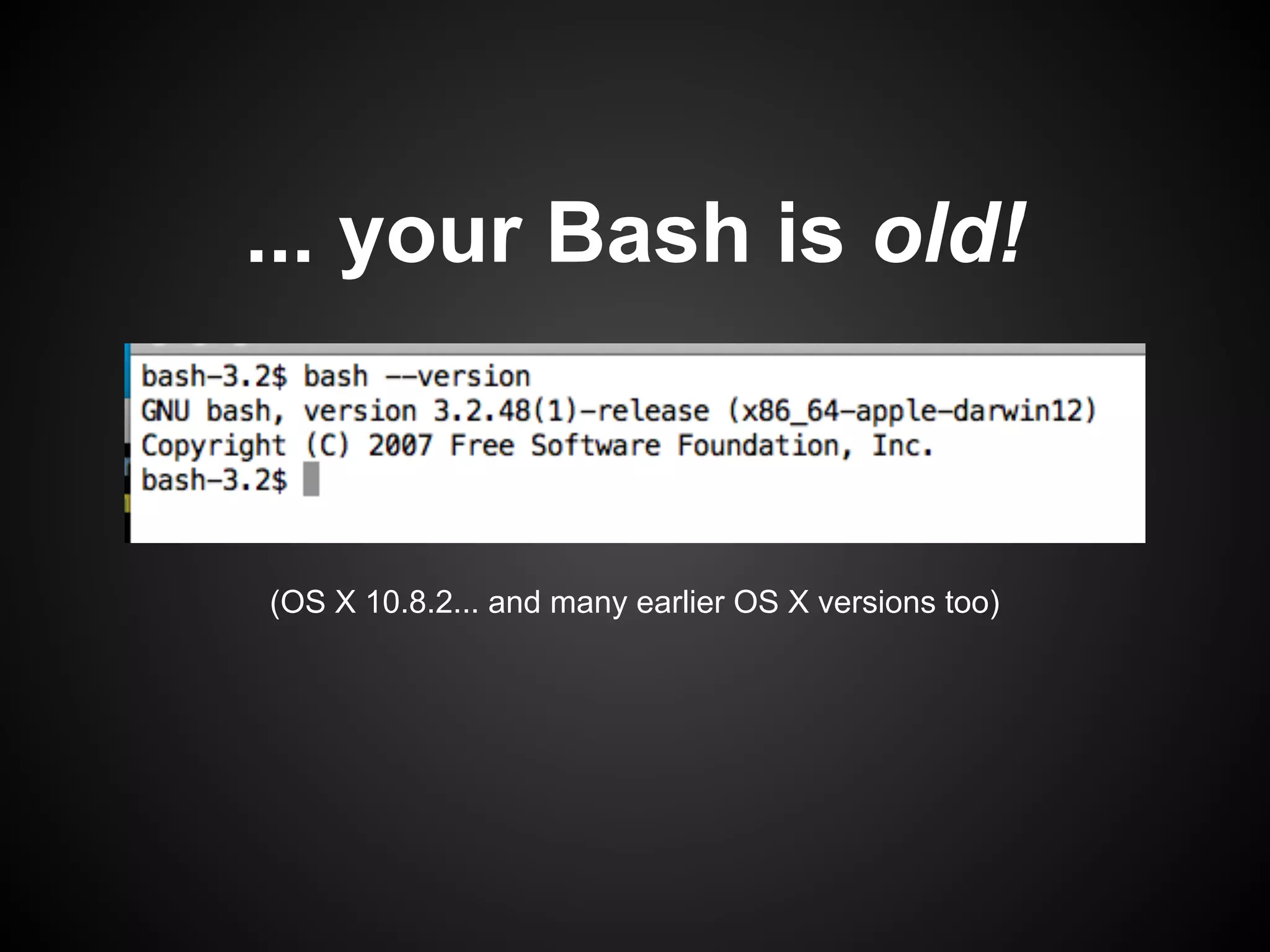
... your Bashis old!
(OS X 10.8.2... and many earlier OS X versions too)
17.
OS X: GPLWasteland
● no GPLv3 on OS X
● OS X bash: final version released as GPLv2
● Homebrew has latest Bash (but many use
situation as an excuse to try zsh instead)
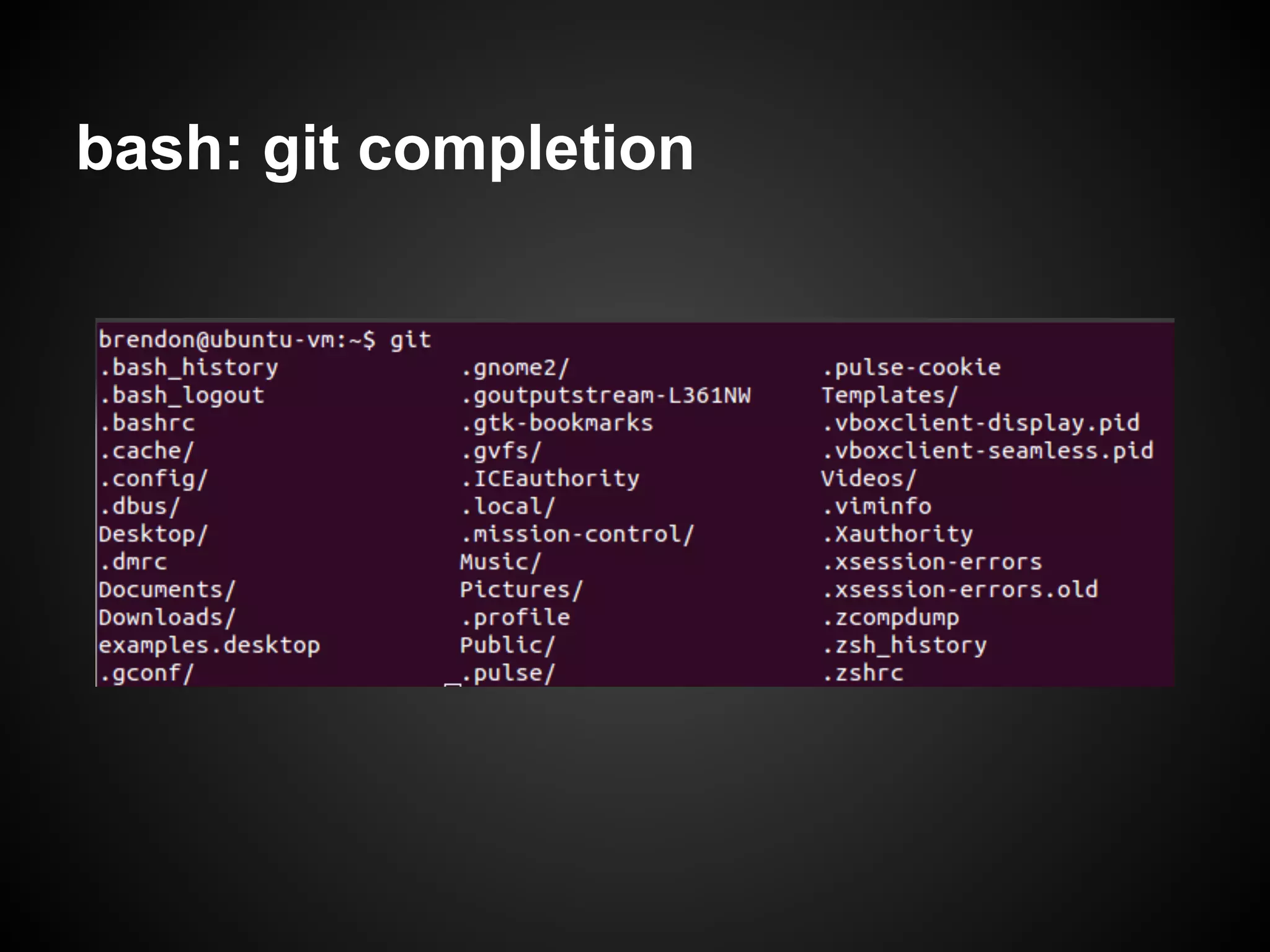
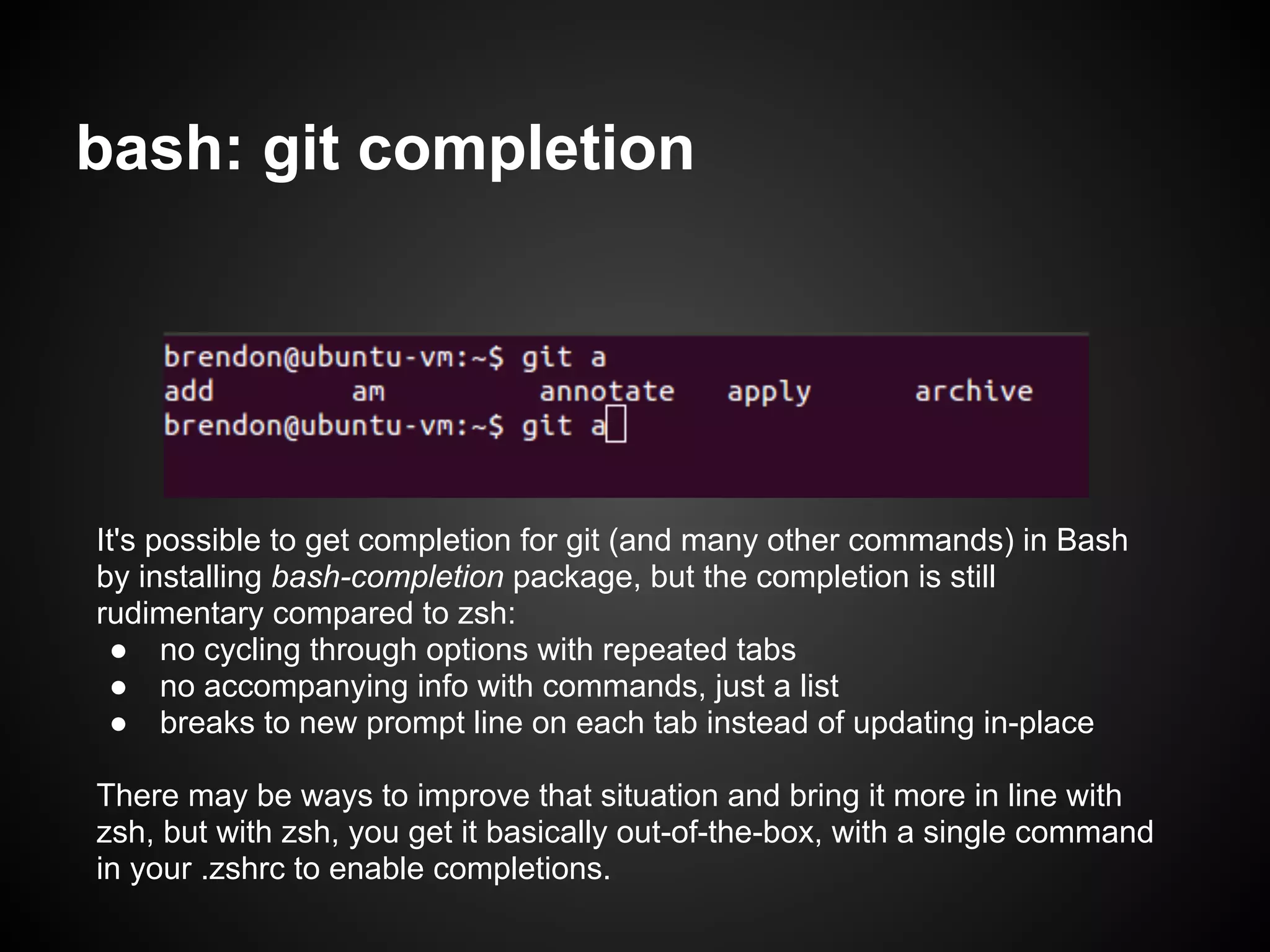
bash: git completion
It'spossible to get completion for git (and many other commands) in Bash
by installing bash-completion package, but the completion is still
rudimentary compared to zsh:
● no cycling through options with repeated tabs
● no accompanying info with commands, just a list
● breaks to new prompt line on each tab instead of updating in-place
There may be ways to improve that situation and bring it more in line with
zsh, but with zsh, you get it basically out-of-the-box, with a single command
in your .zshrc to enable completions.
Other zsh bulletpoints
● Simple configuration style
● Shared history
○ simple & fast, requires some monkeying to replicate
in bash
● Lots of additions for shell scripting
● Output redirection to multiple destinations
And, apparently, plenty of other stuff deeper than I've
gotten so far.





![[오픈소스컨설팅] Red Hat ReaR (relax and-recover) Quick Guide](https://cdn.slidesharecdn.com/ss_thumbnails/redhatrearrelax-and-recoverquickguidev1-170419093210-thumbnail.jpg?width=640&height=640&fit=bounds)


![Unix environment [autosaved]](https://cdn.slidesharecdn.com/ss_thumbnails/unixenvironmentautosaved-151015111256-lva1-app6892-thumbnail.jpg?width=640&height=640&fit=bounds)


