Multiple approaches to 
managing your Puppet 
modules 
Puppet Camp Seattle 
2014-11-11 
Seattle, WA 
LearnPuppet.com 
Garrett Honeycutt 
gh@learnpuppet.com 
@learnpuppet
# whoami 
http://www.linkedin.com/in/garretthoneycutt 
© 2014 GH Solutions, LLC
LearnPuppet.com 
Audits 
Consulting 
Training 
Advanced Topics with Test Driven Development 
© 2014 GH Solutions, LLC
@fossetcon 
© 2014 GH Solutions, LLC
What is a Module? 
© 2014 GH Solutions, LLC
Modules 
A module is a self contained directory structure for encapsulating 
puppet code. 
© 2014 GH Solutions, LLC
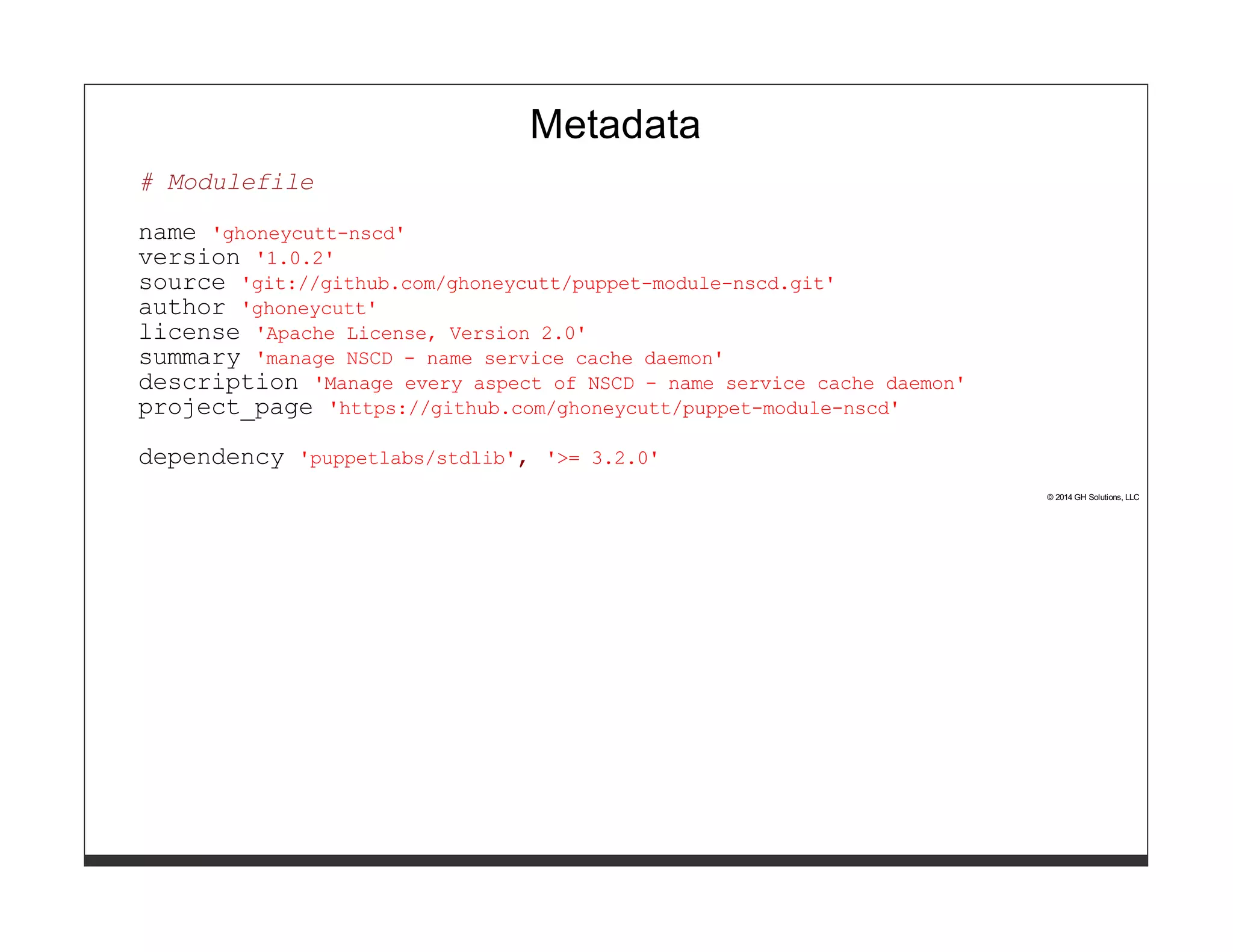
Metadata 
# Modulefile 
name 'ghoneycutt-nscd' 
version '1.0.2' 
source 'git://github.com/ghoneycutt/puppet-module-nscd.git' 
author 'ghoneycutt' 
license 'Apache License, Version 2.0' 
summary 'manage NSCD - name service cache daemon' 
description 'Manage every aspect of NSCD - name service cache daemon' 
project_page 'https://github.com/ghoneycutt/puppet-module-nscd' 
dependency 'puppetlabs/stdlib', '>= 3.2.0' 
© 2014 GH Solutions, LLC
Metadata 
# metadata.json 
{ 
"name": "ghoneycutt-nscd", 
"version": "1.0.2", 
"author": "ghoneycutt", 
"summary": "manage NSCD - name service cache daemon", 
"license": "Apache License, Version 2.0", 
"source": "git://github.com/ghoneycutt/puppet-module-nscd.git", 
"project_page": "https://github.com/ghoneycutt/puppet-module-nscd", 
"issues_url": "https://github.com/ghoneycutt/puppet-module-nscd/issues", 
"description": "Manage every aspect of NSCD - name service cache daemon", 
"dependencies": [ 
{"name":"puppetlabs/stdlib","version_requirement":">= 3.2.0"} 
] 
} 
© 2014 GH Solutions, LLC
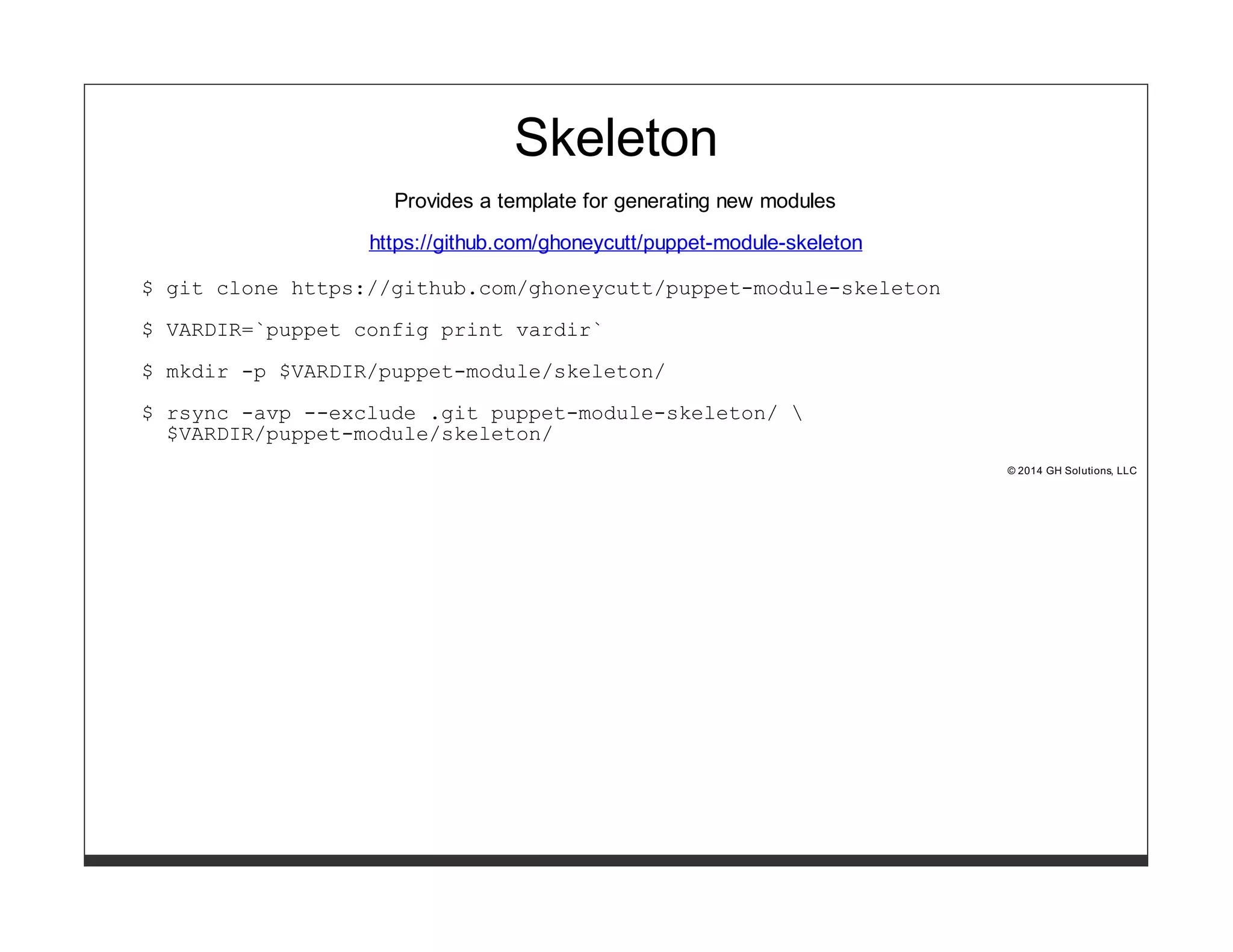
Skeleton 
Provides a template for generating new modules 
https://github.com/ghoneycutt/puppet-module-skeleton 
$ git clone https://github.com/ghoneycutt/puppet-module-skeleton 
$ VARDIR=`puppet config print vardir` 
$ mkdir -p $VARDIR/puppet-module/skeleton/ 
$ rsync -avp --exclude .git puppet-module-skeleton/  
$VARDIR/puppet-module/skeleton/ 
© 2014 GH Solutions, LLC
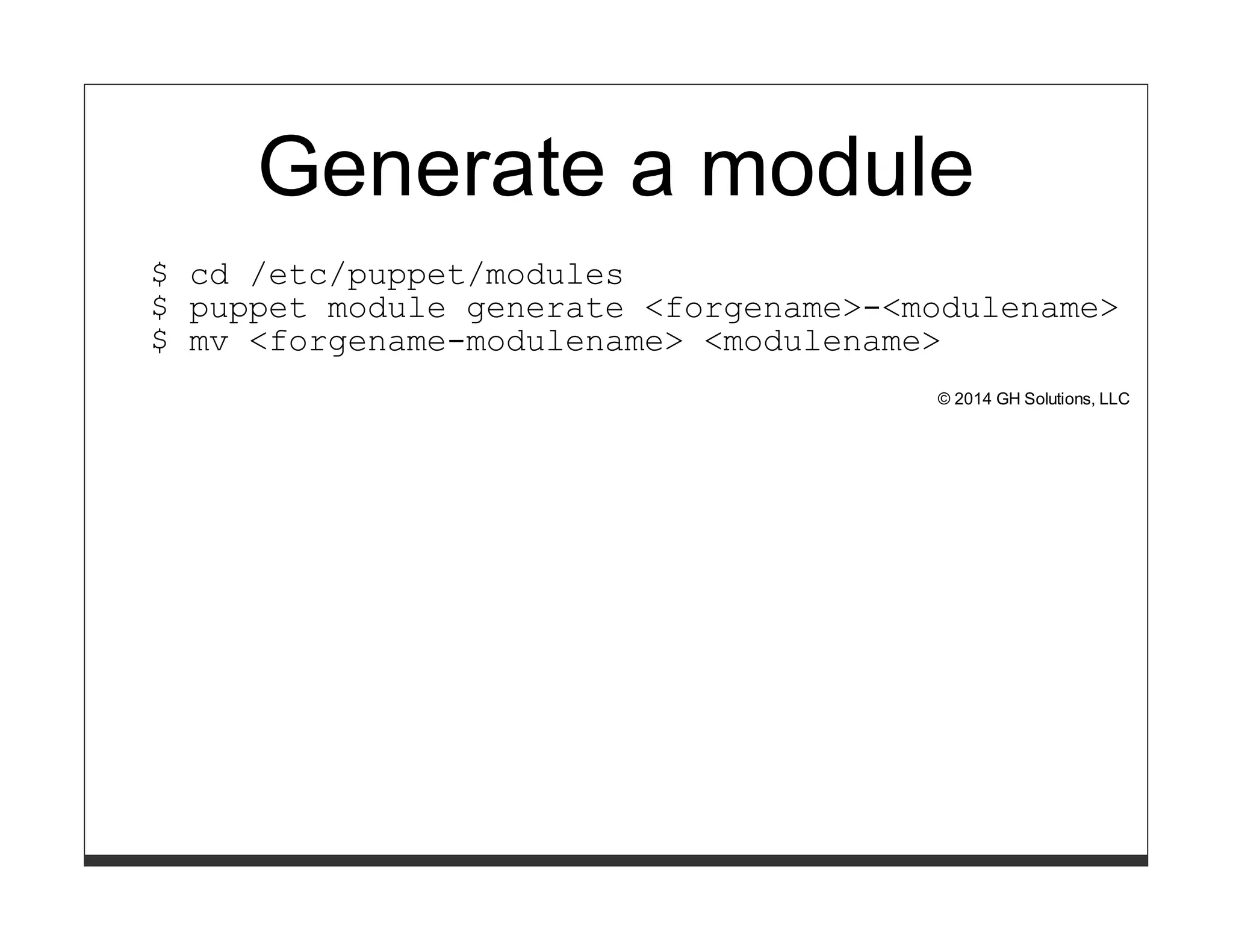
Generate a module 
$ cd /etc/puppet/modules 
$ puppet module generate <forgename>-<modulename> 
$ mv <forgename-modulename> <modulename> 
© 2014 GH Solutions, LLC
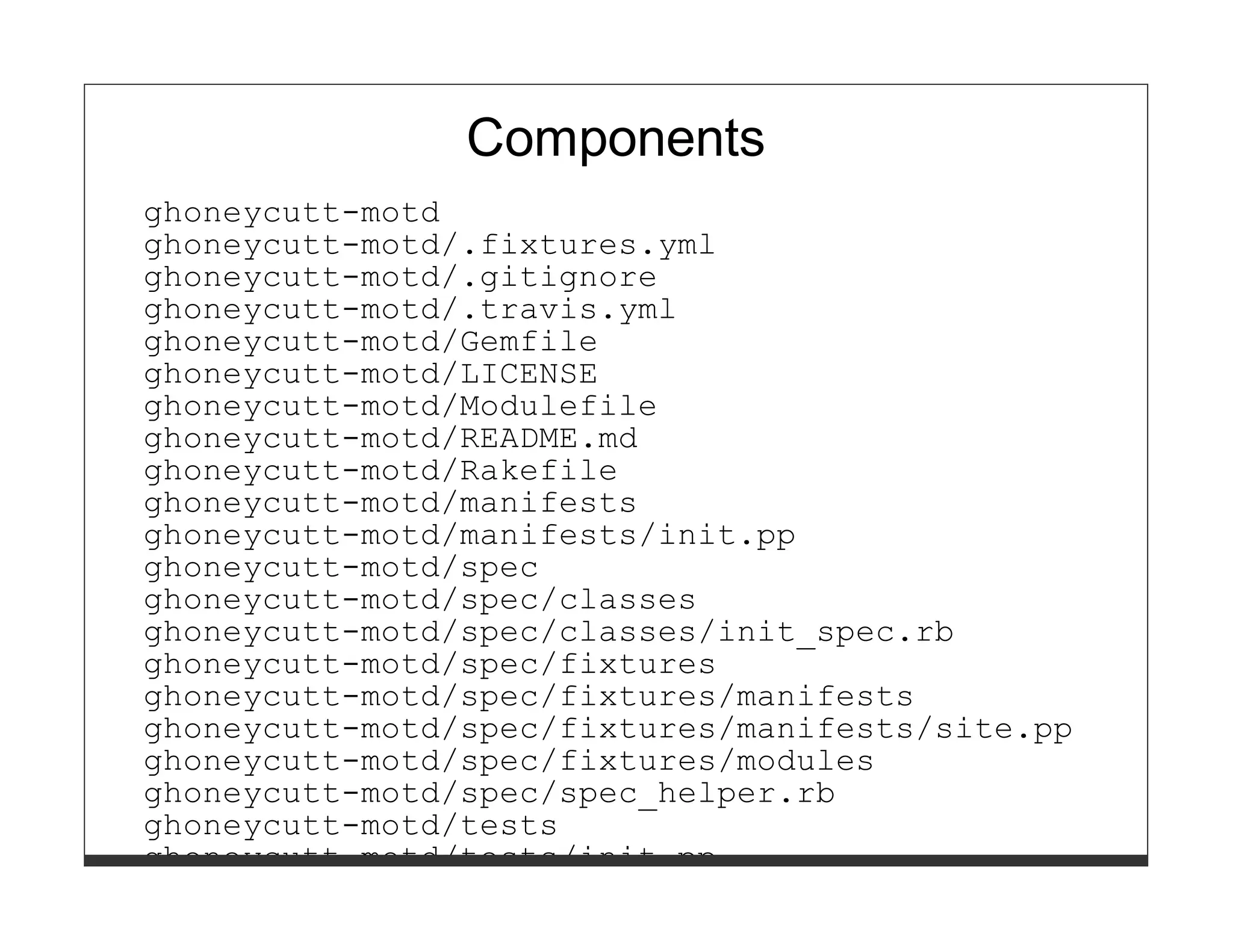
Components 
ghoneycutt-motd 
ghoneycutt-motd/.fixtures.yml 
ghoneycutt-motd/.gitignore 
ghoneycutt-motd/.travis.yml 
ghoneycutt-motd/Gemfile 
ghoneycutt-motd/LICENSE 
ghoneycutt-motd/Modulefile 
ghoneycutt-motd/README.md 
ghoneycutt-motd/Rakefile 
ghoneycutt-motd/manifests 
ghoneycutt-motd/manifests/init.pp 
ghoneycutt-motd/spec 
ghoneycutt-motd/spec/classes 
ghoneycutt-motd/spec/classes/init_spec.rb 
ghoneycutt-motd/spec/fixtures 
ghoneycutt-motd/spec/fixtures/manifests 
ghoneycutt-motd/spec/fixtures/manifests/site.pp 
ghoneycutt-motd/spec/fixtures/modules 
ghoneycutt-motd/spec/spec_helper.rb 
ghoneycutt-motd/tests 
ghoneycutt-motd/tests/init.pp
In the beginning 
© 2014 GH Solutions, LLC
In the beginning... 
Things were simple. We stuck all of our modules into one repo. 
Luke told me it was a good idea and we spent time puppetizing 
the setup. 
© 2014 GH Solutions, LLC
In the beginning... 
That was 2008. 
© 2014 GH Solutions, LLC
There are better ways! 
© 2014 GH Solutions, LLC
Looking back 
Everyone has to be on the same release cycle or you get 
dependency issues. 
© 2014 GH Solutions, LLC
Scale 
This scales to one organization with one release cycle who are 
not concerned with others using their code. 
© 2014 GH Solutions, LLC
Pro's 
Easy to get started 
© 2014 GH Solutions, LLC
Con's 
Everything is released at the same time 
Promotes forking 
Merge hell 
© 2014 GH Solutions, LLC
Analysis 
Avoid at all costs. 
Separate repo for each module 
© 2014 GH Solutions, LLC
Puppetfile 
© 2014 GH Solutions, LLC
Puppetfile 
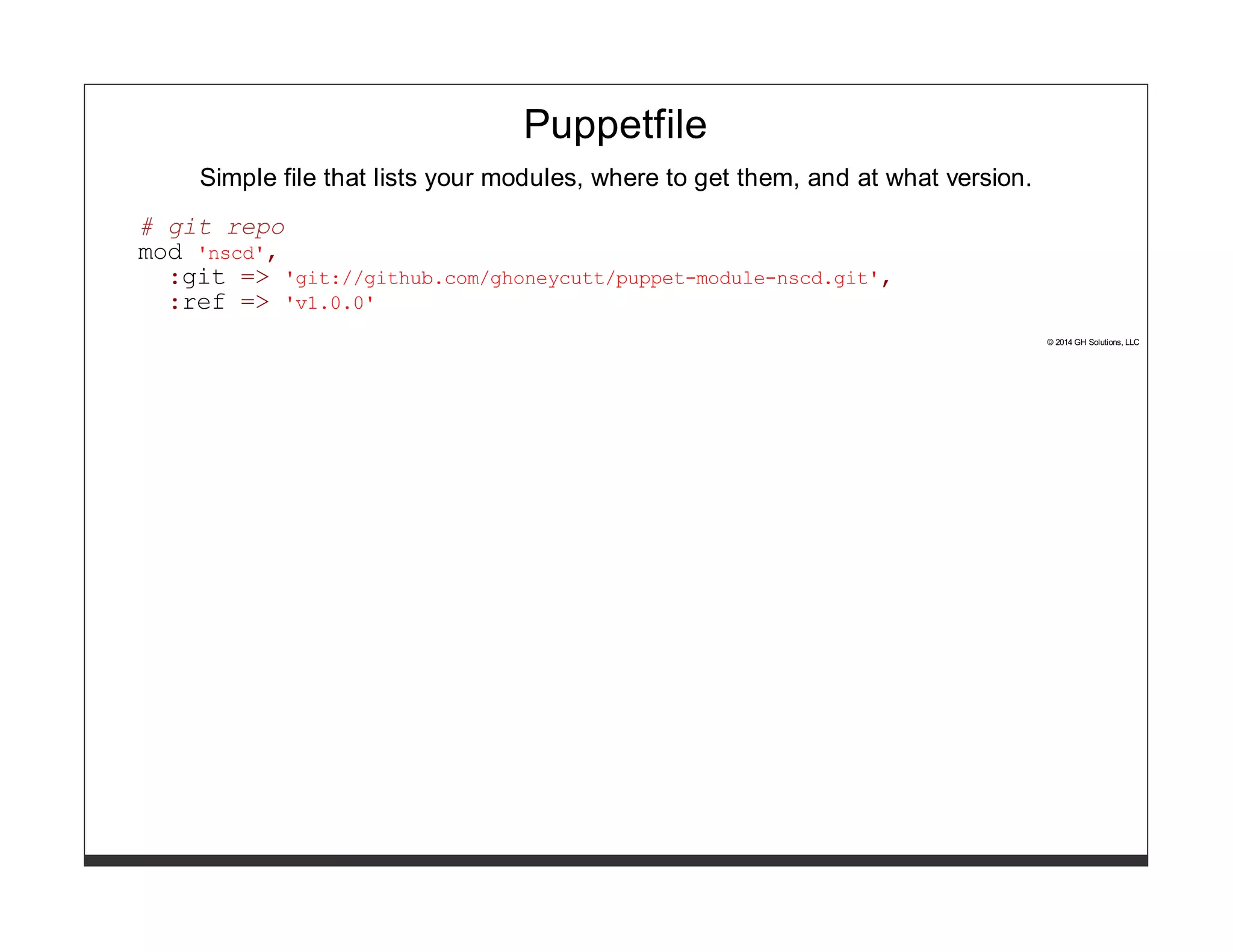
Simple file that lists your modules, where to get them, and at what version. 
# git repo 
mod 'nscd', 
:git => 'git://github.com/ghoneycutt/puppet-module-nscd.git', 
:ref => 'v1.0.0' 
© 2014 GH Solutions, LLC
Puppetfile 
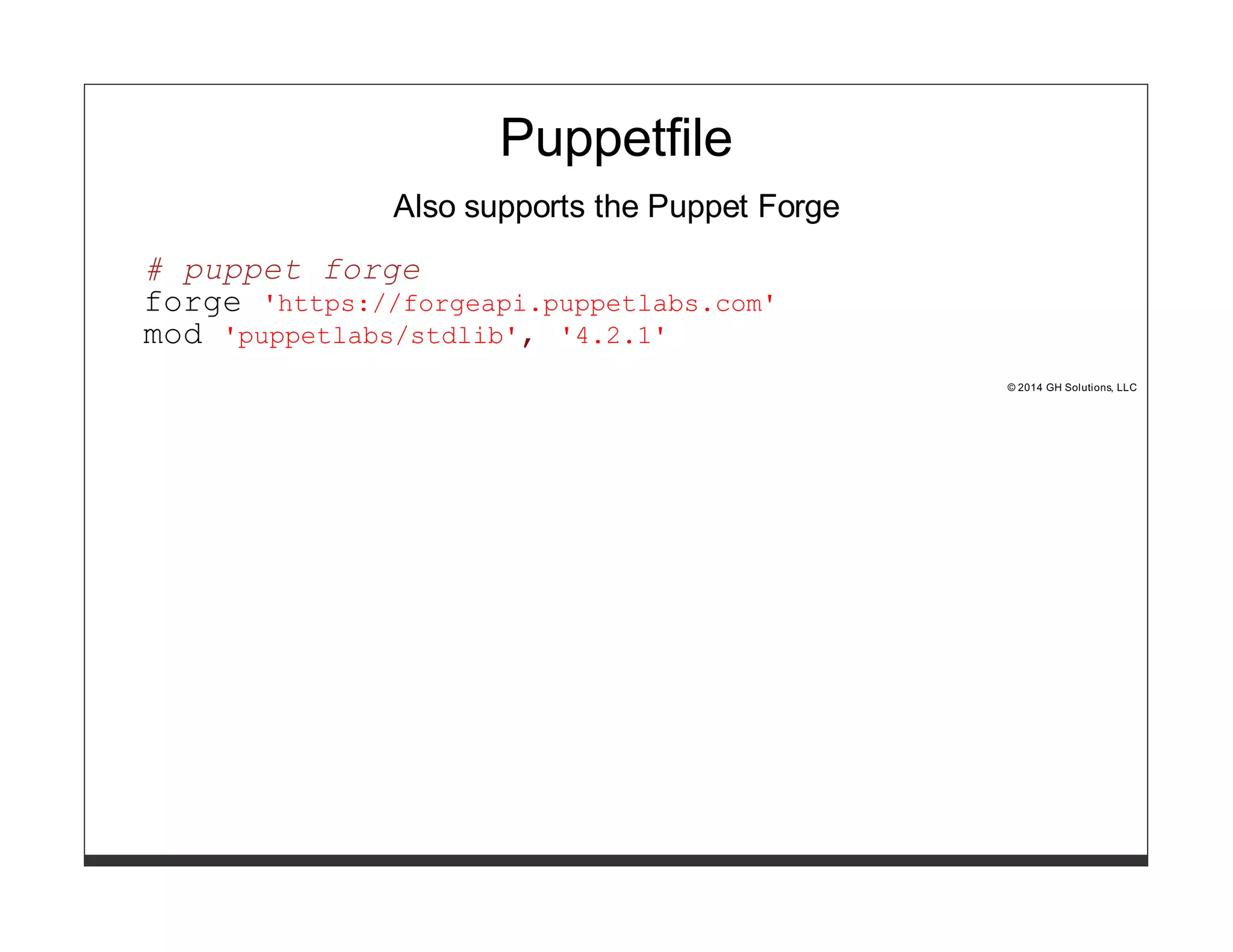
Also supports the Puppet Forge 
# puppet forge 
forge 'https://forgeapi.puppetlabs.com' 
mod 'puppetlabs/stdlib', '4.2.1' 
© 2014 GH Solutions, LLC
Puppetfile 
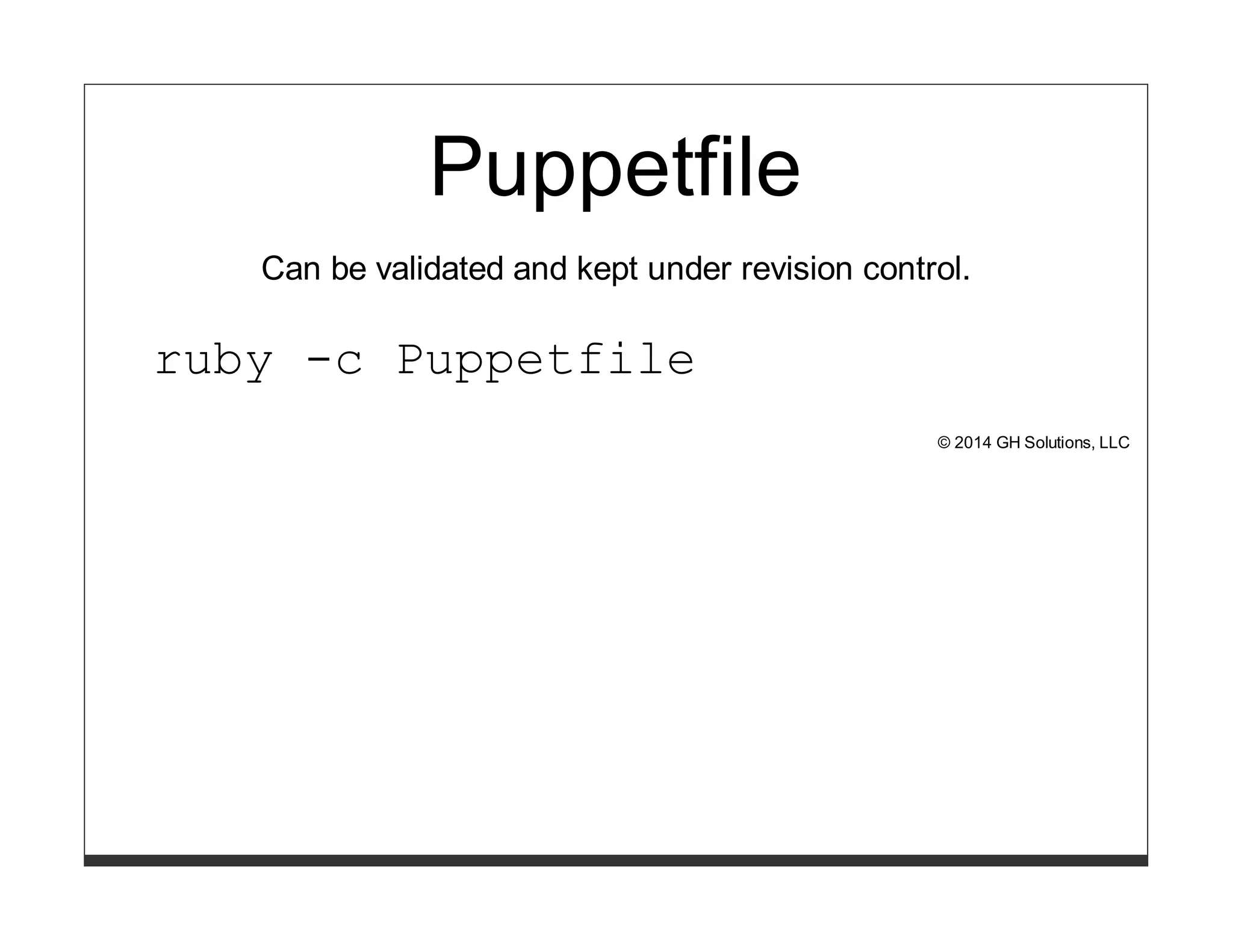
Can be validated and kept under revision control. 
ruby -c Puppetfile 
© 2014 GH Solutions, LLC
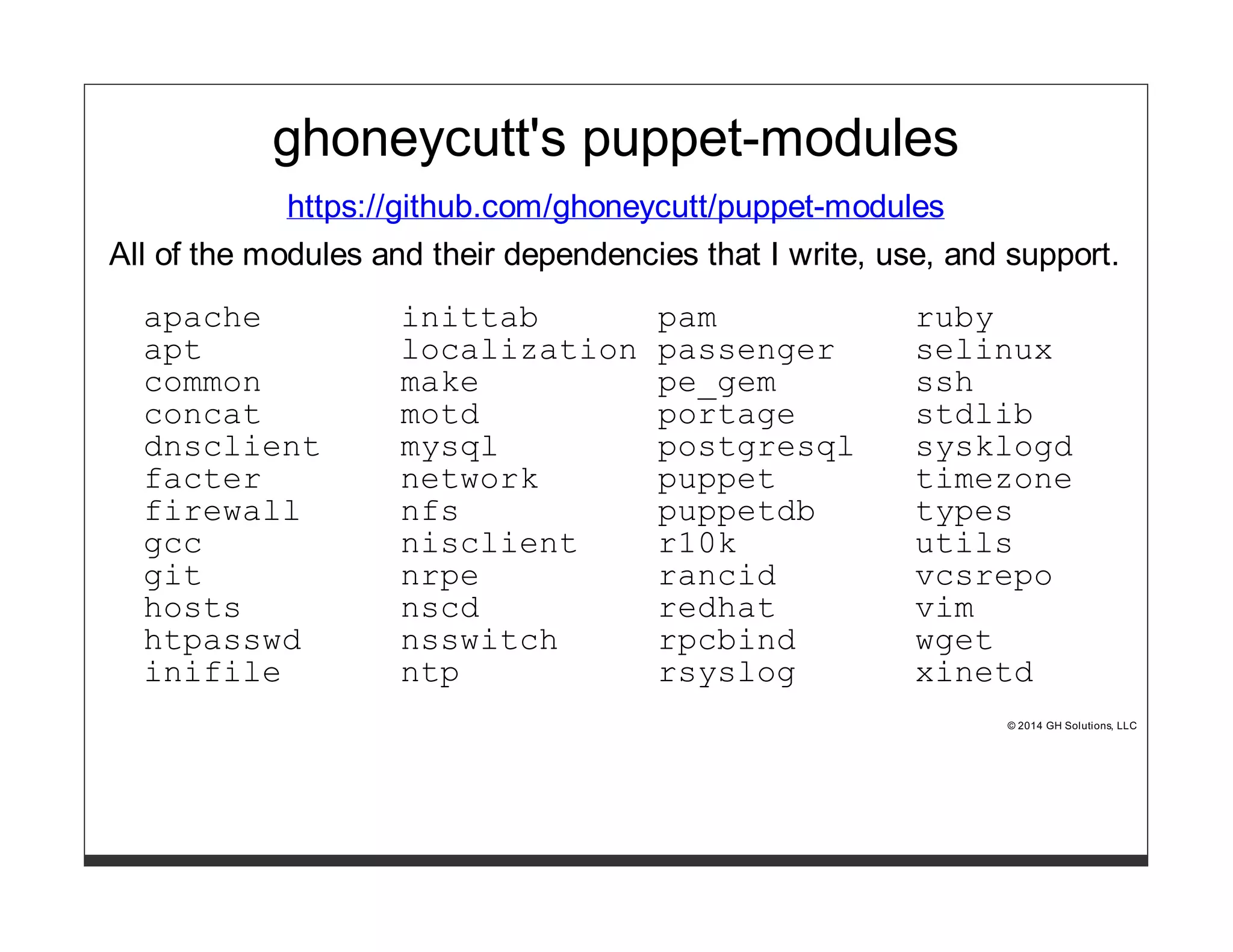
ghoneycutt's puppet-modules 
https://github.com/ghoneycutt/puppet-modules 
All of the modules and their dependencies that I write, use, and support. 
apache inittab pam ruby 
apt localization passenger selinux 
common make pe_gem ssh 
concat motd portage stdlib 
dnsclient mysql postgresql sysklogd 
facter network puppet timezone 
firewall nfs puppetdb types 
gcc nisclient r10k utils 
git nrpe rancid vcsrepo 
hosts nscd redhat vim 
htpasswd nsswitch rpcbind wget 
inifile ntp rsyslog xinetd 
© 2014 GH Solutions, LLC
modulepath 
© 2014 GH Solutions, LLC
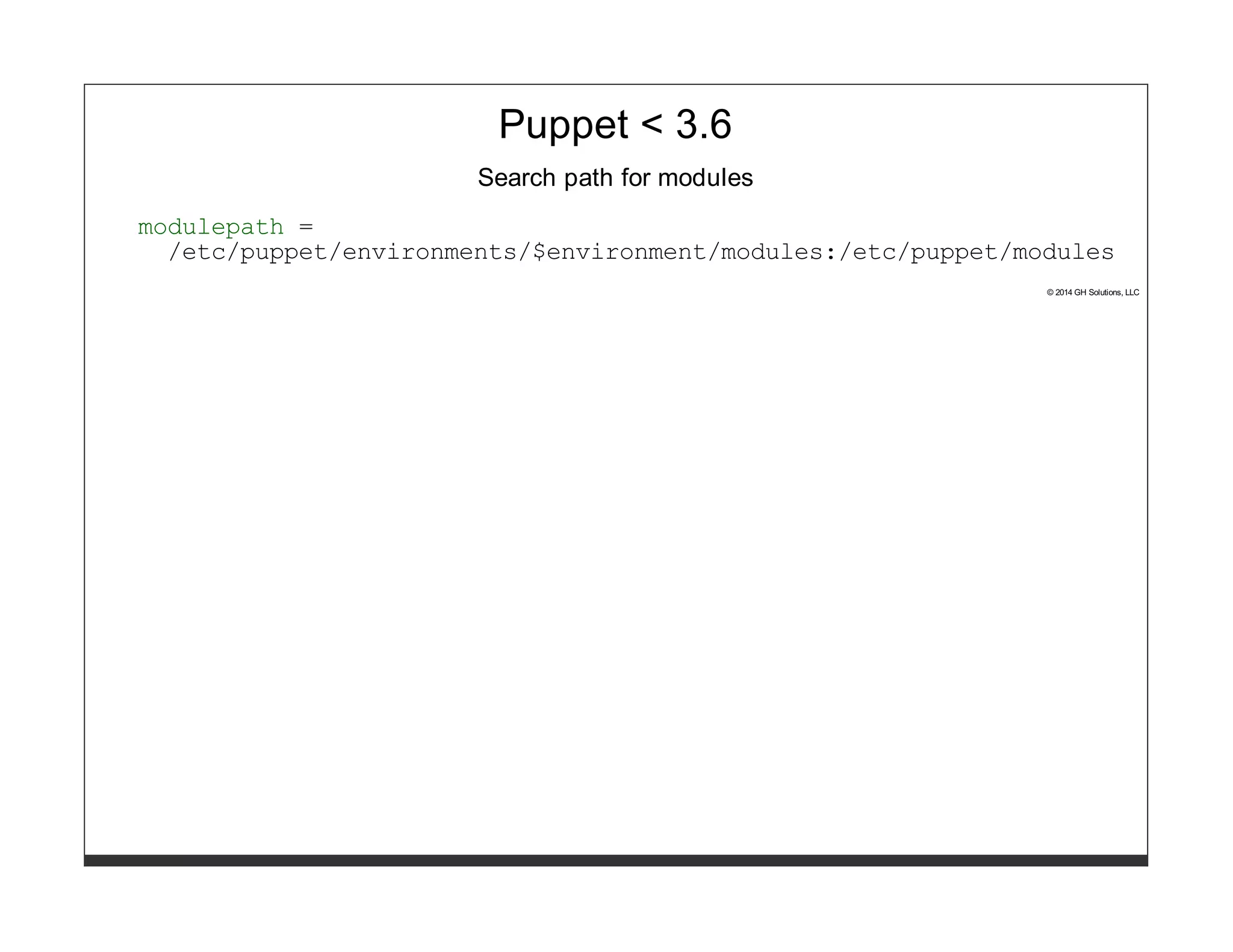
Puppet < 3.6 
Search path for modules 
modulepath = 
/etc/puppet/environments/$environment/modules:/etc/puppet/modules 
© 2014 GH Solutions, LLC
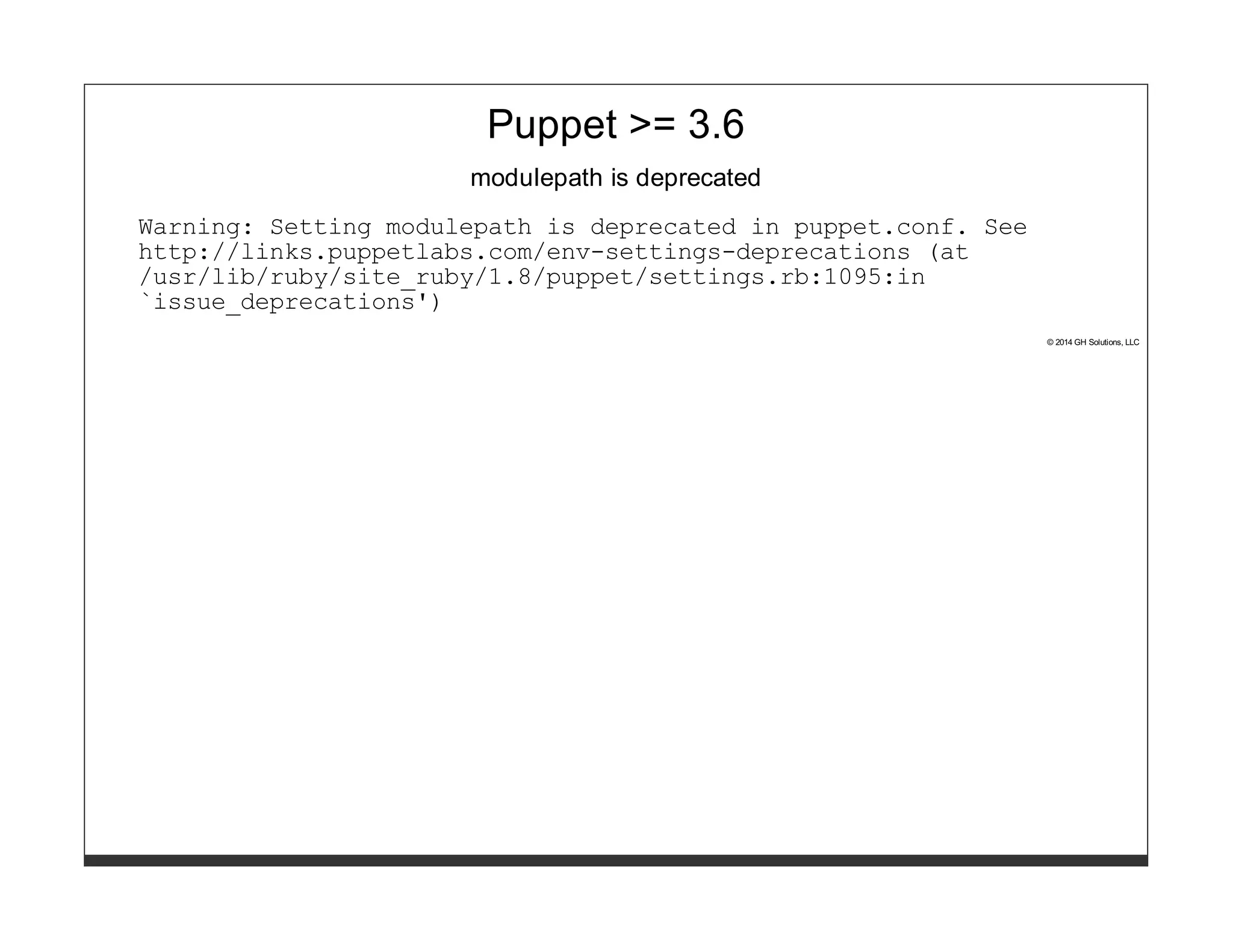
Puppet >= 3.6 
modulepath is deprecated 
Warning: Setting modulepath is deprecated in puppet.conf. See 
http://links.puppetlabs.com/env-settings-deprecations (at 
/usr/lib/ruby/site_ruby/1.8/puppet/settings.rb:1095:in 
`issue_deprecations') 
© 2014 GH Solutions, LLC
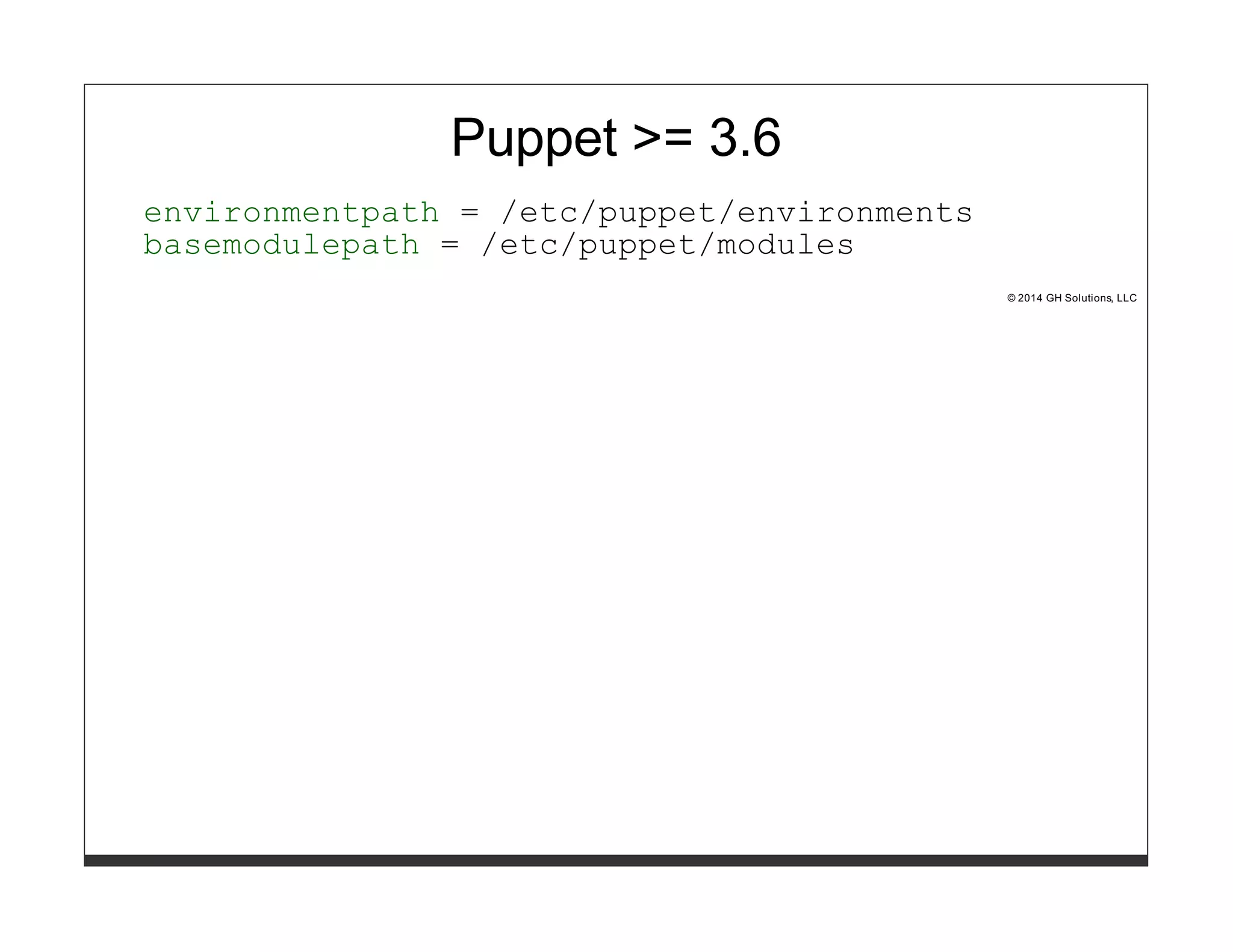
Puppet >= 3.6 
environmentpath = /etc/puppet/environments 
basemodulepath = /etc/puppet/modules 
© 2014 GH Solutions, LLC
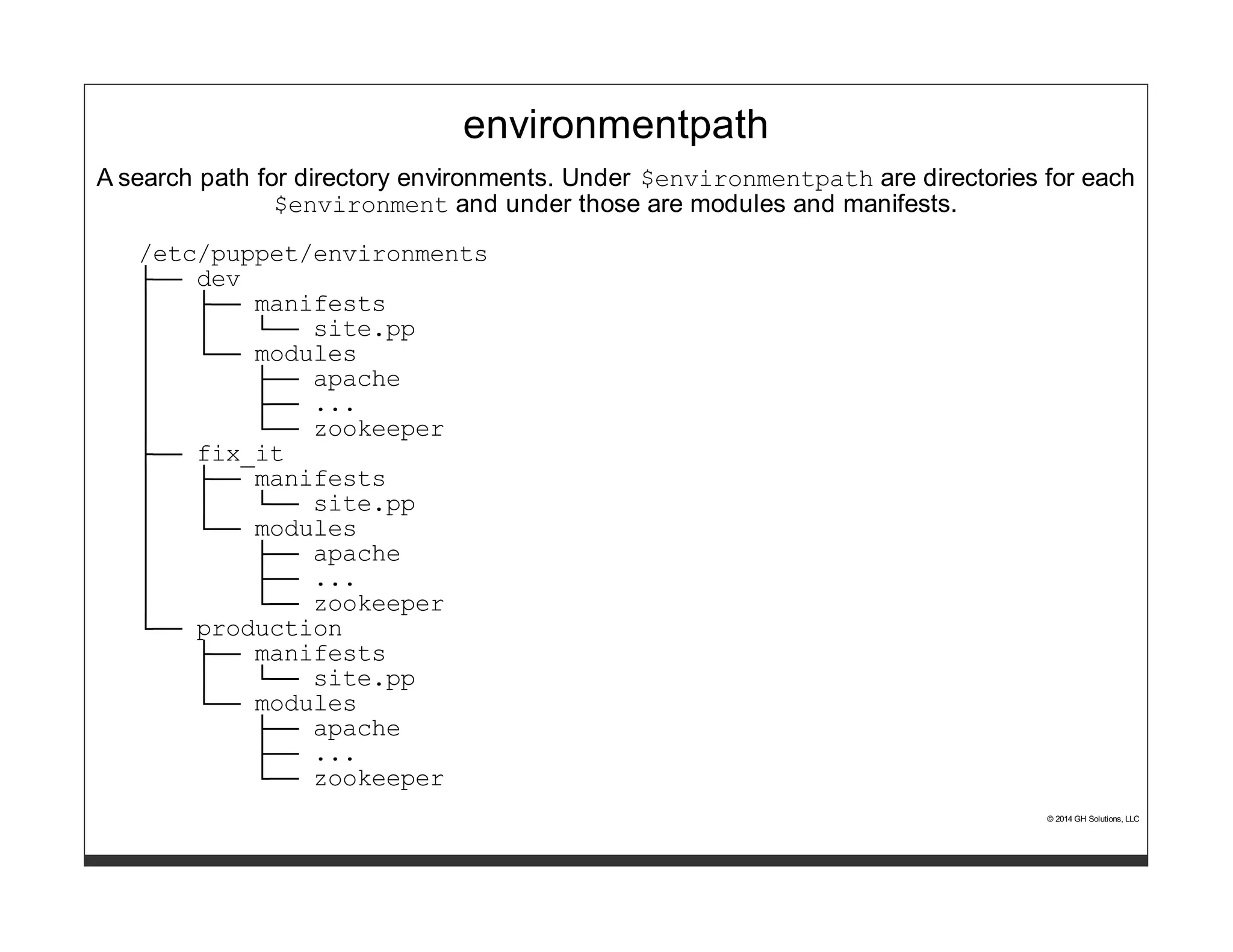
environmentpath 
A search path for directory environments. Under $environmentpath are directories for each 
$environment and under those are modules and manifests. 
/etc/puppet/environments 
├── dev 
│ ├── manifests 
│ │ └── site.pp 
│ └── modules 
│ ├── apache 
│ ├── ... 
│ └── zookeeper 
├── fix_it 
│ ├── manifests 
│ │ └── site.pp 
│ └── modules 
│ ├── apache 
│ ├── ... 
│ └── zookeeper 
└── production 
├── manifests 
│ └── site.pp 
└── modules 
├── apache 
├── ... 
└── zookeeper 
© 2014 GH Solutions, LLC
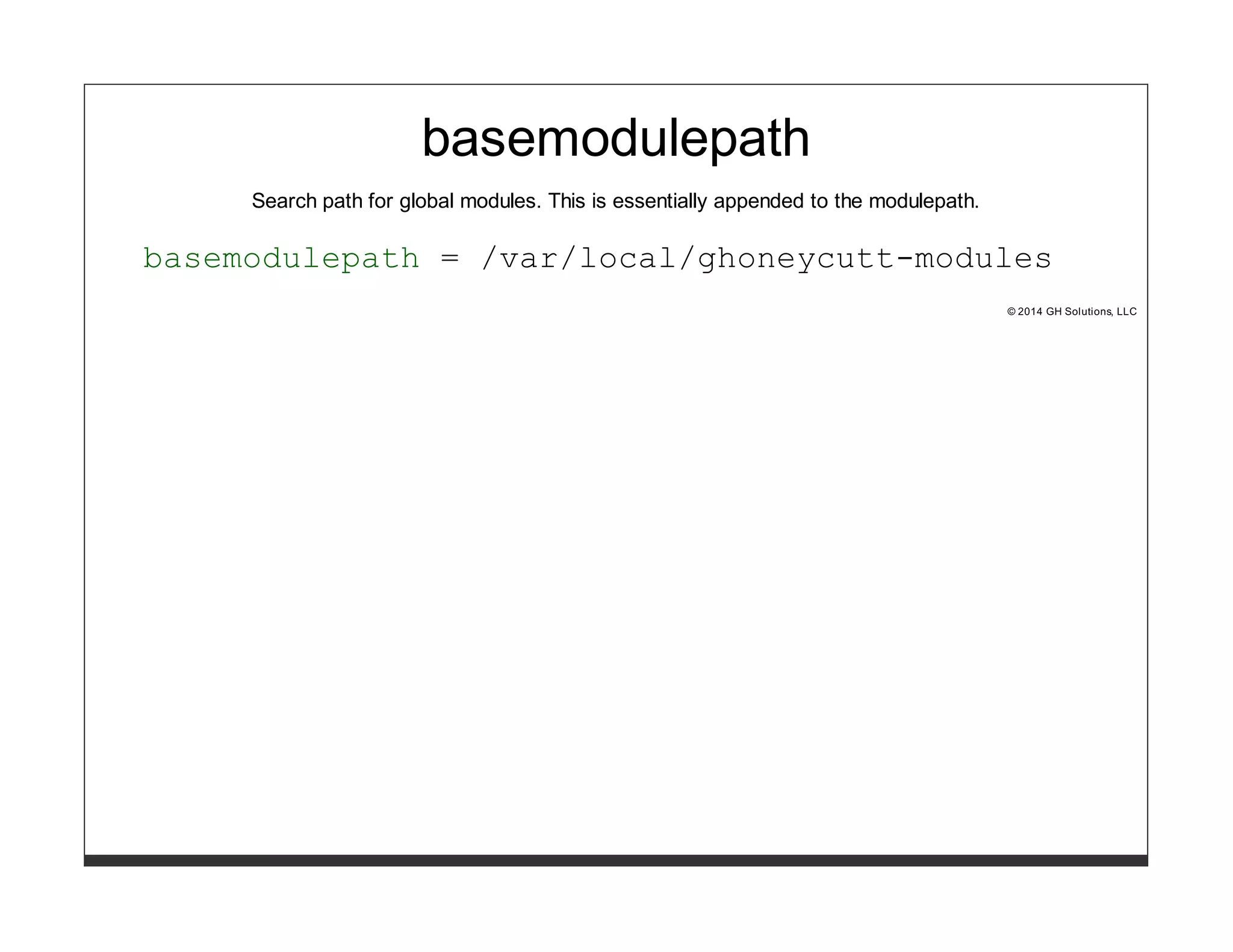
basemodulepath 
Search path for global modules. This is essentially appended to the modulepath. 
basemodulepath = /var/local/ghoneycutt-modules 
© 2014 GH Solutions, LLC
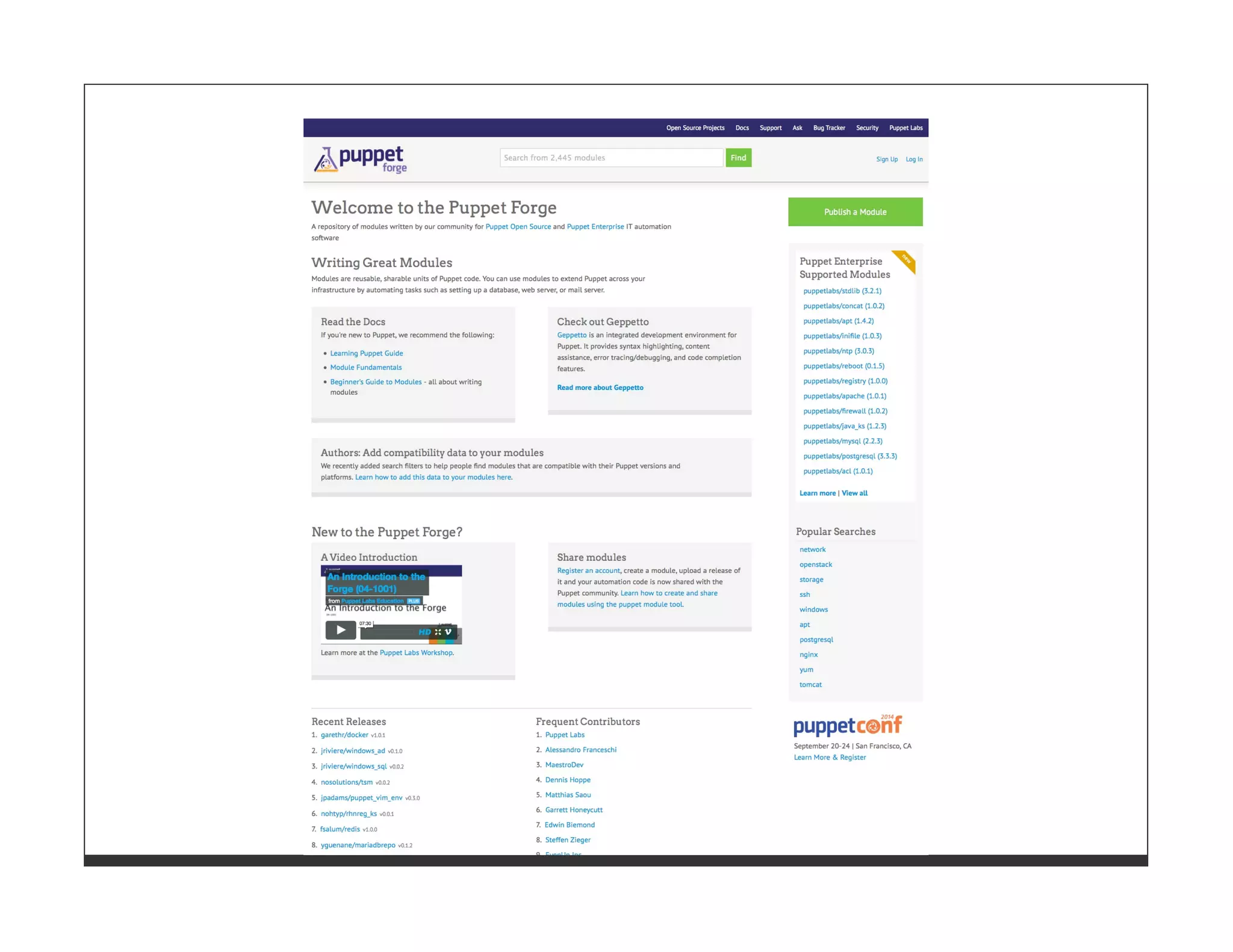
Puppet Forge 
© 2014 GH Solutions, LLC
Managed by Ryan 
Coleman 
@ryanycoleman
Puppet Forge 
Repo of puppet modules with dependency tracking. 
© 2014 GH Solutions, LLC
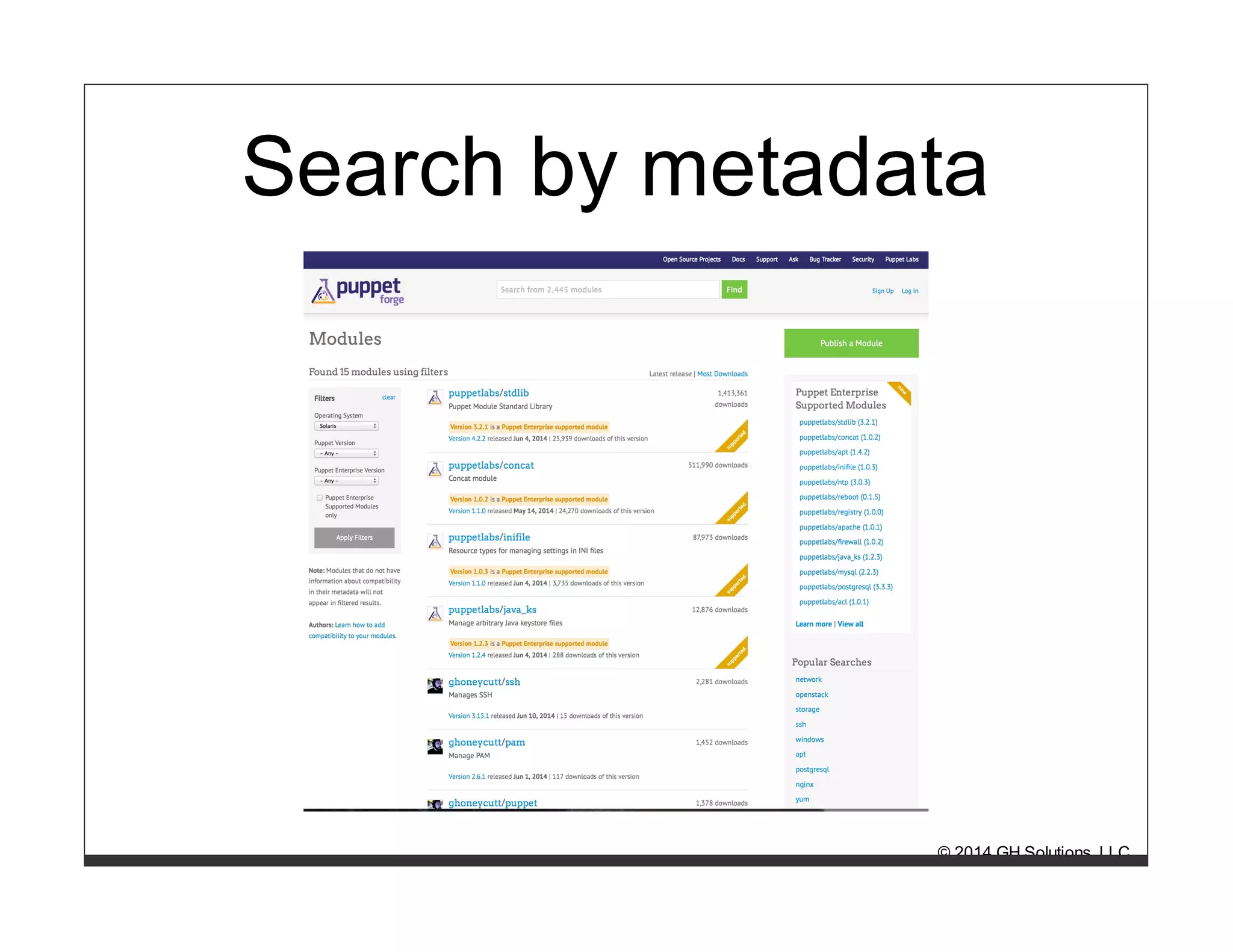
Puppet Forge -- Demo Time 
search 
# puppet module search openstack 
install 
# puppet module install puppetlabs-openstack 
© 2014 GH Solutions, LLC
Search by metadata 
© 2014 GH Solutions, LLC
Pro's 
Great way to find new modules 
Can filter by OS and Puppet version 
Can install from command line 
Resolves dependencies 
© 2014 GH Solutions, LLC
Con's 
Installing from the command line leaves 
you without something to track in 
version control. 
Resolving dependencies based on 
modules' metadata can be troublesome. 
© 2014 GH Solutions, LLC
Analysis 
Use the forge to find modules 
Install from the command line when 
developing to make note of your 
dependencies 
Potentially use forge in your Puppetfile 
© 2014 GH Solutions, LLC
librarian-puppet 
© 2014 GH Solutions, LLC
Written by Tim Sharpe 
@rodjek 
© 2014 GH Solutions, LLC
librarian-puppet 
Iterates through Puppetfile and recursively solves dependencies 
for you. 
© 2014 GH Solutions, LLC
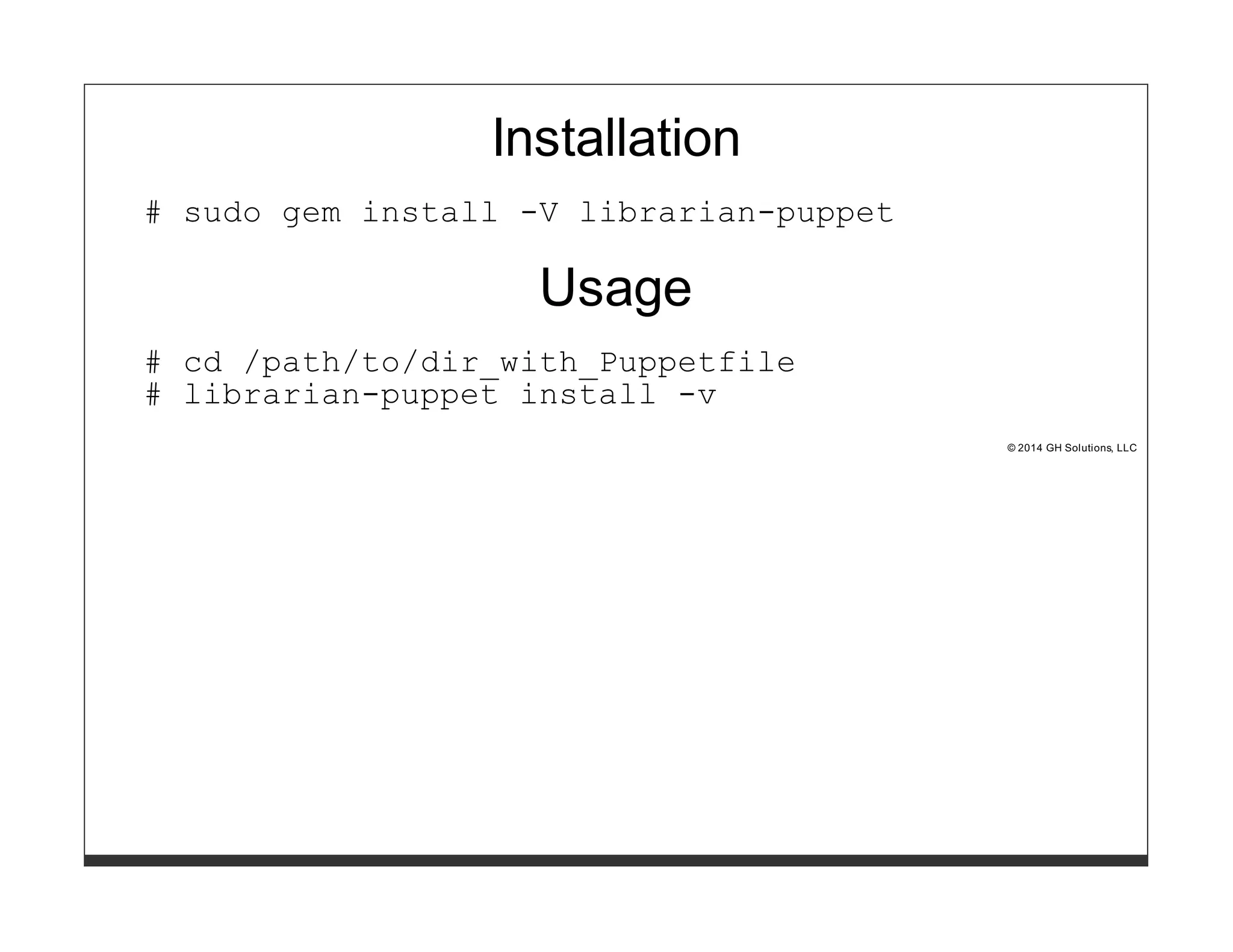
Installation 
# sudo gem install -V librarian-puppet 
Usage 
# cd /path/to/dir_with_Puppetfile 
# librarian-puppet install -v 
© 2014 GH Solutions, LLC
Pro's 
Uses a Puppetfile, so you have 
something in version control 
Handles dependencies 
© 2014 GH Solutions, LLC
Con's 
Handles dependencies - this is a 
nightmare with a large set of diverse 
modules 
© 2014 GH Solutions, LLC
Analysis 
After experiencing a lot of frustration with the dependency 
management, I gave up on this and moved to librarian-puppet-simple. 
Big props to Tim for writing this and Puppetfile which has 
became a standard. 
© 2014 GH Solutions, LLC
librarian-puppet-simple 
© 2014 GH Solutions, LLC
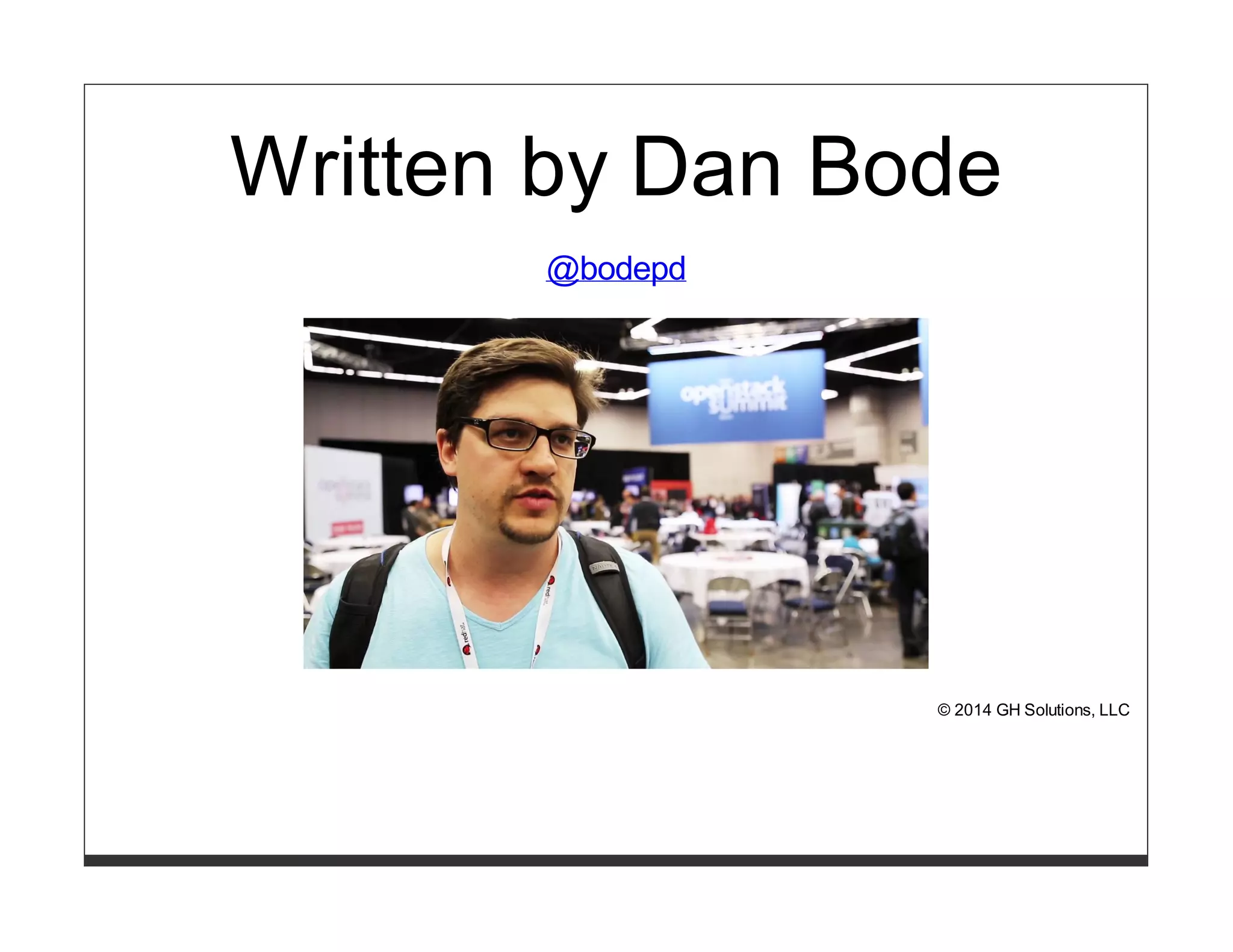
Written by Dan Bode 
@bodepd 
© 2014 GH Solutions, LLC
librarian-puppet-simple 
Iterates through Puppetfile without any dependency management. 
© 2014 GH Solutions, LLC
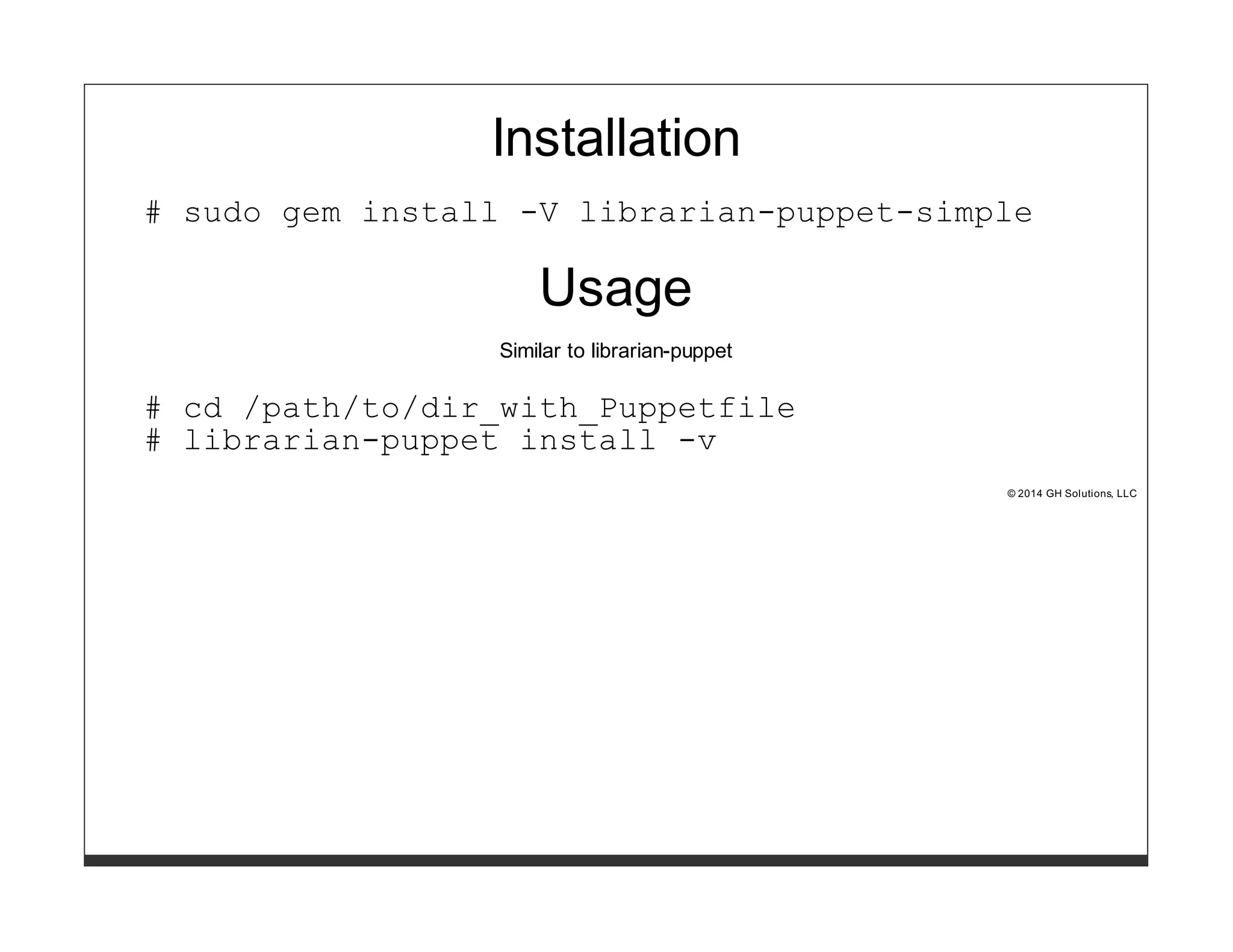
Installation 
# sudo gem install -V librarian-puppet-simple 
Usage 
Similar to librarian-puppet 
# cd /path/to/dir_with_Puppetfile 
# librarian-puppet install -v 
© 2014 GH Solutions, LLC
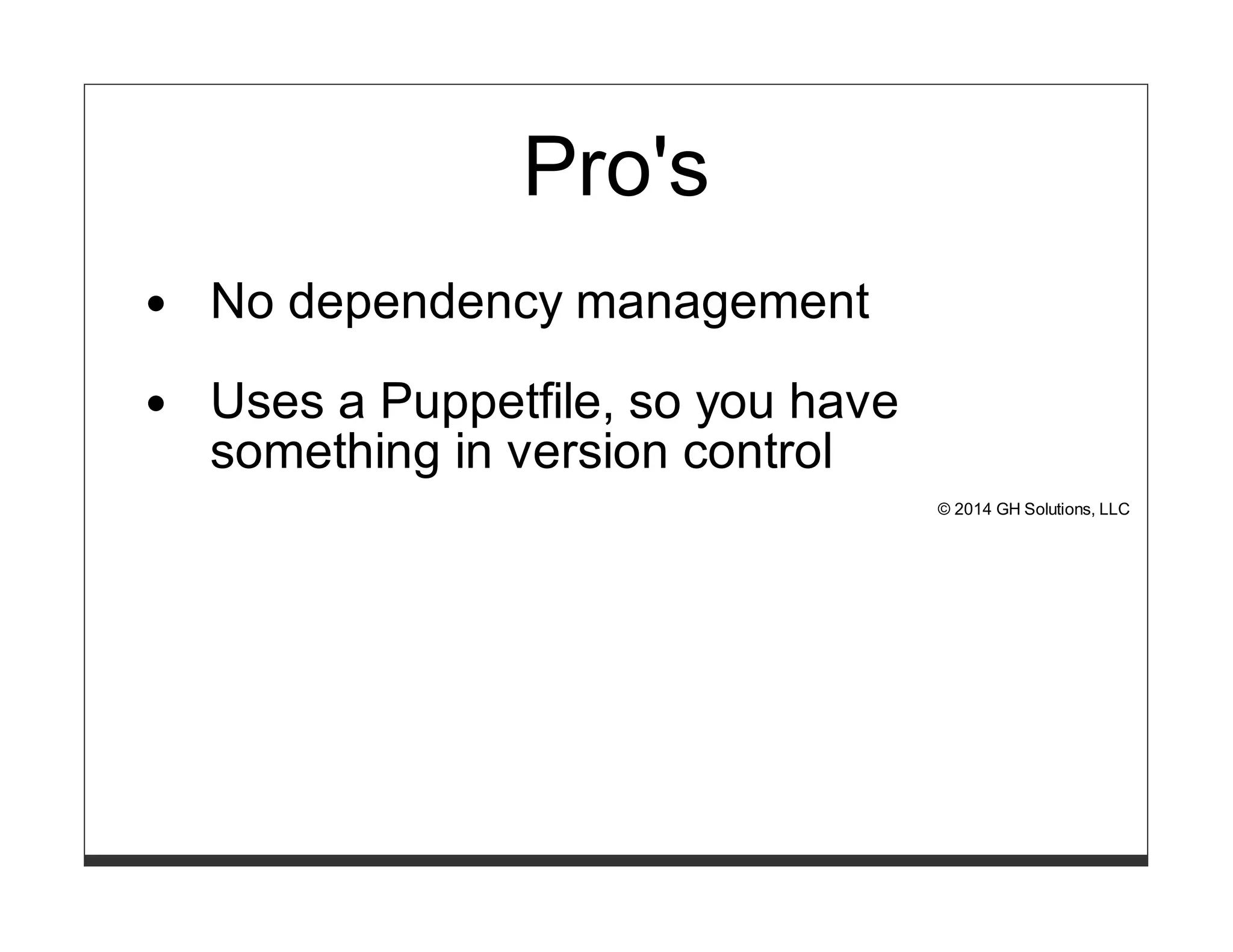
Pro's 
No dependency management 
Uses a Puppetfile, so you have 
something in version control 
© 2014 GH Solutions, LLC
Con's 
..nope.. 
© 2014 GH Solutions, LLC
Analysis 
Dan is my hero. After becoming frustrated with librarian-puppet's 
dependency management, this tool simply iterates over a list of 
modules, which is awesomely simple. 
© 2014 GH Solutions, LLC
r10k 
© 2014 GH Solutions, LLC
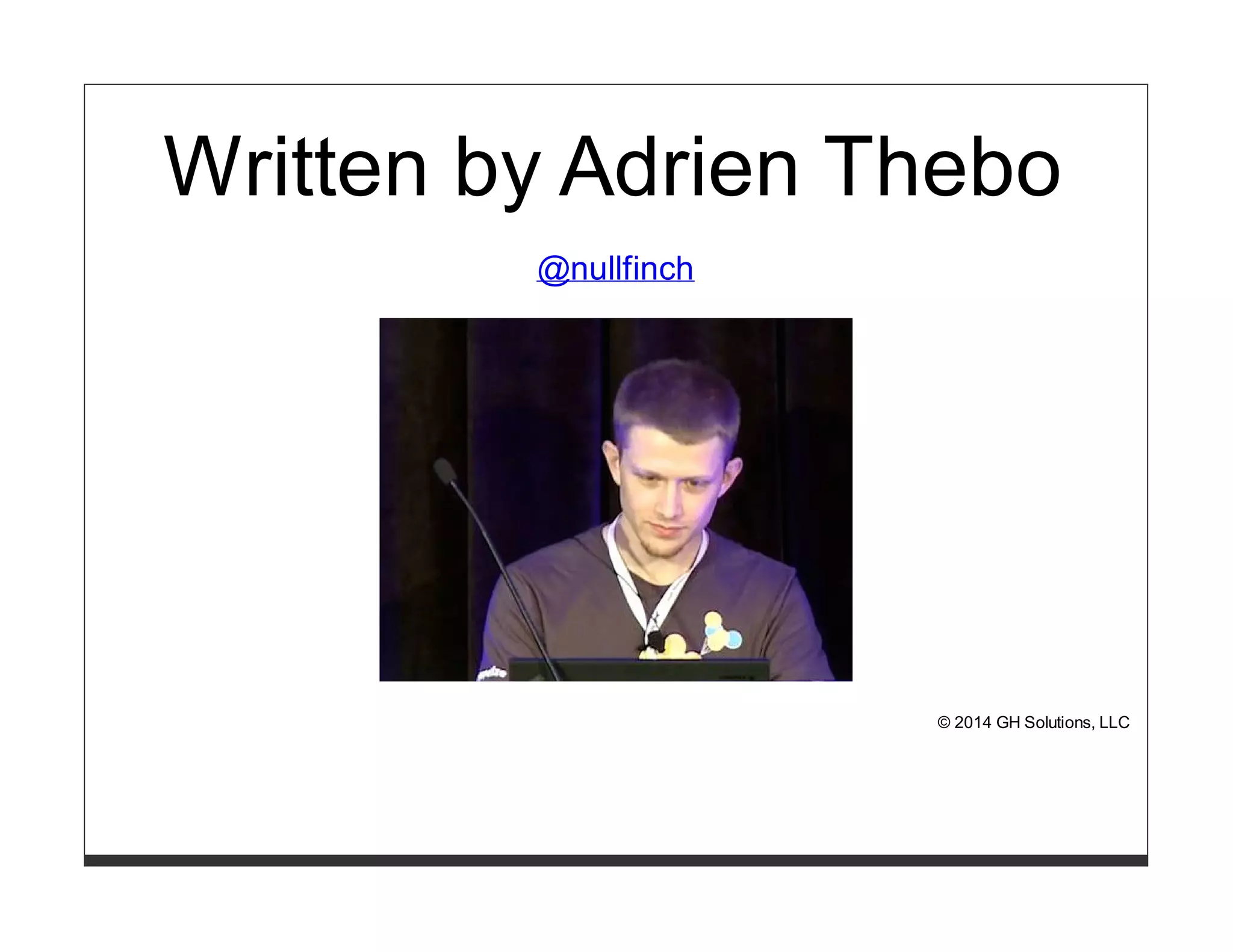
Written by Adrien Thebo 
@nullfinch 
© 2014 GH Solutions, LLC
r10k 
Creates an environment for every branch in your puppet-modules 
git repo. 
© 2014 GH Solutions, LLC
Installation 
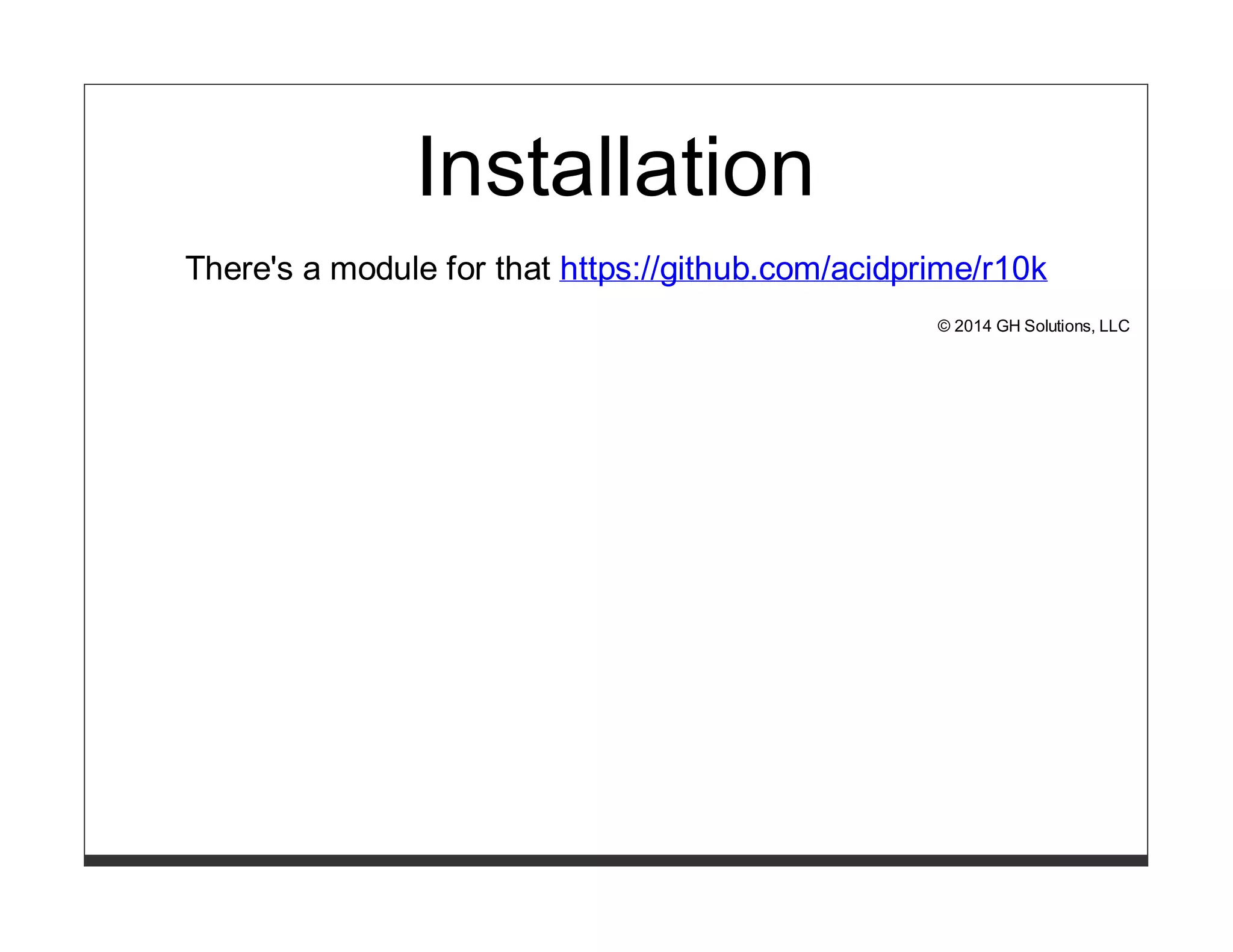
There's a module for that https://github.com/acidprime/r10k 
© 2014 GH Solutions, LLC
Work flow 
[foo@laptop]# git checkout -b fixit  
vi Puppetfile  
ruby -c Puppetfile  
git commit -a  
git push origin fixit 
[root@puppet]# r10k deploy environment -vp &&  
service httpd graceful 
© 2014 GH Solutions, LLC
Automate deploy step with ssh keys 
# Hiera entry using ghoneycutt/ssh 
ssh::keys: 
r10k: 
ensure: 'present' 
user: 'root' 
type: 'rsa' 
key: 'AAAAB3Nz....' 
options: 'command="/usr/bin/r10k deploy environment -vp  
&& /sbin/service httpd graceful"' 
# ~/.ssh/config on your workstation 
Host r10k 
User root 
Hostname puppet.example.com 
IdentityFile /Users/gh/.ssh/r10k 
[foo@laptop]# ssh r10k 
© 2014 GH Solutions, LLC
Add a rake task 
# Rakefile 
task :deploy do 
sh 'ssh r10k' end 
[foo@laptop]# rake deploy 
© 2014 GH Solutions, LLC
MCollective 
include r10k::mcollective from acidprime/r10k 
[foo@laptop]$ mco r10k synchronize 
© 2014 GH Solutions, LLC
Pro's 
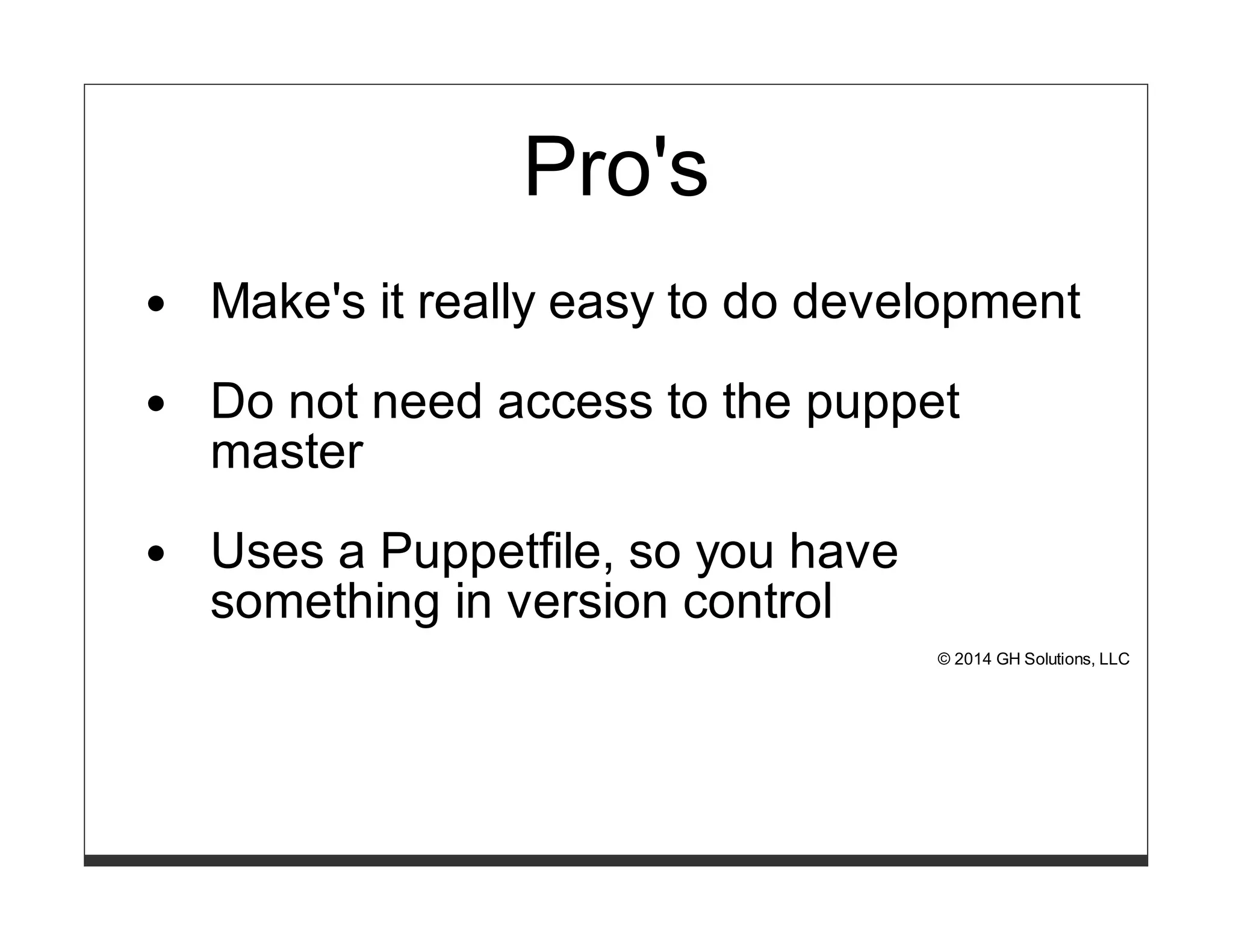
Make's it really easy to do development 
Do not need access to the puppet 
master 
Uses a Puppetfile, so you have 
something in version control 
© 2014 GH Solutions, LLC
Con's 
..nope.. 
You need a centralized git repo, which hopefully you already have 
:) 
© 2014 GH Solutions, LLC
Analysis 
Thebo is my hero, r10k provides an easy work flow for developers 
to make changes in their environment all without shell access on 
the puppet master. 
© 2014 GH Solutions, LLC
Continued Learning 
© 2014 GH Solutions, LLC
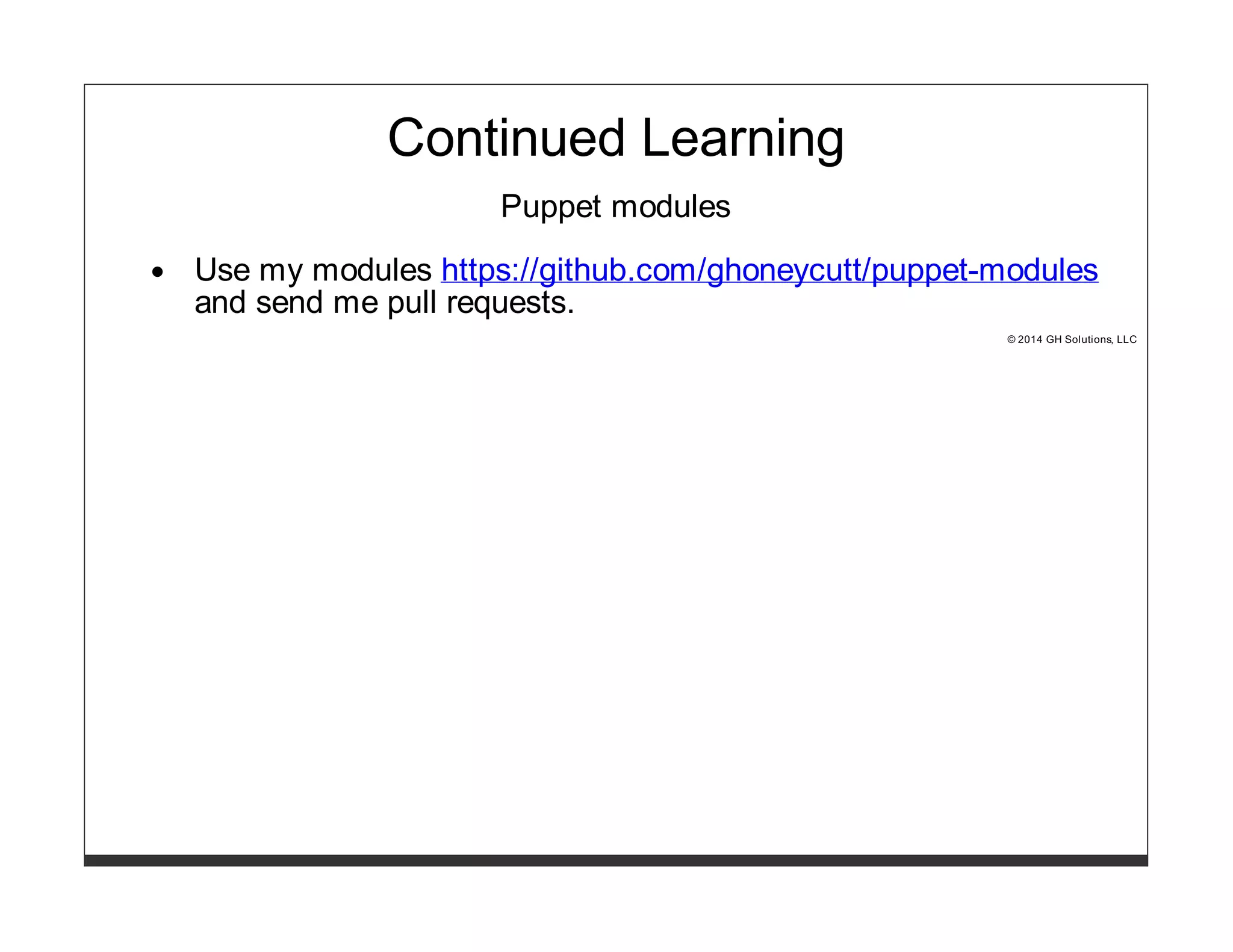
Continued Learning 
Puppet modules 
Use my modules https://github.com/ghoneycutt/puppet-modules 
and send me pull requests. 
© 2014 GH Solutions, LLC
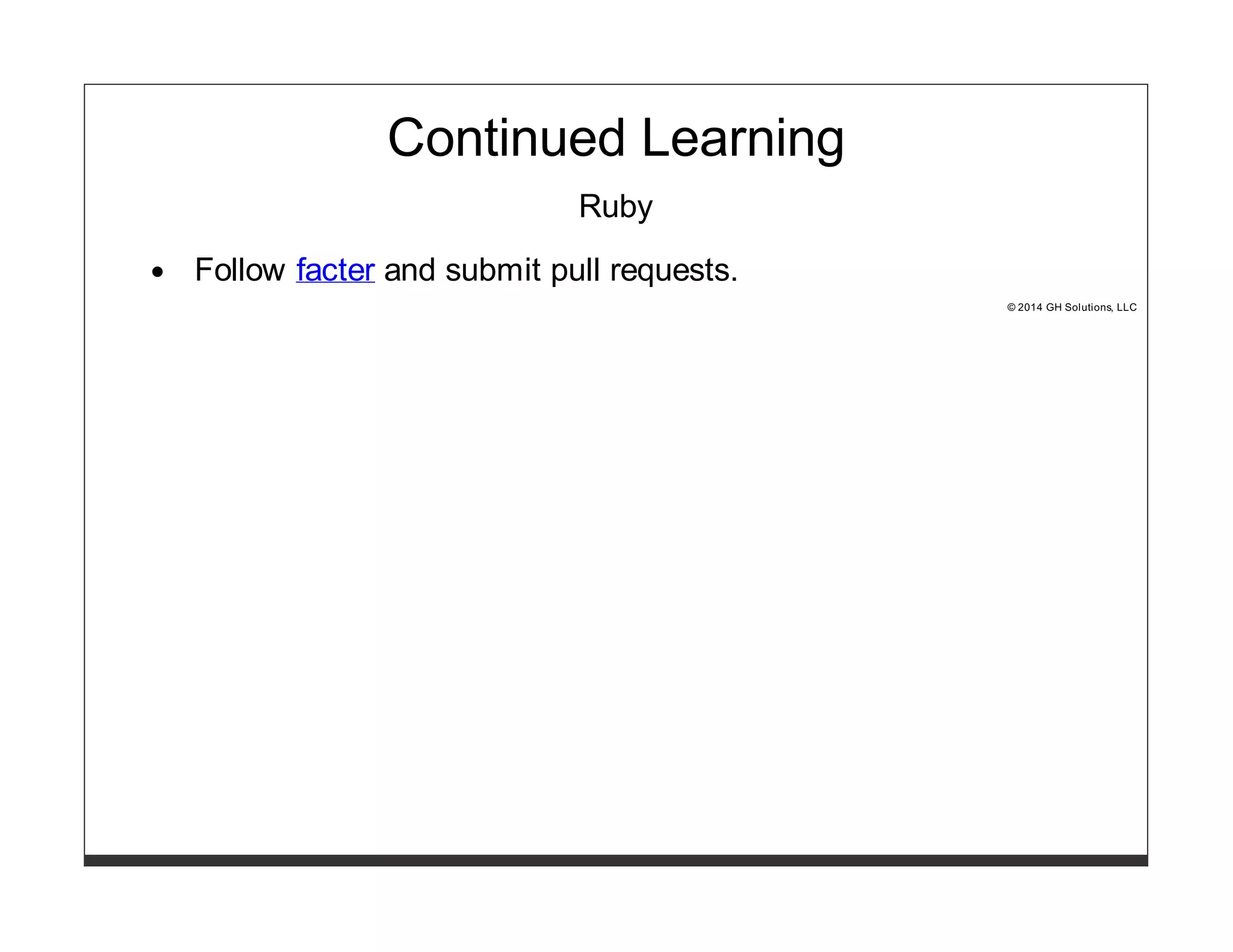
Continued Learning 
Ruby 
Follow facter and submit pull requests. 
© 2014 GH Solutions, LLC
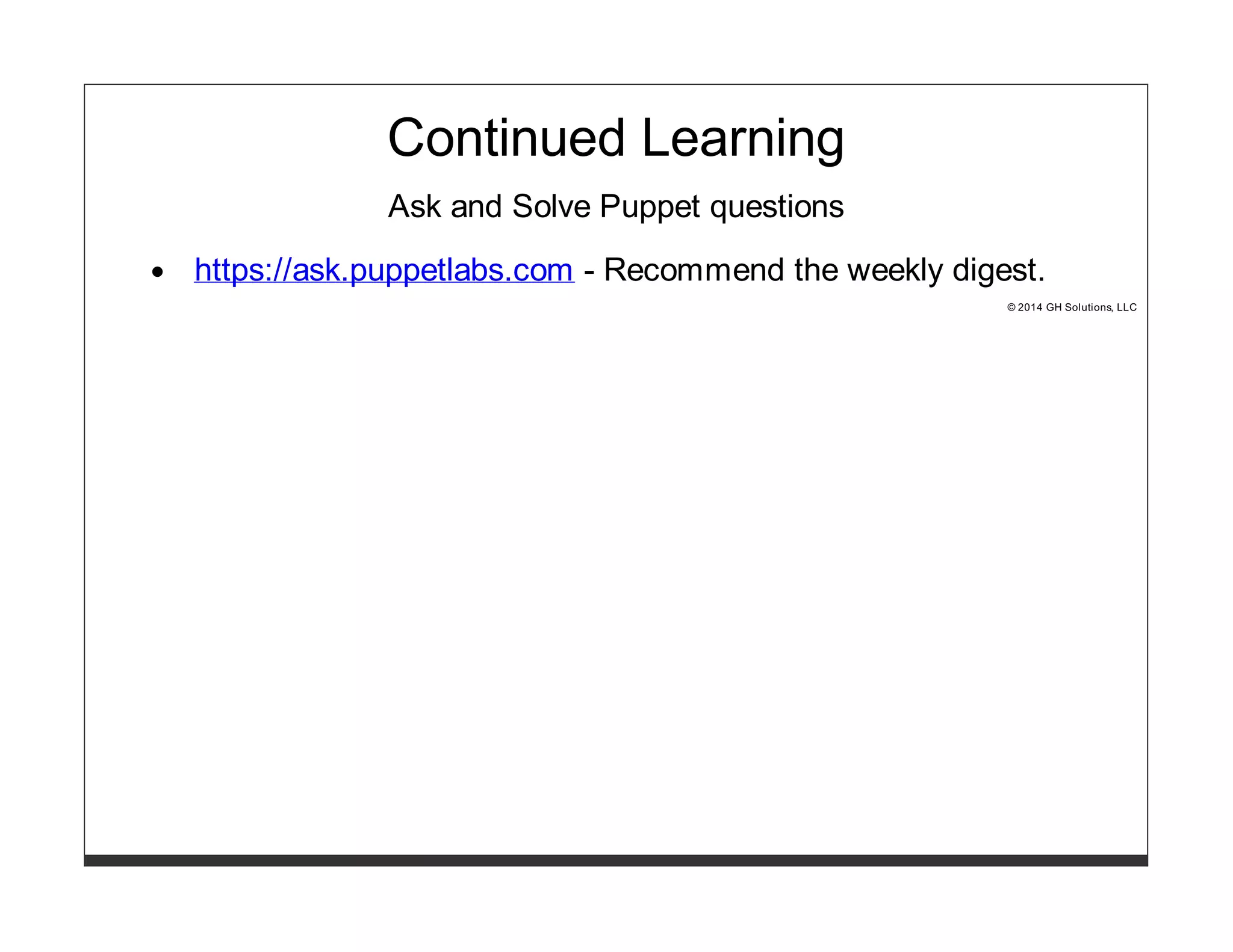
Continued Learning 
Ask and Solve Puppet questions 
https://ask.puppetlabs.com - Recommend the weekly digest. 
© 2014 GH Solutions, LLC
Continued Learning 
Puppet modules 
Use my modules https://github.com/ghoneycutt/puppet-modules 
and send me pull requests. 
Ruby 
Follow facter and submit pull requests. 
Ask and Solve Puppet questions 
https://ask.puppetlabs.com - Recommend the weekly digest. 
© 2014 GH Solutions, LLC
Multiple approaches to 
managing your Puppet 
modules 
Puppet Camp Seattle 
2014-11-11 
Seattle, WA 
LearnPuppet.com 
Garrett Honeycutt 
gh@learnpuppet.com 
@learnpuppet

2014-11-11 Multiple Approaches to Managing Puppet Modules @ Puppet Camp Seattle

  • 1.
    Multiple approaches to managing your Puppet modules Puppet Camp Seattle 2014-11-11 Seattle, WA LearnPuppet.com Garrett Honeycutt gh@learnpuppet.com @learnpuppet
  • 2.
  • 3.
    LearnPuppet.com Audits Consulting Training Advanced Topics with Test Driven Development © 2014 GH Solutions, LLC
  • 4.
    @fossetcon © 2014GH Solutions, LLC
  • 5.
    © 2014 GHSolutions, LLC
  • 6.
    What is aModule? © 2014 GH Solutions, LLC
  • 7.
    Modules A moduleis a self contained directory structure for encapsulating puppet code. © 2014 GH Solutions, LLC
  • 8.
    Metadata # Modulefile name 'ghoneycutt-nscd' version '1.0.2' source 'git://github.com/ghoneycutt/puppet-module-nscd.git' author 'ghoneycutt' license 'Apache License, Version 2.0' summary 'manage NSCD - name service cache daemon' description 'Manage every aspect of NSCD - name service cache daemon' project_page 'https://github.com/ghoneycutt/puppet-module-nscd' dependency 'puppetlabs/stdlib', '>= 3.2.0' © 2014 GH Solutions, LLC
  • 9.
    Metadata # metadata.json { "name": "ghoneycutt-nscd", "version": "1.0.2", "author": "ghoneycutt", "summary": "manage NSCD - name service cache daemon", "license": "Apache License, Version 2.0", "source": "git://github.com/ghoneycutt/puppet-module-nscd.git", "project_page": "https://github.com/ghoneycutt/puppet-module-nscd", "issues_url": "https://github.com/ghoneycutt/puppet-module-nscd/issues", "description": "Manage every aspect of NSCD - name service cache daemon", "dependencies": [ {"name":"puppetlabs/stdlib","version_requirement":">= 3.2.0"} ] } © 2014 GH Solutions, LLC
  • 10.
    Skeleton Provides atemplate for generating new modules https://github.com/ghoneycutt/puppet-module-skeleton $ git clone https://github.com/ghoneycutt/puppet-module-skeleton $ VARDIR=`puppet config print vardir` $ mkdir -p $VARDIR/puppet-module/skeleton/ $ rsync -avp --exclude .git puppet-module-skeleton/ $VARDIR/puppet-module/skeleton/ © 2014 GH Solutions, LLC
  • 11.
    Generate a module $ cd /etc/puppet/modules $ puppet module generate <forgename>-<modulename> $ mv <forgename-modulename> <modulename> © 2014 GH Solutions, LLC
  • 12.
    Components ghoneycutt-motd ghoneycutt-motd/.fixtures.yml ghoneycutt-motd/.gitignore ghoneycutt-motd/.travis.yml ghoneycutt-motd/Gemfile ghoneycutt-motd/LICENSE ghoneycutt-motd/Modulefile ghoneycutt-motd/README.md ghoneycutt-motd/Rakefile ghoneycutt-motd/manifests ghoneycutt-motd/manifests/init.pp ghoneycutt-motd/spec ghoneycutt-motd/spec/classes ghoneycutt-motd/spec/classes/init_spec.rb ghoneycutt-motd/spec/fixtures ghoneycutt-motd/spec/fixtures/manifests ghoneycutt-motd/spec/fixtures/manifests/site.pp ghoneycutt-motd/spec/fixtures/modules ghoneycutt-motd/spec/spec_helper.rb ghoneycutt-motd/tests ghoneycutt-motd/tests/init.pp
  • 13.
    In the beginning © 2014 GH Solutions, LLC
  • 14.
    In the beginning... Things were simple. We stuck all of our modules into one repo. Luke told me it was a good idea and we spent time puppetizing the setup. © 2014 GH Solutions, LLC
  • 15.
    In the beginning... That was 2008. © 2014 GH Solutions, LLC
  • 16.
    There are betterways! © 2014 GH Solutions, LLC
  • 17.
    Looking back Everyonehas to be on the same release cycle or you get dependency issues. © 2014 GH Solutions, LLC
  • 18.
    Scale This scalesto one organization with one release cycle who are not concerned with others using their code. © 2014 GH Solutions, LLC
  • 19.
    Pro's Easy toget started © 2014 GH Solutions, LLC
  • 20.
    Con's Everything isreleased at the same time Promotes forking Merge hell © 2014 GH Solutions, LLC
  • 21.
    Analysis Avoid atall costs. Separate repo for each module © 2014 GH Solutions, LLC
  • 22.
    Puppetfile © 2014GH Solutions, LLC
  • 23.
    Puppetfile Simple filethat lists your modules, where to get them, and at what version. # git repo mod 'nscd', :git => 'git://github.com/ghoneycutt/puppet-module-nscd.git', :ref => 'v1.0.0' © 2014 GH Solutions, LLC
  • 24.
    Puppetfile Also supportsthe Puppet Forge # puppet forge forge 'https://forgeapi.puppetlabs.com' mod 'puppetlabs/stdlib', '4.2.1' © 2014 GH Solutions, LLC
  • 25.
    Puppetfile Can bevalidated and kept under revision control. ruby -c Puppetfile © 2014 GH Solutions, LLC
  • 26.
    ghoneycutt's puppet-modules https://github.com/ghoneycutt/puppet-modules All of the modules and their dependencies that I write, use, and support. apache inittab pam ruby apt localization passenger selinux common make pe_gem ssh concat motd portage stdlib dnsclient mysql postgresql sysklogd facter network puppet timezone firewall nfs puppetdb types gcc nisclient r10k utils git nrpe rancid vcsrepo hosts nscd redhat vim htpasswd nsswitch rpcbind wget inifile ntp rsyslog xinetd © 2014 GH Solutions, LLC
  • 27.
    modulepath © 2014GH Solutions, LLC
  • 28.
    Puppet < 3.6 Search path for modules modulepath = /etc/puppet/environments/$environment/modules:/etc/puppet/modules © 2014 GH Solutions, LLC
  • 29.
    Puppet >= 3.6 modulepath is deprecated Warning: Setting modulepath is deprecated in puppet.conf. See http://links.puppetlabs.com/env-settings-deprecations (at /usr/lib/ruby/site_ruby/1.8/puppet/settings.rb:1095:in `issue_deprecations') © 2014 GH Solutions, LLC
  • 30.
    Puppet >= 3.6 environmentpath = /etc/puppet/environments basemodulepath = /etc/puppet/modules © 2014 GH Solutions, LLC
  • 31.
    environmentpath A searchpath for directory environments. Under $environmentpath are directories for each $environment and under those are modules and manifests. /etc/puppet/environments ├── dev │ ├── manifests │ │ └── site.pp │ └── modules │ ├── apache │ ├── ... │ └── zookeeper ├── fix_it │ ├── manifests │ │ └── site.pp │ └── modules │ ├── apache │ ├── ... │ └── zookeeper └── production ├── manifests │ └── site.pp └── modules ├── apache ├── ... └── zookeeper © 2014 GH Solutions, LLC
  • 32.
    basemodulepath Search pathfor global modules. This is essentially appended to the modulepath. basemodulepath = /var/local/ghoneycutt-modules © 2014 GH Solutions, LLC
  • 33.
    Puppet Forge ©2014 GH Solutions, LLC
  • 34.
    Managed by Ryan Coleman @ryanycoleman
  • 35.
    Puppet Forge Repoof puppet modules with dependency tracking. © 2014 GH Solutions, LLC
  • 37.
    Puppet Forge --Demo Time search # puppet module search openstack install # puppet module install puppetlabs-openstack © 2014 GH Solutions, LLC
  • 38.
    Search by metadata © 2014 GH Solutions, LLC
  • 39.
    Pro's Great wayto find new modules Can filter by OS and Puppet version Can install from command line Resolves dependencies © 2014 GH Solutions, LLC
  • 40.
    Con's Installing fromthe command line leaves you without something to track in version control. Resolving dependencies based on modules' metadata can be troublesome. © 2014 GH Solutions, LLC
  • 41.
    Analysis Use theforge to find modules Install from the command line when developing to make note of your dependencies Potentially use forge in your Puppetfile © 2014 GH Solutions, LLC
  • 42.
    librarian-puppet © 2014GH Solutions, LLC
  • 43.
    Written by TimSharpe @rodjek © 2014 GH Solutions, LLC
  • 44.
    librarian-puppet Iterates throughPuppetfile and recursively solves dependencies for you. © 2014 GH Solutions, LLC
  • 45.
    Installation # sudogem install -V librarian-puppet Usage # cd /path/to/dir_with_Puppetfile # librarian-puppet install -v © 2014 GH Solutions, LLC
  • 46.
    Pro's Uses aPuppetfile, so you have something in version control Handles dependencies © 2014 GH Solutions, LLC
  • 47.
    Con's Handles dependencies- this is a nightmare with a large set of diverse modules © 2014 GH Solutions, LLC
  • 48.
    Analysis After experiencinga lot of frustration with the dependency management, I gave up on this and moved to librarian-puppet-simple. Big props to Tim for writing this and Puppetfile which has became a standard. © 2014 GH Solutions, LLC
  • 49.
  • 50.
    Written by DanBode @bodepd © 2014 GH Solutions, LLC
  • 51.
    librarian-puppet-simple Iterates throughPuppetfile without any dependency management. © 2014 GH Solutions, LLC
  • 52.
    Installation # sudogem install -V librarian-puppet-simple Usage Similar to librarian-puppet # cd /path/to/dir_with_Puppetfile # librarian-puppet install -v © 2014 GH Solutions, LLC
  • 53.
    Pro's No dependencymanagement Uses a Puppetfile, so you have something in version control © 2014 GH Solutions, LLC
  • 54.
    Con's ..nope.. ©2014 GH Solutions, LLC
  • 55.
    Analysis Dan ismy hero. After becoming frustrated with librarian-puppet's dependency management, this tool simply iterates over a list of modules, which is awesomely simple. © 2014 GH Solutions, LLC
  • 56.
    r10k © 2014GH Solutions, LLC
  • 57.
    Written by AdrienThebo @nullfinch © 2014 GH Solutions, LLC
  • 58.
    r10k Creates anenvironment for every branch in your puppet-modules git repo. © 2014 GH Solutions, LLC
  • 59.
    Installation There's amodule for that https://github.com/acidprime/r10k © 2014 GH Solutions, LLC
  • 60.
    Work flow [foo@laptop]#git checkout -b fixit vi Puppetfile ruby -c Puppetfile git commit -a git push origin fixit [root@puppet]# r10k deploy environment -vp && service httpd graceful © 2014 GH Solutions, LLC
  • 61.
    Automate deploy stepwith ssh keys # Hiera entry using ghoneycutt/ssh ssh::keys: r10k: ensure: 'present' user: 'root' type: 'rsa' key: 'AAAAB3Nz....' options: 'command="/usr/bin/r10k deploy environment -vp && /sbin/service httpd graceful"' # ~/.ssh/config on your workstation Host r10k User root Hostname puppet.example.com IdentityFile /Users/gh/.ssh/r10k [foo@laptop]# ssh r10k © 2014 GH Solutions, LLC
  • 62.
    Add a raketask # Rakefile task :deploy do sh 'ssh r10k' end [foo@laptop]# rake deploy © 2014 GH Solutions, LLC
  • 63.
    MCollective include r10k::mcollectivefrom acidprime/r10k [foo@laptop]$ mco r10k synchronize © 2014 GH Solutions, LLC
  • 64.
    Pro's Make's itreally easy to do development Do not need access to the puppet master Uses a Puppetfile, so you have something in version control © 2014 GH Solutions, LLC
  • 65.
    Con's ..nope.. Youneed a centralized git repo, which hopefully you already have :) © 2014 GH Solutions, LLC
  • 66.
    Analysis Thebo ismy hero, r10k provides an easy work flow for developers to make changes in their environment all without shell access on the puppet master. © 2014 GH Solutions, LLC
  • 67.
    Continued Learning ©2014 GH Solutions, LLC
  • 68.
    Continued Learning Puppetmodules Use my modules https://github.com/ghoneycutt/puppet-modules and send me pull requests. © 2014 GH Solutions, LLC
  • 69.
    Continued Learning Ruby Follow facter and submit pull requests. © 2014 GH Solutions, LLC
  • 70.
    Continued Learning Askand Solve Puppet questions https://ask.puppetlabs.com - Recommend the weekly digest. © 2014 GH Solutions, LLC
  • 71.
    Continued Learning Puppetmodules Use my modules https://github.com/ghoneycutt/puppet-modules and send me pull requests. Ruby Follow facter and submit pull requests. Ask and Solve Puppet questions https://ask.puppetlabs.com - Recommend the weekly digest. © 2014 GH Solutions, LLC
  • 72.
    Multiple approaches to managing your Puppet modules Puppet Camp Seattle 2014-11-11 Seattle, WA LearnPuppet.com Garrett Honeycutt gh@learnpuppet.com @learnpuppet