Teacher Tools And Strategies For A 21st Century

Loading...

Flash Player 9 (or above) is needed to view presentations.
We have detected that you do not have it on your computer. To install it, go here.

0 comments

Post a comment

    Post a comment
    Embed Video
    Edit your comment Cancel

    Favorites, Groups & Events

    Teacher Tools And Strategies For A 21st Century - Presentation Transcript

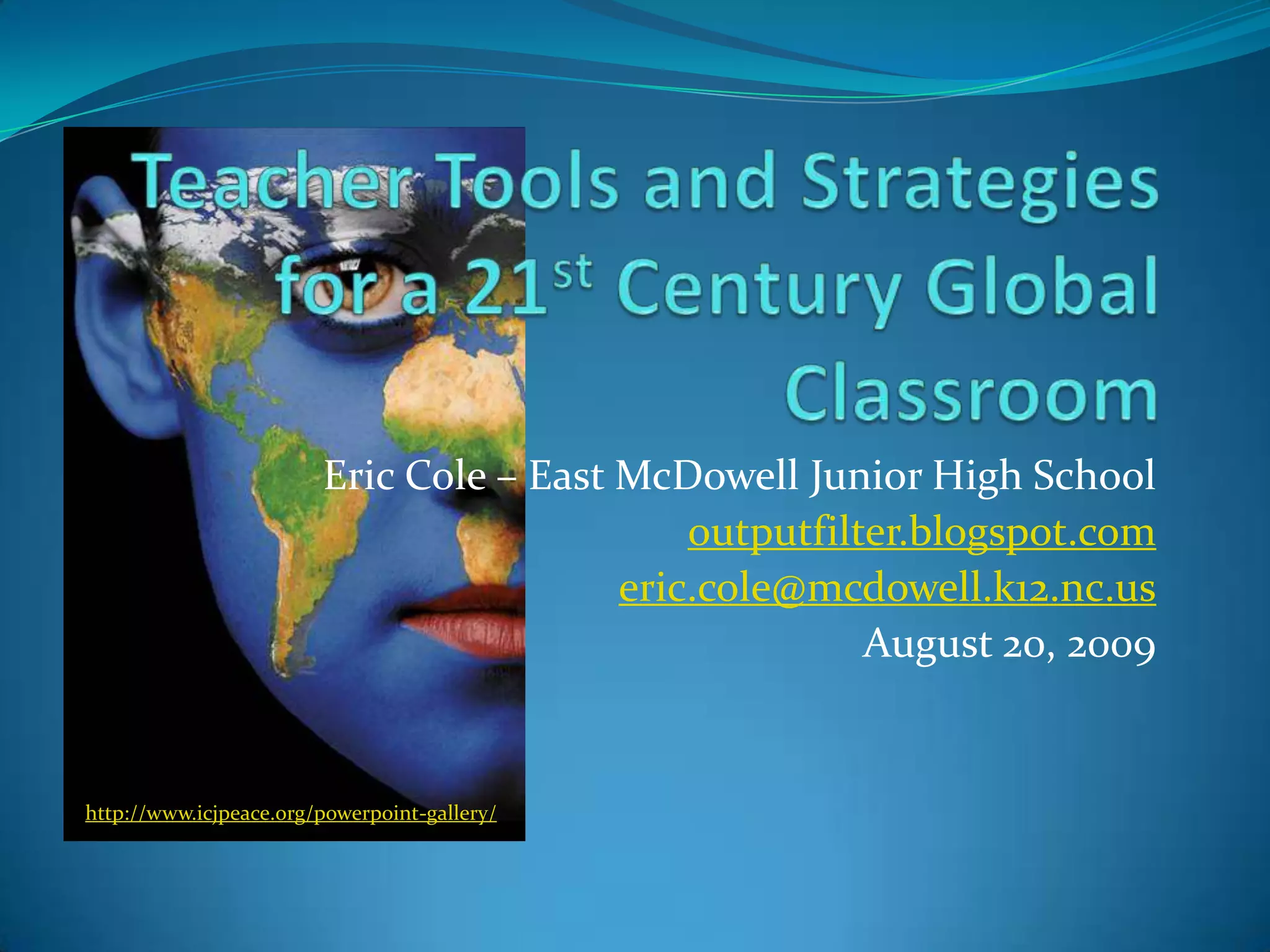
    1. Teacher Tools and Strategies for a 21st Century Global Classroom
      Eric Cole – East McDowell Junior High School
      outputfilter.blogspot.com
      eric.cole@mcdowell.k12.nc.us
      August 20, 2009
      http://www.icjpeace.org/powerpoint-gallery/
    2. What’s the Point???
      Why Globalize?
      Shouldn’t I be afraid?
      It’s not TESTED on the EOCs / EOGs….
      We’re in different time zones…
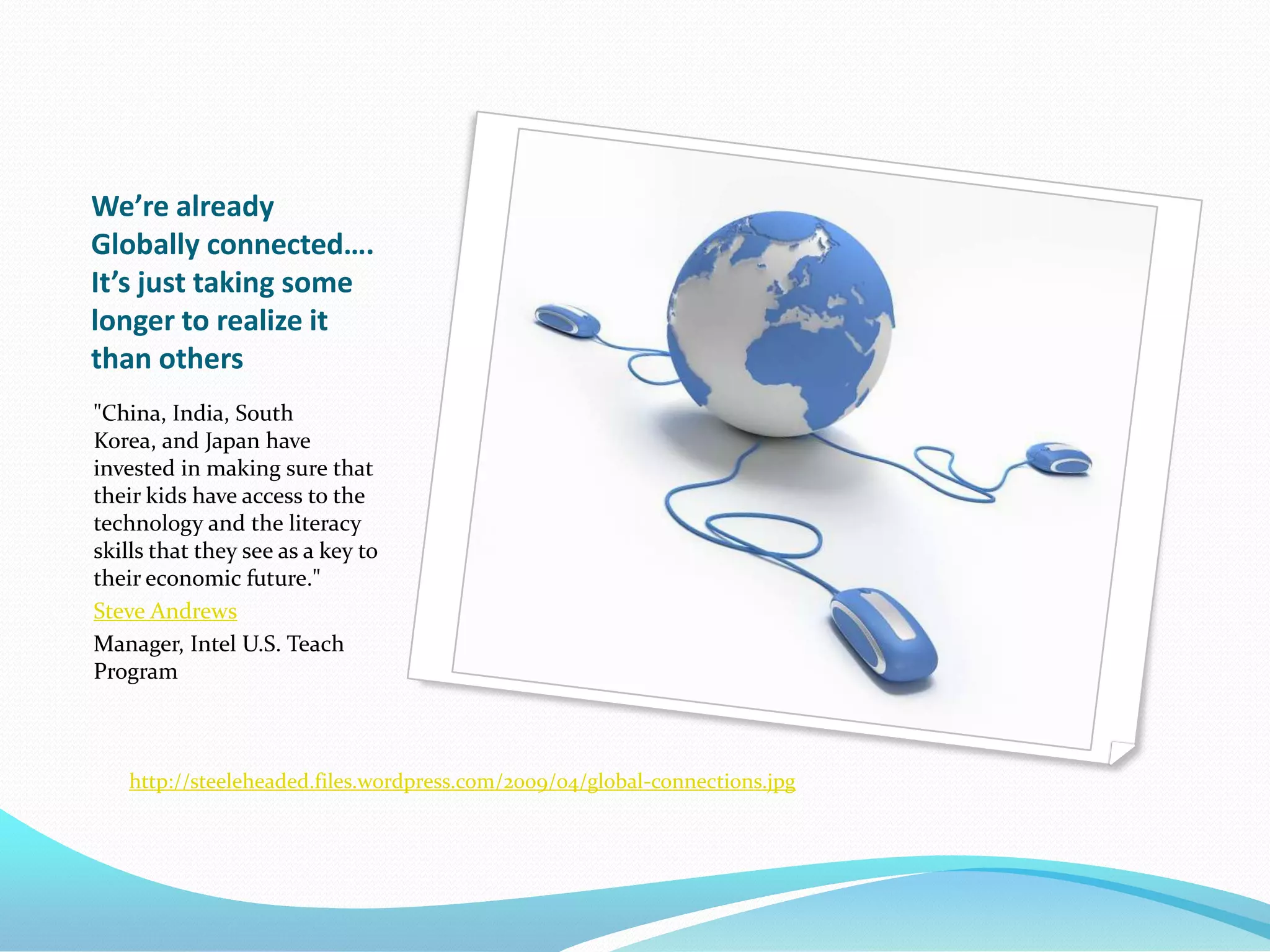
    3. We’re already Globally connected…. It’s just taking some longer to realize it than others
      "China, India, South Korea, and Japan have invested in making sure that their kids have access to the technology and the literacy skills that they see as a key to their economic future."
      Steve Andrews
      Manager, Intel U.S. Teach Program
      http://steeleheaded.files.wordpress.com/2009/04/global-connections.jpg
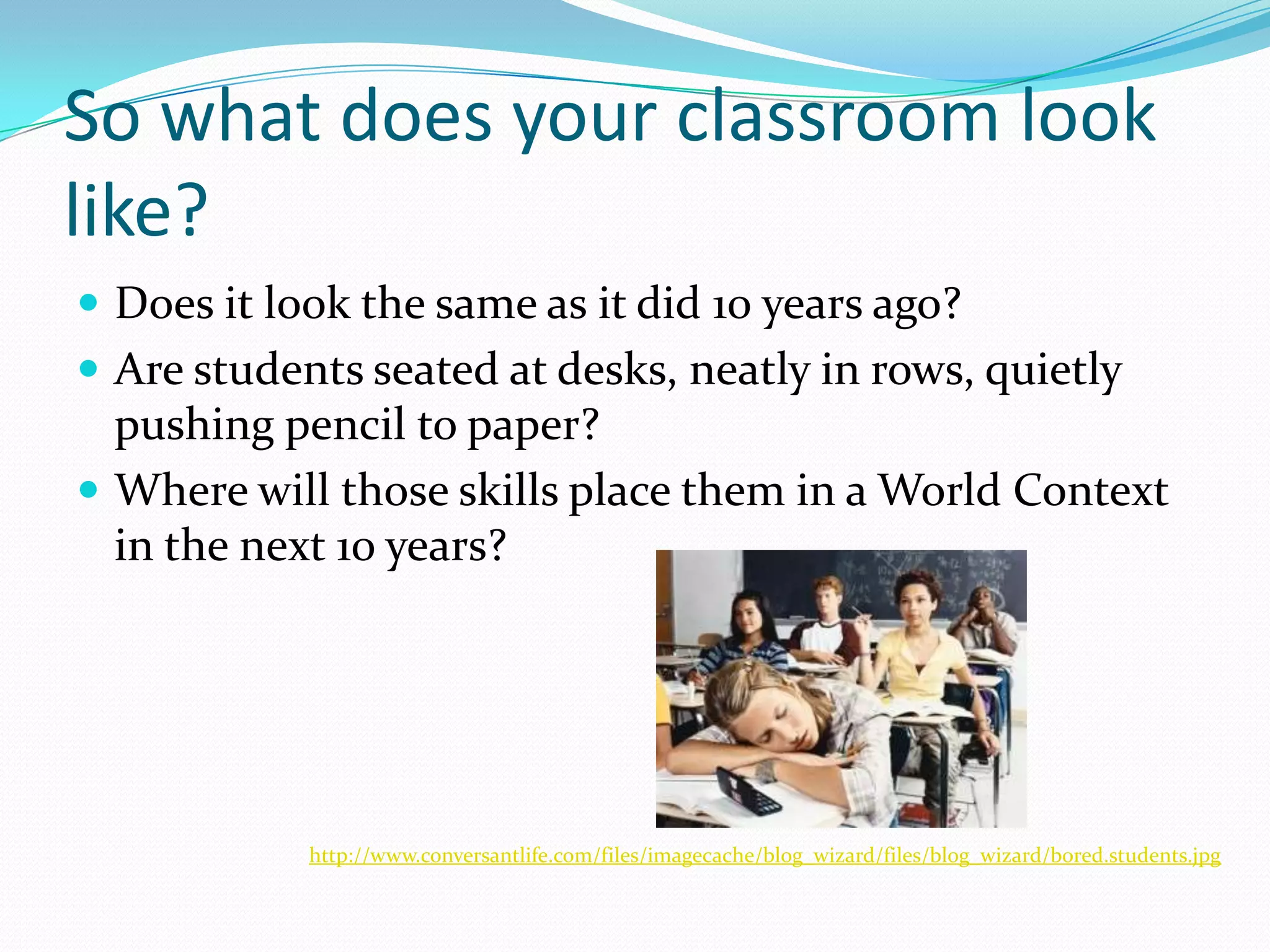
    4. So what does your classroom look like?
      Does it look the same as it did 10 years ago?
      Are students seated at desks, neatly in rows, quietly pushing pencil to paper?
      Where will those skills place them in a World Context in the next 10 years?
      http://www.conversantlife.com/files/imagecache/blog_wizard/files/blog_wizard/bored.students.jpg
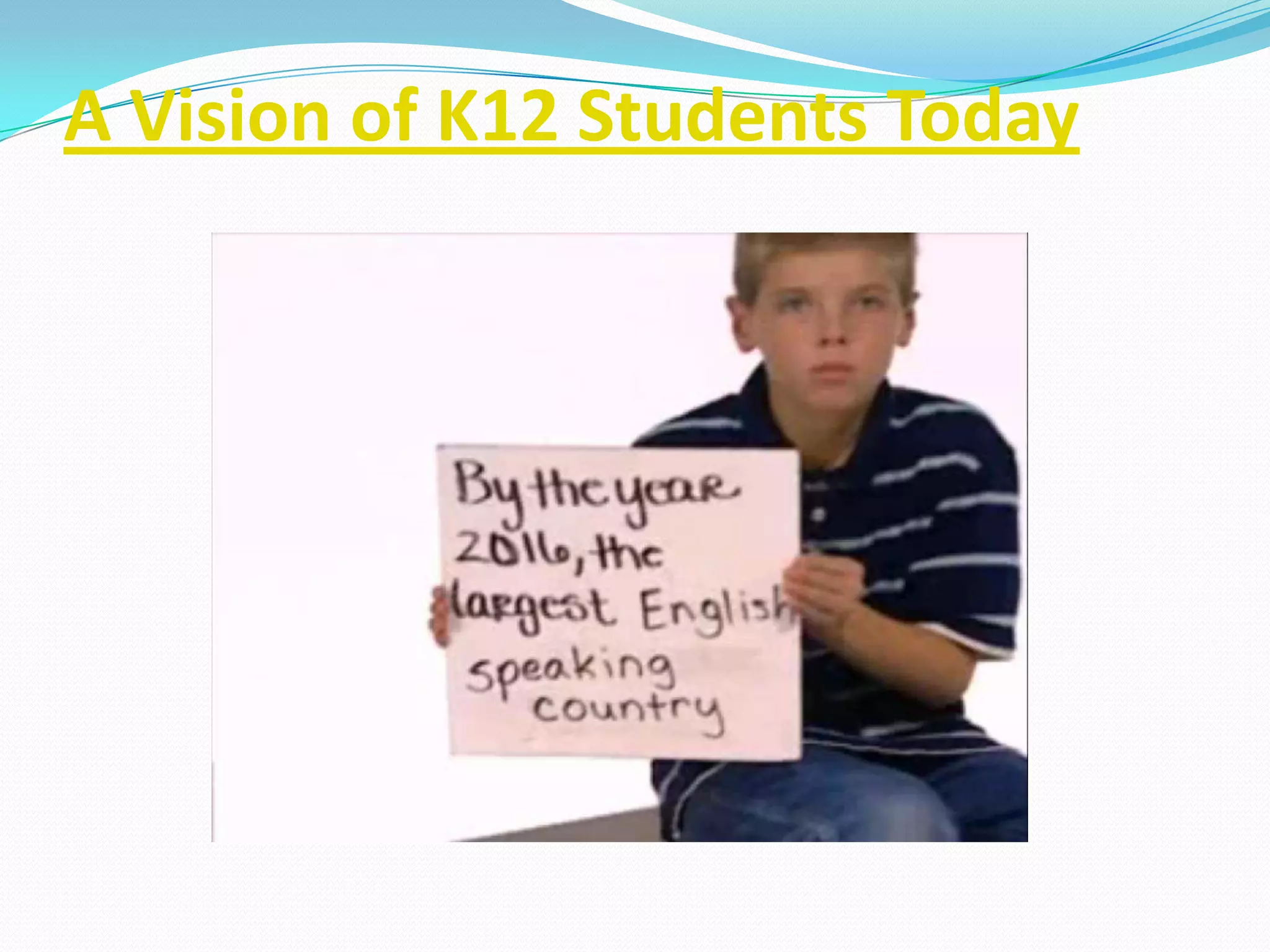
    5. A Vision of K12 Students Today
    6. The Key is Digital Engagement
      http://www.nmc.org/files/u2/tech-horizon-title.jpg
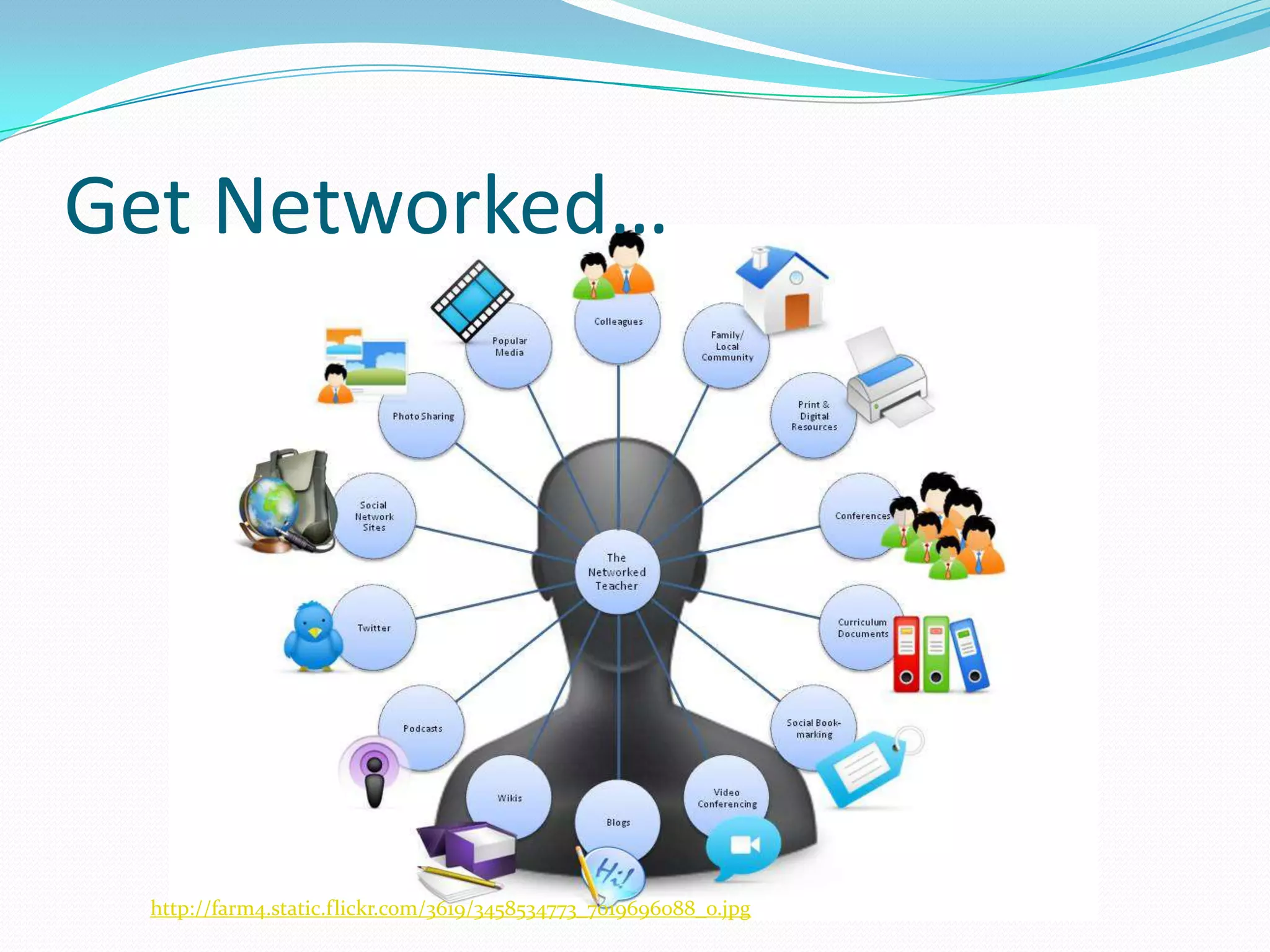
    7. Get Networked…
      http://farm4.static.flickr.com/3619/3458534773_7019696088_o.jpg
    8. Teacher Tools
      Let’s get on with it! Show us the good stuff!
      Let’s Make Connections!
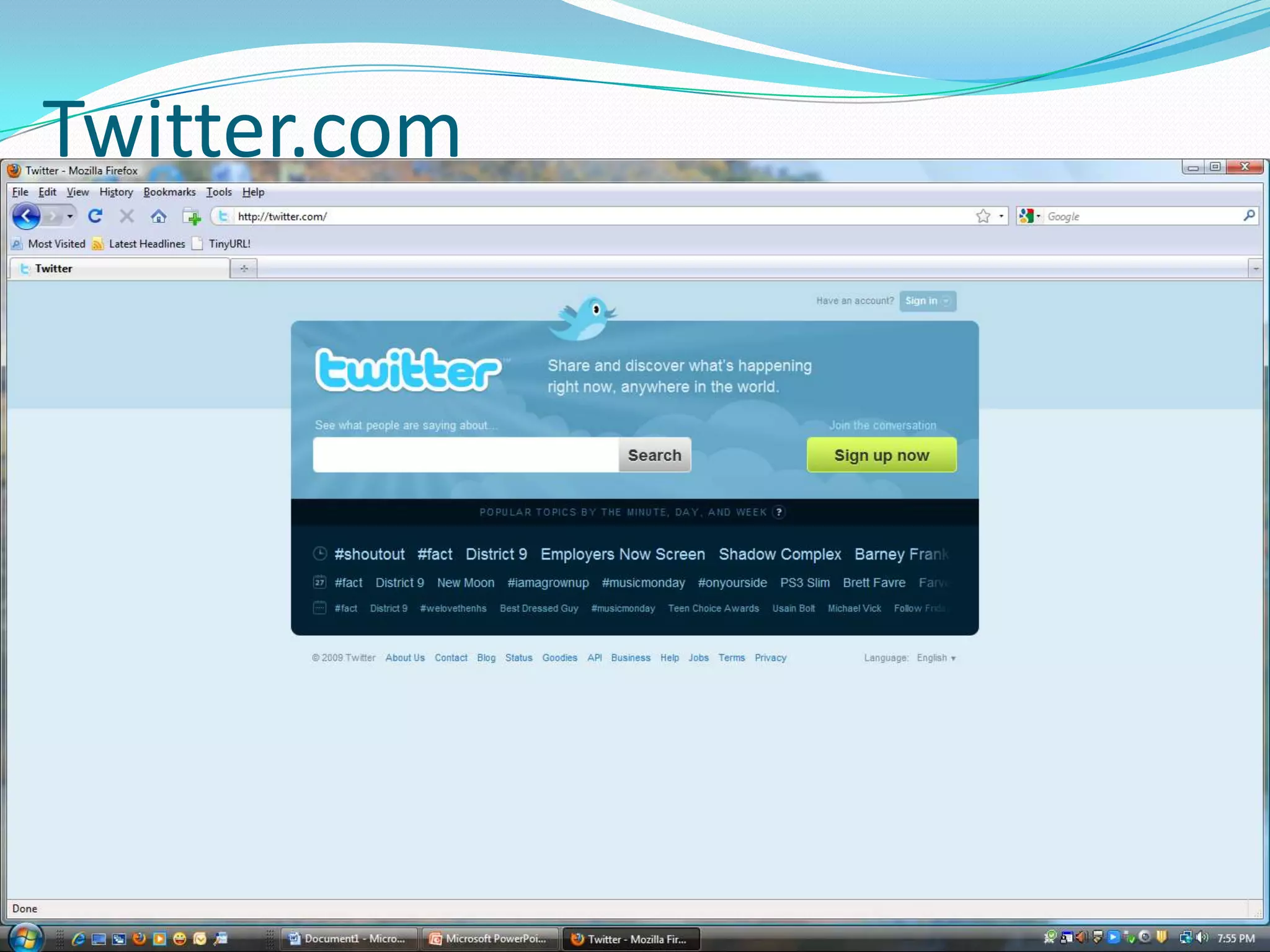
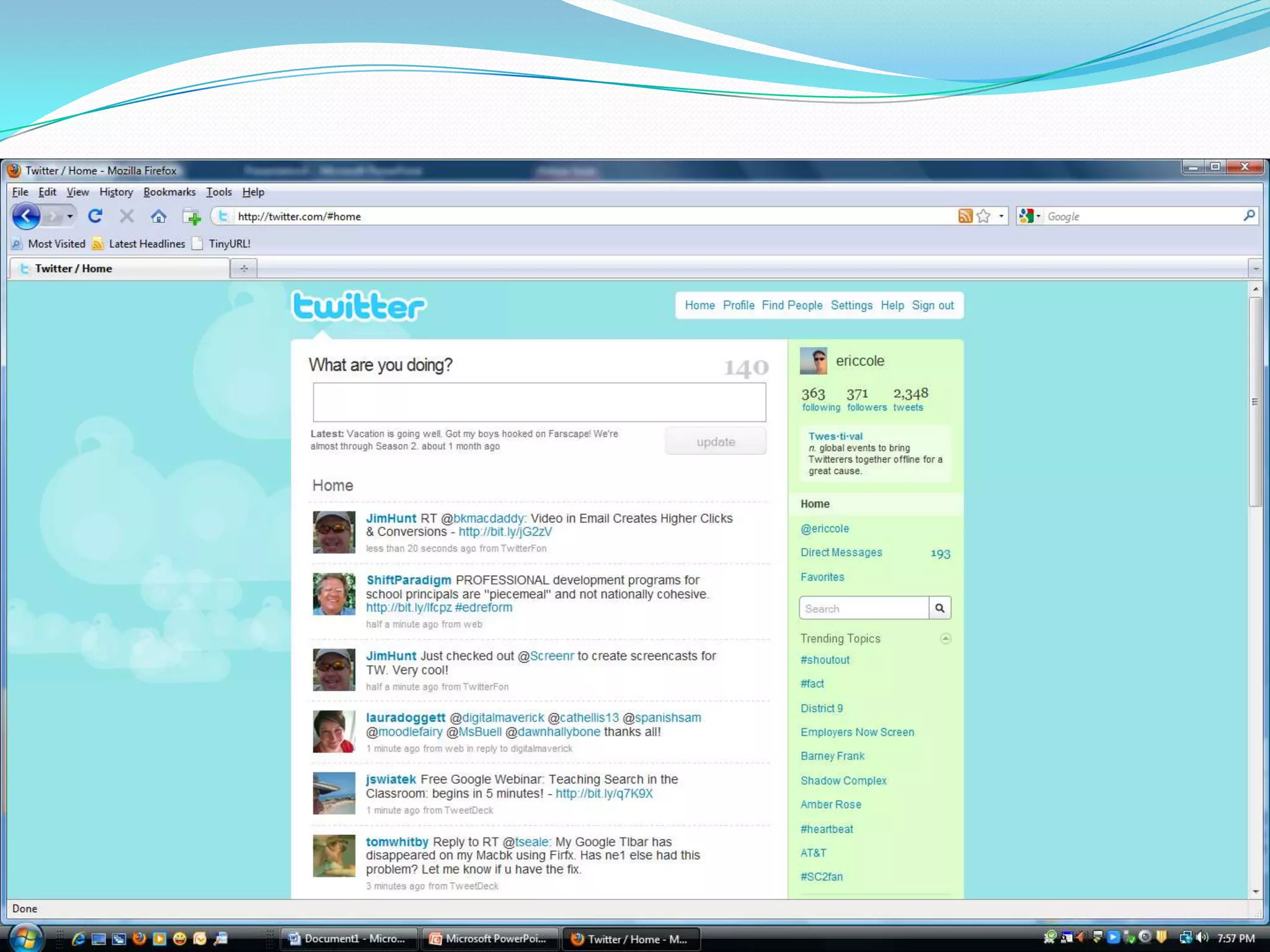
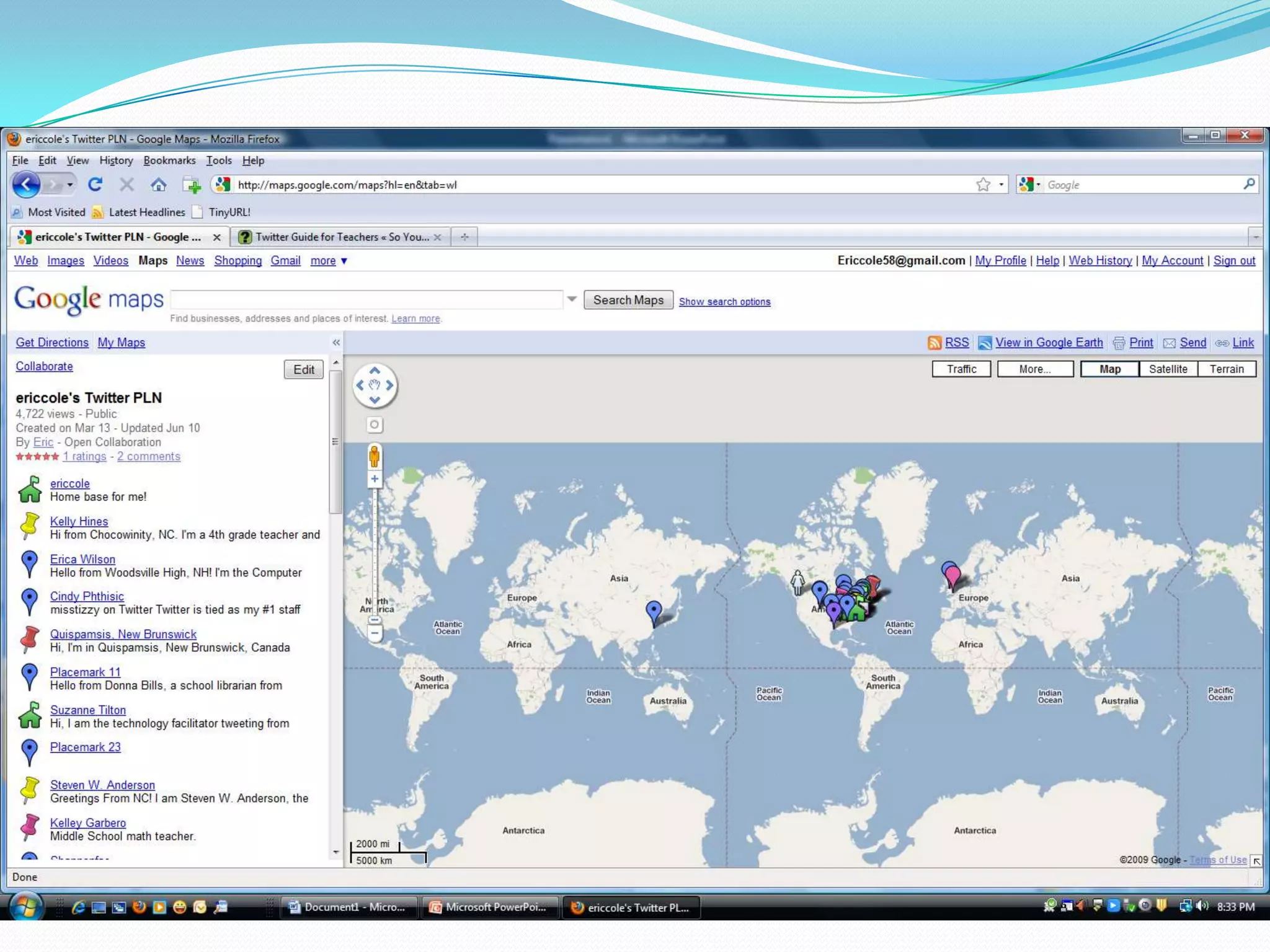
    9. Twitter.com
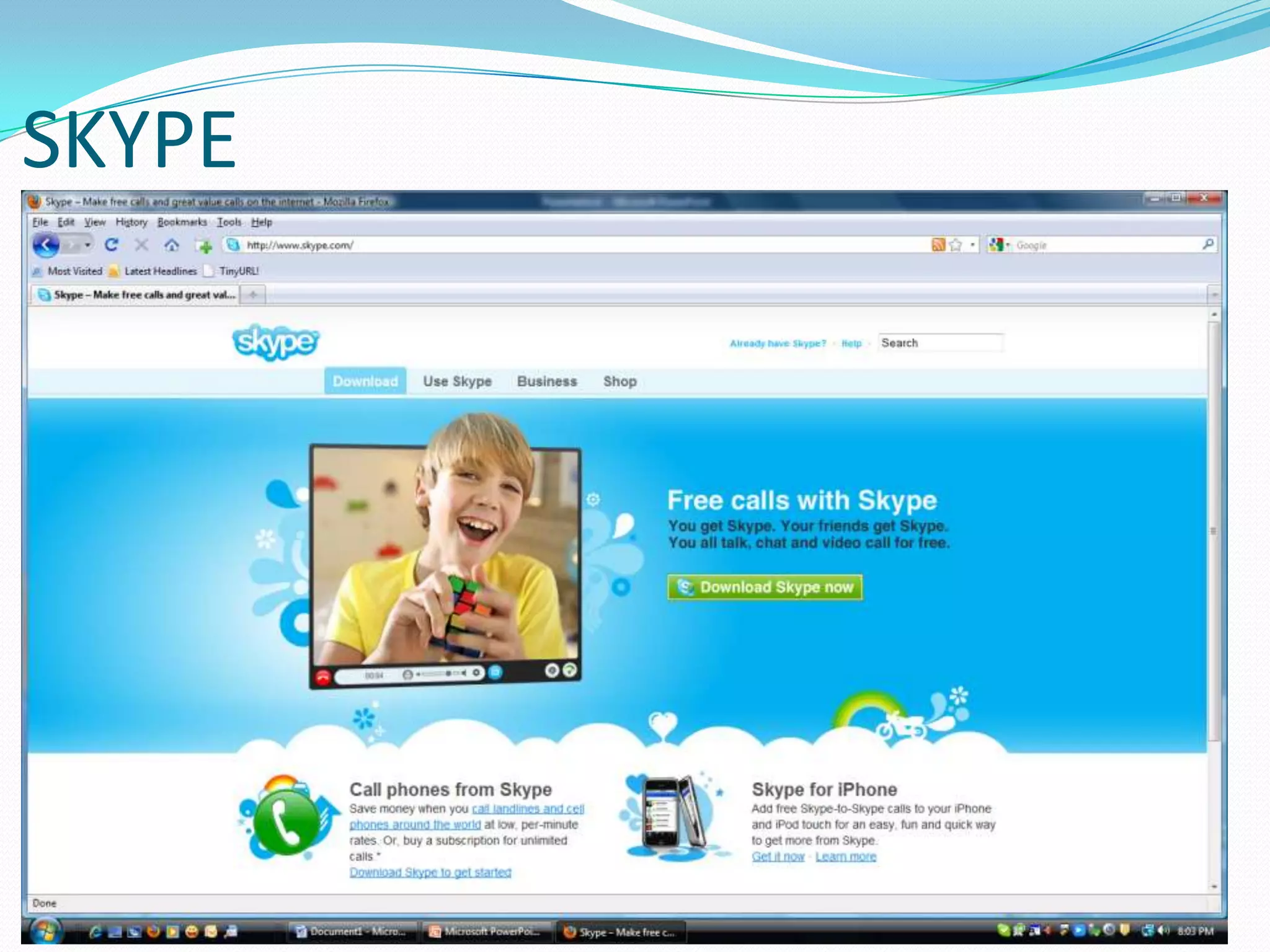
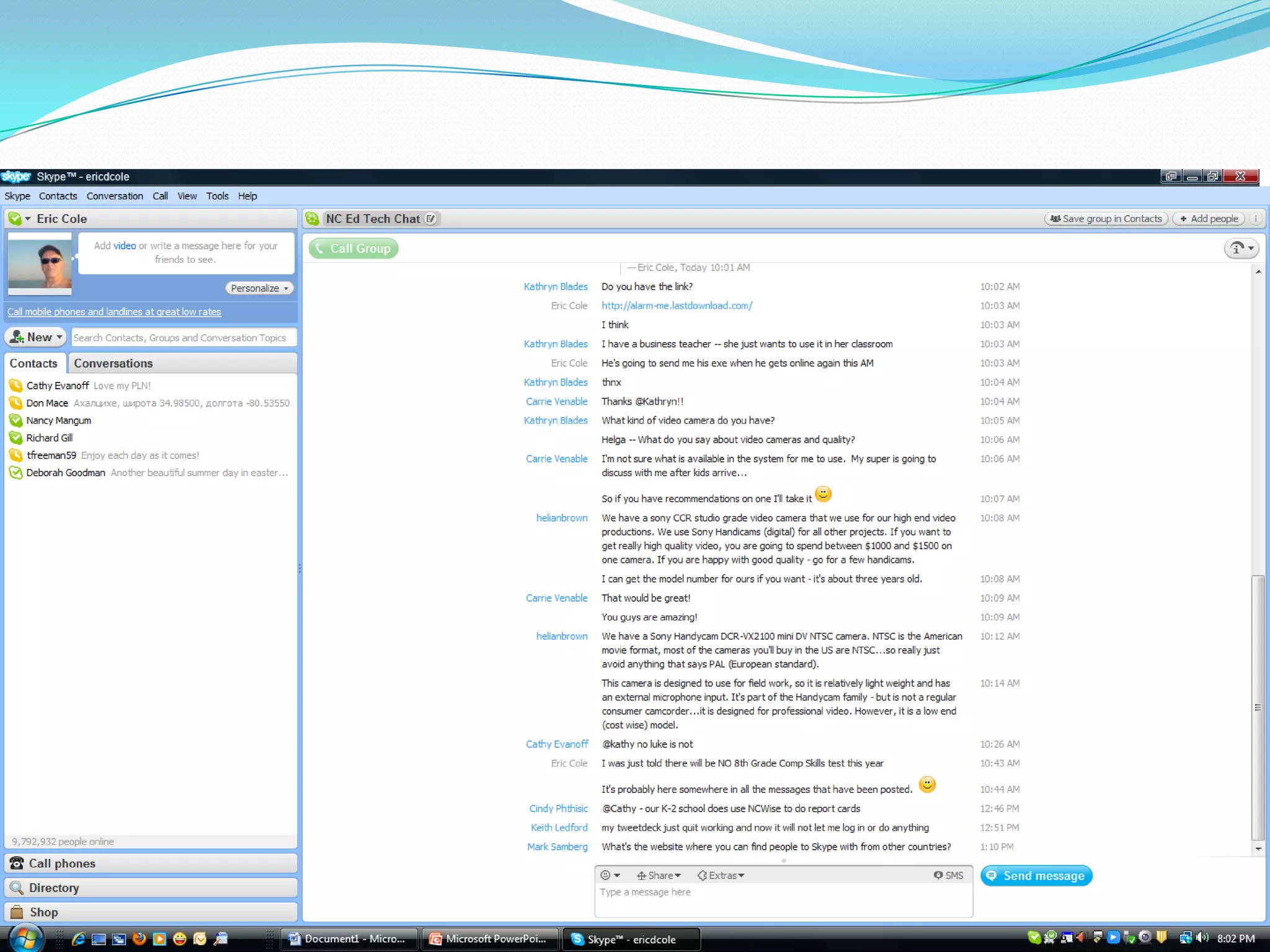
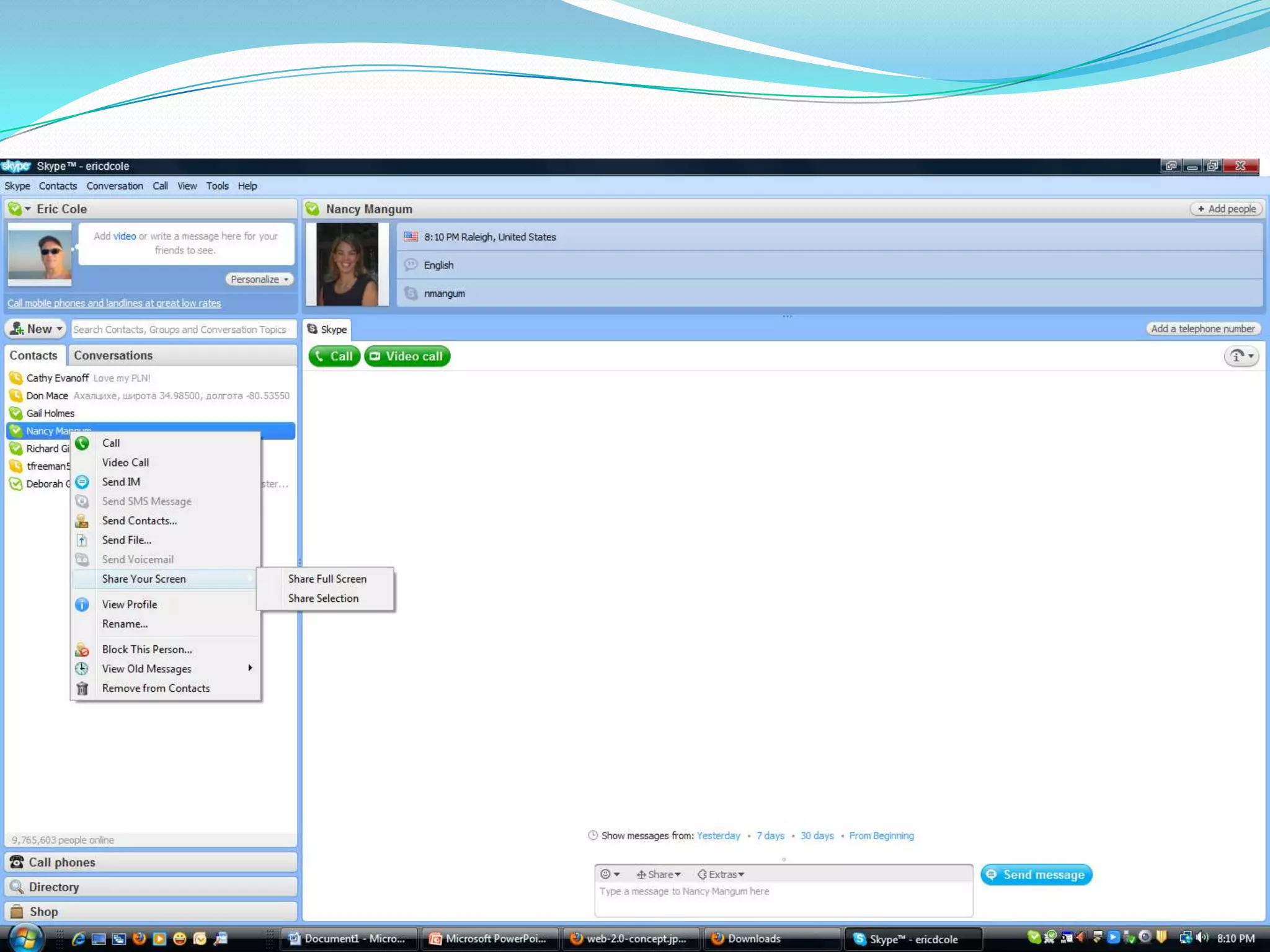
    10. SKYPE
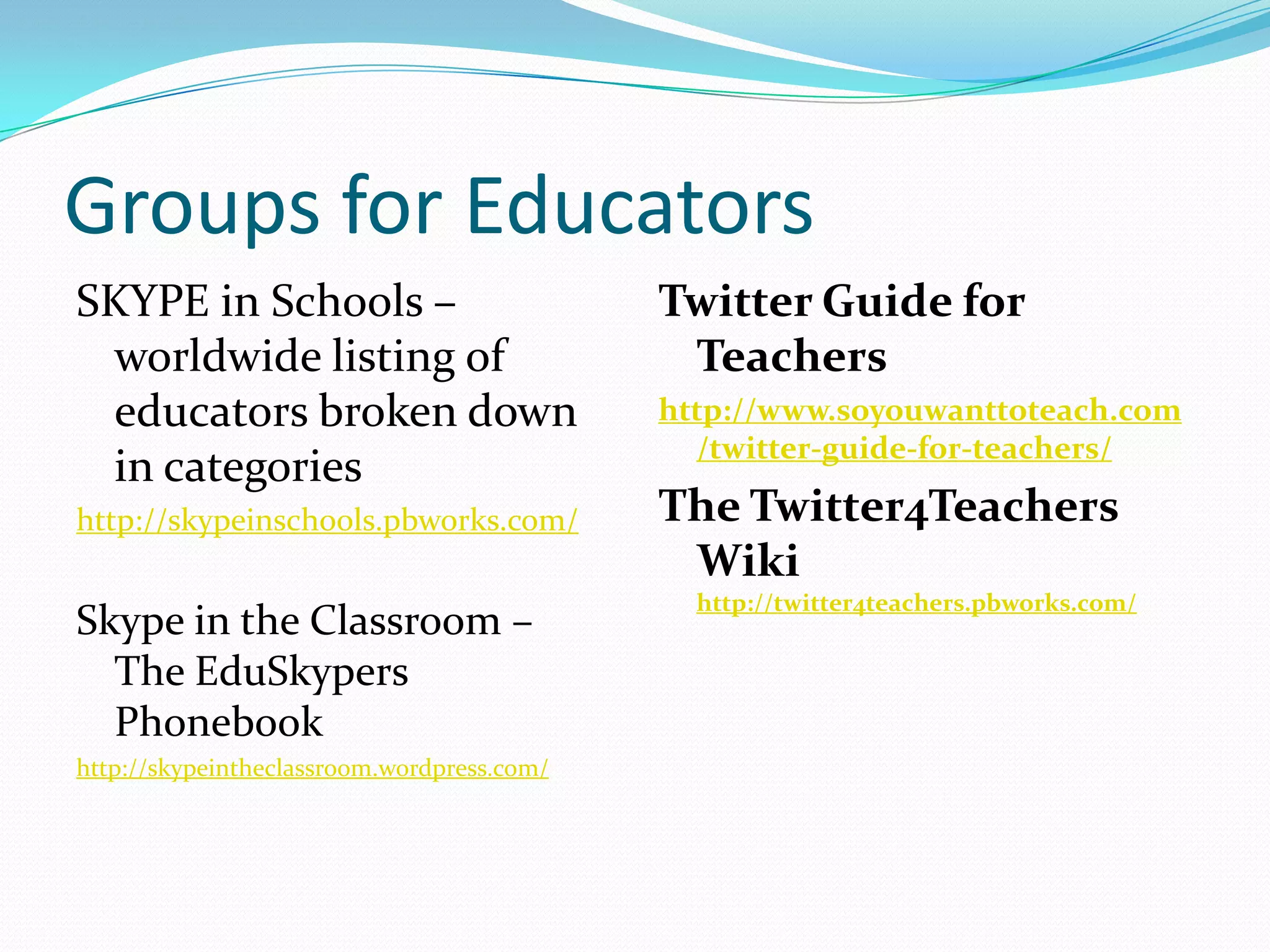
    11. Groups for Educators
      SKYPE in Schools – worldwide listing of educators broken down in categories
      http://skypeinschools.pbworks.com/
      Skype in the Classroom – The EduSkypersPhonebook
      http://skypeintheclassroom.wordpress.com/
      Twitter Guide for Teachers
      http://www.soyouwanttoteach.com/twitter-guide-for-teachers/
      The Twitter4Teachers Wiki http://twitter4teachers.pbworks.com/
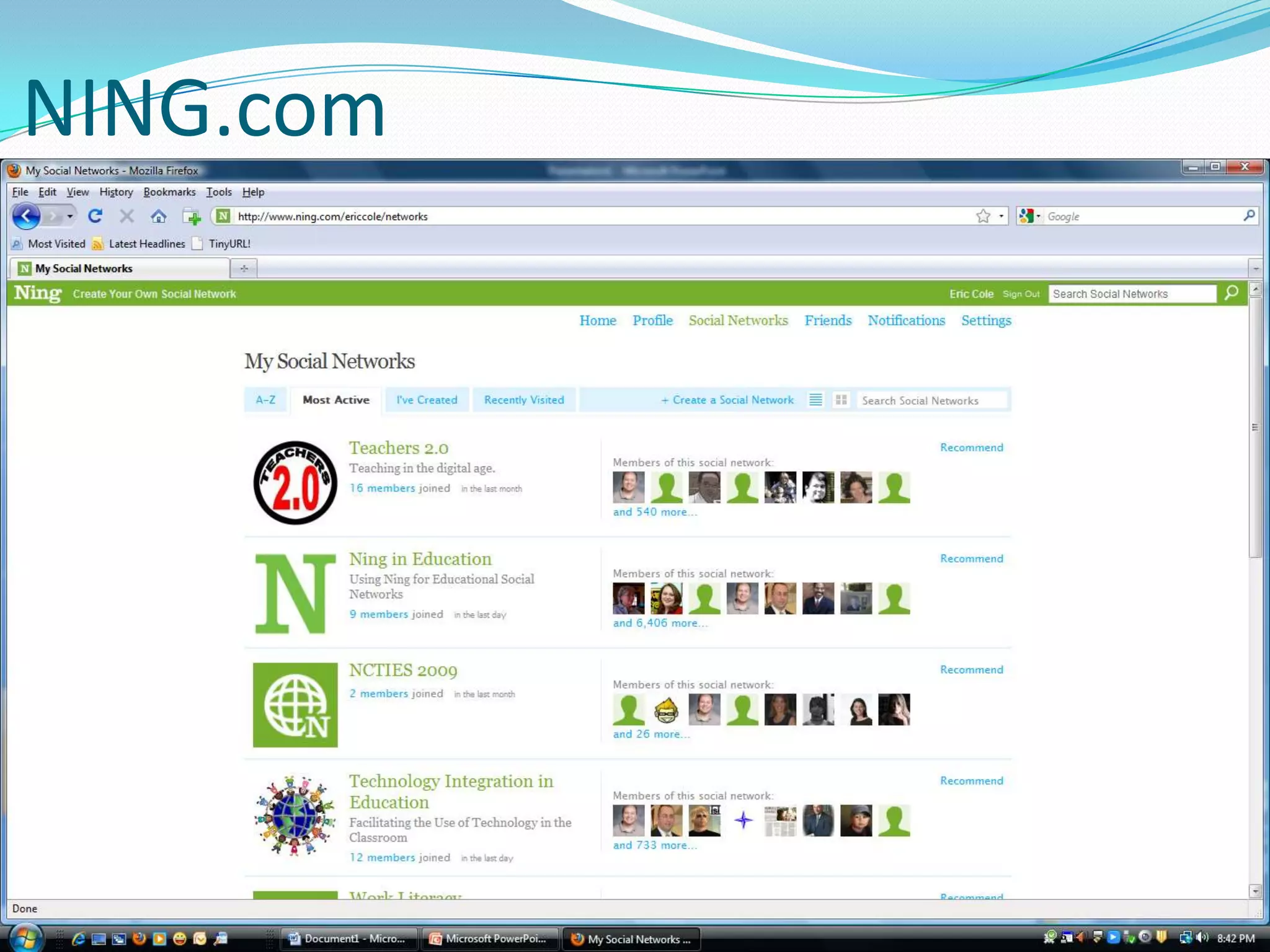
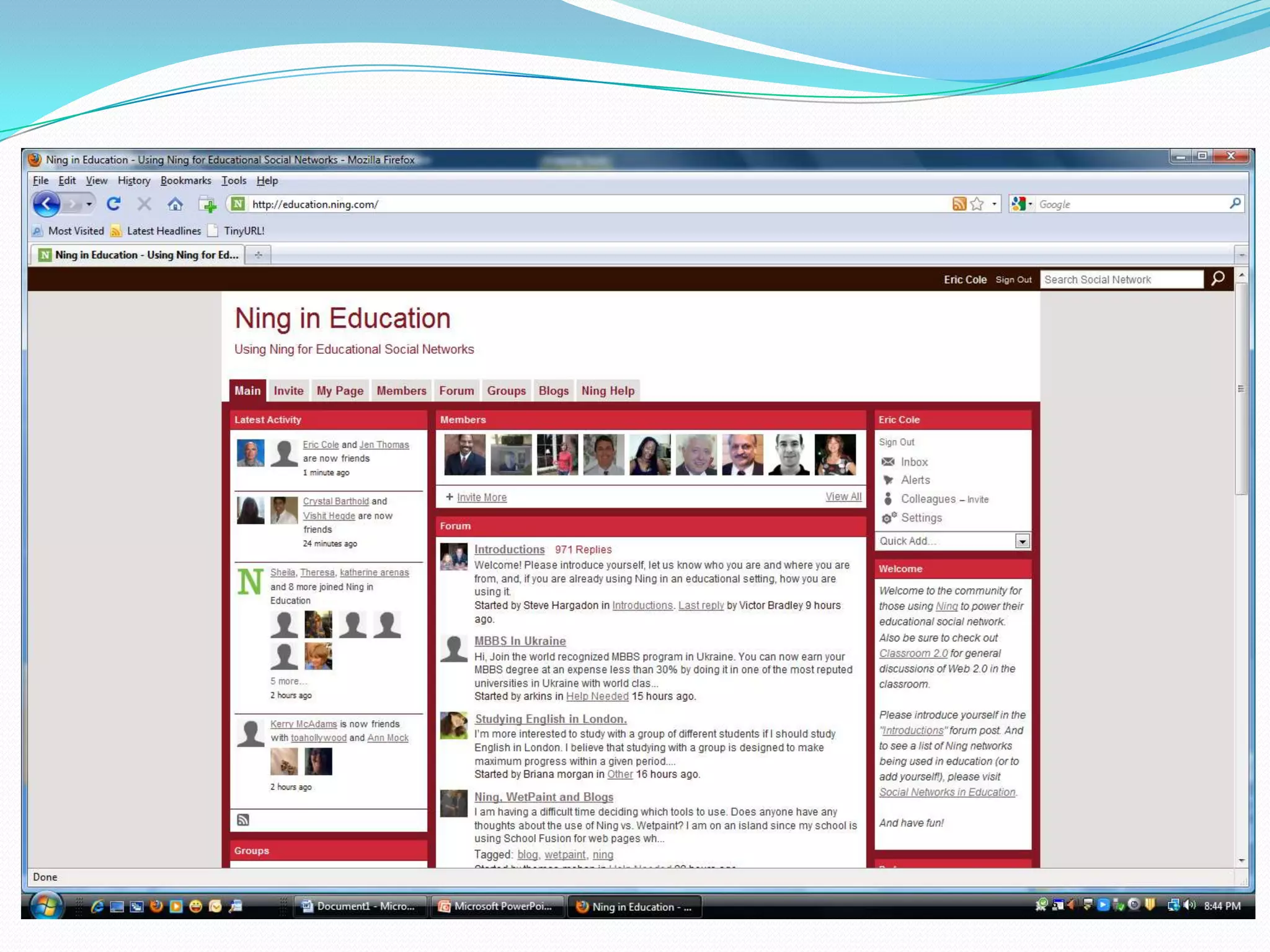
    12. NING.com
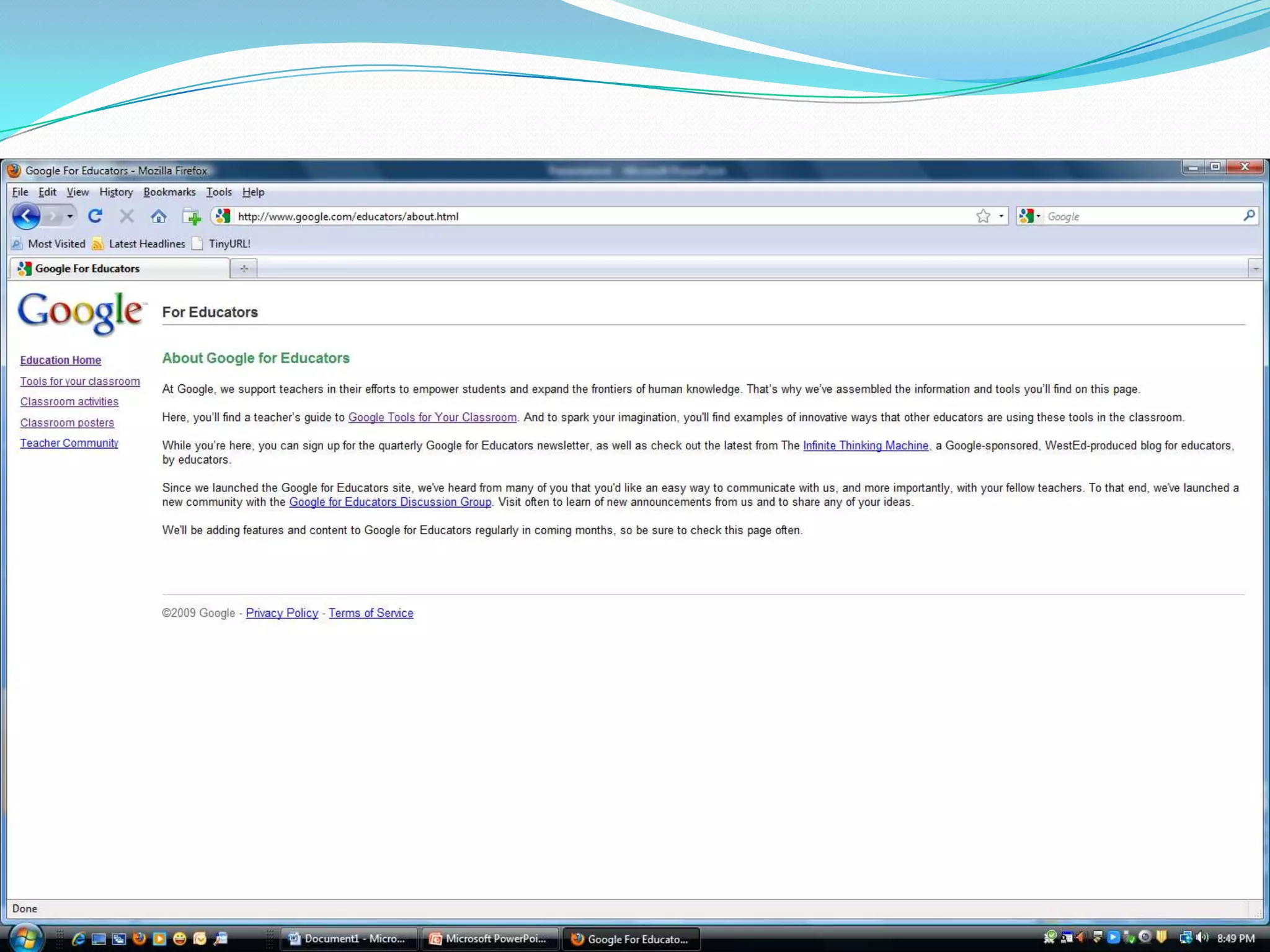
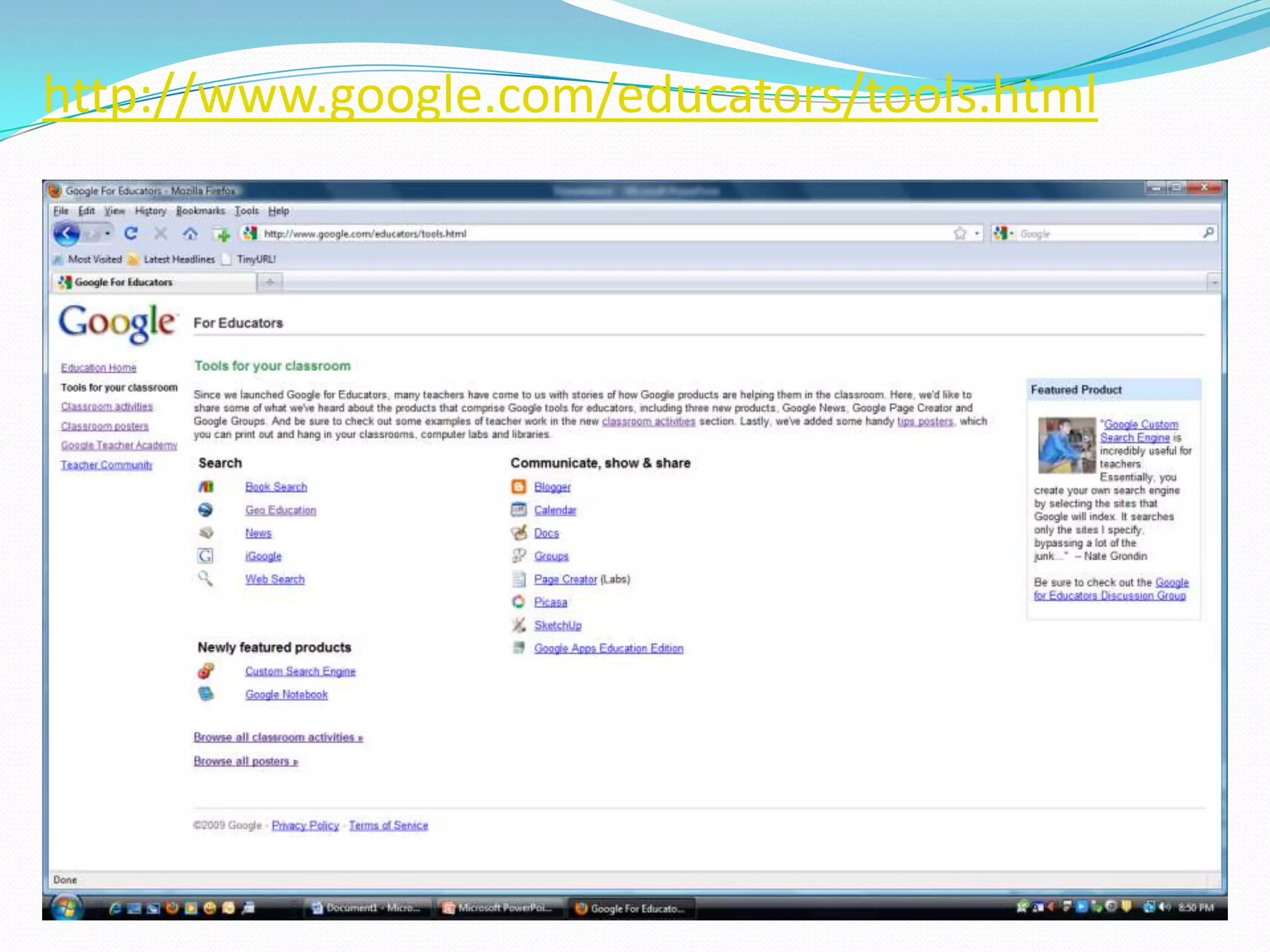
    13. http://www.google.com/educators/tools.html
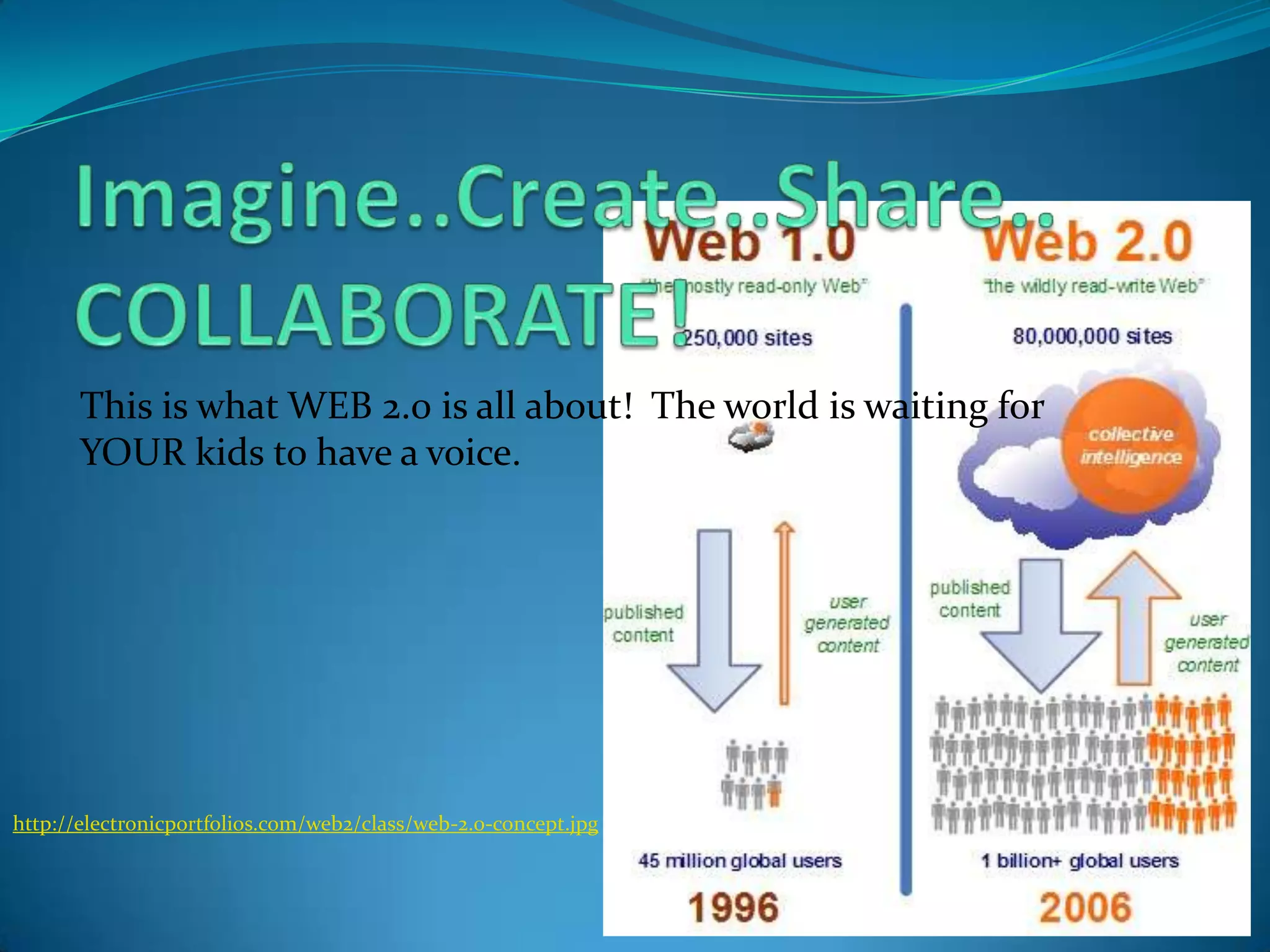
    14. Imagine..Create..Share..COLLABORATE!
      This is what WEB 2.0 is all about! The world is waiting for YOUR kids to have a voice.
      http://electronicportfolios.com/web2/class/web-2.0-concept.jpg
    15. Blogs
      40+ Free Blog Hosts
      Wikis
      • Google Sites - Free websites and wikis
      • Wikispaces - Wikispaces - For – Teachers
      • Educational workspaces | Pbworks
      Photosharing
      • Welcome to Flickr - Photo Sharing
      • Image hosting, free photo sharing & video sharing at Photobucket
      • VoiceThread - Group conversations around images, documents, and videos
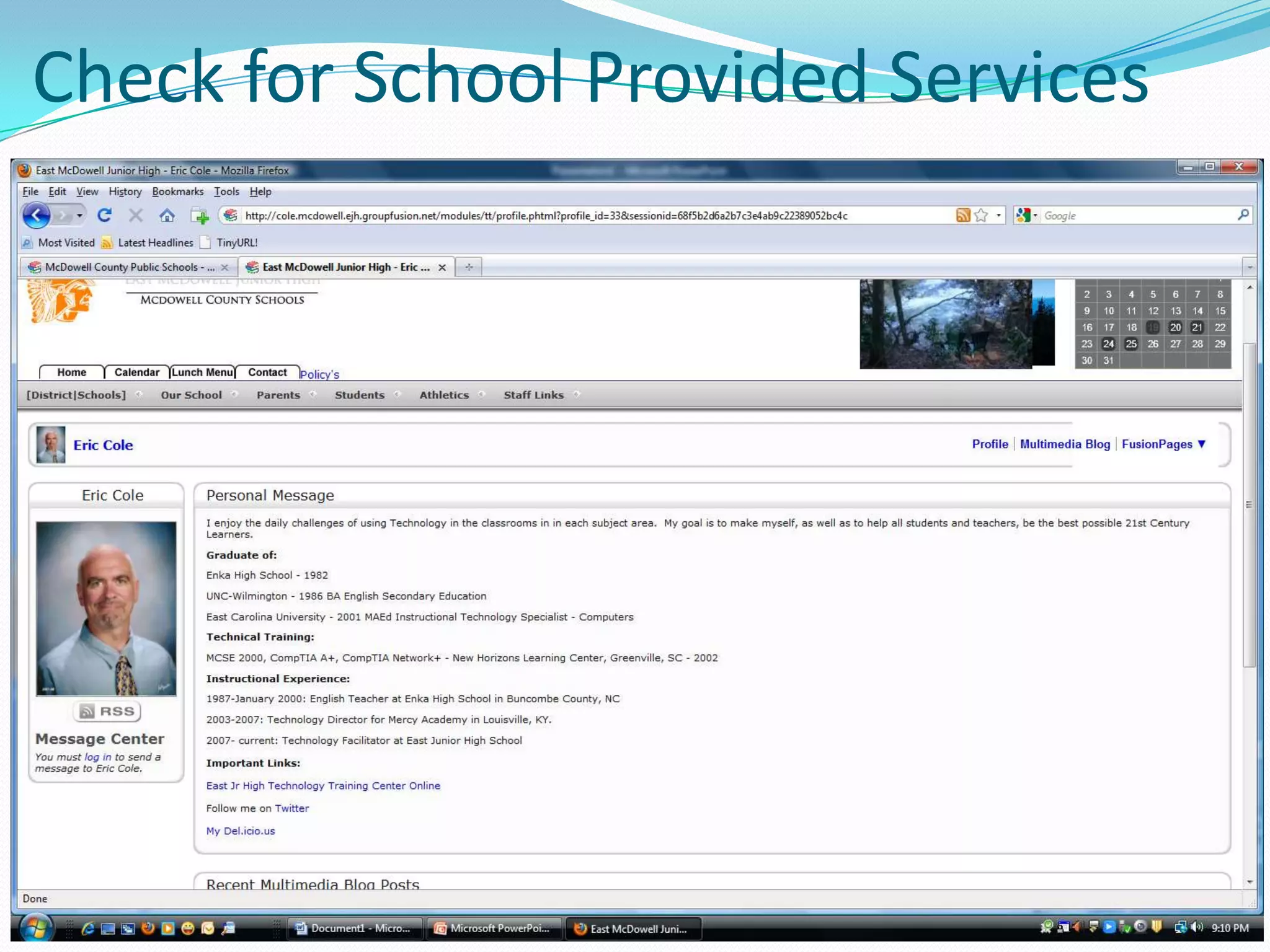
    16. Check for School Provided Services
    17. STRATEGIES
      IT’S OVERWHELMING!!!!!!!!!!!!!!!!
      Where do I begin……?
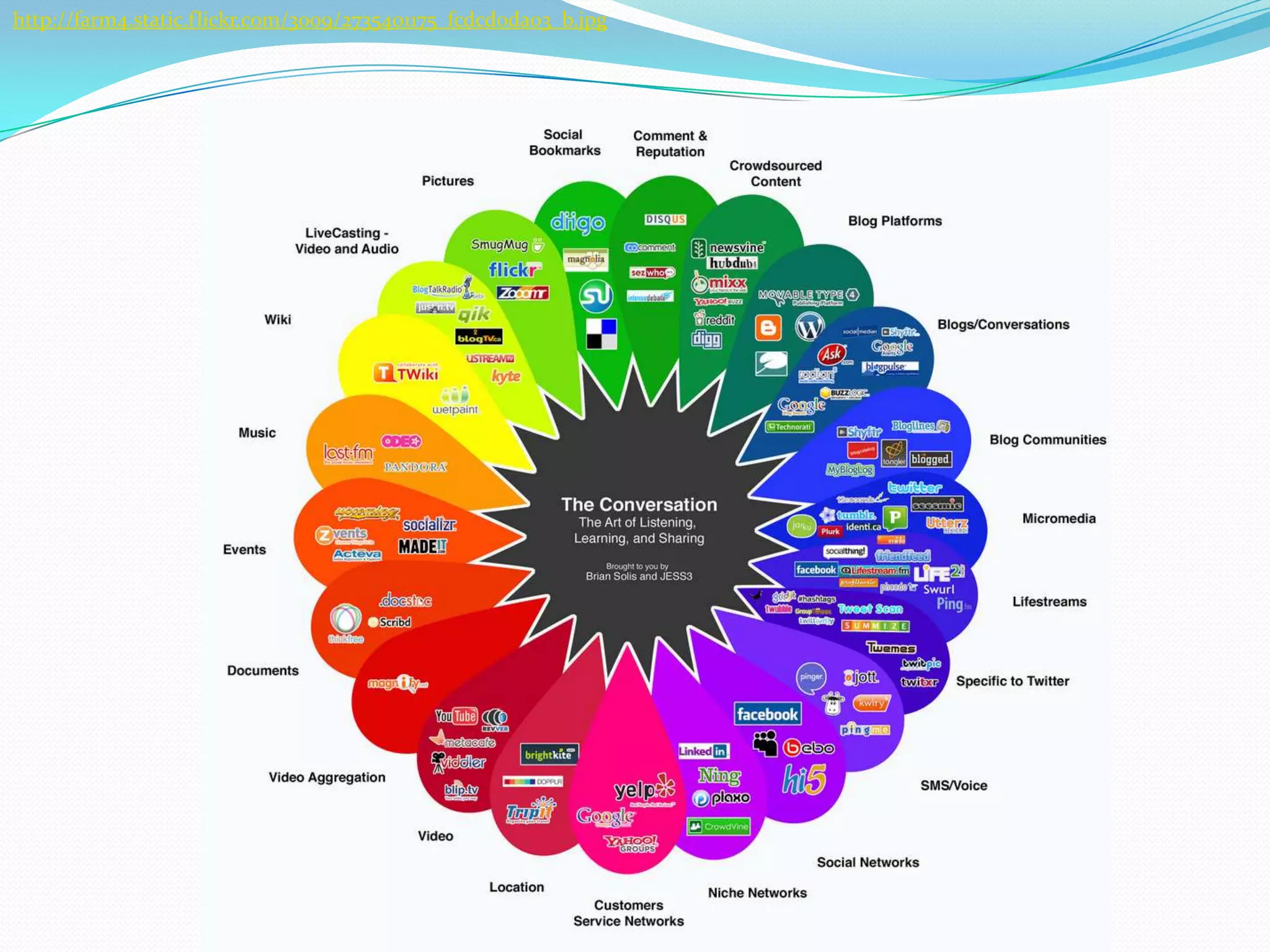
    18. http://farm4.static.flickr.com/3009/2735401175_fcdcd0da03_b.jpg
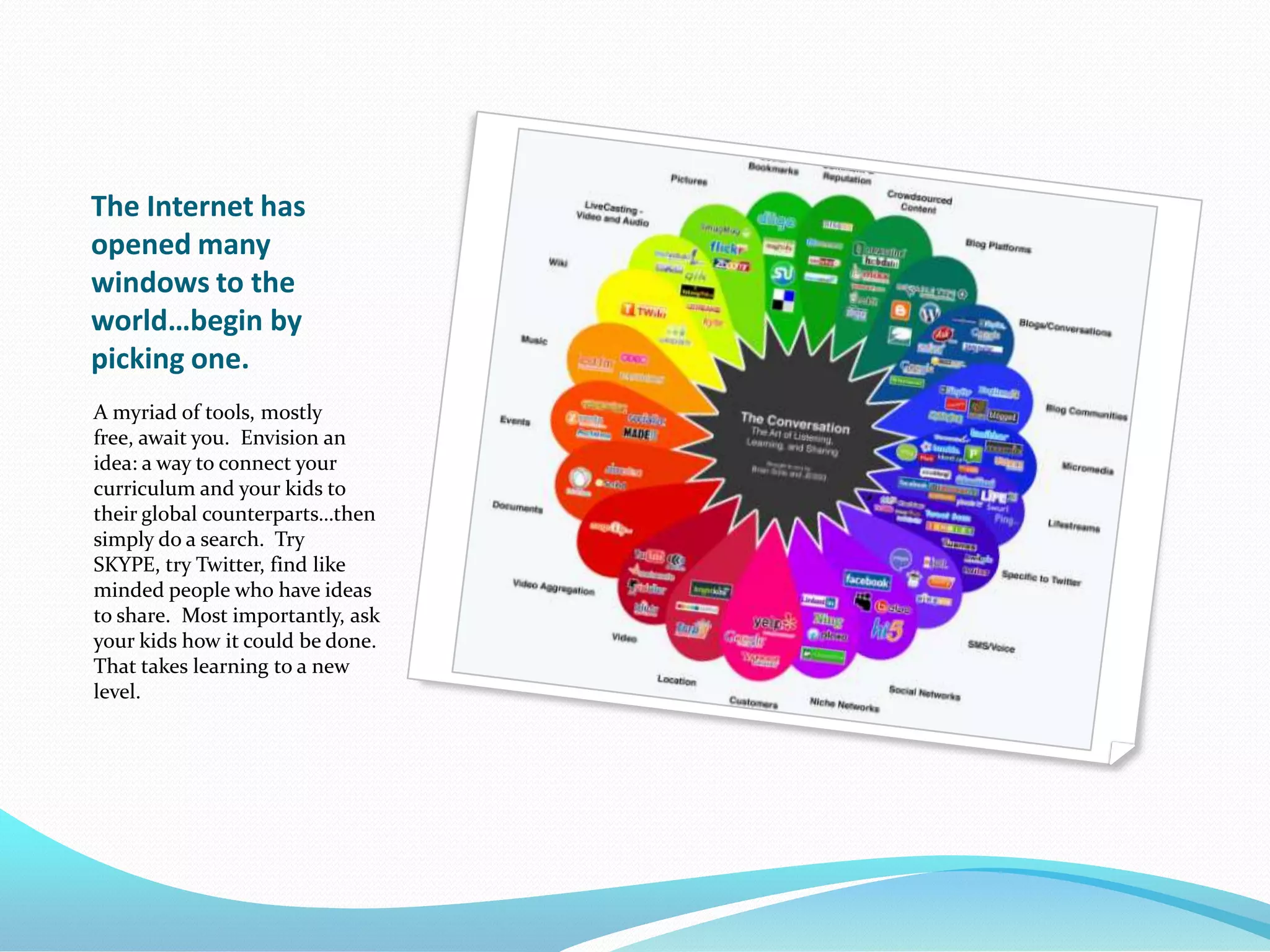
    19. The Internet has opened many windows to the world…begin by picking one.
      A myriad of tools, mostly free, await you. Envision an idea: a way to connect your curriculum and your kids to their global counterparts…then simply do a search. Try SKYPE, try Twitter, find like minded people who have ideas to share. Most importantly, ask your kids how it could be done. That takes learning to a new level.
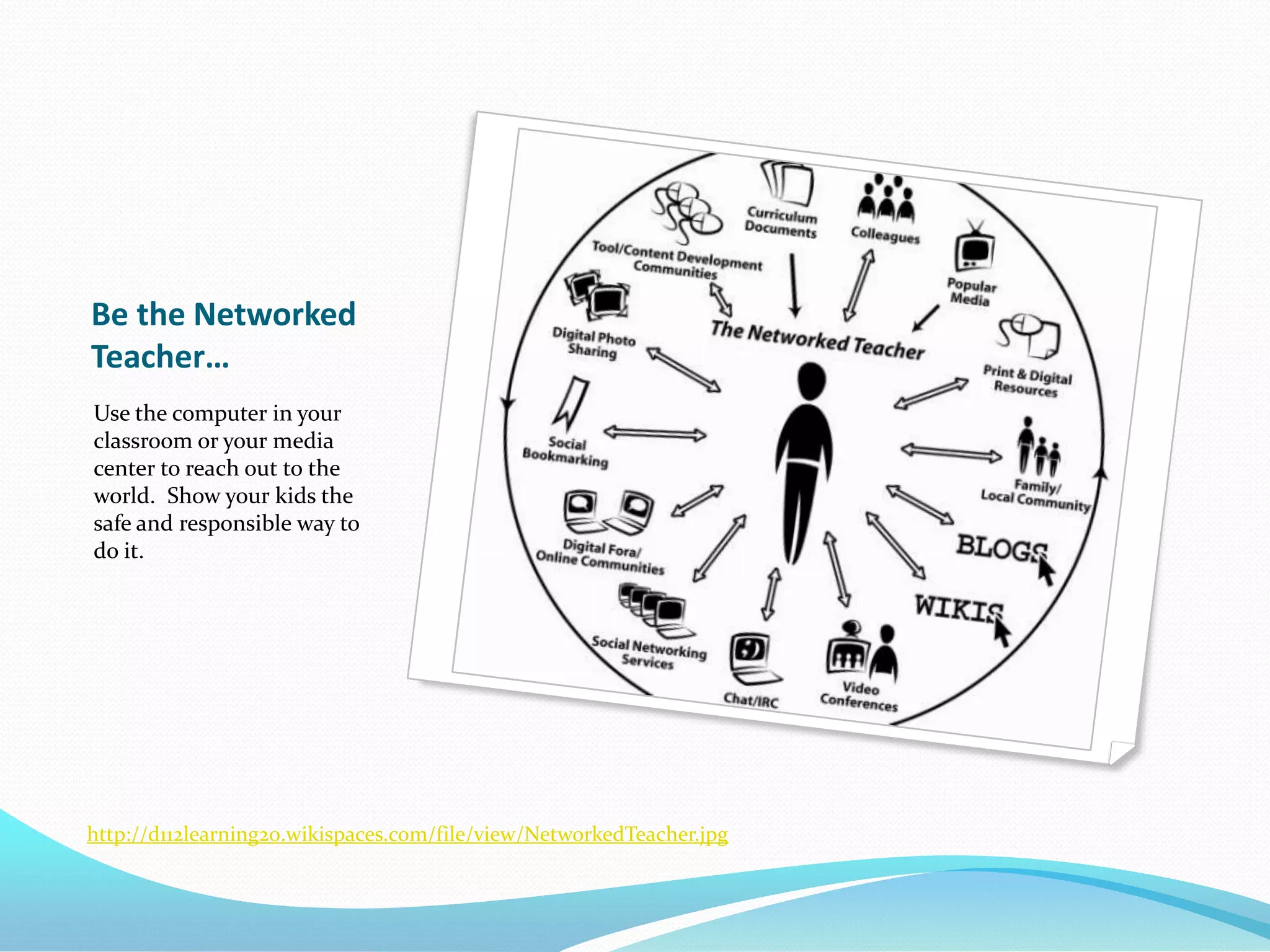
    20. Be the Networked Teacher…
      Use the computer in your classroom or your media center to reach out to the world. Show your kids the safe and responsible way to do it.
      http://d112learning20.wikispaces.com/file/view/NetworkedTeacher.jpg
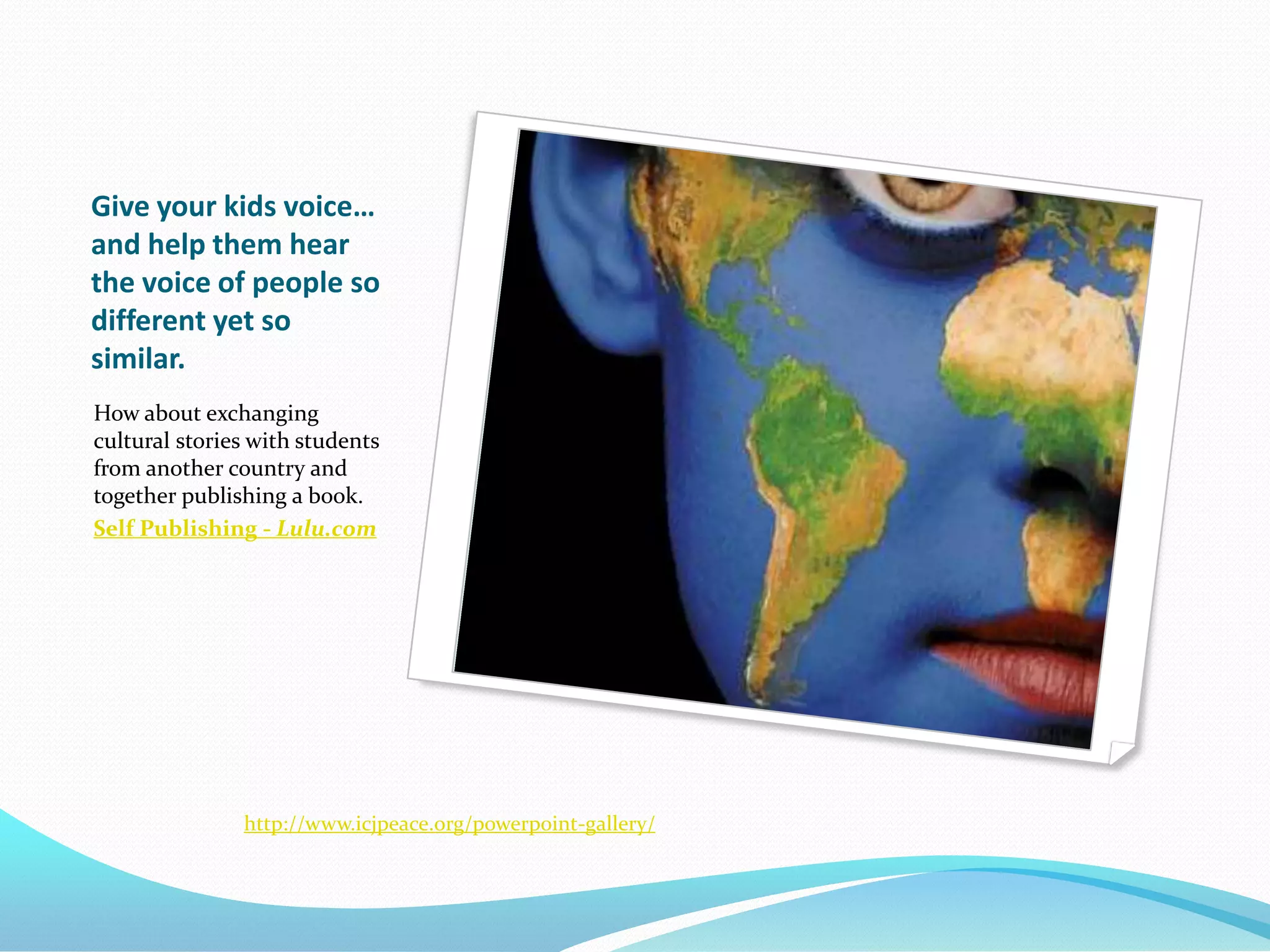
    21. Give your kids voice… and help them hear the voice of people so different yet so similar.
      How about exchanging cultural stories with students from another country and together publishing a book.
      Self Publishing - Lulu.com
      http://www.icjpeace.org/powerpoint-gallery/
    22. Content Used from these sources…
      http://farm4.static.flickr.com/3619/3458534773_7019696088_o.jpg
      http://d112learning20.wikispaces.com/file/view/NetworkedTeacher.jpg
      http://www.icjpeace.org/powerpoint-gallery/
      http://www.nmc.org/files/u2/tech-horizon-title.jpg
      http://steeleheaded.files.wordpress.com/2009/04/global-connections.jpg
      http://www.conversantlife.com/files/imagecache/blog_wizard/files/blog_wizard/bored.students.jpg
      http://electronicportfolios.com/web2/class/web-2.0-concept.jpg
      http://farm4.static.flickr.com/3009/2735401175_fcdcd0da03_b.jpg
      http://www.edweek.org/dd/articles/2009/06/17/04global.h02.html
      http://www.youtube.com/watch?v=_A-ZVCjfWf8
    SlideShare Zeitgeist 2009

    + ericcoleericcole Nominate

    custom

    234 views, 0 favs, 3 embeds more stats

    WorldView August 20 Presentation. Marion, NC

    More info about this document

    © All Rights Reserved

    Go to text version

    • Total Views 234
      • 209 on SlideShare
      • 25 from embeds
    • Comments 0
    • Favorites 0
    • Downloads 9
    Most viewed embeds
    • 20 views on http://outputfilter.blogspot.com
    • 3 views on http://teachersworldwide.ning.com
    • 2 views on http://cole.mcdowell.ejh.groupfusion.net

    more

    All embeds
    • 20 views on http://outputfilter.blogspot.com
    • 3 views on http://teachersworldwide.ning.com
    • 2 views on http://cole.mcdowell.ejh.groupfusion.net

    less

    Flagged as inappropriate Flag as inappropriate
    Flag as inappropriate

    Select your reason for flagging this presentation as inappropriate. If needed, use the feedback form to let us know more details.

    Cancel
    File a copyright complaint
    Having problems? Go to our helpdesk?

    Categories