1 
Automated Infrastructure and 
Application Management 
Clark Everetts, Zend Technologies, Inc. 
ZendCon - 30 Oct 2014
2 
Hi! 
Clark Everetts 
• Zend Technologies, Inc. 
• Sr. Professional Services Consultant 
– Software Architecture Audits / Performance Audits 
– Continuous Delivery Assessments 
– Migrations (PHP, ZF, etc.) 
– Training: PHP, ZF 
• Past Life: missile interceptor launch control ; C&DH for International Space Station 
• Co-author with Michael Kimsal of php/architect’s PHP Job Hunter’s Handbook 
Enough about me…
3 
SO, WHAT’S YOUR PROBLEM?
4 
Managing application infrastructure / apps 
• Server maintenance/repair, application deployments 
• Often manual process 
• Dependencies, multiple people needed 
• Tedious 
• Error prone 
• Late nights troubleshooting self-inflicted wounds 
If your process is manual, at best it will be 
slow. At worst, it will be a living nightmare.
5 
Stop the Madness! Automate! 
Standardize, Make Repeatable & Reliable, Process: 
• Well-understood, built through collaboration 
• Controlled through Versioning 
• Testable in safe environments 
• Infrastructure Solution: Chef Cookbook 
• App Deployment Solution: CLI Client SDK 
• Server and Application Management Solution: WebAPI 
Zend Patterns offers Open-Source Plugins 
for Zend Server-based Infrastructures
6 
Presentation Goals 
What are we going to do today? 
• Look at Zend Patterns on GitHub - https://github.com/zend-patterns 
• Set up a Zend Server-based development environment using 
ZendServerChefCookbook 
• Deploy, (time-permitting: Update, Rollback) an Application using 
ZendServerSDK 
• Time-permitting: Get information about the application using 
ZendServerWebApiModule (here, via ZendServerSDK) 
Open Plugins for Zend Server-based 
Infrastructures
7 
GITHUB TOUR: ZEND PATTERNS
8 
CHEF COOKBOOK
9 
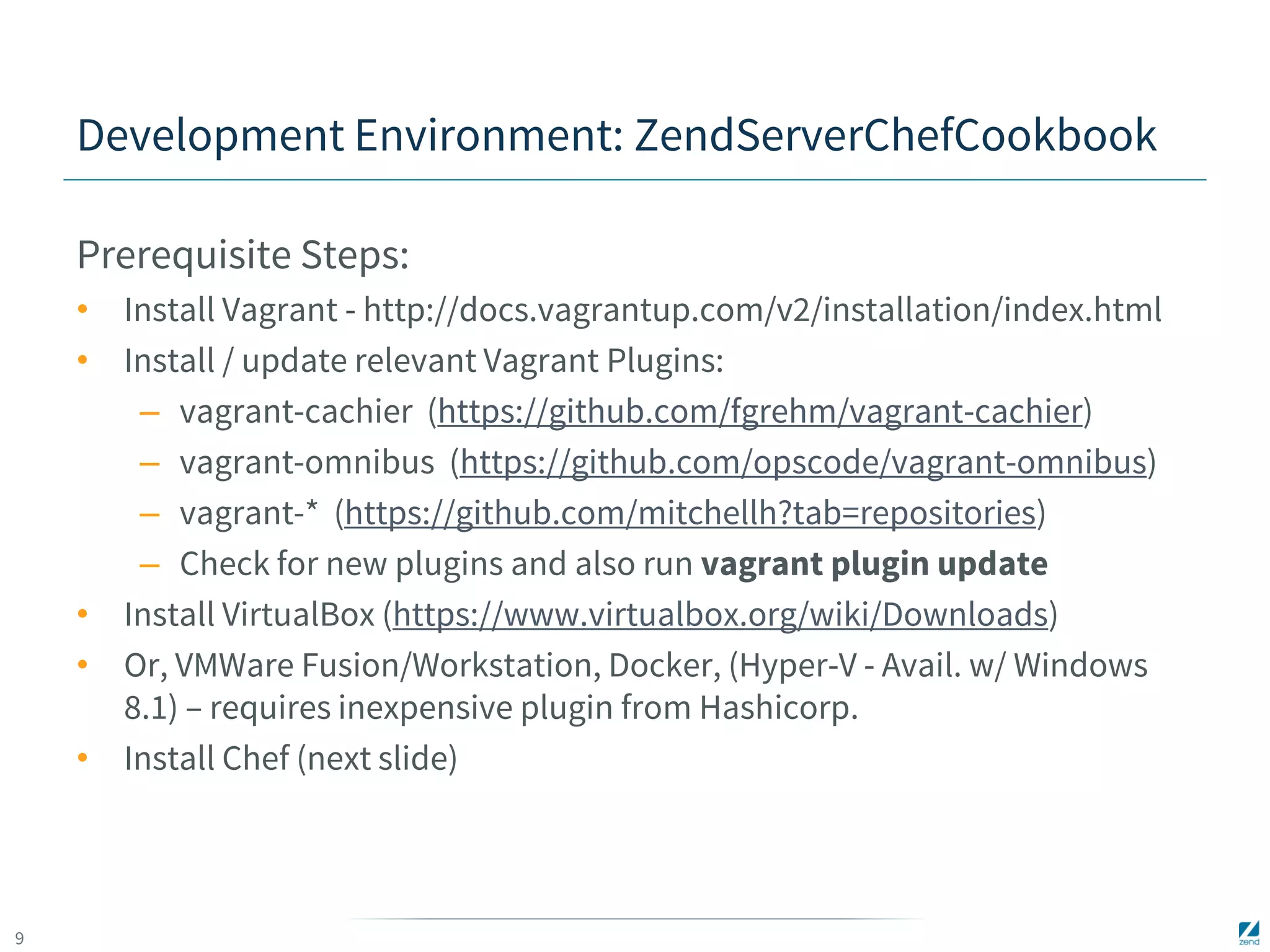
Development Environment: ZendServerChefCookbook 
Prerequisite Steps: 
• Install Vagrant - http://docs.vagrantup.com/v2/installation/index.html 
• Install / update relevant Vagrant Plugins: 
– vagrant-cachier (https://github.com/fgrehm/vagrant-cachier) 
– vagrant-omnibus (https://github.com/opscode/vagrant-omnibus) 
– vagrant-* (https://github.com/mitchellh?tab=repositories) 
– Check for new plugins and also run vagrant plugin update 
• Install VirtualBox (https://www.virtualbox.org/wiki/Downloads) 
• Or, VMWare Fusion/Workstation, Docker, (Hyper-V - Avail. w/ Windows 
8.1) – requires inexpensive plugin from Hashicorp. 
• Install Chef (next slide)
10 
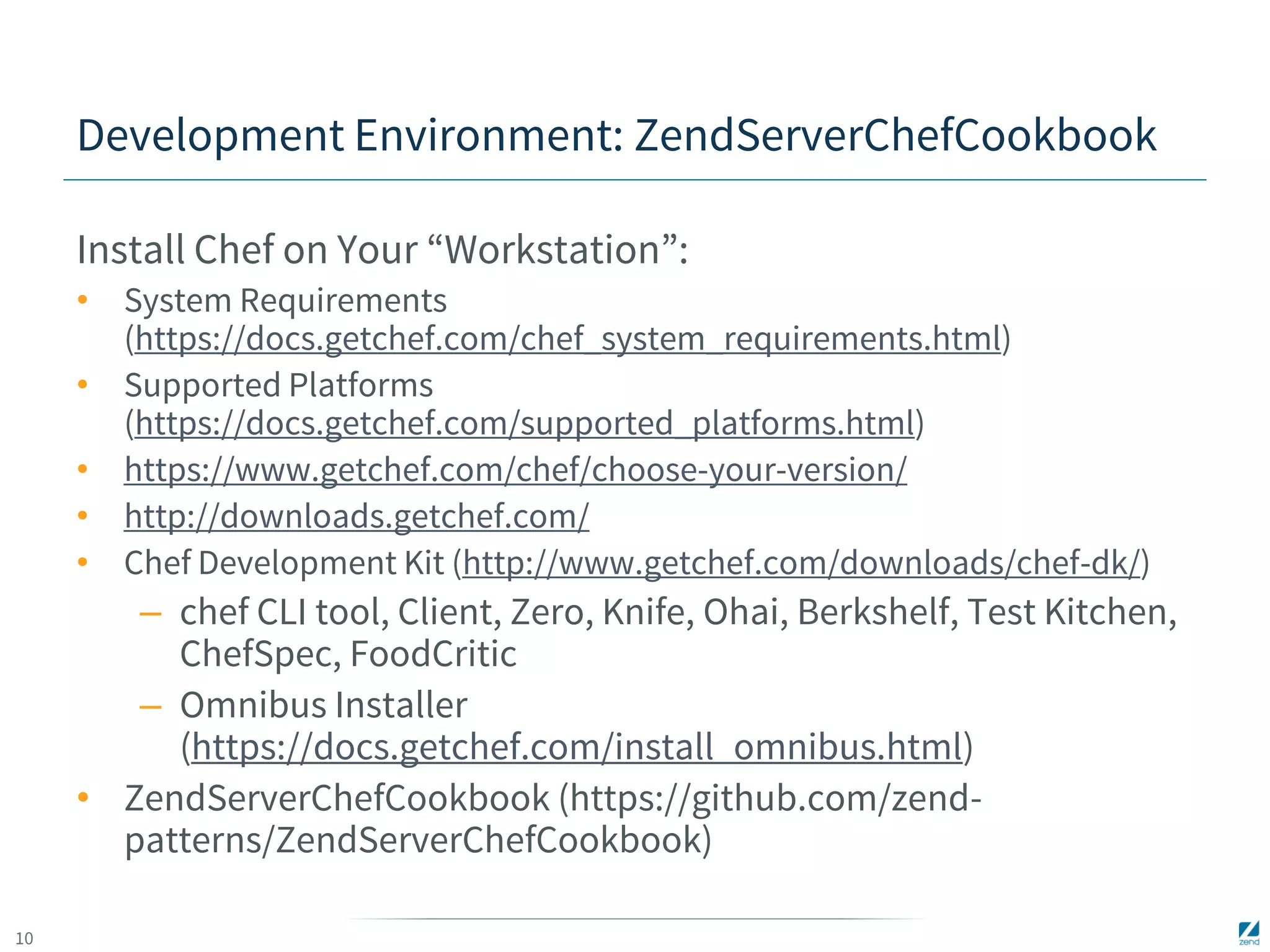
Development Environment: ZendServerChefCookbook 
Install Chef on Your “Workstation”: 
• System Requirements 
(https://docs.getchef.com/chef_system_requirements.html) 
• Supported Platforms 
(https://docs.getchef.com/supported_platforms.html) 
• https://www.getchef.com/chef/choose-your-version/ 
• http://downloads.getchef.com/ 
• Chef Development Kit (http://www.getchef.com/downloads/chef-dk/) 
– chef CLI tool, Client, Zero, Knife, Ohai, Berkshelf, Test Kitchen, 
ChefSpec, FoodCritic 
– Omnibus Installer 
(https://docs.getchef.com/install_omnibus.html) 
• ZendServerChefCookbook (https://github.com/zend-patterns/ 
ZendServerChefCookbook)
11 
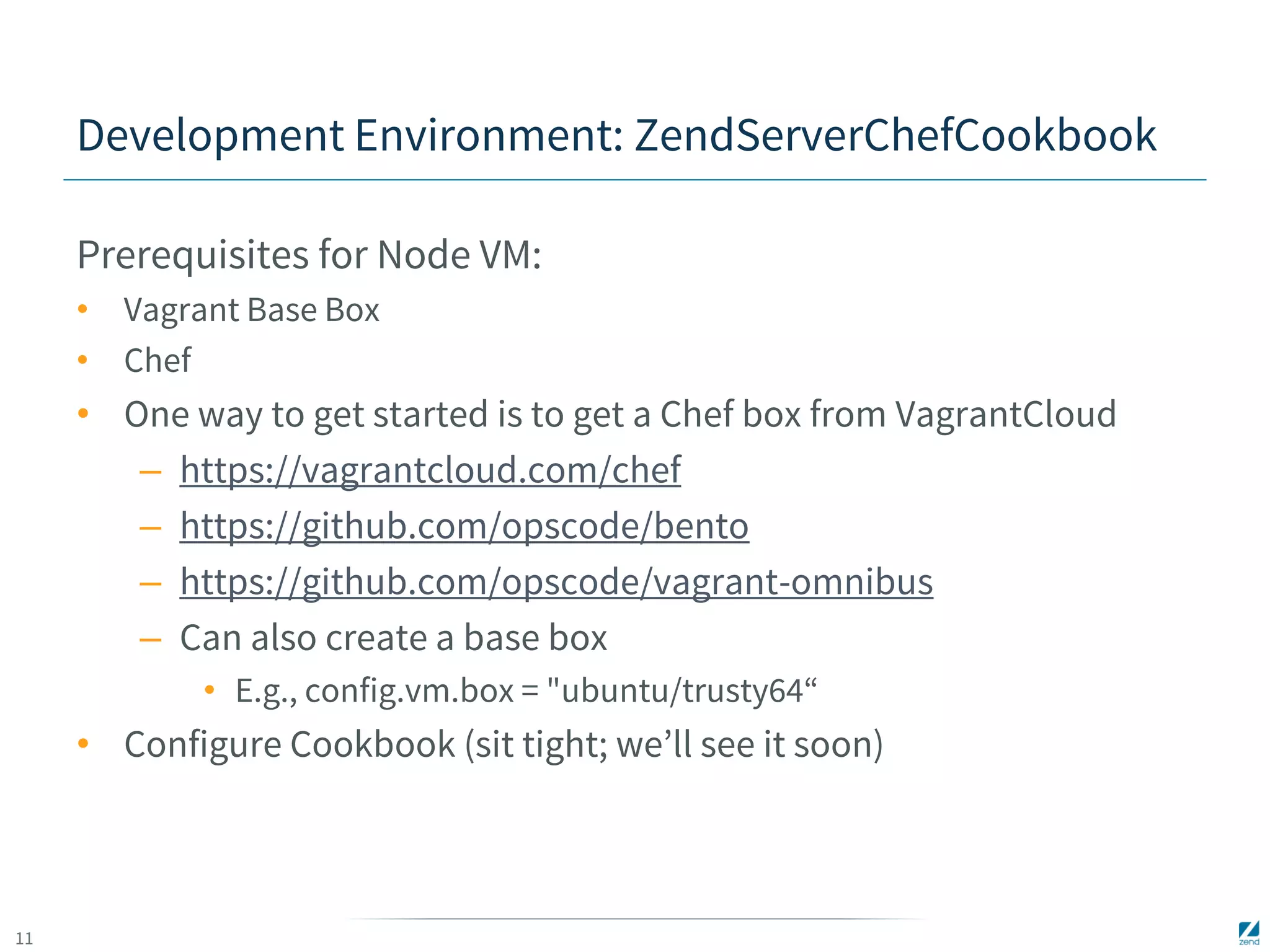
Development Environment: ZendServerChefCookbook 
Prerequisites for Node VM: 
• Vagrant Base Box 
• Chef 
• One way to get started is to get a Chef box from VagrantCloud 
– https://vagrantcloud.com/chef 
– https://github.com/opscode/bento 
– https://github.com/opscode/vagrant-omnibus 
– Can also create a base box 
• E.g., config.vm.box = "ubuntu/trusty64“ 
• Configure Cookbook (sit tight; we’ll see it soon)
12 
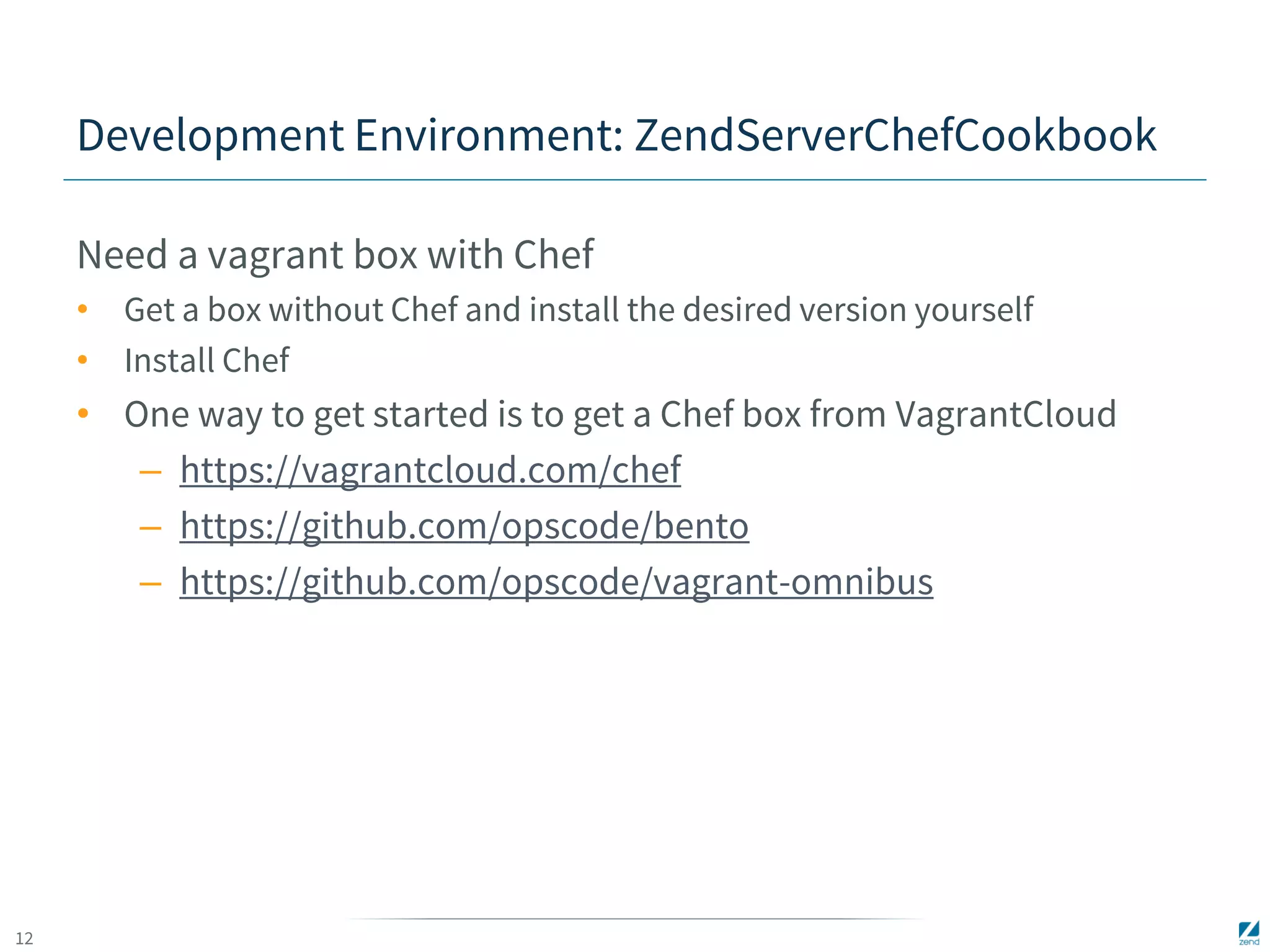
Development Environment: ZendServerChefCookbook 
Need a vagrant box with Chef 
• Get a box without Chef and install the desired version yourself 
• Install Chef 
• One way to get started is to get a Chef box from VagrantCloud 
– https://vagrantcloud.com/chef 
– https://github.com/opscode/bento 
– https://github.com/opscode/vagrant-omnibus
13 
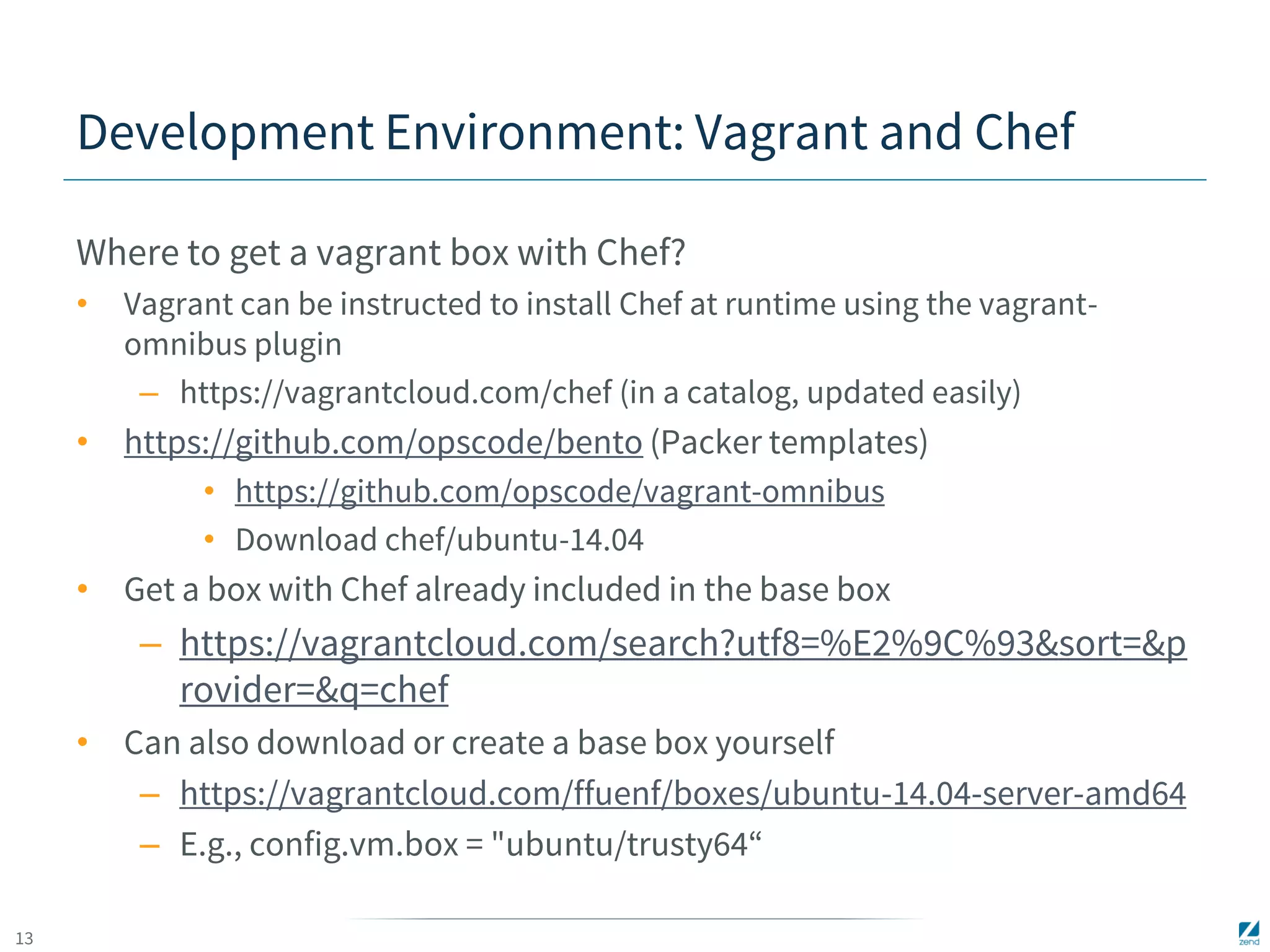
Development Environment: Vagrant and Chef 
Where to get a vagrant box with Chef? 
• Vagrant can be instructed to install Chef at runtime using the vagrant-omnibus 
plugin 
– https://vagrantcloud.com/chef (in a catalog, updated easily) 
• https://github.com/opscode/bento (Packer templates) 
• https://github.com/opscode/vagrant-omnibus 
• Download chef/ubuntu-14.04 
• Get a box with Chef already included in the base box 
– https://vagrantcloud.com/search?utf8=%E2%9C%93&sort=&p 
rovider=&q=chef 
• Can also download or create a base box yourself 
– https://vagrantcloud.com/ffuenf/boxes/ubuntu-14.04-server-amd64 
– E.g., config.vm.box = "ubuntu/trusty64“
14 
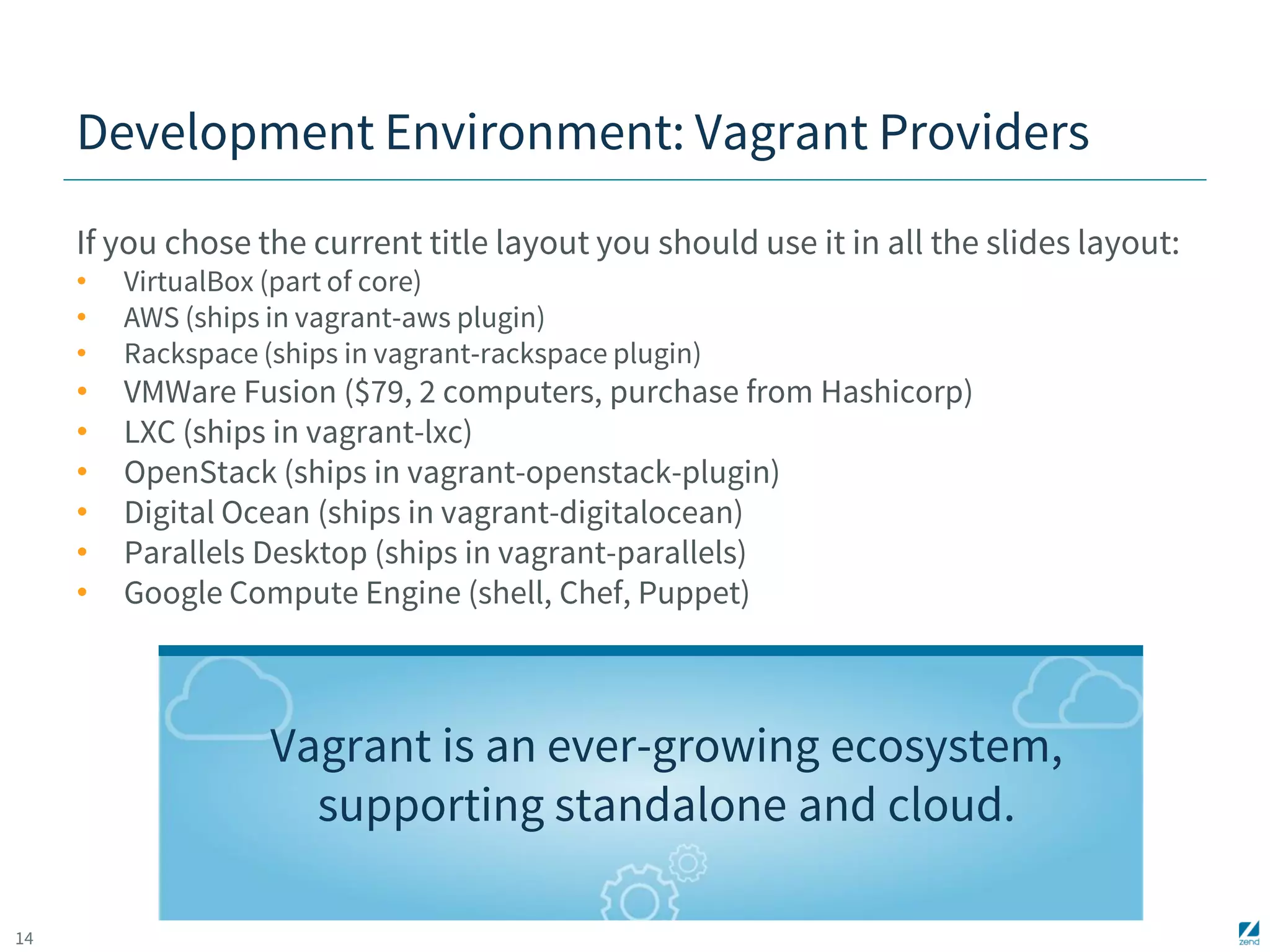
Development Environment: Vagrant Providers 
If you chose the current title layout you should use it in all the slides layout: 
• VirtualBox (part of core) 
• AWS (ships in vagrant-aws plugin) 
• Rackspace (ships in vagrant-rackspace plugin) 
• VMWare Fusion ($79, 2 computers, purchase from Hashicorp) 
• LXC (ships in vagrant-lxc) 
• OpenStack (ships in vagrant-openstack-plugin) 
• Digital Ocean (ships in vagrant-digitalocean) 
• Parallels Desktop (ships in vagrant-parallels) 
• Google Compute Engine (shell, Chef, Puppet) 
Vagrant is an ever-growing ecosystem, 
supporting standalone and cloud.
15 
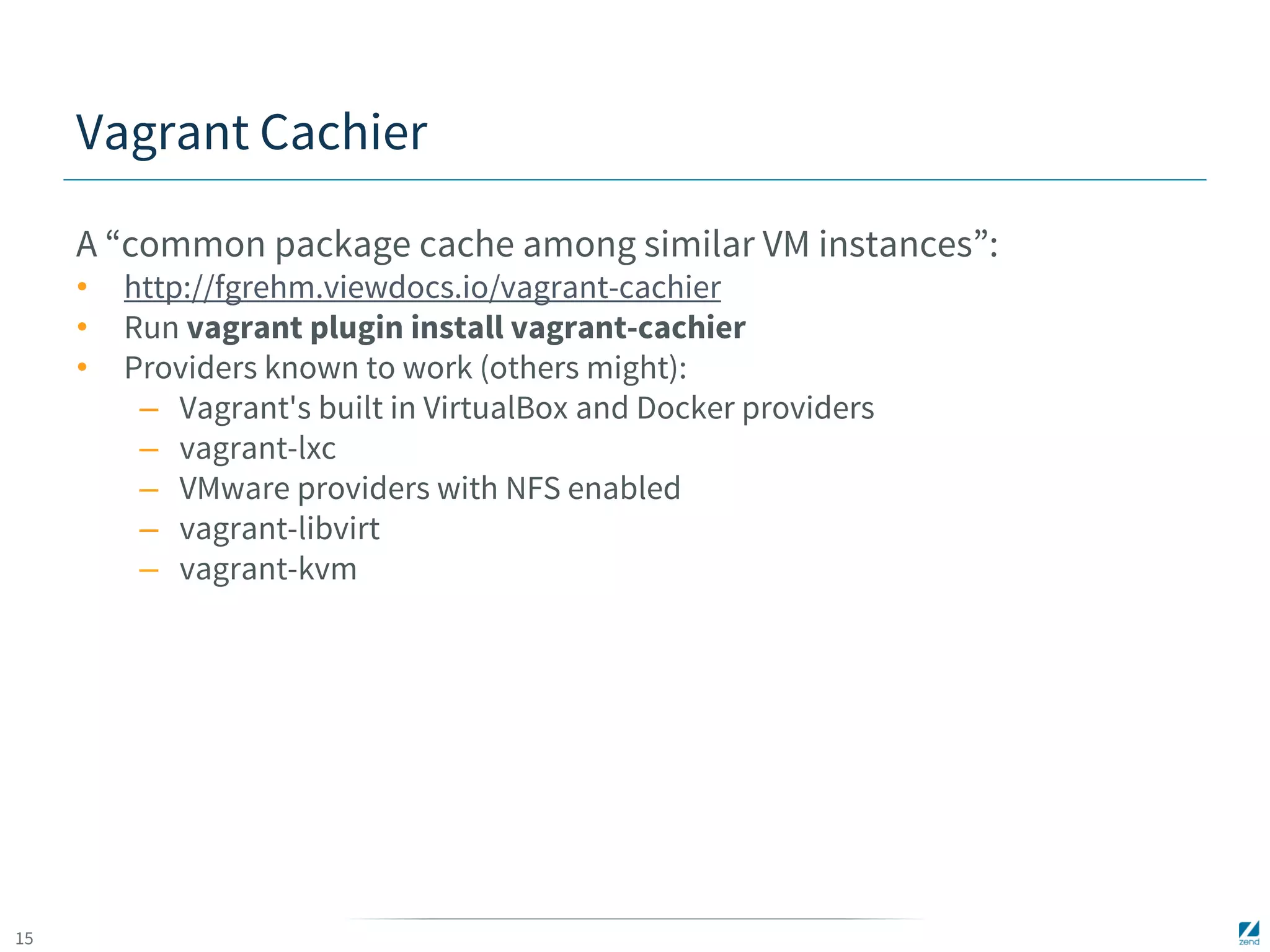
Vagrant Cachier 
A “common package cache among similar VM instances”: 
• http://fgrehm.viewdocs.io/vagrant-cachier 
• Run vagrant plugin install vagrant-cachier 
• Providers known to work (others might): 
– Vagrant's built in VirtualBox and Docker providers 
– vagrant-lxc 
– VMware providers with NFS enabled 
– vagrant-libvirt 
– vagrant-kvm
16 
COOKBOOK IN ACTION
17 
DEPLOYMENT WITH 
ZENDSERVERSDK
18 
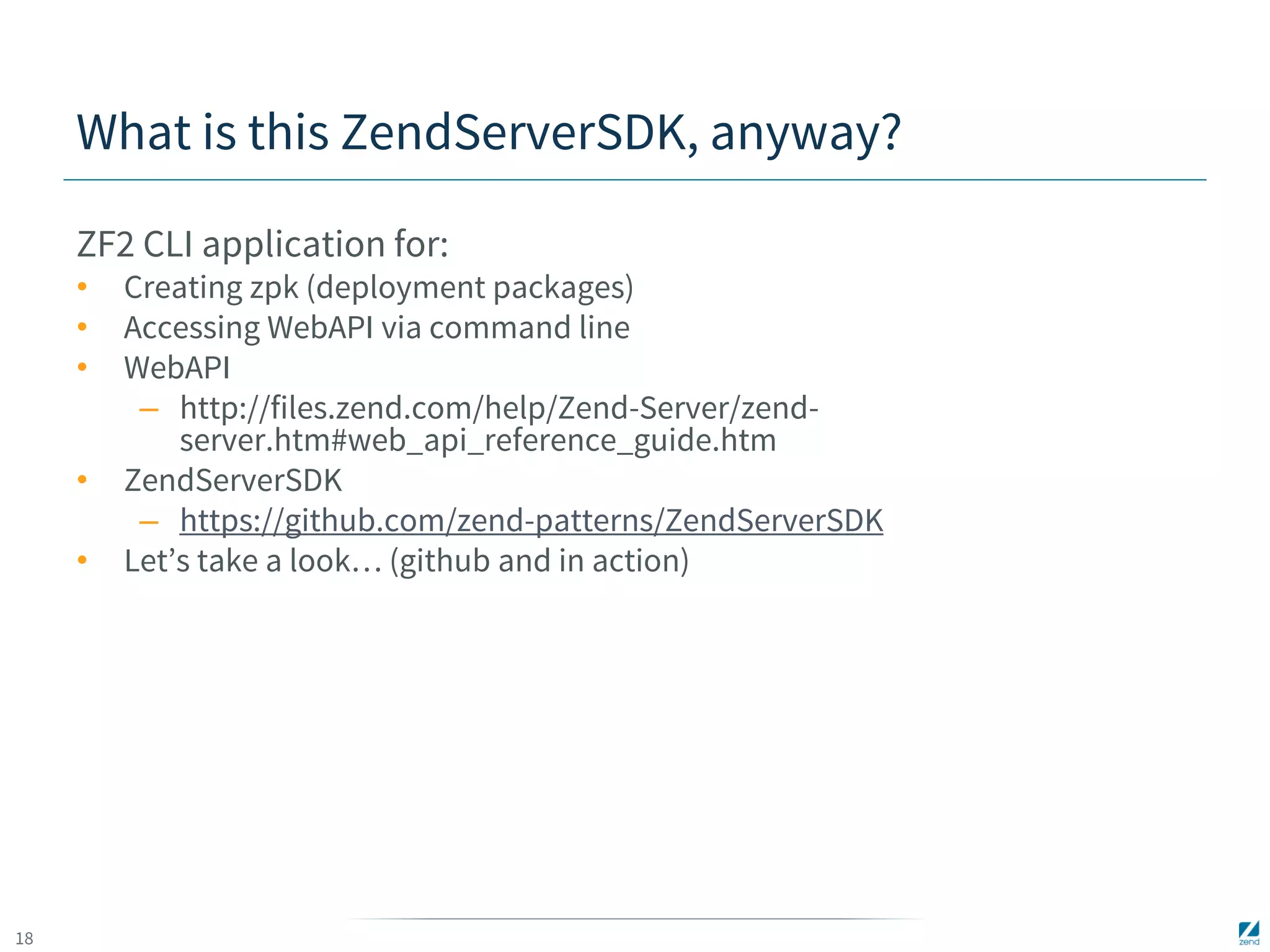
What is this ZendServerSDK, anyway? 
ZF2 CLI application for: 
• Creating zpk (deployment packages) 
• Accessing WebAPI via command line 
• WebAPI 
– http://files.zend.com/help/Zend-Server/zend-server. 
htm#web_api_reference_guide.htm 
• ZendServerSDK 
– https://github.com/zend-patterns/ZendServerSDK 
• Let’s take a look… (github and in action)
19 
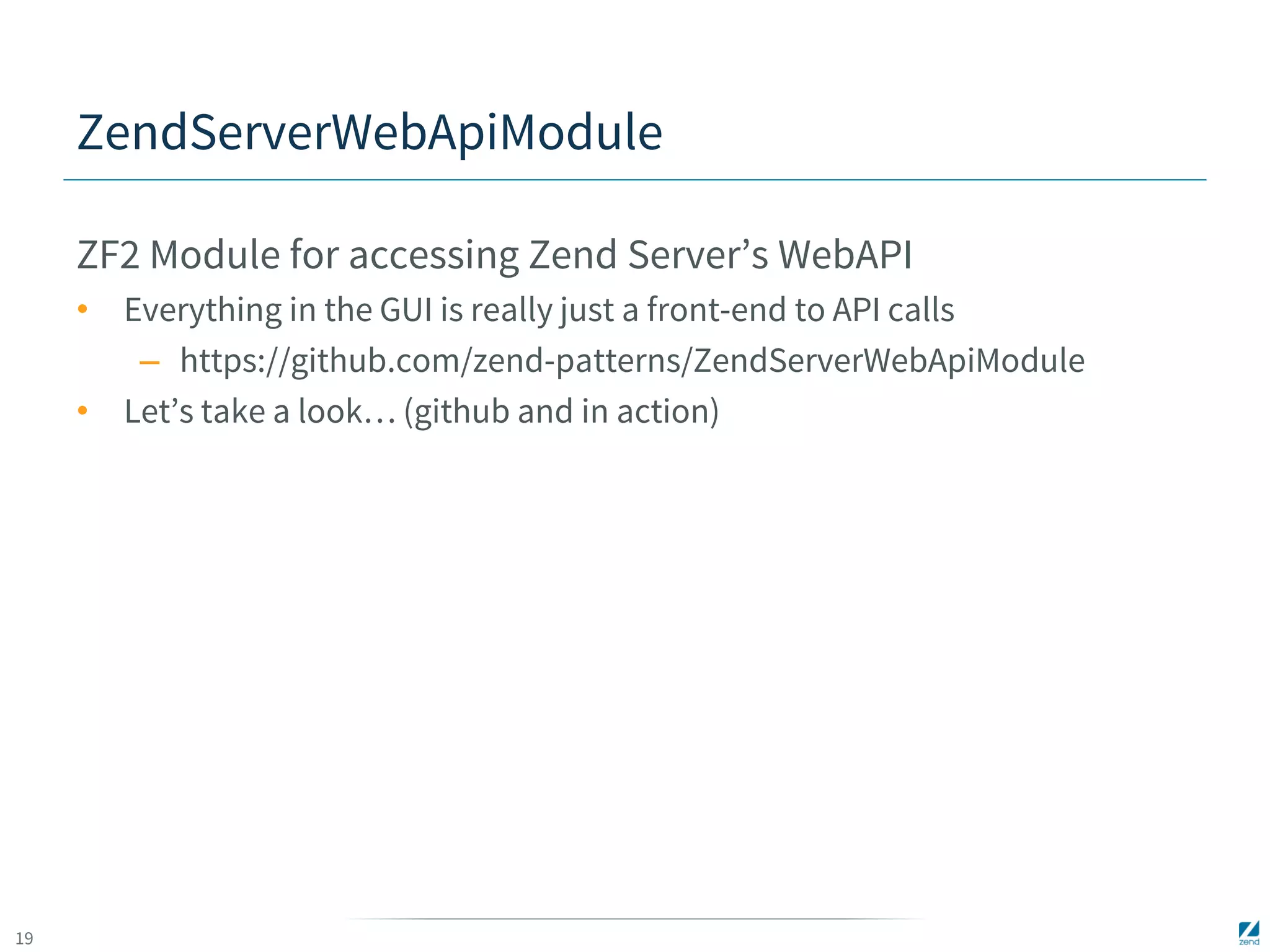
ZendServerWebApiModule 
ZF2 Module for accessing Zend Server’s WebAPI 
• Everything in the GUI is really just a front-end to API calls 
– https://github.com/zend-patterns/ZendServerWebApiModule 
• Let’s take a look… (github and in action)
20 
Bye! 
Clark Everetts 
• clark.e@zend.com 
• @clarkphp 
• https://github.com/clarkphp 
• I will add a repository for this talk (with the code to create the VM image, 
and an updated version of these slides) to the above github account. 
• The slides will be available (and updated) on Slideshare/SpeakerDeck. 
Rate the talk at 
https://joind.in/12206 
And…keep in touch!

Automated Infrastructure and Application Management

  • 1.
    1 Automated Infrastructureand Application Management Clark Everetts, Zend Technologies, Inc. ZendCon - 30 Oct 2014
  • 2.
    2 Hi! ClarkEveretts • Zend Technologies, Inc. • Sr. Professional Services Consultant – Software Architecture Audits / Performance Audits – Continuous Delivery Assessments – Migrations (PHP, ZF, etc.) – Training: PHP, ZF • Past Life: missile interceptor launch control ; C&DH for International Space Station • Co-author with Michael Kimsal of php/architect’s PHP Job Hunter’s Handbook Enough about me…
  • 3.
    3 SO, WHAT’SYOUR PROBLEM?
  • 4.
    4 Managing applicationinfrastructure / apps • Server maintenance/repair, application deployments • Often manual process • Dependencies, multiple people needed • Tedious • Error prone • Late nights troubleshooting self-inflicted wounds If your process is manual, at best it will be slow. At worst, it will be a living nightmare.
  • 5.
    5 Stop theMadness! Automate! Standardize, Make Repeatable & Reliable, Process: • Well-understood, built through collaboration • Controlled through Versioning • Testable in safe environments • Infrastructure Solution: Chef Cookbook • App Deployment Solution: CLI Client SDK • Server and Application Management Solution: WebAPI Zend Patterns offers Open-Source Plugins for Zend Server-based Infrastructures
  • 6.
    6 Presentation Goals What are we going to do today? • Look at Zend Patterns on GitHub - https://github.com/zend-patterns • Set up a Zend Server-based development environment using ZendServerChefCookbook • Deploy, (time-permitting: Update, Rollback) an Application using ZendServerSDK • Time-permitting: Get information about the application using ZendServerWebApiModule (here, via ZendServerSDK) Open Plugins for Zend Server-based Infrastructures
  • 7.
    7 GITHUB TOUR:ZEND PATTERNS
  • 8.
  • 9.
    9 Development Environment:ZendServerChefCookbook Prerequisite Steps: • Install Vagrant - http://docs.vagrantup.com/v2/installation/index.html • Install / update relevant Vagrant Plugins: – vagrant-cachier (https://github.com/fgrehm/vagrant-cachier) – vagrant-omnibus (https://github.com/opscode/vagrant-omnibus) – vagrant-* (https://github.com/mitchellh?tab=repositories) – Check for new plugins and also run vagrant plugin update • Install VirtualBox (https://www.virtualbox.org/wiki/Downloads) • Or, VMWare Fusion/Workstation, Docker, (Hyper-V - Avail. w/ Windows 8.1) – requires inexpensive plugin from Hashicorp. • Install Chef (next slide)
  • 10.
    10 Development Environment:ZendServerChefCookbook Install Chef on Your “Workstation”: • System Requirements (https://docs.getchef.com/chef_system_requirements.html) • Supported Platforms (https://docs.getchef.com/supported_platforms.html) • https://www.getchef.com/chef/choose-your-version/ • http://downloads.getchef.com/ • Chef Development Kit (http://www.getchef.com/downloads/chef-dk/) – chef CLI tool, Client, Zero, Knife, Ohai, Berkshelf, Test Kitchen, ChefSpec, FoodCritic – Omnibus Installer (https://docs.getchef.com/install_omnibus.html) • ZendServerChefCookbook (https://github.com/zend-patterns/ ZendServerChefCookbook)
  • 11.
    11 Development Environment:ZendServerChefCookbook Prerequisites for Node VM: • Vagrant Base Box • Chef • One way to get started is to get a Chef box from VagrantCloud – https://vagrantcloud.com/chef – https://github.com/opscode/bento – https://github.com/opscode/vagrant-omnibus – Can also create a base box • E.g., config.vm.box = "ubuntu/trusty64“ • Configure Cookbook (sit tight; we’ll see it soon)
  • 12.
    12 Development Environment:ZendServerChefCookbook Need a vagrant box with Chef • Get a box without Chef and install the desired version yourself • Install Chef • One way to get started is to get a Chef box from VagrantCloud – https://vagrantcloud.com/chef – https://github.com/opscode/bento – https://github.com/opscode/vagrant-omnibus
  • 13.
    13 Development Environment:Vagrant and Chef Where to get a vagrant box with Chef? • Vagrant can be instructed to install Chef at runtime using the vagrant-omnibus plugin – https://vagrantcloud.com/chef (in a catalog, updated easily) • https://github.com/opscode/bento (Packer templates) • https://github.com/opscode/vagrant-omnibus • Download chef/ubuntu-14.04 • Get a box with Chef already included in the base box – https://vagrantcloud.com/search?utf8=%E2%9C%93&sort=&p rovider=&q=chef • Can also download or create a base box yourself – https://vagrantcloud.com/ffuenf/boxes/ubuntu-14.04-server-amd64 – E.g., config.vm.box = "ubuntu/trusty64“
  • 14.
    14 Development Environment:Vagrant Providers If you chose the current title layout you should use it in all the slides layout: • VirtualBox (part of core) • AWS (ships in vagrant-aws plugin) • Rackspace (ships in vagrant-rackspace plugin) • VMWare Fusion ($79, 2 computers, purchase from Hashicorp) • LXC (ships in vagrant-lxc) • OpenStack (ships in vagrant-openstack-plugin) • Digital Ocean (ships in vagrant-digitalocean) • Parallels Desktop (ships in vagrant-parallels) • Google Compute Engine (shell, Chef, Puppet) Vagrant is an ever-growing ecosystem, supporting standalone and cloud.
  • 15.
    15 Vagrant Cachier A “common package cache among similar VM instances”: • http://fgrehm.viewdocs.io/vagrant-cachier • Run vagrant plugin install vagrant-cachier • Providers known to work (others might): – Vagrant's built in VirtualBox and Docker providers – vagrant-lxc – VMware providers with NFS enabled – vagrant-libvirt – vagrant-kvm
  • 16.
  • 17.
    17 DEPLOYMENT WITH ZENDSERVERSDK
  • 18.
    18 What isthis ZendServerSDK, anyway? ZF2 CLI application for: • Creating zpk (deployment packages) • Accessing WebAPI via command line • WebAPI – http://files.zend.com/help/Zend-Server/zend-server. htm#web_api_reference_guide.htm • ZendServerSDK – https://github.com/zend-patterns/ZendServerSDK • Let’s take a look… (github and in action)
  • 19.
    19 ZendServerWebApiModule ZF2Module for accessing Zend Server’s WebAPI • Everything in the GUI is really just a front-end to API calls – https://github.com/zend-patterns/ZendServerWebApiModule • Let’s take a look… (github and in action)
  • 20.
    20 Bye! ClarkEveretts • clark.e@zend.com • @clarkphp • https://github.com/clarkphp • I will add a repository for this talk (with the code to create the VM image, and an updated version of these slides) to the above github account. • The slides will be available (and updated) on Slideshare/SpeakerDeck. Rate the talk at https://joind.in/12206 And…keep in touch!