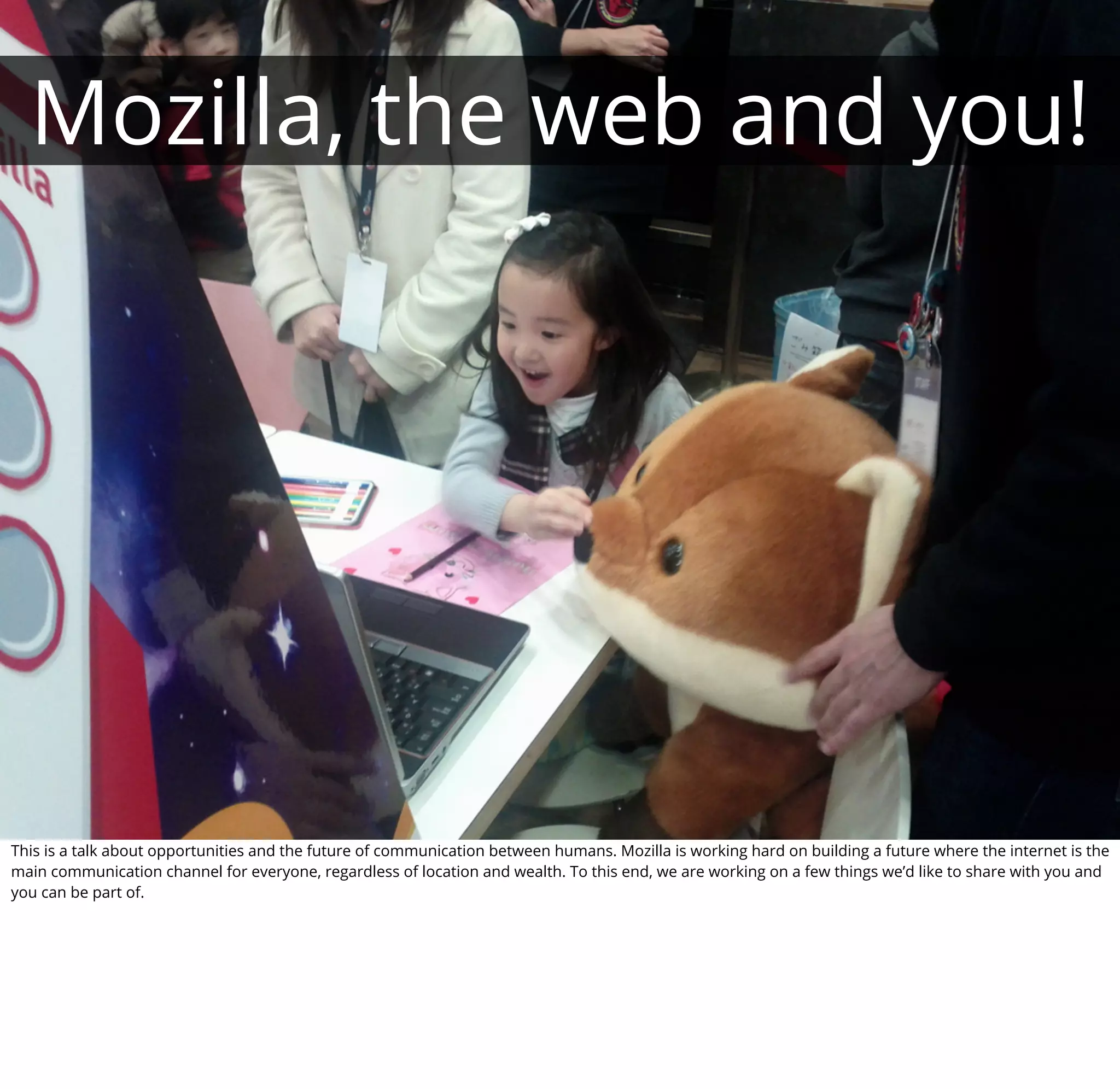
Mozilla, the web and you!


This is a talk about opportunities and the future of communication between humans. Mozilla is working hard on building a future where the internet is the
main communication channel for everyone, regardless of location and wealth. To this end, we are working on a few things we’d like to share with you and
you can be part of.
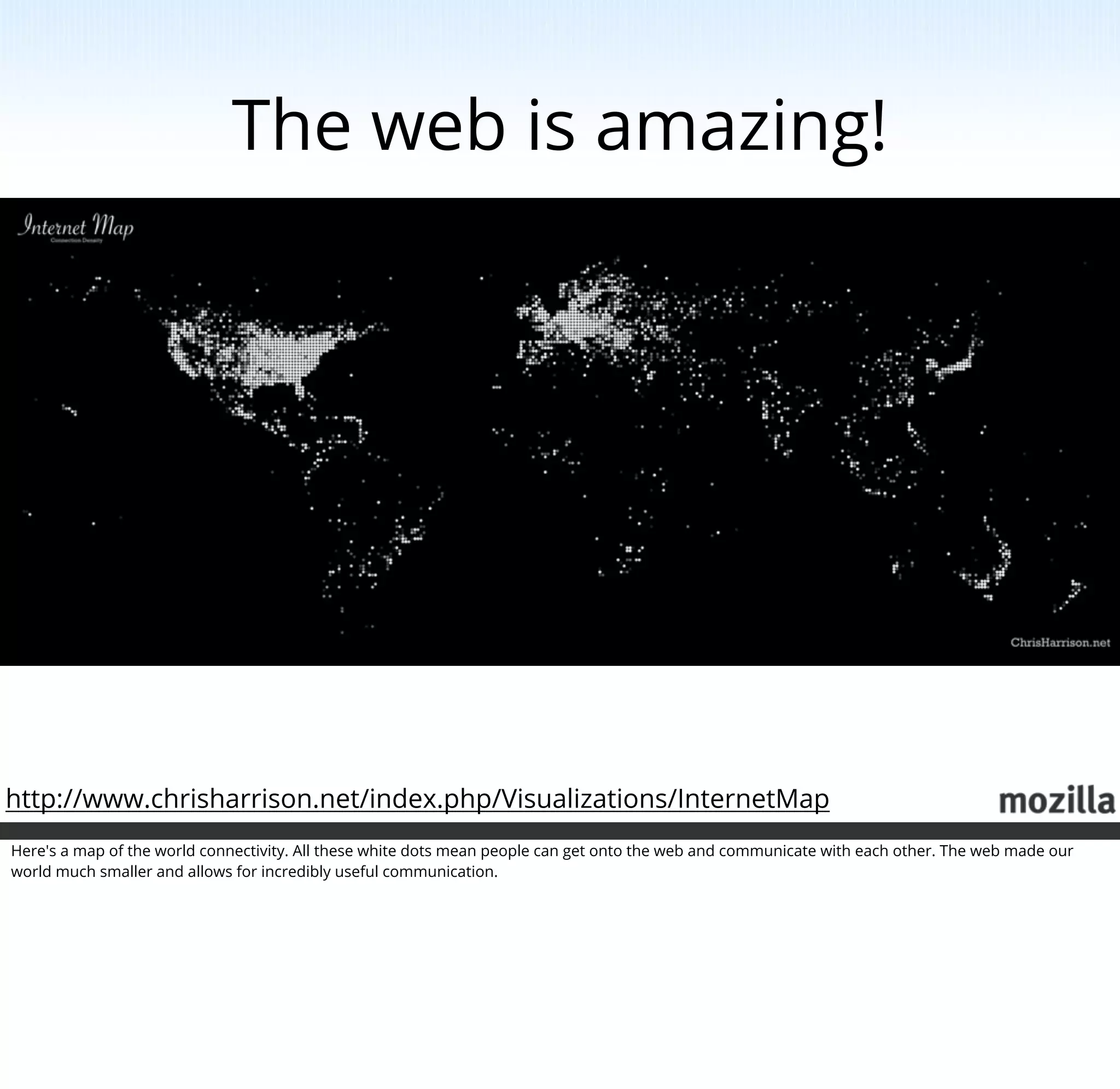
The web is amazing!


http://www.chrisharrison.net/index.php/Visualizations/InternetMap
Here's a map of the world connectivity. All these white dots mean people can get onto the web and communicate with each other. The web made our
world much smaller and allows for incredibly useful communication.
The web gives us a
                                                                     voice

                                                                              Evolution of
                                                                              communication
                                                                              World-wide reach
                                                                              Publication as easy as
                                                                              consumption


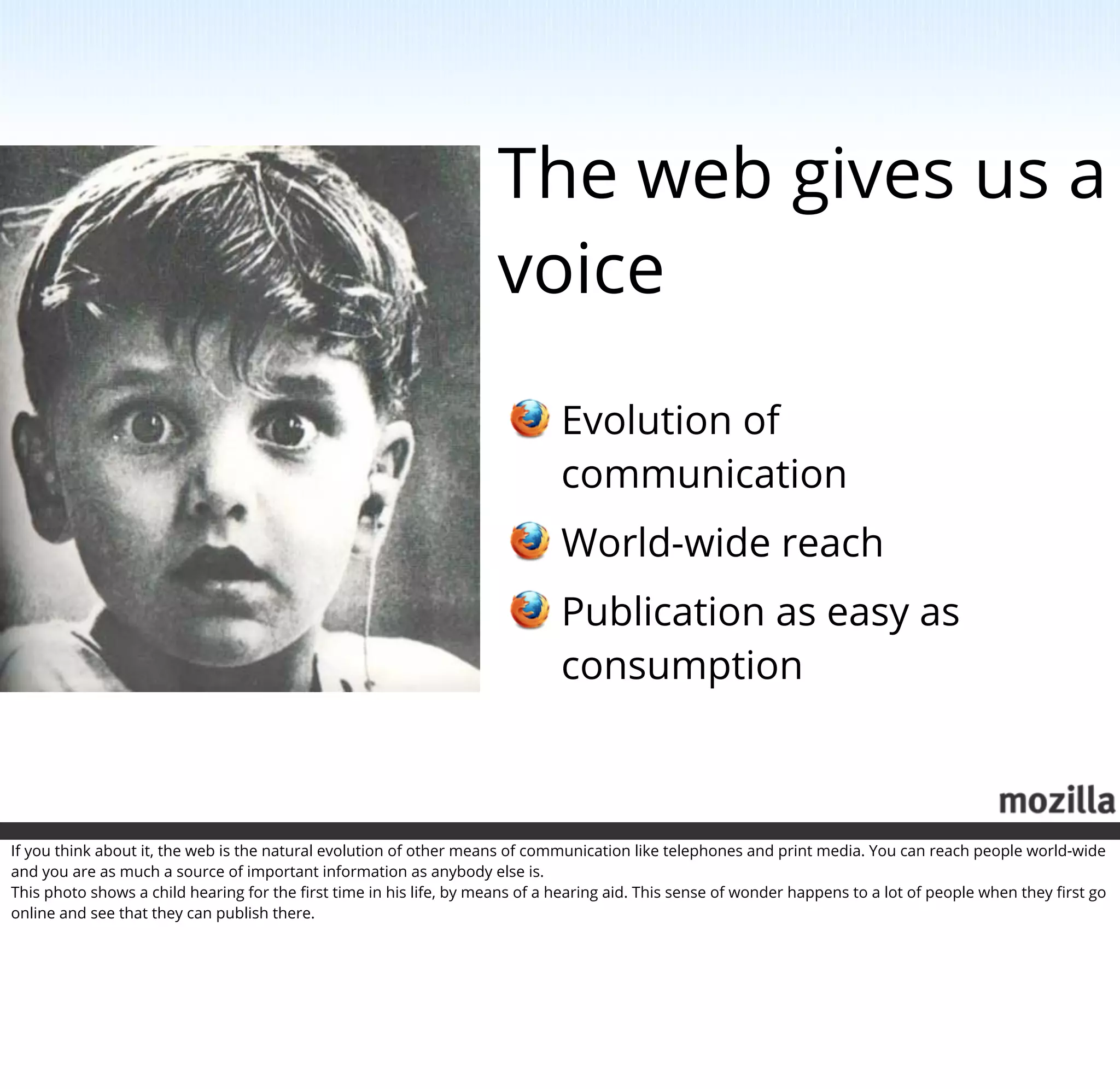
If you think about it, the web is the natural evolution of other means of communication like telephones and print media. You can reach people world-wide
and you are as much a source of important information as anybody else is.
This photo shows a child hearing for the first time in his life, by means of a hearing aid. This sense of wonder happens to a lot of people when they first go
online and see that they can publish there.
The web is for
                                                                               everybody
                                                                                       Simple release process
                                                                                       Simple technologies
                                                                                       Not exclusive to experts


The great thing about the web is that you don't need to be an expert in a field to be part of it. The processes and technologies driving the web are simple
enough for everybody to help make it better.
Mozilla is here
 for the web


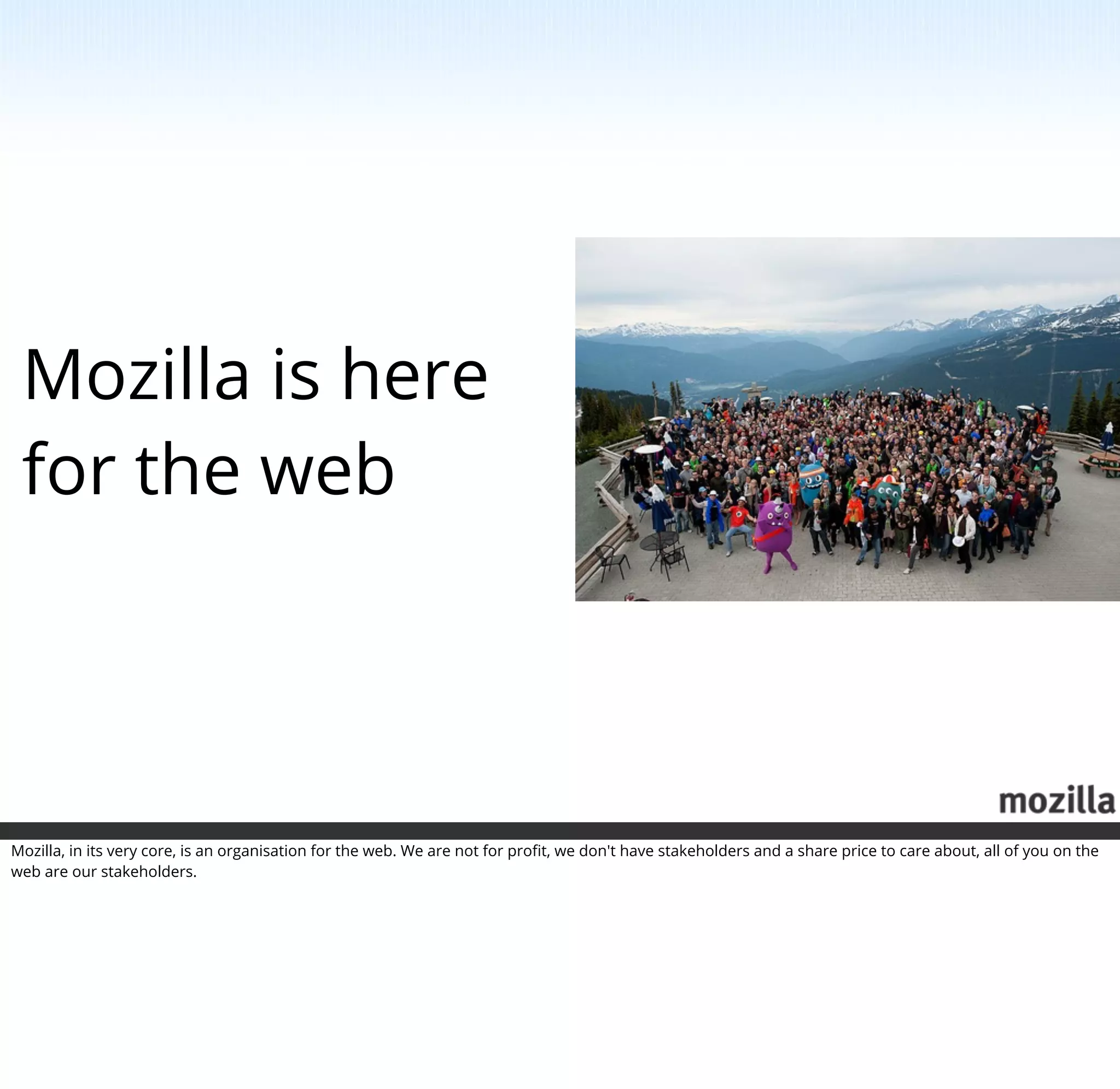
Mozilla, in its very core, is an organisation for the web. We are not for profit, we don't have stakeholders and a share price to care about, all of you on the
web are our stakeholders.
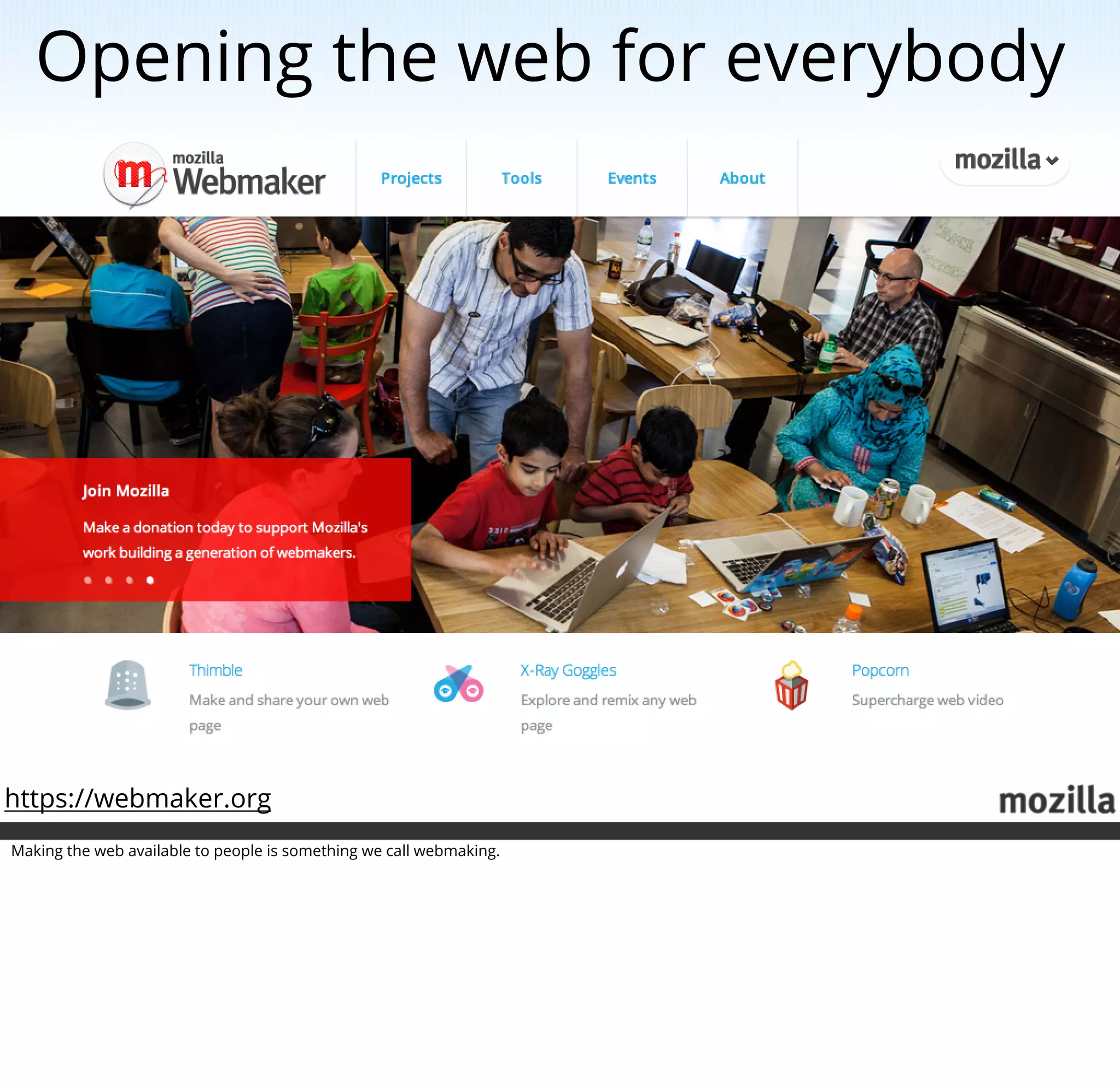
Opening the web for everybody


https://webmaker.org
Making the web available to people is something we call webmaking.
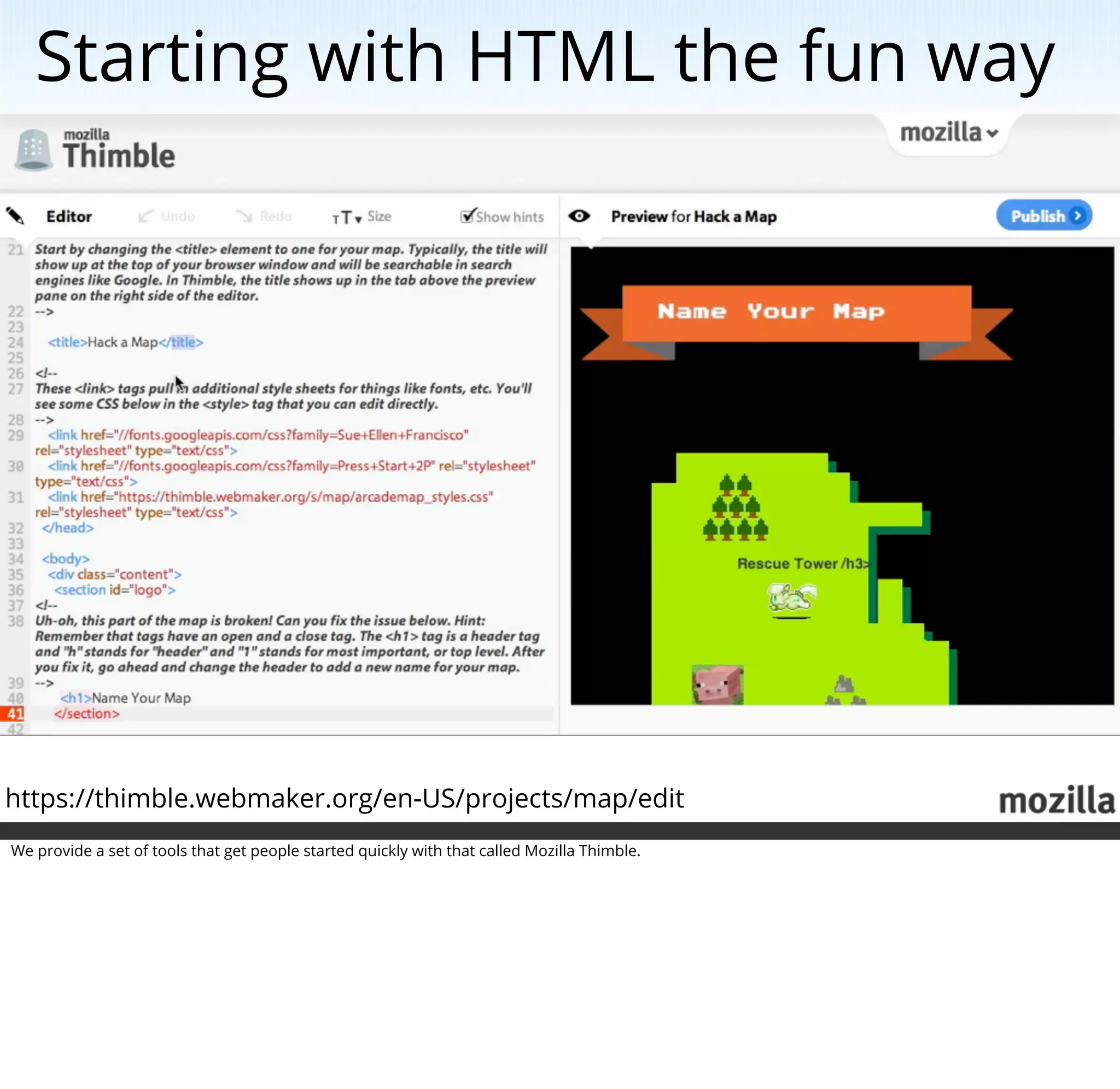
Starting with HTML the fun way


https://thimble.webmaker.org/en-US/projects/map/edit
We provide a set of tools that get people started quickly with that called Mozilla Thimble.
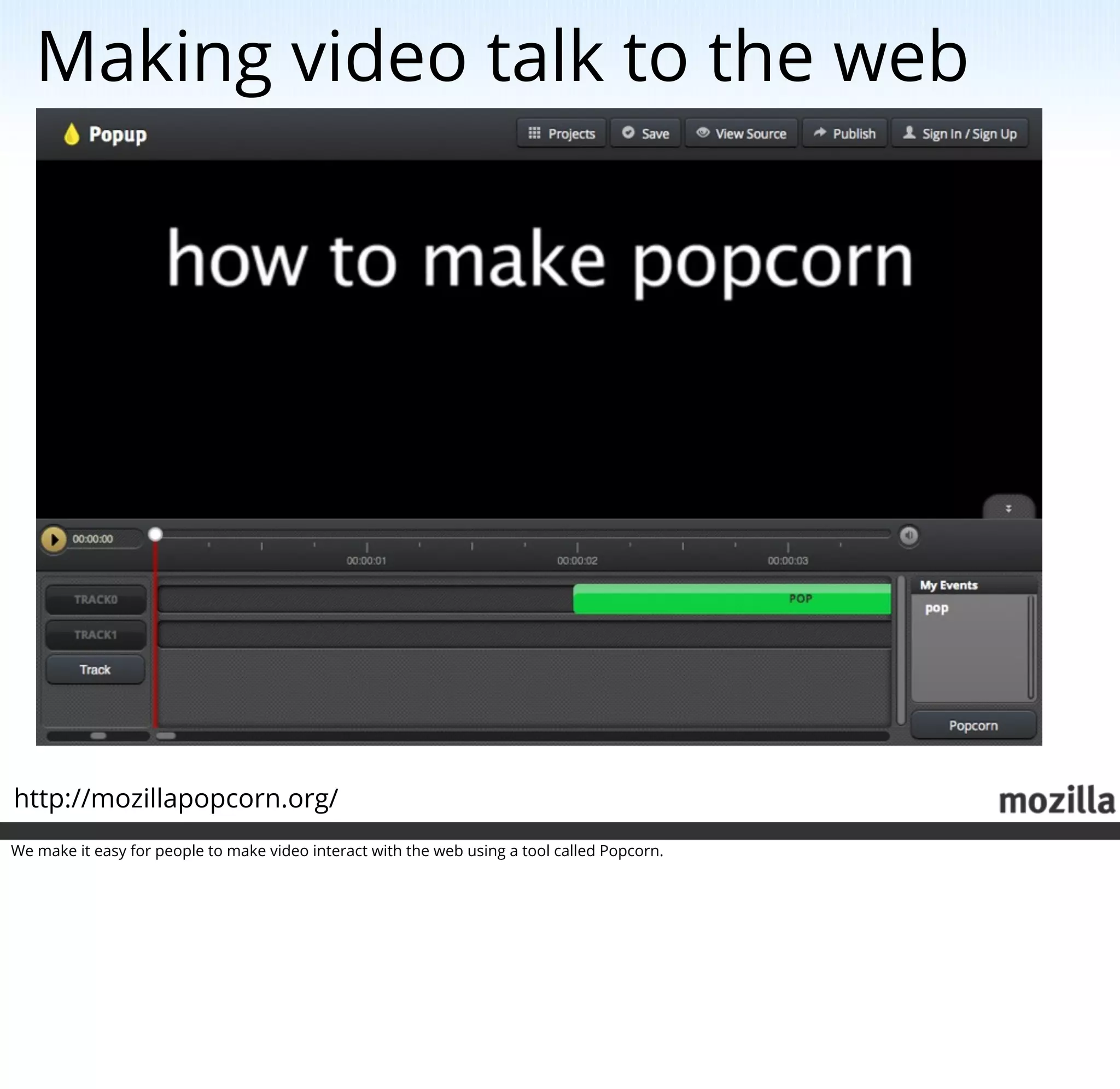
Making video talk to the web


http://mozillapopcorn.org/
We make it easy for people to make video interact with the web using a tool called Popcorn.
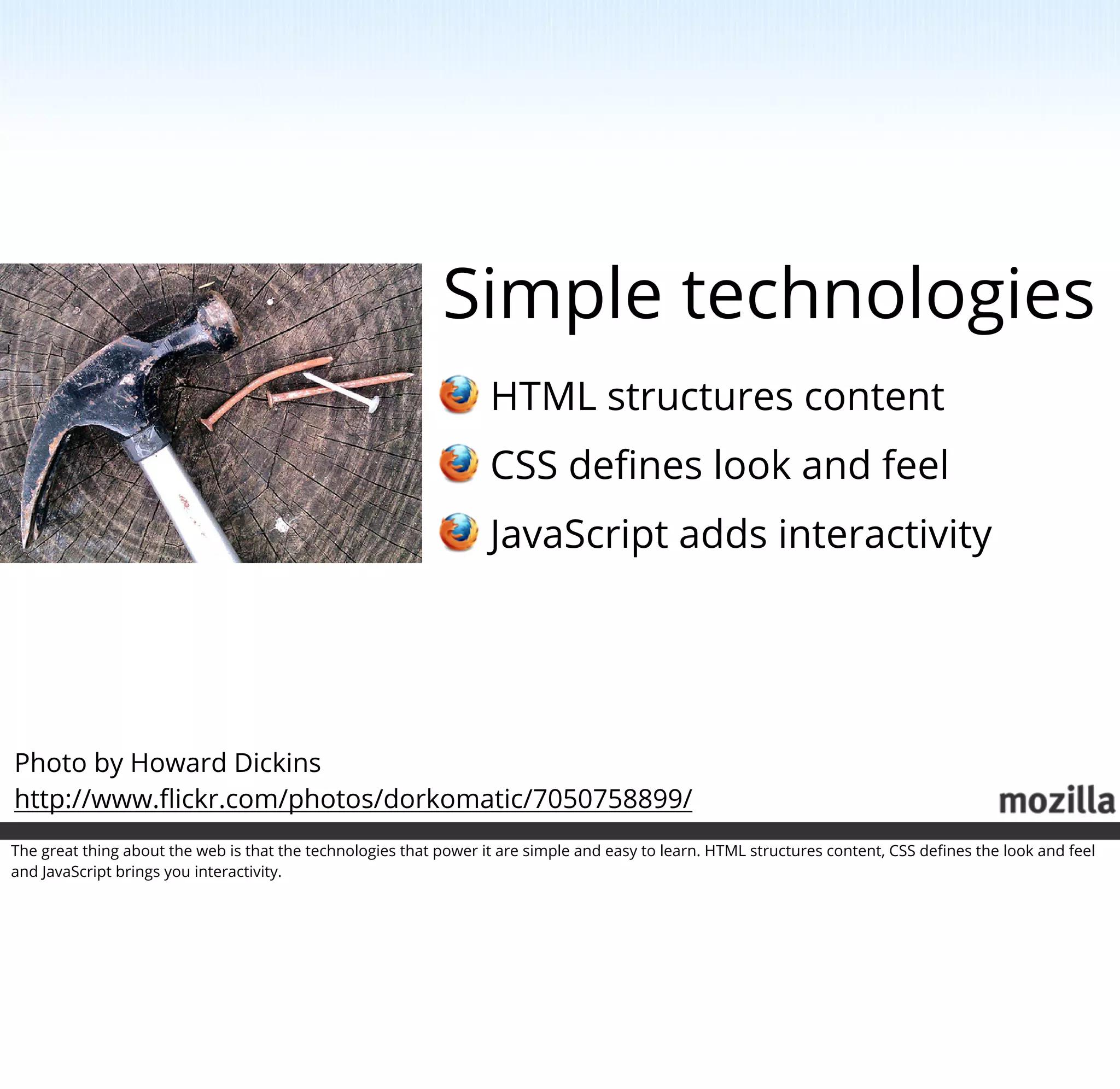
Simple technologies
                                                                   HTML structures content
                                                                   CSS defines look and feel
                                                                   JavaScript adds interactivity


Photo by Howard Dickins
http://www.flickr.com/photos/dorkomatic/7050758899/
The great thing about the web is that the technologies that power it are simple and easy to learn. HTML structures content, CSS defines the look and feel
and JavaScript brings you interactivity.
Being there for developers


http://developer.mozilla.org
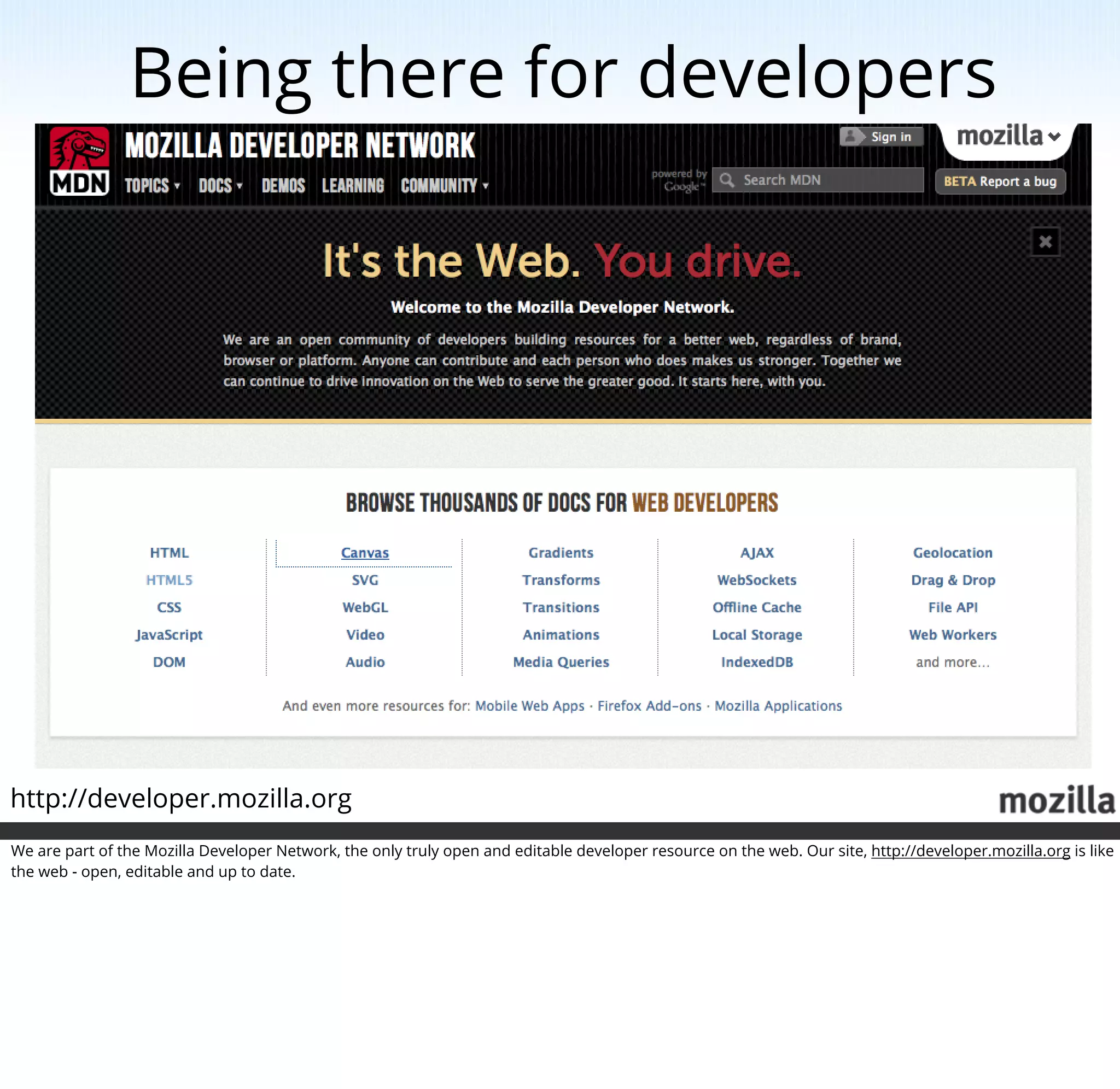
We are part of the Mozilla Developer Network, the only truly open and editable developer resource on the web. Our site, http://developer.mozilla.org is like
the web - open, editable and up to date.
We need you! (part 1)


Which is where our first request comes in. As we are editable we can provide you with the best service possible. What we need above all things is
translations. So if you are up for that, we now have a translation tool right in the documentation.
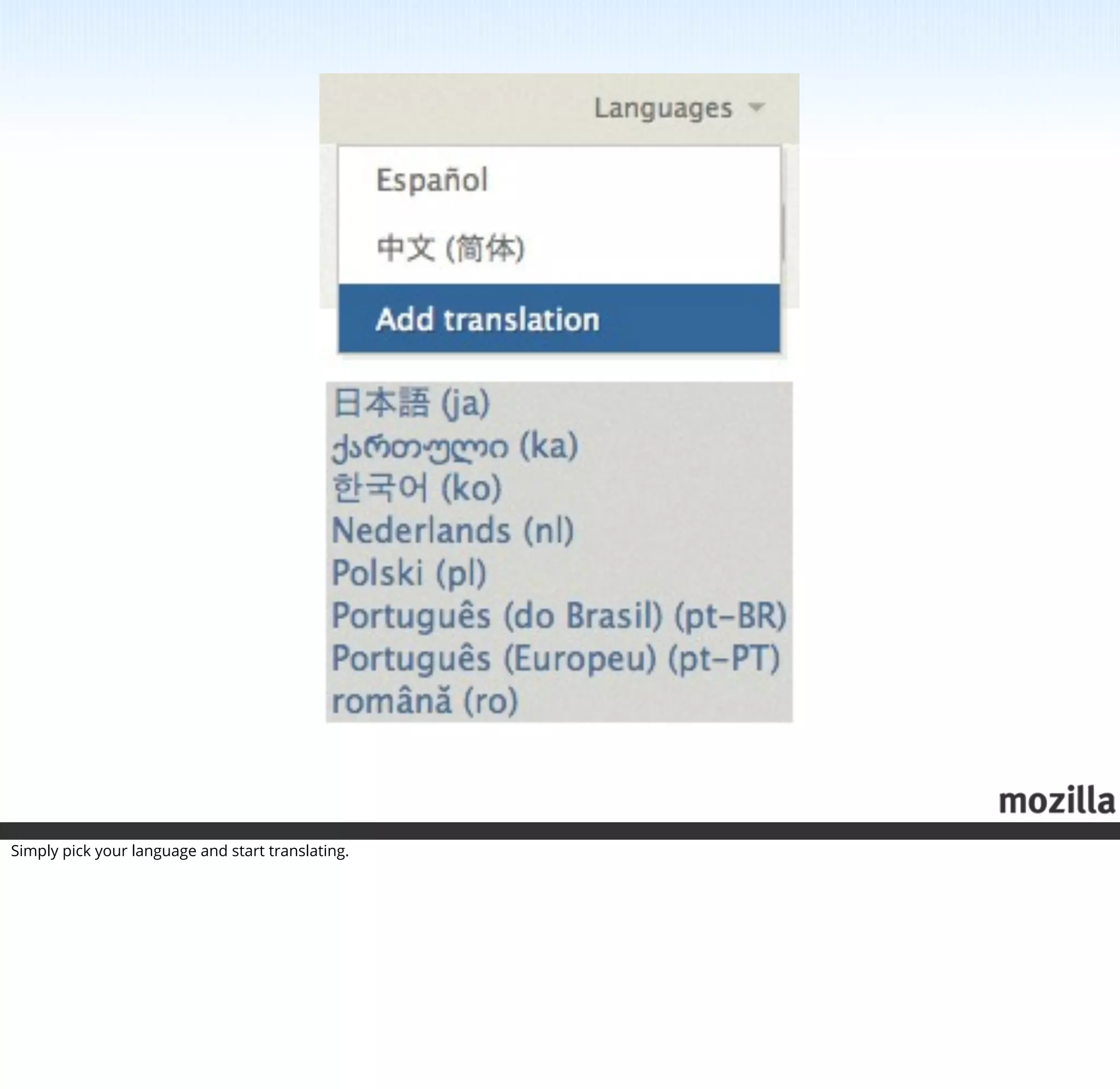
Simply pick your language and start translating.
Can has translate?


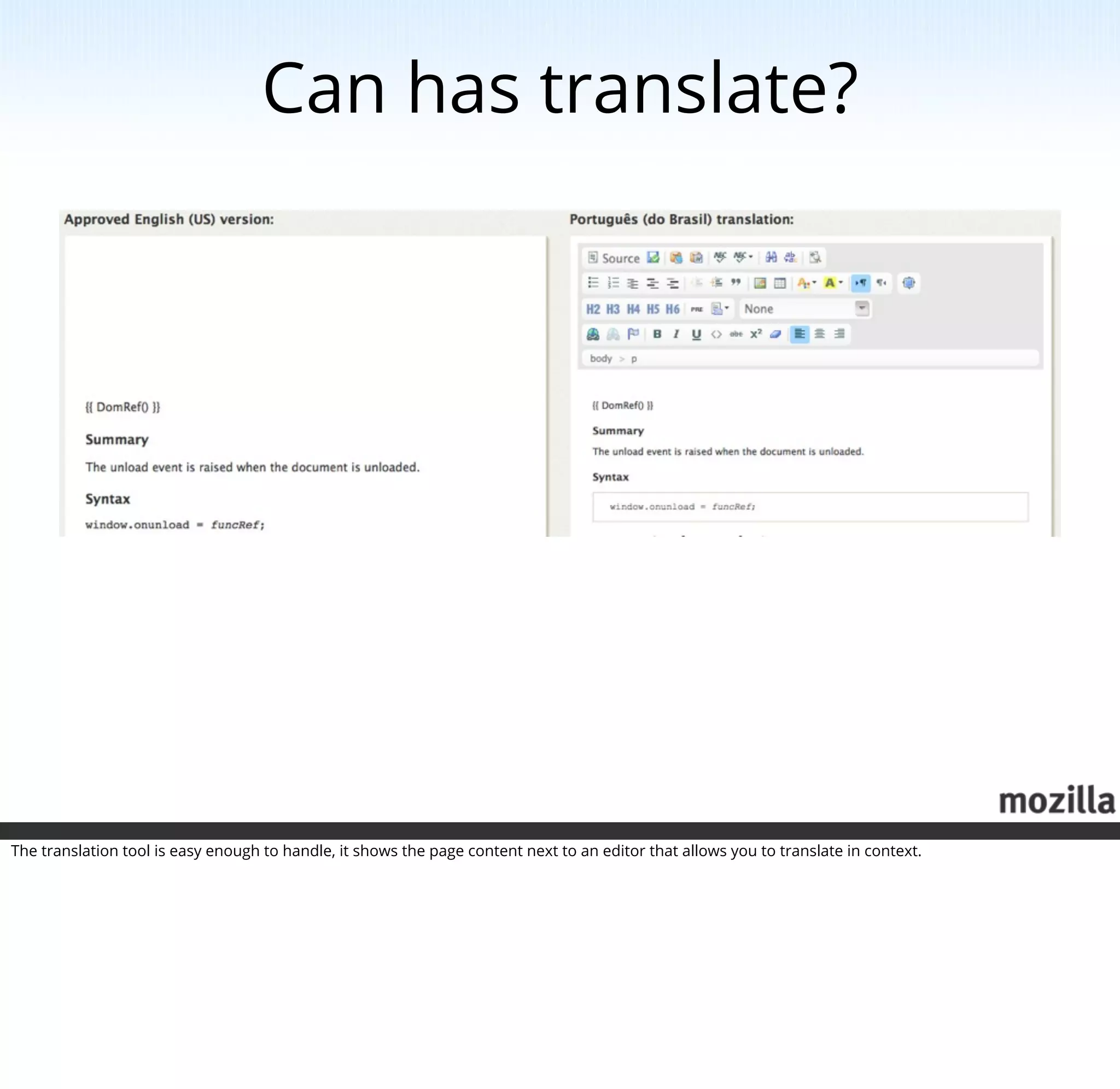
The translation tool is easy enough to handle, it shows the page content next to an editor that allows you to translate in context.
History: the desktop wars


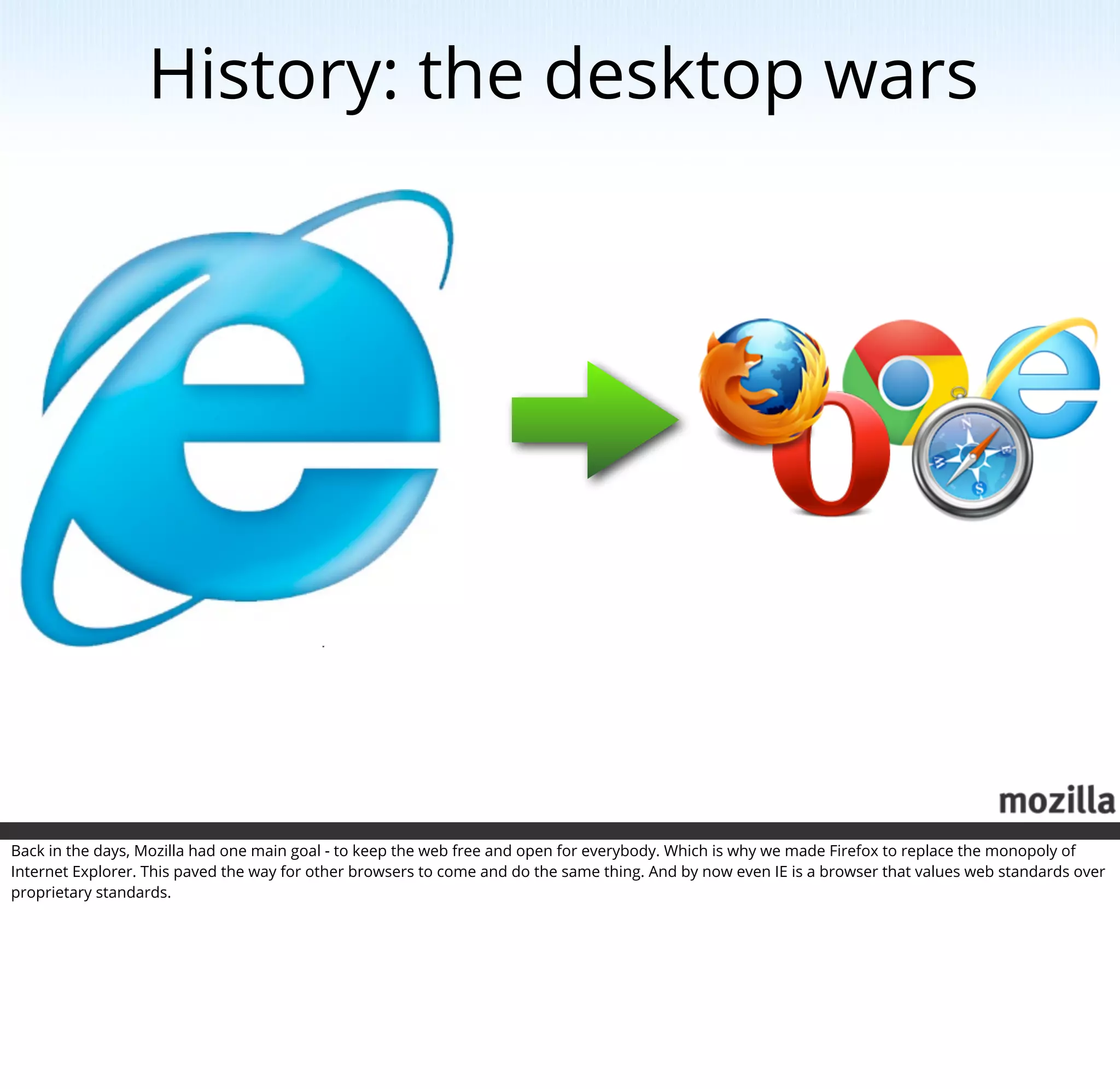
Back in the days, Mozilla had one main goal - to keep the web free and open for everybody. Which is why we made Firefox to replace the monopoly of
Internet Explorer. This paved the way for other browsers to come and do the same thing. And by now even IE is a browser that values web standards over
proprietary standards.
Shift happens


Photo by Jason Weaver
http://www.flickr.com/photos/indyplanets/5693612984/

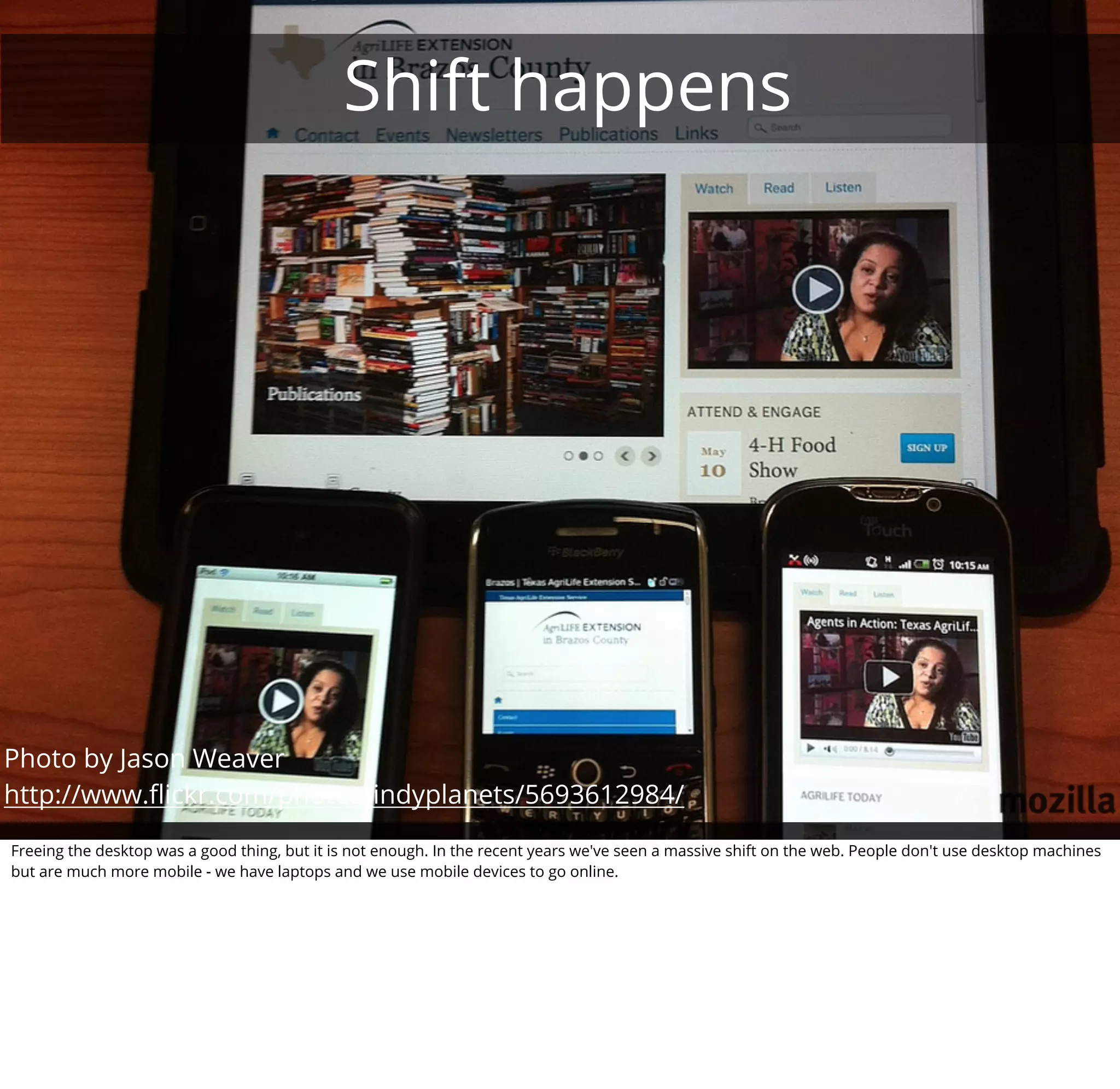
Freeing the desktop was a good thing, but it is not enough. In the recent years we've seen a massive shift on the web. People don't use desktop machines
but are much more mobile - we have laptops and we use mobile devices to go online.
F*#k yeah HTML5!


One big message was that HTML5 will change all that. One big company especially stood up and declared the desktop dead and Flash being outdated and
HTML5 being the thing that will empower developers.
Erm, yeah, we mean apps!


Photo by Michael Gil
http://www.flickr.com/photos/msvg/5385759365/
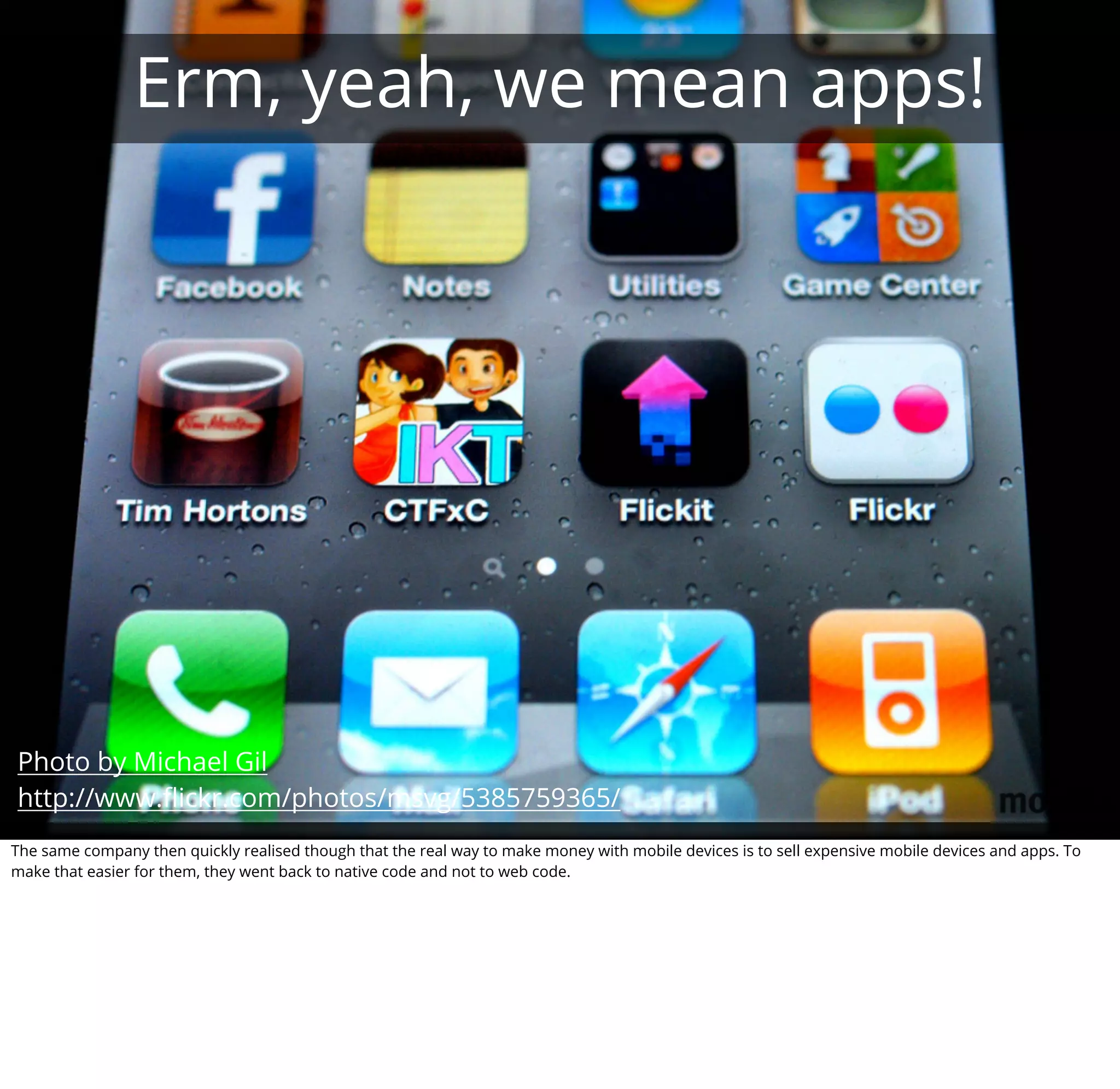
The same company then quickly realised though that the real way to make money with mobile devices is to sell expensive mobile devices and apps. To
make that easier for them, they went back to native code and not to web code.
Lock-out
                                                                                                                       us er
                                                                                             dr oid
                                                                                        S/ An
                                                                                      iO


                                                                          them
                                                                o rd
                                              ’t aff
                                           Can
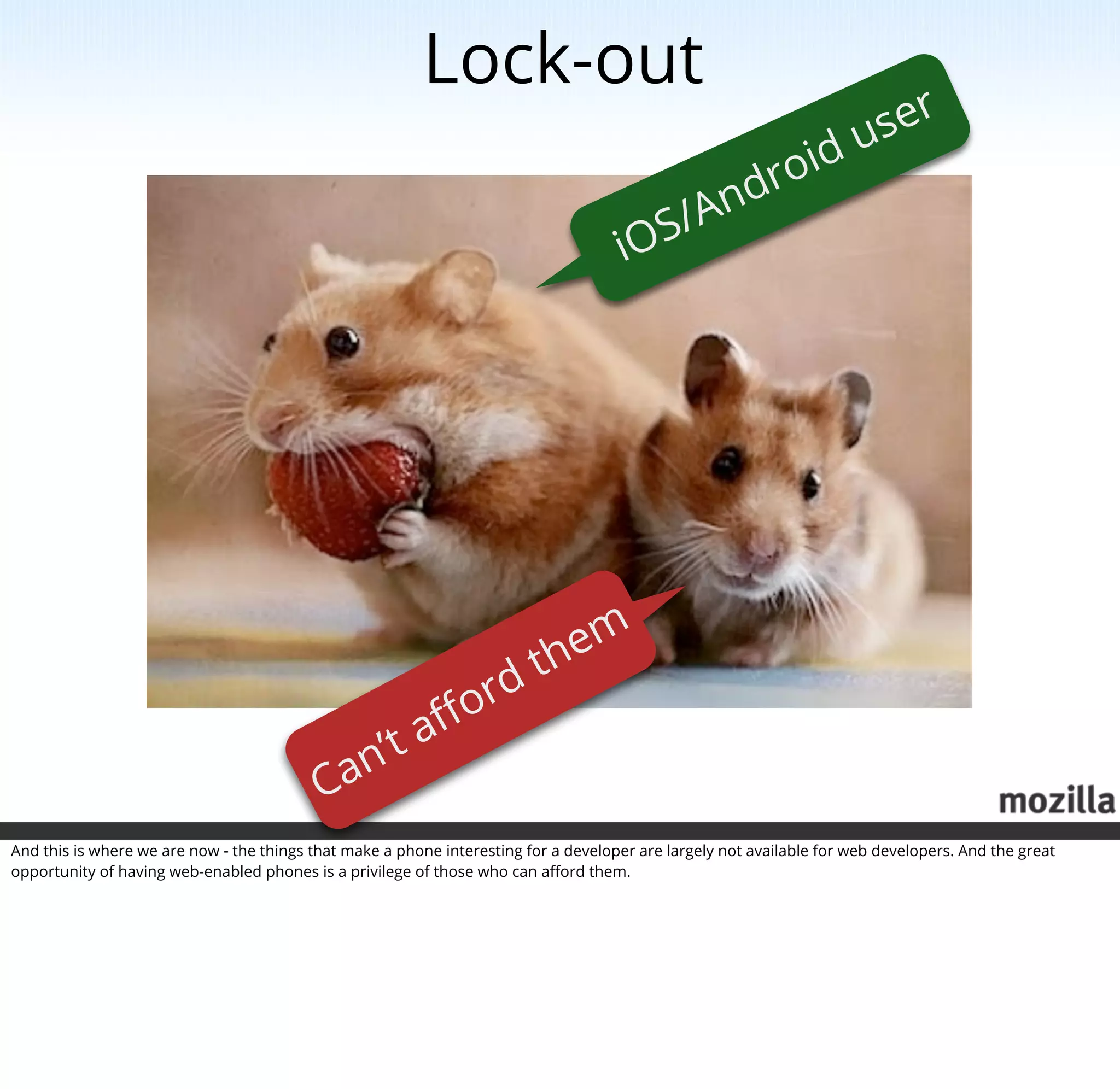
And this is where we are now - the things that make a phone interesting for a developer are largely not available for web developers. And the great
opportunity of having web-enabled phones is a privilege of those who can afford them.
That's wrong!

                                                           Desktop ✔
                                                           Mobile ?


Keeping in touch with our mission as Mozilla we took on that challenge and want to bring the change we brought to the desktop to the mobile world. We
do this in two different ways.
Hardware access


http://arewemobileyet.com
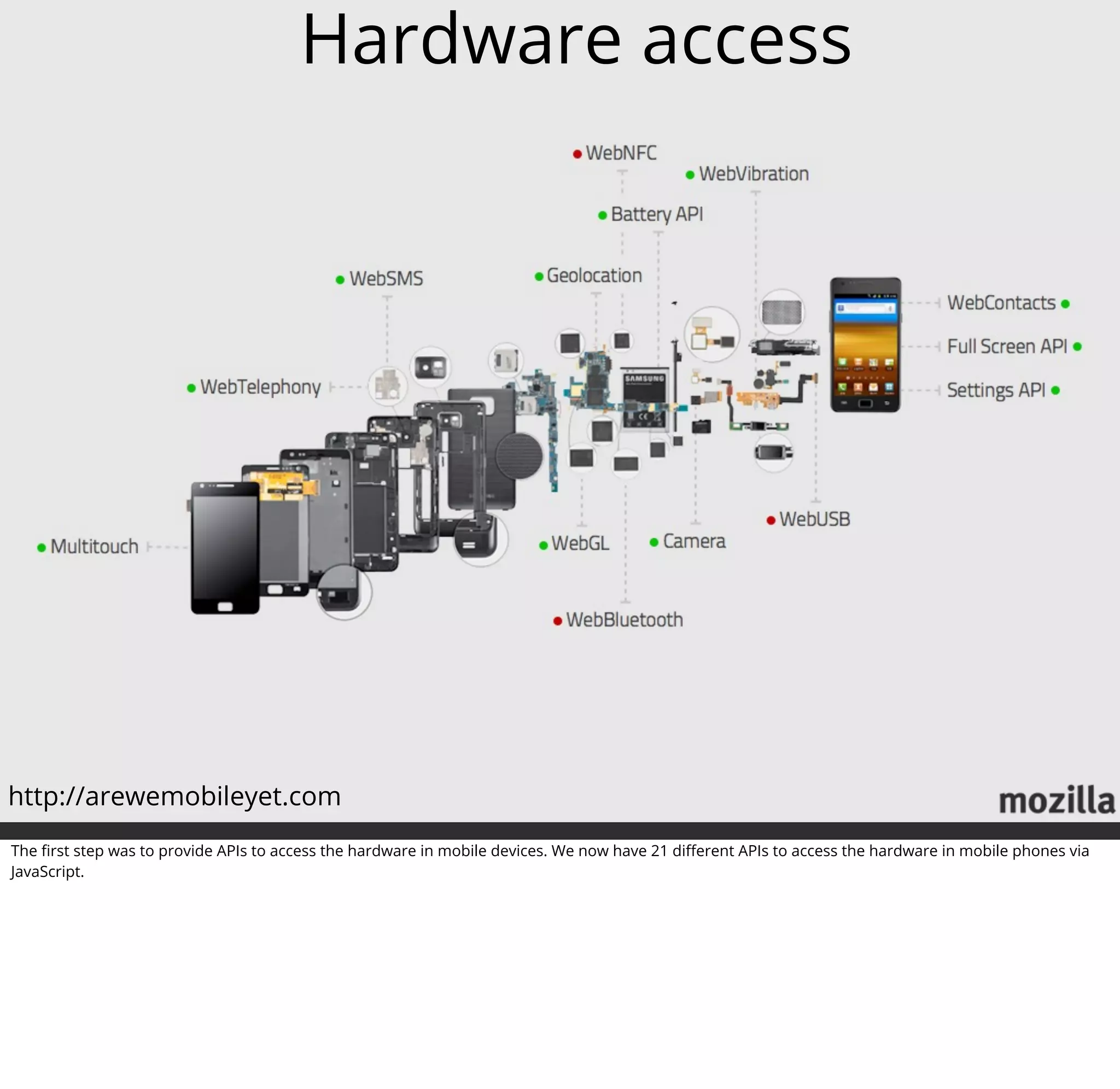
The first step was to provide APIs to access the hardware in mobile devices. We now have 21 different APIs to access the hardware in mobile phones via
JavaScript.
Call State
                              dialing, busy,
                            incoming, ringing


                                                                                             Control
                                                                                                     call, answer,
                                                                                                       hangup


                                                                                  web telephony API
                                                                                              status : most work done
Photo by Rev Dan Catt
http://www.flickr.com/photos/revdancatt/535514134/

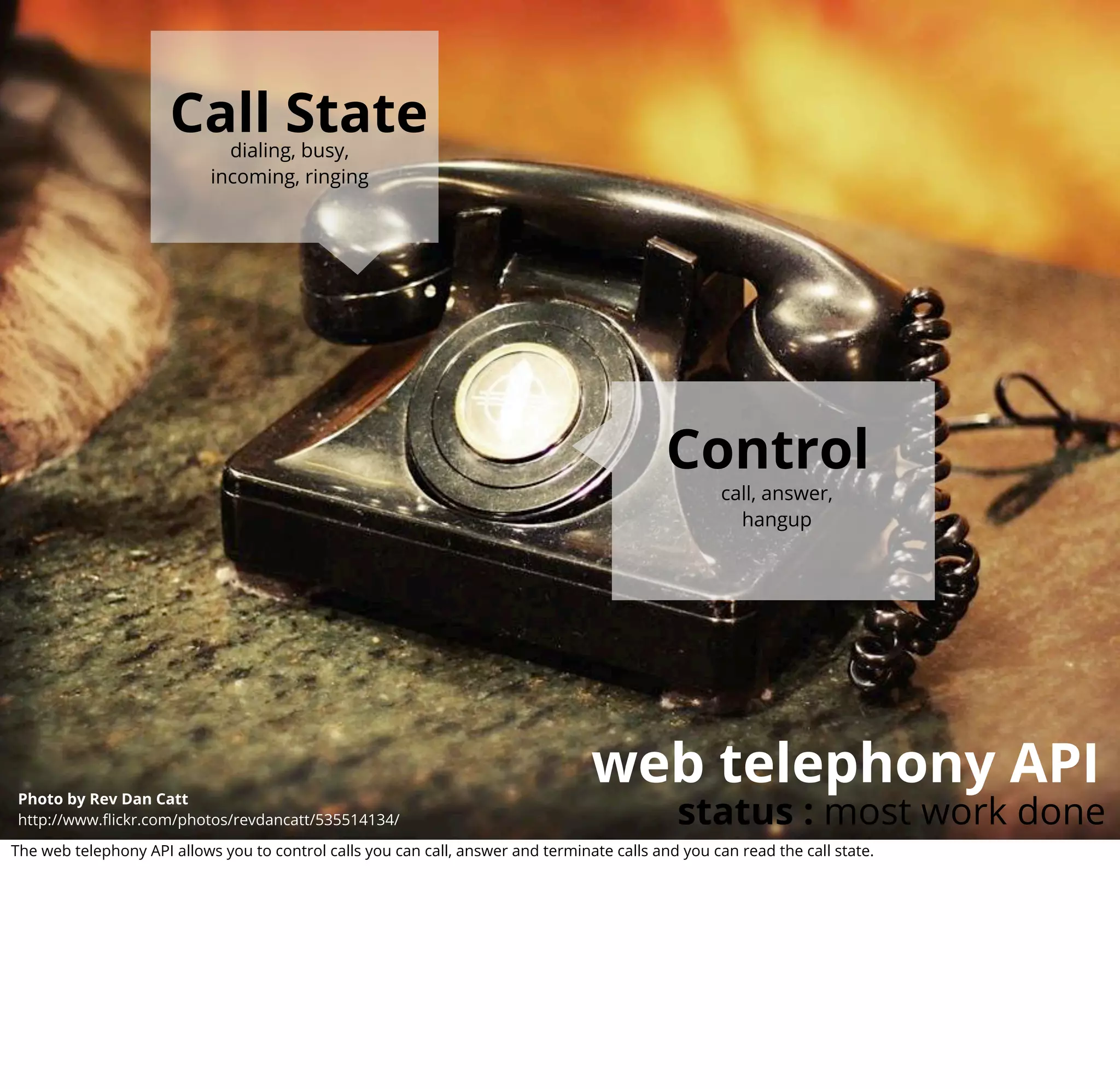
The web telephony API allows you to control calls you can call, answer and terminate calls and you can read the call state.
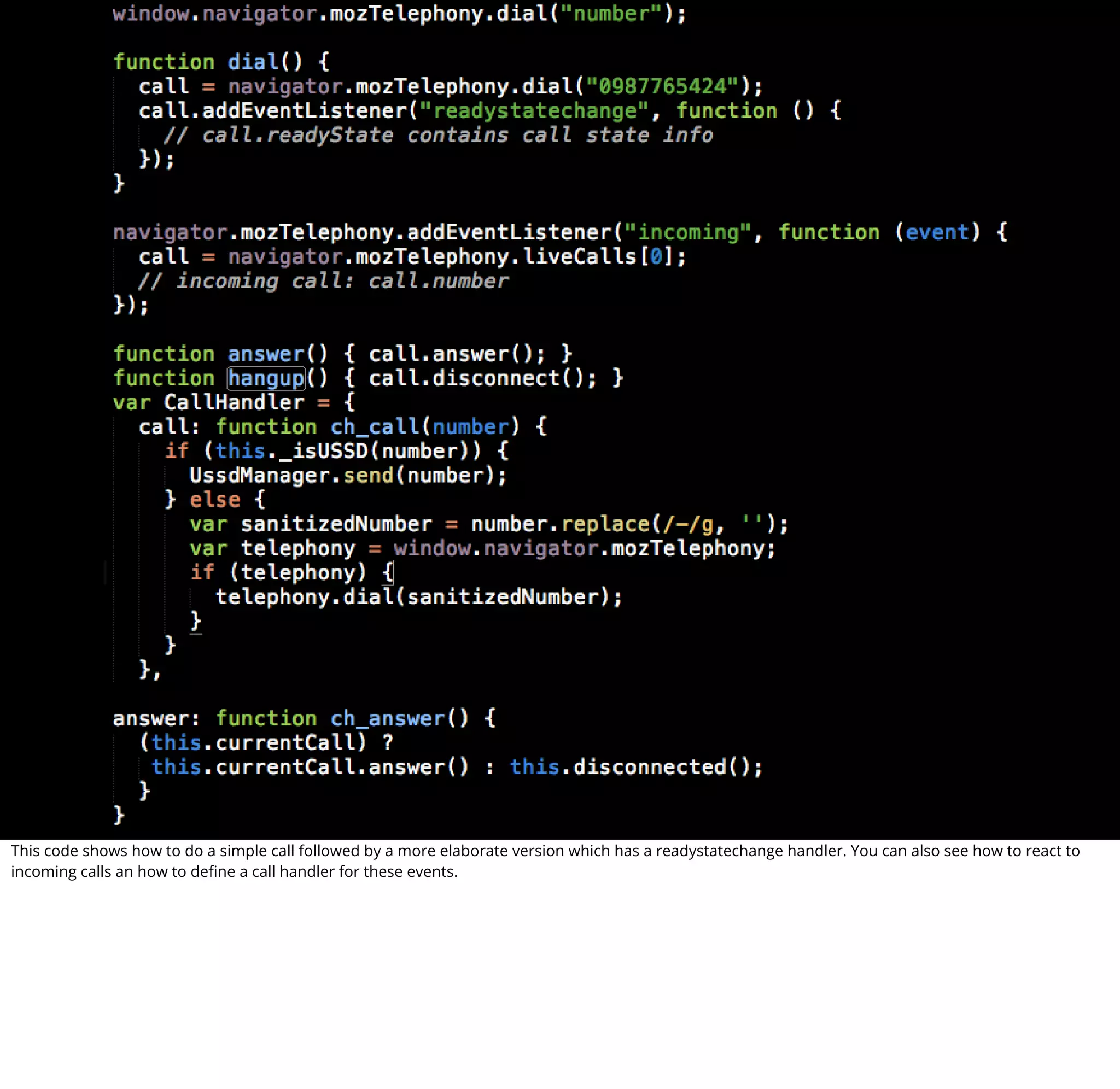
This code shows how to do a simple call followed by a more elaborate version which has a readystatechange handler. You can also see how to react to
incoming calls an how to define a call handler for these events.
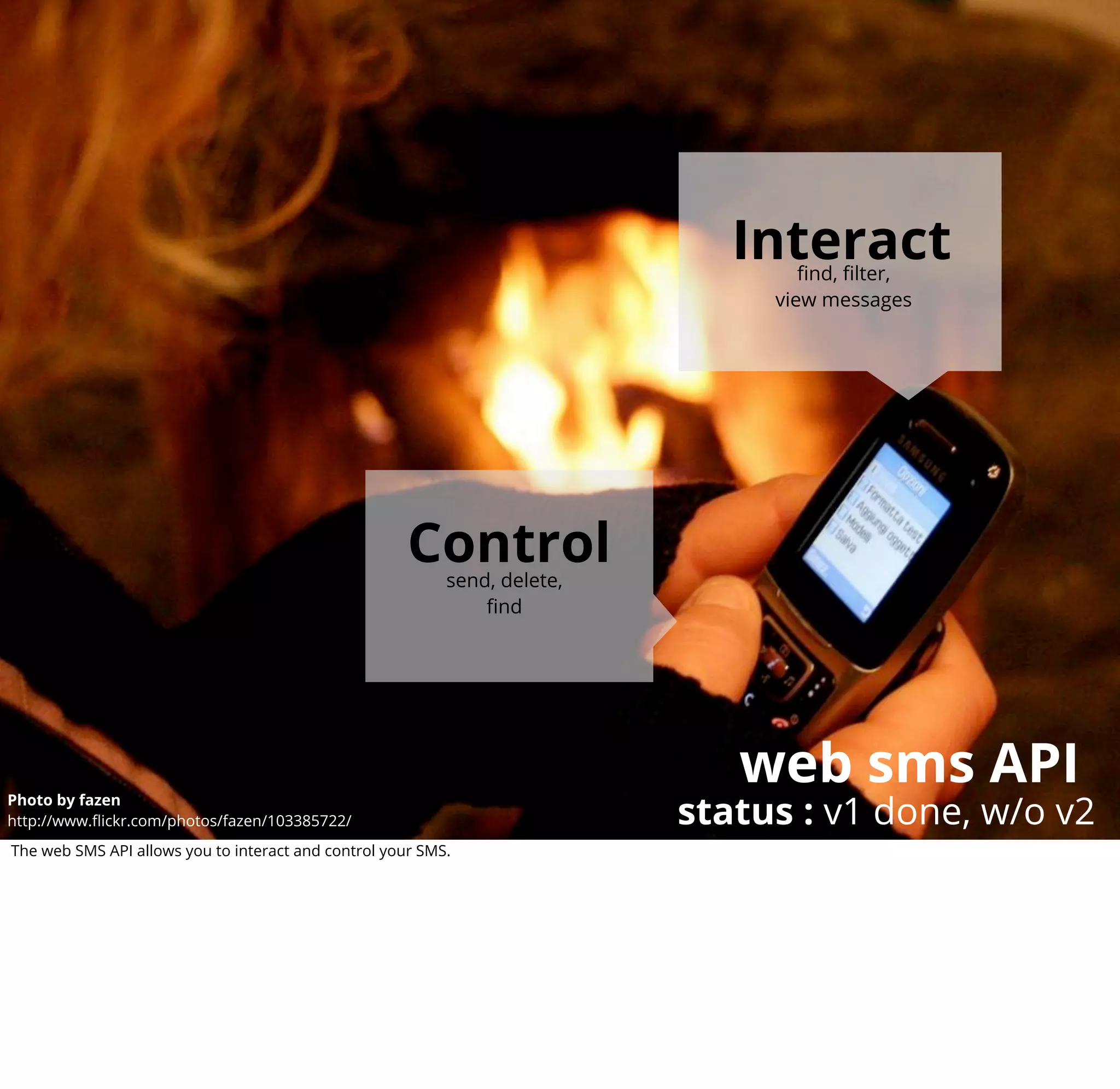
Interact
                                                                                   find, filter,
                                                                                view messages


                                                      Control
                                                           send, delete,
                                                               find


                                                                              web sms API
                                                                           status : v1 done, w/o v2
Photo by fazen
http://www.flickr.com/photos/fazen/103385722/
The web SMS API allows you to interact and control your SMS.
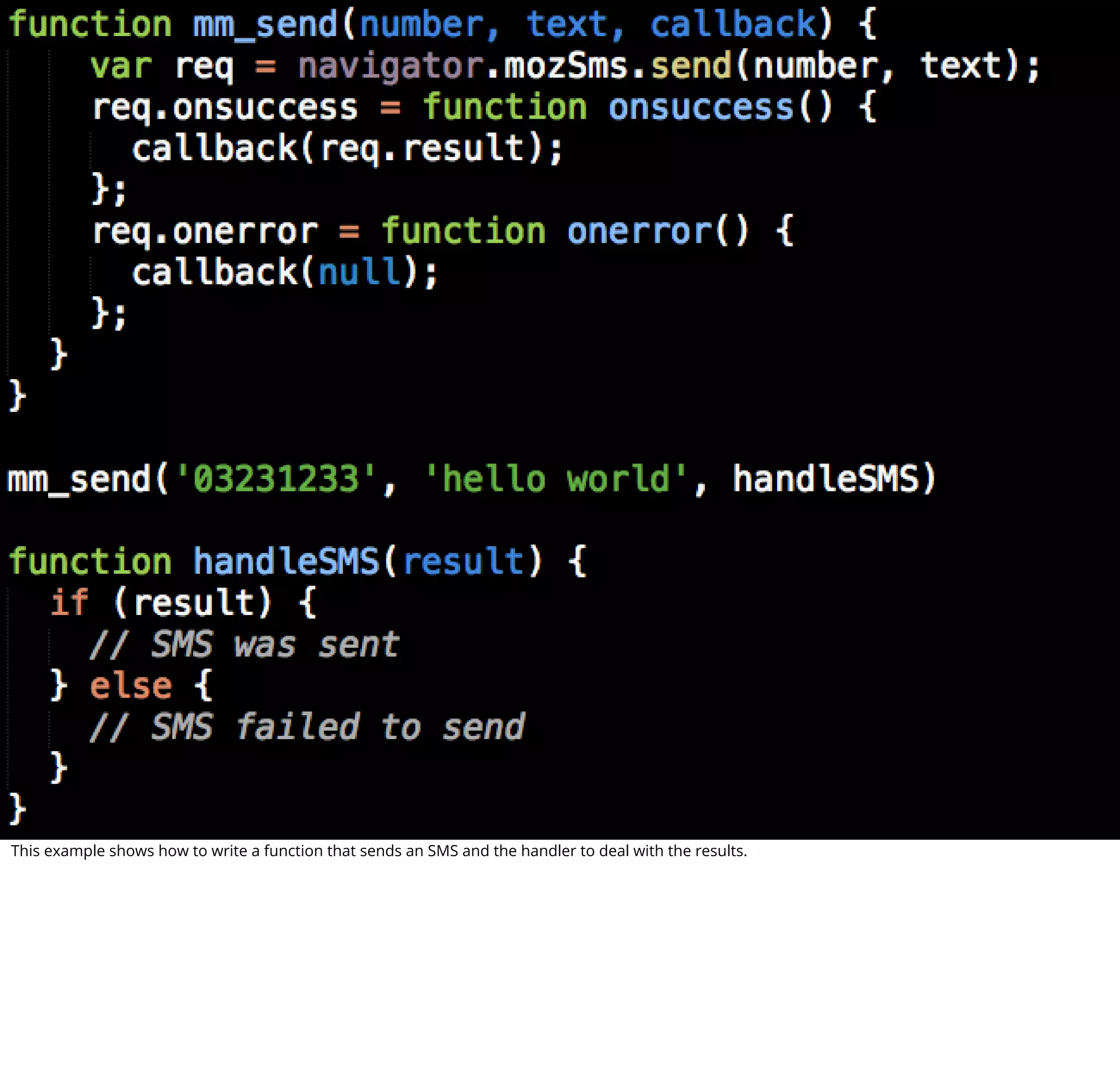
This example shows how to write a function that sends an SMS and the handler to deal with the results.
boot2gecko


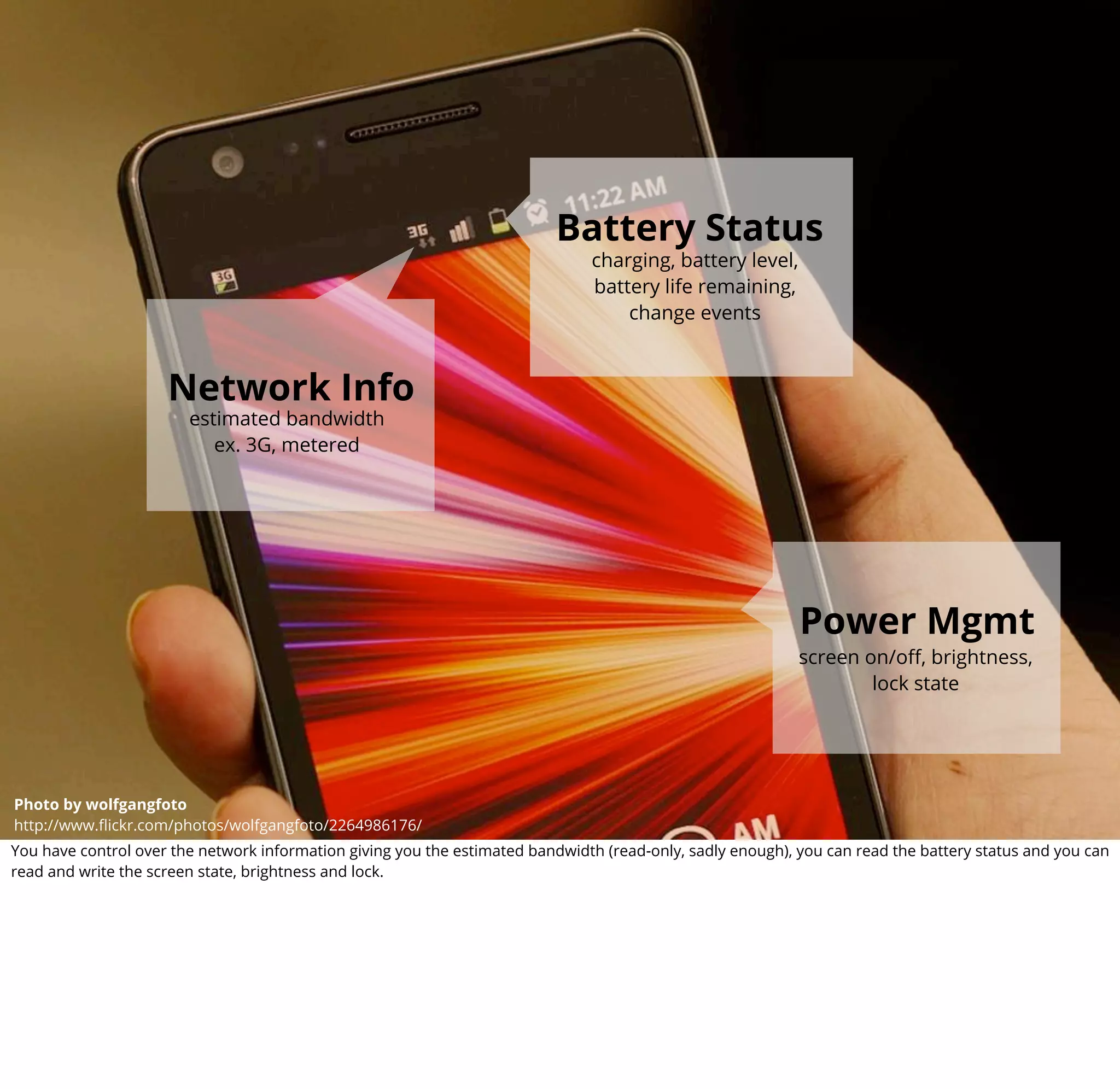
                                                                          Battery Status
                                                                               charging, battery level,
                                                                               battery life remaining,
                                                                                   change events


                     Network Info
                        estimated bandwidth
                           ex. 3G, metered


                                                                                                            Power Mgmt
                                                                                                            screen on/off, brightness,
                                                                                                                    lock state


                                                                                                         camera API
Photo by Photo by wolfgangfoto
         wolfgangfoto
http://www.flickr.com/photos/wolfgangfoto/2264986176/
         http://www.flickr.com/photos/wolfgangfoto/2264986176/                                         status : in progress
You have control over the network information giving you the estimated bandwidth (read-only, sadly enough), you can read the battery status and you can
read and write the screen state, brightness and lock.
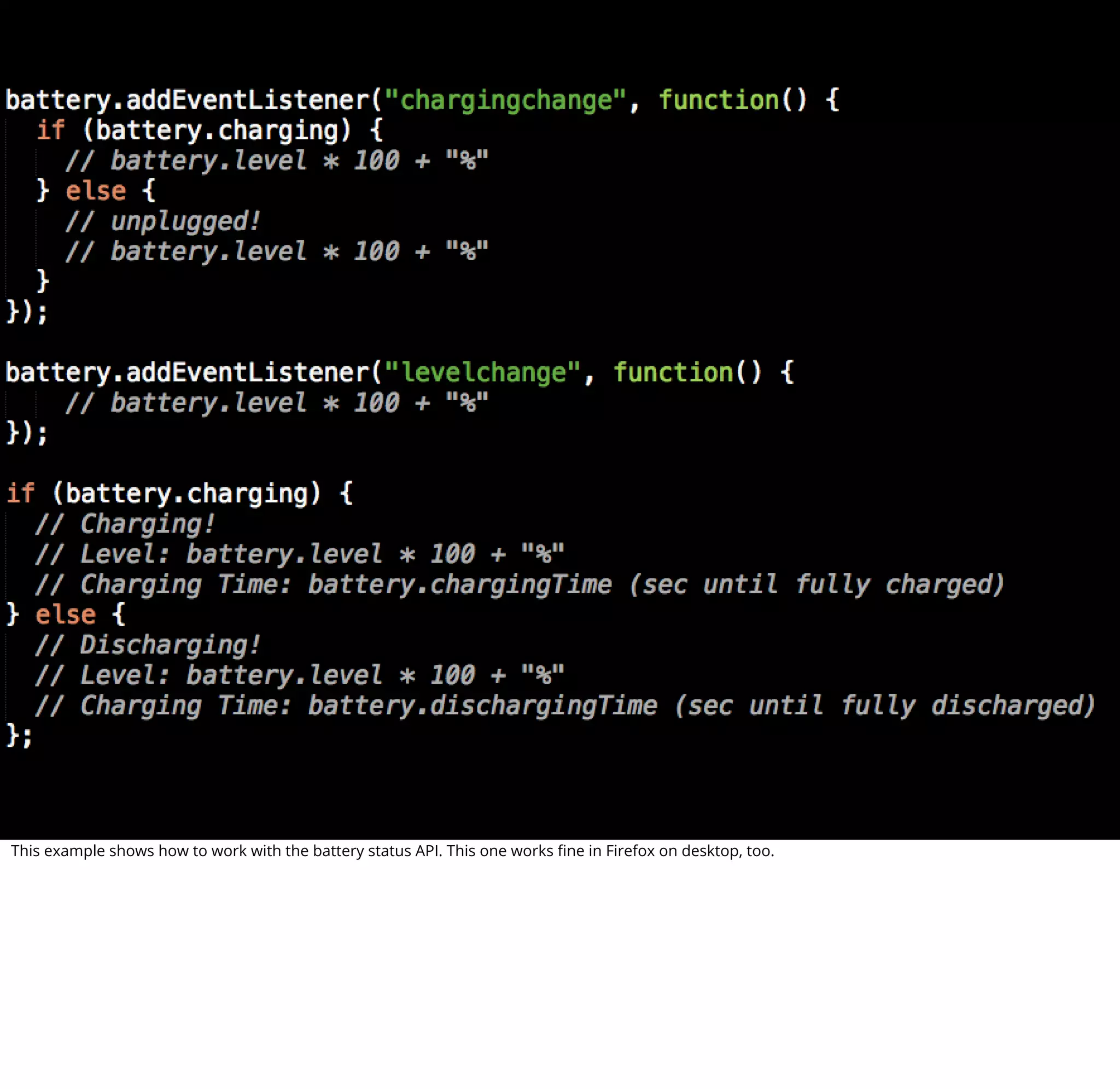
This example shows how to work with the battery status API. This one works fine in Firefox on desktop, too.
ContactsManager
                           find, clear,
                          save, remove


                                                                                 ContactFindOptions
                                                                                                find, filter,
                                                                                               sort contacts


                                                                                     web contacts API
                                                                                          status : v1 done, w/o v2
Photo by TOKY Branding and Design
http://www.flickr.com/photos/toky/2487011520/
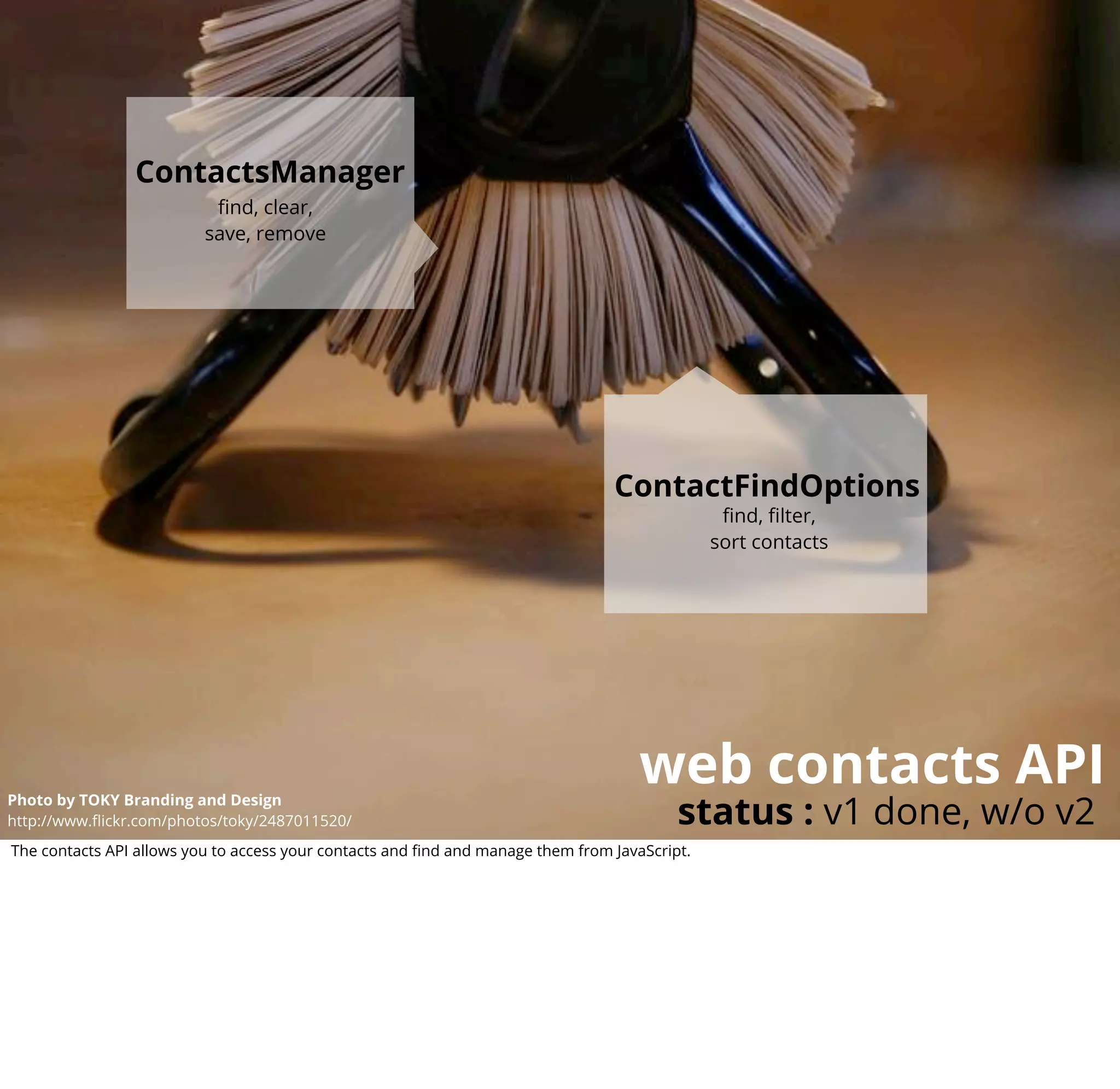
The contacts API allows you to access your contacts and find and manage them from JavaScript.
Detect
                                                                                                         screen orientation,
                                                                                                         primary orientation.


                                               Control
                                                 screen orientation
                                                       lock.


                                                                                  screen orientation
                                                                                                                    status : done
Photo by Viking KARWUR
http://www.flickr.com/photos/vikingkarwur/7123548037/
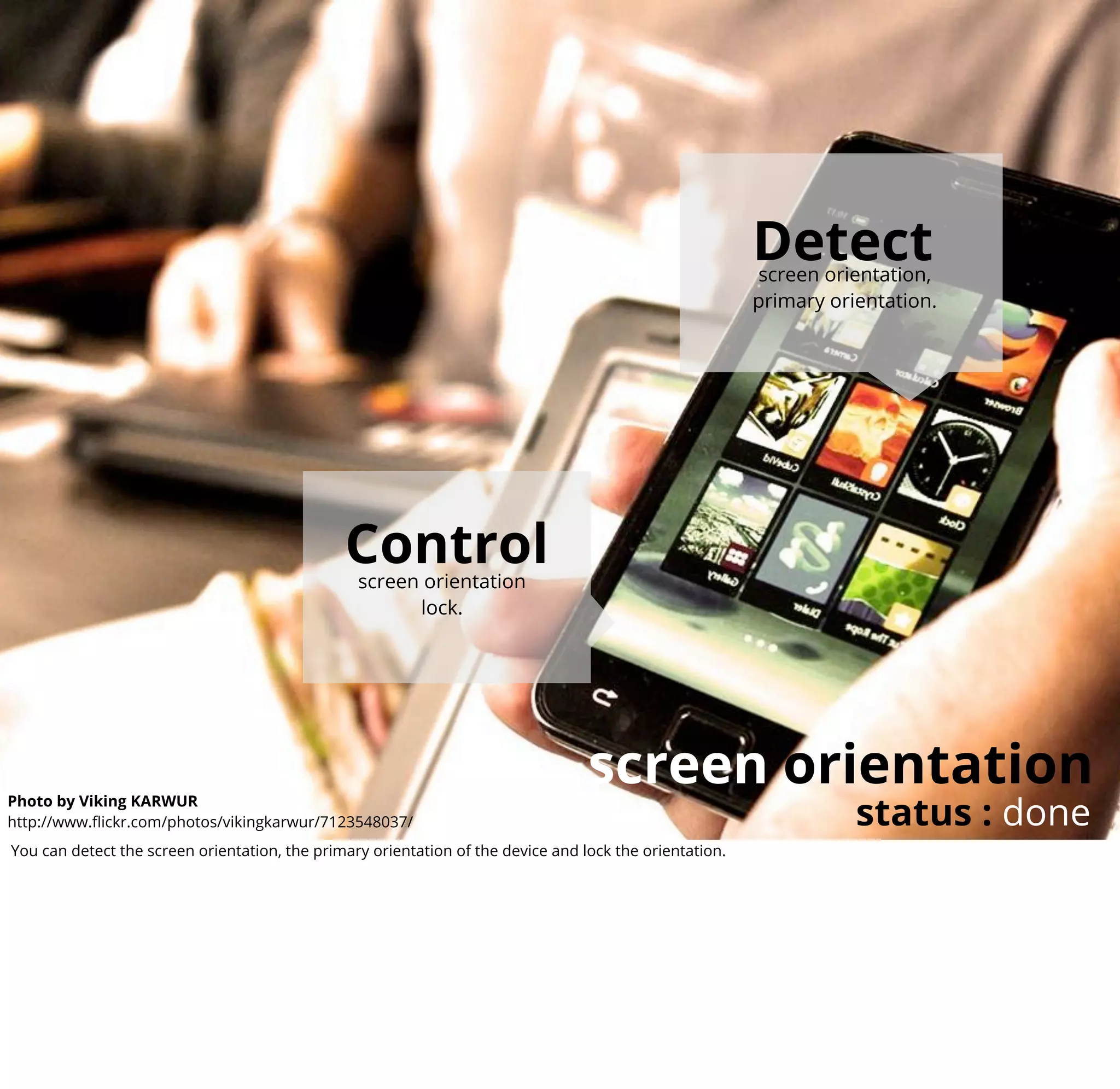
You can detect the screen orientation, the primary orientation of the device and lock the orientation.
Capabilities
                    picture size, video size,
                   zoom supported, effects,
                         flash modes...


                                                                              Control
                                                                       take picture, start and stop
                                                                       video recording, auto focus,
                                                                          set quality, thumb size


                                                                                                           camera API
                                                                                                        status : in progress
Photo by wolfgangfoto
http://www.flickr.com/photos/wolfgangfoto/2264986176/
The most useful API for a smartphone is the camera API and the current status supports various cameras and control a lot of the quality and size of the
images taken with them.
WebRTC


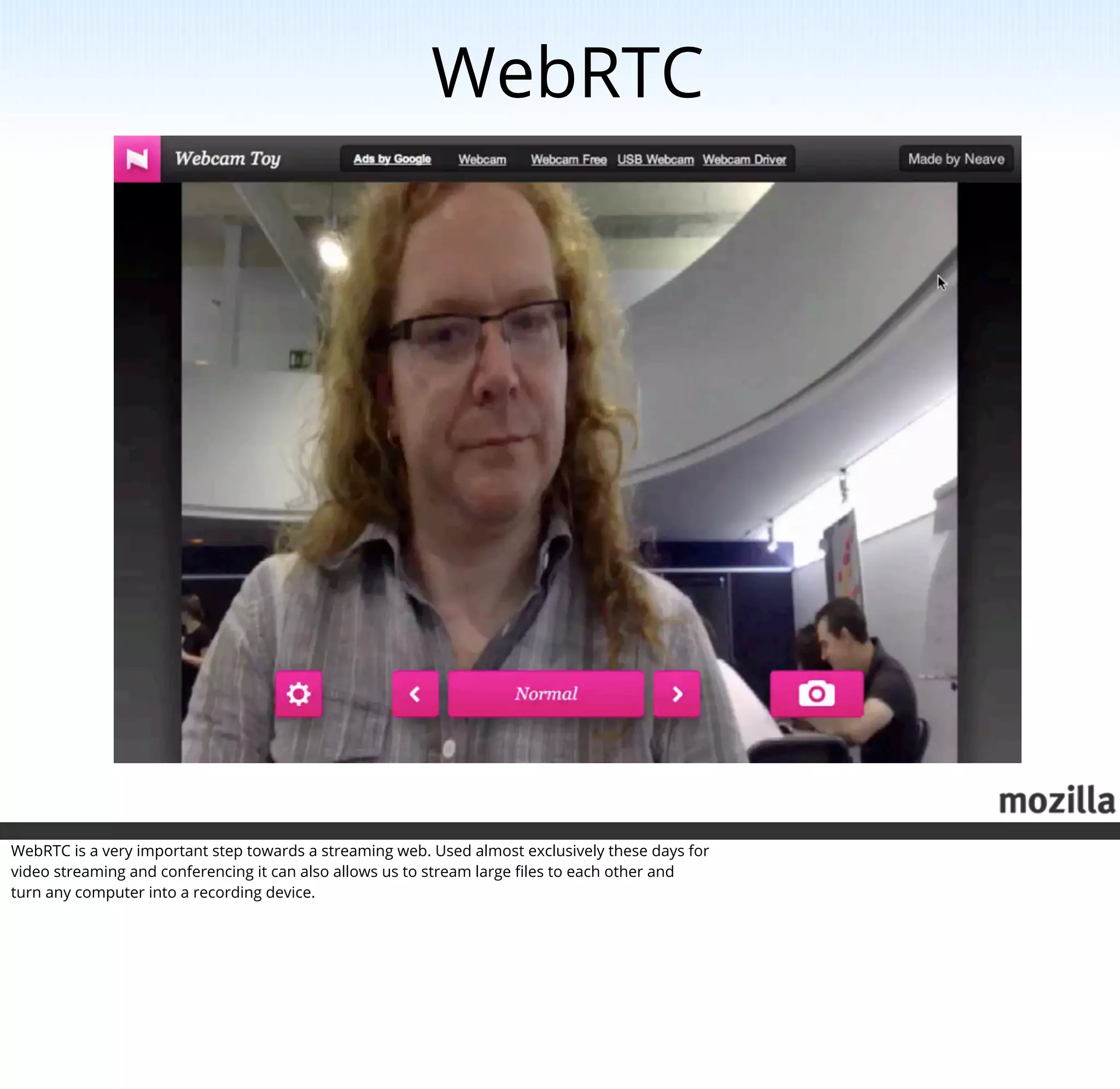
WebRTC is a very important step towards a streaming web. Used almost exclusively these days for
video streaming and conferencing it can also allows us to stream large files to each other and
turn any computer into a recording device.
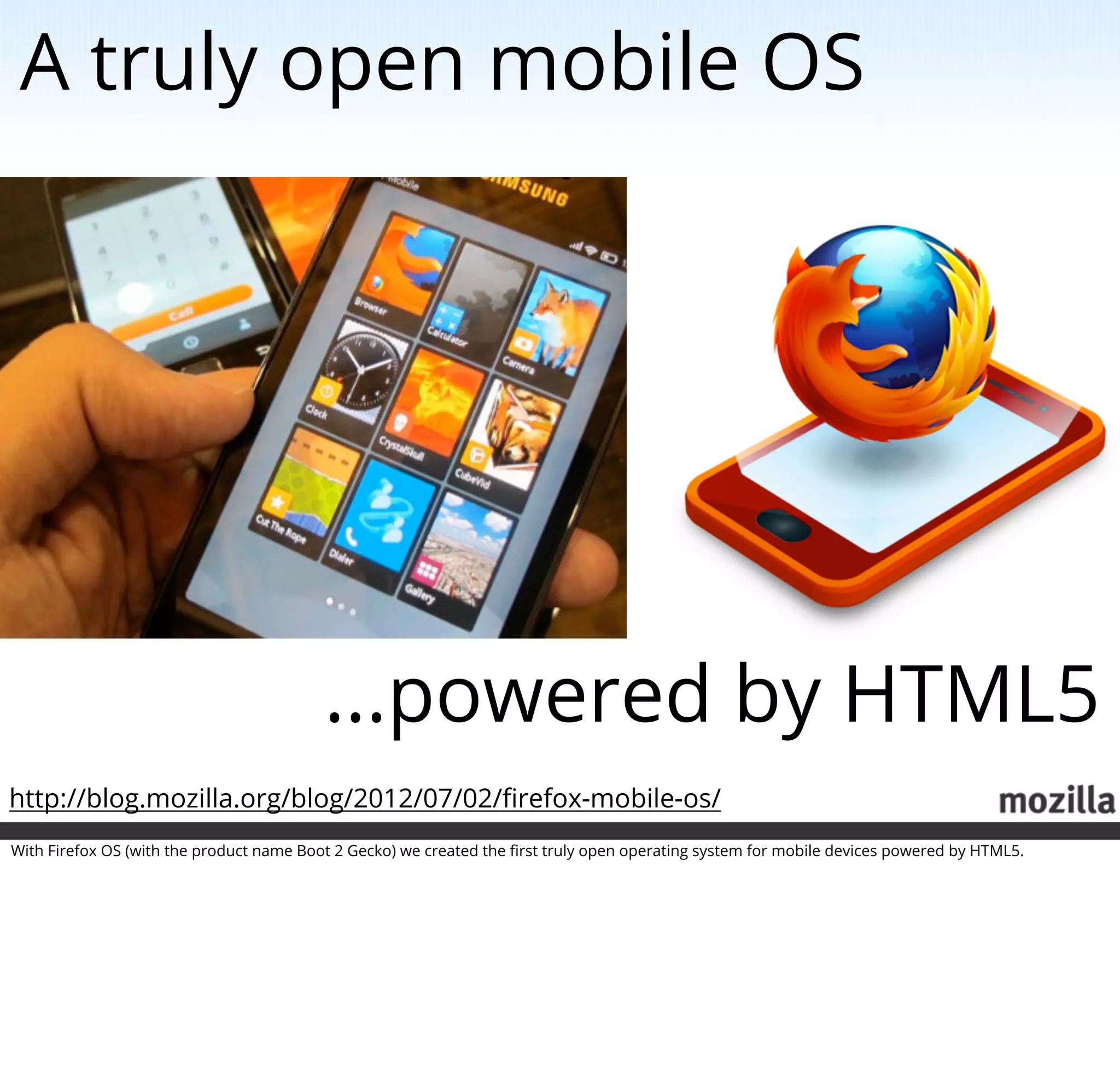
A truly open mobile OS


                                          ...powered by HTML5
http://blog.mozilla.org/blog/2012/07/02/firefox-mobile-os/
With Firefox OS (with the product name Boot 2 Gecko) we created the first truly open operating system for mobile devices powered by HTML5.
Firefox OS architecture
                                                                                        GONK
                                                                                          The low level OS

                    GECKO
                     The application runtime
                                                                                              for B2G


                            of B2G


                                                             GAIA
                                                              The user interface
                                                                   of B2G


                                                                                                                                Photo by Alesa Dam
                                                                                                  http://www.flickr.com/photos/alesadam/3869366195/
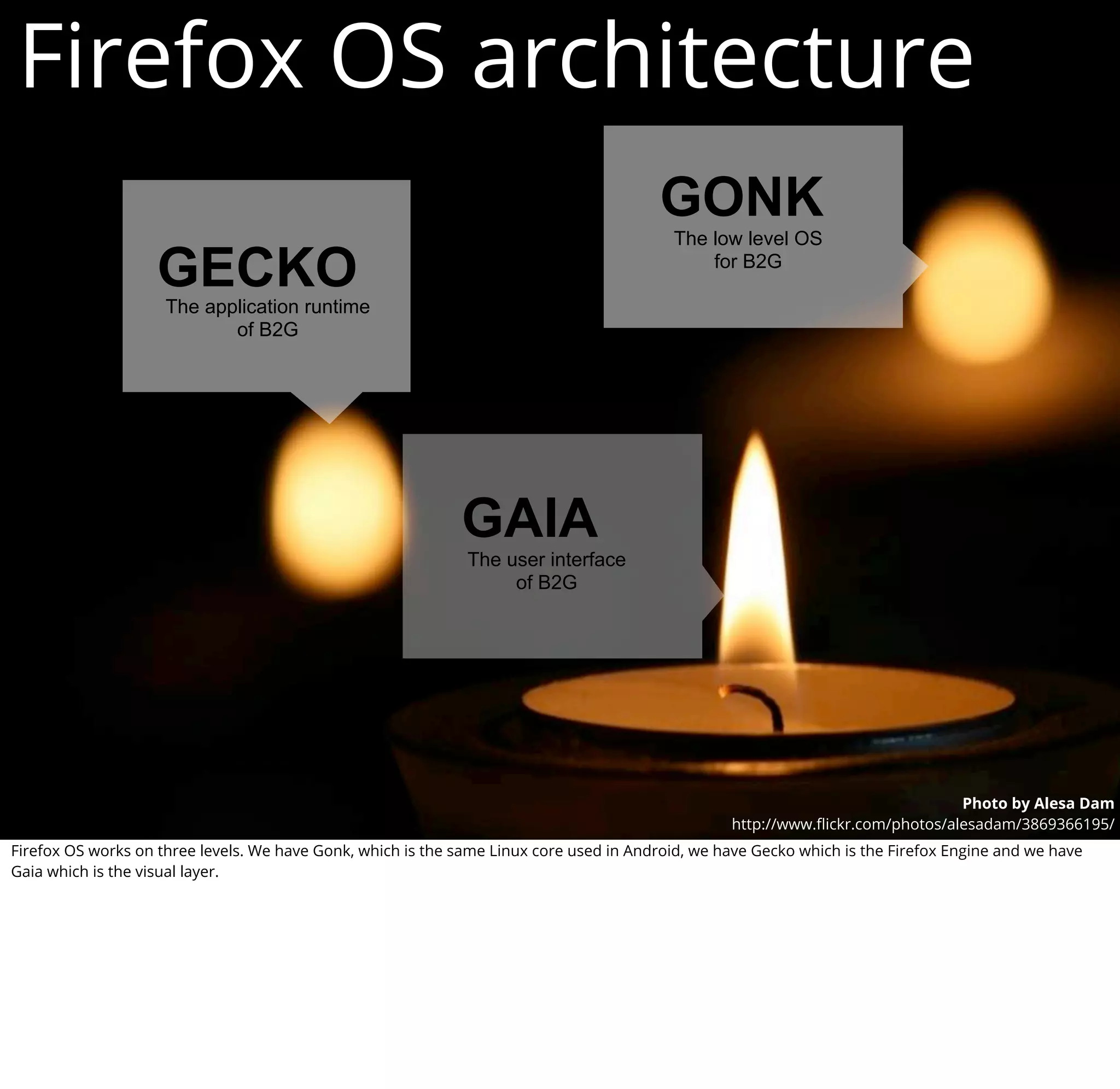
Firefox OS works on three levels. We have Gonk, which is the same Linux core used in Android, we have Gecko which is the Firefox Engine and we have
Gaia which is the visual layer.
HTML5 all around


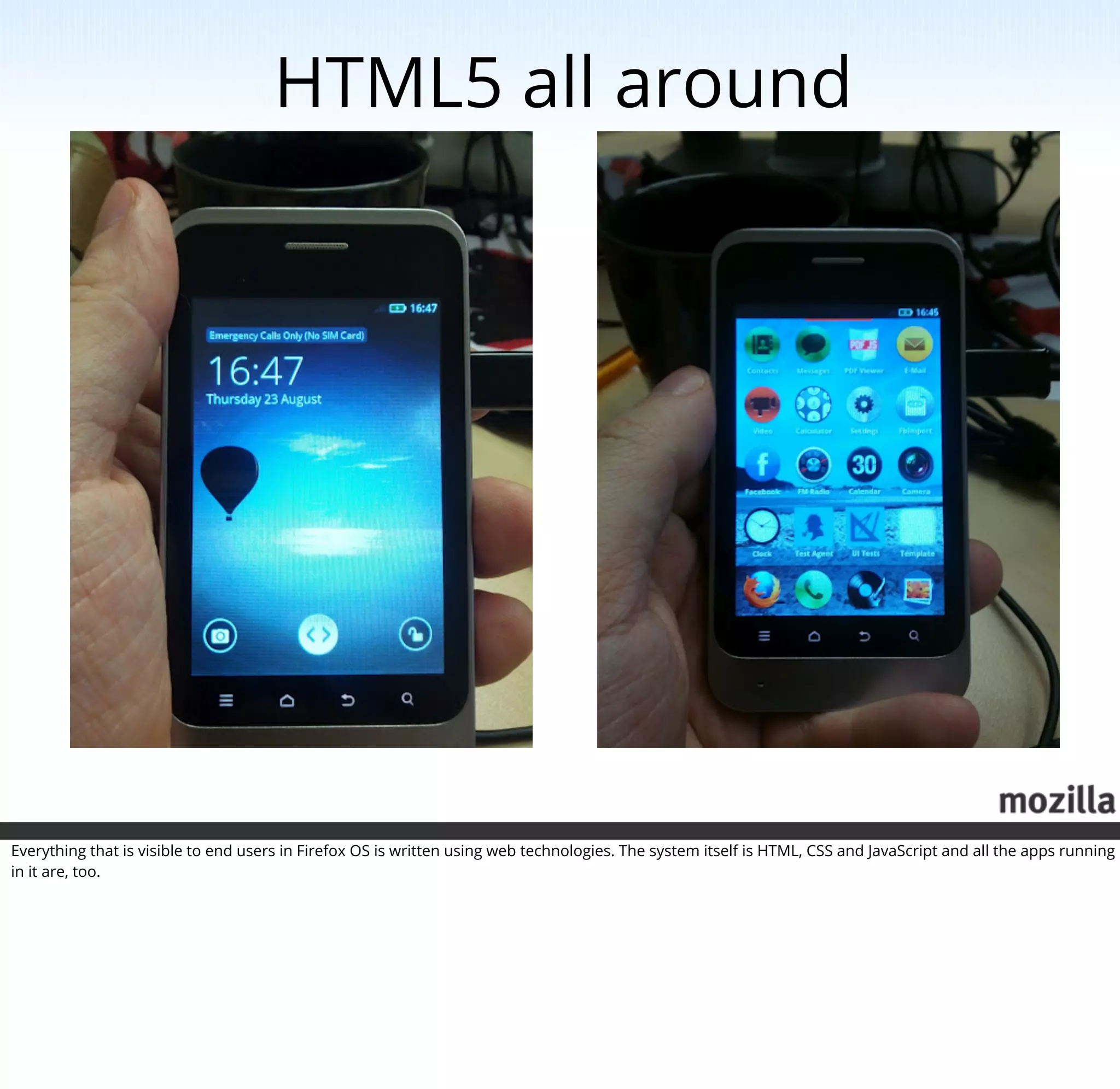
Everything that is visible to end users in Firefox OS is written using web technologies. The system itself is HTML, CSS and JavaScript and all the apps running
in it are, too.
Endless opportunities


Photo by Benjamin Esham:
http://www.flickr.com/photos/bdesham/2432400623/
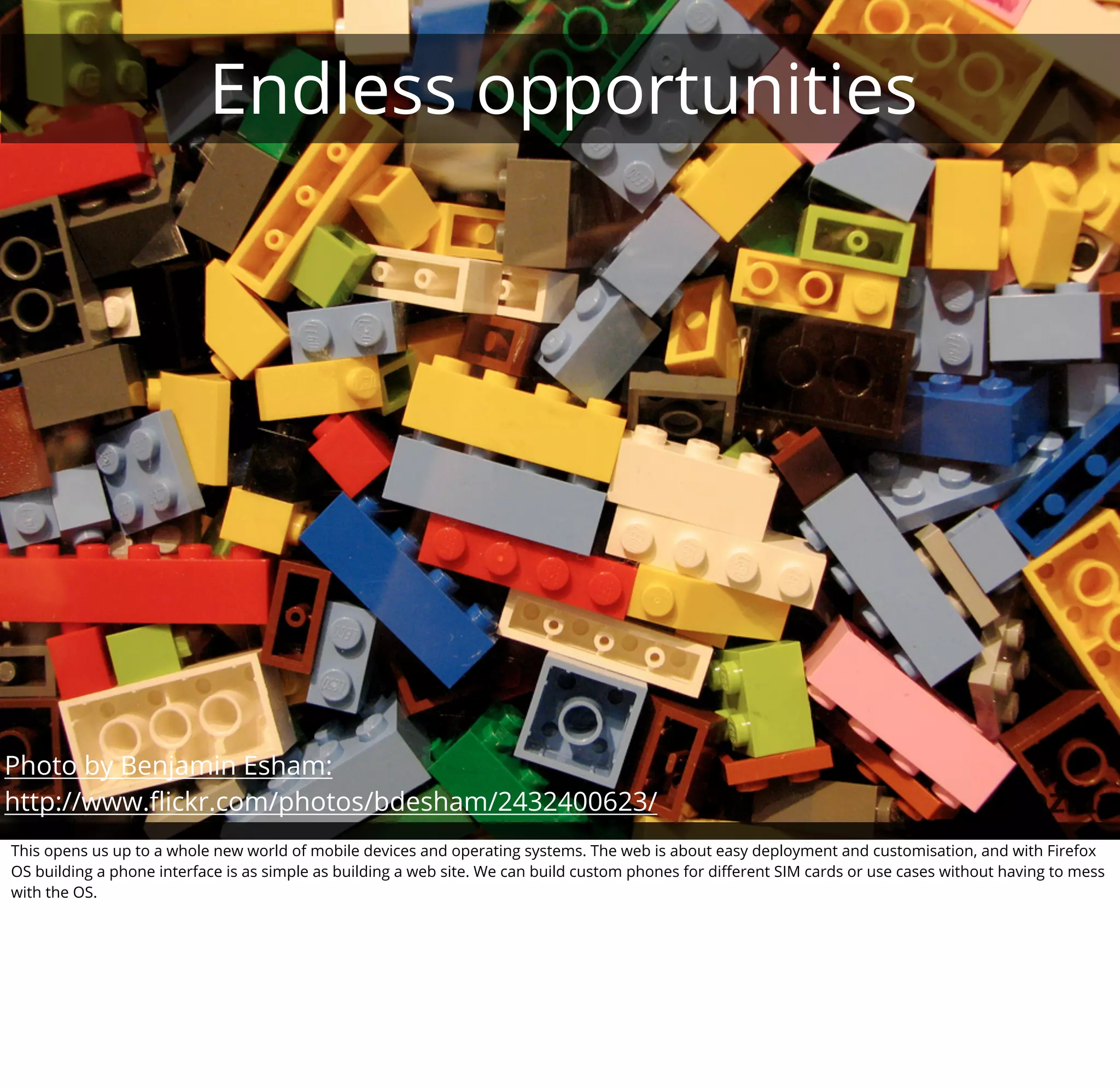
This opens us up to a whole new world of mobile devices and operating systems. The web is about easy deployment and customisation, and with Firefox
OS building a phone interface is as simple as building a web site. We can build custom phones for different SIM cards or use cases without having to mess
with the OS.
What about apps?
                                                                      {
                                                                          "version": "1.0",
                                                                          "name": "MozillaBall",
                                                                          "description": "Exciting Open Web development action!",
                                                                          "icons": {
                                                                           "16": "/img/icon-16.png",
                                                                           "48": "/img/icon-48.png",


                                                                  +
                                                                           "128": "/img/icon-128.png"
                                                                          },
                                                                          "developer": {
                                                                           "name": "Mozilla Labs",
                                                                           "url": "http://mozillalabs.com"
                                                                          },
                                                                          "installs_allowed_from": [
                                                                           "https://appstore.mozillalabs.com"
                                                                          ],
                                                                          "default_locale": "en"
                                                                      }


Apps for Firefox OS are actually web sites with a manifest file.
We need you! (part 2)


If all of that sounds good to you, please help us spread the word about Firefox OS. We need you to translate the docs with us and we need you to tell
people about the work we do.
How to get started?


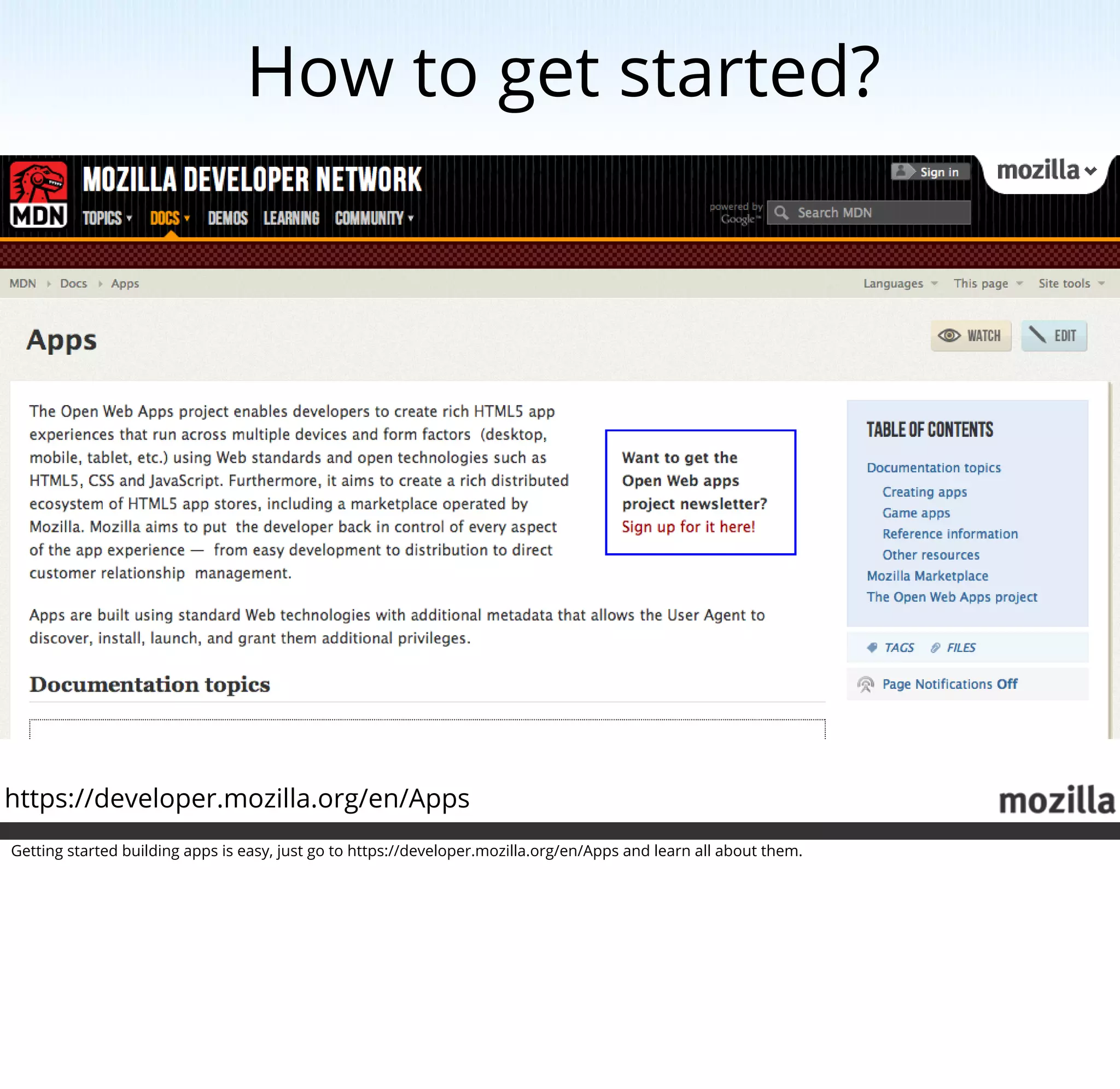
https://developer.mozilla.org/en/Apps
Getting started building apps is easy, just go to https://developer.mozilla.org/en/Apps and learn all about them.
Firefox OS now?


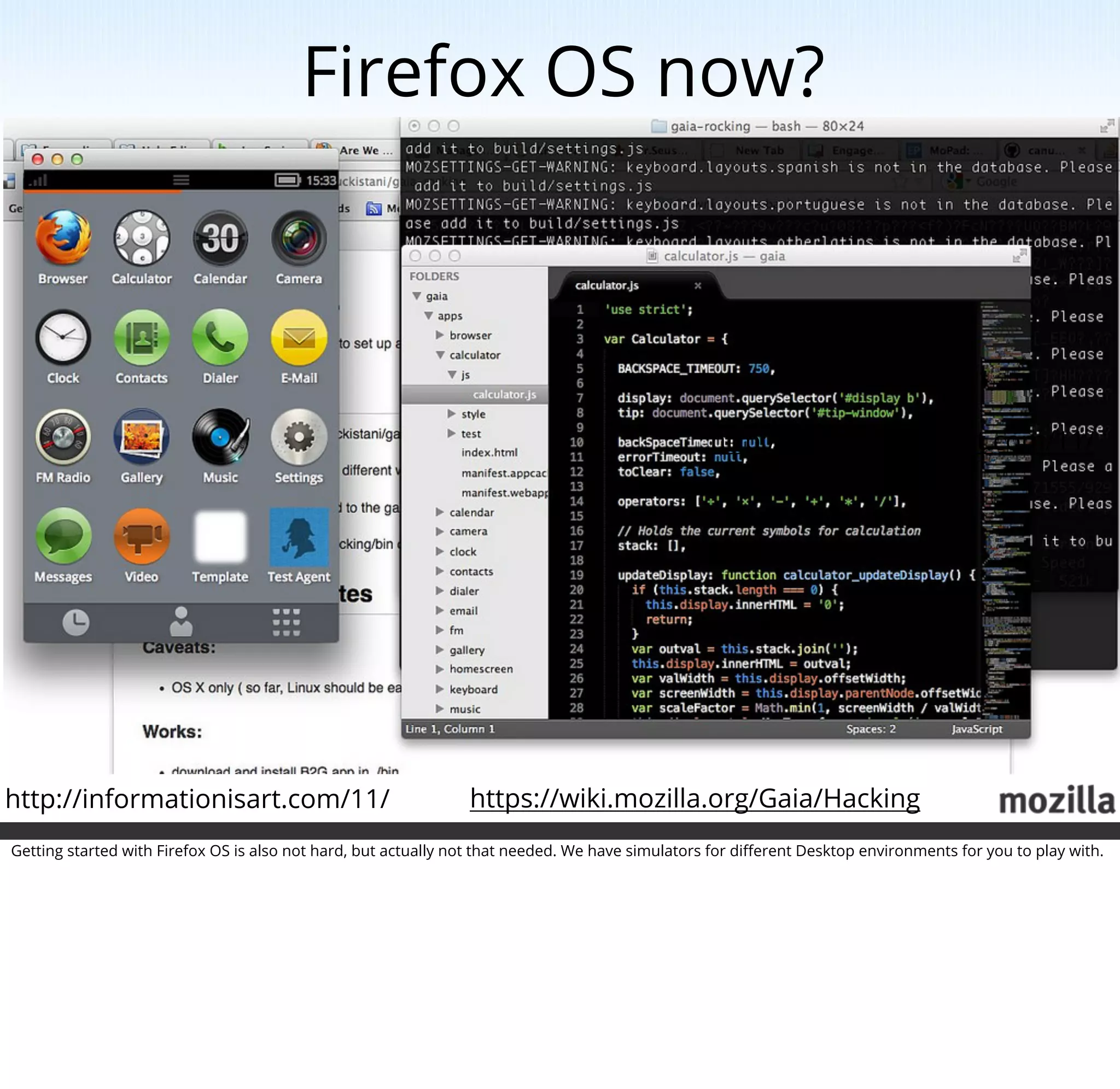
                                                                                                  http://informationisart.com/11/


http://informationisart.com/11/                                 https://wiki.mozilla.org/Gaia/Hacking
Getting started with Firefox OS is also not hard, but actually not that needed. We have simulators for different Desktop environments for you to play with.
What about hardware?


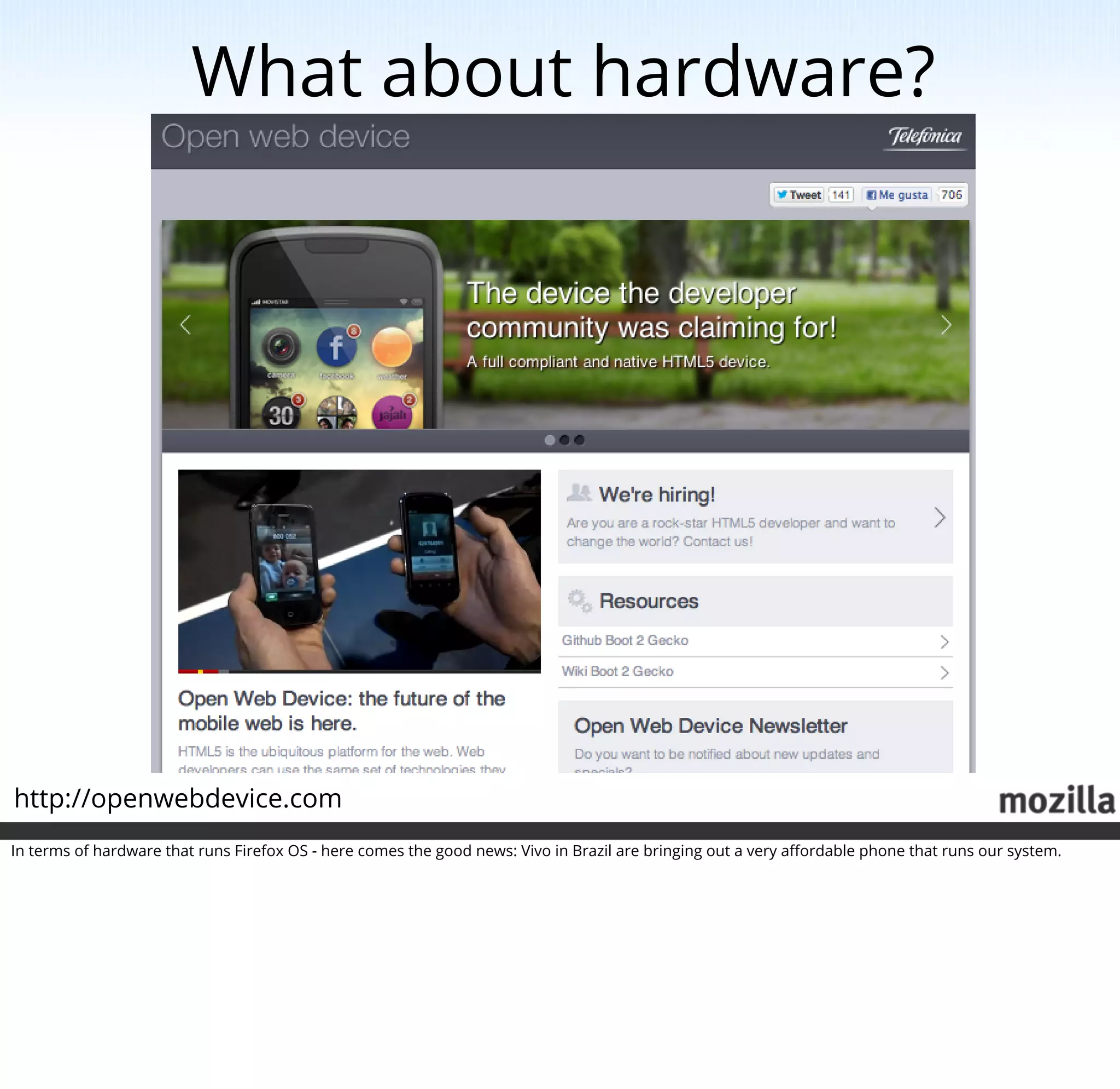
http://openwebdevice.com
In terms of hardware that runs Firefox OS - here comes the good news: Vivo in Brazil are bringing out a very affordable phone that runs our system.
Talk to us, and talk about us!
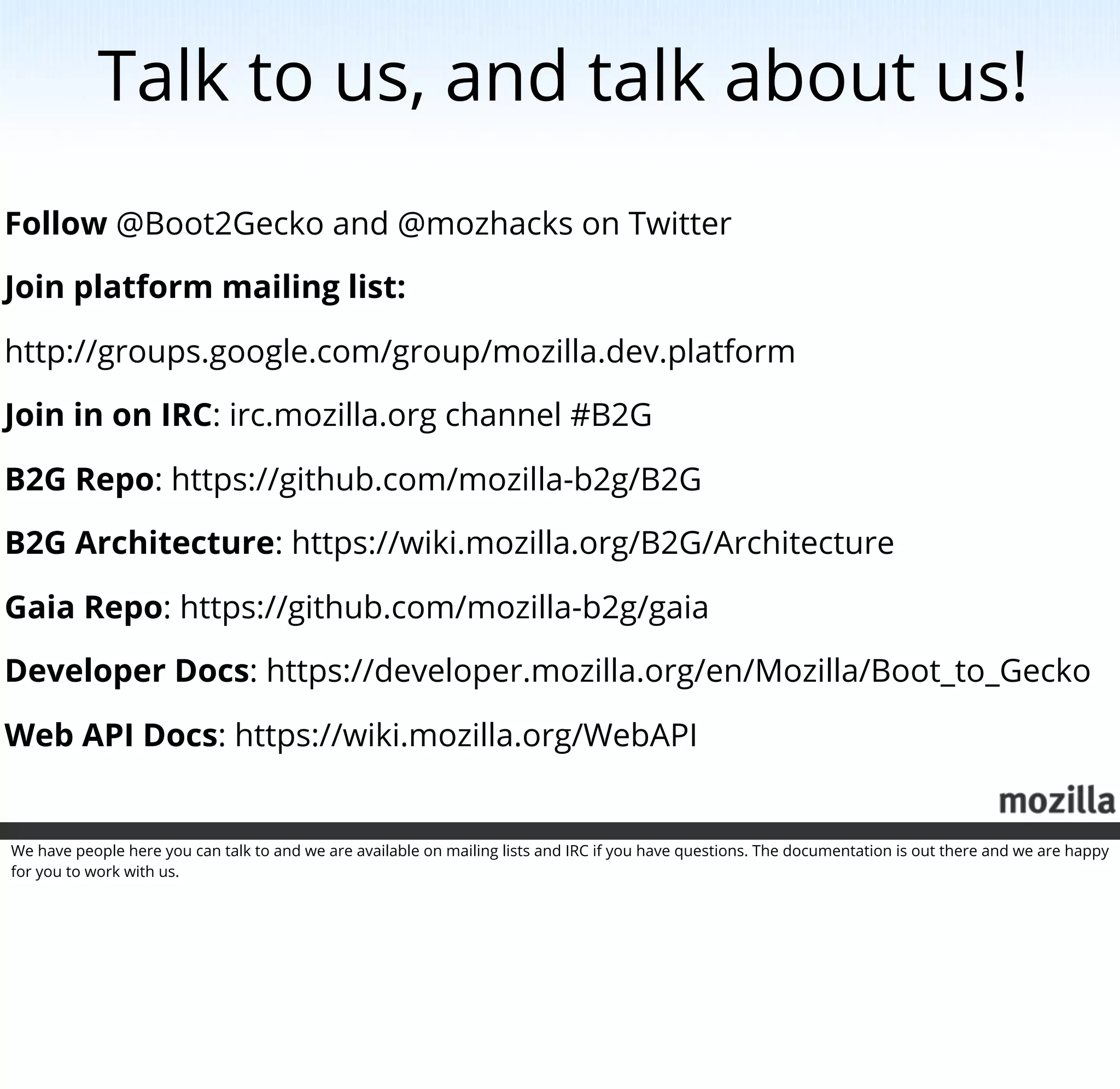
Follow @Boot2Gecko and @mozhacks on Twitter

Join platform mailing list:

http://groups.google.com/group/mozilla.dev.platform

Join in on IRC: irc.mozilla.org channel #B2G

B2G Repo: https://github.com/mozilla-b2g/B2G

B2G Architecture: https://wiki.mozilla.org/B2G/Architecture

Gaia Repo: https://github.com/mozilla-b2g/gaia

Developer Docs: https://developer.mozilla.org/en/Mozilla/Boot_to_Gecko

Web API Docs: https://wiki.mozilla.org/WebAPI


We have people here you can talk to and we are available on mailing lists and IRC if you have questions. The documentation is out there and we are happy
for you to work with us.
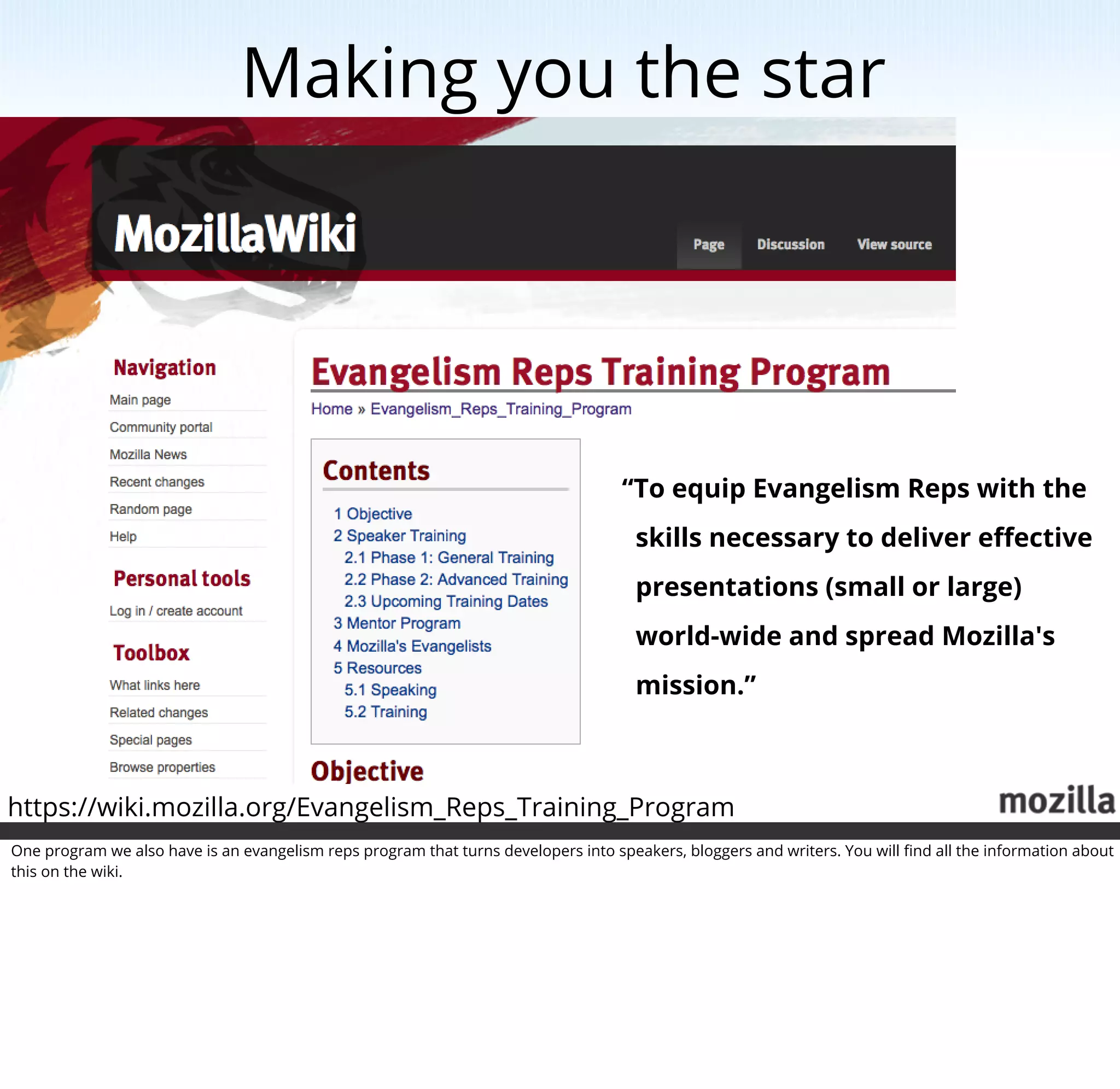
Making you the star


                                                                                    “To equip Evangelism Reps with the
                                                                                      skills necessary to deliver effective
                                                                                      presentations (small or large)
                                                                                      world-wide and spread Mozilla's
                                                                                      mission.”


https://wiki.mozilla.org/Evangelism_Reps_Training_Program
One program we also have is an evangelism reps program that turns developers into speakers, bloggers and writers. You will find all the information about
this on the wiki.
Thanks!

Mozilla, the web and you! (including notes)

  • 1.
    Mozilla, the weband you! This is a talk about opportunities and the future of communication between humans. Mozilla is working hard on building a future where the internet is the main communication channel for everyone, regardless of location and wealth. To this end, we are working on a few things we’d like to share with you and you can be part of.
  • 2.
    The web isamazing! http://www.chrisharrison.net/index.php/Visualizations/InternetMap Here's a map of the world connectivity. All these white dots mean people can get onto the web and communicate with each other. The web made our world much smaller and allows for incredibly useful communication.
  • 3.
    The web givesus a voice Evolution of communication World-wide reach Publication as easy as consumption If you think about it, the web is the natural evolution of other means of communication like telephones and print media. You can reach people world-wide and you are as much a source of important information as anybody else is. This photo shows a child hearing for the first time in his life, by means of a hearing aid. This sense of wonder happens to a lot of people when they first go online and see that they can publish there.
  • 4.
    The web isfor everybody Simple release process Simple technologies Not exclusive to experts The great thing about the web is that you don't need to be an expert in a field to be part of it. The processes and technologies driving the web are simple enough for everybody to help make it better.
  • 5.
    Mozilla is here for the web Mozilla, in its very core, is an organisation for the web. We are not for profit, we don't have stakeholders and a share price to care about, all of you on the web are our stakeholders.
  • 6.
    Opening the webfor everybody https://webmaker.org Making the web available to people is something we call webmaking.
  • 7.
    Starting with HTMLthe fun way https://thimble.webmaker.org/en-US/projects/map/edit We provide a set of tools that get people started quickly with that called Mozilla Thimble.
  • 8.
    Making video talkto the web http://mozillapopcorn.org/ We make it easy for people to make video interact with the web using a tool called Popcorn.
  • 9.
    Simple technologies HTML structures content CSS defines look and feel JavaScript adds interactivity Photo by Howard Dickins http://www.flickr.com/photos/dorkomatic/7050758899/ The great thing about the web is that the technologies that power it are simple and easy to learn. HTML structures content, CSS defines the look and feel and JavaScript brings you interactivity.
  • 10.
    Being there fordevelopers http://developer.mozilla.org We are part of the Mozilla Developer Network, the only truly open and editable developer resource on the web. Our site, http://developer.mozilla.org is like the web - open, editable and up to date.
  • 11.
    We need you!(part 1) Which is where our first request comes in. As we are editable we can provide you with the best service possible. What we need above all things is translations. So if you are up for that, we now have a translation tool right in the documentation.
  • 12.
    Simply pick yourlanguage and start translating.
  • 13.
    Can has translate? Thetranslation tool is easy enough to handle, it shows the page content next to an editor that allows you to translate in context.
  • 14.
    History: the desktopwars Back in the days, Mozilla had one main goal - to keep the web free and open for everybody. Which is why we made Firefox to replace the monopoly of Internet Explorer. This paved the way for other browsers to come and do the same thing. And by now even IE is a browser that values web standards over proprietary standards.
  • 15.
    Shift happens Photo byJason Weaver http://www.flickr.com/photos/indyplanets/5693612984/ Freeing the desktop was a good thing, but it is not enough. In the recent years we've seen a massive shift on the web. People don't use desktop machines but are much more mobile - we have laptops and we use mobile devices to go online.
  • 16.
    F*#k yeah HTML5! Onebig message was that HTML5 will change all that. One big company especially stood up and declared the desktop dead and Flash being outdated and HTML5 being the thing that will empower developers.
  • 17.
    Erm, yeah, wemean apps! Photo by Michael Gil http://www.flickr.com/photos/msvg/5385759365/ The same company then quickly realised though that the real way to make money with mobile devices is to sell expensive mobile devices and apps. To make that easier for them, they went back to native code and not to web code.
  • 18.
    Lock-out us er dr oid S/ An iO them o rd ’t aff Can And this is where we are now - the things that make a phone interesting for a developer are largely not available for web developers. And the great opportunity of having web-enabled phones is a privilege of those who can afford them.
  • 19.
    That's wrong! Desktop ✔ Mobile ? Keeping in touch with our mission as Mozilla we took on that challenge and want to bring the change we brought to the desktop to the mobile world. We do this in two different ways.
  • 20.
    Hardware access http://arewemobileyet.com The firststep was to provide APIs to access the hardware in mobile devices. We now have 21 different APIs to access the hardware in mobile phones via JavaScript.
  • 21.
    Call State dialing, busy, incoming, ringing Control call, answer, hangup web telephony API status : most work done Photo by Rev Dan Catt http://www.flickr.com/photos/revdancatt/535514134/ The web telephony API allows you to control calls you can call, answer and terminate calls and you can read the call state.
  • 22.
    This code showshow to do a simple call followed by a more elaborate version which has a readystatechange handler. You can also see how to react to incoming calls an how to define a call handler for these events.
  • 23.
    Interact find, filter, view messages Control send, delete, find web sms API status : v1 done, w/o v2 Photo by fazen http://www.flickr.com/photos/fazen/103385722/ The web SMS API allows you to interact and control your SMS.
  • 24.
    This example showshow to write a function that sends an SMS and the handler to deal with the results.
  • 25.
    boot2gecko Battery Status charging, battery level, battery life remaining, change events Network Info estimated bandwidth ex. 3G, metered Power Mgmt screen on/off, brightness, lock state camera API Photo by Photo by wolfgangfoto wolfgangfoto http://www.flickr.com/photos/wolfgangfoto/2264986176/ http://www.flickr.com/photos/wolfgangfoto/2264986176/ status : in progress You have control over the network information giving you the estimated bandwidth (read-only, sadly enough), you can read the battery status and you can read and write the screen state, brightness and lock.
  • 26.
    This example showshow to work with the battery status API. This one works fine in Firefox on desktop, too.
  • 27.
    ContactsManager find, clear, save, remove ContactFindOptions find, filter, sort contacts web contacts API status : v1 done, w/o v2 Photo by TOKY Branding and Design http://www.flickr.com/photos/toky/2487011520/ The contacts API allows you to access your contacts and find and manage them from JavaScript.
  • 28.
    Detect screen orientation, primary orientation. Control screen orientation lock. screen orientation status : done Photo by Viking KARWUR http://www.flickr.com/photos/vikingkarwur/7123548037/ You can detect the screen orientation, the primary orientation of the device and lock the orientation.
  • 29.
    Capabilities picture size, video size, zoom supported, effects, flash modes... Control take picture, start and stop video recording, auto focus, set quality, thumb size camera API status : in progress Photo by wolfgangfoto http://www.flickr.com/photos/wolfgangfoto/2264986176/ The most useful API for a smartphone is the camera API and the current status supports various cameras and control a lot of the quality and size of the images taken with them.
  • 30.
    WebRTC WebRTC is avery important step towards a streaming web. Used almost exclusively these days for video streaming and conferencing it can also allows us to stream large files to each other and turn any computer into a recording device.
  • 31.
    A truly openmobile OS ...powered by HTML5 http://blog.mozilla.org/blog/2012/07/02/firefox-mobile-os/ With Firefox OS (with the product name Boot 2 Gecko) we created the first truly open operating system for mobile devices powered by HTML5.
  • 32.
    Firefox OS architecture GONK The low level OS GECKO The application runtime for B2G of B2G GAIA The user interface of B2G Photo by Alesa Dam http://www.flickr.com/photos/alesadam/3869366195/ Firefox OS works on three levels. We have Gonk, which is the same Linux core used in Android, we have Gecko which is the Firefox Engine and we have Gaia which is the visual layer.
  • 33.
    HTML5 all around Everythingthat is visible to end users in Firefox OS is written using web technologies. The system itself is HTML, CSS and JavaScript and all the apps running in it are, too.
  • 34.
    Endless opportunities Photo byBenjamin Esham: http://www.flickr.com/photos/bdesham/2432400623/ This opens us up to a whole new world of mobile devices and operating systems. The web is about easy deployment and customisation, and with Firefox OS building a phone interface is as simple as building a web site. We can build custom phones for different SIM cards or use cases without having to mess with the OS.
  • 35.
    What about apps? { "version": "1.0", "name": "MozillaBall", "description": "Exciting Open Web development action!", "icons": { "16": "/img/icon-16.png", "48": "/img/icon-48.png", + "128": "/img/icon-128.png" }, "developer": { "name": "Mozilla Labs", "url": "http://mozillalabs.com" }, "installs_allowed_from": [ "https://appstore.mozillalabs.com" ], "default_locale": "en" } Apps for Firefox OS are actually web sites with a manifest file.
  • 36.
    We need you!(part 2) If all of that sounds good to you, please help us spread the word about Firefox OS. We need you to translate the docs with us and we need you to tell people about the work we do.
  • 37.
    How to getstarted? https://developer.mozilla.org/en/Apps Getting started building apps is easy, just go to https://developer.mozilla.org/en/Apps and learn all about them.
  • 38.
    Firefox OS now? http://informationisart.com/11/ http://informationisart.com/11/ https://wiki.mozilla.org/Gaia/Hacking Getting started with Firefox OS is also not hard, but actually not that needed. We have simulators for different Desktop environments for you to play with.
  • 39.
    What about hardware? http://openwebdevice.com Interms of hardware that runs Firefox OS - here comes the good news: Vivo in Brazil are bringing out a very affordable phone that runs our system.
  • 40.
    Talk to us,and talk about us! Follow @Boot2Gecko and @mozhacks on Twitter Join platform mailing list: http://groups.google.com/group/mozilla.dev.platform Join in on IRC: irc.mozilla.org channel #B2G B2G Repo: https://github.com/mozilla-b2g/B2G B2G Architecture: https://wiki.mozilla.org/B2G/Architecture Gaia Repo: https://github.com/mozilla-b2g/gaia Developer Docs: https://developer.mozilla.org/en/Mozilla/Boot_to_Gecko Web API Docs: https://wiki.mozilla.org/WebAPI We have people here you can talk to and we are available on mailing lists and IRC if you have questions. The documentation is out there and we are happy for you to work with us.
  • 41.
    Making you thestar “To equip Evangelism Reps with the skills necessary to deliver effective presentations (small or large) world-wide and spread Mozilla's mission.” https://wiki.mozilla.org/Evangelism_Reps_Training_Program One program we also have is an evangelism reps program that turns developers into speakers, bloggers and writers. You will find all the information about this on the wiki.
  • 42.