Beyond “Classic” Log Management Uses  Dr Anton Chuvakin
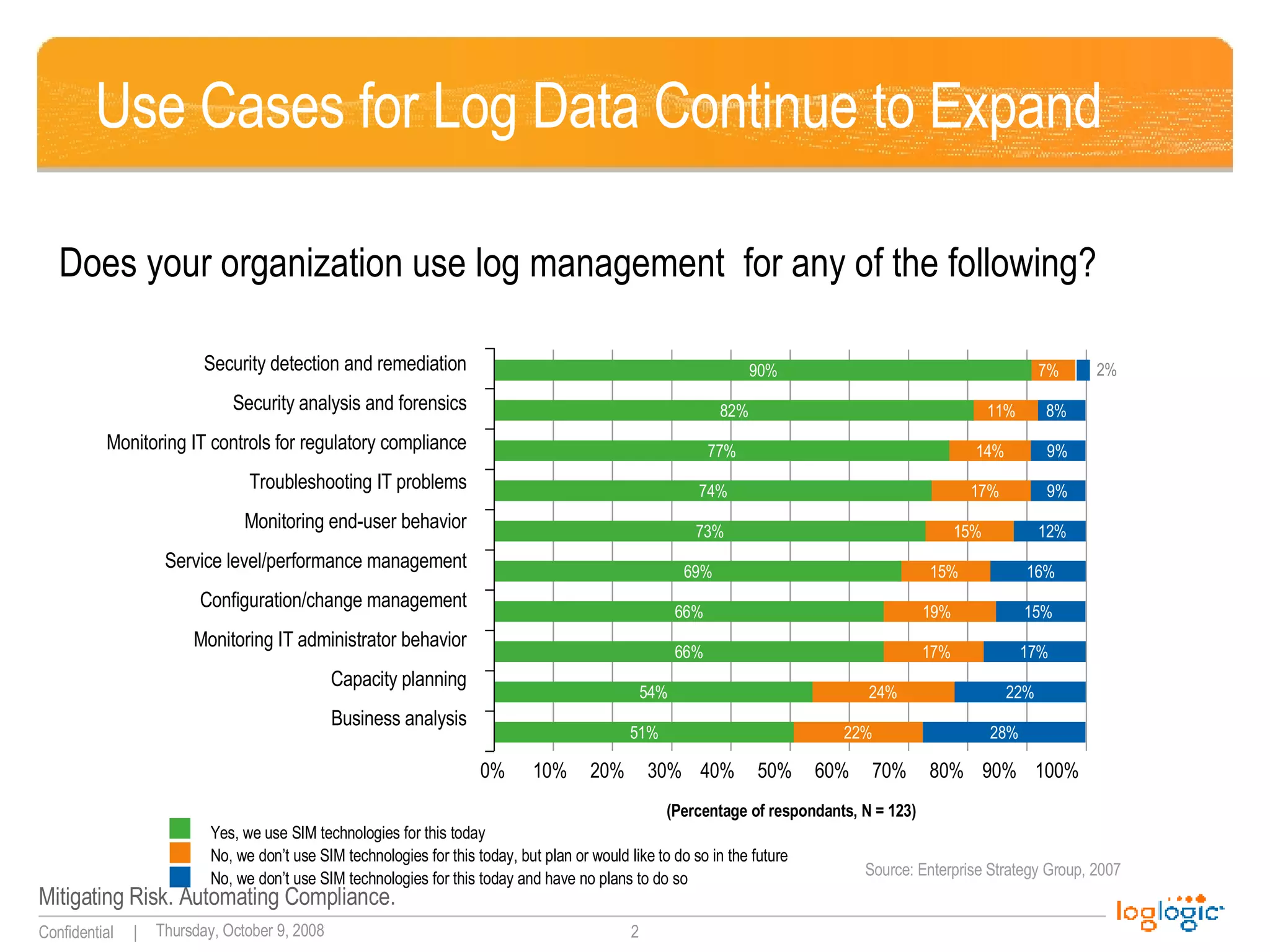
Use Cases for Log Data Continue to Expand Does your organization use log management  for any of the following? Security detection and remediation Security analysis and forensics Monitoring IT controls for regulatory compliance Troubleshooting IT problems Monitoring end-user behavior Service level/performance management Configuration/change management Monitoring IT administrator behavior Capacity planning Business analysis 7% 90% 0%  10%  20%  30%  40%  50%  60%  70%  80%  90%  100% Yes, we use SIM technologies for this today No, we don’t use SIM technologies for this today, but plan or would like to do so in the future No, we don’t use SIM technologies for this today and have no plans to do so Source: Enterprise Strategy Group, 2007 (Percentage of respondants, N = 123) 2% 22% 51% 28% 24% 54% 22% 17% 66% 17% 19% 66% 15% 15% 69% 16% 15% 73% 12% 17% 74% 9% 14% 77% 9% 11% 82% 8%
“Compliance+” Model At Work You bought it for PCI DSS You installed it Your boss is happy Your auditor is … gone What are you going to do next?
Three Use Cases for Log Management Logging for  e-discovery:  respond faster to avoid fines Audit database activities  and monitor database access User activity tracking and basic data leakage  detection via proxy logs 
Log Management for e-Discovery What Is e-Discovery? A need to provide requested information based upon the attorney request (if your company is involved in a suit) What Is It About? Find and present the information or pay the fines! Main Challenges? Find a needle in a haystack – satisfy a very specific request of face fines Pick ALL needles from a haystack – satisfy or contest a general request for the information
How Log Management Helps Myth #1: E-Discovery is about email! Truth:  ALL types of information can be requested.   Yes, that includes logs! How does one make logs “discoverable?” What if you don’t?
Log Management for e-Discovery Common requirements: Raw , unmodified logs (as they come from log sources!) Log security  and reliability (collection and storage) Fast search  for keywords (user, email, file name) What logs you might need to discover? What the user did? What files were accessed?
What You Will Do About It?! Deploy a  log management system  to take control over logs Preserve original logs  as they are generated Take steps to  protect them  from accidental and  malicious modification Define and enforce credible  log retention policy
If You Can Only Do One Thing… Save all raw logs.  Just save them and keep them around for a documented time period.
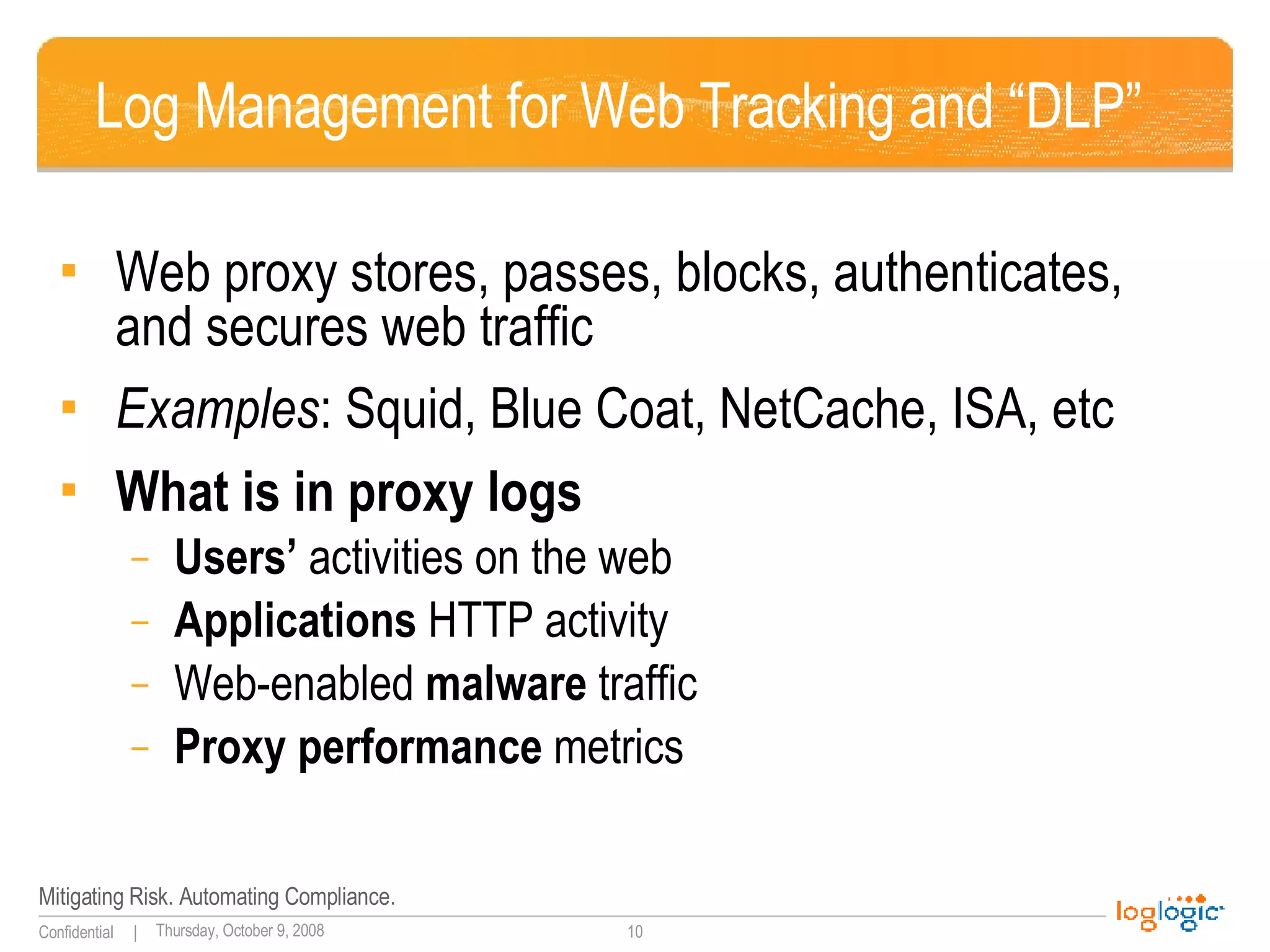
Log Management for Web Tracking and “DLP” Web proxy stores, passes, blocks, authenticates, and secures web traffic Examples : Squid, Blue Coat, NetCache, ISA, etc What is in proxy logs Users’  activities on the web Applications  HTTP activity Web-enabled  malware  traffic Proxy performance  metrics
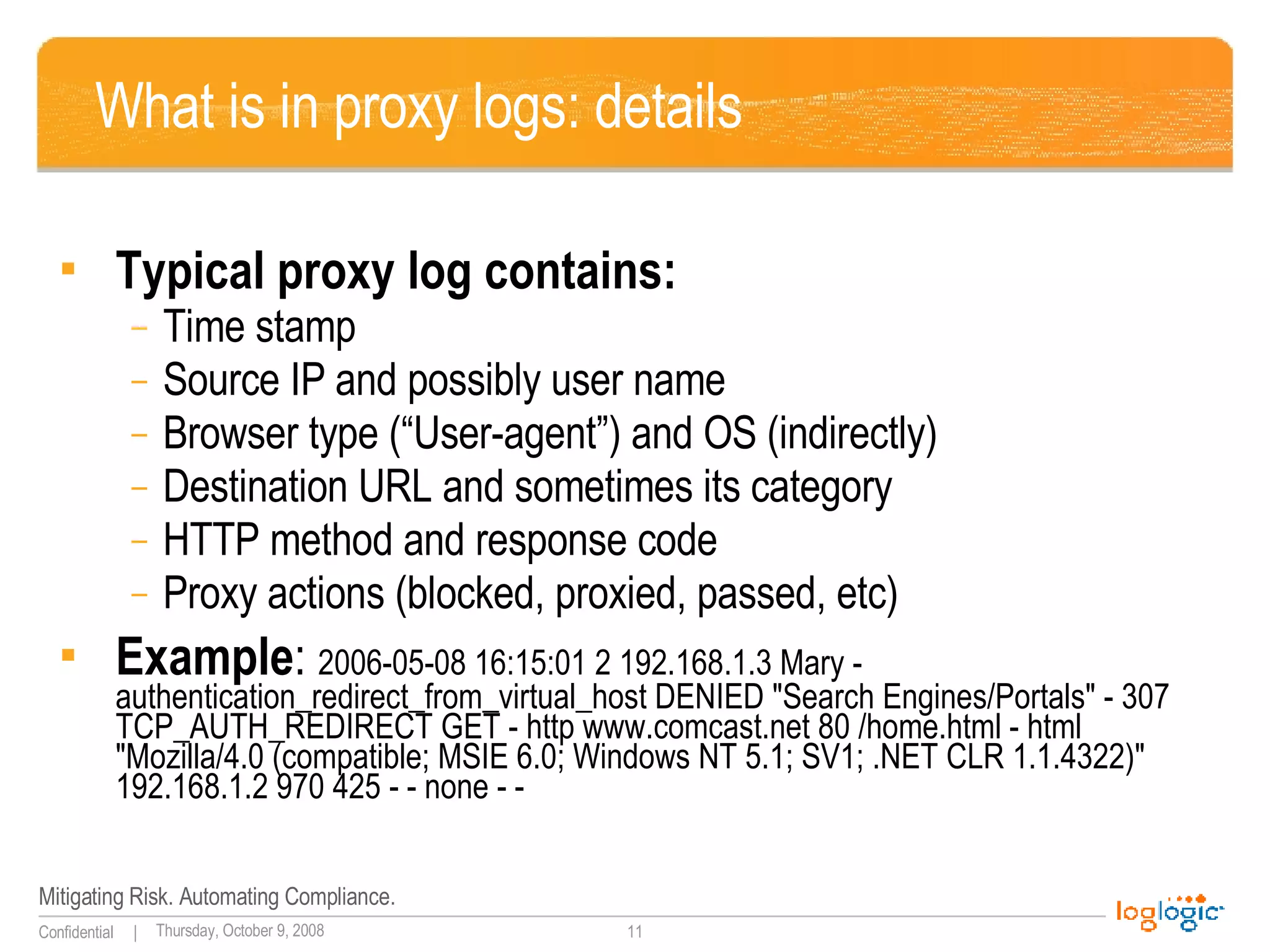
What is in proxy logs: details Typical proxy log contains: Time stamp Source IP and possibly user name Browser type (“User-agent”) and OS (indirectly) Destination URL and sometimes its category HTTP method and response code Proxy actions (blocked, proxied, passed, etc) Example :  2006-05-08 16:15:01 2 192.168.1.3 Mary - authentication_redirect_from_virtual_host DENIED "Search Engines/Portals" - 307 TCP_AUTH_REDIRECT GET - http www.comcast.net 80 /home.html - html "Mozilla/4.0 (compatible; MSIE 6.0; Windows NT 5.1; SV1; .NET CLR 1.1.4322)" 192.168.1.2 970 425 - - none - -
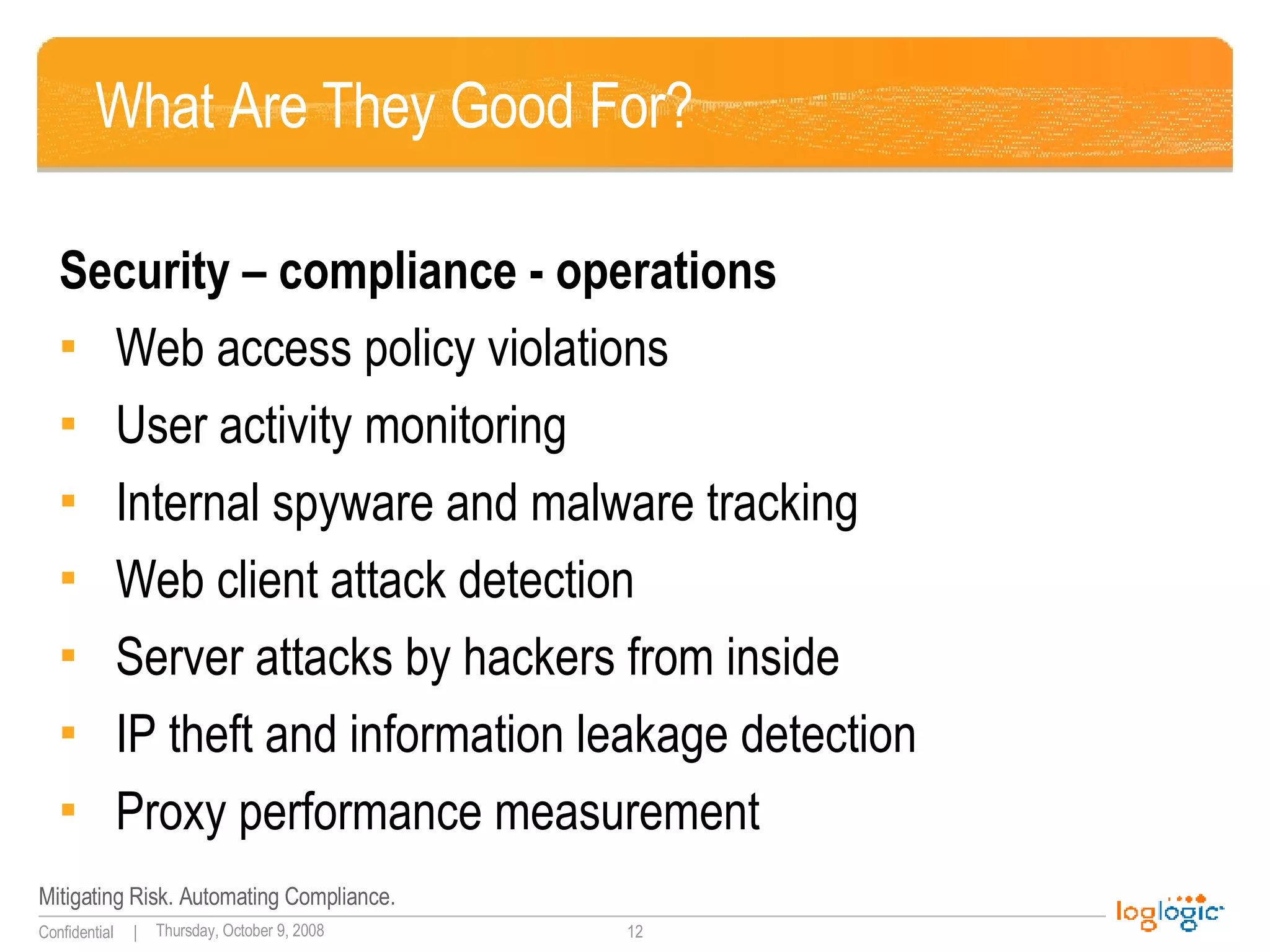
What Are They Good For? Security – compliance - operations Web access policy violations User activity monitoring Internal spyware and malware tracking Web client attack detection Server attacks by hackers from inside IP theft and information leakage detection Proxy performance measurement
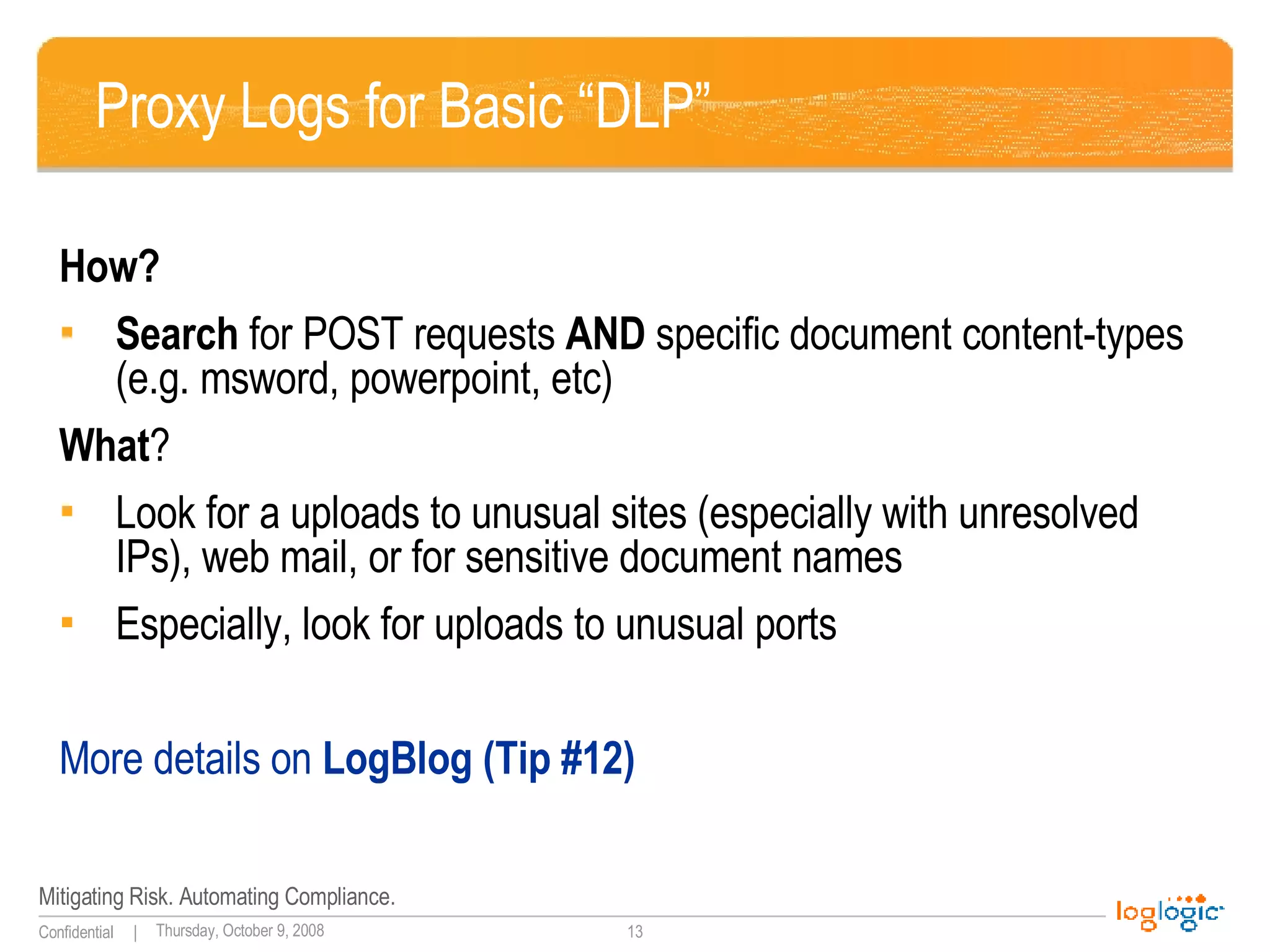
Proxy Logs for Basic “DLP” How? Search  for POST requests  AND  specific document content-types (e.g. msword, powerpoint, etc) What ? Look for a uploads to unusual sites (especially with unresolved IPs), web mail, or for sensitive document names Especially, look for uploads to unusual ports More details on  LogBlog (Tip #12)
If You Can Only Do One Thing… Search proxy logs for  “sensitive” file names/types + POST request type
Log Management for Database Audit Q: First:  do databases log? Oracle, MS SQL, IBM DB2. A:  Yes, they do!  If you make them.
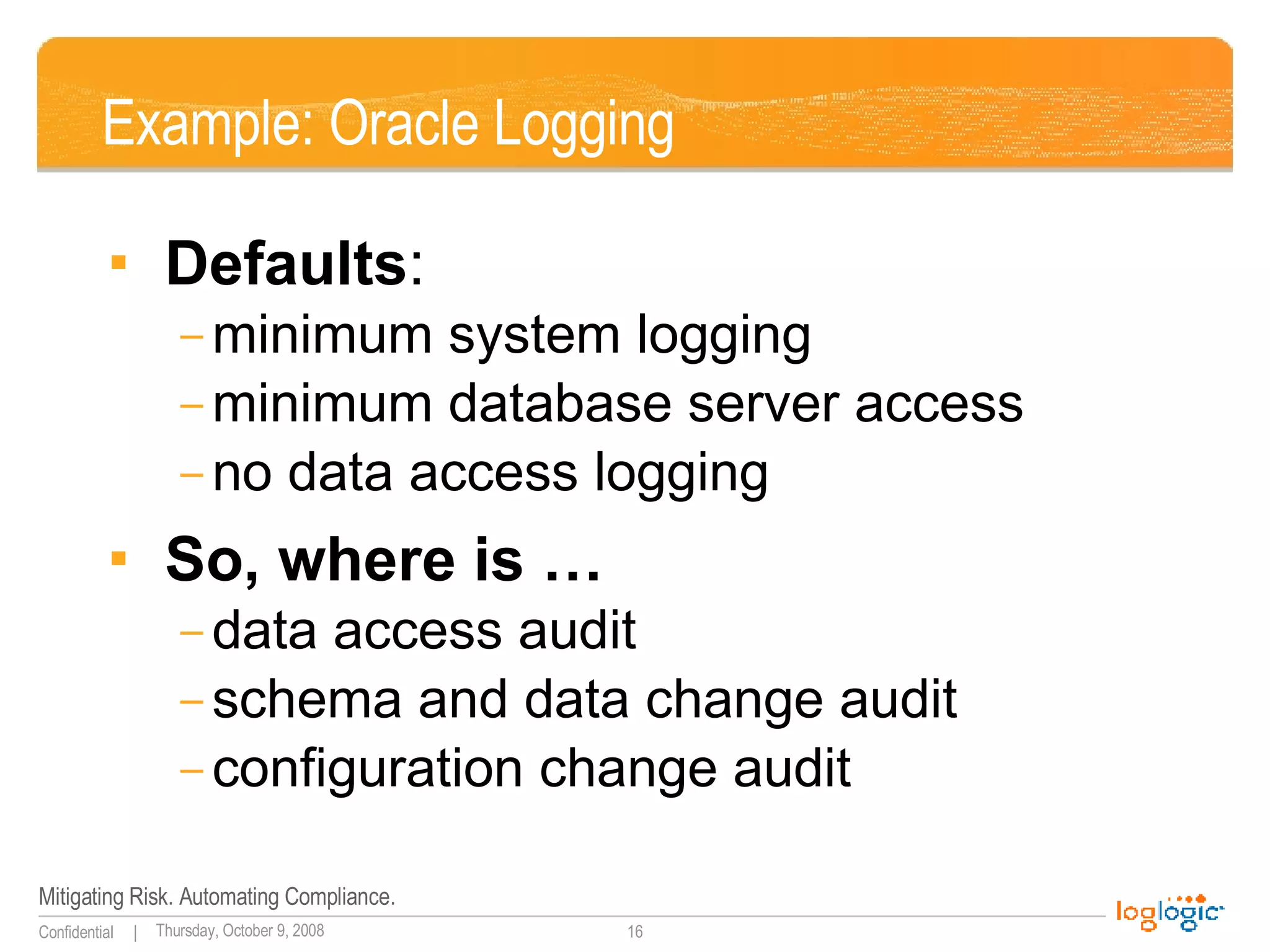
Example: Oracle Logging Defaults :  minimum system logging minimum database server access no data access logging So, where is … data access audit schema and data change audit configuration change audit
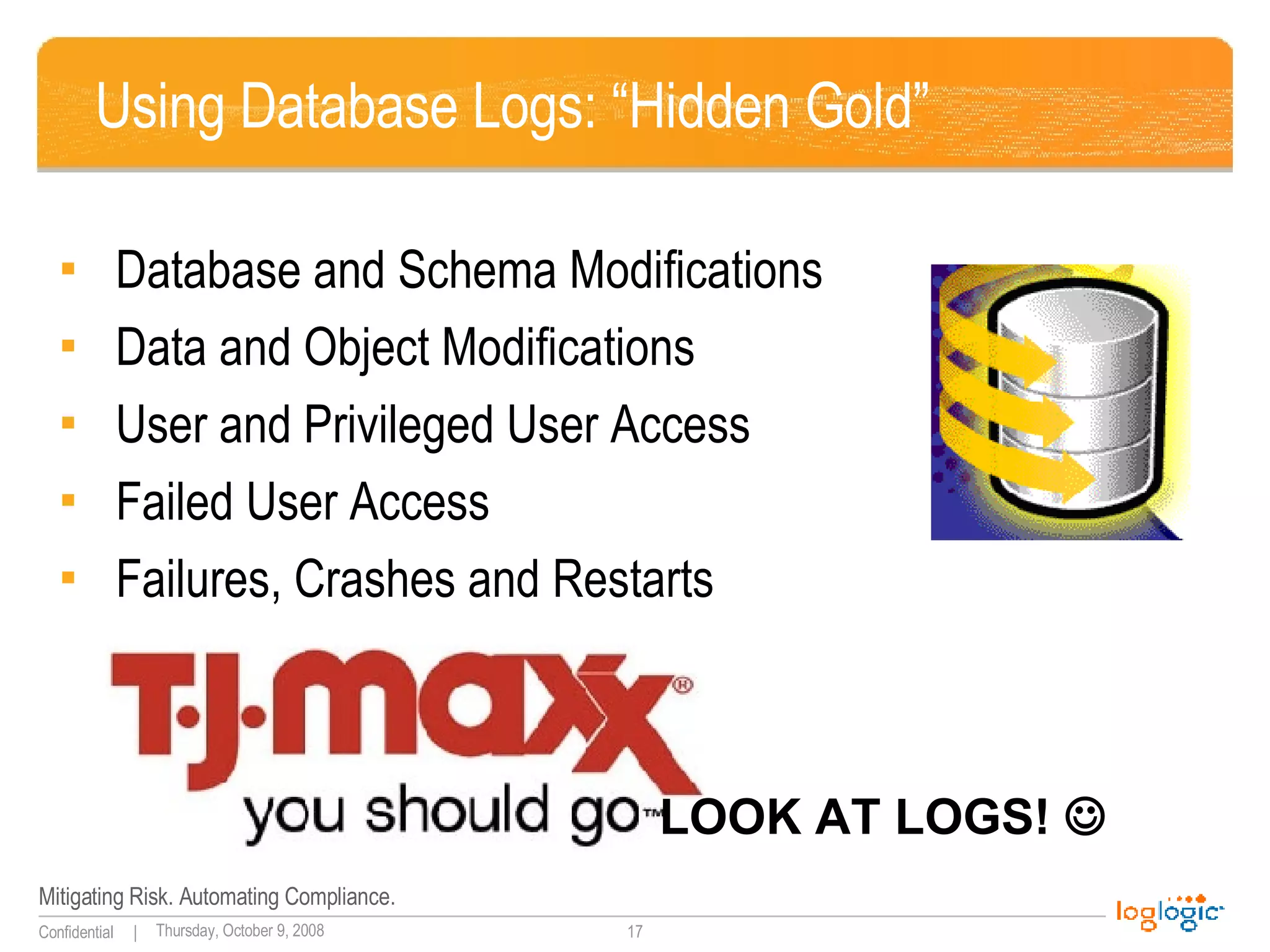
Using Database Logs: “Hidden Gold” Database and Schema Modifications Data and Object Modifications User and Privileged User Access Failed User Access Failures, Crashes and Restarts LOOK AT LOGS!  
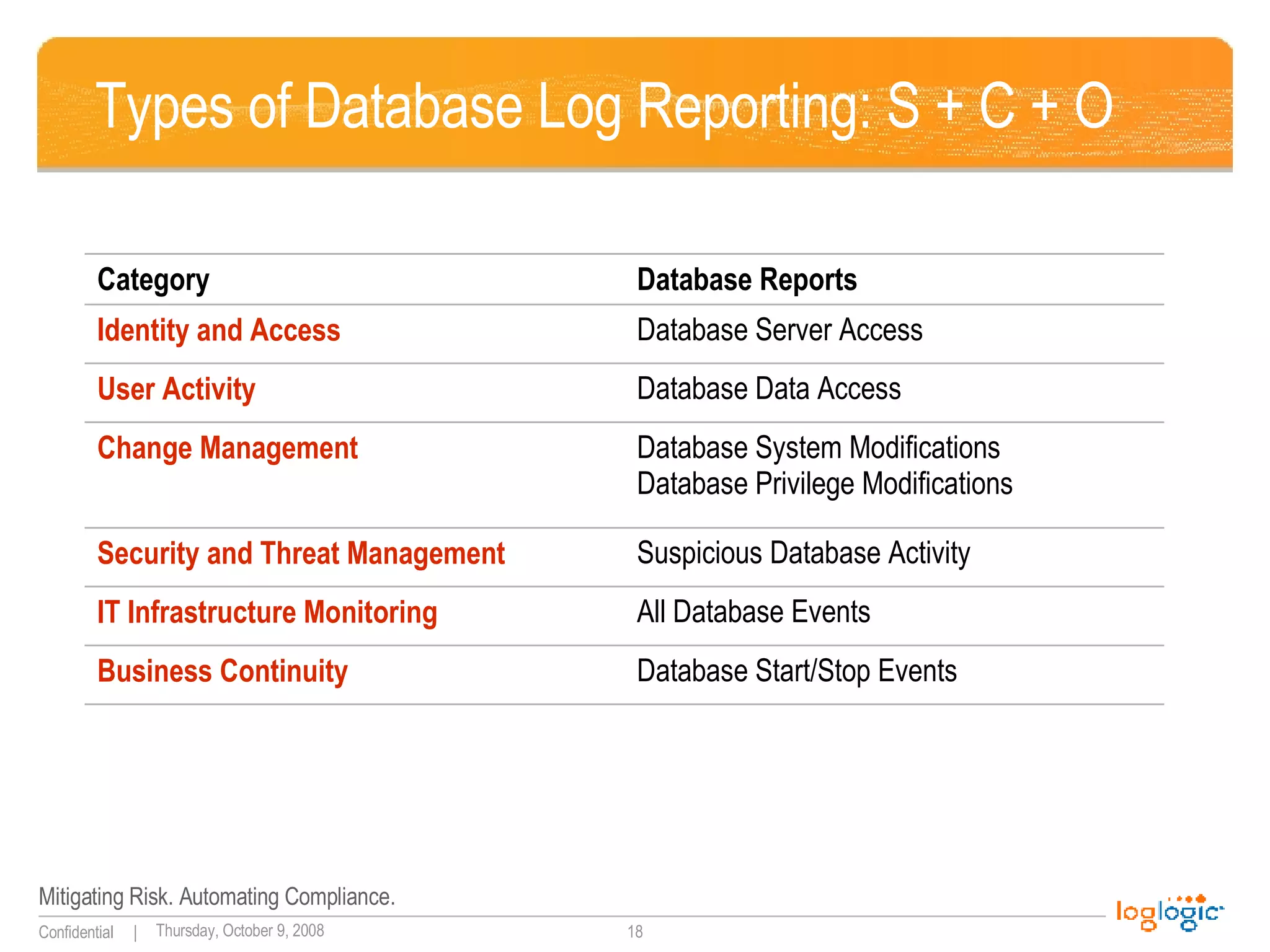
Types of Database Log Reporting: S + C + O Database Start/Stop Events Business Continuity All Database Events IT Infrastructure Monitoring Suspicious Database Activity Security and Threat Management  Database System Modifications Database Privilege Modifications Change Management  Database Data Access User Activity Database Server Access Identity and Access Database Reports Category
If You Can Only Do One Thing… Watch database logs for  table   backups/data dumps at unusual times
Thanks for Attending! Dr Anton Chuvakin, GCIA, GCIH, GCFA Chief Logging Evangelist LogLogic, Inc Coauthor of “Security Warrior” (O’Reilly, 2004) and “PCI Compliance” (Syngress, 2007) See  http://www.info-secure.org   for my papers, books, reviews and other security resources related to logs. Book on logs is coming soon! Also see  http://chuvakin.blogspot.com

Log Management For e-Discovery, Database Monitoring and Other Unusual Uses

  • 1.
    Beyond “Classic” LogManagement Uses Dr Anton Chuvakin
  • 2.
    Use Cases forLog Data Continue to Expand Does your organization use log management for any of the following? Security detection and remediation Security analysis and forensics Monitoring IT controls for regulatory compliance Troubleshooting IT problems Monitoring end-user behavior Service level/performance management Configuration/change management Monitoring IT administrator behavior Capacity planning Business analysis 7% 90% 0% 10% 20% 30% 40% 50% 60% 70% 80% 90% 100% Yes, we use SIM technologies for this today No, we don’t use SIM technologies for this today, but plan or would like to do so in the future No, we don’t use SIM technologies for this today and have no plans to do so Source: Enterprise Strategy Group, 2007 (Percentage of respondants, N = 123) 2% 22% 51% 28% 24% 54% 22% 17% 66% 17% 19% 66% 15% 15% 69% 16% 15% 73% 12% 17% 74% 9% 14% 77% 9% 11% 82% 8%
  • 3.
    “Compliance+” Model AtWork You bought it for PCI DSS You installed it Your boss is happy Your auditor is … gone What are you going to do next?
  • 4.
    Three Use Casesfor Log Management Logging for e-discovery: respond faster to avoid fines Audit database activities and monitor database access User activity tracking and basic data leakage detection via proxy logs 
  • 5.
    Log Management fore-Discovery What Is e-Discovery? A need to provide requested information based upon the attorney request (if your company is involved in a suit) What Is It About? Find and present the information or pay the fines! Main Challenges? Find a needle in a haystack – satisfy a very specific request of face fines Pick ALL needles from a haystack – satisfy or contest a general request for the information
  • 6.
    How Log ManagementHelps Myth #1: E-Discovery is about email! Truth: ALL types of information can be requested. Yes, that includes logs! How does one make logs “discoverable?” What if you don’t?
  • 7.
    Log Management fore-Discovery Common requirements: Raw , unmodified logs (as they come from log sources!) Log security and reliability (collection and storage) Fast search for keywords (user, email, file name) What logs you might need to discover? What the user did? What files were accessed?
  • 8.
    What You WillDo About It?! Deploy a log management system to take control over logs Preserve original logs as they are generated Take steps to protect them from accidental and malicious modification Define and enforce credible log retention policy
  • 9.
    If You CanOnly Do One Thing… Save all raw logs. Just save them and keep them around for a documented time period.
  • 10.
    Log Management forWeb Tracking and “DLP” Web proxy stores, passes, blocks, authenticates, and secures web traffic Examples : Squid, Blue Coat, NetCache, ISA, etc What is in proxy logs Users’ activities on the web Applications HTTP activity Web-enabled malware traffic Proxy performance metrics
  • 11.
    What is inproxy logs: details Typical proxy log contains: Time stamp Source IP and possibly user name Browser type (“User-agent”) and OS (indirectly) Destination URL and sometimes its category HTTP method and response code Proxy actions (blocked, proxied, passed, etc) Example : 2006-05-08 16:15:01 2 192.168.1.3 Mary - authentication_redirect_from_virtual_host DENIED "Search Engines/Portals" - 307 TCP_AUTH_REDIRECT GET - http www.comcast.net 80 /home.html - html "Mozilla/4.0 (compatible; MSIE 6.0; Windows NT 5.1; SV1; .NET CLR 1.1.4322)" 192.168.1.2 970 425 - - none - -
  • 12.
    What Are TheyGood For? Security – compliance - operations Web access policy violations User activity monitoring Internal spyware and malware tracking Web client attack detection Server attacks by hackers from inside IP theft and information leakage detection Proxy performance measurement
  • 13.
    Proxy Logs forBasic “DLP” How? Search for POST requests AND specific document content-types (e.g. msword, powerpoint, etc) What ? Look for a uploads to unusual sites (especially with unresolved IPs), web mail, or for sensitive document names Especially, look for uploads to unusual ports More details on LogBlog (Tip #12)
  • 14.
    If You CanOnly Do One Thing… Search proxy logs for “sensitive” file names/types + POST request type
  • 15.
    Log Management forDatabase Audit Q: First: do databases log? Oracle, MS SQL, IBM DB2. A: Yes, they do! If you make them.
  • 16.
    Example: Oracle LoggingDefaults : minimum system logging minimum database server access no data access logging So, where is … data access audit schema and data change audit configuration change audit
  • 17.
    Using Database Logs:“Hidden Gold” Database and Schema Modifications Data and Object Modifications User and Privileged User Access Failed User Access Failures, Crashes and Restarts LOOK AT LOGS! 
  • 18.
    Types of DatabaseLog Reporting: S + C + O Database Start/Stop Events Business Continuity All Database Events IT Infrastructure Monitoring Suspicious Database Activity Security and Threat Management Database System Modifications Database Privilege Modifications Change Management Database Data Access User Activity Database Server Access Identity and Access Database Reports Category
  • 19.
    If You CanOnly Do One Thing… Watch database logs for table backups/data dumps at unusual times
  • 20.
    Thanks for Attending!Dr Anton Chuvakin, GCIA, GCIH, GCFA Chief Logging Evangelist LogLogic, Inc Coauthor of “Security Warrior” (O’Reilly, 2004) and “PCI Compliance” (Syngress, 2007) See http://www.info-secure.org for my papers, books, reviews and other security resources related to logs. Book on logs is coming soon! Also see http://chuvakin.blogspot.com

Editor's Notes

  • #2 Here is a reminder of what you will be covering. E-discovery Trouble shooting the health of your database, Database audit activities User Activity tracking via Proxy logs