Six Mistakes of Log Management  Dr Anton Chuvakin, GCIA, GCIH, GCFA Six Mistakes of Log Management
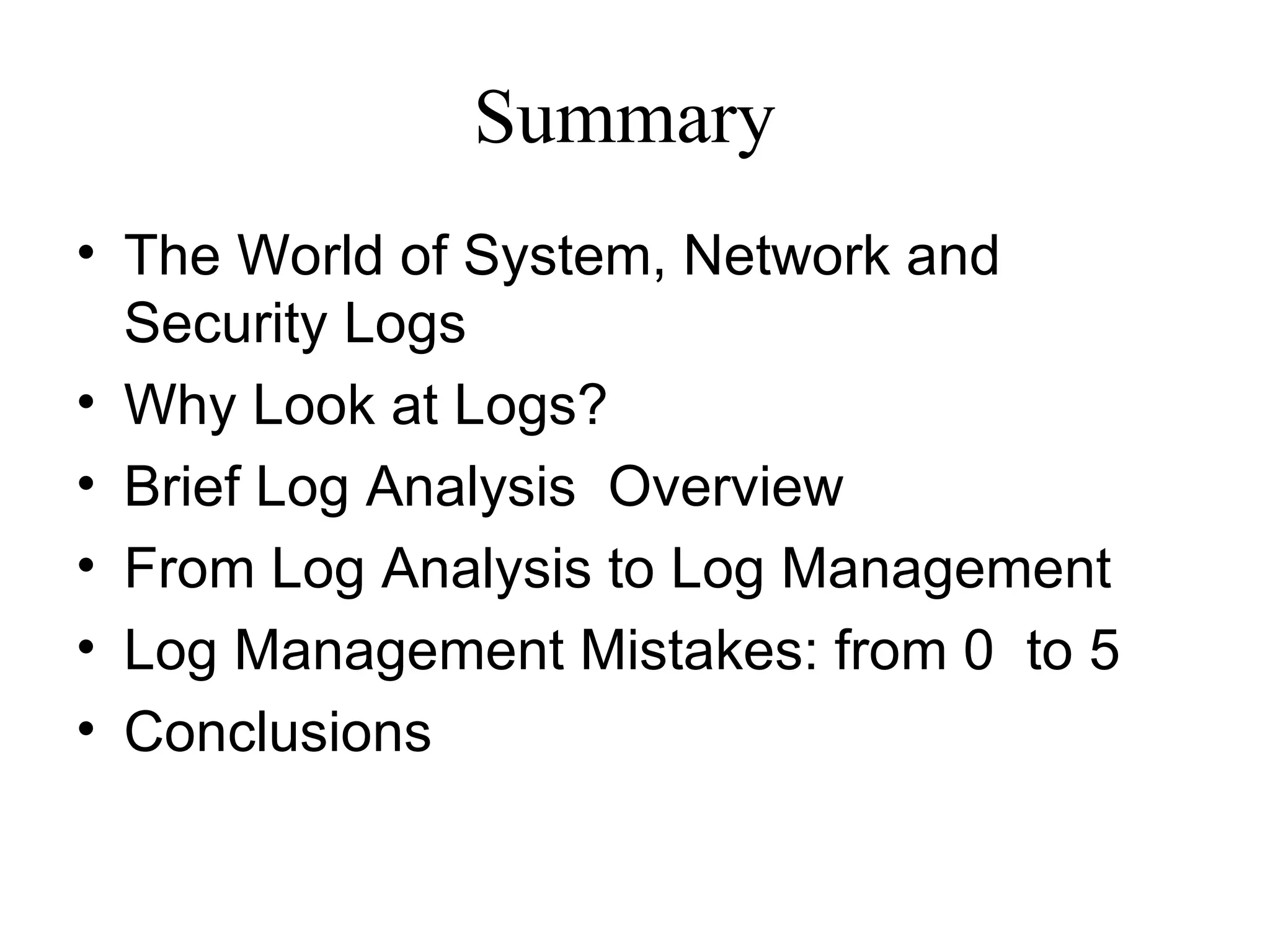
Summary The World of System, Network and Security Logs Why Look at Logs? Brief Log Analysis  Overview From Log Analysis to Log Management  Log Management Mistakes: from 0  to 5 Conclusions
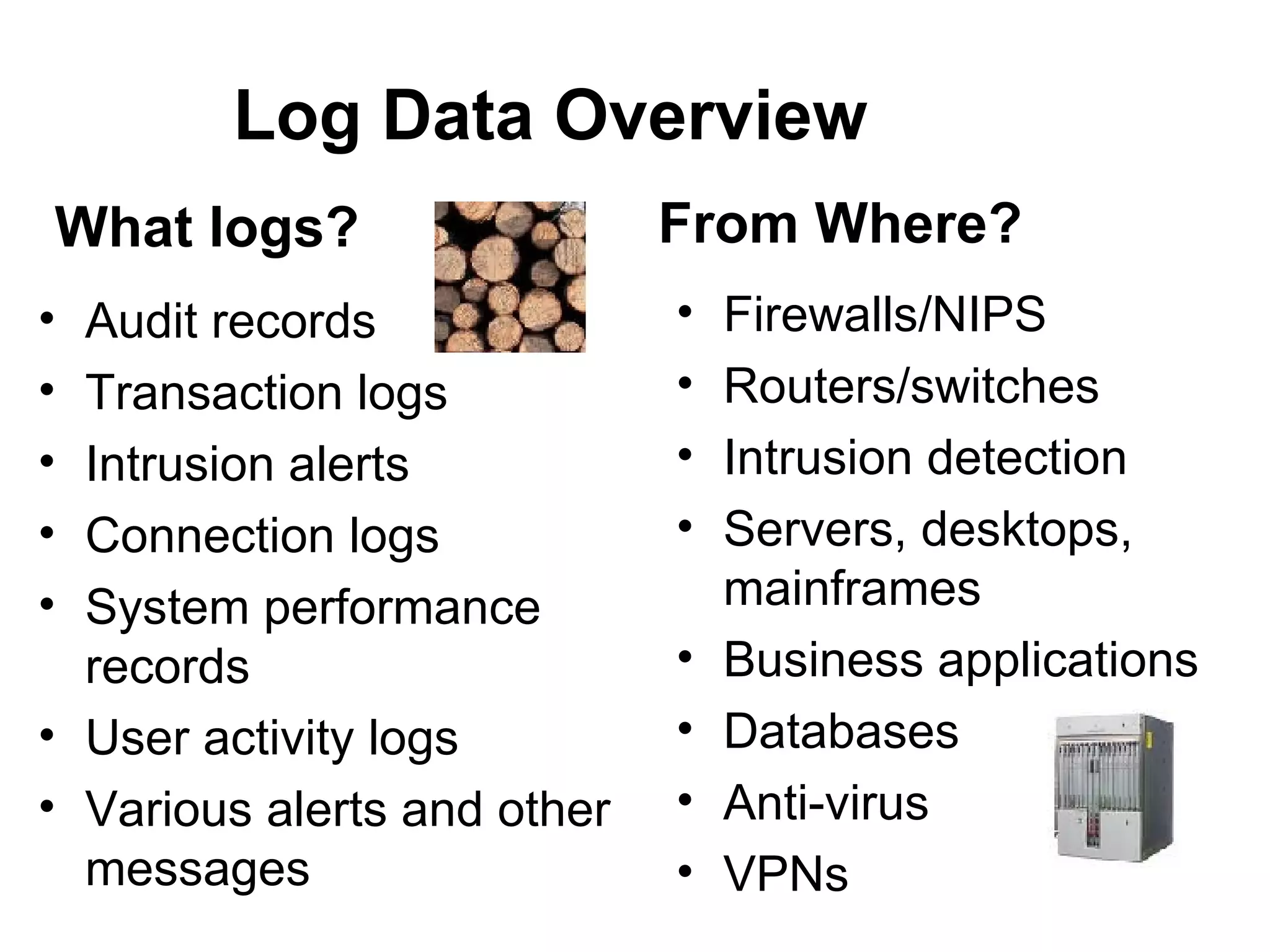
Log Data Overview Audit  records Transaction logs Intrusion alerts Connection logs System performance records User activity logs Various alerts and other messages Firewalls/NIPS Routers/switches Intrusion detection Servers, desktops, mainframes Business applications Databases Anti-virus VPNs What logs? From Where?
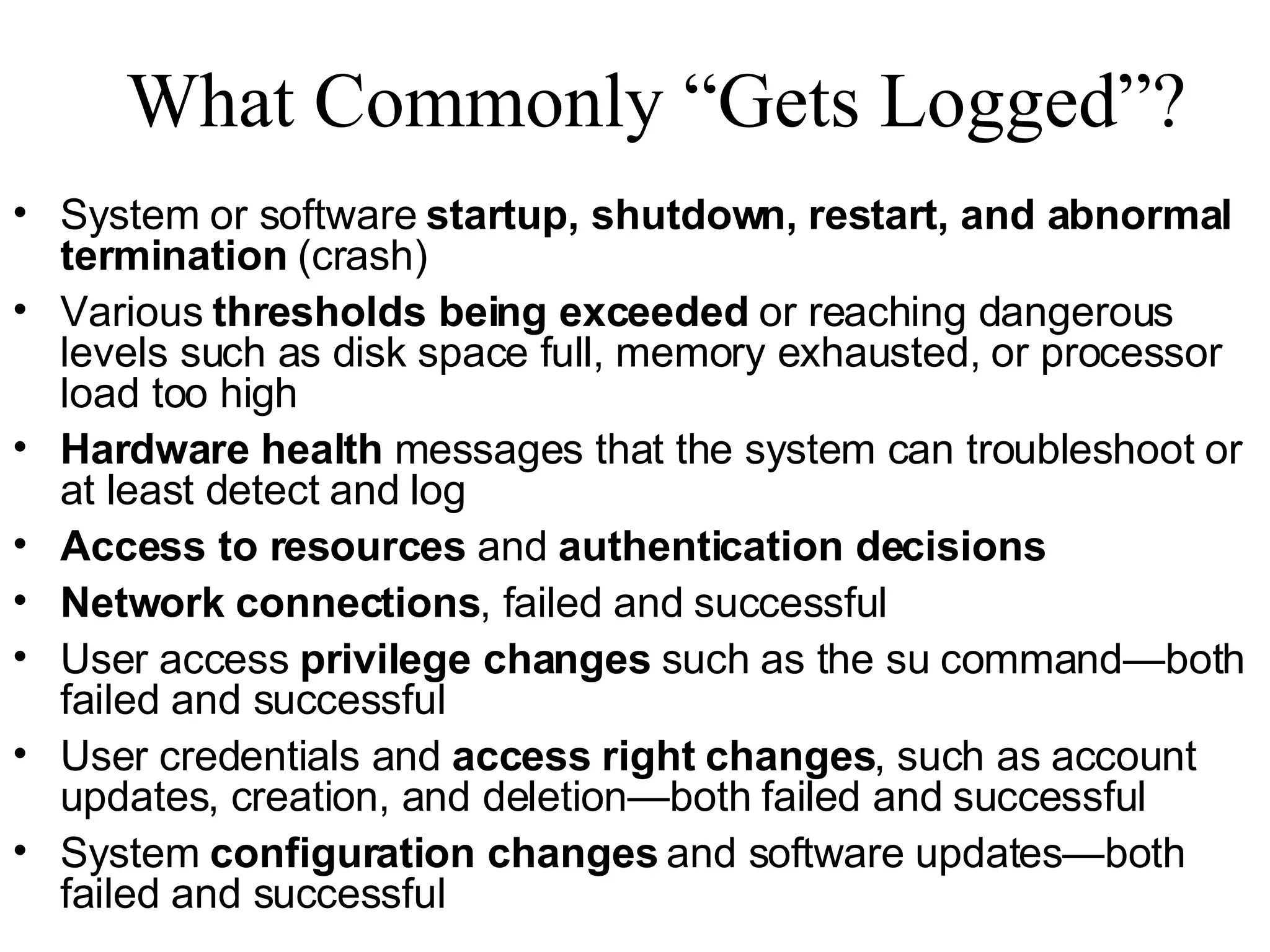
What Commonly “Gets Logged”? System or software  startup, shutdown, restart, and abnormal termination  (crash) Various  thresholds being exceeded  or reaching dangerous levels such as disk space full, memory exhausted, or processor load too high Hardware health  messages that the system can troubleshoot or at least detect and log Access to resources  and  authentication decisions Network connections , failed and successful User access  privilege changes  such as the su command—both failed and successful User credentials and  access right changes , such as account updates, creation, and deletion—both failed and successful System  configuration changes  and software updates—both failed and successful
“ Arrgh! Why Don’t We Just Ignore’Em?”
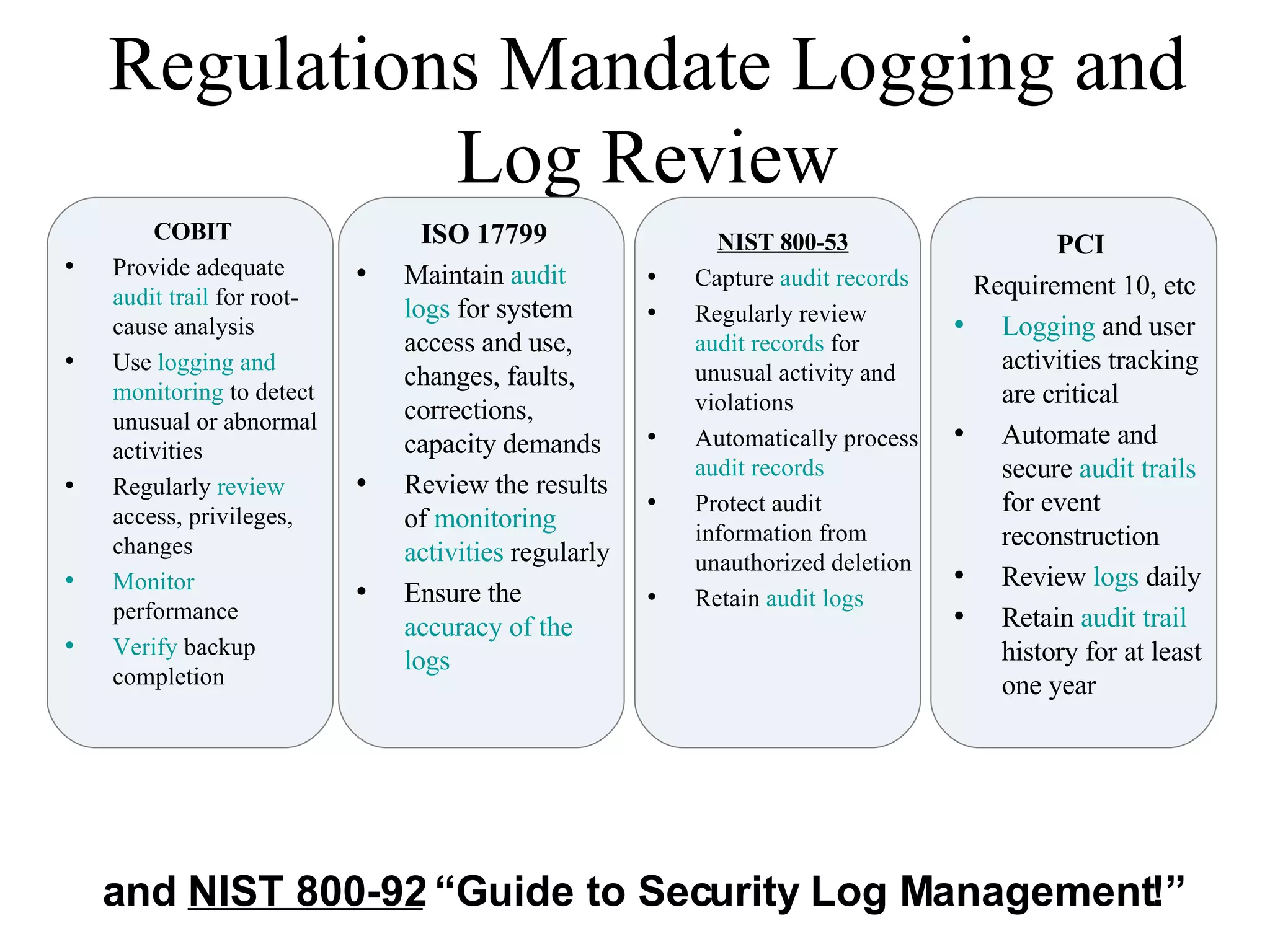
Regulations Mandate Logging and Log Review ISO 17799 Maintain  audit logs  for system access and use, changes, faults, corrections, capacity demands Review the results of  monitoring activities  regularly Ensure the  accuracy of the logs  NIST 800-53 Capture  audit records Regularly review  audit records  for unusual activity and violations Automatically process  audit records Protect audit information from unauthorized deletion Retain  audit logs PCI  Requirement 10, etc Logging  and user activities tracking are critical Automate and secure  audit trails  for event reconstruction Review  logs  daily Retain  audit trail  history for at least one year COBIT Provide adequate  audit trail  for root-cause analysis Use  logging and monitoring  to detect unusual or abnormal activities  Regularly  review  access, privileges, changes Monitor  performance  Verify  backup completion and  NIST 800-92  “Guide to Security Log Management!”
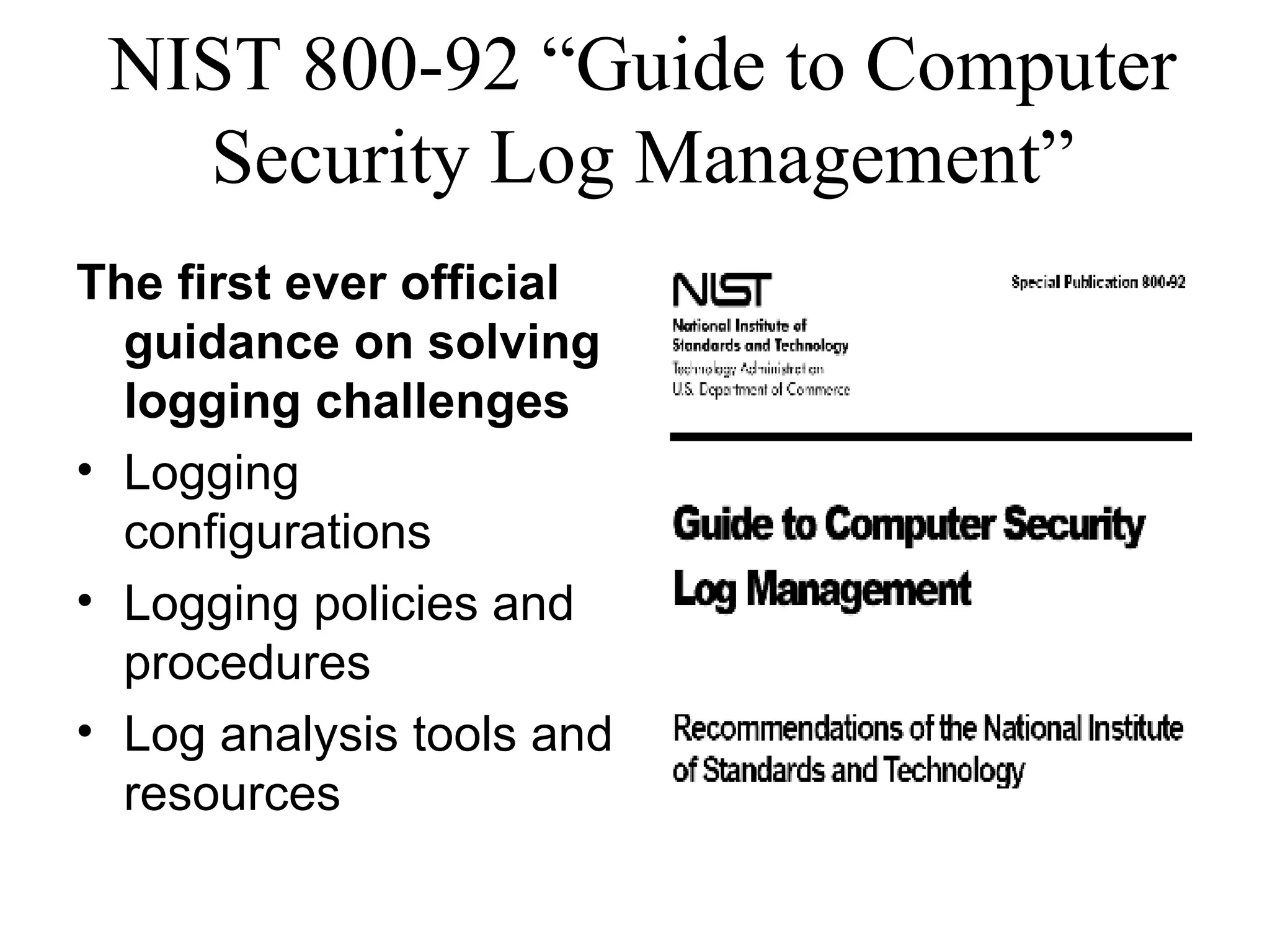
NIST 800-92 “Guide to Computer Security Log Management” The first ever official guidance on solving logging challenges  Logging configurations  Logging policies and procedures Log analysis tools and resources
So, How Do People Do It?
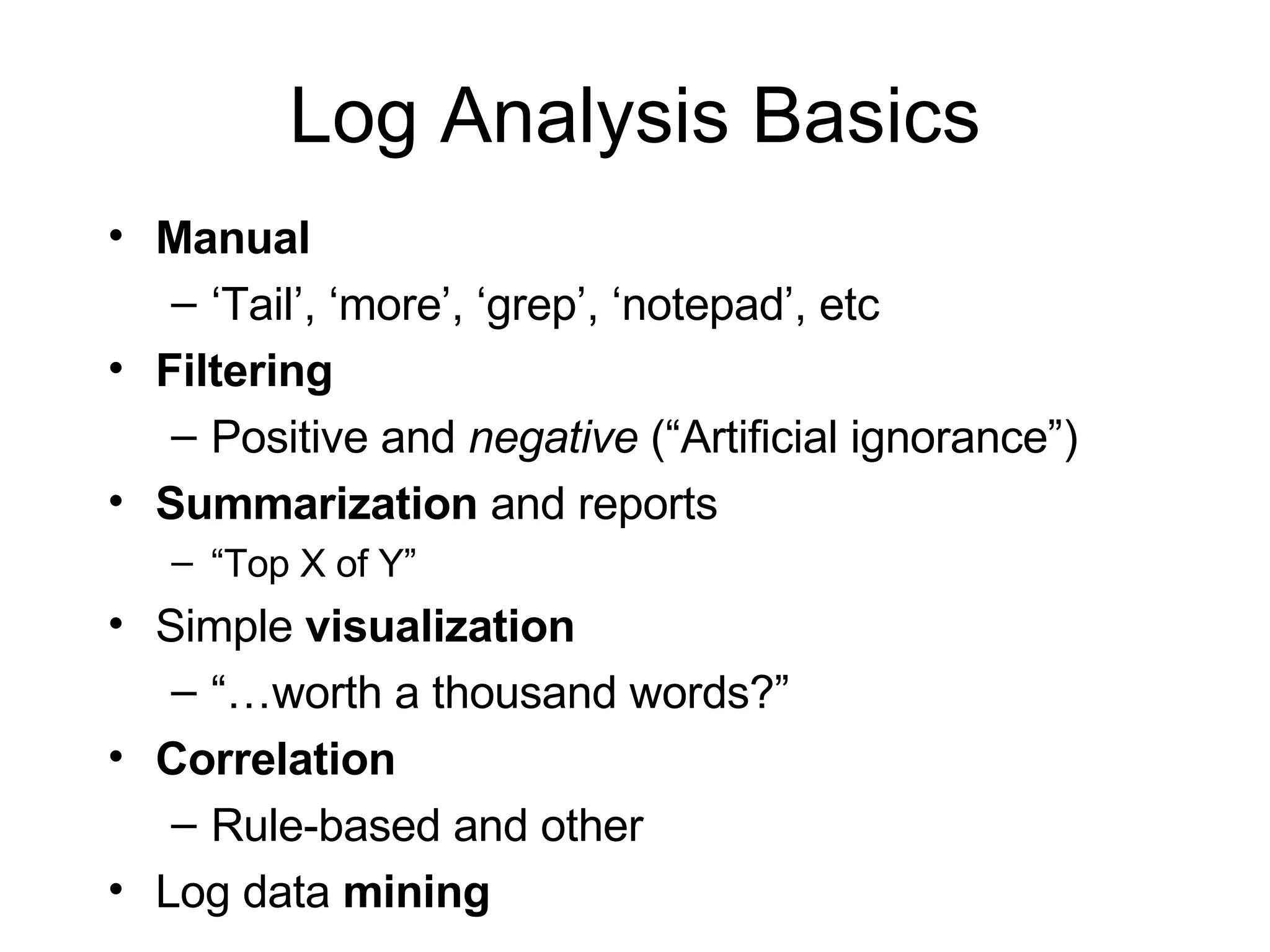
Log Analysis Basics Manual ‘ Tail’, ‘more’, ‘grep’, ‘notepad’, etc Filtering Positive and  negative  (“Artificial ignorance”) Summarization  and reports “ Top X of Y” Simple  visualization “… worth a thousand words?” Correlation Rule-based and other Log data  mining
Looks Complicated?! No Wonder People Make Mistakes …
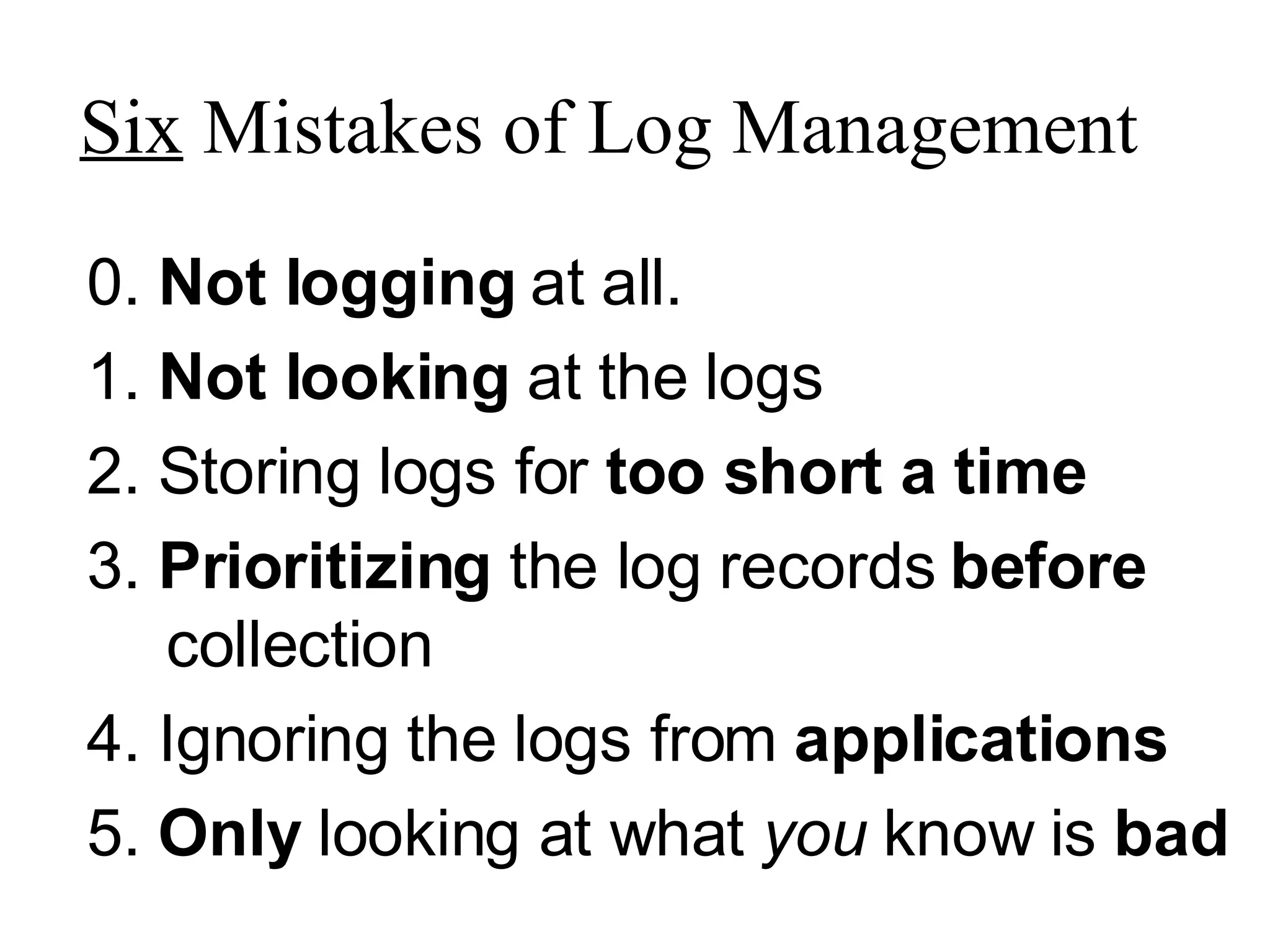
Six  Mistakes of Log Management 0.  Not logging  at all. 1.  Not looking  at the logs 2. Storing logs for  too short a time 3.  Prioritizing  the log records  before  collection 4. Ignoring the logs from  applications 5.  Only  looking at what  you  know is  bad
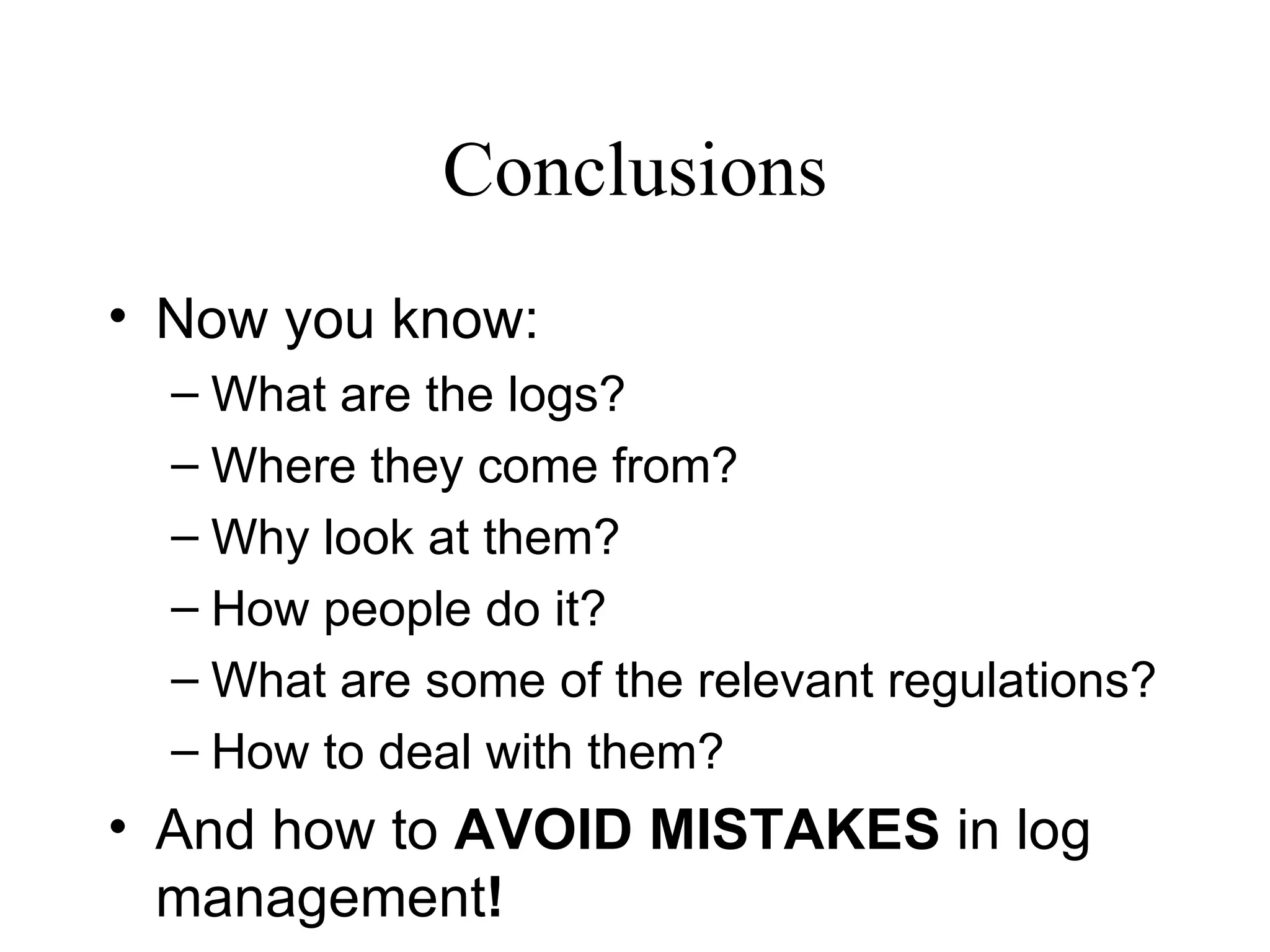
Conclusions Now you know: What are the logs? Where they come from? Why look at them? How people do it? What are some of the relevant regulations? How to deal with them? And how to  AVOID MISTAKES  in log management !
Thanks for Attending!!! Dr Anton Chuvakin, GCIA, GCIH, GCFA Chief Logging Evangelist http://www.chuvakin.org   Author of “Security Warrior” (O’Reilly, 2004) –  http://www.securitywarrior.org   See  http://www.info-secure.org   for my papers, books, reviews and other security resources related to logs. Book on logs is coming soon!

CSI NetSec 2007 Six MIstakes of Log Management by Anton Chuvakin

  • 1.
    Six Mistakes ofLog Management Dr Anton Chuvakin, GCIA, GCIH, GCFA Six Mistakes of Log Management
  • 2.
    Summary The Worldof System, Network and Security Logs Why Look at Logs? Brief Log Analysis Overview From Log Analysis to Log Management Log Management Mistakes: from 0 to 5 Conclusions
  • 3.
    Log Data OverviewAudit records Transaction logs Intrusion alerts Connection logs System performance records User activity logs Various alerts and other messages Firewalls/NIPS Routers/switches Intrusion detection Servers, desktops, mainframes Business applications Databases Anti-virus VPNs What logs? From Where?
  • 4.
    What Commonly “GetsLogged”? System or software startup, shutdown, restart, and abnormal termination (crash) Various thresholds being exceeded or reaching dangerous levels such as disk space full, memory exhausted, or processor load too high Hardware health messages that the system can troubleshoot or at least detect and log Access to resources and authentication decisions Network connections , failed and successful User access privilege changes such as the su command—both failed and successful User credentials and access right changes , such as account updates, creation, and deletion—both failed and successful System configuration changes and software updates—both failed and successful
  • 5.
    “ Arrgh! WhyDon’t We Just Ignore’Em?”
  • 6.
    Regulations Mandate Loggingand Log Review ISO 17799 Maintain audit logs for system access and use, changes, faults, corrections, capacity demands Review the results of monitoring activities regularly Ensure the accuracy of the logs NIST 800-53 Capture audit records Regularly review audit records for unusual activity and violations Automatically process audit records Protect audit information from unauthorized deletion Retain audit logs PCI Requirement 10, etc Logging and user activities tracking are critical Automate and secure audit trails for event reconstruction Review logs daily Retain audit trail history for at least one year COBIT Provide adequate audit trail for root-cause analysis Use logging and monitoring to detect unusual or abnormal activities Regularly review access, privileges, changes Monitor performance Verify backup completion and NIST 800-92 “Guide to Security Log Management!”
  • 7.
    NIST 800-92 “Guideto Computer Security Log Management” The first ever official guidance on solving logging challenges Logging configurations Logging policies and procedures Log analysis tools and resources
  • 8.
    So, How DoPeople Do It?
  • 9.
    Log Analysis BasicsManual ‘ Tail’, ‘more’, ‘grep’, ‘notepad’, etc Filtering Positive and negative (“Artificial ignorance”) Summarization and reports “ Top X of Y” Simple visualization “… worth a thousand words?” Correlation Rule-based and other Log data mining
  • 10.
    Looks Complicated?! NoWonder People Make Mistakes …
  • 11.
    Six Mistakesof Log Management 0. Not logging at all. 1. Not looking at the logs 2. Storing logs for too short a time 3. Prioritizing the log records before collection 4. Ignoring the logs from applications 5. Only looking at what you know is bad
  • 12.
    Conclusions Now youknow: What are the logs? Where they come from? Why look at them? How people do it? What are some of the relevant regulations? How to deal with them? And how to AVOID MISTAKES in log management !
  • 13.
    Thanks for Attending!!!Dr Anton Chuvakin, GCIA, GCIH, GCFA Chief Logging Evangelist http://www.chuvakin.org Author of “Security Warrior” (O’Reilly, 2004) – http://www.securitywarrior.org See http://www.info-secure.org for my papers, books, reviews and other security resources related to logs. Book on logs is coming soon!