NServiceBus for Admins
Integration Framework Patterns2
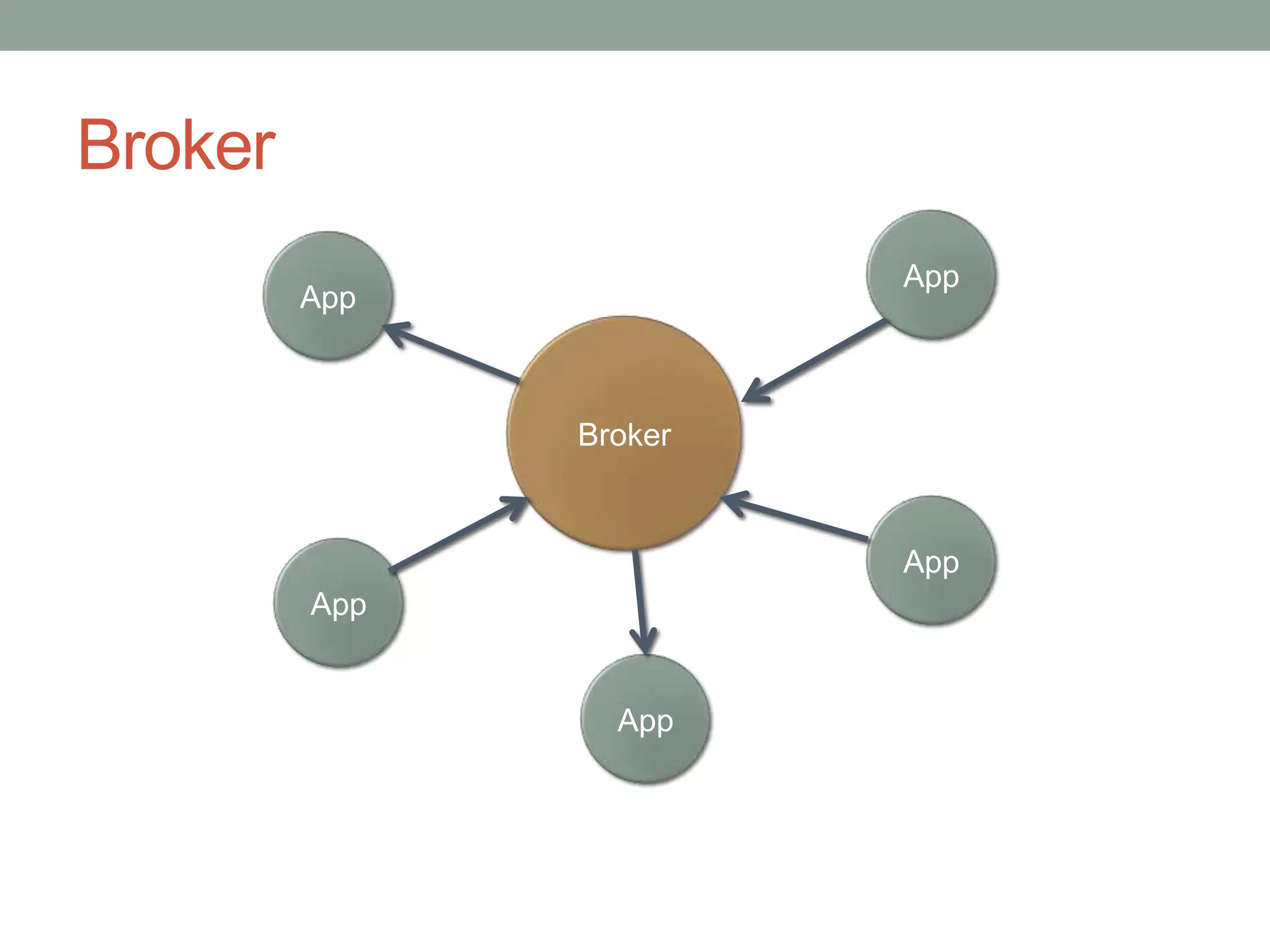
BrokerAppAppBrokerAppAppApp
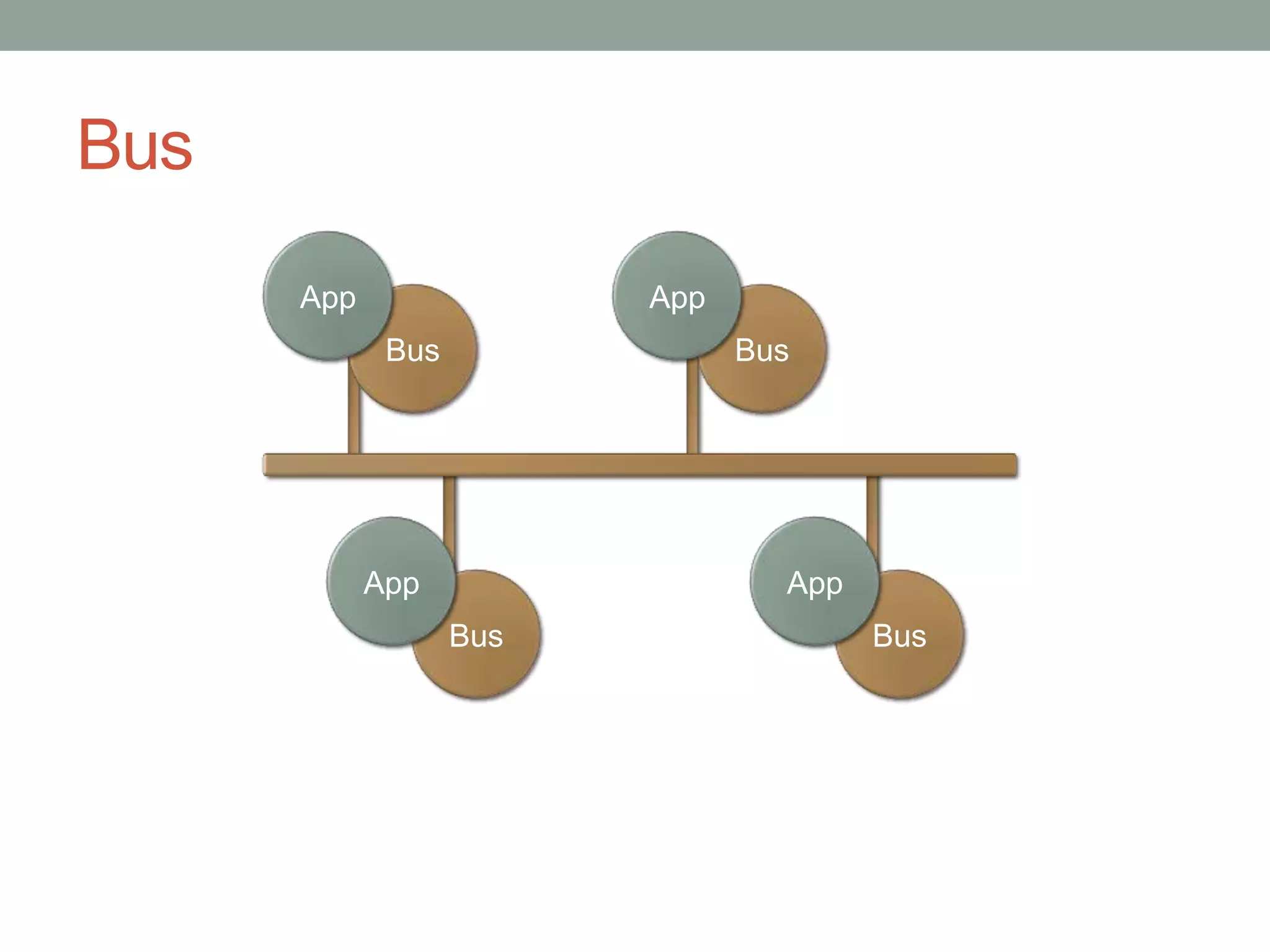
BusAppAppBusBusAppAppBusBus
Messaging Patterns
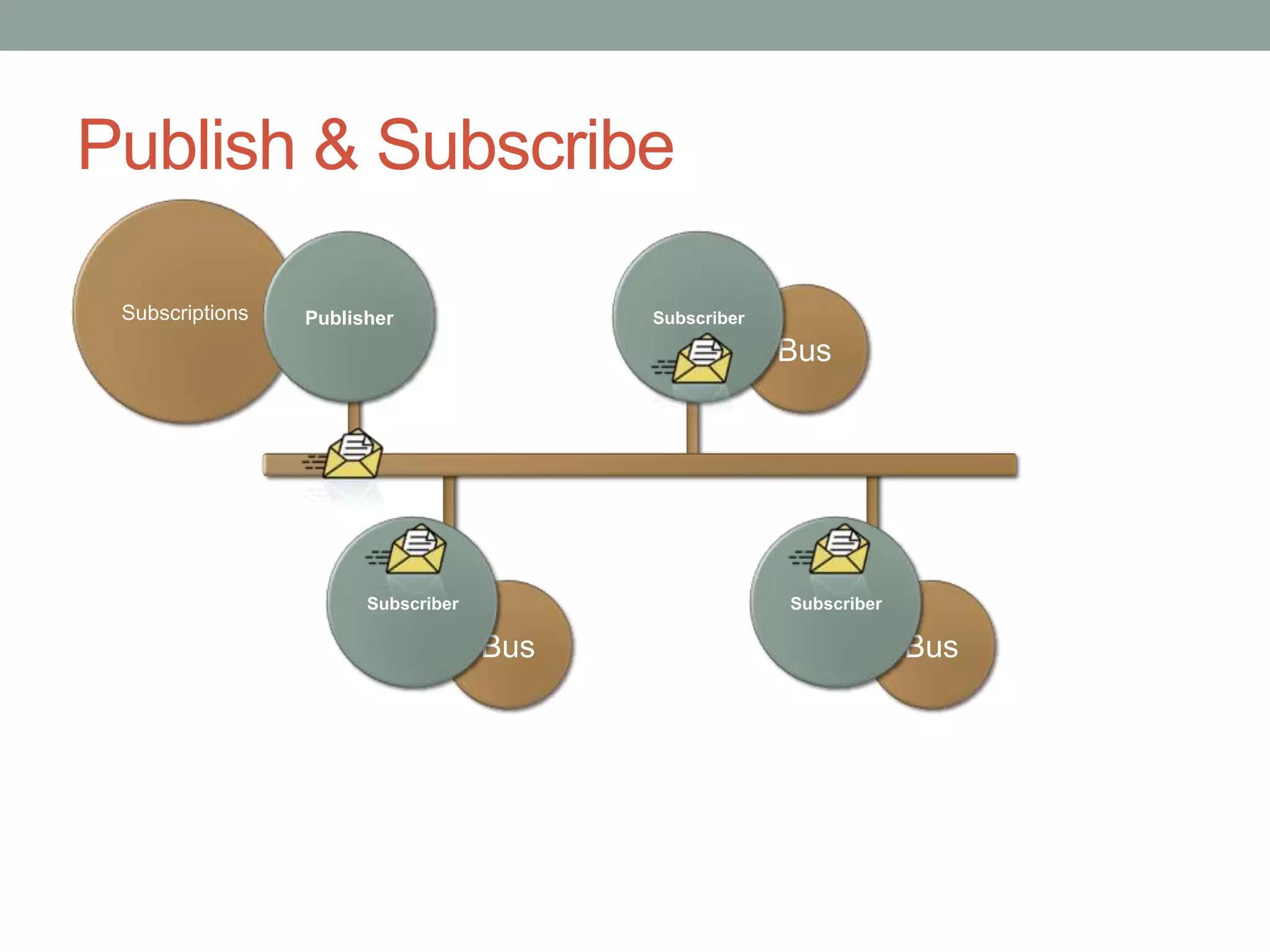
Publish & SubscribeSubscriptionsPublisherSubscriberBusSubscriberSubscriberBusBus
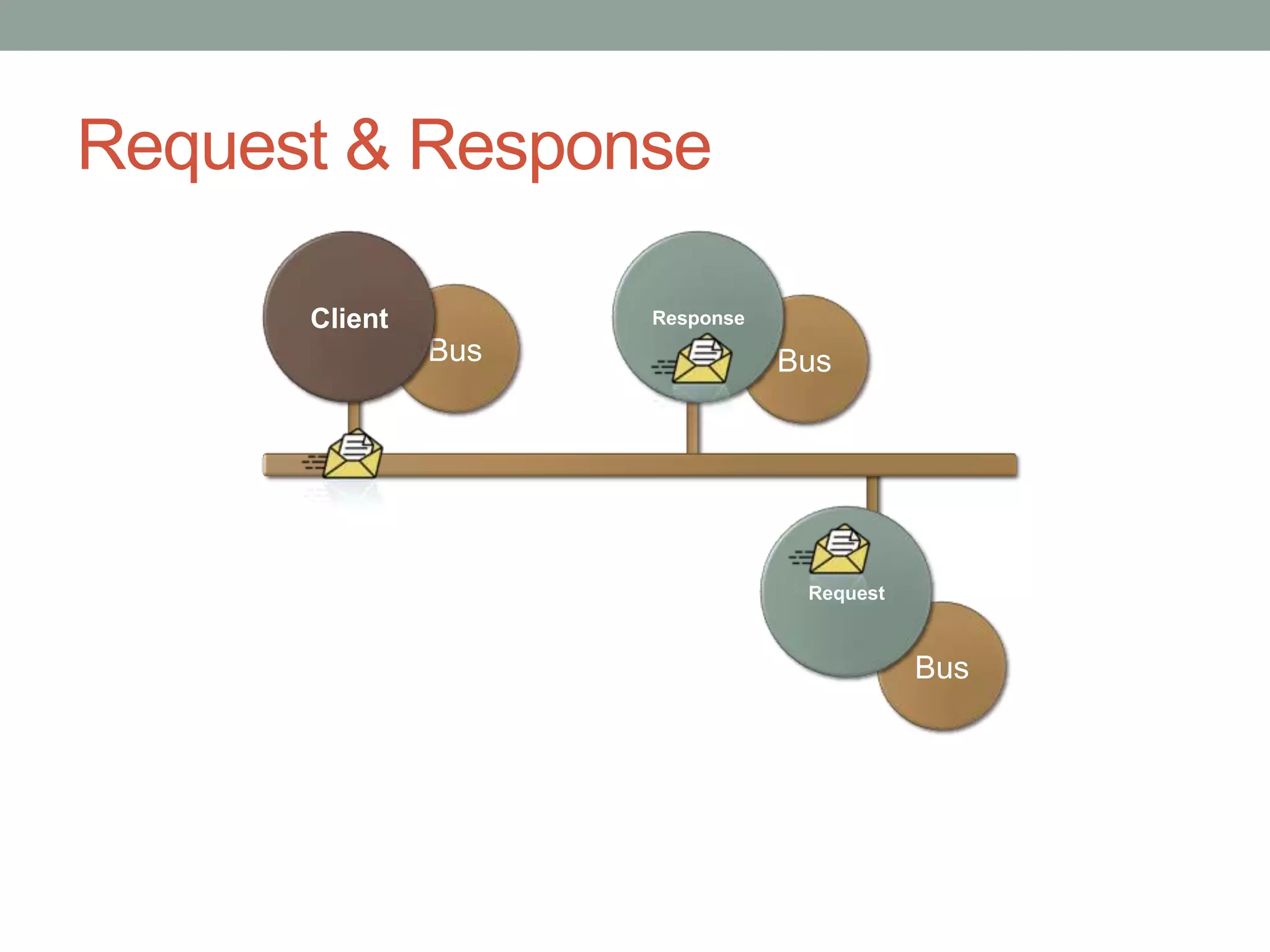
BusRequest & ResponseClientResponseBusRequestBus
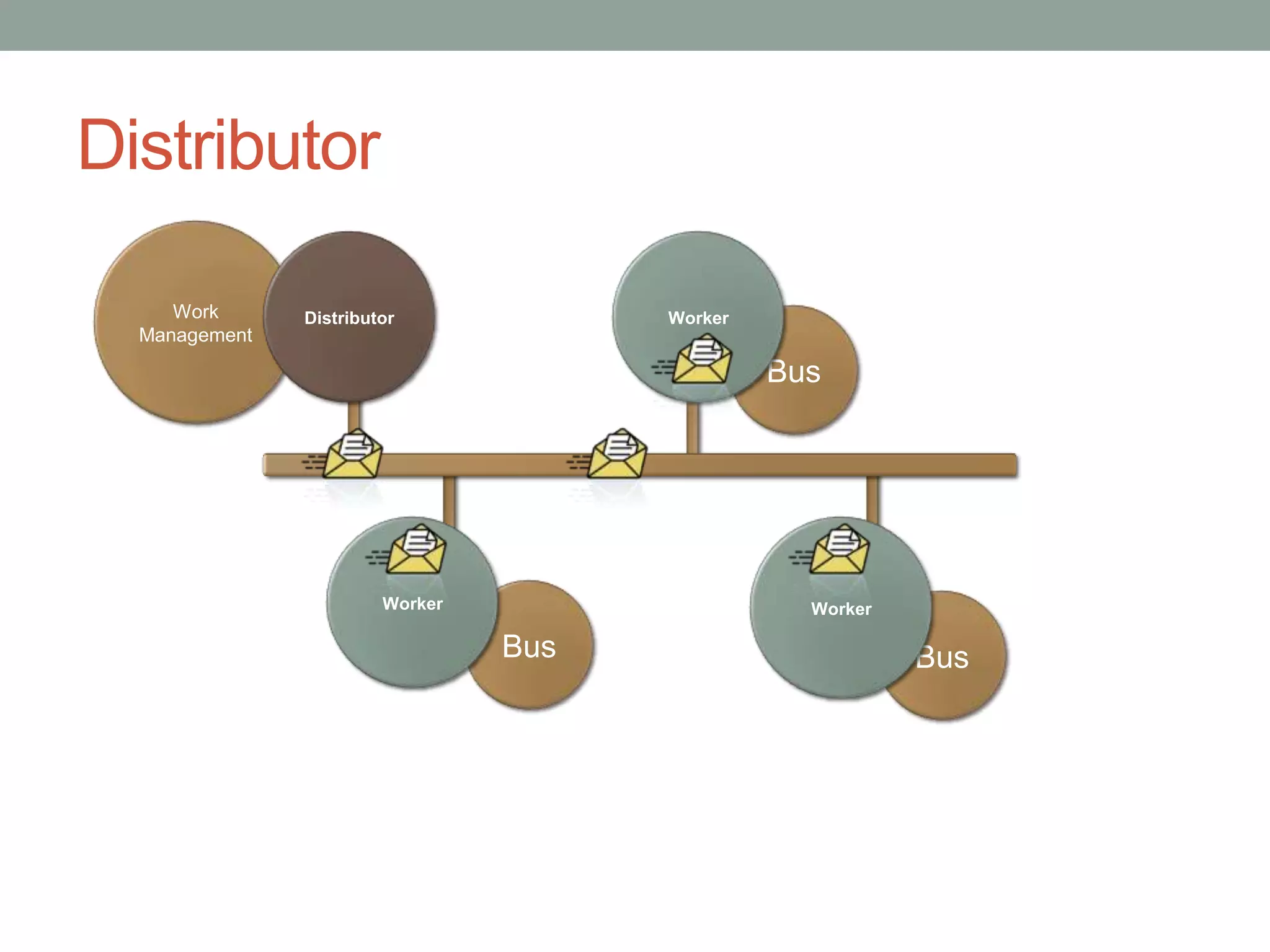
DistributorWork ManagementDistributorWorkerBusWorkerWorkerBusBus
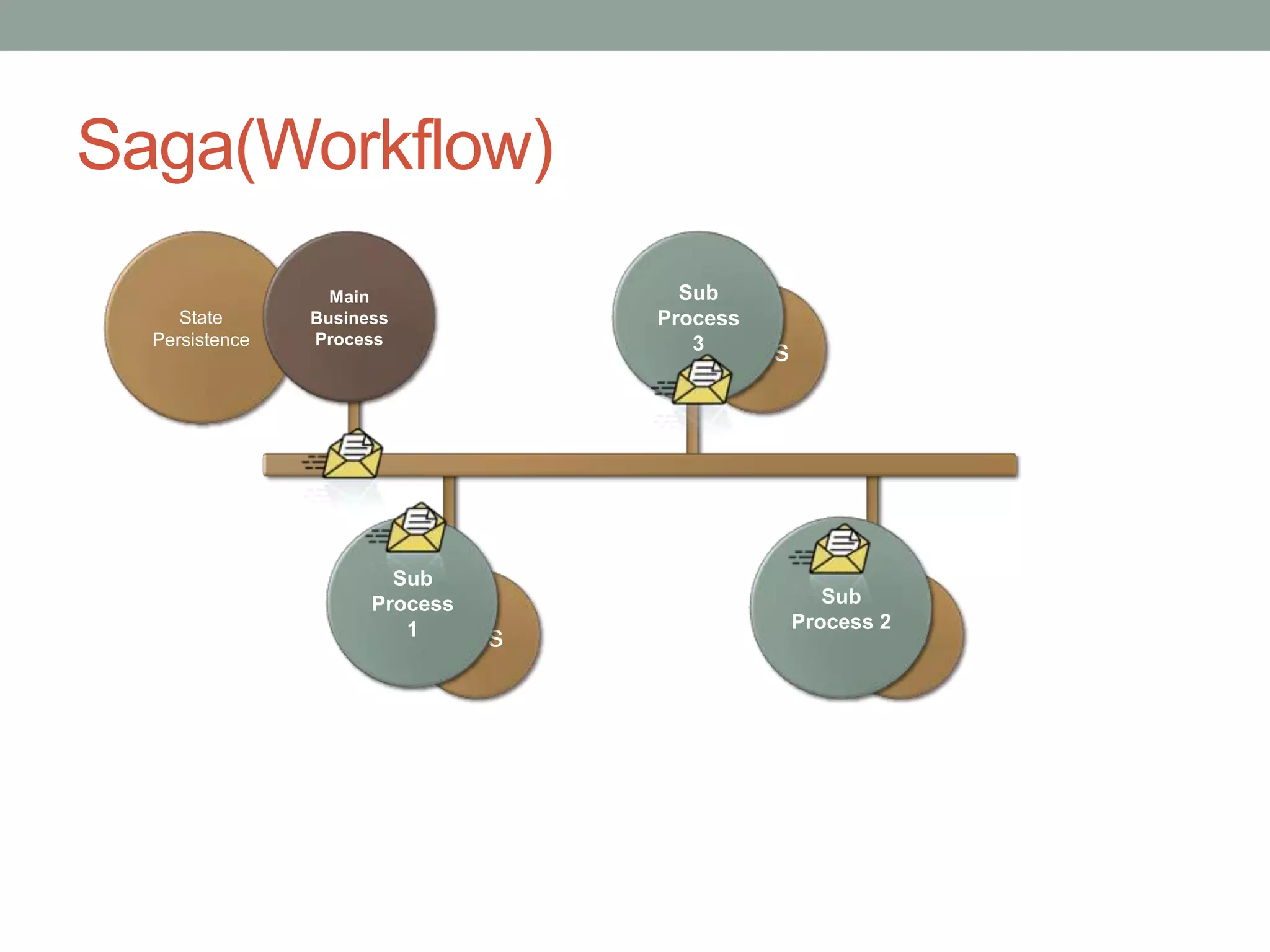
Saga(Workflow)StatePersistenceMain Business ProcessSub Process 3BusSub Process 1Sub Process 2BusBus
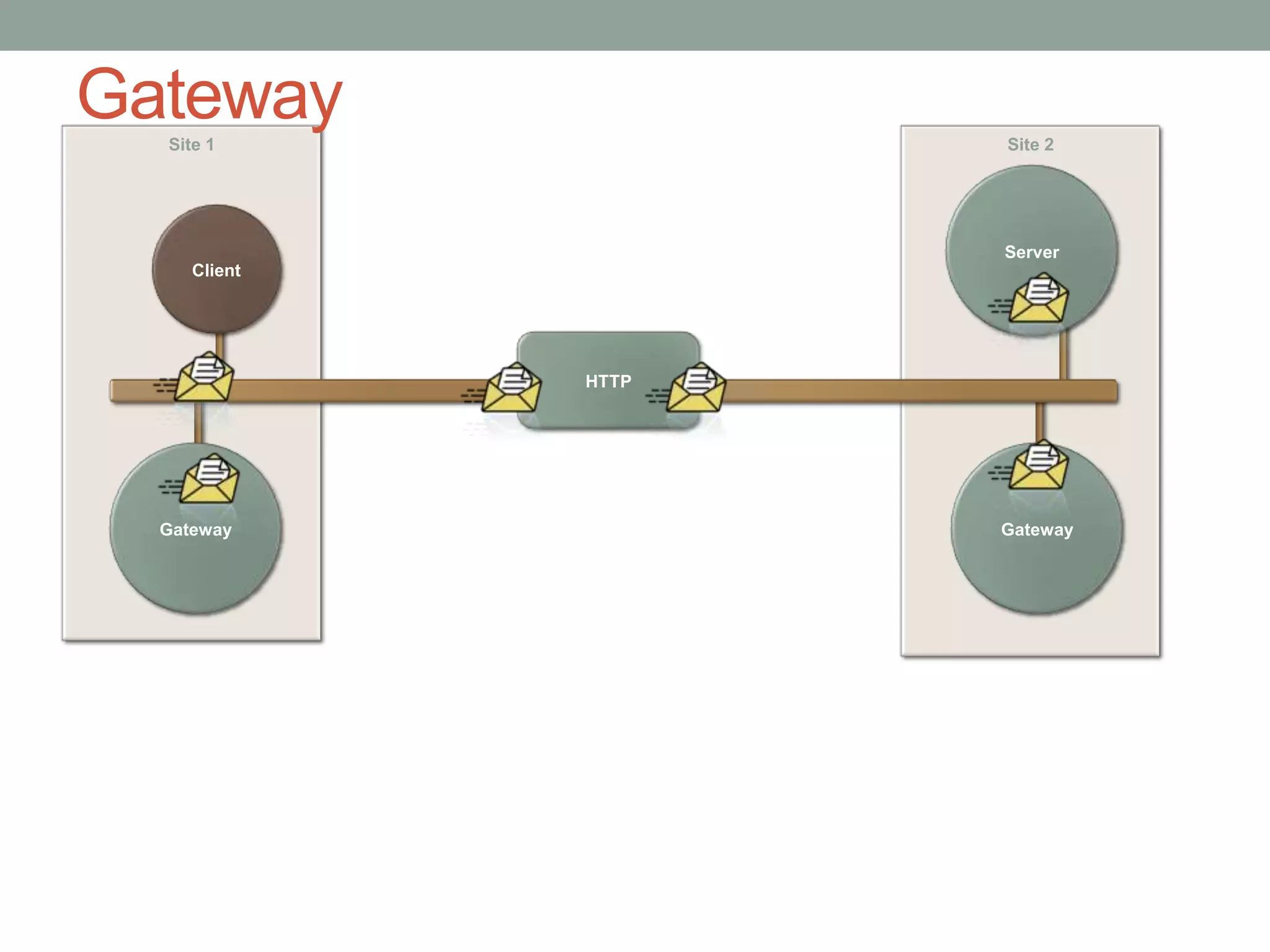
GatewaySite 2Site 1ServerClientHTTPGatewayGateway
Messaging/Integration Framework Selection CriteriaFeaturesPublish/SubscribeWork DistributionLong Running Business WorkflowsLives on existing infrastructureLow Learning CurveActively supportedCost Effective
Selected FrameworkNServiceBusOpen SourceFeature RichBuilt on MSMQ, MSDTC, and .NET
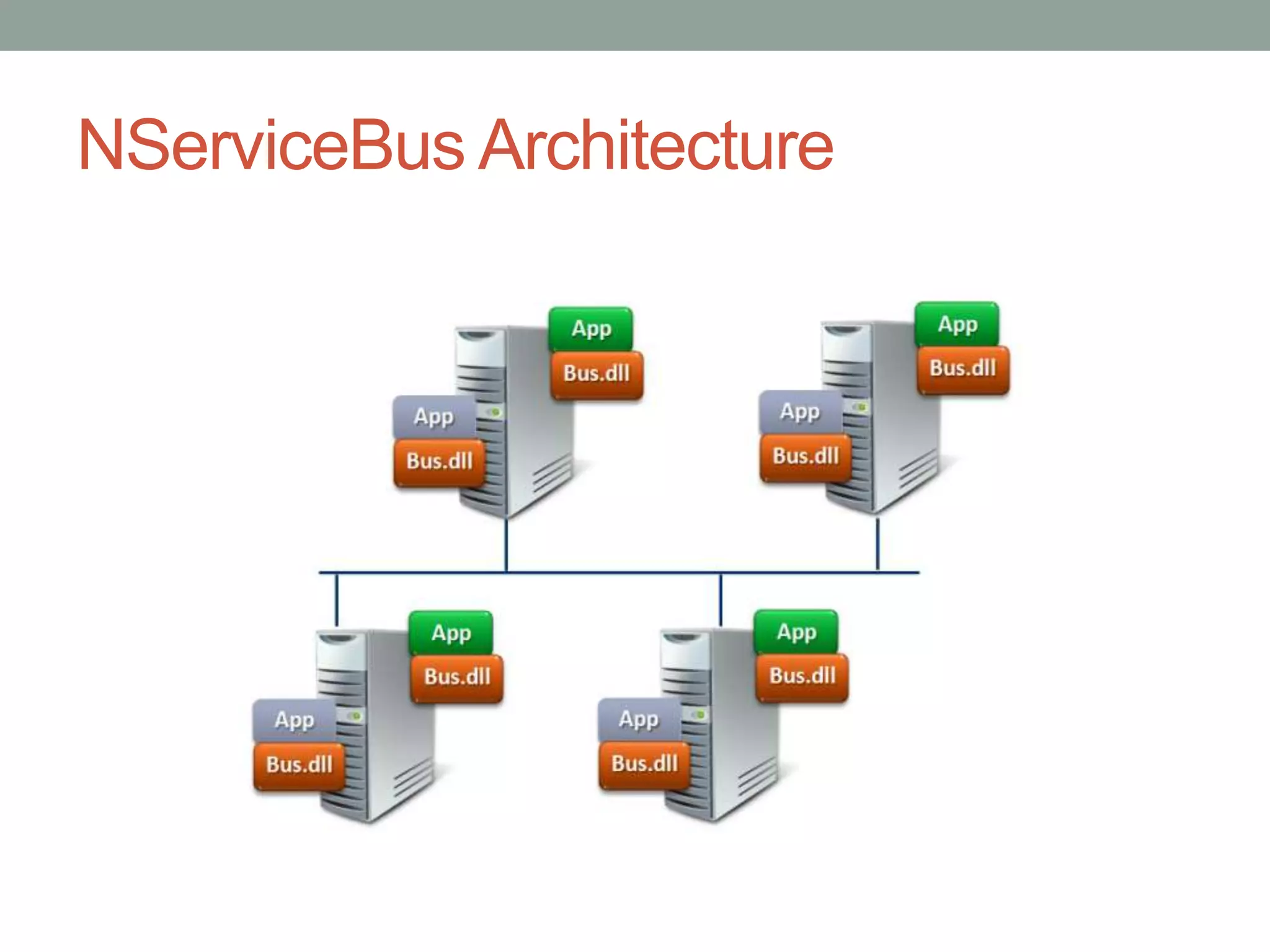
NServiceBus Architecture
Required SoftwareMSMQMSDTCNSB Bits.NET Framework 3.5 SP1RDBMSSubscription StorageVery small, SQL Server will do
MonitoringPerfMon CountersNSB“Critical Time” – how long has the oldest message been sitting in the queueLogsSCOMMSMQError Queue
LoggingConfigurable & managed by the developerIncludes standard mechanismsFilesEvent LogDatabaseCustom…
InstallationNServiceBus.Host.exe[/install	(installs as a Windows Service)[/serviceName]	(name in the registry)[/displayName]	(display name in Mgr)[/description]	(description in Mgr)[/instance]		(another named instance)[/startManually]	(don’t start the service)[/username]		(account it runs as)[/password]		(password of above user)[ProfileName]	(name of the profile to use)
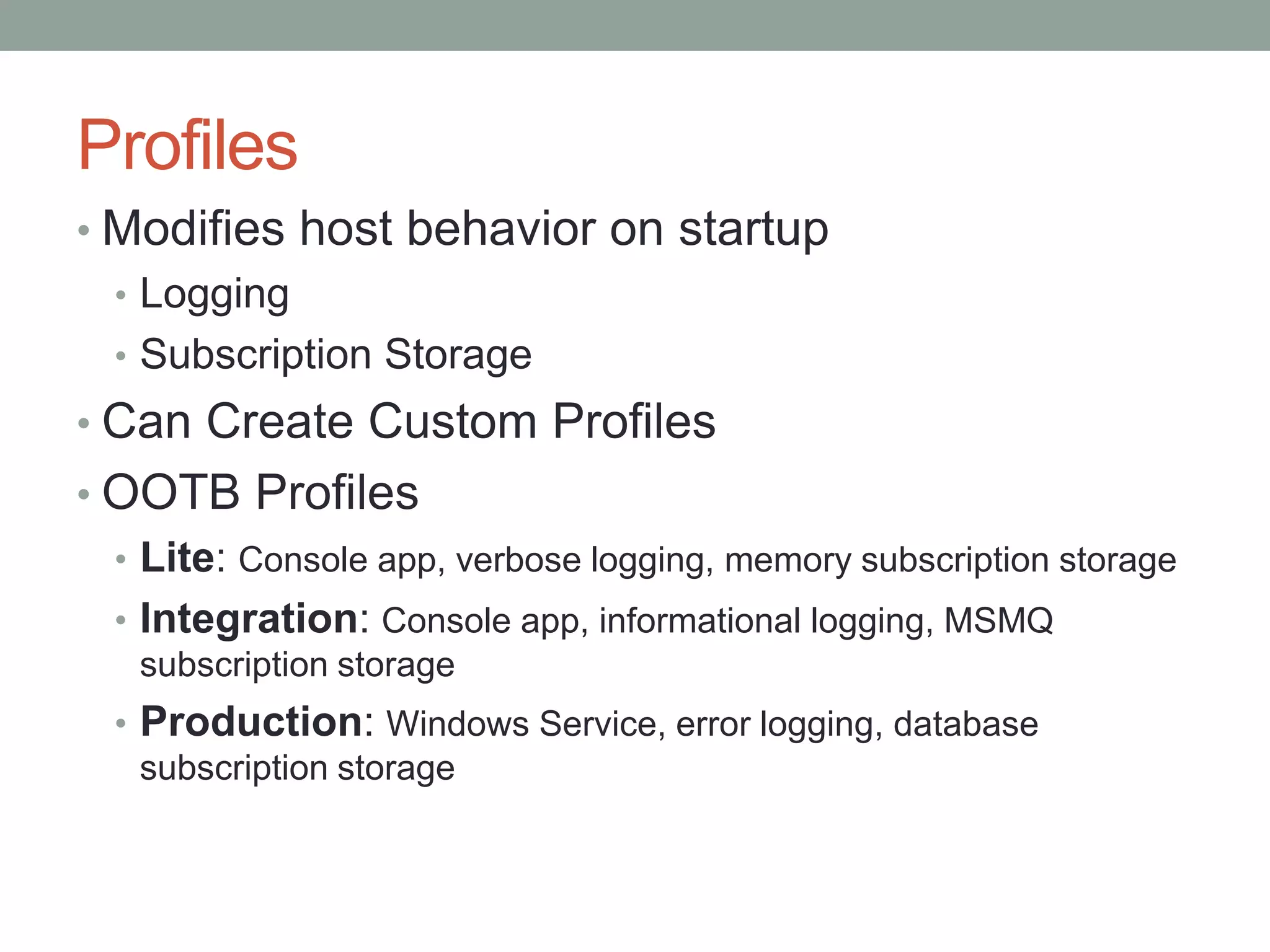
ProfilesModifies host behavior on startupLoggingSubscription StorageCan Create Custom ProfilesOOTB ProfilesLite: Console app, verbose logging, memory subscription storageIntegration: Console app, informational logging, MSMQ subscription storageProduction: Windows Service, error logging, database subscription storage
UninstallationNServiceBus.Host.exe[/uninstall[/serviceName][/instance]]
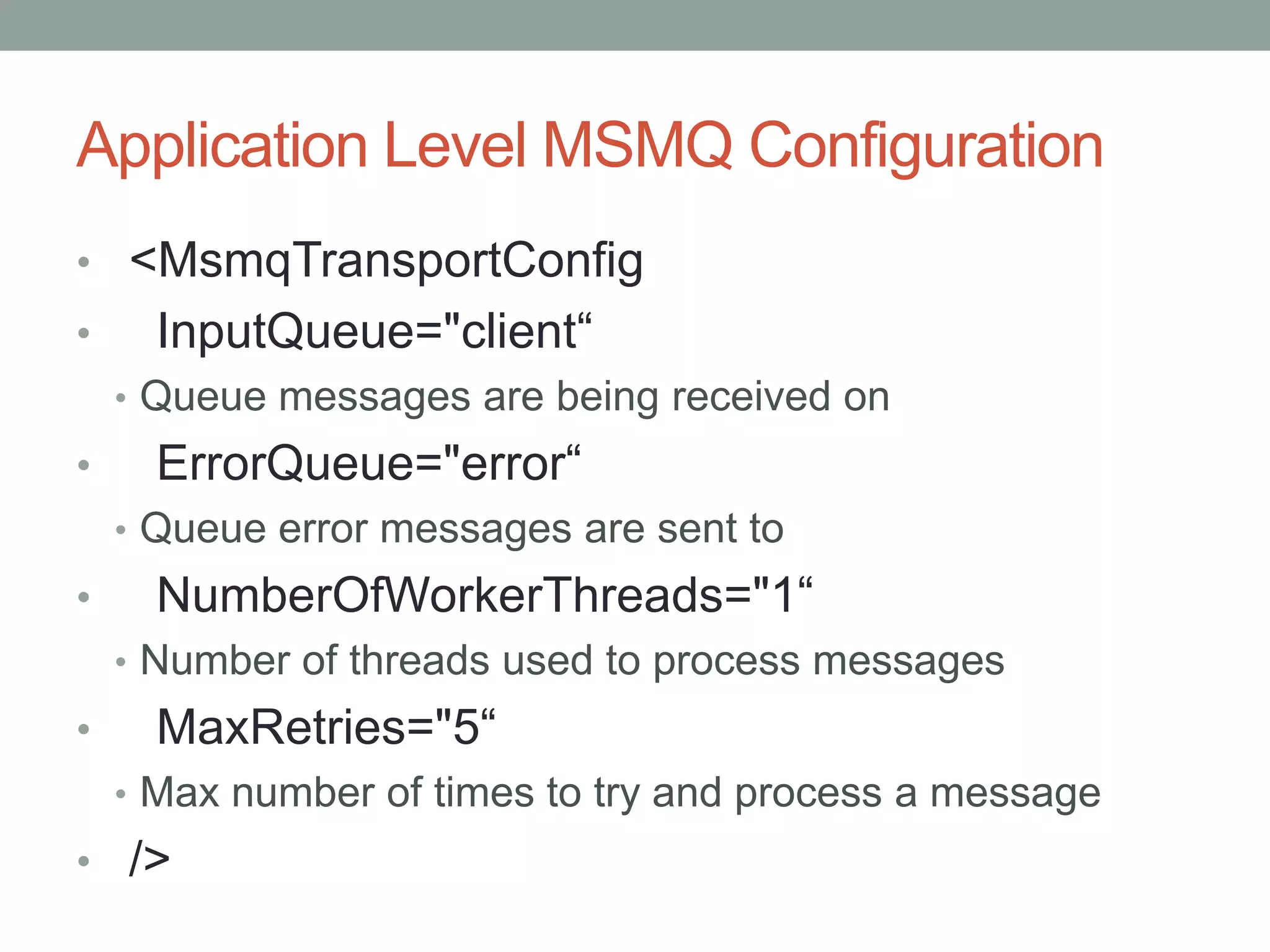
Application Level MSMQ Configuration<MsmqTransportConfig    InputQueue="client“Queue messages are being received on    ErrorQueue="error“Queue error messages are sent to    NumberOfWorkerThreads="1“Number of threads used to process messagesMaxRetries="5“Max number of times to try and process a message  />
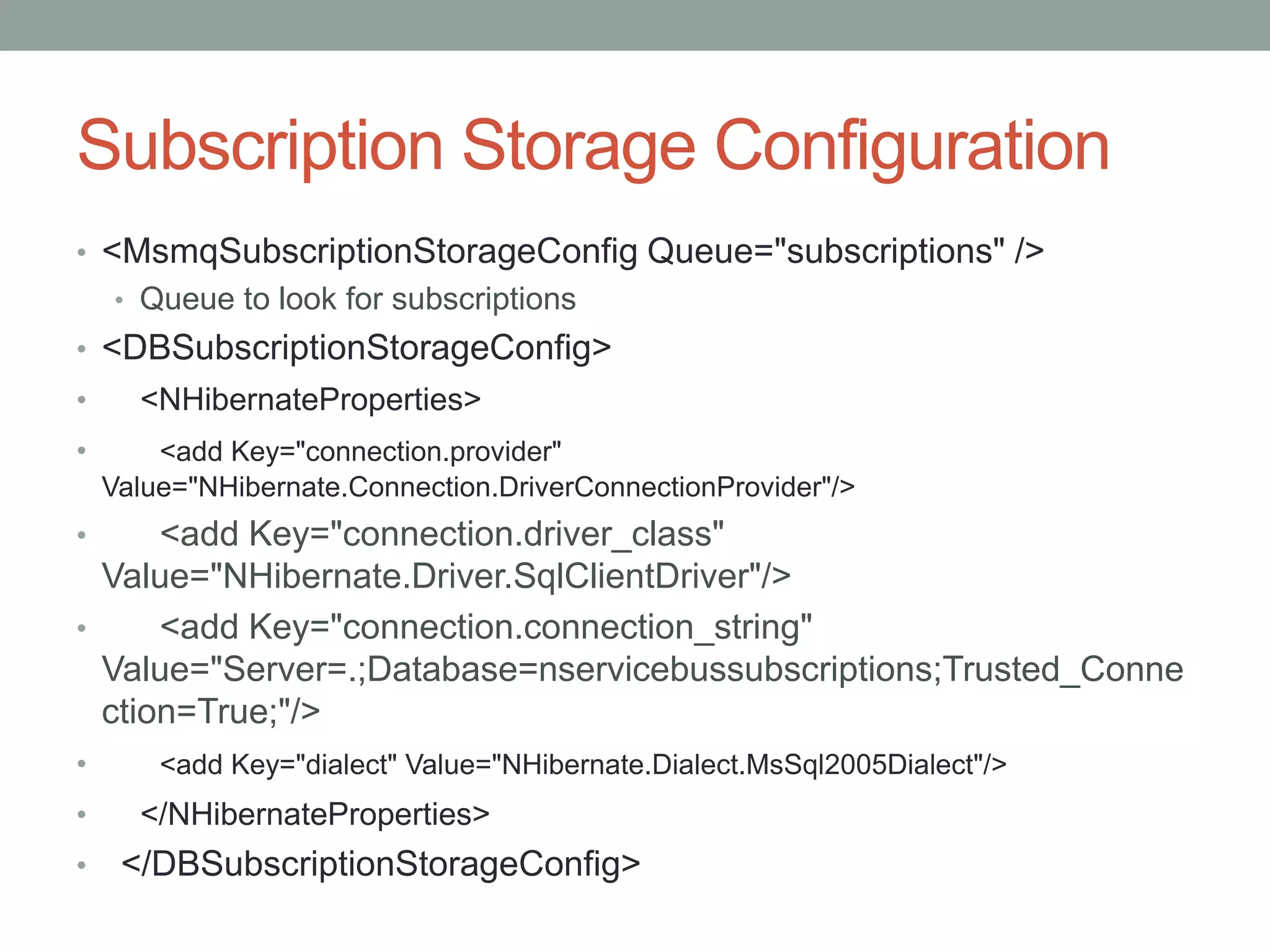
Subscription Storage Configuration<MsmqSubscriptionStorageConfig Queue="subscriptions" />Queue to look for subscriptions<DBSubscriptionStorageConfig><NHibernateProperties><add Key="connection.provider" Value="NHibernate.Connection.DriverConnectionProvider"/><add Key="connection.driver_class" Value="NHibernate.Driver.SqlClientDriver"/>      <add Key="connection.connection_string" Value="Server=.;Database=nservicebussubscriptions;Trusted_Connection=True;"/><add Key="dialect" Value="NHibernate.Dialect.MsSql2005Dialect"/></NHibernateProperties>  </DBSubscriptionStorageConfig>
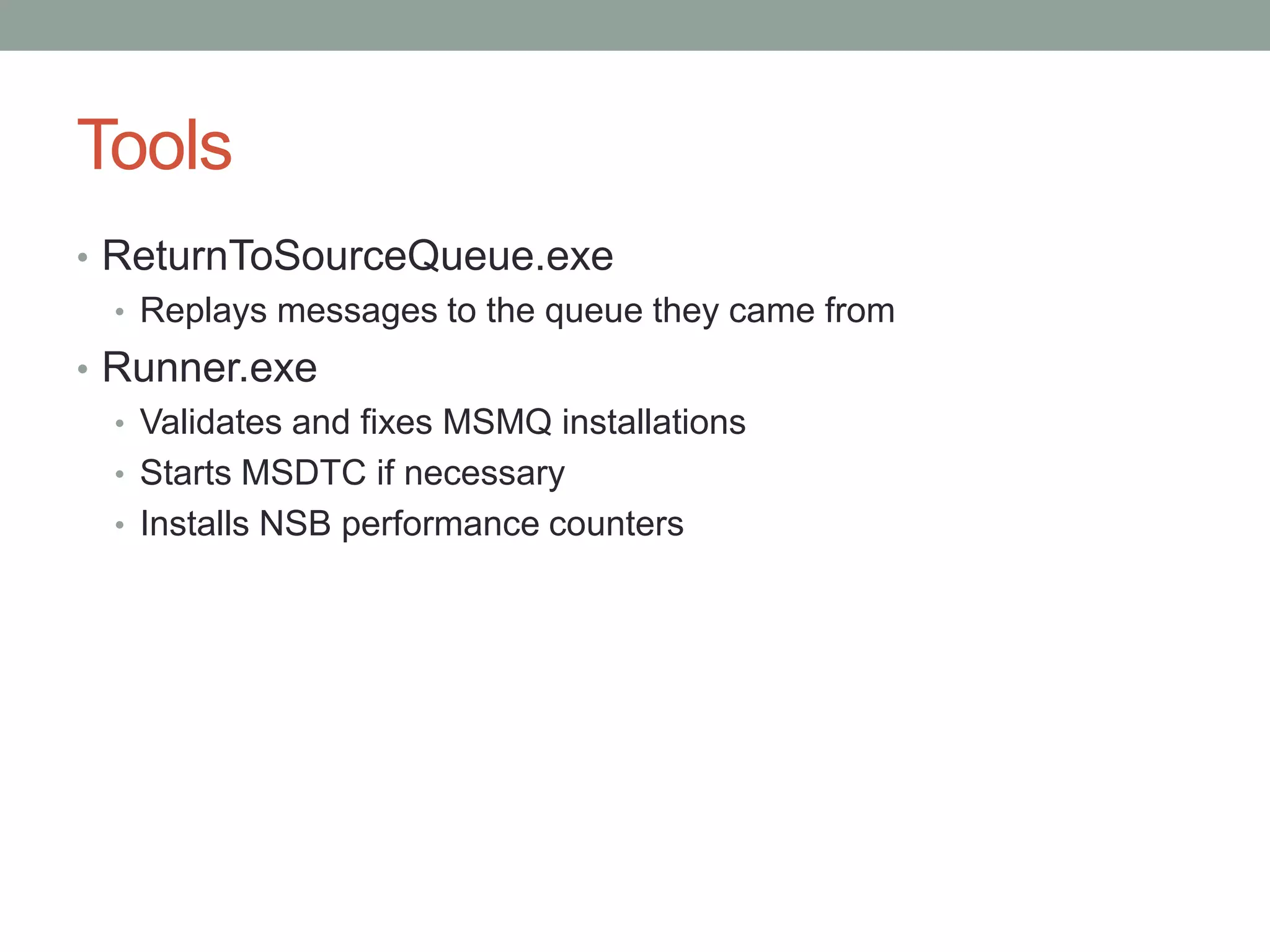
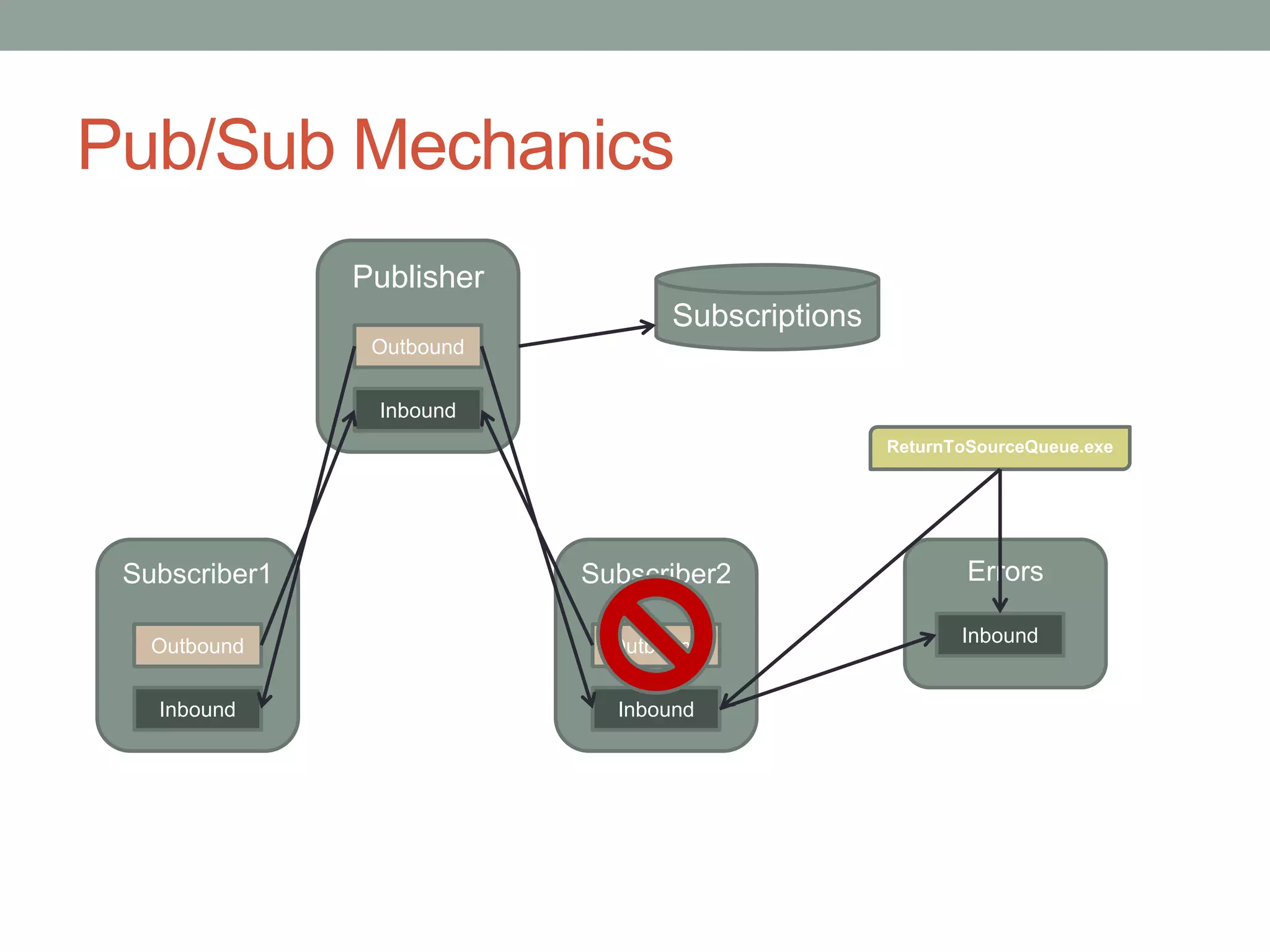
ToolsReturnToSourceQueue.exeReplays messages to the queue they came fromRunner.exeValidates and fixes MSMQ installationsStarts MSDTC if necessaryInstalls NSB performance counters
Running in a ClusterYou need to add the .NET Framework feature or application server role to the member serversYou need to add both a MSDTC and a MSMQ resource to the cluster (MSMQ will require that you have MSDTC)After adding the Generic Application for NServiceBus.Host.exe, you will need to go in and modify the properties of the generic application to check the "Use Network Name for computer name" box so that NServiceBus points to the cluster name for using MSMQ not to the member server that is currently running it.
Questions?
Pub/Sub MechanicsPublisherSubscriptionsOutboundInboundReturnToSourceQueue.exeSubscriber1Subscriber2ErrorsInboundOutboundOutboundInboundInbound

NServiceBus_for_Admins

Editor's Notes

  • #4 Single point of failureIncluded orchestration &amp; transformation of messages and formatsLinks together different protocols
  • #5 No single point of failureRoutingLinks protocols by messaging
  • #8 Animate this to show workflow
  • #10 Change to Step 1 Step 2, Step 3
  • #14 Distributed BusNo centralized resources