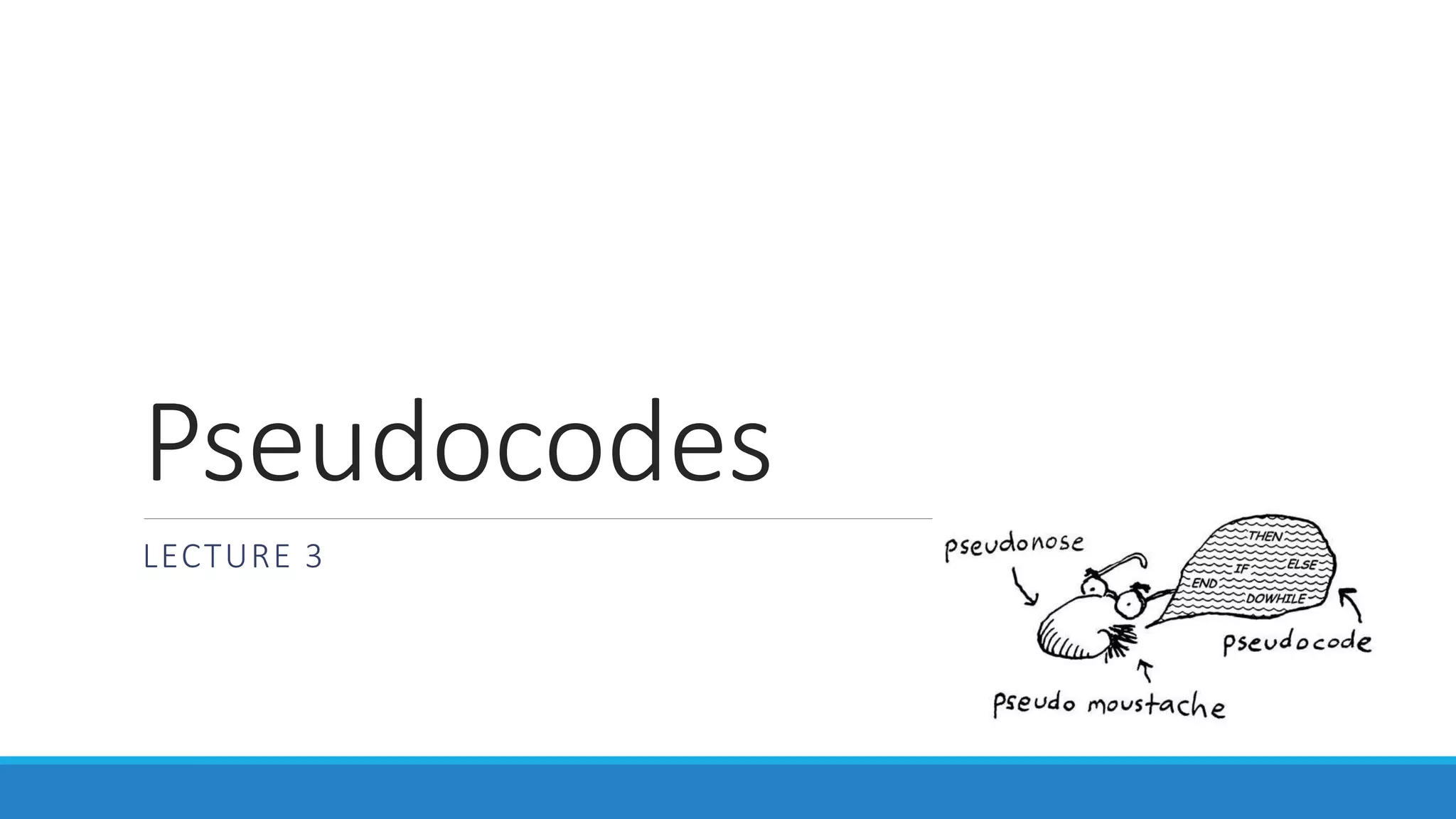
Pseudocode is an outline of a program written in a way that can be easily converted to a programming language. It uses natural language and programming constructs like expressions, methods, decision structures, loops, and array indexing. The three essential programming constructs are selection (if/else), repetition (while loops), and sequence. Pseudocode also uses relational, logical, and arithmetic operators and follows rules like using meaningful names and indenting code blocks.
What Is Pseudo-Code?
Pseudocode is an outline of a program written in a way that it can be easily
converted into a computer programming language
It mixes natural language with standard programming language constructs, such
as
◦ Expressions: c = a+ b
◦ Method Declarations: Algorithm name (param1,param2,……)
◦ Decision Structures: if condition then true-actions [else false-actions].
◦ While-Loops: While condition do actions. We use indentation to indicate
what actions should be included in the loop actions.
◦ Array Indexing: A[i] represents the ith cell in the array A. The cells of an n-
celled array A are indexed from A[0] to A[n-1].
3.
How to WritePseudo-code..
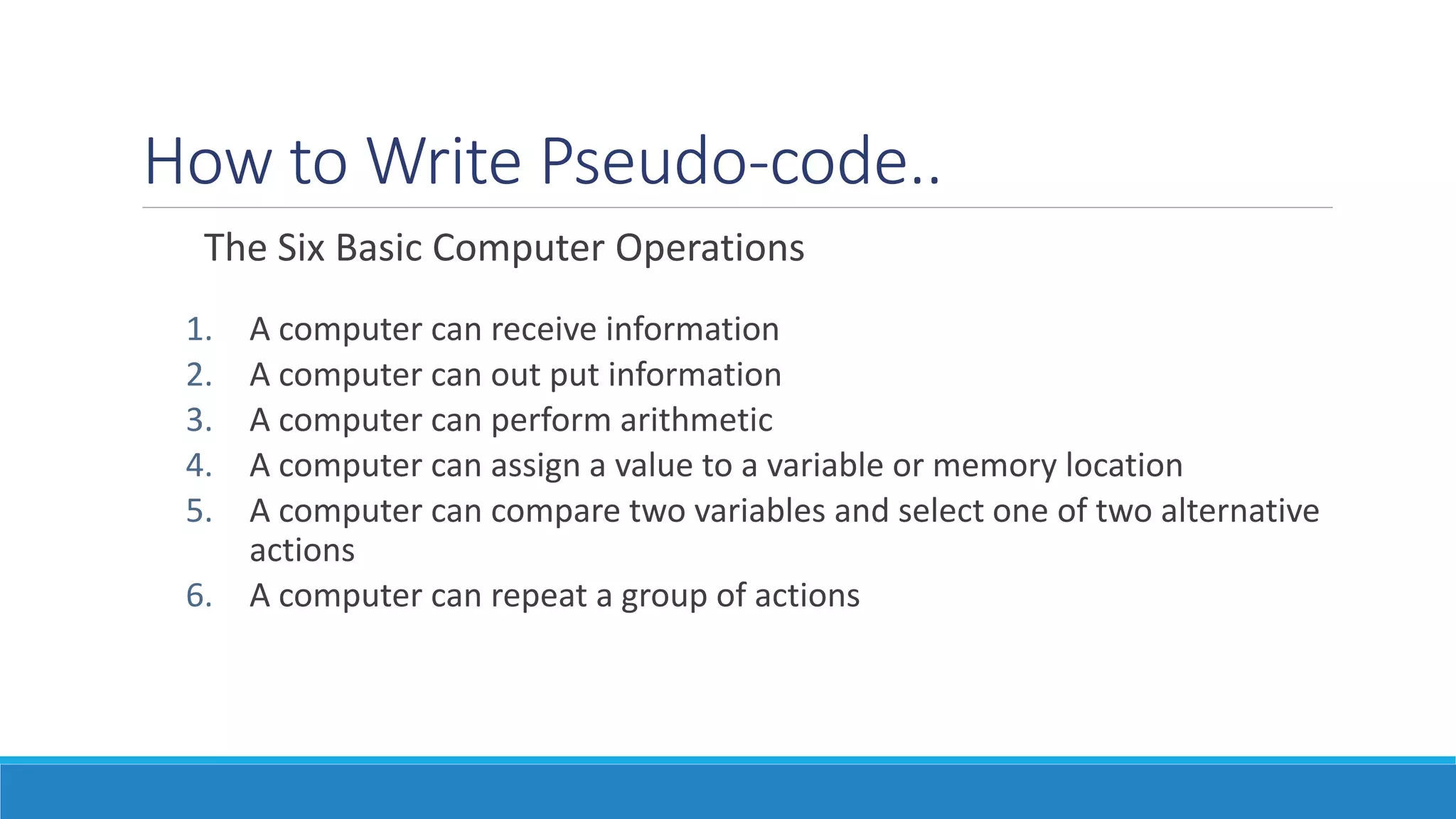
The Six Basic Computer Operations
1. A computer can receive information
2. A computer can out put information
3. A computer can perform arithmetic
4. A computer can assign a value to a variable or memory location
5. A computer can compare two variables and select one of two alternative
actions
6. A computer can repeat a group of actions
4.
1. A ComputerCan Receive Information
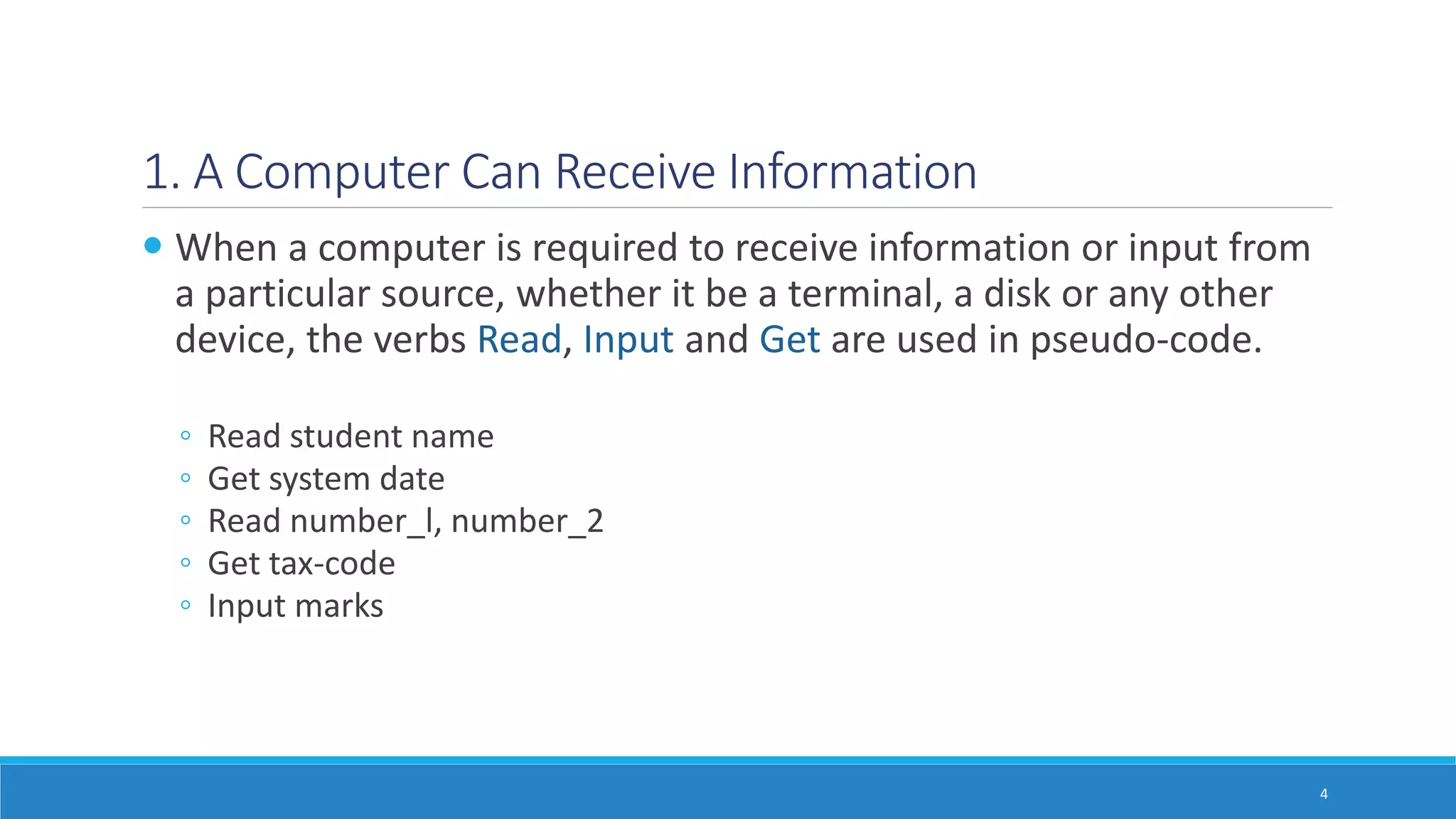
When a computer is required to receive information or input from
a particular source, whether it be a terminal, a disk or any other
device, the verbs Read, Input and Get are used in pseudo-code.
◦ Read student name
◦ Get system date
◦ Read number_l, number_2
◦ Get tax-code
◦ Input marks
4
5.
2. A ComputerCan Put Out Information
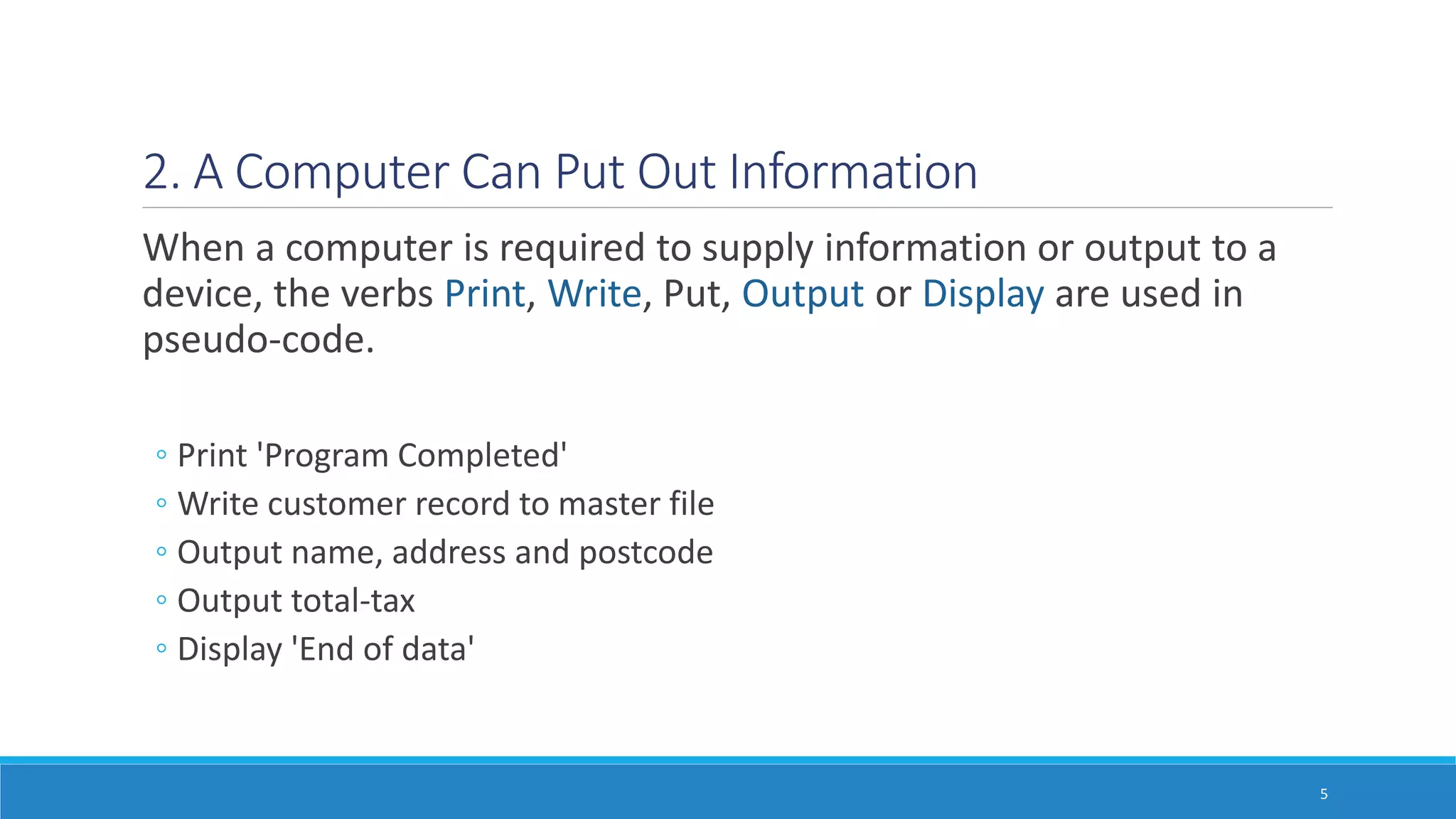
When a computer is required to supply information or output to a
device, the verbs Print, Write, Put, Output or Display are used in
pseudo-code.
◦ Print 'Program Completed'
◦ Write customer record to master file
◦ Output name, address and postcode
◦ Output total-tax
◦ Display 'End of data'
5
6.
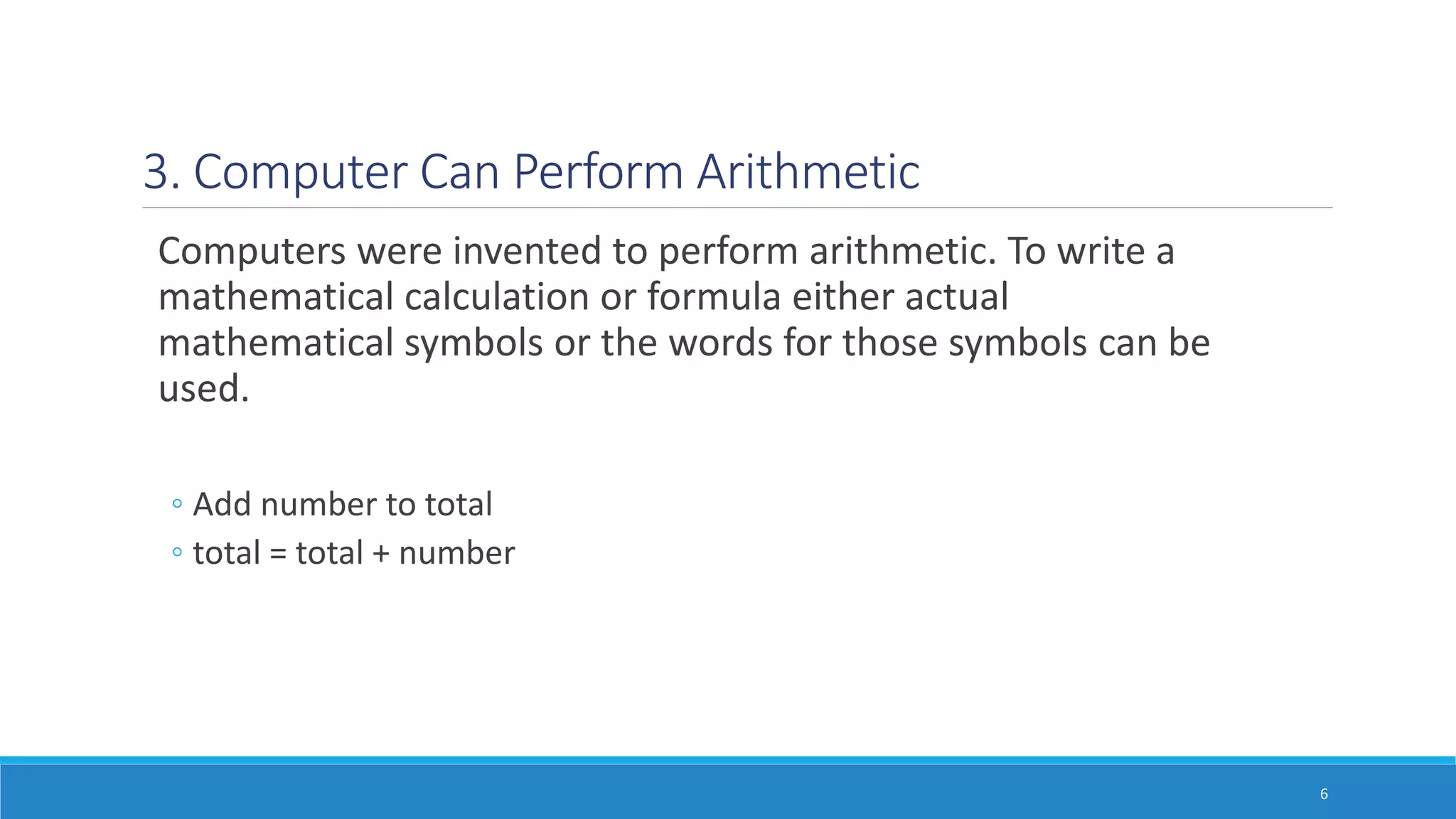
3. Computer CanPerform Arithmetic
Computers were invented to perform arithmetic. To write a
mathematical calculation or formula either actual
mathematical symbols or the words for those symbols can be
used.
◦ Add number to total
◦ total = total + number
6
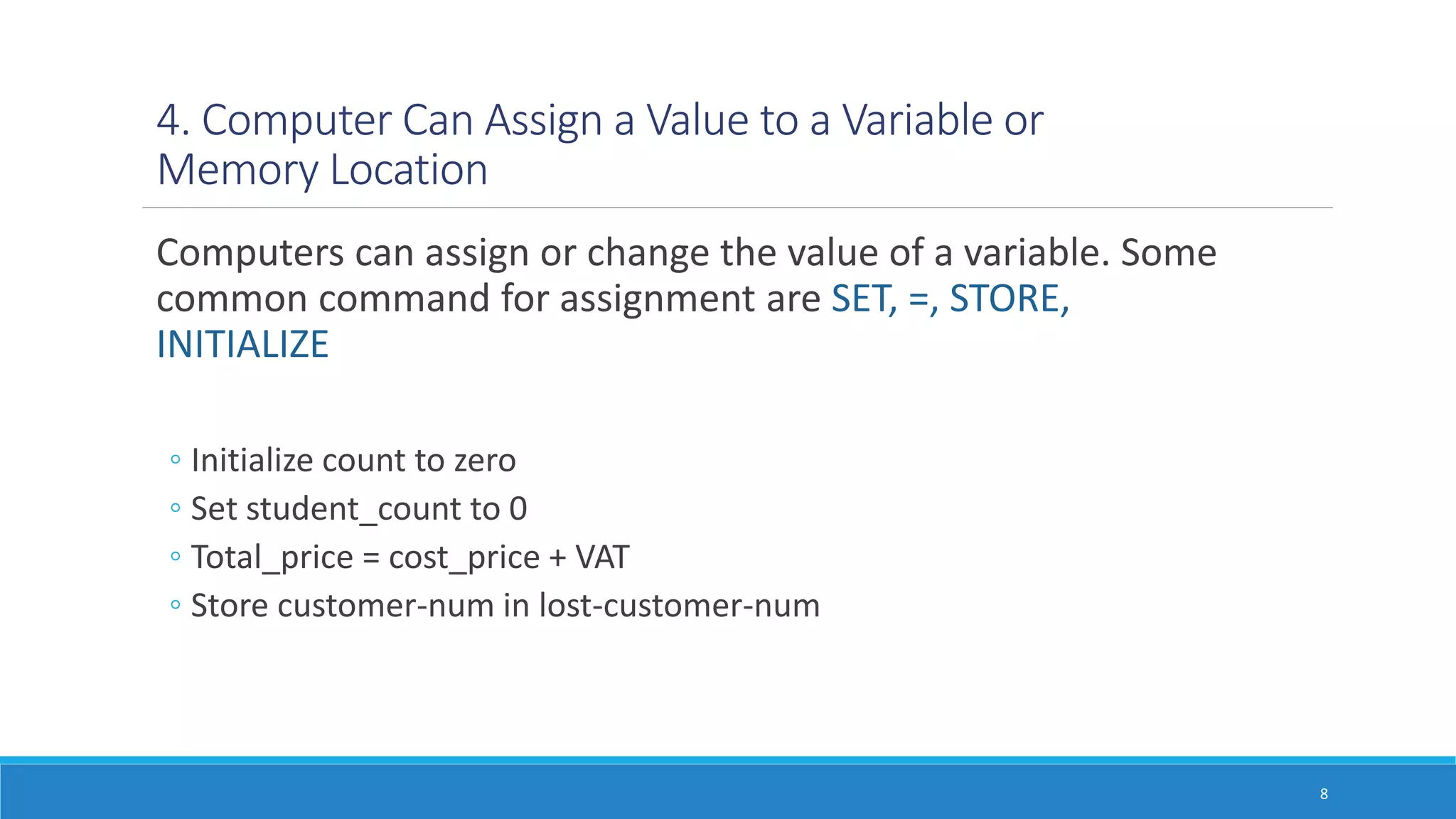
4. Computer CanAssign a Value to a Variable or
Memory Location
Computers can assign or change the value of a variable. Some
common command for assignment are SET, =, STORE,
INITIALIZE
◦ Initialize count to zero
◦ Set student_count to 0
◦ Total_price = cost_price + VAT
◦ Store customer-num in lost-customer-num
8
9.
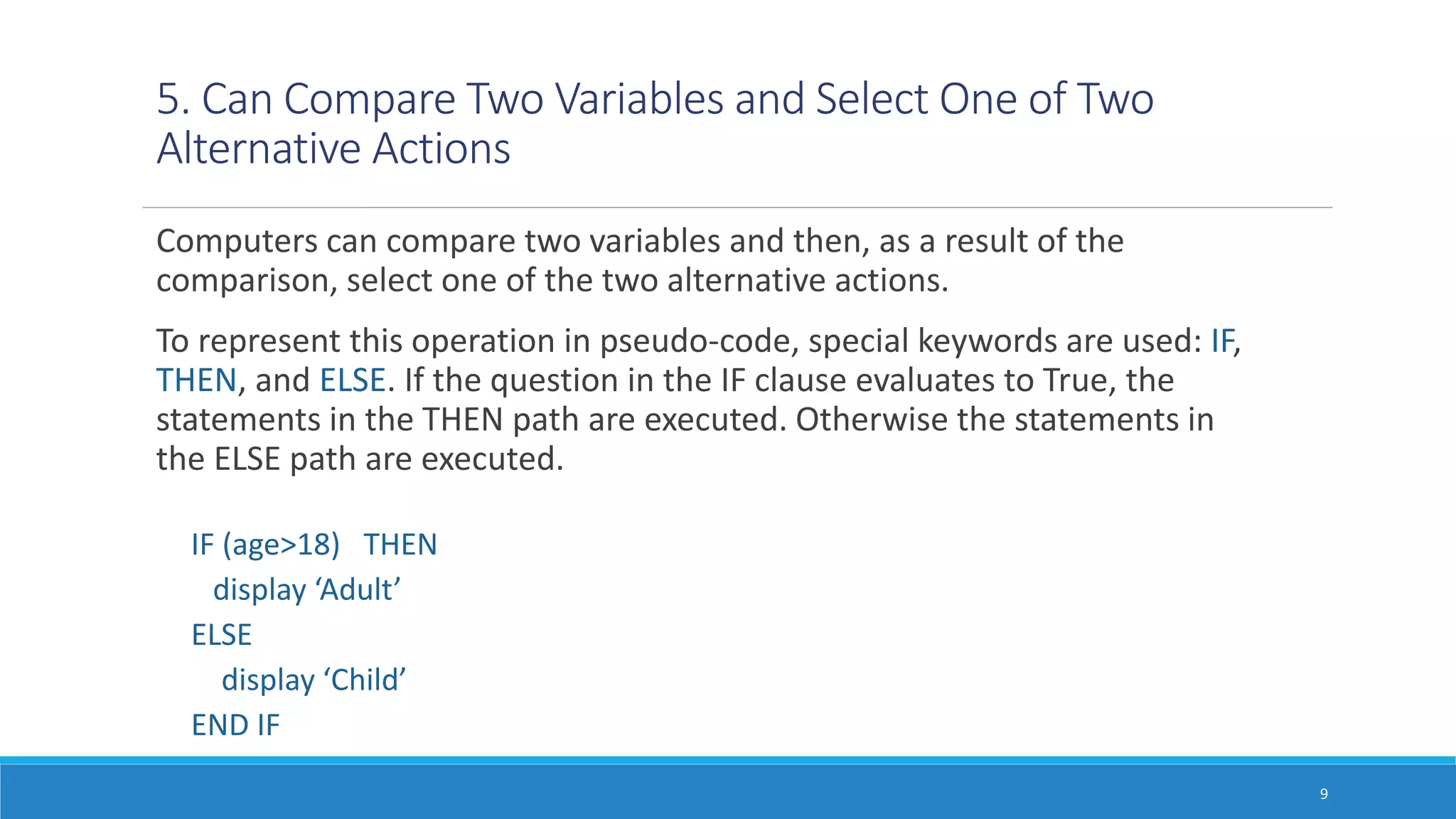
5. Can CompareTwo Variables and Select One of Two
Alternative Actions
Computers can compare two variables and then, as a result of the
comparison, select one of the two alternative actions.
To represent this operation in pseudo-code, special keywords are used: IF,
THEN, and ELSE. If the question in the IF clause evaluates to True, the
statements in the THEN path are executed. Otherwise the statements in
the ELSE path are executed.
IF (age>18) THEN
display ‘Adult’
ELSE
display ‘Child’
END IF
9
10.
The IF …THEN…ELSE Construct
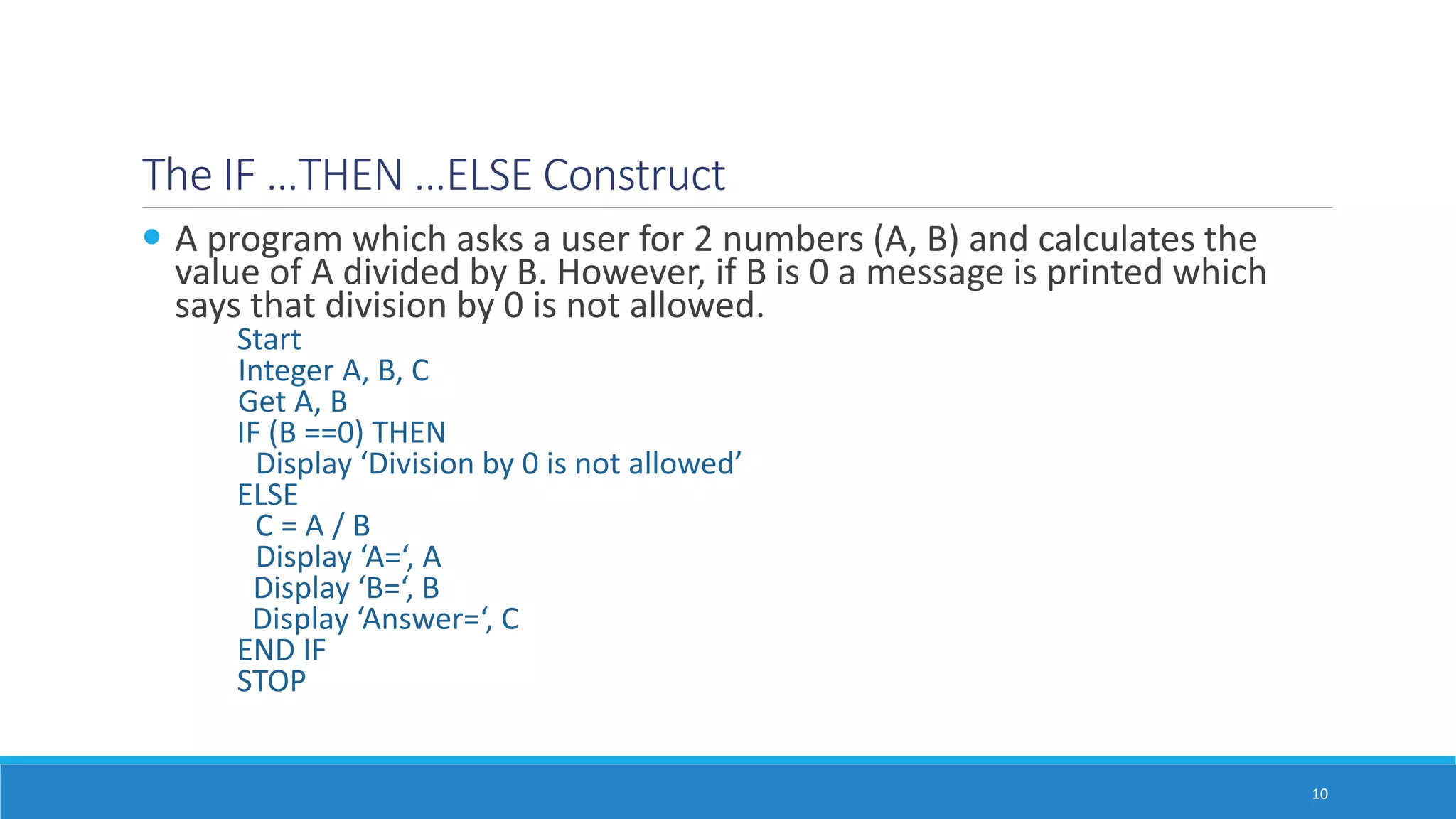
A program which asks a user for 2 numbers (A, B) and calculates the
value of A divided by B. However, if B is 0 a message is printed which
says that division by 0 is not allowed.
Start
Integer A, B, C
Get A, B
IF (B ==0) THEN
Display ‘Division by 0 is not allowed’
ELSE
C = A / B
Display ‘A=‘, A
Display ‘B=‘, B
Display ‘Answer=‘, C
END IF
STOP
10
11.
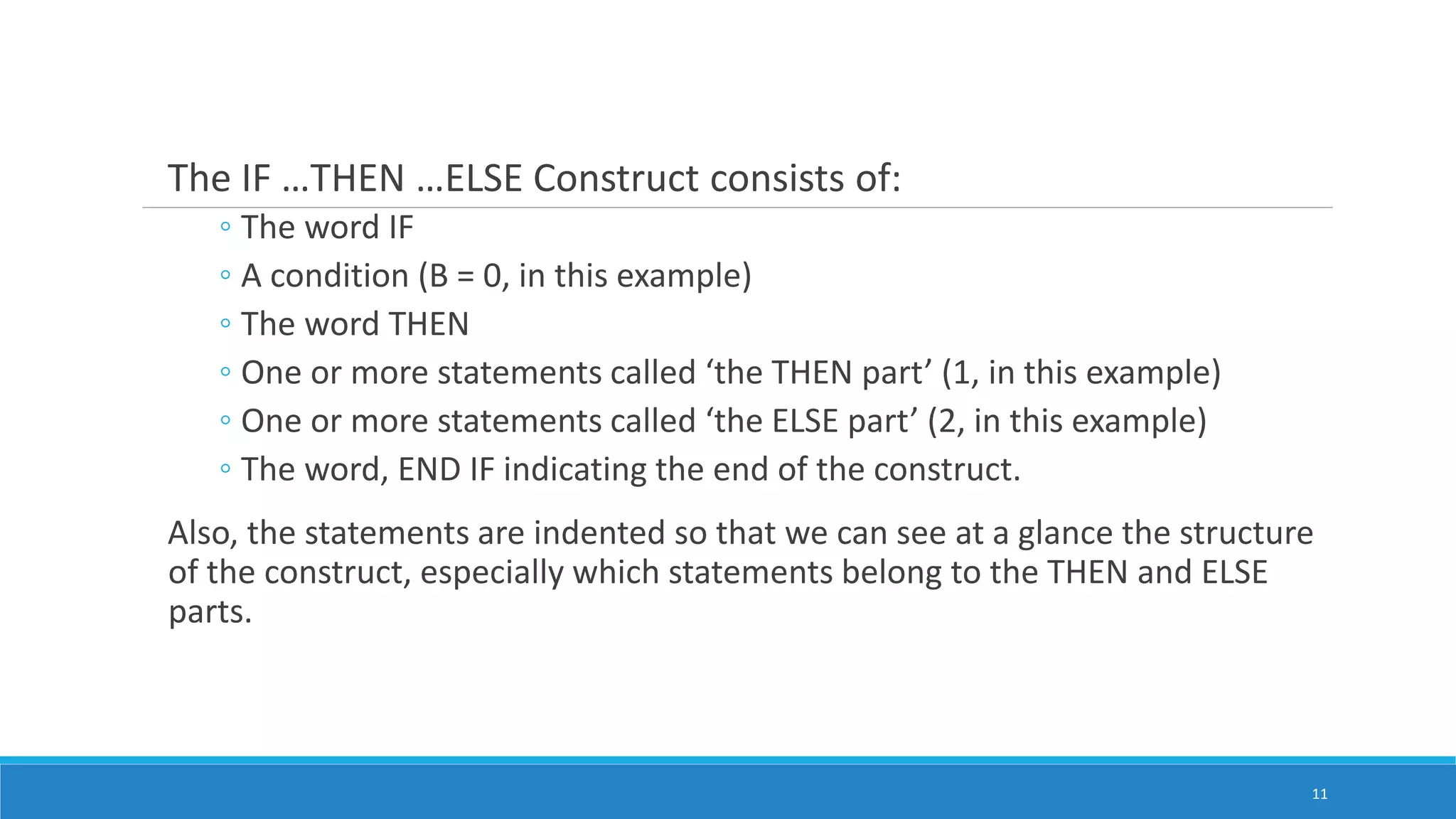
The IF …THEN…ELSE Construct consists of:
◦ The word IF
◦ A condition (B = 0, in this example)
◦ The word THEN
◦ One or more statements called ‘the THEN part’ (1, in this example)
◦ One or more statements called ‘the ELSE part’ (2, in this example)
◦ The word, END IF indicating the end of the construct.
Also, the statements are indented so that we can see at a glance the structure
of the construct, especially which statements belong to the THEN and ELSE
parts.
11
12.
6. Computer CanRepeat a Group of Actions
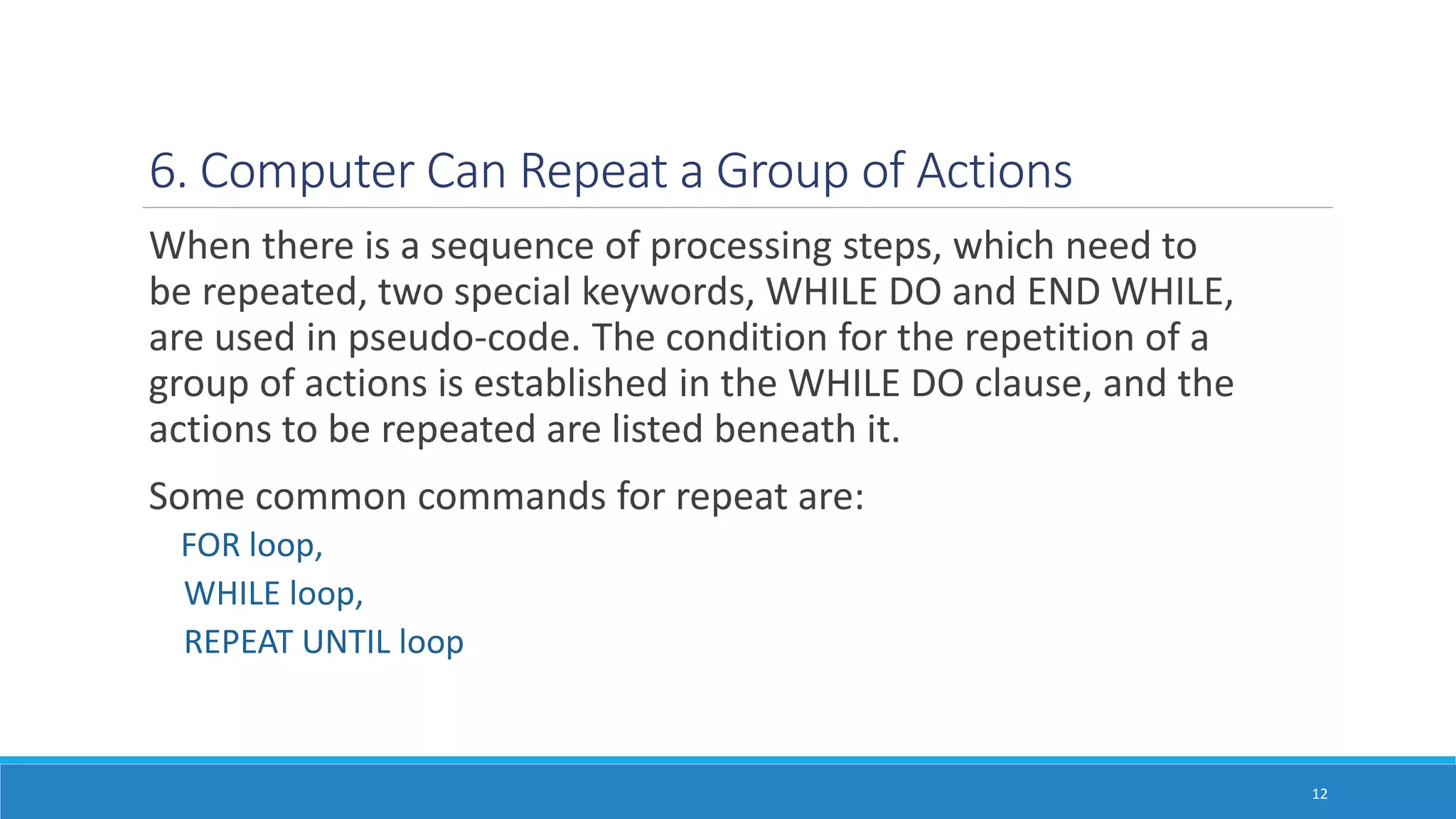
When there is a sequence of processing steps, which need to
be repeated, two special keywords, WHILE DO and END WHILE,
are used in pseudo-code. The condition for the repetition of a
group of actions is established in the WHILE DO clause, and the
actions to be repeated are listed beneath it.
Some common commands for repeat are:
FOR loop,
WHILE loop,
REPEAT UNTIL loop
12
13.
The While Construct
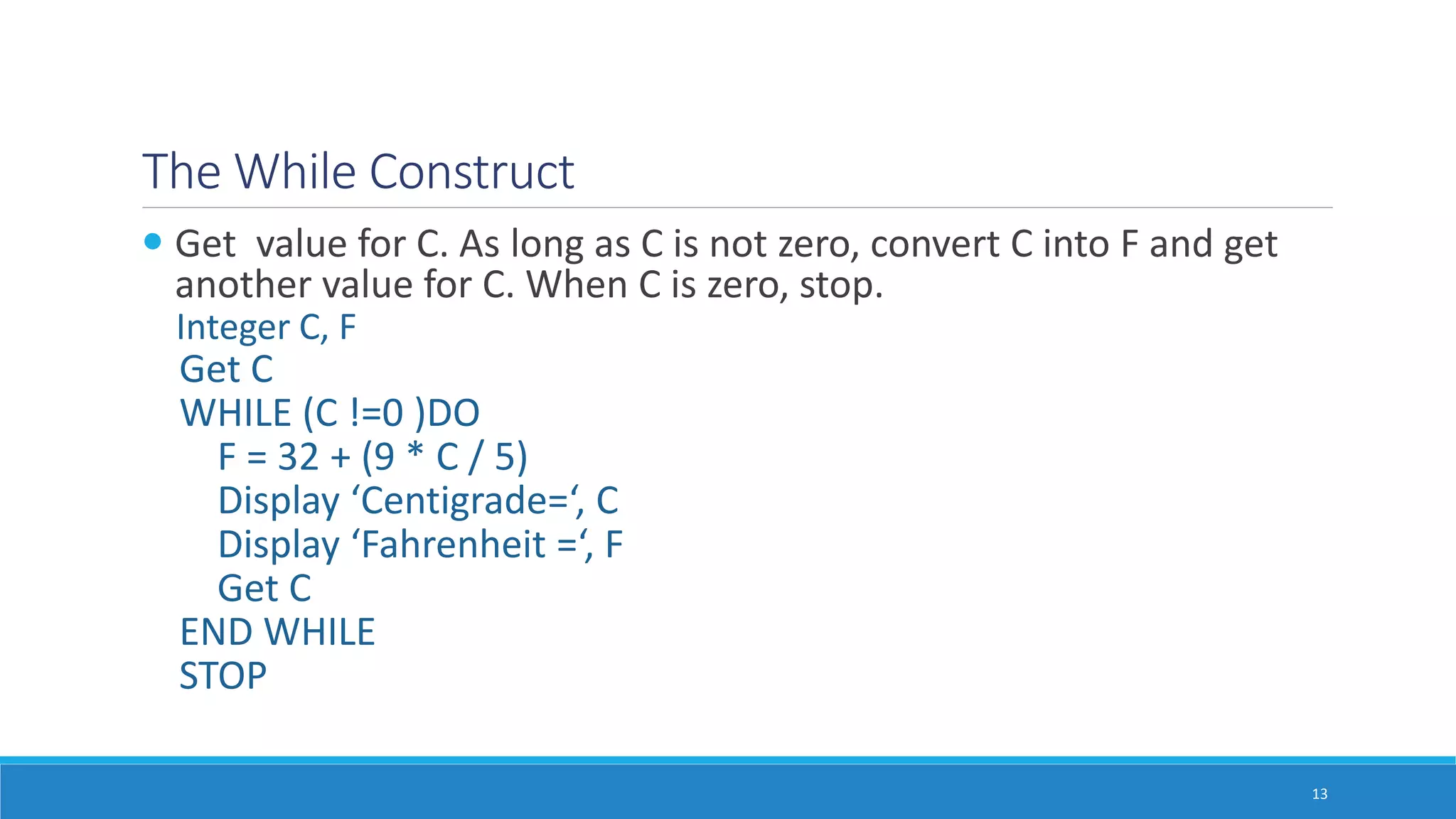
Get value for C. As long as C is not zero, convert C into F and get
another value for C. When C is zero, stop.
Integer C, F
Get C
WHILE (C !=0 )DO
F = 32 + (9 * C / 5)
Display ‘Centigrade=‘, C
Display ‘Fahrenheit =‘, F
Get C
END WHILE
STOP
13
14.
The While Construct
AWHILE Loop consists of:
◦ The word WHILE
◦ A condition (C is not zero, in this example)
◦ The word DO
◦ One or more statements (3, in this example)
◦ The word, END WHILE indicating the end of the loop
Also, the statements are indented so that we can see
at a glance the structure of loop.
14
15.
Exercise
A user isasked to enter a set of positive numbers, one at a time. She enters 0 to
indicate that she has no more numbers to enter. Develop a pseudo-code to print
the largest number entered.
15
16.
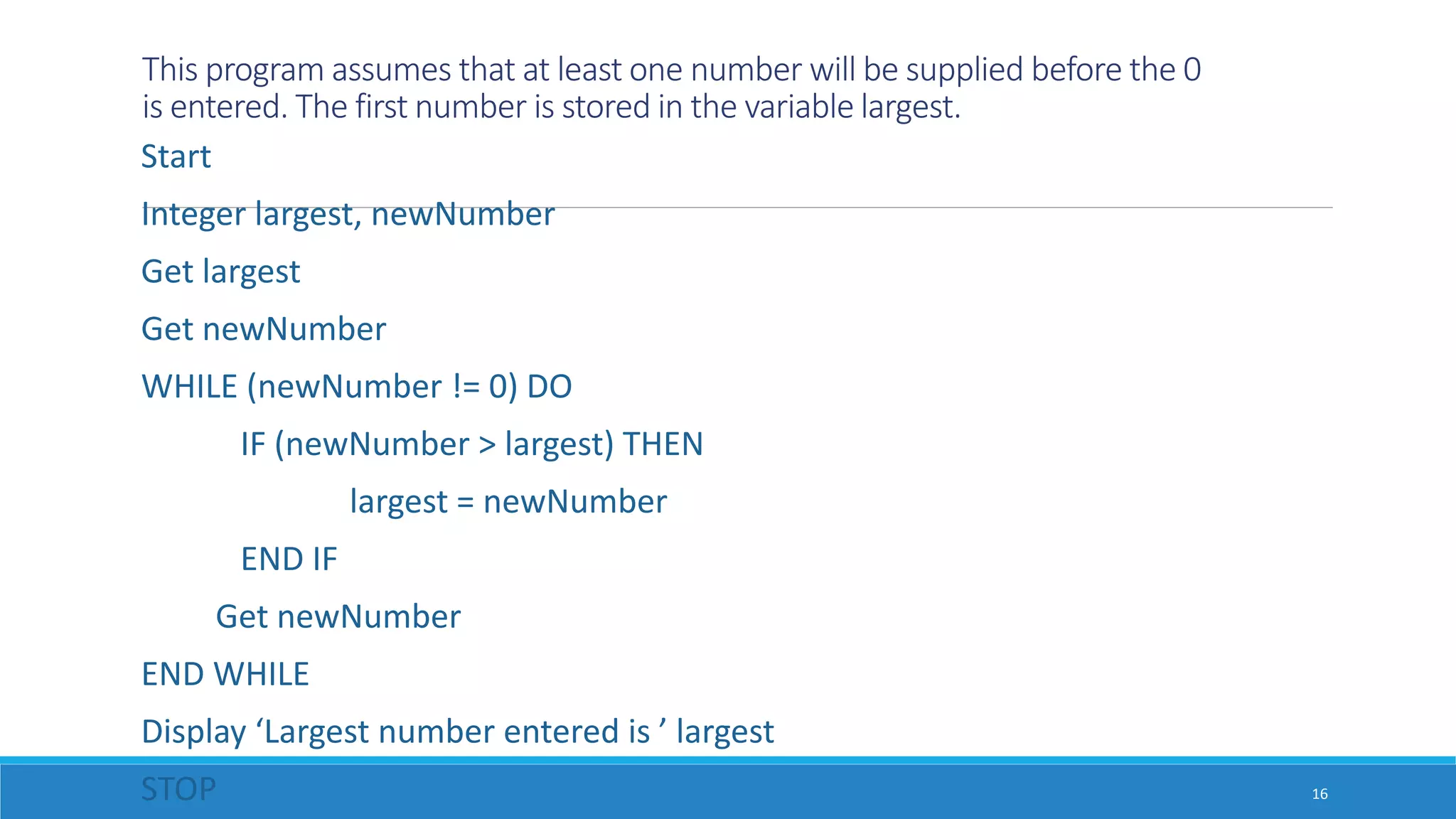
This program assumesthat at least one number will be supplied before the 0
is entered. The first number is stored in the variable largest.
Start
Integer largest, newNumber
Get largest
Get newNumber
WHILE (newNumber != 0) DO
IF (newNumber > largest) THEN
largest = newNumber
END IF
Get newNumber
END WHILE
Display ‘Largest number entered is ’ largest
STOP 16
17.
The Three EssentialProgramming Constructs
Loop (The repetition construct)
IF …THEN …ELSE Construct (The selection construct)
The Sequence construct
With theses 3 constructs one can specify any algorithm without the
use of ‘go to’ statements.
These constructs form the basis for structured programming.
Sometimes we use variations of these.
17
18.
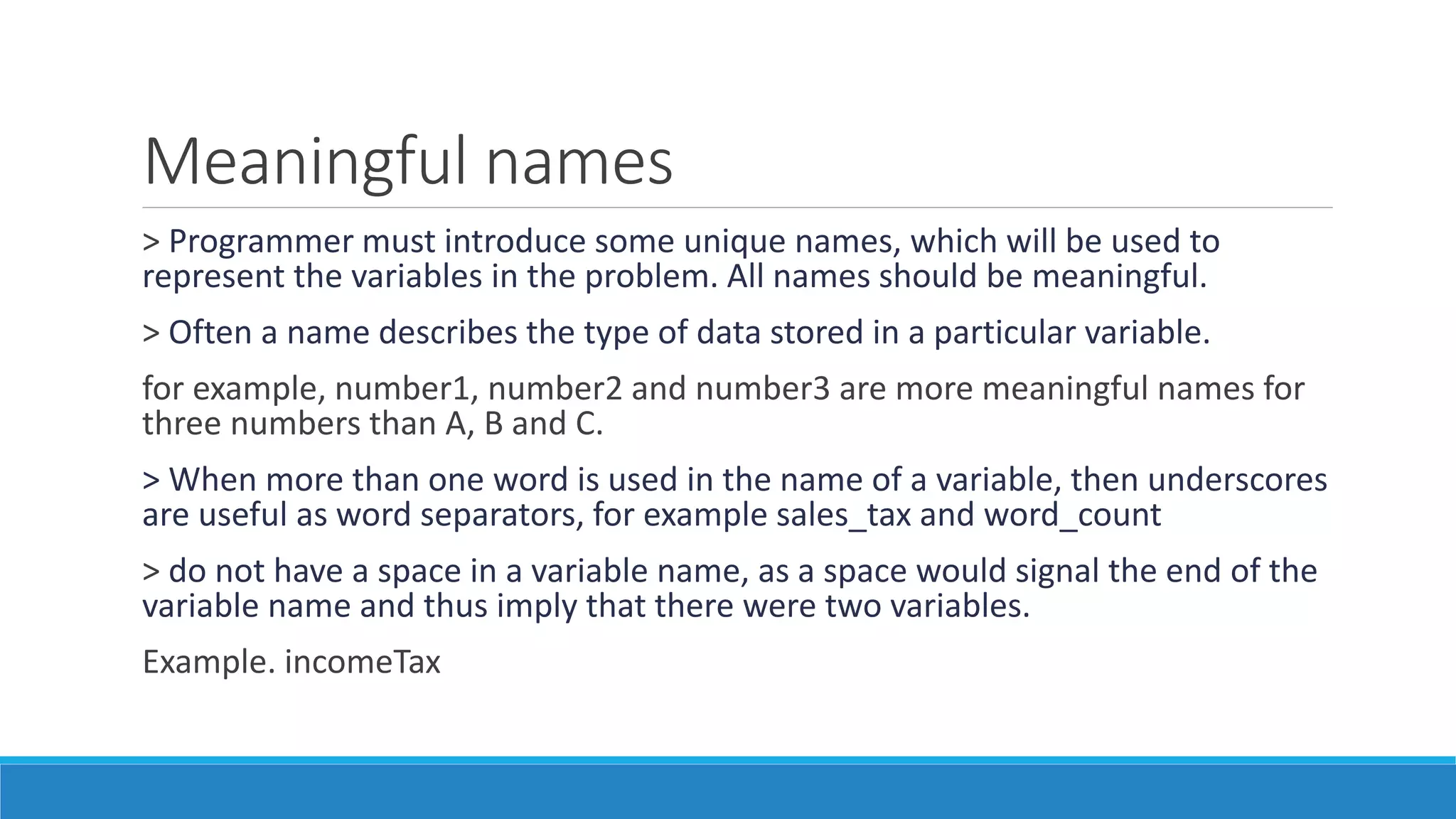
Meaningful names
> Programmermust introduce some unique names, which will be used to
represent the variables in the problem. All names should be meaningful.
> Often a name describes the type of data stored in a particular variable.
for example, number1, number2 and number3 are more meaningful names for
three numbers than A, B and C.
> When more than one word is used in the name of a variable, then underscores
are useful as word separators, for example sales_tax and word_count
> do not have a space in a variable name, as a space would signal the end of the
variable name and thus imply that there were two variables.
Example. incomeTax
19.
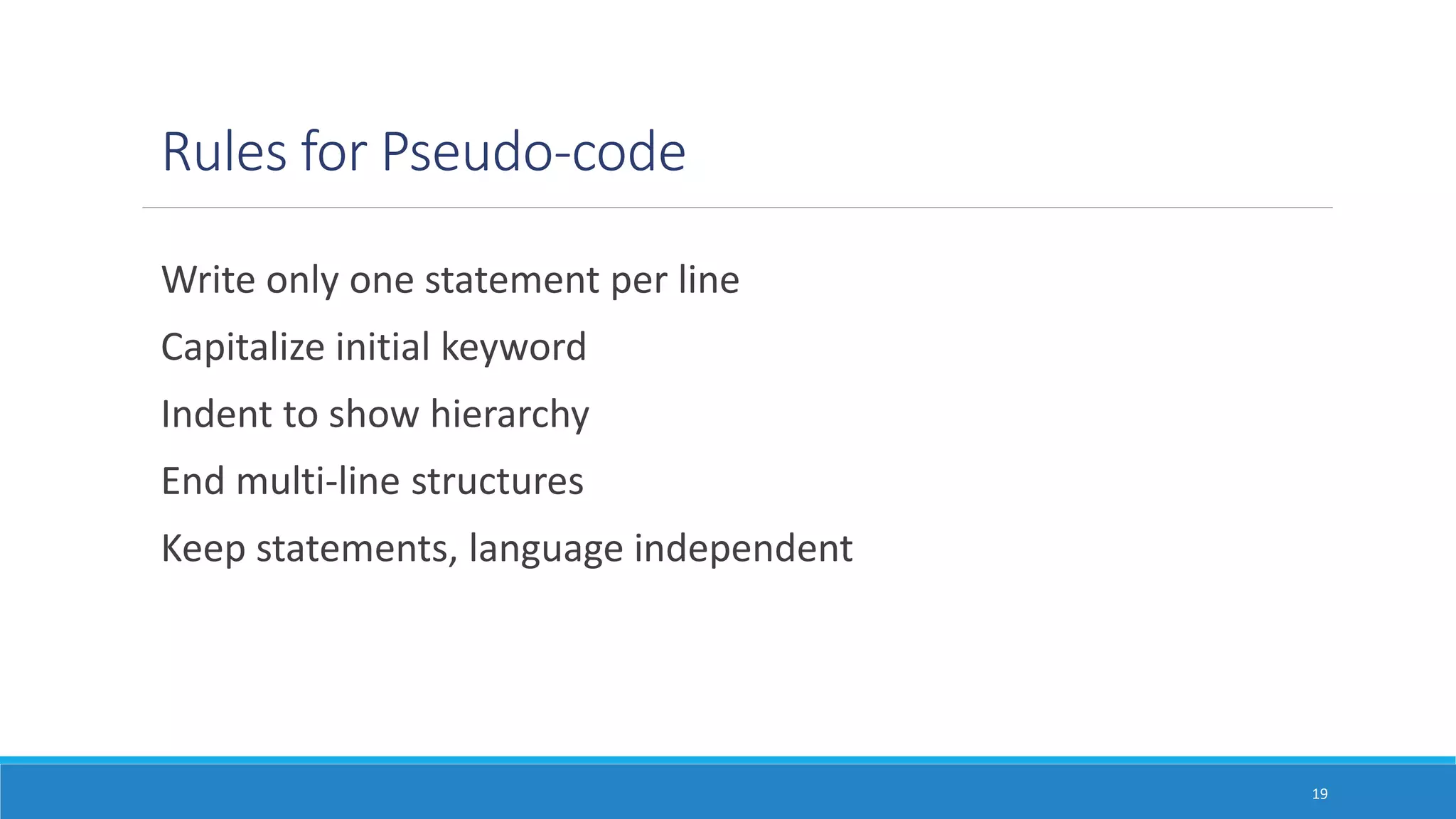
Rules for Pseudo-code
Writeonly one statement per line
Capitalize initial keyword
Indent to show hierarchy
End multi-line structures
Keep statements, language independent
19
20.
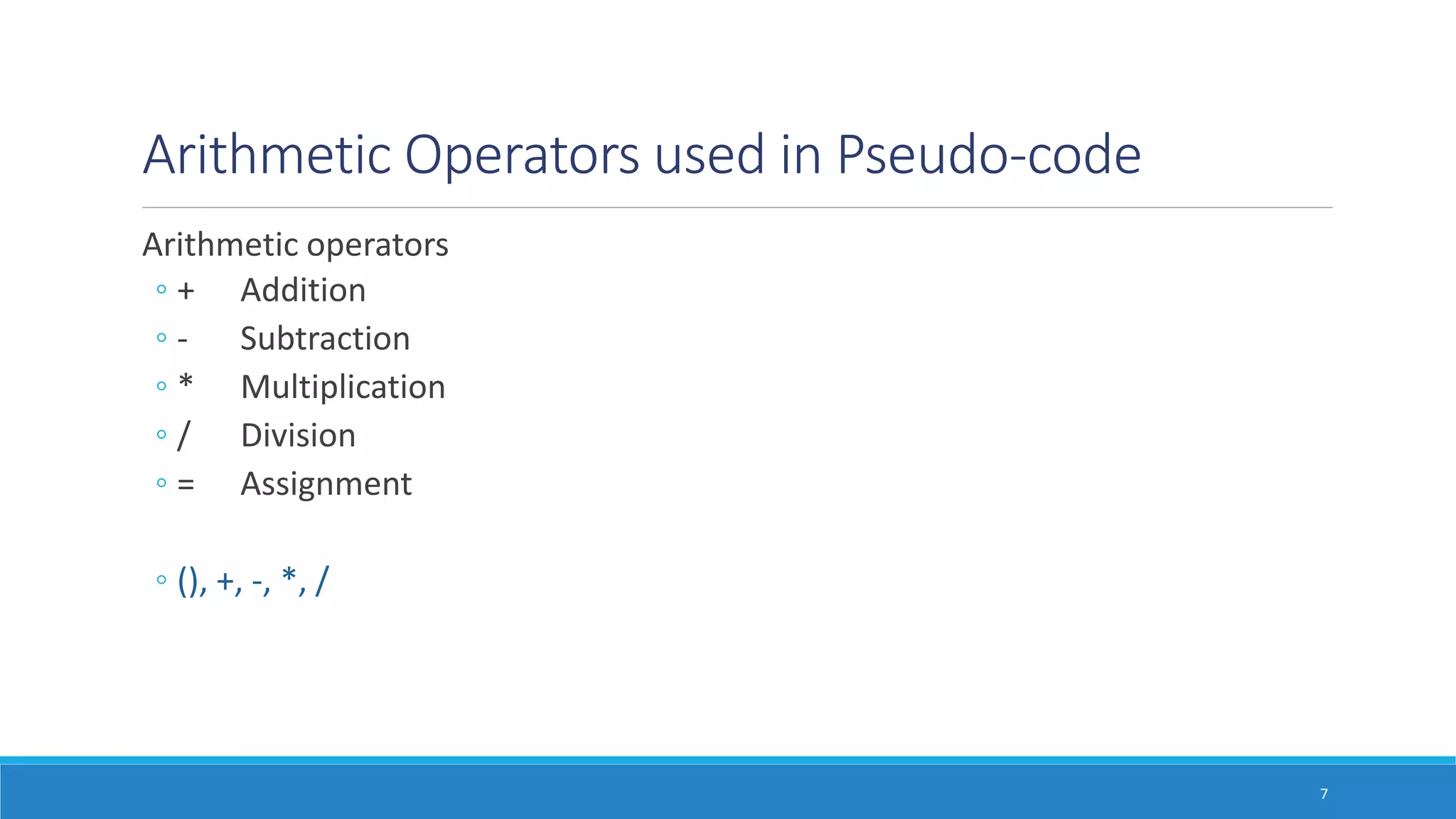
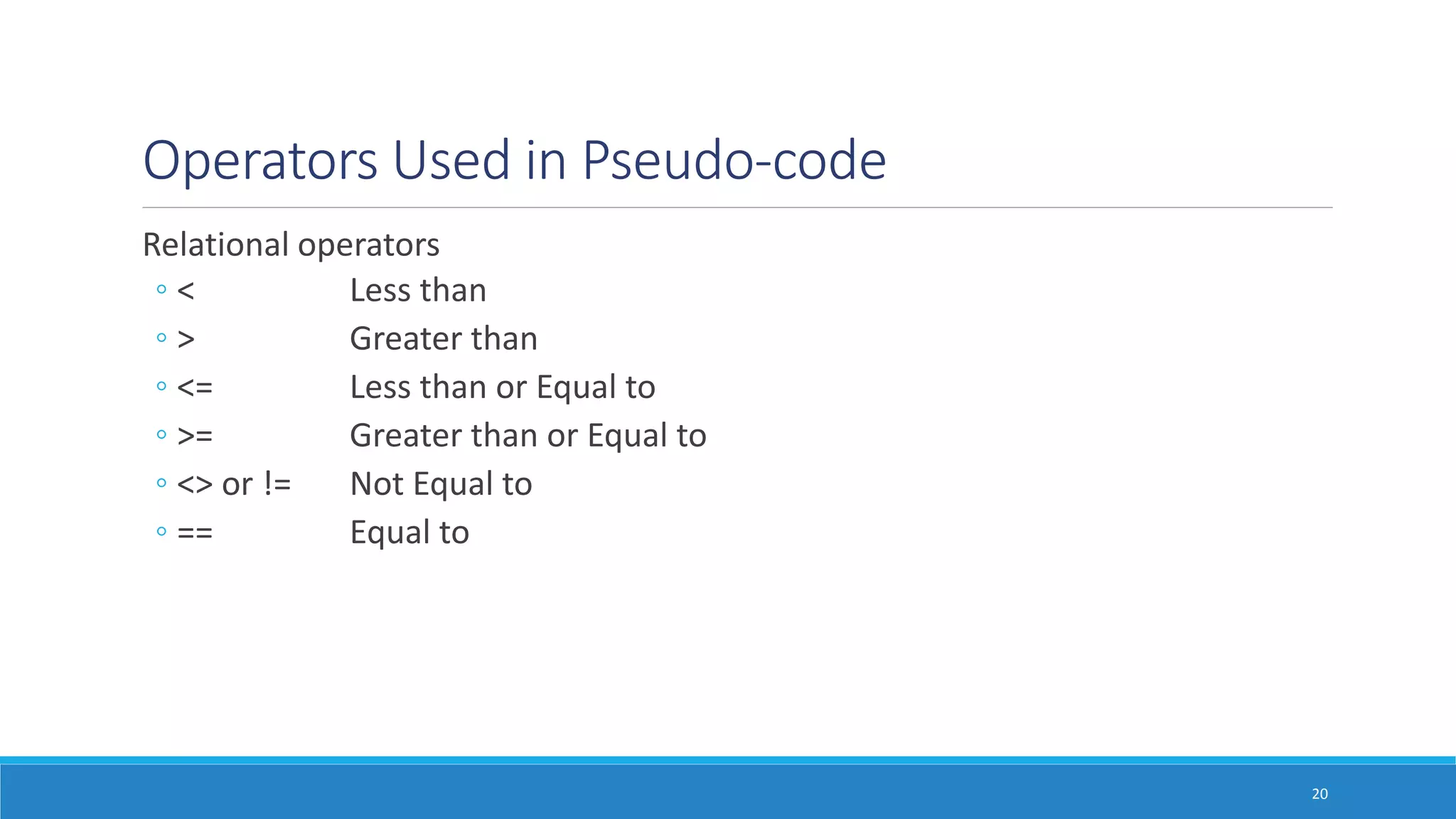
Operators Used inPseudo-code
Relational operators
◦ < Less than
◦ > Greater than
◦ <= Less than or Equal to
◦ >= Greater than or Equal to
◦ <> or != Not Equal to
◦ == Equal to
20
21.
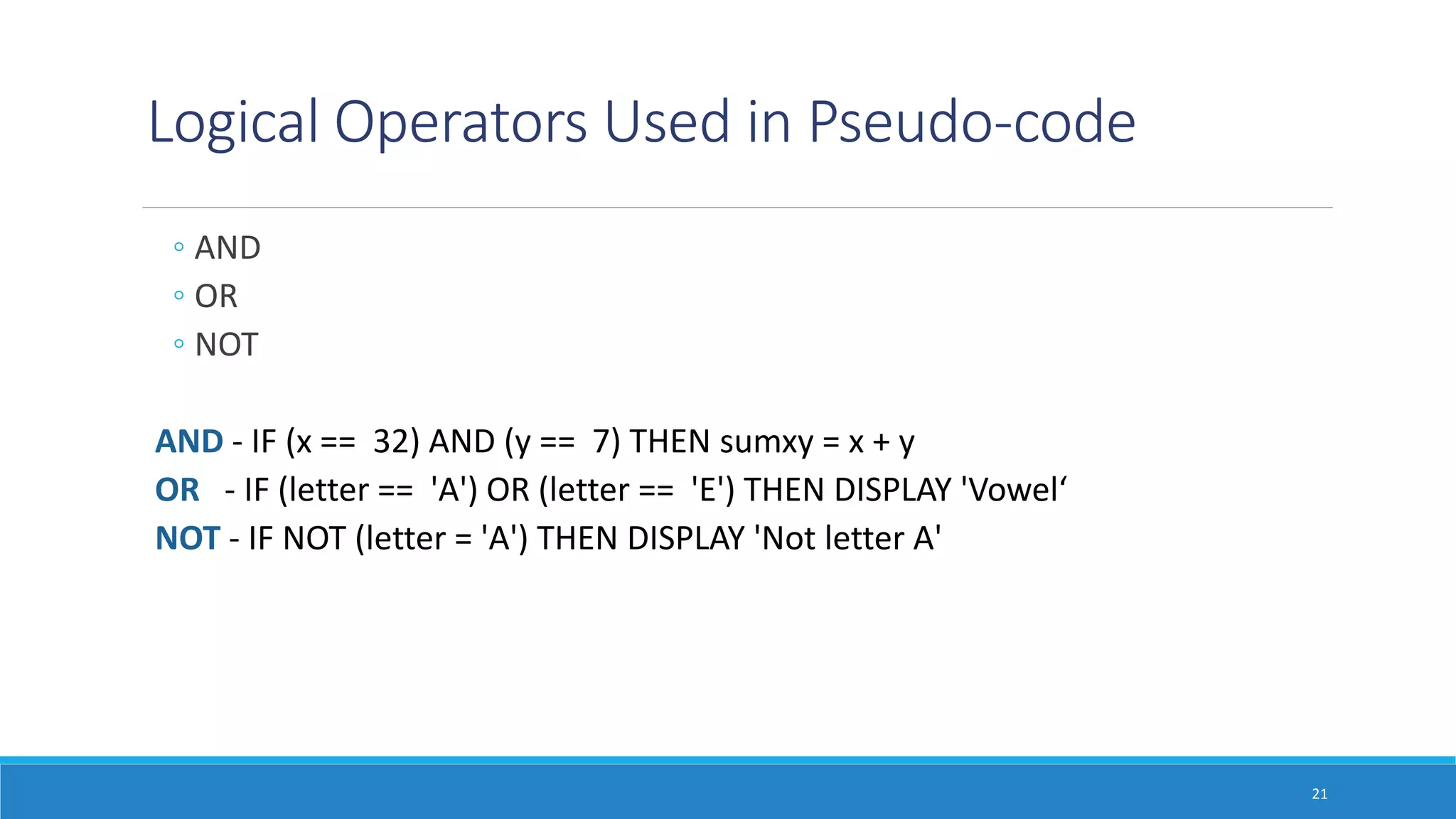
Logical Operators Usedin Pseudo-code
◦ AND
◦ OR
◦ NOT
AND - IF (x == 32) AND (y == 7) THEN sumxy = x + y
OR - IF (letter == 'A') OR (letter == 'E') THEN DISPLAY 'Vowel‘
NOT - IF NOT (letter = 'A') THEN DISPLAY 'Not letter A'
21
22.
22
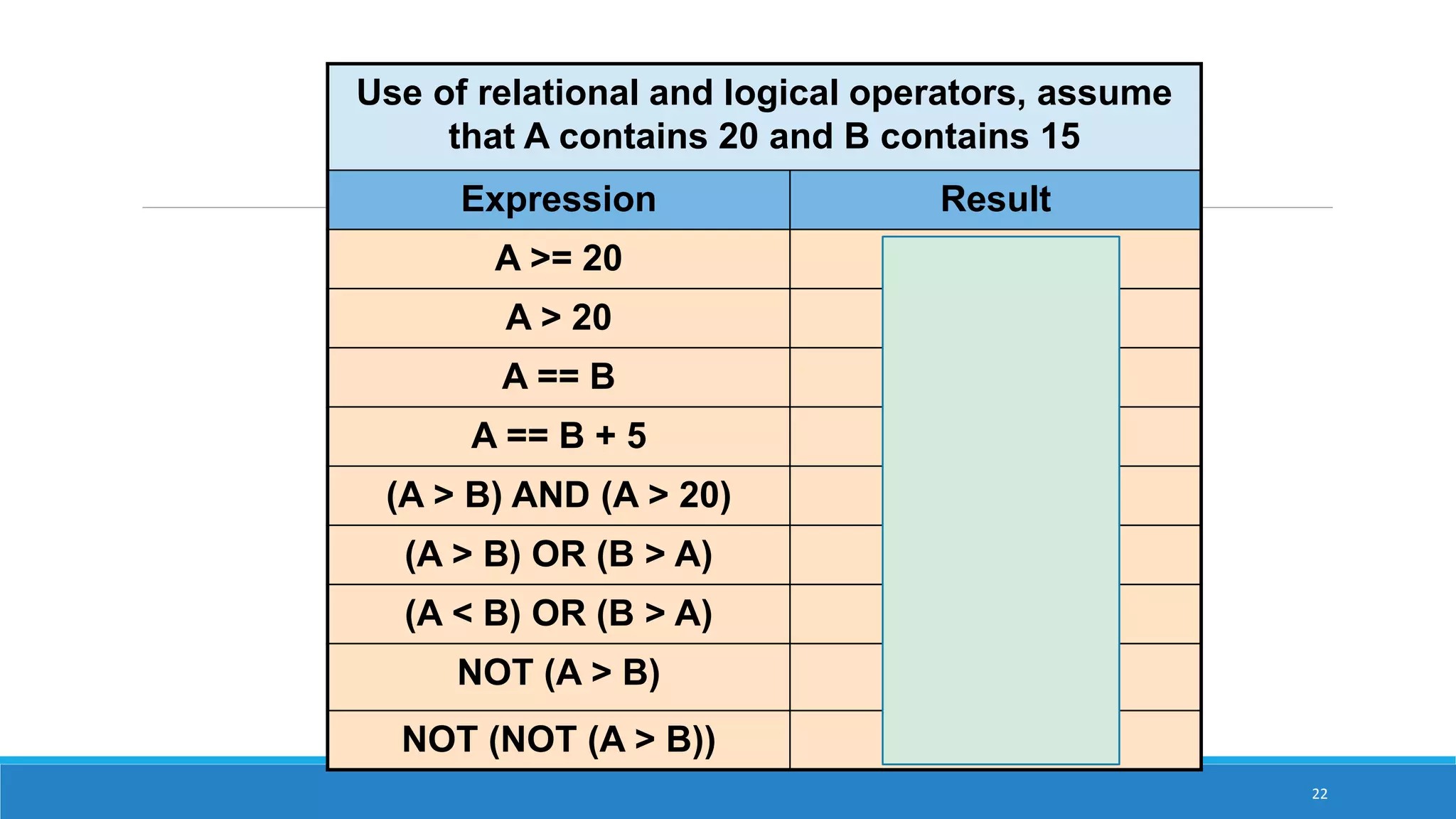
Use of relationaland logical operators, assume
that A contains 20 and B contains 15
Expression Result
A >= 20 TRUE
A > 20 FALSE
A == B FALSE
A == B + 5 TRUE
(A > B) AND (A > 20) FALSE
(A > B) OR (B > A) TRUE
(A < B) OR (B > A) FALSE
NOT (A > B) FALSE
NOT (NOT (A > B)) TRUE
23.
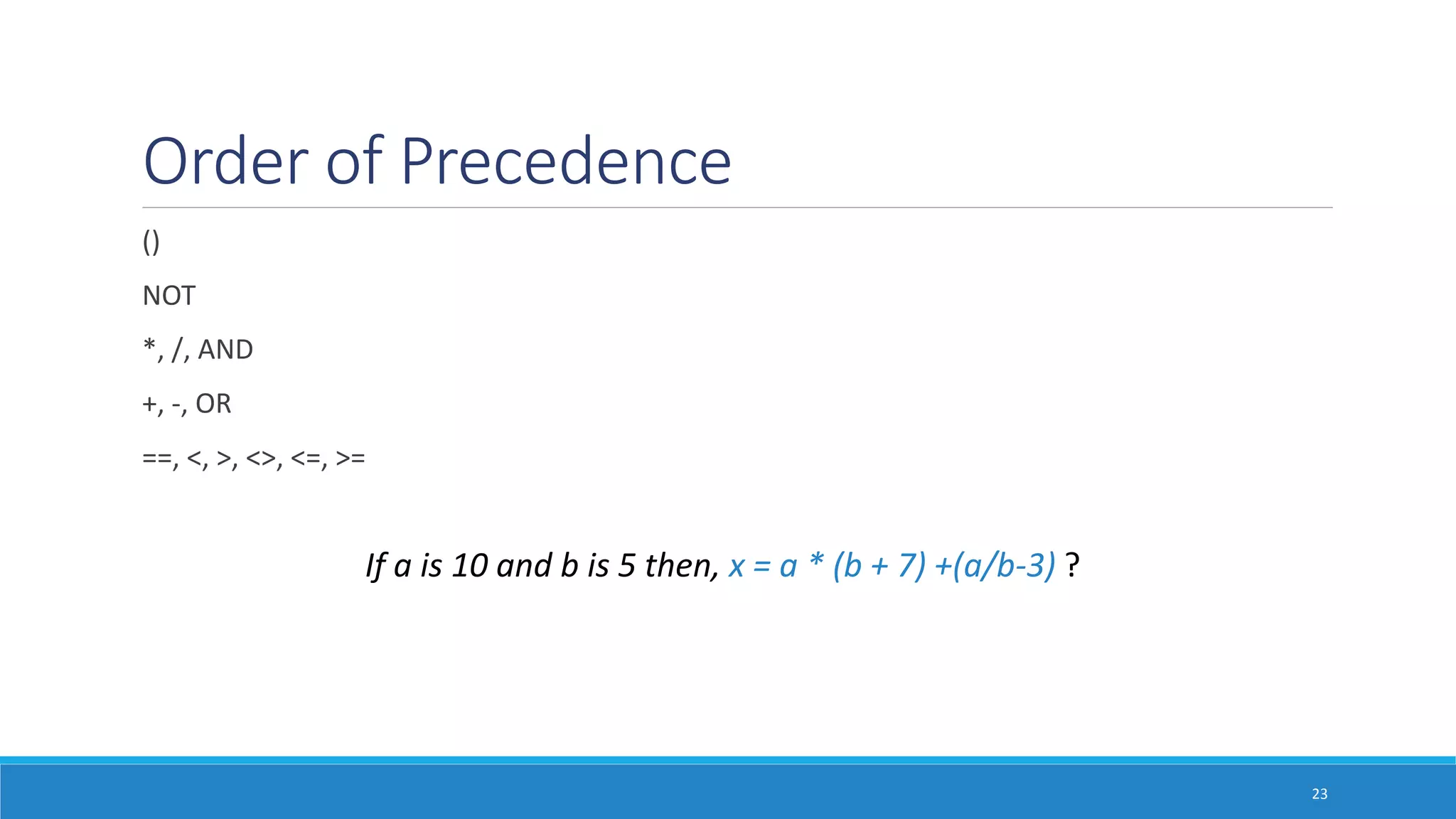
Order of Precedence
()
NOT
*,/, AND
+, -, OR
==, <, >, <>, <=, >=
23
If a is 10 and b is 5 then, x = a * (b + 7) +(a/b-3) ?
24.
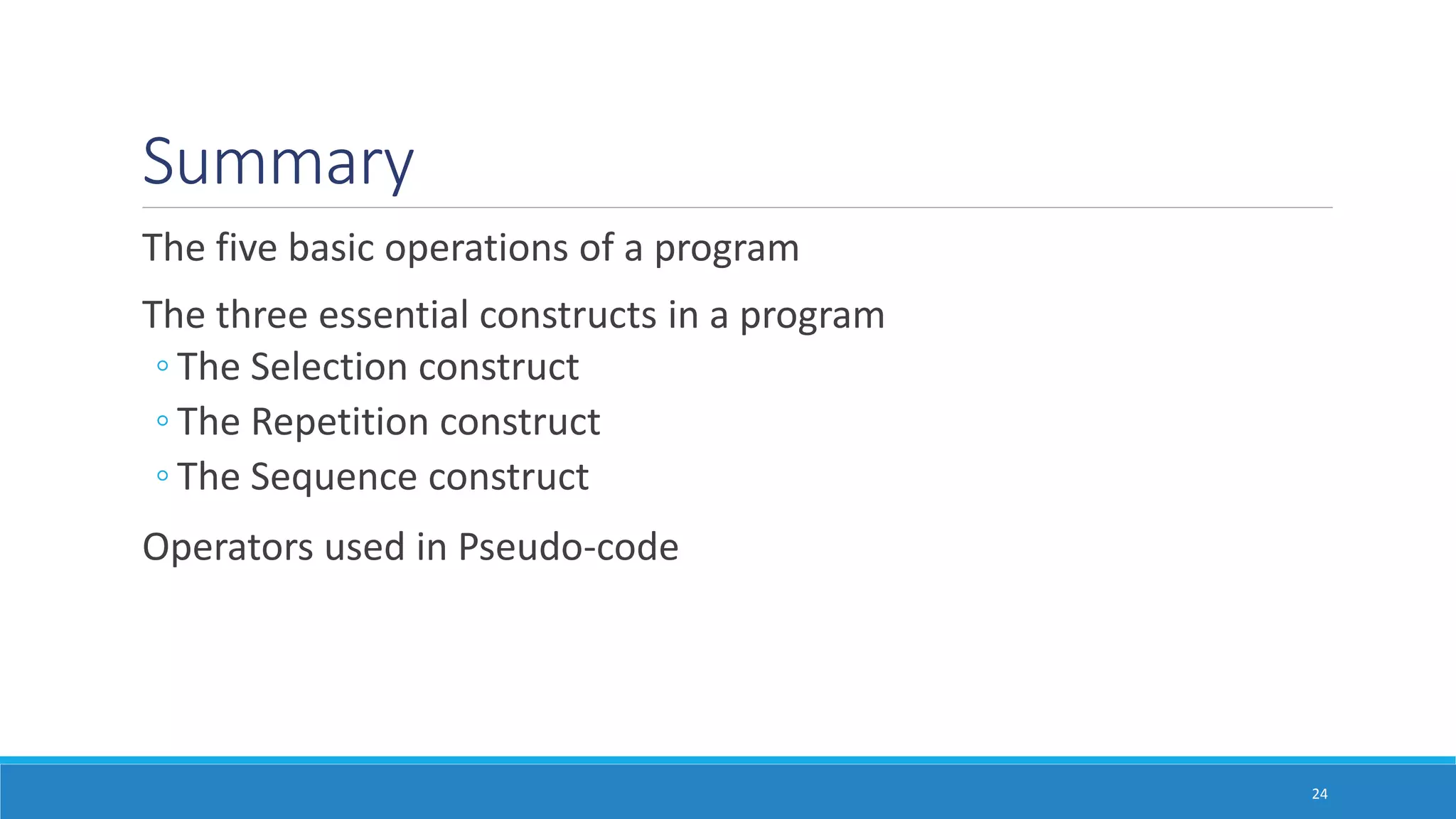
Summary
The five basicoperations of a program
The three essential constructs in a program
◦ The Selection construct
◦ The Repetition construct
◦ The Sequence construct
Operators used in Pseudo-code
24
![What Is Pseudo-Code?
Pseudo code is an outline of a program written in a way that it can be easily
converted into a computer programming language
It mixes natural language with standard programming language constructs, such
as
◦ Expressions: c = a+ b
◦ Method Declarations: Algorithm name (param1,param2,……)
◦ Decision Structures: if condition then true-actions [else false-actions].
◦ While-Loops: While condition do actions. We use indentation to indicate
what actions should be included in the loop actions.
◦ Array Indexing: A[i] represents the ith cell in the array A. The cells of an n-
celled array A are indexed from A[0] to A[n-1].](https://image.slidesharecdn.com/lecture3-160713045242/75/Pseudocode-2-2048.jpg)



![Algorithm Design and Problem Solving [Autosaved].pptx](https://cdn.slidesharecdn.com/ss_thumbnails/algorithmdesignandproblemsolvingautosaved-230525024624-6a6fb3b2-thumbnail.jpg?width=640&height=640&fit=bounds)


