Downloaded 270 times


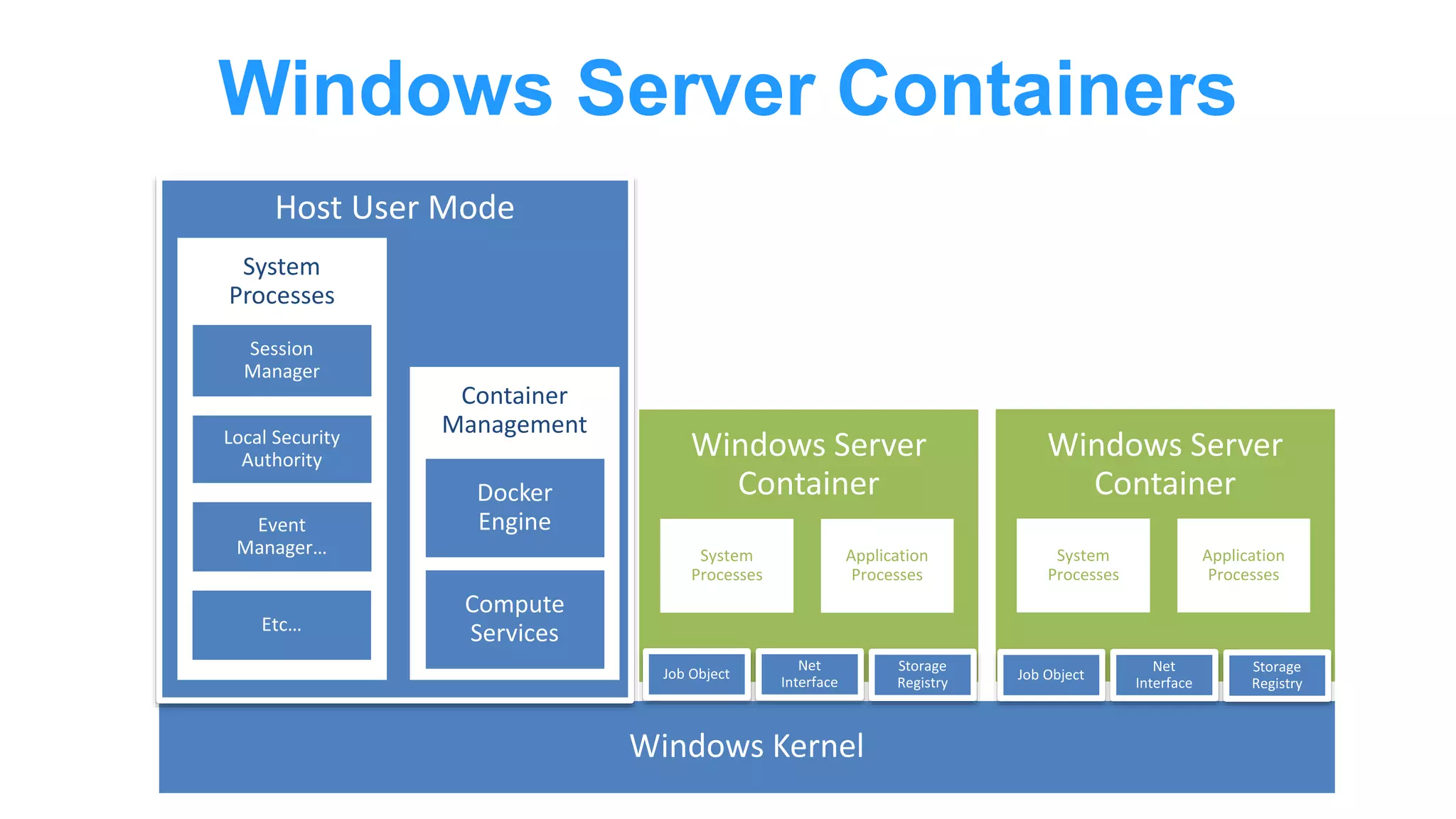





The document details the integration of Docker with Windows, particularly focusing on Windows Server 2016 and the latest Windows 10. It outlines the architecture behind Windows Server containers, including namespaces, resource controls, and Hyper-V containers for enhanced isolation. Key features include the adaptation of Docker technology to work with Windows' native capabilities and the introduction of both Windows Server Core and Nano Server for container images.
Overview of Docker integration with Windows presented by John Starks & Taylor Brown.
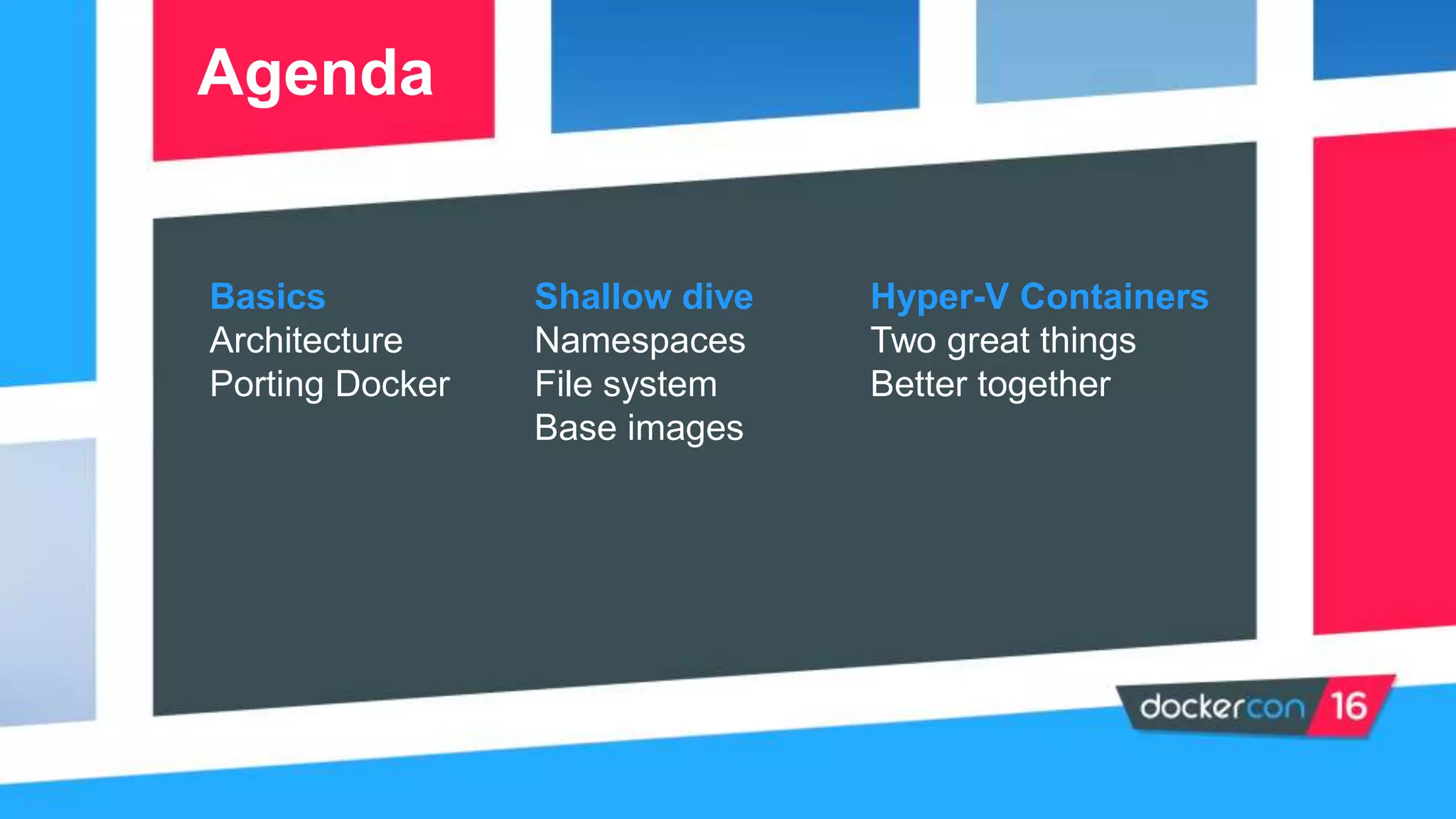
Presentation agenda covering the basics, architecture, and integration of Docker with Windows.
Revisiting essential concepts of Docker for better understanding in context.
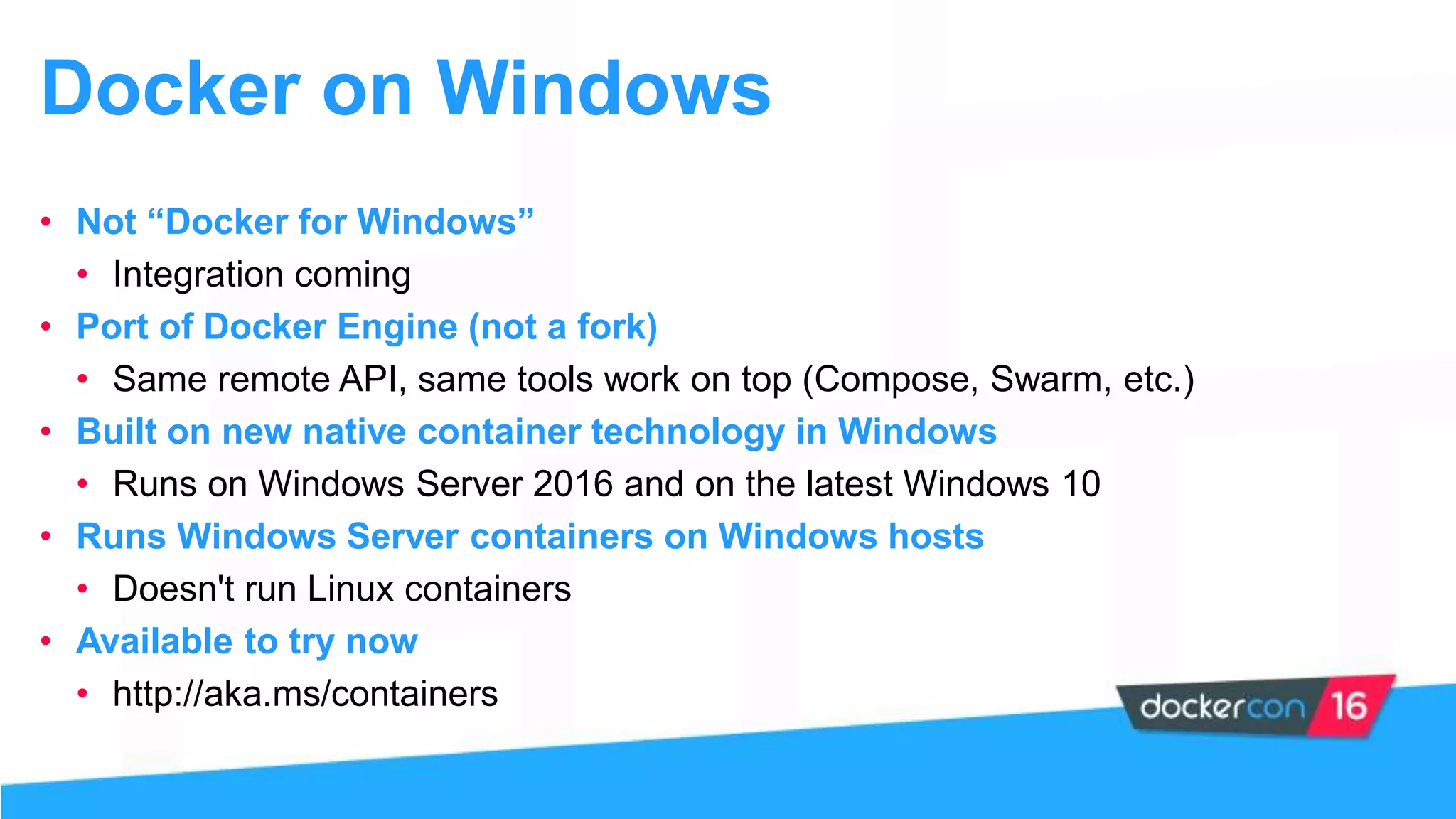
Details on Docker for Windows, integration features, availability, and limitations on Linux containers.
Demo segment showcasing Docker functionality on Windows.
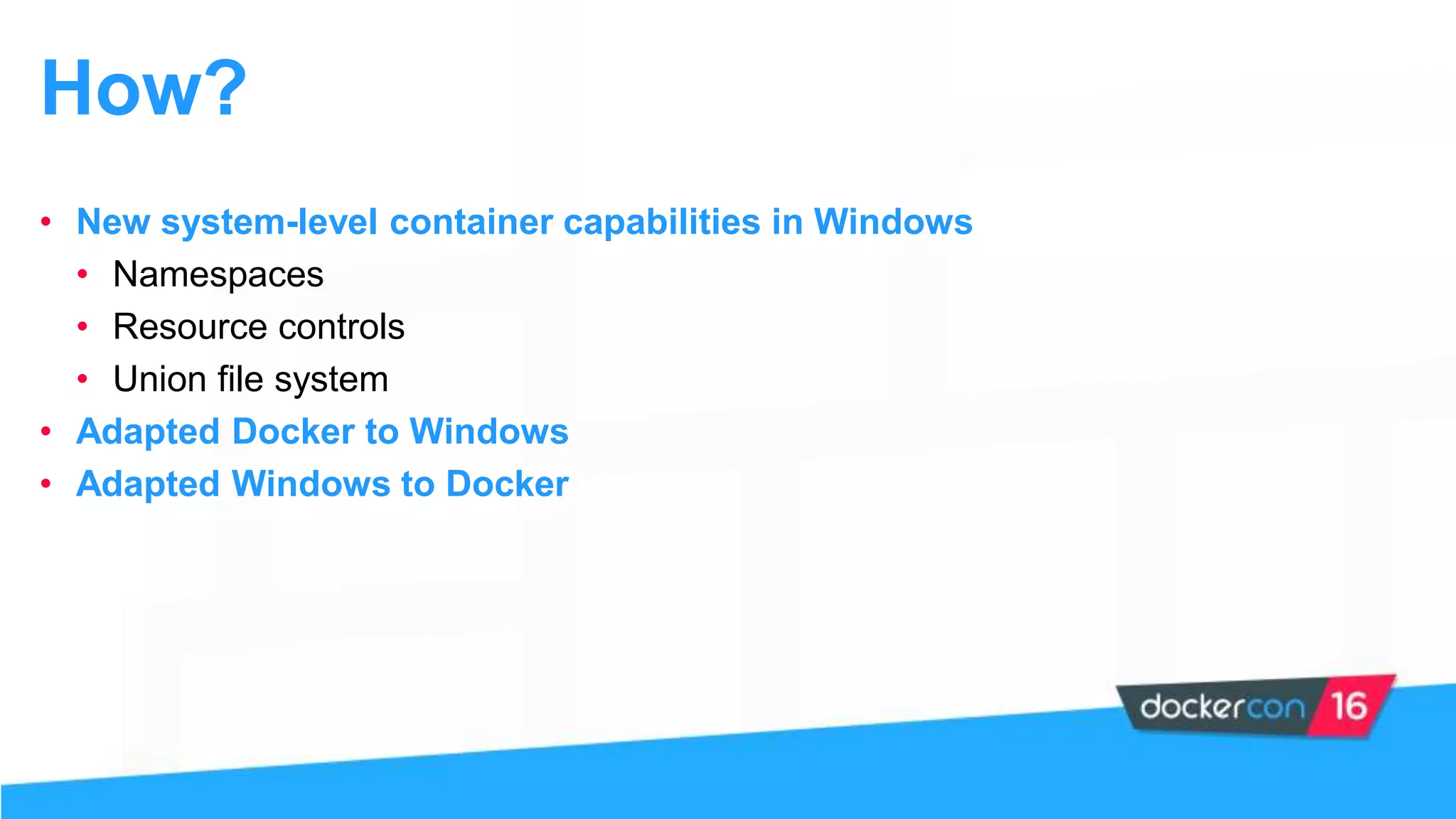
Explanation of system-level capabilities such as namespaces and resource controls adapted for Windows.
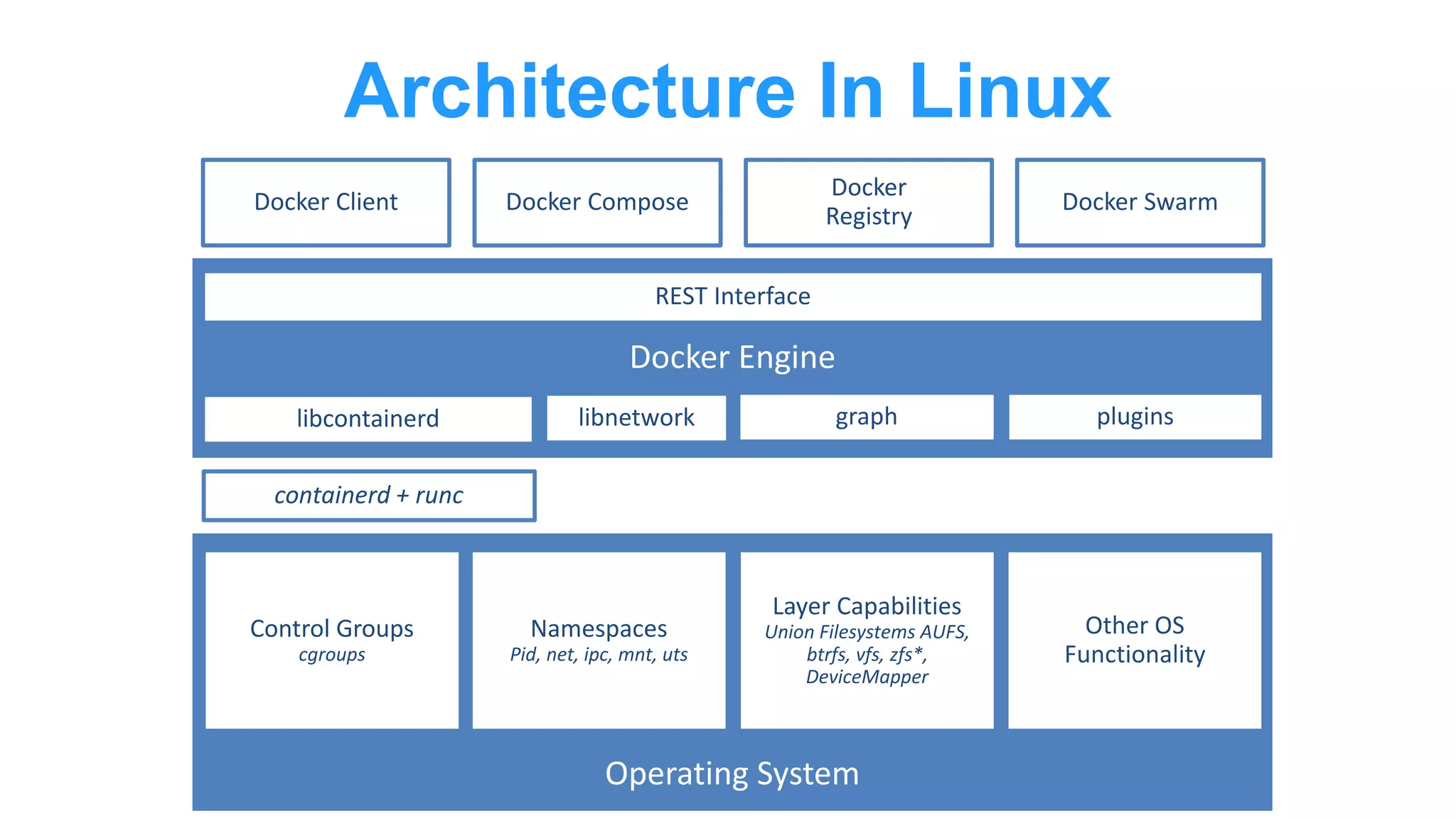
In-depth look at Linux architecture utilizing containerd, namespaces, and various functionalities.
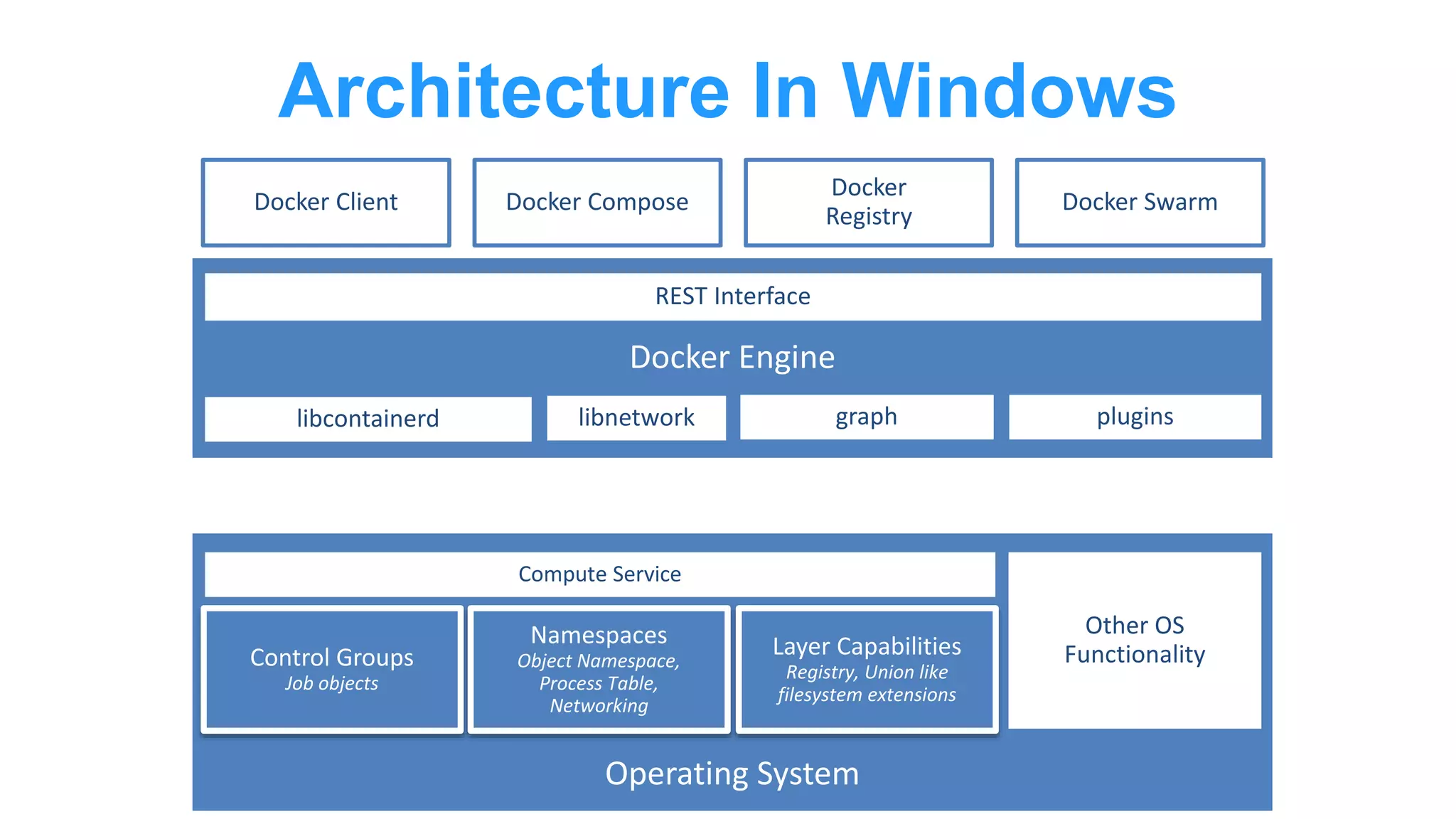
Description of Windows architecture similarities and differences in container handling compared to Linux.
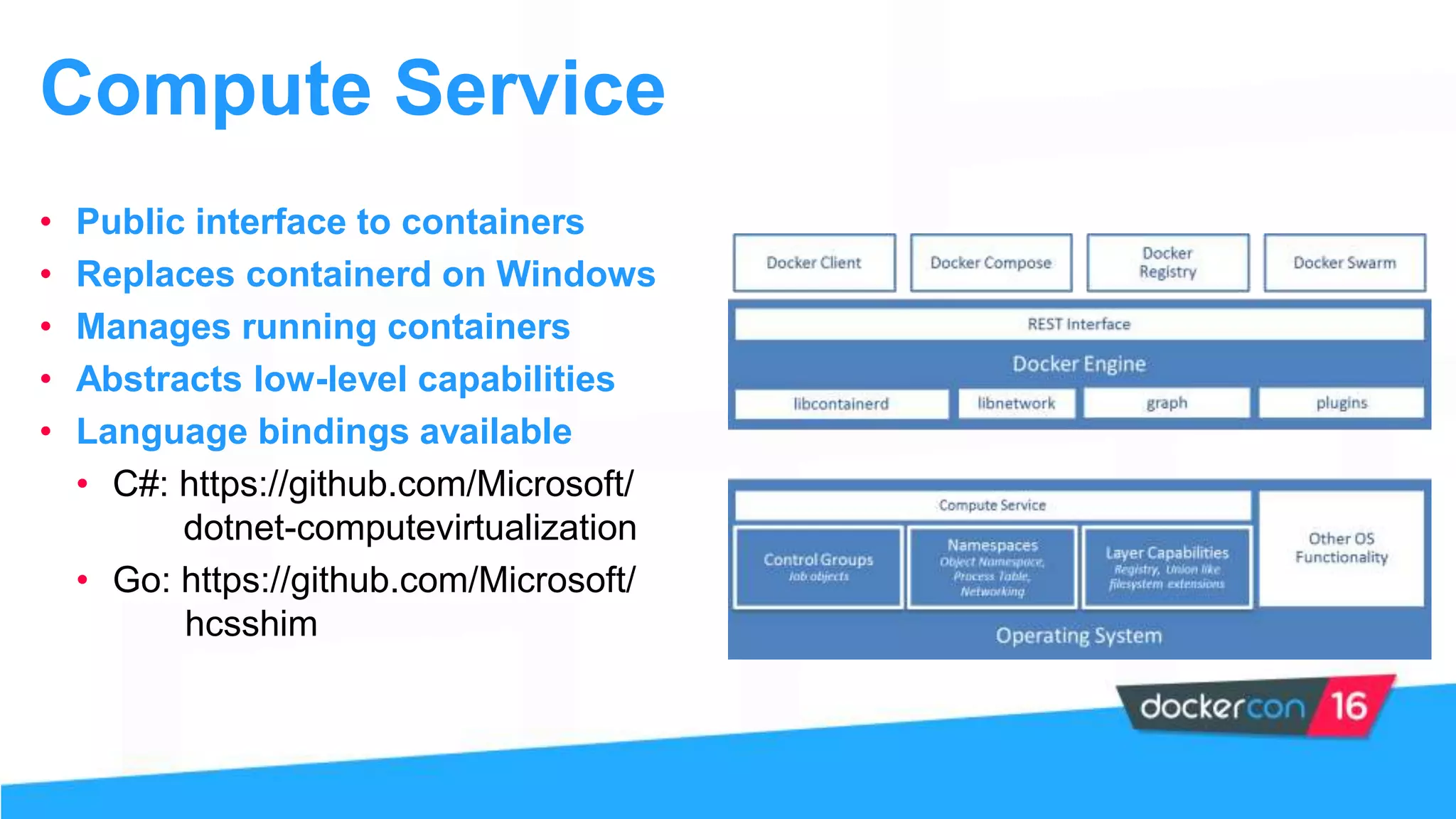
Announcement of the Compute service managing running containers and available language bindings.
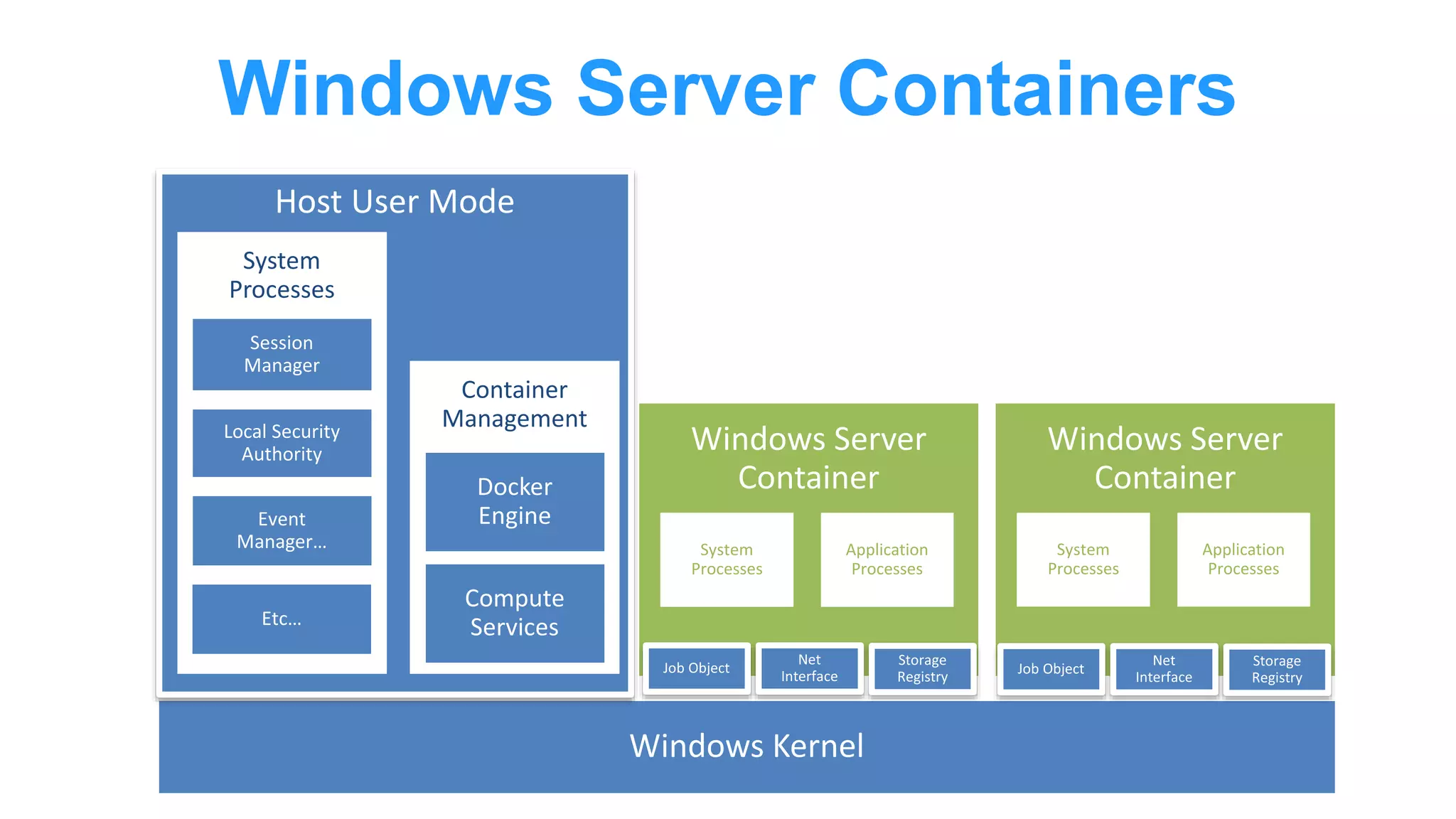
Structural overview of Windows Server Containers and related processes.
In-depth look into how processes interact within Windows Server Containers.
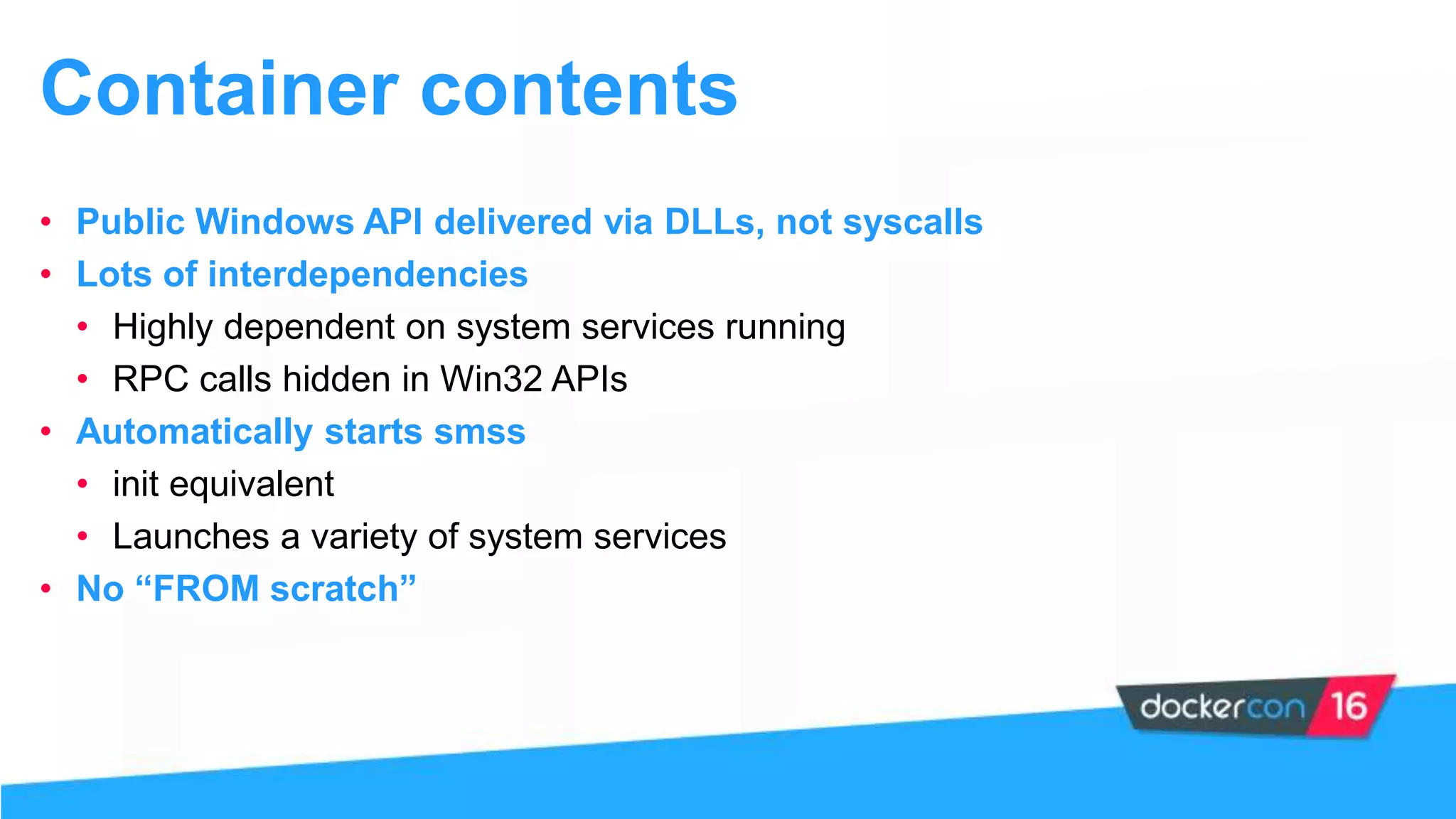
Discussion on the importance of APIs and system services necessary for container operations.
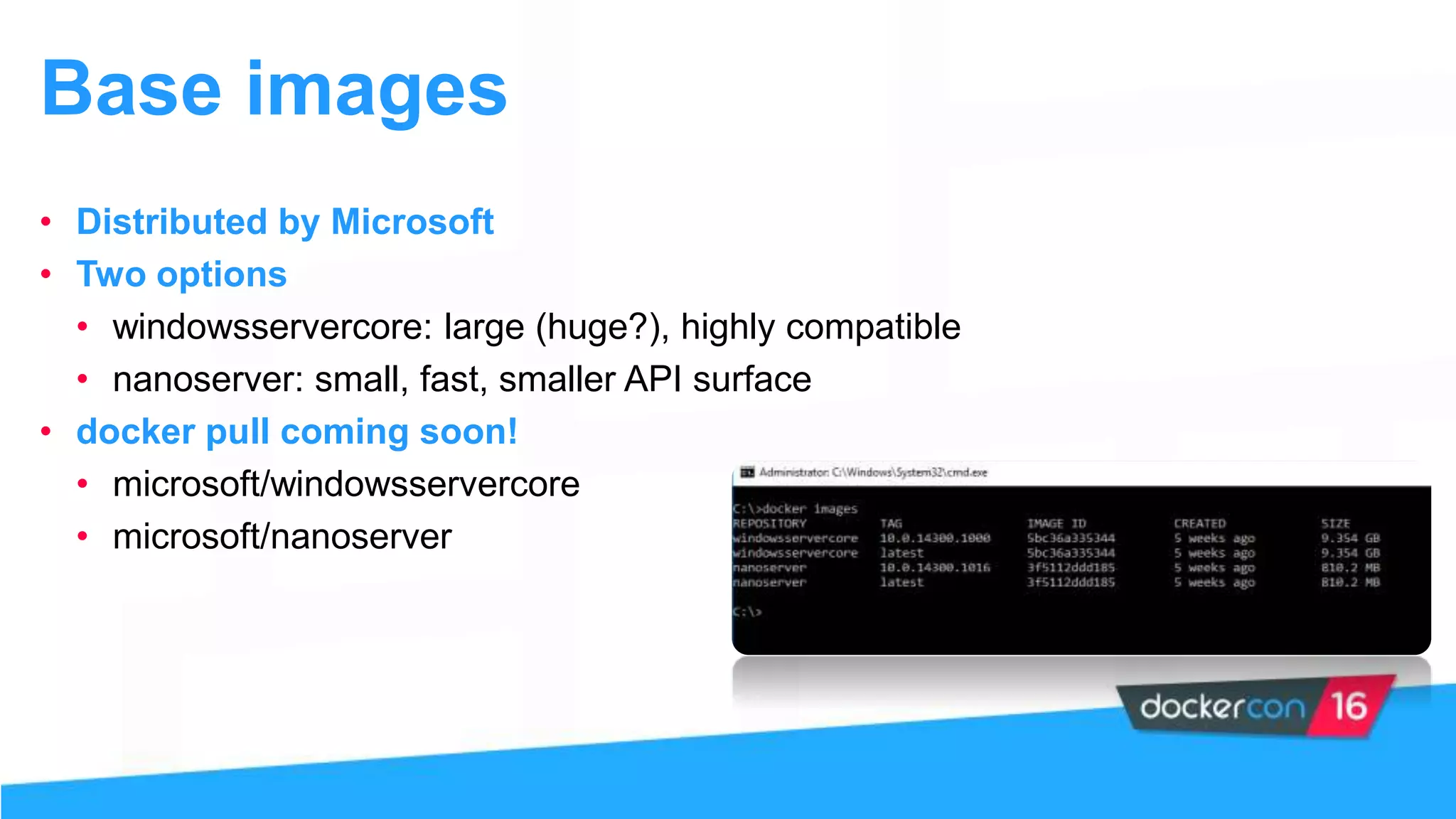
Introduction to Microsoft-distributed base images for containers: windowsservercore and nanoserver.
Second demo segment illustrating the workings of Windows containers.
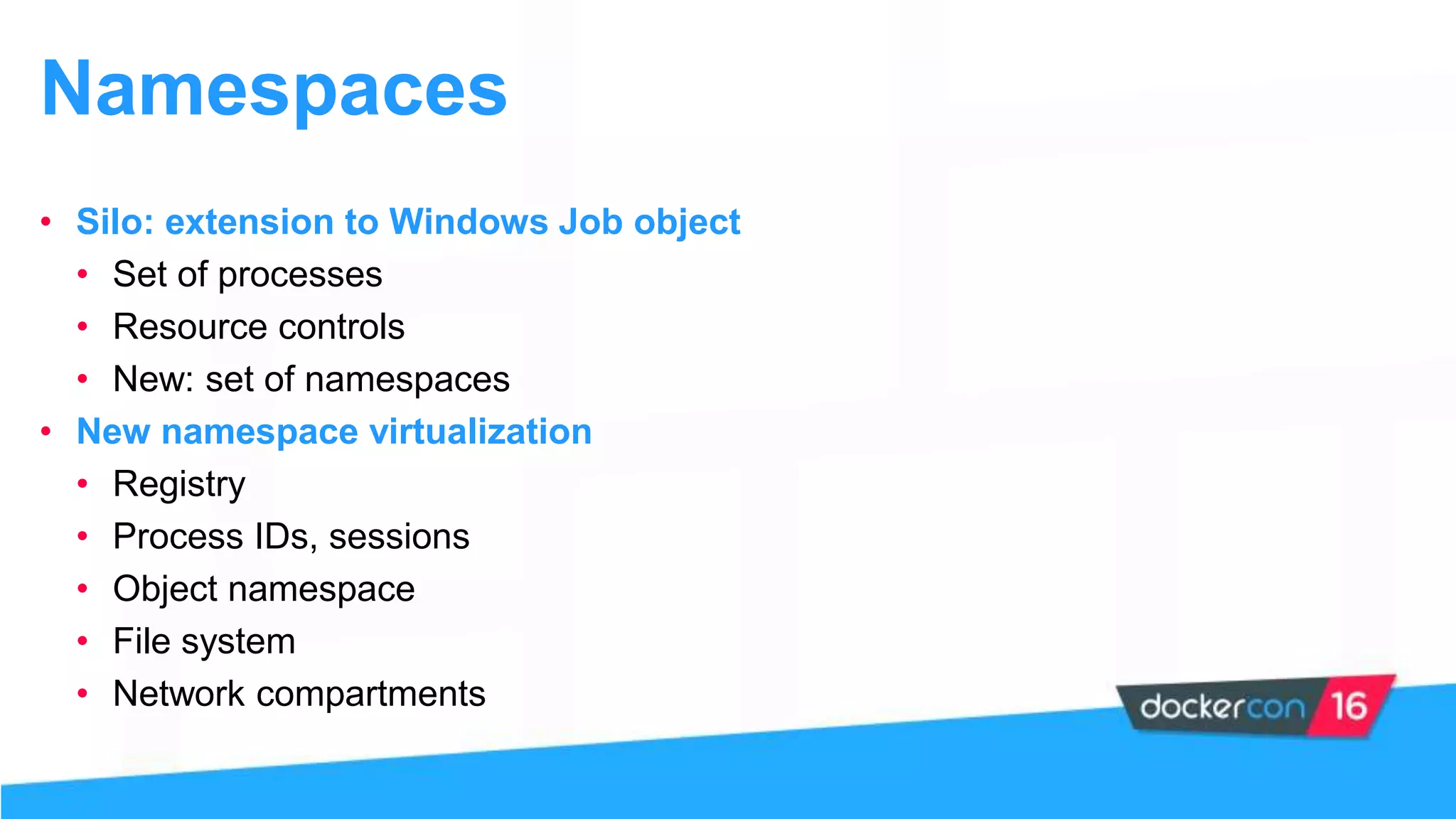
Explanation of resource control improvements and namespace utilization in Windows.
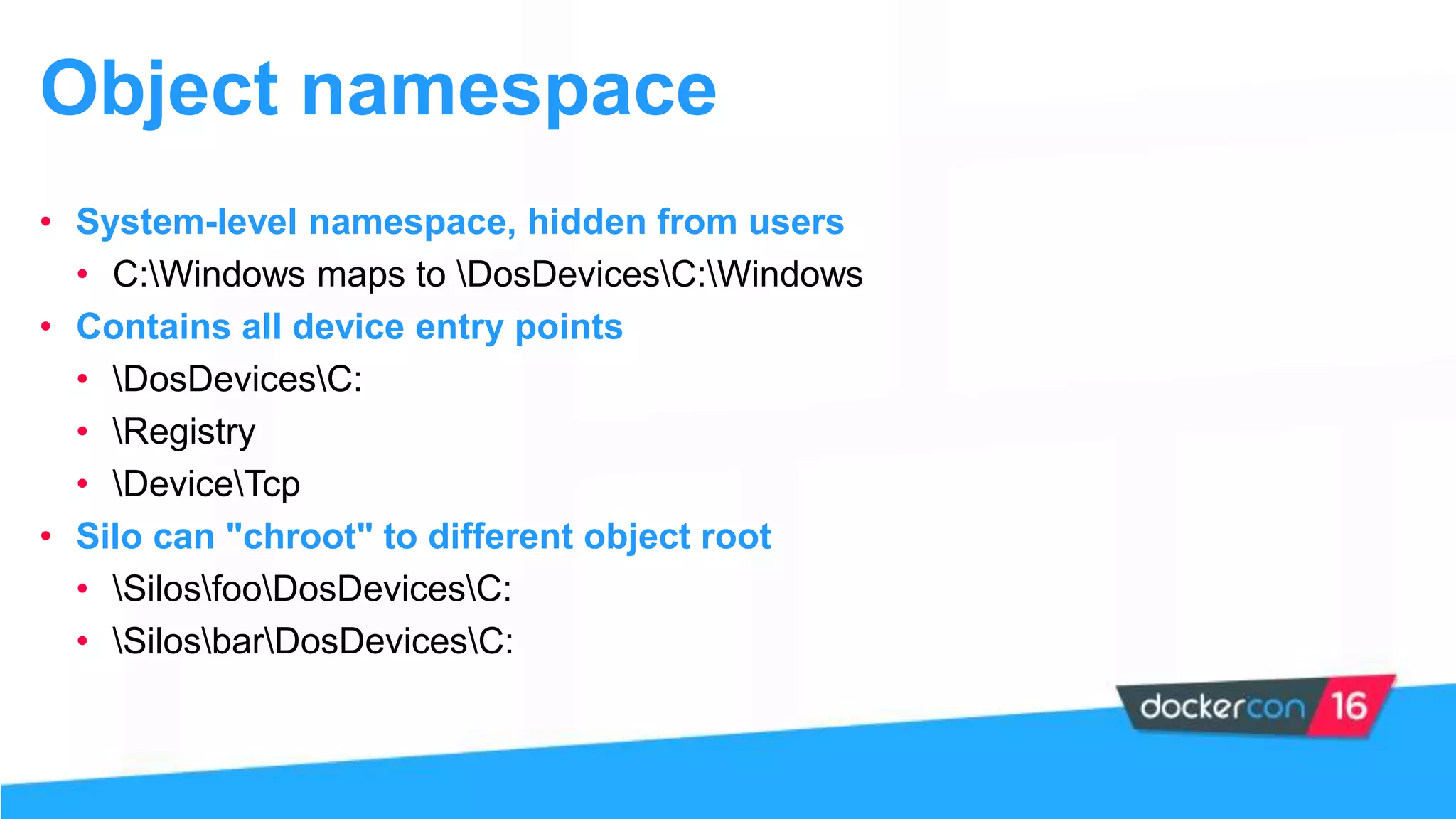
Details about system-level namespaces hidden from users and their mapping.
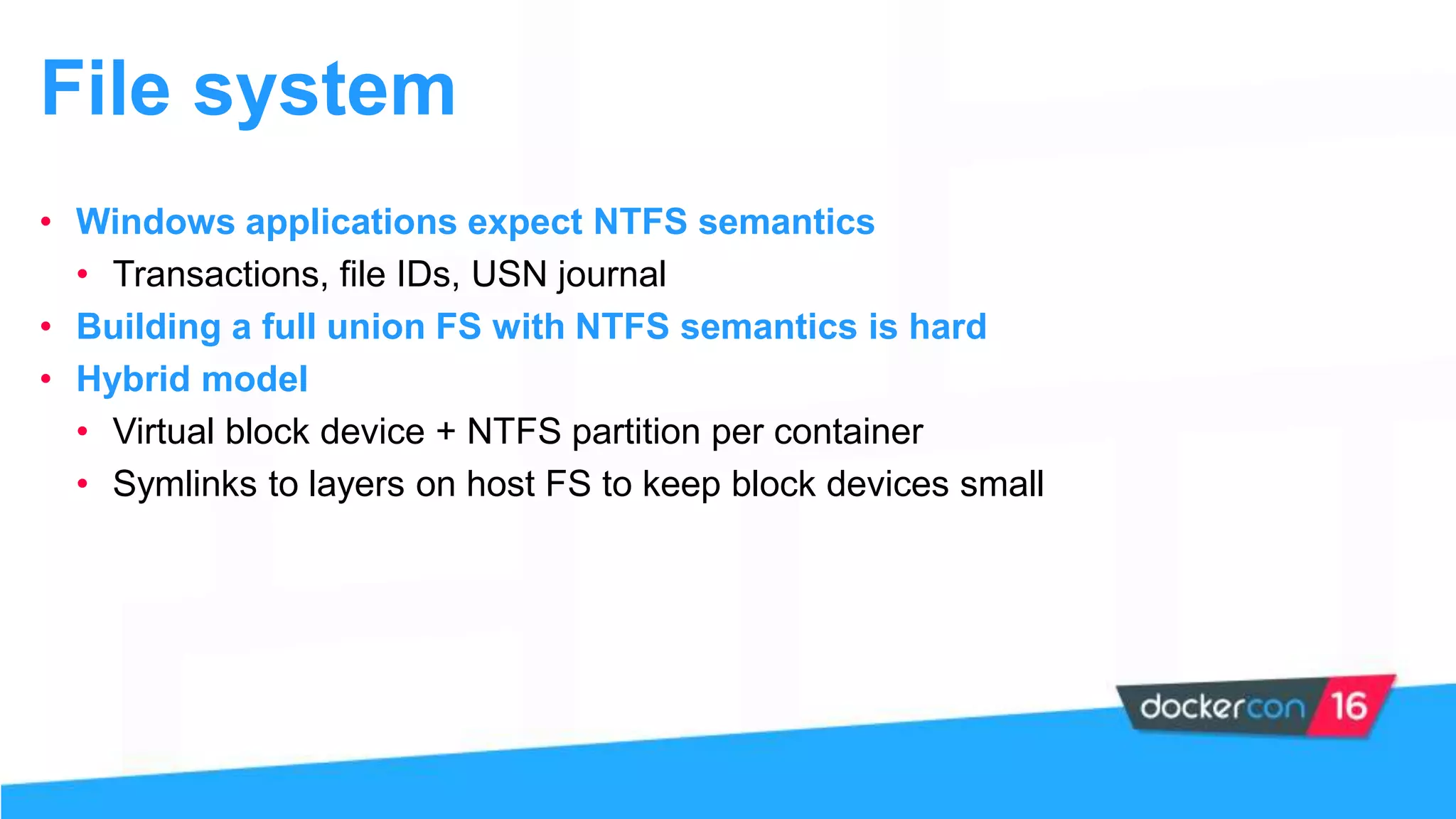
Challenges of using NTFS semantics in container frameworks and the hybrid file system model.
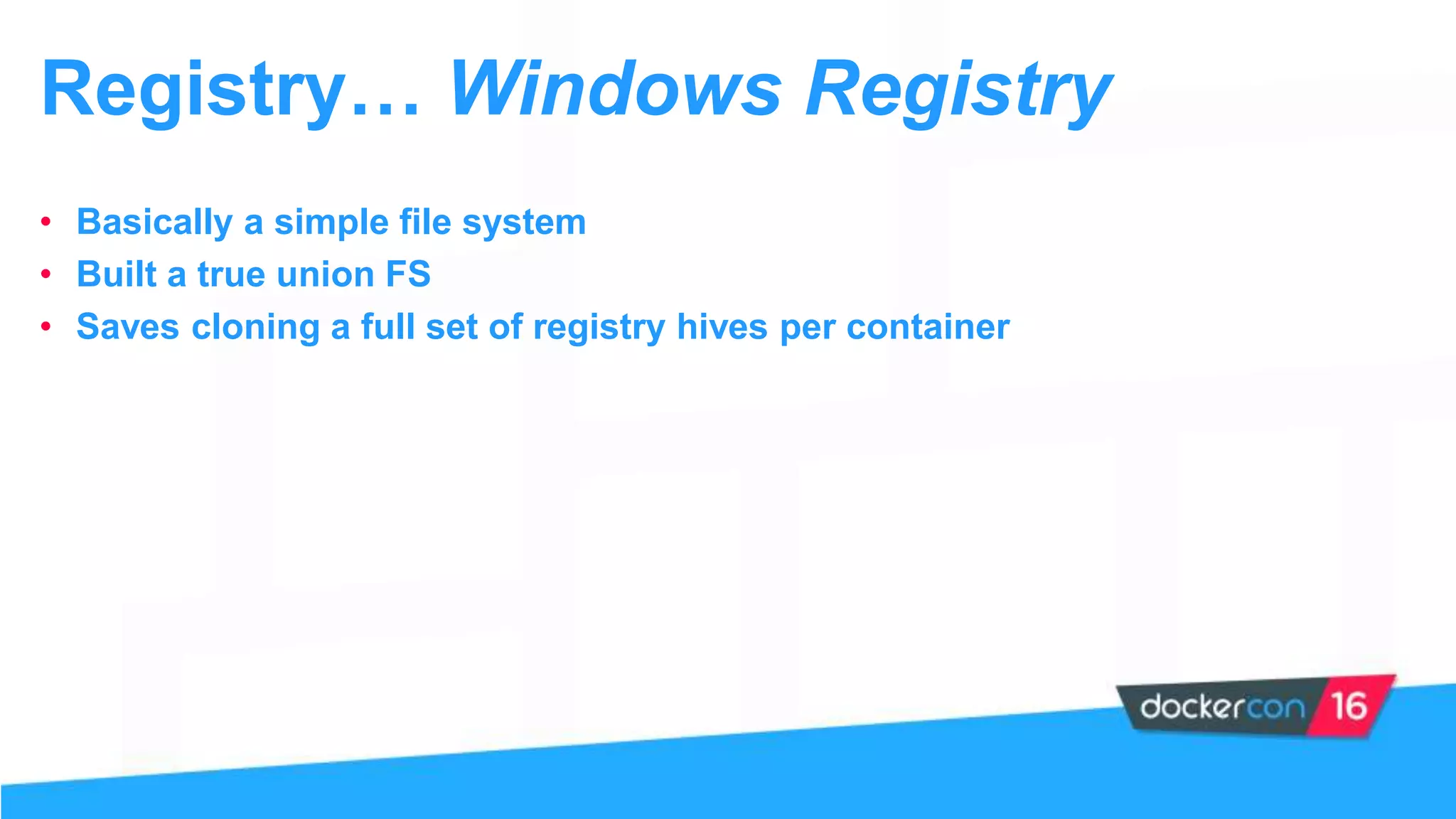
Discussion on how Windows Registry functions as a simple file system supporting Docker.
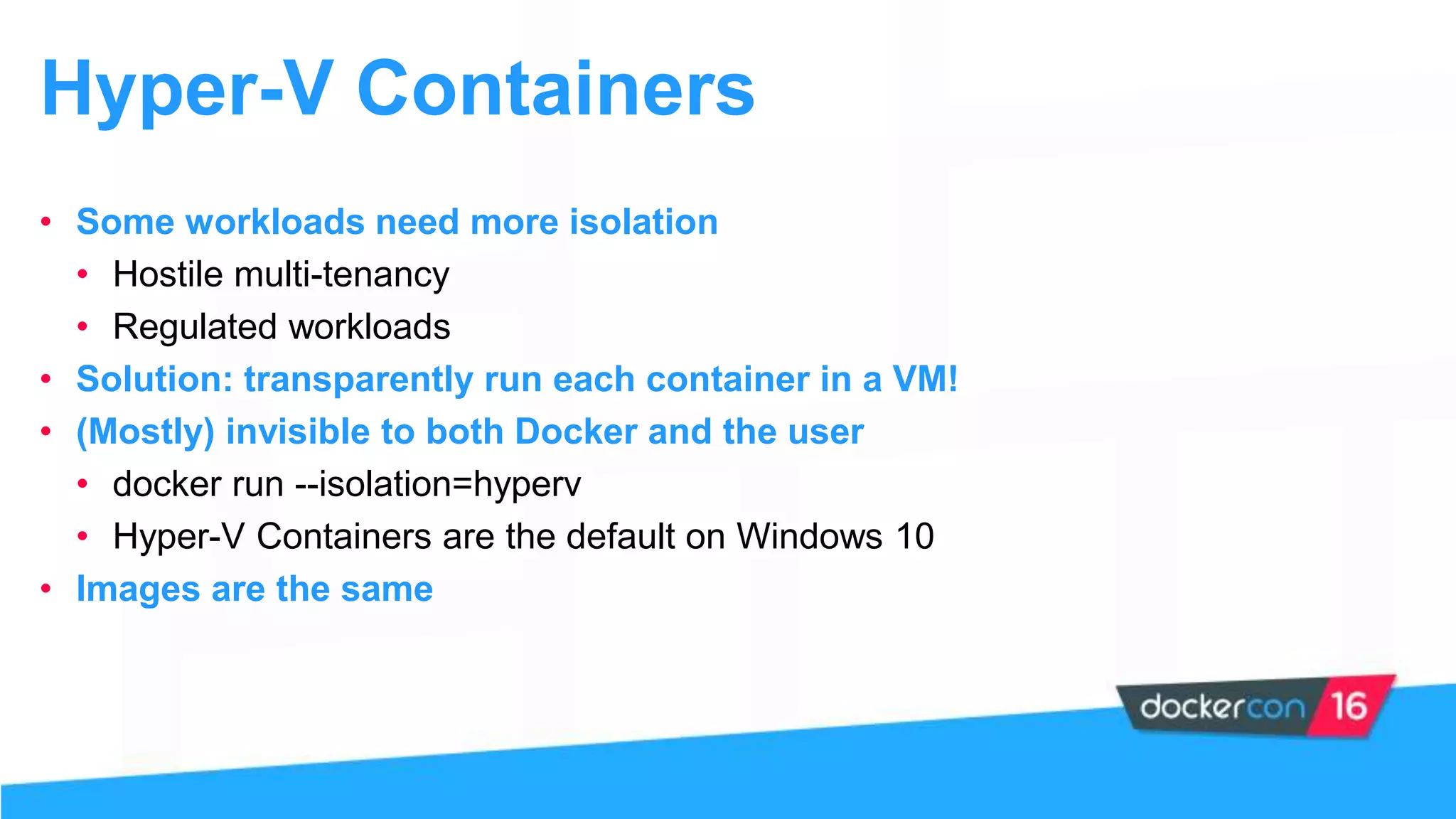
The presentation on Hyper-V containers providing enhanced isolation for specific workloads.
Details about executing containers in virtual machines for improved security and isolation.
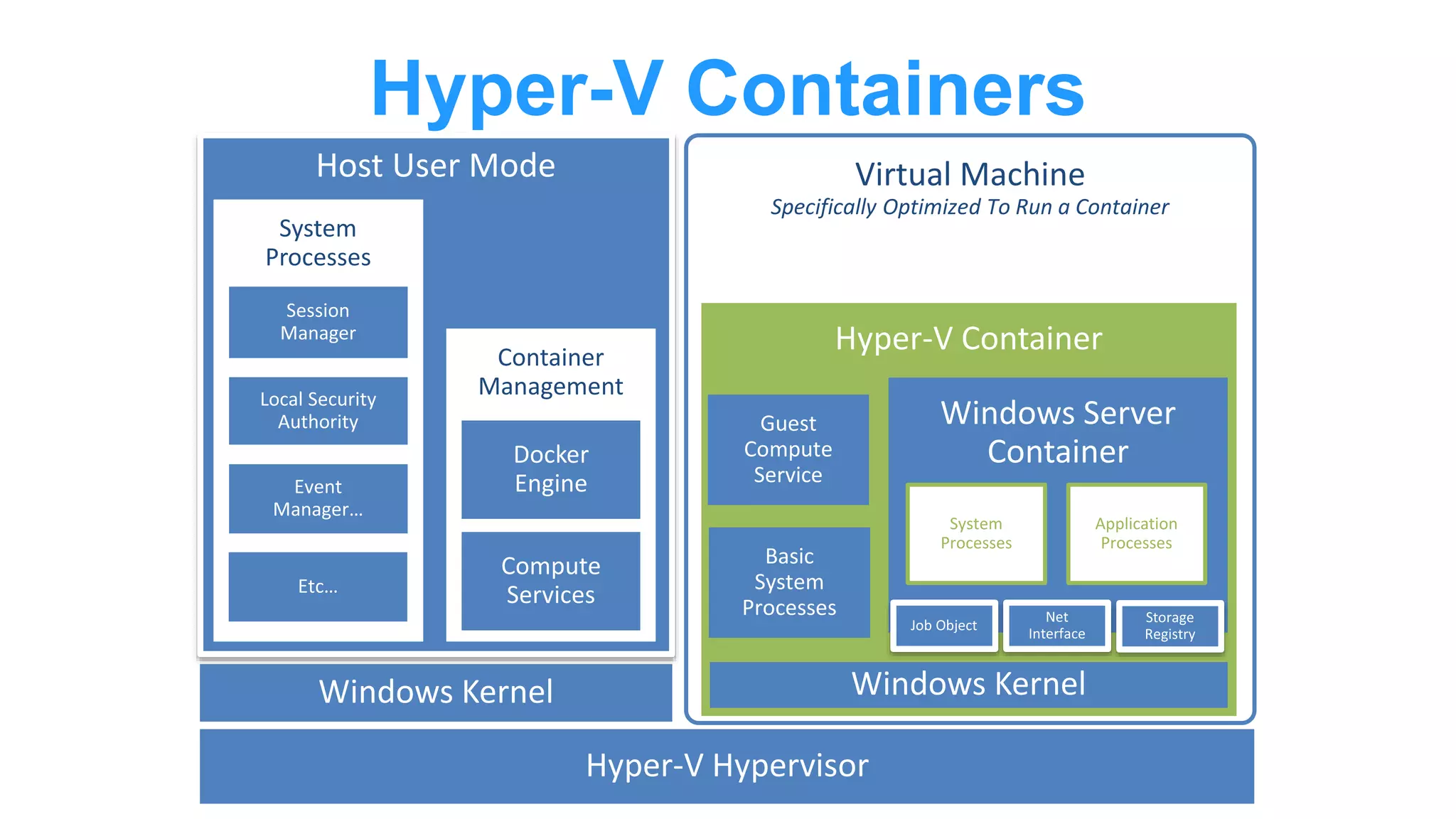
Description of the internal operations of Windows Server containers with Hyper-V.
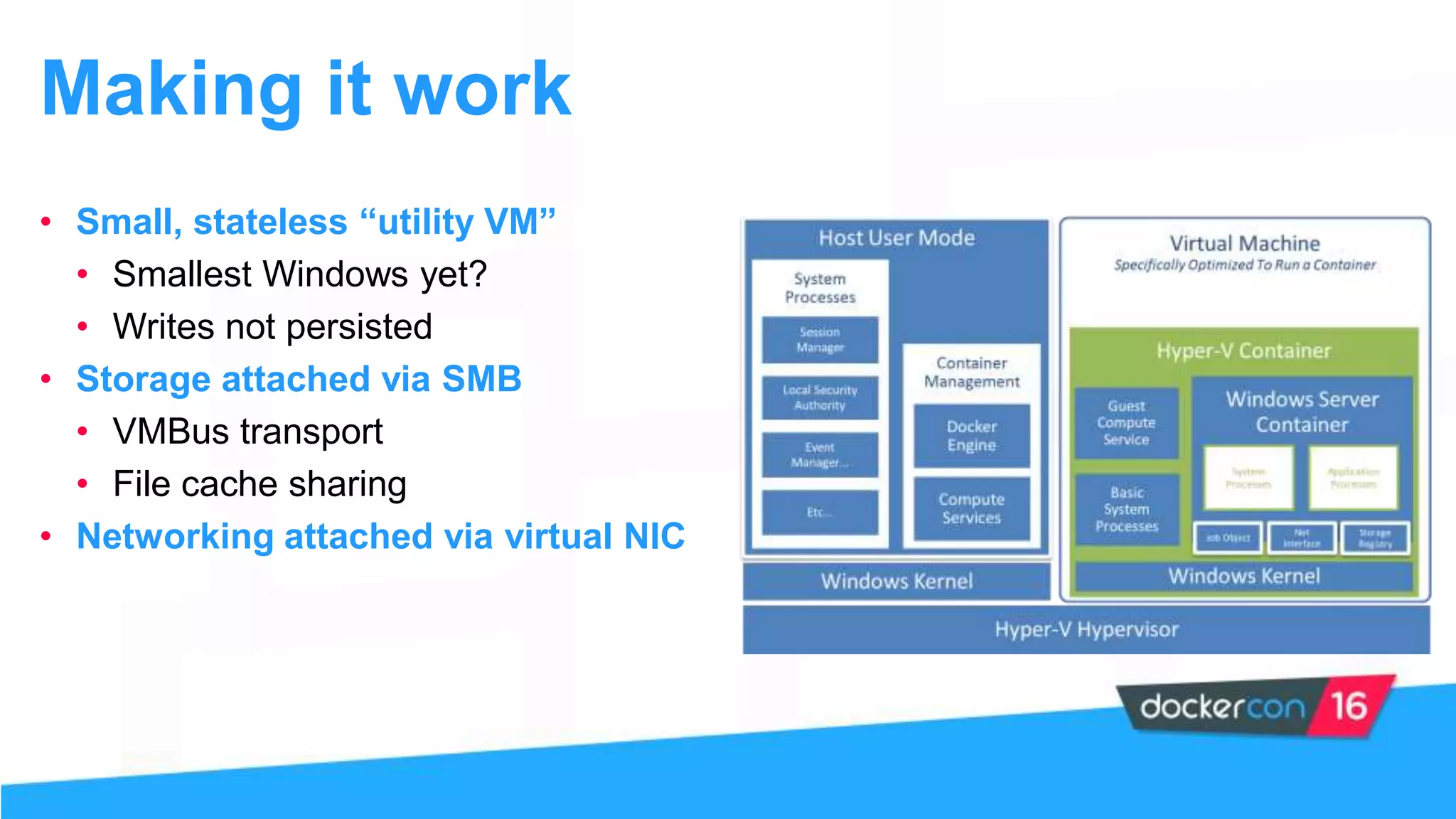
Insight into the optimized infrastructure of Hyper-V containers and their management.
Methods for streamlined operations using small utility VMs to enhance performance.
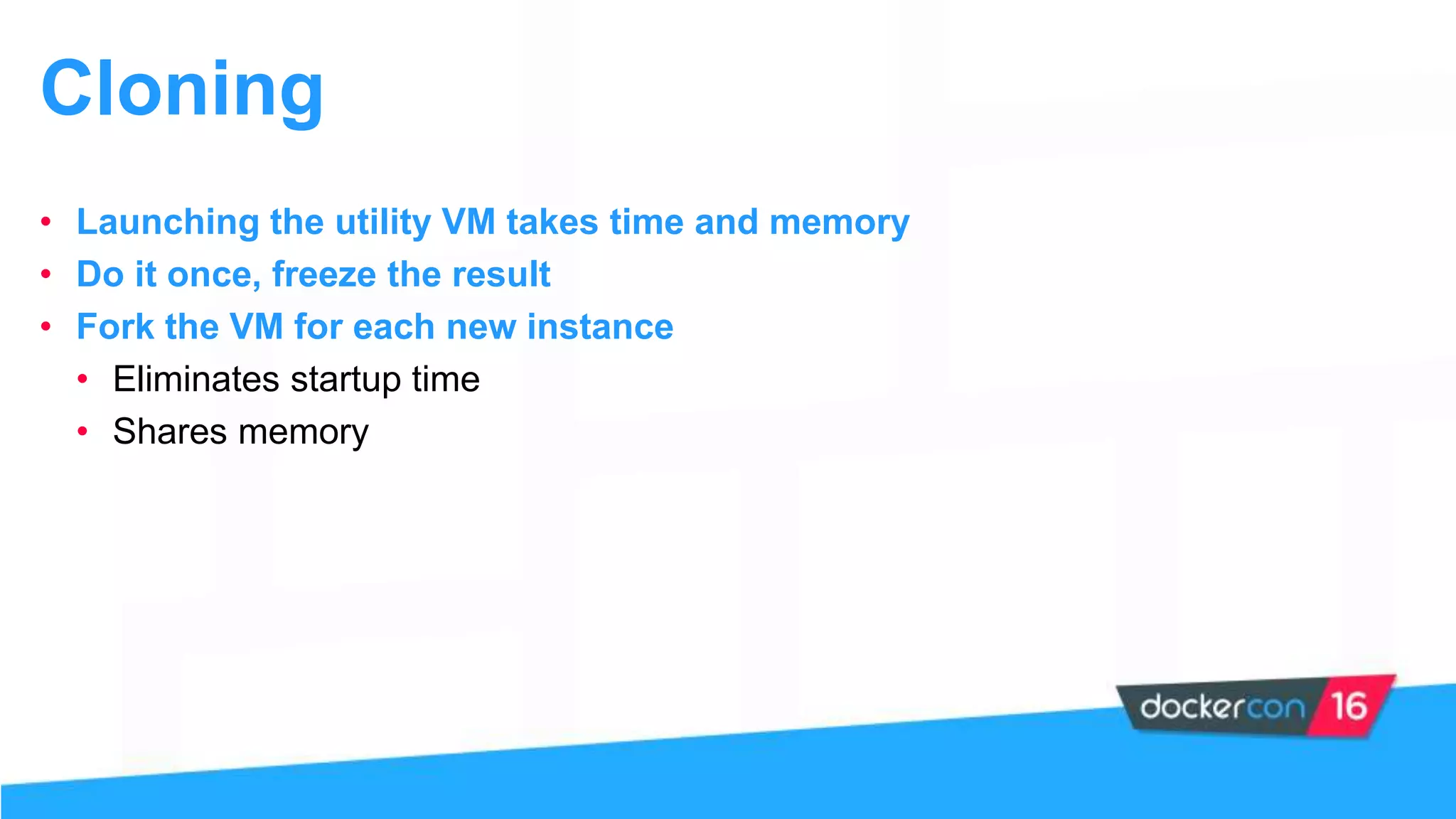
Techniques for increasing efficiency through cloning and forking utility VMs.
Final demonstration showcasing the functionality of the presented technologies.
Thanking the audience and concluding the presentation.


![[FDD 2016] Marek Śledziński - Microsoft Windows a sprawa kontenerów](https://cdn.slidesharecdn.com/ss_thumbnails/msledzinski-170302135543-thumbnail.jpg?width=640&height=640&fit=bounds)


