YUI Mobile
Gonzalo Cordero
  @goonieiam
Agenda

• Intro, demo & design principles
• Deconstruction of a hybrid application
• Conclusion
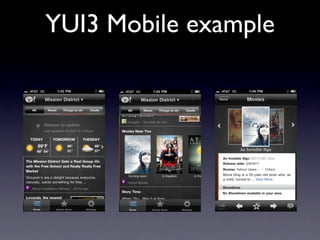
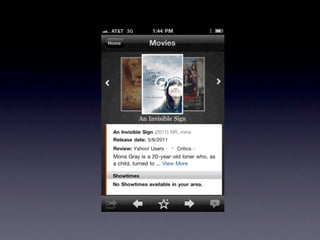
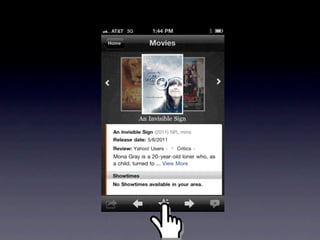
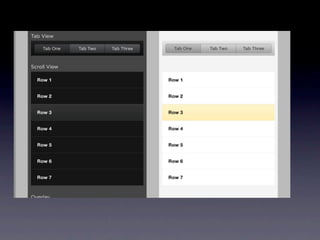
YUI3 Mobile example
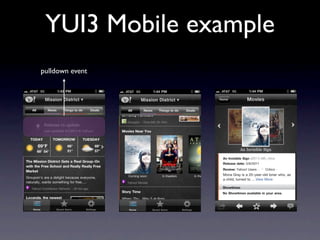
YUI3 Mobile example
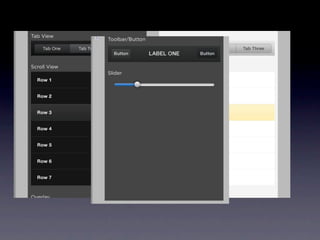
pulldown event
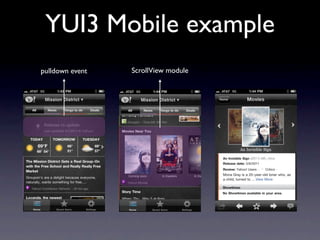
YUI3 Mobile example
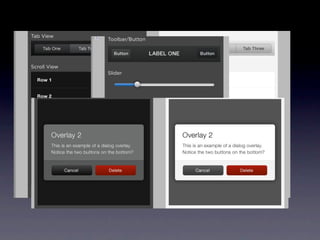
pulldown event   ScrollView module
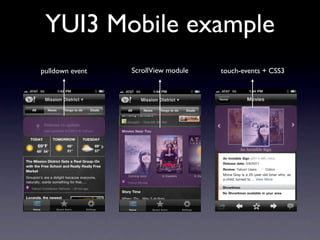
YUI3 Mobile example
pulldown event   ScrollView module   touch-events + CSS3
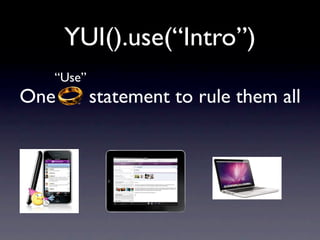
YUI().use(“Intro”)
  “Use”
One       statement to rule them all
YUI().use(“Features”)

Those features you’re thinking about are not unique to
                        mobile
Touch
Gestures
Touch
  Gestures

 Transitions
Offline Cache
  History
YUI().use(“Constraints”
           )

    Neither are the constraints...
k-weight
run-time performance
  screen real estate
YUI 3
YUI 3
YUI 3
YUI().use(“Mobile”)

  Everything you need
   is already available.
1. Load & Delivery
YUI - Everything is a
        module
YUI().use(“Loader”)
YUI().use(“Loader”)
    Feature based loading
YUI().use(“Loader”)
    Feature based loading


    On demand loading
YUI().use(“Loader”)
    Feature based loading


    On demand loading


   Dependency calculation
YUI().use(“Loader”)
    Feature based loading


    On demand loading


   Dependency calculation


    Manual or Automatic
YUI().use(“Loader”)
Manual:
   use(“selector-native”,”transition-native”)
Automatic:
   use(“Node”) //This won’t load any of the
   IE6 stuff if the request comes from a
   phone.
YUI().use(“The best”)


 and it just about to get
      even better...
YUI().use(“Remote
     loader”)
  Feature based loading


  Dependency calculation


       Cache layer
2. Navigating in style
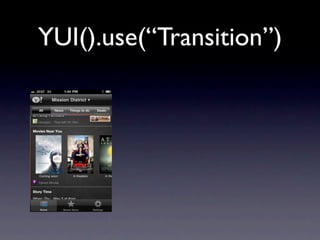
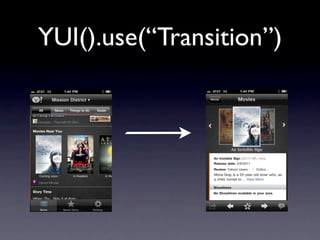
YUI().use(“Transition”)

• Cross-Browser support
• Vendor prefixes
• Hardware acceleration(CSS3)
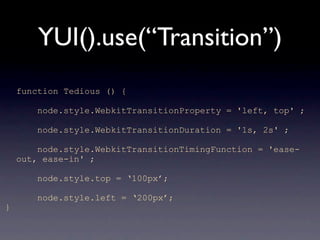
YUI().use(“Transition”)
    function Tedious () {

        node.style.WebkitTransitionProperty = 'left, top' ;

        node.style.WebkitTransitionDuration = '1s, 2s' ;

        node.style.WebkitTransitionTimingFunction = 'ease-
    out, ease-in' ;

        node.style.top = ‘100px’;

        node.style.left = ‘200px’;
}
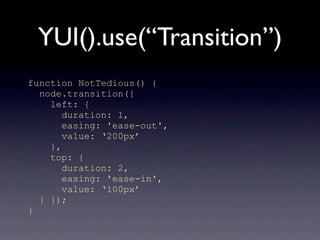
YUI().use(“Transition”)
function NotTedious() {
  node.transition({
    left: {
       duration: 1,
       easing: 'ease-out',
       value: ‘200px’
    },
    top: {
       duration: 2,
       easing: 'ease-in',
       value: ‘100px’
  } });
}
3. Reacting to gestures
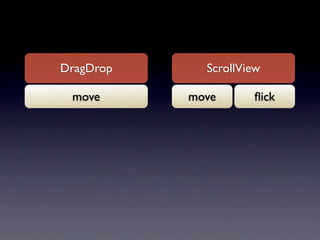
DragDrop           ScrollView

mouse move touch   mouse
                   move       touch
                               flick
DragDrop                      ScrollView

mouse move touch              mouse
                              move       touch
                                          flick


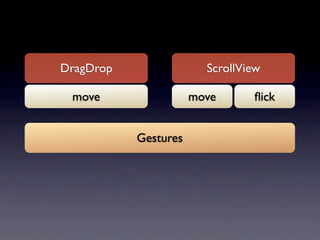
                   Gestures
DragDrop                          ScrollView

mouse move touch                  mouse
                                  move       touch
                                              flick


                       Gestures


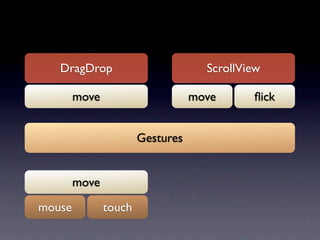
        move

mouse          touch
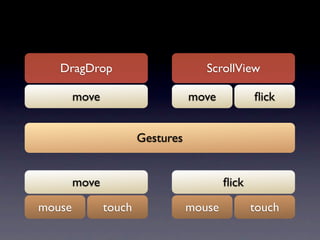
DragDrop                          ScrollView

        move                      move           flick


                       Gestures


        move                              flick

mouse          touch              mouse          touch
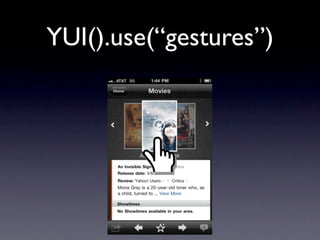
YUI().use(“gestures”)
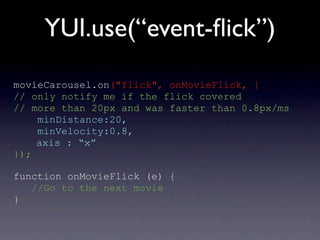
YUI.use(“event-flick”)
movieCarousel.on("flick", onMovieFlick, {
// only notify me if the flick covered
// more than 20px and was faster than 0.8px/ms
    minDistance:20,
    minVelocity:0.8,
    axis : “x”
});

function onMovieFlick (e) {
   //Go to the next movie
}
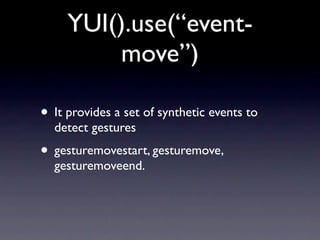
YUI().use(“event-
          move”)

• It provides a set of synthetic events to
  detect gestures
• gesturemovestart, gesturemove,
  gesturemoveend.
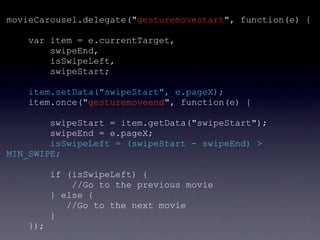
movieCarousel.delegate("gesturemovestart", function(e) {

    var item = e.currentTarget,
        swipeEnd,
        isSwipeLeft,
        swipeStart;

    item.setData("swipeStart", e.pageX);
    item.once("gesturemoveend", function(e) {

        swipeStart = item.getData("swipeStart");
        swipeEnd = e.pageX;
        isSwipeLeft = (swipeStart - swipeEnd) >
MIN_SWIPE;

          if (isSwipeLeft) {
              //Go to the previous movie
          } else {
             //Go to the next movie
          }
    });
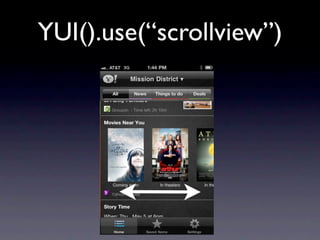
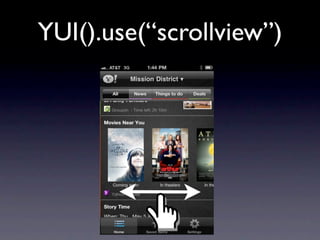
YUI().use(“scrollview”)

• Provides scrollable content for touch
  enabled devices.
• Two plugins: ScrollViewScrollbars &
  ScrollViewPaginator
YUI().use(“scrollview”)
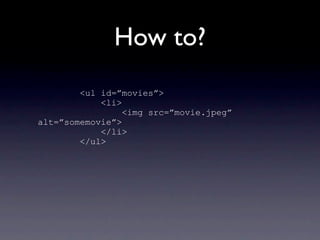
How to?
        <ul id=”movies”>
            <li>
                 <img src=”movie.jpeg”
alt=”somemovie”>
            </li>
        </ul>
YUI({...}).use("scrollview", function(Y){

 var scrollview = new Y.ScrollView({
         srcNode:"#movies",
         flick : {minVelocity:0.8},
         deceleration : 0.98,
         bounce: 0.1,
         width:"20em"
 });

});
4. Putting all the pieces
         together
YUI().use(“app”)

      Simple MVC framework for
     writing single-page Applications
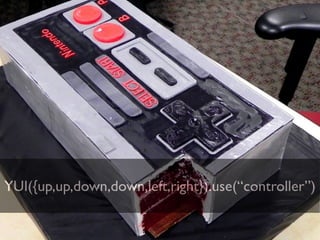
YUI({up,up,down,down,left,right}).use(“controller”)
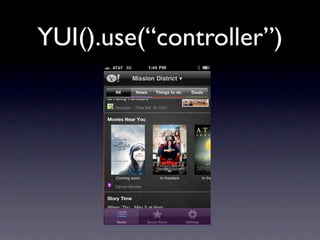
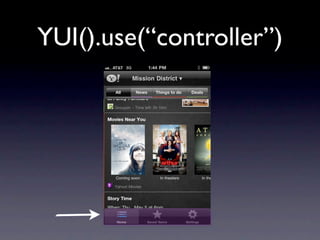
YUI().use(“controller”)

• Provides URL based page routing
• Bookmark-able
• Configurable
YUI().use(“controller”)
Example:
    var controller = new Y.Controller({
      root: '/yahoolocal',

      routes: [
        {path:             '/', callback: loadHome},
        {path:         '/save', callback: showSavedItems },
        {path: '/showSettings', callback: showSettings}
      ]
    });
Route callbacks

 req {
  params,
  path,
  query,
  next()
 }
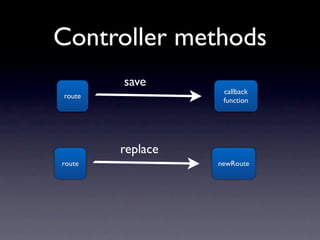
Controller methods
        save
                   callback
route
                   function


        replace
route             newRoute
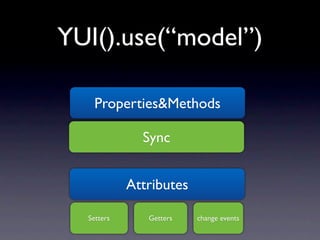
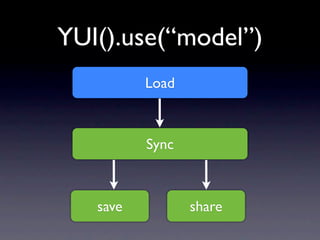
YUI().use(“model”)
YUI().use(“model”)


 Defines and manages the
    attributes of the
       application
YUI().use(“model”)

   Properties&Methods

              Sync


            Attributes

  Setters      Getters   change events
YUI().use(“model”)
          Load


          Sync


   save          share
YUI().use(“view”)
YUI().use(“views”)

Represents a renderable piece of an
  application's user interface, and
 provides hooks for easily handling
               events
Y.eventsView = Y.Base.create('eventsView', Y.View,
[], {

  container: '<ul class="eventsContainer"></ul>',

  template: '<li>{eventData}</li>',

  events: {

  },
  initializer: function () {
       //The initializer function will run when a view
is instantiated
  },
  render: function () {
     //The render function is responsible for
rendering the view to the page, react to UI changes
  }
}
});
YUI().use(“Widgets”)

  So YUI is the king of widgets....

  Where are my mobile widgets?!
YUI().use(“Gallery”)
        In the meantime...

    Got a cool idea? Build it!

   http://yuilibrary.com/gallery/
Final thoughts


• YUI3 is well suited for both Hybrid and
  Mobile web apps.
• Everything you need is already availble
YUI().use(“Thank you”)

          @goonieiam


        http://yuilibrary.com
    http://yuilibrary.com/theater/

YUI for Mobile - HTML5DevConf 11