Troubleshooting
By Joe Cartonia
About me
Name: Joe Cartonia
GitHub: https://github.com/cssjoe
Twitter: @joemotocss
I was born in Buffalo, living in Virginia Beach since 2007, and working as a WordPress
plugin and API developer for BoldGrid since 2014. I enjoy contributing to WordPress,
local Meetups, and the community.
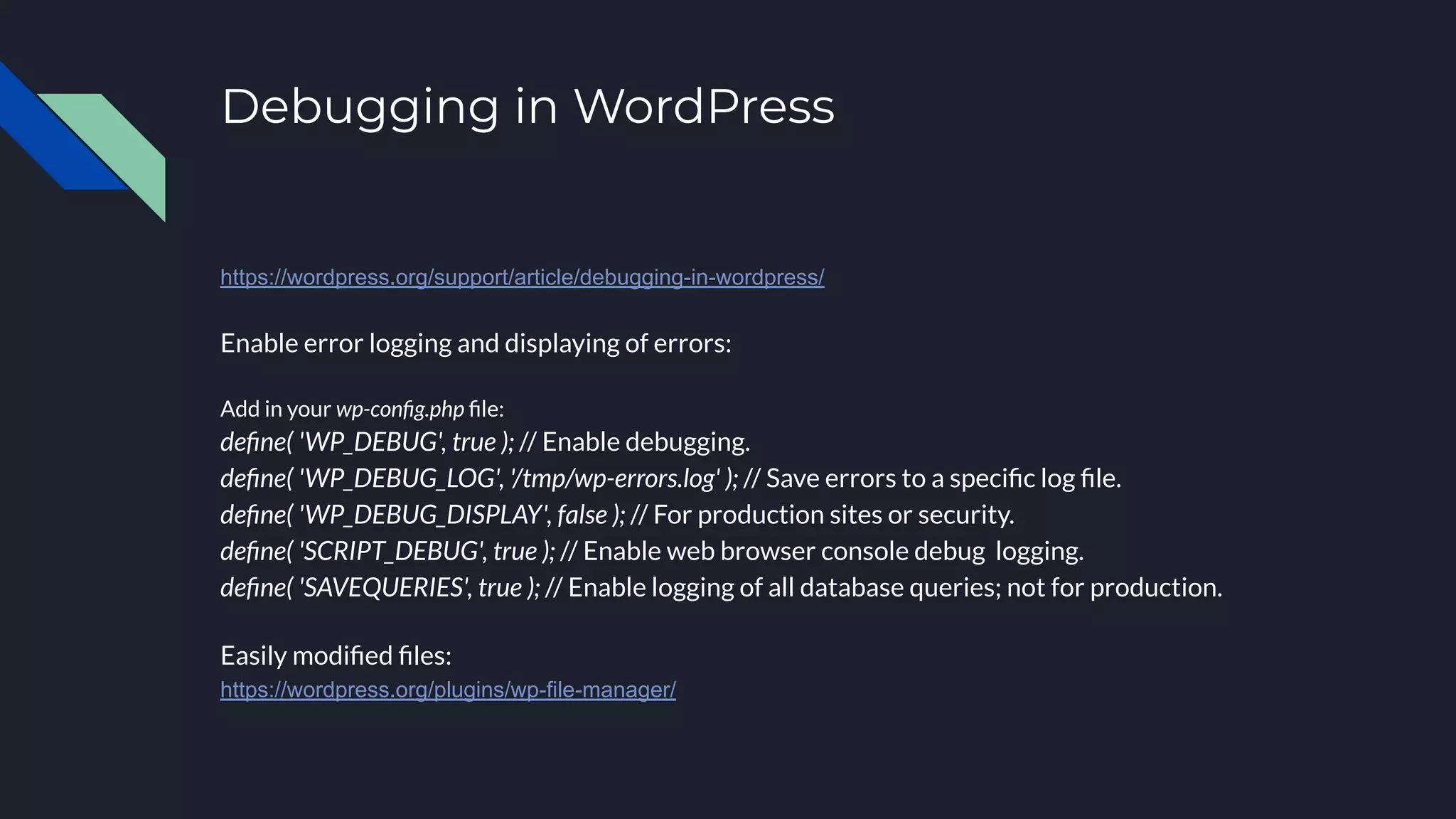
Debugging in WordPress
https://wordpress.org/support/article/debugging-in-wordpress/
Enable error logging and displaying of errors:
Add in your wp-config.php file:
define( 'WP_DEBUG', true ); // Enable debugging.
define( 'WP_DEBUG_LOG', '/tmp/wp-errors.log' ); // Save errors to a specific log file.
define( 'WP_DEBUG_DISPLAY', false ); // For production sites or security.
define( 'SCRIPT_DEBUG', true ); // Enable web browser console debug logging.
define( 'SAVEQUERIES', true ); // Enable logging of all database queries; not for production.
Easily modified files:
https://wordpress.org/plugins/wp-file-manager/
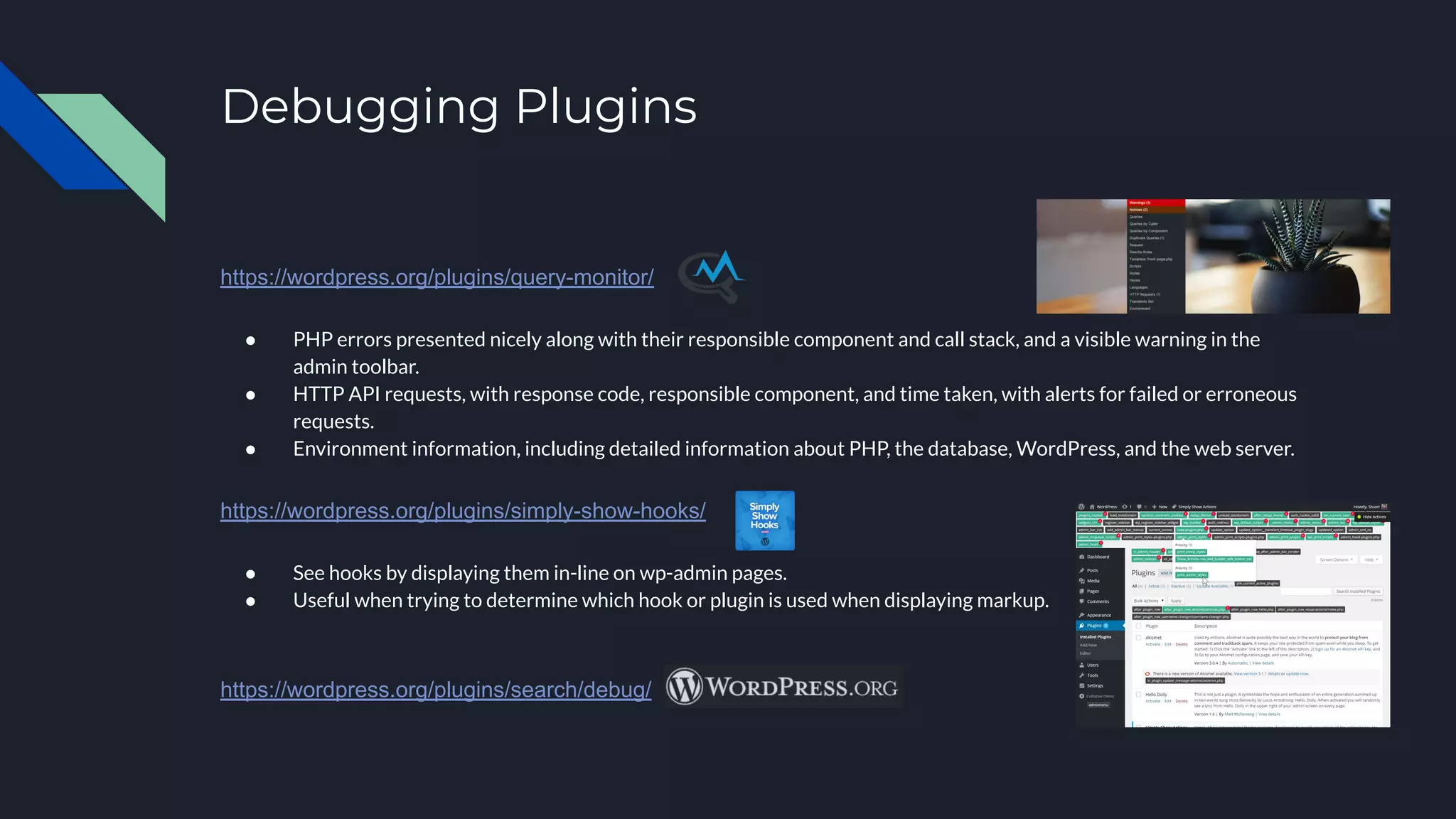
Debugging Plugins
https://wordpress.org/plugins/query-monitor/
● PHP errors presented nicely along with their responsible component and call stack, and a visible warning in the
admin toolbar.
● HTTP API requests, with response code, responsible component, and time taken, with alerts for failed or erroneous
requests.
● Environment information, including detailed information about PHP, the database, WordPress, and the web server.
https://wordpress.org/plugins/simply-show-hooks/
● See hooks by displaying them in-line on wp-admin pages.
● Useful when trying to determine which hook or plugin is used when displaying markup.
https://wordpress.org/plugins/search/debug/
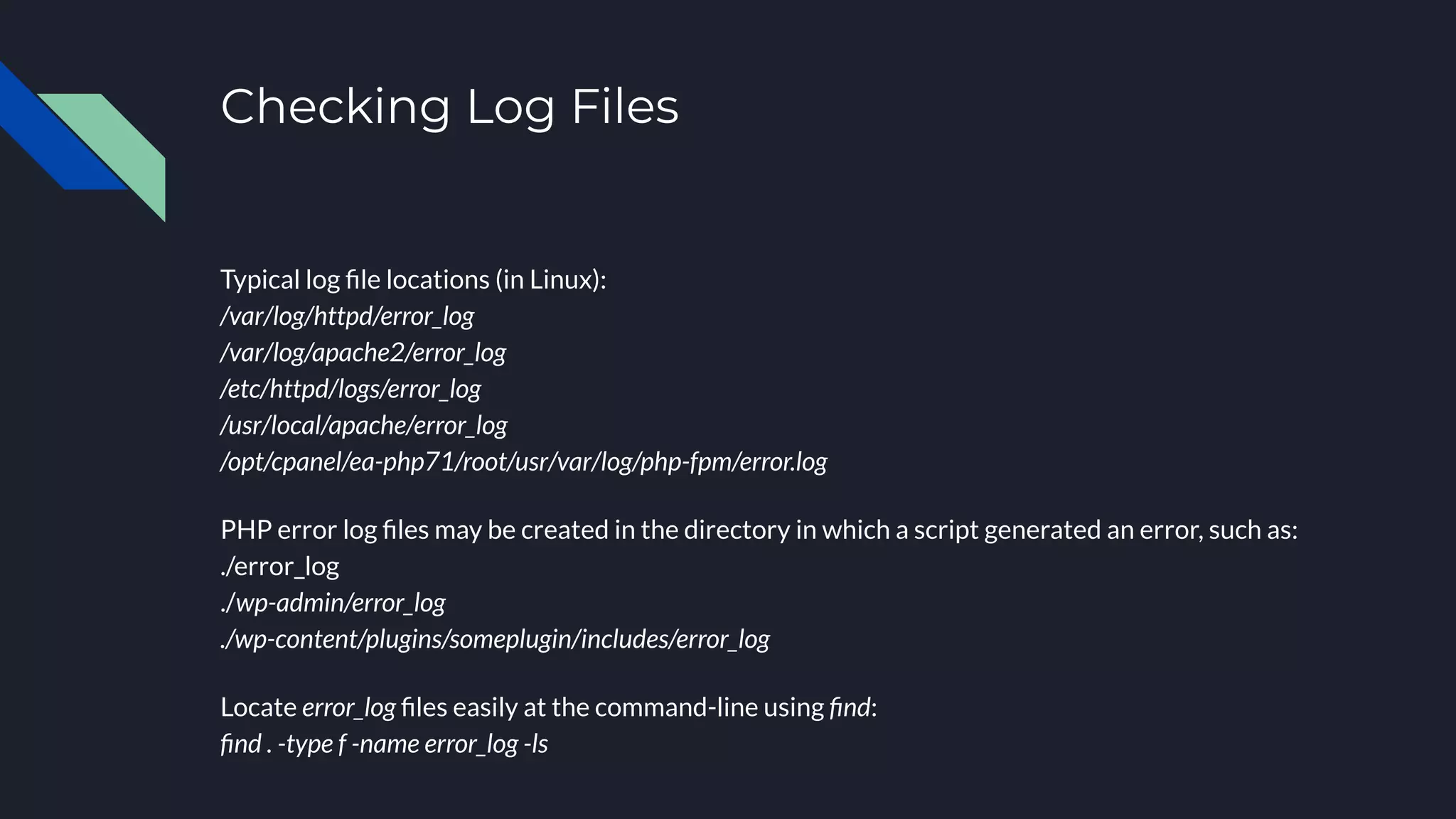
Checking Log Files
Typical log file locations (in Linux):
/var/log/httpd/error_log
/var/log/apache2/error_log
/etc/httpd/logs/error_log
/usr/local/apache/error_log
/opt/cpanel/ea-php71/root/usr/var/log/php-fpm/error.log
PHP error log files may be created in the directory in which a script generated an error, such as:
./error_log
./wp-admin/error_log
./wp-content/plugins/someplugin/includes/error_log
Locate error_log files easily at the command-line using find:
find . -type f -name error_log -ls
Thank you!
I would like to thank everyone for attending.
I am available on GitHub: https://github.com/cssjoe
This slideshow and others are available on SlideShare.net: https://www.slideshare.net/JoeCartonia
Please follow me on Twitter: @joemotocss

WordPress Troubleshooting

  • 1.
  • 2.
    About me Name: JoeCartonia GitHub: https://github.com/cssjoe Twitter: @joemotocss I was born in Buffalo, living in Virginia Beach since 2007, and working as a WordPress plugin and API developer for BoldGrid since 2014. I enjoy contributing to WordPress, local Meetups, and the community.
  • 3.
    Debugging in WordPress https://wordpress.org/support/article/debugging-in-wordpress/ Enableerror logging and displaying of errors: Add in your wp-config.php file: define( 'WP_DEBUG', true ); // Enable debugging. define( 'WP_DEBUG_LOG', '/tmp/wp-errors.log' ); // Save errors to a specific log file. define( 'WP_DEBUG_DISPLAY', false ); // For production sites or security. define( 'SCRIPT_DEBUG', true ); // Enable web browser console debug logging. define( 'SAVEQUERIES', true ); // Enable logging of all database queries; not for production. Easily modified files: https://wordpress.org/plugins/wp-file-manager/
  • 4.
    Debugging Plugins https://wordpress.org/plugins/query-monitor/ ● PHPerrors presented nicely along with their responsible component and call stack, and a visible warning in the admin toolbar. ● HTTP API requests, with response code, responsible component, and time taken, with alerts for failed or erroneous requests. ● Environment information, including detailed information about PHP, the database, WordPress, and the web server. https://wordpress.org/plugins/simply-show-hooks/ ● See hooks by displaying them in-line on wp-admin pages. ● Useful when trying to determine which hook or plugin is used when displaying markup. https://wordpress.org/plugins/search/debug/
  • 5.
    Checking Log Files Typicallog file locations (in Linux): /var/log/httpd/error_log /var/log/apache2/error_log /etc/httpd/logs/error_log /usr/local/apache/error_log /opt/cpanel/ea-php71/root/usr/var/log/php-fpm/error.log PHP error log files may be created in the directory in which a script generated an error, such as: ./error_log ./wp-admin/error_log ./wp-content/plugins/someplugin/includes/error_log Locate error_log files easily at the command-line using find: find . -type f -name error_log -ls
  • 6.
    Thank you! I wouldlike to thank everyone for attending. I am available on GitHub: https://github.com/cssjoe This slideshow and others are available on SlideShare.net: https://www.slideshare.net/JoeCartonia Please follow me on Twitter: @joemotocss