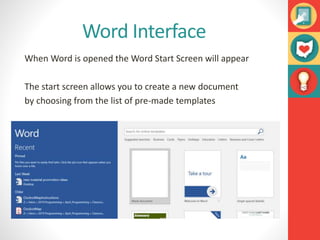
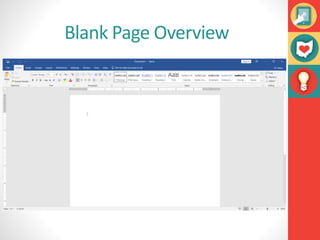
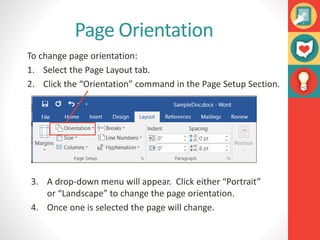
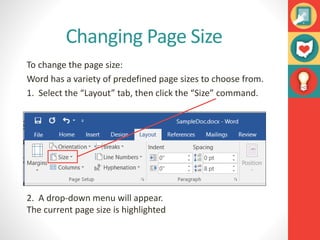
This document provides an overview of the key features and interface of Microsoft Word 2016, including:
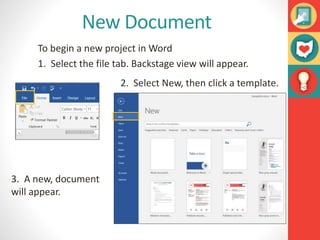
- The Word start screen allows creating new documents from templates.
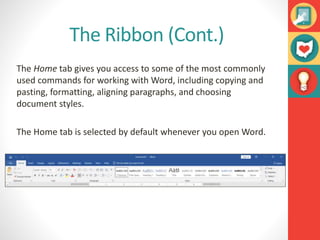
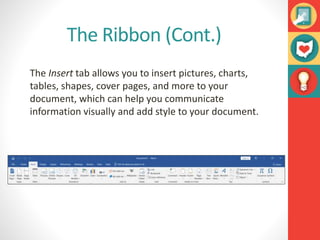
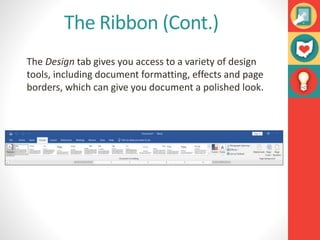
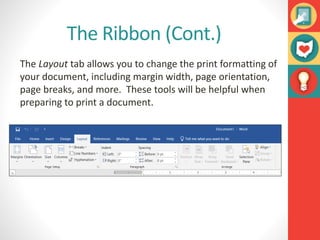
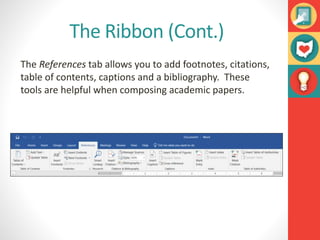
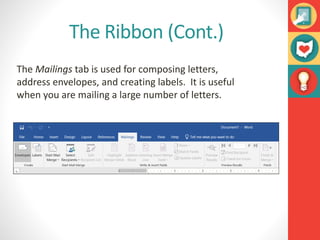
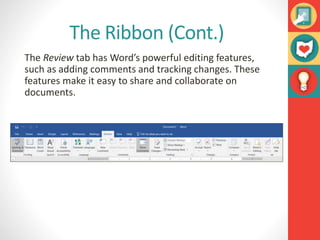
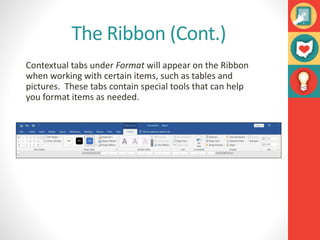
- The ribbon contains tabs for common tasks like formatting, inserting objects, and page layout. Contextual tabs appear for items like tables.
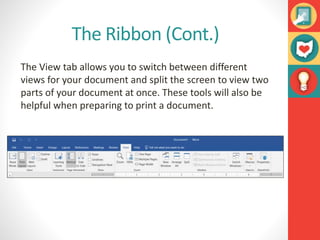
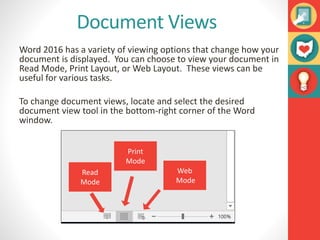
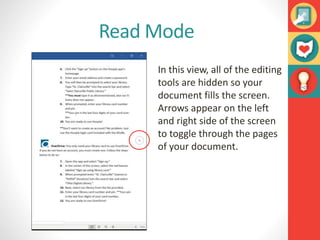
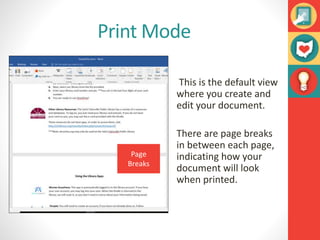
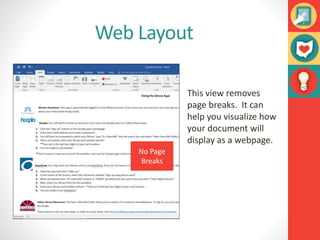
- Views include Read Mode, Print Layout, and Web Layout for different display purposes.
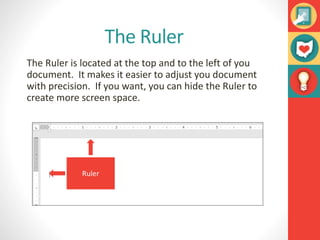
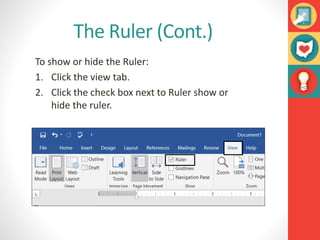
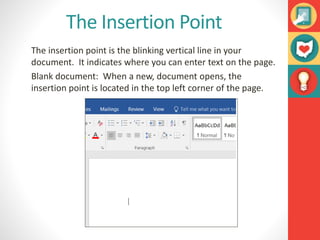
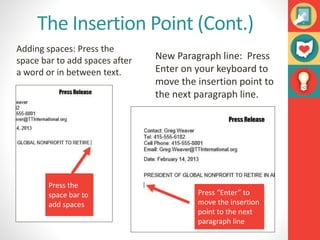
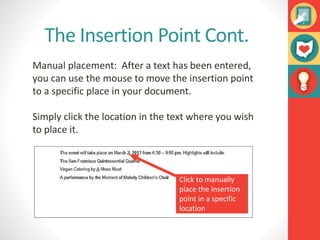
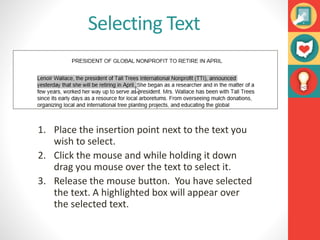
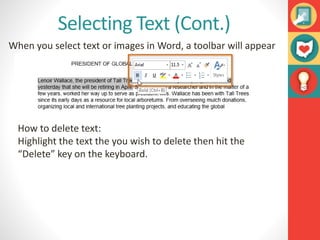
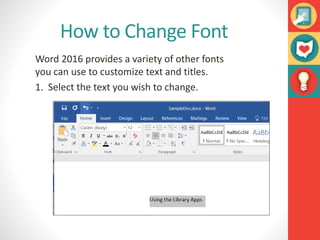
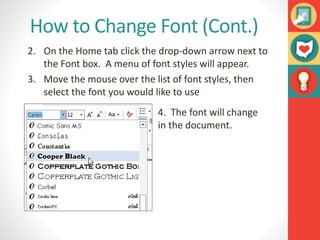
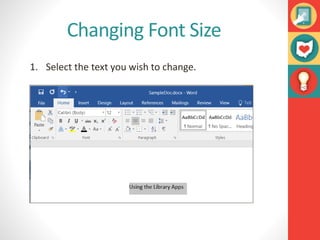
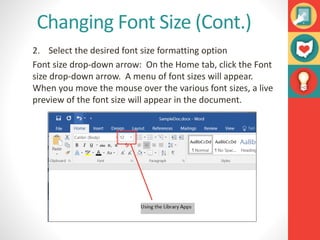
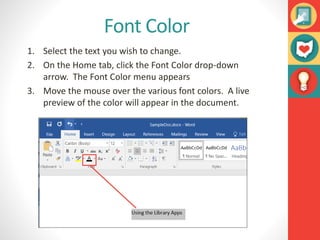
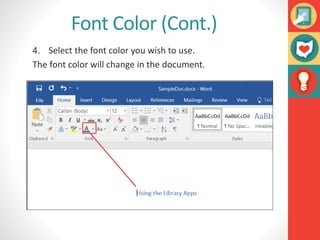
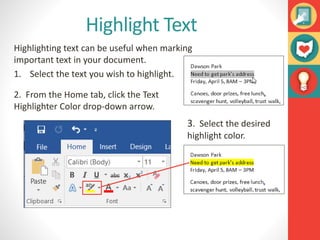
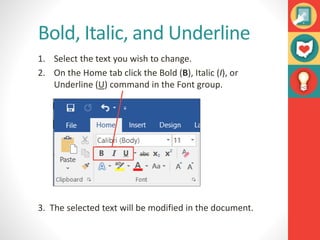
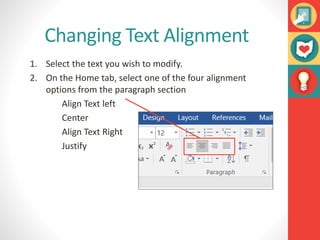
- Tools for working with text include changing font, size, color, formatting, and alignment. Ruler and insertion point help place text.
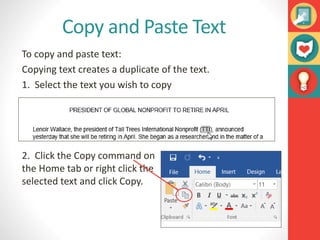
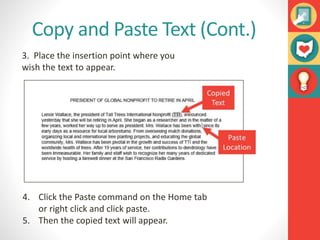
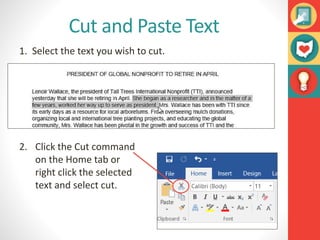
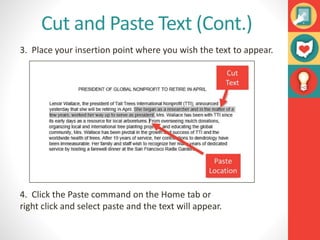
- Cut, copy, paste, and text selection allow duplicating or moving portions of a document.
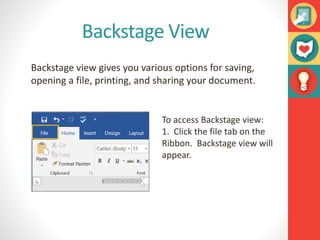
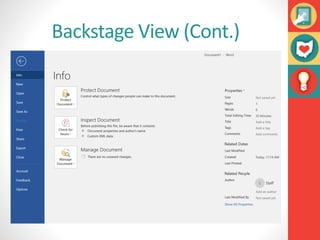
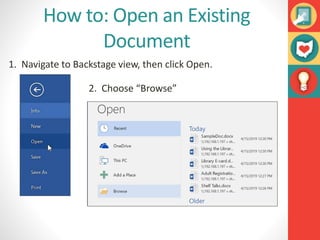
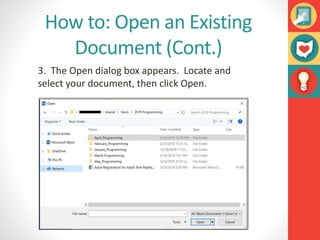
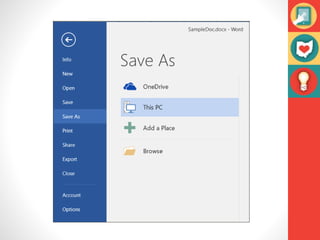
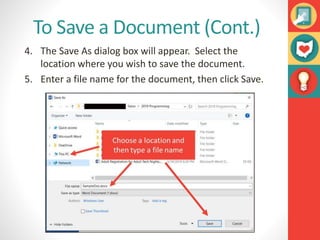
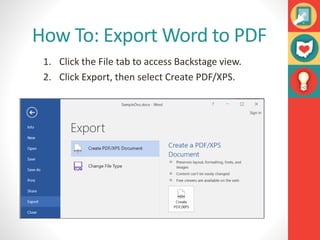
- Backstage view provides options for file management tasks like opening