Downloaded 36 times
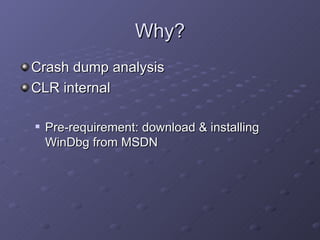
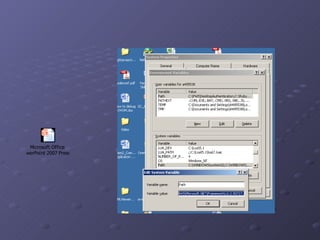
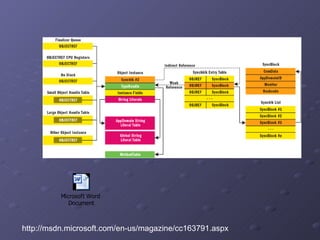
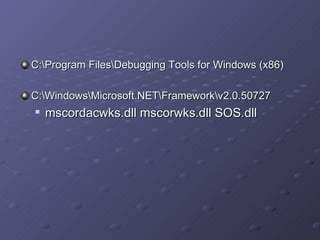
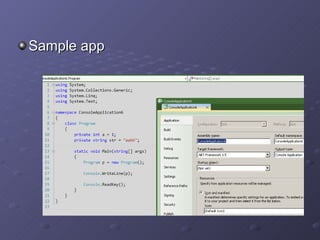
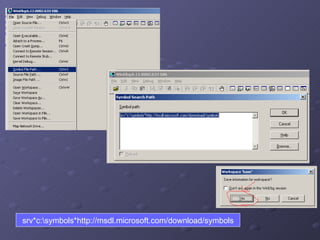
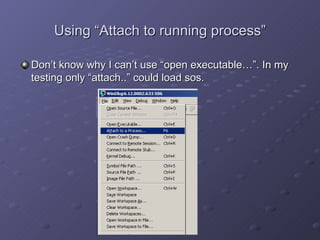
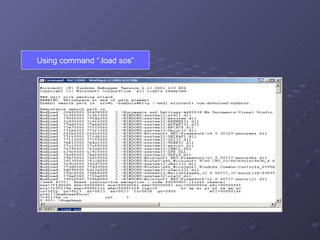
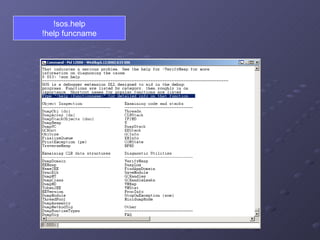
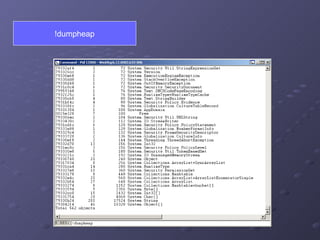
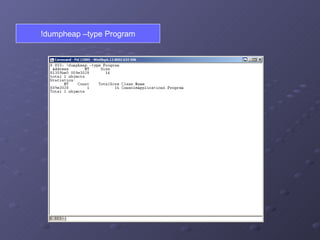
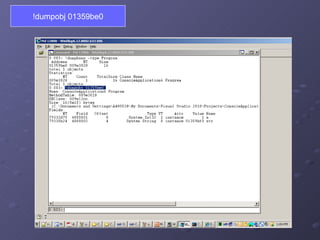


This document provides instructions for debugging .NET applications using WinDbg and the SOS extension. It outlines downloading and installing WinDbg, loading required DLLs like SOS.dll, attaching WinDbg to a running process, and using commands like .load sos, !dumpheap, and !dumpobj to analyze crashes and inspect the CLR heap. Additional resources like blog posts and videos are provided to learn more techniques for advanced .NET debugging.


![[Open southcode] ios testing with appium](https://cdn.slidesharecdn.com/ss_thumbnails/opensouthcodeiostestingwithappium-190528141750-thumbnail.jpg?width=640&height=640&fit=bounds)


![Getting Started with Apache Spark: Big Data Made Simple [Free Meetup]](https://cdn.slidesharecdn.com/ss_thumbnails/apachesparkgettingstarted-260203175547-8361bcc3-thumbnail.jpg?width=640&height=640&fit=bounds)


