WHAT’S NEW IN JHIPSTERLAND
MATT RAIBLE / @MRAIBLE
Blogger on raibledesigns.com
UI Architect and Java Champion
Father, Skier, Mountain
Biker, Whitewater Rafter
Web Framework Connoisseur
Who is Matt Raible?
Bus Lover
Stormpath Developer Evangelist
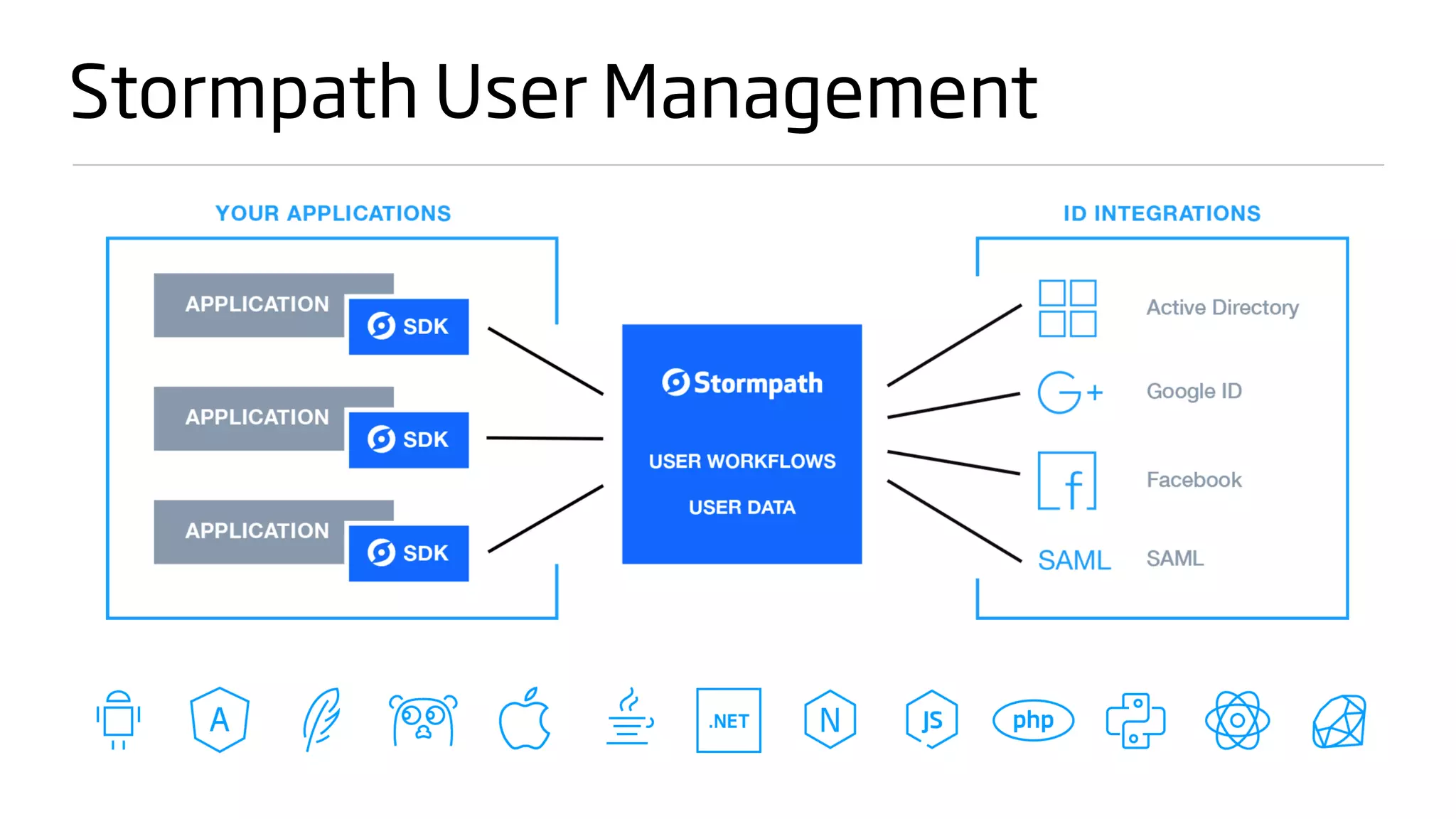
Stormpath User Management
About You
Are you a Java developer that likes Spring?

Do you like JavaScript? TypeScript?

Anyone using Angular?

Have you used JHipster before?
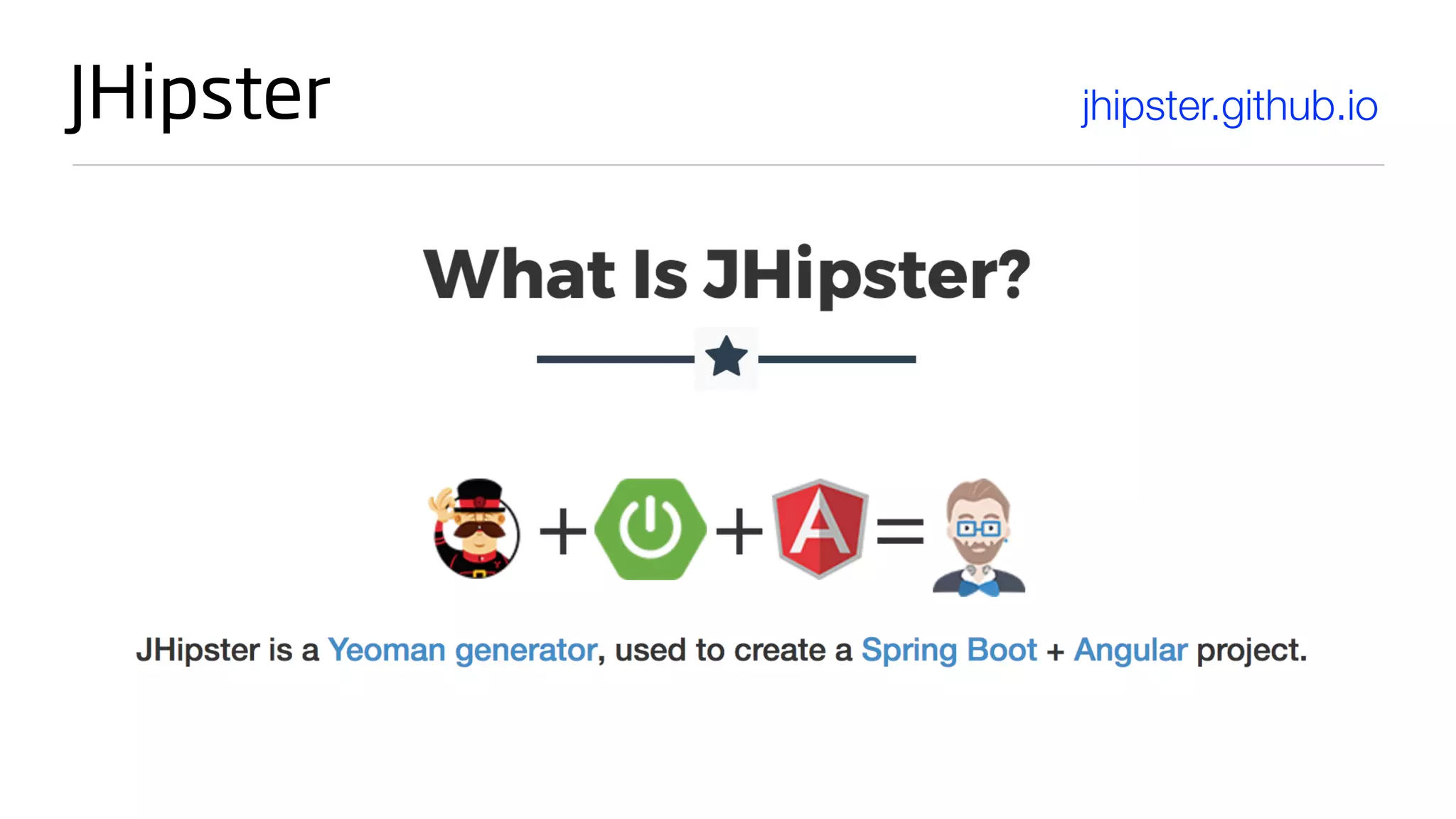
JHipster jhipster.github.io
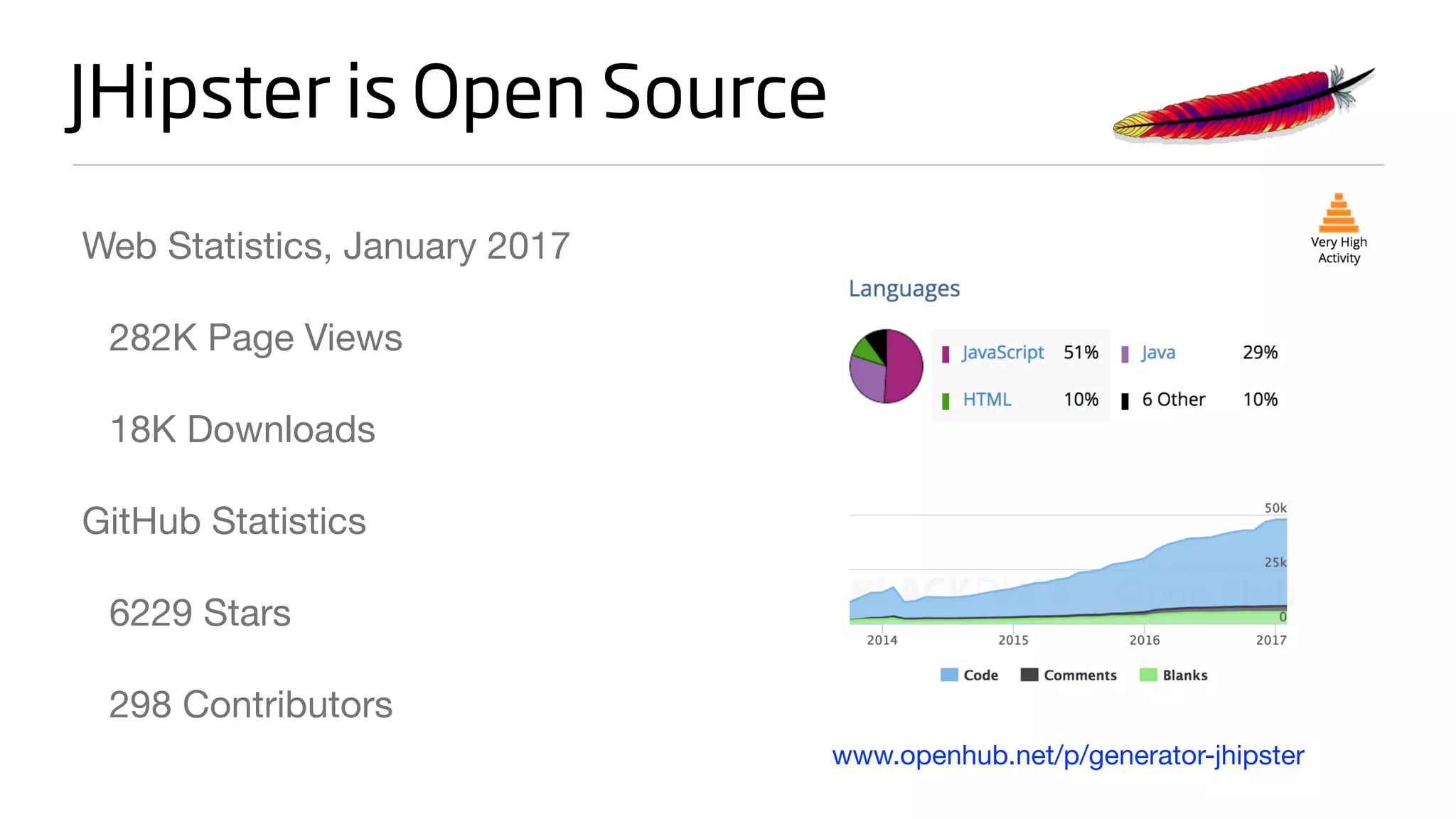
JHipster is Open Source
Web Statistics, January 2017

282K Page Views

18K Downloads

GitHub Statistics

6229 Stars 

298 Contributors
www.openhub.net/p/generator-jhipster
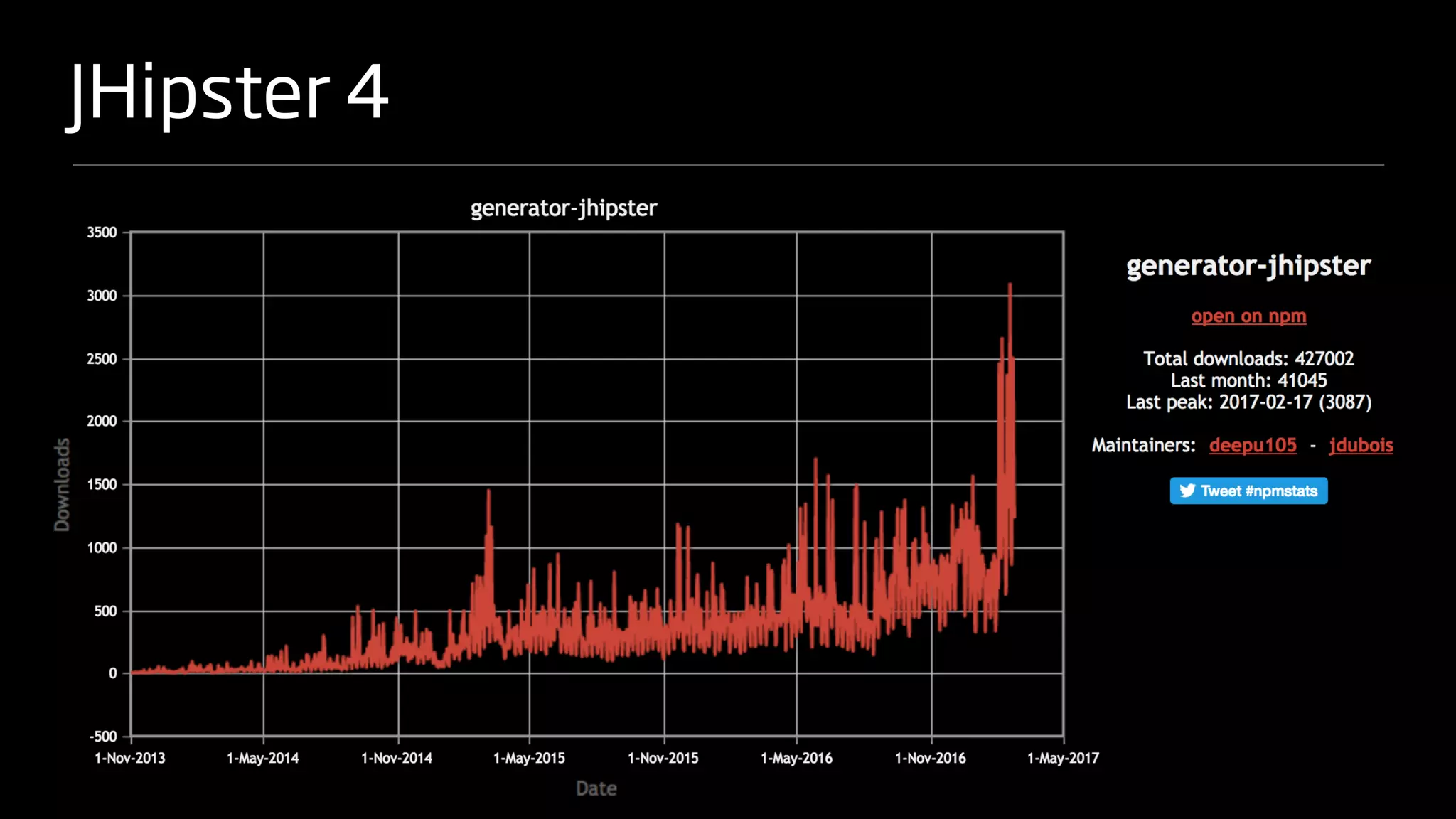
JHipster 4
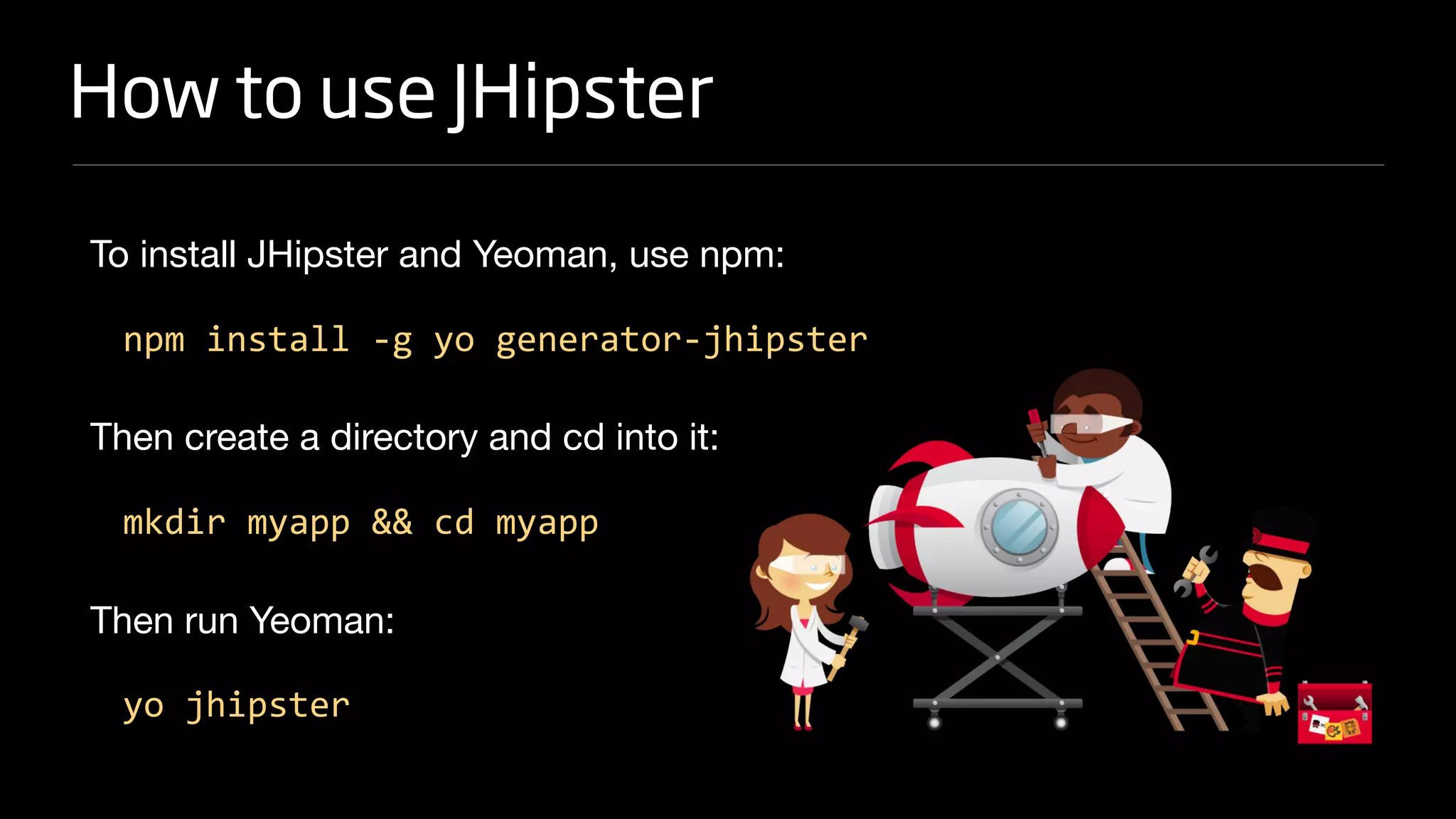
How to use JHipster
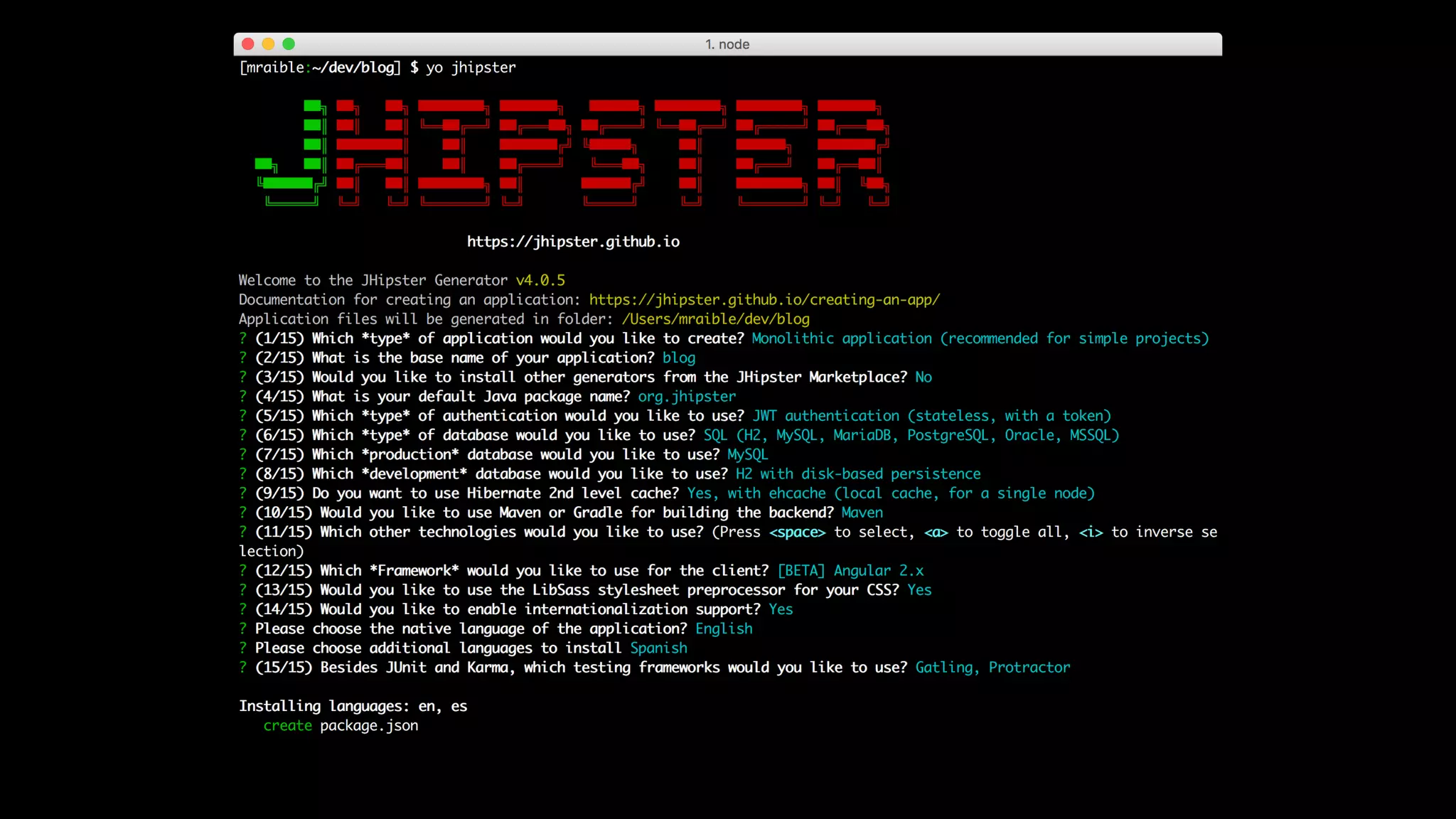
To install JHipster and Yeoman, use npm:

npm install -g yo generator-jhipster
Then create a directory and cd into it:

mkdir myapp && cd myapp
Then run Yeoman:

yo jhipster
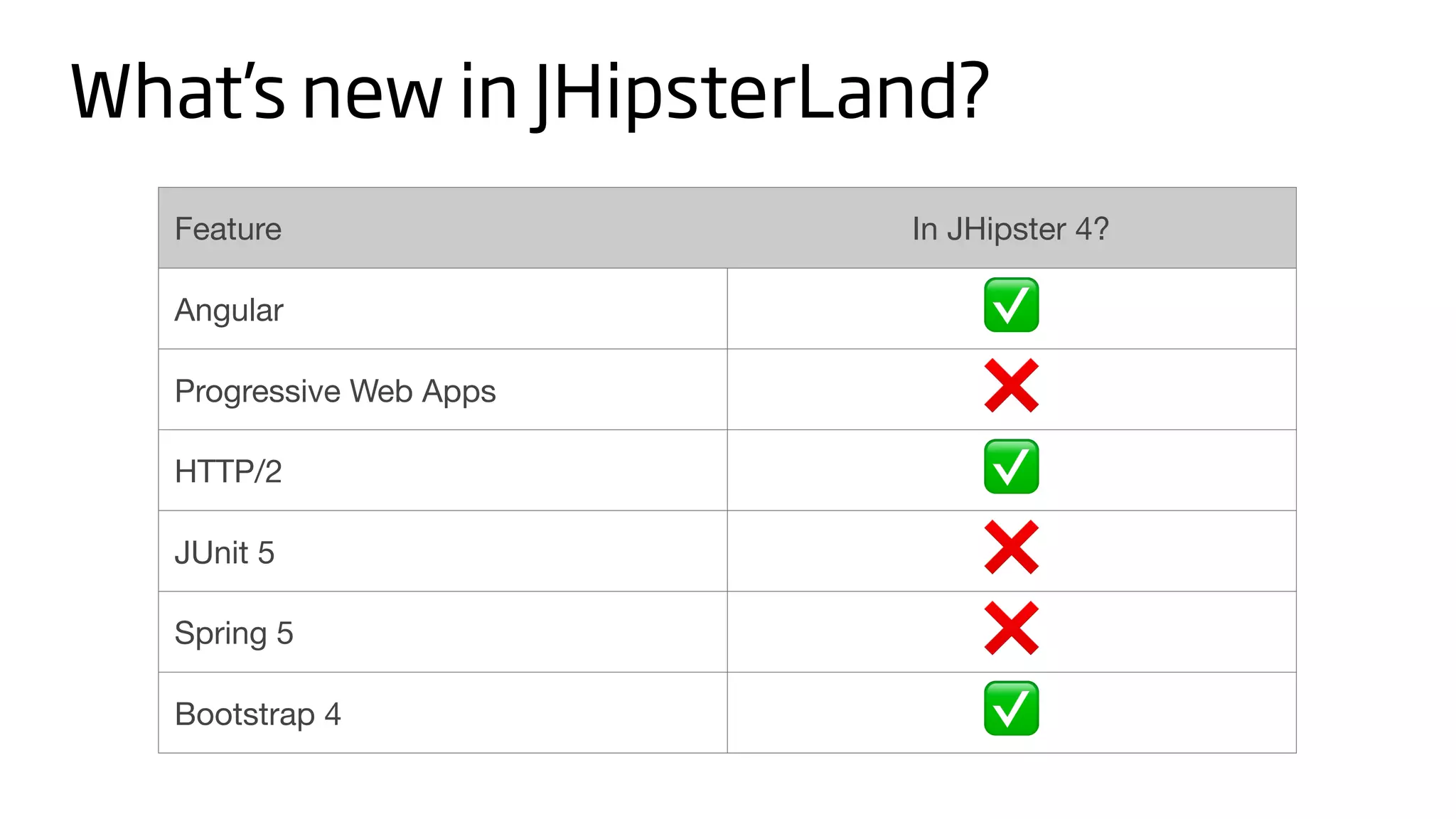
Feature In JHipster 4?
Angular ✅
Progressive Web Apps ❌
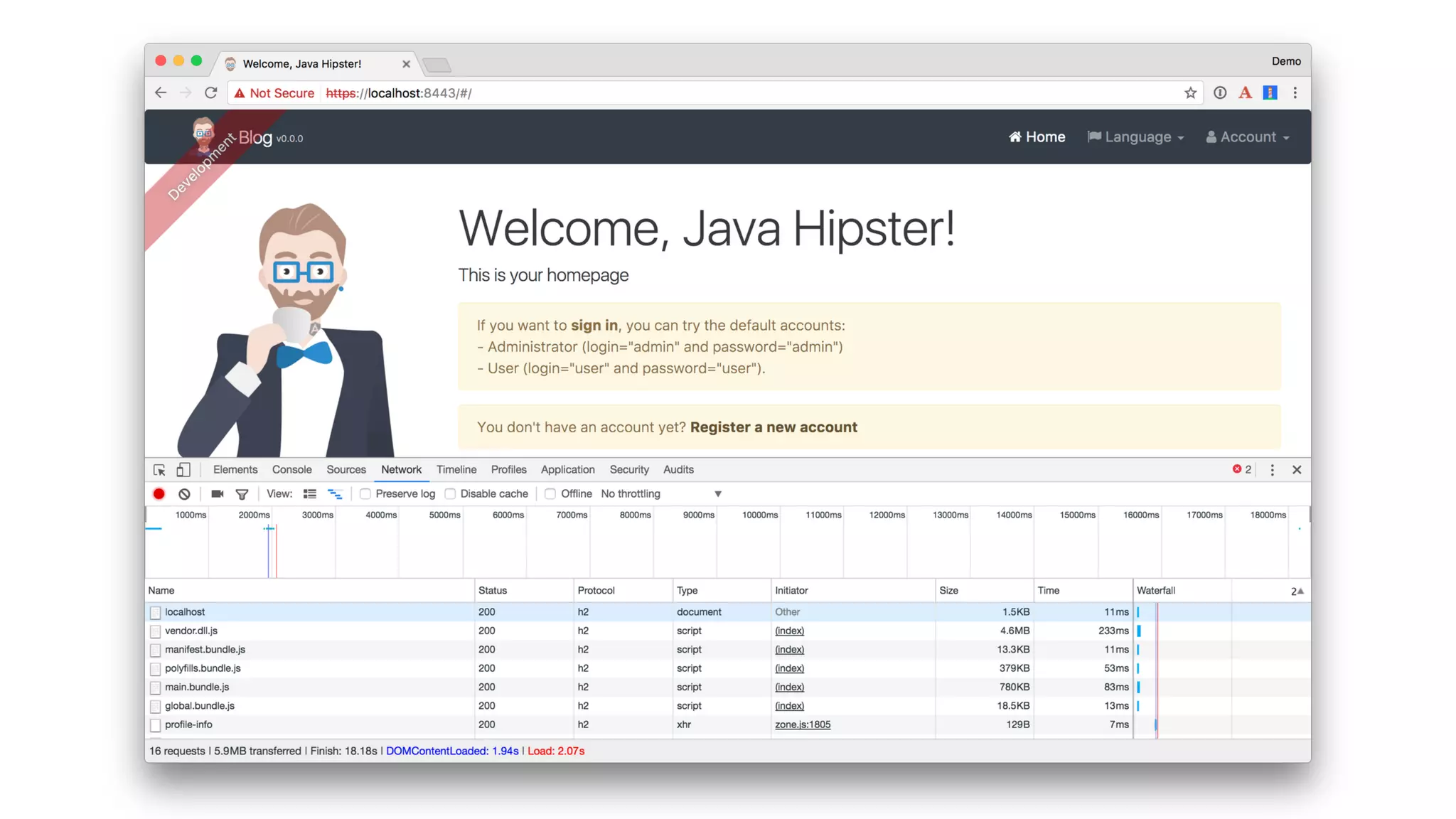
HTTP/2 ✅
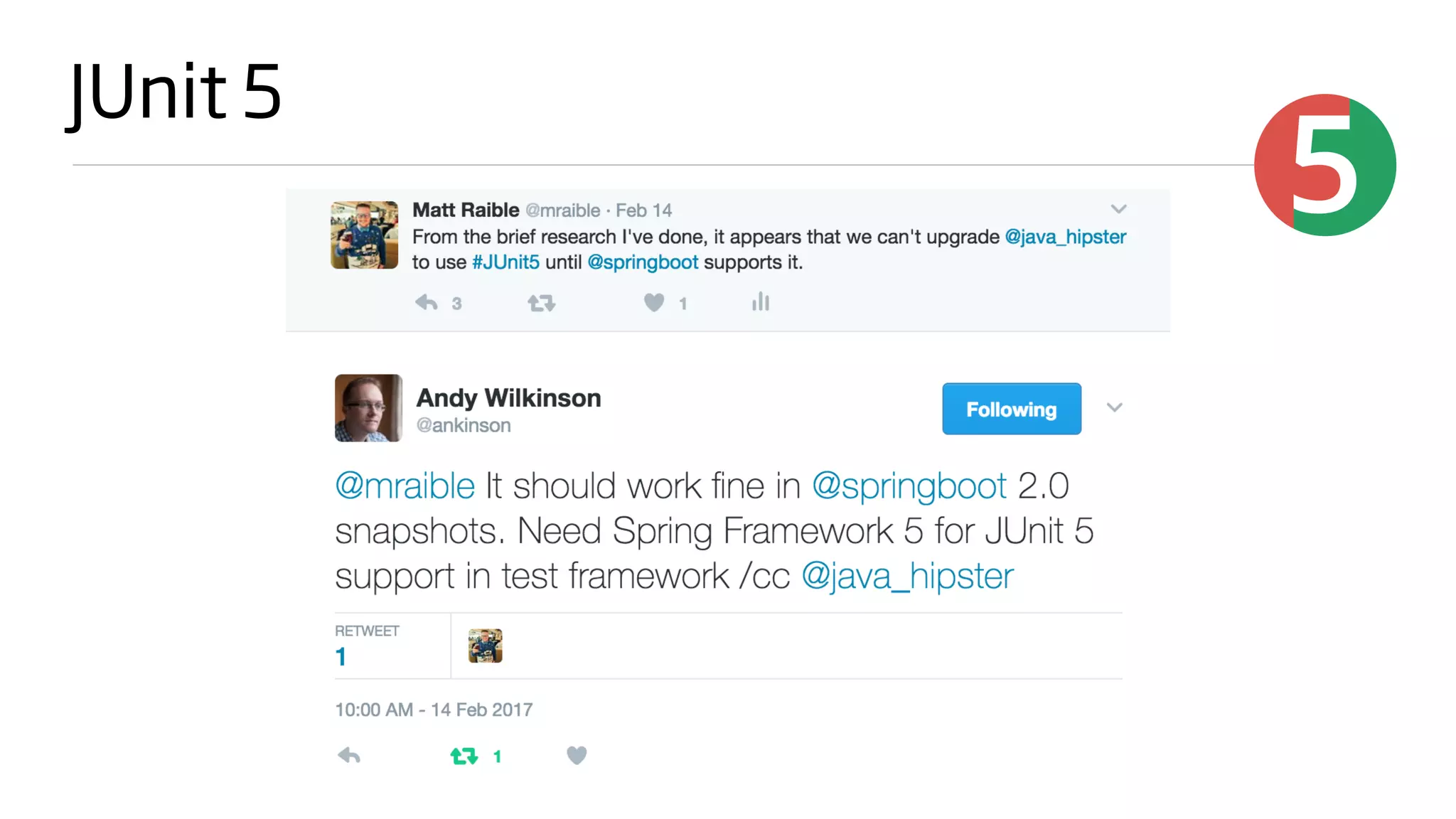
JUnit 5 ❌
Spring 5 ❌
Bootstrap 4 ✅
What’s new in JHipsterLand?
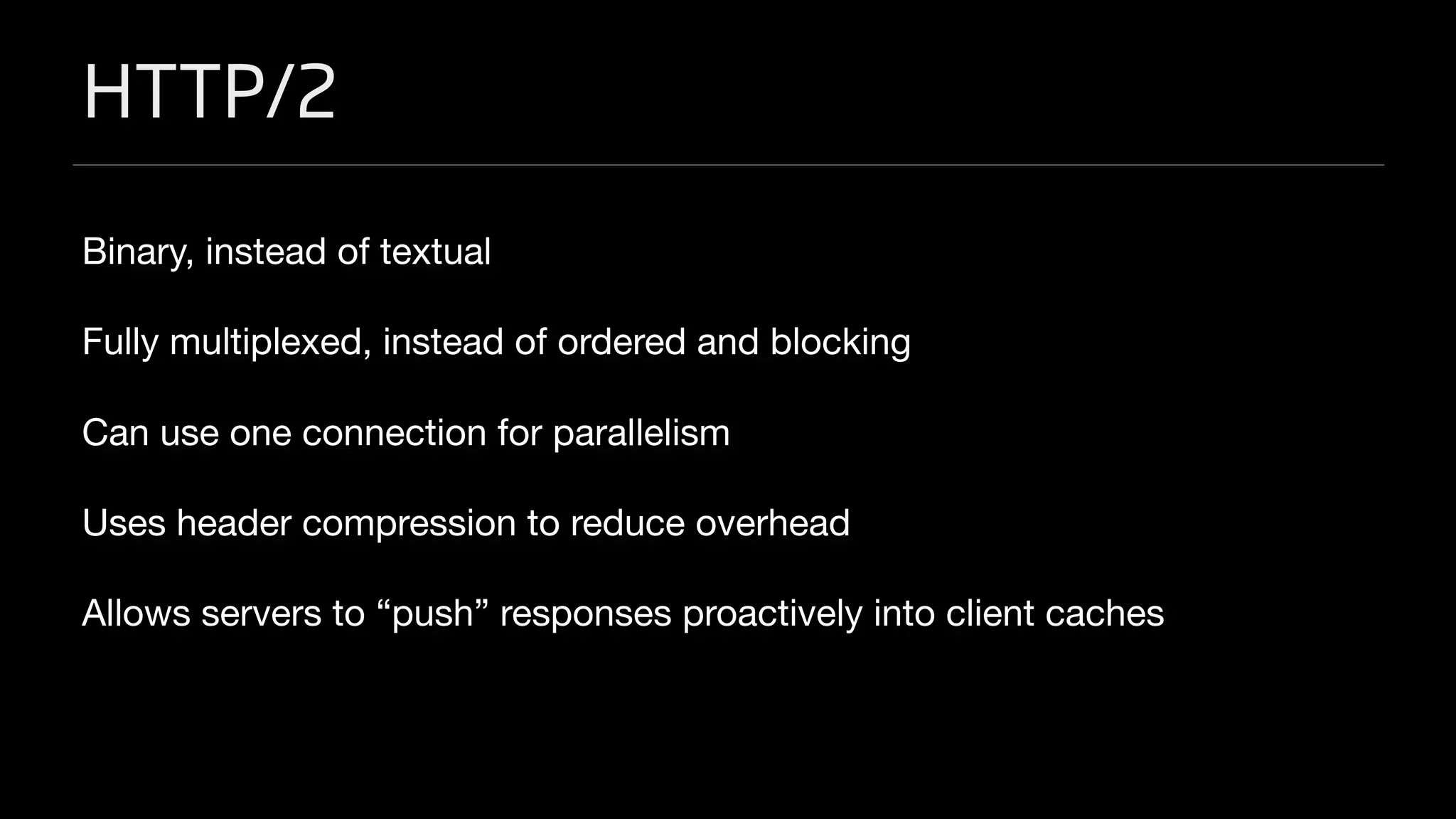
HTTP/2
Binary, instead of textual

Fully multiplexed, instead of ordered and blocking

Can use one connection for parallelism

Uses header compression to reduce overhead

Allows servers to “push” responses proactively into client caches
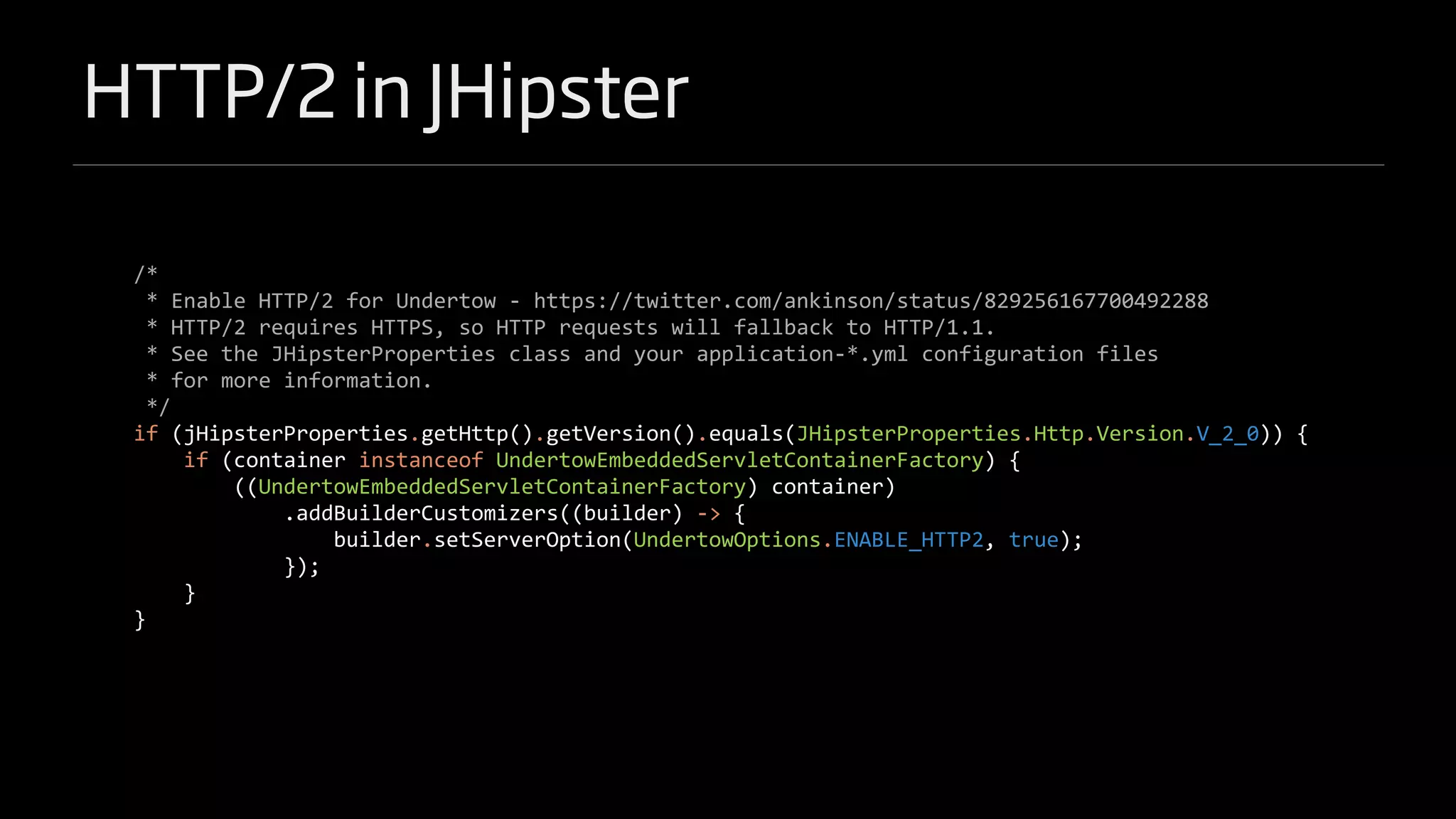
HTTP/2 in JHipster
/*
* Enable HTTP/2 for Undertow - https://twitter.com/ankinson/status/829256167700492288
* HTTP/2 requires HTTPS, so HTTP requests will fallback to HTTP/1.1.
* See the JHipsterProperties class and your application-*.yml configuration files
* for more information.
*/
if (jHipsterProperties.getHttp().getVersion().equals(JHipsterProperties.Http.Version.V_2_0)) {
if (container instanceof UndertowEmbeddedServletContainerFactory) {
((UndertowEmbeddedServletContainerFactory) container)
.addBuilderCustomizers((builder) -> {
builder.setServerOption(UndertowOptions.ENABLE_HTTP2, true);
});
}
}
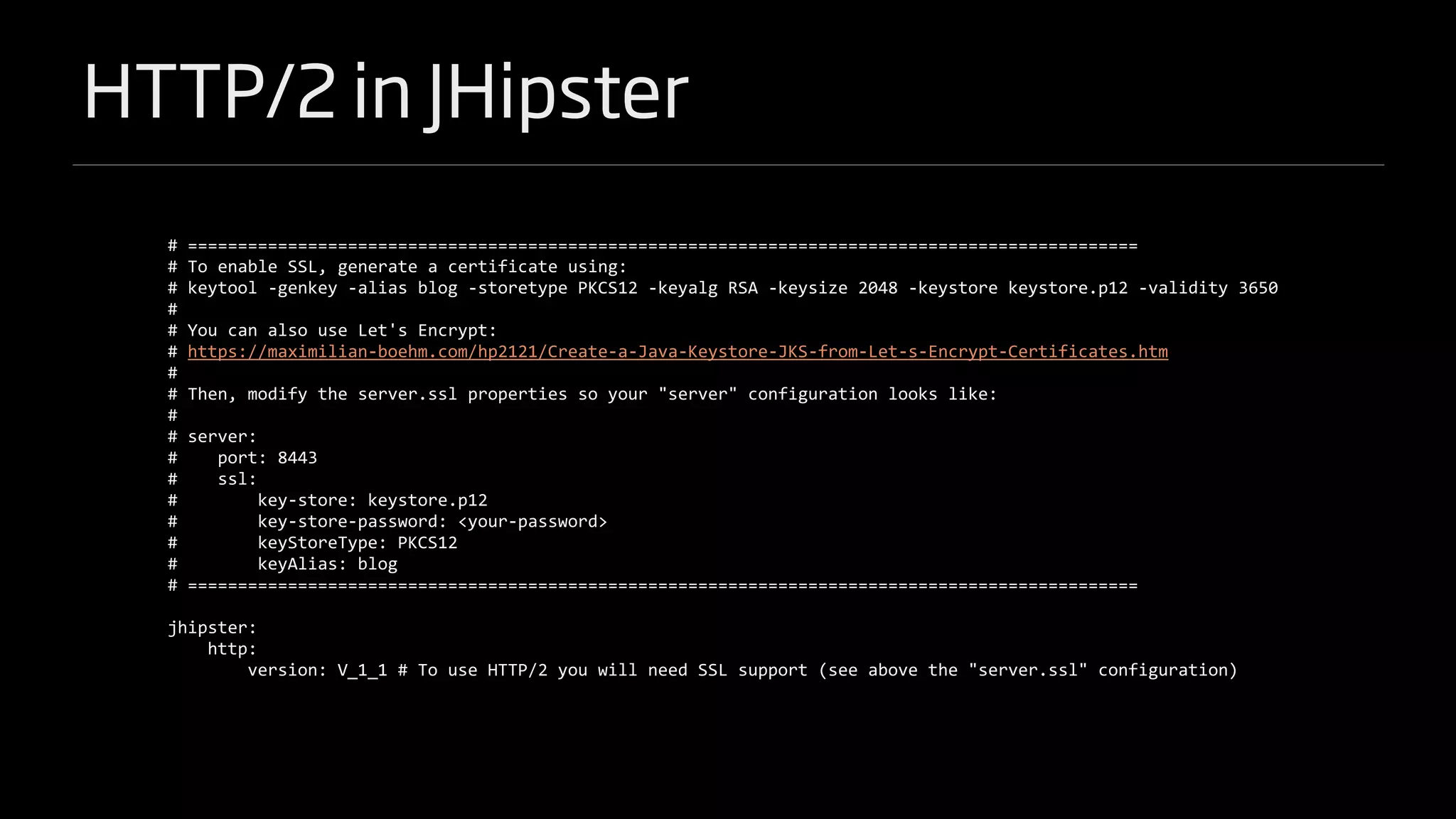
HTTP/2 in JHipster
# ===============================================================================================
# To enable SSL, generate a certificate using:
# keytool -genkey -alias blog -storetype PKCS12 -keyalg RSA -keysize 2048 -keystore keystore.p12 -validity 3650
#
# You can also use Let's Encrypt:
# https://maximilian-boehm.com/hp2121/Create-a-Java-Keystore-JKS-from-Let-s-Encrypt-Certificates.htm
#
# Then, modify the server.ssl properties so your "server" configuration looks like:
#
# server:
# port: 8443
# ssl:
# key-store: keystore.p12
# key-store-password: <your-password>
# keyStoreType: PKCS12
# keyAlias: blog
# ===============================================================================================
jhipster:
http:
version: V_1_1 # To use HTTP/2 you will need SSL support (see above the "server.ssl" configuration)
JUnit 5
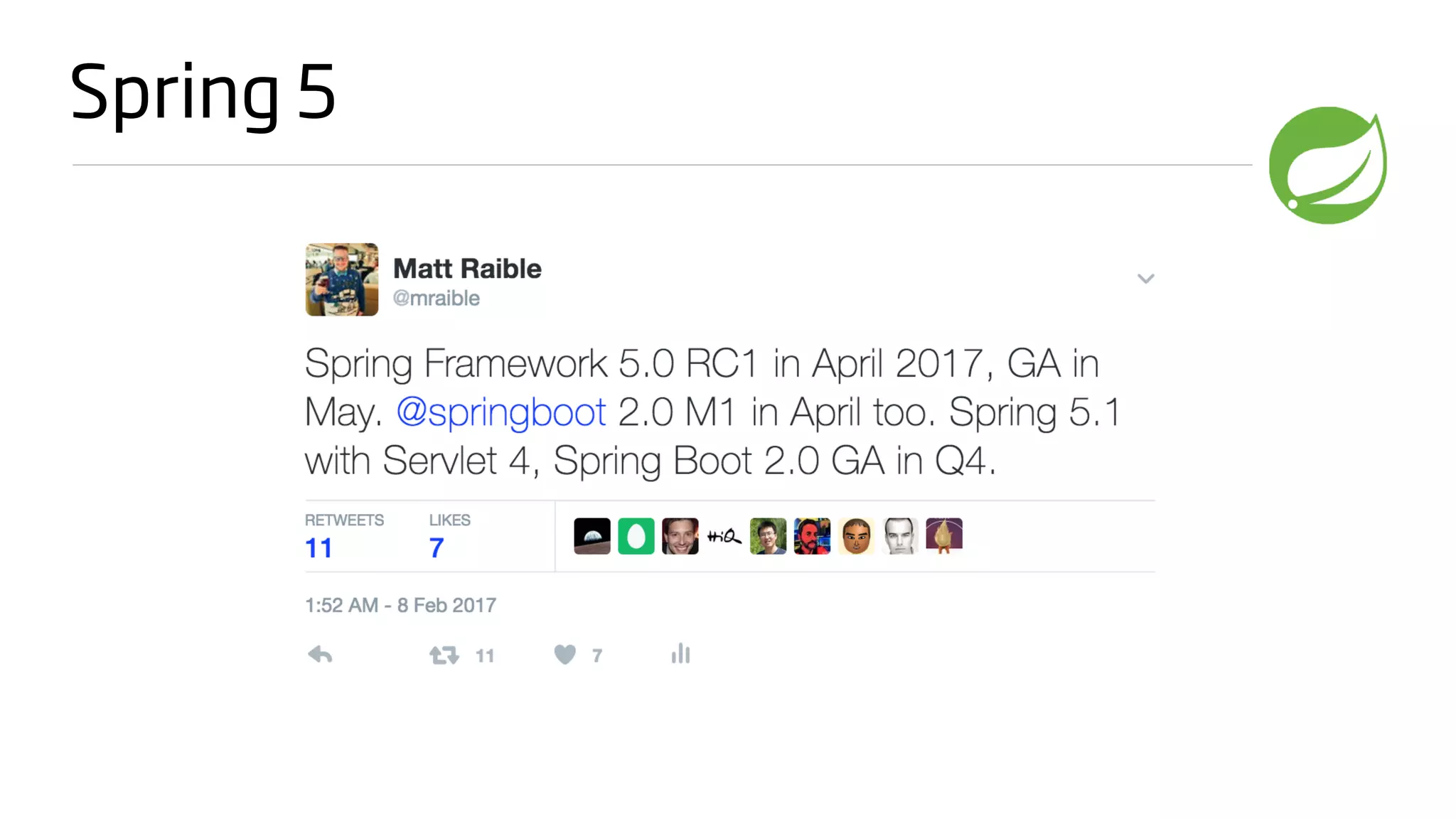
Spring 5
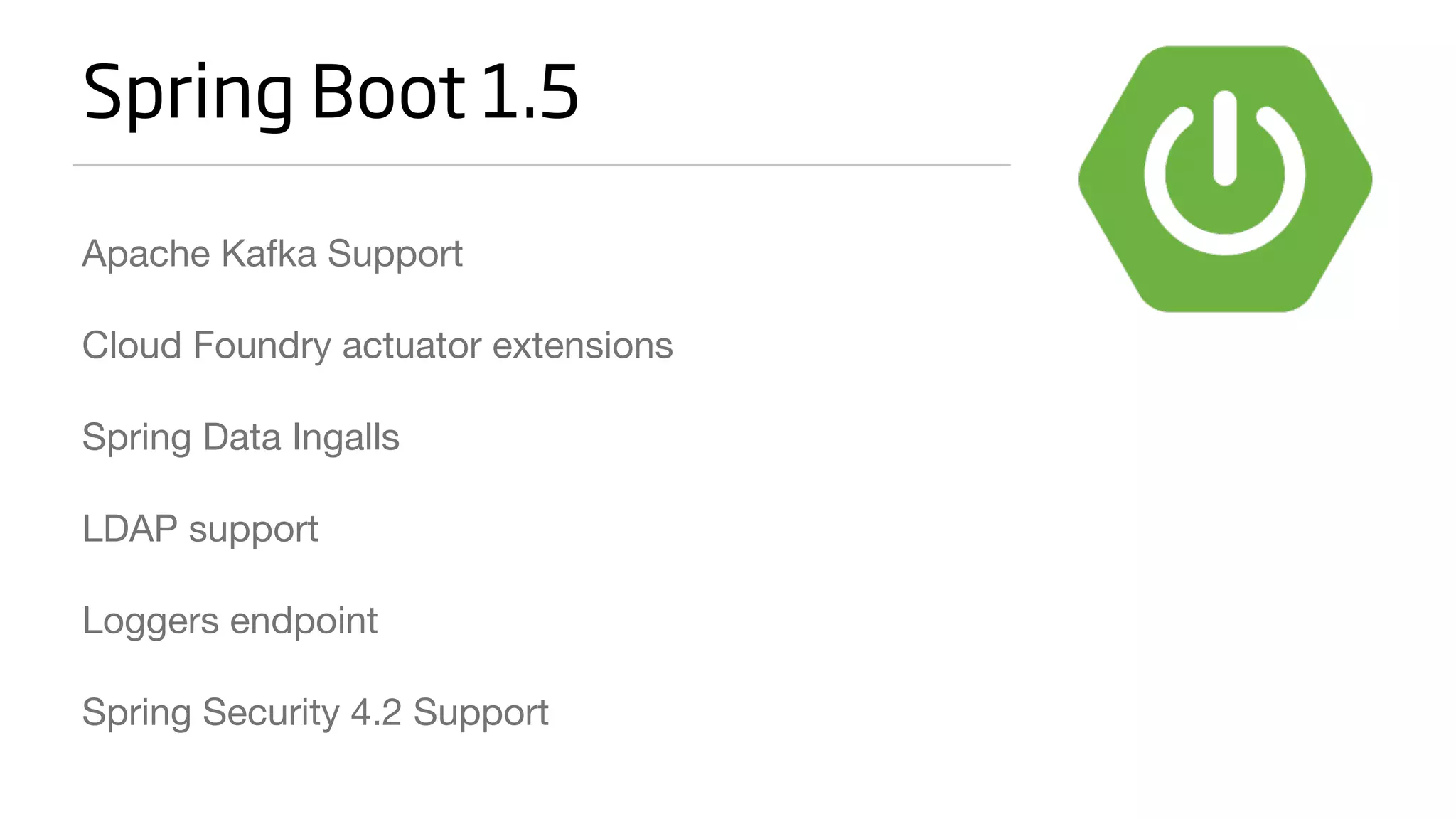
Spring Boot 1.5
Apache Kafka Support

Cloud Foundry actuator extensions

Spring Data Ingalls

LDAP support

Loggers endpoint

Spring Security 4.2 Support
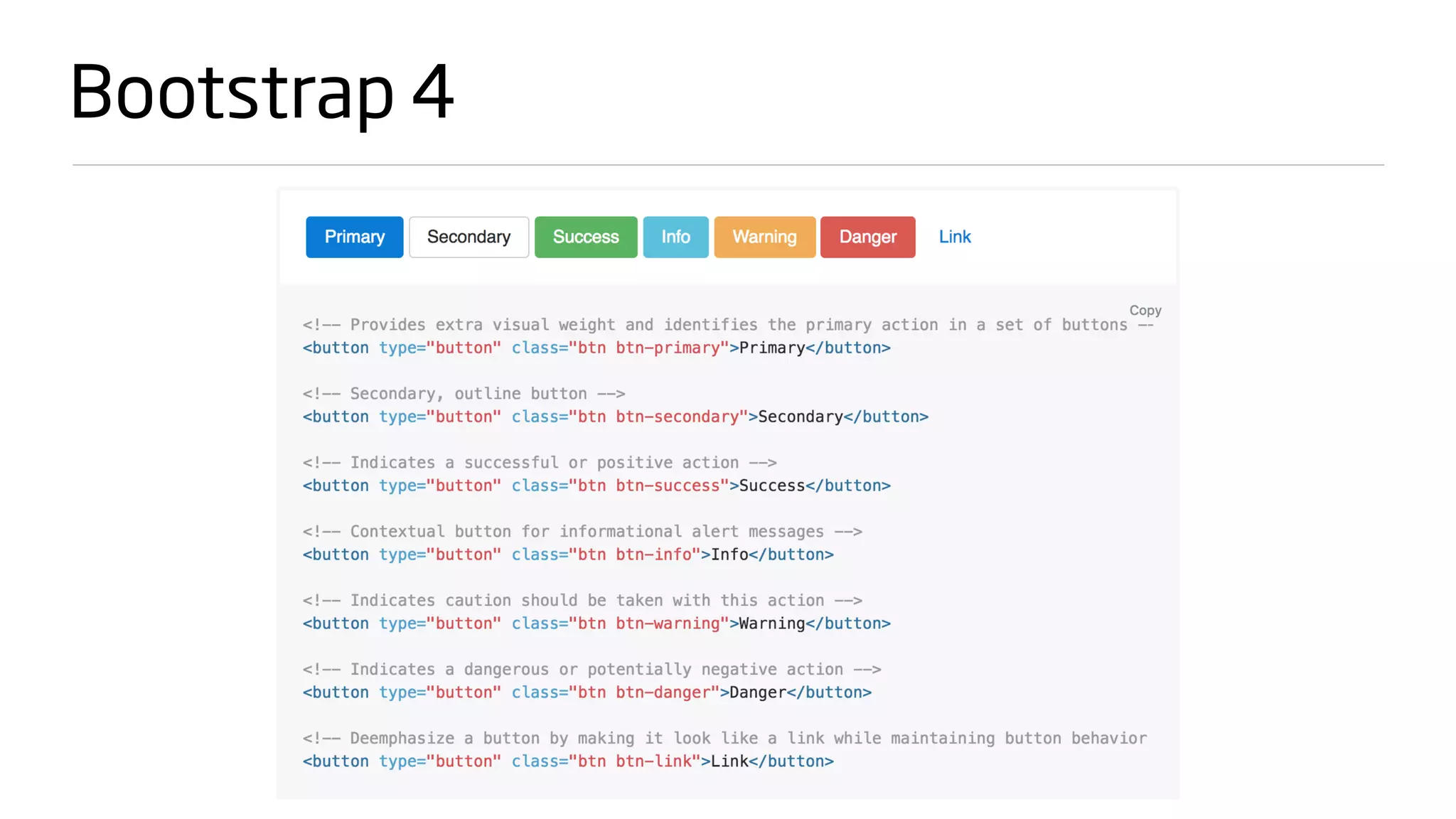
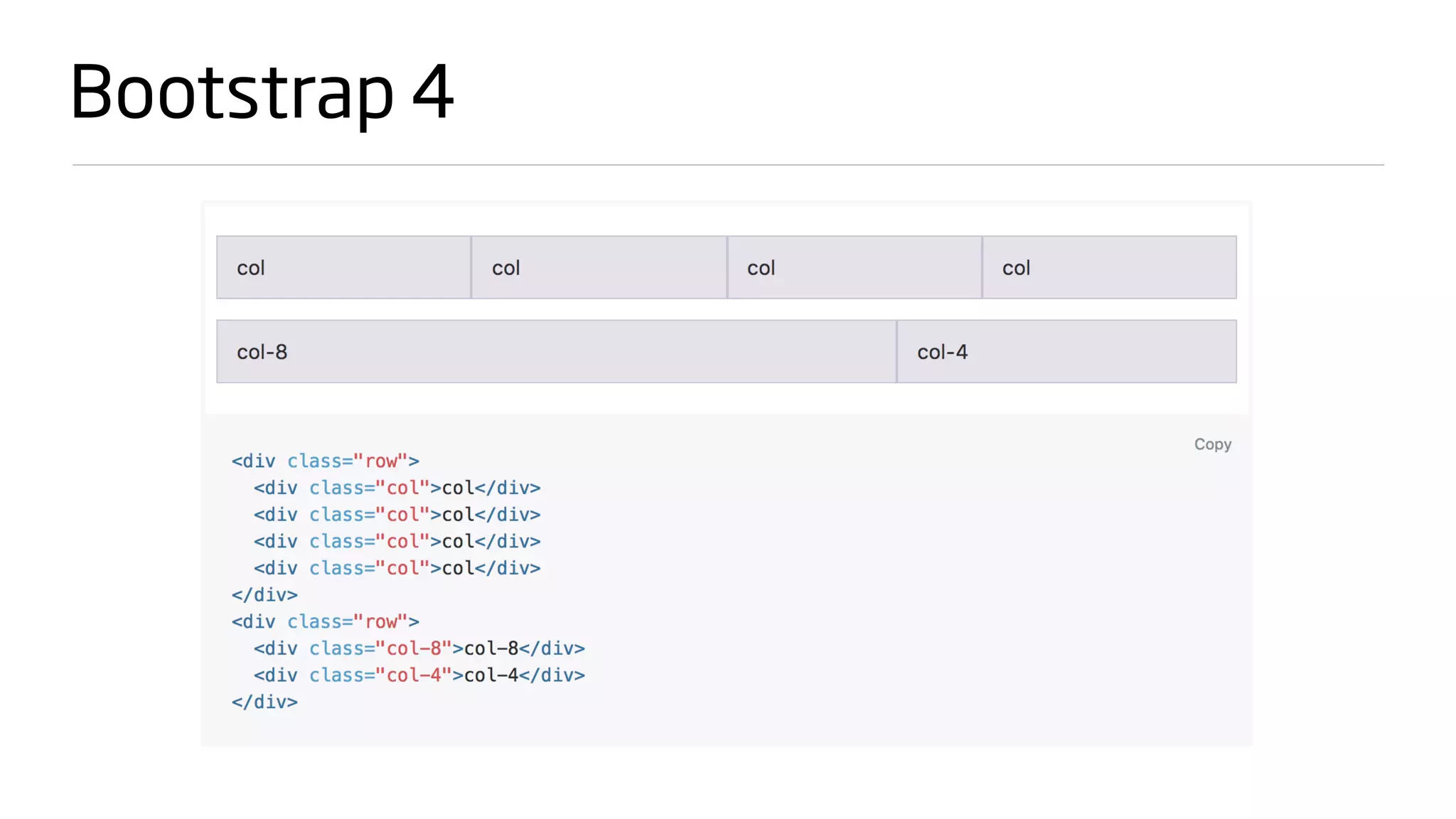
Bootstrap 4
Bootstrap 4
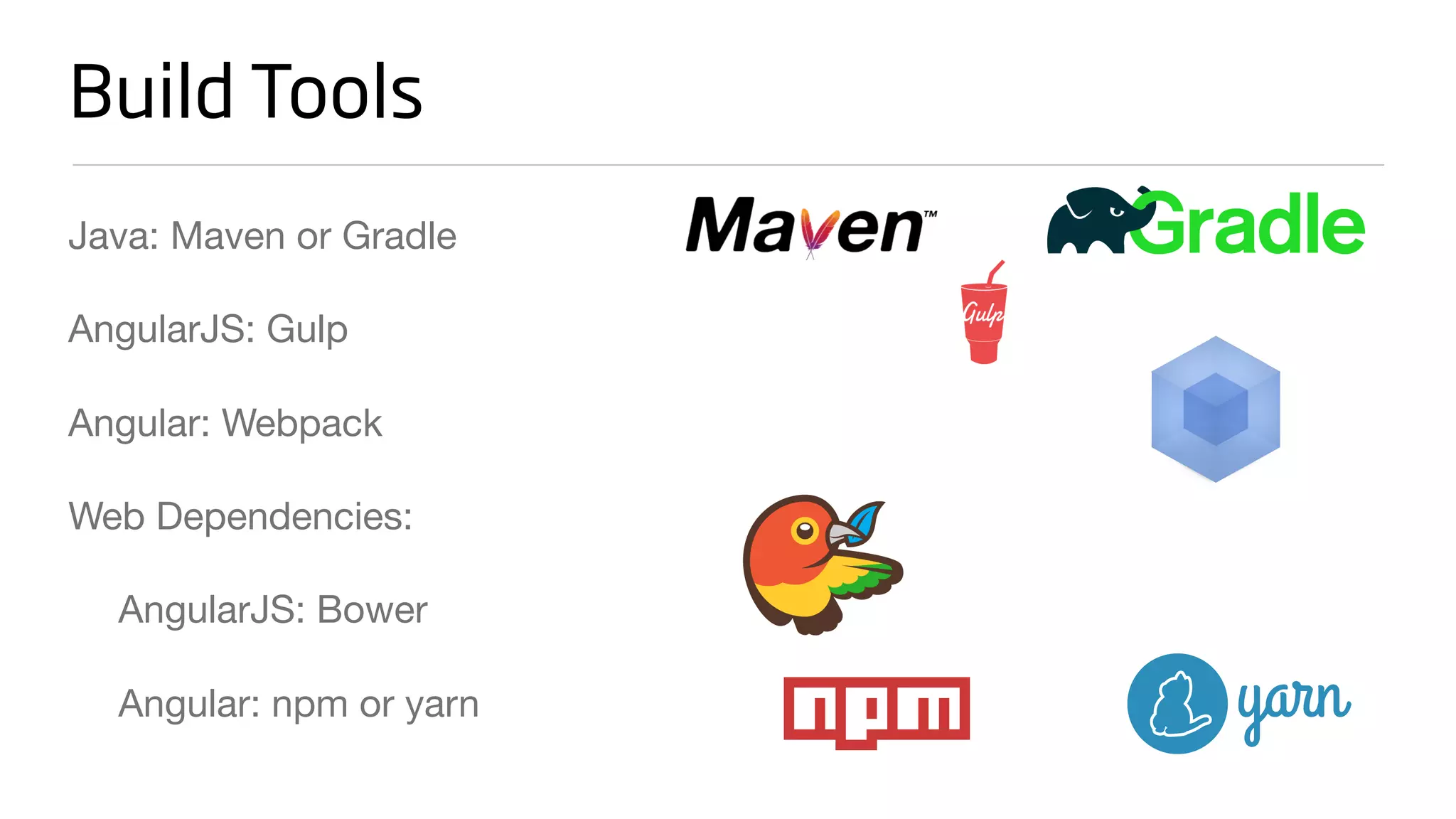
Build Tools
Java: Maven or Gradle

AngularJS: Gulp

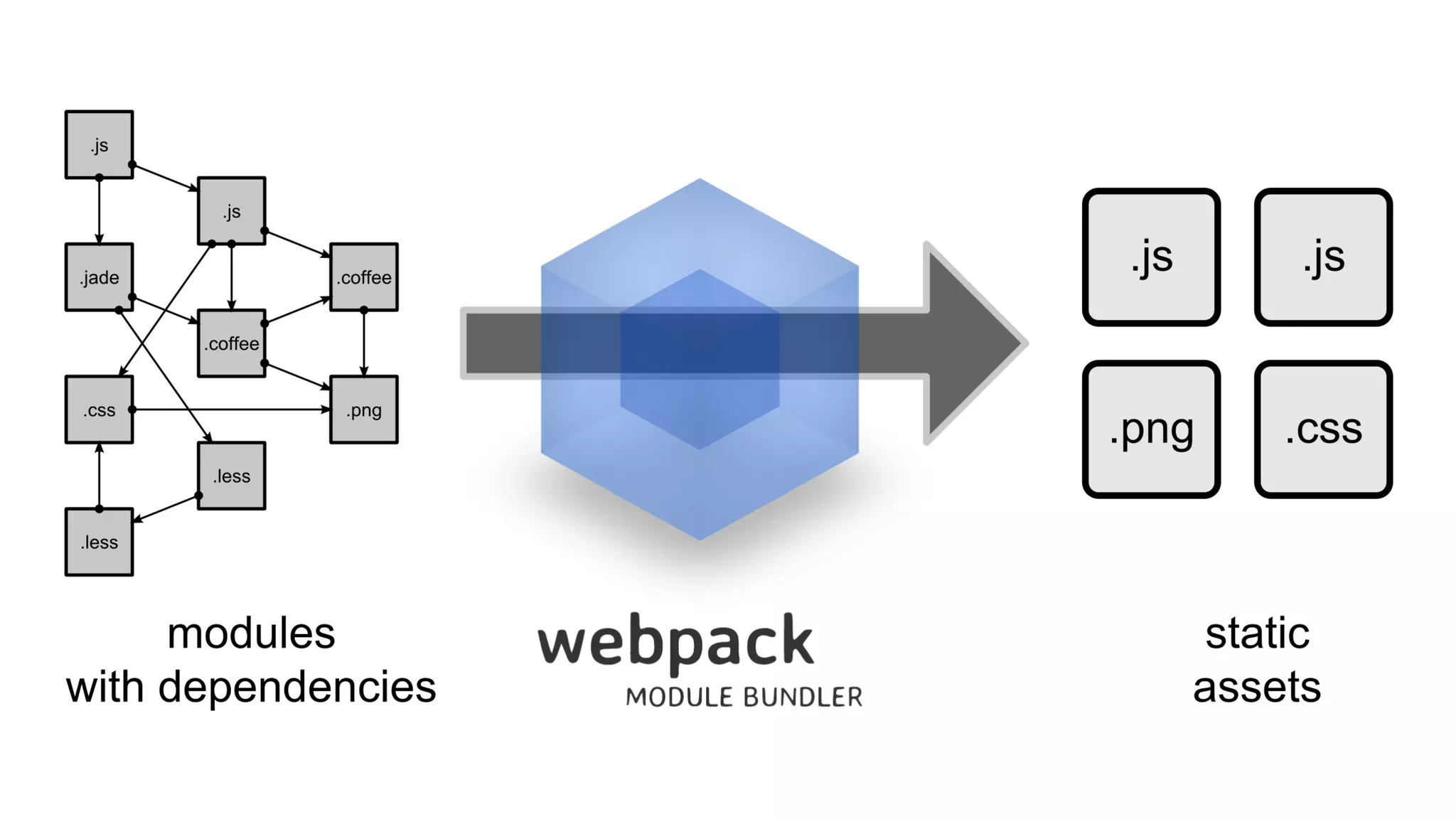
Angular: Webpack

Web Dependencies:

AngularJS: Bower

Angular: npm or yarn
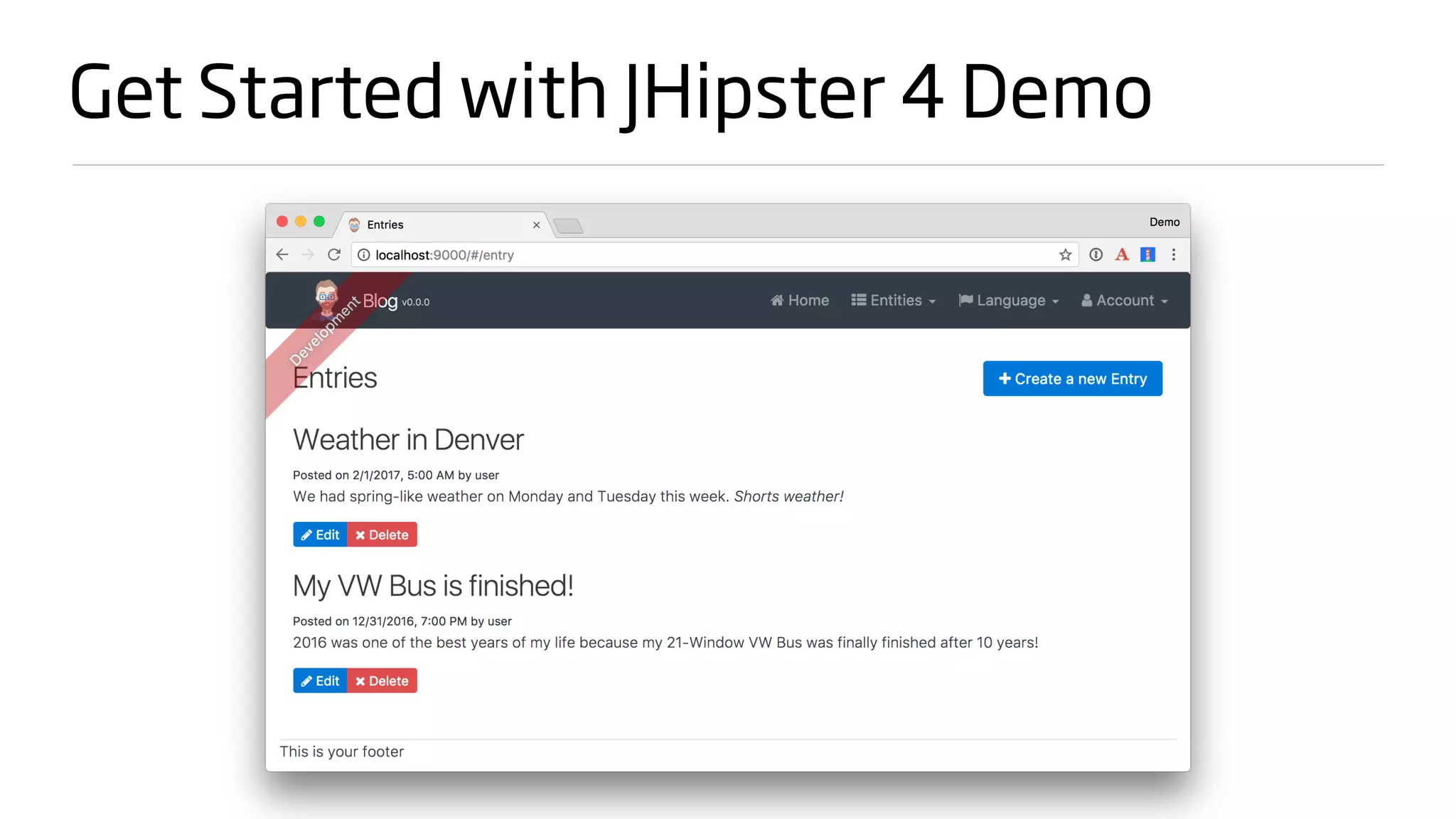
Get Started with JHipster 4 Demo
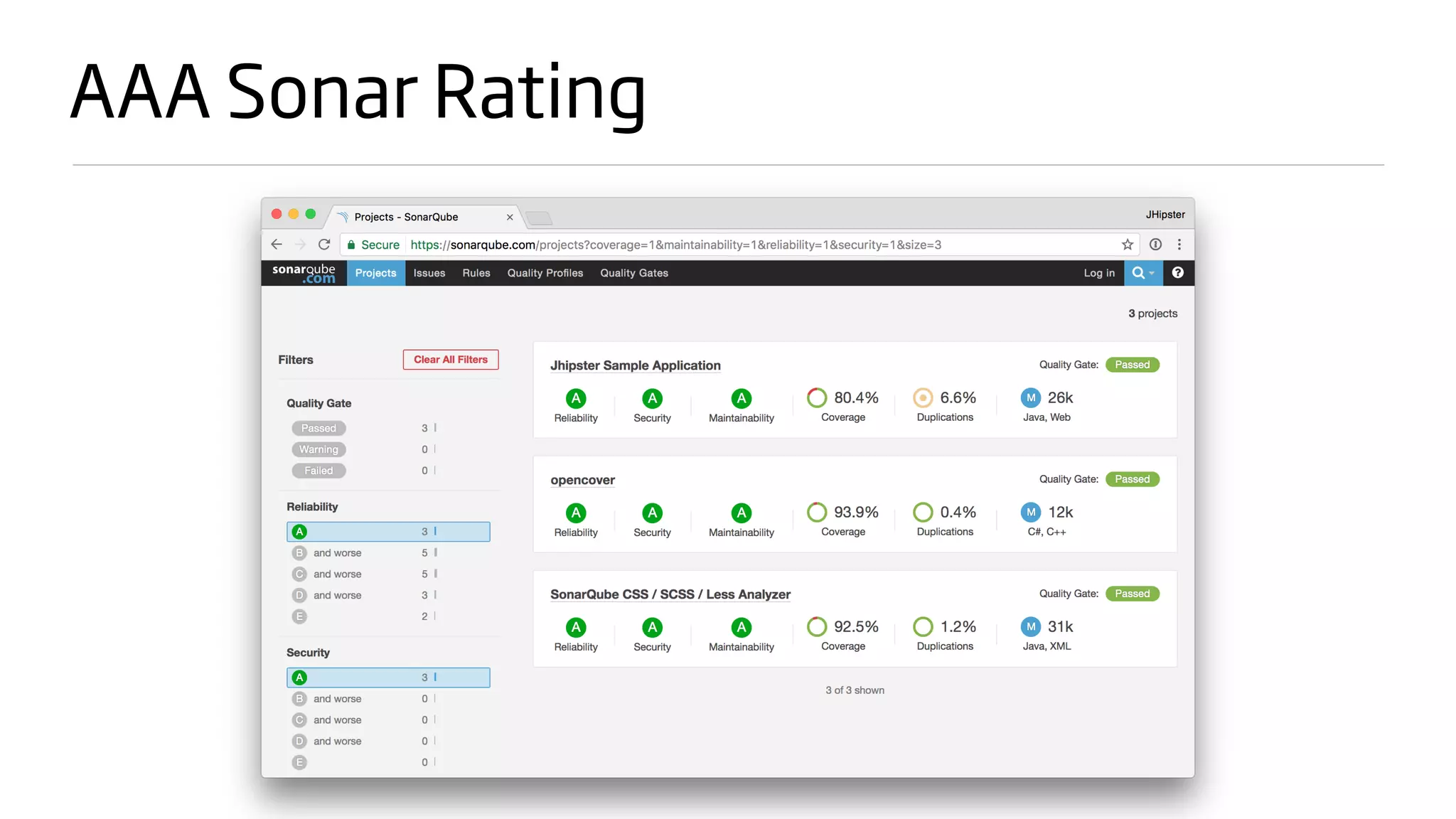
AAA Sonar Rating
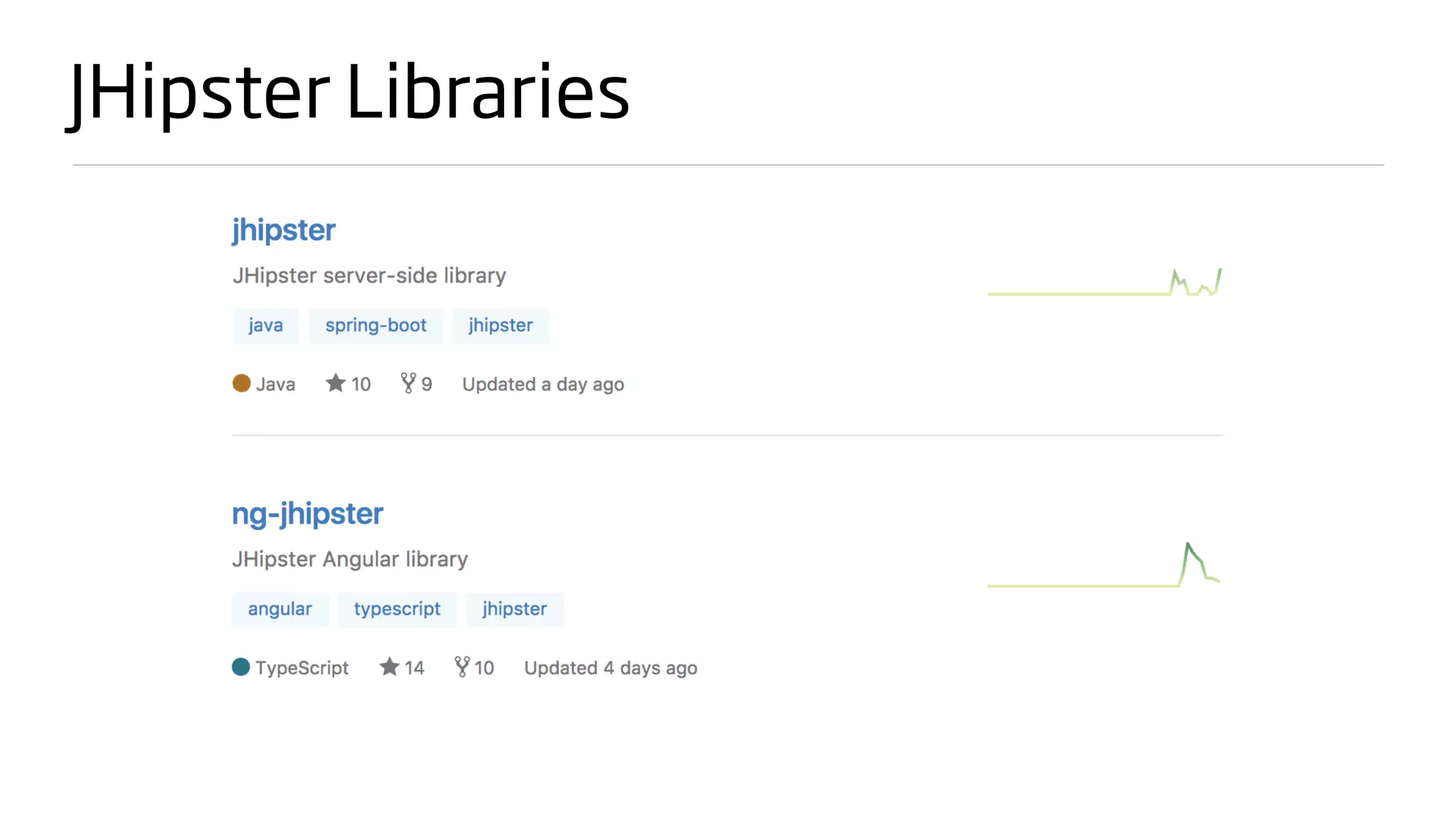
JHipster Libraries
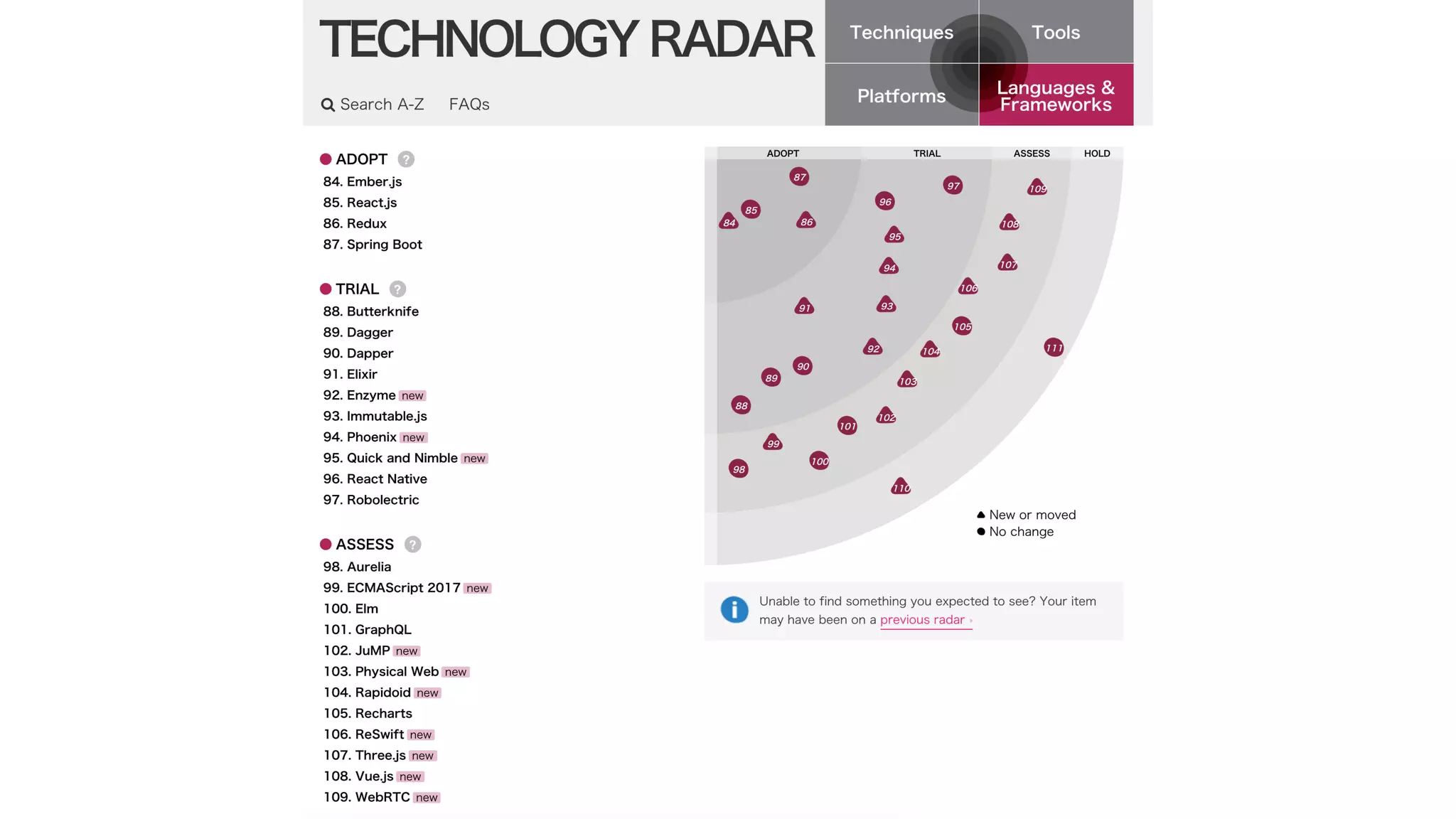
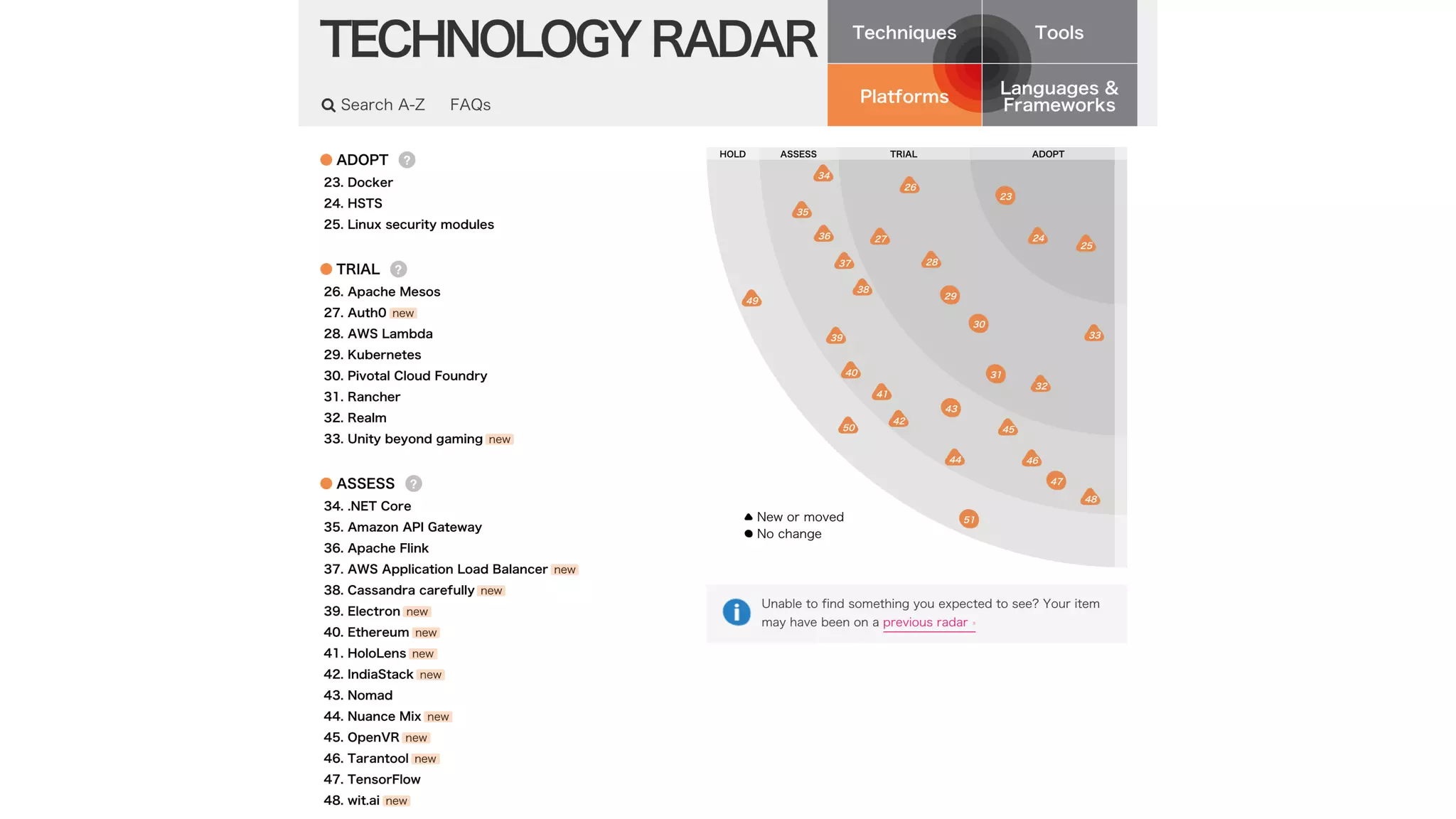
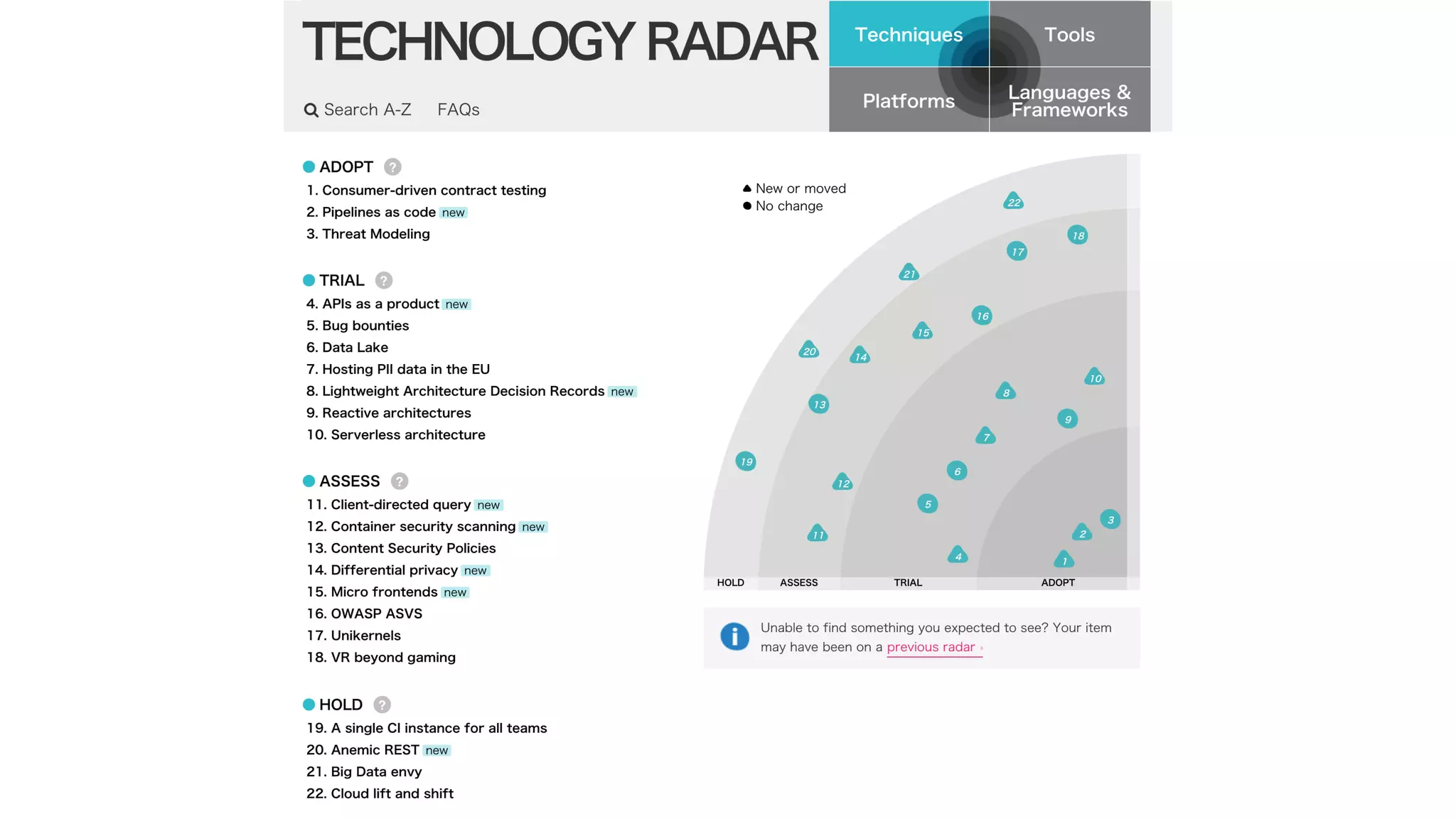
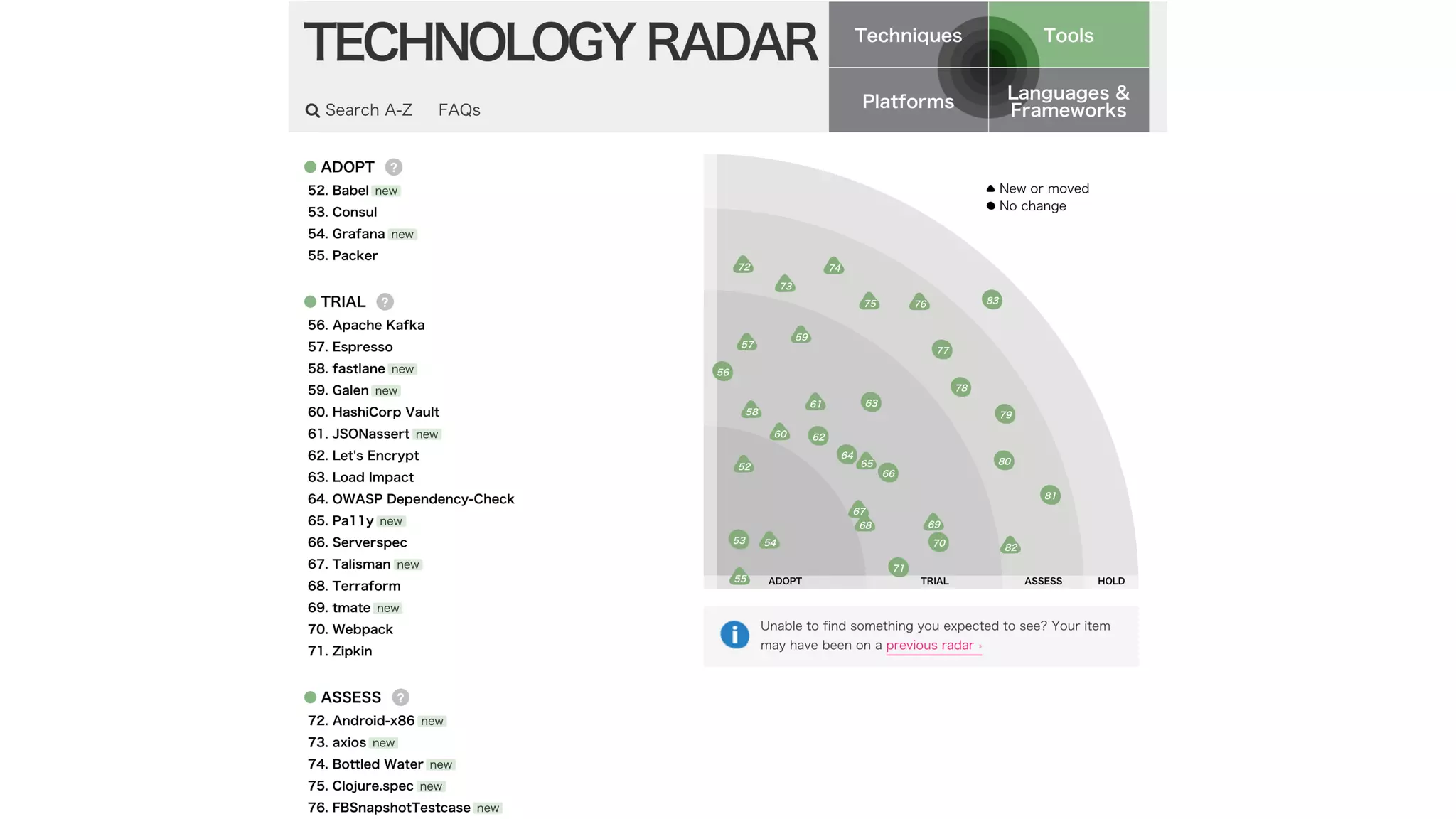
Thoughtworks Radar
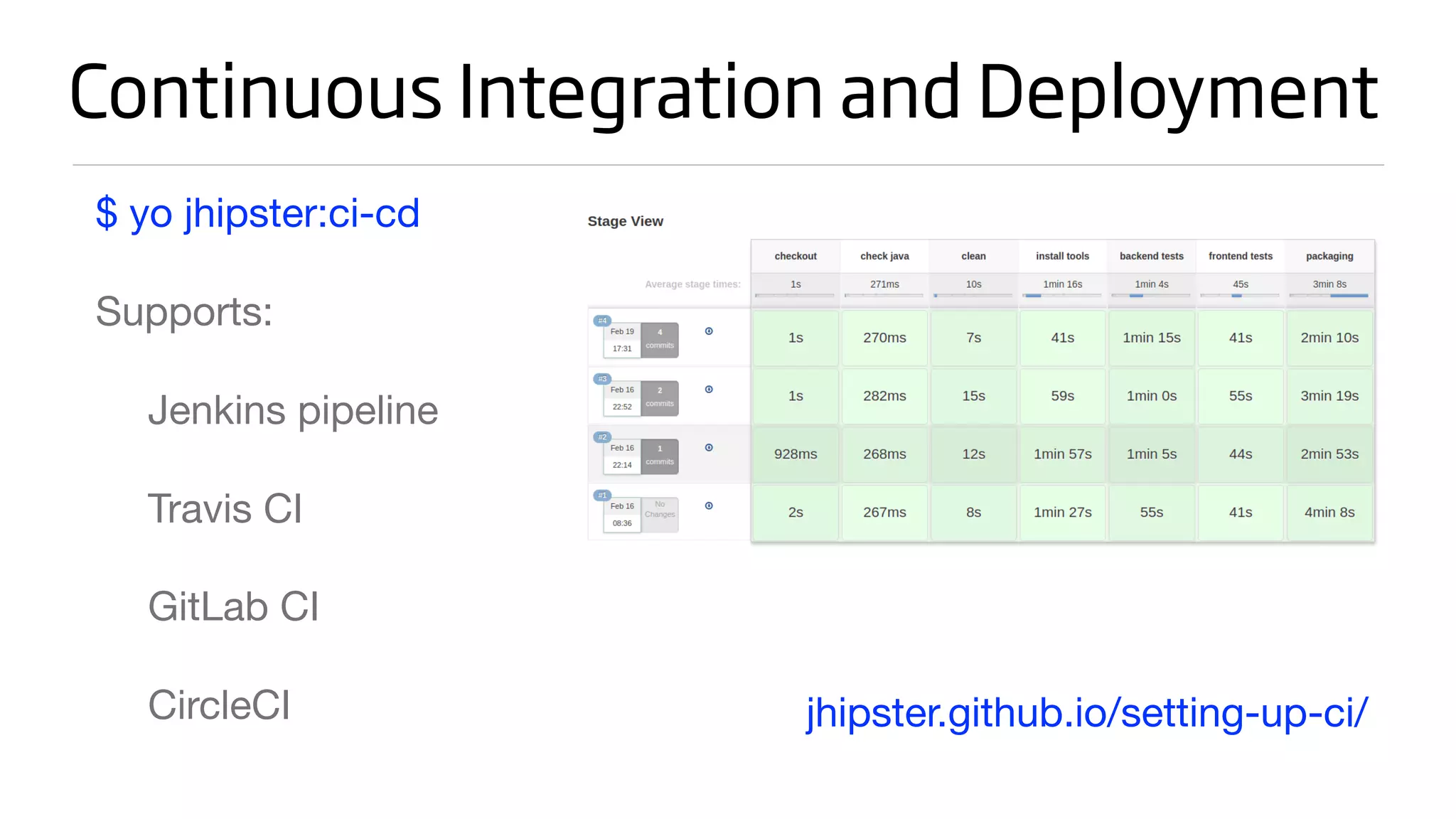
Continuous Integration and Deployment
$ yo jhipster:ci-cd

Supports:

Jenkins pipeline

Travis CI

GitLab CI

CircleCI jhipster.github.io/setting-up-ci/
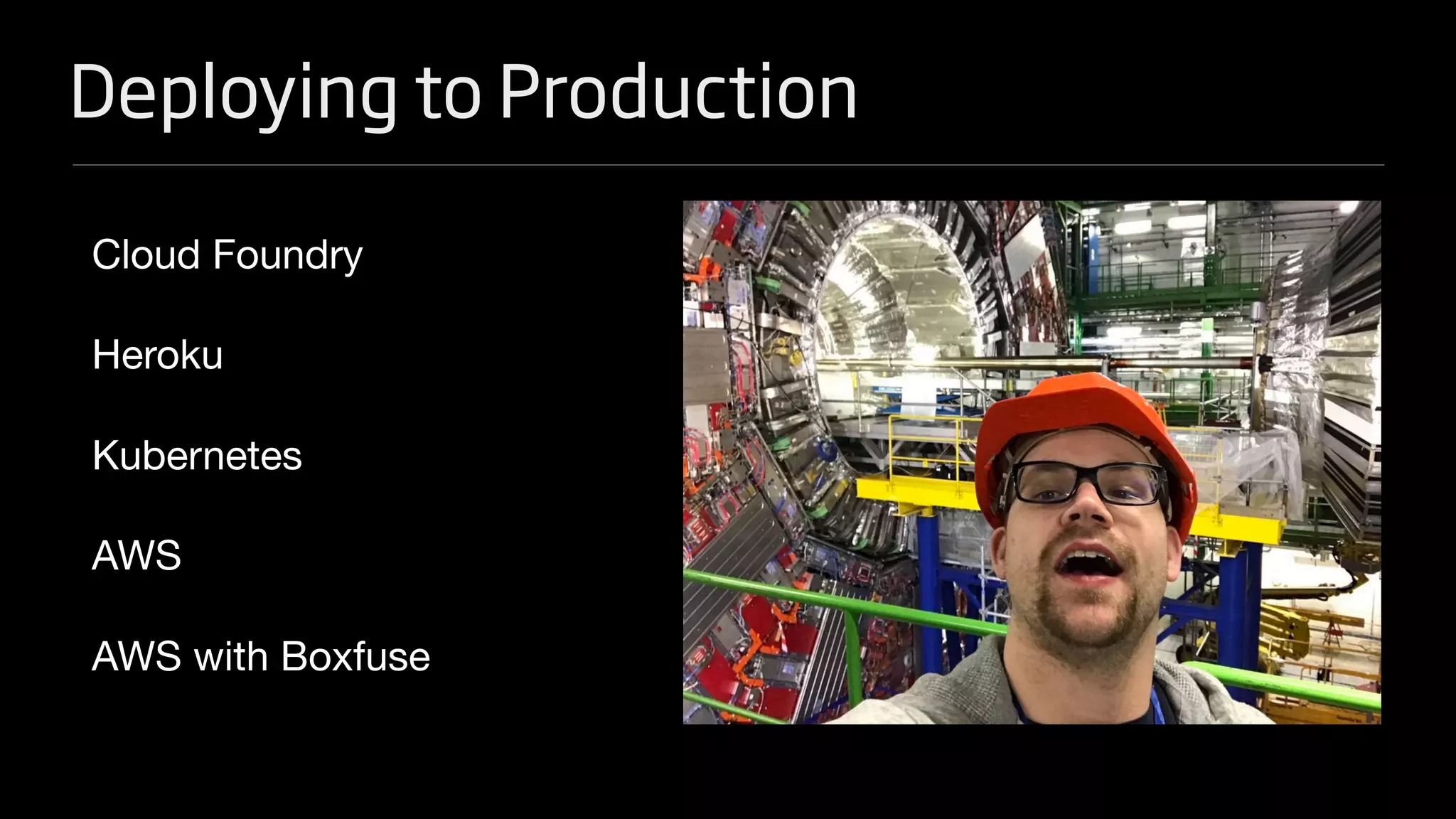
Deploying to Production
Cloud Foundry

Heroku

Kubernetes

AWS

AWS with Boxfuse
Deploy to Google Cloud with Kubernetes
1. Convert a monolith to a microservice gateway

hibernateCache: “hazelcast”

serviceDiscovery: “eureka”

applicationType: “gateway”

2. Create microservices app and generate entities

3. Create UI for entities on gateway using yo jhipster:entity

4. Clone JHipster Registry in same directory and prove it all works
Deploy to Google Cloud with Kubernetes
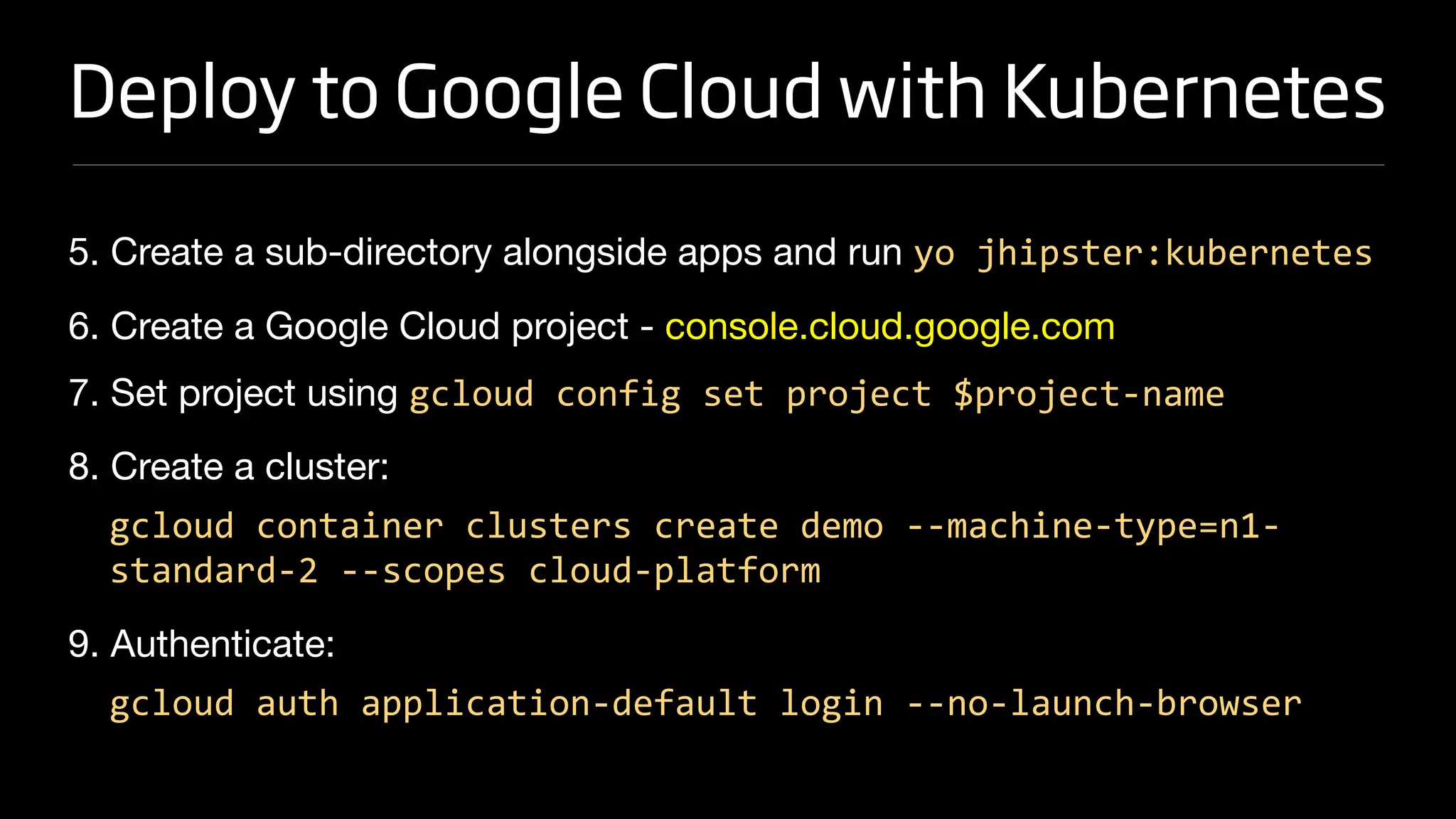
5. Create a sub-directory alongside apps and run yo jhipster:kubernetes

6. Create a Google Cloud project - console.cloud.google.com 

7. Set project using gcloud config set project $project-name

8. Create a cluster:

gcloud container clusters create demo --machine-type=n1-
standard-2 --scopes cloud-platform
9. Authenticate:

gcloud auth application-default login --no-launch-browser
Deploy to Google Cloud with Kubernetes
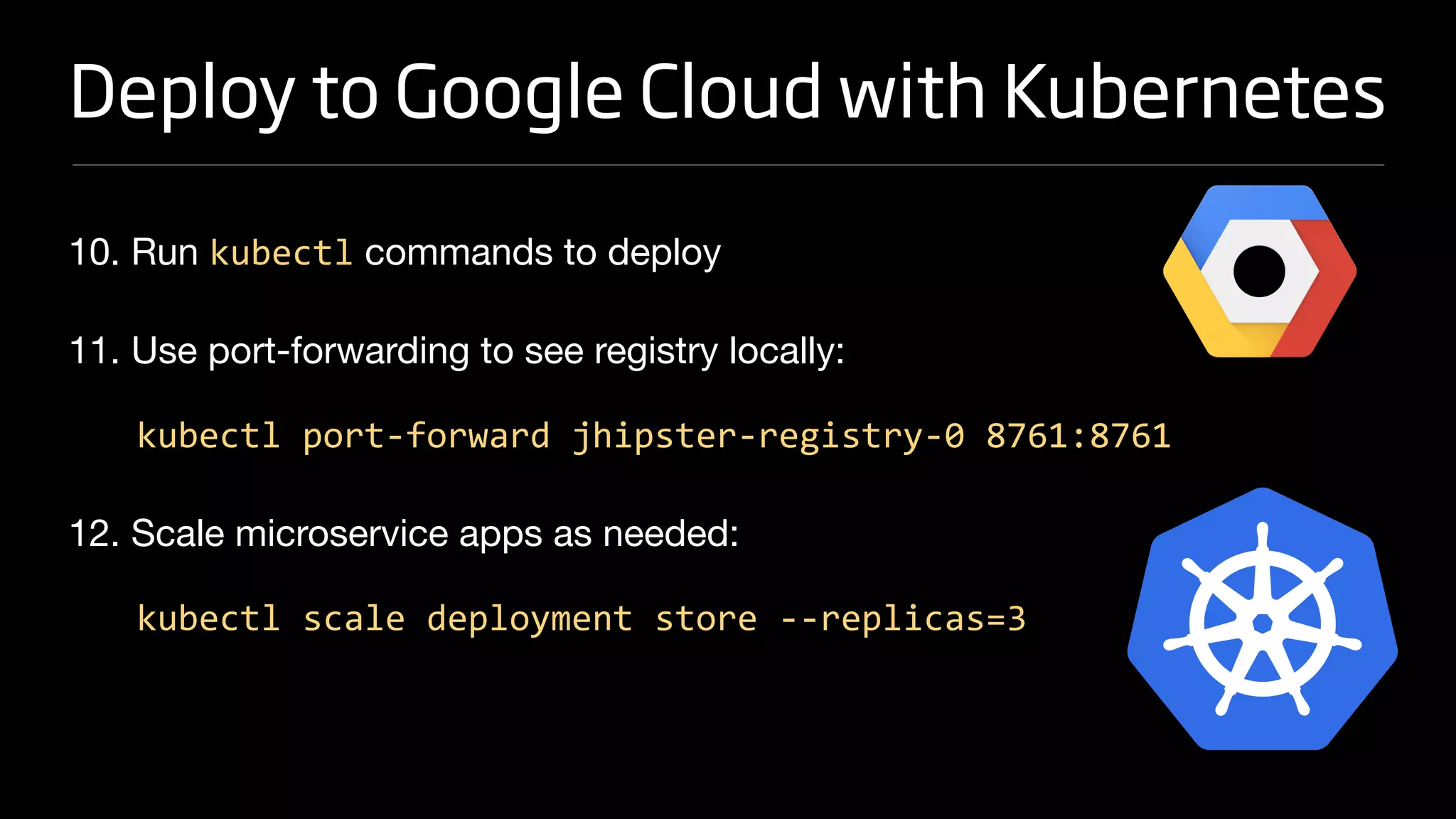
10. Run kubectl commands to deploy

11. Use port-forwarding to see registry locally:

kubectl port-forward jhipster-registry-0 8761:8761
12. Scale microservice apps as needed:

kubectl scale deployment store --replicas=3
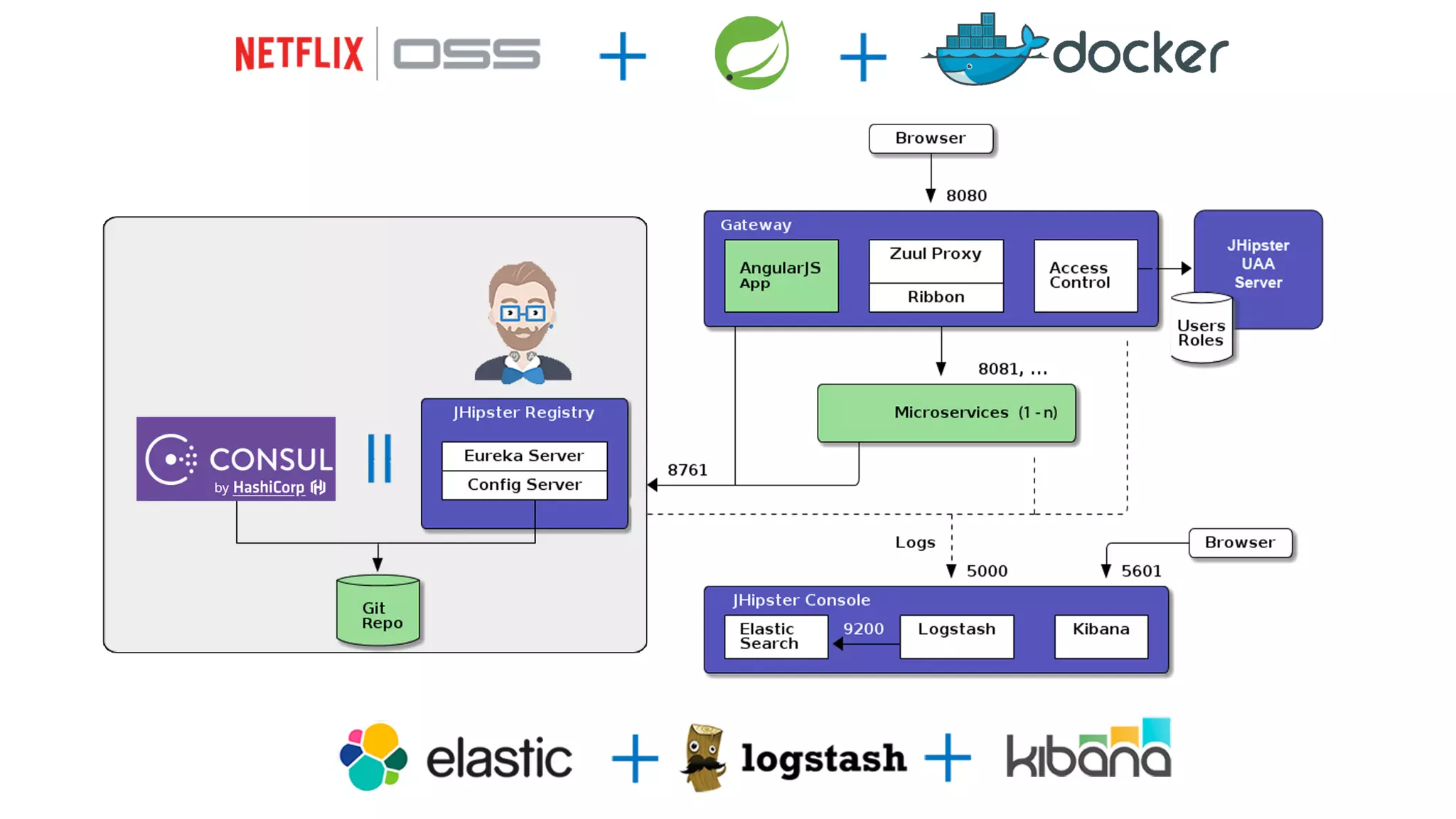
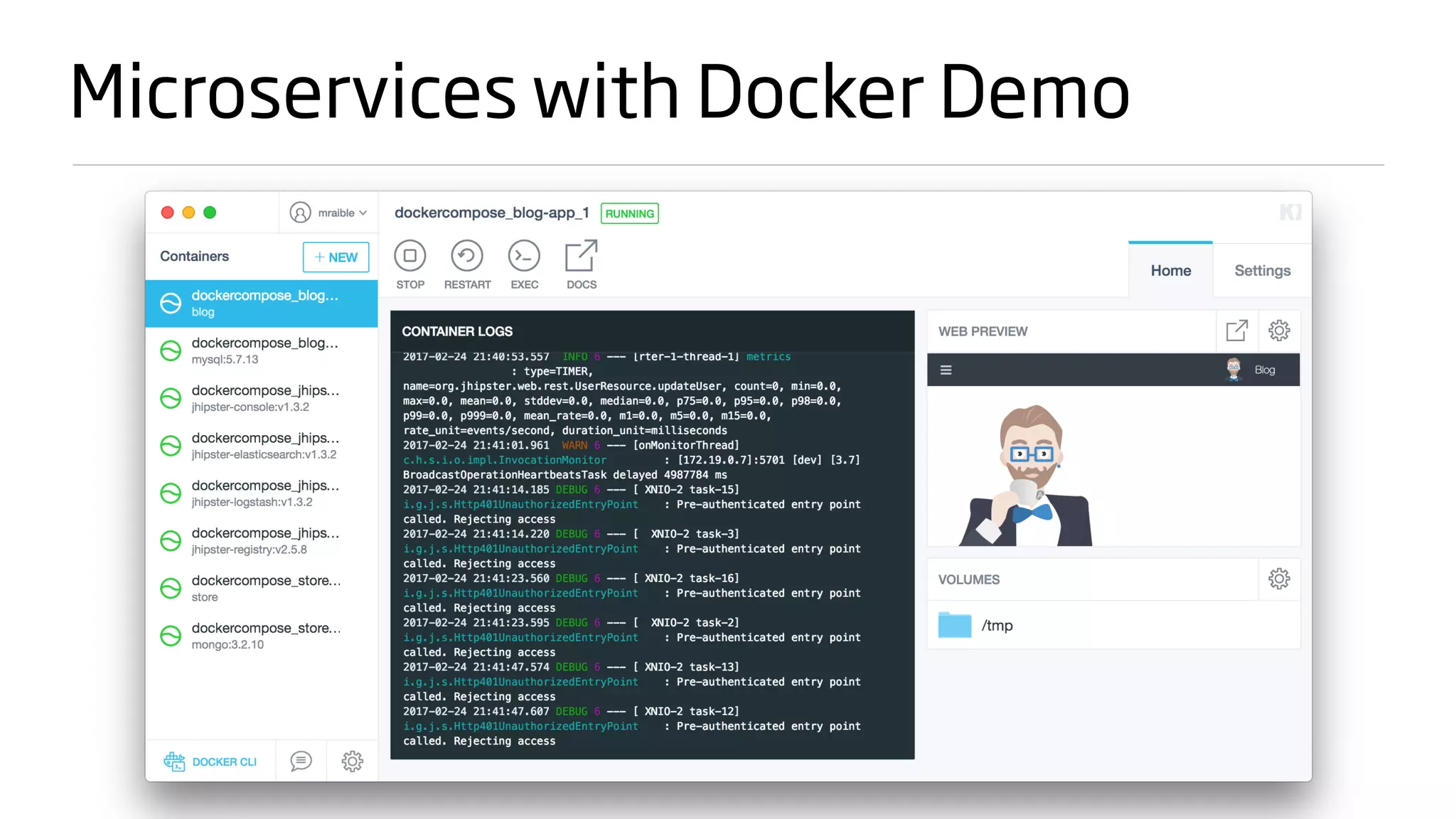
Microservices with Docker Demo
Shortcut to becoming a JHipster Expert?
JUST DO IT.
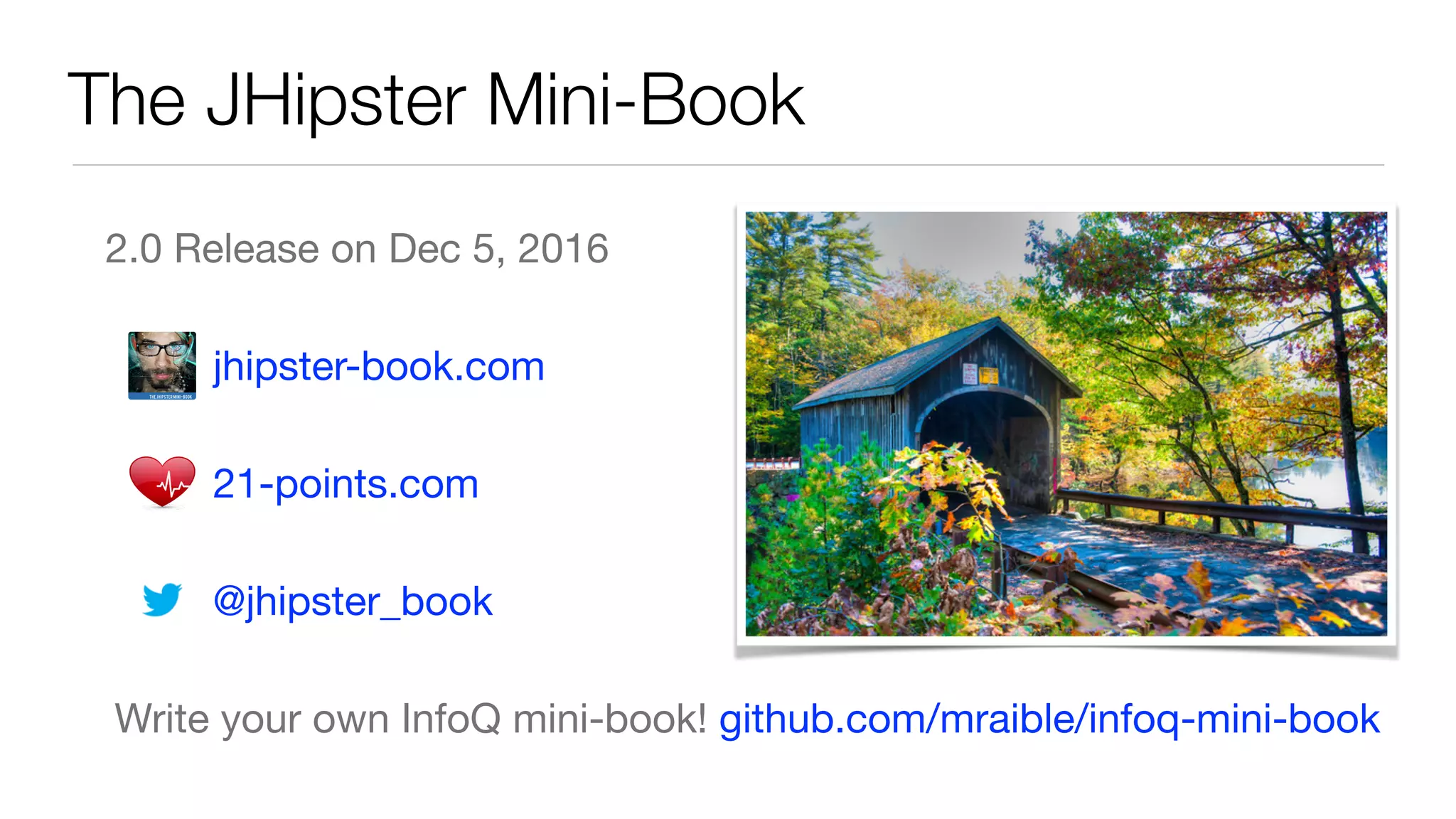
The JHipster Mini-Book
2.0 Release on Dec 5, 2016

jhipster-book.com 

21-points.com 

@jhipster_book

Write your own InfoQ mini-book! github.com/mraible/infoq-mini-book
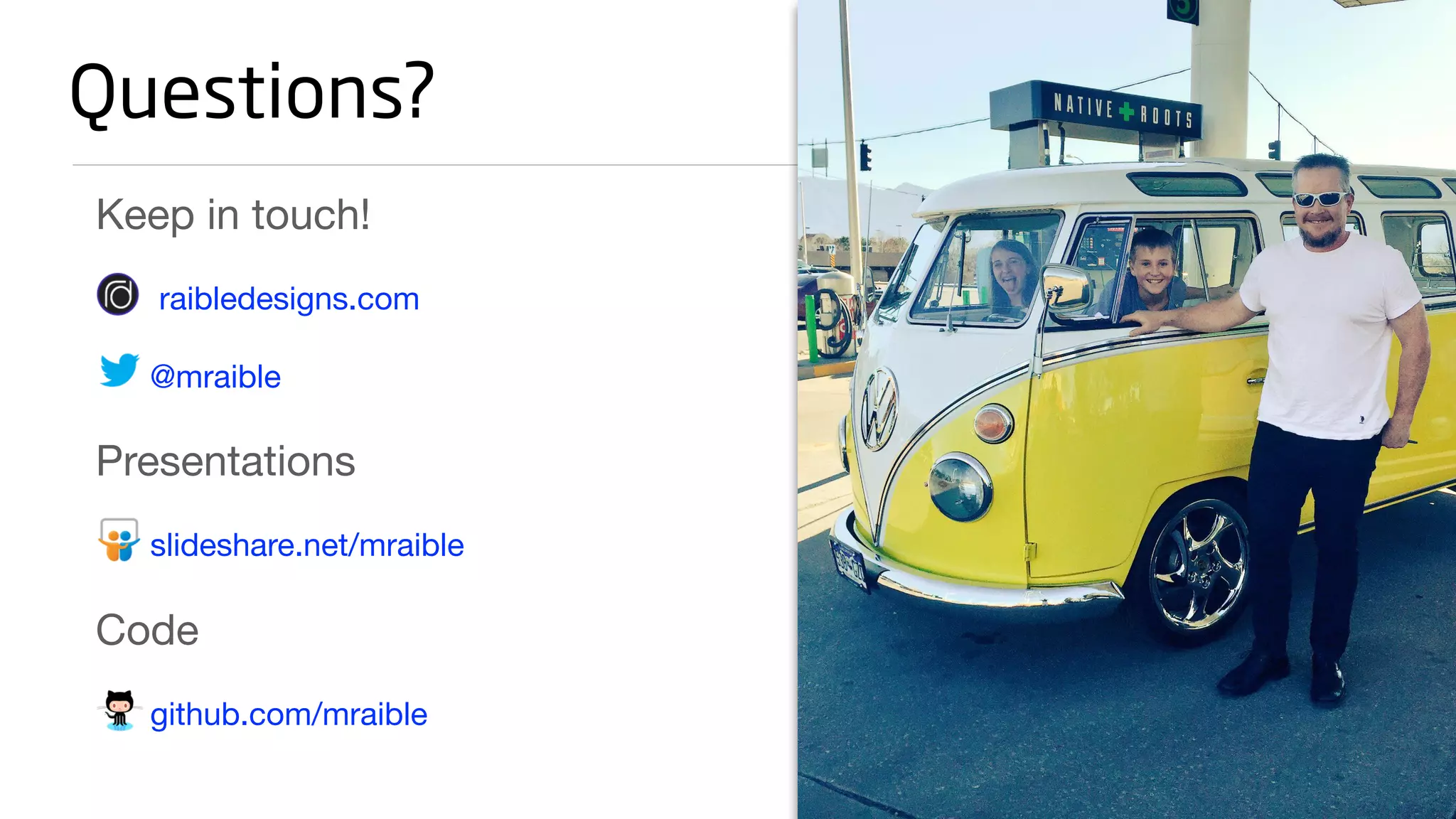
Keep in touch!

raibledesigns.com

@mraible

Presentations

slideshare.net/mraible

Code

github.com/mraible
Questions?

What's New in JHipsterLand - DevNexus 2017

  • 1.
    WHAT’S NEW INJHIPSTERLAND MATT RAIBLE / @MRAIBLE
  • 2.
    Blogger on raibledesigns.com UIArchitect and Java Champion Father, Skier, Mountain Biker, Whitewater Rafter Web Framework Connoisseur Who is Matt Raible? Bus Lover Stormpath Developer Evangelist
  • 4.
  • 5.
    About You Are youa Java developer that likes Spring? Do you like JavaScript? TypeScript? Anyone using Angular? Have you used JHipster before?
  • 6.
  • 7.
    JHipster is OpenSource Web Statistics, January 2017 282K Page Views 18K Downloads GitHub Statistics 6229 Stars 298 Contributors www.openhub.net/p/generator-jhipster
  • 8.
  • 9.
    How to useJHipster To install JHipster and Yeoman, use npm: npm install -g yo generator-jhipster Then create a directory and cd into it: mkdir myapp && cd myapp Then run Yeoman: yo jhipster
  • 11.
    Feature In JHipster4? Angular ✅ Progressive Web Apps ❌ HTTP/2 ✅ JUnit 5 ❌ Spring 5 ❌ Bootstrap 4 ✅ What’s new in JHipsterLand?
  • 13.
    HTTP/2 Binary, instead oftextual Fully multiplexed, instead of ordered and blocking Can use one connection for parallelism Uses header compression to reduce overhead Allows servers to “push” responses proactively into client caches
  • 14.
    HTTP/2 in JHipster /* *Enable HTTP/2 for Undertow - https://twitter.com/ankinson/status/829256167700492288 * HTTP/2 requires HTTPS, so HTTP requests will fallback to HTTP/1.1. * See the JHipsterProperties class and your application-*.yml configuration files * for more information. */ if (jHipsterProperties.getHttp().getVersion().equals(JHipsterProperties.Http.Version.V_2_0)) { if (container instanceof UndertowEmbeddedServletContainerFactory) { ((UndertowEmbeddedServletContainerFactory) container) .addBuilderCustomizers((builder) -> { builder.setServerOption(UndertowOptions.ENABLE_HTTP2, true); }); } }
  • 15.
    HTTP/2 in JHipster #=============================================================================================== # To enable SSL, generate a certificate using: # keytool -genkey -alias blog -storetype PKCS12 -keyalg RSA -keysize 2048 -keystore keystore.p12 -validity 3650 # # You can also use Let's Encrypt: # https://maximilian-boehm.com/hp2121/Create-a-Java-Keystore-JKS-from-Let-s-Encrypt-Certificates.htm # # Then, modify the server.ssl properties so your "server" configuration looks like: # # server: # port: 8443 # ssl: # key-store: keystore.p12 # key-store-password: <your-password> # keyStoreType: PKCS12 # keyAlias: blog # =============================================================================================== jhipster: http: version: V_1_1 # To use HTTP/2 you will need SSL support (see above the "server.ssl" configuration)
  • 17.
  • 18.
  • 19.
    Spring Boot 1.5 ApacheKafka Support Cloud Foundry actuator extensions Spring Data Ingalls LDAP support Loggers endpoint Spring Security 4.2 Support
  • 20.
  • 21.
  • 22.
    Build Tools Java: Mavenor Gradle AngularJS: Gulp Angular: Webpack Web Dependencies: AngularJS: Bower Angular: npm or yarn
  • 24.
    Get Started withJHipster 4 Demo
  • 25.
  • 26.
  • 27.
  • 32.
    Continuous Integration andDeployment $ yo jhipster:ci-cd Supports: Jenkins pipeline Travis CI GitLab CI CircleCI jhipster.github.io/setting-up-ci/
  • 34.
    Deploying to Production CloudFoundry Heroku Kubernetes AWS AWS with Boxfuse
  • 35.
    Deploy to GoogleCloud with Kubernetes 1. Convert a monolith to a microservice gateway hibernateCache: “hazelcast” serviceDiscovery: “eureka” applicationType: “gateway” 2. Create microservices app and generate entities 3. Create UI for entities on gateway using yo jhipster:entity 4. Clone JHipster Registry in same directory and prove it all works
  • 36.
    Deploy to GoogleCloud with Kubernetes 5. Create a sub-directory alongside apps and run yo jhipster:kubernetes 6. Create a Google Cloud project - console.cloud.google.com 7. Set project using gcloud config set project $project-name 8. Create a cluster: gcloud container clusters create demo --machine-type=n1- standard-2 --scopes cloud-platform 9. Authenticate: gcloud auth application-default login --no-launch-browser
  • 37.
    Deploy to GoogleCloud with Kubernetes 10. Run kubectl commands to deploy 11. Use port-forwarding to see registry locally: kubectl port-forward jhipster-registry-0 8761:8761 12. Scale microservice apps as needed: kubectl scale deployment store --replicas=3
  • 38.
  • 39.
    Shortcut to becominga JHipster Expert? JUST DO IT.
  • 40.
    The JHipster Mini-Book 2.0Release on Dec 5, 2016 jhipster-book.com 21-points.com @jhipster_book Write your own InfoQ mini-book! github.com/mraible/infoq-mini-book
  • 41.