The Art of Manual
Testing
Testing software manually can appear to be a difficult task, but it's an
essential aspect of the development process that ensures we deliver
reliable software that suits end-user needs.
Importance of Manual Testing
Time-Saving
Manual testing enables quicker turnaround
times compared to automated methods
which can take hours or days to run.
Bug Detection
Manual testing can identify obscure bugs
that would otherwise be challenging to
detect with automated testing tools.
Documentation
Manual testing provides a valuable
resource to document the testing process
while detecting redundancies, overlaps,
and weaknesses.
Creativity
Testing performed manually exercises
creativity, which can unveil different
perspectives and insights on how to
improve the software under test.
Basic Concepts of Manual
Testing
1 Unit Testing
Testing done on individual modules
2 Integration Testing
Testing done with all parts integrated
3 System Testing
Testing that mimics the final product environment
4 User Acceptance
Testing that validates the product meets user needs
Manual Testing Techniques
Boundary Value Analysis
Testing where input values are on the boundary of the
acceptable range
Equivalence Partitioning
Grouping inputs based on common characteristics
Error Guessing
Making informed guesses about where bugs might exist
Exploratory Testing
Simulating and exploring how the software behaves under
different conditions.
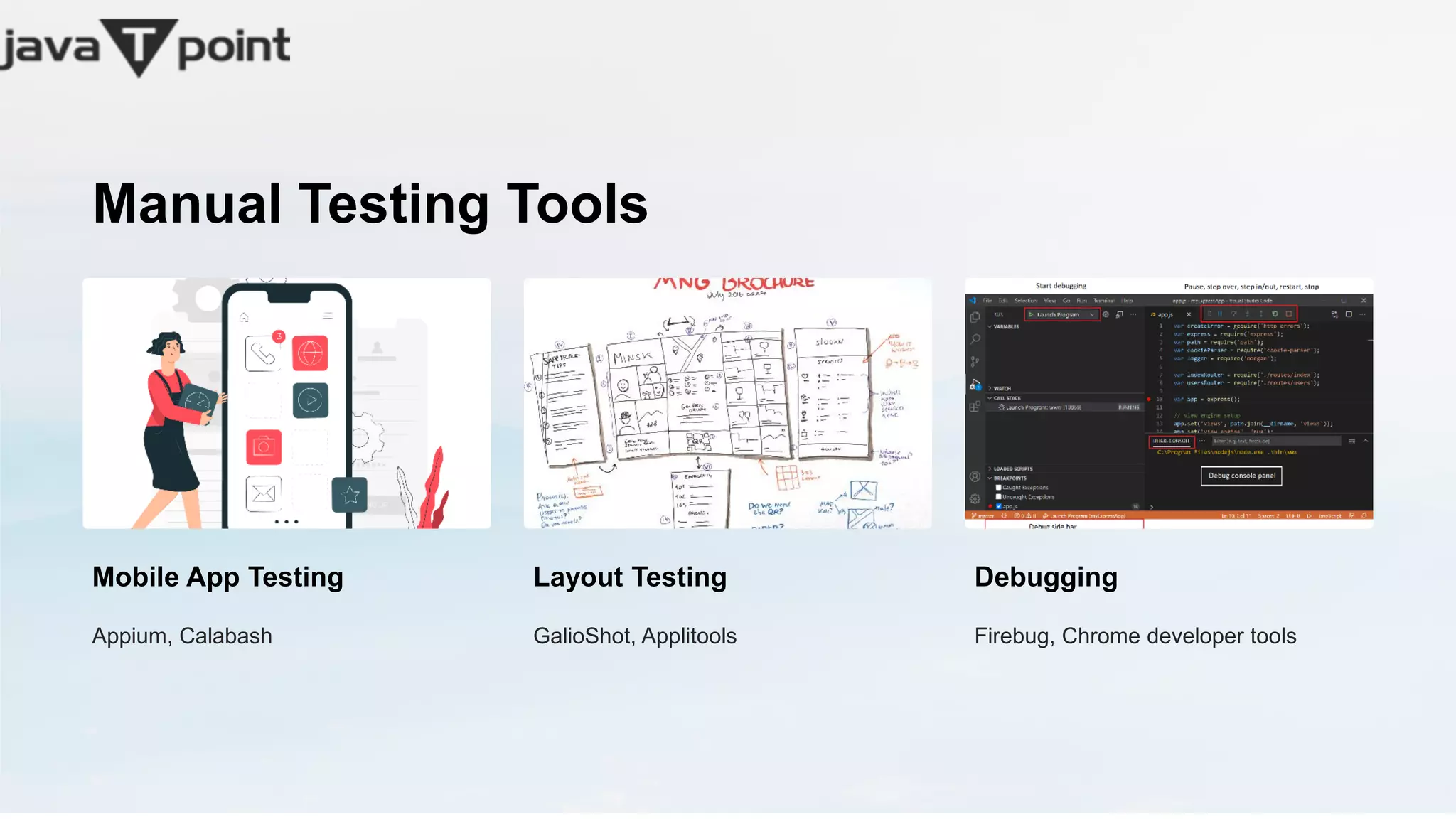
Manual Testing Tools
Mobile App Testing
Appium, Calabash
Layout Testing
GalioShot, Applitools
Debugging
Firebug, Chrome developer tools
Common Challenges in Manual Testing
1
Project Scale
Scaling-up test procedure for large applications
2
Time Allocation
Scheduling time for testing in an already tight delivery
timeline
3
Human Limitations
Endurance in executing tests, repetition, and attention to
detail
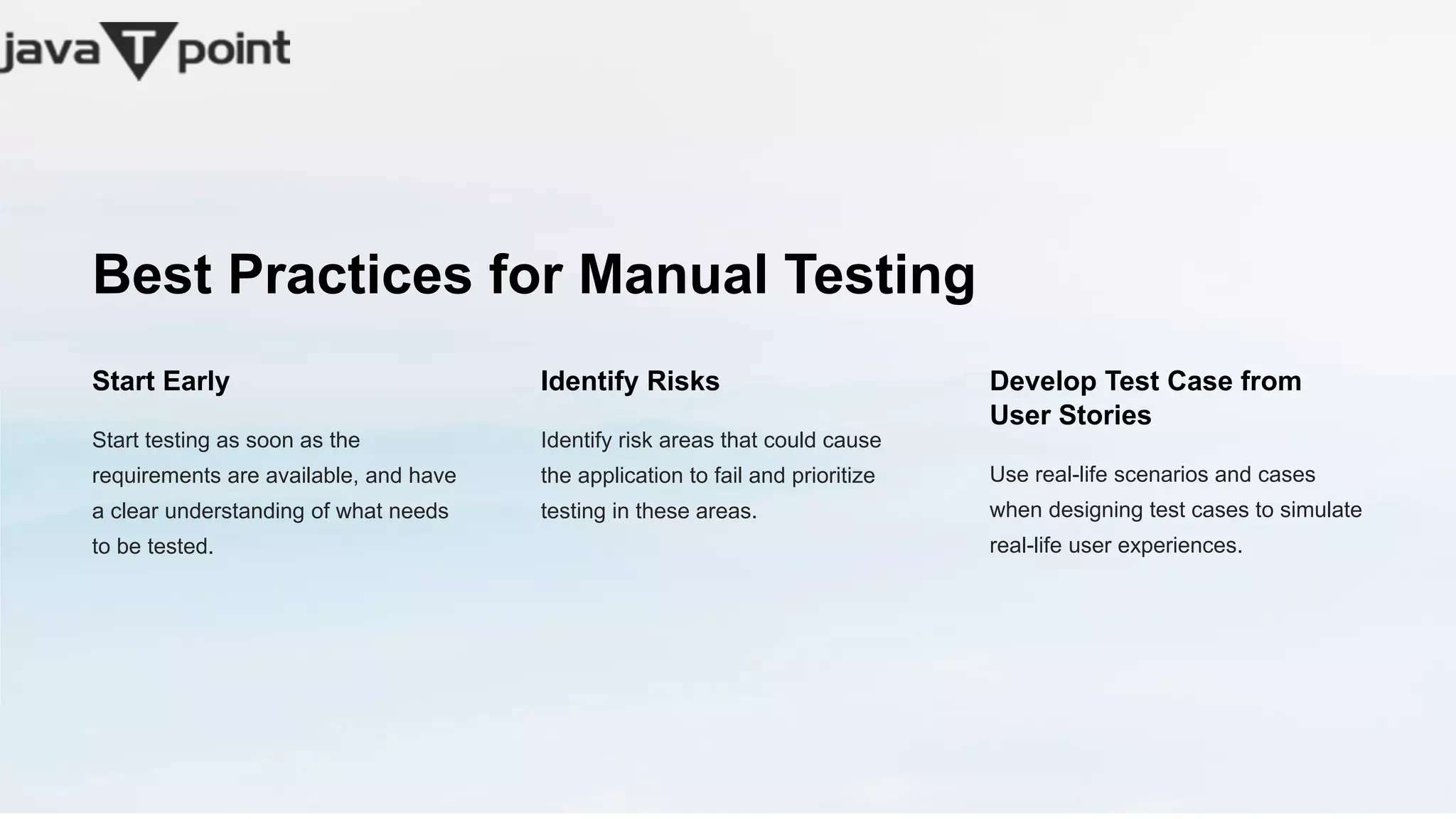
Best Practices for Manual Testing
Start Early
Start testing as soon as the
requirements are available, and have
a clear understanding of what needs
to be tested.
Identify Risks
Identify risk areas that could cause
the application to fail and prioritize
testing in these areas.
Develop Test Case from
User Stories
Use real-life scenarios and cases
when designing test cases to simulate
real-life user experiences.
Conclusion
Manual testing may be time-consuming, but it's a necessary aspect of software development. It enables us to identify flaws users
may encounter and improve the overall quality of the application consistently.

What is manual Testing?

  • 1.
    The Art ofManual Testing Testing software manually can appear to be a difficult task, but it's an essential aspect of the development process that ensures we deliver reliable software that suits end-user needs.
  • 2.
    Importance of ManualTesting Time-Saving Manual testing enables quicker turnaround times compared to automated methods which can take hours or days to run. Bug Detection Manual testing can identify obscure bugs that would otherwise be challenging to detect with automated testing tools. Documentation Manual testing provides a valuable resource to document the testing process while detecting redundancies, overlaps, and weaknesses. Creativity Testing performed manually exercises creativity, which can unveil different perspectives and insights on how to improve the software under test.
  • 3.
    Basic Concepts ofManual Testing 1 Unit Testing Testing done on individual modules 2 Integration Testing Testing done with all parts integrated 3 System Testing Testing that mimics the final product environment 4 User Acceptance Testing that validates the product meets user needs
  • 4.
    Manual Testing Techniques BoundaryValue Analysis Testing where input values are on the boundary of the acceptable range Equivalence Partitioning Grouping inputs based on common characteristics Error Guessing Making informed guesses about where bugs might exist Exploratory Testing Simulating and exploring how the software behaves under different conditions.
  • 5.
    Manual Testing Tools MobileApp Testing Appium, Calabash Layout Testing GalioShot, Applitools Debugging Firebug, Chrome developer tools
  • 6.
    Common Challenges inManual Testing 1 Project Scale Scaling-up test procedure for large applications 2 Time Allocation Scheduling time for testing in an already tight delivery timeline 3 Human Limitations Endurance in executing tests, repetition, and attention to detail
  • 7.
    Best Practices forManual Testing Start Early Start testing as soon as the requirements are available, and have a clear understanding of what needs to be tested. Identify Risks Identify risk areas that could cause the application to fail and prioritize testing in these areas. Develop Test Case from User Stories Use real-life scenarios and cases when designing test cases to simulate real-life user experiences.
  • 8.
    Conclusion Manual testing maybe time-consuming, but it's a necessary aspect of software development. It enables us to identify flaws users may encounter and improve the overall quality of the application consistently.