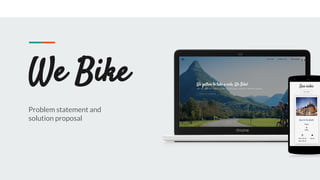
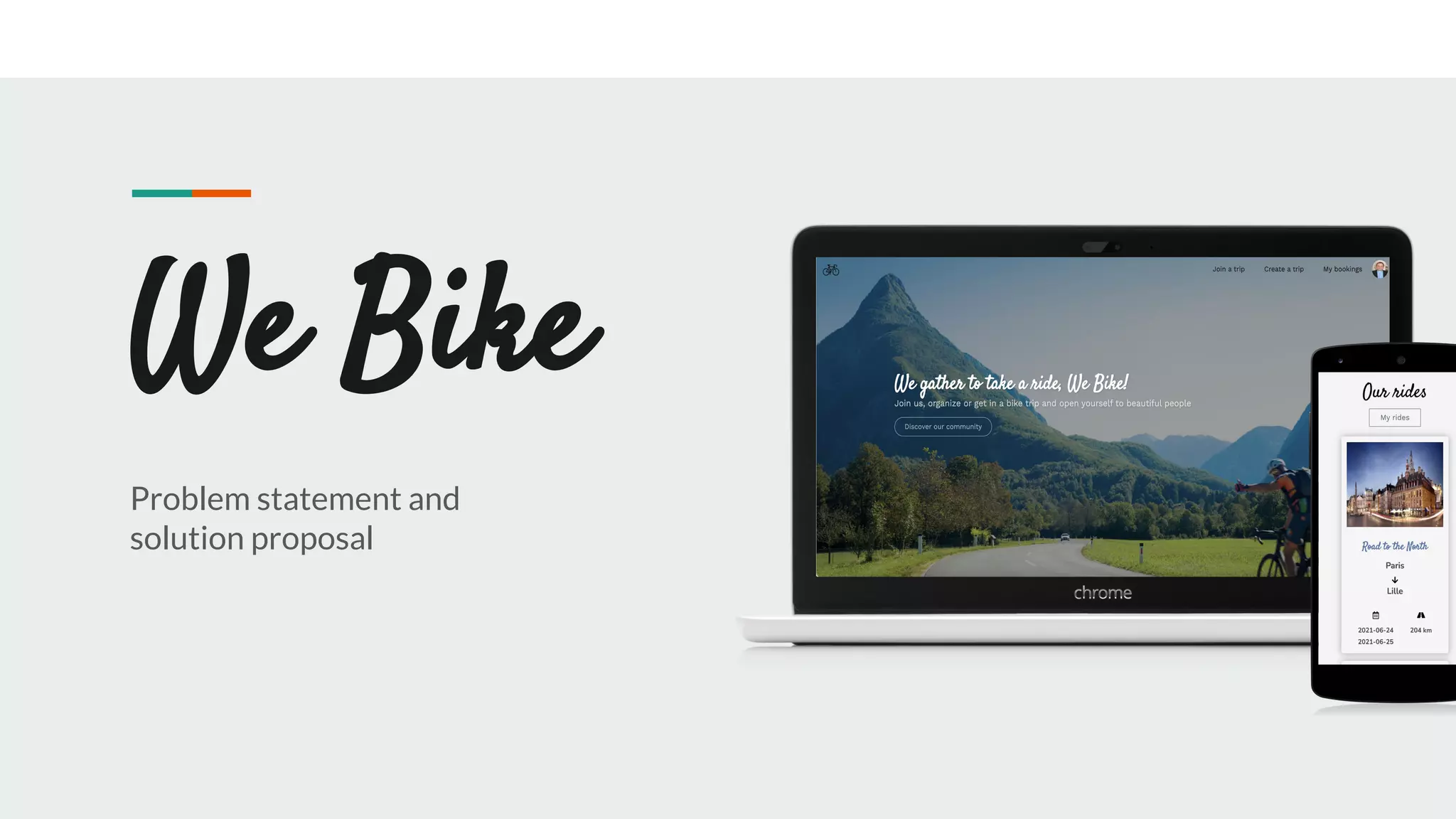
We Bike
Problem statement and
solution proposal
Outline The Problem
Solution Proposal
Wireframes
Next Steps
The Problem
Problem
statement
State the problem you are solving
in one or two sentences.
Make sure to explain why it is a real problem.
What customers
do today
Justify your effort to try to solve
the problem.
Highlight the pain points of the current
solution or how customers deal with not
having a solution to the problem.
1
Supporting
information
01
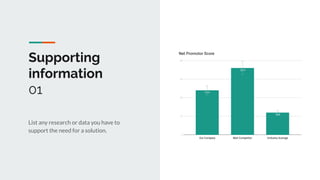
List any research or data you have to
support the need for a solution.
Supporting
information
02
Explain why you’re focusing on a
particular part of the problem or a
particular subset of users.
82%
Users are constantly
searching for a solution
Supporting
information
03
Reference your personas, if you have them.
Julia
Describe the content of Julia’s job and the problem
she and her team are currently facing.
Team Manager
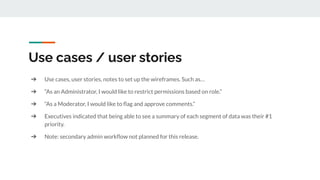
➔ Use cases, user stories, notes to set up the wireframes. Such as…
➔ “As an Administrator, I would like to restrict permissions based on role.”
➔ “As a Moderator, I would like to flag and approve comments.”
➔ Executives indicated that being able to see a summary of each segment of data was their #1
priority.
➔ Note: secondary admin workflow not planned for this release.
Use cases / user stories
Assumptions
State your assumptions or any unknowns here.
Solution Proposal
Solution description
Now that you’ve justified your attention to the problem, summarize your solution in one or two
sentences.
Why it’s better than existing solutions
Return to the problem now that you’ve introduced your solution. Compare your solution to others and
describe how it is superior.
Wireframes
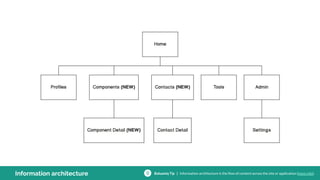
Information architecture Balsamiq Tip | Information architecture is the flow of content across the site or application (more info).
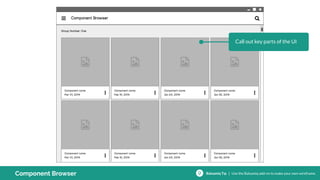
Call out key parts of the UI
Component Browser Balsamiq Tip | Use the Balsamiq add-on to make your own wireframe.
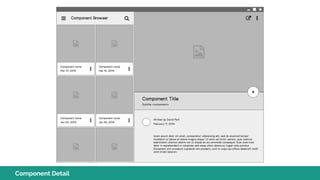
Component Detail
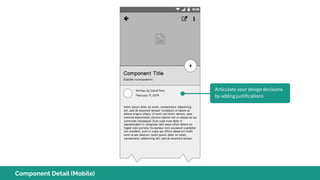
Articulate your design decisions
by adding justifications
Component Detail (Mobile)
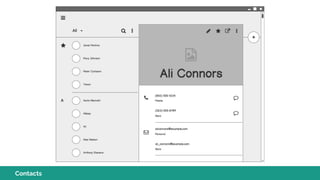
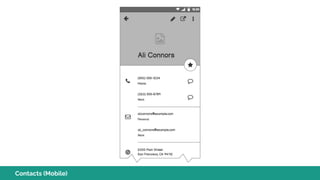
Contacts
Contacts (Mobile)
Next Steps
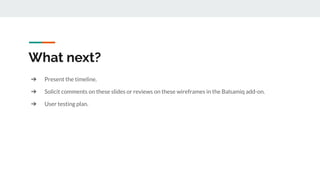
What next?
➔ Present the timeline.
➔ Solicit comments on these slides or reviews on these wireframes in the Balsamiq add-on.
➔ User testing plan.
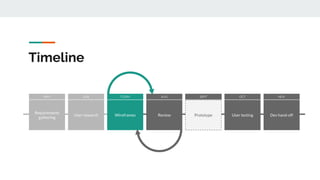
Timeline
Prototype
SEPT
User testing
OCT
Dev hand-off
NOV
Review
AUG
Wireframes
TODAY
User research
JUN
Requirements
gathering
MAY
Questions?
References
Tips for Presenting Your Wireframes
3 Steps to Better UI Wireframes
Wireframing for Beginners

We bike project