
Intellectual Capital for Your Business
Confidential and Proprietary Information ©
Present
s:
Intellectual Capital for Your Business
Confidential and Proprietary Information ©
Discussion Agenda
Intellectual Capital for Your Business
Confidential and Proprietary Information ©
Understanding Virtualization
Intellectual Capital for Your Business
Confidential and Proprietary Information ©
Understanding Virtualization
Intellectual Capital for Your Business
Confidential and Proprietary Information ©
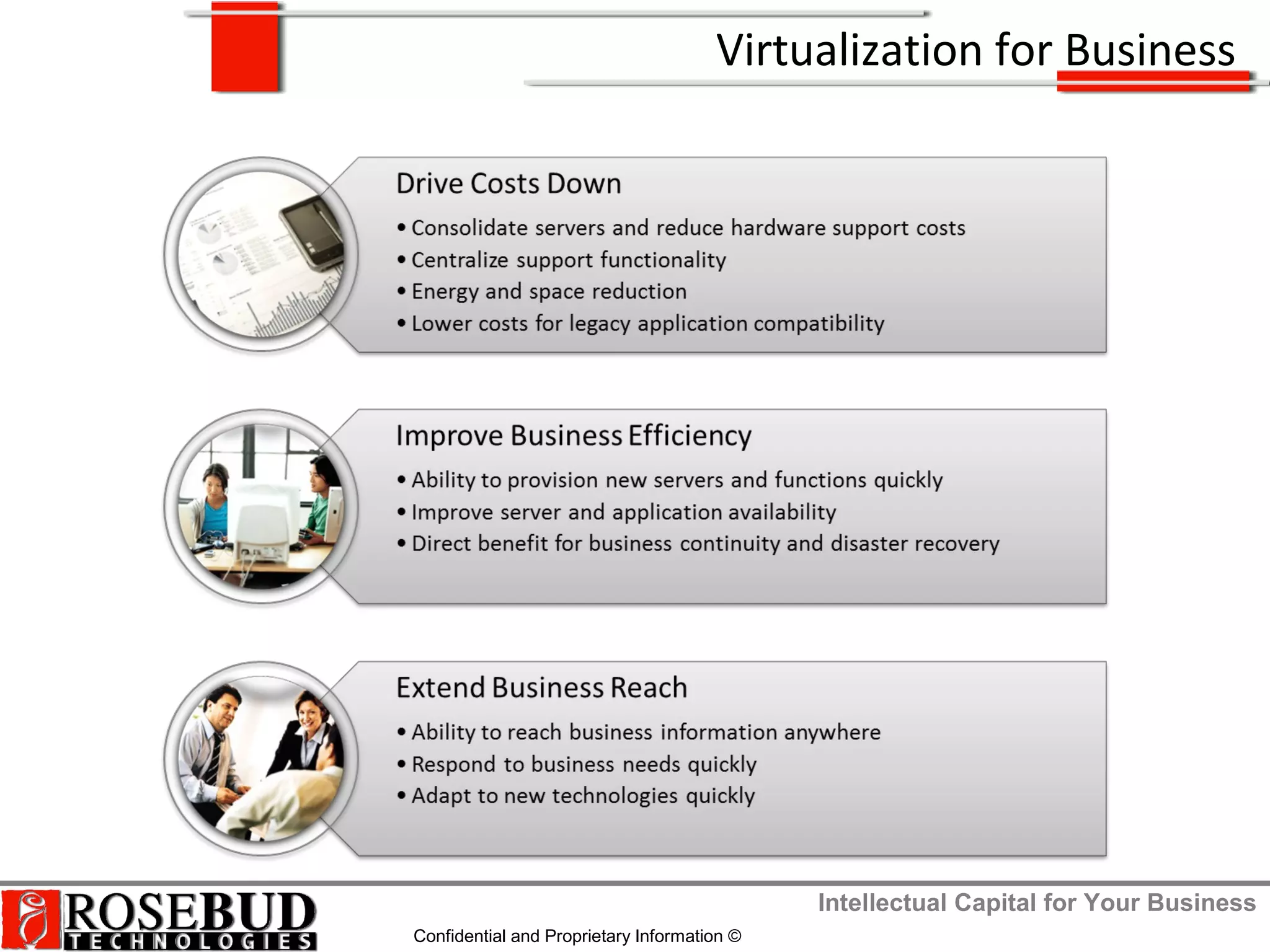
Virtualization for Business
Intellectual Capital for Your Business
Confidential and Proprietary Information ©
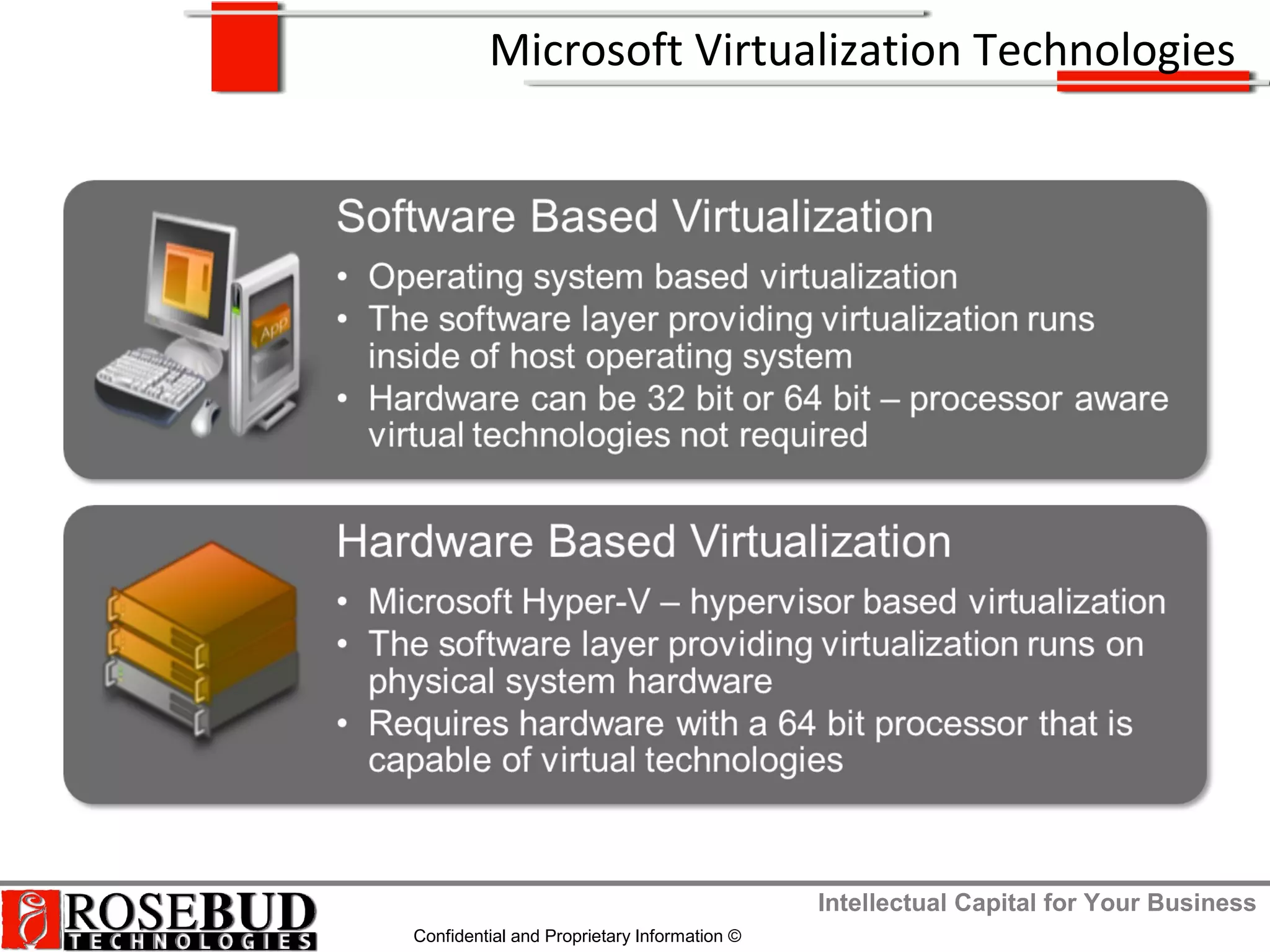
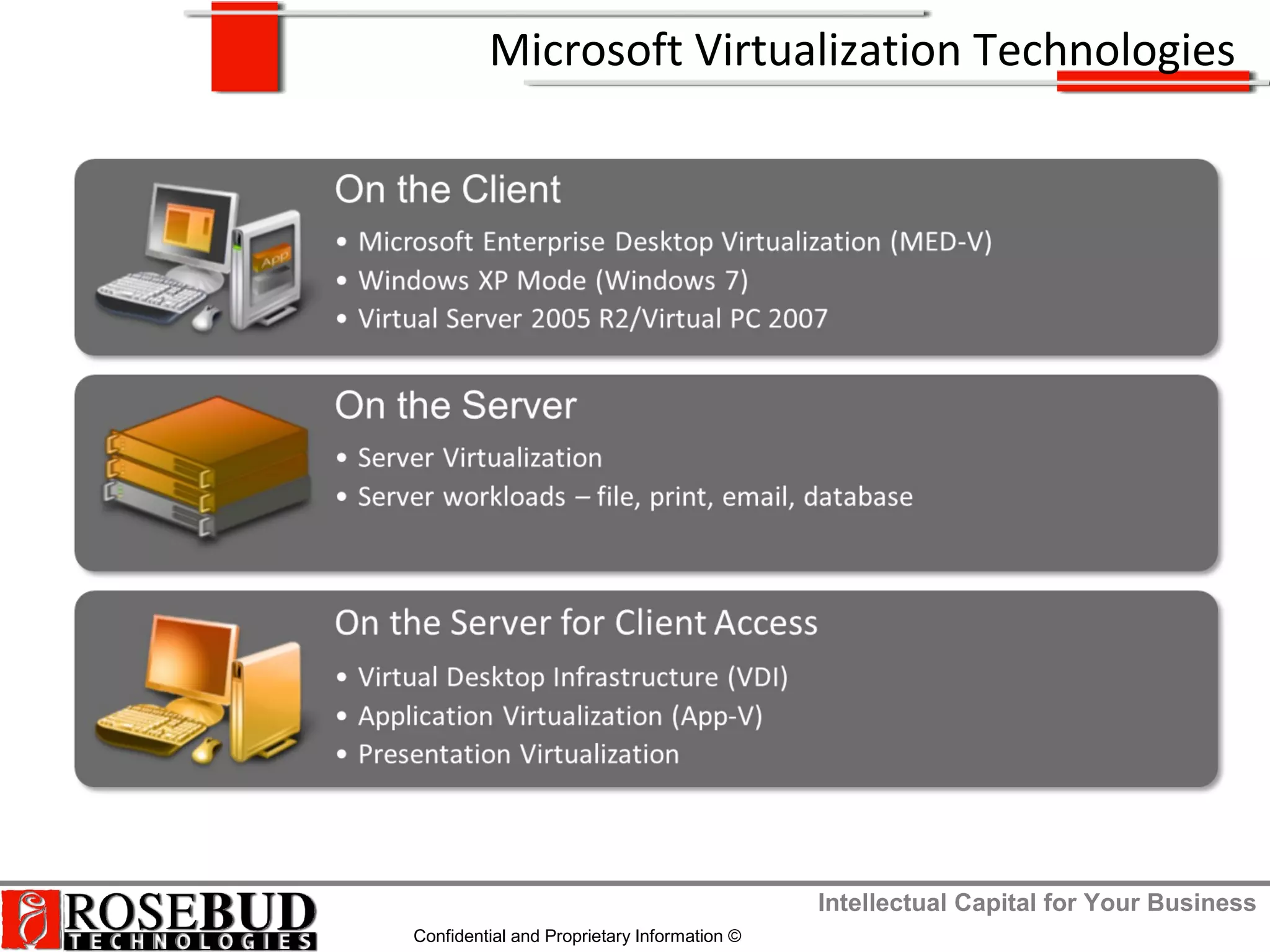
Microsoft Virtualization Technologies
Intellectual Capital for Your Business
Confidential and Proprietary Information ©
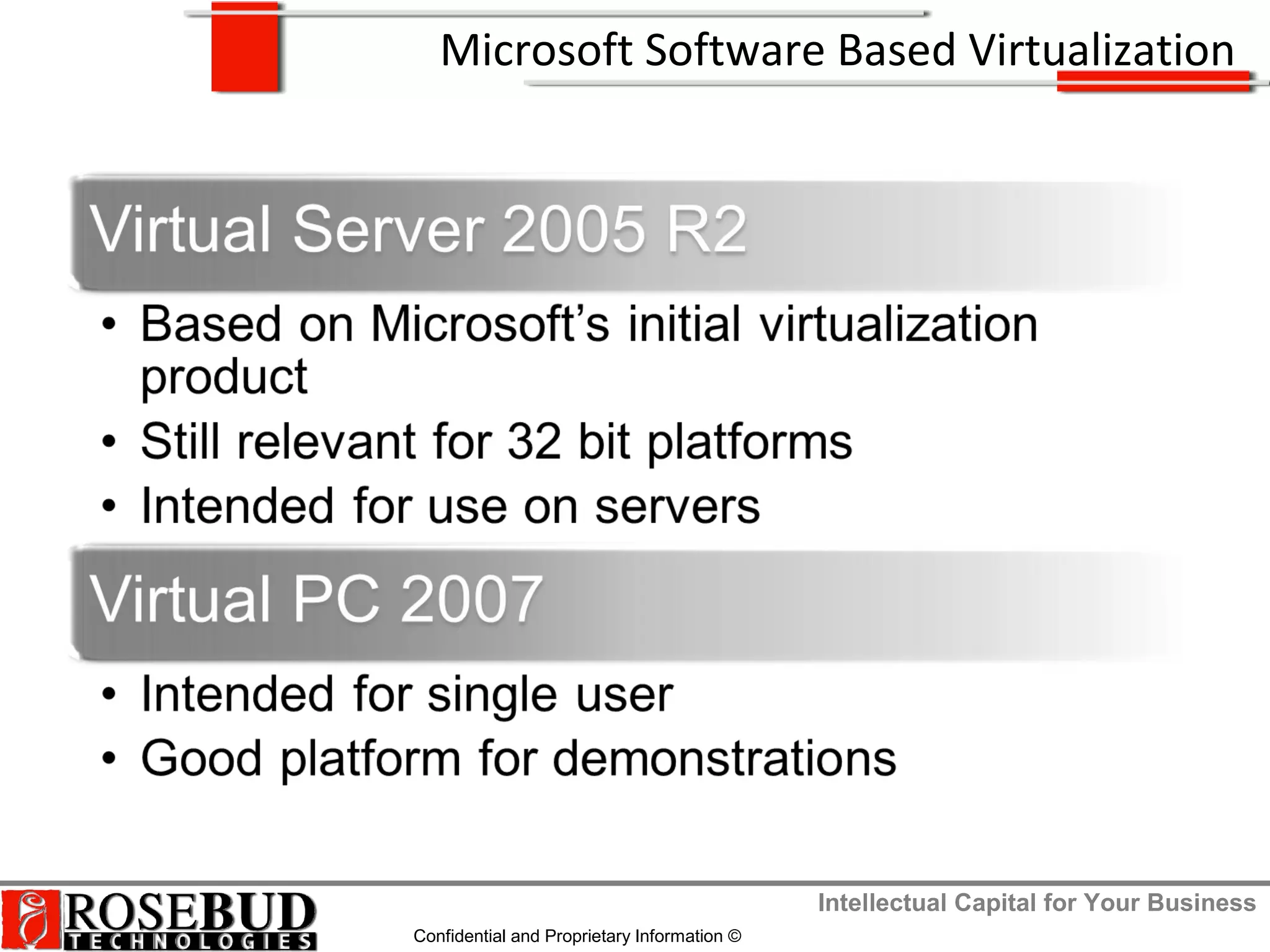
Microsoft Software Based Virtualization
Intellectual Capital for Your Business
Confidential and Proprietary Information ©
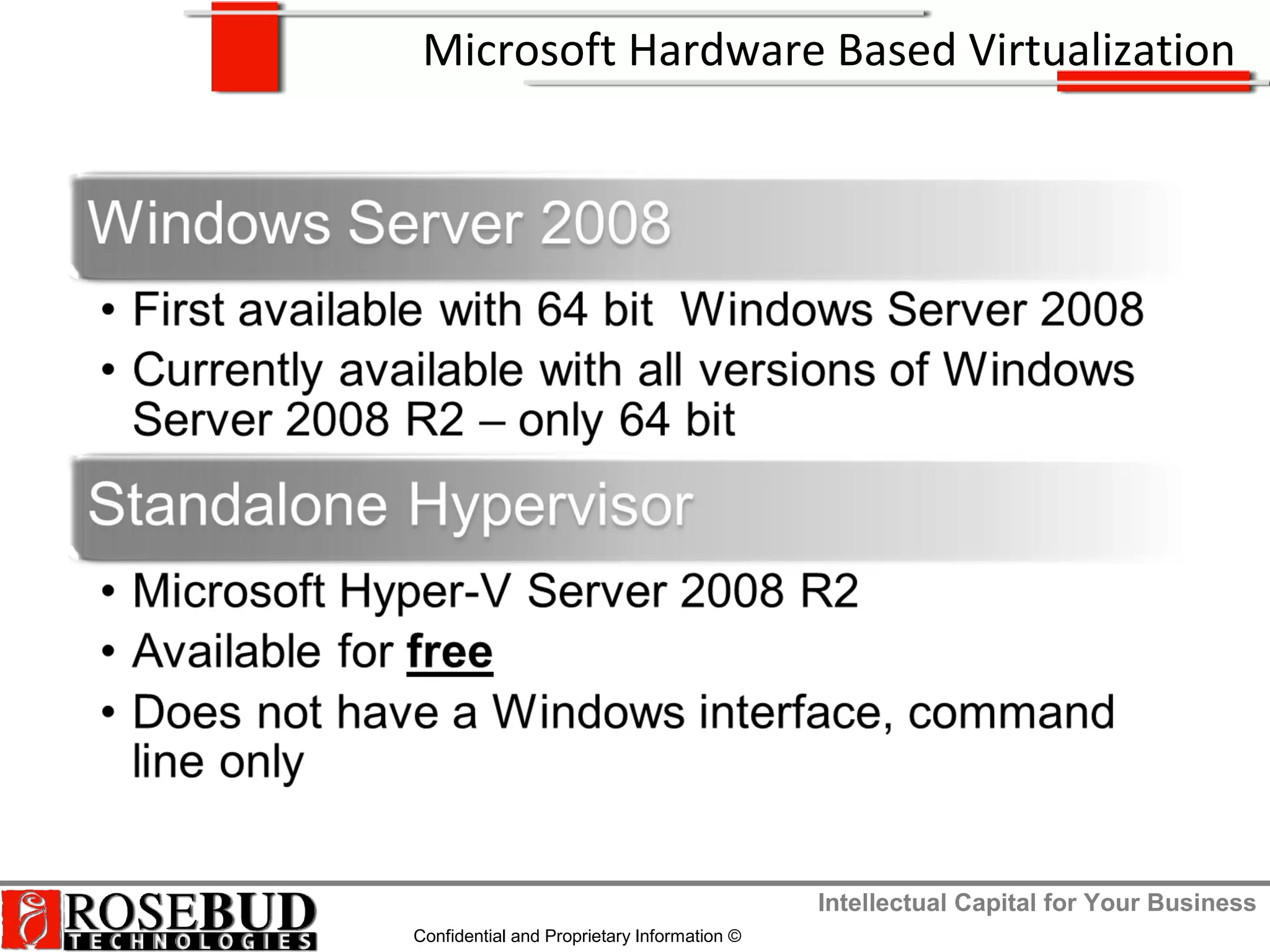
Microsoft Hardware Based Virtualization
Intellectual Capital for Your Business
Confidential and Proprietary Information ©
Microsoft Virtualization Technologies
Intellectual Capital for Your Business
Confidential and Proprietary Information ©
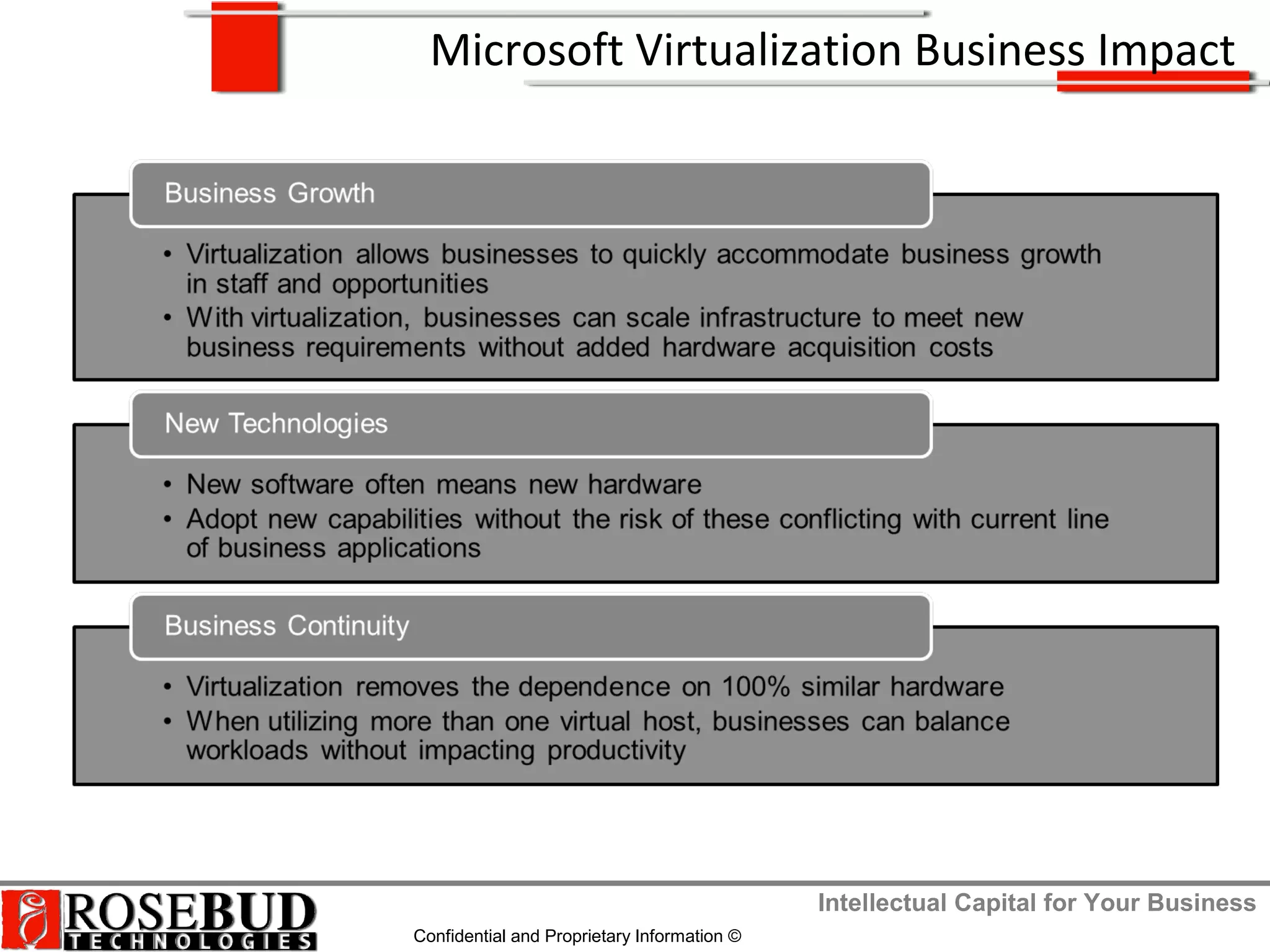
Microsoft Virtualization Business Impact
Intellectual Capital for Your Business
Confidential and Proprietary Information ©
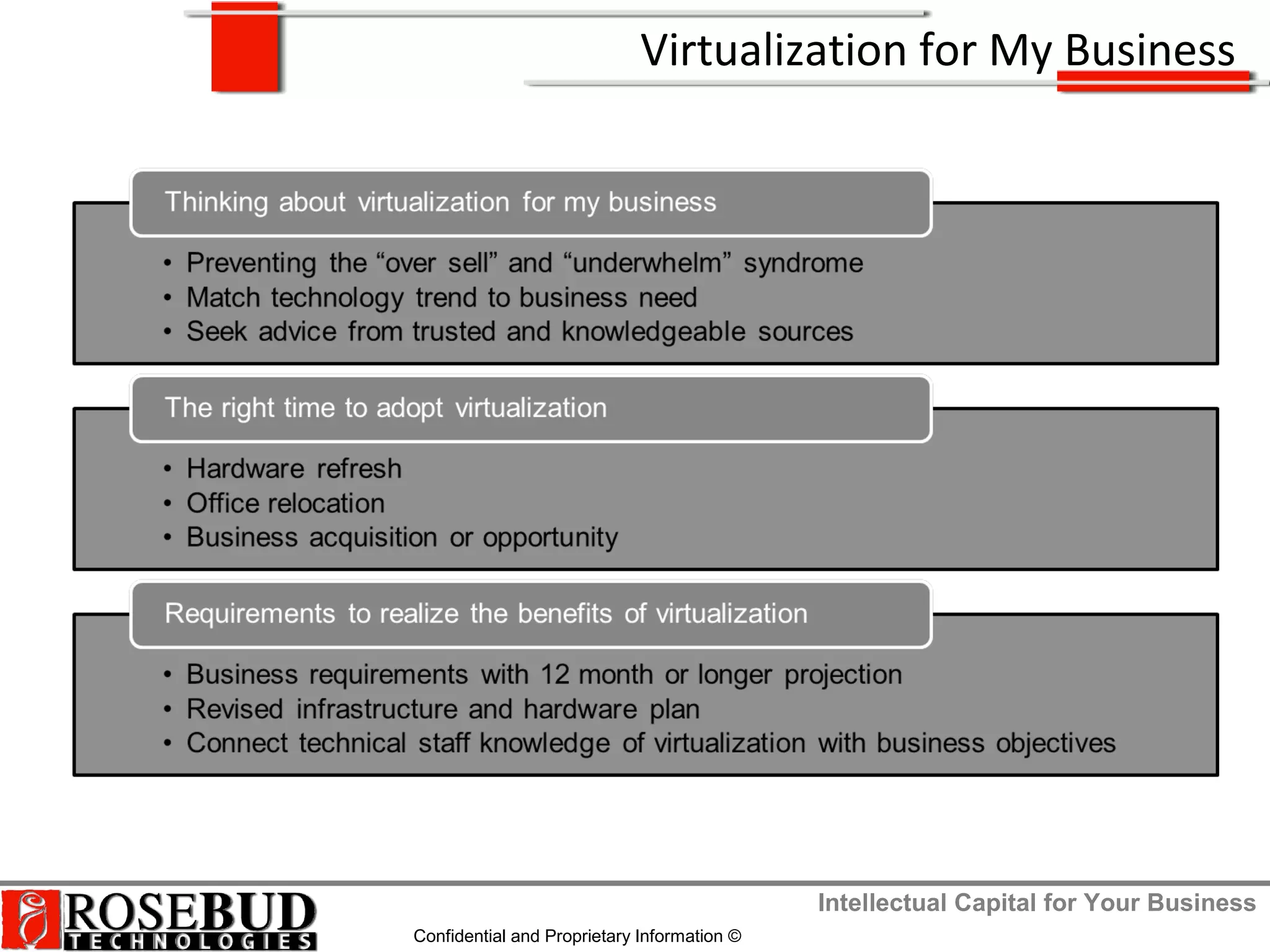
Virtualization for My Business
Intellectual Capital for Your Business
Confidential and Proprietary Information ©
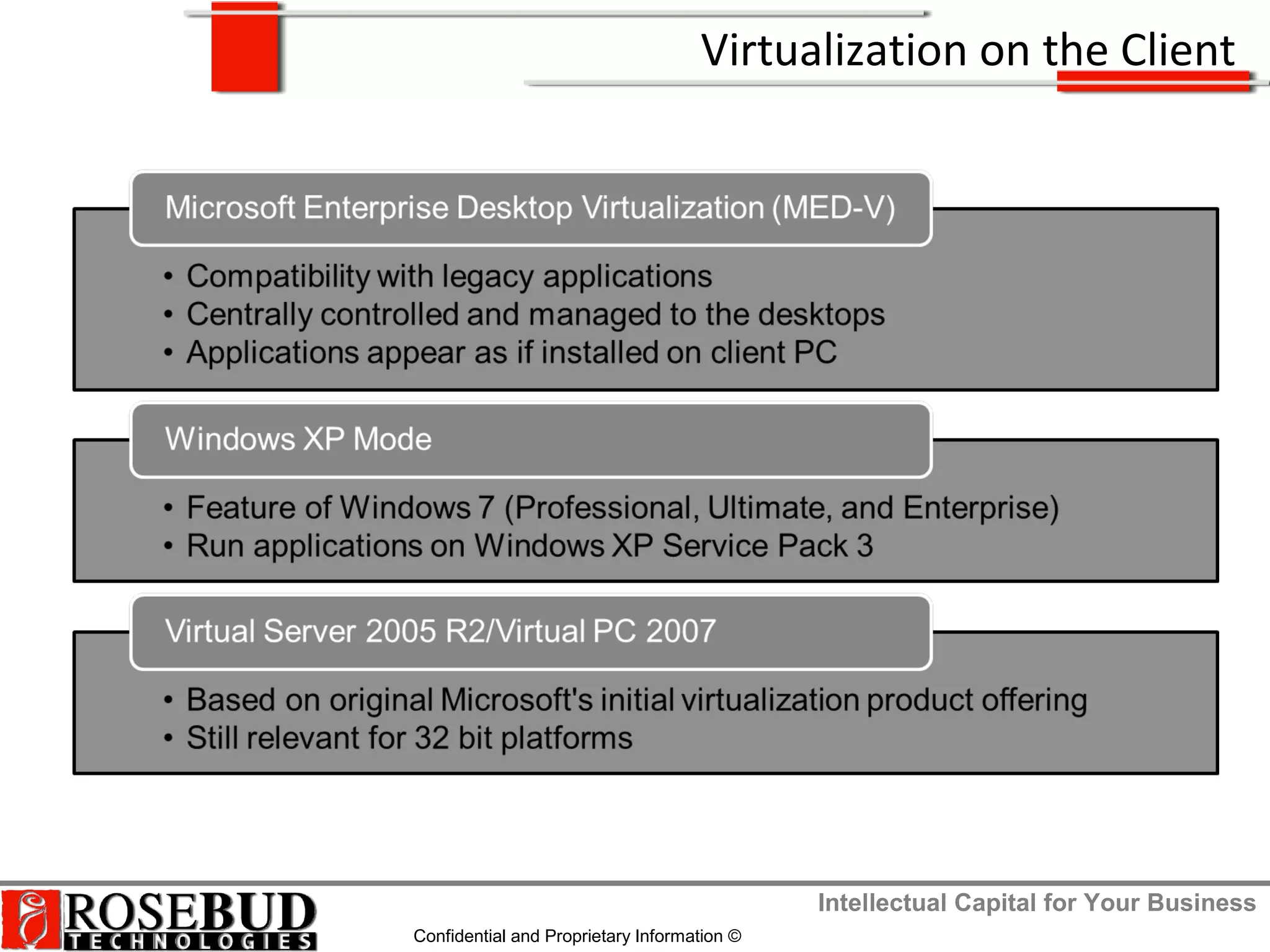
Virtualization on the Client
Intellectual Capital for Your Business
Confidential and Proprietary Information ©
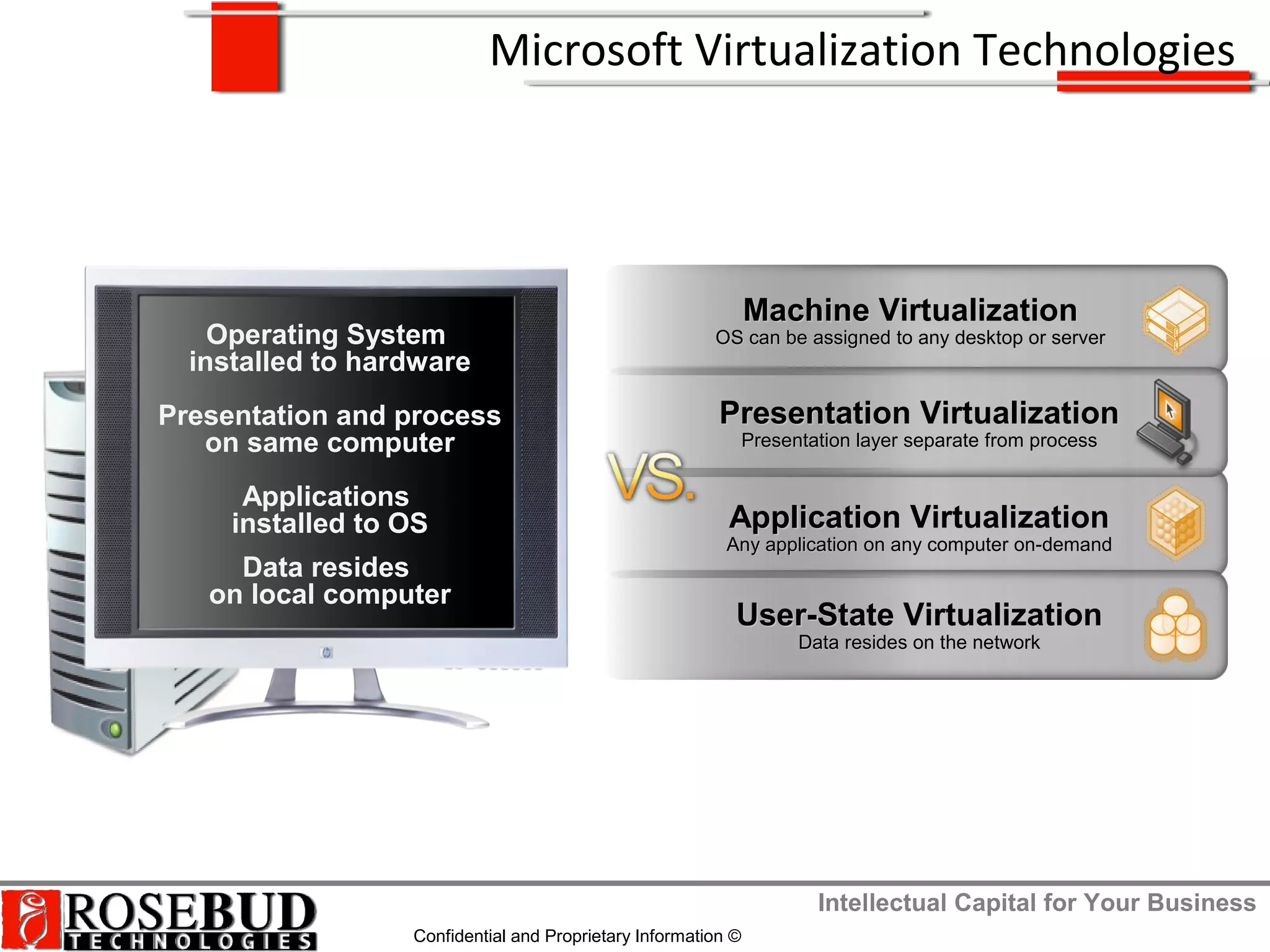
Machine VirtualizationMachine Virtualization
OS can be assigned to any desktop or serverOS can be assigned to any desktop or server
Application VirtualizationApplication Virtualization
Any application on any computer on-demandAny application on any computer on-demand
User-State VirtualizationUser-State Virtualization
Data resides on the networkData resides on the network
Presentation VirtualizationPresentation Virtualization
Presentation layer separate from processPresentation layer separate from process
Operating System
installed to hardware
Presentation and process
on same computer
Applications
installed to OS
Data resides
on local computer
Microsoft Virtualization Technologies
Intellectual Capital for Your Business
Confidential and Proprietary Information ©
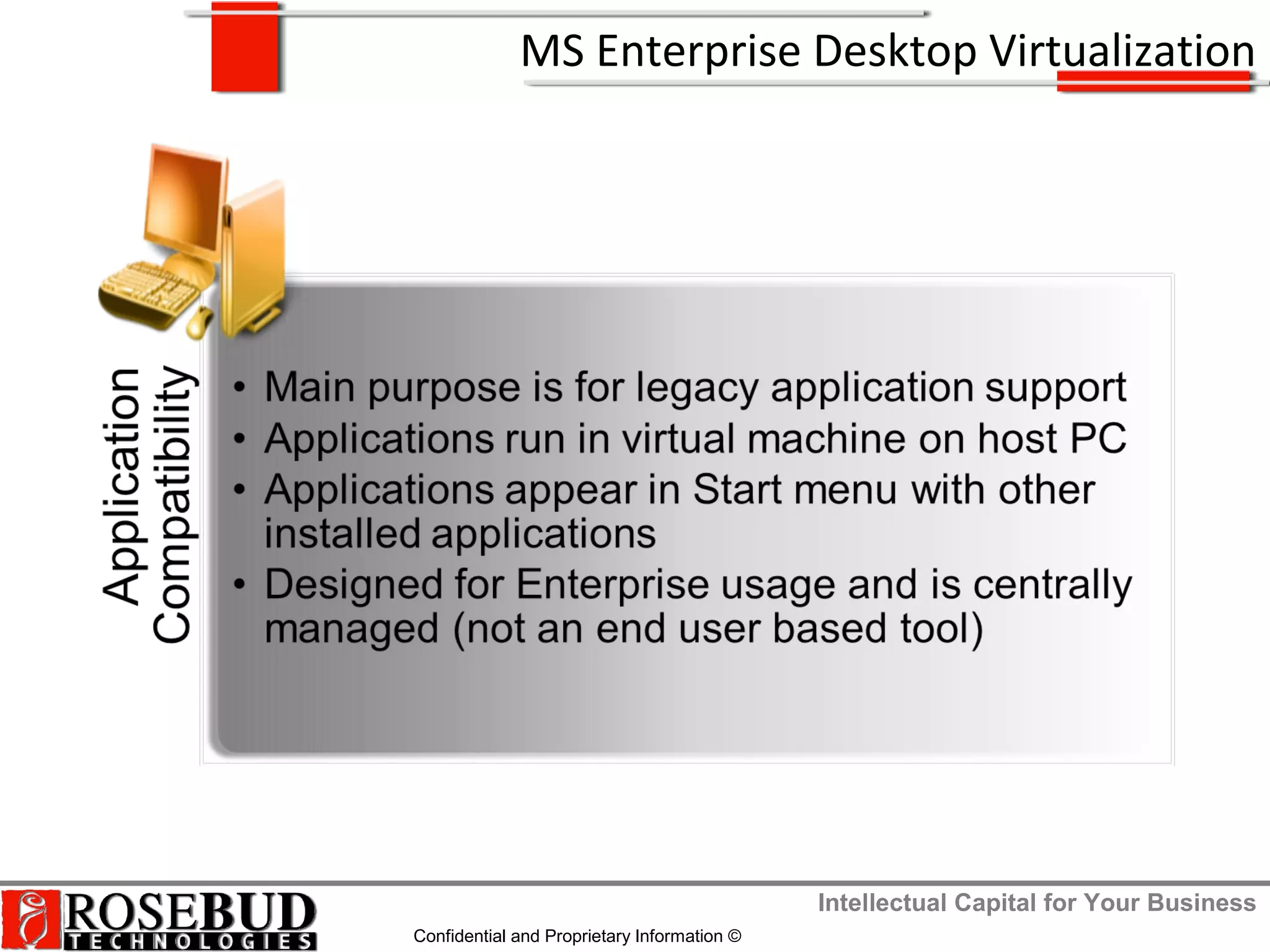
MS Enterprise Desktop Virtualization
Intellectual Capital for Your Business
Confidential and Proprietary Information ©
Windows XP Mode
Intellectual Capital for Your Business
Confidential and Proprietary Information ©
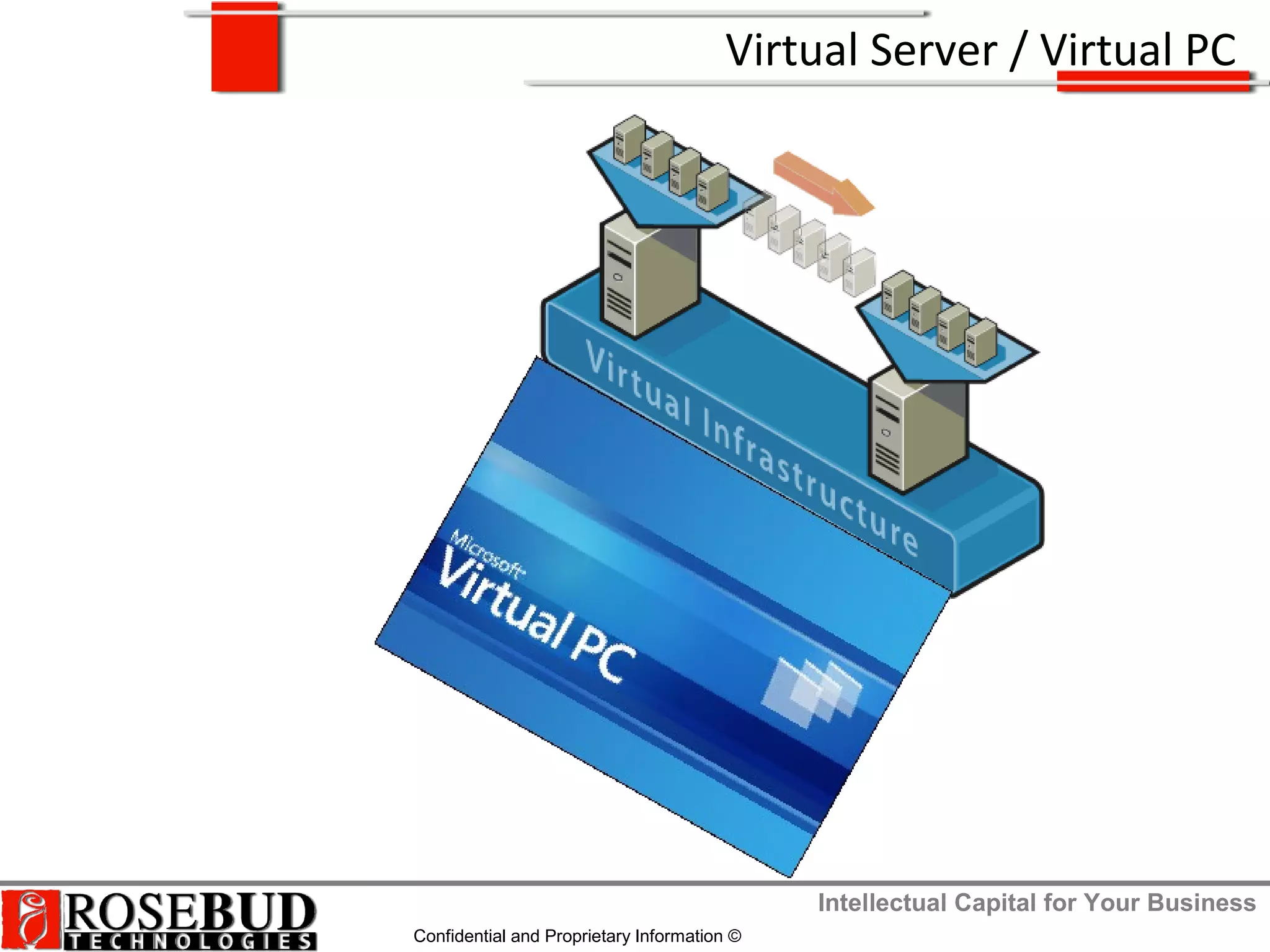
Virtual Server / Virtual PC
Intellectual Capital for Your Business
Confidential and Proprietary Information ©
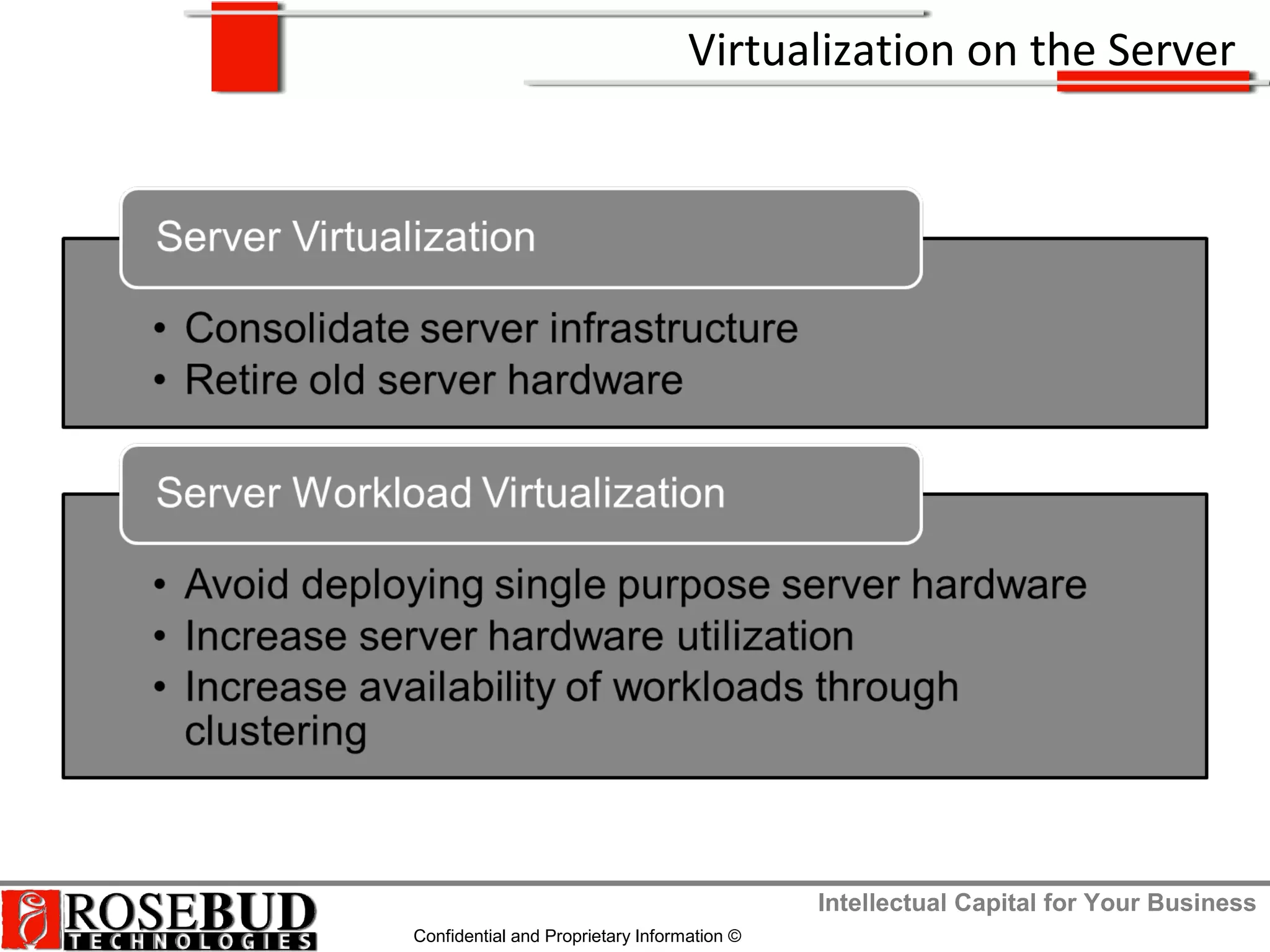
Virtualization on the Server
Intellectual Capital for Your Business
Confidential and Proprietary Information ©
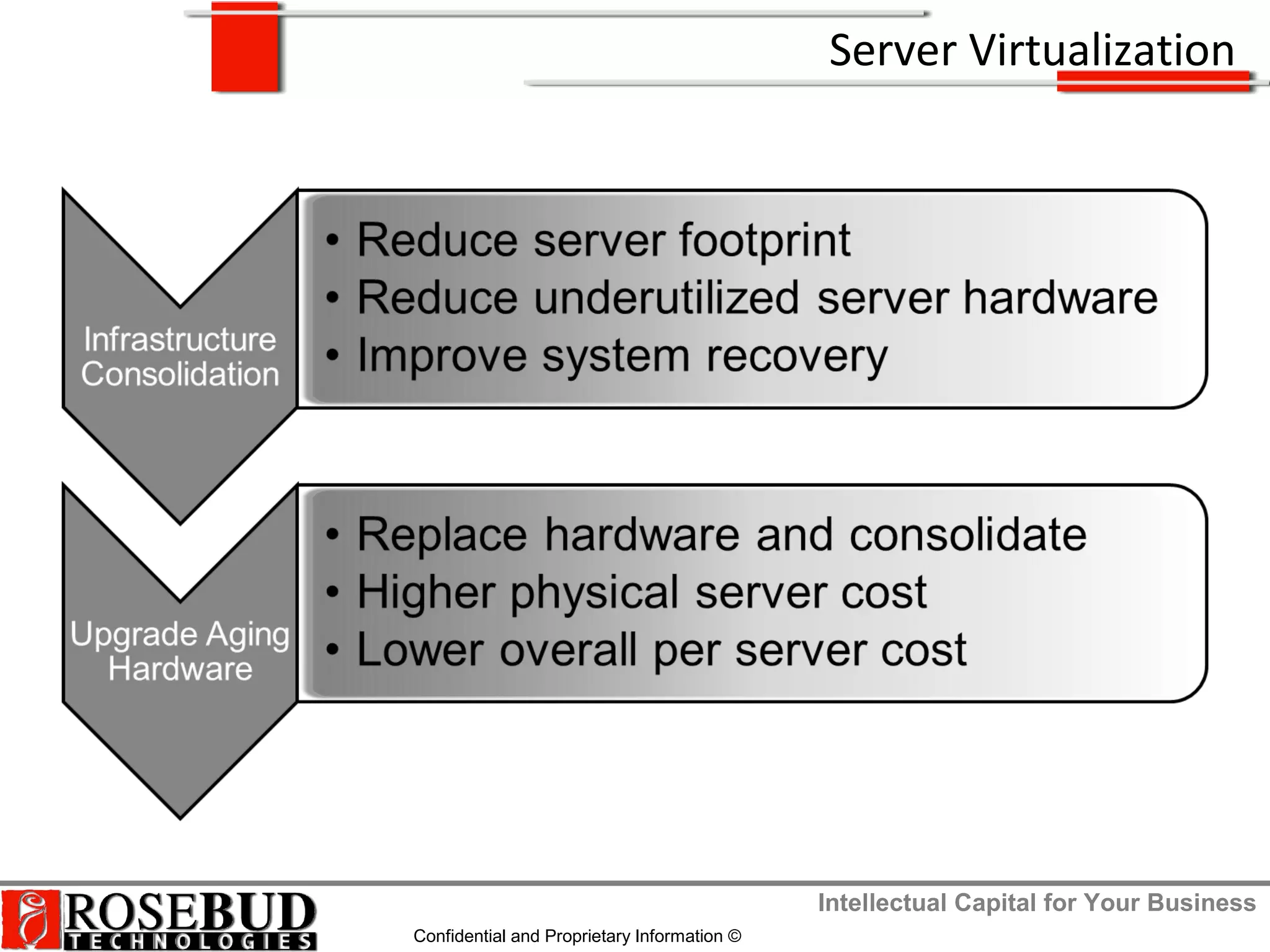
Server Virtualization
Intellectual Capital for Your Business
Confidential and Proprietary Information ©
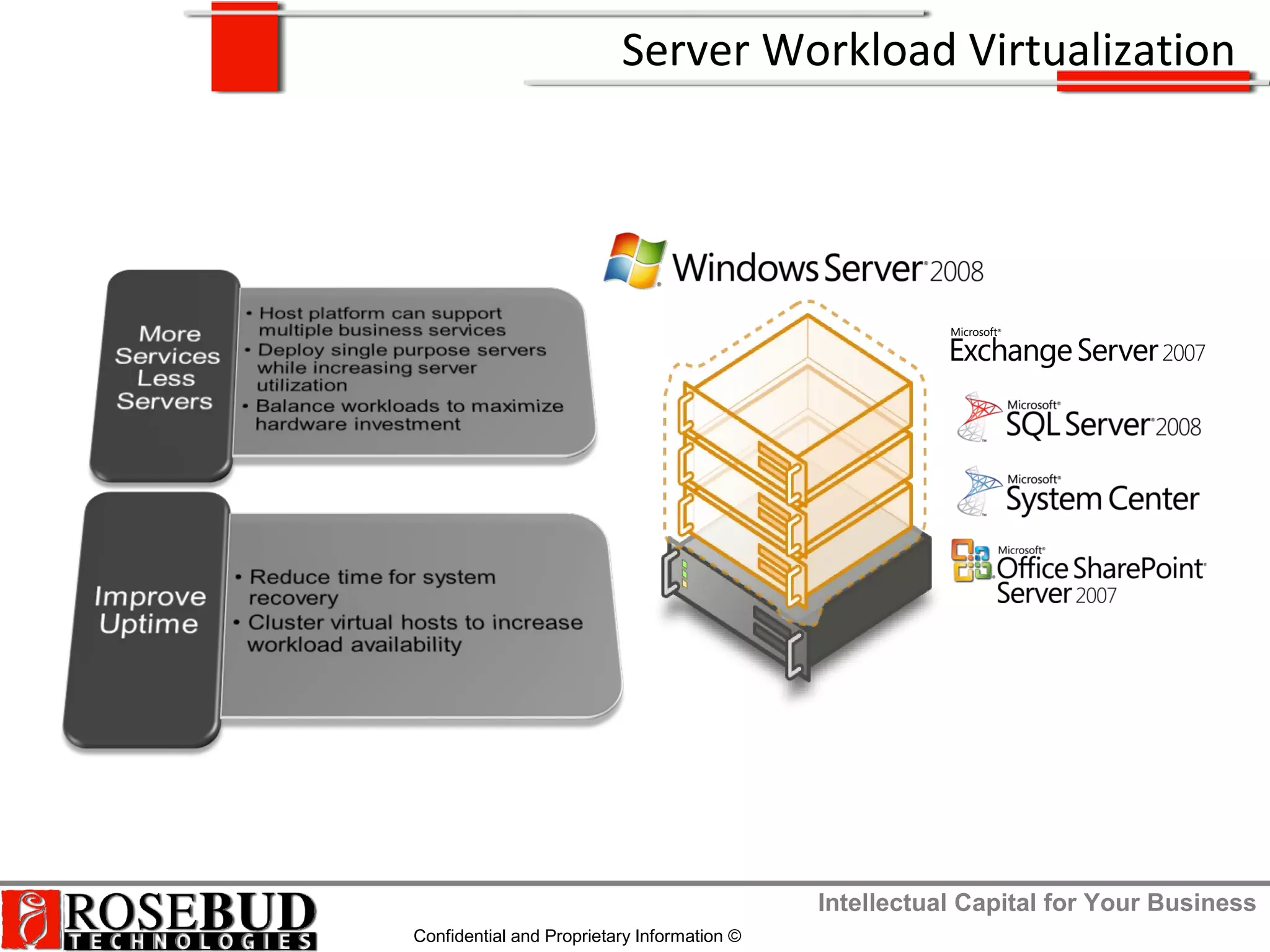
Server Workload Virtualization
Intellectual Capital for Your Business
Confidential and Proprietary Information ©
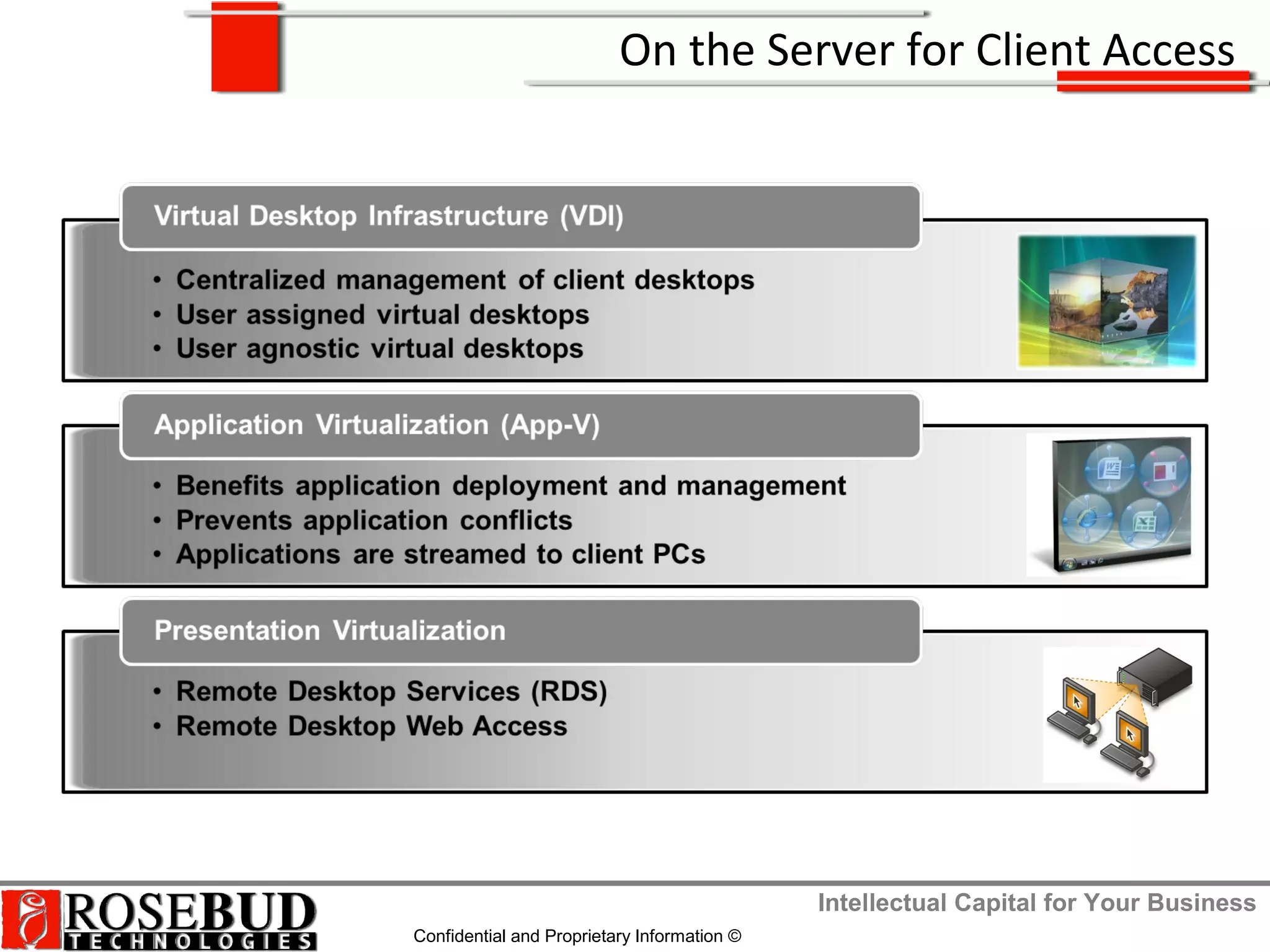
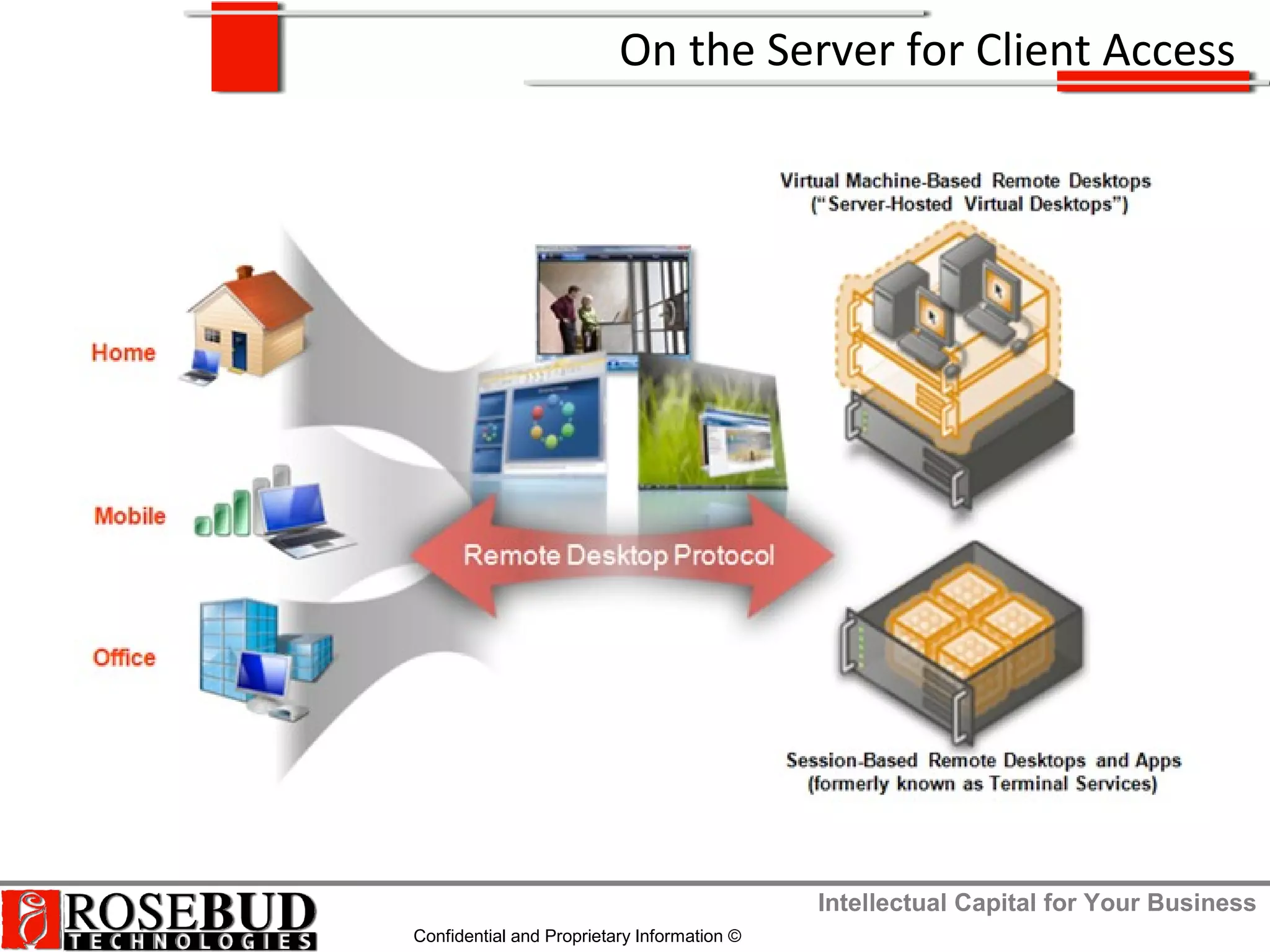
On the Server for Client Access
Intellectual Capital for Your Business
Confidential and Proprietary Information ©
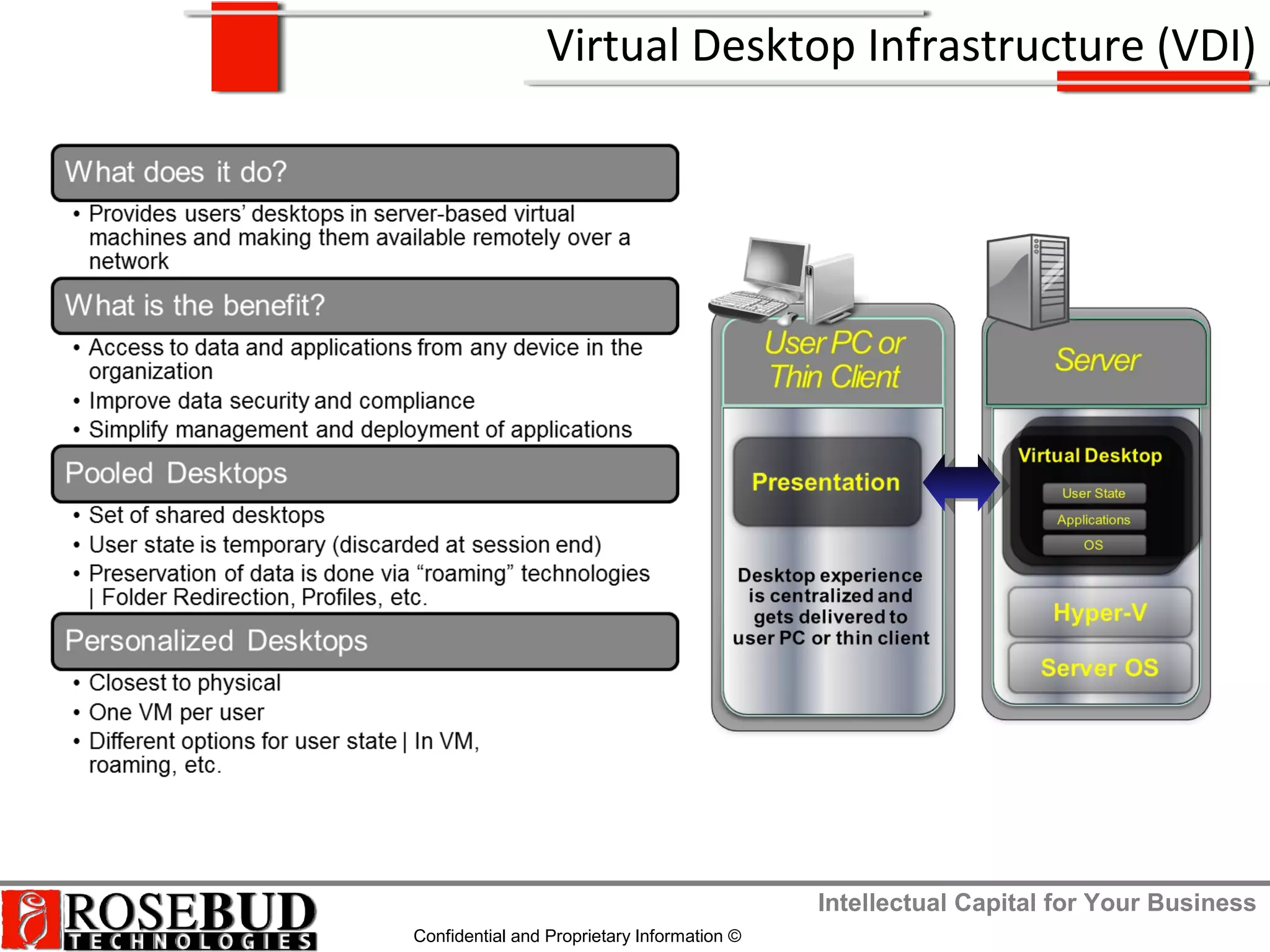
Virtual Desktop Infrastructure (VDI)
Intellectual Capital for Your Business
Confidential and Proprietary Information ©
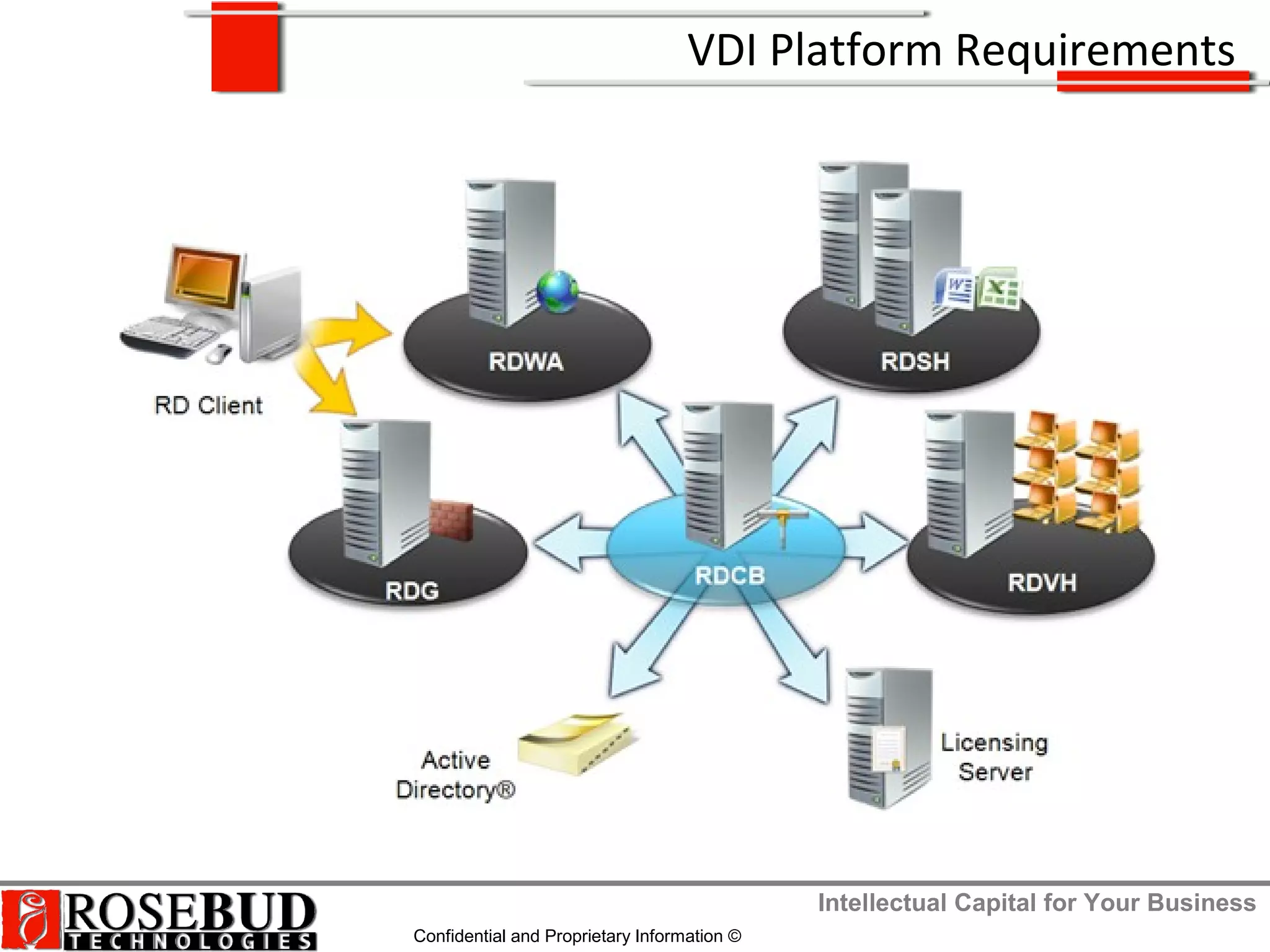
VDI Platform Requirements
Intellectual Capital for Your Business
Confidential and Proprietary Information ©
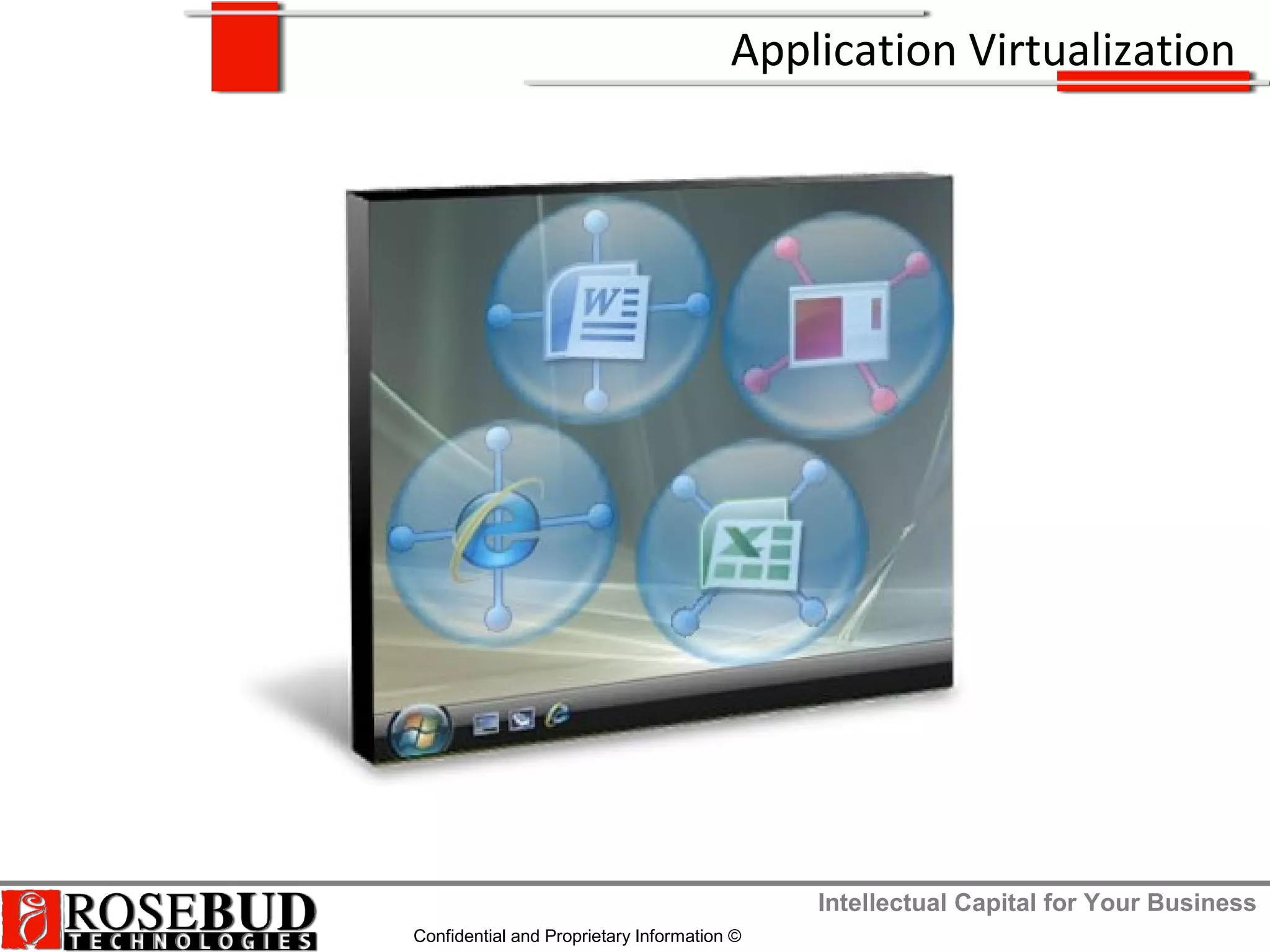
Application Virtualization
Intellectual Capital for Your Business
Confidential and Proprietary Information ©
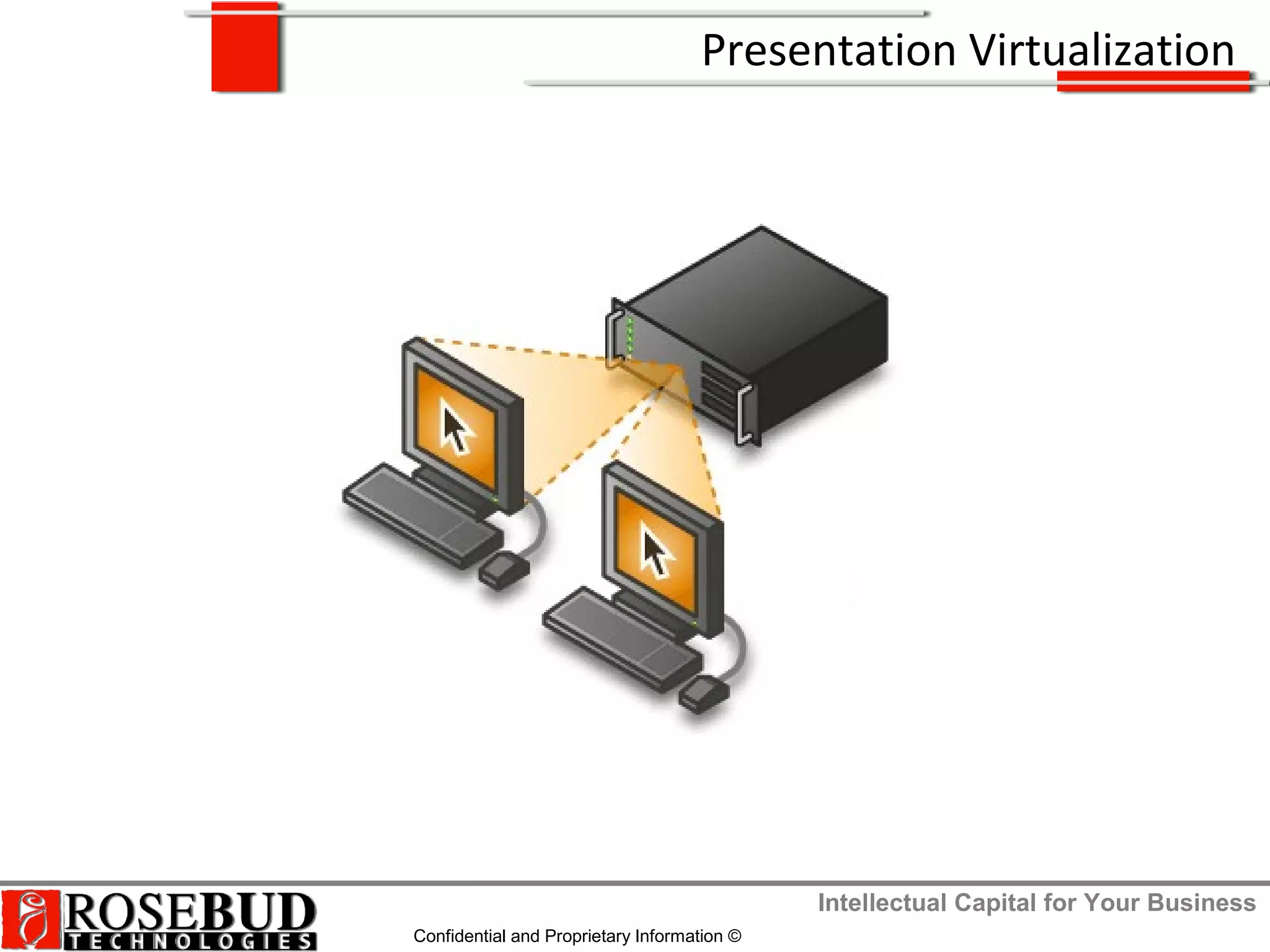
Presentation Virtualization
Intellectual Capital for Your Business
Confidential and Proprietary Information ©
On the Server for Client Access
Intellectual Capital for Your Business
Confidential and Proprietary Information ©
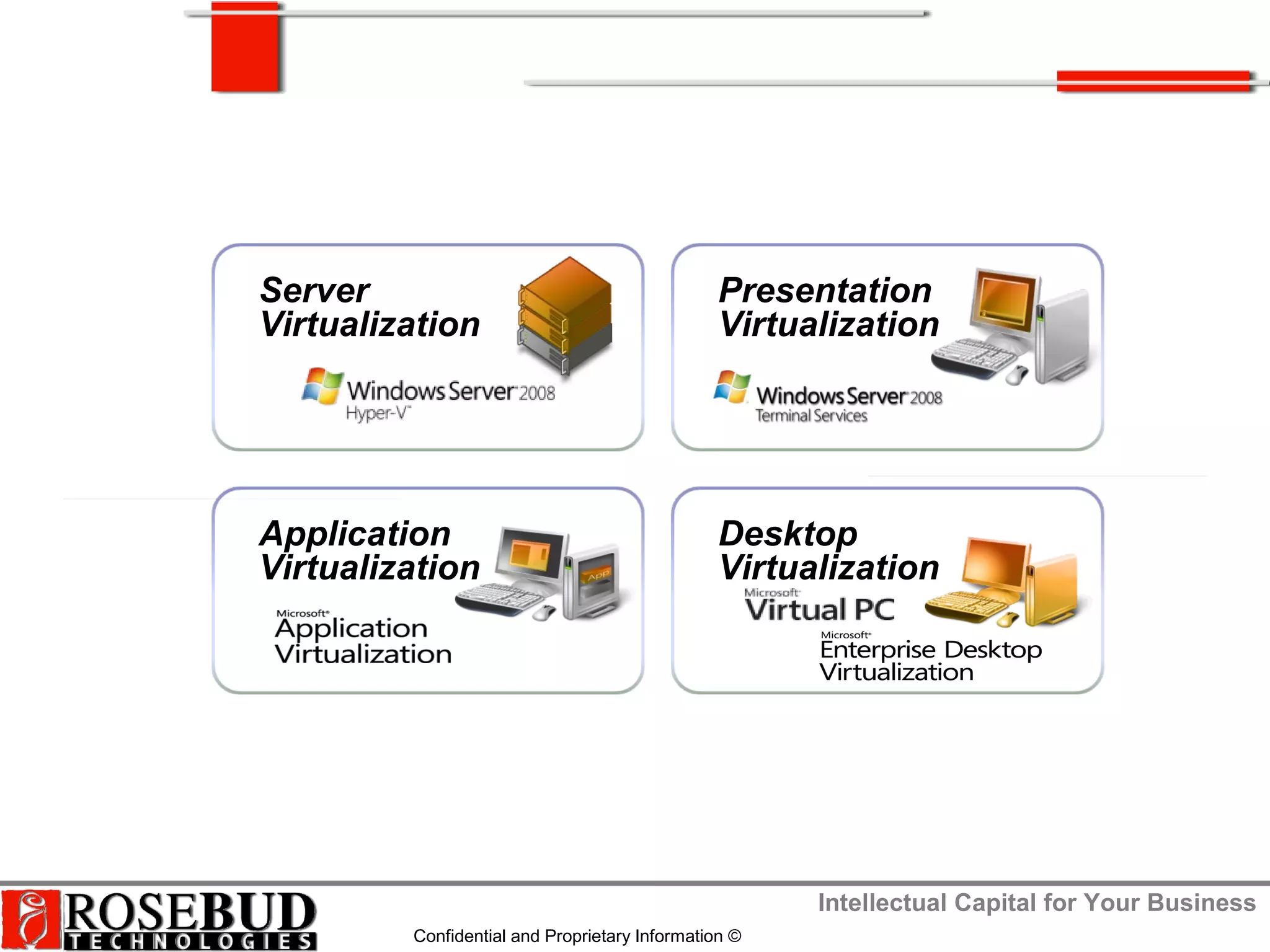
Server
Virtualization
Presentation
Virtualization
Application
Virtualization
Desktop
Virtualization
Intellectual Capital for Your Business
Confidential and Proprietary Information ©
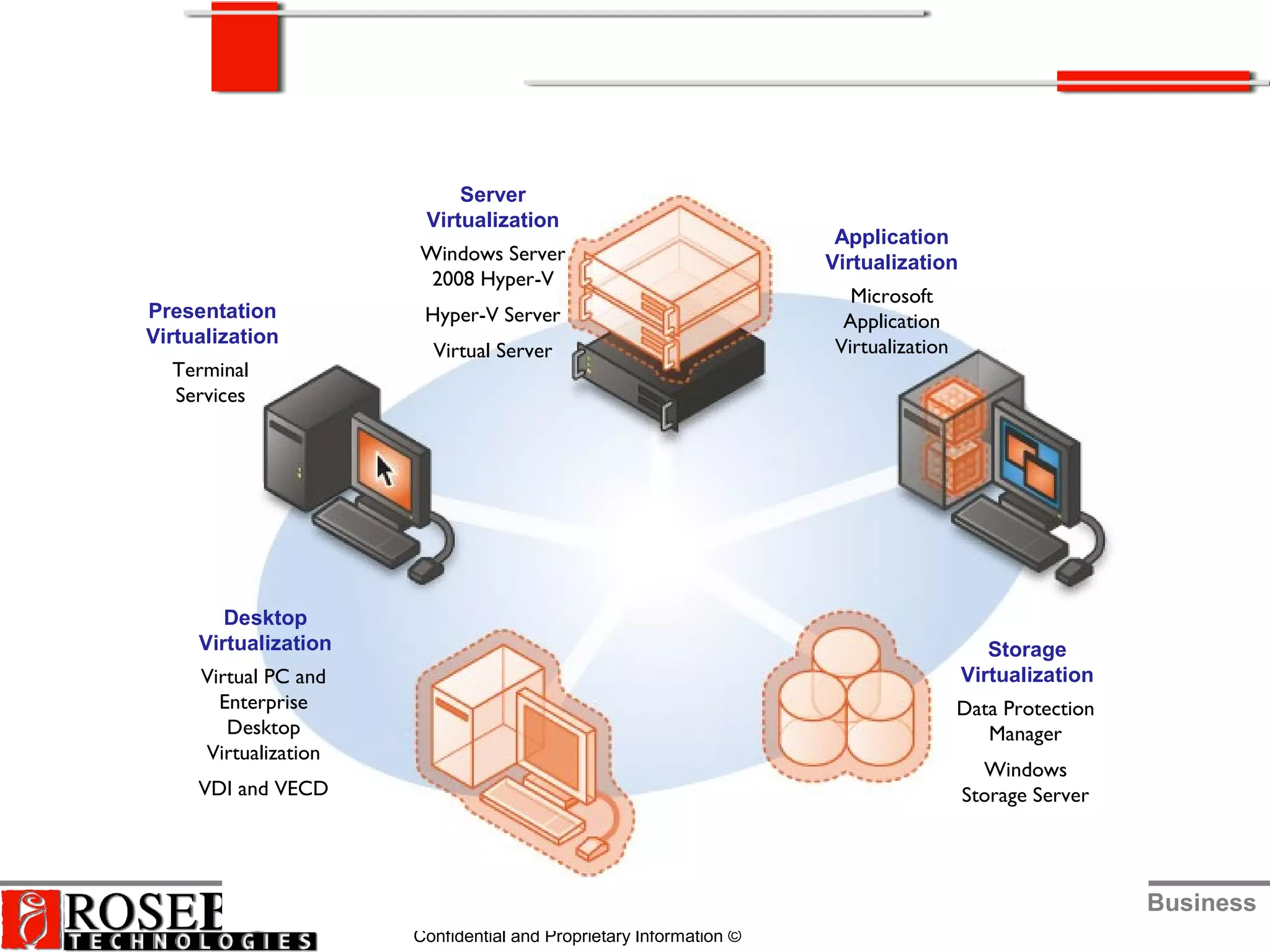
Application
Virtualization
Microsoft
Application
Virtualization
Server
Virtualization
Windows Server
2008 Hyper-V
Hyper-V Server
Virtual Server
Presentation
Virtualization
Terminal
Services
Desktop
Virtualization
Virtual PC and
Enterprise
Desktop
Virtualization
VDI and VECD
Storage
Virtualization
Data Protection
Manager
Windows
Storage Server
Intellectual Capital for Your Business
Confidential and Proprietary Information ©
Thank you
770-926-5030 (office)
www.rosebudtech.com
http://blogs.rosebudtech.com

Virtualization untangled

  • 1.
    Intellectual Capital forYour Business Confidential and Proprietary Information © Present s:
  • 2.
    Intellectual Capital forYour Business Confidential and Proprietary Information © Discussion Agenda
  • 3.
    Intellectual Capital forYour Business Confidential and Proprietary Information © Understanding Virtualization
  • 4.
    Intellectual Capital forYour Business Confidential and Proprietary Information © Understanding Virtualization
  • 5.
    Intellectual Capital forYour Business Confidential and Proprietary Information © Virtualization for Business
  • 6.
    Intellectual Capital forYour Business Confidential and Proprietary Information © Microsoft Virtualization Technologies
  • 7.
    Intellectual Capital forYour Business Confidential and Proprietary Information © Microsoft Software Based Virtualization
  • 8.
    Intellectual Capital forYour Business Confidential and Proprietary Information © Microsoft Hardware Based Virtualization
  • 9.
    Intellectual Capital forYour Business Confidential and Proprietary Information © Microsoft Virtualization Technologies
  • 10.
    Intellectual Capital forYour Business Confidential and Proprietary Information © Microsoft Virtualization Business Impact
  • 11.
    Intellectual Capital forYour Business Confidential and Proprietary Information © Virtualization for My Business
  • 12.
    Intellectual Capital forYour Business Confidential and Proprietary Information © Virtualization on the Client
  • 13.
    Intellectual Capital forYour Business Confidential and Proprietary Information © Machine VirtualizationMachine Virtualization OS can be assigned to any desktop or serverOS can be assigned to any desktop or server Application VirtualizationApplication Virtualization Any application on any computer on-demandAny application on any computer on-demand User-State VirtualizationUser-State Virtualization Data resides on the networkData resides on the network Presentation VirtualizationPresentation Virtualization Presentation layer separate from processPresentation layer separate from process Operating System installed to hardware Presentation and process on same computer Applications installed to OS Data resides on local computer Microsoft Virtualization Technologies
  • 14.
    Intellectual Capital forYour Business Confidential and Proprietary Information © MS Enterprise Desktop Virtualization
  • 15.
    Intellectual Capital forYour Business Confidential and Proprietary Information © Windows XP Mode
  • 16.
    Intellectual Capital forYour Business Confidential and Proprietary Information © Virtual Server / Virtual PC
  • 17.
    Intellectual Capital forYour Business Confidential and Proprietary Information © Virtualization on the Server
  • 18.
    Intellectual Capital forYour Business Confidential and Proprietary Information © Server Virtualization
  • 19.
    Intellectual Capital forYour Business Confidential and Proprietary Information © Server Workload Virtualization
  • 20.
    Intellectual Capital forYour Business Confidential and Proprietary Information © On the Server for Client Access
  • 21.
    Intellectual Capital forYour Business Confidential and Proprietary Information © Virtual Desktop Infrastructure (VDI)
  • 22.
    Intellectual Capital forYour Business Confidential and Proprietary Information © VDI Platform Requirements
  • 23.
    Intellectual Capital forYour Business Confidential and Proprietary Information © Application Virtualization
  • 24.
    Intellectual Capital forYour Business Confidential and Proprietary Information © Presentation Virtualization
  • 25.
    Intellectual Capital forYour Business Confidential and Proprietary Information © On the Server for Client Access
  • 26.
    Intellectual Capital forYour Business Confidential and Proprietary Information © Server Virtualization Presentation Virtualization Application Virtualization Desktop Virtualization
  • 27.
    Intellectual Capital forYour Business Confidential and Proprietary Information © Application Virtualization Microsoft Application Virtualization Server Virtualization Windows Server 2008 Hyper-V Hyper-V Server Virtual Server Presentation Virtualization Terminal Services Desktop Virtualization Virtual PC and Enterprise Desktop Virtualization VDI and VECD Storage Virtualization Data Protection Manager Windows Storage Server
  • 28.
    Intellectual Capital forYour Business Confidential and Proprietary Information © Thank you 770-926-5030 (office) www.rosebudtech.com http://blogs.rosebudtech.com

Editor's Notes

  • #21 Remote Desktop Web Access - enables users to access RemoteApp and Desktop Connection through a Web browser. The RD Web Access role service has been enhanced in Windows Server 2008 R2. The following improvements to RD Web Access are available in Windows Server 2008 R2: Forms-based authentication Per user RemoteApp program filtering Single sign-on between Remote Desktop Session Host (RD Session Host) and RD Web Access Public and private computer option
  • #23 http://technet.microsoft.com/en-us/library/cc770412.aspx RDG = Remote Desktop Gateway = Remote Desktop Gateway (RD Gateway) is a role service that enables authorized remote users to connect to resources on an internal corporate or private network, from any Internet-connected device that can run the Remote Desktop Connection (RDC) client. The network resources can be Remote Desktop Session Host (RD Session Host) servers, RD Session Host servers running RemoteApp programs, or computers with Remote Desktop enabled. RDWA = Remote Desktop Web Access = enables you to make RemoteApp and Desktop Connection, and a link to the RD Session Host server desktop, available to users from a Web browser. Additionally, RD Web Access enables users to connect from a Web browser to the remote desktop of any server or client computer where they have access. RDSH = A Remote Desktop Session Host (RD Session Host) server is the server that hosts Windows-based programs or the full Windows desktop for Remote Desktop Services clients. Users can connect to an RD Session Host server to run programs, to save files, and to use network resources on that server. Users can access an RD Session Host server by using Remote Desktop Connection or by using RemoteApp RDVH = Remote Desktop Virtual Host = RD Virtualization Host integrates with Hyper-V to provide virtual machines by using RemoteApp and Desktop Connection. RD Virtualization Host can be configured so that each user in your organization is assigned a unique virtual machine, or users are redirected to a shared virtual machine pool where a virtual machine is dynamically assigned. RD Virtualization Host uses Remote Desktop Connection Broker (RD Connection Broker) to determine where the user is redirected. If a user is assigned and requests a personal virtual desktop, RD Connection Broker redirects the user to this virtual machine. If the virtual machine is not turned on, RD Virtualization Host turns on the virtual machine and then connects the user. If the user is connecting to a shared virtual machine pool, RD Connection Broker first checks to see if the user has a disconnected session in the pool. If the user has a disconnected session, they are reconnected to that virtual machine. If the user does not have a disconnected session, a virtual machine in that pool is dynamically assigned to the user, if one is available. RDCB = Remote Desktop Connection Broker = keeps track of user sessions in a load-balanced RD Session Host farm, personal virtual desktops, or virtual desktop pools. Licensing Server = Remote Desktop Licensing (RD Licensing) manages the Remote Desktop Services client access licenses (RDS CALs) that are required for each device or user to connect to an RD Session Host server. You use RD Licensing to install, issue, and track the availability of RDS CALs on a Remote Desktop license server.