VETTING PLUGINS
Assessing Extensions for
Safety, Reliability and
Function
#wccbus 2015
@JESSICACGARDNER #WCCBUS
ALL ABOUT ME + WHY I’M TALKING
ABOUT THIS
Jessica Gardner
@jessicacgardner
http://www.jessicacgardner.com
http://www.btwrx.com
@JESSICACGARDNER #WCCBUS
OVERVIEW
1. What a plugin does to your install, and how it can hurt;
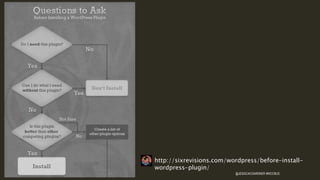
2. How to decide whether you need a plugin at all;
3.9 points to consider BEFORE installing a
plugin;
4. How to stay safe and happy AFTER installing a plugin
@JESSICACGARDNER #WCCBUS
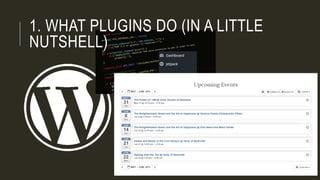
1. WHAT PLUGINS DO (IN A LITTLE
NUTSHELL)
@JESSICACGARDNER #WCCBUS
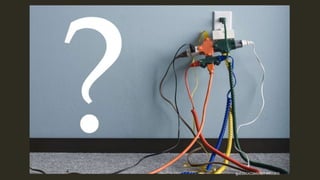
2. DO YOU *REALLY* NEED A
PLUGIN?
@JESSICACGARDNER #WCCBUS
http://sixrevisions.com/wordpress/before-install-
wordpress-plugin/
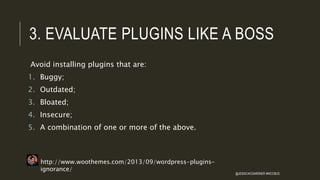
3. EVALUATE PLUGINS LIKE A BOSS
Avoid installing plugins that are:
1. Buggy;
2. Outdated;
3. Bloated;
4. Insecure;
5. A combination of one or more of the above.
http://www.woothemes.com/2013/09/wordpress-plugins-
ignorance/
@JESSICACGARDNER #WCCBUS
3. EVALUATE PLUGINS LIKE A BOSS
LIBRARIAN
AUTHORITY
CURRENCY
USABILITY
OBJECTIVITY
ACCURACY
http://www.library.kent.edu/criteria-evaluating-web-resources @JESSICACGARDNER #WCCBUS
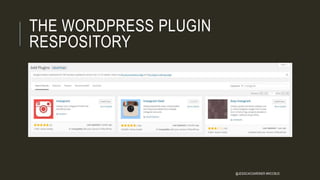
THE WORDPRESS PLUGIN
RESPOSITORY
@JESSICACGARDNER #WCCBUS
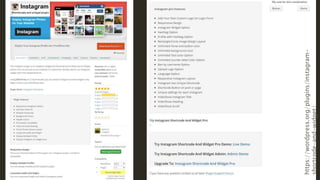
https://wordpress.org/plugins/instagram-
shortcode-and-widget/
@JESSICACGARDNER #WCCBUS
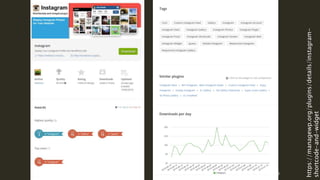
https://managewp.org/plugins/details/instagram-
shortcode-and-widget
@JESSICACGARDNER #WCCBUS
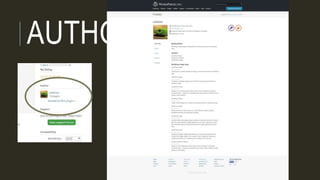
AUTHORITY
@JESSICACGARDNER #WCCBUS
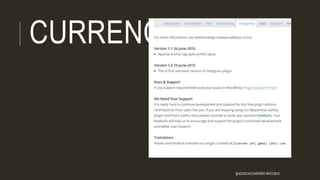
CURRENCY
@JESSICACGARDNER #WCCBUS
USABILITY
@JESSICACGARDNER #WCCBUS
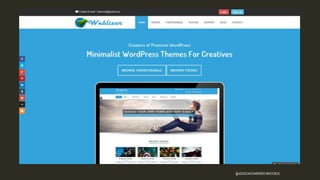
OBJECTIVITY
@JESSICACGARDNER #WCCBUS
ACCURACY
@JESSICACGARDNER #WCCBUS
A FEW PLUGIN-SPECIFIC CRITERIA
HISTORY
SUPPORT
REVIEWS
POPULARITY
@JESSICACGARDNER #WCCBUS
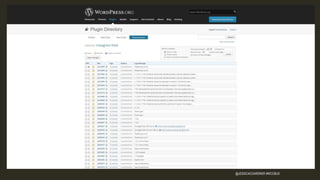
HISTORY
@JESSICACGARDNER #WCCBUS
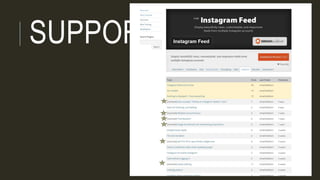
SUPPORT
@JESSICACGARDNER #WCCBUS
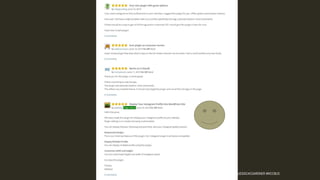
REVIEWS
@JESSICACGARDNER #WCCBUS
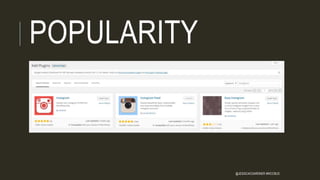
POPULARITY
@JESSICACGARDNER #WCCBUS
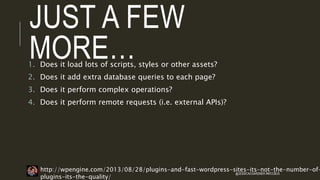
JUST A FEW
MORE…1. Does it load lots of scripts, styles or other assets?
2. Does it add extra database queries to each page?
3. Does it perform complex operations?
4. Does it perform remote requests (i.e. external APIs)?
http://wpengine.com/2013/08/28/plugins-and-fast-wordpress-sites-its-not-the-number-of-
plugins-its-the-quality/
@JESSICACGARDNER #WCCBUS
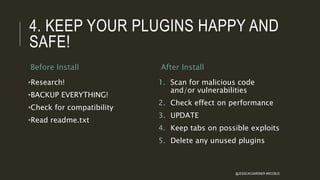
4. KEEP YOUR PLUGINS HAPPY AND
SAFE!
Before Install
•Research!
•BACKUP EVERYTHING!
•Check for compatibility
•Read readme.txt
After Install
1. Scan for malicious code
and/or vulnerabilities
2. Check effect on performance
3. UPDATE
4. Keep tabs on possible exploits
5. Delete any unused plugins
@JESSICACGARDNER #WCCBUS
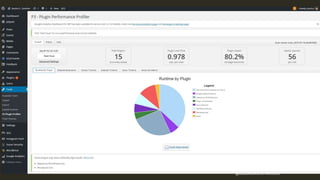
PLUGIN PROFILER
https://wordpress.org/plugins/p3-profiler/
@JESSICACGARDNER #WCCBUS
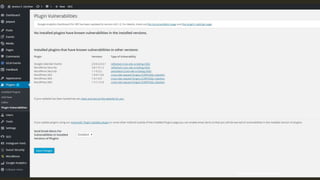
PLUGIN VULNERABILITIES
https://wordpress.org/plugins/plugin-vulnerabilities/
@JESSICACGARDNER #WCCBUS
HELPFUL RESOURCES
Plugin Checker – detects certain plugins in (some) WordPress
installations: http://wppluginchecker.earthpeople.se/
Plugin Vulnerabilities Database – compiled by WPScan:
https://wpvulndb.com/plugins
An Excellent Article detailing WHY and HOW to determine whether you
need a plugin: http://sixrevisions.com/wordpress/before-install-
wordpress-plugin/
Top 15 WordPress Plugins Every Website Needs in 2015 (with a very
nice graphic of the WP logo + a plug):
http://www.fuzzyduckdesign.com/wordpress-plugins/
@JESSICACGARDNER #WCCBUS
THANK YOU!
@JESSICACGARDNER #WCCBUS

Vetting Plugins : WordCamp Columbus 2015