This document provides instructions for using the FSCJ library catalog to search for and request materials:
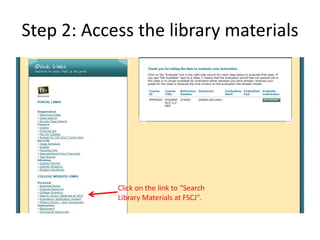
1. Log into the FSCJ library portal and click the link to search library materials. This will take you to the PRIMO search platform.
2. Enter search terms and click search. Refine results by limiting to specific materials like books, date ranges, or library campus.
3. Click "details" to learn more about a material and "locations" to find out where it is available. If not available locally, use the request feature to have it sent to your campus.