WELCOME TO OUR
PRESENTATION ON "HOW
TO WRITE EFFECTIVE USER
STORIES USING JIRA USER
STORY TEMPLATES.
USER STORIES ARE A FUNDAMENTAL PART OF AGILE
PROJECT MANAGEMENT, AND USING TEMPLATES IN
JIRA CAN STREAMLINE THE PROCESS.
WHAT IS A USER STORY?
A user story is a brief, simple description
of a software feature or functionality
from an end user's perspective.
In Agile development, user stories are
used to express requirements and
capture user needs.
User stories are typically written in plain
language and often follow the format:
"As a [type of user], I want [an action] so
that [benefit or value].
PURPOSE OF USER
STORY TEMPLATES
User story templates serve several purposes:
Provide a structured framework for creating
consistent and well-documented user stories.
Ensure that key information is captured,
making it easier for the development team to
understand and implement the requirements.
Promote collaboration among team members
by offering a standardized format.
Using templates helps maintain clarity and
uniformity in your Agile project, ensuring that
user stories are easily readable and actionable.
JIRA USER STORY TEMPLATES
Jira is a widely-used Agile project
management tool that offers pre-designed
user story templates.
1.
These templates are specifically
designed to assist Agile teams in creating
user stories efficiently and consistently.
2.
They help teams follow best practices and
save time by providing a starting point for
user story creation.
3.
1
To access Jira user story
templates: Log in to your
Jira instance.
3 4
2
ACCESSING JIRA USER
STORY TEMPLATES
Navigate to the project
where you want to
create a user story.
Click on the "Create"
button, and select "User
Story" from the templates.
You'll be presented with a
blank user story template
ready for you to fill in.
4
1
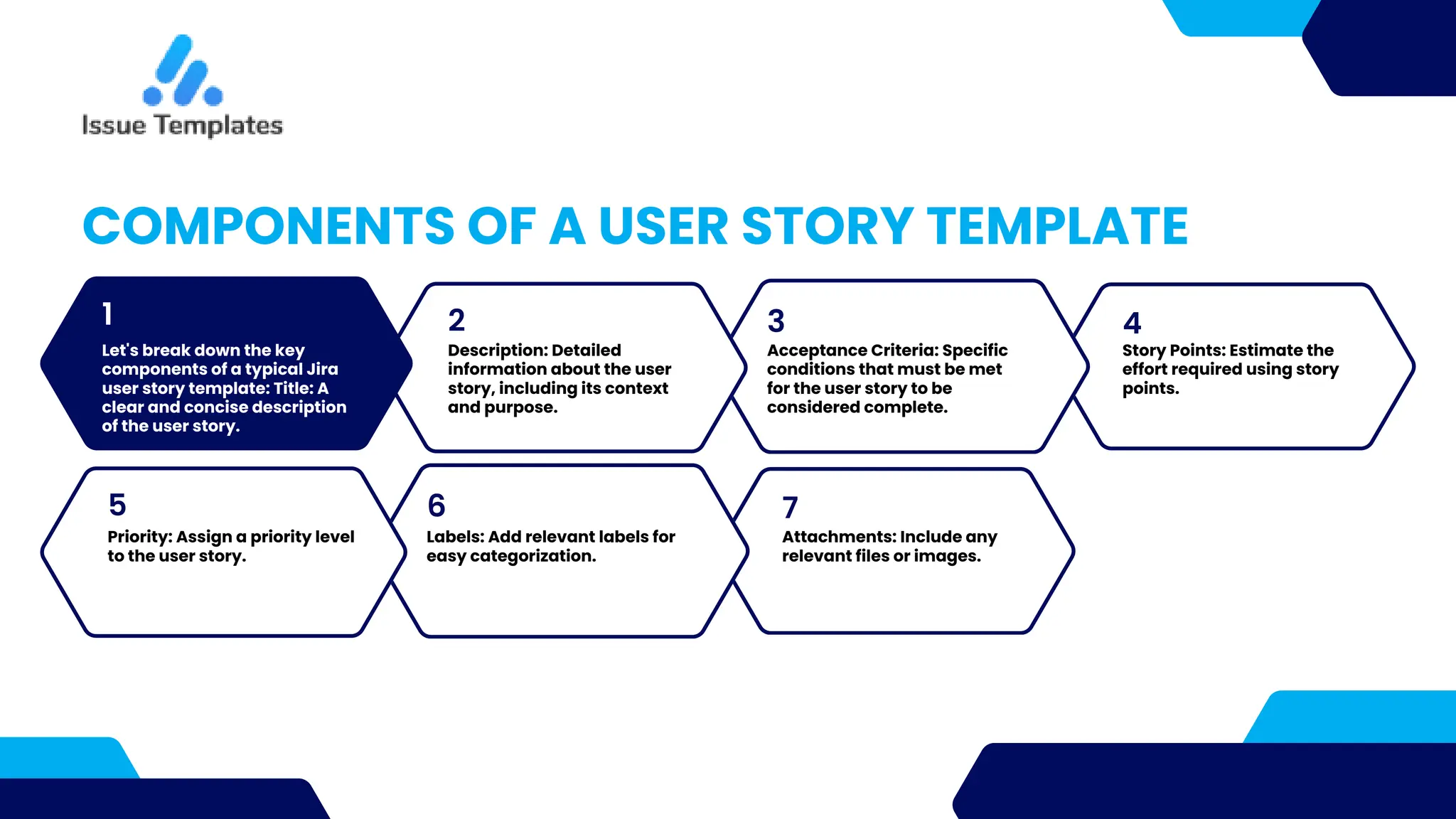
Let's break down the key
components of a typical Jira
user story template: Title: A
clear and concise description
of the user story.
2 3
COMPONENTS OF A USER STORY TEMPLATE
Description: Detailed
information about the user
story, including its context
and purpose.
Acceptance Criteria: Specific
conditions that must be met
for the user story to be
considered complete.
Story Points: Estimate the
effort required using story
points.
7
5 6
Priority: Assign a priority level
to the user story.
Labels: Add relevant labels for
easy categorization.
Attachments: Include any
relevant files or images.
FILLING IN THE USER
STORY TEMPLATE
Provide guidelines on how to fill in each section of the
template: Title: Use clear and concise language to
describe what the user story is about.
Description: Include enough detail to provide context
but avoid unnecessary complexity.
Acceptance Criteria: List specific conditions that can
be tested to confirm that the user story is complete.
Story Points: Estimate the effort required using story
points, considering complexity, time, and effort.
Priority: Assign a priority level based on project needs.
Labels: Add labels to categorize and easily locate user stories.
Attachments: Include any relevant files or images to provide
further context.
BEST PRACTICES FOR
WRITING USER STORIES
1
Share best practices for
creating effective user stories:
Keep them user-centric,
focusing on the end user's
needs.
3 4
2
Use clear and concise
language to avoid
ambiguity.
Concentrate on value and
benefits to the user.
Make acceptance criteria
measurable and testable
to ensure clear definitions
of done.
REVIEW AND
COLLABORATION
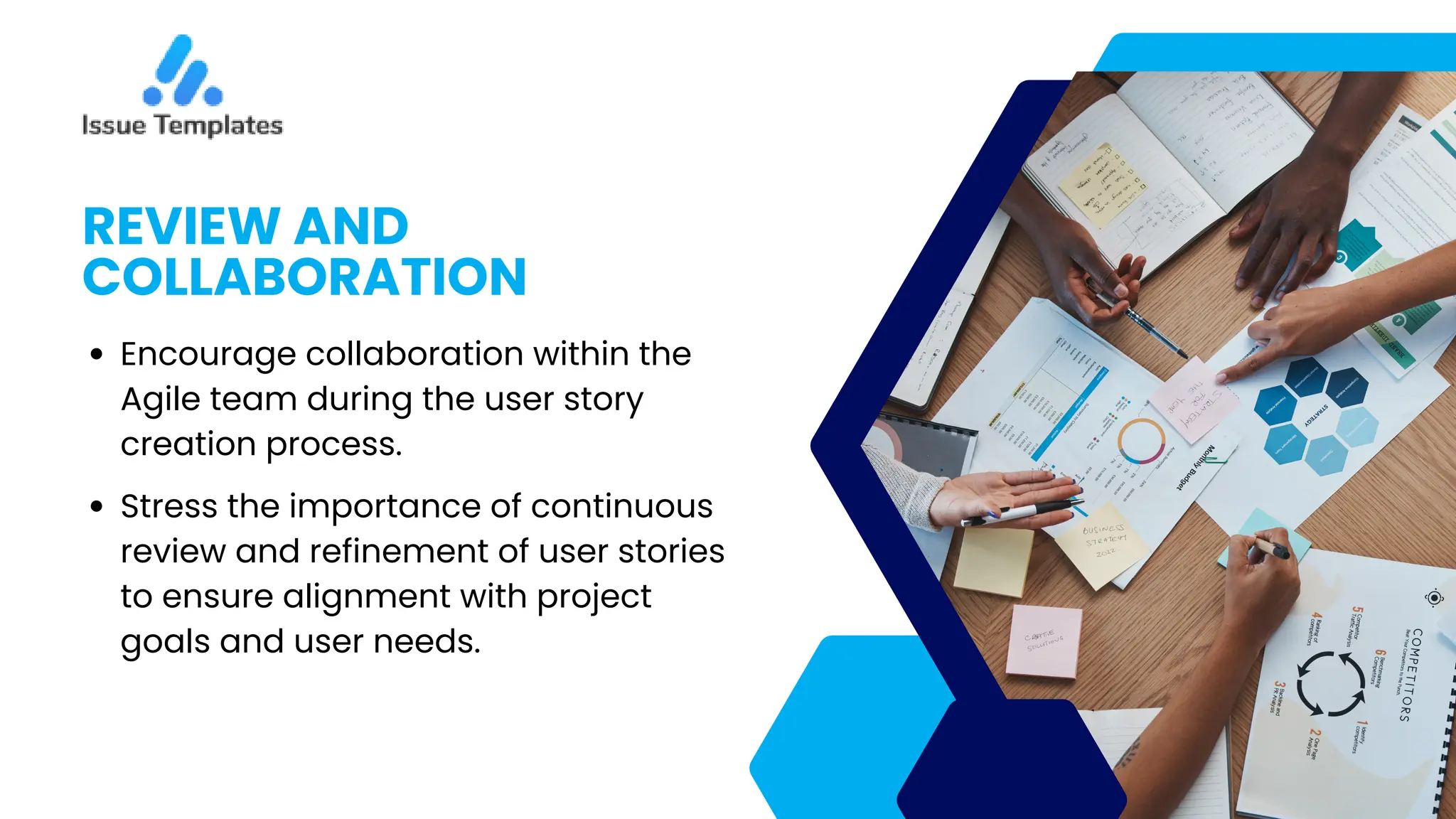
Encourage collaboration within the
Agile team during the user story
creation process.
Stress the importance of continuous
review and refinement of user stories
to ensure alignment with project
goals and user needs.
CONCLUSION
Summarize the key points discussed in
the presentation: User stories are
essential for Agile development.
Jira provides user story templates to
streamline the creation process.
Properly filled user story templates
contribute to clarity and consistency
in Agile projects.
WWW.JIRA-TEMPLATES.COM
THANK YOU
FOR YOUR ATTENTION

User Story Template - Your Agile Development Companion

  • 1.
    WELCOME TO OUR PRESENTATIONON "HOW TO WRITE EFFECTIVE USER STORIES USING JIRA USER STORY TEMPLATES. USER STORIES ARE A FUNDAMENTAL PART OF AGILE PROJECT MANAGEMENT, AND USING TEMPLATES IN JIRA CAN STREAMLINE THE PROCESS.
  • 2.
    WHAT IS AUSER STORY? A user story is a brief, simple description of a software feature or functionality from an end user's perspective. In Agile development, user stories are used to express requirements and capture user needs. User stories are typically written in plain language and often follow the format: "As a [type of user], I want [an action] so that [benefit or value].
  • 3.
    PURPOSE OF USER STORYTEMPLATES User story templates serve several purposes: Provide a structured framework for creating consistent and well-documented user stories. Ensure that key information is captured, making it easier for the development team to understand and implement the requirements. Promote collaboration among team members by offering a standardized format. Using templates helps maintain clarity and uniformity in your Agile project, ensuring that user stories are easily readable and actionable.
  • 4.
    JIRA USER STORYTEMPLATES Jira is a widely-used Agile project management tool that offers pre-designed user story templates. 1. These templates are specifically designed to assist Agile teams in creating user stories efficiently and consistently. 2. They help teams follow best practices and save time by providing a starting point for user story creation. 3.
  • 5.
    1 To access Jirauser story templates: Log in to your Jira instance. 3 4 2 ACCESSING JIRA USER STORY TEMPLATES Navigate to the project where you want to create a user story. Click on the "Create" button, and select "User Story" from the templates. You'll be presented with a blank user story template ready for you to fill in.
  • 6.
    4 1 Let's break downthe key components of a typical Jira user story template: Title: A clear and concise description of the user story. 2 3 COMPONENTS OF A USER STORY TEMPLATE Description: Detailed information about the user story, including its context and purpose. Acceptance Criteria: Specific conditions that must be met for the user story to be considered complete. Story Points: Estimate the effort required using story points. 7 5 6 Priority: Assign a priority level to the user story. Labels: Add relevant labels for easy categorization. Attachments: Include any relevant files or images.
  • 7.
    FILLING IN THEUSER STORY TEMPLATE Provide guidelines on how to fill in each section of the template: Title: Use clear and concise language to describe what the user story is about. Description: Include enough detail to provide context but avoid unnecessary complexity. Acceptance Criteria: List specific conditions that can be tested to confirm that the user story is complete. Story Points: Estimate the effort required using story points, considering complexity, time, and effort. Priority: Assign a priority level based on project needs. Labels: Add labels to categorize and easily locate user stories. Attachments: Include any relevant files or images to provide further context.
  • 8.
    BEST PRACTICES FOR WRITINGUSER STORIES 1 Share best practices for creating effective user stories: Keep them user-centric, focusing on the end user's needs. 3 4 2 Use clear and concise language to avoid ambiguity. Concentrate on value and benefits to the user. Make acceptance criteria measurable and testable to ensure clear definitions of done.
  • 9.
    REVIEW AND COLLABORATION Encourage collaborationwithin the Agile team during the user story creation process. Stress the importance of continuous review and refinement of user stories to ensure alignment with project goals and user needs.
  • 10.
    CONCLUSION Summarize the keypoints discussed in the presentation: User stories are essential for Agile development. Jira provides user story templates to streamline the creation process. Properly filled user story templates contribute to clarity and consistency in Agile projects.
  • 11.