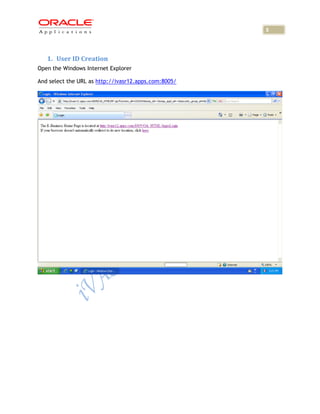
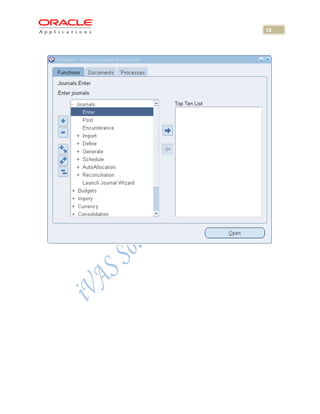
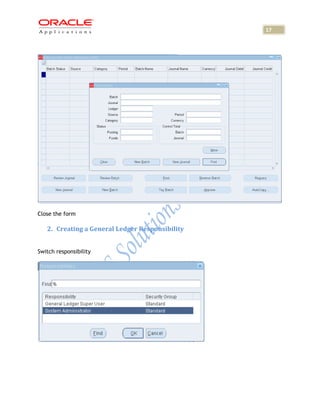
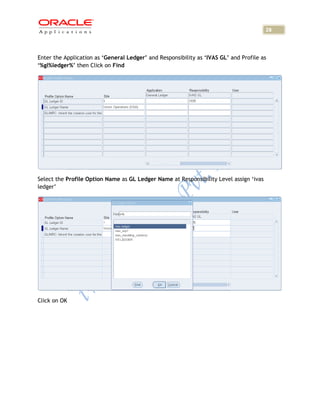
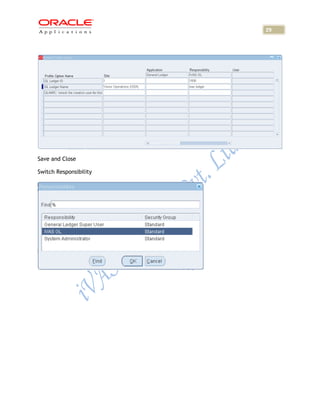
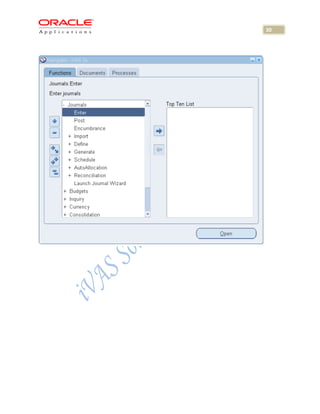
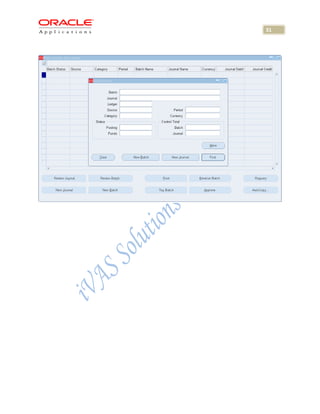
This document provides instructions for setting up fixed assets in Oracle R12, including creating a user ID, general ledger responsibility, assigning the responsibility to the user ID, and assigning profile options to the responsibility. The key steps are:
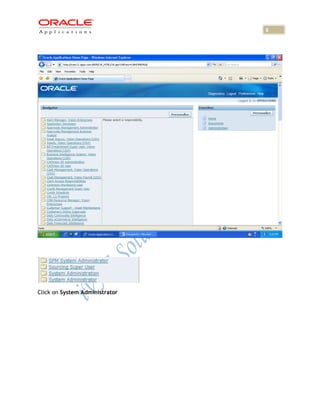
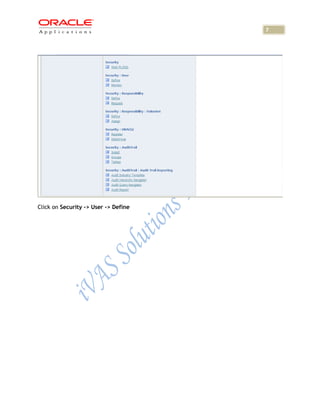
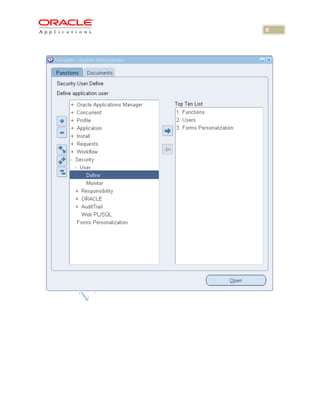
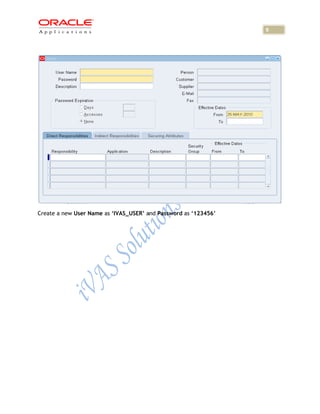
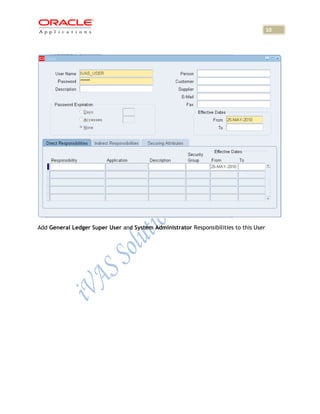
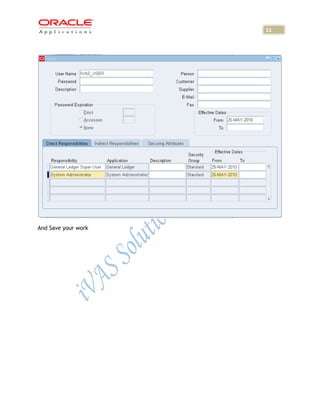
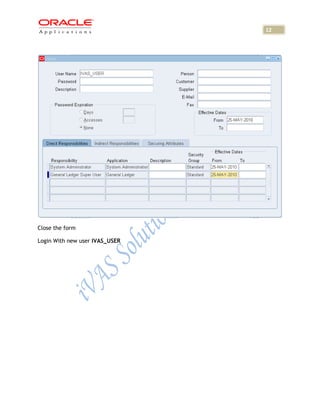
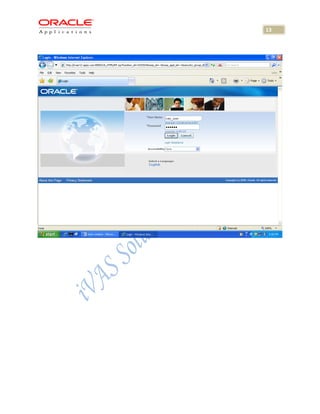
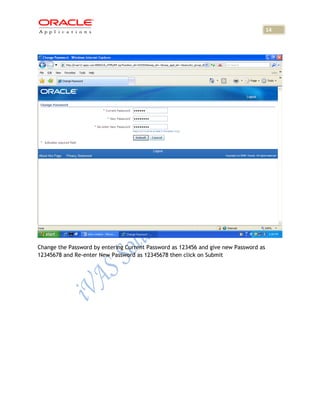
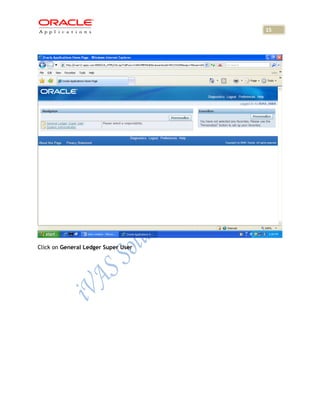
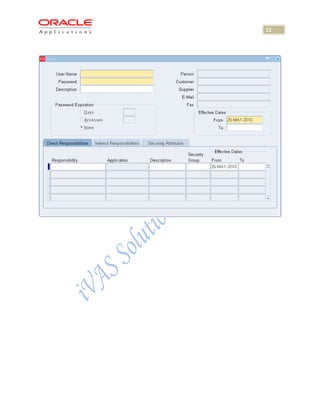
1. Create a new user ID "IVAS_USER" with General Ledger Super User and System Administrator responsibilities.
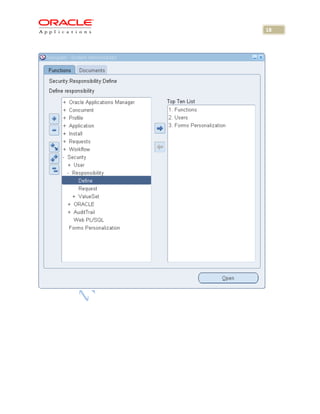
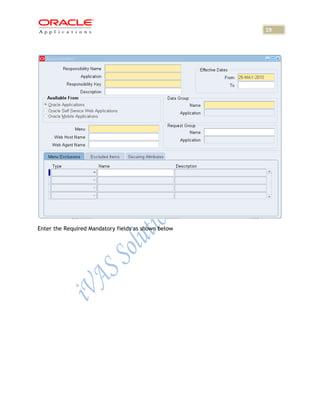
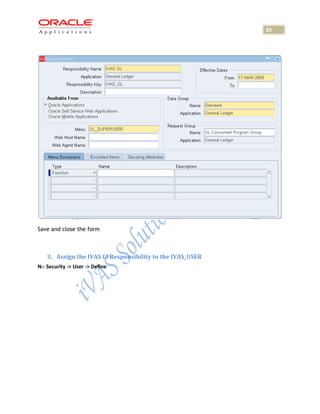
2. Create a new general ledger responsibility called "IVAS GL" and assign mandatory fields.
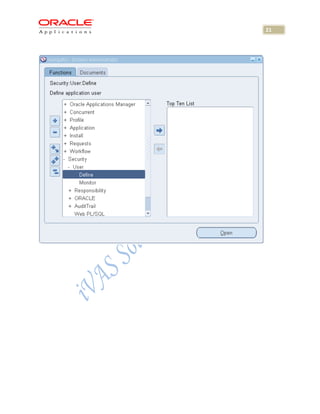
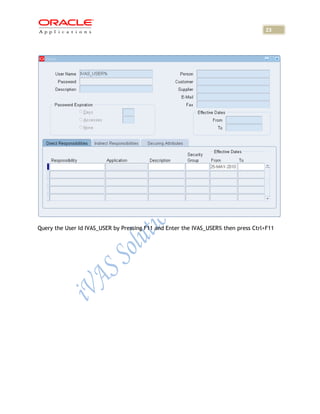
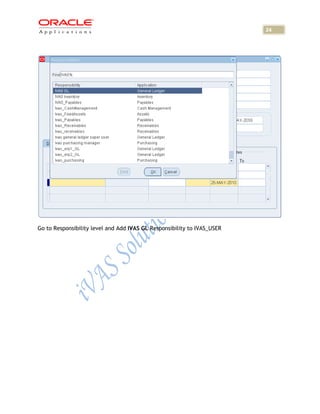
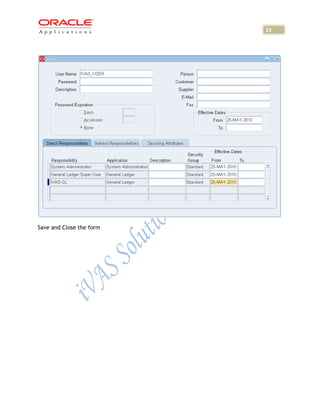
3. Assign the "IVAS GL" responsibility to the "IVAS_USER" user ID.
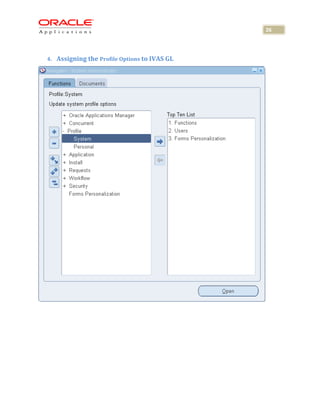
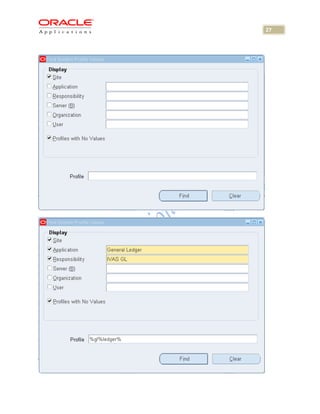
4. Assign the profile option "GL Ledger Name at Responsibility Level" with value "ivas ledger" to the "IVAS GL"