Technical
seo
(Explain in simple
words)
What is technical seo
Technical SEO refers to the process of optimizing your website's infrastructure
and backend elements to improve its visibility and rankings in search engine
results pages (SERPs). Unlike traditional SEO, which focuses on content and off-
page factors like backlinks, technical SEO deals with the technical aspects of
website optimization that affect how search engines crawl, index, and rank your
site.
We need technical SEO because :
1. Improve Search Engine Rankings: Technical SEO ensures that search engines can access and
understand our website's content, leading to higher visibility and better rankings in search engine results
pages (SERPs).h
2. Enhance User Experience: A well-optimized website wit fast loading times, mobile responsiveness, and
clear navigation provides a positive experience for users, leading to higher engagement and lower bounce
rates.
3. Increase Website Traffic: Improved search engine rankings and user experience result in increased
organic traffic to our website, as it becomes more discoverable and accessible to our target audience.
4. Boost Conversion Rates: A technically optimized website that loads quickly and provides a seamless user
experience is more likely to convert visitors into customers or leads, ultimately driving business growth and
revenue.
5. Stay Competitive: In today's competitive online landscape, technical SEO is essential for staying ahead of
competitors and maintaining a strong digital presence. Websites that neglect technical optimization risk
falling behind in search rankings and losing potential customers to competitors.
TECHNICAL SEO CHECKLIST
Certainly! Here's a comprehensive technical SEO checklist to help ensure that your website is
optimized for search engines:
1. Website Performance
2. Mobile-Friendliness
3. Website Architecture
4. Indexing and Crawling
5. URL Structure and Canonicalization
6. Schema Markup and Structured Data
7. Security
8. Technical Site Audits and Monitoring:
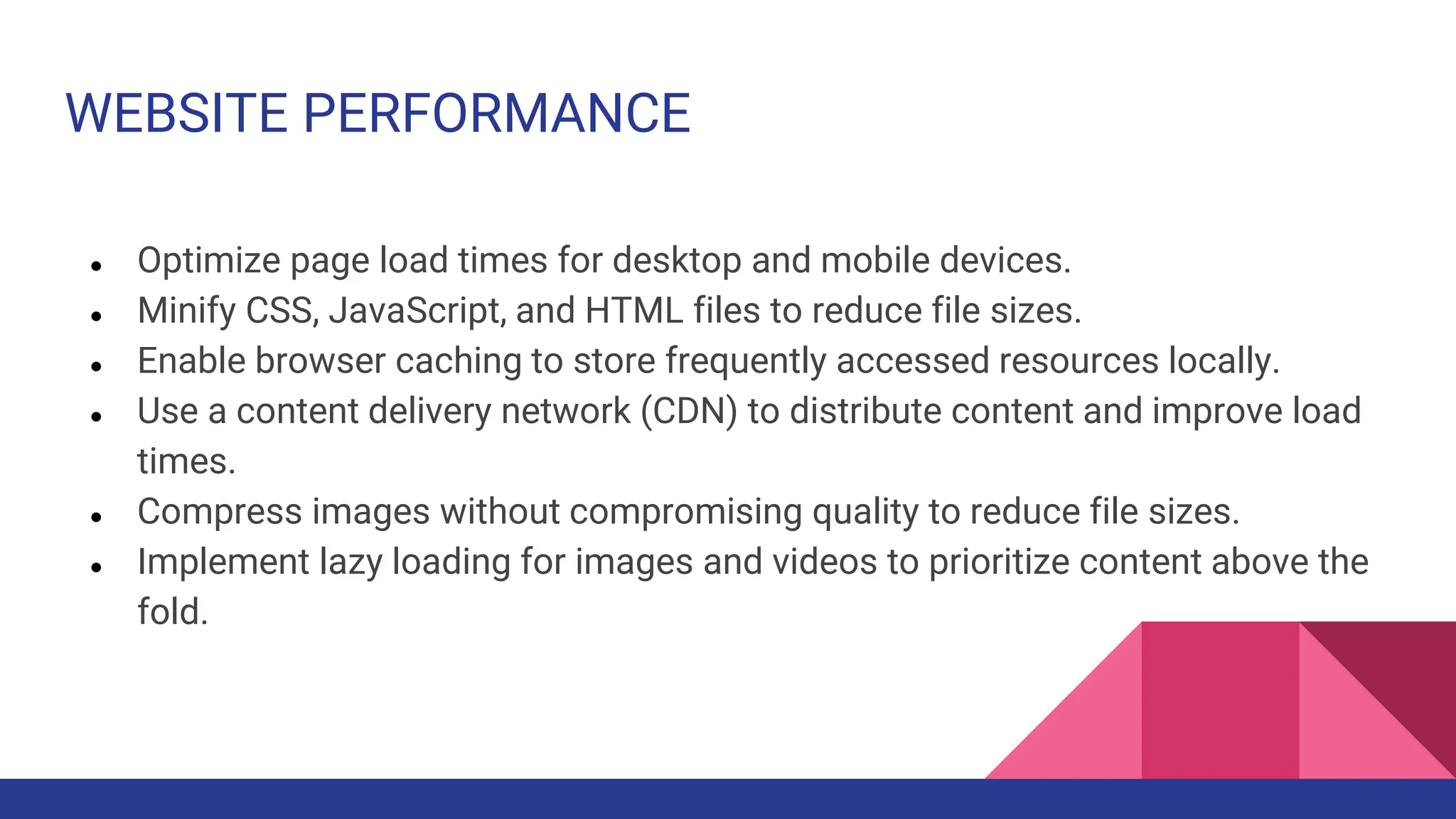
WEBSITE PERFORMANCE
● Optimize page load times for desktop and mobile devices.
● Minify CSS, JavaScript, and HTML files to reduce file sizes.
● Enable browser caching to store frequently accessed resources locally.
● Use a content delivery network (CDN) to distribute content and improve load
times.
● Compress images without compromising quality to reduce file sizes.
● Implement lazy loading for images and videos to prioritize content above the
fold.
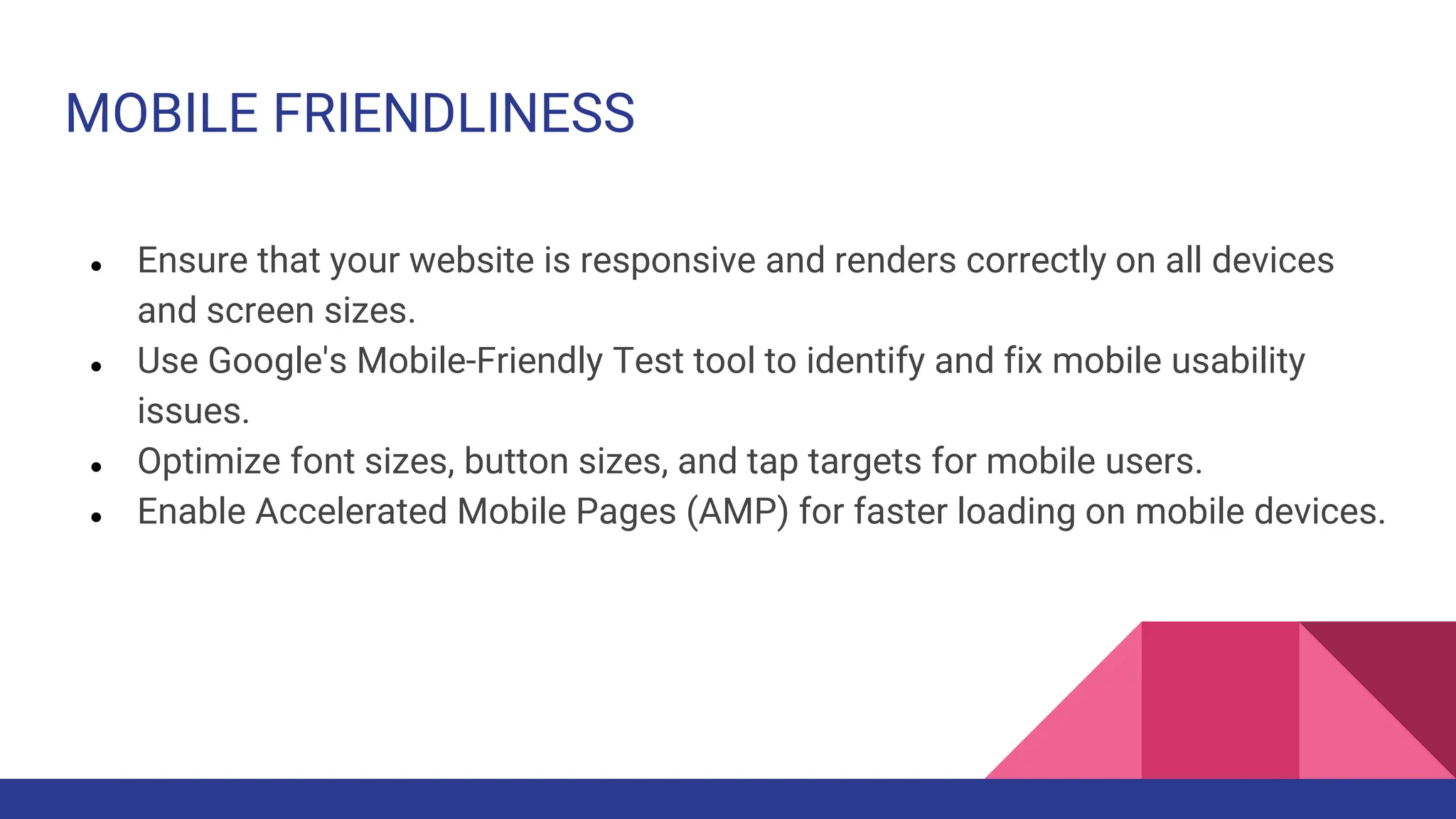
MOBILE FRIENDLINESS
● Ensure that your website is responsive and renders correctly on all devices
and screen sizes.
● Use Google's Mobile-Friendly Test tool to identify and fix mobile usability
issues.
● Optimize font sizes, button sizes, and tap targets for mobile users.
● Enable Accelerated Mobile Pages (AMP) for faster loading on mobile devices.
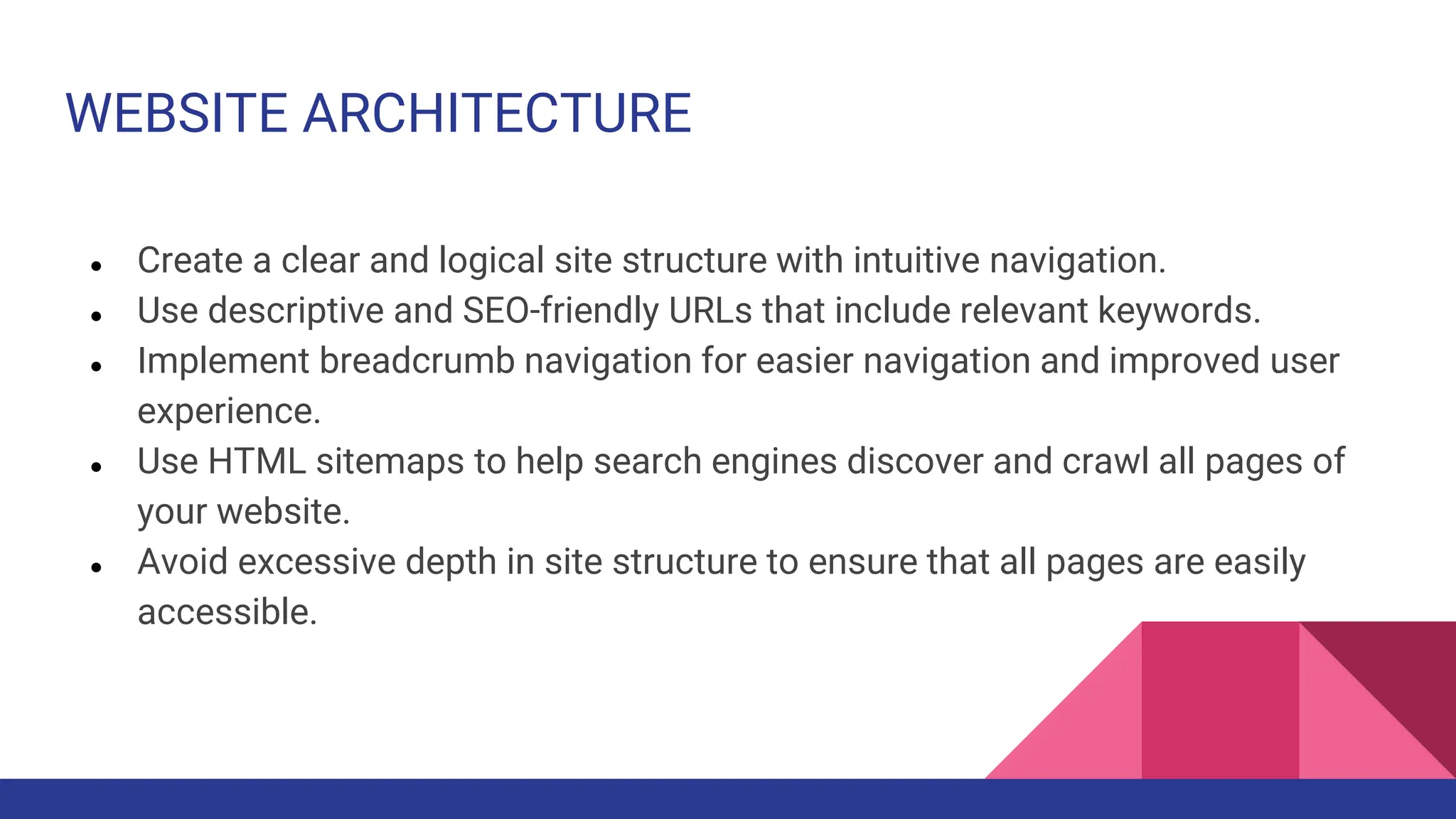
WEBSITE ARCHITECTURE
● Create a clear and logical site structure with intuitive navigation.
● Use descriptive and SEO-friendly URLs that include relevant keywords.
● Implement breadcrumb navigation for easier navigation and improved user
experience.
● Use HTML sitemaps to help search engines discover and crawl all pages of
your website.
● Avoid excessive depth in site structure to ensure that all pages are easily
accessible.
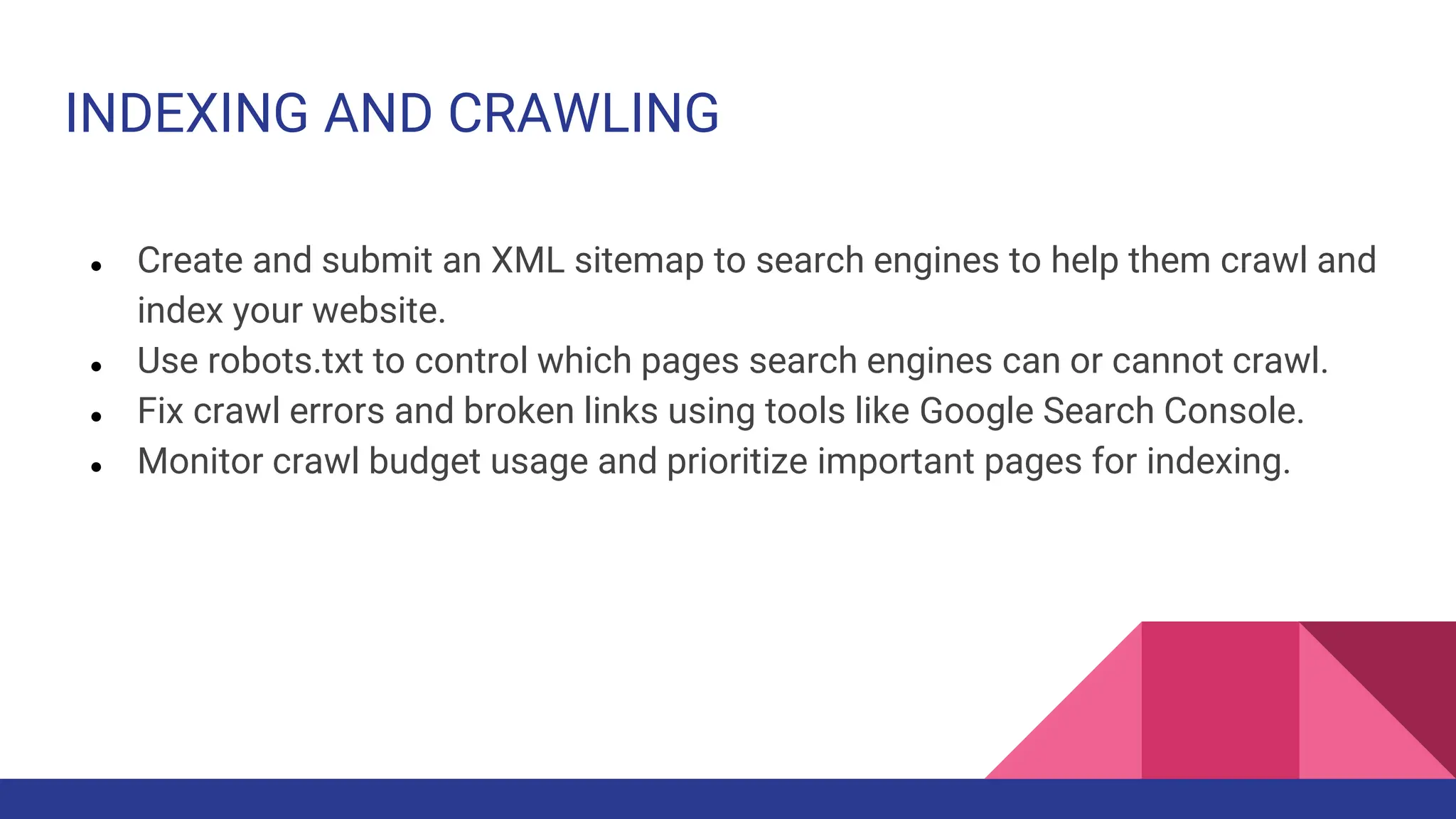
INDEXING AND CRAWLING
● Create and submit an XML sitemap to search engines to help them crawl and
index your website.
● Use robots.txt to control which pages search engines can or cannot crawl.
● Fix crawl errors and broken links using tools like Google Search Console.
● Monitor crawl budget usage and prioritize important pages for indexing.
URL STRUCTURE
● Use canonical tags to specify the preferred version of a page when duplicate
content exists across multiple URLs.
● Avoid URL parameters that can create duplicate content issues and confuse
search engines.
● Ensure that URLs are descriptive, concise, and include relevant keywords.
● Use hyphens (-) to separate words in URLs for readability and SEO.
SCHEMA MARKUP AND STRUCTURED DATA
● Implement structured data markup (such as Schema.org) to provide search
engines with additional context about your content.
● Use schema markup to enhance rich snippets and featured snippets in search
engine results pages (SERPs).
● Test structured data using Google's Structured Data Testing Tool to ensure
proper implementation.
SECURITY
● Switch to HTTPS protocol to encrypt data transmitted between the user's
browser and your website.
● Install an SSL certificate to ensure secure connections and protect sensitive
information.
● Set up HTTP/2 to improve website security and performance.
TECHNICAL SITE AUDIT AND MONITORING
● Conduct regular technical audits to identify and address any issues that may
impact SEO performance.
● Monitor website health, performance metrics, and search engine visibility
using tools like Google Search Console, Bing Webmaster Tools, and third-
party SEO software.
● Keep track of changes in search engine algorithms and best practices to stay
ahead of the curve.
CONCLUSION
While content reigns supreme in SEO, a solid technical foundation is its
unwavering companion. By ensuring your website is optimized for crawlability,
mobile-friendliness, and speed, you provide search engines and users with a
seamless experience, paving the way for improved rankings and a thriving online
presence. Remember, technical SEO is an ongoing journey, requiring consistent
monitoring and adaptation to stay ahead of the curve. Embrace ongoing
optimization, and watch your website climb the search engine ladder towards SEO
success.
Unleash the Power of Your Website: A Comprehensive Guide to Technical SEO

Unleash the Power of Your Website: A Comprehensive Guide to Technical SEO

  • 1.
  • 2.
    What is technicalseo Technical SEO refers to the process of optimizing your website's infrastructure and backend elements to improve its visibility and rankings in search engine results pages (SERPs). Unlike traditional SEO, which focuses on content and off- page factors like backlinks, technical SEO deals with the technical aspects of website optimization that affect how search engines crawl, index, and rank your site.
  • 3.
    We need technicalSEO because : 1. Improve Search Engine Rankings: Technical SEO ensures that search engines can access and understand our website's content, leading to higher visibility and better rankings in search engine results pages (SERPs).h 2. Enhance User Experience: A well-optimized website wit fast loading times, mobile responsiveness, and clear navigation provides a positive experience for users, leading to higher engagement and lower bounce rates. 3. Increase Website Traffic: Improved search engine rankings and user experience result in increased organic traffic to our website, as it becomes more discoverable and accessible to our target audience. 4. Boost Conversion Rates: A technically optimized website that loads quickly and provides a seamless user experience is more likely to convert visitors into customers or leads, ultimately driving business growth and revenue. 5. Stay Competitive: In today's competitive online landscape, technical SEO is essential for staying ahead of competitors and maintaining a strong digital presence. Websites that neglect technical optimization risk falling behind in search rankings and losing potential customers to competitors.
  • 4.
    TECHNICAL SEO CHECKLIST Certainly!Here's a comprehensive technical SEO checklist to help ensure that your website is optimized for search engines: 1. Website Performance 2. Mobile-Friendliness 3. Website Architecture 4. Indexing and Crawling 5. URL Structure and Canonicalization 6. Schema Markup and Structured Data 7. Security 8. Technical Site Audits and Monitoring:
  • 5.
    WEBSITE PERFORMANCE ● Optimizepage load times for desktop and mobile devices. ● Minify CSS, JavaScript, and HTML files to reduce file sizes. ● Enable browser caching to store frequently accessed resources locally. ● Use a content delivery network (CDN) to distribute content and improve load times. ● Compress images without compromising quality to reduce file sizes. ● Implement lazy loading for images and videos to prioritize content above the fold.
  • 6.
    MOBILE FRIENDLINESS ● Ensurethat your website is responsive and renders correctly on all devices and screen sizes. ● Use Google's Mobile-Friendly Test tool to identify and fix mobile usability issues. ● Optimize font sizes, button sizes, and tap targets for mobile users. ● Enable Accelerated Mobile Pages (AMP) for faster loading on mobile devices.
  • 7.
    WEBSITE ARCHITECTURE ● Createa clear and logical site structure with intuitive navigation. ● Use descriptive and SEO-friendly URLs that include relevant keywords. ● Implement breadcrumb navigation for easier navigation and improved user experience. ● Use HTML sitemaps to help search engines discover and crawl all pages of your website. ● Avoid excessive depth in site structure to ensure that all pages are easily accessible.
  • 8.
    INDEXING AND CRAWLING ●Create and submit an XML sitemap to search engines to help them crawl and index your website. ● Use robots.txt to control which pages search engines can or cannot crawl. ● Fix crawl errors and broken links using tools like Google Search Console. ● Monitor crawl budget usage and prioritize important pages for indexing.
  • 9.
    URL STRUCTURE ● Usecanonical tags to specify the preferred version of a page when duplicate content exists across multiple URLs. ● Avoid URL parameters that can create duplicate content issues and confuse search engines. ● Ensure that URLs are descriptive, concise, and include relevant keywords. ● Use hyphens (-) to separate words in URLs for readability and SEO.
  • 10.
    SCHEMA MARKUP ANDSTRUCTURED DATA ● Implement structured data markup (such as Schema.org) to provide search engines with additional context about your content. ● Use schema markup to enhance rich snippets and featured snippets in search engine results pages (SERPs). ● Test structured data using Google's Structured Data Testing Tool to ensure proper implementation.
  • 11.
    SECURITY ● Switch toHTTPS protocol to encrypt data transmitted between the user's browser and your website. ● Install an SSL certificate to ensure secure connections and protect sensitive information. ● Set up HTTP/2 to improve website security and performance.
  • 12.
    TECHNICAL SITE AUDITAND MONITORING ● Conduct regular technical audits to identify and address any issues that may impact SEO performance. ● Monitor website health, performance metrics, and search engine visibility using tools like Google Search Console, Bing Webmaster Tools, and third- party SEO software. ● Keep track of changes in search engine algorithms and best practices to stay ahead of the curve.
  • 13.
    CONCLUSION While content reignssupreme in SEO, a solid technical foundation is its unwavering companion. By ensuring your website is optimized for crawlability, mobile-friendliness, and speed, you provide search engines and users with a seamless experience, paving the way for improved rankings and a thriving online presence. Remember, technical SEO is an ongoing journey, requiring consistent monitoring and adaptation to stay ahead of the curve. Embrace ongoing optimization, and watch your website climb the search engine ladder towards SEO success.