With Docker Swarm Mode
Under the Hood
Nishant Totla
Software Engineer
Docker
Drew Erny
Software Engineer
Docker
Under the Hood with Docker Swarm Mode
1. Overview of Swarm
2. Dive into New Features
3. Questions
Contents
Overview
of Swarm
Background: What Is Swarm?
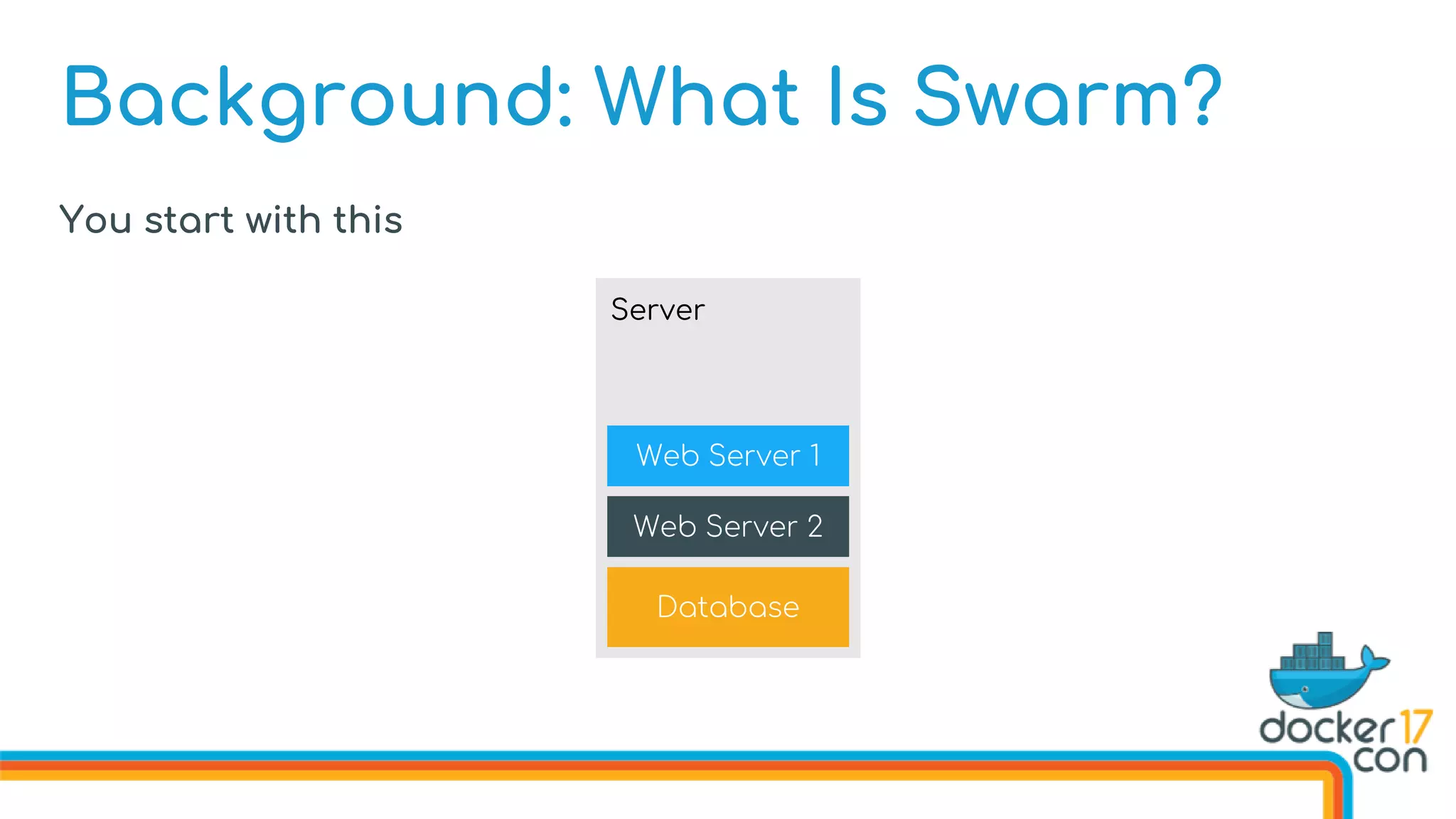
You start with this
Database
Web Server 2
Web Server 1
Server
Background: What Is Swarm?
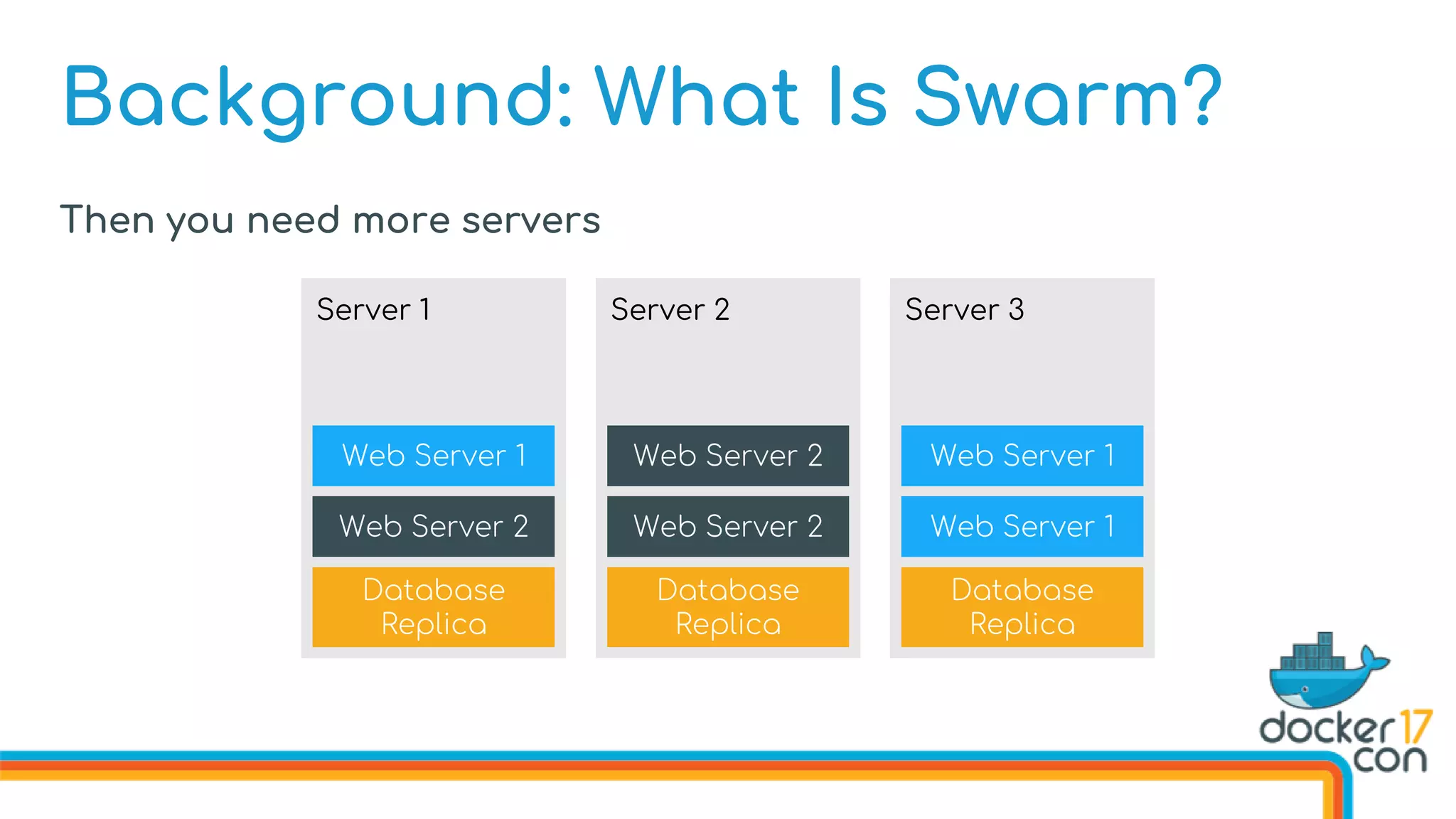
Then you need more servers
Database
Replica
Web Server 2
Web Server 2
Server 2
Database
Replica
Web Server 2
Web Server 1
Server 1
Database
Replica
Web Server 1
Web Server 1
Server 3
Background: What Is Swarm?
Database
Replica
Web Server 2
Web Server 2
Server 2
Database
Replica
Web Server 2
Web Server 1
Server 1
Database
Replica
Web Server 1
Web Server 1
Server 3
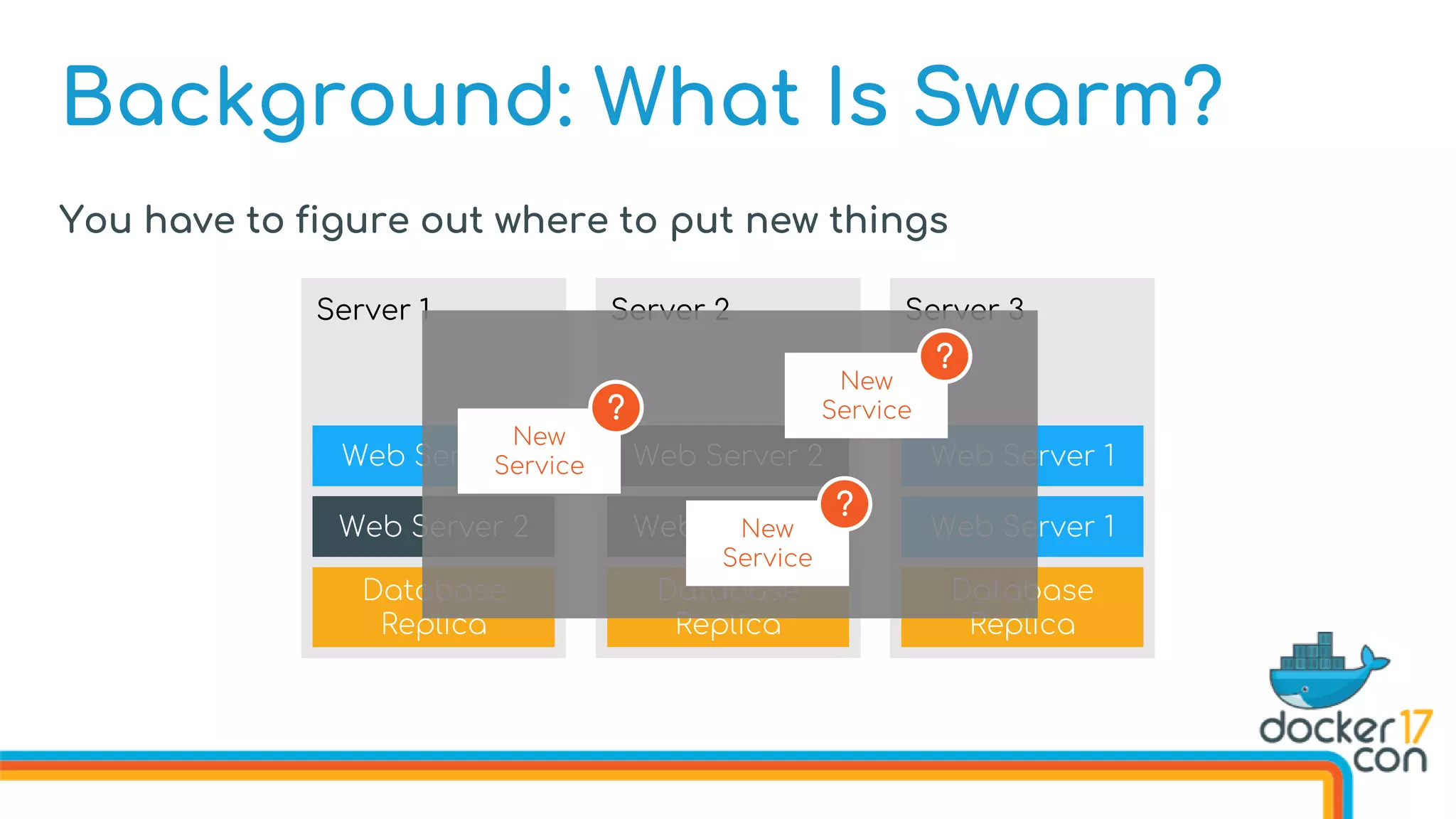
You have to figure out where to put new things
New
Service
New
Service
New
Service
?
?
?
Background: What Is Swarm?
Database
Replica
Web Server 2
Web Server 2
Server 2
Database
Replica
Web Server 2
Web Server 1
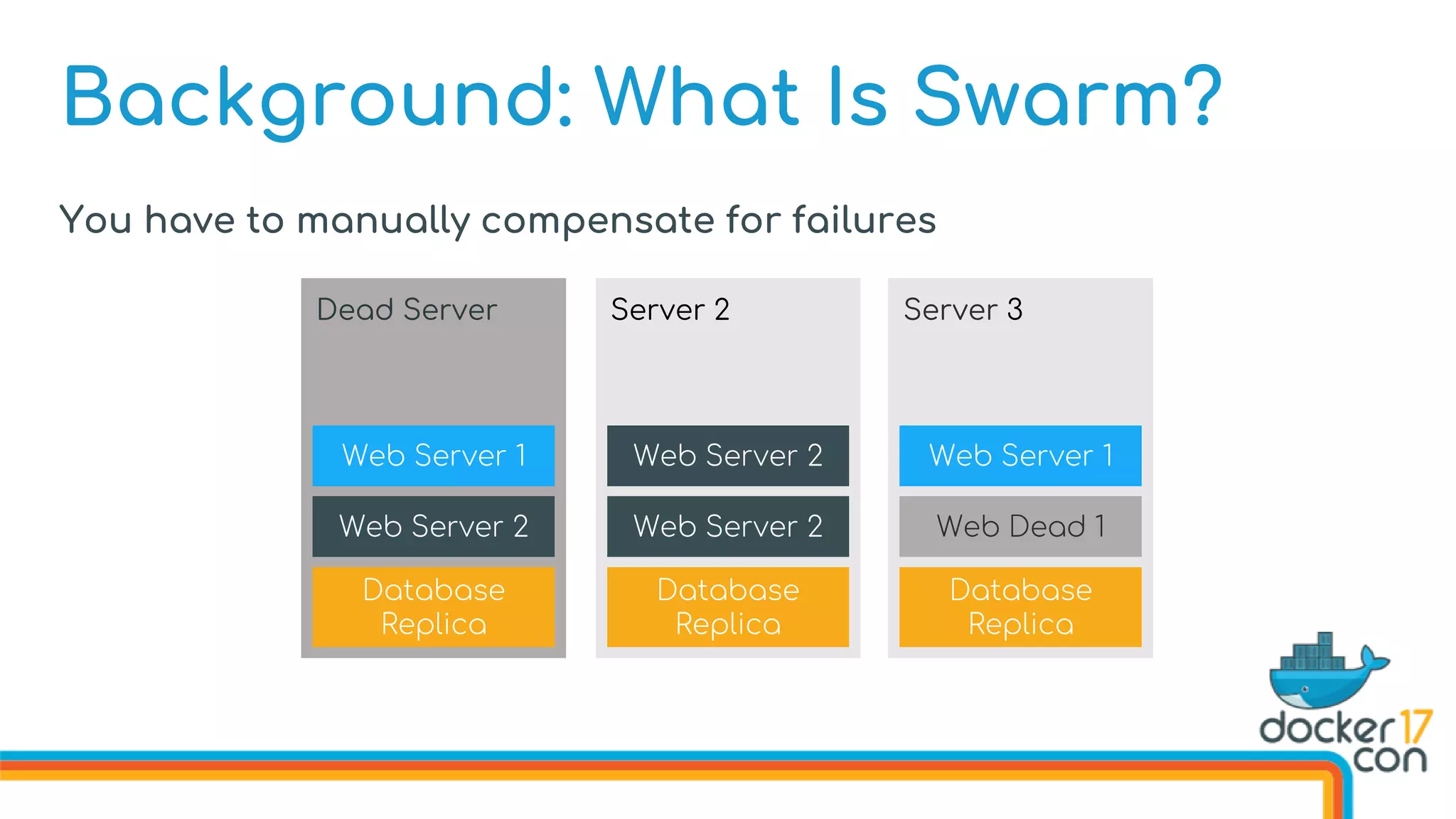
Dead Server
Database
Replica
Web Dead 1
Web Server 1
Server 3
You have to manually compensate for failures
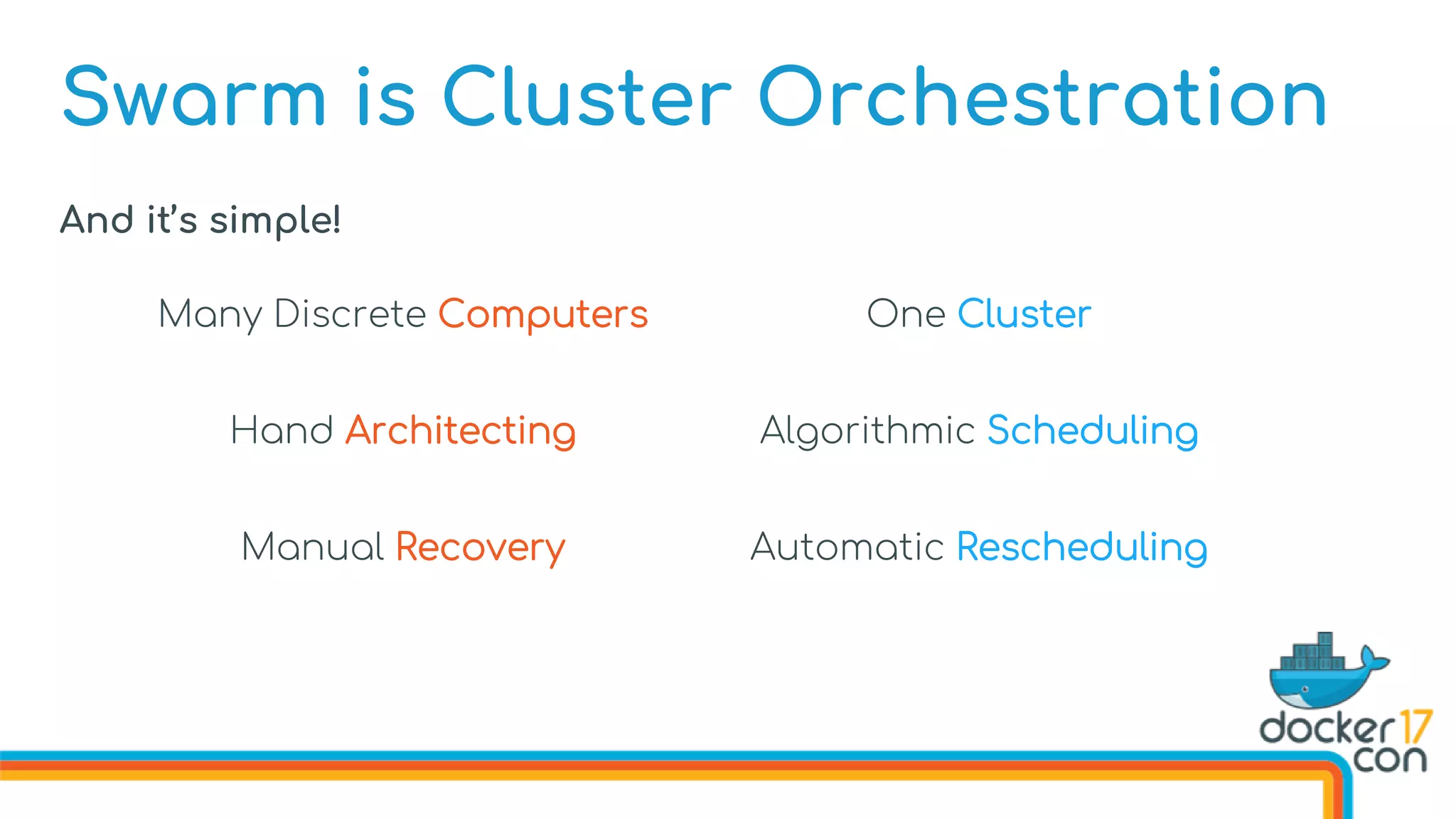
Swarm is Cluster Orchestration
And it’s simple!
Many Discrete Computers One Cluster
Hand Architecting Algorithmic Scheduling
Manual Recovery Automatic Rescheduling
Swarm is Cluster
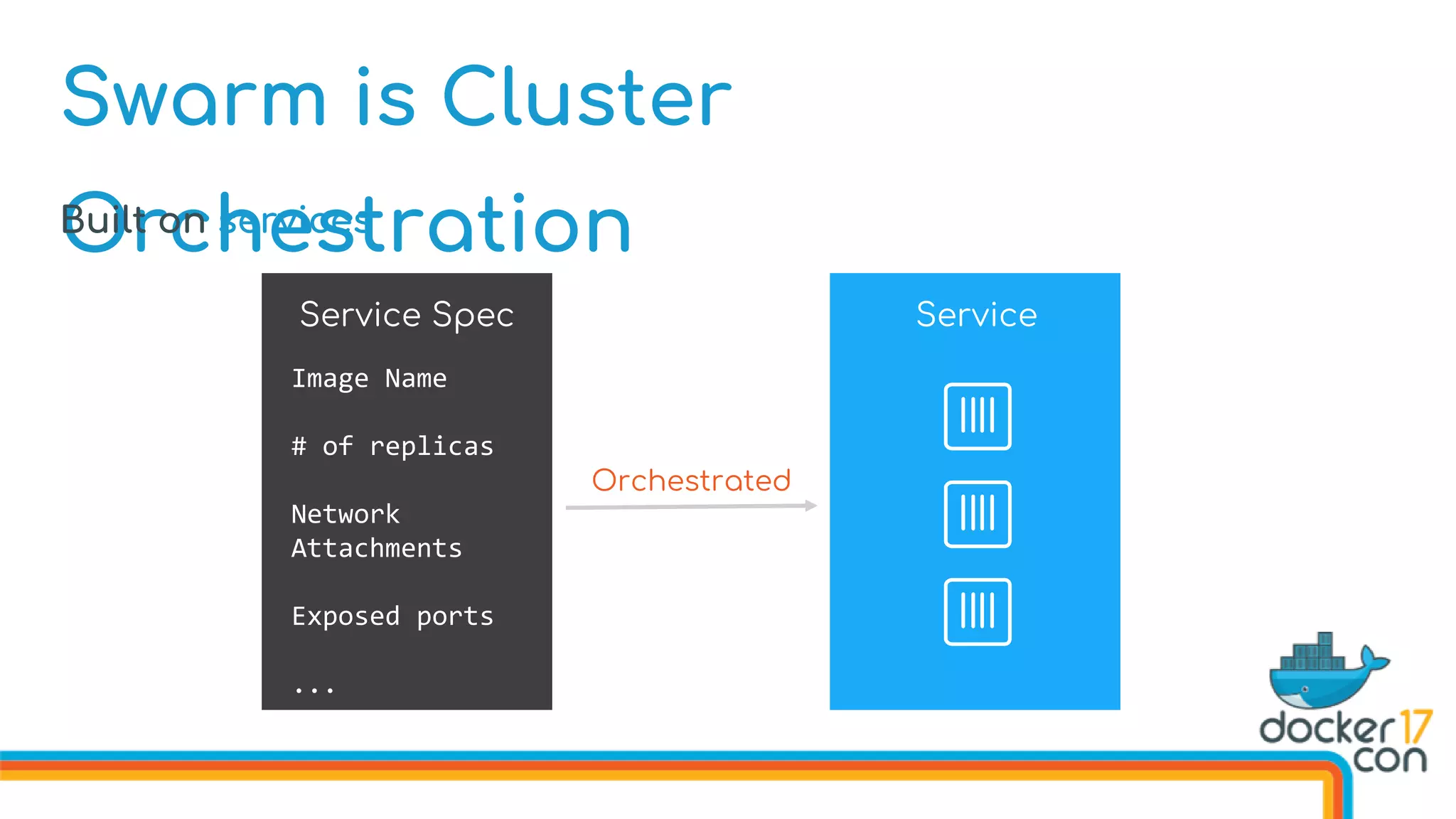
OrchestrationBuilt on services
Service Spec Service
Image Name
# of replicas
Network
Attachments
Exposed ports
...
Orchestrated
Swarm is Cluster
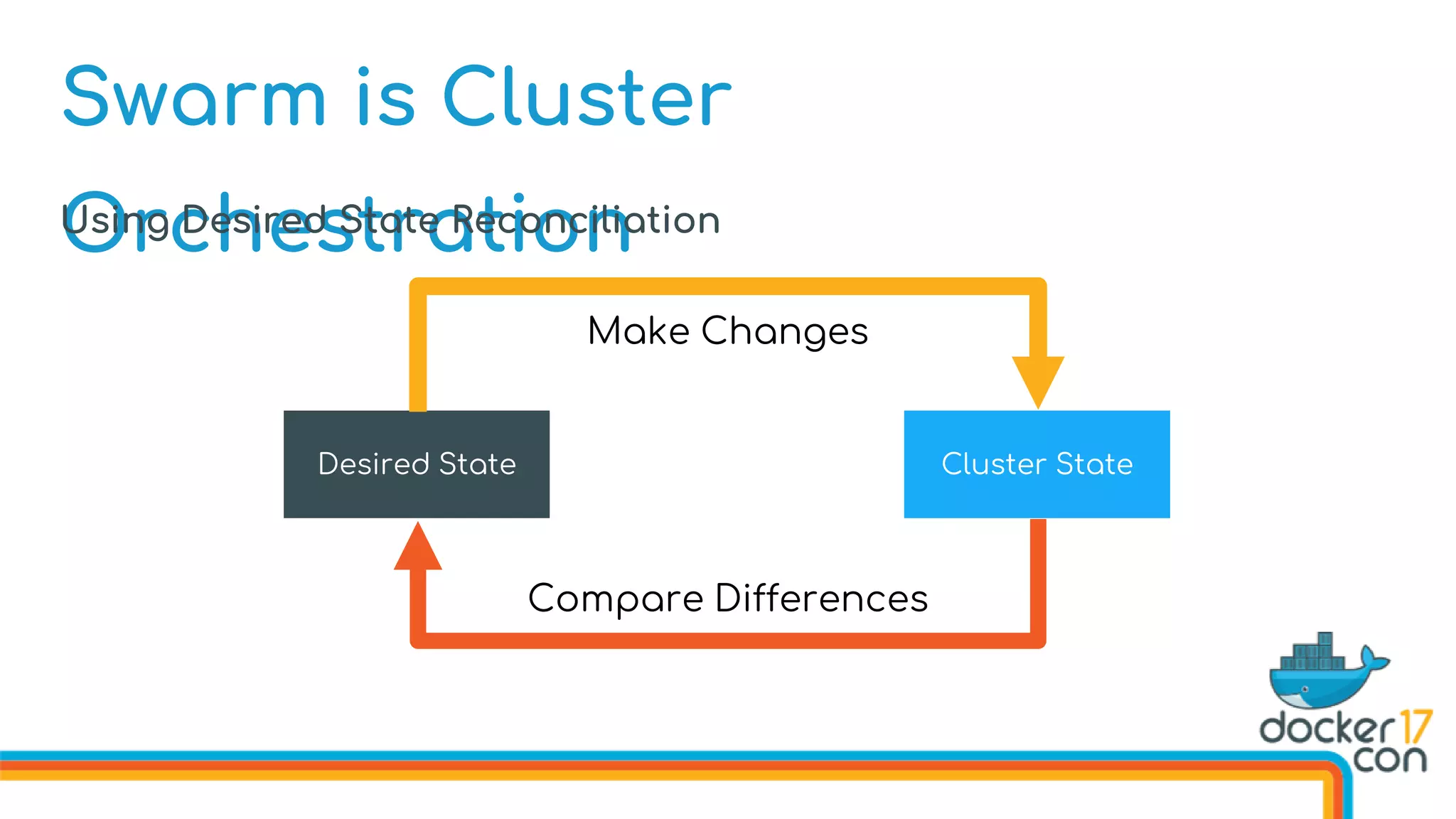
OrchestrationUsing Desired State Reconciliation
Cluster StateDesired State
Make Changes
Compare Differences
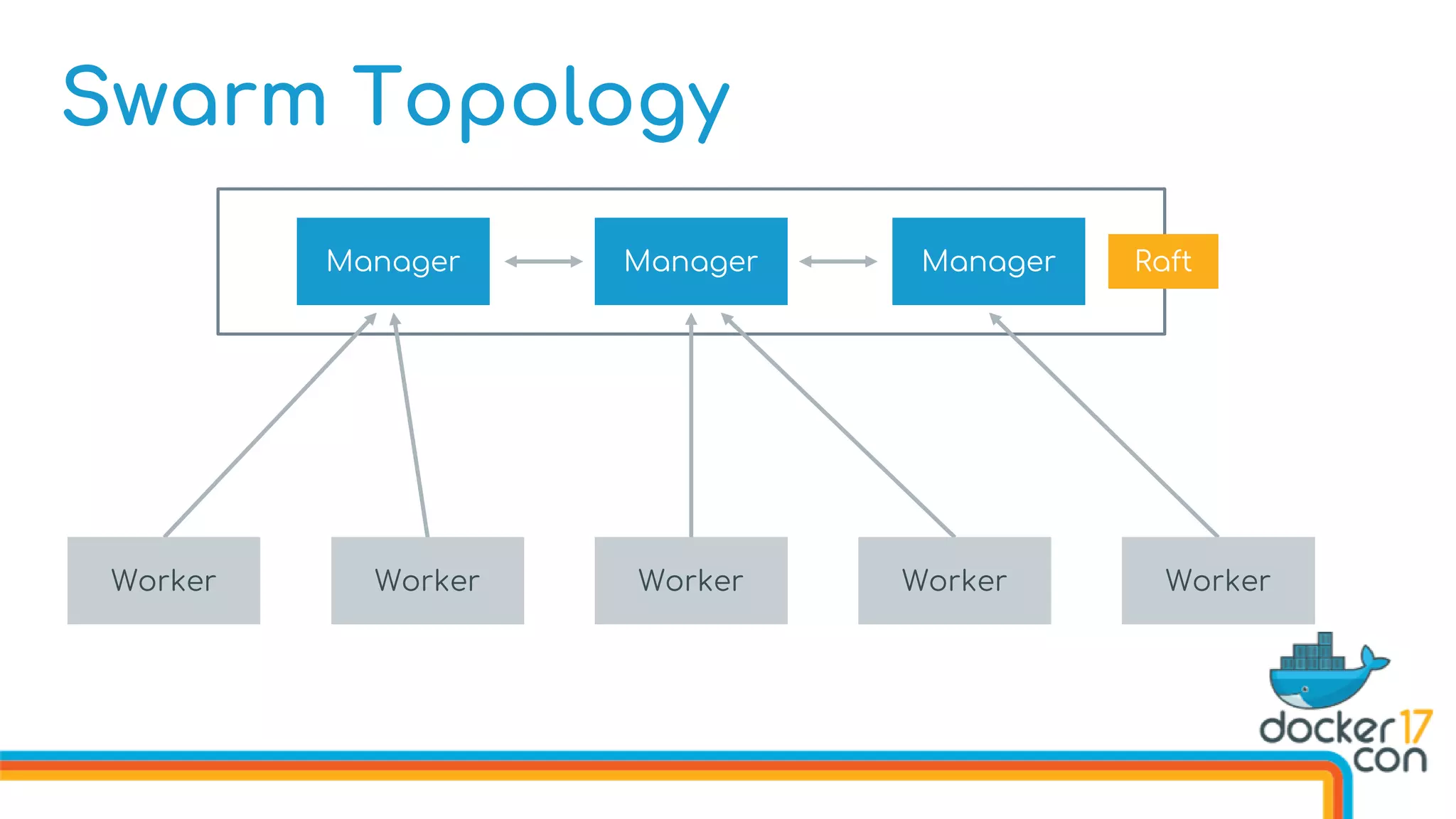
Swarm Topology
Manager ManagerManager Raft
Worker Worker Worker Worker Worker
Dive into New
Features
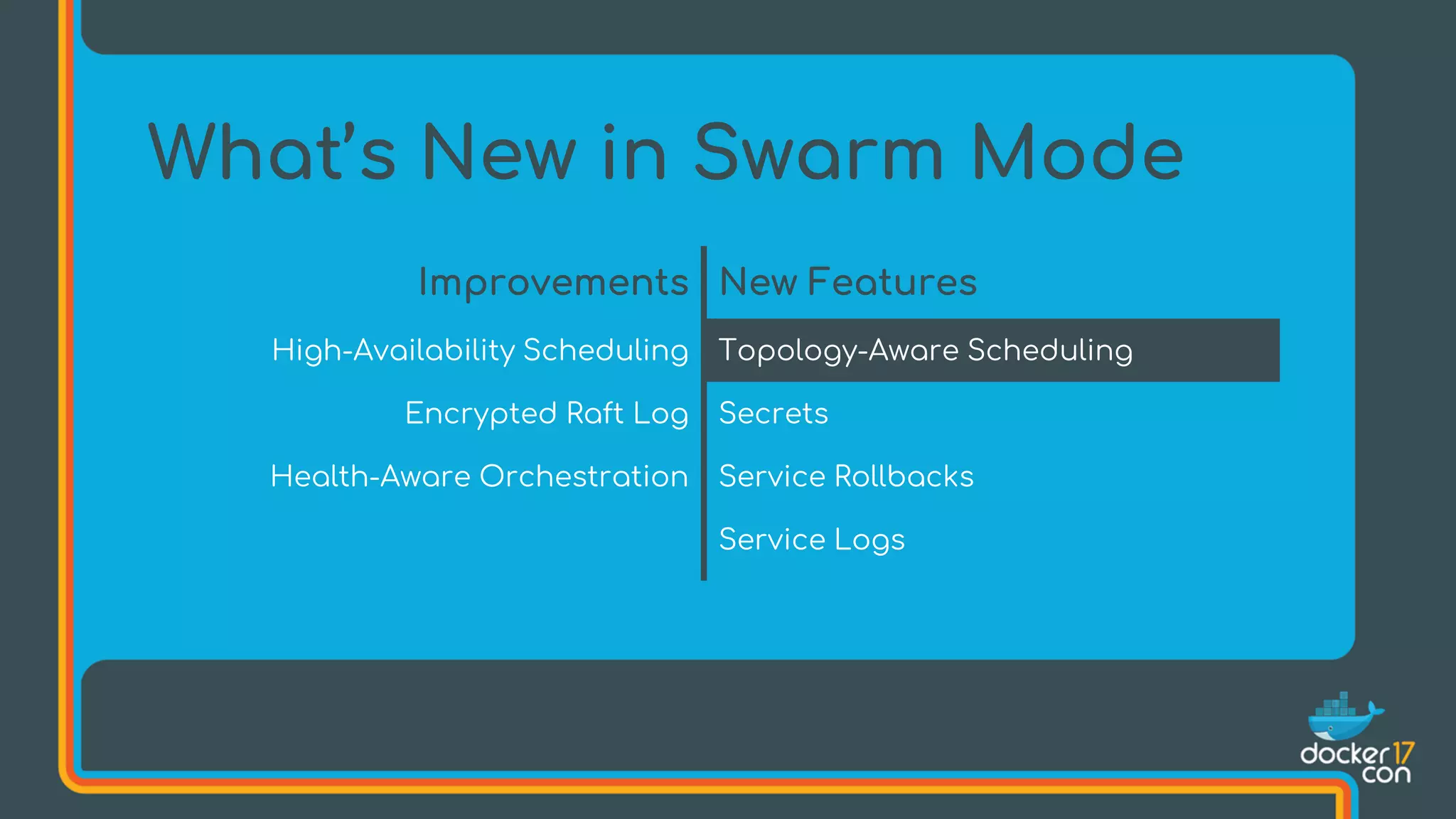
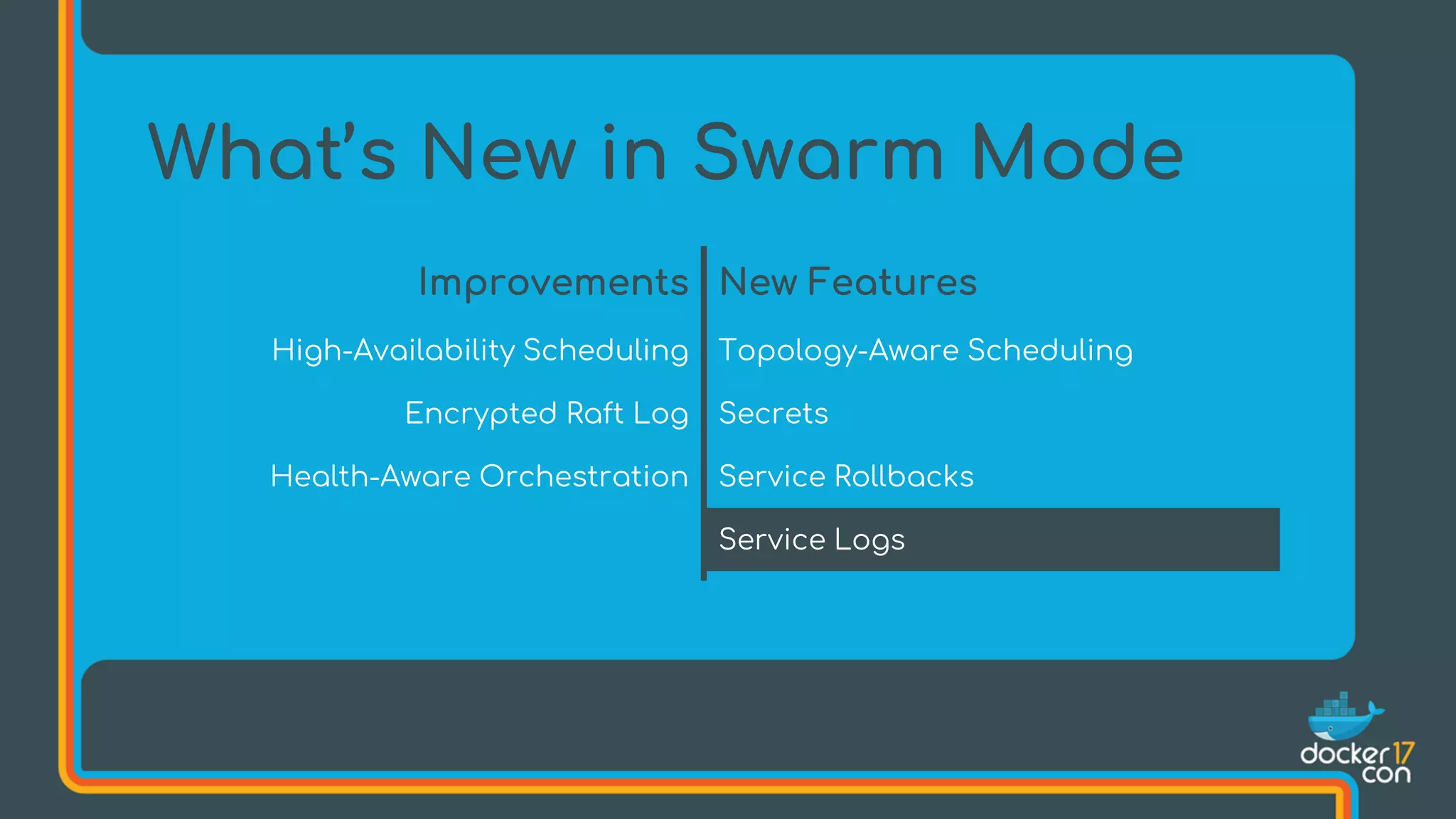
What’s New in Swarm Mode
Improvements New Features
High-Availability Scheduling Topology-Aware Scheduling
Encrypted Raft Log Secrets
Health-Aware Orchestration Service Rollbacks
Service Logs
What’s New in Swarm Mode
Improvements New Features
High-Availability Scheduling Topology-Aware Scheduling
Encrypted Raft Log Secrets
Health-Aware Orchestration Service Rollbacks
Service Logs
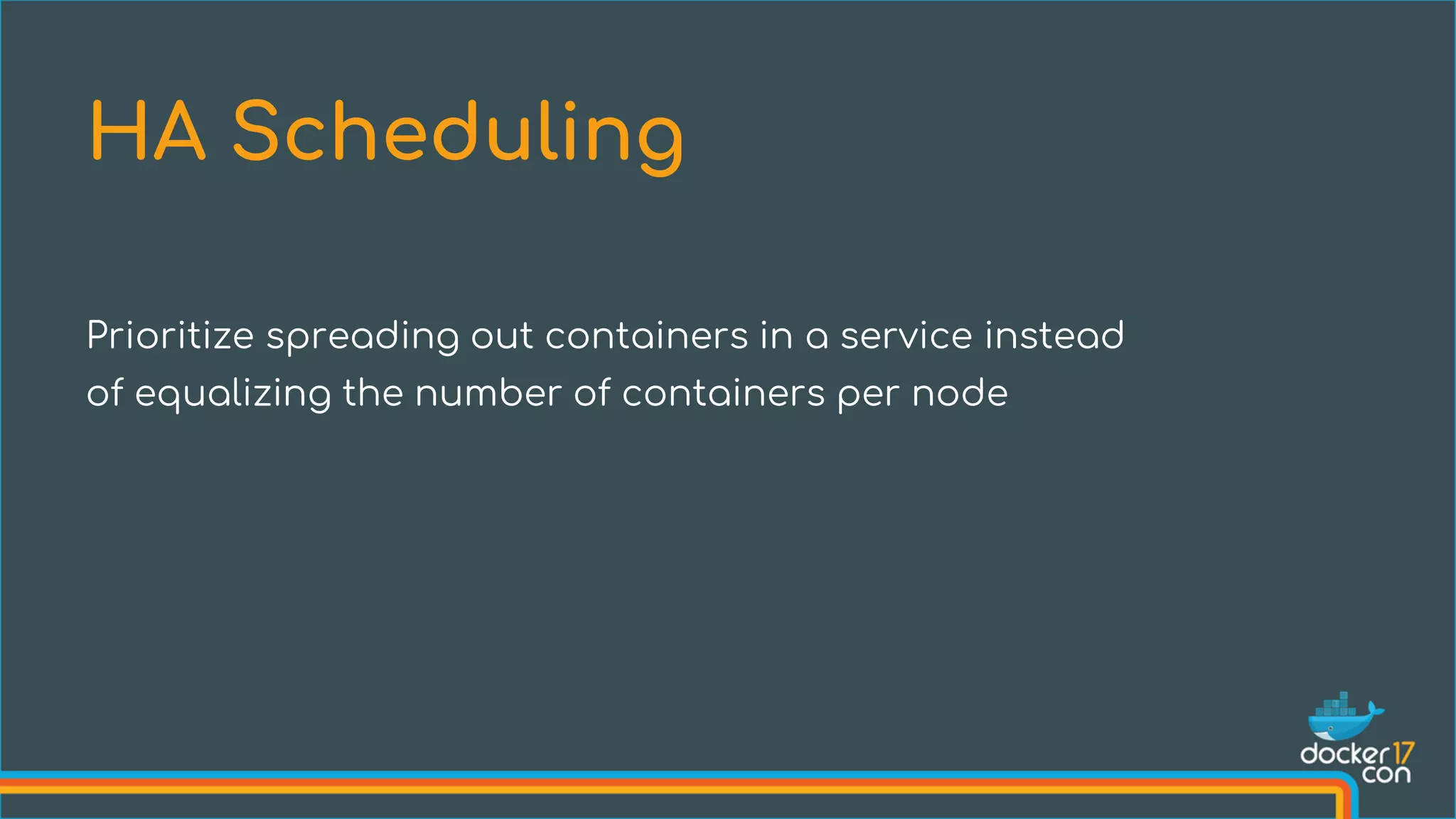
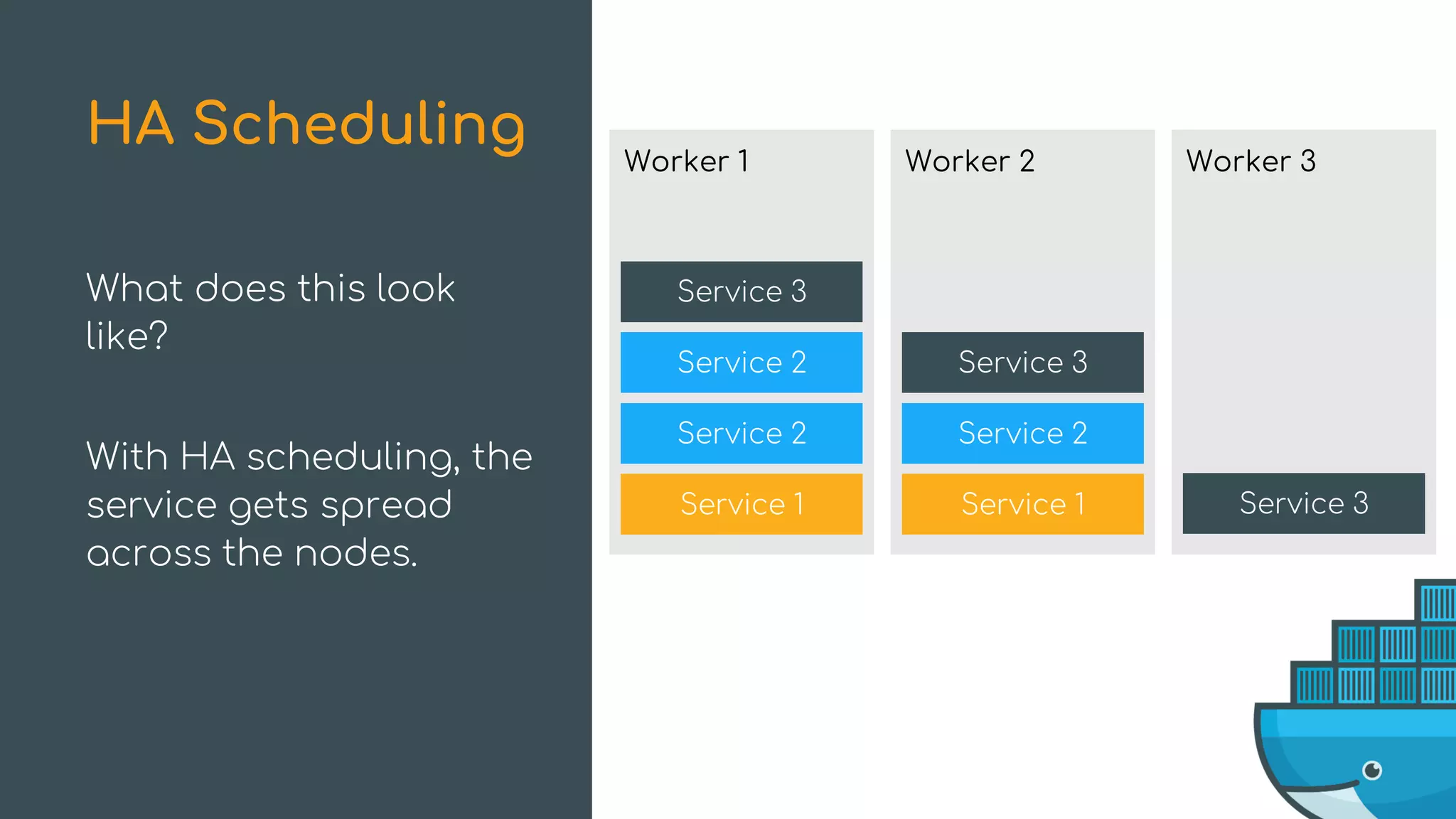
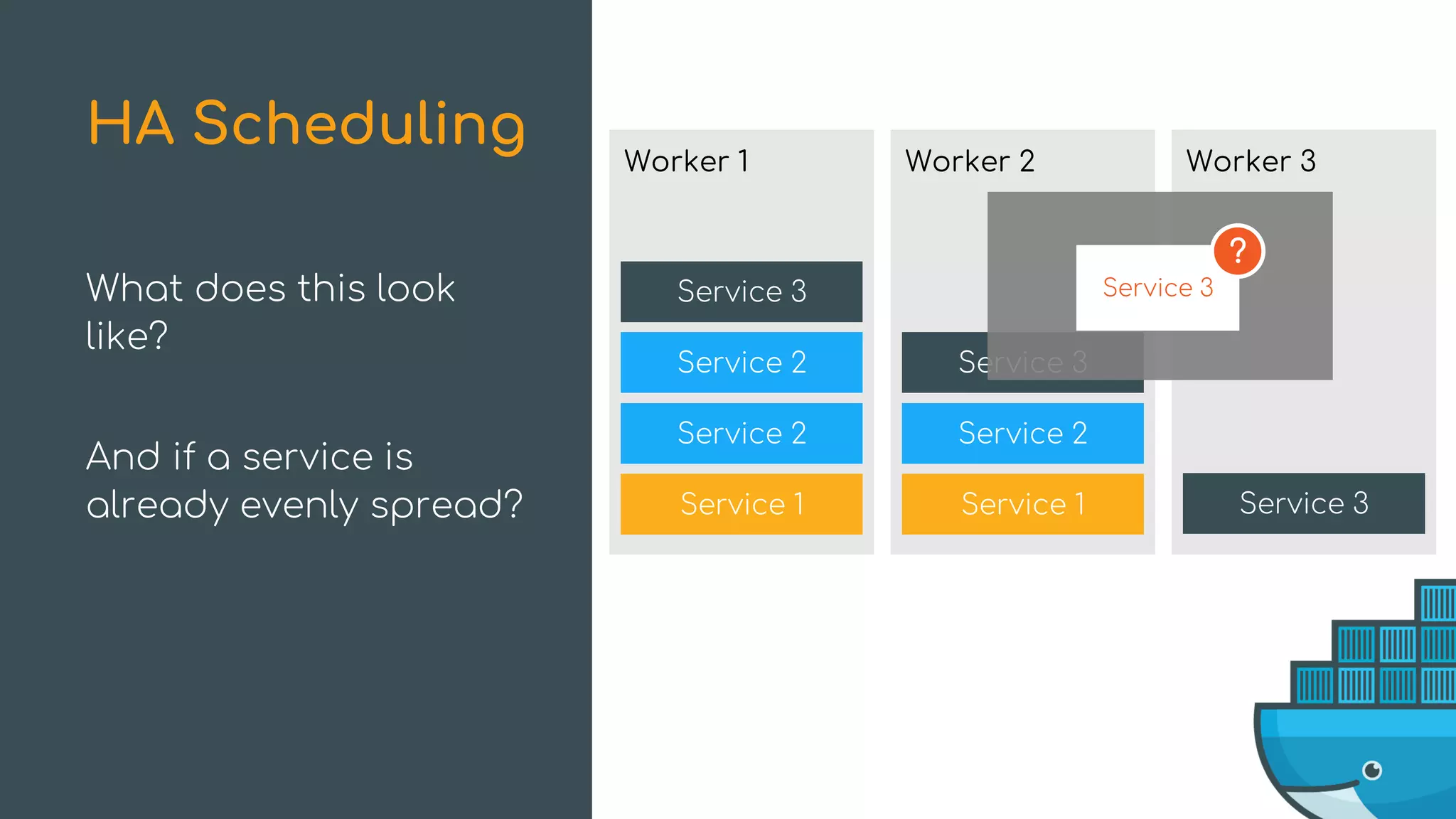
Prioritize spreading out containers in a service instead
of equalizing the number of containers per node
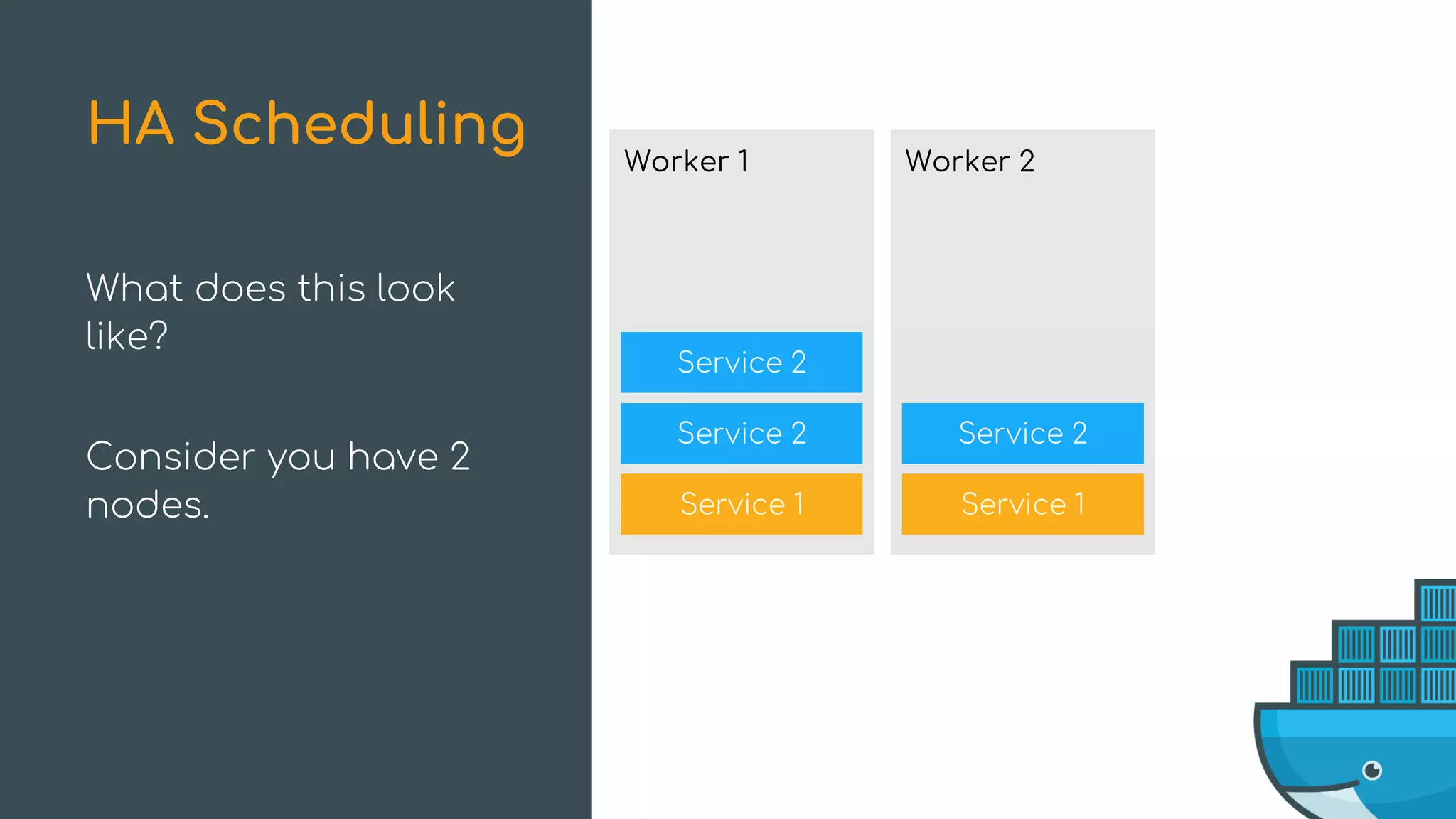
HA Scheduling
Service 2
Service 2
Worker 1
Service 1
Service 2
Worker 2
Service 1
What does this look
like?
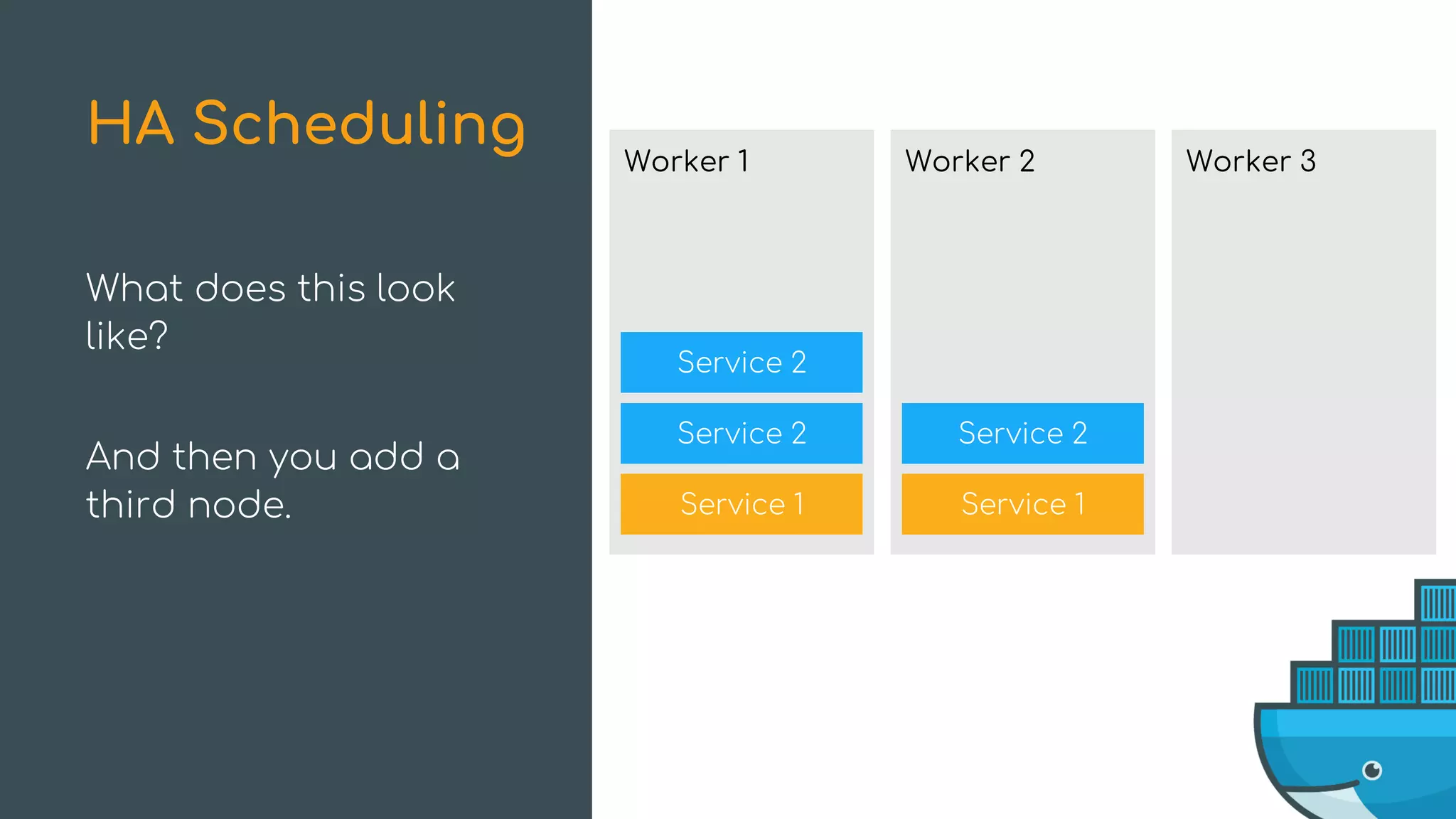
Consider you have 2
nodes.
HA Scheduling
Service 2
Service 2
Worker 1
Service 1
Service 2
Worker 2
Service 1
What does this look
like?
And then you add a
third node.
HA Scheduling Worker 3
Service 2
Service 2
Worker 1
Service 1
Service 2
Worker 2
Service 1
What does this look
like?
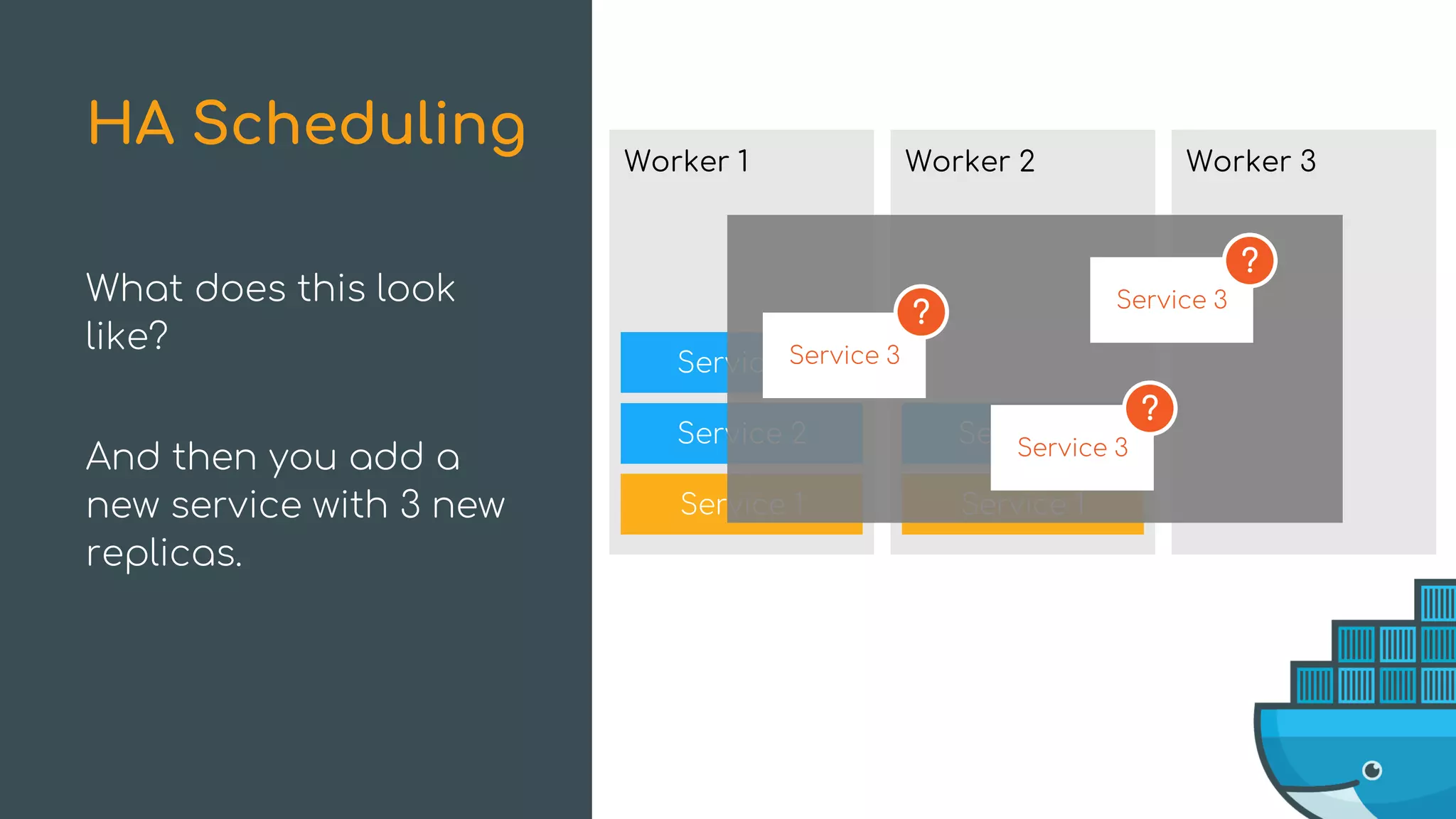
And then you add a
new service with 3 new
replicas.
HA Scheduling Worker 3
Service 3
Service 3
Service 3
?
?
?
Service 2
Service 2
Worker 1
Service 1
Service 2
Worker 2
Service 1
What does this look
like?
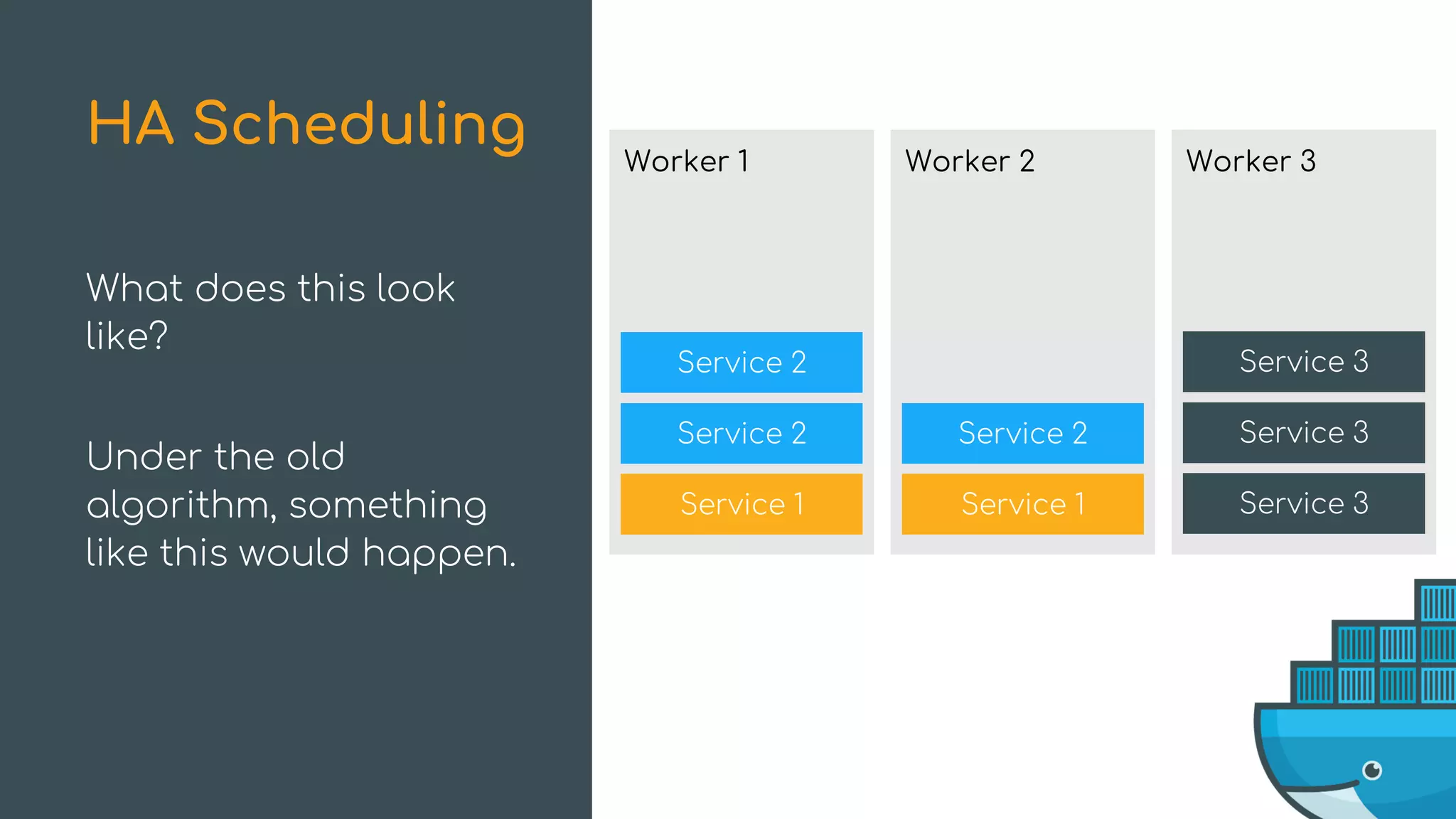
Under the old
algorithm, something
like this would happen.
HA Scheduling Worker 3
Service 3
Service 3
Service 3
Service 2
Service 2
Worker 1
Service 1
Service 2
Worker 2
Service 1
What does this look
like?
With HA scheduling, the
service gets spread
across the nodes.
HA Scheduling Worker 3
Service 3
Service 3
Service 3
Service 2
Service 2
Worker 1
Service 1
Service 2
Worker 2
Service 1
What does this look
like?
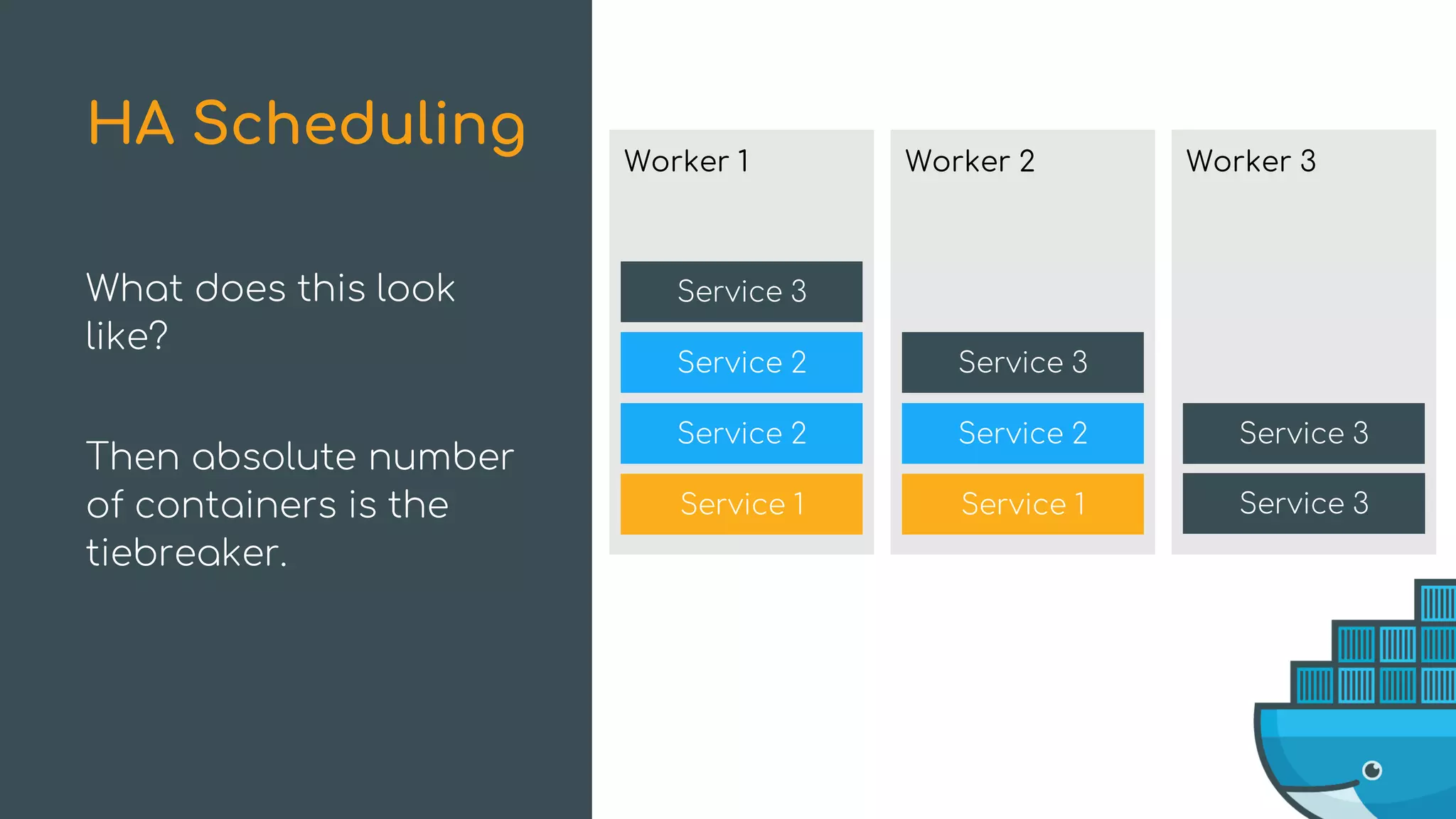
And if a service is
already evenly spread?
HA Scheduling Worker 3
Service 3
Service 3
Service 3
Service 3
?
Service 2
Service 2
Worker 1
Service 1
Service 2
Worker 2
Service 1
What does this look
like?
Then absolute number
of containers is the
tiebreaker.
HA Scheduling Worker 3
Service 3
Service 3
Service 3
Service 3
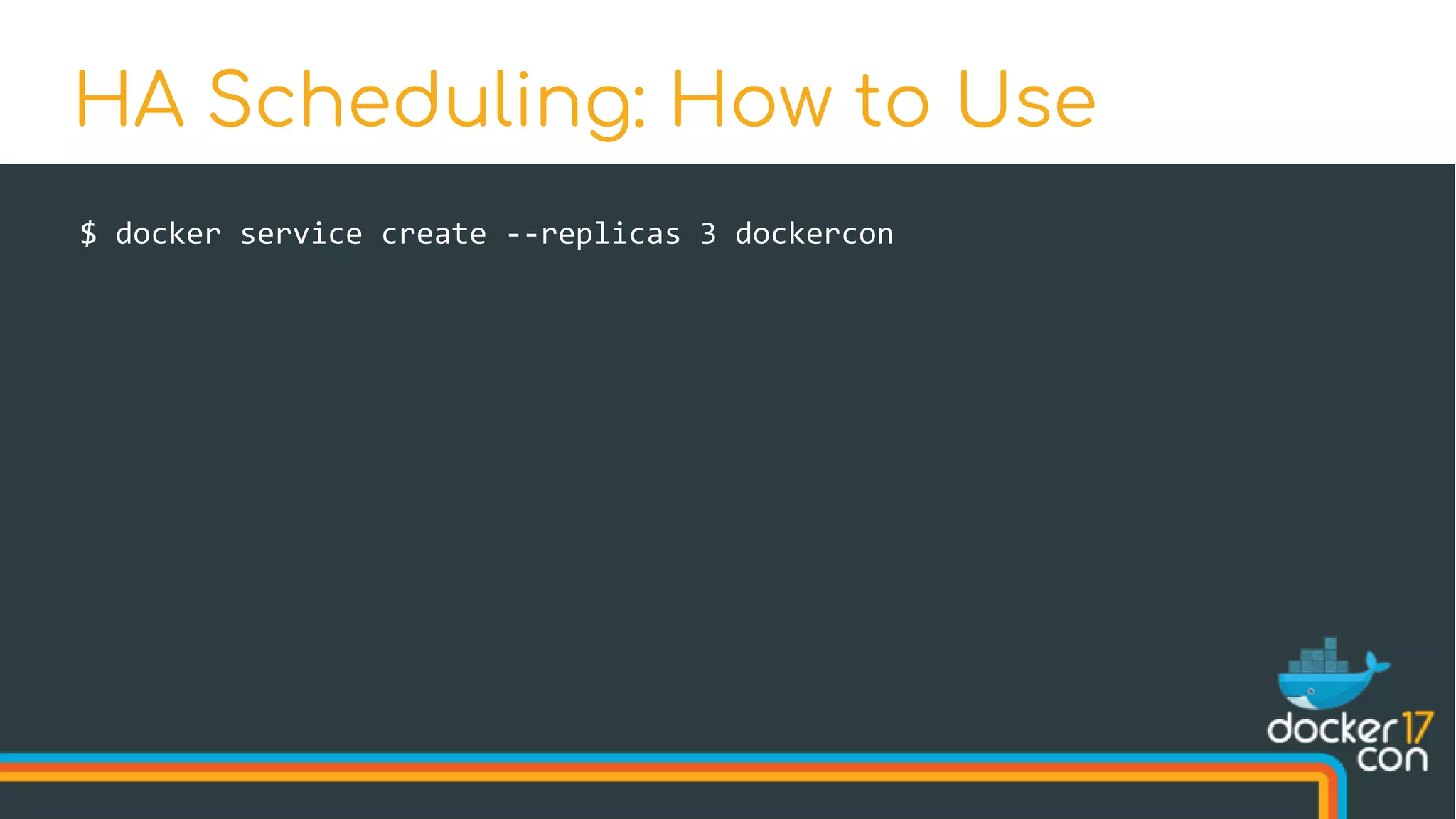
$ docker service create --replicas 3 dockercon
HA Scheduling: How to Use
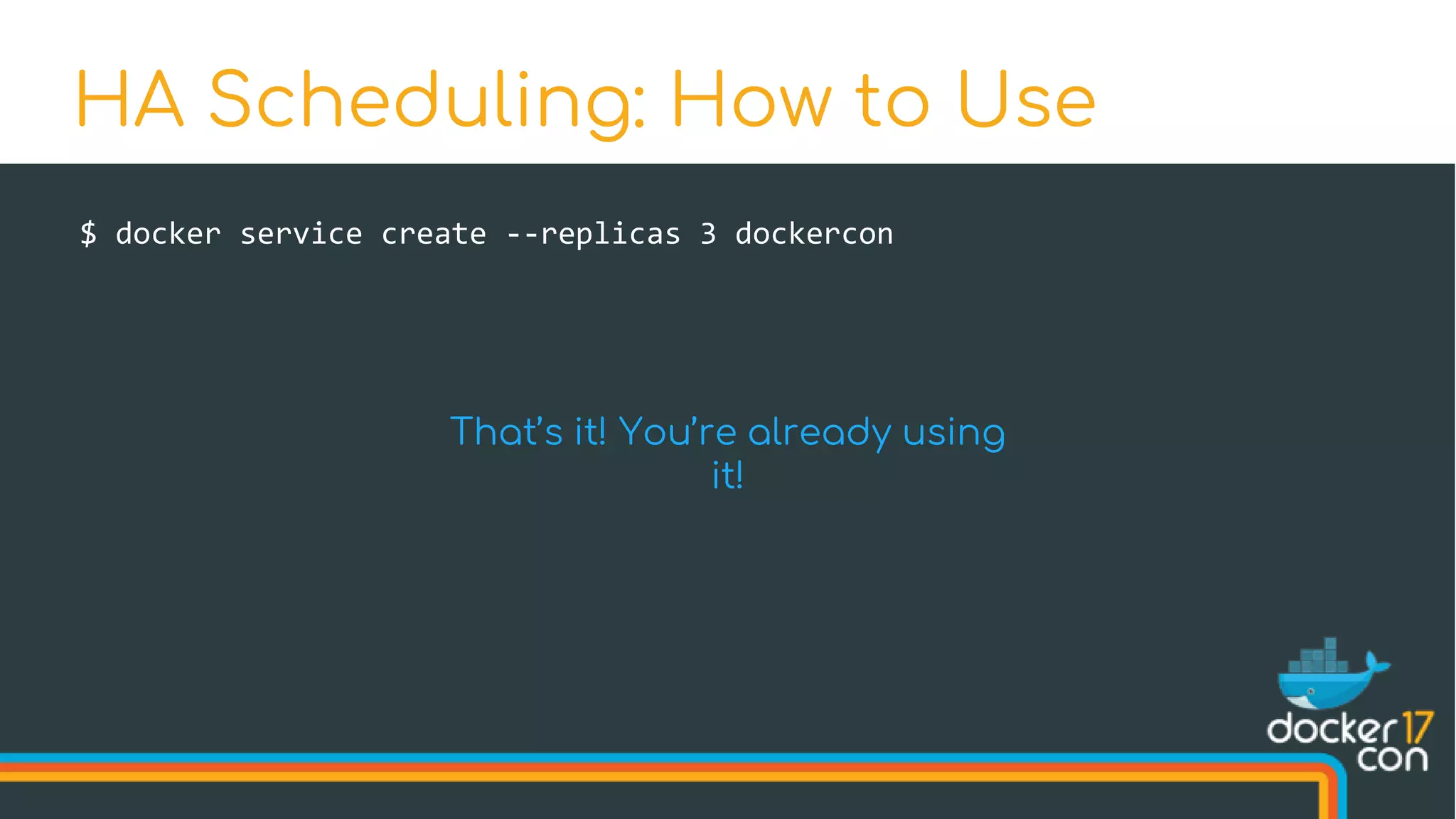
$ docker service create --replicas 3 dockercon
HA Scheduling: How to Use
That’s it! You’re already using
it!
What’s New in Swarm Mode
Improvements New Features
High-Availability Scheduling Topology-Aware Scheduling
Encrypted Raft Log Secrets
Health-Aware Orchestration Service Rollbacks
Service Logs
Spread in order across arbitrary labeled nodes
Topology-Aware Scheduling
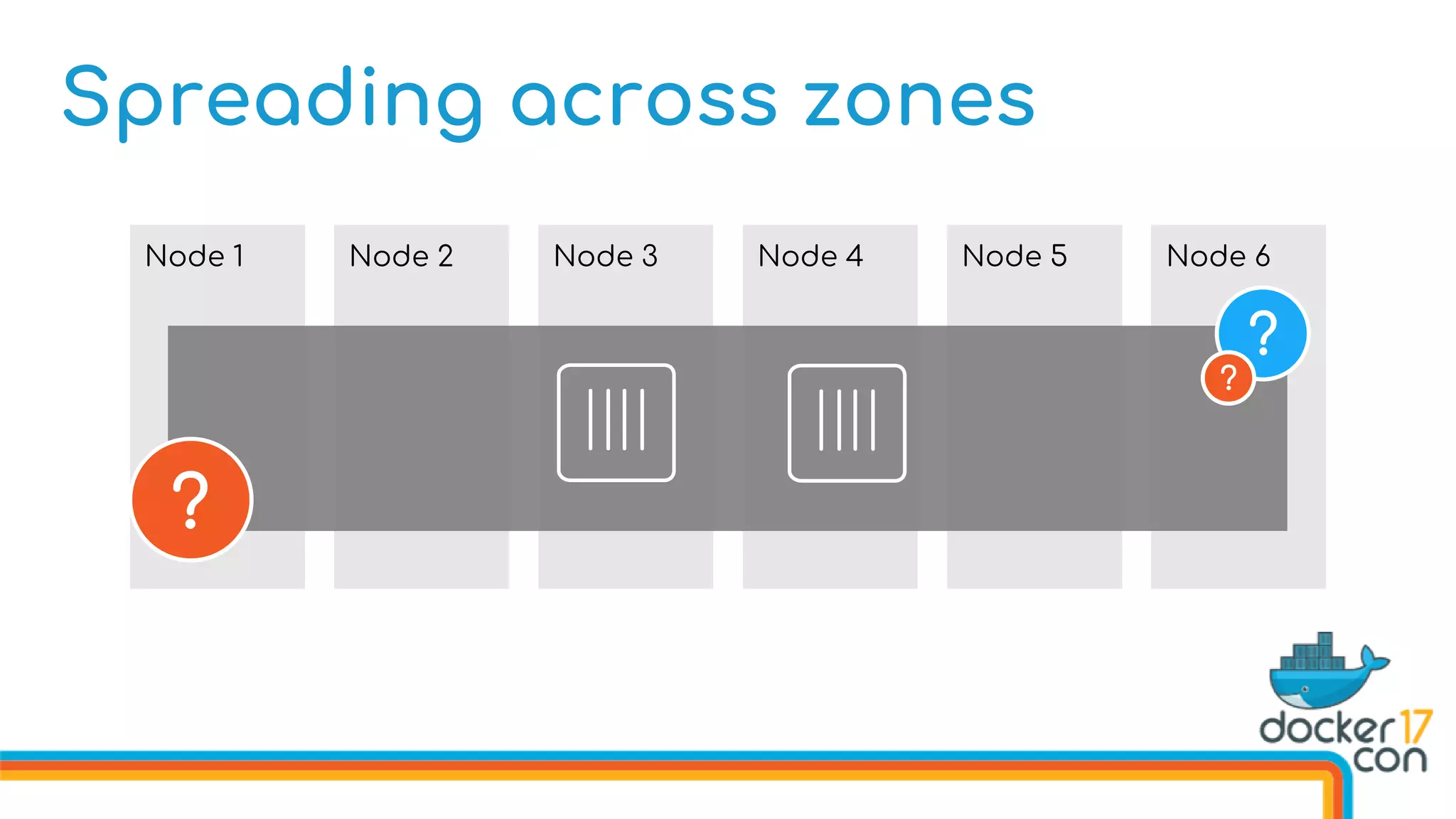
Spreading across zones
Node 1 Node 2 Node 3 Node 4 Node 6Node 5
?
?
?
Node 1 Node 2 Node 3 Node 4 Node 6Node 5
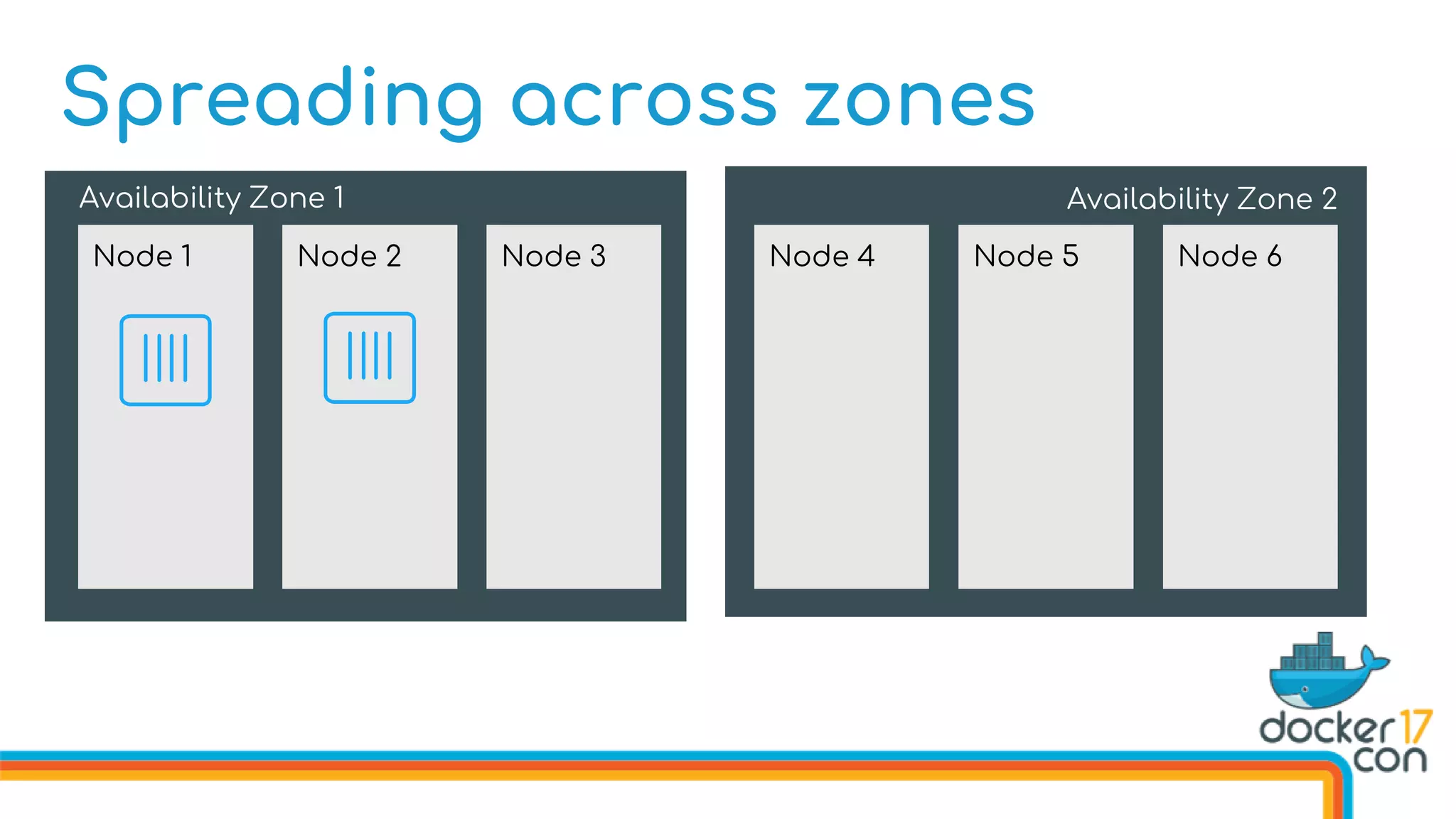
Spreading across zones
Availability Zone 1 Availability Zone 2
Node 1 Node 2 Node 3 Node 4 Node 6Node 5
$ docker node update 
--label-add az=1 
q7uf8b
# and so on for each node
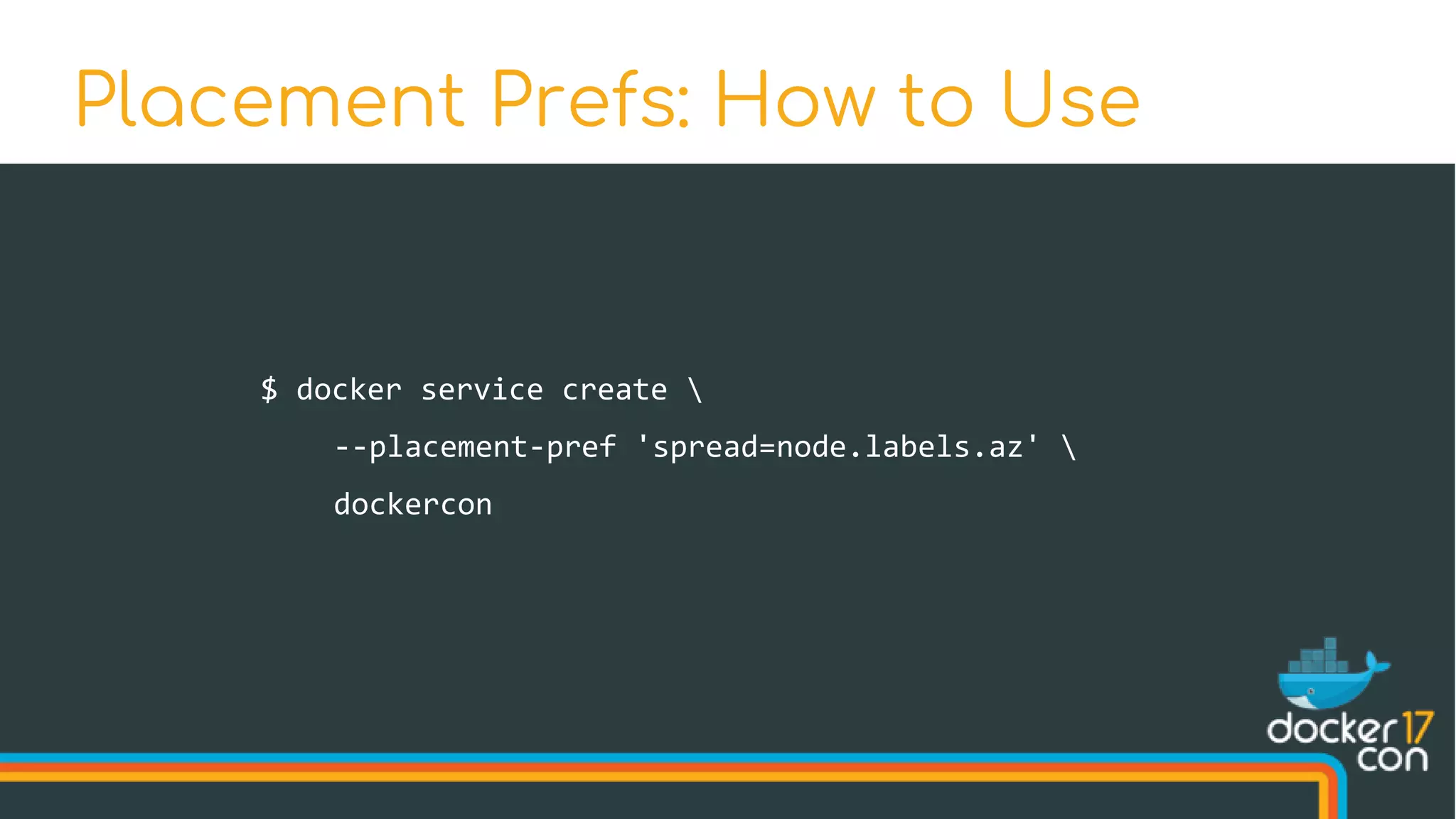
Placement Prefs: How to Use
$ docker service create 
--placement-pref 'spread=node.labels.az' 
dockercon
Placement Prefs: How to Use
Spreading Across Zones
Availability Zone 1 Availability Zone 2
Node 1 Node 2 Node 3 Node 4 Node 6Node 5
What’s New in Swarm Mode
Improvements New Features
High-Availability Scheduling Topology-Aware Scheduling
Encrypted Raft Log Secrets
Health-Aware Orchestration Service Rollbacks
Service Logs
• All cluster-wide communication is encrypted
• Security should be easy to use
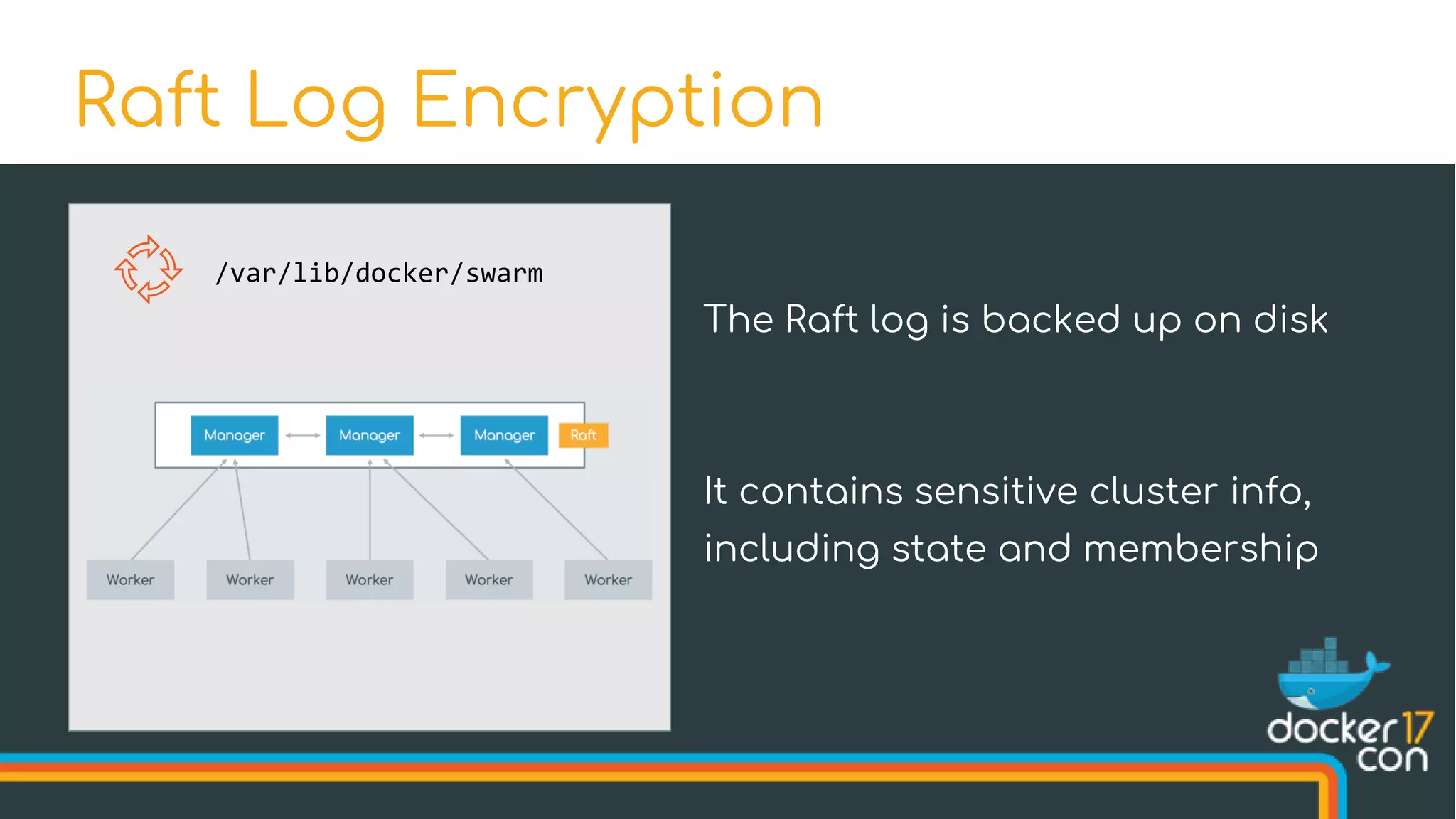
Raft Log Encryption
Raft Log Encryption
/var/lib/docker/swarm
The Raft log is backed up on disk
It contains sensitive cluster info,
including state and membership
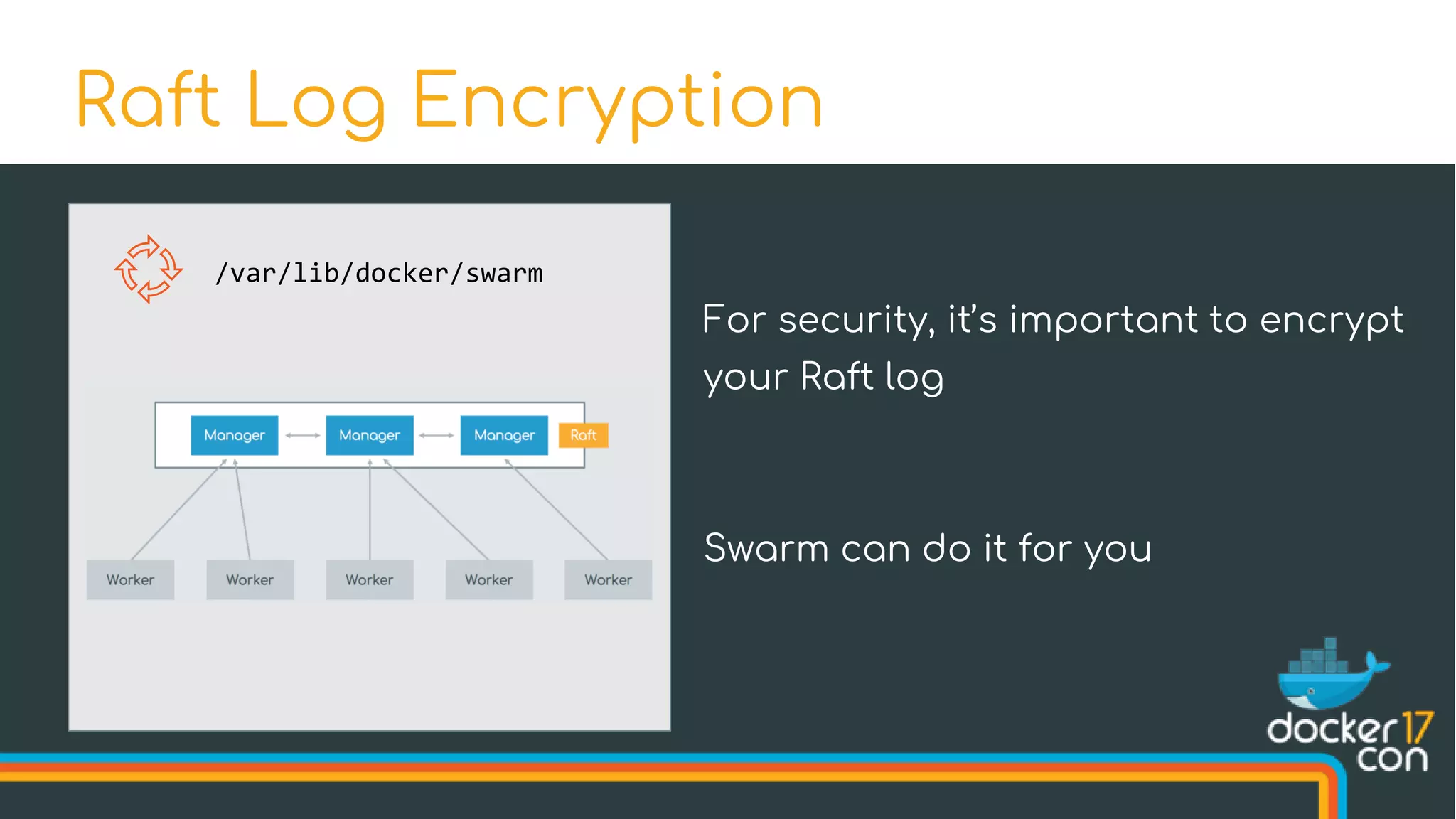
Raft Log Encryption
/var/lib/docker/swarm
For security, it’s important to encrypt
your Raft log
Swarm can do it for you
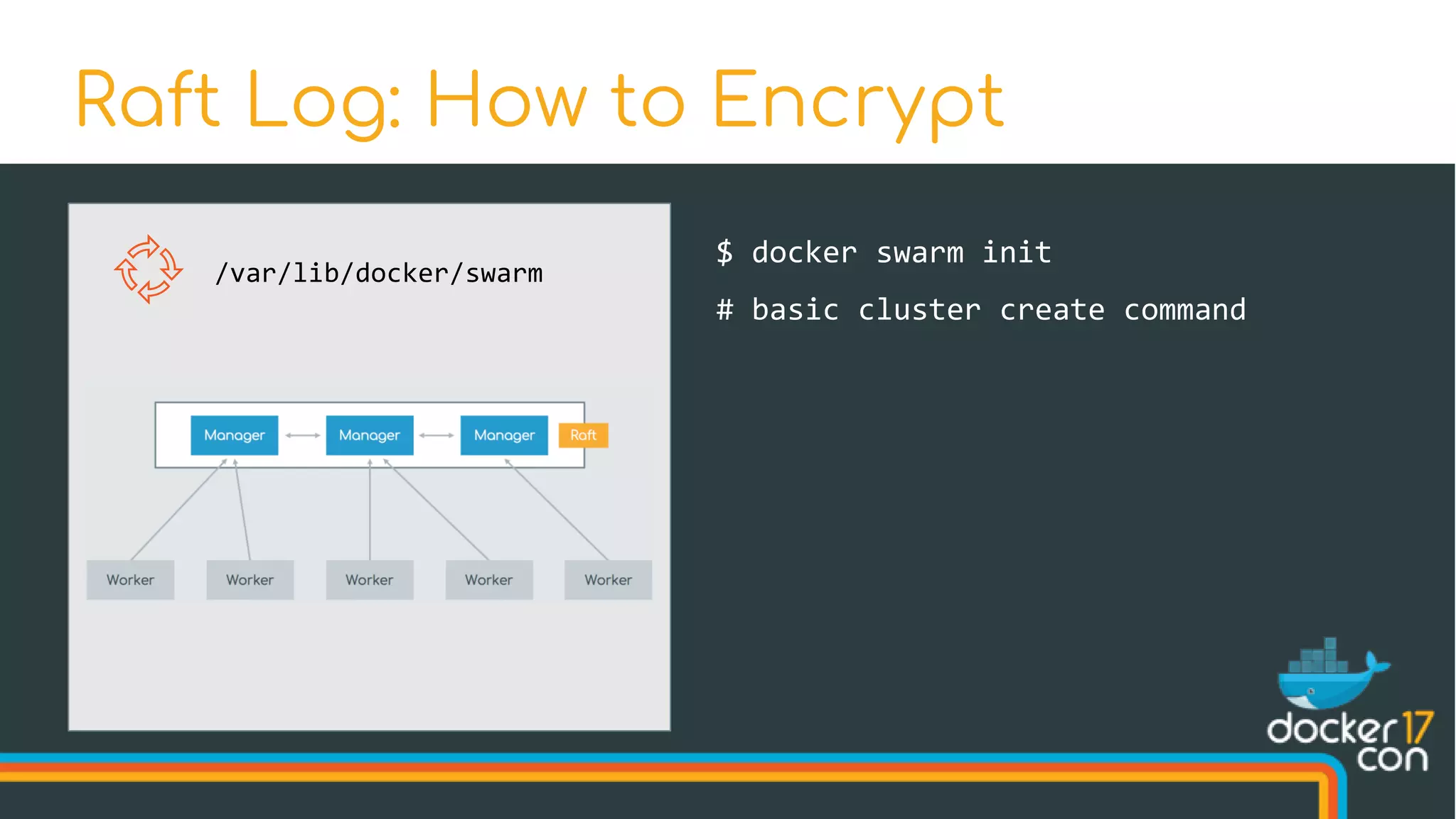
Raft Log: How to Encrypt
/var/lib/docker/swarm
$ docker swarm init
# basic cluster create command
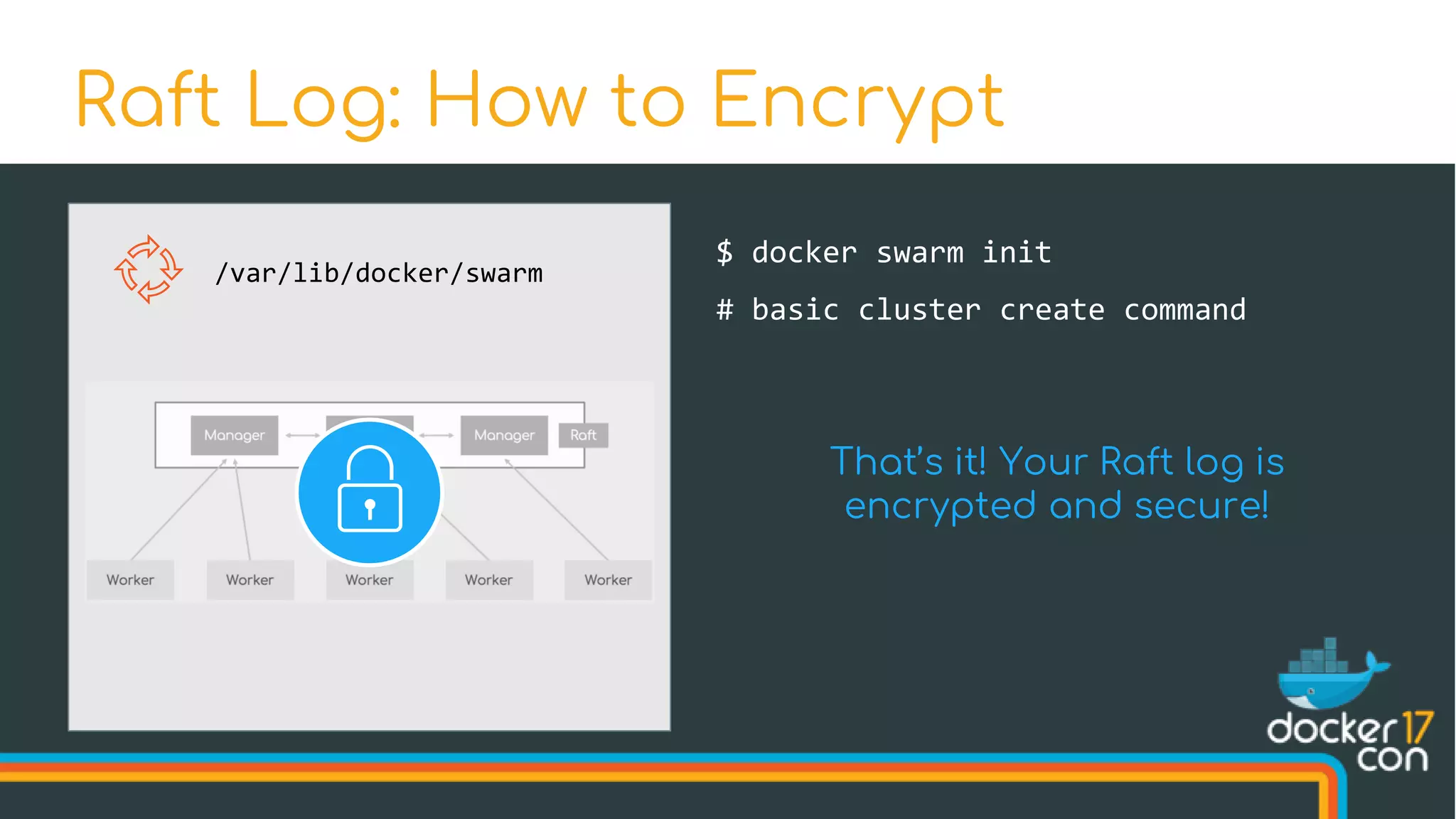
Raft Log: How to Encrypt
/var/lib/docker/swarm
$ docker swarm init
# basic cluster create command
That’s it! Your Raft log is
encrypted and secure!
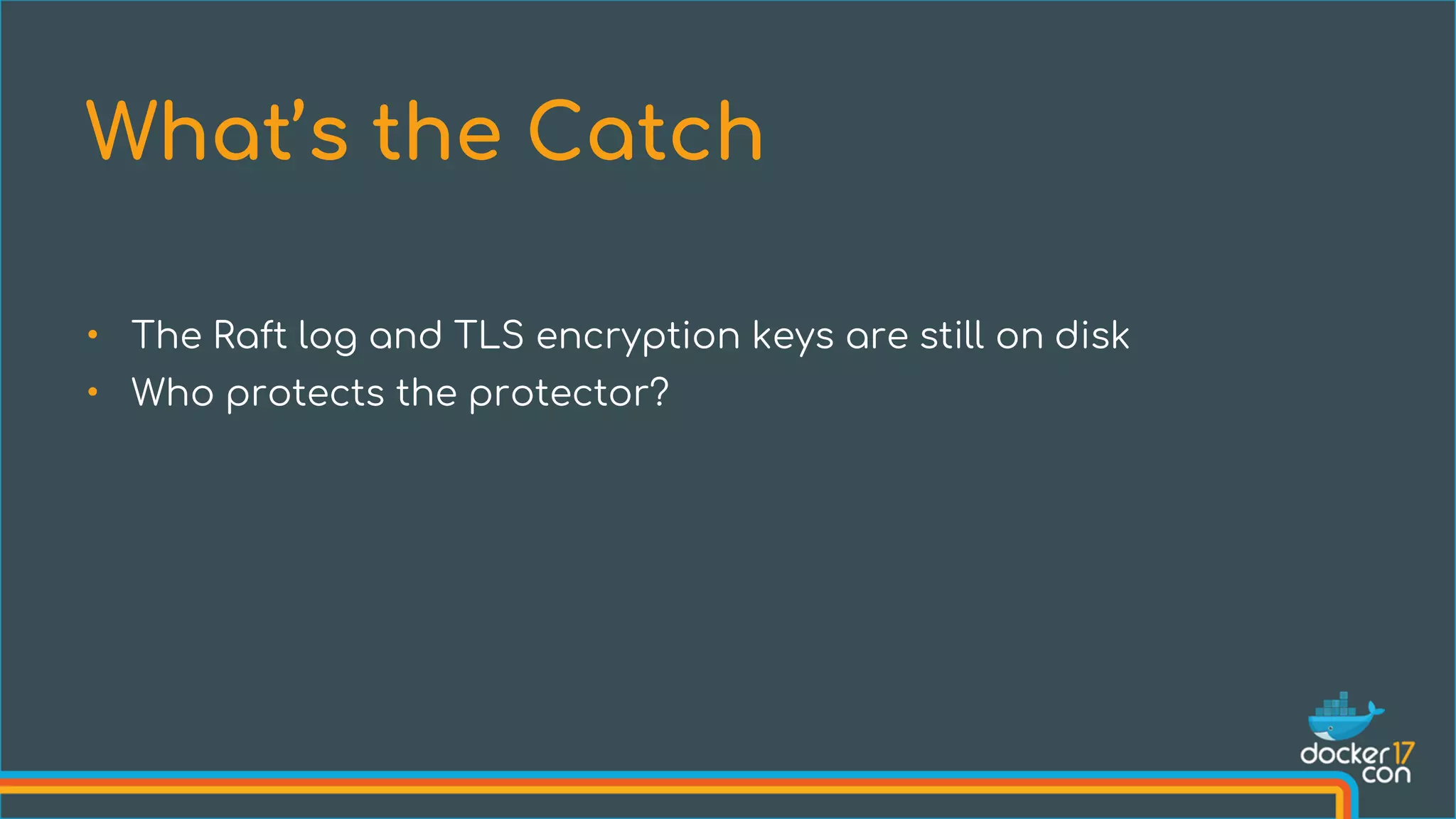
• The Raft log and TLS encryption keys are still on disk
• Who protects the protector?
What’s the Catch
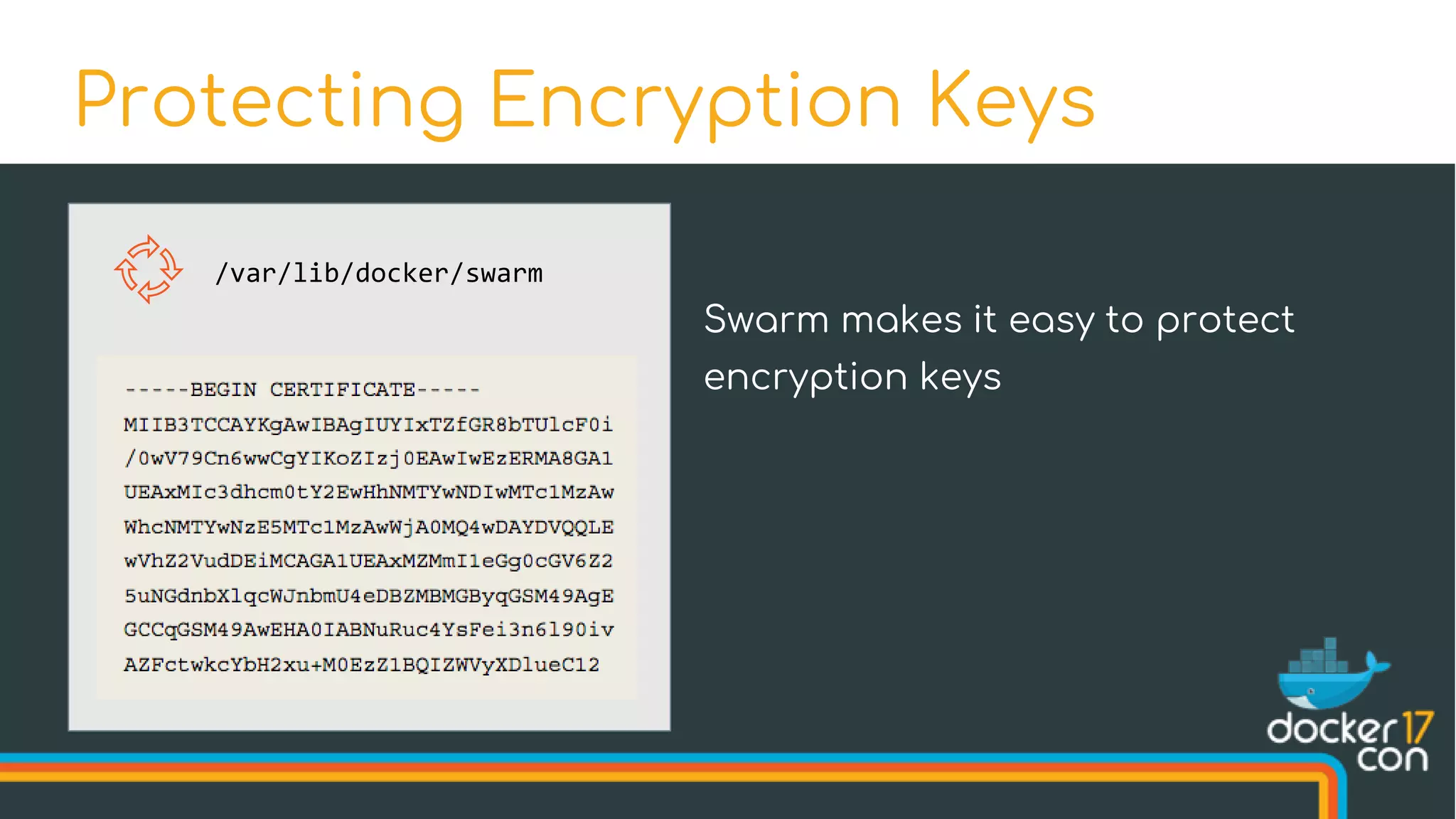
Protecting Encryption Keys
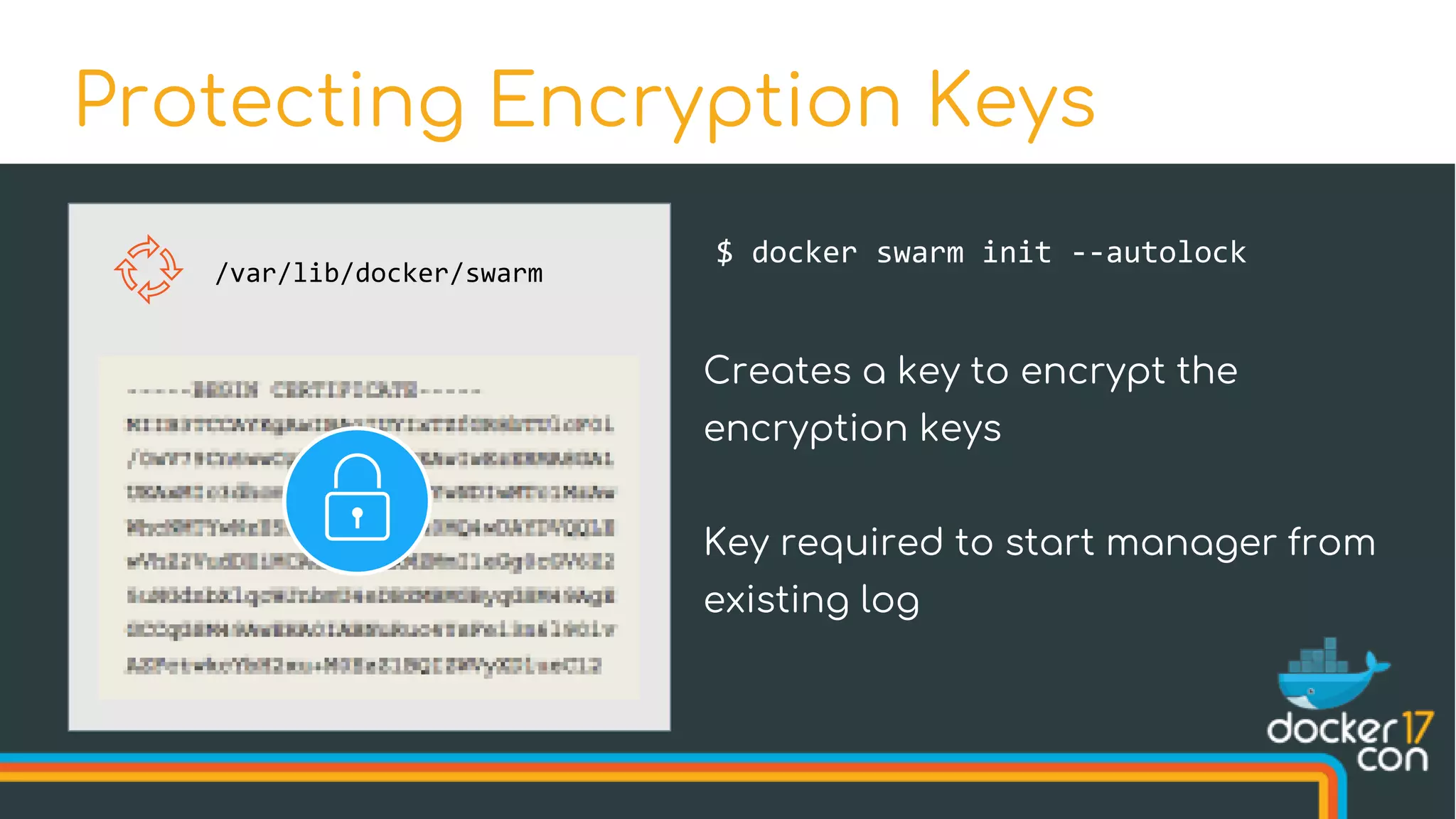
/var/lib/docker/swarm
Swarm makes it easy to protect
encryption keys
Protecting Encryption Keys
/var/lib/docker/swarm
$ docker swarm init --autolock
Creates a key to encrypt the
encryption keys
Key required to start manager from
existing log
$ docker swarm init --autolock
Swarm initialized: current node (u3hujejsk5plrmfn3uq10kmu5) is now
a manager.
[...]
To unlock a swarm manager after it restarts, run the `docker swarm unlock`
command and provide the following key:
SWMKEY-1-yDrZW4AyTzPiqpJvYGL5sKqkX5XFvQJBm1ztGwFDgiI
Please remember to store this key in a password manager, since without
it you will not be able to restart the manager.
Protecting Encryption Keys
What’s New in Swarm Mode
Improvements New Features
High-Availability Scheduling Topology-Aware Scheduling
Encrypted Raft Log Secrets
Health-Aware Orchestration Service Rollbacks
Service Logs
• Services often require sensitive information (like
passwords)
• Need a way to securely distribute such information across
the cluster
Securely Distributing Passwords
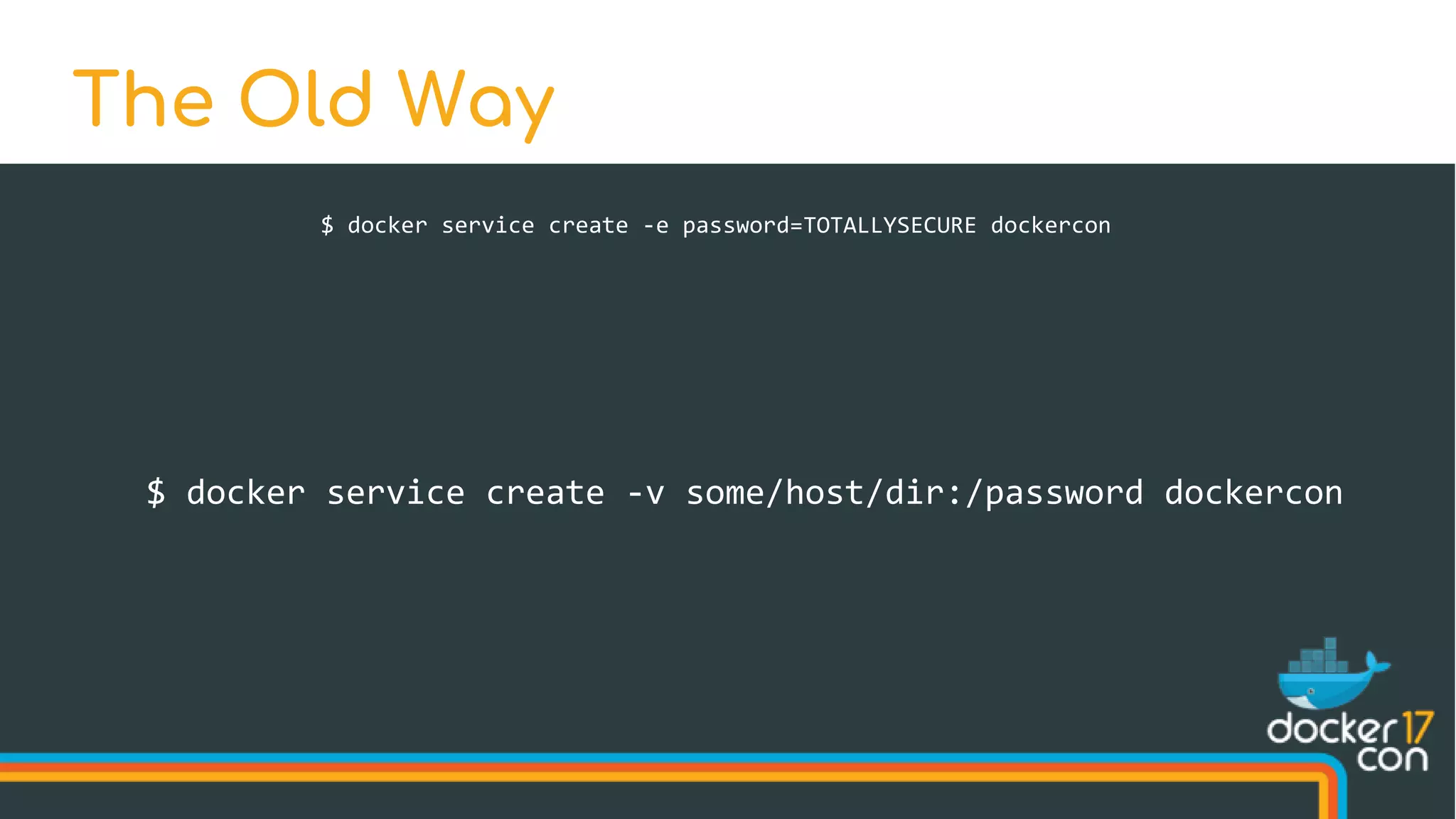
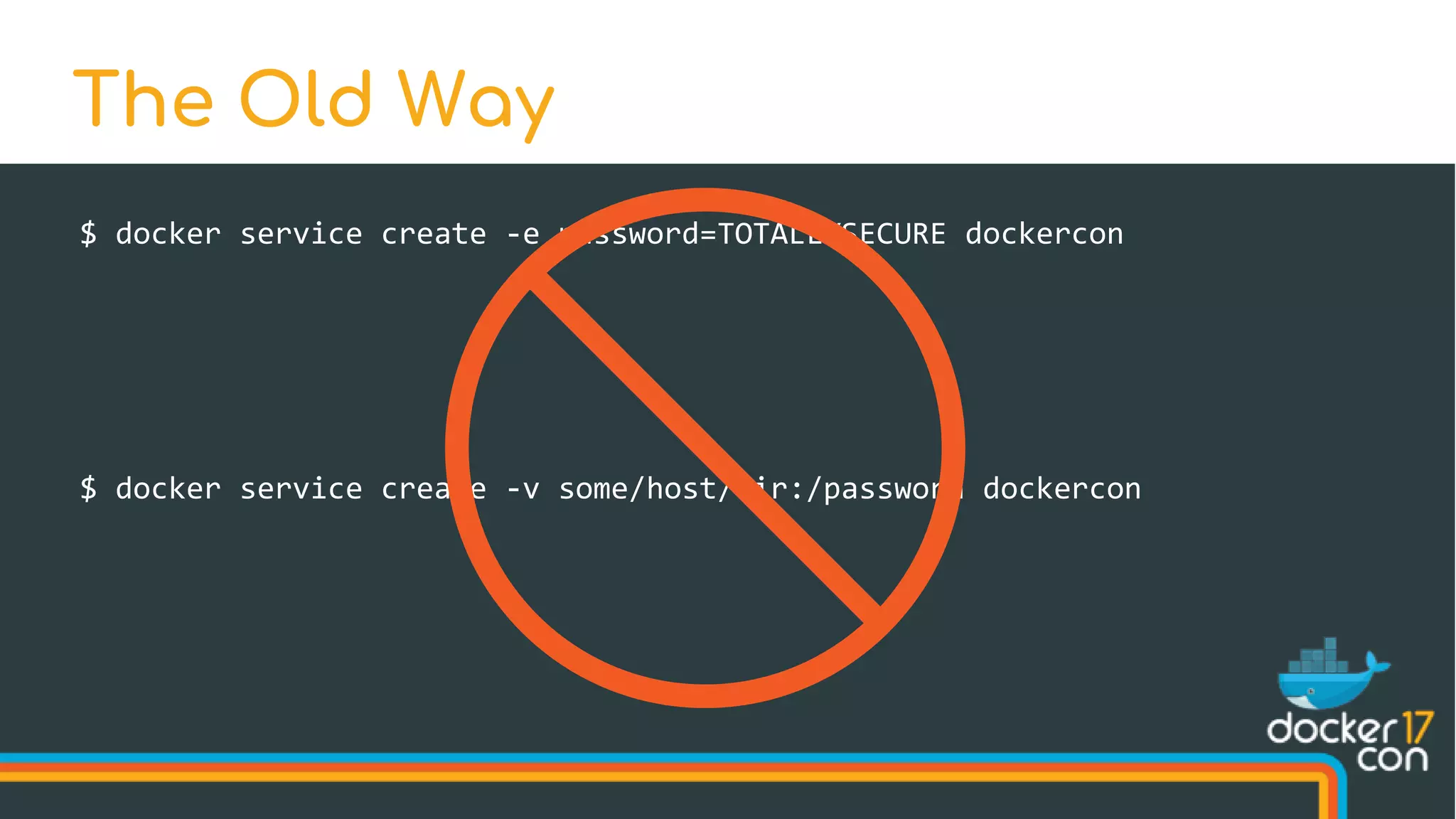
$ docker service create -e password=TOTALLYSECURE dockercon
The Old Way
$ docker service create -v some/host/dir:/password dockercon
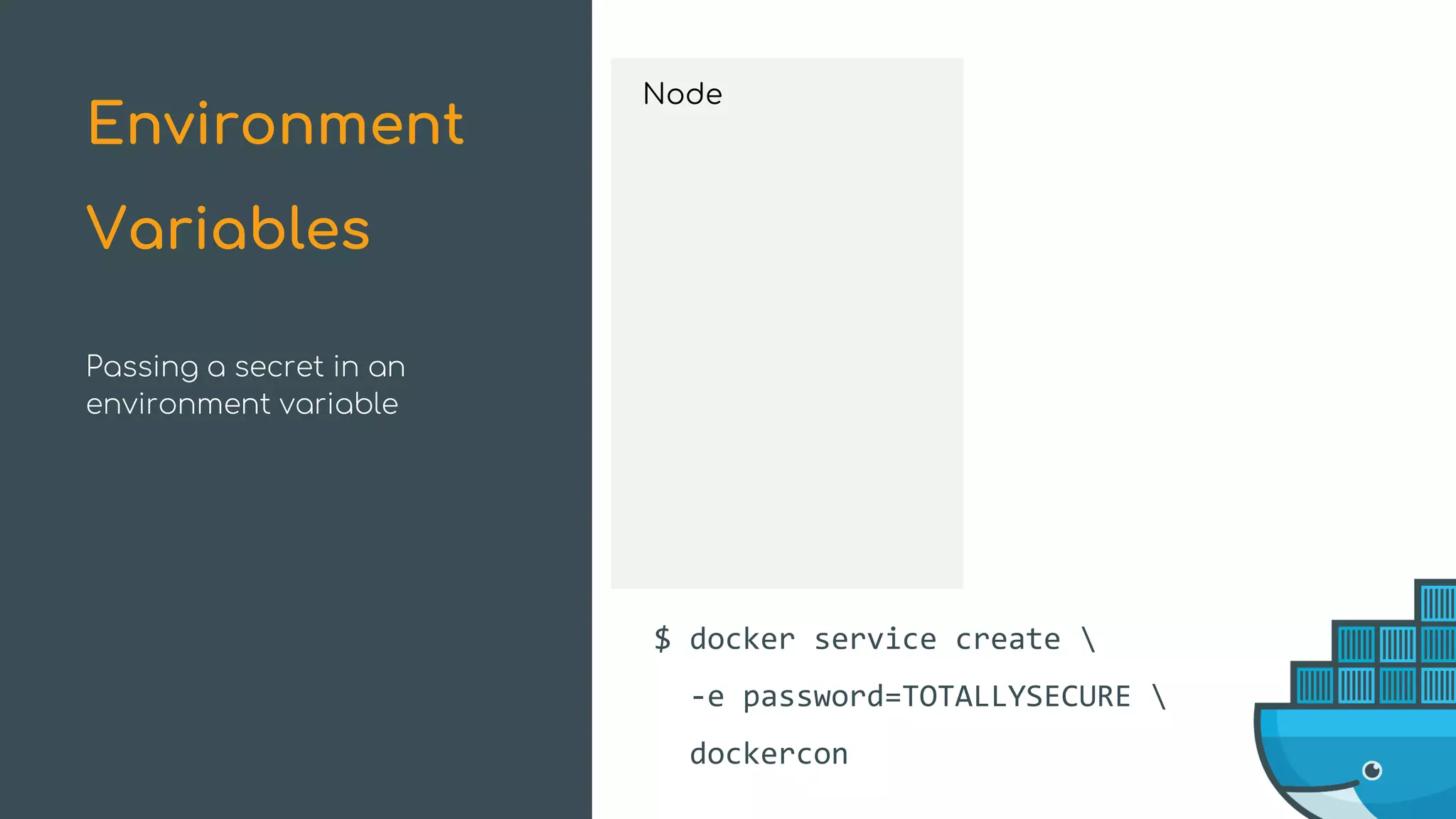
Passing a secret in an
environment variable
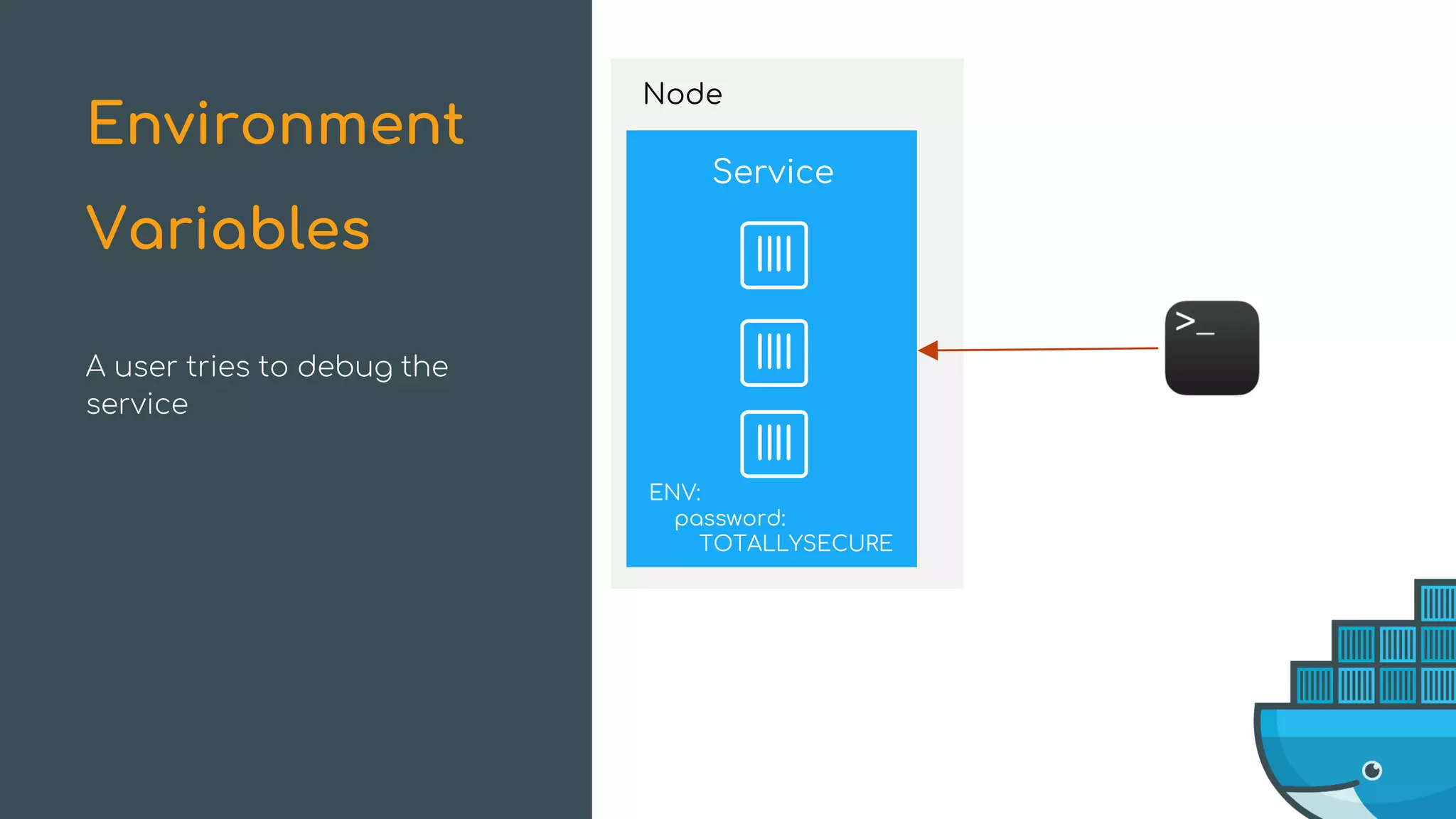
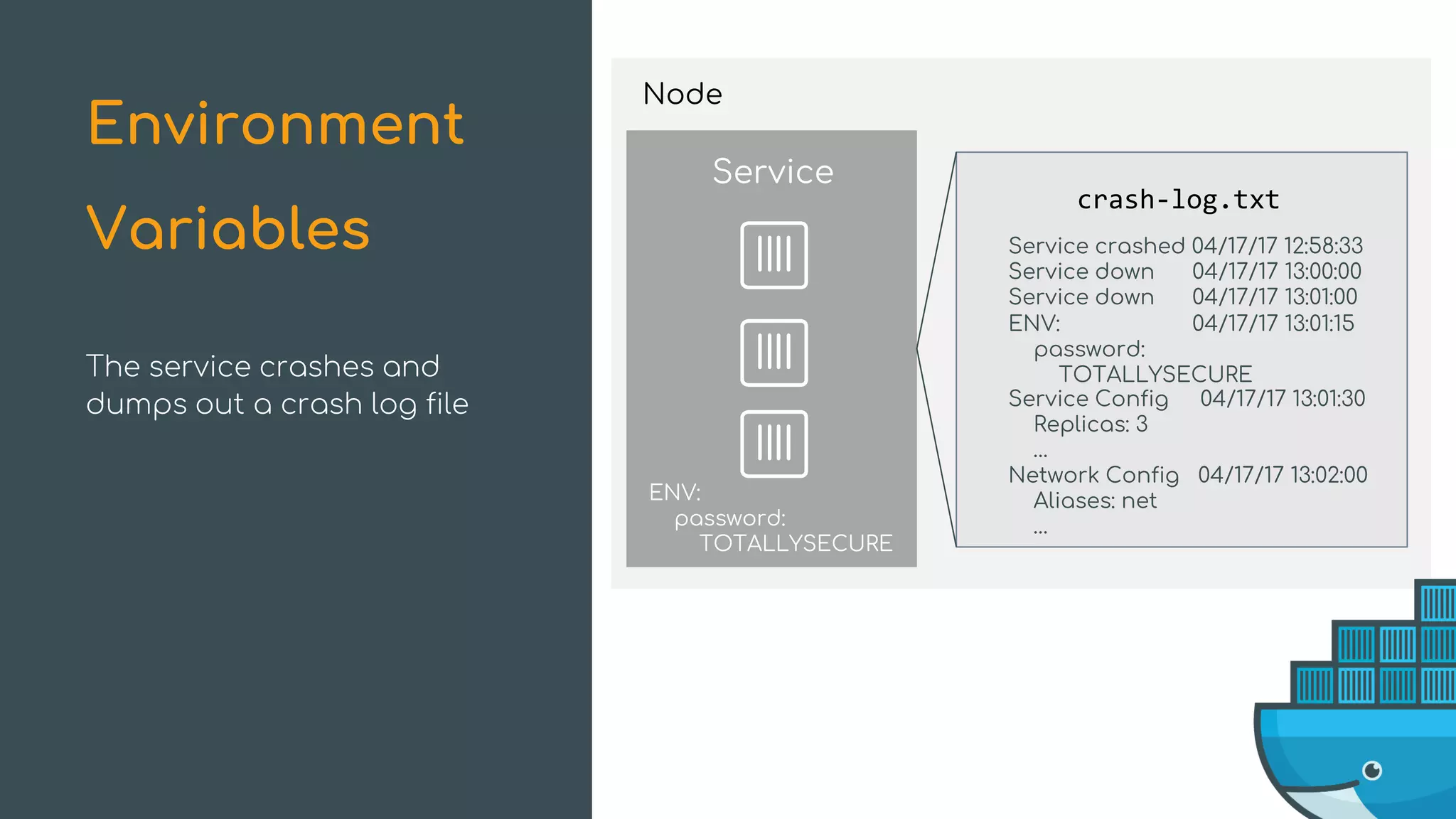
Environment
Variables
$ docker service create 
-e password=TOTALLYSECURE 
dockercon
Service
Node
Node
Service
ENV:
password:
TOTALLYSECURE
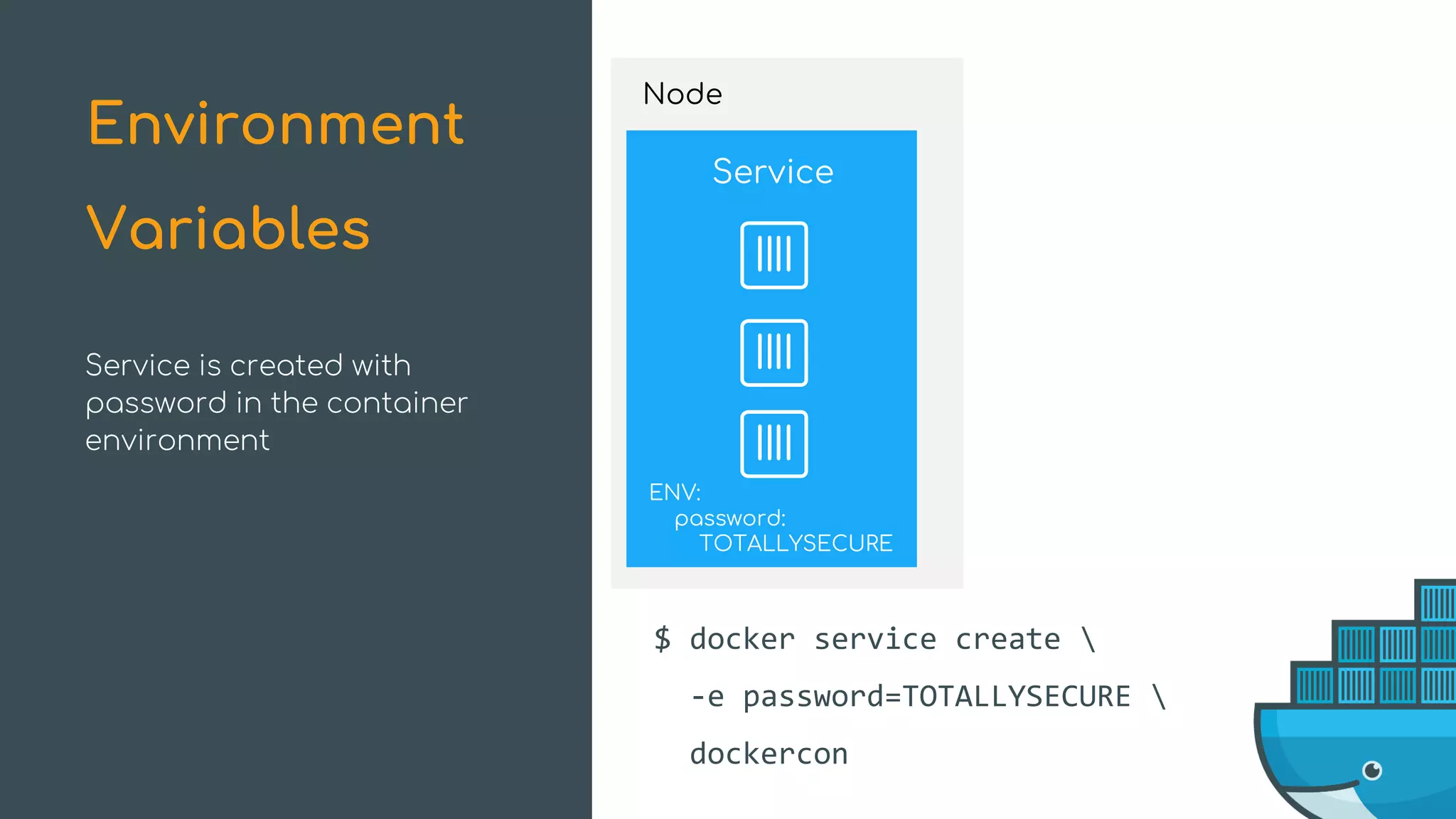
$ docker service create 
-e password=TOTALLYSECURE 
dockercon
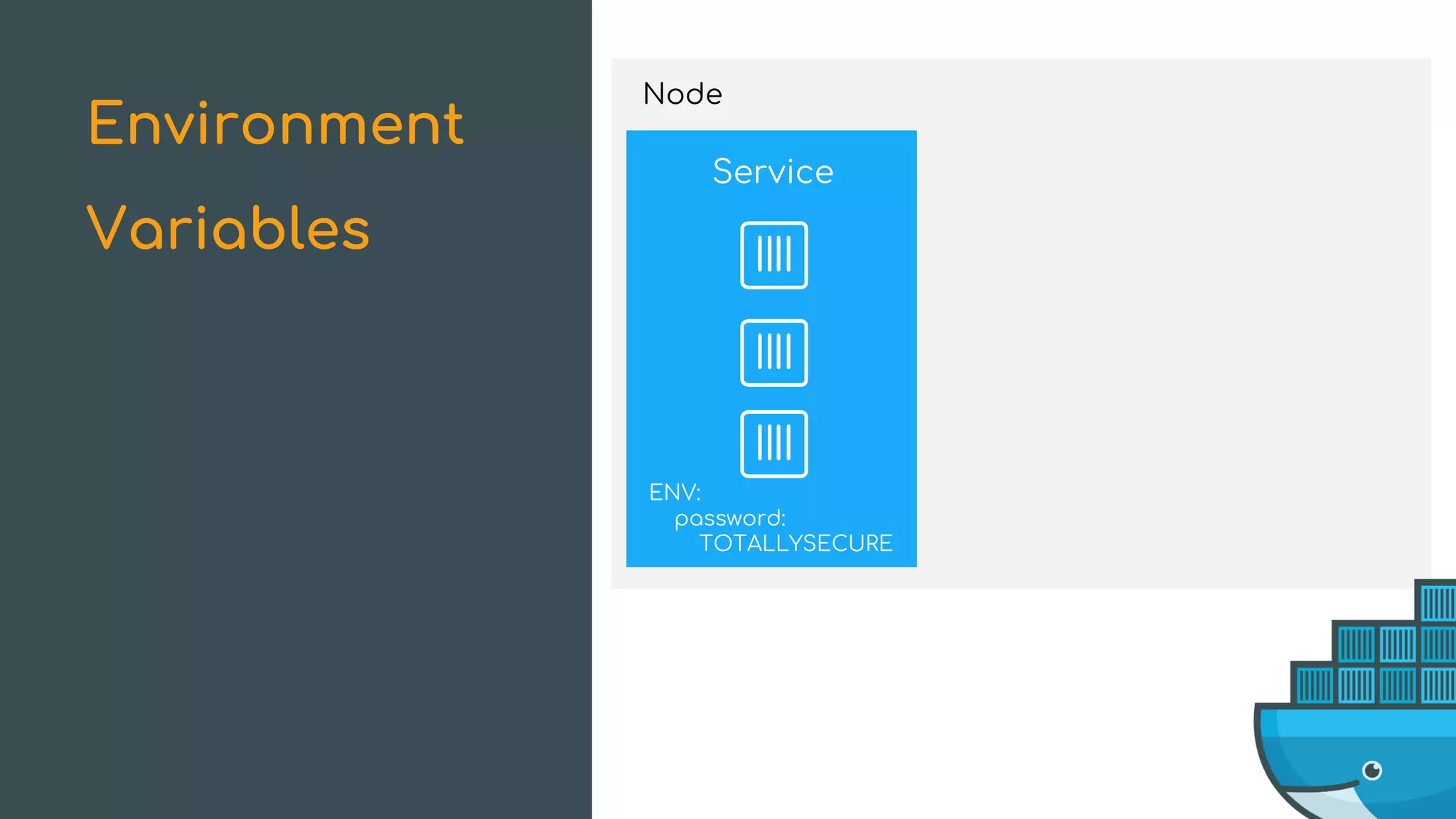
Service is created with
password in the container
environment
Environment
Variables
Node
Service
ENV:
password:
TOTALLYSECURE
A user tries to debug the
service
Environment
Variables
Node
debug-log.txt
Service
ENV:
password:
TOTALLYSECURE
ENV:
password:
TOTALLYSECURE
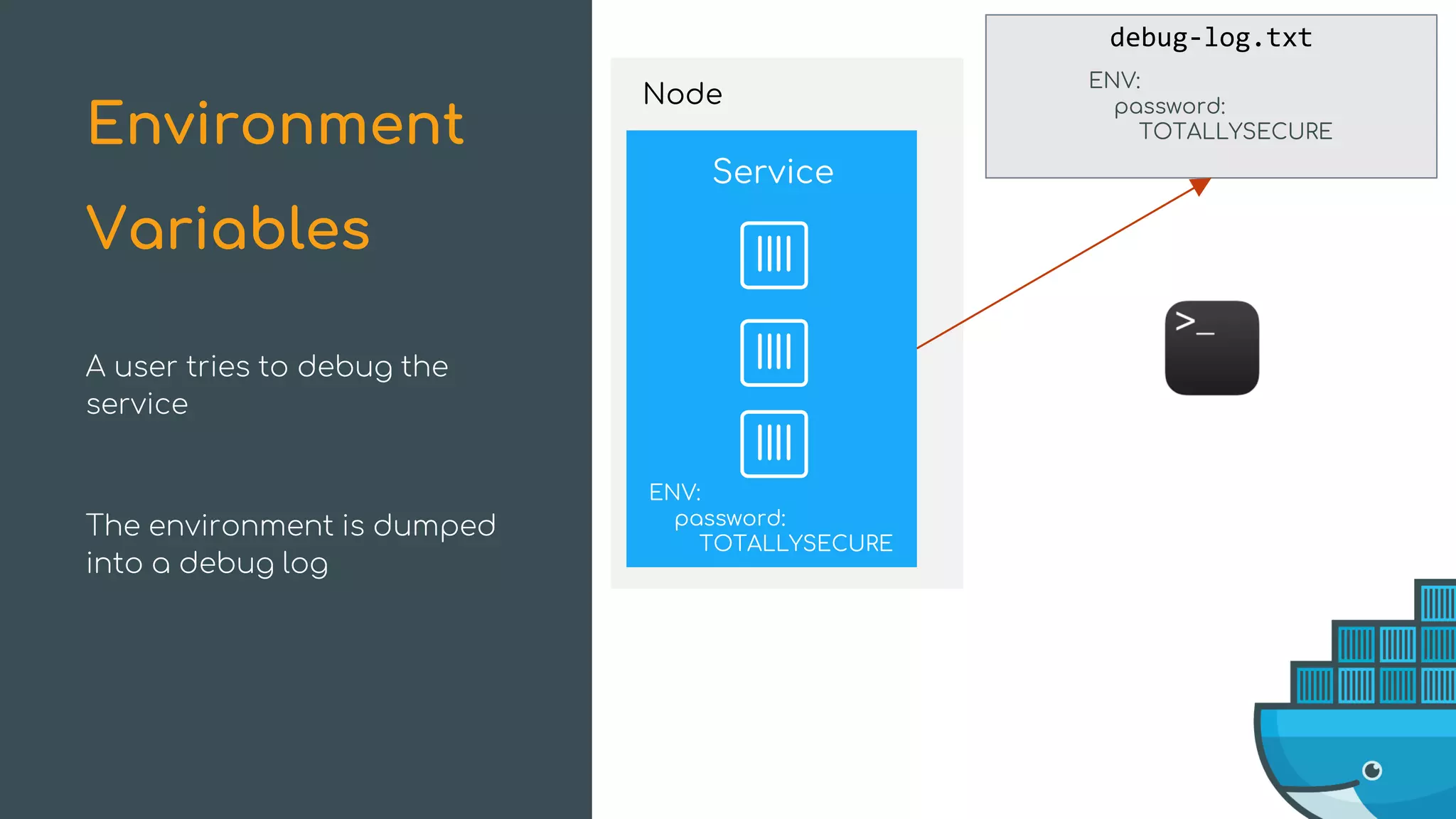
A user tries to debug the
service
Environment
Variables
The environment is dumped
into a debug log
debug-log.txt
Service
ENV:
password:
TOTALLYSECURE
ENV:
password:
TOTALLYSECURE
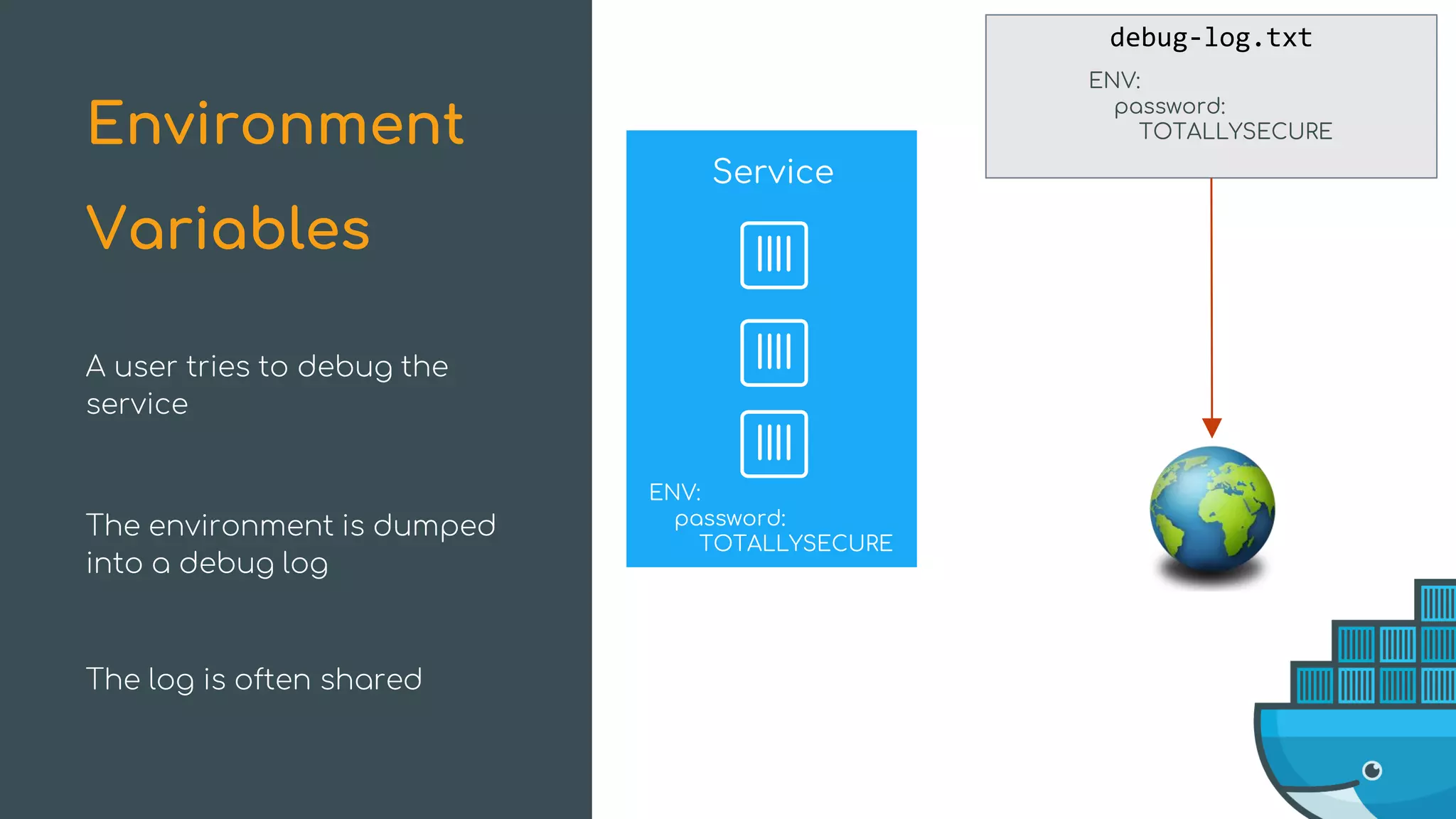
A user tries to debug the
service
Environment
Variables
The environment is dumped
into a debug log
The log is often shared
Node
Service
ENV:
password:
TOTALLYSECURE
Environment
Variables
Node
Service
ENV:
password:
TOTALLYSECURE
crash-log.txt
ENV: 04/17/17 13:01:15
password:
TOTALLYSECURE
Service crashed 04/17/17 12:58:33
Service down 04/17/17 13:00:00
Service down 04/17/17 13:01:00
Service Config 04/17/17 13:01:30
Replicas: 3
…
Network Config 04/17/17 13:02:00
Aliases: net
…
The service crashes and
dumps out a crash log file
Environment
Variables
Node
crash-log.txt
Service crashed 04/17/17 12:58:33
Service down 04/17/17 13:00:00
Service down 04/17/17 13:01:00
Service Config 04/17/17 13:01:30
Replicas: 3
…
Network Config 04/17/17 13:02:00
Aliases: net
…
ENV: 04/17/17 13:01:15
password:
TOTALLYSECURE
The service crashes and
dumps out a crash log file
Environment
Variables
The log file contains a
plaintext password and is
saved to disk
$ docker service create -e password=TOTALLYSECURE dockercon
The Old Way
$ docker service create -v some/host/dir:/password dockercon
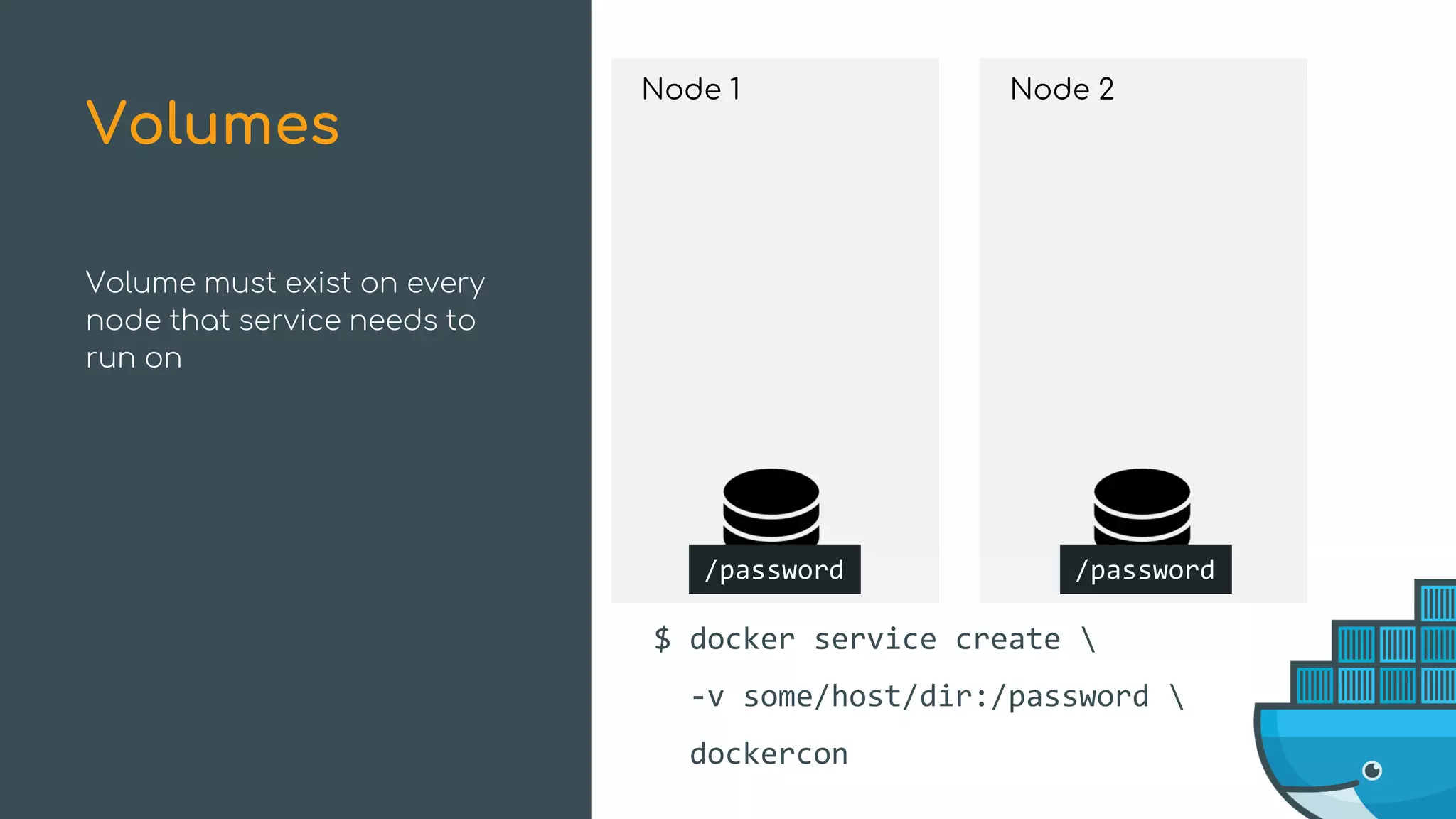
Node 1
/password
$ docker service create 
-v some/host/dir:/password 
dockercon
Node 2
/password
Volume must exist on every
node that service needs to
run on
Volumes
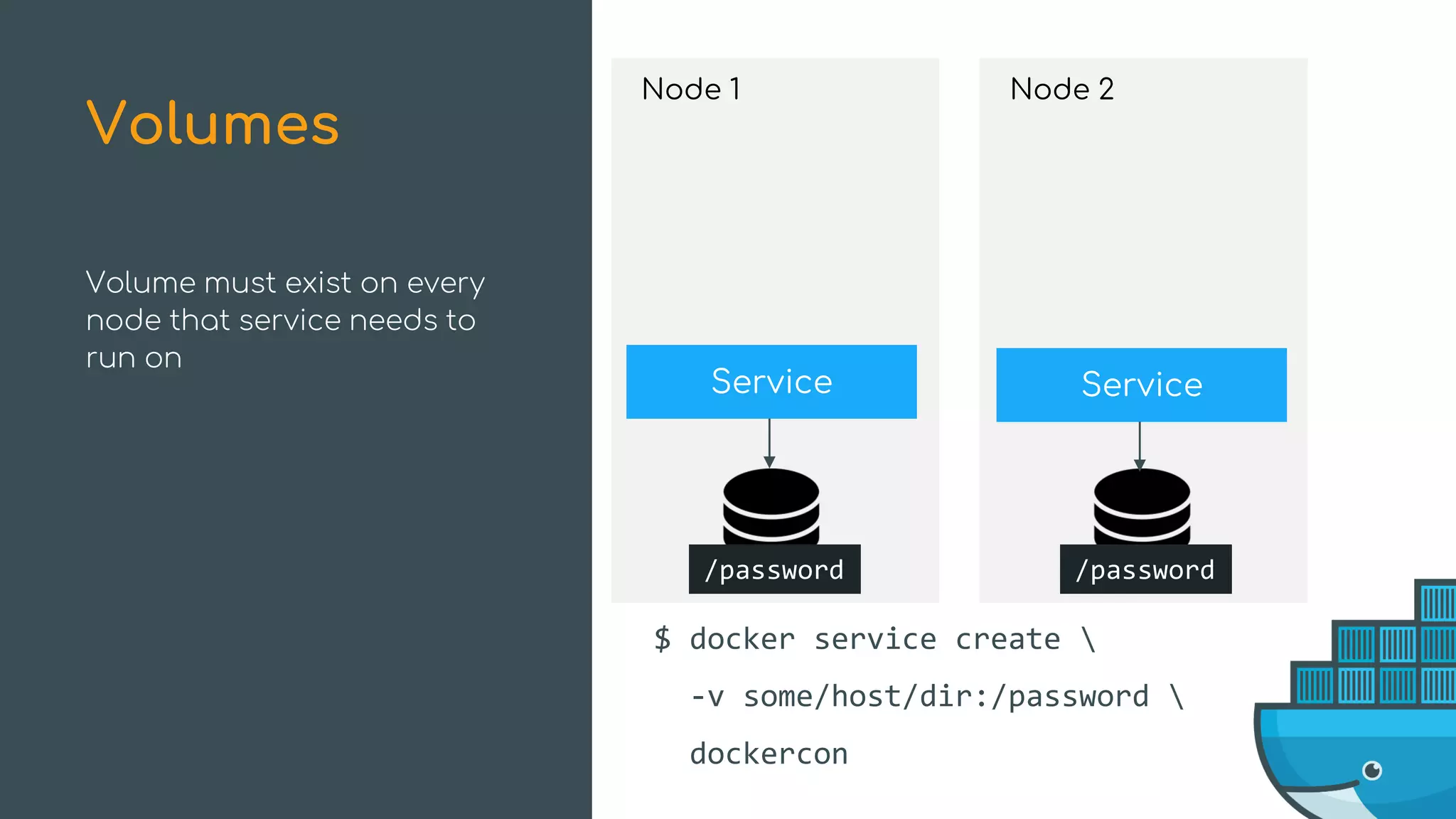
Node 1
Service
/password
$ docker service create 
-v some/host/dir:/password 
dockercon
Node 2
/password
Service
Volume must exist on every
node that service needs to
run on
Volumes
Node 1
Service
/password
Node 2
/password
Service
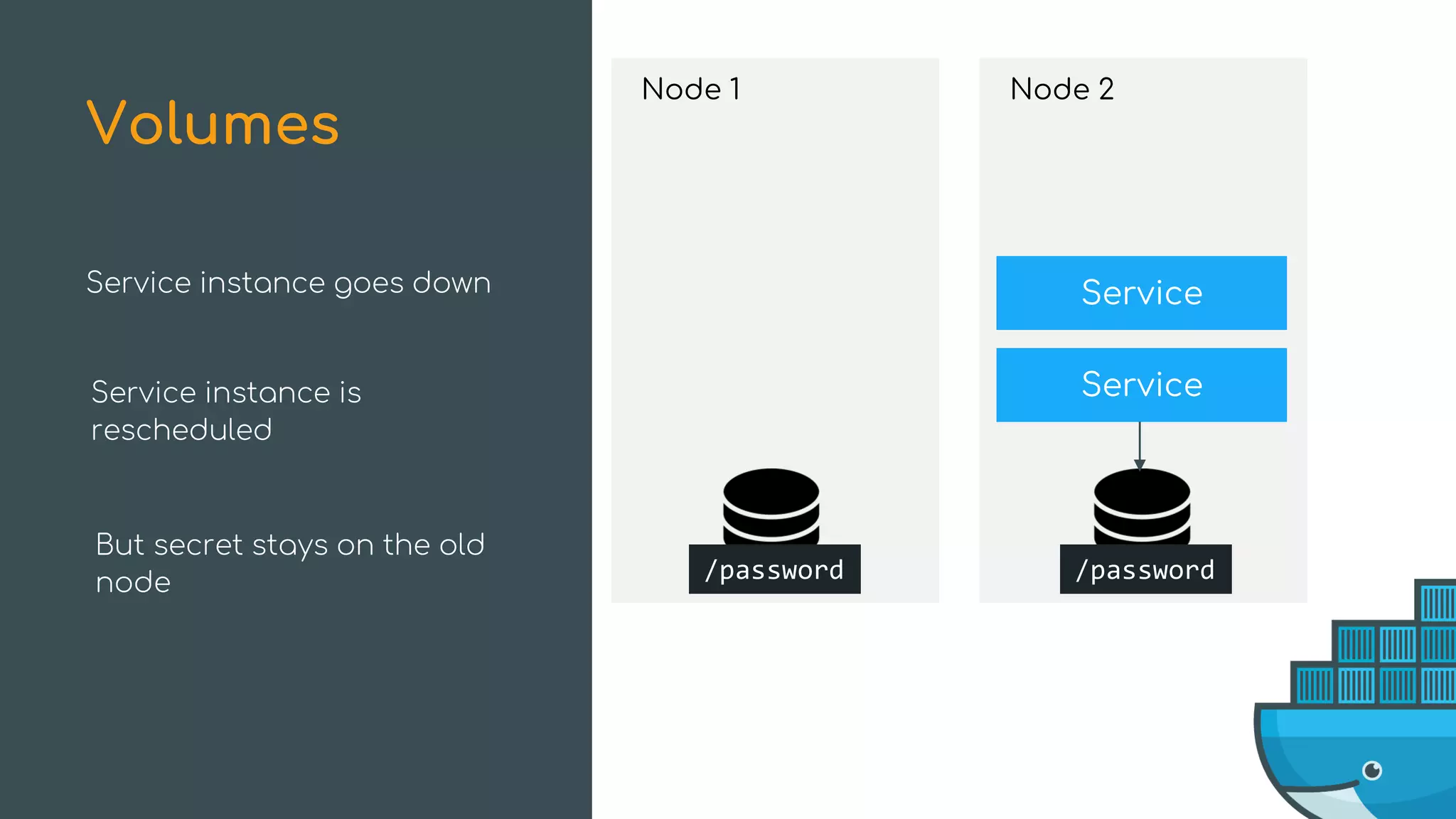
Service instance goes down
Volumes
Node 1
/password
Node 2
/password
Service
ServiceService instance goes down
Volumes
Service instance is
rescheduled
But secret stays on the old
node
$ docker service create -e password=TOTALLYSECURE dockercon
The Old Way
$ docker service create -v some/host/dir:/password dockercon
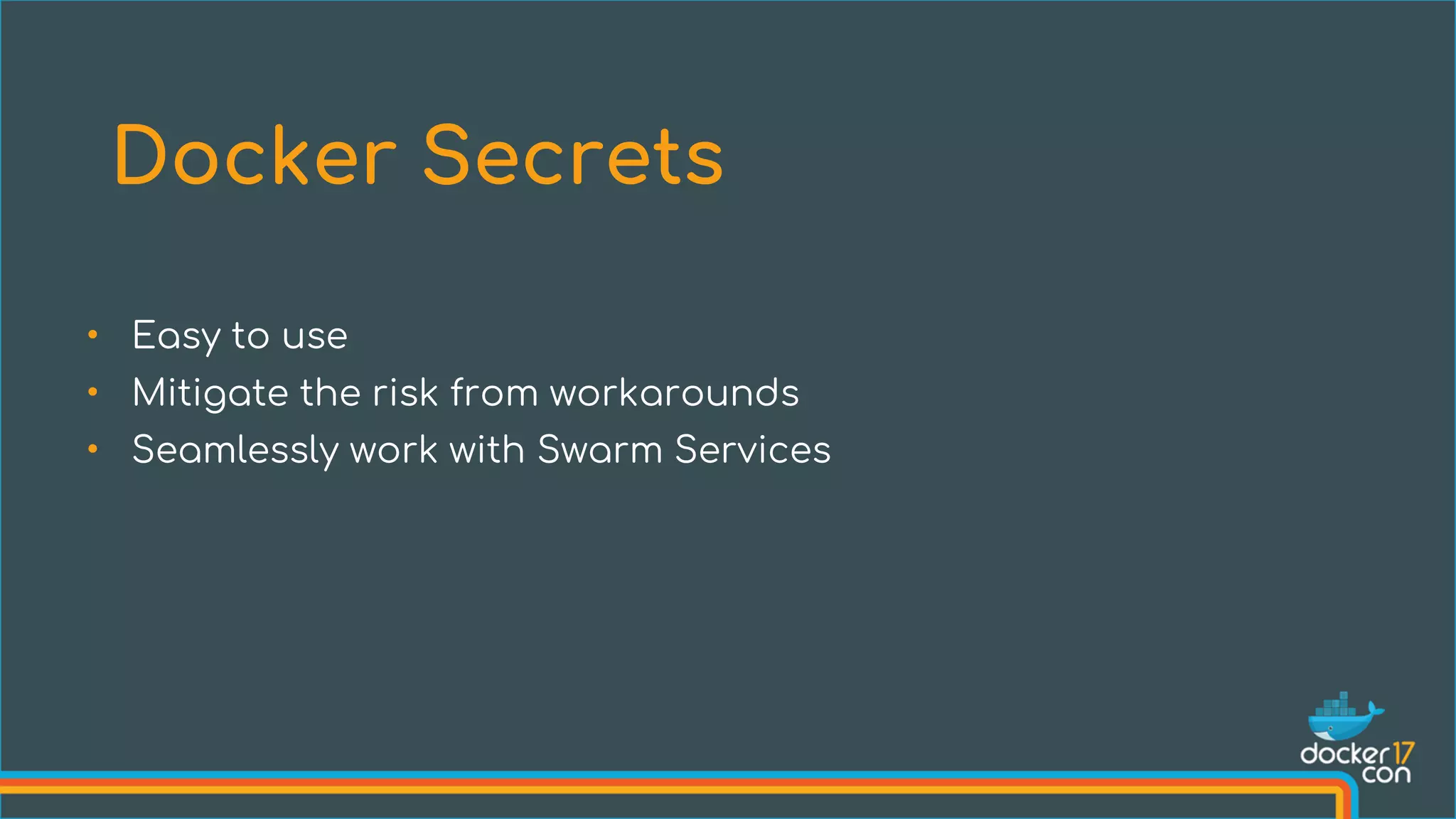
• Easy to use
• Mitigate the risk from workarounds
• Seamlessly work with Swarm Services
Docker Secrets
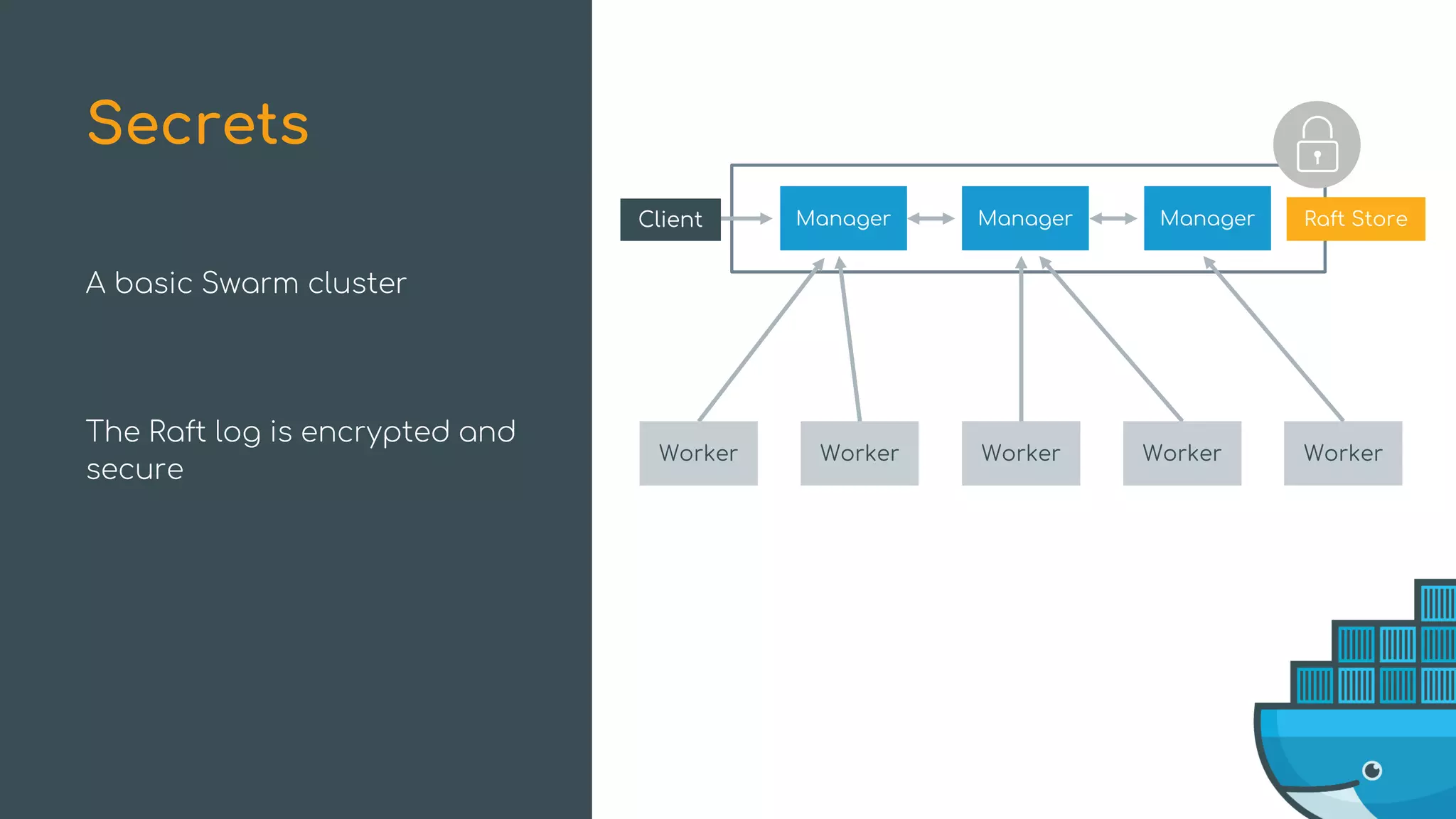
A basic Swarm cluster
The Raft log is encrypted and
secure
Secrets
Manager ManagerManager Raft Store
Worker Worker Worker Worker Worker
Client
Let’s encrypt the encryption
keys for added security
It takes just one command!
Secrets
$ docker swarm update --autolock=true
Manager ManagerManager Raft Store
Worker Worker Worker Worker Worker
Client
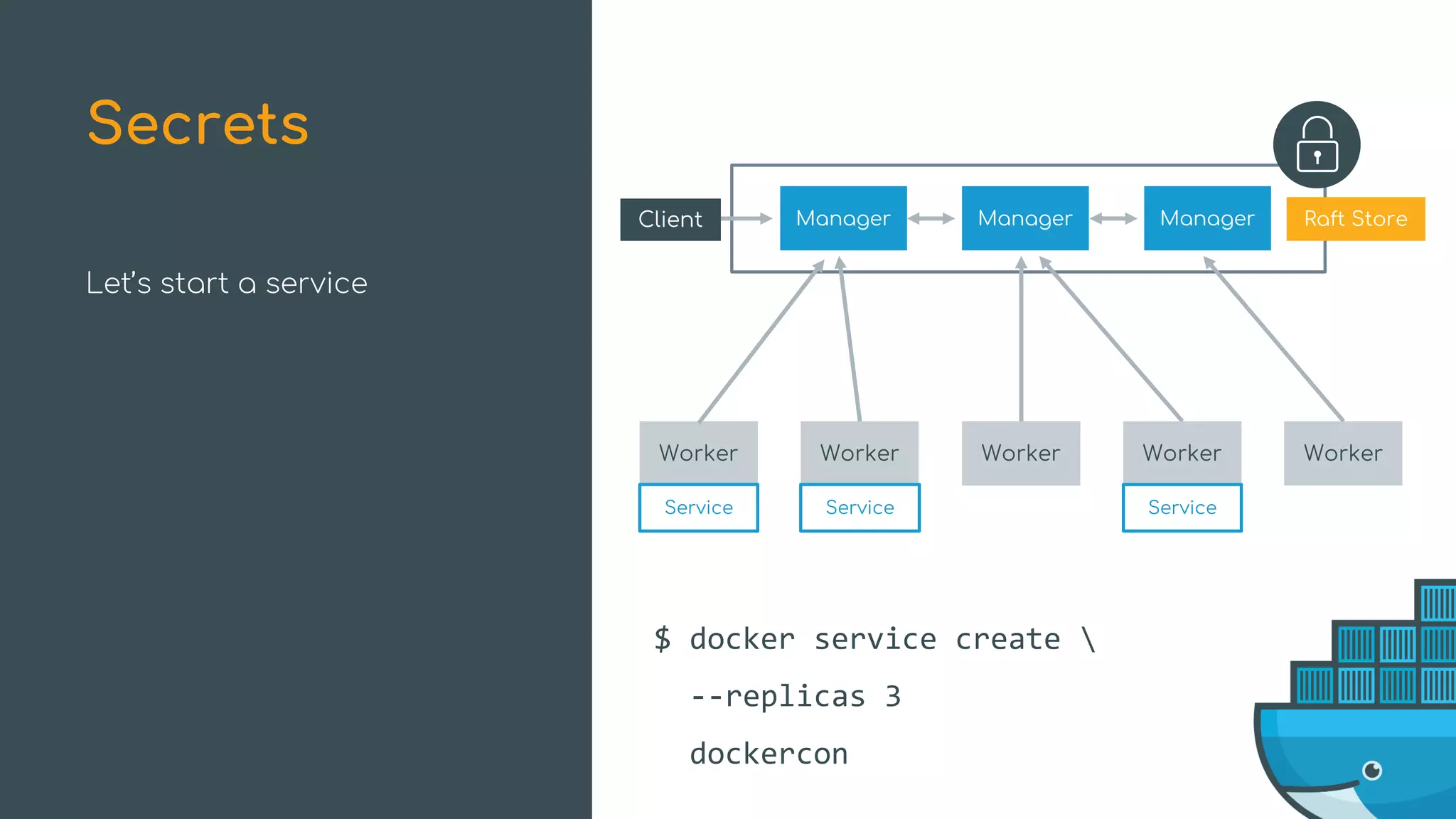
Let’s start a service
Secrets
Manager ManagerManager Raft Store
Worker Worker Worker Worker Worker
Client
Service Service Service
$ docker service create 
--replicas 3
dockercon
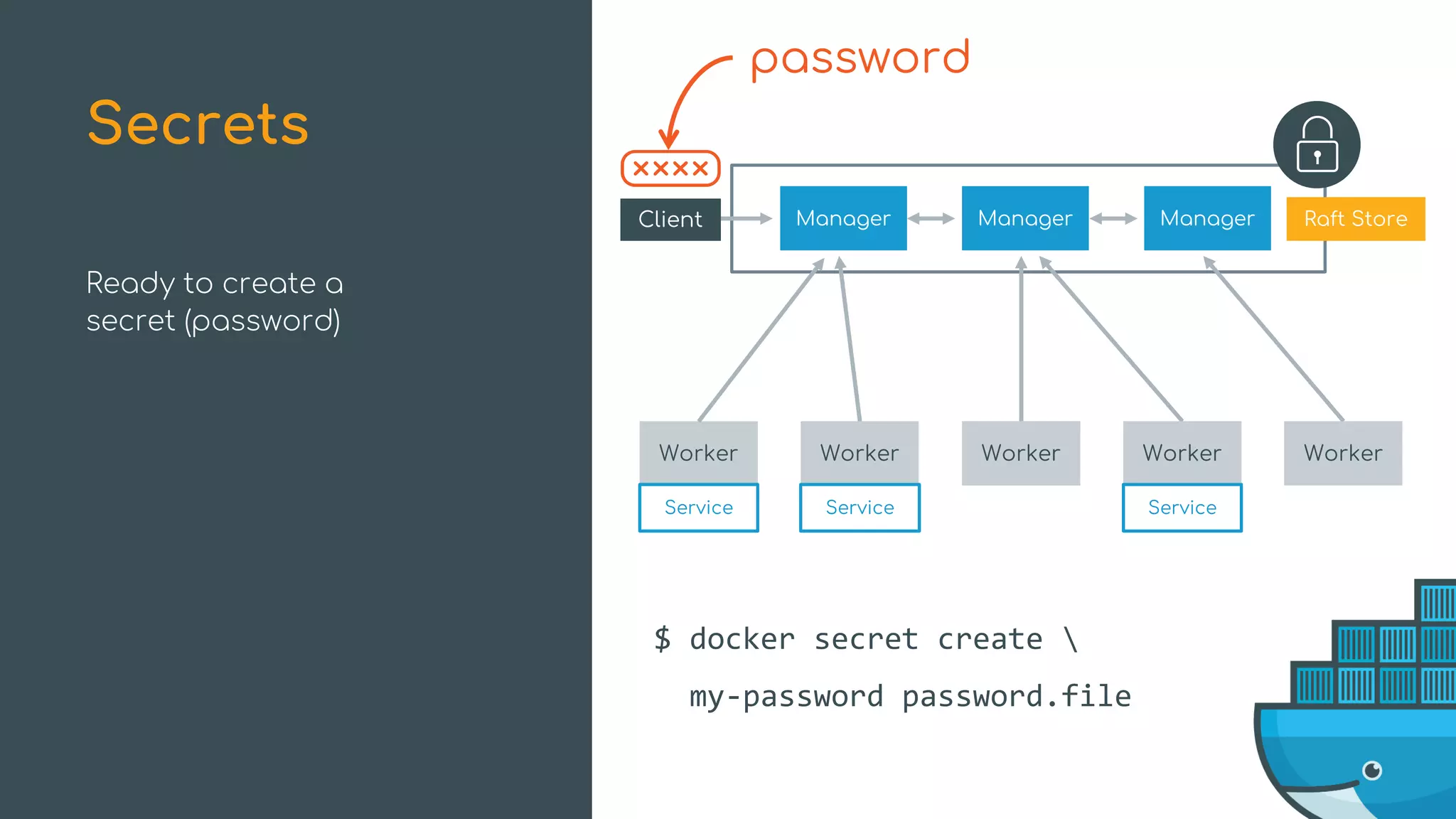
Ready to create a
secret (password)
Secrets
Manager ManagerManager Raft Store
Worker Worker Worker Worker Worker
Client
Service Service Service
$ docker secret create 
my-password password.file
password
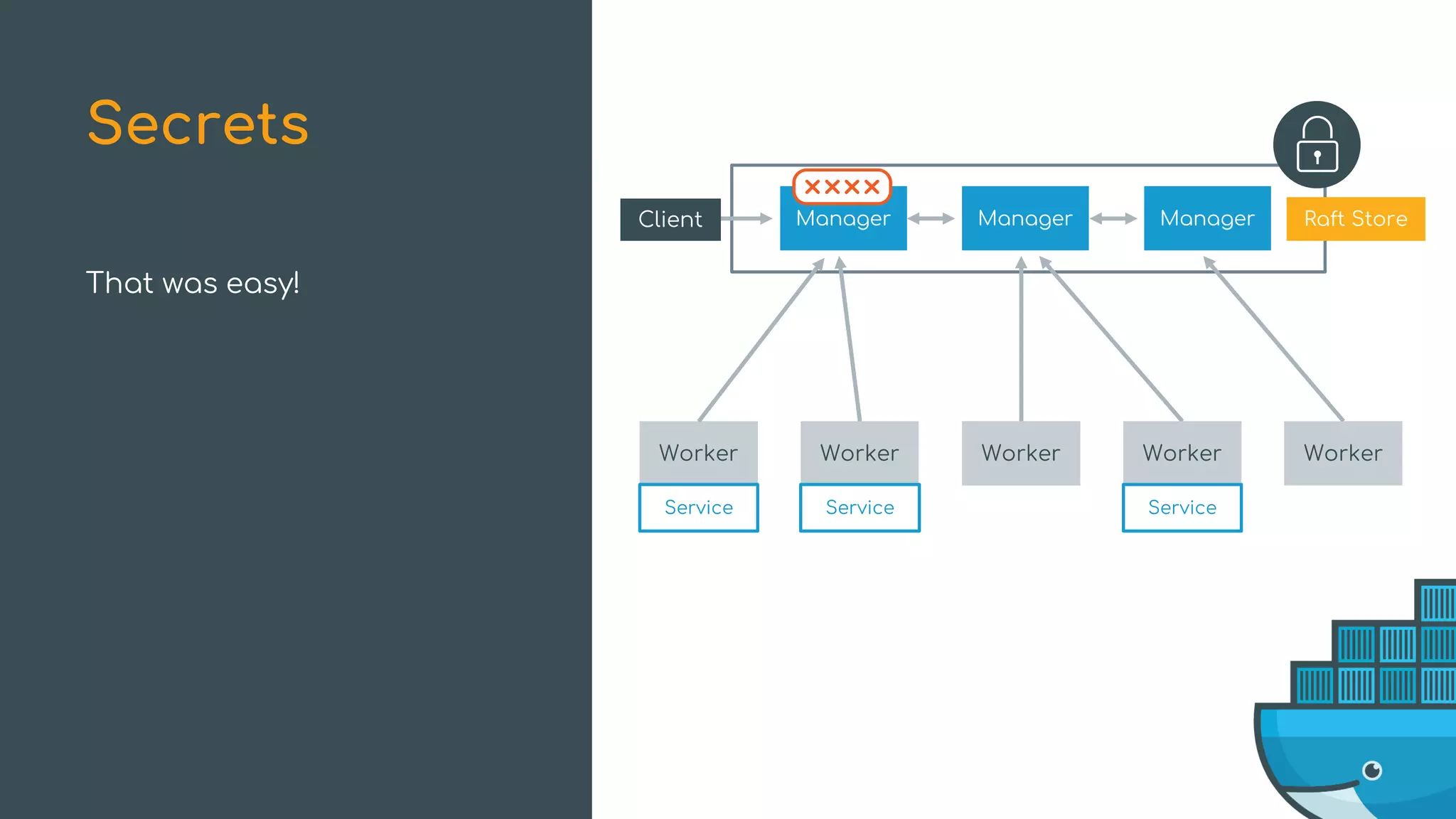
That was easy!
Secrets
Manager ManagerManager Raft Store
Worker Worker Worker Worker Worker
Client
Service Service Service
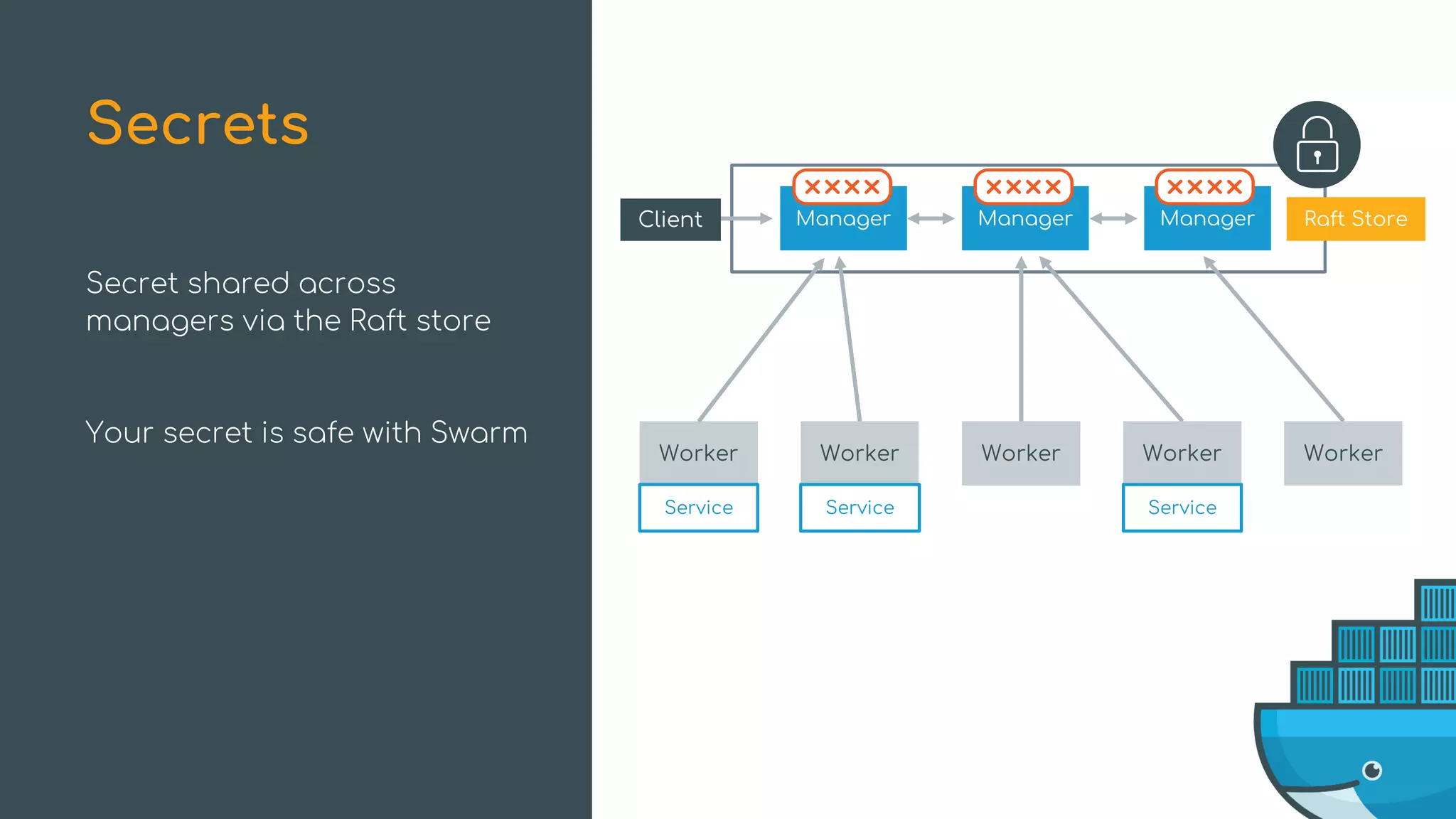
Secret shared across
managers via the Raft store
Your secret is safe with Swarm
Secrets
Manager ManagerManager Raft Store
Worker Worker Worker Worker Worker
Client
Service Service Service
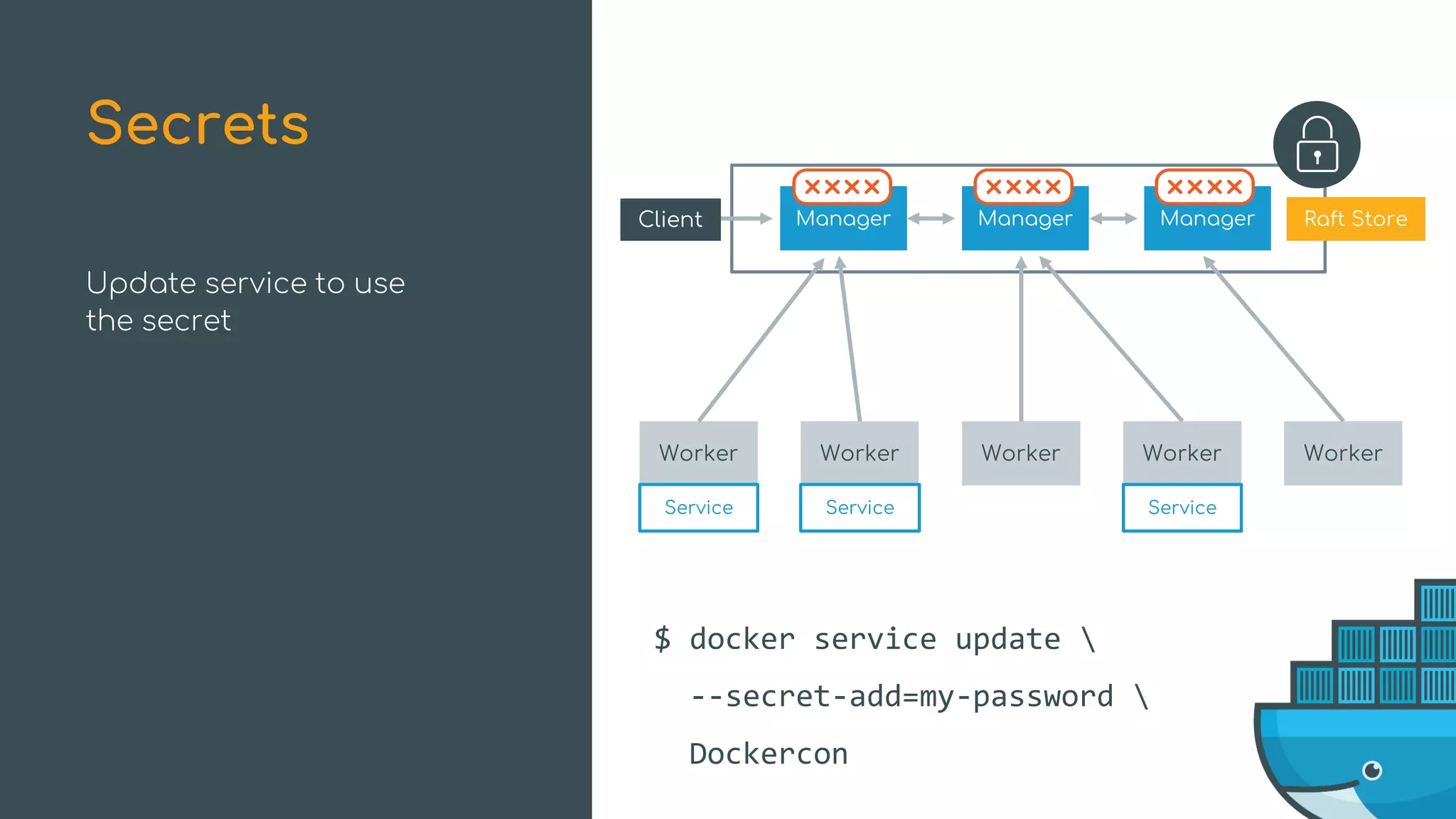
Update service to use
the secret
Secrets
Manager ManagerManager Raft Store
Worker Worker Worker Worker Worker
Client
Service Service Service
$ docker service update 
--secret-add=my-password 
Dockercon
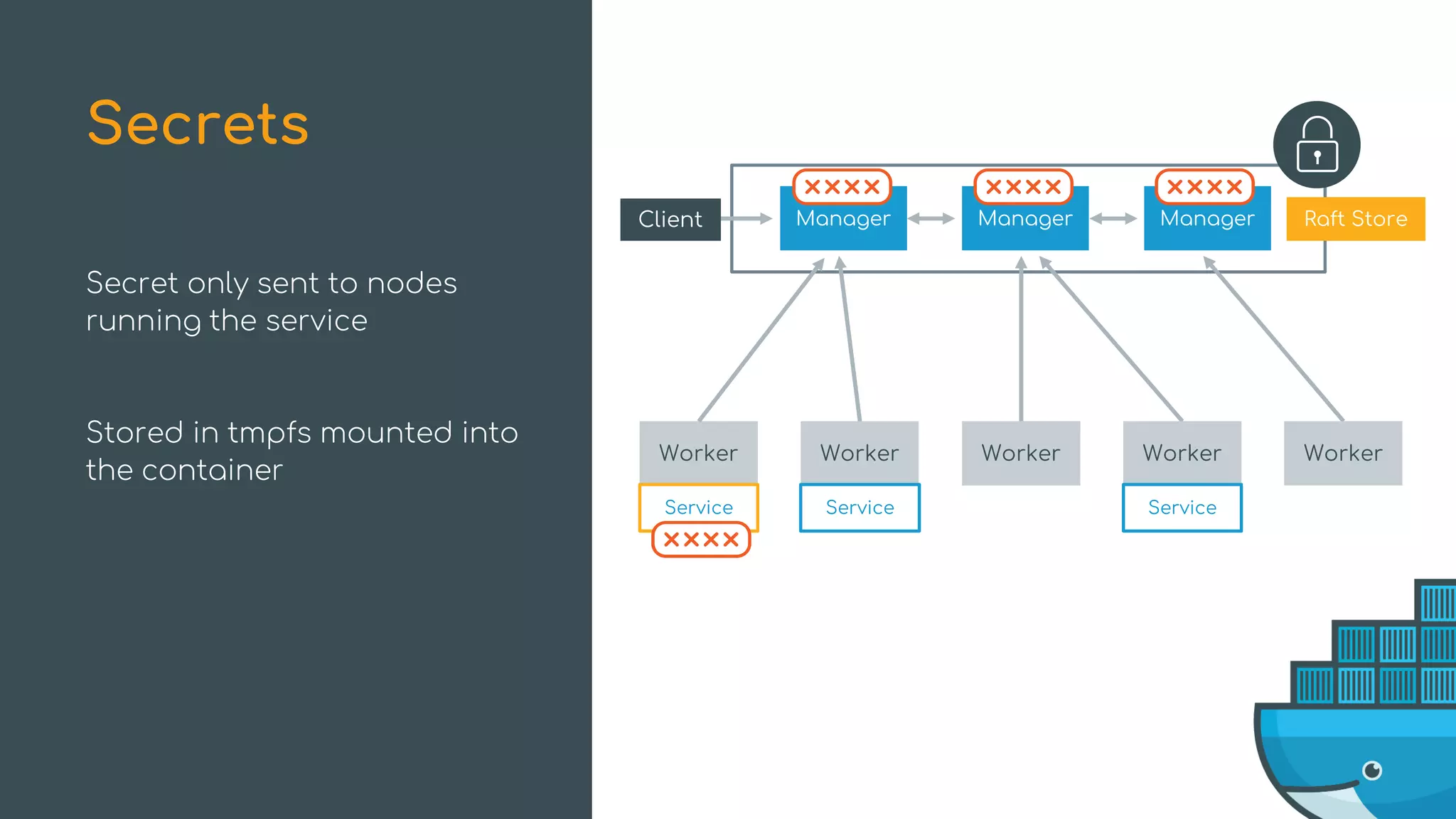
Secret only sent to nodes
running the service
Stored in tmpfs mounted into
the container
Secrets
Manager ManagerManager Raft Store
Worker Worker Worker Worker Worker
Client
Service Service Service
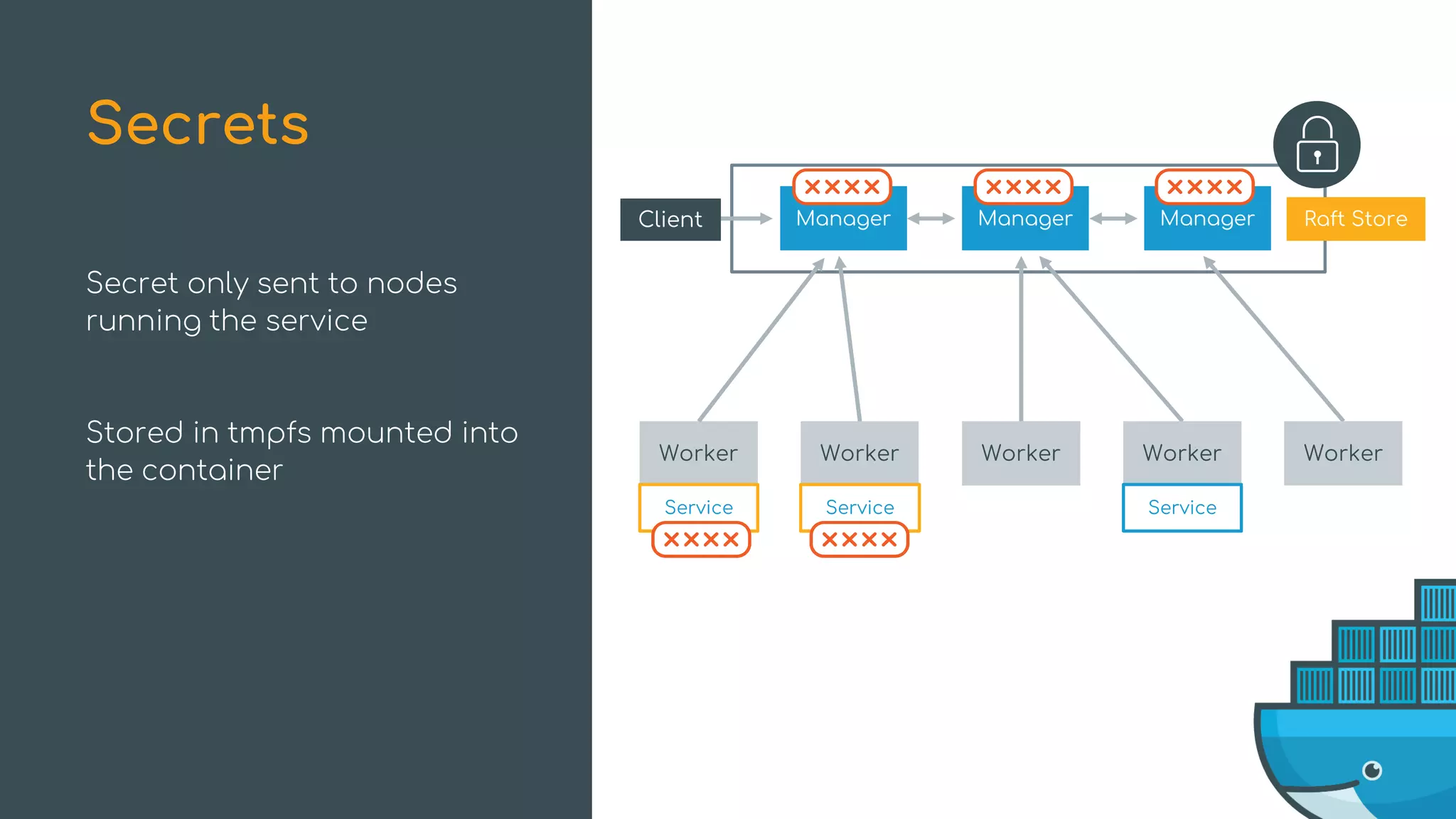
Secret only sent to nodes
running the service
Stored in tmpfs mounted into
the container
Secrets
Manager ManagerManager Raft Store
Worker Worker Worker Worker Worker
Client
Service Service Service
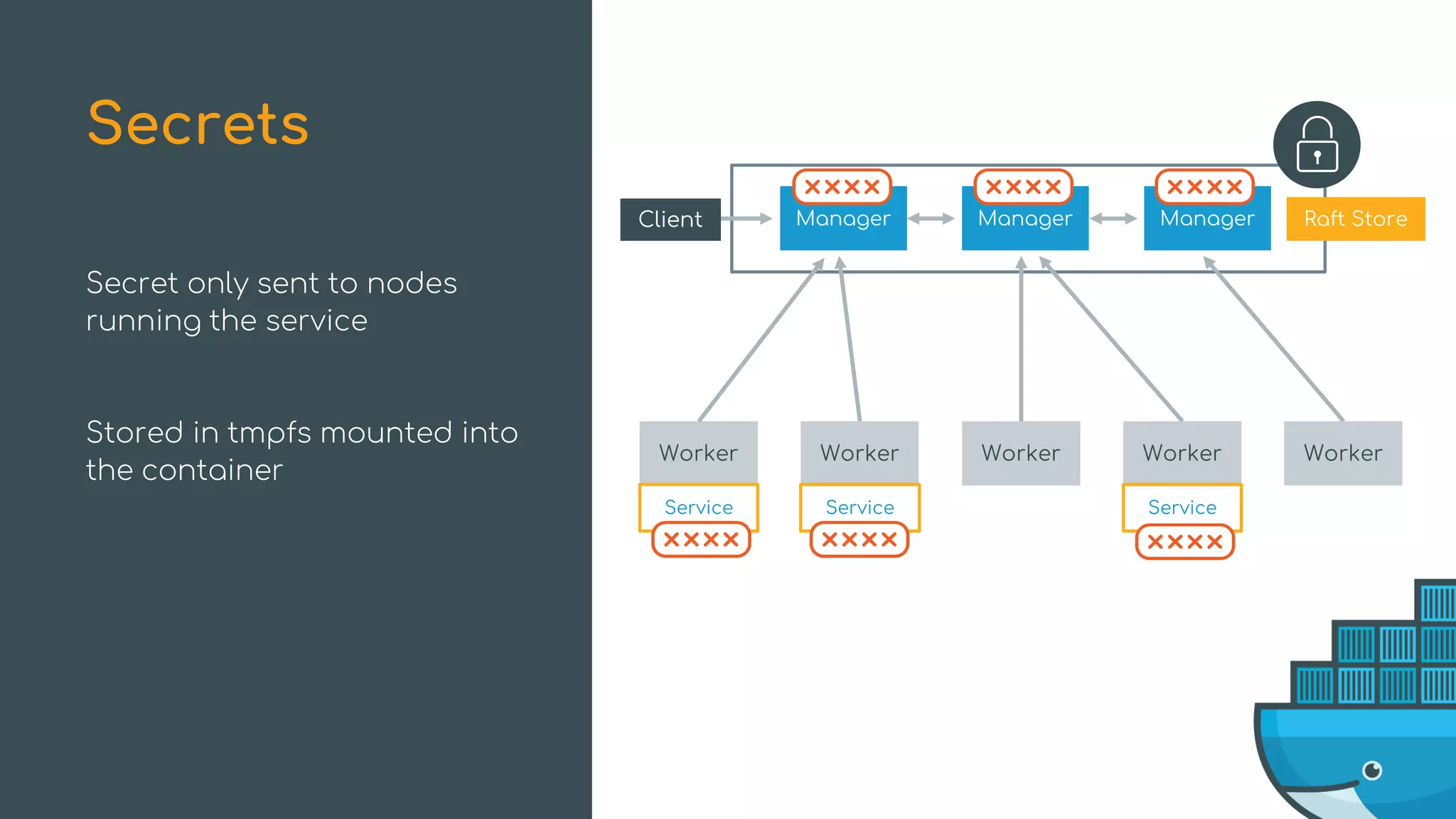
Secret only sent to nodes
running the service
Stored in tmpfs mounted into
the container
Secrets
Manager ManagerManager Raft Store
Worker Worker Worker Worker Worker
Client
Service Service Service
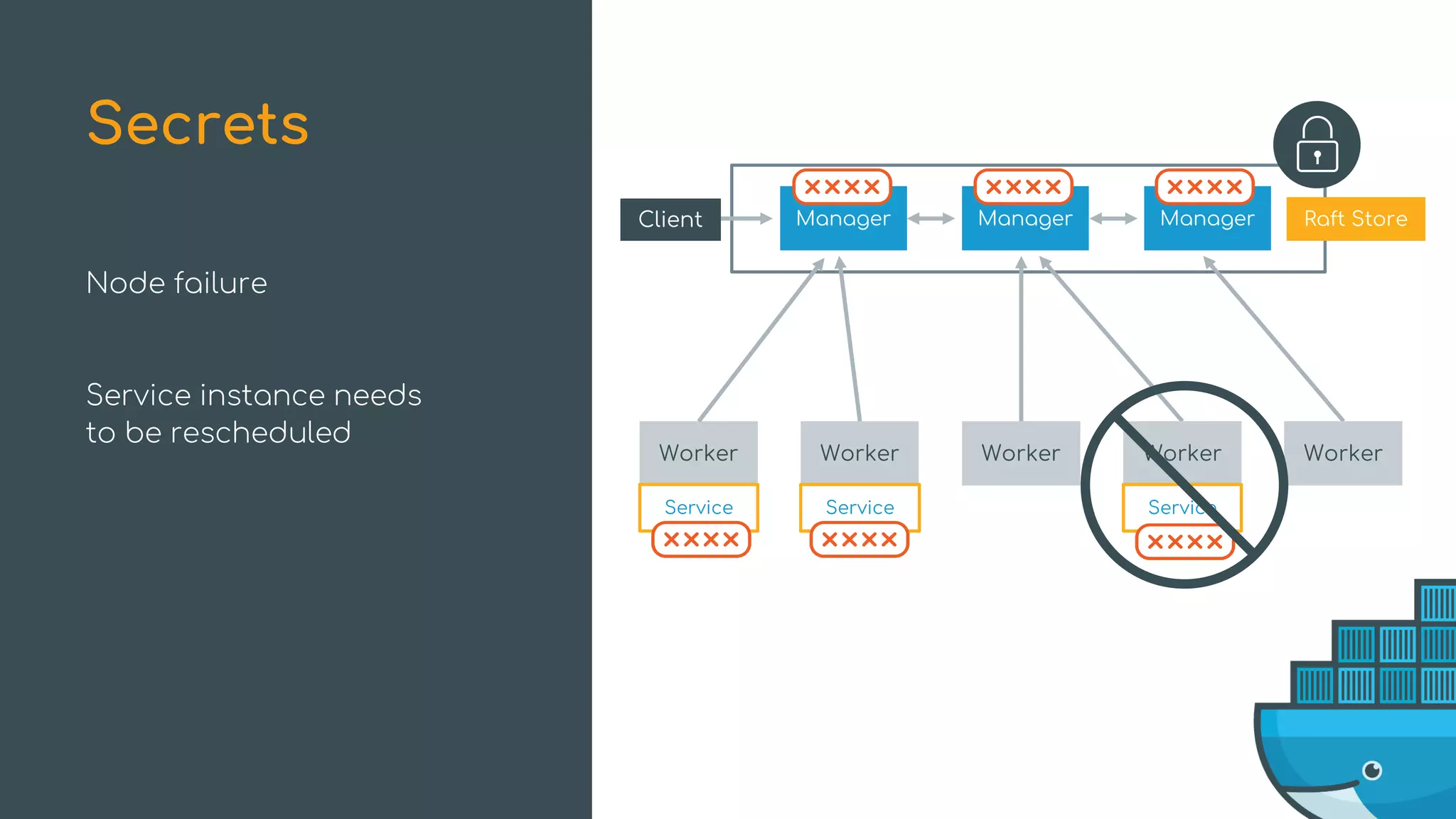
Node failure
Service instance needs
to be rescheduled
Secrets
Manager ManagerManager Raft Store
Worker Worker Worker Worker Worker
Client
Service Service Service
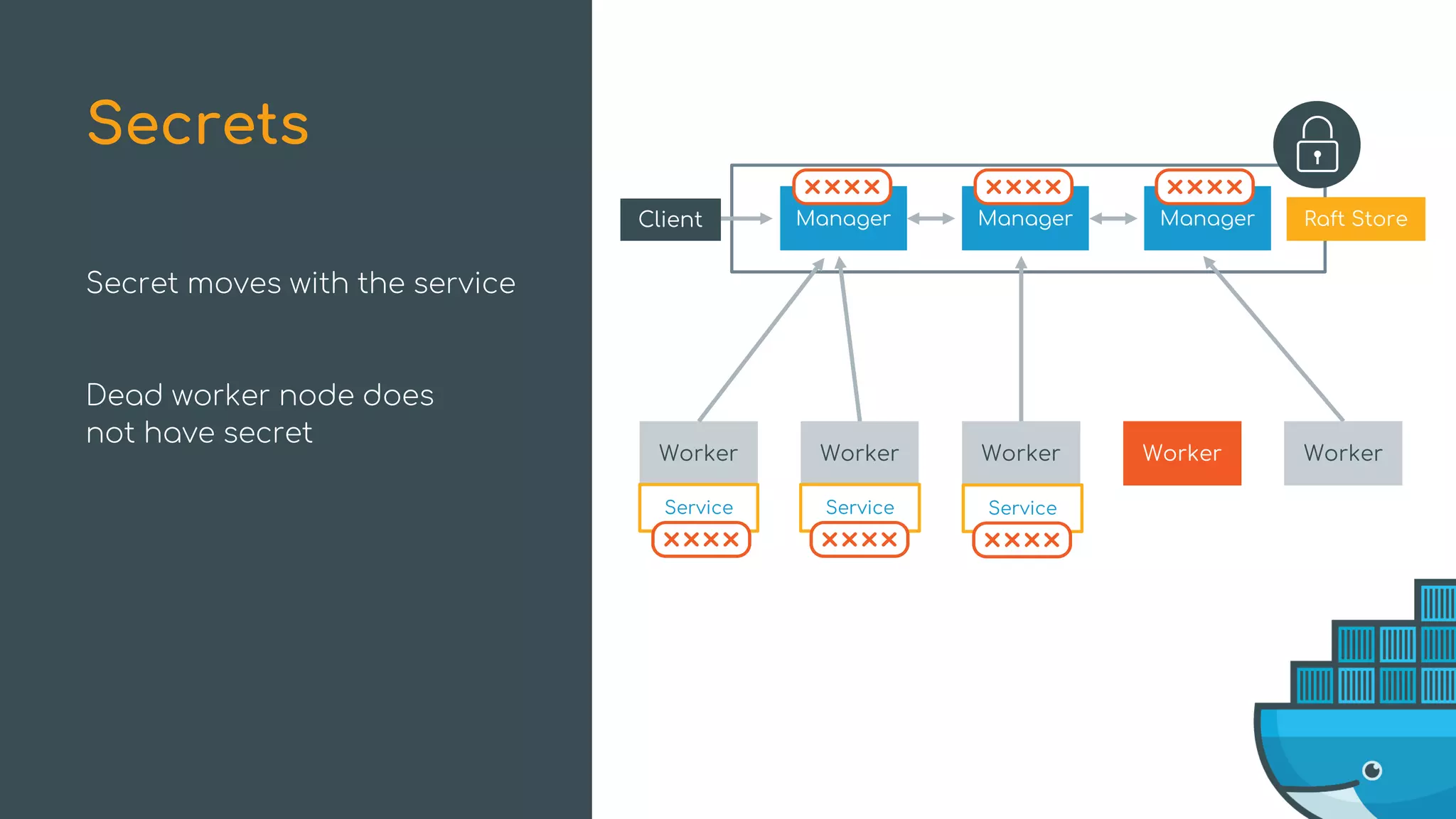
Secret moves with the service
Dead worker node does
not have secret
Secrets
Manager ManagerManager Raft Store
Worker Worker Worker Worker Worker
Client
Service Service Service
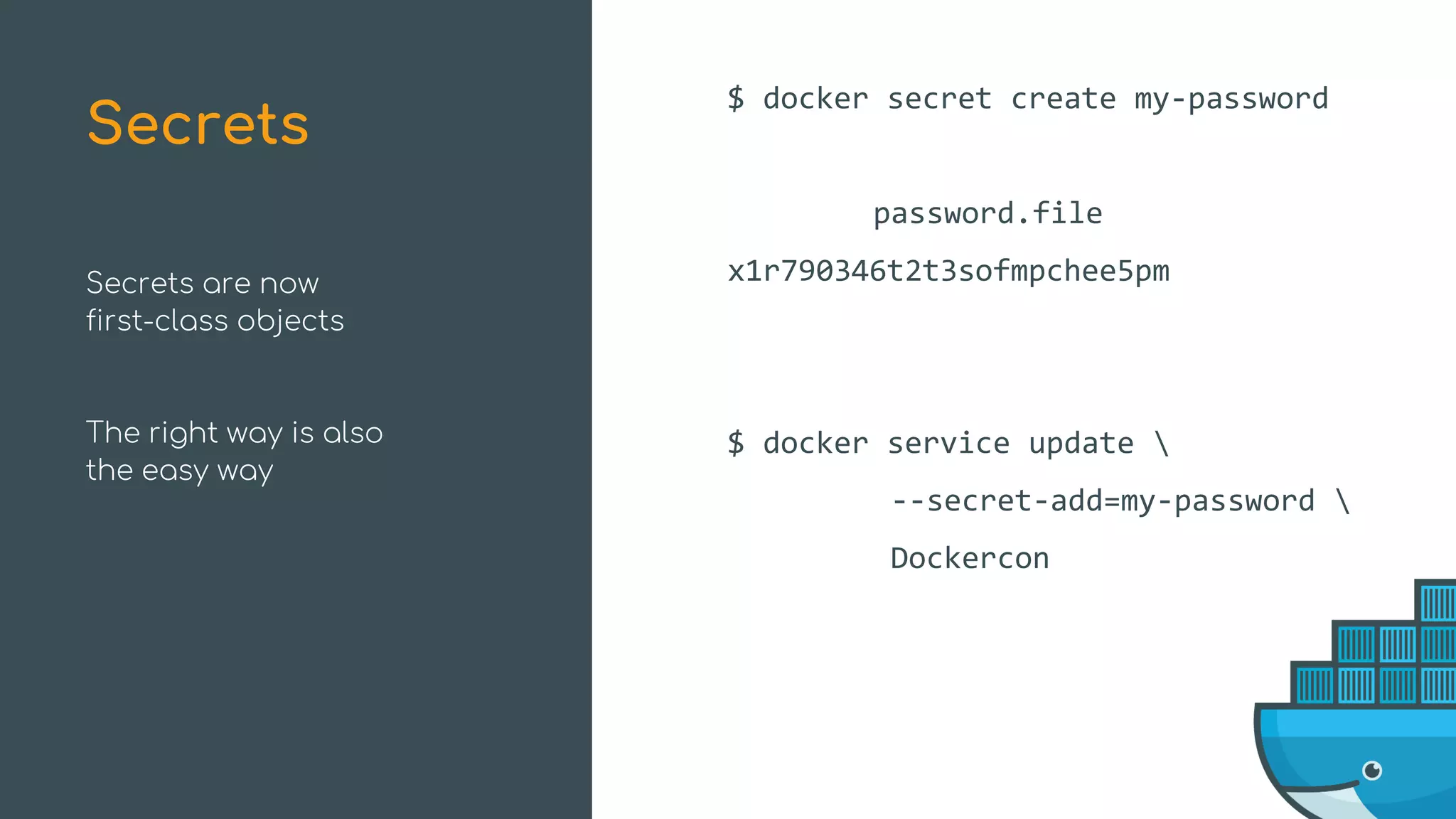
Secrets are now
first-class objects
The right way is also
the easy way
$ docker secret create my-password
password.file
x1r790346t2t3sofmpchee5pm
$ docker service update 
--secret-add=my-password 
Dockercon
Secrets
What’s New in Swarm Mode
Improvements New Features
High-Availability Scheduling Topology-Aware Scheduling
Encrypted Raft Log Secrets
Health-Aware Orchestration Service Rollbacks
Service Logs
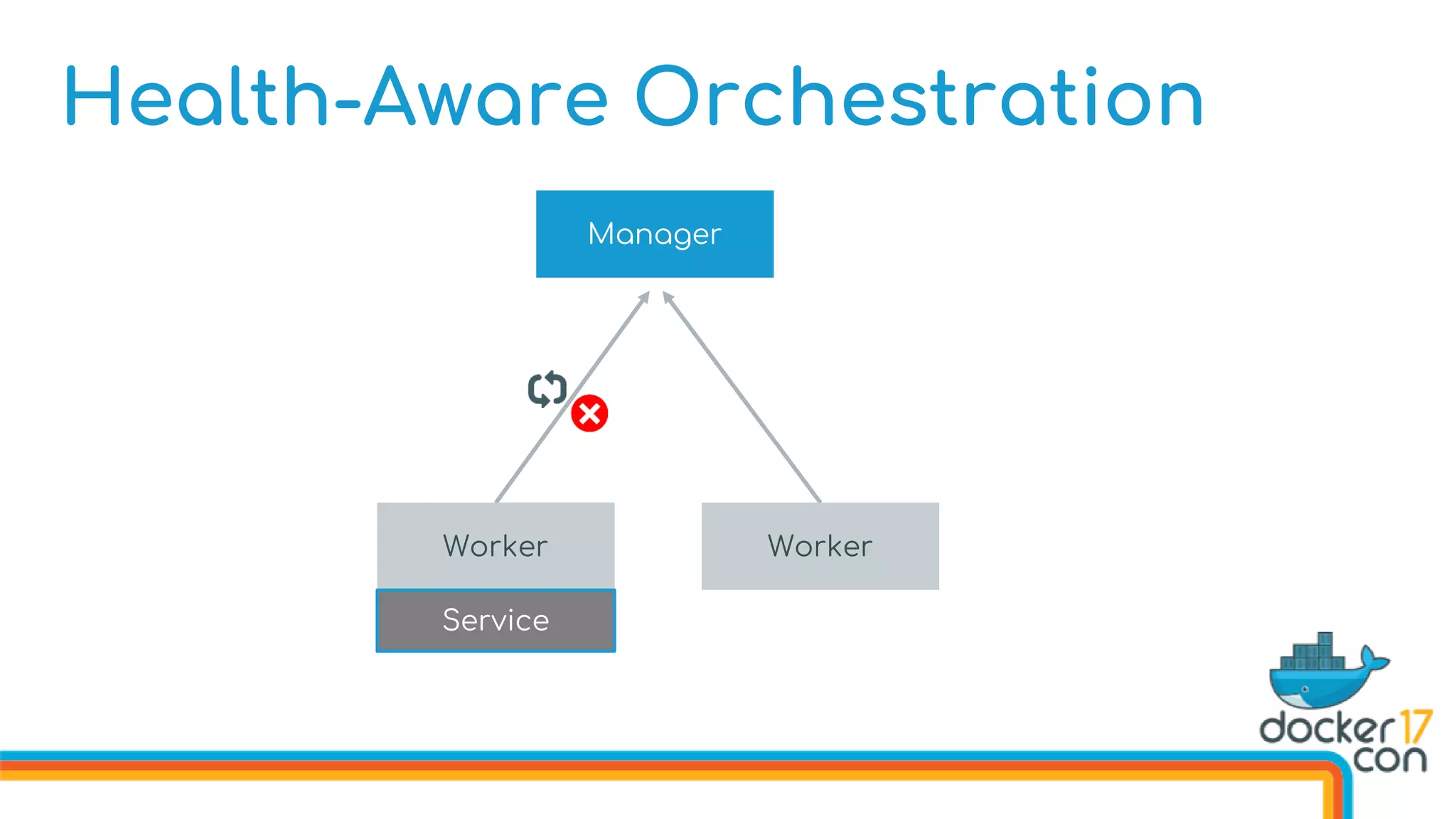
Health-Aware Orchestration
Defining Image Healthchecks in the Dockerfile
FROM dockercon
. . .
HEALTHCHECK --interval 10s 
--timeout 3s 
--retries 5 
CMD curl http://localhost/health
. . .
CMD [“start”]
Health-Aware Orchestration
Healthchecks can be defined on the image or via command line
Health-Aware Orchestration
Healthchecks can be defined on the image or via command line
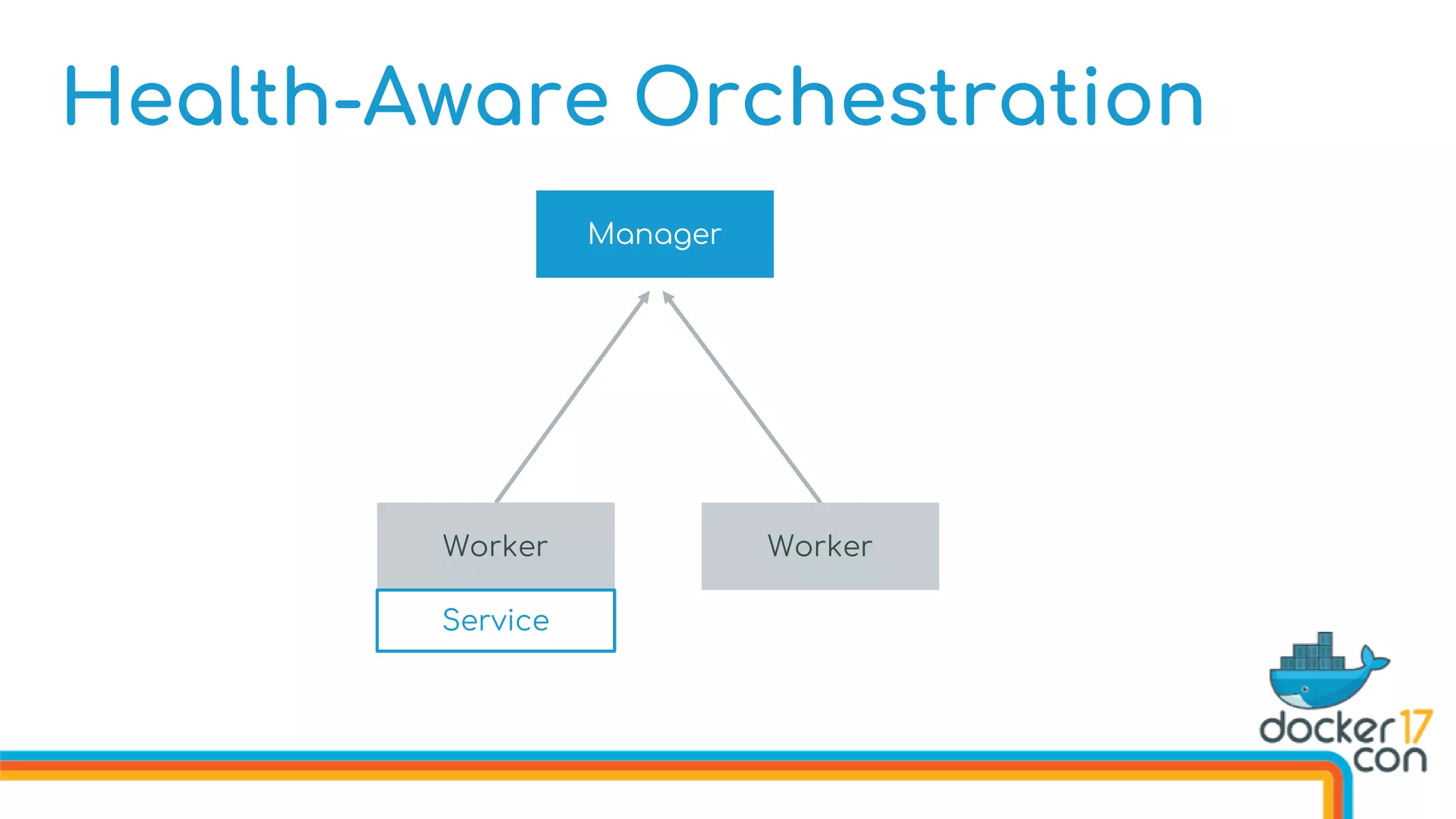
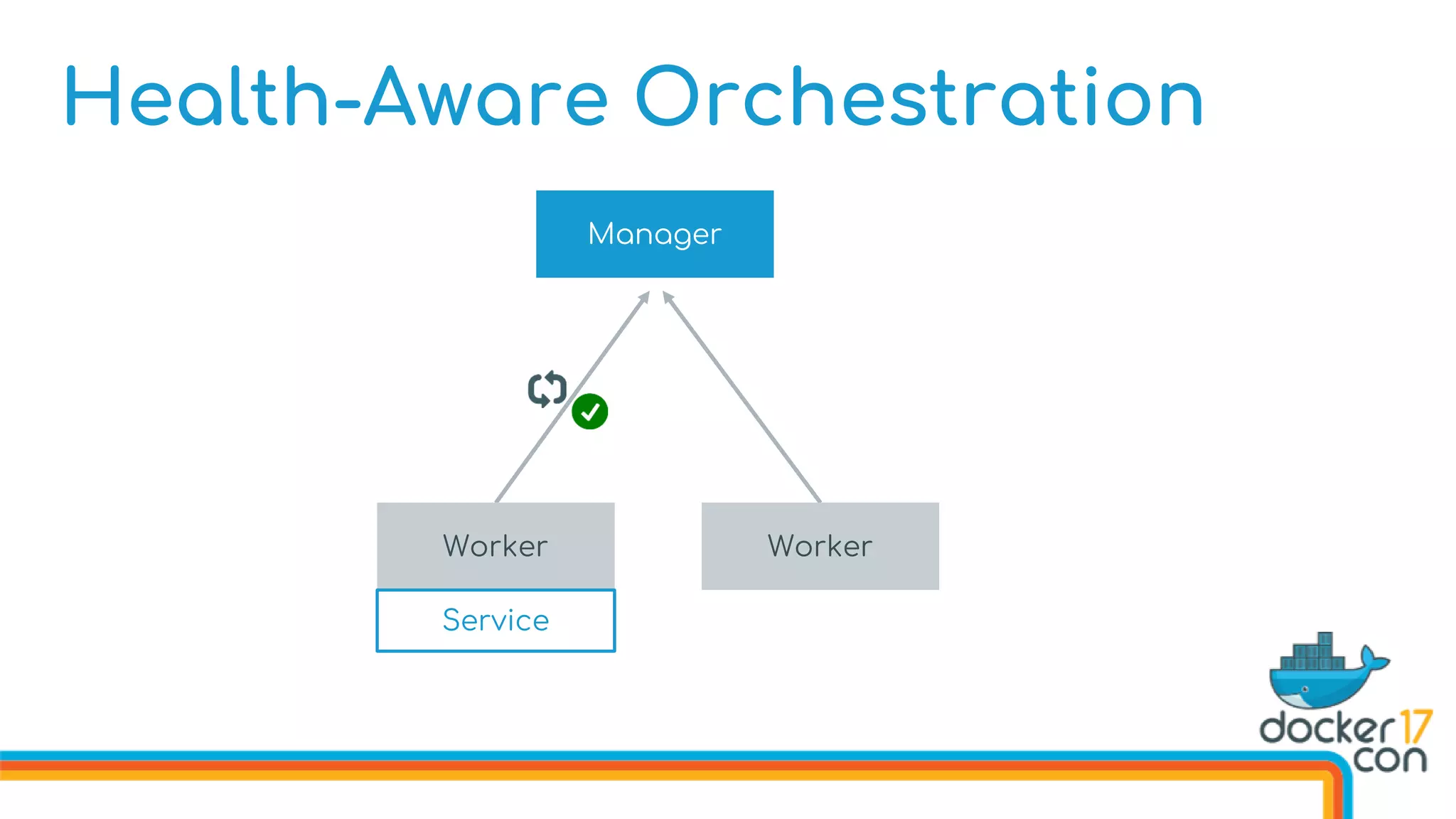
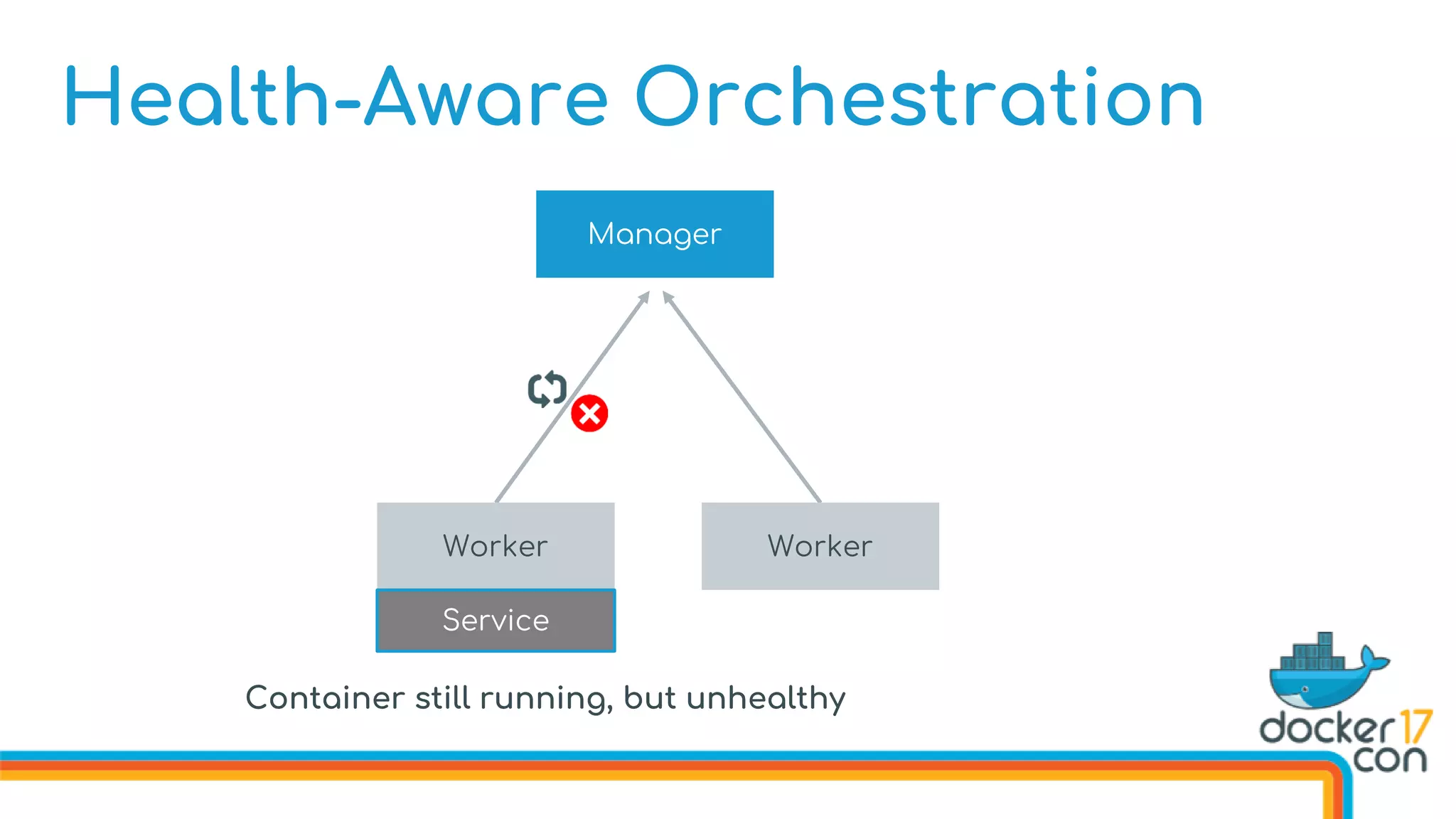
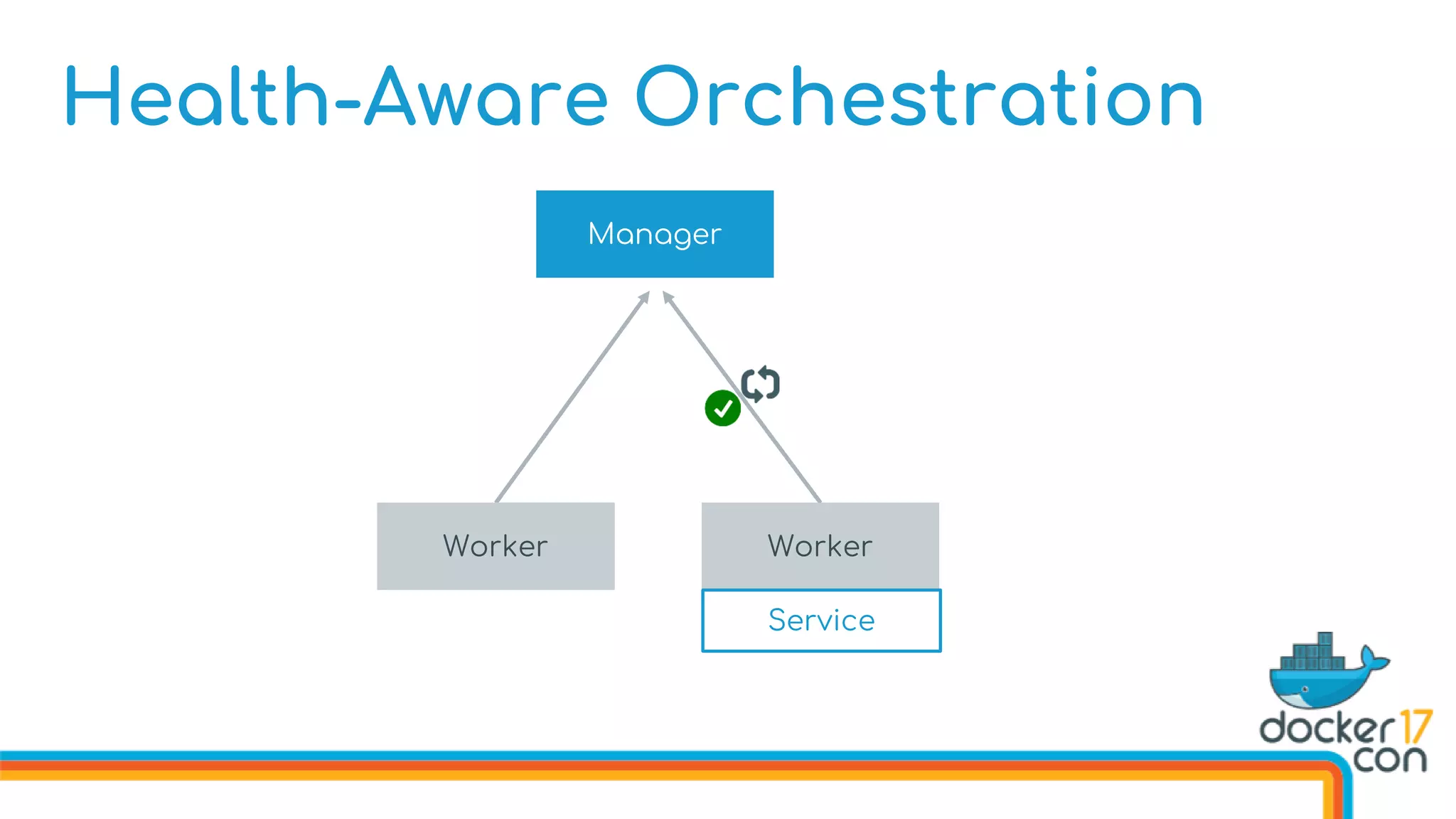
Swarm now monitors container health
Health-Aware Orchestration
Manager
Worker Worker
Service
Health-Aware Orchestration
Manager
Worker Worker
Service
Health-Aware Orchestration
Manager
Worker Worker
Service
Health-Aware Orchestration
Manager
Worker Worker
Service
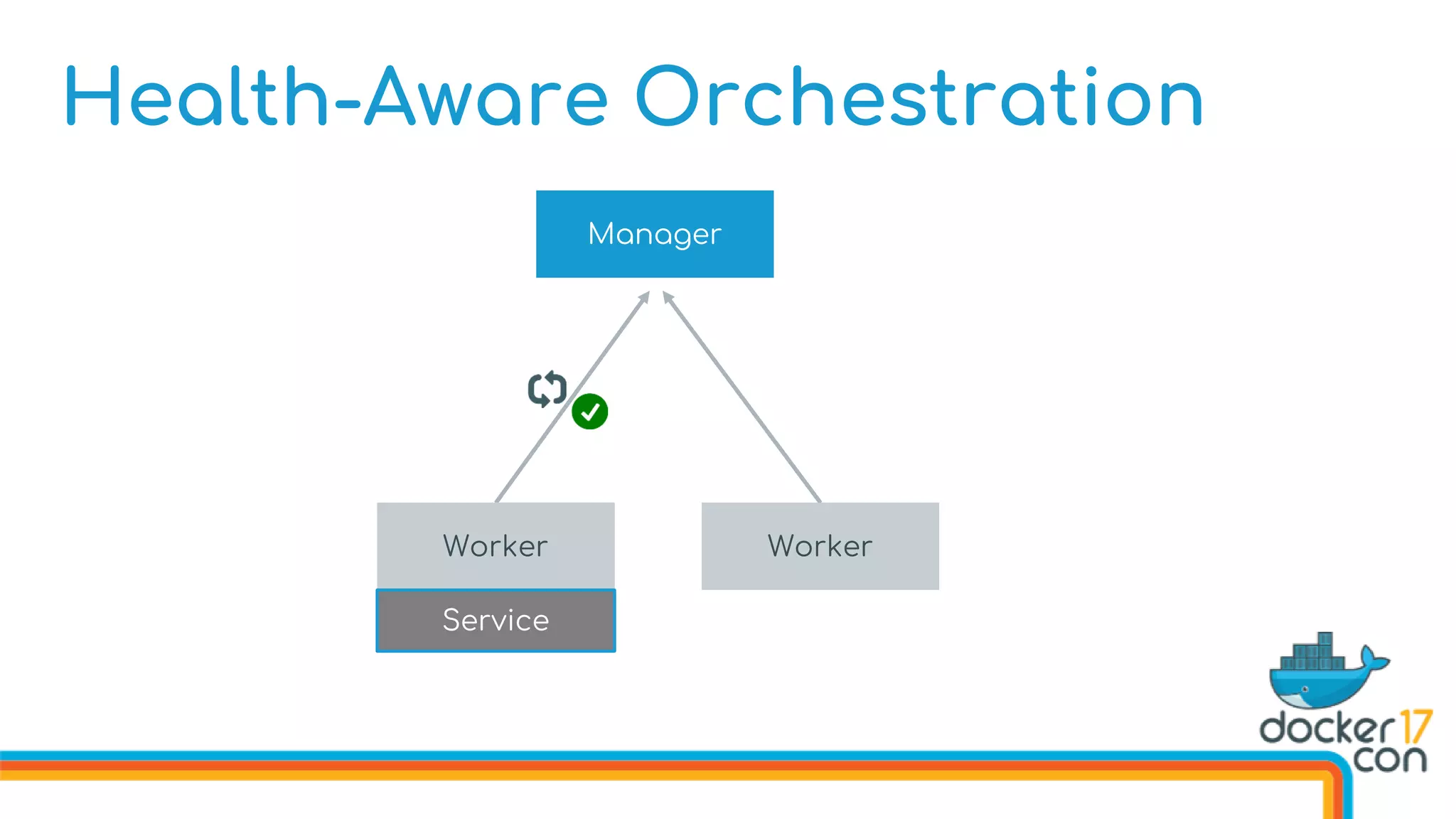
Health-Aware Orchestration
Manager
Worker Worker
Service
Container still running, but unhealthy
Health-Aware Orchestration
Manager
Worker Worker
Service
Health-Aware Orchestration
Manager
Worker Worker
Service
What’s New in Swarm Mode
Improvements New Features
High-Availability Scheduling Topology-Aware Scheduling
Encrypted Raft Log Secrets
Health-Aware Orchestration Service Rollbacks
Service Logs
Roll back a service to the previous spec
Two Ways:
1. Manually through service update --rollback
2. Automatically as --update-failure-action=rollback
Service Rollbacks
$ docker service create 
--name Dockercon 
--replicas 1845 
--publish 80:80
texas
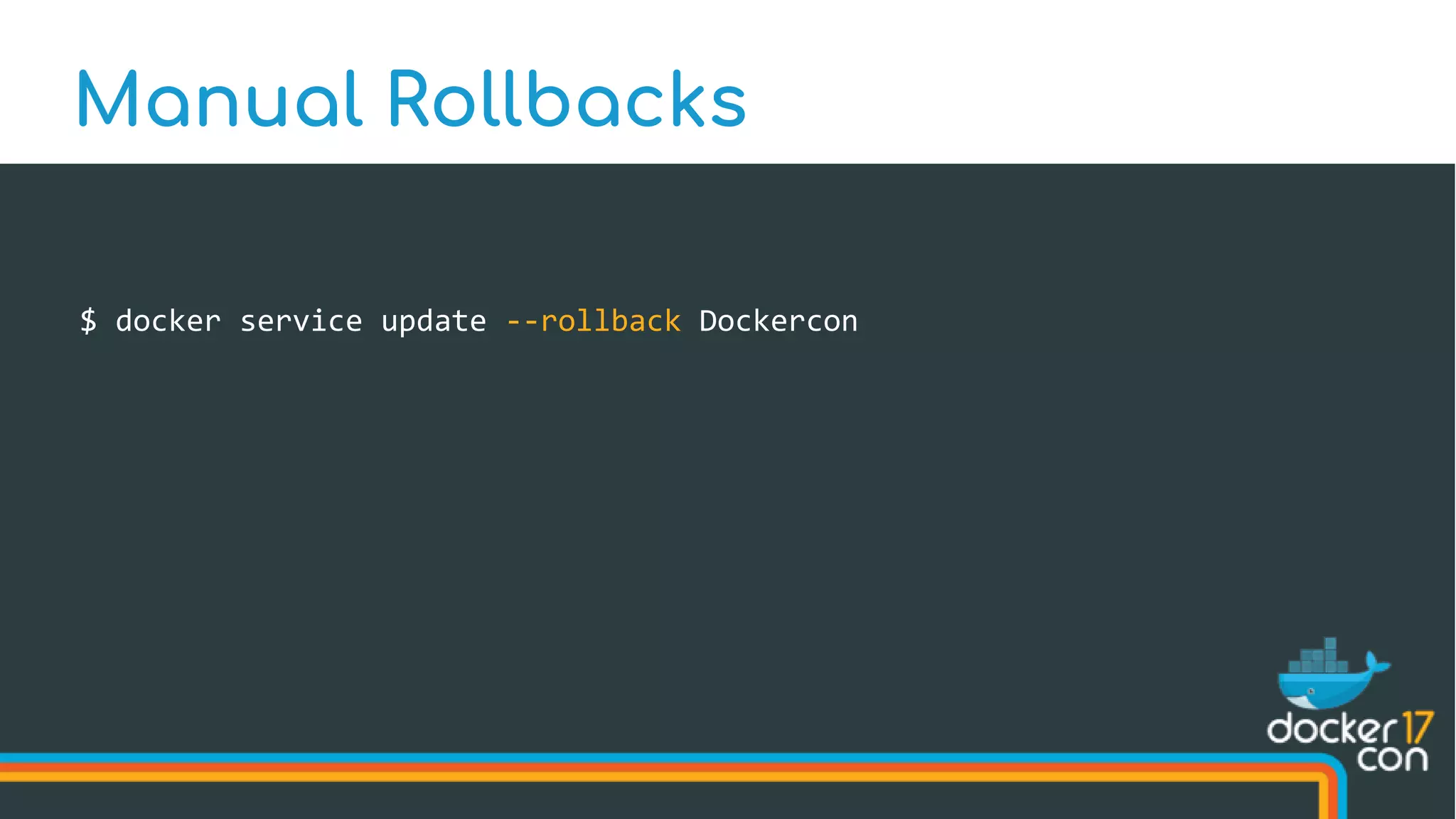
Manual Rollbacks
Manual Rollbacks
Service Object
Name:
Dockercon
Service State
Task States
Network Status
Service Spec
Image:
texas
# of replicas:
1845
Ports:
[80]
$ docker service update 
--replicas 2017 
--publish-add 443:443 
--image dockercon 
Dockercon
Manual Rollbacks
Manual Rollbacks
Service Object
Name:
Dockercon
Service State
Task States
Network Status
Service Spec
Image: dockercon
# of replicas:
2017
Ports:
[80,443]
Previous Spec
Image:
texas
# of replicas:
1845
Ports:
[80]
$ docker service update --rollback Dockercon
Manual Rollbacks
Manual Rollbacks
Service Object
Name:
Dockercon
Service State
Task States
Network Status
Service Spec
Image: dockercon
# of replicas:
2017
Ports:
[80,443]
Previous Spec
Image:
texas
# of replicas:
1845
Ports:
[80]
Manual Rollbacks
Service Object
Name:
Dockercon
Service State
Task States
Network Status
Service Spec
Image: dockercon
# of replicas:
2017
Ports:
[80,443]
Previous Spec
Image:
texas
# of replicas:
1845
Ports:
[80]
Manual Rollbacks
Service Object
Name:
Dockercon
Service State
Task States
Network Status
Service Spec
Image: dockercon
# of replicas:
2017
Ports:
[80,443]
Previous Spec
Image:
texas
# of replicas:
1845
Ports:
[80]
Manual Rollbacks
Service Object
Name:
Dockercon
Service State
Task States
Network Status
Service Spec
Image: dockercon
# of replicas:
2017
Ports:
[80,443]
Service Spec
Image:
texas
# of replicas:
1845
Ports:
[80]
Manual Rollbacks
Service Object
Name:
Dockercon
Service State
Task States
Network Status
Previous Spec
Image:
dockercon
# of replicas:
2017
Ports:
[80,443]
Service Spec
Image:
texas
# of replicas:
1845
Ports:
[80]
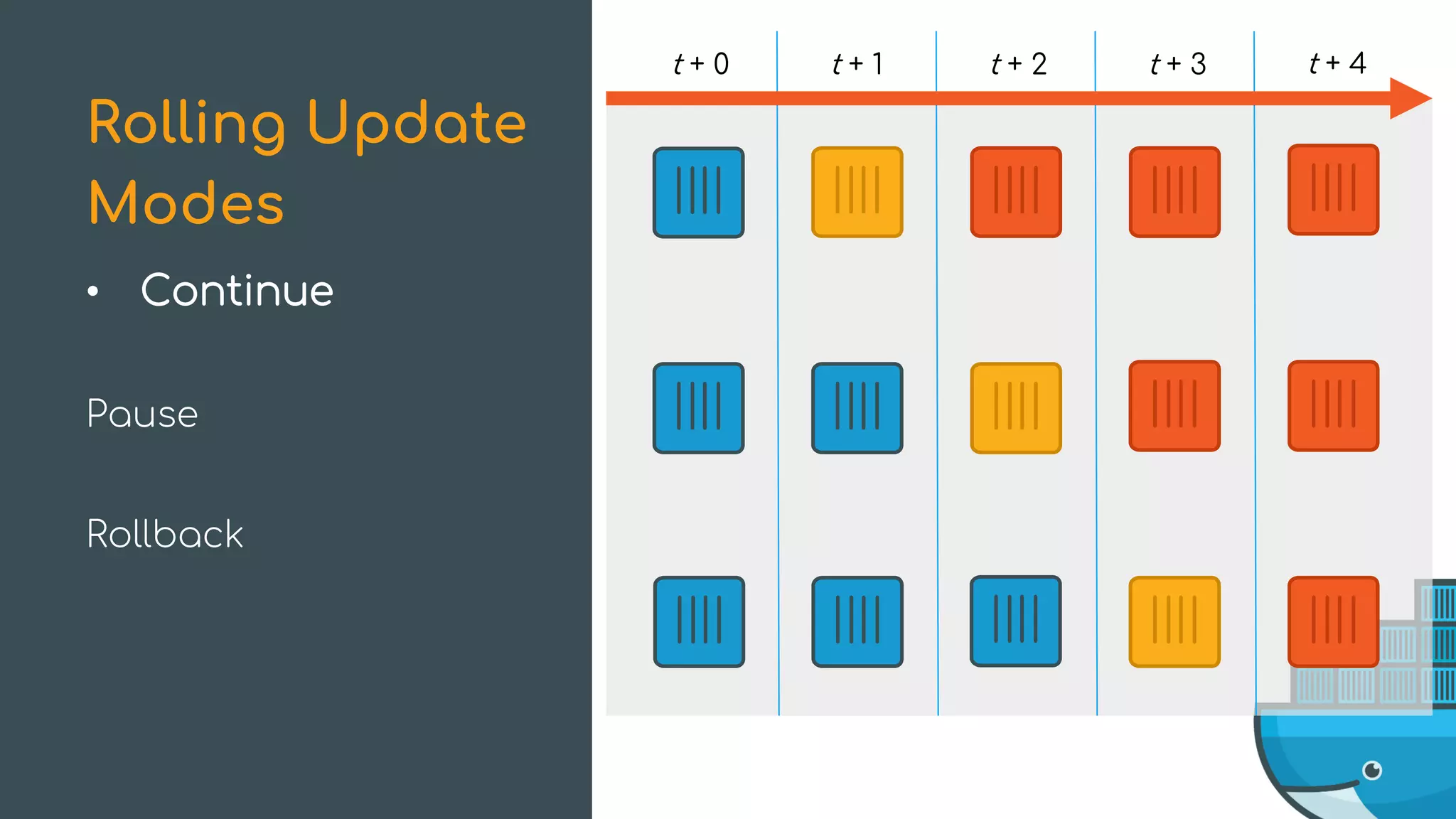
Continue
Pause
Rollback
Rolling Update
Modes
t + 0 t + 1 t + 2 t + 3 t + 4
• Continue
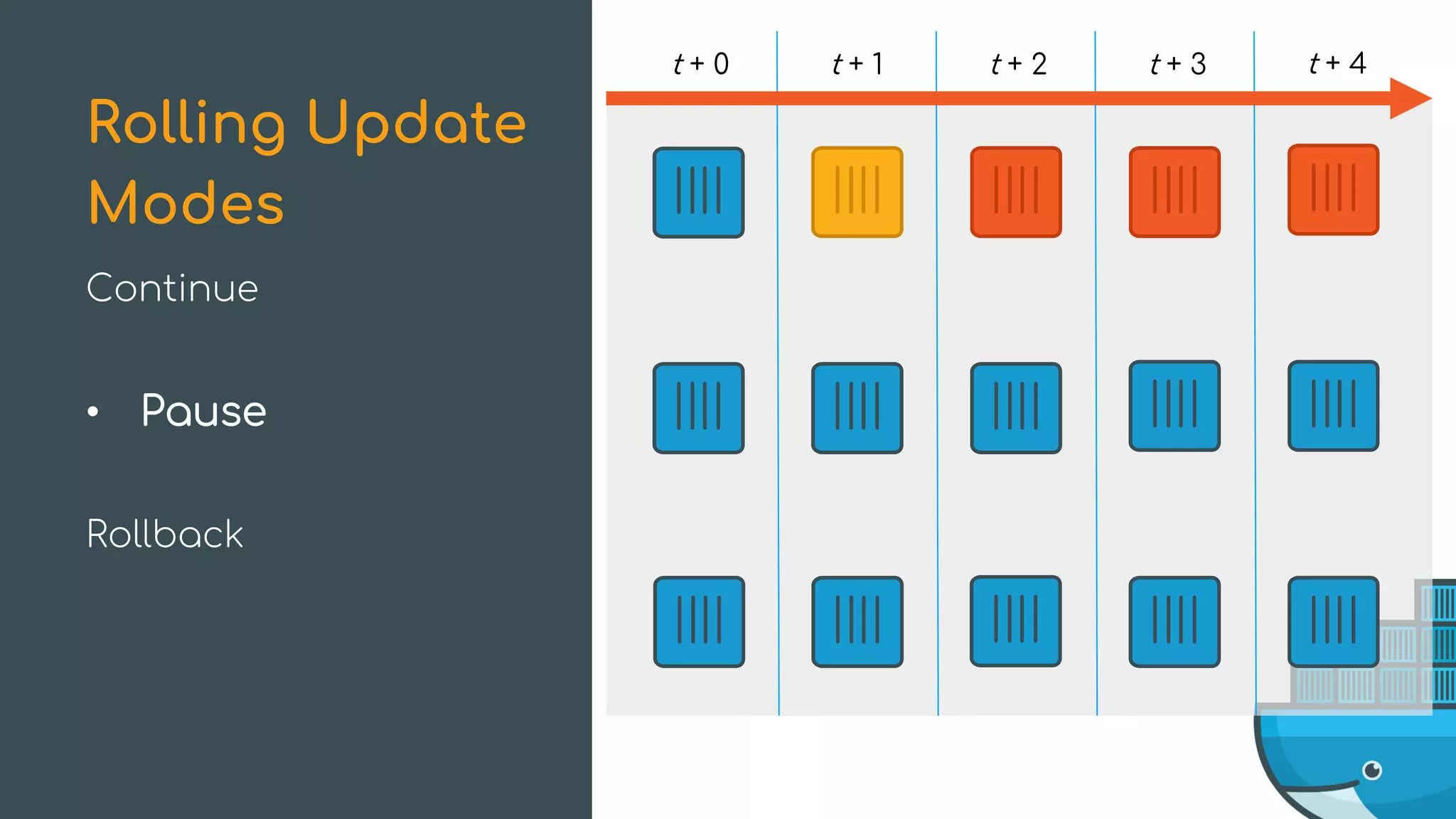
Pause
Rollback
Rolling Update
Modes
t + 0 t + 1 t + 2 t + 3 t + 4
Continue
• Pause
Rollback
Rolling Update
Modes
t + 0 t + 1 t + 2 t + 3 t + 4
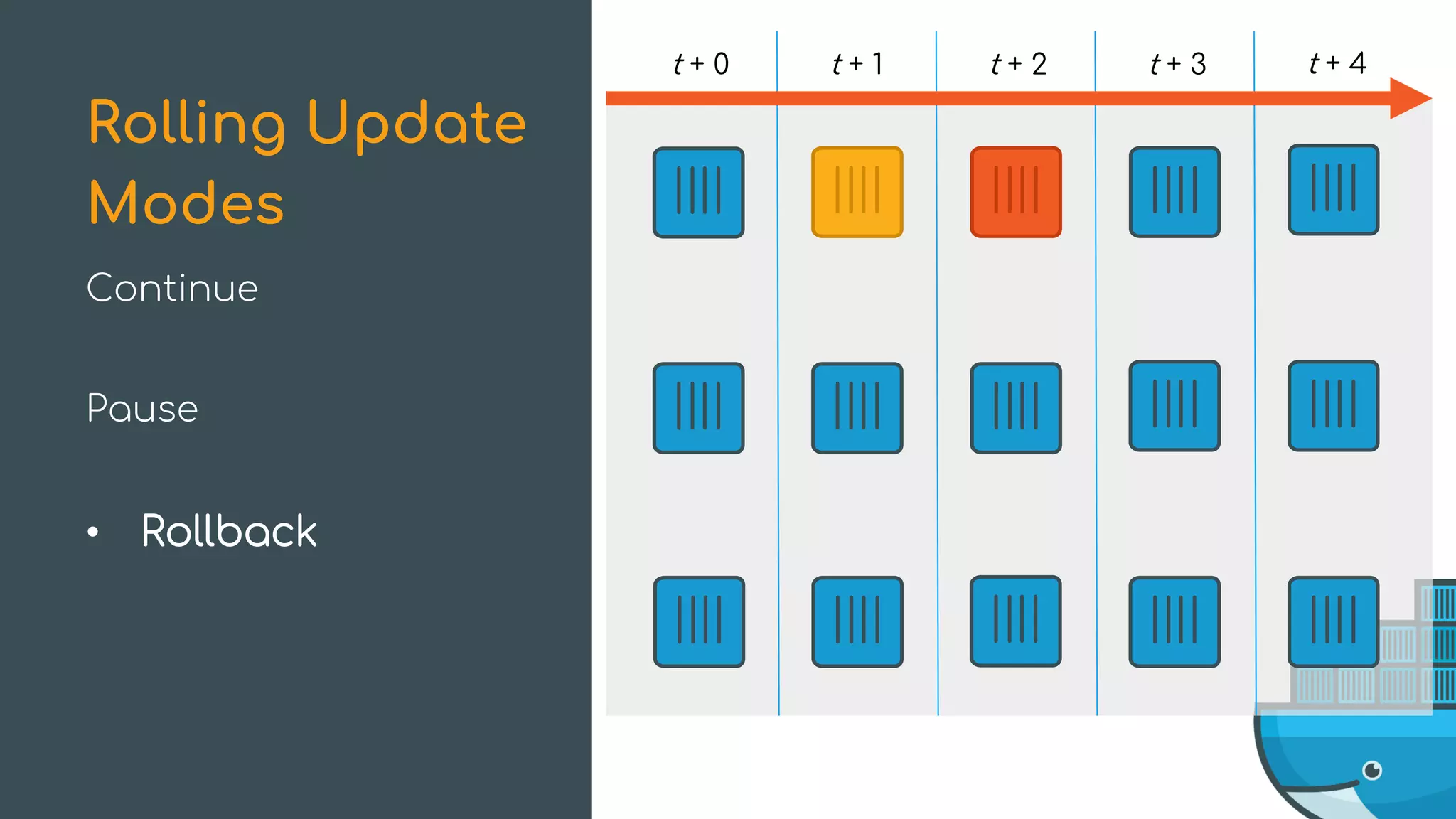
Continue
Pause
• Rollback
Rolling Update
Modes
t + 0 t + 1 t + 2 t + 3 t + 4
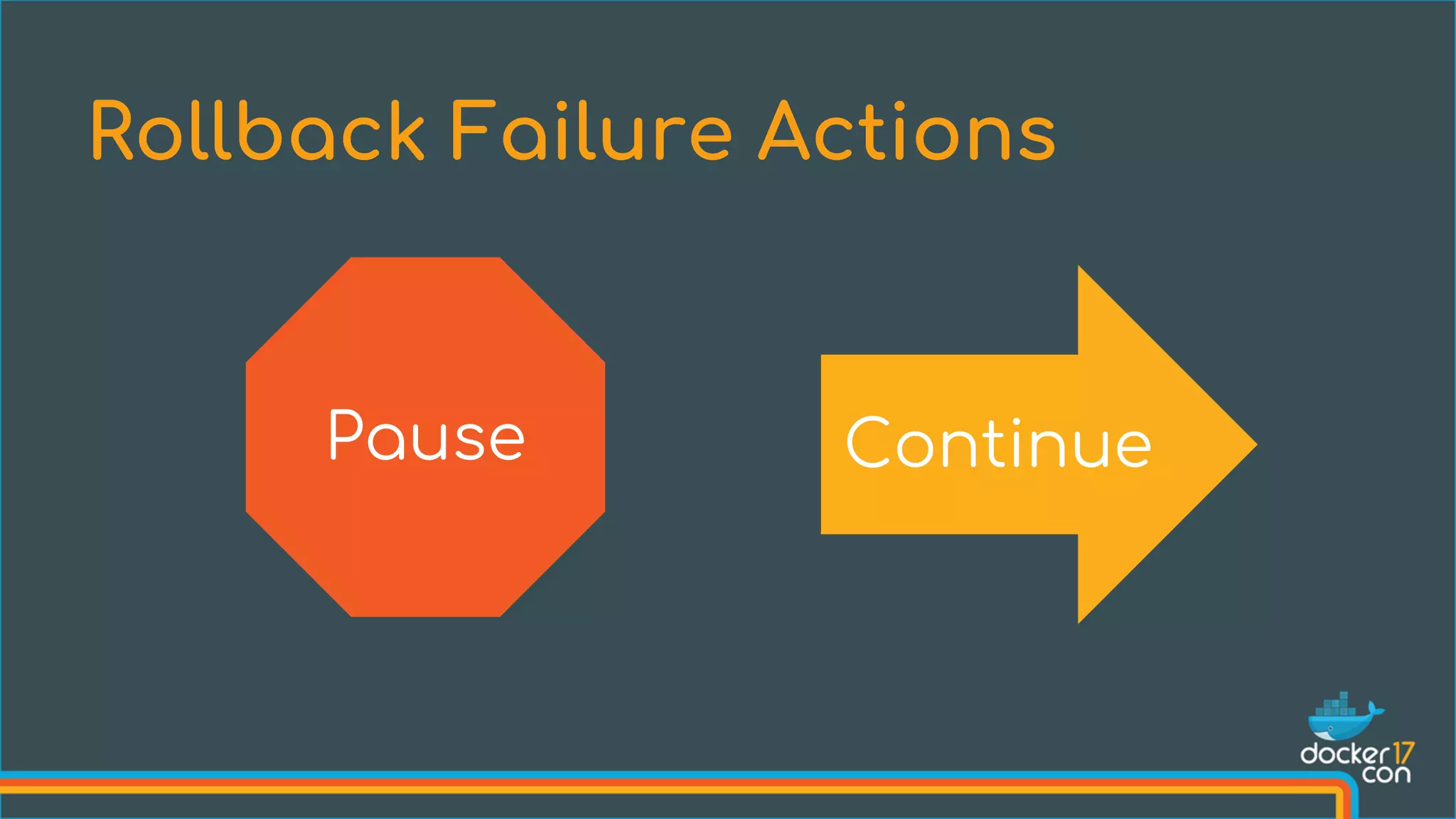
Rollback Failure Actions
Pause Continue
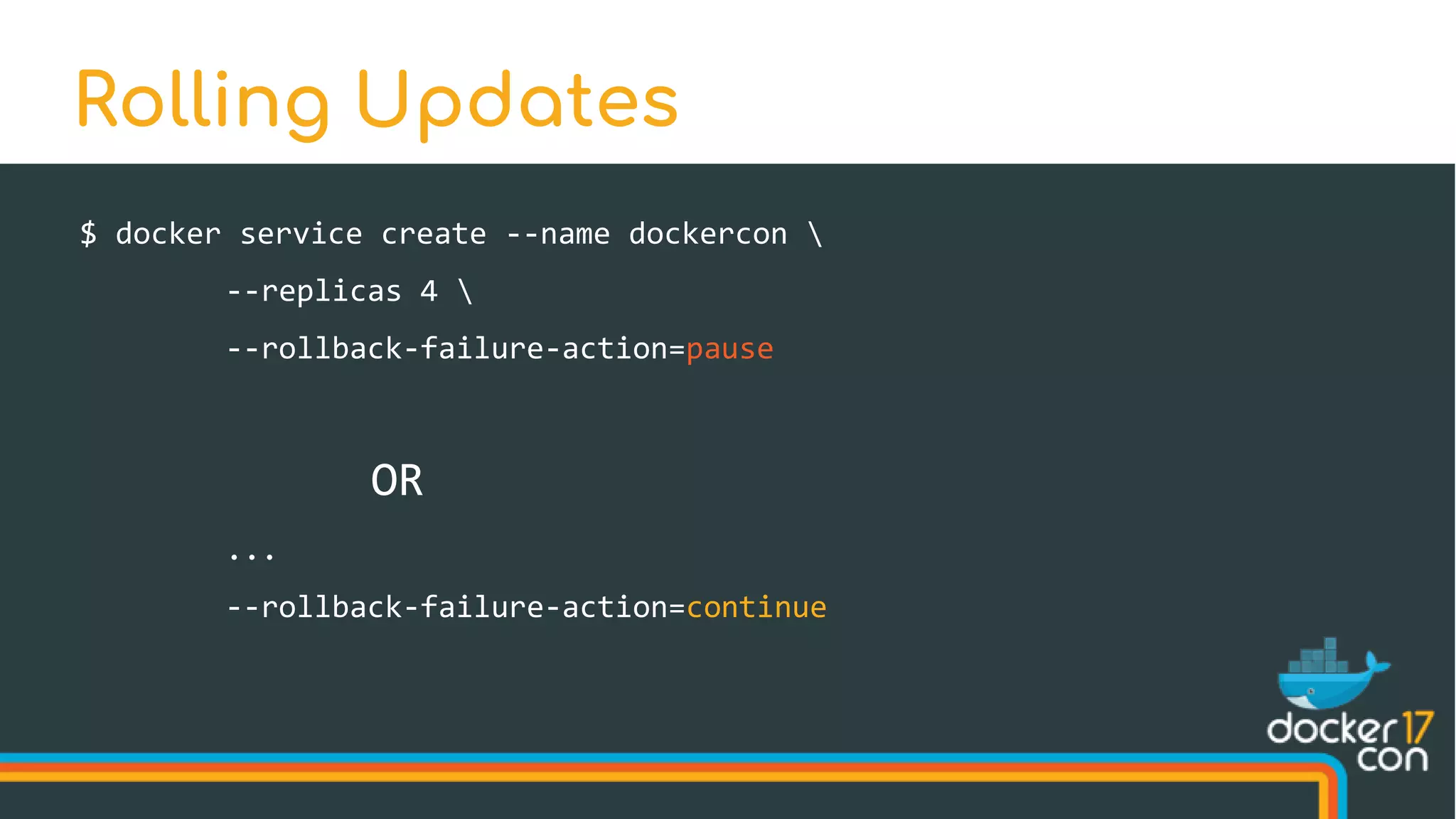
$ docker service create --name dockercon 
--replicas 4 
--rollback-failure-action=pause
OR
...
--rollback-failure-action=continue
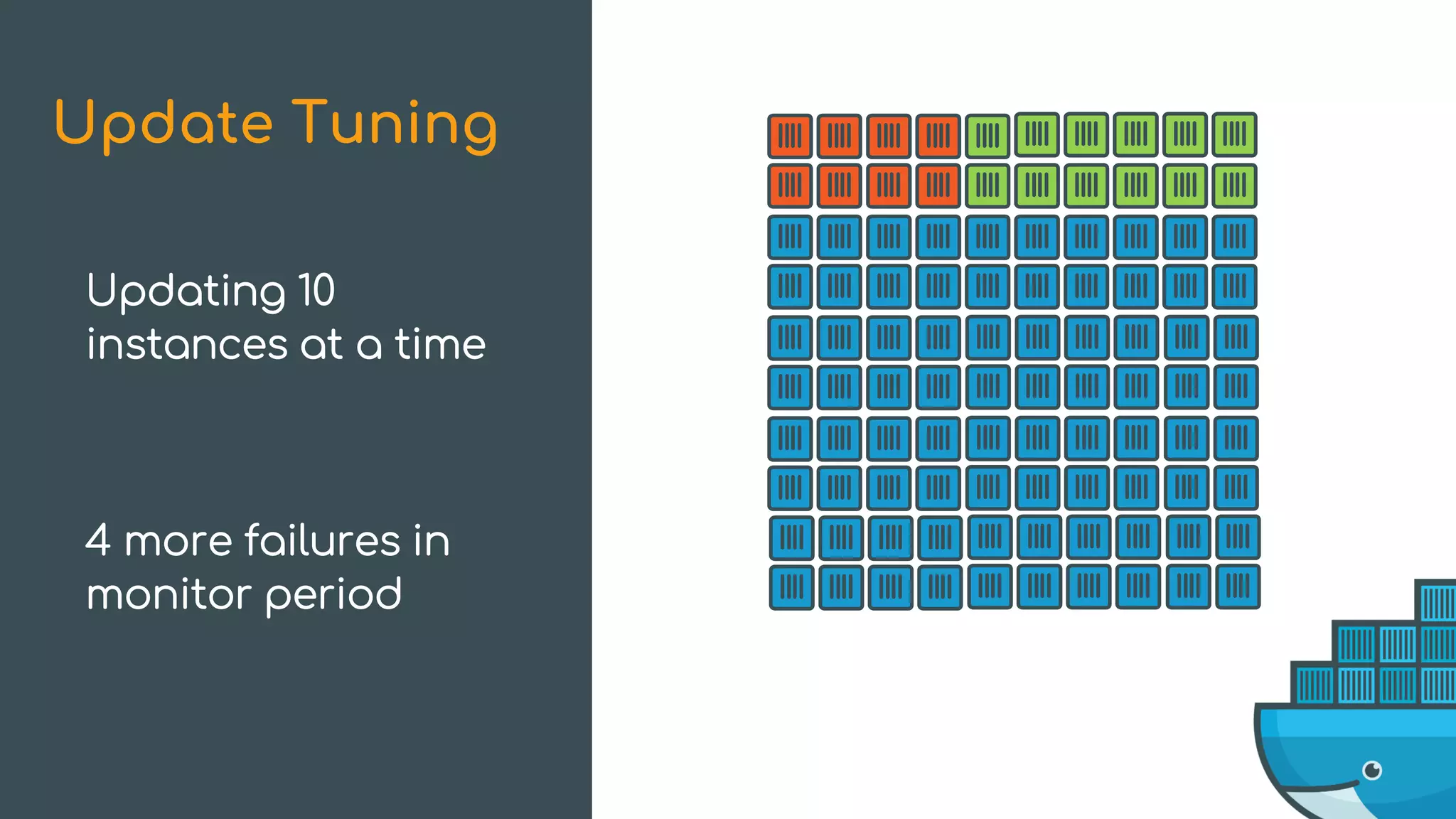
Rolling Updates
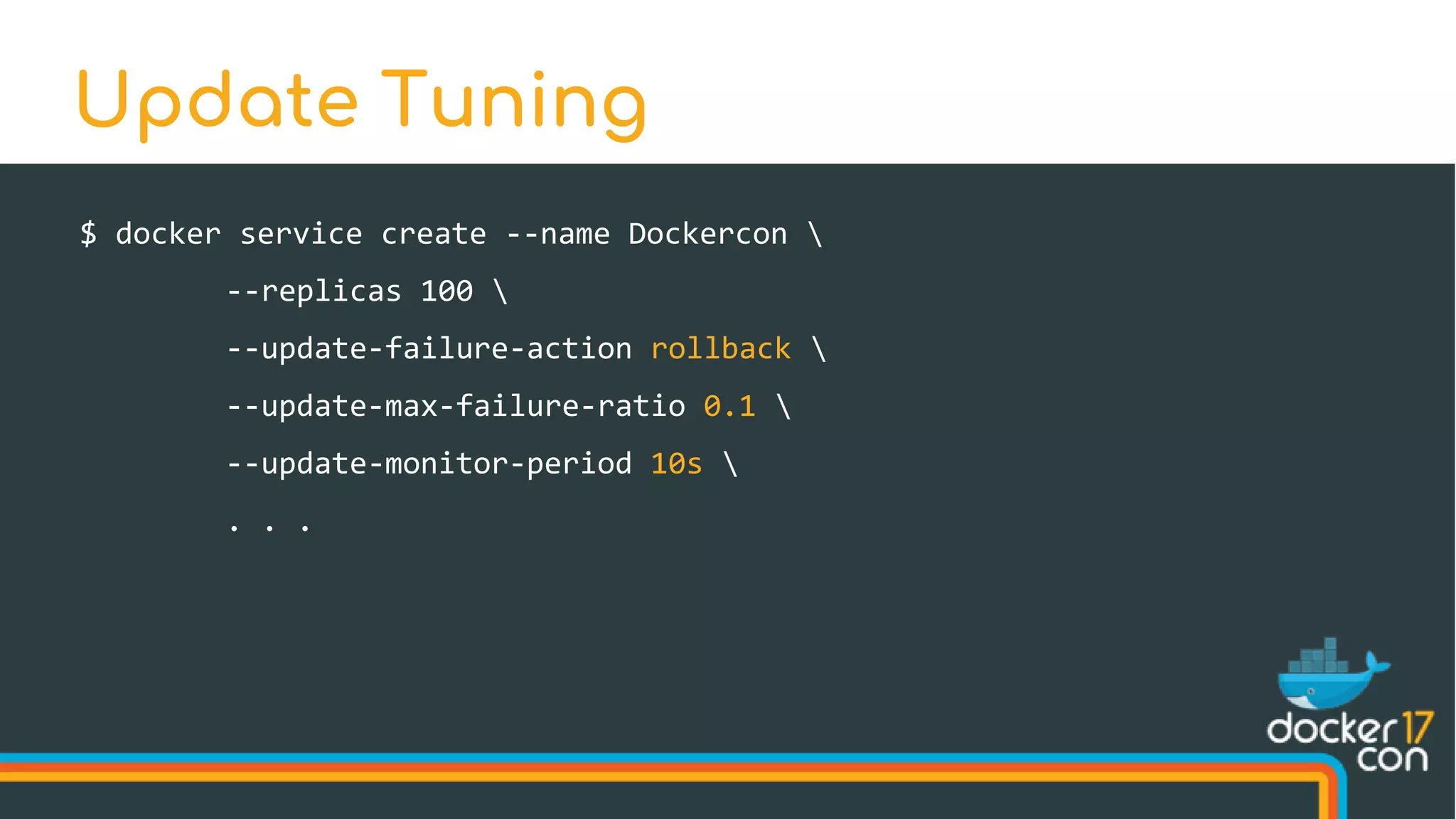
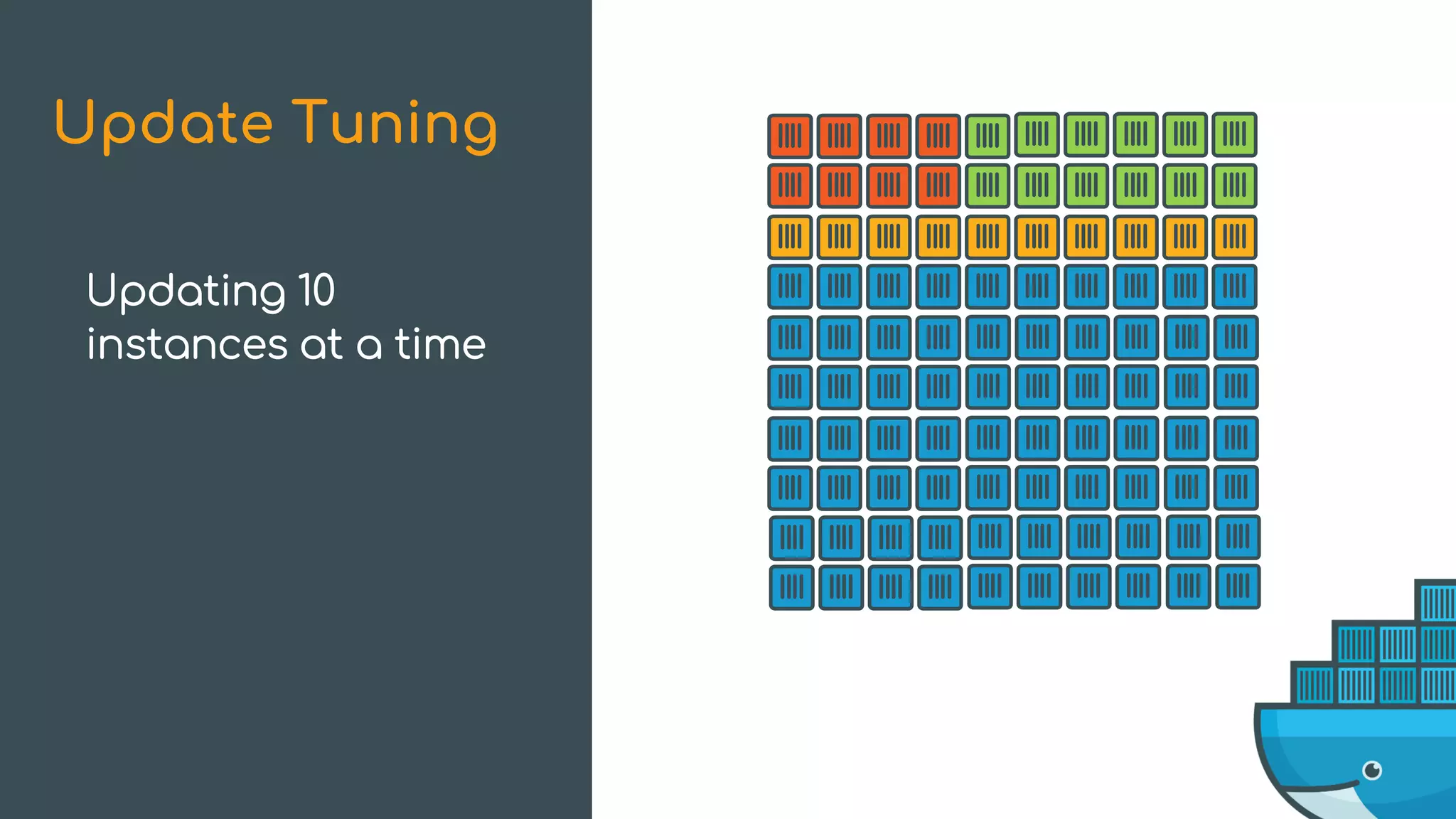
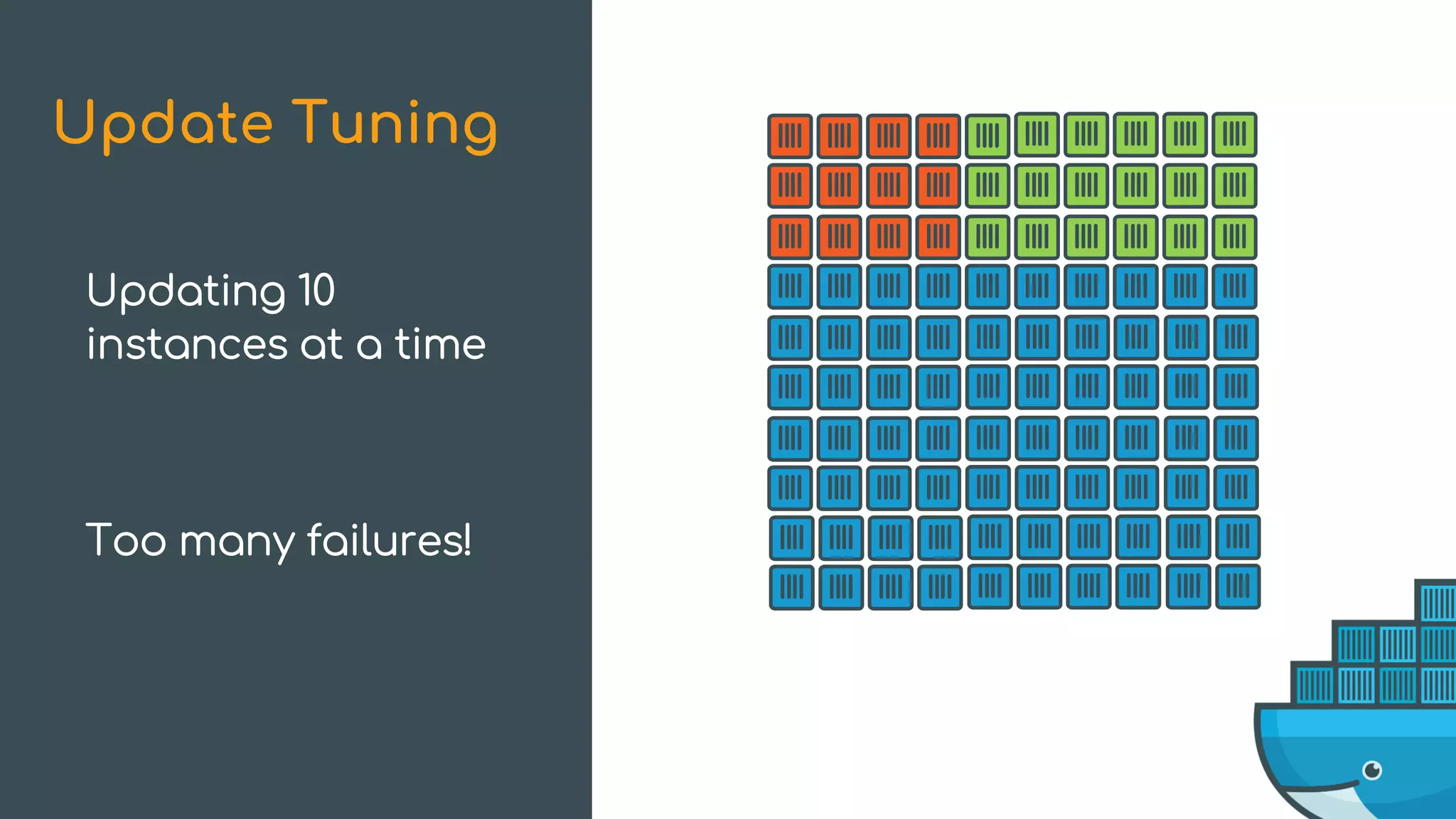
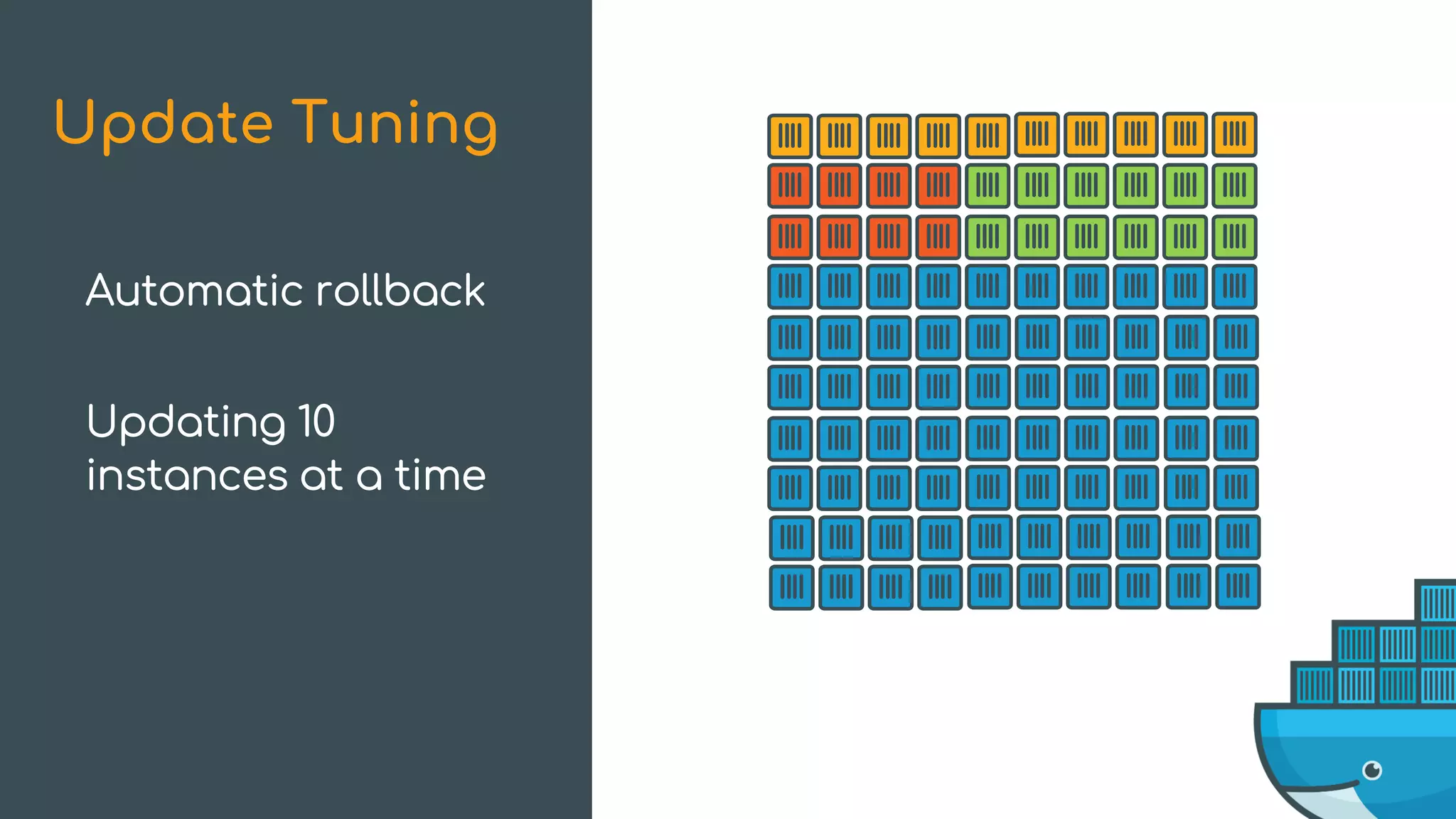
$ docker service create --name Dockercon 
--replicas 100 
--update-failure-action rollback 
--update-max-failure-ratio 0.1 
--update-monitor-period 10s 
. . .
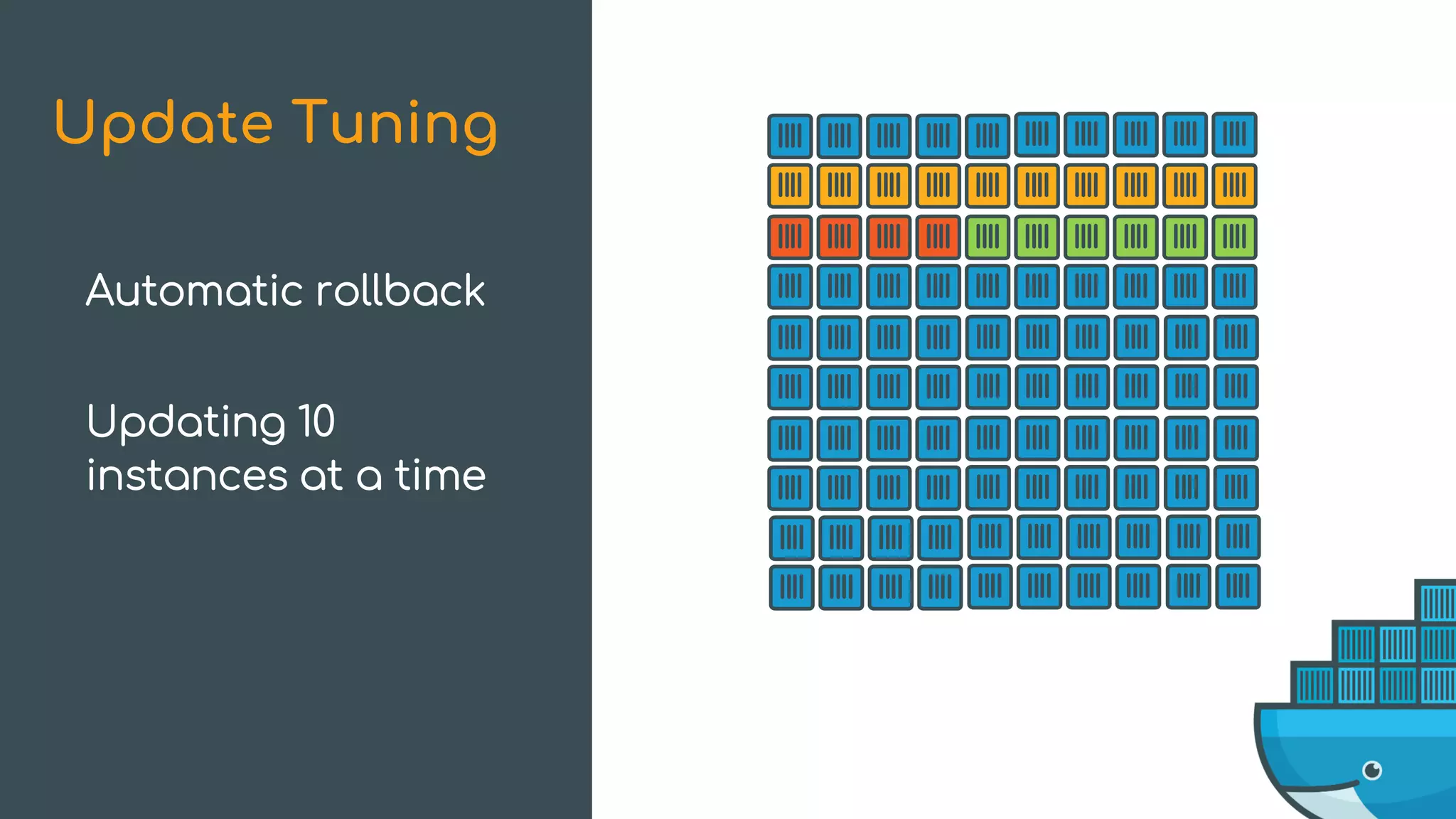
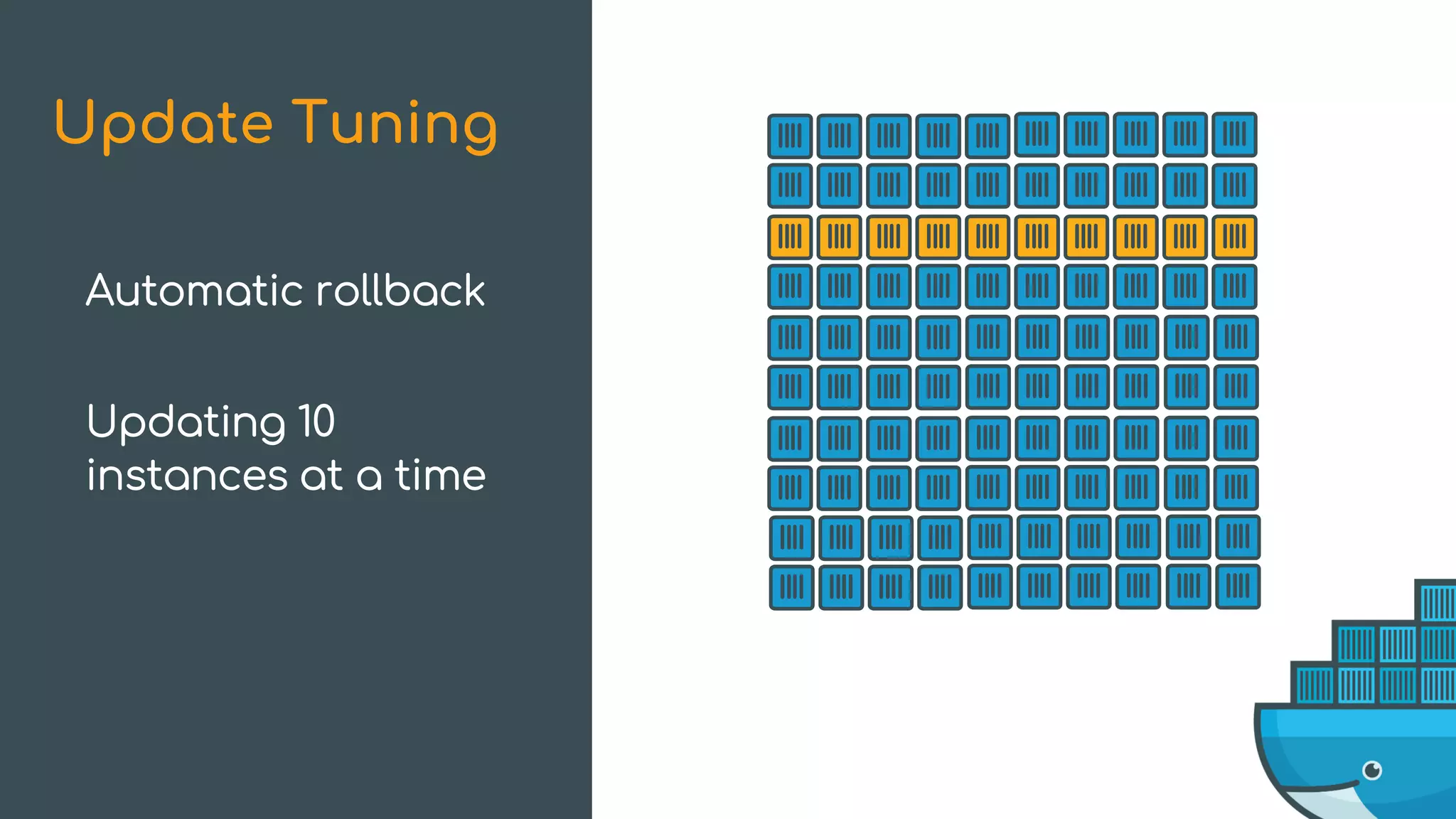
Update Tuning
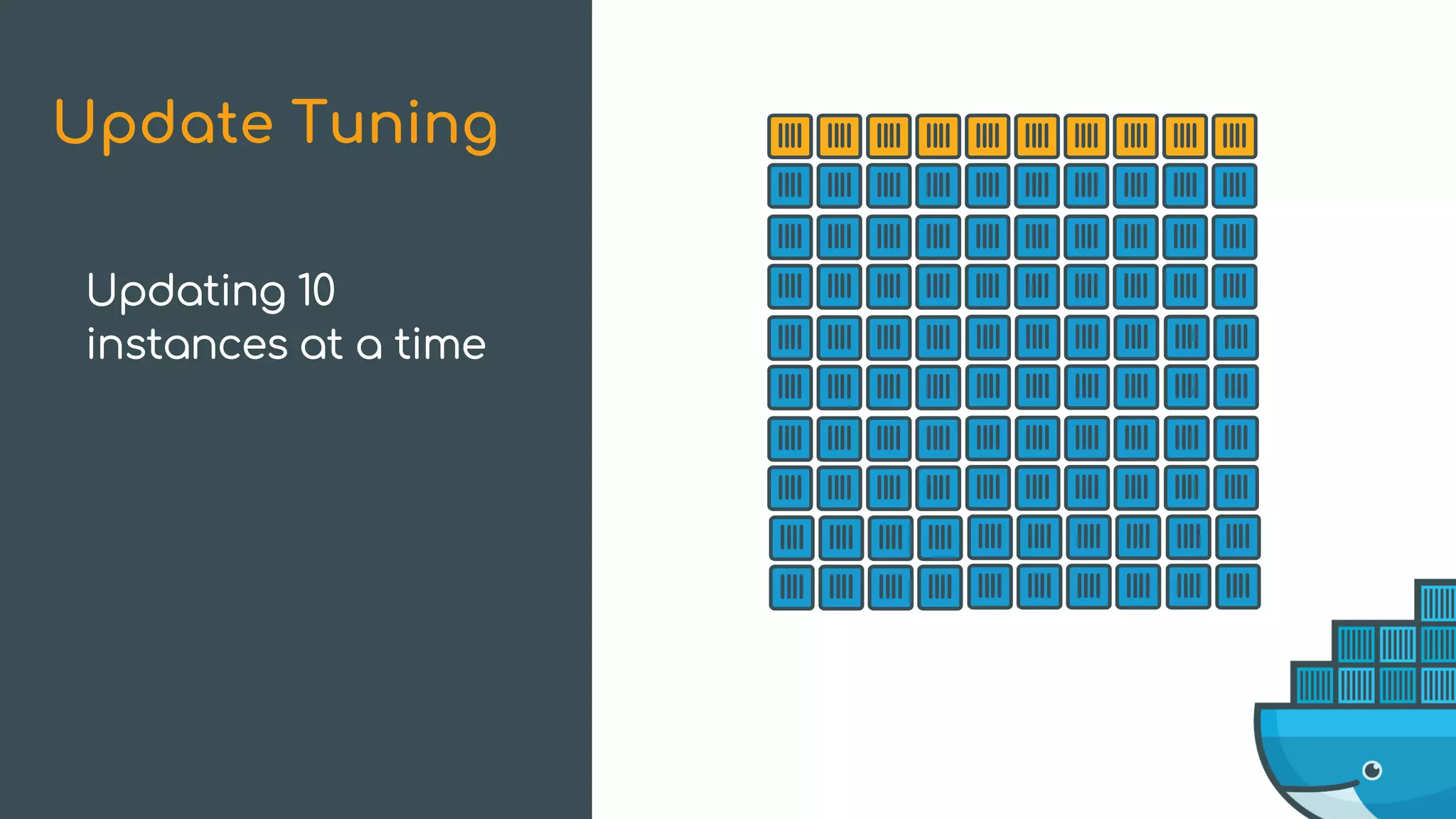
Update Tuning
Updating 10
instances at a time
Update Tuning
Updating 10
instances at a time
Update Tuning
Updating 10
instances at a time
4 failures within
monitor period
Update Tuning
Updating 10
instances at a time
4 more failures in
monitor period
Update Tuning
Updating 10
instances at a time
Update Tuning
Updating 10
instances at a time
Too many failures!
Update Tuning
Updating 10
instances at a time
Over 10% failures
Update failed
Update Tuning
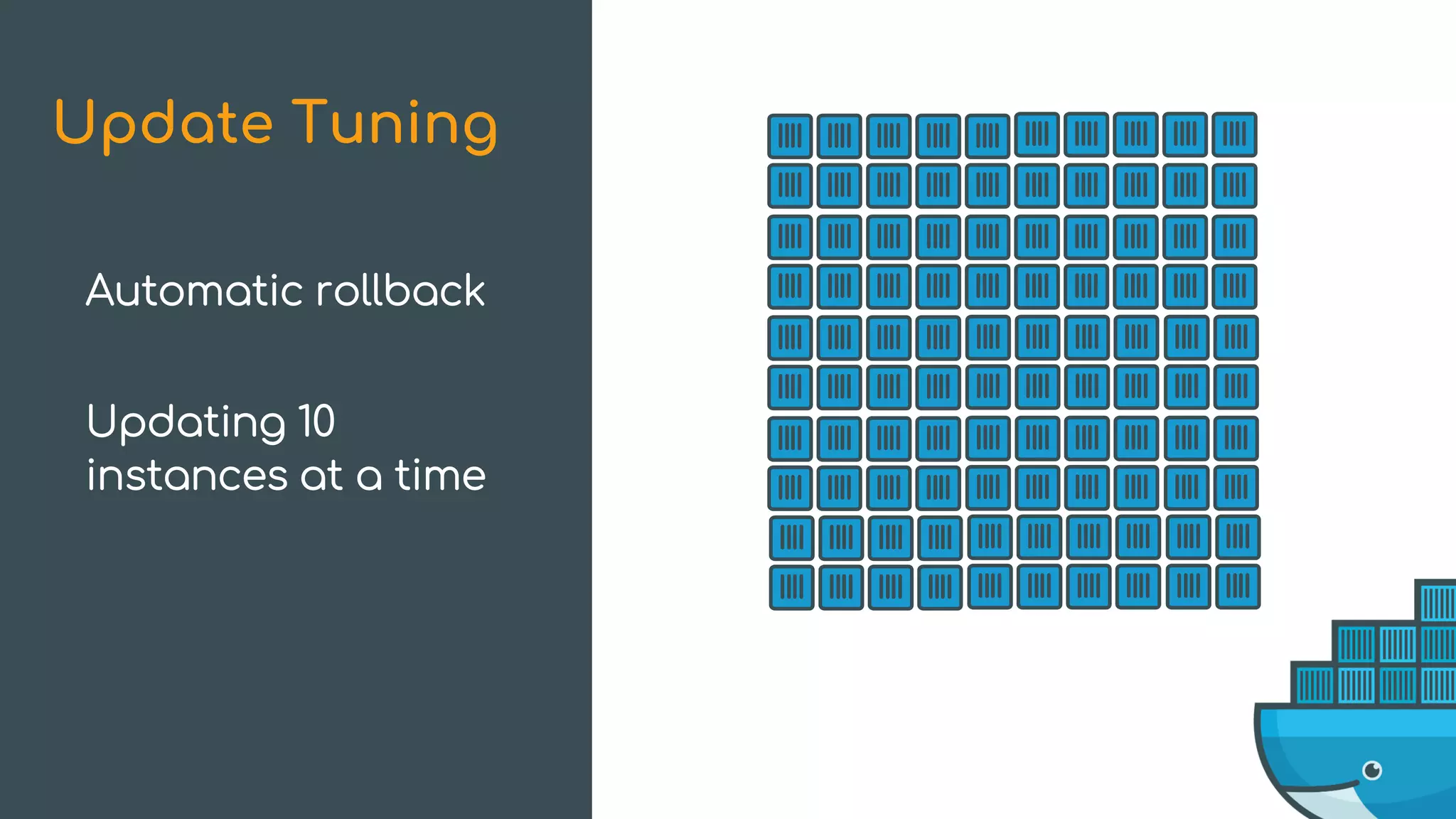
Automatic rollback
Updating 10
instances at a time
Update Tuning
Automatic rollback
Updating 10
instances at a time
Update Tuning
Automatic rollback
Updating 10
instances at a time
Update Tuning
Automatic rollback
Updating 10
instances at a time
What’s New in Swarm Mode
Improvements New Features
High-Availability Scheduling Topology-Aware Scheduling
Encrypted Raft Log Secrets
Health-Aware Orchestration Service Rollbacks
Service Logs
SSH into each node?
Set up a logging system?
Getting Logs from a Service
Fetch logs from containers of a service
Includes logs from stopped containers
Use same API options as container logs
Sends log context (service, node, and task ids) as details
Service Logs
$ docker service logs --tail 10 dockercon | sort -k3 -k4
dockercon.3.vo3l16eyy4cl@moby | 2017/04/03 23:12:26 Got a healthcheck!
dockercon.1.wy9wq4m4rvtf@moby | 2017/04/03 23:12:28 Got a healthcheck!
dockercon.2.co0nmnczoz62@moby | 2017/04/03 23:12:28 Got a healthcheck!
dockercon.3.vo3l16eyy4cl@moby | 2017/04/03 23:12:28 Got a healthcheck!
dockercon.1.wy9wq4m4rvtf@moby | 2017/04/03 23:12:30 Got a healthcheck!
dockercon.2.co0nmnczoz62@moby | 2017/04/03 23:12:30 Got a healthcheck!
dockercon.3.vo3l16eyy4cl@moby | 2017/04/03 23:12:30 Got a healthcheck!
dockercon.1.wy9wq4m4rvtf@moby | 2017/04/03 23:12:32 Got a healthcheck!
dockercon.2.co0nmnczoz62@moby | 2017/04/03 23:12:32 Got a healthcheck!
dockercon.3.vo3l16eyy4cl@moby | 2017/04/03 23:12:32 Got a healthcheck!
Service Logs
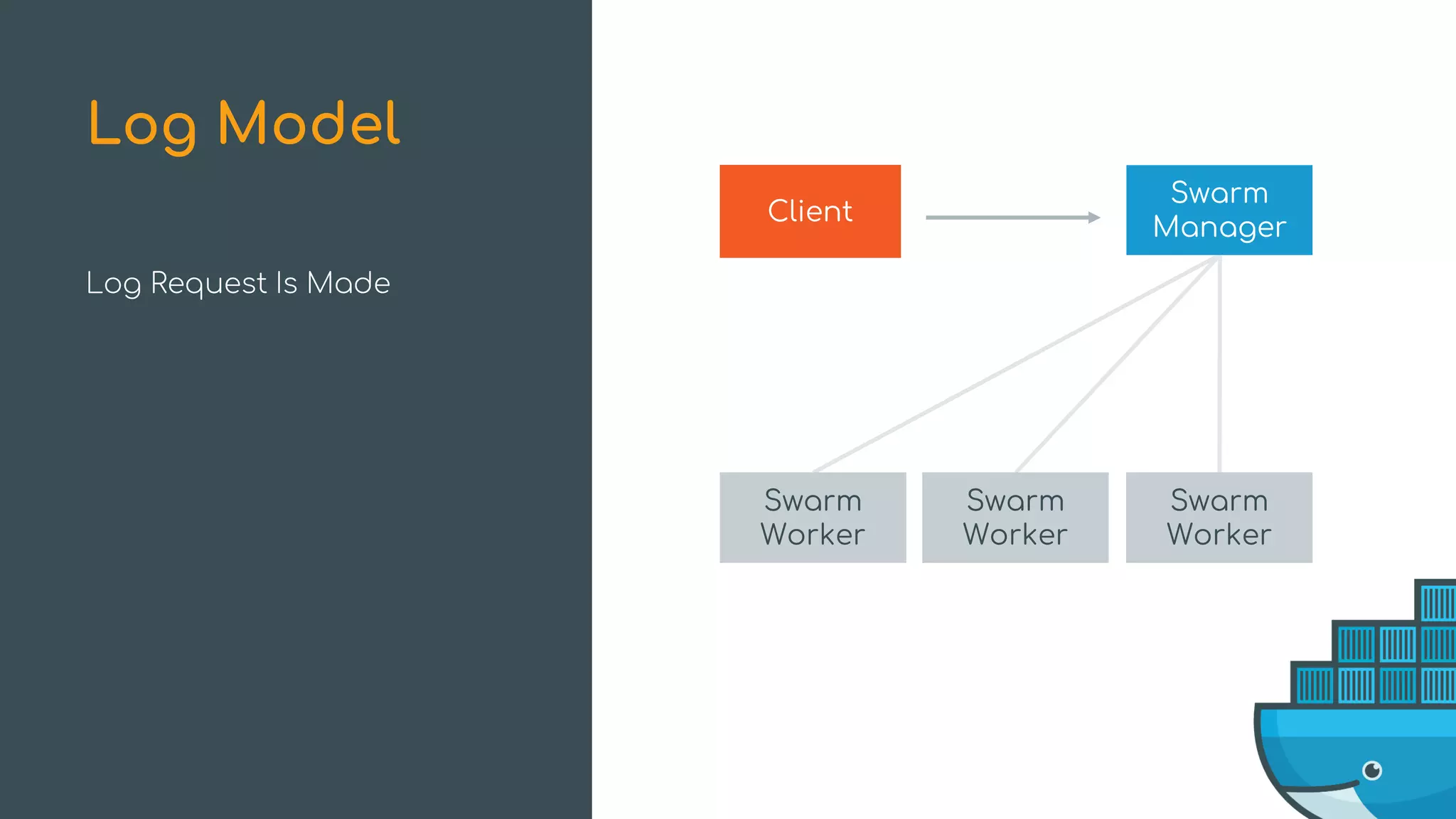
Log Request Is Made
Log Model
Swarm
Worker
Swarm
Worker
Swarm
Worker
Client
Swarm
Manager
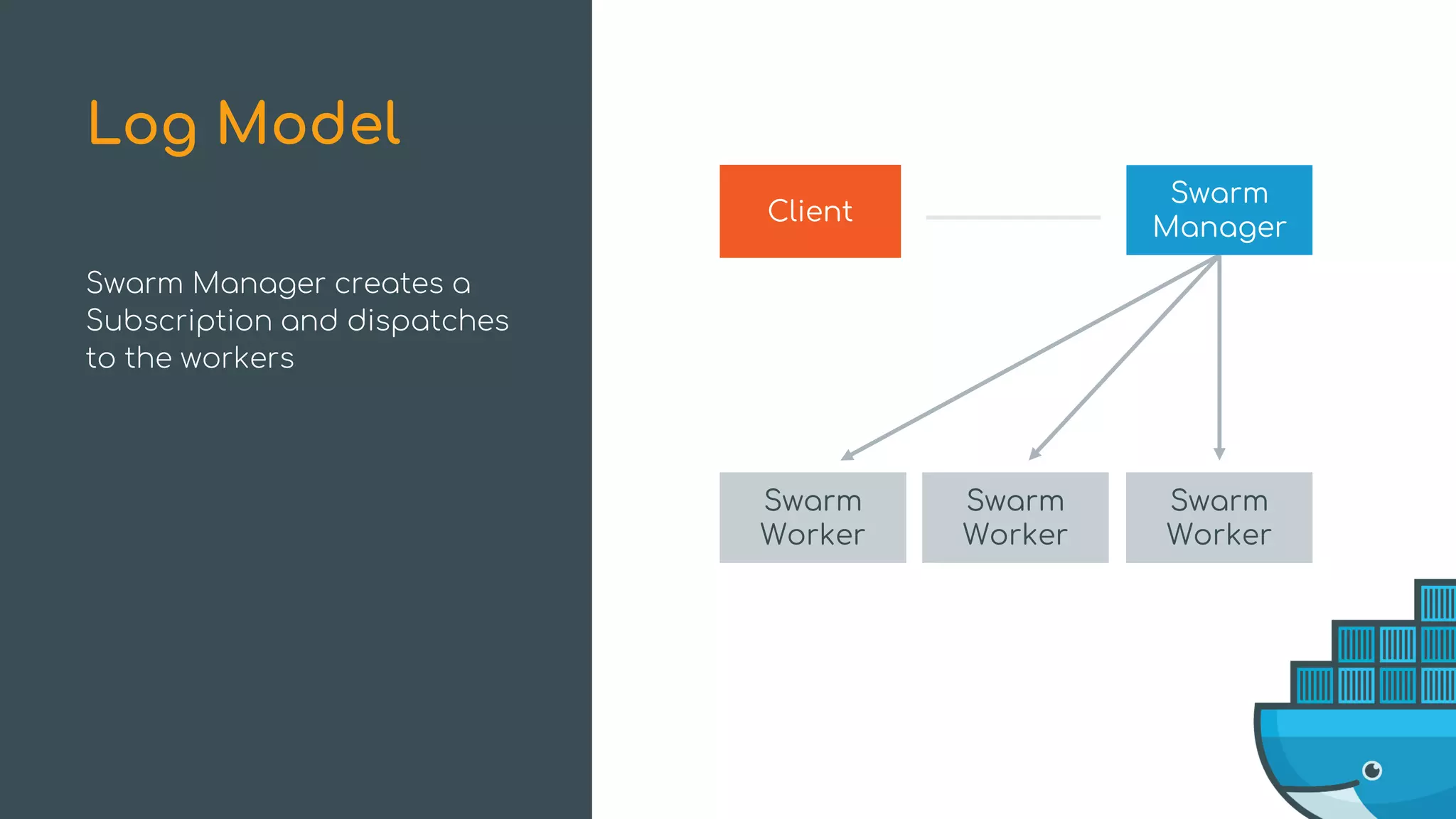
Swarm Manager creates a
Subscription and dispatches
to the workers
Log Model
Swarm
Worker
Swarm
Worker
Swarm
Worker
Client
Swarm
Manager
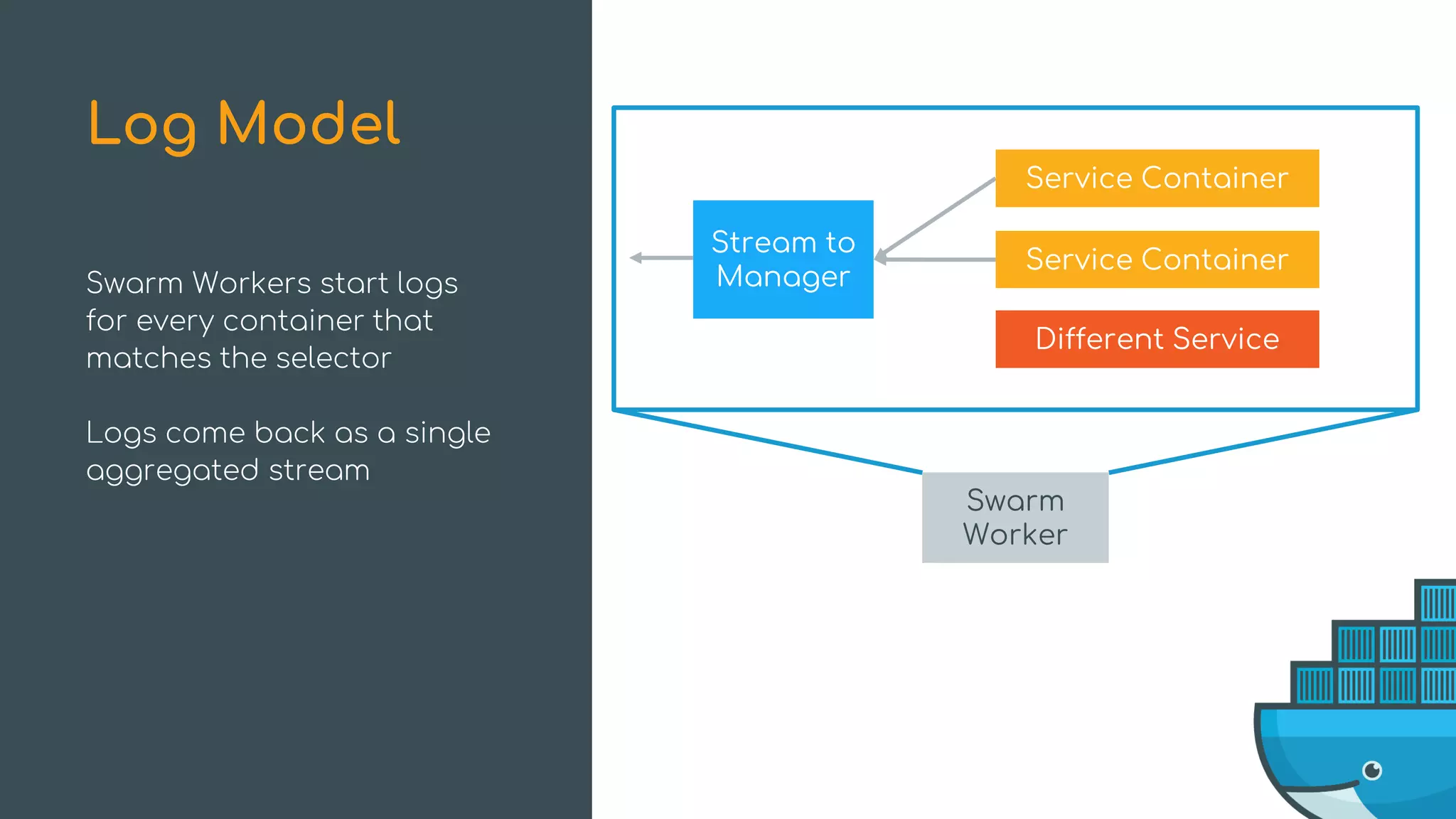
Swarm Workers start logs
for every container that
matches the selector
Logs come back as a single
aggregated stream
Log Model
Swarm
Worker
Stream to
Manager
Service Container
Service Container
Different Service
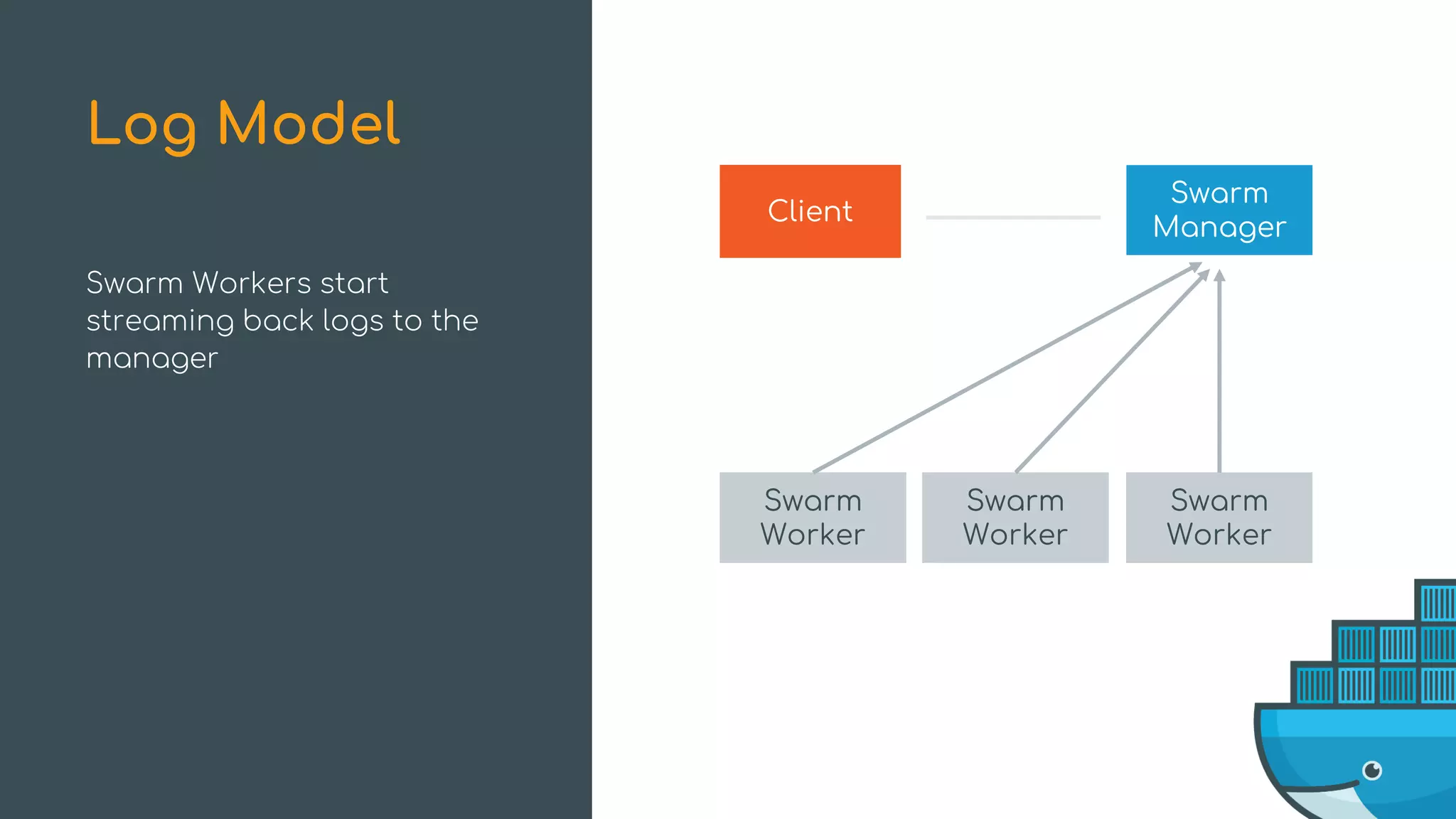
Swarm Workers start
streaming back logs to the
manager
Log Model
Swarm
Worker
Swarm
Worker
Swarm
Worker
Client
Swarm
Manager
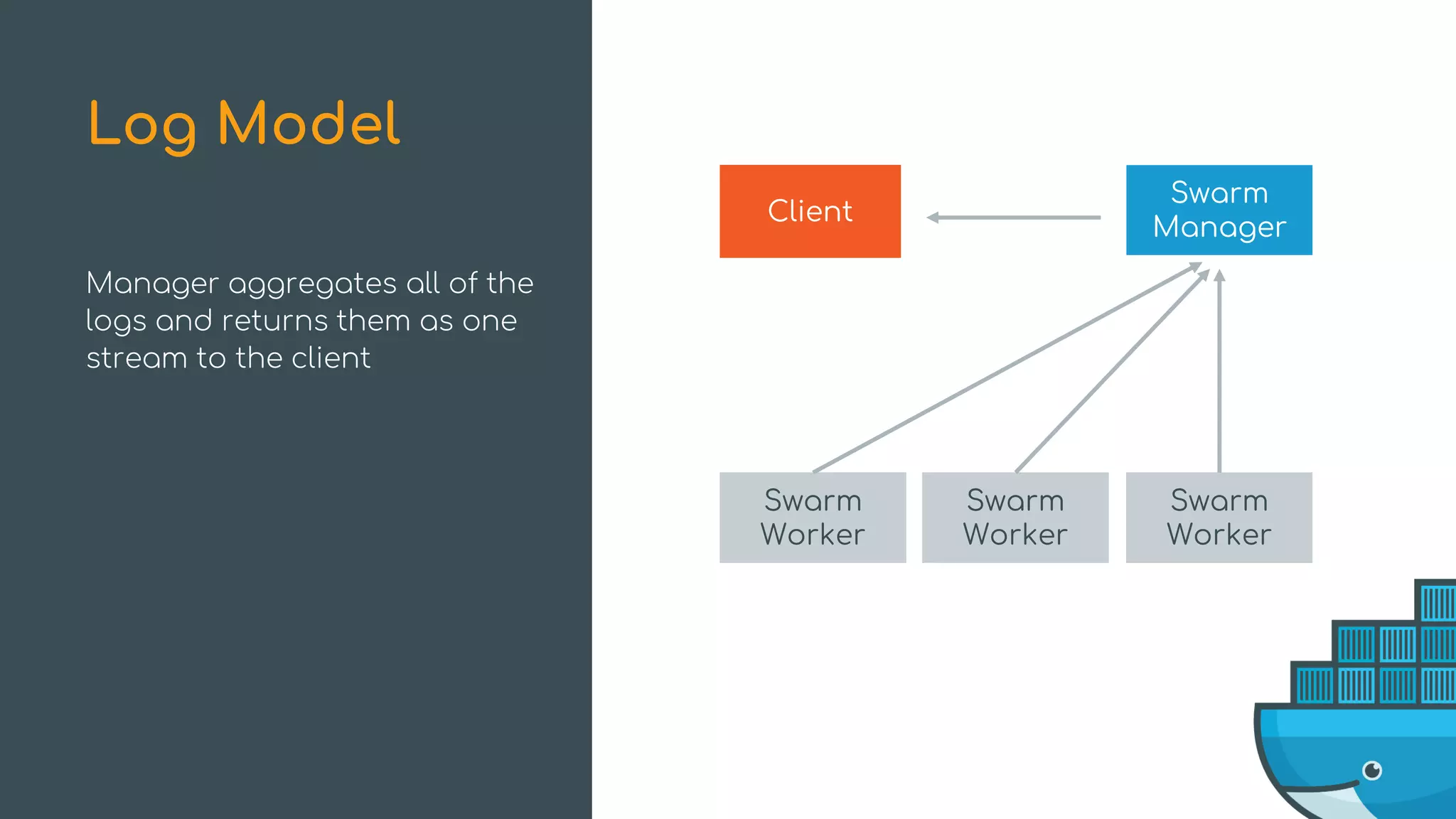
Manager aggregates all of the
logs and returns them as one
stream to the client
Log Model
Swarm
Worker
Swarm
Worker
Swarm
Worker
Client
Swarm
Manager
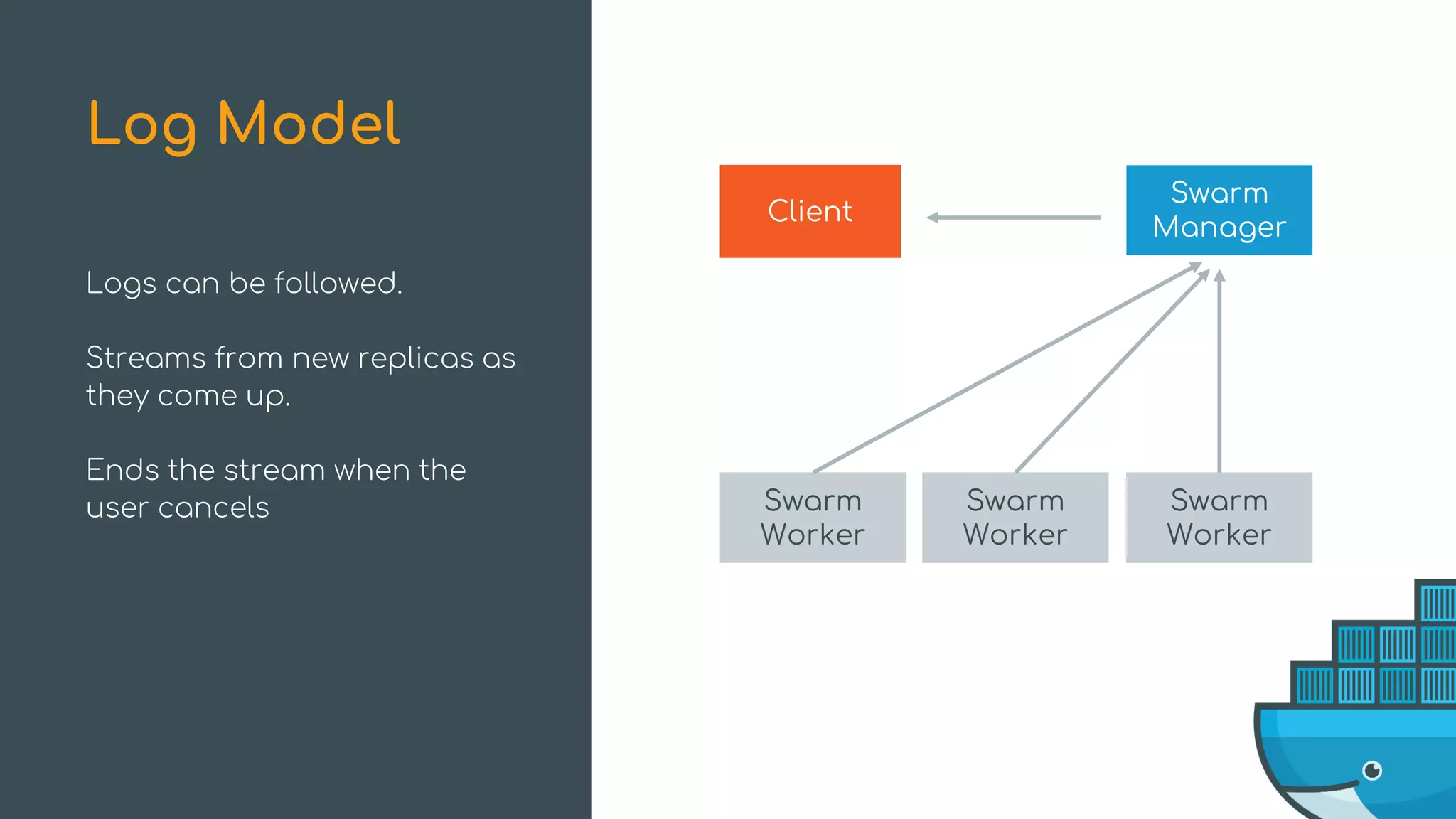
Logs can be followed.
Streams from new replicas as
they come up.
Ends the stream when the
user cancels
Log Model
Swarm
Worker
Swarm
Worker
Swarm
Worker
Client
Swarm
Manager
Summary
Scheduling
- HA scheduling default
- Topologically aware scheduling available
Summary
Security
- Raft log encrypted by default
- Docker Secrets used to pass sensitive
information to services
Summary
Orchestration
- Healthchecks incorporated
- Rolling-updates improvements
Summary
Service Logs
- Easiest way to get aggregate logs
Thank You!
@dperny
@nishanttotla

Under the Hood with Docker Swarm Mode - Drew Erny and Nishant Totla, Docker