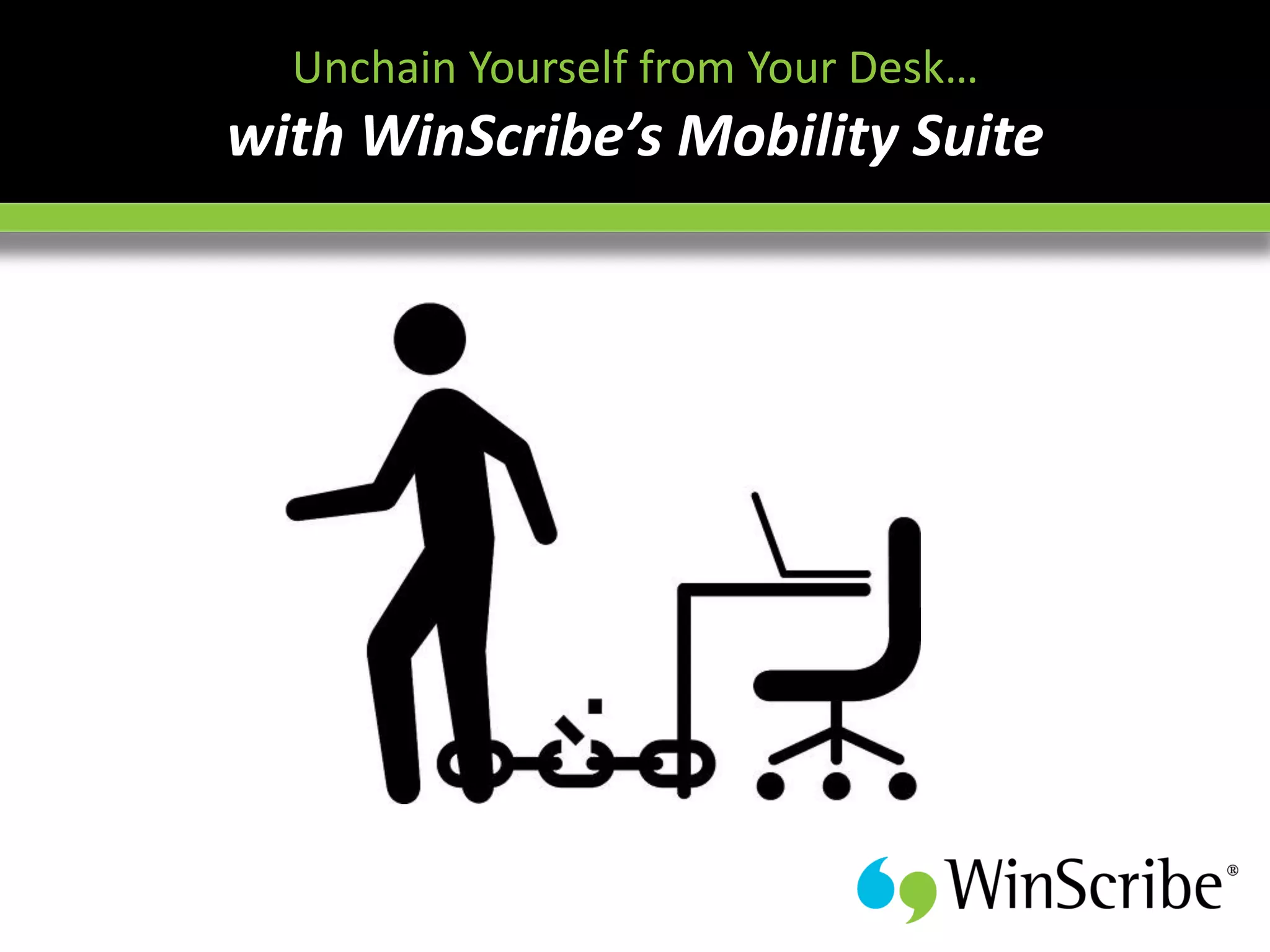




Unchain Yourself from Your Deskโ€ฆ
with WinScribeโ€™s Mobility Suite
You're out of town and that big case just
landed. You've got a 3 hour journey to get to
      the client and present the brief.

     What do you do?
In order to address issues promptly and to stay ahead of the
rivals in your industry, you need tools that will let you be more
efficient and more productive - regardless of whether you are
working in the office, at home, on the move.
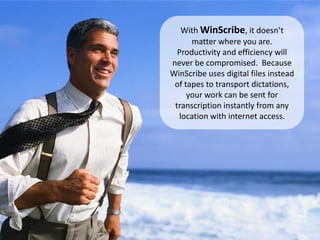
With WinScribe, it doesnโ€™t
      matter where you are.
  Productivity and efficiency will
never be compromised. Because
WinScribe uses digital files instead
 of tapes to transport dictations,
     your work can be sent for
 transcription instantly from any
  location with internet access.
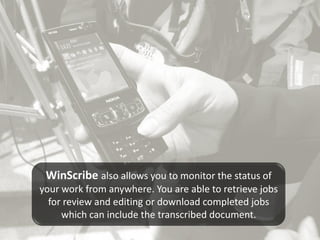
WinScribe also allows you to monitor the status of
your work from anywhere. You are able to retrieve jobs
  for review and editing or download completed jobs
     which can include the transcribed document.
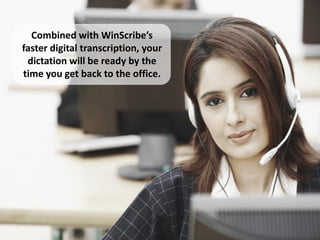
Combined with WinScribeโ€™s
faster digital transcription, your
 dictation will be ready by the
time you get back to the office.
What is WinScribe Dictation?

WinScribe Dictation is a software-based digital dictation, transcription
and workflow routing solution empowering thousands of organizations
globally to take better control of their document management,
dictation and transcription needs.
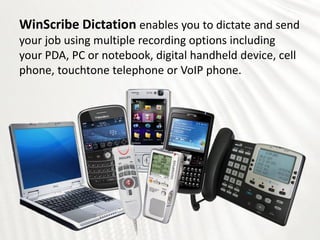
WinScribe Dictation enables you to dictate and send
your job using multiple recording options including
your PDA, PC or notebook, digital handheld device, cell
phone, touchtone telephone or VoIP phone.
Remote access for remote working
Job routing options for spreading/reallocating/outsourcing workload
Built-in reporting for tracking productivity
Job type prioritization for differing job types and priority levels
Optional front and back end integrated speech recognition
Encryption of data and voice for data security
Satellite Dictation Architecture (SDA) for communicating across the local area
network or internet
Web Manager interface for visibility and control of organizational workflow
Integration Tool Kit for seamless integration with backend office systems
Adjustable sound quality for improved productivity
WinScribe Mobility Suite:
Enabling greater collaboration, improved
productivity, and responsiveness is the
foundation to improved business
performance. To achieve these benefits, it
is important that organizations connect their
mobile workforce with their core business
applications such as internet, email, and
dictation.

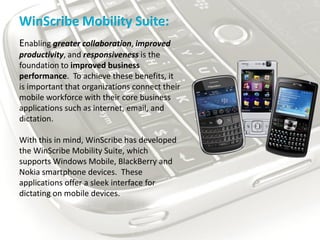
With this in mind, WinScribe has developed
the WinScribe Mobility Suite, which
supports Windows Mobile, BlackBerry and
Nokia smartphone devices. These
applications offer a sleek interface for
dictating on mobile devices.
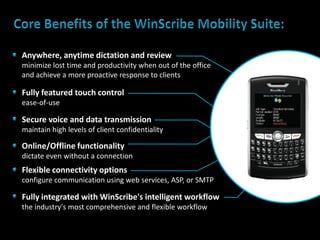
Anywhere, anytime dictation and review
minimize lost time and productivity when out of the office
and achieve a more proactive response to clients

Fully featured touch control
ease-of-use

Secure voice and data transmission
maintain high levels of client confidentiality

Online/Offline functionality
dictate even without a connection
Flexible connectivity options
configure communication using web services, ASP, or SMTP

Fully integrated with WinScribe's intelligent workflow
the industry's most comprehensive and flexible workflow
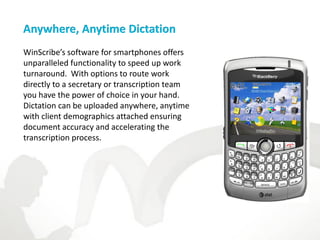
Anywhere, Anytime Dictation
WinScribeโ€™s software for smartphones offers
unparalleled functionality to speed up work
turnaround. With options to route work
directly to a secretary or transcription team
you have the power of choice in your hand.
Dictation can be uploaded anywhere, anytime
with client demographics attached ensuring
document accuracy and accelerating the
transcription process.
Fully Featured Finger Touch Control
WinScribeโ€™s software for smartphones provides
for single-handed operation and finger touch
control of all operations.

Options exists for work type and key field selection
and multimedia support for record โ€“ insert,
overwrite and append, play, fast-forward, and
rewind.
Secure Voice and Data Transmission
We recognize that you need to protect sensitive voice and data. WinScribeโ€™s
software for smartphones can be configured to use 128-bit encryption
ensuring client confidentiality is never compromised.
Online/Offline Functionality
When a connection is not readily available, WinScribe is also able to work in
offline mode. In this instance, voice files are stored on the local device until
a connection is present, or when a PDA device is docked in its cradle and
connected to a PC with Microsoft ActiveSync installed.
Flexible Connection Options
WinScribeโ€™s software for smartphones utilizes native Windows web-based
protocol and communicates with the WinScribe server via HTTP or HTTPS.
This allows authors to dictate while on the move and have the voice files
automatically sent to the server whenever a connection is present. It also
enables administrators to deploy WinScribe with minimal network
configuration .

Depending on the mobile device, connection options for WinScribe include
Web Services, ASP, SMTP, Bluetooth, USB, Cellular data services, etc.
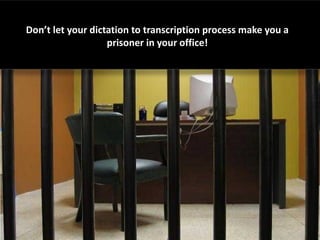
Donโ€™t let your dictation to transcription process make you a
                   prisoner in your office!
Free yourself from the confines of traditional dictation
     methods with the WinScribe Mobility Suite!
Whatever your requirements, WinScribe has a solution to fit.
      WinScribe provides improved dictation and transcription
              workflow, and employee performance.


To learn more about WinScribe and how your can try our software solutions for FREE,
CONTACT US AT:
Australia: +61 (2) 9258 1090
New Zealand: +64 (9) 486 9010
North America: +1 866 494 6727
UK/Europe: +44 (0) 118 984 2133
sales@winscribe.com

Unchain Yourself from Your Desk with WinScribe's Mobility Suite

  • 1.
    Unchain Yourself fromYour Deskโ€ฆ with WinScribeโ€™s Mobility Suite
  • 2.
    You're out oftown and that big case just landed. You've got a 3 hour journey to get to the client and present the brief. What do you do?
  • 3.
    In order toaddress issues promptly and to stay ahead of the rivals in your industry, you need tools that will let you be more efficient and more productive - regardless of whether you are working in the office, at home, on the move.
  • 4.
    With WinScribe, itdoesnโ€™t matter where you are. Productivity and efficiency will never be compromised. Because WinScribe uses digital files instead of tapes to transport dictations, your work can be sent for transcription instantly from any location with internet access.
  • 5.
    WinScribe also allowsyou to monitor the status of your work from anywhere. You are able to retrieve jobs for review and editing or download completed jobs which can include the transcribed document.
  • 6.
    Combined with WinScribeโ€™s fasterdigital transcription, your dictation will be ready by the time you get back to the office.
  • 7.
    What is WinScribeDictation? WinScribe Dictation is a software-based digital dictation, transcription and workflow routing solution empowering thousands of organizations globally to take better control of their document management, dictation and transcription needs.
  • 8.
    WinScribe Dictation enablesyou to dictate and send your job using multiple recording options including your PDA, PC or notebook, digital handheld device, cell phone, touchtone telephone or VoIP phone.
  • 9.
    Remote access forremote working Job routing options for spreading/reallocating/outsourcing workload Built-in reporting for tracking productivity Job type prioritization for differing job types and priority levels Optional front and back end integrated speech recognition Encryption of data and voice for data security Satellite Dictation Architecture (SDA) for communicating across the local area network or internet Web Manager interface for visibility and control of organizational workflow Integration Tool Kit for seamless integration with backend office systems Adjustable sound quality for improved productivity
  • 10.
    WinScribe Mobility Suite: Enablinggreater collaboration, improved productivity, and responsiveness is the foundation to improved business performance. To achieve these benefits, it is important that organizations connect their mobile workforce with their core business applications such as internet, email, and dictation. With this in mind, WinScribe has developed the WinScribe Mobility Suite, which supports Windows Mobile, BlackBerry and Nokia smartphone devices. These applications offer a sleek interface for dictating on mobile devices.
  • 11.
    Anywhere, anytime dictationand review minimize lost time and productivity when out of the office and achieve a more proactive response to clients Fully featured touch control ease-of-use Secure voice and data transmission maintain high levels of client confidentiality Online/Offline functionality dictate even without a connection Flexible connectivity options configure communication using web services, ASP, or SMTP Fully integrated with WinScribe's intelligent workflow the industry's most comprehensive and flexible workflow
  • 12.
    Anywhere, Anytime Dictation WinScribeโ€™ssoftware for smartphones offers unparalleled functionality to speed up work turnaround. With options to route work directly to a secretary or transcription team you have the power of choice in your hand. Dictation can be uploaded anywhere, anytime with client demographics attached ensuring document accuracy and accelerating the transcription process.
  • 13.
    Fully Featured FingerTouch Control WinScribeโ€™s software for smartphones provides for single-handed operation and finger touch control of all operations. Options exists for work type and key field selection and multimedia support for record โ€“ insert, overwrite and append, play, fast-forward, and rewind.
  • 14.
    Secure Voice andData Transmission We recognize that you need to protect sensitive voice and data. WinScribeโ€™s software for smartphones can be configured to use 128-bit encryption ensuring client confidentiality is never compromised.
  • 15.
    Online/Offline Functionality When aconnection is not readily available, WinScribe is also able to work in offline mode. In this instance, voice files are stored on the local device until a connection is present, or when a PDA device is docked in its cradle and connected to a PC with Microsoft ActiveSync installed.
  • 16.
    Flexible Connection Options WinScribeโ€™ssoftware for smartphones utilizes native Windows web-based protocol and communicates with the WinScribe server via HTTP or HTTPS. This allows authors to dictate while on the move and have the voice files automatically sent to the server whenever a connection is present. It also enables administrators to deploy WinScribe with minimal network configuration . Depending on the mobile device, connection options for WinScribe include Web Services, ASP, SMTP, Bluetooth, USB, Cellular data services, etc.
  • 17.
    Donโ€™t let yourdictation to transcription process make you a prisoner in your office!
  • 18.
    Free yourself fromthe confines of traditional dictation methods with the WinScribe Mobility Suite!
  • 19.
    Whatever your requirements,WinScribe has a solution to fit. WinScribe provides improved dictation and transcription workflow, and employee performance. To learn more about WinScribe and how your can try our software solutions for FREE, CONTACT US AT: Australia: +61 (2) 9258 1090 New Zealand: +64 (9) 486 9010 North America: +1 866 494 6727 UK/Europe: +44 (0) 118 984 2133 sales@winscribe.com